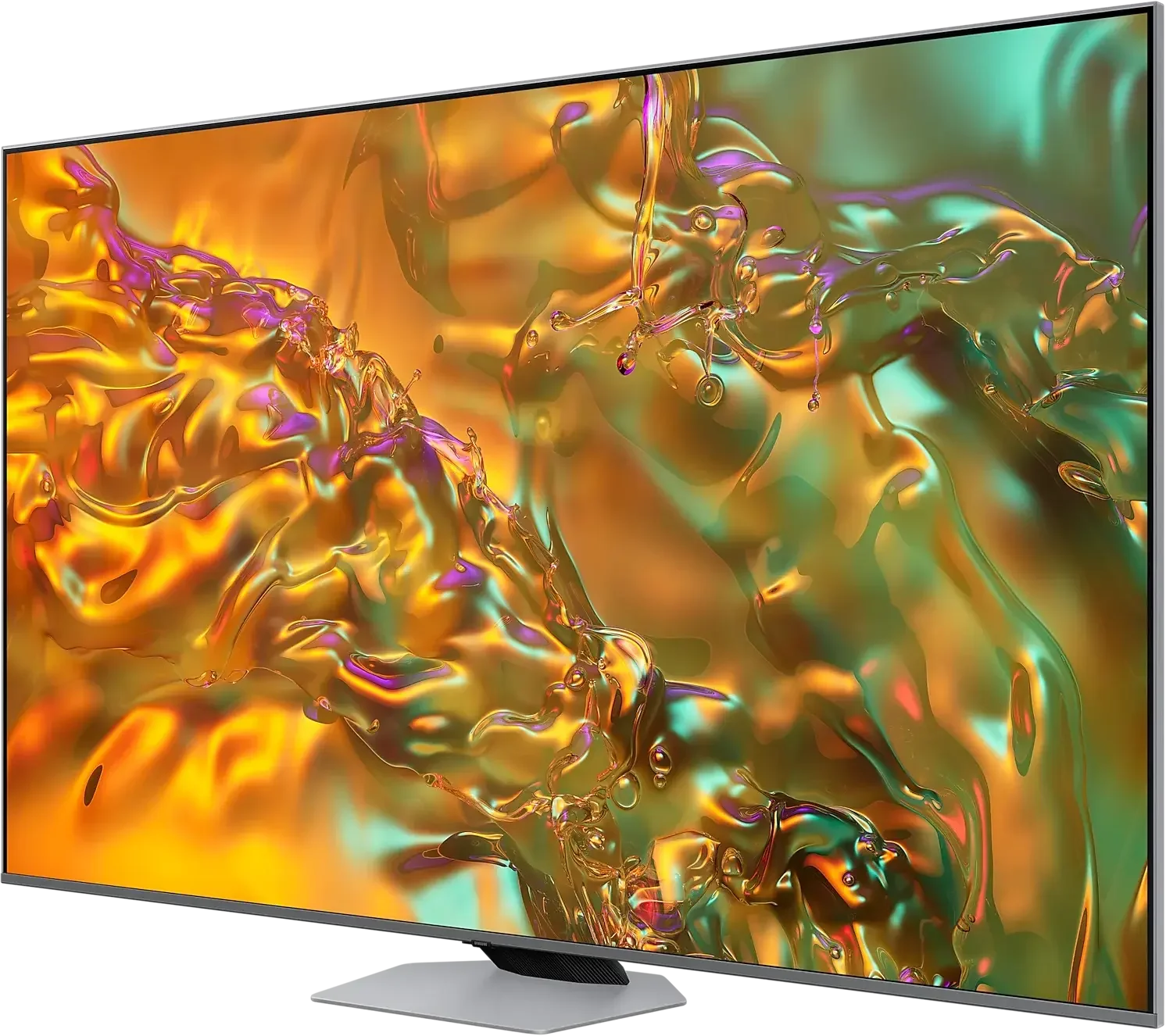
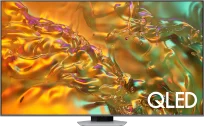
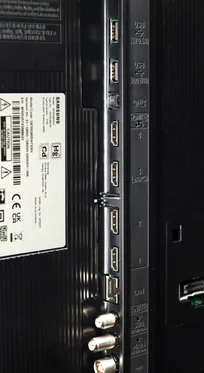
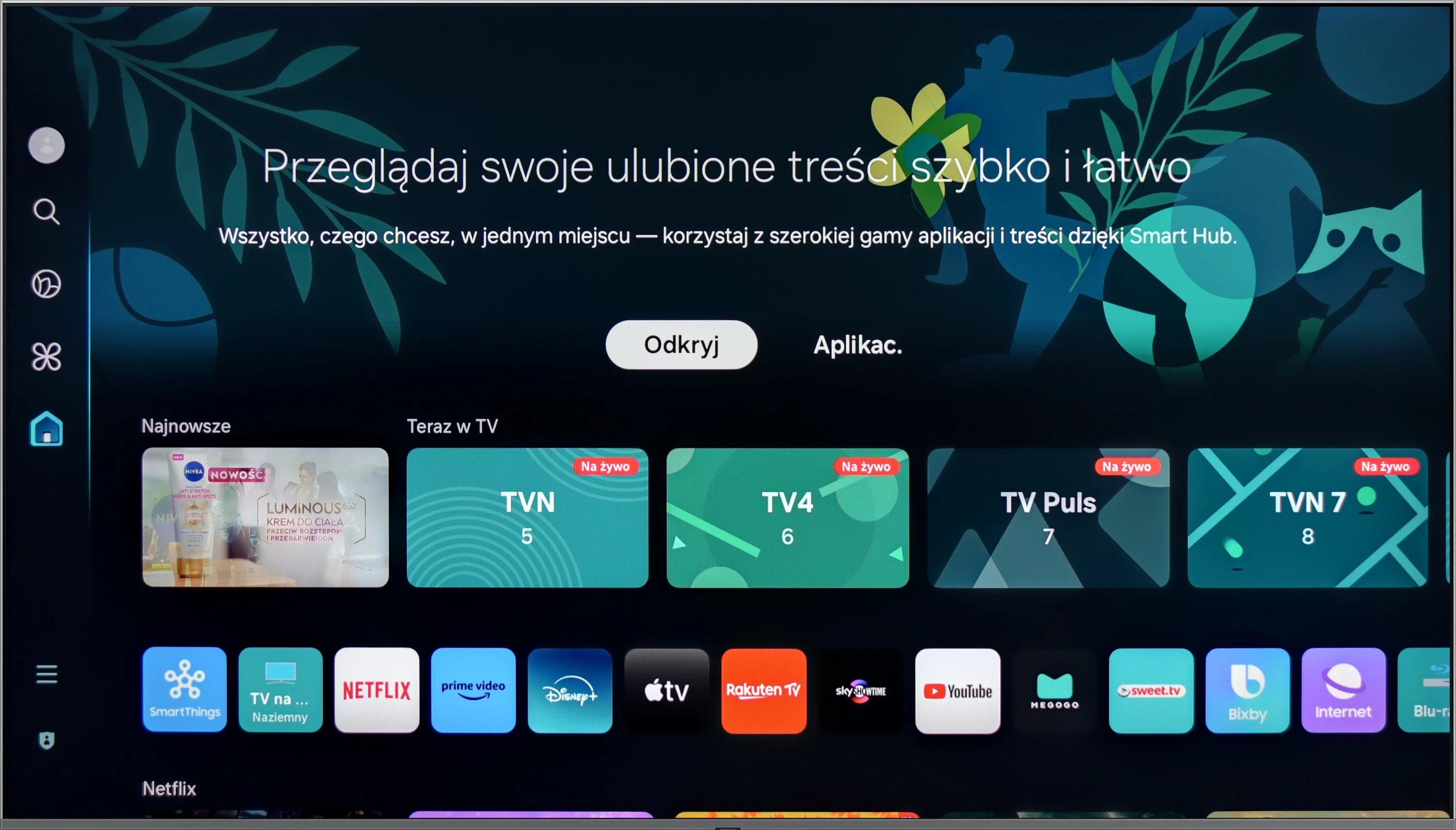
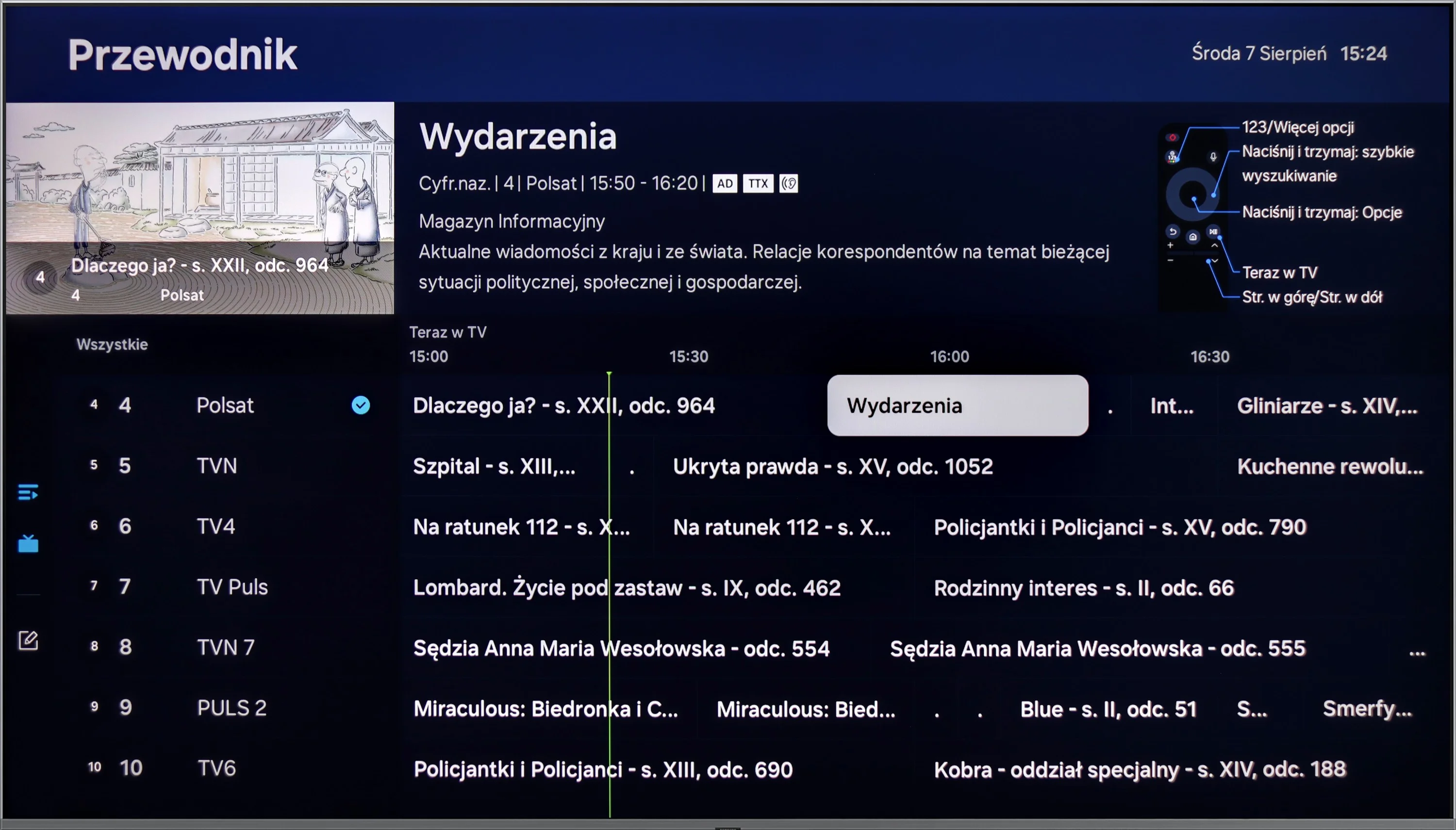
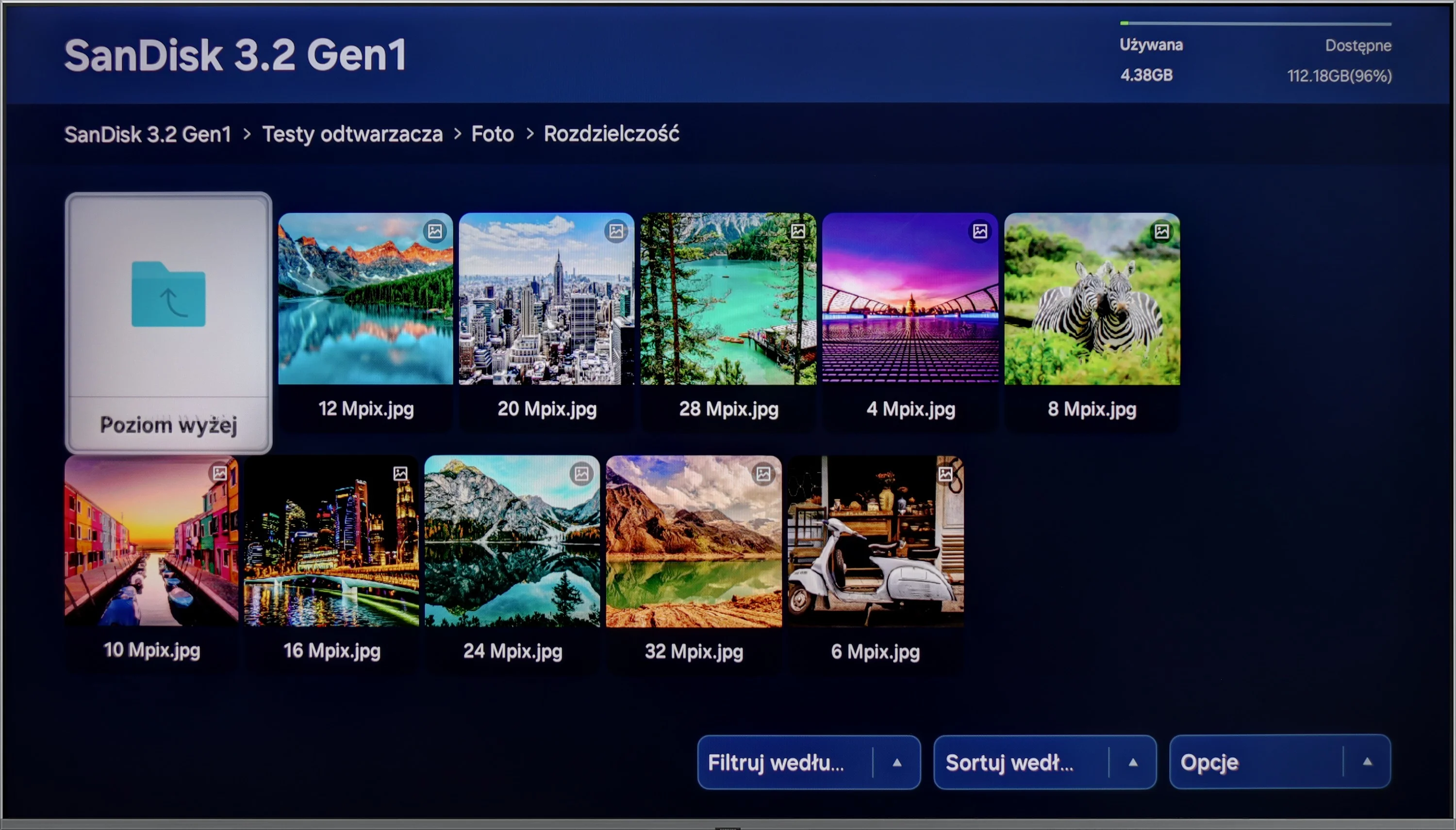
A range of features on the Samsung Q80D television significantly enhances user comfort. Its advanced Tizen system provides an intuitive and smooth interface, making it quick and easy to navigate through apps and settings. With support for a wide array of applications, including popular streaming services, users can access diverse entertainment content without needing additional devices. Notably, the 2024 update includes support for the Polish language.
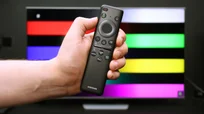
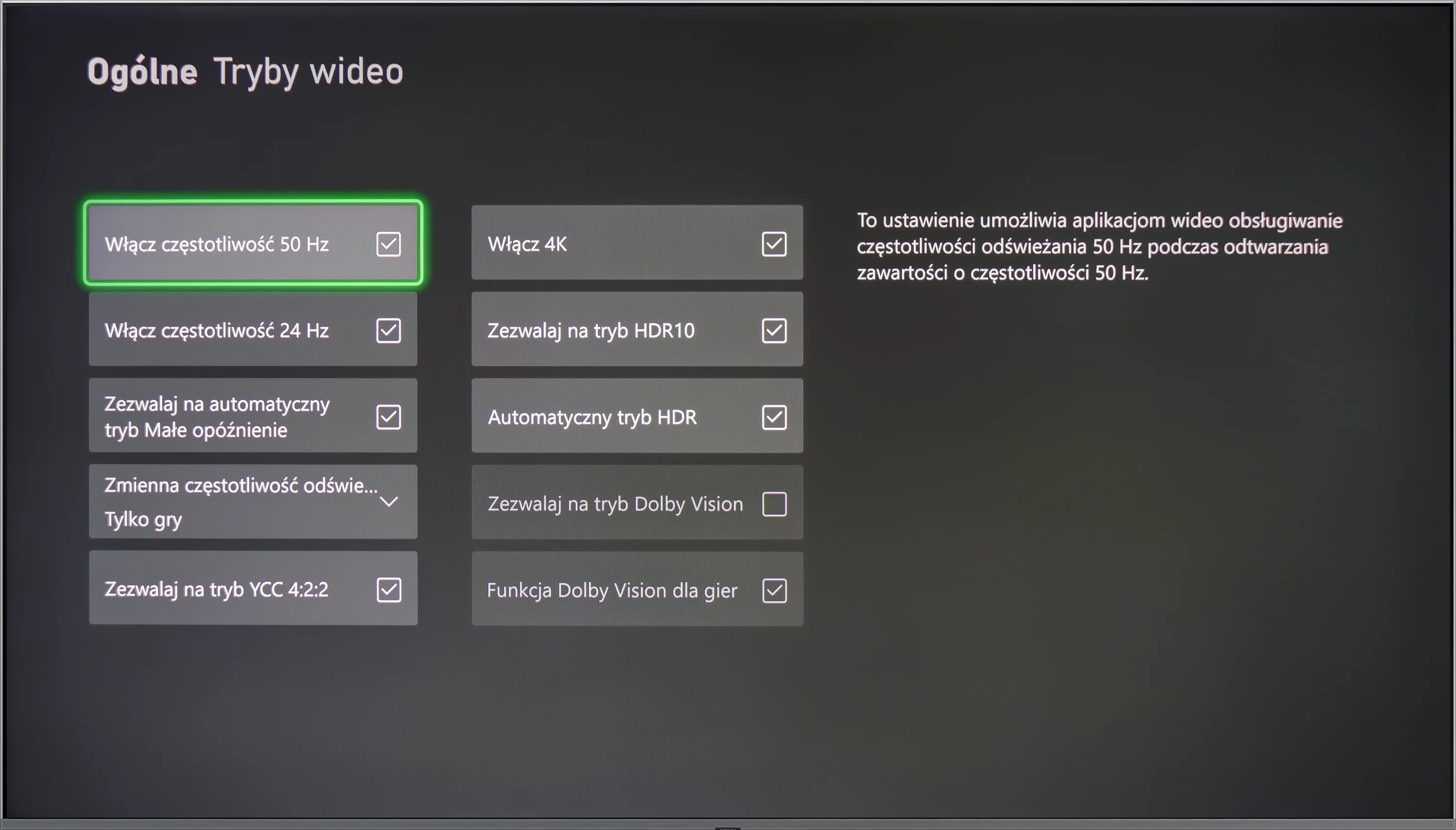
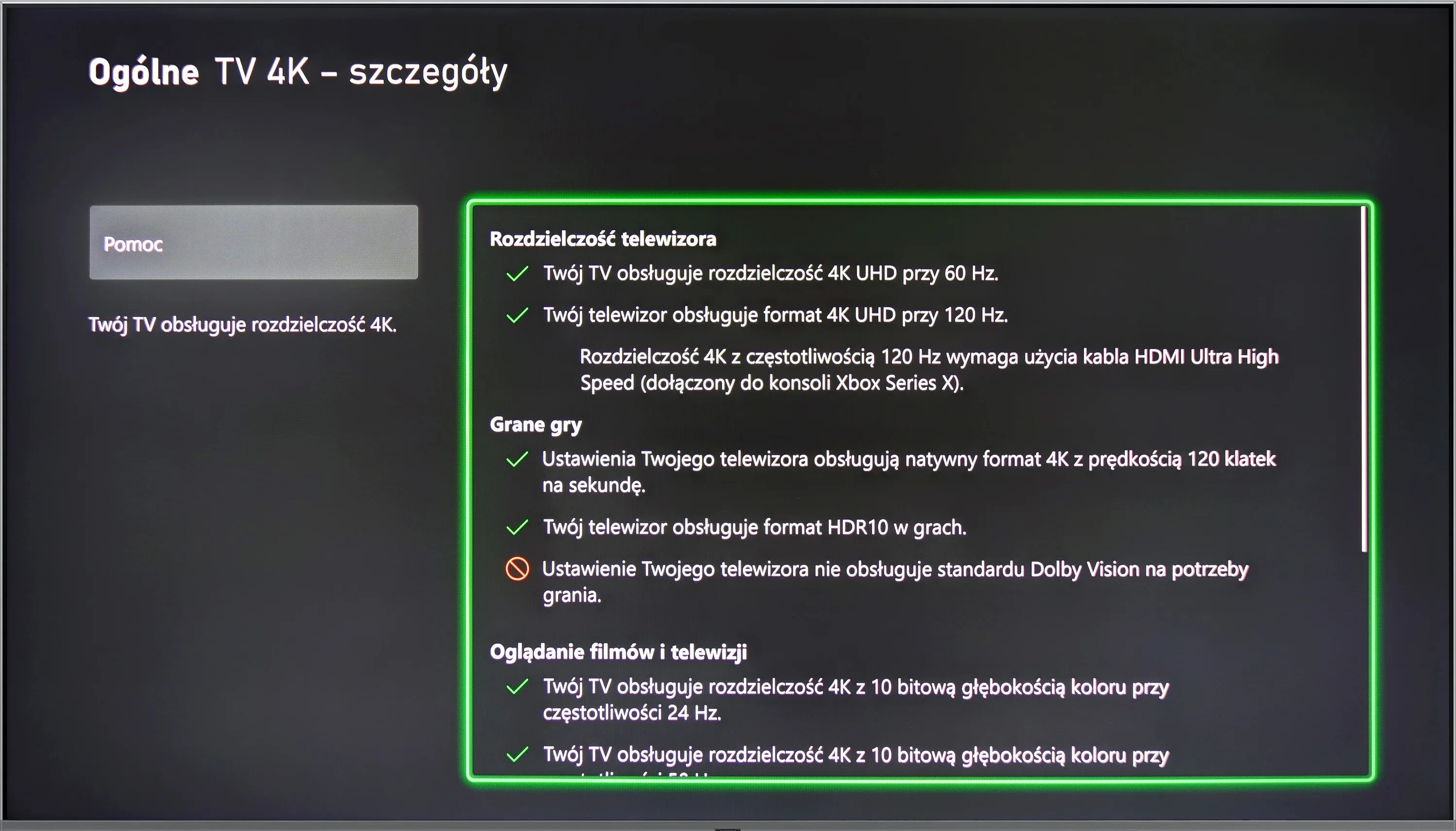
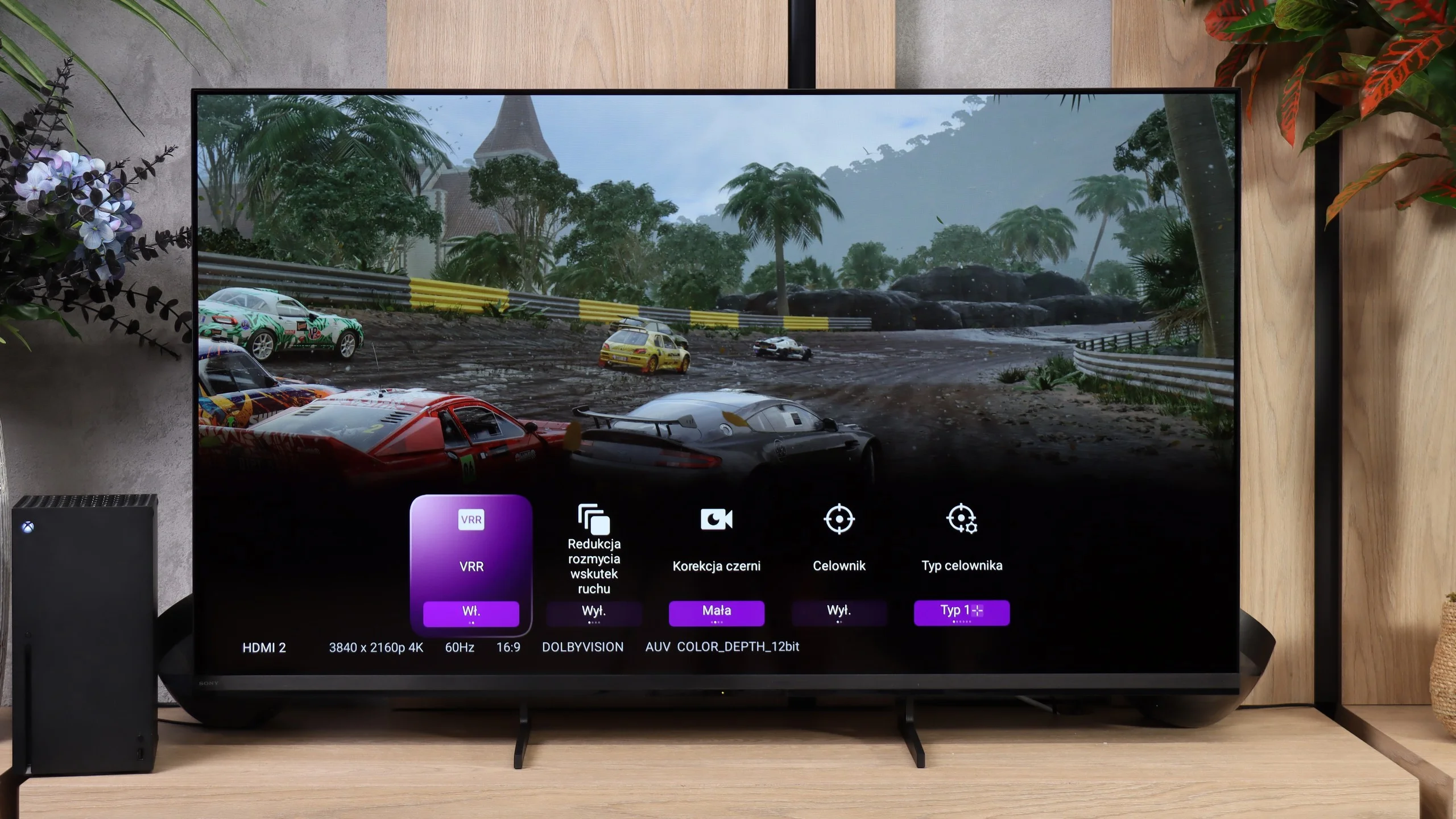
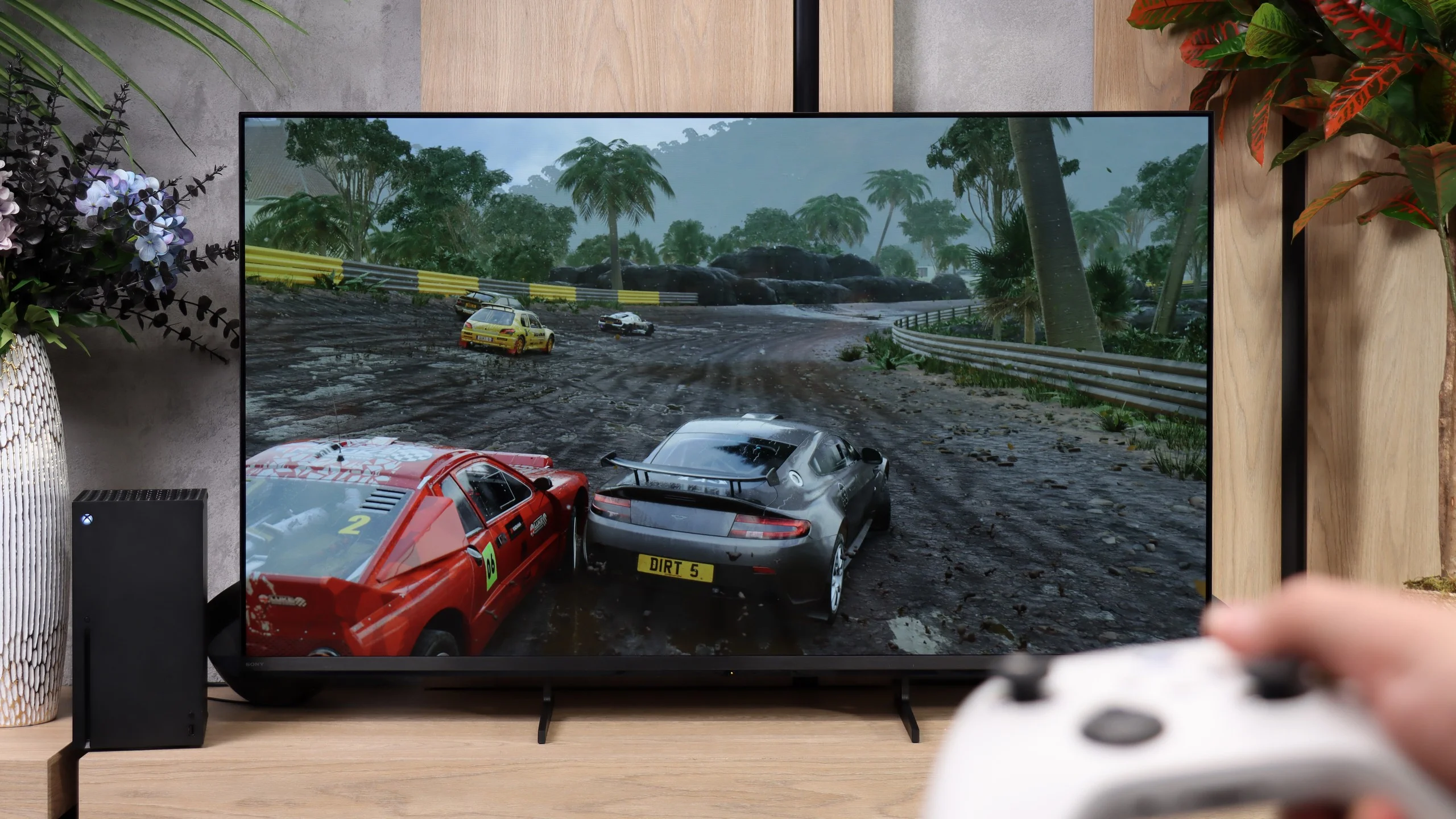
Additionally, the eco-friendly solar remote control offers convenience for everyday use, as it can also manage other devices such as home theatres, decoders (e.g., Canal+), and gaming consoles, which can be challenging for competing manufacturers. Gamers will appreciate several features tailored to enhance their experience. The television supports Variable Refresh Rate (VRR) technology, providing smoother game displays and reducing tearing and stuttering. With low input lag, responses in games are quick and precise.
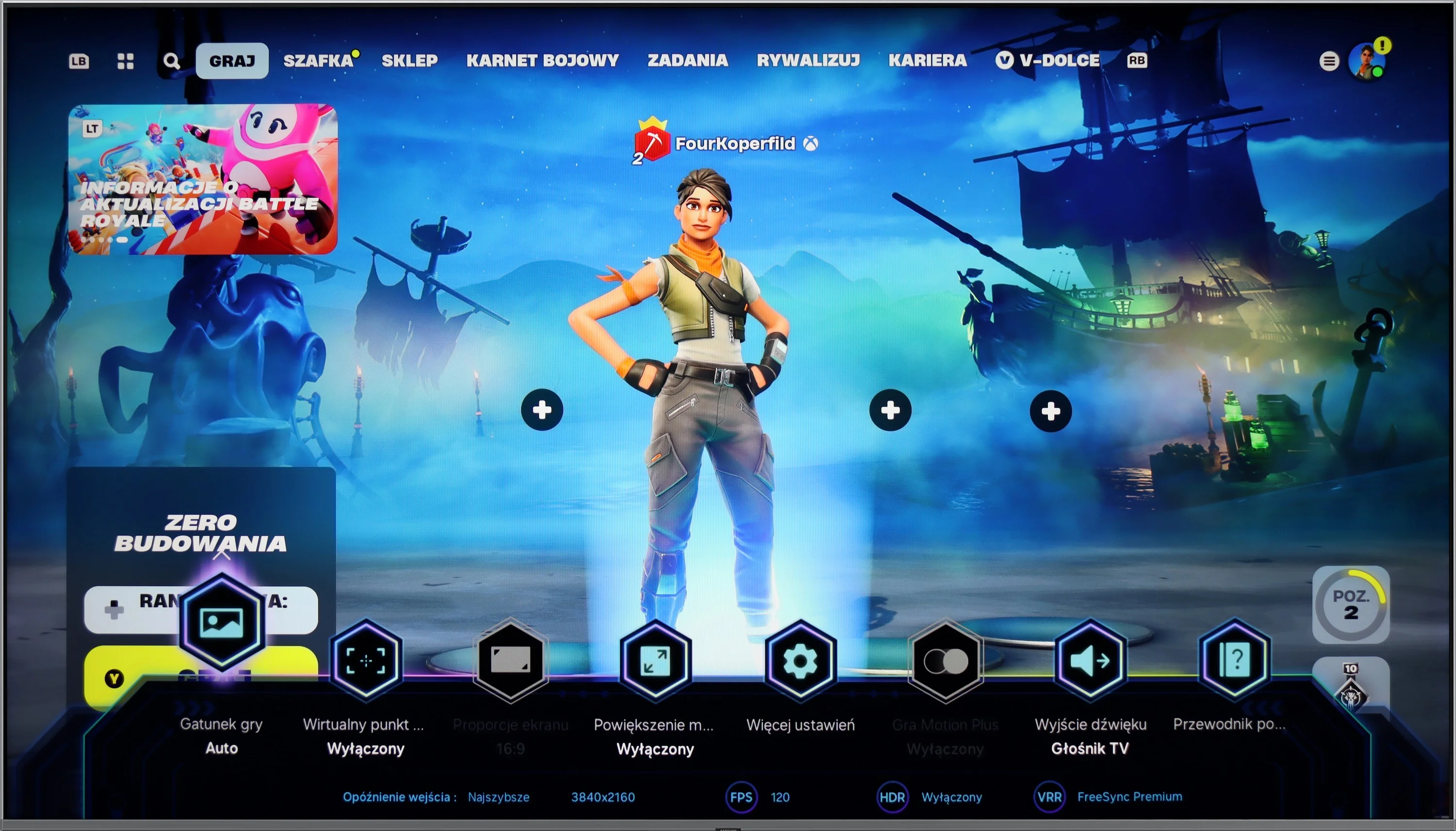
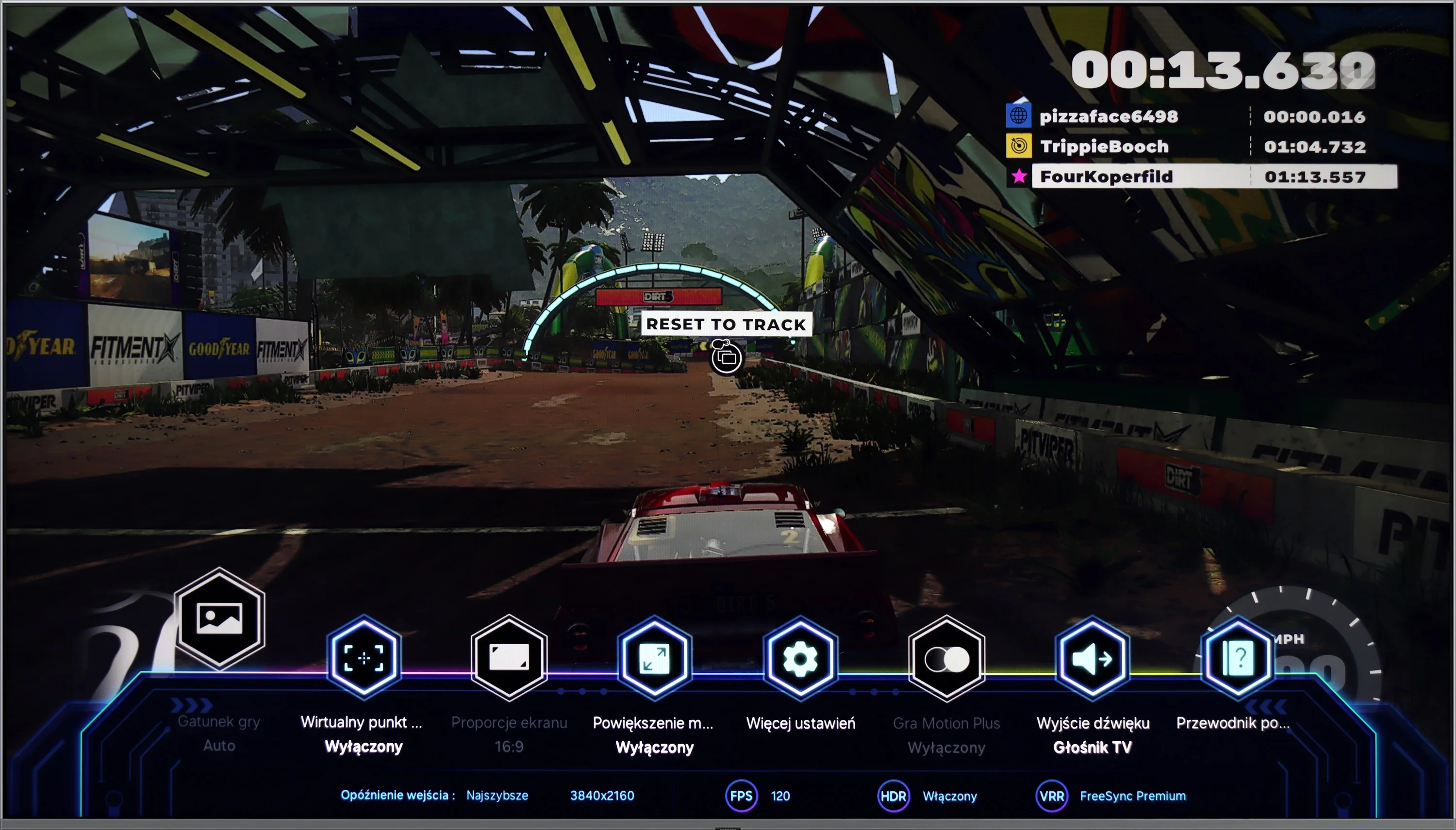
The Game Bar function allows for easy access to key gaming settings without leaving the game, enabling adjustments to parameters such as VRR, input lag, frames per second (FPS), screen ratios, and sound settings, allowing gamers to optimize their experiences in real time. Additionally, the television supports AirPlay for effortless content streaming from Apple devices and connects to various Bluetooth devices, such as mice and headphones, increasing versatility.
However, it is important to note the lack of USB recording support and the absence of DTS audio format compatibility. This limitation means that content encoded in DTS may not be correctly reproduced, which could pose issues for those using Blu-ray discs or multimedia files that rely on this format for high-quality surround sound. To fully enjoy the audio experience, users might need to consider an external player or soundbar that supports DTS.
Smart TV Features: Google TV
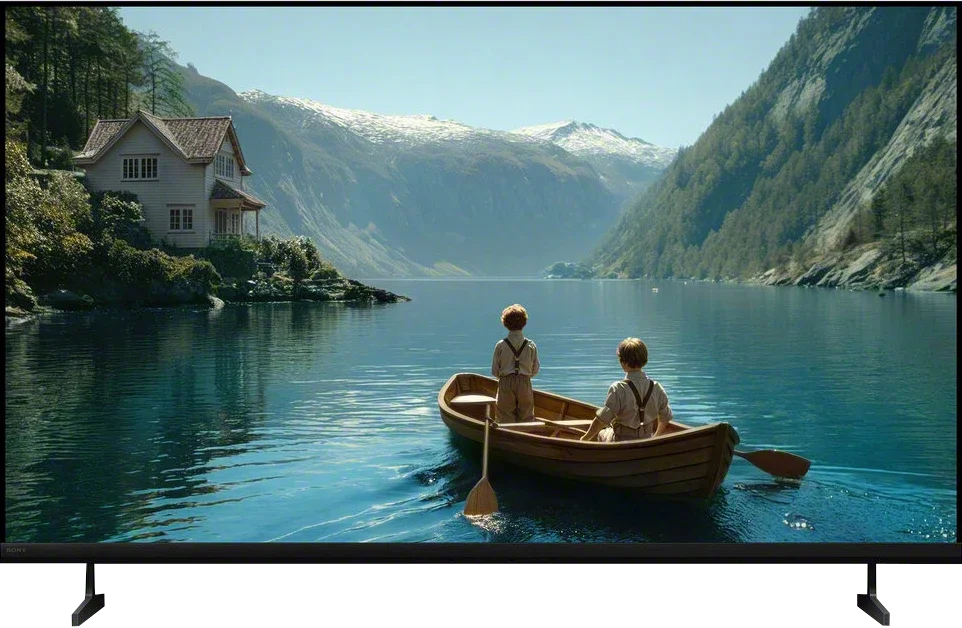
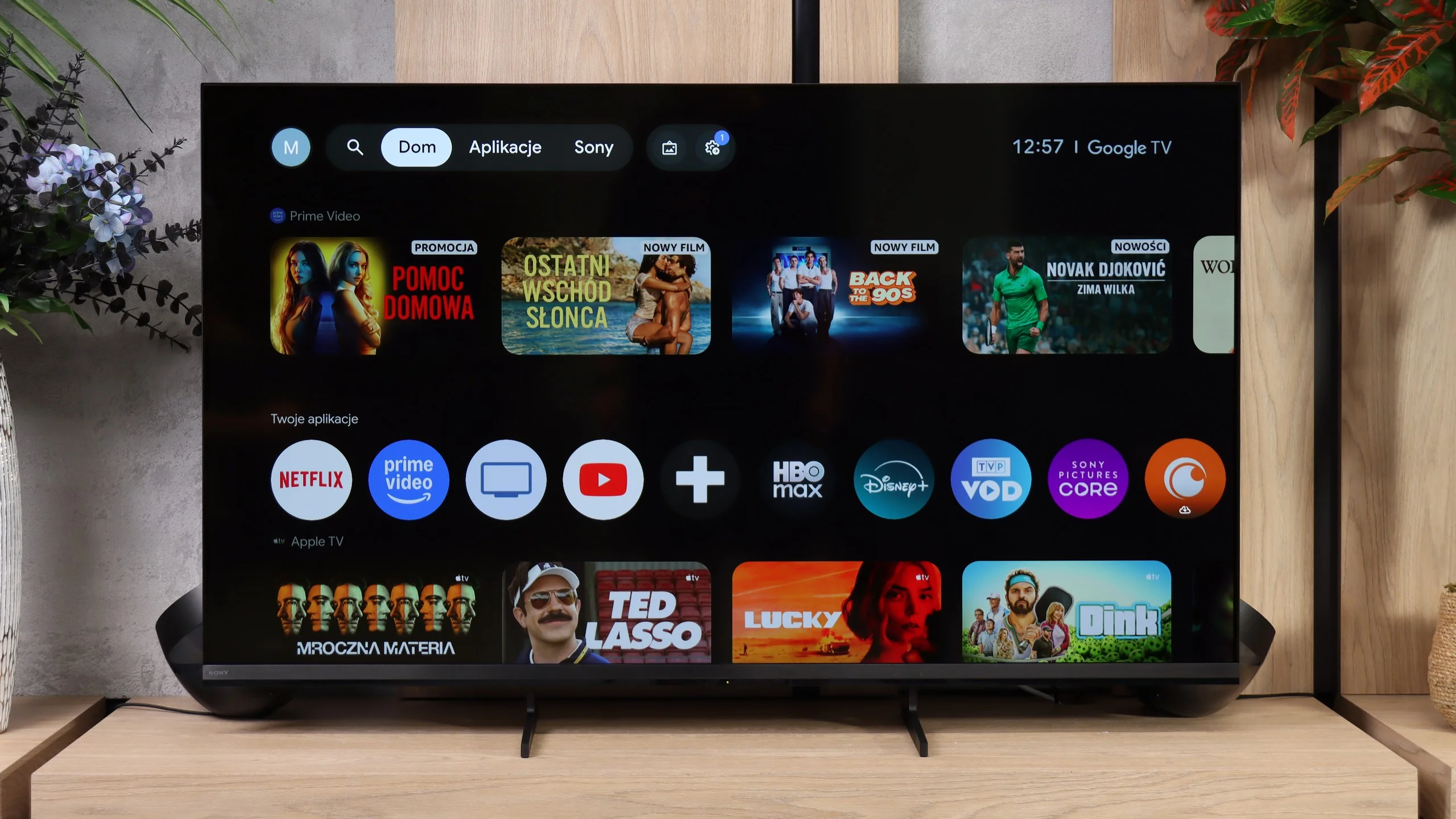
The Bravia 3 II runs on Google TV and, in terms of capabilities, it’s one of the more feature-rich systems currently found in TVs. First and foremost, it offers access to a very large number of apps, so in addition to the most popular streaming platforms you’ll also find many less obvious services without much trouble. Sony also supports AirPlay and Chromecast, making it very convenient to cast content from a smartphone. Voice search also performs well, backed by Gemini, which handles commands in multiple languages and can genuinely make using the TV easier. However, during our tests we ran into one problem: the Bravia 3 II would not correctly receive a picture from a Windows 11 PC via Miracast. So if you want to use the TV as a secondary display for a computer, the safest solution is still a connection via HDMI.
Classic TV features
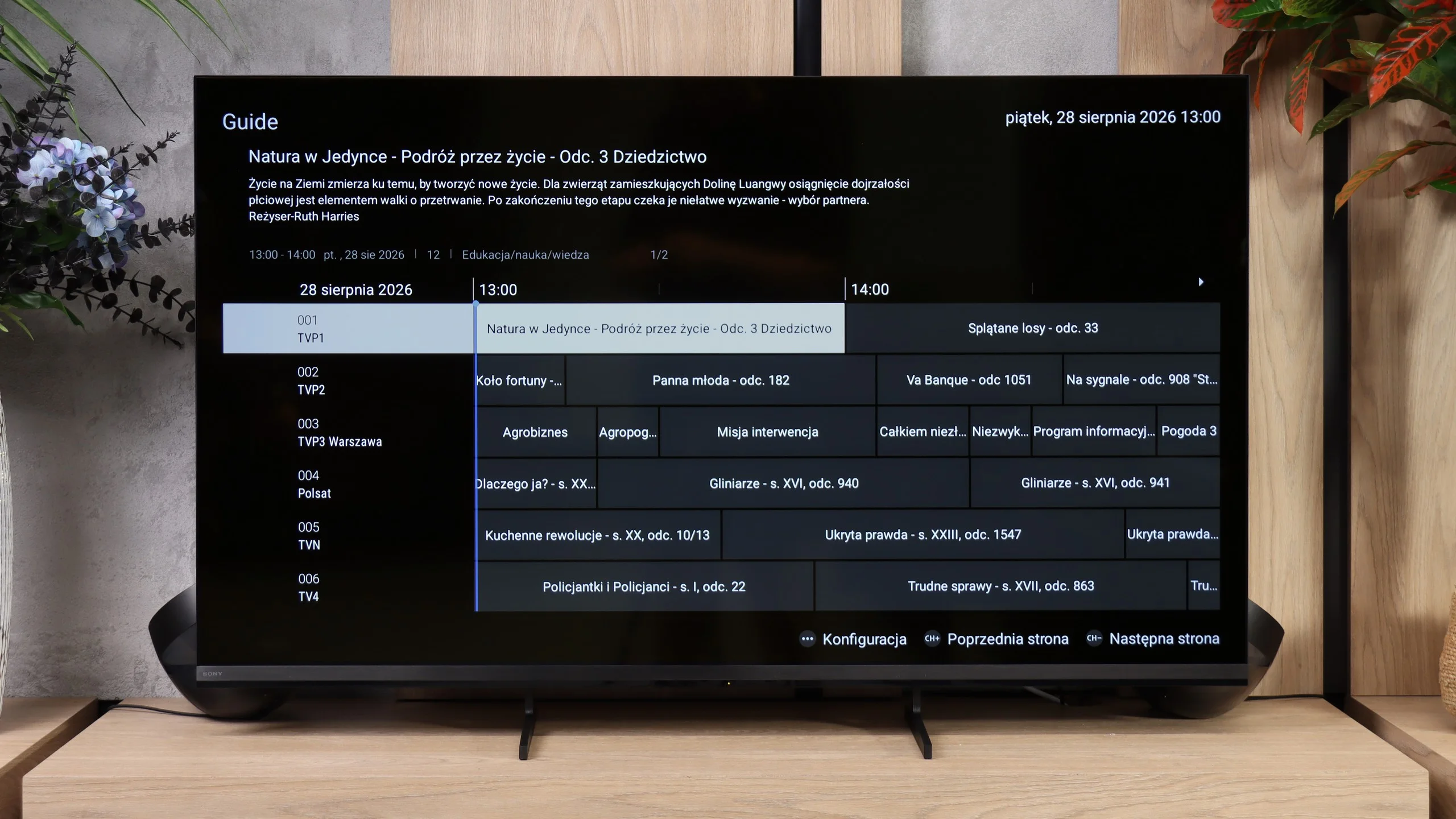
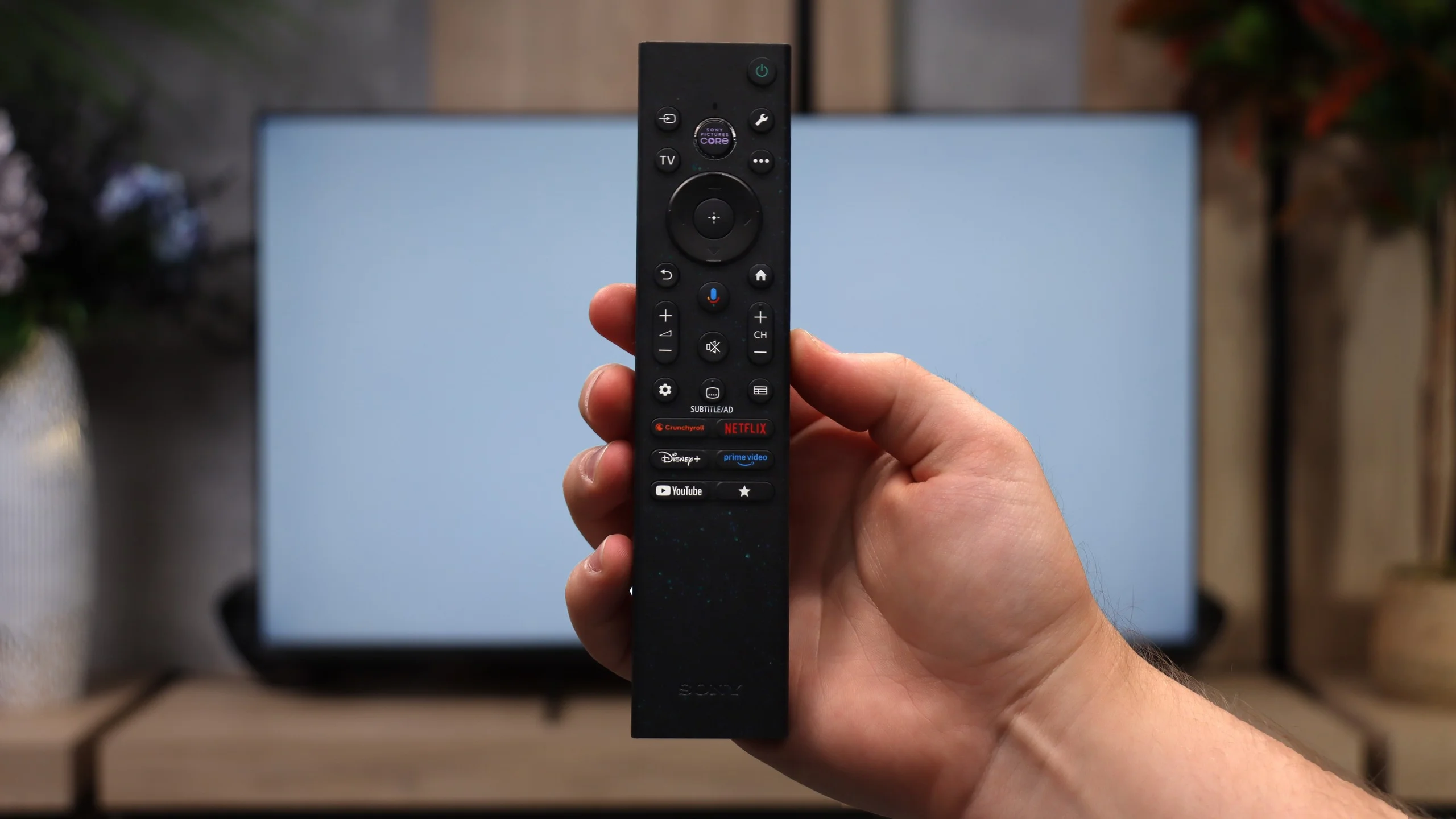
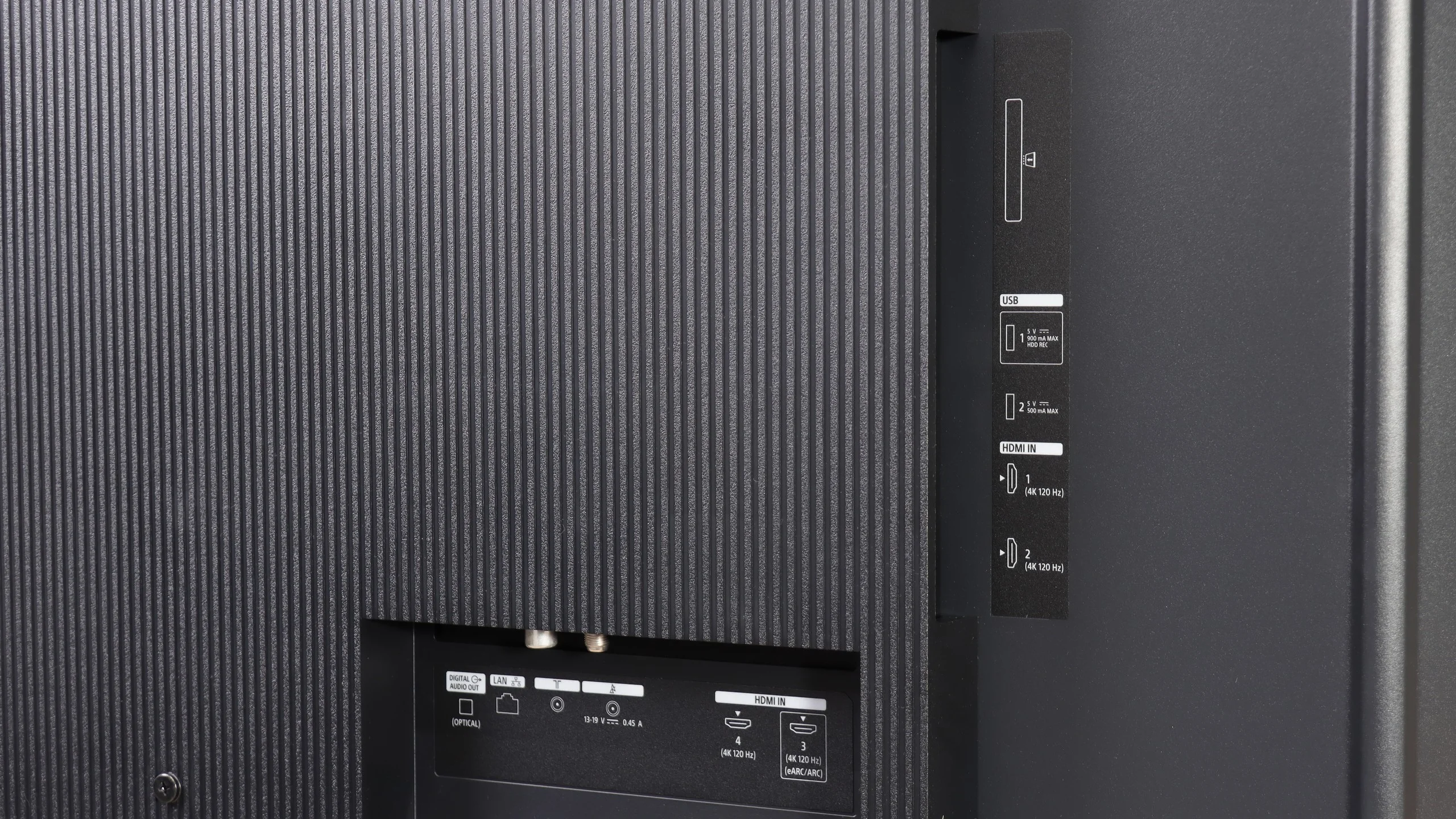
Sony also hasn’t forgotten users who still primarily use regular broadcast TV. The Bravia 3 II supports recording programs to USB, including the ability to schedule recordings via PVR, which is rare these days, especially in cheaper models. There is also teletext and a clear channel guide, so in terms of basic TV functions we really lacked nothing here, perhaps except for picture-in-picture (PiP). It’s notable that the set includes two remote controls. The first is modern and simplified (the non-backlit version), while the second is a classic design with a full numeric keypad. And although it may look a bit old-fashioned, viewers who watch a lot of traditional TV may actually find it more convenient, for example when entering channel numbers.
 Direct comparison