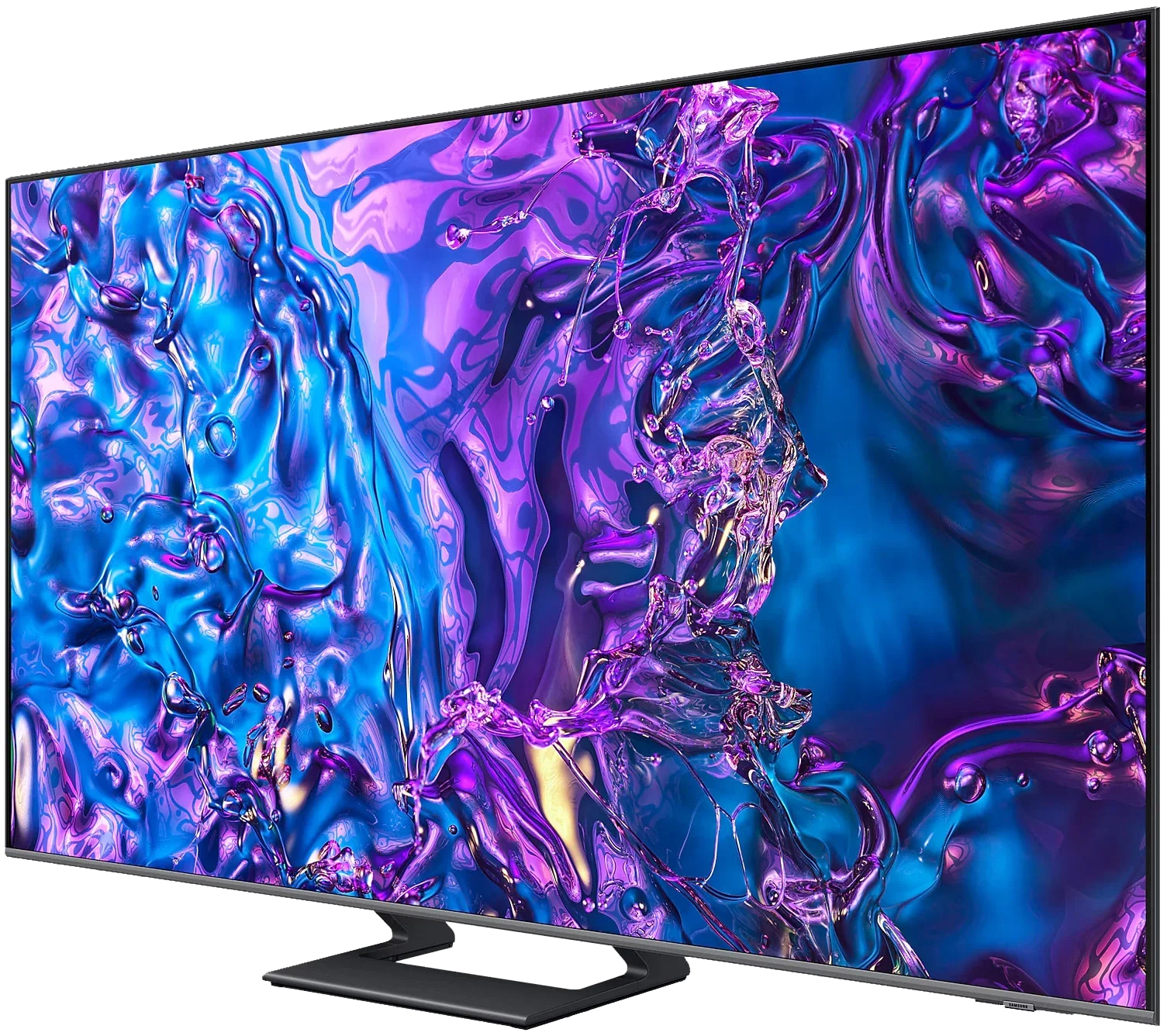
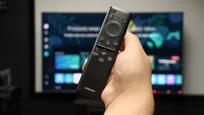
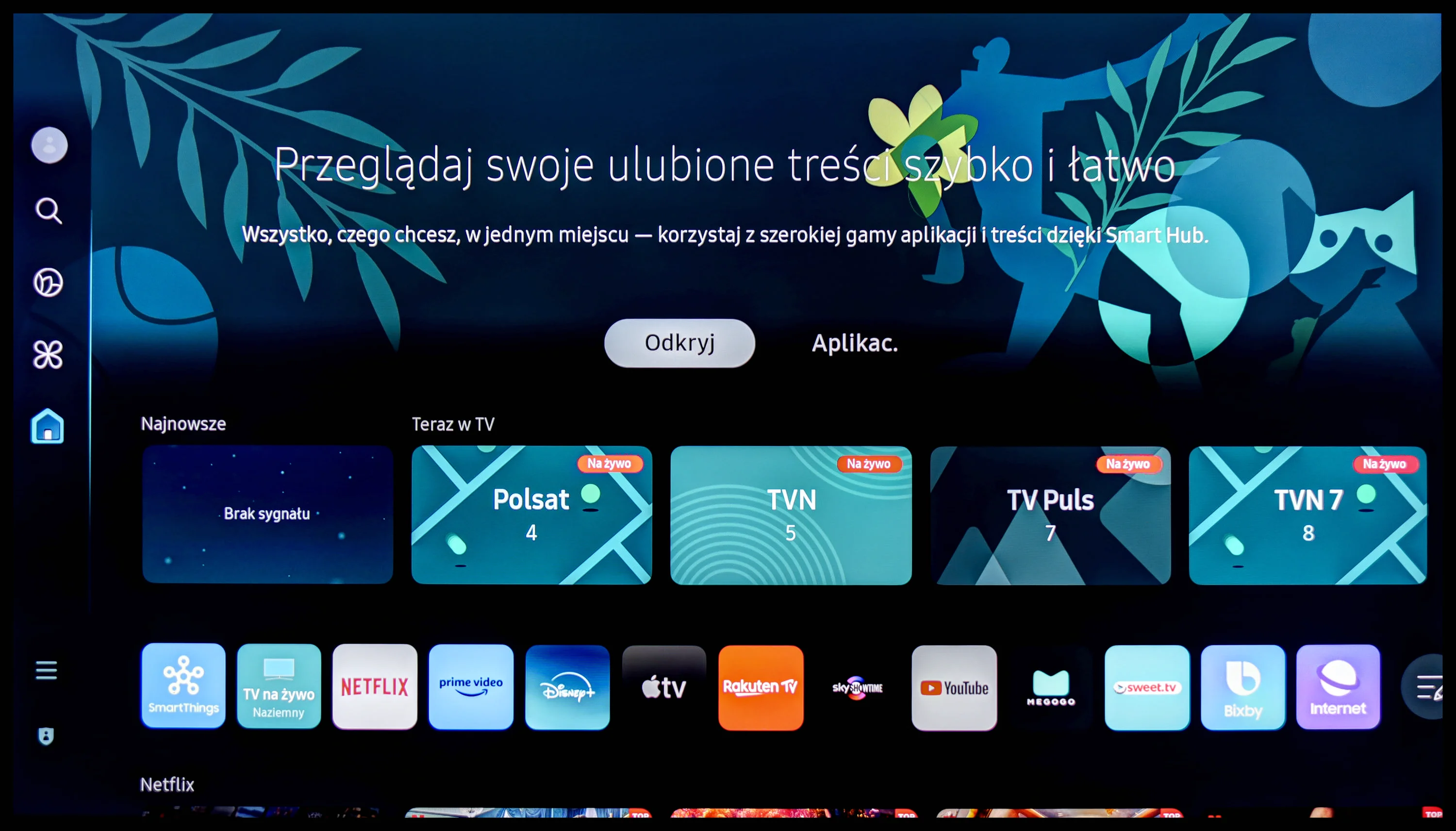
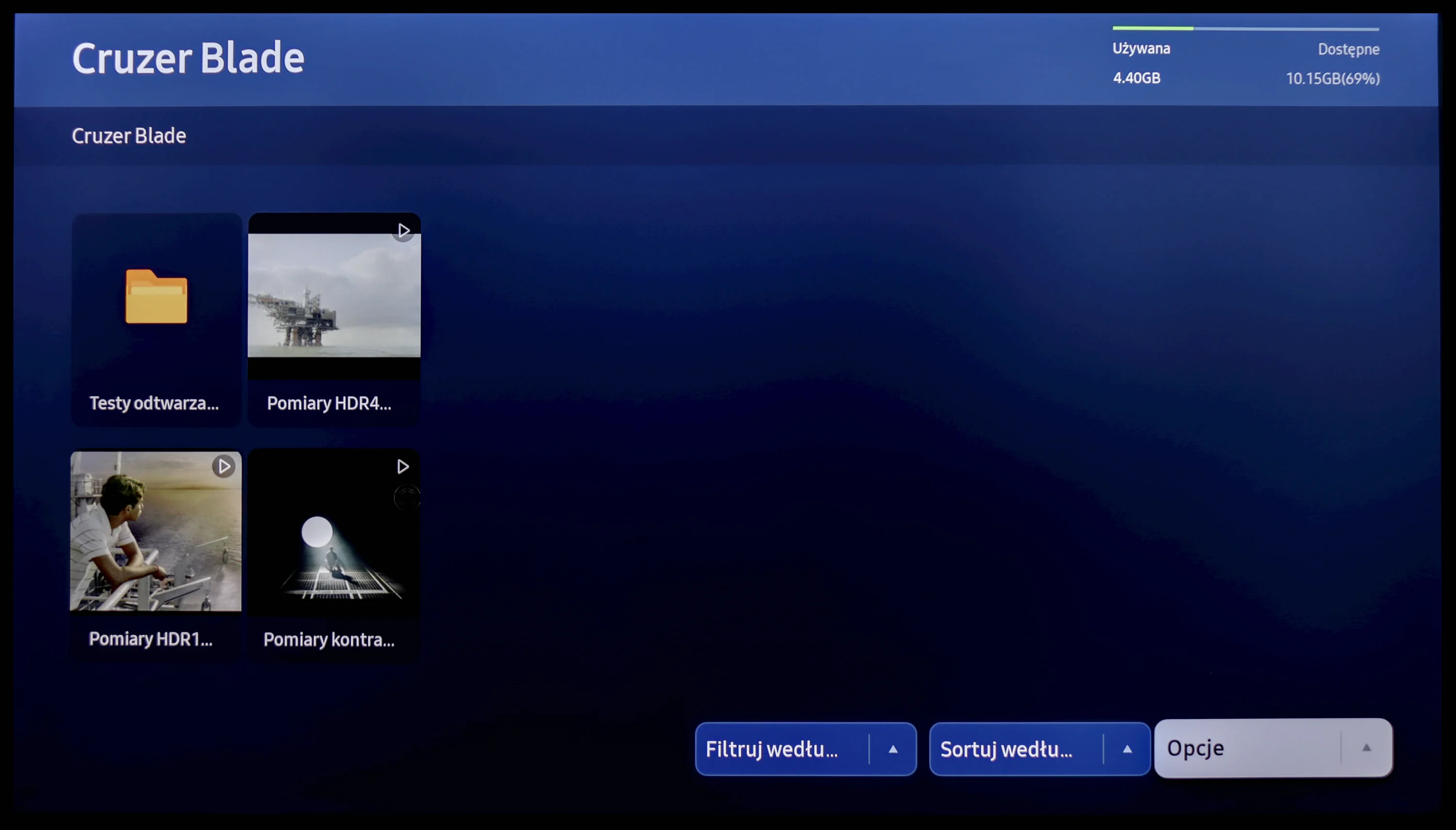
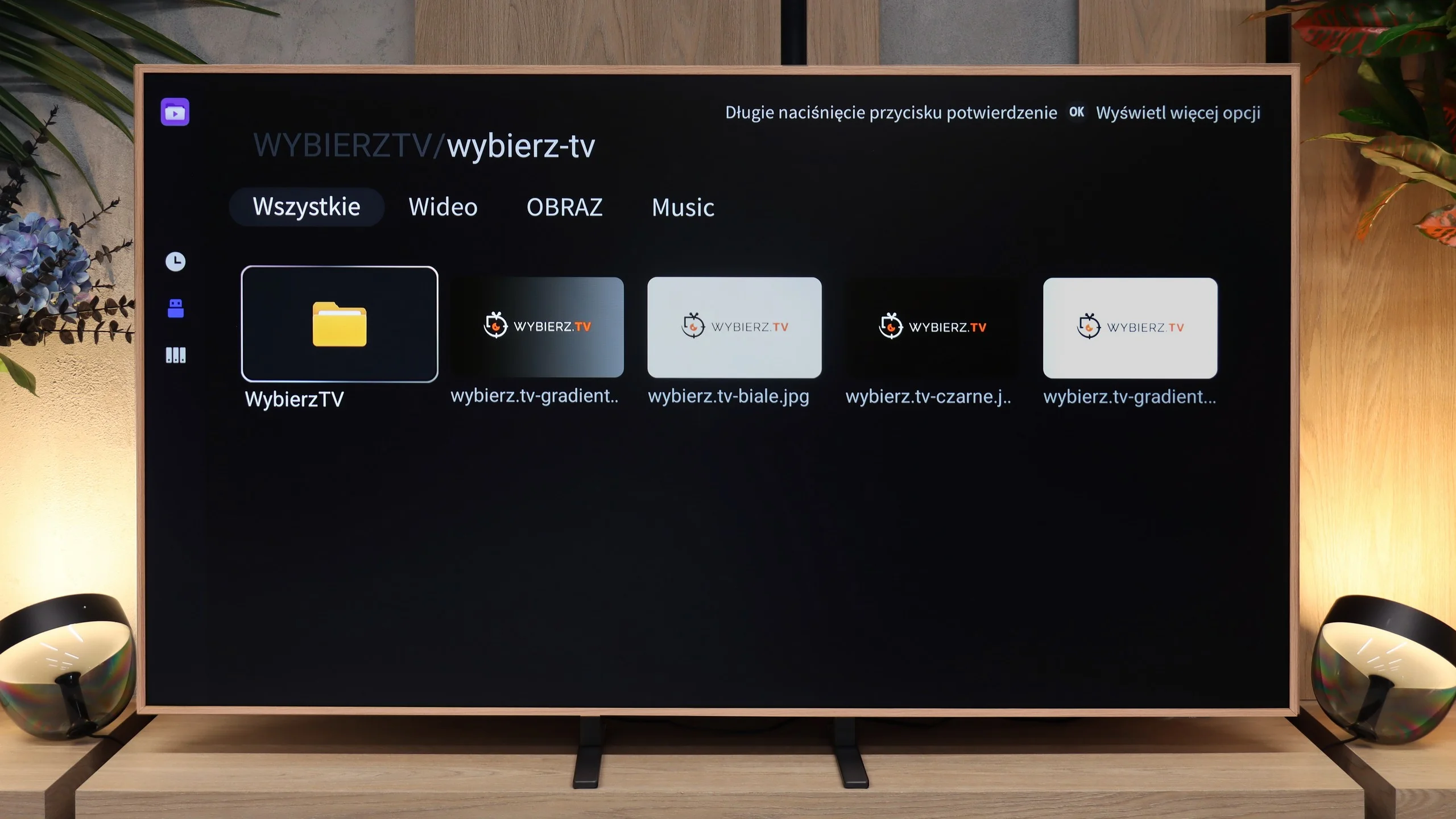
The Tizen system powers the operation of the Samsung Q70D. It is a well-known software, as the manufacturer has been developing it for its televisions for a long time. Its main advantage is smooth operation and the absence of significant stuttering, which is confirmed by our tests. However, its biggest downside is its closed nature. Although the app store is quite extensive, users are still at the mercy of the manufacturer. As a result, we cannot install missing apps, even from a pendrive. On the other hand, an advantage—especially for Apple device users—is the implementation of AirPlay functionality, which allows easy screen mirroring from the device to the television. Thankfully, Samsung has also included the option to connect a keyboard and mouse for much faster navigation through the television menu. It’s worth noting that this year, the manufacturer has included a Bluetooth remote, which often wasn’t the case.
The Tizen system has another advantage: it integrates very well with external devices, such as the NC+ decoder or soundbars. The connection process is quick and doesn't require special skills. One of the standout features of the Samsung Q70D in our tests is the speed of application operation, with apps loading almost instantly and eliminating annoying delays. Additionally, users can utilize the built-in voice assistant, simplifying navigation and content searching.
In summary, the Tizen system is very efficient software and certainly a strong advantage of the television. While more advanced users may complain about the lack of apps like KODI, the majority will be satisfied.
Google TV
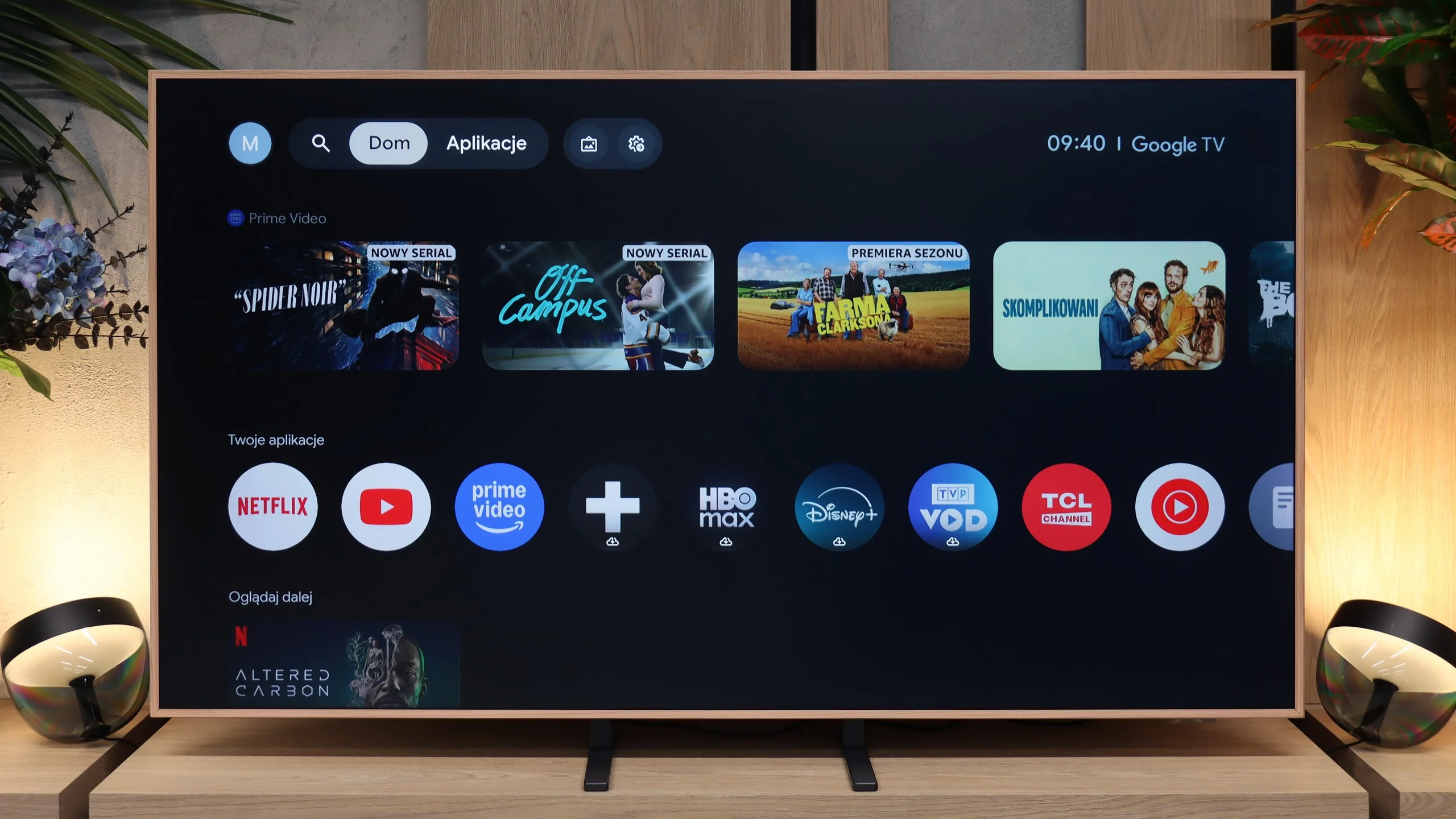
The TCL A400 Pro runs Google TV, so on the Smart TV side it delivers a very solid package. All the major apps are available: YouTube, Netflix, Disney+, Max, Prime Video, Apple TV and all the other services you’d expect today. It also includes Chromecast, voice search and Google Assistant. The system itself runs smoothly and is easy to use, although, as with Google TV, the home screen can be heavily filled with recommendations and promoted content. Some people will like that, others may find it a bit annoying. Functionally, though, there’s little to seriously complain about.
Digital art gallery
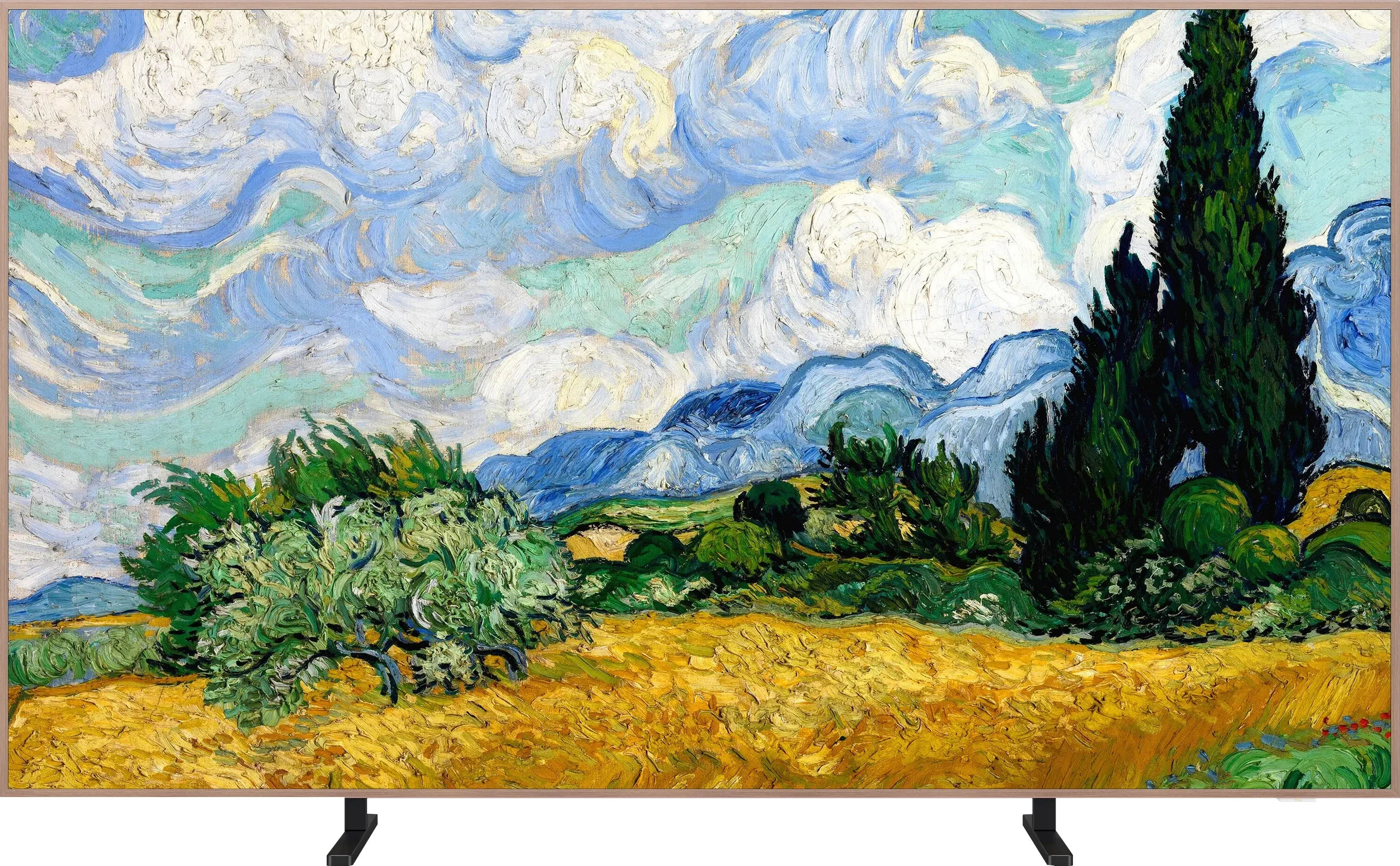
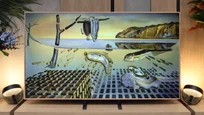
The most interesting part starts with the digital art gallery, since that’s what is meant to set the A400 Pro apart from regular TVs. TCL provides access to over 80 works of art that can be displayed when the screen isn’t being used for movies or series. That way the TV doesn’t have to hang on the wall as a black slab; it can actually mimic a picture. An ambient light sensor, which adjusts the screen to the room’s lighting conditions, helps with this. And here’s good news compared with the older NXT Vision A300: the A400 Pro fixes the annoying brightness issue in art mode. Gallery settings are now separate from regular viewing, so you can set a lower brightness for artworks without spoiling your movie or TV settings. It may seem like a small detail, but in practice it’s important, because it makes the screen more like a picture and less like a glowing TV. TCL also adds the ability to create your own images using artificial intelligence. The manufacturer talks about more than 100,000 available artworks and variations, so there’s plenty to choose from. You can stick with the ready-made gallery or pick something that better matches your taste and room decor.
Classic features
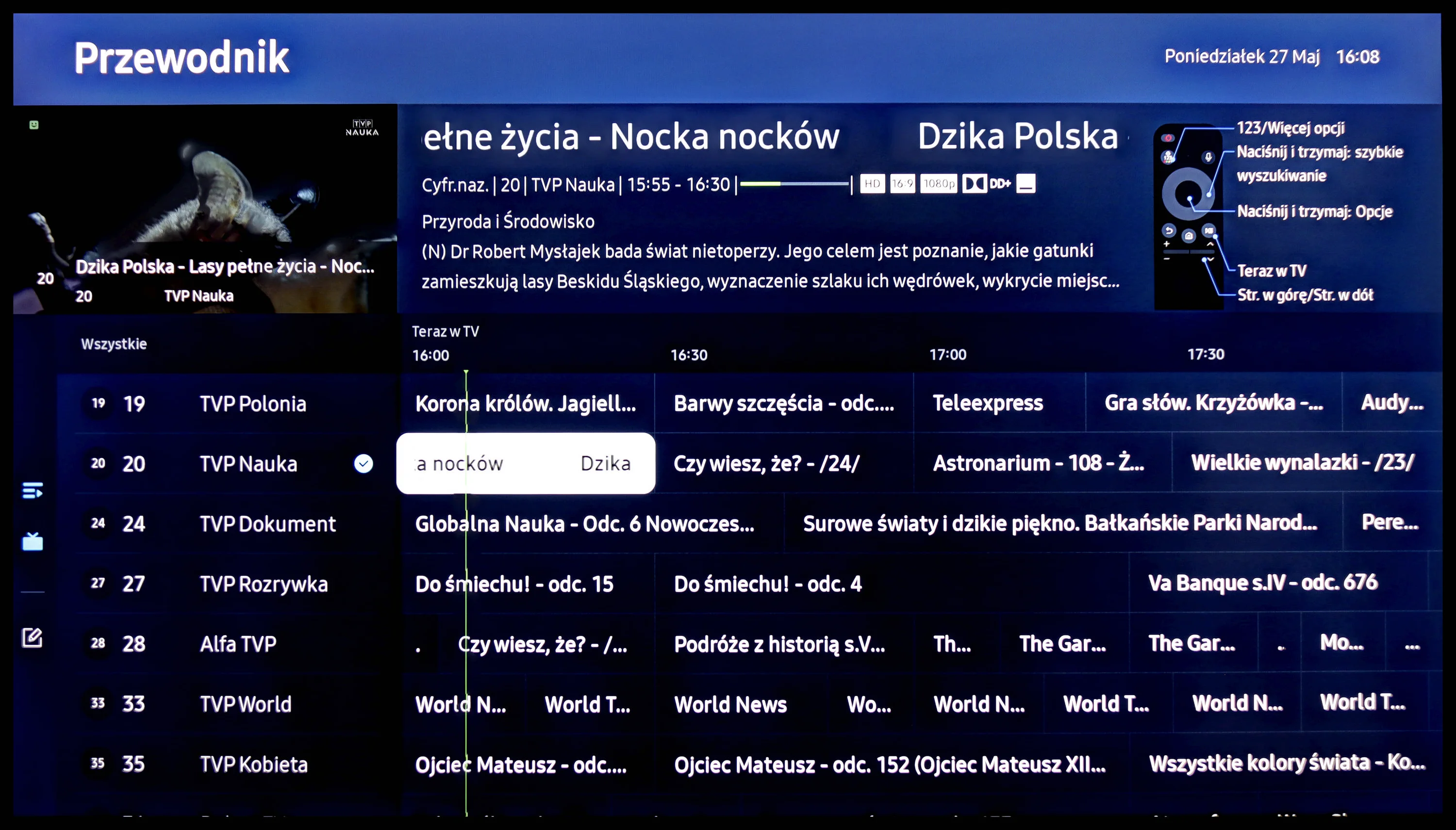
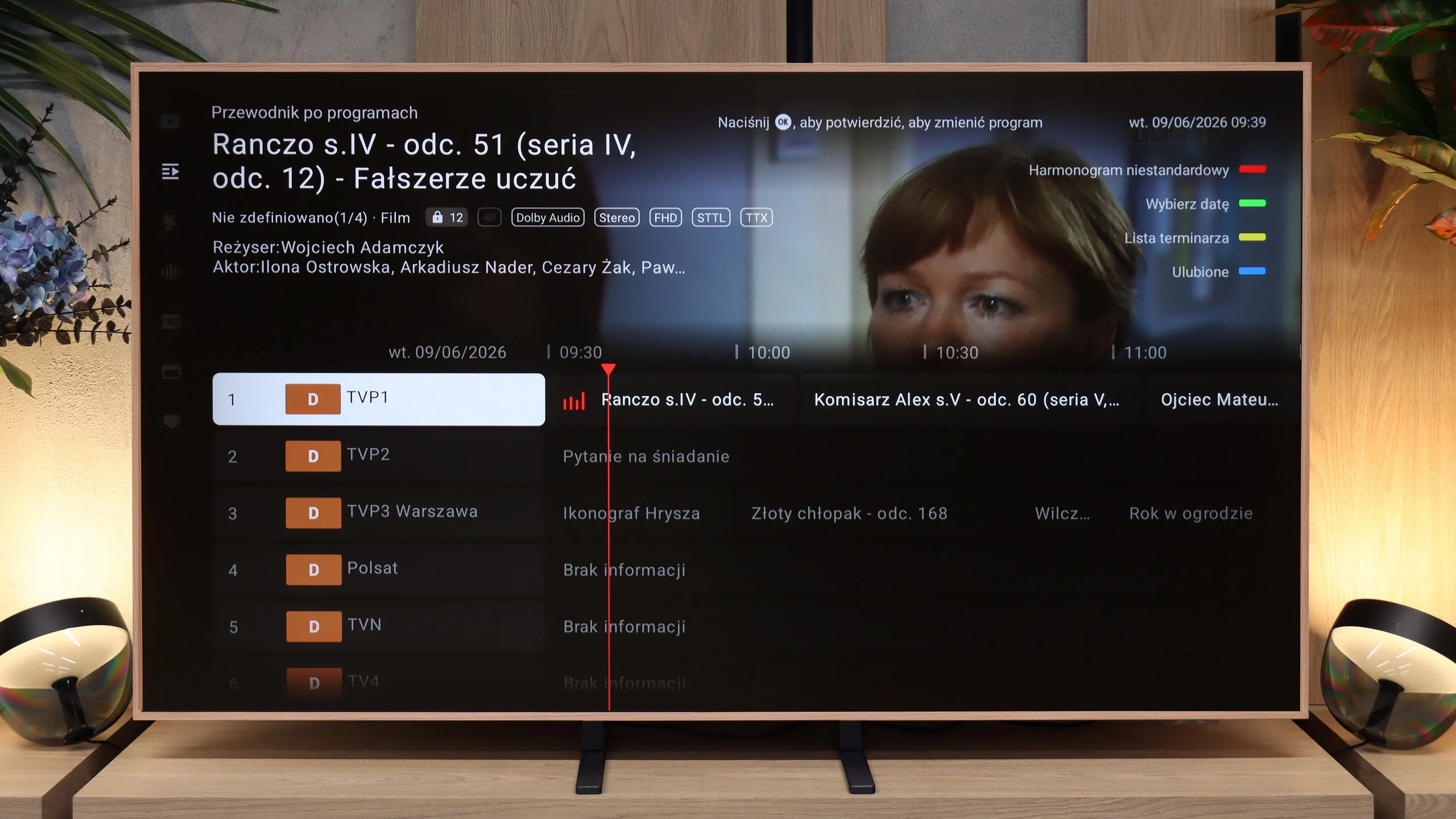
The classic TV features are much less exciting. The A400 Pro doesn’t stand out here. You get standard broadcast TV, a channel guide and basic options, but no major extras that would change how you use traditional TV.
 Direct comparison