The Tizen system powers the operation of the Samsung Q70D. It is a well-known software, as the manufacturer has been developing it for its televisions for a long time. Its main advantage is smooth operation and the absence of significant stuttering, which is confirmed by our tests. However, its biggest downside is its closed nature. Although the app store is quite extensive, users are still at the mercy of the manufacturer. As a result, we cannot install missing apps, even from a pendrive. On the other hand, an advantage—especially for Apple device users—is the implementation of AirPlay functionality, which allows easy screen mirroring from the device to the television. Thankfully, Samsung has also included the option to connect a keyboard and mouse for much faster navigation through the television menu. It’s worth noting that this year, the manufacturer has included a Bluetooth remote, which often wasn’t the case.
The Tizen system has another advantage: it integrates very well with external devices, such as the NC+ decoder or soundbars. The connection process is quick and doesn't require special skills. One of the standout features of the Samsung Q70D in our tests is the speed of application operation, with apps loading almost instantly and eliminating annoying delays. Additionally, users can utilize the built-in voice assistant, simplifying navigation and content searching.
In summary, the Tizen system is very efficient software and certainly a strong advantage of the television. While more advanced users may complain about the lack of apps like KODI, the majority will be satisfied.
Smart TV Features
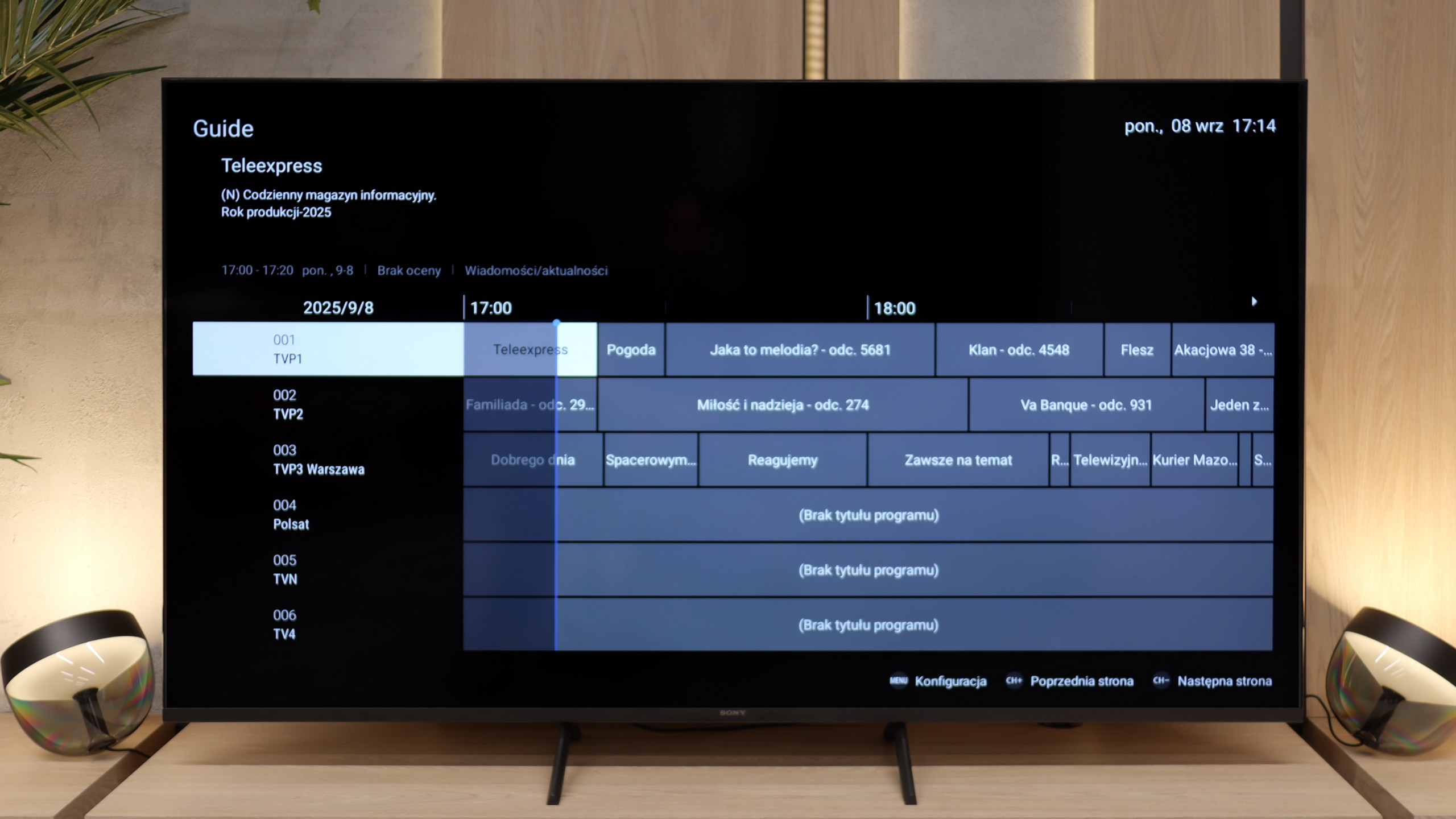
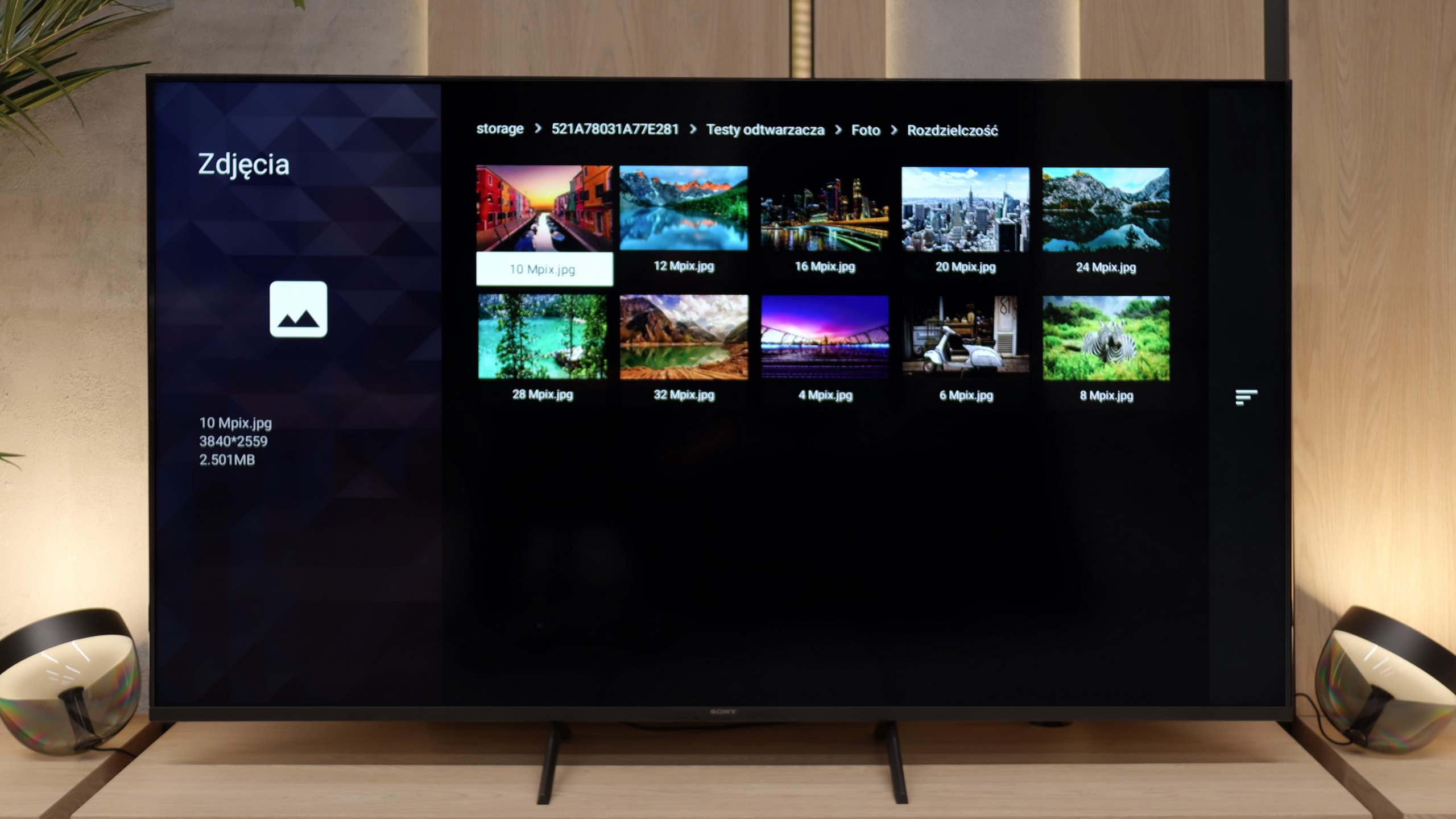
The biggest advantage of the Bravia 3 in everyday use is the presence of the Google TV system. Thanks to it, we have access to one of the largest libraries of applications and streaming services, so regardless of whether someone mainly uses Netflix, Disney+, or smaller platforms, everything is at their fingertips. The Google Assistant also worked very well, as it was able to respond to our commands quite "smartly." The Google TV system in theory should work very smoothly because Sony has been implementing it better than many cheaper competitors for years. Unfortunately, in the case of the Bravia 3, it is not as great as we would expect. During testing, we noticed slight stutters in the interface, and some functions, such as screen mirroring, simply refused to cooperate. One could get the impression that the processor in this model sometimes struggles with the demanding system, and not everything works as smoothly as we would hope.
Classic Features
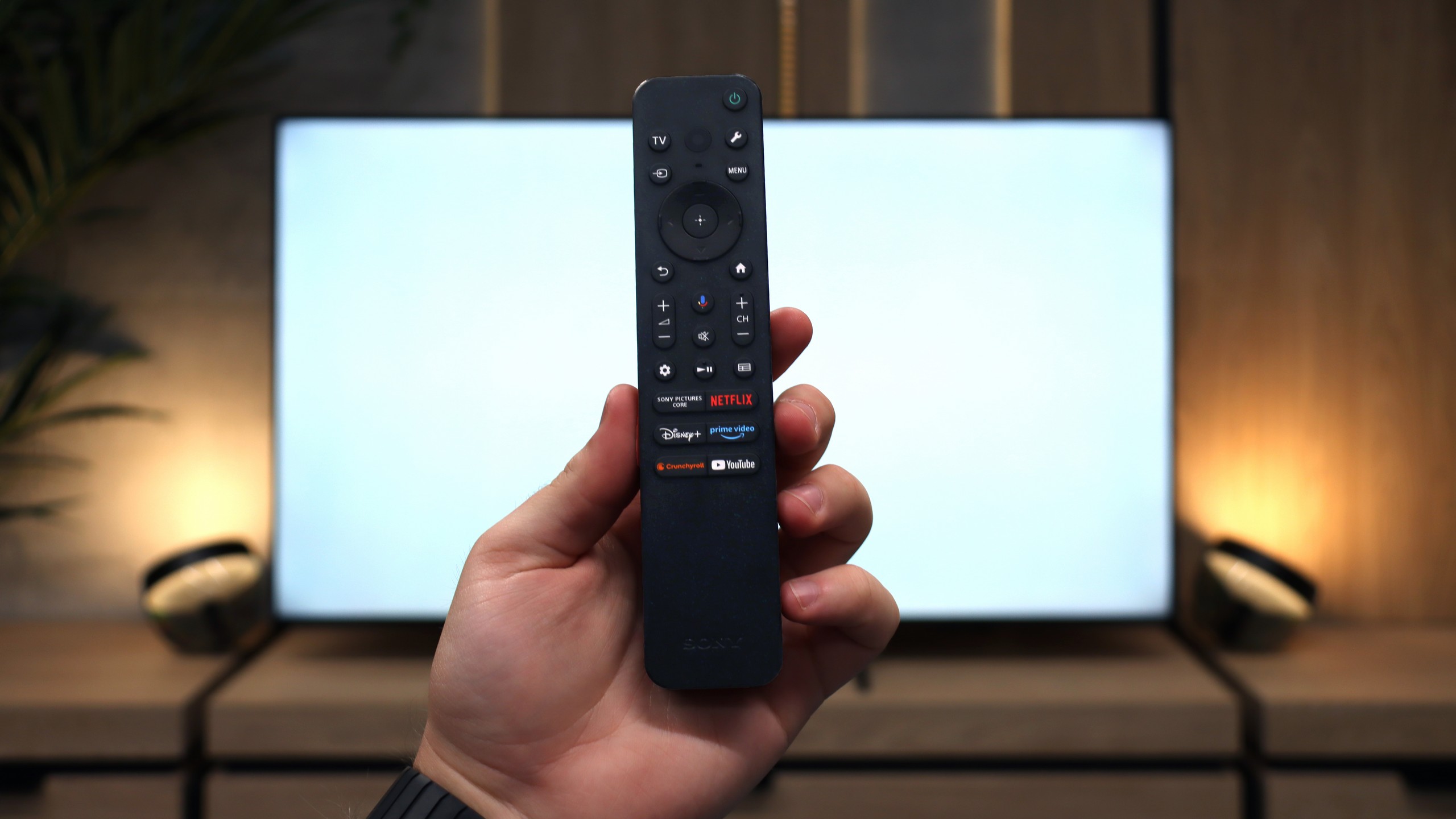
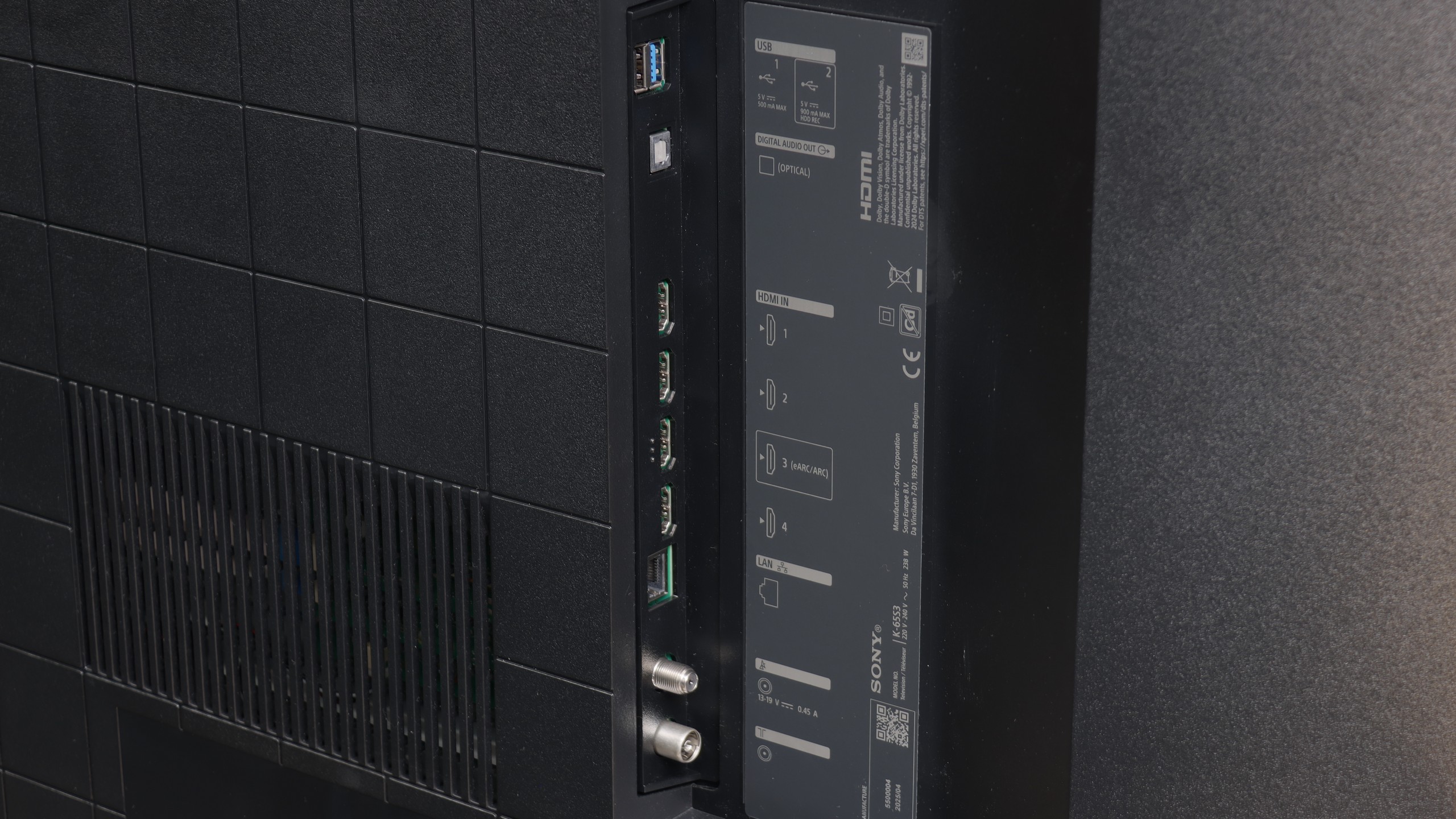
Sony, even in the cheapest series, manages to remind us of its experience with various users. In the set, we find as many as two remotes. The first is modern and minimalist, with a small number of buttons, which works great when using applications and Google TV functions. The second is a classic remote with a richer set of keys and a numeric keypad, which will be appreciated especially by older people accustomed to traditional solutions. This is a nice nod to different user groups, and it must be admitted that Sony handled this very practically. It is a pity, however, that compared to the X75WL model, the ability to record content from TV tuners to USB memory has disappeared. The manufacturer has completely eliminated this feature, so if someone was attached to it, they will unfortunately not find it in the Bravia 3.
 Direct comparison