The Samsung Q70D delivers solid performance for its price range, with standout features that will appeal to a wide range of users. Its gaming capabilities, in particular, are impressive, offering features like smooth gameplay and low input lag that make 30 fps titles feel like they’re running at 60 fps. The well-executed HGIG mode, which performs similarly to Dolby Vision, is another highlight for gamers. Additionally, the Samsung Q70D pairs easily with Canal+ decoders, a feature many other TVs struggle with.
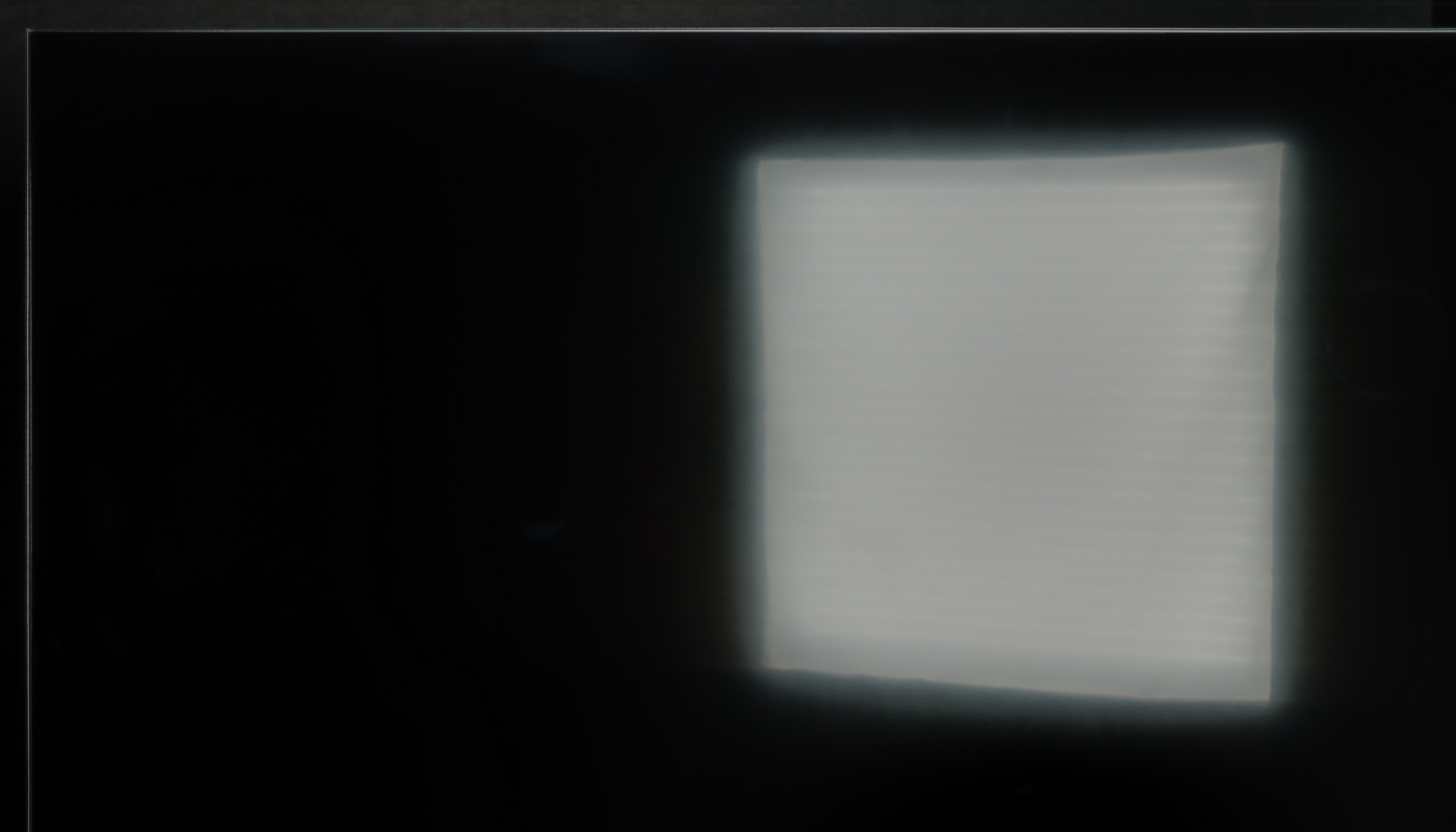
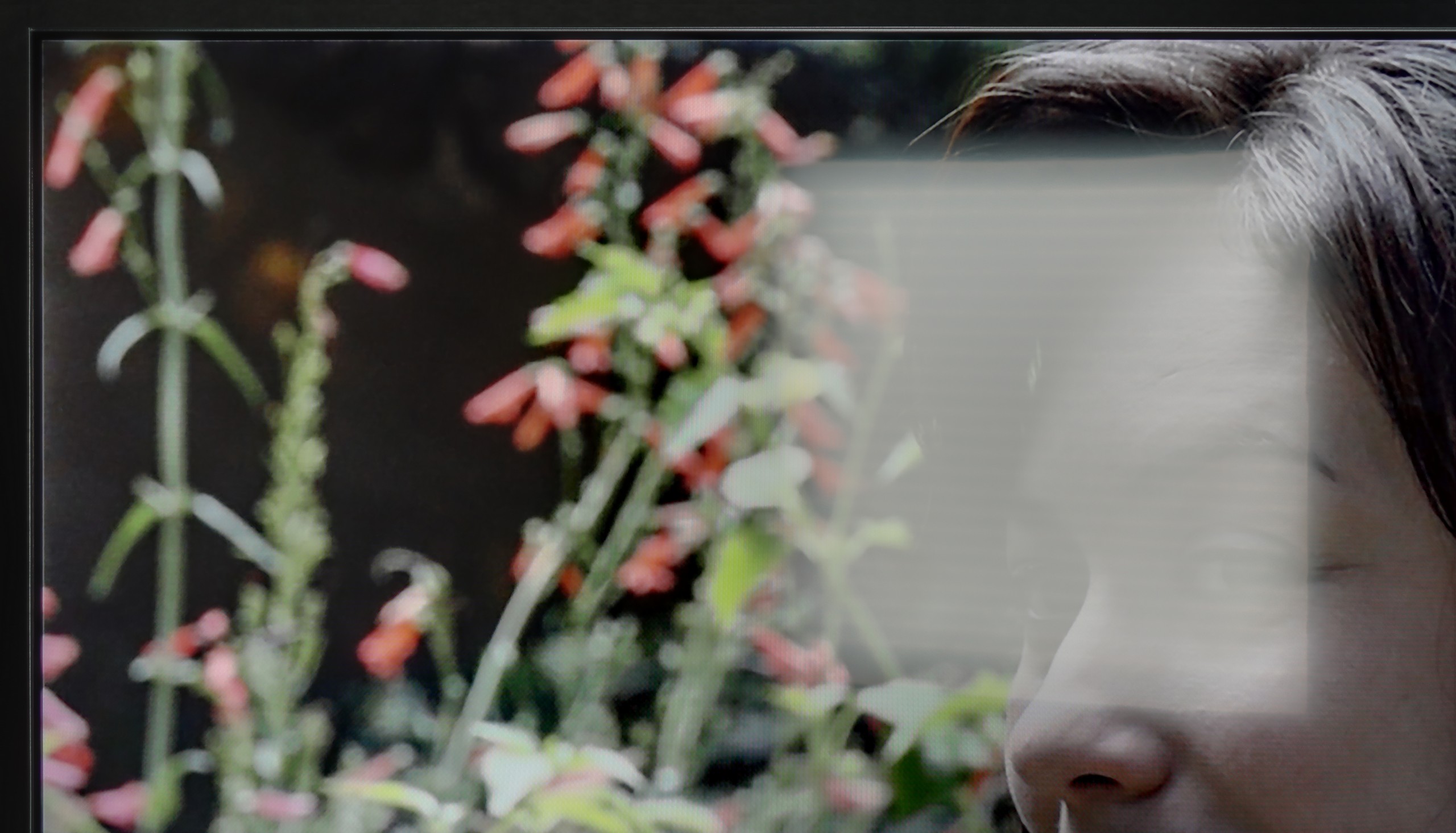
When it comes to daytime viewing, the Samsung Q70D shines with bright SDR content that makes it ideal for well-lit rooms. However, there are a couple of downsides. The lack of Dolby Vision is noticeable, as the TV’s brightness could have benefited from it, and light leakage can be seen in dark scenes with low brightness settings. While these issues are not dealbreakers, they are worth noting.
On the plus side, the Samsung Q70D has one of the best motion smoothers in its class, making it perfect for sports or fast-action content. The system runs smoothly and has all needed apps. Overall, the Samsung Q70D is a strong addition to the manufacturer's seventh series, with consistent improvements in quality and growing popularity.
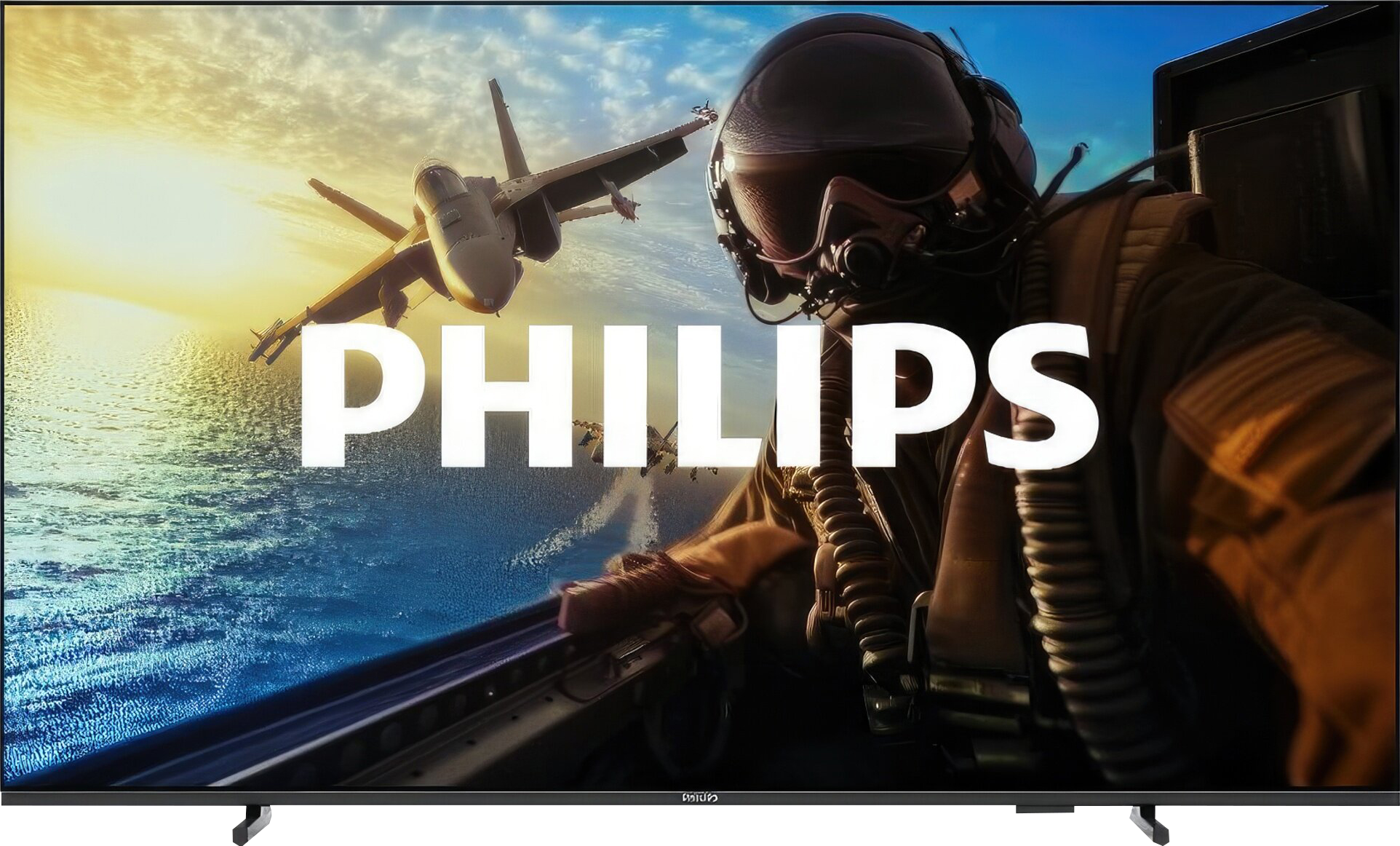
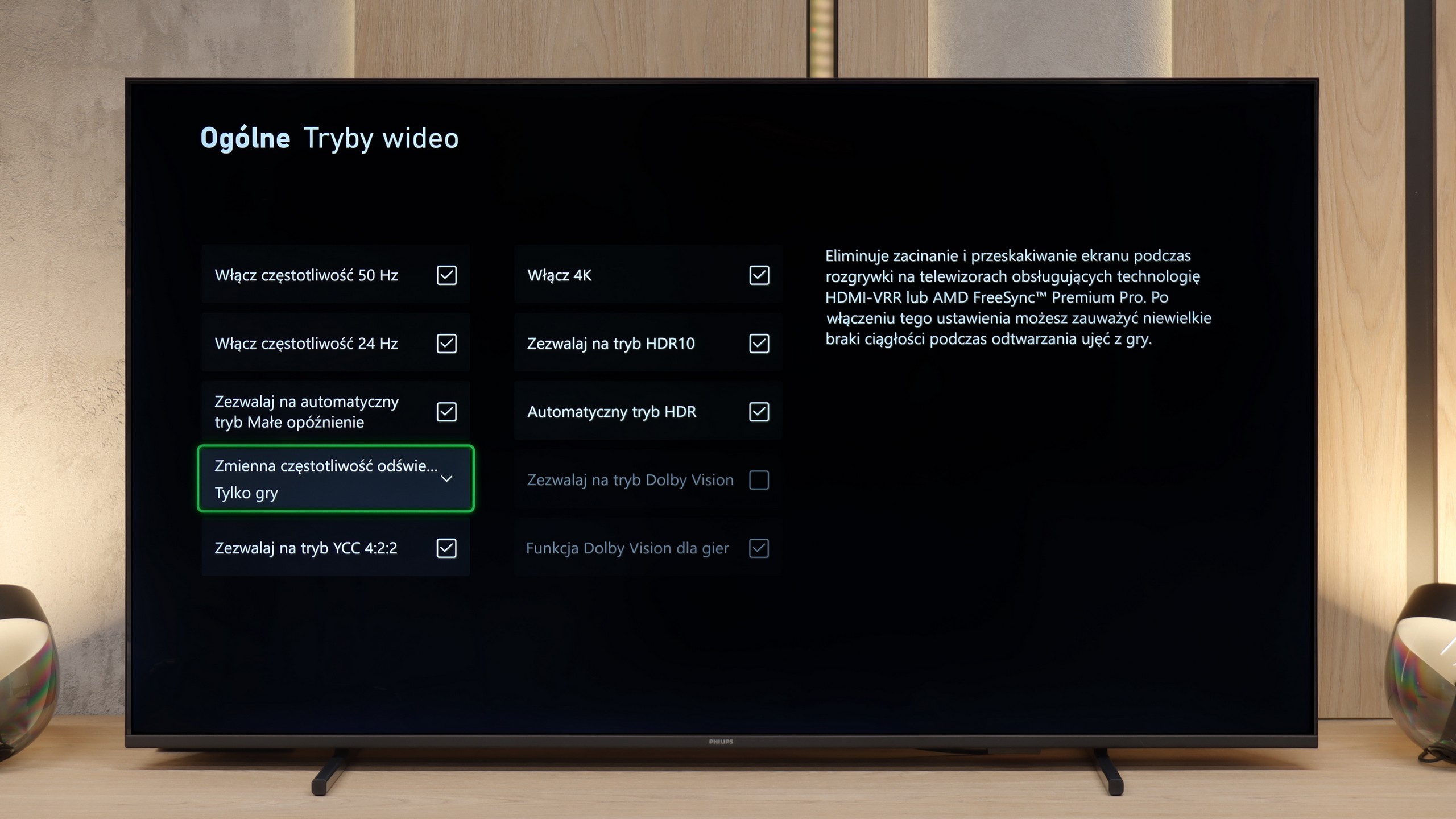
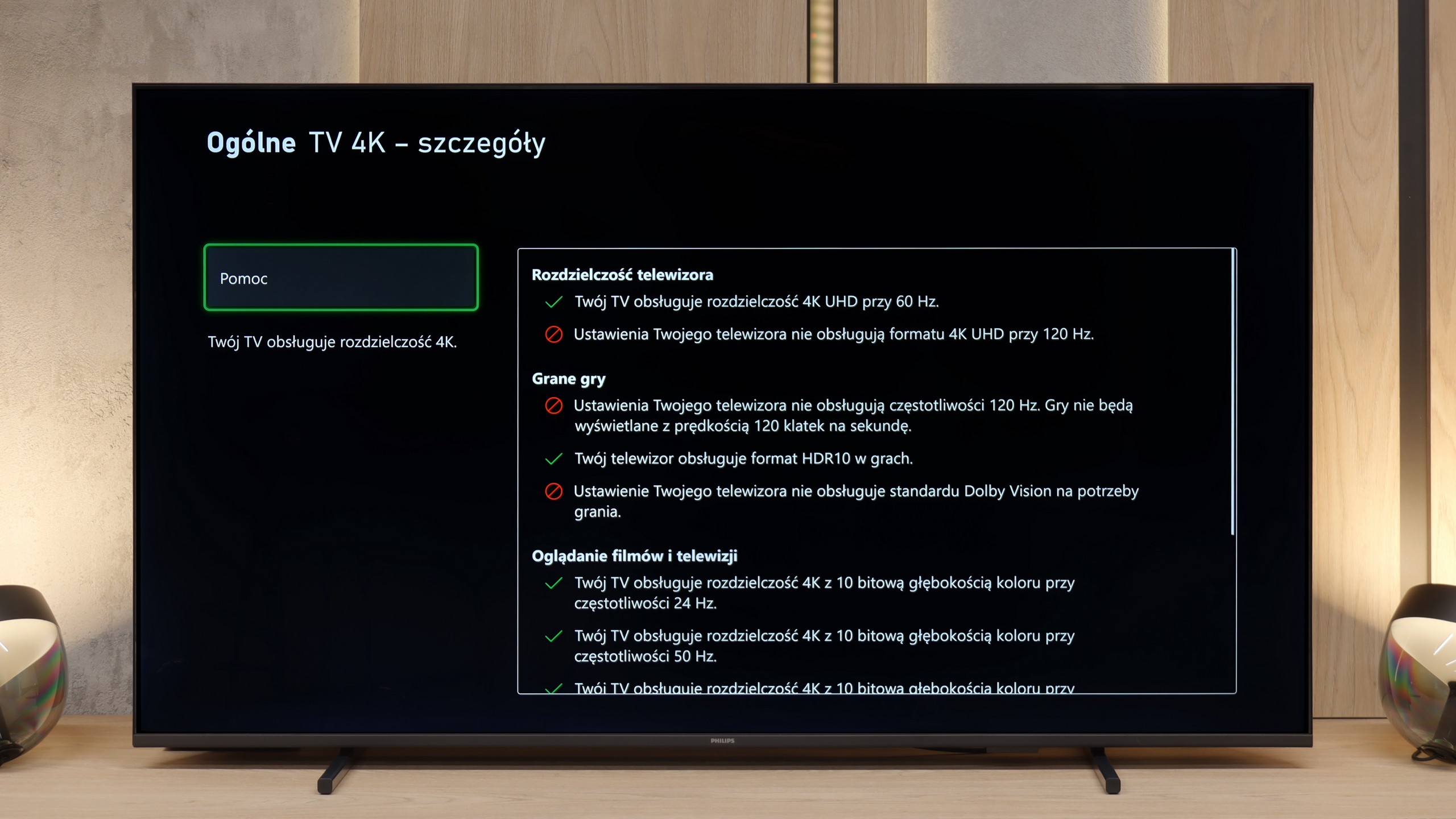
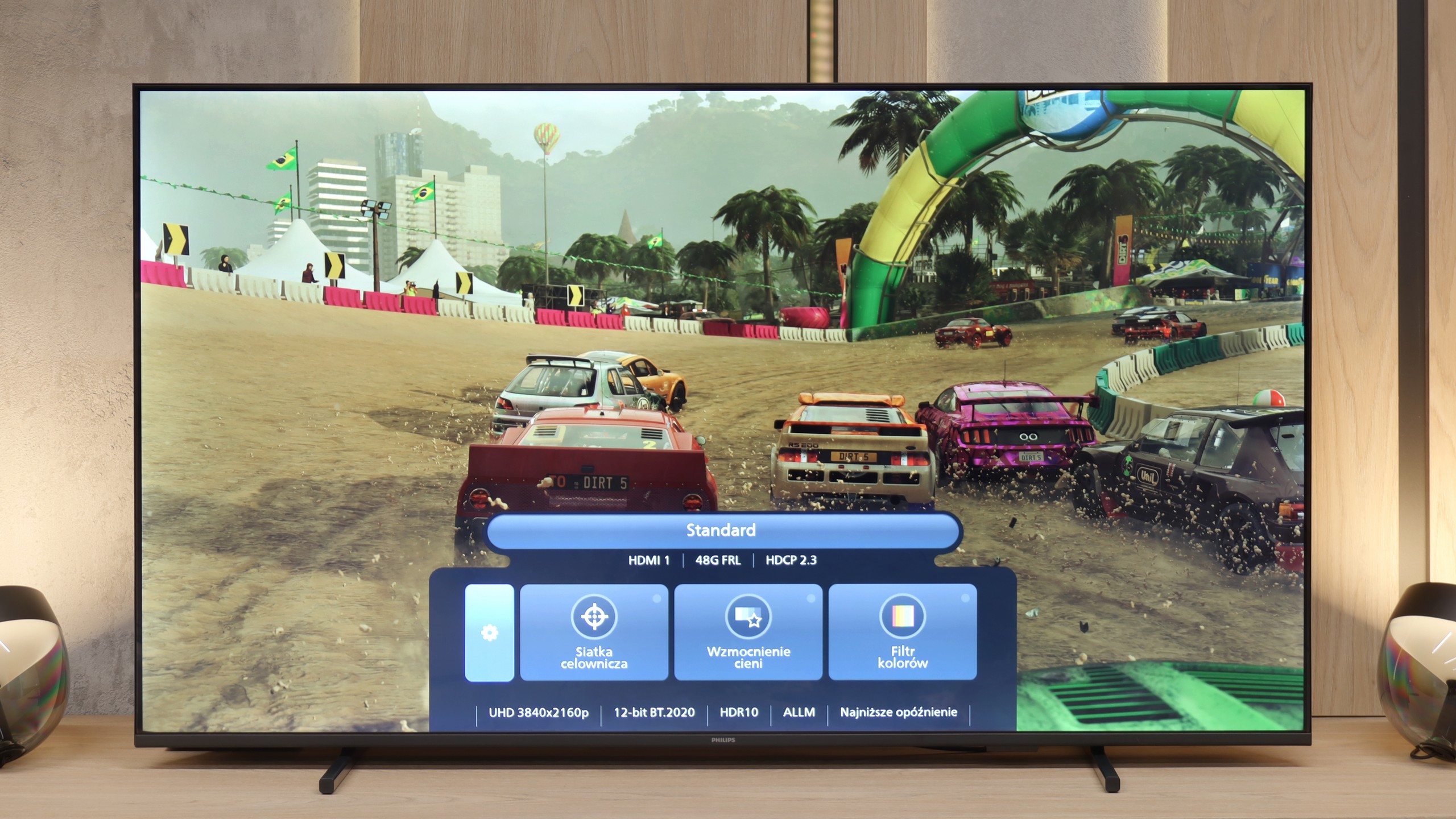
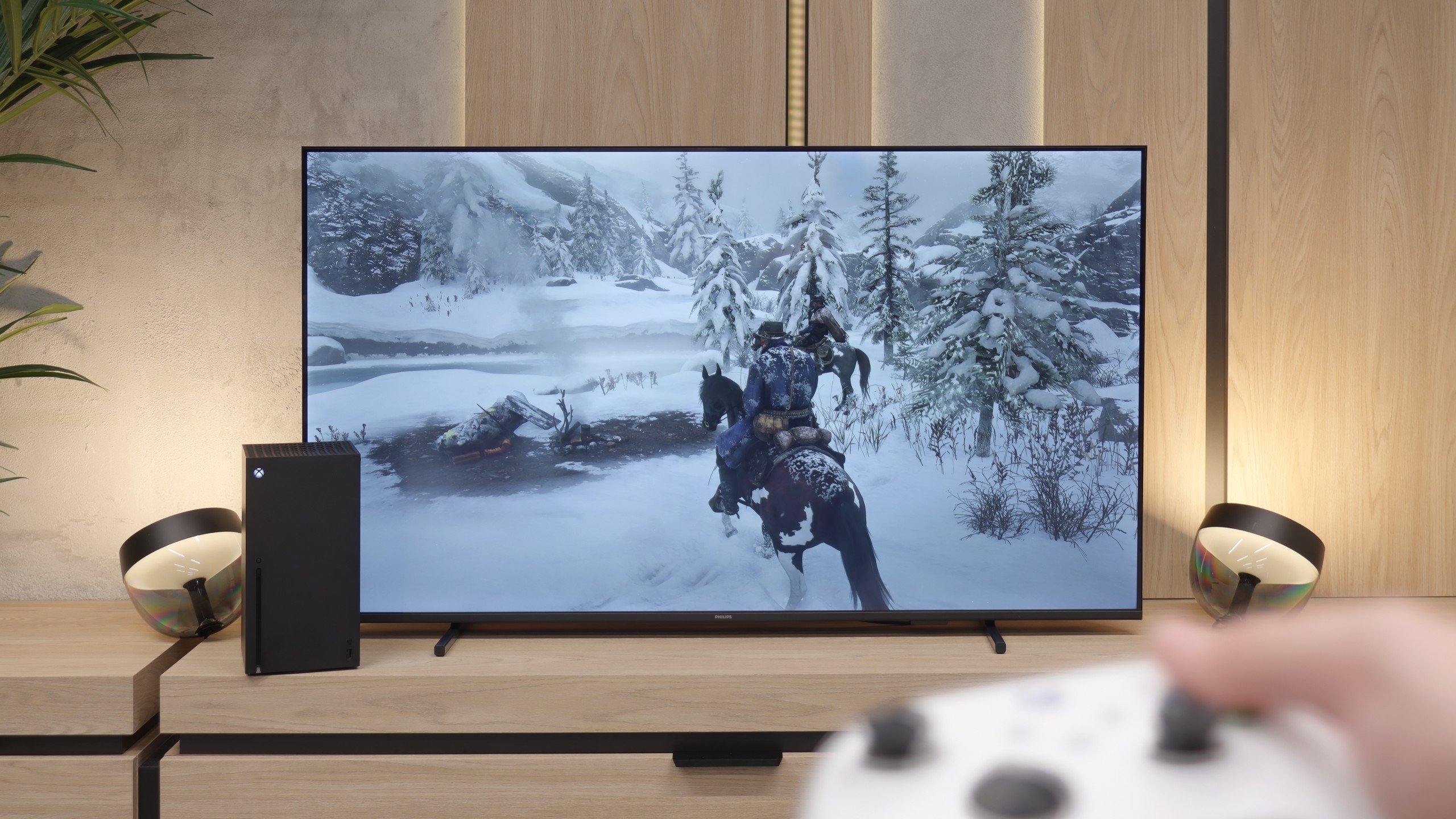
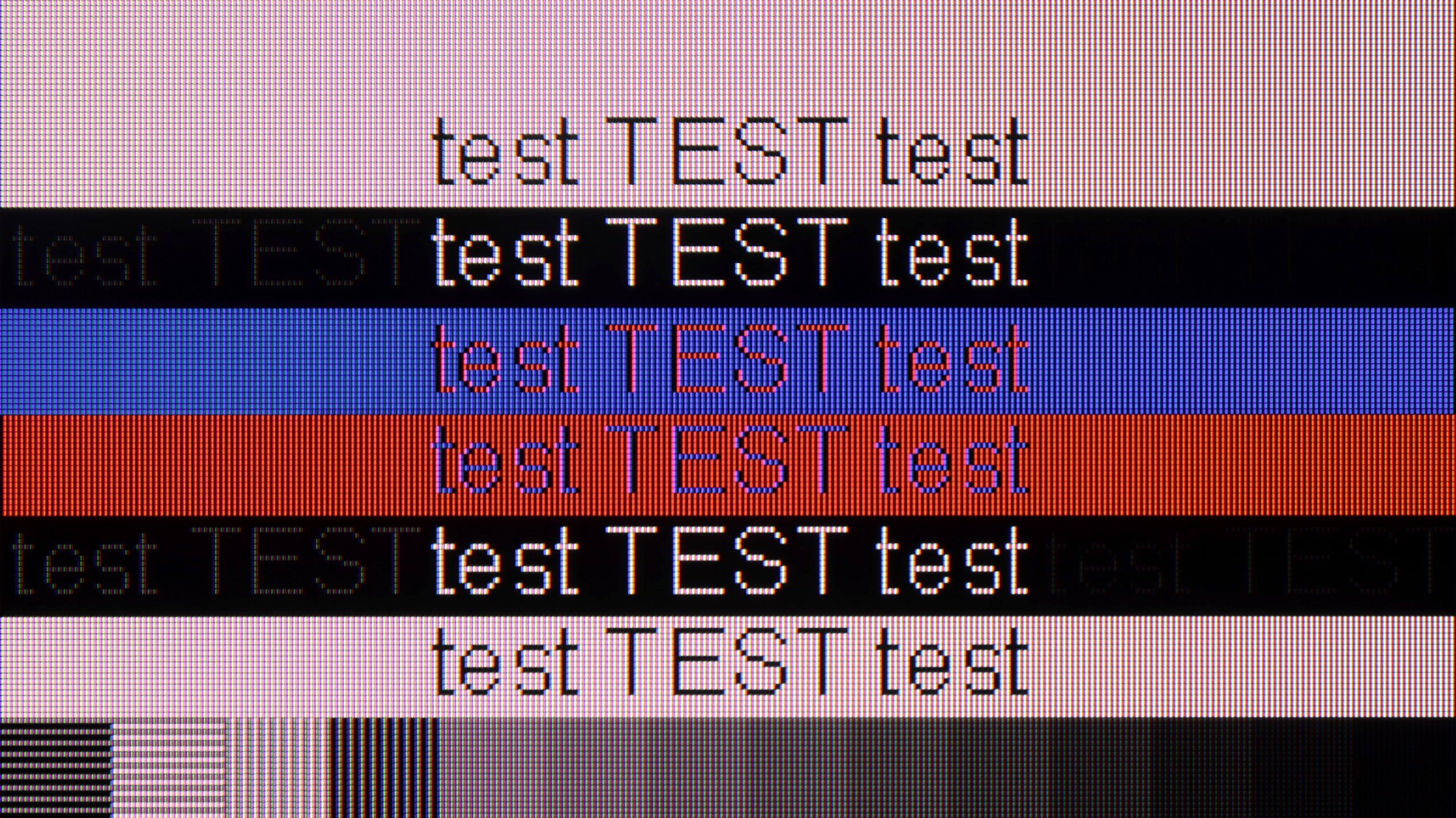
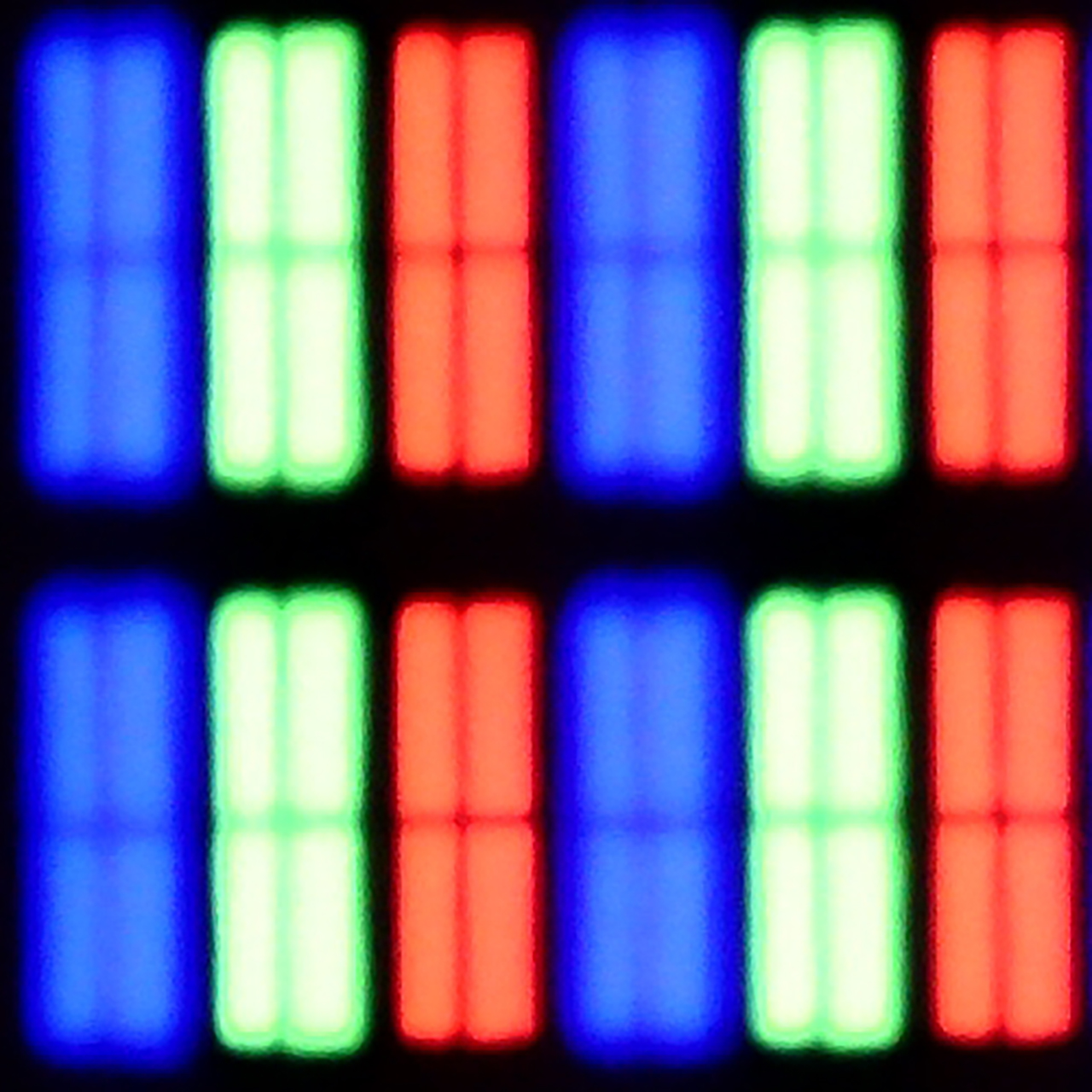
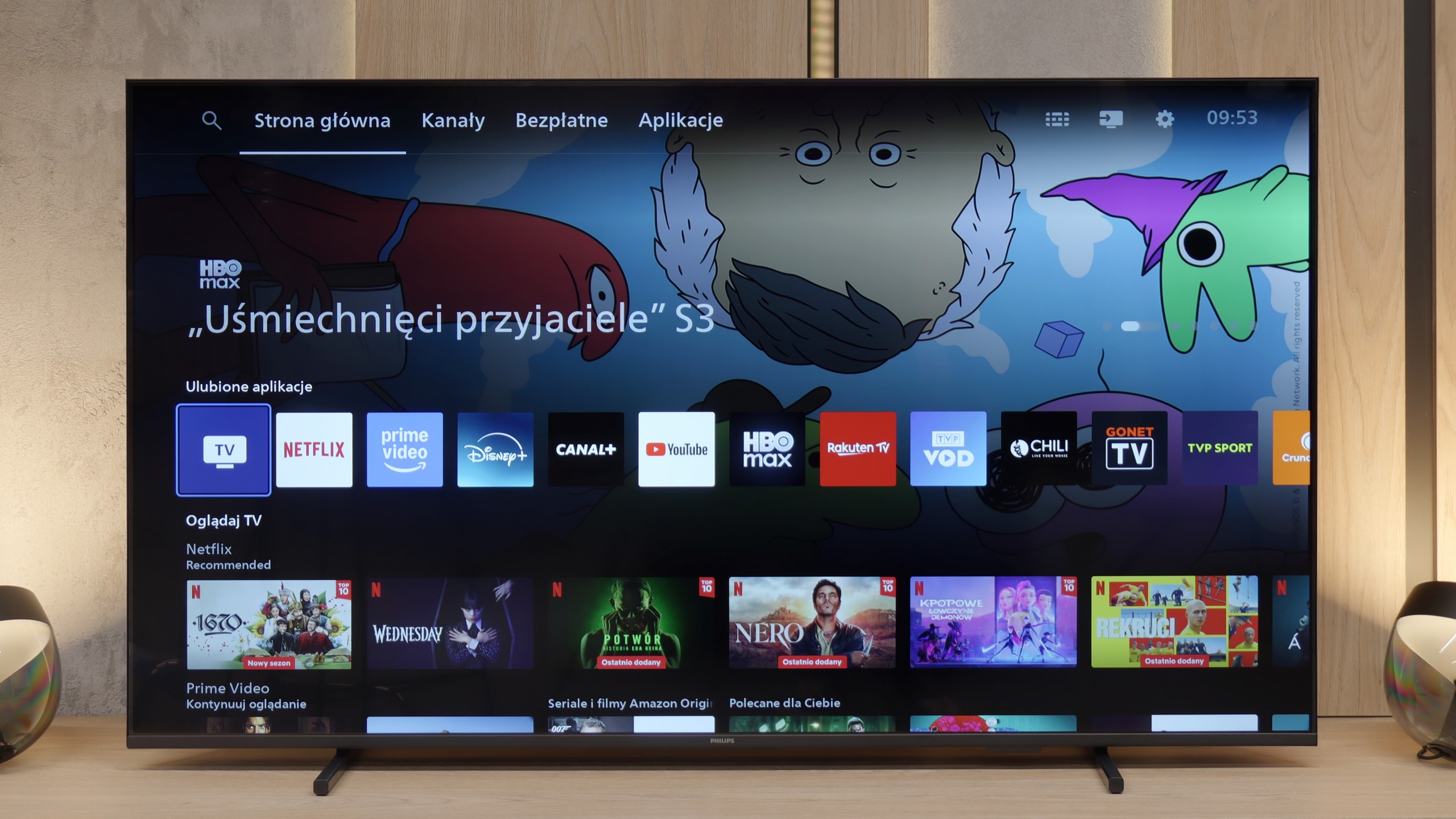
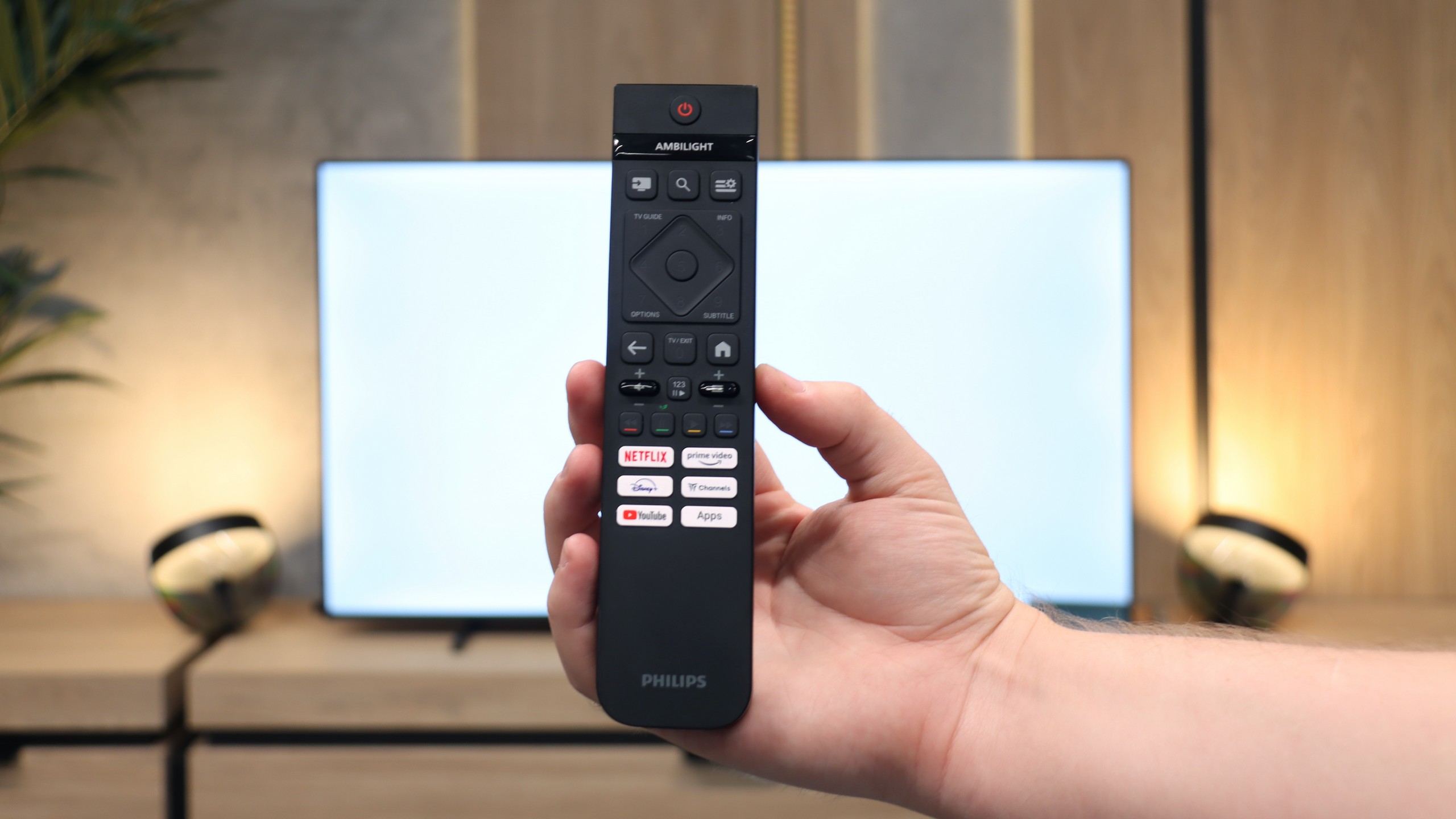
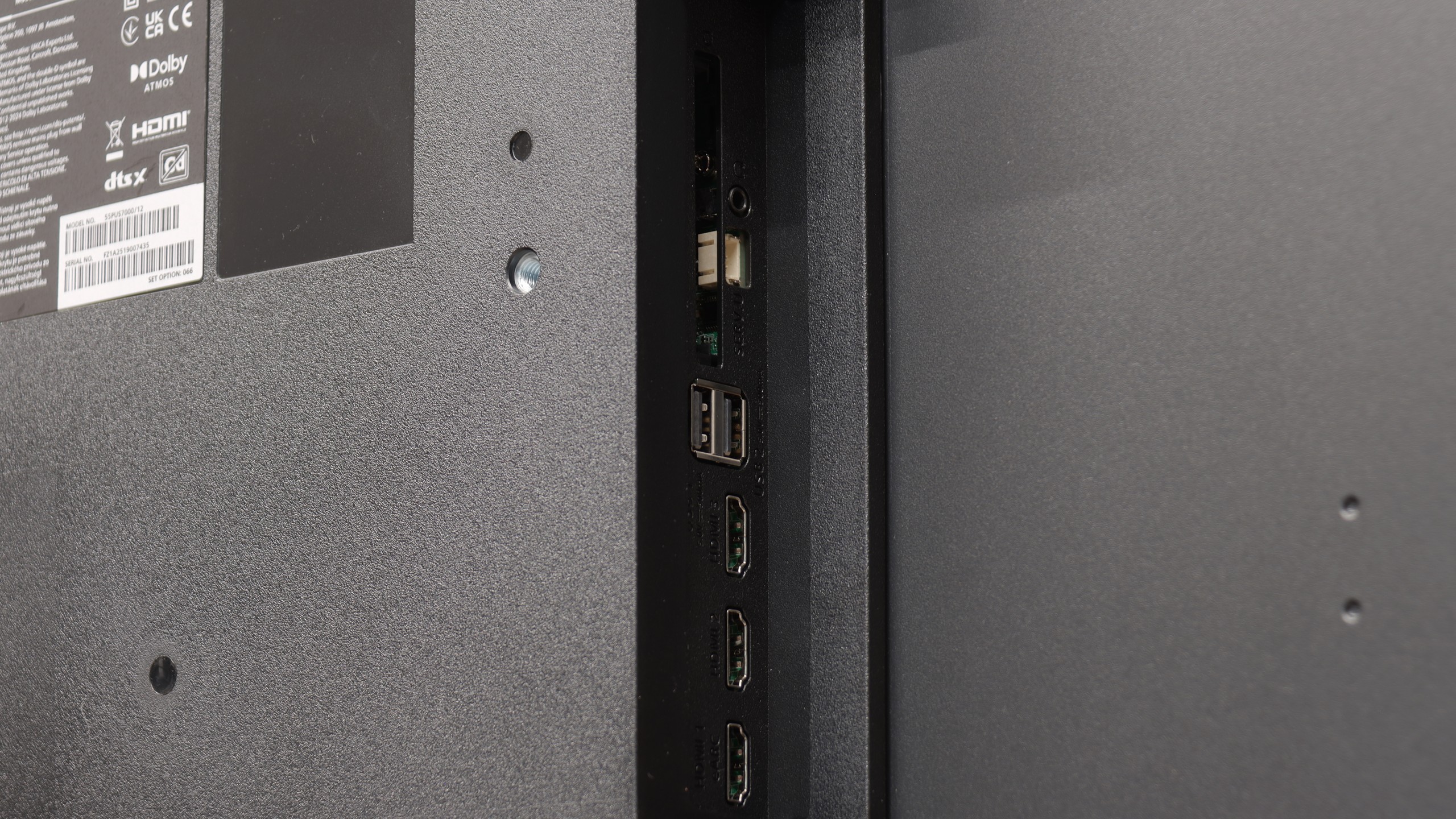
If you are looking for a specific reason to buy the Philips PUS7000, it is essentially just the price. This model is meant to be primarily inexpensive, and it fulfills that role perfectly. It could be a decent choice for someone who is still using an old Full HD screen and wants to finally switch to 4K without emptying their wallet. Interestingly, even though this is a "budget 60 Hz" model, Philips has not forgotten about gamers. We get VRR and ALLM, which significantly enhance the gaming experience when connected to a console, making everything quite responsive. But... well, the biggest problem with this TV is brightness, or rather, the lack of it. 200 nits is an output that makes the PUS7000 simply capitulate on a sunny day. The image will be pale and unclear even though it features a high-contrast VA panel. HDR here is basically just a label on the box. With such a dark panel, HDR content looks artificial and simply lacks the necessary intensity, so it’s better to forget about it and stick with regular SDR. Is it worth buying? At this price point, every manufacturer makes similar compromises, so the PUS7000 does not drastically fall behind the rest of the budget screens. The only question is whether you can get along with the Titan OS, which is still a bit raw and lacks many apps that are standard among competitors. With today’s prices, where Chinese brands like TCL and Hisense are flooding the market with QLEDs and Mini-LEDs, the Philips PUS7000 faces a really tough battle. If you care about a well-known brand logo and a low price: you can go for it. However, if you are looking for image quality… you’d better double-check your budget before purchasing.
 Direct comparison