The Samsung Q70D delivers solid performance for its price range, with standout features that will appeal to a wide range of users. Its gaming capabilities, in particular, are impressive, offering features like smooth gameplay and low input lag that make 30 fps titles feel like they’re running at 60 fps. The well-executed HGIG mode, which performs similarly to Dolby Vision, is another highlight for gamers. Additionally, the Samsung Q70D pairs easily with Canal+ decoders, a feature many other TVs struggle with.
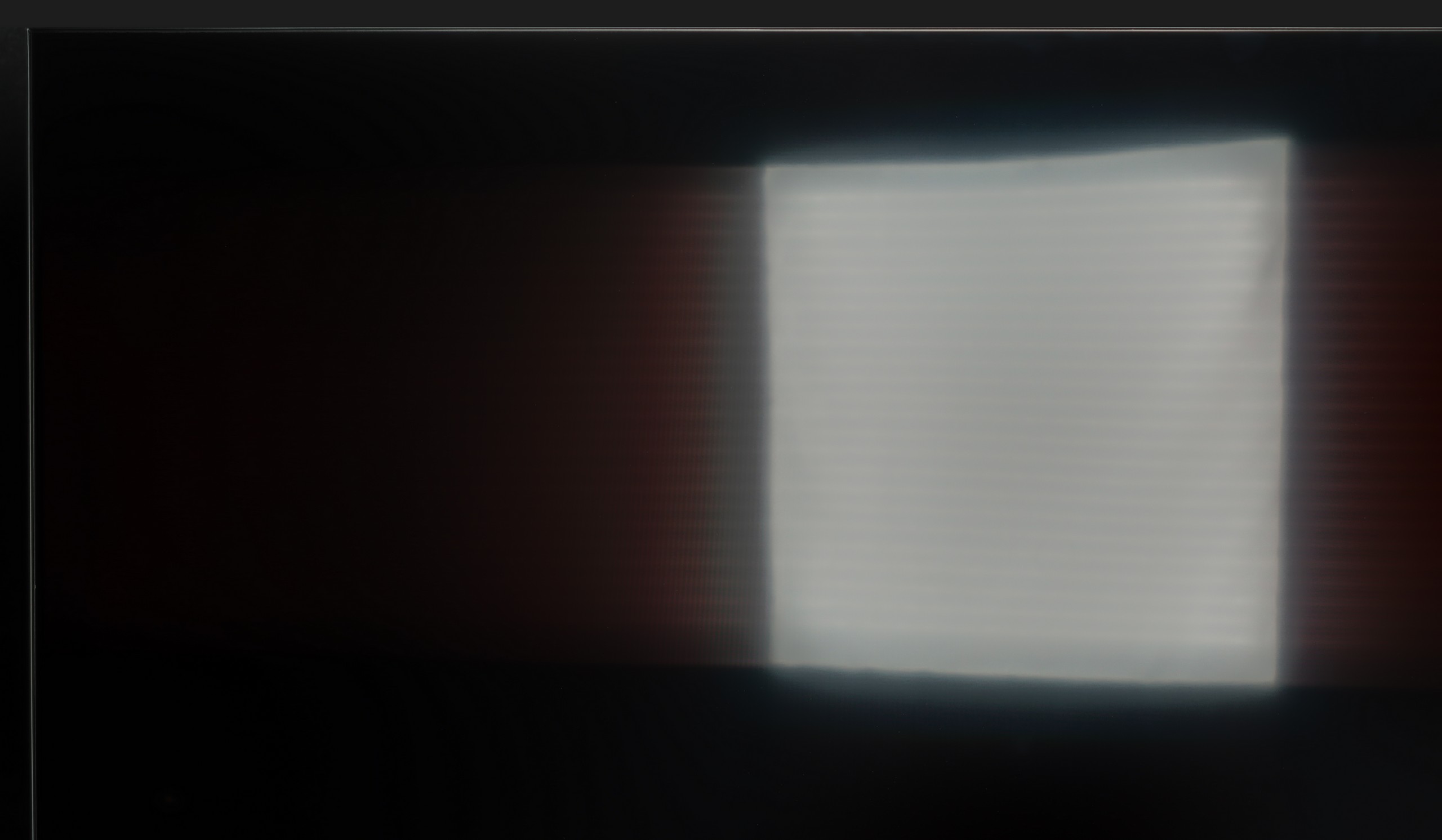
When it comes to daytime viewing, the Samsung Q70D shines with bright SDR content that makes it ideal for well-lit rooms. However, there are a couple of downsides. The lack of Dolby Vision is noticeable, as the TV’s brightness could have benefited from it, and light leakage can be seen in dark scenes with low brightness settings. While these issues are not dealbreakers, they are worth noting.
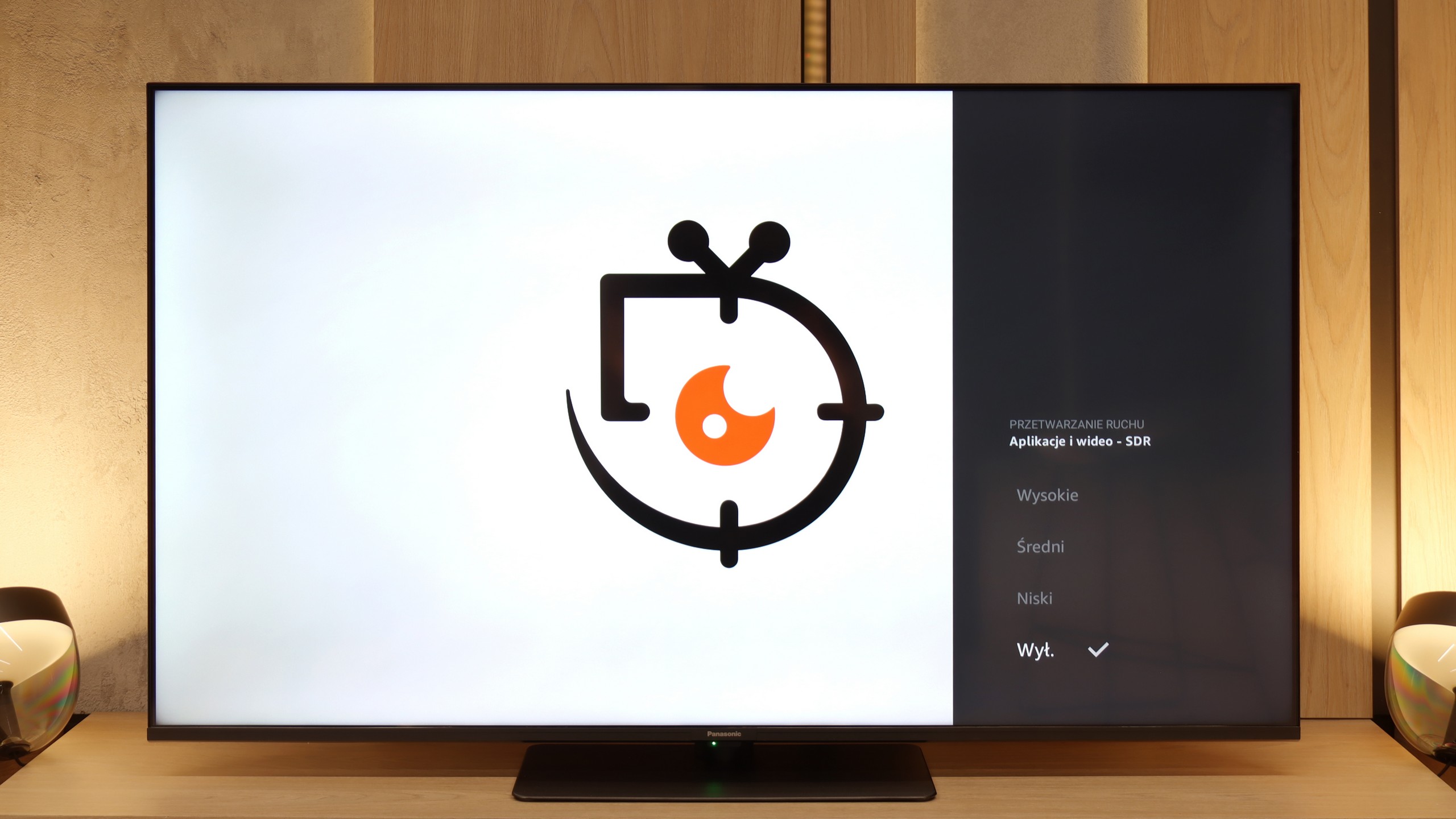
On the plus side, the Samsung Q70D has one of the best motion smoothers in its class, making it perfect for sports or fast-action content. The system runs smoothly and has all needed apps. Overall, the Samsung Q70D is a strong addition to the manufacturer's seventh series, with consistent improvements in quality and growing popularity.
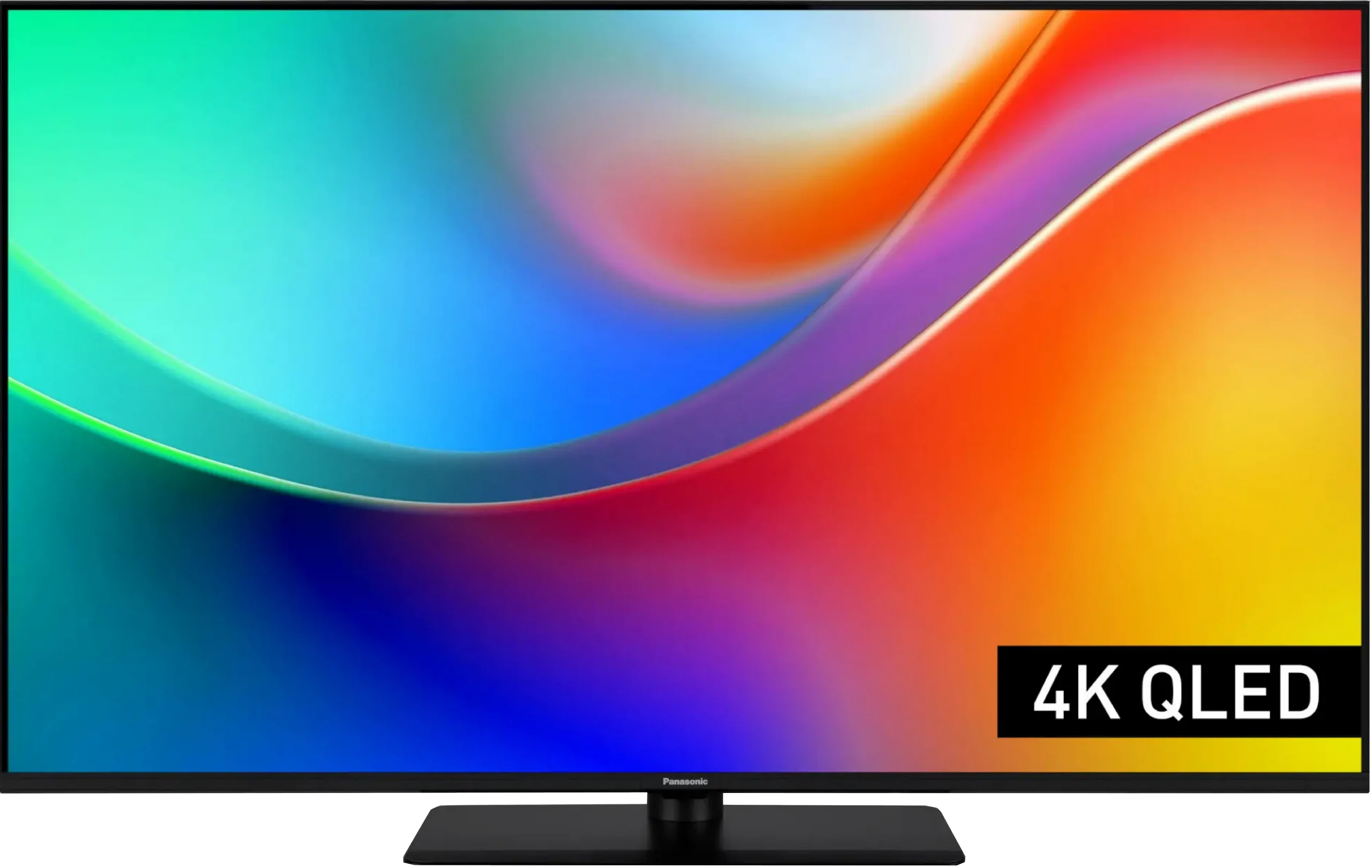
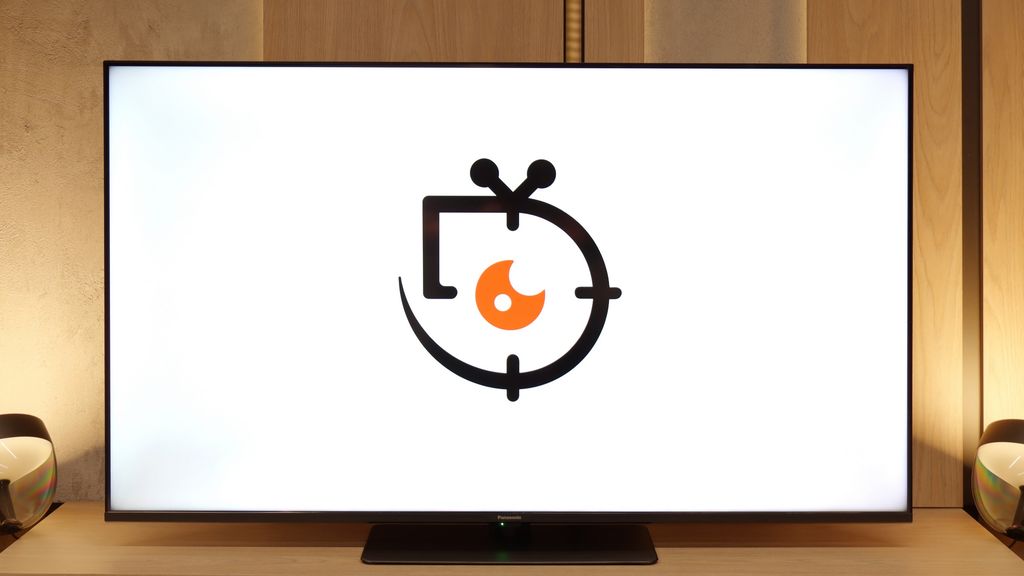
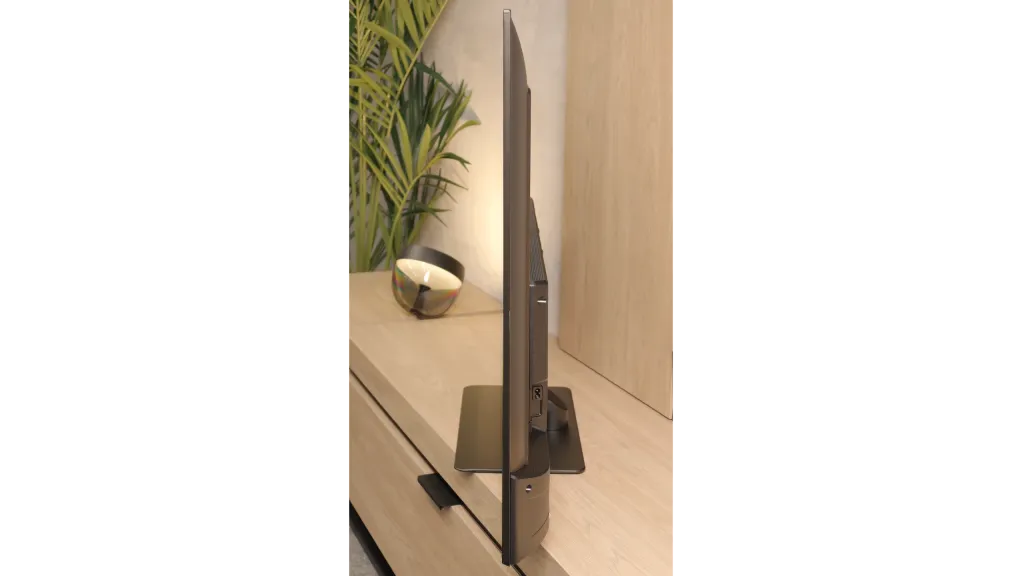
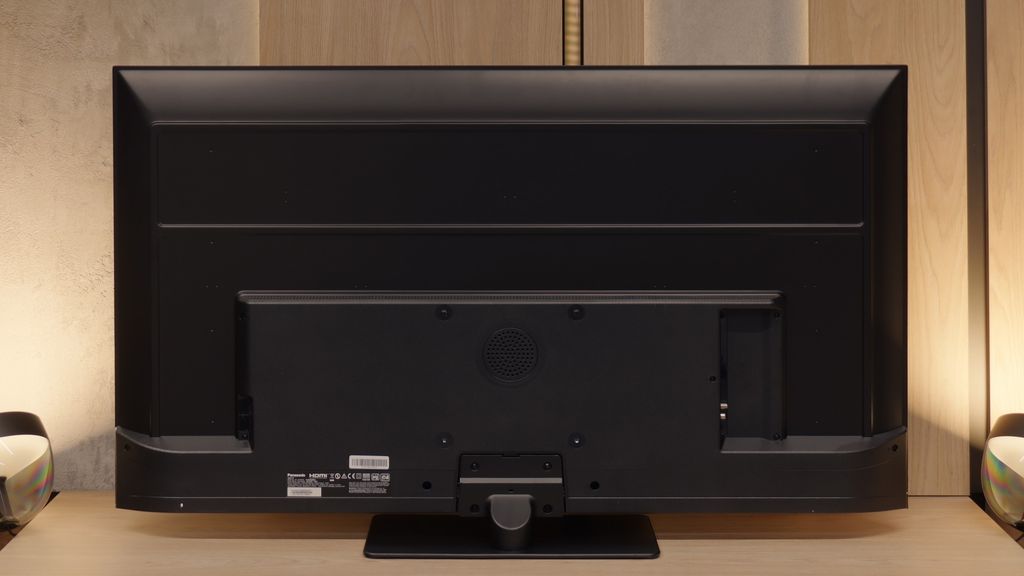
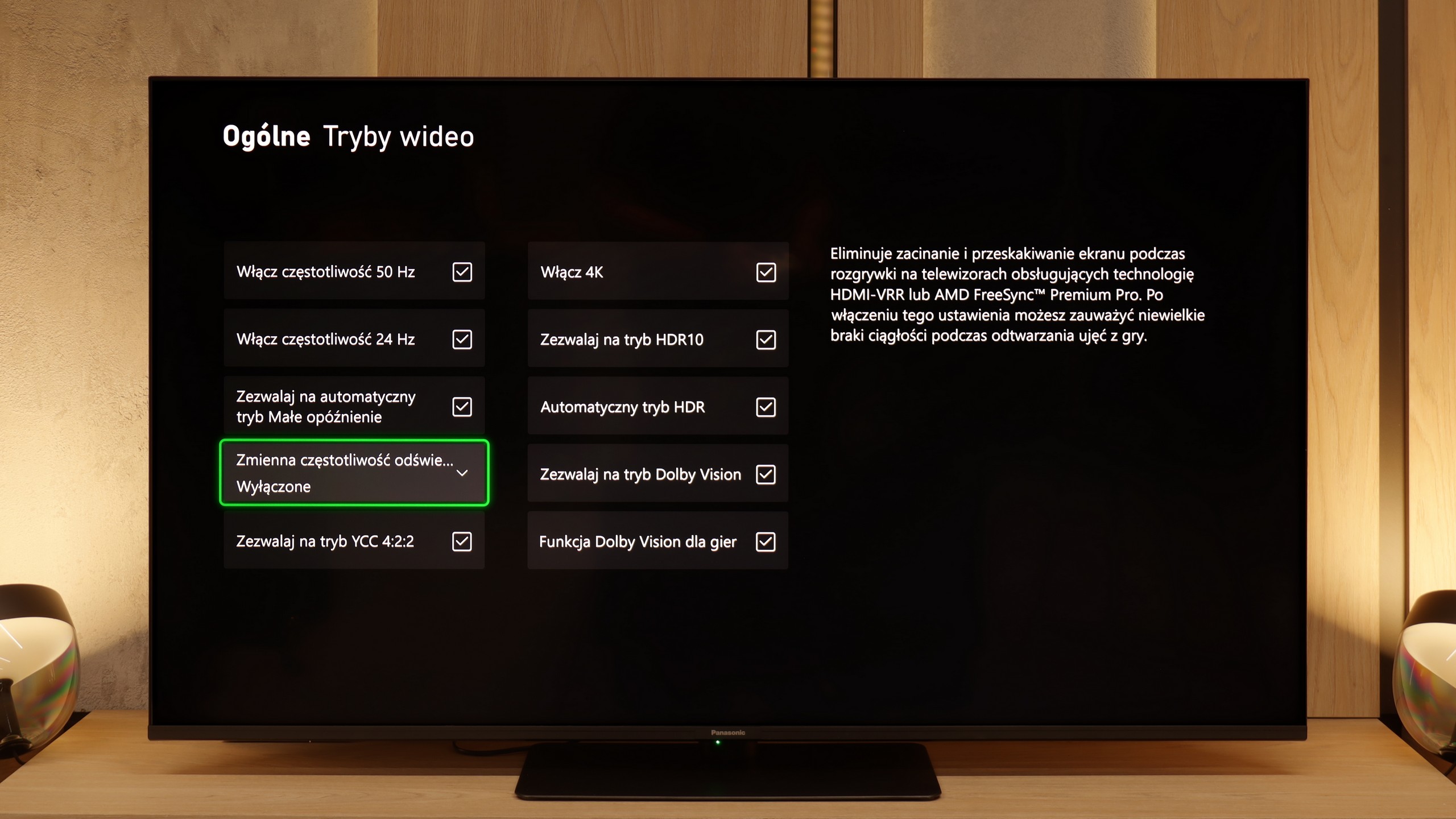
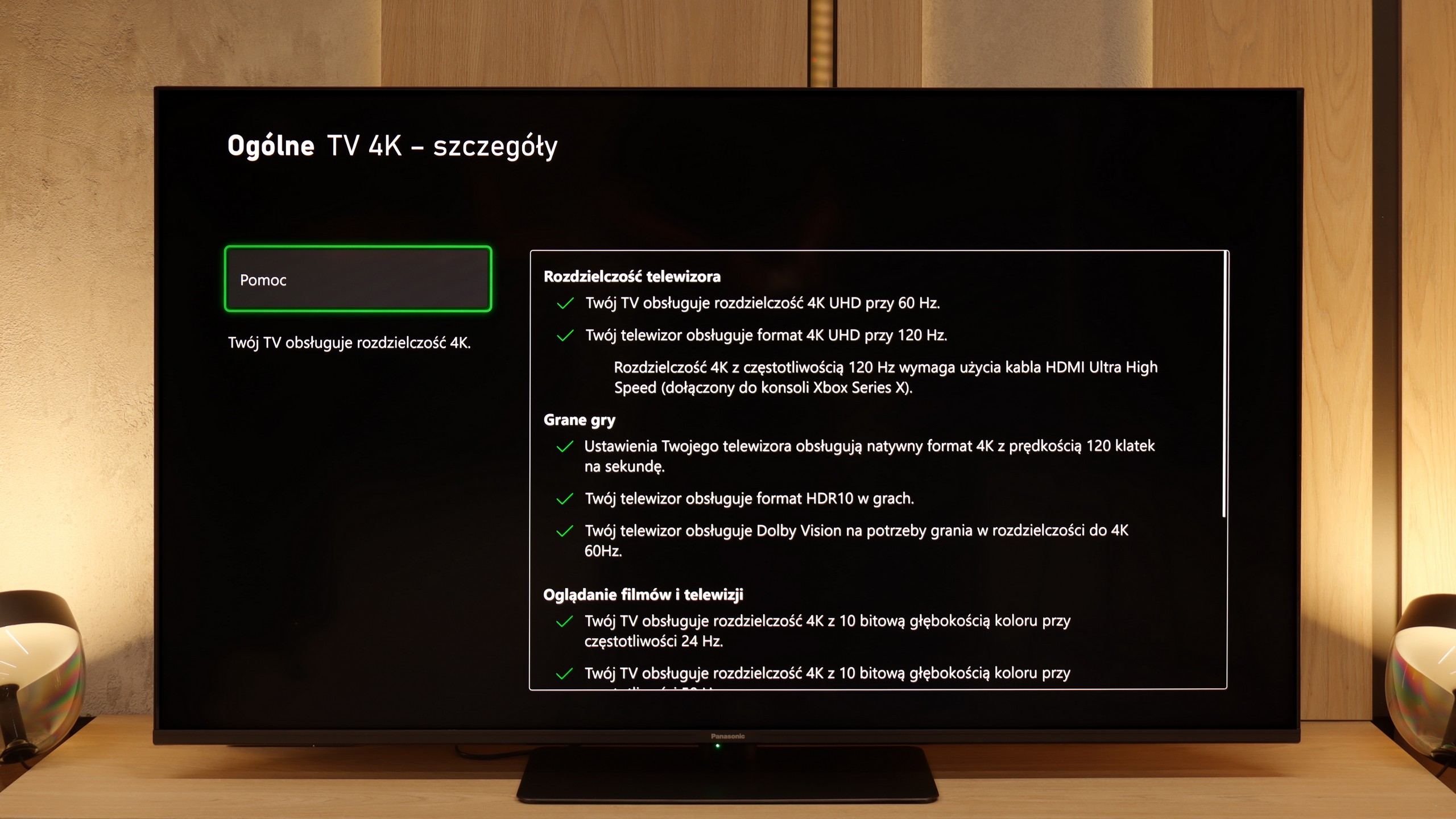
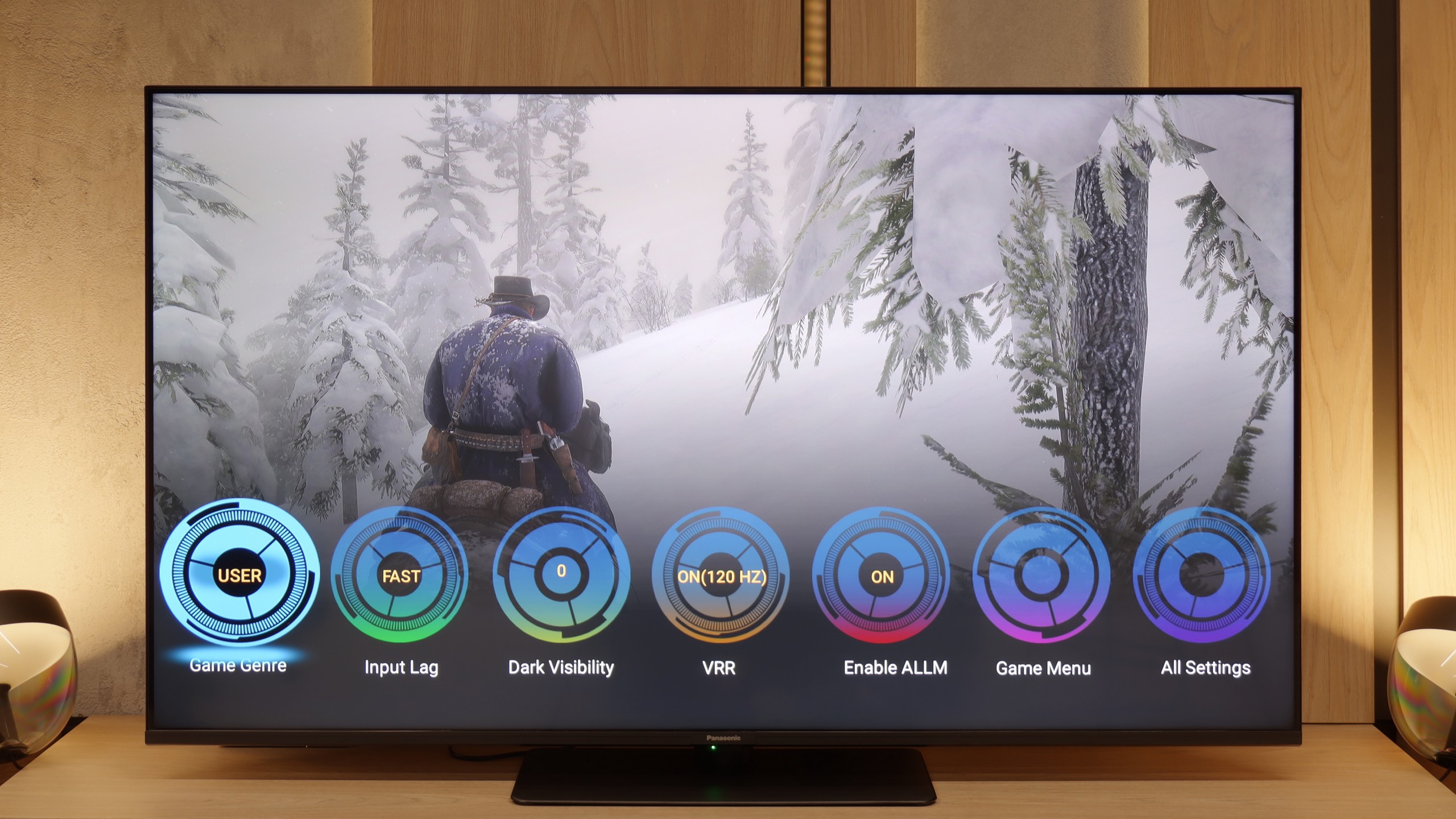
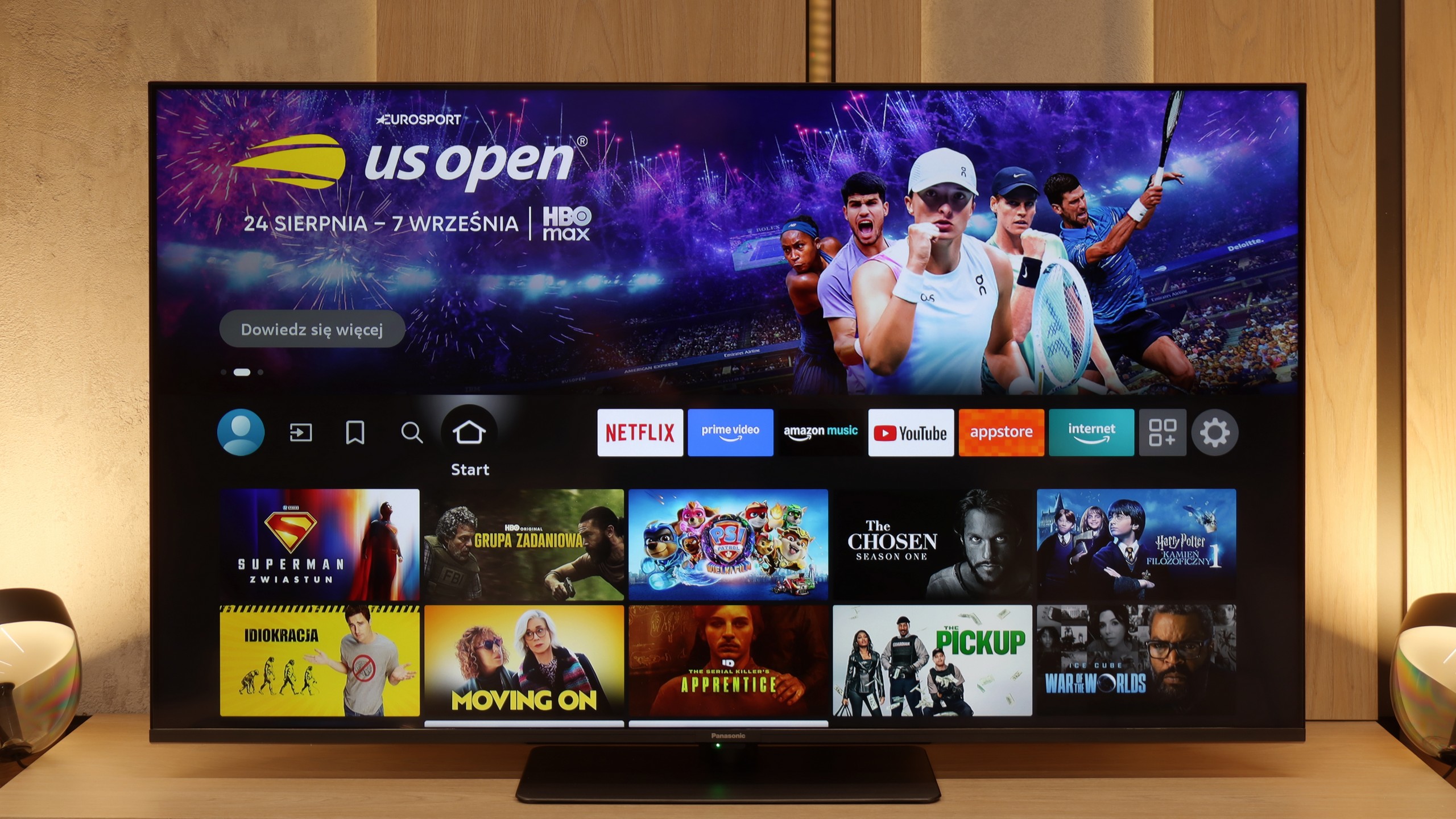
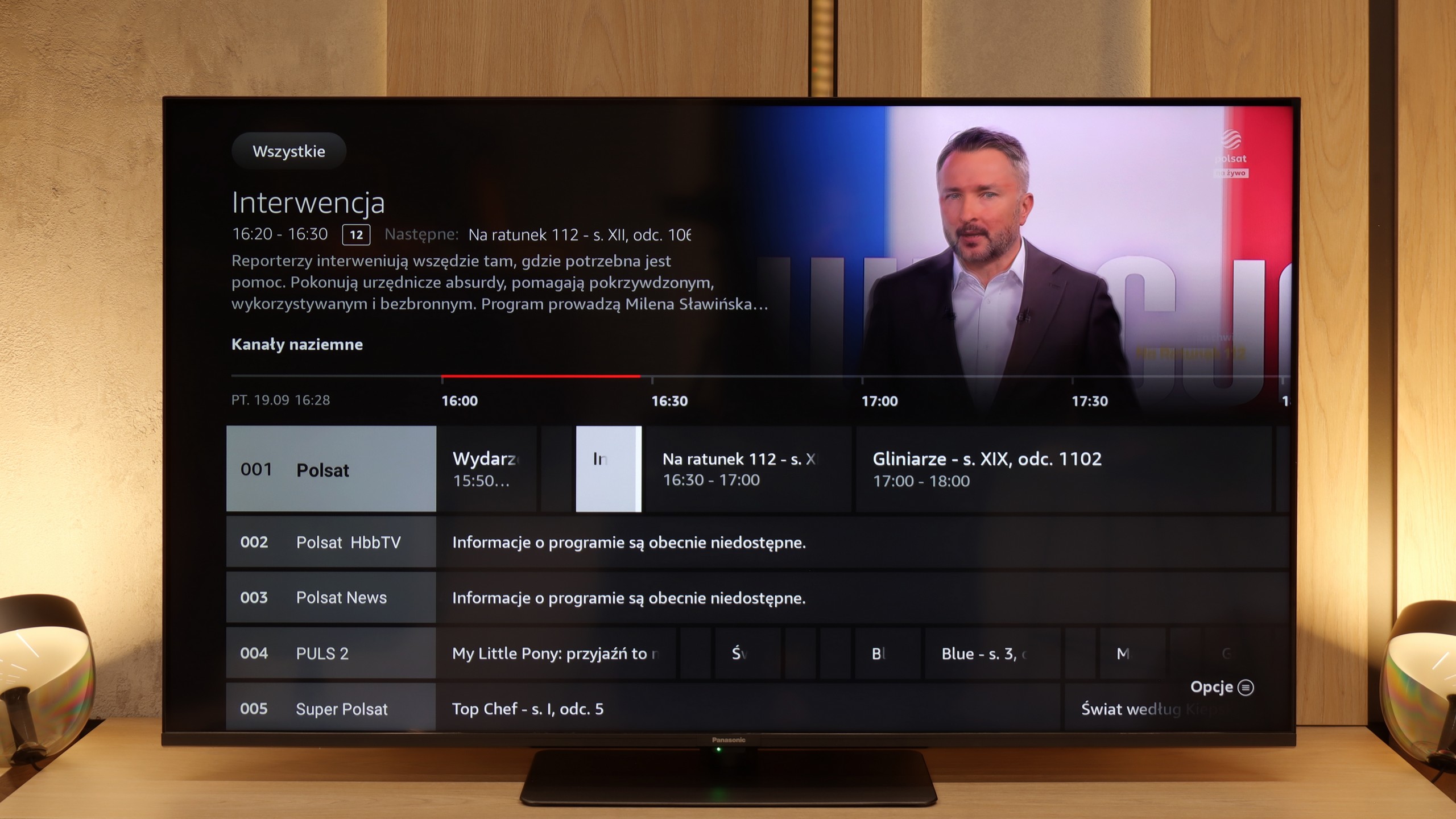
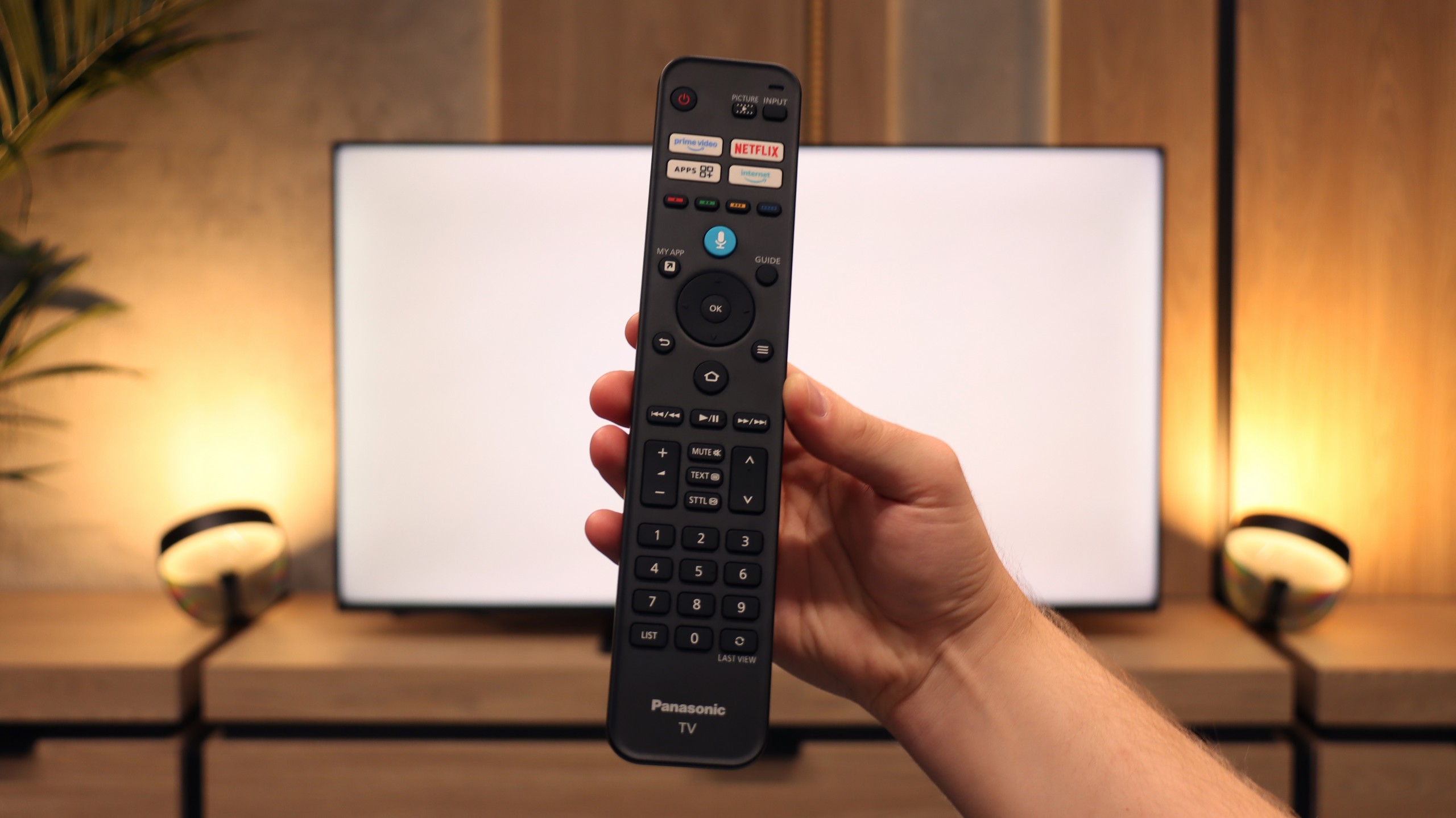
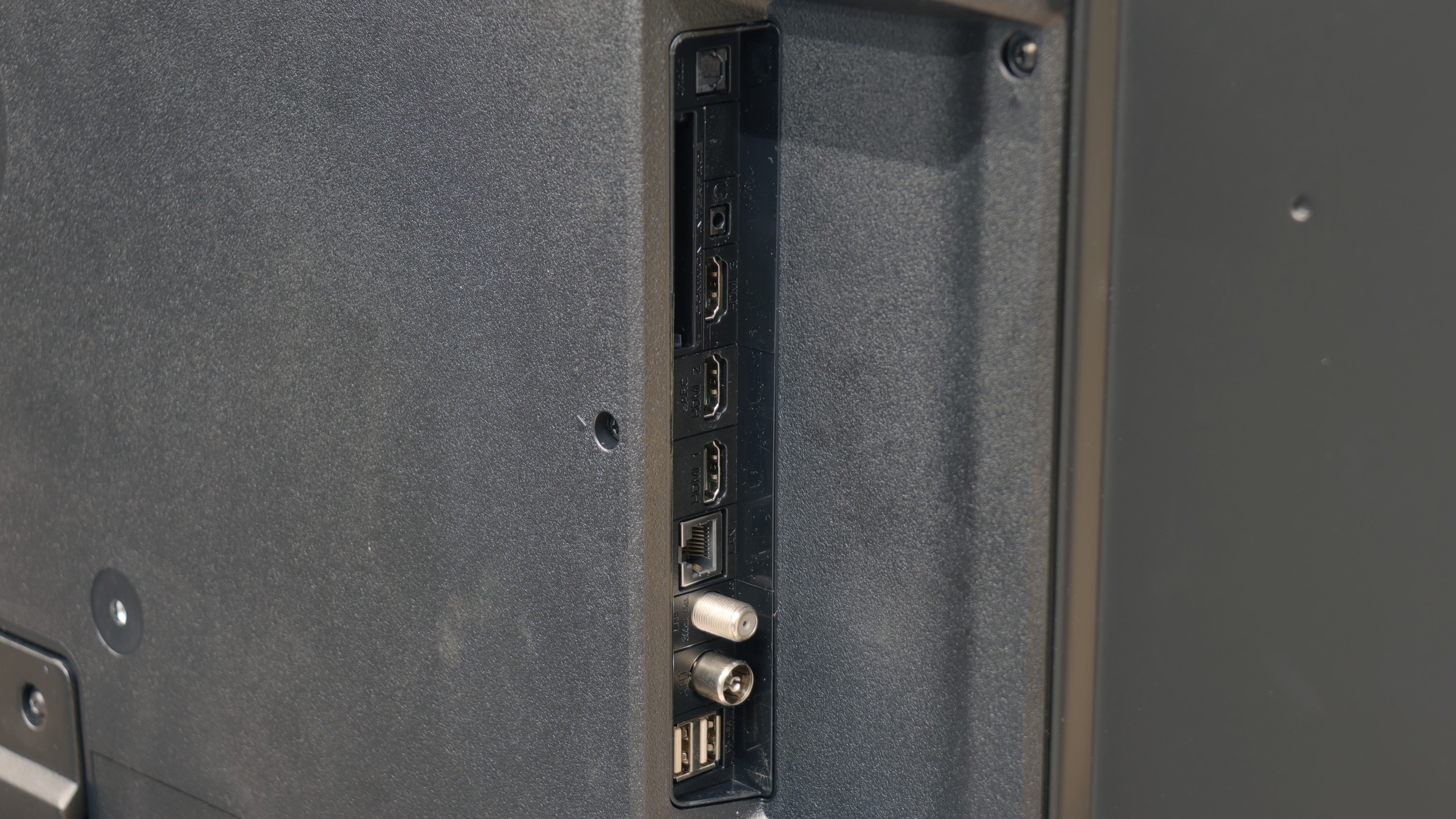
The Panasonic W85B is a TV that aims to prove that the Japanese brand can produce not only top-tier devices but also something more "for the people." And it really does look decent on paper: a VA panel with solid contrast, high refresh rates of 120/144 Hz, two full HDMI 2.1 ports, and low input lag. It sounds like a great setup for a gamer or someone just looking for an affordable TV with good fundamentals. However, the reality is a bit more complicated. The W85B performs well mainly with SDR content, especially after calibration, and will serve well for typical everyday use. But when we start expecting more from it—for example, counting on strong HDR performance or greater immersion in games with that mode activated—the TV quickly shows its limitations. Its brightness is low and the lack of local dimming becomes quite noticeable during evening viewing. Therefore, we view the W85B more as a "daily" TV—ideal for someone who watches terrestrial television, YouTube, or SDR streaming, and wants to connect a console or PC for 120/144 Hz (but without HDR). In that role, it performs very well. Is it a TV for everyone? Definitely not. But if we accept its limitations and approach it with reasonable expectations, the W85B can provide a lot of enjoyment for a relatively sensible price.
 Direct comparison