Samsung QLED Q70D / Q74D / Q77D vs LG QNED86A / QNED85A / QNED87A

Direct comparison

Check the best price offer:

Samsung QLED Q70D / Q74D / Q77D
$747

Q70D / Q74D / Q77D

QNED85A / QNED86A / QNED87A / A6A / A6B / A6C

Info

Available screen sizes: 55”65”75”85”

Available screen sizes: 43”50”55”65”75”86”100”

Panel type: LCD VA

Resolution: 3840x2160

System: Tizen

Model year: 2024

Complete the survey to find out the result

Panel type: LCD IPS

Resolution: 3840x2160

System: WebOS

Model year: 2025

Complete the survey to find out the result

Overall rating

6.8

7.0

  • Movies and series in UHD quality

    6.1

    6.4

  • Classic TV, YouTube

    6.0

    6.1

  • Sports broadcasts (TV and apps)

    6.5

    7.1

  • Gaming on console

    8.7

    8.3

  • TV as a computer monitor

    8.0

    8.0

  • Watching in bright light

    5.4

    5.8

  • Utility functions

    7.4

    8.4

  • Apps

    9.3

    9.1

  • Sound quality

    6.3

    6.0

Advantages

  • Excellent performance with consoles and computers

  • Color reproduction after the calibration process

  • Very good efficiency in sports - advanced motion smoothing system

  • Smooth and trouble-free operation of the Tizen system

  • Very good quality of tonal transitions in this budget

  • 120 Hz panel, good for sports and gaming

  • Very low input lag

  • Great for gamers (VRR, ALLM, HGiG, etc.)

  • Full set of HDMI 2.1 ports

  • Good compatibility with PC (great font readability)

  • Bright picture (around 700 nits in HDR), works well in moderately bright rooms

  • Good viewing angles (IPS)

  • Supports Dolby Vision

  • User-friendly webOS operating system with Magic Remote and voice assistant

  • Ability to record programs to USB

Disadvantages

No like
  • Possible noticeable light leaks

  • No Dolby Vision support

  • Very poor black and contrast due to the IPS panel

  • Lack of the declared 144 Hz in PC mode

  • Aggressive "light bars" when dimming is enabled (edge local dimming ruins evening movie screenings)

  • Confusion in markings and versions – even TVs with the same name in different stores can have different stands (central or two legs) or frame colors, which can be very misleading when purchasing.

Our verdict

The Samsung Q70D delivers solid performance for its price range, with standout features that will appeal to a wide range of users. Its gaming capabilities, in particular, are impressive, offering features like smooth gameplay and low input lag that make 30 fps titles feel like they’re running at 60 fps. The well-executed HGIG mode, which performs similarly to Dolby Vision, is another highlight for gamers. Additionally, the Samsung Q70D pairs easily with Canal+ decoders, a feature many other TVs struggle with.

When it comes to daytime viewing, the Samsung Q70D shines with bright SDR content that makes it ideal for well-lit rooms. However, there are a couple of downsides. The lack of Dolby Vision is noticeable, as the TV’s brightness could have benefited from it, and light leakage can be seen in dark scenes with low brightness settings. While these issues are not dealbreakers, they are worth noting.

On the plus side, the Samsung Q70D has one of the best motion smoothers in its class, making it perfect for sports or fast-action content. The system runs smoothly and has all needed apps. Overall, the Samsung Q70D is a strong addition to the manufacturer's seventh series, with consistent improvements in quality and growing popularity.

QNED86A6A is a television that really does a great job in its price class when it comes to sports, gaming, and everyday TV watching. The 120 Hz panel makes the picture smooth and the motion sharp, which will be appreciated by both fans and gamers. Additionally, it has low input lag along with a full set of gaming features such as HGiG, VRR, and ALLM. The TV works just as well with a computer as it does with a console, so in the office or on a desk in the 43” version, it will perform excellently as a work monitor. Another strong point is the webOS system. It is a fast, stable, and app-rich operating system that, paired with the Magic remote, provides very convenient control. The new version of the remote is slimmer and fits better in the hand, and the cursor on the screen is a solution that many competitors lack. It also includes classic features – USB recording, Bluetooth for headphones, and a full set of HDMI 2.1 with eARC and Dolby Atmos support. This makes the QNED85 series TVs some of the most "multimedia" televisions in their class. But let's not sugarcoat it; this model also has its significant drawbacks. Its biggest flaw is undoubtedly the contrast, or rather the lack of it. The IPS panel combined with edge "mini-LED" is simply a very bad idea. The screen is simply not suitable for watching movies in a dark living room. The blacks are grayish-blue, and local dimming can generate light stripes resembling lasers, which effectively ruins the viewing experience. For home theater, this is not a choice that can be recommended with full conviction. The second problem may not be directly related to the TV itself but to its sales. It concerns the chaos in naming and the differences in derivative versions. The same model, even with the same designation, can have a different frame color or stand depending on the store. This can really be frustrating for the buyer and create a sense of confusion. In summary: LG QNED86A6A is a great TV for sports, gaming, and everyday television, with a convenient system and great functionality. But if you are looking for a screen specifically for movies or series and require deep blacks, it is better to look towards TVs that can truly be called Mini-LEDs with full confidence.

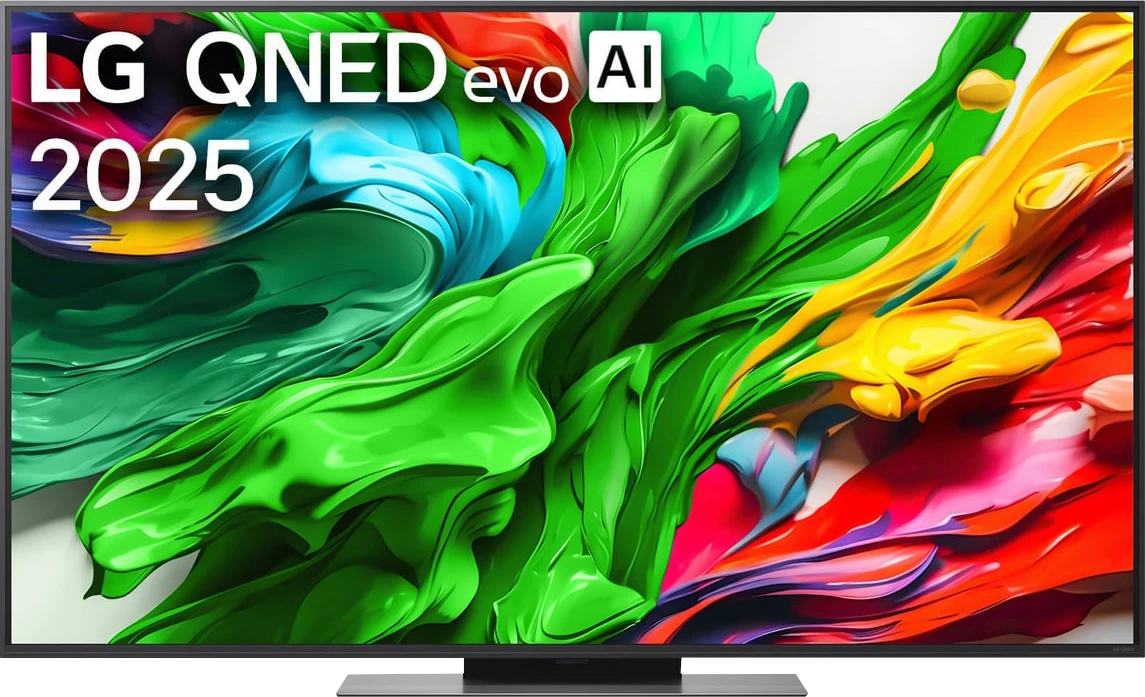
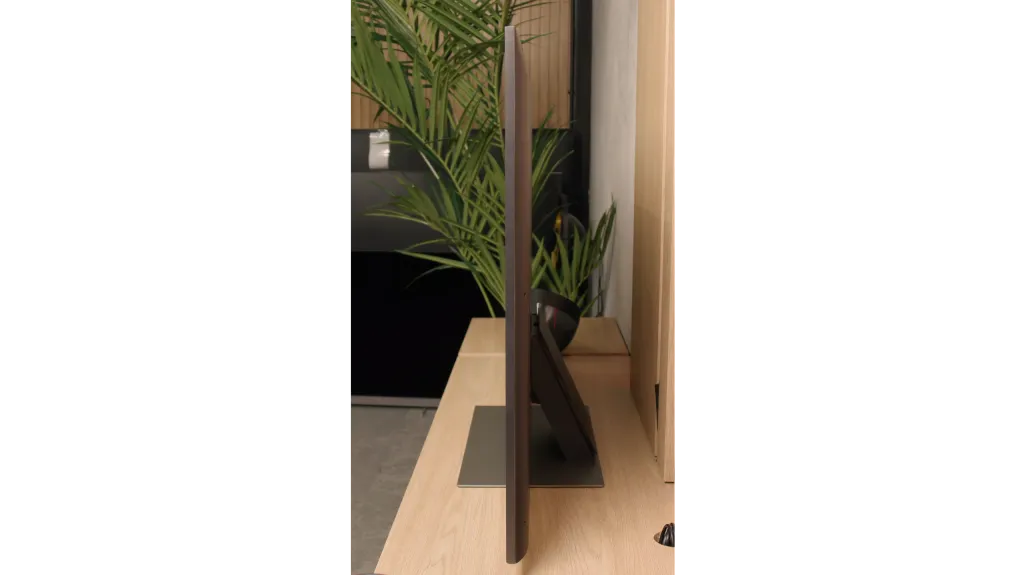
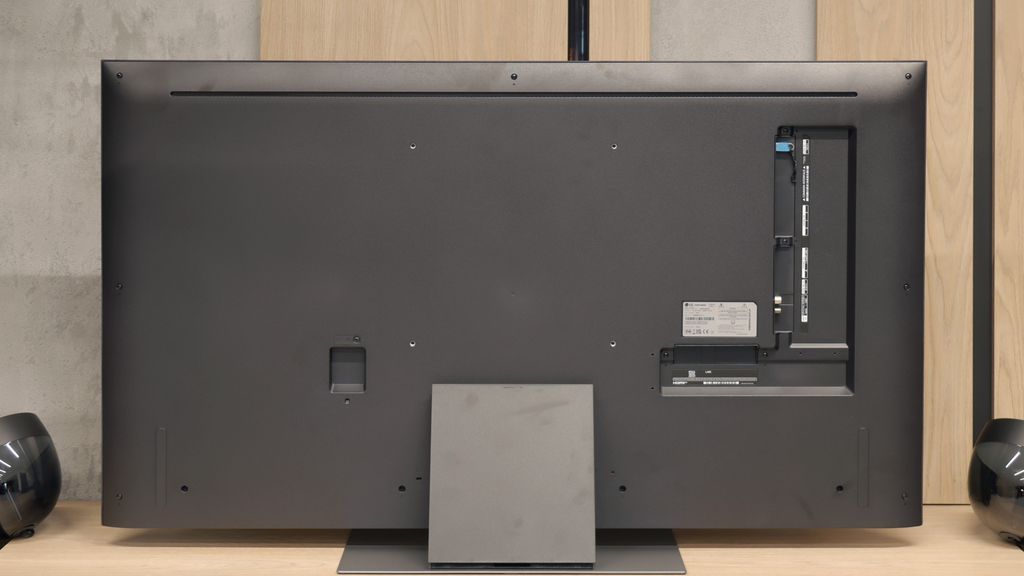
TV appearance

HDMI inputs
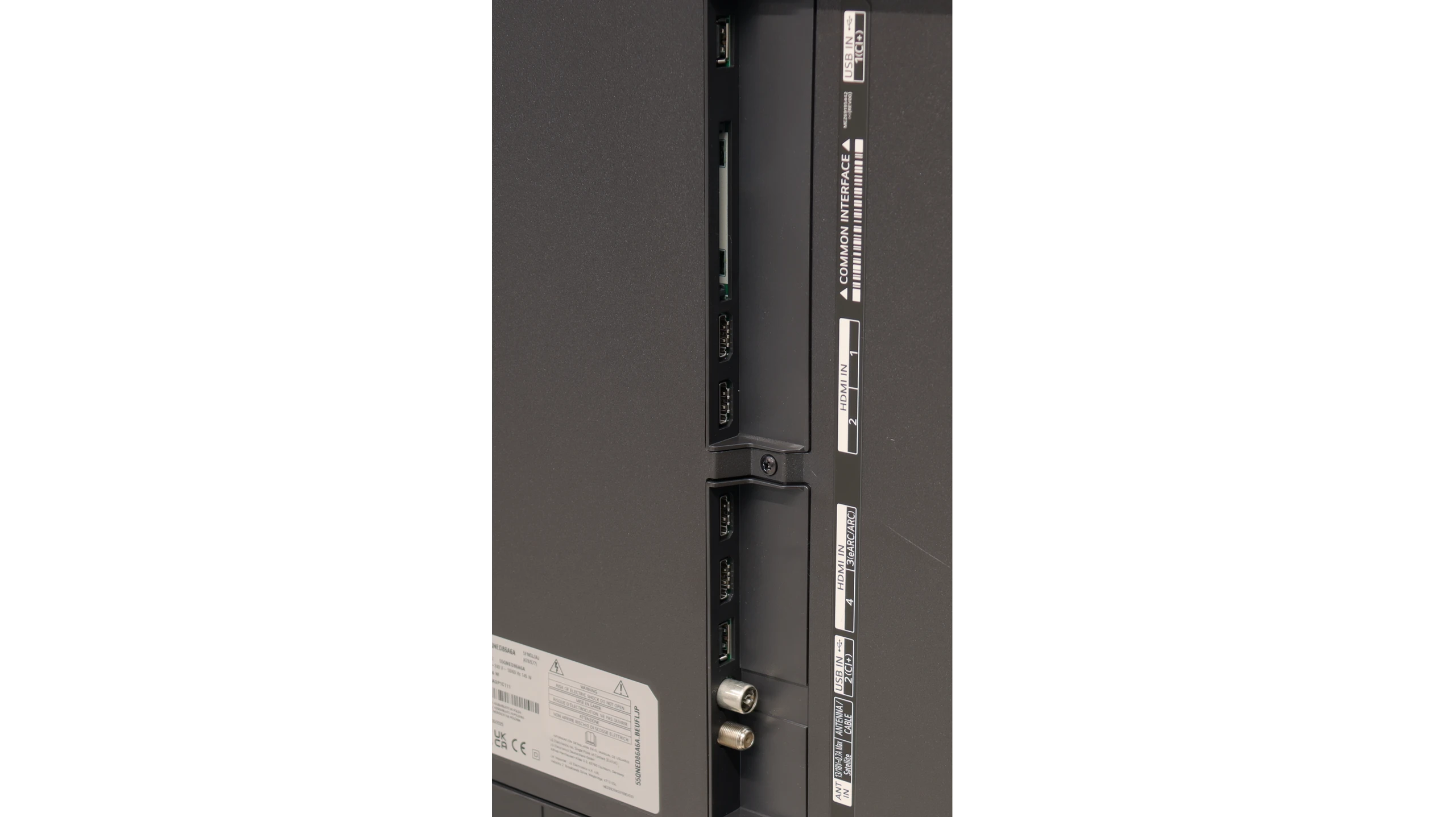
0 x HDMI 2.0, 4 x HDMI 2.1 (40Gbps)
0 x HDMI 2.0, 4 x HDMI 2.1 (48Gbps)
Other inputs
Outputs
Toslink (Optical audio), eARC (HDMI), ARC (HDMI)
Network Interfaces
Wi-Fi 2.4GHz, Wi-Fi 5GHz, Ethernet (LAN) 100Mbps
Build quality
Premium
Good
Stand type
Central
Central
Bezel color
Graphite
Graphite
Stand
Fixed
Height adjustment
Flat design
Yes
Yes
Accessories
Stand
Stand

Contrast and black detail

5.4/10

3.5/10

Local dimming function: No

Local dimming function: Yes, number of zones: 6 (1 x 6)

Contrast:

Review Samsung QLED Q70D / Q74D / Q77D Contrast and black detail

Result

2,450:1

Review Samsung QLED Q70D / Q74D / Q77D Contrast and black detail

Result

5,150:1

Review Samsung QLED Q70D / Q74D / Q77D Contrast and black detail

Result

6,550:1

Review Samsung QLED Q70D / Q74D / Q77D Contrast and black detail

Result

5,850:1

Review Samsung QLED Q70D / Q74D / Q77D Contrast and black detail

Result

2,800:1

Review LG QNED86A / QNED85A / QNED87A Contrast and black detail

Result

4,050:1

Review LG QNED86A / QNED85A / QNED87A Contrast and black detail

Result

1,750:1

Review LG QNED86A / QNED85A / QNED87A Contrast and black detail

Result

4,800:1

Review LG QNED86A / QNED85A / QNED87A Contrast and black detail

Result

1,850:1

Review LG QNED86A / QNED85A / QNED87A Contrast and black detail

Result

1,350:1

Halo effect and black detail visibility:

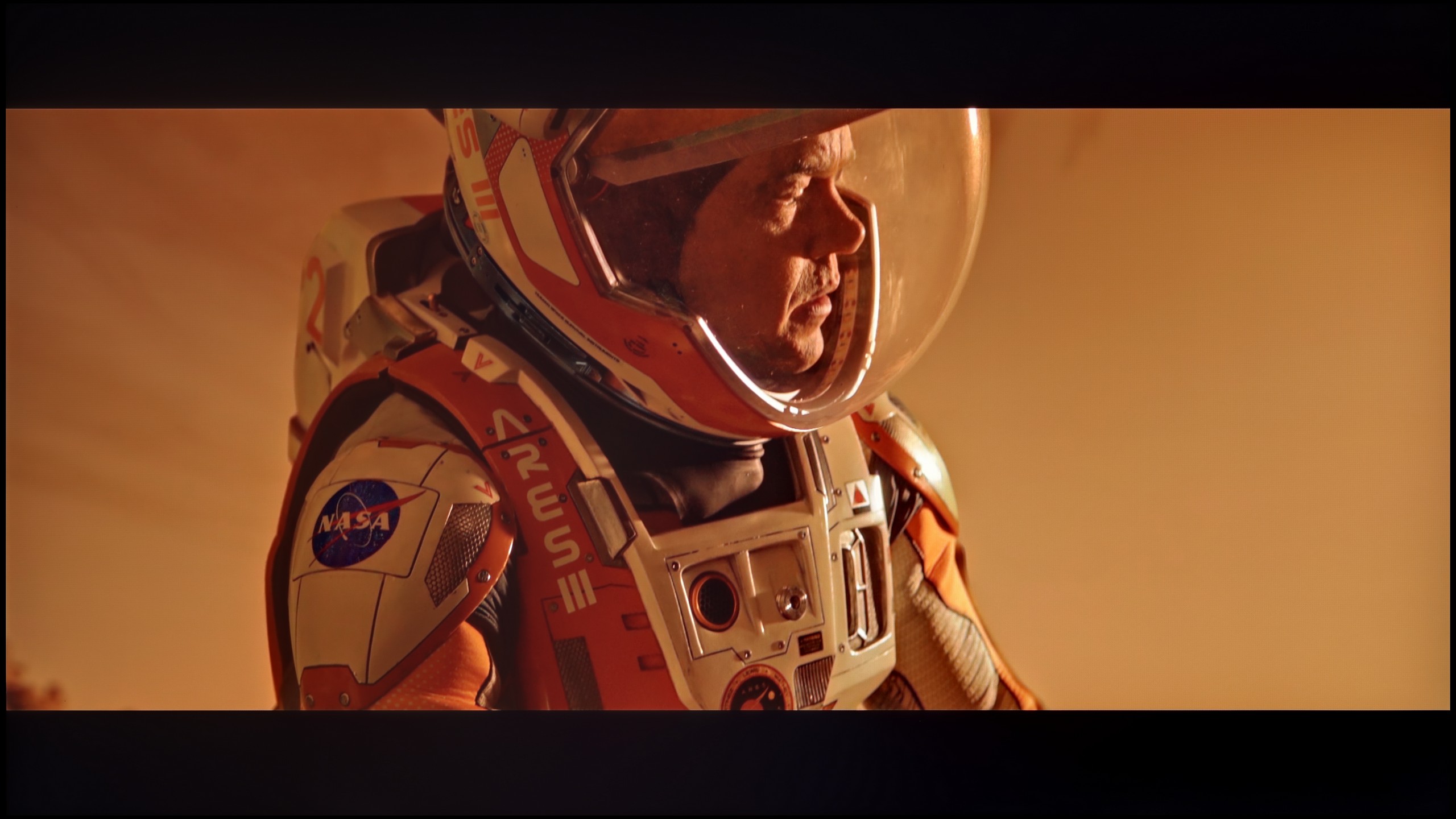
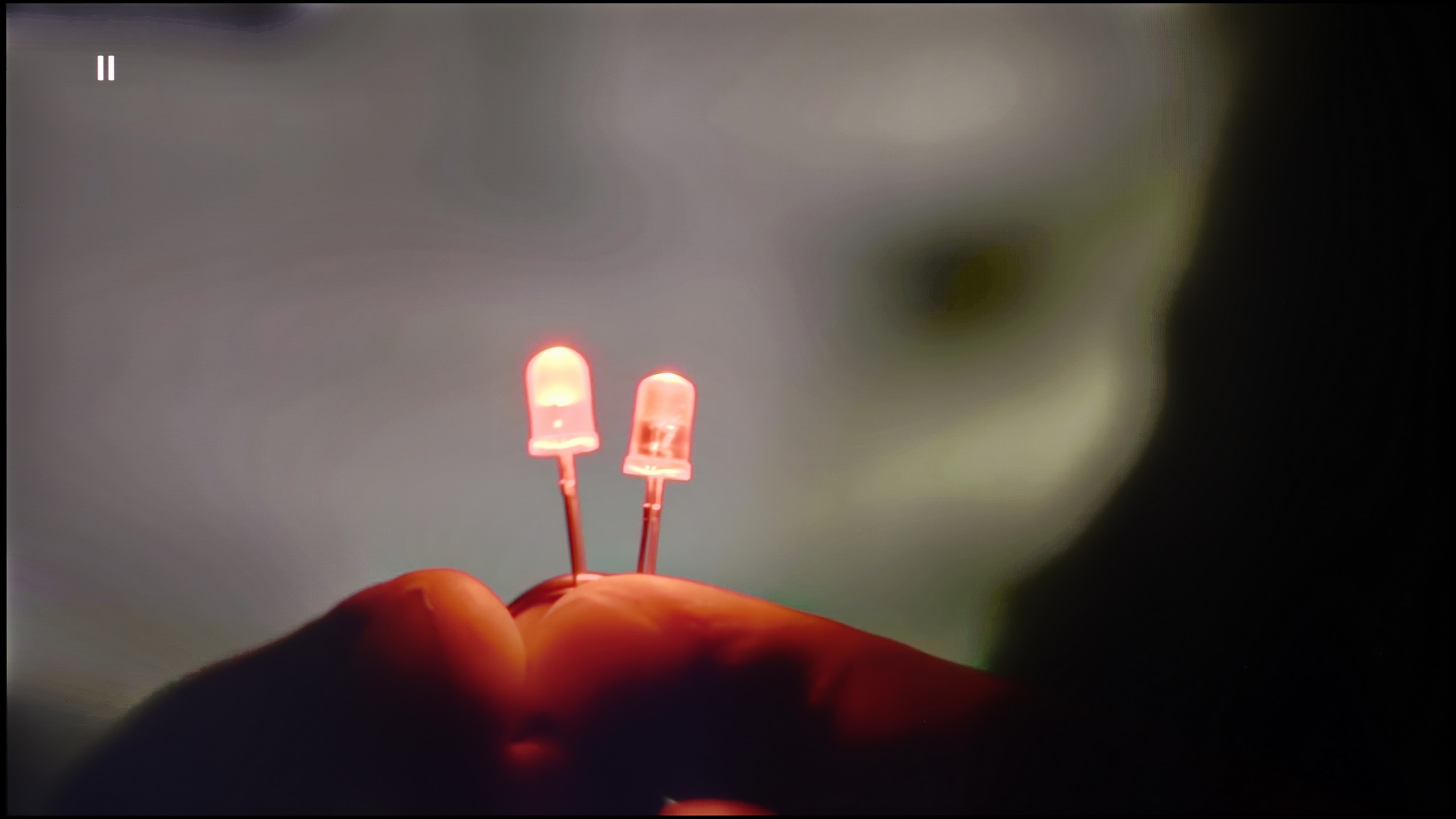
Check the visibility of bright lights on a dark background. Mini-LEDs often struggle with this. The photo does not compare black levels – that’s what the video below is for.

The video accurately shows differences in contrast and black levels between TVs, as well as potential issues: halo around bright objects or Mini-LED zone operation visible as brightness jumps.

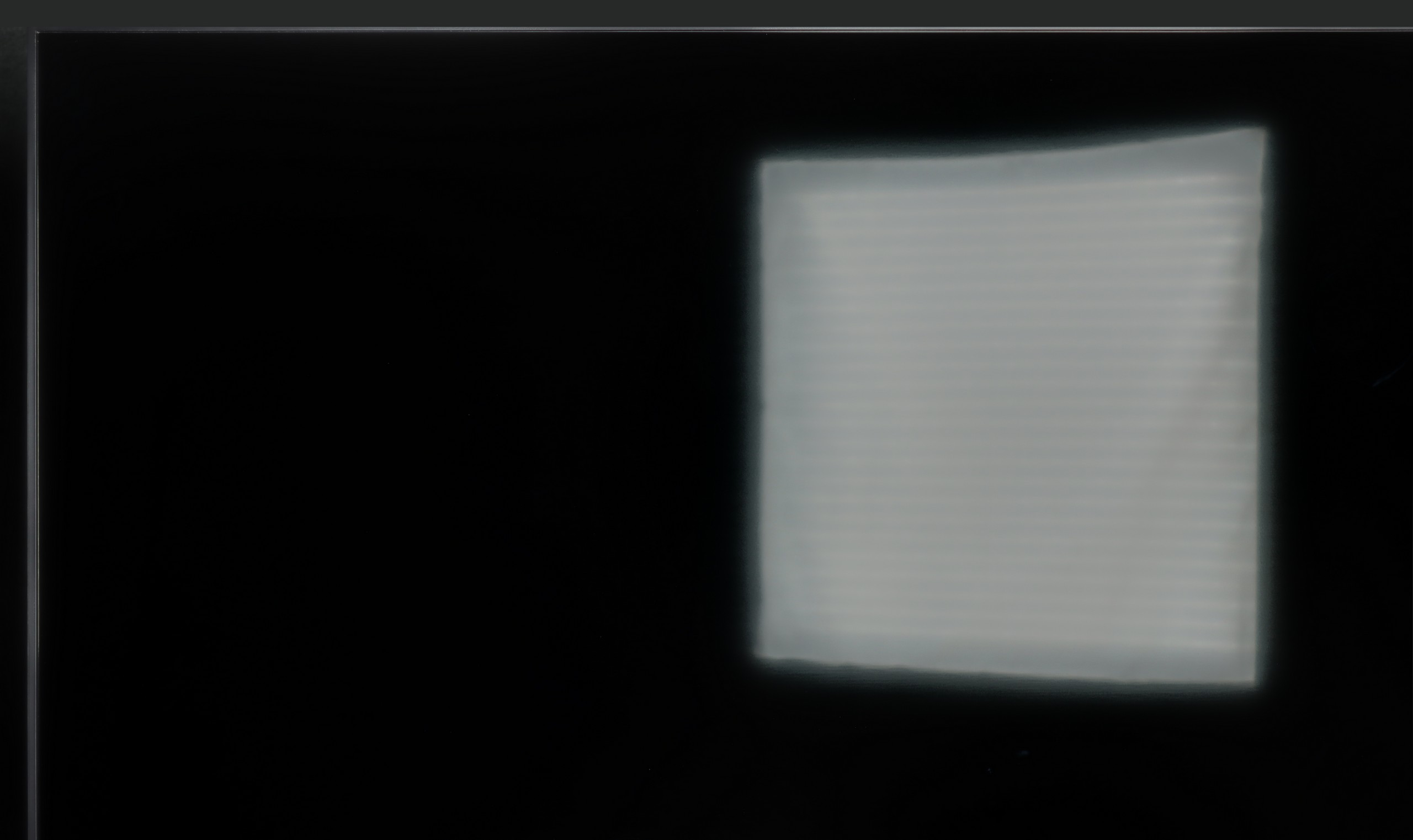
The Samsung Q70D and its related models, like the Q77D and Q74D, feature a VA panel, which generally provides excellent contrast. Compared to IPS/ADS screens without advanced local dimming, the contrast on these models is several times better. However, the contrast results can vary significantly due to the non-uniformity of the panel. This means that sometimes the contrast is great, but at other times it can be noticeably worse, though it tends to remain fairly consistent overall, except for light bleeding.

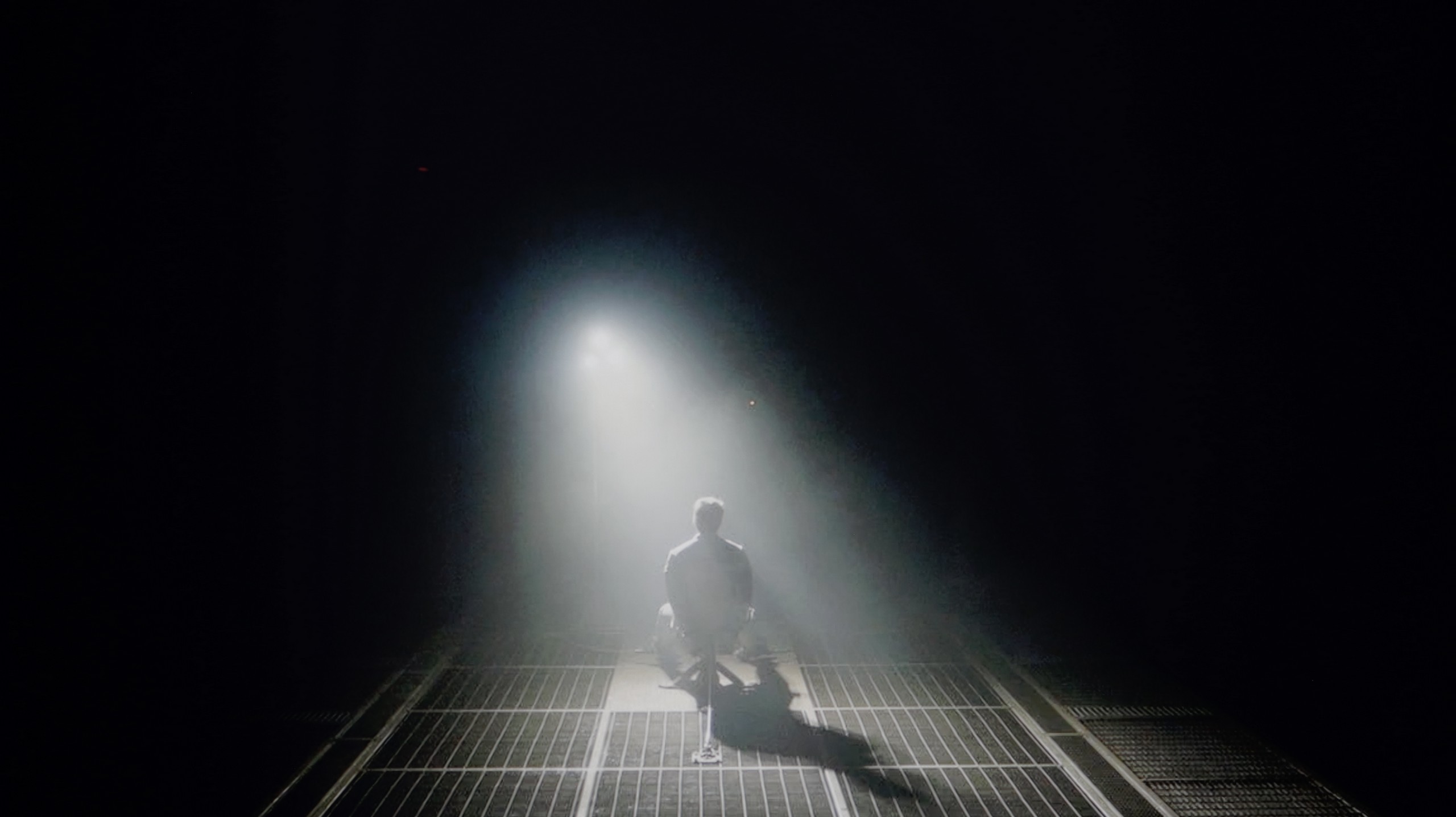
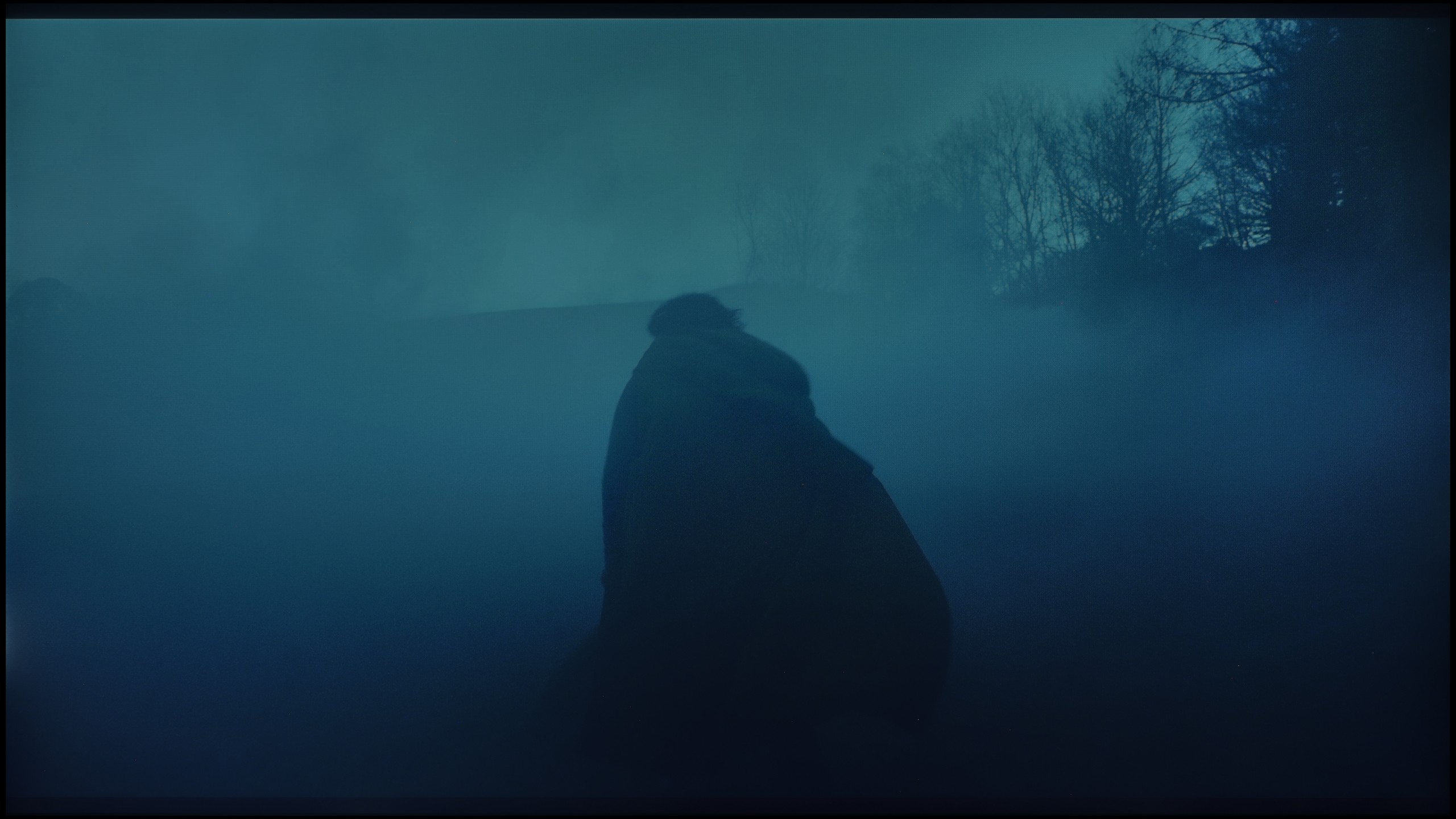
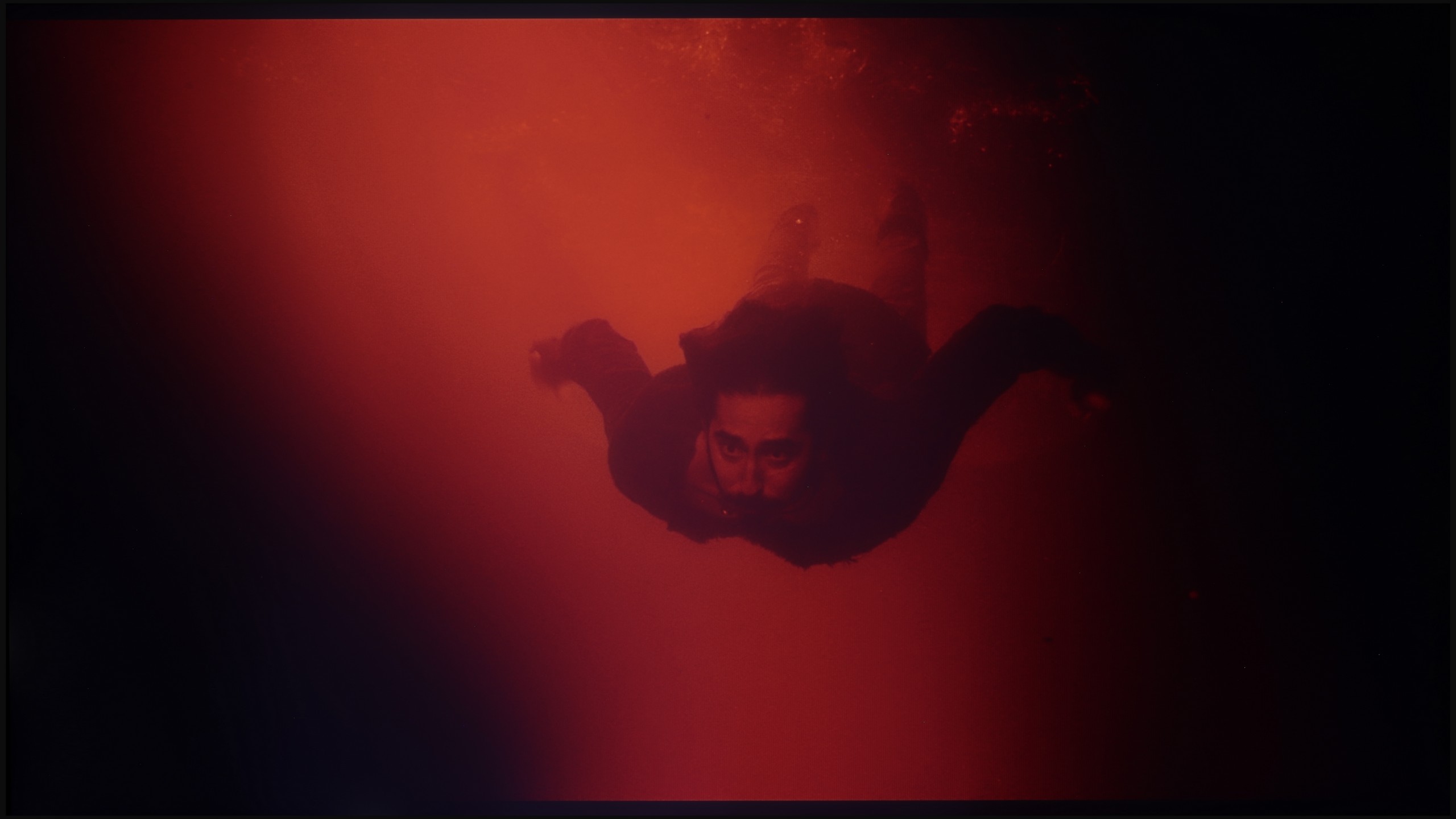
To illustrate this, we look at two film scenes from "Oblivion" and "Revenant." In the first scene, the lights are well-separated, which is a positive as it suggests that detailed visibility in bright areas should be good in future tests. What stands out in this frame is the sharpness of the smoke under the light and the deep navy blacks in the background. In contrast, the second scene from "Revenant" reveals uneven backlighting, which is quite noticeable and impacts the overall image quality. Despite this, the details in the movie remained clearly visible.

Although the manufacturer describes the QNED86A as a Mini-LED television, one would be hard-pressed to find the multi-zone local dimming system known from more expensive models. In practice, we are dealing with classic edge lighting that only allows for dimming horizontal bands of the screen from top to bottom. Combined with the low-contrast IPS/ADS panel, the effect is simply poor. If we decide to keep local dimming enabled, a problem arises – the television can illuminate selected areas in such a way that it appears like “flying lasers” crossing the screen. This is very distracting, and it is difficult to claim a truly cinematic experience under such conditions. Therefore, in our opinion, it is better to disable this function. However, one has to reckon with the fact that the contrast then drops to around 1500:1, but at least the image does not irritate with artificial flashes.

HDR effect quality

5.5/10

6/10

Supported formats
HDR10, HDR10+, HLG
HDR10, Dolby Vision, HLG
Color gamut coverage
DCI P3: 92.2%, Bt.2020: 68.7%
DCI P3: 95.4%, Bt.2020: 73.4%

Luminance measurements in HDR:

Review Samsung QLED Q70D / Q74D / Q77D Brightness measurement

Result

433 nit

Review Samsung QLED Q70D / Q74D / Q77D Brightness measurement

Result

461 nit

Review Samsung QLED Q70D / Q74D / Q77D Brightness measurement

Result

477 nit

Review Samsung QLED Q70D / Q74D / Q77D Brightness measurement

Result

475 nit

Review Samsung QLED Q70D / Q74D / Q77D Brightness measurement

Result

490 nit

Review LG QNED86A / QNED85A / QNED87A Brightness measurement

Result

602 nit

Review LG QNED86A / QNED85A / QNED87A Brightness measurement

Result

524 nit

Review LG QNED86A / QNED85A / QNED87A Brightness measurement

Result

690 nit

Review LG QNED86A / QNED85A / QNED87A Brightness measurement

Result

512 nit

Review LG QNED86A / QNED85A / QNED87A Brightness measurement

Result

500 nit

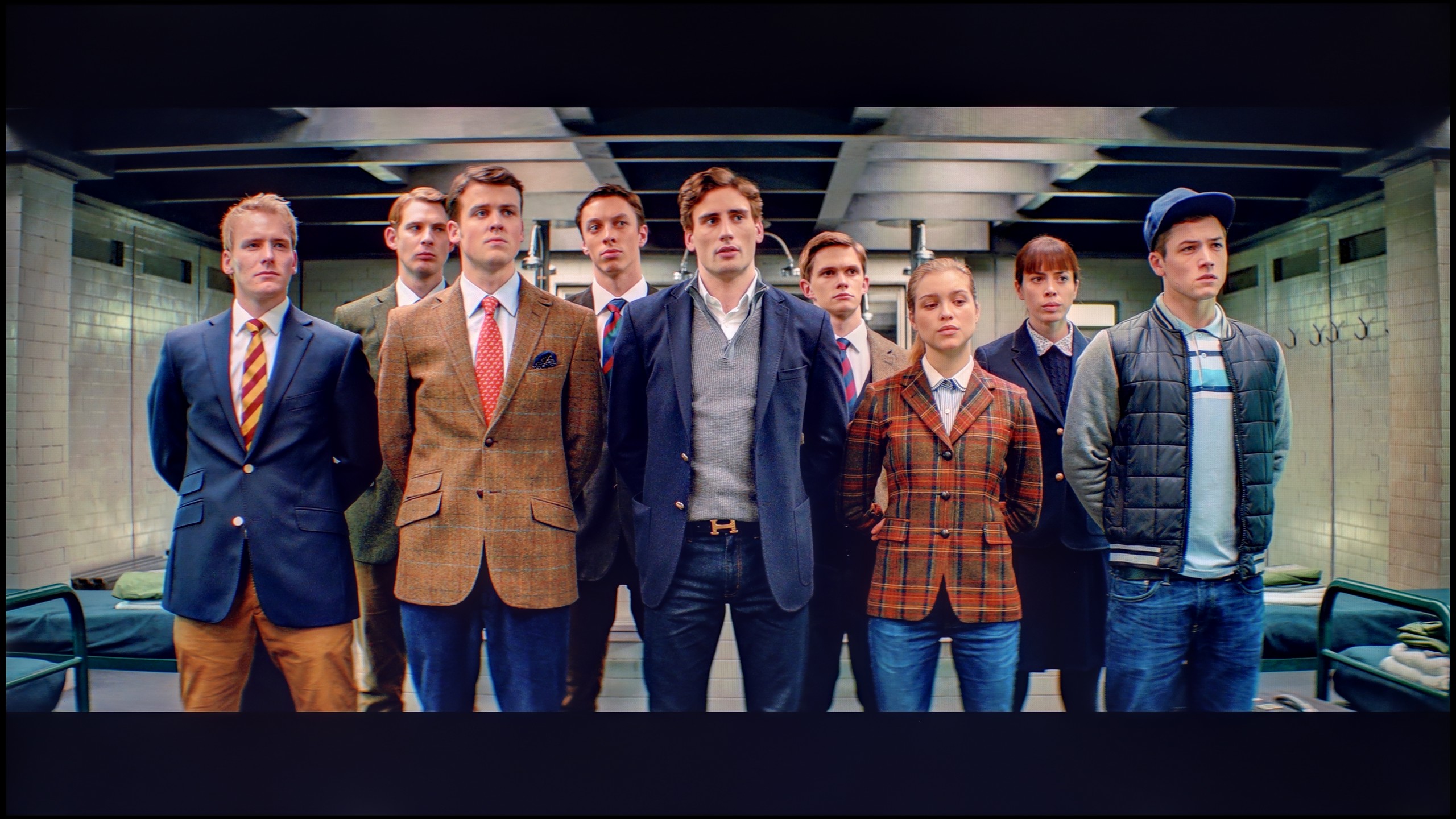
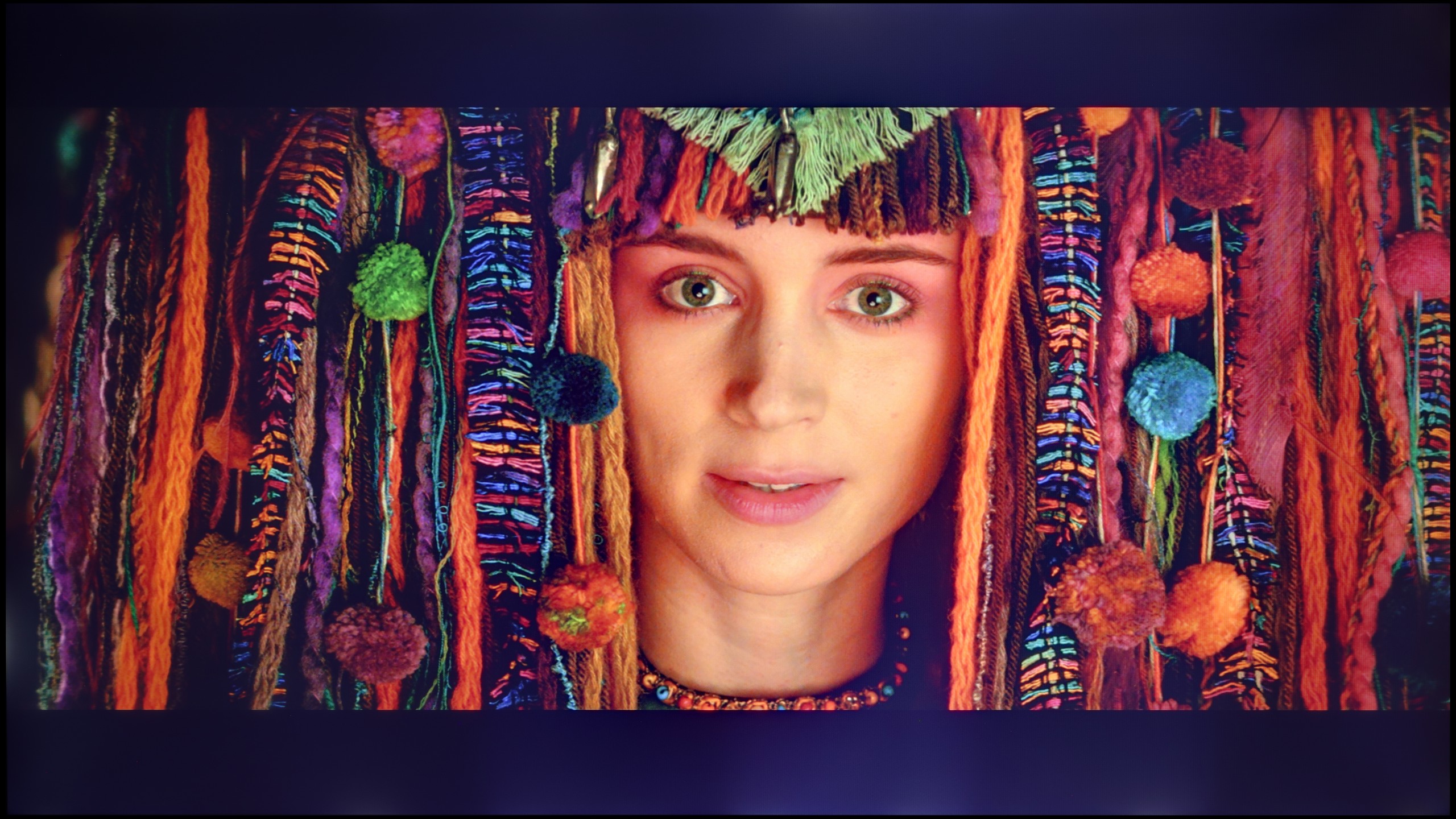
Scene from the movie “Pan” (about 2800 nits)

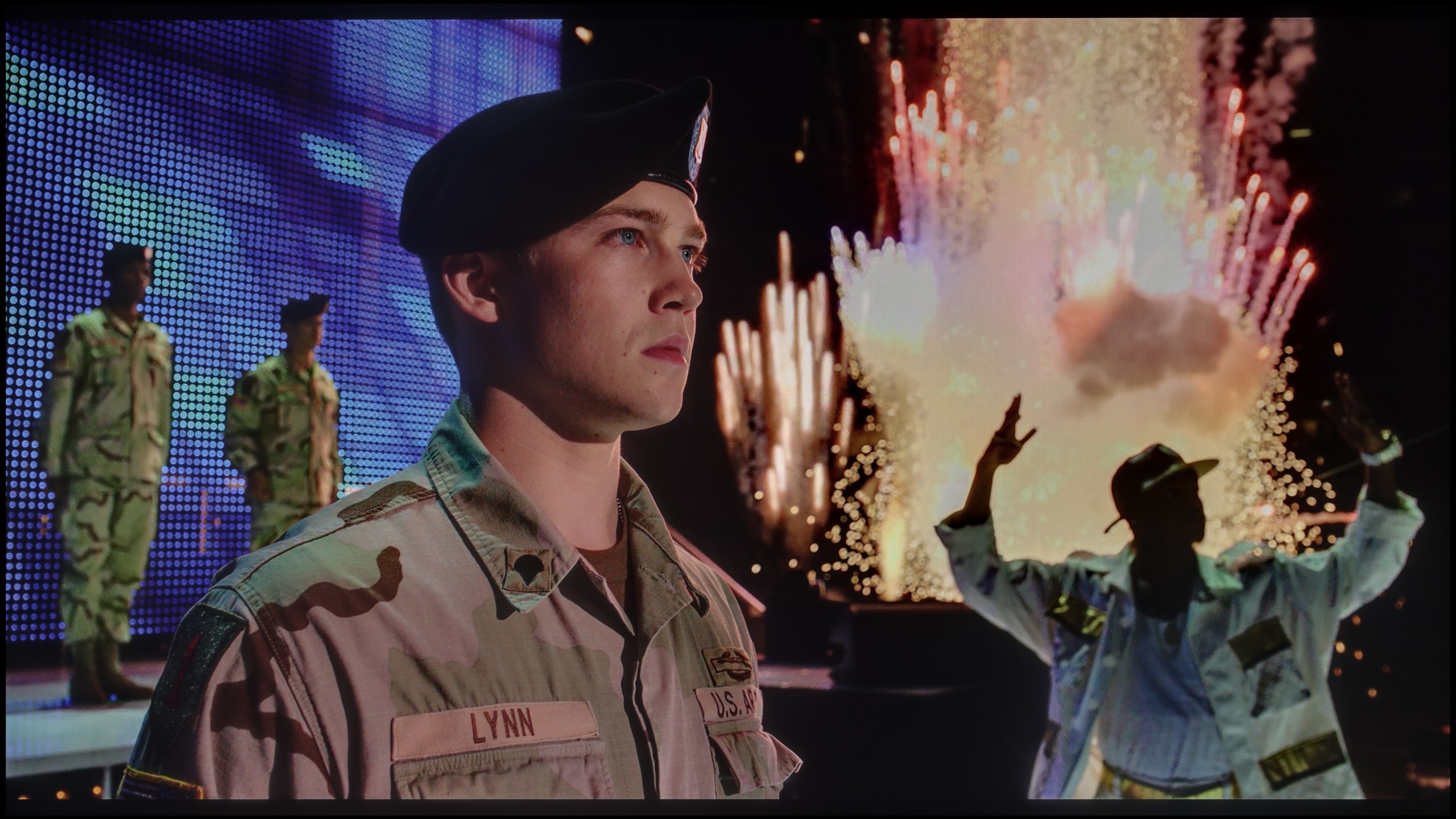
Scene from the movie “Billy Lynn” (about 1100 nits)

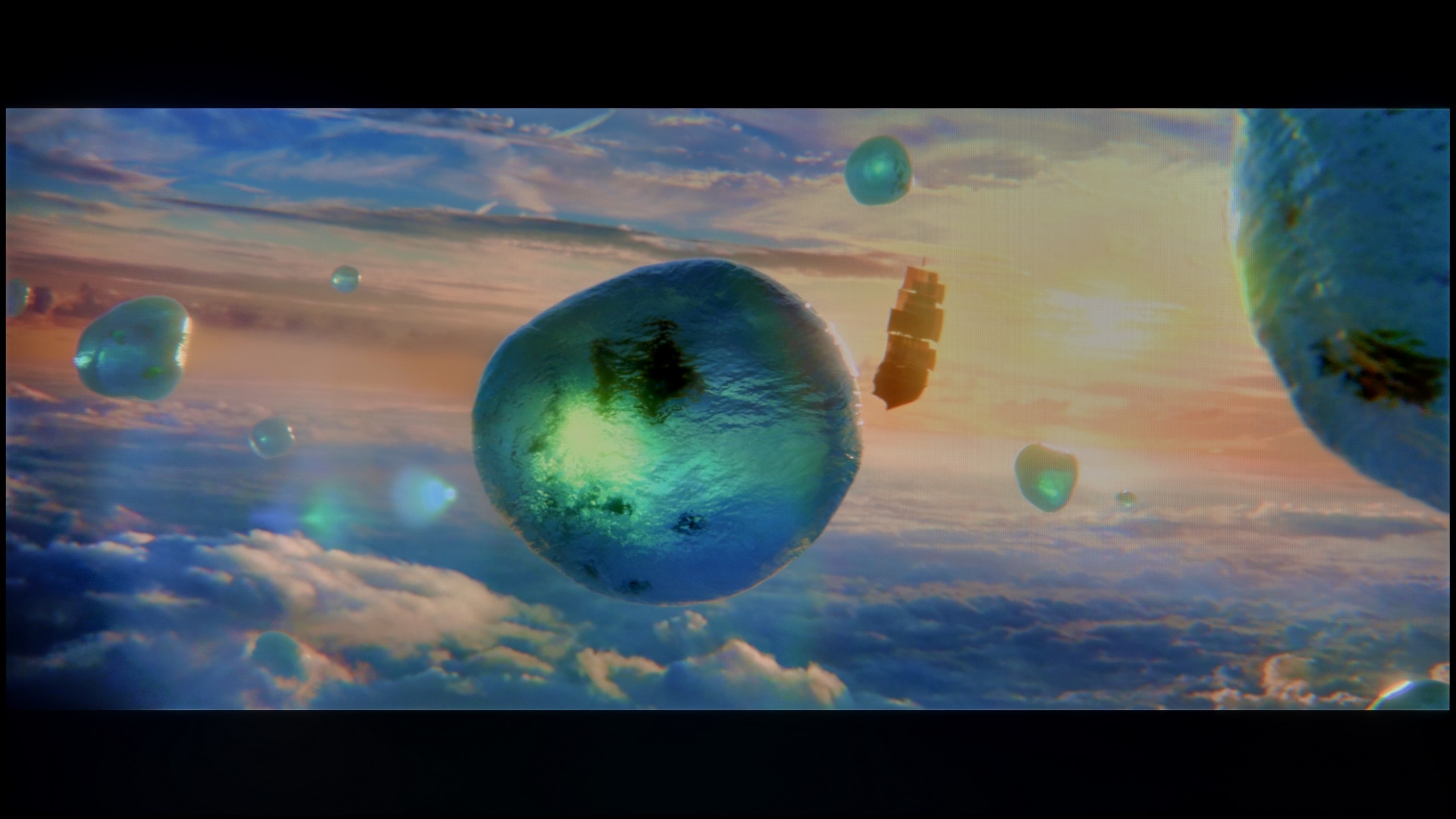
The photos show two HDR10 movies. 'Pan' is one of the brightest productions ever made, while 'Billy Lynn' (soldier) has brightness typical of streaming (Netflix, Prime, HBO MAX). Notice the intensity of effects and detail in whites.

Static HDR10

The photos present the visibility of white details in various HDR formats. They do not show brightness differences between TVs (these can be compared in the previous gallery).

Dynamic: HDR10+

Dynamic: Dolby Vision

The photos present the visibility of white details in various HDR formats. They do not show brightness differences between TVs (these can be compared in the previous gallery).

HDR luminance chart:

LG QNED86A / QNED85A / QNED87A

Samsung QLED Q70D / Q74D / Q77D

Luminance of RGB colors

The brightness of the Samsung Q70D is fairly average, yet it delivers a noticeable HDR effect. With brightness exceeding 400 nits, the distinction between SDR and HDR materials becomes evident. As observed in the discussion about contrast and black levels, the TV's performance varies across different scenes. In a scene featuring a bright sun against a darker foreground, the measured luminance is lower. However, in a scene with a large, bright light source dominating the frame, the TV achieves its peak brightness, reaching nearly 500 nits—a commendable result for its price range and display class.

Despite these strengths, the relatively low coverage of the wide DCI-P3 color gamut occasionally results in less vivid color reproduction. Even so, the TV offers rich colors and precise shade reproduction, enhancing the movie-watching experience. Furthermore, the Q70D excels in motion blur elimination during dynamic scenes, making it a solid choice for enjoying sports broadcasts and gaming.

Against the backdrop of contrast and black, the brightness of the QNED86A and the overall HDR effect performs much better. This is a television that can reach around 700 nits in the best conditions, so in terms of brightness alone, there is nothing to be ashamed of. As a result, scenes with strong lights, explosions, flashes, or bright parts of the landscape look clear and can make an impression. Interestingly, even in more challenging moments with small, contrasting elements on the screen, the television handles their backlighting well, and the details are quite visible. The problem resurfaces when there are a lot of dark tones. The lack of effective local dimming causes black to virtually disappear, and instead, we get a gray glow spreading across the entire screen. This kills the sense of depth and makes the image look flat, as if it lacks a cinematic quality. In bright animations or colorful family films, this won't be an issue because colors and bright light dominate there. But in horrors or productions set in darkness, these limitations are very palpable. As a consolation, it’s worth mentioning that the QNED86A is actually a QLED television with a PFS LED filter, which gives it very good coverage of wide color gamuts. Both the DCI-P3 palette and the wider BT.2020 perform really solid here. This ensures that colors in HDR films are saturated, vibrant, and have the right depth – even if the black itself disappoints, the colors can save the viewing experience and make the image look attractive.

Factory color reproduction

6.1/10

5.6/10

This gallery shows how colors change after professional TV calibration. If you notice the difference, we recommend ordering this service at SkalibrujTV.com.

Factory Mode

After calibration

This gallery shows how colors change after professional TV calibration. If you notice the difference, we recommend ordering this service at SkalibrujTV.com.

Factory Mode

After calibration

The best factory mode on the Samsung Q70D is "Filmmaker," and it is the one we used when conducting various tests. Before the calibration process, it had several flaws that effectively prevented the conveyance of the director's intentions. In both SDR and HDR materials, the white balance was dominated by red and green colors. As a result, there was a characteristic yellow tint on the image, causing whites to appear yellowed and creating issues with skin tones, which were noticeably too warm. The reduced gamma in the standard color gamut materials caused a significant drop in the already low contrast. This resulted in an emphasis on details in the blacks but also in blown-out images in brighter scenes. The EOTF curve, in this case, turned out to be much better and only lightened those scenes with relatively low luminance. This was clearly visible in the section where we measured the maximum brightness of the television in HDR materials. At that time, the frame from the movie "Billy Lynn" was unnaturally bright and lacking depth.

We primarily tested the QNED86A in Filmmaker mode, which is designed to provide the most accurate picture. Unfortunately, right out of the box, there were quite a few shortcomings. The most noticeable issue was the poorly adjusted white balance – there was a lack of blue, causing the overall image to lean slightly yellow, and at times, even orange. An even bigger problem turned out to be the way the television manages brightness. Due to its technical limitations – namely, local dimming that only works along the edges of the screen – the QNED86A tends to over-brighten entire scenes. This is where the flattening effect we mentioned earlier comes from. Instead of distinct depth and contrast, we get something akin to "boosted brightness," which can strain the eye over time.

Color reproduction after calibration

8.1/10

7.6/10

The photos show how movies look on the TV. Pay attention to black detail visibility, colors, and shadow tint.

The photos show how movies look on the TV. Pay attention to black detail visibility, colors, and shadow tint.

Fortunately, Samsung provides a wide range of calibration tools in all its televisions, where we can find 2-point and 20-point grayscale adjustments as well as advanced CMS. Thanks to this, we were able to significantly improve the quality of SDR and HDR materials. The vast majority of errors have been corrected, and the image that the Samsung Q70D now generates is definitely closer to the reference. Higher deltaE errors in the high dynamic range materials are primarily due to the display's insufficient luminance.

What was saved in the QNED86A6A is undoubtedly the colors. After calibration, the white balance was set with great precision, resulting in deviations on the Colour Checker palette mostly not exceeding the threshold of visibility for the human eye. In other words – the colors finally looked natural, without strange yellow or orange tones that previously ruined the experience. Unfortunately, even the best calibration cannot bypass design limitations. The already mentioned very modest number of local dimming zones and their unfortunate placement made the analysis of the EOTF curve in films still show clear over-brightening of scenes. The image tended to flatten, lacking cinematic depth. Fortunately, this effect is not as noticeable in older productions or SDR content. There, calibration really does its job and allows taming the QNED in such a way that the image can be pleasing. However, the specifics of this design – especially the contrast issues – cannot be entirely overcome.

Smoothness of tonal transitions

6.9/10

8.9/10

These are selected scenes that show smooth tonal transitions from one color to another. If you see distinct banding, it’s the TV panel’s fault.

These are selected scenes that show smooth tonal transitions from one color to another. If you see distinct banding, it’s the TV panel’s fault.

These are selected scenes that show smooth tonal transitions from one color to another. If you see distinct banding, it’s the TV panel’s fault.

These are selected scenes that show smooth tonal transitions from one color to another. If you see distinct banding, it’s the TV panel’s fault.

Considering how important light play is in films and series, the overlapping structures and the fluidity of tonal transitions are an extremely significant element in assessing image quality. The color grading on the tested television is at quite a decent level. It cannot be said that it is outstanding, but it is also not bad. We rate it as acceptable. Brighter scenes perform the best here, showing the least amount of stuttering. In scenes recorded in darker settings, slight deficiencies in grading can already be noticed; however, this is not an issue that would cause discomfort while watching. This may be disrupted by the bleeding backlight, clearly visible in the last photo.

The blending of colors is one of the stronger points of the QNED86A. In everyday viewing, the image appears really smooth, without noticeable "steps" or sudden transitions between colors. The television handles color blending quite naturally, so with most materials, it's hard to spot issues with gradation. Any imperfections only appear in extreme conditions – for example, in the darkest scenes of movies, where even much more expensive televisions can have problems. There, you might notice slight banding or characteristic stripes, but these are marginal situations that shouldn't interfere with normal usage. Overall, the QNED86A performs well in this category and has nothing to be ashamed of compared to the competition.

Image scaling and smoothness of tonal transitions

7/10

7.8/10

Image without overscan on the SD signal
No
OK
Smooth transition function
OK
OK

Smooth transition function

The match photo shows how the TV smooths weak tonal transitions in low-quality video.

Image scaling SD (576i)

The model photo shows how it handles upscaling of SD material.

The function responsible for improving gradation is named "Noise Reduction" in the menu. As we have confirmed, it is worth activating as it has a positive effect on tonal transitions. More importantly, it does not negatively affect film grain or fine details, which sometimes the competition "offers" us.

Image scaling in Samsung Q70D should be rated as average. The manufacturer aims not to artificially sharpen the image but to leave it naturally softened.

If someone is worried about possible "steps" when connecting colors, there is a simple way in the QNED86A. Just turn on the feature called Smooth Gradation and set it to medium level. Then the TV really smooths out all those unwanted transitions – especially in older productions – and does it in such a way that the film grain doesn't disappear, nor do strange artifacts appear. In other words, you can use it without worry.

The upscaling itself also turns out quite well. Of course, there are no miracles here – with lower quality sources, you can observe characteristic jaggedness. Fortunately, there is a sharpness slider in the menu, and if someone prefers a more "softer" image, it can be quickly adjusted to their taste.

Blur and motion smoothness

7.4/10

7.8/10

Maximum refresh rate of the panel
120Hz
120Hz
Film motion smoothing option
OK
OK
Blur reduction option
OK
OK
BFI function 60Hz
Yes, 60Hz (image flickers)
BFI function 120Hz
No
Yes, 240Hz (double contours)
Brightness drop with BFI
30%
62%

Blur (native resolution, maximum refresh rate):

Blur (BFI function enabled):

Image flickers in this mode

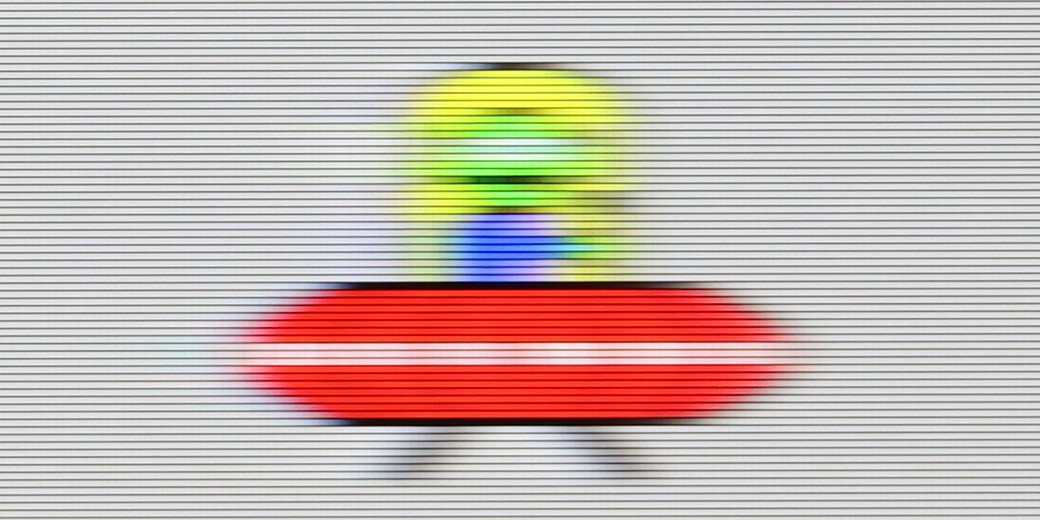
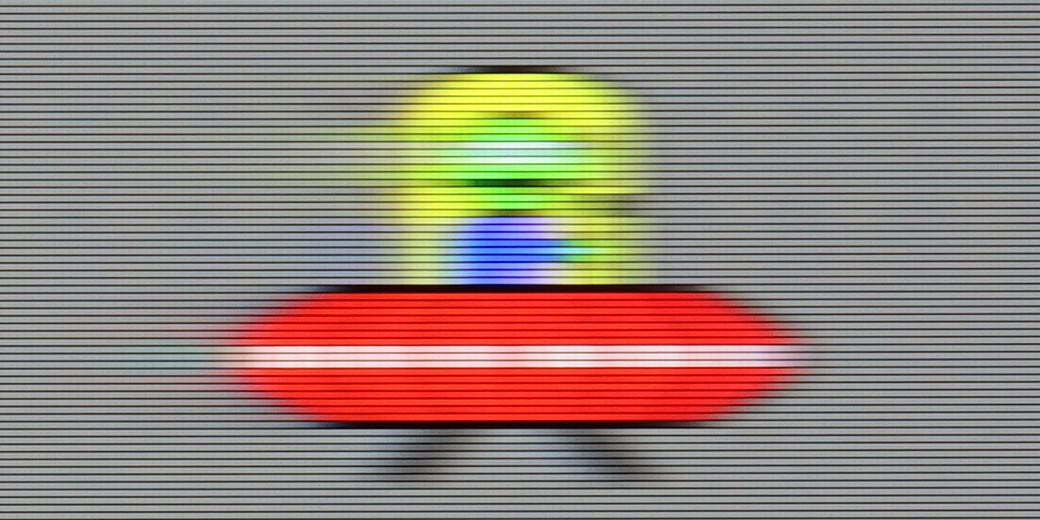
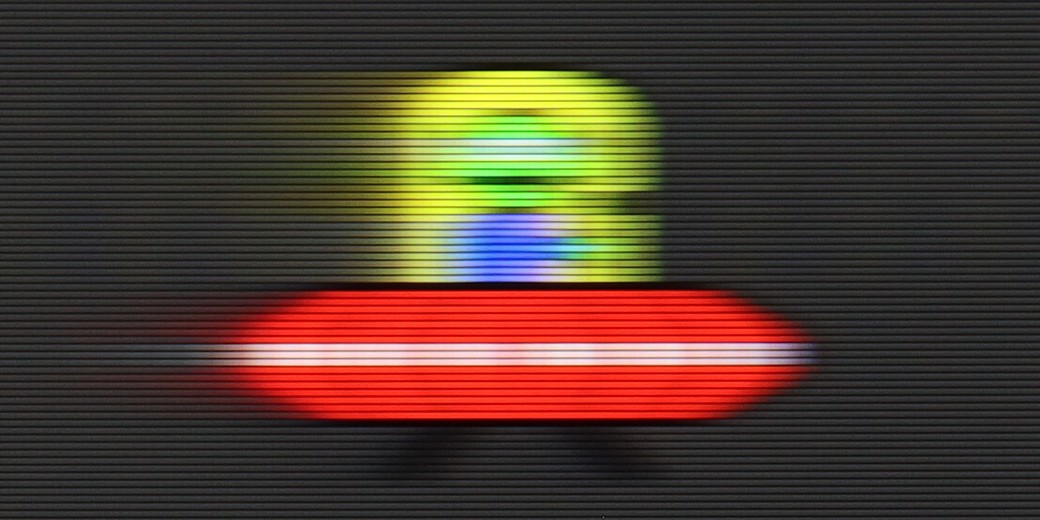
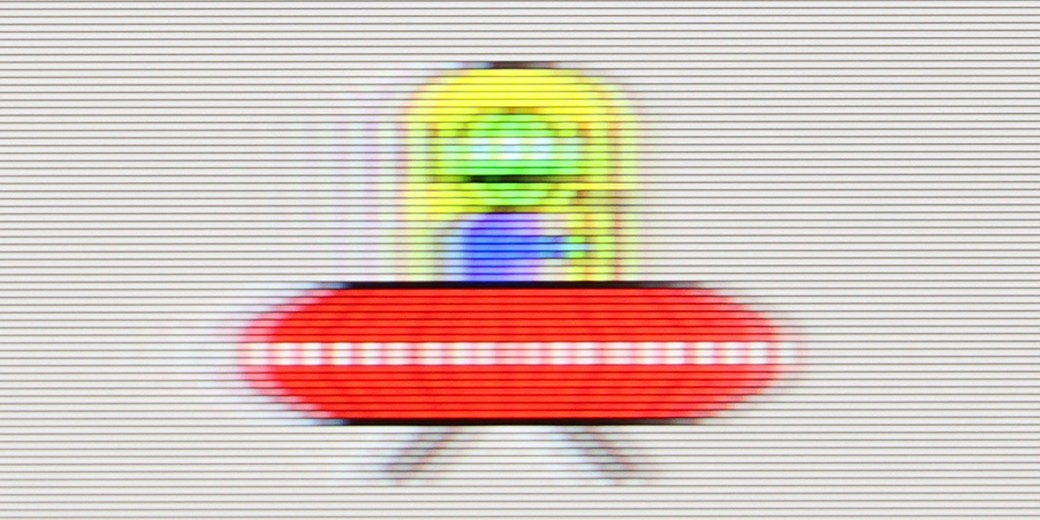
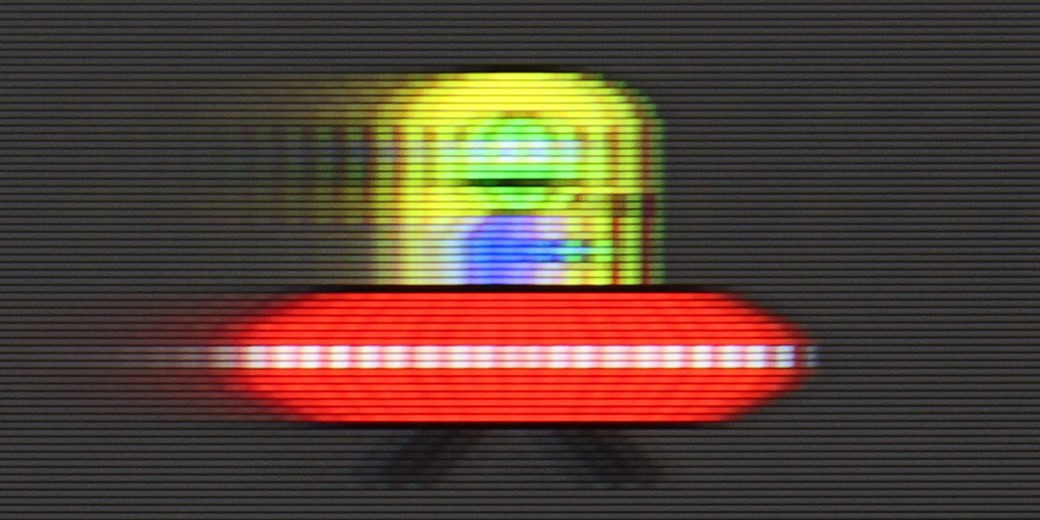
The Samsung Q70D is the first model in the manufacturer's range to feature a 120Hz panel, resulting in more advanced motion smoothing capabilities compared to lower-category models. Within the menu, three functions are dedicated to improving motion fluidity: "Motion Blur Reduction," "Judder Reduction," and "Clear Motion (LED)." The third option will be discussed separately. The first function enhances sharpness during motion, while the second adjusts the degree of smoothing. The smoothness feature on the Samsung Q70D performs well, with each setting delivering a noticeable effect. This allows viewers to customise the level of fluidity, making it suitable for those who dislike the typical stuttering of films or enjoy watching sports. The accompanying picture illustrates a configuration with mild smoothing, avoiding the soap opera effect.

The panel employed in the Samsung Q70D offers a commendable response time for its class. While it won't deliver razor-sharp motion clarity, it is a strong choice for sports enthusiasts at this price point.

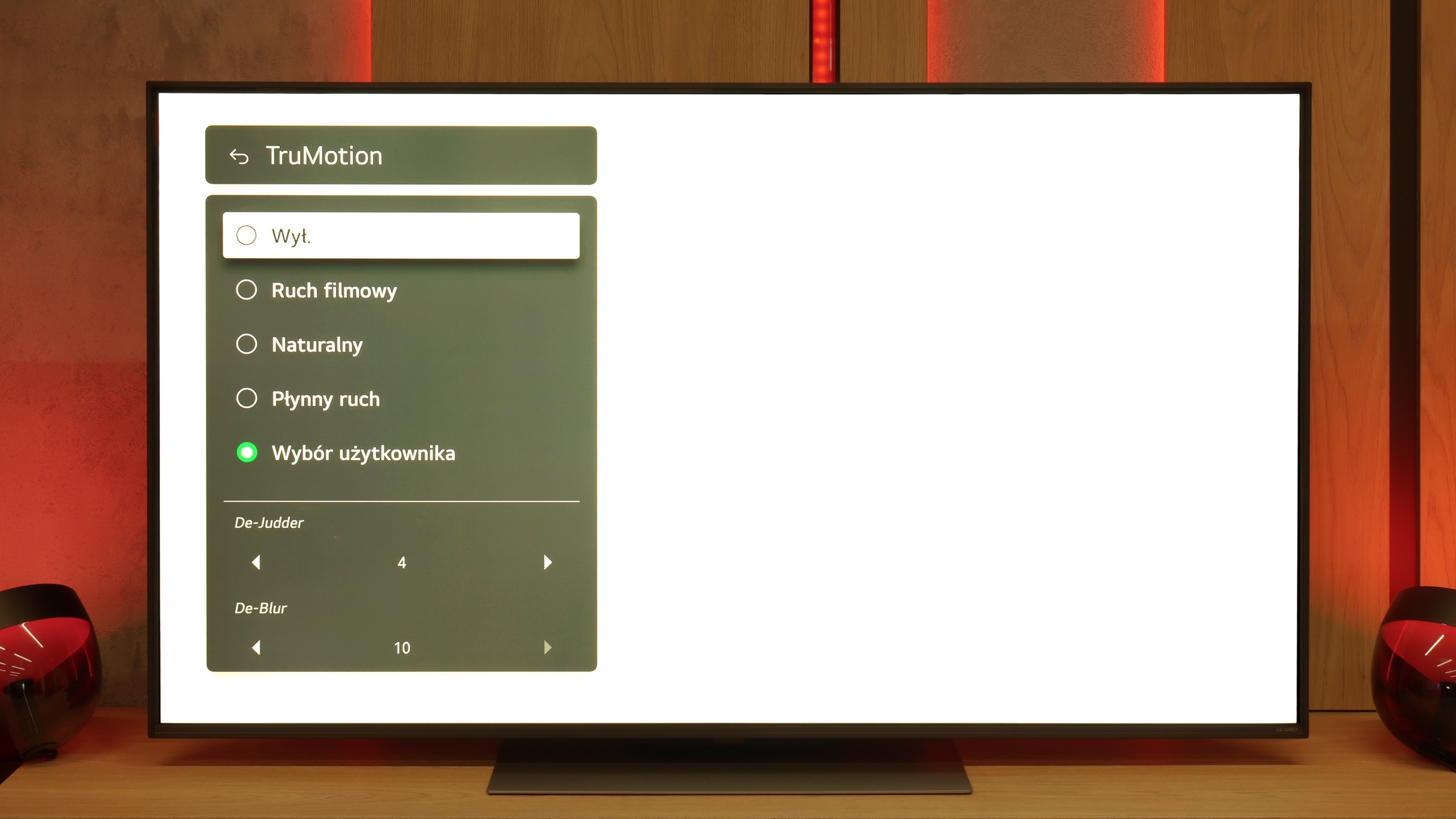
The QNED86A is equipped with a 120 Hz refresh rate panel, so right from the start, it's safe to say that it's suitable for both sports and gaming. And indeed, this is true – the image looks smooth, and motion blur is not very noticeable. IPS panels have always had some issues with this, and you can sometimes notice slight blurring here as well, especially in very dynamic scenes, but it's not something that ruins watching a match or a fast-paced game. For movie and sports fans, LG has added the traditional TruMotion smoother. In the menu, we have two sliders – one for movies (De-Judder), the other for sports (De-Blur). The first adds missing frames and allows you to adjust the character of motion – from raw, cinematic to more fluid, "theatrical." The second enhances sharpness during dynamic actions, so it's worth turning it up a bit if you're watching a lot of sports.

Console compatibility and gaming features

9.5/10

9.8/10

  • ALLM
    Yes
    Yes
  • VRR
    Yes
    Yes
  • VRR range
    48 - 120Hz
    48 - 120Hz
  • Dolby Vision Game Mode
    No
    Yes
  • Correct implementation of HGIG
    Yes
    Yes
  • 1080p@120Hz
    Yes
    Yes
  • 1440p@120Hz
    Yes
    Yes
  • 4K@120Hz
    Yes
    Yes
  • Game bar
    Yes
    Yes

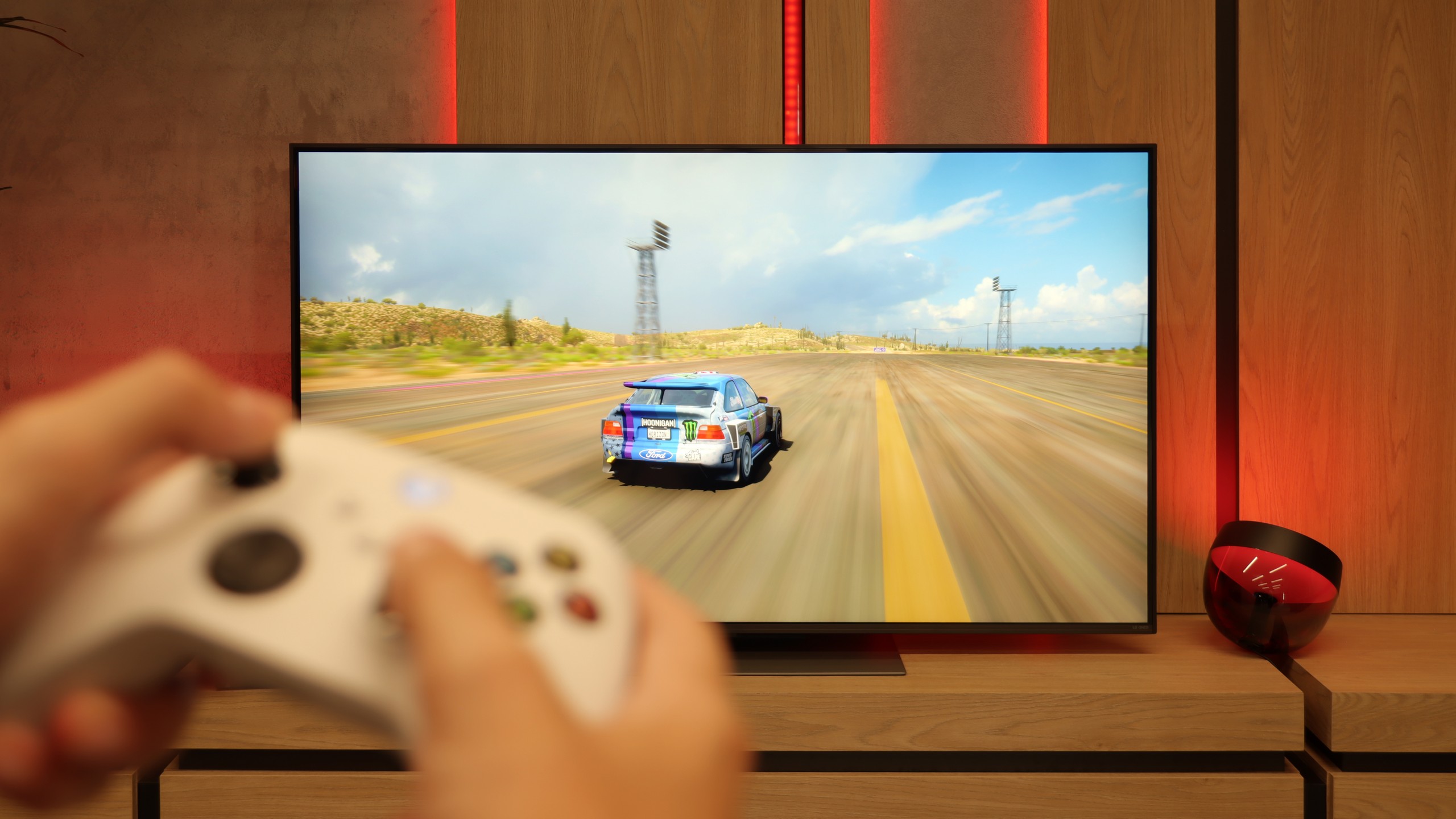
The tested television, Samsung Q70D, has four HDMI 2.1 ports, all offering a bandwidth of 40 Gbps. Despite this, no negative effects were noticed during testing. More importantly, the TV supports all features associated with the HDMI 2.1 standard. This will certainly please gamers, as it ensures optimal gaming performance using a console or a PC. While HDR Dolby Vision is absent, the correct implementation of HGIG mode and the absence of any calibration checkerboard issues are noteworthy. Additionally, Samsung stands out by allowing gaming with the smoothness enhancer activated without significant performance degradation. This means that 30 fps titles are perceived similarly to those running at a native 60 frames per second.

Samsung was one of the first manufacturers to introduce the Game Bar, which has been consistently improved. It provides all necessary gameplay information and allows users to adjust "on the fly."

In summary, the Samsung Q70D performs excellently with both consoles and computers. All functions worked seamlessly, and there were no issues. The ability to activate the smoothness enhancer without a noticeable increase in input lag is a game-changing feature.

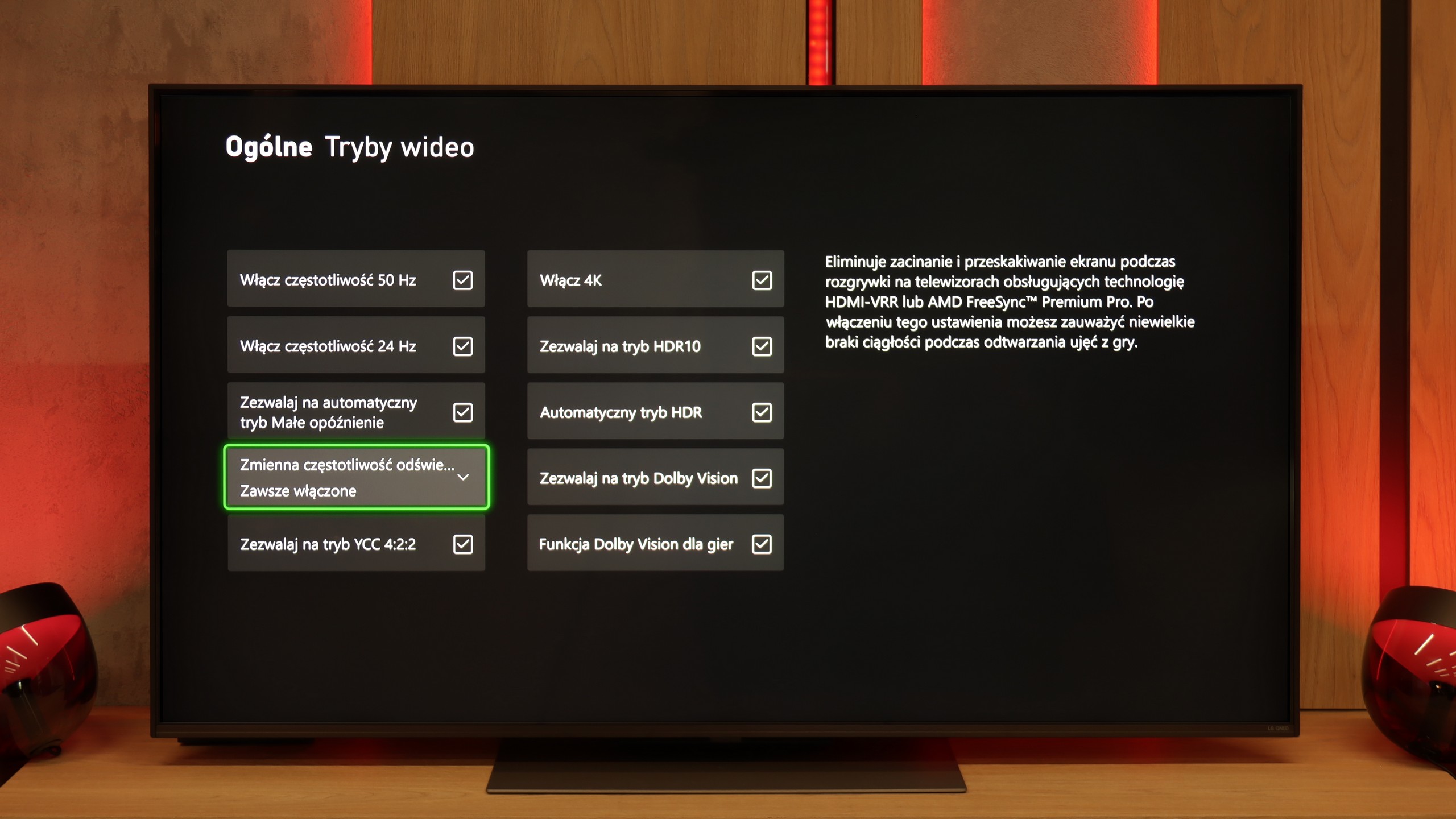
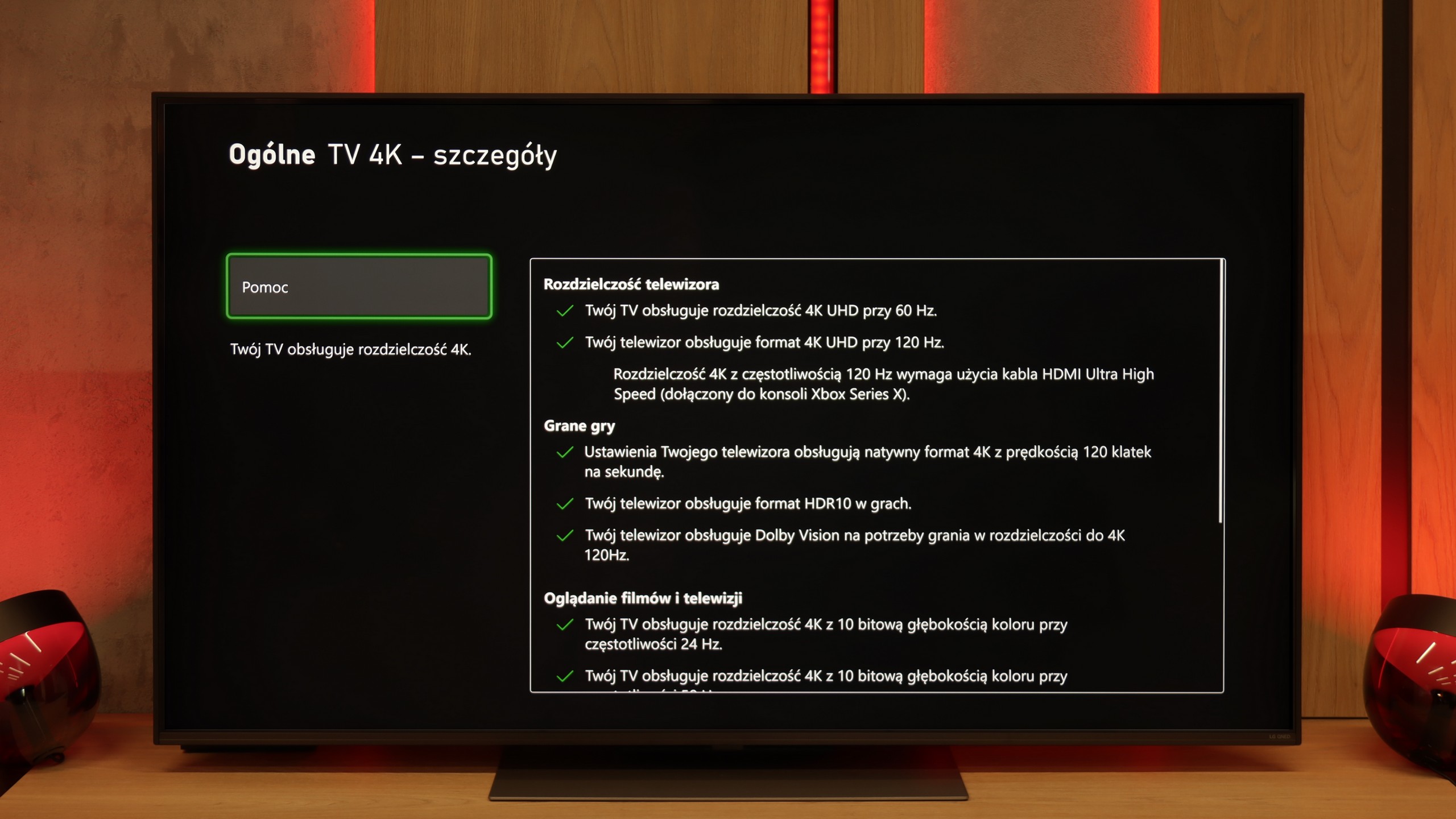
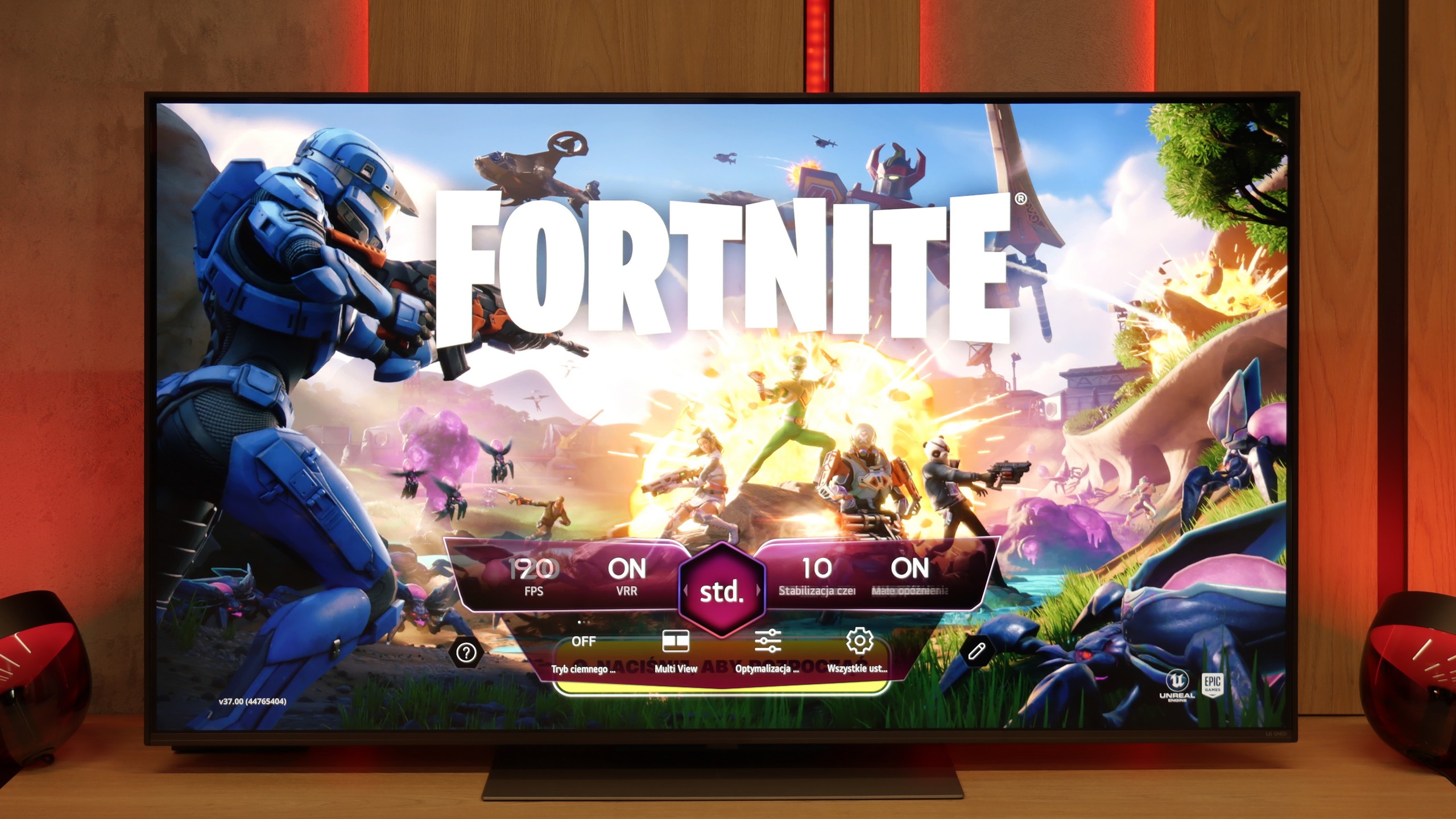
In terms of gaming, the LG QNED86A6A is a complete tool. It features four HDMI 2.1 ports with full bandwidth of 48 Gb/s, which means that whether you connect a PlayStation 5, Xbox Series X, or a powerful PC – everything will work at full 4K 120 Hz with support for all features. This is a big plus, as some competitors still have only two such ports, which can be problematic with a larger number of devices. It also has VRR, or variable refresh rate, which eliminates screen tearing, and ALLM, which automatically activates game mode when the console is turned on. There’s also Dolby Vision Gaming and a proper implementation of the HGiG format, so titles supporting these formats look more vivid and detailed. Added to all of this is the Game Optimizer – a kind of control center for the gamer. From this level, you can view image parameters in real-time, quickly change modes, activate additional features, or adjust image settings to your preferences. The LG QNED86A6A essentially has everything one can expect from a modern gaming television.

Input lag

10/10

9.9/10

SDR

1080p60
13 ms
15 ms
1080p120
7 ms
6 ms
2160p60
13 ms
14 ms
2160p120
7 ms
6 ms

HDR

2160p60
13 ms
14 ms
2160p120
7 ms
6 ms
4320p60

Dolby Vision

2160p60 DV
15 ms
2160p120 DV
6 ms

The delay performance of the Samsung Q70D is excellent, regardless of the signal or resolution. Gamers will certainly appreciate the manufacturer's efforts, as a game running in 4K at 120 Hz with HDR experiences only 7 ms of delay, which is practically imperceptible even in online games. It is also worth noting that enabling the motion smoother doubles the lag, but it still provides a very comfortable gaming experience.

There's really nothing to complain about here. The QNED86A6A achieves excellent results – around 5 ms for 120 Hz content and about 15 ms for 60 Hz. These are values that will easily satisfy both console gamers and those who connect a PC to the TV. The response to movements is instantaneous, so you can forget about delays between the image and the action on the controller.

Compatibility with PC

8/10

8/10

Chroma 444 (max. resolution and refresh rate)
Yes
Yes
Font clarity
Very Good
Very Good
Readability of dark text and shapes
Average
Very Good
Input lag in PC mode (4K, max. refresh rate)
13ms
6ms
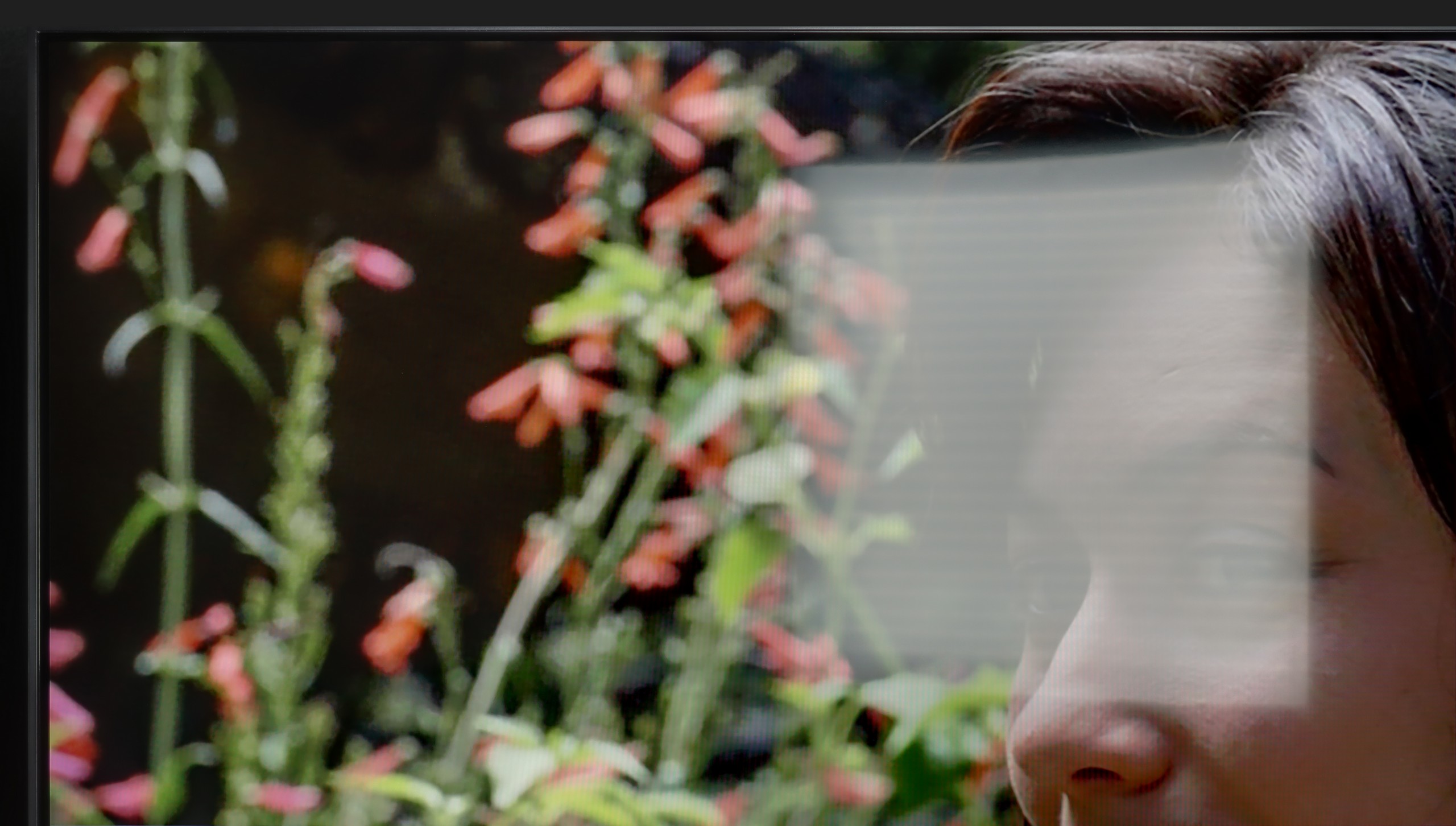
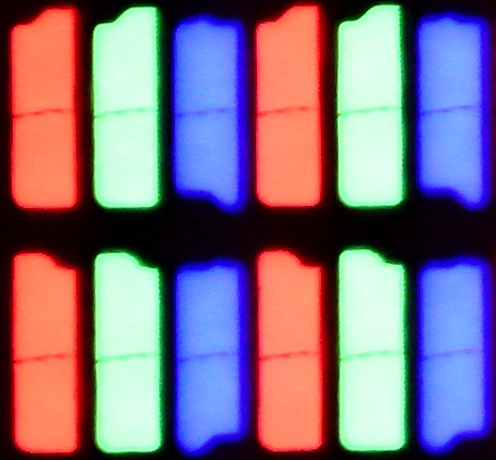
Matrix subpixel arrangement
RGB
Max refresh rate
120Hz
120Hz
G-Sync
Yes
Yes

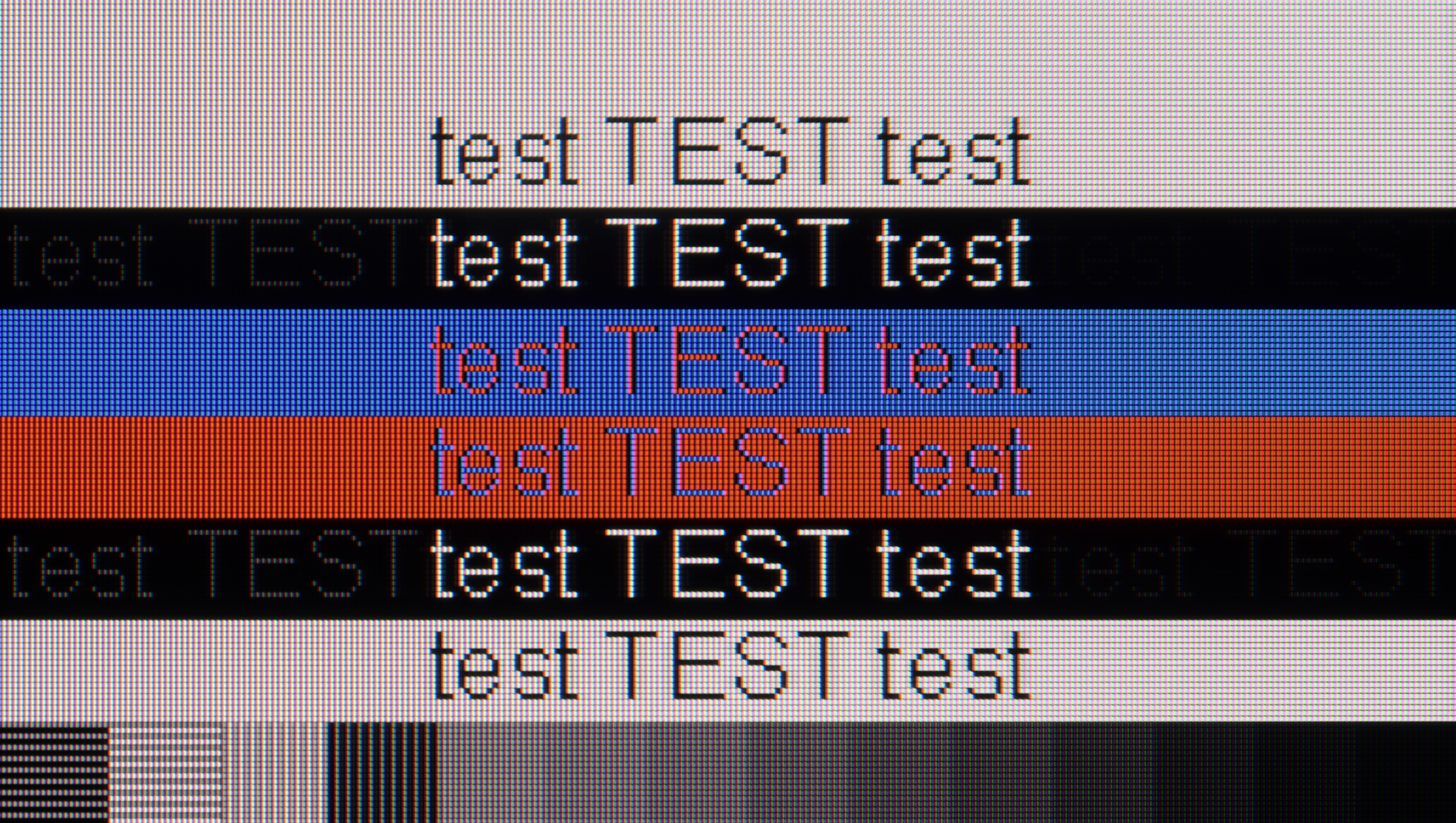
The photo shows the legibility of small fonts. Ideally, lines should be the same thickness on both light and dark text, with minimal pixel gaps.

After connecting the Samsung Q70D to the computer and using it as a monitor, input lag is impressively low at just 13 ms, making it virtually imperceptible in the mouse-to-screen experience. Thanks to the proper implementation of chroma 4:4:4, font readability is excellent, meaning the TV can confidently serve as a monitor for text-based work.

The subpixel arrangement is BGR, which doesn’t negatively affect using the TV as a monitor. However, since most operating systems are not designed for this subpixel format, it may result in slightly less sharp contours. This is a minor issue, barely noticeable to most users.

The LG QNED86A, thanks to its IPS matrix, full RGB subpixel layout, and correct implementation of chroma 4:4:4, makes fonts look stunning. Text is sharp, clear, and legible, making this TV great for office work. This is important because this year the model is also debuting in a 43" size, and such a variant can comfortably land on a desk and serve as a large monitor. Of course, some users who opt for the 43" will be gamers, and there are also no complaints here. The TV supports 4K at 120 Hz, so gameplay is smooth and enjoyable. It’s a bit of a shame that there's no higher refresh rate mode like the 144Hz declared by the manufacturer, as PC gamers would surely appreciate that. Nevertheless, the QNED86A6A performs really well as a monitor for gaming and work.

Viewing angles

2.9/10

6.9/10

Brightness drop at an angle of 45 degrees
71%
61%

Due to the VA panel, the Samsung Q70D struggles with off-angle viewing. Even a slight shift in position leads to a noticeable drop in contrast and a significant loss of colour accuracy.

QNED86A6A performs very well in this regard. The IPS panel used here ensures that the image retains its brightness and color saturation even when viewed at an angle. There is no fading effect that often appears in cheaper TVs with VA panels. Of course, there is no comparison to the level offered by organic panels, where colors and contrast hold up perfectly at almost any angle. But for an LCD TV, it is definitely one of the better results and is easily sufficient for watching movies or sports together on the couch with a larger group.
Daytime performance

5.4/10

5.8/10

Panel finish
Satin
Satin
Reflection suppression
Average
Decent
Black levels during daytime
Good
Good

Panel brightness

LG QNED86A / QNED85A / QNED87A: 462 cd/m2

Samsung QLED Q70D / Q74D / Q77D: 449 cd/m2

The satin finish of the panel in Q70D allows for quite good performance in a heavily sunlit room. It is worth noting that reflections do not extend beyond their source, and thus do not spread over the rest of the panel. We also have good words for the maximum brightness of the TV in SDR materials, which is 450 nits, allowing for comfortable consumption of content during the day.

QNED86A6A is not a brightness master, but it manages just fine. Thanks to the moderately high brightness of the panel and quite decent glare reduction, the television performs well in typical, moderately lit living rooms. The image remains clear, and colors do not lose their intensity in daylight. However, let’s not kid ourselves; this is not a screen that will handle extremely bright conditions, where sunlight pours in through huge windows and floods the room.

Panel details

Backlight Type
QLED
PFS LED
Software version during testing
T-NKM2DDEUC-1053.2
33.20.74
Image processor

Subpixel Structure:

Panel uniformity and thermal imaging:

Review Samsung QLED Q70D / Q74D / Q77D TV Panel details
Review LG QNED86A / QNED85A / QNED87A TV Panel details

Samsung QLED Q70D / Q74D / Q77D

LG QNED86A / QNED85A / QNED87A

TV features

7.4/10

8.4/10

  • HDMI inputs
    0 x HDMI 2.0, 4 x HDMI 2.1 40Gbps
    0 x HDMI 2.0, 4 x HDMI 2.1 48Gbps
  • Outputs
    Toslink (Optical audio), eARC (HDMI), ARC (HDMI)
    Toslink (Optical audio), eARC (HDMI), ARC (HDMI)
  • Network Interfaces
    Wi-Fi 2.4GHz, Wi-Fi 5GHz, Ethernet (LAN) 100Mbps
    Wi-Fi 2.4GHz, Wi-Fi 5GHz, Ethernet (LAN) 100Mbps
  • TV reception
    DVB-T, DVB-T2, DVB-S, DVB-S2, DVB-C
    DVB-T, DVB-T2, DVB-S, DVB-S2, DVB-C

Classic features:

  • Recording to USB (terrestrial TV)
    No
    Yes
  • Recording programming
    No
    Yes
  • Picture in Picture (PiP)
    Yes
    No
  • RF remote control (no need to aim)
    Yes
    Yes
  • Backlit remote control
    No
    No
  • Teletext
    Yes
    Yes
  • Audio only mode
    No
    Yes
  • Bluetooth headphones support
    Yes
    Yes
  • Simultaneous Bluetooth headphones & TV audio
    Yes
    Yes

Smart features:

  • AirPlay
    Yes
    Yes
  • Screen mirroring (Windows Miracast)
    Yes
    Yes
  • Voice search
    Yes
    Yes
  • Voice search in native language
    Yes
    Yes
  • Ability to connect a keyboard and mouse
    Yes
    Yes
Review Samsung QLED Q70D / Q74D / Q77D TV features
Review LG QNED86A / QNED85A / QNED87A TV features

The Tizen system powers the operation of the Samsung Q70D. It is a well-known software, as the manufacturer has been developing it for its televisions for a long time. Its main advantage is smooth operation and the absence of significant stuttering, which is confirmed by our tests. However, its biggest downside is its closed nature. Although the app store is quite extensive, users are still at the mercy of the manufacturer. As a result, we cannot install missing apps, even from a pendrive. On the other hand, an advantage—especially for Apple device users—is the implementation of AirPlay functionality, which allows easy screen mirroring from the device to the television. Thankfully, Samsung has also included the option to connect a keyboard and mouse for much faster navigation through the television menu. It’s worth noting that this year, the manufacturer has included a Bluetooth remote, which often wasn’t the case.

The Tizen system has another advantage: it integrates very well with external devices, such as the NC+ decoder or soundbars. The connection process is quick and doesn't require special skills. One of the standout features of the Samsung Q70D in our tests is the speed of application operation, with apps loading almost instantly and eliminating annoying delays. Additionally, users can utilize the built-in voice assistant, simplifying navigation and content searching.

In summary, the Tizen system is very efficient software and certainly a strong advantage of the television. While more advanced users may complain about the lack of apps like KODI, the majority will be satisfied.

Smart Features: webOS

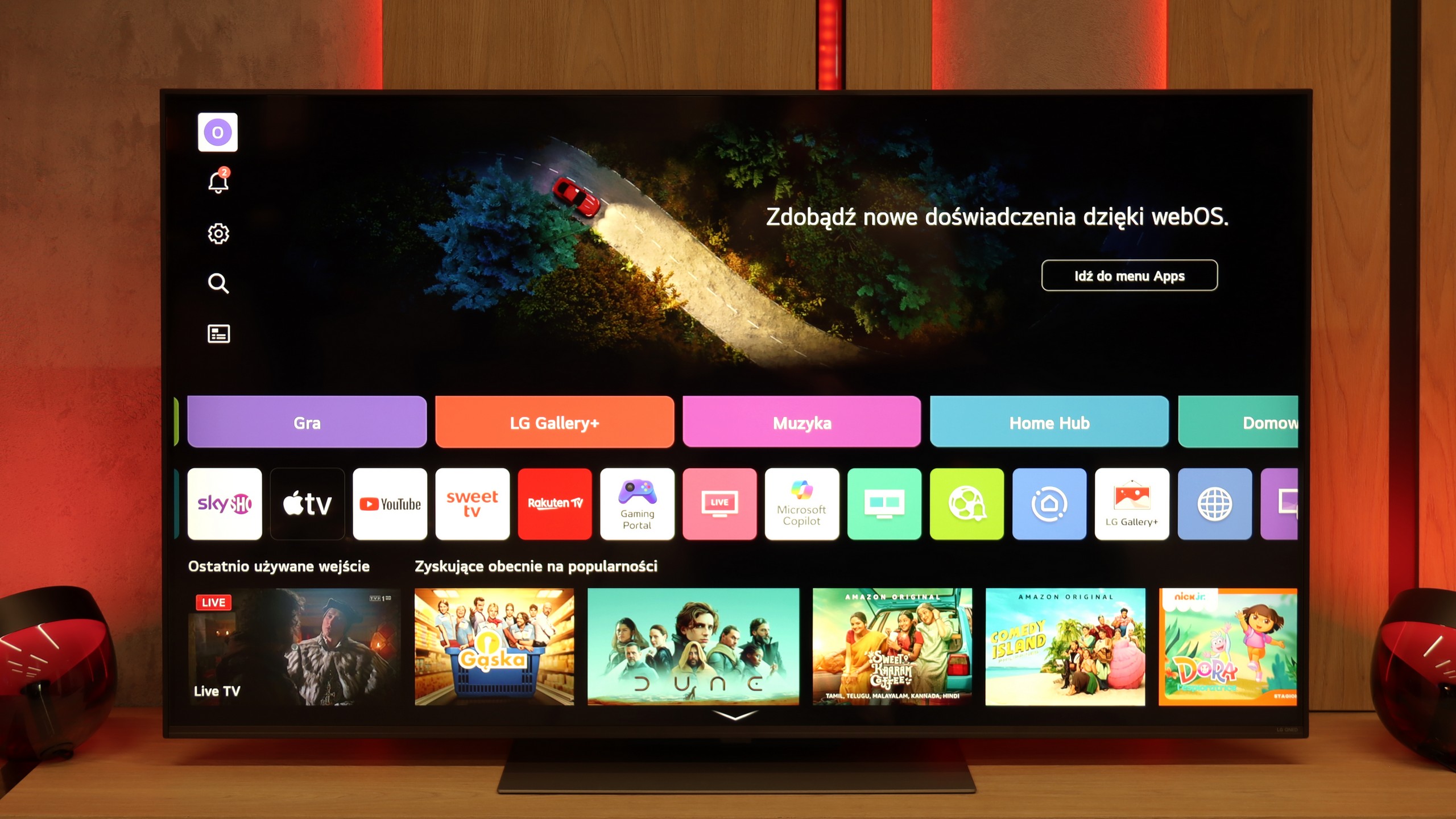
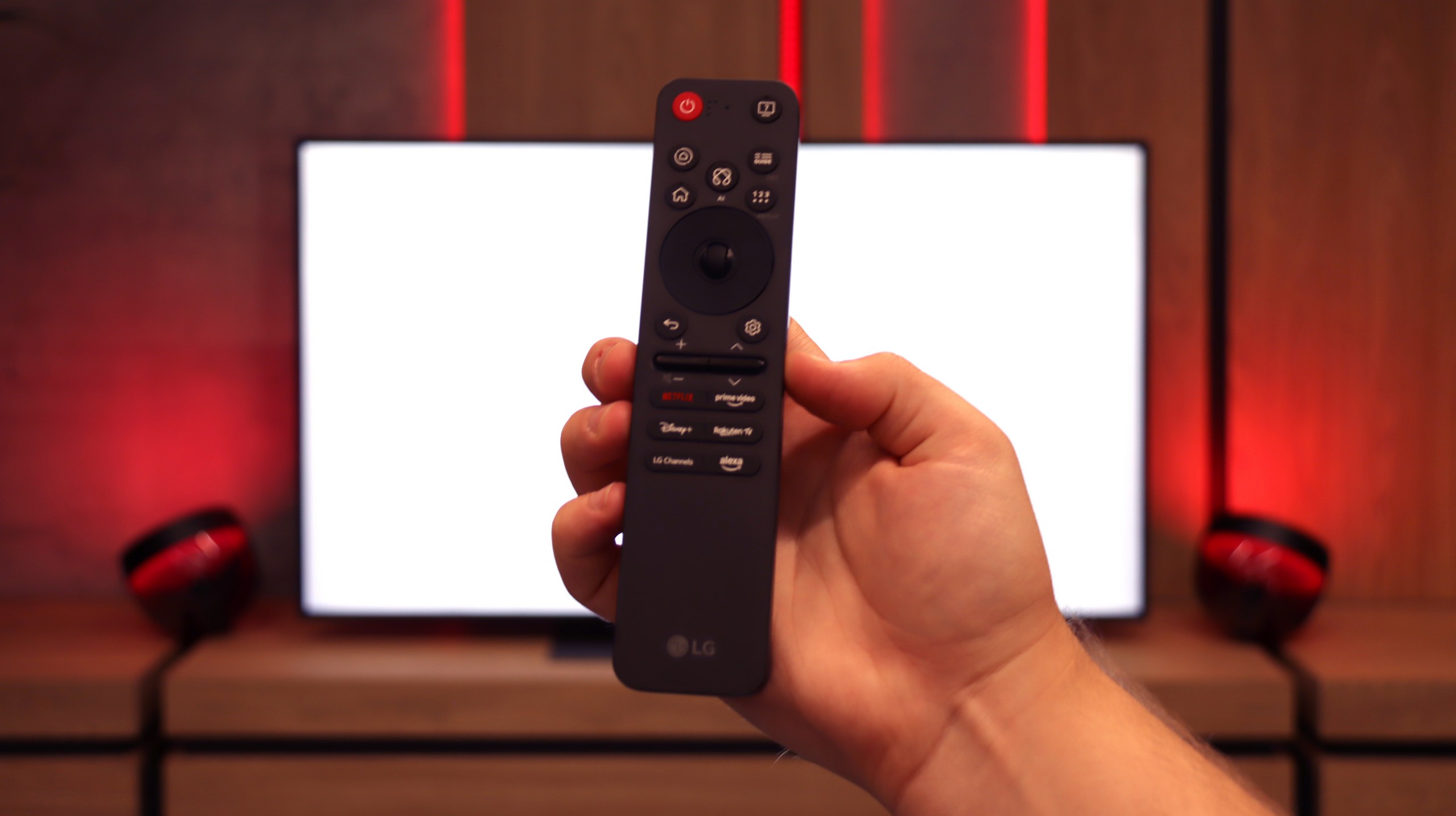
QNED86A6A runs on the well-known webOS – a system that has been a strong point of LG TVs for years. Everything operates quickly and stably, and apps launch without significant delays, though the interface can be somewhat overwhelmed by advertisements at times. Fortunately, the convenience is more noticeable in daily use than the shortcomings. A significant advantage is the Magic Remote, which allows you to control the cursor like a mouse – it's one of those features that you can easily get used to and later find hard to give up. The new version of the remote is slimmer as it has been stripped of the numeric keypad. Some will appreciate the simplicity, while others will miss the classic set of buttons; it's more a matter of habit.

Classic Features

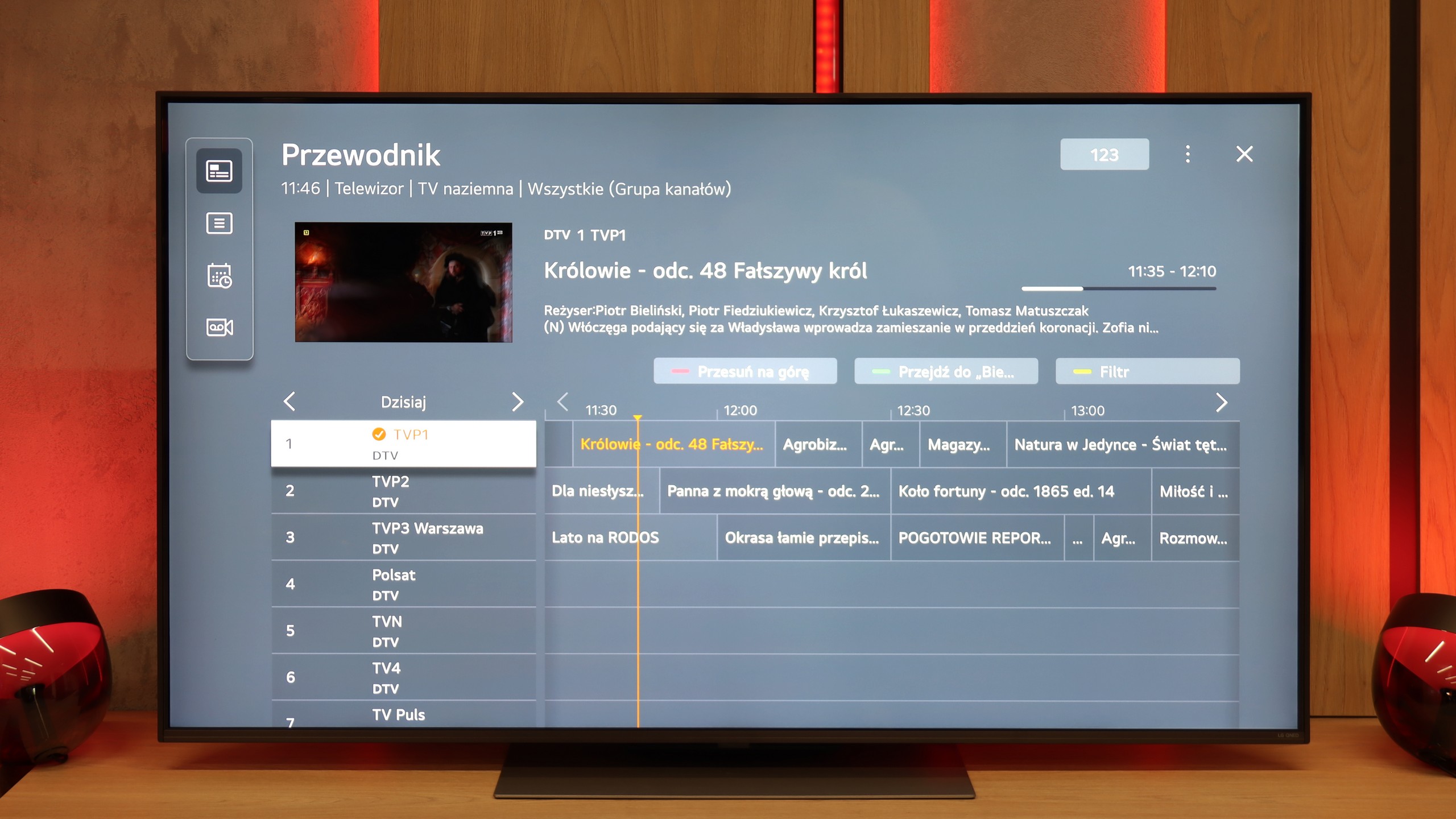
Onboard, there are also a few solutions that are not always obvious in 2025. There is the ability to record programs from built-in DVB-T2 tuners onto USB, so you can calmly return to a match or series at any moment. In the evening, Bluetooth headphone support will come in handy – especially if someone in the house falls asleep faster than we do. Additionally, there is a full set of HDMI 2.1 ports with eARC support and audio formats like Dolby Digital and Dolby Atmos.

Apps

9.3/10

9.1/10

OK
Disney_Plus
OK
Amazon_Prime_Video
OK
Player_TVN
OK
Polsat_Box_Go
OK
Canal_Plus_Online
OK
TVP_VOD
OK
Apple_TV_Plus
OK
SkyShowtime
OK
Rakuten
OK
CDA_Premium_Browser
OK
Spotify
No
Tidal
OK
Netflix
OK
YouTube
OK
HBO_MAX
No
Kodi
OK
Apple_music
OK
Eleven_sports
OK
Xbox Game Pass
OK
GeForce Now!
OK
Amazon Luna
OK
Boosteroid
No
Steam Link
OK
Disney_Plus
OK
Amazon_Prime_Video
OK
Player_TVN
OK
Polsat_Box_Go
OK
Canal_Plus_Online
OK
TVP_VOD
OK
Apple_TV_Plus
OK
SkyShowtime
OK
Rakuten
OK
CDA_Premium_Browser
OK
Spotify
OK
Tidal
OK
Netflix
OK
YouTube
OK
HBO_MAX
No
Kodi
OK
Apple_music
No
Eleven_sports
OK
Xbox Game Pass
OK
GeForce Now!
OK
Amazon Luna
OK
Boosteroid
No
Steam Link

Playing files from USB

9.1/10

8.9/10

Supported photo formats:

JPEG
Yes
Yes
HEIC
No
No
PNG
No
Yes
GIF
No
No
WebP
No
No
TIFF
No
No
BMP
Yes
Yes
SVG
No
No

Maximum photo resolution:

4 Mpix
Yes
Yes
6 Mpix
Yes
Yes
8 Mpix
Yes
Yes
10 Mpix
Yes
Yes
12 Mpix
Yes
Yes
16 Mpix
Yes
Yes
20 Mpix
Yes
Yes
24 Mpix
Yes
Yes
28 Mpix
Yes
Yes
32 Mpix
Yes
Yes

The built-in player of the Samsung Q70D is a major advantage. It handled almost all video and audio files prepared for testing excellently. The only exceptions were the Dolby Vision format (which is not surprising) and some less popular codecs. On the positive side, the player supports Polish characters and allows users to change font colours. However, its performance with photo formats is lacking, as it only supports the popular JPEG format. Other formats, such as PNG or Apple's HEIC, are notably absent.

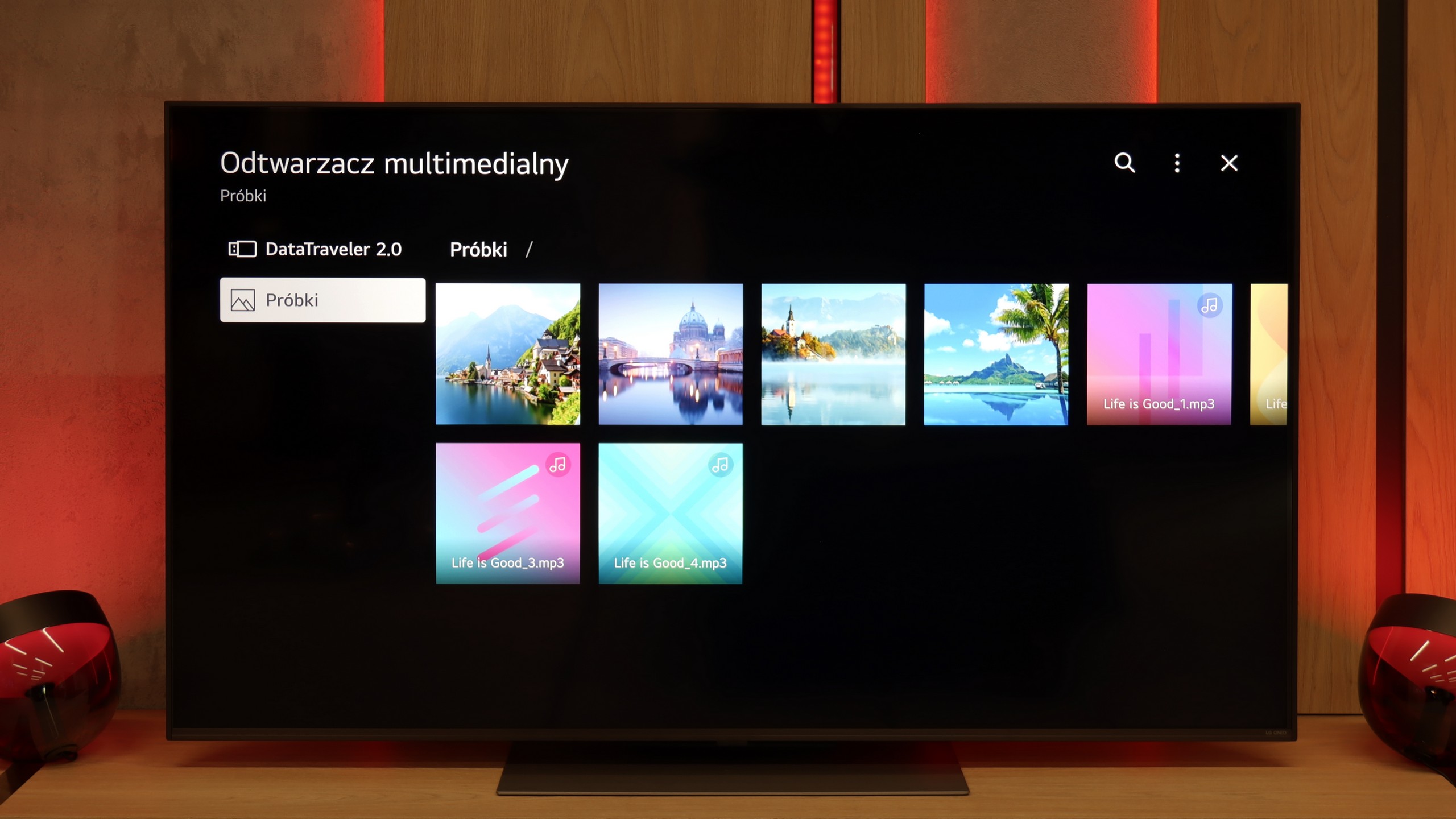
The built-in media player in the QNED86A6A performs quite well with the most popular audio and video formats. During testing, we had no trouble playing MP4, MKV, or MP3 files; everything played smoothly without glitches. The TV also handled most images, although here we encountered a typical barrier for many manufacturers – the lack of full support for the HEIC format from Apple. So, if you regularly use an iPhone and store photos in this standard, you'll need to convert them beforehand or, preferably, transfer them using AirPlay. Other than that, it's hard to find fault as the built-in solution is really decent.

Sound

6.3/10

6/10

  • Maximum volume
    -
    84dB
  • Dolby Digital Plus 7.1
    Yes
    Yes
  • Dolby True HD 7.1
    Yes
    No
  • Dolby Atmos in Dolby Digital Plus (JOC)
    Yes
    Yes
  • Dolby Atmos in Dolby True HD
    Yes
    No
  • DTS:X in DTS-HD MA
    No
    No
  • DTS-HD Master Audio
    No
    No

Constrained by its slim design, the built-in audio system of the Samsung Q70D is not particularly remarkable. The sound is relatively balanced overall, but increasing the volume beyond 2/4 of the scale is not advisable. On the other hand, for those with a home theatre system, the TV supports a range of audio codecs, including the most essential ones: DTS-HD Master Audio and Dolby Atmos.

In terms of sound, the QNED86A6A performs quite decently, but let's not hide it – this is not the level that will impress home cinema enthusiasts. The sound is clean and clear, dialogues are easily heard, but overall it sounds rather flat and there is definitely a lack of solid bass. For everyday watching of television, streaming services, or news, this is an acceptable level; however, if you plan to watch movies or play games more often, even a basic soundbar will make a significant difference.

Acoustic Measurements

No acoustic data

84dBC (Max)

75dBC