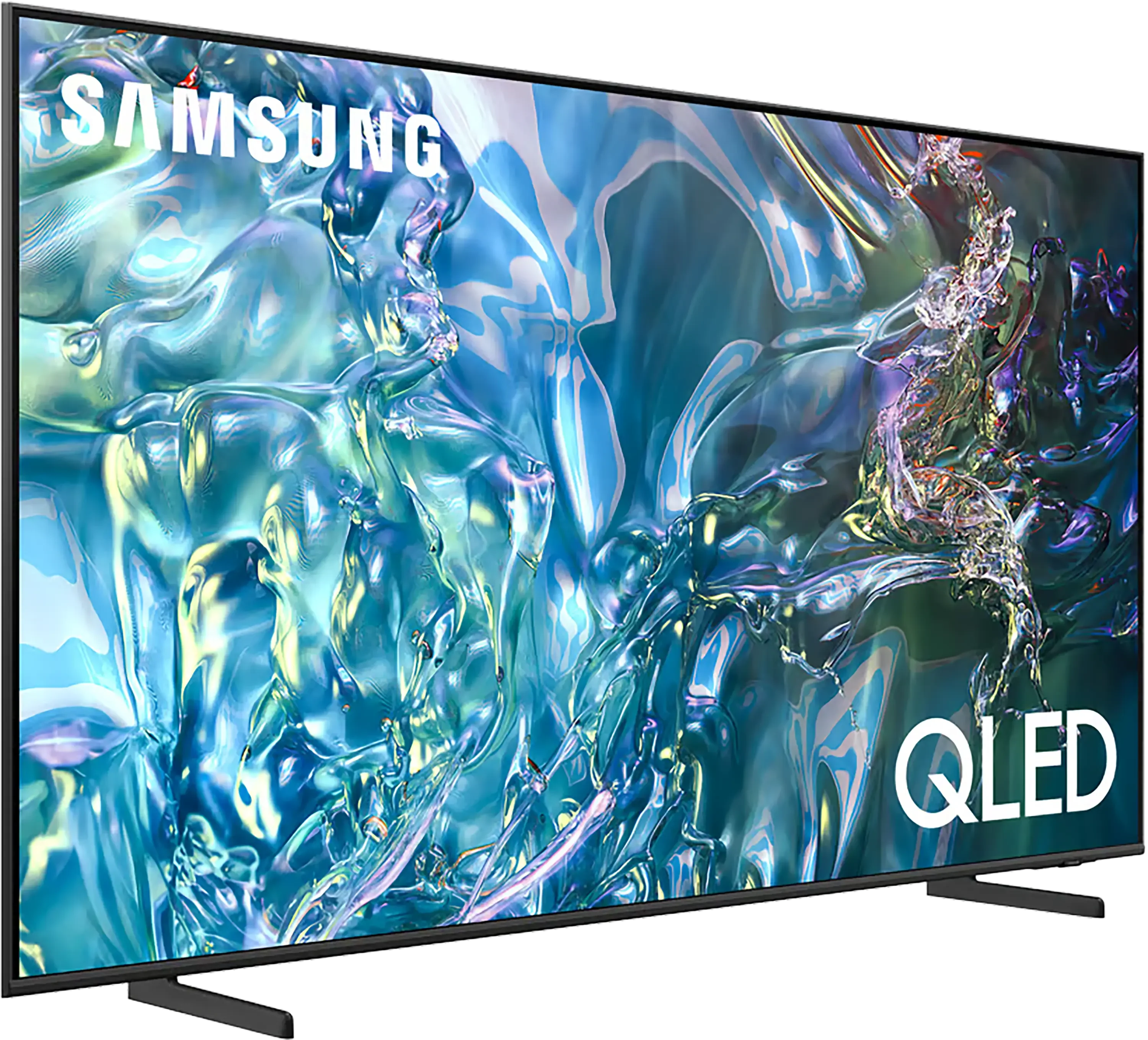
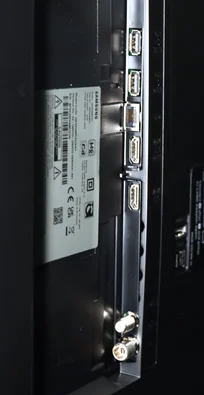
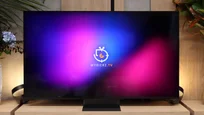
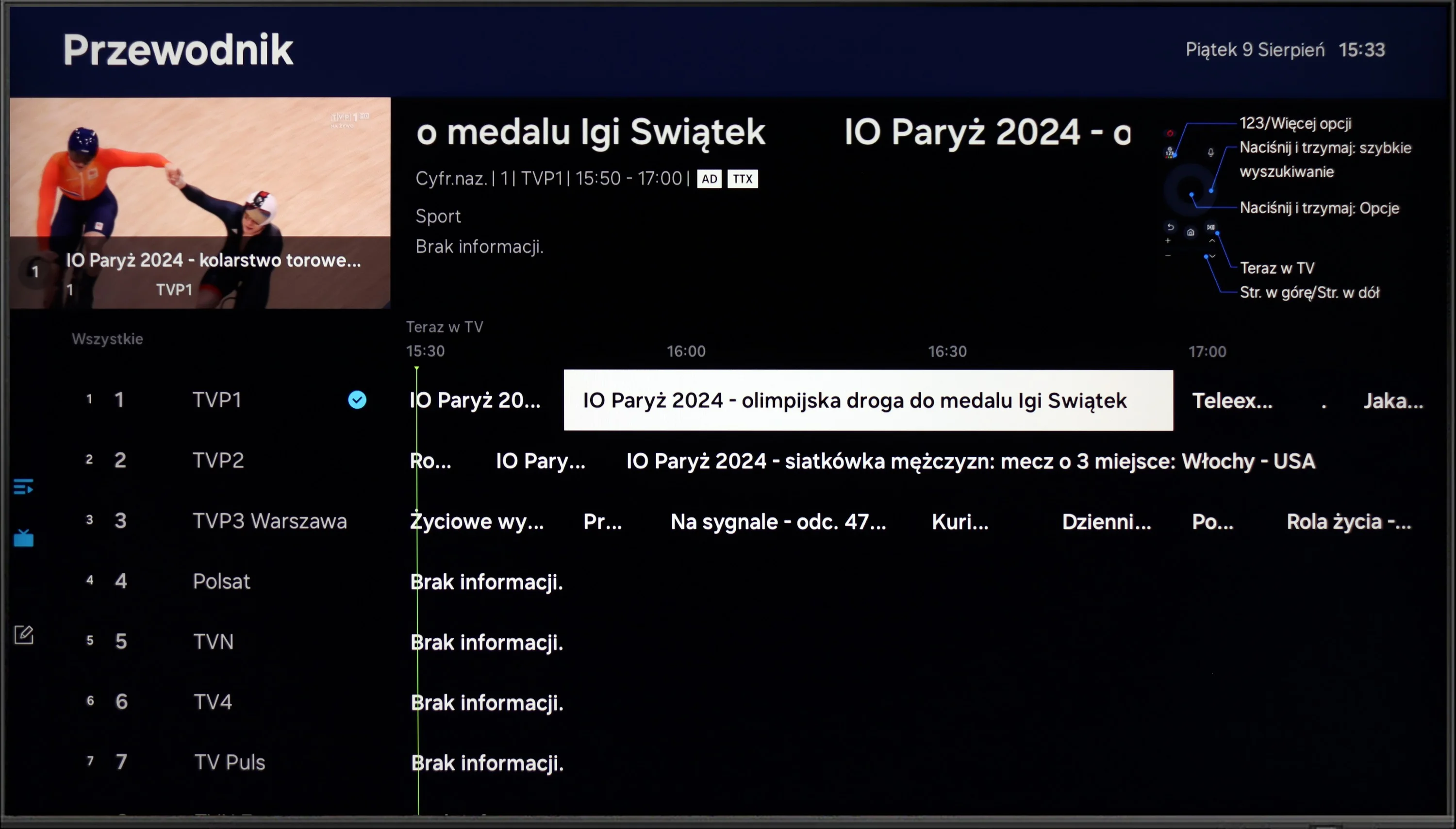
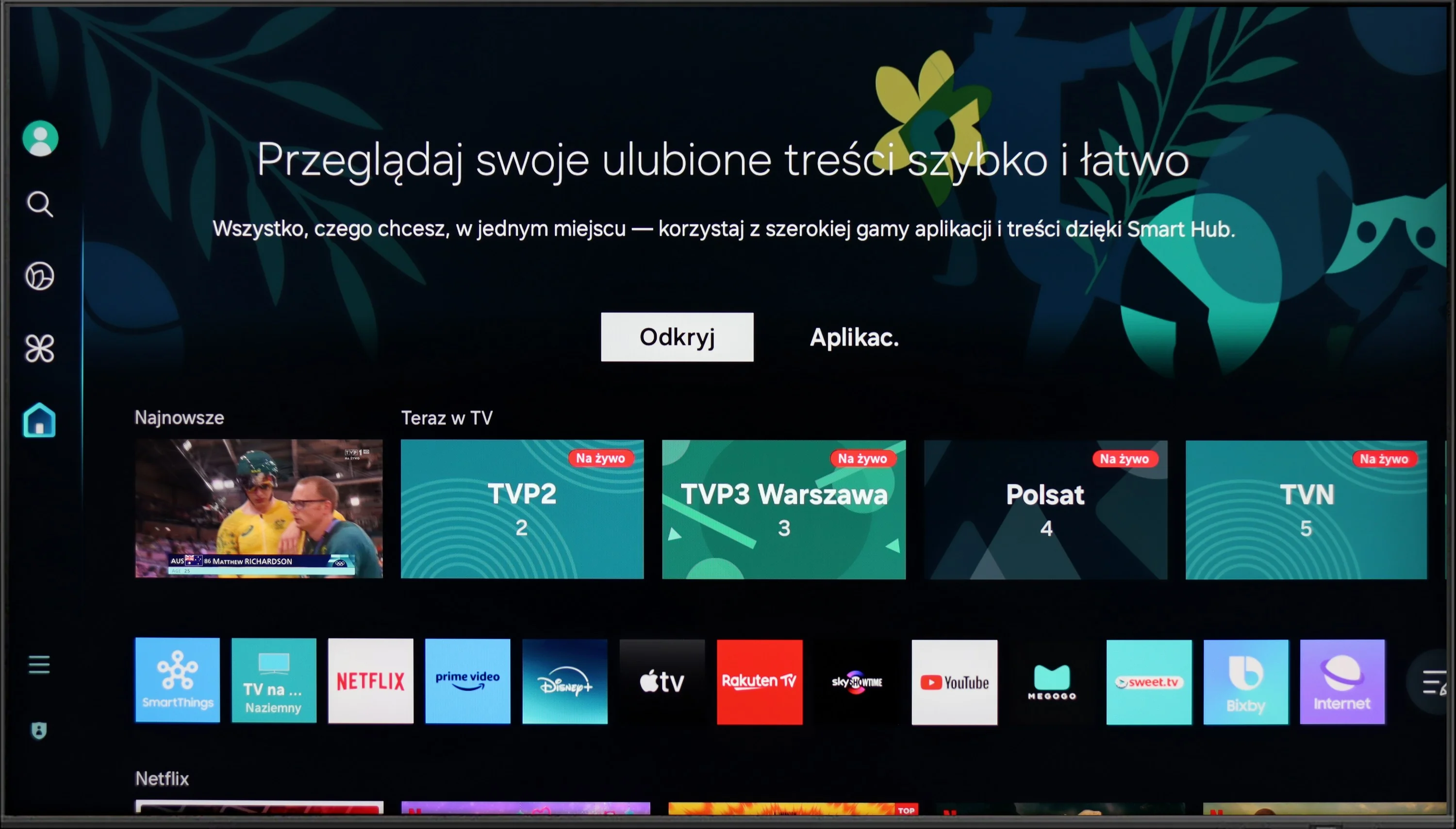
The Samsung Q60D operates on the proprietary Tizen system, which, while not as open as Google’s OS and with some limitations regarding app availability, is likely to satisfy most users. The interface is clean and intuitive, providing straightforward access to popular streaming services like Netflix, YouTube, and Prime Video. Users will appreciate the customisable home screen, allowing for quick access to favourite apps and content. One potential drawback is the absence of a recording function, which may disappoint those wanting to save shows or films for later viewing. However, the inclusion of AirPlay is a pleasant surprise, facilitating seamless content streaming from Apple devices such as iPhones and iPads, enabling users to share photos, videos, and other media without cables.
The TV also supports Bluetooth connectivity, allowing the use of various peripherals like wireless headphones and soundbars, enhancing user convenience. The remote control is slim, stylish, and ergonomic, featuring an internal rechargeable battery that can be powered via USB-C or solar energy, eliminating the need for disposable batteries. It can also control external devices, such as the NC+/Canal+ decoder.
Furthermore, the SmartThings app for Android and iOS enables the TV to integrate with other smart devices around the home. This feature allows users to remotely control elements like Philips Hue smart lighting, Yeelight, and other compatible products. As a result, the Samsung Q60D can act as a central hub for a smart home, streamlining the management of everyday tasks and enhancing the entertainment experience.
Classic features
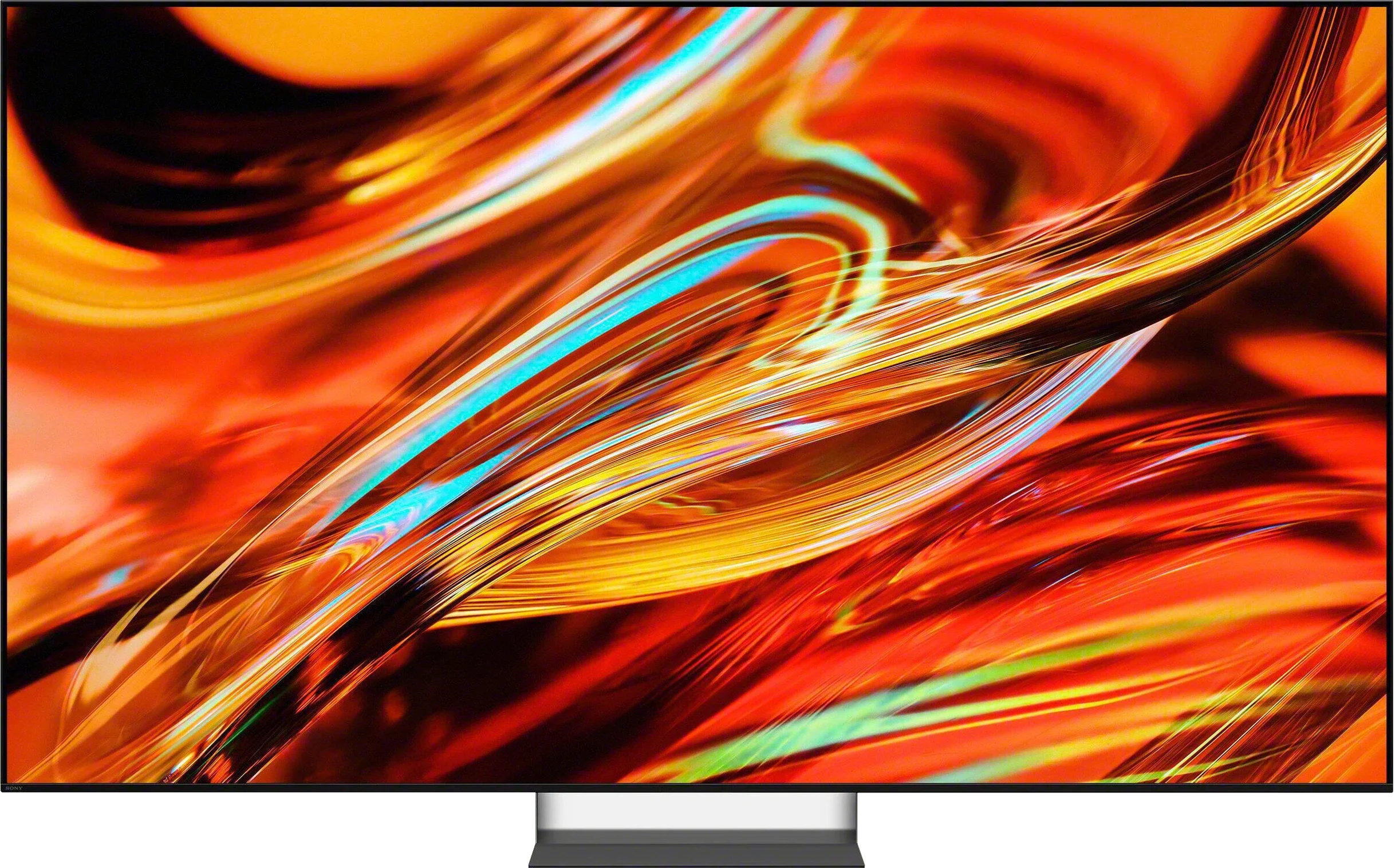
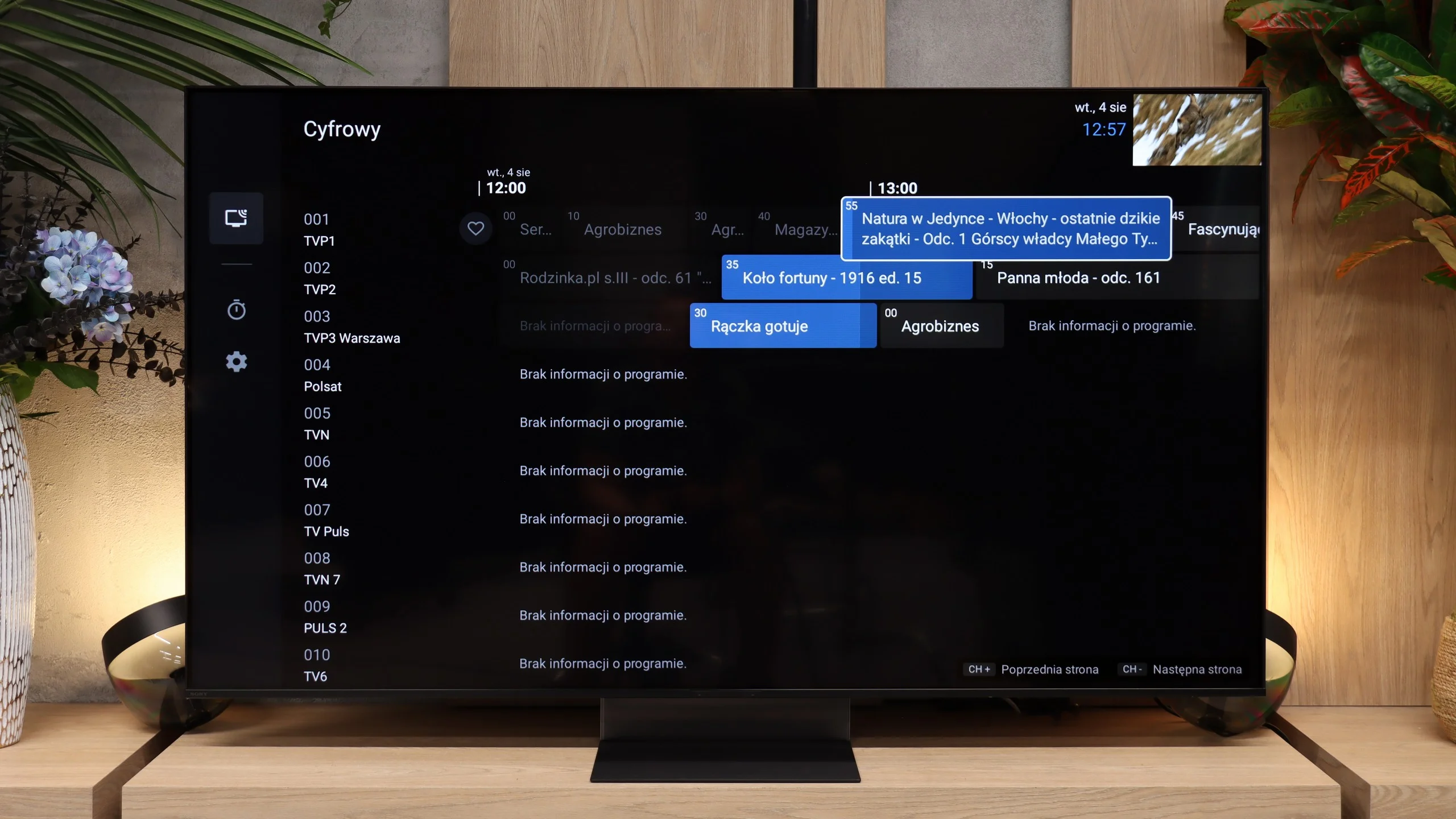
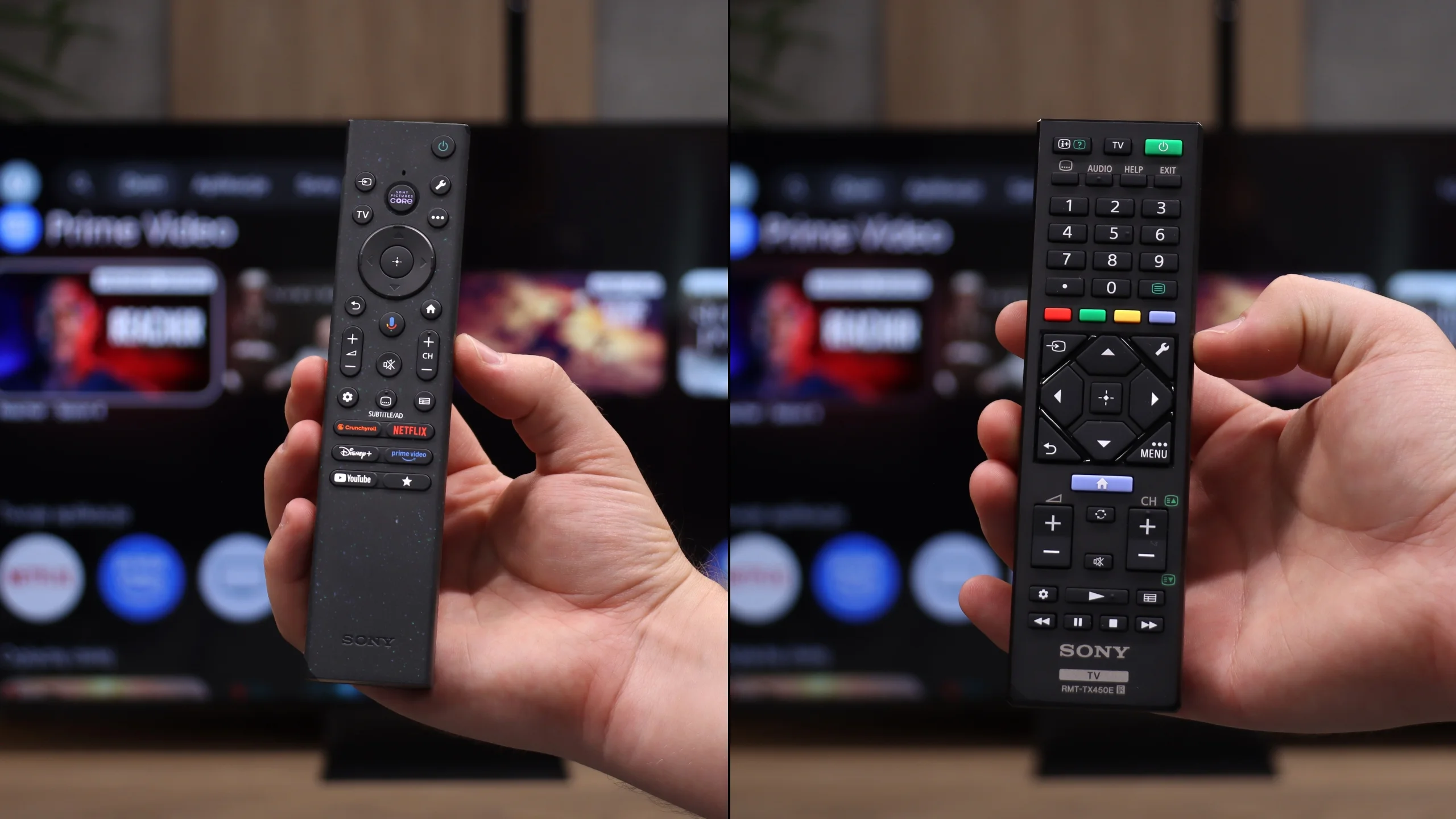
Sony in the Bravia 7 II still approaches the TV a bit more old-school than some competitors, and here that works to its advantage. This is not just a screen for streaming apps, because the manufacturer kept plenty of traditional features that many people still use every day. You can record programs to USB, schedule recordings, or use the TV with Bluetooth headphones without having to turn off its built-in speakers. Overall it feels like a refined device for normal TV watching, not just a "monitor with apps." The control setup is also worth praise. The package includes two remotes: one more modern and simplified, the other classic with more buttons. That way everyone can choose the control method they find most comfortable. The main remote uses RF, so you don't have to point it directly at the TV, and the backlit buttons are especially useful in the evening.
Google TV
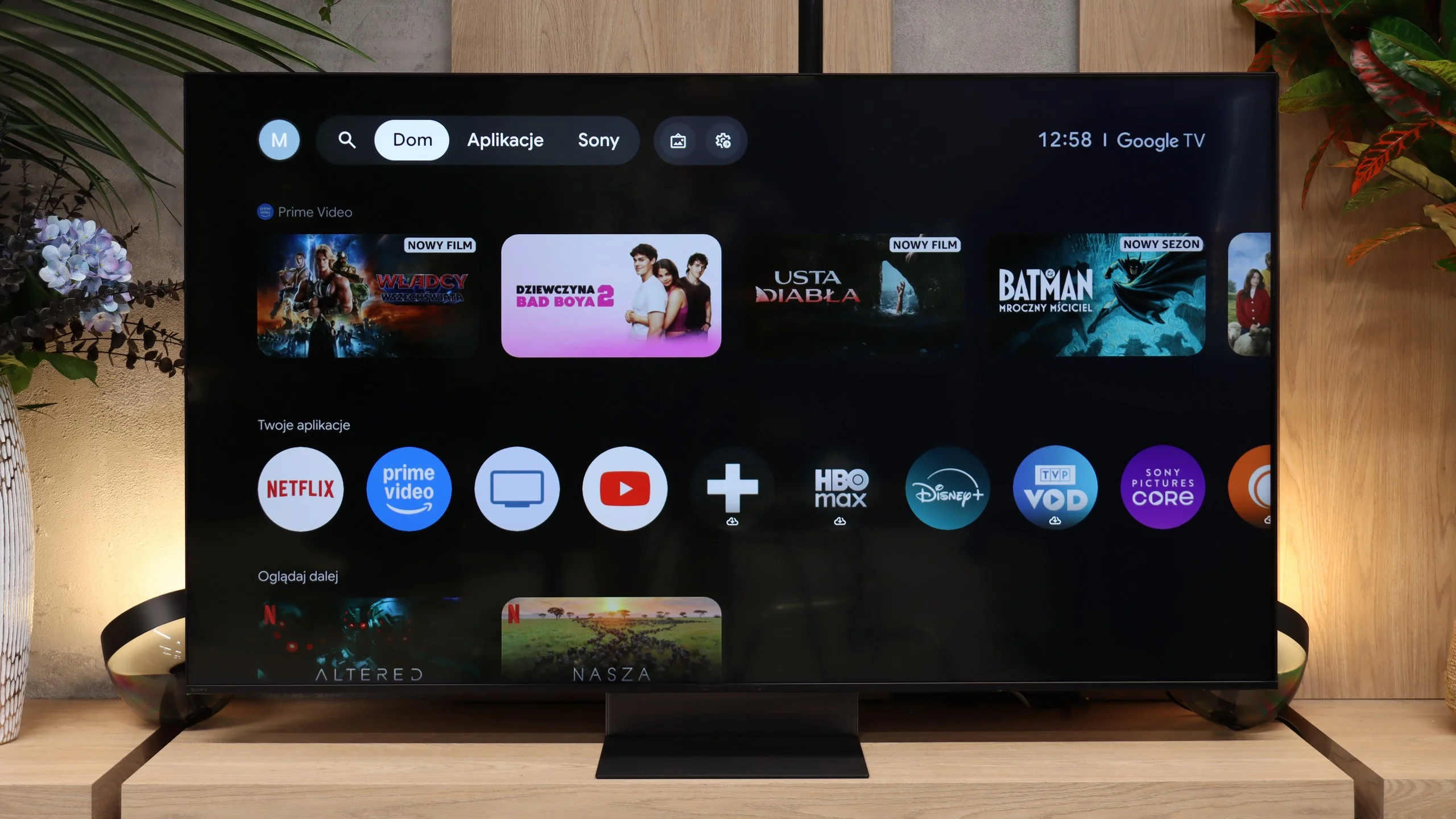
Google TV handles the Smart features, and here the Bravia 7 II performs as you would expect from a TV of this class. The system runs fast, menus respond smoothly, and it doesn't feel like the unit needs a moment for every simple operation. The biggest advantage remains the vast selection of apps, so practically everything we use on TVs today is immediately at hand. Google TV also works well when the TV is meant to be part of a larger ecosystem. You can cast content from your phone or computer, use AirPlay and Miracast, and search for content by voice in your native language. In practice, the Bravia 7 II therefore gives a lot of freedom, and it's hard to encounter a situation where you're missing some basic Smart TV function.
 Direct comparison