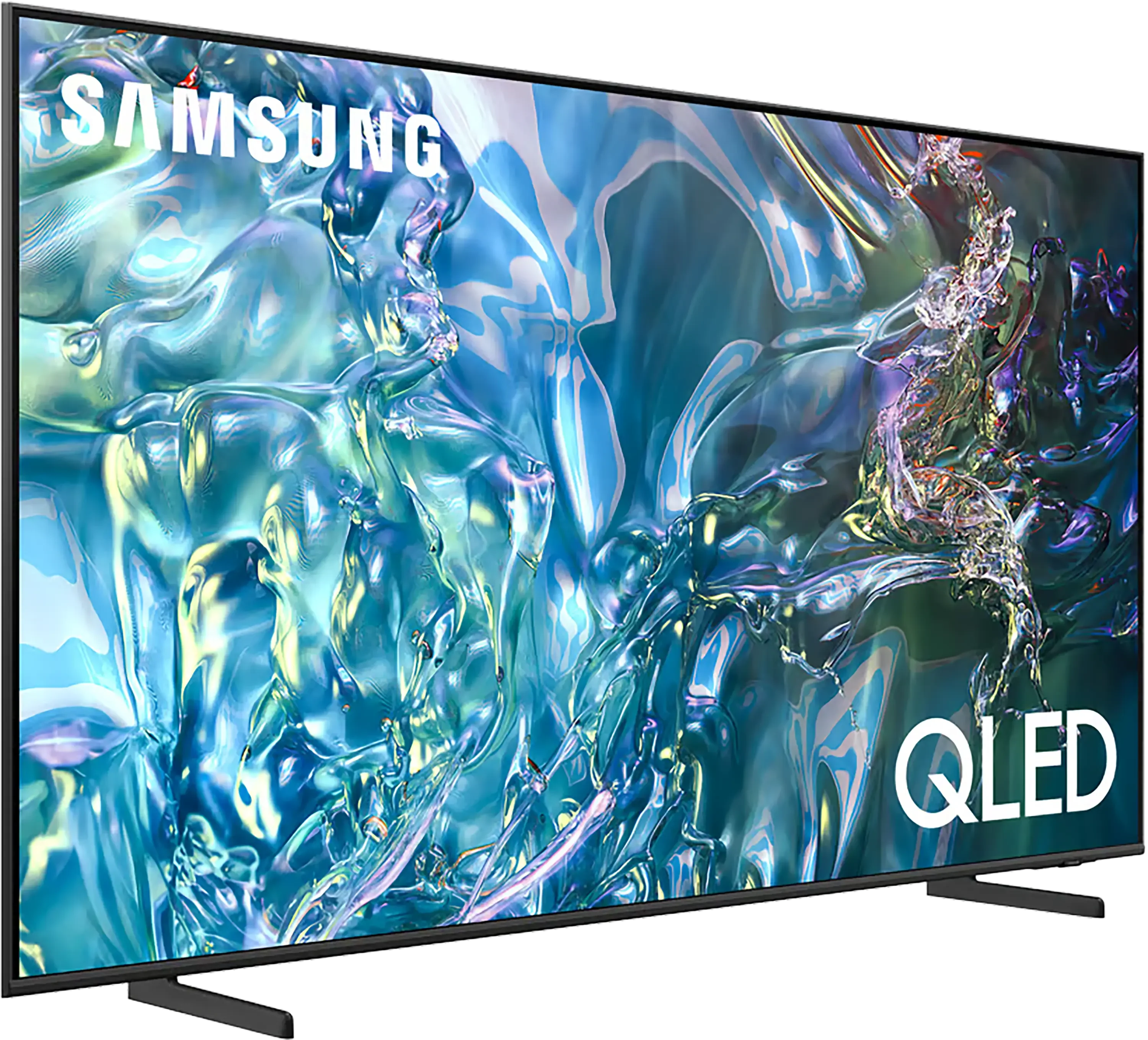
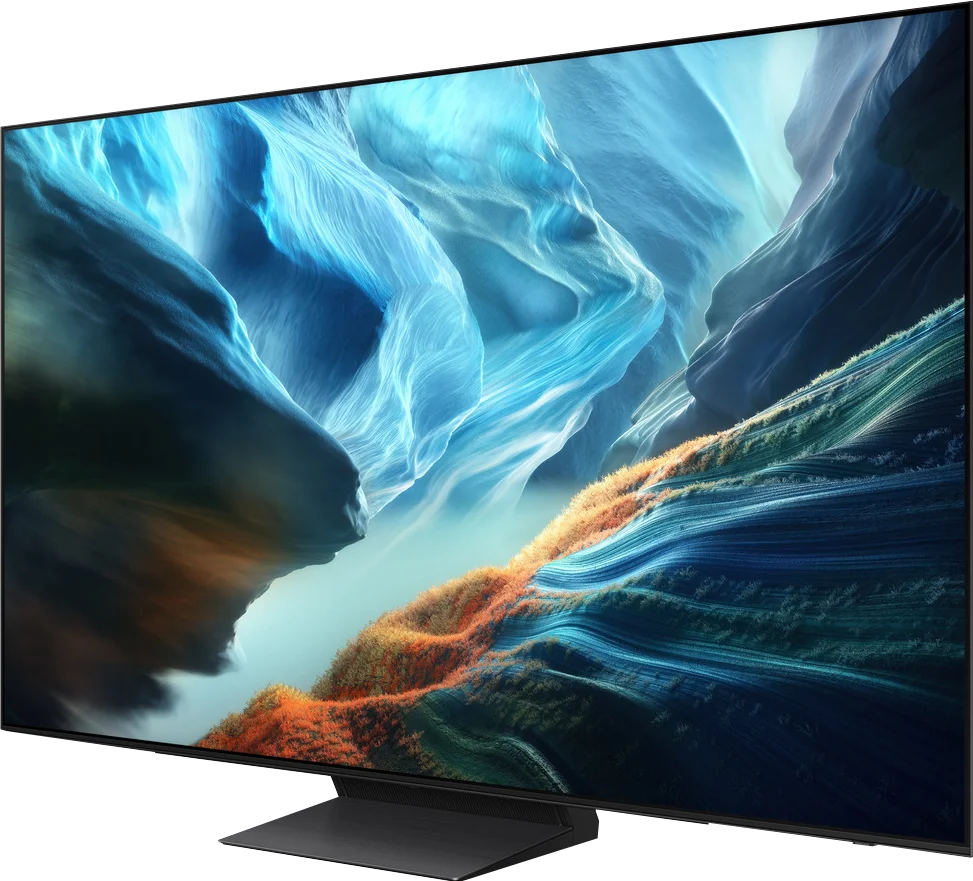
Samsung Q60D / Q67D / Q68D vs Samsung S90H (WOLED)

Direct comparison

Check the best price offer:

Samsung Q60D / Q67D / Q68D
$497

Q60D / Q67D / Q68D

Info

S90H / S92H / HAE / HAT

Info

Available screen sizes: 43”50”55”65”75”85”

Available screen sizes: 42”48”55”65”83”

Panel type: LCD VA

Resolution: 3840x2160

System: Tizen

Model year: 2024

Complete the survey to find out the result

Panel type: WRGB OLED

Resolution: 3840x2160

System: Tizen

Model year: 2026

Complete the survey to find out the result

Overall rating

6.4

8.4

  • Movies and series in UHD quality

    6.3

    8.6

  • Classic TV, YouTube

    6.0

    8.8

  • Sports broadcasts (TV and apps)

    5.2

    8.5

  • Gaming on console

    7.0

    9.7

  • TV as a computer monitor

    6.0

    8.6

  • Watching in bright light

    6.0

    6.5

  • Utility functions

    7.0

    7.3

  • Apps

    9.3

    9.3

  • Sound quality

    6.2

    8.4

Advantages

  • High native contrast

  • Performs well on sunny days

  • Easy-to-use Tizen operating system

  • Low input lag

  • An interesting choice for casual gamers

  • Perfect black and infinite contrast (OLED)

  • Very high HDR brightness (up to 1400 nits)

  • Effective anti-reflective coating (matte, glare-free)

  • Exemplary color reproduction after calibration

  • Excellent motion handling (no motion blur)

  • Outstanding for gamers (4x HDMI 2.1, VRR, ALLM, low input lag)

  • Game Motion Plus feature

  • Refresh rate up to 165 Hz

  • Wide viewing angles

  • Fast, fully featured Tizen

  • Good sound

Disadvantages

No like
  • No Dolby Vision

  • No recording support

  • Will not play DTS sound

  • In bright light colors lose some depth (a trait of matte coatings)

  • Lacks TV features such as USB recording or PIP

  • No support for DTS:X (an issue for Blu-ray disc fans)

  • Limited color saturation compared to the QD-OLED variant

Our verdict

The Samsung Q60D is a versatile model that marks the entry point into the manufacturer's QLED line for 2024. Its standout feature is the modern Tizen system, which offers intuitive navigation and access to a wide range of applications and streaming platforms like Netflix, Prime Video, and Disney+. The simple user interface ensures that using the television is comfortable and that accessing your favourite content is quick and hassle-free. While the TV lacks recording capabilities, a solar-powered remote control makes it convenient to manage external devices, such as the Canal+/NC+ decoder, further enhancing user comfort.

In terms of picture quality, the Q60D offers high native contrast and above-average brightness, helping to compensate for the absence of Dolby Vision. It’s also a solid choice for casual gaming, with essential features like a Game Bar and very low input lag enhancing the overall experience. The Samsung Q60D is a well-rounded television that combines modern features, sleek design, and good picture quality, making it an attractive option for a variety of users.

Samsung S90H is a TV that simply makes a spectacular impression. The combination of OLED's absolute blacks, high brightness, and excellent motion sharpness delivers a picture that's hard to look away from. And that's exactly what we expect from a good OLED TV. The matte anti-reflective coating also works very well. Reflections on a sunny day stop being a major problem, and thanks to the presence of a traditional polarizer black doesn't shift as much toward grayish-burgundy tones as with the QD-OLED variant. Add to that the blazing-fast Tizen, an excellent set of gaming features led by Game Motion Plus, and surprisingly good, full-bodied sound from the built-in speakers. Any weaknesses? Of course. Tone transitions aren't quite as perfect as on QD-OLED, and viewing angles remain slightly worse. In practice, though, these are mostly minor quibbles, especially since WOLED also has its own advantages, particularly in a bright room, where it preserves black levels and color saturation better. Overall, the QD-OLED variant still comes out slightly ahead, but this time the difference isn't as pronounced as it was a year ago. For most people that won't be the deciding factor when choosing a TV. So our advice is: rather than obsessing over the panel type, pick the size that best fits the room. Whether you buy the WOLED or QD-OLED version, you'll get a mature, versatile, and well-balanced TV. As every year, the S90H series has a guaranteed place among the most cost-effective OLEDs of 2026.

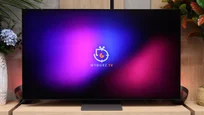
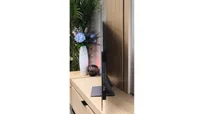
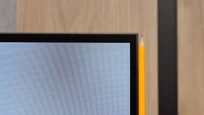
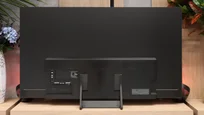
TV appearance

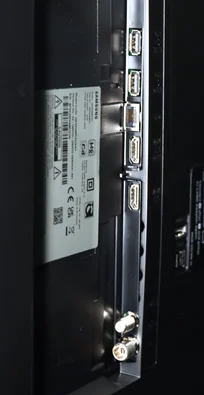
HDMI inputs
3 x HDMI 2.0, 0 x HDMI 2.1
0 x HDMI 2.0, 4 x HDMI 2.1 (48Gbps)
Other inputs
Outputs
Toslink (Optical audio), eARC (HDMI), ARC (HDMI)
Network Interfaces
Wi-Fi 2.4GHz, Wi-Fi 5GHz, Ethernet (LAN) 100Mbps
Build quality
Average
Premium
Stand type
Legs
Central
Bezel color
Graphite
Graphite
Stand
Height adjustment
Fixed
Flat design
Yes
No
Accessories
Stand
Stand

Contrast and black detail

6/10

10/10

Local dimming function: No

Contrast:

Review Samsung Q60D / Q67D / Q68D Contrast and black detail

Result

5,650:1

Review Samsung Q60D / Q67D / Q68D Contrast and black detail

Result

6,500:1

Review Samsung Q60D / Q67D / Q68D Contrast and black detail

Result

5,850:1

Review Samsung Q60D / Q67D / Q68D Contrast and black detail

Result

5,850:1

Review Samsung Q60D / Q67D / Q68D Contrast and black detail

Result

5,400:1

Review Samsung S90H (WOLED) Contrast and black detail

Result

:1

Review Samsung S90H (WOLED) Contrast and black detail

Result

:1

Review Samsung S90H (WOLED) Contrast and black detail

Result

:1

Review Samsung S90H (WOLED) Contrast and black detail

Result

:1

Review Samsung S90H (WOLED) Contrast and black detail

Result

:1

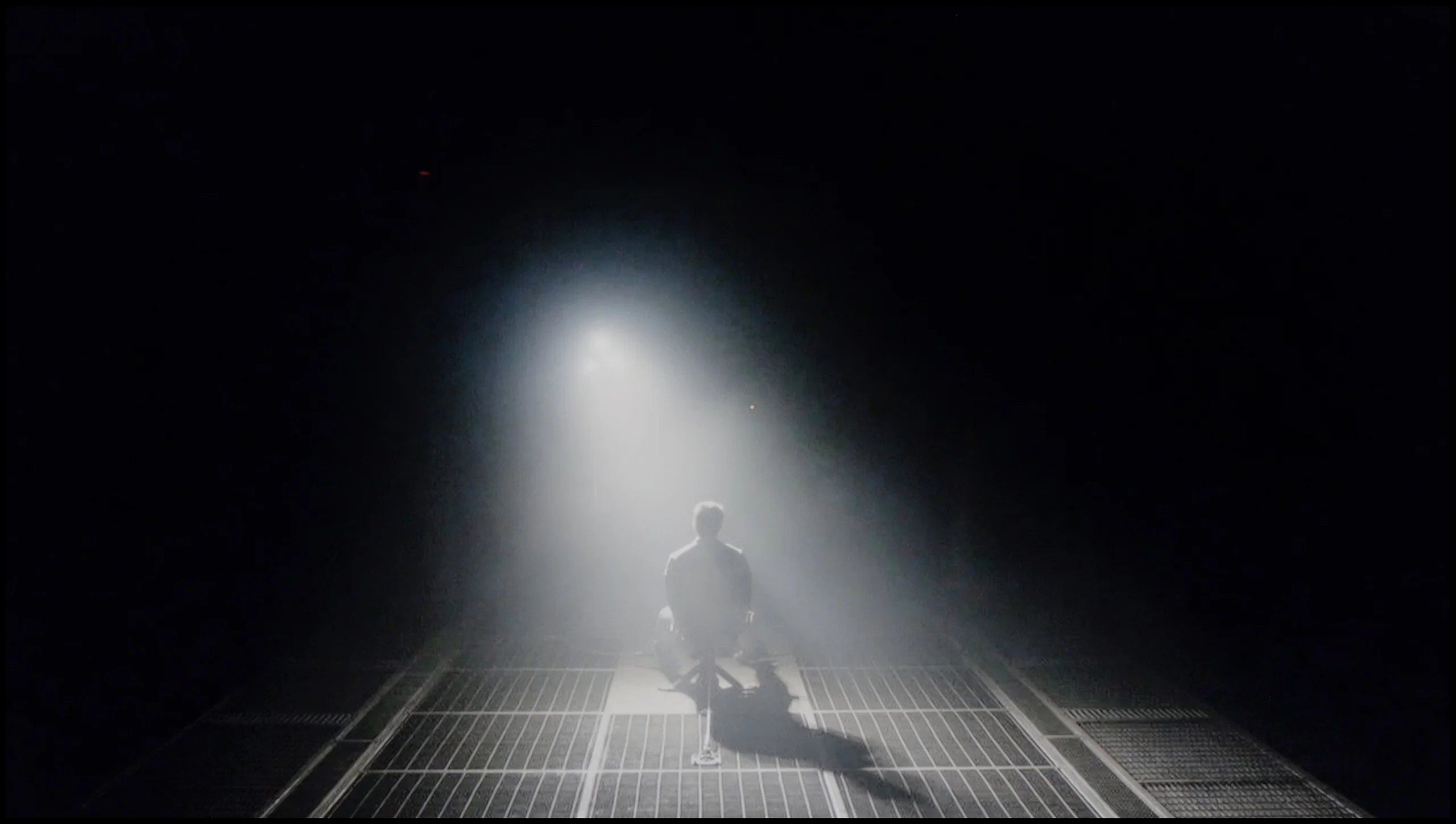
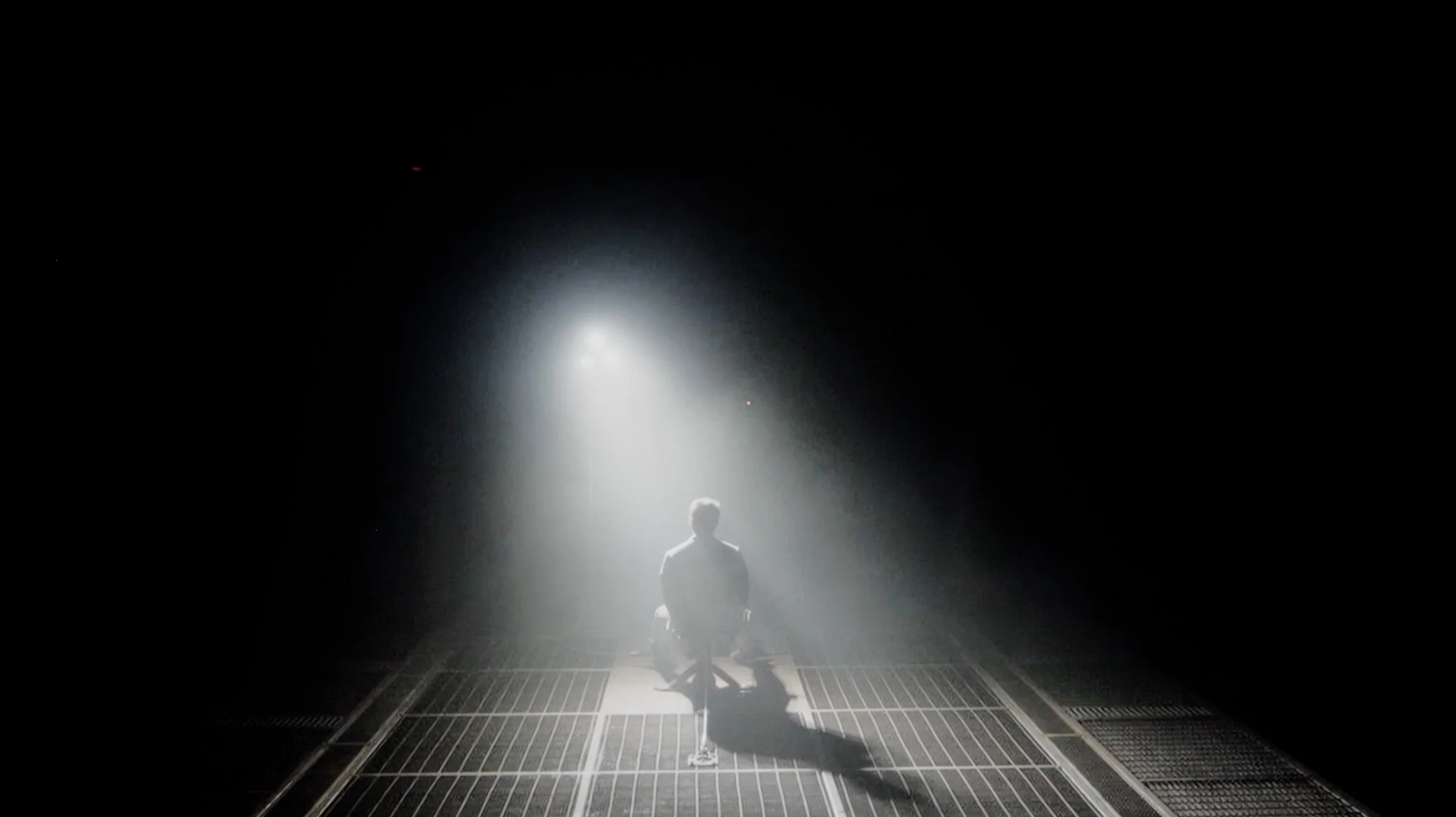
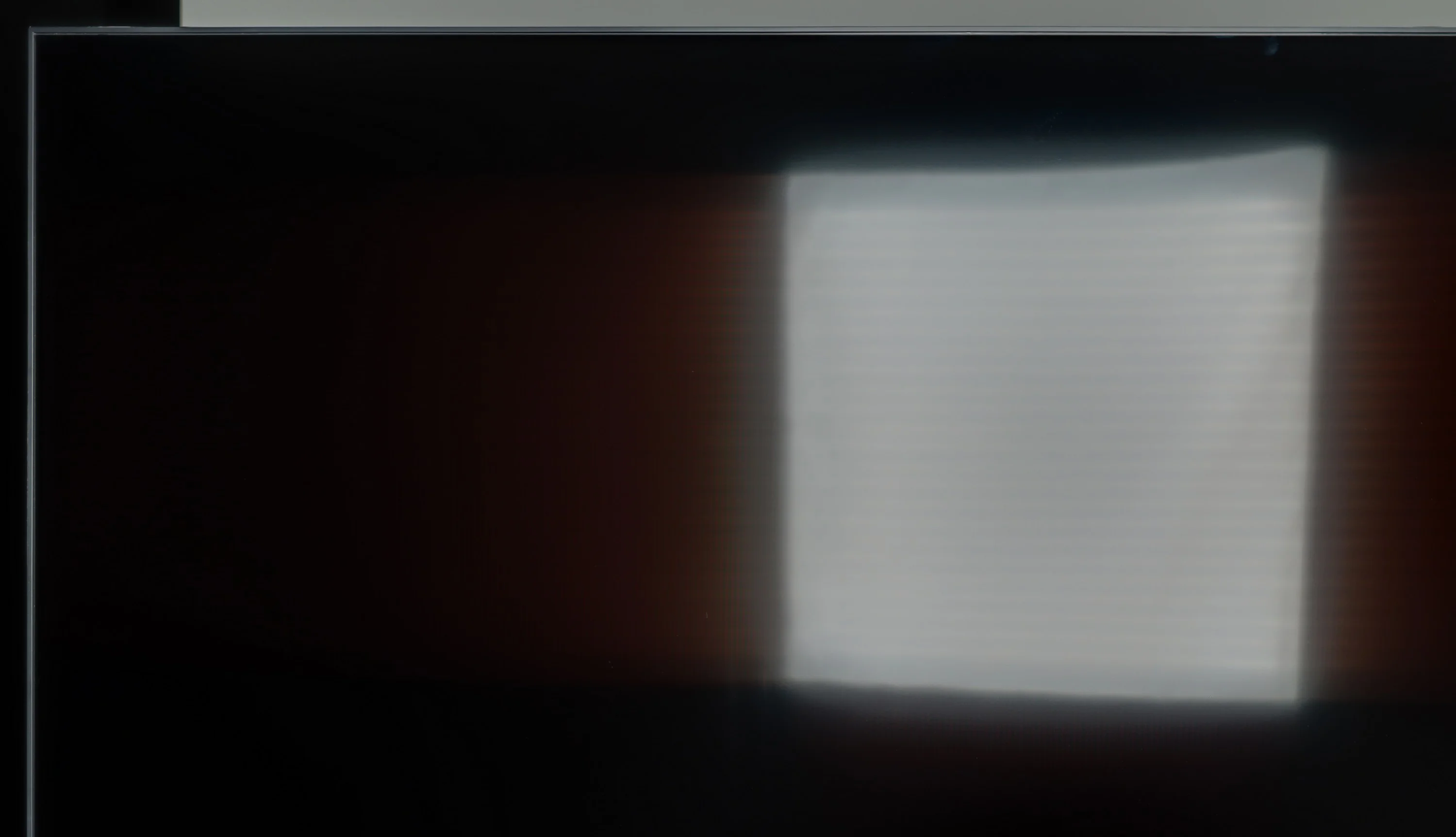
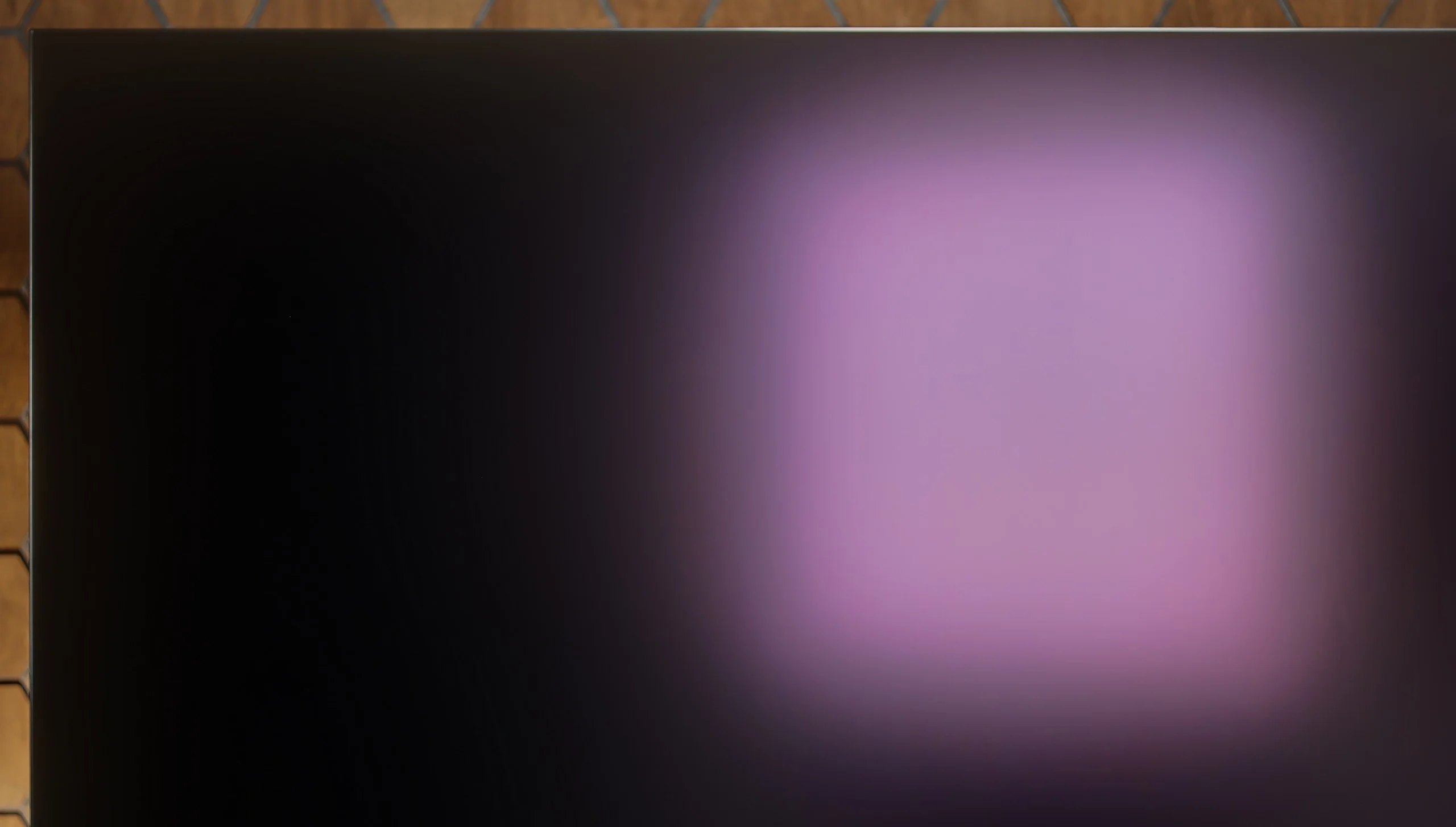
Halo effect and black detail visibility:

Check the visibility of bright lights on a dark background. Mini-LEDs often struggle with this. The photo does not compare black levels – that’s what the video below is for.

The video accurately shows differences in contrast and black levels between TVs, as well as potential issues: halo around bright objects or Mini-LED zone operation visible as brightness jumps.

The Samsung Q60D equipped with a VA panel, delivers deeper blacks and higher contrast compared to IPS/ADS panels. VA panels are known for their superior ability to display deep blacks, making them an ideal choice for those who enjoy nighttime viewing. In contrast tests, the television achieved a result of around 6000:1, which is considered a strong performance and provides satisfying visual experiences in most scenes.

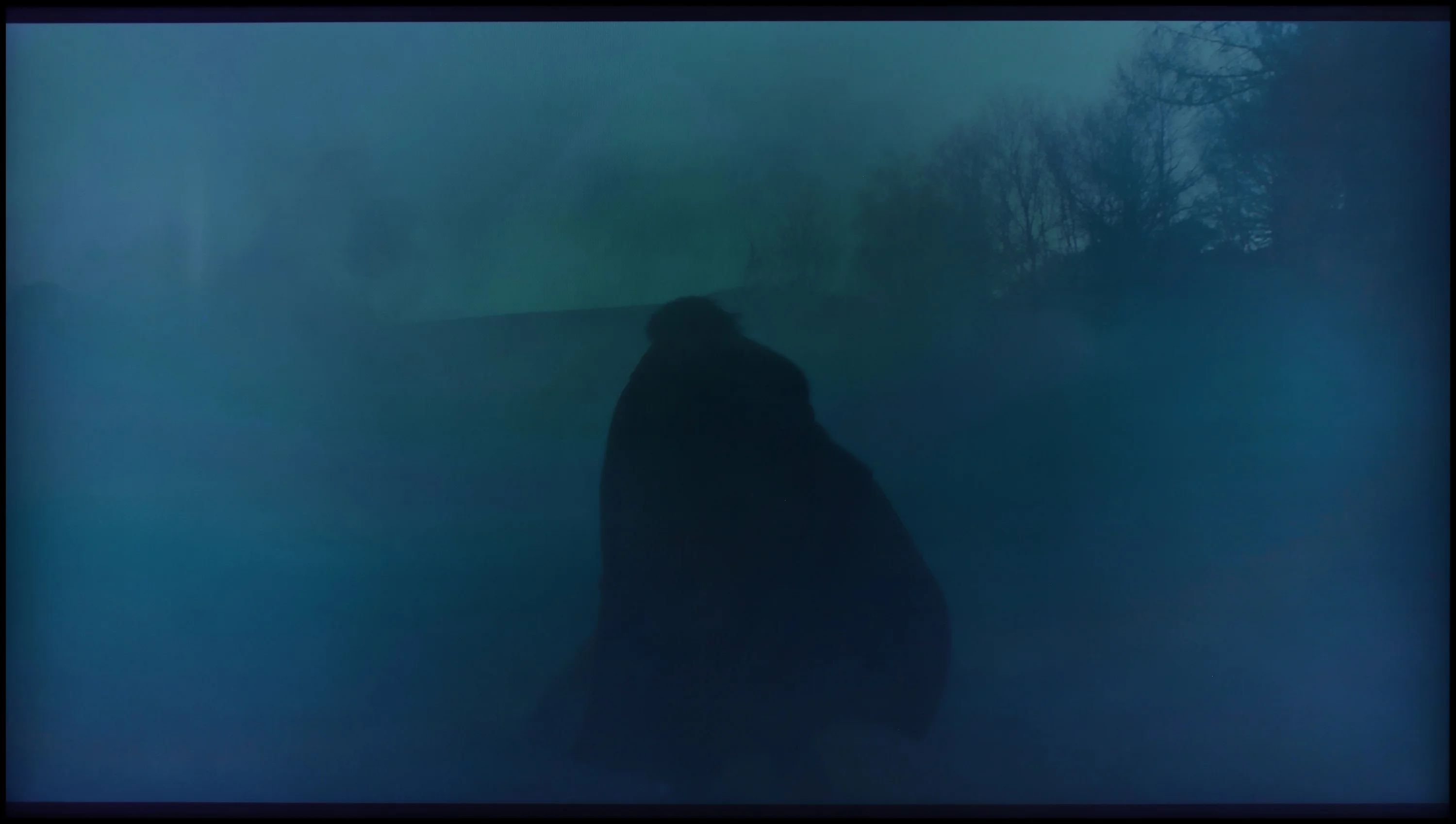
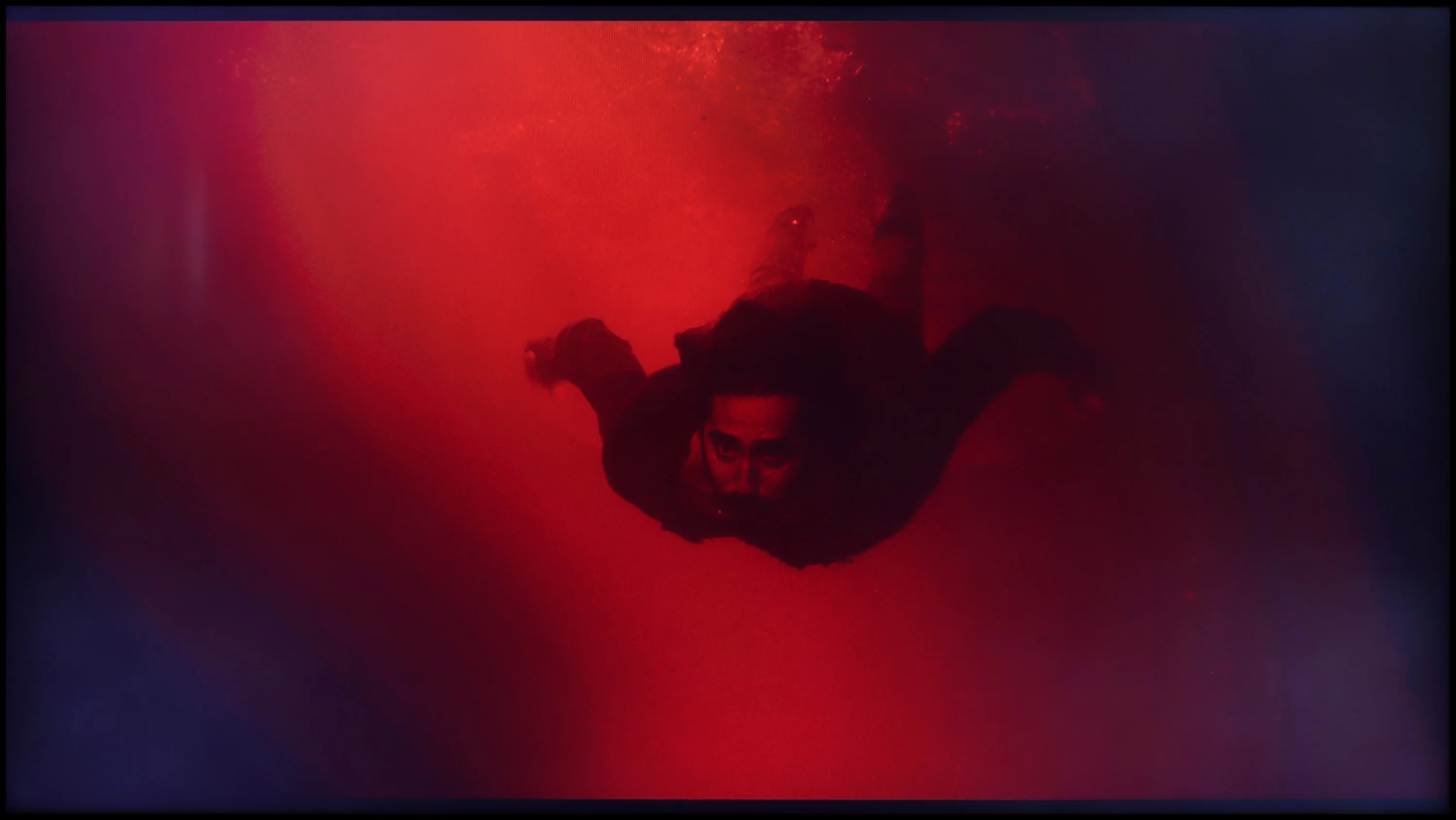
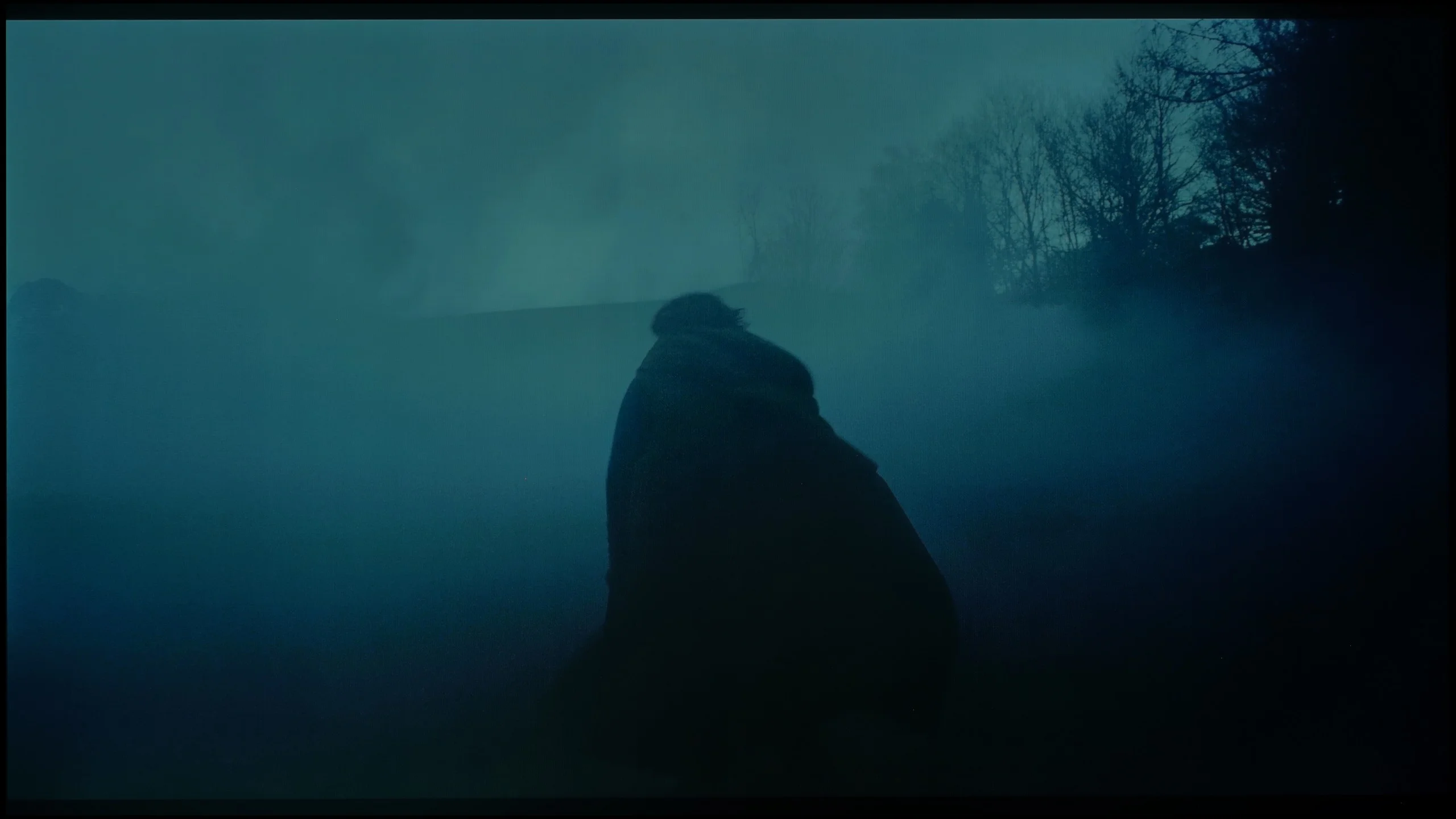
In more challenging scenes, such as the one from Oblivion, the TV manages light separation effectively, adding detail and depth. However, in scenes with more complex lighting compositions, like those in The Revenant, the limitations of the absence of local dimming technology become apparent. In these instances, black elements of the image tend to appear more navy blue than true black. Despite this, the Q60D still offers a solid contrast performance, making it a great choice for most viewing situations.

Because the Samsung S90H uses an organic display, it deserves the highest possible rating for contrast and blacks. This, of course, applies to both market variants: the WOLED version we tested and the QD-OLED variant. Because each pixel is an independent light source and can turn completely off, the TV delivers absolutely perfect blacks and infinite contrast. In practice, this translates into stunning image depth and perfectly sharp separation of bright details from dark backgrounds. Any haloing effect (blooming), which even top LCD TVs with Mini LED backlighting still struggle with today, is out of the question here. You'll appreciate the true magic of the WOLED panel especially during evening viewing in a darkened room; dark parts of scenes gain a remarkable sense of plasticity, incredible three-dimensionality, and a wealth of details hidden in the shadows.

HDR effect quality

5.7/10

7.7/10

Supported formats
HDR10, HDR10+, HLG
HDR10, HDR10+, HLG
Color gamut coverage
DCI P3: 90.0%, Bt.2020: 69.0%
DCI P3: 99.4%, Bt.2020: 75.9%

Luminance measurements in HDR:

Review Samsung Q60D / Q67D / Q68D Brightness measurement

Result

527 nit

Review Samsung Q60D / Q67D / Q68D Brightness measurement

Result

530 nit

Review Samsung Q60D / Q67D / Q68D Brightness measurement

Result

524 nit

Review Samsung Q60D / Q67D / Q68D Brightness measurement

Result

531 nit

Review Samsung Q60D / Q67D / Q68D Brightness measurement

Result

537 nit

Review Samsung S90H (WOLED) Brightness measurement

Result

1374 nit

Review Samsung S90H (WOLED) Brightness measurement

Result

1419 nit

Review Samsung S90H (WOLED) Brightness measurement

Result

1570 nit

Review Samsung S90H (WOLED) Brightness measurement

Result

1395 nit

Review Samsung S90H (WOLED) Brightness measurement

Result

713 nit

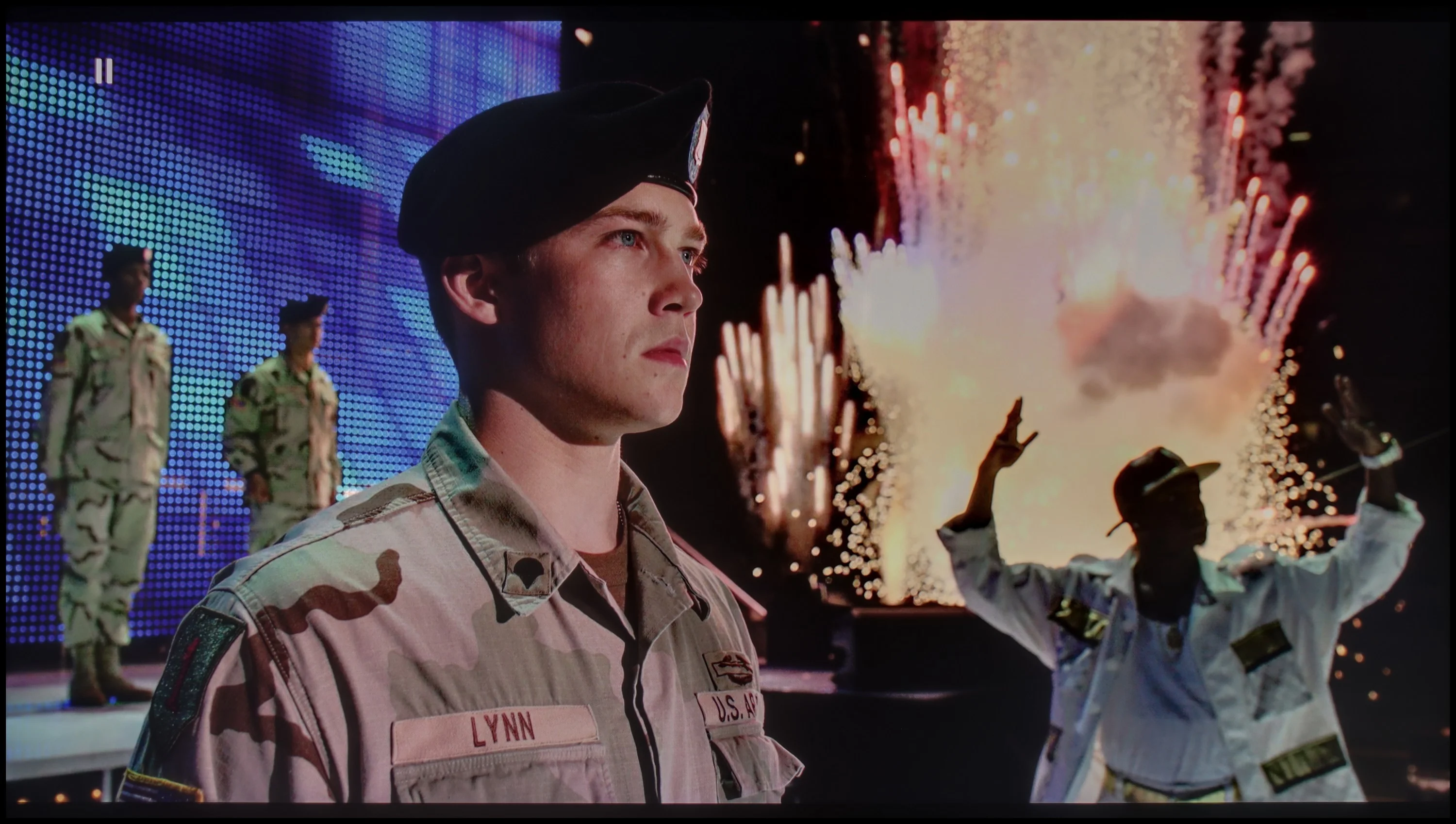
Scene from the movie “Pan” (about 2800 nits)

Scene from the movie “Billy Lynn” (about 1100 nits)

The photos show two HDR10 movies. 'Pan' is one of the brightest productions ever made, while 'Billy Lynn' (soldier) has brightness typical of streaming (Netflix, Prime, HBO MAX). Notice the intensity of effects and detail in whites.

Static HDR10

The photos present the visibility of white details in various HDR formats. They do not show brightness differences between TVs (these can be compared in the previous gallery).

Dynamic: HDR10+

Dynamic: HDR10+

The photos present the visibility of white details in various HDR formats. They do not show brightness differences between TVs (these can be compared in the previous gallery).

HDR luminance chart:

Samsung S90H (WOLED)

Samsung Q60D / Q67D / Q68D

Luminance of RGB colors

The Samsung Q60D consistently achieves brightness levels above 500 nits, which is above average for its class of devices. This level of brightness enhances the viewing experience, providing a more immersive home cinema feel, with clearly visible details in bright areas of the image and well-rendered contrast dynamics, especially when watching content from streaming platforms or Blu-ray discs. As a result, movie screenings gain added depth and realism, particularly in well-lit scenes.

However, despite incorporating quantum dot technology (QLED), the TV does not excel in colour reproduction. The DCI-P3 colour space coverage is limited to 90%, which may become apparent in more demanding scenes where the richness and saturation of colours are crucial for image quality. While the Q60D offers solid performance, those seeking more vibrant and accurate colour reproduction may notice some limitations.

The Samsung S90H in the WOLED variant is still an exceptionally bright TV for its price class, although it is slightly dimmer compared to the QD-OLED version. The difference is not as pronounced as in last year’s F series, where gaps could reach as much as 500 nits. Here the specs of both panels are very close, and differences in peak brightness are only about 100–150 nits. In small-area measurements, the S90H on the WOLED panel easily reaches levels close to 1500 nits. That headroom lets it portray HDR dynamics phenomenally—specular highlights, reflections or explosions have the right punch, just as the creators intended in the post-production studio. As with most OLED displays, when a very bright scene fills the entire screen, the protection systems that safeguard the panel kick in and brightness naturally falls to around 700 nits. It’s worth stressing that this is still an excellent result on the market, often noticeably better than many Mini LED screens in the same segment.

Color gamut coverage

The biggest difference between the two S90H variants lies in color reproduction and saturation. This stems directly from the different construction of the WOLED panel, which uses an additional white subpixel. As a result, colors at very high brightness don’t achieve quite the same intensity, and the volume of the wide color gamut is somewhat more limited than with QD-OLED. That said, in everyday use these differences will be hard for most viewers to notice. Our measured DCI-P3 coverage on the WOLED panel reaches nearly 99%, which means that in the vast majority of real film scenes both variants will deliver almost identical images. The true gap only appears in rarer, particularly demanding productions that use the ultra-wide BT.2020 gamut. Due to the WOLED panel’s design, coverage of that standard is about 15% lower compared to the S90HAT with a QD-OLED panel, so the brightest, heavily illuminated HDR colors may appear a bit less vivid.

Factory color reproduction

6.5/10

7.6/10

This gallery shows how colors change after professional TV calibration. If you notice the difference, we recommend ordering this service at SkalibrujTV.com.

Factory Mode

After calibration

This gallery shows how colors change after professional TV calibration. If you notice the difference, we recommend ordering this service at SkalibrujTV.com.

Factory Mode

After calibration

For several years, Samsung has included a "Filmmaker" mode in its televisions, designed to deliver picture settings that remain true to the original vision of filmmakers straight out of the box. This is undoubtedly a significant move towards achieving cinematic quality at home, but it's important to note that this mode is not without its drawbacks.

For instance, the white balance in both SDR and HDR modes tends to show an excessive amount of red, resulting in an overly warm image. This can cause actors' skin tones and brighter scenes to appear unnaturally pink. The Colour Checker test confirms this issue, as colour samples often shift towards red hues, deviating from the neutral colour representation that would be preferred in a professional context.

In terms of contrast, there is a noticeable dip at the start of the gamma curve, where values below 2.4 fall to around 2.1. This can make darker scenes look less detailed, diminishing their depth. When displaying HDR content, the EOTF curve (which handles brightness representation) shows a significant peak at the beginning of the graph, potentially leading to excessive brightness in lighter areas of the image and disrupting the natural tonal balance.

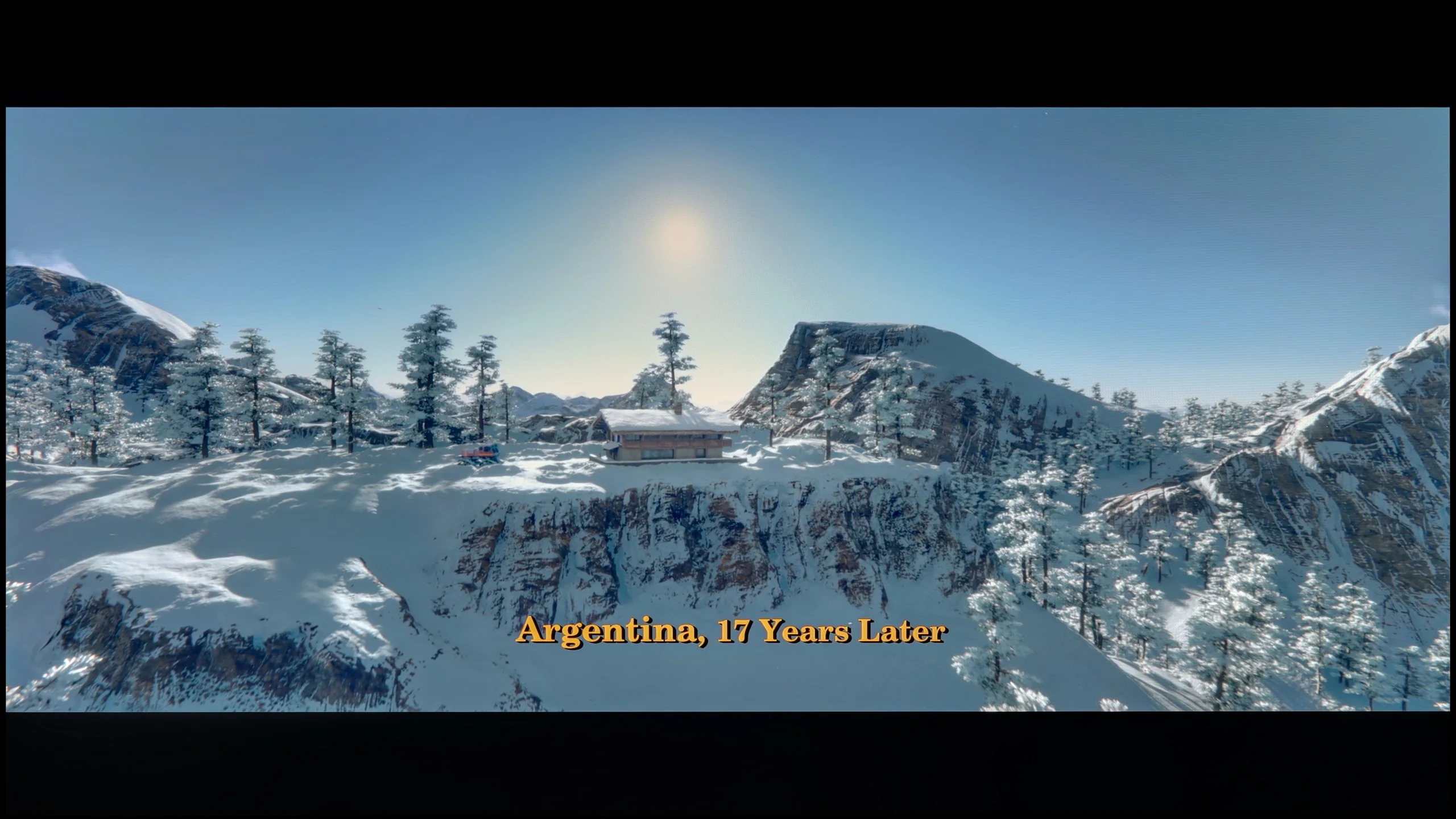
In Filmmaker mode, which we strongly recommend enabling right out of the box, the S90H offers very good factory color tuning. Colors are natural and faithful to the filmmakers' intent, without the intrusive oversaturation found in more aggressive profiles. However, as is usually the case without full calibration, there can be unit-to-unit variation. In our test the white balance lacked a bit of the blue component, causing the image to lean slightly toward warmer, yellowish tones. This was most noticeable in bright scenes, such as the snowy sequences from Star Wars. Additionally, the gamma curve ran slightly low, around 2.2, which resulted in a slight boost to shadow detail. In HDR mode the tuning was a bit better, showing only a slight undersaturation in the red region.

Color reproduction after calibration

8/10

9.2/10

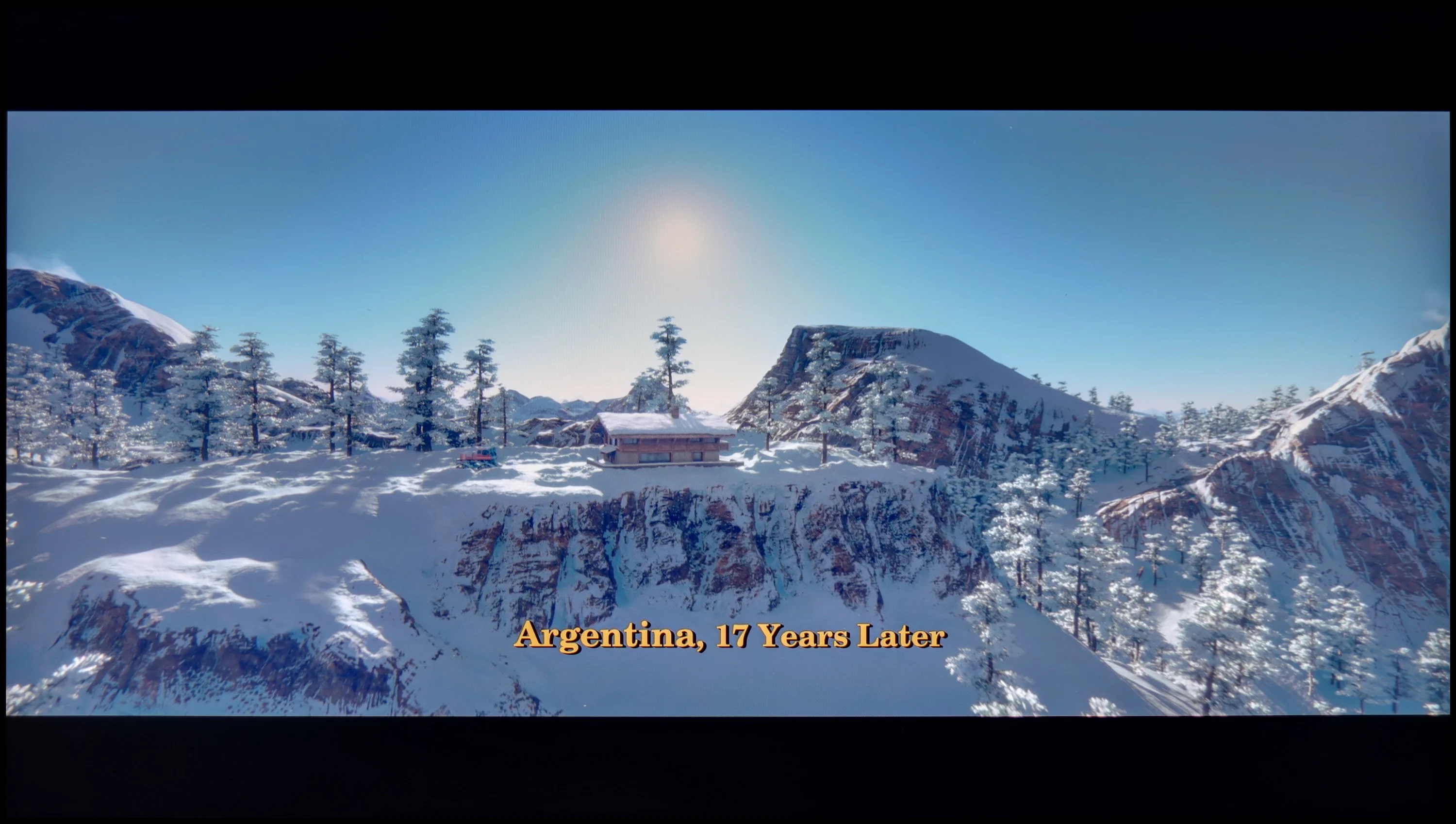
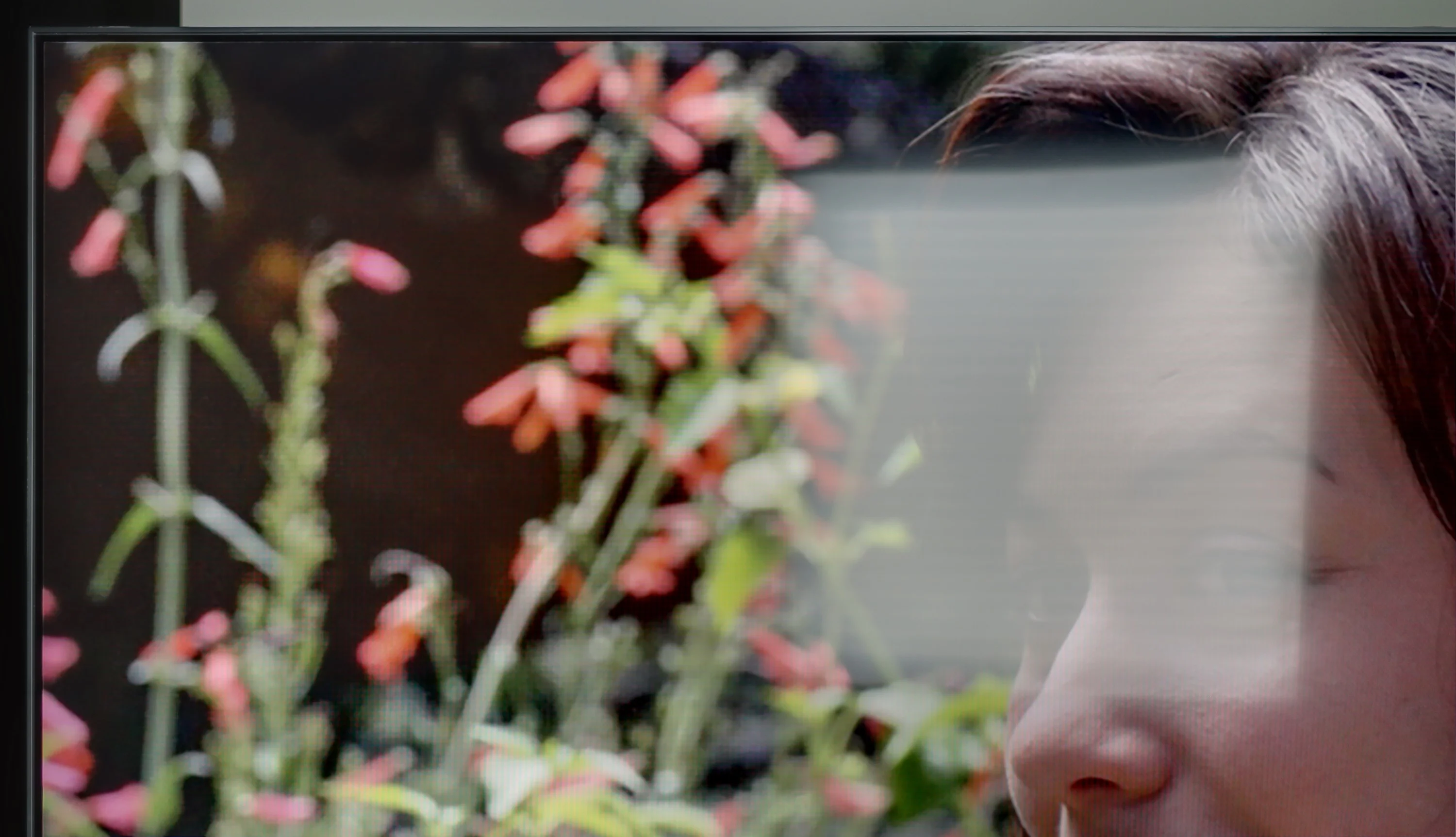
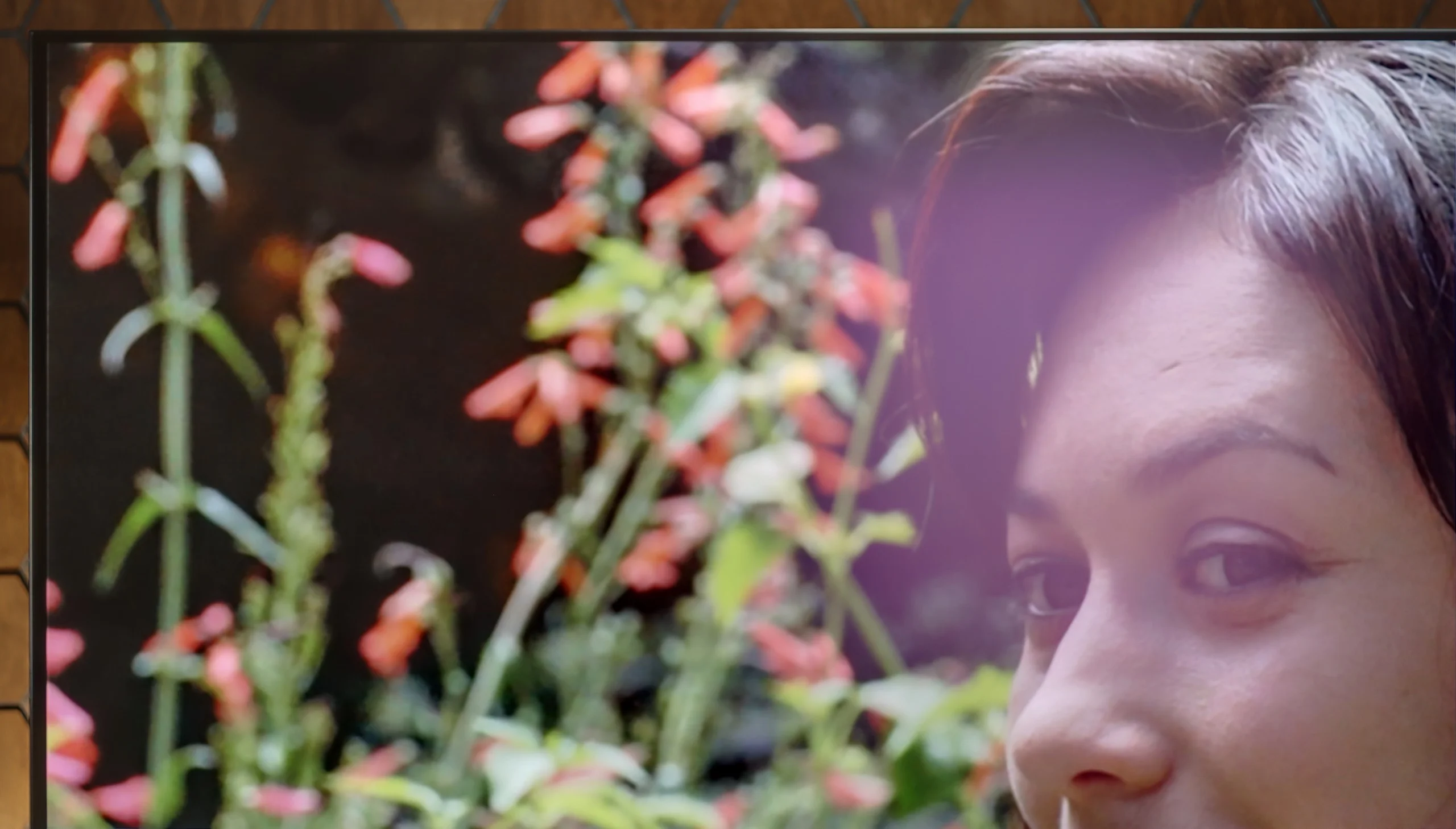
The photos show how movies look on the TV. Pay attention to black detail visibility, colors, and shadow tint.

The photos show how movies look on the TV. Pay attention to black detail visibility, colors, and shadow tint.

After professional calibration of the Samsung Q60D in film mode, users can experience a notable enhancement in image quality. Samsung TVs have long featured both 2- and 20-point grayscale adjustments, and an advanced Colour Management System (CMS), enabling precise tuning of colour and hue. Following calibration, the white balance for both SDR and HDR content is free from significant peaks and red tone shifts, resulting in a more natural image. Although a few larger errors may still be evident in HDR mode, the overall improvement in colour accuracy is impressive.

In terms of contrast, despite the inherent limitations of the TV’s technology, there has been a marked improvement. Calibration enhances the visibility of details in darker scenes and accentuates the differences between lighter and darker elements, making the image appear more dynamic. This leads to a more satisfying viewing experience, with improved depth and realism in the displayed content.

After full calibration it can safely be said that the S90H in the WOLED version looks almost perfect. In SDR mode color reproduction errors drop to ultra-low levels, and Delta E values very rarely exceed 2. That's a phenomenal result, so if you care about perfectly faithful color reproduction it's definitely worth considering calibration. The calibrated HDR mode also performs very well, in which the white balance was stabilized and earlier deviations eliminated. After professional tuning it's really hard to find anything to criticize, because the TV delivers an image with almost exemplary naturalness and dimensionality. The slightly lower rating in this category compared with the QD-OLED variant is solely due to the previously described saturation limitation in extremely bright scenes; the tuning options and color fidelity themselves are at the highest level.

Smoothness of tonal transitions

7/10

8/10

These are selected scenes that show smooth tonal transitions from one color to another. If you see distinct banding, it’s the TV panel’s fault.

These are selected scenes that show smooth tonal transitions from one color to another. If you see distinct banding, it’s the TV panel’s fault.

These are selected scenes that show smooth tonal transitions from one color to another. If you see distinct banding, it’s the TV panel’s fault.

These are selected scenes that show smooth tonal transitions from one color to another. If you see distinct banding, it’s the TV panel’s fault.

The Samsung Q60D delivers decent performance, making it an appealing option for both movie and gaming enthusiasts. The gradation of bright colours is certainly a strong point of this model, with brighter scenes appearing exceptionally natural and smooth. While darker transitions do show slightly more visible colour blending, the overall effect remains satisfactory. The television handles tonal transitions well, offering viewers a visual experience that enhances movie-watching and gaming. Thanks to these features, the Samsung Q60D will unlikely detract from your movie sessions.

The smoothness of tonal transitions is very solid here, and the WOLED panel variant has been noticeably improved compared with last year's F-series model. Annoying gradient errors and visible banding now appear much less often. Despite this clear improvement, it still does not reach the level represented by QD-OLED technology. In almost every direct comparison, the QD-OLED panel handles smooth transitions between shades a bit more precisely. In summary: regarding gradients, the WOLED panel is clearly better than in previous generations of these panels, but the QD-OLED variant still maintains a noticeable advantage in this category.

Image scaling and smoothness of tonal transitions

5.4/10

7.5/10

Image without overscan on the SD signal
OK
No
Smooth transition function
No
OK

Smooth transition function

The match photo shows how the TV smooths weak tonal transitions in low-quality video.

Image scaling SD (576i)

The model photo shows how it handles upscaling of SD material.

However, when it comes to processing and scaling lower-quality content, the TV performs quite well. The image is displayed without overscan, ensuring the full use of the available screen space. Additionally, the edges of models or tree branches are not overly jagged, resulting in satisfactory content quality. While noise reduction could be more effective, the overall processing of lower-quality materials is positive and meets expectations.

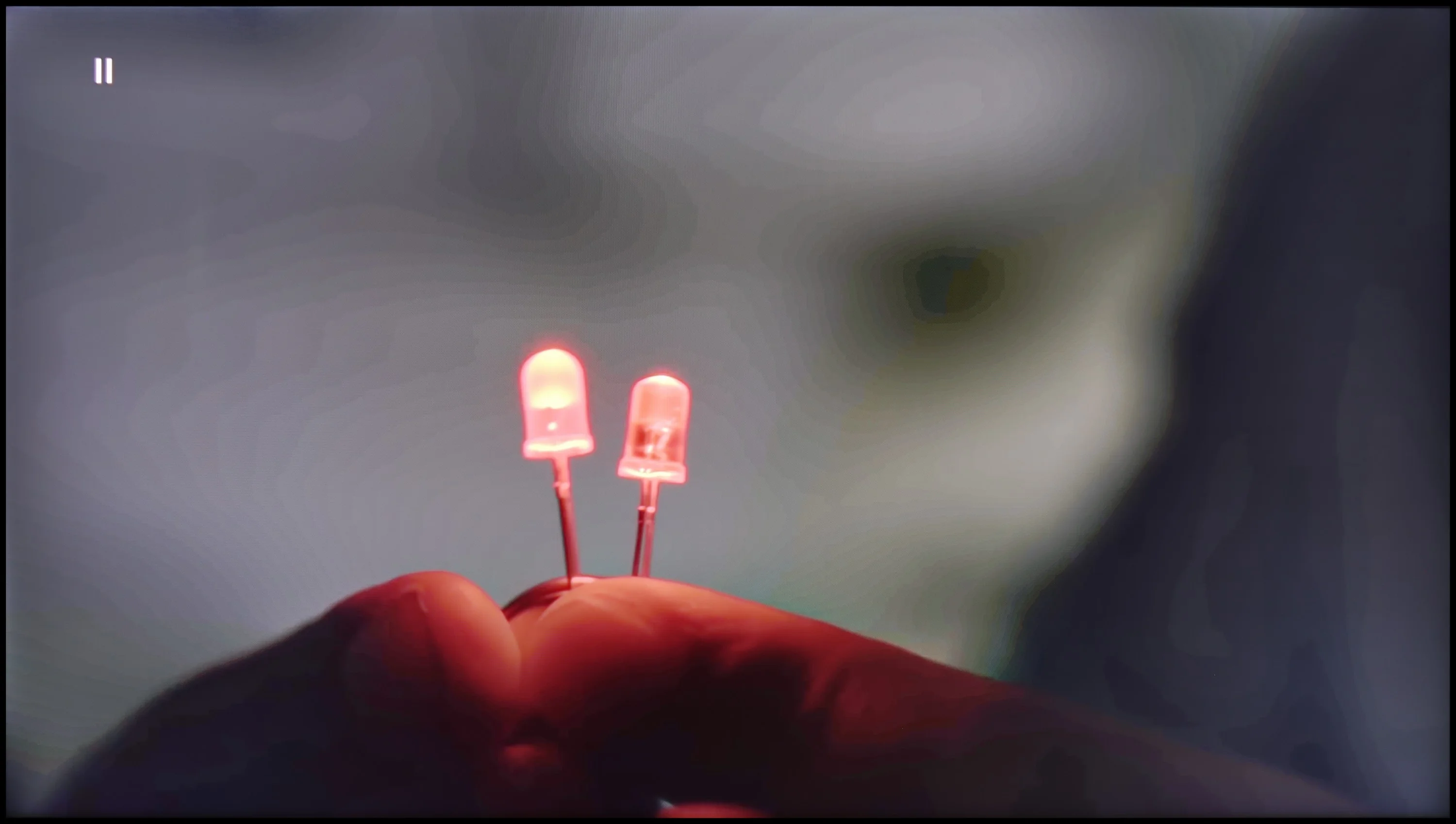
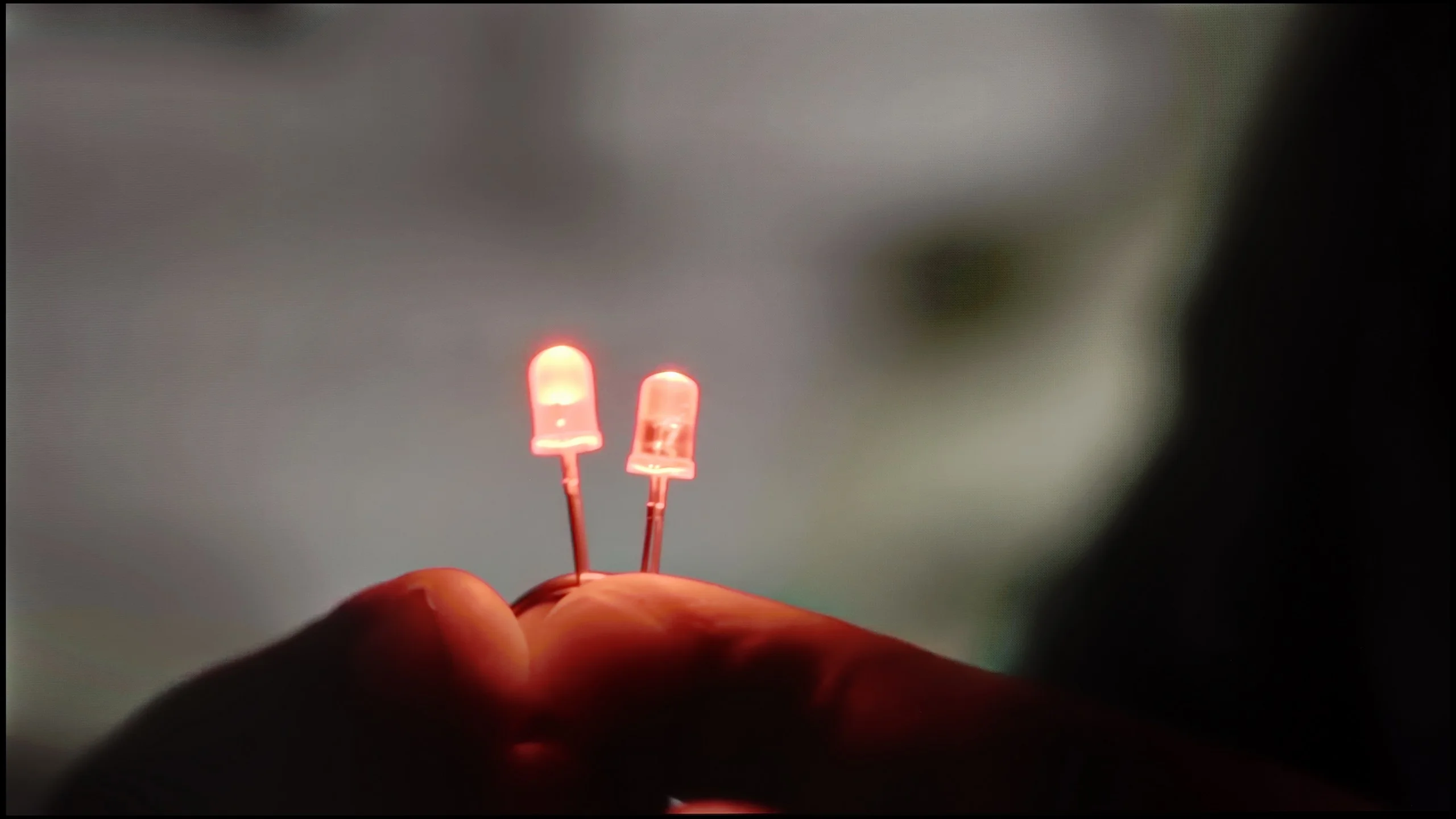
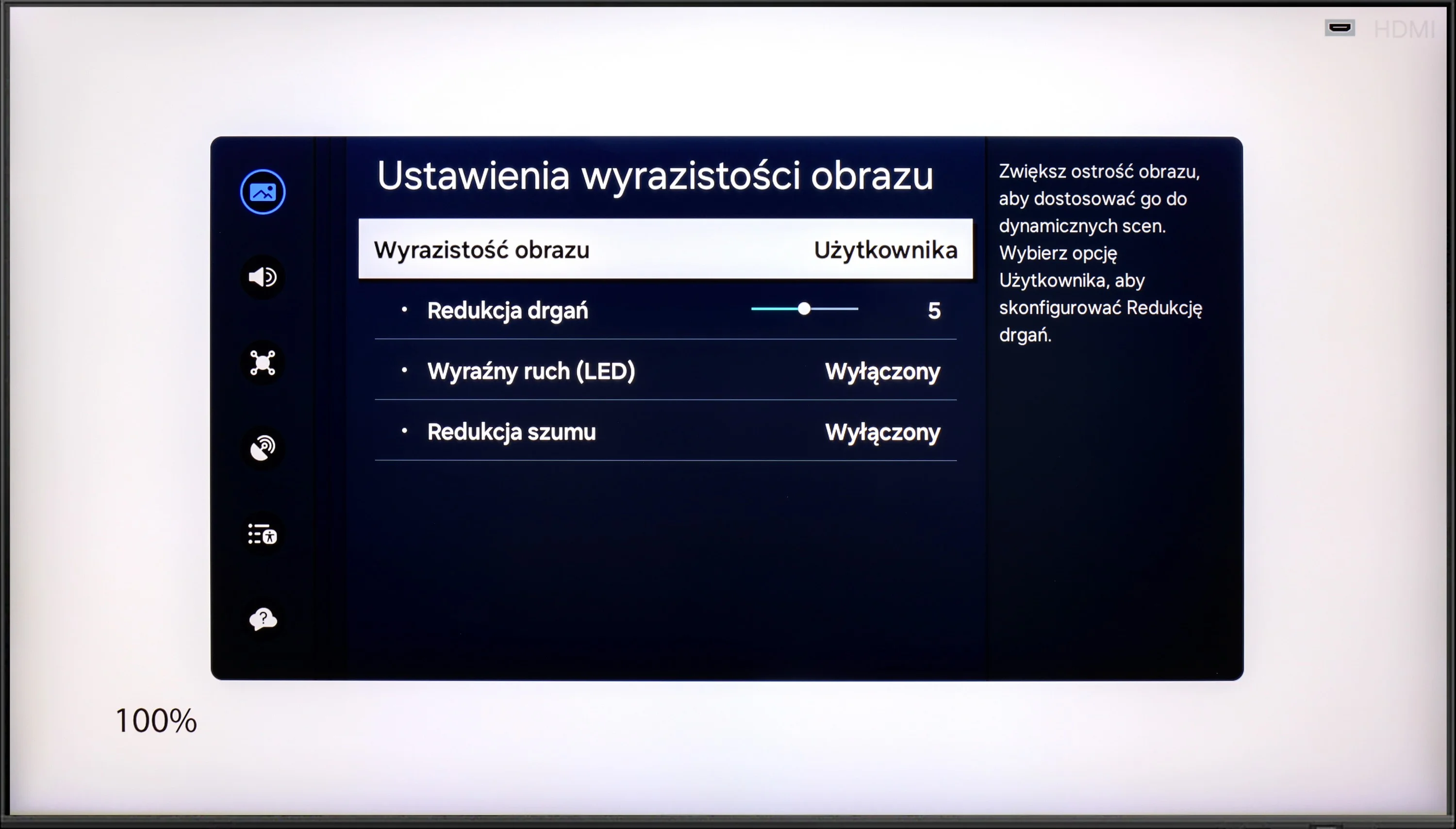
When it comes to reducing posterization, Samsung has kept the same solutions as last year’s models. The dedicated gradient-smoothing function works quite well and can effectively mask unwanted tonal transitions, which can be useful on a WOLED panel that is somewhat prone to banding. However, keep in mind it acts aggressively. This mechanism, aside from removing artifacts, can clean up fine film grain and slightly soften detail. Ultimately it’s a matter of compromise, but if you care about an absolutely faithful reproduction, it’s safer to leave this option off.

There’s also no breakthrough in scaling. The S90H uses the same NQ4 Gen3 processor as its predecessor, so the quality of upscaling was almost identical. The chip sharpens lower-resolution material very well, extracting a satisfying level of detail. Samsung still hasn’t dealt with the old overscan issue. With some older recordings or archival material the image edges can be slightly cropped. It’s a minor flaw, but it’s a shame the manufacturer still hasn’t eliminated it.

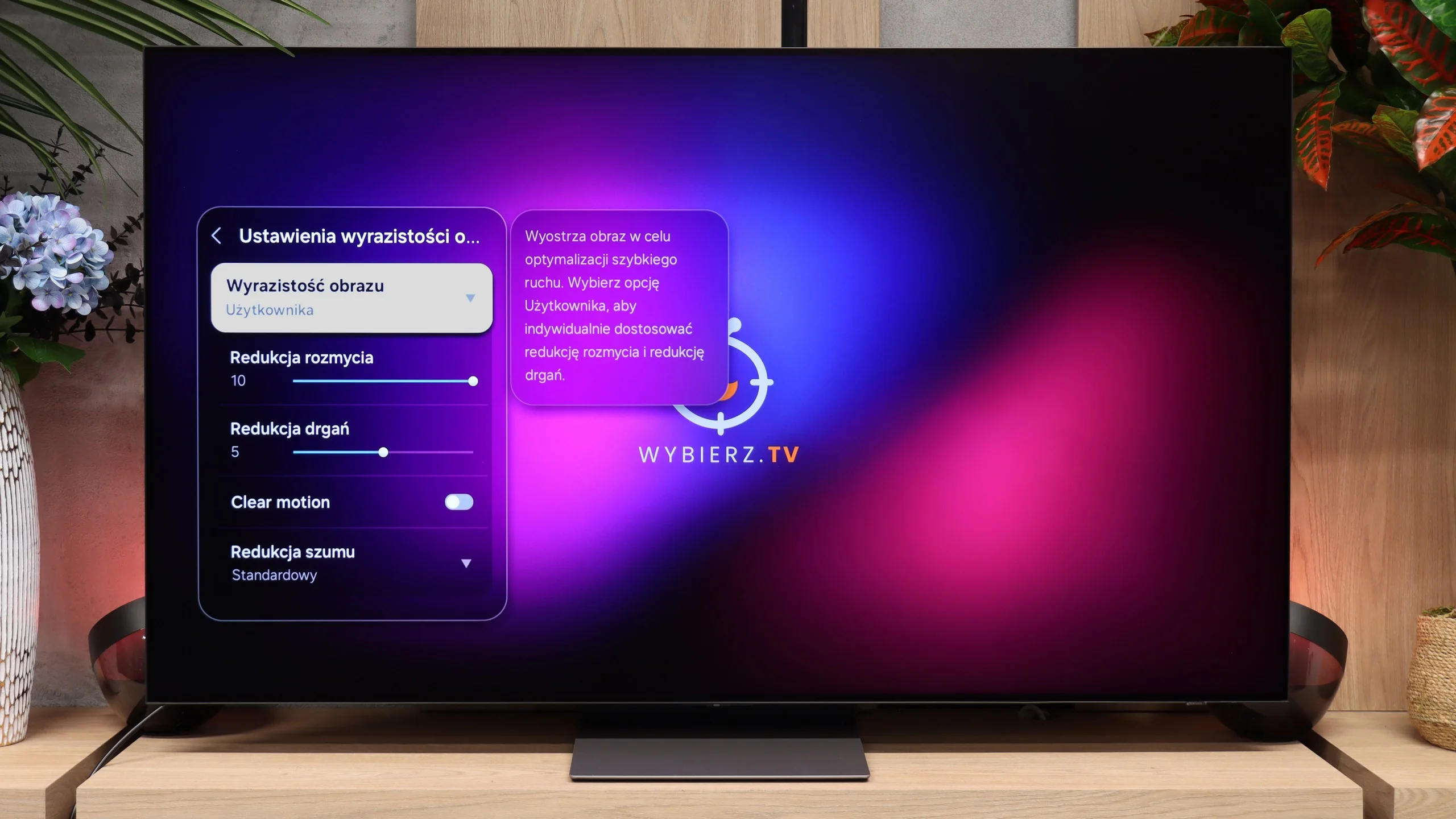
Blur and motion smoothness

4.5/10

8.5/10

Maximum refresh rate of the panel
60Hz
165Hz
Film motion smoothing option
OK
OK
Blur reduction option
No
OK
BFI function 60Hz
Yes, 60Hz (image flickers)
BFI function 120Hz
No
No
Brightness drop with BFI
46%
50%

Blur (native resolution, maximum refresh rate):

Blur (BFI function enabled):

Image flickers in this mode

Image flickers in this mode

Blur ():

Blur (4K@165Hz ):

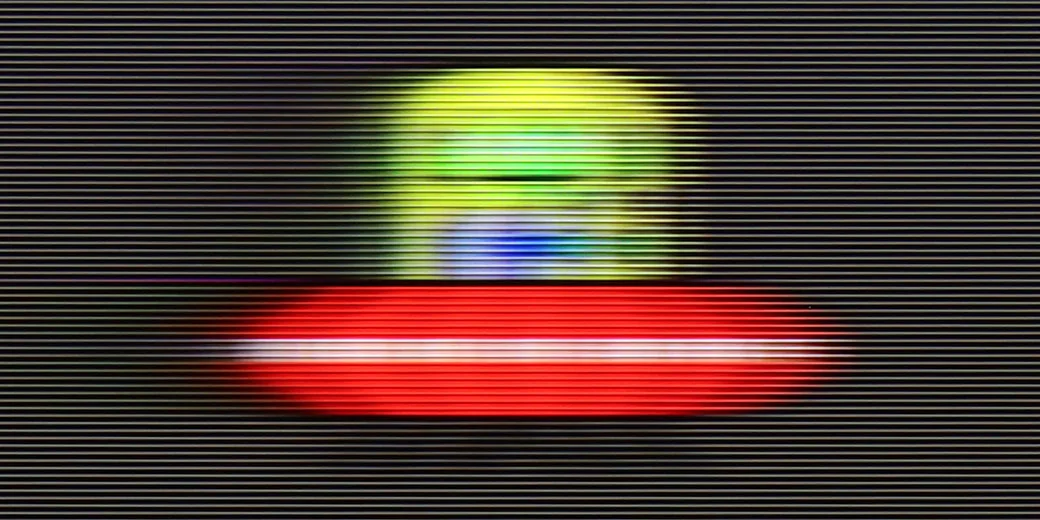
The Samsung Q60D is equipped with a 60 Hz panel and includes a feature known as "Motion Reduction," designed to minimise motion blur and improve the overall fluidity of the image. This addition is particularly beneficial for users who enjoy watching films and series, providing a smoother visual experience even during dynamic action scenes where detail is essential. However, while "Motion Reduction" enhances the viewing experience for cinematic content, it is important to note that this panel may not be the optimal choice for gaming due to a noticeable motion blur effect, which can become apparent during fast-paced gameplay.

In terms of motion handling, the S90H is simply excellent. This year's panel offers a refresh rate boosted to 165 Hz, though in practice the benefit will be realized mainly by gamers connecting a powerful PC. For movies, TV series, or sports broadcasts, such a high refresh rate makes no difference and the picture looks exactly the same as at the standard 120 Hz. Regardless of the source, the OLED panel's lightning-fast response time does its job, so motion is clean and the ghosting or smearing seen on LCD screens simply doesn't occur here.

Console compatibility and gaming features

4.8/10

9.6/10

  • ALLM
    Yes
    Yes
  • VRR
    No
    Yes
  • VRR range
    No
    48 - 165Hz
  • Dolby Vision Game Mode
    No
    No
  • Correct implementation of HGIG
    Yes
    Yes
  • 1080p@120Hz
    No
    Yes
  • 1440p@120Hz
    No
    Yes
  • 4K@120Hz
    No
    Yes
  • Game bar
    Yes
    Yes

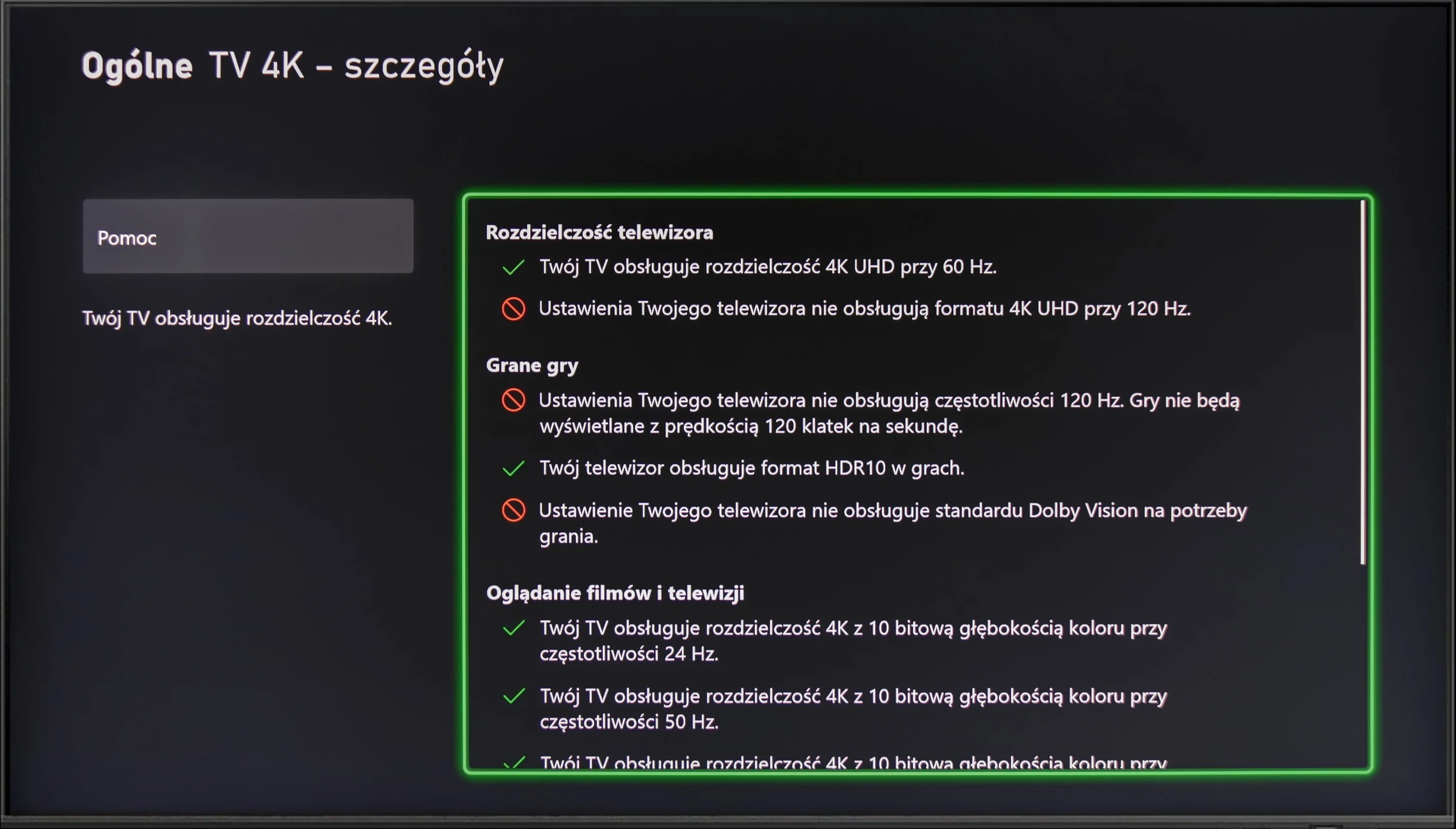
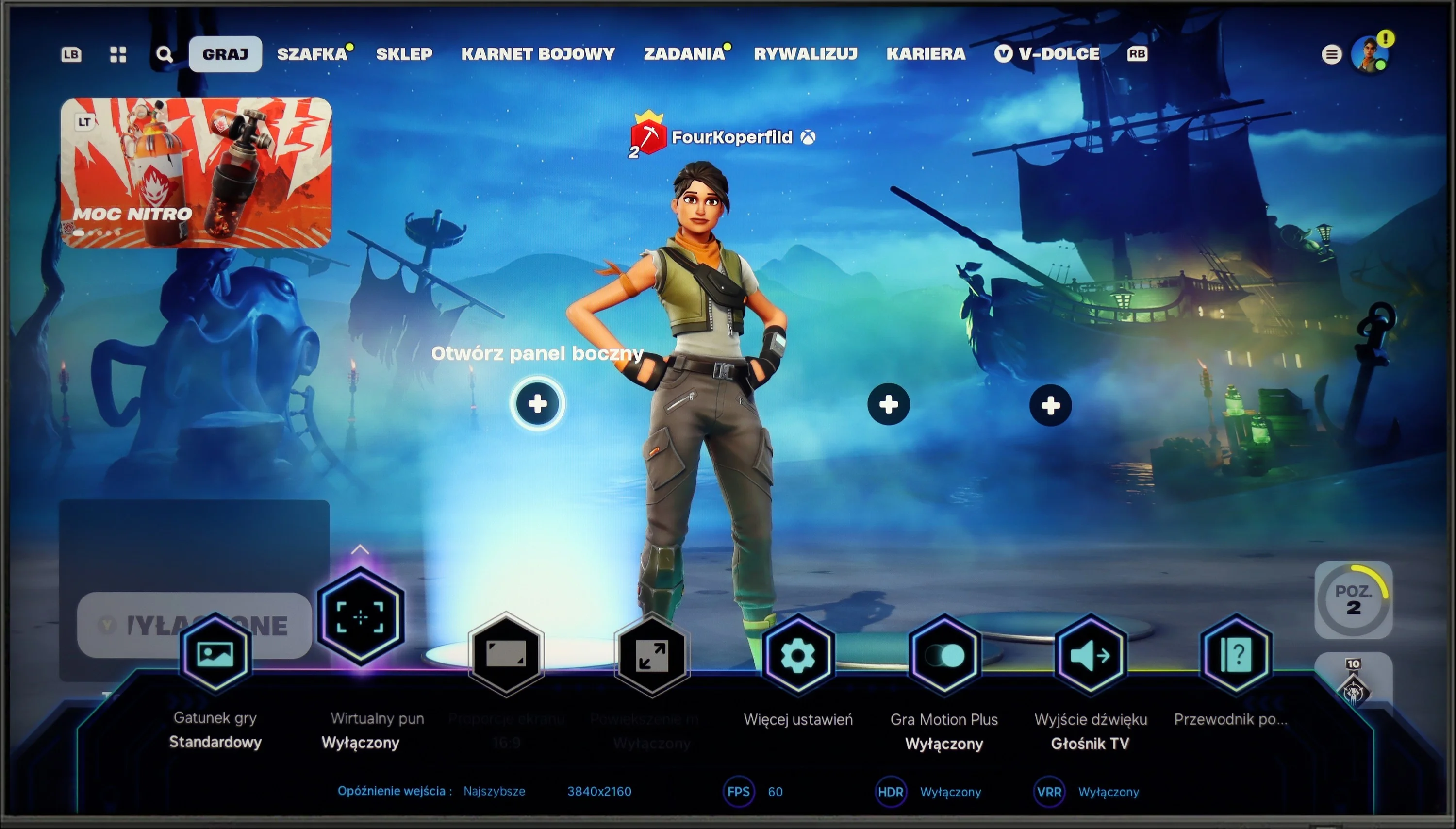
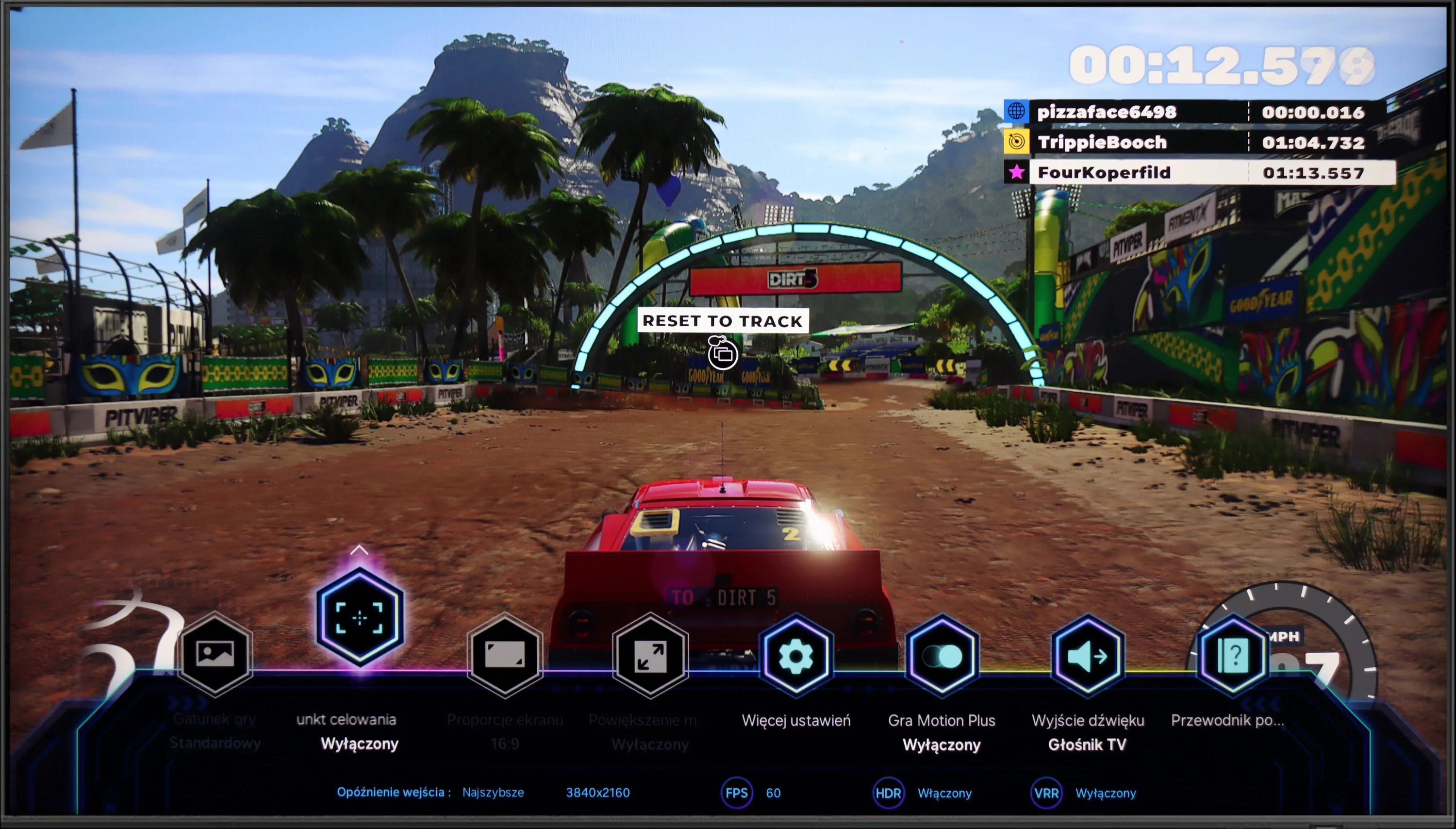
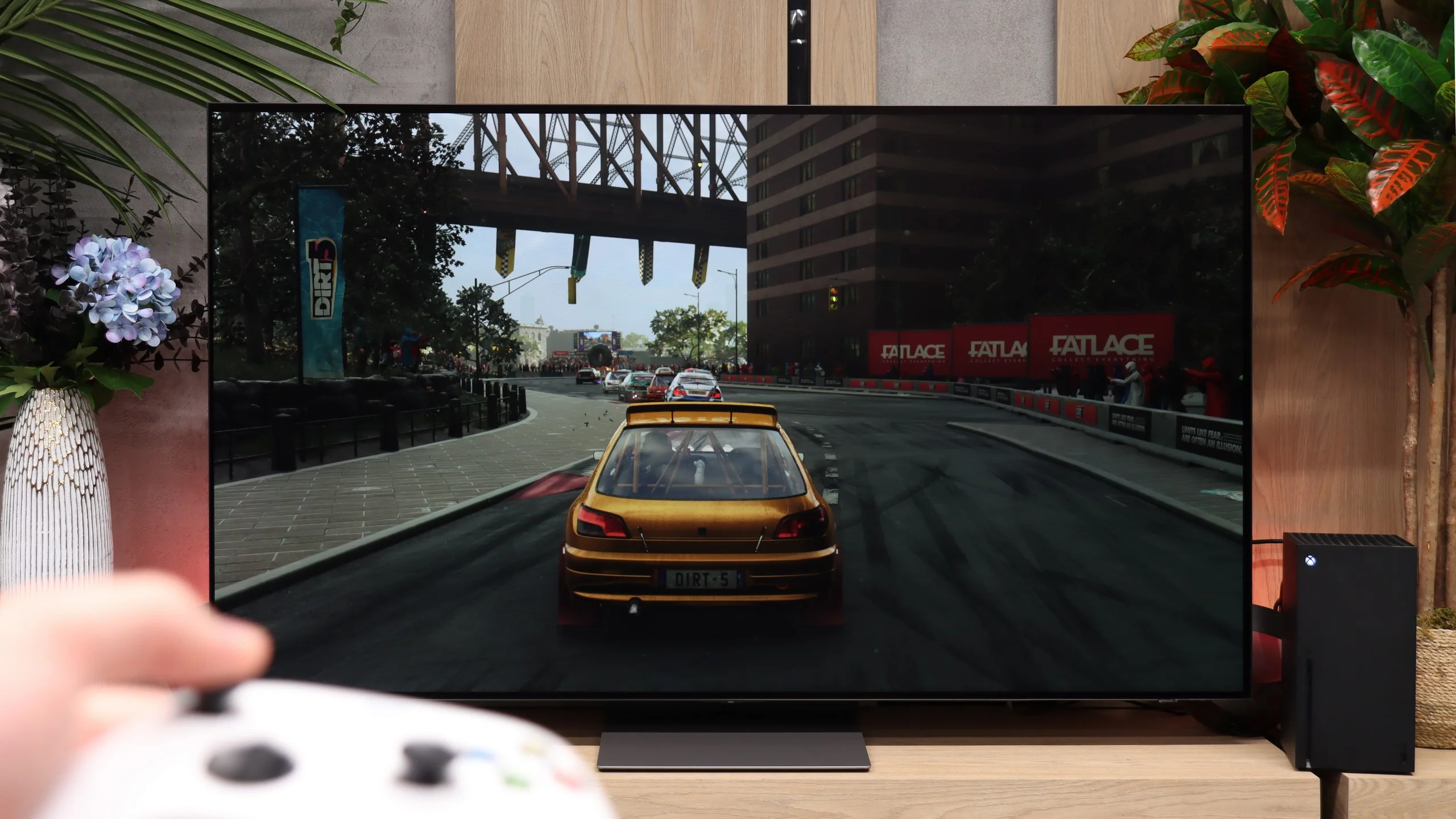
The Samsung Q60D has gaming features such as ALLM (Auto Low Latency Mode), HGiG (HDR Gaming Interest Group), and Game Bar, which contribute positively to gaming experiences by optimising response times and enhancing HDR visuals. However, the absence of HDMI 2.1 support limits the TV's potential, preventing the use of VRR (Variable Refresh Rate) which could further boost smoothness and image consistency. For casual gamers the Q60D should suffice, delivering satisfactory performance during typical gameplay. On the other hand, for more discerning gamers, models with a higher refresh rate and HDMI 2.1 support are recommended. Such upgrades enable full functionality and better compatibility with the latest games, ensuring smoother motion and superior image quality – essential for an immersive and top-tier gaming experience.

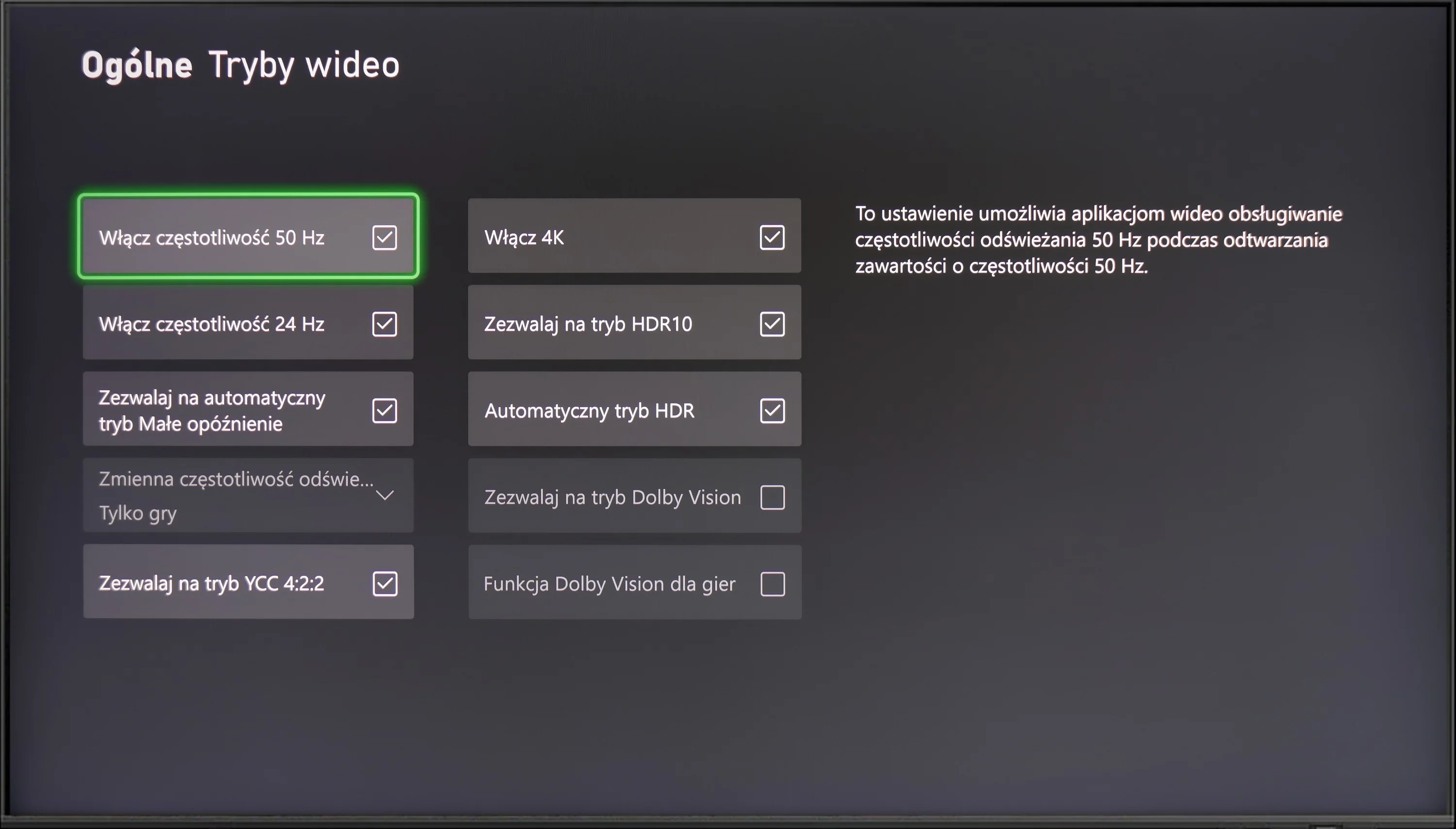
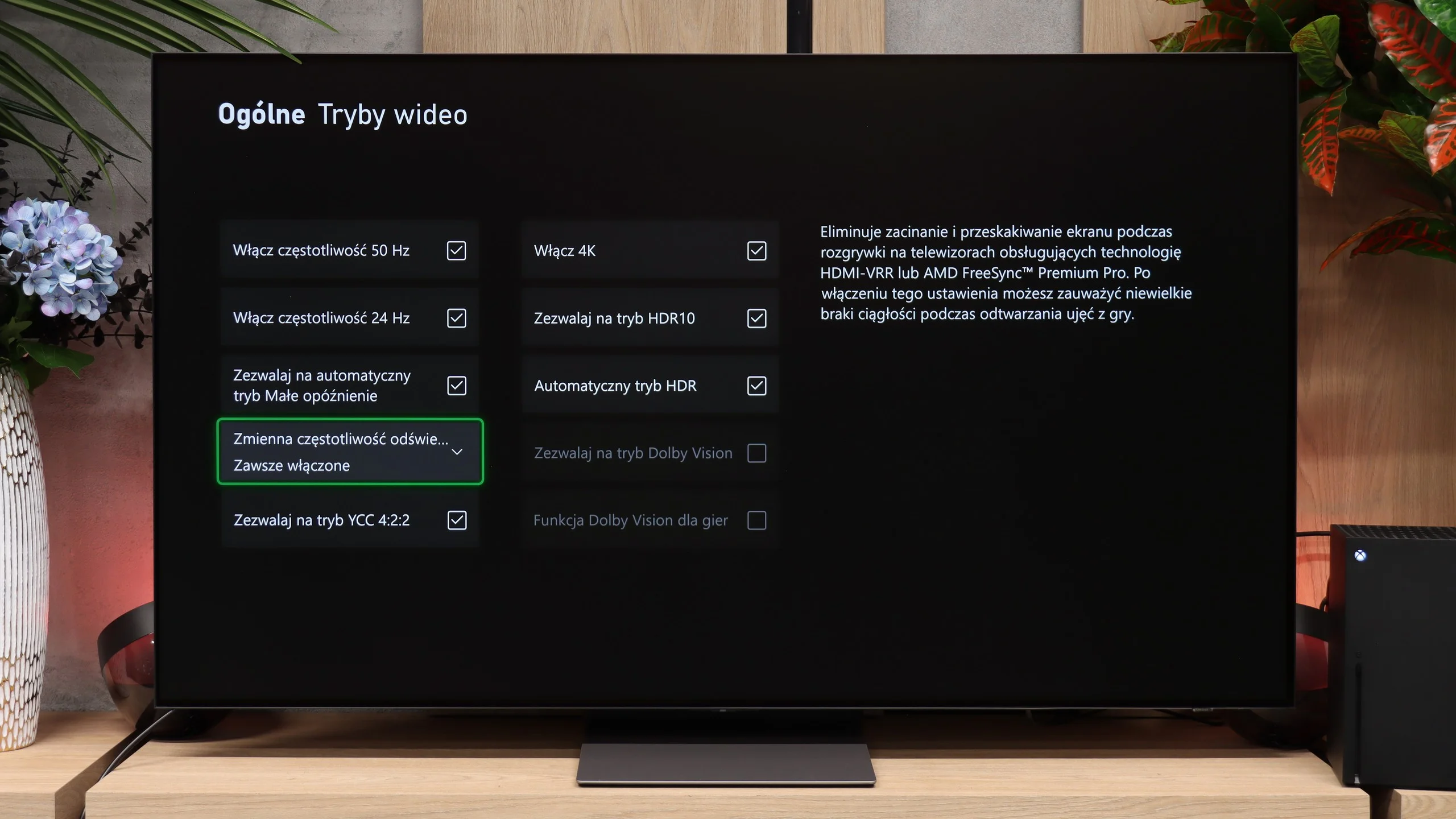
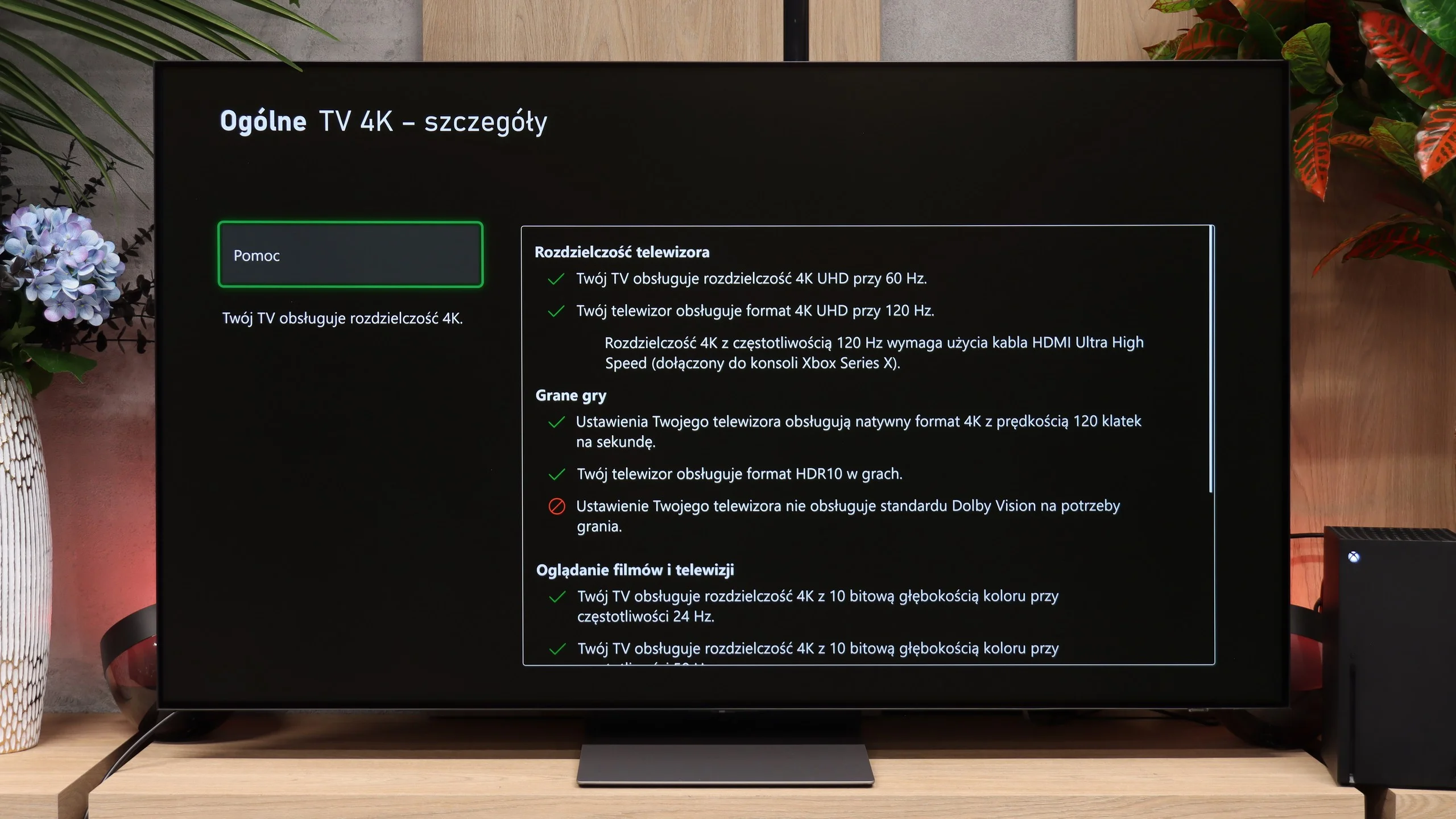
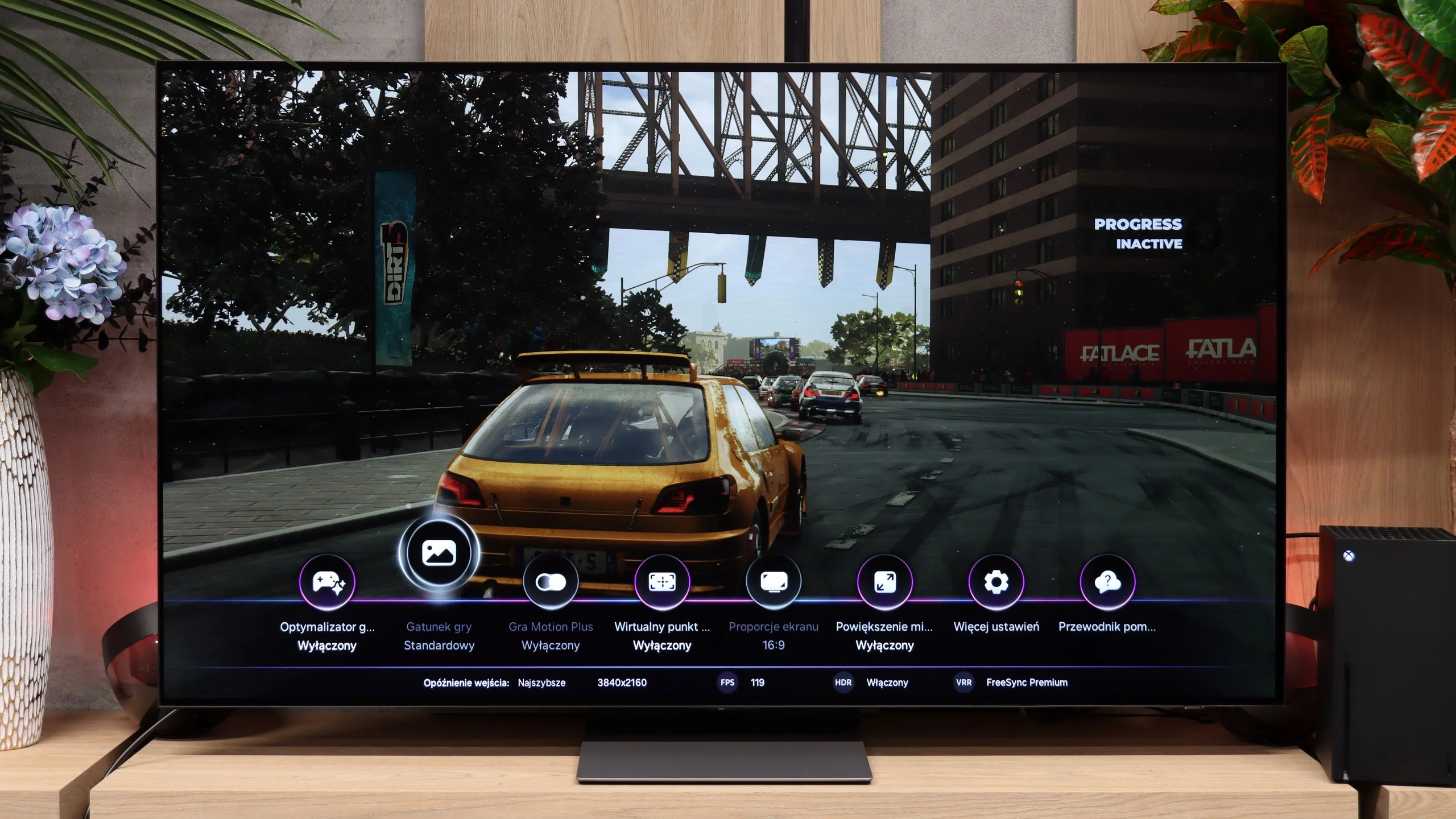
Players should feel at home with the S90H, because in that respect Samsung left few reasons to complain. The TV has four HDMI 2.1 ports, each of which supports VRR, ALLM, and high refresh rates. There's also the Game Bar, a handy menu that lets you quickly check key parameters and change settings without leaving the game. Importantly, Samsung has also improved HGiG. In last year's models it could cause issues when used with a console, but in the S90H it now works as it should. What sets it apart from the competition is primarily Game Motion Plus. It's a special motion-smoothing mode designed for games, which works best with titles running at 30 or 60 frames per second. Motion becomes noticeably smoother, while latency remains at a reasonable level. In our measurements it was under 50 ms, so you can still play comfortably. That's important, because on many TVs turning on a similar smoothing mode causes such a large increase in input lag that controls start to feel noticeably sluggish. Samsung has managed to find a good compromise here. There's still no Dolby Vision Gaming, but in practice Game Motion Plus may prove to be a far more useful feature.

Input lag

9.9/10

10/10

SDR

1080p60
15 ms
10 ms
1080p120
6 ms
2160p60
15 ms
10 ms
2160p120
6 ms

HDR

2160p60
12 ms
10 ms
2160p120
5 ms
4320p60

Dolby Vision

2160p60 DV
2160p120 DV

In terms of input lag, the Samsung Q60D performs admirably. With results around 15 ms, it delivers impressive responsiveness that will satisfy most gamers. This low input lag ensures that commands from the controller are executed with minimal delay, contributing to a smoother and more immediate gaming experience. This is particularly beneficial in fast-paced games where precise, quick movements are essential for optimal performance. Overall, the Q60D's low input lag enhances gameplay, making it a solid choice for casual gaming.

Input lag is another area that's really hard to fault. With a 120 Hz signal we measured only about 5/6 ms, which is truly a stellar result. After switching to even higher refresh rates the delay fell to virtually astronomically low values, practically imperceptible during gameplay. The Samsung S90H delivers absolutely top-tier results.

Compatibility with PC

6/10

8.6/10

Chroma 444 (max. resolution and refresh rate)
Yes
Yes
Font clarity
Very Good
Good
Readability of dark text and shapes
Very Good
Very Good
Input lag in PC mode (4K, max. refresh rate)
15ms
6ms
Matrix subpixel arrangement
RWGB
Max refresh rate
60Hz
165Hz
G-Sync
No
Yes

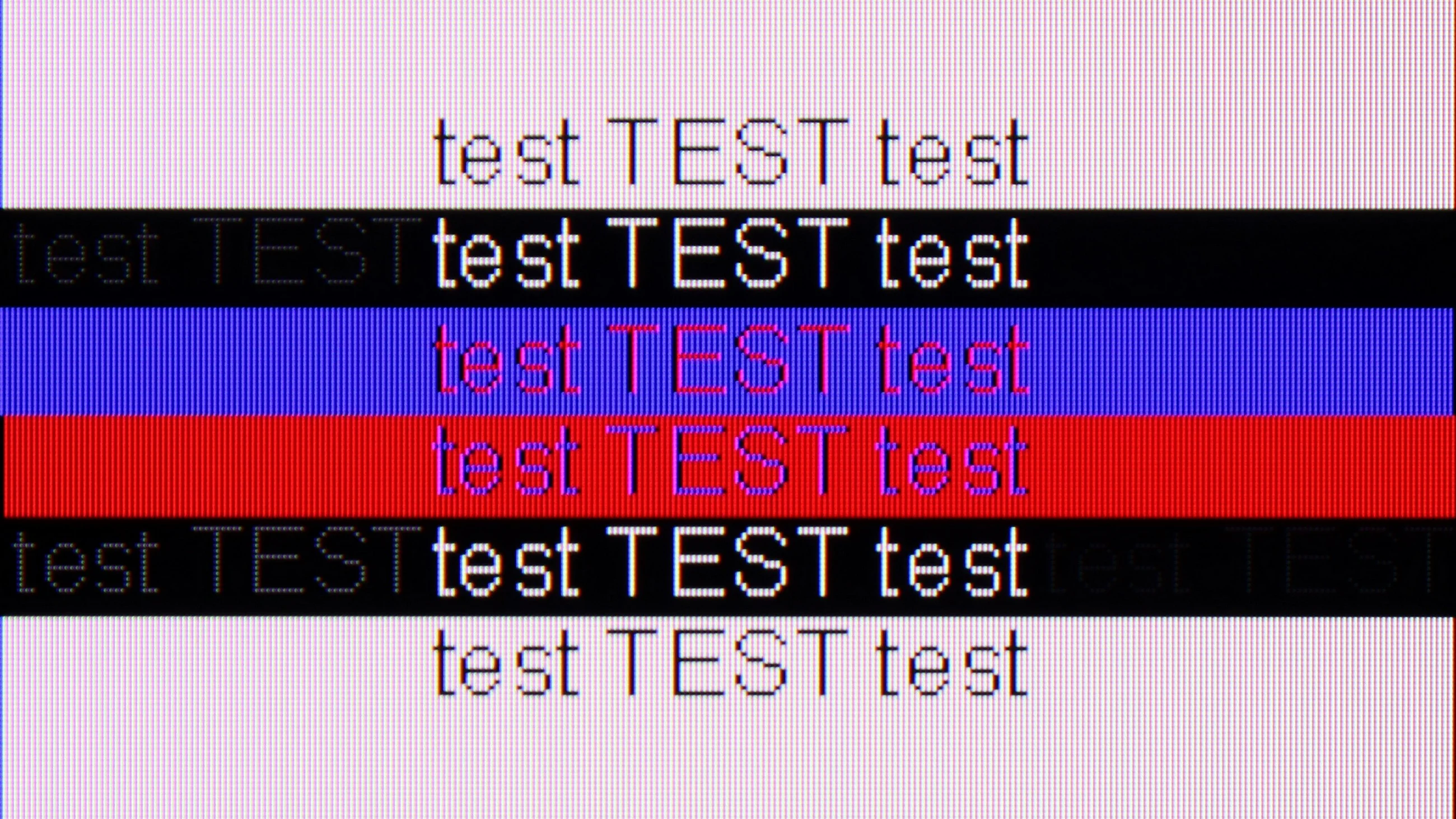
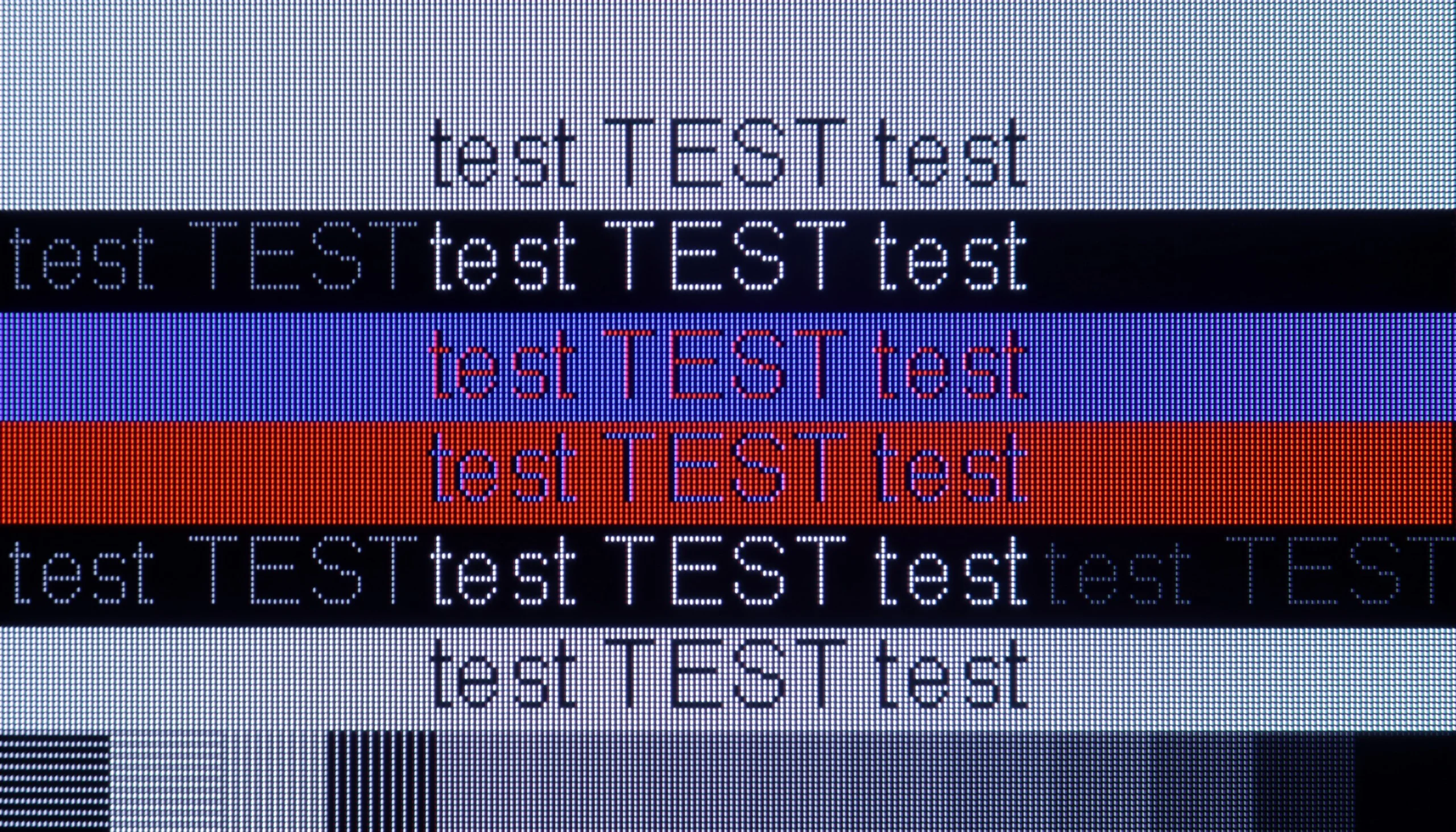
The photo shows the legibility of small fonts. Ideally, lines should be the same thickness on both light and dark text, with minimal pixel gaps.

The Samsung Q60D performs well when used in conjunction with a PC, providing excellent font readability regardless of the background. This is due to its support for the chroma 4:4:4 format, which ensures text remains clear and sharp—an essential feature for tasks such as using office applications or browsing the internet. Additionally, with an impressive input lag of just 15 ms, user interactions receive immediate responses. This enhances user comfort, making the Q60D a reliable option for both work and gaming on a computer.

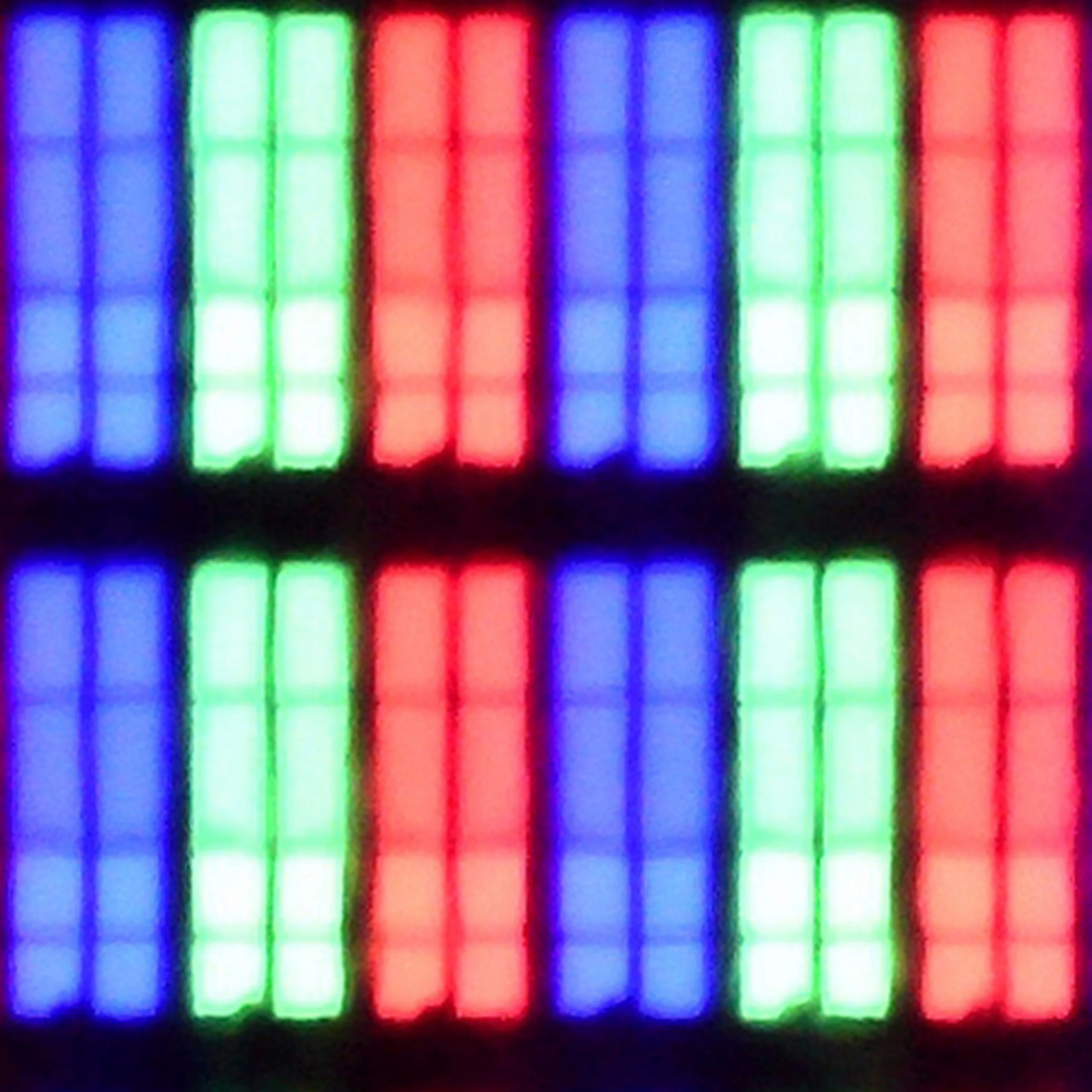
The S90H works great as a large-format PC monitor, and not just because of its full set of gaming features. NVIDIA G-Sync certification, low input lag, and support for refresh rates up to 165 Hz mean it pairs with typical gaming PCs without issues. In terms of motion handling and image sharpness in PC games, it’s hard to find any faults. The situation is a bit different for everyday office work, web browsing, or text editing. While fonts remain readable, the specific subpixel structure of the WOLED panel (with an additional white subpixel) can make itself noticeable. When sitting very close to the screen, letter edges and small interface elements may show slight colored fringes or appear slightly softened. This is a characteristic of WOLED panels. In practice, however, it’s not a major problem. We tested the 65-inch variant, which is naturally used from about a meter or more away. From that distance the effect practically disappears and does not interfere with daily work. It may be more significant in the smallest versions, such as 42 or 48 inches, which often sit on desks and are used from a few dozen centimeters away.

Viewing angles

3/10

7.6/10

Brightness drop at an angle of 45 degrees
74%
31%

The Samsung Q60D features a VA panel, known for its strengths and weaknesses. One notable drawback is its limited viewing angles— viewers may observe colour distortions and a noticeable decrease in brightness when watching from the side. This makes it less ideal for wide seating arrangements. However, the panel's strong point is its superior black reproduction, resulting in more intense movie scenes. This quality enhances the viewing experience, particularly in darker settings, making it a good choice for film enthusiasts who prioritise contrast and depth over wide-angle visibility.

Viewing angles on the Samsung S90H are very good and among the best on the market. That's thanks to the OLED panel, which when viewed from the side doesn't lose brightness or color saturation as quickly as many LCD TVs. The image therefore keeps its proper appearance for longer, which matters especially when you're watching TV with a larger group and not everyone is seated directly in front of the screen. Only at very extreme angles can you notice the advantage of QD-OLED panels. In their case viewing angles are practically perfect, while on WOLED panels the colors and brightness begin to shift slightly.

Daytime performance

6/10

6.5/10

Panel finish
Satin
Matte
Reflection suppression
Average
Very Good
Black levels during daytime
Good
Good

Panel brightness

Samsung S90H (WOLED): 473 cd/m2

Samsung Q60D / Q67D / Q68D: 542 cd/m2

The Samsung Q60D is equipped with a satin-finish screen that provides average performance in reducing reflections. While it doesn't completely eliminate them, the high brightness level of 550 nits ensures that the image remains clear and readable, even in well-lit environments. This makes daytime viewing comfortable, with details remaining visible, making the Q60D a practical option for those who frequently watch TV during daylight hours.

There is one thing, however, in which the S90H with a WOLED panel performs better than the QD-OLED version. It's about viewing in a strongly sunlit room. Thanks to the presence of a conventional polarizer, black doesn't shift here as much toward gray or a dark cherry tone as it does with QD-OLED panels. Combined with the new matte finish, this gives very good results. The image, even in strong light, retains more depth, and colors don't lose their vibrancy as quickly. That doesn't mean the screen stays completely black under all conditions. Under very strong lighting you can notice a slight purple tint, typical of WOLED panels. In the S90H it is partially muted by the matte coating and isn't as noticeable.

Ultimately both variants perform similarly in this category. WOLED does a better job of holding black in a bright room, but on the other hand delivers slightly lower SDR brightness. At times the difference compared with the QD-OLED version can be around 150 nits.

Panel details

Backlight Type
QLED
WRGB OLED
Software version during testing
1120
T-RSMHDEUC-0100-120 4.3, E4601200, BT - G. albo 1204
Image processor

Subpixel Structure:

Panel uniformity and thermal imaging:

Review Samsung Q60D / Q67D / Q68D TV Panel details
Review Samsung S90H (WOLED) TV Panel details

Samsung Q60D / Q67D / Q68D

Samsung S90H (WOLED)

TV features

7/10

7.3/10

  • System
    Tizen
    Tizen
  • System performance
    Good
    Very good
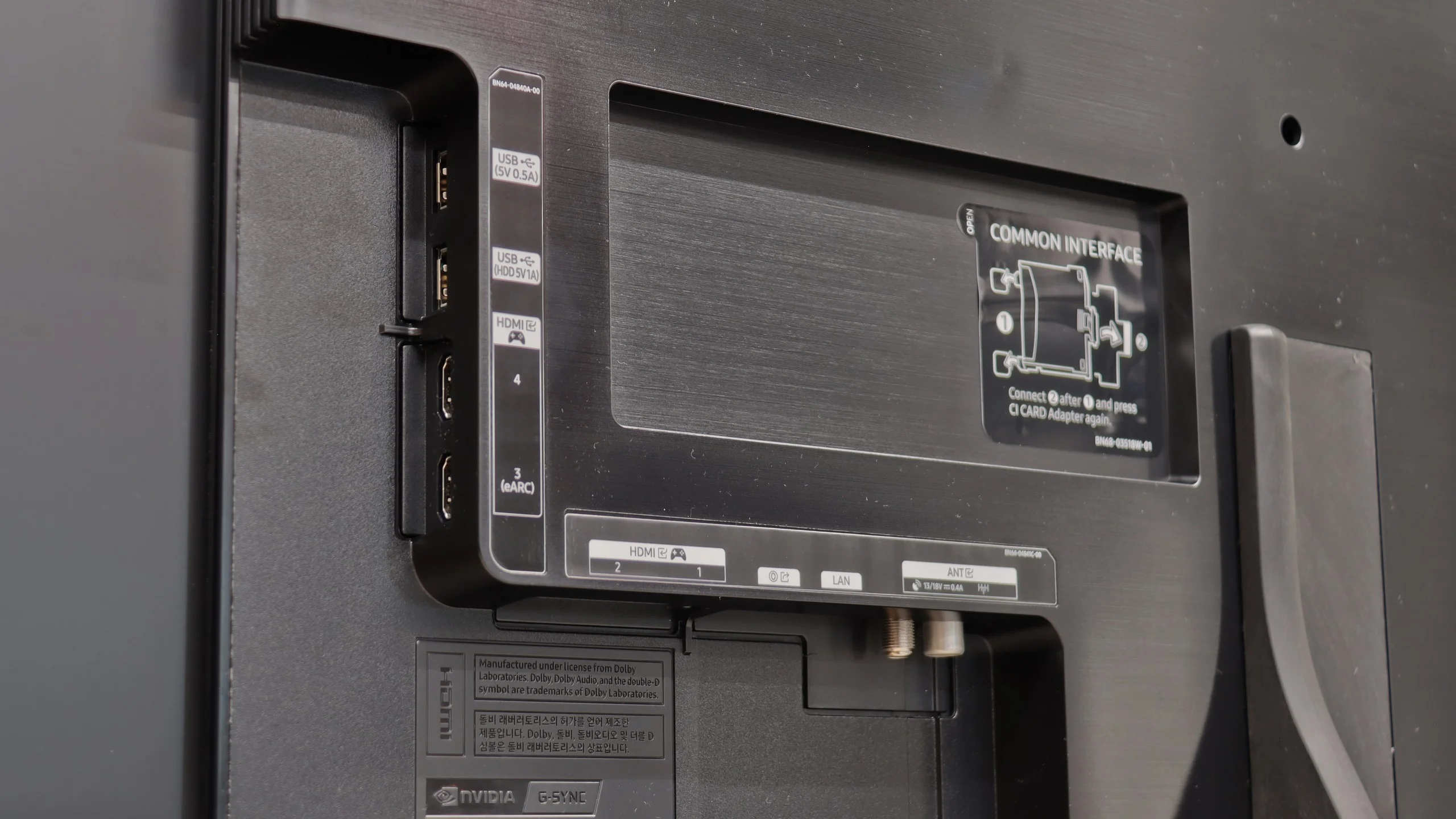
  • HDMI inputs
    3 x HDMI 2.0, 0 x HDMI 2.1
    0 x HDMI 2.0, 4 x HDMI 2.1 48Gbps
  • Outputs
    Toslink (Optical audio), eARC (HDMI), ARC (HDMI)
    Toslink (Optical audio), eARC (HDMI), ARC (HDMI)
  • Network Interfaces
    Wi-Fi 2.4GHz, Wi-Fi 5GHz, Ethernet (LAN) 100Mbps
    Wi-Fi 2.4GHz, Wi-Fi 5GHz, Ethernet (LAN) 100Mbps
  • TV reception
    DVB-T, DVB-T2, DVB-S, DVB-S2, DVB-C
    DVB-T, DVB-T2, DVB-S, DVB-S2, DVB-C

Classic features:

  • Recording to USB (terrestrial TV)
    No
    No
  • Recording programming
    No
    No
  • Picture in Picture (PiP)
    No
    No
  • RF remote control (no need to aim)
    Yes
    Yes
  • Backlit remote control
    No
    No
  • Teletext
    Yes
    Yes
  • Audio only mode
    Yes
    Yes
  • Bluetooth headphones support
    Yes
    Yes
  • Simultaneous Bluetooth headphones & TV audio
    Yes
    Yes

Smart features:

  • AirPlay
    Yes
    Yes
  • Screen mirroring (Windows Miracast)
    Yes
    Yes
  • Voice search
    Yes
    Yes
  • Voice search in native language
    Yes
    Yes
  • Ability to connect a keyboard and mouse
    Yes
    Yes
Review Samsung Q60D / Q67D / Q68D TV features
Review Samsung S90H (WOLED) TV features

Sound connection options

  • HDMI audio
    eARC (HDMI), ARC (HDMI)
    eARC (HDMI), ARC (HDMI)
  • Other audio outputs
    Toslink (Optical audio)
    Toslink (Optical audio)
  • Wireless audio
    Bluetooth
    Bluetooth

Supported audio formats (external HDMI eARC audio):

  • Dolby Digital Plus 7.1
    Yes
    Yes
  • Dolby True HD 7.1
    No
    Yes
  • Dolby Atmos in Dolby Digital Plus (JOC)
    Yes
    Yes
  • Dolby Atmos in Dolby True HD
    No
    Yes
  • DTS:X in DTS-HD MA
    No
    No
  • DTS-HD Master Audio
    No
    No

Senior accessibility

  • Numeric keyboard on TV
    No
    No
  • Font size adjustment
    Yes
    Yes
  • Audio description
    Yes
    Yes

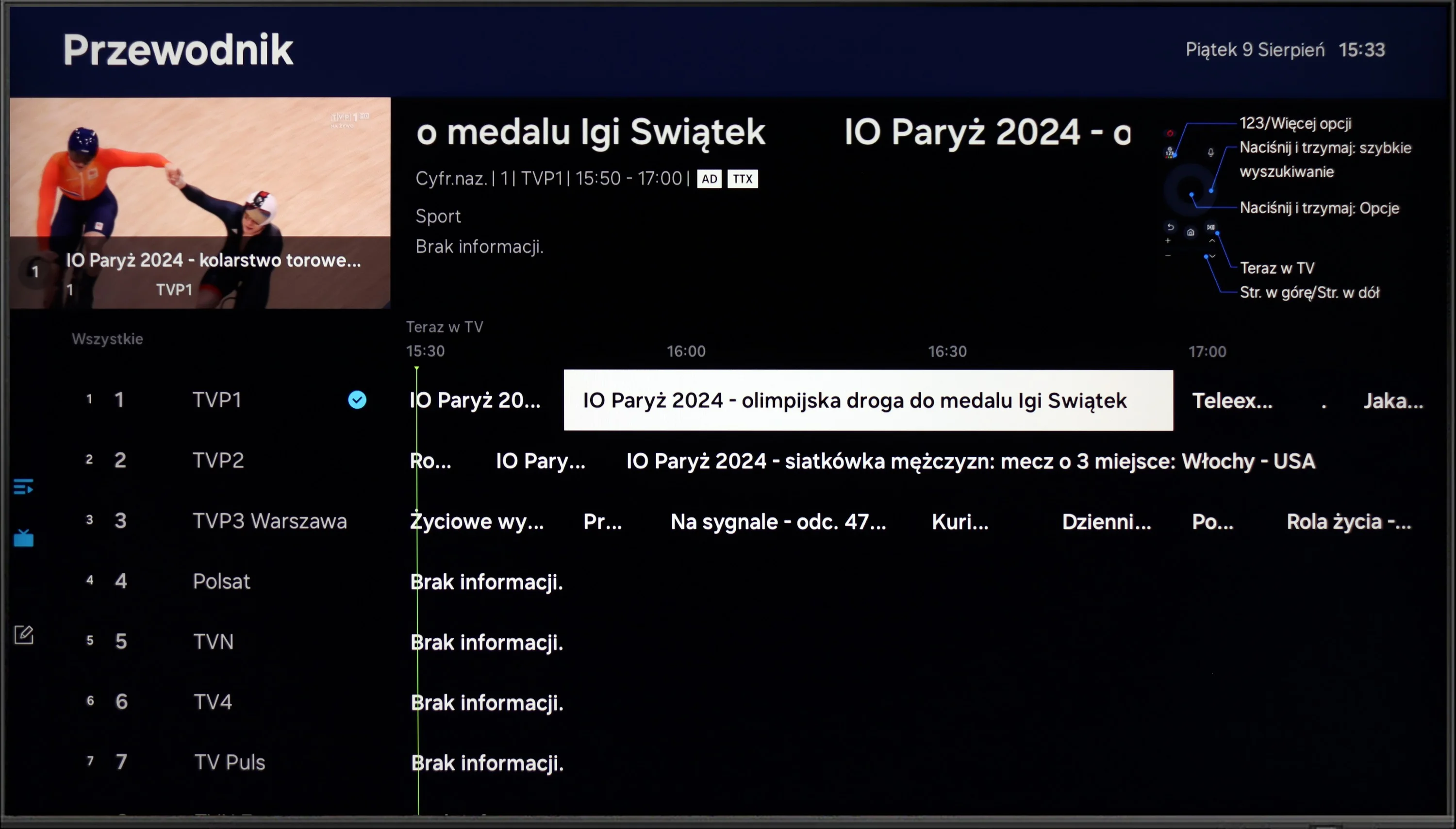
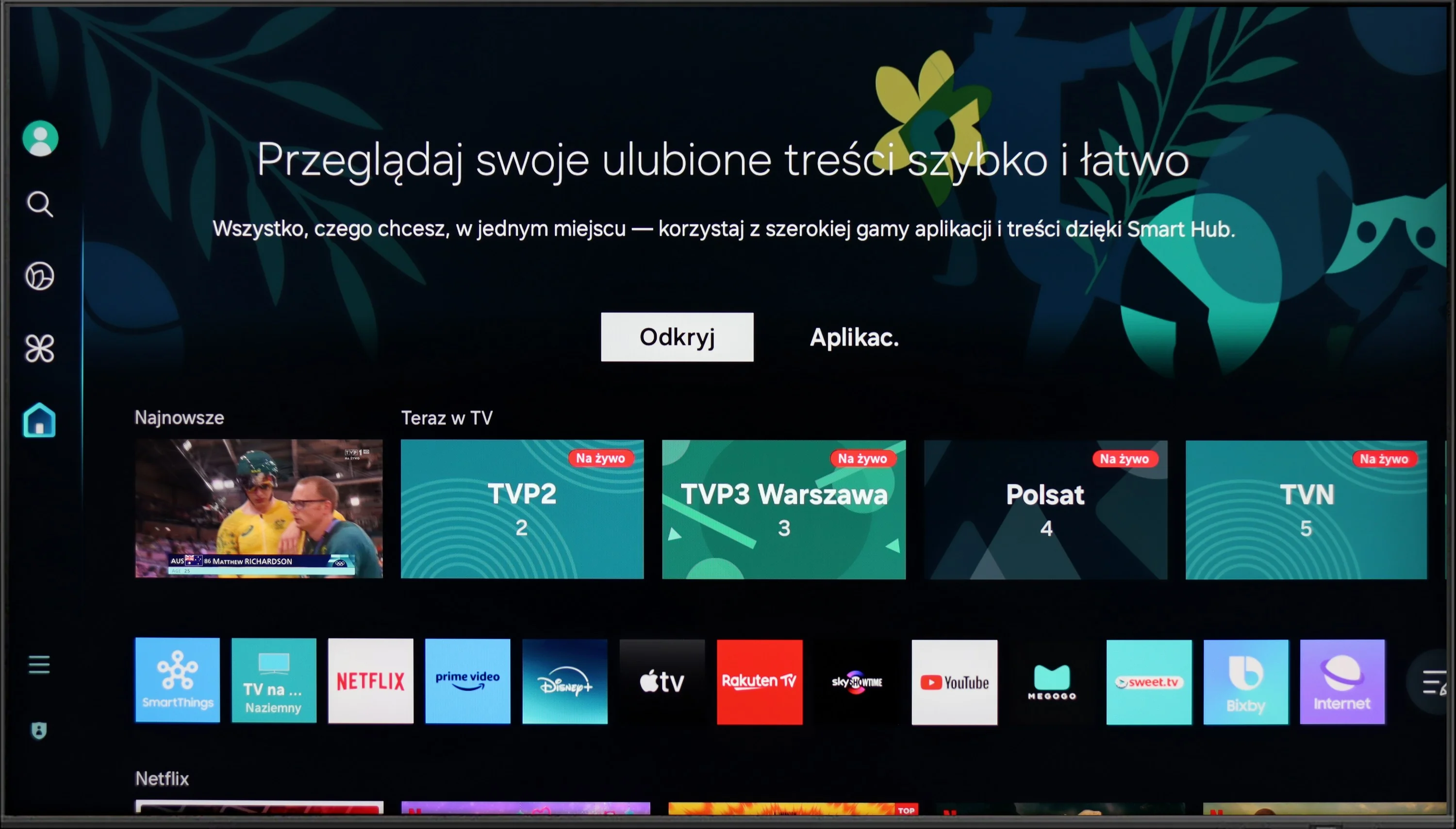
The Samsung Q60D operates on the proprietary Tizen system, which, while not as open as Google’s OS and with some limitations regarding app availability, is likely to satisfy most users. The interface is clean and intuitive, providing straightforward access to popular streaming services like Netflix, YouTube, and Prime Video. Users will appreciate the customisable home screen, allowing for quick access to favourite apps and content. One potential drawback is the absence of a recording function, which may disappoint those wanting to save shows or films for later viewing. However, the inclusion of AirPlay is a pleasant surprise, facilitating seamless content streaming from Apple devices such as iPhones and iPads, enabling users to share photos, videos, and other media without cables.

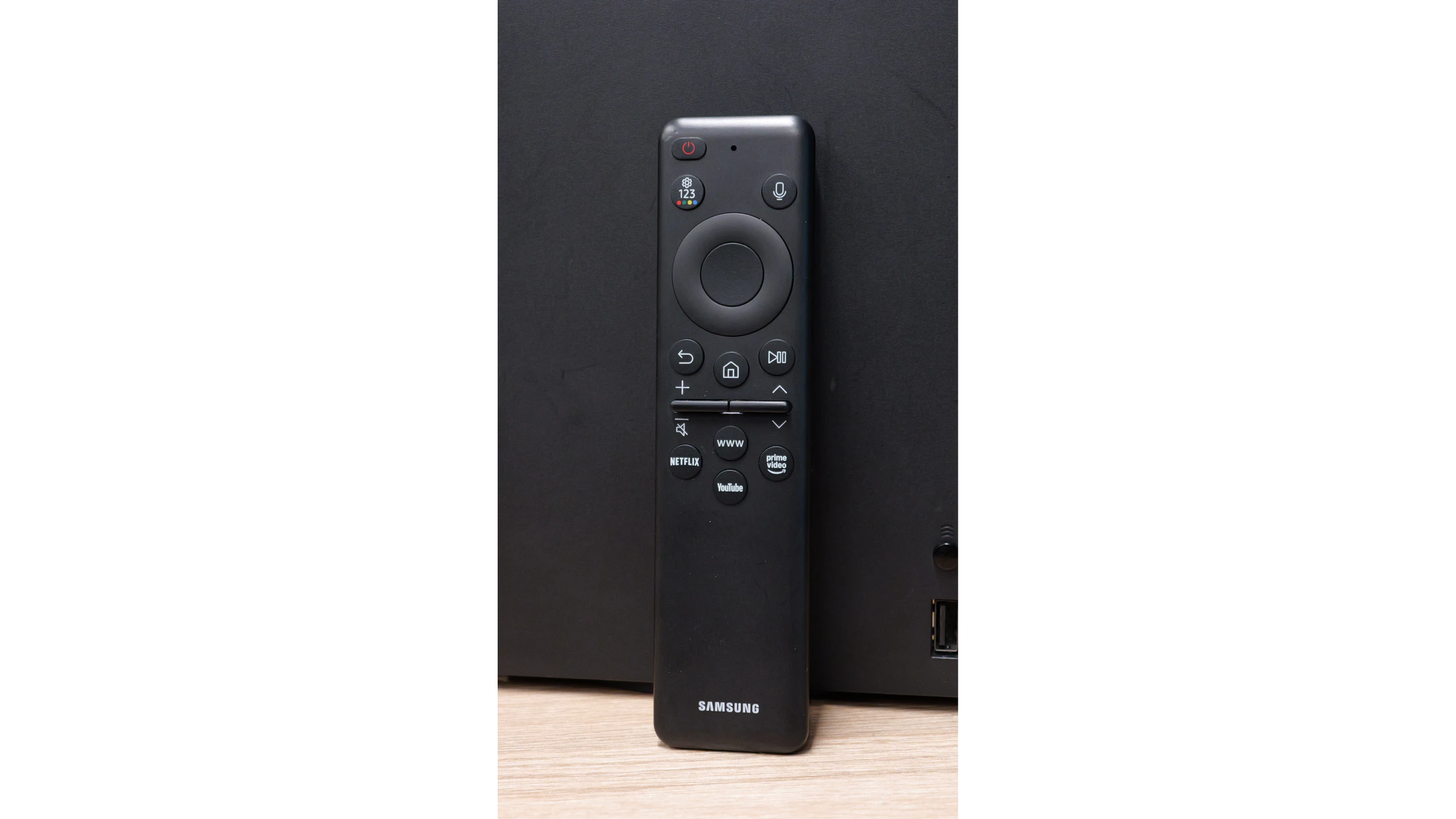
The TV also supports Bluetooth connectivity, allowing the use of various peripherals like wireless headphones and soundbars, enhancing user convenience. The remote control is slim, stylish, and ergonomic, featuring an internal rechargeable battery that can be powered via USB-C or solar energy, eliminating the need for disposable batteries. It can also control external devices, such as the NC+/Canal+ decoder.

Furthermore, the SmartThings app for Android and iOS enables the TV to integrate with other smart devices around the home. This feature allows users to remotely control elements like Philips Hue smart lighting, Yeelight, and other compatible products. As a result, the Samsung Q60D can act as a central hub for a smart home, streamlining the management of everyday tasks and enhancing the entertainment experience.

Classic TV

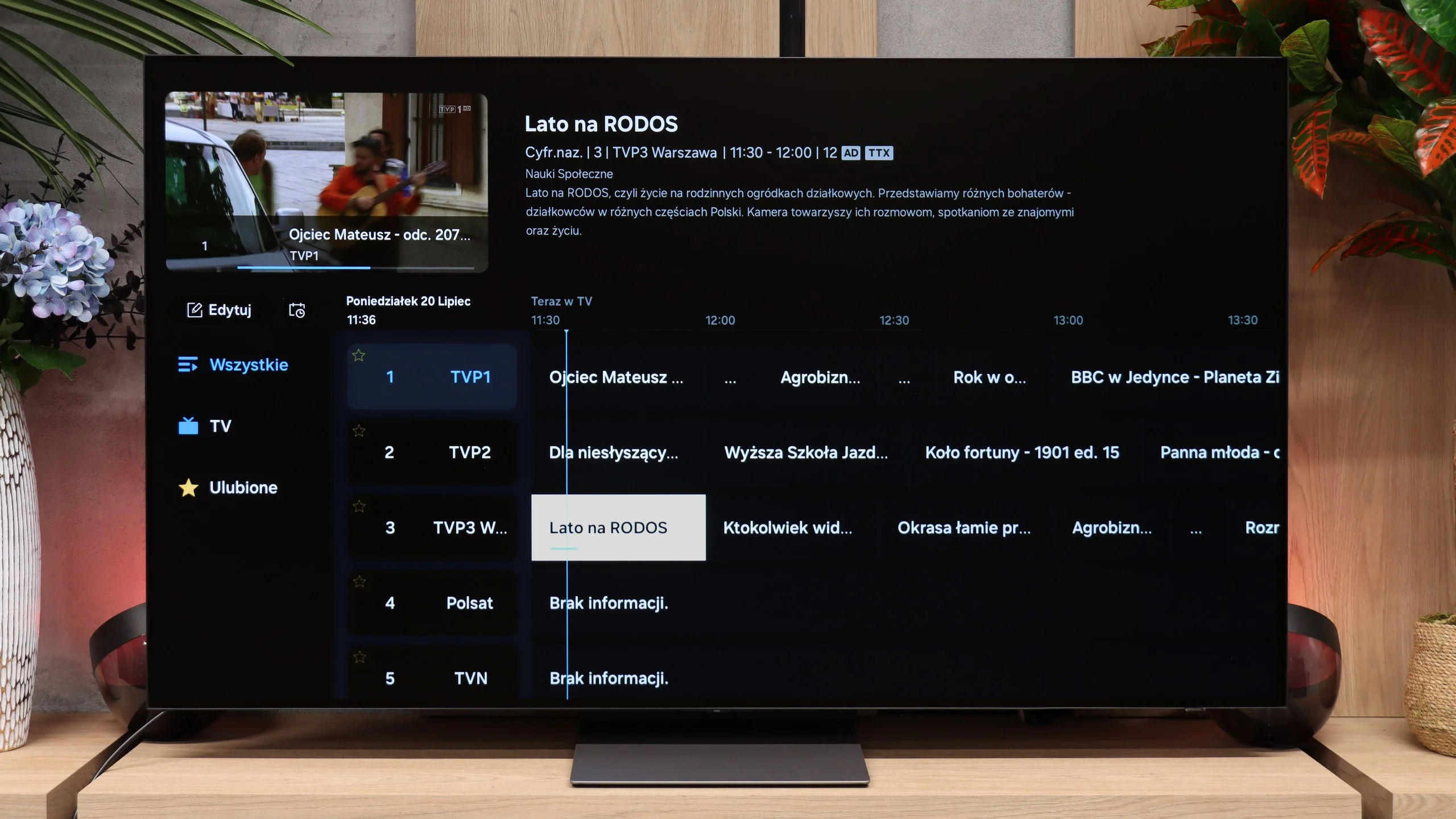
When it comes to ordinary cable or over-the-air TV, Samsung doesn't offer any revolutions compared with last year's model. Setting aside the marketing AI features, you simply get a solid, traditional package: a full set of tuners, a CI slot for a decoding card, teletext, and a convenient RF remote that doesn't require pointing directly at the screen. The problem is that the market competition offers exactly the same, and the S90H adds nothing new in this area. What's more, the PIP function, picture-in-picture, has been dropped from the S90 series. If you liked keeping an eye on the news in the corner of the screen while watching another program, you can't do that here.

Smart TV: Tizen

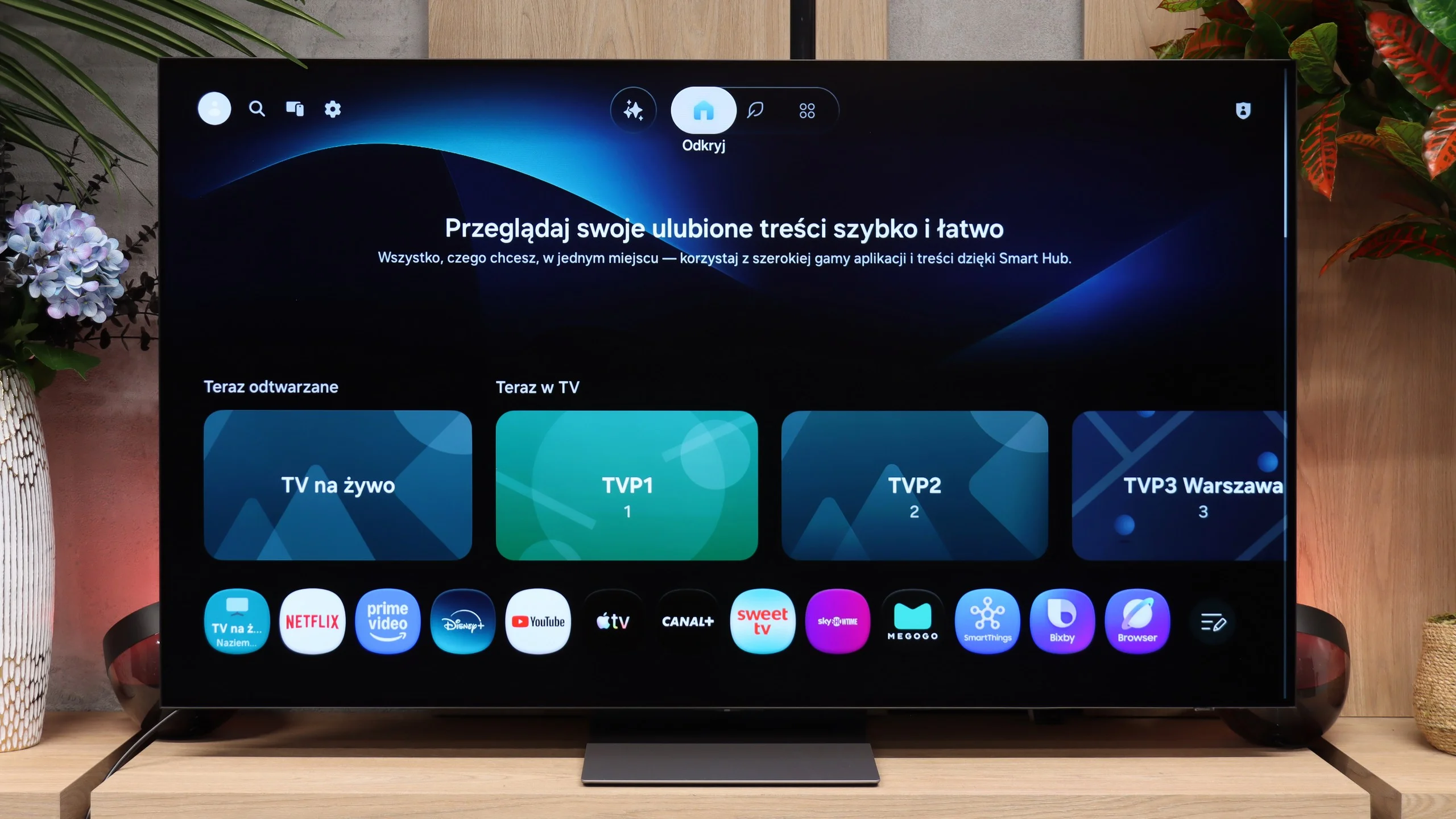
While it's hard to call anything new for traditional TV, Tizen in its 2026 version performs really well. The most important news is that the system runs incredibly smoothly and responds to commands without unnecessary hesitation. Any animation stutters or lag in menu navigation have disappeared. Even though it's Samsung's proprietary platform, rather than the Google TV many dislike, the app lineup is complete — you'll find absolutely all major VOD services here. Cloud gaming fans will also be pleased, because the gaming section has been heavily refined. For everyday Smart TV use, it's an exceptionally fast and mature environment.

Apps

9.3/10

9.3/10

OK
Disney_Plus
OK
Amazon_Prime_Video
OK
Player_TVN
OK
Polsat_Box_Go
OK
Canal_Plus_Online
OK
TVP_VOD
OK
Apple_TV_Plus
OK
SkyShowtime
OK
Rakuten
OK
CDA_Premium_Browser
OK
Spotify
No
Tidal
OK
Netflix
OK
YouTube
OK
HBO_MAX
No
Kodi
OK
Apple_music
OK
Eleven_sports
OK
Xbox Game Pass
OK
GeForce NOW
OK
Amazon Luna

OK
Boosteroid
No
Steam Link
OK
Disney_Plus
OK
Amazon_Prime_Video
OK
Player_TVN
OK
Polsat_Box_Go
OK
Canal_Plus_Online
OK
TVP_VOD
OK
Apple_TV_Plus
OK
SkyShowtime
OK
Rakuten
OK
CDA_Premium_Browser
OK
Spotify
No
Tidal
OK
Netflix
OK
YouTube
OK
HBO_MAX
No
Kodi
OK
Apple_music
OK
Eleven_sports
OK
Xbox Game Pass
OK
GeForce NOW
OK
Amazon Luna
OK
Boosteroid
No
Steam Link

Playing files from USB

9.3/10

9.1/10

Supported photo formats:

JPEG
Yes
Yes
HEIC
Yes
No
PNG
No
Yes
GIF
No
No
WebP
No
No
TIFF
No
No
BMP
Yes
Yes
SVG
No
No

Maximum photo resolution:

4 Mpix
Yes
Yes
6 Mpix
Yes
Yes
8 Mpix
Yes
Yes
10 Mpix
Yes
Yes
12 Mpix
Yes
Yes
16 Mpix
Yes
Yes
20 Mpix
Yes
Yes
24 Mpix
Yes
Yes
28 Mpix
Yes
Yes
32 Mpix
Yes
Yes

The built-in media player in the Samsung Q60D television is a noteworthy feature. It efficiently handles most video and audio file formats tested, with the only exceptions being the Dolby Vision format—which is unsurprising—and certain less common codecs. Additionally, customisable options for font colour add to user convenience, making the viewing experience more adaptable and comfortable.
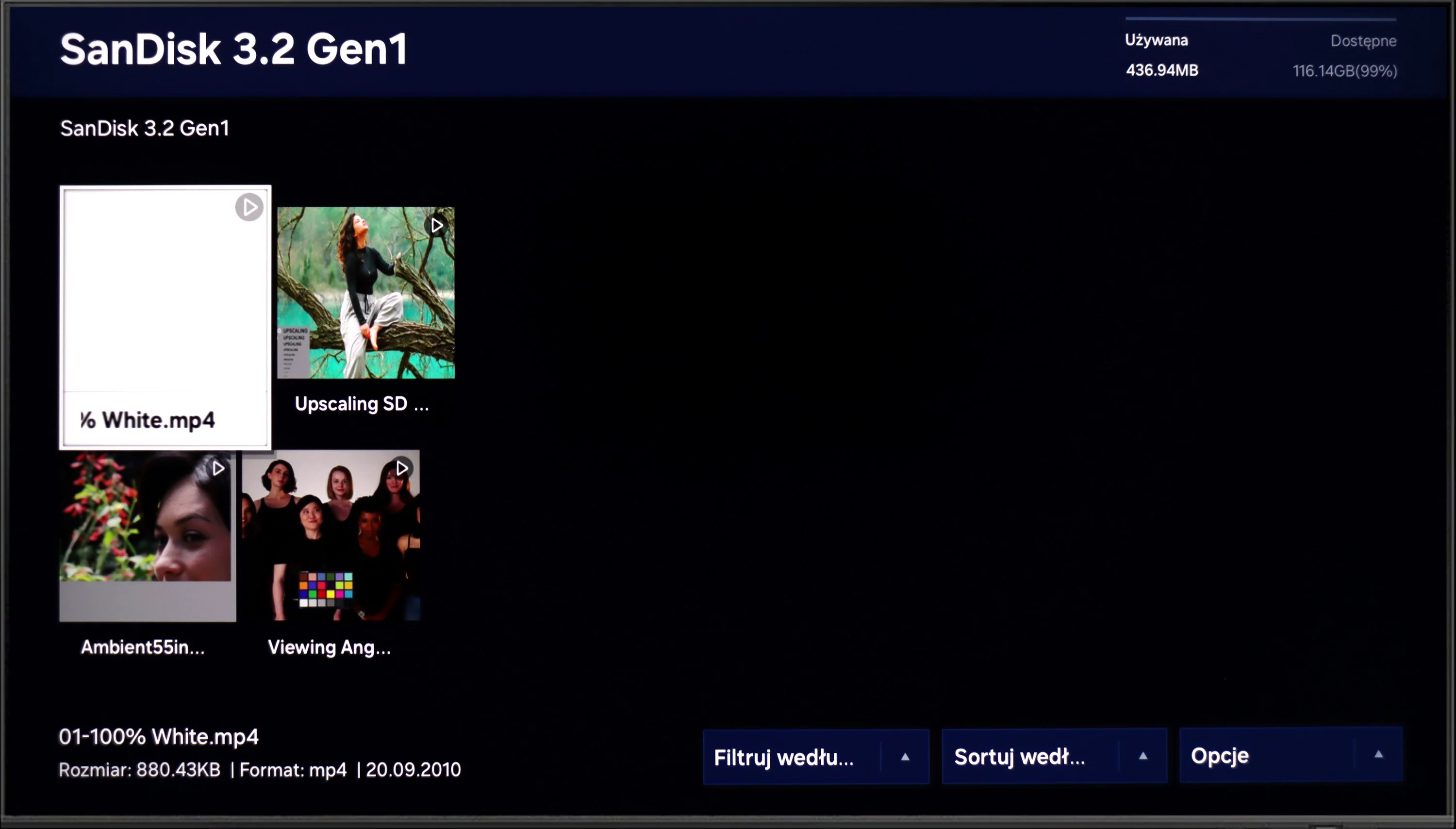
The built-in media player easily handles most popular video, audio, and photo formats. The range of supported files is broad enough that the inability to install external apps like VLC is hardly a problem. However, we did encounter one serious bug when trying to open HEIC photos from an iPhone. The TV not only failed to display the files, it caused Tizen to completely freeze. The system stopped responding to the remote, and we had to unplug it from the outlet. This is a clear software bug that Samsung should patch as soon as possible in the next firmware update.

Sound

6.2/10

8.4/10

  • Maximum volume
    -
    -
  • Dolby Digital Plus 7.1
    Yes
    Yes
  • Dolby True HD 7.1
    No
    No
  • Dolby Atmos in Dolby Digital Plus (JOC)
    Yes
    Yes
  • Dolby Atmos in Dolby True HD
    No
    No
  • DTS:X in DTS-HD MA
    No
    No
  • DTS-HD Master Audio
    No
    No

Regarding the sound, the slim profile of the Samsung Q60D means that the audio quality is acceptable but not particularly remarkable. One positive feature is the Q-Symphony technology, which synchronises the TV's audio with a connected soundbar, enhancing the overall sound experience. However, a notable drawback is the limited codec support, as the TV does not support the DTS format. This omission could be a disadvantage for users who rely on DTS for a richer audio experience.

On paper the audio specification of the S90 series has stood still for years. It still uses a 2.1 configuration with a total power of 40 W, so before testing we assumed any noticeably better sound would mainly apply to the largest variants. However, the 65-inch model we tested also sounded noticeably better than its predecessors. The sound is fuller, more dynamic and has more "weight" than the dry technical specs would suggest. We don't know whether Samsung changed anything in the speakers themselves or whether the improvement is mainly due to better tuning and software optimization, but you can hear the effect from the first moments. For such a slim TV the S90H performs really well and for many people may be sufficient even without a soundbar. The only real complaint is the lack of DTS:X support, which unfortunately is increasingly absent from TVs. It does have Dolby Atmos, so users of streaming services are unlikely to feel any major drawback. Those most likely to be left wanting are people using Blu-ray discs, where DTS tracks still appear fairly often.

* In the test we used the S90H variant. The S92H is also available for purchase; it is equipped with two additional 20 W drivers. This results in a 2.1.2 setup with a total power of 60 W, so you can expect stronger and more spacious sound. We can't confirm that, however, as we didn't have the chance to test that version.

Reader comments

Comments are provided by the external service Disqus (Zeta Global). Once loaded, Disqus may set cookies and process data about your activity.

We will remember your choice on this device. Provider's privacy policy