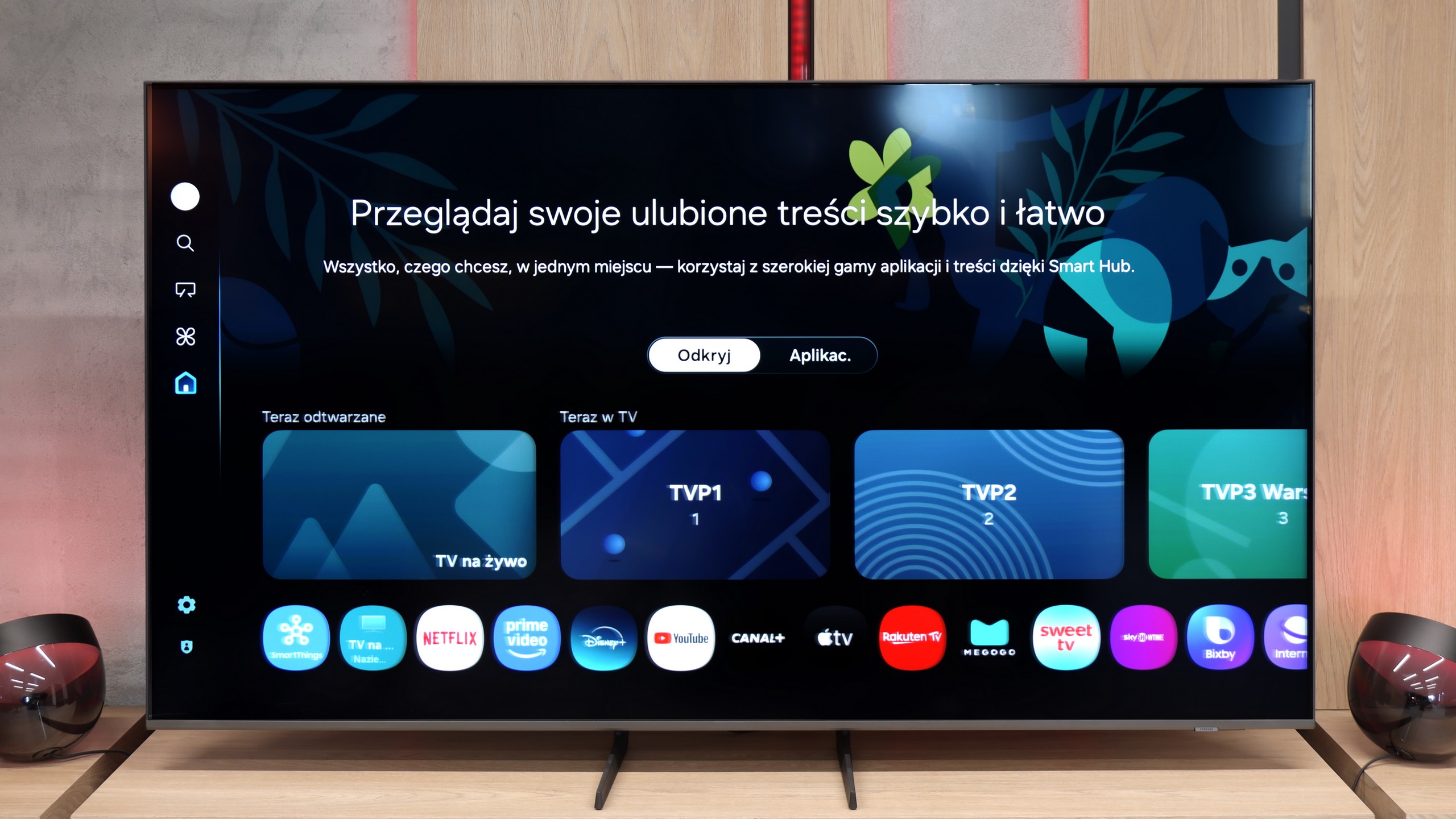
The Samsung Q60D operates on the proprietary Tizen system, which, while not as open as Google’s OS and with some limitations regarding app availability, is likely to satisfy most users. The interface is clean and intuitive, providing straightforward access to popular streaming services like Netflix, YouTube, and Prime Video. Users will appreciate the customisable home screen, allowing for quick access to favourite apps and content. One potential drawback is the absence of a recording function, which may disappoint those wanting to save shows or films for later viewing. However, the inclusion of AirPlay is a pleasant surprise, facilitating seamless content streaming from Apple devices such as iPhones and iPads, enabling users to share photos, videos, and other media without cables.
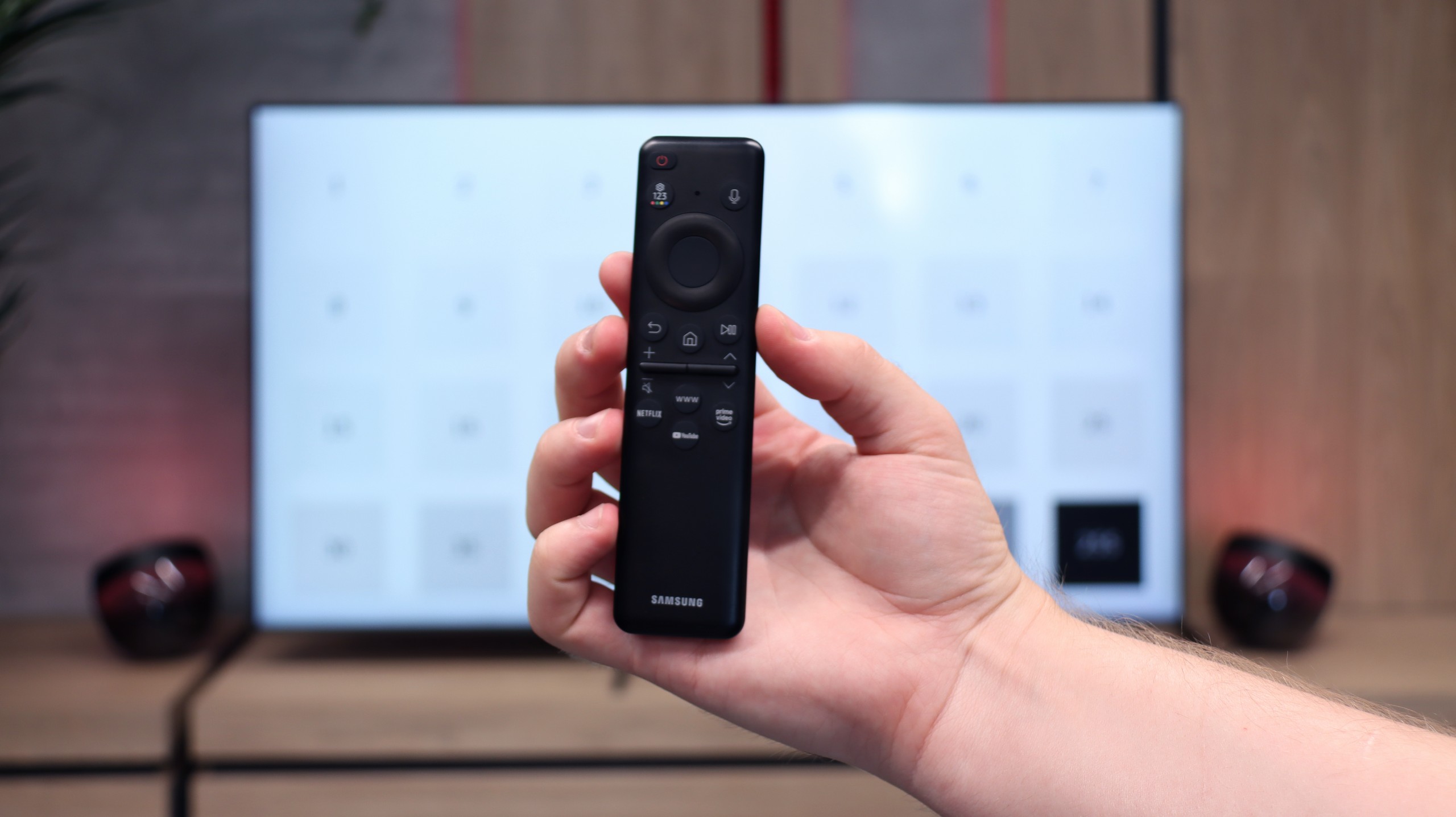
The TV also supports Bluetooth connectivity, allowing the use of various peripherals like wireless headphones and soundbars, enhancing user convenience. The remote control is slim, stylish, and ergonomic, featuring an internal rechargeable battery that can be powered via USB-C or solar energy, eliminating the need for disposable batteries. It can also control external devices, such as the NC+/Canal+ decoder.
Furthermore, the SmartThings app for Android and iOS enables the TV to integrate with other smart devices around the home. This feature allows users to remotely control elements like Philips Hue smart lighting, Yeelight, and other compatible products. As a result, the Samsung Q60D can act as a central hub for a smart home, streamlining the management of everyday tasks and enhancing the entertainment experience.
SmartTV Features: Tizen
In terms of smart features, the Q8F is on par with what Samsung has accustomed us to. On board, we have the Tizen system – fast, intuitive, and well-integrated with other devices. AirPlay, screen mirroring, and simple voice commands work without issues, so the basics are perfectly covered. Additionally, there’s SmartThings, an app that turns the TV into the center of the home ecosystem. You can connect a washing machine, vacuum cleaner, bulbs, or speakers and control everything from one place, including the TV. There’s no shortage of apps within Tizen for watching movies or series either – Netflix, YouTube, Disney+, and Prime Video are readily available. However, it’s worth remembering that Tizen is a closed system, so anyone hoping to install less popular programs may be disappointed.
Classic Television
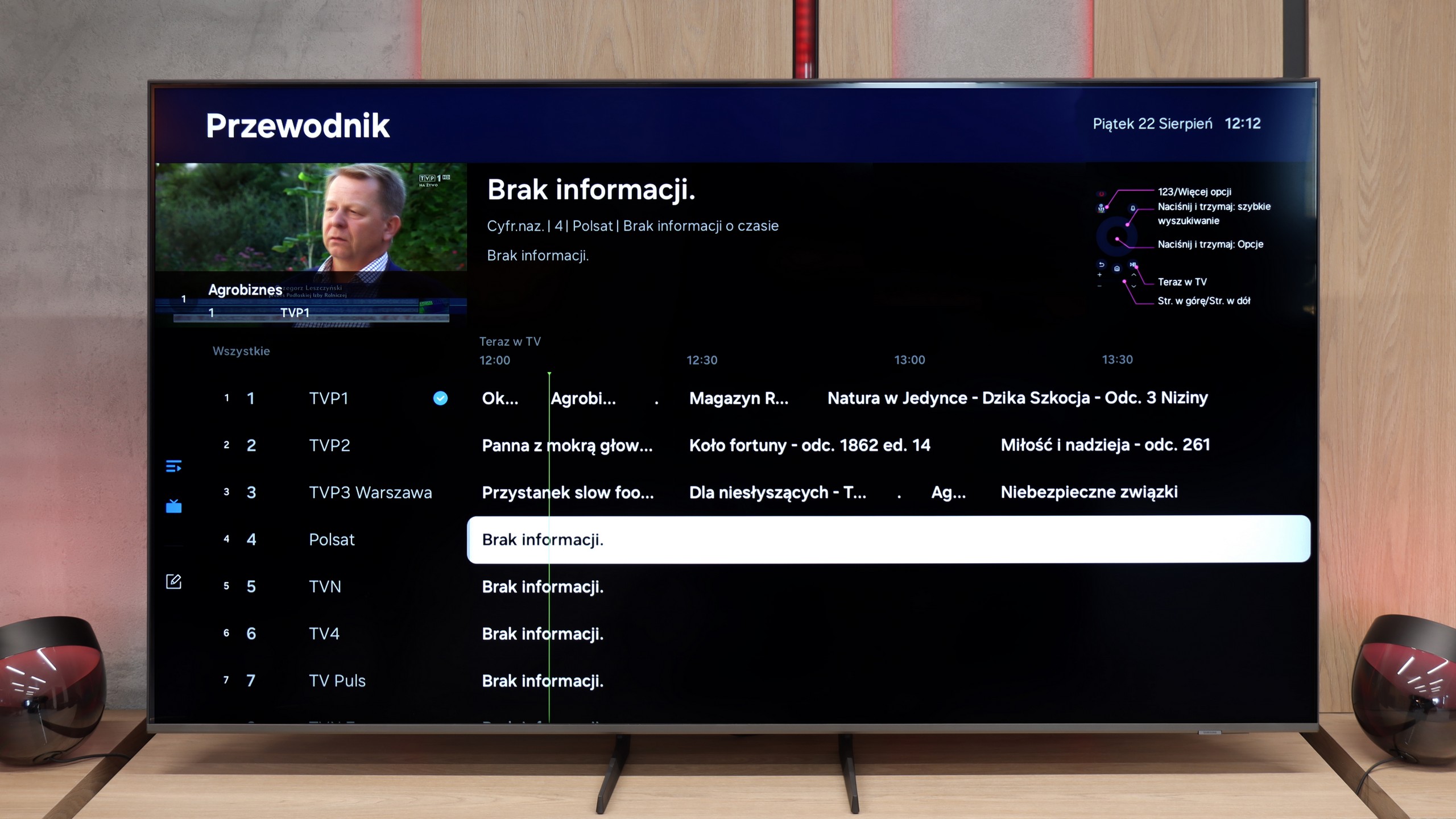
Classic television fares worse. The Q8F simply serves as a screen here – it will display the image, but we won’t find additional features like USB recording or PiP mode. The remote is small and minimalist. It looks modern, can be charged via solar batteries on the back cover, or through USB-C, but it's important to note that it may not appeal to everyone – especially older users may miss traditional buttons. However, it must be honestly admitted that Samsung has consistently directed its TVs (as well as competitors, who have copied some ideas from them) towards smart home integration, rather than equipment "for grandma and grandpa." Given the immense popularity of the brand, it can be assumed that most users, even older ones, have already grown accustomed to the fact that the era of remotes with a whole range of rubber buttons is slowly coming to an end.
 Direct comparison