The Samsung Q60D operates on the proprietary Tizen system, which, while not as open as Google’s OS and with some limitations regarding app availability, is likely to satisfy most users. The interface is clean and intuitive, providing straightforward access to popular streaming services like Netflix, YouTube, and Prime Video. Users will appreciate the customisable home screen, allowing for quick access to favourite apps and content. One potential drawback is the absence of a recording function, which may disappoint those wanting to save shows or films for later viewing. However, the inclusion of AirPlay is a pleasant surprise, facilitating seamless content streaming from Apple devices such as iPhones and iPads, enabling users to share photos, videos, and other media without cables.
The TV also supports Bluetooth connectivity, allowing the use of various peripherals like wireless headphones and soundbars, enhancing user convenience. The remote control is slim, stylish, and ergonomic, featuring an internal rechargeable battery that can be powered via USB-C or solar energy, eliminating the need for disposable batteries. It can also control external devices, such as the NC+/Canal+ decoder.
Furthermore, the SmartThings app for Android and iOS enables the TV to integrate with other smart devices around the home. This feature allows users to remotely control elements like Philips Hue smart lighting, Yeelight, and other compatible products. As a result, the Samsung Q60D can act as a central hub for a smart home, streamlining the management of everyday tasks and enhancing the entertainment experience.
Titan OS System
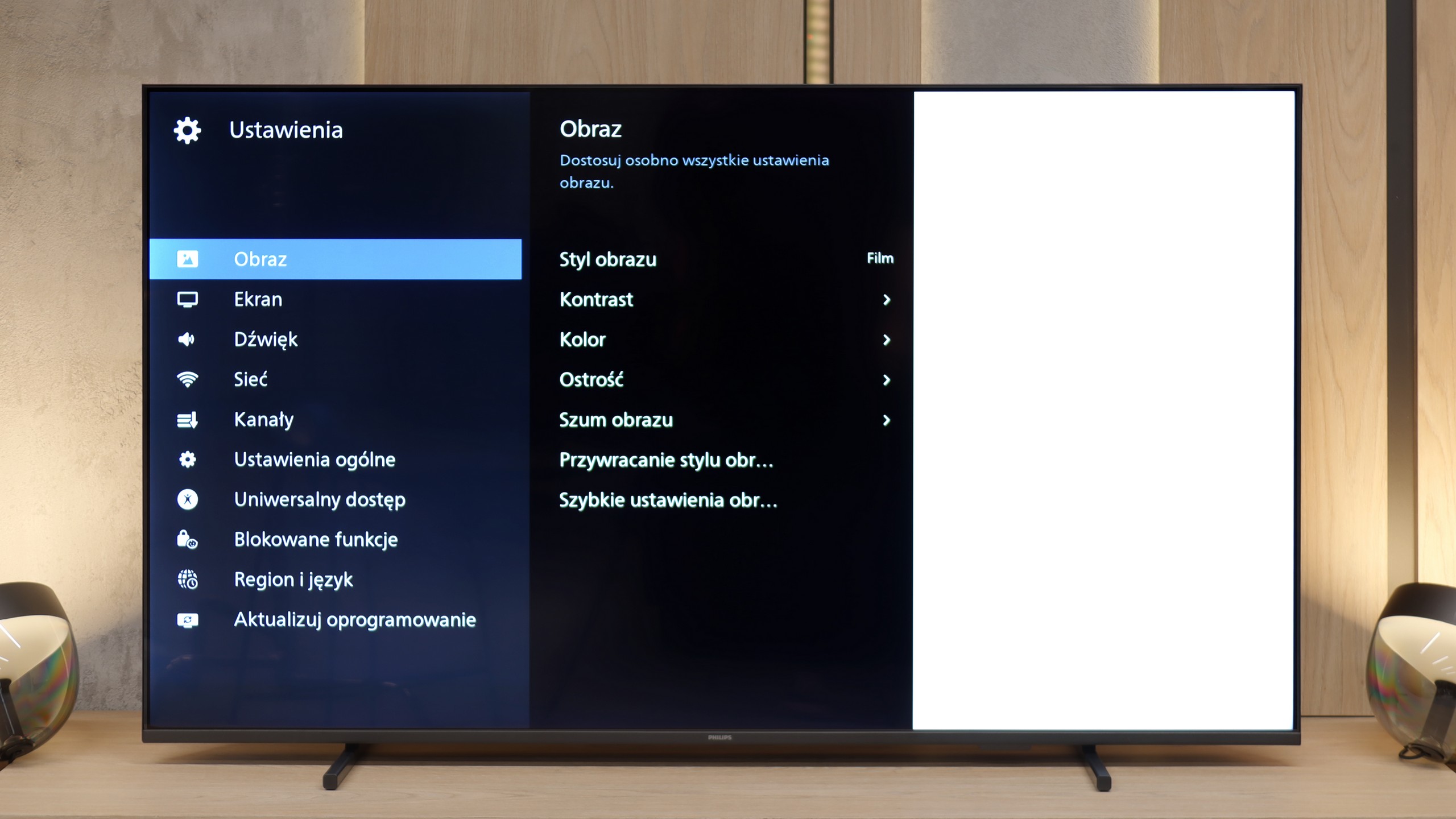
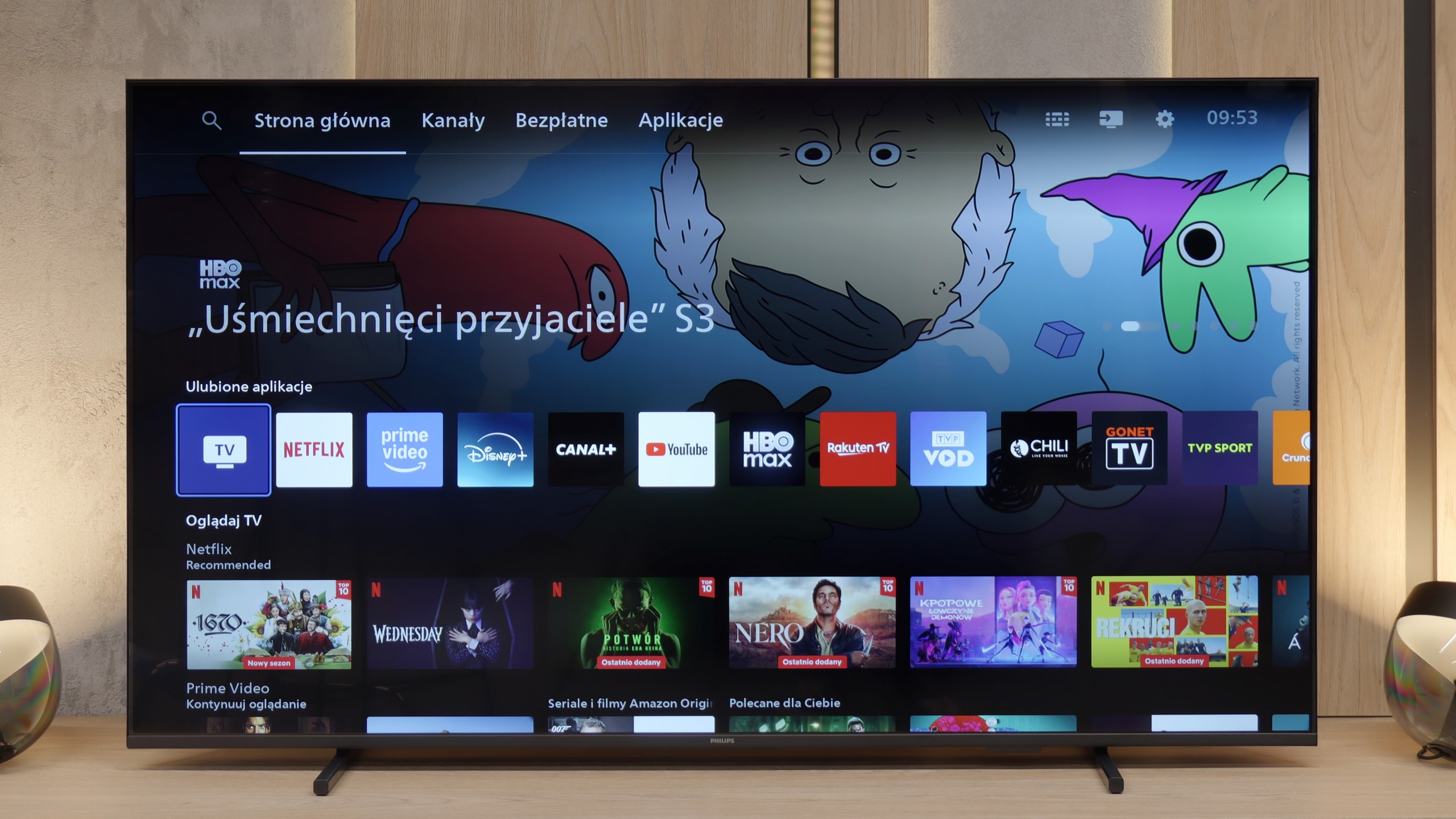
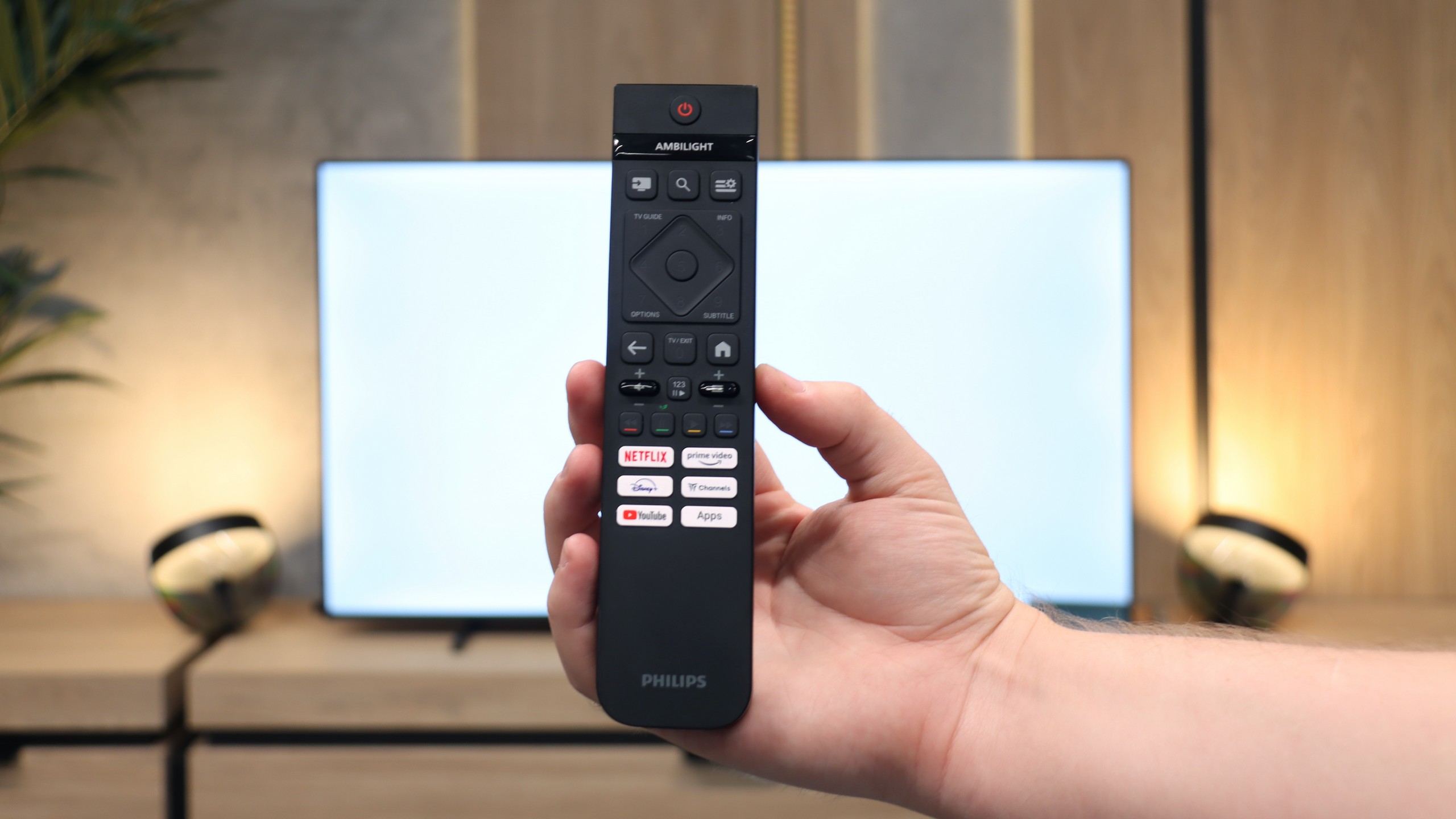
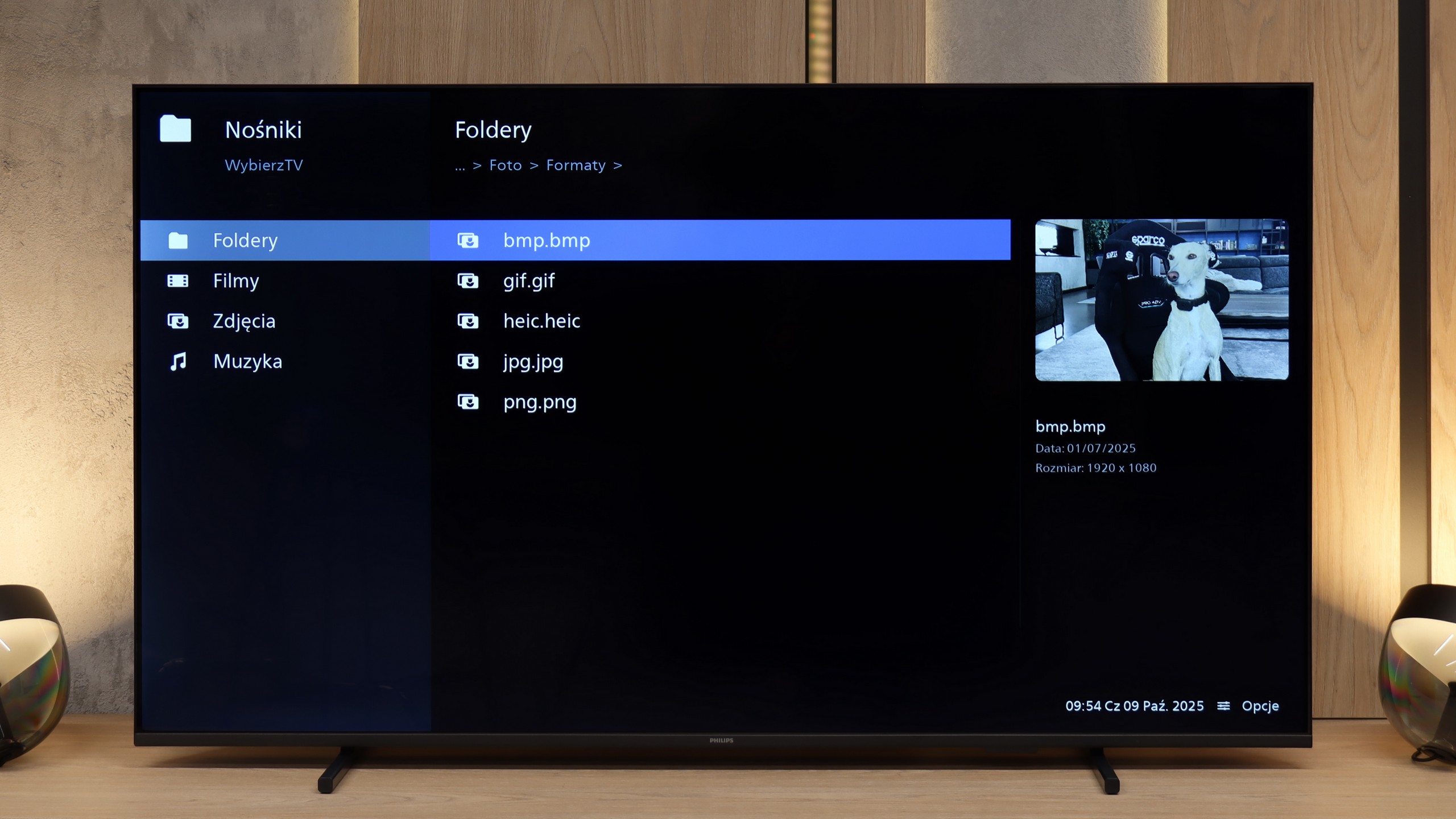
Titan OS is still a fairly new operating system, and unfortunately, this is evident in daily use. Overall, it operates sluggishly, sometimes even clumsily. The response to commands from the remote is slow, which is further complicated by the fact that the device uses infrared connectivity instead of Bluetooth / RF. This means that we have to aim the remote quite precisely at the television for the system to respond at all. During testing, the screen mirroring feature with computers equipped with Windows failed to work again. Fortunately, streaming from Apple devices using AirPlay went smoothly. Another drawback of Titan OS is the very modest app library. The selection is much smaller than in systems like webOS or Tizen, not to mention Google TV, where the choice of programs is almost unlimited.
Classic Features
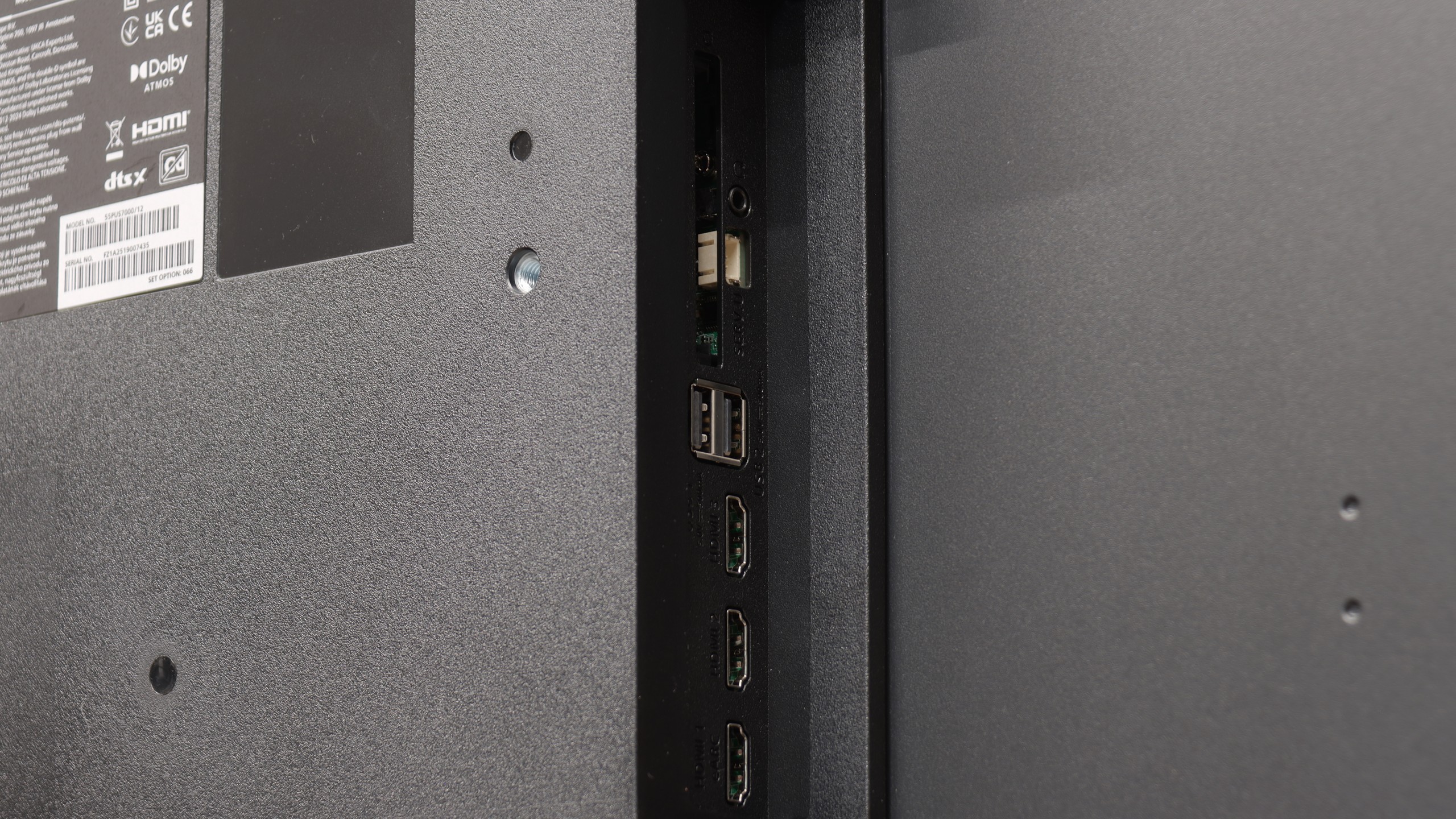
On the other hand, the PUS7000 might be a good choice for people who mainly watch traditional television. Here we find a properly functioning teletext and a clear EPG interface, which is the electronic program guide. The remote included in the package is backlit, which greatly facilitates operation after dark, and it has standard numeric buttons for quick channel selection. Interestingly, there is a classic headphone jack input. This is a rarely seen addition in new televisions, allowing for the connection of older home theater systems or wired headphones without the need for additional adapters.
 Direct comparison