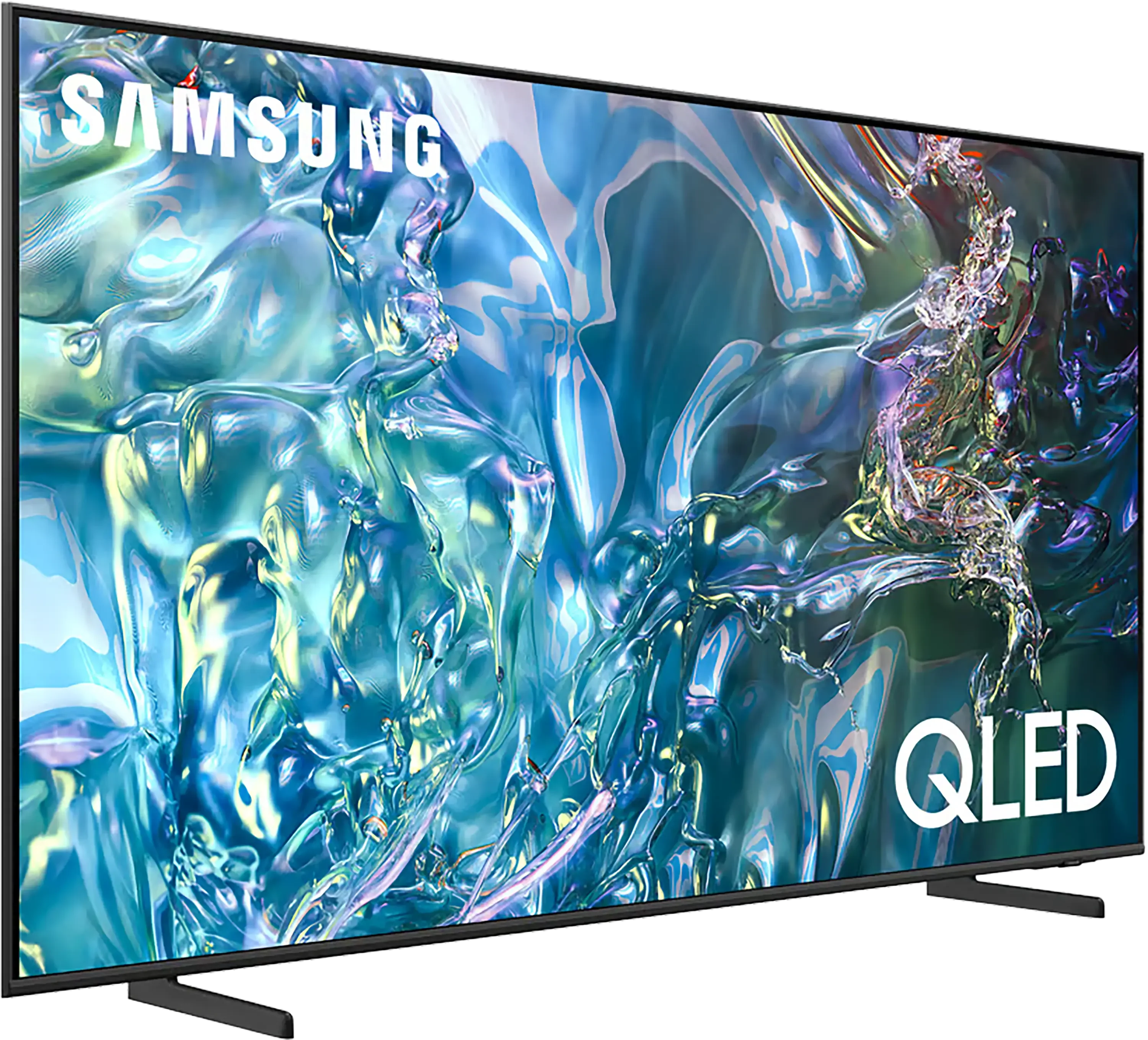
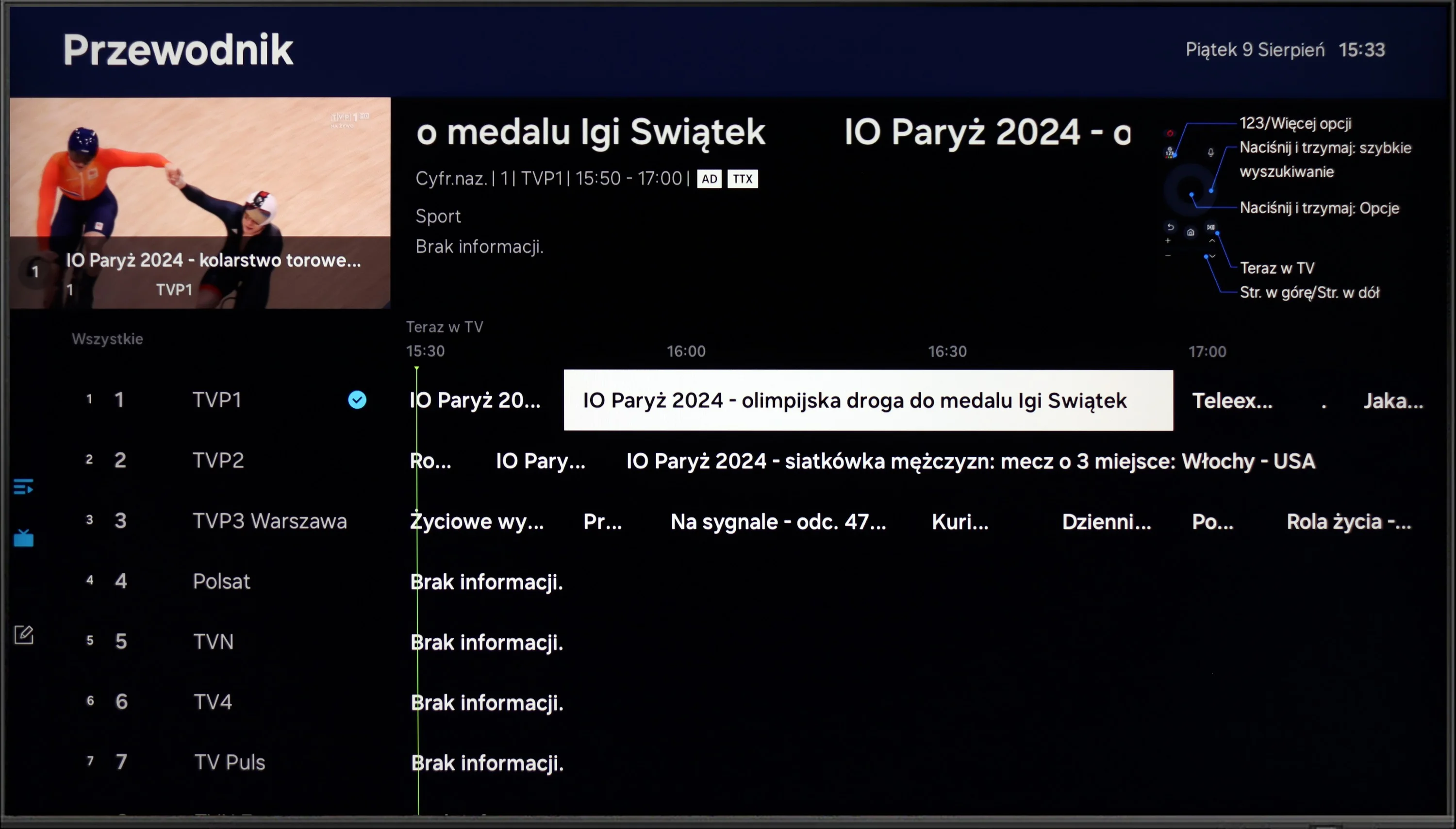
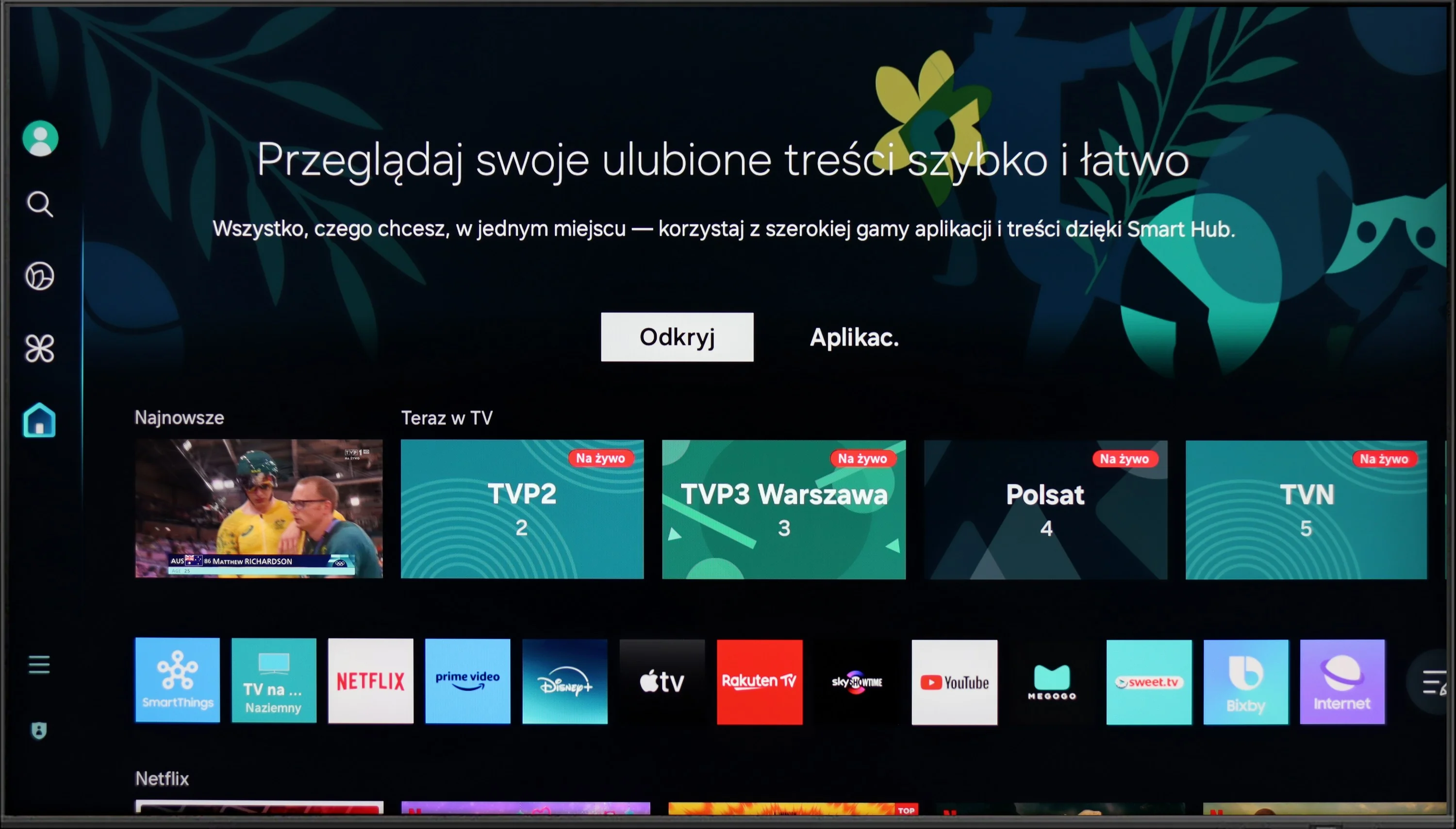
The Samsung Q60D operates on the proprietary Tizen system, which, while not as open as Google’s OS and with some limitations regarding app availability, is likely to satisfy most users. The interface is clean and intuitive, providing straightforward access to popular streaming services like Netflix, YouTube, and Prime Video. Users will appreciate the customisable home screen, allowing for quick access to favourite apps and content. One potential drawback is the absence of a recording function, which may disappoint those wanting to save shows or films for later viewing. However, the inclusion of AirPlay is a pleasant surprise, facilitating seamless content streaming from Apple devices such as iPhones and iPads, enabling users to share photos, videos, and other media without cables.
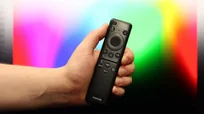
The TV also supports Bluetooth connectivity, allowing the use of various peripherals like wireless headphones and soundbars, enhancing user convenience. The remote control is slim, stylish, and ergonomic, featuring an internal rechargeable battery that can be powered via USB-C or solar energy, eliminating the need for disposable batteries. It can also control external devices, such as the NC+/Canal+ decoder.
Furthermore, the SmartThings app for Android and iOS enables the TV to integrate with other smart devices around the home. This feature allows users to remotely control elements like Philips Hue smart lighting, Yeelight, and other compatible products. As a result, the Samsung Q60D can act as a central hub for a smart home, streamlining the management of everyday tasks and enhancing the entertainment experience.
Smart Features: WebOS
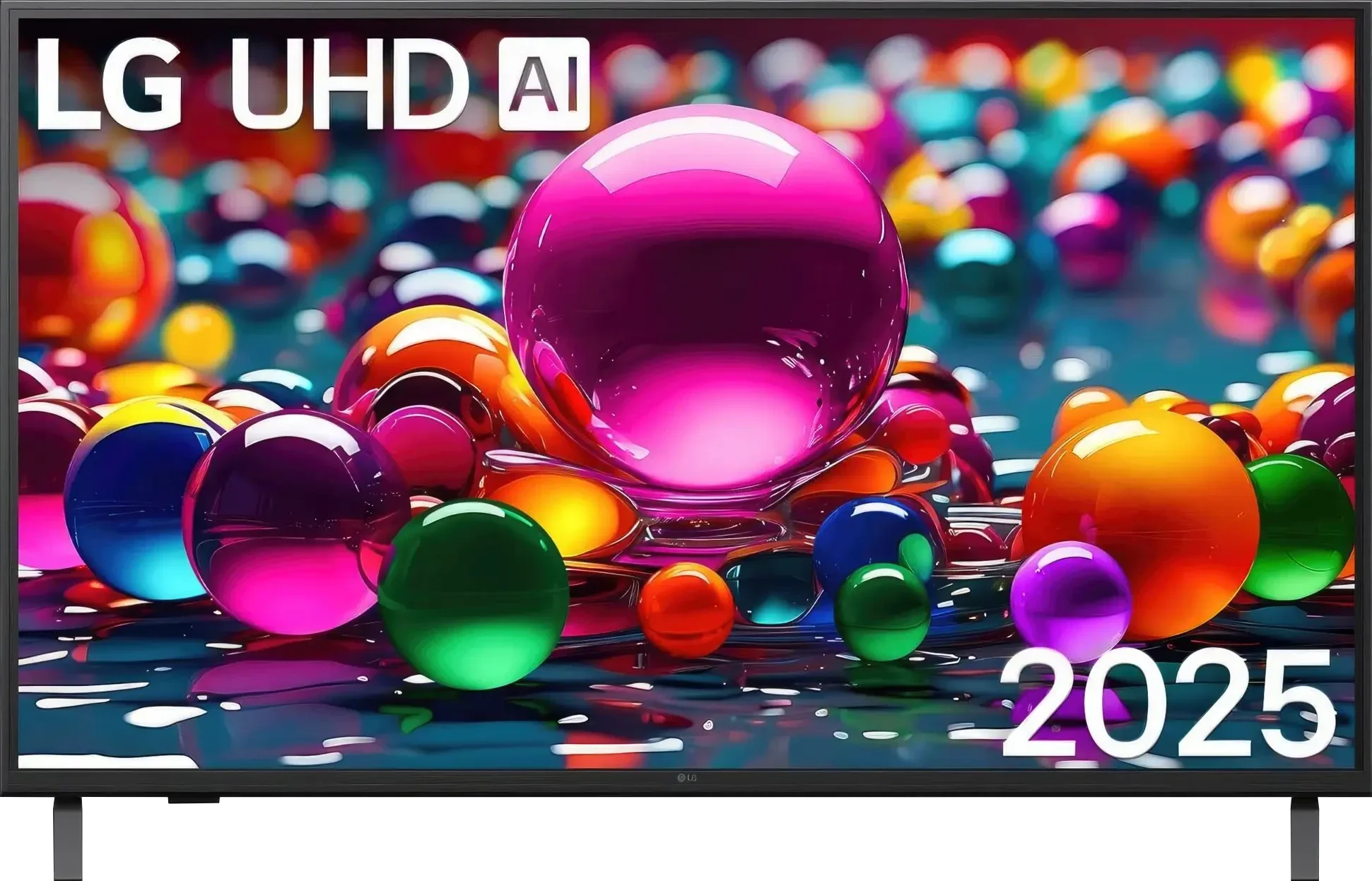
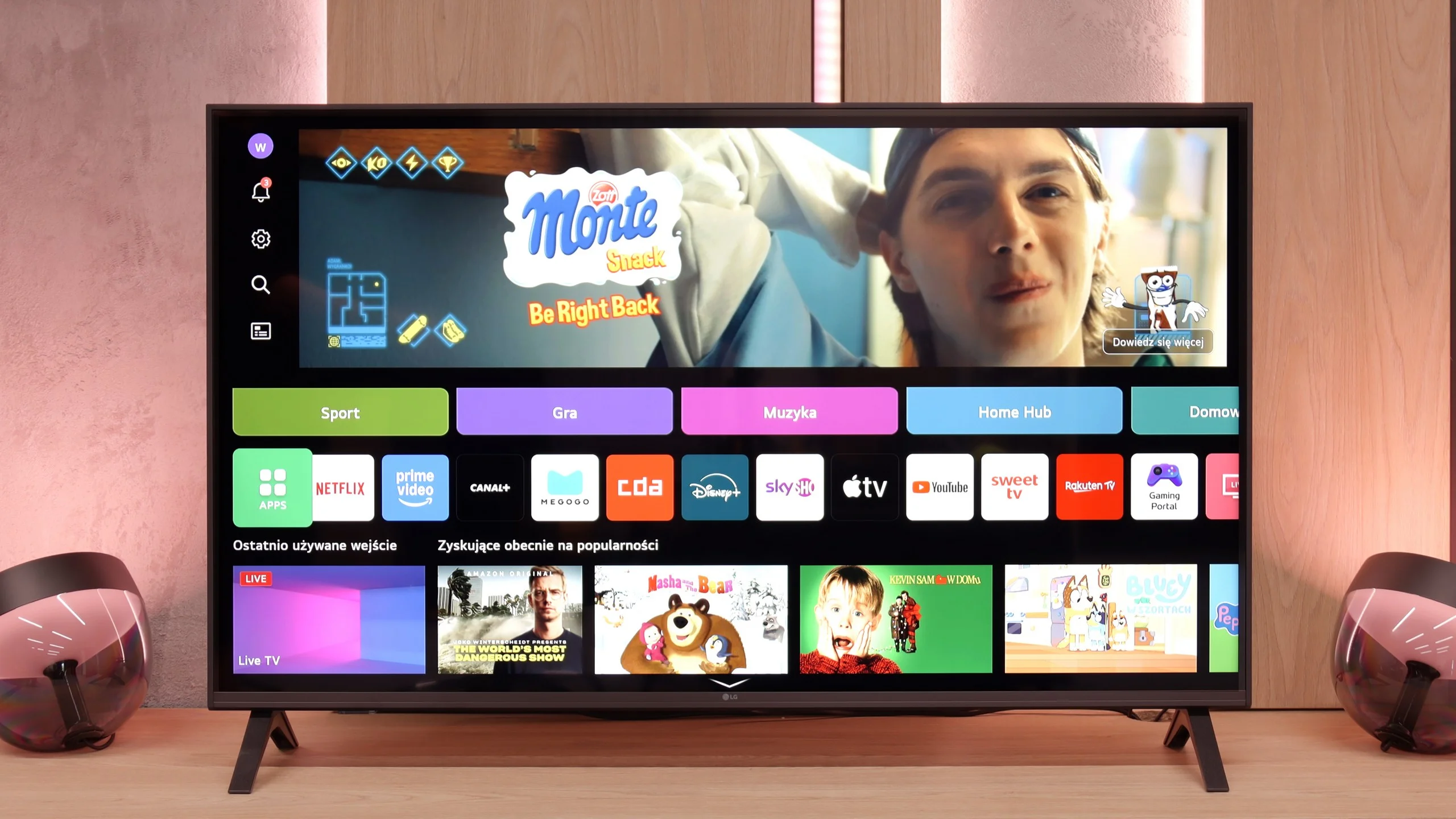
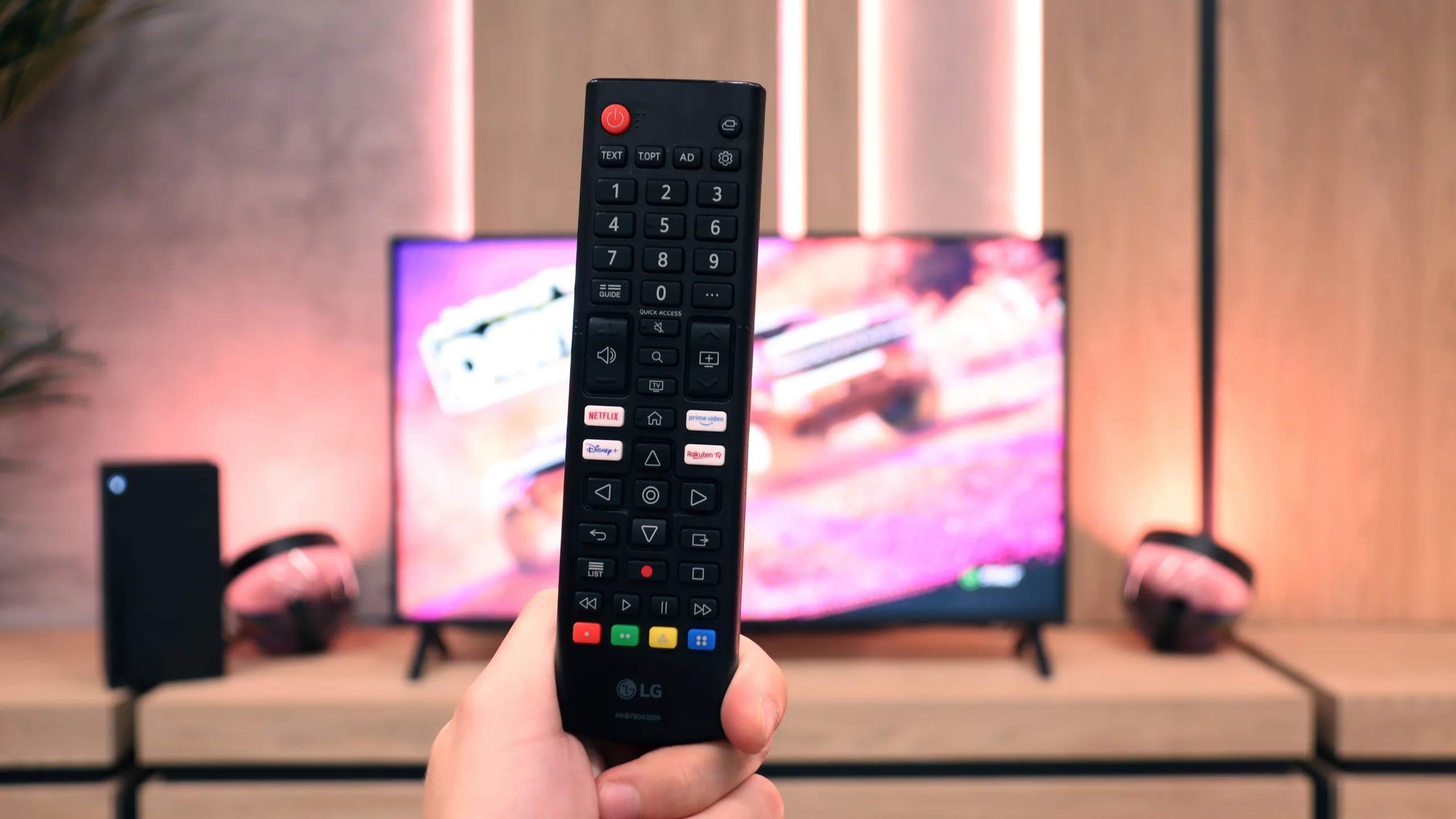
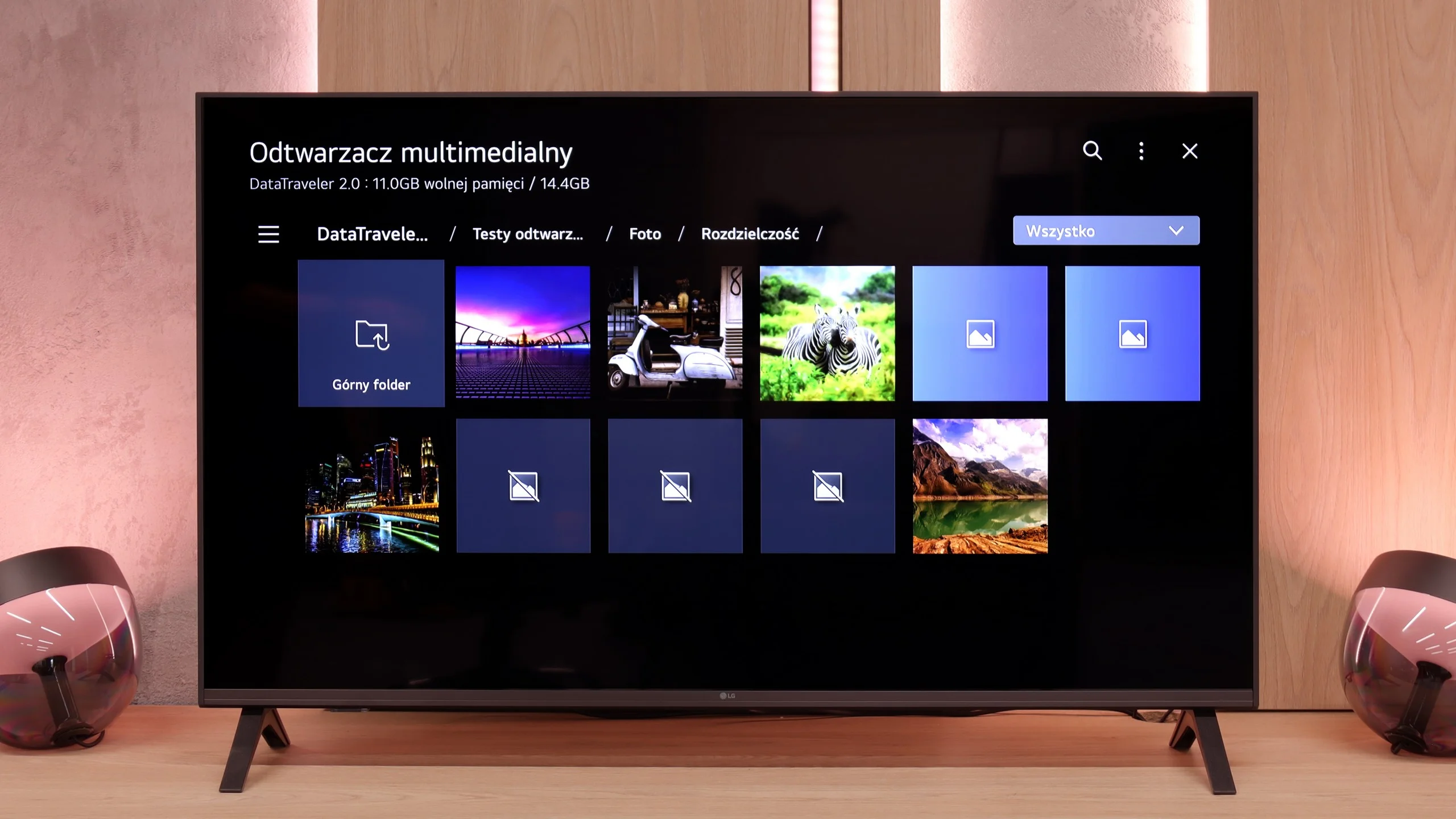
A big plus of the LG UA7500 is its use of the webOS system. We gain access to a rich library of apps, support for AirPlay, screen mirroring, and many additional features that allow us to use the television in a really convenient way. Thus, it is easy to connect a smartphone, watch something from streaming services, or use music apps. However, a downside is that webOS remains a rather "heavy" system, and on the UA7500, it does not operate as smoothly as in more expensive models. The situation is not made easier by the fact that the manufacturer did not equip us here with the Magic remote with a cursor, which significantly speeds up the operation. We get a regular infrared remote, lacking that "magic" wand. Of course, it can be purchased separately, but considering the cost, it is often better to pay extra for a higher LG model that already comes with such a remote.
Classic Features
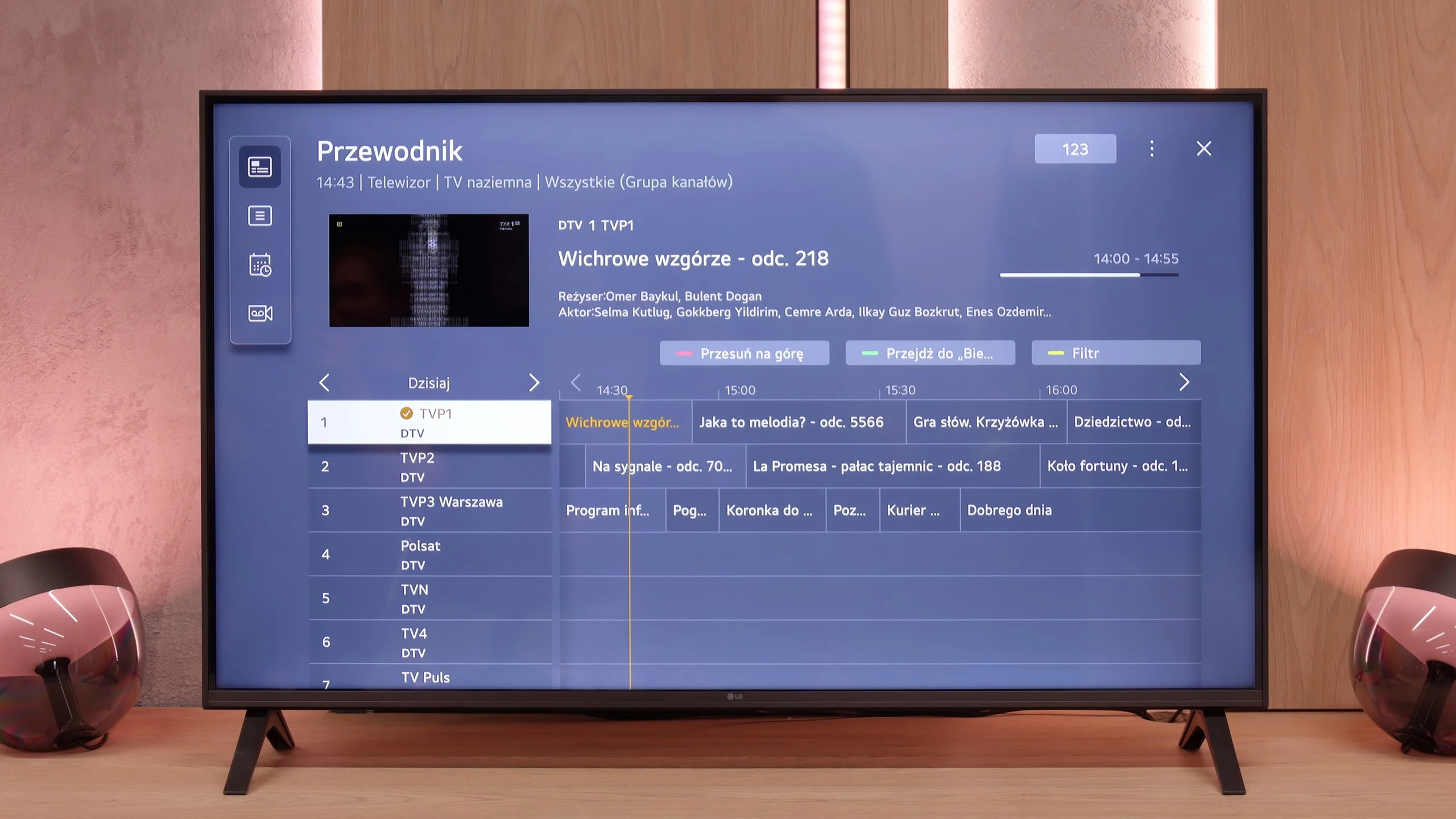
In more traditional usage, the LG UA7500 also does not disappoint. The remote is equipped with a numeric keypad and a considerable number of buttons, which users accustomed to older solutions will certainly appreciate. Additionally, there is the possibility of recording programs to USB from built-in tuners and a quite readable EPG interface, which makes planning a TV viewing session easier. A downside remains the fact that the remote always requires aiming at the screen – but we believe that most more traditional users will be able to forgive it, treating it as a familiar and proven tool.
 Direct comparison