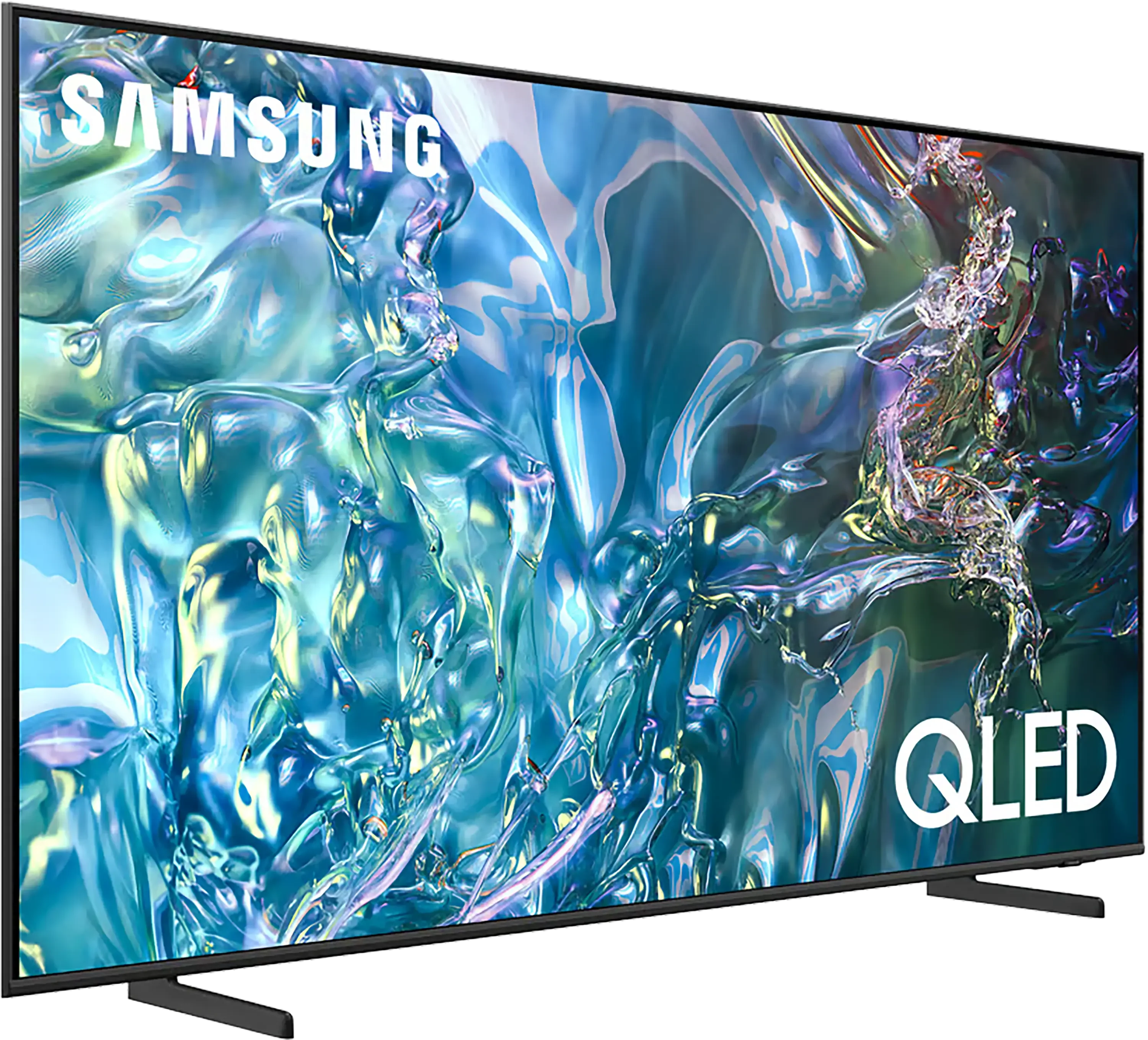
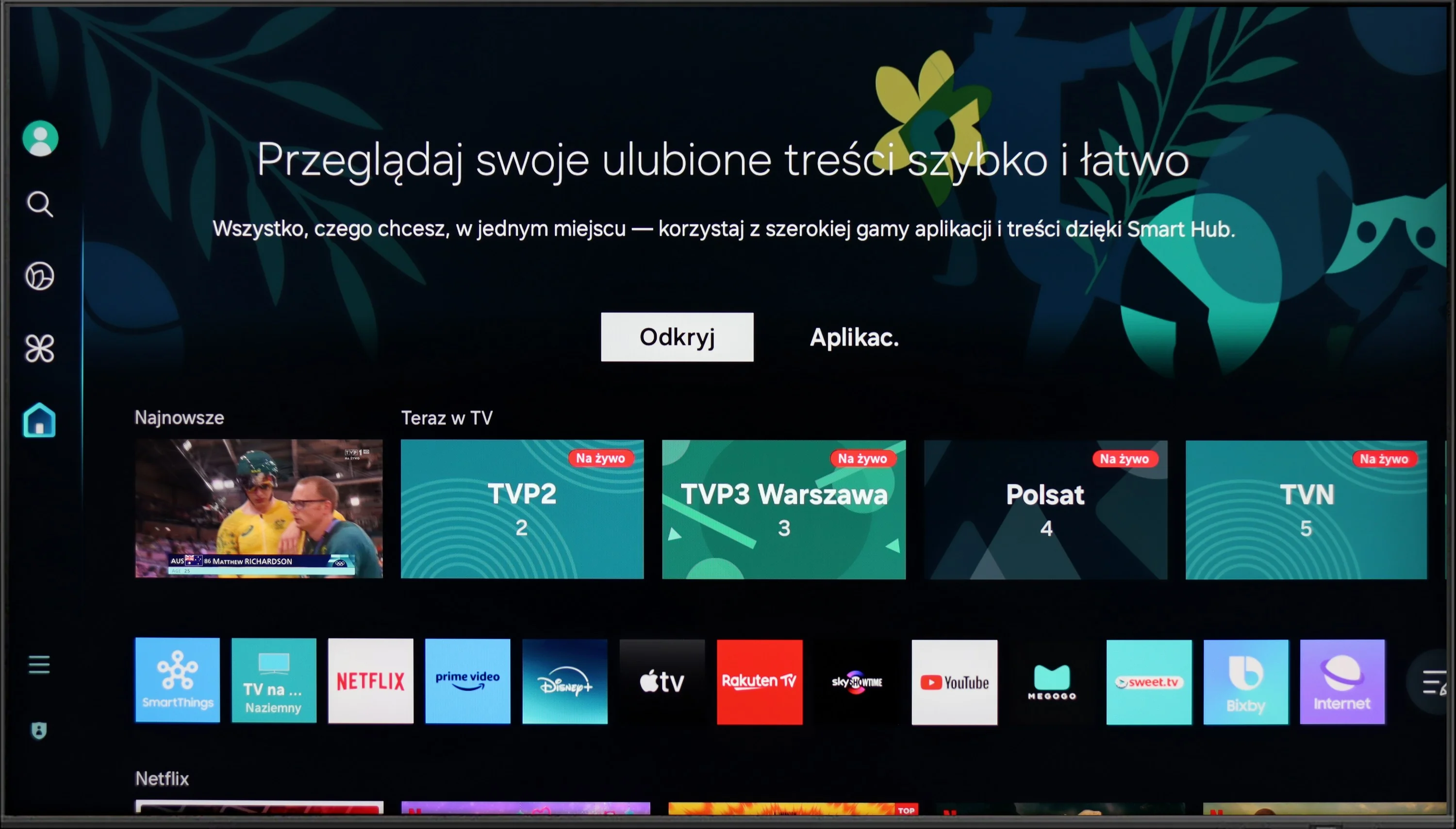
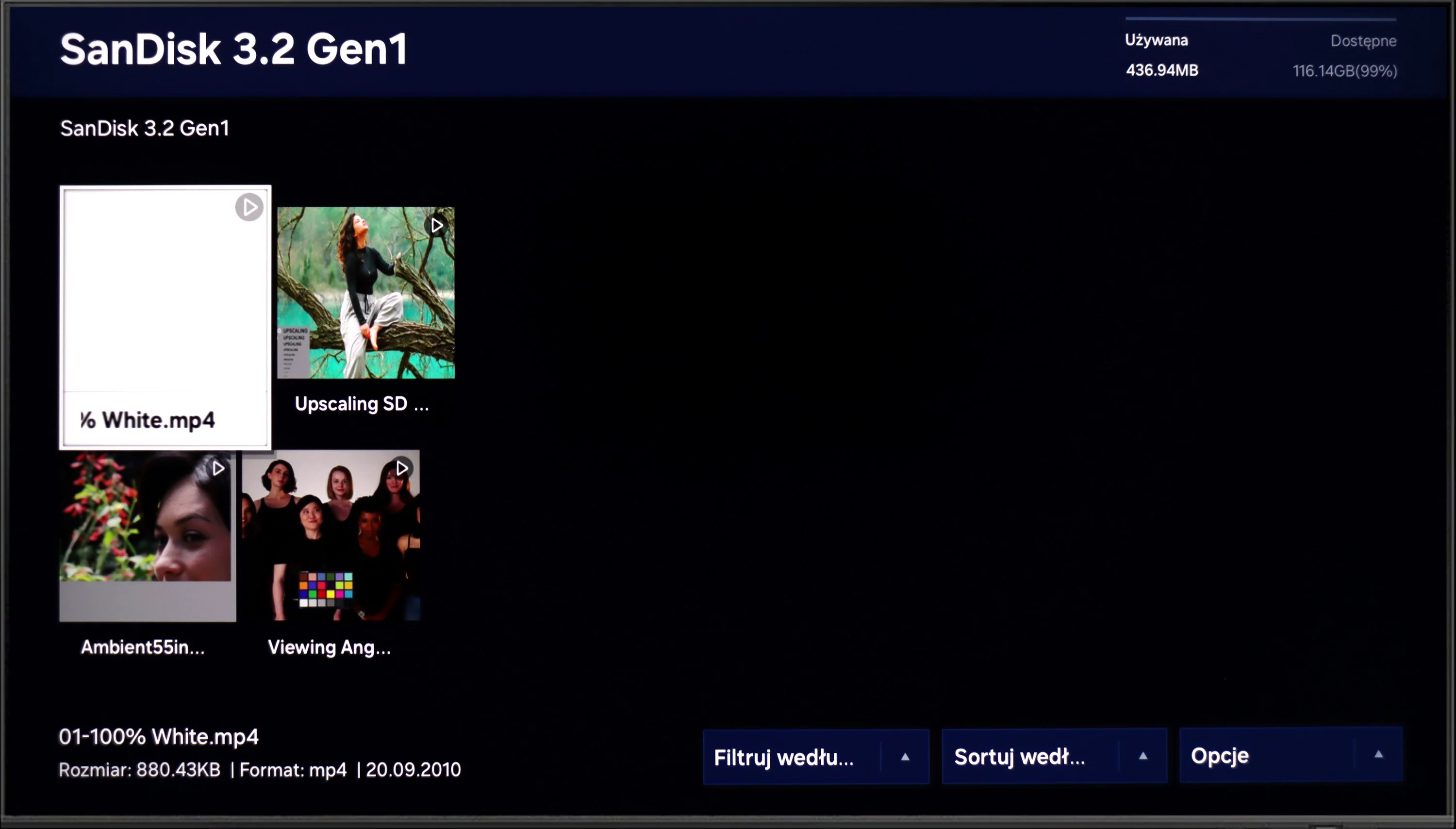
The Samsung Q60D operates on the proprietary Tizen system, which, while not as open as Google’s OS and with some limitations regarding app availability, is likely to satisfy most users. The interface is clean and intuitive, providing straightforward access to popular streaming services like Netflix, YouTube, and Prime Video. Users will appreciate the customisable home screen, allowing for quick access to favourite apps and content. One potential drawback is the absence of a recording function, which may disappoint those wanting to save shows or films for later viewing. However, the inclusion of AirPlay is a pleasant surprise, facilitating seamless content streaming from Apple devices such as iPhones and iPads, enabling users to share photos, videos, and other media without cables.
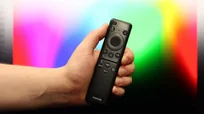
The TV also supports Bluetooth connectivity, allowing the use of various peripherals like wireless headphones and soundbars, enhancing user convenience. The remote control is slim, stylish, and ergonomic, featuring an internal rechargeable battery that can be powered via USB-C or solar energy, eliminating the need for disposable batteries. It can also control external devices, such as the NC+/Canal+ decoder.
Furthermore, the SmartThings app for Android and iOS enables the TV to integrate with other smart devices around the home. This feature allows users to remotely control elements like Philips Hue smart lighting, Yeelight, and other compatible products. As a result, the Samsung Q60D can act as a central hub for a smart home, streamlining the management of everyday tasks and enhancing the entertainment experience.
Smart Features: WebOS
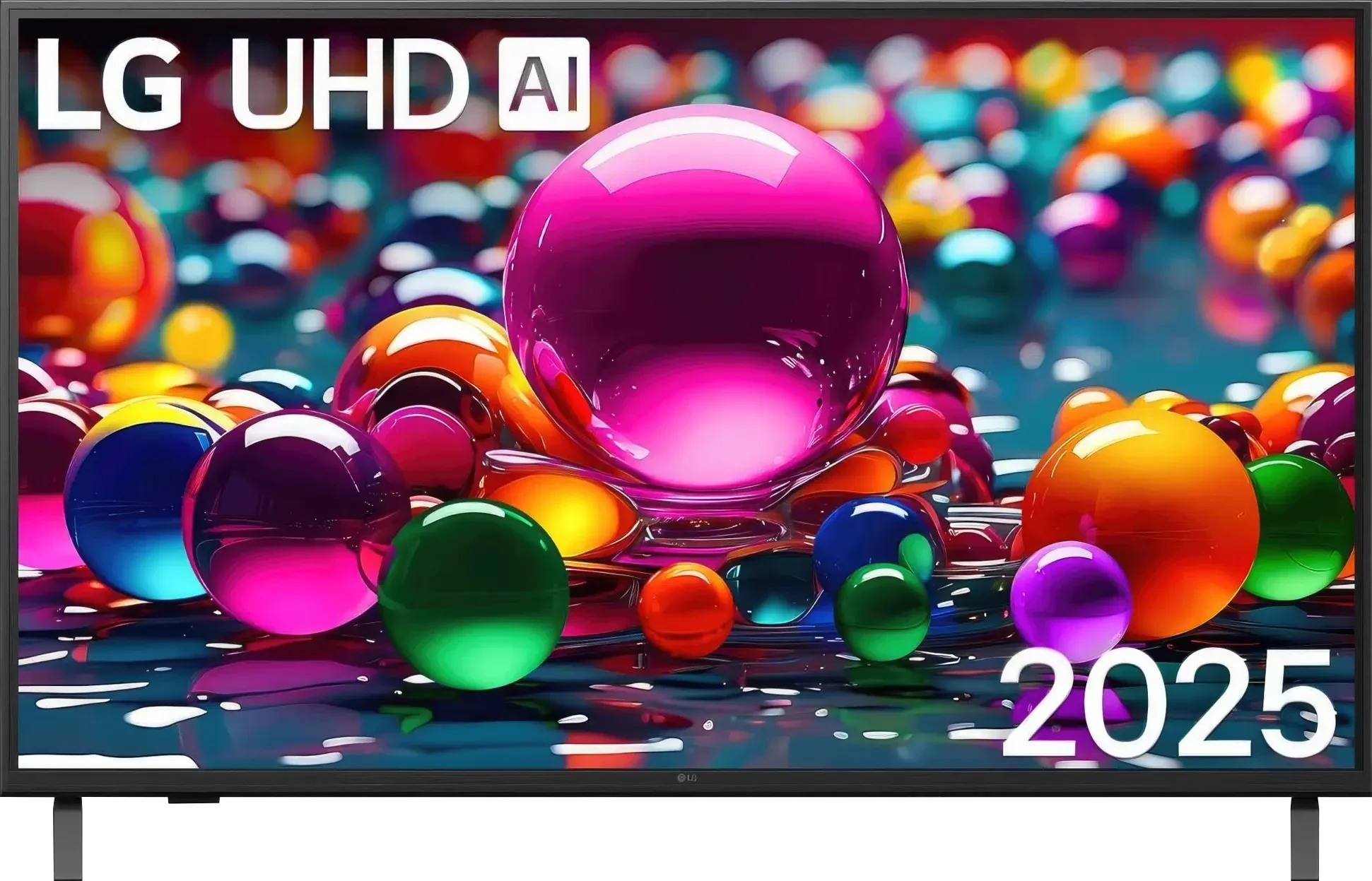
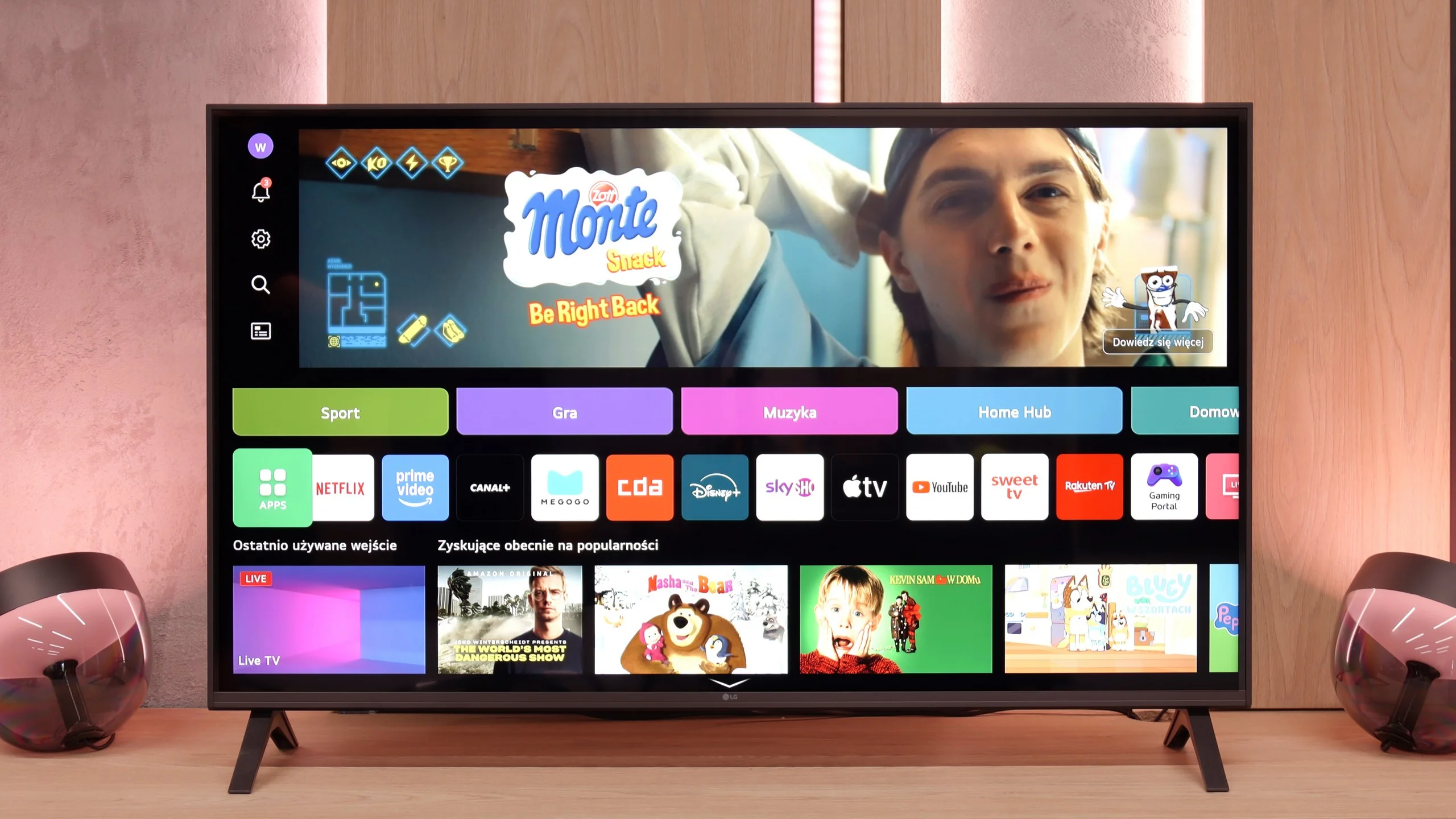
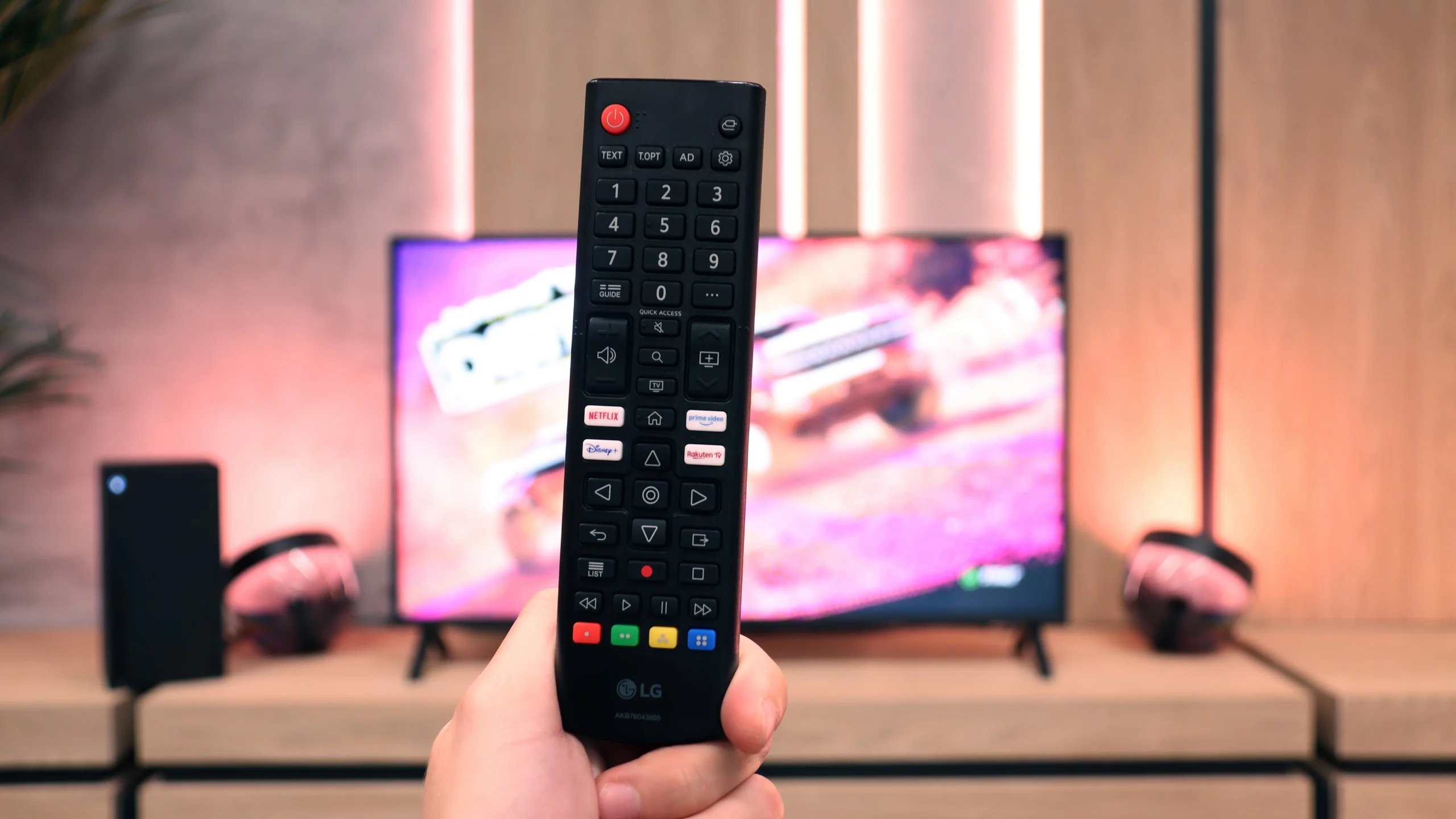
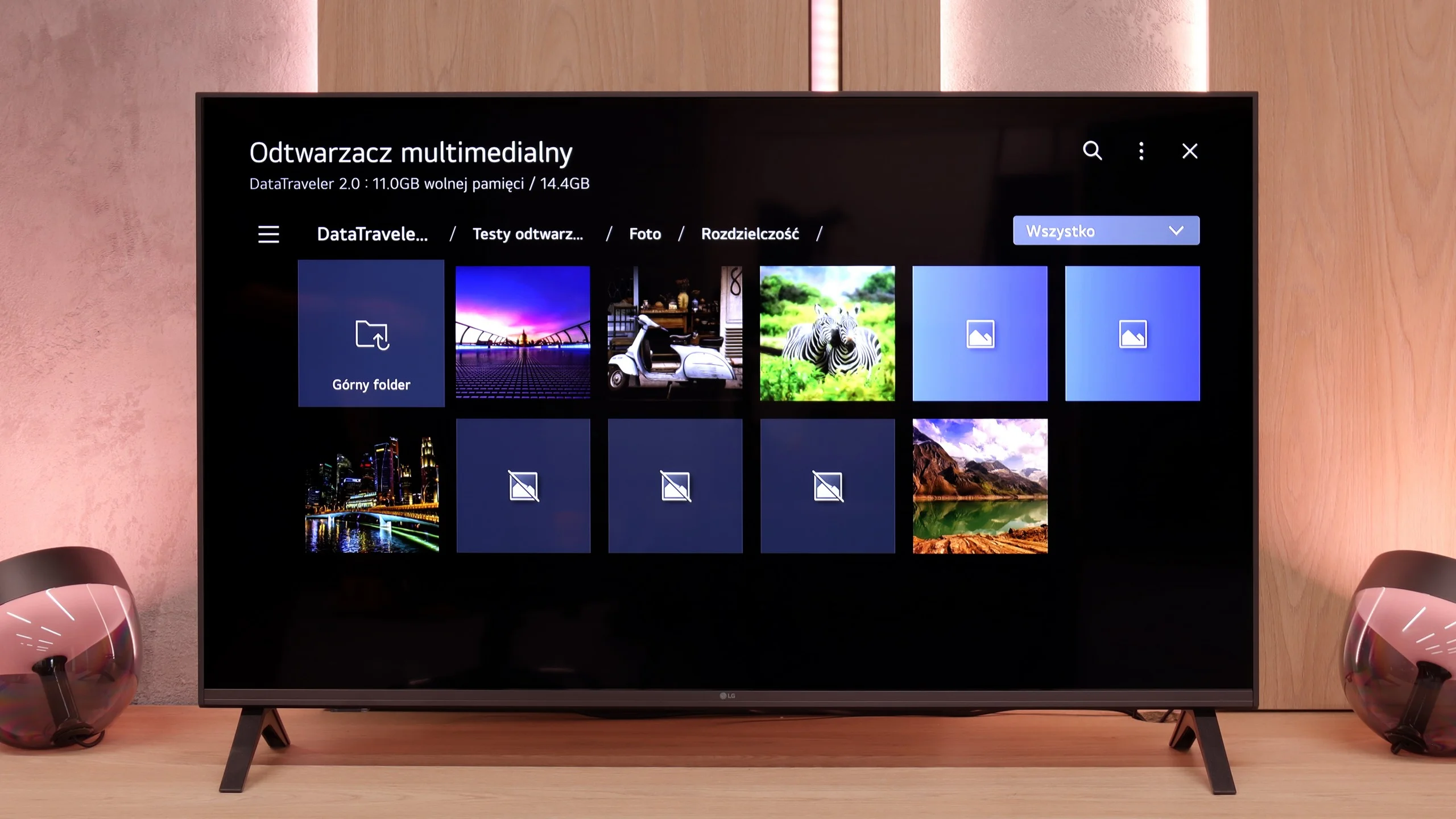
A significant advantage of the LG UA7500 is the use of the webOS system. We gain access to a rich library of applications, support for AirPlay, screen mirroring, and many additional features that allow us to use the television in a truly convenient way. It’s easy to connect a smartphone, watch something from streaming services, or use music applications. However, a downside is that webOS remains quite a "heavy" system and does not operate as smoothly on the UA7500 as it does in more expensive models. The situation is not helped by the fact that the manufacturer did not equip us with a Magic remote with a cursor, which significantly speeds up navigation. We get a regular infrared remote, lacking that "magic" wand. Of course, it can be purchased separately, but considering the cost, it’s often better to pay extra for a higher LG model that already has this remote.
Classic Features
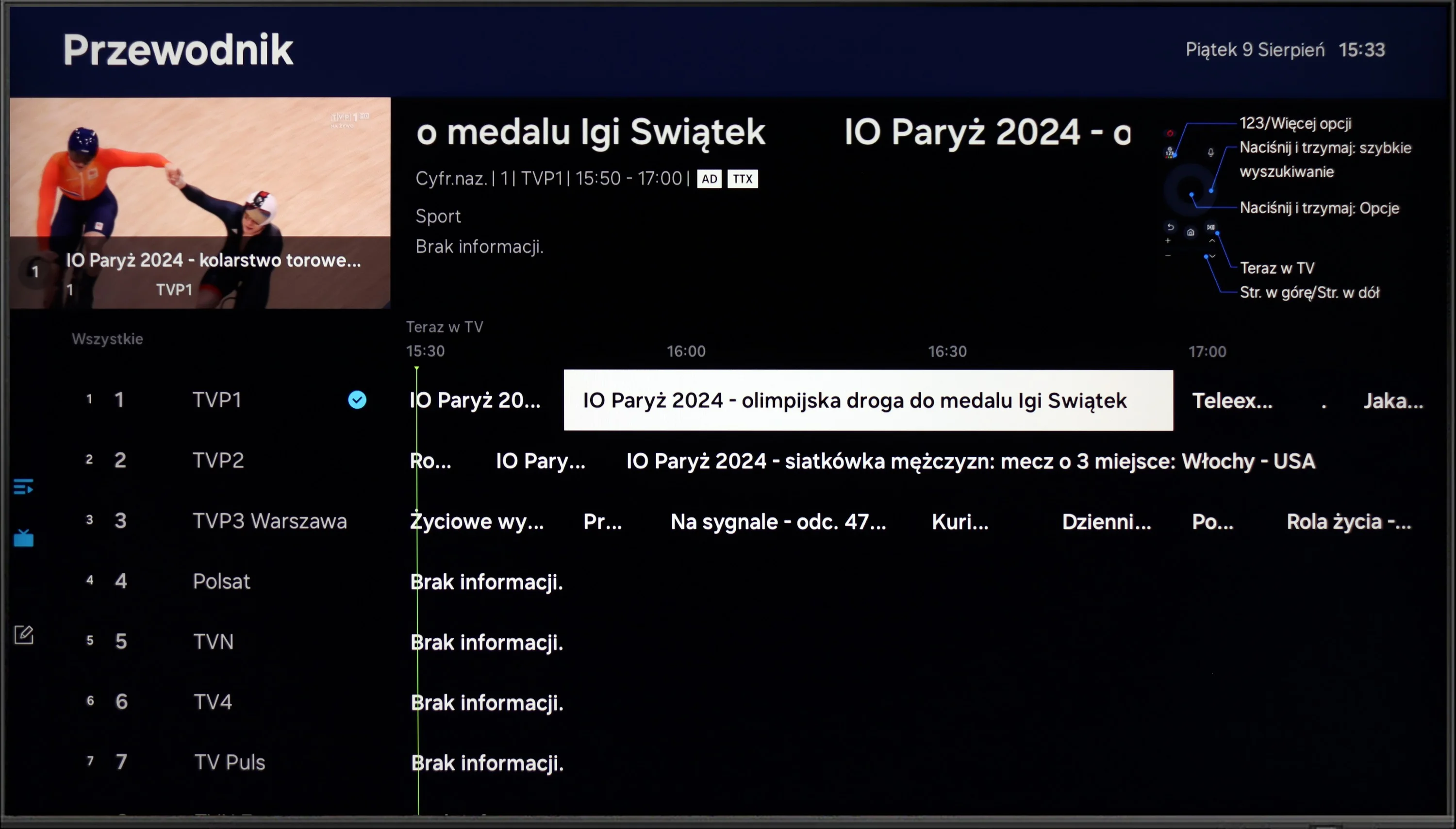
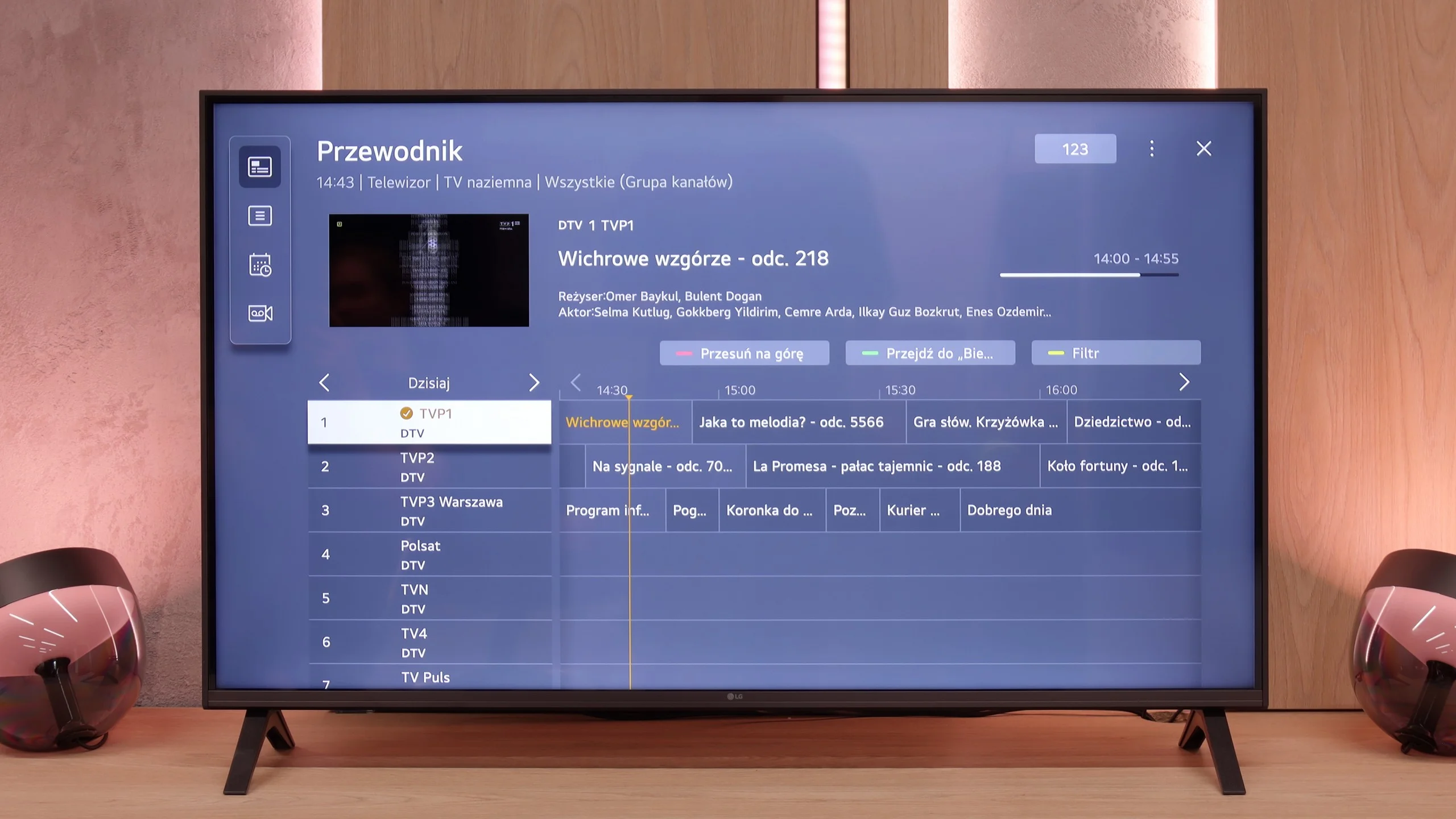
In more traditional use, the LG UA7500 also does not disappoint. The remote has been equipped with a numeric keypad and a considerable number of buttons, which will certainly be appreciated by users accustomed to older solutions. Additionally, there is the ability to record programs to USB from built-in tuners and a quite readable EPG interface that makes planning a television viewing easier. A downside remains the fact that the remote always requires aiming at the screen – but we believe that most more traditional users can forgive it, viewing it as a familiar and proven tool.
 Direct comparison