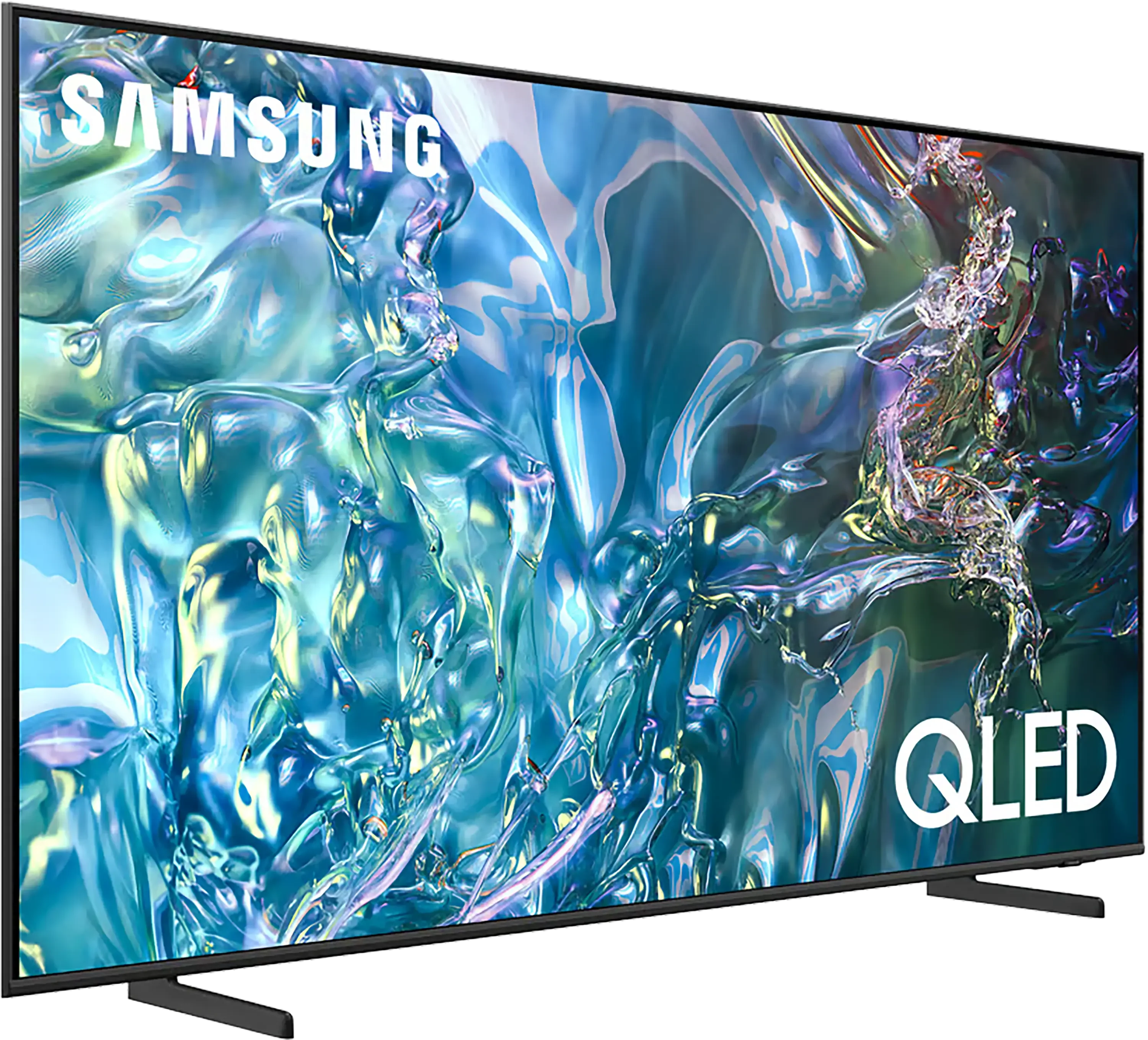
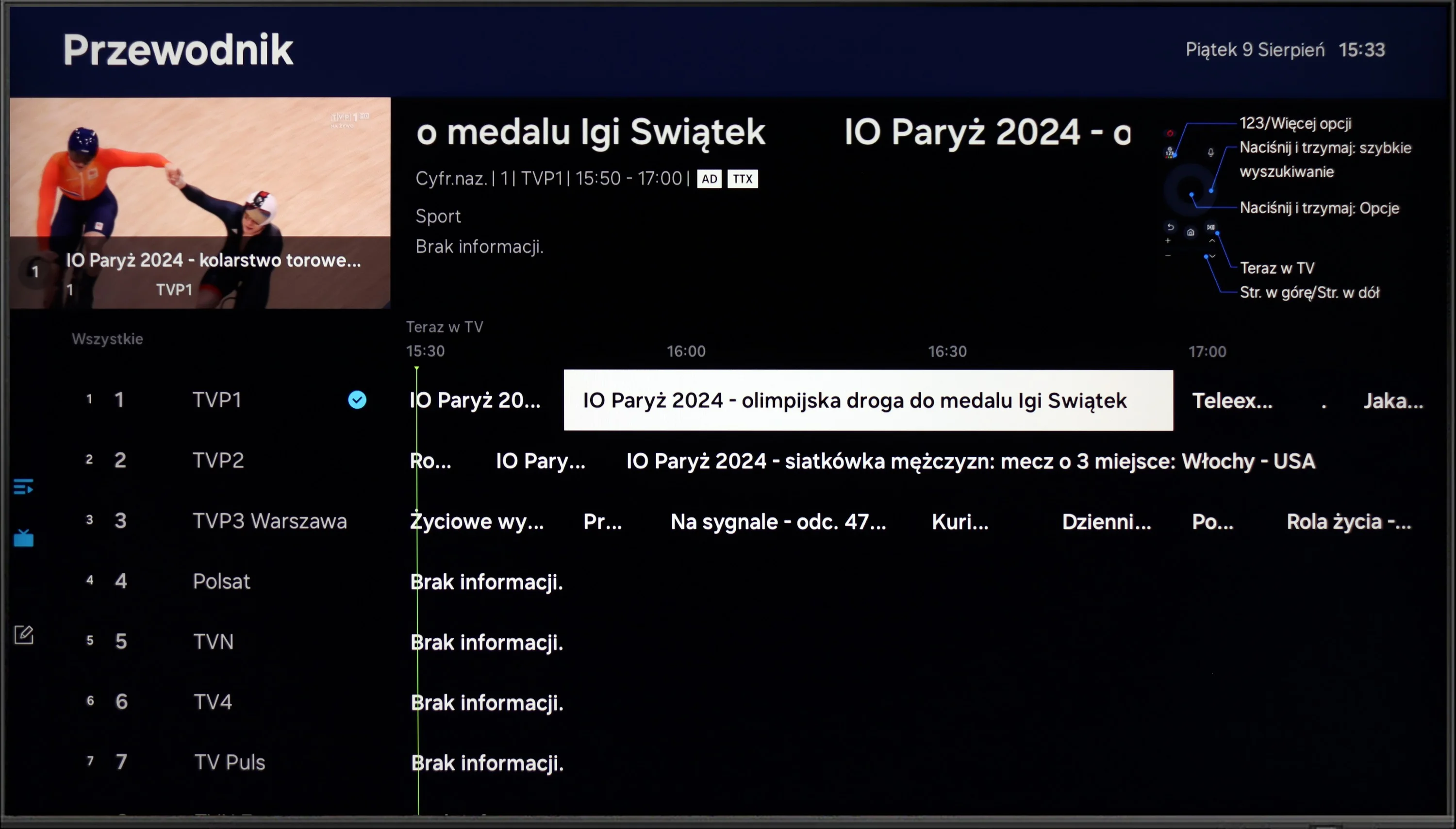
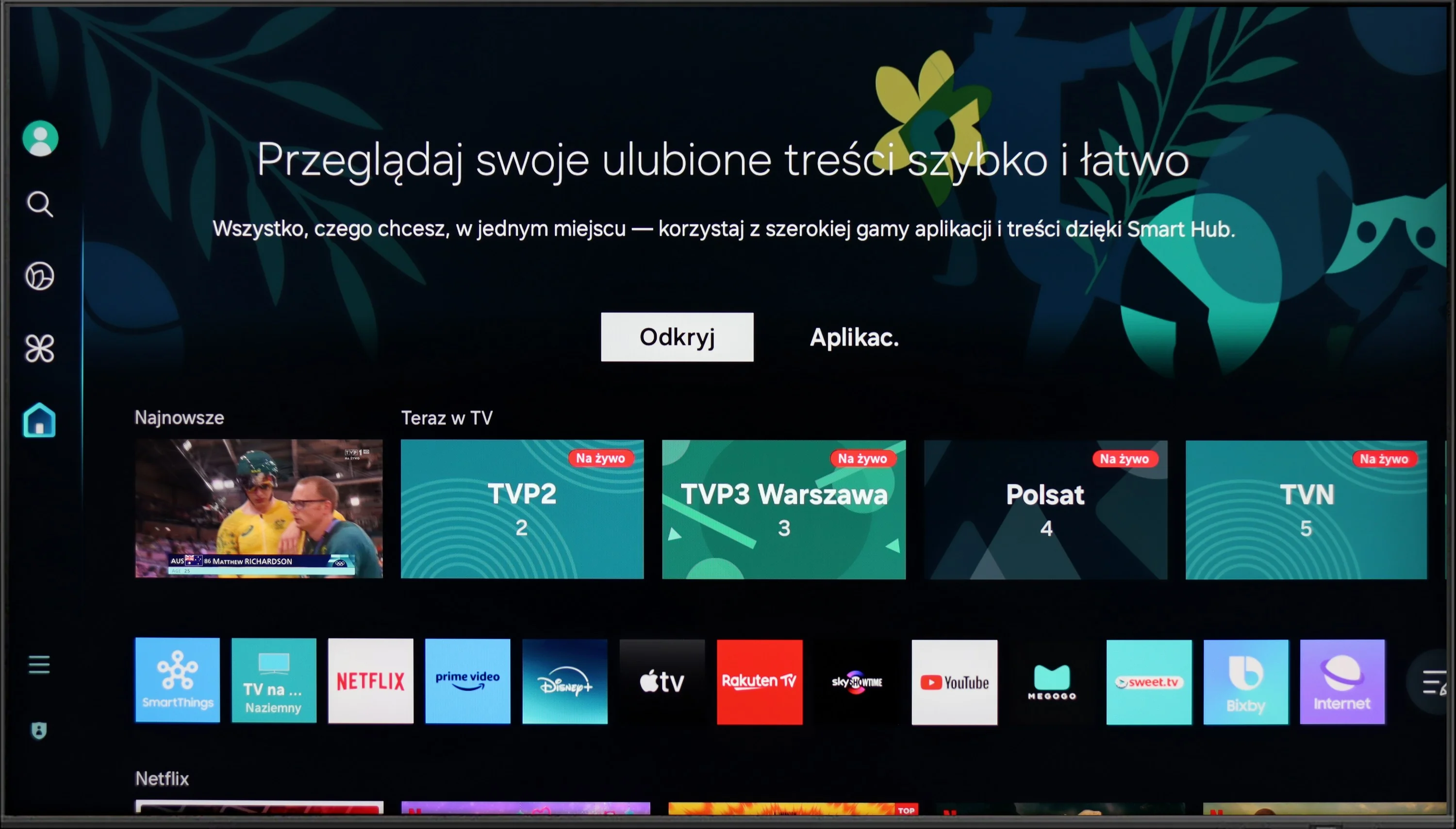
The Samsung Q60D operates on the proprietary Tizen system, which, while not as open as Google’s OS and with some limitations regarding app availability, is likely to satisfy most users. The interface is clean and intuitive, providing straightforward access to popular streaming services like Netflix, YouTube, and Prime Video. Users will appreciate the customisable home screen, allowing for quick access to favourite apps and content. One potential drawback is the absence of a recording function, which may disappoint those wanting to save shows or films for later viewing. However, the inclusion of AirPlay is a pleasant surprise, facilitating seamless content streaming from Apple devices such as iPhones and iPads, enabling users to share photos, videos, and other media without cables.
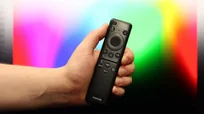
The TV also supports Bluetooth connectivity, allowing the use of various peripherals like wireless headphones and soundbars, enhancing user convenience. The remote control is slim, stylish, and ergonomic, featuring an internal rechargeable battery that can be powered via USB-C or solar energy, eliminating the need for disposable batteries. It can also control external devices, such as the NC+/Canal+ decoder.
Furthermore, the SmartThings app for Android and iOS enables the TV to integrate with other smart devices around the home. This feature allows users to remotely control elements like Philips Hue smart lighting, Yeelight, and other compatible products. As a result, the Samsung Q60D can act as a central hub for a smart home, streamlining the management of everyday tasks and enhancing the entertainment experience.
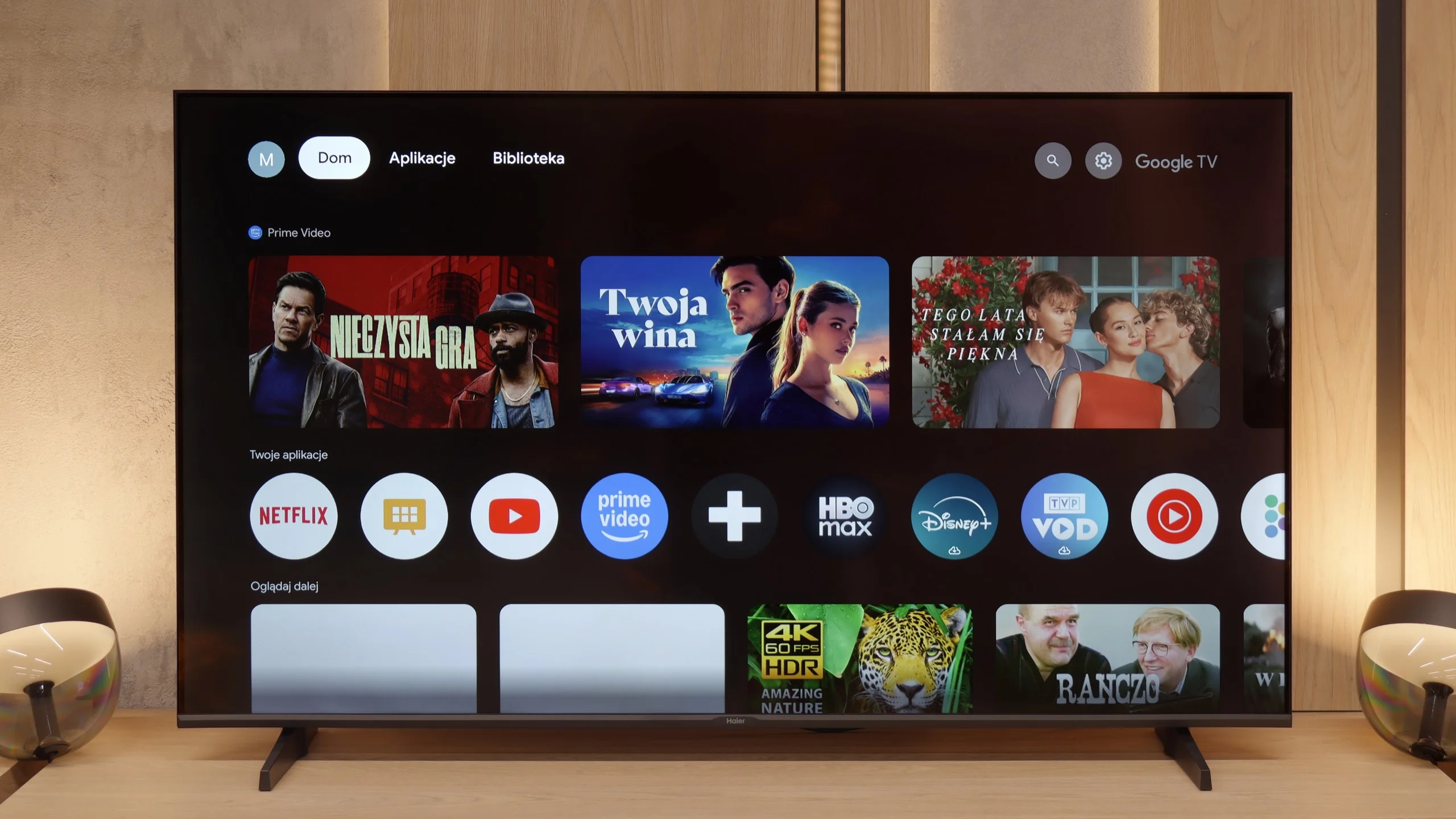
GoogleTV on Haier K85F
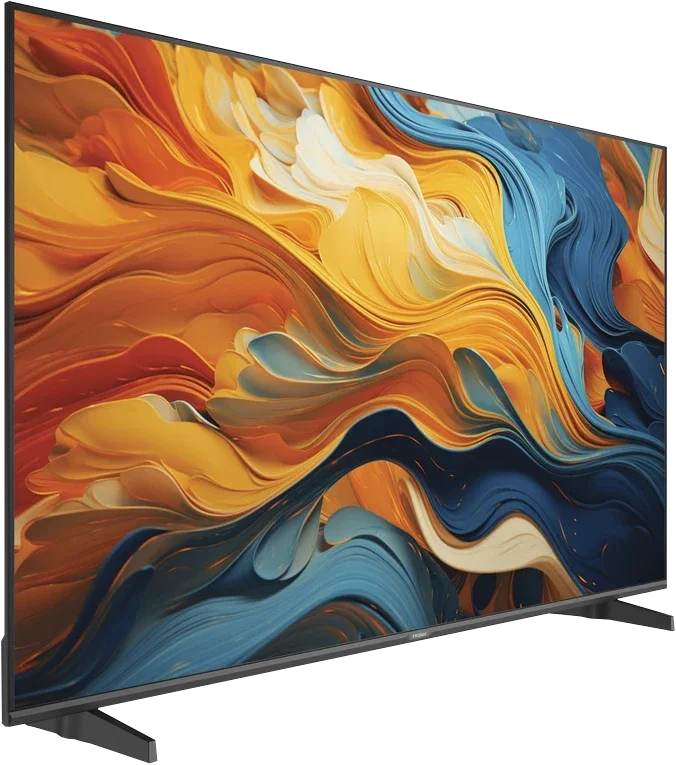
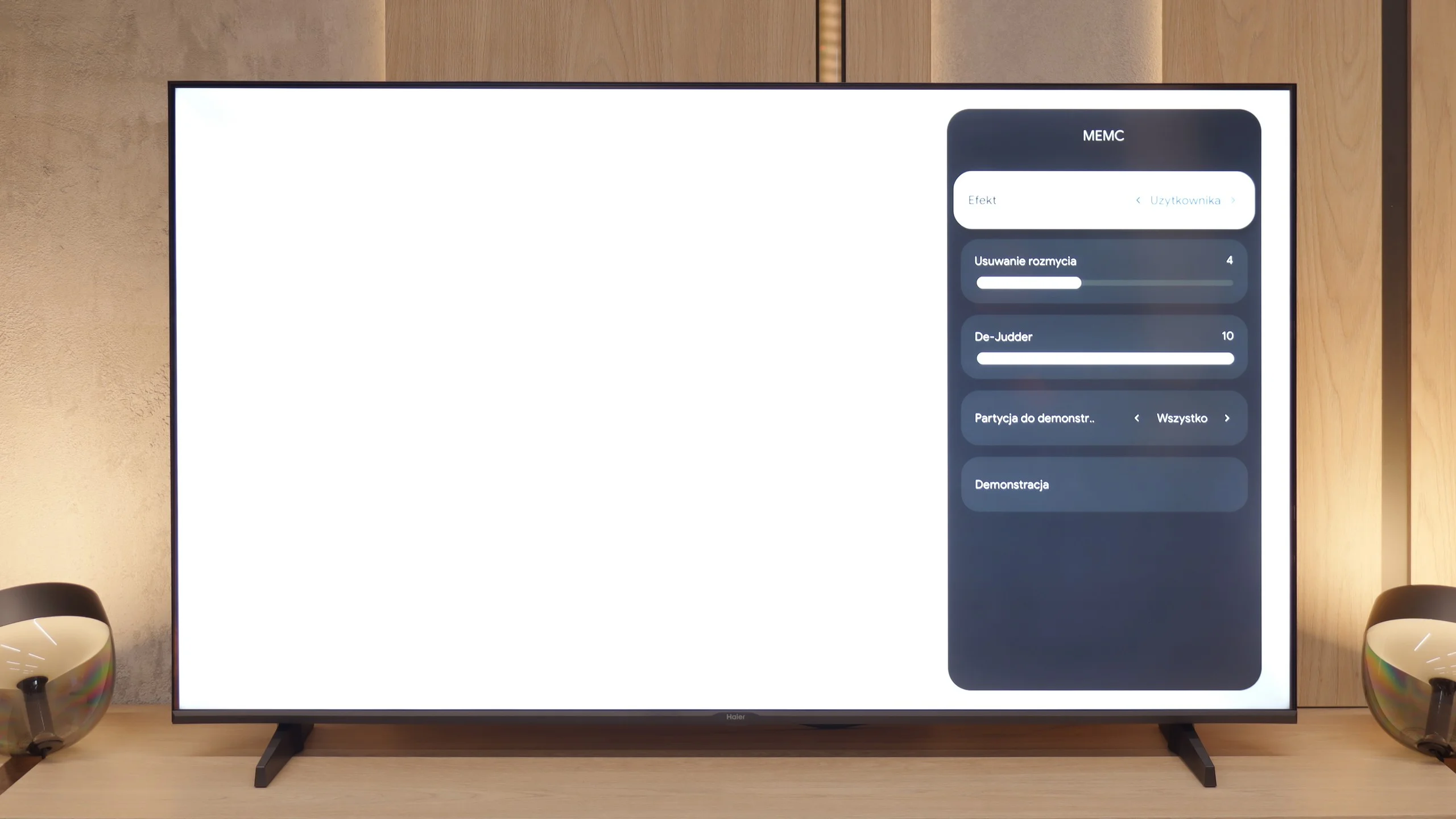
The heart of the television is the Google TV system, which in theory should be its huge advantage. Access to thousands of applications and a wealth of features are promises we are familiar with. Unfortunately, in Haier's execution, this is one of the worst implementations of this software we have encountered. The system operates painfully slowly, and the interface notoriously freezes. However, the real nightmare is the incorrect and often downright comical translations of some menu options, making it at times difficult to figure out what is being referred to. To make matters worse, during our tests, we were unable to launch the AirPlay function, which simply did not work.
Classic features on Haier K85F
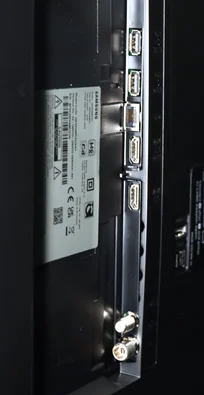
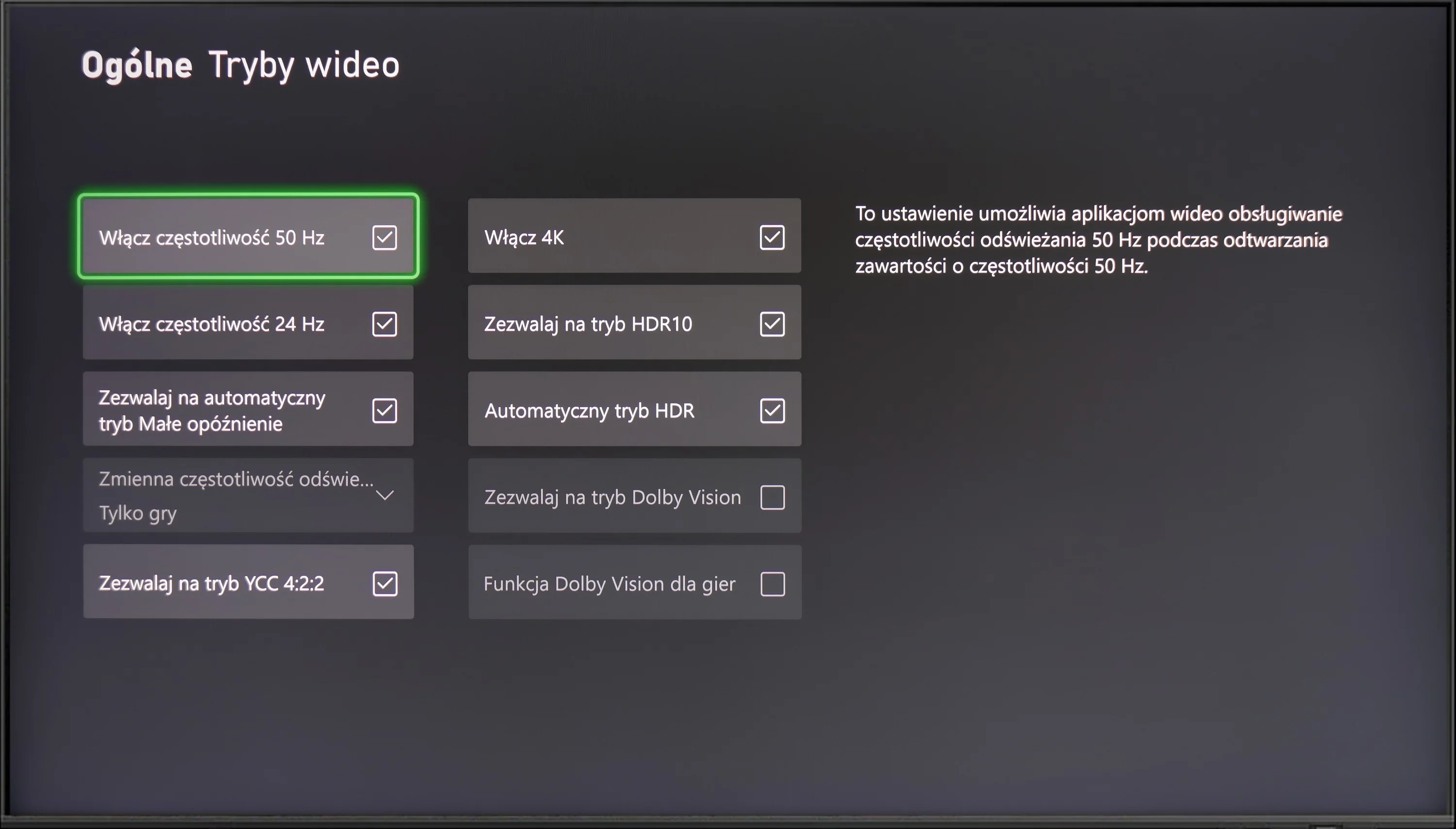
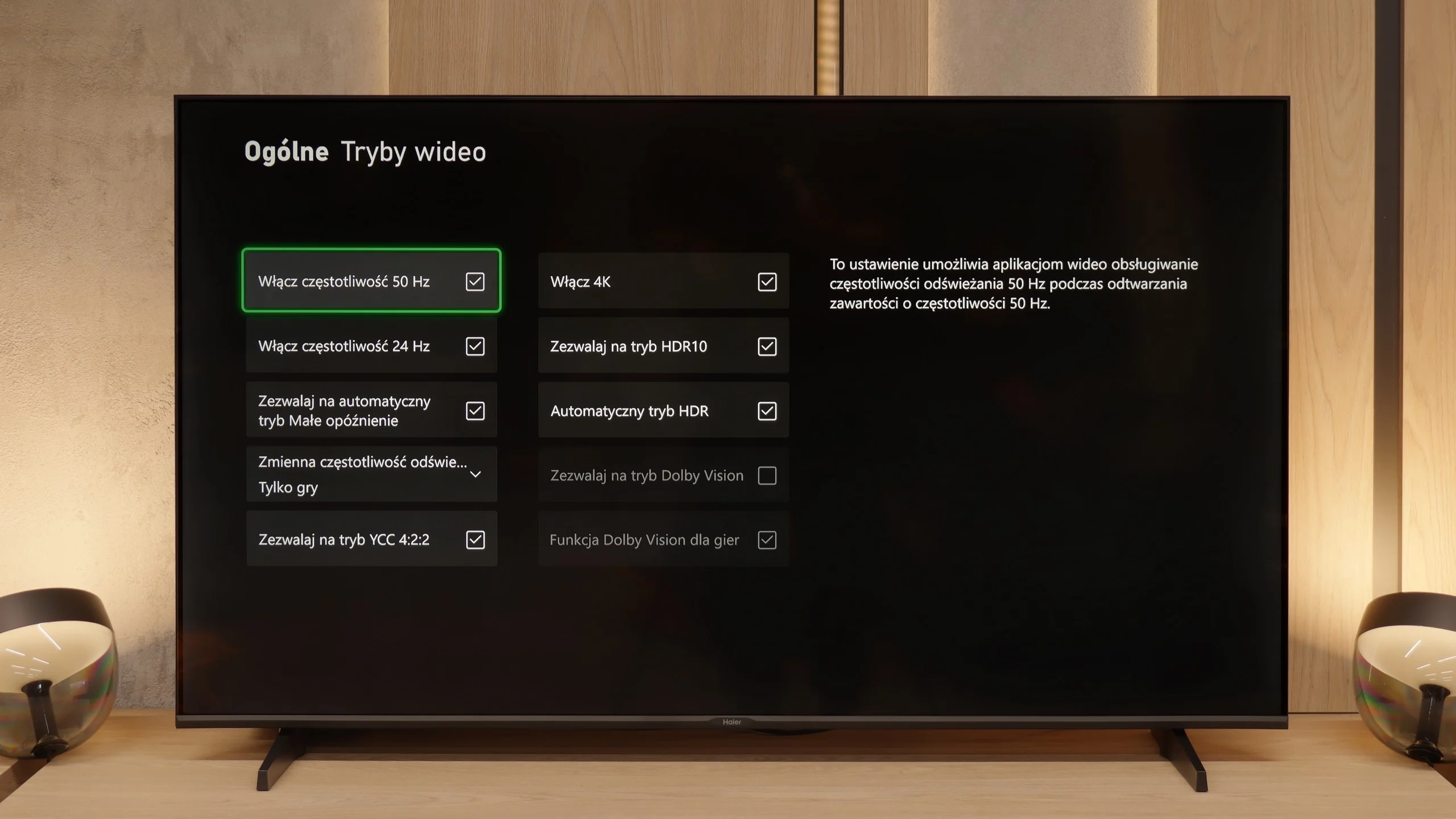
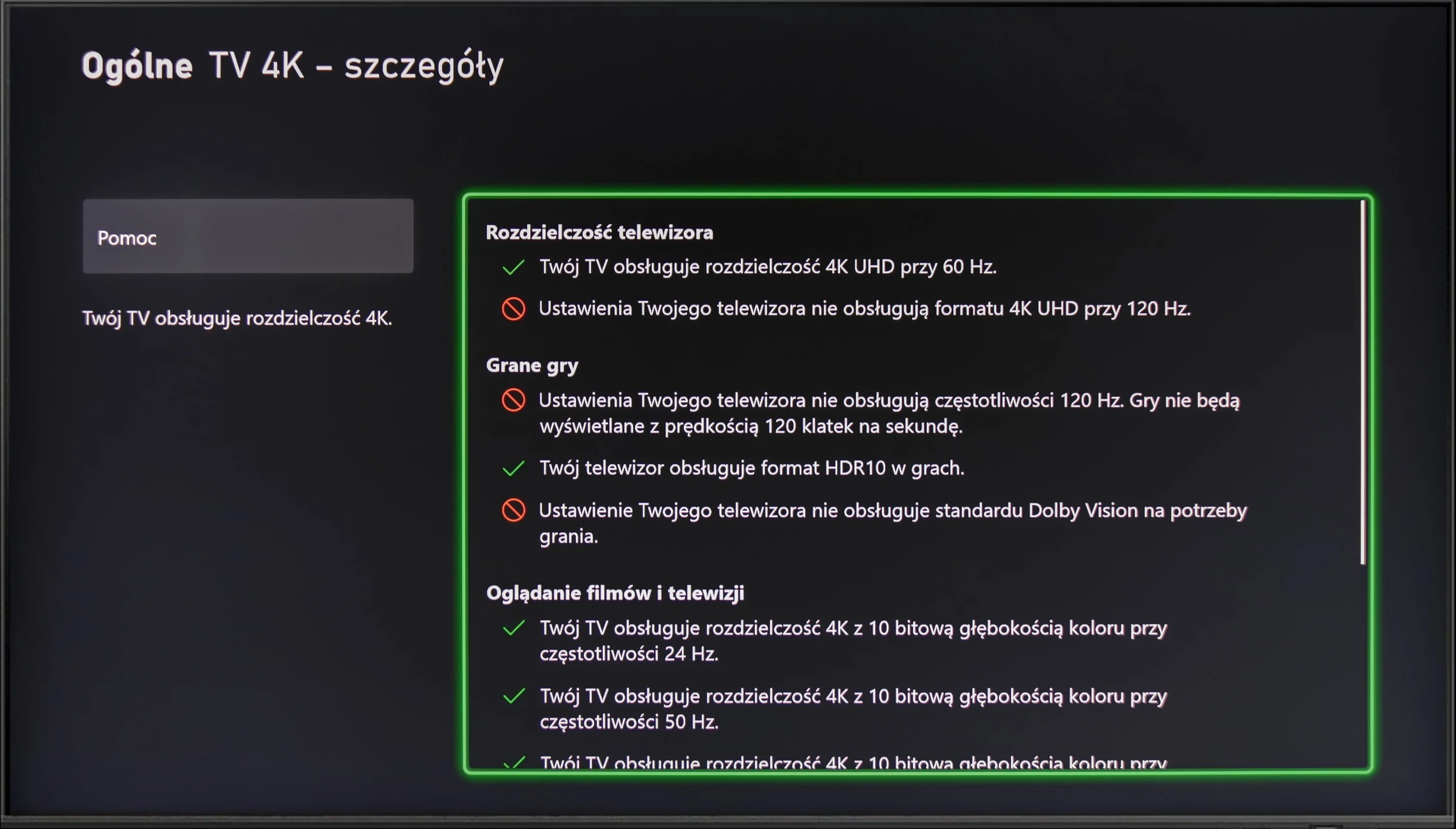
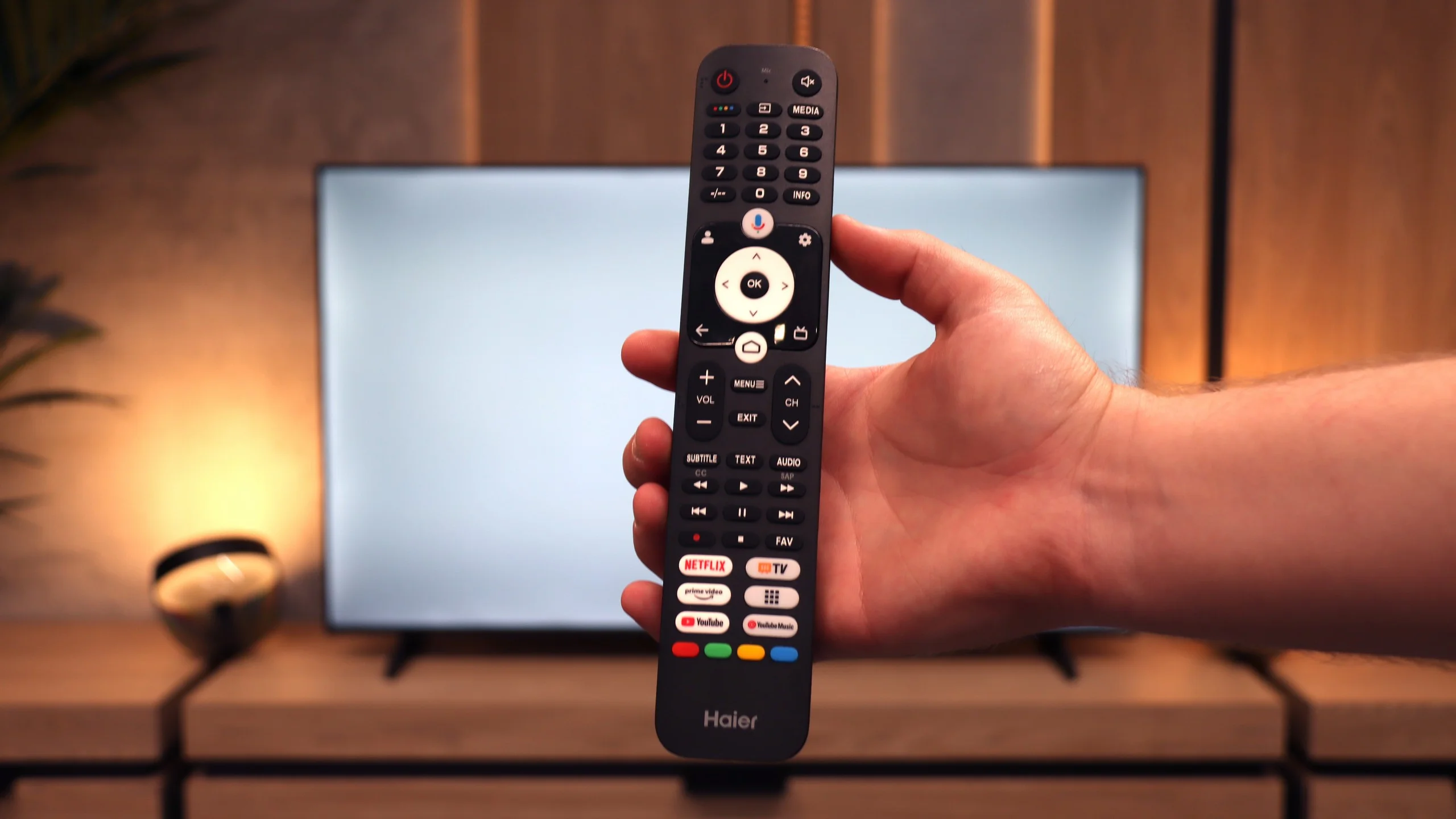
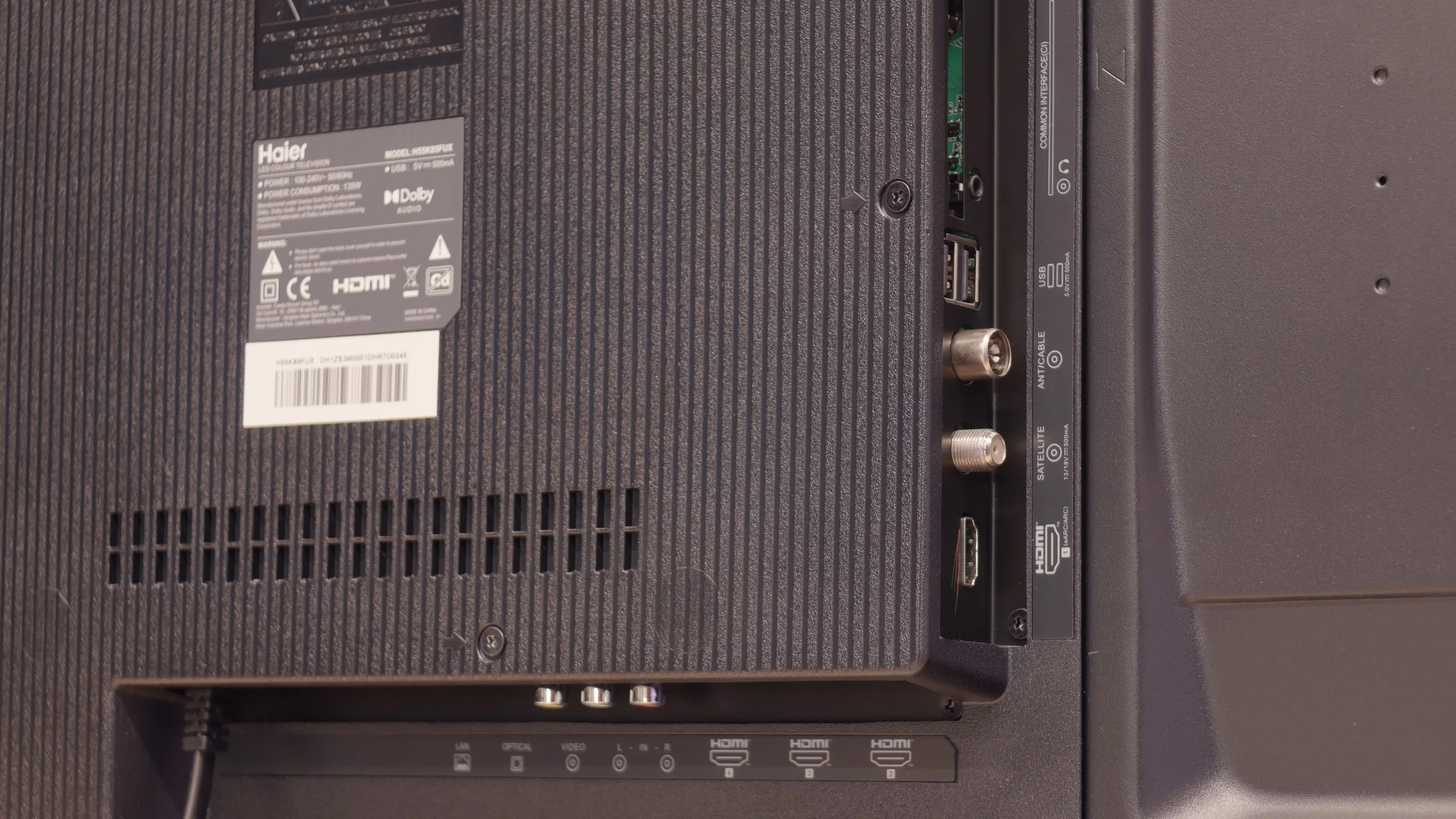
Let's move on to the classic features and ports, because this story is even more interesting. A plus is certainly the rich set of ports, including four HDMI inputs and a rarely found mini-jack headphone output. Unfortunately, the television does not offer either USB recording or PiP mode. However, the real ordeal begins with the remote. Our first attempts to pair it via Bluetooth to activate radio frequency (RF) control and voice functions ended in total failure. After several dozen attempts, we were sure it was simply a manufacturing defect. And here's the surprise: after a long struggle, we discovered that the remote can be paired, but it needs to be done from the native Google TV settings, completely bypassing Haier's non-functioning system overlay. This is a perfect example of how terrible software can ruin basic functionality. Oh, and one more thing. In the box... there weren’t even any batteries for the remote.
 Direct comparison