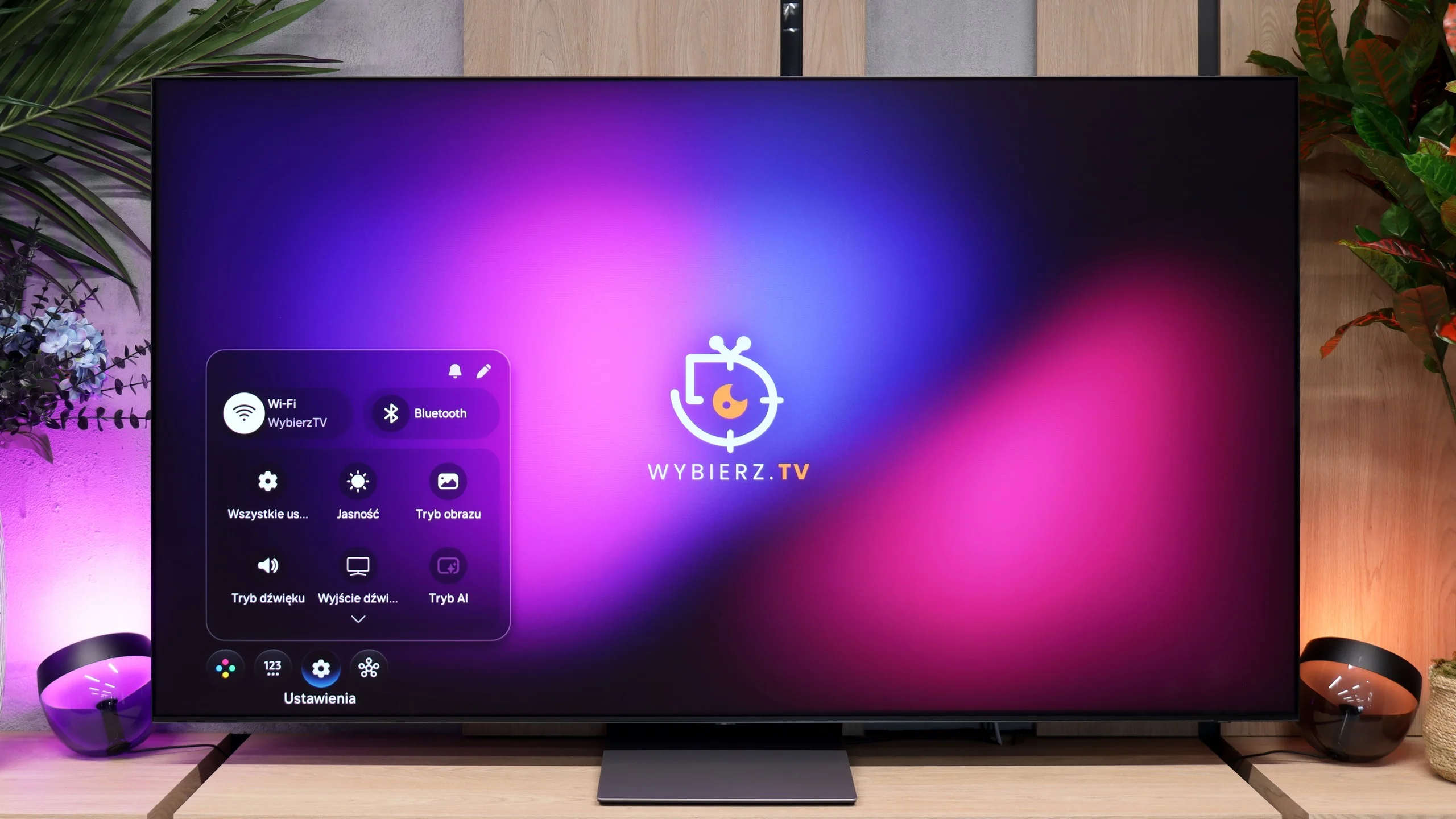
Samsung OLED S95D vs Samsung S90H / S92H (QD-OLED)

Direct comparison

Check the best price offer:

Samsung OLED S95D(paid link)
$2 997

S95D

S90HAT / S90HAE / S92HAT

Info

Available screen sizes: 55”65”77”

Available screen sizes: 77”

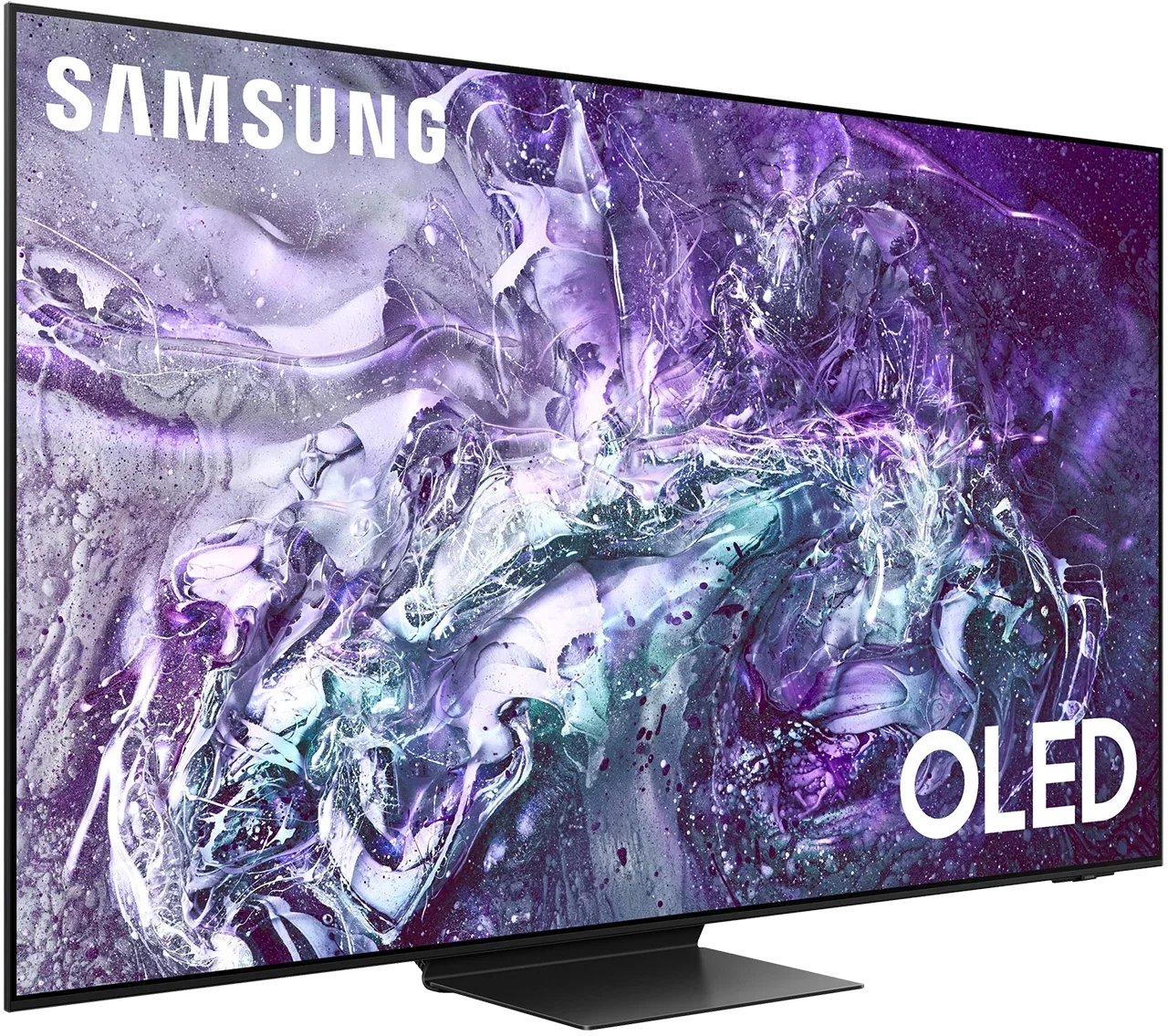
Review Samsung OLED S95D Main photo
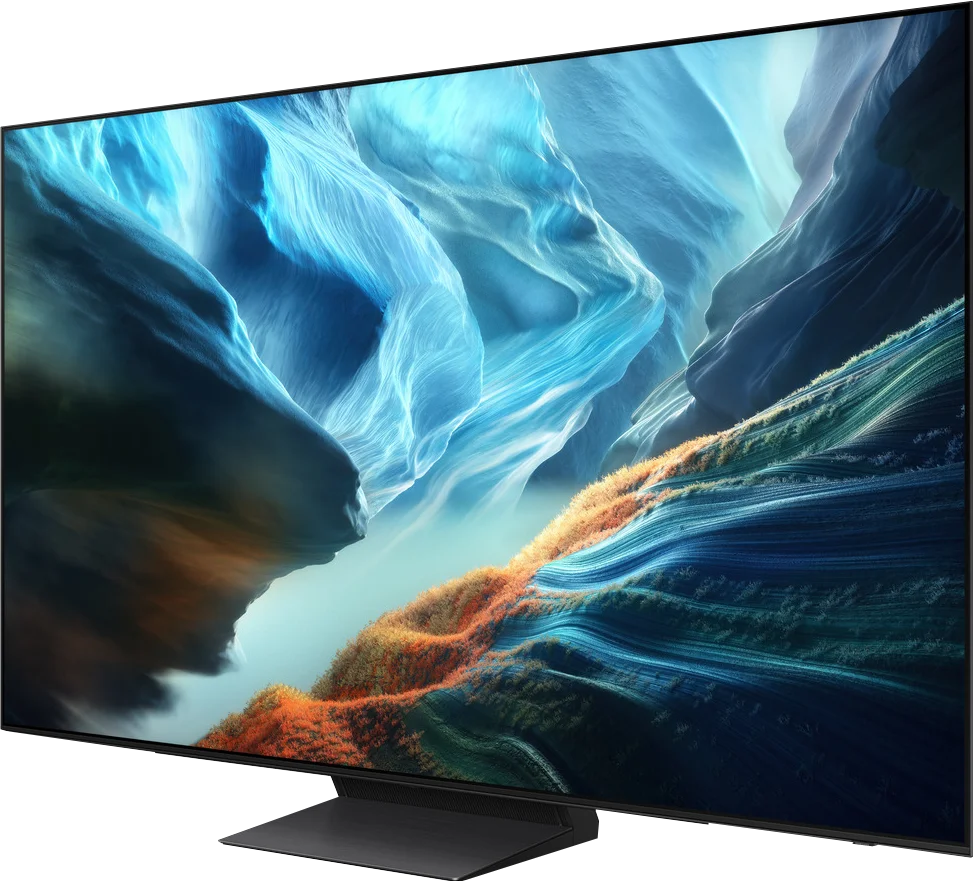
Review Samsung S90H / S92H (QD-OLED) Main photo

Panel type: QD-OLED

Resolution: 3840x2160

System: Tizen

Model year: 2024

Complete the survey to find out the result

Panel type: QD-OLED

Resolution: 3840x2160

System: Tizen

Model year: 2026

Complete the survey to find out the result

Overall rating

8.5

8.6

  • Movies and series in UHD quality

    8.9

    9.0

  • Classic TV, YouTube

    9.2

    9.3

  • Sports broadcasts (TV and apps)

    8.9

    9.0

  • Gaming on console

    9.8

    9.8

  • TV as a computer monitor

    8.6

    8.6

  • Watching in bright light

    6.2

    6.4

  • Utility functions

    7.9

    7.3

  • Apps

    9.3

    9.3

  • Sound quality

    7.9

    8.4

Advantages

  • Revolutionary image depth and blackness (OLED)

  • Superb HDR effect

  • Excellent brightness

  • Saturated colours - high coverage of the wide colour gamut Bt.2022

  • Best viewing angles on the market

  • Matte matrix

  • Super slim design (Innovative One Connect solution)

  • Perfect blacks and infinite contrast

  • Very high HDR brightness (up to 1700 nits)

  • Excellent color gamut coverage (QD-OLED)

  • Reference image accuracy after professional calibration

  • Excellent motion handling (no motion blur)

  • Outstanding for gamers (4x HDMI 2.1, VRR, ALLM, low input lag)

  • High refresh rate (up to 165Hz)

  • Perfect viewing angles

  • Effective anti-reflective coating (matte)

  • Responsive Tizen system

  • Surprisingly good sound

Disadvantages

No like
  • Colours during the day may be less intense due to the matte display

  • No support for DTS audio tracks (may be an issue with an external player)

  • In bright light, black can take on a cherry tint (a characteristic of QD-OLED panels)

  • The matte panel "mutes" colors during the day

  • No TV features such as USB recording or PIP

  • No support for DTS:X (a problem for Blu-ray disc fans)

  • Why can't this type of panel be found in every size?!

Our verdict

The Samsung S95D stands out as a top choice in Samsung’s 2024 lineup, featuring an innovative matte display that minimises reflections and performs impressively in both low-light and daylight conditions. This model is among the brightest in the OLED segment, offering exceptional visibility in any room. With excellent motion fluidity, it handles fast-paced content like sports or gaming with precision, making it ideal for enthusiasts of dynamic visuals. Gamers will also appreciate the S95D's four HDMI 2.1 ports, fully compatible with the latest console features, as well as built-in access to the Xbox app for cloud gaming, allowing for gameplay without a console.

In daily use, the S95D proves user-friendly. Samsung’s Tizen system offers an intuitive interface with access to popular streaming platforms and is compatible with a range of smart devices via the SmartThings app, enabling control of home features like lighting and security directly from the TV. The S95D also supports MultiView, allowing two programs to be viewed simultaneously, and has a responsive interface for smooth switching between apps. An eco-friendly solar remote further enhances convenience, capable of controlling multiple devices from one place, including decoders, home cinema systems, and consoles.

Connectivity options, such as AirPlay and Bluetooth, enable easy streaming and pairing with accessories. Design-wise, the S95D impresses with its slim profile and One Connect solution, making it a sleek addition to any space. Although the matte display may slightly reduce colour intensity in bright daylight, this TV is packed with advanced features and high-quality performance. It’s a premium choice for anyone seeking top-tier home entertainment, deserving its reputation as one of the standout televisions of 2024.

Samsung, what have you actually done? The S90H is a TV that won us over practically from the first minutes. If you want a short answer to whether it's worth the money, we’ll be blunt: yes, absolutely. The combination of perfect, organic black with very high brightness and the vivid colors of the QD-OLED panel creates an effect that wows you from the first time you turn it on. Choosing a matte finish proved to be a perfect decision. No more constant battles with the blinds or seeing your own reflection on a sunny day. Sure, purists like us will notice that in a heavily sunlit room the blacks can slightly shift toward grayish-maroon tones, but daytime usability here is invaluable. Most importantly, in the evening and at night the picture still delivers everything we love about OLEDs: perfect black, excellent contrast, and amazing depth. Add to that a fast, refined Tizen system and an almost complete package of gaming features led by Game Motion Plus. The result is an exceptionally complete TV where minor software niggles don't change the overall, very positive impression. So does the S90H have any serious downside? As far as the TV itself is concerned, it's hard to point to anything that would really spoil its appeal. The biggest reservation is more about Samsung's policy. To this day it's hard for us to understand why such a great QD-OLED panel is available only in the 77-inch model we tested, with the HAT suffix in the name. Maybe that will change in the future, but for now that's how it stands. So if you're aiming exactly for this variant, there's no need to hesitate. The Samsung S90H in the 77-inch QD-OLED version is one of the most exciting TVs of the year. Once the early-adopter tax drops and stronger promotions arrive, it could become one of the most cost-effective OLEDs on the market, and quite possibly one of 2026's biggest bestsellers.

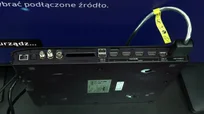
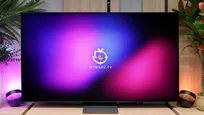
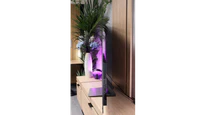
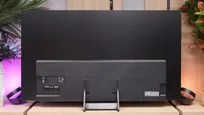
TV appearance

HDMI inputs
0 x HDMI 2.0, 4 x HDMI 2.1 (40Gbps)
0 x HDMI 2.0, 4 x HDMI 2.1 (48Gbps)
Other inputs
Toslink (Optical audio)
Outputs
eARC (HDMI), ARC (HDMI)
Toslink (Optical audio), eARC (HDMI), ARC (HDMI)
Network Interfaces
Wi-Fi 2.4GHz, Wi-Fi 5GHz, Ethernet (LAN) 100Mbps
Wi-Fi 2.4GHz, Wi-Fi 5GHz, Ethernet (LAN) 100Mbps, Ethernet (LAN) 1Gbit
Build quality
Super Premium
Premium
Stand type
Central
Central
Bezel color
Graphite
Graphite
Stand
Fixed
Fixed
Flat design
Yes
No
Accessories
Stand, One Connect Box
Stand

Contrast and black detail

10/10

10/10

Contrast:

Review Samsung OLED S95D Contrast and black detail

Result

∞:1

Review Samsung OLED S95D Contrast and black detail

Result

∞:1

Review Samsung OLED S95D Contrast and black detail

Result

∞:1

Review Samsung OLED S95D Contrast and black detail

Result

∞:1

Review Samsung OLED S95D Contrast and black detail

Result

∞:1

Review Samsung S90H / S92H (QD-OLED) Contrast and black detail

Result

∞:1

Review Samsung S90H / S92H (QD-OLED) Contrast and black detail

Result

∞:1

Review Samsung S90H / S92H (QD-OLED) Contrast and black detail

Result

∞:1

Review Samsung S90H / S92H (QD-OLED) Contrast and black detail

Result

∞:1

Review Samsung S90H / S92H (QD-OLED) Contrast and black detail

Result

∞:1

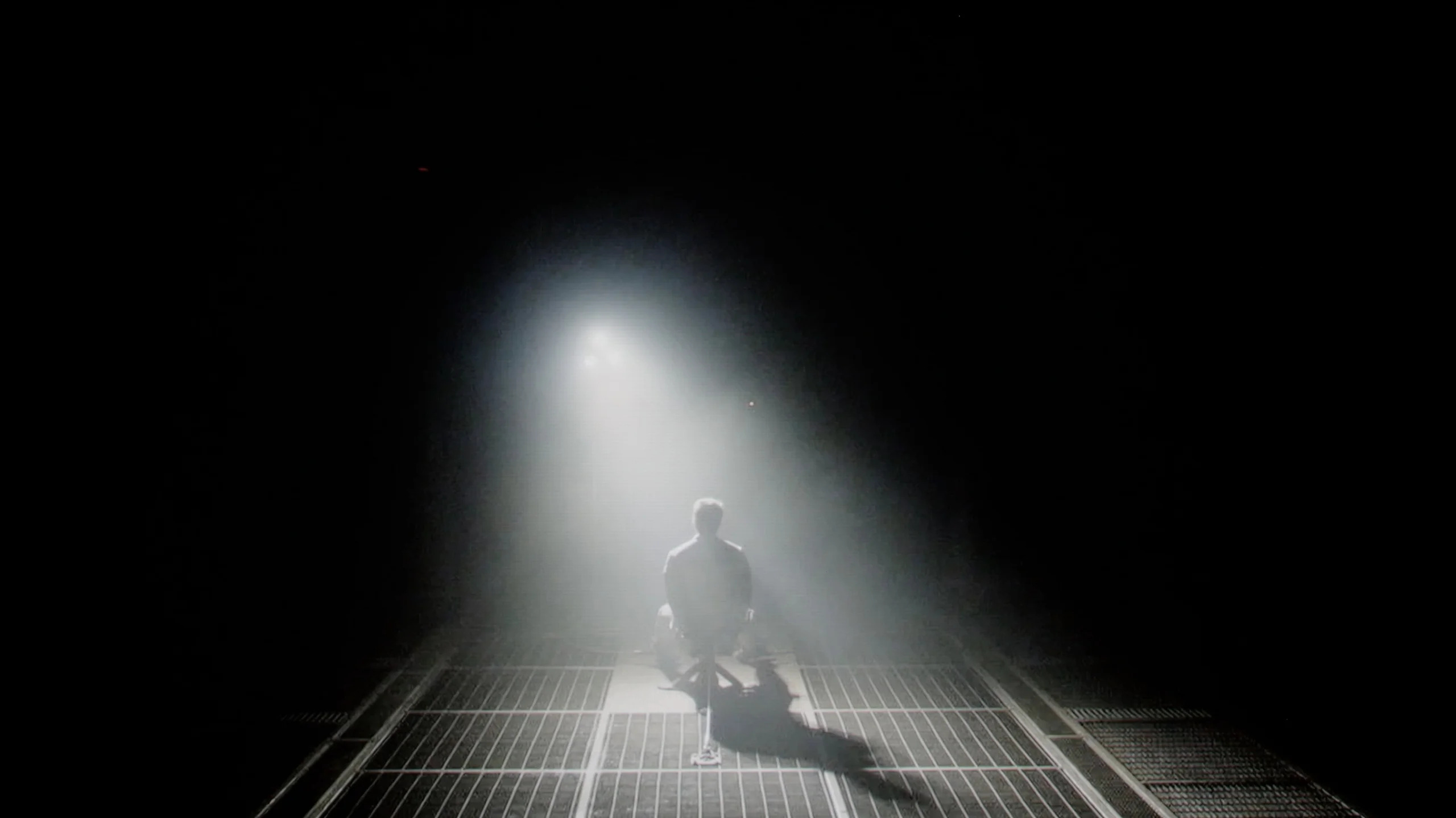
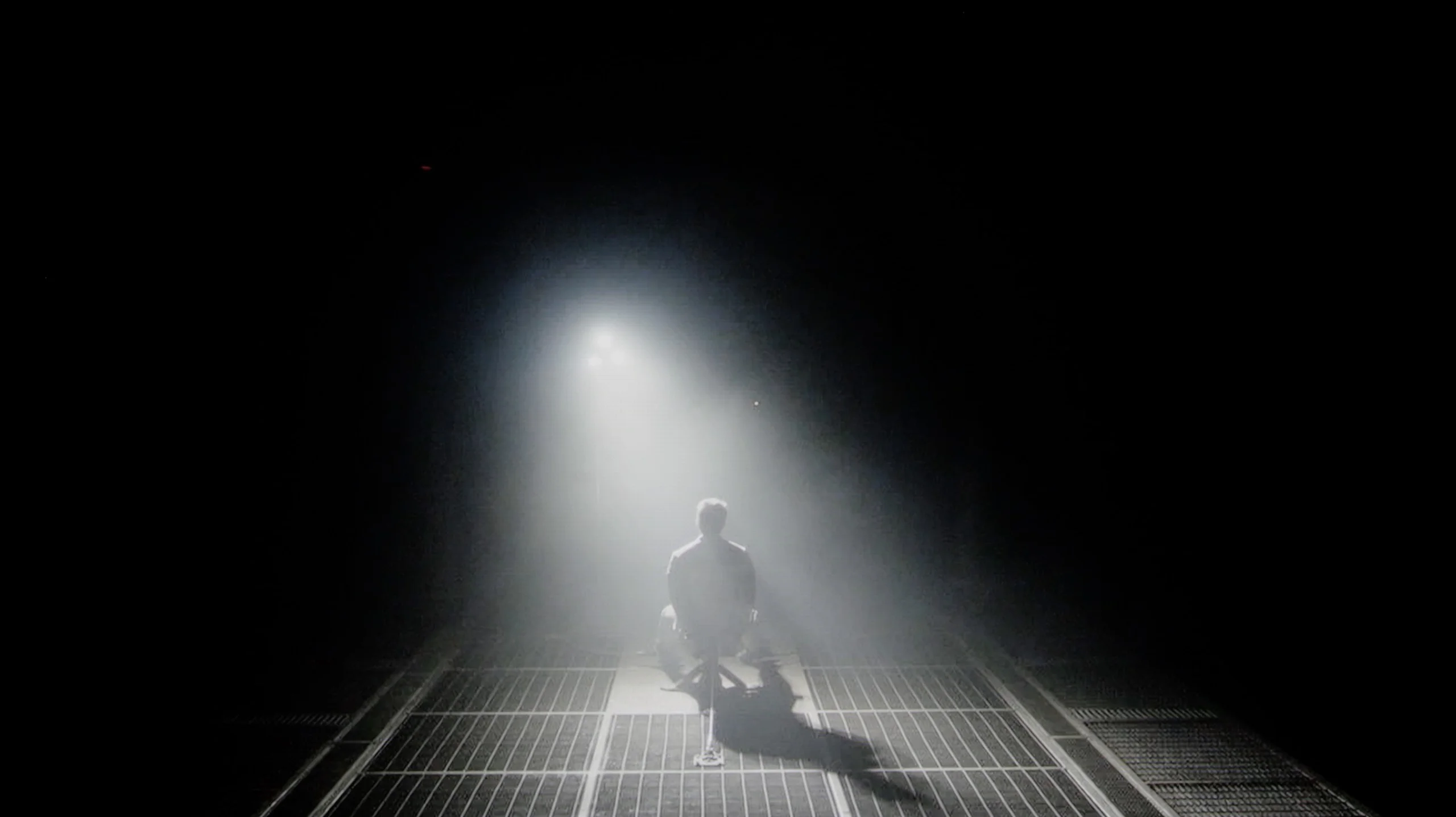
Halo effect and black detail visibility:

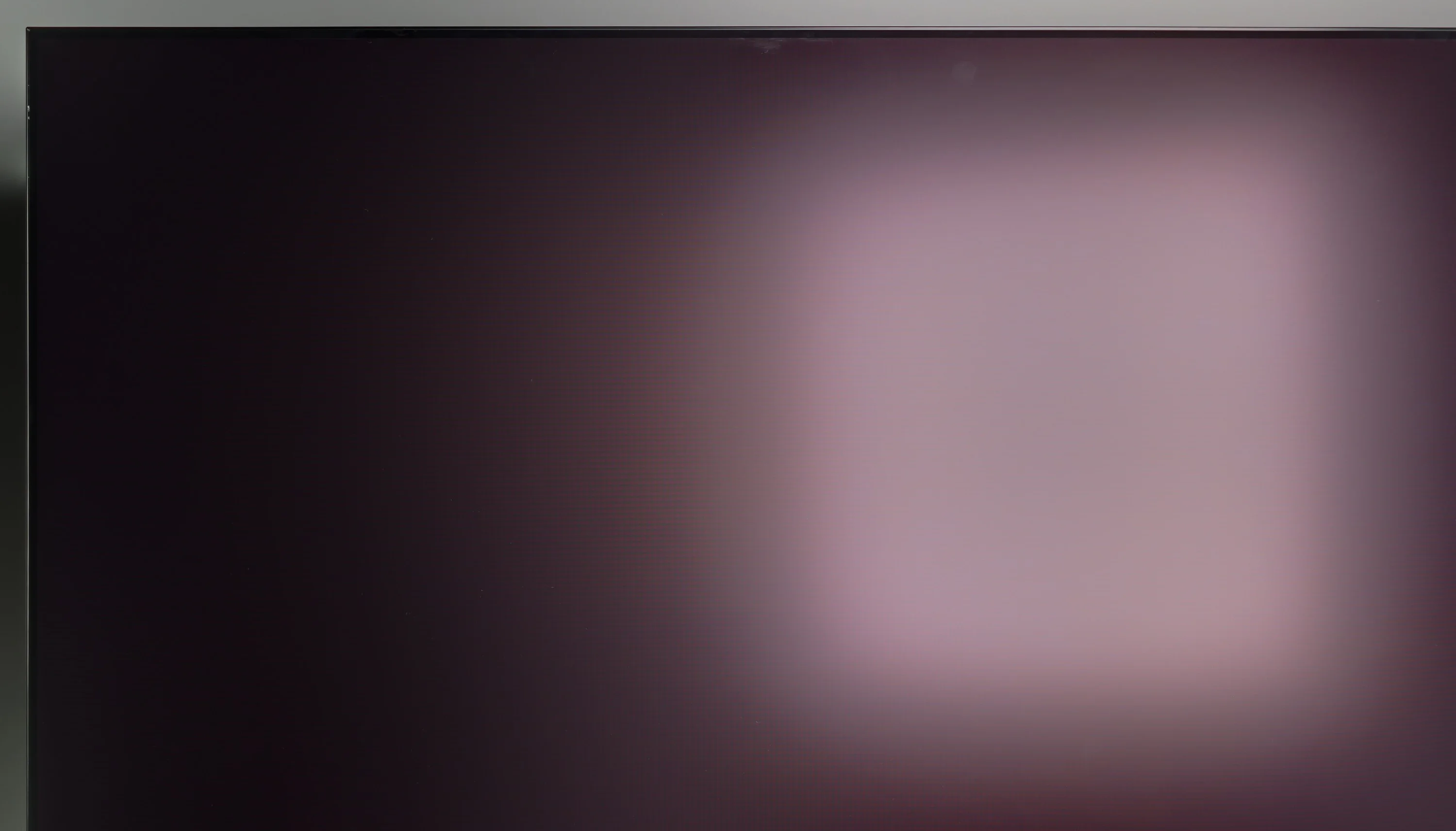
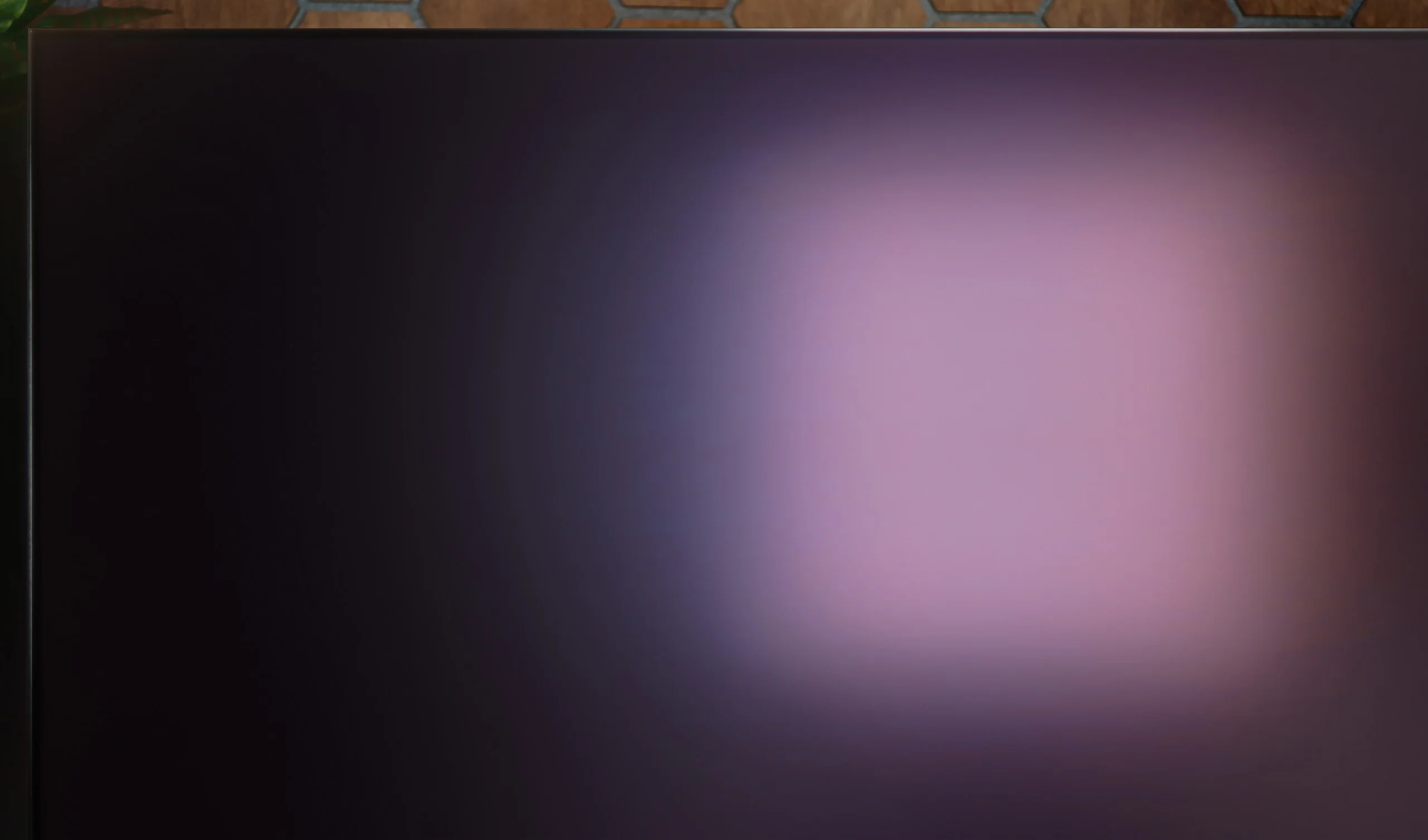
Check the visibility of bright lights on a dark background. Mini-LEDs often struggle with this. The photo does not compare black levels – that’s what the video below is for.

The video accurately shows differences in contrast and black levels between TVs, as well as potential issues: halo around bright objects or Mini-LED zone operation visible as brightness jumps.

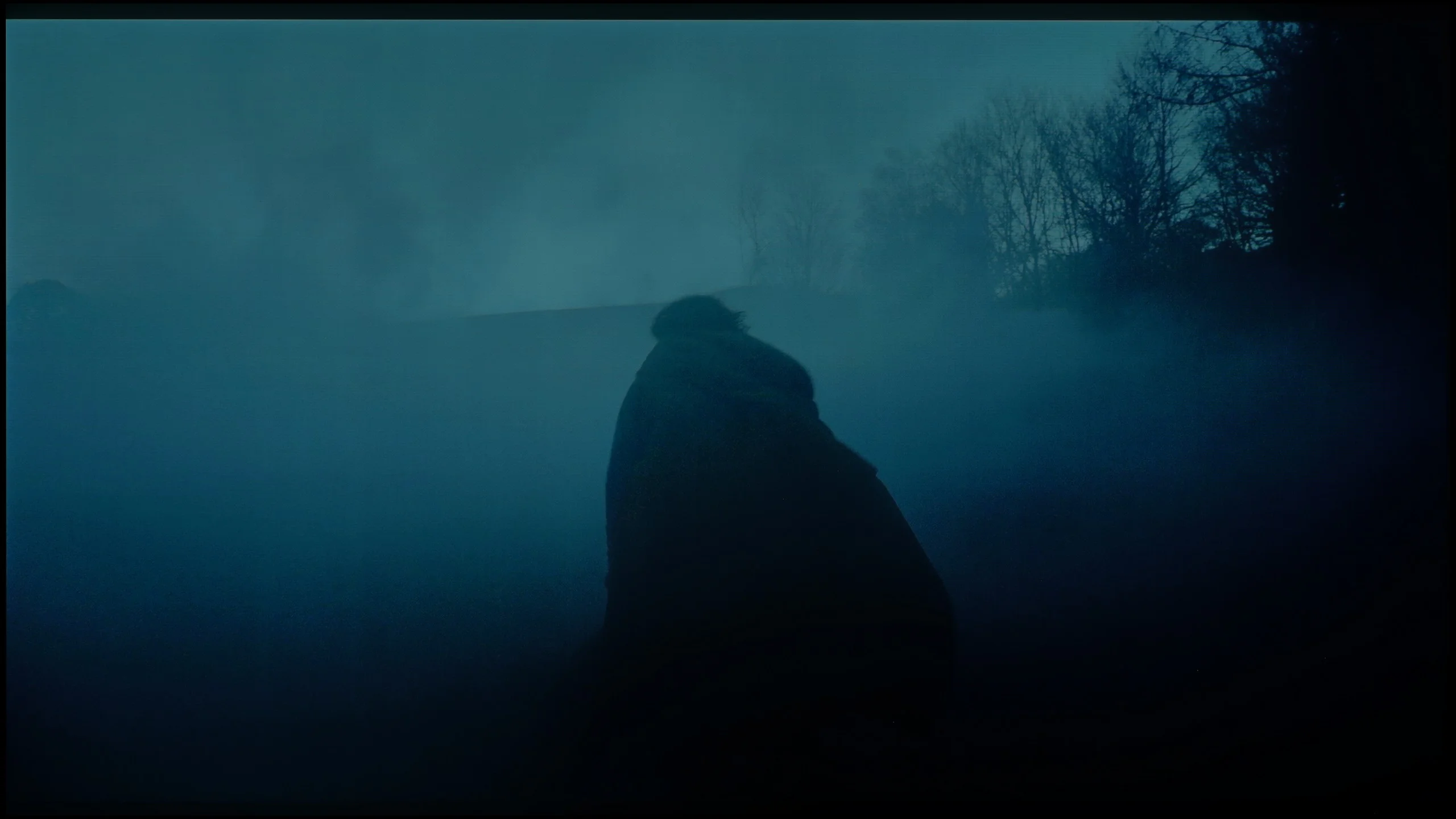
Samsung S95D with QD-OLED technology stands out with incredible black levels, achievable due to self-emissive OLED pixels combined with a quantum dot layer. With this technology, each pixel on the screen can be individually turned off, resulting in absolute black with no light leakage. The result is an image with infinite contrast, where bright objects on a dark background are sharply visible, and details in the shadows are rendered with extraordinary precision. Compared to traditional LCD TVs and other OLEDs, S95D offers exceptional uniformity and depth of black, making it an ideal choice for the most demanding viewers. This provides extraordinary depth and "three-dimensionality" of the image when viewed in the dark.

Because the Samsung S90H uses an OLED panel, it deserves the highest rating for contrast and black levels. Importantly, this applies to both the WOLED panel version and the QD-OLED variant we tested. Each pixel emits light independently and can be turned off completely, so the TV delivers perfect blacks and virtually infinite contrast. This translates into excellent image depth and very clear separation of bright elements from a dark background, without the halo effect (blooming) that still appears even in the best LCD TVs. The effect is especially impressive when watching in a dark room, where dark scenes look incredibly realistic and the picture gains in three-dimensionality and detail.

HDR effect quality

7.8/10

7.8/10

Supported formats
HDR10, HDR10+, HLG
HDR10, HDR10+, HLG
Color gamut coverage
DCI P3: 99.6%, Bt.2020: 87.7%
DCI P3: 99.8%, Bt.2020: 89.6%

Luminance measurements in HDR:

Review Samsung OLED S95D Brightness measurement

Result

1400 nit

Review Samsung OLED S95D Brightness measurement

Result

1521 nit

Review Samsung OLED S95D Brightness measurement

Result

1560 nit

Review Samsung OLED S95D Brightness measurement

Result

1385 nit

Review Samsung OLED S95D Brightness measurement

Result

804 nit

Review Samsung S90H / S92H (QD-OLED) Brightness measurement

Result

1464 nit

Review Samsung S90H / S92H (QD-OLED) Brightness measurement

Result

1470 nit

Review Samsung S90H / S92H (QD-OLED) Brightness measurement

Result

1269 nit

Review Samsung S90H / S92H (QD-OLED) Brightness measurement

Result

1505 nit

Review Samsung S90H / S92H (QD-OLED) Brightness measurement

Result

902 nit

Scene from the movie “Pan” (about 2800 nits)

Scene from the movie “Billy Lynn” (about 1100 nits)

The photos show two HDR10 movies. 'Pan' is one of the brightest productions ever made, while 'Billy Lynn' (soldier) has brightness typical of streaming (Netflix, Prime, HBO MAX). Notice the intensity of effects and detail in whites.

Static HDR10

The photos present the visibility of white details in various HDR formats. They do not show brightness differences between TVs (these can be compared in the previous gallery).

Dynamic: HDR10+

Dynamic: HDR10+

The photos present the visibility of white details in various HDR formats. They do not show brightness differences between TVs (these can be compared in the previous gallery).

HDR luminance chart:

Samsung S90H / S92H (QD-OLED)

Samsung OLED S95D

Samsung S95D offers excellent HDR performance, providing uniform effects across all scenes exceeding 1500 nits, except for the fifth scene, where brightness drops to 800 nits. Despite this, the television maintains a high level of image quality. A significant advantage of QD-OLED technology is its ability to retain high brightness even in the smallest elements on a black background, which is uncommon in LCD and mini LED televisions. This ensures that every scene captivates with strong light effects, regardless of the size of the illuminated surface. Only in the brightest scenes with large light areas does brightness slightly decrease, which is typical even for standard LG-produced OLEDs. Additionally, the quantum dot coating has allowed for unprecedented high coverage of the BT.2020 colour gamut at 88%.

The Samsung S90H is a truly bright TV for the midrange among OLEDs. In synthetic measurements its peak brightness reached about 1650 nits. That's an outstanding result in this class, roughly 50% higher than what we’ve seen from previous models at this price point. Crucially, these tests translate directly to real video material. In 4 out of 5 film shots we tested the S90H’s brightness hovered around 1300–1500 nits. That headroom lets the TV reproduce most HDR movies with the same dynamics and expression the creators intended in post-production. Of course, on full-screen, very bright scenes the result is naturally lower and drops to around 900 nits. That’s a direct result of the protection systems that prevent the OLED panel from being overloaded. Even in that scenario there’s no reason to complain. Those 900 nits across the entire screen is still a very high level, ensuring excellent dynamics in HDR content.

A major advantage of QD-OLED TVs has always been color, and the S90H is no exception. The DCI-P3 gamut we measured reached a full 100% (exactly 99.9%), while coverage of the much wider BT.2020 gamut hit roughly 89%. That’s a great result, allowing you to enjoy extremely saturated, vivid colors in HDR content. It’s worth noting these figures are better than WOLED panels, which is especially noticeable in very demanding film scenes.

Factory color reproduction

7.5/10

8.3/10

This gallery shows how colors change after professional TV calibration. If you notice the difference, we recommend ordering this service at SkalibrujTV.com.

Factory Mode

After calibration

This gallery shows how colors change after professional TV calibration. If you notice the difference, we recommend ordering this service at SkalibrujTV.com.

Factory Mode

After calibration

The Samsung S95D’s Filmmaker mode excels in colour accuracy, making it ideal for true-to-life viewing and closely reflecting the intent of content creators. We rely on this mode for all testing, as it presents significantly more detail than the often oversaturated standard or dynamic modes. Initially, viewers may find the image slightly warmer in Filmmaker mode, but it brings out a more authentic, balanced display. Despite being in the premium segment, the factory settings aren’t perfect. For example, there is a dip in red tones in the white balance for both HD and HDR content, with Colour Checker tests showing a cooler colour bias that shifts the image towards blue, impacting the natural appearance of scenes. In the sample photo, the boy appears in cooler tones, which diminishes realism.

Brightness performance for HD content is generally on point, though minor inconsistencies appear. However, the more noticeable issue arises with 4K HDR content. While the EOTF curve seems accurate in test patterns, real scenes sometimes reveal fluctuations, where some areas are overly brightened or darkened. Although the S95D offers reasonably good out-of-the-box colour reproduction, calibration is recommended to achieve a more precise, natural, and immersive picture, maximising the television’s potential.

The next stage of the test was to check how the S90H handles color reproduction without any calibration. As always, we took measurements in Filmmaker Mode, the best out-of-the-box picture setting. And here Samsung truly deserves praise. The factory tuning is at a very high level, and a few years ago that wasn't one of its strong points. The white balance was set correctly, as was the brightness response. The average color error (Delta E) hovered around 3, which is below the level at which most people can notice inaccuracies. Only in the brightest shades of gray did values slightly approach 4, but it's still hard to consider that a real viewing issue. For settings straight out of the box, the result is simply excellent.

Color reproduction after calibration

9/10

9.4/10

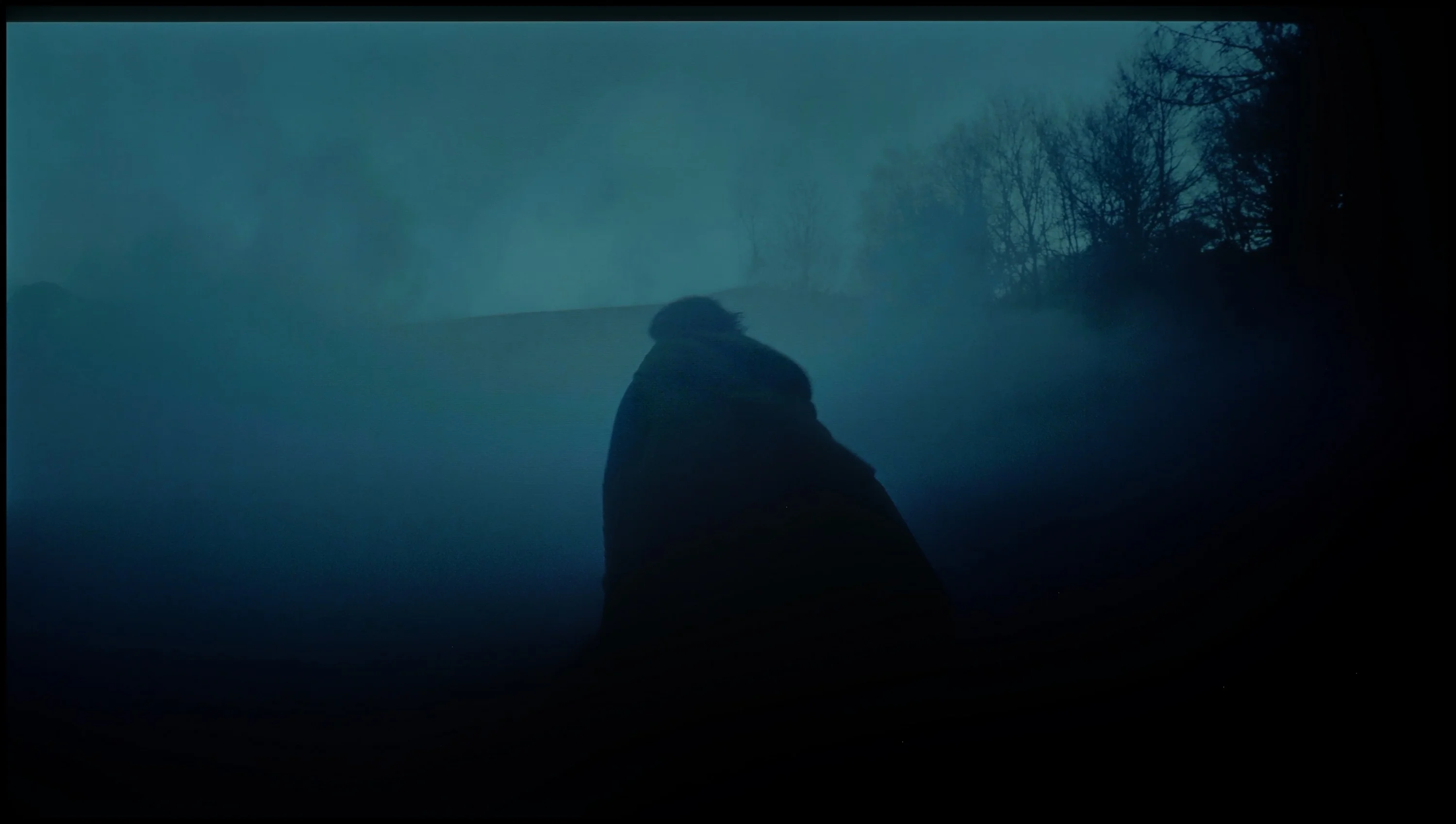
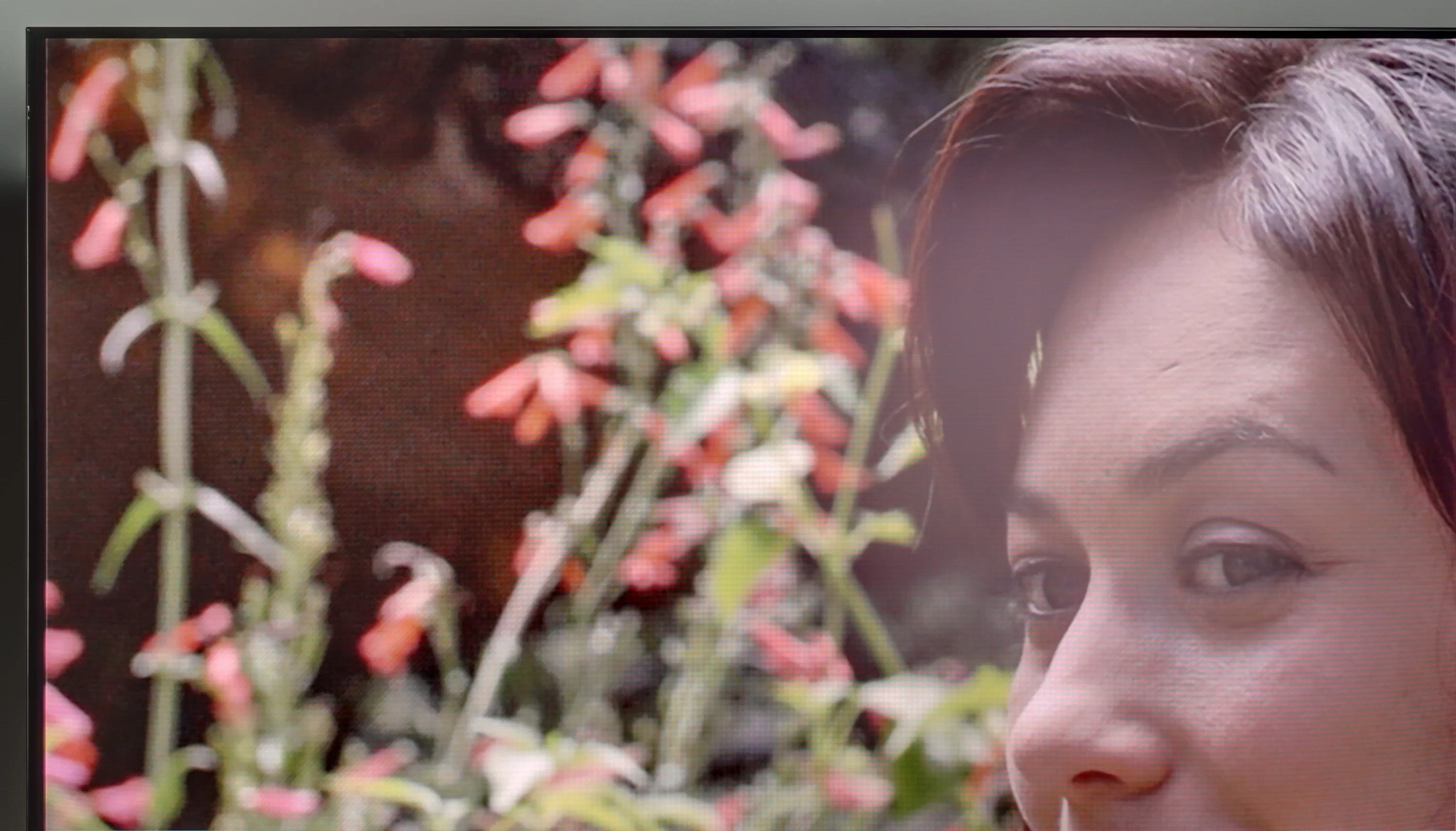
The photos show how movies look on the TV. Pay attention to black detail visibility, colors, and shadow tint.

The photos show how movies look on the TV. Pay attention to black detail visibility, colors, and shadow tint.

Calibration can significantly elevate a television's image quality, enhancing both accuracy and overall viewing experience. For the Samsung S95D, calibration has notably refined the white balance, removing major colour inaccuracies to produce more natural and balanced tones, which allows for a closer representation of the filmmakers’ vision. The adjustments bring subtle improvements to contrast and gamma, with more pronounced distinctions between light and dark areas, adding depth and revealing finer details in both shadows and highlights. This creates a richer, more lifelike image with enhanced detail, particularly in darker scenes where shadows now hold greater clarity, while bright areas appear well-balanced rather than overly intense.

Despite these improvements, the EOTF curve remains slightly below ideal, which might influence the handling of dynamic scenes. However, the enhanced tonal transitions and boosted contrast post-calibration make the S95D an excellent choice for film and high-definition content, bringing it closer to reference-level quality. This calibration enables the television to deliver a more immersive, accurate visual experience in line with industry standards, ultimately offering a more rewarding viewing experience.

Okay, but you know we wouldn’t be ourselves if we didn’t check how much more we could squeeze out of the S90H with professional calibration. And there was no big surprise here: since the out-of-the-box settings were already very good, there wasn’t a huge reserve. Even so, we managed to refine the picture almost to perfection. After calibration the average color reproduction errors fell below the threshold of perception, reaching Delta E values under 2 for both SDR and HDR material. We also improved the brightness response, so the image more faithfully reflects the creators’ intent and maintains proper tonality across the full brightness range. Not necessarily, because the factory settings already deliver a very high level. If you want the most accurate image and want to squeeze absolutely everything out of this panel, the S90H offers that potential. After professional calibration it’s simply an almost reference display.

Will the difference be spectacular for everyone? Not necessarily. It depends a lot on the individual unit. Our sample was very well tuned straight out of the box, but that doesn’t mean every S90H will perform at the same level. Even identical models can vary in their factory calibration. That’s exactly why professional calibration makes sense: it lets you bring a specific unit to the highest possible accuracy instead of hoping for a bit of luck when buying.

Smoothness of tonal transitions

8.5/10

9/10

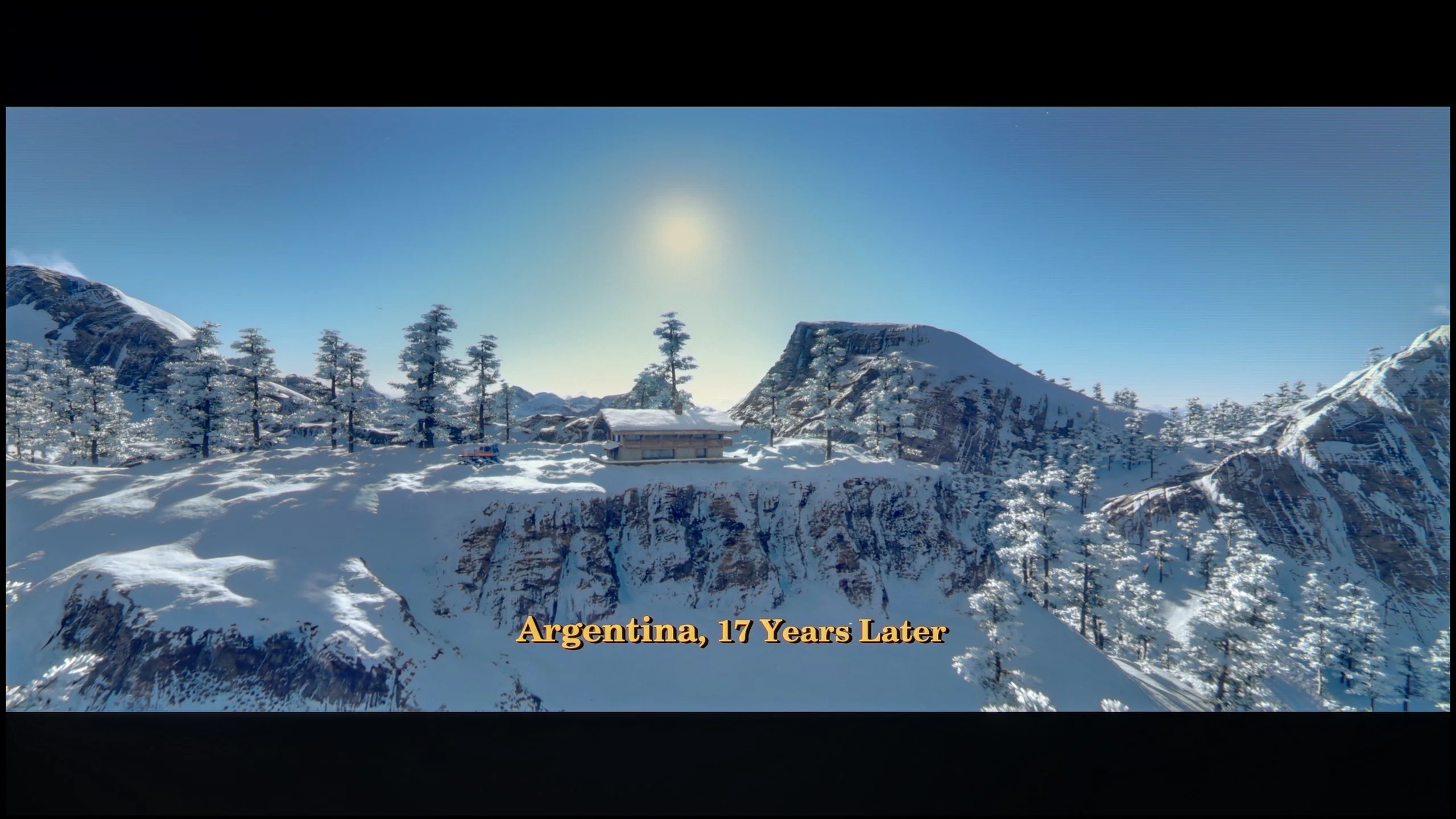
These are selected scenes that show smooth tonal transitions from one color to another. If you see distinct banding, it’s the TV panel’s fault.

These are selected scenes that show smooth tonal transitions from one color to another. If you see distinct banding, it’s the TV panel’s fault.

These are selected scenes that show smooth tonal transitions from one color to another. If you see distinct banding, it’s the TV panel’s fault.

These are selected scenes that show smooth tonal transitions from one color to another. If you see distinct banding, it’s the TV panel’s fault.

The tonal gradation in the Samsung S95D television is exceptional. Even in the most demanding scenes from tested films, the TV performs remarkably well, with minimal and nearly imperceptible issues related to smoothing tonal transitions. These minor imperfections are unlikely to be noticed by the average viewer, enhancing the overall positive visual experience during everyday use.

Furthermore, the incorporation of a QD-OLED panel enables the S95D to achieve superior results compared to the best WOLED panels produced by LG. This advanced technology contributes to a more vibrant and nuanced colour reproduction, allowing viewers to enjoy a richer and more immersive viewing experience. Overall, the Samsung S95D sets a high standard for tonal performance in televisions.

The smoothness of tonal transitions here is really high. In most content it's hard to spot any noticeable posterization, and if it does appear, it's only in the most demanding scenes. That's one of the advantages of the QD-OLED panel. These panels simply handle smooth transitions between shades better than traditional WOLEDs. So if you care about the smoothest possible gradients, the QD-OLED variant has a clear advantage here.

Image scaling and smoothness of tonal transitions

7.5/10

7.5/10

Image without overscan on the SD signal
No
No
Smooth transition function
OK
OK

Smooth transition function

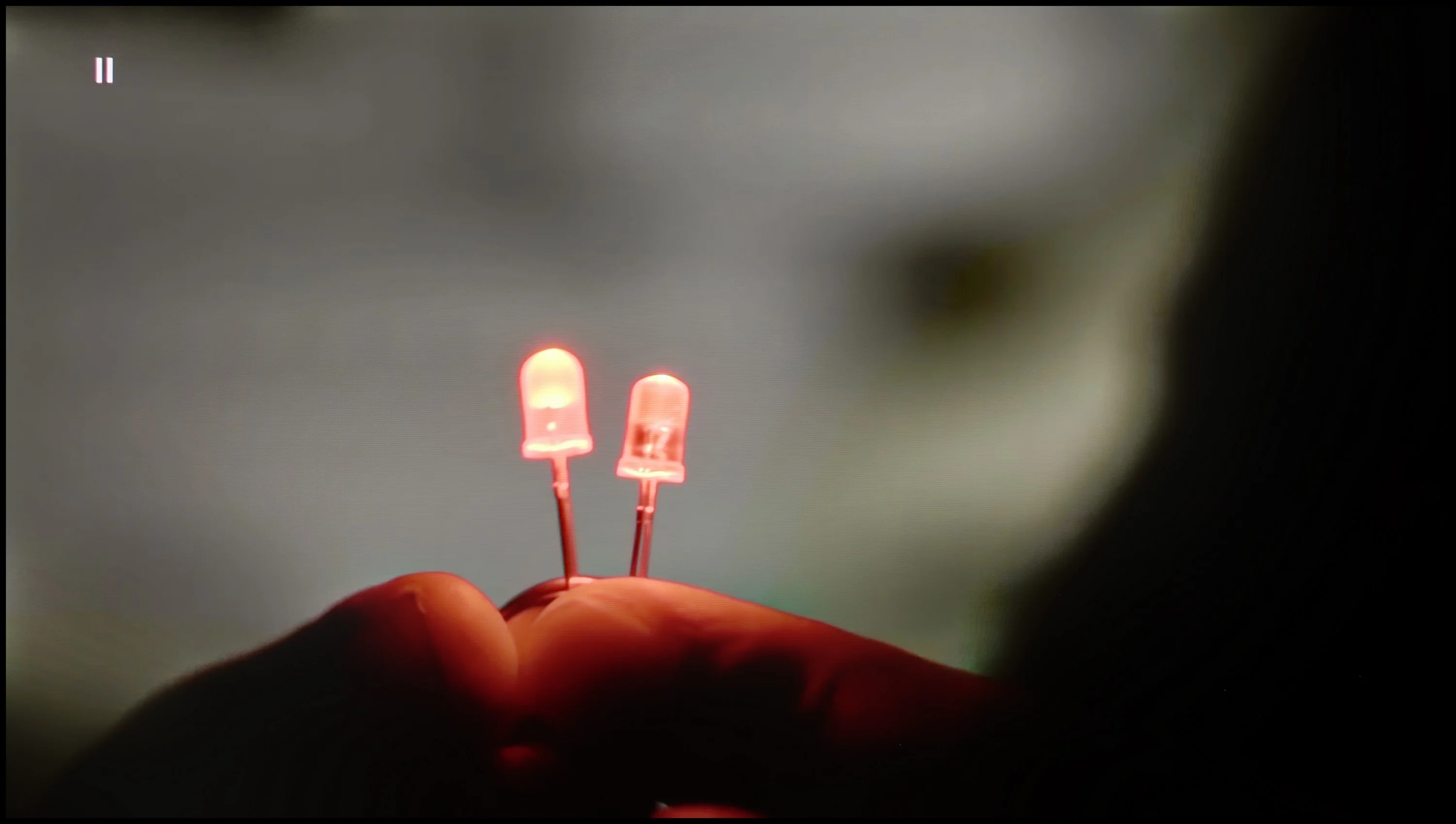
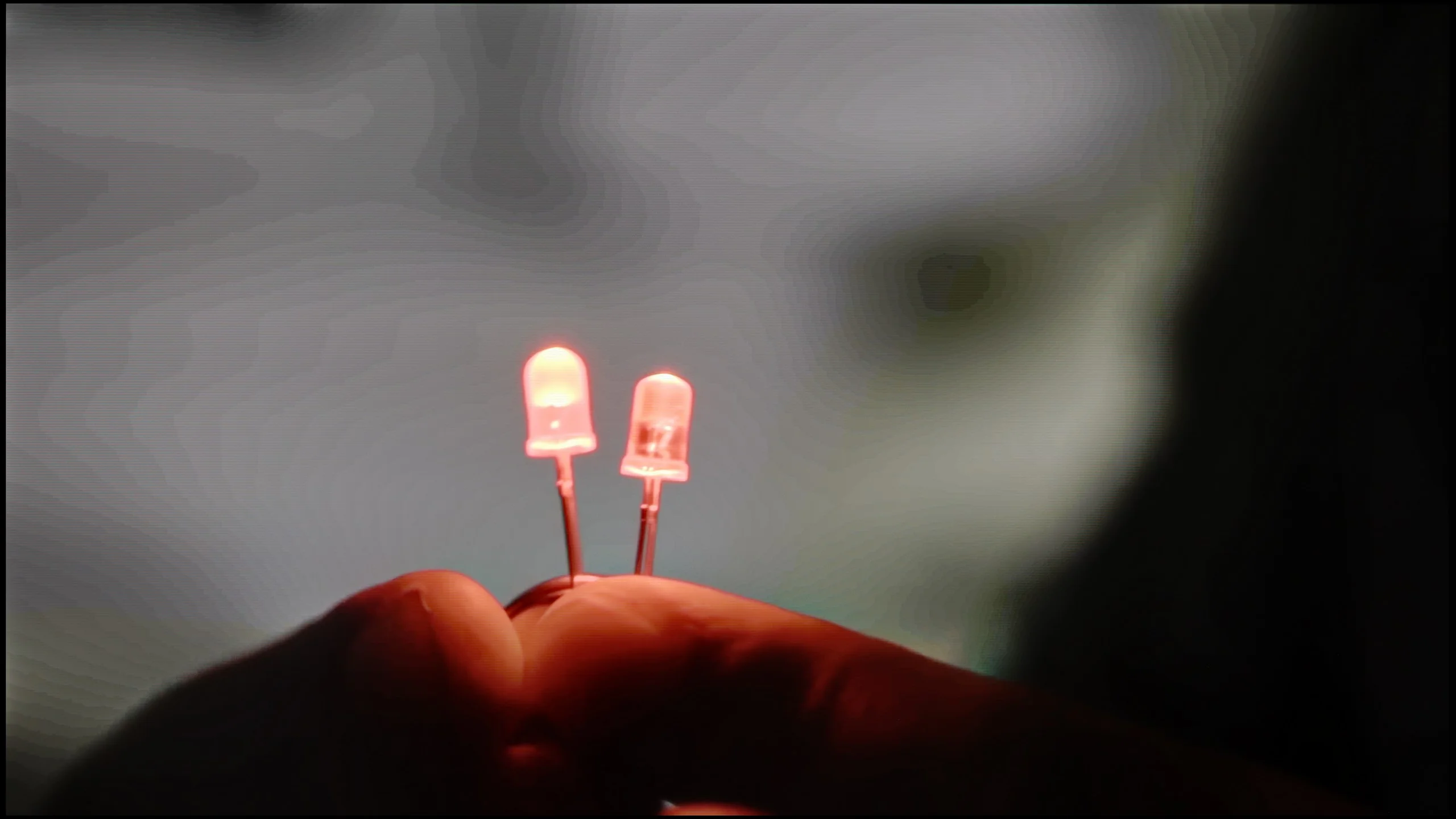
The match photo shows how the TV smooths weak tonal transitions in low-quality video.

Image scaling SD (576i)

The model photo shows how it handles upscaling of SD material.

The Samsung S95D handles tonal transitions in lower-quality materials exceptionally well. In tests featuring a screen with a light bulb, there are virtually unnoticeable transitions between shades of grey, positioning it among the best televisions we have evaluated in this aspect.

Regarding digital processing, the S95D excels in rendering the entire image—whether it's branches or figures—without any jagged edges or overly pronounced contours. However, one point to note is that the image appears slightly trimmed. Despite this minor issue, the television still performs admirably, ensuring that details in lower-quality materials remain noticeable and well-defined. This ability to maintain clarity and depth in various content types further solidifies the S95D's reputation for delivering a high-quality viewing experience.

In this regard Samsung has practically changed nothing compared with last year’s model, which is actually pretty good news. The function responsible for smoothing tonal transitions still very effectively reduces posterization. You should remember, however, that it works quite aggressively, because besides removing artifacts it can also eliminate film grain and slightly soften fine image details. As always, it’s a matter of compromise and personal preference. If you want the most faithful reproduction of the source, we recommend leaving this function turned off.

There’s also no revolution when it comes to upscaling. The S90H uses the same proprietary NQ4 Gen3 image processor as its predecessor, so scaling quality has remained virtually unchanged. The TV handles lower-resolution content well, effectively improving sharpness. The overscan issue still hasn’t been solved, though. With some older material, especially archival footage, parts of the image at the edges may be cropped. It’s a minor flaw, but it’s a shame Samsung left this problem unchanged for another year running.

Blur and motion smoothness

8.5/10

8.5/10

Maximum refresh rate of the panel
144Hz
165Hz
Film motion smoothing option
OK
OK
Blur reduction option
OK
OK
BFI function 60Hz
Yes, 60Hz (image flickers)
BFI function 120Hz
No
No
Brightness drop with BFI
50%
50%

Blur (native resolution, maximum refresh rate):

Blur (BFI function enabled):

Image flickers in this mode

Image flickers in this mode

Blur ():

Blur (4K@165HZ):

The Samsung S95D TV, featuring a refresh rate of 120 Hz (and even 144 Hz when configured correctly for PC use), guarantees exceptional motion smoothness. Samsung provides a range of image sharpness settings on a ten-point scale, enabling users to customise the display according to their preferences— favouring a more cinematic look or a smoother, theatrical feel.

In UFO tests, the OLED panel demonstrates its strengths by effectively eliminating any blurring. The rapid pixel response ensures that dynamic movements are replicated with remarkable precision, resulting in a fluid viewing experience that enhances fast-paced content, such as action films or competitive gaming. This combination of high refresh rates and superior pixel response makes the S95D an outstanding choice for those seeking crisp, clear motion in their visual media.

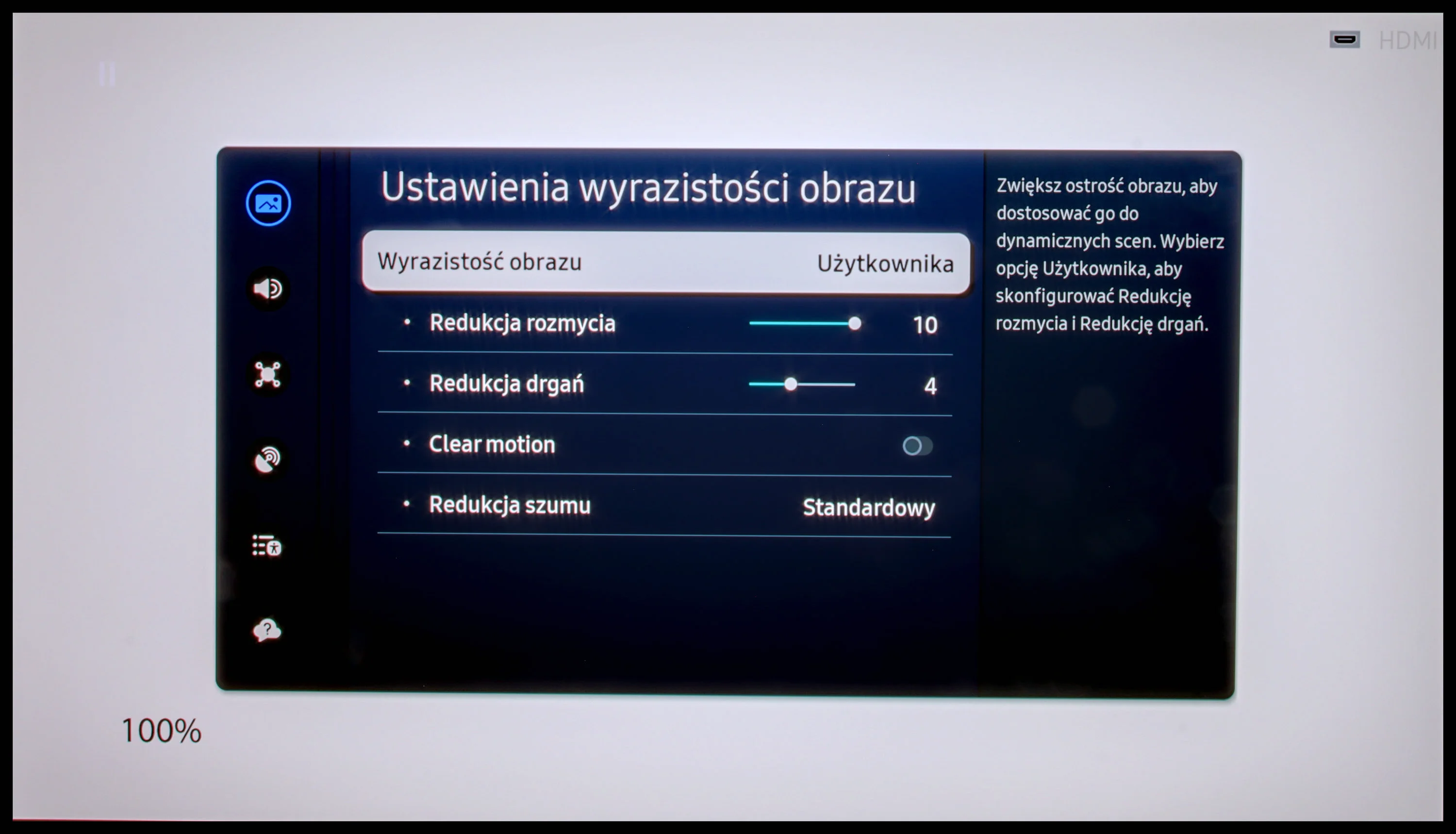
In terms of motion smoothness, the S90H delivers a very high level. New here is a panel with a 165 Hz refresh rate. In practice, when watching movies or sports broadcasts it's hard to notice any difference, because that kind of content doesn't use refresh rates higher than 120 Hz. The extra 165 Hz will be appreciated mainly by PC gamers who can generate that many frames per second. Samsung equipped the TV with advanced motion settings. You get two sliders (judder reduction and blur reduction) that make it easy to tailor the picture's character to your preferences. You can easily get very smooth motion for sports, but you can just as easily preserve a more cinematic feel with the typical 24 fps. It all depends on which effect you prefer.

Console compatibility and gaming features

9.6/10

9.6/10

  • ALLM
    Yes
    Yes
  • VRR
    Yes
    Yes
  • VRR range
    48 - 144Hz
    48 - 165Hz
  • Dolby Vision Game Mode
    No
    No
  • Correct implementation of HGIG
    Yes
    Yes
  • 1080p@120Hz
    Yes
    Yes
  • 1440p@120Hz
    Yes
    Yes
  • 4K@120Hz
    Yes
    Yes
  • Game bar
    Yes
    Yes

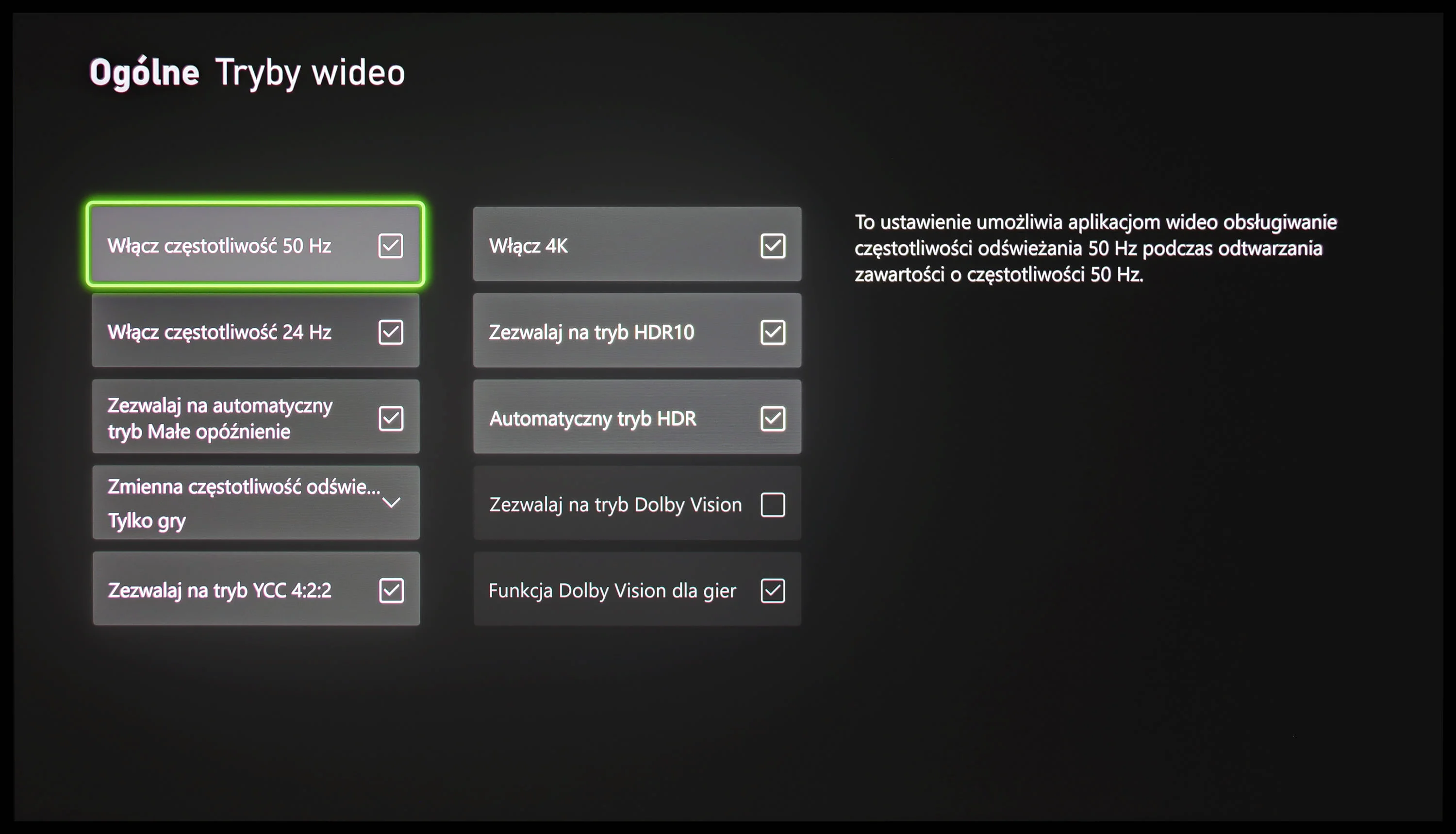
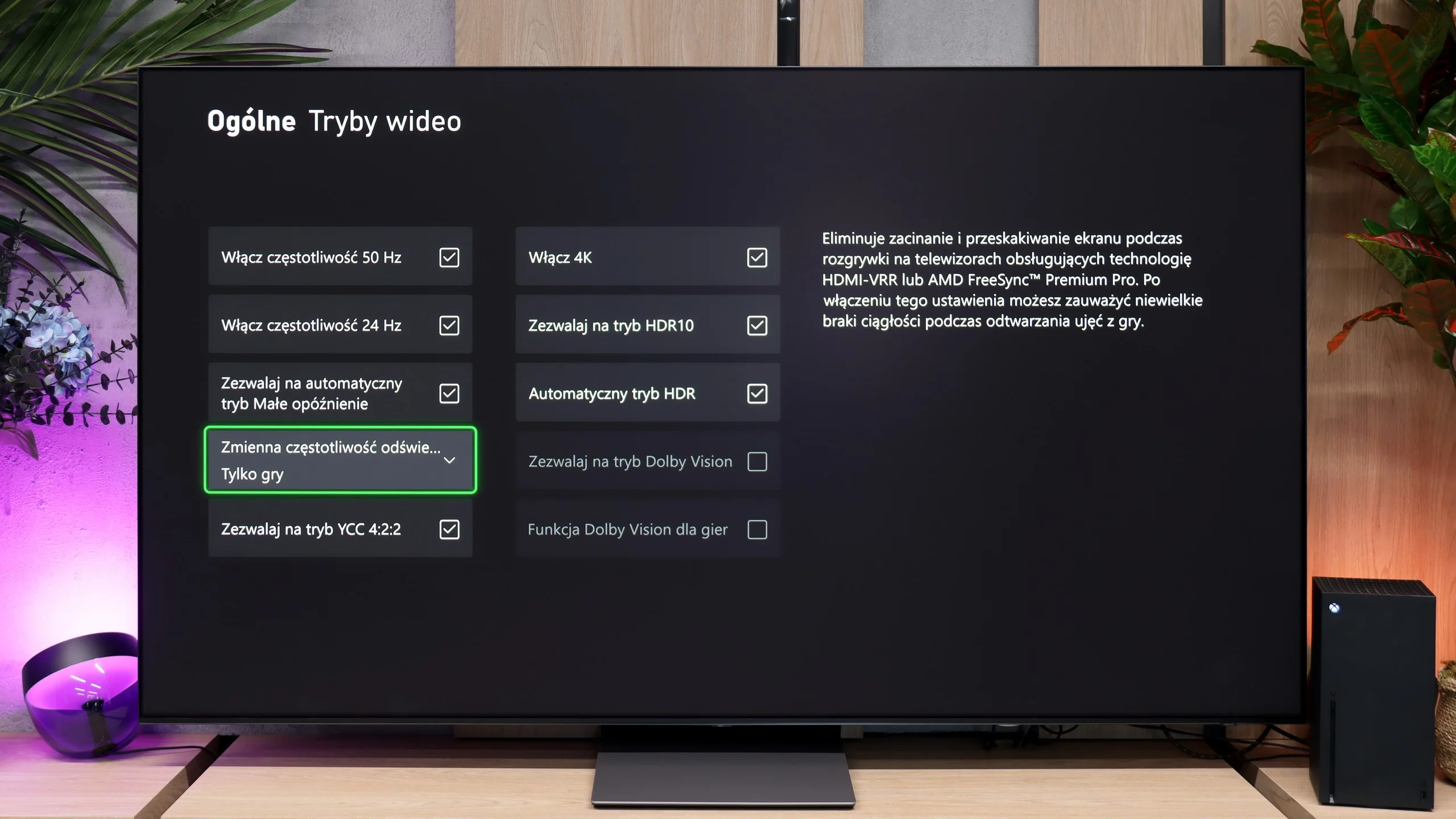
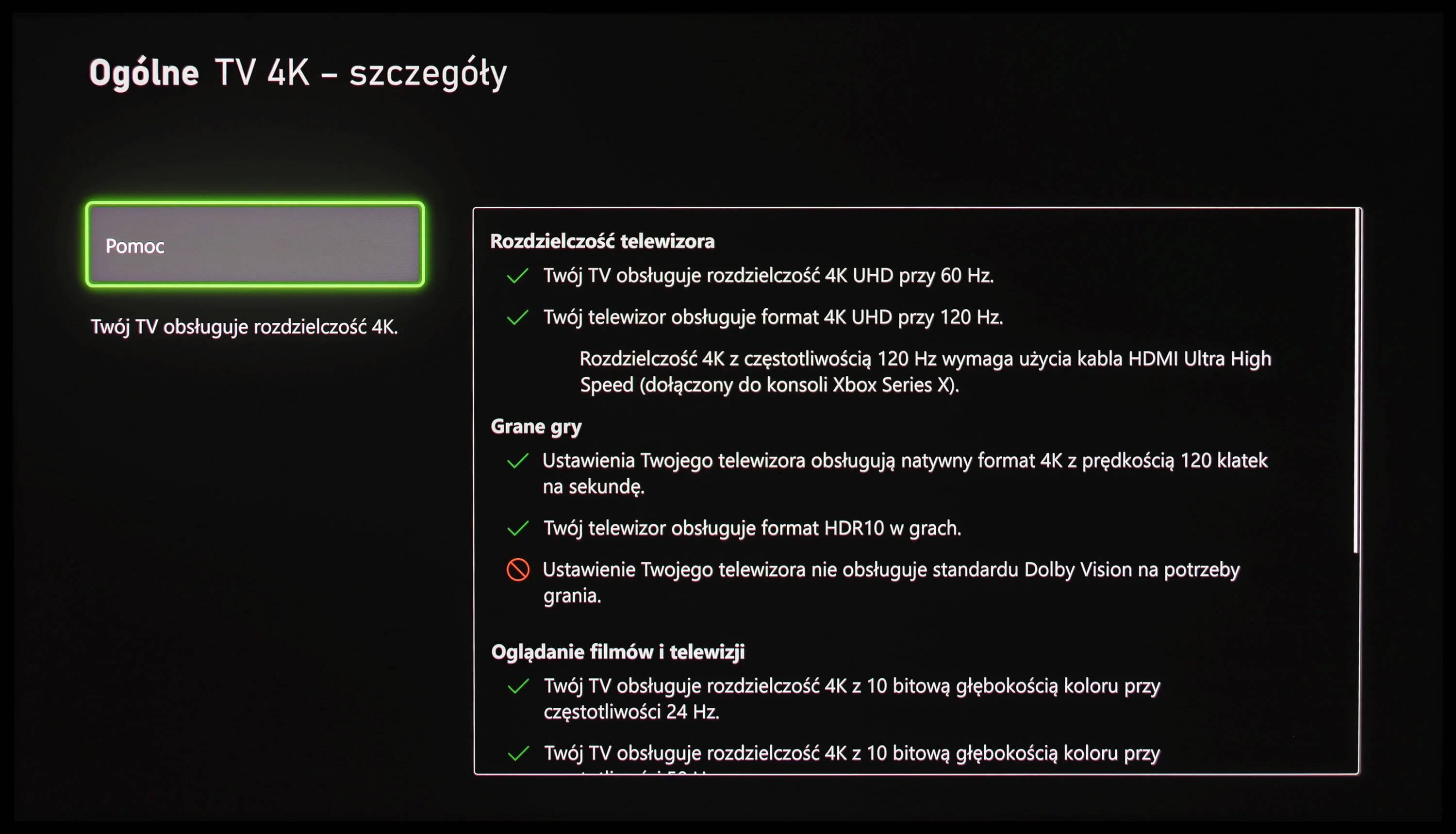
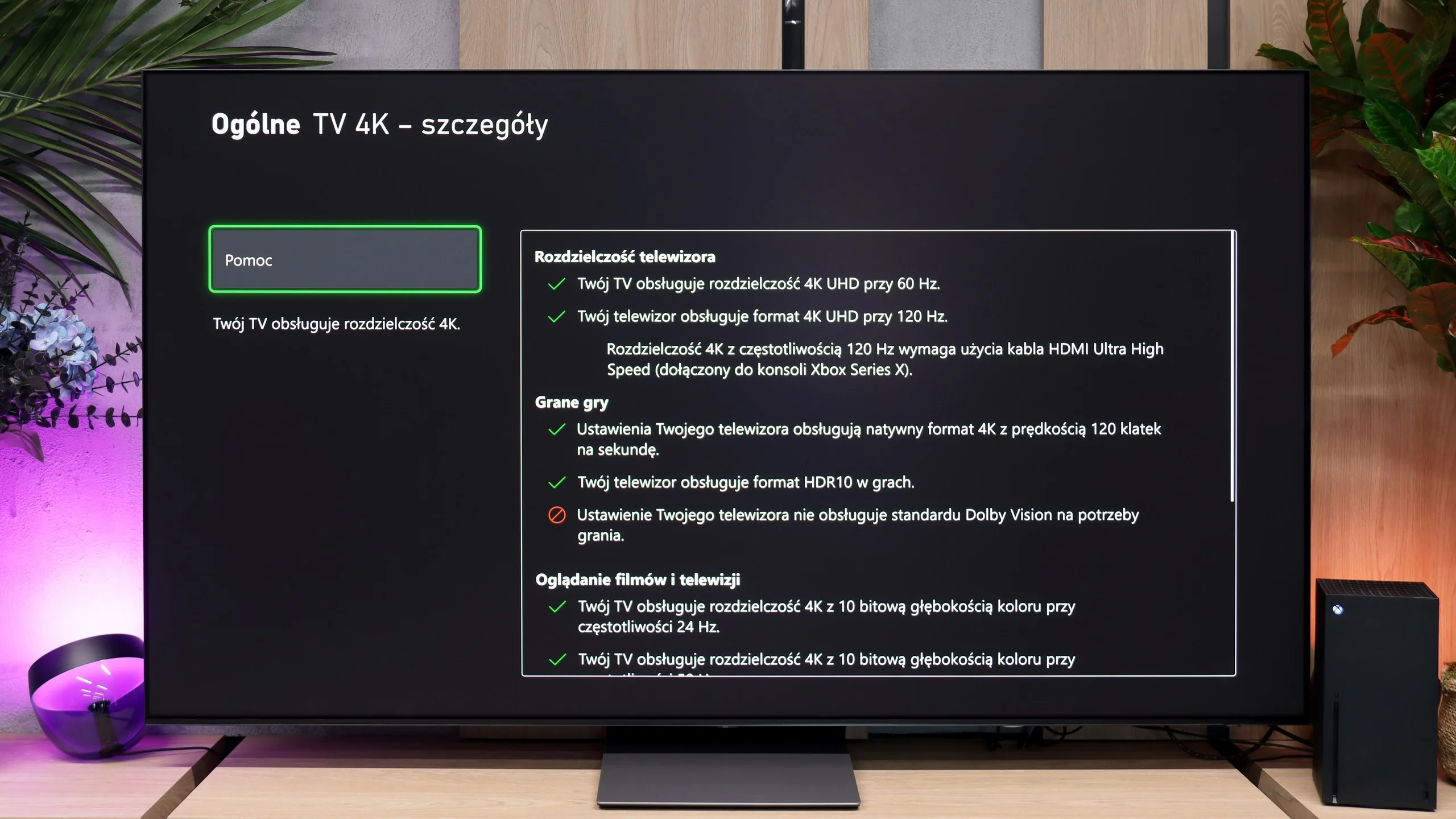
The Samsung S95D TV is expertly designed to meet the needs of gamers, featuring four HDMI 2.1 ports that support essential functionalities like Auto Low Latency Mode (ALLM), Variable Refresh Rate (VRR), and HDR Gaming Interest Group (HGIG). While the HDMI 2.1 ports do not offer the full 48Gb bandwidth, they are still adequate for achieving the desired resolution and smooth performance.

These technologies enable players to experience smoother and more responsive gameplay, significantly enhancing comfort and performance during intense gaming sessions. A standout feature is the Xbox app, which facilitates cloud gaming without requiring a console. This allows gamers to access an extensive range of titles directly on the TV, enjoying high image quality and fluid gameplay.

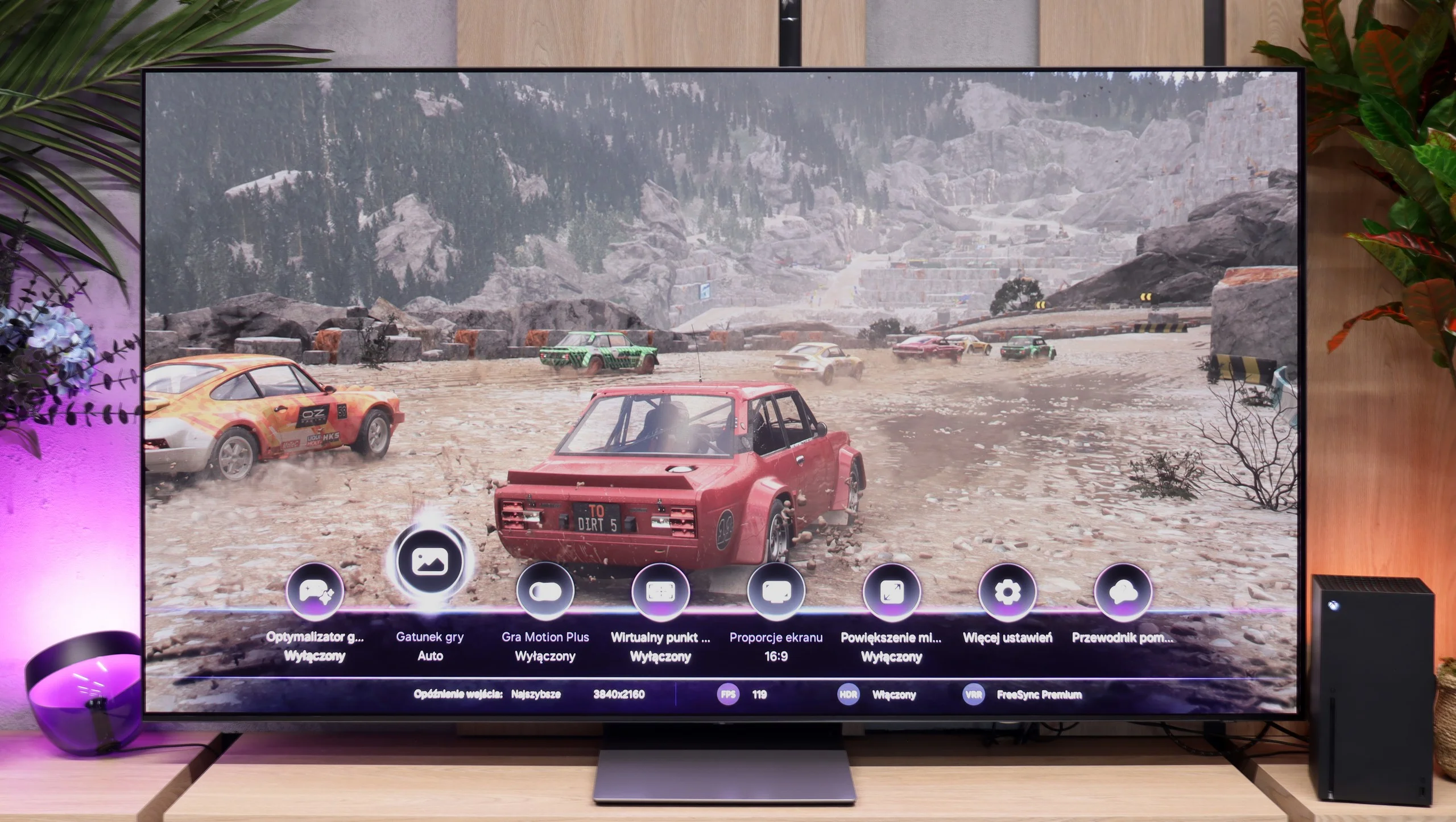
Additionally, the S95D includes a Game Bar feature, making it easy to manage game settings with quick adjustments, such as changing the screen ratio—an extremely useful function for various games and gameplay modes. The support for G-Sync and FreeSync is another advantage, particularly for Nvidia and AMD graphics card users.

Although the S95D lacks support for Dolby Vision, it still provides an impressive array of features, making it an ideal choice for console gaming enthusiasts. Overall, the S95D combines cutting-edge technology with exceptional picture quality, creating a comprehensive package for any gamer seeking an immersive experience.

From the start the Samsung S90H feels like a TV designed with gamers in mind, and honestly... it's hard to blame them. The manufacturer equipped it with everything you’d expect from a gaming TV. You get four full-bandwidth HDMI 2.1 ports, support for ALLM and VRR, and very high refresh rates. There’s also a clear Game Bar that lets you quickly check key picture parameters or change settings without leaving the game. Another very welcome improvement is that HGiG now works properly. Last year it could cause a lot of issues, but on the S90H it behaves exactly as it should.

Samsung’s real ace, however, is its proprietary Game Motion Plus mode. The feature works similarly to the motion smoothing known from movies, improving animation smoothness in games while keeping input lag at a very reasonable level. For titles running at 30/60 fps, with the right settings, input lag did not exceed 40 ms in our tests. That’s a very good result, especially since enabling similar features from many manufacturers can end up increasing lag three to four times. It’s a feature that partly makes up for the lack of Dolby Vision Gaming. A smoother image often provides more noticeable benefits than the HDR format itself, so for many gamers this will be a far more valuable addition.

Input lag

10/10

10/10

SDR

1080p60
9 ms
10 ms
1080p120
5 ms
5 ms
2160p60
9 ms
10 ms
2160p120
5 ms
5 ms

HDR

2160p60
9 ms
10 ms
2160p120
5 ms
5 ms
4320p60

Dolby Vision

2160p60 DV
2160p120 DV

The Samsung S95D TV excels with an exceptionally low input lag of just 5 ms for 120 Hz content and 9 ms for 60 Hz content. These impressive figures contribute to an incredibly smooth gaming experience, ensuring players can react quickly and accurately during intense gaming sessions. If our scale extended beyond 10 points, the S95D would undoubtedly warrant an even higher rating for its outstanding performance!

Input lag is another area that's really hard to fault. With a 120 Hz signal we measured just around 5 ms, which is an exceptional result. When switched to even higher refresh rates the delay dropped to almost astronomically low levels, practically imperceptible during gameplay. The Samsung S90H delivers absolutely market-leading results here.

Compatibility with PC

8.6/10

8.6/10

Chroma 444 (max. resolution and refresh rate)
Yes
Yes
Font clarity
Good
Very Good
Readability of dark text and shapes
Good
Good
Input lag in PC mode (4K, max. refresh rate)
5ms
4ms
Matrix subpixel arrangement
RBG (QD-OLED)
Max refresh rate
144Hz
165Hz
G-Sync
Yes
Yes

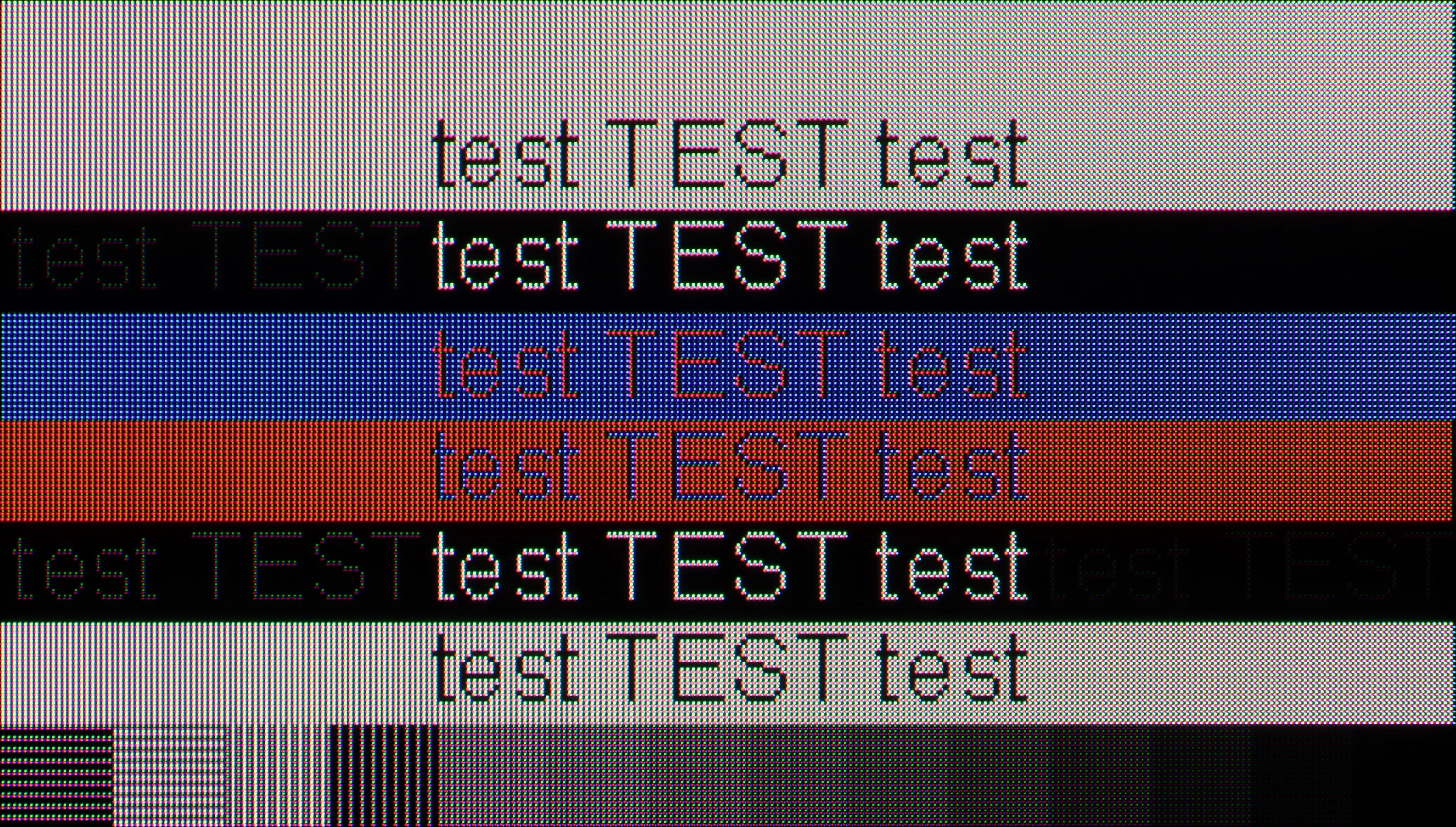
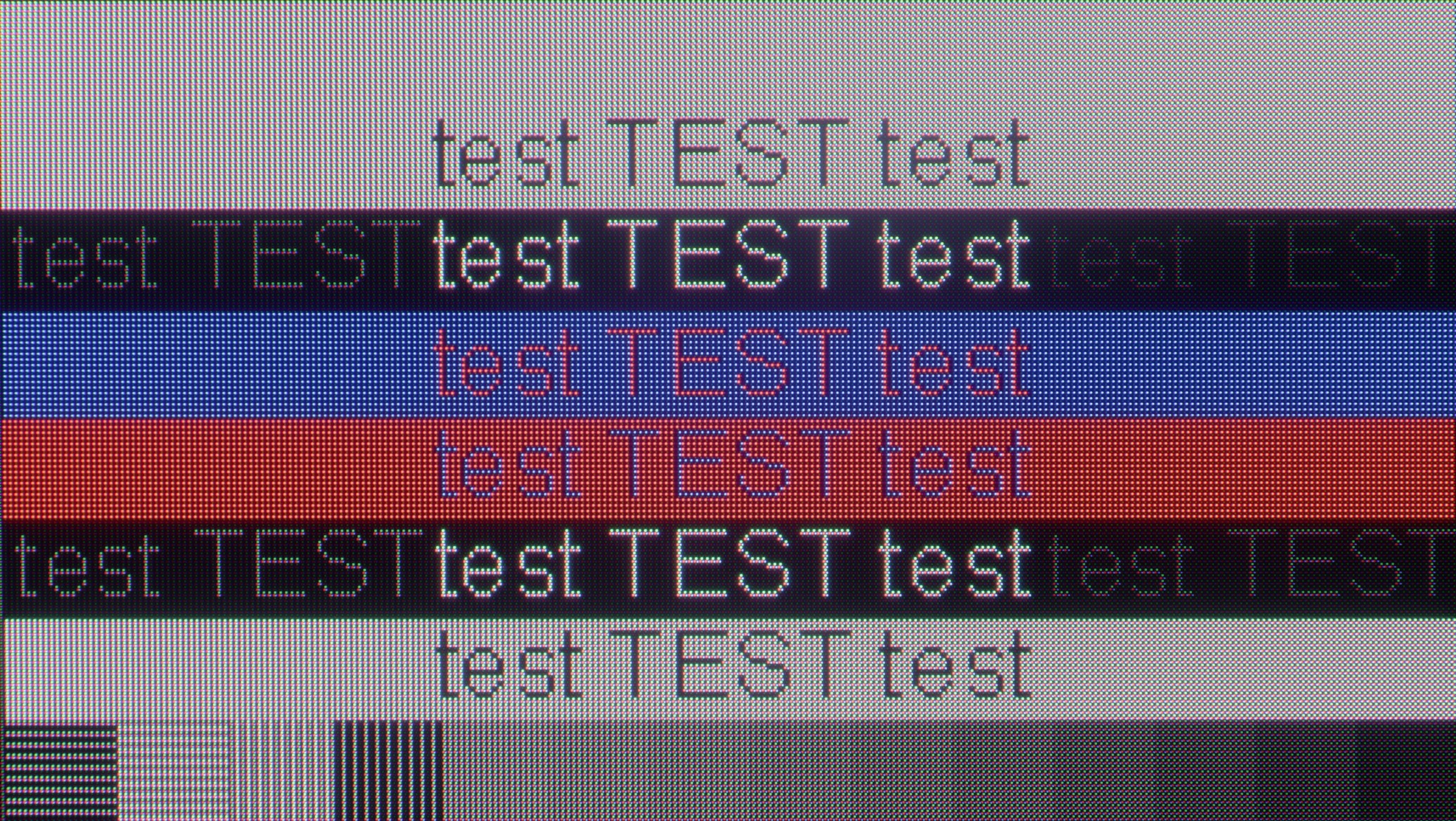
The photo shows the legibility of small fonts. Ideally, lines should be the same thickness on both light and dark text, with minimal pixel gaps.

The Samsung S95D is truly an excellent choice for computer use. With support for chroma 4:4:4, text on the screen is sharp and clear, making it ideal for both work and gaming. When connected to a computer, the input lag of just 5 ms ensures a smooth and responsive experience.

However, we did deduct some points due to the visibility issues with small fonts on a black background, which stem from the specific sub-pixel layout of QD-OLED panels. Despite this, the overall user experience is impressive, and the TV performs exceptionally well in both everyday tasks and more demanding scenarios.

The Samsung S90H works great as a large PC display, and not just because of its gaming feature set. The panel supports refresh rates up to 165 Hz, has very low input lag, and the official NVIDIA G-Sync certification lets you get smooth gameplay without tearing when paired with GeForce cards. If you’re looking for a large screen that will handle demanding PC games well, the S90H is an excellent choice.

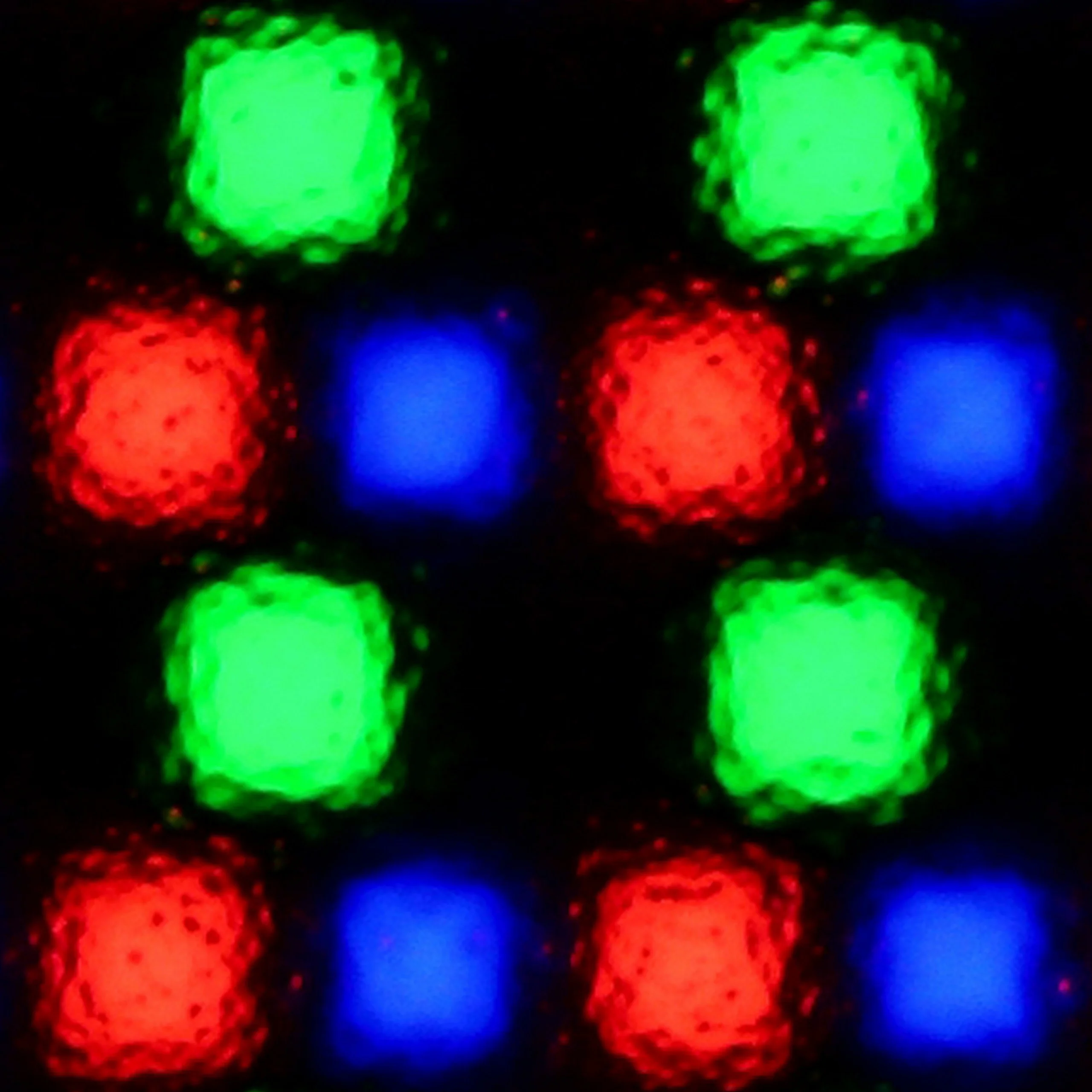
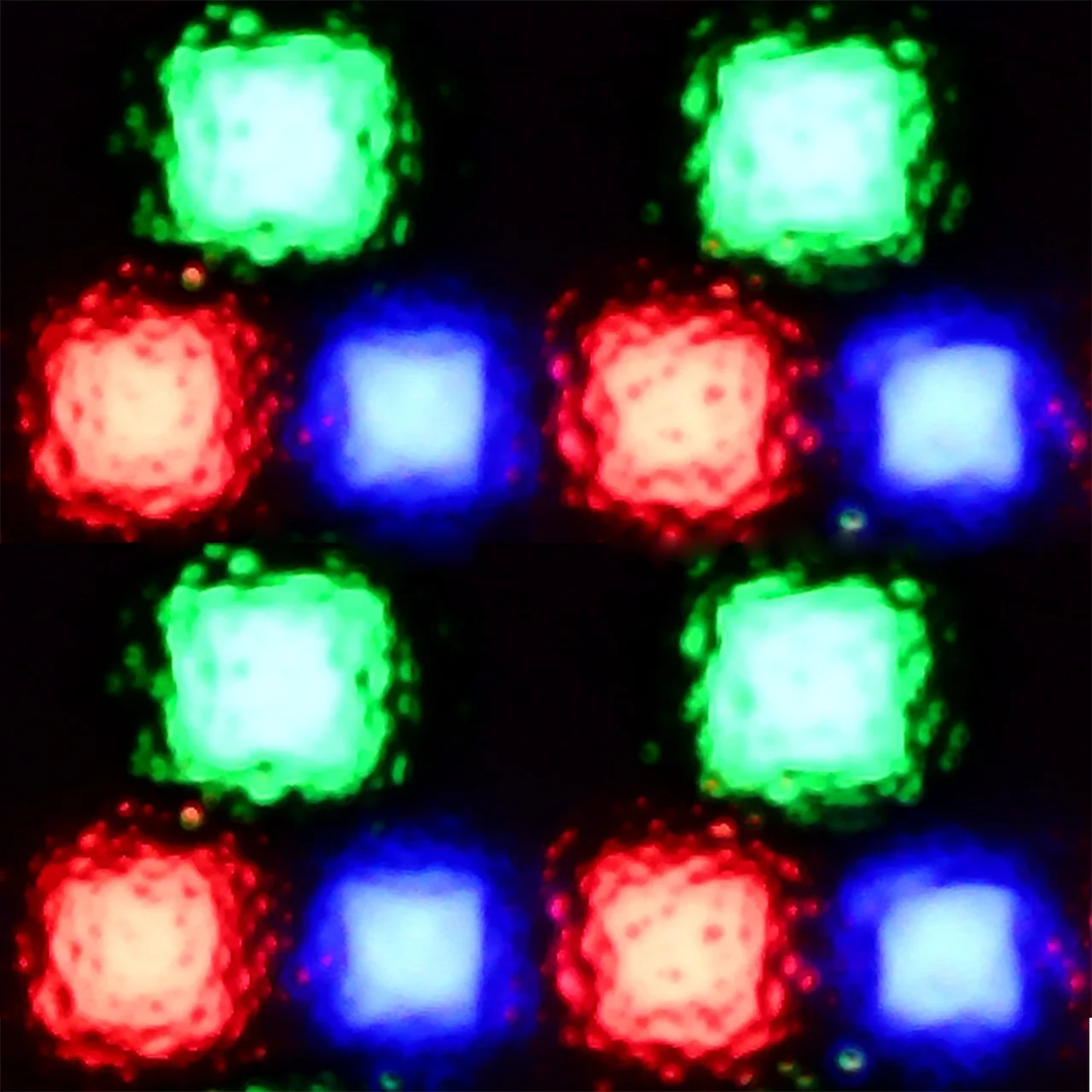
And how about everyday work with text or web browsing? That’s good too. Fonts are sharp and readable, though you should keep in mind the specifics of QD-OLED panels. Up close you can notice the characteristic triangular subpixel layout, which can make letter edges look slightly jagged or pick up faint colored fringing. Is that a problem? In practice, it’s minor. After all, we’re talking about a 77-inch screen, so few people will sit just a few dozen centimeters from the panel. At a normal viewing distance the effect becomes practically invisible.

Viewing angles

9.8/10

9.9/10

Brightness drop at an angle of 45 degrees
9%
9%

The viewing angles on the Samsung S95D are truly outstanding—the best we've encountered in our tests. QD-OLED matrices excel in this area, setting a new standard. While standard WOLEDs offer impressive viewing angles, the S95D surpasses them easily. No matter the angle you're watching, the image remains bright, clear, and rich in detail. This remarkable performance solidifies the Samsung S95D as the absolute leader in viewing angle quality among televisions.

As expected from an OLED, the viewing angles are excellent, but the QD-OLED panel used here goes a step further and in this regard outclasses anything else on the market. Even if you sit well off to the side of the screen, colors don't lose saturation and the drop in brightness is marginal. There's none of the greenish tint that can be annoying on TVs with panels from LG Display. The image retains its colors regardless of the viewing angle.

Daytime performance

6.2/10

6.4/10

Panel finish
Matte
Matte
Reflection suppression
Very Good
Very Good
Black levels during daytime
Poor
Average

Panel brightness

Samsung S90H / S92H (QD-OLED): 486 cd/m2

Samsung OLED S95D: 508 cd/m2

The Samsung S95D television stands out with exceptional performance during the day, being the only OLED on the market with a matte screen. Thanks to this feature, light reflections are reduced, allowing for comfortable viewing in bright rooms. However, it is worth noting that the matte coating may slightly diminish colour intensity. Despite this minor drawback, the television remains very bright, offering up to 500 nits of brightness. This makes the picture clear and vivid even in well-lit spaces, making the S95D a great choice for everyday use.

The biggest new feature in the S90 series is the matte screen coating. Samsung has taken this step for the first time and, in our opinion, it was a good move. In practice you can see the difference immediately. The coating very effectively suppresses light reflections, so even when there's a window opposite the TV or a bright lamp is shining, you won't see the typical mirror-like glare on the screen. Instead, only softly diffused light appears, which is much less distracting while watching. If the TV is going to sit in a bright living room, it's hard to overstate how valuable that is.

Of course, there's a trade-off. QD-OLED with a matte coating has its own characteristic quirk. When bright light hits the screen, black, instead of staying perfectly black, takes on a slightly cherry tint. You can also see that colors lose a bit of their depth. It's nothing you couldn't predict... that's just the nature of this panel. Fortunately, the TV itself is bright enough that there are no problems watching during the day. In SDR it reaches about 500 nits of average brightness, and combined with the matte coating that provides really comfortable viewing conditions.

Panel details

Backlight Type
QD-OLED
Software version during testing
.1066
1122
Image processor

Subpixel Structure:

Panel uniformity and thermal imaging:

Review Samsung OLED S95D TV Panel details
Review Samsung S90H / S92H (QD-OLED) TV Panel details

Samsung OLED S95D

Samsung S90H / S92H (QD-OLED)

TV features

7.9/10

7.3/10

  • System
    Tizen
    Tizen
  • System performance
    Very good
    Very good
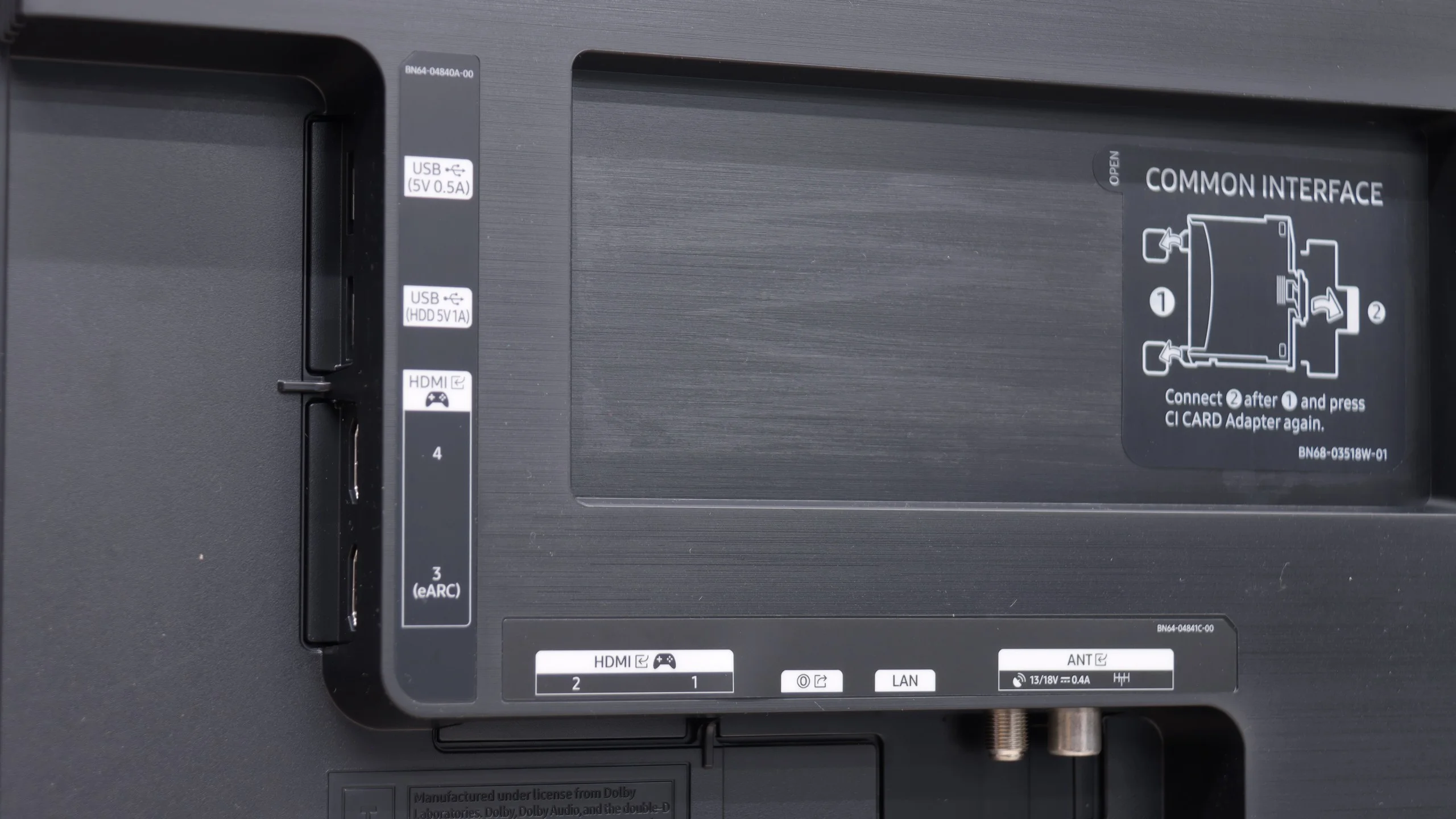
  • HDMI inputs
    0 x HDMI 2.0, 4 x HDMI 2.1 40Gbps
    0 x HDMI 2.0, 4 x HDMI 2.1 48Gbps
  • Other inputs
    Toslink (Optical audio)
  • Outputs
    eARC (HDMI), ARC (HDMI)
    Toslink (Optical audio), eARC (HDMI), ARC (HDMI)
  • Network Interfaces
    Wi-Fi 2.4GHz, Wi-Fi 5GHz, Ethernet (LAN) 100Mbps
    Wi-Fi 2.4GHz, Wi-Fi 5GHz, Ethernet (LAN) 100Mbps, Ethernet (LAN) 1Gbit
  • TV reception
    DVB-T, DVB-T2, DVB-S, DVB-S2, DVB-C
    DVB-T, DVB-T2, DVB-S, DVB-S2, DVB-C

Classic features:

  • Recording to USB (terrestrial TV)
    No
    No
  • Recording programming
    No
    No
  • Picture in Picture (PiP)
    Yes
    No
  • RF remote control (no need to aim)
    Yes
    Yes
  • Backlit remote control
    No
    No
  • Teletext
    Yes
    Yes
  • Audio only mode
    Yes
    Yes
  • Bluetooth headphones support
    Yes
    Yes
  • Simultaneous Bluetooth headphones & TV audio
    Yes
    Yes

Smart features:

  • AirPlay
    Yes
    Yes
  • Screen mirroring (Windows Miracast)
    Yes
    Yes
  • Voice search
    Yes
    Yes
  • Voice search in native language
    Yes
    Yes
  • Ability to connect a keyboard and mouse
    Yes
    Yes
Review Samsung OLED S95D TV features
Review Samsung S90H / S92H (QD-OLED) TV features

Sound connection options

  • HDMI audio
    eARC (HDMI), ARC (HDMI)
    eARC (HDMI), ARC (HDMI)
  • Other audio outputs
    Toslink (Optical audio)
  • Wireless audio
    Bluetooth
    Bluetooth

Supported audio formats (external HDMI eARC audio):

  • Dolby Digital Plus 7.1
    Yes
    Yes
  • Dolby True HD 7.1
    Yes
    Yes
  • Dolby Atmos in Dolby Digital Plus (JOC)
    Yes
    Yes
  • Dolby Atmos in Dolby True HD
    Yes
    Yes
  • DTS:X in DTS-HD MA
    No
    No
  • DTS-HD Master Audio
    No
    No

Senior accessibility

  • Numeric keyboard on TV
    No
    No
  • Font size adjustment
    Yes
    Yes
  • Audio description
    Yes
    Yes

The Samsung S95D television offers a range of features that significantly enhance user comfort, making it an ideal device for home entertainment. The Tizen system, on which this model is based, is a modern and advanced platform that provides an intuitive and smooth experience. Thanks to the user-friendly interface, navigation through applications and settings is quick and simple, making it easy to use the television even for those less familiar with technology. Tizen supports a rich set of applications, including all popular streaming services such as Netflix, YouTube, and Amazon Prime Video. Alongside this, the support of AirPlay allows for easy content sharing from Apple devices such as the iPhone or iPad.

It is also worth noting that the S95D television works with the SmartThings app, enabling integration with other smart devices in the home. This app allows for the creation of automations and monitoring of home equipment, making the television an entertainment device and a smart home management centre all in one.

Another highlight is the included accessories, such as the environmentally friendly solar remote, which is also practical for everyday use. This remote can control multiple devices connected to the television, eliminating the need for several different remotes; it easily integrates with other decoders such as Canal+ and NC+. Additionally, the One Connect module in the Samsung S95D is a fantastic solution that makes the television incredibly sleek. With this device, you can hide all cables and connections. It is one of the slimmest devices that can be mounted on the wall, providing an aesthetic and modern look to your interior. If you wish to place the device on a sturdy metal base, you need not worry; this module can be mounted at the back of the base, creating a harmonious whole.

The only downside that can be pointed out is the lack of USB recording support. For some users, this may be a limitation. Despite this, the Samsung S95D television offers many advanced features and technologies making it an excellent choice for anyone seeking high-quality entertainment in their home.

Traditional television

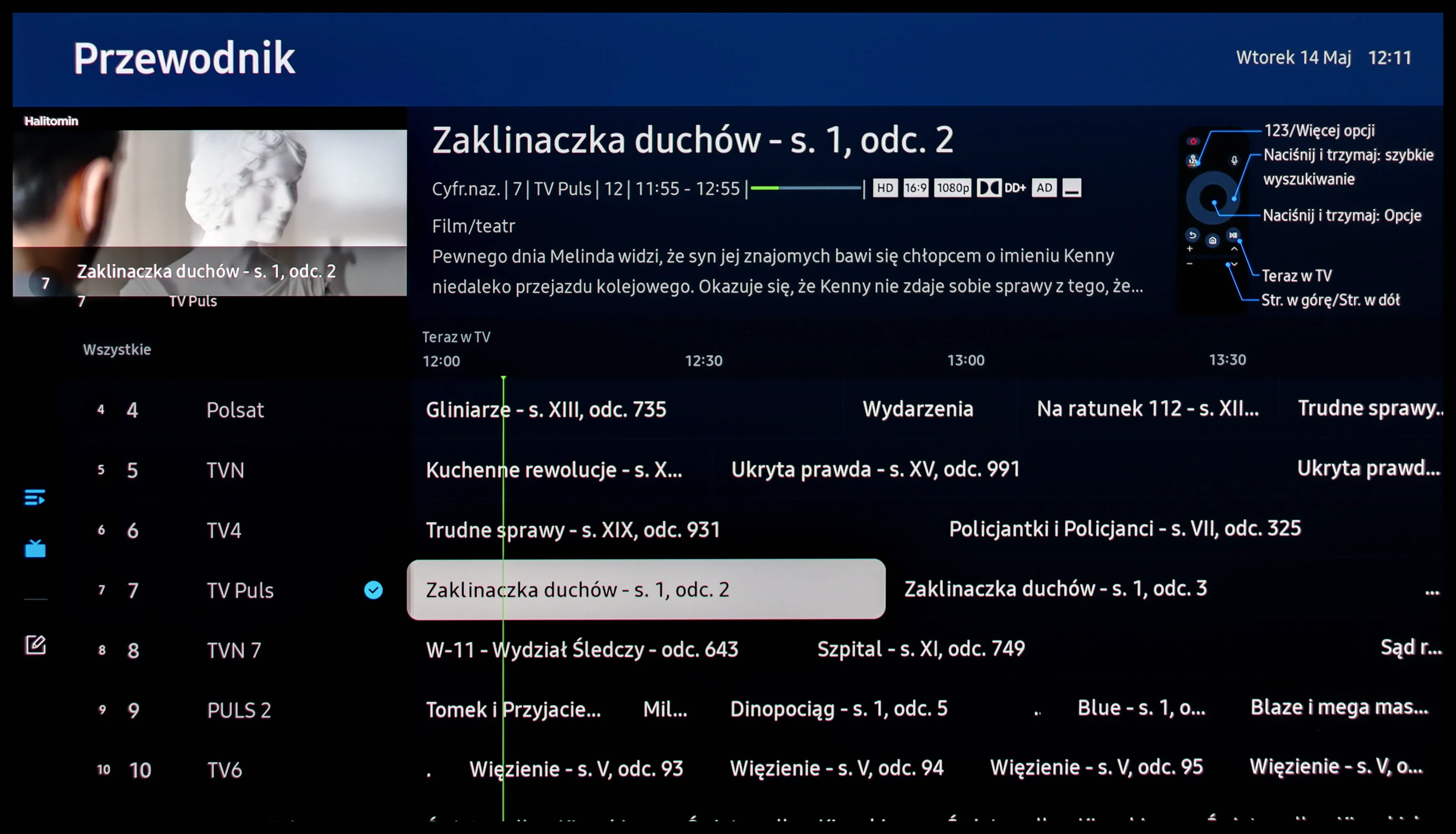
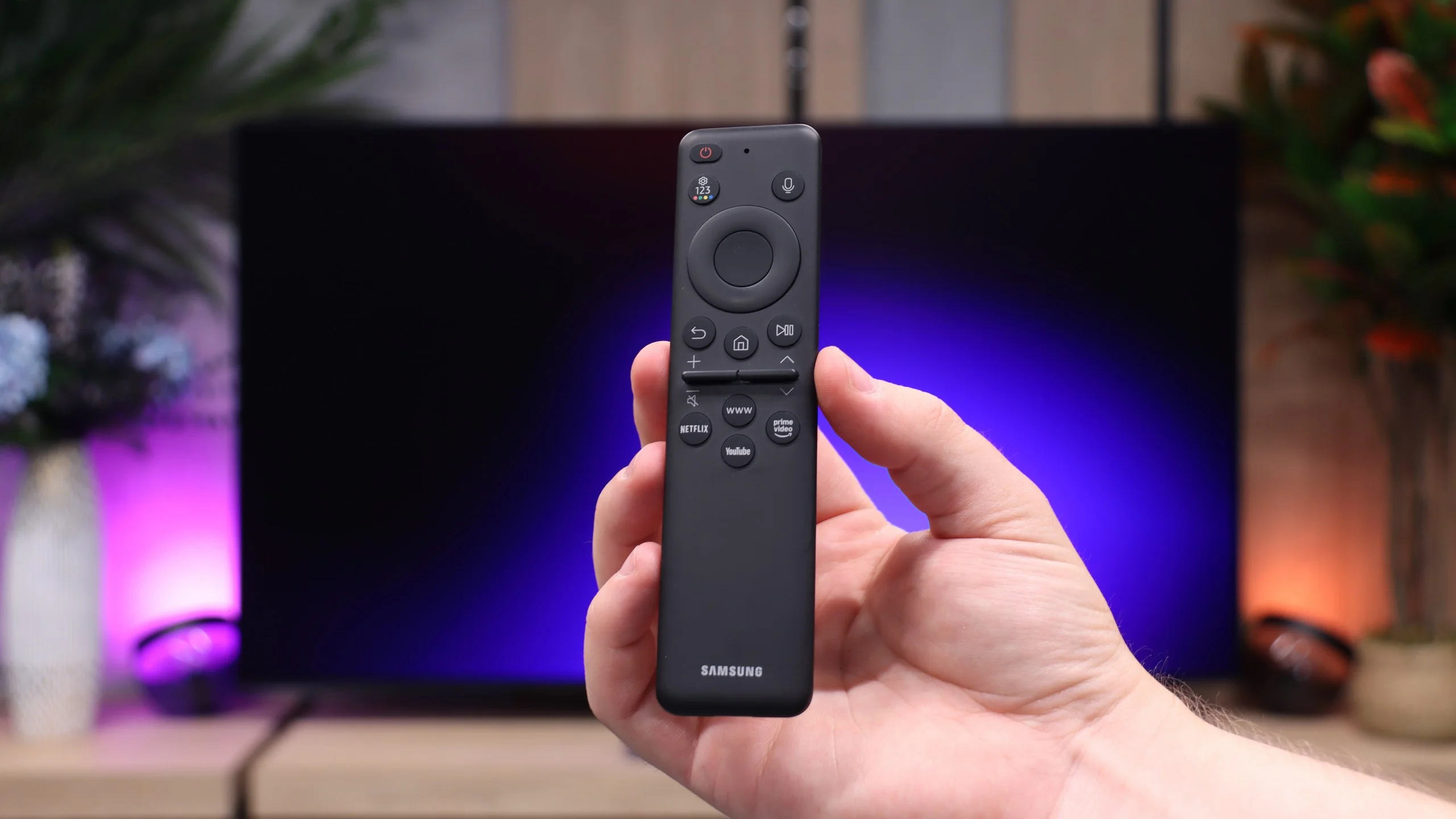
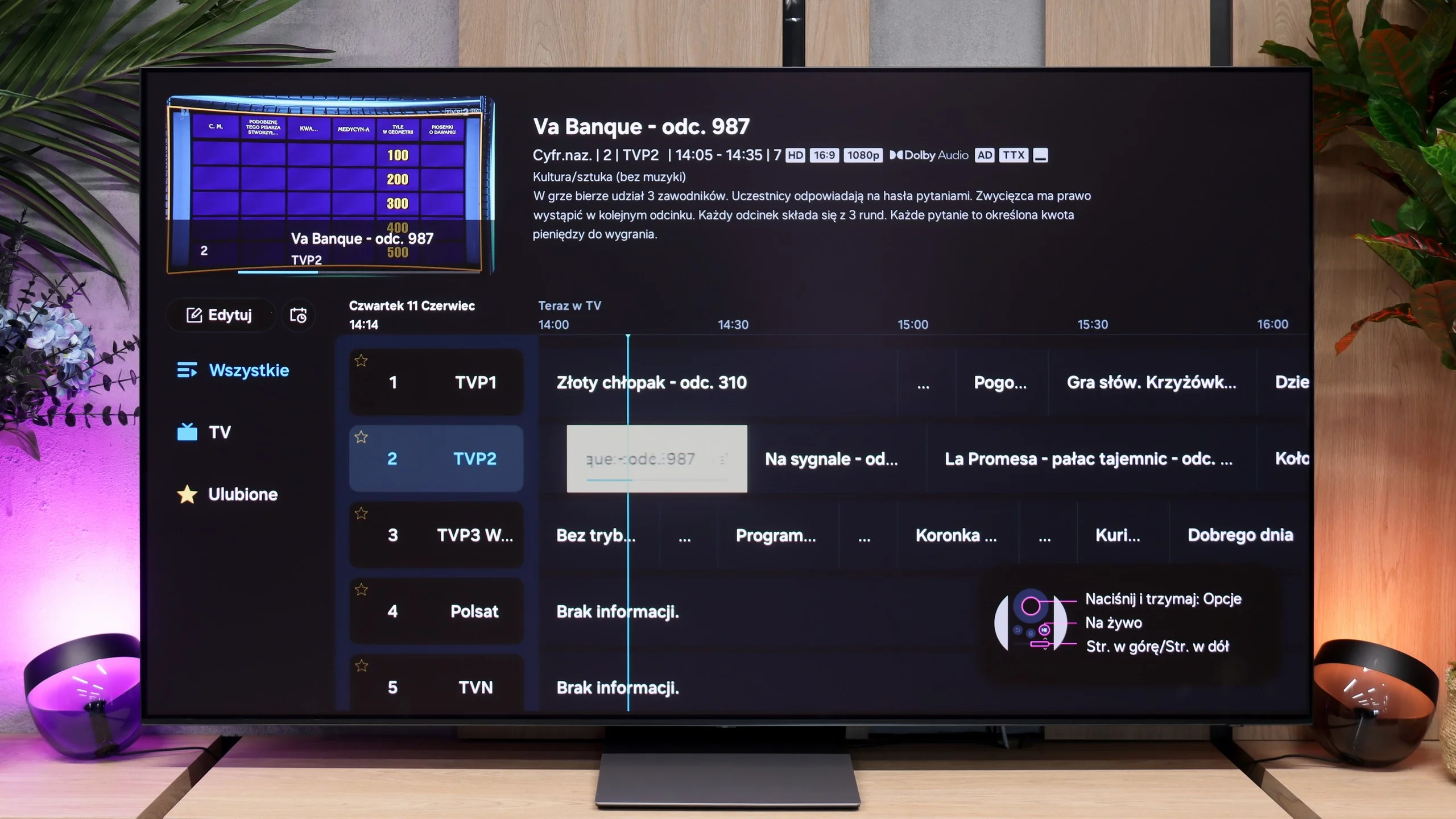
When it comes to ordinary cable or an over-the-air antenna, Samsung hasn't reinvented the wheel. Putting the whole AI layer aside, the user mostly gets the same thing as last year. The TV simply does its job: it switches channels smoothly, has a tuner and a CI module slot, so in many cases you can do without an external decoder. Teletext is still available. The compact remote is also worth praising; its biggest advantage is RF connectivity, meaning you don't have to point it directly at the TV to change something. The problem is that practically every competitor offers most of these things today, and the S90H doesn't bring anything particularly special to the table. What's more, the manufacturer took a small step back. The S90 series has lost the PiP function, picture-in-picture. If you were used to glancing at the news in the corner of the screen while watching another program, you can't do that here. A shame.

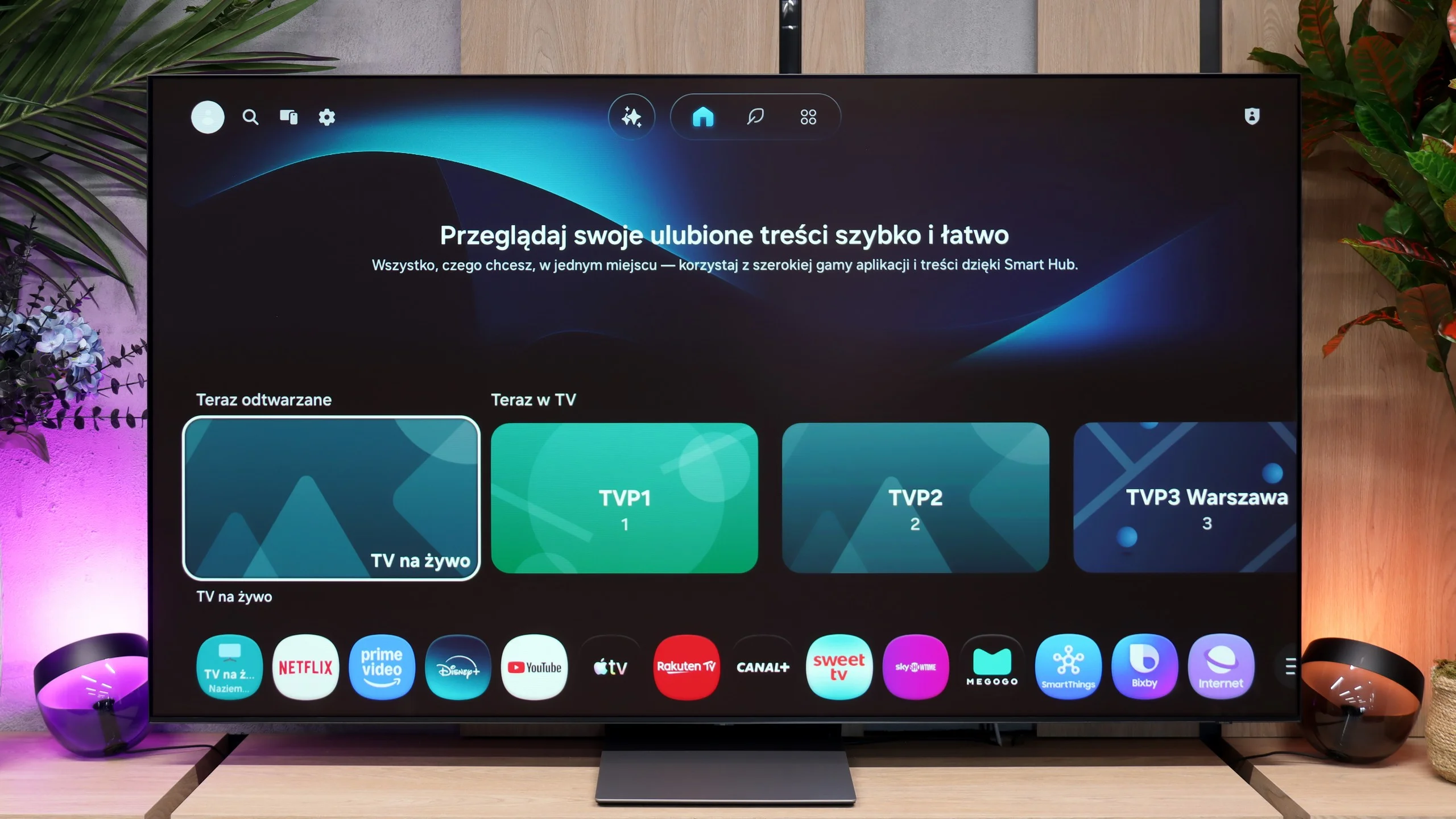
Smart TV: Tizen

While there's little excitement in traditional TV, the Tizen system for 2026 is absolutely top-tier. Again putting AI features to one side, the main point is this: the system is simply lightning-fast. Response to remote commands is instantaneous, and when navigating menus there are no slow animations or annoying stutters. Although it doesn't use Google TV, the app library is very broad. It includes virtually all the major VOD streaming platforms, so there's little real cause for complaint in that regard. Fans of gaming without a console will also be happy, because Samsung has significantly expanded the cloud gaming section, offering access to the main streaming services directly from the TV. As a Smart TV, the S90H is simply a very complete and exceptionally fast device.

Apps

9.3/10

9.3/10

OK
Disney_Plus
OK
Amazon_Prime_Video
OK
Player_TVN
OK
Polsat_Box_Go
OK
Canal_Plus_Online
OK
TVP_VOD
OK
Apple_TV_Plus
OK
SkyShowtime
OK
Rakuten
OK
CDA_Premium_Browser
OK
Spotify
No
Tidal
OK
Netflix
OK
YouTube
OK
HBO_MAX
No
Kodi
OK
Apple_music
OK
Eleven_sports
OK
Xbox Game Pass
OK
GeForce NOW
OK
Amazon Luna

OK
Boosteroid
No
Steam Link
OK
Disney_Plus
OK
Amazon_Prime_Video
OK
Player_TVN
OK
Polsat_Box_Go
OK
Canal_Plus_Online
OK
TVP_VOD
OK
Apple_TV_Plus
OK
SkyShowtime
OK
Rakuten

OK
CDA_Premium_Browser
OK
Spotify
No
Tidal
OK
Netflix
OK
YouTube
OK
HBO_MAX
No
Kodi
OK
Apple_music
OK
Eleven_sports
OK
Xbox Game Pass
OK
GeForce NOW
OK
Amazon Luna

OK
Boosteroid
No
Steam Link

Playing files from USB

8.8/10

9.1/10

Supported photo formats:

JPEG
Yes
Yes
HEIC
No
No
PNG
No
Yes
GIF
No
No
WebP
No
No
TIFF
No
No
BMP
Yes
Yes
SVG
No
No

Maximum photo resolution:

4 Mpix
Yes
Yes
6 Mpix
Yes
Yes
8 Mpix
Yes
Yes
10 Mpix
Yes
Yes
12 Mpix
Yes
Yes
16 Mpix
Yes
Yes
20 Mpix
Yes
Yes
24 Mpix
Yes
Yes
28 Mpix
Yes
Yes
32 Mpix
Yes
Yes

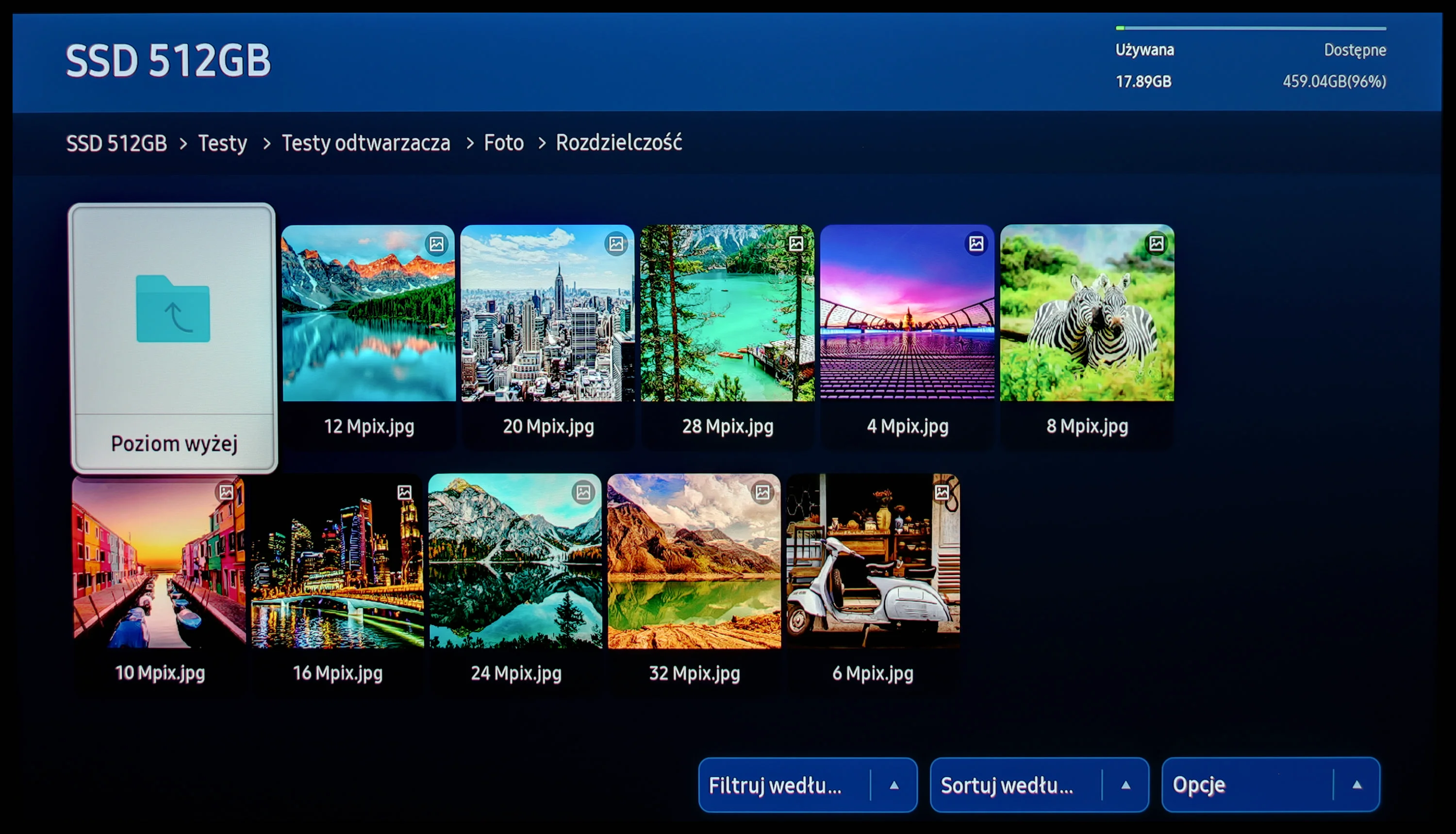
Samsung S95D stands out with its excellent built-in player, which handles most of the video and audio files we tested without any issues. The exceptions are files in Dolby Vision format and some less common codecs.
The built-in player handles most popular video, audio, and photo formats really well. Its playback capabilities are so complete that you definitely won't miss the option to install external players like VLC. However, we encountered a serious bug when trying to open HEIC photos from an iPhone. The S90H not only failed to display the files but caused the entire system to freeze. The receiver stopped responding to any of our commands, so we had to reset it (unplugging it helped). This appears to be a software flaw that needs an urgent fix in the next firmware release.

Sound

7.9/10

8.4/10

  • Maximum volume
    84dB
    89dB
  • Dolby Digital Plus 7.1
    Yes
    Yes
  • Dolby True HD 7.1
    Yes
    No
  • Dolby Atmos in Dolby Digital Plus (JOC)
    Yes
    Yes
  • Dolby Atmos in Dolby True HD
    Yes
    No
  • DTS:X in DTS-HD MA
    No
    No
  • DTS-HD Master Audio
    No
    No

Despite being one of the slimmest televisions on the market, the Samsung S95D offers surprisingly pleasant sound quality. The television supports Dolby codecs, allowing for high audio fidelity. However, a notable downside is the lack of DTS support, which may be a limitation for some users who rely on external players. Nonetheless, the overall sound quality remains satisfactory, especially for such a slim device.

With advanced Dolby Atmos technology, users can enjoy immersive, three-dimensional sound that perfectly complements the high picture quality. In tests, the sound quality of the Samsung S95D QE65S95D model was characterised by exceptional clarity and detail, making it stand out among other models in this category. The integrated acoustic correction system further fine-tunes the sound to the size and acoustics of the room, ensuring optimal audio experiences. Overall, the Samsung S95D performs excellently whether watching movies or listening to music, providing an impressive audio-visual experience.

In theory the audio specification in the S90 series has stood still for years. Once again we get a 2.1 speaker system with a total power of 40 W. However, when we powered up the review unit, we were pleasantly surprised. The TV sounded noticeably better than dry specs or memories of previous models' tests would suggest. It's hard to say definitively whether that's thanks to optimizations in the sound-control software or simply the fact that the 77-inch cabinet allows slightly larger drivers and gives them a better enclosure. The facts are that the sound is fuller and more dynamic. That's a big plus for the manufacturer. Our only gripe is that it lacks support for DTS:X, which unfortunately is being offered less and less by manufacturers. Instead, there is support for the most popular format, Dolby Atmos; nevertheless, fans of physical Blu-ray releases may feel slightly let down by the absence of DTS.

Sound Quality Test

No sound test video

Acoustic Measurements

No acoustic data

89dBC (Max)

75dBC

Reader comments

Comments are provided by the external service Disqus (Zeta Global). Once loaded, Disqus may set cookies and process data about your activity.

We will remember your choice on this device. Provider's privacy policy