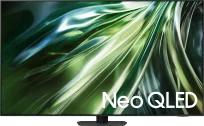
The Samsung QN92/QN90 is a premium device that will satisfy even the most demanding users. Thanks to MiniLED technology, the television offers excellent contrast and high brightness, making movie watching an experience reminiscent of a trip to the cinema. The Tizen system ensures quick and intuitive use, significantly enhancing everyday usage. Users looking for traditional broadcasting will not be disappointed — the QN92/QN90 stands out with superb processing capability for lower-quality materials, translating to better visual experiences. The Solar Remote is an innovative addition that can take control of other devices, such as a satellite decoder, eliminating the need for multiple remotes. Notably, the 144 Hz panel provides exceptionally smooth motion, an essential feature for gamers. Additional gaming features like low input lag and the game bar make the QN92/QN90 an ideal choice for gaming enthusiasts. An additional advantage is the Auto Motion Plus Game feature, which increases image smoothness without a significant rise in input lag, making 30 frames look like 45, and 60 Hz like 90 Hz. This solution allows gamers to enjoy smoother motion without sacrificing gameplay comfort. With high brightness, multiple dimming zones, and MiniLED (Neo QLED) technology, the QN92/QN90 delivers stunning visuals during the day and at night, though slight halo effects may occasionally appear. Wide viewing angles make it a great choice for large living rooms, and the colours, supported by QLED coating, are vibrant and juicy. After additional calibration, the television presents even better quality, making its use a truly pleasant experience.
- Matching (Score) |
- Our verdict |
- TV appearance |
- Where to buy |
- Contrast and black detail |
- HDR effect quality |
- Factory color reproduction |
- Color reproduction after calibration |
- Smoothness of tonal transitions |
- Image scaling and smoothness of tonal transitions |
- Blur and motion smoothness |
- Console compatibility and gaming features |
- Input lag |
- Compatibility with PC |
- Viewing angles |
- Daytime performance |
- Panel details |
- TV features |
- Apps |
- Playing files from USB |
- Sound
Samsung Neo QLED QN90D / QN92D vs Samsung S85H
 Direct comparison

Check the best price offer:
Samsung Neo QLED QN90D / QN92DNeo QLED / QN92D / QN90D

S85H
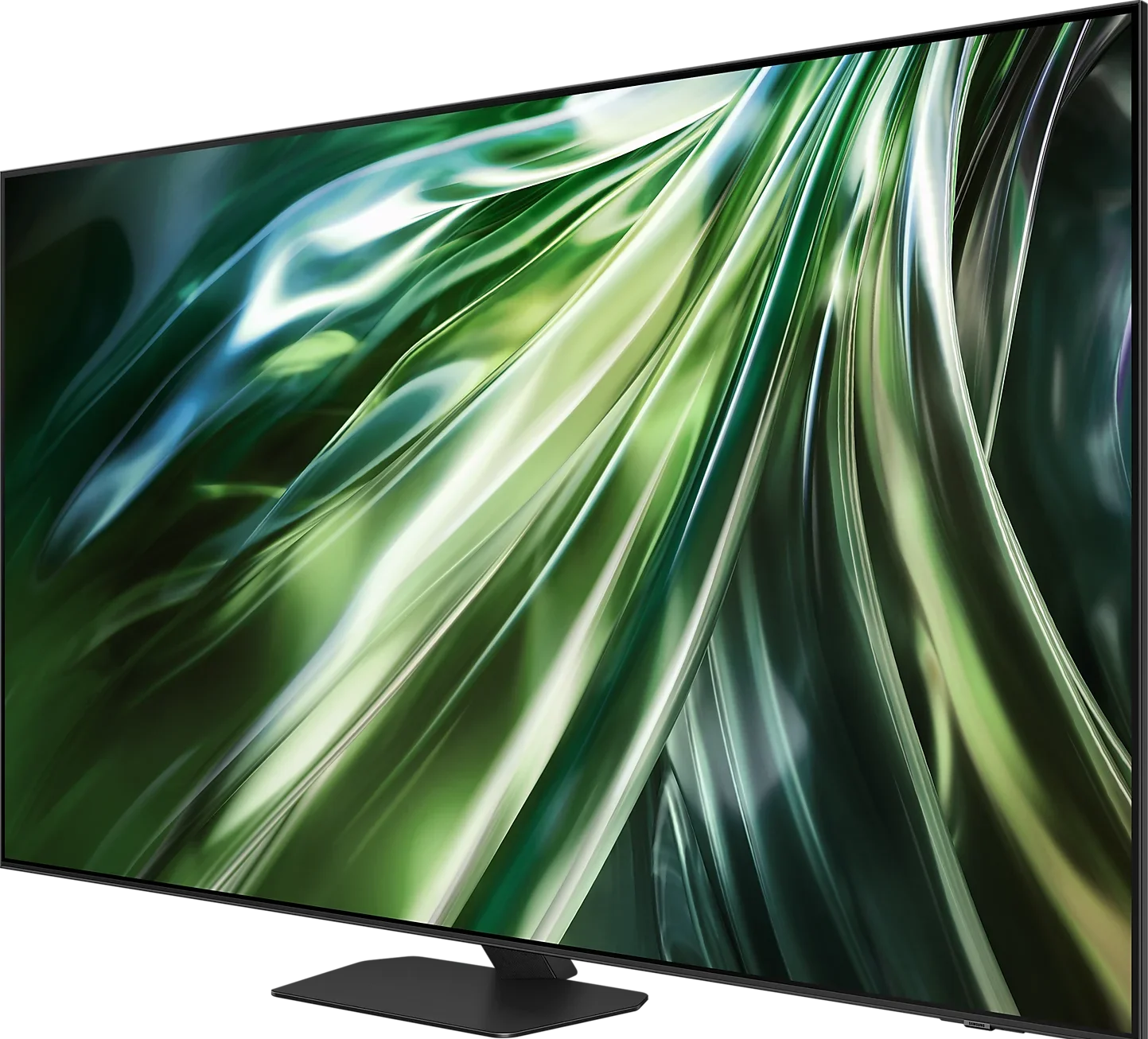
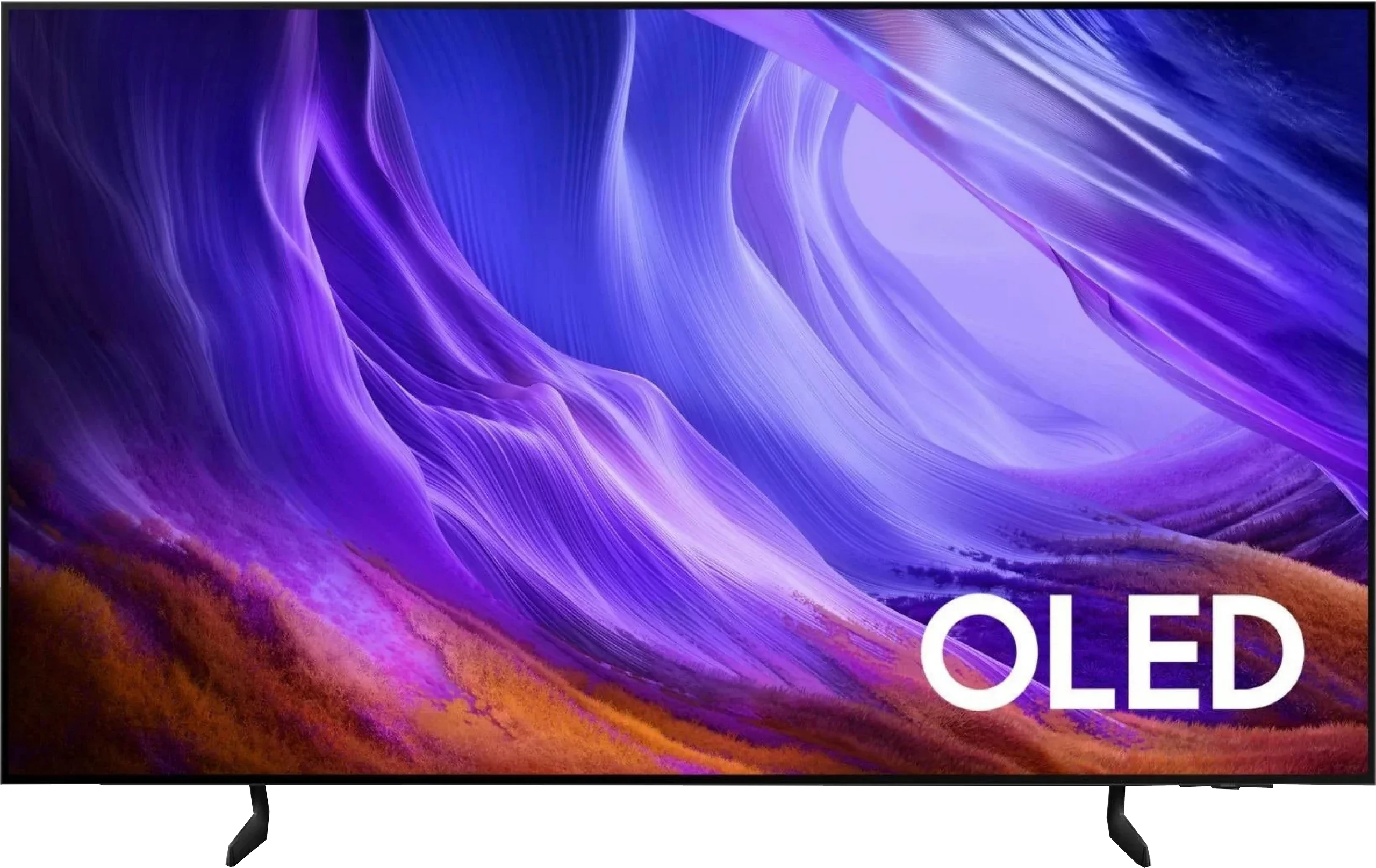
Panel type: LCD VA (wide viewing angle)
Resolution: 3840x2160
System: Tizen
Model year: 2024
Complete the survey to find out the result
Panel type: WRGB OLED
Resolution: 3840x2160
System: Tizen
Model year: 2026
Complete the survey to find out the result
Overall rating
7.8
7.9
 Movies and series in UHD quality
 7.9
8.0
 Classic TV, YouTube
 7.9
8.6
 Sports broadcasts (TV and apps)
 7.7
8.5
 Gaming on console
 9.1
9.6
 TV as a computer monitor
 8.6
7.6
 Watching in bright light
 6.4
5.1
 Utility functions
 7.4
7.3
 Apps
Apps 9.3
9.3
 Sound quality
 6.9
7.2
Complete the survey to find out what fits your preferences
Advantages

High brightness
Good contrast
Intuitive Tizen operating system
Great for gamers and sports fans (HDMI 2.1, 144Hz, low input lag)
Wide viewing angles - unusual for VA panels
Perfect blacks and infinite contrast with OLED
Good HDR brightness up to around 800 nits
High image fidelity after calibration
Very smooth motion thanks to a 120 Hz OLED panel
Rich set of features for gamers: VRR, Game Bar, low input lag
4 HDMI 2.1 ports with full 48 Gbps bandwidth
Feature-rich, smooth-running Tizen system
Solar-powered remote with many features
Support for Dolby Atmos surround sound
Disadvantages

No recording feature
No DTS format support - this may be problematic for Blu-ray users
Worse reflection suppression than its predecessor, a characteristic of the new OLED SE panel
Average SDR brightness, best suited for a room with controlled lighting
No DTS:X support, mainly a drawback for Blu-ray collectors
No Dolby Vision, not necessary but would be nice 🙂
Our verdict
Samsung S85H is a very successful continuation of the S85 series and a TV that still performs its main role well: to be an affordable entry into the world of OLEDs. The biggest change from its predecessor is the use of LG Display's new OLED SE panel, but the overall character of this model remains practically unchanged. Its greatest strengths are still perfect blacks, very high contrast and a picture that can look truly excellent in the evening. Add to that good colors and the ability to achieve a high degree of fidelity to the director's vision. The S85H also works very well as a versatile TV. Gamers get four HDMI 2.1 ports, 120 Hz, VRR, very low input lag and Game Motion Plus, so there is little to complain about here. Tizen runs fast and is user-friendly, and the whole system clearly targets users who today mainly use Netflix, YouTube and other streaming services, while traditional broadcast TV is treated as an extra.
However, the new OLED SE panel is not without flaws. This is most noticeable when watching during the day, because its glare handling is worse than previous OLED panels. Its peak brightness is also not high enough for the S85H to perform particularly well in a very sunlit living room. It is still a TV that shows its strengths best in the evening or in a room with at least partial control over ambient light. And that is probably the best way to look at the S85H. It is not an OLED meant to break brightness records or compete with the most expensive panels. It simply aims to offer what people like most about the technology, but at a lower price. Perfect blacks, very good movie picture quality, excellent gaming features and a convenient smart system make the S85H one of the easiest ways to get into OLED without spending a fortune.
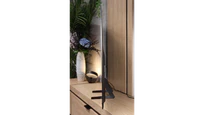
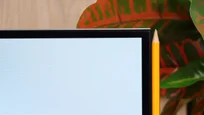
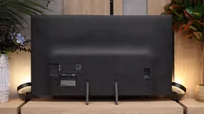
TV appearance

Contrast and black detail
7.9/10
10/10
Local dimming function: Yes, number of zones: 504 (36 x 14)
Contrast:


Result
∞:1

Result
69,000:1

Result
∞:1

Result
5,500:1

Result
2,700:1
Result
∞:1
Result
∞:1
Result
∞:1
Result
∞:1
Result
∞:1
Halo effect and black detail visibility:
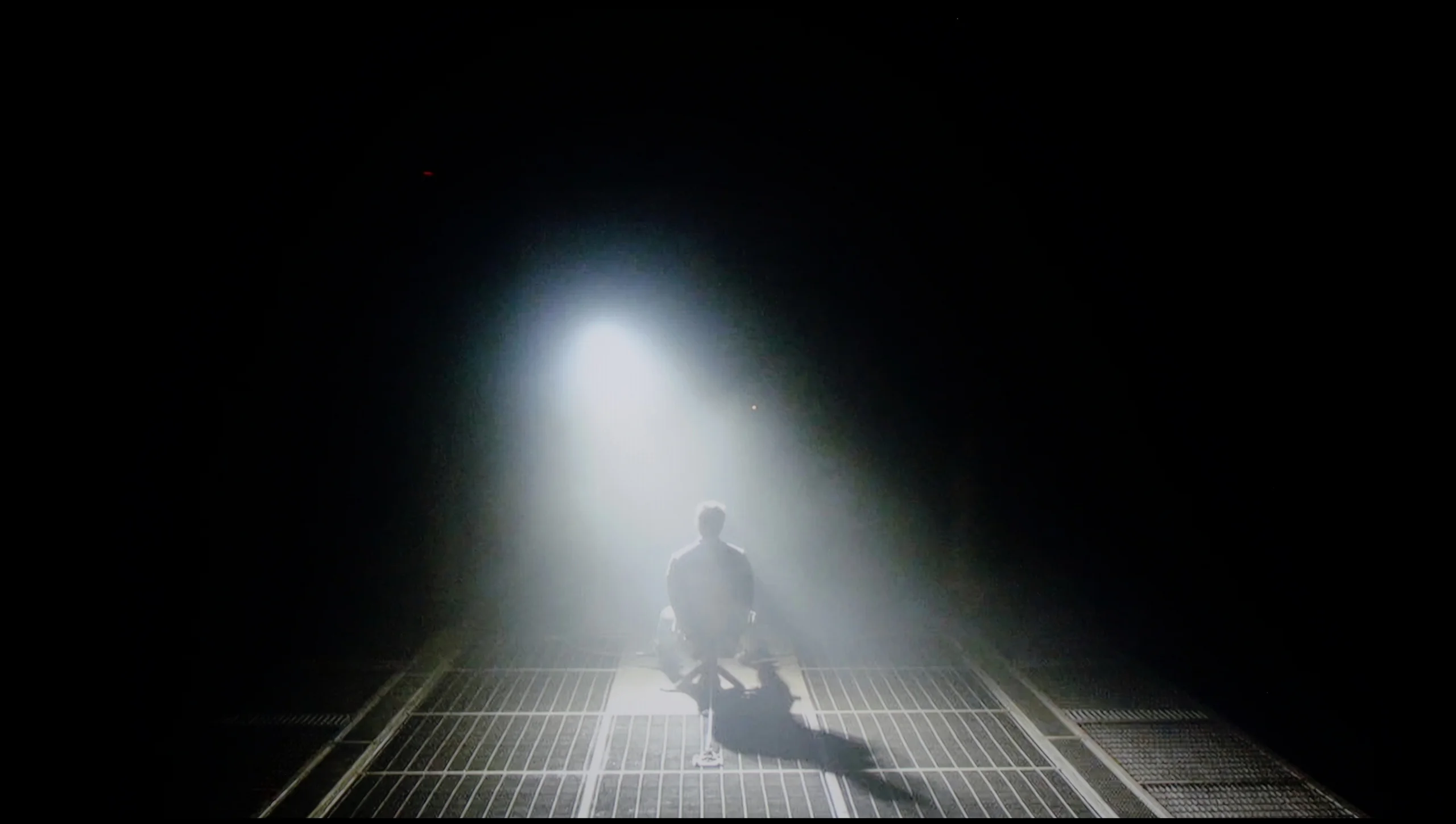
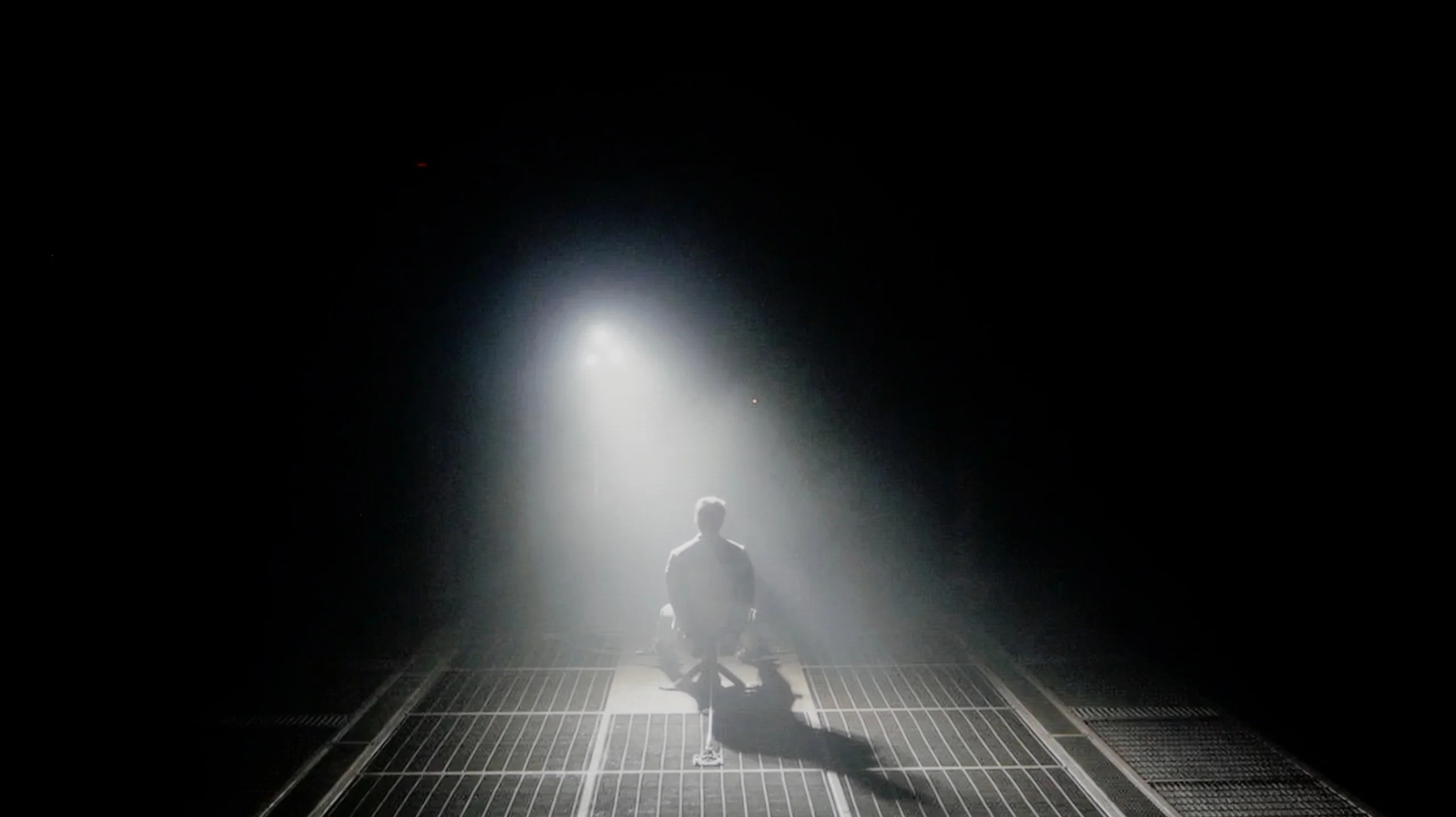
Check the visibility of bright lights on a dark background. Mini-LEDs often struggle with this. The photo does not compare black levels – that’s what the video below is for.
The video accurately shows differences in contrast and black levels between TVs, as well as potential issues: halo around bright objects or Mini-LED zone operation visible as brightness jumps.
The Samsung QN92D ranks among the top models in the 2024 NeoQLED 4K (Mini LED) line from the Korean manufacturer. Although it doesn't feature as many dimming zones as its more advanced sibling, it still impresses with 504 zones in the 55-inch version. Paired with a VA panel, this setup delivers excellent contrast, making the QN92D stand out in the non-OLED category. Even in challenging scenes, such as those in Oblivion or Arrival, its near-infinite contrast can rival some of the best OLED TVs—an uncommon feat for LED-backlit displays.
However, Mini LED technology does come with limitations compared to OLED. For instance, the TV struggles with certain test patterns, likely due to its aggressive dimming algorithm. This occasionally causes the Mini LEDs to misjudge whether to highlight specific elements or maintain deeper black levels. Despite these minor drawbacks, the Samsung QN92D remains one of the top LCD TVs for contrast and black-level performance.
The switch to LG Display’s new WOLED SE panel practically changed nothing when it comes to black levels and contrast. And you couldn’t really expect any major improvement, because we’re still talking about OLED, a technology that can completely turn off each pixel individually. In practice this means perfect black and enormous image depth, especially in darker scenes. Black bars are truly black, there is no halo around bright elements, and contrast remains virtually infinite. Even very expensive Mini-LEDs with thousands of local dimming zones still can’t offer the same precision as the S85H. And that is its biggest advantage. The S85H may be Samsung’s cheapest OLED, but in terms of black levels it can deliver exactly the same as much more expensive models using organic panels.
HDR effect quality
6.7/10
6.3/10
Luminance measurements in HDR:

Result
1947 nit

Result
617 nit

Result
738 nit

Result
271 nit

Result
1479 nit
Result
733 nit
Result
744 nit
Result
837 nit
Result
755 nit
Result
404 nit
Scene from the movie “Pan” (about 2800 nits)

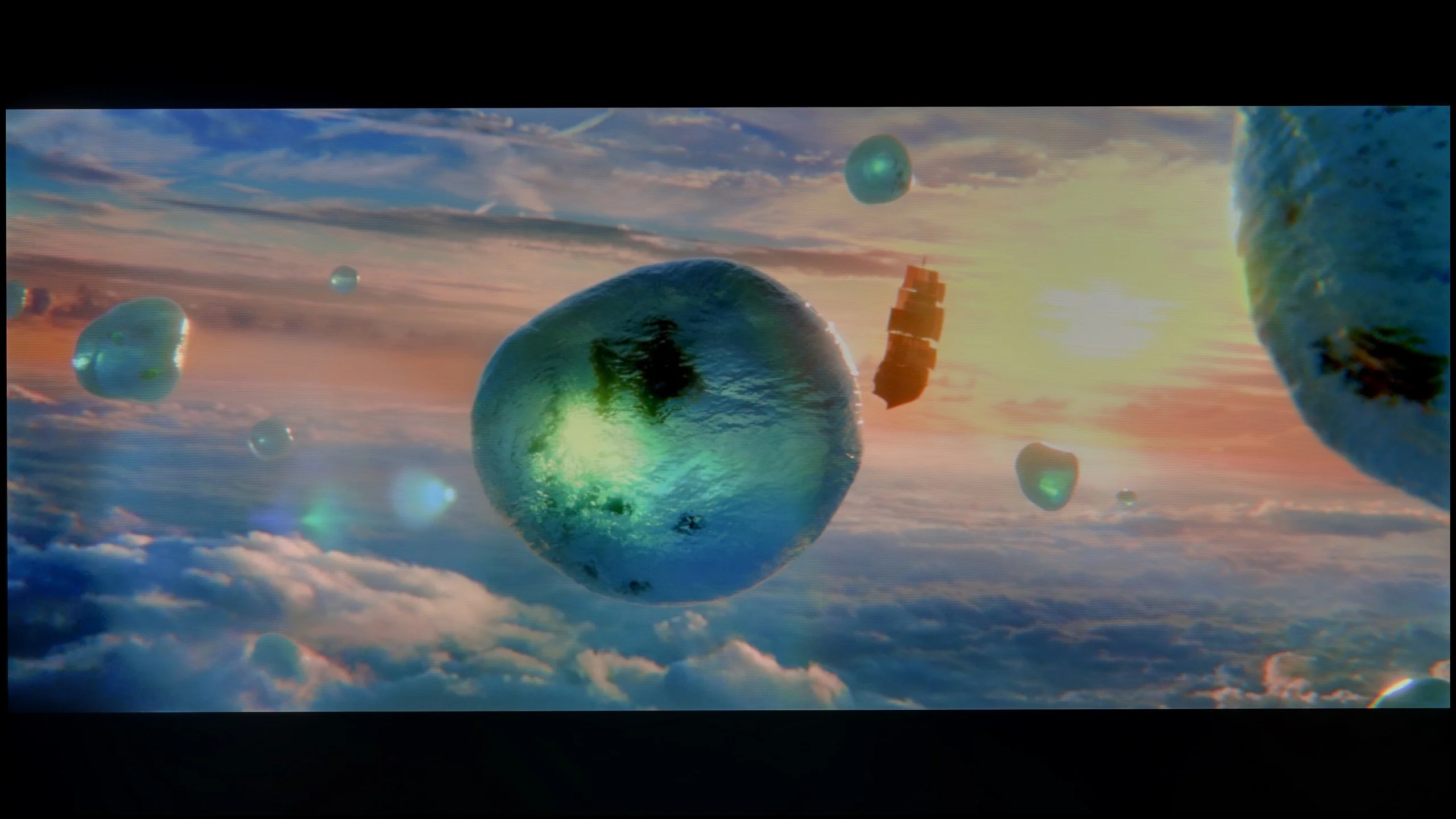
Scene from the movie “Billy Lynn” (about 1100 nits)


The photos show two HDR10 movies. 'Pan' is one of the brightest productions ever made, while 'Billy Lynn' (soldier) has brightness typical of streaming (Netflix, Prime, HBO MAX). Notice the intensity of effects and detail in whites.
Static HDR10


The photos present the visibility of white details in various HDR formats. They do not show brightness differences between TVs (these can be compared in the previous gallery).
Dynamic: HDR10+
Dynamic: HDR10+


The photos present the visibility of white details in various HDR formats. They do not show brightness differences between TVs (these can be compared in the previous gallery).
HDR luminance chart:
Samsung S85H
Samsung Neo QLED QN90D / QN92D
Luminance of RGB colors
During synthetic tests, the Samsung QN92D demonstrated remarkable brightness capabilities, reaching an impressive 2000 nits—on par with top models in the market. This level of brightness puts it at the forefront for displaying HDR content, where high brightness is essential. But how does it fare in real movie scenes? Under favourable conditions, such as the light-drenched opening and closing scenes of Life of Pi, the QN92D nearly replicates its lab results, delivering striking brightness levels. However, performance changes in scenes featuring small, bright objects against dark backgrounds, such as the fourth scene in Sicario. Here, brightness levels drop significantly, with maximum values capping at around 600 nits.
As with contrast, these limitations are due to the aggressive local dimming algorithm, which aims to reduce the "halo" effect around bright objects in dark scenes but often sacrifices overall brightness. Consequently, while the TV excels in scenes with abundant light, it faces challenges maintaining brightness with smaller, bright elements on dark backgrounds.
Interestingly, the new WOLED SE panel has brought a slight improvement in brightness to the S85 series. In the same movie scenes the previous year's model stayed closer to about 700 nits, while the S85H can reach around 800 nits. Of course this isn't a change that completely transforms the HDR experience, but that extra headroom is noticeable especially with small highlights, reflections, and stronger special effects. Around 800 nits is already a very good result for an entry-level OLED and in most films it's enough for HDR to have the right impact. Bright elements can clearly stand out from perfect black, and that contrast still does most of the heavy lifting here. You should remember the typical limitation of organic technology, though. When a very bright scene covers a large part of the screen, brightness can drop by almost half. This is the result of the panel's protection mechanisms, which limit its power with large bright areas.
Colors
The S85H can produce very pleasant, saturated colors and in most HDR films it looks really good in that respect. We measured roughly 95% DCI-P3 coverage, so the palette most often used in movies is reproduced to a very large degree. Skin tones, greens, and stronger reds still have appropriate intensity, and during normal viewing it's hard to fault them. Only when you look more broadly at BT.2020 do the limitations of the new WOLED SE panel become apparent. Coverage was around 70%, a bit less than in previous-generation WOLEDs and noticeably less than in QD-OLED panels. In films this isn't a major loss, because most productions rarely use such highly saturated colors. You notice it more often in games, where developers are much more likely to employ more intense colors.
Factory color reproduction
6.1/10
7/10
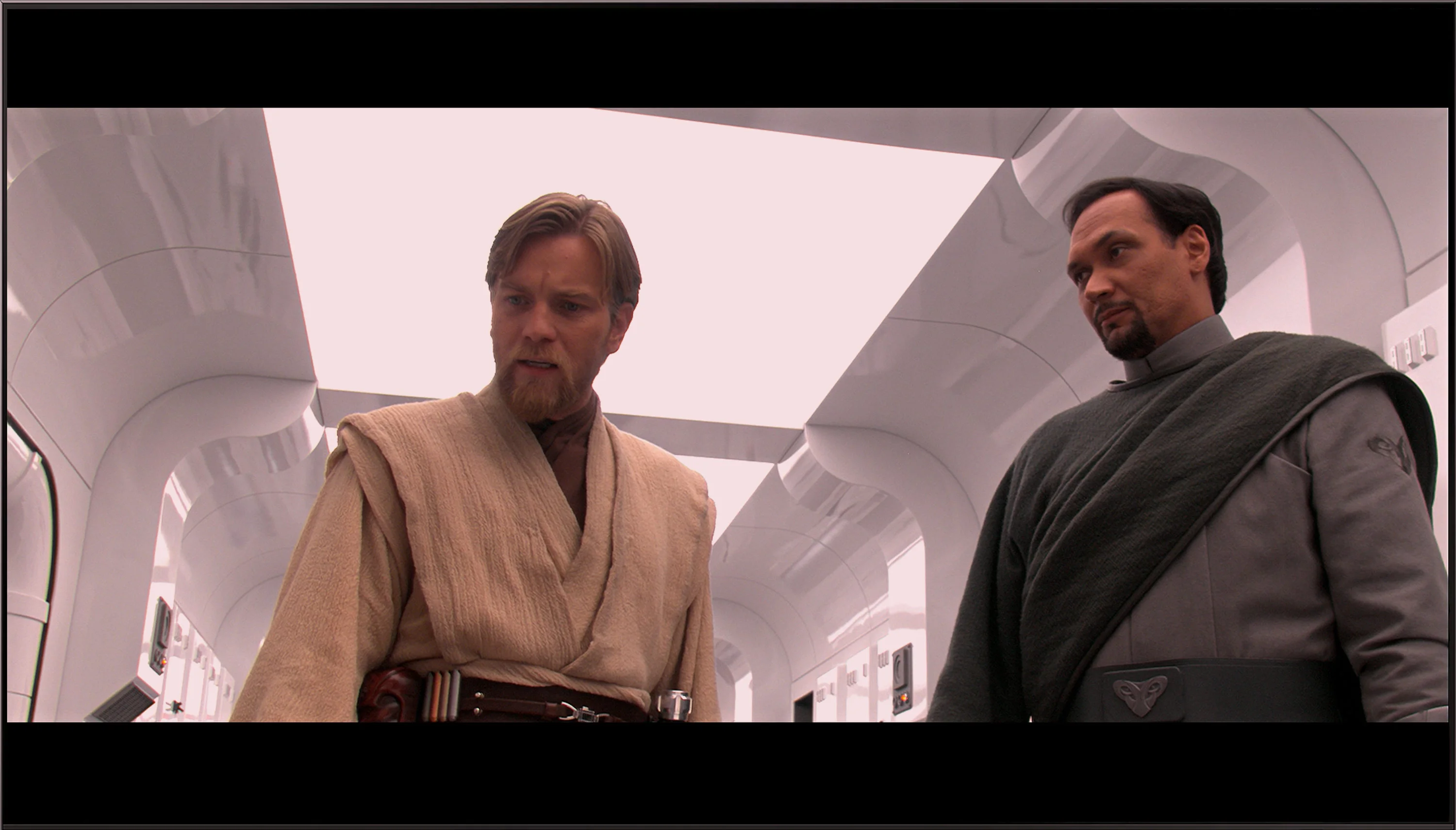
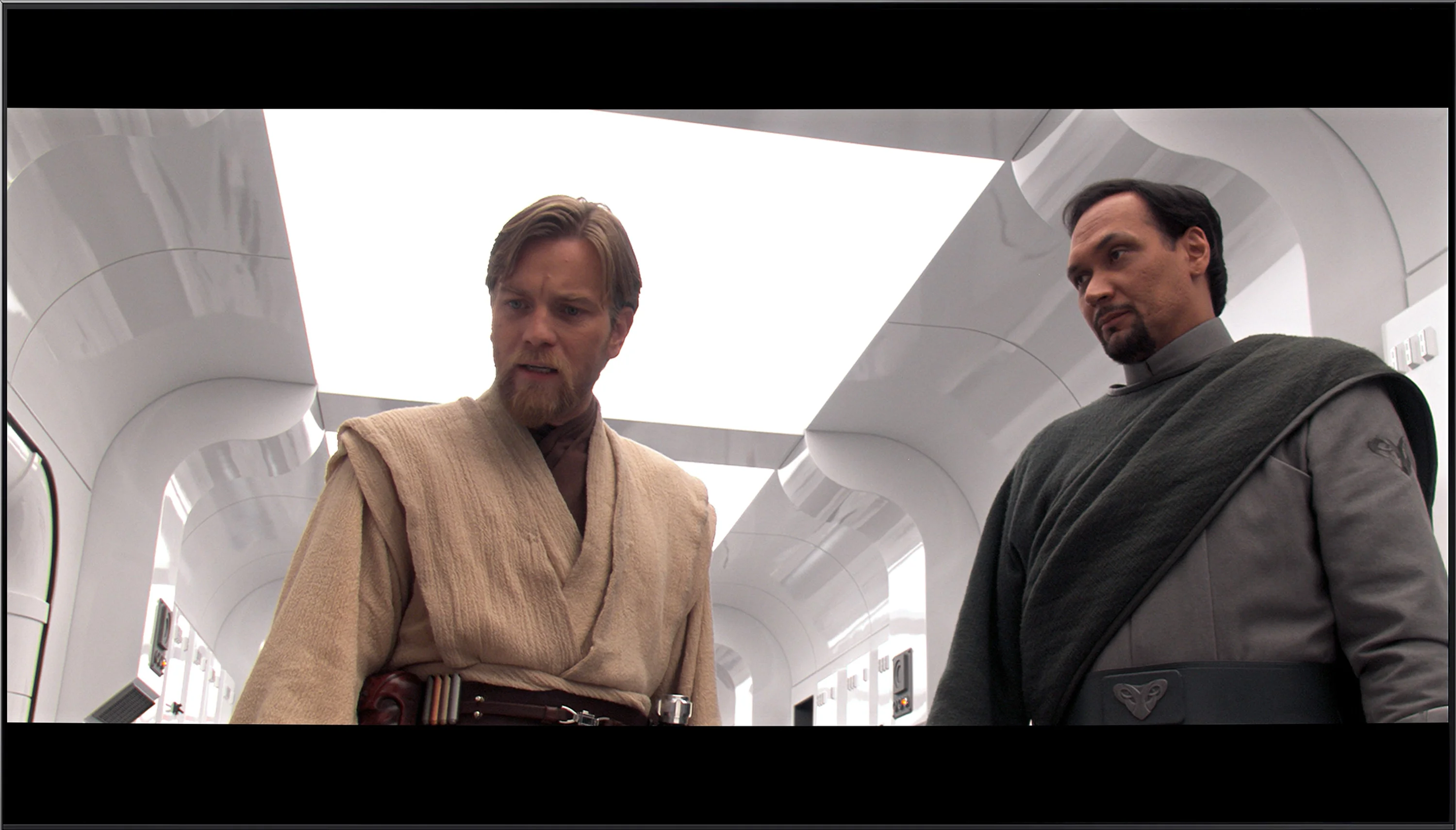
This gallery shows how colors change after professional TV calibration. If you notice the difference, we recommend ordering this service at SkalibrujTV.com.
Factory Mode
After calibration


This gallery shows how colors change after professional TV calibration. If you notice the difference, we recommend ordering this service at SkalibrujTV.com.
Factory Mode
After calibration
The best mode for colour reproduction on the Samsung QN92D is Filmmaker mode. Although it generally offers good colour quality, it is not without significant issues. Starting with HD/SDR image quality, the main challenge is white balance. The graphs reveal considerable instability, with a dominant red tint that makes the image appear too warm. This imbalance causes shades to shift unnaturally towards warmer tones, potentially affecting the perception of natural colours. Additionally, while contrast, as indicated by the gamma chart, is not the worst, it still falls short of the ideal, impacting overall image quality, especially in darker scenes.
This issue continues with 4K content, such as high-quality series or films. Here too, white balance proves problematic, with noticeable deficiencies in both blue and red, leading to tonal shifts. Tests using the Colour Checker tool confirm these issues, showing a tendency for colours to skew toward yellow hues, further distorting the natural look of the image. While Filmmaker mode remains one of the best options for cinematic content, it could still benefit from improvements, particularly in colour accuracy and white balance.
To evaluate color we, of course, selected Filmmaker mode, and in SDR our S85H unit was very well calibrated out of the box. The biggest deviation appears in the white balance, where a bit of blue drops out as brightness increases. In practice this means whites and grays have a slightly warmer tint than they should. It's not a major error and during normal viewing it generally isn't very noticeable. Gamma also stays close to the reference value, so the image is neither overly bright nor unnecessarily dim. The S85H's SDR picture quality is therefore very good straight out of the box. A few more imperfections show up in HDR. Here the white balance shifts more as brightness increases, with blue becoming dominant and the red component noticeably lacking. That also leads to larger errors in some colors. These aren't yet distortions that completely change the character of the image, but compared directly with the reference the difference is easier to spot. Overall, Filmmaker mode is a very good starting point before professional calibration.
Color reproduction after calibration
8.7/10
9.1/10

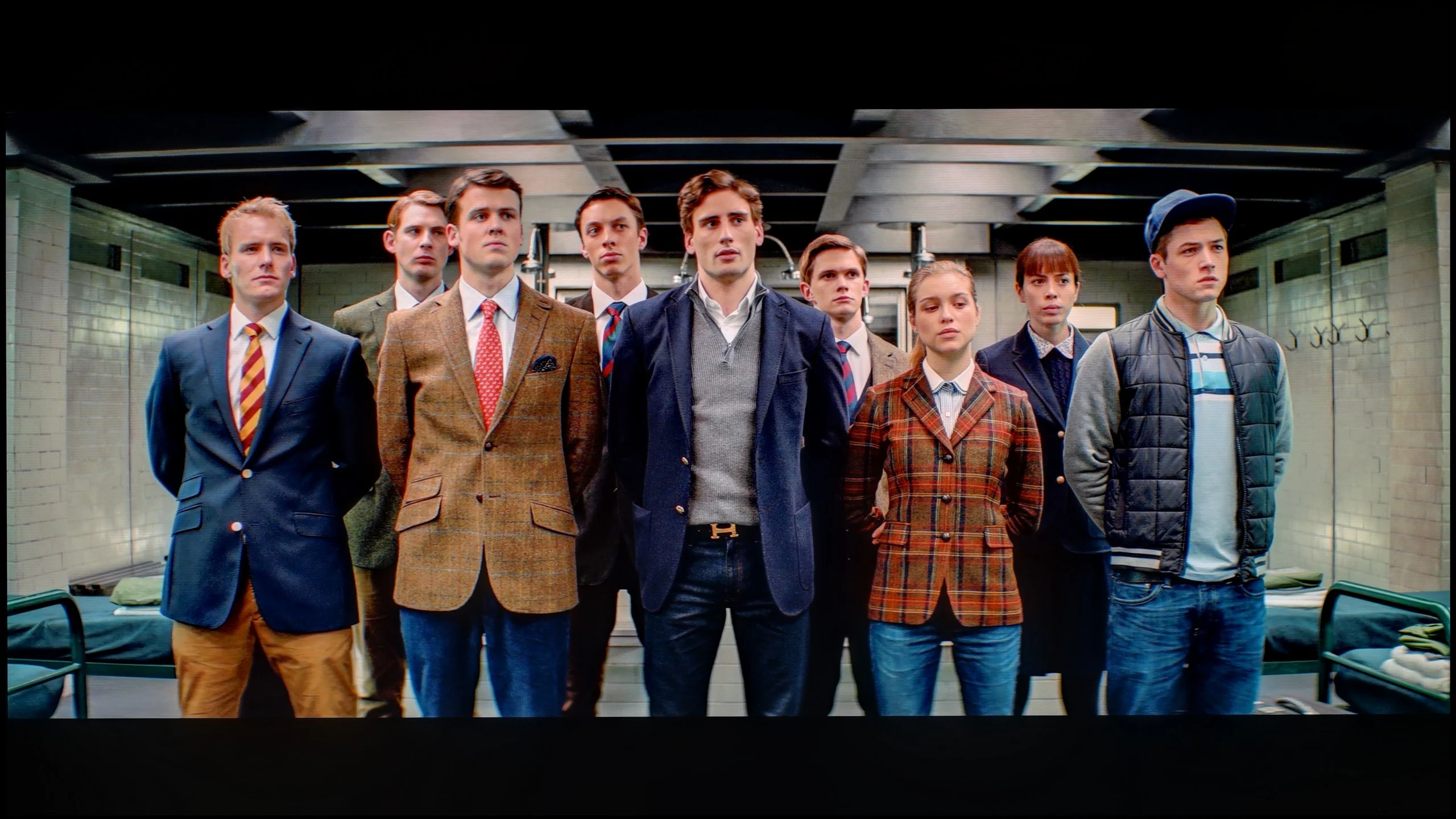
The photos show how movies look on the TV. Pay attention to black detail visibility, colors, and shadow tint.


The photos show how movies look on the TV. Pay attention to black detail visibility, colors, and shadow tint.
After calibration, the Filmmaker mode on the Samsung QN92D shows significant improvement, particularly with SDR content. The white balance has been greatly enhanced — previous colour shifts and red dominance have been corrected, resulting in more natural colour reproduction. Although the gamma curve didn’t require major adjustments, its stabilisation has positively impacted overall picture quality.
In high-quality materials, the white balance has also improved. However, contrast remains an area to watch. The EOTF curve initially appears accurate, but closer inspection reveals that the television struggles to maintain consistent contrast in film content, indicating further room for improvement. Despite these areas, one advantage is the TV’s colour saturation. Skin tones are rendered well, and while some colours may be slightly oversaturated, the overall effect is rich and vibrant.
Despite minor contrast limitations, the calibrated Filmmaker mode on the Samsung QN92D delivers excellent picture quality, with natural colours, making it a strong choice for movie watching.
Calibration yields very good results on the S85H. First, the white balance can be set almost perfectly, which removes the slightly too-warm image cast that was visible earlier in SDR. Color reproduction itself also improves significantly; most errors drop to a very low level, and in everyday viewing it's hard to notice any visible inaccuracies. You can also improve a lot in HDR, although some issues remain due to the TV's inherent characteristics. The S85H doesn't always perfectly follow the brightness curve. The darkest areas are slightly boosted, and as you approach the panel's limits you can see small deviations in the brightest highlights. On top of that there's limited coverage of the wider BT.2020 gamut, which no calibration can of course overcome. Despite this, the end result is very good, and after calibration the S85H can deliver a well-tuned, natural image.
Smoothness of tonal transitions
9/10
7/10
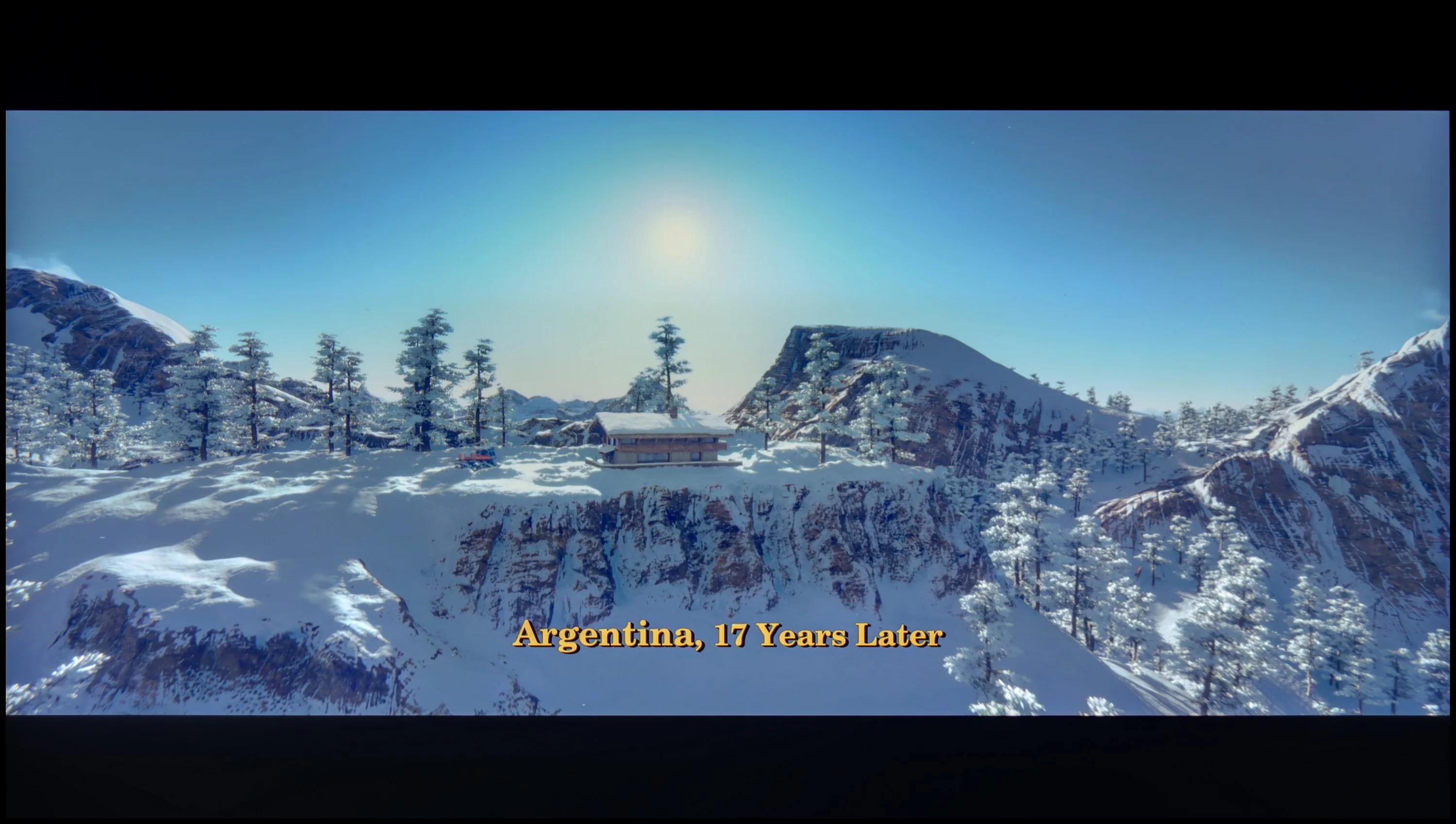

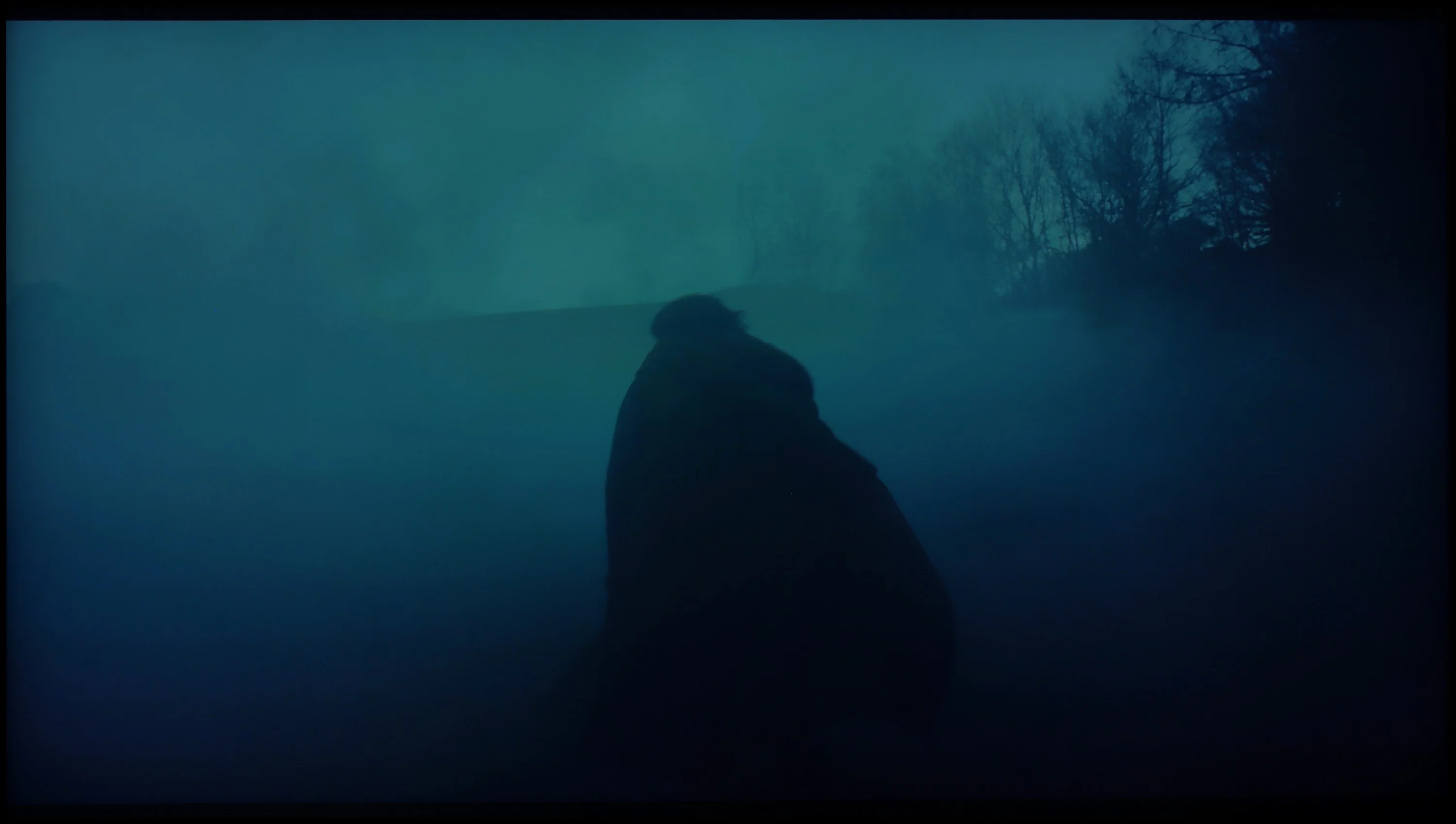
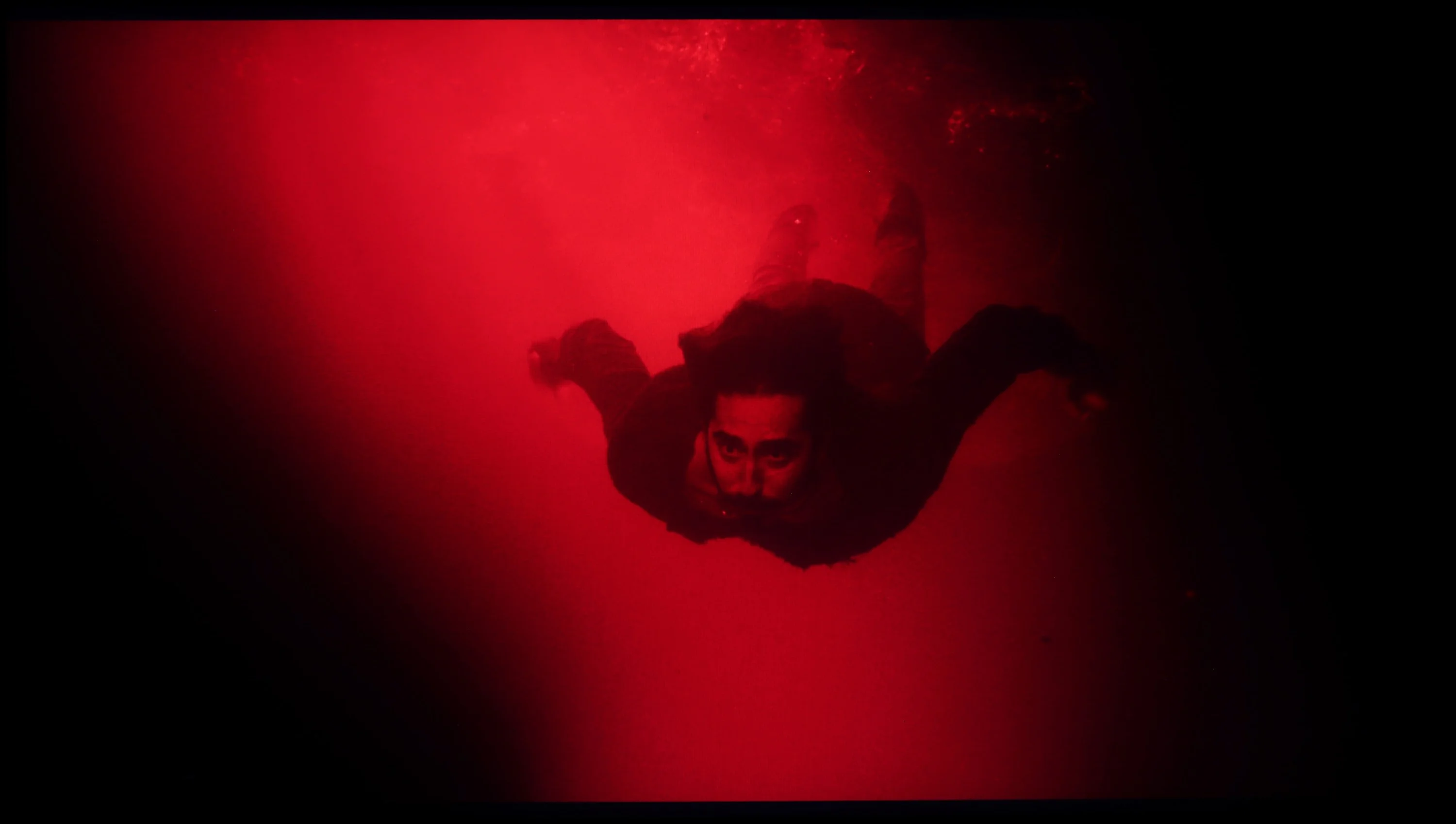
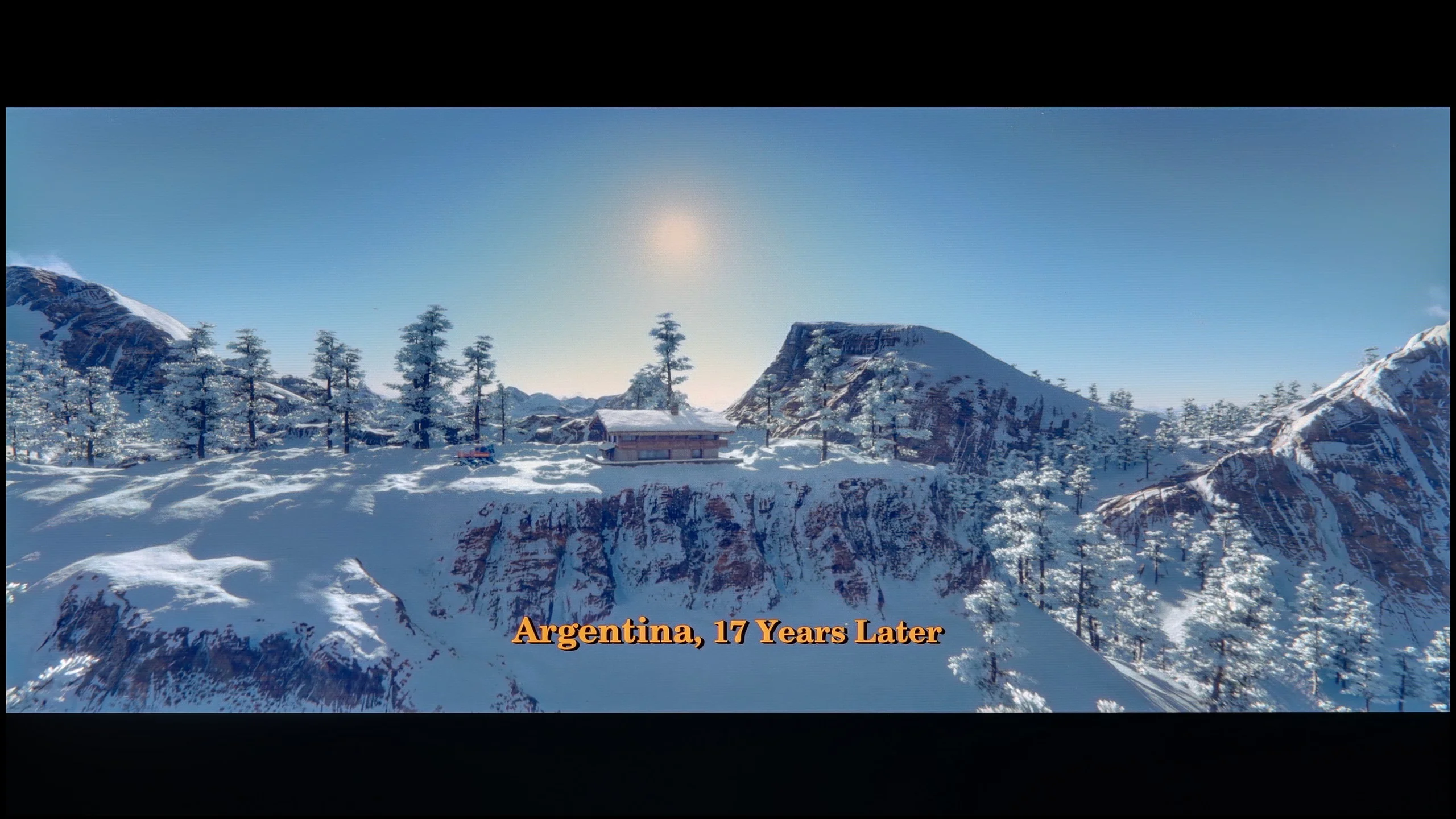
These are selected scenes that show smooth tonal transitions from one color to another. If you see distinct banding, it’s the TV panel’s fault.

These are selected scenes that show smooth tonal transitions from one color to another. If you see distinct banding, it’s the TV panel’s fault.
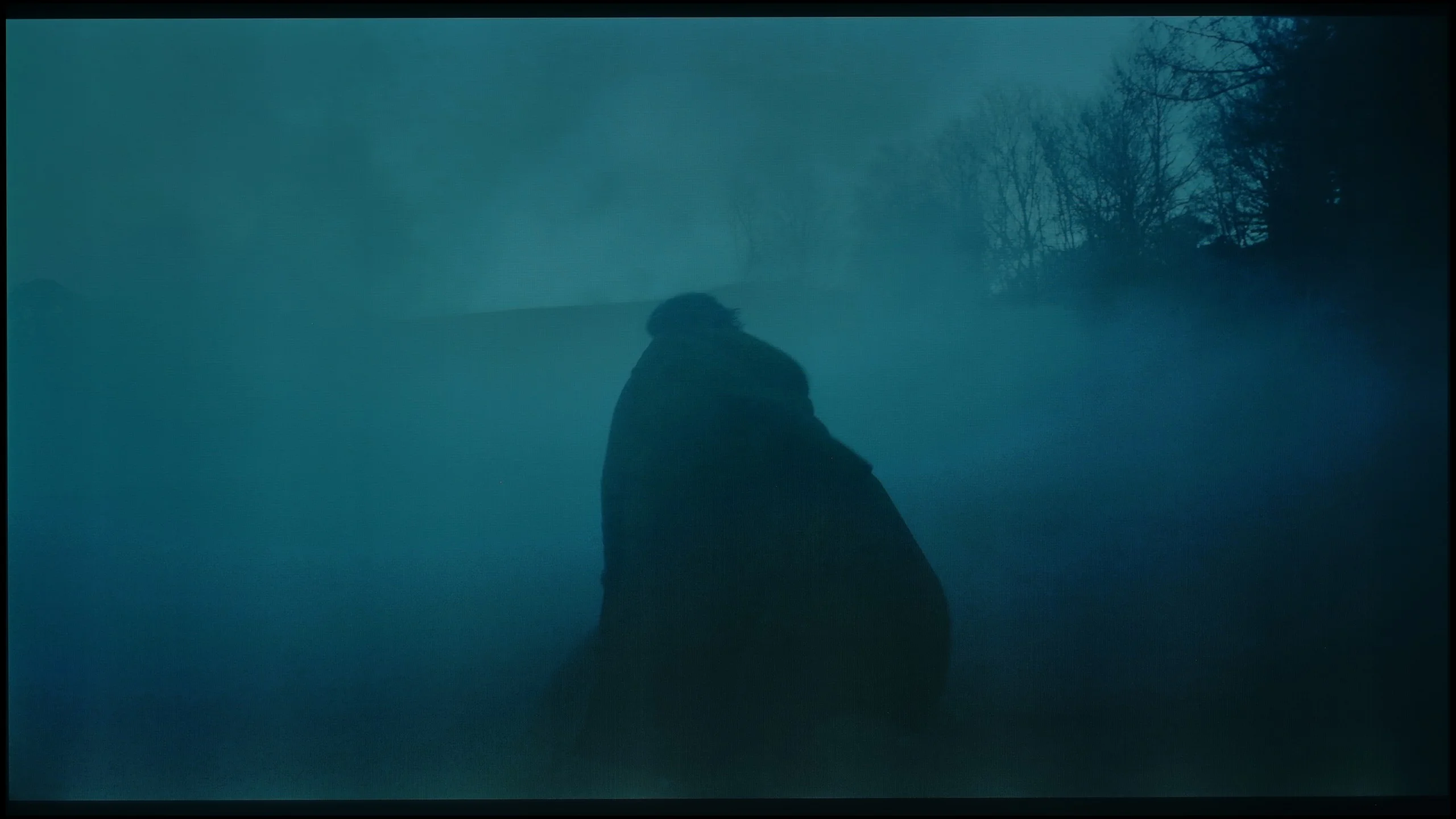
These are selected scenes that show smooth tonal transitions from one color to another. If you see distinct banding, it’s the TV panel’s fault.
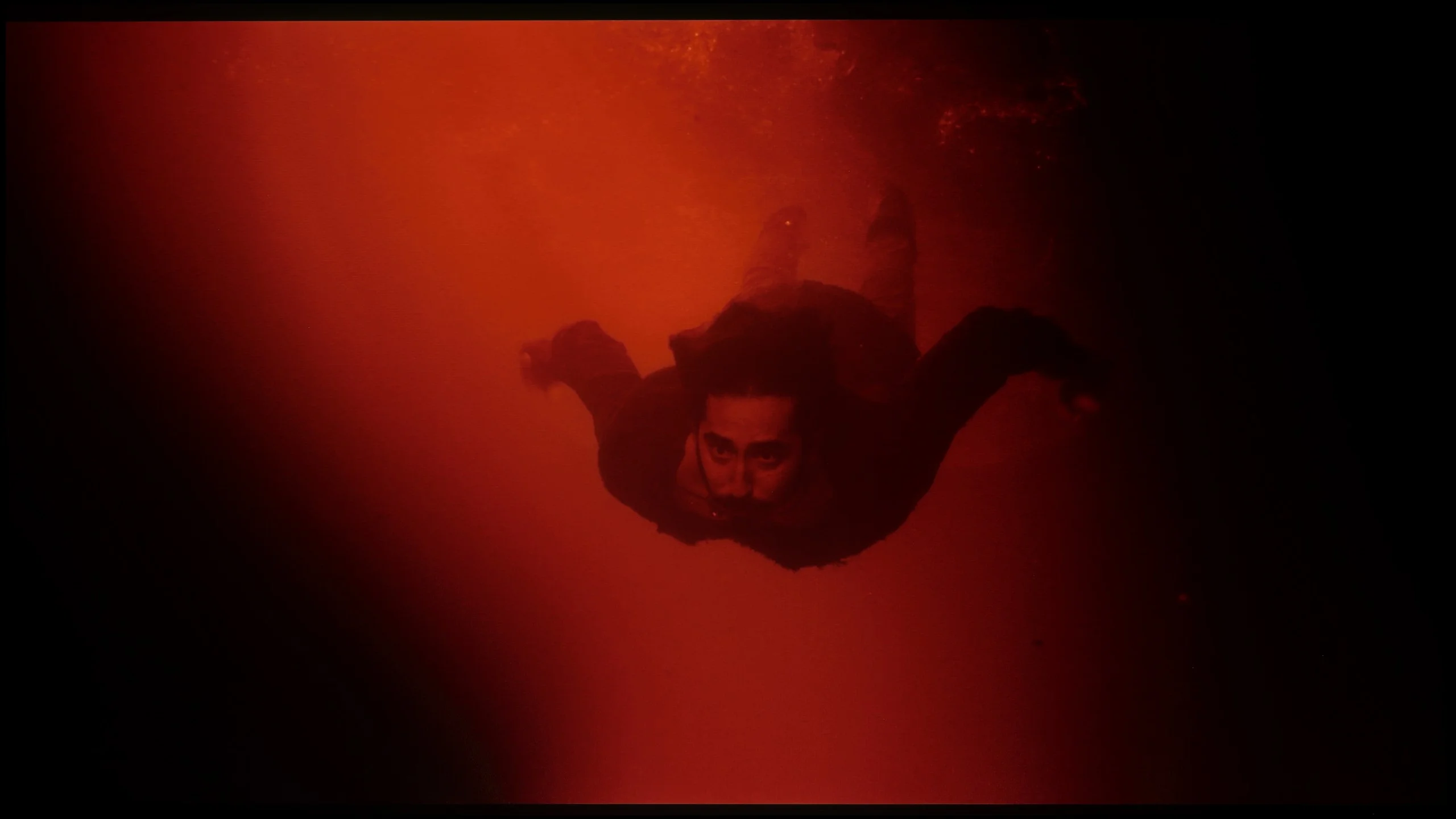
These are selected scenes that show smooth tonal transitions from one color to another. If you see distinct banding, it’s the TV panel’s fault.
The Samsung QN92D television excels in the fluidity of tonal transitions, giving the image a remarkably natural appearance without visible artefacts. It performs exceptionally well in scenes with complex colour gradations, delivering smooth and uniform transitions. Competing OLED televisions in a similar price range could take note, as the Samsung QN92D provides a quality that rivals even models equipped with QD-OLED panels.
The smoothness of tonal transitions is definitely not a strong suit of the S85H compared with other OLEDs. It's most noticeable on bright gradients, where fairly distinct banding appears between successive shades. Instead of an ideally smooth transition you can see separate color bands, and you don't have to look hard to spot them. Gradients in motion look even worse. When gradients move the imperfections become more visible and the image looks simply average in that regard. Dark gradients are not perfect either. You can see unevenness there as well, so the problem isn't limited to the brightest parts of the image. Of course you won't notice this all the time in a typical movie, but scenes with large areas of similar color such as the sky, fog, a sunset or a dark background can reveal the panel's limitations. Compared with older WOLEDs there is still some improvement, but looking at the TVs we've tested this year the S85H performs averagely in this respect, much like its competitor the LG B6, which uses the same panel. This is also one of those characteristics where the difference versus last year's QD-OLED panel becomes very clear. QD-OLEDs handle smooth blending of successive shades much better and clearly beat the WOLED SE panel used here when it comes to gradation.
Image scaling and smoothness of tonal transitions
7.2/10
7.5/10


Smooth transition function
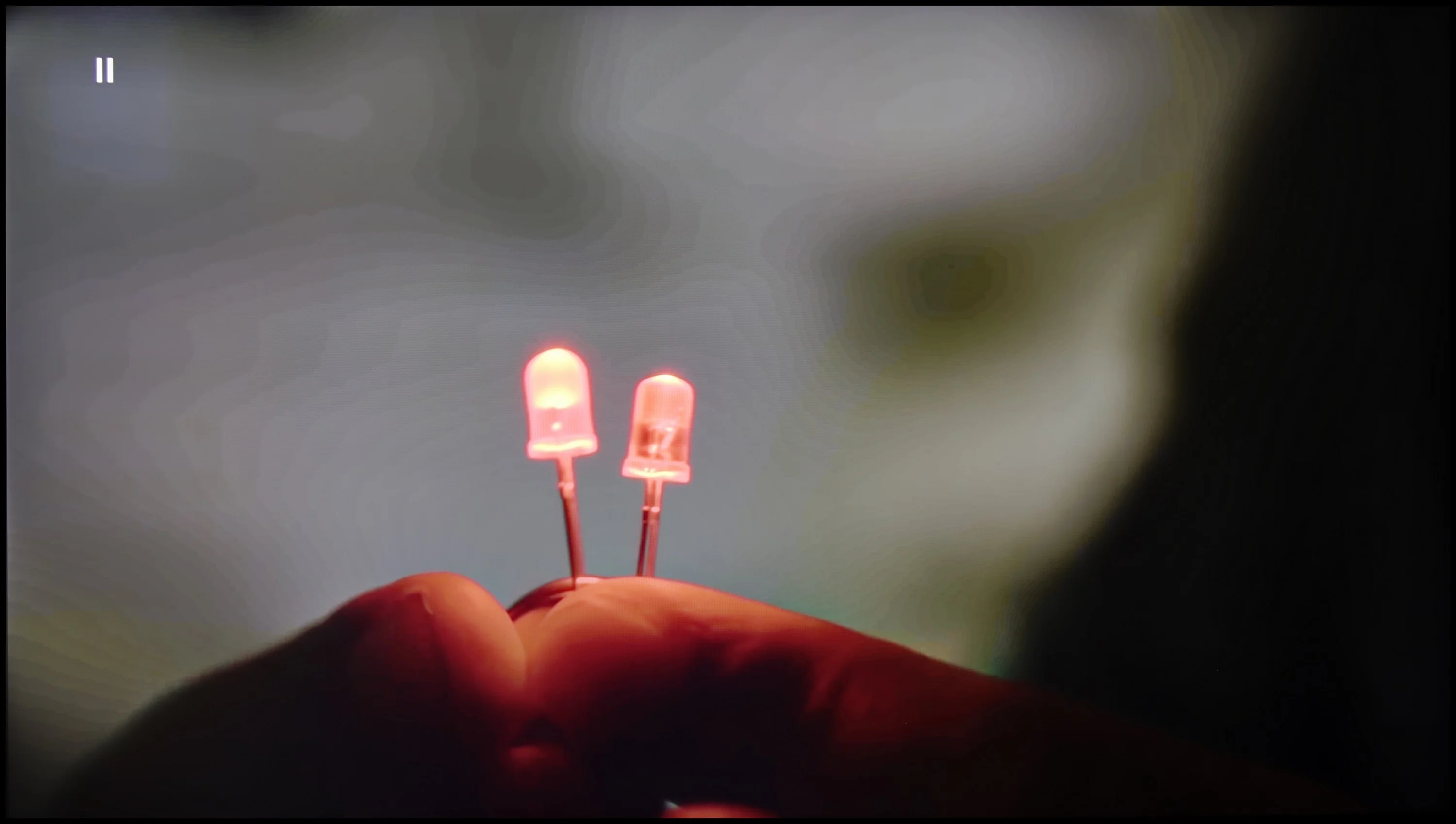
The match photo shows how the TV smooths weak tonal transitions in low-quality video.
Image scaling SD (576i)


The model photo shows how it handles upscaling of SD material.
Let's examine how the Samsung QN92D television manages tonal transitions in low-quality materials. The noise reduction function is highly effective, enhancing the fluidity of tonal transitions even under challenging conditions. However, it’s worth noting that, as with other Samsung televisions, this feature can occasionally remove desirable elements, such as film grain, which may affect image authenticity.
In terms of digital processing, the Samsung QN92D also performs impressively. During testing, the image appeared natural and well-balanced, with details like background branches precisely reproduced, underscoring the television’s ability to enhance the quality of low-resolution materials.
For the S85H, Samsung used the same proprietary NQ4 Gen2 AI processor as in last year’s S85F, and in terms of digital image processing it performs quite well. Upscaling is one of this model’s strengths. Lower-resolution content is well sharpened, edges look natural, and the image doesn’t feel overly artificial. Just bear in mind a common Samsung quirk: at very low resolutions you can’t completely disable overscan, so the TV may slightly crop the left edge of the image. The "noise reduction" function, which smooths weaker tonal transitions, also works very well. The processor can effectively remove posterization and other imperfections visible in lower-quality material. However, you need to be careful with the strength of this feature, because Samsung can be fairly aggressive here. When it’s enabled, along with unwanted artifacts, fine image details such as the texture of skin or clothing can start to disappear.
Blur and motion smoothness
7.5/10
8.5/10
Blur (native resolution, maximum refresh rate):






Blur (BFI function enabled):
Image flickers in this mode



Image flickers in this mode



Blur ():
Blur (4K@60Hz):
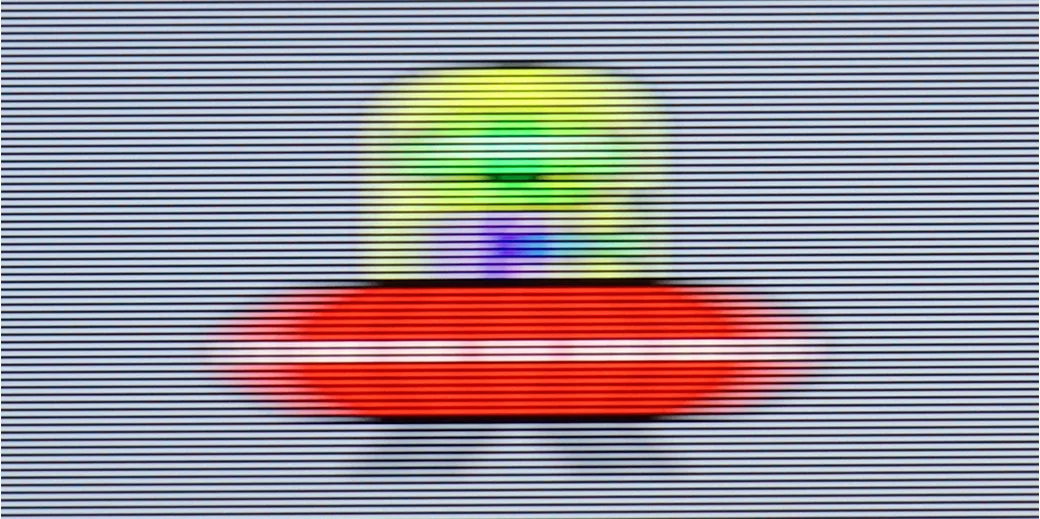
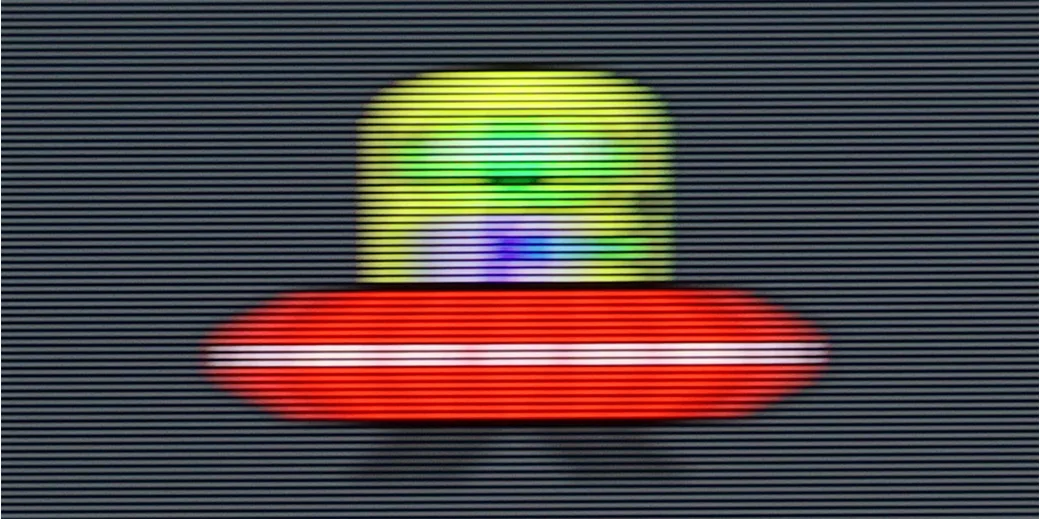
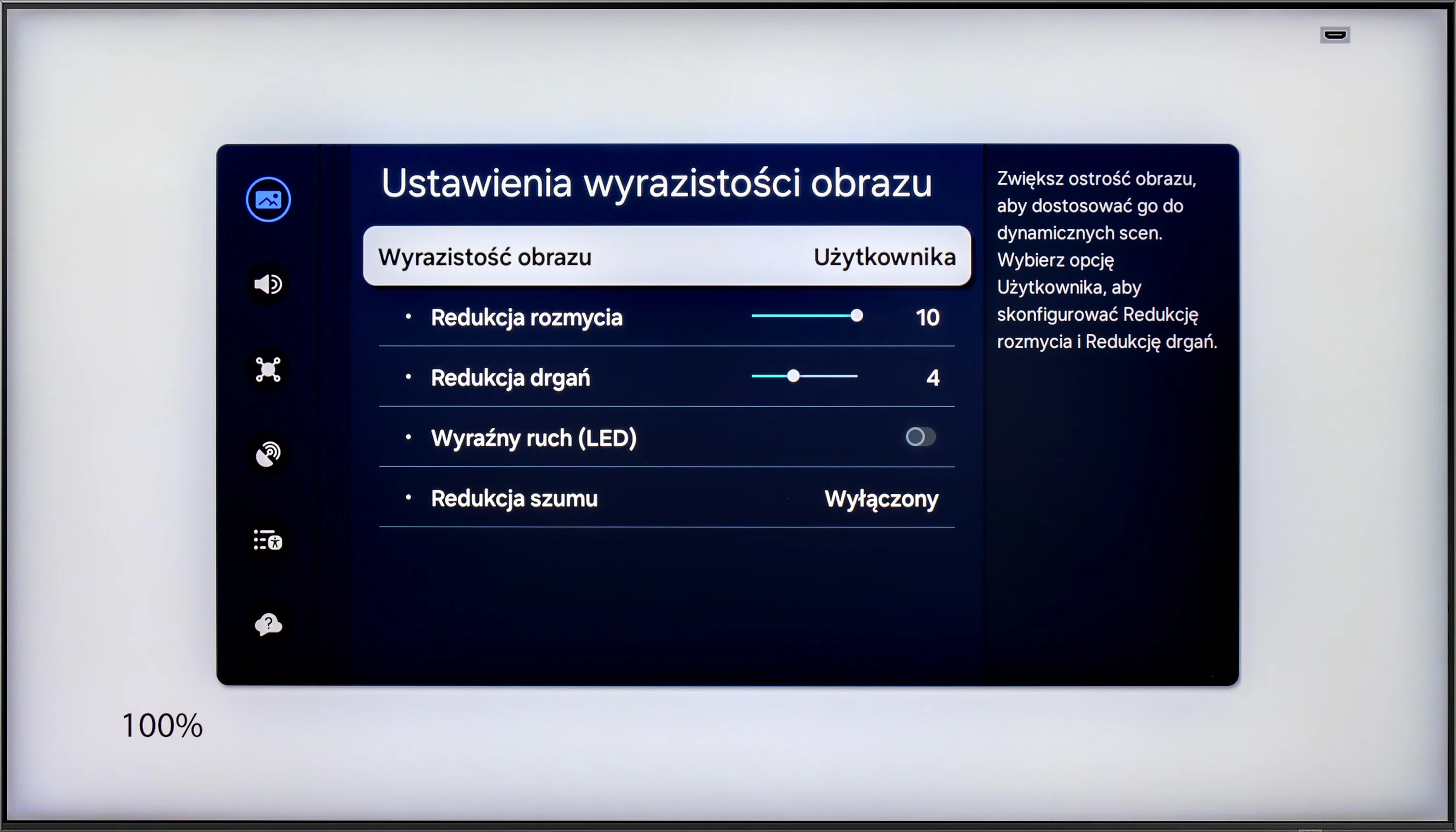
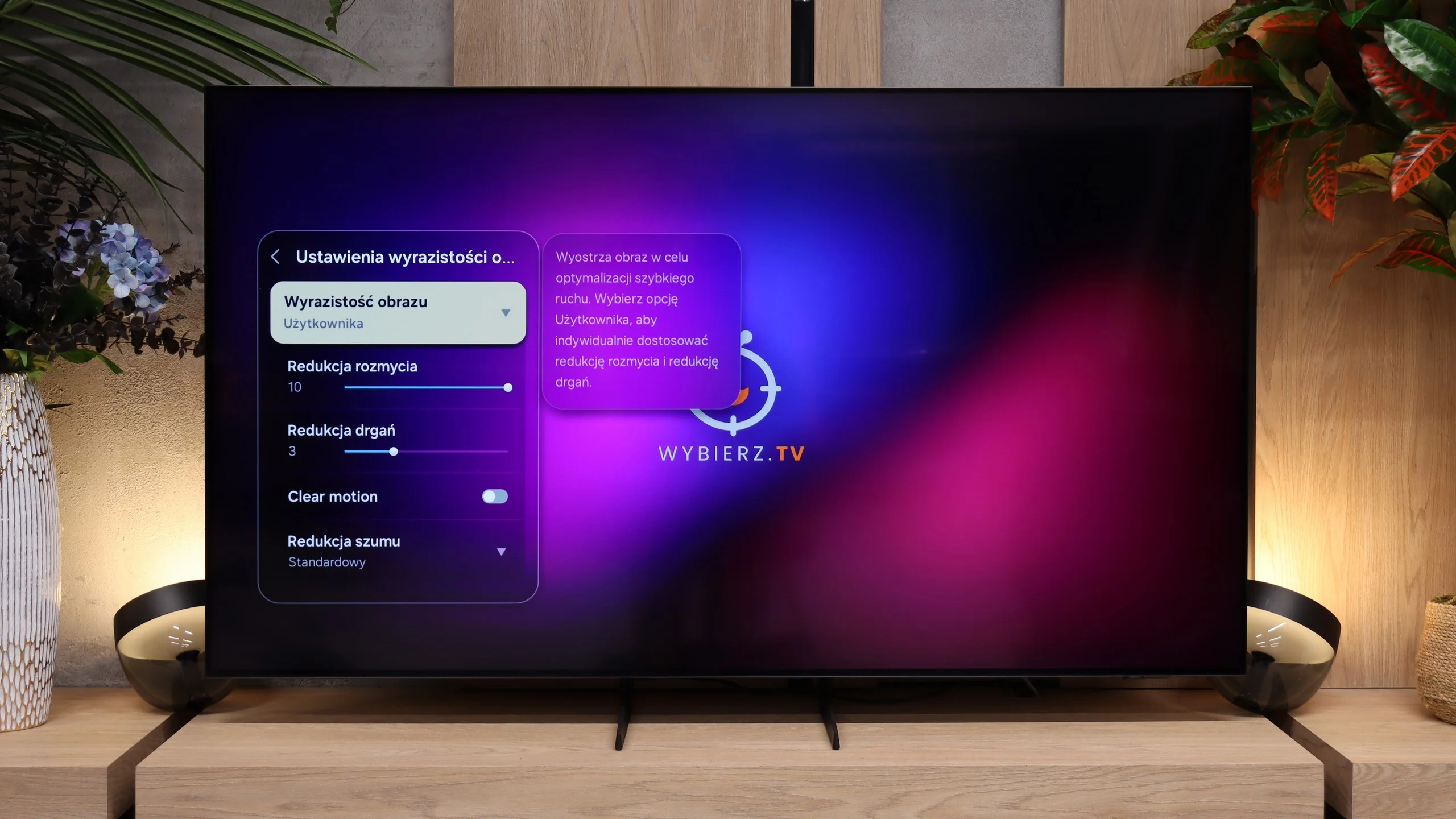
The Samsung QN92D TV features a 144 Hz panel, however, when using the motion smoother, the maximum refresh rate adjusts to 120 Hz. This setup ensures excellent picture quality for both gamers and sports enthusiasts. Additionally, the TV offers a range of image enhancement options, such as the "blur and judder reduction" feature, which lets users fine-tune smoothness on a 10-point scale. Blur reduction sharpens fast-moving objects, while judder reduction smooths out motion, eliminating the "stutter" effect. With these advanced settings, the Samsung QN92D provides optimal visual experiences for dynamic scenes and intense gameplay alike.
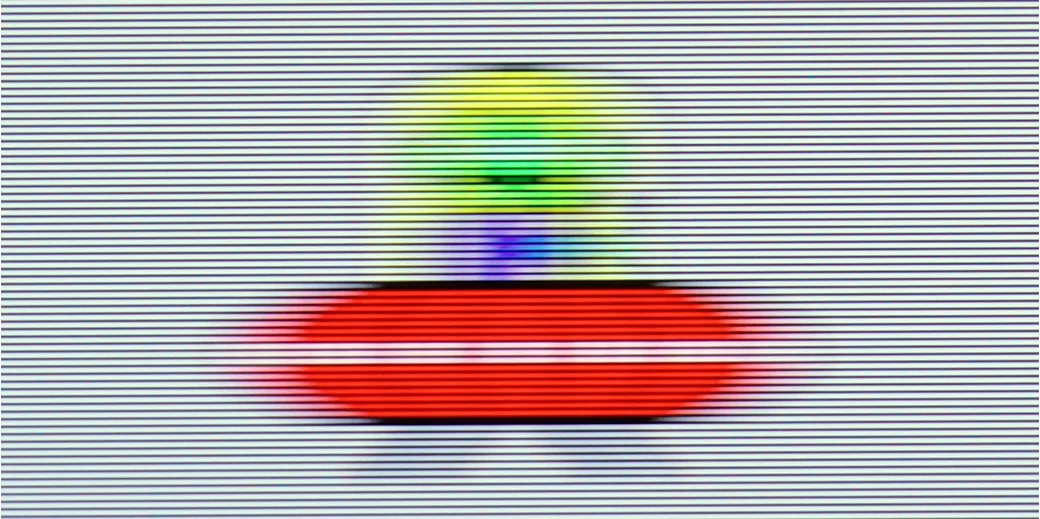
The TV performs impressively in terms of motion blur, with minimal issues. The only minor drawback is a slight overshoot effect noticeable on dark backgrounds in our "Ufoludkiem" test. Nonetheless, with its advanced smoothness settings, the Samsung QN92D delivers outstanding performance for both fast-paced scenes and immersive gaming sessions.
The S85H uses an OLED panel, so it performs excellently when it comes to motion blur. Pixels respond virtually instantly, so moving objects don’t leave the characteristic ghosting seen on some LCD TVs. This is especially noticeable with sports or fast-paced games, where the image stays very clean even during rapid motion. The panel runs at 120 Hz. That’s more than enough for movies, TV series, sports, or console gaming. It’s a bit of a shame Samsung didn’t include a higher refresh rate aimed at PC gamers, since more and more TVs now offer 144 or even 165 Hz at 4K. However, that doesn’t affect motion perception in films or sports. There’s also the classic motion smoothing feature with two settings, blur reduction and judder reduction. So you can choose whether films should keep their cinematic 24 frames per second or if you prefer to smooth them a bit. The S85H gives you plenty of flexibility here, and the interpolation works well and, with reasonable settings, doesn’t produce too many artifacts.
Console compatibility and gaming features
9.5/10
9.6/10
- ALLM
- VRR
- VRR range48 - 144Hz48 - 120Hz
- Dolby Vision Game Mode
- Correct implementation of HGIG
- 1080p@120Hz
- 1440p@120Hz
- 4K@120Hz
- Game bar
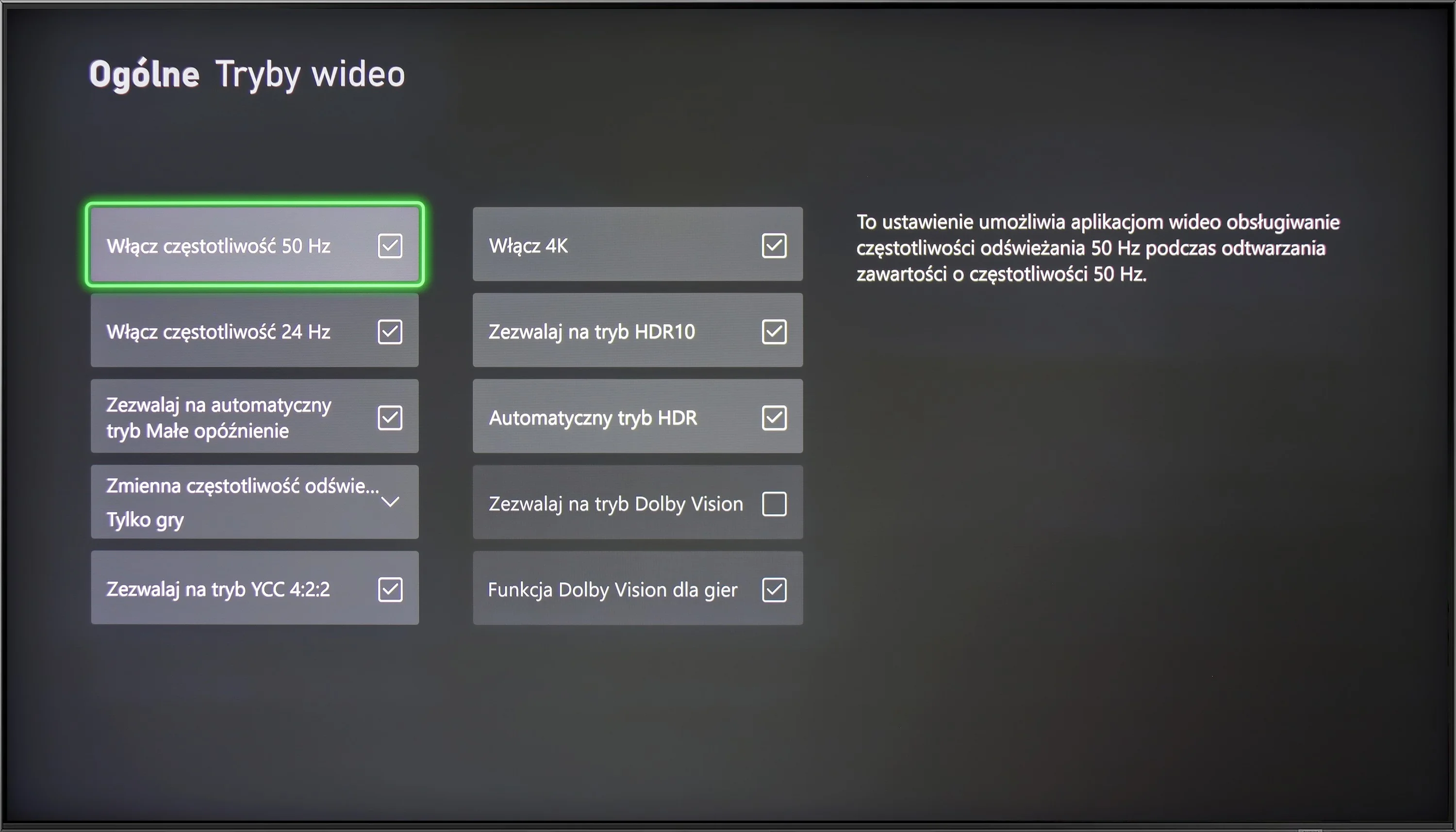
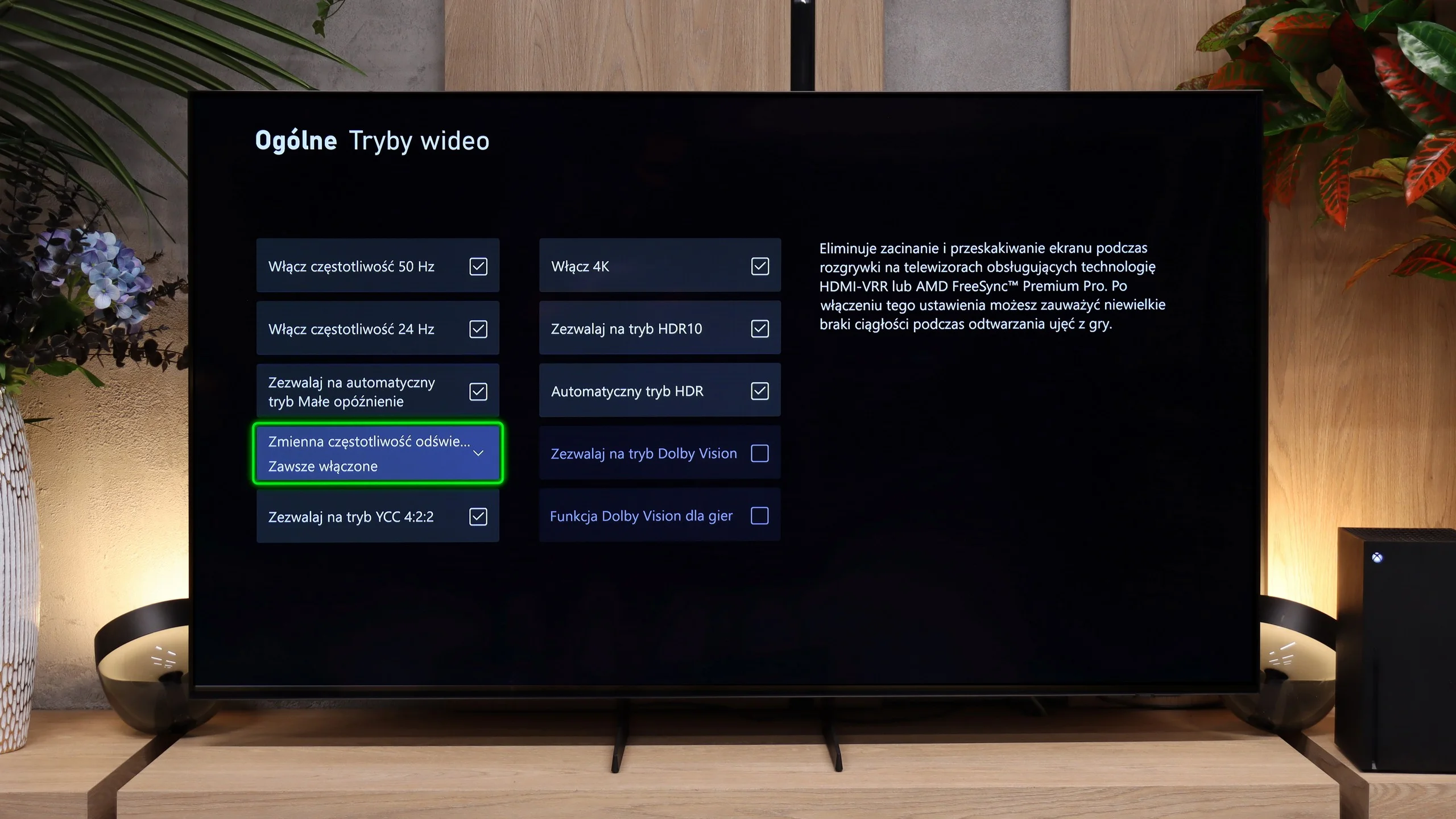
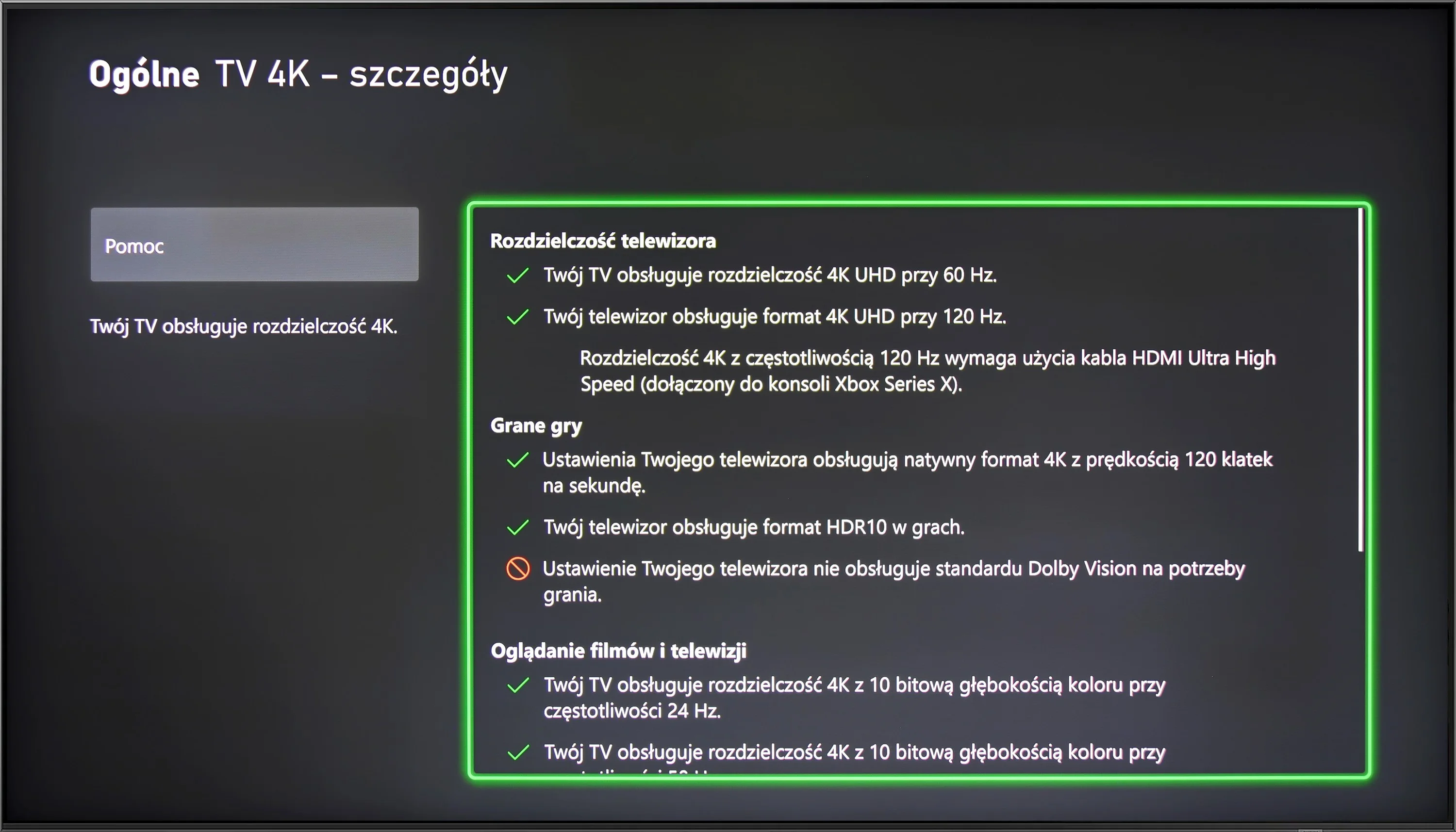
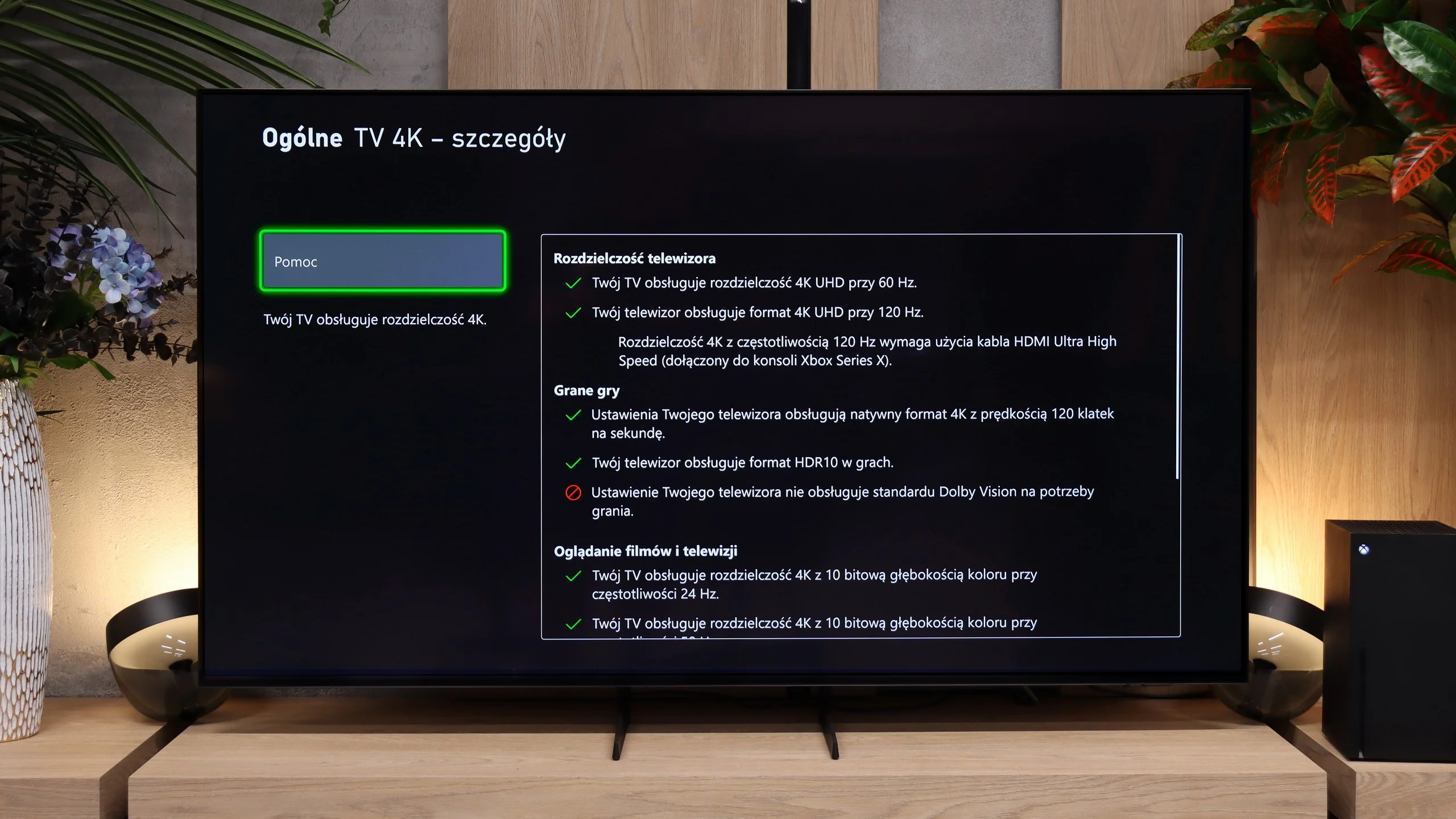
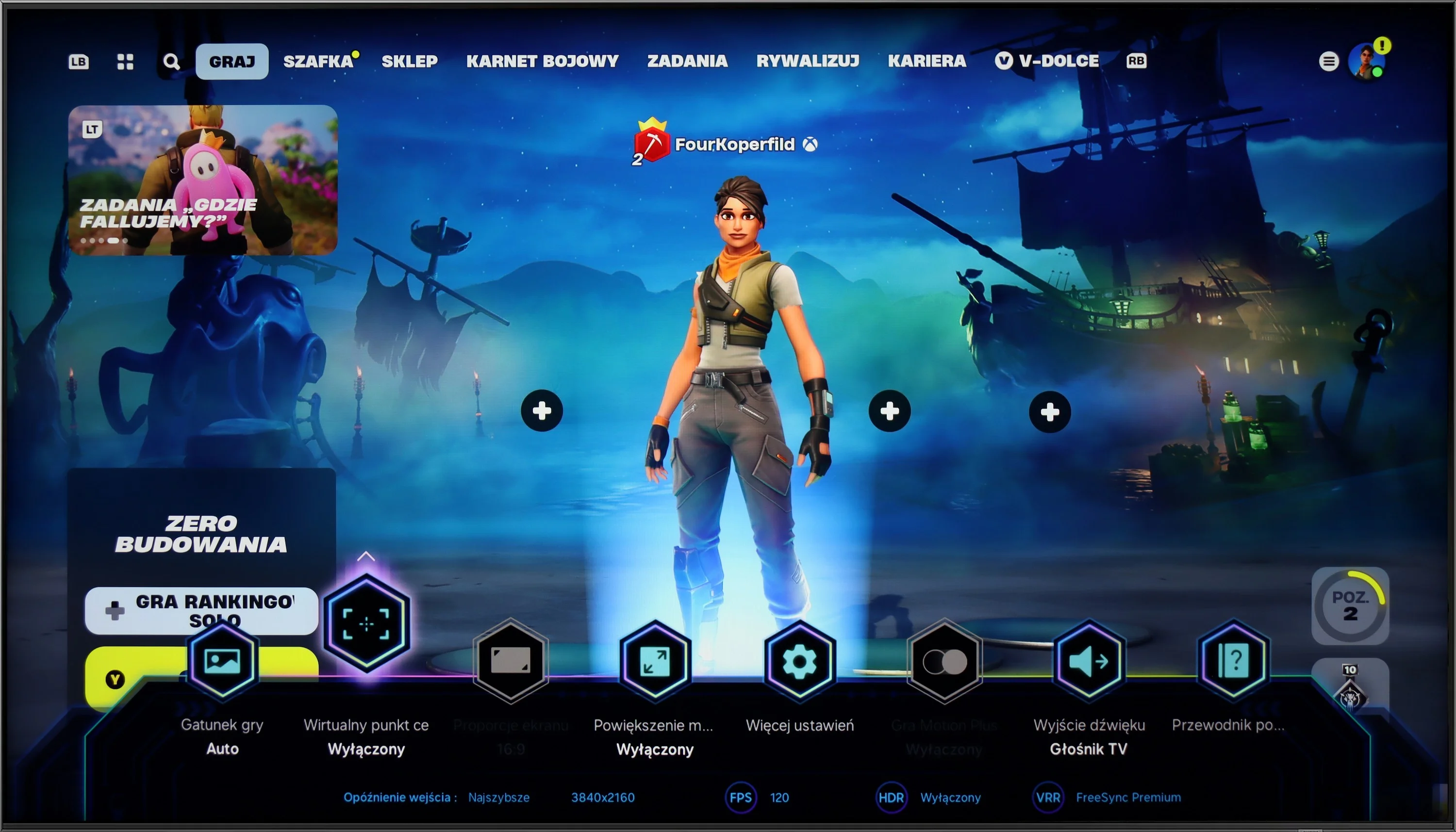
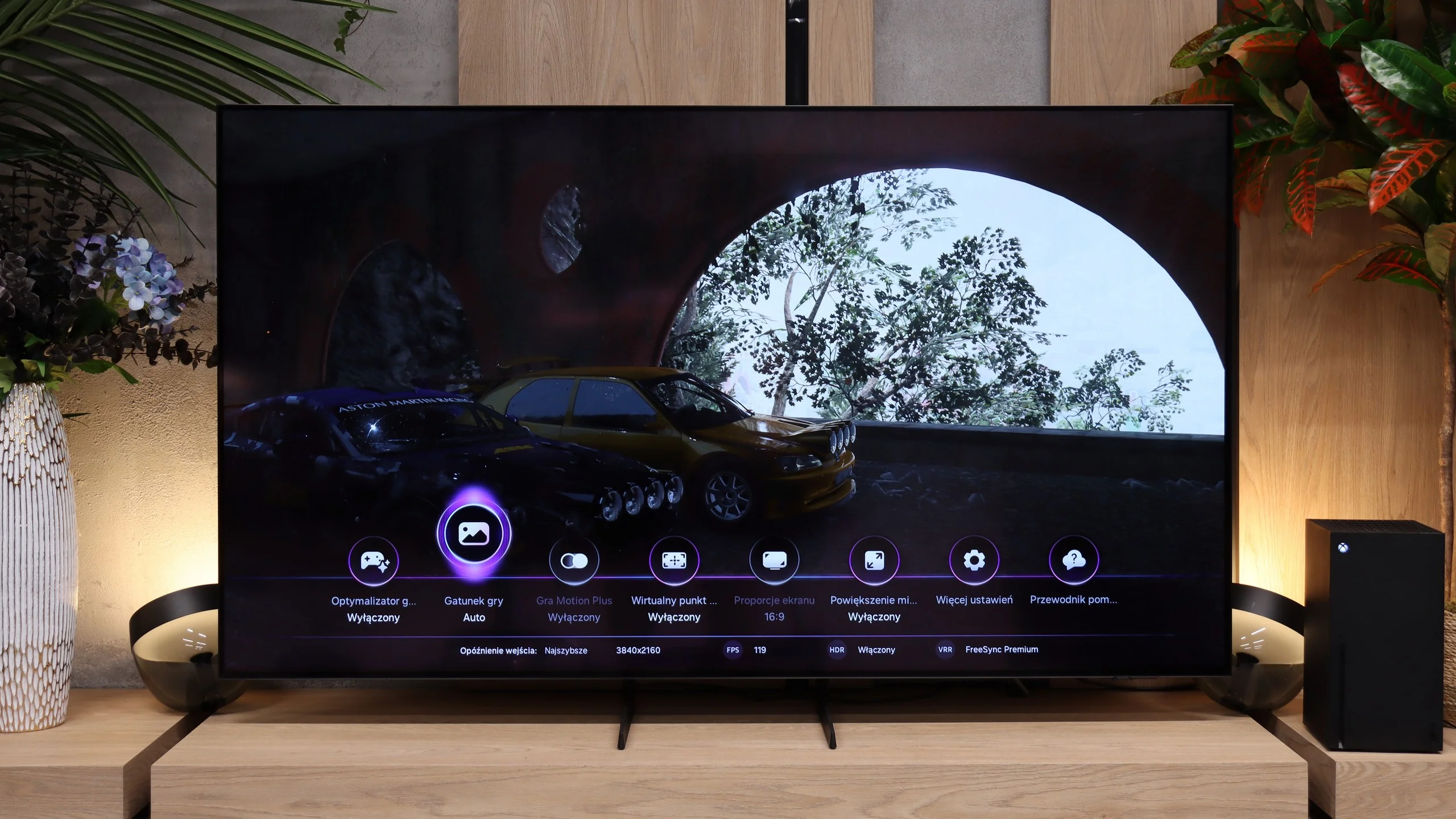
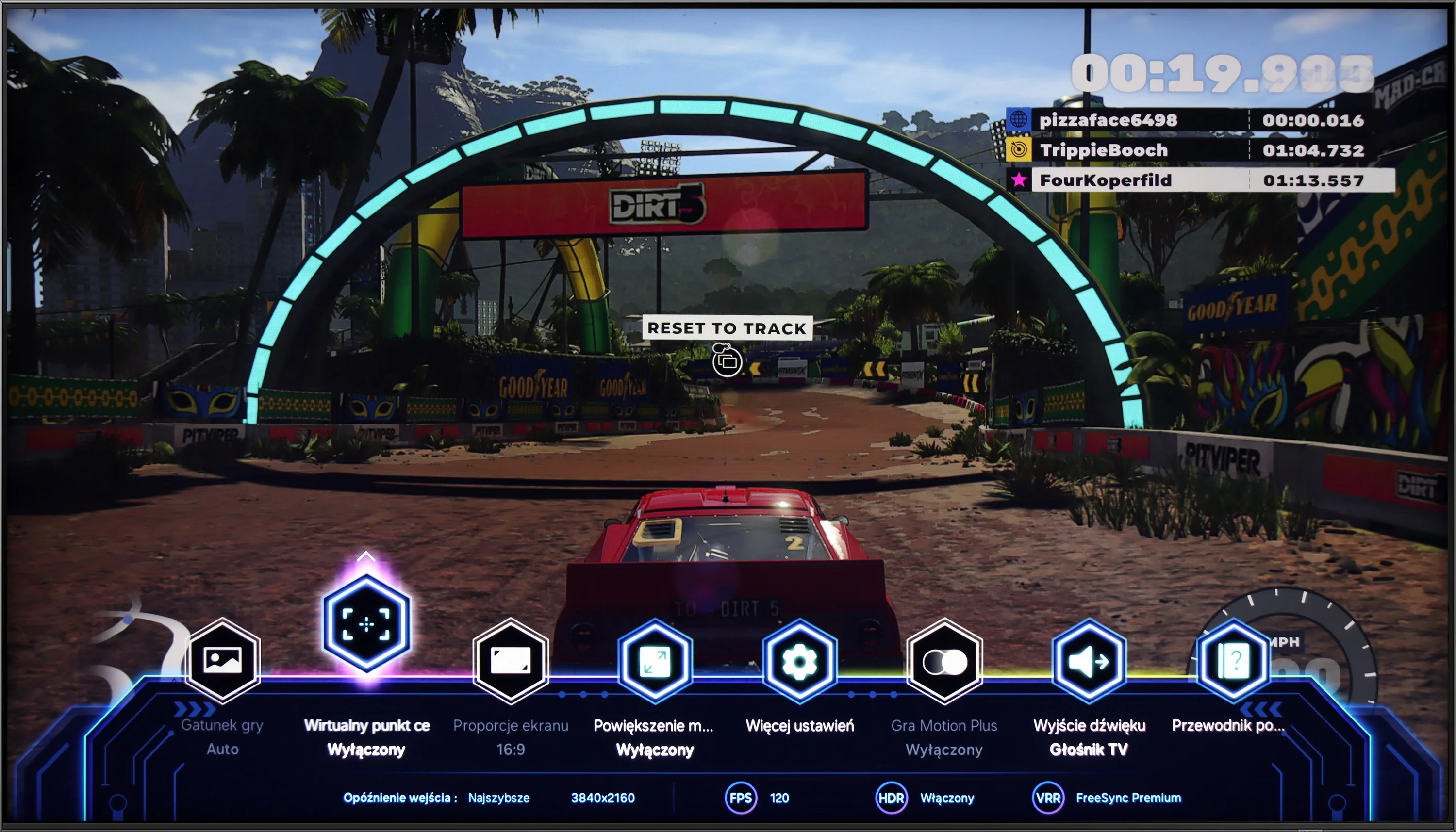
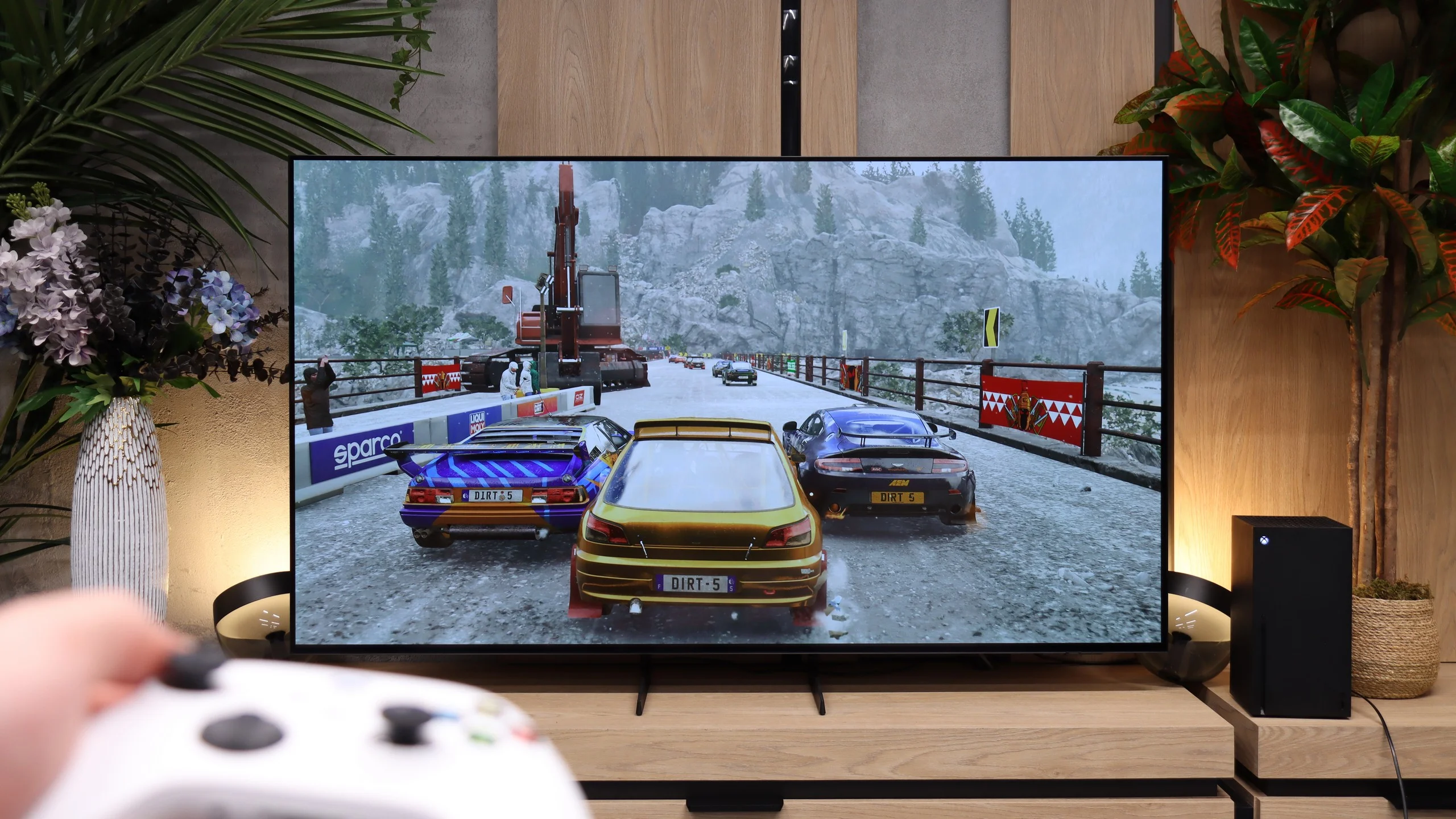
The Samsung QN92/QN90 TV is an outstanding choice for avid gamers and is highly recommended. This model provides virtually every gaming feature currently available, enhancing the excitement of gameplay. A standout feature is the 120 Hz panel, delivering impressive motion smoothness, which is especially beneficial during action-packed games. The TV also boasts low input lag, ensuring quick responses to player commands. Additionally, VRR (Variable Refresh Rate) and ALLM (Auto Low Latency Mode) optimise refresh rates and automatically activate gaming mode, further elevating the gaming experience. An additional bonus is the Xbox app, enabling users to play directly on the TV without needing a console—an exclusive feature in Samsung TVs, adding to their appeal in the gaming world.
Samsung’s Auto Motion Plus Game feature deserves particular praise. This motion smoother is highly effective in gaming, making lower frame rates appear smoother—30 frames per second can look like 45, and 60 Hz can resemble 90 Hz. Crucially, it achieves this without introducing noticeable input lag (keeping it below 25 ms), so gameplay remains highly responsive, unlike many other motion-smoothing options on the market. As a result, players can enjoy a smoother visual experience without sacrificing responsiveness.
The Samsung S85H is very well set up for gaming, whether you connect a console or a PC. The manufacturer didn’t skimp on ports and all four HDMI inputs support full HDMI 2.1. That means you can use 4K at 120 Hz, VRR, and ALLM without worrying which input to plug your console into. With several devices that matters, because you don’t have to choose between a console, a PC, or a soundbar connected via eARC. The feature set itself is very comprehensive. The S85H supports VRR, FreeSync, and automatic switching to game mode, and Samsung offers its comprehensive Game Bar, which lets you quickly view key signal parameters and change settings without leaving the game. The only real omission is Dolby Vision, which will matter mainly to Xbox owners. That’s a typical trait of Samsung TVs. Game Motion Plus performs very well and is one of the features that have set Samsung TVs apart for years. It smooths motion in games running at 30 or 60 fps, but does so without as large an increase in input lag as traditional motion smoothing. In practice, with more relaxed games, racing titles, or action games this can really improve perceived motion, especially if you’re sensitive to low framerates.
Input lag
9.9/10
10/10
SDR
HDR
Dolby Vision
Input lag is a crucial factor for gamers, and the Samsung QN90D excels in this area. With input lag values below 13 ms, the delay between pressing a controller button and the on-screen response is minimal. This low value ensures smooth and responsive gameplay, satisfying both casual gamers and professionals, for whom every millisecond counts. As a result, the Samsung QN92D stands out as an excellent choice for those who prioritise precision and speed in their gaming experience.
Samsung S85H also performs very well in terms of input lag. At 120 Hz we measured input lag below 5 ms, which is a level at which the TV's response to controls is practically instantaneous. At 60 Hz the delay is naturally higher, but still remains very low, about 10 ms, so in this respect the S85H gives little reason to complain.
Compatibility with PC
8.6/10
7.6/10
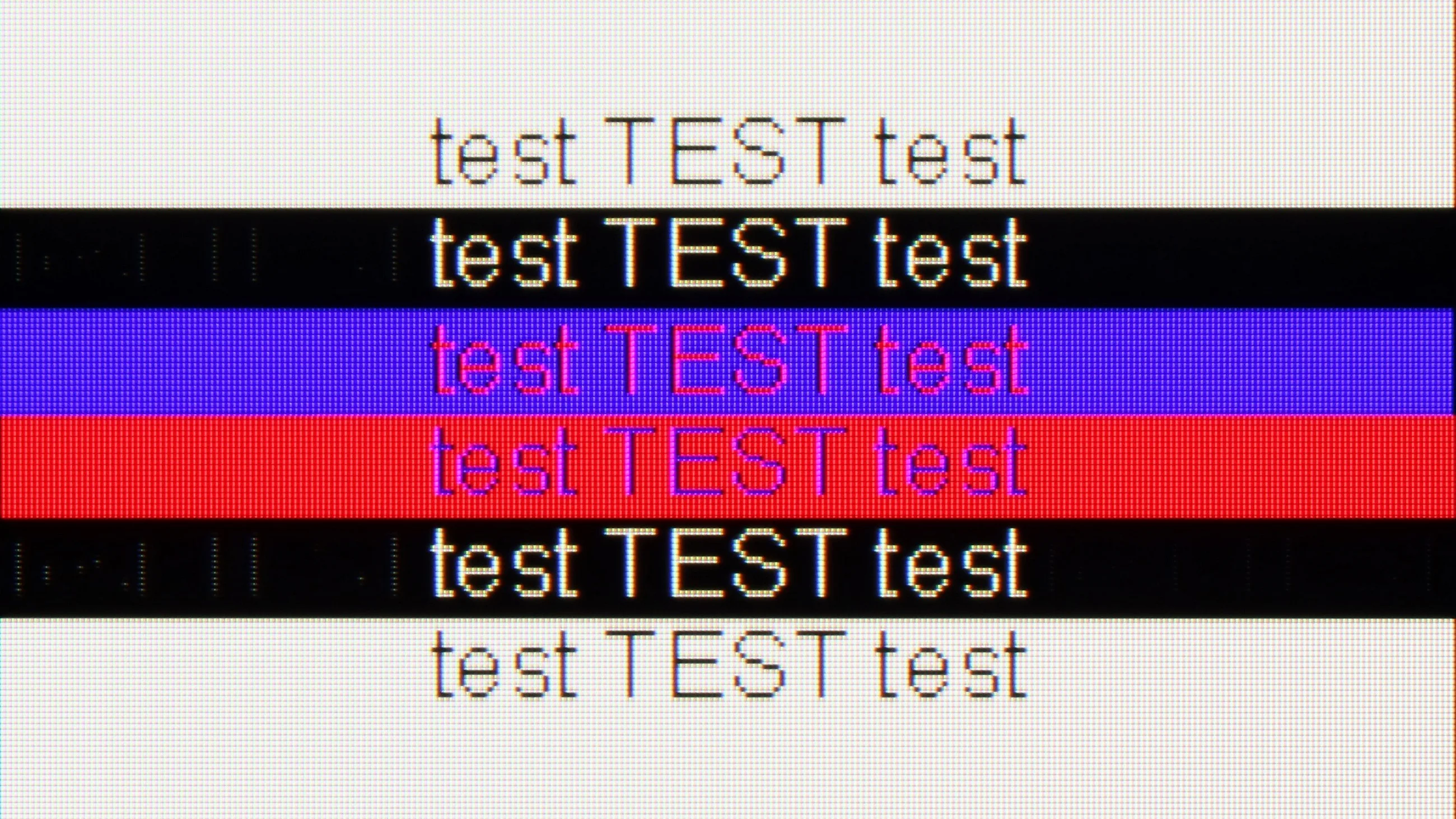
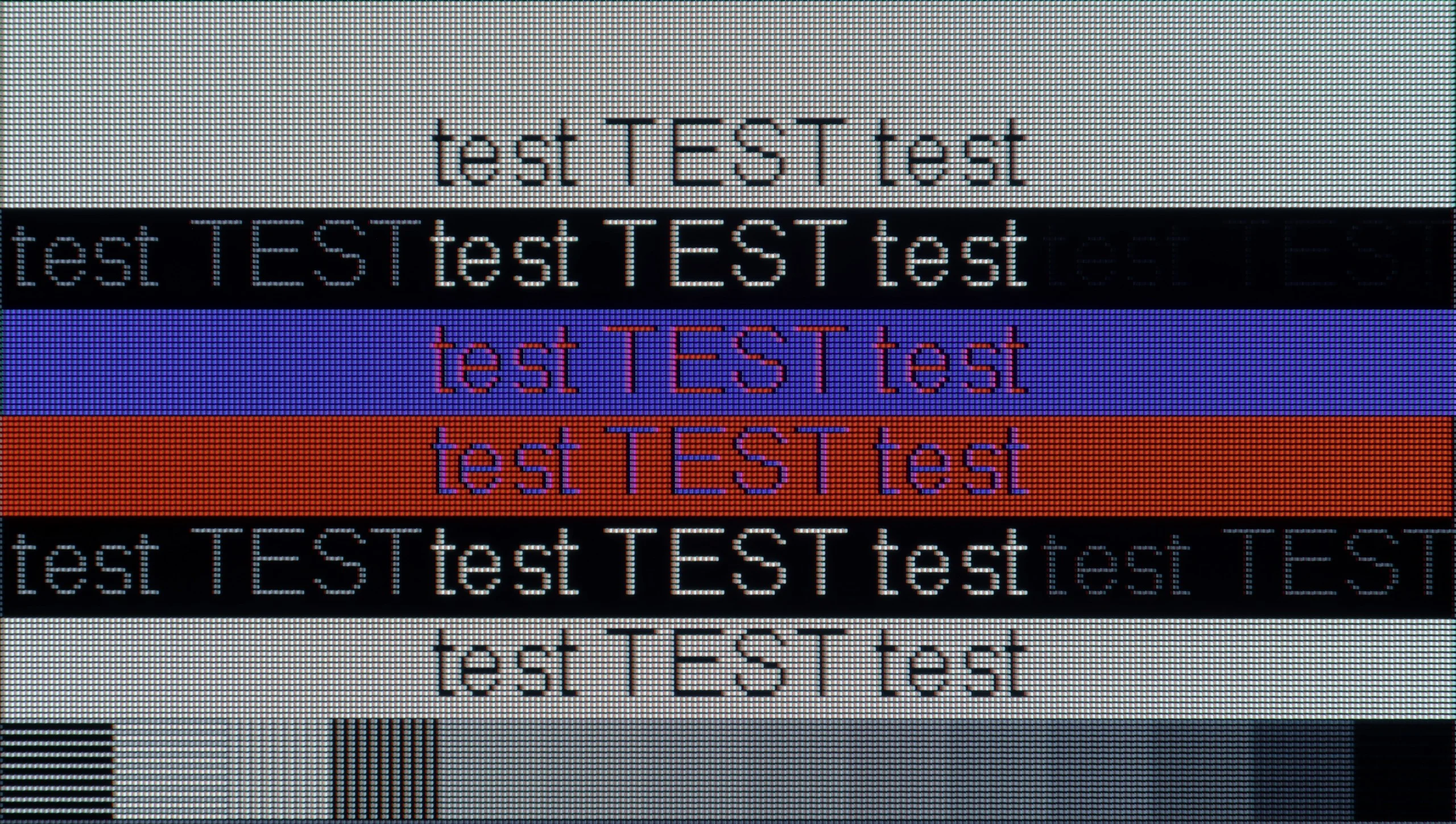
The photo shows the legibility of small fonts. Ideally, lines should be the same thickness on both light and dark text, with minimal pixel gaps.
The television stands out for its high performance, supporting chroma 4:4:4 and offering exceptionally low input lag. These features allow users to enjoy fluidity and responsiveness, making it an excellent choice for office work and everyday applications. However, one notable drawback is the poor visibility of horizontal lines on a dark background. On the test pattern on the right, letters appear more like vertical lines, which can be frustrating for some users. Nevertheless, the TV generally works well with computers, providing comfort in performing daily tasks. It is also worth mentioning in this paragraph the "Remote PC" feature, thanks to Microsoft's collaboration with the Korean giant, we can seamlessly pair Windows PCs and use Office 360 applications.
The Samsung S85H also works very well as a large PC monitor. Font readability is good, and from the typical distance you sit from a screen this size, text looks really good. You just need to remember the four-subpixel layout of the WOLED panel, which means that from very close up the edges of letters aren't quite as perfectly sharp as on a traditional RGB monitor. However, this is a characteristic of OLED technology itself and shouldn't be an issue in normal TV use.
The S85H also has a lot to offer PC gamers. It delivers 120 Hz, G-Sync support, very low input lag, and of course the lightning-fast response time of the OLED panel. The only thing that was really missing was the ability to run the panel at a higher refresh rate. More and more TVs already support 144 or 165 Hz at 4K, so an additional mode like that would be welcome here.
Viewing angles
7.1/10
7.5/10
With VA panel TVs, limited viewing angles are typically expected; however, the Samsung QN90D excels in this area. Thanks to its special coating designed to expand viewing angles, this TV delivers impressive performance rarely seen in devices with VA panels. While VA panels generally fall short in this regard, the QN90D maintains clear and vivid picture quality even when viewed from the side. This makes it an excellent choice for larger rooms and group viewing situations.
Viewing angles are one of the big advantages of the S85H and OLED panels in general. Even when you view the screen from well off to the side, the image still retains good contrast, brightness and color saturation. In this respect the S85H performs significantly better than practically any LCD or Mini-LED TV available today. Only QD-OLED panels actually do better, keeping colors even more stable at wide angles. However, you’ll only find those in higher-end models.
Daytime performance
6.4/10
5.1/10
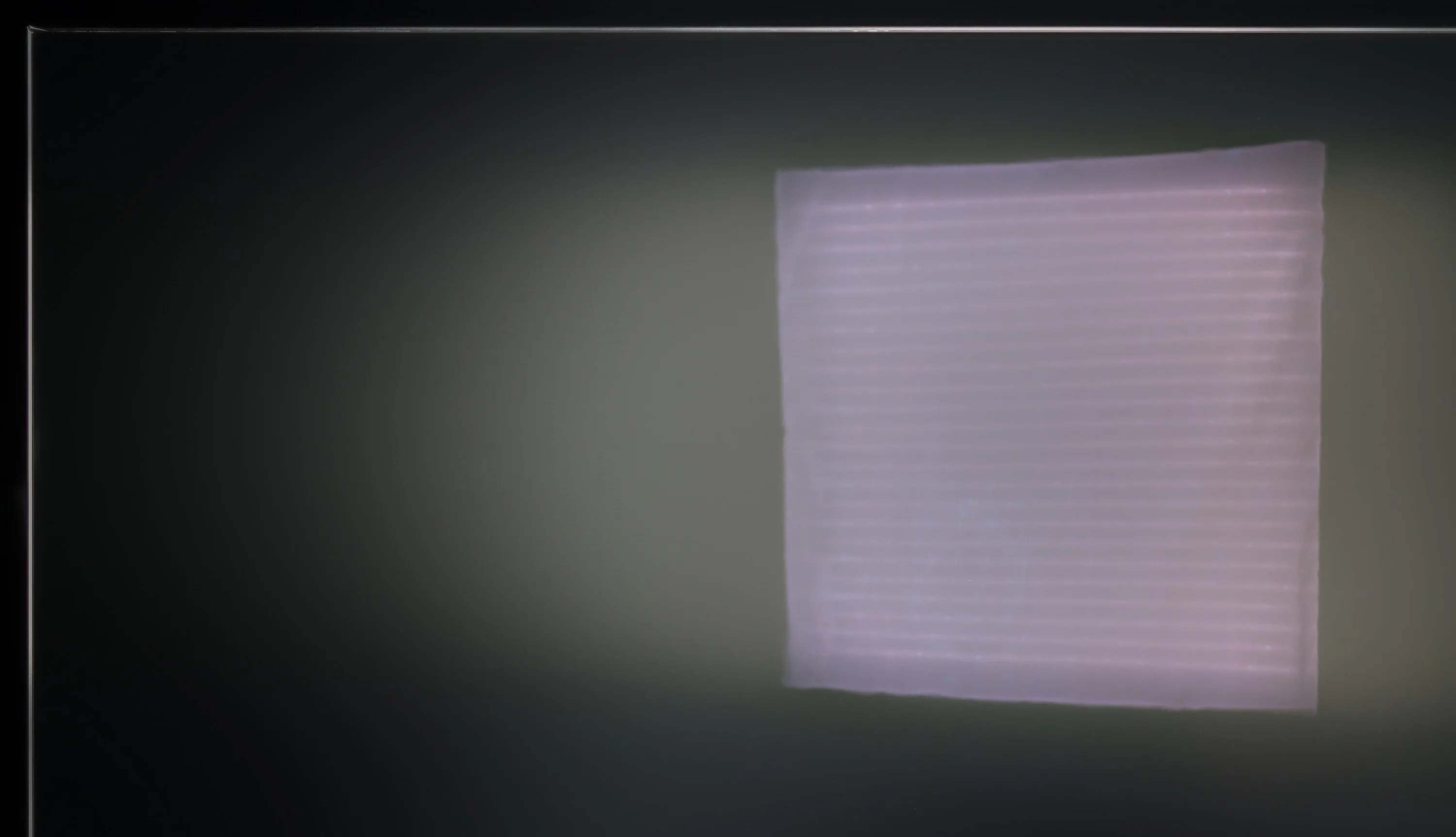
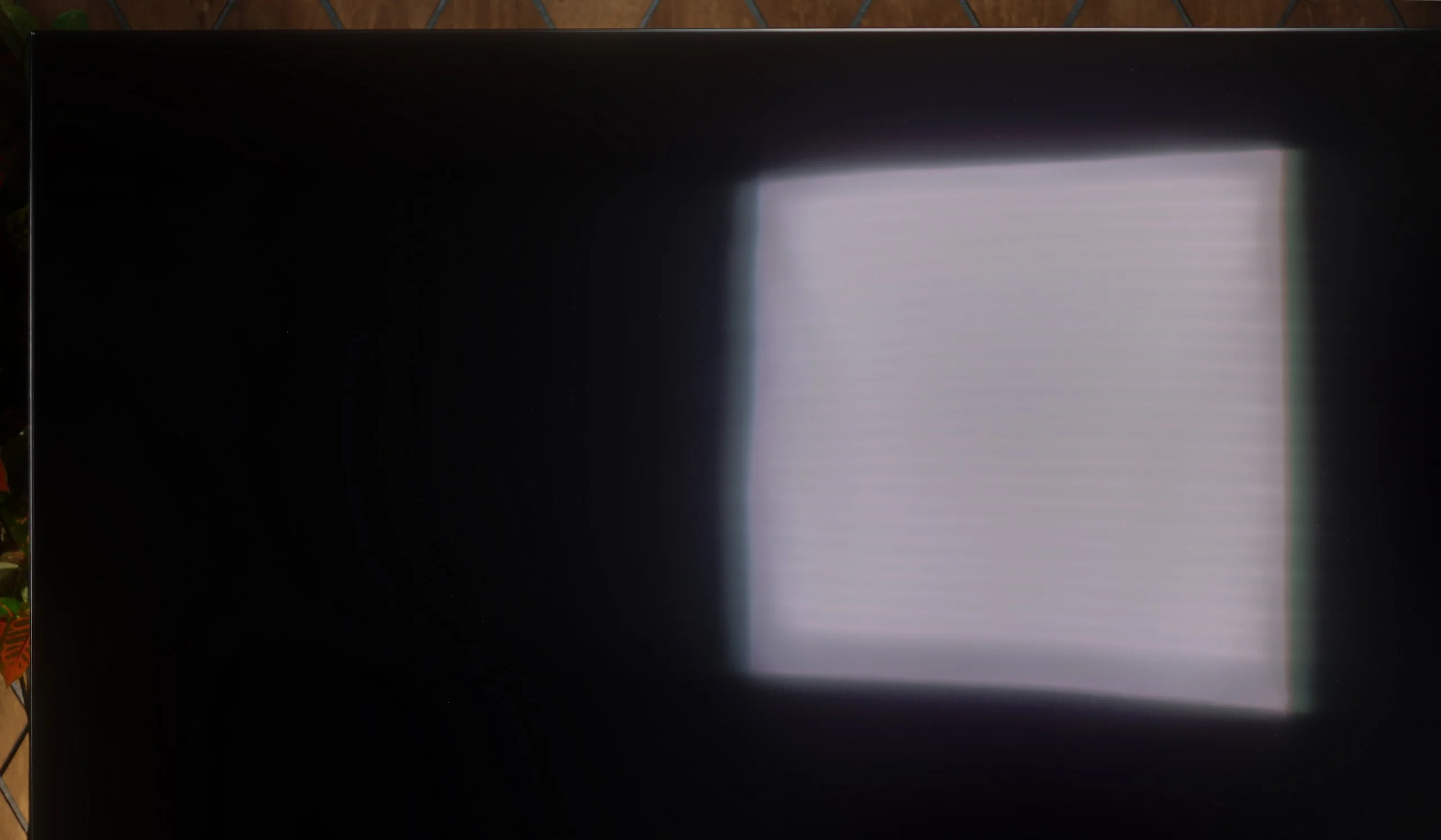
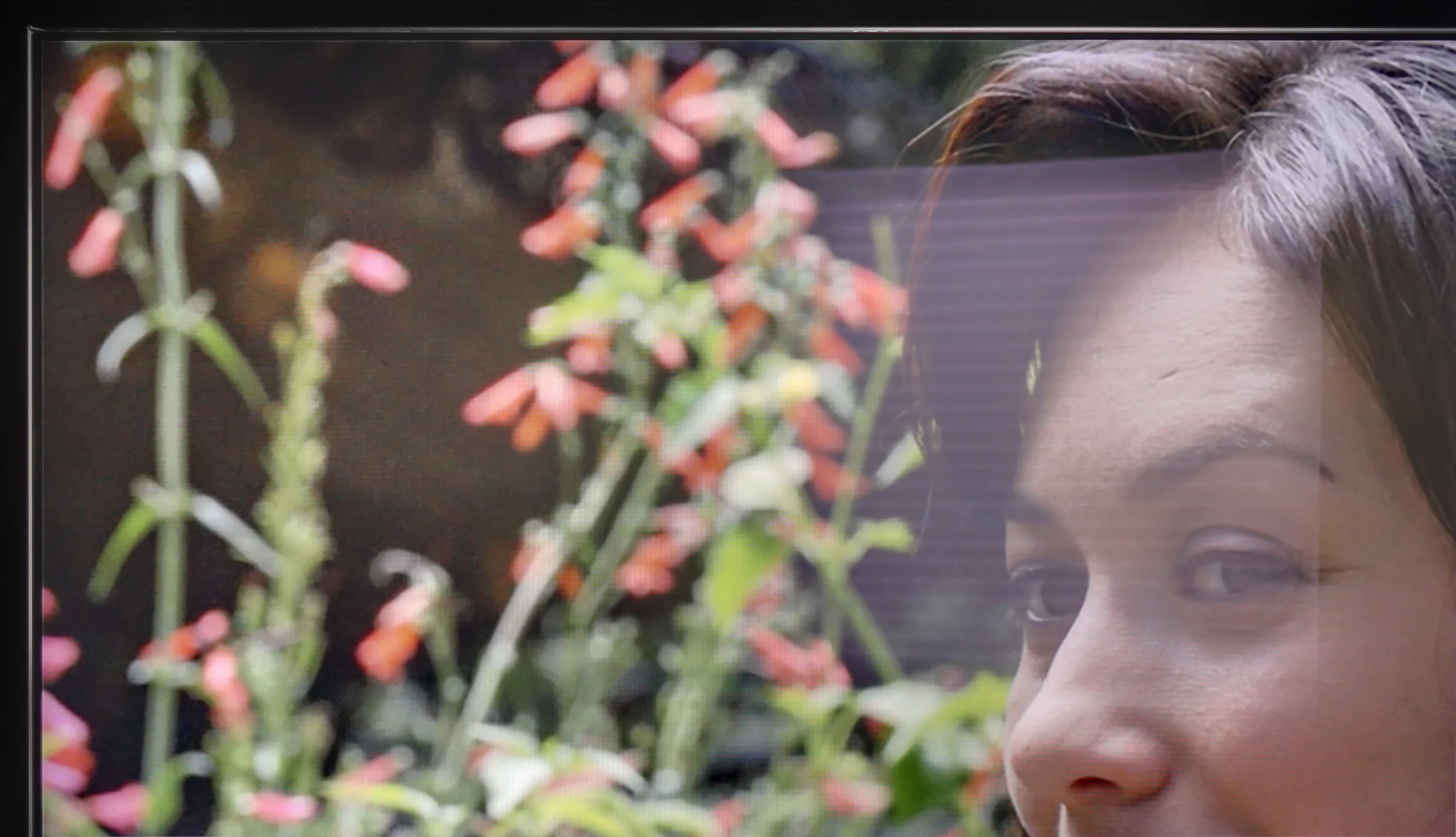
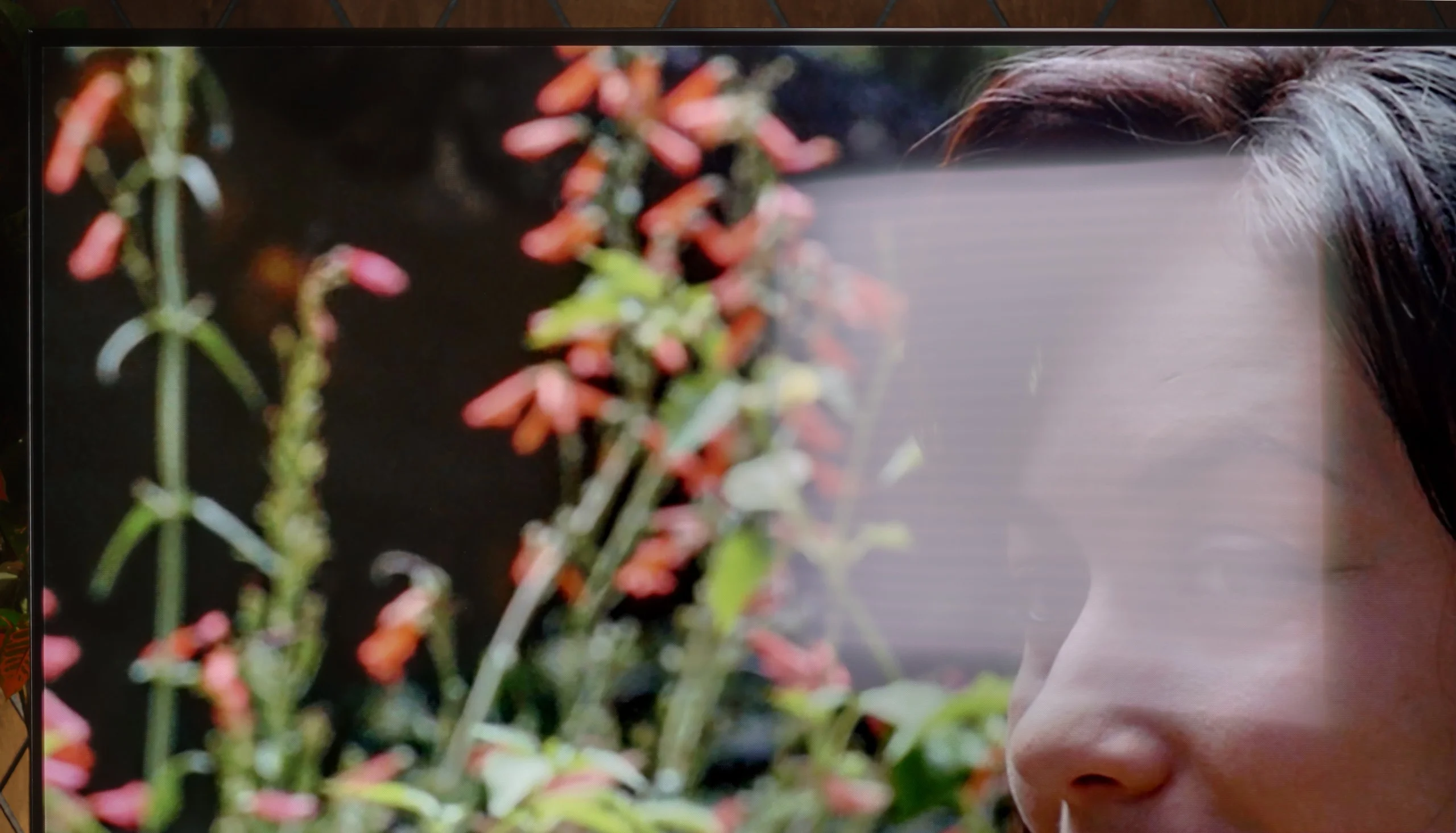
Panel brightness
Samsung S85H: 350 cd/m2
Samsung Neo QLED QN90D / QN92D: 629 cd/m2
The TV performs excellently in bright rooms thanks to its high brightness, especially when watching standard television. A constant brightness level of 600 nits ensures excellent visibility even in intense daylight. Unfortunately, despite a satin coating, handling reflections is average, which may affect viewing comfort. An additional downside is the matrix that improves viewing angles, which causes sunlight reflections to spread vertically, potentially further reducing viewing comfort in a bright environment.
Samsung S85H is a moderately bright TV. In our measurements the average brightness in SDR was about 350 nits, so that should be enough for ordinary daytime viewing as long as the TV isn't placed in a very sunlit living room. In a moderately lit room the picture remains readable, but with large windows and light hitting the screen directly the S85H's capabilities start to run out. We have a few more remarks about the WOLED SE panel itself. The change in panel construction compared with the previous generation affected how the screen handles reflections, and unfortunately it's not a change for the better. Reflections are more noticeable than on earlier WOLED panels. LG Display tried to partly mask this effect with a more satin screen finish that scatters light, but that doesn't completely solve the issue. With a strong light source the reflection becomes quite large and a characteristic grayish halo appears around it. In photos it's clear that such a reflection can take up a large part of the image and strongly affect how it's perceived. The S85H therefore doesn't really differ from cheaper OLEDs when it comes to daytime viewing. It performs best in the evening or in a room where you have at least partial control over the light. During the day it's still comfortable to use, but it's definitely not a TV designed for a very bright living room.
Panel details
Subpixel Structure:
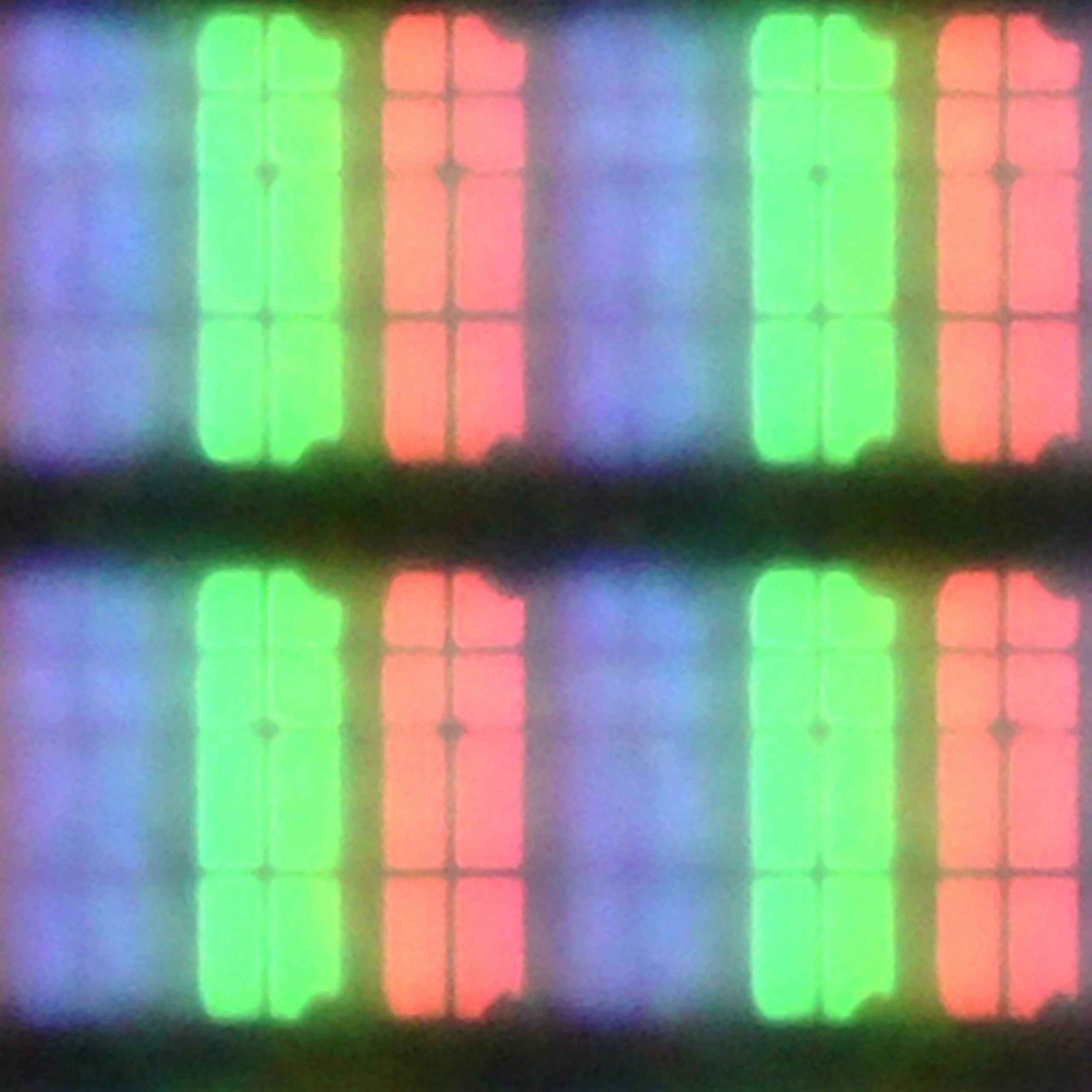
Panel uniformity and thermal imaging:


Samsung Neo QLED QN90D / QN92D
Samsung S85H
TV features
7.4/10
7.3/10
- SystemTizenTizen
- System performanceVery goodVery good
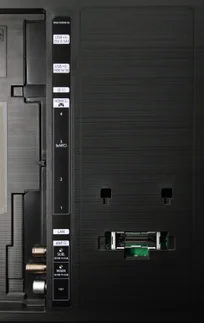
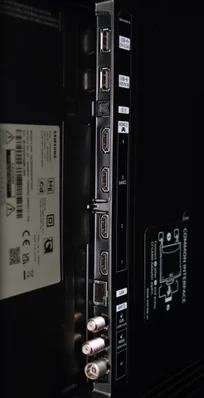
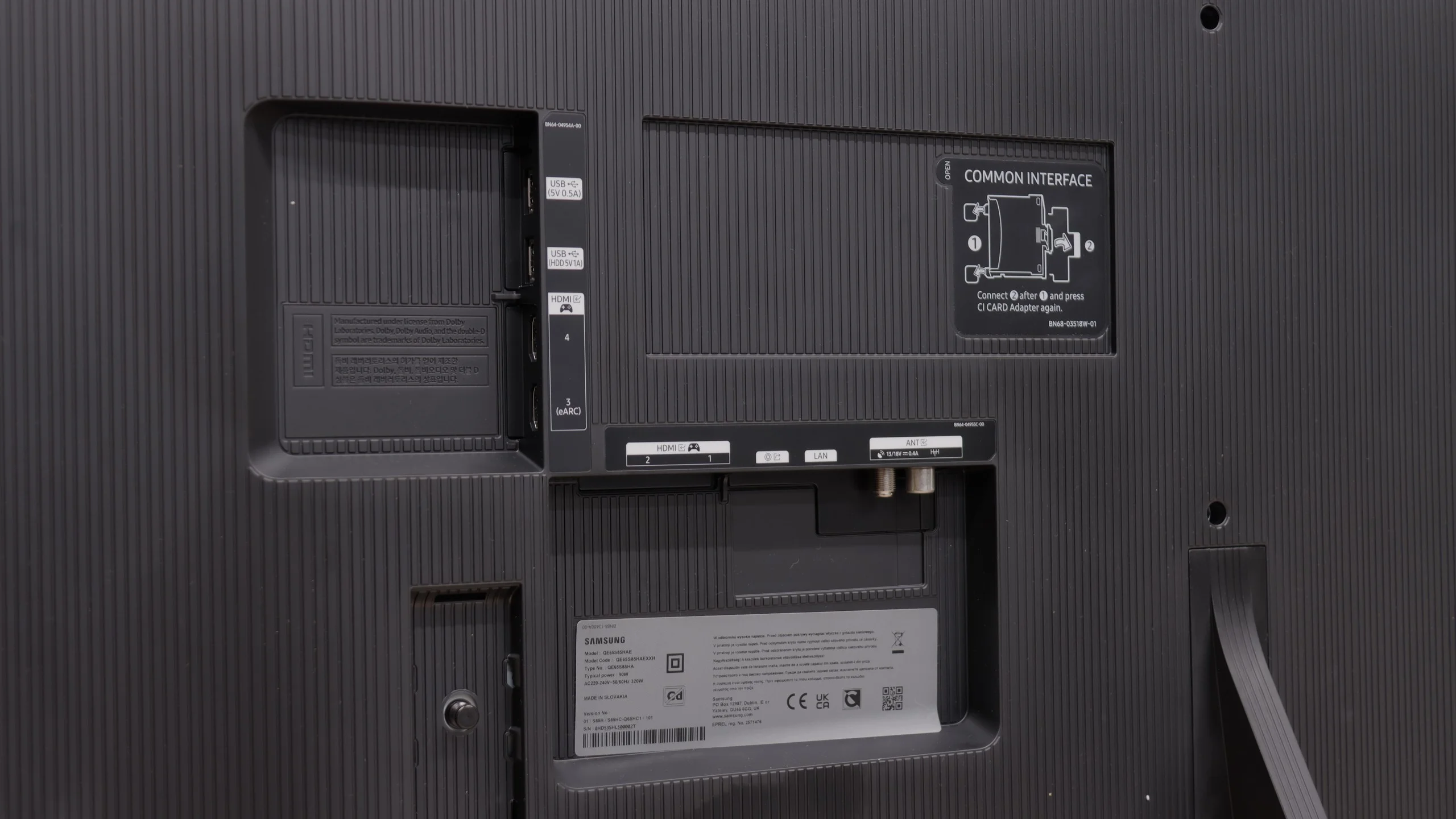
- HDMI inputs0 x HDMI 2.0, 4 x HDMI 2.1 48Gbps0 x HDMI 2.0, 4 x HDMI 2.1 48Gbps
- OutputsToslink (Optical audio), eARC (HDMI), ARC (HDMI)Toslink (Optical audio), eARC (HDMI), ARC (HDMI)
- Network InterfacesWi-Fi 2.4GHz, Wi-Fi 5GHz, Ethernet (LAN) 100MbpsWi-Fi 2.4GHz, Wi-Fi 5GHz, Ethernet (LAN) 100Mbps
- TV receptionDVB-T, DVB-T2, DVB-S, DVB-S2, DVB-CDVB-T, DVB-T2, DVB-S, DVB-S2, DVB-C
Classic features:
- Recording to USB (terrestrial TV)
- Recording programming
- Picture in Picture (PiP)
- RF remote control (no need to aim)
- Backlit remote control
- Teletext
- Audio only mode
- Bluetooth headphones support
- Simultaneous Bluetooth headphones & TV audio
Smart features:
- AirPlay
- Screen mirroring (Windows Miracast)
- Voice search
- Voice search in native language
- Ability to connect a keyboard and mouse
Sound connection options
- HDMI audioeARC (HDMI), ARC (HDMI)eARC (HDMI), ARC (HDMI)
- Other audio outputsToslink (Optical audio)Toslink (Optical audio)
- Wireless audioBluetoothBluetooth
Supported audio formats (external HDMI eARC audio):
- Dolby Digital Plus 7.1
- Dolby True HD 7.1
- Dolby Atmos in Dolby Digital Plus (JOC)
- Dolby Atmos in Dolby True HD
- DTS:X in DTS-HD MA
- DTS-HD Master Audio
Senior accessibility
- Numeric keyboard on TV
- Font size adjustment
- Audio description
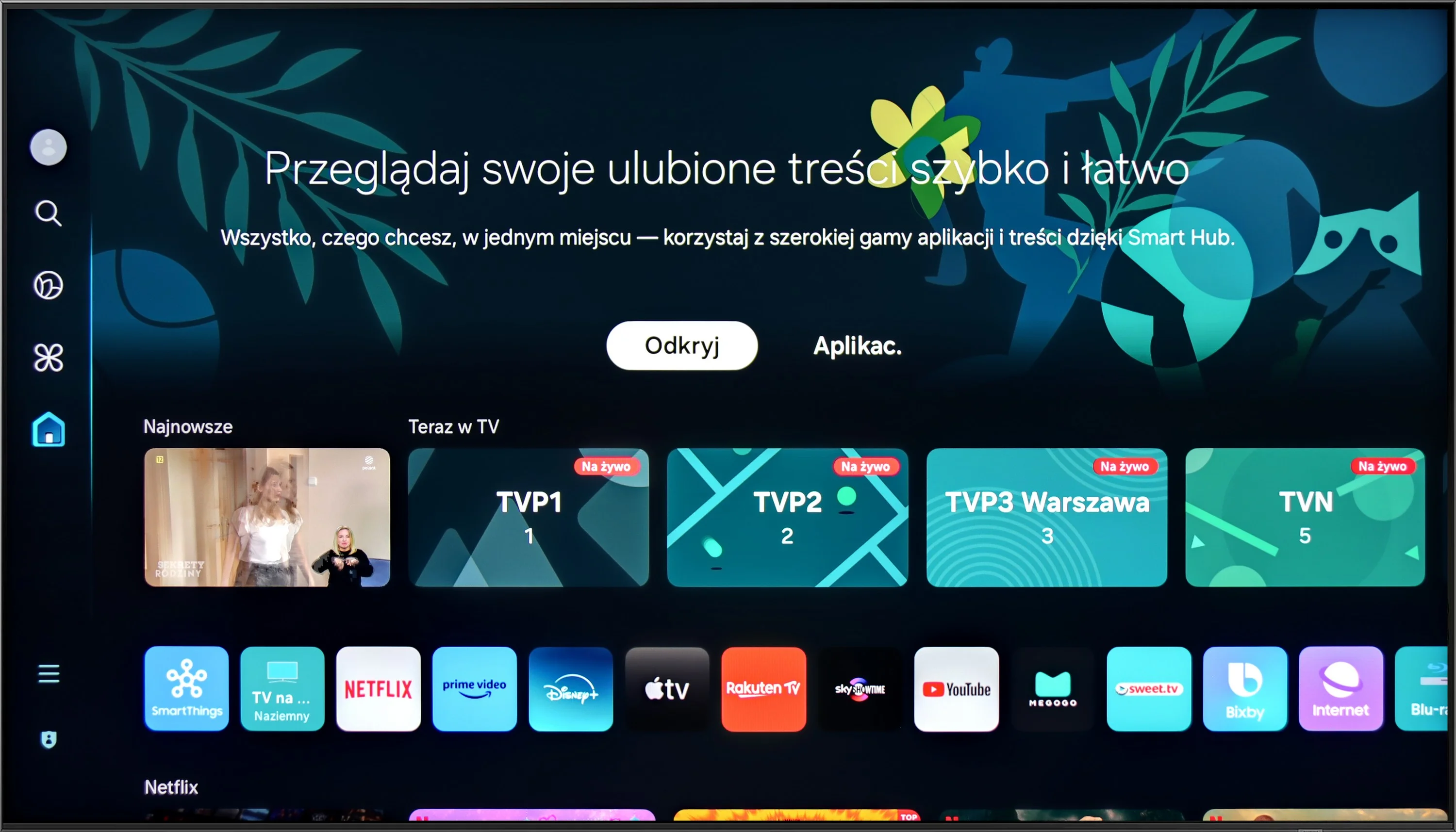
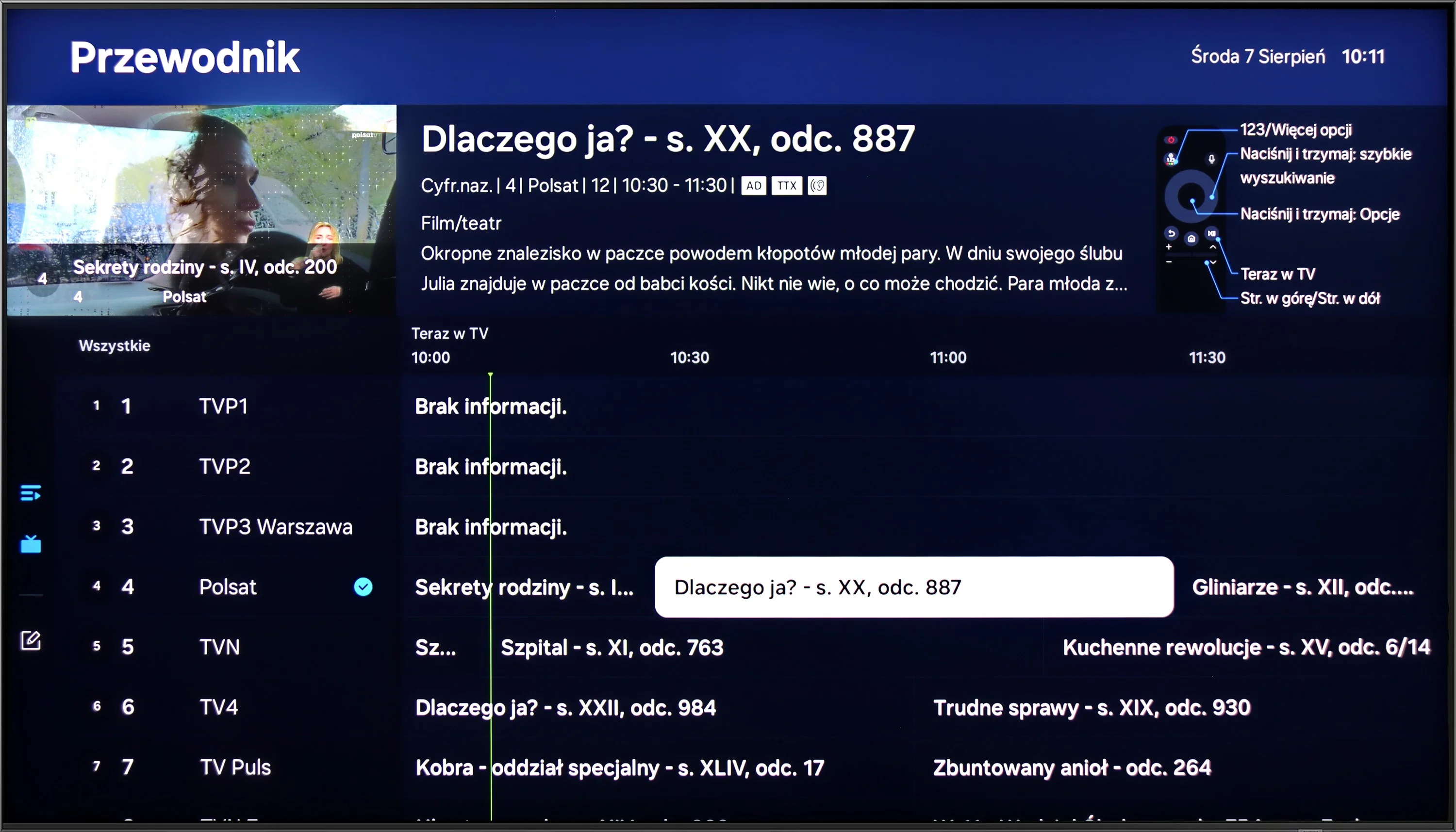
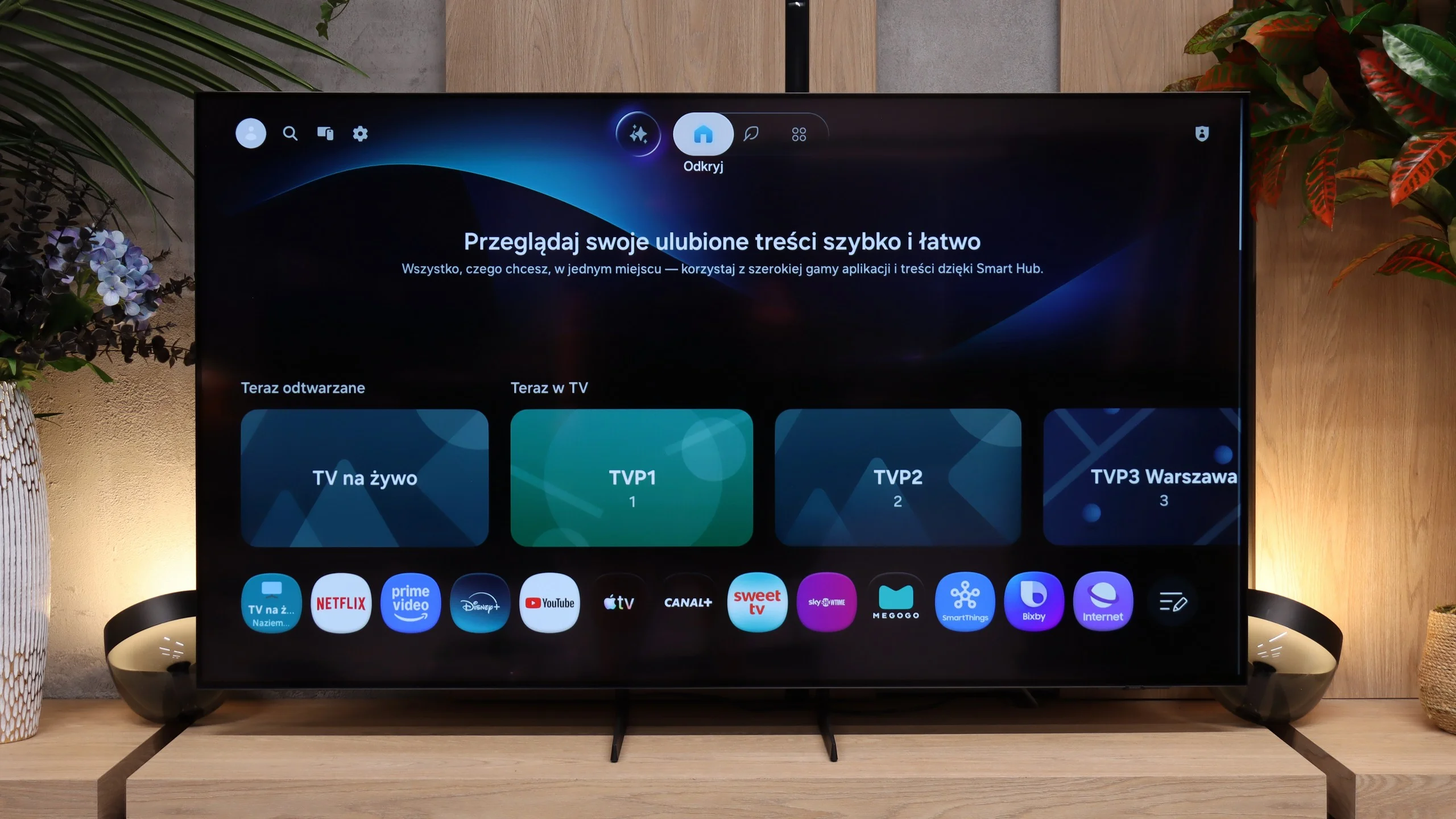
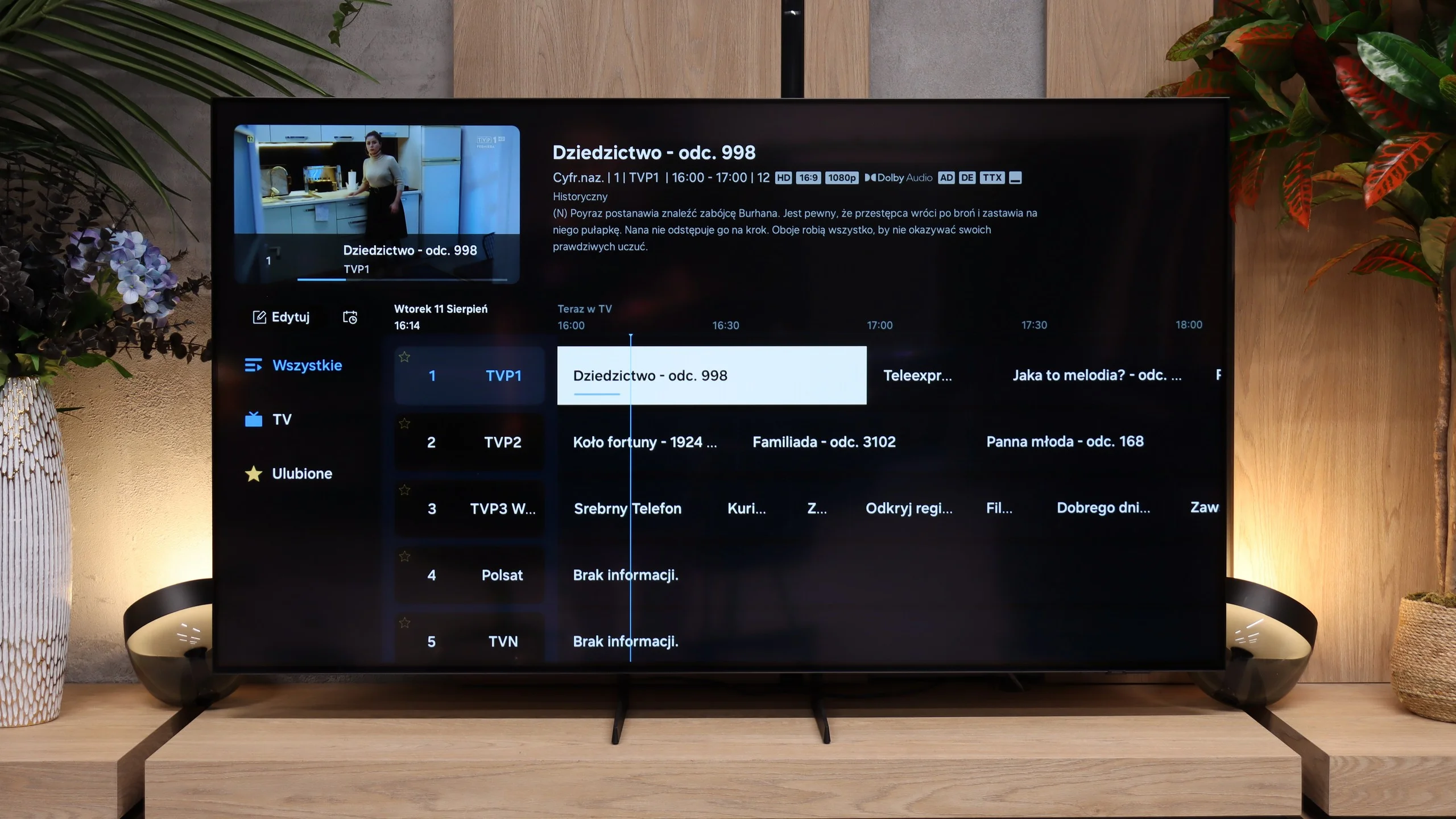
The Samsung QN92D TV impresses with its modern Tizen operating system, offering users a smooth, intuitive, and visually appealing experience. Tizen enables fast and seamless app browsing, enhancing overall ease of use. Its extensive ecosystem makes connecting the QN92D with other devices straightforward. Practical features like controlling set-top boxes with the remote eliminate the hassle of multiple remotes. Apple device users benefit from the AirPlay feature, enabling easy media streaming from an iPhone. Additionally, the remote PC function allows users to operate a computer on the big screen, and the Office 365 app makes the QN92D ideal for both work and entertainment.
Like many Samsung TVs, the QN92D includes an Ambient Mode feature, letting users personalize the display to blend with the surroundings. It can display images or information, making the TV an elegant part of the décor even when turned off. Speaking of aesthetics, the QN92D is notably slim, around 2 cm at its thickest point, with a premium-looking metal frame and a solid, included stand.
However, the QN92D may be slightly lacking for those watching traditional TV, as it doesn’t include a TV program recording feature on the Polish market. Nonetheless, it offers a PiP (Picture-in-Picture) function, allowing viewers to watch two programs simultaneously. The Samsung QN92D is a feature-rich TV that will appeal to gaming enthusiasts and multimedia users alike, seamlessly fitting into modern interiors.
Tizen
Samsung S85H runs on Tizen, and it's hard to fault its online features. The system is fast, responsive, and the app selection is among the largest on the market. Besides the main streaming platforms, there are also plenty of less popular services, so it's unlikely you'll find yourself missing something essential. Samsung is also expanding SmartThings features, integration with other devices, and more AI-driven solutions. There are a lot of capabilities here, and some users will probably never explore even half of them. A big plus is the promised seven years of system updates. For a TV, which we usually keep much longer than a phone or computer, that matters. Tizen should therefore receive new features and fixes for a long time instead of being abandoned after two or three years. The S85H also doesn't feel like a budget model. We essentially get the same extensive ecosystem that Samsung offers in its higher-end TVs.
Traditional features
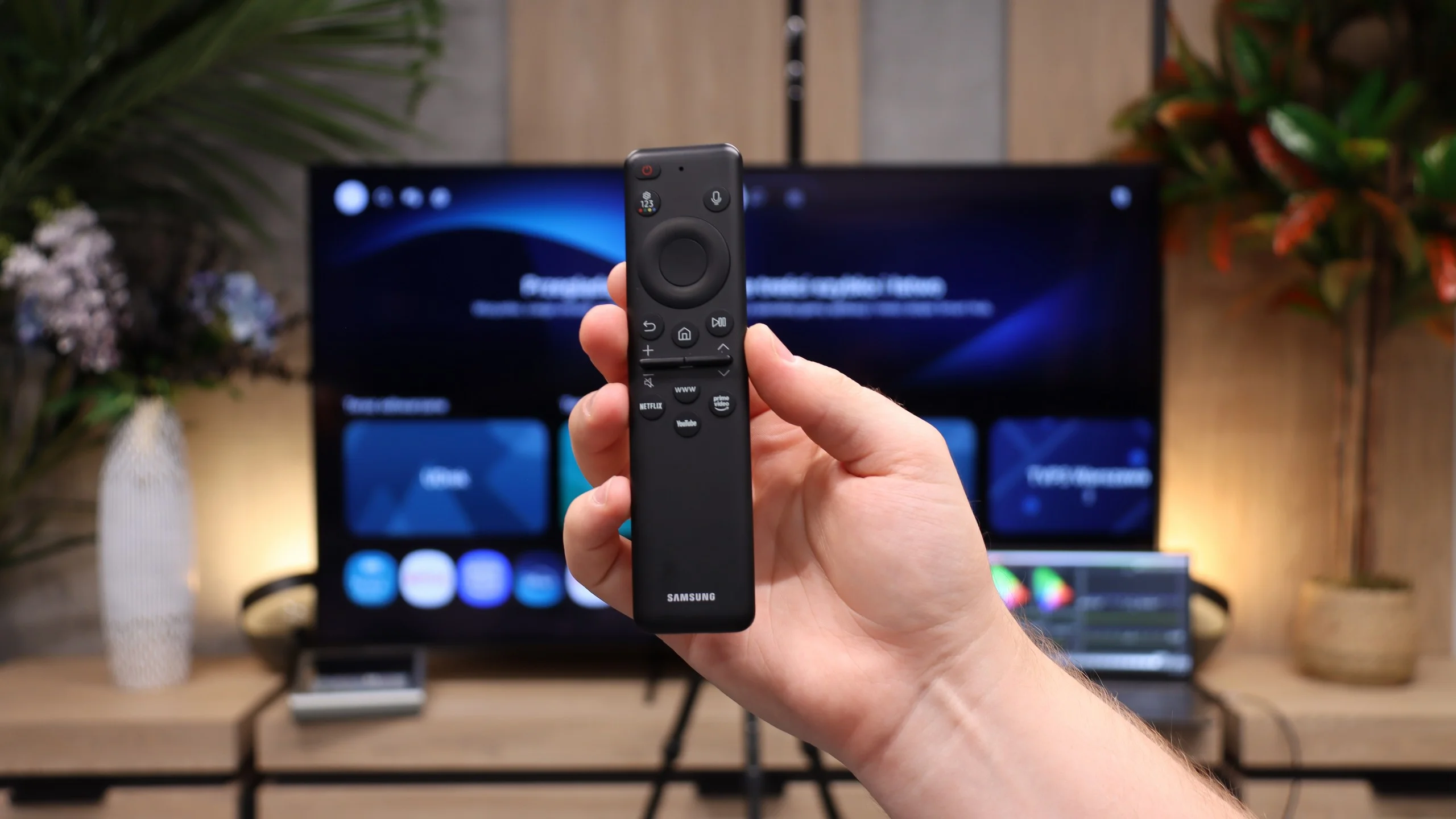
Samsung's approach to a TV's traditional features looks completely different. It's clear the manufacturer has been increasingly prioritizing "modern" services over traditional ones for several years. The S85H therefore isn't a TV that will particularly appeal to people who are used to full-featured regular TV operation. The included remote illustrates this well. It's small, minimalist, and has only the most necessary buttons, but no classic numeric keypad. For streaming this solution is convenient, but for frequent watching of traditional TV without a set-top box, not everyone will like it. It's simply a consequence of the direction Samsung is taking its TVs.
Apps
9.3/10
9.3/10






















Playing files from USB
9.1/10
9.1/10
Supported photo formats:
Maximum photo resolution:
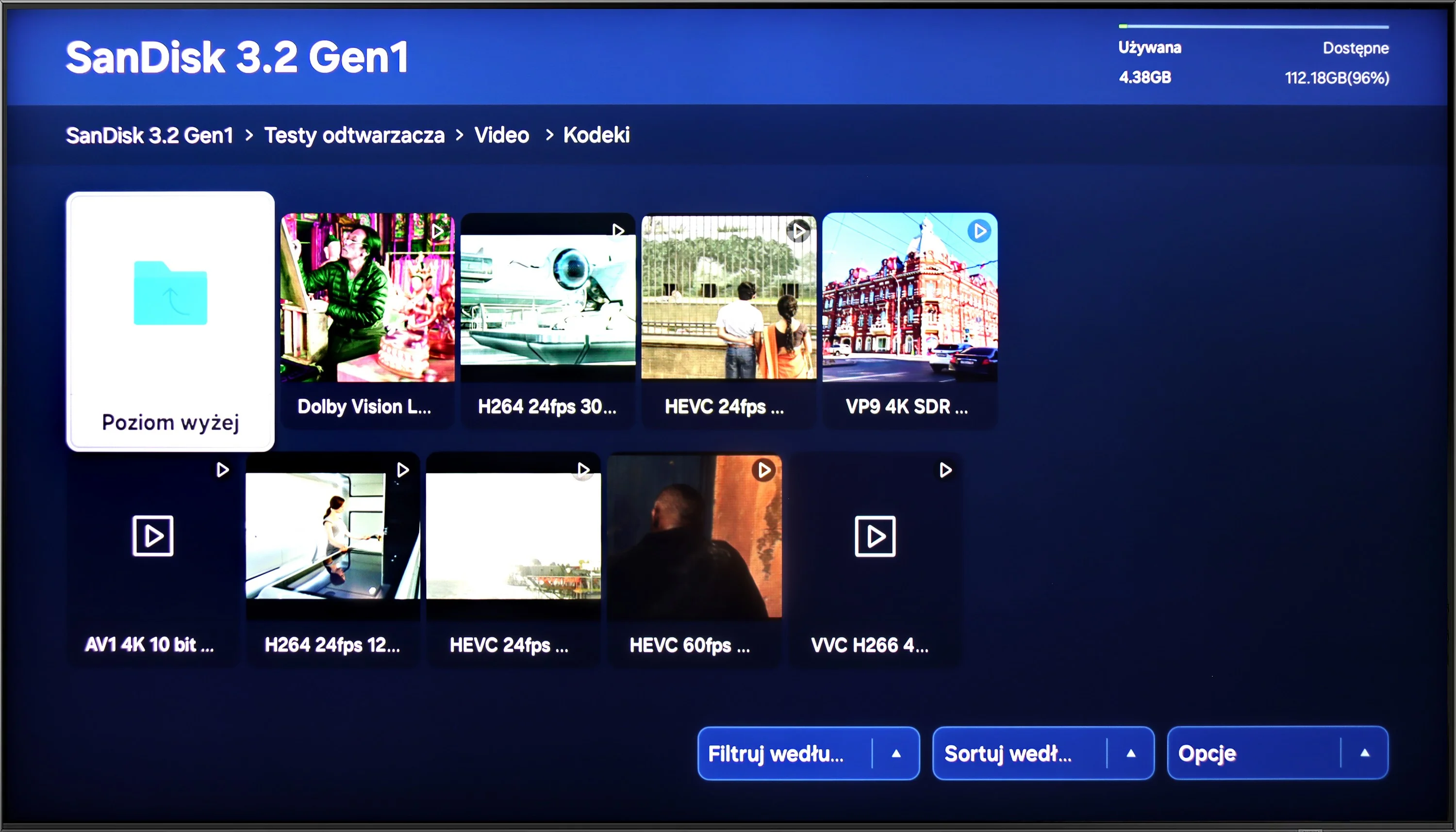
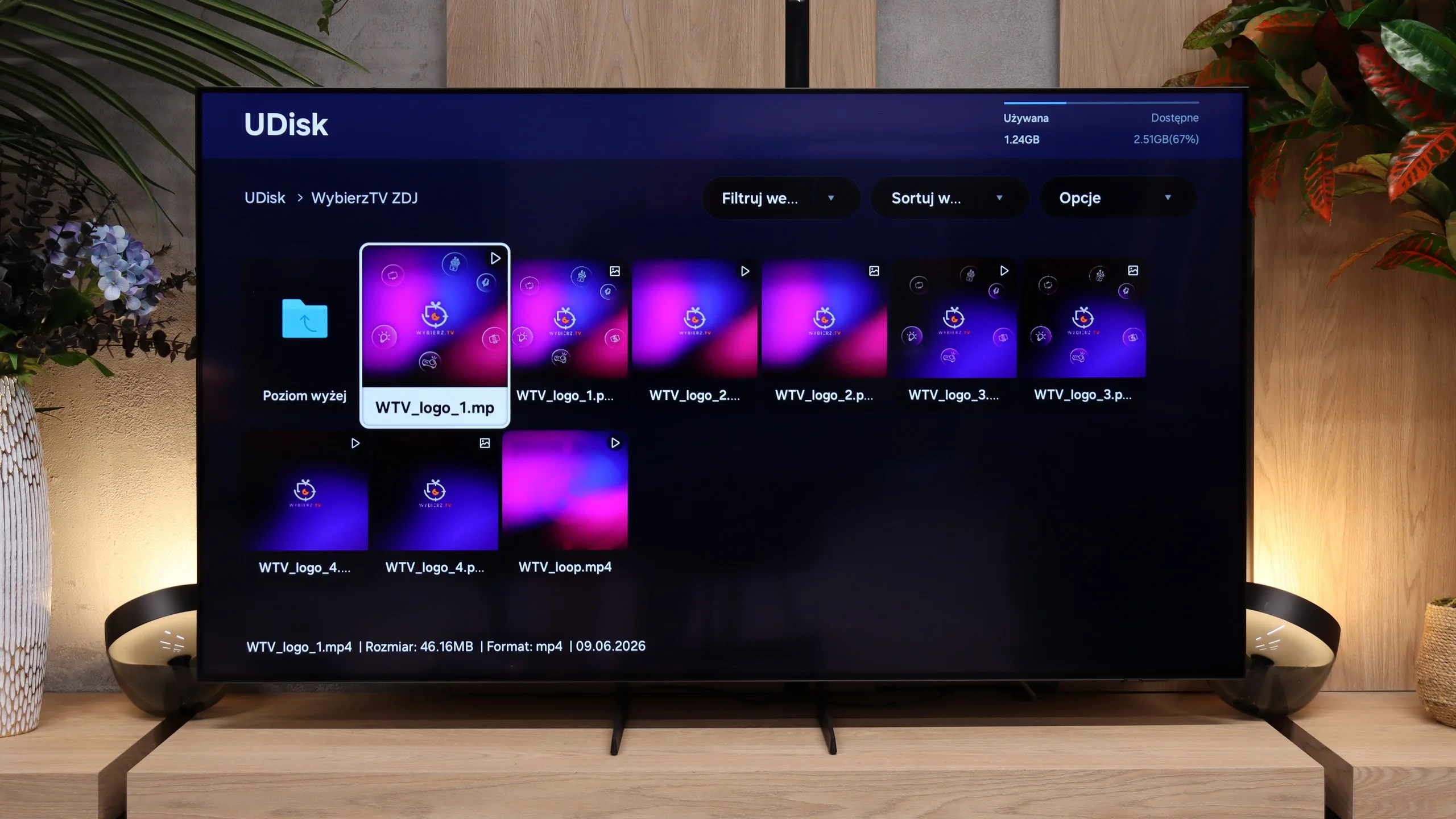
The built-in player in the Samsung QN90D should meet the needs of most users, as it smoothly plays the majority of popular video and audio formats. However, more discerning users may find a few limitations. Notably, it does not support HEIC photo format—a common format on Apple devices—nor does it accommodate several other, less widely used image formats.
The USB file player on the Samsung S85H works quickly and without major issues. The TV handles both videos and photos well, and for the latter we had no problems with unusual resolutions or a high number of megapixels. Subtitle support is also a plus; Polish characters display correctly and you don't need to change any settings. The only real shortcoming was the lack of support for HEIC, the image format commonly used by Apple devices. Aside from that, the built-in player performs very well and will be more than sufficient for most people for everyday use with a USB flash drive or external USB drive.
Sound
6.9/10
7.2/10
- Maximum volume-86dB
- Dolby Digital Plus 7.1
- Dolby True HD 7.1
- Dolby Atmos in Dolby Digital Plus (JOC)
- Dolby Atmos in Dolby True HD
- DTS:X in DTS-HD MA
- DTS-HD Master Audio
The TV shares a similar speaker setup with the QN95, configured as a 4.2.2 system with a total output of 70W (except for the 50" model, which uses a 2.2 configuration, and the 43" model with a 2.0 setup). Despite its slim design, the TV delivers a loud, clear sound with a well-balanced audio profile. As with other Samsung models, the lack of DTS format support results in a slight deduction. Notably, it includes Samsung's proprietary Q-Symphony feature, enabling seamless sound synchronization with a compatible Samsung soundbar.
In terms of sound, the S85H hasn’t really changed compared with its predecessor. It still uses a fairly basic 2.0 system with a total output of 20 W, which sounds adequate and, for such a slim TV, can even add a bit of bass. That’s perfectly fine for everyday TV watching, but it’s not at the level of pricier models that can sound fuller and more "spatial." With that picture, adding at least a soundbar is a no-brainer. All the more so since the S85H supports Dolby Atmos and Samsung’s Q-Symphony, which lets a compatible Samsung soundbar work together with the TV speakers instead of replacing them entirely. If you want to get more from this setup when watching movies, external audio is the most sensible addition.
Sound Quality Test
No sound test video
Acoustic Measurements
No acoustic data
86dBC (Max)
75dBC
Reader comments
Comments are provided by the external service Disqus (Zeta Global). Once loaded, Disqus may set cookies and process data about your activity.
We will remember your choice on this device. Provider's privacy policy