DU8002 is one of the models from the Crystal UHD series by Samsung, which will perform well as a television for everyday and occasional use. The Smart TV system based on Tizen works really well – it is fast, has a rich selection of apps, and a user-friendly interface, making daily use easier. In home use, the television stands out with excellent viewing angles, ensuring that even people sitting to the side will have a good picture. It is worth mentioning the small, handy remote that can easily control external devices like Canal+ set-top boxes. This somewhat compensates for the lack of recording functionality and adds versatility to the television. When it comes to gaming, DU8002 will be sufficient for those who spend casual time in front of the TV. Low input lag and the ALLM feature make gameplay smooth and comfortable. Due to the segment of the television, there are also certain compromises – the IPS panel provides good viewing angles, but this reflects on the contrasts, which are rather average. Additionally, low brightness may be a downside in well-lit rooms. In summary, DU8002 is a solid choice considering its price. However, if we think about a Samsung television and care about a better experience when watching high-quality content, it’s worth considering an upgrade to the Q60D model from the QLED series. For just a little more, you can get better picture quality and a wider set of features, which may be a more satisfying investment.
- Matching (Score) |
- Our verdict |
- TV appearance |
- Where to buy |
- Contrast and black detail |
- HDR effect quality |
- Factory color reproduction |
- Color reproduction after calibration |
- Smoothness of tonal transitions |
- Image scaling and smoothness of tonal transitions |
- Blur and motion smoothness |
- Console compatibility and gaming features |
- Input lag |
- Compatibility with PC |
- Viewing angles |
- Daytime performance |
- Panel details |
- TV features |
- Apps |
- Playing files from USB |
- Sound
Samsung DU8002 (IPS) vs SONY BRAVIA 3 II (XR35M2)
 Direct comparison

Check the best price offer:
Samsung DU8002 (IPS)DU8002 / DU8072

BRAVIA 3 II / XR35M2
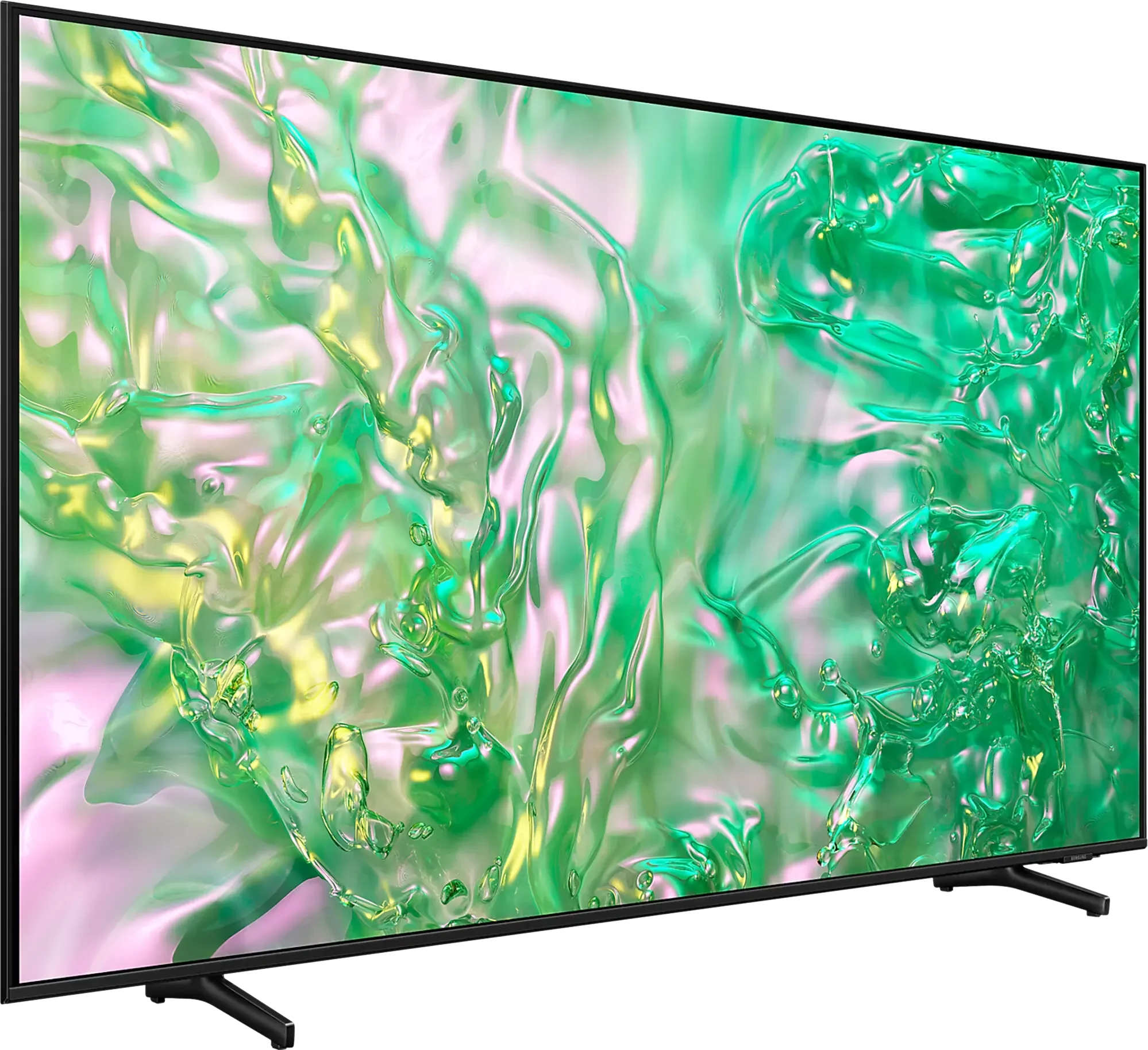
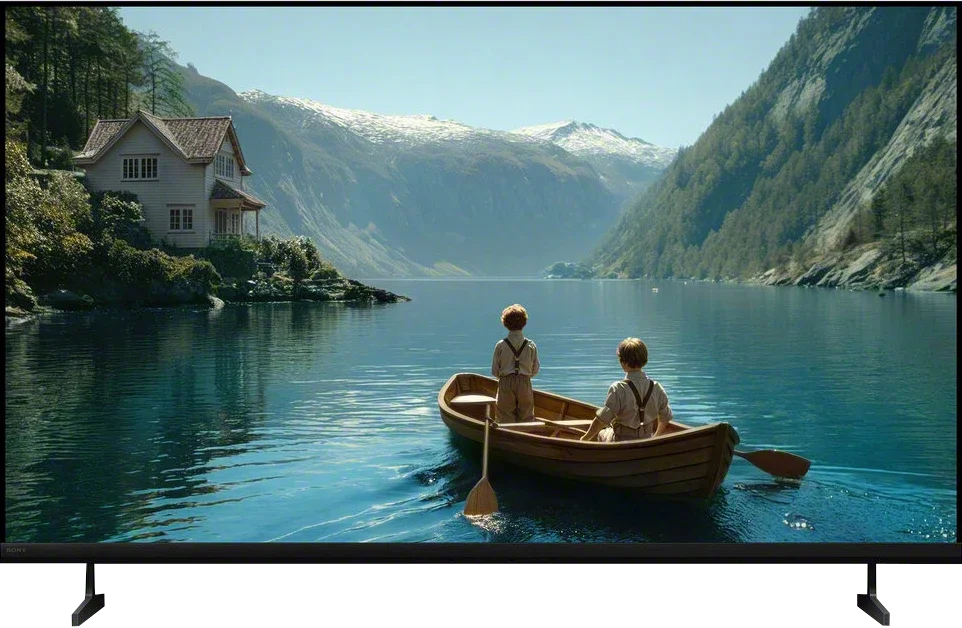
Panel type: LCD IPS
Resolution: 3840x2160
System: Tizen
Model year: 2024
Complete the survey to find out the result
Panel type: LCD VA
Resolution: 3840x2160
System: Google TV
Model year: 2026
Complete the survey to find out the result
Overall rating
5.6
7.0
 Movies and series in UHD quality
 5.0
6.5
 Classic TV, YouTube
 4.8
6.3
 Sports broadcasts (TV and apps)
 5.5
6.7
 Gaming on console
 6.5
8.1
 TV as a computer monitor
 6.0
7.2
 Watching in bright light
 4.2
5.8
 Utility functions
 6.3
7.9
 Apps
Apps 9.3
9.6
 Sound quality
 5.9
6.8
Complete the survey to find out what fits your preferences
Advantages

Advanced and smooth operating system - Tizen
Excellent viewing angles
Perfect for PC work
Sleek, modern design - ideal for wall mounting
For occasional gamers - low input lag and ALLM mode
*120Hz in the 85' variant
Very good motion clarity and exceptionally low motion blur for a 120Hz LCD TV
4 × HDMI 2.1 48 Gbps, finally!
Lots of gaming features: VRR, ALLM, low input lag
Wide color gamut, QLED (PFS)
Supports Dolby Vision
Google TV with a wide range of apps and features
Broad audio format support: Dolby Atmos and DTS
Record programs to USB
Two remotes included
Disadvantages

Very weak contrast
Average brightness
No recording function
High price relative to its capabilities; for only a little more you can buy the much better BRAVIA 5
No local dimming
Lacks proper HGiG support
Average processing of lower-quality content
Our verdict
The Sony Bravia 3 II is a TV that quickly reveals what the manufacturer had in mind for this model. It's meant above all to be a sensible Bravia for gaming, and in that respect the changes are substantial. After all, Sony fixed one of the biggest complaints about its TVs: having only two full HDMI 2.1 ports. Here there are four, and that alone makes the Bravia 3 II a much more convenient choice for anyone who wants to hook up a lot of gaming gear. Fortunately it doesn't stop at gaming. The 120 Hz panel performs very well in terms of motion, motion blur is minimal, and the motion-enhancing systems work surprisingly effectively, sometimes even better than on Sony's top TVs. That's why sports are another use where the Bravia 3 II feels right at home. Add Google TV with its full suite of apps and features, and in terms of everyday use it's the Sony we've known for years.
The biggest problem with this model, however, isn't the TV itself but its current price. The Bravia 3 II is today priced dangerously close to the Bravia 5, and when the premium for the higher model is only a few percent, choosing the lower series starts to lose its point. The Bravia 5 already offers full Mini-LED backlighting with local dimming, exactly what the Bravia 3 II most lacks for evening viewing and in HDR. That's why we look at this model through the lens of price. The Bravia 3 II is a genuinely successful lower midrange TV and, at the right price, could easily be one of the more interesting choices for a gamer or sports fan. However, if the gap to the Bravia 5 remains small, it will be hard to recommend it with full conviction.
TV appearance

Contrast and black detail
1.1/10
5.6/10
Local dimming function: No
Local dimming function: No
Contrast:


Result
750:1

Result
850:1

Result
750:1

Result
700:1

Result
650:1
Result
3,050:1
Result
4,650:1
Result
5,850:1
Result
6,400:1
Result
4,350:1
Halo effect and black detail visibility:
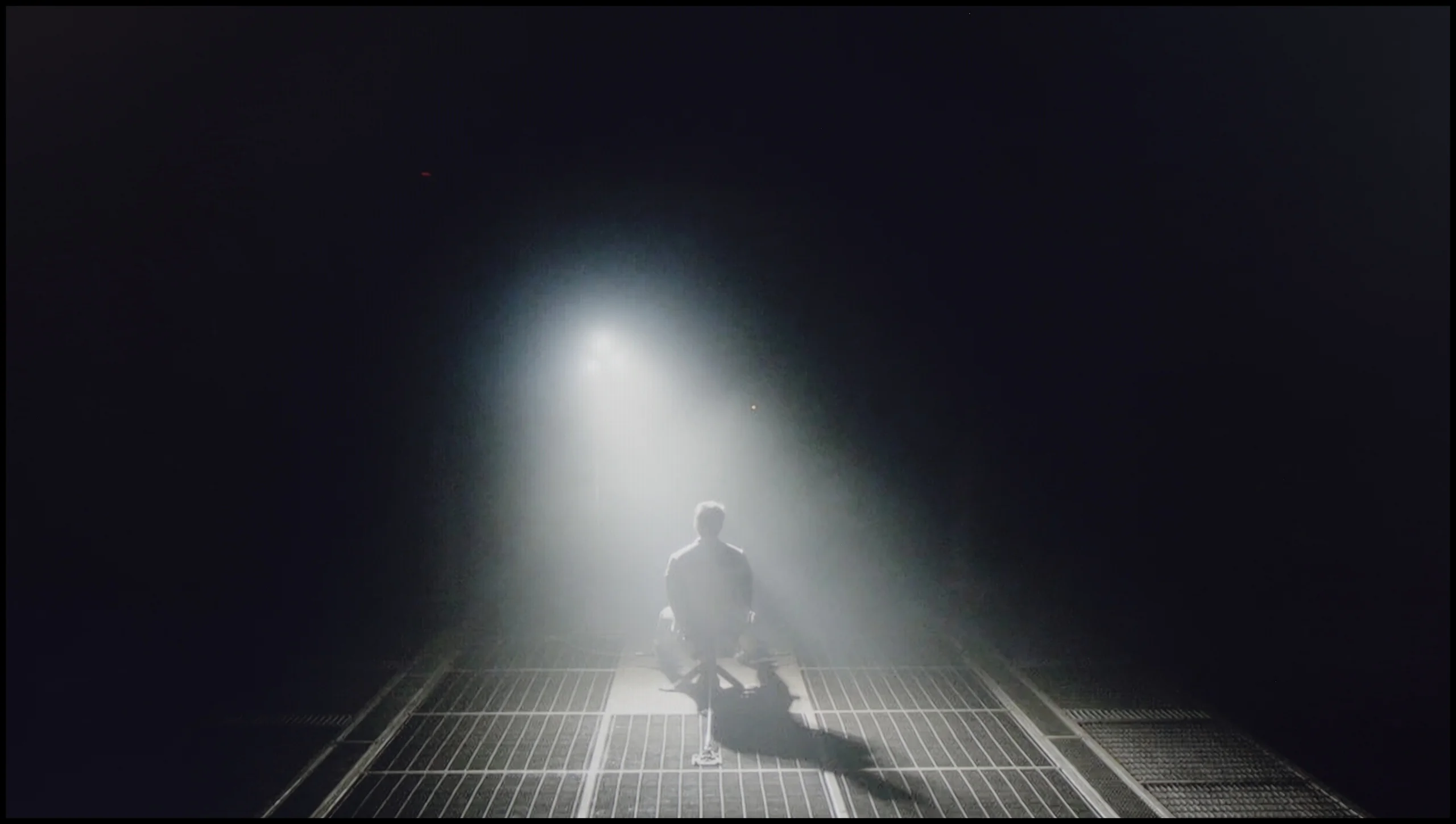
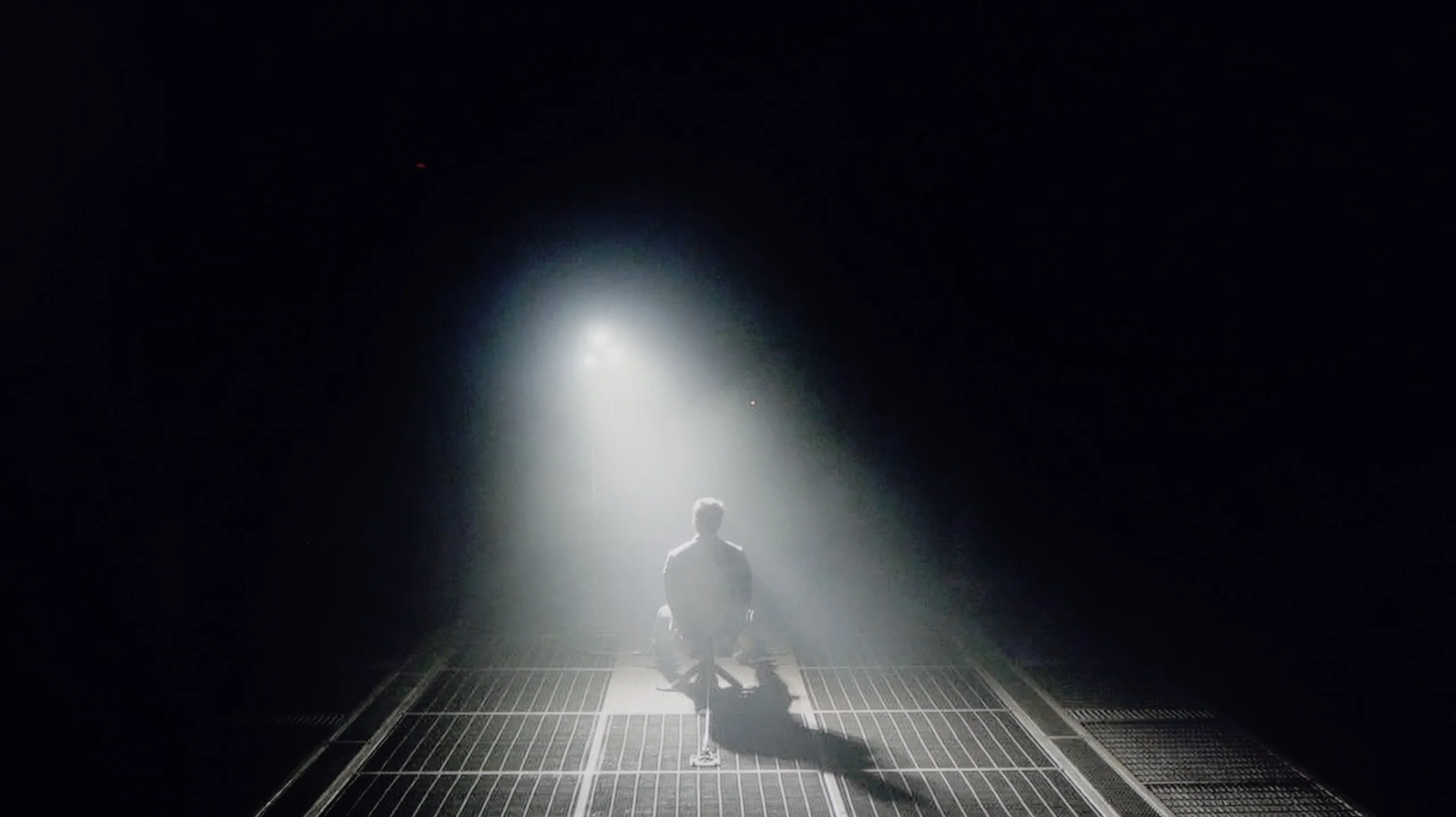
Check the visibility of bright lights on a dark background. Mini-LEDs often struggle with this. The photo does not compare black levels – that’s what the video below is for.
The video accurately shows differences in contrast and black levels between TVs, as well as potential issues: halo around bright objects or Mini-LED zone operation visible as brightness jumps.
The DU8002 model in the 55-inch version is equipped with an IPS panel, which unfortunately does not support high contrast. The result? Instead of deep blacks, we see shades of gray, making night scenes and darker parts of the film appear washed out and lack clarity. The black in this model resembles a silvery glow rather than a deep cinematic effect, which is a clear downside for lovers of intense contrasts and dynamic images. In daily use, such properties can significantly reduce the satisfaction of viewing.
The Bravia 3 II uses a VA panel, a solution that by design provides much better contrast than IPS or ADS panels. In our unit the native contrast was about 5000:1, which is a pretty good result for a TV without local dimming. In practice this means that in a mildly lit room blacks can look really decent. Dark parts of the image don't immediately turn gray, and night scenes have noticeably more depth than on many IPS-panel TVs. However, the poorer black performance becomes apparent when you turn off the lights. The Bravia 3 II doesn't have local dimming, so the entire backlight behaves similarly regardless of what's happening in any particular area of the image. In a dark room it's easy to see that black is no longer truly black but starts to shift toward a dark navy. It's not at a level that seriously ruins the movie experience, but during an evening viewing the difference versus a Mini-LED, and even more so versus an OLED TV, becomes very clear.
HDR effect quality
4.2/10
5.3/10
Luminance measurements in HDR:

Result
278 nit

Result
272 nit

Result
297 nit

Result
277 nit

Result
272 nit
Result
408 nit
Result
430 nit
Result
449 nit
Result
457 nit
Result
455 nit
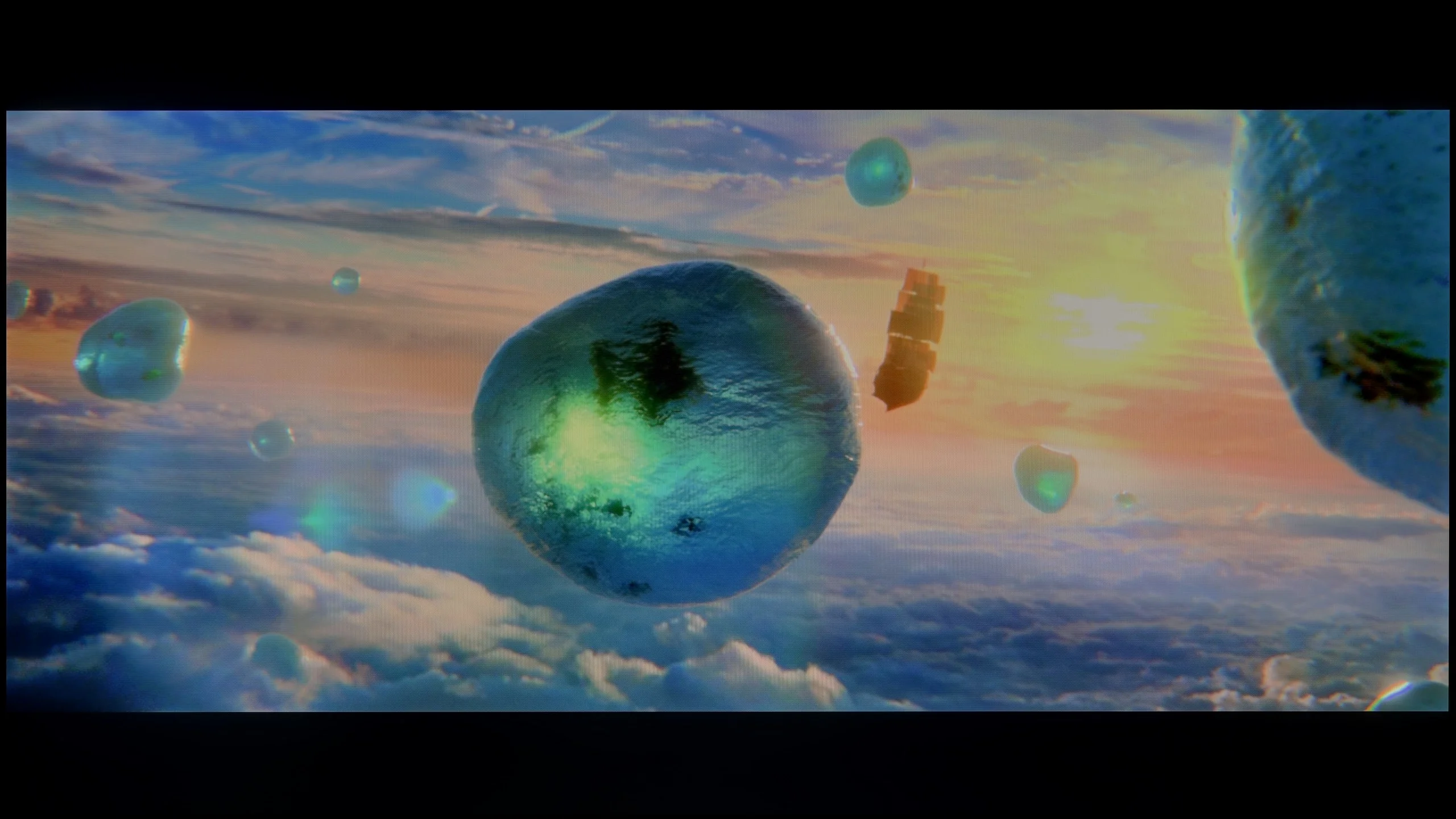
Scene from the movie “Pan” (about 2800 nits)
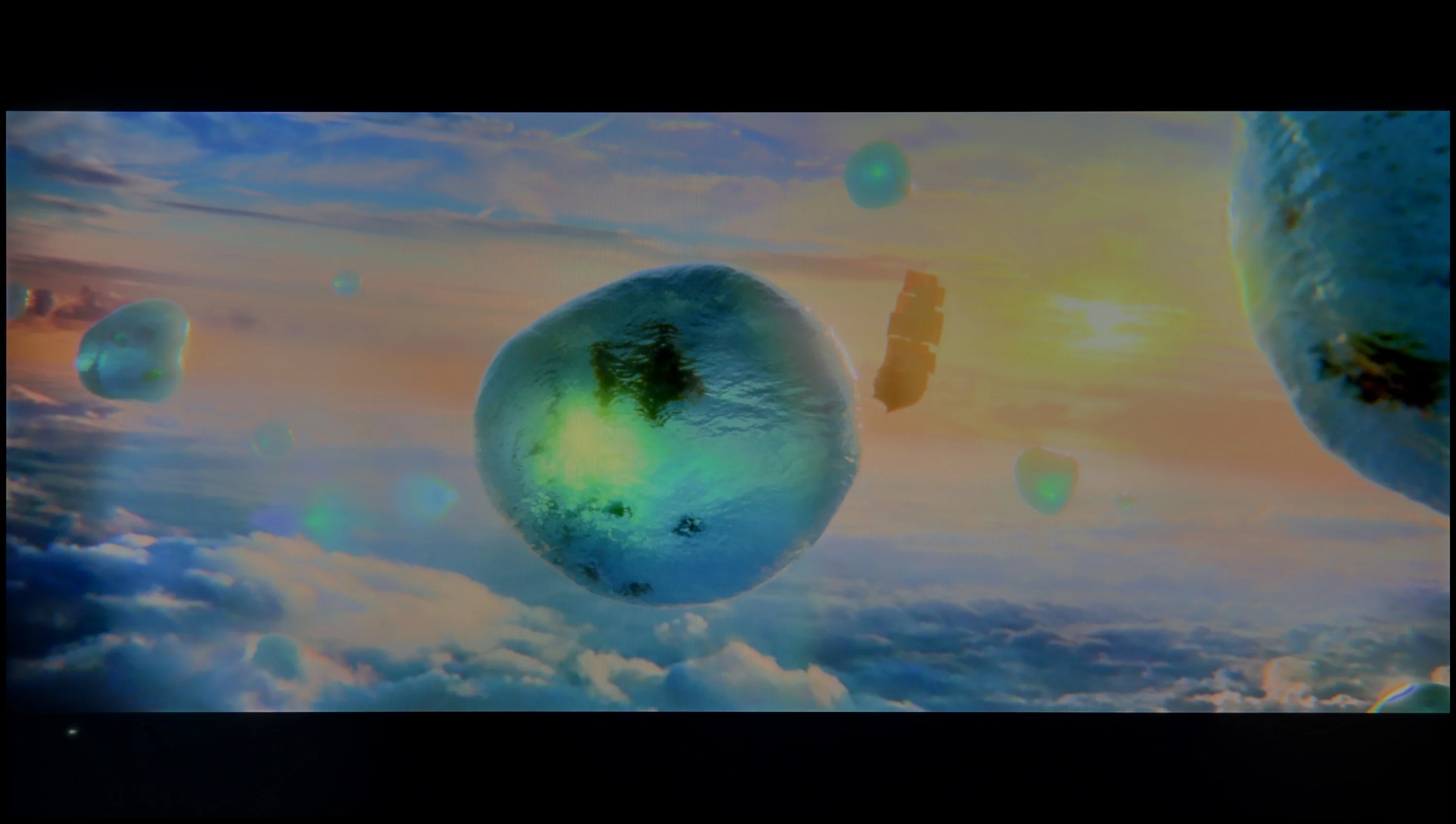
Scene from the movie “Billy Lynn” (about 1100 nits)
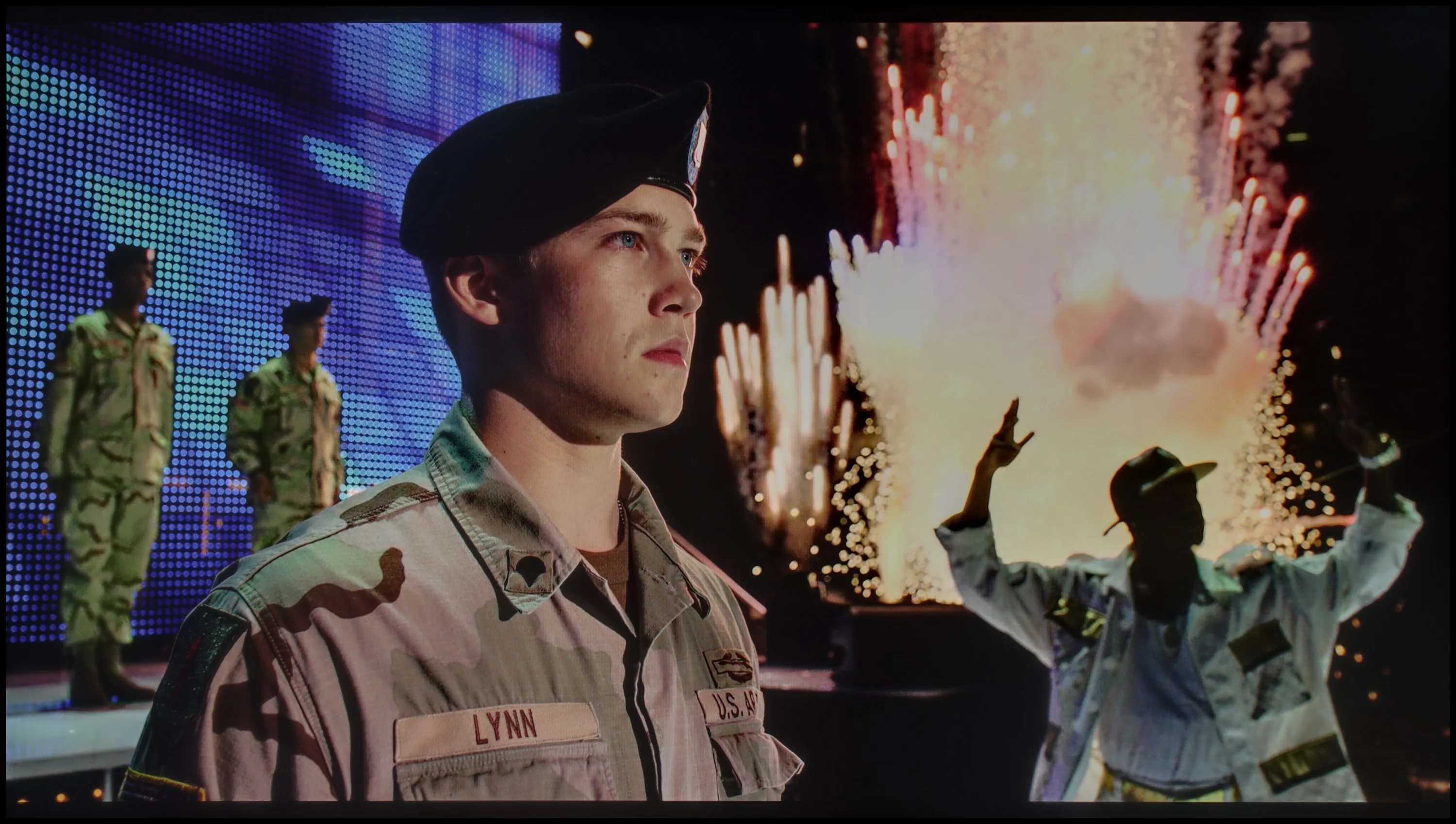
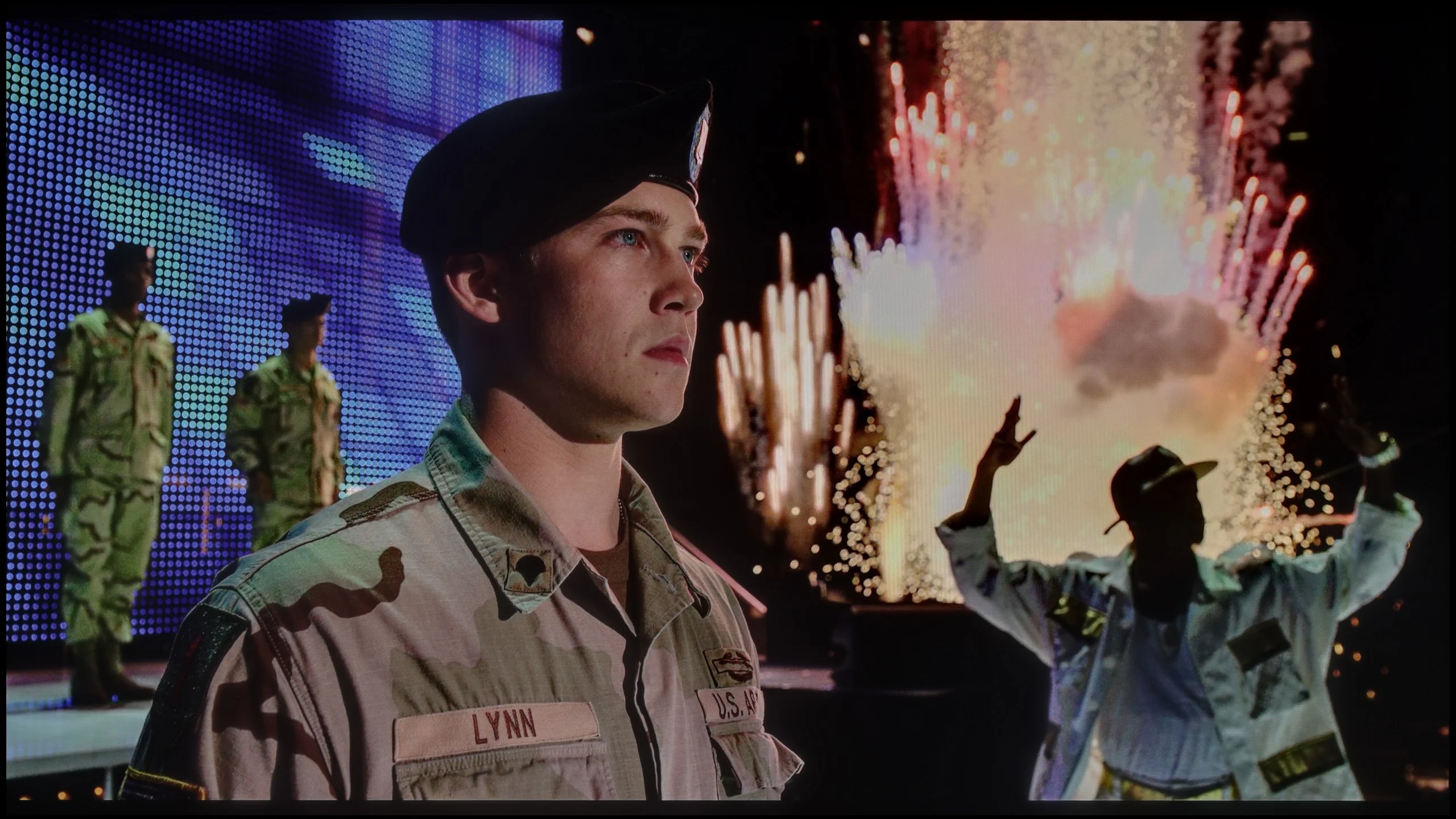
The photos show two HDR10 movies. 'Pan' is one of the brightest productions ever made, while 'Billy Lynn' (soldier) has brightness typical of streaming (Netflix, Prime, HBO MAX). Notice the intensity of effects and detail in whites.
Static HDR10


The photos present the visibility of white details in various HDR formats. They do not show brightness differences between TVs (these can be compared in the previous gallery).
Dynamic: HDR10+
Dynamic: Dolby Vision


The photos present the visibility of white details in various HDR formats. They do not show brightness differences between TVs (these can be compared in the previous gallery).
HDR luminance chart:
SONY BRAVIA 3 II (XR35M2)
Samsung DU8002 (IPS)
The HDR effect in the DU8002 television leaves much to be desired. A brightness level of 300 nits is not able to provide a true high dynamic range experience, making the content viewed resemble more of a standard SDR than impressive HDR. Scenes that should dazzle with brightness and detail appear muted and lacking in depth. Nevertheless, the television deserves praise for its high coverage of the DCI-P3 color palette at 92%. As a result, the colors are vivid and saturated, which may satisfy viewers who prefer rich hues, even if the HDR effect does not fully meet expectations.
Bravia 3 II is certainly not a TV that tries to impress with brightness. In our measurements it reached about 450 nits, so it's far from the strongest designs on the market. That said, HDR here is not just a paper feature. Compared with regular SDR material, the brightest parts of the image can already punch through, and reflections, highlights, or stronger exposures have a bit more energy and stand out better from the rest of the scene. You can see this best in simpler shots where many bright elements appear on screen. Then the Bravia 3 II can give a hint of a higher-dynamic-range picture. The problem only starts with more demanding content, where much greater brightness headroom is needed. There the TV quickly shows its limits and instead of strong, striking HDR we get only a correctly rendered picture.
Colors
Bravia 3 II uses a QLED-type panel, although technically it does not use a traditional quantum-dot layer. Instead Sony applied a PFS phosphor-based solution that serves a very similar role: it allows for more saturated reds and greens and thus lets the TV display a much wider color gamut. Measurements showed about 94% coverage of the DCI-P3 gamut and about 74.4% of the very wide BT.2020. Those are good results for this class of hardware, meaning the Bravia 3 II has no problem showing adequately saturated colors in HDR content. Colors don't look washed out, and the more intense shades can look really attractive.
Factory color reproduction
4/10
6.3/10
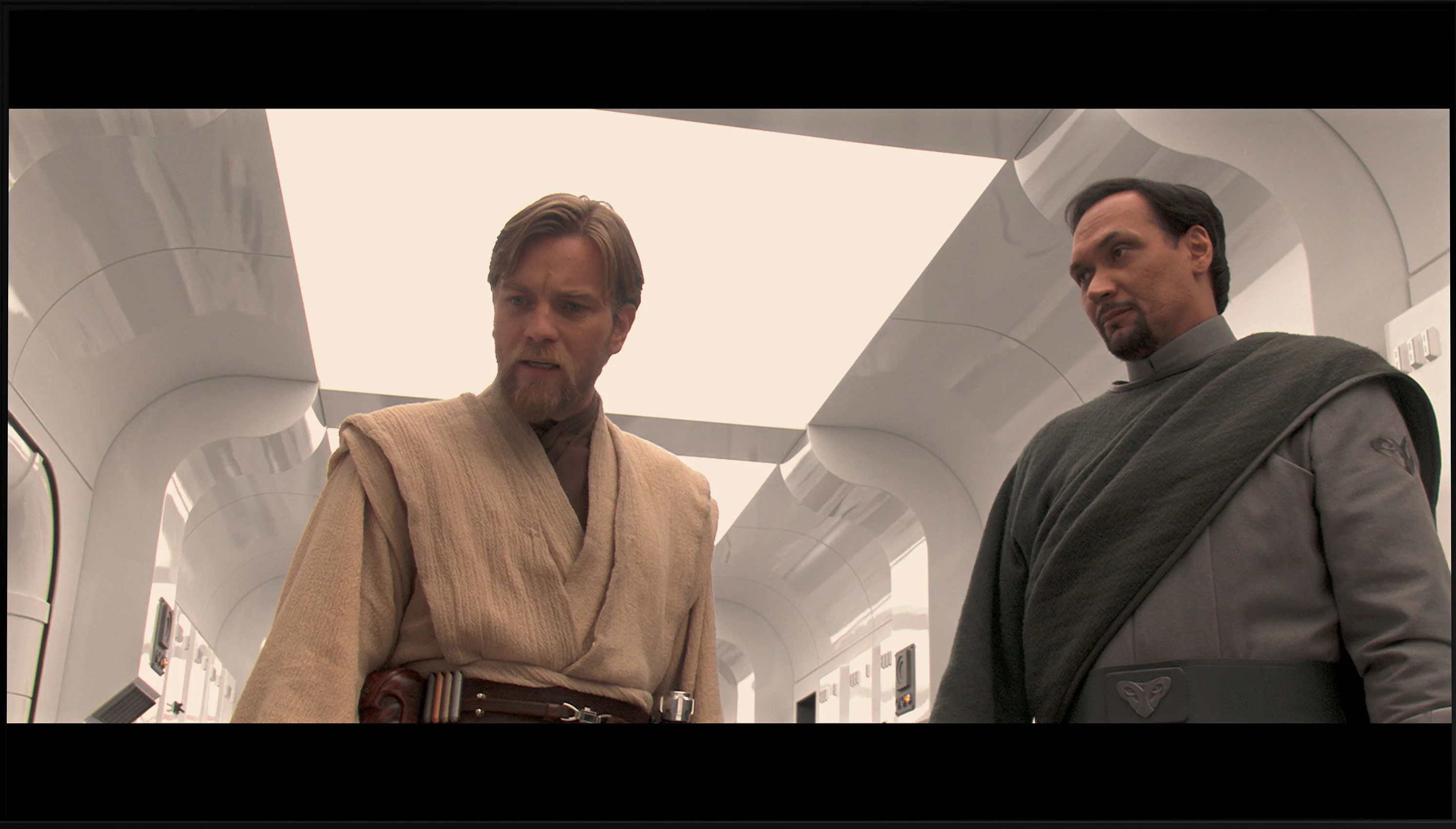
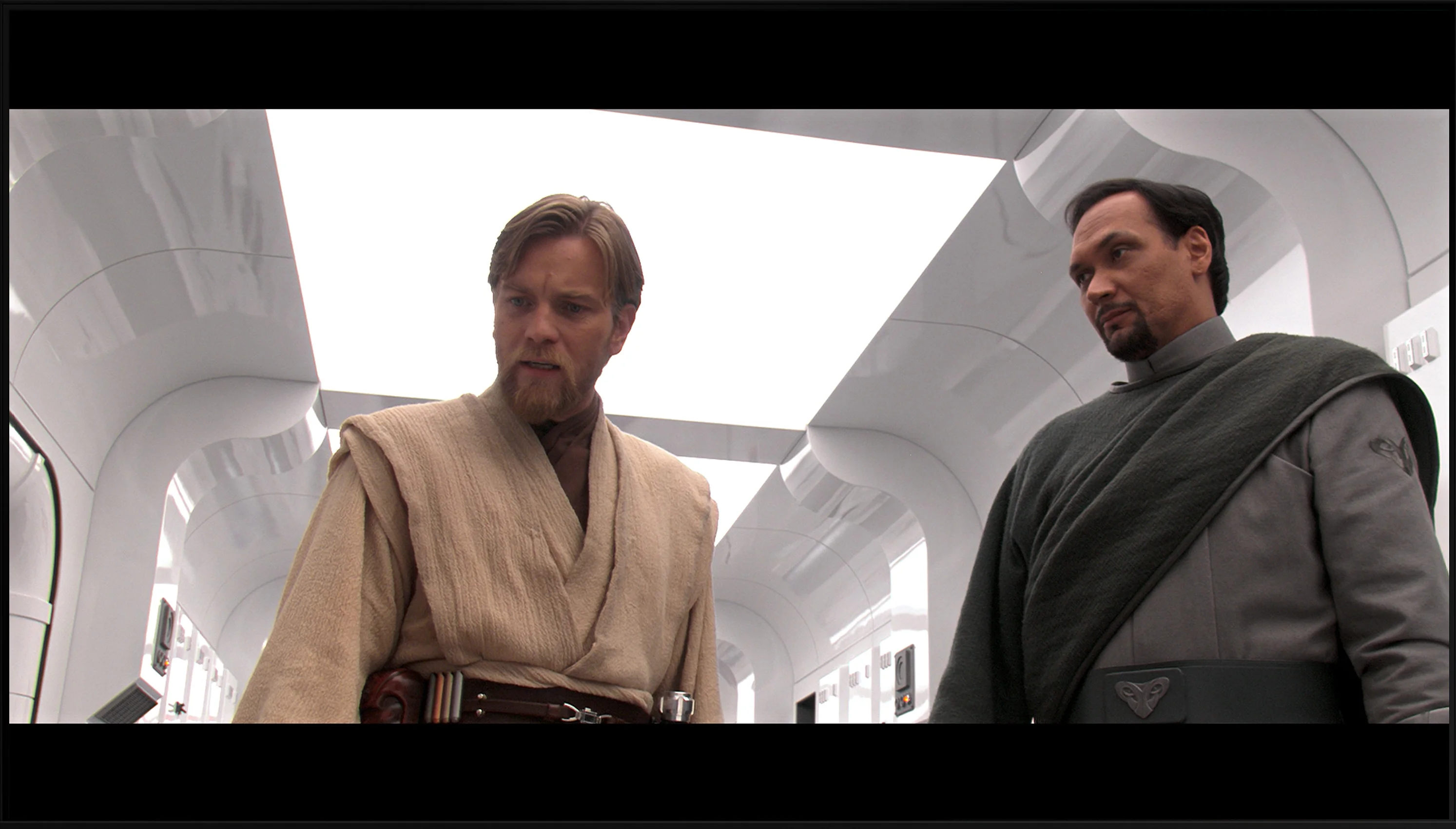
This gallery shows how colors change after professional TV calibration. If you notice the difference, we recommend ordering this service at SkalibrujTV.com.
Factory Mode
After calibration
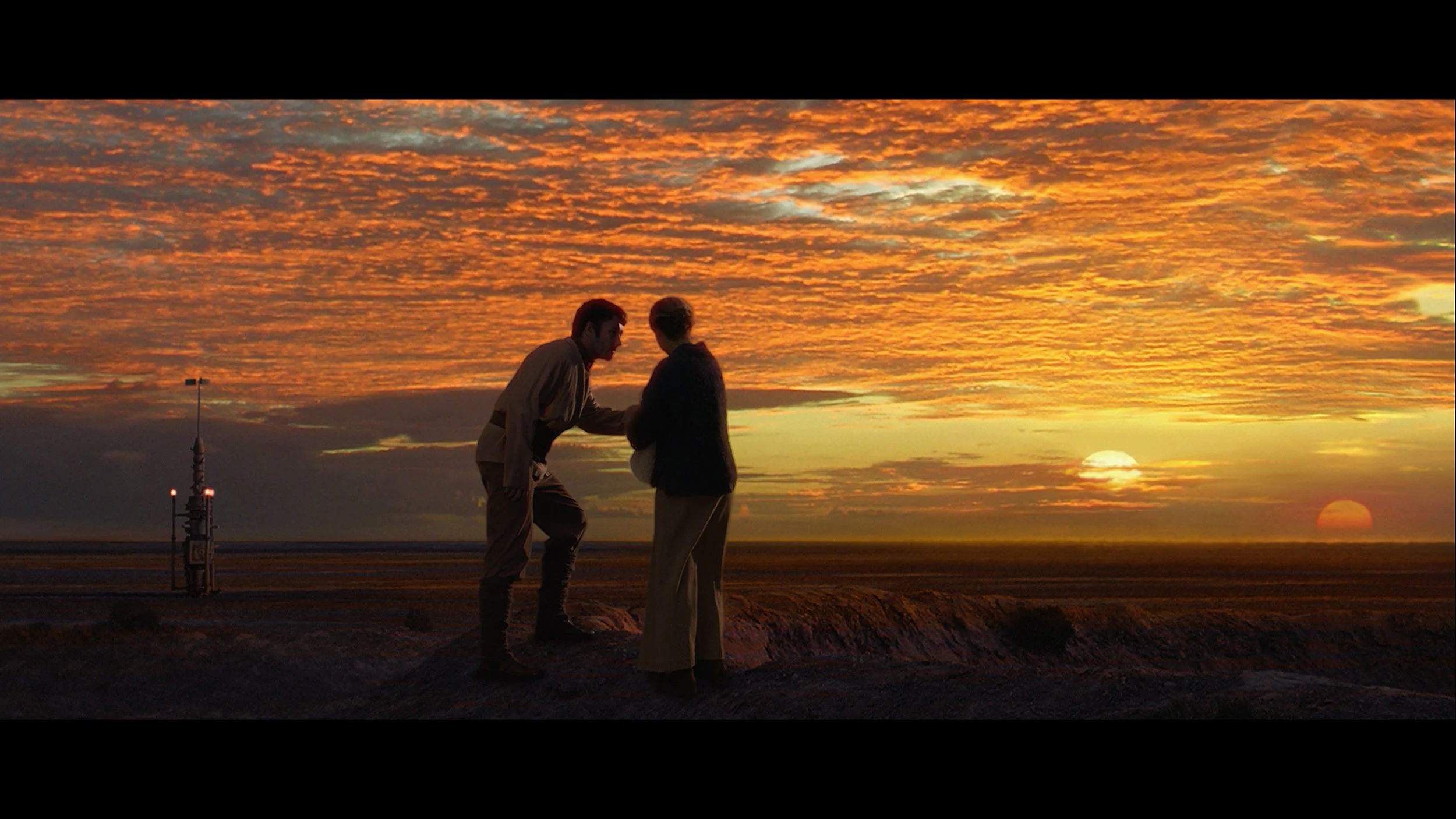
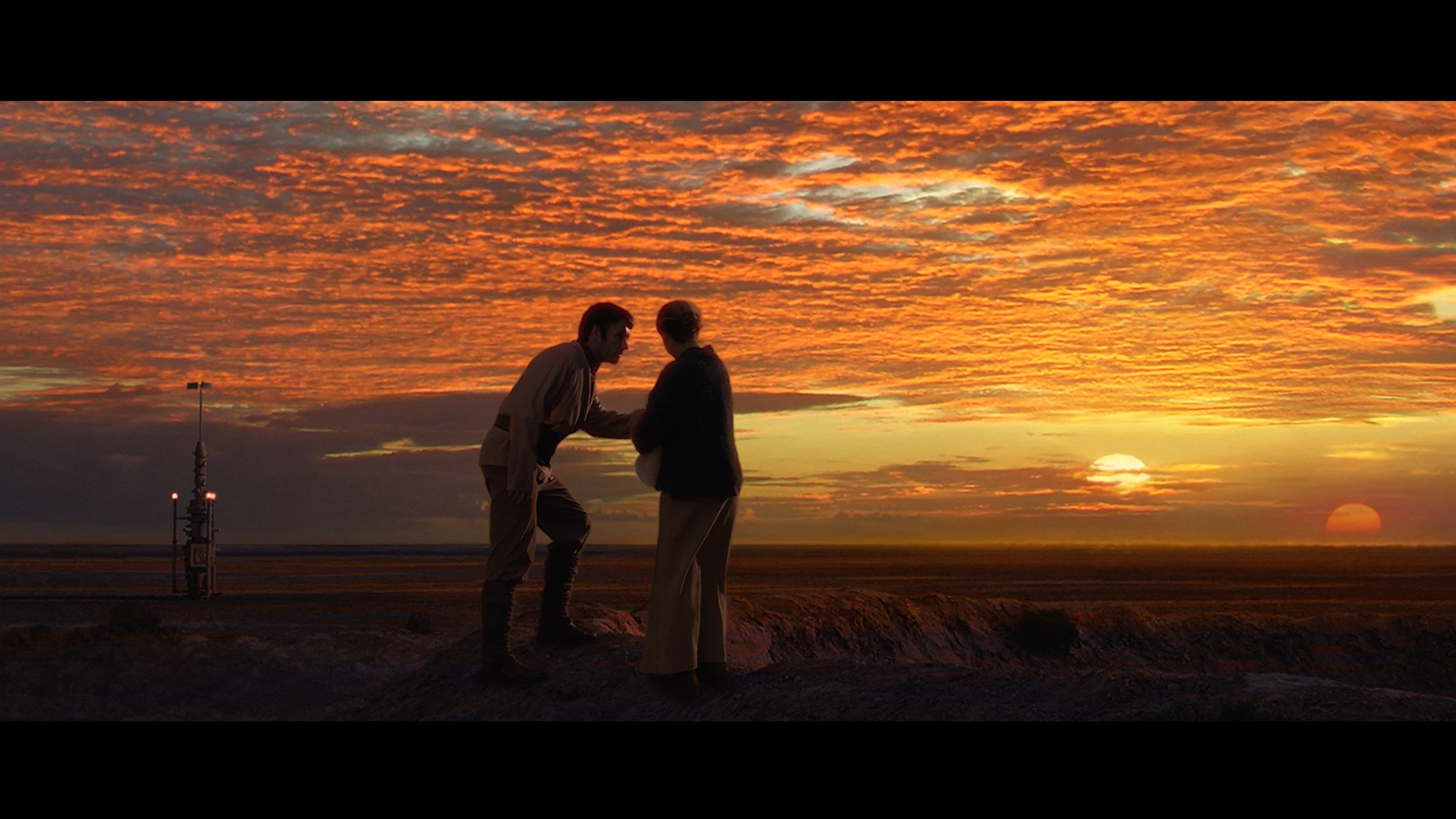
This gallery shows how colors change after professional TV calibration. If you notice the difference, we recommend ordering this service at SkalibrujTV.com.
Factory Mode
After calibration
DU8002 offers a Filmmaker mode, which is supposed to provide authentic image reproduction in line with the creators' intentions. Unfortunately, despite the promising name, the results are far from ideal. The white balance in this mode shows significant drops in blue color, leading to a noticeable yellowing of the image, which can be seen, for example, in our comparison photo. Colour Checker tests confirm these errors. As for brightness, the gamma characteristic is too low compared to the reference line of 2.4, resulting in excessive screen brightness. A similar problem occurs with 4K content – the EOTF responsible for brightness in 4K material shows significant increases above the reference line, leading to excessively bright small light elements. As a result, the Filmmaker mode in DU8002 does not meet expectations and instead of offering high quality, presents an image full of tonal and color inaccuracies.
In Professional mode the Bravia 3 II, straight out of the box, delivers a fairly good level of color reproduction. In SDR the most noticeable issue is a slightly low gamma, which makes the midtone areas a bit brighter. White balance is not perfect either; as brightness increases there is a slight lack of blue and red, so whites can sometimes take on a slightly warmer, mildly greenish tint. However, these are not errors that immediately stand out while watching a movie. Average error values hover around 3, so the factory preset can be considered quite good. The situation is similar in HDR. Here again there is a slight deficiency in the blue component, so the image is a touch warmer than the reference, but the difference is not large enough to be significantly distracting during normal viewing.
Color reproduction after calibration
7.8/10
8/10
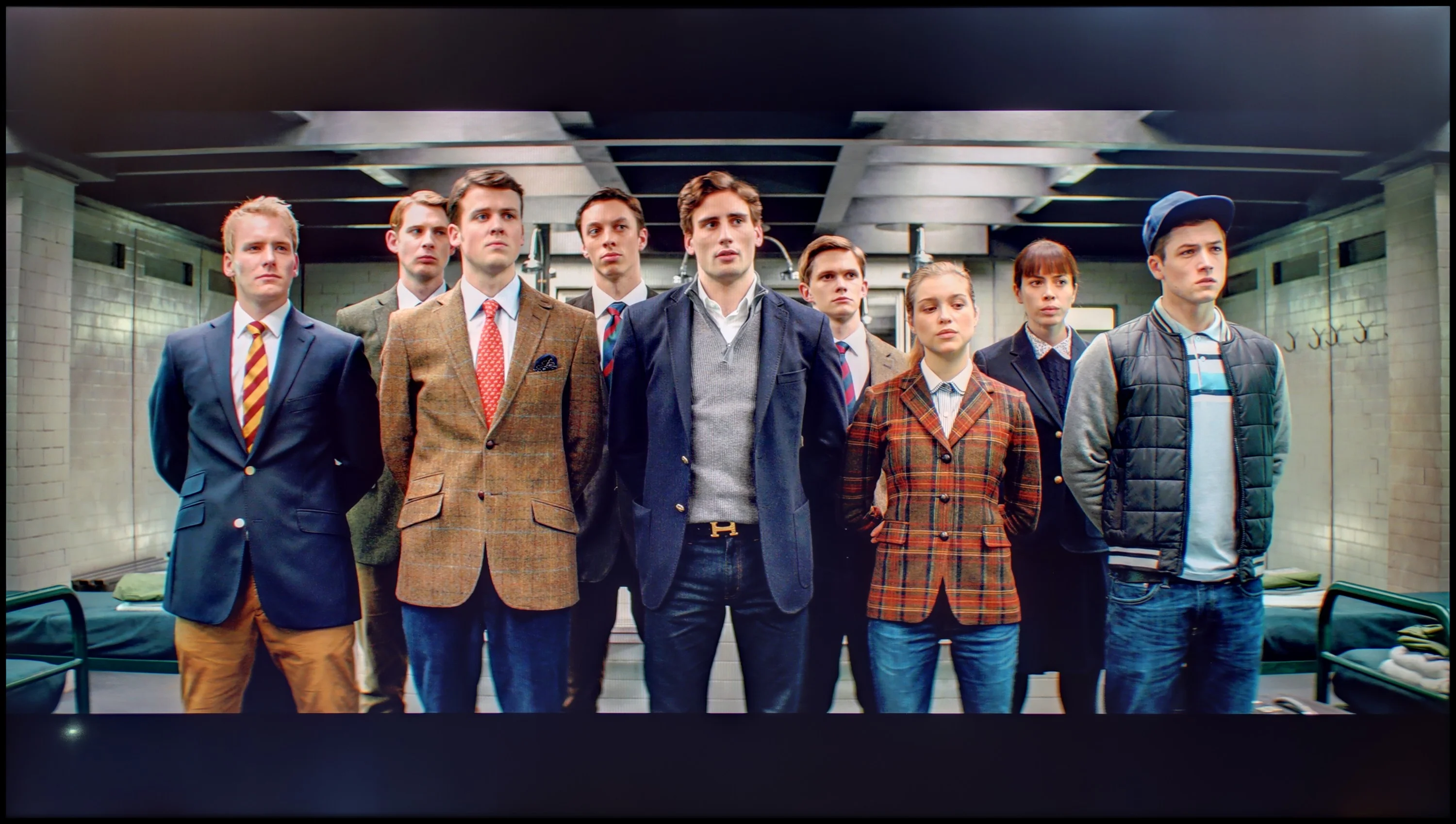
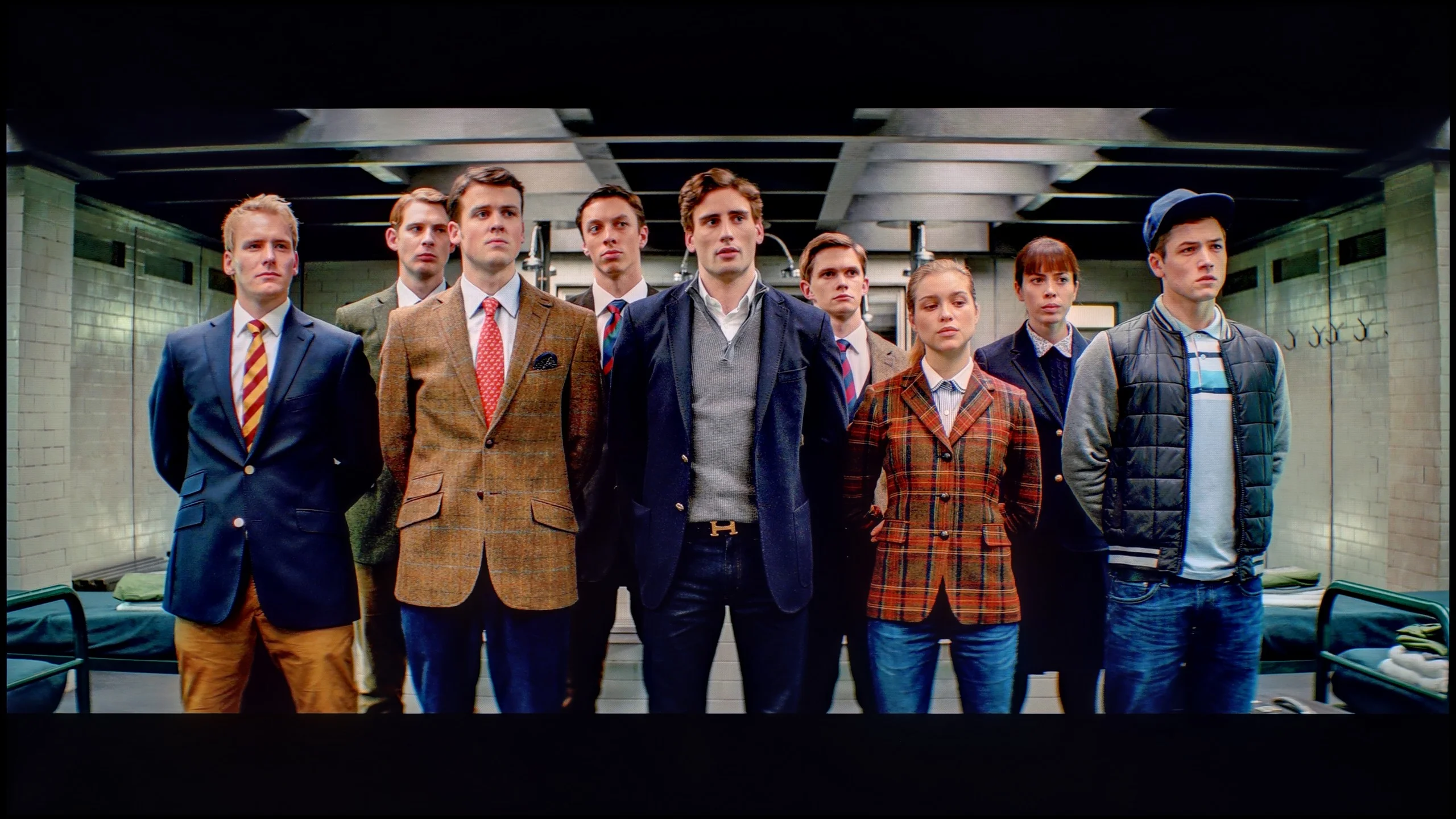
The photos show how movies look on the TV. Pay attention to black detail visibility, colors, and shadow tint.
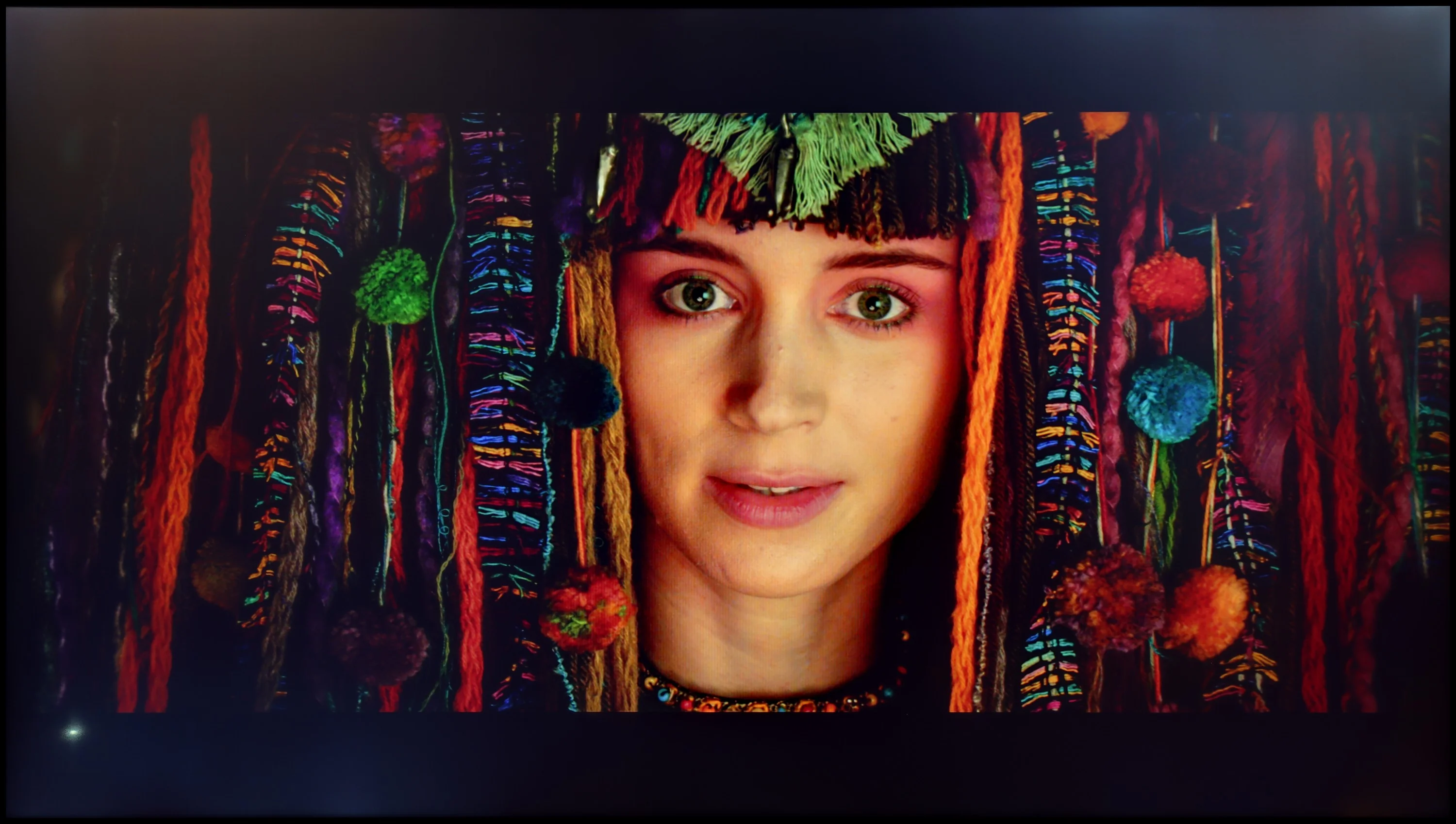
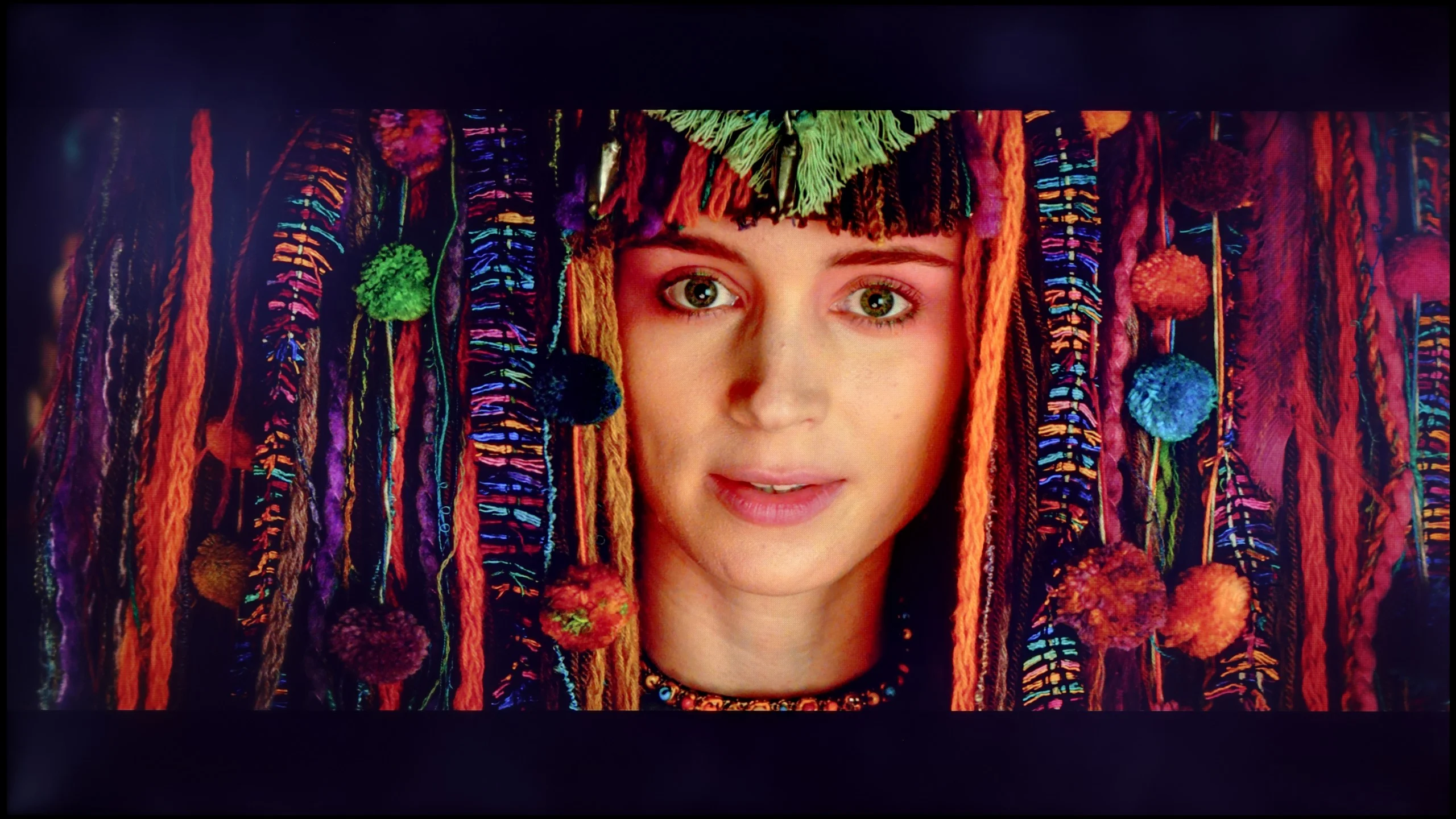
The photos show how movies look on the TV. Pay attention to black detail visibility, colors, and shadow tint.
Samsung is one of those companies that offers advanced tools for improving image quality in its televisions, including a 20-point white balance adjustment. Even with the budget model DU8002, with the right adjustments, surprisingly good results can be achieved. The white balance, especially for HD content, performs really well - tests on the Colour Checker palette confirm accuracy at the level of 2–1.5, which demonstrates the significant capabilities of this television in color reproduction. In 4K content, although not as perfect as in lower quality material, the overall picture looks much better.
The gamma brightness has also been heavily adjusted, ensuring that the image is not overly brightened and looks more natural. What about the EOTF curve? At first glance, it seems fine, but upon closer inspection, especially in film tests, it becomes apparent that the television struggles due to its low contrast panel. The EOTF drops below the reference line. Nevertheless, the DU8002 is an example of a budget model where investing in calibration is worthwhile. Although structural flaws, such as the type of backlighting, cannot be completely eliminated, color accuracy is surprisingly good, especially considering its price.
After calibration you can get a lot out of SDR content. The white balance was set almost perfectly, gamma practically matches the reference value, and average color errors fell from around 3 to about 1. That's a level at which differences from the reference image are, in practice, very hard to detect. The Bravia 3 II therefore shows that despite its position in Sony's lineup it has quite a lot of potential for precise picture tuning. Improvements are also visible in HDR, although here you can no longer work around all of the TV's limitations. After equalizing the colors it's easier to notice that the EOTF curve in film material runs slightly below the reference value in places, meaning the Bravia 3 II slightly darkens part of the image. That's not ideal from a reference standpoint, but in this particular TV it also has an advantage. With no local dimming and average black levels, this behavior slightly reduces the visibility of the backlight in darker scenes and helps maintain a greater sense of contrast. So you could say Sony partially masks the limits of the panel that way, rather than trying at all costs to stick to the reference luminance.
Smoothness of tonal transitions
7.3/10
9.5/10
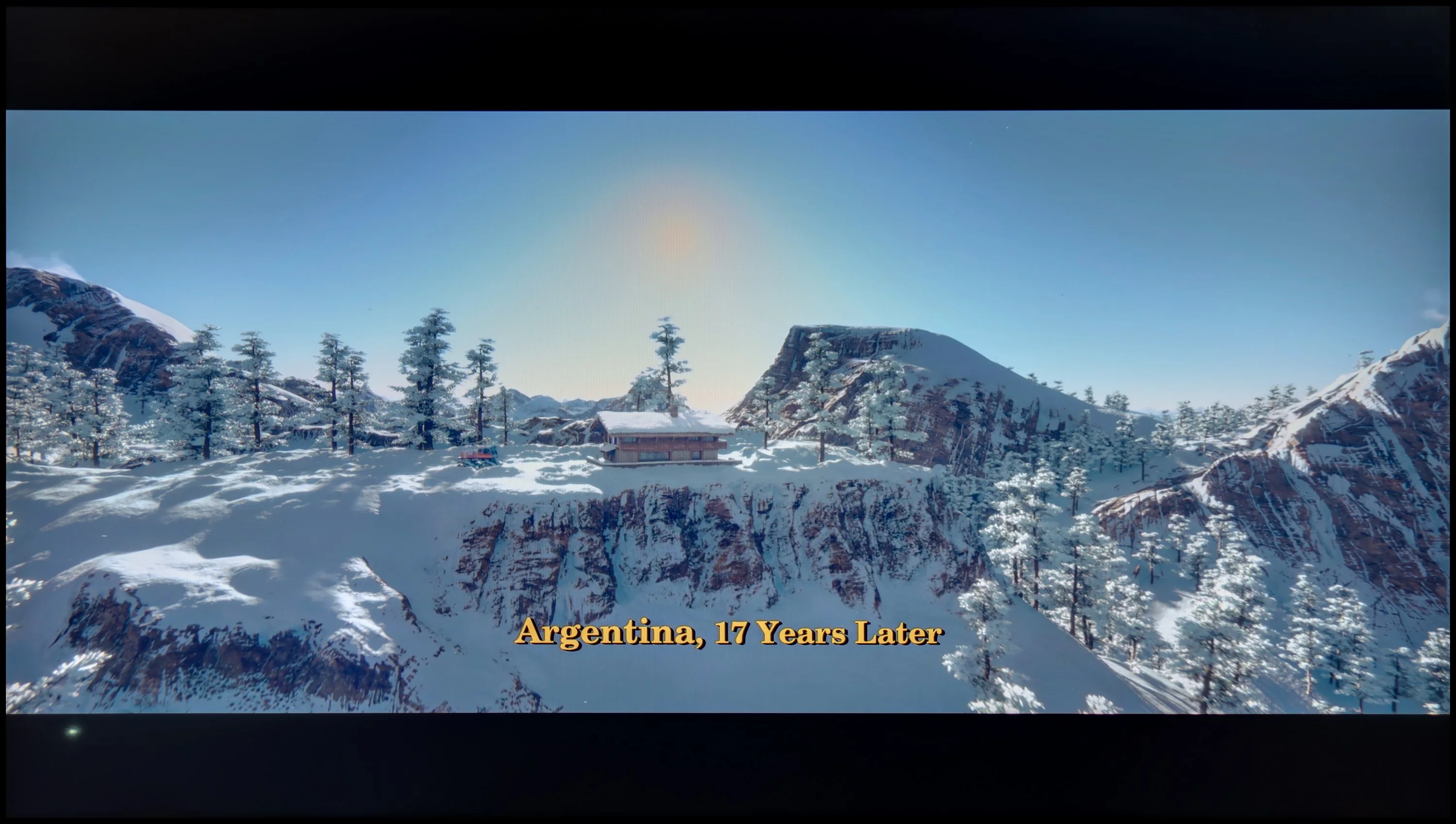
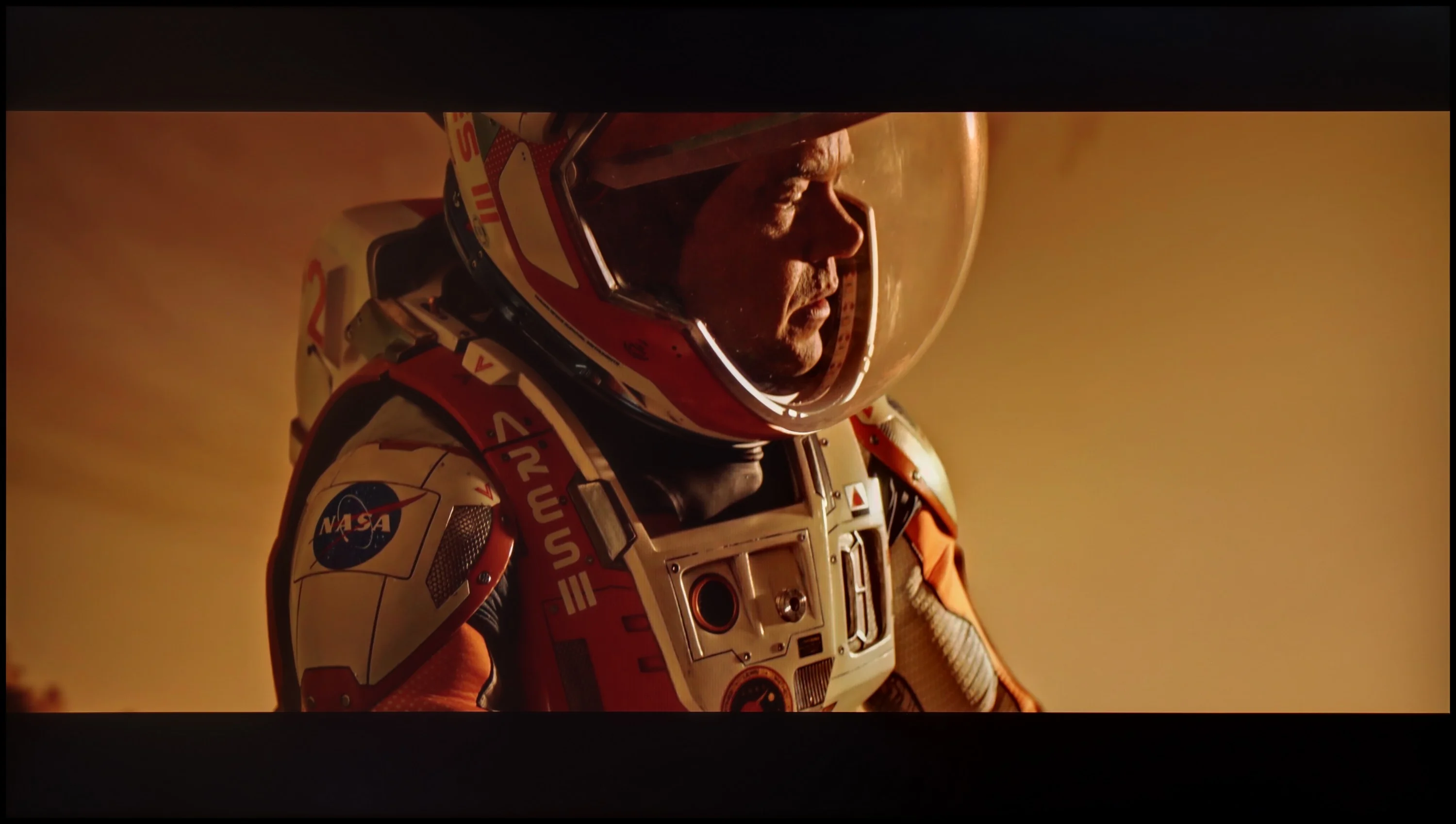
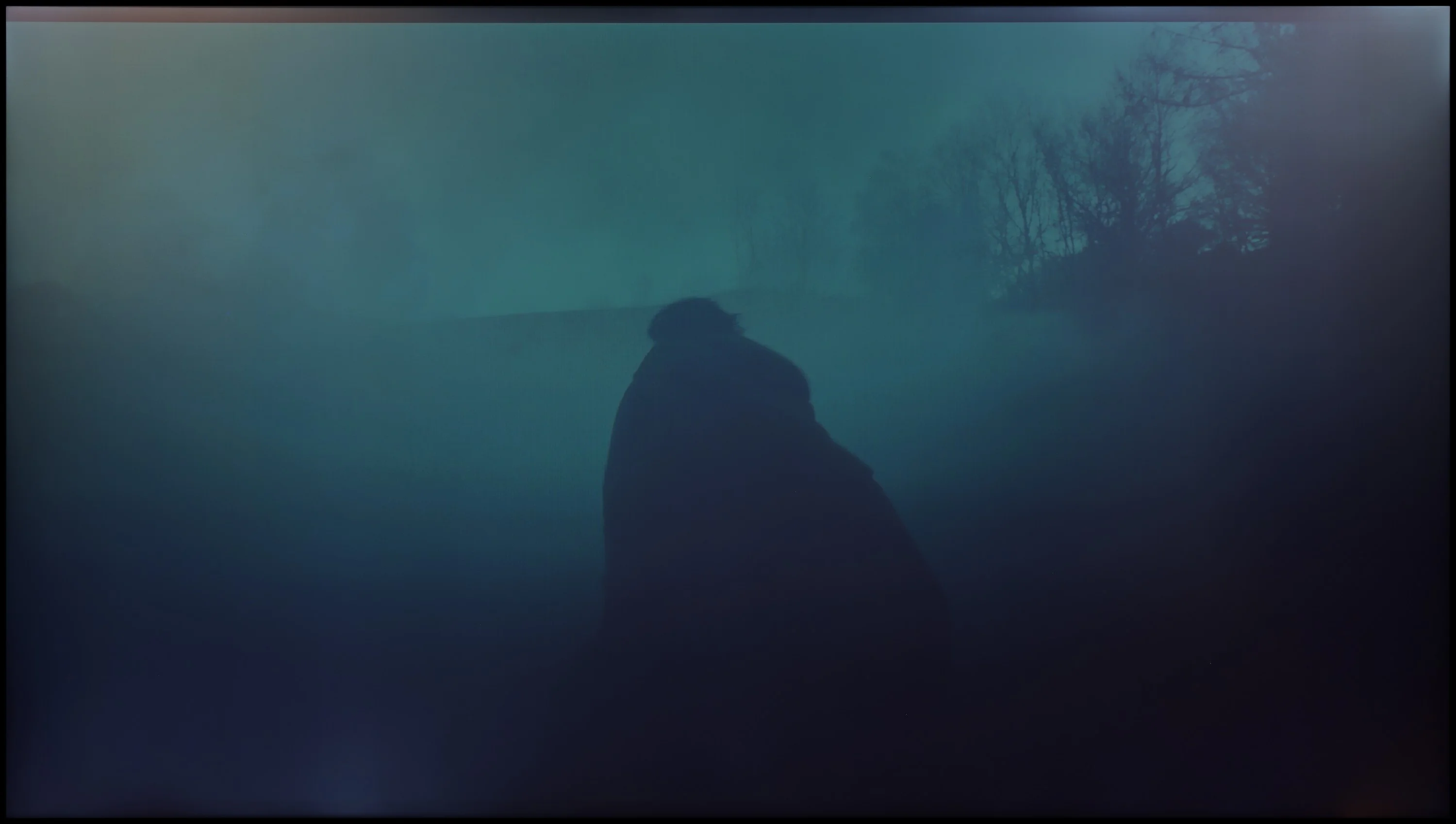
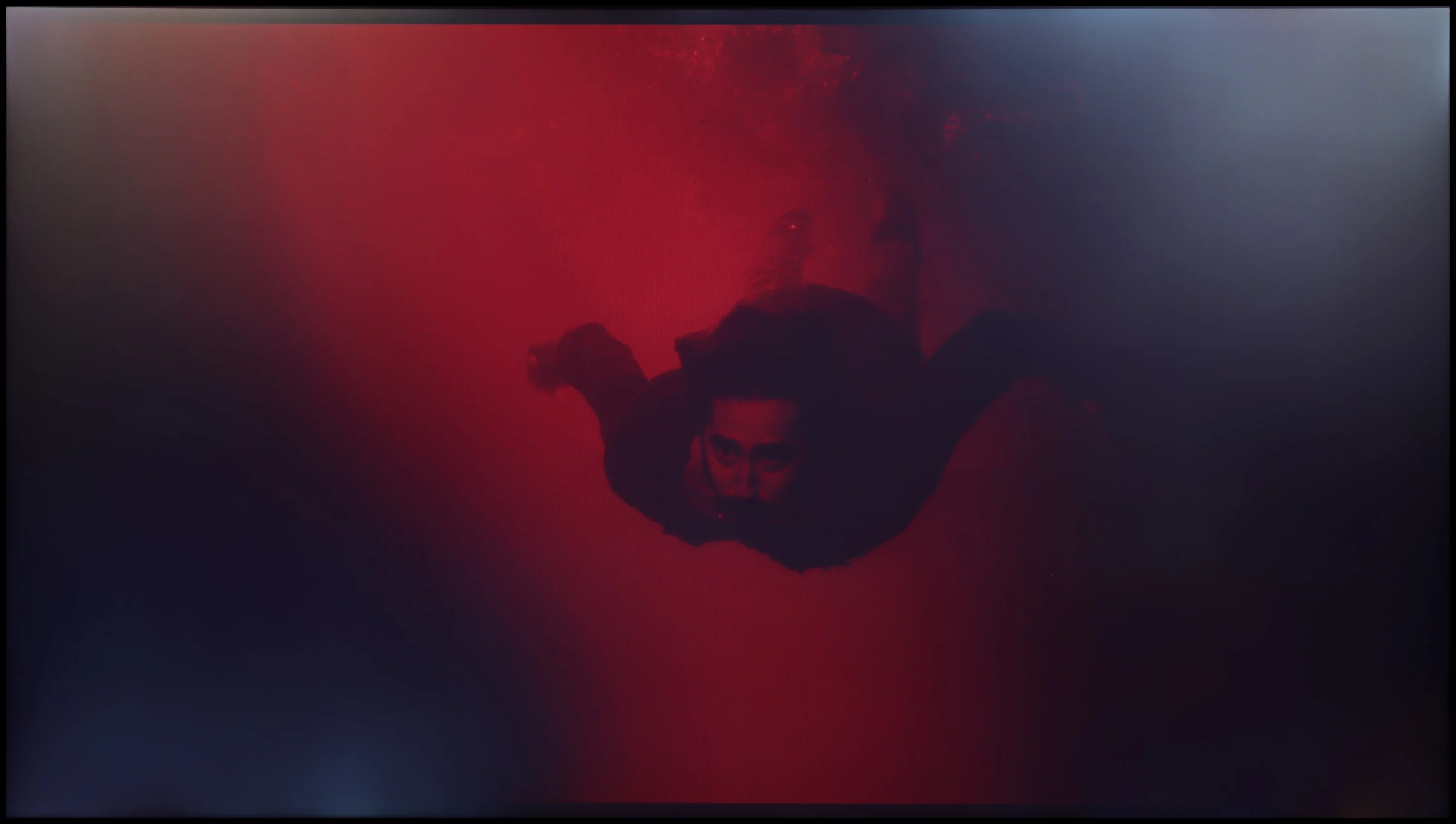
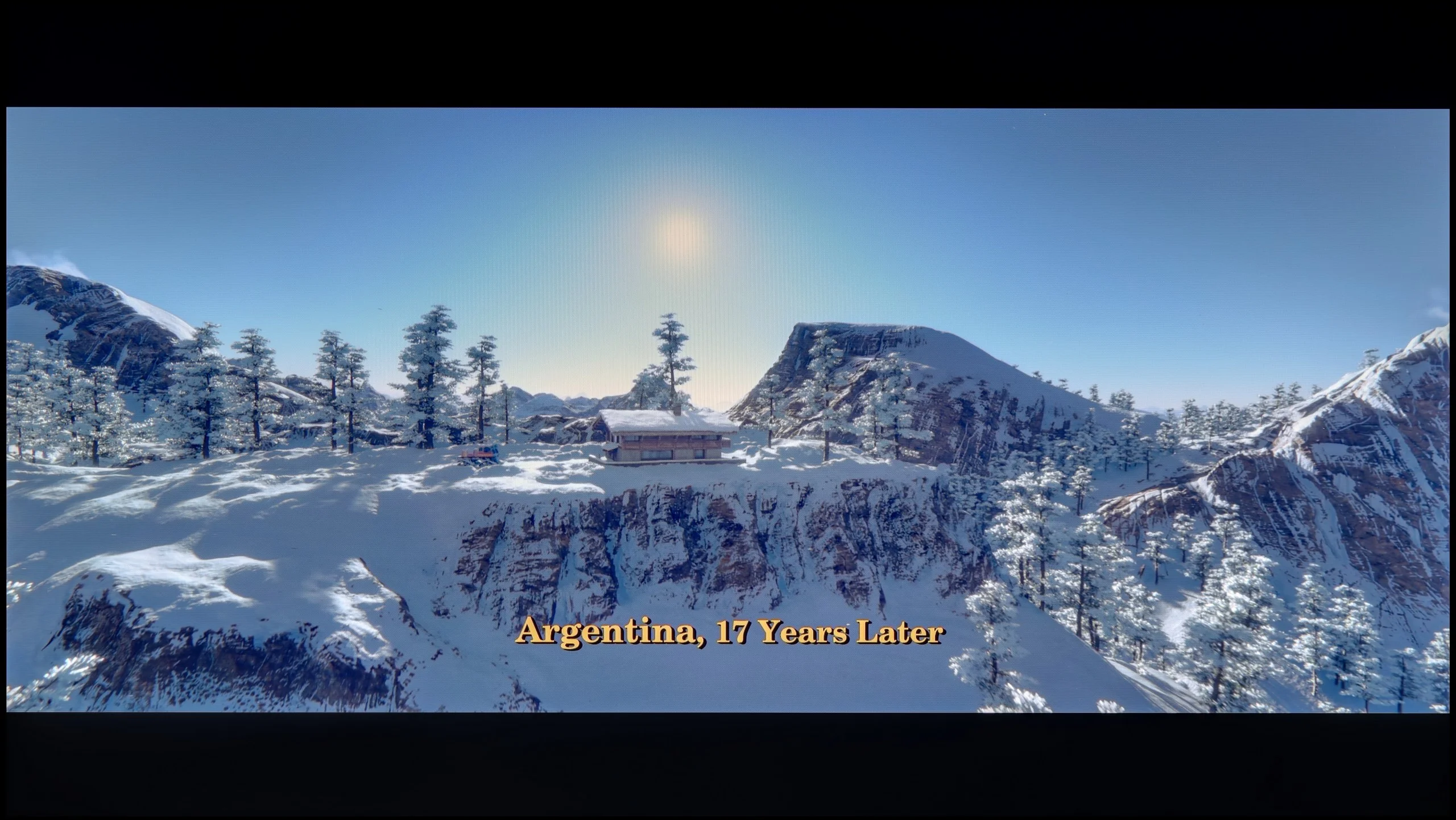
These are selected scenes that show smooth tonal transitions from one color to another. If you see distinct banding, it’s the TV panel’s fault.
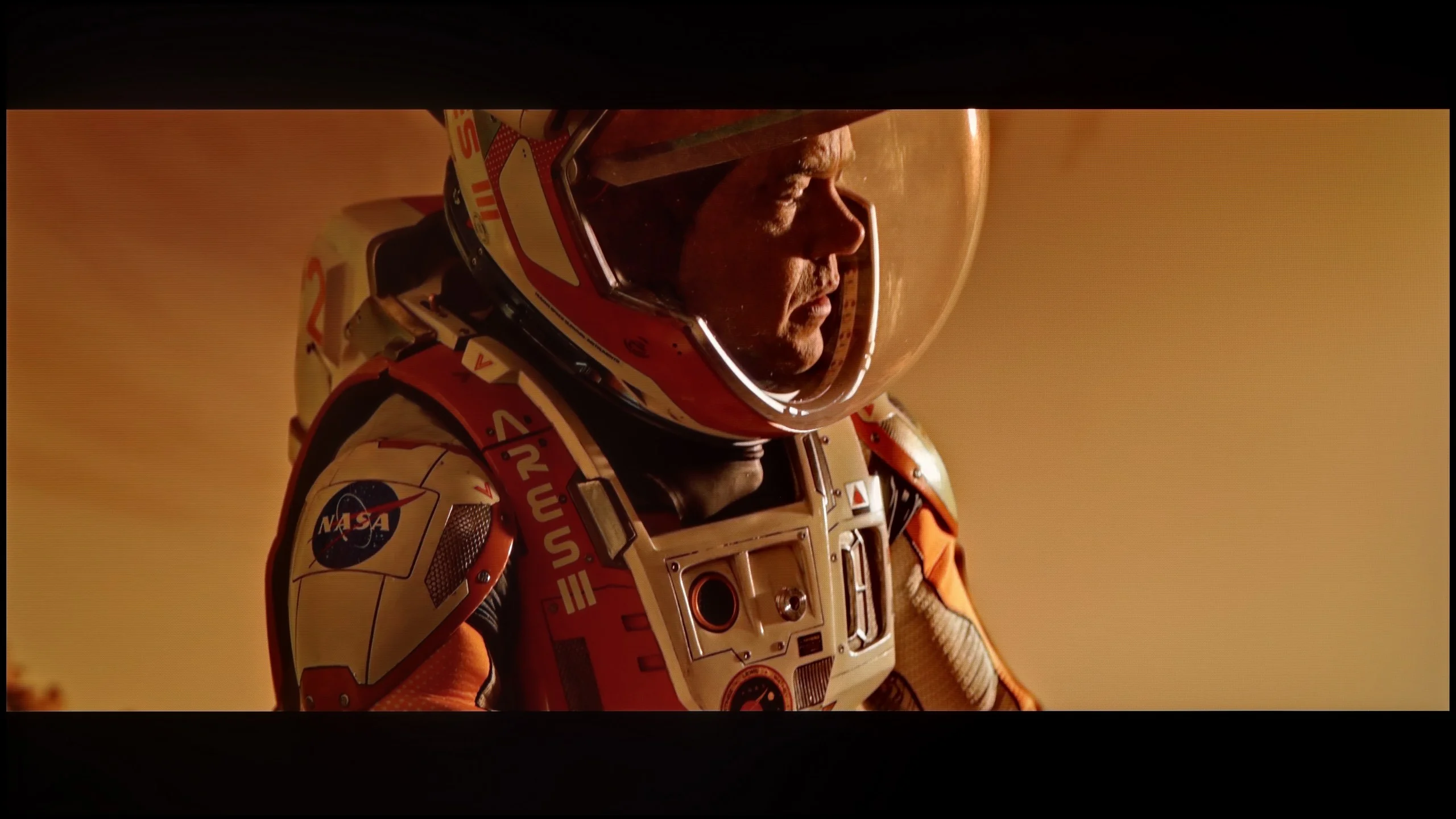
These are selected scenes that show smooth tonal transitions from one color to another. If you see distinct banding, it’s the TV panel’s fault.
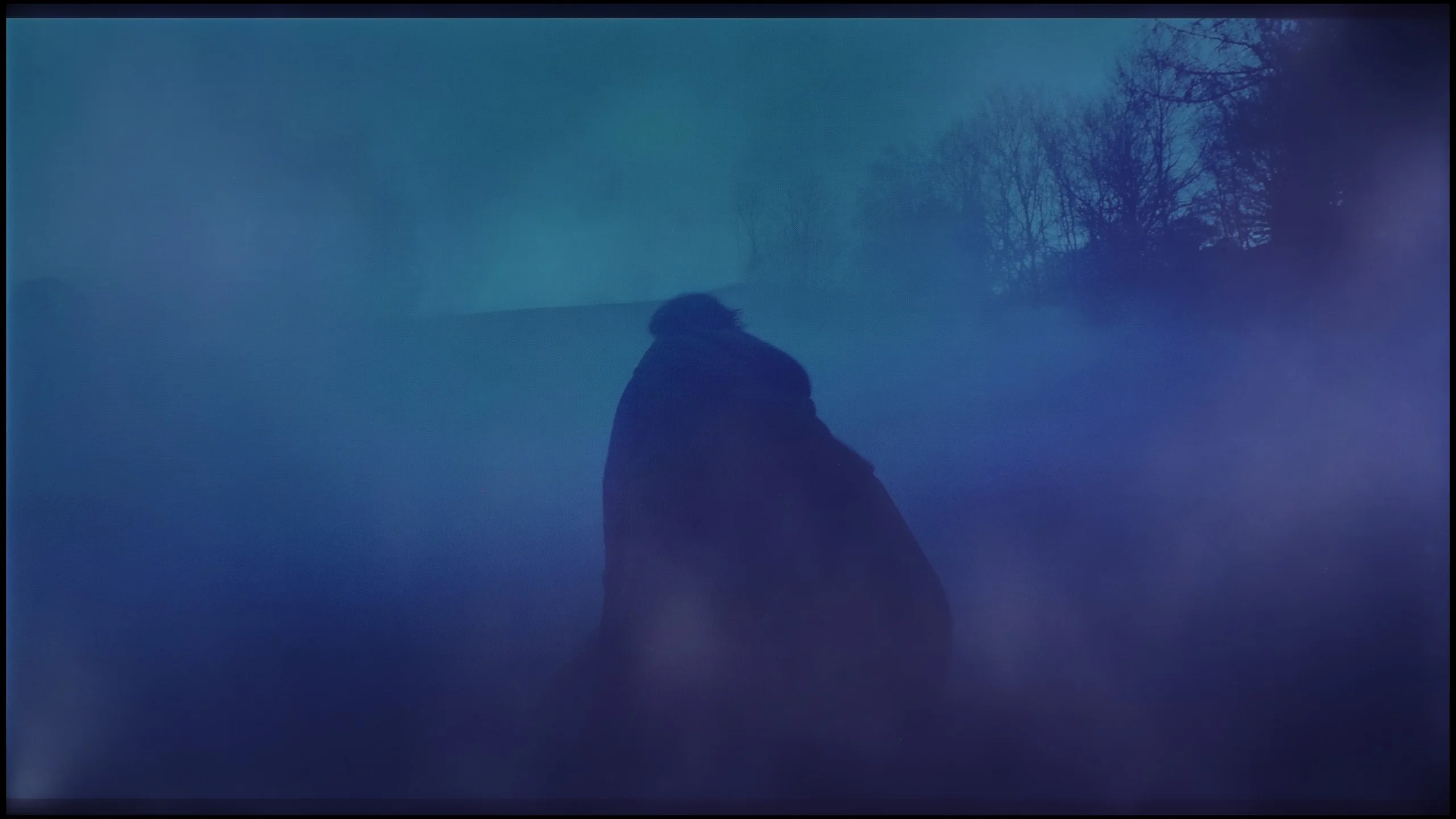
These are selected scenes that show smooth tonal transitions from one color to another. If you see distinct banding, it’s the TV panel’s fault.
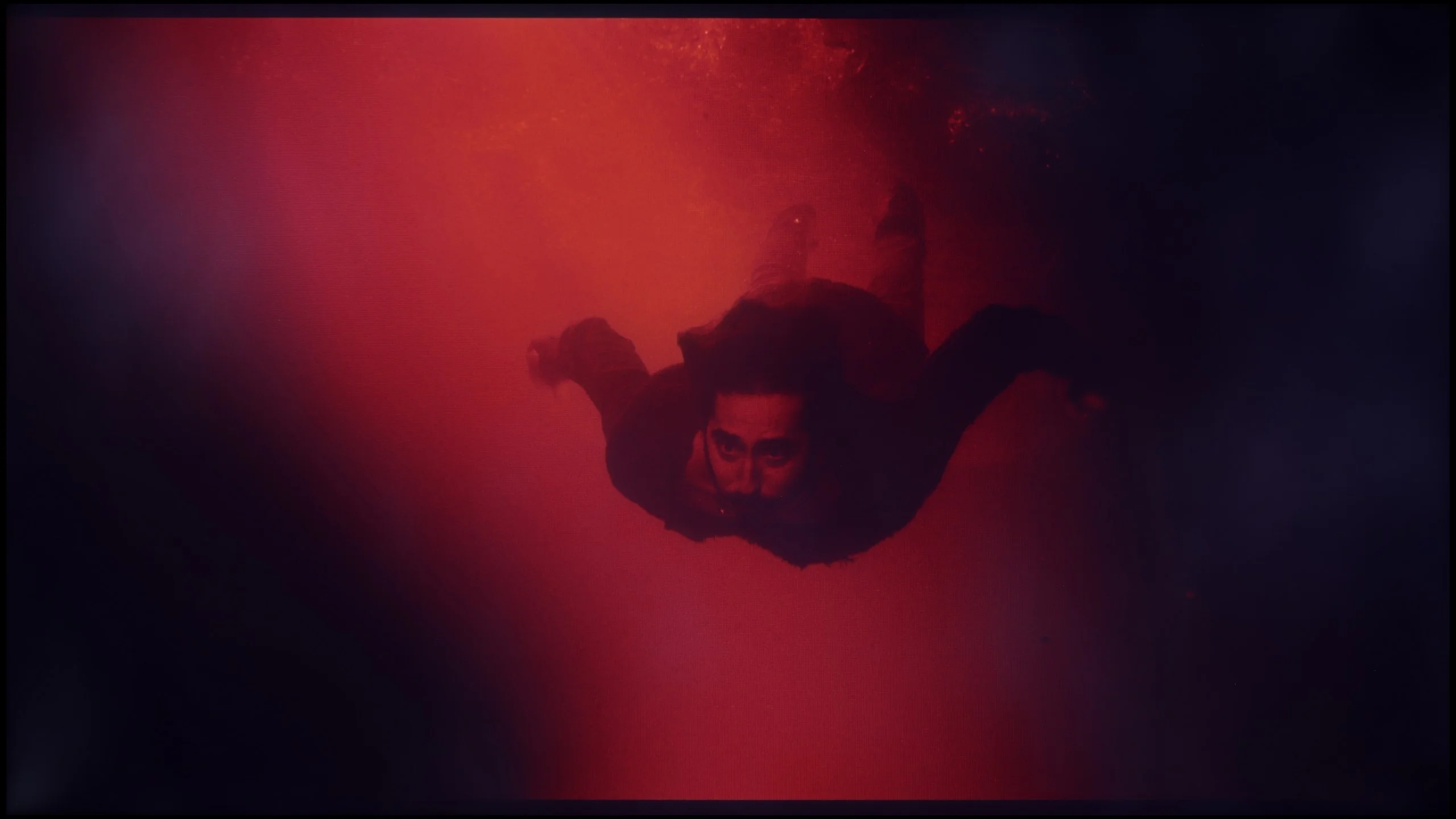
These are selected scenes that show smooth tonal transitions from one color to another. If you see distinct banding, it’s the TV panel’s fault.
During gradation tests on the DU8002, some imperfections were noticed in most scenes, although they were not intense enough to immediately draw attention. The biggest challenge was bright colors, which did not always maintain smooth transitions. Nevertheless, more complex scenes at the end of the test surprised positively, where the television performed better than expected, which had a favorable impact on the final assessment.
In terms of tonal transition smoothness, the Bravia 3 II performs very well. In most of the scenes we watched, it was hard to spot any issues with blending individual shades. Gradients remain smooth both in bright parts of the image, like skies or sunsets, and in much more challenging dark shots. The only thing that may be noticeable in our photos, especially in the darkest scenes, is uneven backlighting. This is not related to color banding, but rather a consequence of using a backlight without local dimming.
Image scaling and smoothness of tonal transitions
5.4/10
6/10


Smooth transition function
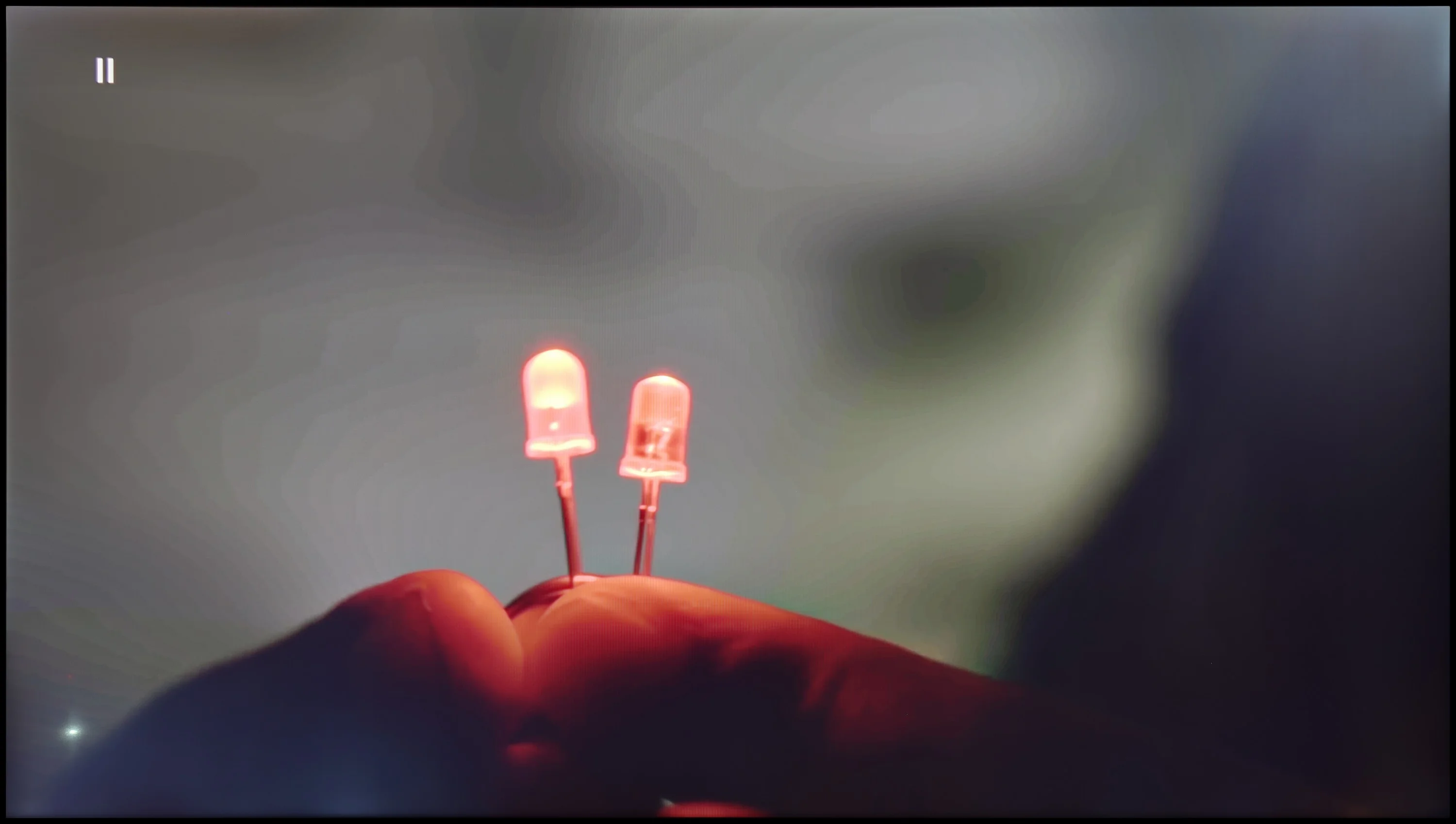
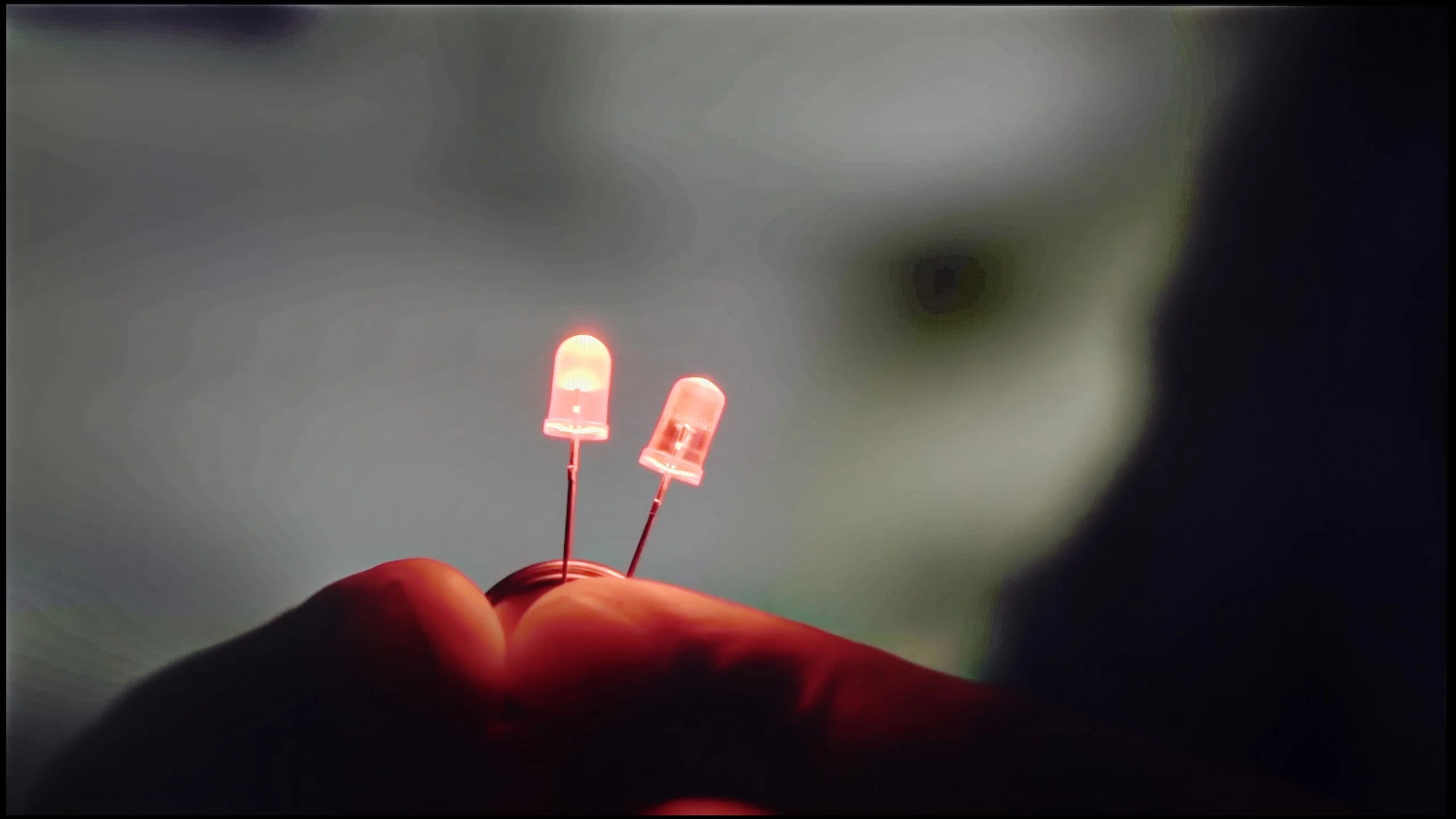
The match photo shows how the TV smooths weak tonal transitions in low-quality video.
Image scaling SD (576i)


The model photo shows how it handles upscaling of SD material.
Smoothing tonal transitions on the DU8002 television leaves mixed feelings. Although the menu offers an option for smoothing tonal transitions, in practice it yields no results and can even generate unwanted side effects.
Nevertheless, the television handles upscaling, or digital image processing, excellently. The test chart featuring a model looked really good – the image is not overly jagged, and the overall presentation is decent and pleasing to the eye. This is definitely good news for those planning to watch traditional television on this model.
The Bravia 3 II is Sony’s first TV to use the new MediaTek Pentonic 800 chipset, and you can see a few changes in image processing. Starting with the basics: upscaling is solid. The TV can sensibly upscale lower-resolution material and doesn’t have a strong tendency to overemphasize jagged edges or other source imperfections. With regular broadcast TV or lower-quality streaming the picture remains quite pleasing. We have more reservations about the digital image processing. In this model Sony replaced the well-known "Smooth Gradation" feature with a new setting called "Digital Noise Reduction." Its role is essentially the same: to smooth unpleasant tonal transitions and artifacts caused by heavy compression. Unfortunately, this feature performs noticeably worse than before. At the "Large" setting — the only one that noticeably affected the picture — the TV can smooth away too many image elements at once, causing film grain to disappear and surface textures or even character skin to start looking unnatural. Worse, the effect is not very consistent. When a scene contains more motion the function’s effect weakens significantly and at times it looks as if the TV stops intervening in the image altogether. For everyday viewing we therefore don’t recommend using it at a high level. It can help on a static shot, but the price is often too much loss of detail.
Blur and motion smoothness
5/10
8.2/10
Blur (native resolution, maximum refresh rate):
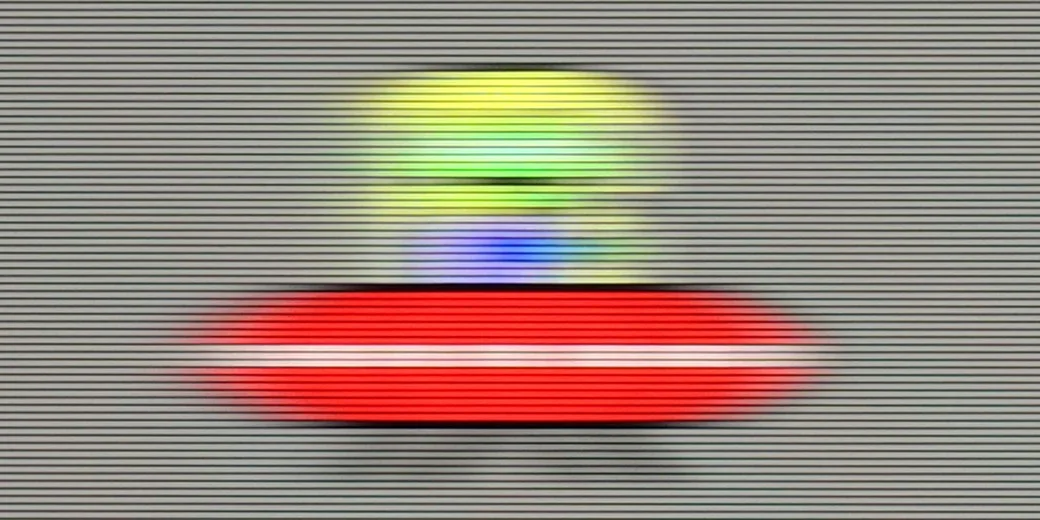
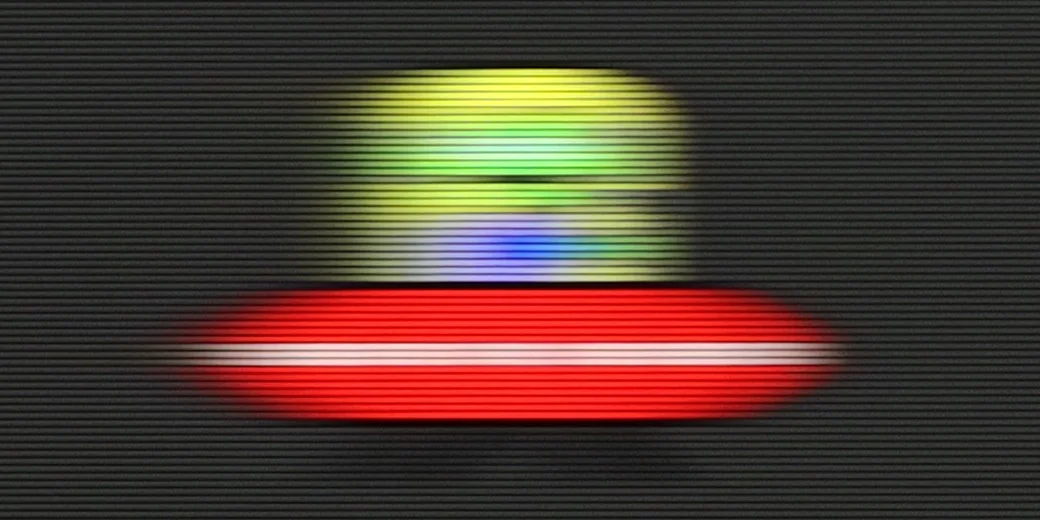
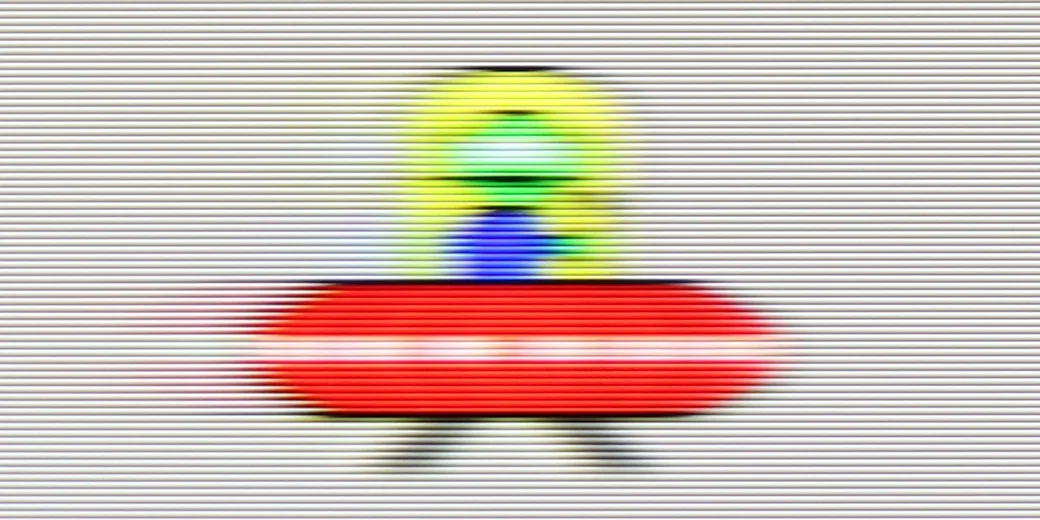
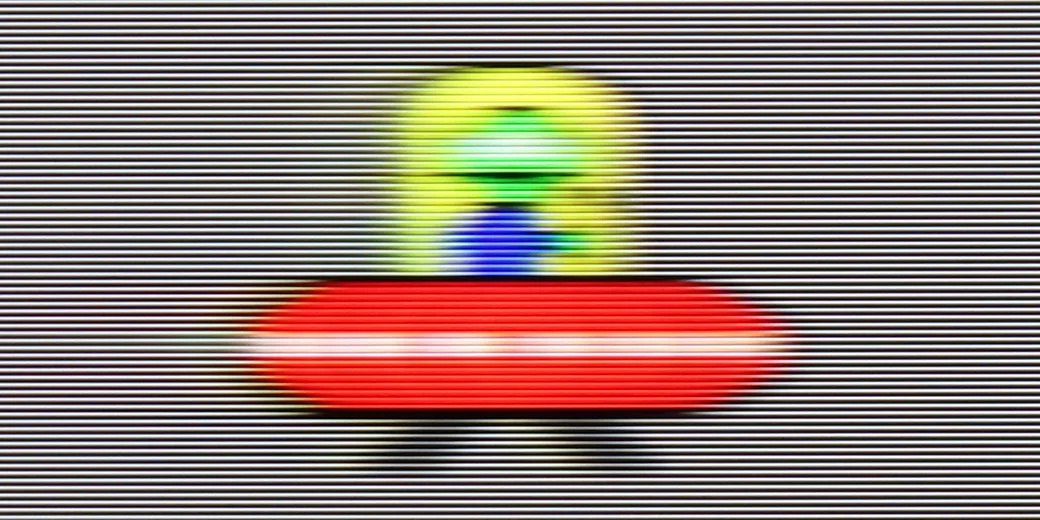
Blur (BFI function enabled):


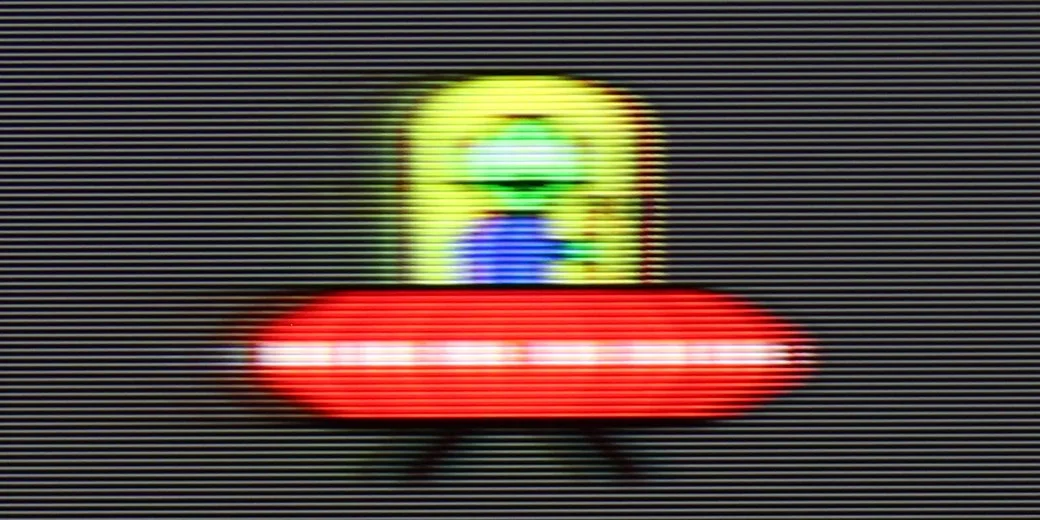
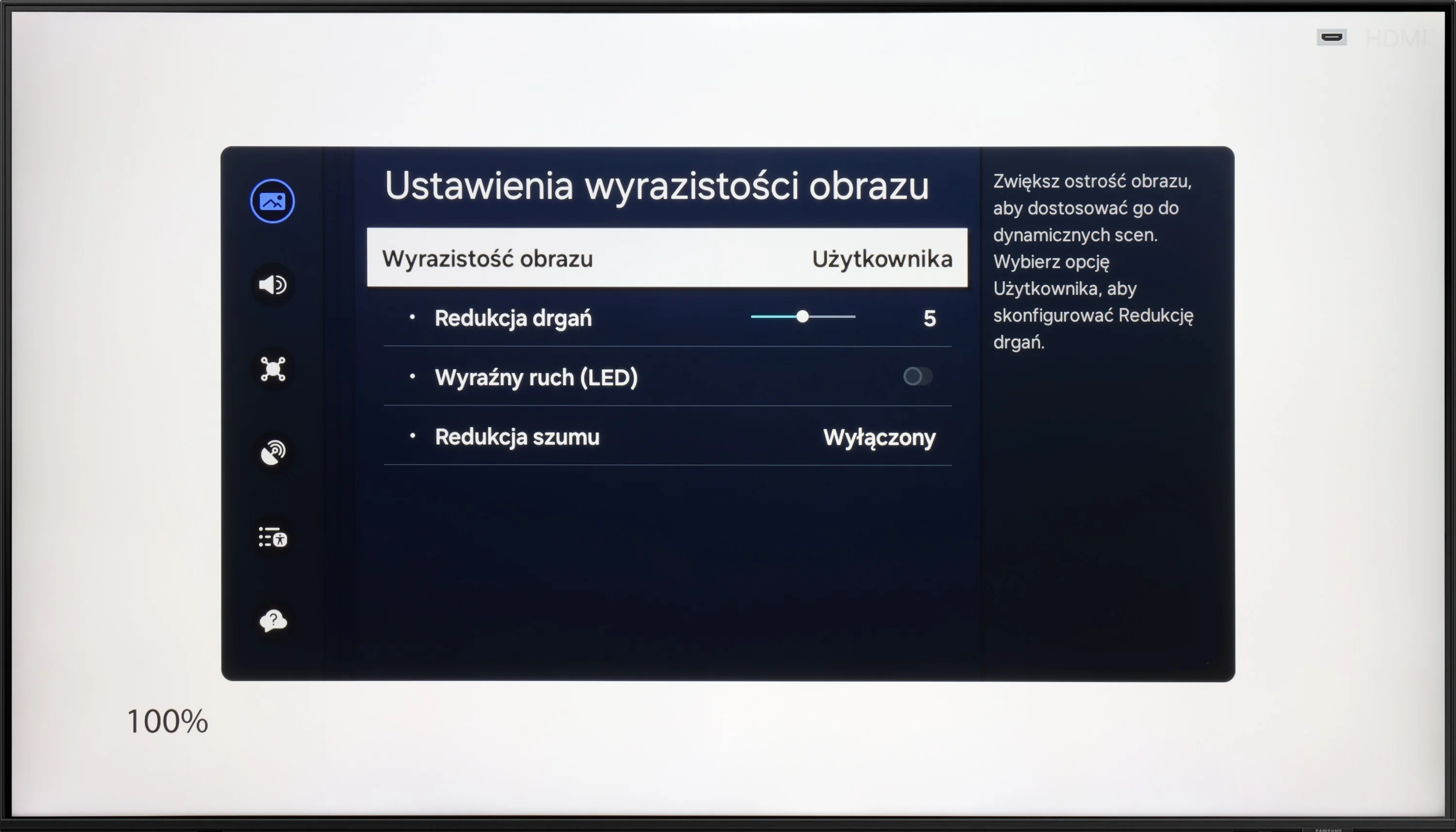
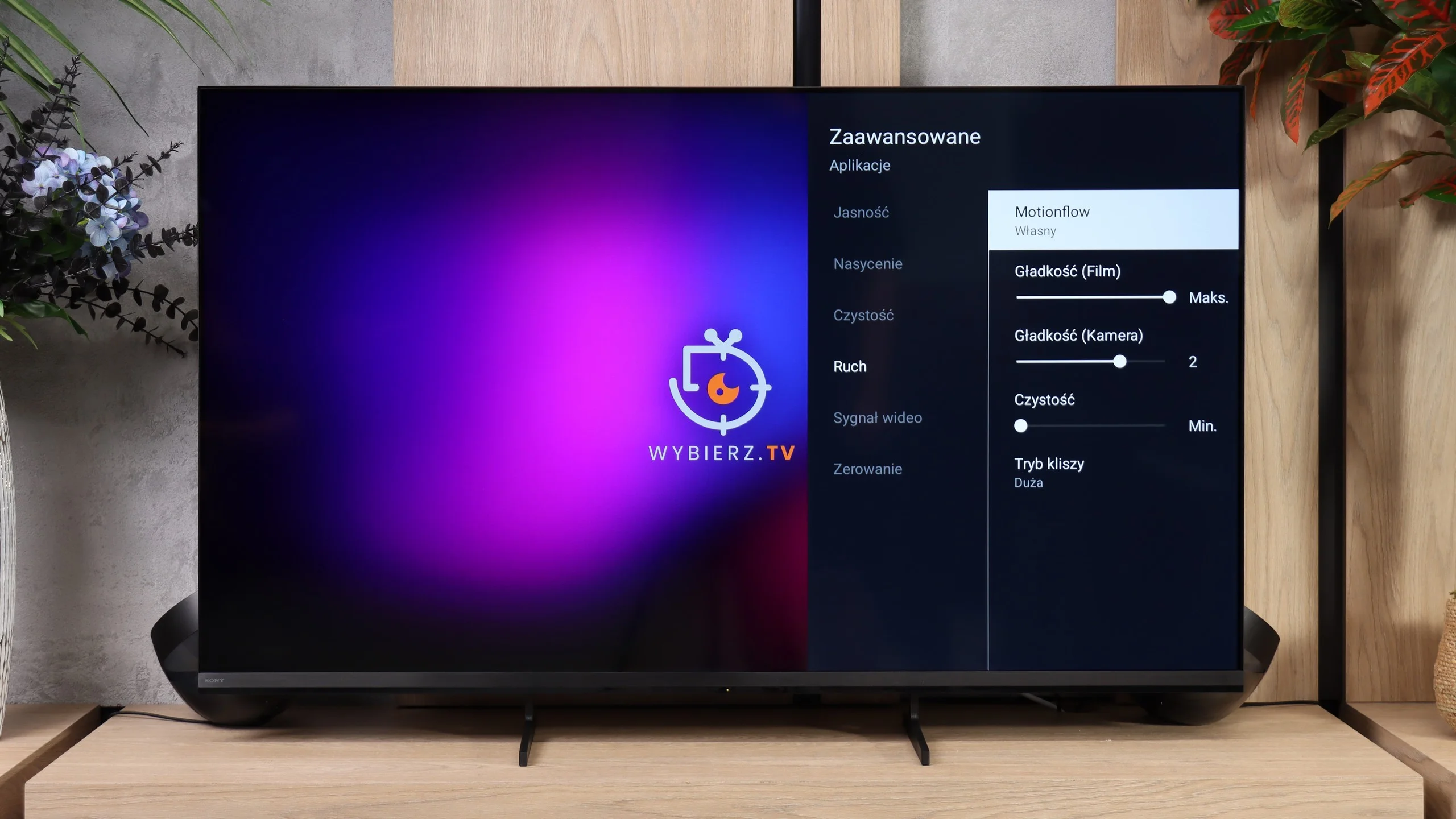
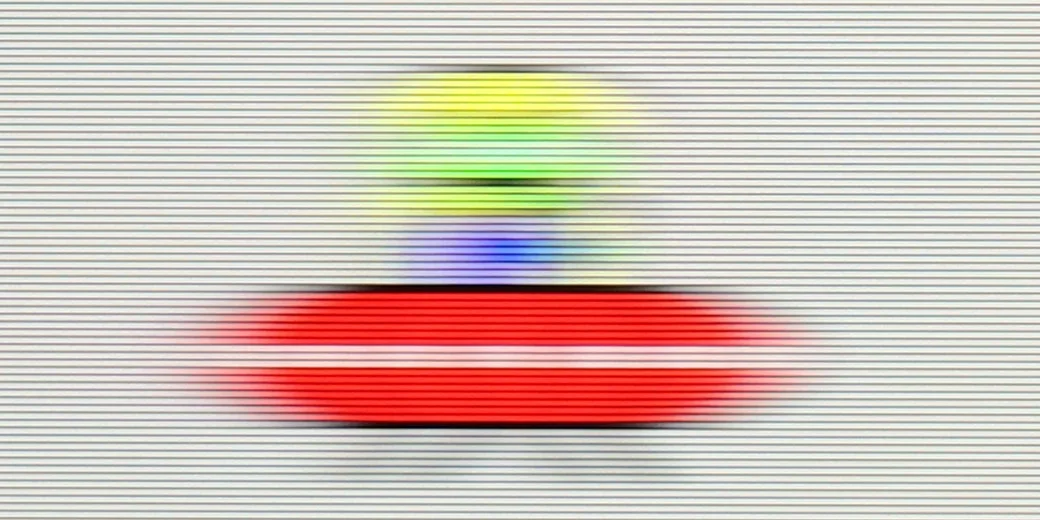
DU8002 with a 60 Hz panel is a television that performs better for watching movies than for intense gaming. The motion smoothing feature acts as a fluidizer, smoothing out motion and giving scenes a more fluid appearance, which is useful for movie screenings. In the context of gaming, this model will rather be suitable only for occasional entertainment.
Motion handling is definitely one of the Bravia 3 II's strongest points. The TV uses a 120 Hz VA panel, a solution that by nature, despite the high refresh rate, doesn't always cope well with motion blur. Here Sony has managed to get that problem very well under control. Fast-moving objects remain sharp, and the characteristic trails and blurring are reduced to a very low level, if not to zero. It's one of the least smearing LCD TVs we've had the chance to test. Interestingly, in this respect the Bravia 3 II can even outperform the much more expensive flagship True RGB series: the Bravia 9 II.
Console compatibility and gaming features
4.2/10
8.1/10
- ALLM
- VRR
- VRR range 48 - 120Hz
- Dolby Vision Game Mode
- Correct implementation of HGIG
- 1080p@120Hz
- 1440p@120Hz
- 4K@120Hz
- Game bar
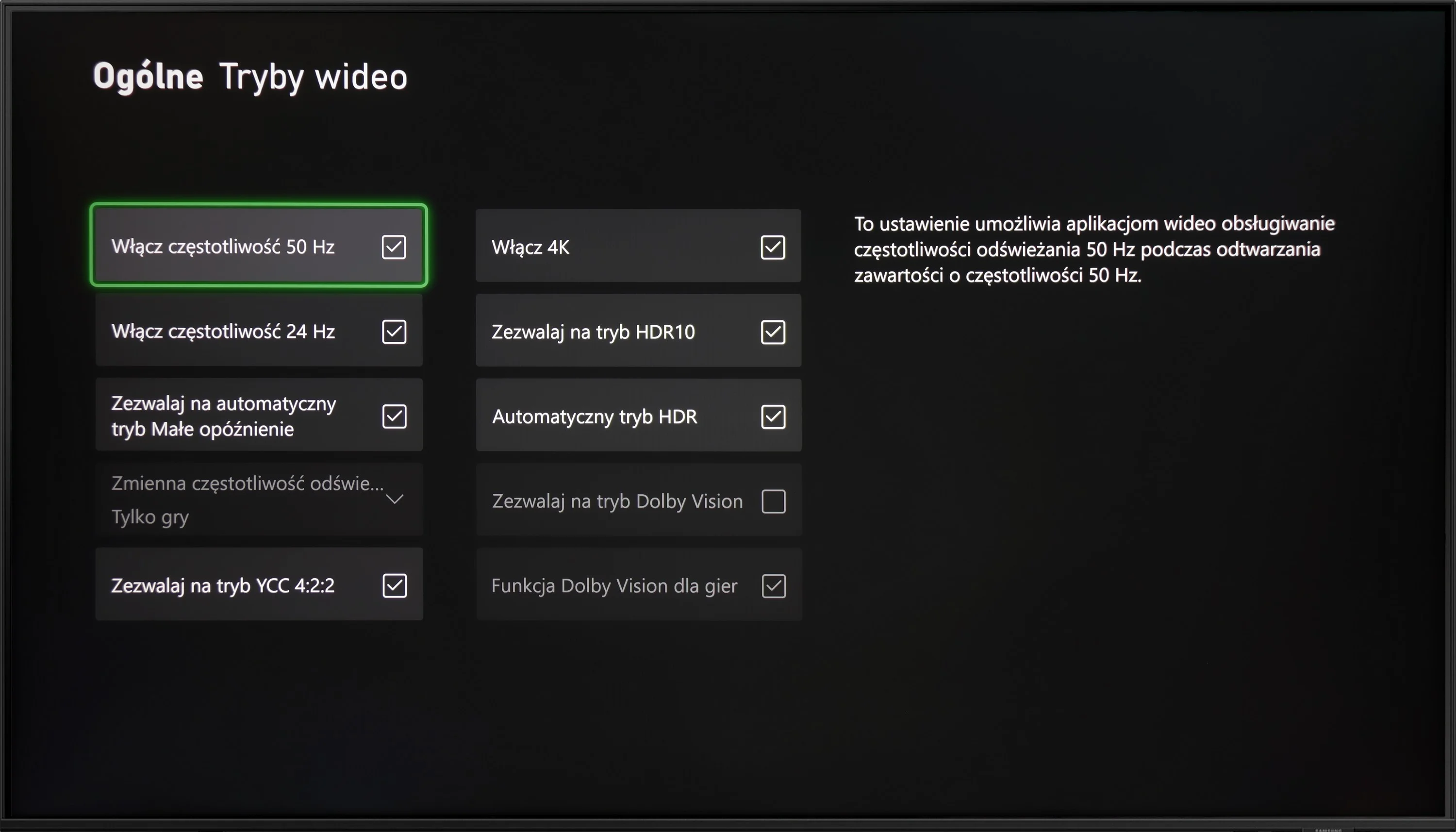
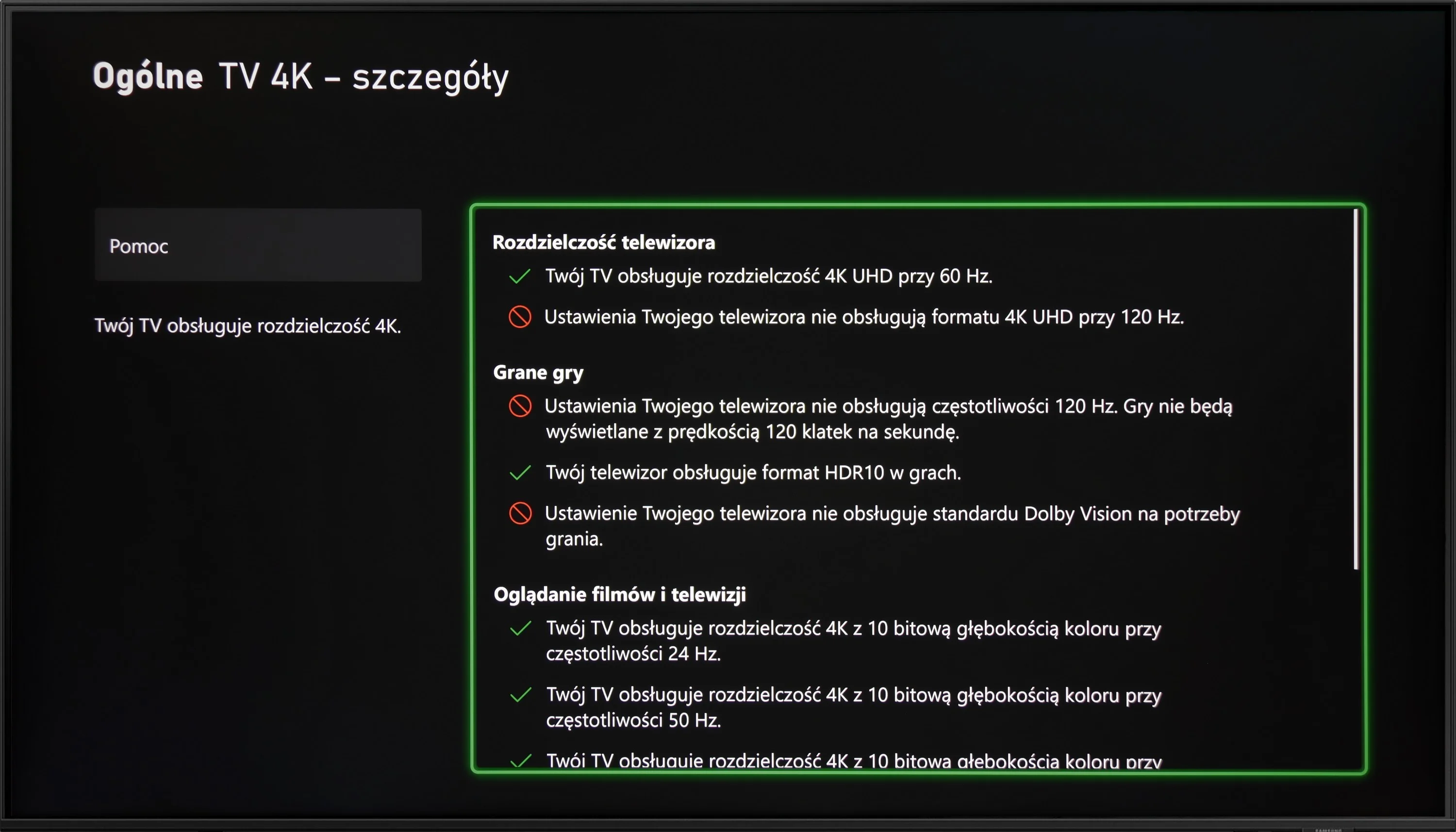
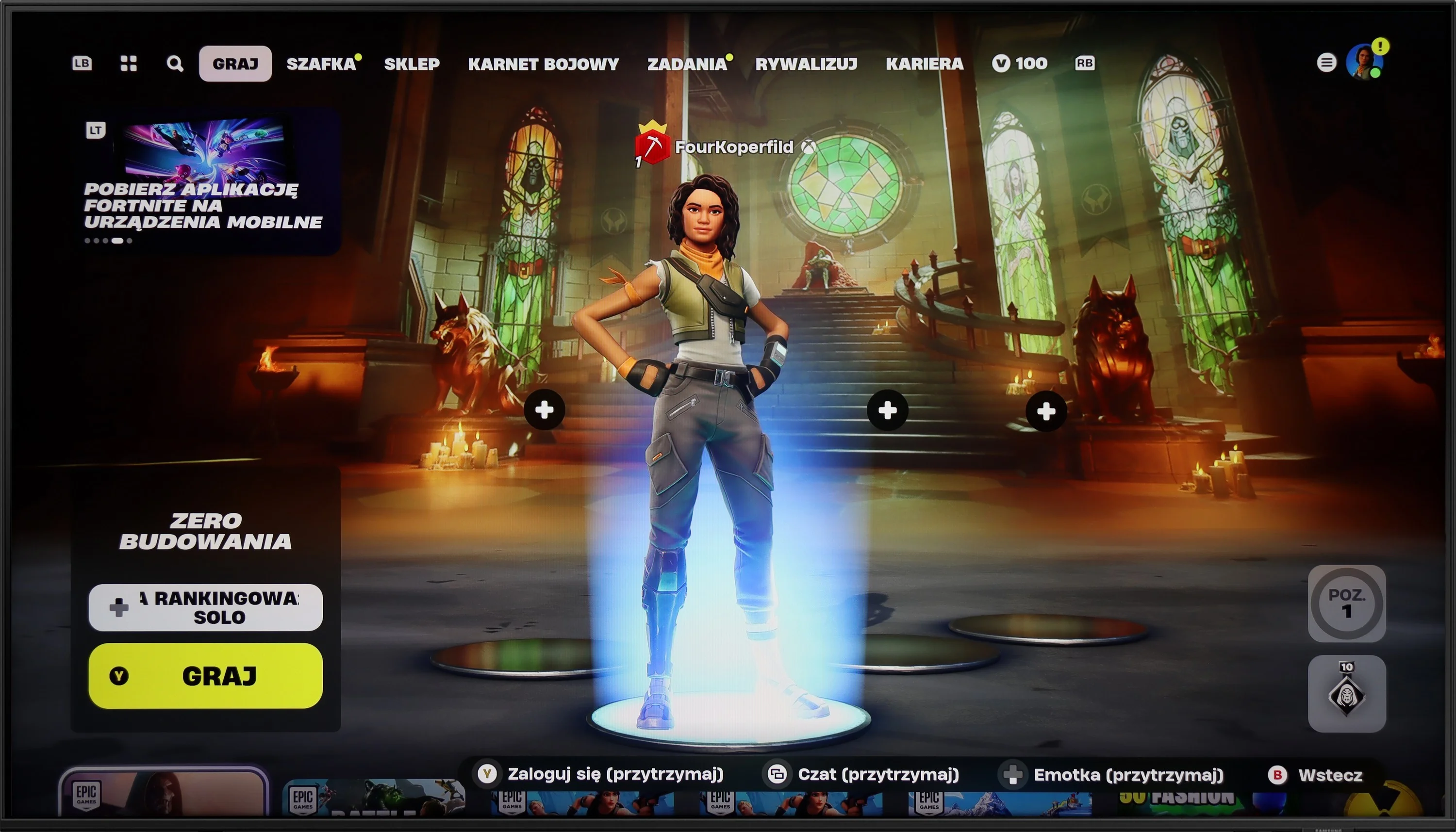
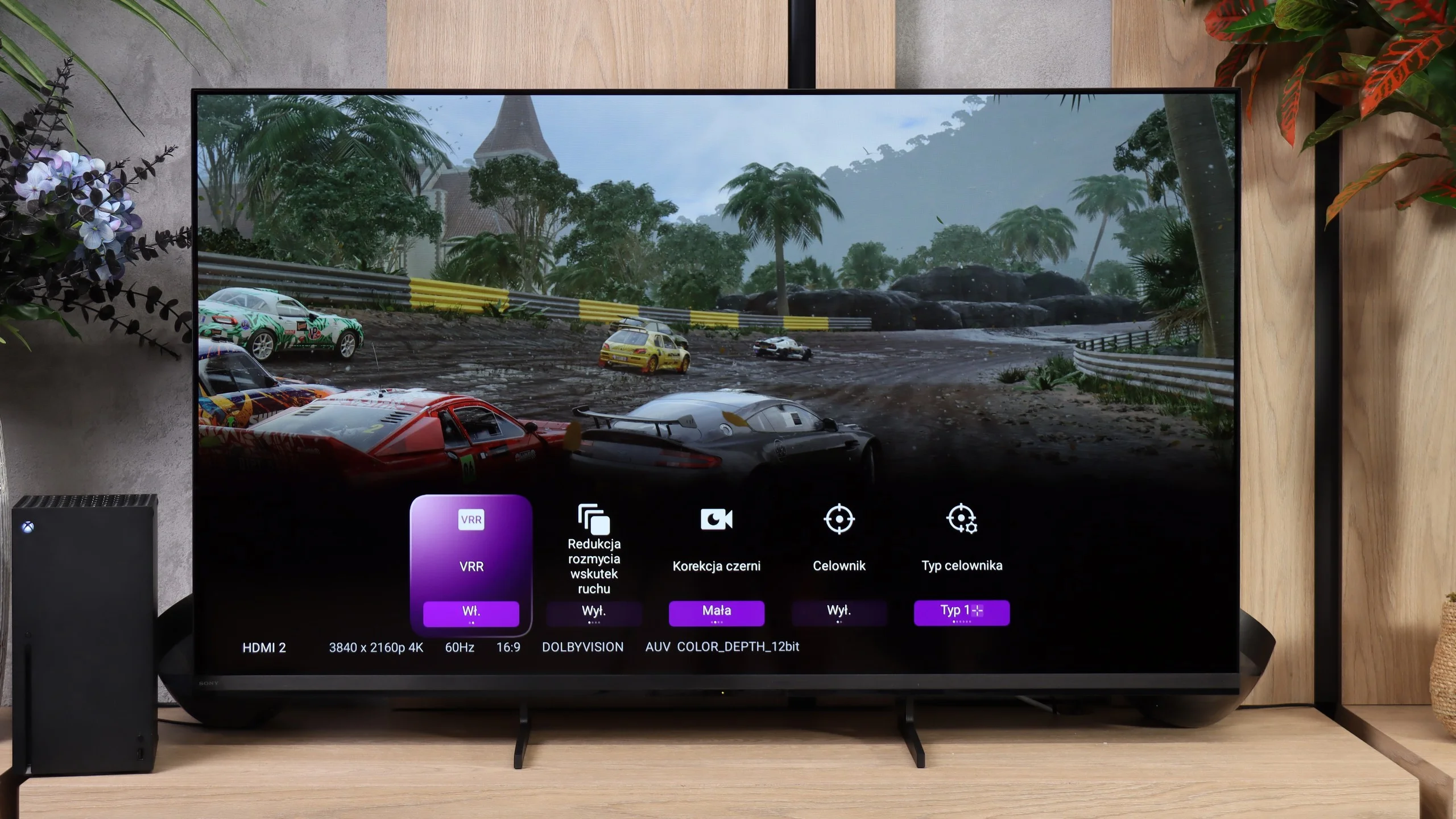
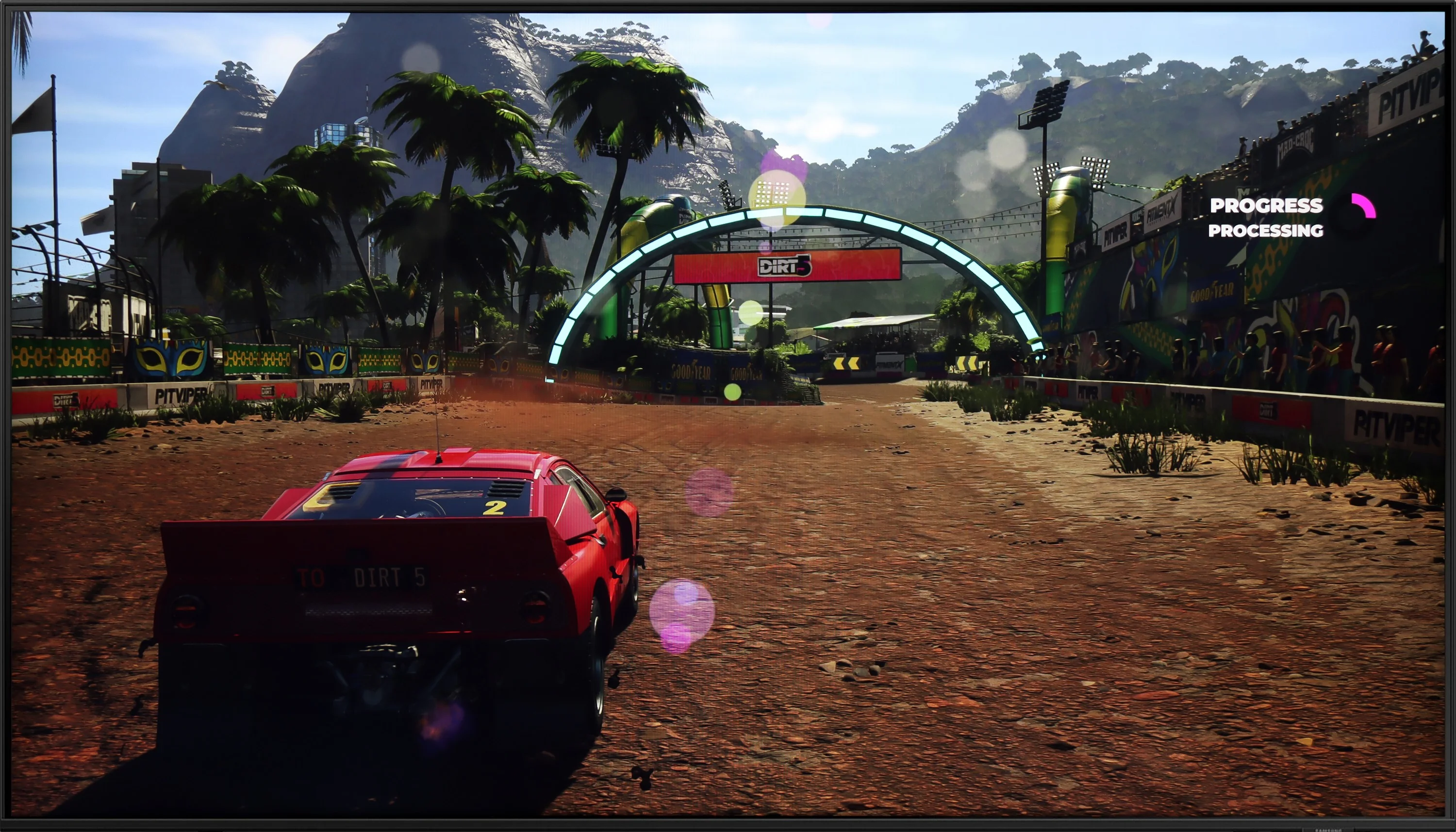
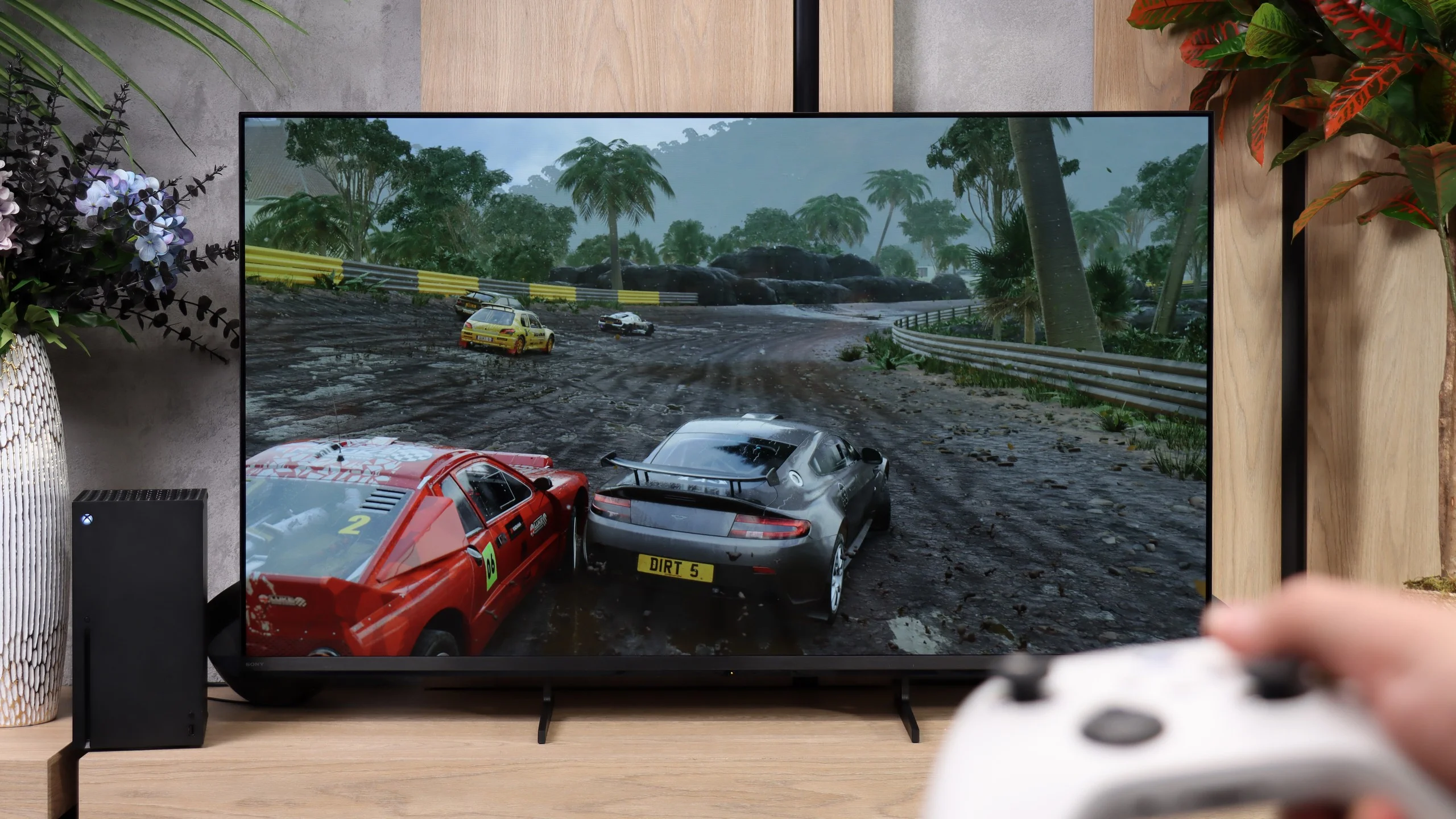
DU8002 is a television that will mainly serve as equipment for casual gamers. The 60 Hz panel does not provide the highest motion fluidity, so in dynamic games there may be a lack of that extra smoothness of the image. On the positive side, it features ALLM and HGiG functions, which automatically adjust image settings for HDR games, enhancing the gaming experience. Unfortunately, the television is equipped only with HDMI 2.0 ports, so we have to forget about more advanced features like VRR or support for 4K at 120 Hz. When choosing this equipment, we will have to make do if we expect a full set of gaming features.
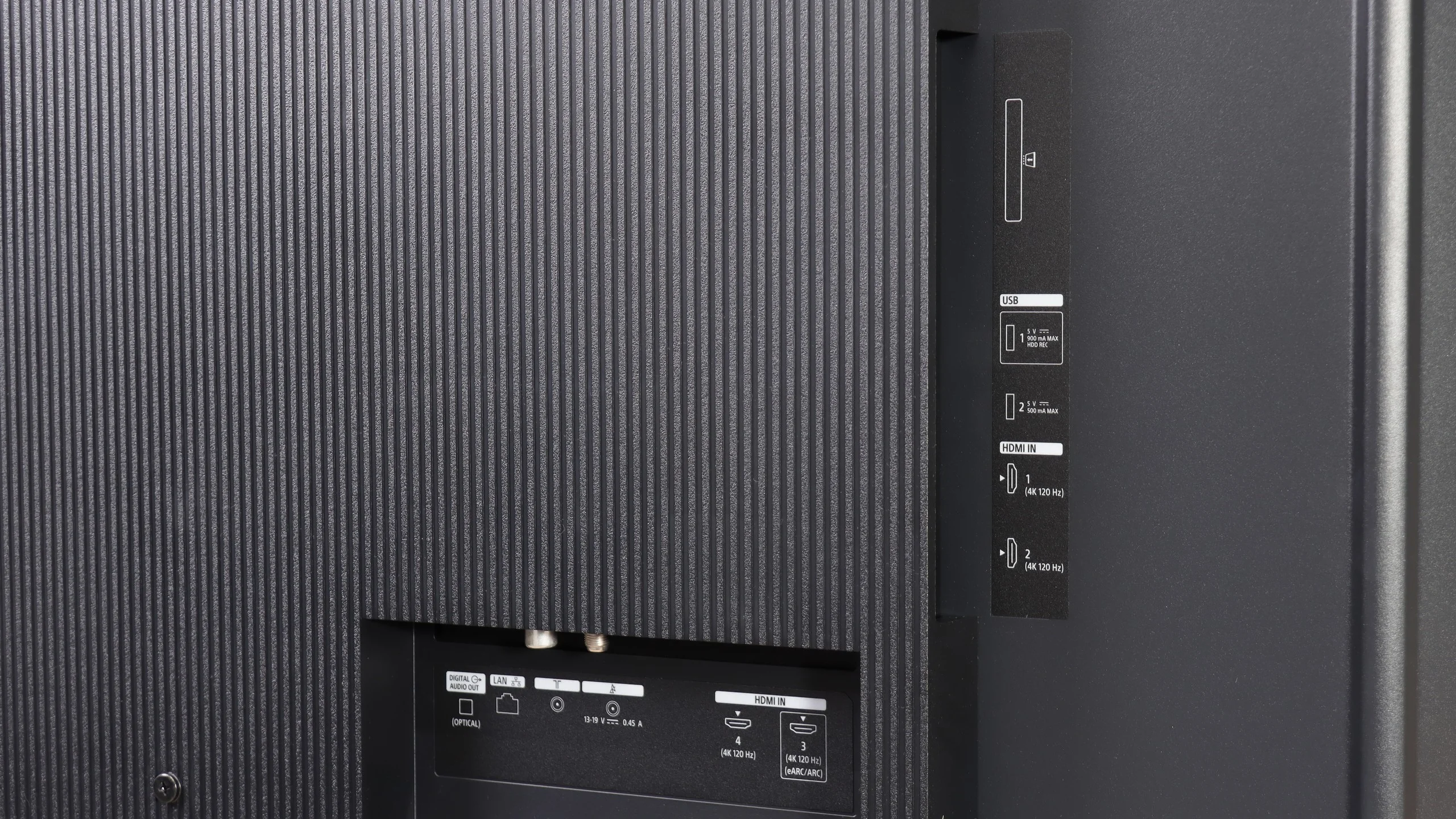
Sony Bravia 3 II is a very good TV for gamers, although not everything has been handled the way we'd like. The biggest change concerns the connections. For the first time in a Sony TV we get four full HDMI 2.1 ports with 48 Gb/s bandwidth, thanks to the new MediaTek Pentonic 800 chipset. That removes one of the long-standing issues that has plagued the manufacturer's TVs. You can connect several devices at once and use each input's full capabilities, including VRR and ALLM. There's also a simple Game Bar that lets you check key signal parameters and change a few useful settings, such as black level, when you want to improve visibility in darker parts of a game.
There are, however, two limitations worth knowing. The first is the lack of support for 1440p at 120 Hz. This won't be a problem for everyone, but people using that resolution on a console or PC, for example to get higher frame rates in certain games, will have to choose 1080p. We have more reservations about HGiG support. Sony does not allow disabling tone mapping on the Bravia 3 II, so the TV continuously processes HDR content even when you would prefer to leave that task to the console. You can most easily notice this during HDR setup. The checkerboard pattern does not disappear at the point corresponding to the TV's actual capabilities. That doesn't mean HDR in games will look bad. You just need to approach the setup a bit differently and, instead of relying on the pattern, manually set the peak brightness to about 450 nits. The issue can be worked around, but you should know about it before you start configuring your console.
Input lag
10/10
9.9/10
SDR
HDR
Dolby Vision
Input lag in the DU8002 is definitely its strong point. The delay is low enough that every reaction on the screen is instantaneous, making gaming smooth and enjoyable. For gamers who enjoy dynamic titles and value quick responses, this television is a pleasant surprise. Although it lacks advanced gaming features or a higher refresh rate, the low input lag is a real advantage that makes a difference.
In terms of input lag, the Bravia 3 II performs very well. With a 120 Hz signal the input lag is around 8 ms, while at 60 Hz it increases to about 14 ms, so in both cases the response to controls is very fast and during normal gaming you'd be hard-pressed to notice any delay. It's also a plus that the TV behaves well in Dolby Vision Gaming mode on Xbox. The input lag then remains practically just as low, and until recently Sony often had a noticeable problem with this.
Compatibility with PC
6/10
7.2/10
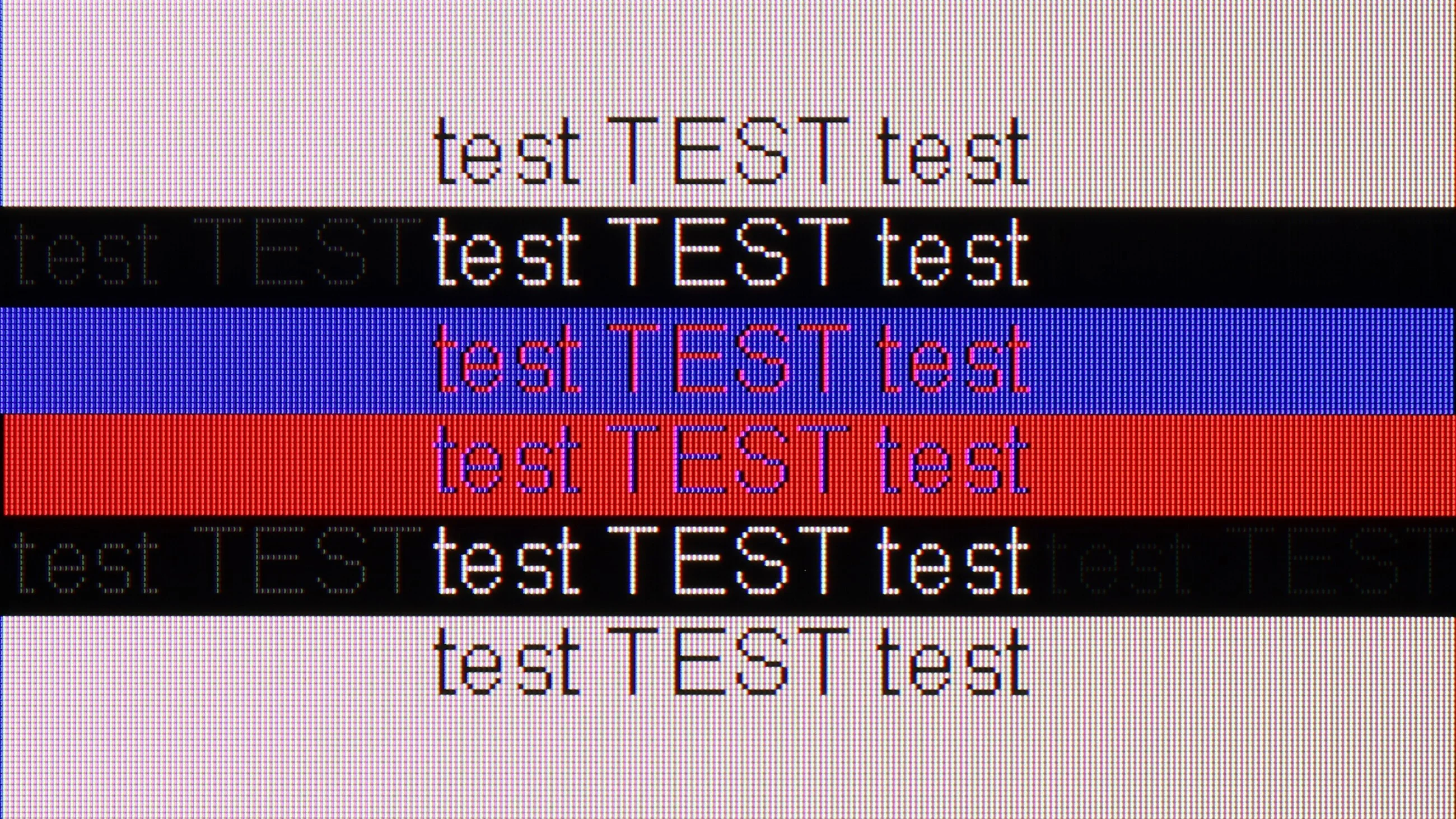
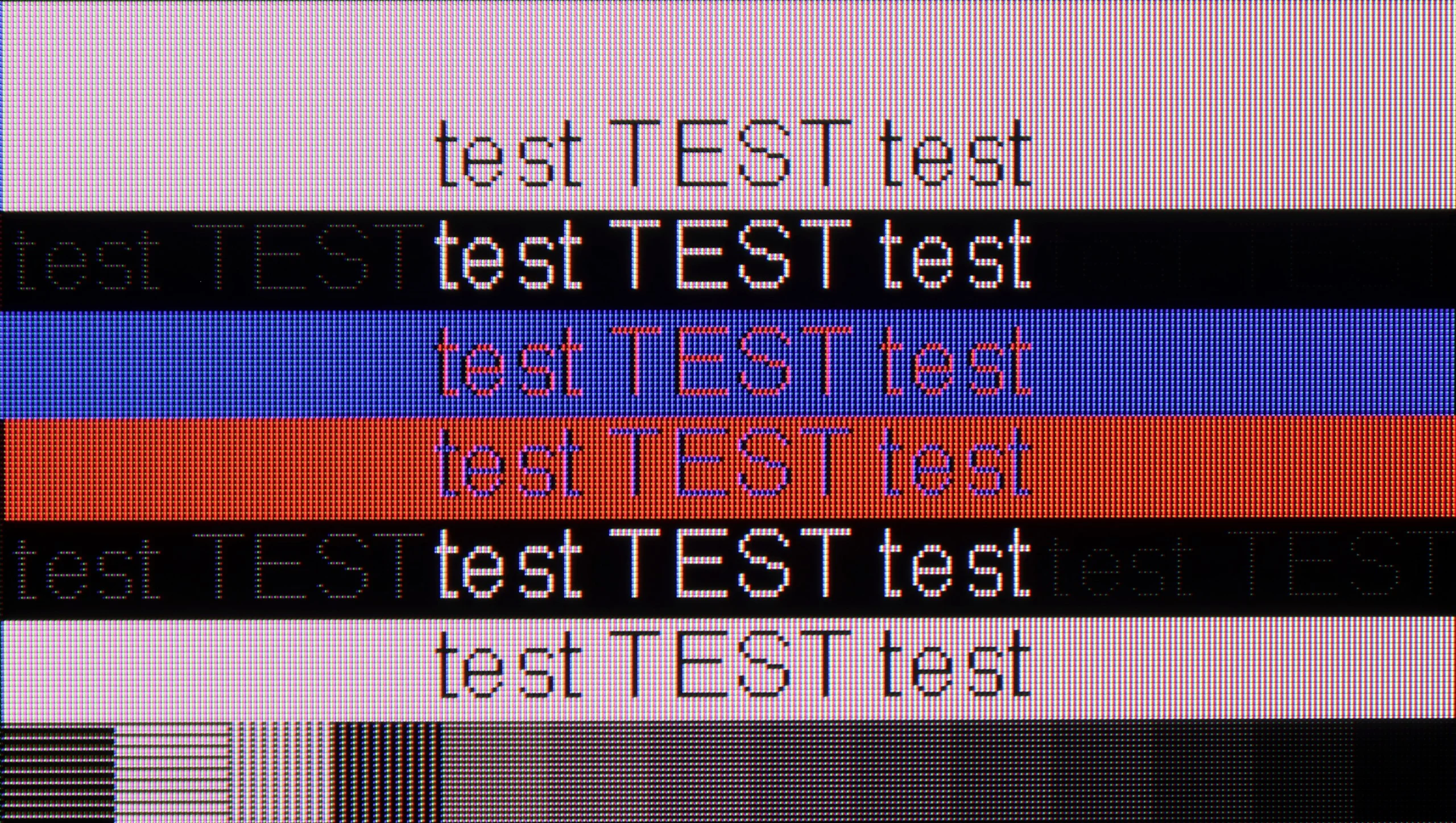
The photo shows the legibility of small fonts. Ideally, lines should be the same thickness on both light and dark text, with minimal pixel gaps.
DU8002 performs excellently as a monitor for computer work. The 4:4:4 chroma support ensures great font readability, making texts look sharp and clear, which is a significant advantage for extended work and content browsing. For office tasks and everyday use, it works really well. When it comes to gaming, the situation is more complex – the 60 Hz panel somewhat limits smoothness, which may not appeal to more demanding gamers. However, the low input lag is a definite plus that makes games responsive and enjoyable. In short: great for work, less so for gaming.
Using it with a computer is generally good, although again not without a few reservations. The Bravia 3 II correctly supports 4:4:4 chroma, so in typical use text and the system UI look sharp and readable. However, gray fonts can draw attention, as their vertical edges are often noticeably brighter than the horizontal ones. On a larger screen that isn't particularly bothersome, but if you're considering the smaller Bravia 3 II as a monitor for working with text, it's worth keeping in mind. What bothers us more is the lack of additional higher-refresh-rate modes. It's not even about 144 or 165 Hz at 4K, but at least the option to get smoother motion at Full HD. This solution is appearing increasingly in competing TVs (DLG 240Hz), while Sony still doesn't offer it, even in its pricier models. For most users, 4K at 120 Hz will of course be perfectly adequate, especially for consoles, but people who also use the TV as a PC gaming monitor may be left wanting.
Viewing angles
6.9/10
3.3/10
DU8002 really has great viewing angles, thanks to the IPS matrix. Even when looking at the screen from the side, the image remains clear and the colors vibrant. This is a significant plus, especially if we often watch movies with a larger group or work on a wide desk. There’s no need to worry that someone sitting at the side will see a faded image – everything looks good here, regardless of the angle.
The viewing angles are pretty typical for a VA panel — in other words, just average and for some probably even poor. The Bravia 3 II looks best when you’re sitting directly in front of the screen. As you move to the side, colors start to lose saturation and blacks become increasingly gray. Unfortunately, that’s the price you pay for this panel’s high native contrast. Watching with two or three people shouldn’t be much of an issue, but if the couch is wide, people sitting at its far edges will see a noticeably worse picture.
Daytime performance
4.2/10
5.8/10
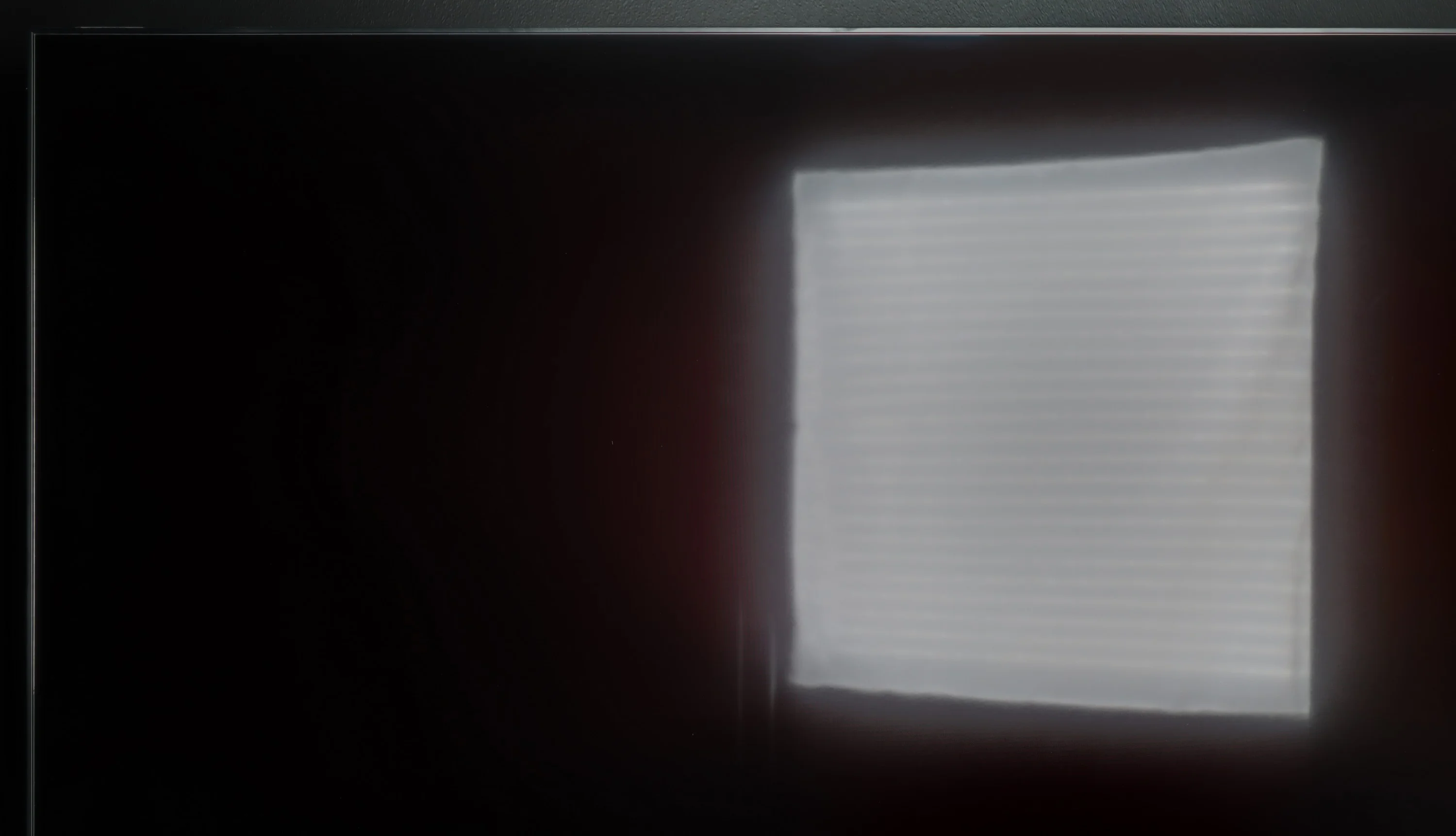
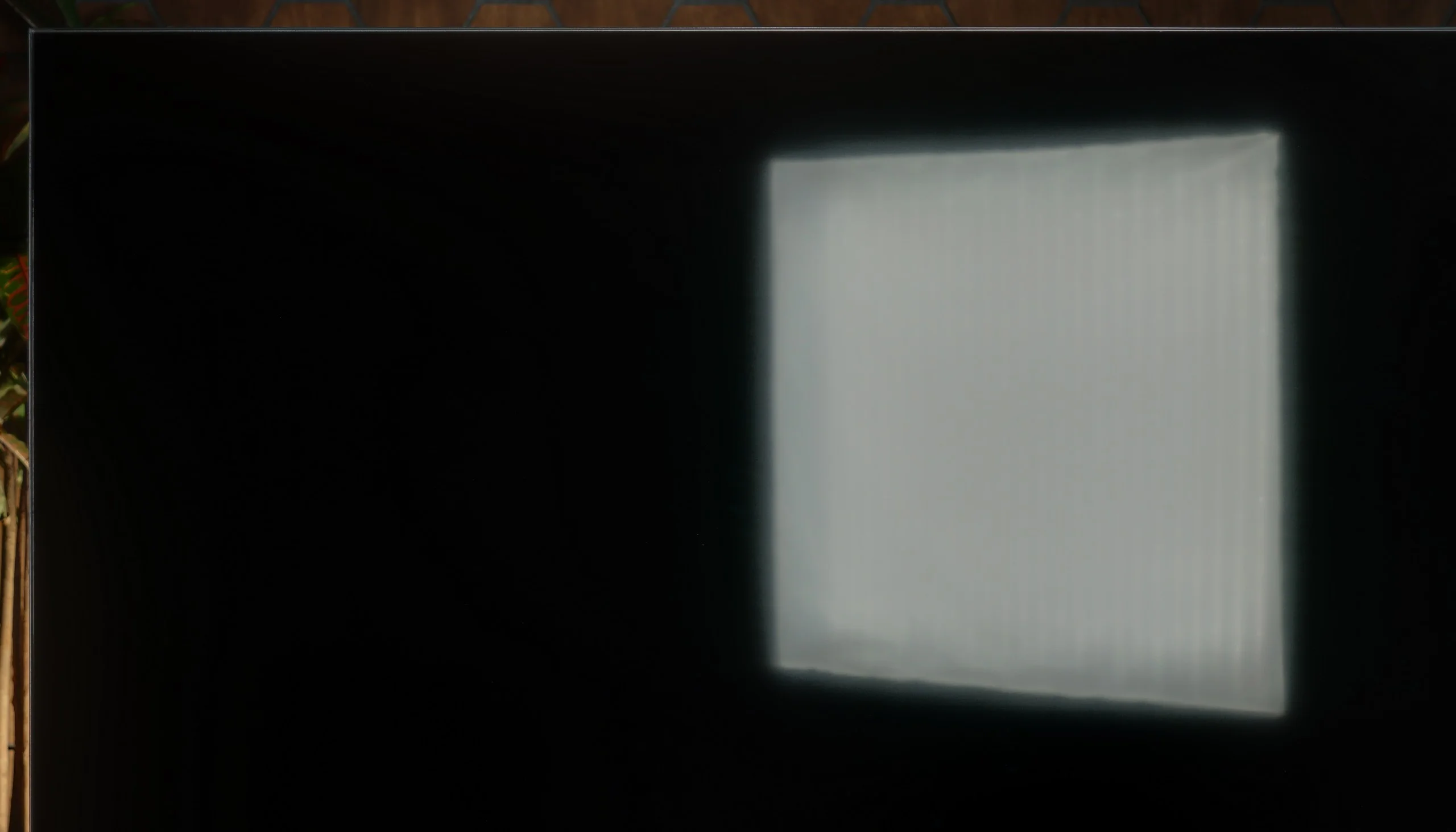
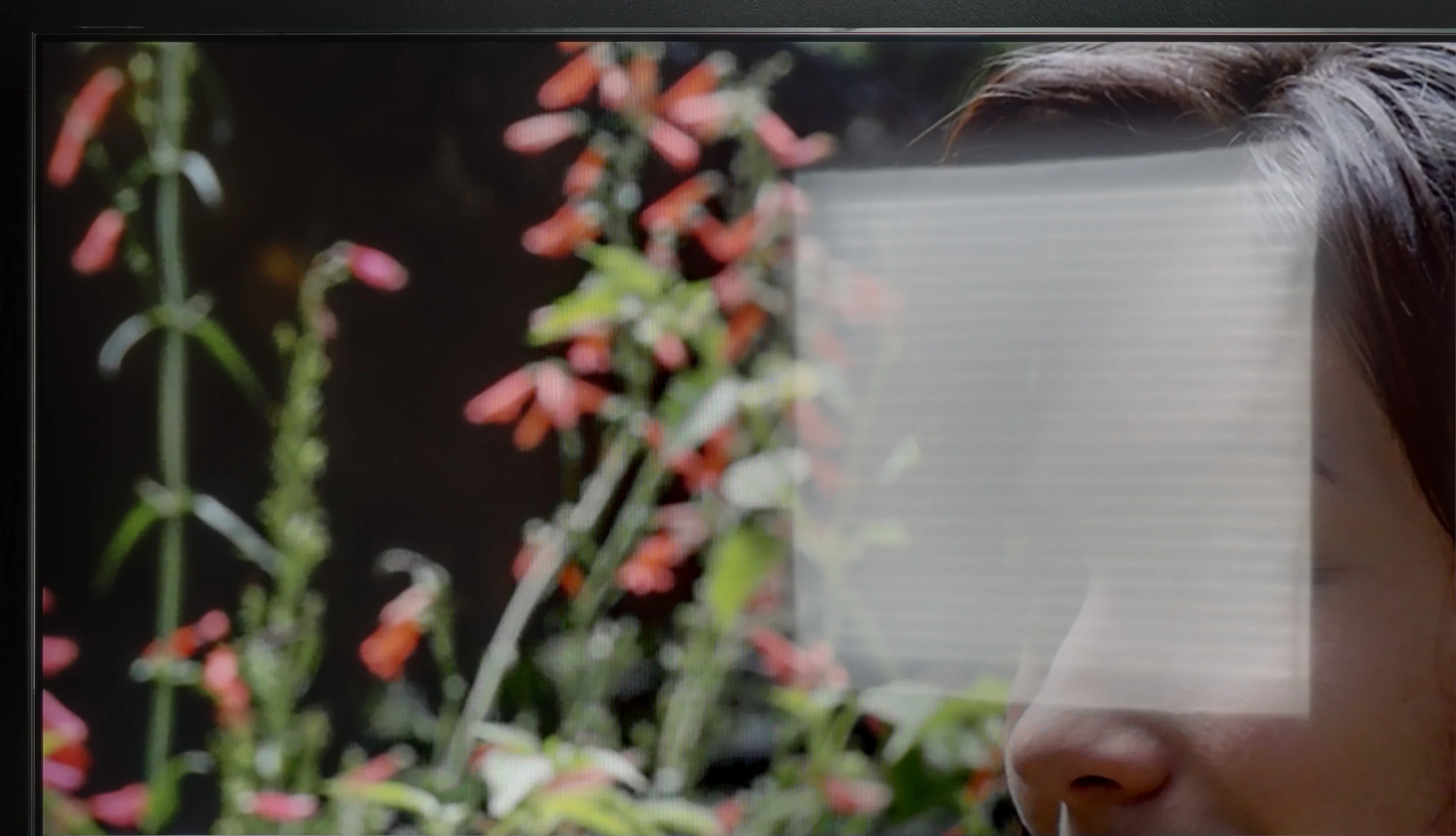
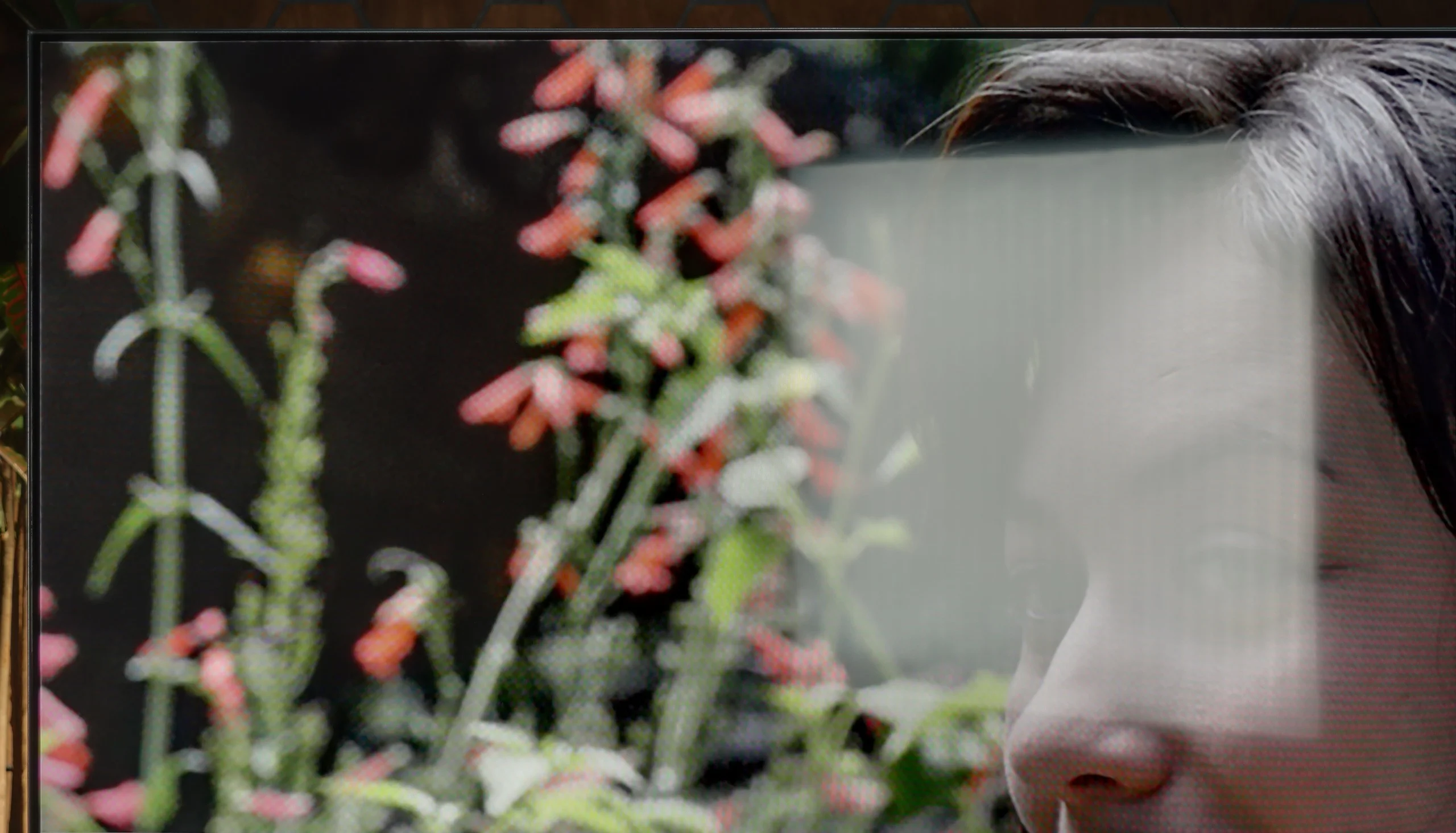
Panel brightness
SONY BRAVIA 3 II (XR35M2): 447 cd/m2
Samsung DU8002 (IPS): 291 cd/m2
The performance of the DU8002 television during the day is decent, although it does not stand out particularly. The satin matrix handles reflection suppression moderately, so in strong sunlight, reflections may be noticeable. On the other hand, the stable brightness at 300 nits performs quite well in a slightly lit room, providing a clear image. This is a solid result that will satisfy everyday use, although in heavily sunlit interiors, it may lack additional power.
During the day the Bravia 3 II performs quite decently, although a lot depends on where you place the TV. The satin coating handles reflections reasonably well; it doesn't act like a mirror, but strong light sources, especially a window opposite the screen, can interfere with viewing. The VA panel is an advantage here, helping blacks retain fairly good depth in daylight so the image doesn't immediately turn gray or become washed out. The set can also reach about 450 nits of brightness and can maintain that level regardless of how many bright elements are on screen. That will be more than enough for a typical living room, and during the day the picture remains easy to see. If, however, the TV is to be placed in a very bright room with large windows and a lot of direct light, you can find models with a noticeably more effective coating and greater brightness headroom.
Panel details
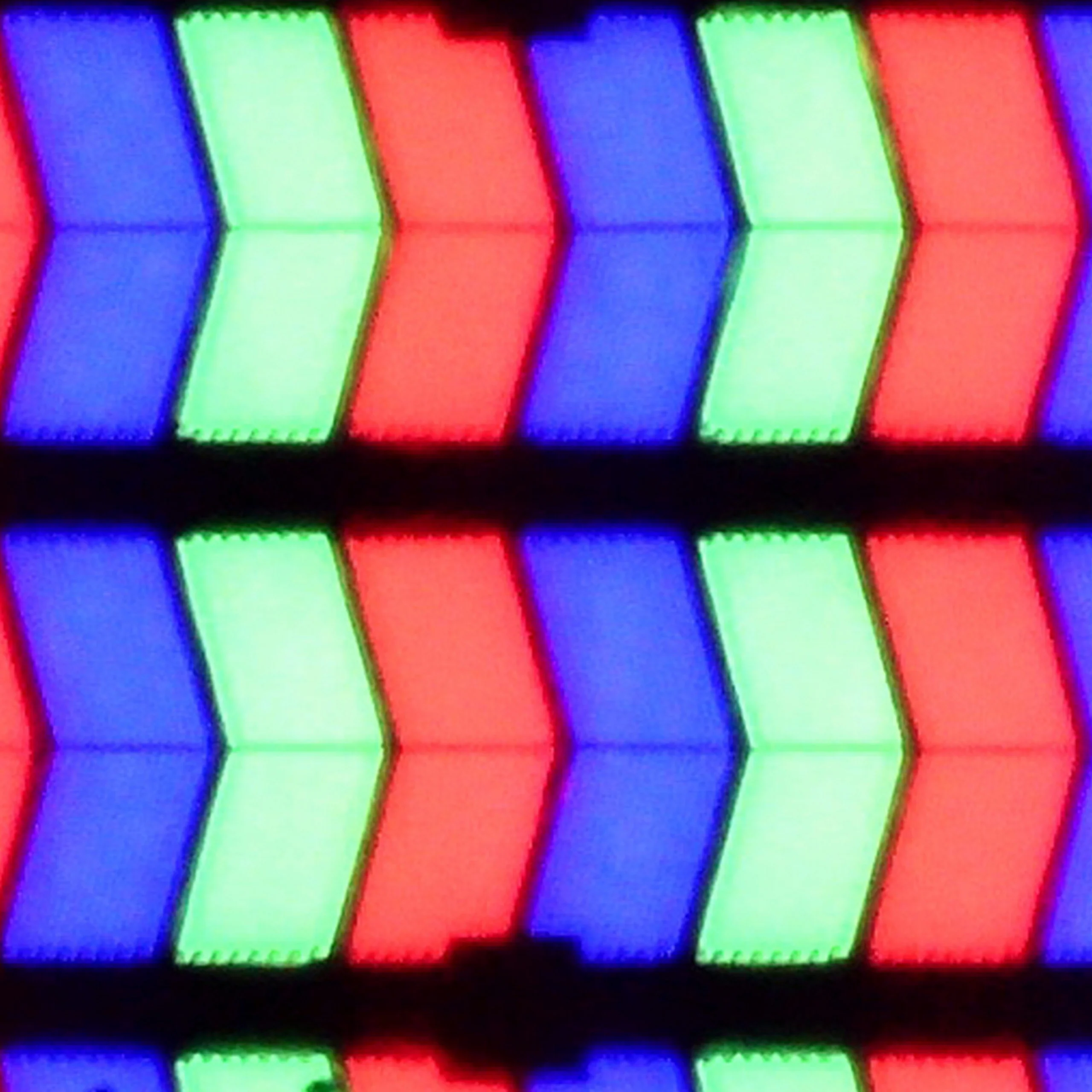
Subpixel Structure:
Panel uniformity and thermal imaging:
Samsung DU8002 (IPS)
SONY BRAVIA 3 II (XR35M2)
TV features
6.3/10
7.9/10
- SystemTizenGoogle TV
- System performanceGoodGood
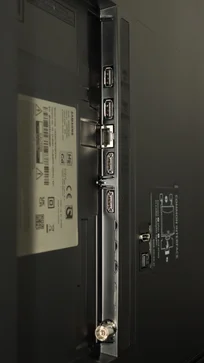
- HDMI inputs3 x HDMI 2.0, 0 x HDMI 2.10 x HDMI 2.0, 4 x HDMI 2.1 48Gbps
- OutputsToslink (Optical audio), eARC (HDMI), ARC (HDMI)Toslink (Optical audio), eARC (HDMI), ARC (HDMI)
- Network InterfacesWi-Fi 2.4GHz, Wi-Fi 5GHz, Ethernet (LAN) 100MbpsWi-Fi 2.4GHz, Wi-Fi 5GHz, Ethernet (LAN) 100Mbps
- TV receptionDVB-T, DVB-T2, DVB-CDVB-T, DVB-T2, DVB-S, DVB-S2, DVB-C
Classic features:
- Recording to USB (terrestrial TV)
- Recording programming
- Picture in Picture (PiP)
- RF remote control (no need to aim)
- Backlit remote control
- Teletext
- Audio only mode
- Bluetooth headphones support
- Simultaneous Bluetooth headphones & TV audio
Smart features:
- AirPlay
- Screen mirroring (Windows Miracast)
- Voice search
- Voice search in native language
- Ability to connect a keyboard and mouse
Sound connection options
- HDMI audioeARC (HDMI), ARC (HDMI)eARC (HDMI), ARC (HDMI)
- Other audio outputsToslink (Optical audio)Toslink (Optical audio)
- Wireless audioBluetoothBluetooth
Supported audio formats (external HDMI eARC audio):
- Dolby Digital Plus 7.1
- Dolby True HD 7.1
- Dolby Atmos in Dolby Digital Plus (JOC)
- Dolby Atmos in Dolby True HD
- DTS:X in DTS-HD MA
- DTS-HD Master Audio
Senior accessibility
- Numeric keyboard on TV
- Font size adjustment
- Audio description
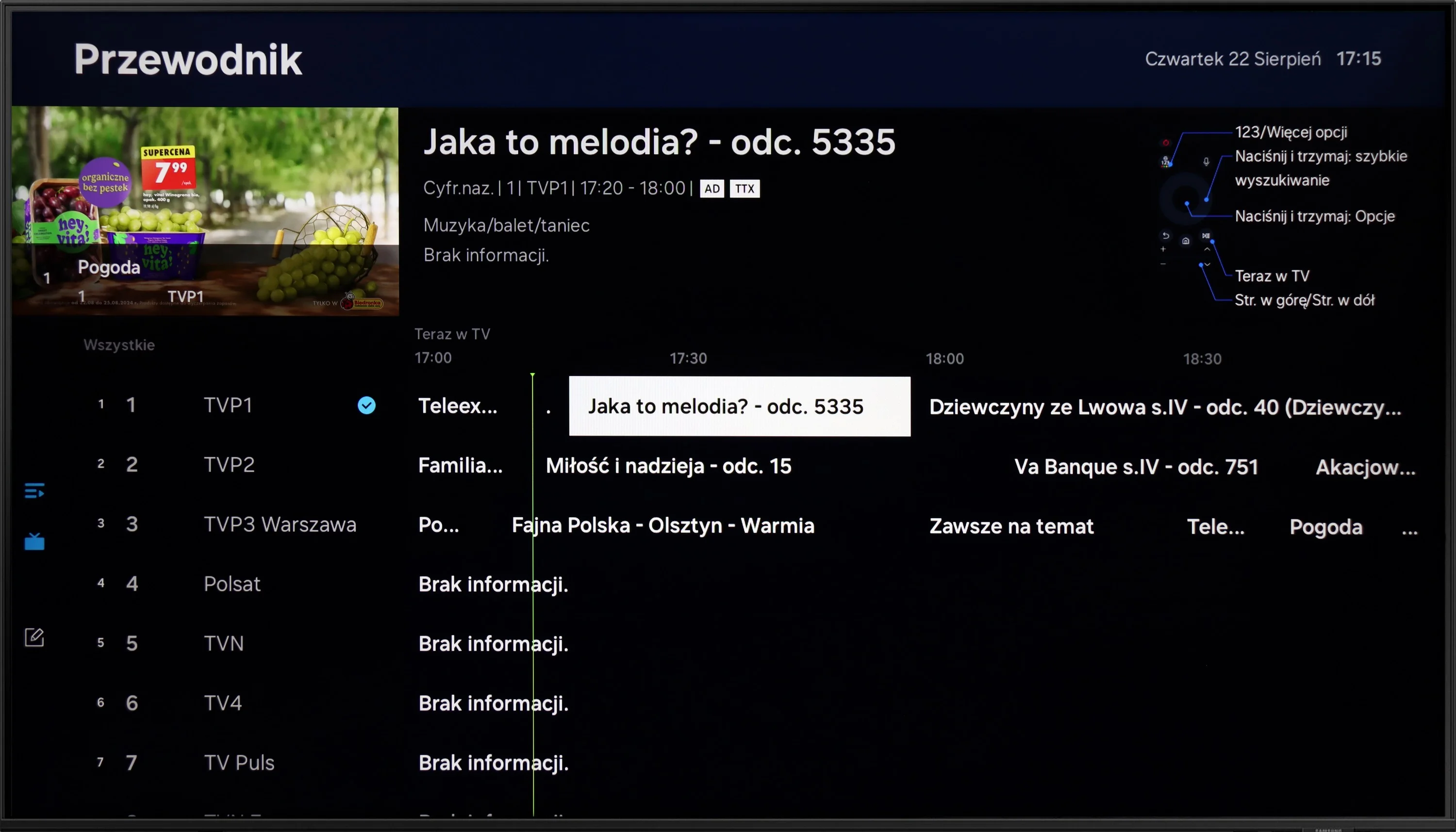
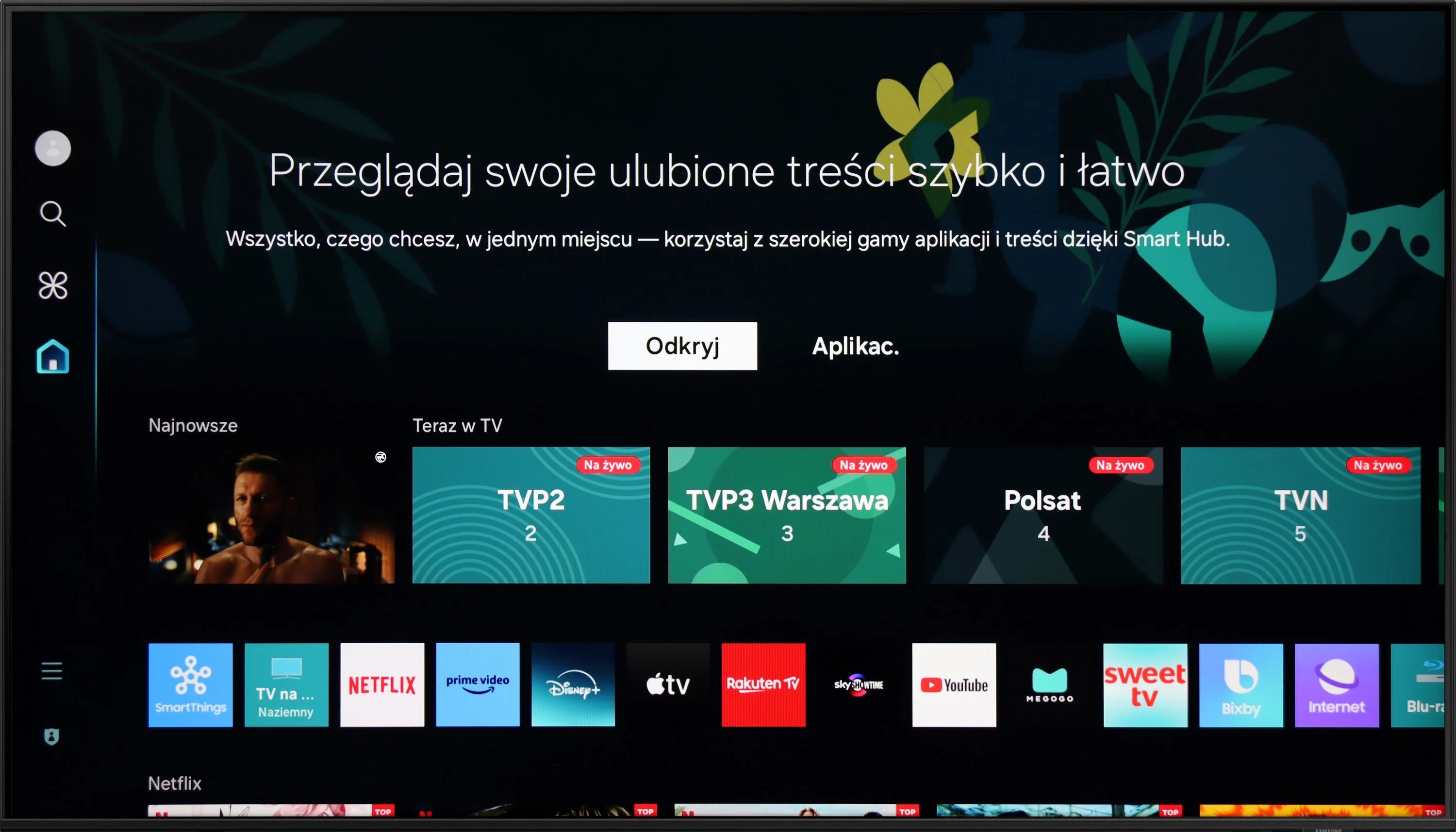
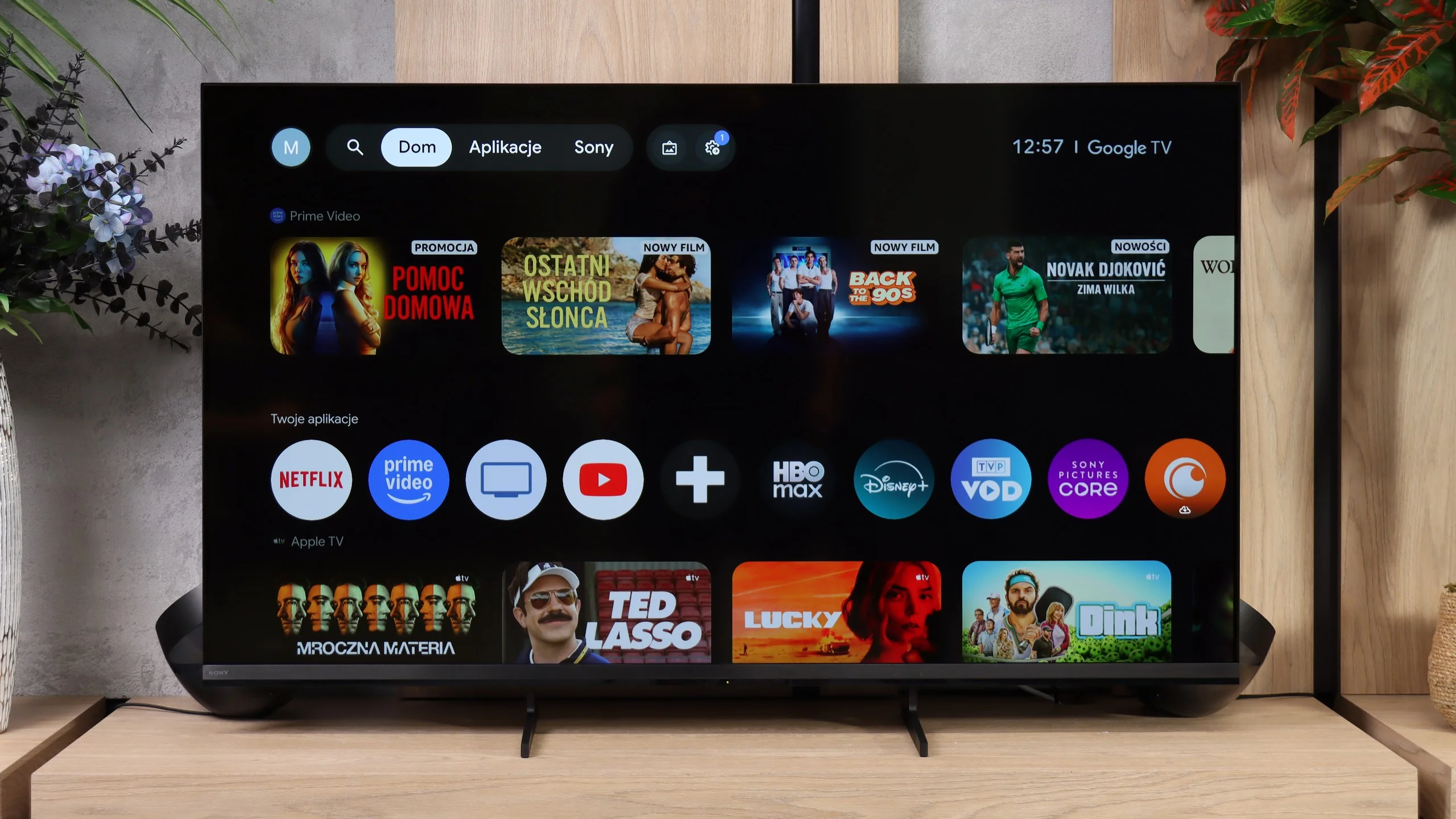
The Tizen system in the DU8002 television is a big plus. It runs smoothly, offering a lot of apps to choose from, although there are some limitations, such as the lack of Tidal. The Voice control deserves a bonus, as it simplifies daily navigation. Tizen is also a solid foundation for building a smart home thanks to integration with SmartThings – a great option for those who want to manage devices in the home from one place.
Among the user features, we find AirPlay and Miracast, which facilitate transferring content from phones or laptops to the television screen. The ability to connect devices via Bluetooth is another advantage. As for the drawbacks – the lack of PiP (picture in picture) and program recording options may be disappointing. Fortunately, the Samsung remote, although small and sleek, has its advantages. It can control external devices, such as decoders, which often offer a recording function, which can mitigate this shortcoming.
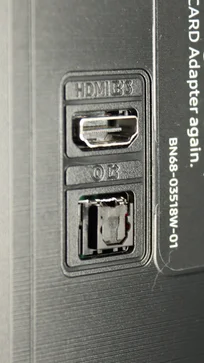
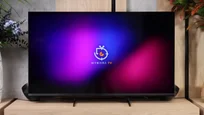
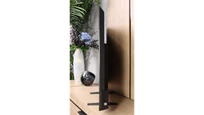
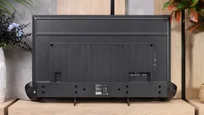
As for the design, the DU8002 is a real gem. It is one of the slimmest devices available on the market. With the proper mount, it can be installed on the wall, resembling a suspended picture frame – the effect is impressive and fits perfectly into modern interiors. Additionally, the adjustable width of the stand allows it to be matched to different furniture, although unfortunately this option is not available in all sizes.
Smart TV Features: Google TV
The Bravia 3 II runs on Google TV and, in terms of capabilities, it’s one of the more feature-rich systems currently found in TVs. First and foremost, it offers access to a very large number of apps, so in addition to the most popular streaming platforms you’ll also find many less obvious services without much trouble. Sony also supports AirPlay and Chromecast, making it very convenient to cast content from a smartphone. Voice search also performs well, backed by Gemini, which handles commands in multiple languages and can genuinely make using the TV easier. However, during our tests we ran into one problem: the Bravia 3 II would not correctly receive a picture from a Windows 11 PC via Miracast. So if you want to use the TV as a secondary display for a computer, the safest solution is still a connection via HDMI.
Classic TV features
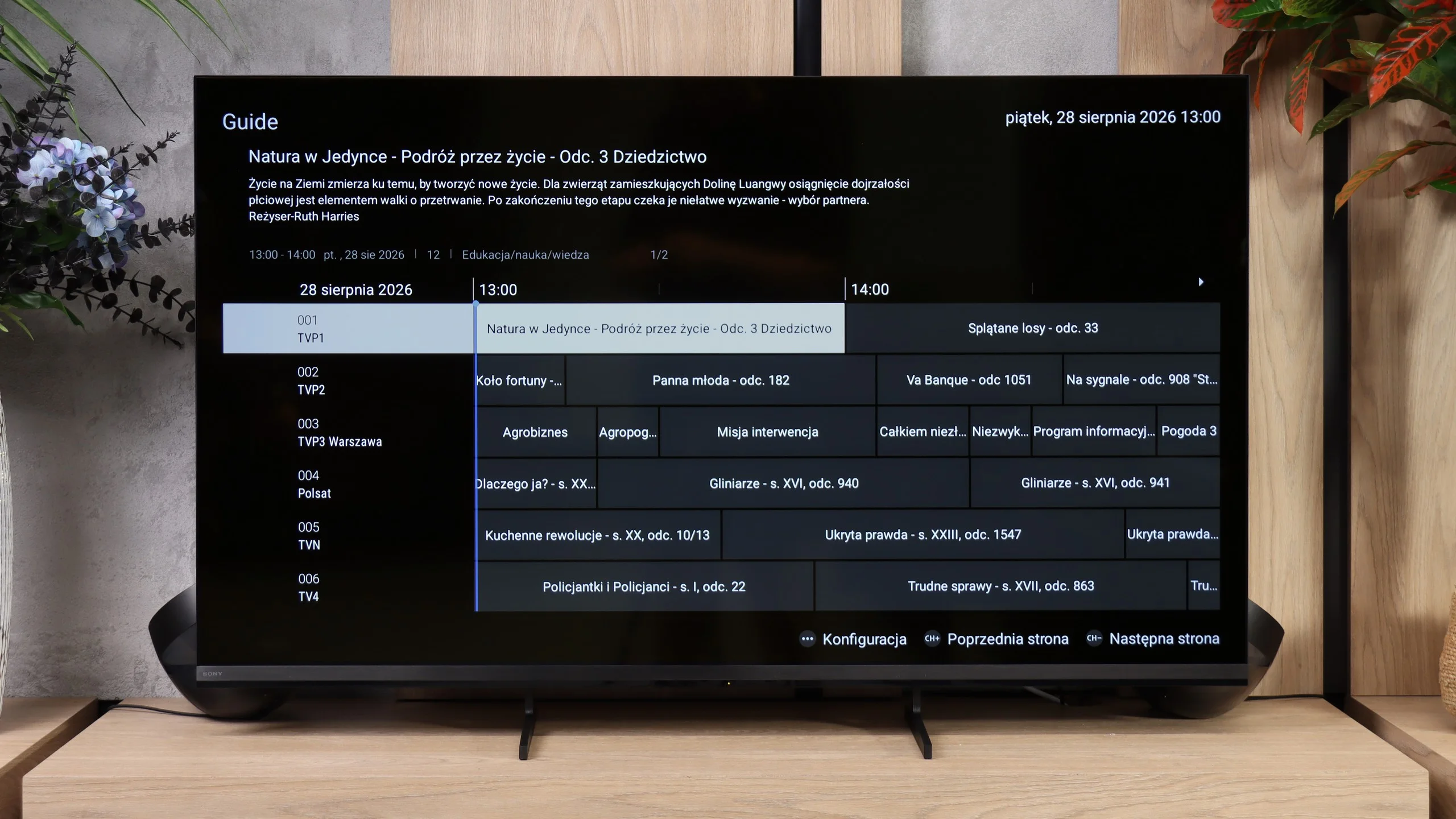
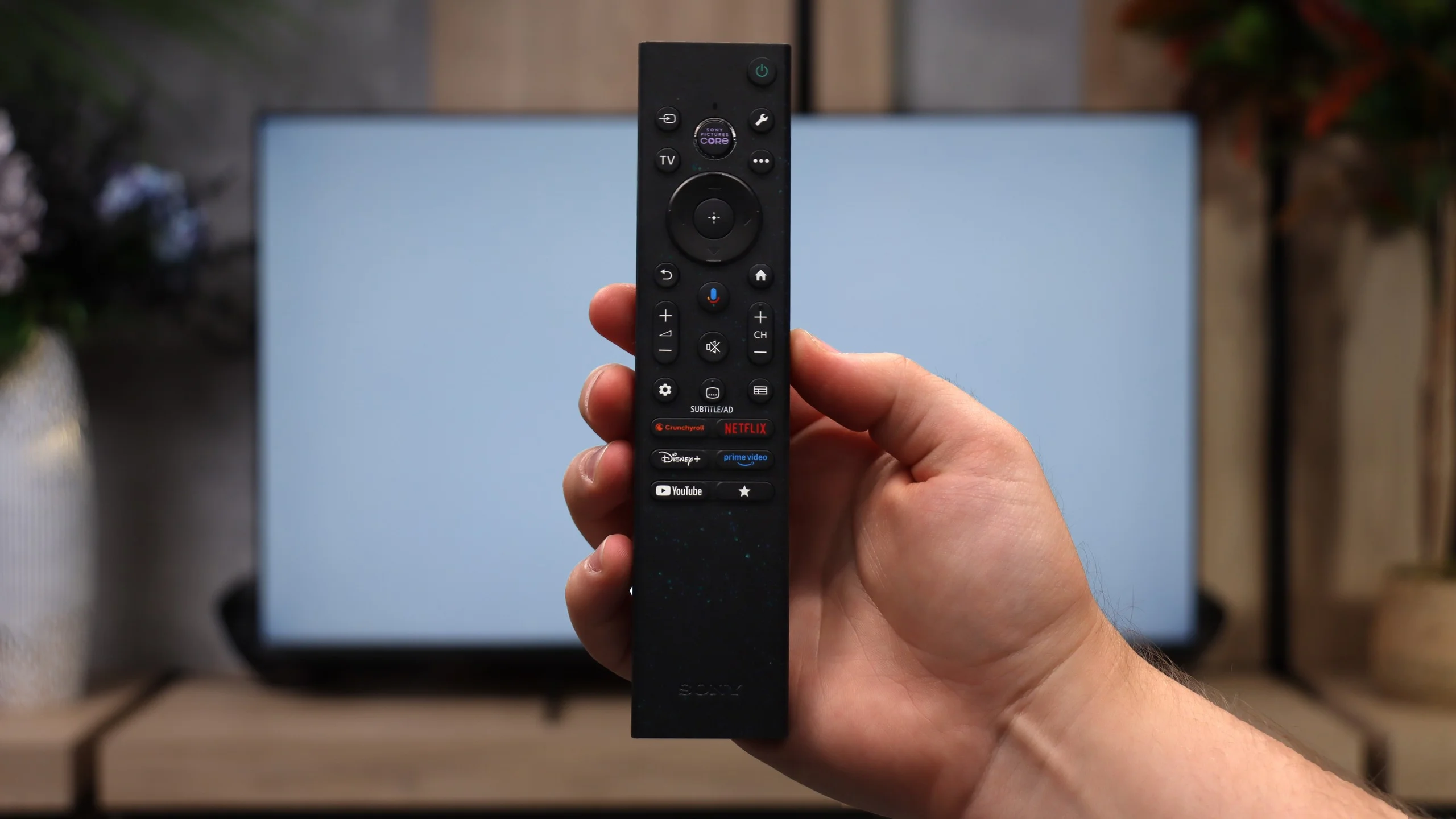
Sony also hasn’t forgotten users who still primarily use regular broadcast TV. The Bravia 3 II supports recording programs to USB, including the ability to schedule recordings via PVR, which is rare these days, especially in cheaper models. There is also teletext and a clear channel guide, so in terms of basic TV functions we really lacked nothing here, perhaps except for picture-in-picture (PiP). It’s notable that the set includes two remote controls. The first is modern and simplified (the non-backlit version), while the second is a classic design with a full numeric keypad. And although it may look a bit old-fashioned, viewers who watch a lot of traditional TV may actually find it more convenient, for example when entering channel numbers.
Apps
9.3/10
9.6/10






















Playing files from USB
9.1/10
9.3/10
Supported photo formats:
Maximum photo resolution:
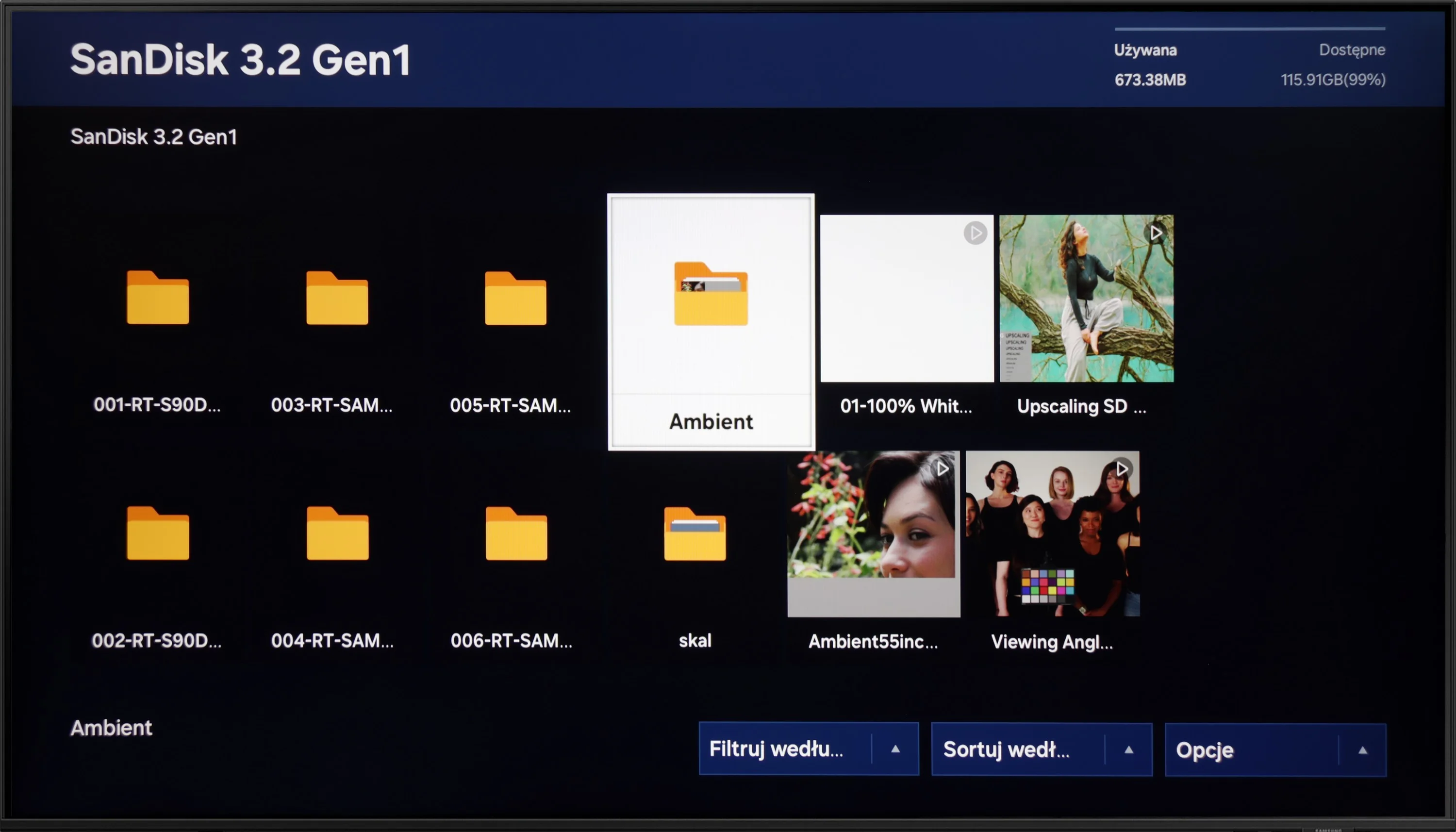
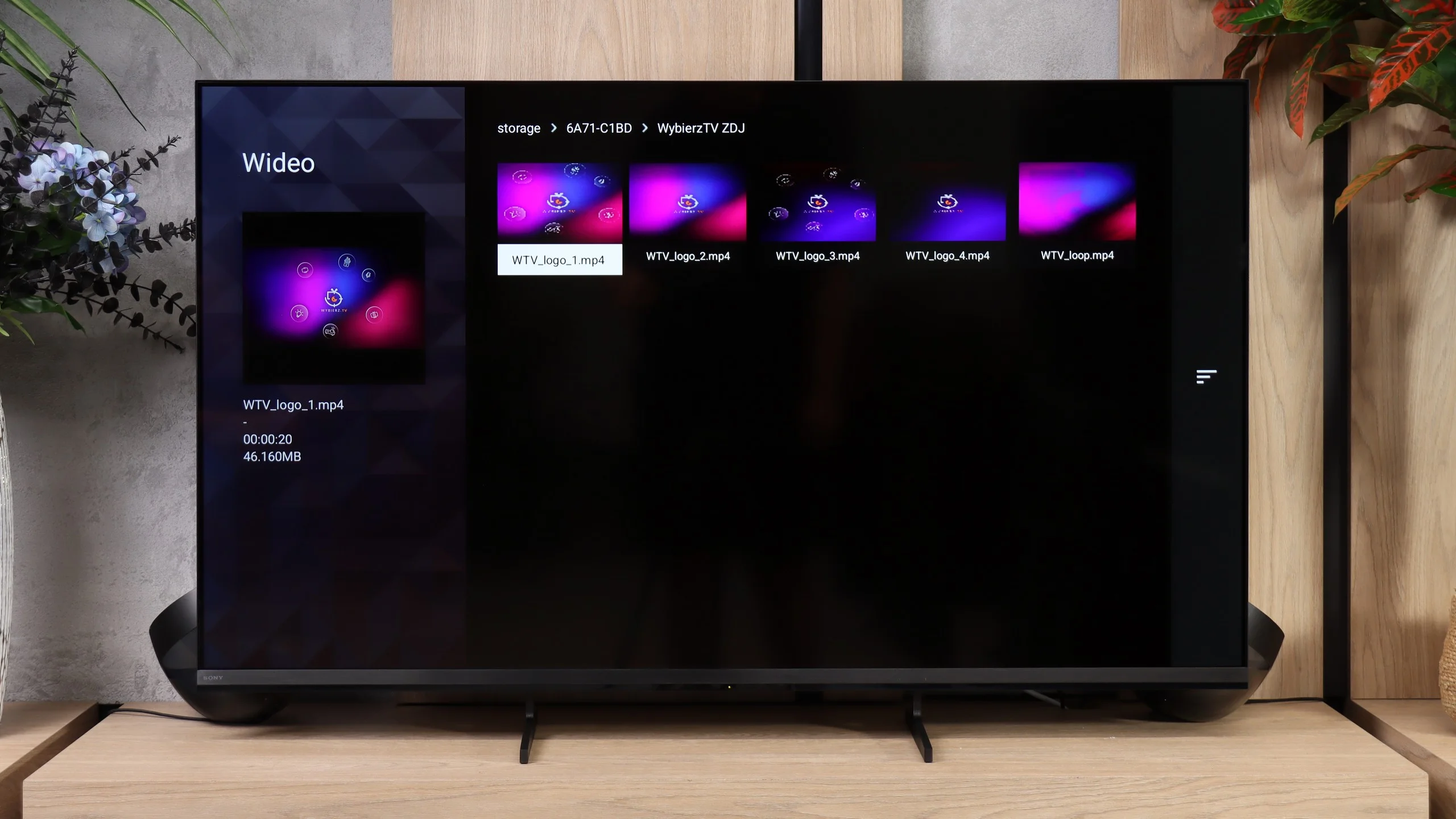
Playback of files from USB on the DU8002 television is at a very good level, similar to most Samsung models. The TV handles most popular audio, video, and image formats, making multimedia playback convenient and hassle-free. Support for Polish characters in subtitles and the ability to change font color is a big plus that users who like to customize their experience will appreciate. Among minor shortcomings, one can mention the lack of support for the HEIC image format, popular among Apple users. Nevertheless, playback of files from USB is at a very satisfying level and should meet the expectations of most users.
The Bravia 3 II's built-in player works really well, and during our tests it handled most popular video and audio formats without any problems. There’s really nothing that would force us to install an extra player or use an external device. The only exception might be videos with subtitles saved in .txt format, which the TV does not support, but let’s be honest, at that point that would be nitpicking.
Sound
5.9/10
6.8/10
- Maximum volume-87dB
- Dolby Digital Plus 7.1
- Dolby True HD 7.1
- Dolby Atmos in Dolby Digital Plus (JOC)
- Dolby Atmos in Dolby True HD
- DTS:X in DTS-HD MA
- DTS-HD Master Audio
The sound in the DU8002 is clear and crisp, but unfortunately, it lacks bass – this is the effect of its slim design, which sacrifices sound depth for an elegant appearance. When it comes to audio file playback, there is no support for DTS, which may be a downside for more demanding users. Fortunately, the TV supports the Dolby Digital Plus codec, which allows for the transmission of Dolby Atmos sound to other devices, such as soundbars. This enables us to enjoy spatial sound that adds a new dimension to films and music.
In terms of sound, the Bravia 3 II performs adequately, but there’s not much more to say. The speakers handle dialogue and regular TV well, but they clearly lack lower frequencies. Bass drops off quickly, so with music, action movies, or games the sound is fairly light and lacks punch. That’s not unusual for TVs in this class, but if you want a more impactful sound a soundbar is highly recommended. Supported audio formats are much better. The Bravia 3 II handles practically everything you might need, including Dolby TrueHD, DTS-HD Master Audio, and DTS:X, formats increasingly skipped by other manufacturers. The TV can also pass them through to an external audio setup. The exception is Dolby Atmos encoded in Dolby TrueHD, which the built-in speakers cannot reproduce directly, but when using a suitable soundbar or AV receiver this shouldn’t be a significant problem.
Sound Quality Test
No sound test video
Acoustic Measurements
No acoustic data
87dBC (Max)
75dBC
Reader comments
Comments are provided by the external service Disqus (Zeta Global). Once loaded, Disqus may set cookies and process data about your activity.
We will remember your choice on this device. Provider's privacy policy