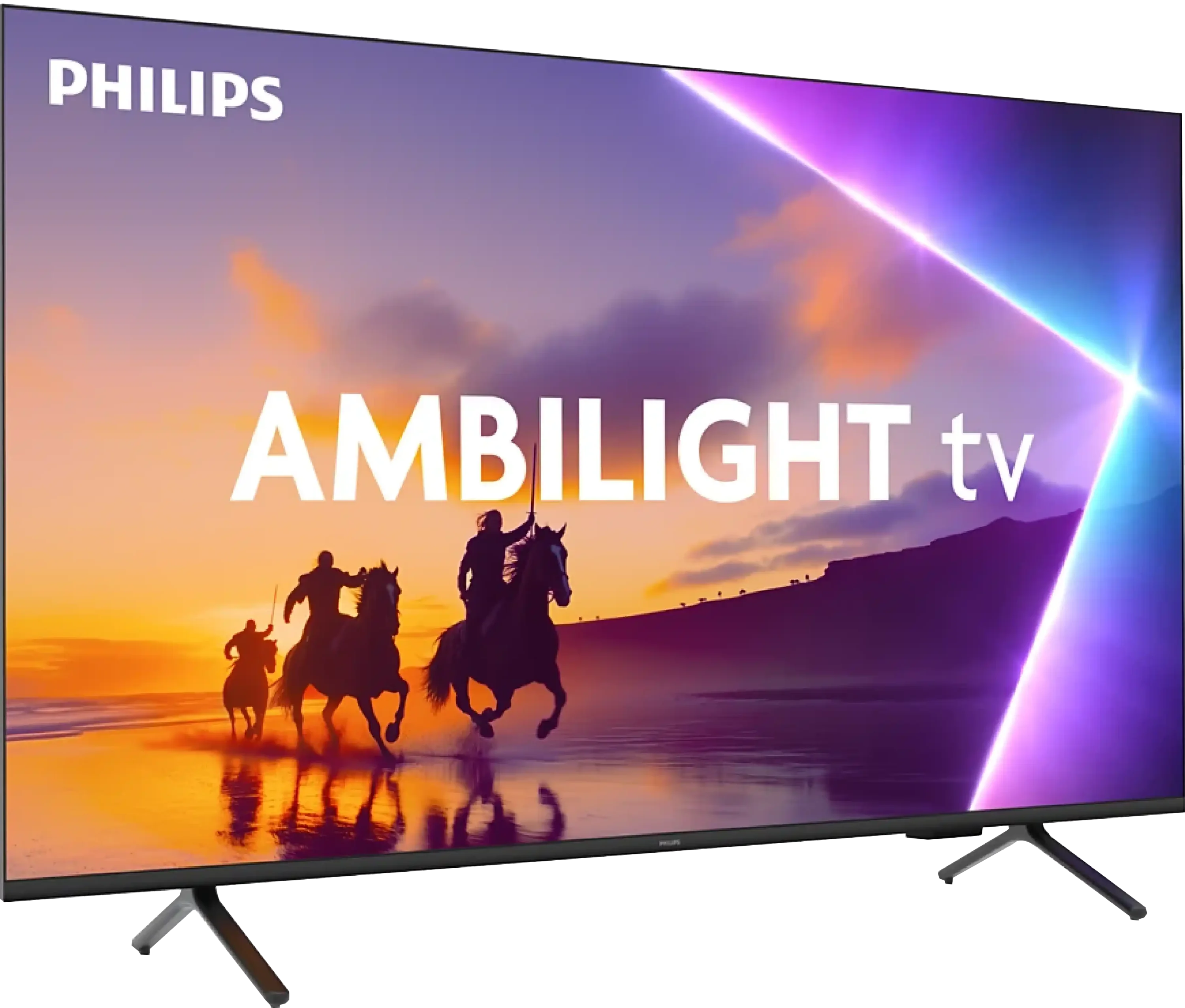
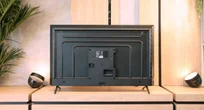
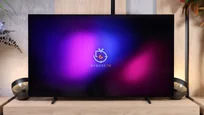
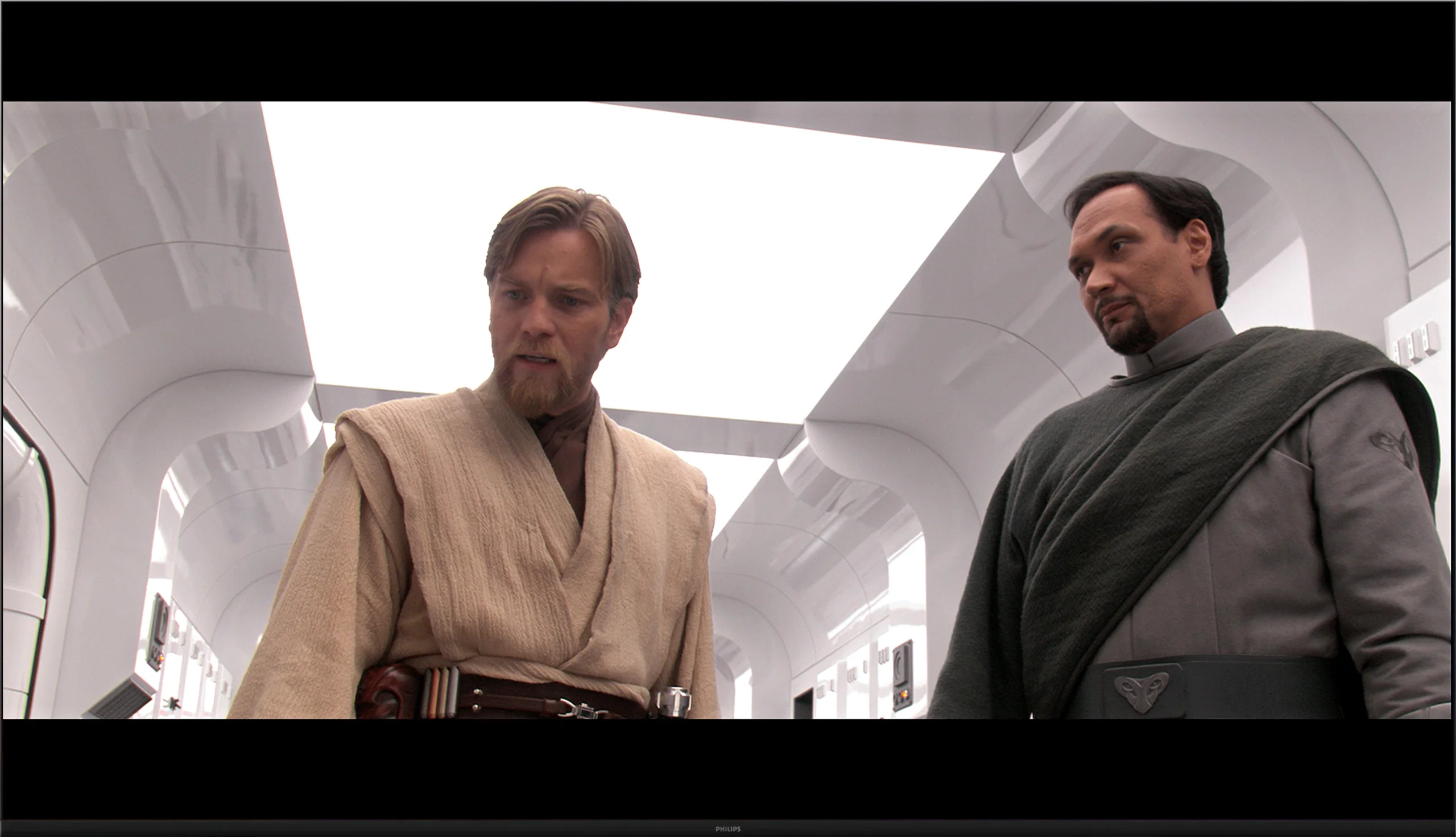
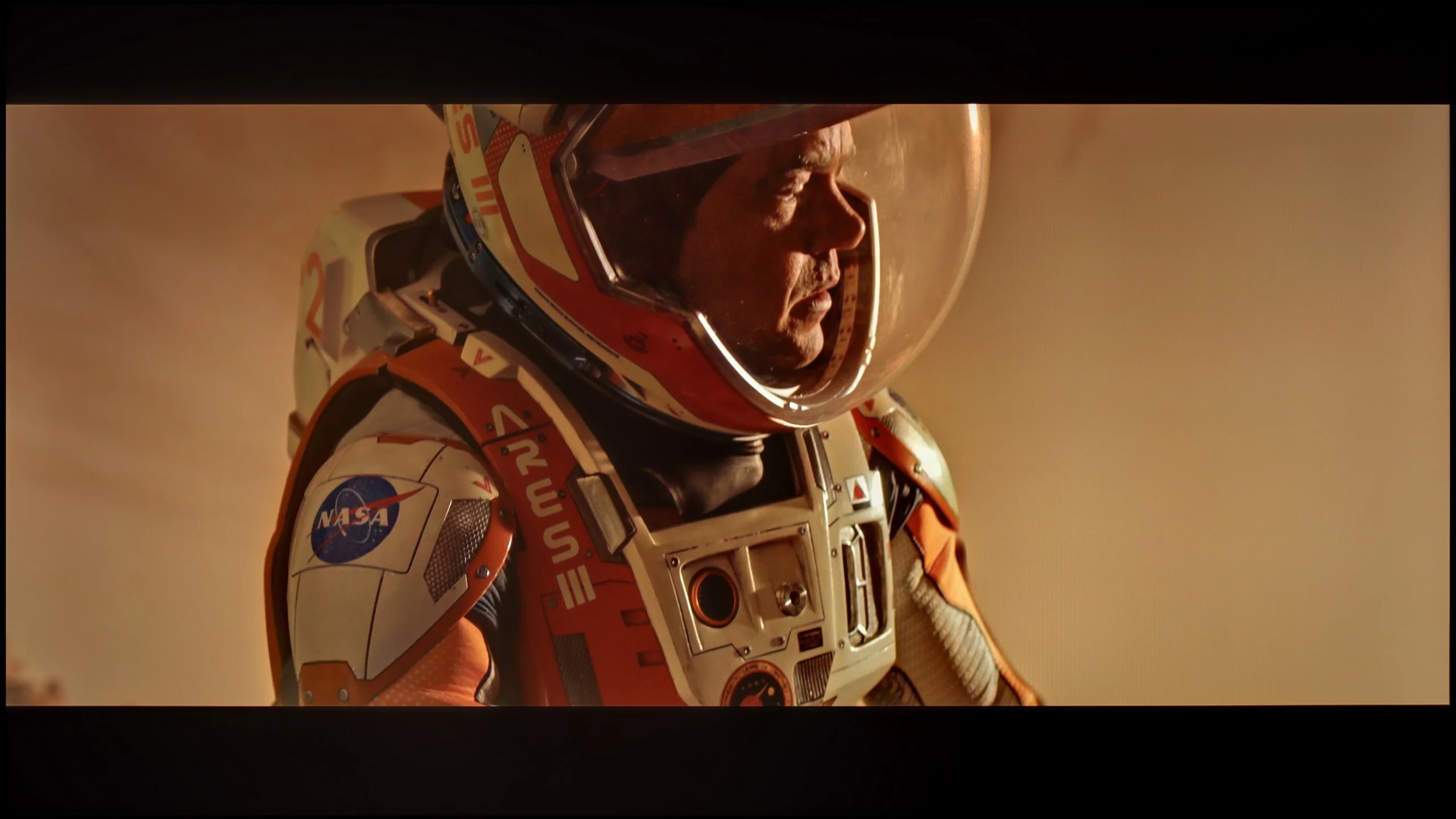
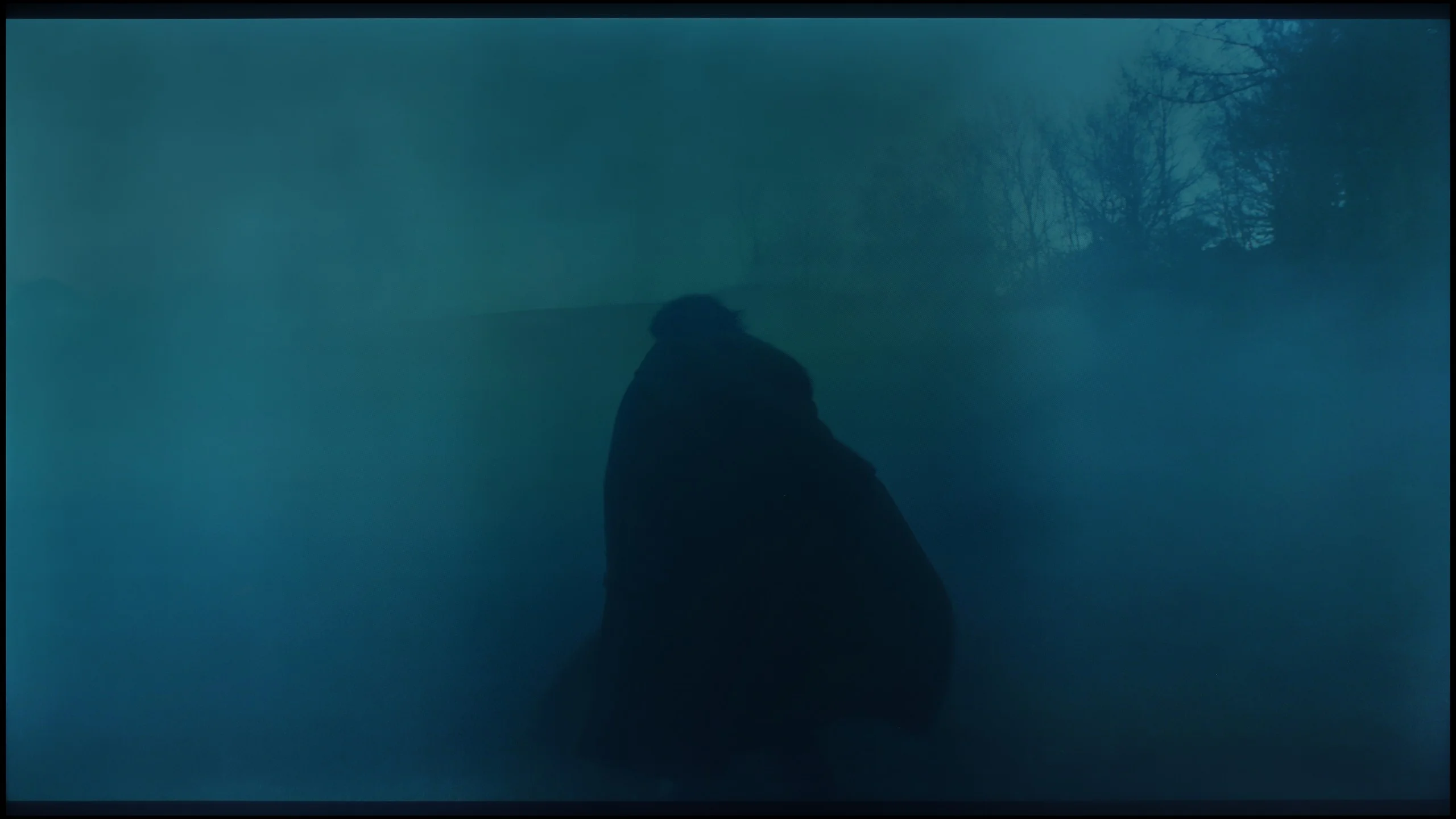
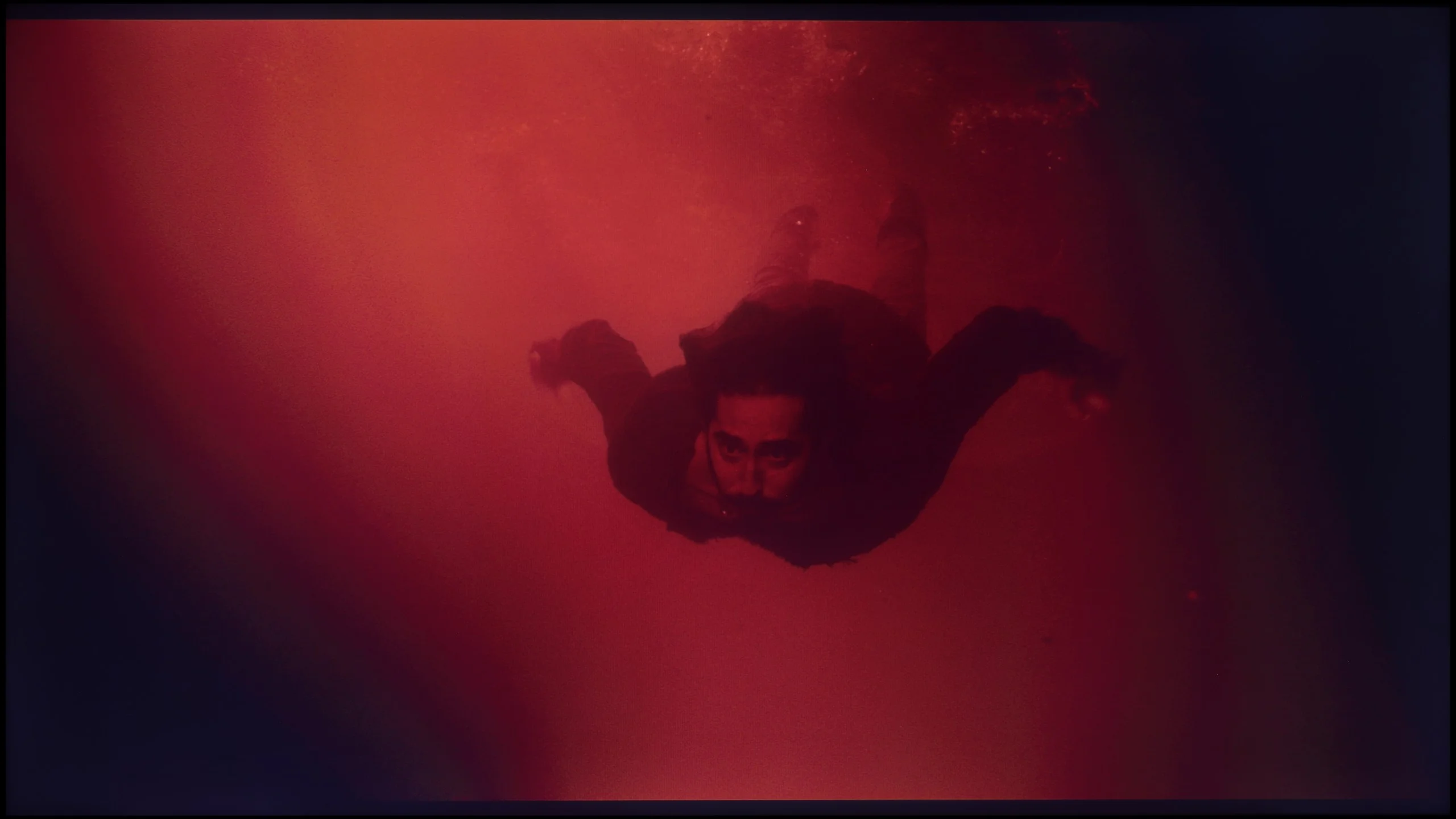
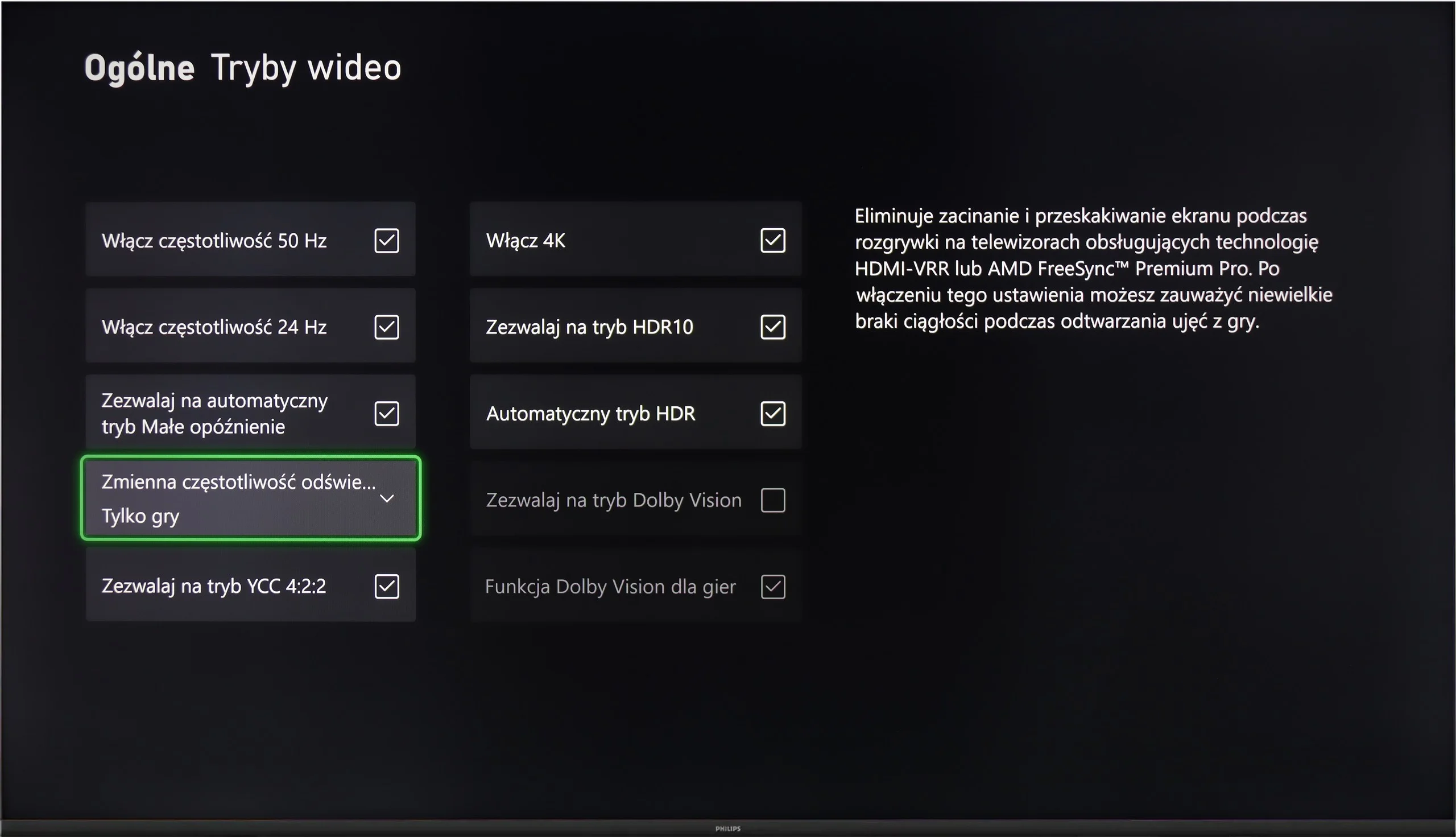
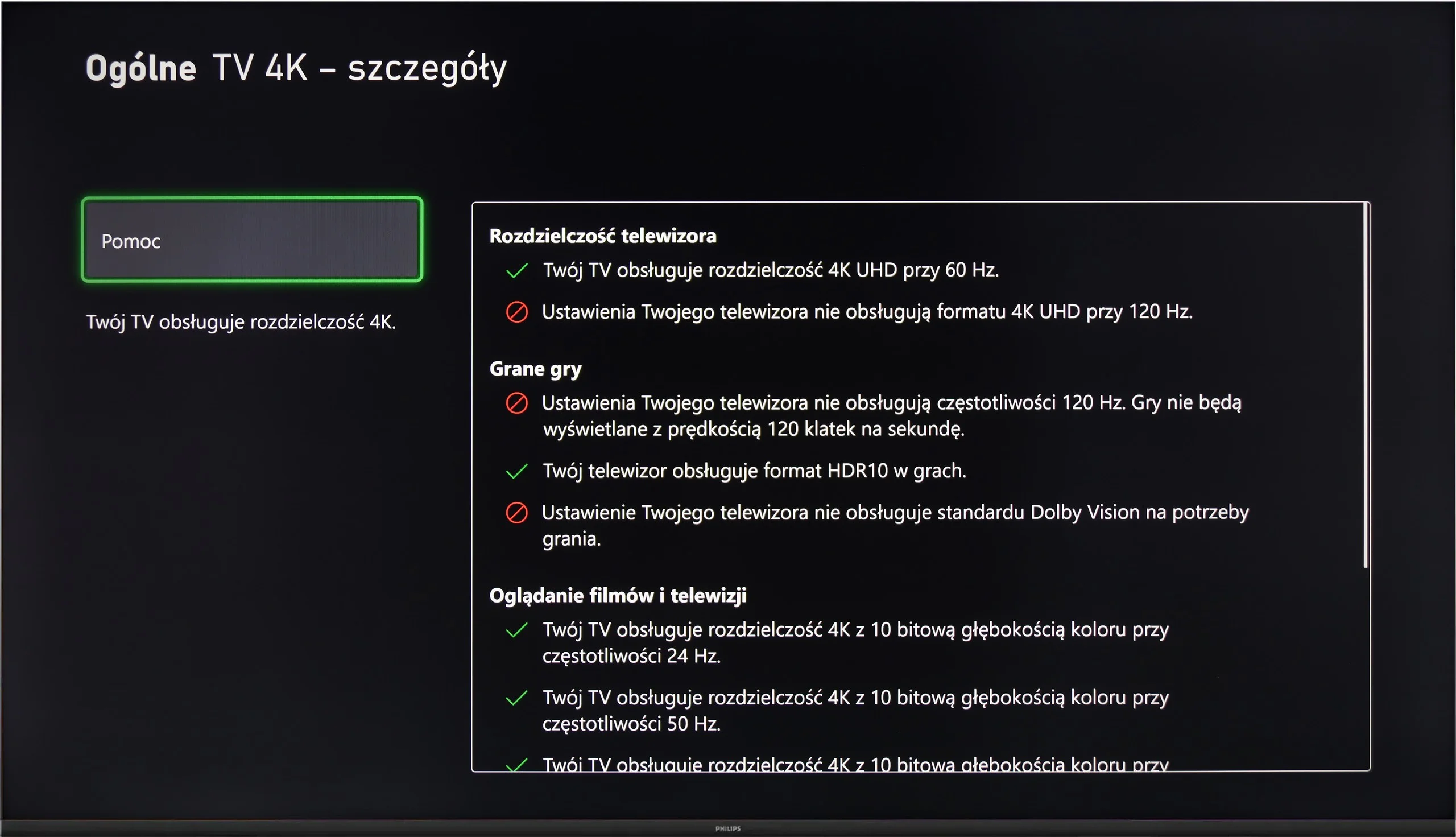
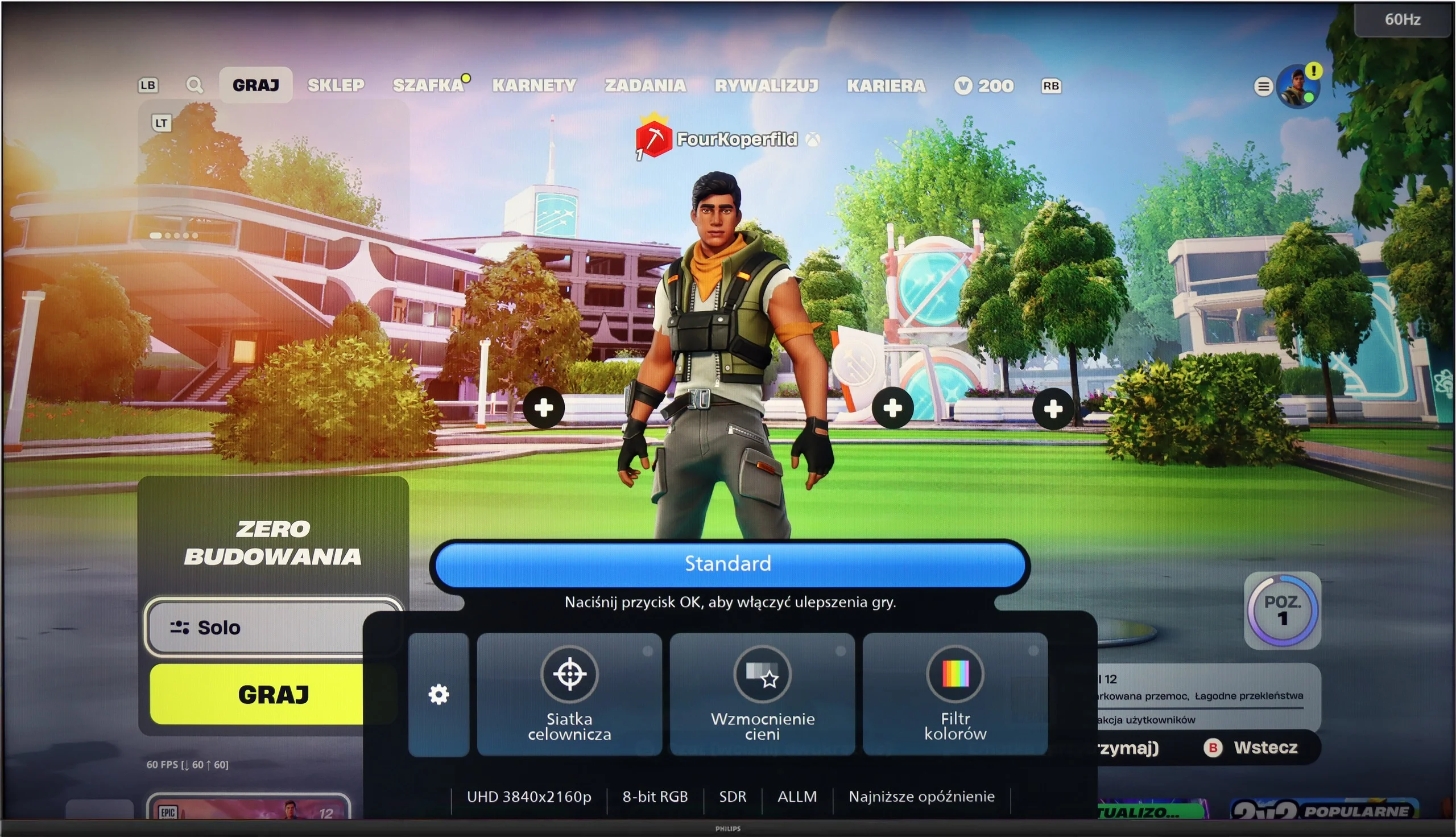
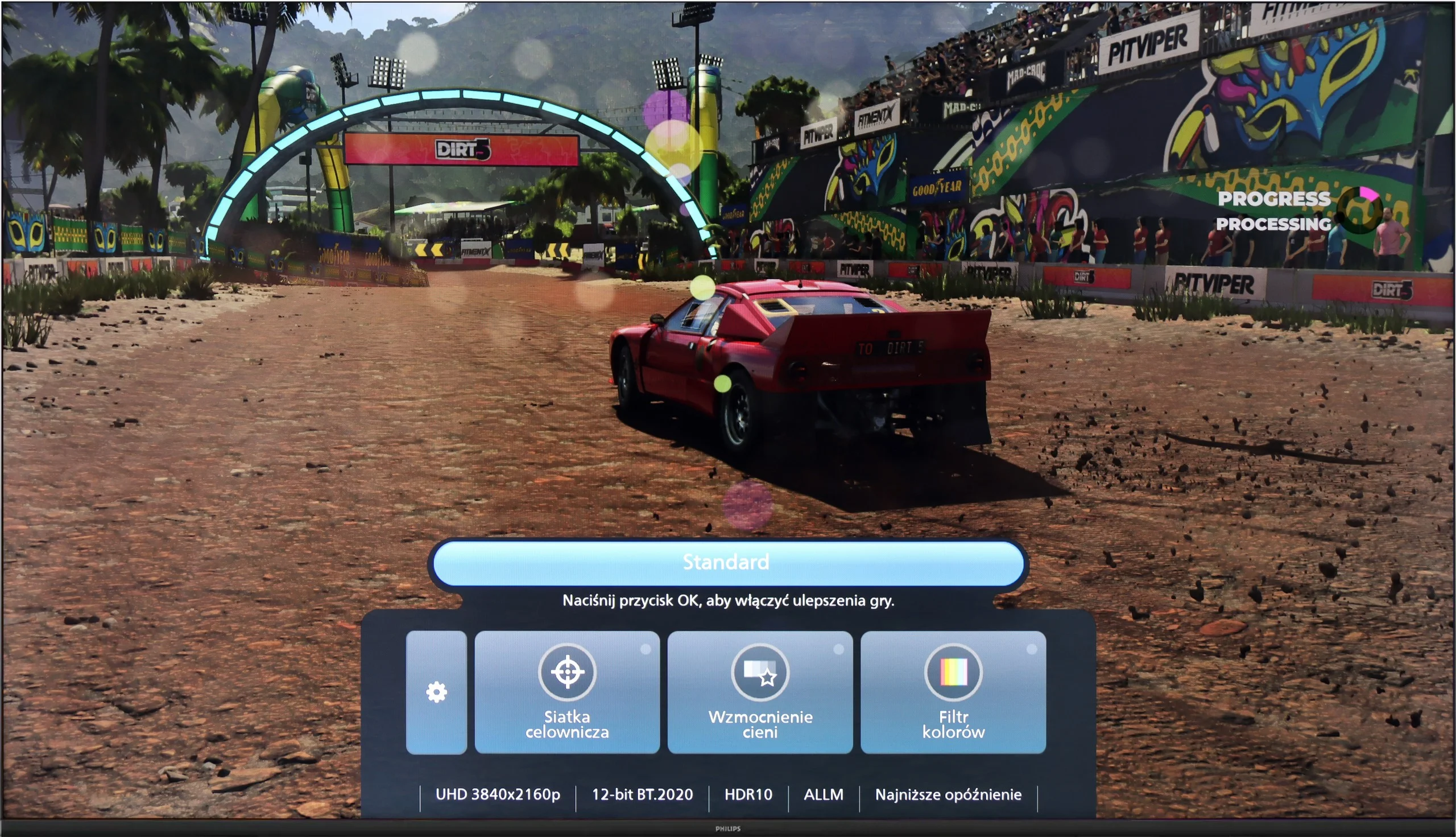
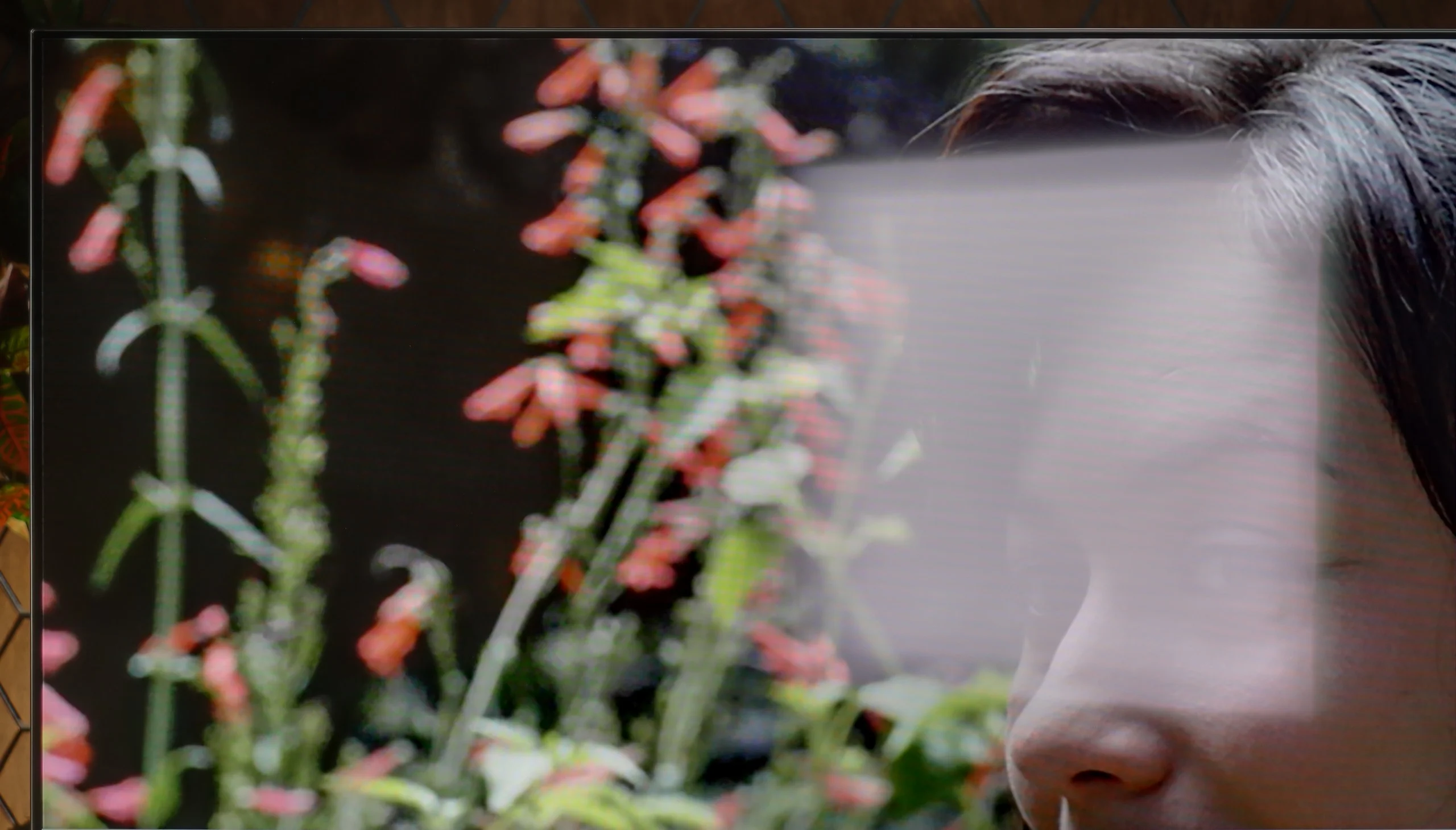
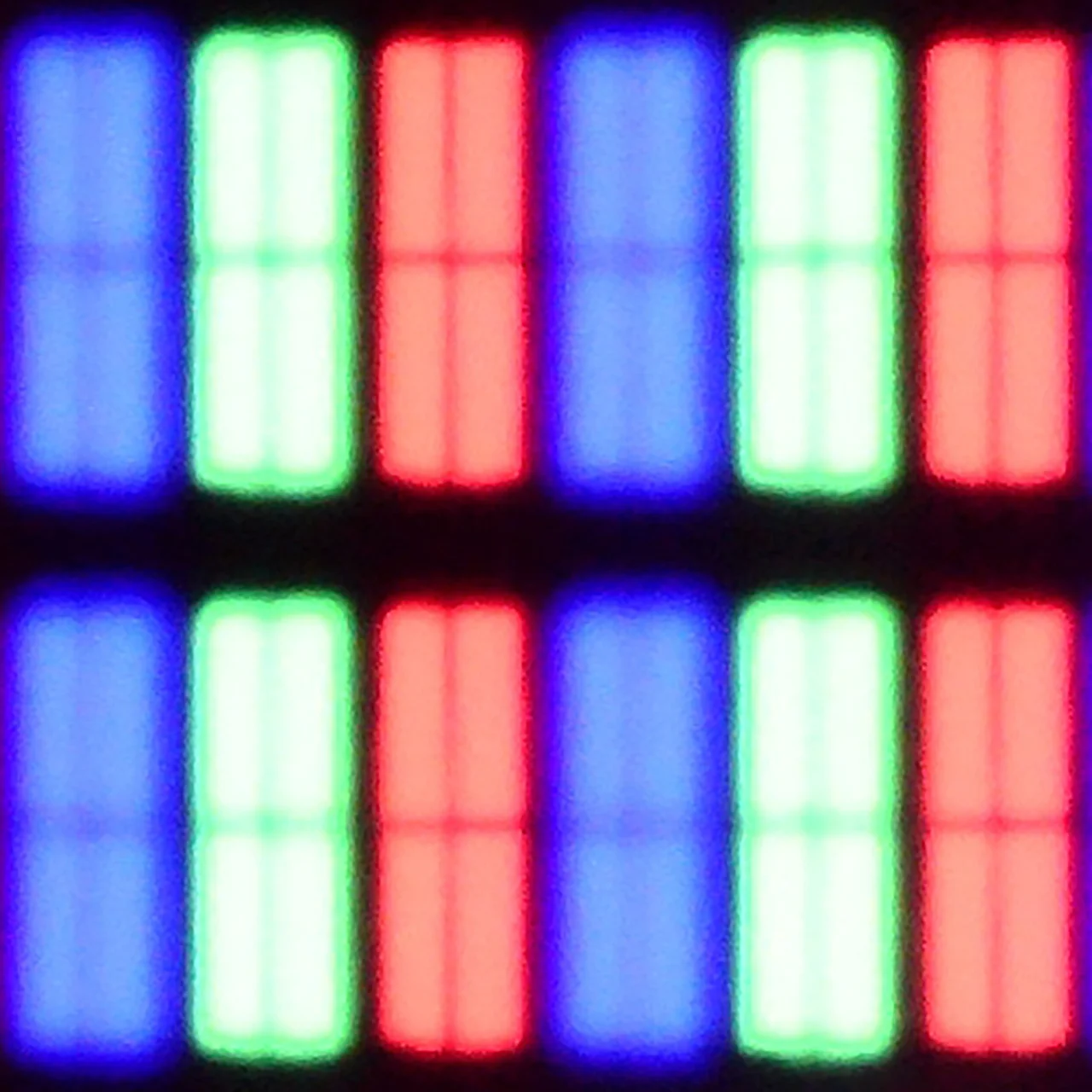
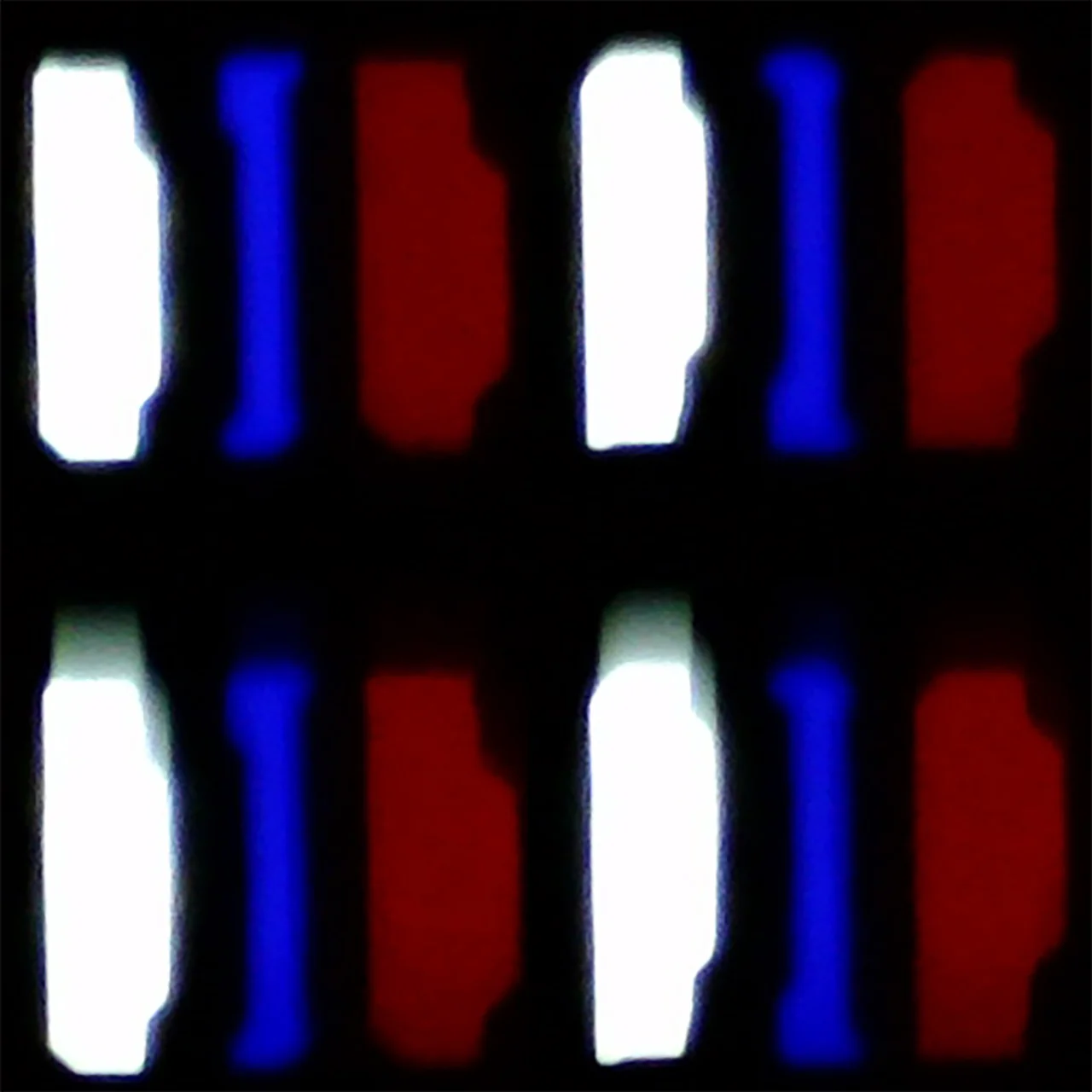
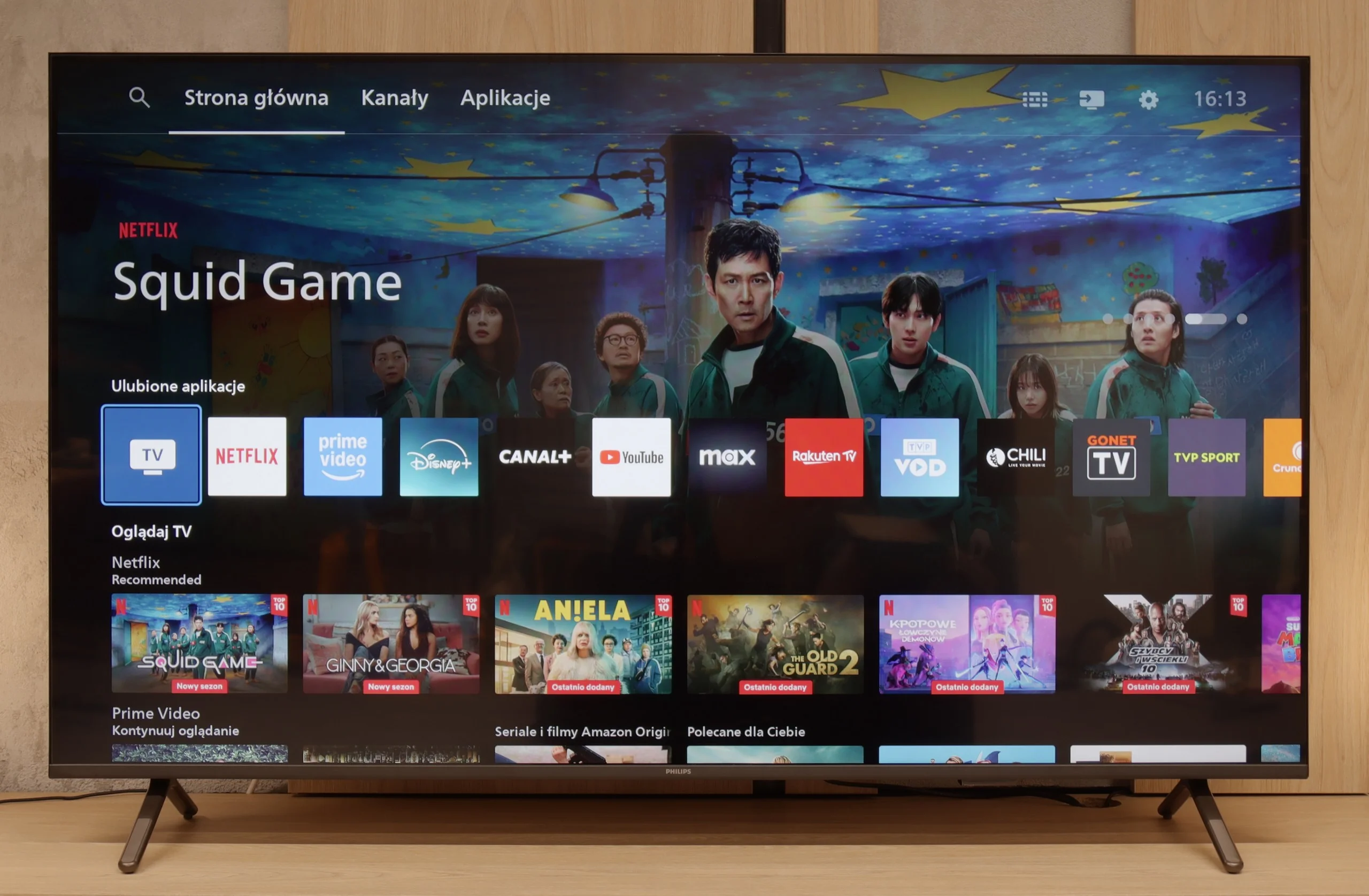
Ambilight because that's where we have to start, it's the biggest reason to buy the PUS8500. The three-sided backlighting of the TV looks great, especially in the evening. It creates an atmosphere, masks the imperfections of contrast, and makes the viewing experience simply more enjoyable. Even if the black levels aren't perfect, the native VA panel's high contrast is just fine. On top of that, there's really decent input lag and several gaming features like ALLM and VRR. Although there’s no HDMI 2.1 or 120Hz panel, casual gaming should be a pleasure. Especially since it's responsive and latency-free. Additionally, there’s full support for audio formats – both Dolby Atmos and DTS, so soundbar owners can rejoice too.
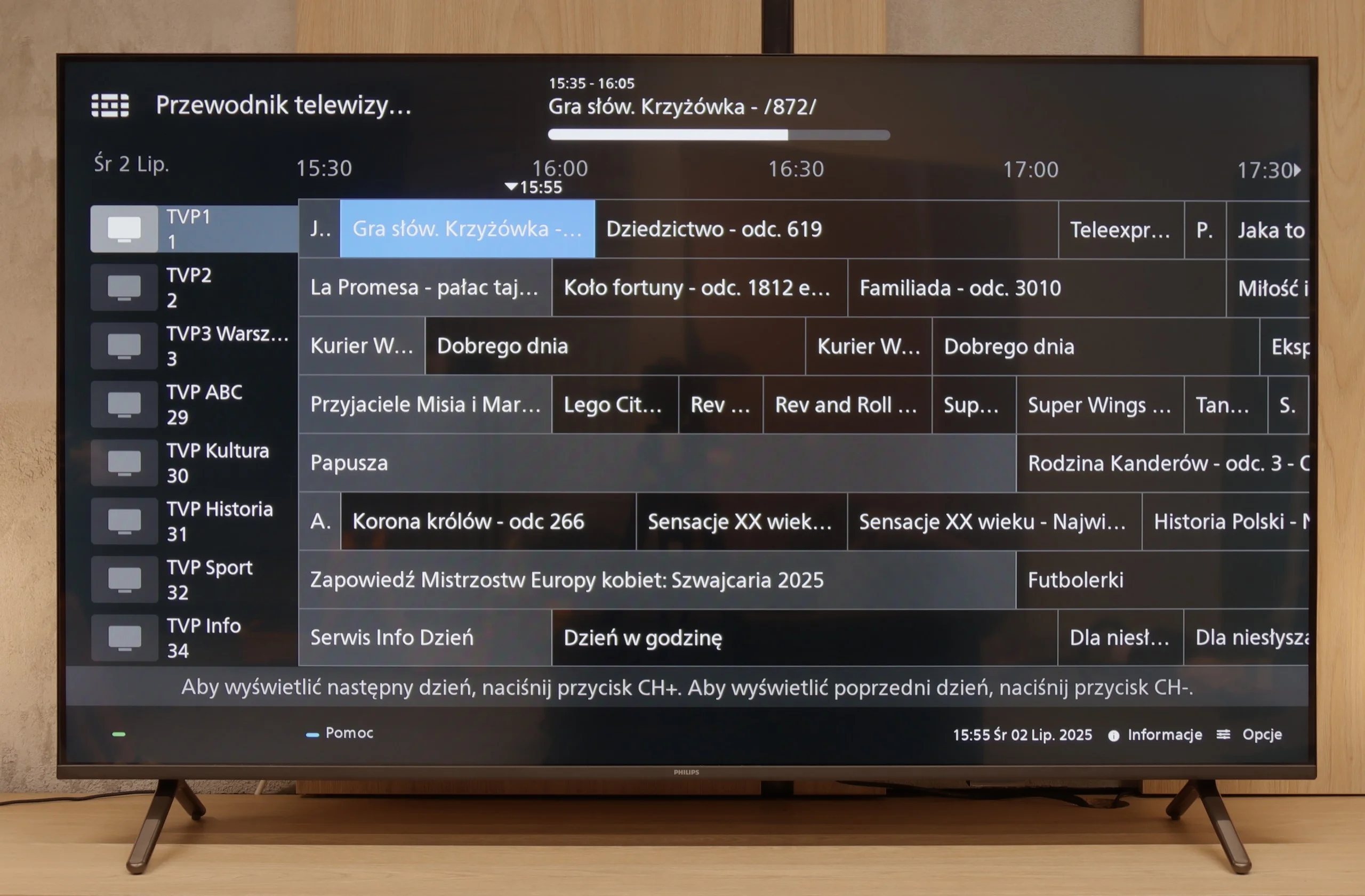
But let's not kid ourselves – this is still a budget TV, and at times it shows. Brightness is average – not weak enough to make viewing impossible, but if you hit a particularly sunny day, watching conditions without blinds can be problematic. However, in our opinion, the biggest disappointment with the PUS8560 is the operating system, Titan OS. Despite the system debuting some time ago, certain features simply wouldn't work – for example, screen mirroring from a phone despite the manufacturer's claims that such a feature is present here. There are fewer apps than with competitors, and the system itself runs a bit clumsily. Overall, it seems to have some capabilities, but clearly lacks refinement.
Of course, this is not a TV meant to compete with top models. But if someone is looking for something simple, with a nice atmosphere that the Ambilight system provides, it is a quite reasonable offer. You just need to know what to expect and accept the many compromises present here.
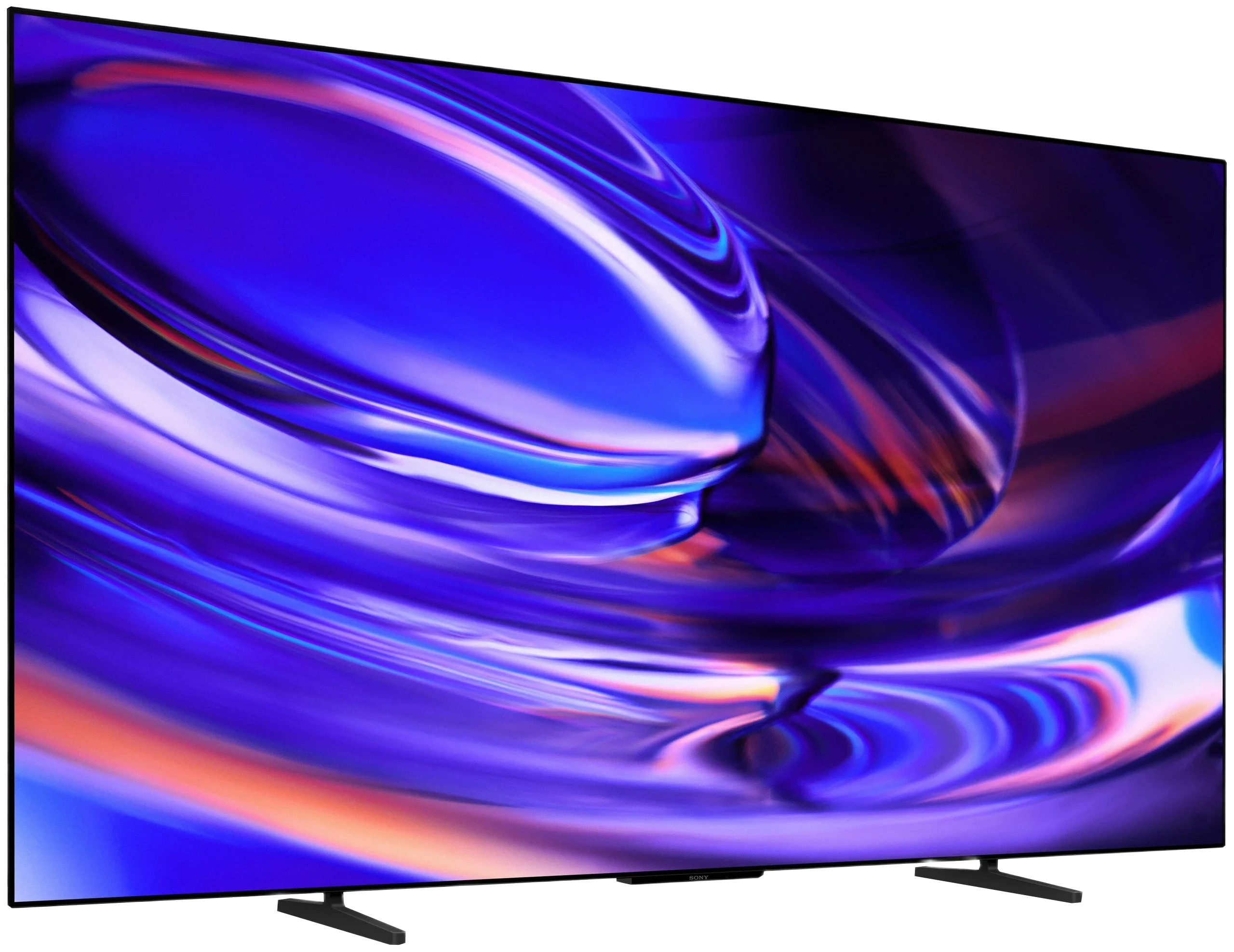
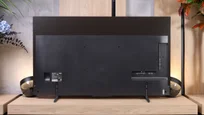
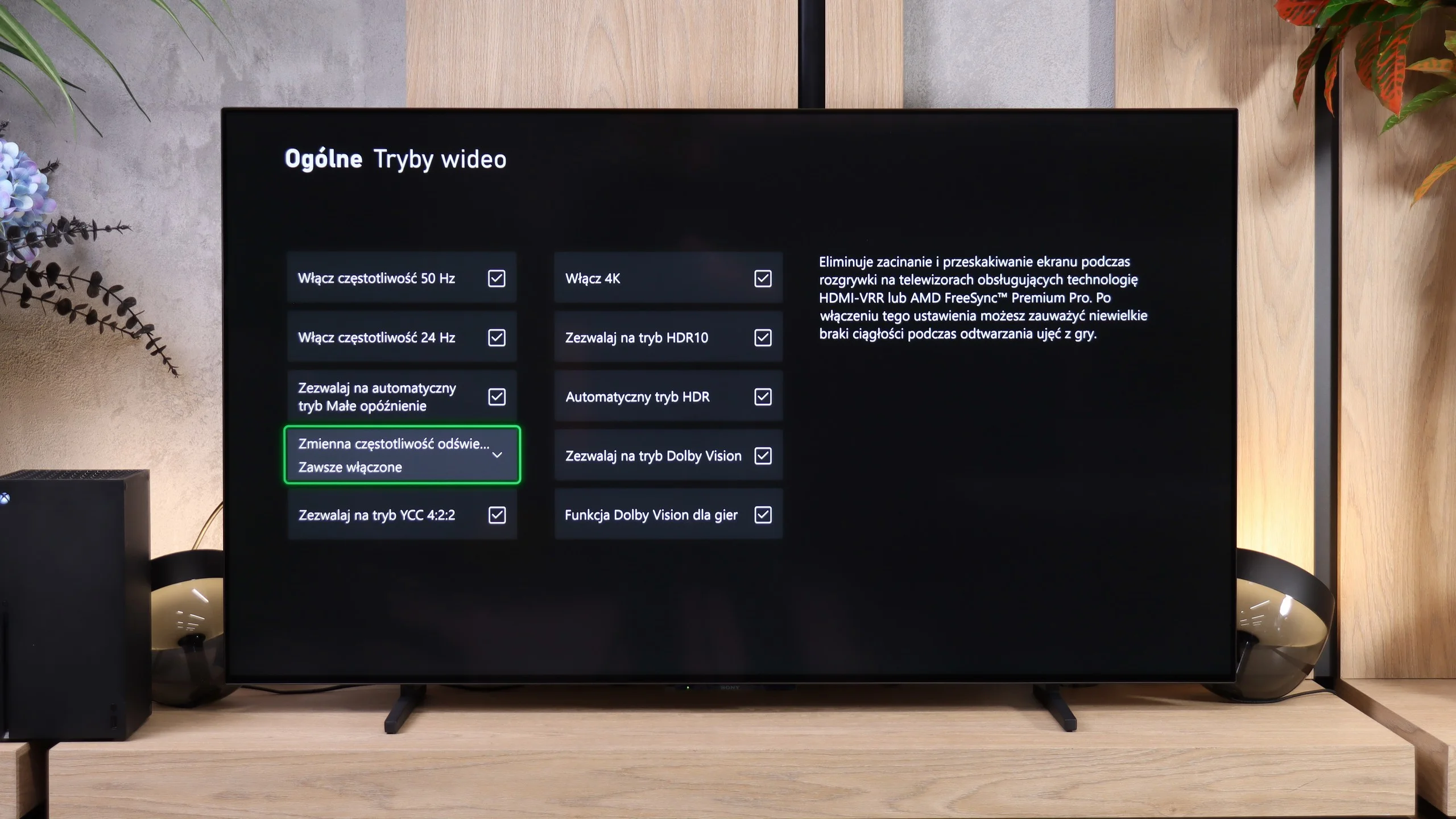
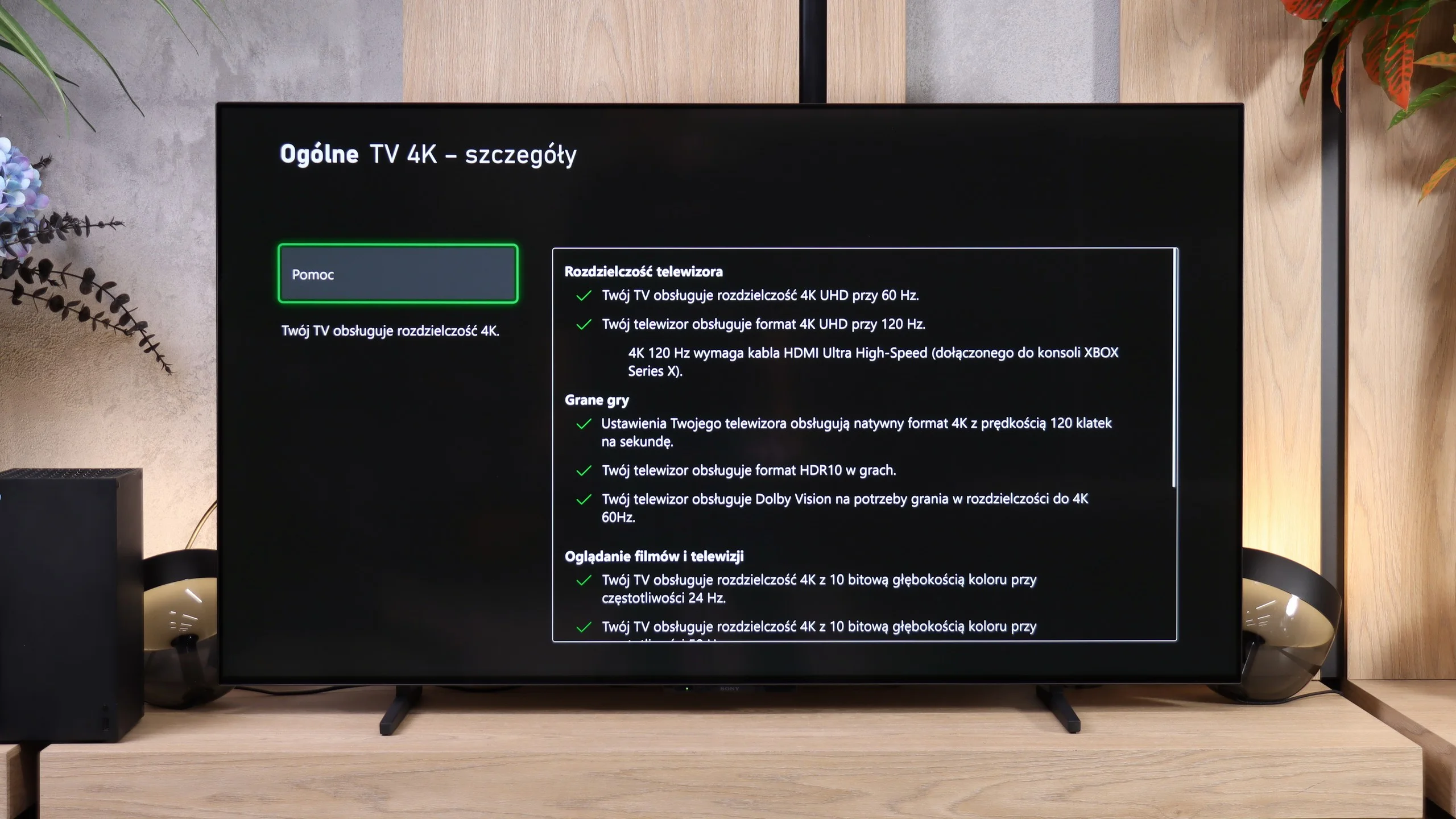
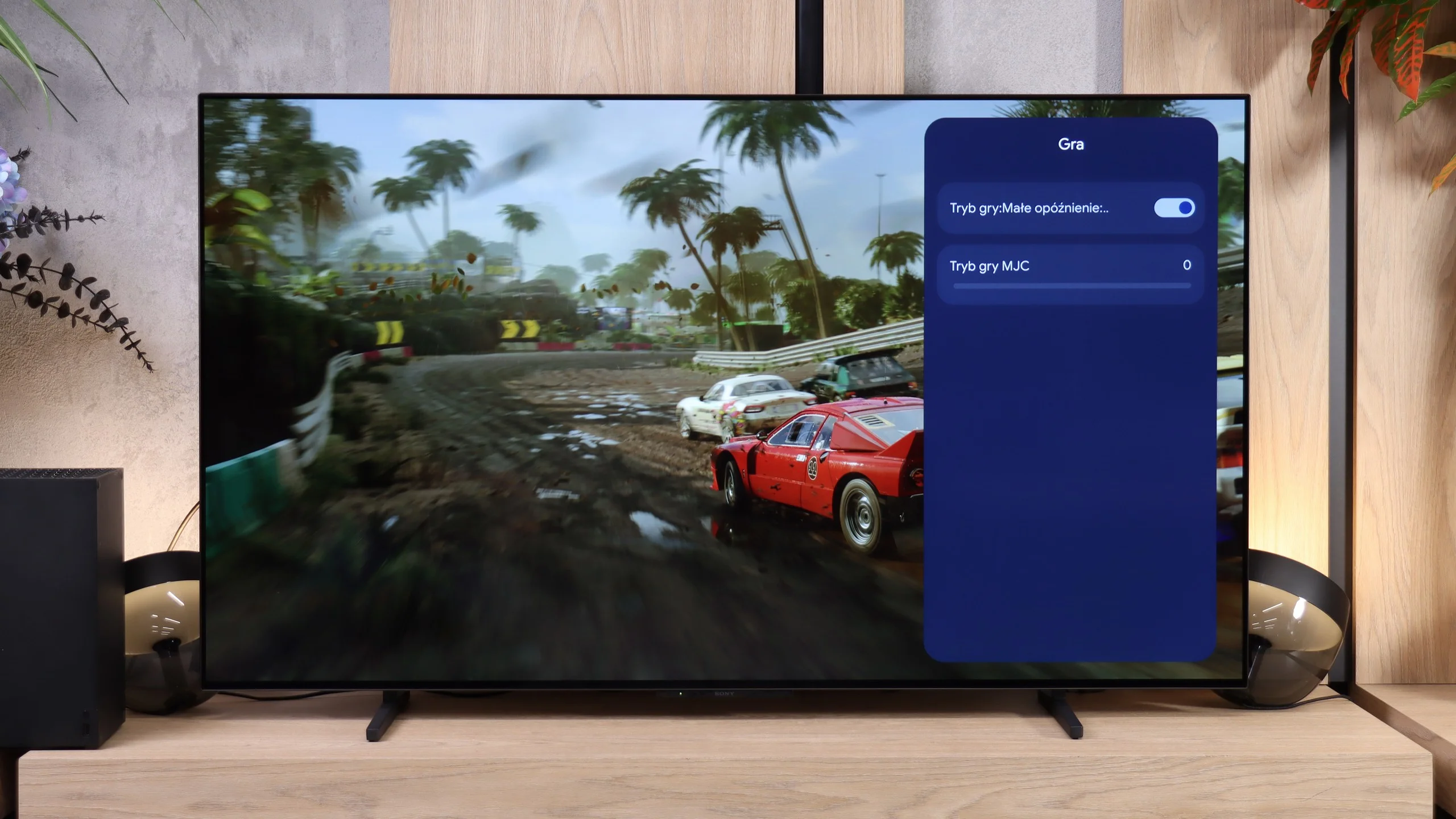
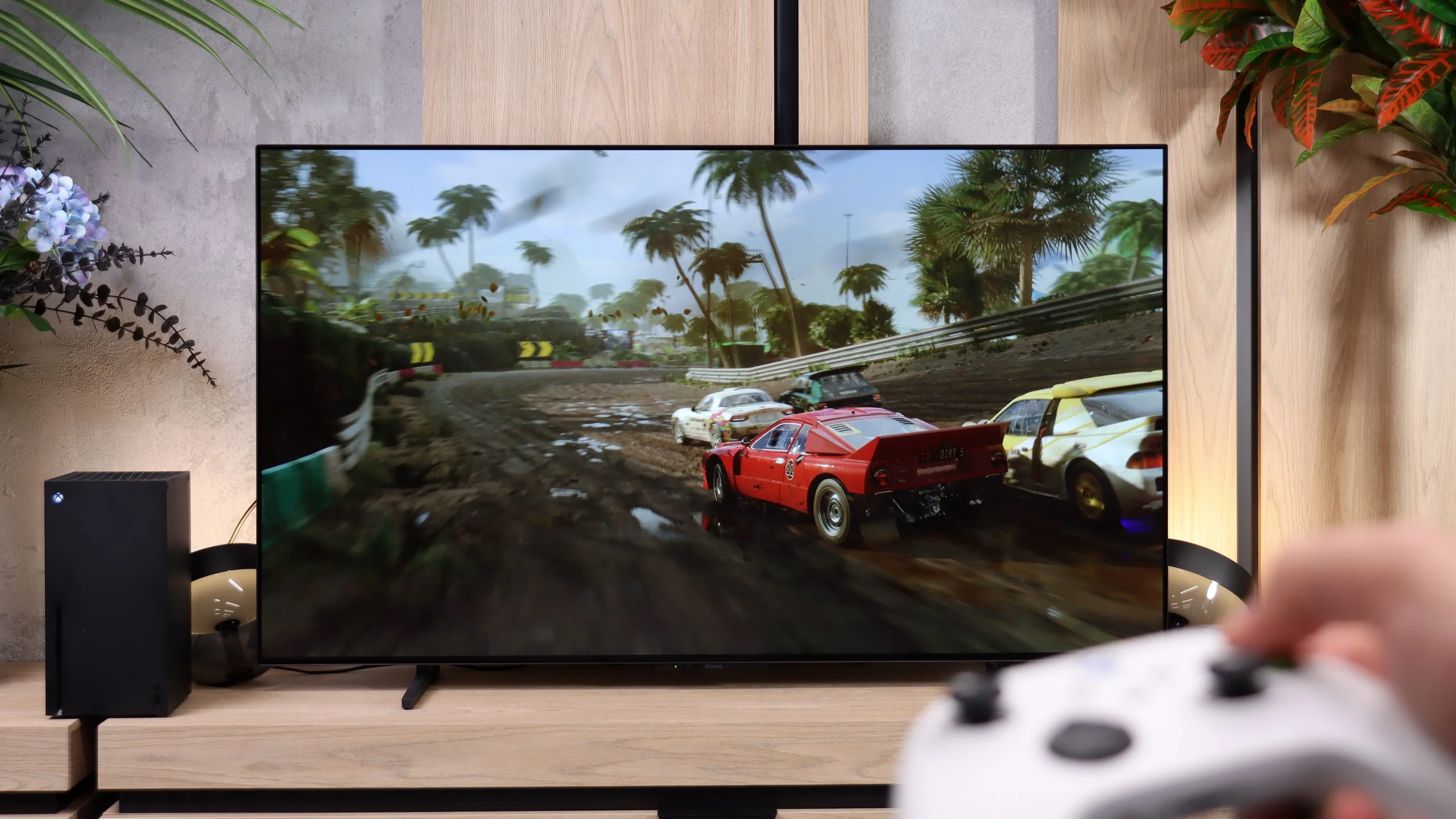
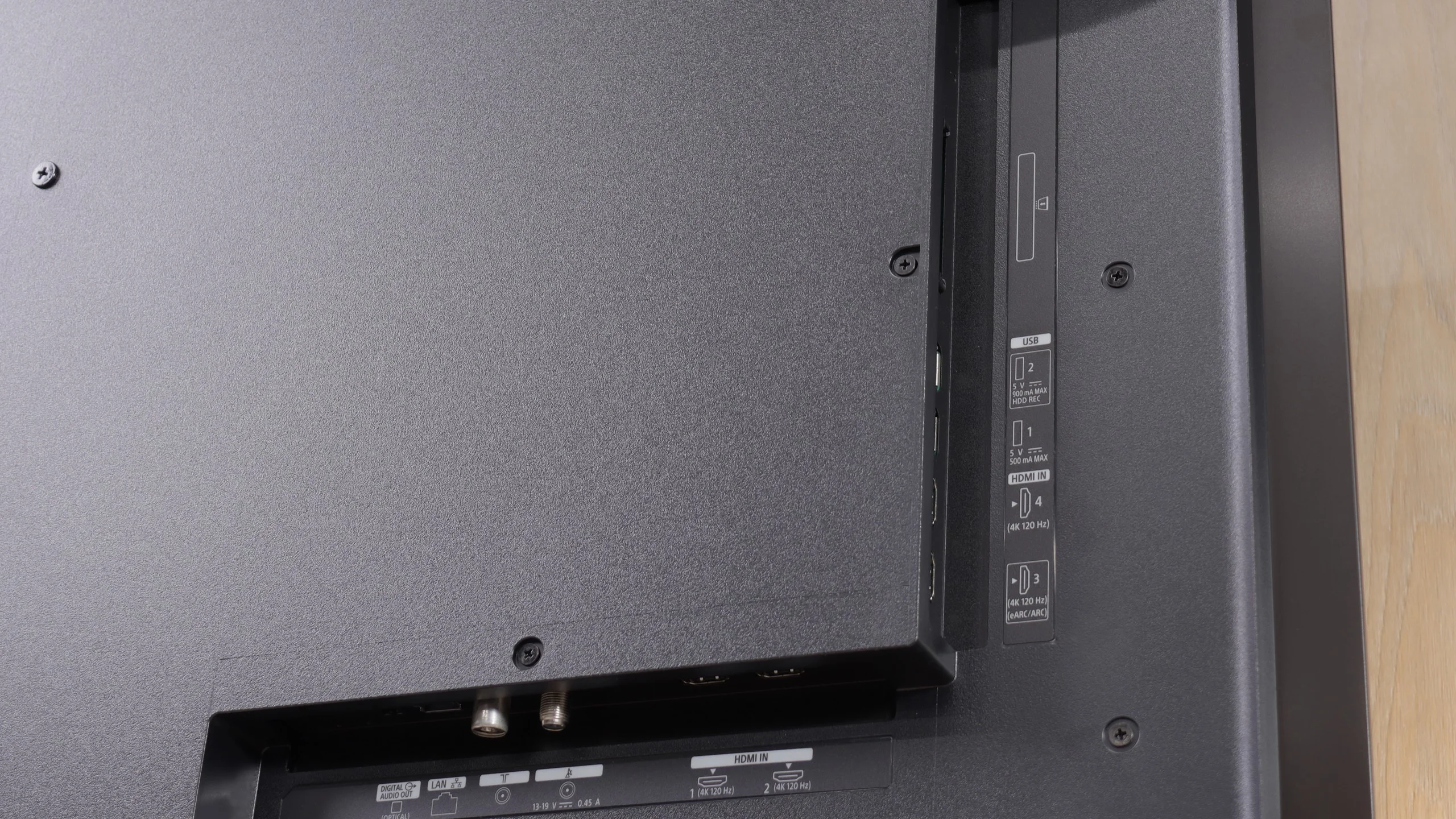
BRAVIA 6 can deliver a lot of viewing pleasure, especially in the evening when the advantages of the OLED panel are most visible. Deep blacks, good contrast and natural colors after calibration make it easy to appreciate its picture with the right material. It also performs well for console gaming: it provides smooth motion and responds quickly to controller input. It's also nice to see four full HDMI 2.1 ports, which Sony has finally included. Thanks to them, connecting multiple devices is less troublesome than even in some of the brand's pricier models. Solid build quality and an attractive design round out the package.
However, that's not enough to stand out among competing OLEDs. We usually paid more for Sony TVs for, among other things, better image processing, and with the BRAVIA 6 it's hard to see an advantage in that area. Lower-quality footage looks average, and in demanding HDR scenes detail is lost in bright parts of the picture. Dolby Vision helps a bit, but it doesn't change the overall impression: you get an image that can be pleasing, but it doesn't give a clear reason to choose Sony over another entry-level OLED.
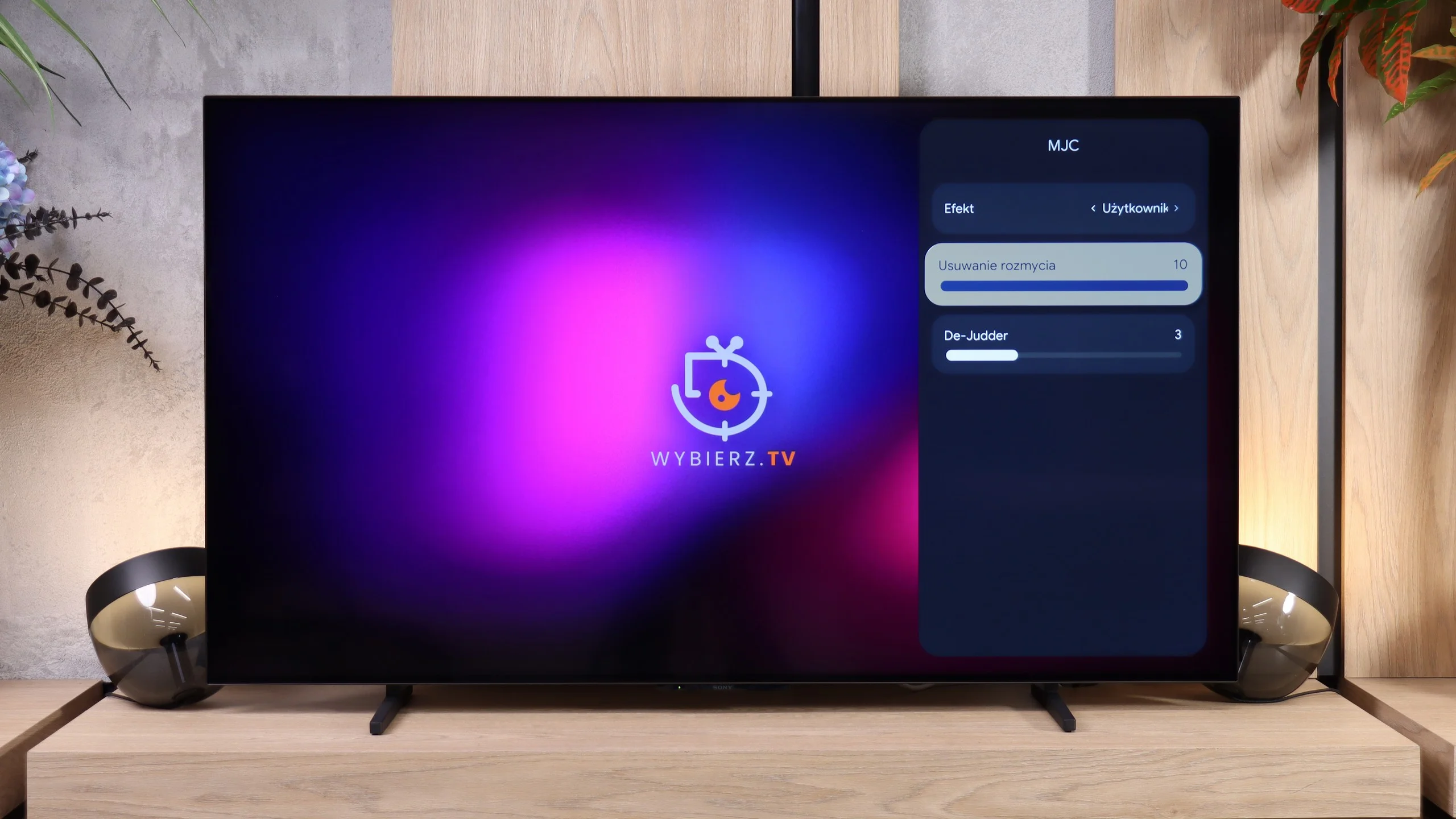
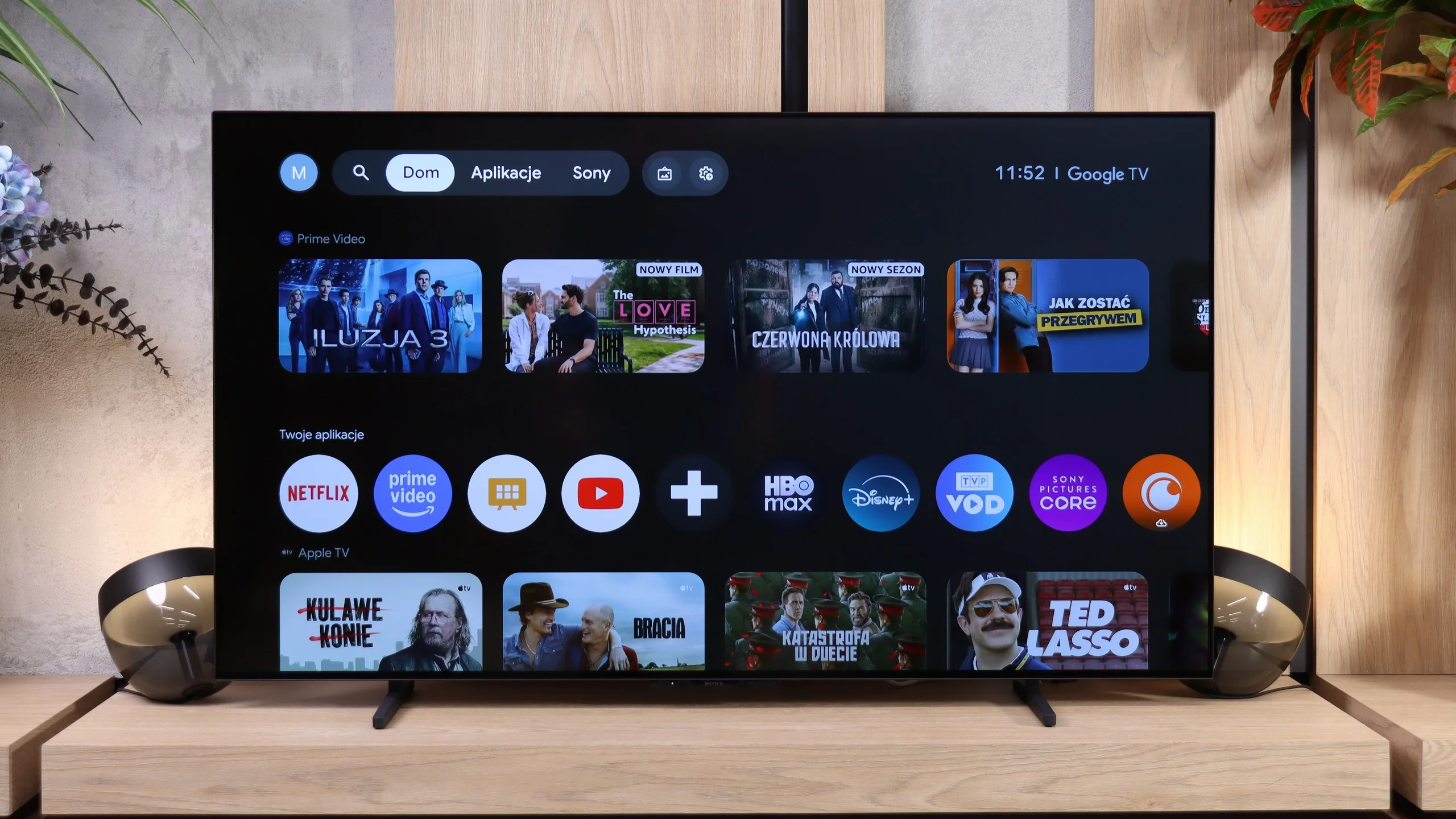
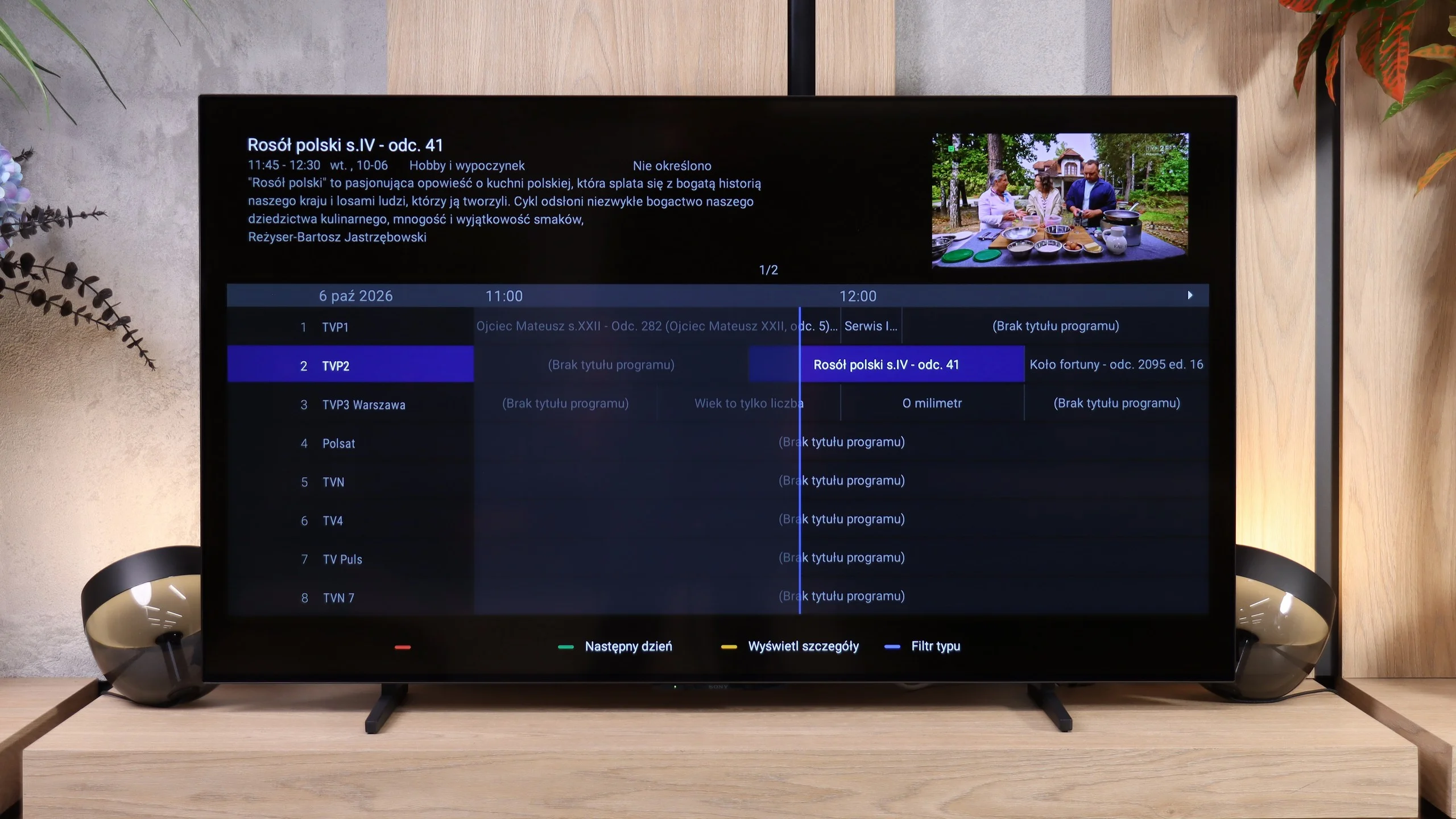
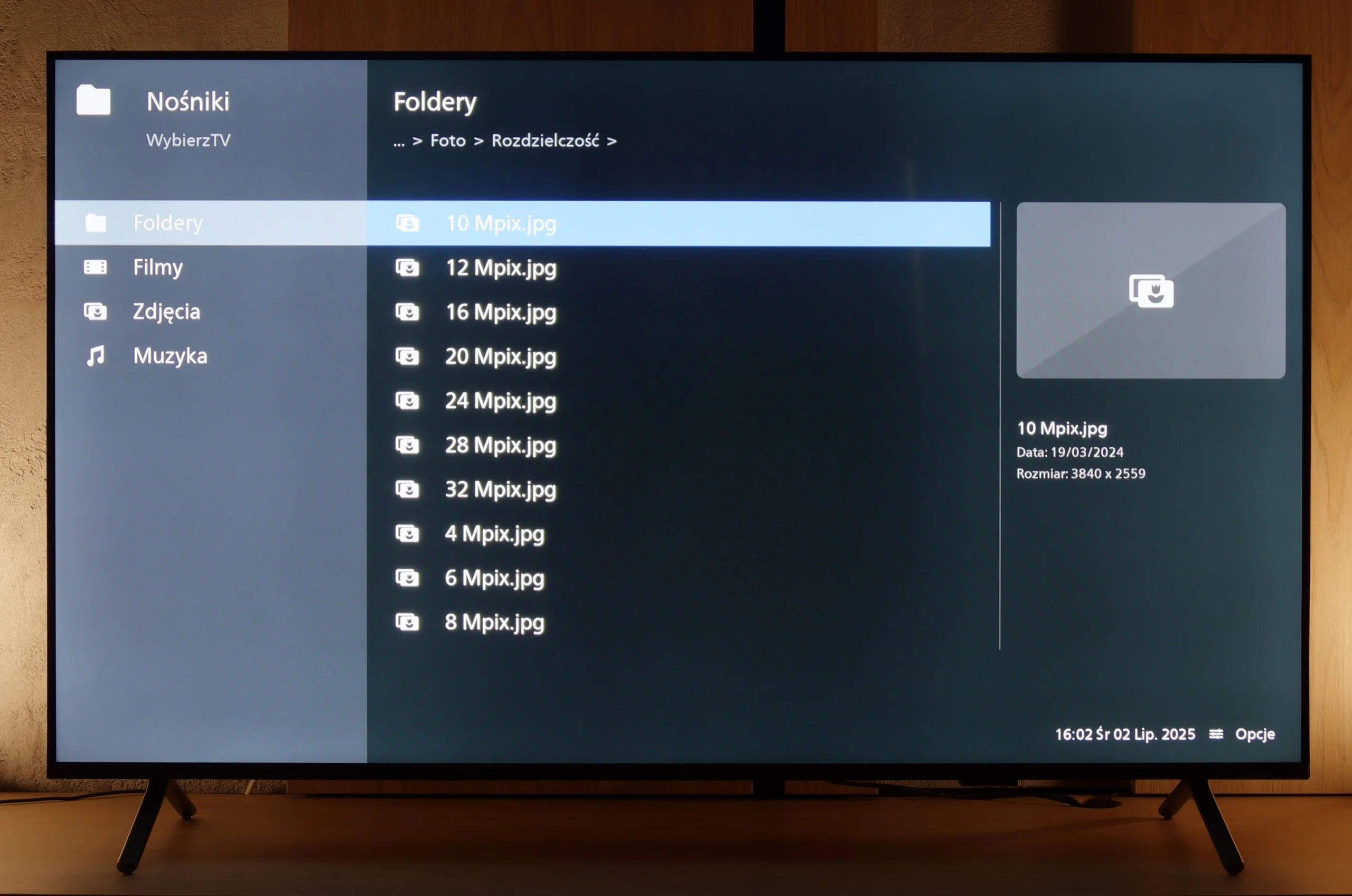
While the lack of such an advantage can be accepted at a sufficiently low price, it's much harder to turn a blind eye to problems with daily use. Google TV offers a wide selection of apps, but during our tests using the TV too often ended with the need to... unplug it. Even playing a movie from a USB drive could be problematic. It's at moments like these that we felt there was little... Sony in this BRAVIA. It lacks the polish that used to be one of the reasons to pay more for a Sony TV.
In the end the BRAVIA 6 leaves a big sense of disappointment. The OLED panel itself gives it a solid foundation, but the enjoyment of watching too often gives way to frustration with the operation. So in its current state it's hard for us to recommend it, even though it's among the cheapest OLEDs on the market. An attractive price can compensate for some image limitations, but it's hard to call that a sufficient argument when basic functions fail. Before we even start considering whether it's worth buying the BRAVIA 6, Sony needs to deliver the refinement we expect.
 Direct comparison