Philips PUS8500 vs LG UA75006LA (IPS)

Direct comparison

PUS8500 / PUS8560 / PUS8510 / PUS8600

Info

Available screen sizes: 43”50”55”65”75”85”

Available screen sizes: 43”

Panel type: LCD VA

Resolution: 3840x2160

System: Titan OS

Model year: 2025

Complete the survey to find out the result

Panel type: LCD IPS

Resolution: 3840x2160

System: WebOS

Model year: 2025

Complete the survey to find out the result

Overall rating

5.8

5.6

  • Movies and series in UHD quality

    5.6

    5.0

  • Classic TV, YouTube

    6.2

    4.8

  • Sports broadcasts (TV and apps)

    5.3

    5.1

  • Gaming on console

    6.7

    6.7

  • TV as a computer monitor

    5.6

    6.0

  • Watching in bright light

    4.9

    4.0

  • Utility functions

    4.8

    7.0

  • Apps

    6.7

    9.1

  • Sound quality

    6.2

    6.0

Advantages

  • Ambilight TV System

  • High native contrast - VA panel

  • Low input lag

  • Basic features for gamers: ALLM and VRR

  • Full support for audio formats: Dolby Atmos and DTS

  • Backlit remote controler with numeric keypad

  • Wide viewing angles, the image does not lose colors as much from the side

  • Very good font readability when working with PC (chroma 4:4:4)

  • Ability to record to USB from built-in tuners

  • WebOS with a large selection of apps and support for AirPlay

  • Low input lag (below 10 ms)

  • friendly for the “casual gamer”: ALLM, VRR (48–60 Hz), Game Bar, HGiG

Disadvantages

No like
  • Average panel brightness

  • TitanOS system feels unfinished (some features do not work, gaps in applications)

  • Infrared remote control

  • Font readability issues (PC)

  • Very poor black level and low contrast (about 1000:1)

  • Low brightness (about 250 nits), image easily fades during the day

  • Missing dynamic HDR formats (Dolby Vision, HDR10+)

  • Quite a plastic case and no Magic remote included

Our verdict

Ambilight because that's where we have to start, it's the biggest reason to buy the PUS8500. The three-sided backlighting of the TV looks great, especially in the evening. It creates an atmosphere, masks the imperfections of contrast, and makes the viewing experience simply more enjoyable. Even if the black levels aren't perfect, the native VA panel's high contrast is just fine. On top of that, there's really decent input lag and several gaming features like ALLM and VRR. Although there’s no HDMI 2.1 or 120Hz panel, casual gaming should be a pleasure. Especially since it's responsive and latency-free. Additionally, there’s full support for audio formats – both Dolby Atmos and DTS, so soundbar owners can rejoice too.

But let's not kid ourselves – this is still a budget TV, and at times it shows. Brightness is average – not weak enough to make viewing impossible, but if you hit a particularly sunny day, watching conditions without blinds can be problematic. However, in our opinion, the biggest disappointment with the PUS8560 is the operating system, Titan OS. Despite the system debuting some time ago, certain features simply wouldn't work – for example, screen mirroring from a phone despite the manufacturer's claims that such a feature is present here. There are fewer apps than with competitors, and the system itself runs a bit clumsily. Overall, it seems to have some capabilities, but clearly lacks refinement.

Of course, this is not a TV meant to compete with top models. But if someone is looking for something simple, with a nice atmosphere that the Ambilight system provides, it is a quite reasonable offer. You just need to know what to expect and accept the many compromises present here.
The LG UA7500 with an IPS panel also presents itself as a television mainly designed for everyday use. SDR content looks good on it, upscaling and image processing are at quite a decent level, and webOS, as always, offers a lot of freedom – from YouTube to Netflix, as well as USB recording and AirPlay support. Similar to the VA version, here we also find a set of features for gamers that may please occasional console users – ALLM, VRR in the range of 48–60 Hz, or Game Bar. This means that even with hardware limitations, you can comfortably start your favorite game after work or school. The biggest advantage of the IPS variant is the wide viewing angles – the image retains its colors even when viewed from the side. However, the price for that is a much weaker black, which resembles dark gray rather than deep pitch, so this screen is best viewed with the lights on. HDR is also not a strong point of this model, as its low brightness and limited color gamut significantly "flatten" it. But if we are looking for a television for everyday entertainment – news, movies, series, or YouTube – the UA7500 performs this role quite well. It's a "regular" in the best sense of the word: cheap, easy to use, and with a system that offers a lot of possibilities.

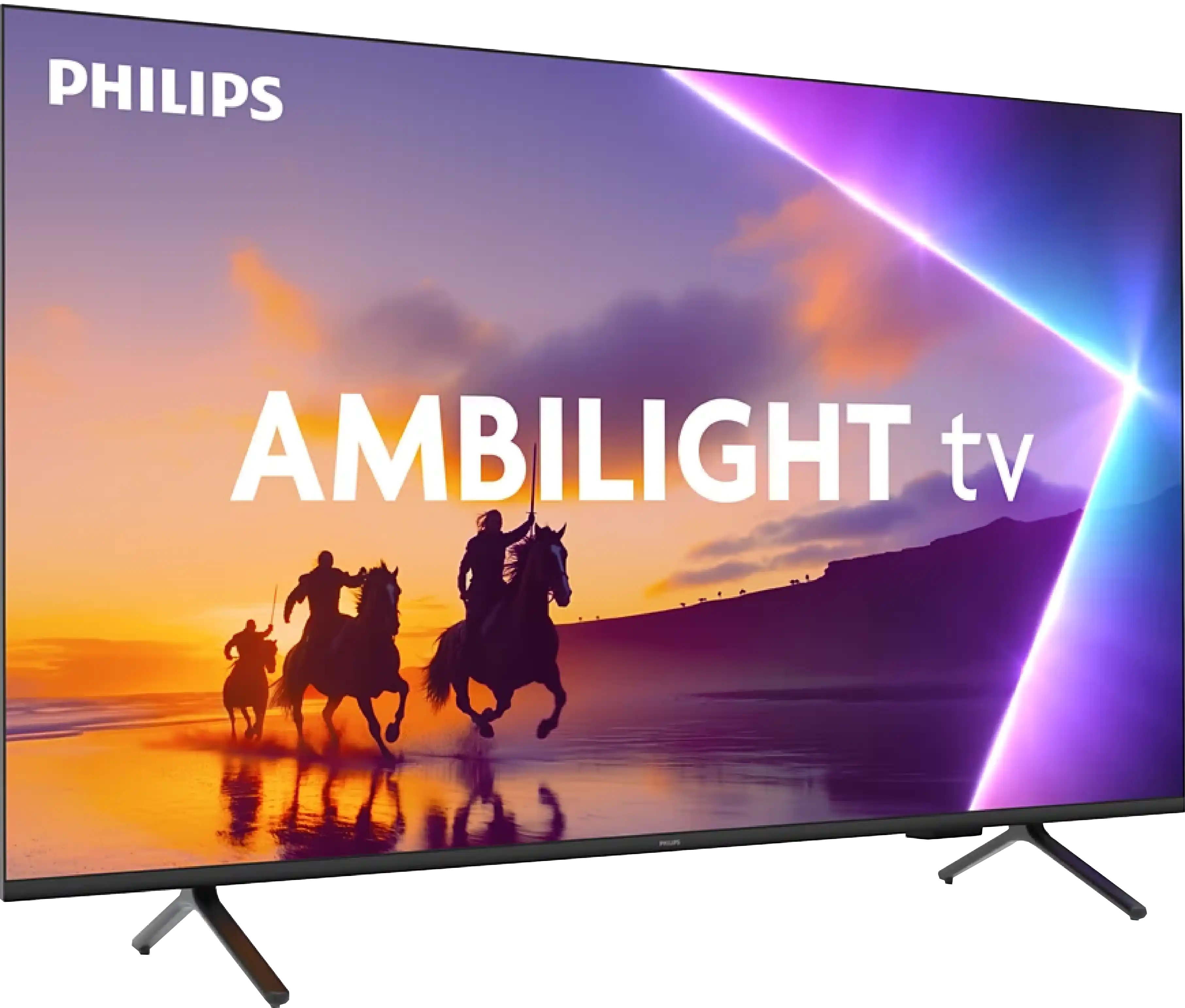
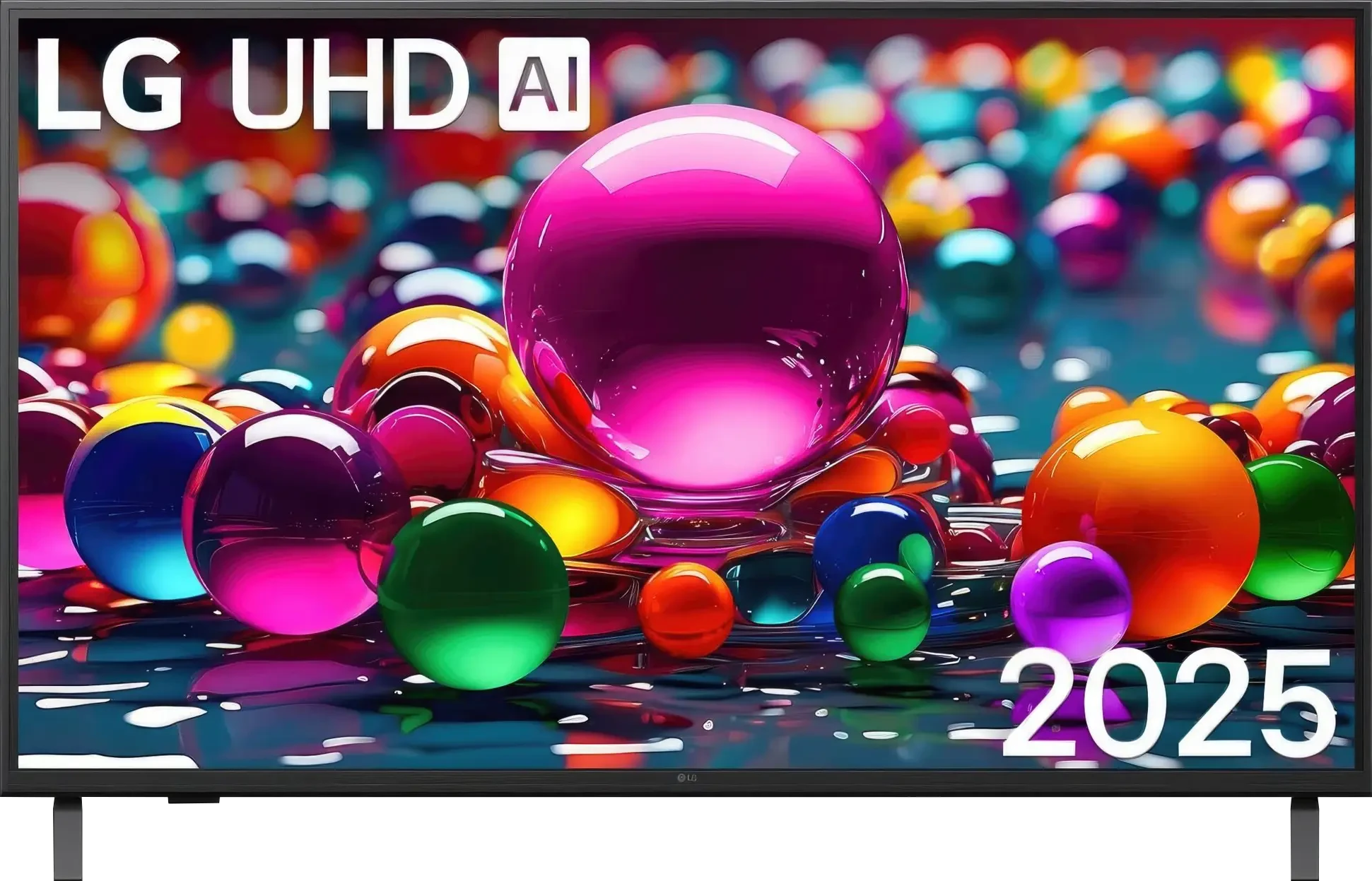
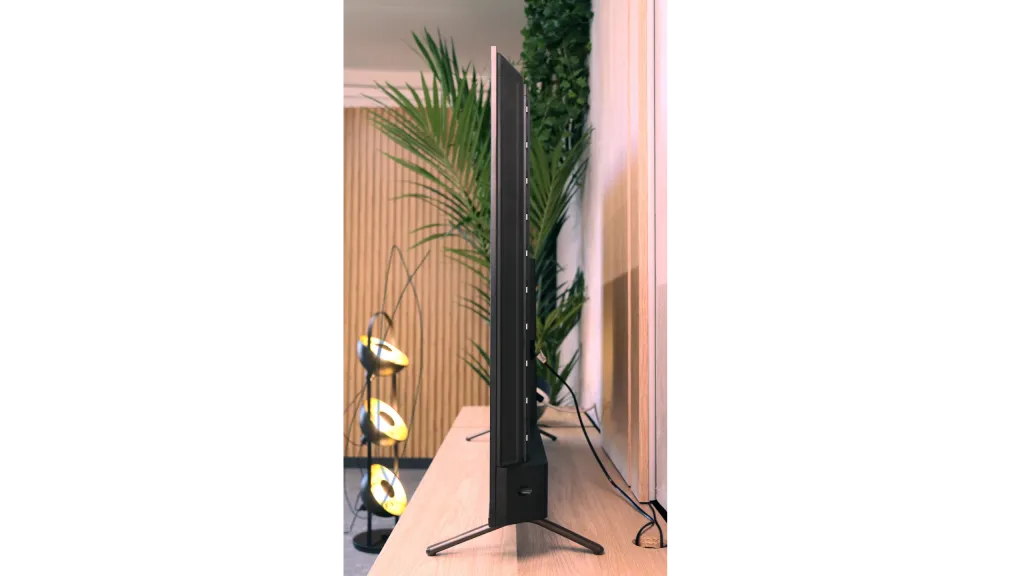
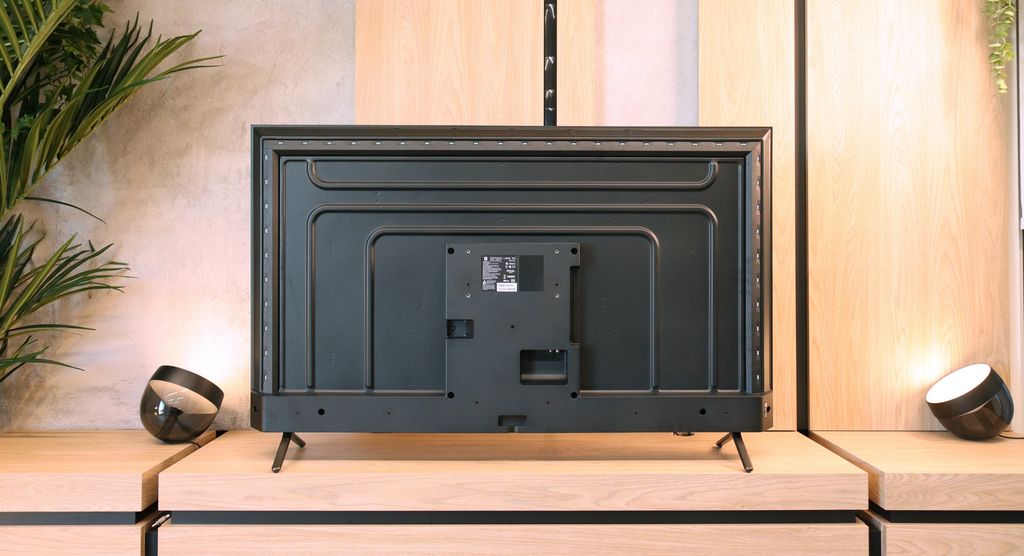
TV appearance

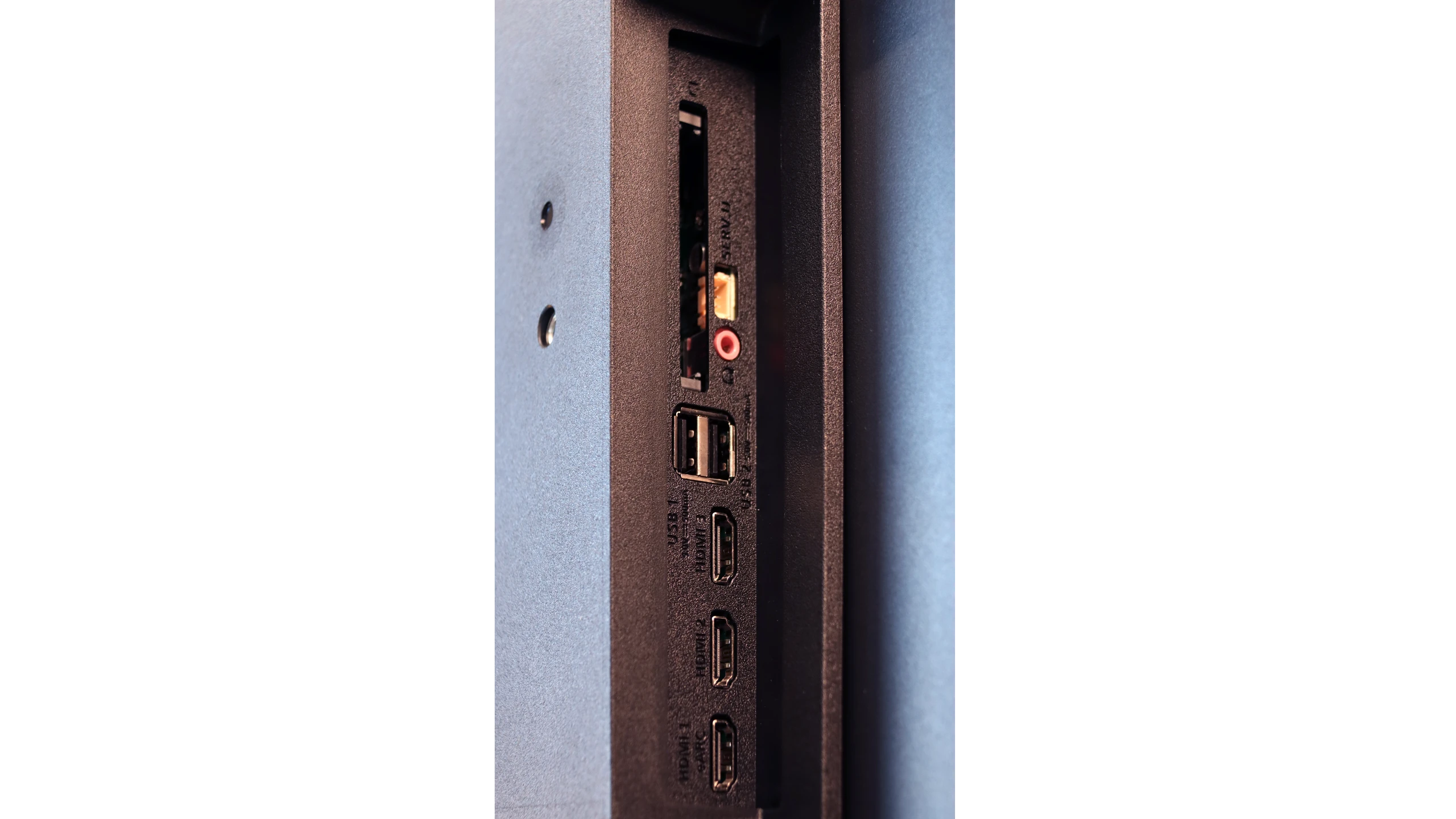
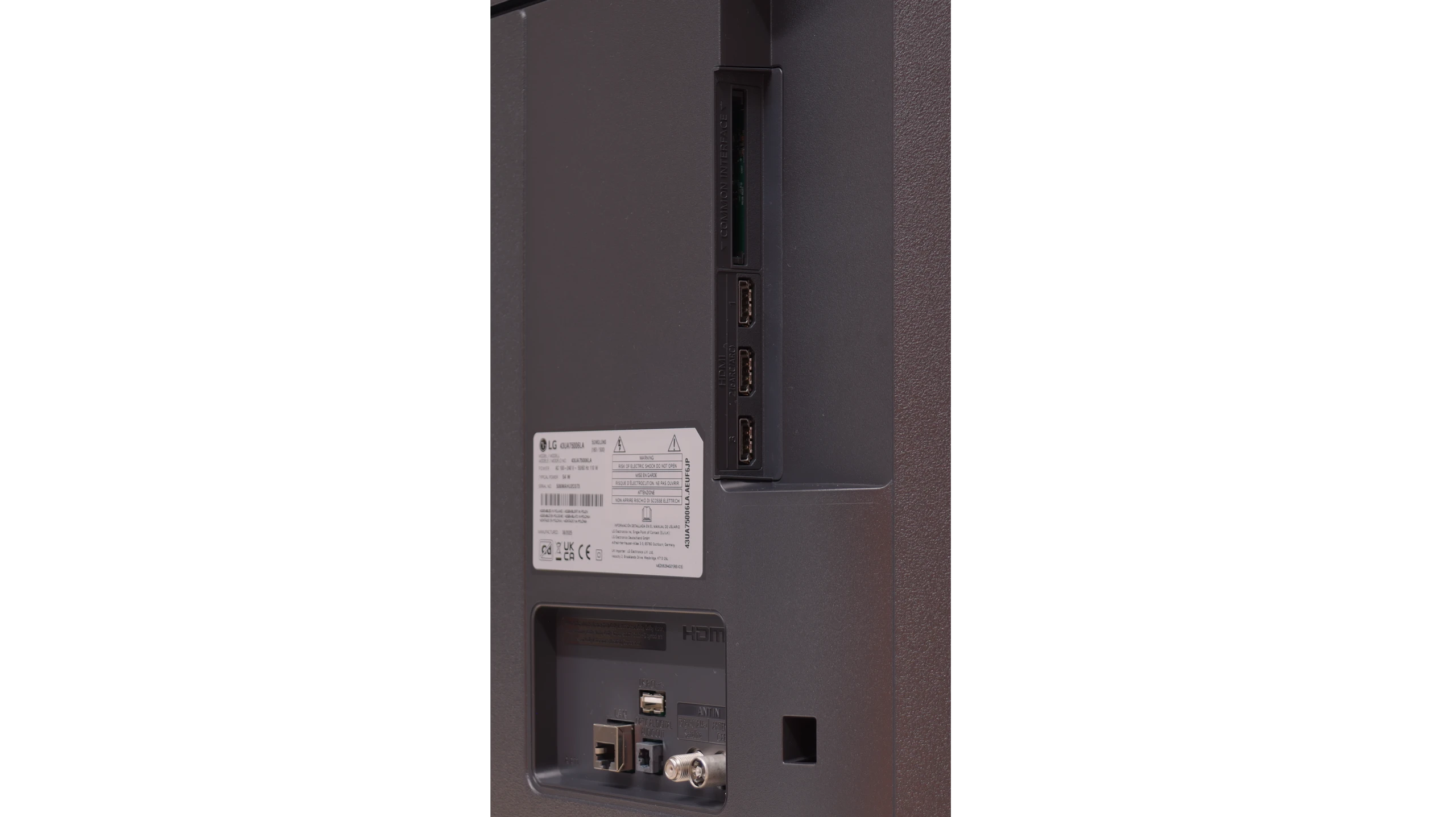
HDMI inputs
3 x HDMI 2.0, 0 x HDMI 2.1
Other inputs
Outputs
Toslink (Optical audio), eARC (HDMI), ARC (HDMI), Mini-Jack (Headphones)
Toslink (Optical audio), eARC (HDMI), ARC (HDMI)
Network Interfaces
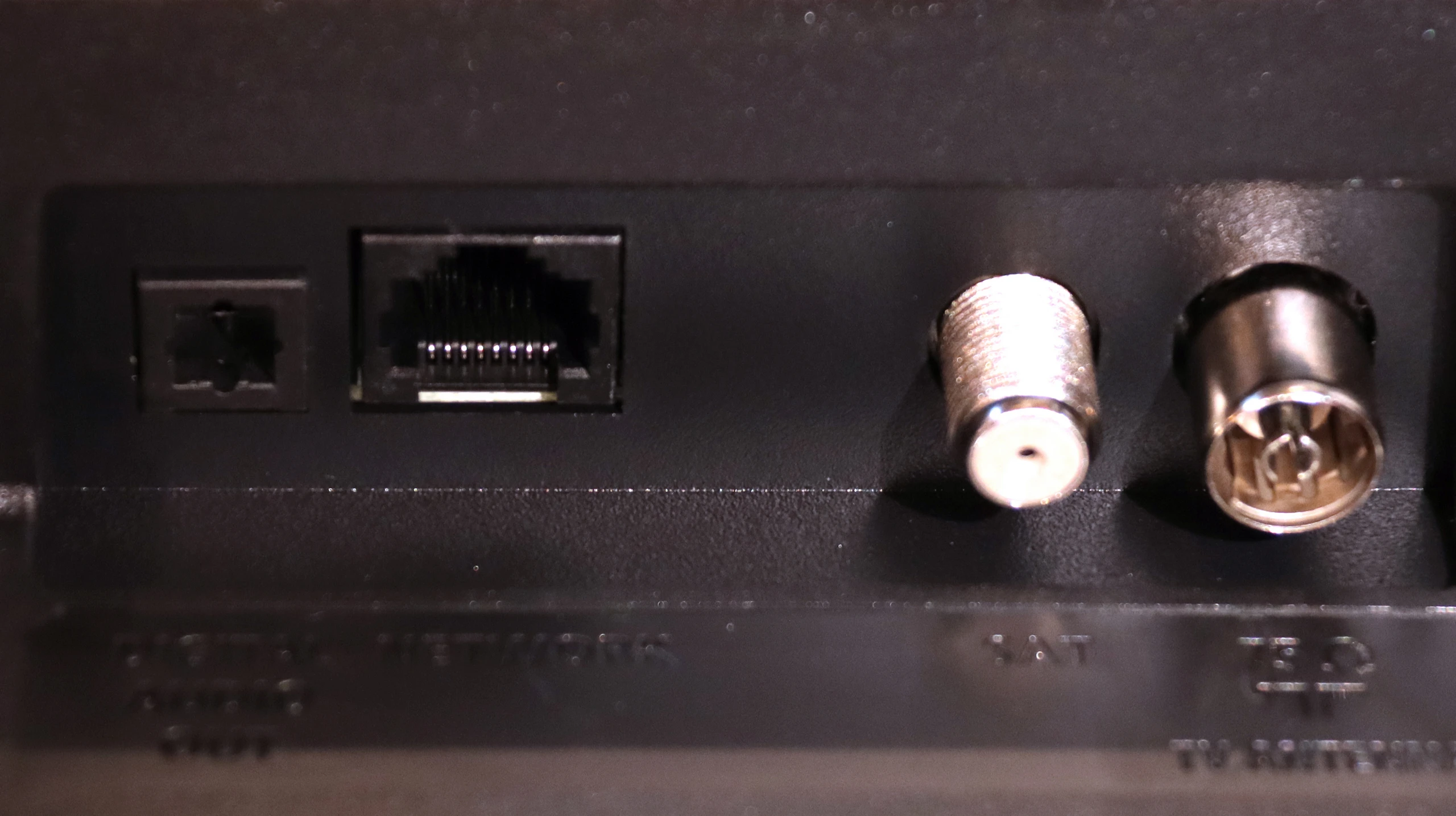
Wi-Fi 2.4GHz, Wi-Fi 5GHz, Ethernet (LAN) 100Mbps
Build quality
Average
Average
Stand type
Legs
Legs
Bezel color
Graphite
Graphite
Stand
Base adjustment
Fixed
Accessories
Stand
Stand

Contrast and black detail

6.1/10

1.9/10

Local dimming function: No

Local dimming function: No

Contrast:

Review Philips PUS8500  Contrast and black detail

Result

6,000:1

Review Philips PUS8500  Contrast and black detail

Result

5,950:1

Review Philips PUS8500  Contrast and black detail

Result

6,250:1

Review Philips PUS8500  Contrast and black detail

Result

5,950:1

Review Philips PUS8500  Contrast and black detail

Result

5,750:1

Review LG UA75006LA (IPS) Contrast and black detail

Result

1,100:1

Review LG UA75006LA (IPS) Contrast and black detail

Result

1,050:1

Review LG UA75006LA (IPS) Contrast and black detail

Result

800:1

Review LG UA75006LA (IPS) Contrast and black detail

Result

900:1

Review LG UA75006LA (IPS) Contrast and black detail

Result

1,050:1

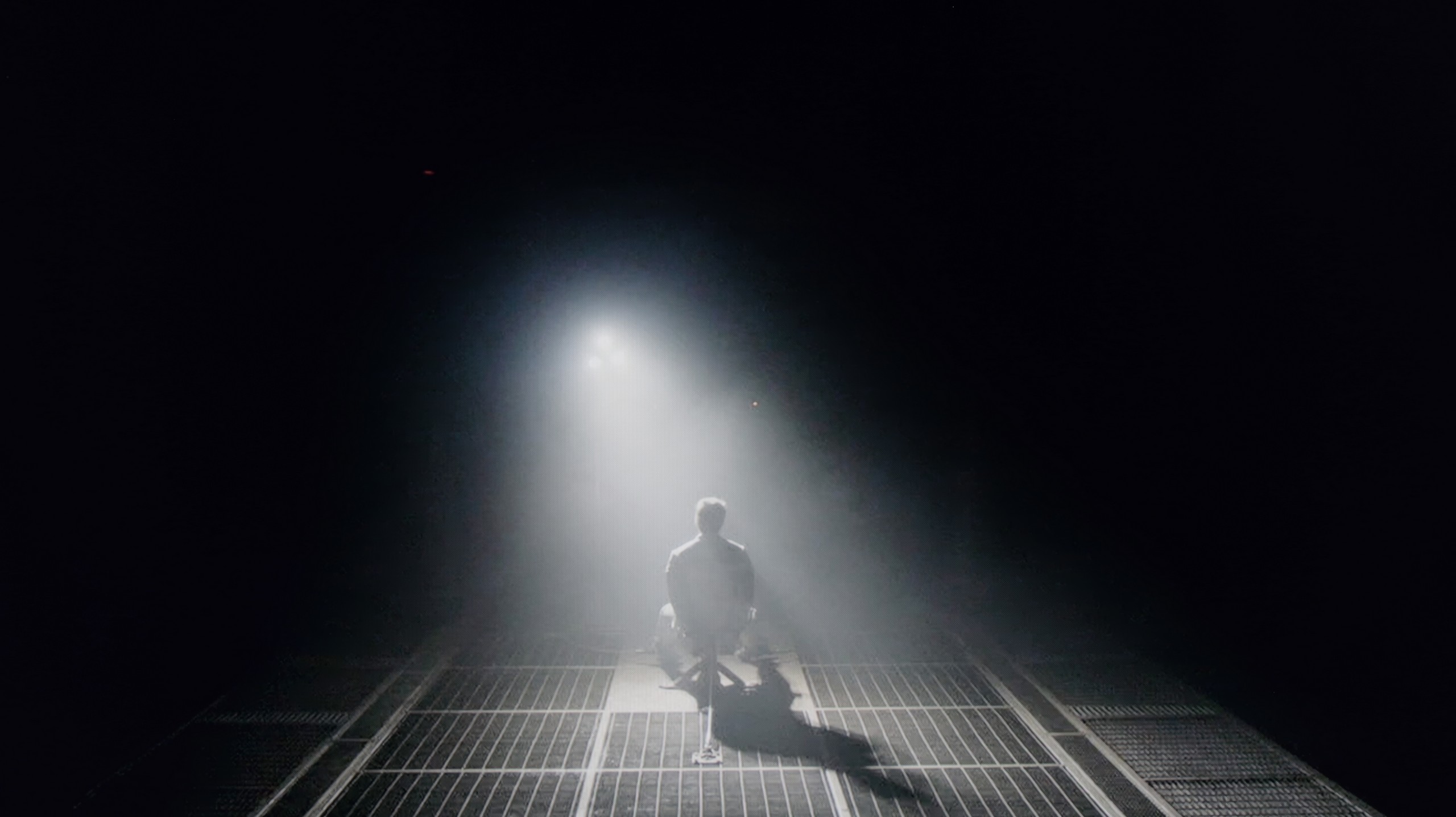
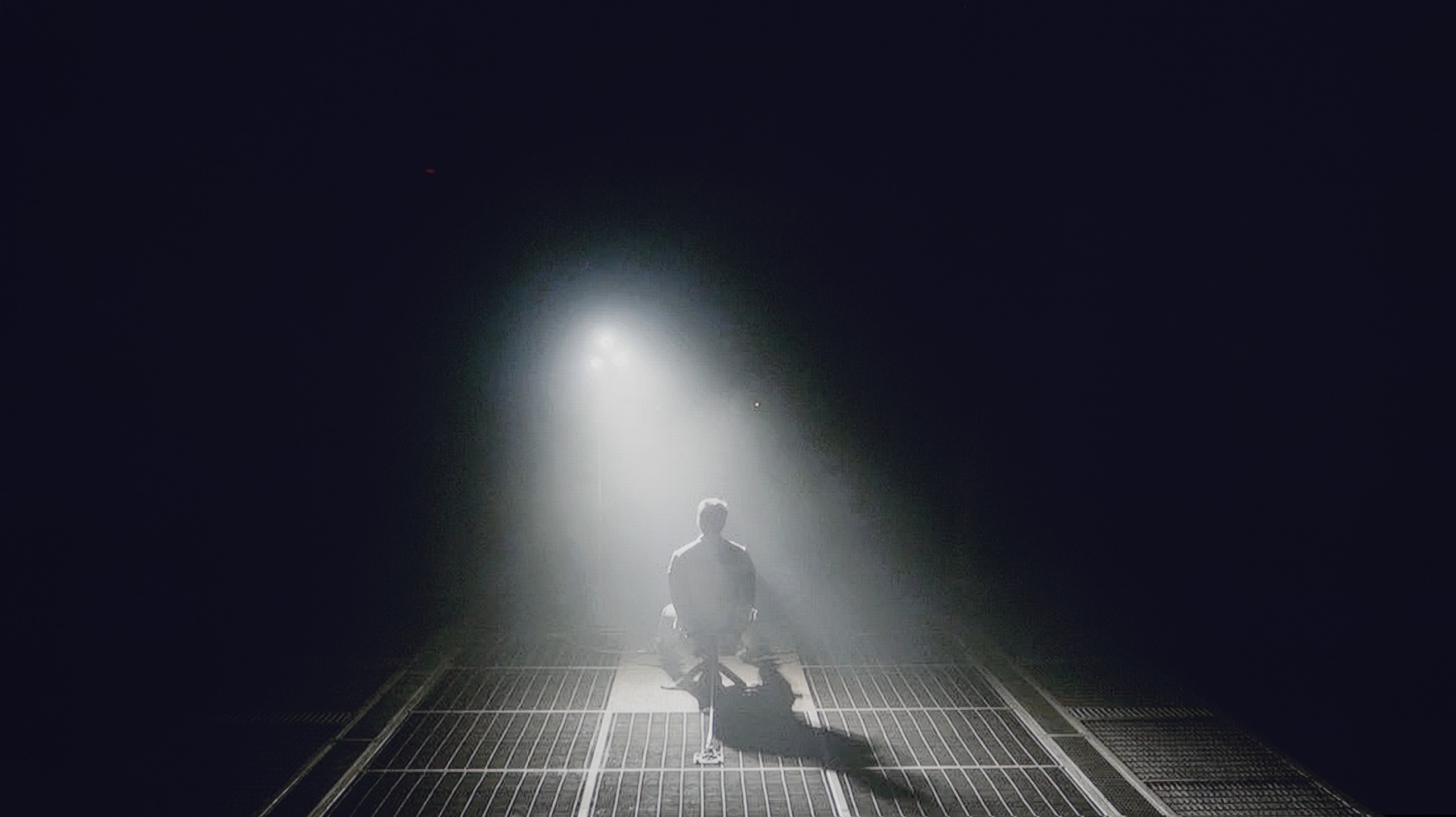
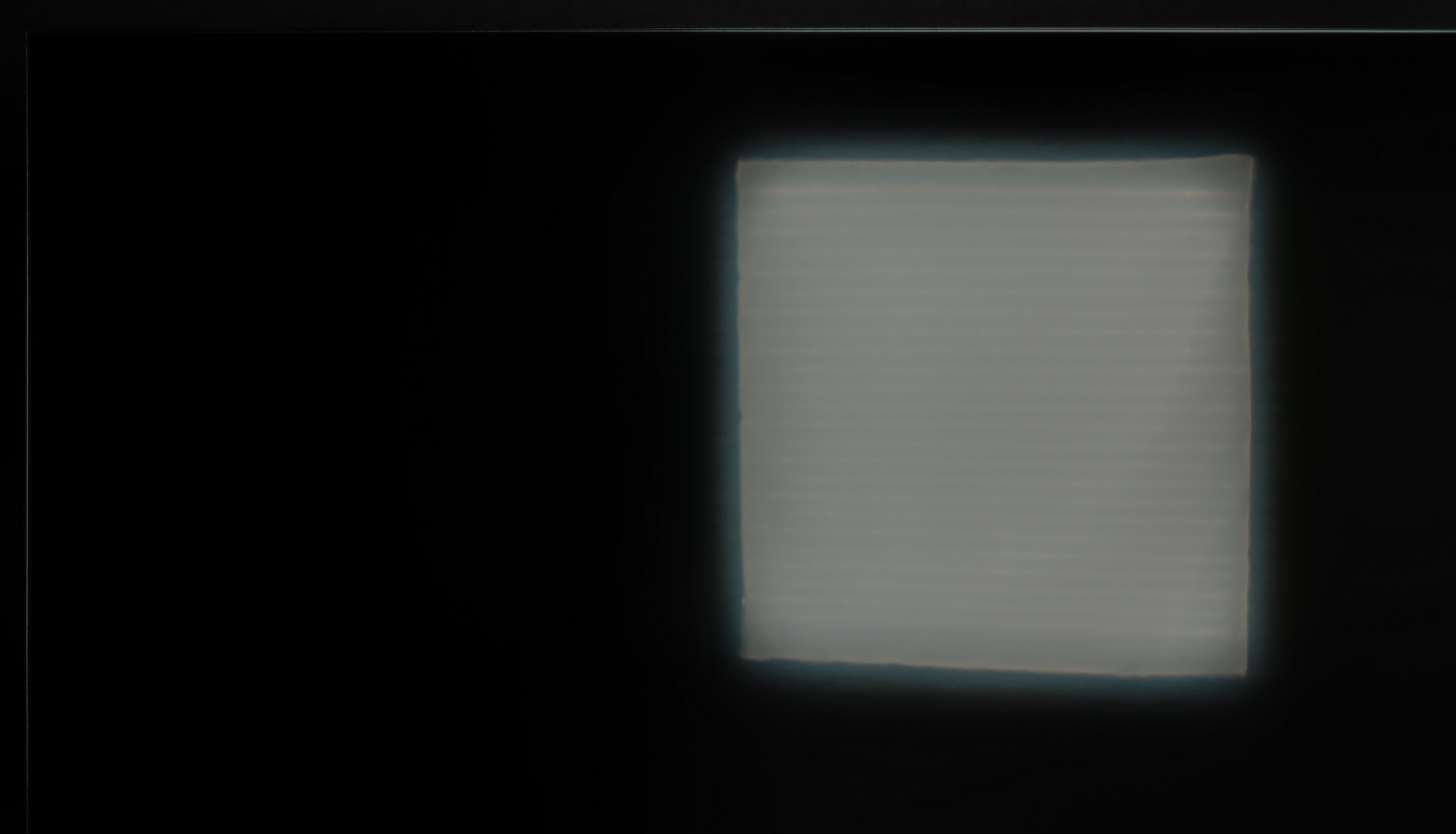
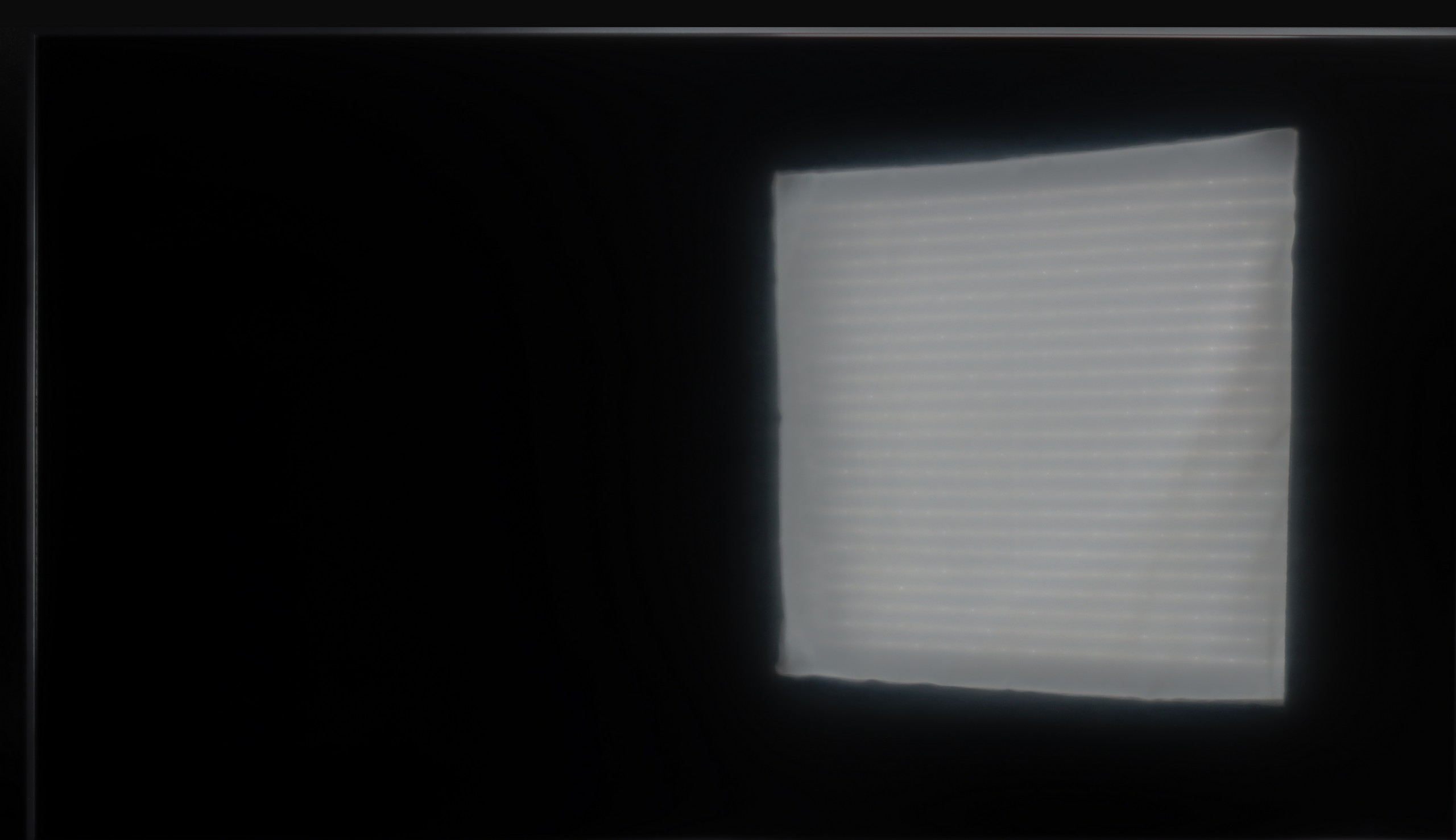
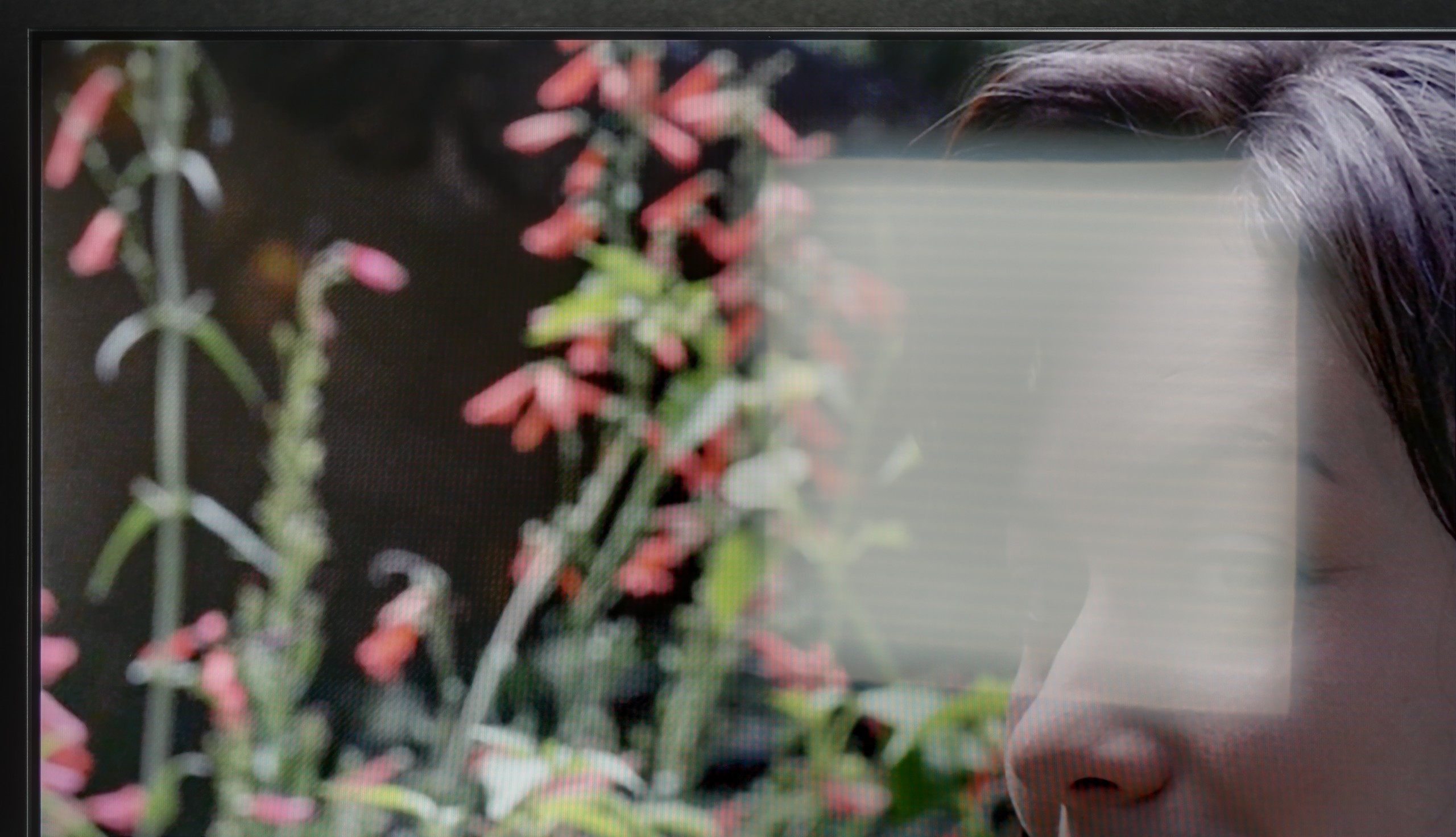
Halo effect and black detail visibility:

Check the visibility of bright lights on a dark background. Mini-LEDs often struggle with this. The photo does not compare black levels – that’s what the video below is for.

The video accurately shows differences in contrast and black levels between TVs, as well as potential issues: halo around bright objects or Mini-LED zone operation visible as brightness jumps.

The Philips PUS8560 in the size we tested is equipped with a VA panel. As a result, the black levels – for an LCD television – can be considered decent. And that is exactly the case with this model. Both the blacks and the overall contrast impression in the film scenes we tested are quite good – the image does not wash out, and details are visible even in more difficult sections.

But the panel alone is not everything. Unfortunately, the PUS8500 is not equipped with local dimming (which is a given looking at the TV segment), so one has to reckon with the fact that with completely turned-off lights, the black can resemble more shades of navy than true black. On the other hand – and here’s a plus for Philips – the Ambilight system does a great job. The backlighting makes a real impact on contrast perception. Thanks to this, even if the black technically isn't perfect, the subjective viewing experience becomes much more enjoyable. For many people, that’s enough for an evening screening to be truly impressive.

In the case of an IPS panel, the situation looks completely different compared to the version with a VA panel. The contrast stops around 1000:1, which means that blacks are rather muted and resemble a shade of gray. During evening viewing, it is hard to talk about a cinematic atmosphere, as the screen cannot separate the bright and dark parts of the image as clearly as the VA version does. However, we do get wide viewing angles, which work well in larger groups when everyone is looking at the TV from different spots in the living room. It’s a compromise that not everyone will appreciate, but in a bright room, while watching TV during the day, it performs definitely better than during nighttime screenings. Because it is precisely during nighttime screenings that the smallest variant, the LG UA7500, simply does not manage well.

HDR effect quality

4.8/10

3.7/10

Supported formats
HDR10, HDR10+, HLG
HDR10, HLG
Color gamut coverage
DCI P3: 90.4%, Bt.2020: 65.8%
DCI P3: 78.3%, Bt.2020: 57.1%

Luminance measurements in HDR:

Review Philips PUS8500  Brightness measurement

Result

273 nit

Review Philips PUS8500  Brightness measurement

Result

300 nit

Review Philips PUS8500  Brightness measurement

Result

324 nit

Review Philips PUS8500  Brightness measurement

Result

343 nit

Review Philips PUS8500  Brightness measurement

Result

334 nit

Review LG UA75006LA (IPS) Brightness measurement

Result

250 nit

Review LG UA75006LA (IPS) Brightness measurement

Result

225 nit

Review LG UA75006LA (IPS) Brightness measurement

Result

261 nit

Review LG UA75006LA (IPS) Brightness measurement

Result

160 nit

Review LG UA75006LA (IPS) Brightness measurement

Result

269 nit

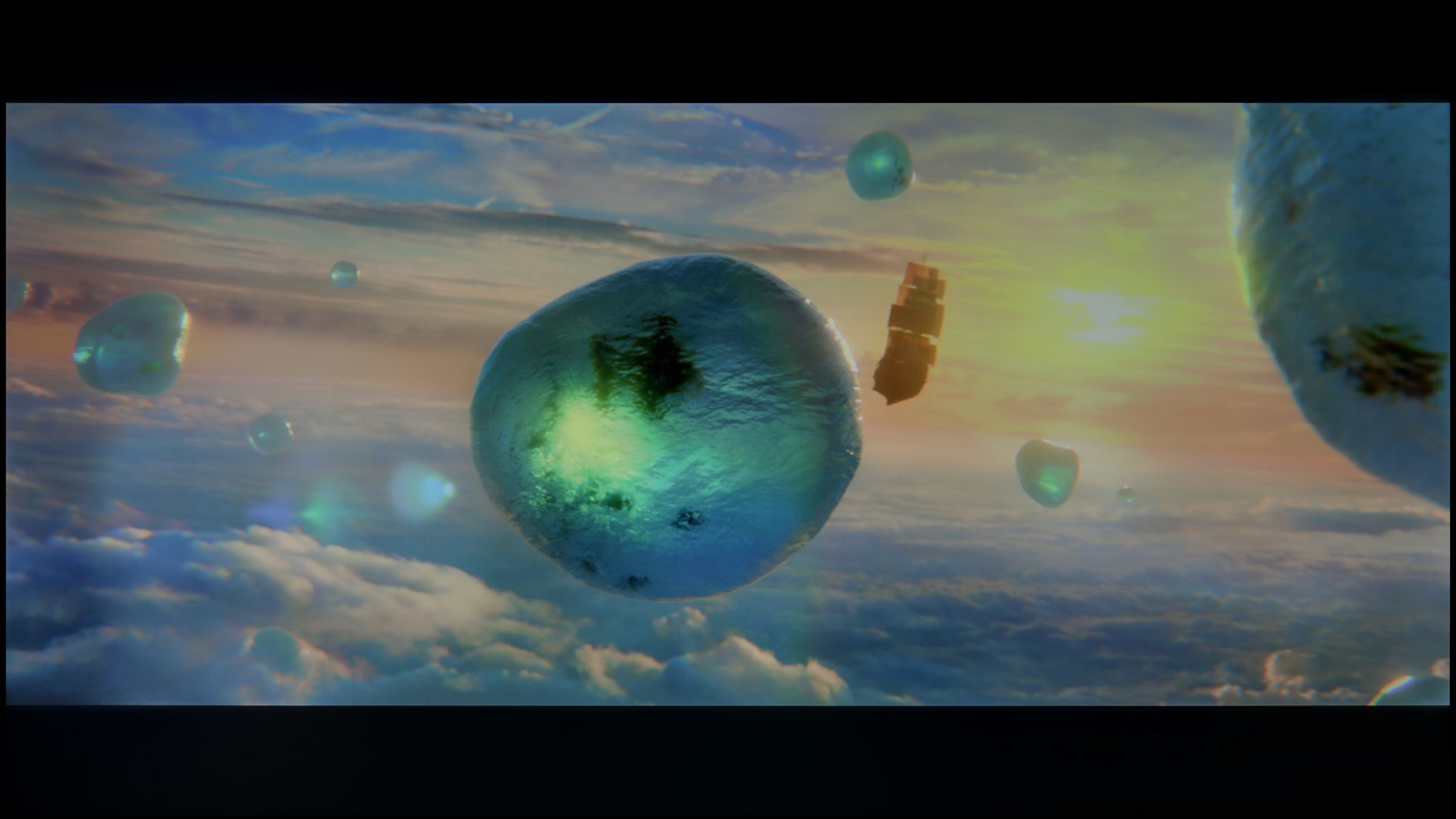
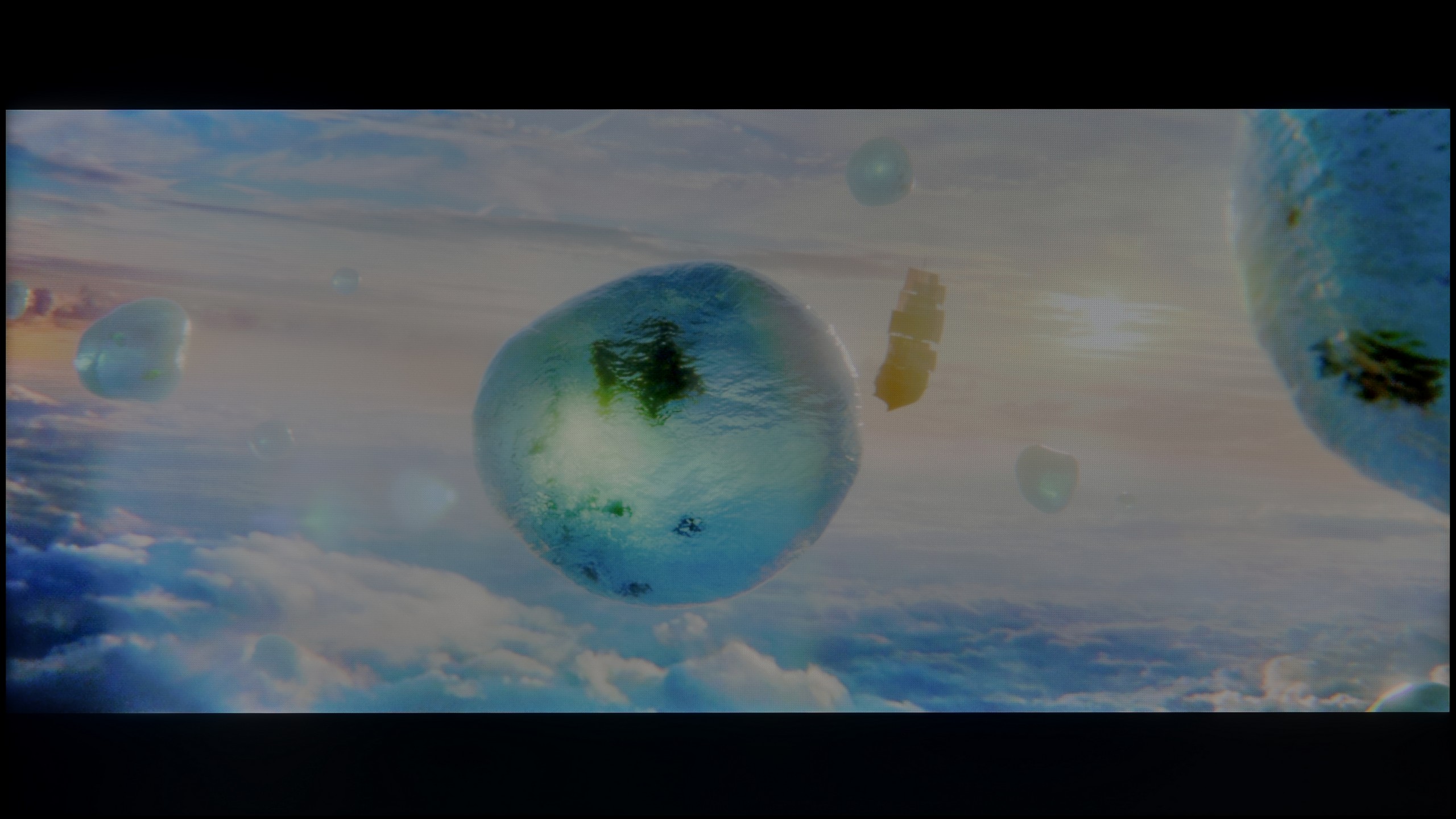
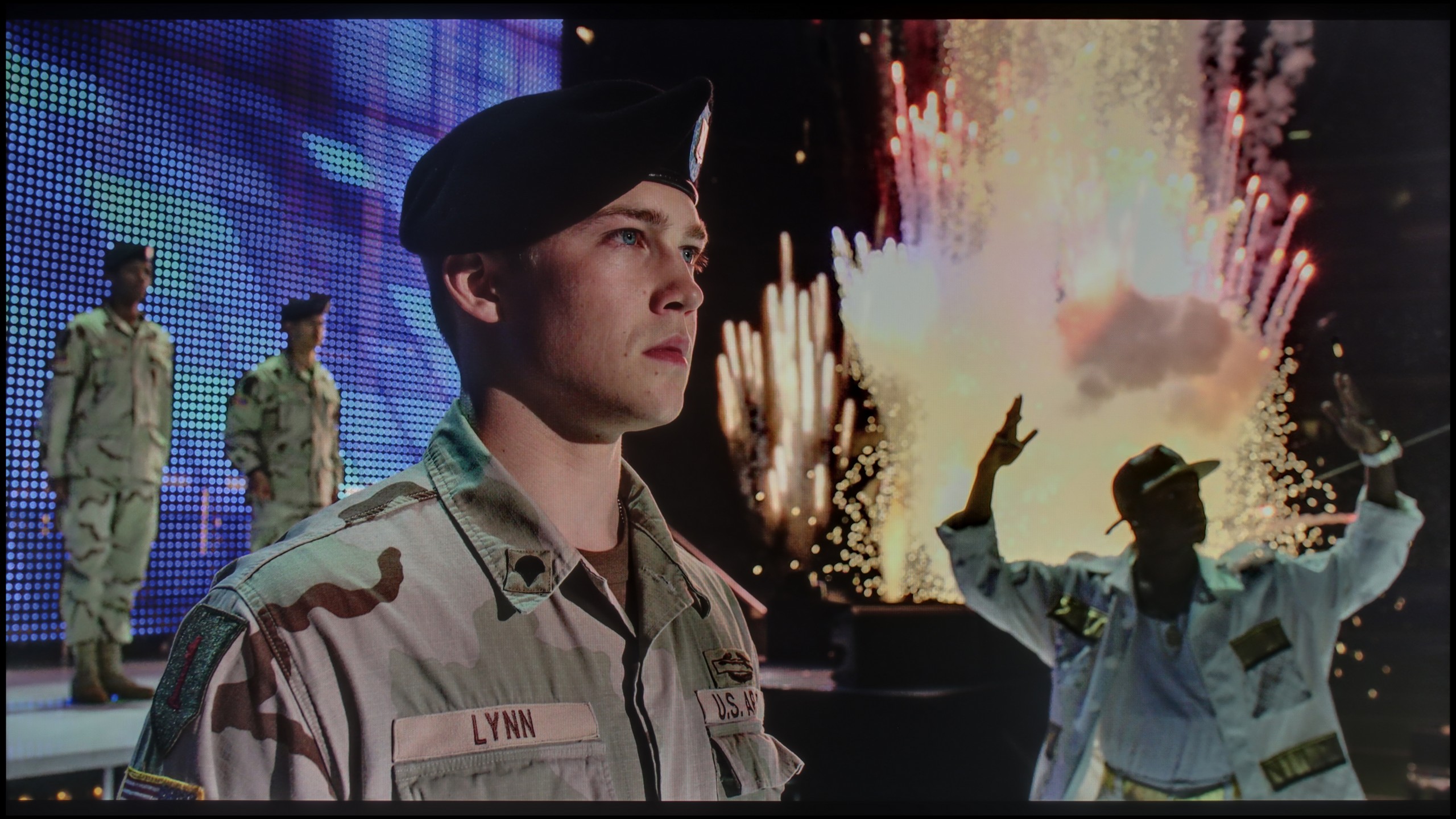
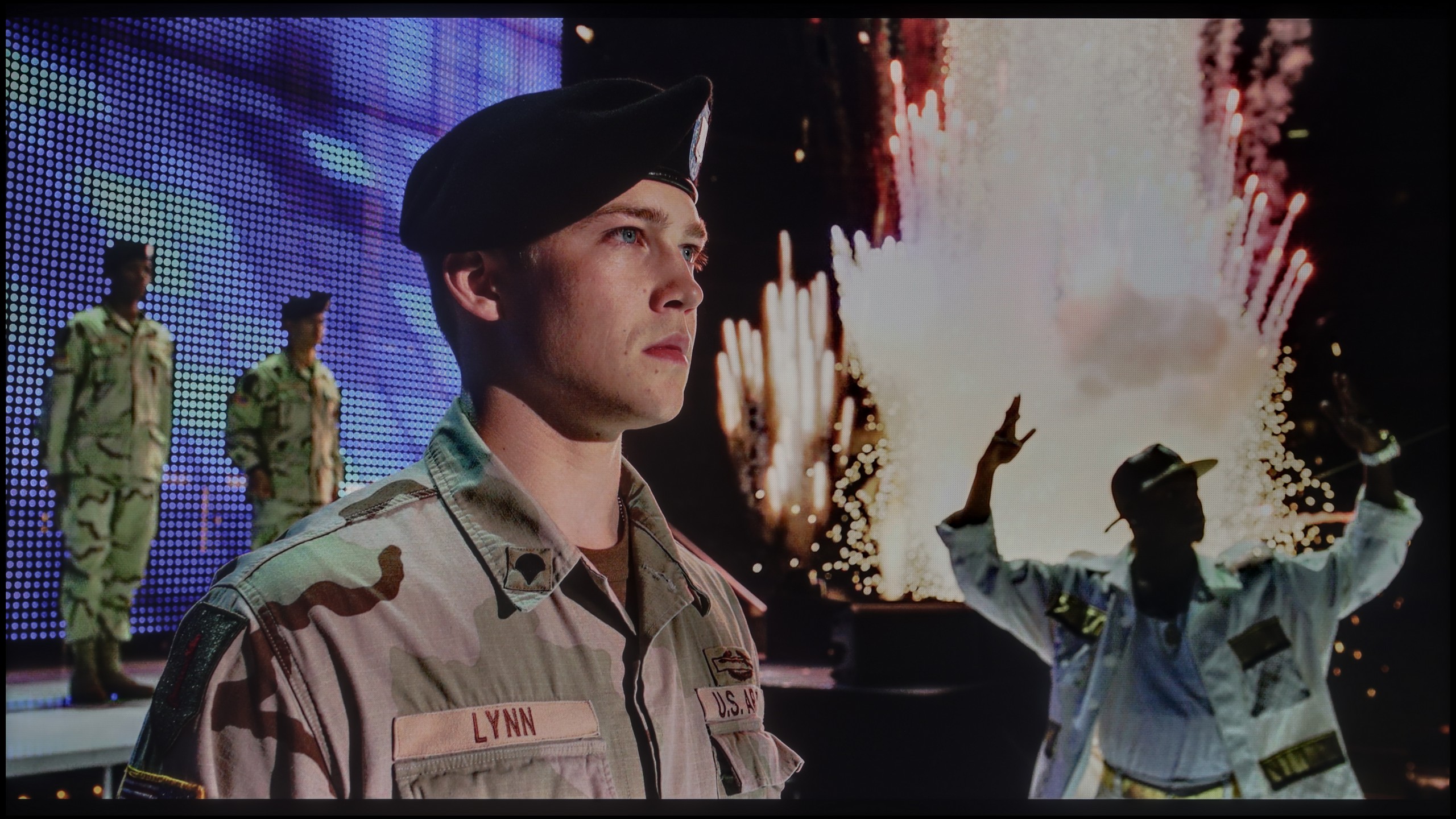
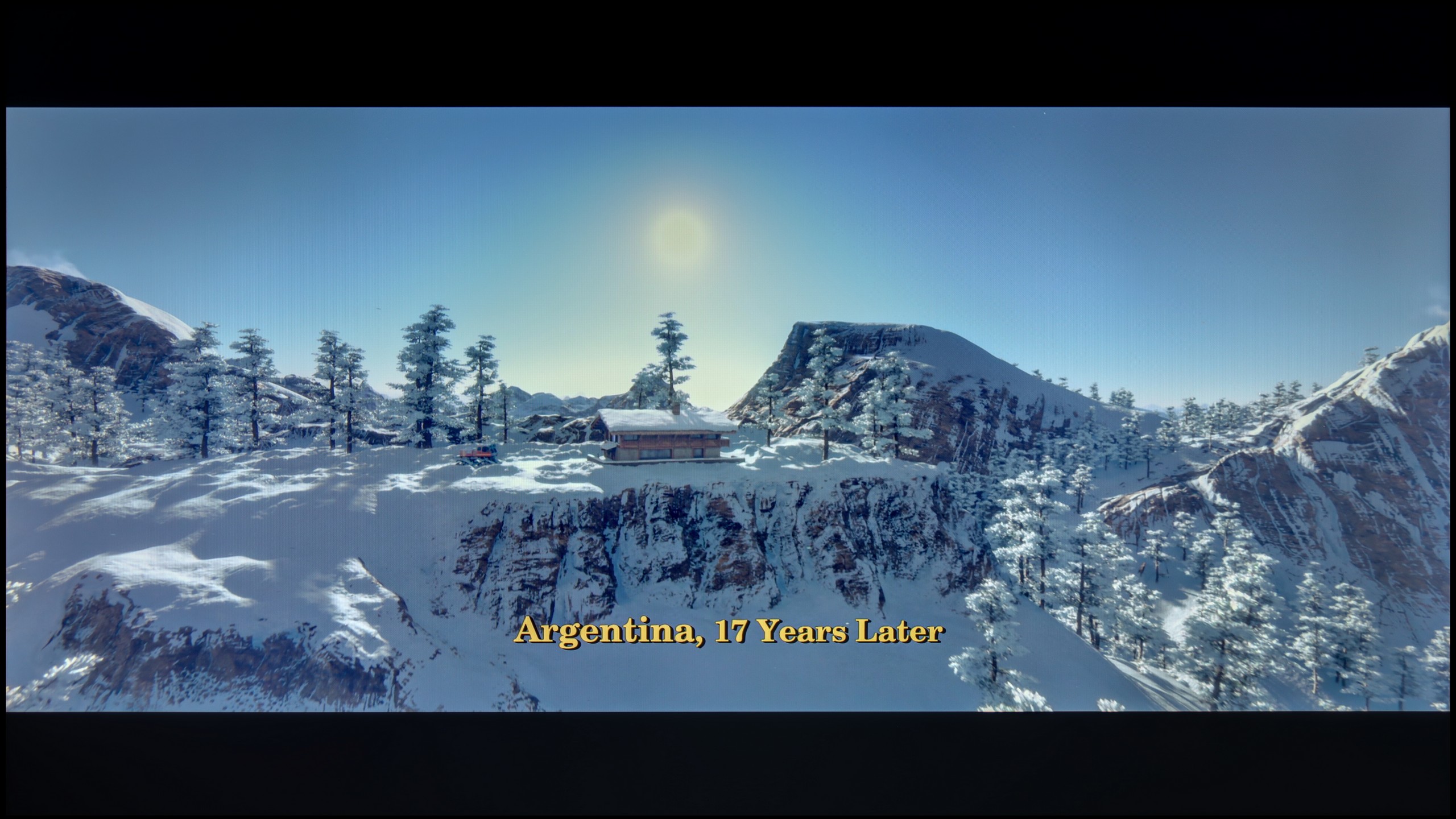
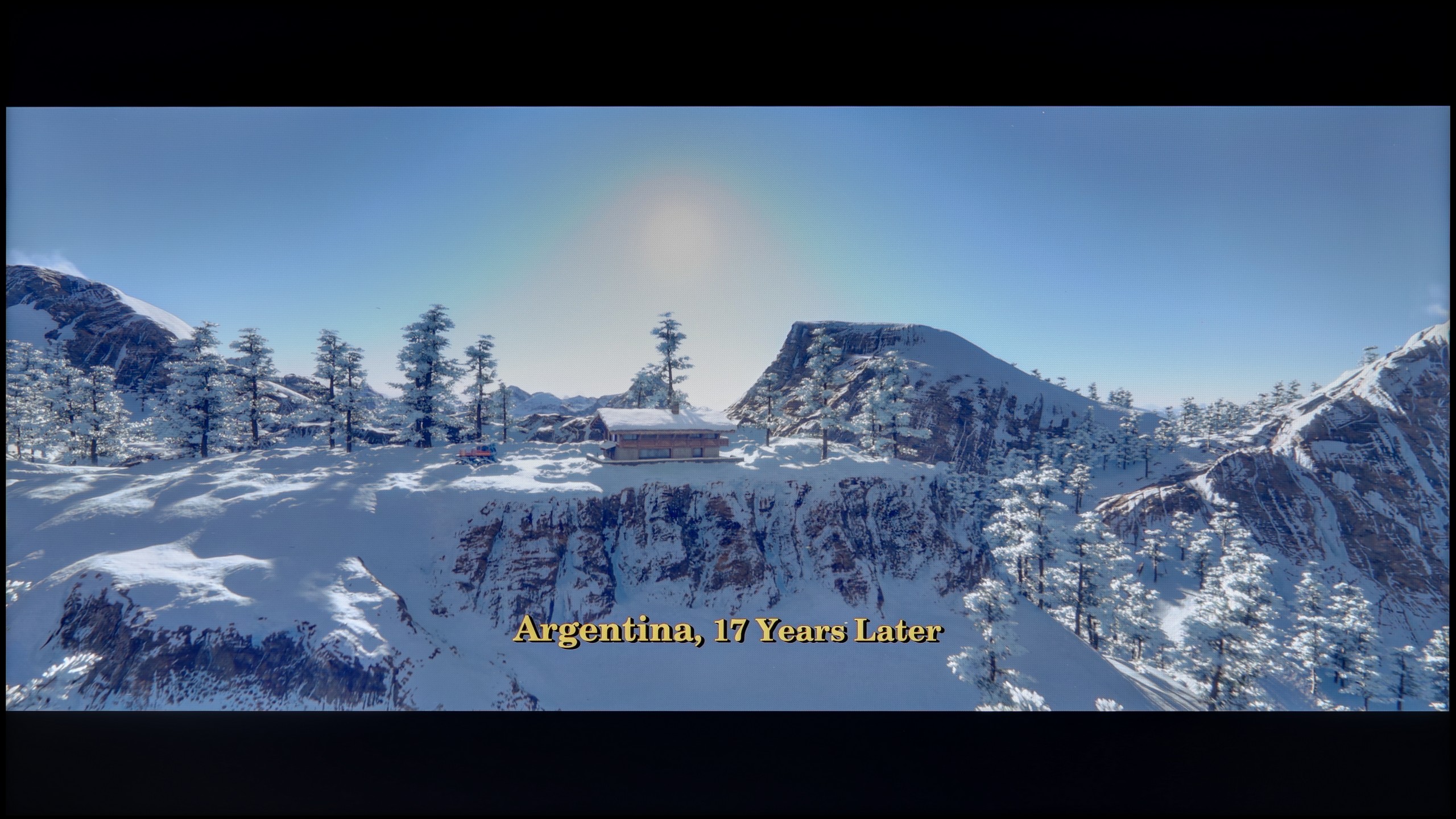
Scene from the movie “Pan” (about 2800 nits)

Scene from the movie “Billy Lynn” (about 1100 nits)

The photos show two HDR10 movies. 'Pan' is one of the brightest productions ever made, while 'Billy Lynn' (soldier) has brightness typical of streaming (Netflix, Prime, HBO MAX). Notice the intensity of effects and detail in whites.

Static HDR10

The photos present the visibility of white details in various HDR formats. They do not show brightness differences between TVs (these can be compared in the previous gallery).

HDR luminance chart:

LG UA75006LA (IPS)

Philips PUS8500

When it comes to HDR performance on the PUS8560, one can confidently say that it is quite average. The brightness of the panel is around 350 nits, which we consider to be the absolute minimum for viewing content in this format. However, this is not a result that will impress viewers looking for the best possible image.

On the plus side, it is worth noting that the PUS8500 series – including the PUS8560/12 we tested – is marketed as a QLED television. And indeed, we can expect a wider color gamut here. This model is equipped with an additional filter (PFS), and the coverage of the DCI-P3 color space at around 90% should be sufficient for the majority of users. This filter works very similarly to quantum dots. As a result, the colors are quite well saturated. It’s not an outstanding result, but perfectly adequate for watching movies and series on streaming platforms.

The situation is even more modest in the IPS version, where the peak brightness reaches only 250 nits. In practice, this means that there can be no real sense of HDR effect, and the materials being viewed resemble ordinary SDR. Similar to the VA case, the image behaves stably on most test screens, but in demanding scenes with fine details, the television tends to slightly dim the image. As a result, blacks appear somewhat better, but at the cost of losing detail in bright elements. The lack of additional color filters is also noticeable here. The UA7500 in the IPS version does not belong to QLEDs or PFS LED panels, and the DCI-P3 color gamut stops at 80%, which means that HDR films present themselves without much color depth and give the impression of being heavily flattened.
Factory color reproduction

6.2/10

5.6/10

This gallery shows how colors change after professional TV calibration. If you notice the difference, we recommend ordering this service at SkalibrujTV.com.

Factory Mode

After calibration

This gallery shows how colors change after professional TV calibration. If you notice the difference, we recommend ordering this service at SkalibrujTV.com.

Factory Mode

After calibration

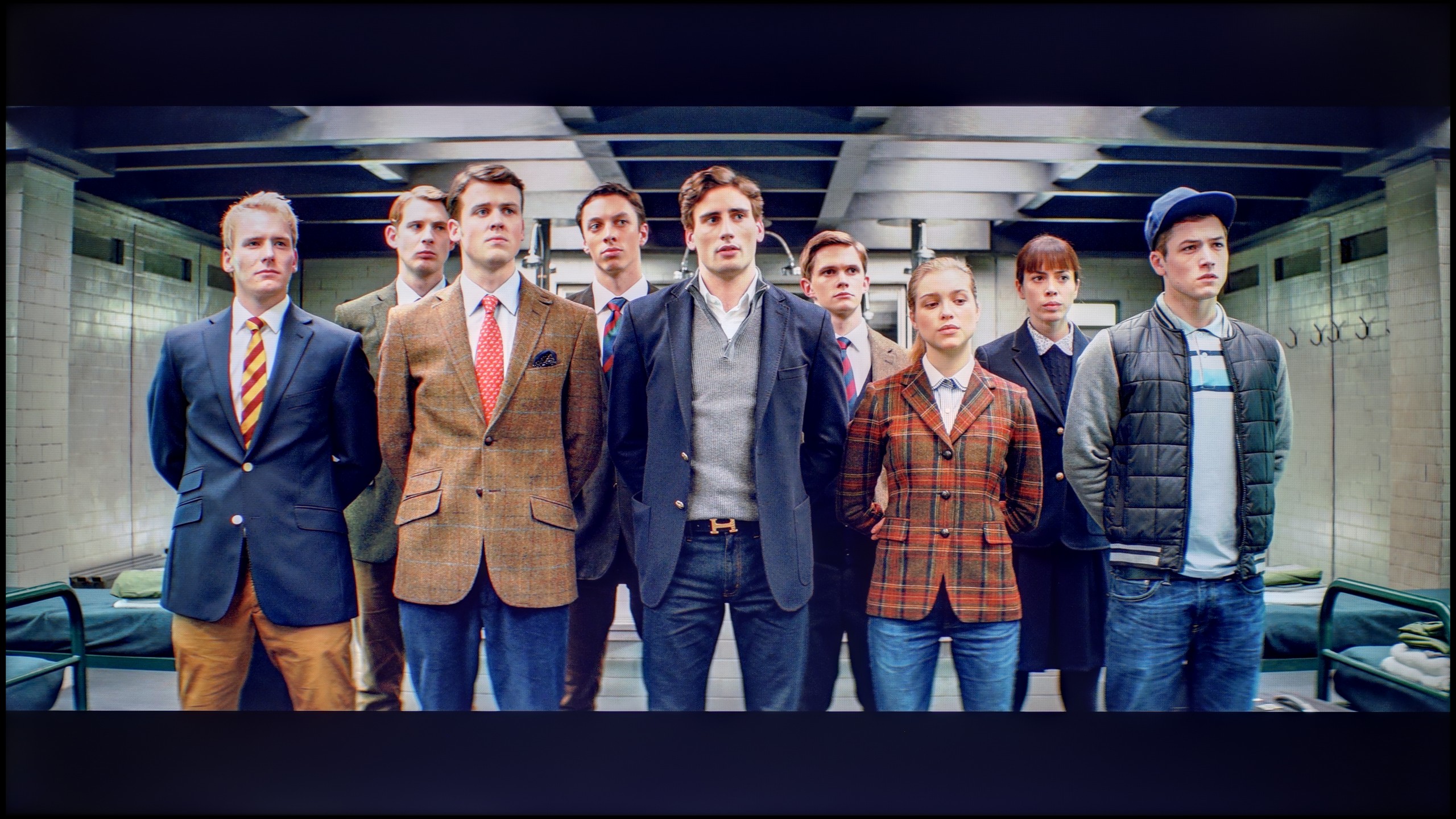
We tested the TV on the best available factory settings, which is in Film/Filmmaker mode – this is the mode we recommend for everyday viewing. Unfortunately, it is not without its flaws. Both in HD and HDR content, the image had a clear tendency to appear pinkish, caused by too much red and blue in the white balance. Another problem turned out to be excessive brightness of the image, which was confirmed by both the gamma chart and the EOTF curve. This characteristic was responsible for the loss of detail and washed-out colors in more challenging HDR scenes, as we mentioned earlier. Overall, this led to quite significant color reproduction errors – in extreme cases, the delta E value exceeded 7, while the threshold of visible errors for the human eye is about 3. This situation can be improved through calibration, and you can read about its effects below.

The Filmmaker mode on the LG UA7500 performs better than one might expect from such a budget TV, but let’s not get carried away with enthusiasm. The picture is fairly well put together and at first glance does not offend, but its weaknesses quickly start to show. This is most evident in scenes with bright points — background lamps or light reflections on the skin are clearly overemphasized. The faces of the characters often look unnatural, as if they have been "blown out." Additionally, the default gamma characteristic brightens the smallest details and causes the image to lose subtlety in darker areas. That said, given its price range, the UA7500 in factory mode provides a pretty decent starting point. However, it is clear that without additional adjustments, these problems cannot be avoided, which is why — as with other TVs — we decided to check what could be achieved after calibration.

Color reproduction after calibration

8.4/10

7/10

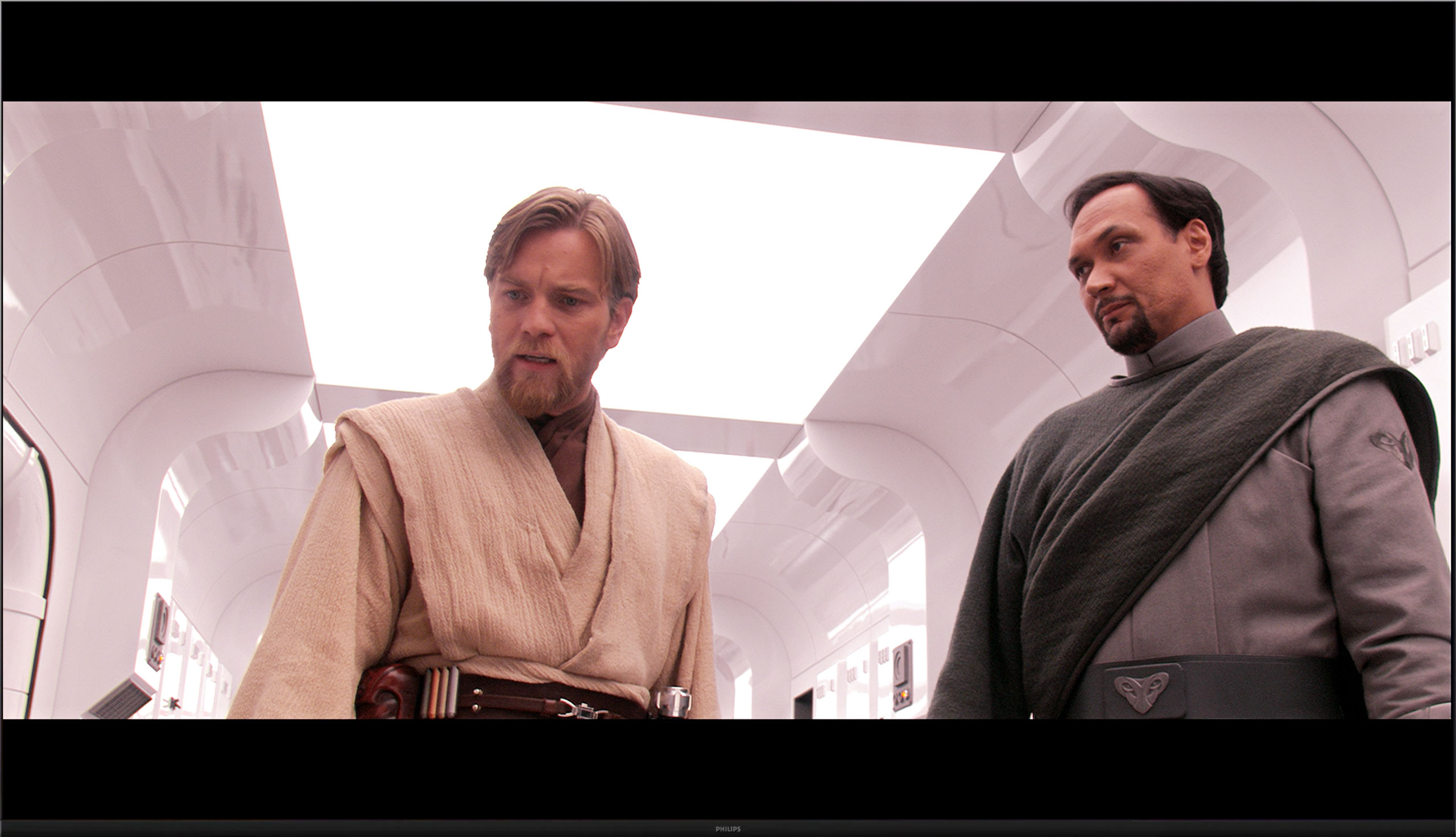
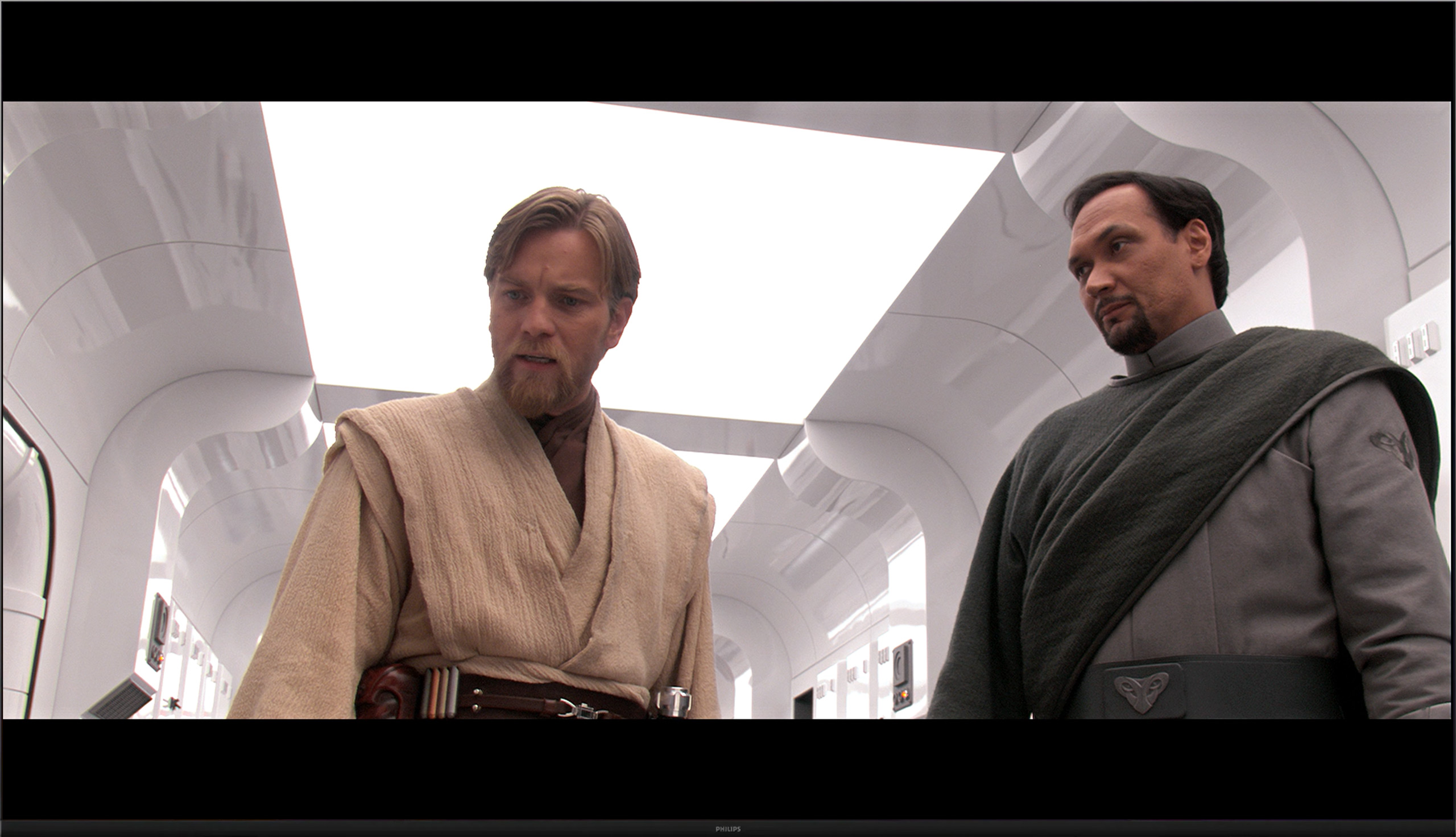
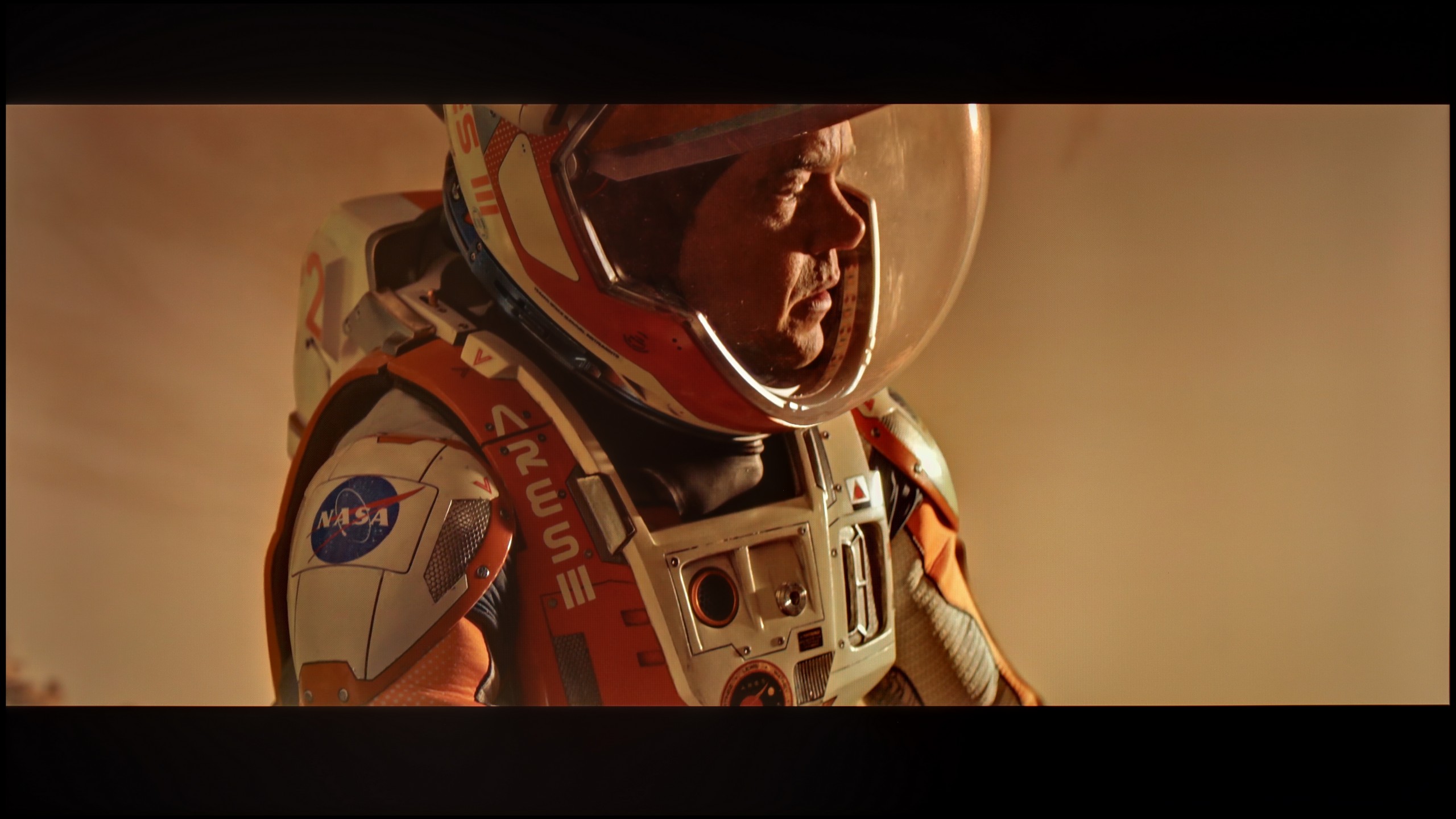
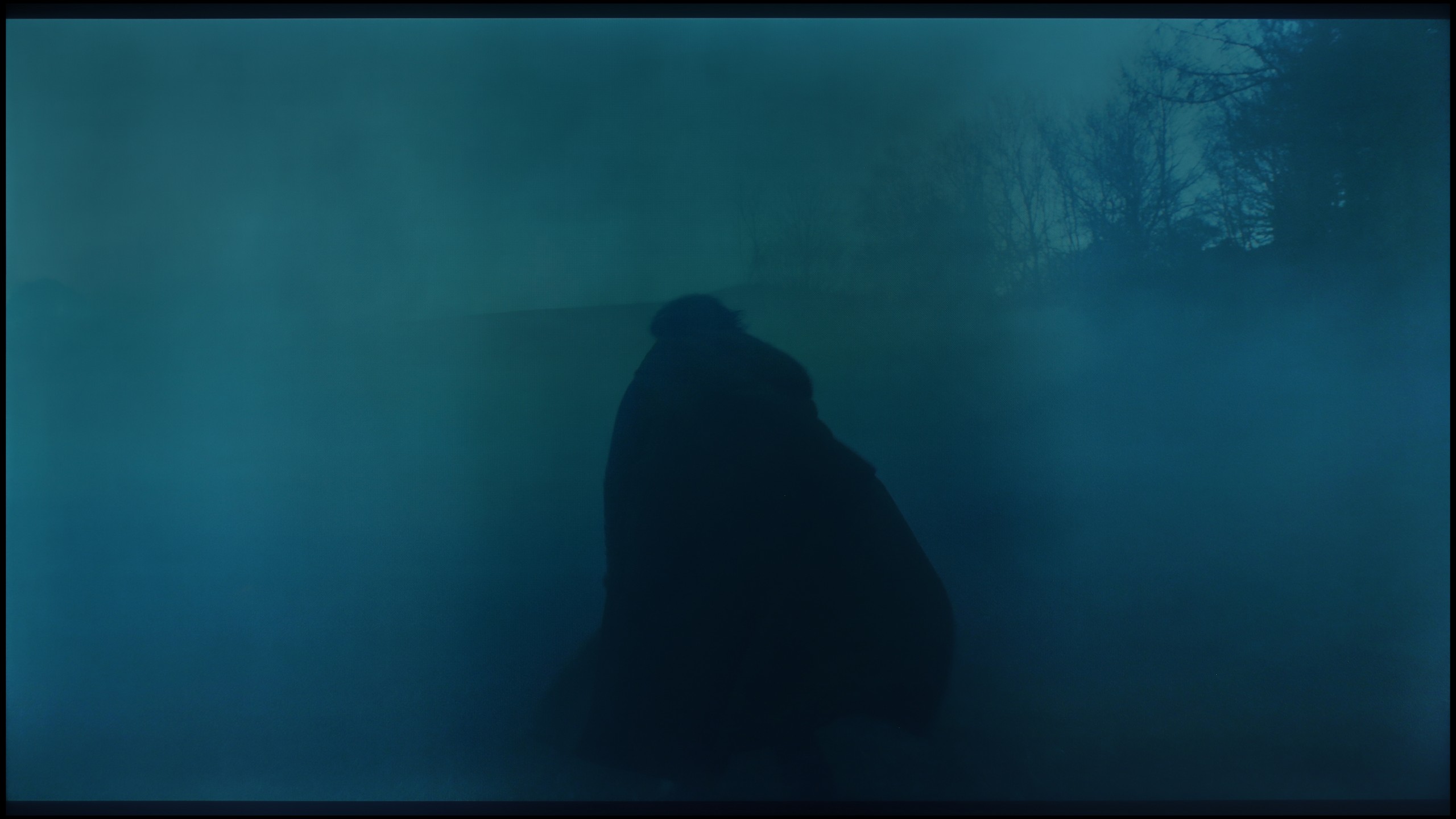
The photos show how movies look on the TV. Pay attention to black detail visibility, colors, and shadow tint.

The photos show how movies look on the TV. Pay attention to black detail visibility, colors, and shadow tint.

The Dutch manufacturer offers quite a large dose of settings in their products, so as usual, we decided to dig a little into them. The effects are immediately visible – we managed to correct the white balance, which made the image stop appearing excessively pink. The brightness characteristics were also partially balanced, of course, within the limits that the television itself allows. The image is no longer overly vibrant, and the overall reception after calibration is definitely better than in the factory settings of the Filmmaker mode.

One could only criticize the characteristics of the EOTF curve, which still indicates that the image tends to lighten materials in HDR format. Despite our efforts, the darkest parts of scenes can still be too bright, and the brightest do not always reach their full contrast potential. However, it must be clearly stated that we are dealing with a typically budget construction – you cannot expect reference-quality reproduction of HDR content from it.

Calibration definitely helped this model – it improved the balance, toned down the aggressive color scheme, and brought the image closer to what one might expect from a well-configured movie mode. However, there are certain limitations that cannot be overlooked.

The biggest improvement we noticed was when calibrating the mode designed for everyday SDR content. We managed to smooth out the white balance in an acceptable way and tackle the problem of excessive brightening of small elements due to the gamma characteristic. As a result, the image gained consistency and naturalness that was lacking in the factory settings. After such correction, we can confidently state that for everyday television content, programs, or materials from YouTube, the LG UA7500 performs really well – especially after professional calibration. The situation is somewhat different for HDR content. Here, calibration allowed us to tame the white balance and slightly improve brightness management, but the limitations of the design are immediately apparent. The lack of additional filters to broaden the color palette makes the most vibrant colors appear flat, and the image lacks the intensity we would expect from good HDR. So, in SDR, the UA7500 performs quite well, but in HDR – despite corrections – it remains far behind, and this is a feature one has to come to terms with when choosing this television.

Smoothness of tonal transitions

6.3/10

8.2/10

These are selected scenes that show smooth tonal transitions from one color to another. If you see distinct banding, it’s the TV panel’s fault.

These are selected scenes that show smooth tonal transitions from one color to another. If you see distinct banding, it’s the TV panel’s fault.

These are selected scenes that show smooth tonal transitions from one color to another. If you see distinct banding, it’s the TV panel’s fault.

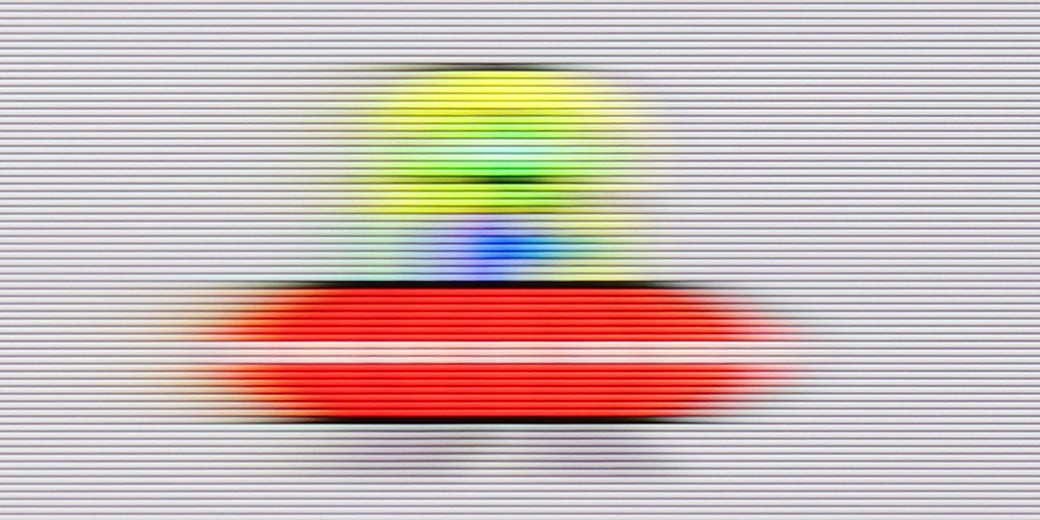
These are selected scenes that show smooth tonal transitions from one color to another. If you see distinct banding, it’s the TV panel’s fault.

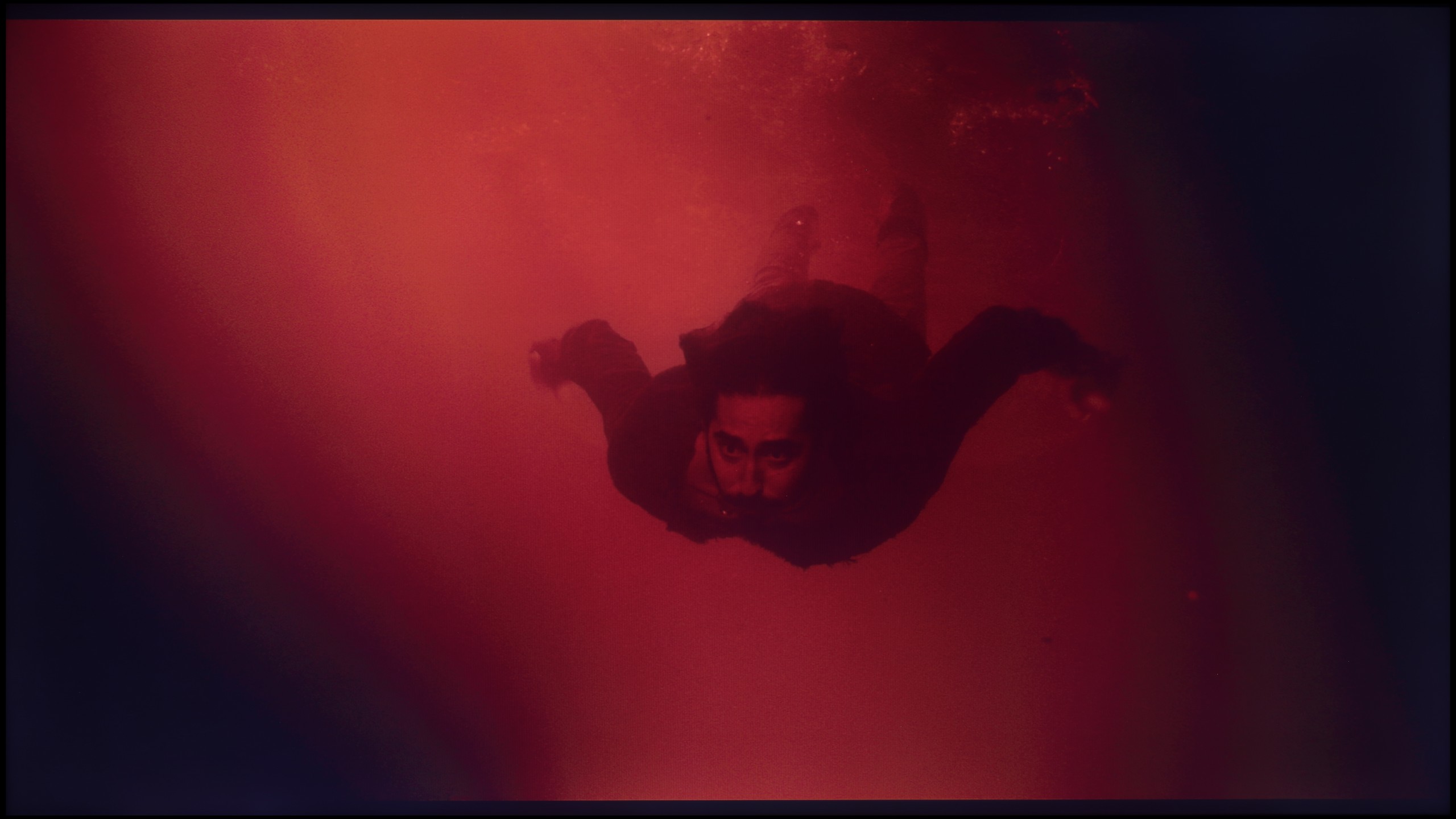
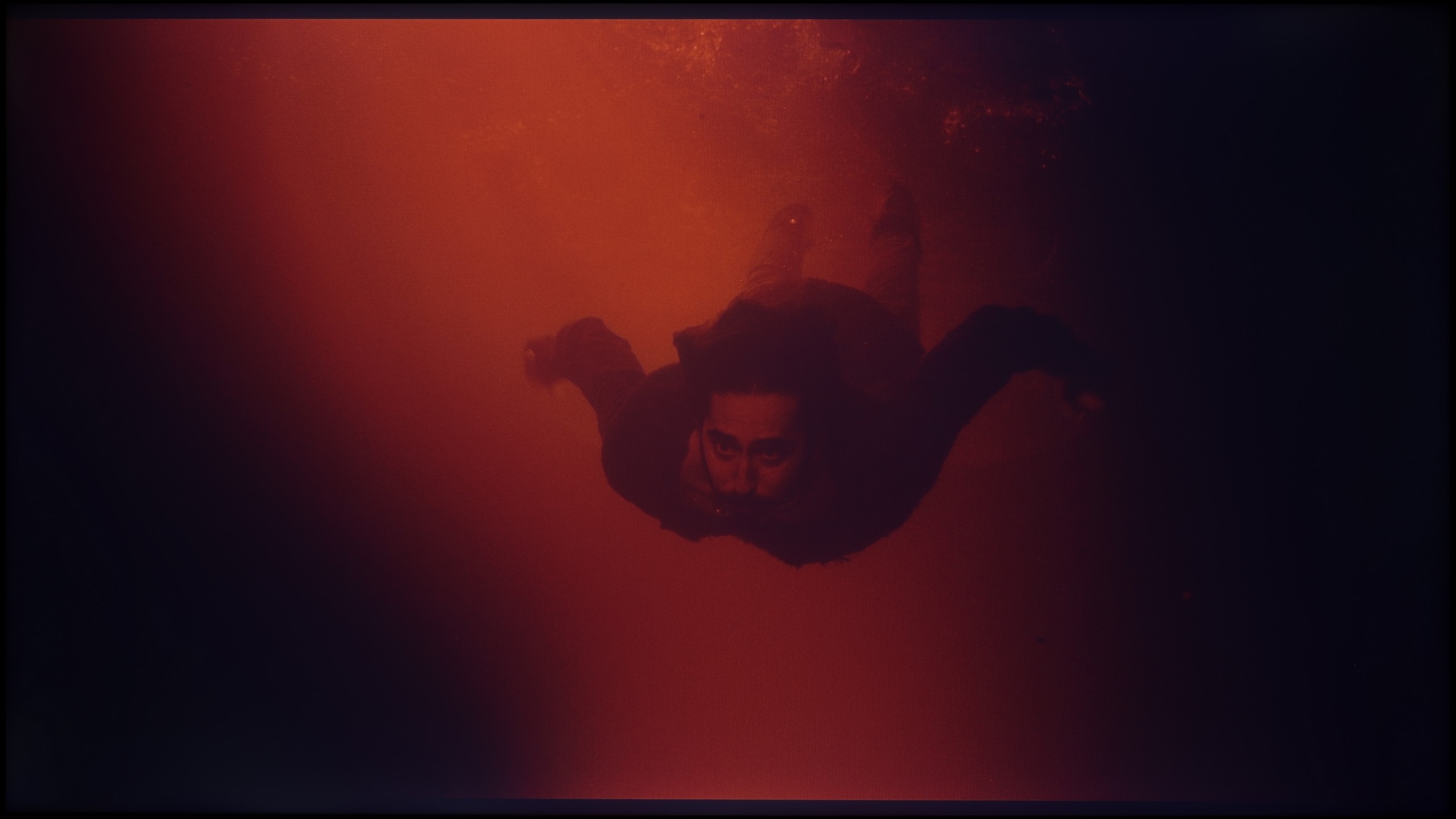
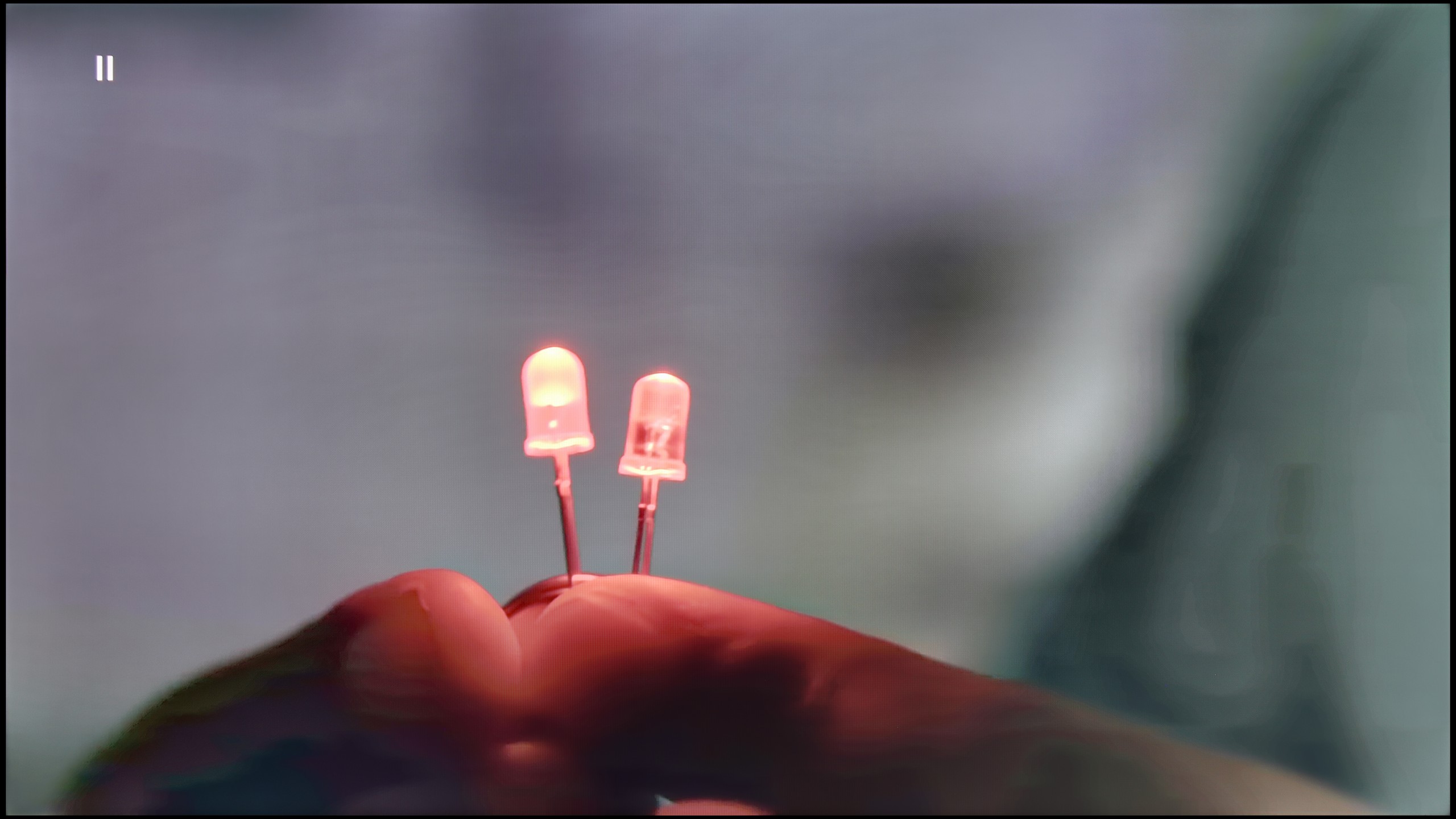
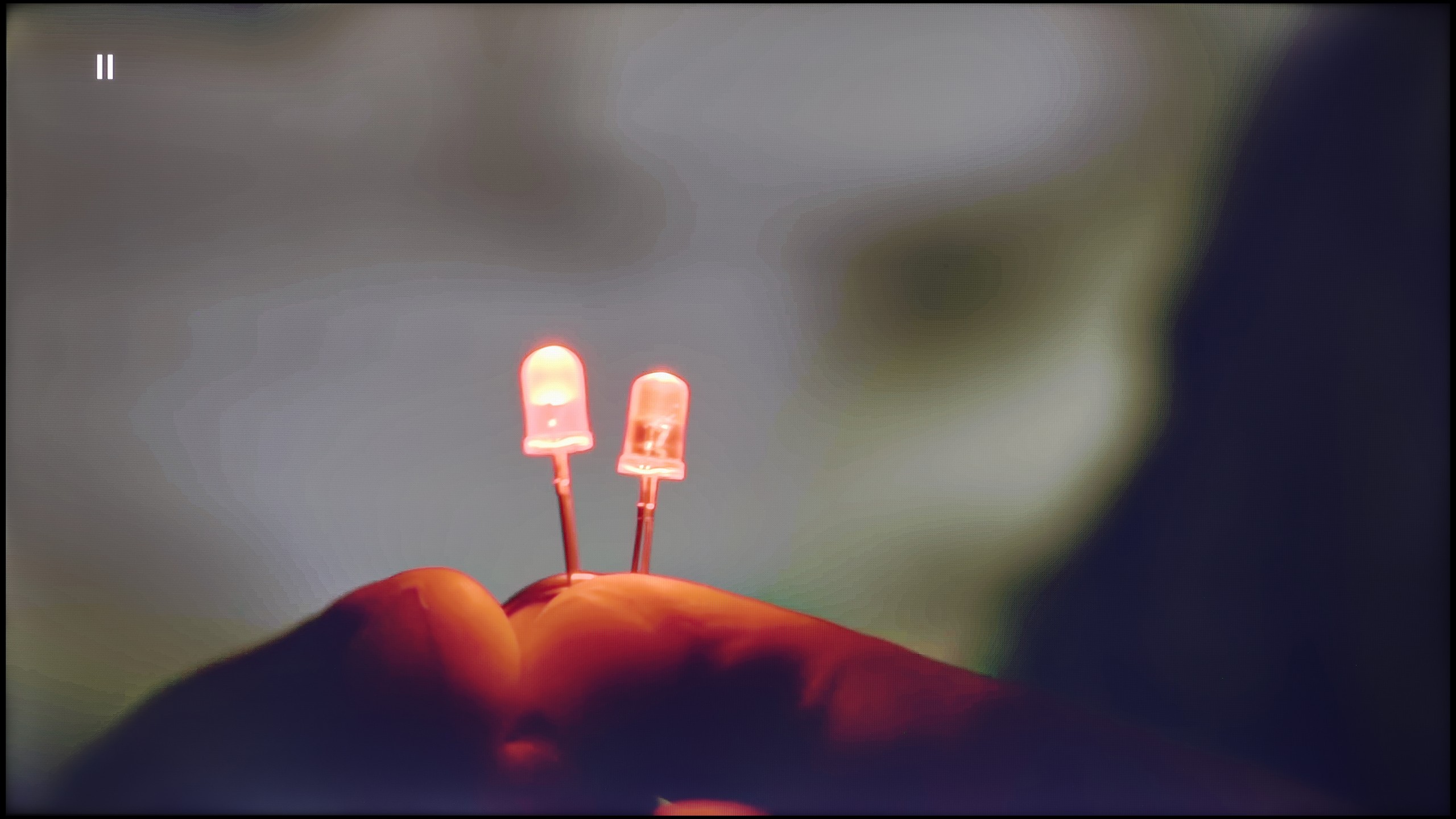
The PUS8560 handles color blending into smooth gradients very well. During testing, the image appeared cohesive and natural, with more serious issues with tonal transitions occurring only in very dark scenes – for example, in a shot with red water, where subtle cuts between colors could be seen. However, these are rather exceptions that do not spoil the reception of most content. It is worth mentioning another phenomenon that has a greater impact on image quality – the so-called dithering, or slight "sparkling" visible on solid backgrounds. This effect can be particularly noticeable in high-quality materials and may slightly detract from the impression of image clarity. It is for this flaw that we deducted some points in the rating.

In the version with an IPS panel, one can also speak of decent fluidity – in most scenes, color transitions were smooth and few would notice them during everyday viewing. However, it should be noted that compared to the VA variant, the image seemed more flat, especially in darker areas, where the lower contrast did not allow for as many details to emerge. Nevertheless, color transitions still looked correct and did not pose a significant problem in practice.

Image scaling and smoothness of tonal transitions

6.5/10

5/10

Image without overscan on the SD signal
OK
OK
Smooth transition function
OK
OK

Smooth transition function

The match photo shows how the TV smooths weak tonal transitions in low-quality video.

Image scaling SD (576i)

The model photo shows how it handles upscaling of SD material.

Philips PUS8560 offers a feature that reduces posterization, hidden under the name "distortion reduction." And while it indeed serves its purpose by smoothing problematic tonal transitions, it operates a bit too broadly. In practice, it affects not only colorful gradients but also softens faces, clothing textures, and furniture surfaces. This decreases the authenticity of the image—especially in films where natural texture is of great importance. However, if someone is looking for smoothing at all costs, it's best to set this option to "Low." For cinema image enthusiasts—definitely not recommended.

On the plus side, the quality of upscaling older materials should be noted—the PUS8560 model handles them surprisingly well. The image maintains a natural softness without artificially enhanced sharpness. It is also worth mentioning that the television correctly displays very low-resolution content, avoiding problems with cropping the edges of the image (so-called overscan).

The version with the IPS matrix performed significantly worse here. Image scaling was uneven – this was particularly noticeable in lower-quality materials, where edges became jagged and the image looked less detailed. At times, there was also a sense of slight blurriness that detracted from sharpness and made the overall presentation seem less polished than in the VA version. The tonal smoothing function turned out to be a lifesaver. At the medium setting, it worked very well – it didn't ruin the image with excessive softening, while smoothing out colors in such a way that everyday content gained consistency. The difference was especially visible with television programs or streaming materials of poorer compression quality, where the television with the function enabled presented itself much better. This is one of those features that is worth keeping active because it significantly enhances the reception of everyday materials.

Blur and motion smoothness

4/10

4.5/10

Maximum refresh rate of the panel
60Hz
60Hz
Film motion smoothing option
No
OK
Blur reduction option
No
No
BFI function 60Hz
No
No
BFI function 120Hz
No
No
Brightness drop with BFI
-%
-%

Blur (native resolution, maximum refresh rate):

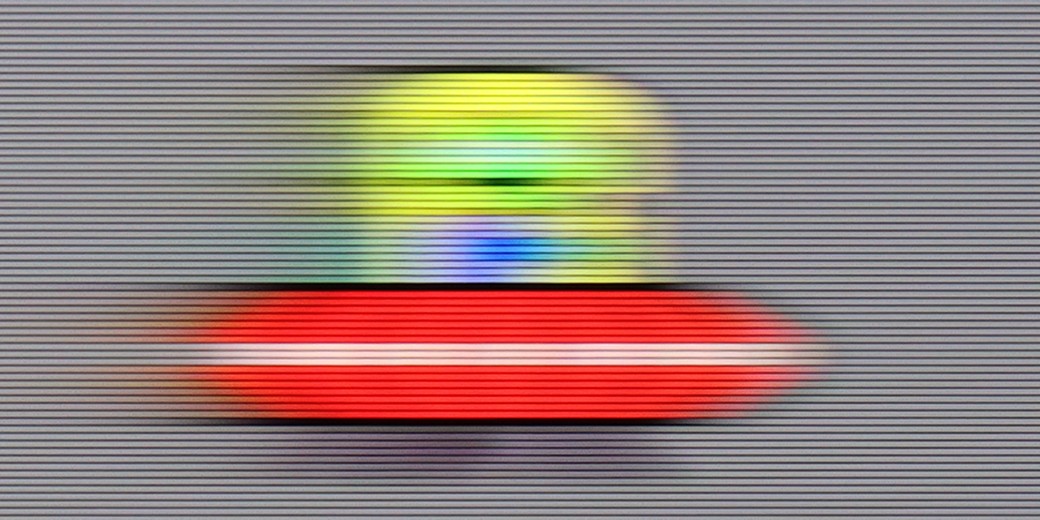
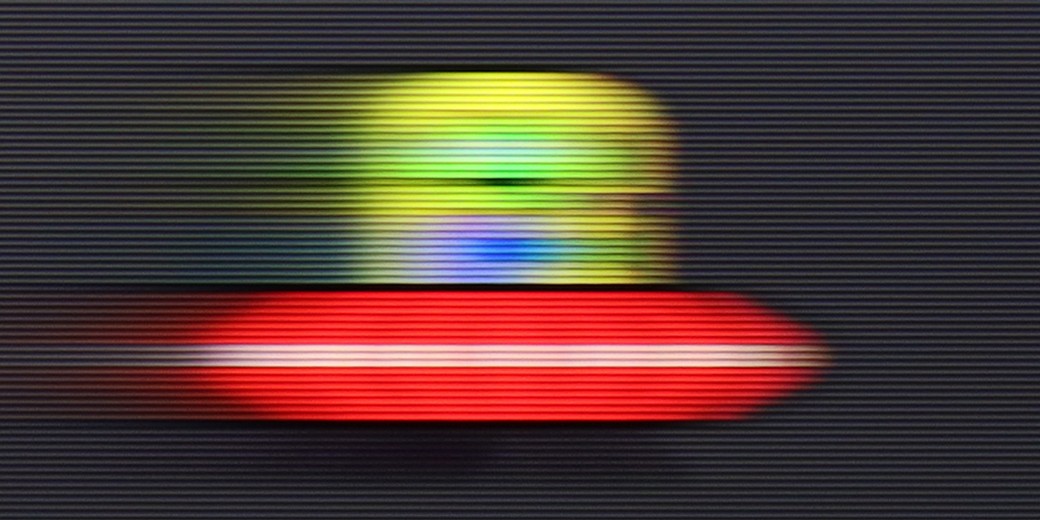
The Philips PUS8560 is a television equipped with a 60 Hz refresh rate panel, which already limits its capabilities for displaying dynamic content. Watching sports or playing on a console is not one of the most enjoyable experiences. The situation is further worsened by the lack of any option to improve the smoothness of films. In the menu, we won't find settings that would allow for the activation of a motion smoother or even a slight motion smoothing in films recorded at 24 frames per second. You can imagine the effect. The picture may look jerky, especially in shots with panoramic camera movements.

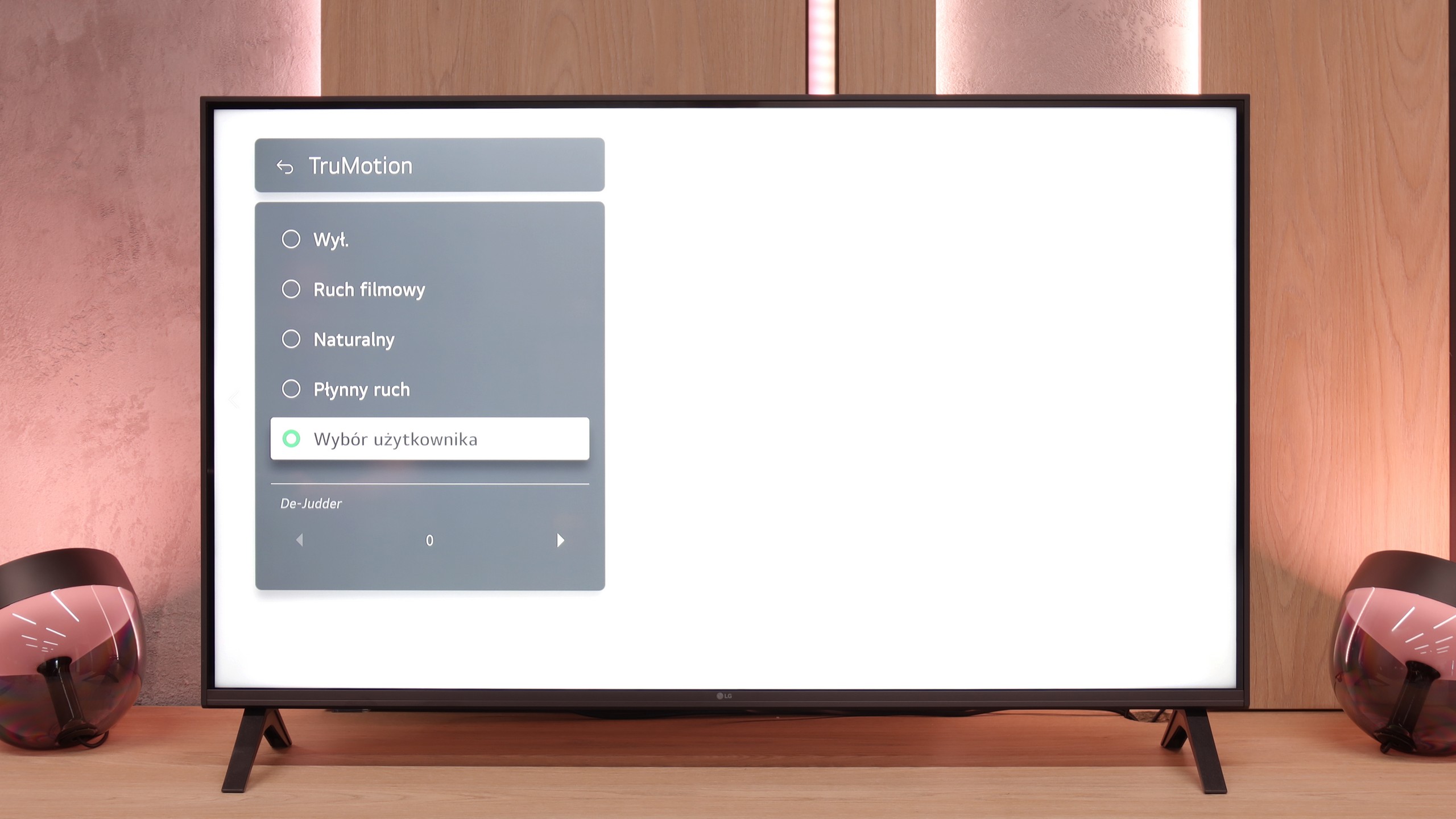
LG UA7500 is a television with a 60 Hz panel, so it's difficult to expect any excitement in this category. It's more of a screen intended for everyday content or an evening movie session rather than for following dynamic sporting events or playing action games. It's clear that the manufacturer designed this model specifically for that group of viewers – and in that regard, it works properly. We have access to the TruMotion feature, which is a motion smoother. It's simple, with just one slider, but it can make a noticeable difference. At lower settings, the picture looks more raw and cinematic, while at higher values, the motion becomes smoother and more pleasant to the eye.
Console compatibility and gaming features

4.7/10

6/10

  • ALLM
    Yes
    Yes
  • VRR
    Yes
    Yes
  • VRR range
    48 - 60Hz
    48 - 60Hz
  • Dolby Vision Game Mode
    No
    No
  • Correct implementation of HGIG
    No
    Yes
  • 1080p@120Hz
    No
    No
  • 1440p@120Hz
    No
    No
  • 4K@120Hz
    No
    No
  • Game bar
    Yes
    Yes

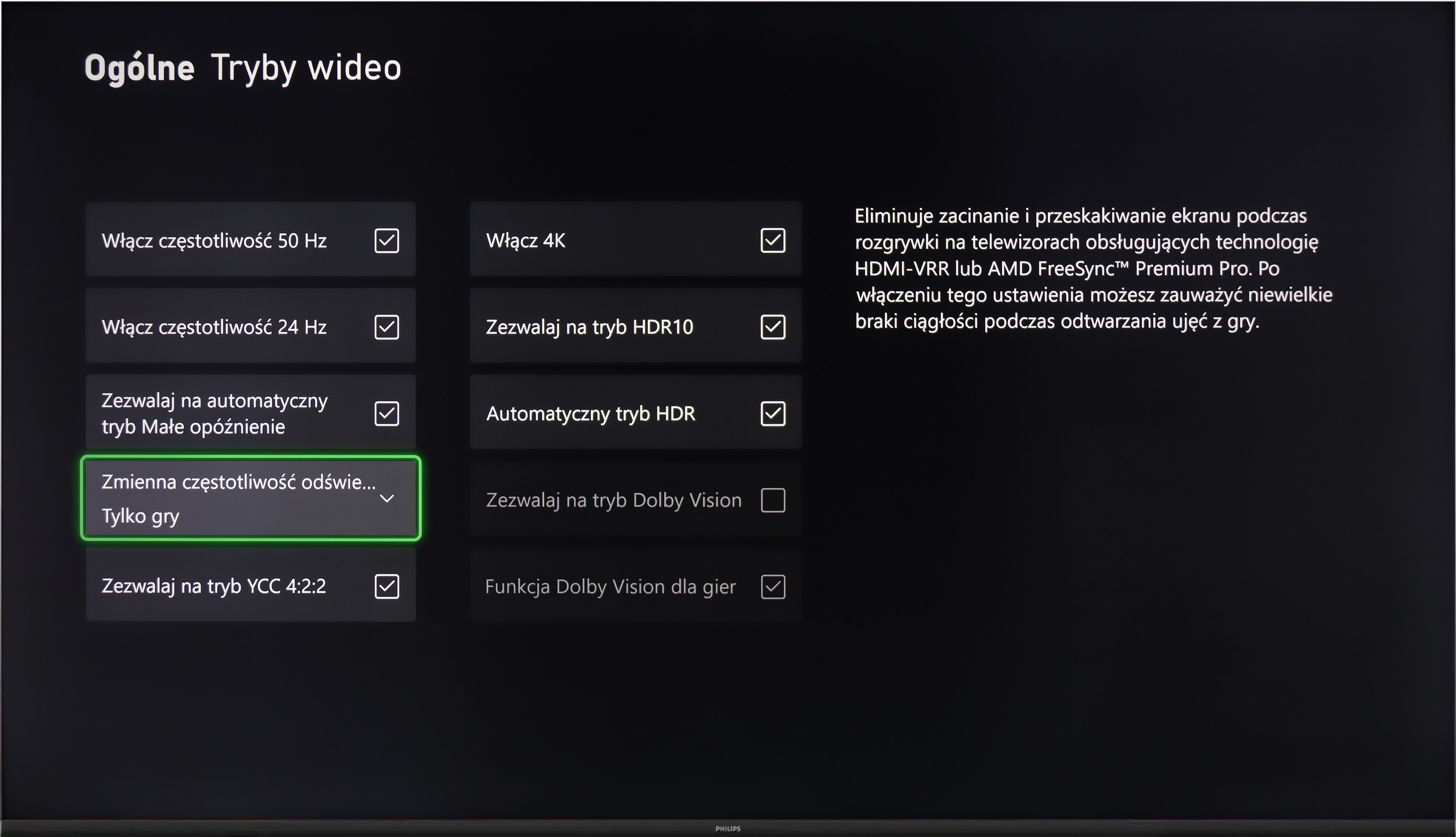
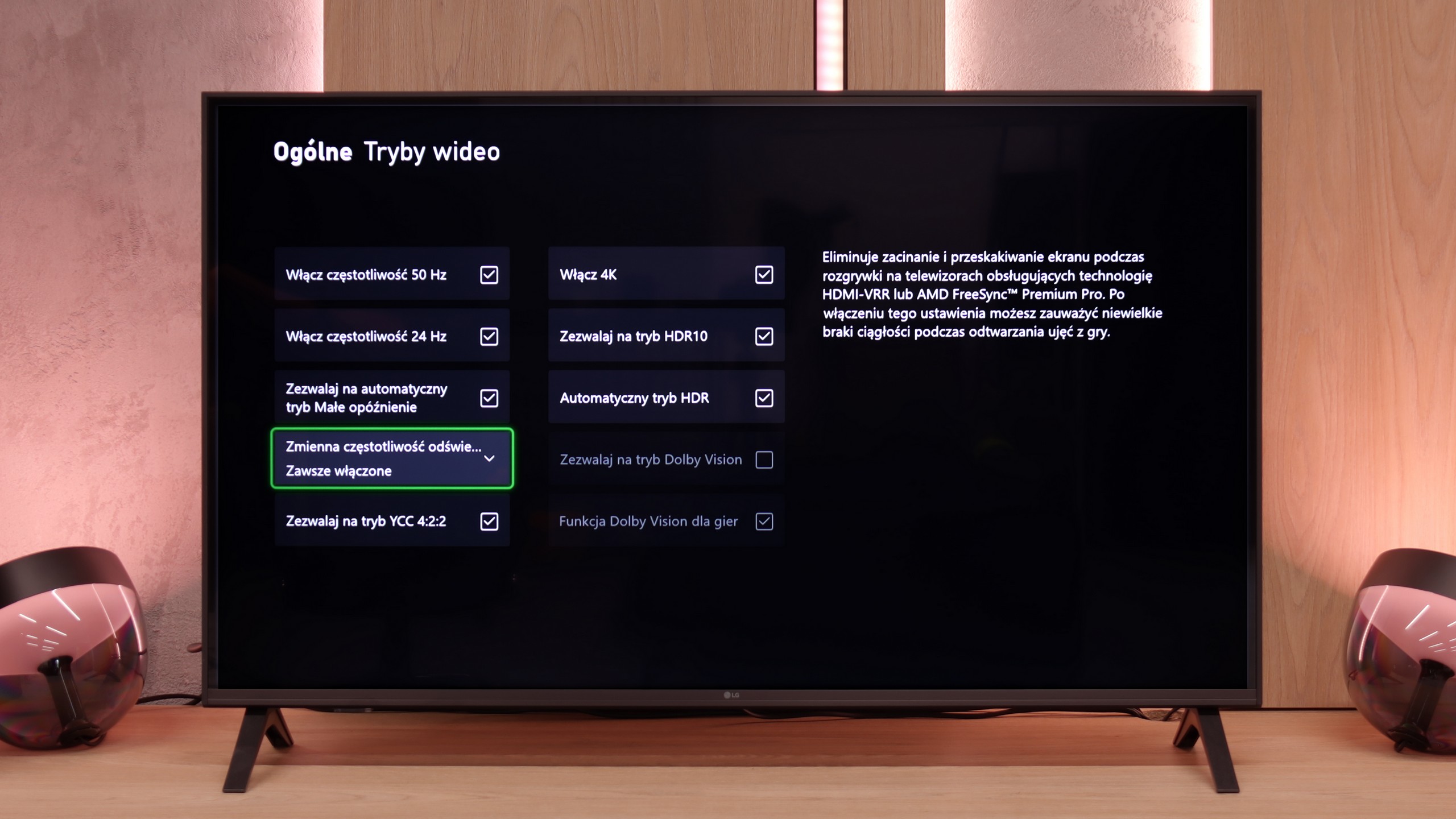
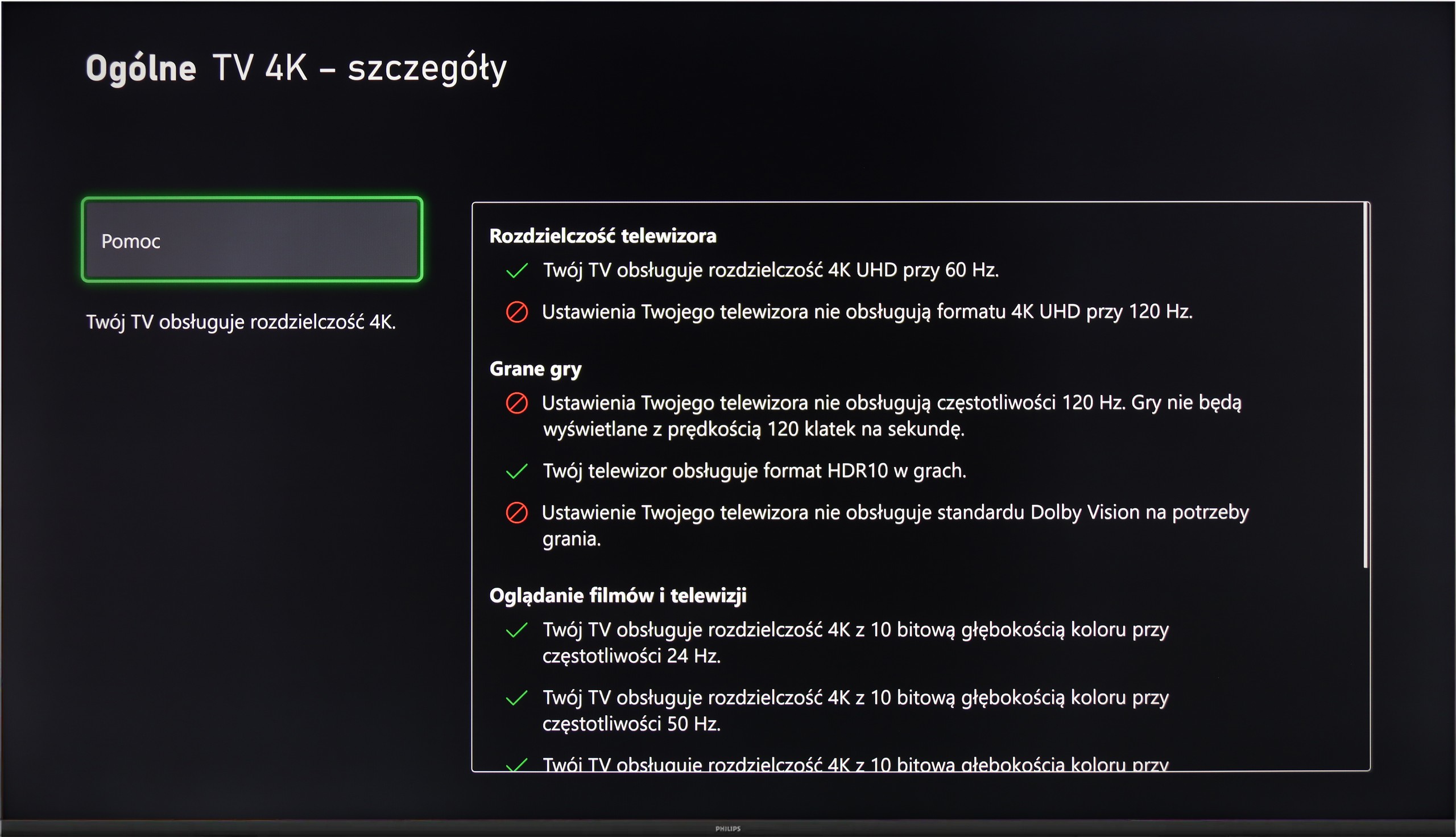
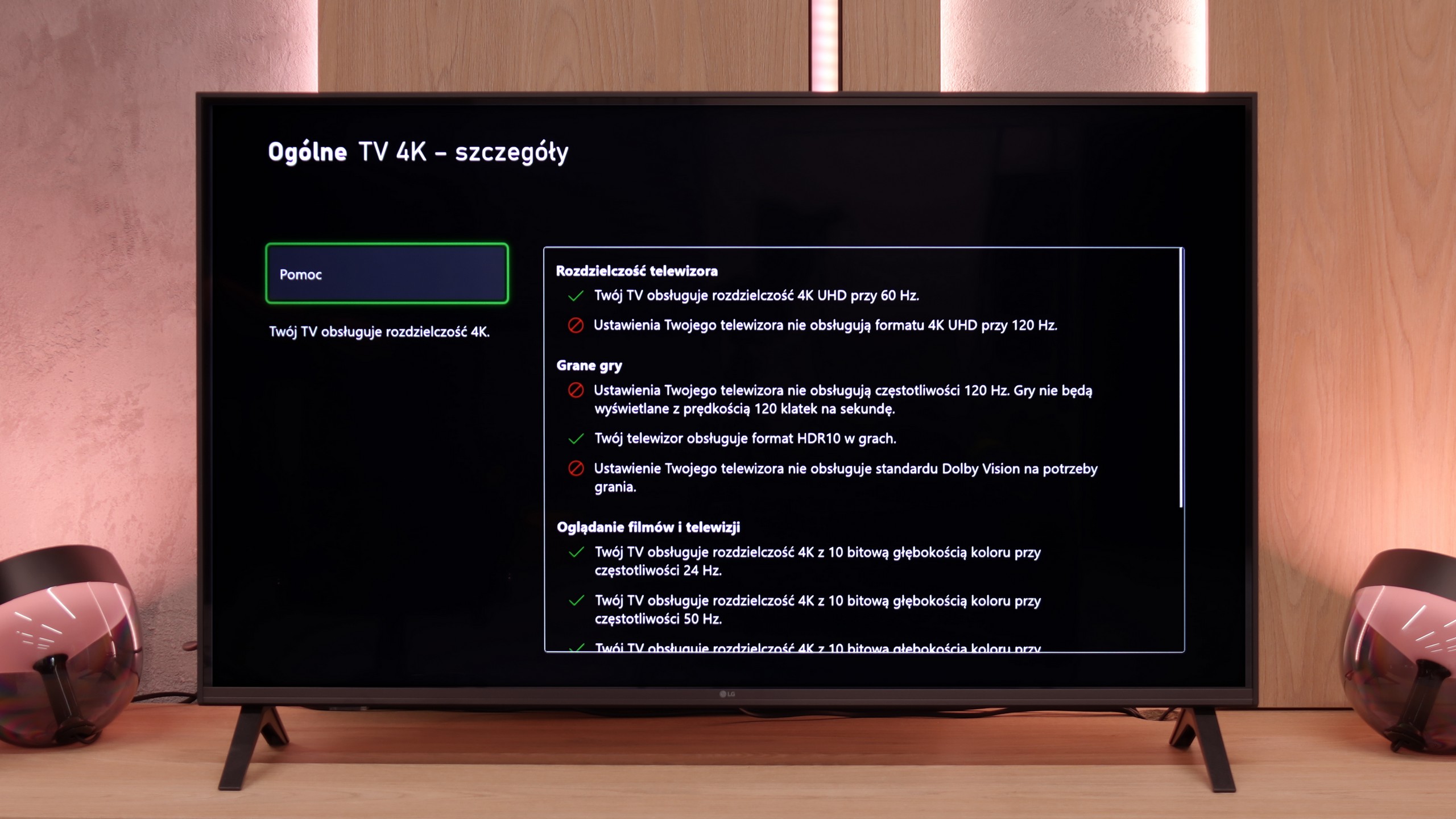
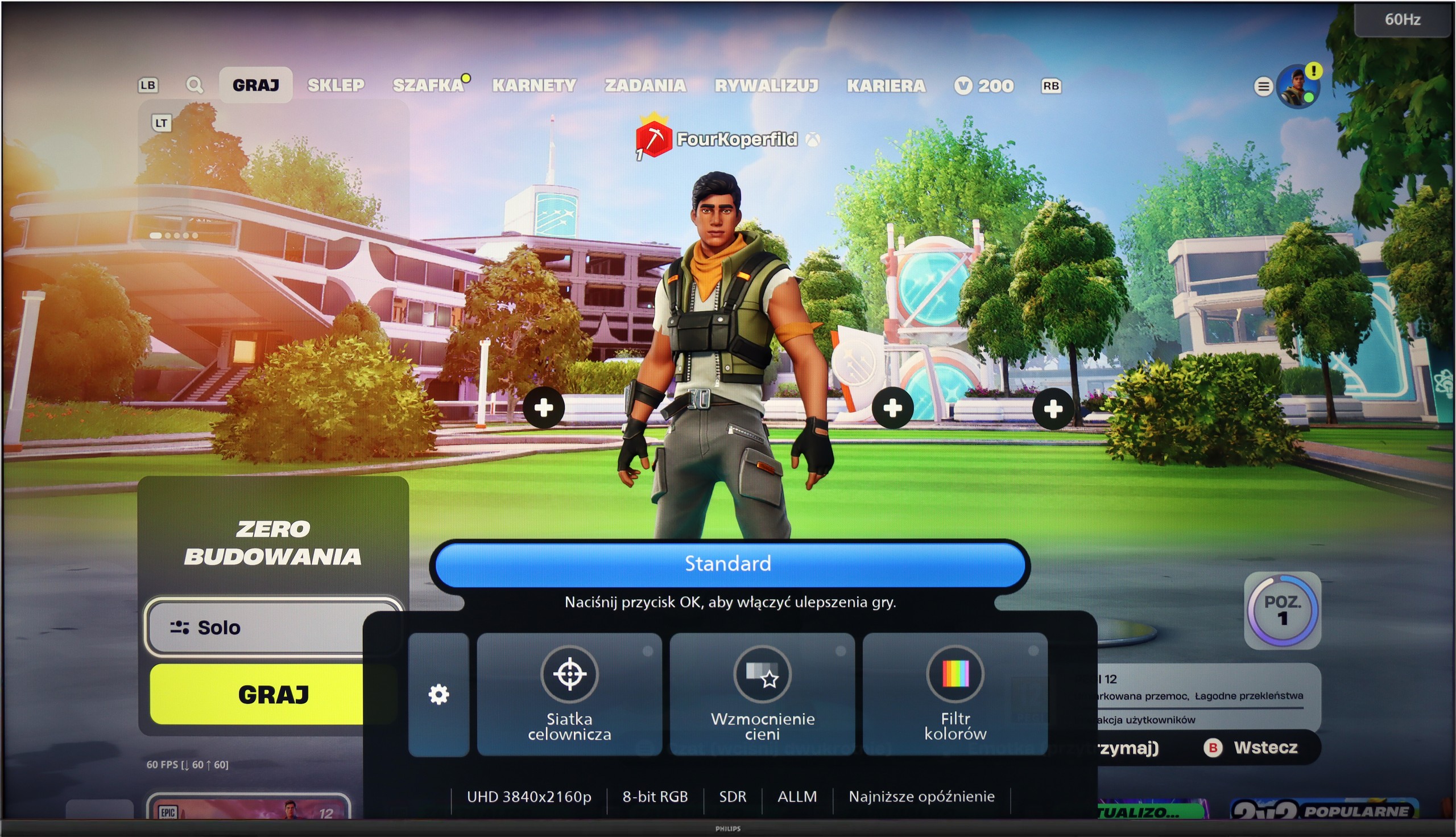
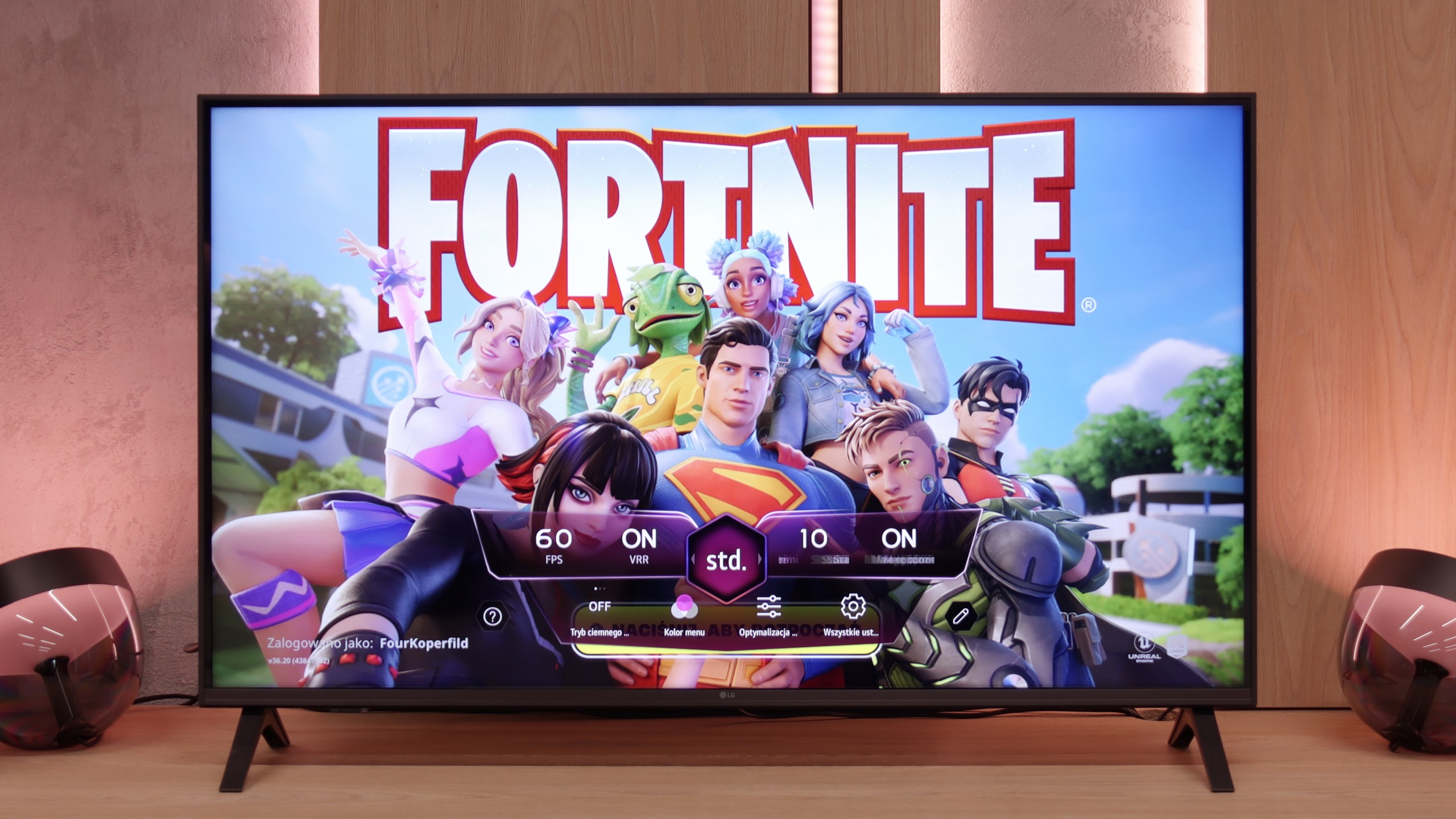
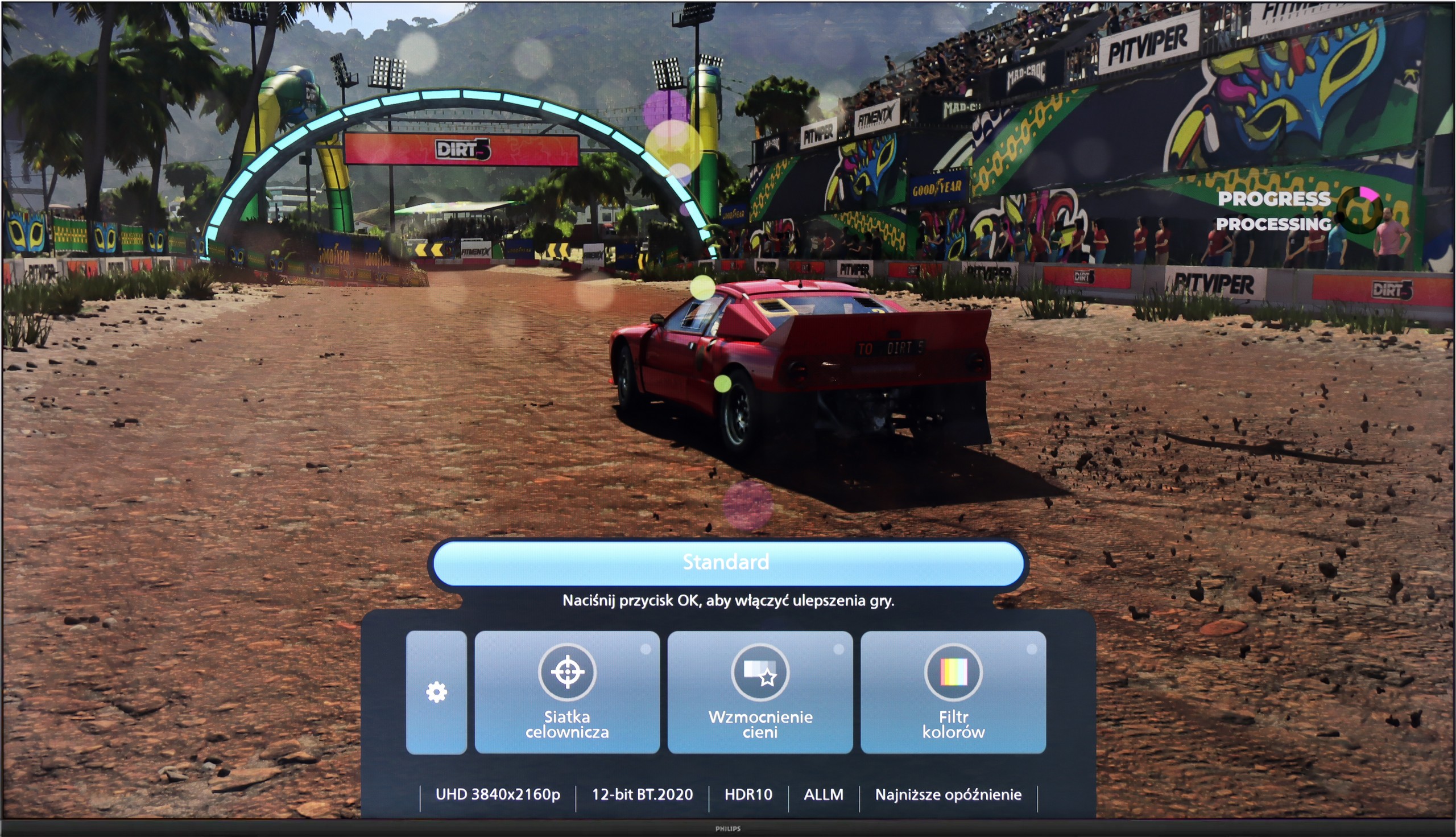
Although the Philips PUS8560 is not designed specifically for gamers, the manufacturer decided to equip it with several features that may prove useful when connecting a console. It includes automatic switching to game mode (ALLM), as well as a simple connection status information bar – the so-called Game Bar. While it does not make a particularly strong visual impression, it serves its purpose. The presence of variable refresh rate (VRR), operating in the range of 48 to 60 Hz, might come as a surprise. While this is not a wide range, in the case of less demanding games or titles with unstable fluidity, VRR can help reduce the stuttering effect. However, this is the only element that can be considered above the minimum.


It should be clearly stated that the PUS8560 is not hardware for gamers looking for a responsive screen and full support for modern console features. It lacks HDMI 2.1 ports, the refresh rate is limited to 60 Hz, and the panel's response time is not among the fastest. This model may be suitable at most for casual gamers who want to enjoy the Ambilight system.

LG UA7500 is a television that can be confidently recommended for "casual" gamers. While it lacks a 120 Hz panel and HDMI 2.1 ports, making full use of the potential of modern consoles out of the question, the manufacturer has included a few additions that can enhance the gaming experience. Notably, the Game Bar deserves mention – a very nicely designed panel that allows quick access to and modification of the most important settings. From this panel, we have access to features such as ALLM mode (automatic switching to game mode) and frame synchronization, which is VRR. The range of VRR is limited – it operates from 48 to 60 Hz – but the mere presence of this feature in such an affordable television is impressive.

Additionally, it supports HGiG, which is a calibration mode for HDR specifically for gaming. This sounds good, but based on testing experience, we already know that in the case of the UA7500, this option doesn't make much sense. The television doesn't handle HDR very well, so paradoxically, we achieved better results with this feature turned off. This is another signal that the UA7500 is more of a screen for occasional gamers who value simplicity and comfort rather than for those looking for a complete experience from the latest consoles.

Input lag

10/10

10/10

SDR

1080p60
13 ms
10 ms
1080p120
2160p60
13 ms
10 ms
2160p120

HDR

2160p60
12 ms
10 ms
2160p120
4320p60

Dolby Vision

2160p60 DV
2160p120 DV

The input lag on the PUS8560 is very good. When we previously wrote that this screen is more for "casual gamers," there's no shame in this regard – even compared to screens aimed at gamers. Results around 12 ms are truly exceptional, allowing for enjoyable responsive gameplay. It doesn't matter if we are playing in Full HD or 4K – the lag remains just as low, so if you care about quick reaction times, the PUS8560 will definitely not disappoint in this aspect.

A delay of less than 10 ms is a result that more expensive models could easily envy. This allows games to run exceptionally responsively, with every action on the controller immediately visible on the screen. This is one of the strongest features of this television, especially for those who enjoy firing up a console from time to time.

Compatibility with PC

5.6/10

6/10

Chroma 444 (max. resolution and refresh rate)
Yes
Yes
Font clarity
Very Good
Very Good
Readability of dark text and shapes
Poor
Very Good
Input lag in PC mode (4K, max. refresh rate)
13ms
10ms
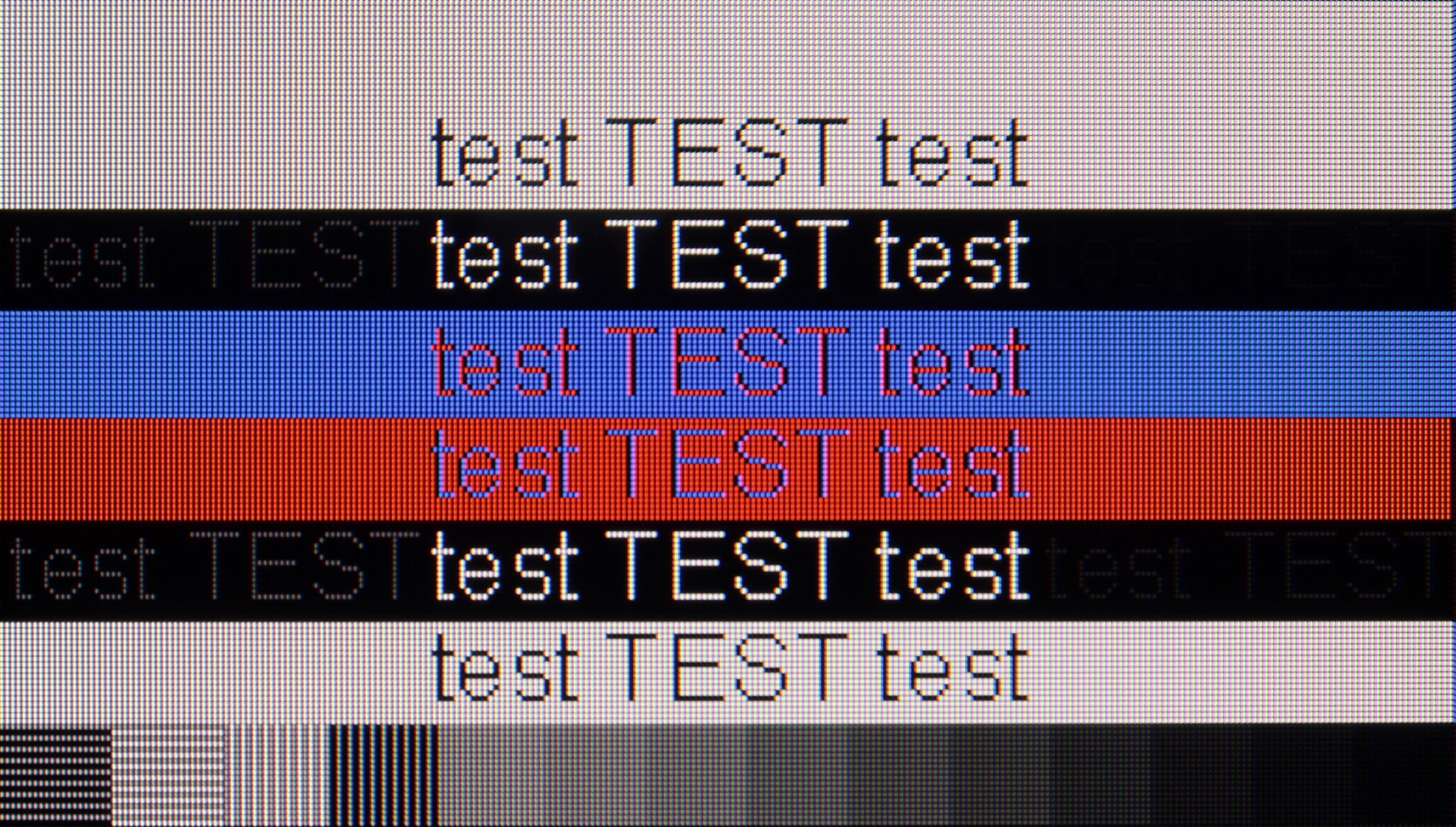
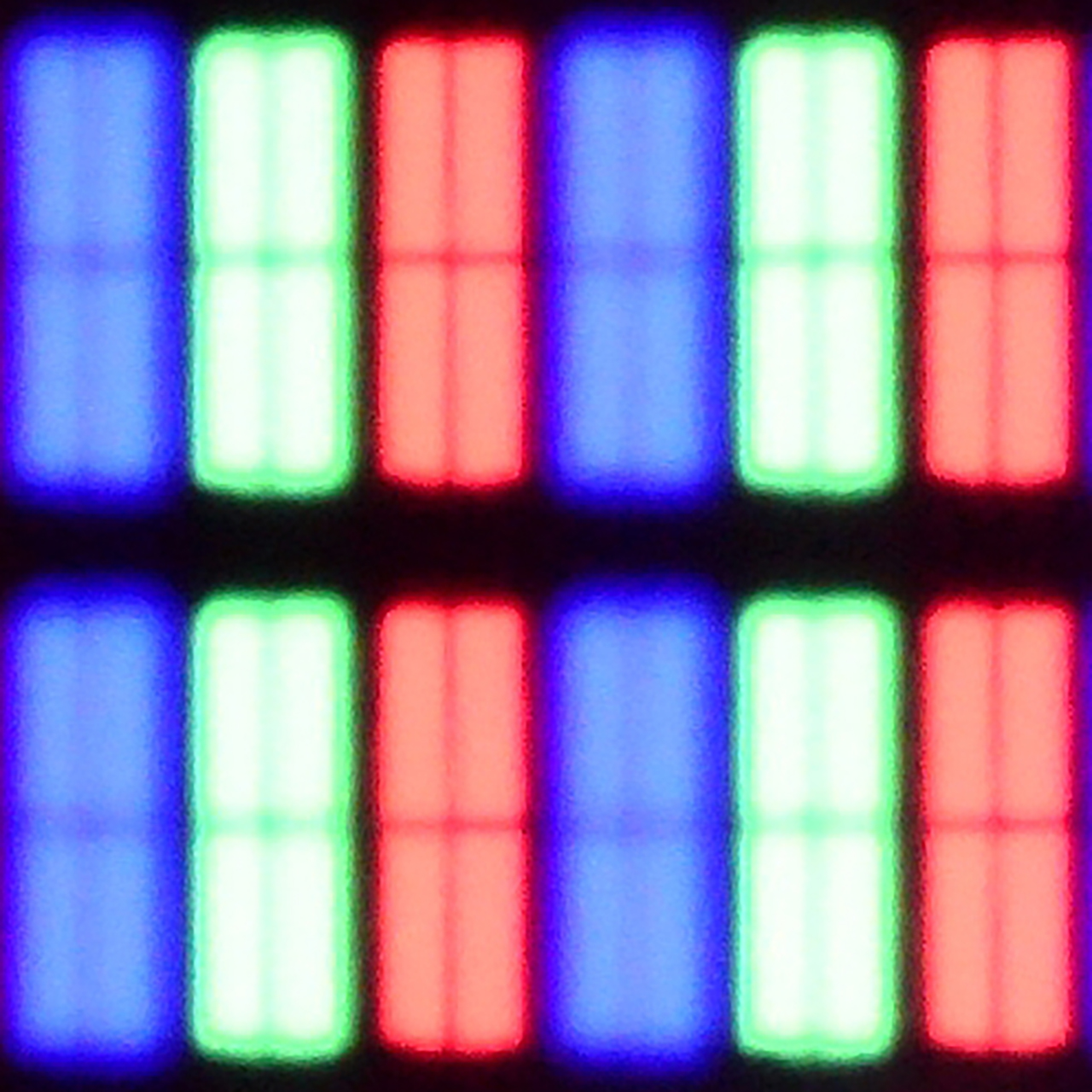
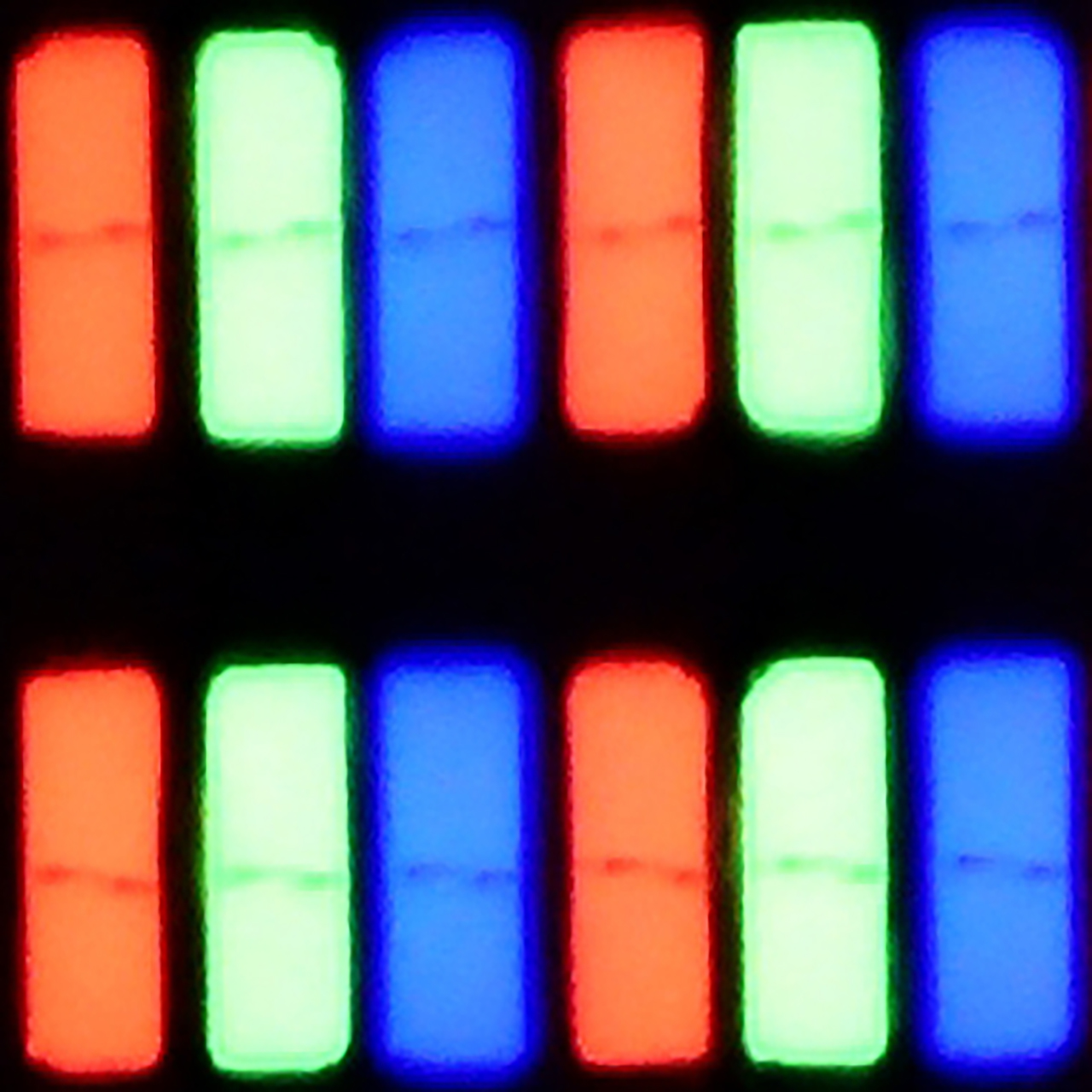
Matrix subpixel arrangement
BGR
RGB
Max refresh rate
60Hz
60Hz
G-Sync
No
No

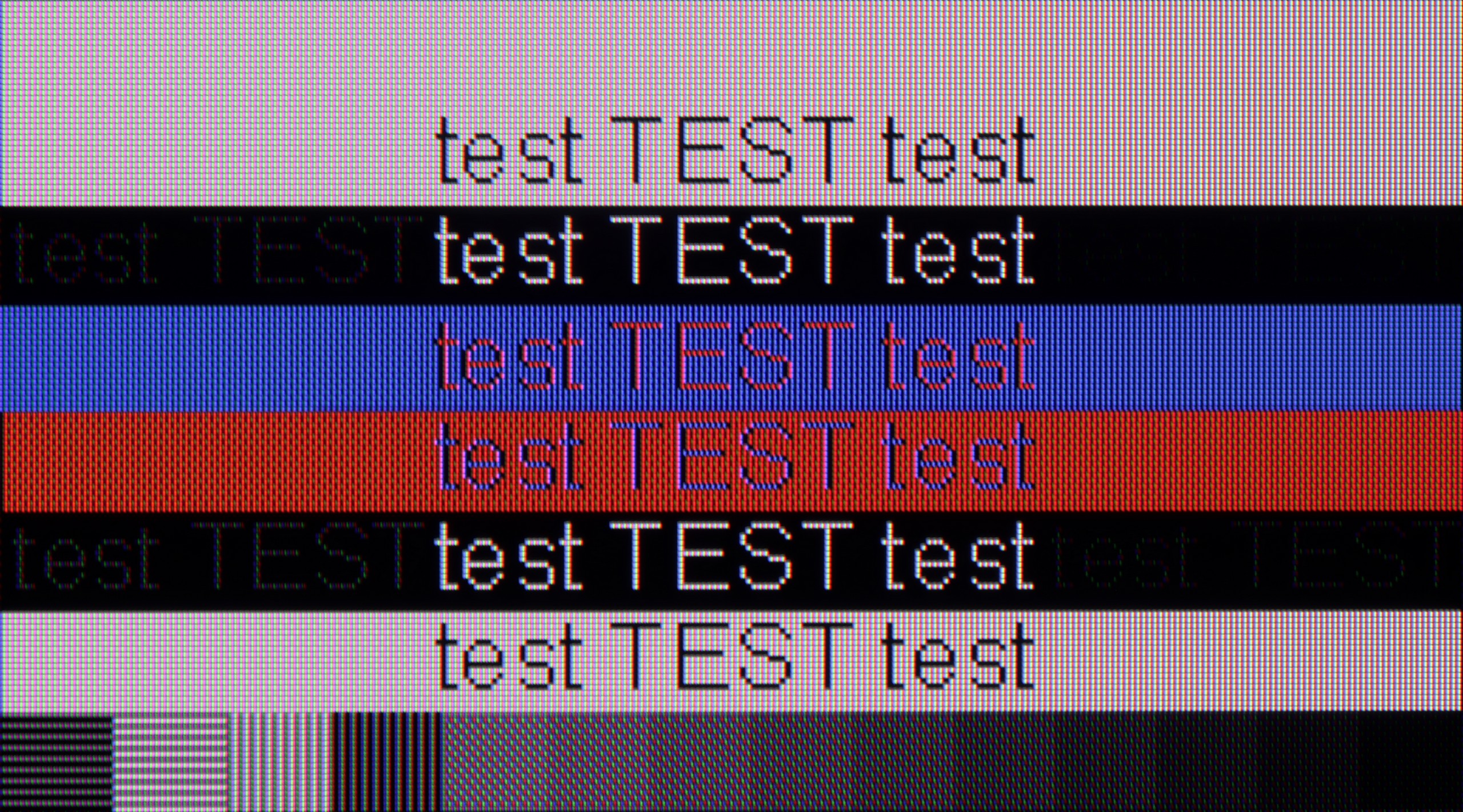
The photo shows the legibility of small fonts. Ideally, lines should be the same thickness on both light and dark text, with minimal pixel gaps.

When it comes to working with a PC on the PUS8560, it looks... quite strange. Chroma 4:4:4 is present in "Monitor" mode, but there is a problem with gray fonts – not all subpixels light up, which makes the text appear pixelated. On the other hand, in "Game" mode, chroma 4:4:4 disappears, but the gray fonts look correct. In practice, we are therefore forced to juggle settings if we want to have perfectly readable text all the time. And what about gaming on the computer? Our opinion remains the same as regarding consoles – it's doable, but without any fireworks. There is no variable refresh rate for G-SYNC graphics cards, and the refresh rate itself remains relatively low. On the plus side, we can again highlight the very low input lag, which saves the day in fast-paced games.

In the 43-inch variant equipped with an IPS panel, the LG UA7500 performs excellently as a computer work tool. Thanks to the use of this specific panel, the readability of the fonts is at a remarkable level – text looks sharp and clear even during prolonged office work. Additionally, it supports chroma 4:4:4, so colorful fonts, icons, and interface elements look phenomenal. This makes the UA7500 perform exceptionally well as an occasional monitor. It is not a screen designed for avid gamers, but in the context of work and everyday use of a PC, it performs great.

Viewing angles

3.3/10

6.4/10

Brightness drop at an angle of 45 degrees
68%
68%

The viewing angles on the PUS8560 are exactly what you would expect from a VA panel - they don't perform the best. The image loses quality even with a slight shift off-axis – colors become washed out, and the black starts to resemble a dark navy. This is, of course, the price paid for the better contrast that VA offers directly. In the case of our 55-inch unit, it is still acceptable, especially if the TV is perfectly positioned in front of the couch. But with larger screen sizes or a less central placement in the living room – it could be a problem for comfortable viewing.

The biggest advantage of the IPS variant in the LG UA7500 is the viewing angles. Even when we sit far to the side, the image maintains its consistency – colors do not fade dramatically, and the screen brightness remains at a decent level. It is this type of panel that makes the television work well in rooms where people often watch TV together, sitting in different places. It is clear that IPS has no problem maintaining stable color reproduction at greater angles, which facilitates viewing in larger groups. However, it should be added that the contrast is still limited, so even if the image from the side looks even, it still lacks depth, especially in dark scenes. Therefore, IPS makes up for it with a wide range of angles, but at the cost of blacks remaining average regardless of perspective.

Daytime performance

4.9/10

4/10

Panel finish
Satin
Satin
Reflection suppression
Decent
Decent
Black levels during daytime
Good
Good

Panel brightness

LG UA75006LA (IPS): 247 cd/m2

Philips PUS8500 : 331 cd/m2

PUS8560 performs moderately during the day. The satin finish of the panel effectively reduces reflections, so light from the window or lamp doesn't interfere too much. The black also looks decent for a VA panel – even in daylight, there are no significant losses in contrast. But the charm fades when it gets really bright. The panel's brightness is around 300 nits, which is definitely too little to speak of full comfort in a brightly lit room. In such conditions, the PUS8560 simply needs to be supported by curtains – otherwise, the picture starts to look quite pale.

The IPS variant performs worse in this regard. The coating is the same – it moderately reduces reflections – but the brightness is lower, around 250 nits. This means that on sunny days, the screen appears noticeably darker and loses readability more easily. The colors still maintain their accuracy and do not fade excessively, but the lack of additional brightness reserve is noticeable. In practice, the television will work well in rooms where light does not directly hit the screen, whereas in brighter conditions, IPS can quickly show its limitations.

Panel details

Backlight Type
PFS LED
White LED
Software version during testing
TPN256E_V056.002.127.051
33.20.81
Image processor

Subpixel Structure:

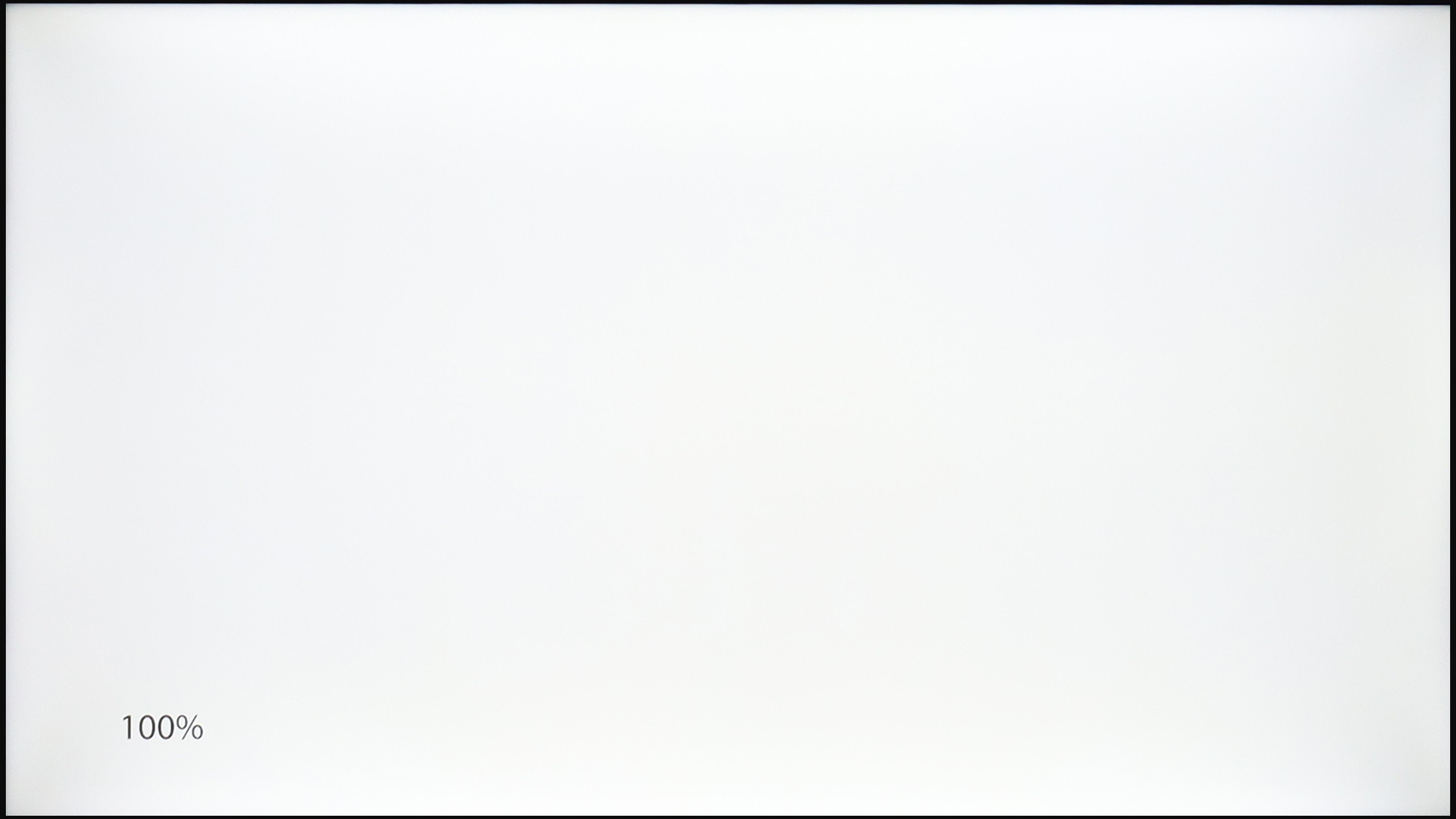
Panel uniformity and thermal imaging:

Review Philips PUS8500 TV Panel details
Review LG UA75006LA (IPS) TV Panel details

Philips PUS8500

LG UA75006LA (IPS)

TV features

4.8/10

7/10

  • HDMI inputs
    3 x HDMI 2.0, 0 x HDMI 2.1
    3 x HDMI 2.0, 0 x HDMI 2.1
  • Outputs
    Toslink (Optical audio), eARC (HDMI), ARC (HDMI), Mini-Jack (Headphones)
    Toslink (Optical audio), eARC (HDMI), ARC (HDMI)
  • Network Interfaces
    Wi-Fi 2.4GHz, Wi-Fi 5GHz, Ethernet (LAN) 100Mbps
    Wi-Fi 2.4GHz, Wi-Fi 5GHz, Ethernet (LAN) 100Mbps
  • TV reception
    DVB-T, DVB-T2, DVB-S, DVB-S2, DVB-C
    DVB-T, DVB-T2, DVB-S, DVB-S2, DVB-C

Classic features:

  • Recording to USB (terrestrial TV)
    No
    Yes
  • Recording programming
    No
    Yes
  • Picture in Picture (PiP)
    No
    No
  • RF remote control (no need to aim)
    No
    No
  • Backlit remote control
    Yes
    No
  • Teletext
    Yes
    Yes
  • Audio only mode
    Yes
    Yes
  • Bluetooth headphones support
    Yes
    Yes
  • Simultaneous Bluetooth headphones & TV audio
    No
    Yes

Smart features:

  • AirPlay
    No
    Yes
  • Screen mirroring (Windows Miracast)
    No
    Yes
  • Voice search
    Yes
    No
  • Voice search in native language
    No
    No
  • Ability to connect a keyboard and mouse
    Yes
    Yes
Review Philips PUS8500  TV features
Review LG UA75006LA (IPS) TV features

Classic TV Features:

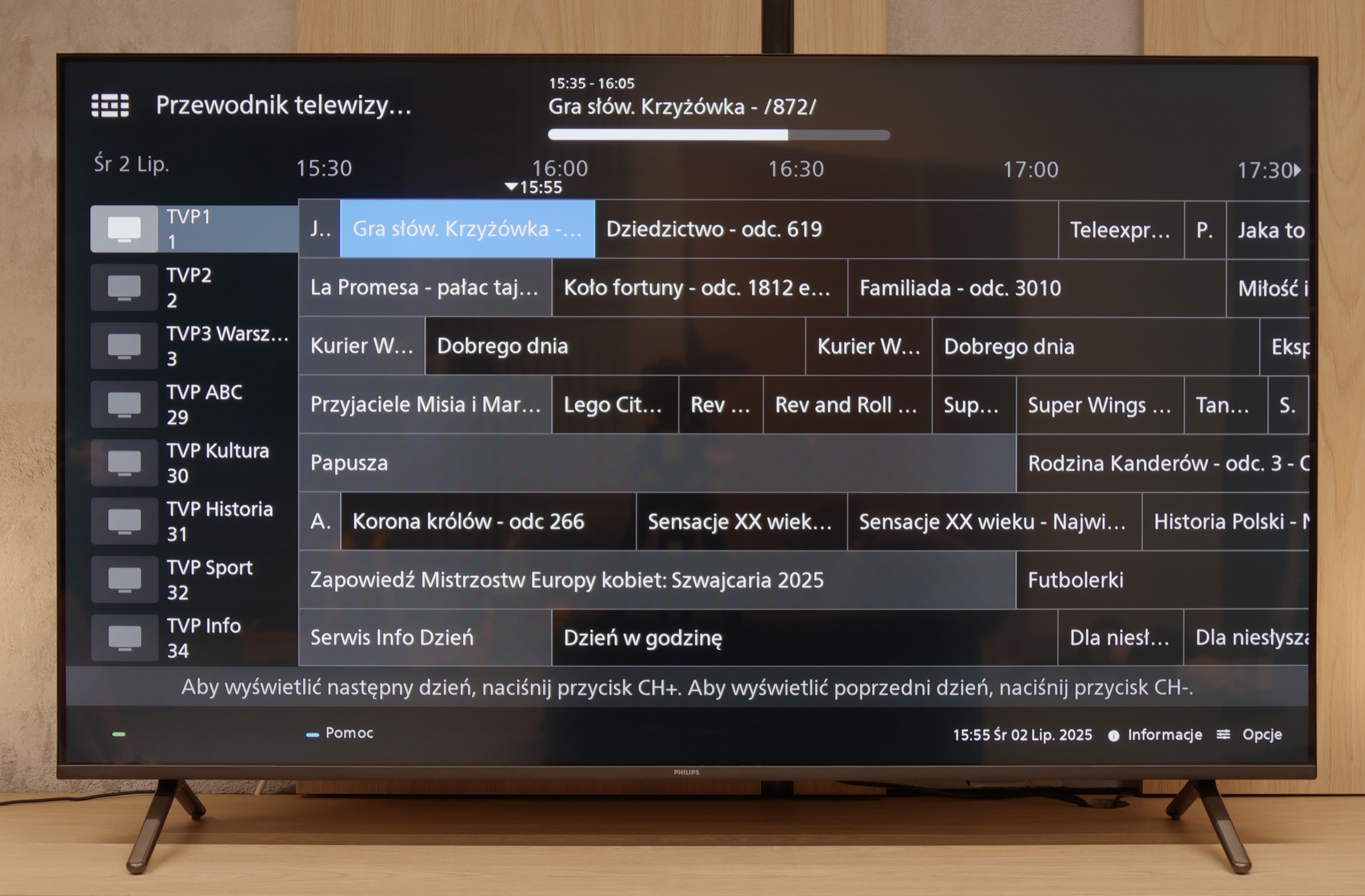
If you are looking for a TV that "works" in the basic sense – the PUS8560 will serve that purpose. In terms of classic features, we have a rather minimalist set. On the plus side, it includes an electronic program guide (EPG), teletext, a backlit remote control with a classic numeric keypad, and a headphone jack. It sounds a bit like a dream set for seniors – and there is some truth to that. However, it must be said clearly: this is a TV with very limited capabilities. We won't find features for recording from DVB tuners to USB, nor is there a PiP mode or other conveniences known from more expensive models.

Smart TV:

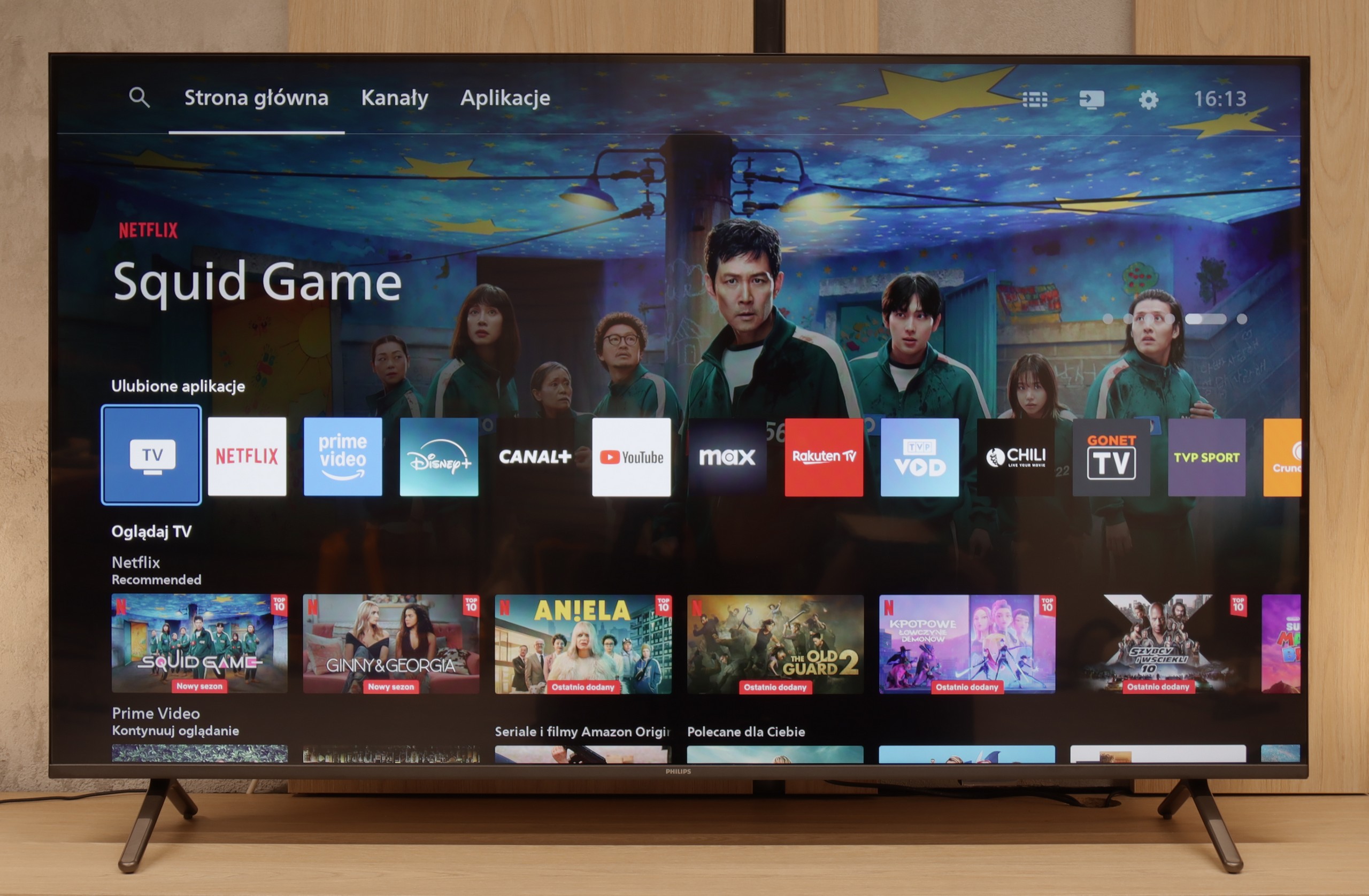
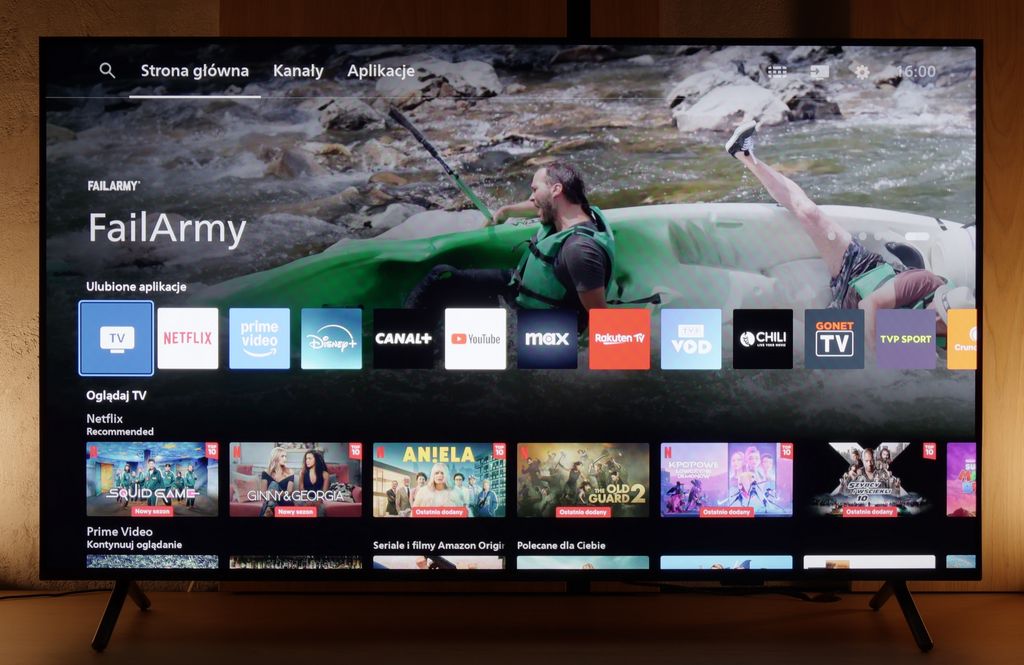
How does SmartTV fare on the PUS8560? Well, this is where it gets a bit tricky. The PUS8560 runs on the Titan OS, which in this particular implementation caused significant problems. Some features, while present "on paper," simply did not work. For example: Wireless screen mirroring features like Chromecast or Miracast – we tried to activate them with several different phones and laptops… without success. Perhaps this will be fixed in the future, but at the time of testing – it did not work. Additionally, the system's speed left much to be desired – switching between apps or home screens was simply slow. A significant portion of the features in the menu feels heavily hidden in the depths of a poorly organized system. To make matters worse, the library of available applications is quite limited. While the situation with apps is better than last year, it is still far from ideal. The situation is somewhat saved by the modern remote – slim, elegant, and superbly made with a really great backlight. Unfortunately, it operates on classic infrared, so you have to point it at the screen. The only exception is the voice control, which works via Bluetooth… it's just a shame that it doesn't support Polish.

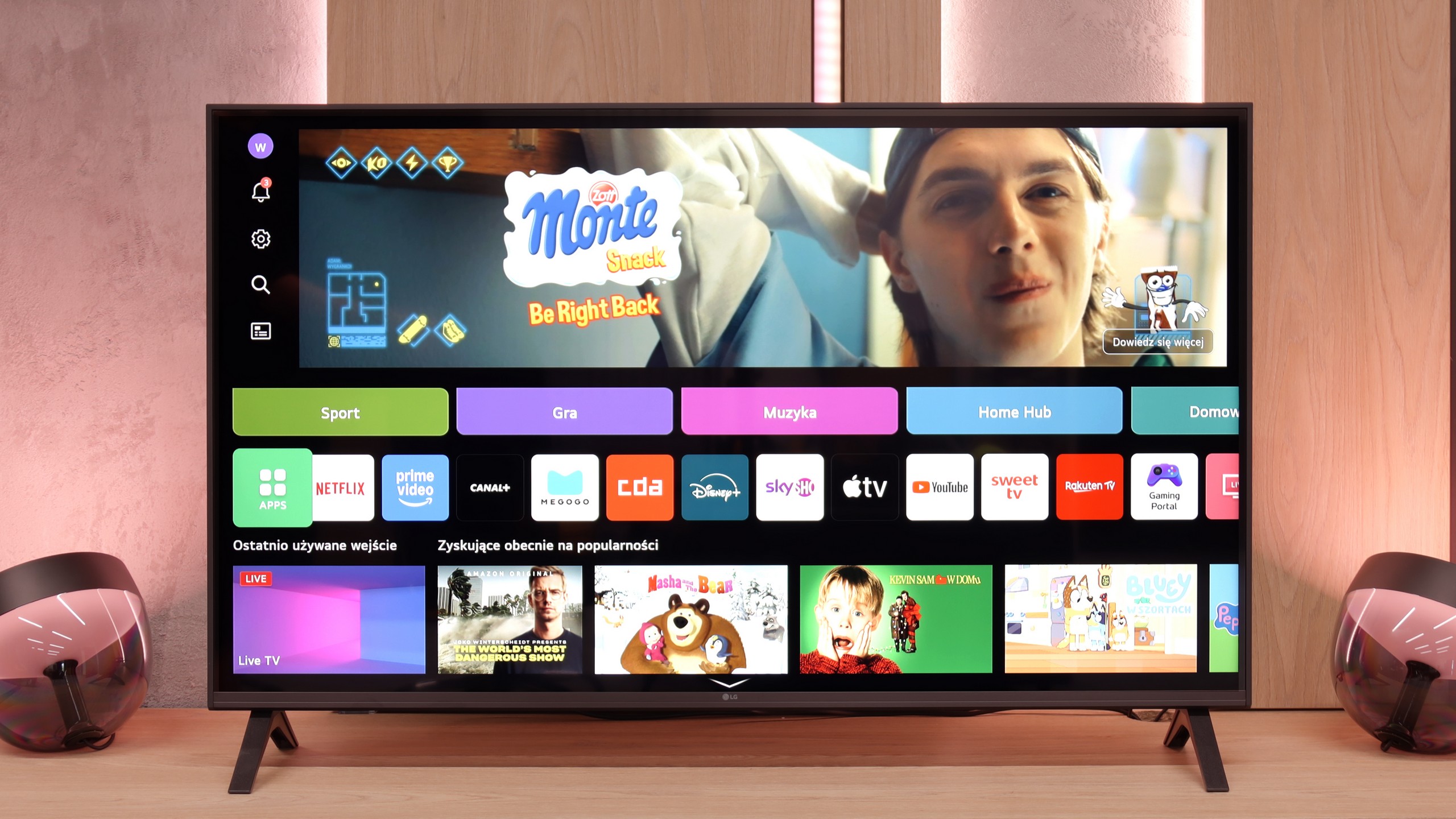
Smart Features: WebOS

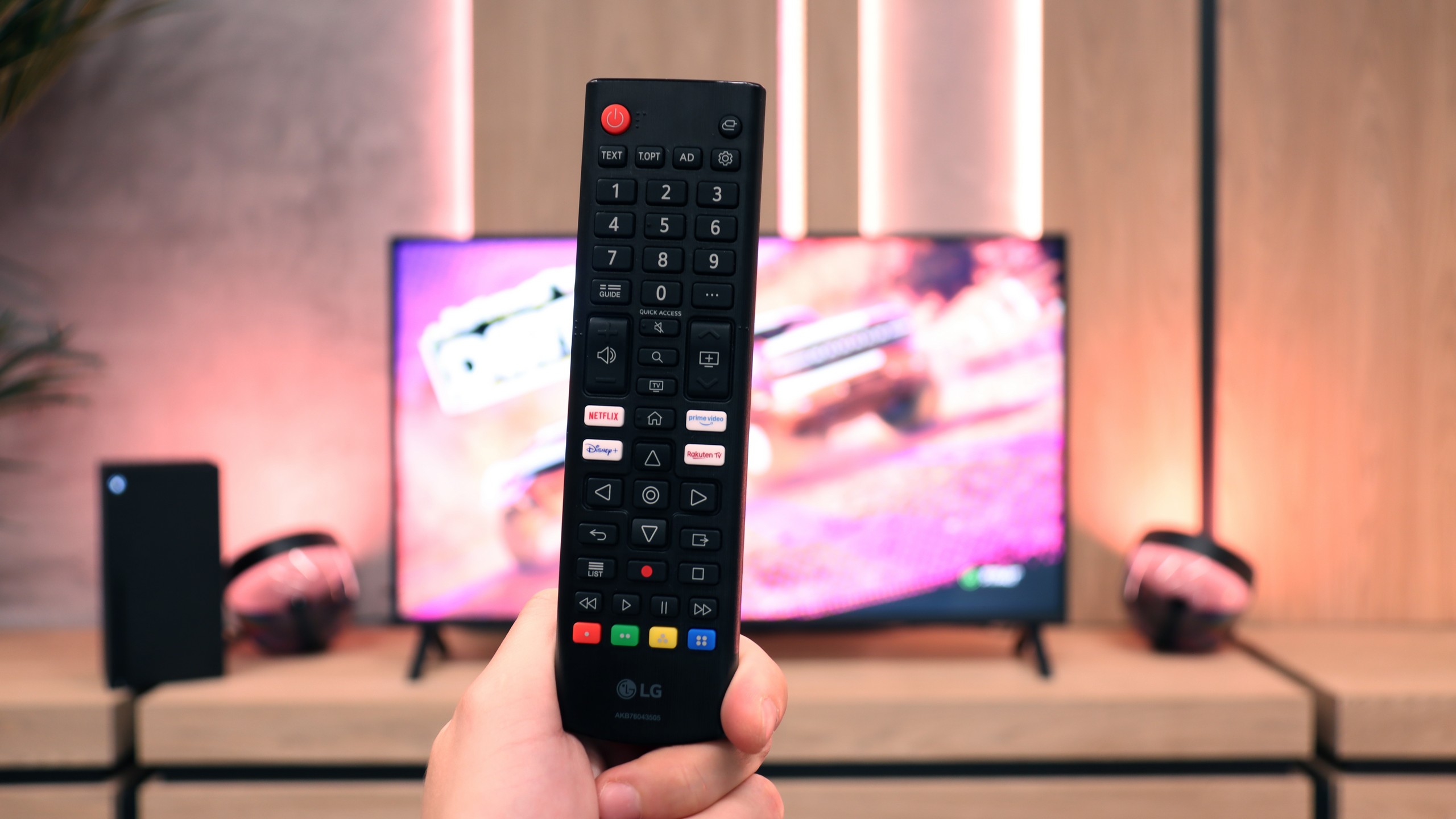
A significant advantage of the LG UA7500 is the use of the webOS system. We gain access to a rich library of applications, support for AirPlay, screen mirroring, and many additional features that allow us to use the television in a truly convenient way. It’s easy to connect a smartphone, watch something from streaming services, or use music applications. However, a downside is that webOS remains quite a "heavy" system and does not operate as smoothly on the UA7500 as it does in more expensive models. The situation is not helped by the fact that the manufacturer did not equip us with a Magic remote with a cursor, which significantly speeds up navigation. We get a regular infrared remote, lacking that "magic" wand. Of course, it can be purchased separately, but considering the cost, it’s often better to pay extra for a higher LG model that already has this remote.

Classic Features

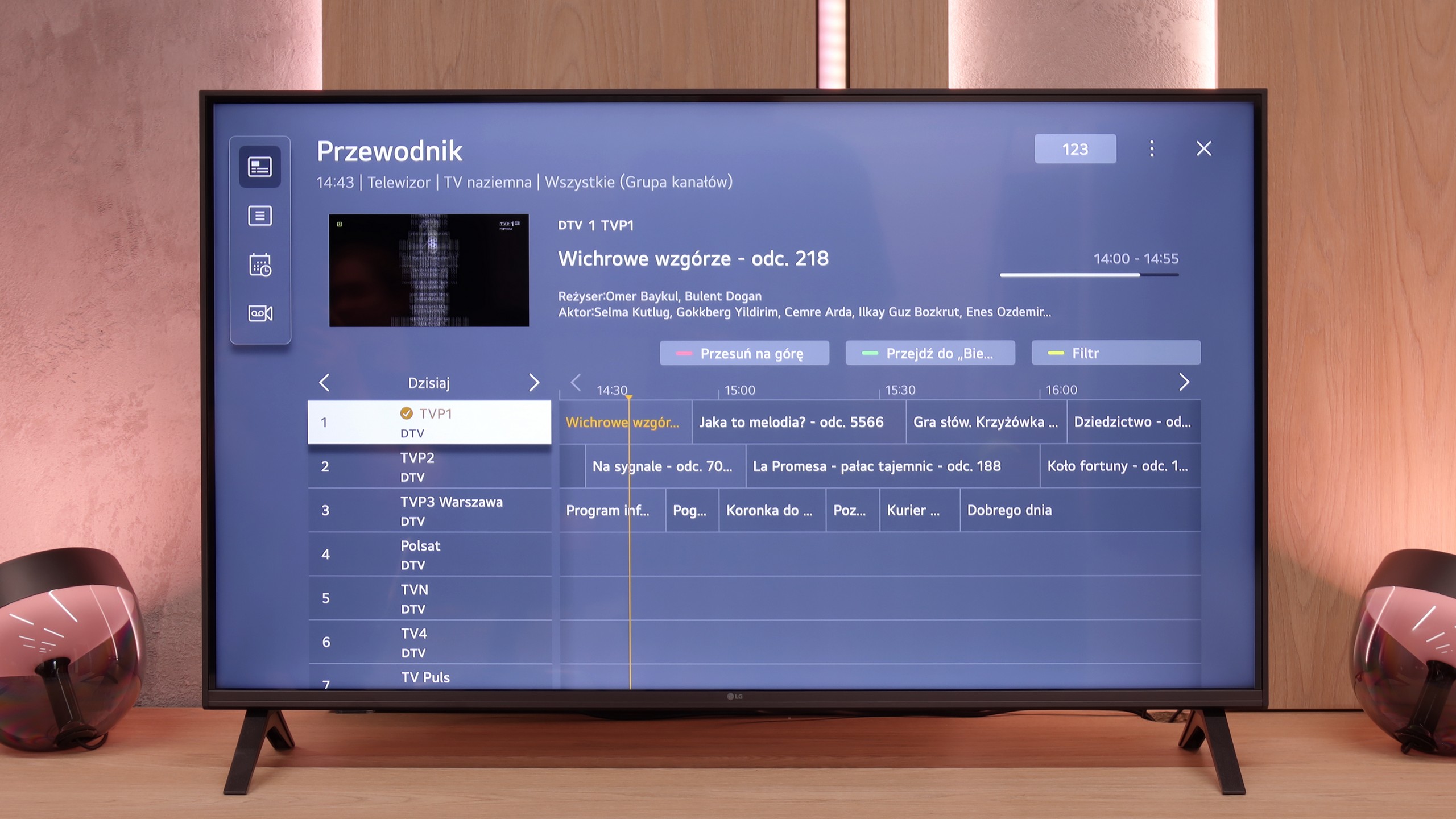
In more traditional use, the LG UA7500 also does not disappoint. The remote has been equipped with a numeric keypad and a considerable number of buttons, which will certainly be appreciated by users accustomed to older solutions. Additionally, there is the ability to record programs to USB from built-in tuners and a quite readable EPG interface that makes planning a television viewing easier. A downside remains the fact that the remote always requires aiming at the screen – but we believe that most more traditional users can forgive it, viewing it as a familiar and proven tool.

Apps

6.7/10

9.1/10

OK
Disney_Plus
OK
Amazon_Prime_Video
OK
Player_TVN
OK
Polsat_Box_Go
OK
Canal_Plus_Online
OK
TVP_VOD
No
Apple_TV_Plus
No
SkyShowtime
OK
Rakuten
OK
CDA_Premium_Browser
No
Spotify
No
Tidal
OK
Netflix
OK
YouTube
OK
HBO_MAX
No
Kodi
No
Apple_music
No
Eleven_sports
No
Xbox Game Pass
No
GeForce Now!
No
Amazon Luna
OK
Boosteroid
No
Steam Link
OK
Disney_Plus
OK
Amazon_Prime_Video
OK
Player_TVN
OK
Polsat_Box_Go
OK
Canal_Plus_Online
OK
TVP_VOD
OK
Apple_TV_Plus
OK
SkyShowtime
OK
Rakuten
OK
CDA_Premium_Browser
OK
Spotify
OK
Tidal
OK
Netflix
OK
YouTube
OK
HBO_MAX
No
Kodi
OK
Apple_music
No
Eleven_sports
OK
Xbox Game Pass
OK
GeForce Now!
OK
Amazon Luna
OK
Boosteroid
No
Steam Link

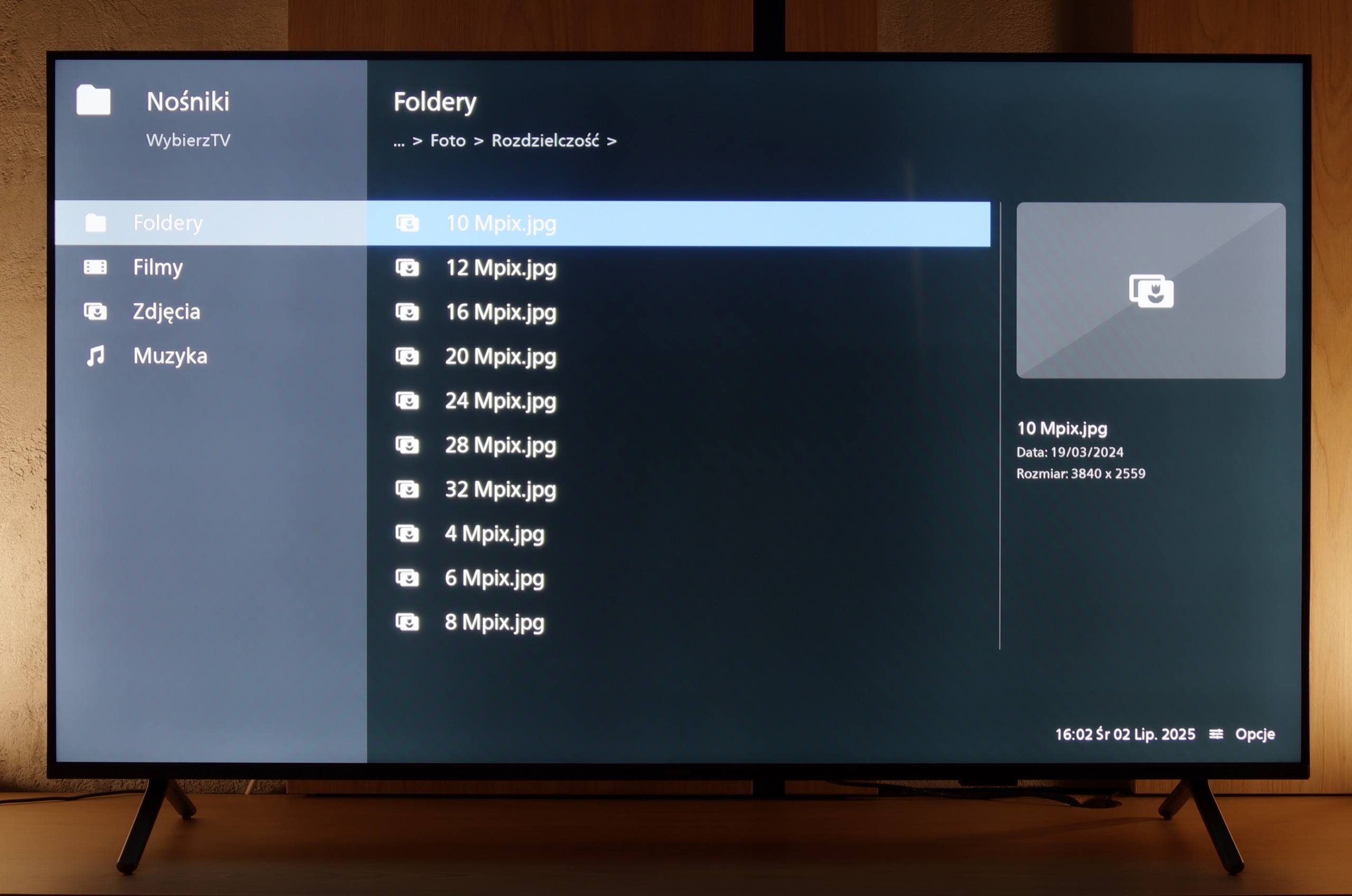
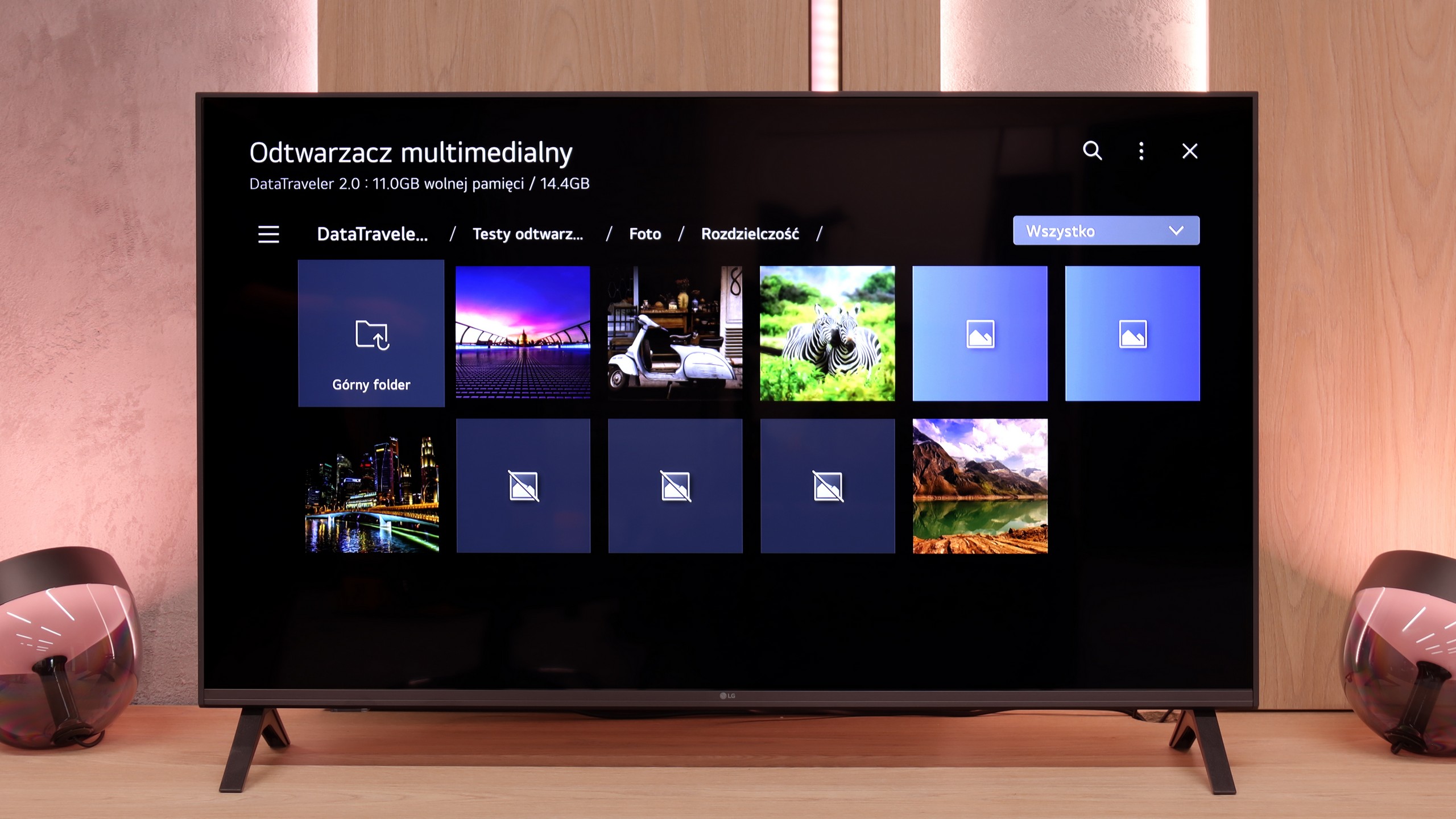
Playing files from USB

8/10

8.2/10

Supported photo formats:

JPEG
Yes
Yes
HEIC
No
No
PNG
Yes
Yes
GIF
Yes
No
WebP
No
No
TIFF
No
No
BMP
Yes
Yes
SVG
No
No

Maximum photo resolution:

4 Mpix
Yes
Yes
6 Mpix
Yes
Yes
8 Mpix
Yes
Yes
10 Mpix
No
Yes
12 Mpix
No
Yes
16 Mpix
Yes
Yes
20 Mpix
No
No
24 Mpix
No
No
28 Mpix
No
No
32 Mpix
Yes
Yes

PUS8560 handles playback of most popular video and audio formats from USB memory without any major issues, so there's no point in detailing the compatibilities individually. In daily use, it should just work – and it does. The only thing worth noting is the way it handles photos. Although the television easily recognizes common file extensions, with very high resolution graphic files, some photos may simply not display. This is not a huge problem, but it's good to keep it in mind, especially if we want to view photographs directly from the camera. Aside from that, PUS8560 shouldn't have any major problems with playback of files from USB.

The media player in the UA7500 works fine – movies and music start without major problems, and this should be sufficient for most people. However, one thing caught our attention: the television does not play all photo formats. In practice, this means that if we upload photos directly from the smartphone to the USB drive, some may simply not open. It’s a minor detail, but it’s worth keeping in mind. Fortunately, you can always use wireless screen mirroring and show photos on the screen in another way.

Sound

6.2/10

6/10

  • Maximum volume
    -
    81dB
  • Dolby Digital Plus 7.1
    Yes
    Yes
  • Dolby True HD 7.1
    Yes
    No
  • Dolby Atmos in Dolby Digital Plus (JOC)
    Yes
    No
  • Dolby Atmos in Dolby True HD
    Yes
    No
  • DTS:X in DTS-HD MA
    Yes
    No
  • DTS-HD Master Audio
    Yes
    No

The TV sounds quite pleasant and it can confidently be stated that the sound level will be fully sufficient for most users – both for watching everyday programs and for an evening session with a series. Moreover, a nice surprise is that even in such an affordable series, Philips has decided to acquire licenses for full audio formats such as Dolby Atmos and DTS. This is great news for home theater and soundbar owners, as it means full compatibility and no need to "fiddle around" with connecting external devices.

In terms of sound, the LG UA7500 does not impress with powerful bass or the highest volume, but it plays surprisingly well. Our impression was that it performs better than most of the cheapest budget TVs and is really quite good for everyday use. It will be just right for news, shows, or series.

Sound Quality Test

No sound test video

Acoustic Measurements

No acoustic data

81dBC (Max)

75dBC