If you are looking for a specific reason to buy the Philips PUS7000, it is essentially just the price. This model is meant to be primarily inexpensive, and it fulfills that role perfectly. It could be a decent choice for someone who is still using an old Full HD screen and wants to finally switch to 4K without emptying their wallet. Interestingly, even though this is a "budget 60 Hz" model, Philips has not forgotten about gamers. We get VRR and ALLM, which significantly enhance the gaming experience when connected to a console, making everything quite responsive. But... well, the biggest problem with this TV is brightness, or rather, the lack of it. 200 nits is an output that makes the PUS7000 simply capitulate on a sunny day. The image will be pale and unclear even though it features a high-contrast VA panel. HDR here is basically just a label on the box. With such a dark panel, HDR content looks artificial and simply lacks the necessary intensity, so it’s better to forget about it and stick with regular SDR. Is it worth buying? At this price point, every manufacturer makes similar compromises, so the PUS7000 does not drastically fall behind the rest of the budget screens. The only question is whether you can get along with the Titan OS, which is still a bit raw and lacks many apps that are standard among competitors. With today’s prices, where Chinese brands like TCL and Hisense are flooding the market with QLEDs and Mini-LEDs, the Philips PUS7000 faces a really tough battle. If you care about a well-known brand logo and a low price: you can go for it. However, if you are looking for image quality… you’d better double-check your budget before purchasing.
- Matching (Score) |
- Our verdict |
- TV appearance |
- Where to buy |
- Contrast and black detail |
- HDR effect quality |
- Factory color reproduction |
- Color reproduction after calibration |
- Smoothness of tonal transitions |
- Image scaling and smoothness of tonal transitions |
- Blur and motion smoothness |
- Console compatibility and gaming features |
- Input lag |
- Compatibility with PC |
- Viewing angles |
- Daytime performance |
- Panel details |
- TV features |
- Apps |
- Playing files from USB |
- Sound
Philips PUS7000 vs LG OLED G6 (G64LW, G66LS)
 Direct comparison
G64LW / G66LS

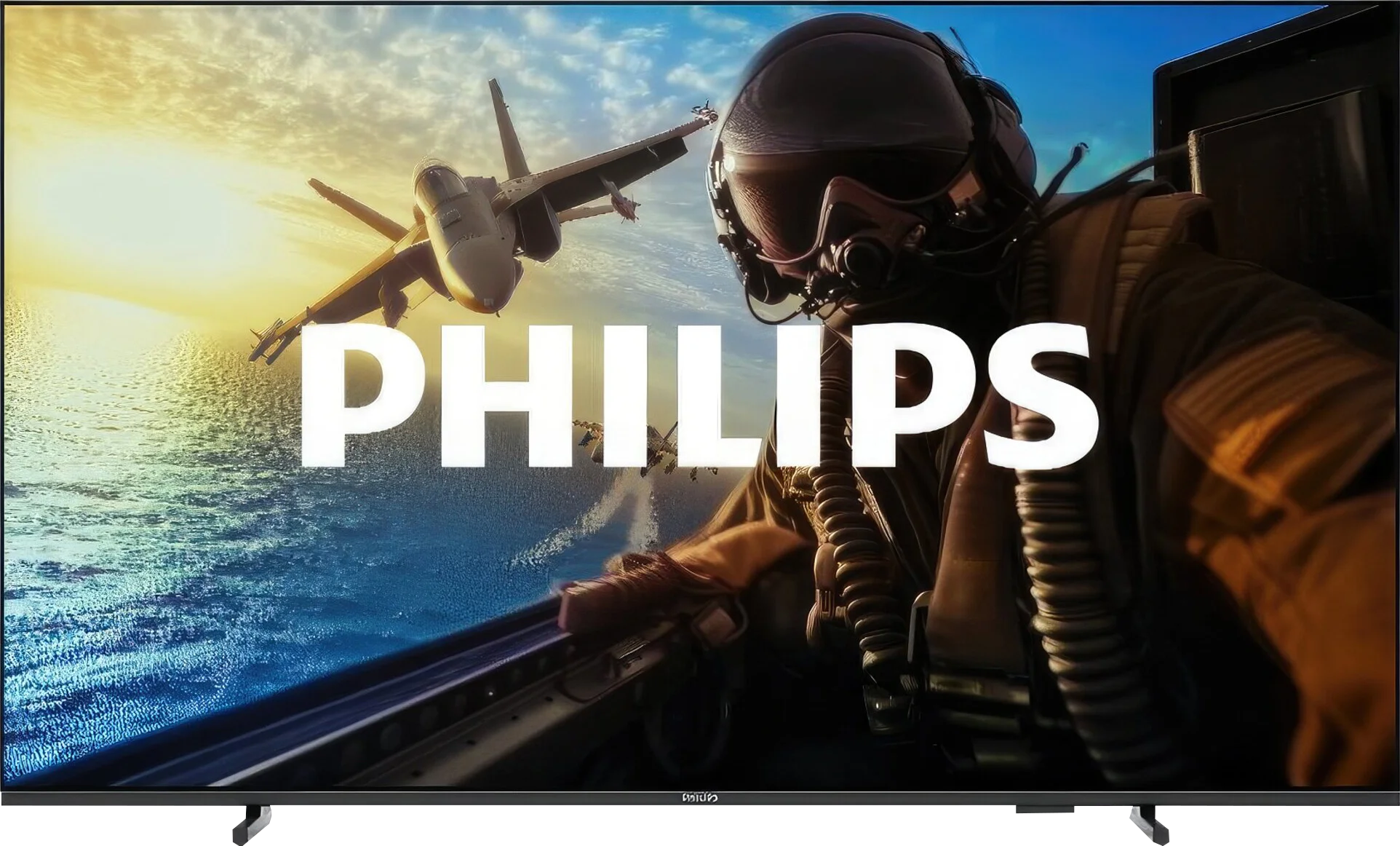
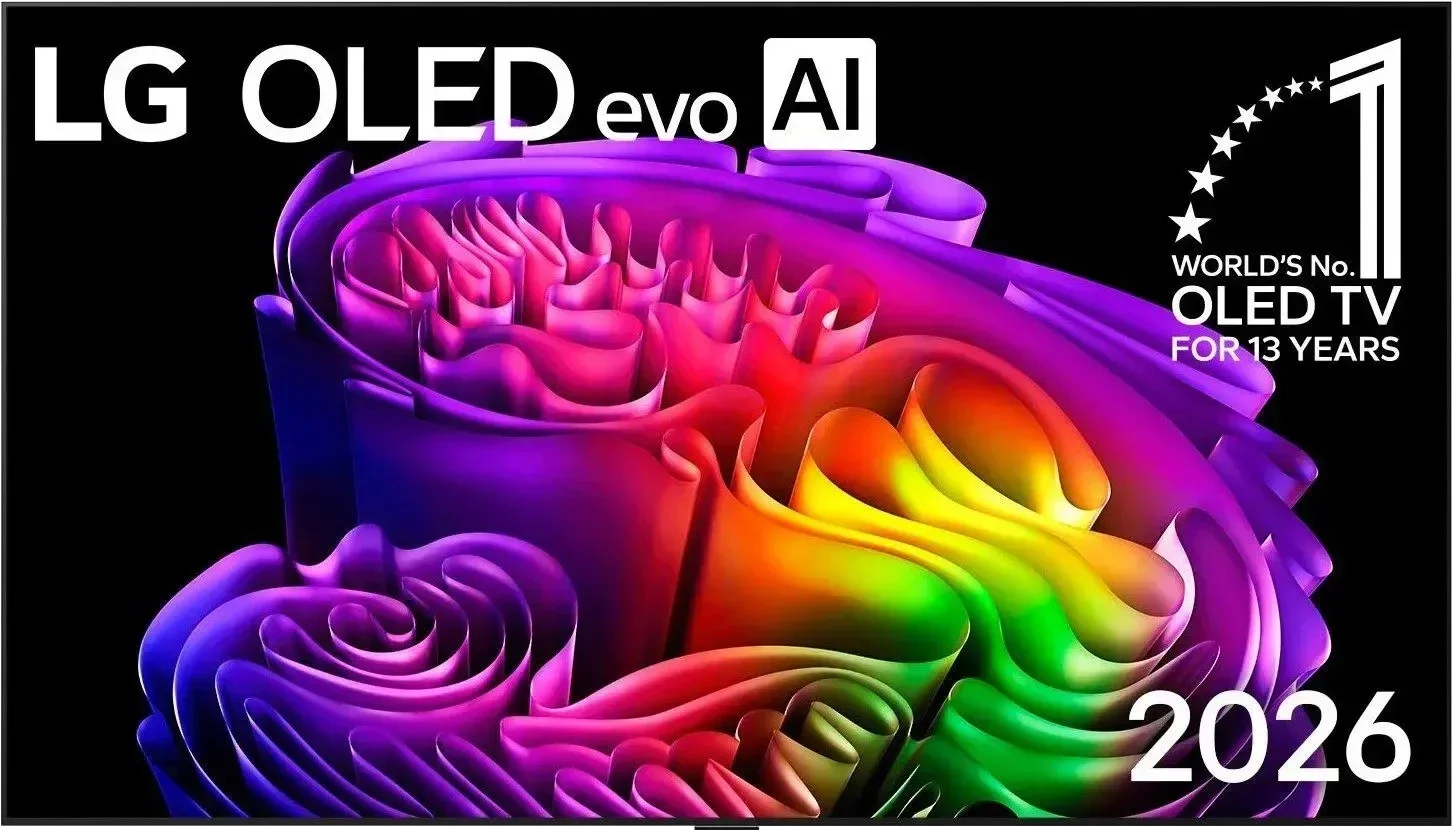
Panel type: LCD VA
Resolution: 3840x2160
System: Titan OS
Model year: 2025
Complete the survey to find out the result
Panel type: WRGB OLED
Resolution: 3840x2160
System: WebOS
Model year: 2026
Complete the survey to find out the result
Overall rating
5.3
8.7
 Movies and series in UHD quality
 4.8
8.6
 Classic TV, YouTube
 5.7
8.7
 Sports broadcasts (TV and apps)
 4.9
8.6
 Gaming on console
 6.5
9.5
 TV as a computer monitor
 5.8
8.7
 Watching in bright light
 3.5
8.2
 Utility functions
 5.0
8.5
 Apps
Apps 6.7
9.1
 Sound quality
 5.8
8.4
Complete the survey to find out what fits your preferences
Advantages

Attractive price
High contrast VA panel
Very low input lag
Gaming features – presence of VRR, ALLM, and a dedicated Game Bar
HDR10+ support
Quite decent image processing (for such a cheap TV)
Good readability of fonts – will work well as a large monitor
Backlit remote control with numeric keypad
High brightness in HDR and SDR
Excellent anti-reflective coating
Reference-grade colors (after calibration can match a reference monitor)
Full support for gamers (HDMI 2.1, 165 Hz, VRR, ALLM)
Low input lag (under 5 ms)
Smooth motion and sharpness
Full support for Dolby Vision
Functional webOS with Magic Remote support
5-year panel warranty included
Disadvantages

Very low brightness – 200 nits
No Ambilight
Lack of any features to improve fluidity makes the image very "raw"
Titan OS system – the interface is slow, and it lacks many popular applications
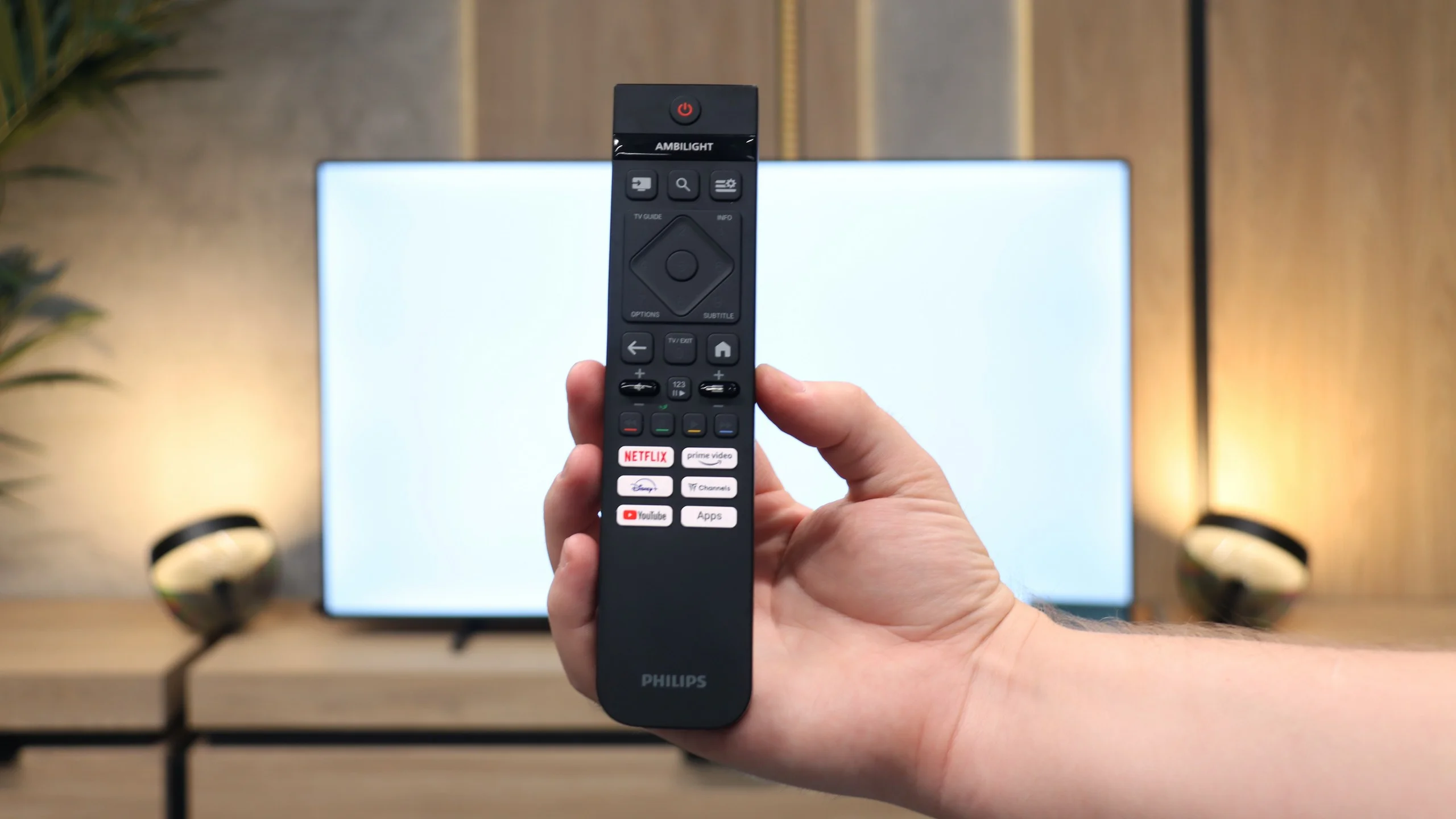
The remote works with infrared
Very annoying dithering: graininess and flickering in near-black areas of the image
Worse viewing angles than its predecessor (though still good)
No support for the DTS:X audio codec (useful for Blu-ray owners)
Our verdict
There’s no doubt the LG G6 is outstanding in places. Thanks to the new 2nd-generation Tandem OLED panel it does something no other glossy-screen display on the market has managed so far: it suppresses reflections brilliantly while keeping perfect, untouched picture quality. Add record brightness and the panel’s unique characteristics, and the G6 can produce images that at times literally knock you off your feet. The excellent webOS and gamer-oriented features only reinforce the impression that this is a worthy successor to the G5. But that’s only one side of the coin, since expectations for a device in this class are as high as they get. During detailed testing we ran into an issue with digital image processing in near-black scenes. We’re talking about overly aggressive grain (dithering) and slight flickering of details in dark sequences. While during normal couch viewing this flaw isn’t dramatically noticeable and doesn’t negate the overall wow factor of the contrast, a trained eye will readily see that LG’s engineers stumbled at the final stage of panel tuning. When you buy a fairly expensive flagship product right now, you simply expect perfection out of the box.
Despite this obvious slip-up, the LG G6 is still at the absolute forefront of the market and one of the most interesting TVs of the year. It has a solid foundation to become the ultimate display. We firmly believe the manufacturer will quickly diagnose the issue and release an appropriate software update. If that happens, the competition won’t stand a chance. We promise to monitor the situation closely, and as soon as a patch appears we will verify how well it performs.
TV appearance

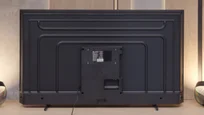


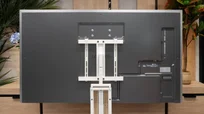

Contrast and black detail
5.9/10
10/10
Local dimming function: No
Contrast:


Result
5,950:1

Result
4,950:1

Result
5,500:1

Result
5,550:1

Result
5,150:1
Result
∞:1
Result
∞:1
Result
∞:1
Result
∞:1
Result
∞:1
Halo effect and black detail visibility:
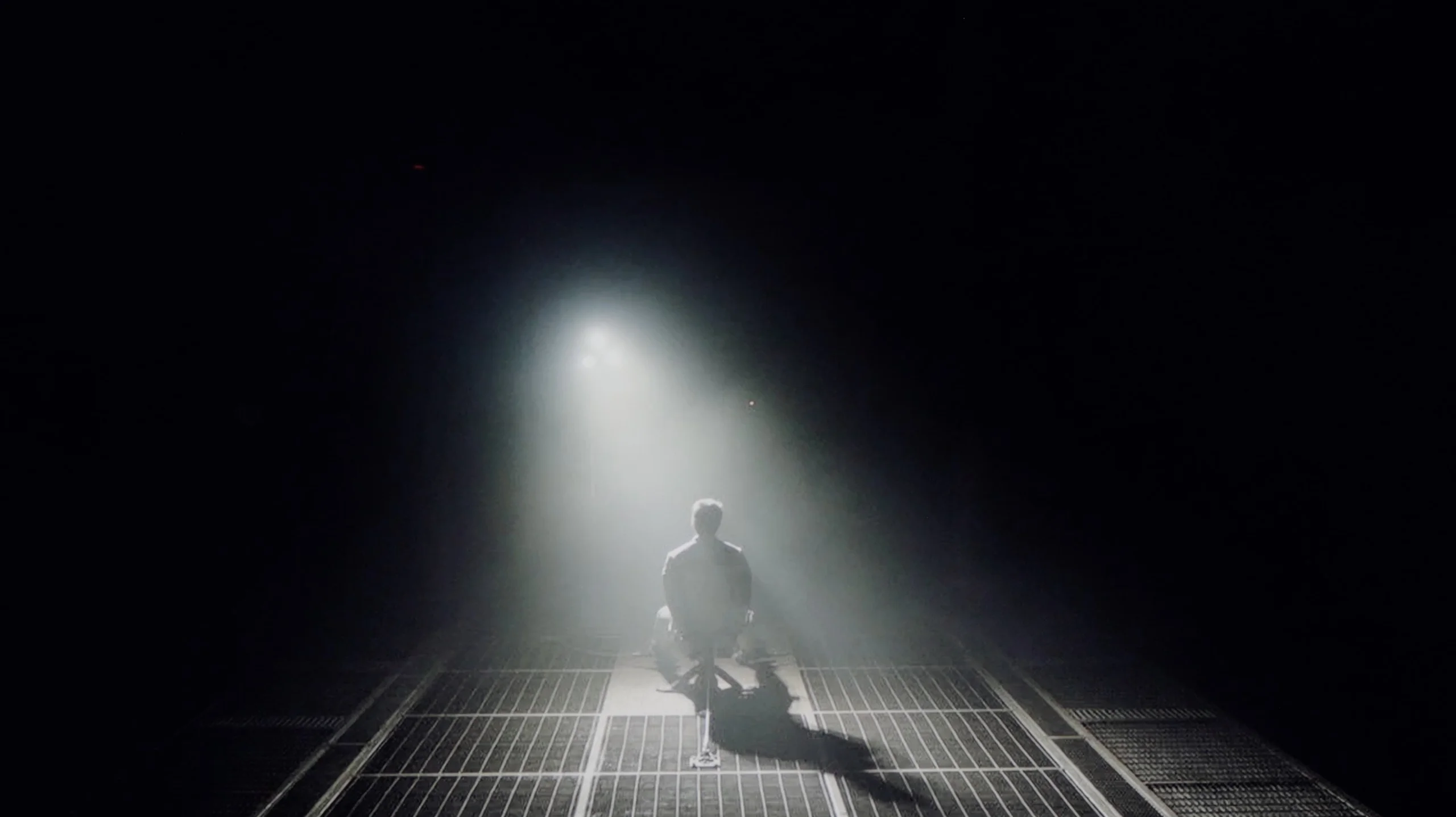
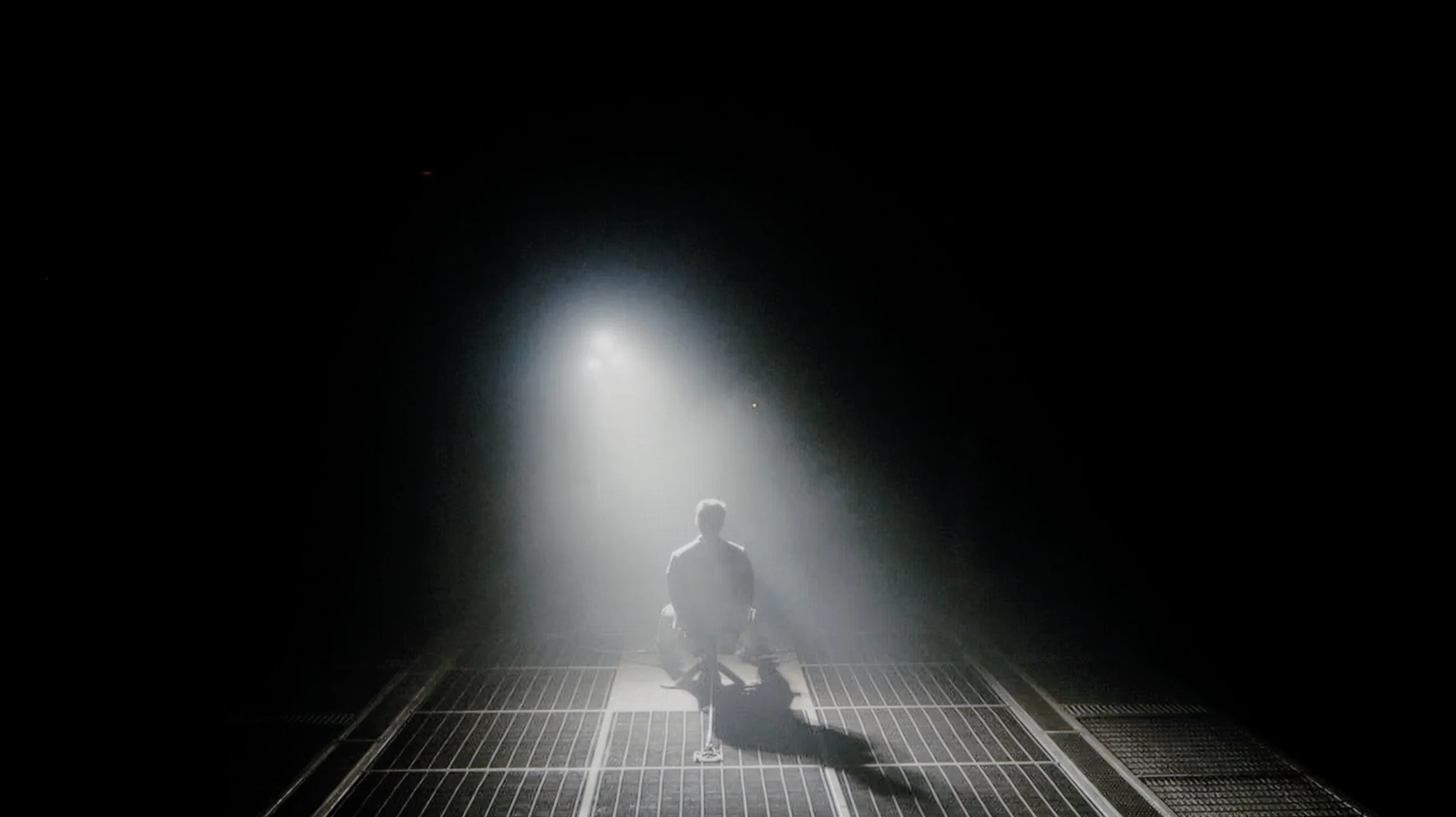
Check the visibility of bright lights on a dark background. Mini-LEDs often struggle with this. The photo does not compare black levels – that’s what the video below is for.
The video accurately shows differences in contrast and black levels between TVs, as well as potential issues: halo around bright objects or Mini-LED zone operation visible as brightness jumps.
The model PUS7000 we tested in the 55-inch size is equipped with a VA panel. This is significant for black quality, as in such budget constructions we do not find local dimming systems that could assist the screen in dark scenes. Therefore, all the work rests on the panel itself, which, thanks to its characteristics, offers a decent contrast of 6000:1. In practice, this translates to much better experiences during evening viewings compared to competing TVs with IPS panels. The black here is better separated from bright elements, making dark parts of the image not appear washed out, and details in shadows remain visible. However, it is worth noting that in completely dark conditions, the black may slightly take on shades of navy blue and will not be as perfectly "pitch black" as in more expensive models. To mitigate this effect and improve depth perception, it is advisable to consider watching the TV with soft, additional lighting in the room. Usually, this issue was somewhat resolved by the well-known Ambilight system from Philips TVs, which, through a glow on the wall, optically increases contrast. Unfortunately, in the PUS7000 model, the manufacturer decided to look for savings, so we do not find this backlighting system here, which is standard in higher series like the PUS8000.
Since the LG G6 is based on OLED technology, specifically the 2nd generation WOLED TANDEM matrix, we are talking about perfection in terms of blacks and contrast, which is confirmed by our lab measurements – in every test scenario, the television achieved an absolute infinity mark. The ability to control each pixel independently gives it a powerful advantage over any LCD panel on the market. This translates to a brilliant, plastic depth of image that immediately draws you into every possible viewing experience. This is clearly visible in the example of a dark, demanding scene with a helicopter from the movie Sicario 2. While traditional screens with local dimming (including Mini-LEDs) can generate annoying "halo" effects in such moments, lighten black bars in films, or lose details in shadows, the LG G6 handles it flawlessly. Black where it should be black remains pitch-black and perfectly separated from bright points.
*A small note: during this test, a fairly strong grain and flickering of the image stands out. However, we do not take it into account when evaluating the contrast itself and this part of the review – we will describe this specific problem in further detail in the section: "Smoothness of tonal transitions".
HDR effect quality
3.3/10
9.1/10
Luminance measurements in HDR:

Result
193 nit

Result
202 nit

Result
197 nit

Result
209 nit

Result
230 nit
Result
2387 nit
Result
2345 nit
Result
2418 nit
Result
2439 nit
Result
1844 nit
Scene from the movie “Pan” (about 2800 nits)
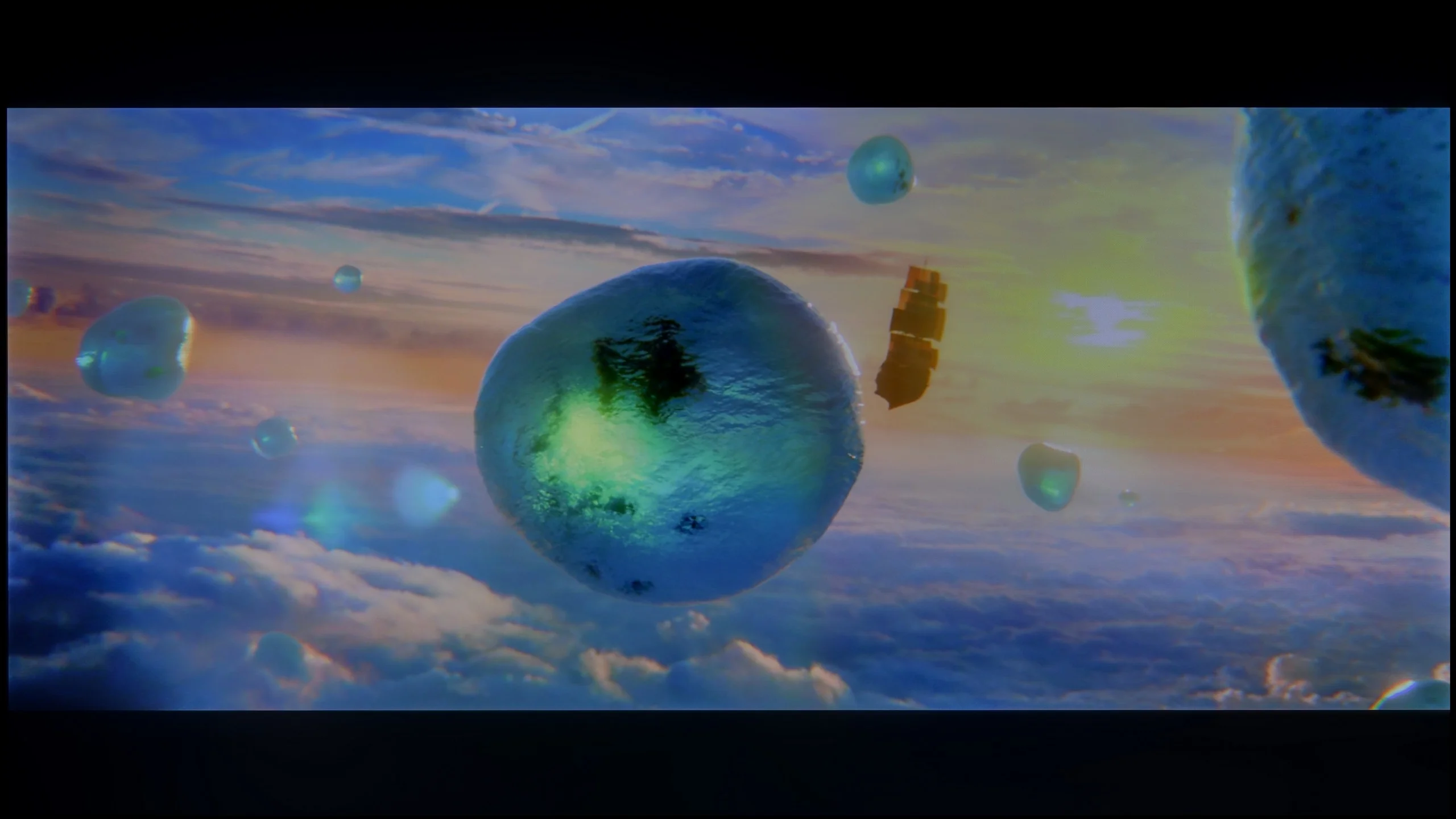

Scene from the movie “Billy Lynn” (about 1100 nits)


The photos show two HDR10 movies. 'Pan' is one of the brightest productions ever made, while 'Billy Lynn' (soldier) has brightness typical of streaming (Netflix, Prime, HBO MAX). Notice the intensity of effects and detail in whites.
Static HDR10


The photos present the visibility of white details in various HDR formats. They do not show brightness differences between TVs (these can be compared in the previous gallery).
Dynamic: HDR10+
Dynamic: Dolby Vision


The photos present the visibility of white details in various HDR formats. They do not show brightness differences between TVs (these can be compared in the previous gallery).
HDR luminance chart:
LG OLED G6 (G64LW, G66LS)
Philips PUS7000
Luminance of RGB colors
Unfortunately, the PUS7000 is not suitable for watching HDR content. This screen is simply too dark. A brightness level of 200 nits is not enough to correctly display such a format. Even if a HDR signal message appears on the screen, the image will resemble a regular SDR recording. Therefore, it's better to stick with the latter format to avoid issues in displaying bright scenes, which you can read about below. The situation is not improved by the fact that this is a classic LCD model without additional layers to enhance colors, such as QLED or PFS. As a result, colors in HDR may appear washed out. Ultimately, this gives a worse effect than in the standard SDR format, which is simply better suited to the capabilities of this panel.
The LG G6 is currently one of the brightest OLEDs on the market. Its peak brightness reaches nearly 2500 nits, and best of all – this has a direct impact on real film scenes. The television flawlessly pulls out details in the bright parts of the image. And this is regardless of whether we are talking about very small points like stars in the sky or slightly larger elements on the screen. Naturally, with full-screen, uniformly white scenes, the brightness of the G6 decreases due to the panel's protection system (ABL). However, in real, varied film shots, this value still hovers around 2000 nits, which can be considered an outstanding result. The coverage of the color palette also deserves praise. The new 2nd generation Tandem OLED panel brought only a cosmetic change, but still an improvement. The DCI-P3 color gamut coverage reaches nearly 99.5%, while the ultra-wide BT.2020 is around 84%. These are very good results, although one must remember one thing: at extremely high brightness levels, the volume of colors will be lower than in QD-OLED panels from Samsung Display due to the use of a white sub-pixel (WOLED). However, in everyday content and most films, detecting this difference will be very difficult.
Factory color reproduction
5.3/10
7.4/10
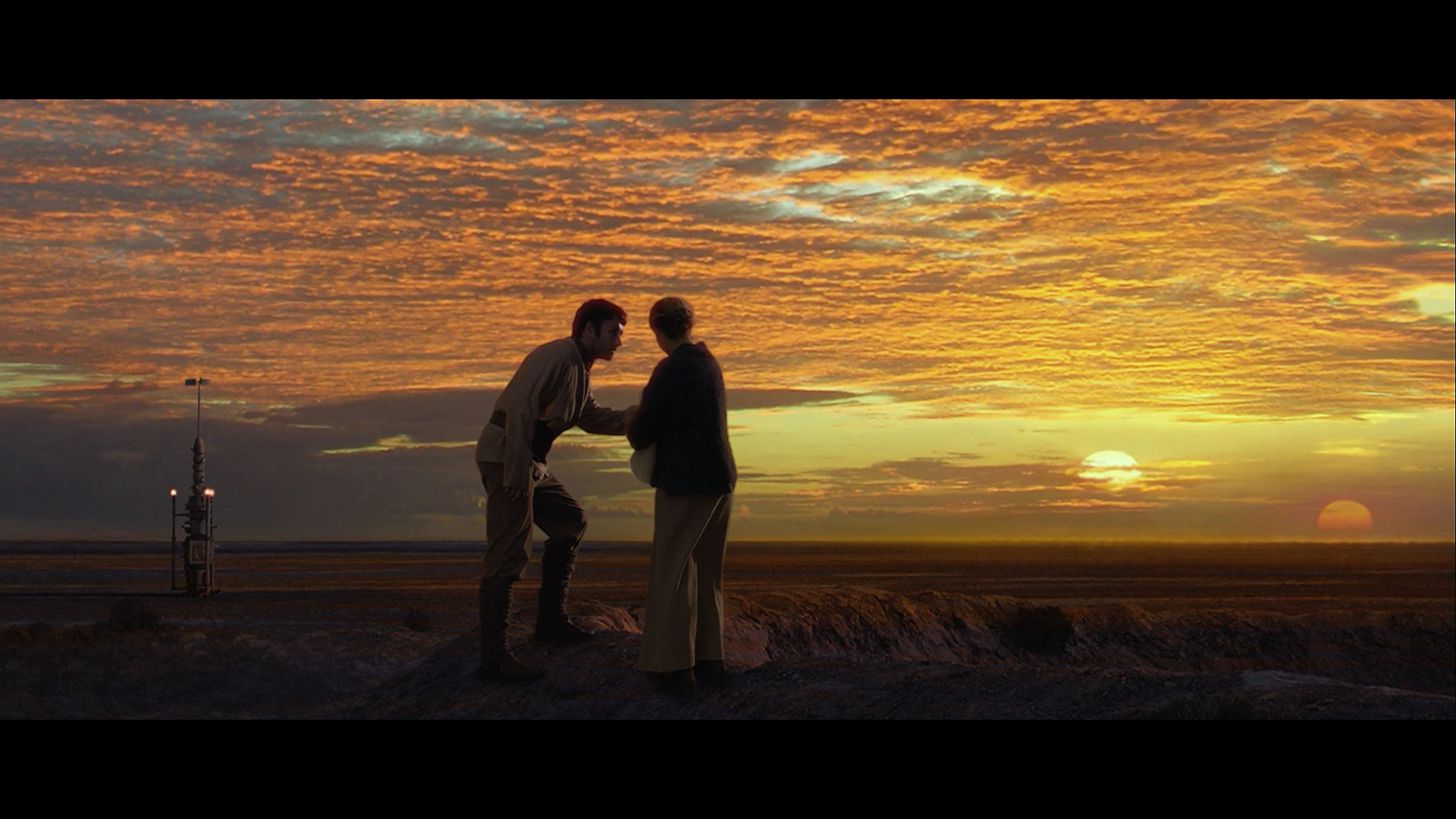
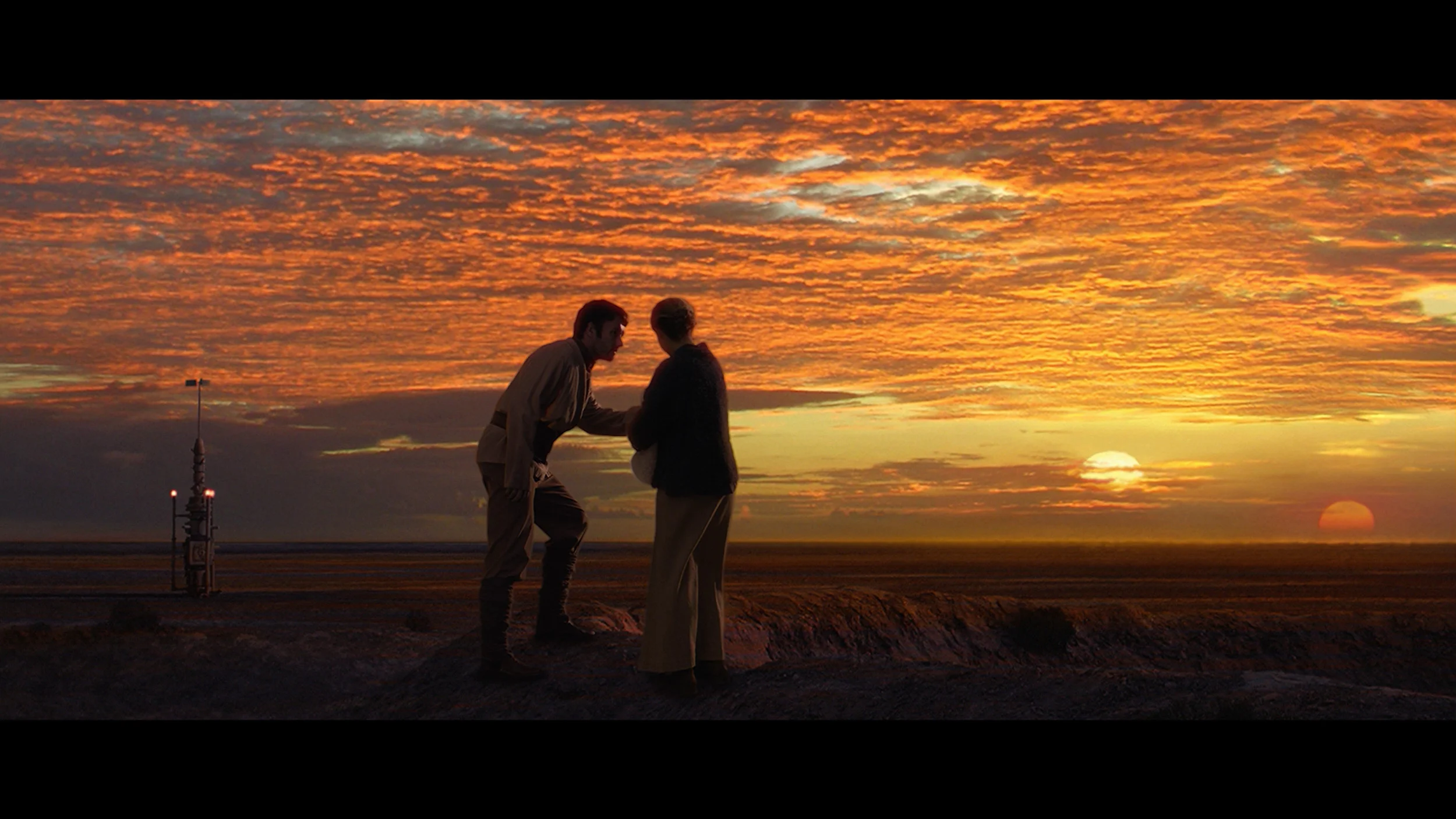
This gallery shows how colors change after professional TV calibration. If you notice the difference, we recommend ordering this service at SkalibrujTV.com.
Factory Mode
After calibration

This gallery shows how colors change after professional TV calibration. If you notice the difference, we recommend ordering this service at SkalibrujTV.com.
Factory Mode
After calibration
We tested the television in movie mode, which theoretically should provide the best and most natural colors. And indeed, this mode is quite correct; however, after connecting the calibration equipment, its biggest flaw became apparent. The PUS7000 has significant deficiencies in displaying red. Poorly tuned white balance and too low saturation of this color cause the image to appear too cool. As a result, one might get the impression that the displayed content is simply lacking in vibrant colors. The situation is exacerbated by the fact that both SDR and HDR content are excessively brightened. This is confirmed by the gamma curve and EOTF graphs, which show that the television displays the image brighter than it should. This causes scenes to lose their depth and may appear somewhat washed out. Fortunately, the Philips menu offers many functions to improve these aspects, so we immediately proceeded to calibration to see what could be squeezed out of this screen.
We tested the LG G6 in the best factory mode for color fidelity, which is FILMMAKER MODE. For our test unit, this mode was fairly well-tuned right out of the box. In SDR content, the only thing we could nitpick was the white balance, which leaned towards warmer tones. As a result, the image could sometimes appear slightly yellowed; however, overall, it wasn't a bothersome issue. The G6 performed a bit worse with HDR content. There, we noticed too much blue component in the white balance. This caused the image to take on cooler shades, resulting in quite noticeable errors. As can be seen in our ColorChecker chart, colors were indeed shifting towards these cooler registers. Nevertheless, for factory settings, the television displayed a completely decent level. However, we know that OLED screens – especially those from LG – respond wonderfully to professional calibration, which is why we immediately proceeded with it.
Color reproduction after calibration
7/10
9.2/10
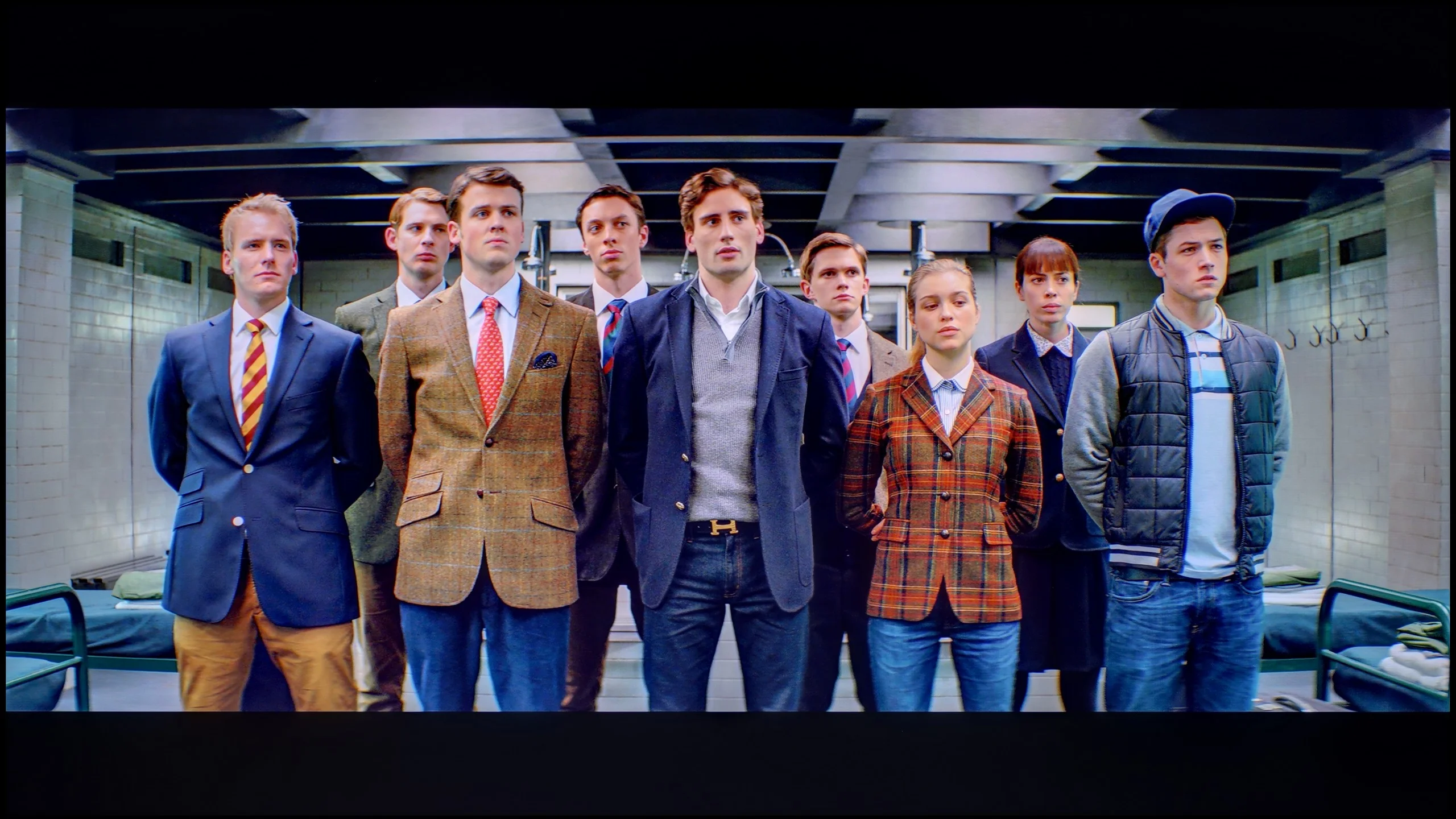
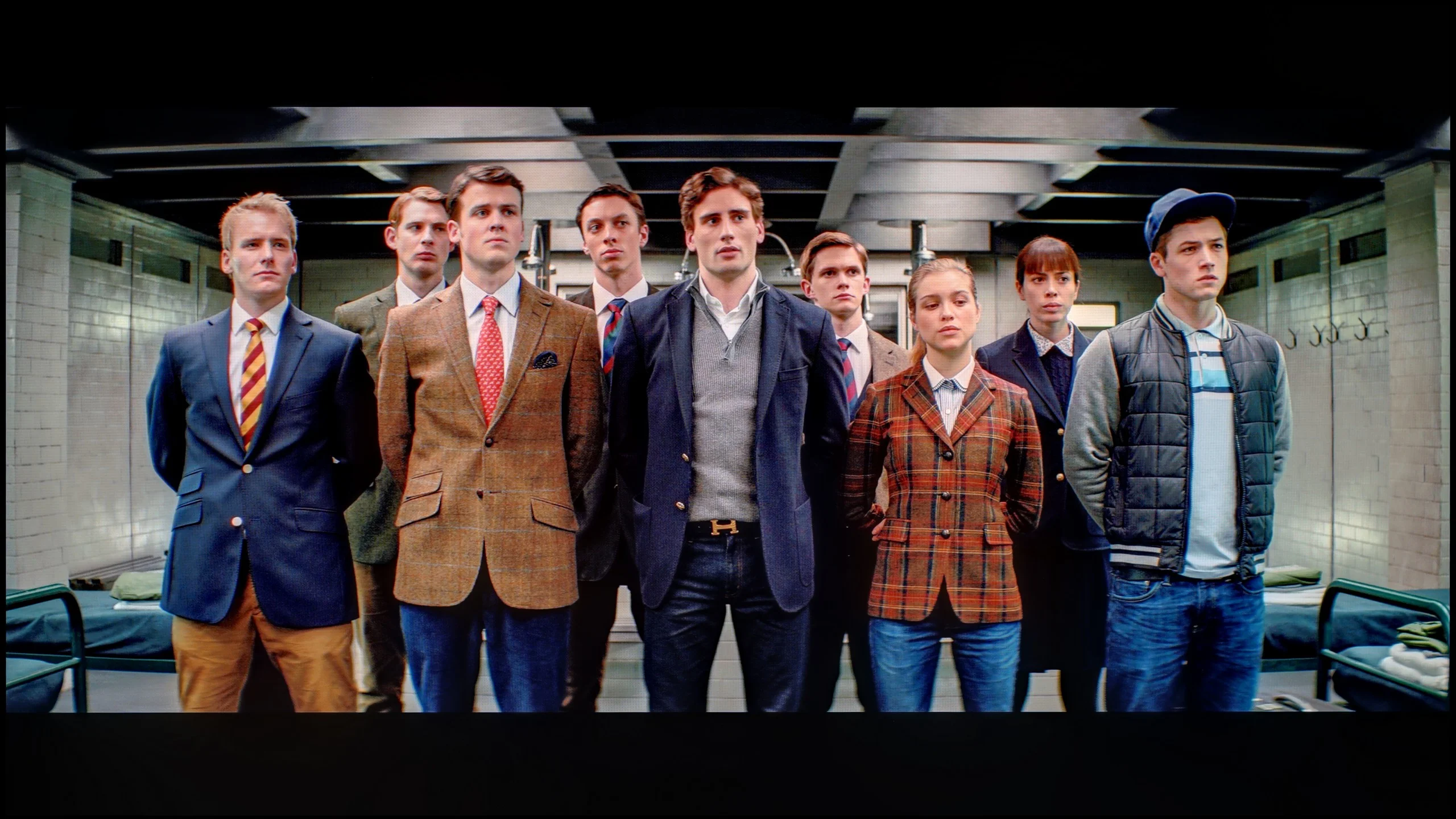
The photos show how movies look on the TV. Pay attention to black detail visibility, colors, and shadow tint.


The photos show how movies look on the TV. Pay attention to black detail visibility, colors, and shadow tint.
After professional calibration, it is clear that the PUS7000 responds well to image adjustments. In this price range, this is not a given. The effects should be assessed in two scenarios, depending on what content we plan to watch. SDR performs the best. After our corrections, the image looks really good. Most color errors fell below level 3, which is the threshold at which distortions typically become visible to the naked eye in measurements. Movies, series, sports, and regular television present themselves naturally, without unpleasant deviations. If someone primarily watches classic channels or streaming in HD quality, the difference after calibration will be noticeable immediately. However, it must be made clear that the PUS7000 is still not a television suitable for sensible HDR, and calibration does not change much here. The reason lies in the hardware: colors remain too undersaturated. The television lacks solutions that expand the color gamut, such as PFS filters or a quantum dot layer, so the panel simply cannot show the intense colors required by HDR. This is most evident in reds, which still look pale. This limitation cannot be bypassed with menu settings, as it results from the design of the backlighting and the panel itself.
After conducting a professional calibration, we gained complete control over the panel, and we were able to adjust all parameters to nearly zero. We managed to perfectly tune the white balance, which made the factory-cool and warm tints disappear from the screen. The effects are clearly evident in the ColorChecker test – the average color reproduction errors dropped below the critical value of 1-2. And what does that mean? PERFECT colors, with no distortion whatsoever! However, from a reviewer's obligation, we must comment on how the LG G6 autonomously manipulates brightness, for which the EOTF curve is responsible. When we look at the standard synthetic graph, it may seem that the line is quite straight. The situation changes, however, when we turn on the measurement filter, which shows how the television interprets brightness in real, moving film scenes (EOTF in MOVIES). At that point, it becomes clear that some of the smallest fragments on the screen are slightly over-brightened by the algorithm. Of course, for the average viewer, such a deviation will be practically unnoticeable, but in the test of such an expensive screen, it is worth noting – especially since we are talking about a model that has huge aspirations to be the best television of the year.
Smoothness of tonal transitions
6/10
5.5/10
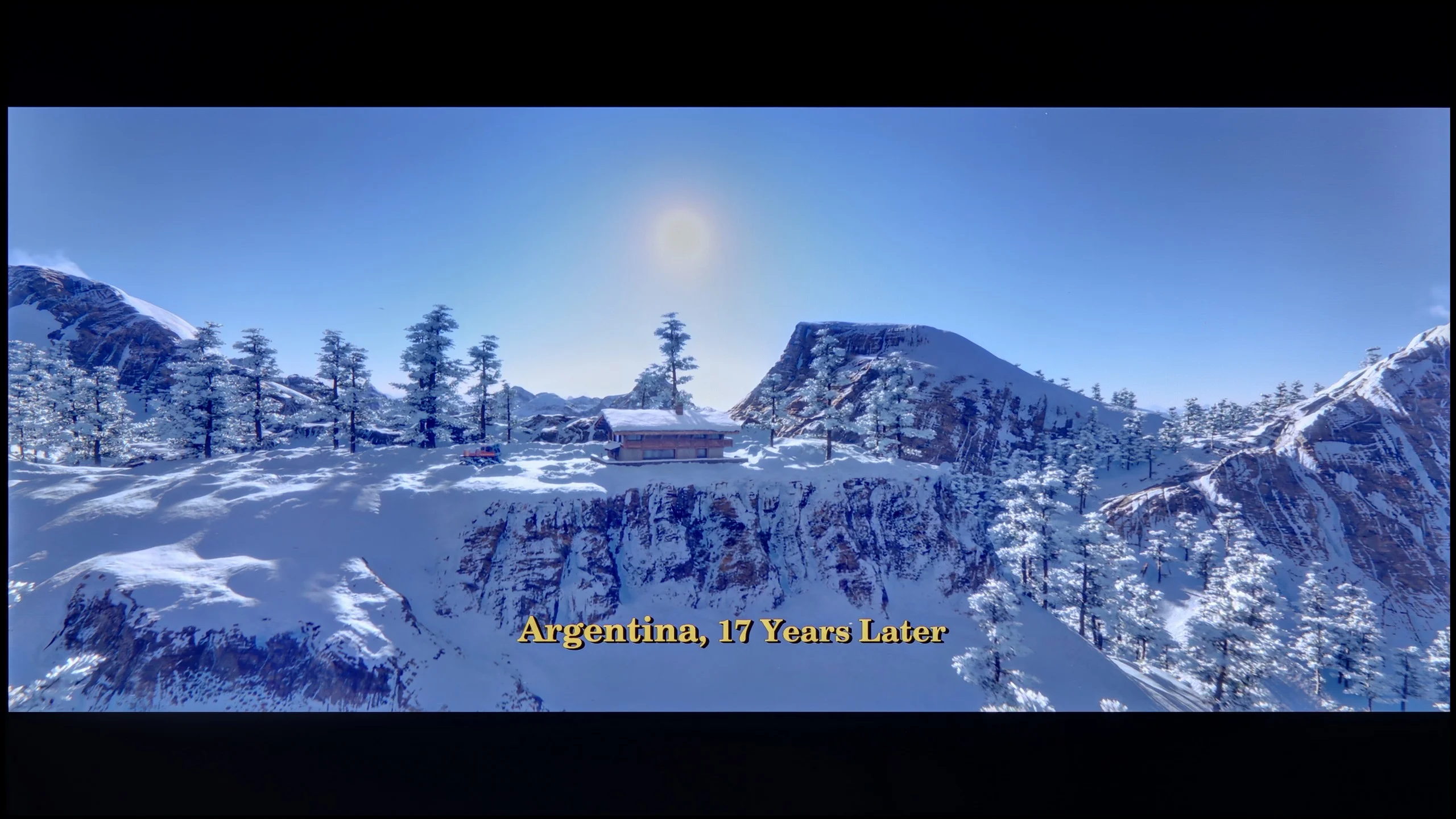

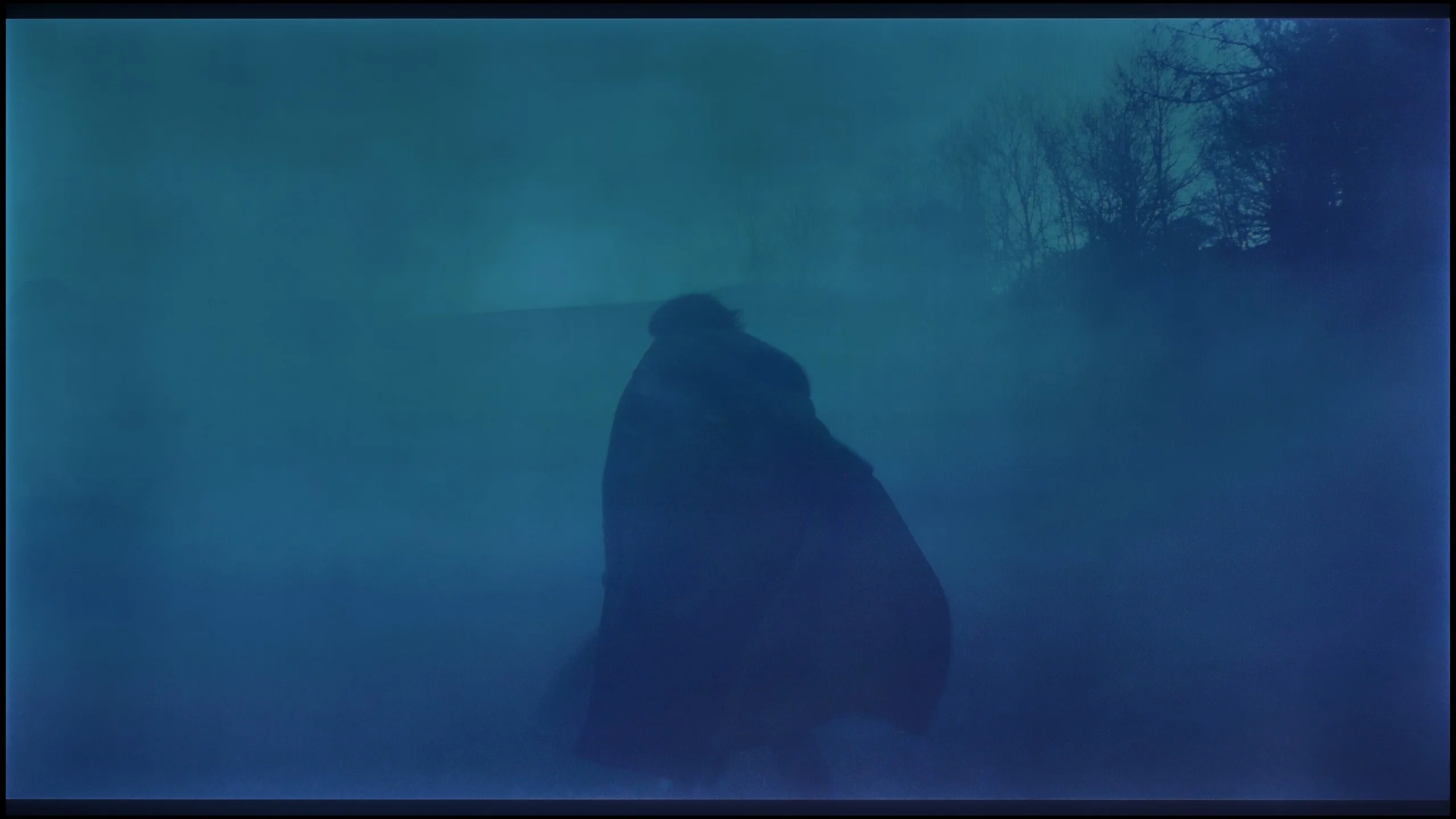
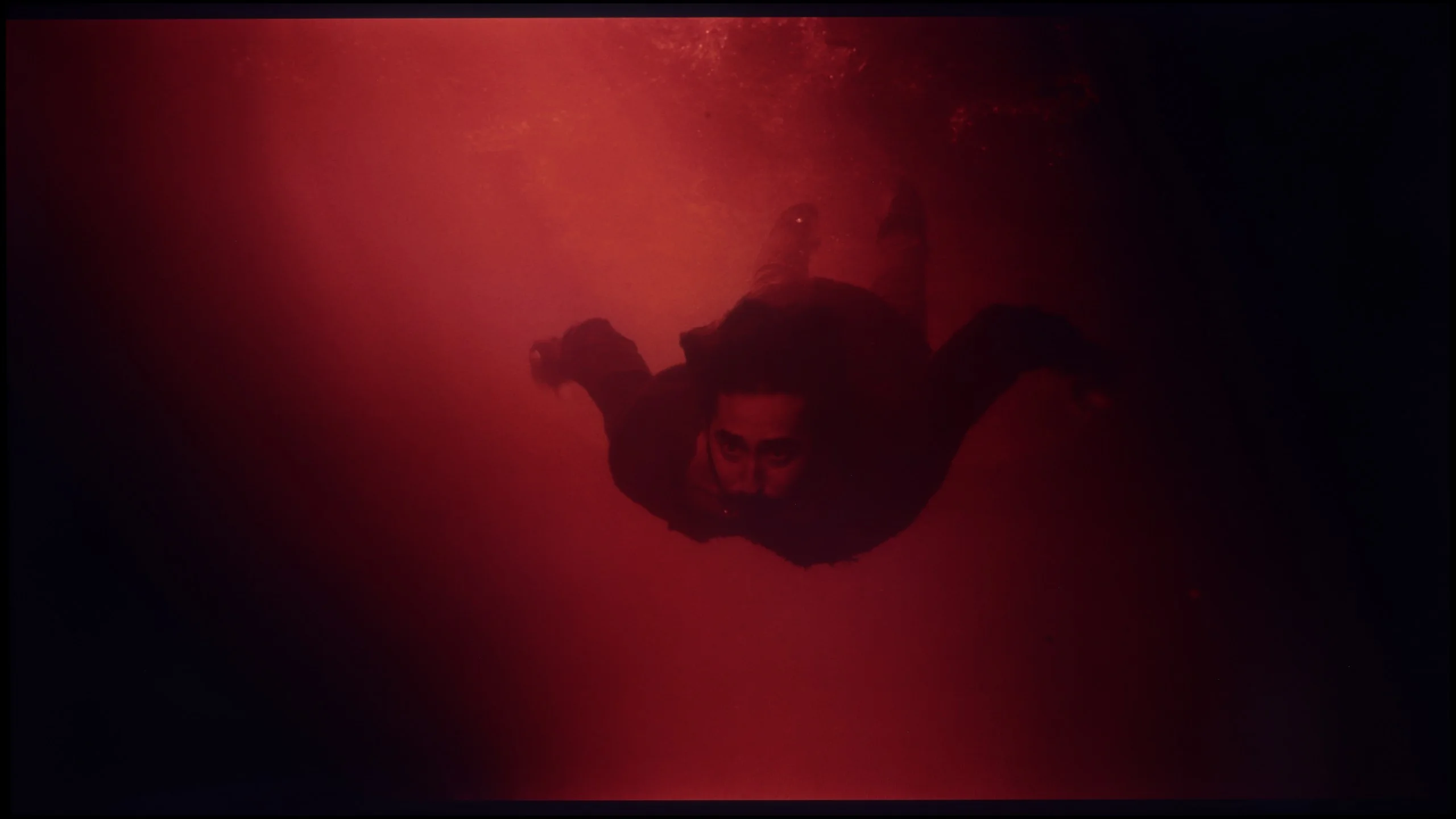
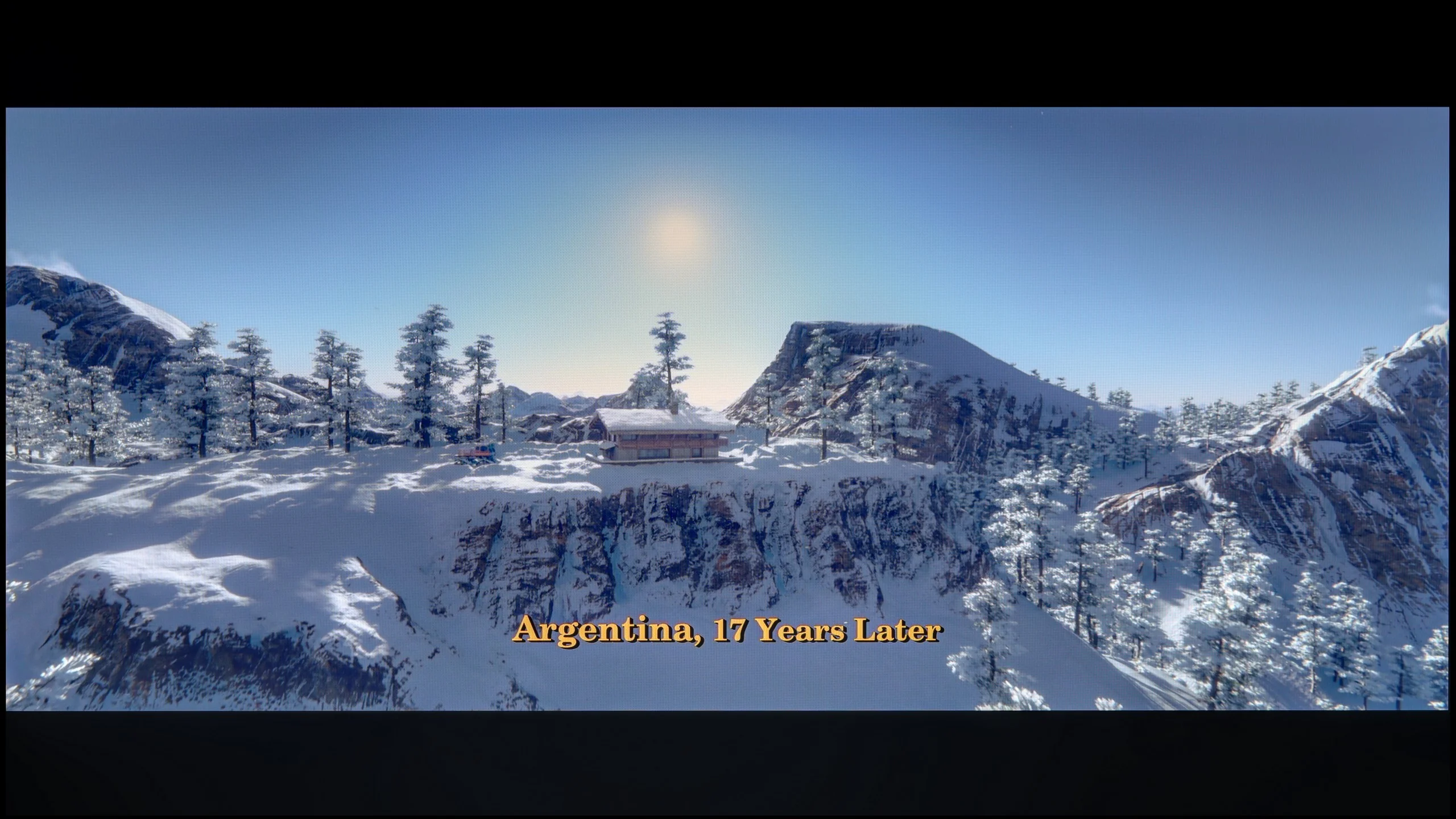
These are selected scenes that show smooth tonal transitions from one color to another. If you see distinct banding, it’s the TV panel’s fault.

These are selected scenes that show smooth tonal transitions from one color to another. If you see distinct banding, it’s the TV panel’s fault.
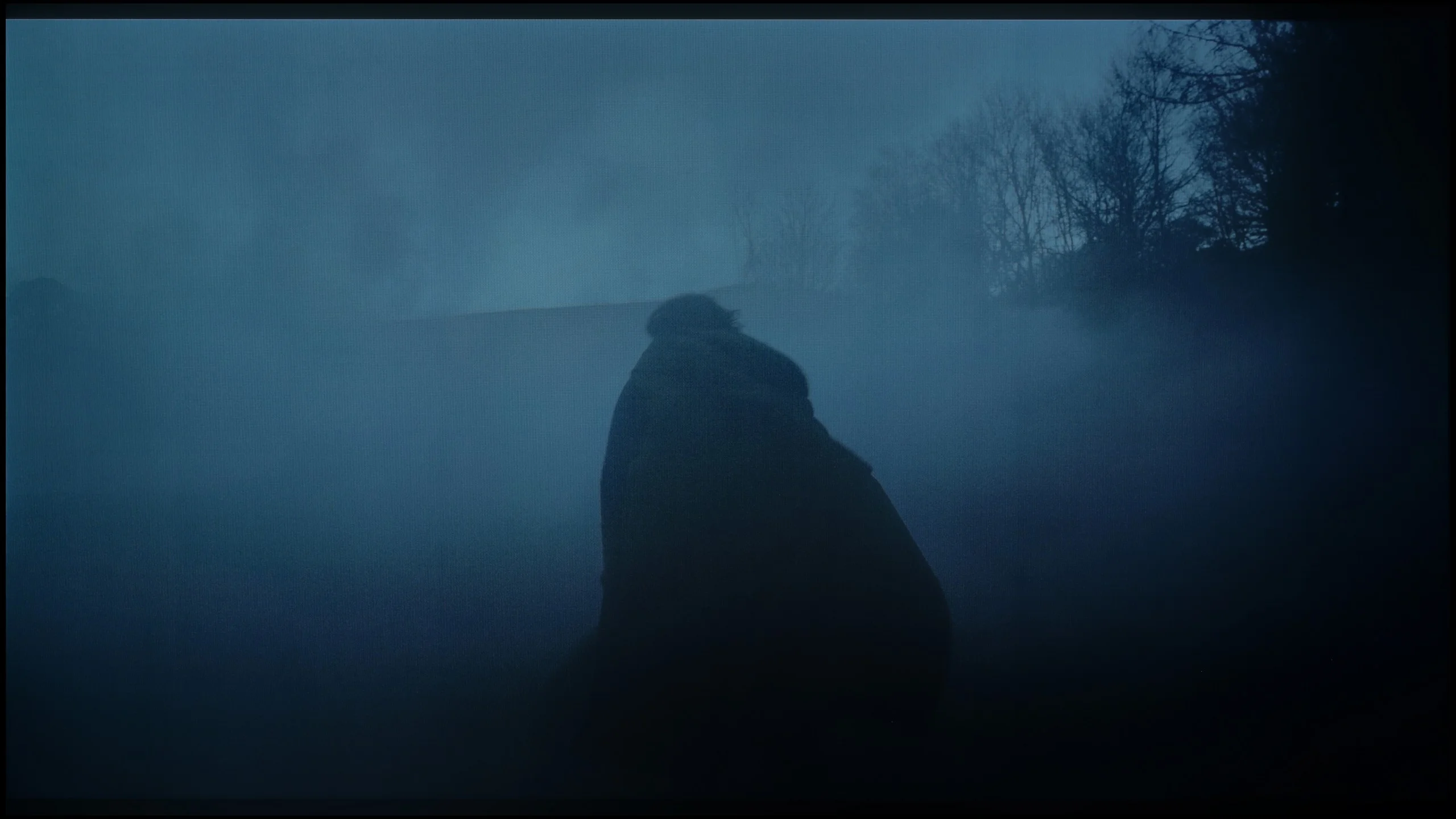
These are selected scenes that show smooth tonal transitions from one color to another. If you see distinct banding, it’s the TV panel’s fault.
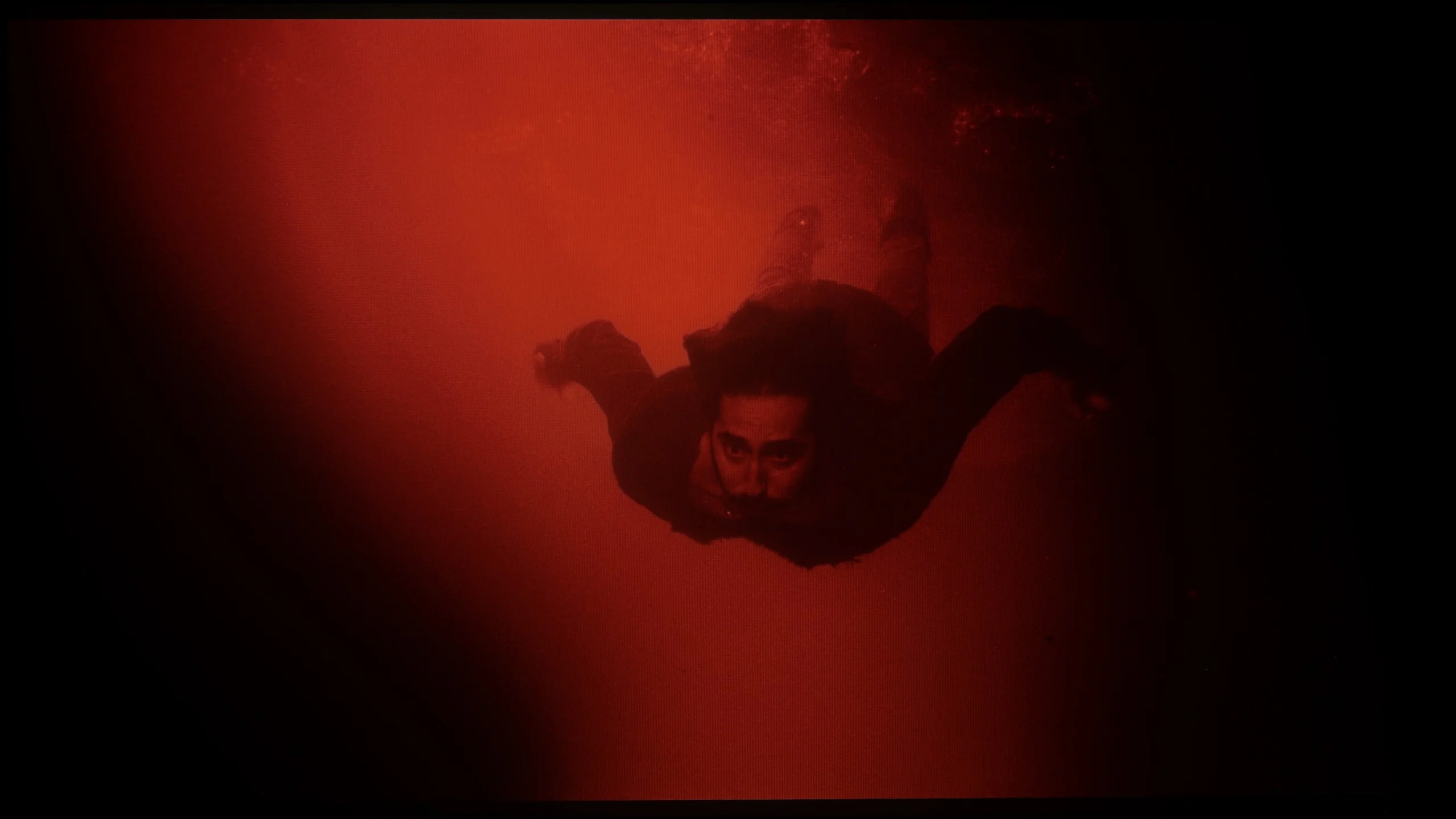
These are selected scenes that show smooth tonal transitions from one color to another. If you see distinct banding, it’s the TV panel’s fault.
In terms of color gradation in bright scenes, the PUS7000 model performs surprisingly well. It's hard to have any major complaints here. The color transitions are natural and smooth, so there are no disturbing bands or jumps between shades on a bright background. When watching cheerful scenes, nothing should distract your attention from the screen. However, the situation changes dramatically when darker shades of gray or simply very dark colors appear on the screen. Unfortunately, you can then see quite strong "stepping" of colors. Instead of smooth transitions, you get clear cuts between individual tones. In dark, atmospheric films, this can be quite annoying and distract from the viewing experience, as the tonal transitions are not as clean as in the bright parts of the image.
Unfortunately, this is where we come to the least cheerful part of this review. If we were to evaluate solely the smoothness of the tonal transitions, the G6 would score high marks. The color blending is at a very good level, and at times it resembles what we know from Samsung's QD-OLED panels. This is great news because up until now, ugly, banding artifacts in dark shades have been the bane of WOLED panels. In this category, we would easily give it a strong 8.5 out of 10.
Note: Unfortunately, the final rating in this section drops significantly, and the culprit is very aggressive dithering. In dark scenes, the image literally “shivers,” and in areas close to black/dark gray, the television can be annoyingly flickering. We do not know exactly what this is due to, but looking at the tests from other reviewers around the world - everyone has encountered exactly the same problem. We hope that LG will fix this as soon as possible with an update. We know that LG can respond quickly to negative user feedback, which can already be read online. We will keep an eye on this issue and will inform you in case of improvement.
Image scaling and smoothness of tonal transitions
6.5/10
8.7/10

Smooth transition function
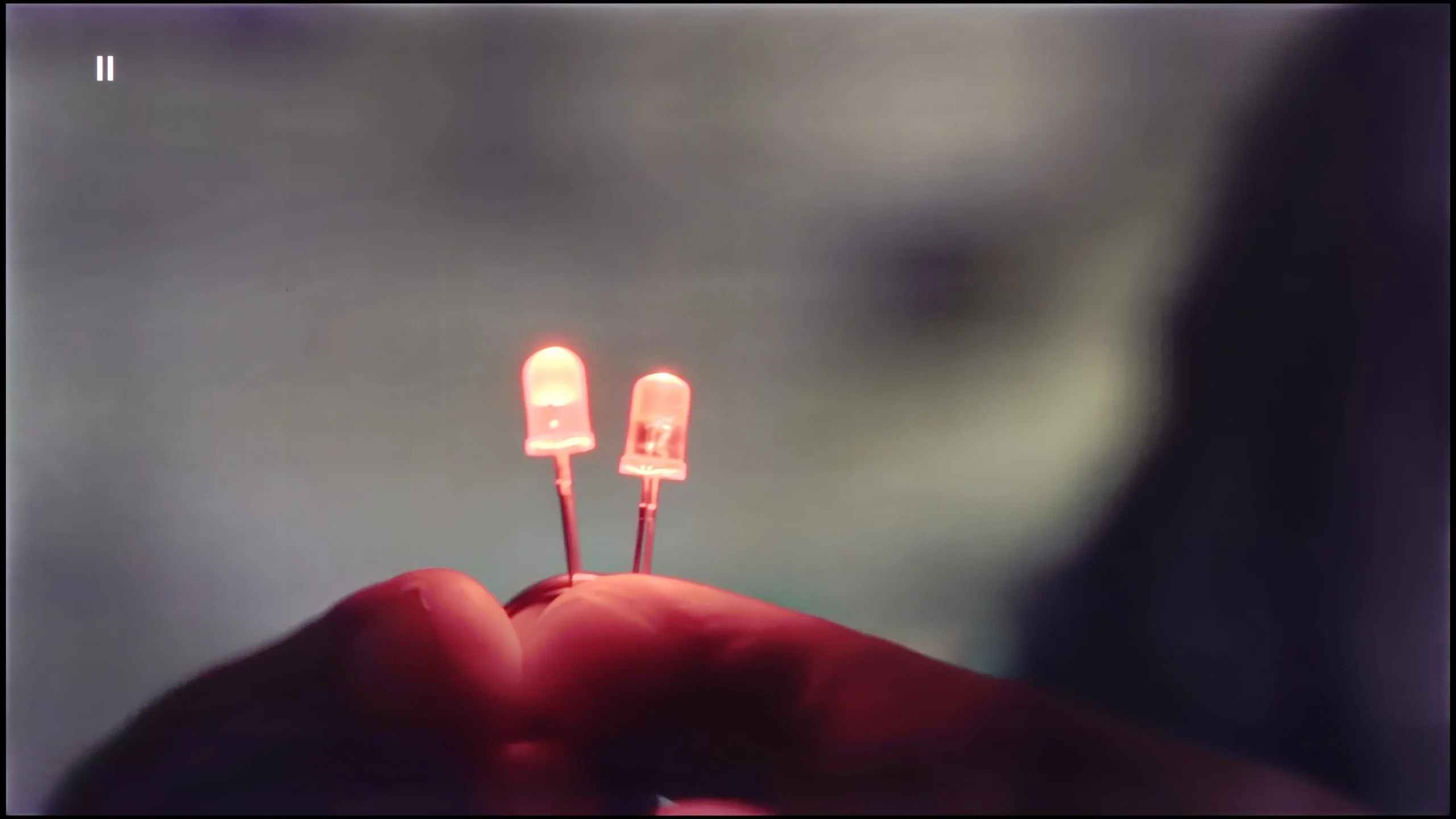
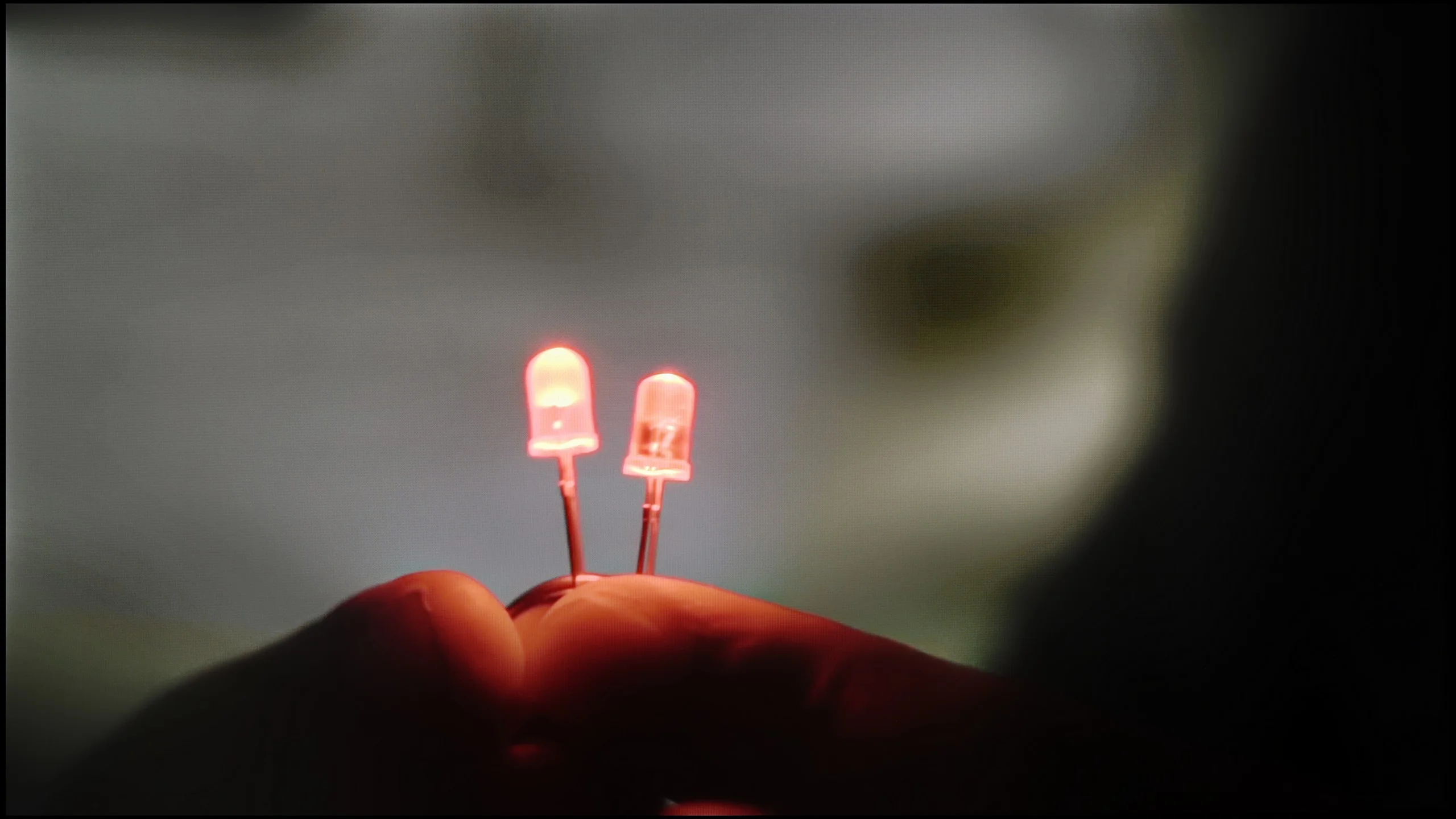
The match photo shows how the TV smooths weak tonal transitions in low-quality video.
Image scaling SD (576i)


The model photo shows how it handles upscaling of SD material.
The PUS7000 handles digital image processing quite well. The distortion reduction feature deserves praise, as it effectively smooths out unwanted tonal transitions even at a low setting. However, it has a flaw: if the action is too aggressive, it can introduce undesirable artifacts on the screen. It’s a good idea to experiment with this setting to find the sweet spot between a smooth image and detail clarity.
The upscaling, which is the enhancement of lower quality materials to 4K, is adequate. The image after processing is very "soft," which is typical for almost all Philips televisions. The edges are plastic and smooth, making the image look cohesive. If someone finds it too soft, it can always be adjusted with the sharpness slider in the menu to achieve a more pronounced effect.
No matter what one may say about the G6's problems with near-black signal, it must be fairly acknowledged that it handles highly compressed material and lower resolution content brilliantly. All unwanted, ugly tonal transitions are effectively reduced here by the “Smooth Gradation” feature. On the “Low” setting, the algorithm operates flawlessly – effectively masking the artifacts resulting from strong compression, without destroying the sharpness and details in the frame. Higher levels of this feature indeed smooth the image even more, but they start to blur the real texture elements of objects, which is why we recommend keeping this slider at a low level. As for the upscaling to 4K, the processor does an excellent job – edge sharpness and detail reconstruction are at the highest level, and in this respect, the G6 does not lag behind the world's best.
Blur and motion smoothness
3.9/10
8.5/10

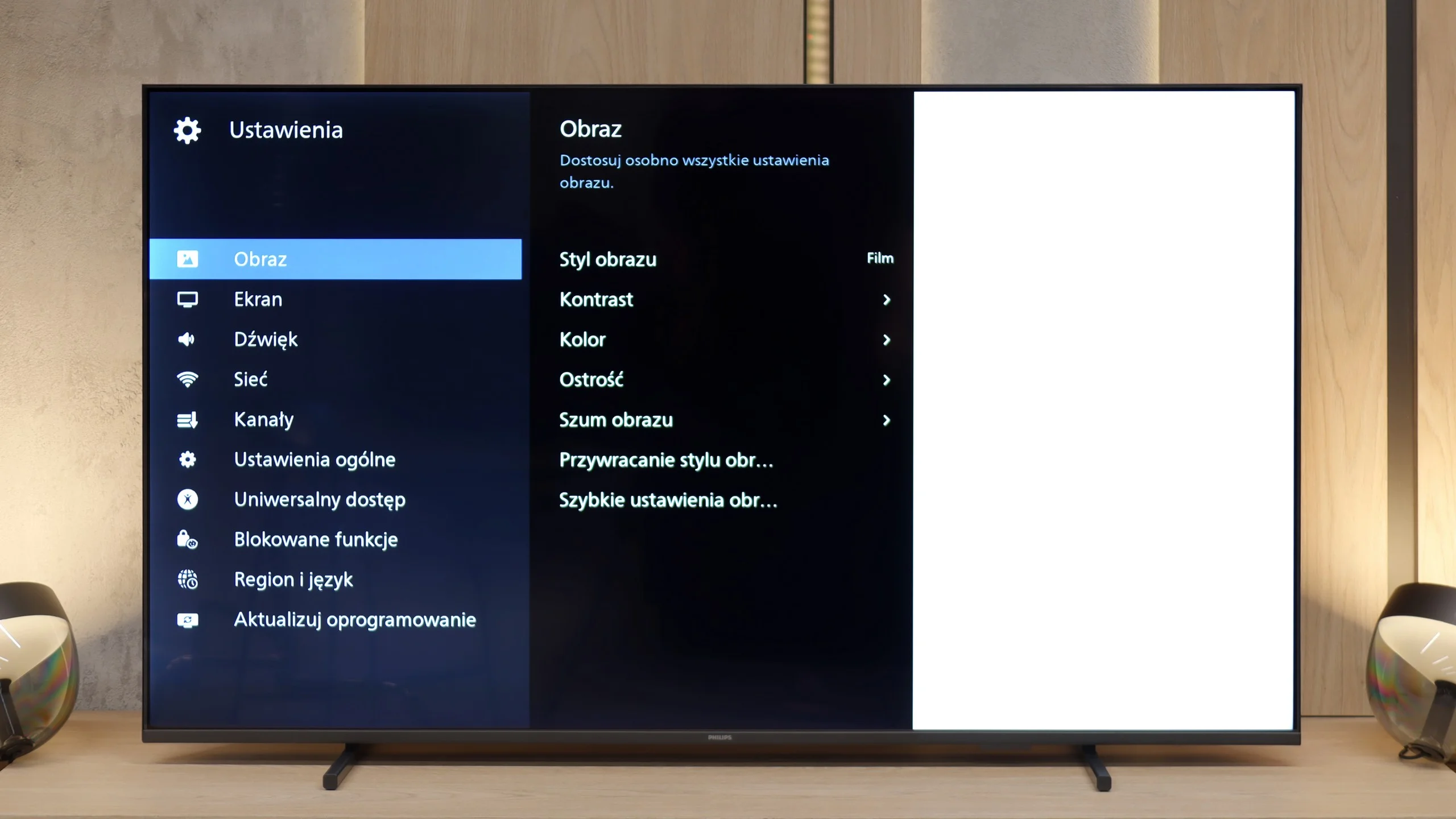
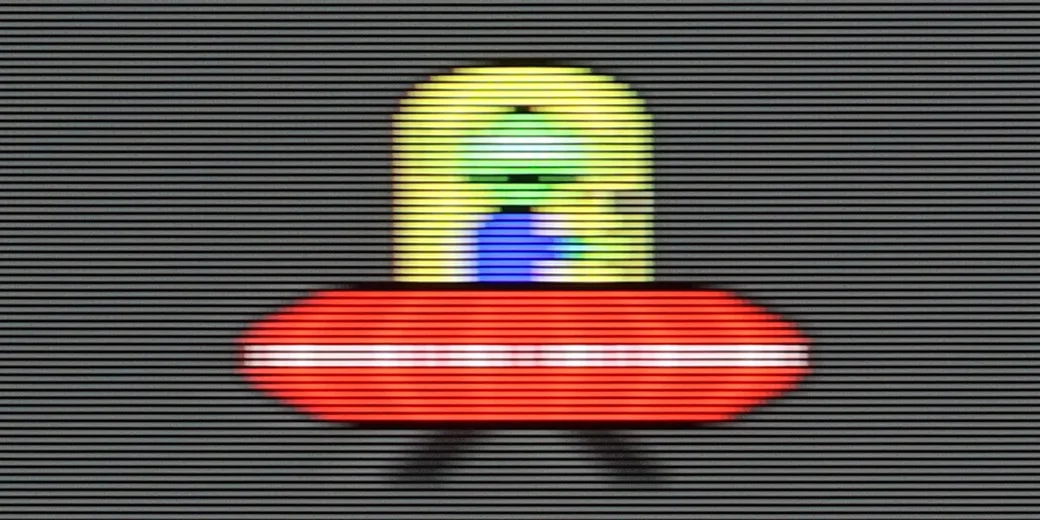
Blur (native resolution, maximum refresh rate):


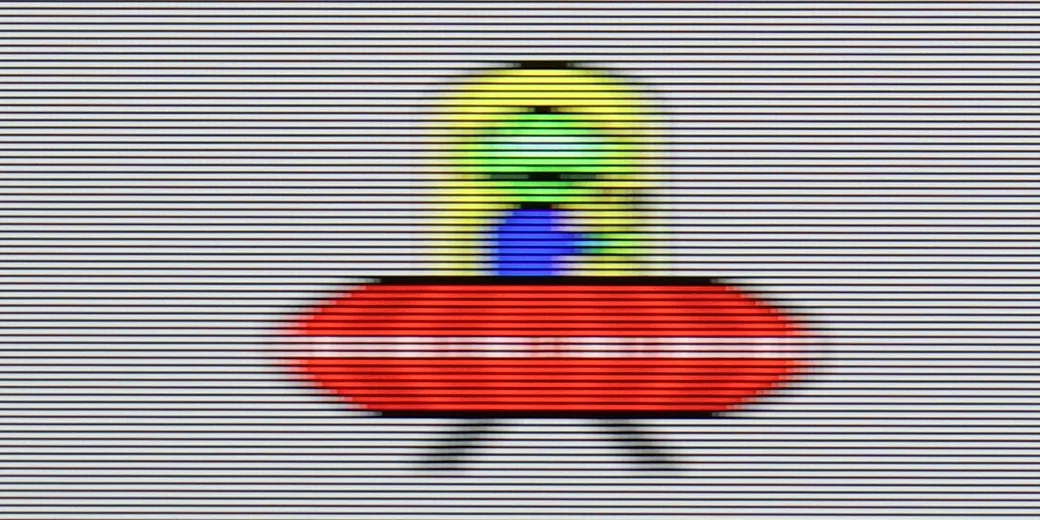
Blur (BFI function enabled):
Image flickers in this mode
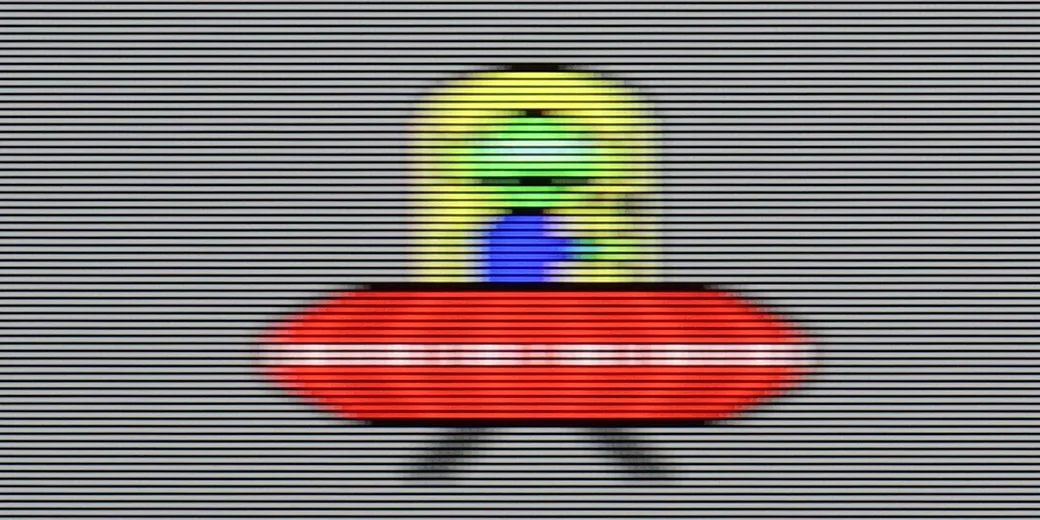
Blur ():
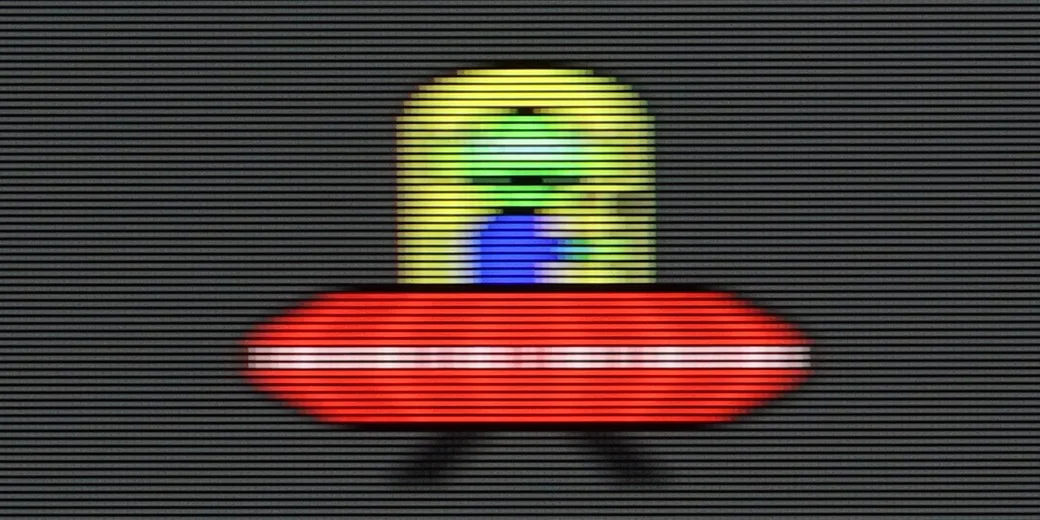
Blur (4K@165Hz):



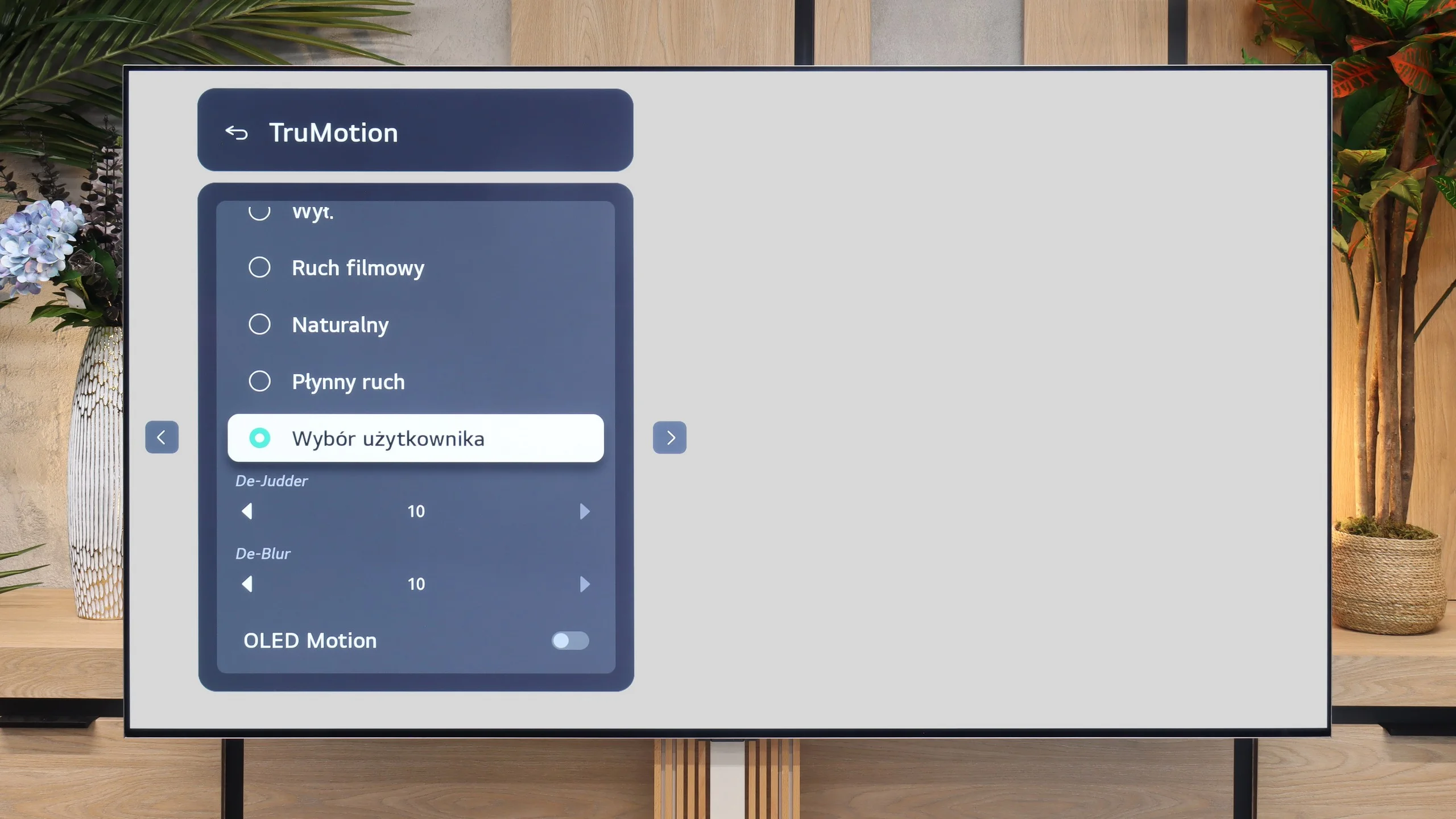
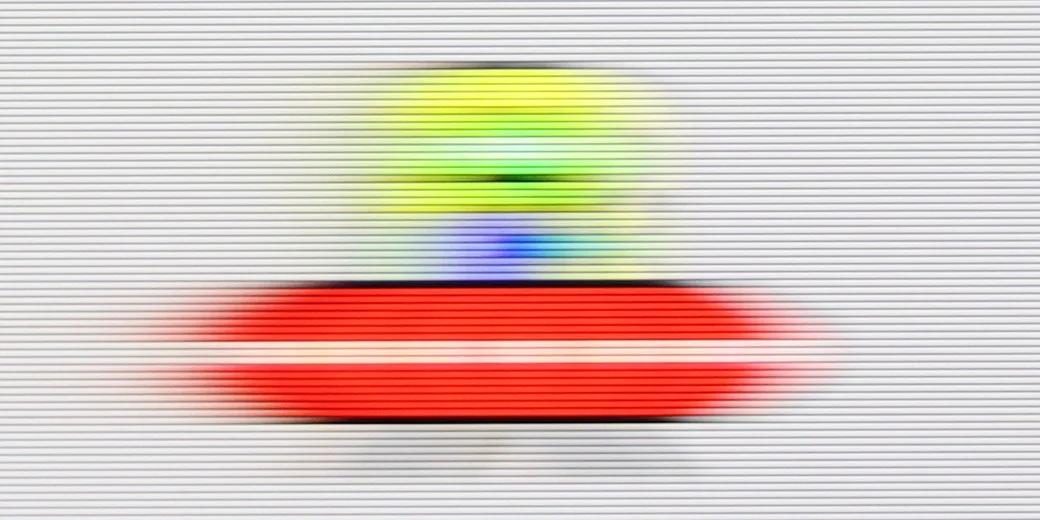
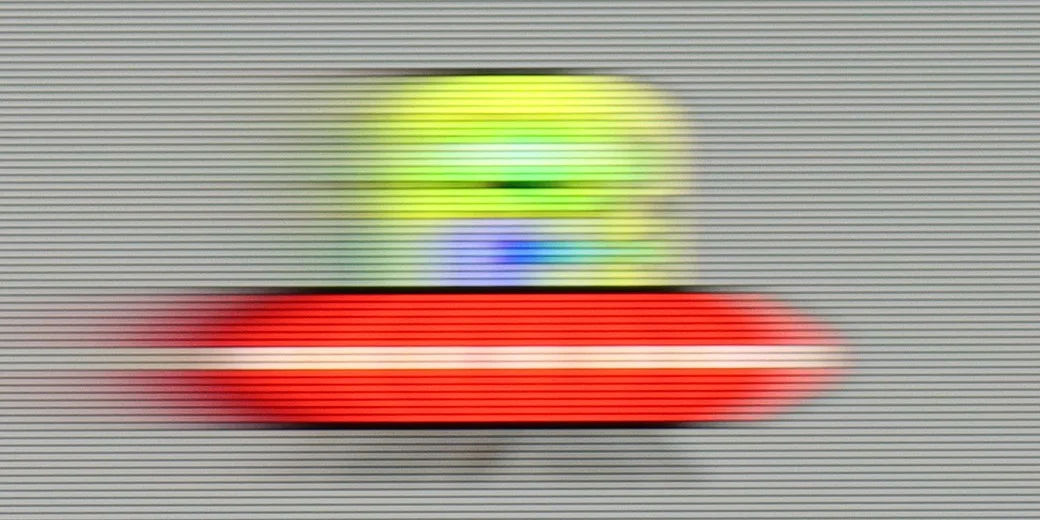
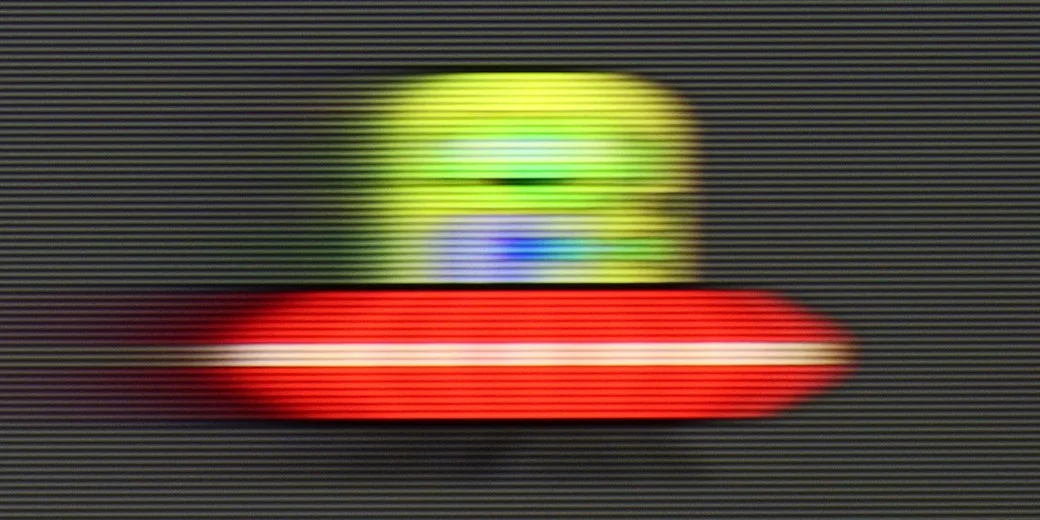
In this regard, we don't really have any good news. It might seem that the biggest downside is the lack of a 120 Hz panel, but in this price range, that's actually standard, and it's hard to expect more. However, the worst part is that the TV does not have any motion smoothing features. There are no supporting systems for either movies or sports. We have to accept that the image on the PUS7000 is processed "raw." This means that during dynamic scenes or fast camera movements, the motion may appear choppy or unclear. We have no way to enable any smoother that would soften this effect.
The LG G6 is an OLED television, so in the category of motion fluidity, it traditionally deserves the highest ratings. The television supports a very high refresh rate of up to 165 Hz in 4K resolution, but most importantly – you will not see any signs of blurring on the screen. The response time of the panel is incredibly fast, ensuring that dynamic images remain perfectly sharp.
Console compatibility and gaming features
4.7/10
10/10
- ALLM
- VRR
- VRR range48 - 60Hz40 - 165Hz
- Dolby Vision Game Mode
- Correct implementation of HGIG
- 1080p@120Hz
- 1440p@120Hz
- 4K@120Hz
- Game bar
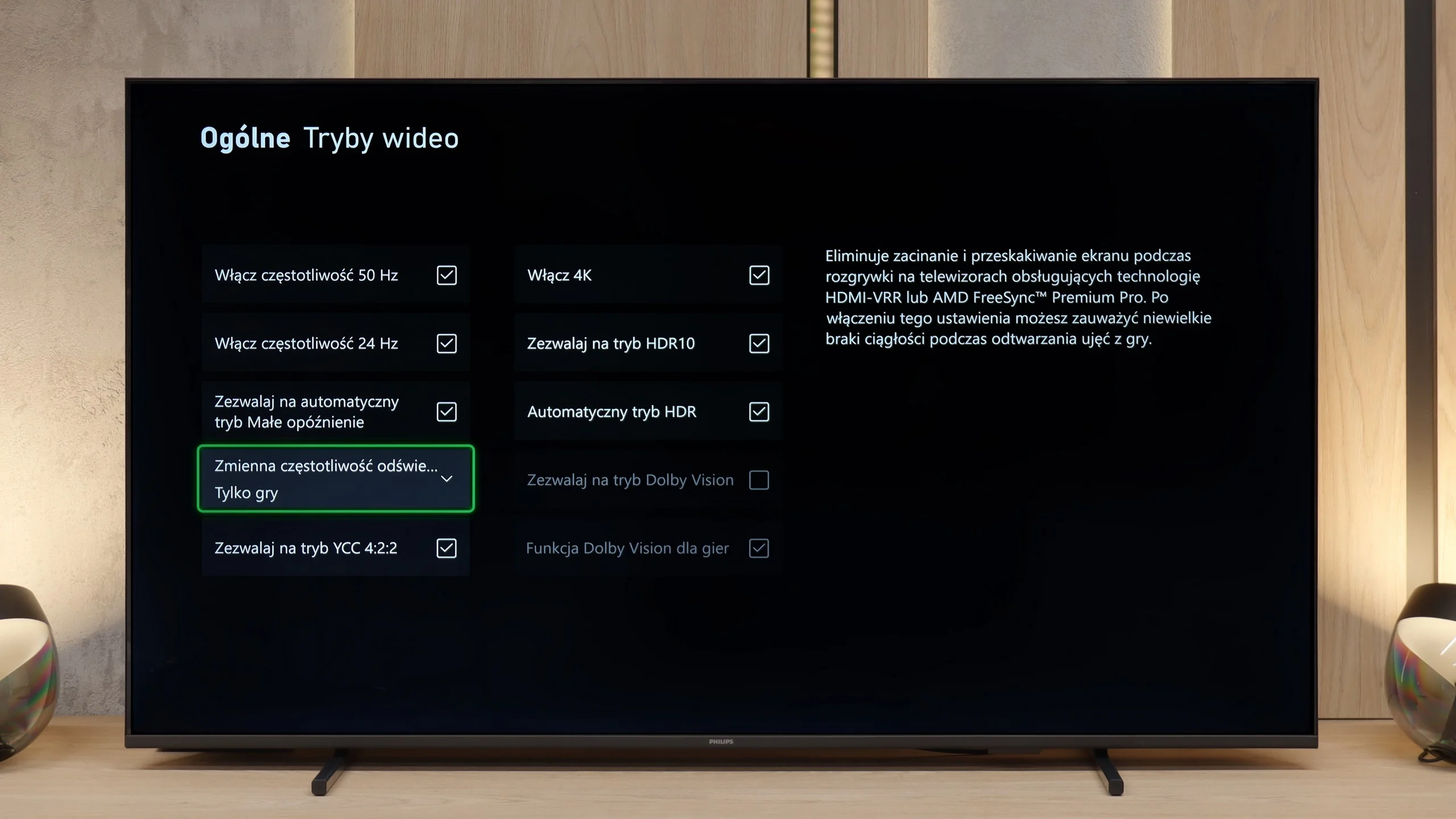
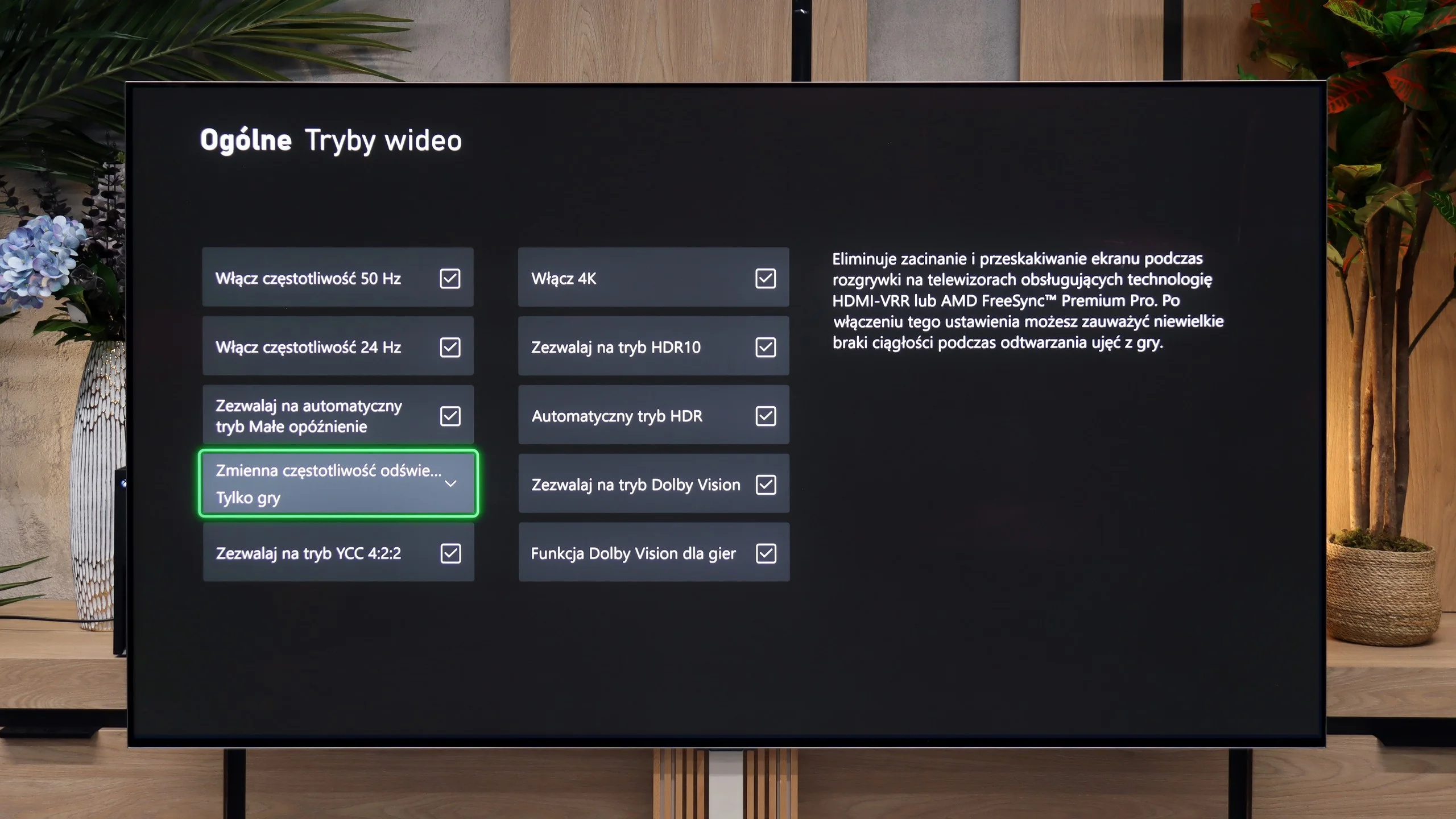
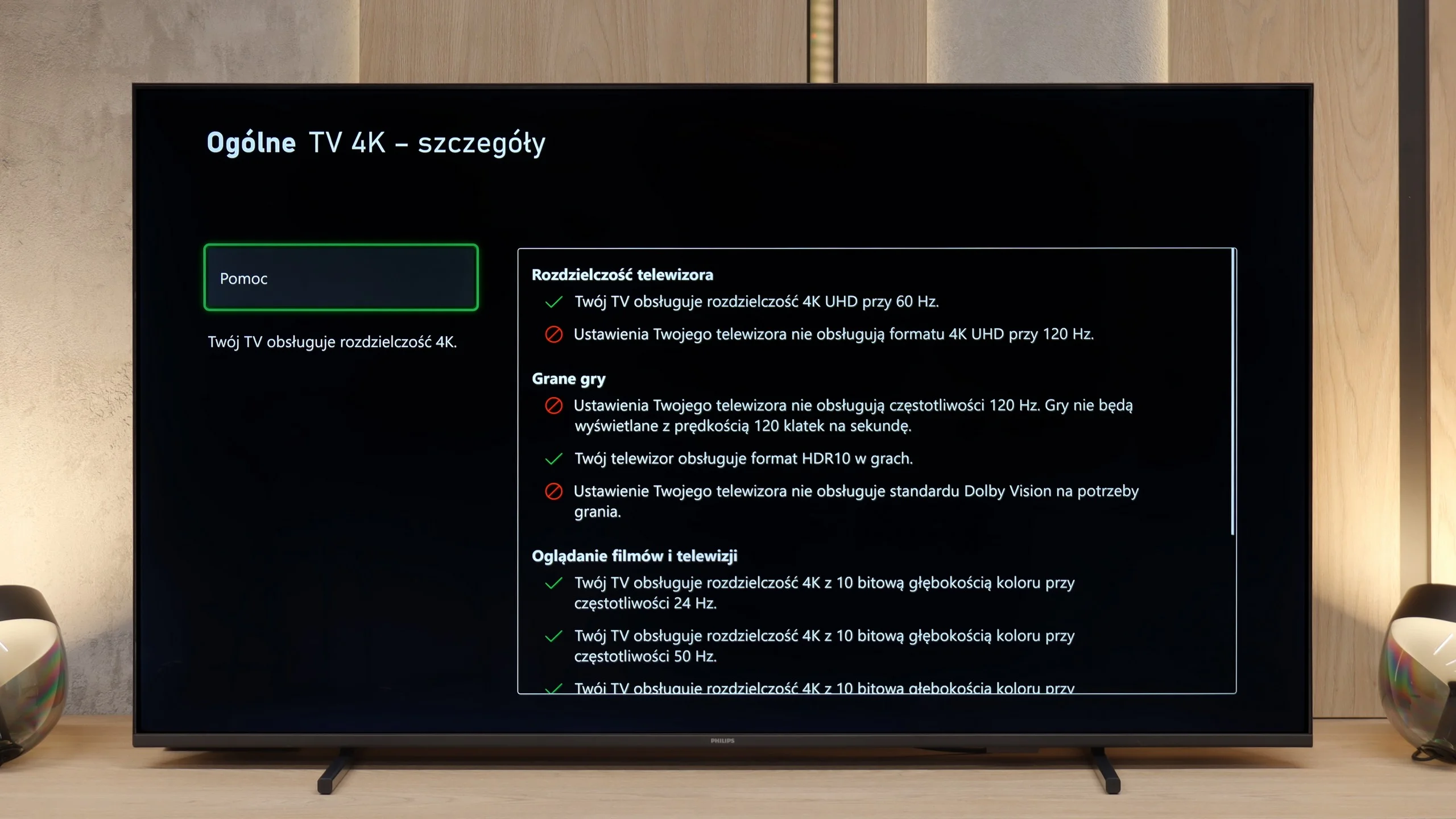
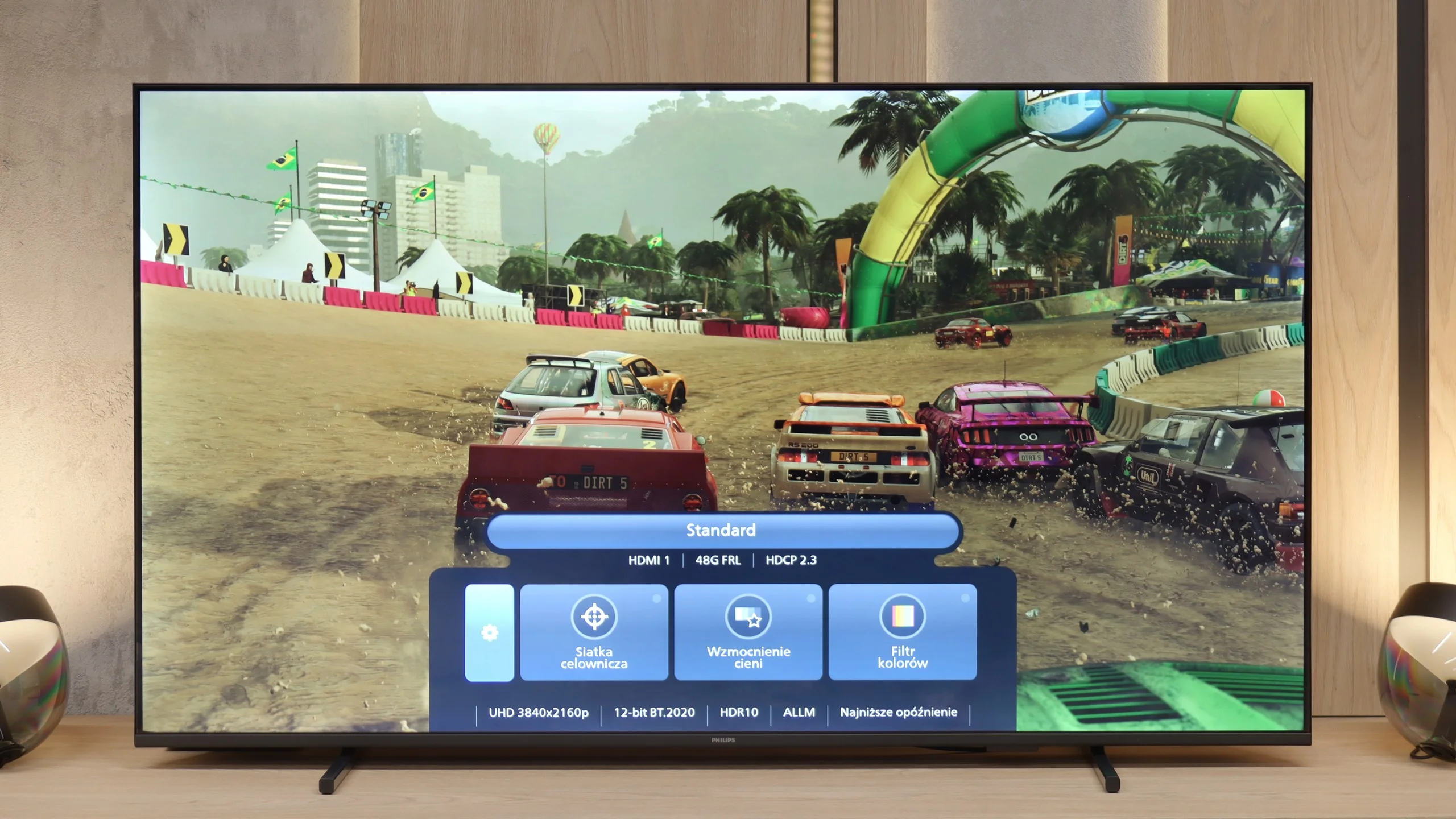
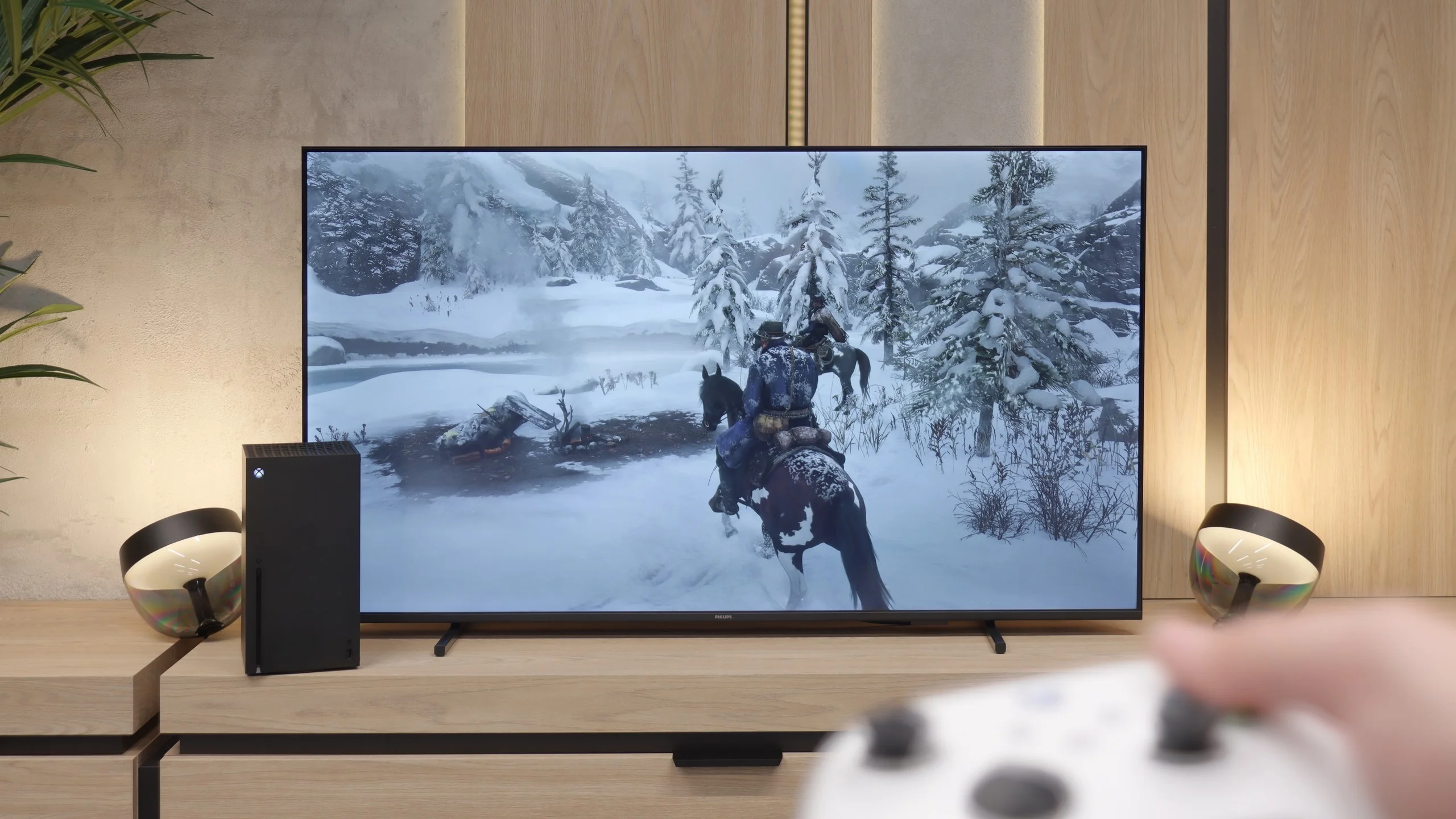
Although the PUS7000 is not marketed as a gaming TV, it does not perform as poorly in this category as one might expect. While there is no support for 120 Hz refresh rates, which is understandable at this price point, the manufacturer has included several important features that genuinely improve the comfort of playing on a console. The most significant of these are VRR and ALLM technologies. VRR is responsible for synchronizing the screen with the number of frames generated by the console. This prevents the image from "tearing" and keeps it consistent even during sudden frame drops in the game. In turn, ALLM is a solution that automatically switches the TV to the lowest latency mode right after detecting a signal from the console. All of these parameters are easily accessible thanks to the Game Bar feature. This is a special control panel for gamers that can be brought up on the screen at any time. It allows for a quick overview of current settings and connection status without interrupting gameplay, which is a very convenient solution.
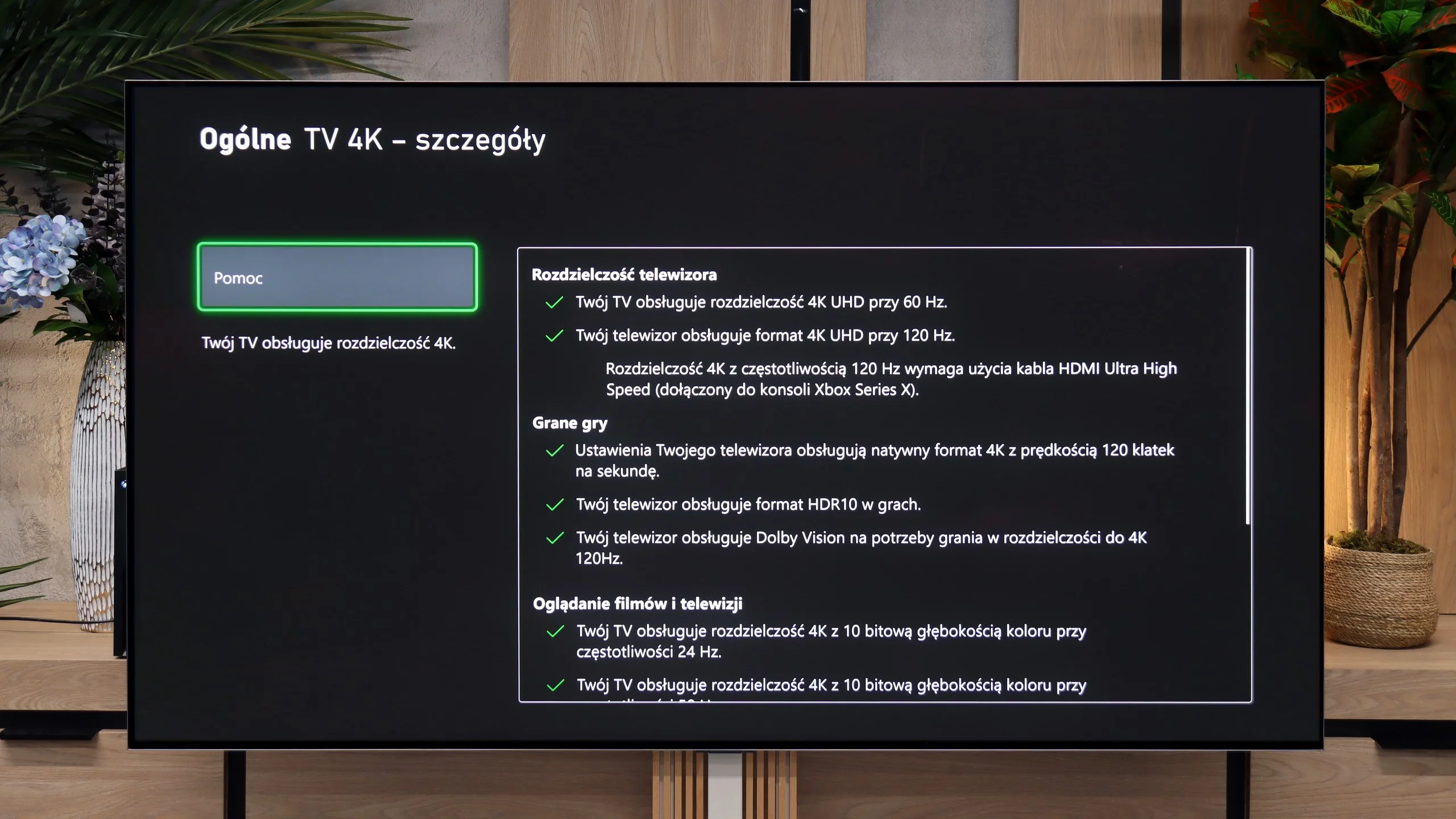
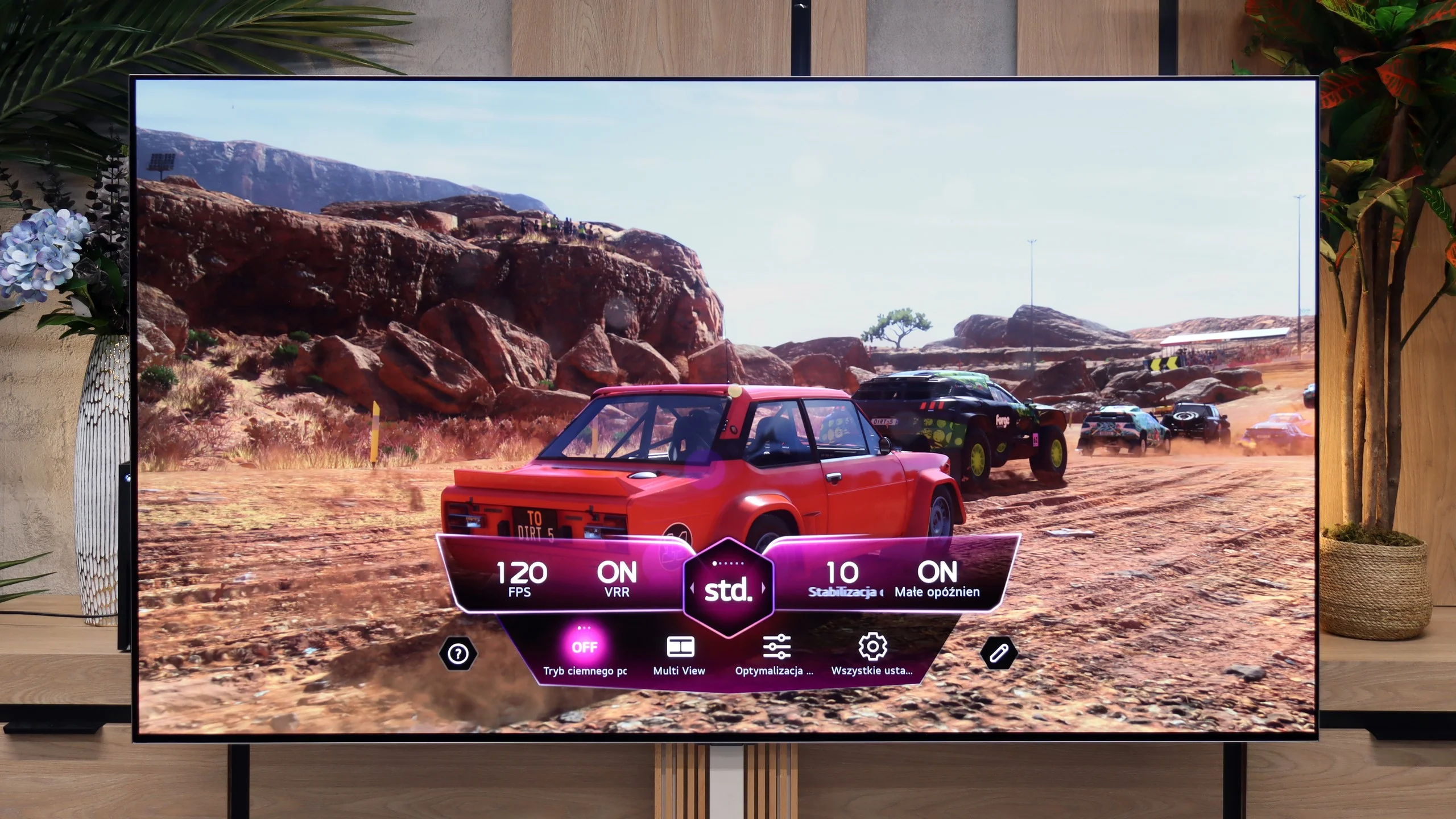
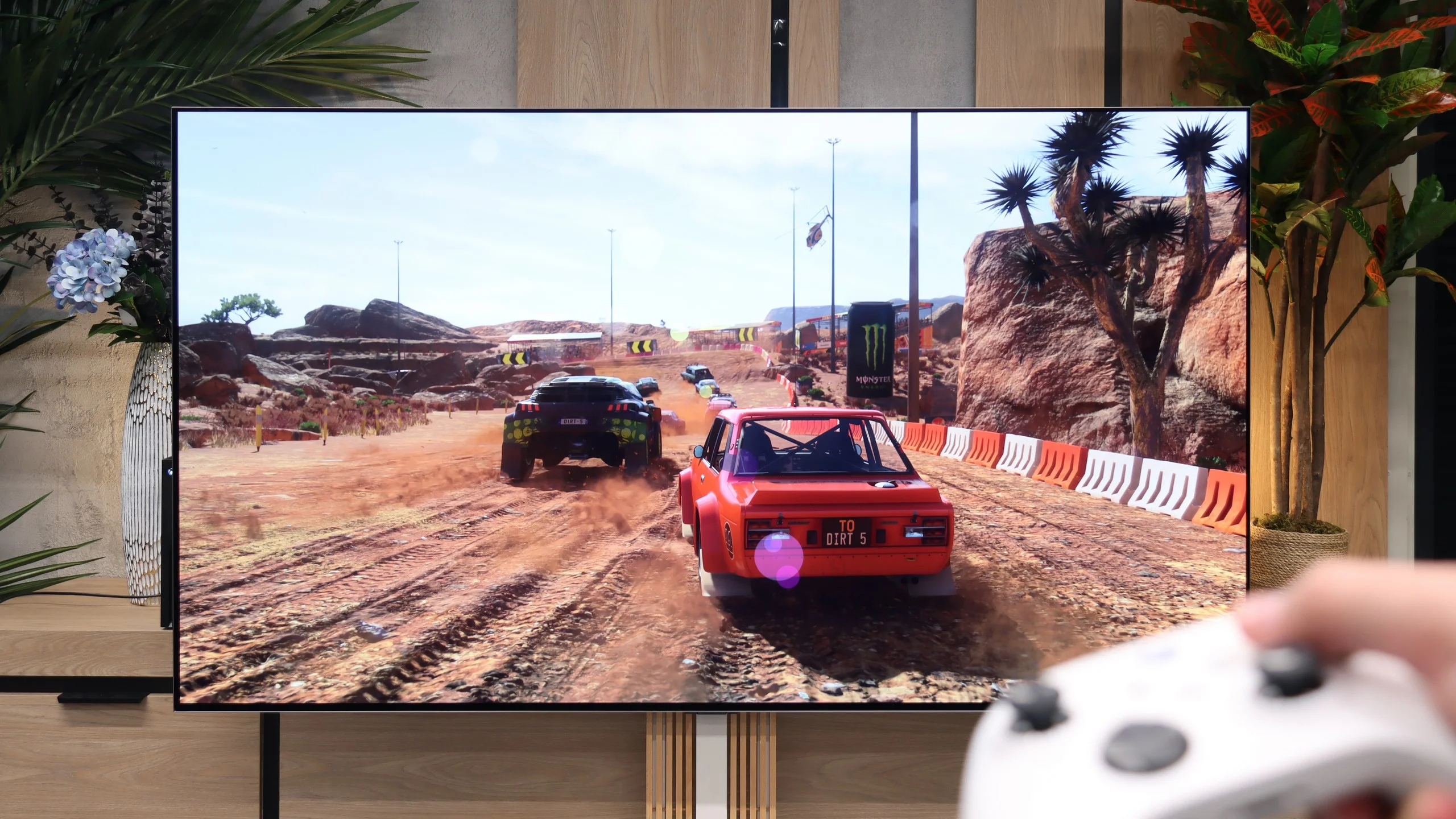
LG G6 is a true monster for gamers and one of the best-equipped TVs in this regard on the market. The manufacturer did not seek compromises and equipped this model with as many as four full HDMI 2.1 ports with a maximum bandwidth of 48 Gbps. This means that no matter which port you plug your PlayStation 5, Xbox Series X, or powerful PC into, you will extract the absolute maximum from them.
The TV supports a full suite of gaming technologies: from VRR (Variable Refresh Rate), through AMD FreeSync Premium Pro, to Nvidia G-Sync Compatible. Let's add to this the remarkably low, almost imperceptible input lag and a brilliantly functioning gamer panel (Game Optimizer), which allows you to continuously monitor the signal parameters. Gaming on this screen, with the perfect black of OLED and powerful refresh rates, is pure pleasure.
Input lag
10/10
9.9/10
SDR
HDR
Dolby Vision
Another plus for gamers is the very low input lag at around 12 ms. In this price range, the result is impressive. The delay is small enough that the response to controller movements feels instantaneous, and in practice, it's hard to notice at all. Gaming remains comfortable even in fast, dynamic titles where every millisecond counts. In this regard, the PUS7000 can keep pace with much more expensive televisions.
When it comes to signal delay, the results are remarkably low. For a standard 120 Hz signal, the Input Lag is just 5 ms. At 60 Hz, this value increases to 13 ms, which is still an excellent and completely imperceptible delay. The only thing we need to point out is the television's behavior after receiving the Dolby Vision Gaming signal. In this format, the Input Lag nearly doubles, reaching 13 ms for 120 Hz and 22 ms for 60 Hz. Despite this jump, we believe that these values in games are low enough that absolutely no one will feel any discomfort during gameplay.
Compatibility with PC
5.8/10
8.7/10
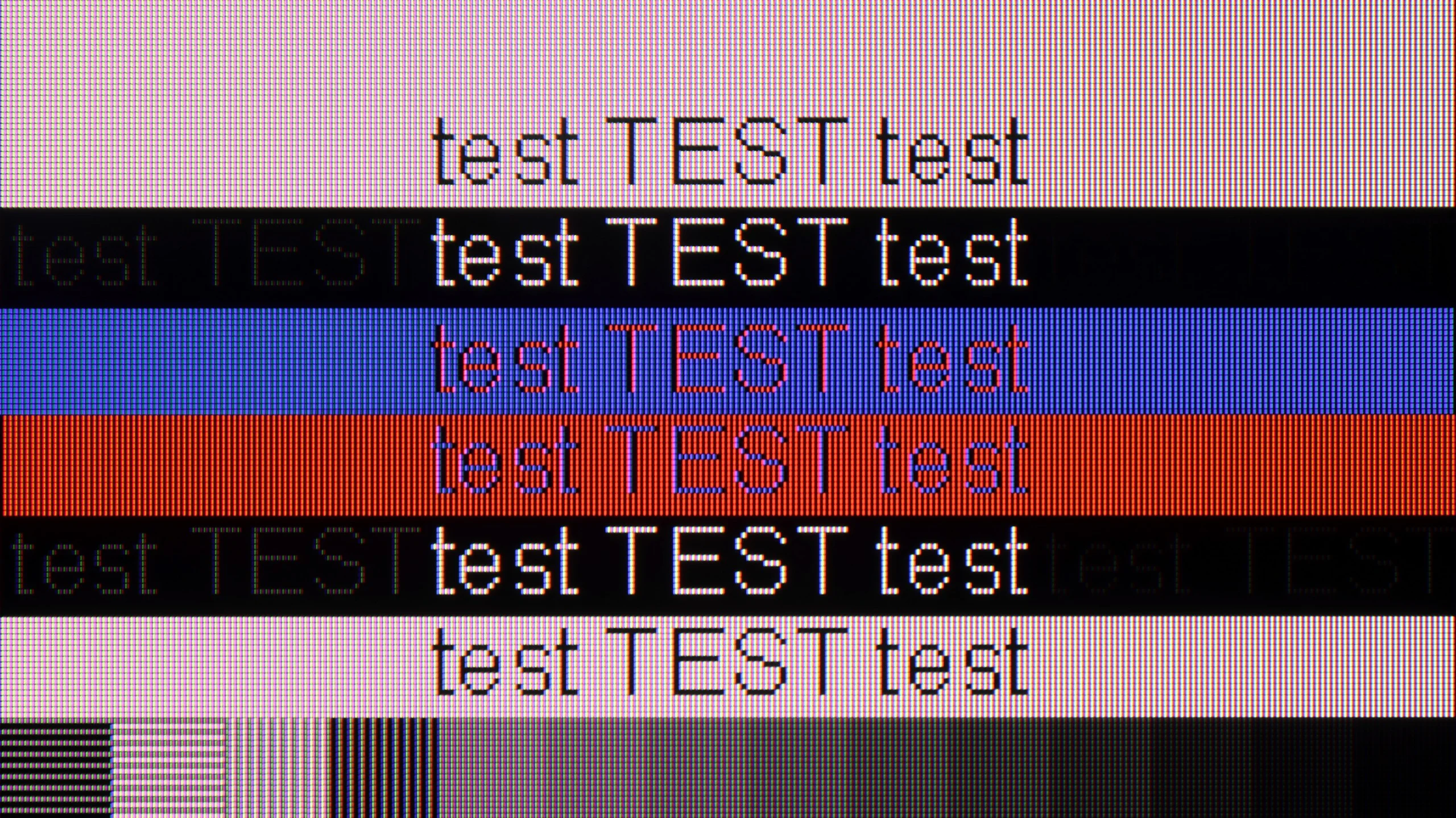
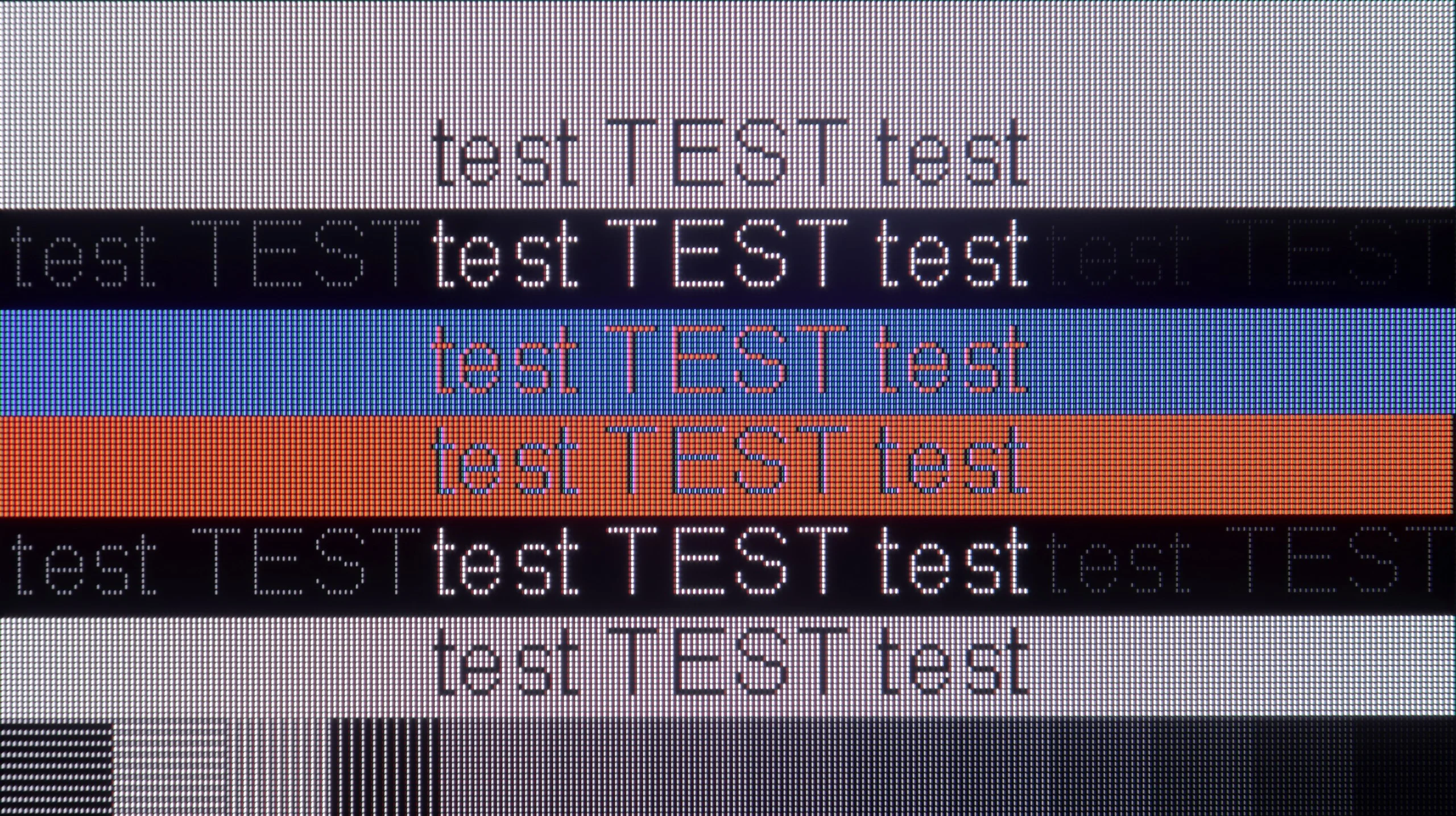
The photo shows the legibility of small fonts. Ideally, lines should be the same thickness on both light and dark text, with minimal pixel gaps.
When it comes to connecting a computer, the gaming options are quite limited. The screen supports a maximum of 60 Hz and does not offer G-Sync technology, so it is not equipment for demanding PC gamers. However, the PUS7000 surprisingly performs well for text work. The readability of the fonts is at a very high level. The TV correctly handles chrominance sampling at 4:4:4. This means that every letter, regardless of its size or color, is displayed sharp and without any distortion at the edges. As a result, office work or browsing the internet on this screen is simply comfortable and does not strain the eyes like some cheap panels that have trouble with clean font rendering.
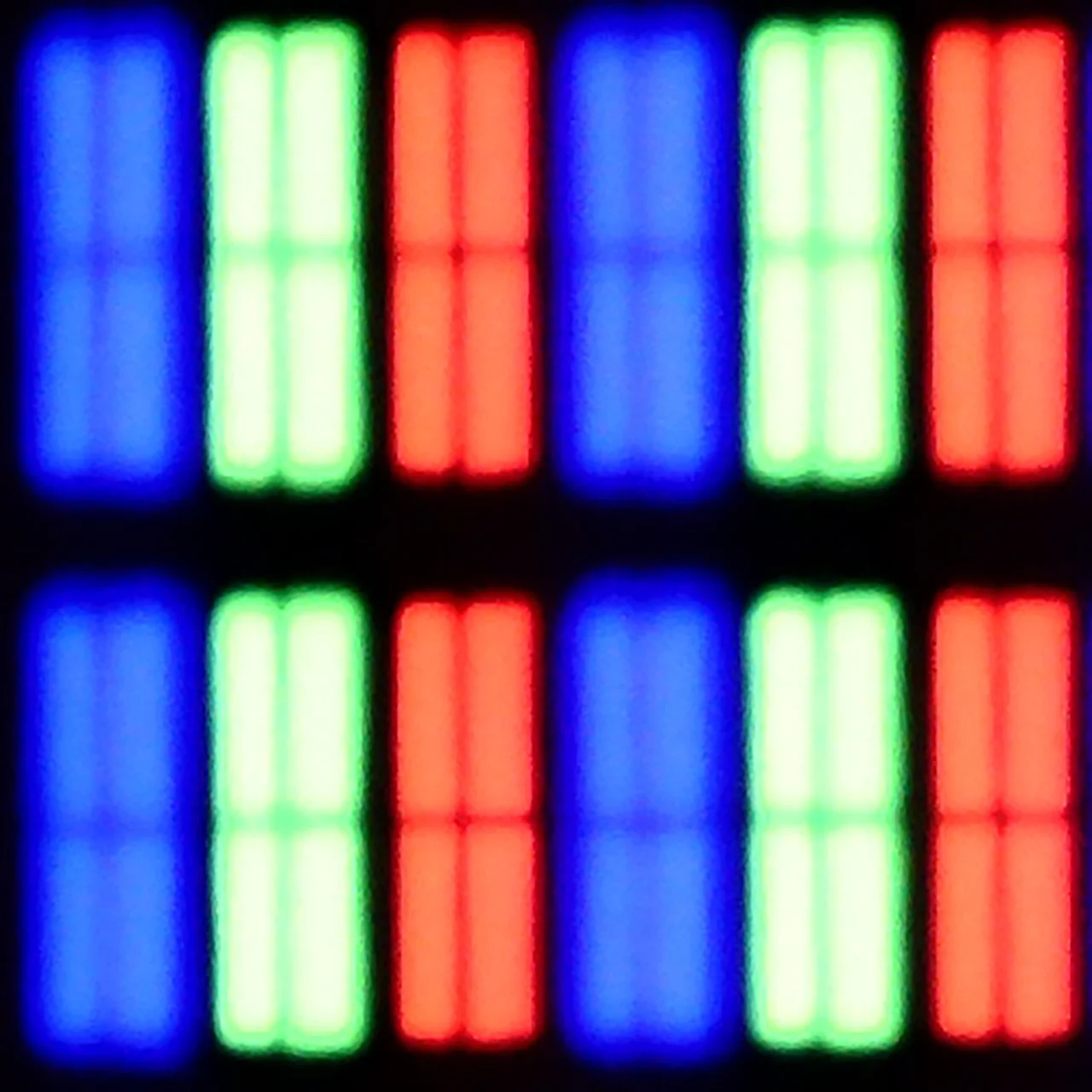
As we mentioned earlier, the LG G6 is an amazing screen for gamers but also for those using computers. With full support for Nvidia G-Sync and AMD FreeSync technology, as well as a high refresh rate of up to 165 Hz, this TV will work brilliantly as a giant gaming monitor. On the other hand, everyday office work with text looks a bit worse (although in our opinion still very well), which is a typical feature of every WOLED screen. Due to the specific arrangement of four subpixels (with an additional white subpixel), rather than three as in traditional computer monitors, system fonts can sometimes have an additional, in this case red glow around black or white letters. This is directly due to the new structure of the 2nd generation Tandem OLED matrix, which now operates in an RGWB arrangement (last year's first generation Tandem OLED used a BWRG arrangement). In our opinion, the sharpness of font edges has slightly worsened because of this, but it is definitely not something that will immediately catch your eye when occasionally working with documents or browsing the web.
Viewing angles
3.1/10
7.2/10
The viewing angles in this model are poor, which results directly from the use of a VA-type panel. Although this panel provides decent contrast, as I mentioned earlier, it has one major drawback: it requires sitting directly in front of the screen. Just slightly shifting to the side is enough for the colors to start losing saturation, and the picture becomes noticeably worse.
As befits an OLED panel, the viewing angles on the LG G6 are really good. When viewed from the side, the TV does not drastically lose brightness or color saturation. In this regard, the picture quality is infinitely better than in any LCD TV – and this applies to both IPS panels and even more so to VA panels without special wide-angle coatings. In this matter, the only better screens on the market remain QD-OLED panels from Samsung Display, where the angles are simply perfect, as well as older WOLED panels with MLA (microlens) technology, which LG abandoned in this series two years ago. Unfortunately, we assess the viewing angles in this year's model as slightly worse than last year's. We noticed that the 2nd generation Tandem OLED panel has a tendency to take on more greenish hues when viewed at a steep angle, while last year's model maintained greater neutrality in this regard.
Daytime performance
3.5/10
8.2/10
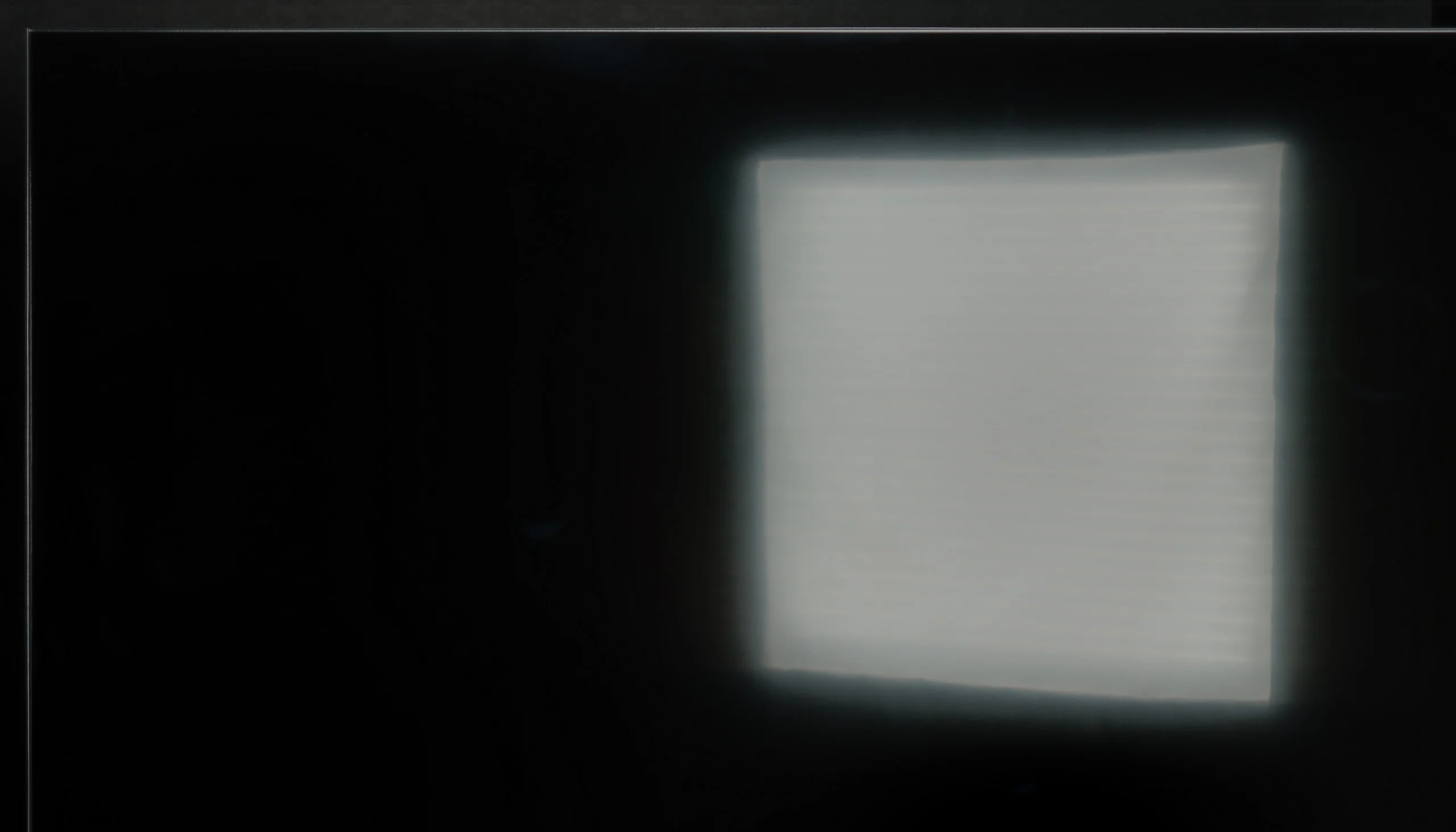
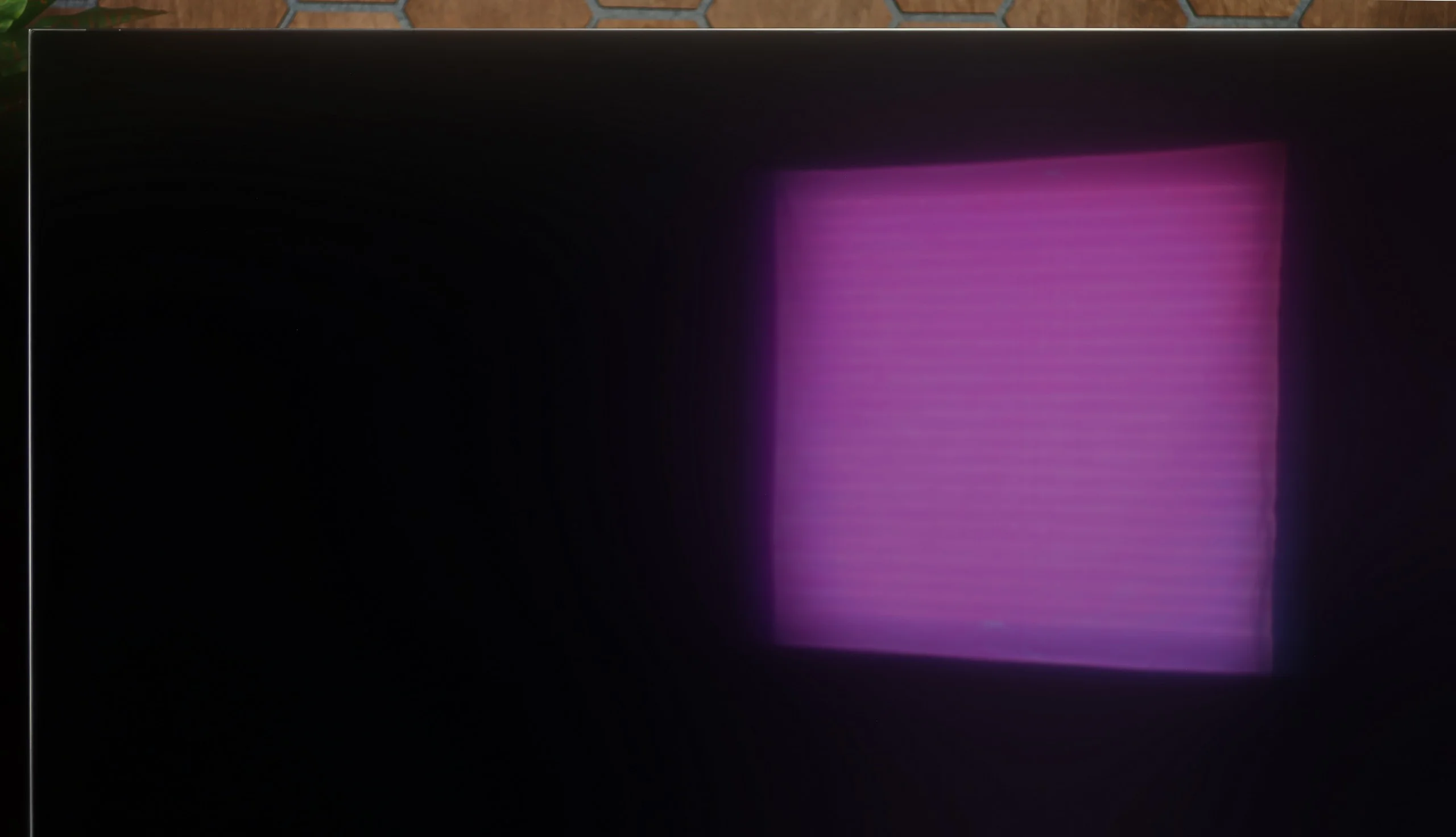
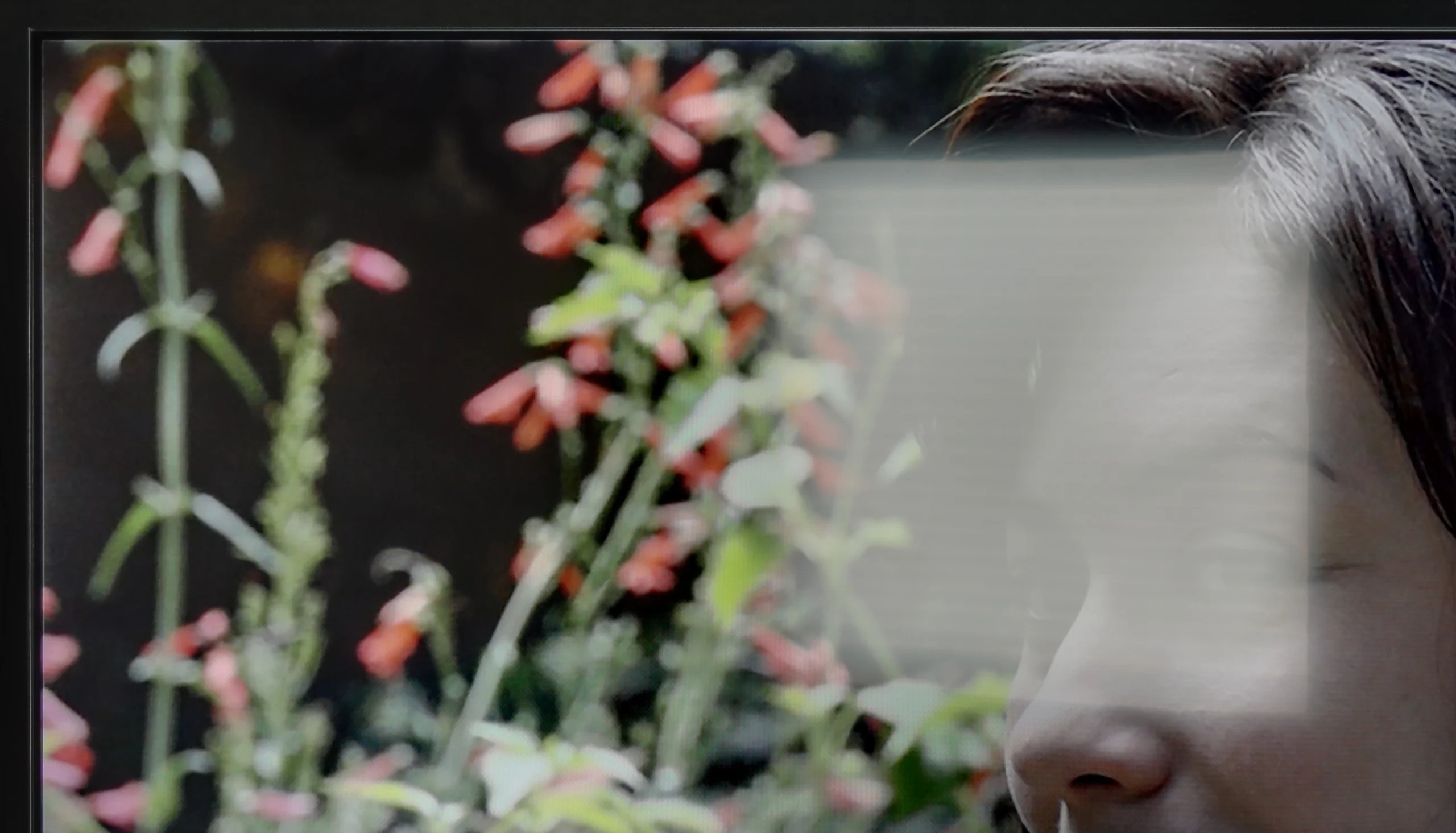
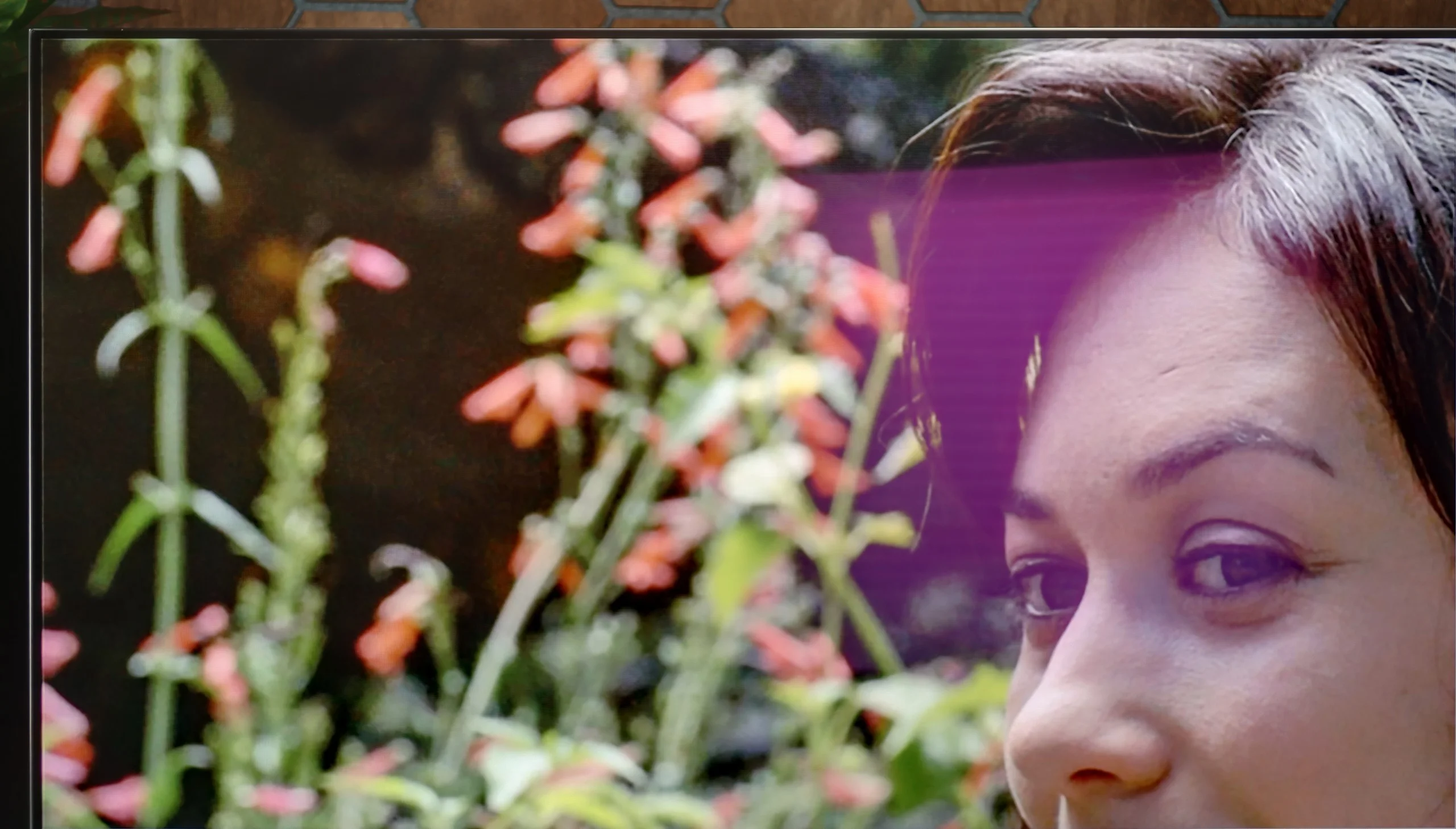
Panel brightness
LG OLED G6 (G64LW, G66LS): 857 cd/m2
Philips PUS7000: 202 cd/m2
In a sunny room, the PUS7000 performs poorly. This is all because the panel is simply dim. A brightness level of 200 nits is a very low score that does not allow for comfortable viewing in bright daylight. On the positive side, the satin screen coating does quite well in reducing reflections. Thanks to it, the panel does not display reflections as prominently, but this is not enough to save the situation. The brightness of this model is too low to cut through strong sunlight, so in very bright rooms, the image will simply be unclear.
The LG G6 will perform exceptionally well as a TV in a brightly lit room. Thanks to its powerful peak brightness, the television can easily cut through most external light sources. Best of all, the new generation of Tandem OLED panels has brought significant improvements in terms of reducing glare. Although the screen coating is still shiny (which helps maintain well-saturated colors even in difficult conditions), it effectively suppresses reflections. It does this significantly better than classic OLED screens with standard glossy coatings. We could confidently compare this level to that of shiny QD-OLED panels, but with one key advantage for LG. Unlike the competition's technology, the deep black in a bright living room remains intact in this model. There is no sign of grayness or purplish tints due to incoming light – the black in the G6 during the day is simply perfect, just like it is at night.
Panel details
Subpixel Structure:
Panel uniformity and thermal imaging:


Philips PUS7000
LG OLED G6 (G64LW, G66LS)
TV features
5/10
8.5/10
- SystemTitan OSWebOS
- System performanceAverageVery good
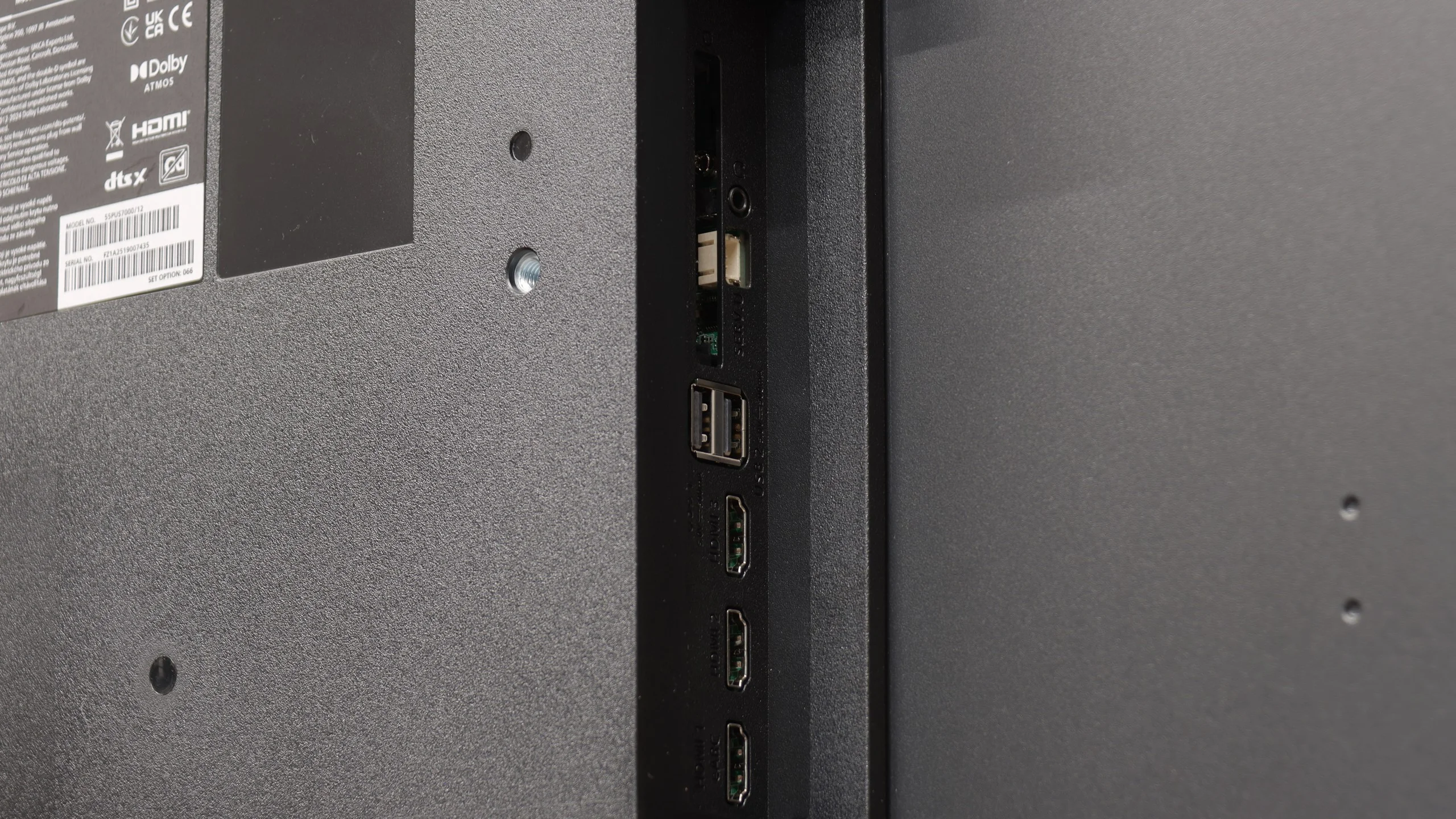
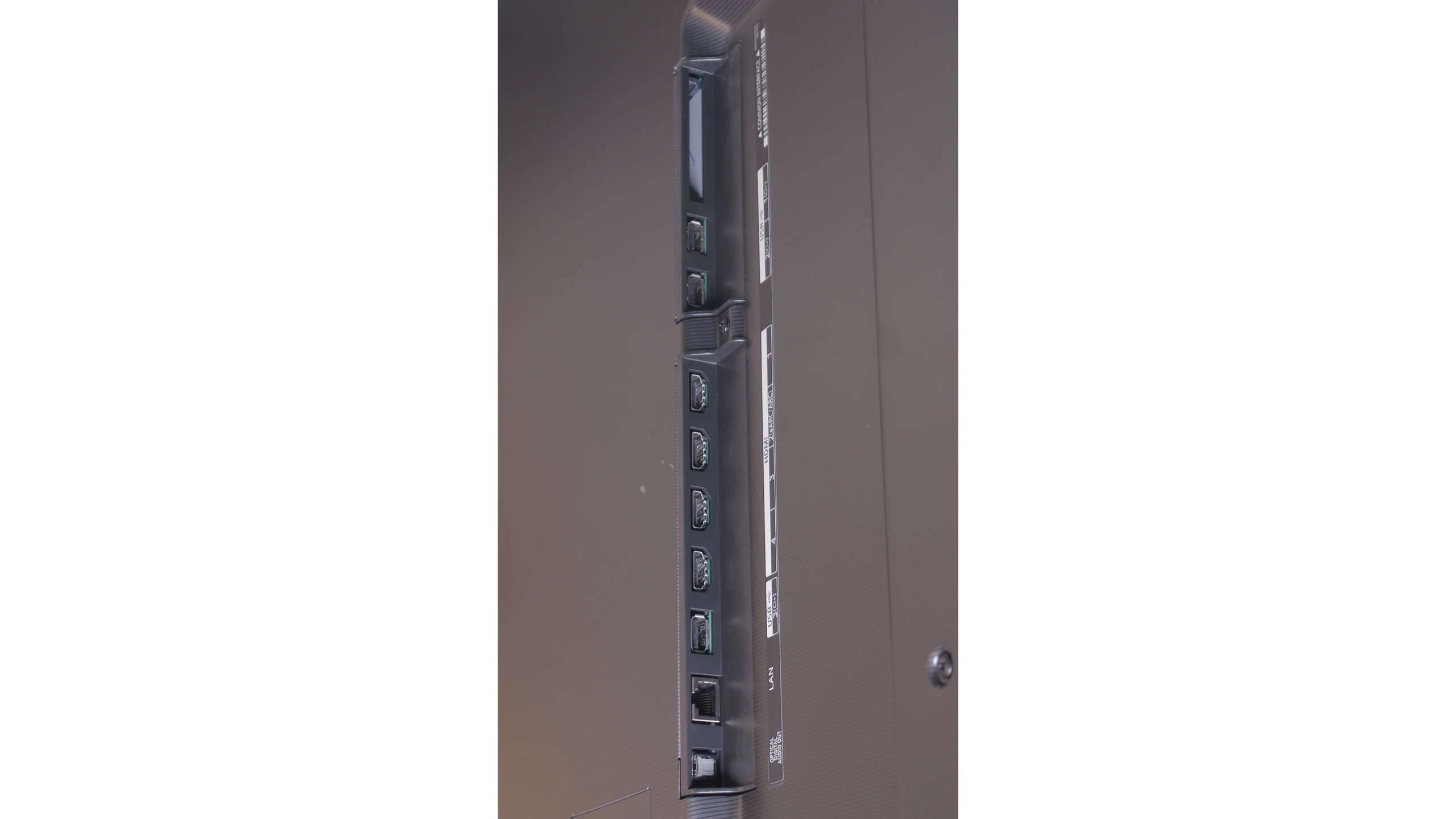
- HDMI inputs3 x HDMI 2.0, 0 x HDMI 2.10 x HDMI 2.0, 4 x HDMI 2.1 48Gbps
- Other inputsIR (remote)
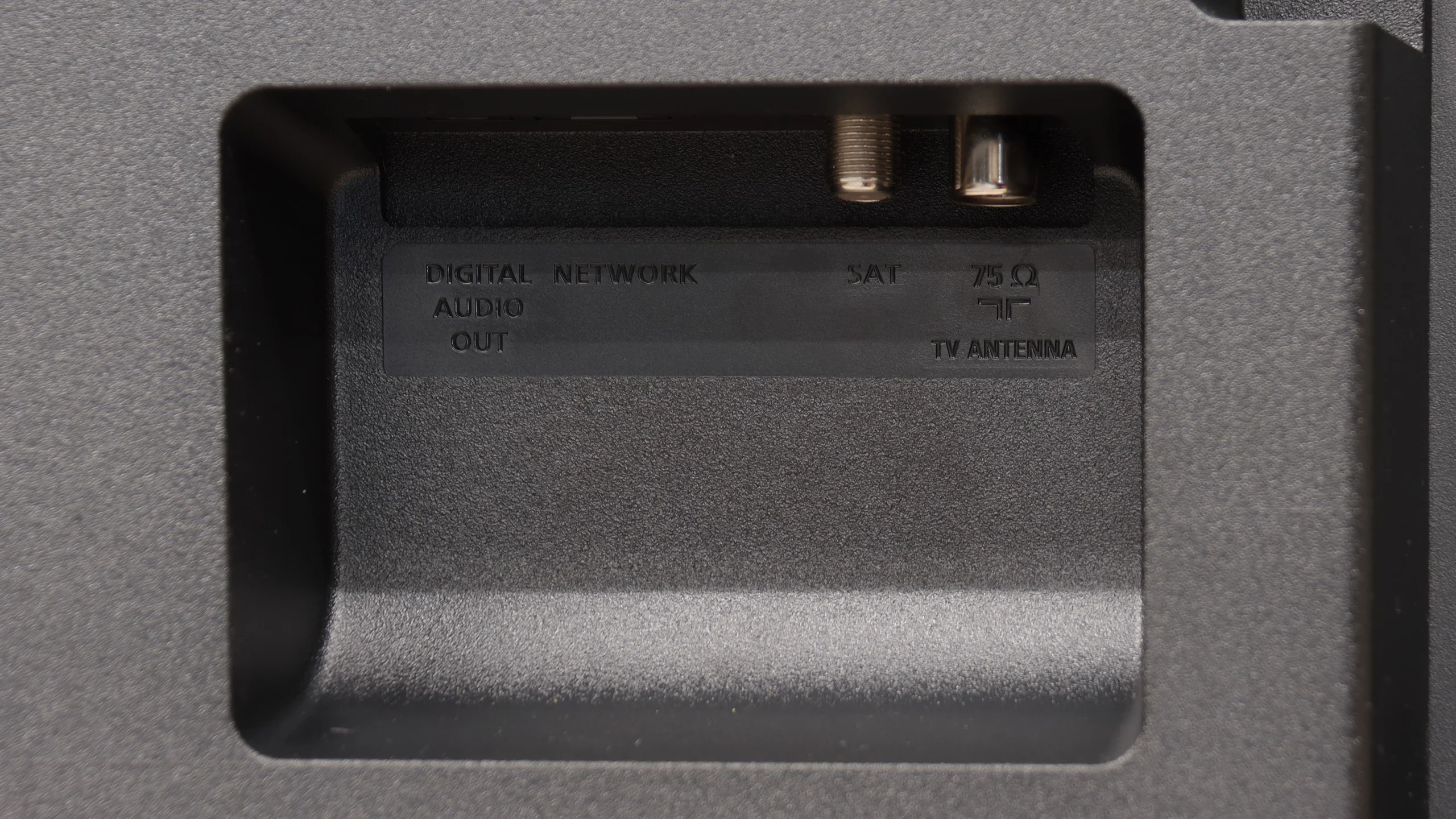
- OutputsToslink (Optical audio), eARC (HDMI), ARC (HDMI), Mini-Jack (Headphones)Toslink (Optical audio), eARC (HDMI), ARC (HDMI)
- Network InterfacesWi-Fi 2.4GHz, Wi-Fi 5GHz, Ethernet (LAN) 100MbpsWi-Fi 2.4GHz, Wi-Fi 5GHz, Ethernet (LAN) 100Mbps
- TV receptionDVB-T, DVB-T2, DVB-S, DVB-S2, DVB-CDVB-T, DVB-T2, DVB-S, DVB-S2, DVB-C
Classic features:
- Recording to USB (terrestrial TV)
- Recording programming
- Picture in Picture (PiP)
- RF remote control (no need to aim)
- Backlit remote control
- Teletext
- Audio only mode
- Bluetooth headphones support
- Simultaneous Bluetooth headphones & TV audio
Smart features:
- AirPlay
- Screen mirroring (Windows Miracast)
- Voice search
- Voice search in native language
- Ability to connect a keyboard and mouse
Sound connection options
- HDMI audioeARC (HDMI), ARC (HDMI)eARC (HDMI), ARC (HDMI)
- Other audio outputsToslink (Optical audio), Mini-Jack (Headphones)Toslink (Optical audio)
- Wireless audioBluetoothBluetooth
Supported audio formats (external HDMI eARC audio):
- Dolby Digital Plus 7.1
- Dolby True HD 7.1
- Dolby Atmos in Dolby Digital Plus (JOC)
- Dolby Atmos in Dolby True HD
- DTS:X in DTS-HD MA
- DTS-HD Master Audio
Senior accessibility
- Numeric keyboard on TV
- Font size adjustment
- Audio description
Titan OS System
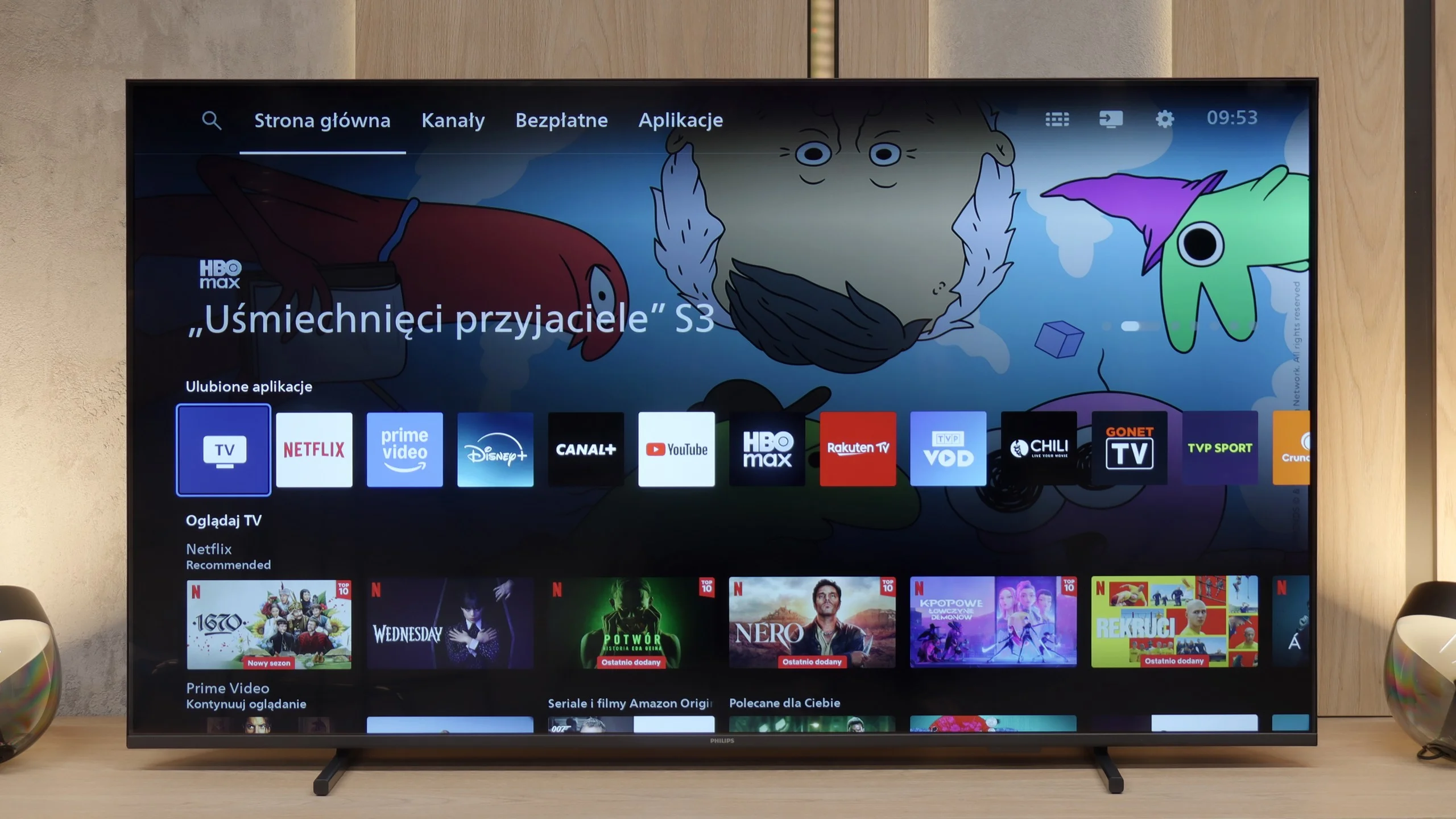
Titan OS is still a fairly new operating system, and unfortunately, this is evident in daily use. Overall, it operates sluggishly, sometimes even clumsily. The response to commands from the remote is slow, which is further complicated by the fact that the device uses infrared connectivity instead of Bluetooth / RF. This means that we have to aim the remote quite precisely at the television for the system to respond at all. During testing, the screen mirroring feature with computers equipped with Windows failed to work again. Fortunately, streaming from Apple devices using AirPlay went smoothly. Another drawback of Titan OS is the very modest app library. The selection is much smaller than in systems like webOS or Tizen, not to mention Google TV, where the choice of programs is almost unlimited.
Classic Features
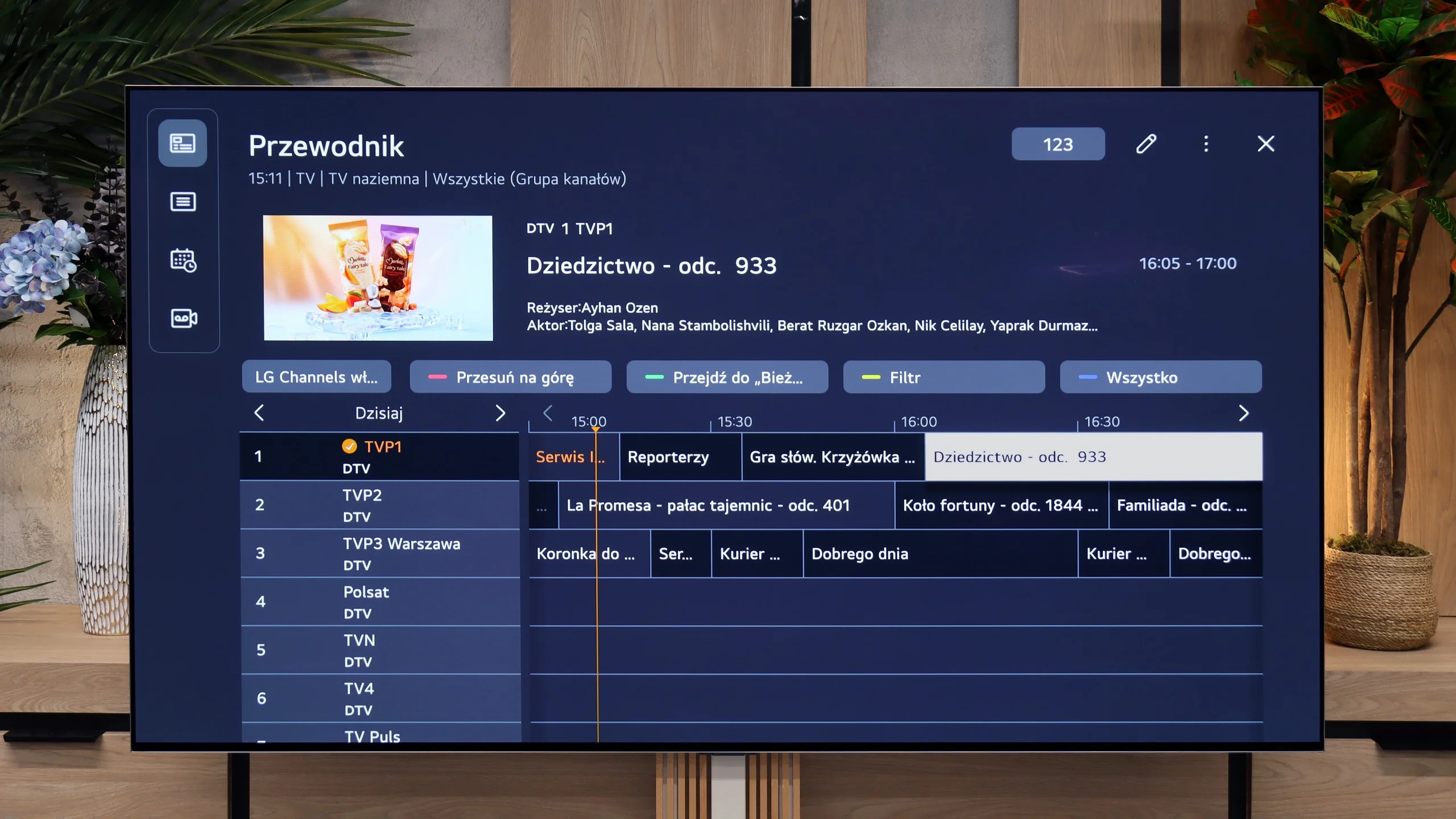
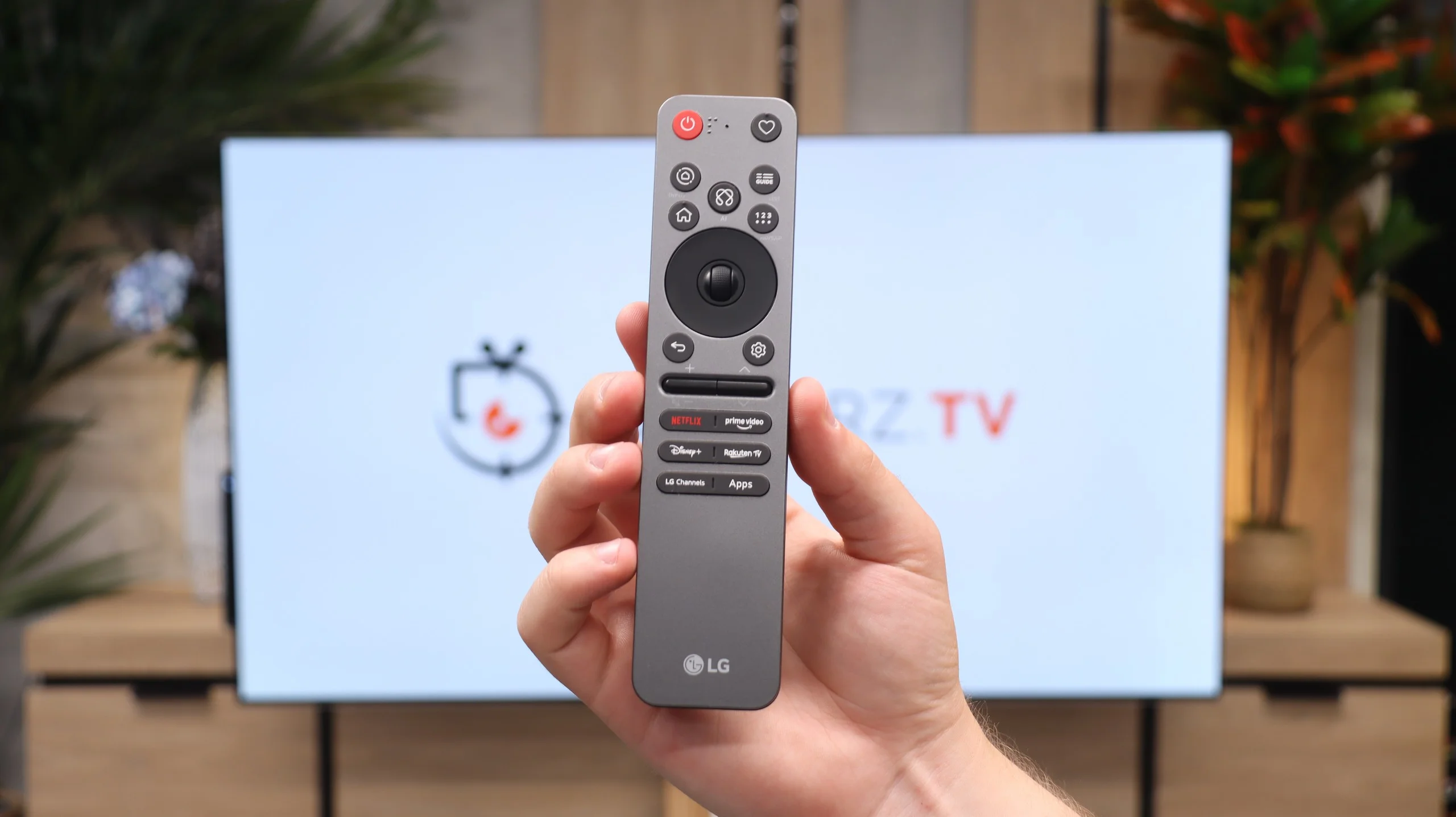
On the other hand, the PUS7000 might be a good choice for people who mainly watch traditional television. Here we find a properly functioning teletext and a clear EPG interface, which is the electronic program guide. The remote included in the package is backlit, which greatly facilitates operation after dark, and it has standard numeric buttons for quick channel selection. Interestingly, there is a classic headphone jack input. This is a rarely seen addition in new televisions, allowing for the connection of older home theater systems or wired headphones without the need for additional adapters.
webOS System and Smart Features
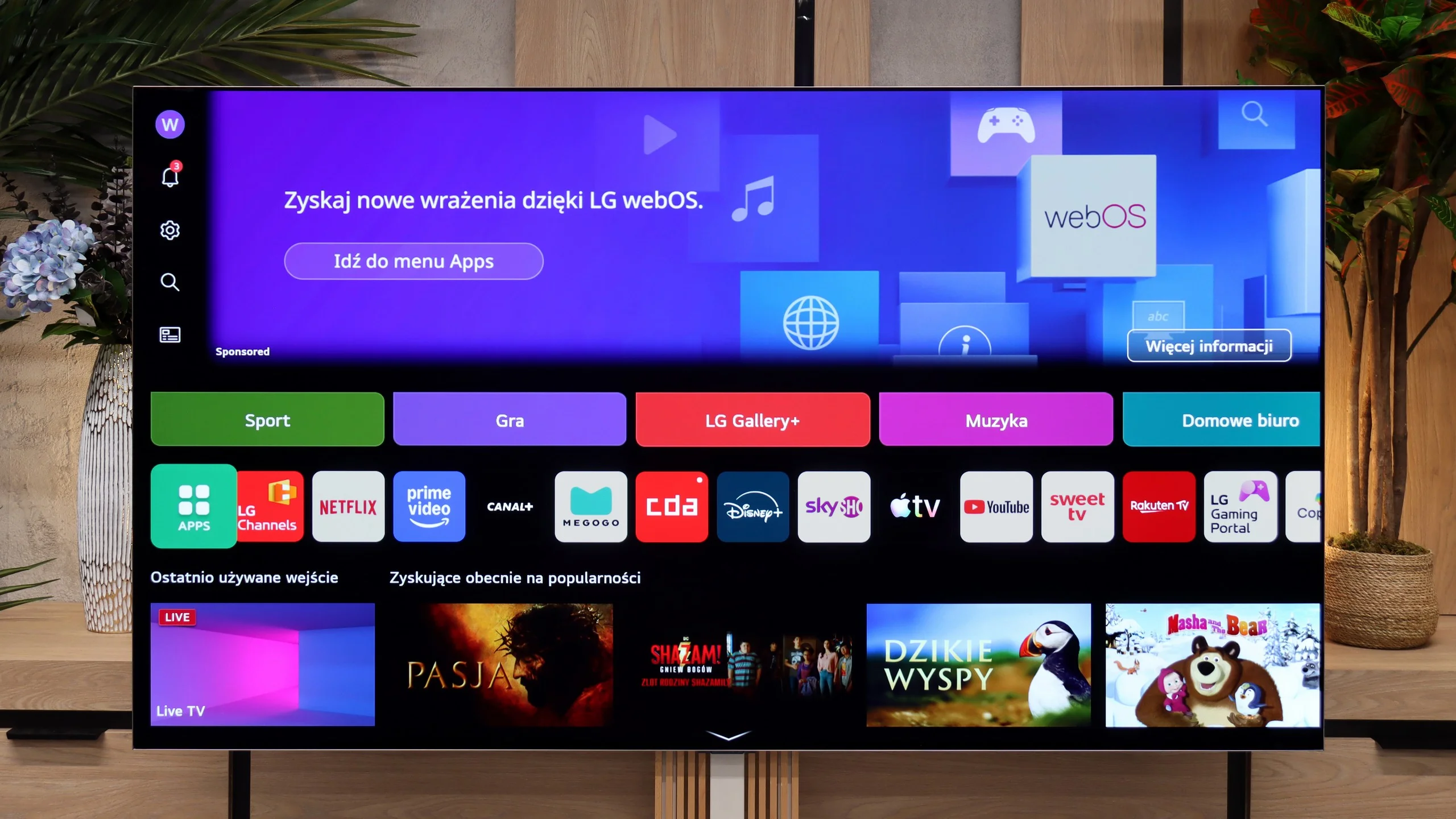
The TV runs on the latest version of the webOS system. Although it is a closed platform, it supports absolutely all the key streaming applications on the market. You can also easily access useful wireless connectivity features, such as built-in Chromecast, AirPlay, or classic screen mirroring. However, the biggest distinguishing feature of LG's platform remains the brilliant Magic remote. Although it is quite compact and lacks a physical numeric keypad, it does something that competitors still can't replicate – it works like a wireless mouse. It is equipped with a gyroscope, allowing us to move an intuitive cursor across the screen, which drastically speeds up password entry and navigation through the menu. Additionally, LG has one of the best voice assistants for device control, and this combination with the Magic remote offers great possibilities for smoothly navigating the system. The only thing that can be quite annoying here is the intrusive ads and sponsored tiles that LG increasingly clutters the main screen of the system with. Nevertheless, the absence of Google TV is no drawback for the G6 – given the smooth operation of webOS, it can even be considered an advantage.
Features for Traditionalists
In terms of traditional television, the LG G6 also performs excellently and does not forget about traditional users. Despite the minimalist remote, there are plenty of useful solutions on board. The manufacturer has not given up on the PVR function, which allows for recording programs from built-in tuners directly to external USB storage or a hard drive. There is also an efficiently working TimeShift for pausing live television and the option to schedule recordings. These features may prove to be a perfect fit during the upcoming World Cup matches when games will be played late in the evening and we may not be able to watch them live. Of course, standard features are also included, such as the ability to connect wireless headphones via Bluetooth.
Apps
6.7/10
9.1/10






















Playing files from USB
8.2/10
9.2/10
Supported photo formats:
Maximum photo resolution:
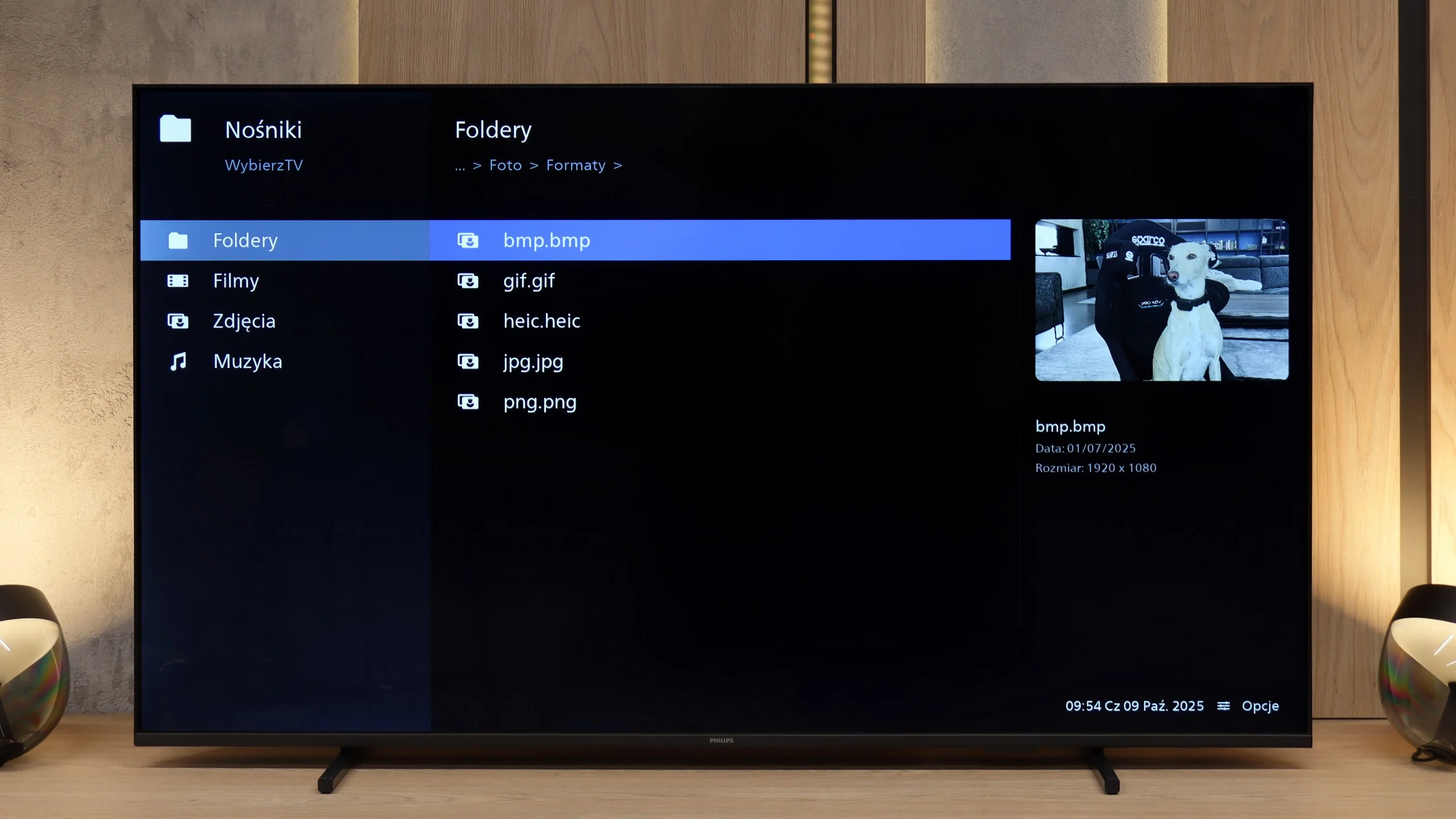
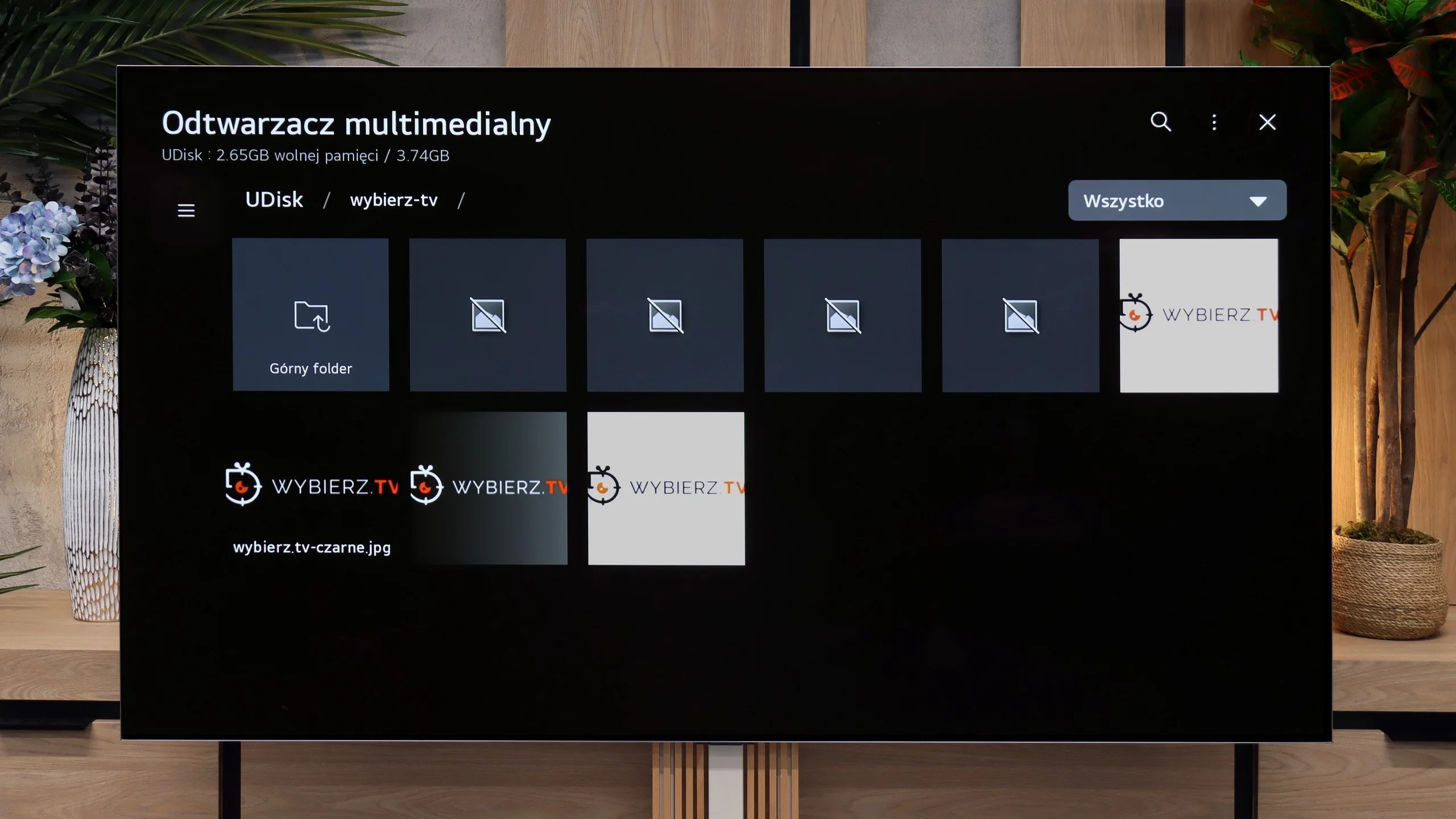
The built-in media player works quite well and handles most popular video formats without major issues. The TV easily reads subtitles from files and manages various audio formats, so those who keep movies on a disk or USB drive should not feel limited. The only complaint pertains to the photo browser - not everything worked correctly, and some files, especially at certain resolutions, would not open at all.
The inability to install an external media player (as is the case in Android-based systems) is actually not a problem for the LG G6. The factory-installed media player works great and seamlessly supports most audio, video, or image formats that we provided from our flash drive. However, during testing, we encountered some shortcomings – specifically, a rather strange lack of support for subtitles in the popular .txt format. However, we believe that this option will quickly be added to the G6 with the next software update.
Sound
5.8/10
8.4/10
- Maximum volume81dB88dB
- Dolby Digital Plus 7.1
- Dolby True HD 7.1
- Dolby Atmos in Dolby Digital Plus (JOC)
- Dolby Atmos in Dolby True HD
- DTS:X in DTS-HD MA
- DTS-HD Master Audio
The sound is already at a typical budget level. It is sufficient for news and public affairs programs, but when it comes to movies and music, it quickly lacks depth and bass. At this price range, it's hard to expect something more, so if we care about better experiences, it’s worth considering a soundbar or connecting external audio, even through the headphone output.
Despite its very flat design, the LG G6 sounds surprisingly good. The manufacturer managed to squeeze quite nice speakers under the display, capable of producing a rather "spatial" sound – if you can even call the limited physical capabilities of the TV that 😉. The sound is clear, has decent dynamics, and is suitable for everyday viewing of news programs or series without any issues. The TV also easily supports the very popular Dolby Atmos surround sound codec.
Unfortunately, for the second year in a row, it lacks support for the DTS:X format. Regardless of what one might say, it has recently become quite unpopular in streaming services, but a top-of-the-line TV in terms of price and quality simply should not limit users in handling audio formats, in our opinion. Additionally, we have to criticize LG for somewhat downgrading the audio menu. We missed more advanced settings and predefined sound profiles, which were definitely more abundant in last year's model.
Sound Quality Test
Acoustic Measurements
81dBC (Max)
75dBC
88dBC (Max)
75dBC
Reader comments
Comments are provided by the external service Disqus (Zeta Global). Once loaded, Disqus may set cookies and process data about your activity.
We will remember your choice on this device. Provider's privacy policy