Philips PQS9011 / PQS9001 (The One 2026) vs Sony BRAVIA 2 II (S25M2)

Direct comparison

PQS9011 / PQS9001 / the one 2026

Info

BRAVIA 2 II / S25M2

Available screen sizes: 43”50”55”65”75”

Available screen sizes: 43”50”55”65”75”

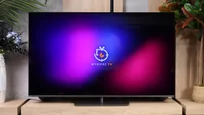
Review Philips PQS9011 / PQS9001 (The One 2026) Main photo
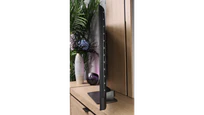
Review Sony BRAVIA 2 II (S25M2) Main photo

Panel type: LCD VA

Resolution: 3840x2160

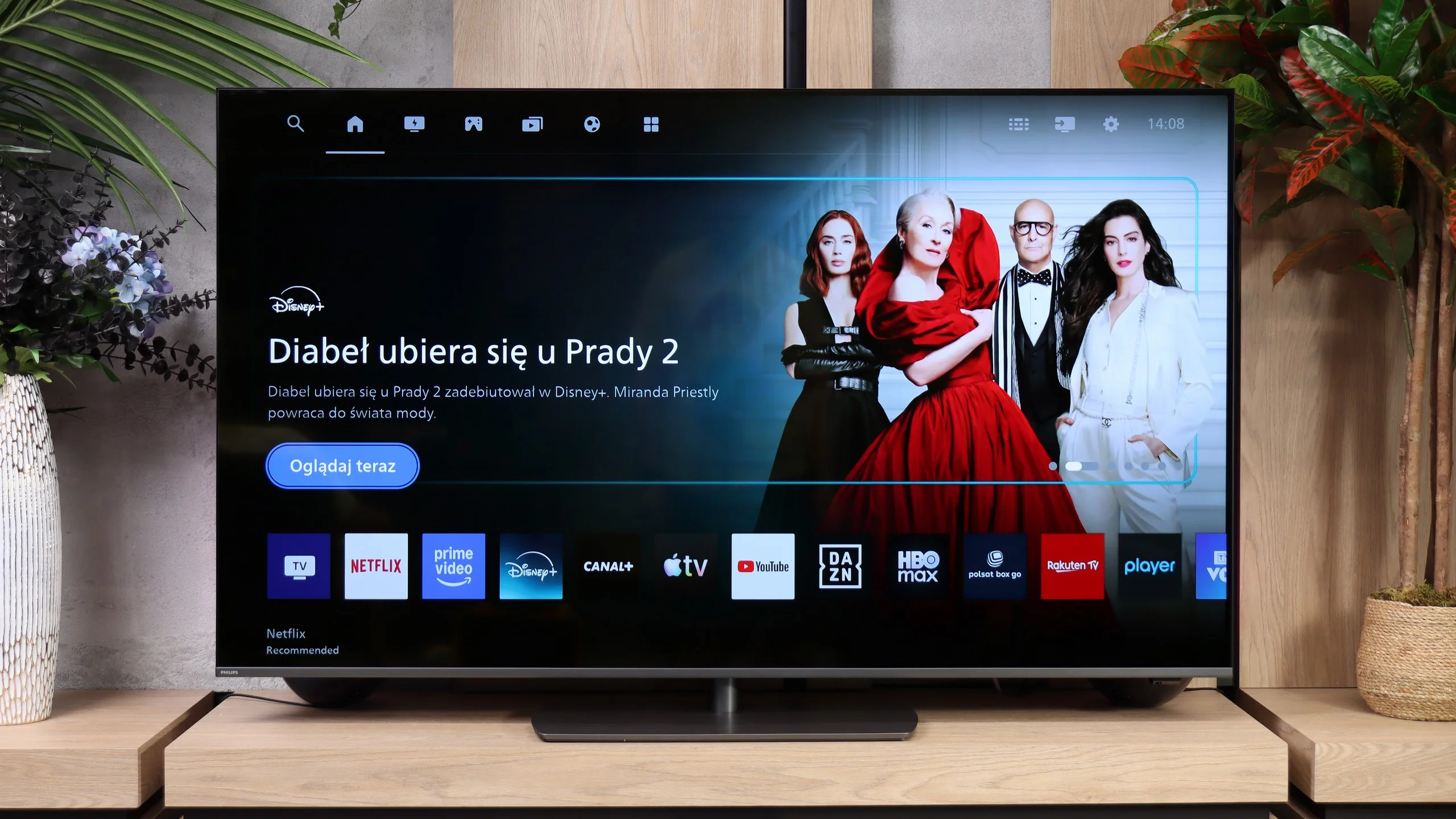
System: Titan OS

Model year: 2026

Panel type: LCD IPS

Resolution: 3840x2160

System: Google TV

Model year: 2026

Check how well they match your needs

Take the survey

Overall rating

6.8

5.8

  • Movies and series in UHD quality

    6.4

    5.2

  • Classic TV, YouTube

    6.3

    5.2

  • Sports broadcasts (TV and apps)

    6.8

    5.5

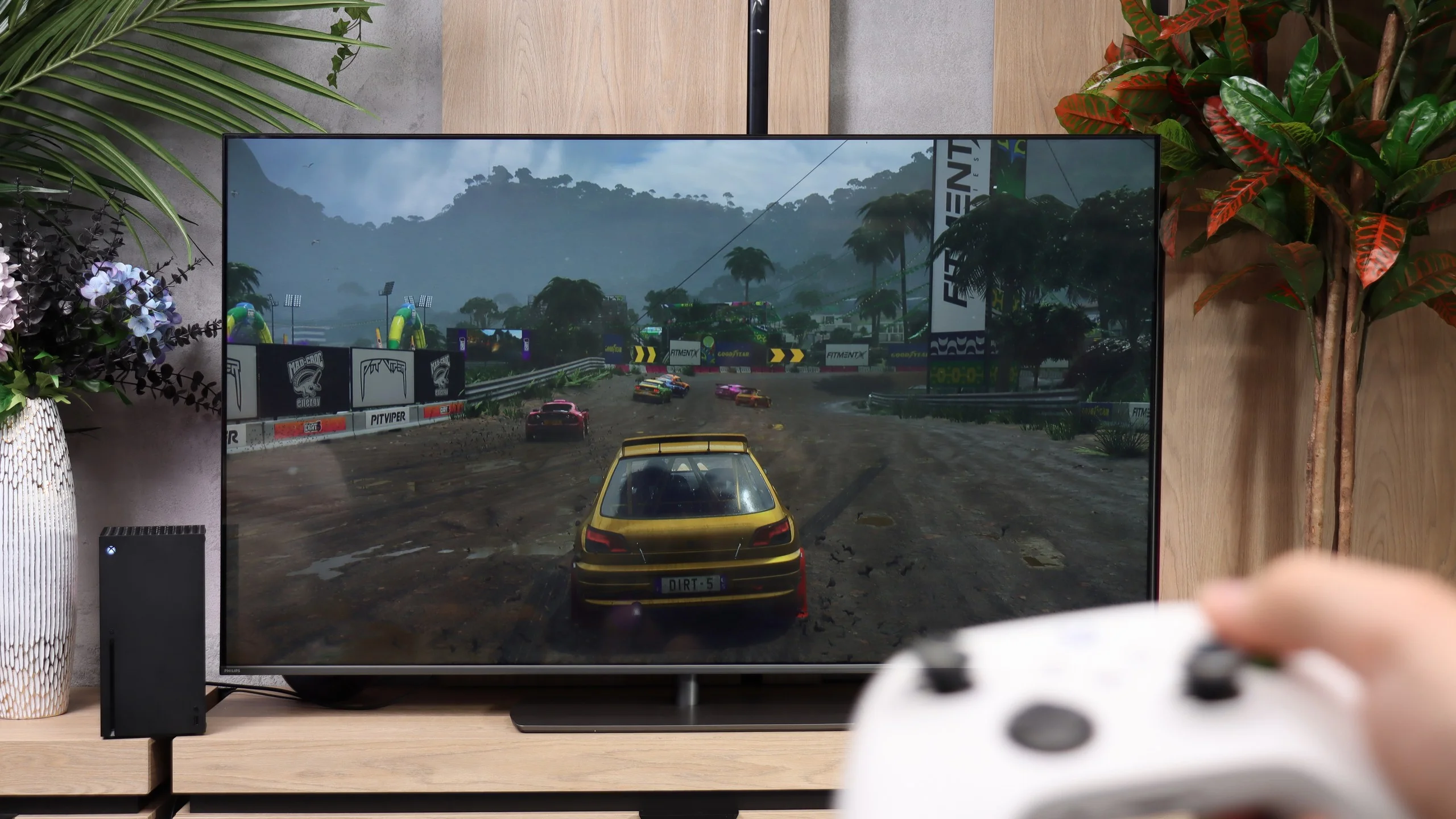
  • Gaming on console

    7.4

    6.2

  • TV as a computer monitor

    8.6

    6.0

  • Watching in bright light

    6.1

    4.8

  • Utility functions

    7.6

    6.6

  • Apps

    7.2

    9.6

  • Sound quality

    6.9

    6.1

Advantages

  • Ambilight, which gives evening viewing sessions a unique atmosphere and improves the perceived native contrast of the VA panel

  • Excellent panel response time: minimal motion blur of moving objects

  • Many gaming features: four HDMI 2.1 ports, VRR, ALLM, HGiG

  • 144 Hz refresh rate at 4K and 240 Hz at Full HD from a PC

  • Good coverage of a wide color gamut (PFS LED)

  • Dolby Vision, which actually helps the TV with HDR content

  • Decent brightness of around 500 nits, useful for daytime viewing

  • Rotating stand

  • Very good viewing angles (IPS panel)

  • Google TV with a huge selection of apps

  • Chromecast and AirPlay

  • Low input lag

  • Very good USB media player

  • Supports audio formats: Dolby (Atmos, TrueHD, Digital), DTS (X, HD)

  • Two remotes included

Disadvantages

  • No local dimming: average black levels at night and limited HDR performance

  • Smaller app library than the competition

  • Poor viewing angles (can be helped with a swivel stand)

  • Very high input lag in games with Dolby Vision

  • Significant errors in HDR color reproduction (no CMS adjustment available)

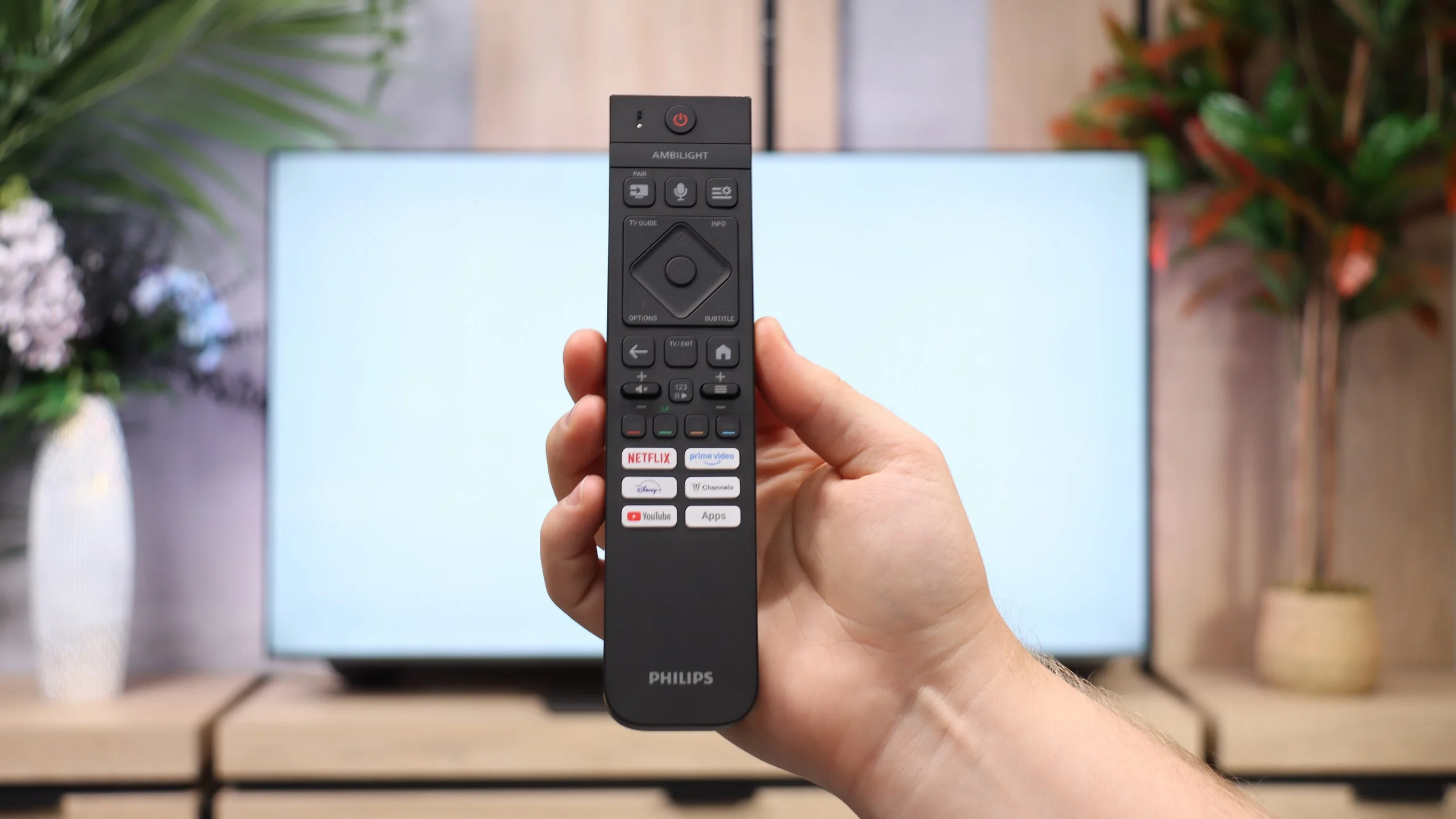
  • Infrared remote that requires aiming

- Price is too high for what it offers! - Very poor black levels and low contrast (IPS panel) - Low brightness, around 320 nits - No support for dynamic HDR formats (Dolby Vision, HDR10+) - Only a 60 Hz panel - Very limited gaming capabilities

Our verdict

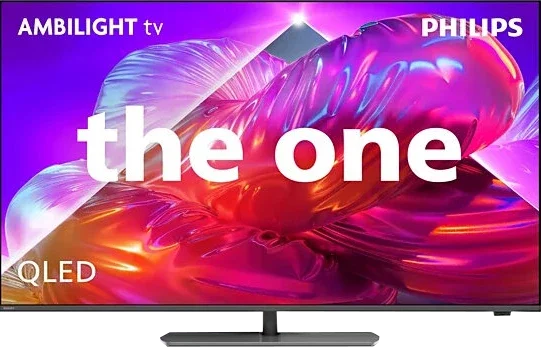
The idea behind The One series has remained practically unchanged for years, and with the Philips PQS9001 this is both an advantage and its biggest weakness. Once again, we get a versatile mid-range TV whose main distinguishing feature is Ambilight. The lighting that follows what is happening on the screen can completely change the atmosphere of an evening movie session, and for many people it will be the main reason to choose this TV. That is hardly surprising, because once you get used to the effect, it can be difficult to go back to watching without it. The picture quality itself is good, but we have already seen a very similar level from this series in previous years. The VA panel provides decent blacks, colours are nicely saturated, and the brightness is sufficient for comfortable viewing in a typical living room. It is a shame, however, that Philips did not take another step forward and introduce at least basic local dimming. In a dark room, blacks can look noticeably bluish, and HDR, while clearly visible, does not make as strong an impression as it could. After so many years of The One being on the market, we would have expected a little more progress here.

There has, however, been a noticeable improvement in Titan OS. Compared with last year, and especially with the version from two years ago, the system has become much more pleasant to use. There are more apps, many smaller functions have been improved, and a number of irritating bugs we previously complained about have been fixed. Overall, it works reasonably well, although we are once again frustrated by the remote control, which still requires you to point it directly at the TV. Philips continues to rely on infrared for regular navigation, even though voice control uses a wireless connection. That makes it even harder to understand why the same connection was not used for navigating the menus. The One also has quite a lot to offer gamers. Four HDMI 2.1 ports and a broad set of gaming features are one thing, but what impressed us most was the panel’s response time. Our unit showed practically no visible smearing, even on dark backgrounds, which is quite rare for an LCD TV with a VA panel. Philips deserves a lot of credit for that. The ability to play at 4K 144 Hz or Full HD 240 Hz also makes the TV an interesting option for PC users. Unfortunately, there is still one unfinished element: using Dolby Vision in games on Xbox results in very high input lag.

The PQS9000 therefore leaves us with mixed feelings. It can surprise with excellent motion handling and shows that Philips has clearly worked on its operating system, but we do not see a similar step forward in picture quality. This is a TV we can recommend primarily to fans of Ambilight. If that lighting system is the main reason you are considering a Philips, then buying The One makes a lot of sense. It is still worth checking, however, whether you can find a Mini LED model with good local dimming at a similar price. Such a TV may offer deeper blacks and more impressive HDR performance. In the end, the choice comes down to what matters more to you: the atmosphere created by Ambilight or better picture quality itself.
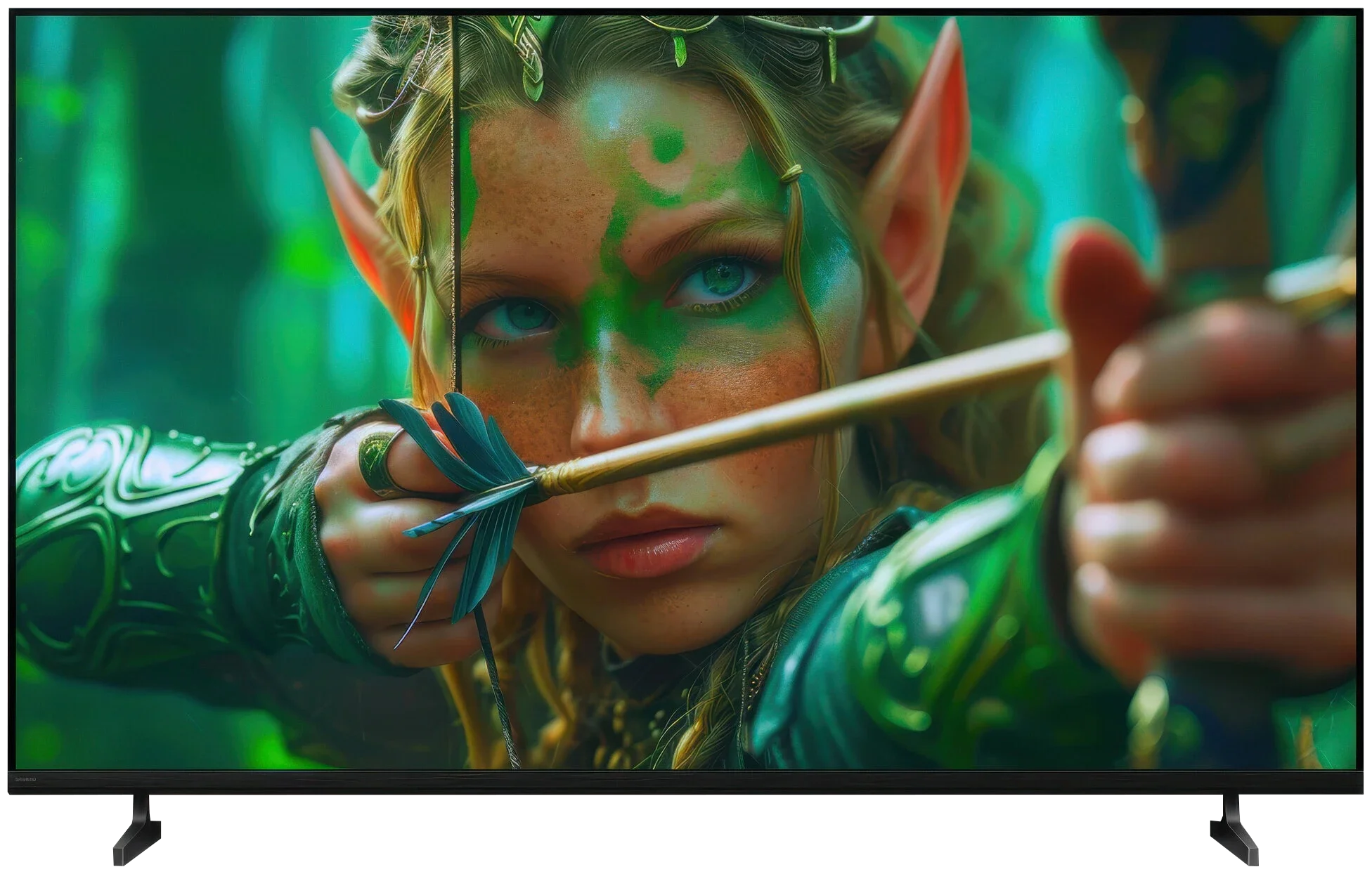
Sony Bravia 2 II is a TV that performs best in simple, everyday use. And we suspect many people will choose it mainly because of Google TV. The system provides access to a huge number of apps and streaming services, and you also get Chromecast, AirPlay and convenient voice search. The TV itself may not run as fast as pricier Sony models, but in terms of capabilities there’s little to complain about. Importantly, for regular viewing the picture quality is quite decent. The Bravia 2 II handles SDR material particularly well — regular broadcast TV, YouTube and much of older movies and series. The out-of-the-box Cinema mode is already fairly well set, colors look natural, and without much fiddling with the settings you can just start watching. And in our view this is where the Bravia 2 II shines: as a simple Smart TV for everyday use, not a TV meant to wow with the panel’s capabilities. You do need to remember, though, that the Bravia badge on the housing doesn’t automatically mean great picture quality. The Bravia 2 II uses an IPS panel with very low contrast, and that is its biggest problem. During the day this isn’t such a big issue, but turn off the lights in the evening and blacks start to look more like dark gray. Of course, in return you get good viewing angles, so if the TV sits in a large living room and several people watch from different spots, IPS is an advantage. But it comes at the cost of weak black levels. This isn’t a TV built for HDR impact or for more demanding gamers either. Around 300 nits of brightness and a narrow color gamut mean HDR material doesn’t show much more here than SDR. The 60 Hz panel and the lack of broader gaming features also make it clear that gaming isn’t a priority for this model. And actually that wouldn’t be a big problem, because it’s exactly what we expected from Sony’s entry-level model. The biggest issue with the Bravia 2 II, however, is the price. For a similar amount you can easily find competitor TVs, especially from Korean and Chinese brands, that already offer much more, from 120 Hz panels to Mini-LED backlighting with local dimming. So the Bravia 2 II itself is not a bad TV. It’s simply too expensive for what it offers. If its price were clearly lower, it would make much more sense as a simple TV for everyday viewing.

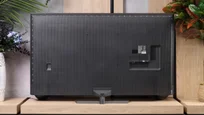
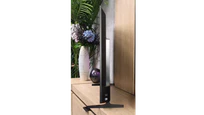
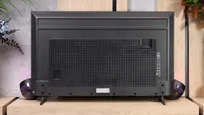
TV appearance

HDMI inputs
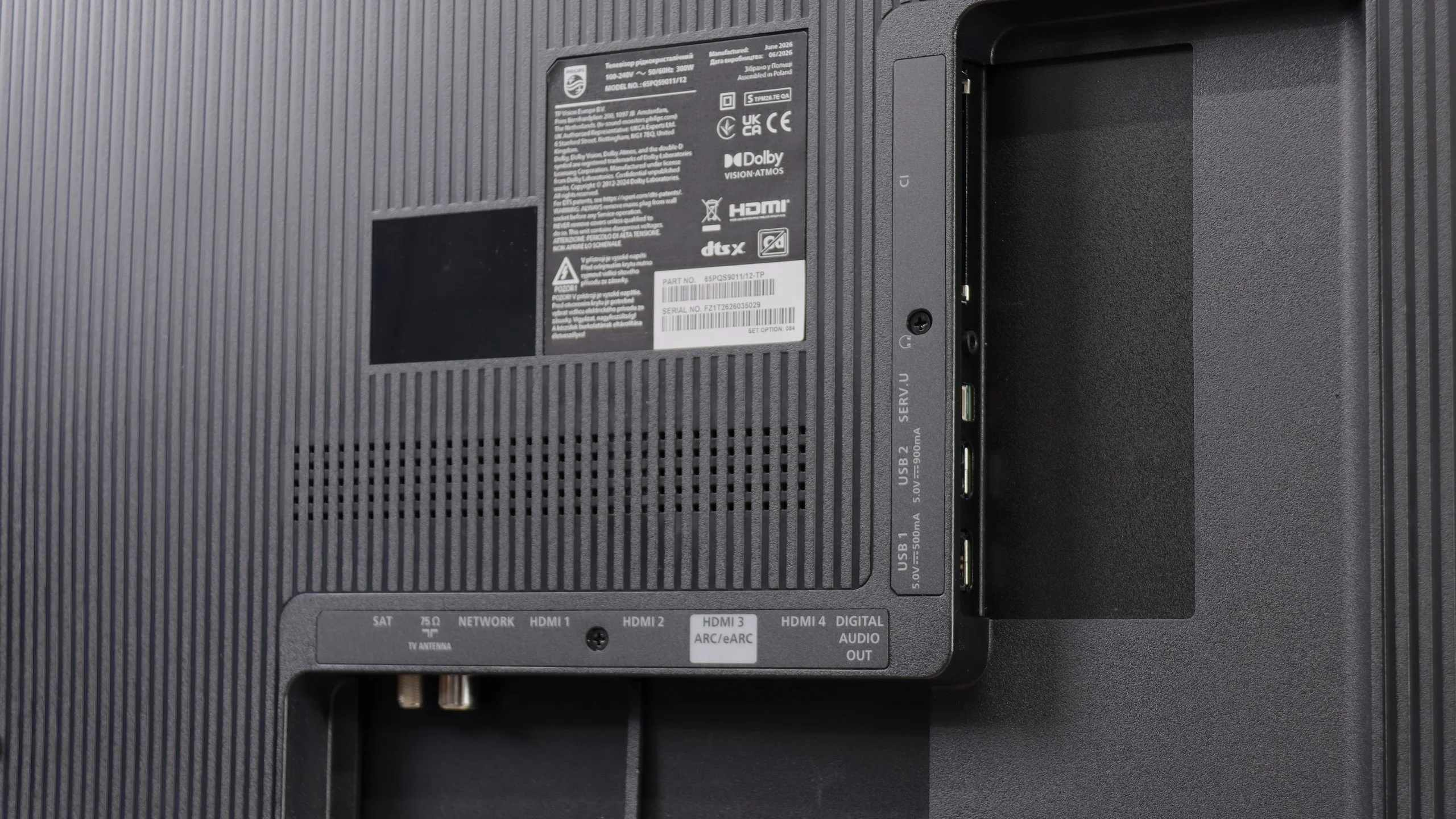
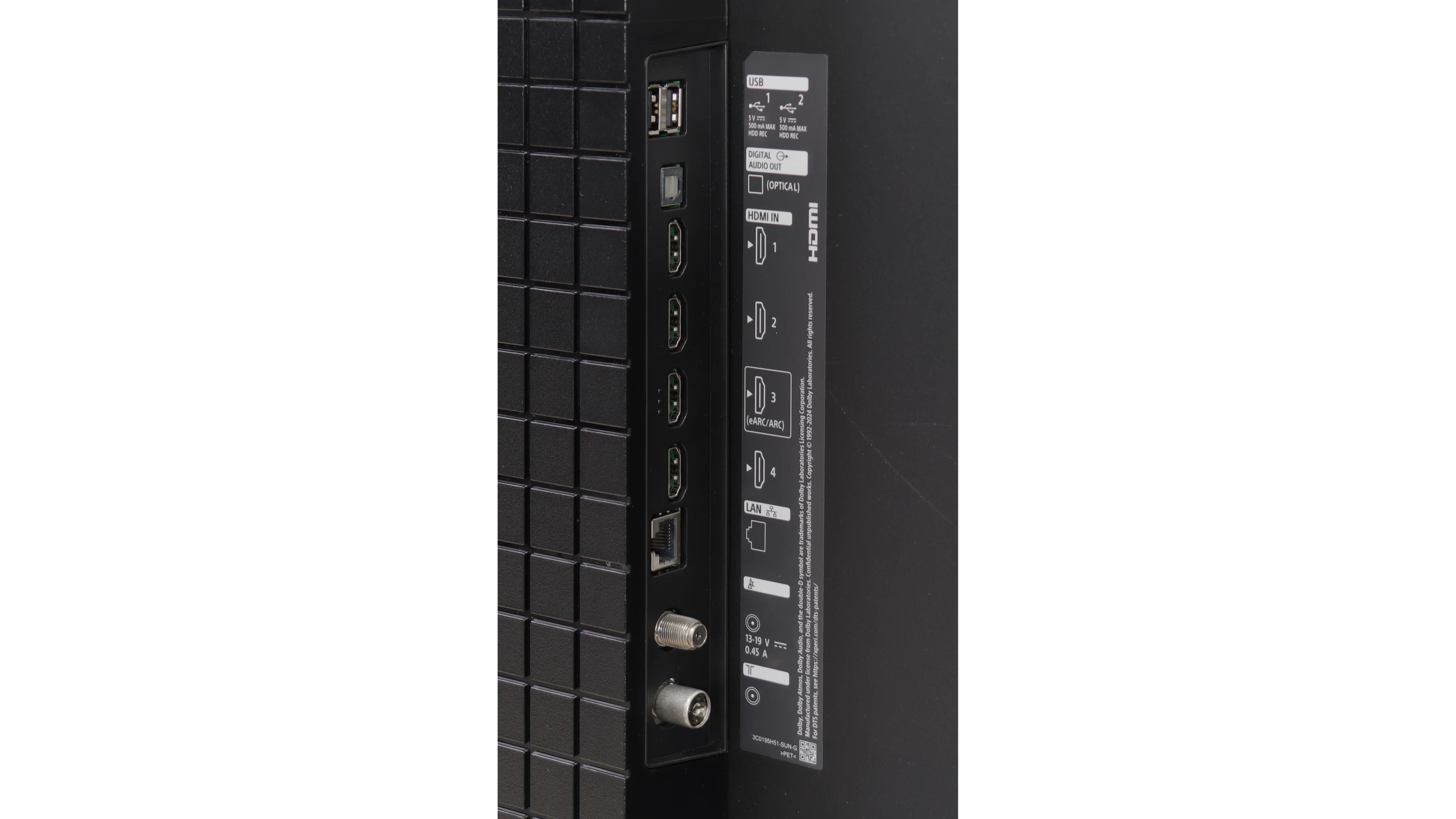
0 x HDMI 2.0, 4 x HDMI 2.1 (48Gbps)
4 x HDMI 2.0, 0 x HDMI 2.1
Other inputs
Outputs
Toslink (Optical audio), eARC (HDMI), ARC (HDMI), Mini-Jack (Headphones)
Toslink (Optical audio), eARC (HDMI), ARC (HDMI)
Network Interfaces
Wi-Fi 2.4GHz, Wi-Fi 5GHz, Ethernet (LAN) 100Mbps
Build quality
Good
Good
Stand type
Central
Legs
Bezel color
Graphite
Graphite
Stand
Fixed
Fixed
Accessories
Stand
Two remote controls, Stand

Contrast and black detail

5.8/10

2.7/10

Local dimming function: No

Local dimming function: No

Contrast:

Review Philips PQS9011 / PQS9001 (The One 2026) Contrast and black detail

Result

5,500:1

Review Philips PQS9011 / PQS9001 (The One 2026) Contrast and black detail

Result

3,950:1

Review Philips PQS9011 / PQS9001 (The One 2026) Contrast and black detail

Result

5,600:1

Review Philips PQS9011 / PQS9001 (The One 2026) Contrast and black detail

Result

5,750:1

Review Philips PQS9011 / PQS9001 (The One 2026) Contrast and black detail

Result

4,500:1

Review Sony BRAVIA 2 II (S25M2) Contrast and black detail

Result

1,150:1

Review Sony BRAVIA 2 II (S25M2) Contrast and black detail

Result

1,200:1

Review Sony BRAVIA 2 II (S25M2) Contrast and black detail

Result

1,450:1

Review Sony BRAVIA 2 II (S25M2) Contrast and black detail

Result

1,400:1

Review Sony BRAVIA 2 II (S25M2) Contrast and black detail

Result

1,100:1

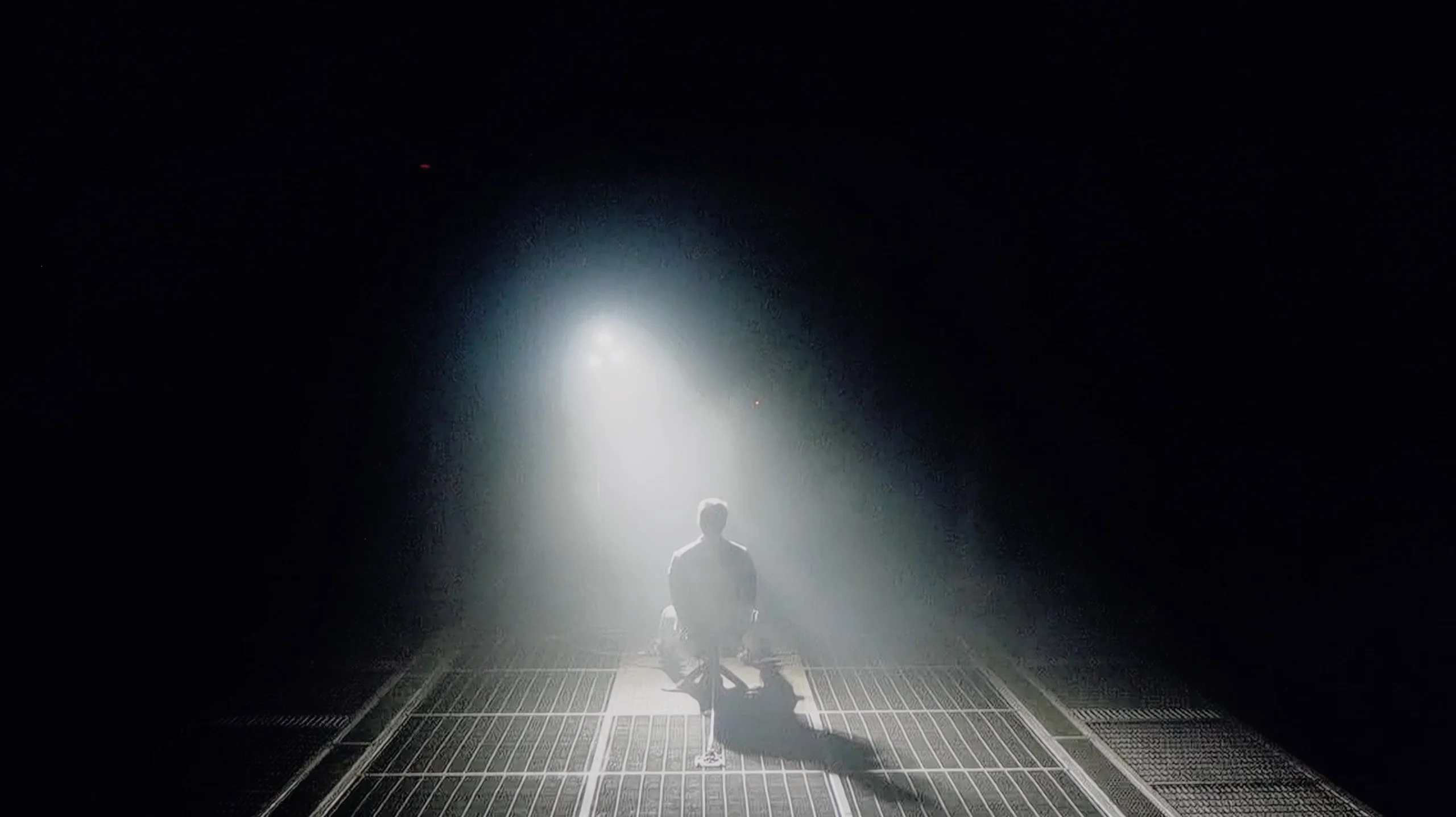
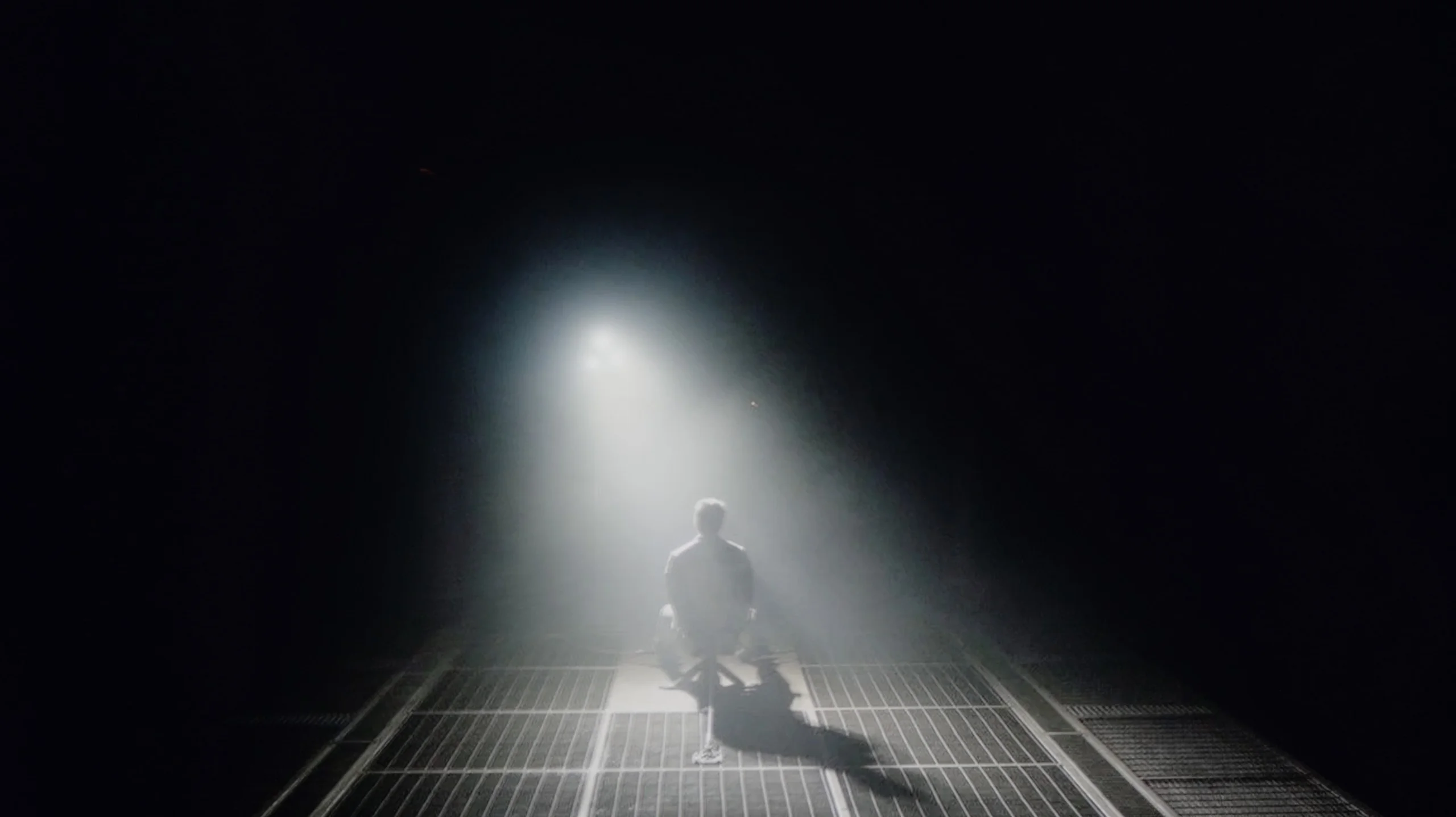
Halo effect and black detail visibility:

Check the visibility of bright lights on a dark background. Mini-LEDs often struggle with this. The photo does not compare black levels – that’s what the video below is for.

The video accurately shows differences in contrast and black levels between TVs, as well as potential issues: halo around bright objects or Mini-LED zone operation visible as brightness jumps.

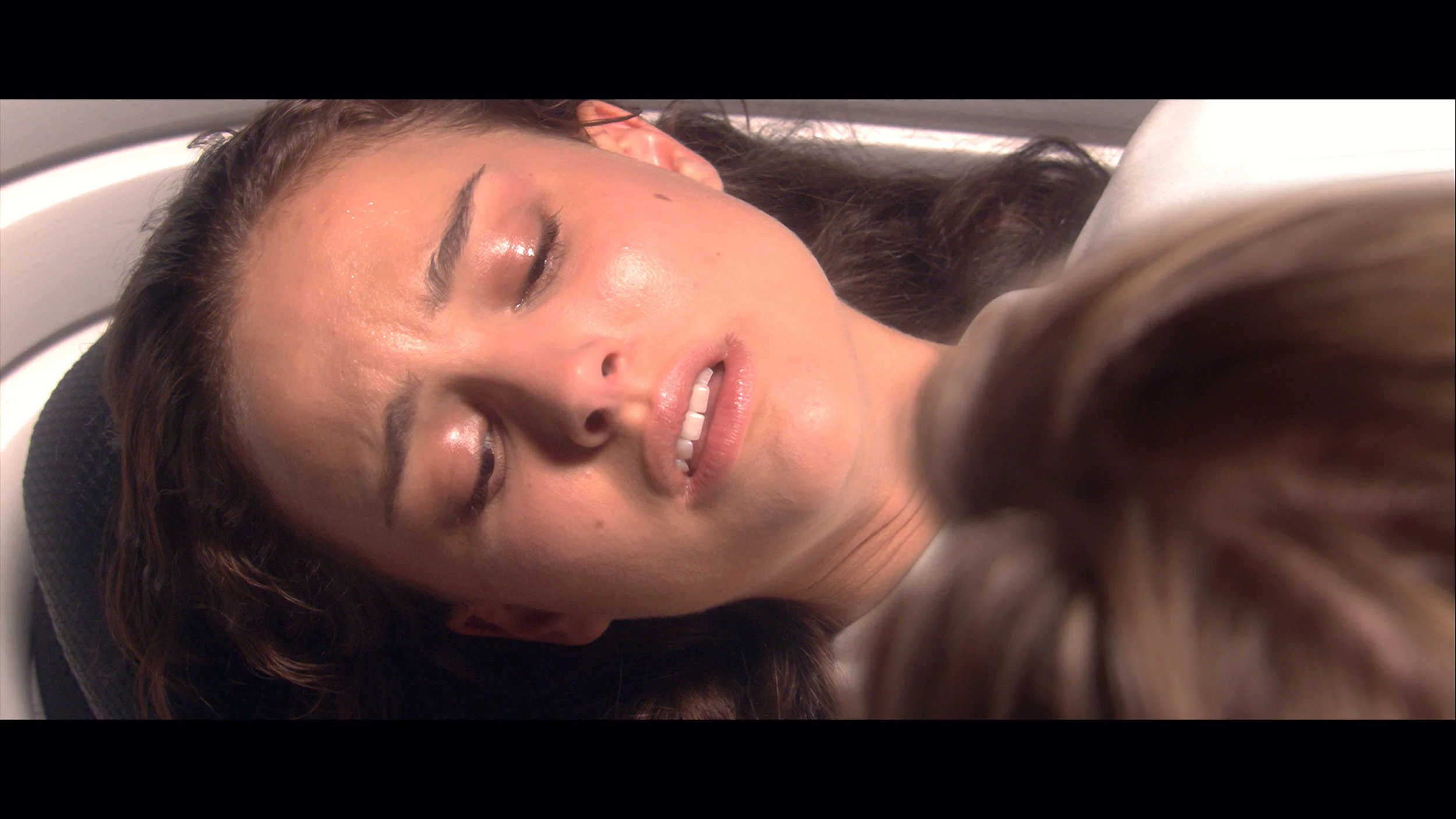
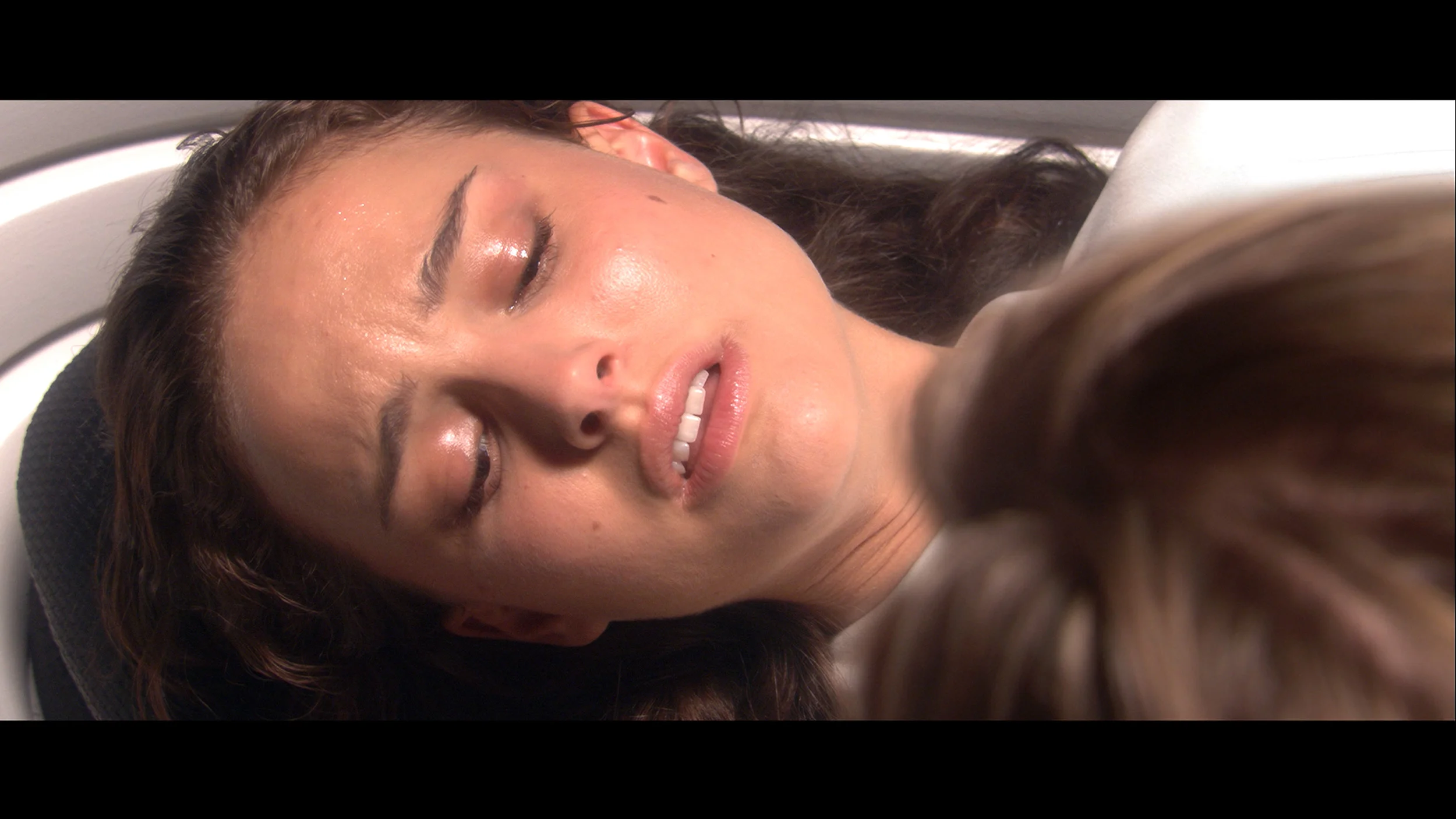
The black levels and contrast on the Philips PQS9000 are decent for an LCD TV without local dimming. That's mainly down to the VA panel; in our movie scenes contrast often exceeded 5000:1, and in weaker results dropped to around 4000:1. That delivers an image with quite good depth and a clear advantage over typical IPS panels, where black more easily looks gray. Unfortunately, that's about where the panel's strengths end. The TV lacks local dimming, so it can't dim a dark background separately while keeping bright highlights elsewhere on the screen. It only has global dimming, meaning it brightens or dims the entire backlight at once. In a completely dark room you can see these limits: blacks take on a dark navy tint, and shadowy scenes don't have the same depth as on a good locally dimmed screen. Luckily Ambilight helps here. The light on the wall makes the blacks on screen appear deeper and slightly masks the panel's glow. It doesn't change the TV's actual contrast, but it affects how our eyes perceive it. In this case Ambilight is therefore not just decoration, because it can also make evening viewing more pleasant.

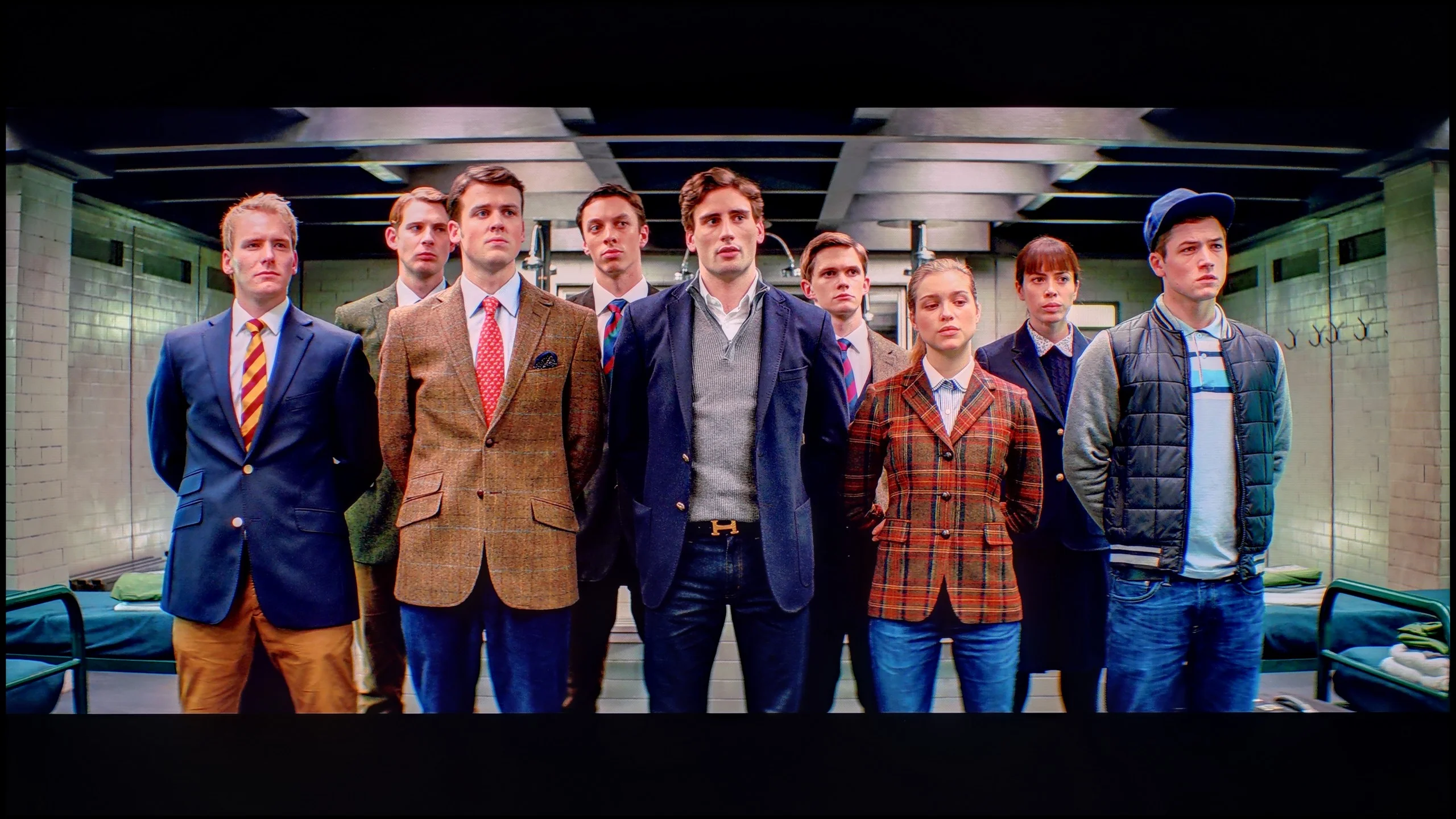
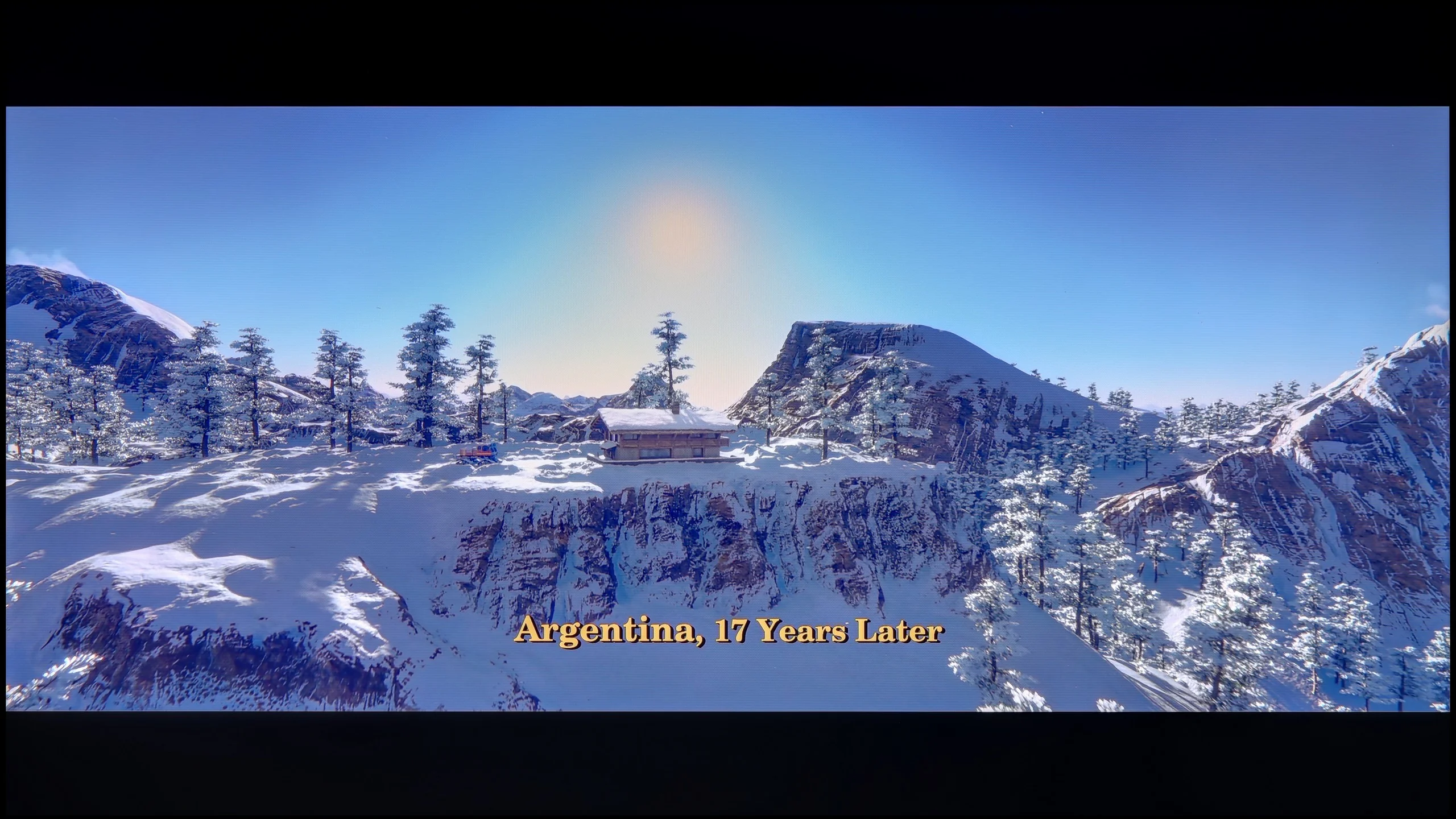
When it comes to black levels, the Bravia 2 II unfortunately doesn't have much to offer. Sony used an IPS panel here, which delivers one of the lowest native contrast ratios among all LCD panels. In our measurements we recorded values around 1100–1450:1, and you can clearly see that while watching. The TV also has no local dimming, so it can't darken only the parts of the screen that should remain black. In practice this means that once the lights are turned off, blacks very quickly start to drift toward gray and navy blue. In scenes like Oblivion or Sicario 2, instead of a deep background we get a noticeably brightened image that seriously saps the mood of evening screenings. Of course an IPS panel also has the advantage of better viewing angles, but in this area that hardly makes up for it. If you're mainly looking for a TV to watch movies in the evening, the Bravia 2 II simply isn't a model we could recommend.

HDR effect quality

5.5/10

4/10

Supported formats
HDR10, HDR10+, Dolby Vision, HLG
HDR10, HLG
Color gamut coverage
DCI P3: 94.5%, BT.2020: 75.5%
DCI P3: 79.0%, BT.2020: 57.6%

Luminance measurements in HDR:

Review Philips PQS9011 / PQS9001 (The One 2026) Brightness measurement

Result

449 nit

Review Philips PQS9011 / PQS9001 (The One 2026) Brightness measurement

Result

467 nit

Review Philips PQS9011 / PQS9001 (The One 2026) Brightness measurement

Result

487 nit

Review Philips PQS9011 / PQS9001 (The One 2026) Brightness measurement

Result

486 nit

Review Philips PQS9011 / PQS9001 (The One 2026) Brightness measurement

Result

507 nit

Review Sony BRAVIA 2 II (S25M2) Brightness measurement

Result

294 nit

Review Sony BRAVIA 2 II (S25M2) Brightness measurement

Result

307 nit

Review Sony BRAVIA 2 II (S25M2) Brightness measurement

Result

329 nit

Review Sony BRAVIA 2 II (S25M2) Brightness measurement

Result

330 nit

Review Sony BRAVIA 2 II (S25M2) Brightness measurement

Result

325 nit

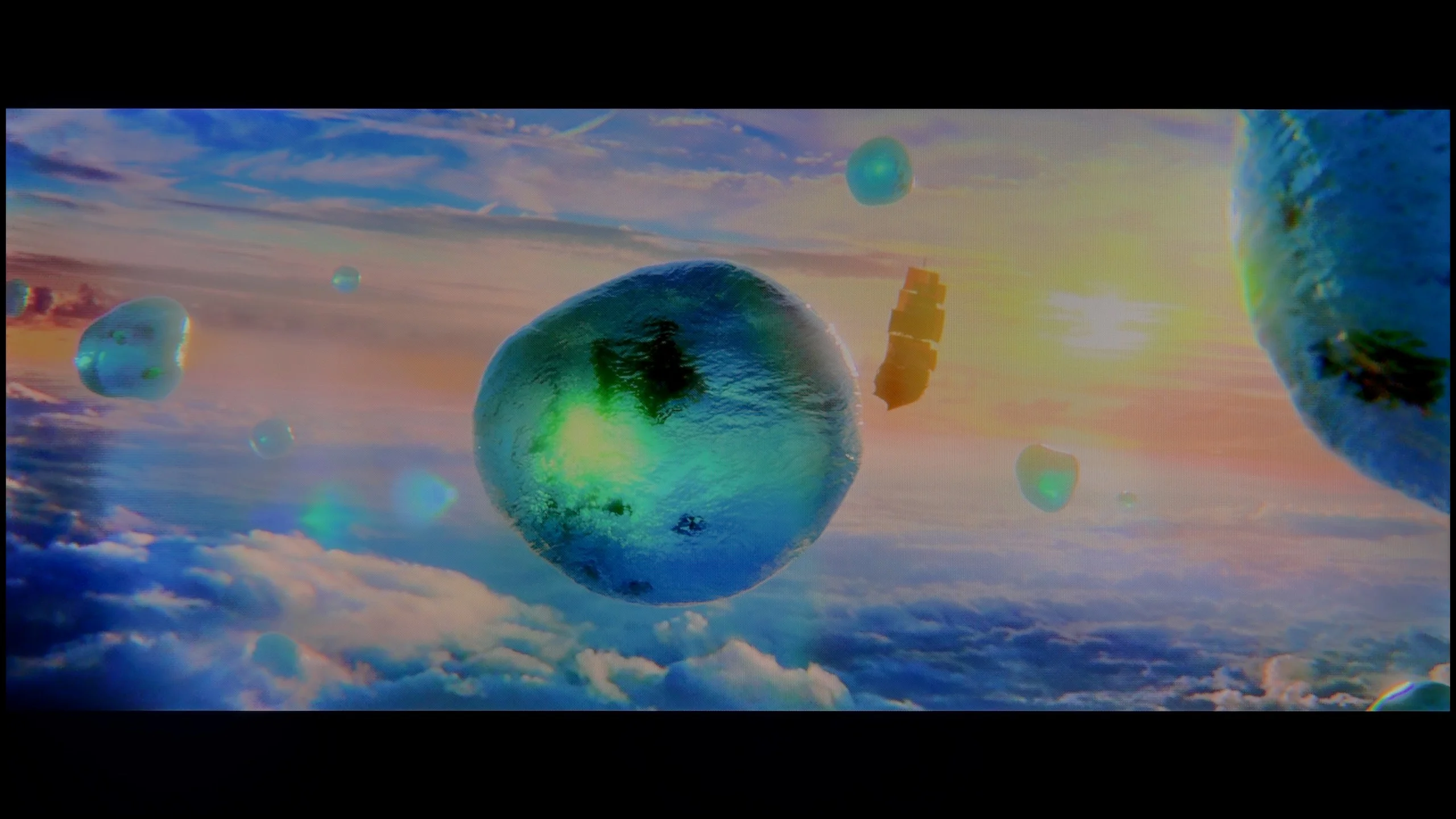
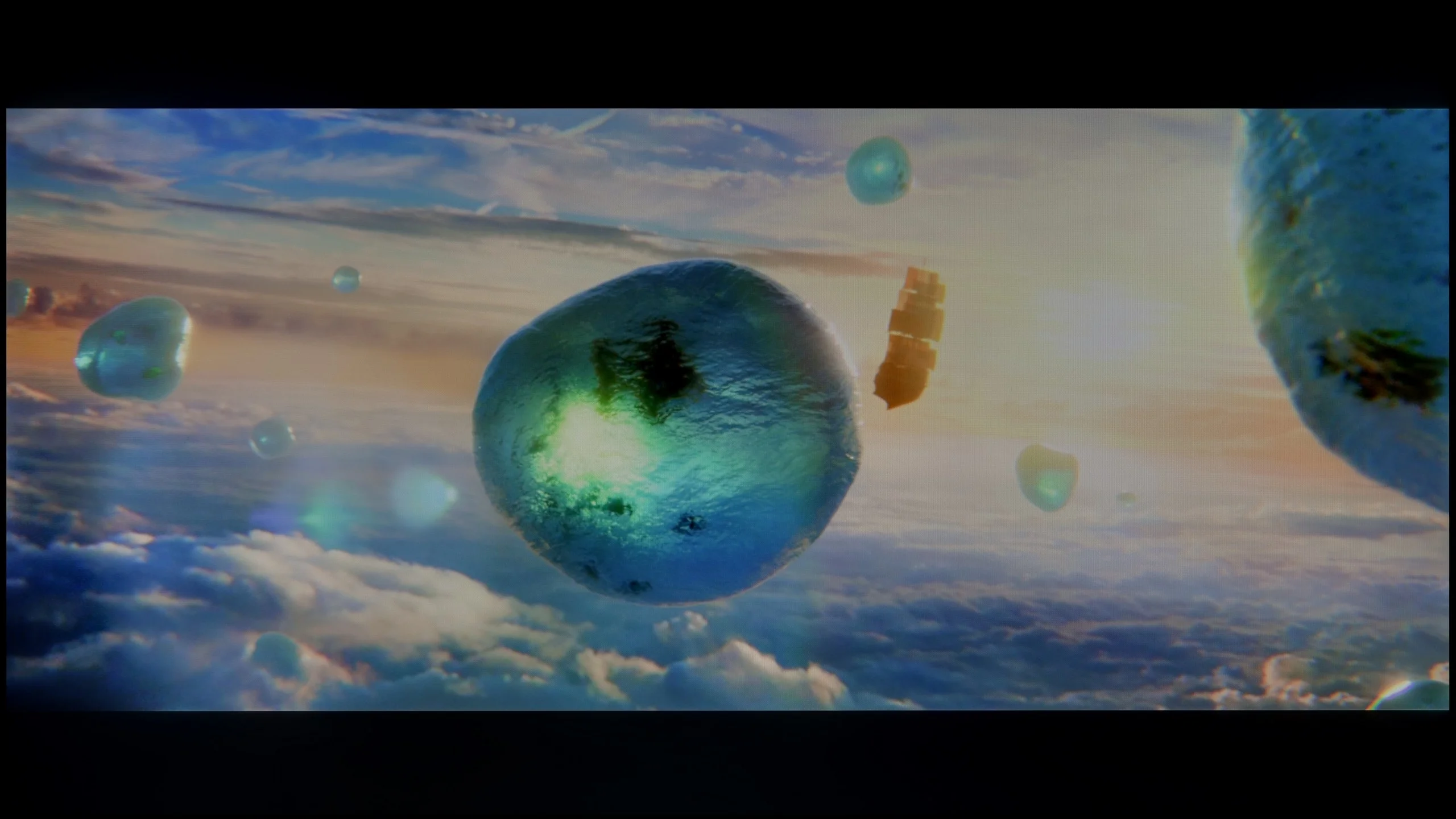
Scene from the movie “Pan” (about 2800 nits)

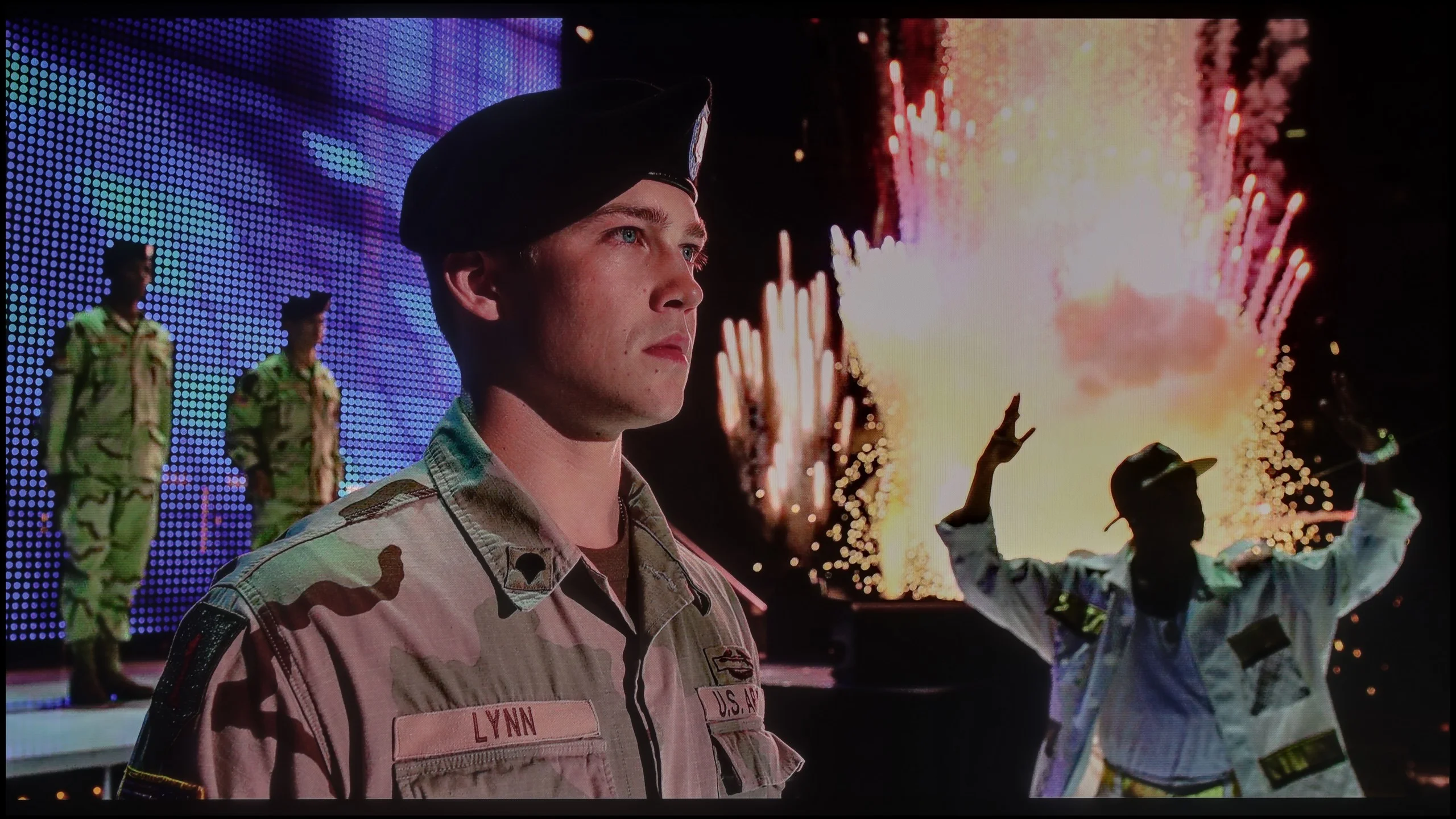
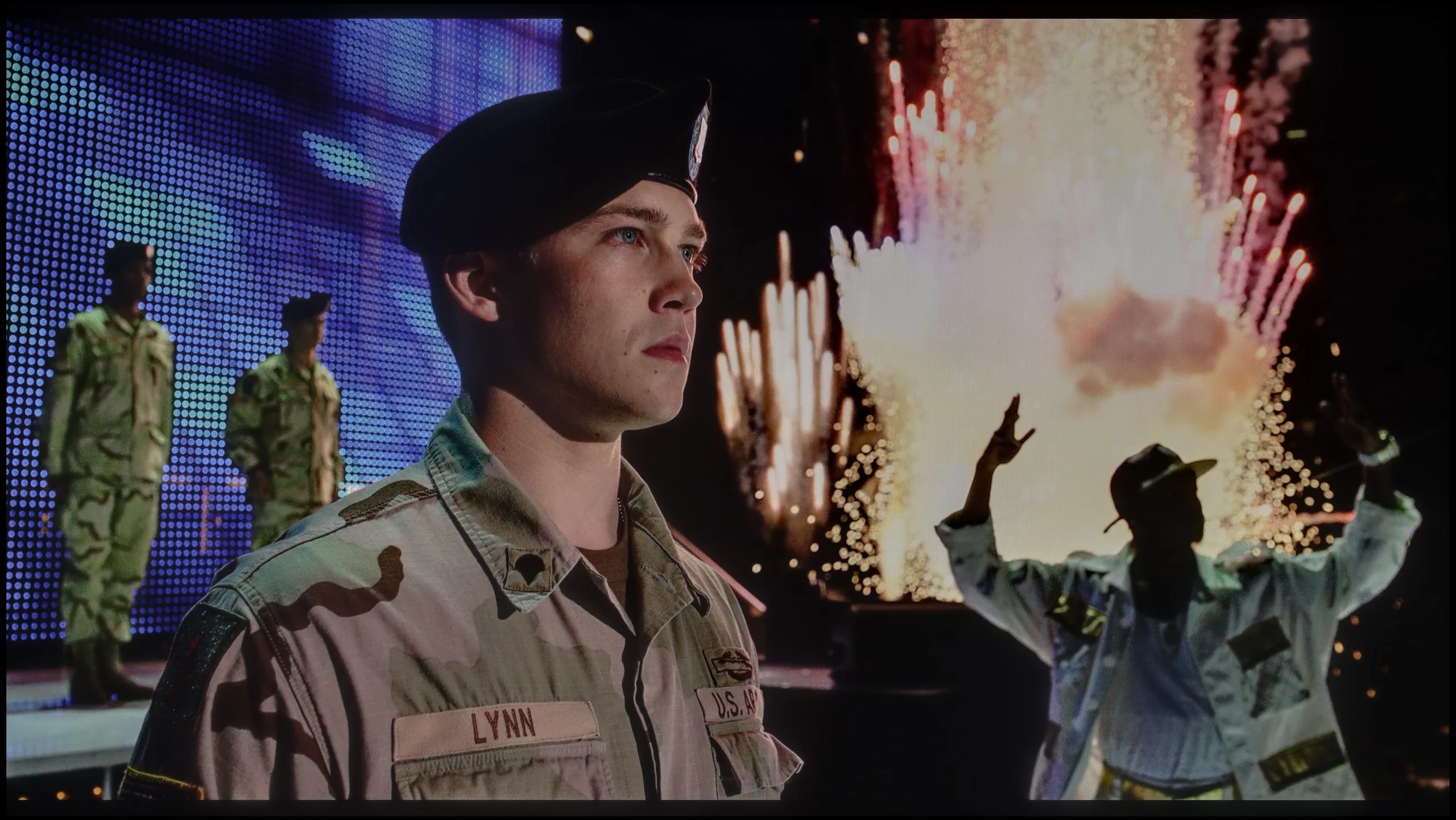
Scene from the movie “Billy Lynn” (about 1100 nits)

The photos show two HDR10 movies. 'Pan' is one of the brightest productions ever made, while 'Billy Lynn' (soldier) has brightness typical of streaming (Netflix, Prime, HBO MAX). Notice the intensity of effects and detail in whites.

Static HDR10

The photos present the visibility of white details in various HDR formats. They do not show brightness differences between TVs (these can be compared in the previous gallery).

HDR luminance chart:

Sony BRAVIA 2 II (S25M2)

Philips PQS9011 / PQS9001 (The One 2026)

Philips PQS9000 is a moderately bright TV; in our HDR scenes it reached roughly 450 to just over 500 nits. That's enough to notice a difference versus SDR. Sun reflections, lamps, and highlights have a bit more sparkle than on basic TVs, whose brightness often tops out around 300 nits. However, it’s not at a level where bright elements make a particularly strong impression. The biggest limitation remains contrast. Without local dimming, the TV raises the black level around a bright object when it brightens that object. That means there’s no clear separation between strong highlights and a dark background, and that contrast is what really shows off HDR. The PQS9000 offers more than the cheapest models, but despite decent brightness the effect stays fairly basic.

Colors

Philips deserves praise for the colors. Although the manufacturer labels this model QLED, a PFS phosphor is used here instead of quantum dots. That solution does not prevent good results, however. On test patterns and in measurements of film scenes we recorded about 94% DCI-P3 coverage and 75% BT.2020. For this class of TV that’s really good. In practice, it means the vast majority of colors used in HDR movies and series will have proper saturation. Lush greens and intense reds are not a major problem and add appeal to the picture. Limitations are easier to spot in some games and rarer content that uses the most saturated shades of the wide BT.2020 gamut. In those situations, displays with wider color coverage, such as SQD or RGB LED, can show more. In its price segment the PQS9000 has nothing to be ashamed of.
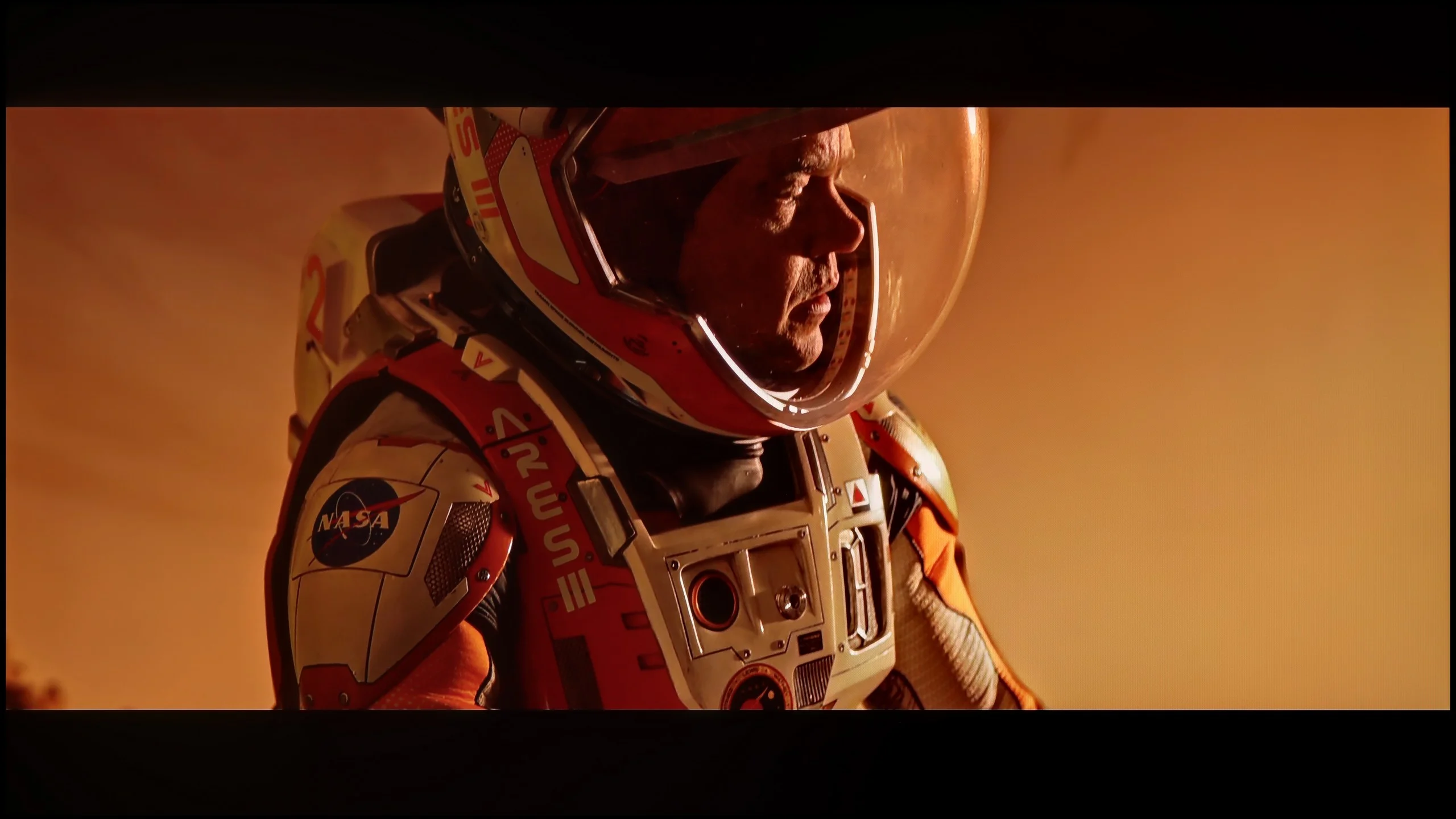
Sony Bravia 2 II is not a very bright TV and unfortunately that is immediately apparent in HDR. In our measurements brightness stayed around 300 to 330 nits, which is definitely too low for the brightest parts of the picture to look truly impressive. In practice HDR here does not differ that much from ordinary SDR. Bright highlights, the sun, or lamps are of course visible, but they lack the intensity you would expect from HDR material. The Bravia 2 II therefore performs much better with regular SDR content, and it is in that use case that its limited brightness will be least noticeable.

Color gamut coverage

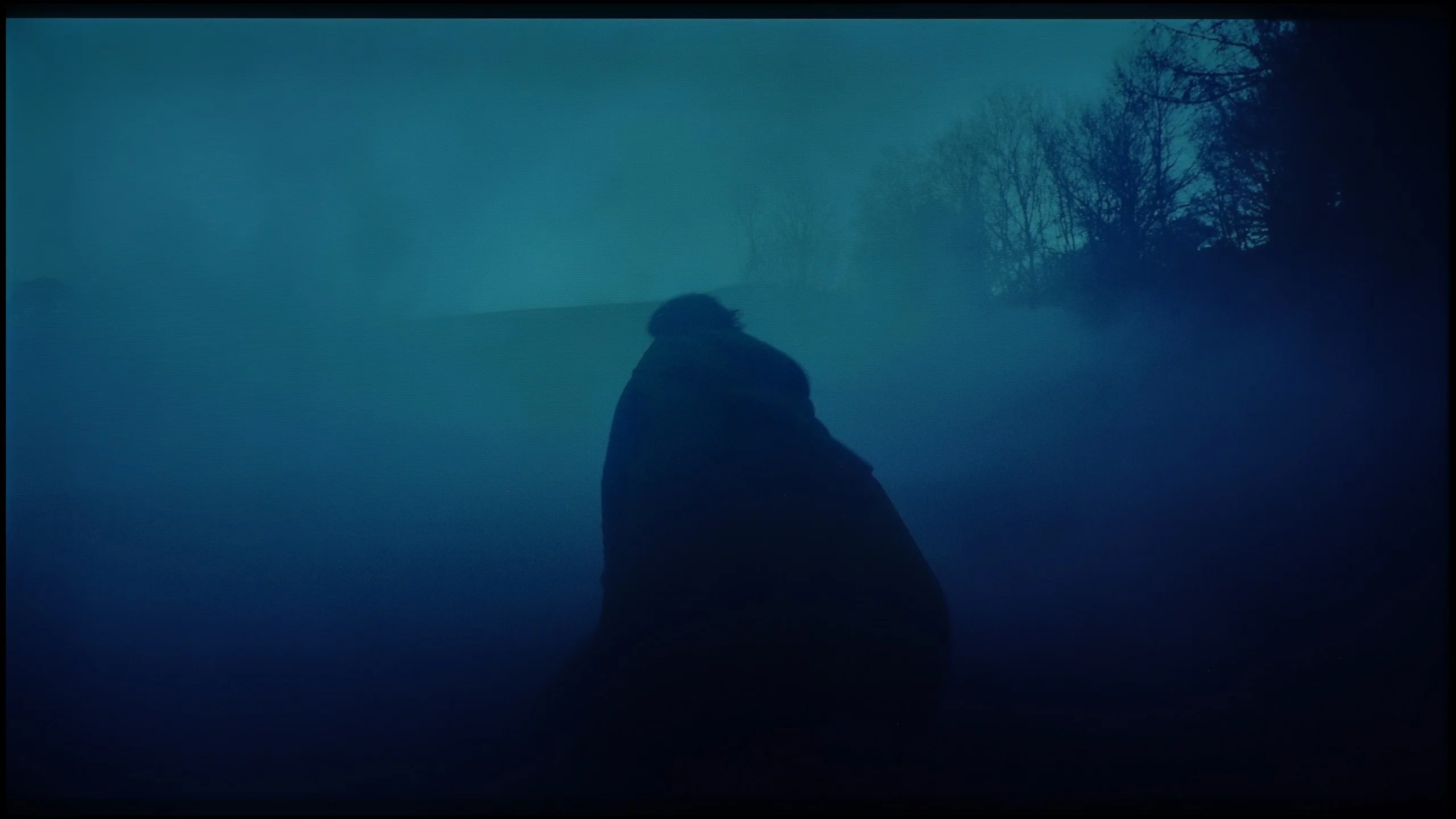
Sony Bravia 2 II also doesn't impress when it comes to colors. The TV doesn't use any additional gamut-expanding filter, such as the quantum dots found in QLED TVs or a PFS phosphor layer. In our measurements DCI-P3 coverage was about 78%, and the very wide BT.2020 around 57%. That's definitely too little to talk about truly saturated colors in HDR content. More intense reds, greens, or turquoise hues will simply be less striking than on TVs with an expanded color gamut. The Bravia 2 II therefore fares much better with standard Rec.709, the gamut used for movies, series, and TV in SDR.

Factory color reproduction

5.1/10

5.3/10

This illustrative image shows how colors change after professional calibration. If you can see the difference, you can order it from SkalibrujTV – it's our own service.

Factory mode

After calibration

This illustrative image shows how colors change after professional calibration. If you can see the difference, you can order it from SkalibrujTV – it's our own service.

Factory mode

After calibration

Unfortunately, the PQS9000’s factory picture settings for Film mode need some fine-tuning. In SDR the biggest issue is an excess of red in the white balance, which makes whites, grays, and skin tones too warm, sometimes even slightly pink. On top of that, the gamma runs below the target across most of its range. The TV therefore brightens midtones and highlights, making the overall image look flatter than it should.

In HDR the white balance itself is much better. Aside from minor deviations, the components stay close to each other, so there isn’t the pronounced tint seen in SDR. However, the EOTF curve shows a slight brightening of parts of the image, and the biggest issue appears in measurements of the wide color gamut. Many hues deviate significantly from the reference, with errors reaching 8–9. So the good gamut coverage we praised earlier doesn’t mean the TV hits specific colors accurately. It can display a wide color range, but out of the box it doesn’t use it very precisely.

Out-of-the-box color reproduction in Cinema mode was really good, at least for ordinary SDR material. The Bravia 2 II had a slight tendency to boost reds, so some colors skewed a bit warmer, at times with a faint pinkish tint. However, it wasn't a major fault, and during normal viewing the picture still looked quite natural. There was a bit more going on with image brightness. Looking at the gamma trace, you can see Sony doesn't stick exactly to the reference value. The darkest parts are slightly lifted, while as brightness increases the gamma gradually rises and a larger portion of the image becomes darker than it should. That said, the difference isn't large enough to seriously interfere with everyday viewing. Overall, SDR straight out of the box performs pretty well.

The situation is much worse in HDR. We already mentioned the limited color gamut, but the Bravia 2 II also manipulates image brightness quite aggressively here. The EOTF curve sits below the reference for a large part of the range, which means the TV renders most midtones and brighter parts of the scene darker than the source material intends. Only toward the very end of the range does the curve flatten out, as the panel reaches the limits of its capabilities. Combined with a peak brightness of around 300 nits, this results in HDR that not only lacks punch but can simply look too dim.

Color reproduction after calibration

7.7/10

7/10

The photos show how movies look on the TV. Pay attention to black detail visibility, colors, and shadow tint.

The photos show how movies look on the TV. Pay attention to black detail visibility, colors, and shadow tint.

Calibration brought a big improvement, especially in SDR material. We managed to even out the white balance and remove the previous color cast, and the Color Checker measurements now look really very good. Colors are much closer to what should be on the screen, so with regular TV or SDR movies we can be satisfied with the result. Unfortunately HDR somewhat spoils that outcome. On one hand it's limited by the panel's capabilities, since calibration won't improve contrast or replace local dimming. On the other hand there are color errors we couldn't correct because the CMS settings, that is color management, were grayed out and inactive. For that Philips loses points with us. White balance can be fine-tuned, but without access to wide color gamut controls you can't correct colors in HDR as effectively. It's a shame, because the SDR results show the potential is there, it's just not allowed to be fully used everywhere.

Calibration did a lot for the Bravia 2 II, especially with SDR content. Above all, we were able to even out the white balance and tidy up the gamma, which now sticks much closer to reference values. As a result, the picture no longer has the previous pink tint, and the brightness of individual areas is much better balanced. You can also see this in the color errors, which dropped to a very low level after calibration (with minor issues in the most saturated reds).

We also partially tamed the Bravia 2 II in HDR, particularly in how the TV manages image brightness. However, there is one thing no calibration can fix: the panel's inherent limitations. The narrow color gamut means the TV physically cannot reproduce the most saturated colors present in HDR content. On top of that, the IPS panel's low contrast leaves darker scenes veiled by a grayish glow, causing colors to lose some of their depth. So we can improve how the Bravia 2 II uses its capabilities, but unfortunately we can't overcome the panel's fundamental limits.

Smoothness of tonal transitions

8.6/10

8/10

These are selected scenes that show smooth tonal transitions from one color to another. If you see distinct banding, it’s the TV panel’s fault.

These are selected scenes that show smooth tonal transitions from one color to another. If you see distinct banding, it’s the TV panel’s fault.

These are selected scenes that show smooth tonal transitions from one color to another. If you see distinct banding, it’s the TV panel’s fault.

These are selected scenes that show smooth tonal transitions from one color to another. If you see distinct banding, it’s the TV panel’s fault.

Philips PQS9000 handles tonal transitions very well. It’s especially noticeable in dark scenes, where shades blend smoothly into one another without visible banding or distinct borders between colors. As a result, even large uniform areas look smooth. Minor imperfections only appear in brighter tones, but you have to look closely to notice them. During normal viewing they are unlikely to distract from the movie. In this category Philips performs really well.

The smoothness of tonal transitions on the Bravia 2 II is quite good, though it depends heavily on the scene. In brighter parts of the image, the gradation is smooth and major problems are hard to spot. It gets worse in very dark scenes. In scenes dominated by dark tones, distinct banding between adjacent shades was visible. So it's not perfect, but for most everyday content the issue shouldn't be particularly noticeable.

Image scaling and smoothness of tonal transitions

7/10

6/10

Image without overscan on the SD signal
OK
OK
Smooth transition function
OK
OK

Smooth transition function

The match photo shows how the TV smooths weak tonal transitions in low-quality video.

Image scaling SD (576i)

The model photo shows how it handles upscaling of SD material.

The digital image processing in the Philips PQS9000 performs well, though we have a few reservations. The "Distortion Reduction" function helps smooth tonal transitions in lower-quality material, but it works quite unevenly. It can improve a section of the picture, only to, moments later and still within the same scene, seem to lose effectiveness and reintroduce banding between shades. A plus is that it doesn't remove film grain or fine noise, so the image retains its texture. We found the "Medium" setting worked best, and that's the one we recommend. The 4K upscaling itself is acceptable, though the picture is very soft. Edges are heavily smoothed, which may make the image feel less crisp to some viewers. In that case, it's worth slightly increasing the sharpness in the TV's menu, as this will make edges stand out more. Don't overdo the sharpness slider, however, or you may introduce artificial halos instead of improving the picture.

Upscaling in the Bravia 2 II performs quite well, and in that respect the TV maintains the standard Sony has accustomed us to. Lower-resolution content is sensibly scaled to 4K, with the image slightly smoothed and without over-sharpening edges. It’s a different story when it comes to improving content with visible compression. That’s handled by the "Digital Noise Reduction" feature, which on the "High" setting can indeed smooth out some ugly tonal banding. The problem is it does so fairly aggressively, removing a lot of fine detail along with the imperfections, including natural film grain. Moreover, when there’s more motion on screen its effectiveness drops significantly and the improvement becomes minimal. So we generally avoided using this feature in everyday viewing.

Blur and motion smoothness

8.1/10

5/10

Maximum refresh rate of the panel
144Hz
60Hz
Film motion smoothing option
OK
OK
Blur reduction option
OK
No
BFI function 60Hz
No
Yes, 120Hz (double contours)
BFI function 120Hz
No
No
Brightness drop with BFI
0%
25%

Blur (native resolution, maximum refresh rate):

Blur (BFI function enabled):

Blur (1080p@240Hz):

Blur ():

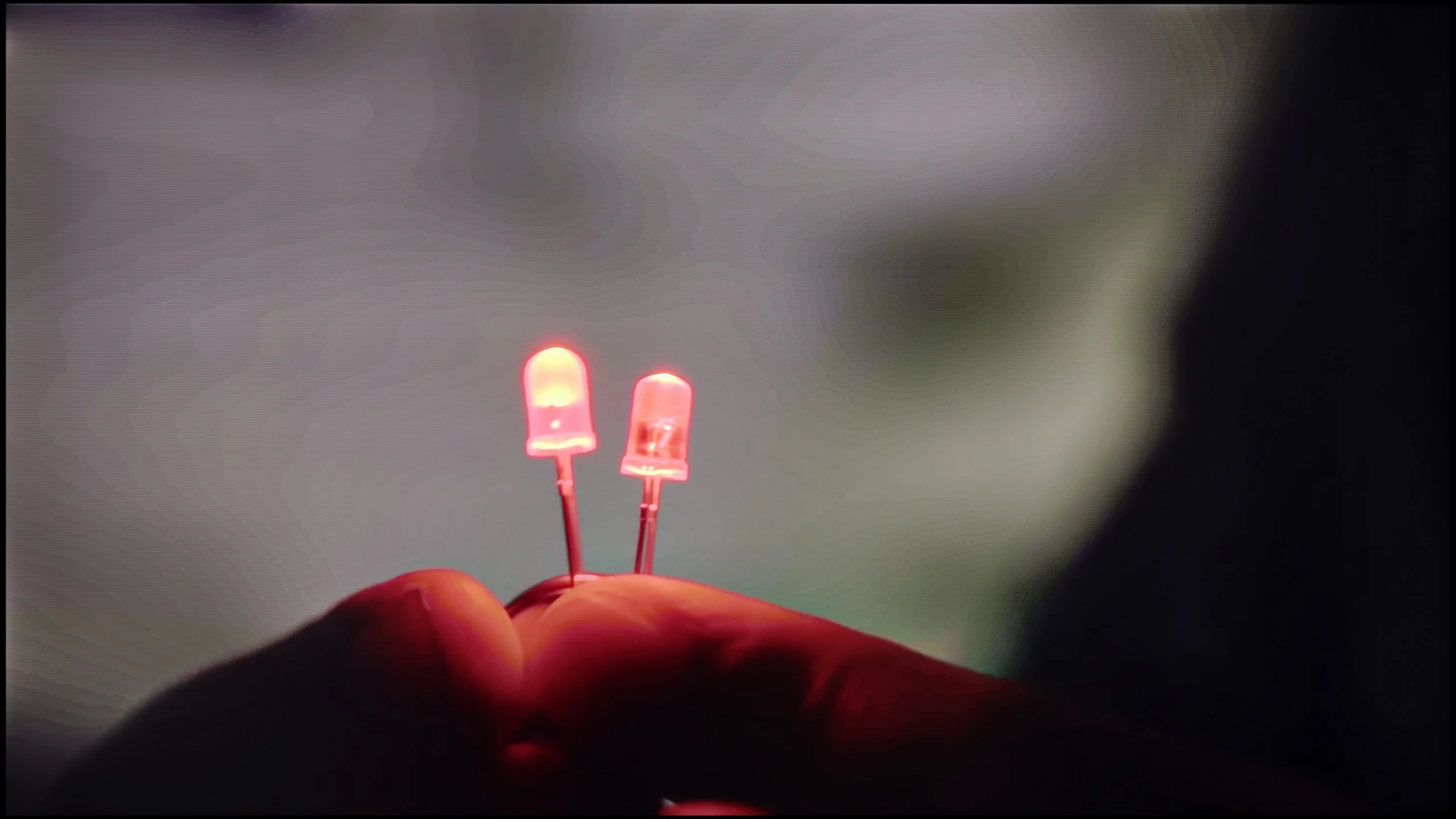
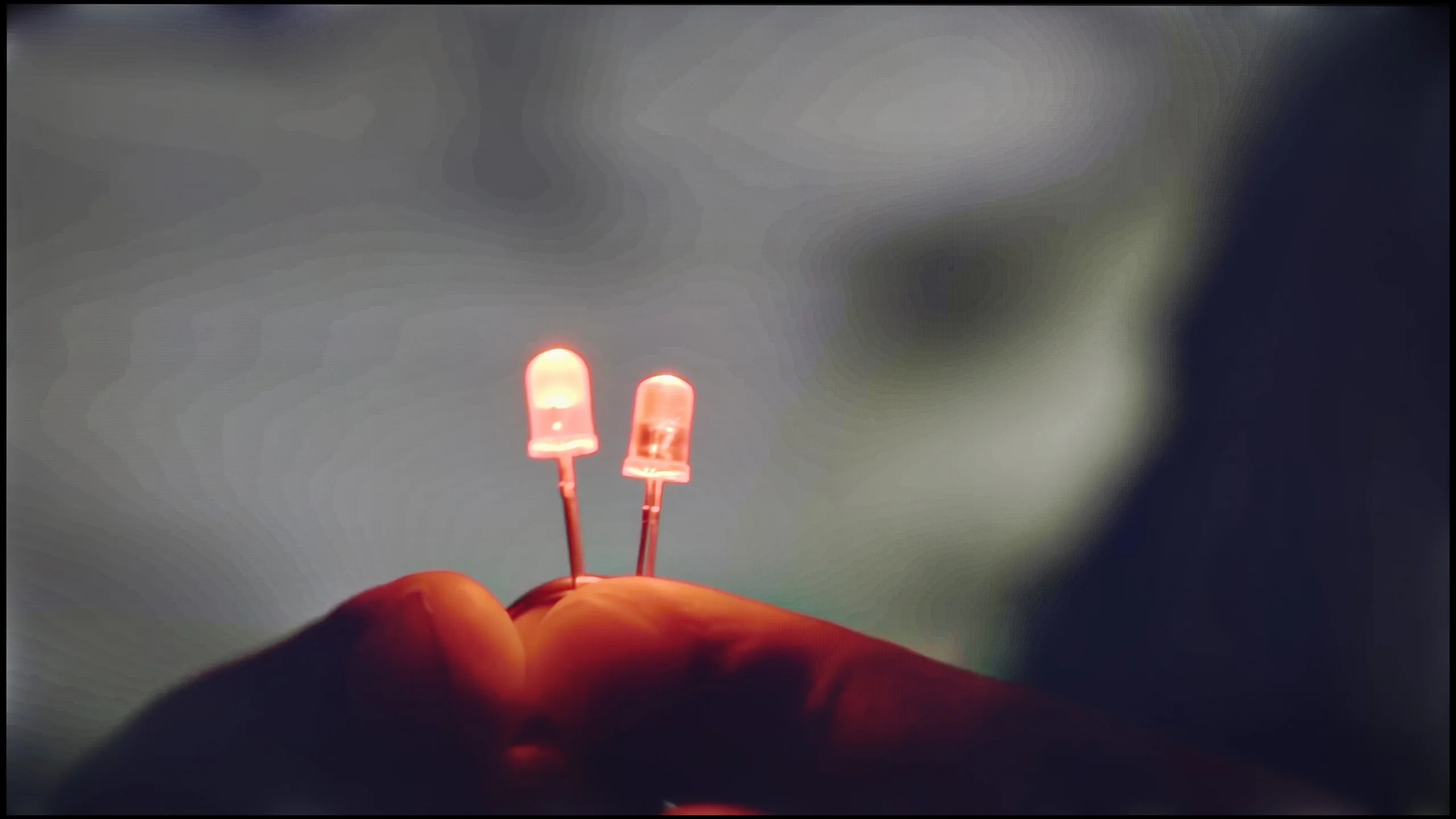
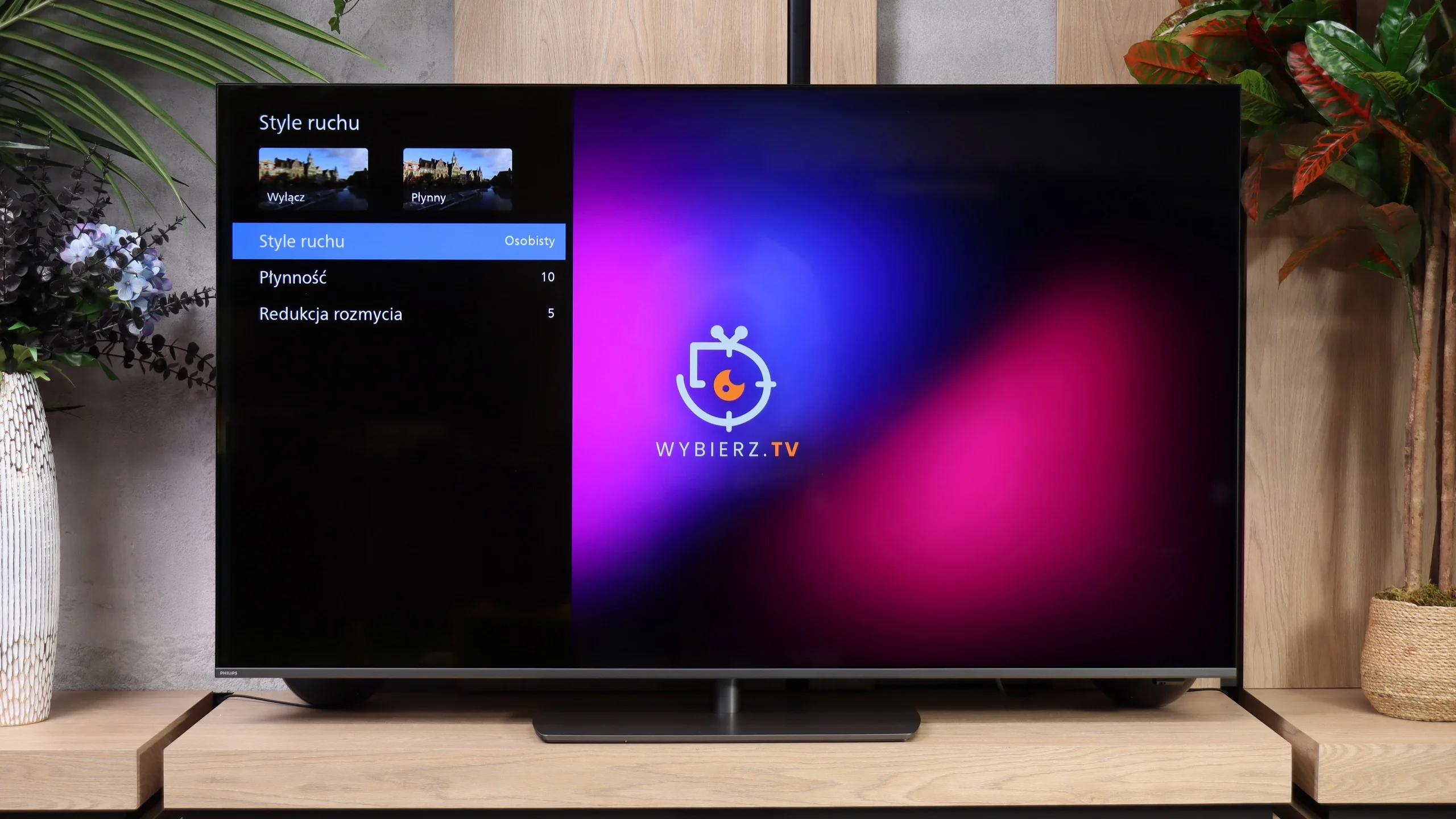
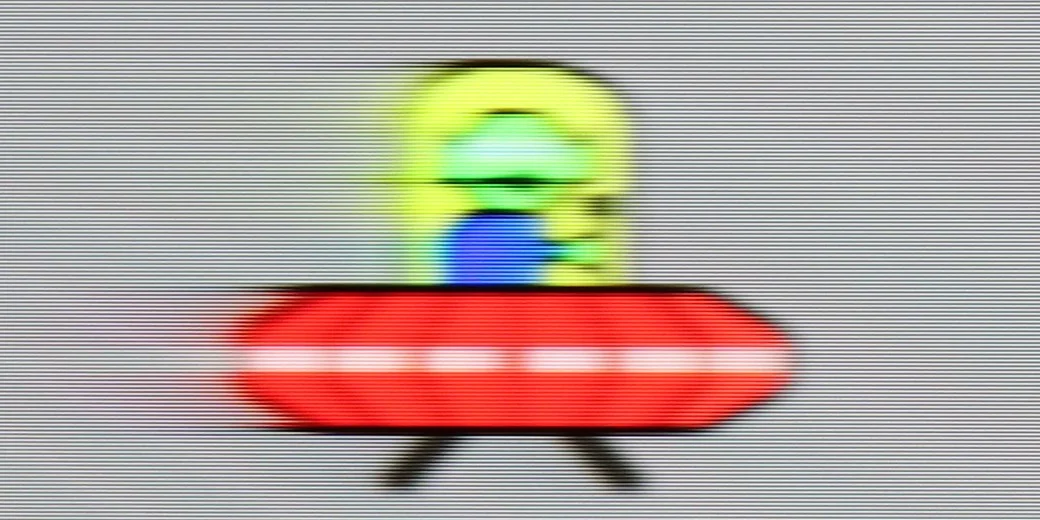
In terms of motion handling, the Philips PQS9000 performs outstandingly for an LCD TV. It's not just the 144 Hz refresh rate, but above all how quickly the panel itself responds. At 120 Hz you can hardly see the typical trailing smears behind moving objects. What's especially pleasing is that this also applies to darker backgrounds, where many VA panels clearly struggle. Here motion remains clear, and Philips pleasantly surprised us in that regard. To adjust how motion is displayed there is the "Motion Style" function. It includes two sliders: "Smoothness" and "Blur Reduction," which let you tailor the effect to the content you're watching and your personal preferences. Our suggested settings are shown in the photo. Treat them as a starting point and try different levels of smoothing to see which you prefer.

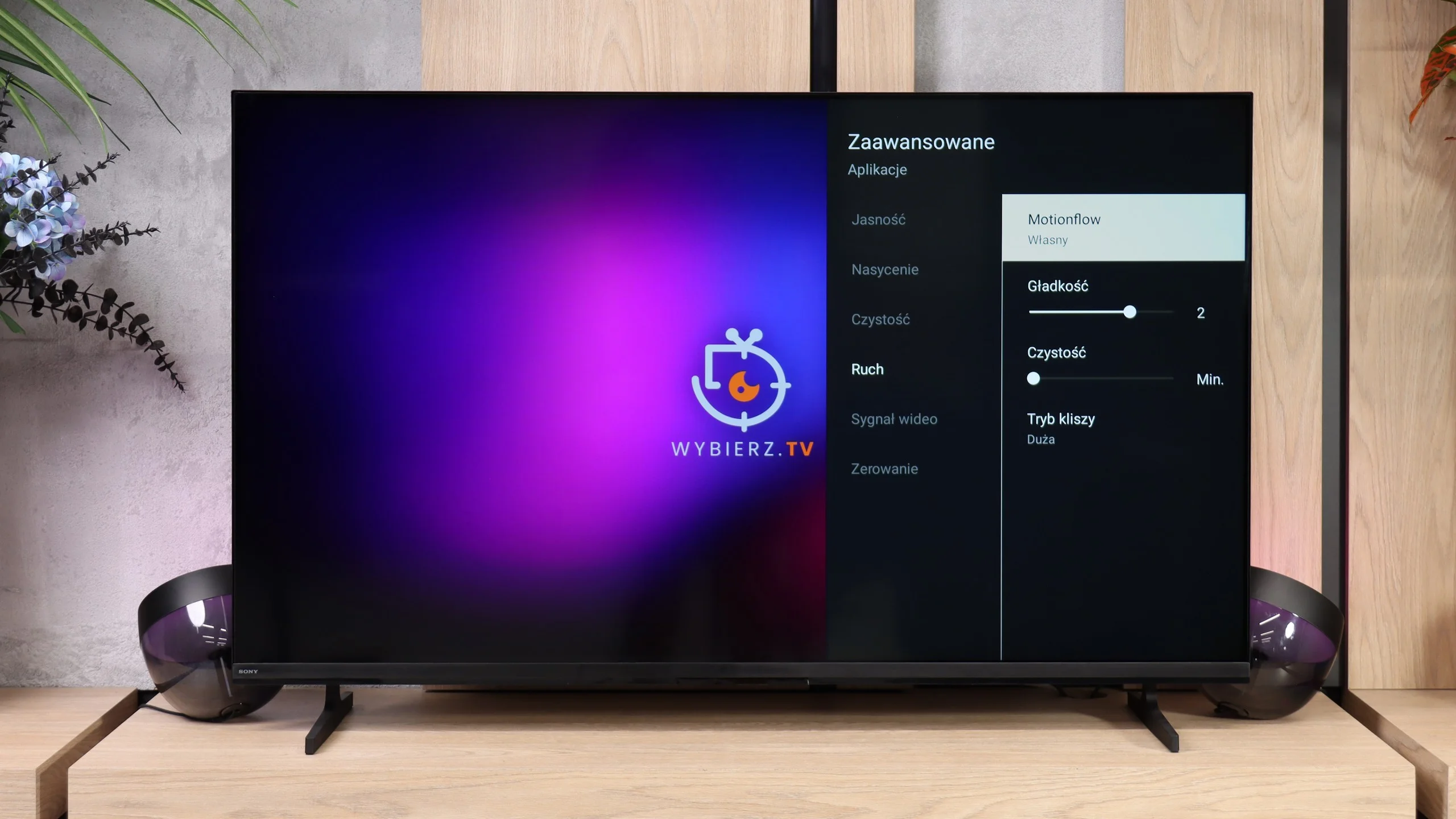
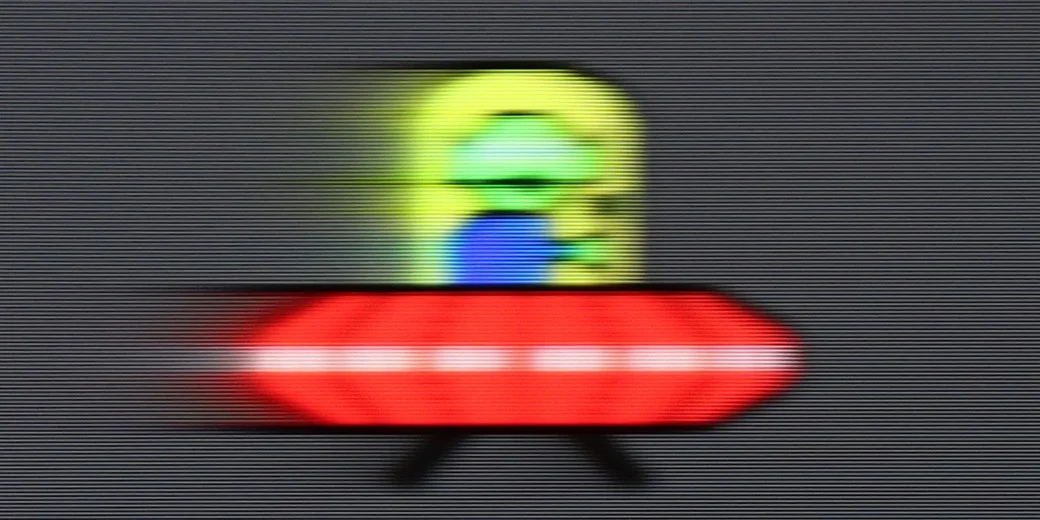
The Bravia 2 II uses a 60 Hz panel and, given its capabilities, handles motion quite well. However, keep in mind this is a basic panel, and its limitations are already noticeable, especially with sports. The TV cannot interpolate 50/60 fps content to a higher refresh rate, so it can't further improve the sharpness of fast-moving objects. For movies and series, you get a standard motion smoother that can reduce the characteristic judder of material shot at 24 fps.

Console compatibility and gaming features

9.5/10

3.3/10

  • ALLM
    Yes
    Yes
  • VRR
    Yes
    No
  • VRR range
    48 - 240Hz
    No
  • Dolby Vision Game Mode
    Warning Yes, high input lag
    No
  • Correct implementation of HGIG
    Yes
    No
  • 1080p@120Hz
    Yes
    No
  • 1440p@120Hz
    Yes
    No
  • 4K@120Hz
    Yes
    No
  • Game bar
    Yes
    Yes

Gaming features

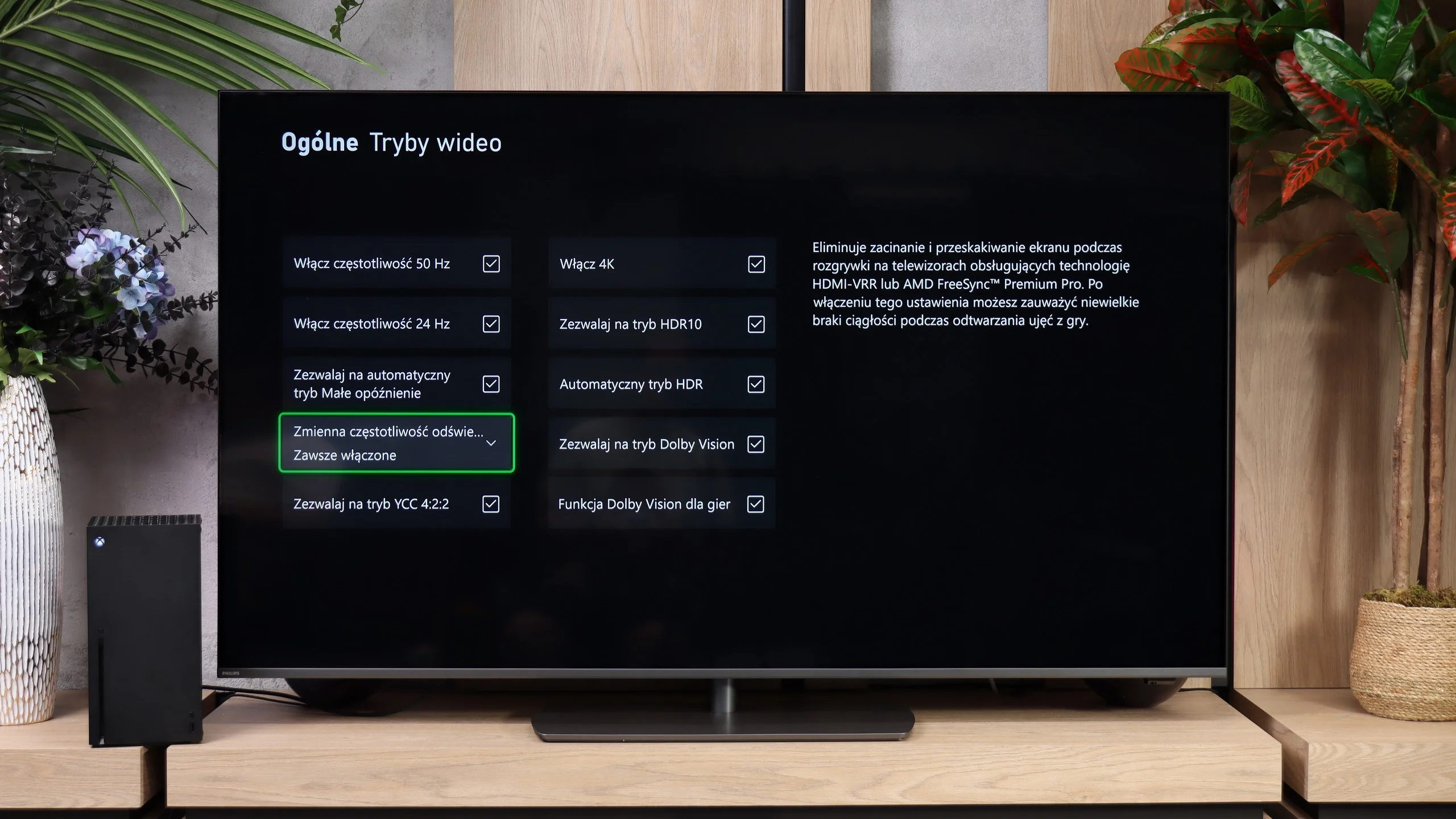
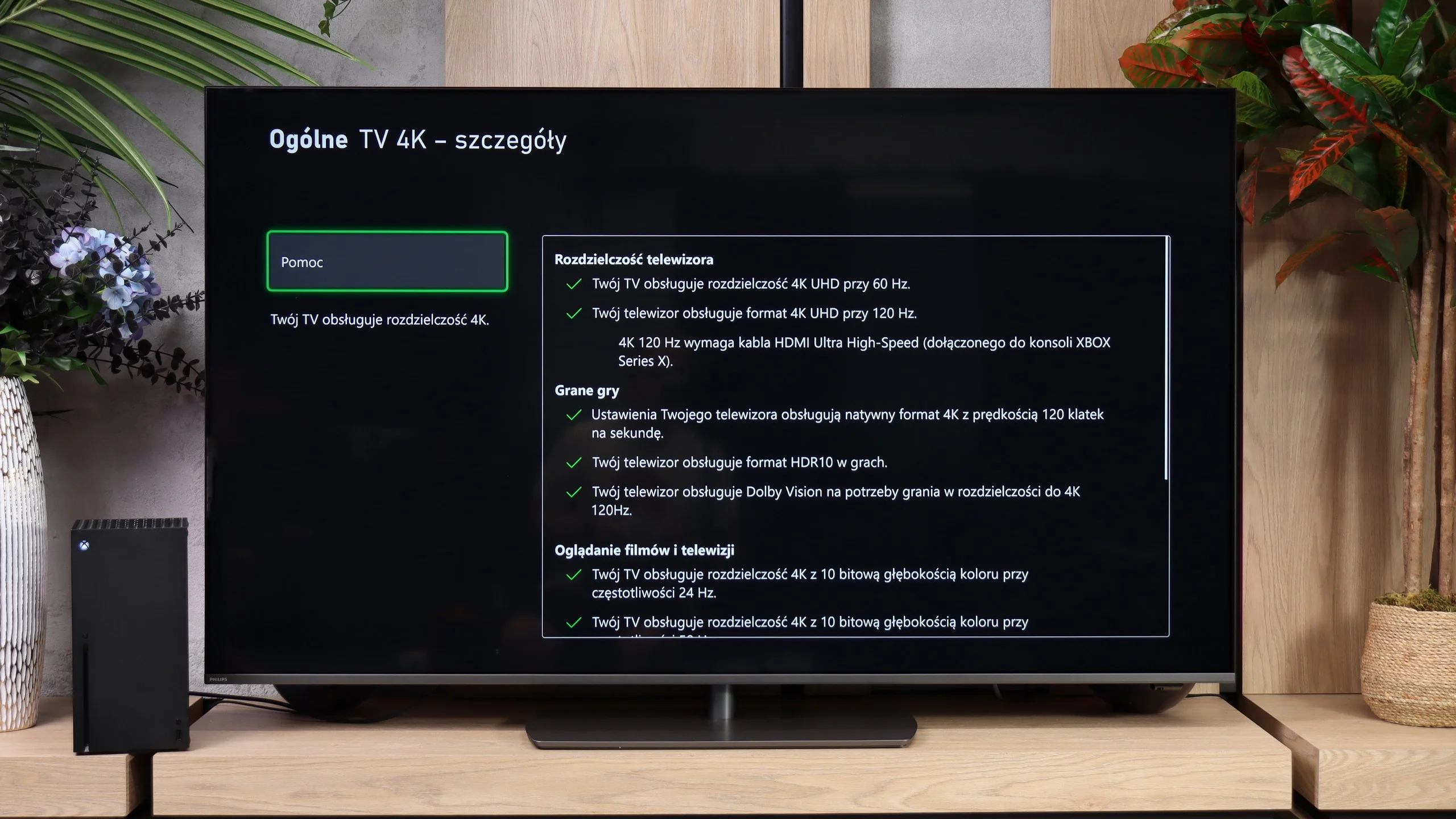
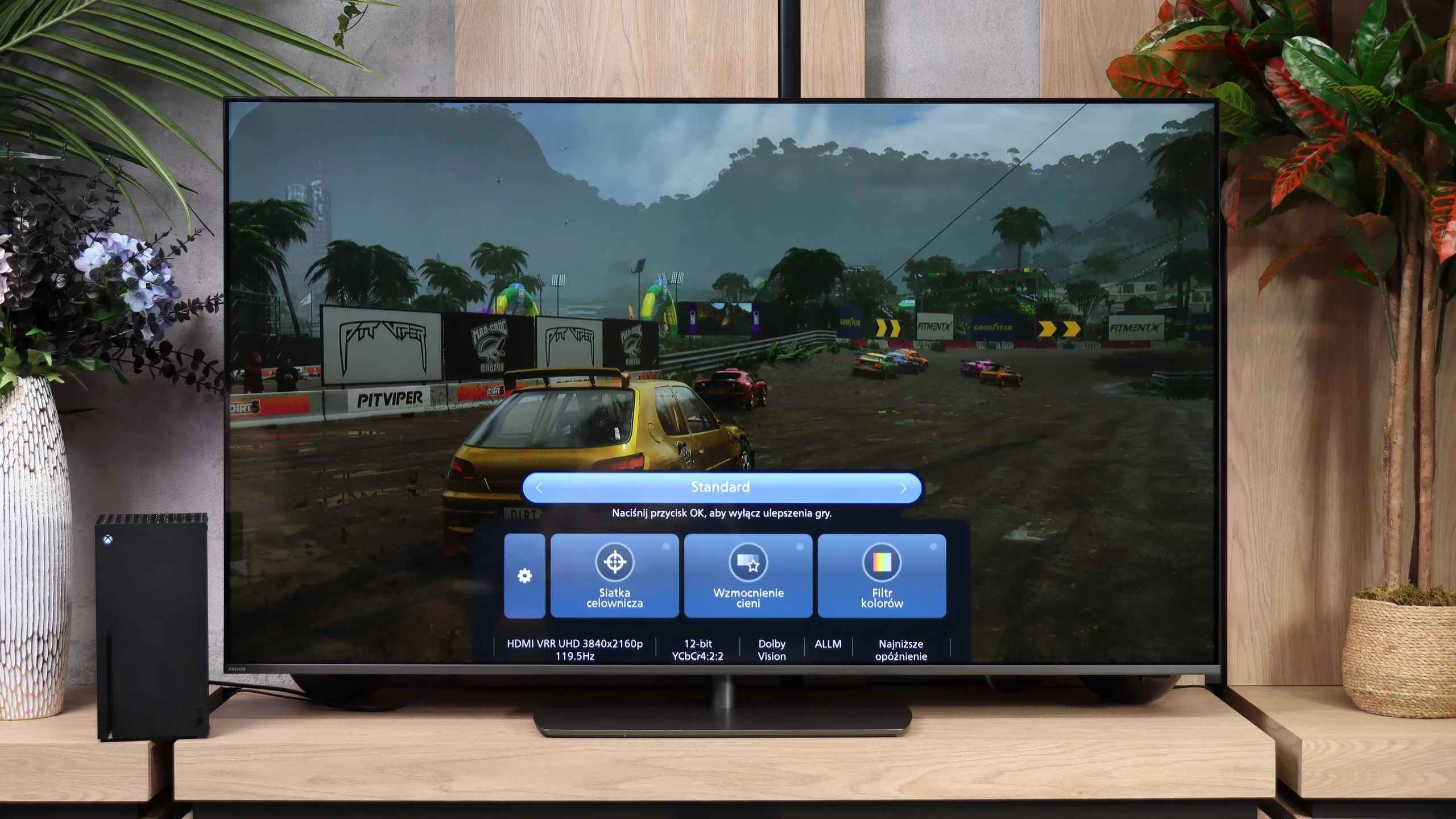
When it comes to gaming features, the Philips PQS9000 really has a lot to offer. Four HDMI 2.1 ports let you connect multiple devices without having to decide which one gets the full-capability port. Consoles can use 120 Hz in Full HD, 1440p and 4K, and a PC can also take advantage of 144 Hz at 4K or 240 Hz if you drop down to Full HD. There's also VRR, which matches the refresh rate to the frame rate and prevents screen tearing. Its range goes from 48–240 Hz, with the upper limit applying to Full HD mode.

ALLM is included, so the TV automatically switches into game mode, and HGiG works correctly, which is useful when setting up HDR on a console. There's also a Game Bar for quick access to settings and signal information. The list even includes Dolby Vision gaming, but that option is hard to enjoy because of very high latency. Apart from that caveat, the feature set is really solid.

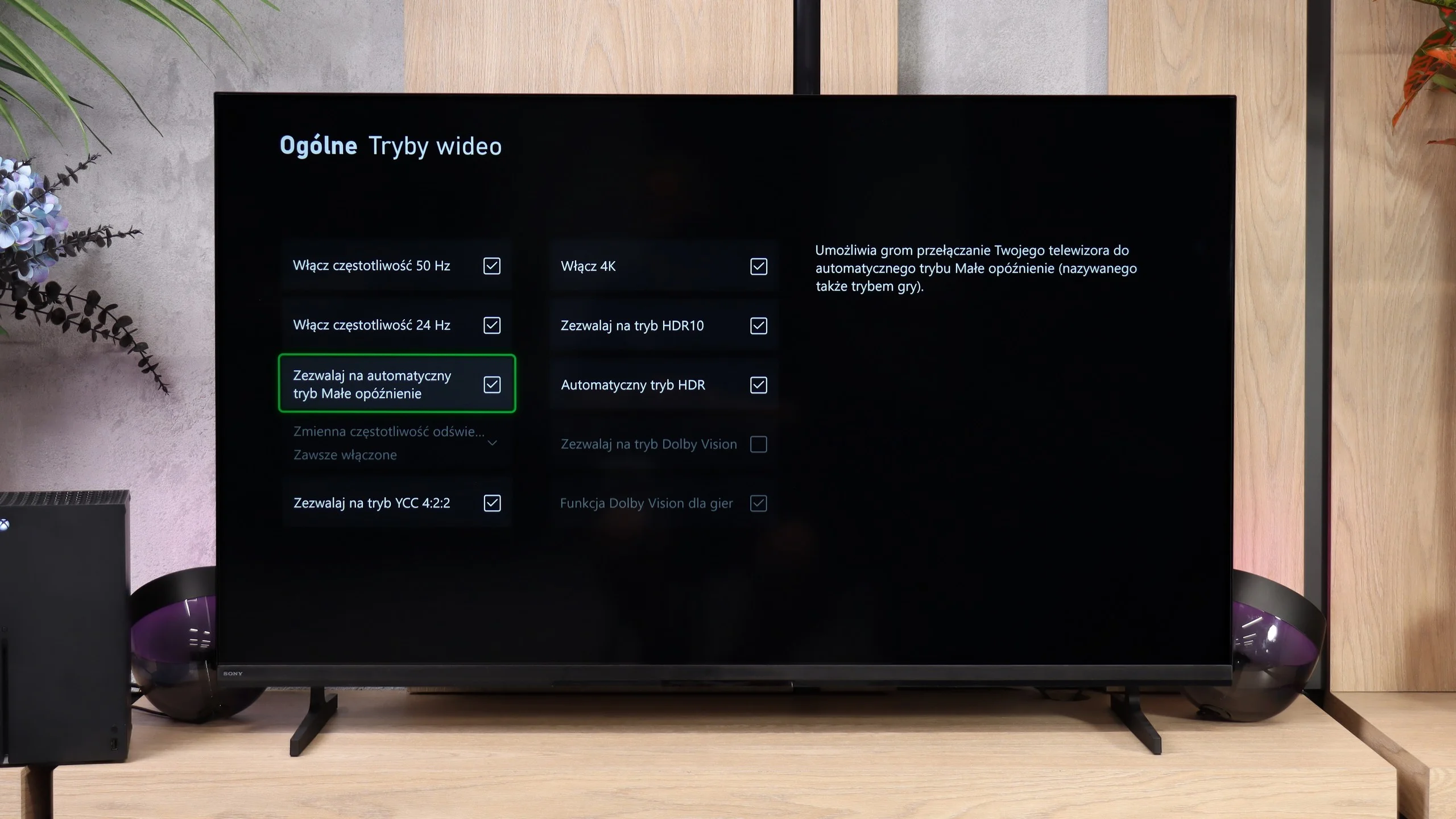
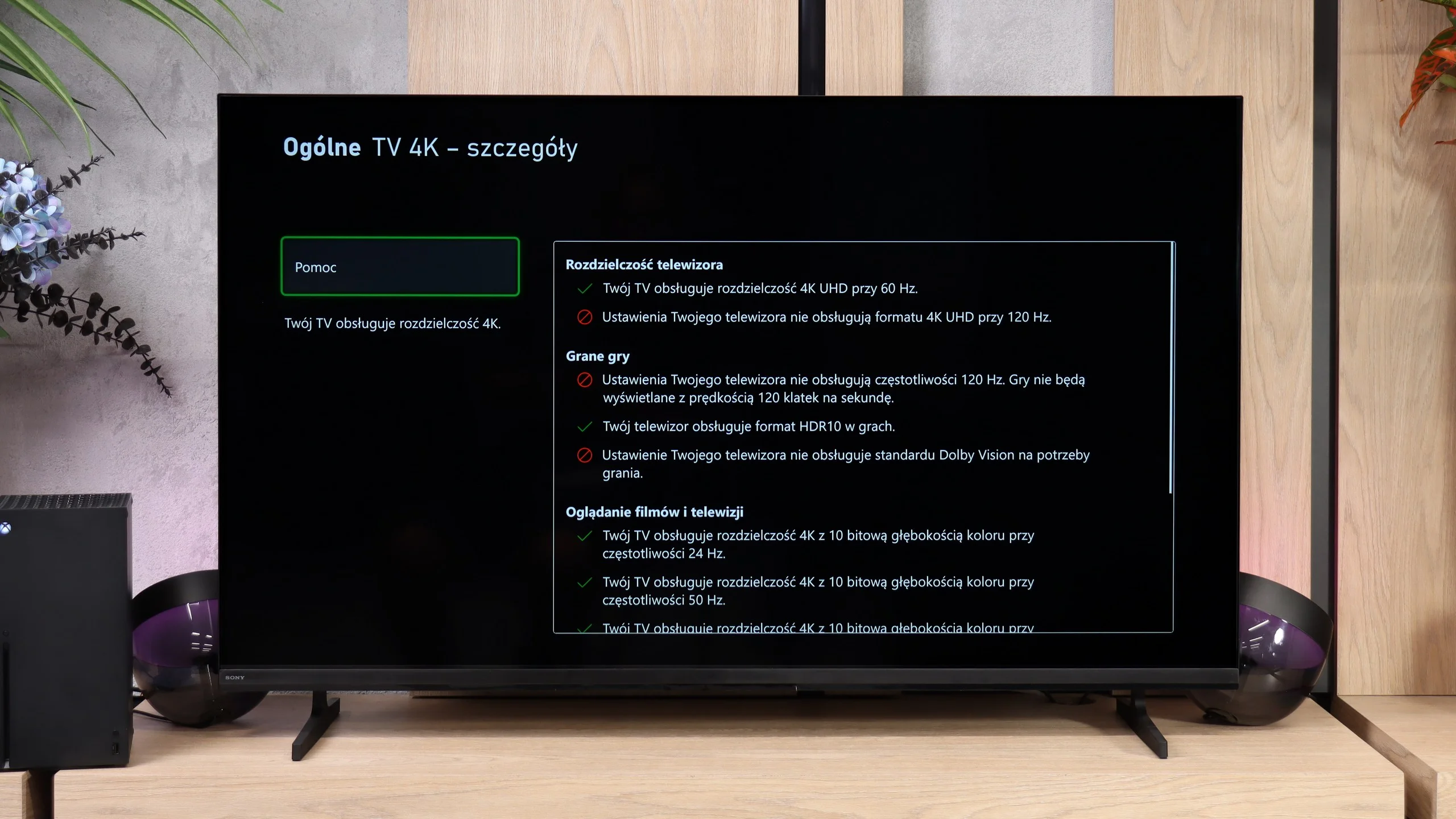
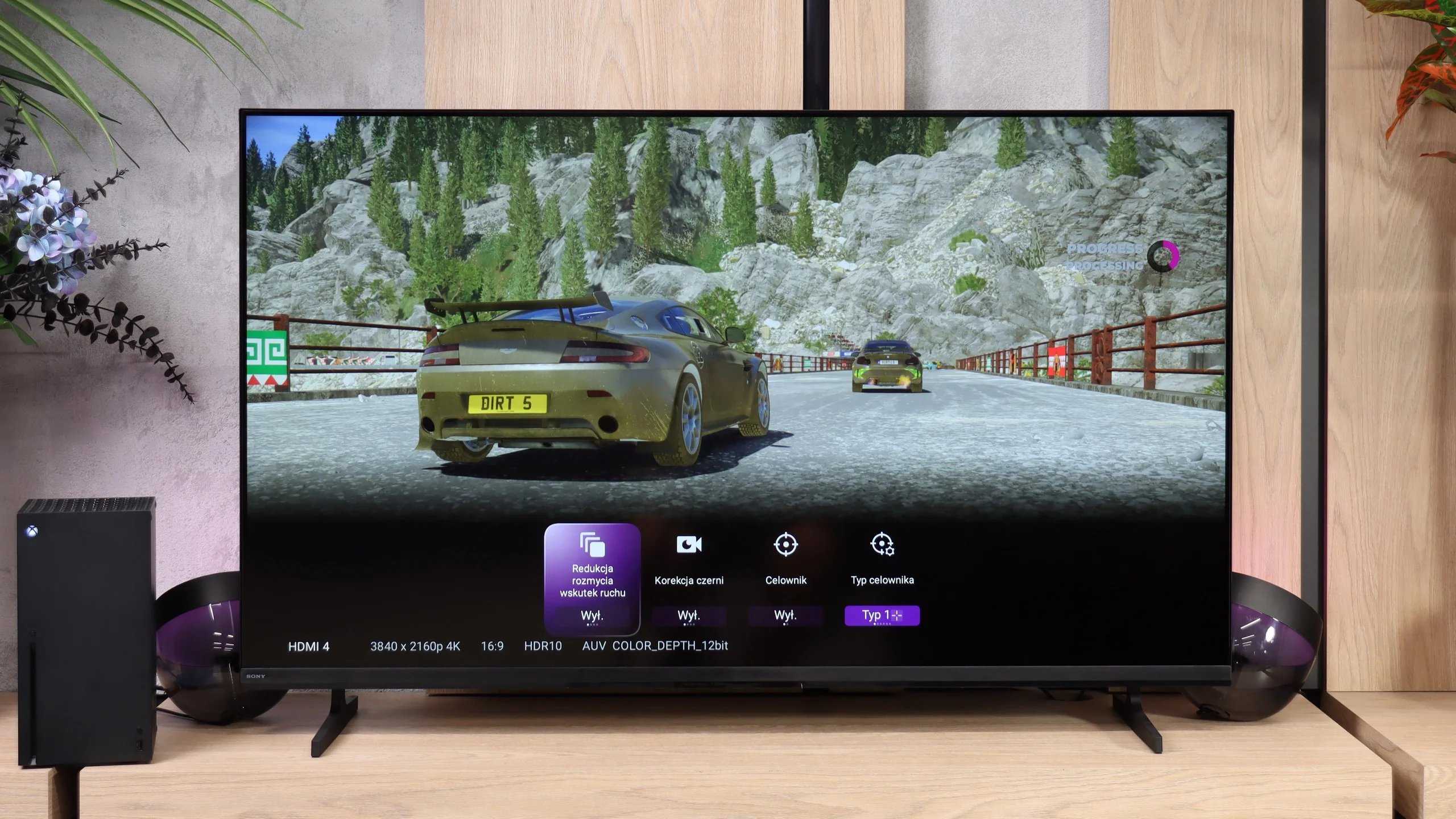
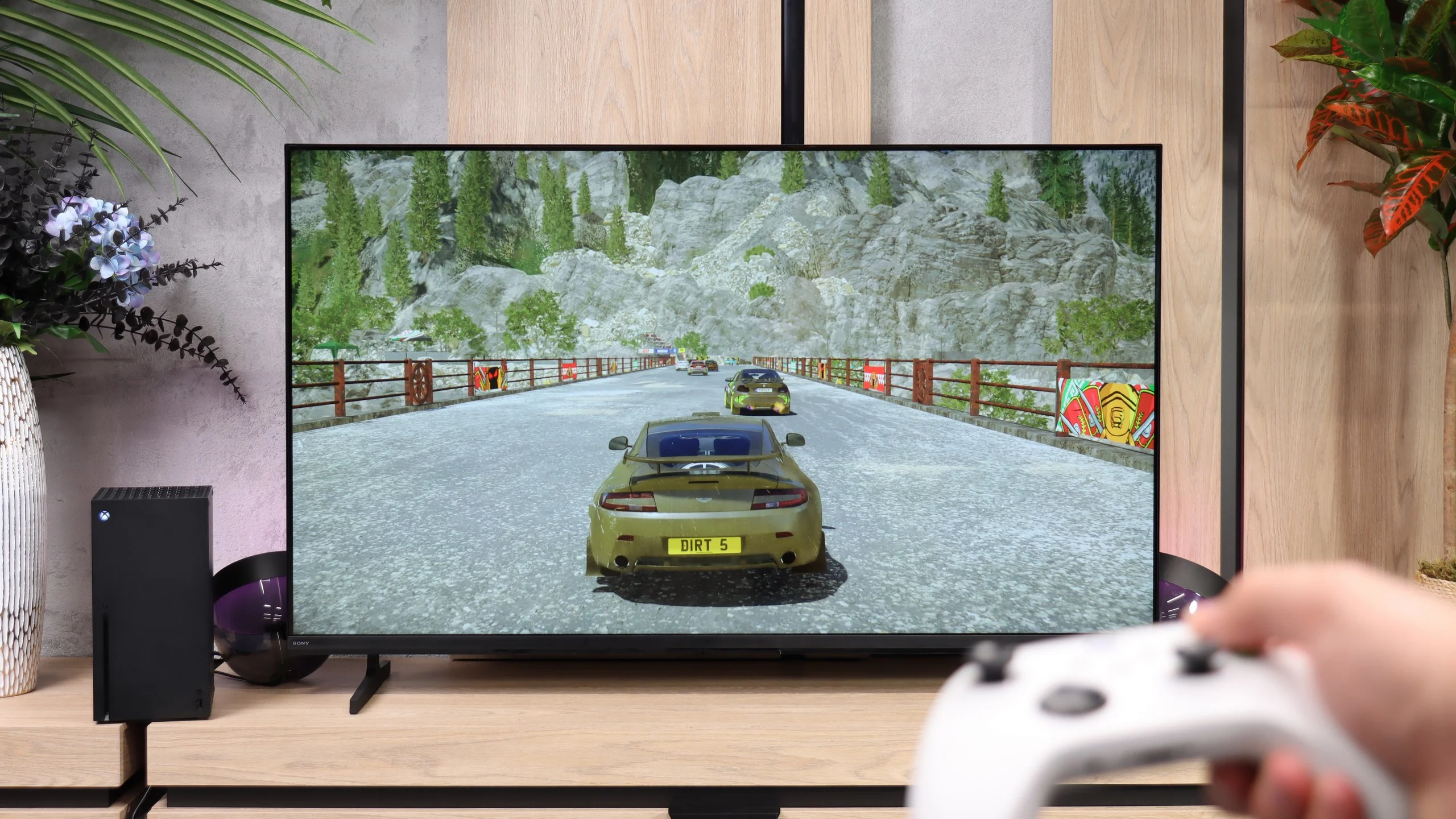
The Bravia 2 II is not a TV particularly well suited for gaming, and the feature list makes that clear pretty quickly. You basically only get automatic low-latency mode (ALLM) and a simple Game Bar where you can view basic signal information and change a few settings. But that's where the list of advantages ends. The TV doesn't support VRR or 120 Hz (not even at lower resolutions), and on top of that it has problems with a proper implementation of the HDR HGIG format. It can, of course, be used for occasional console gaming, and thanks to low input lag controls stay responsive, but if you're mainly looking for a TV for gaming, the Bravia 2 II will simply be a very limited choice.

Input lag

7.2/10

10/10

SDR

1080p60
32 ms
12 ms
1080p120
16 ms
2160p60
32 ms
12 ms
2160p120
16 ms

HDR

2160p60
32 ms
11 ms
2160p120
16 ms
4320p60

Dolby Vision

2160p60 DV
213 ms
2160p120 DV
106 ms

Input lag is already less impressive than the rest of the "gaming" gear. At 60 Hz we measured 32 ms, both in SDR and HDR. That's enough for more relaxed games, but in fast shooters you can feel a slight delay. At 120 Hz the lag drops to 16 ms and gameplay is noticeably more enjoyable, though the competition can respond even faster.

The biggest problem appears when Dolby Vision is enabled. At 60 Hz the delay is as much as 213 ms, and at 120 Hz it reaches 106 ms. The response to controller input is then clearly delayed, which significantly interferes with gameplay. That's why on the PQS9000 it's definitely better to stick with HDR10. Dolby Vision is supported for games, but its practical usefulness remains limited.

Here the Bravia 2 II performs significantly better. Its input lag is only about 11 ms, low enough that you can hardly notice any delay while gaming. Even with a modest set of gaming features, the TV will handle regular console gaming without any major problems.

Compatibility with PC

8.6/10

6/10

Chroma 444 (max. resolution and refresh rate)
Yes
Yes
Font clarity
Very Good
Very Good
Readability of dark text and shapes
Average
Very Good
Input lag in PC mode (4K, max. refresh rate)
16ms
11ms
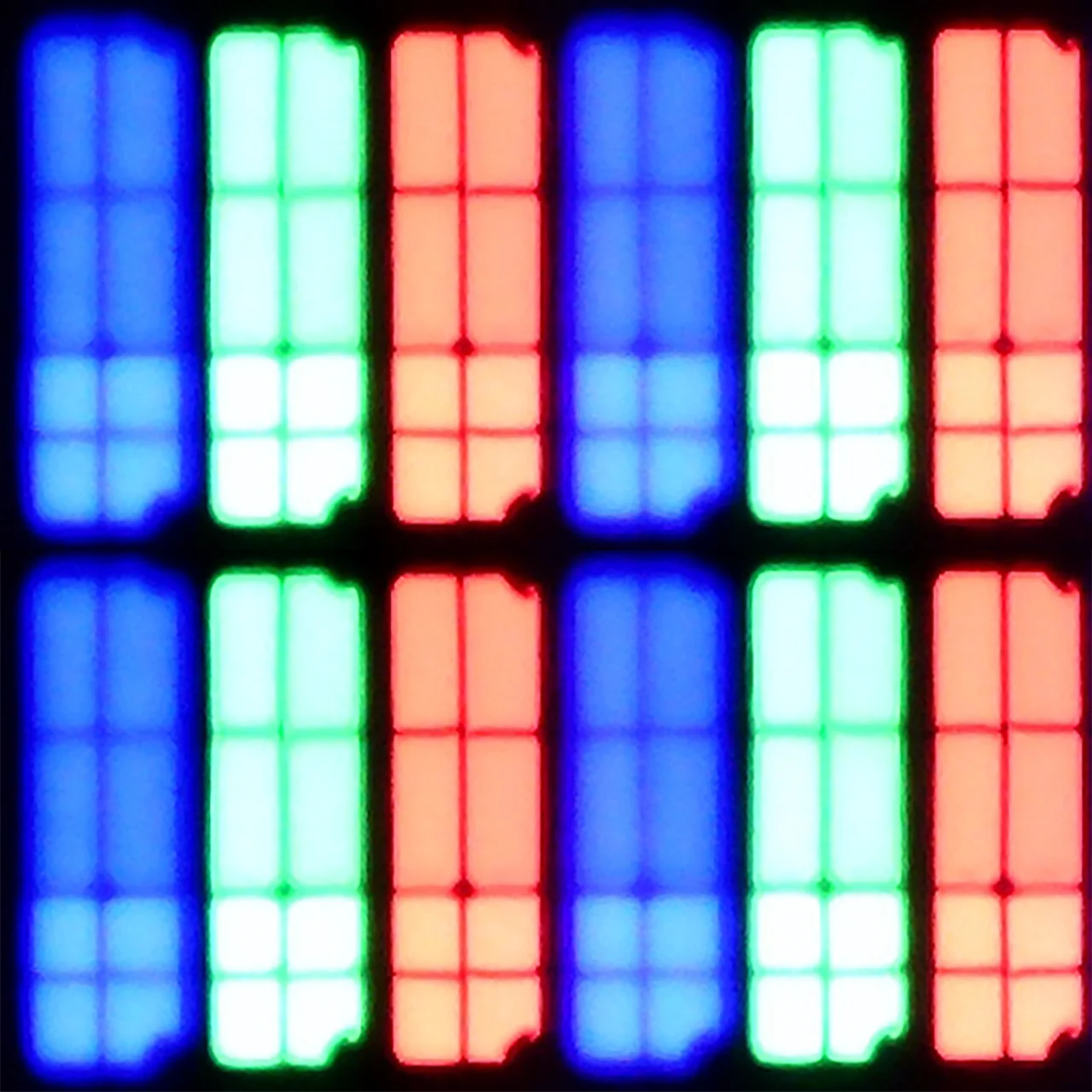
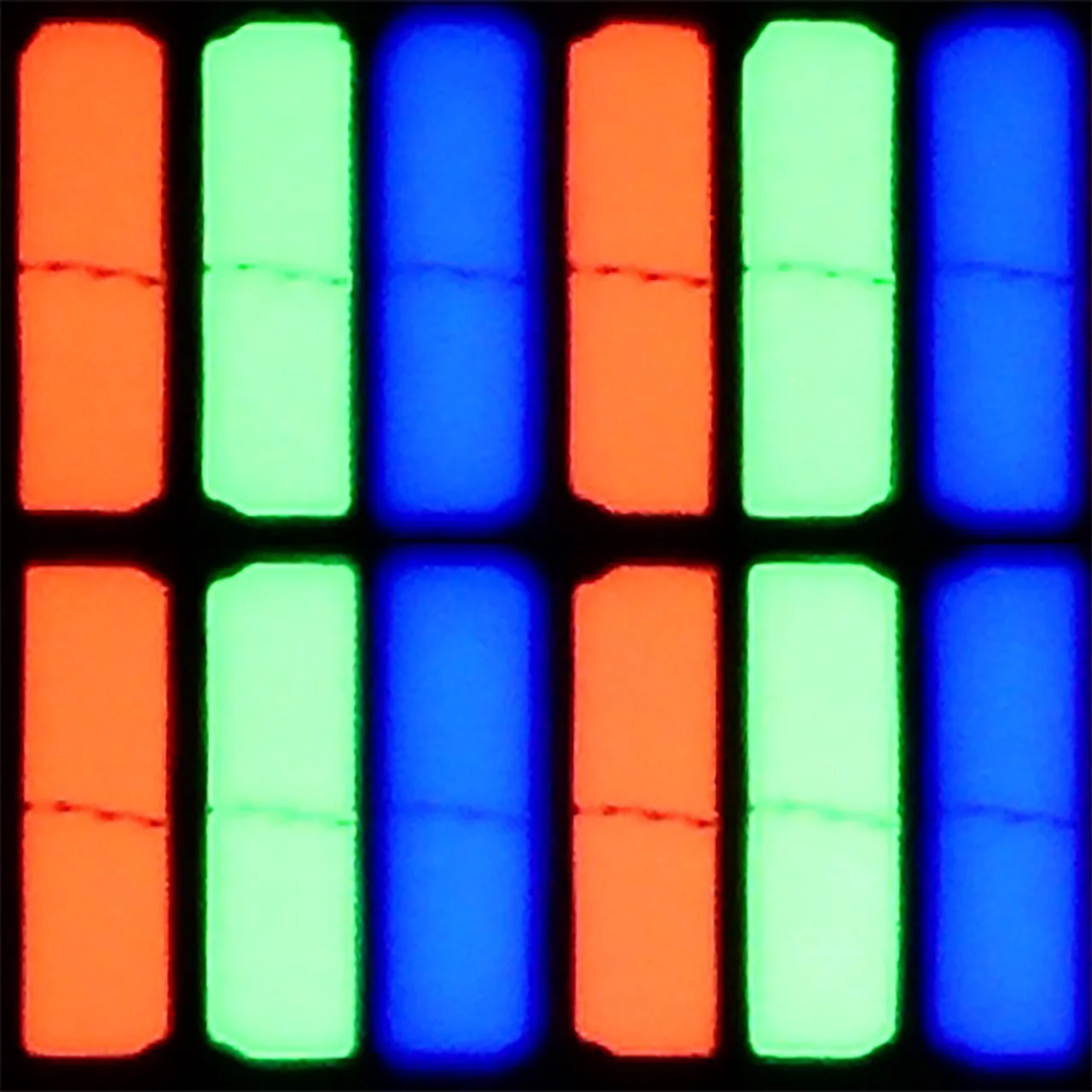
Matrix subpixel arrangement
BGR
RGB
Max refresh rate
144Hz
60Hz
G-Sync
Yes
No

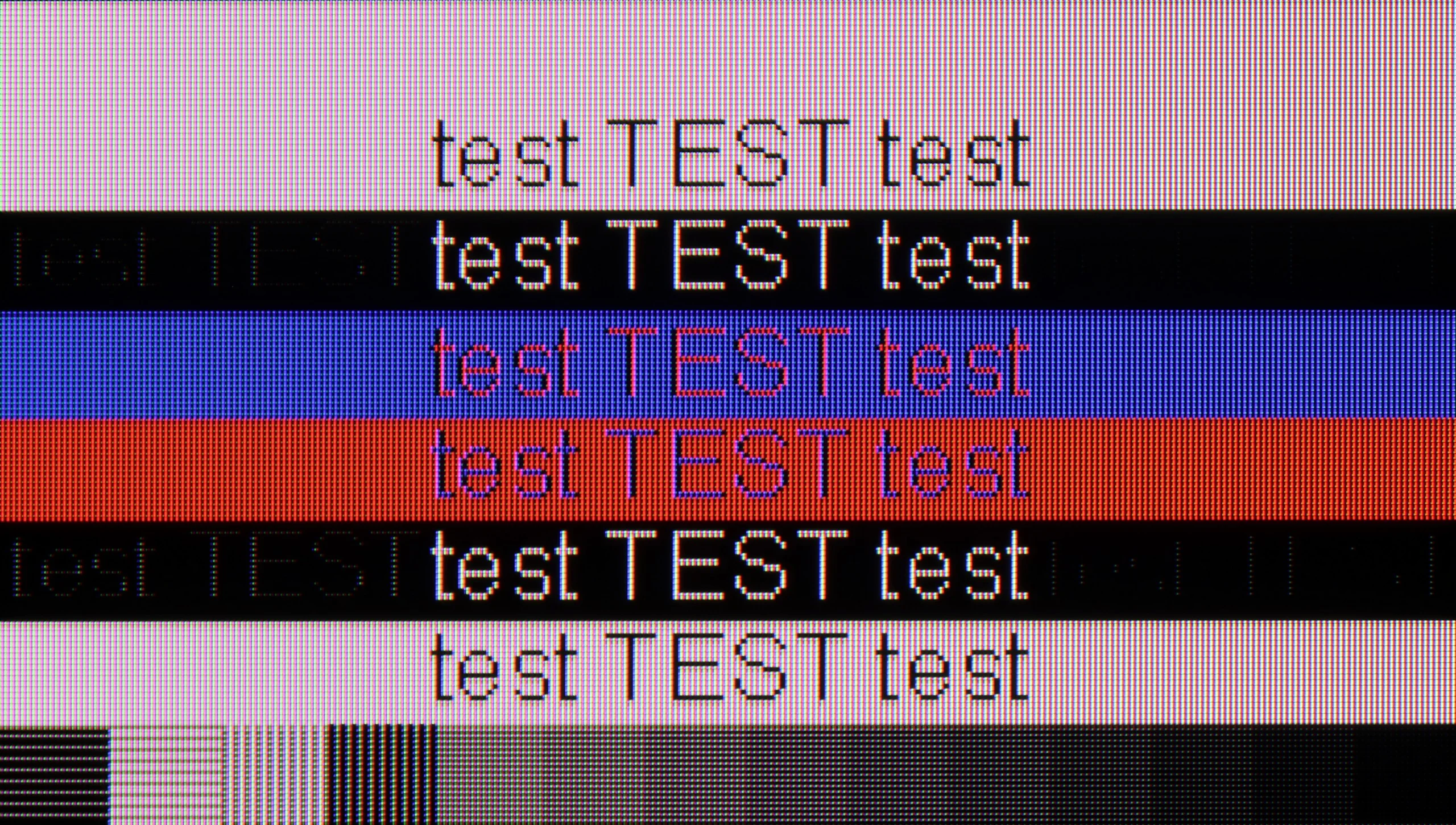
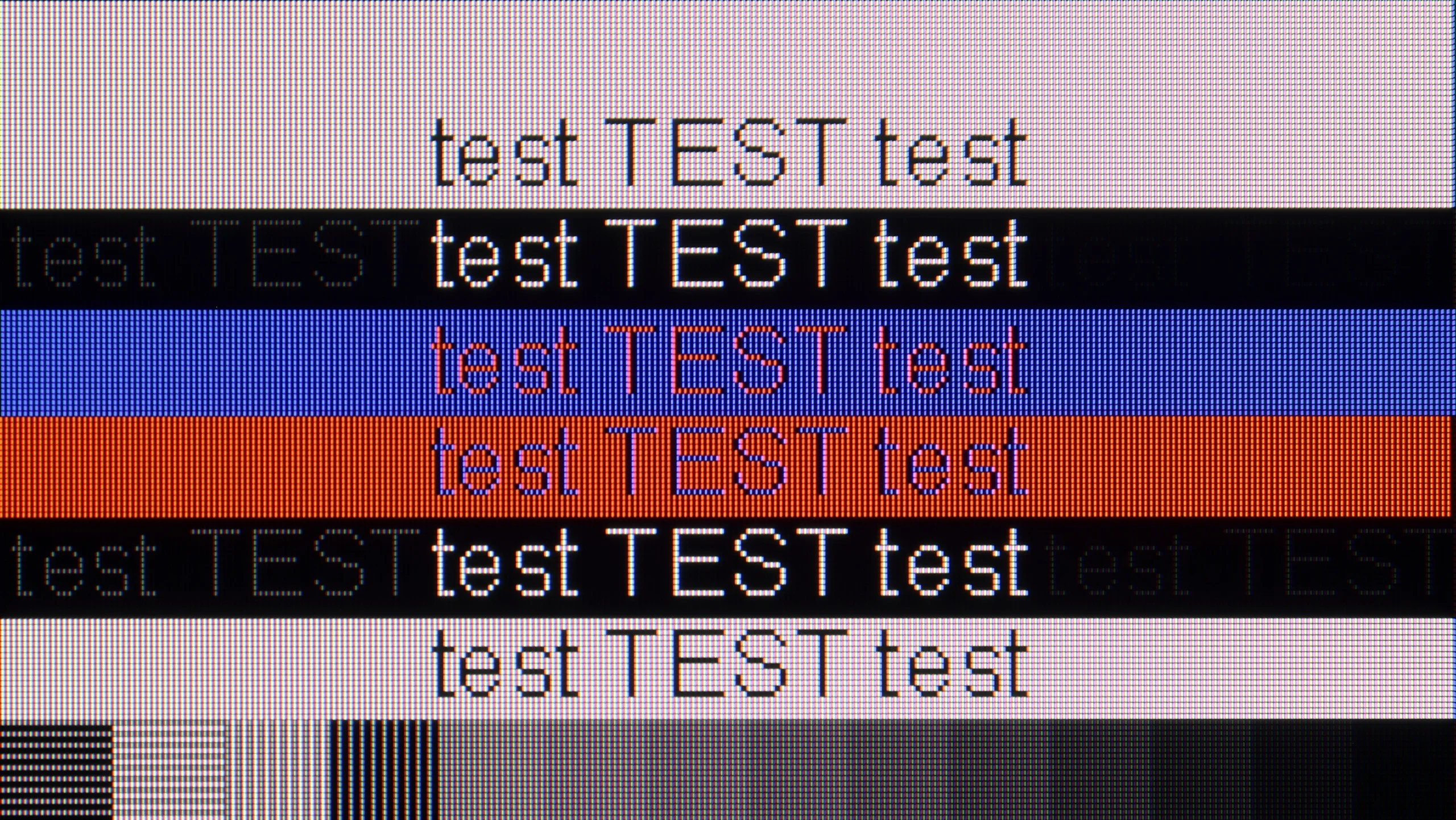
The photo shows the legibility of small fonts. Ideally, lines should be the same thickness on both light and dark text, with minimal pixel gaps.

PQS9000 owes its high score for computer use mainly to its gaming capabilities. A 144 Hz refresh rate at 4K and support for G-Sync Compatible and AMD FreeSync Premium Pro let you use frame synchronization on compatible NVIDIA and AMD cards. Working with text also fares well. Standard fonts are sharp and legible, and thanks to correct 4:4:4 chroma support, colored letters, icons, and small desktop elements do not lose clarity. The biggest drawback concerns very small, dark text, where the horizontal strokes of letters are noticeably darker than the vertical ones, making some characters look uneven. You probably won't notice this from the couch, but if someone plans to put The One on a desk and work up close, this flaw may become bothersome.

Bravia 2 II handles a computer very well, at least if you think of it as a work display. Thanks to the IPS panel and accurate 4:4:4 chroma reproduction, fonts are sharp and readable regardless of their size, shape, or color. That's especially good news for people considering the smaller model and placing it on their desk instead of using a traditional monitor. It's much worse, however, when it comes to gaming. The TV doesn't offer 120 Hz, VRR, or other features that might interest more demanding PC gamers. So it's excellent for office work or watching content from a computer, but as a gaming display it has quite a few limitations.

Viewing angles

3.2/10

6.5/10

Brightness drop at an angle of 45 degrees
68%
62%

Viewing angles are one of the weakest points of the Philips PQS9001. Move to the side and the colors noticeably lose saturation, and the image becomes washed out and lower in contrast. When watching with several people, seats directly in front of the screen are clearly the best. This is unfortunately a typical limitation of VA panels, where strong contrast head-on comes at the expense of poorer off-axis performance. Most TVs with this type of panel have the same problem, and The One is no exception. The swivel stand helps a bit by allowing you to angle the screen toward the viewer, but it won't solve the issue with widely spaced seats.

Viewing angles are one of the stronger points of the Bravia 2 II. Thanks to the IPS panel, the picture maintains accurate colors and brightness for quite a while even when you’re not sitting directly in front of the TV. In this area Sony therefore recovers some of the points it lost earlier when it comes to black levels and contrast. As a result, the Bravia 2 II can be better suited to a larger living room or a room where some viewers watch from the side, especially if it’s mainly used for everyday TV.

Daytime performance

6.1/10

4.8/10

Panel finish
Satin
Satin
Reflection suppression
Decent
Decent
Black levels during daytime
Good
Good

Panel brightness

Sony BRAVIA 2 II (S25M2): 319 cd/m2

Philips PQS9011 / PQS9001 (The One 2026): 502 cd/m2

The Philips PQS9001 performs quite well for daytime viewing. Its biggest advantage is a stable brightness of around 500 nits, regardless of how many bright elements appear on the screen. Even when watching winter sports or a scene full of white, the picture doesn't dim. In a typical living room that level is more than enough to comfortably watch TV without having to cover the windows.

The satin finish does a decent job of suppressing reflections, though it doesn't eliminate them completely. a window opposite the screen will be visible and may be distracting, especially in darker scenes. Black levels hold up well in daylight, so the overall image doesn't become overly washed out. So it's pretty good for everyday viewing, provided the sun isn't shining directly on the screen.

During the day the Bravia 2 II is rather average. Brightness of around 320 nits doesn't leave much headroom, but in a typical, moderately bright living room it's still enough to keep the picture clear. The matte screen coating does a fairly good job of reducing reflections, though it can't hide them completely. With strong light falling directly on the screen there's simply not enough brightness to effectively cut through the glare. So it'll be fine for ordinary daytime viewing, but in a very bright room with lots of windows you may already notice the limitations of this model.

Panel details

Backlight Type
PFS LED
White LED
Software version during testing
TPM267E_V167.002.054.151
6120800301
Image processor
mt5896 2,5gb RAM

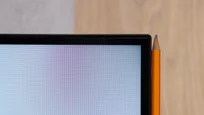
Subpixel Structure:

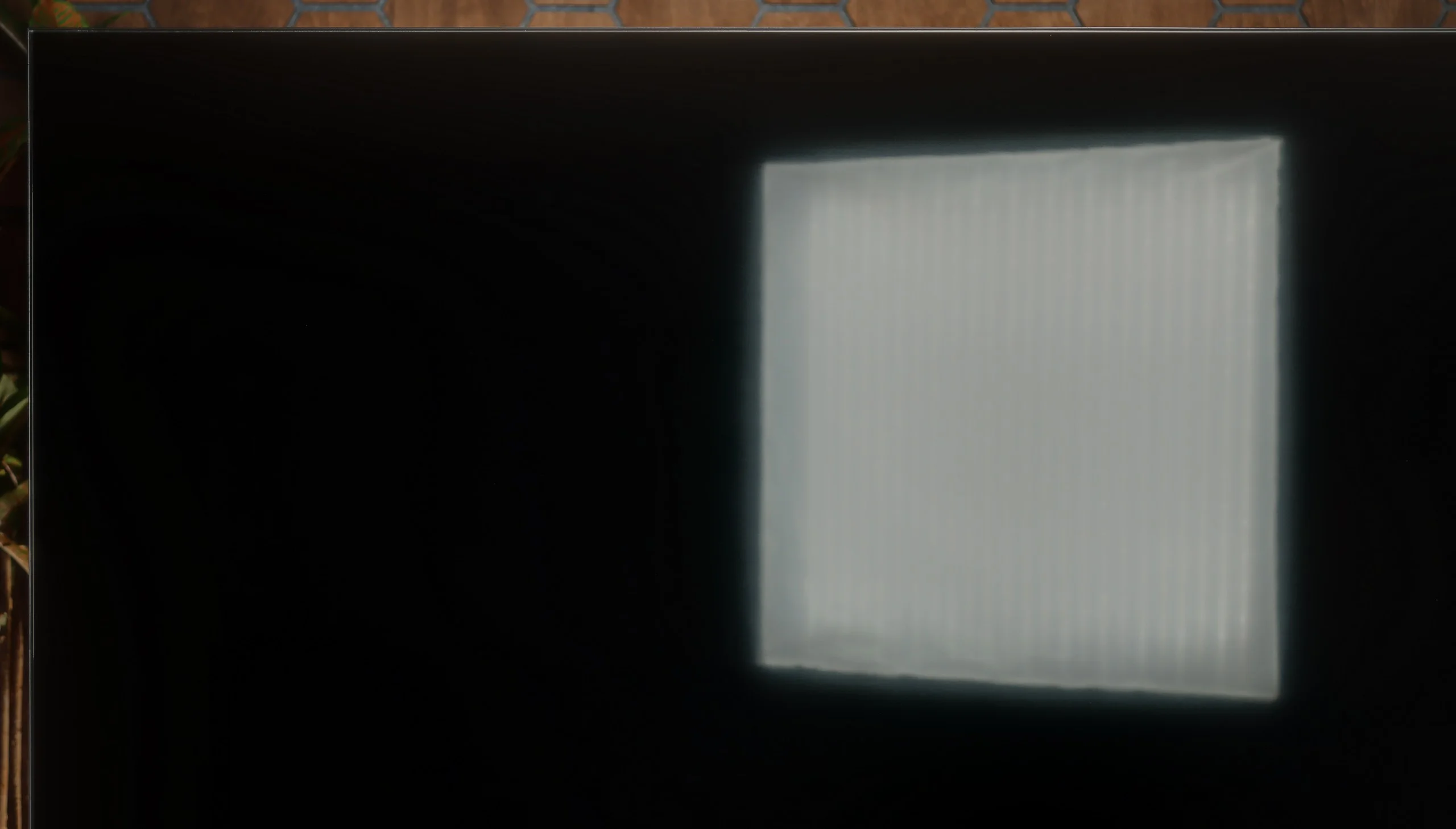
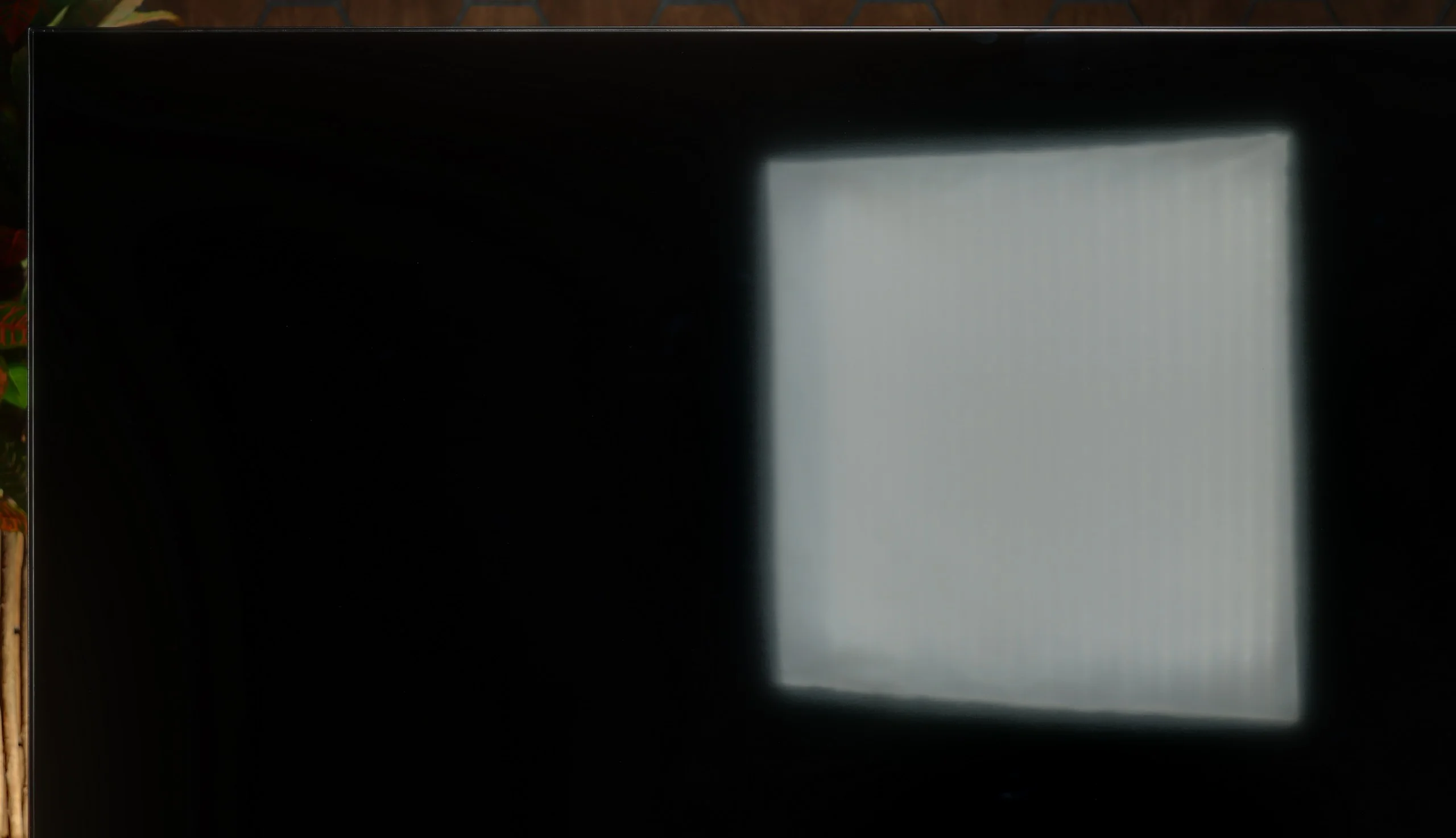
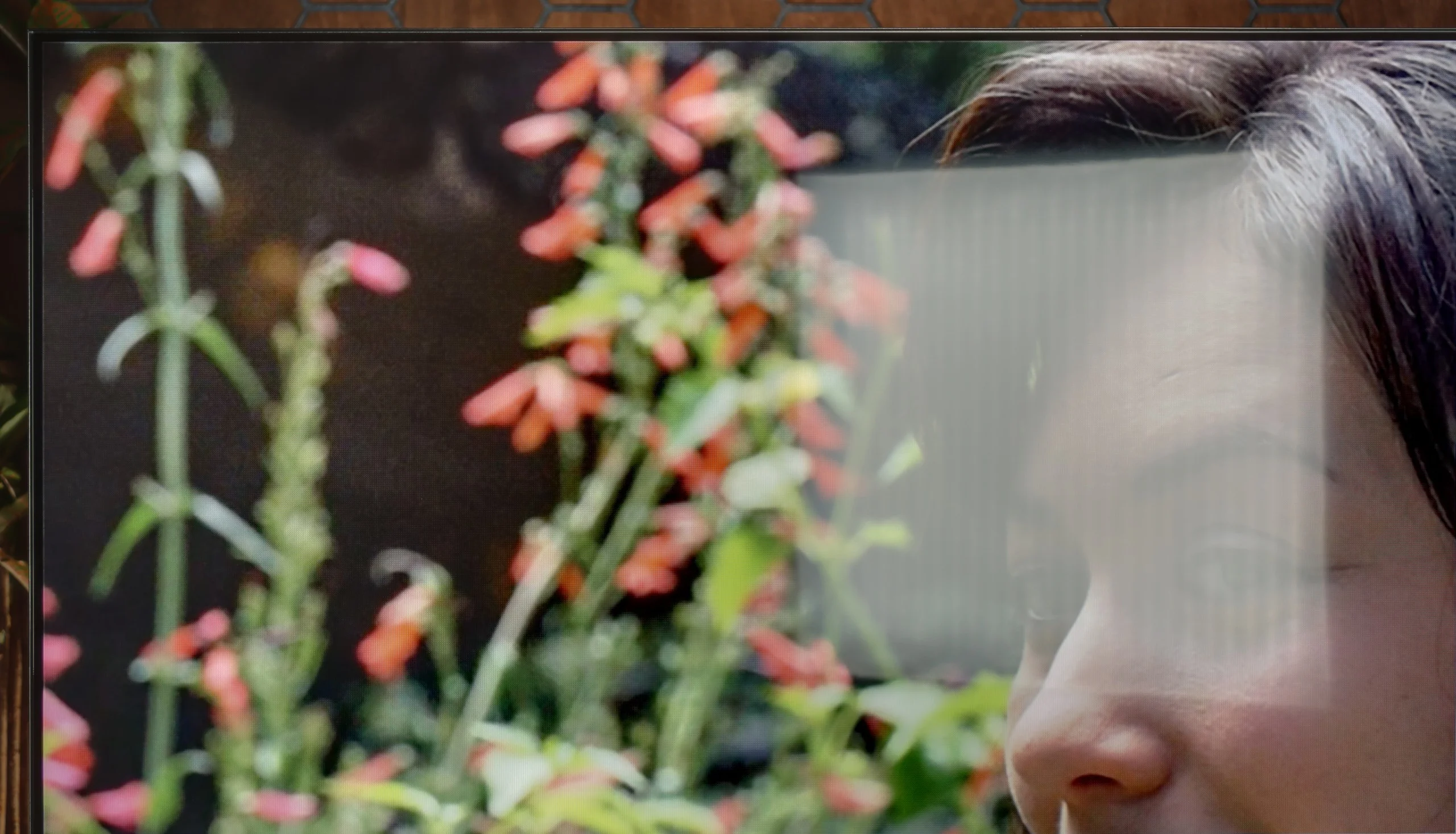
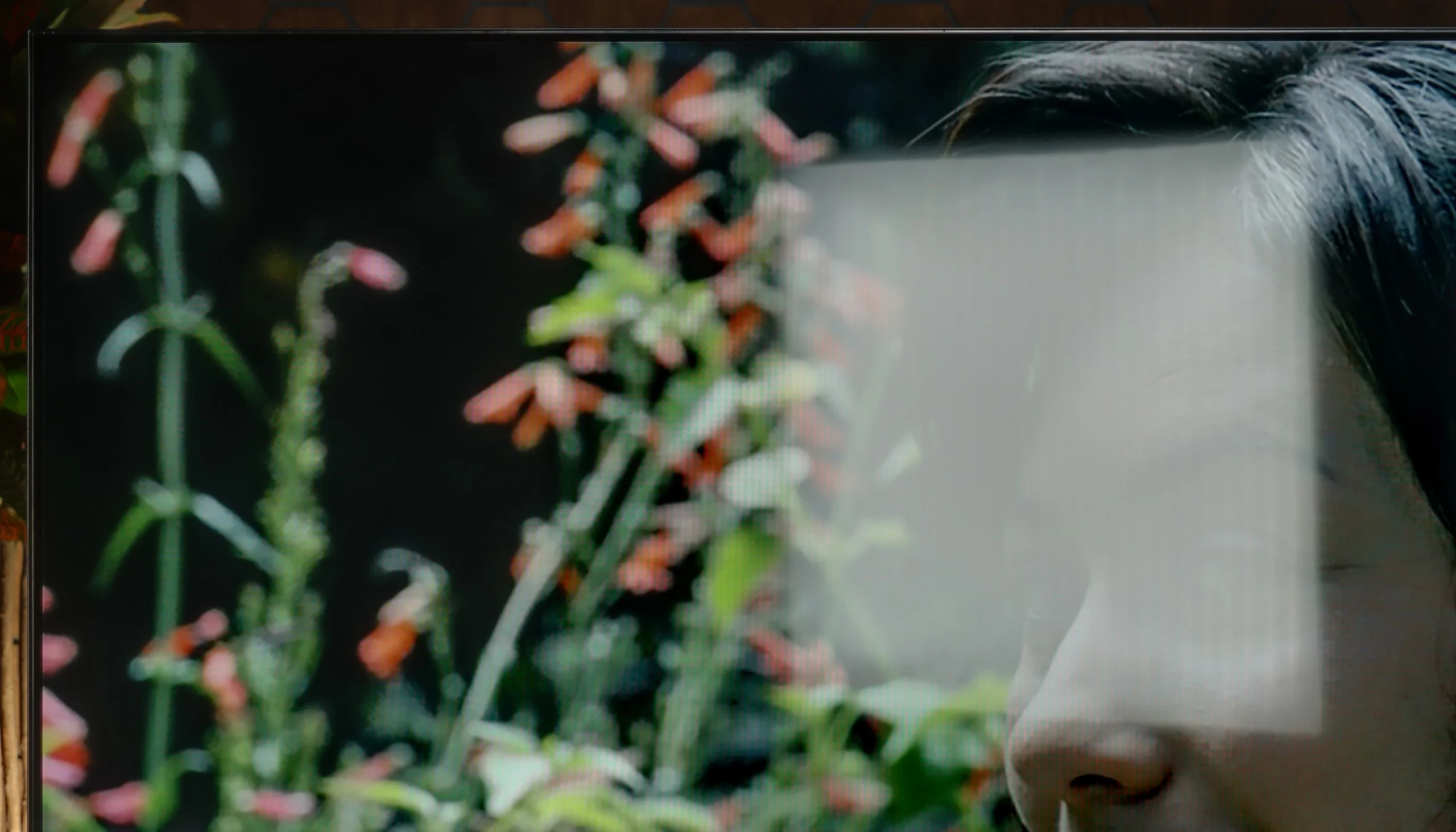
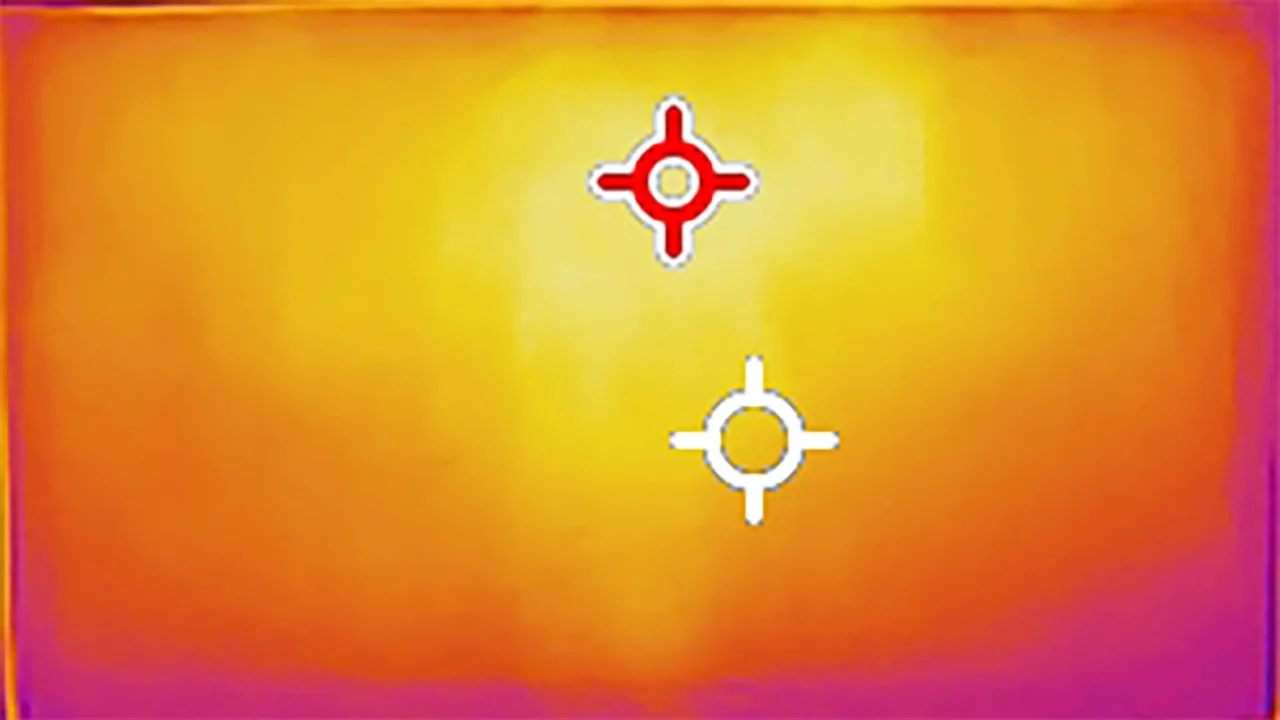
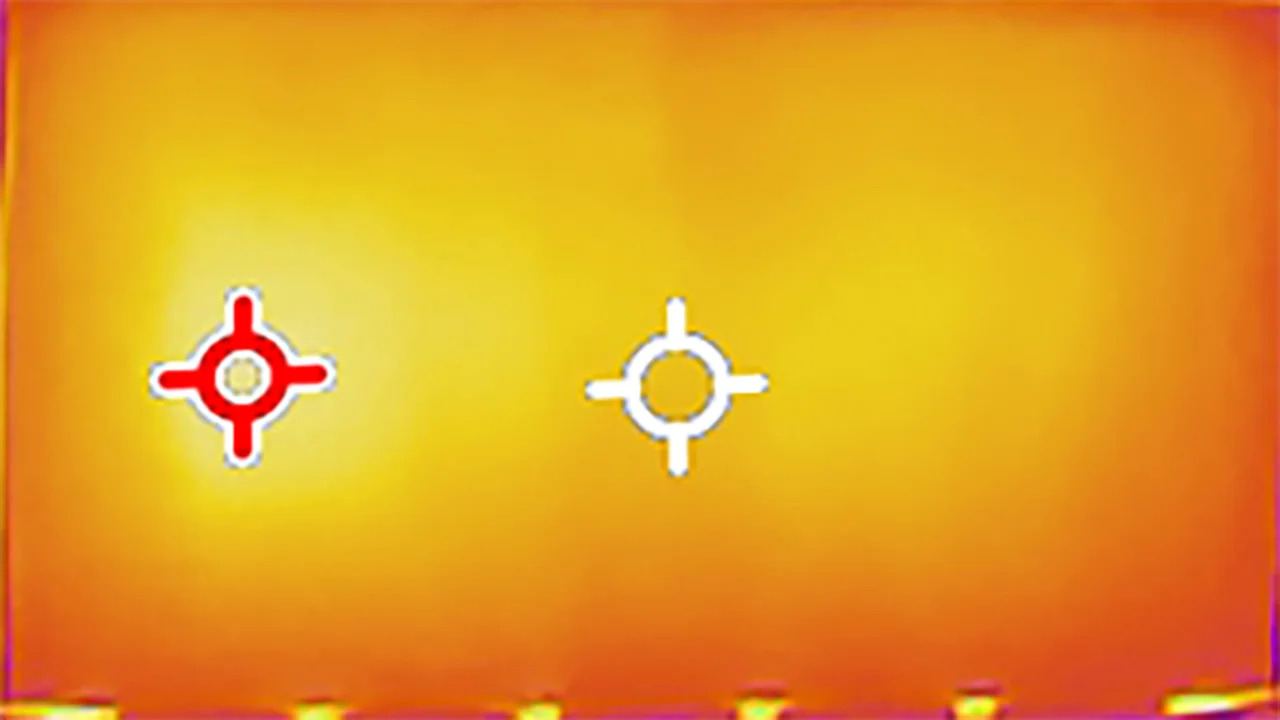
Panel uniformity and thermal imaging:

Review Philips PQS9011 / PQS9001 (The One 2026) TV Panel details
Review Sony BRAVIA 2 II (S25M2) TV Panel details
Review Philips PQS9011 / PQS9001 (The One 2026) TV Panel details
Review Sony BRAVIA 2 II (S25M2) TV Panel details

Philips PQS9011 / PQS9001 (The One 2026)

Sony BRAVIA 2 II (S25M2)

TV features

7.6/10

6.6/10

  • System
    Titan OS
    Google TV
  • System performance
    Decent
    Decent
  • HDMI inputs
    0 x HDMI 2.0, 4 x HDMI 2.1 48Gbps
    4 x HDMI 2.0, 0 x HDMI 2.1
  • Outputs
    Toslink (Optical audio), eARC (HDMI), ARC (HDMI), Mini-Jack (Headphones)
    Toslink (Optical audio), eARC (HDMI), ARC (HDMI)
  • Network Interfaces
    Wi-Fi 2.4GHz, Wi-Fi 5GHz, Ethernet (LAN) 100Mbps
    Wi-Fi 2.4GHz, Wi-Fi 5GHz, Ethernet (LAN) 100Mbps
  • TV reception
    DVB-T, DVB-T2, DVB-S, DVB-S2, DVB-C
    DVB-T, DVB-T2, DVB-S, DVB-S2, DVB-C

Classic features:

  • Recording to USB (terrestrial TV)
    No
    No
  • Recording programming
    No
    No
  • Picture in Picture (PiP)
    No
    No
  • RF remote control (no need to aim)
    No
    Yes
  • Backlit remote control
    Yes
    No
  • Teletext
    Yes
    Yes
  • Audio only mode
    Yes
    Yes
  • Bluetooth headphones support
    Yes
    Yes
  • Simultaneous Bluetooth headphones & TV audio
    Yes
    No

Smart features:

  • AirPlay
    Yes
    Yes
  • Screen mirroring (Windows Miracast)
    Yes
    No
  • Voice search
    Yes
    Yes
  • Voice search in native language
    Yes
    Yes
  • Ability to connect a keyboard and mouse
    Yes
    Yes
Review Philips PQS9011 / PQS9001 (The One 2026) TV features
Review Sony BRAVIA 2 II (S25M2) TV features

Sound connection options

  • HDMI audio
    eARC (HDMI), ARC (HDMI)
    eARC (HDMI), ARC (HDMI)
  • Other audio outputs
    Toslink (Optical audio), Mini-Jack (Headphones)
    Toslink (Optical audio)
  • Wireless audio
    Bluetooth
    Bluetooth

Supported audio formats (external HDMI eARC audio):

  • Dolby Digital Plus 7.1
    Yes
    Yes
  • Dolby True HD 7.1
    Yes
    Yes
  • Dolby Atmos in Dolby Digital Plus (JOC)
    Yes
    Yes
  • Dolby Atmos in Dolby True HD
    Yes
    Yes
  • DTS:X in DTS-HD MA
    Yes
    Yes
  • DTS-HD Master Audio
    Yes
    Yes

Senior accessibility

  • Numeric keyboard on TV
    Yes
    Yes
  • Font size adjustment
    Yes
    No
  • Audio description
    Yes
    Yes

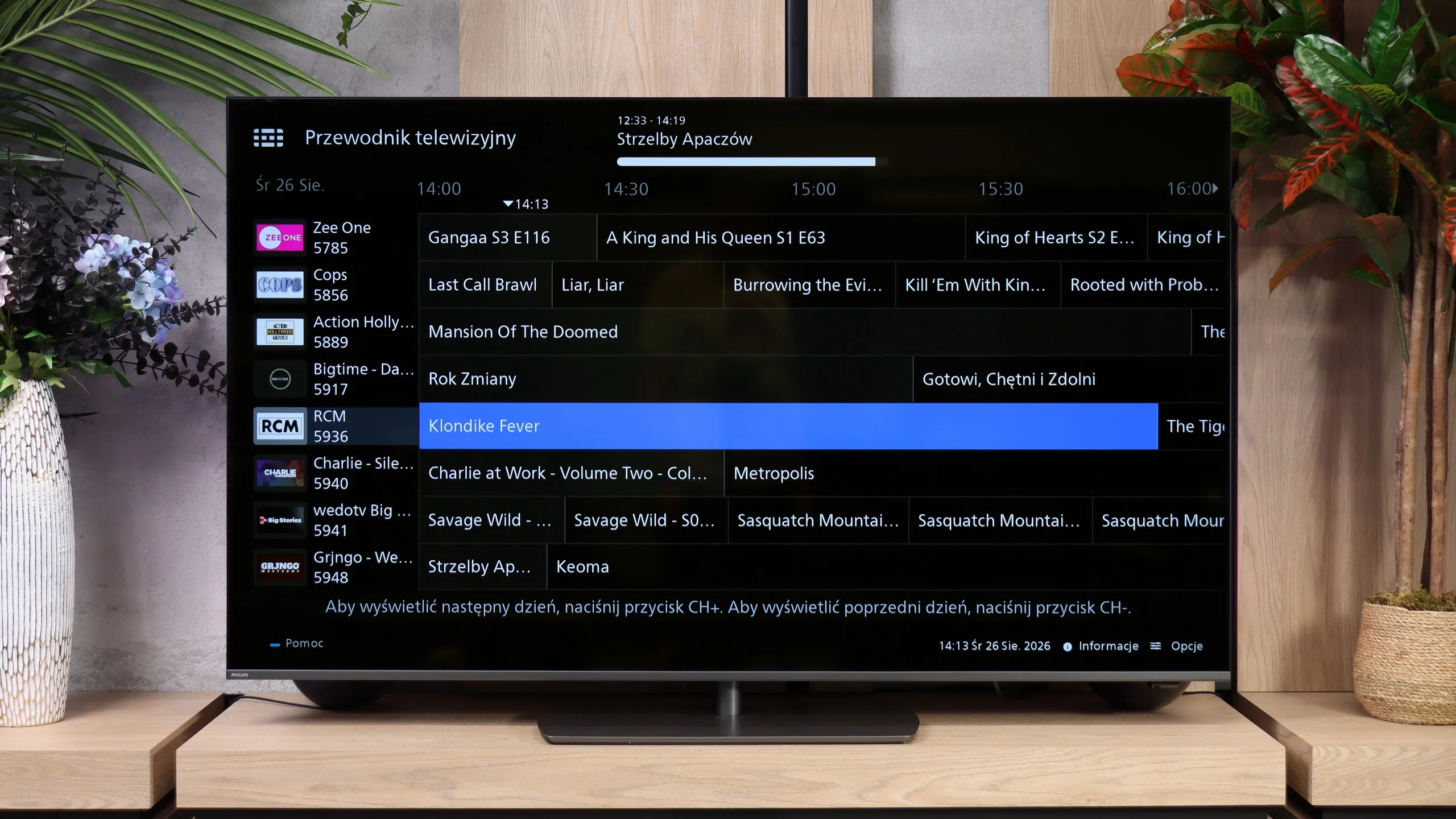
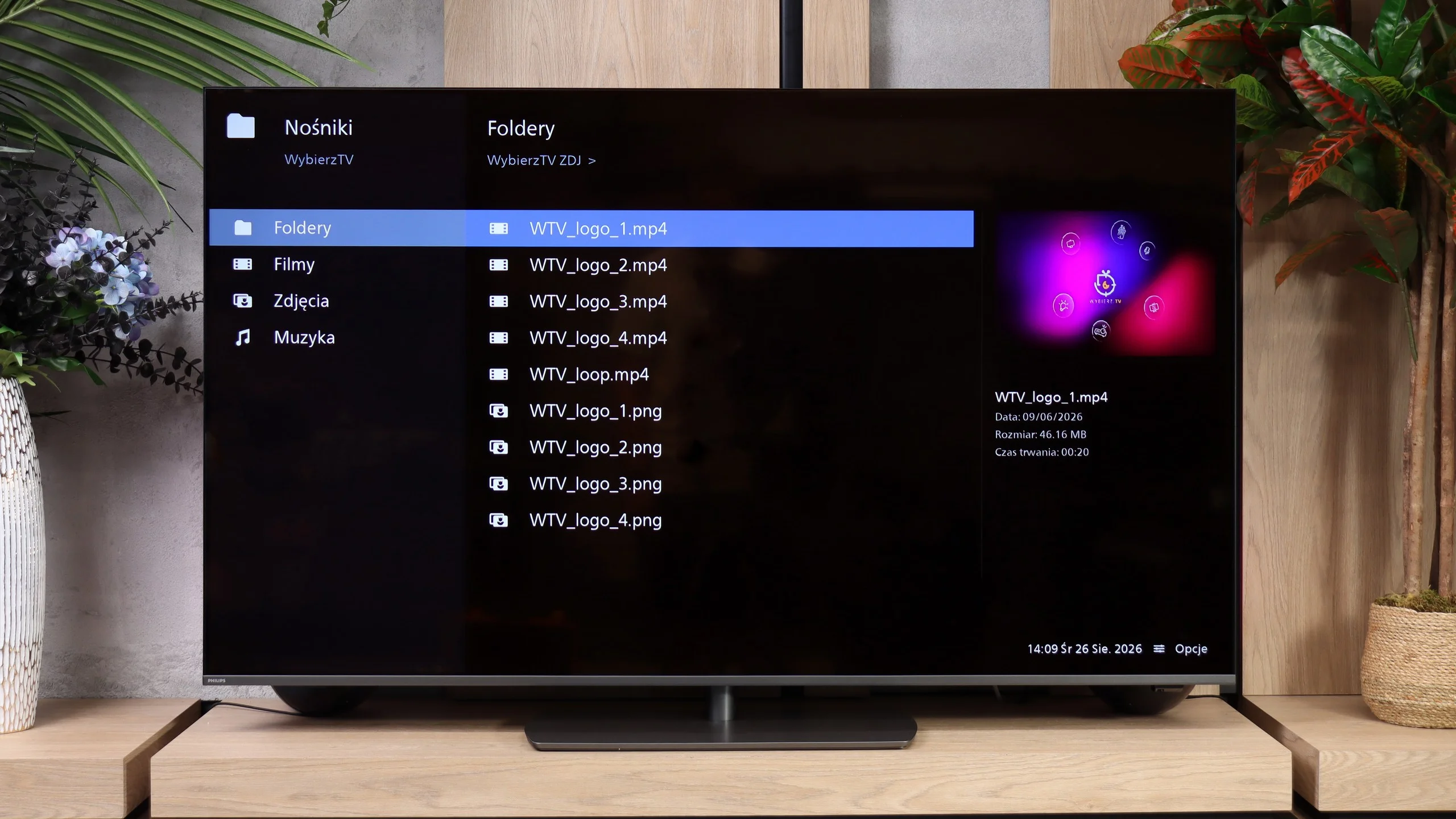
Titan OS in this year's The One shows that Philips has worked on its system. Compared with last year's version, many small issues and functions that previously didn't work as they should have been fixed. Now we can use AirPlay without problems, cast a computer screen via Miracast, or search by voice in Polish. The system itself runs decently, though it's definitely not among the fastest. The app library has also grown: Netflix, Prime Video, Disney+, CANAL+, Apple TV, and YouTube are available. The selection is still smaller than on Google TV, but for popular services Titan gives fewer reasons to complain. Everyday usability has improved in the standard features as well. You can connect Bluetooth headphones and listen to audio through them at the same time as the TV speakers, and there's a mode that lets you turn off the screen and leave only the sound. USB recording and picture-in-picture (PiP) are missing. What's most disappointing is the remote: despite backlit buttons it still controls the TV via infrared, so you have to point it at the screen. The system has gained many useful tweaks, but that control element remains unchanged and can be irritating in daily use.

Google TV

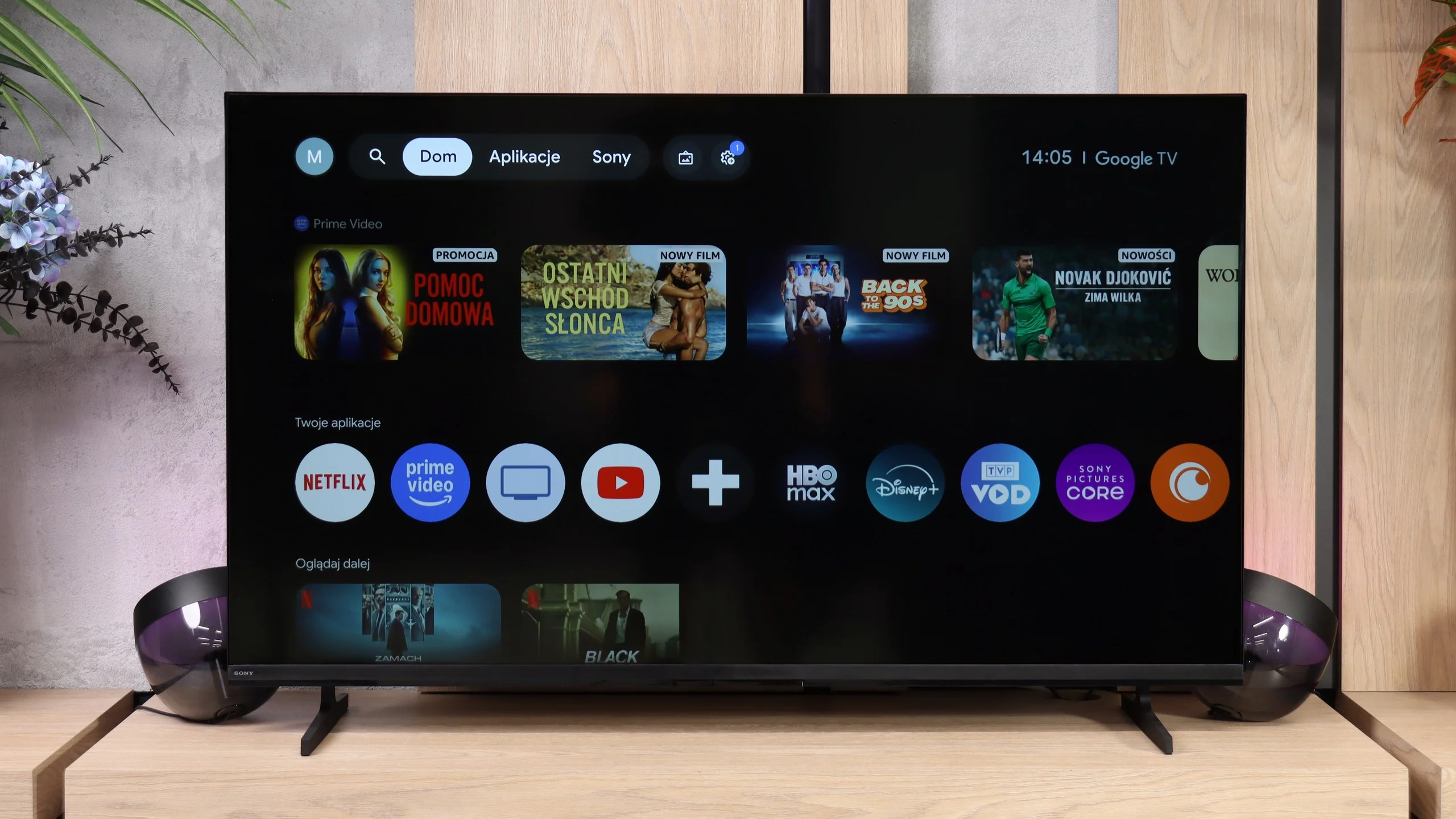
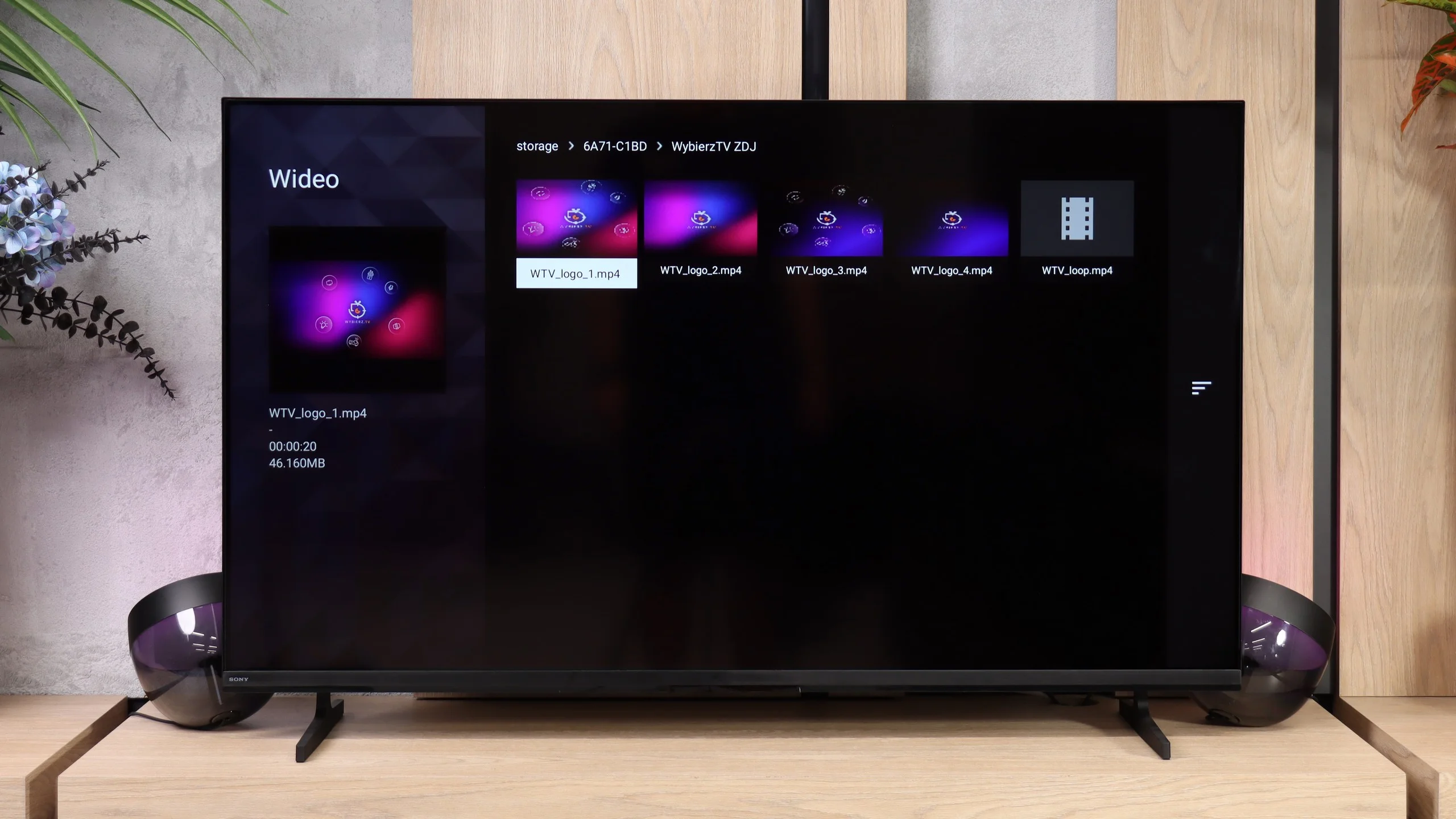
The Bravia 2 II runs Google TV, and that's definitely one of the model's stronger points. You get a huge selection of apps, so access to popular streaming services is no problem. It also has Chromecast and AirPlay, letting you easily cast content from your phone or other devices. Voice search with Google Assistant/Gemini also works very well, including in Polish. The system itself isn't among the fastest versions of Google TV we've used, and sometimes you have to wait a moment for it to respond, but overall it performs decently. In terms of capabilities, there's little to complain about, especially for one of Sony's most affordable TVs.

TV features

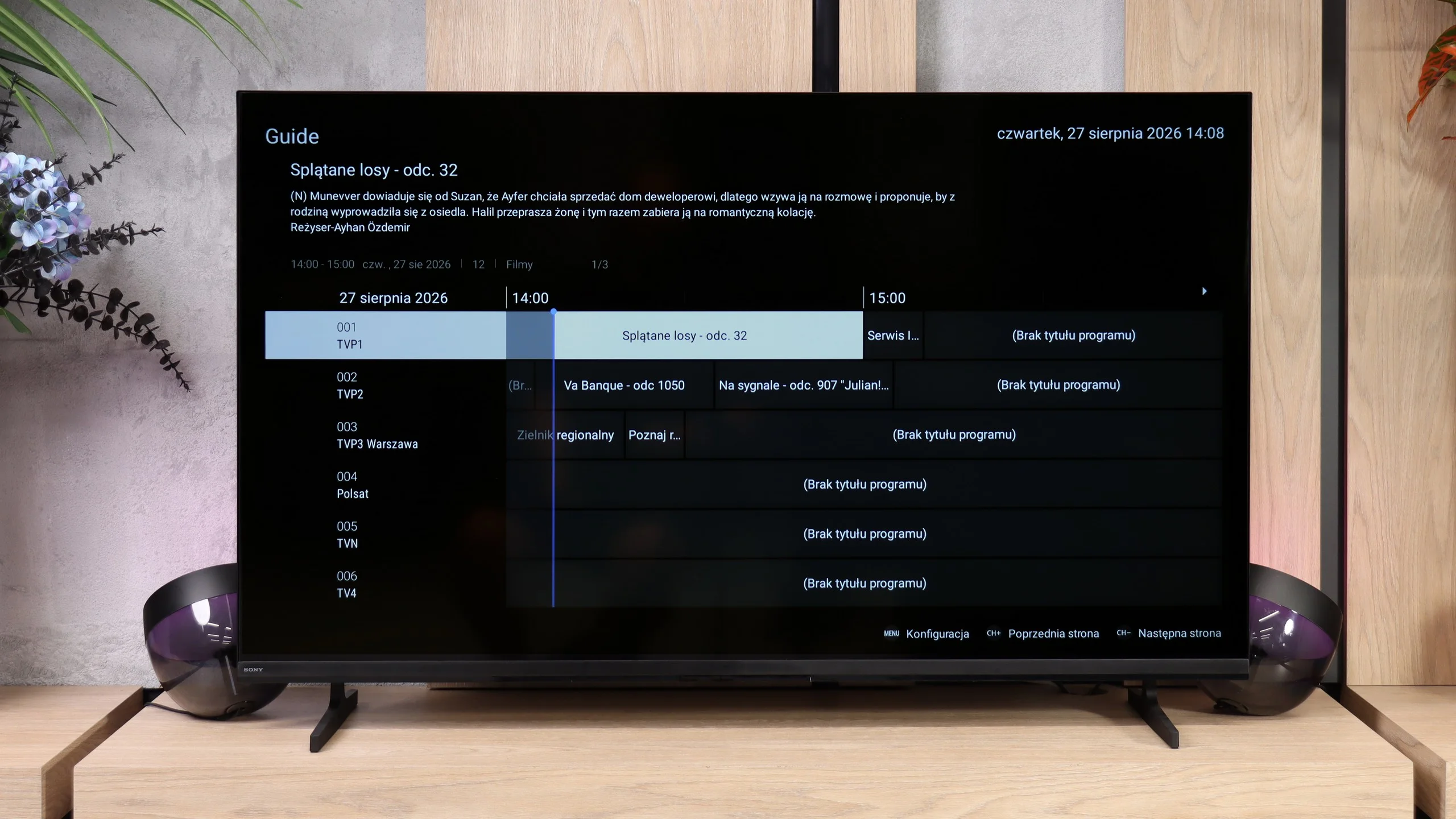
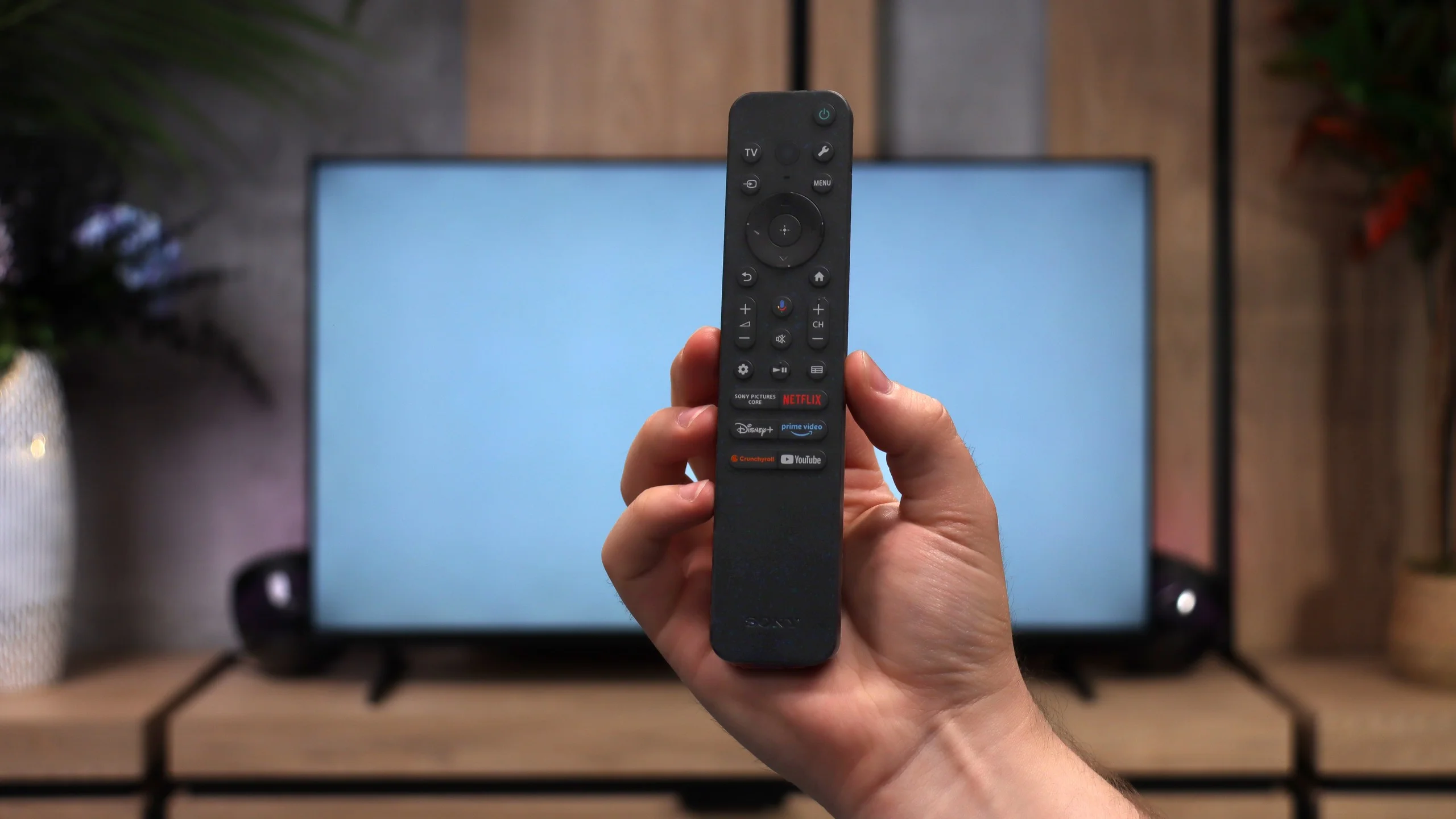
When it comes to classic TV features, the Bravia 2 II is rather modest. You won't find, for example, the ability to record programs to USB or other more advanced extras, so in that respect it's pretty basic. On the plus side, it comes with two remotes. One is modern and simpler, aimed mainly at controlling the Smart TV, while the other is a traditional remote with more buttons, which may be more convenient for people who frequently watch regular TV. The smaller one works via radio, so you don't have to point it directly at the screen, which is simply convenient in everyday use.

Apps

7.2/10

9.6/10

OK
Disney_Plus
OK
Amazon_Prime_Video
OK
Player_TVN
OK
Polsat_Box_Go
OK
Canal_Plus_Online
OK
TVP_VOD
OK
Apple_TV_Plus
No
SkyShowtime
OK
Rakuten
OK
CDA_Premium_Browser
No
Spotify
No
Tidal
OK
Netflix
OK
YouTube
OK
HBO_MAX
No
Kodi
No
Apple_music
No
Eleven_sports
No
Xbox Game Pass
No
GeForce NOW
No
Amazon Luna
OK
Boosteroid
No
Steam Link
OK
Disney_Plus
OK
Amazon_Prime_Video
OK
Player_TVN
OK
Polsat_Box_Go
OK
Canal_Plus_Online
OK
TVP_VOD
OK
Apple_TV_Plus
OK
SkyShowtime
OK
Rakuten
OK
CDA_Premium_Browser
OK
Spotify
OK
Tidal
OK
Netflix
OK
YouTube
OK
HBO_MAX
OK
Kodi
No
Apple_music
OK
Eleven_sports
No
Xbox Game Pass
OK
GeForce NOW
No
Amazon Luna
OK
Boosteroid
OK
Steam Link

Playing files from USB

8.6/10

9.4/10

Supported photo formats:

JPEG
Yes
Yes
HEIC
Yes
Yes
PNG
Yes
Yes
GIF
Yes
Yes
WebP
No
Yes
TIFF
No
No
BMP
Yes
Yes
SVG
No
No

Maximum photo resolution:

4 Mpix
No
Yes
6 Mpix
No
Yes
8 Mpix
Yes
Yes
10 Mpix
No
Yes
12 Mpix
No
Yes
16 Mpix
Yes
Yes
20 Mpix
No
Yes
24 Mpix
No
Yes
28 Mpix
No
Yes
32 Mpix
Yes
Yes

The built-in USB player works quickly and smoothly and handles most tested files without problems. It performs well with music, from common MP3s to FLAC files, including 96 kHz/24-bit. It's perfectly adequate for everyday media playback from a USB flash drive. However, once again our biggest reservations are about photo handling. The player treats resolutions rather selectively: it opened our 8 MP, 16 MP and 32 MP files, but failed with, among others, 4 MP, 12 MP and 24 MP. It's hard to find any logic in that, since a larger photo works while a smaller one does not. That can be annoying when browsing vacation photos.

The built-in media player performs very well. The Bravia 2 II plays almost anything we throw at it, from common video files and subtitles to photos and music. Importantly, it also handles more demanding 4K material encoded in HEVC or AV1 without problems. Of course, there are a few isolated formats the TV doesn’t support, such as VVC and some less common audio and image files. These are things few people are likely to try to play directly on the TV.

Sound

6.9/10

6.1/10

  • Maximum volume
    96dB
    92dB
  • Dolby Digital Plus 7.1
    Yes
    Yes
  • Dolby True HD 7.1
    Yes
    Yes
  • Dolby Atmos in Dolby Digital Plus (JOC)
    Yes
    Yes
  • Dolby Atmos in Dolby True HD
    No
    No
  • DTS:X in DTS-HD MA
    Yes
    Yes
  • DTS-HD Master Audio
    Yes
    Yes

The Philips PQS9001 has a 2.0 audio system with a total power of 40 W, that is, two 10 W speakers per side. It sounds quite good and definitely better than most budget TVs. There's plenty of volume, but the sound lacks depth. The biggest issue is a lack of deep bass, so explosions in movies and heavier parts of music don't have the proper weight. Higher frequencies are not reproduced evenly either. Measurements show a clear dip around 2 kHz, then a boost at 6–7 kHz and a drop-off above about 8 kHz. That can emphasize sibilance and add a bit of harshness to the sound, despite the recessed treble. It's adequate for everyday viewing, but for movies and music it's worth considering external audio. Especially since the TV supports surround sound formats, including Dolby Atmos and DTS. A compatible soundbar or AV receiver will make better use of those formats than the built-in speakers.

The sound in the Bravia 2 II is simply adequate for a basic TV. It's more than enough for watching regular TV, like the news, but as usual with this kind of design it primarily lacks bass. You notice it fairly quickly with music, and even more so in action movies, where explosions or other heavier effects don't have much weight. That said, Sony deserves praise for its support of audio formats. When you connect a soundbar or a home theater system, the TV will pass the main formats through over eARC without problems, including Dolby Atmos, Dolby TrueHD, DTS-HD Master Audio and DTS:X. It's especially nice to see DTS present, which you can't always take for granted in competing TVs (even the most expensive ones).

Sound Quality Test

Acoustic Measurements

96dBC (Max)

75dBC

92dBC (Max)

75dBC

Reader comments

Comments are provided by the external service Disqus (Zeta Global). Once loaded, Disqus may set cookies and process data about your activity.

We will remember your choice on this device. Provider's privacy policy