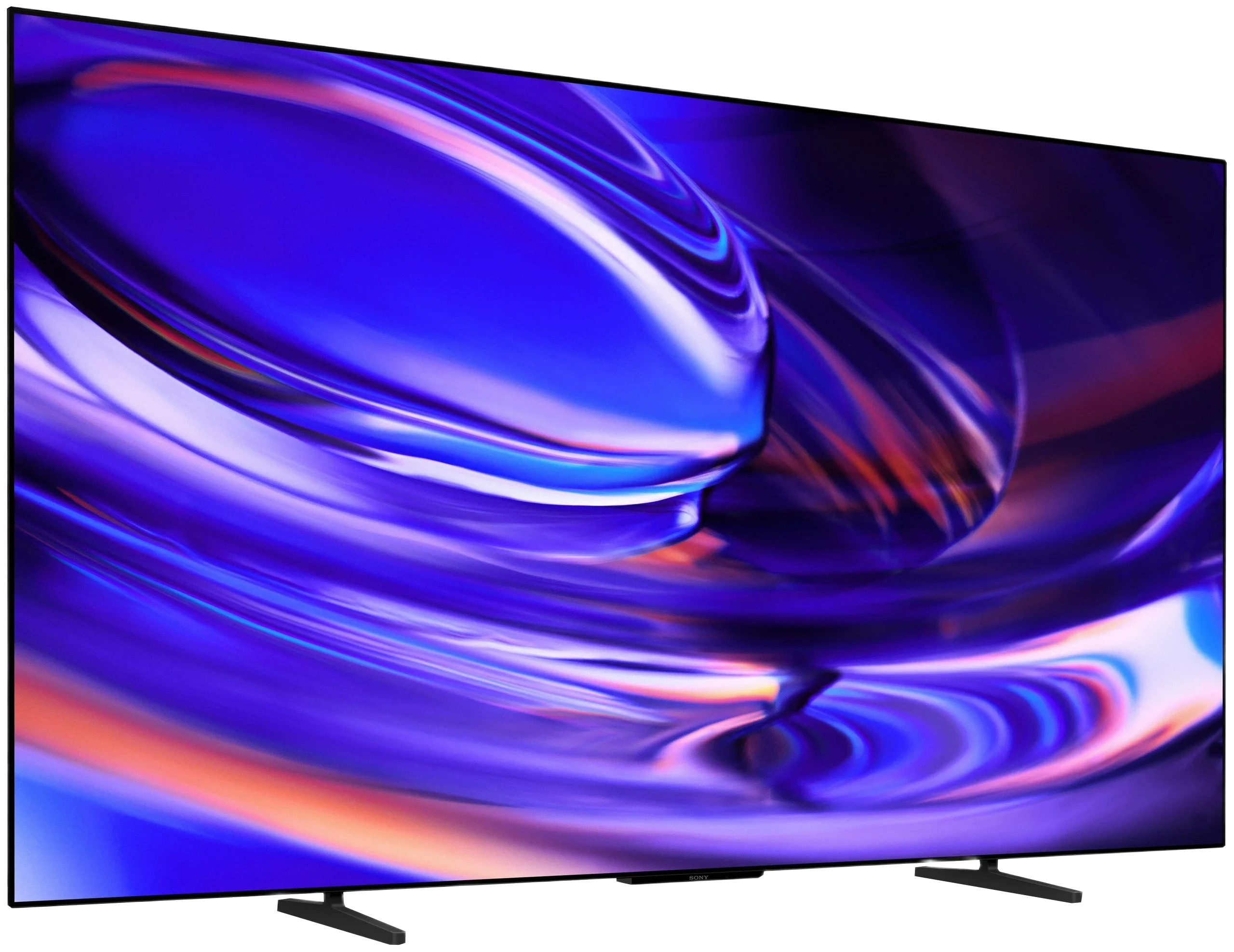
Philips OLED950 vs Sony BRAVIA 6 (A65)

Direct comparison

Check the best price offer:

Sony BRAVIA 6 (A65)(paid link)
$1 298

OLED950 / OLED+

BRAVIA 6 / A65

Available screen sizes: 65”77”

Available screen sizes: 48”55”65”77”83”

Review Philips OLED950 Main photo
Review Sony BRAVIA 6 (A65) Main photo

Panel type: WRGB OLED

Resolution: 3840x2160

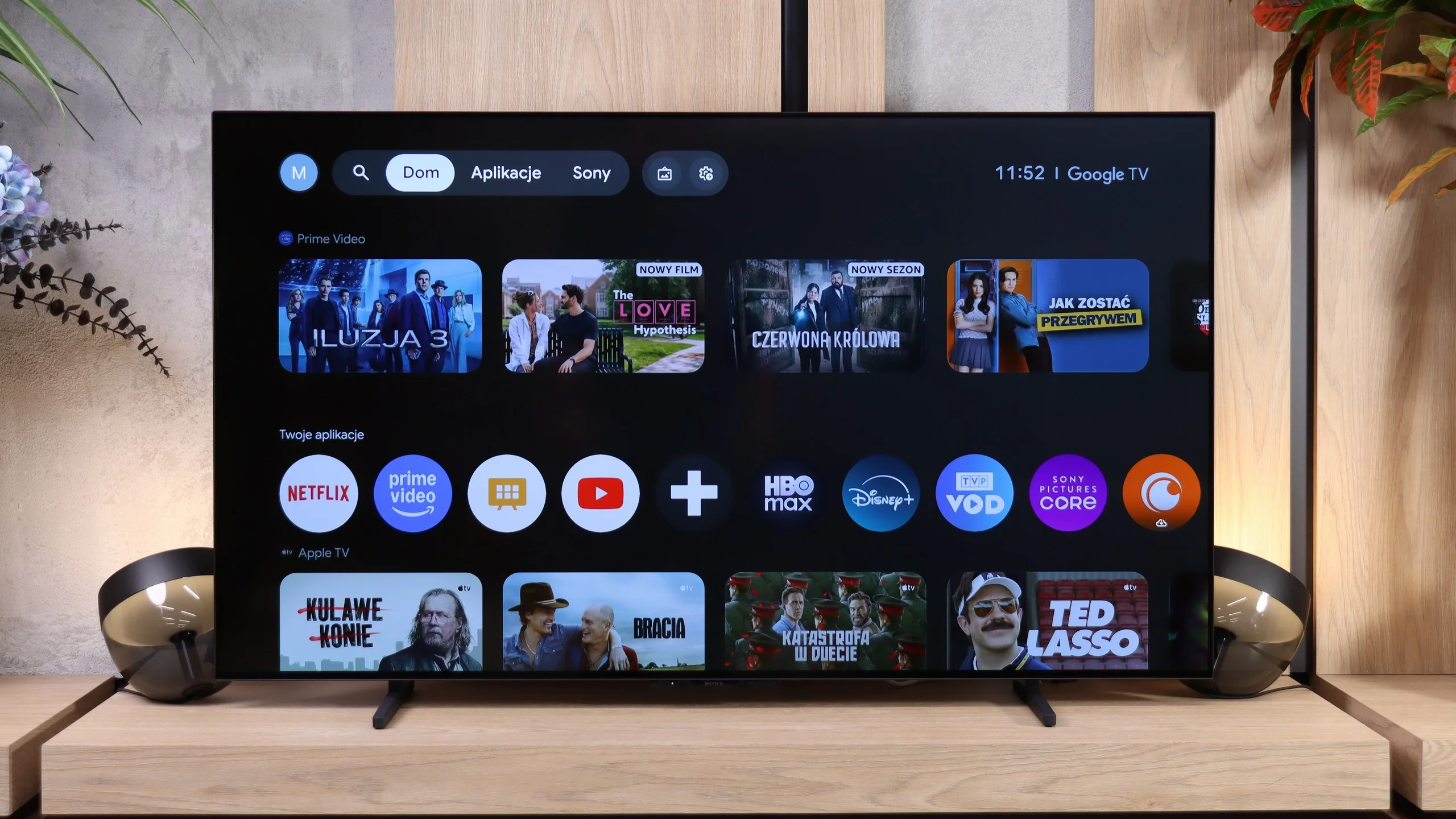
System: Google TV

Model year: 2025

Complete the survey to find out the result

Panel type: WRGB OLED

Resolution: 3840x2160

System: Google TV

Model year: 2026

Complete the survey to find out the result

Overall rating

8.4

7.4

  • Movies and series in UHD quality

    8.8

    7.5

  • Classic TV, YouTube

    8.8

    8.1

  • Sports broadcasts (TV and apps)

    8.5

    8.1

  • Gaming on console

    9.5

    8.5

  • TV as a computer monitor

    6.5

    7.6

  • Watching in bright light

    7.3

    4.6

  • Utility functions

    6.5

    6.6

  • Apps

    9.6

    9.6

  • Sound quality

    8.2

    7.0

Advantages

  • Amazing peak brightness, exceeding 2000 nits on test panels (Tandem OLED matrix)

  • Perfect blacks and infinite contrast

  • Support for all HDR formats, including Dolby Vision and HDR10+

  • Excellent support for gamers: 4K@120Hz, VRR, ALLM, and 144 Hz mode

  • Very low input lag

  • Impressive 4-sided Ambilight system

  • Google TV system offering access to a vast library of applications

  • Backlit remote control, rechargeable via USB-C port

- Perfect blacks and infinite contrast of the OLED panel - Natural colors after calibration, especially in SDR - 120 Hz panel with almost instantaneous pixel response - Four full HDMI 2.1 inputs with 48 Gbps bandwidth - Very low input lag, even in Dolby Vision at 120 Hz - Support for premium formats: Dolby Vision, Dolby Atmos, and DTS - Google TV with a wide selection of apps - Wide viewing angles - Solid build with a height-adjustable stand

Disadvantages

No like
  • Only two HDMI ports in standard 2.1

  • Remote control communicating via infrared (requires aiming at the receiver)

  • Very high price compared to market competition

  • Sound quality noticeably weaker than in the lower model OLED910

  • Slight issues with posterization

  • Quite a few system bugs

  • Low brightness and average glare suppression, making daytime viewing difficult (OLED SE)

  • Average gradation and weak smoothing of tonal transitions

  • Limited calibration options

  • Missing several gaming features: HGIG, Game Bar, and support for 120Hz at 1440p

Our verdict

Philips OLED950 is undoubtedly a technological showcase that redefines what we can expect from a home entertainment center in many aspects. The use of groundbreaking Tandem OLED technology means that when it comes to picture quality, we are reaching absolute heights here. The combination of infinite black and perfect contrast with brightness that can exceed the magical barrier of 2000 nits in HDR mode produces effects that, at times, take your breath away. Whether we are watching movies in a sunlit living room or playing games at night with the support of a 4-sided Ambilight system, the experience is simply phenomenal. This is a complete screen that will satisfy both the cinephile seeking fidelity in Dolby Vision and the gamer demanding 144 Hz and perfect motion response.

However, this admiration for the raw performance of the panel is mixed with some disappointment when we look at the manufacturer's promises regarding image processing. Philips strongly promoted the use of a "dual" P5 processor, suggesting that it would be a remedy for all the woes of digital signal processing. However, the reality turned out to be less revolutionary. In our tests, the difference compared to models equipped with the standard, single P5 chip was almost imperceptible in everyday use. Issues with the smoothness of tonal transitions and posterization in difficult scenes, although rare, still occur. Given the astronomical price of this model, we expected a much greater qualitative leap in this aspect that would justify such a high positioning of the equipment. The issue of cost-effectiveness becomes the biggest problem for this otherwise outstanding television. When we look at the market with a cool head, the situation of the 950 model becomes complicated. It's not just about the strong competition from cheaper flagship models like the LG G5 or Samsung S95F, but about the "fratricidal" fight within Philips' own offerings. It turns out that the lower-positioned OLED910 model offers us practically the same brilliant image generated by an identical panel. Moreover, the 910 model wins at the starting gate in terms of audio, offering an integrated soundbar from Bowers & Wilkins, which is simply absent in the more expensive 950 model in favor of a different design. Thus, we encounter a paradox: we get the same picture and worse sound, yet we have to pay significantly more. Therefore, although the OLED950 is a fantastic screen, in 2025 the title of "Best Philips TV" and our recommendation goes to the model OLED910.

BRAVIA 6 can deliver a lot of viewing pleasure, especially in the evening when the advantages of the OLED panel are most visible. Deep blacks, good contrast and natural colors after calibration make it easy to appreciate its picture with the right material. It also performs well for console gaming: it provides smooth motion and responds quickly to controller input. It's also nice to see four full HDMI 2.1 ports, which Sony has finally included. Thanks to them, connecting multiple devices is less troublesome than even in some of the brand's pricier models. Solid build quality and an attractive design round out the package.

However, that's not enough to stand out among competing OLEDs. We usually paid more for Sony TVs for, among other things, better image processing, and with the BRAVIA 6 it's hard to see an advantage in that area. Lower-quality footage looks average, and in demanding HDR scenes detail is lost in bright parts of the picture. Dolby Vision helps a bit, but it doesn't change the overall impression: you get an image that can be pleasing, but it doesn't give a clear reason to choose Sony over another entry-level OLED.

While the lack of such an advantage can be accepted at a sufficiently low price, it's much harder to turn a blind eye to problems with daily use. Google TV offers a wide selection of apps, but during our tests using the TV too often ended with the need to... unplug it. Even playing a movie from a USB drive could be problematic. It's at moments like these that we felt there was little... Sony in this BRAVIA. It lacks the polish that used to be one of the reasons to pay more for a Sony TV.

In the end the BRAVIA 6 leaves a big sense of disappointment. The OLED panel itself gives it a solid foundation, but the enjoyment of watching too often gives way to frustration with the operation. So in its current state it's hard for us to recommend it, even though it's among the cheapest OLEDs on the market. An attractive price can compensate for some image limitations, but it's hard to call that a sufficient argument when basic functions fail. Before we even start considering whether it's worth buying the BRAVIA 6, Sony needs to deliver the refinement we expect.

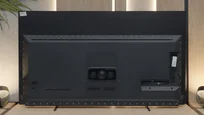
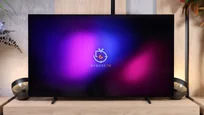
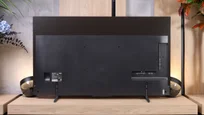
TV appearance

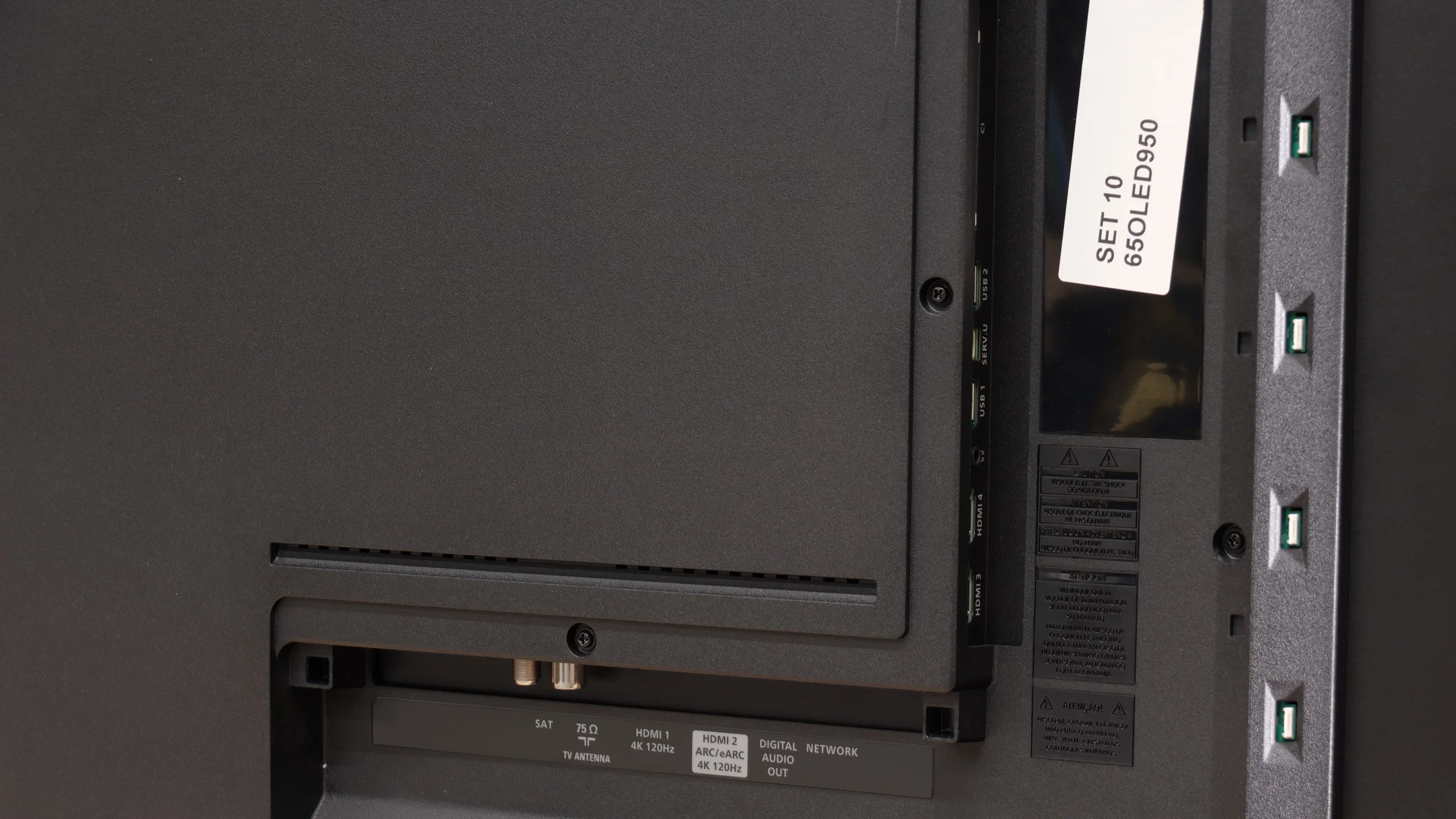
HDMI inputs
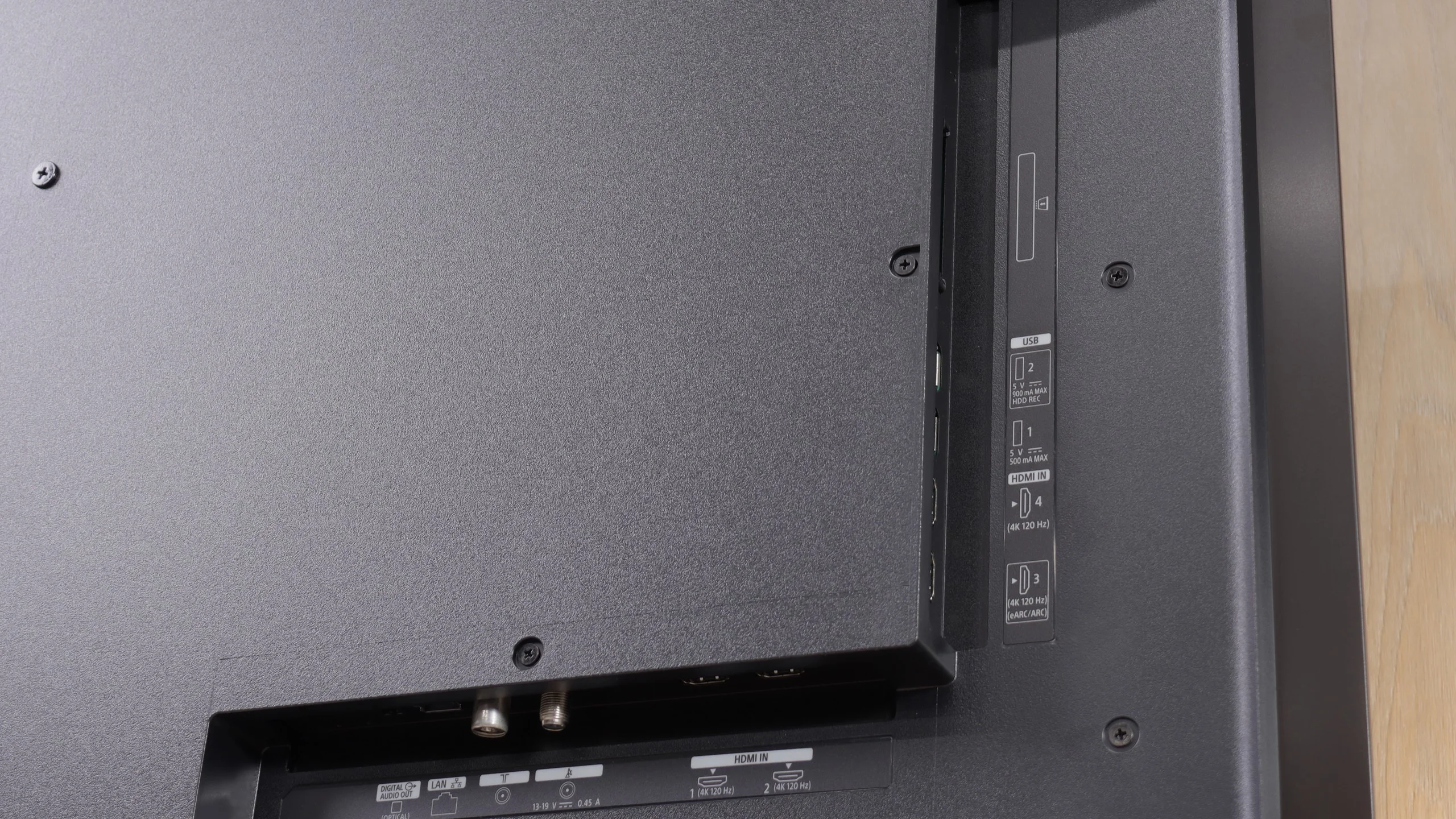
2 x HDMI 2.0, 4 x HDMI 2.1 (48Gbps)
0 x HDMI 2.0, 4 x HDMI 2.1 (48Gbps)
Other inputs
Outputs
Toslink (Optical audio), eARC (HDMI), ARC (HDMI), Mini-Jack (Headphones)
Toslink (Optical audio), eARC (HDMI), ARC (HDMI)
Network Interfaces
Wi-Fi 2.4GHz, Wi-Fi 5GHz, Ethernet (LAN) 100Mbps
Build quality
Premium
Good
Stand type
Legs
Legs
Bezel color
Graphite
Graphite
Stand
Fixed
Height adjustment
Accessories
Stand
Stand

Contrast and black detail

10/10

10/10

Contrast:

Review Philips OLED950 Contrast and black detail

Result

∞:1

Review Philips OLED950 Contrast and black detail

Result

∞:1

Review Philips OLED950 Contrast and black detail

Result

∞:1

Review Philips OLED950 Contrast and black detail

Result

∞:1

Review Philips OLED950 Contrast and black detail

Result

∞:1

Review Sony BRAVIA 6 (A65) Contrast and black detail

Result

∞:1

Review Sony BRAVIA 6 (A65) Contrast and black detail

Result

∞:1

Review Sony BRAVIA 6 (A65) Contrast and black detail

Result

∞:1

Review Sony BRAVIA 6 (A65) Contrast and black detail

Result

∞:1

Review Sony BRAVIA 6 (A65) Contrast and black detail

Result

∞:1

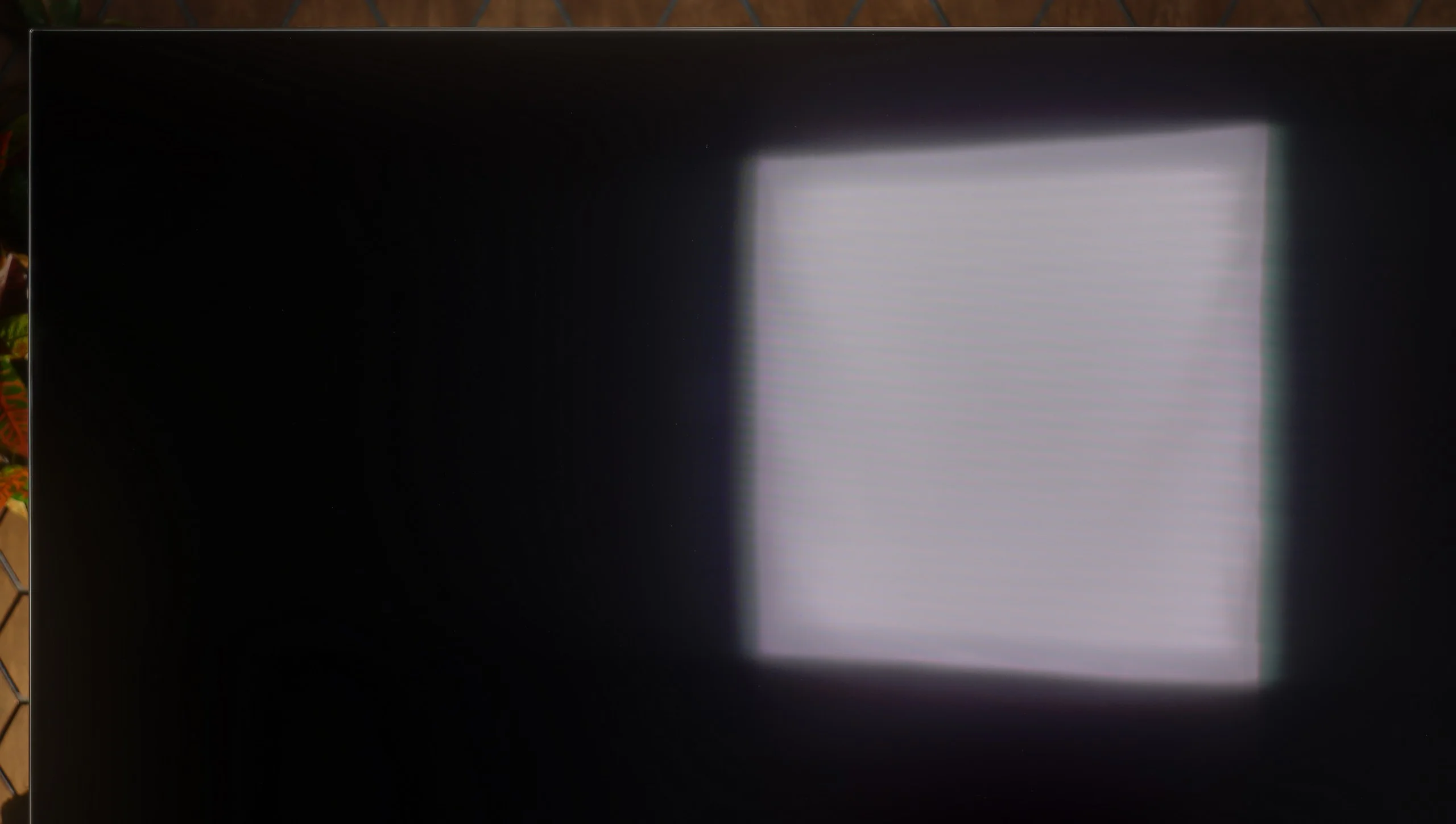
Halo effect and black detail visibility:

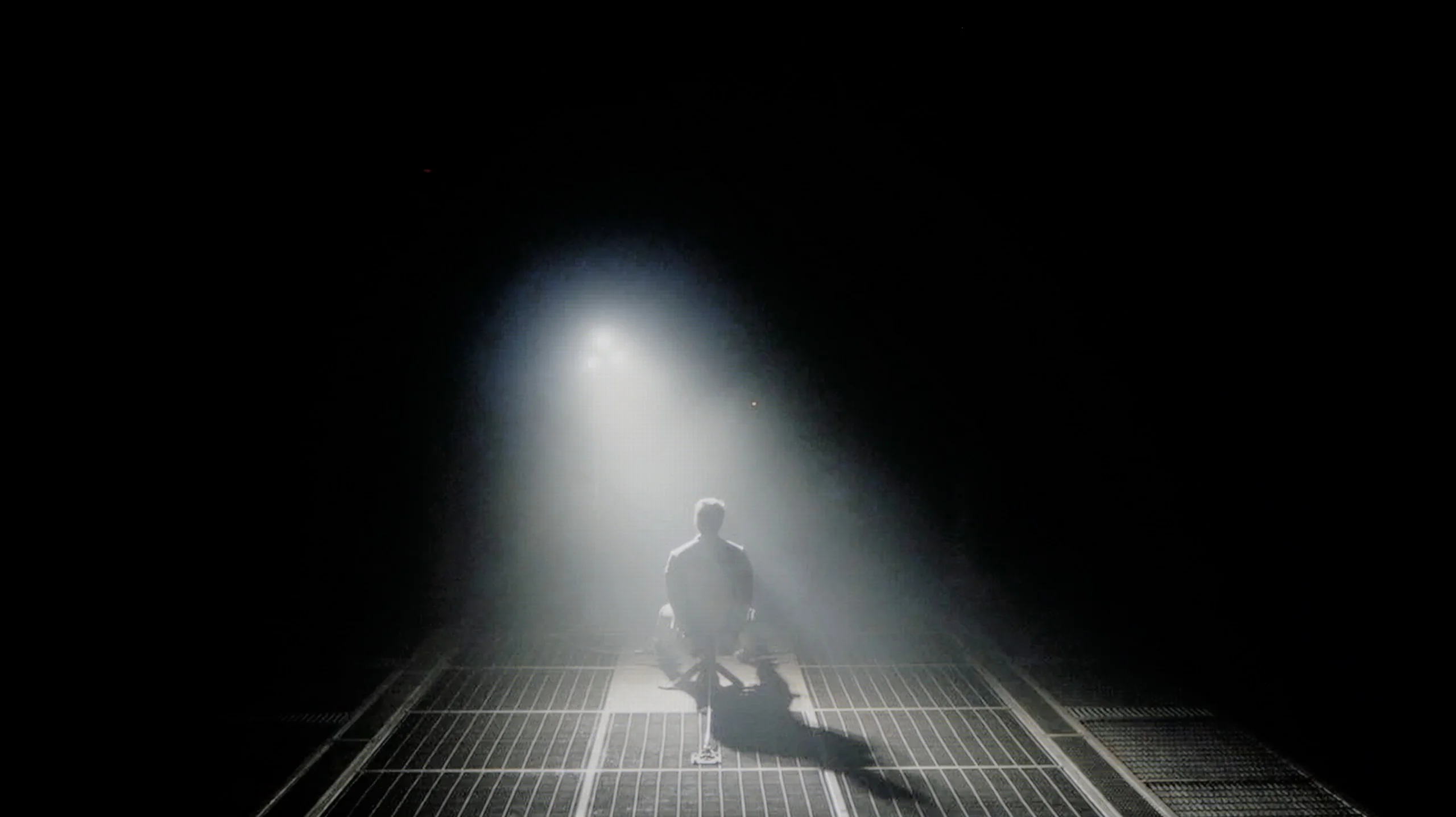
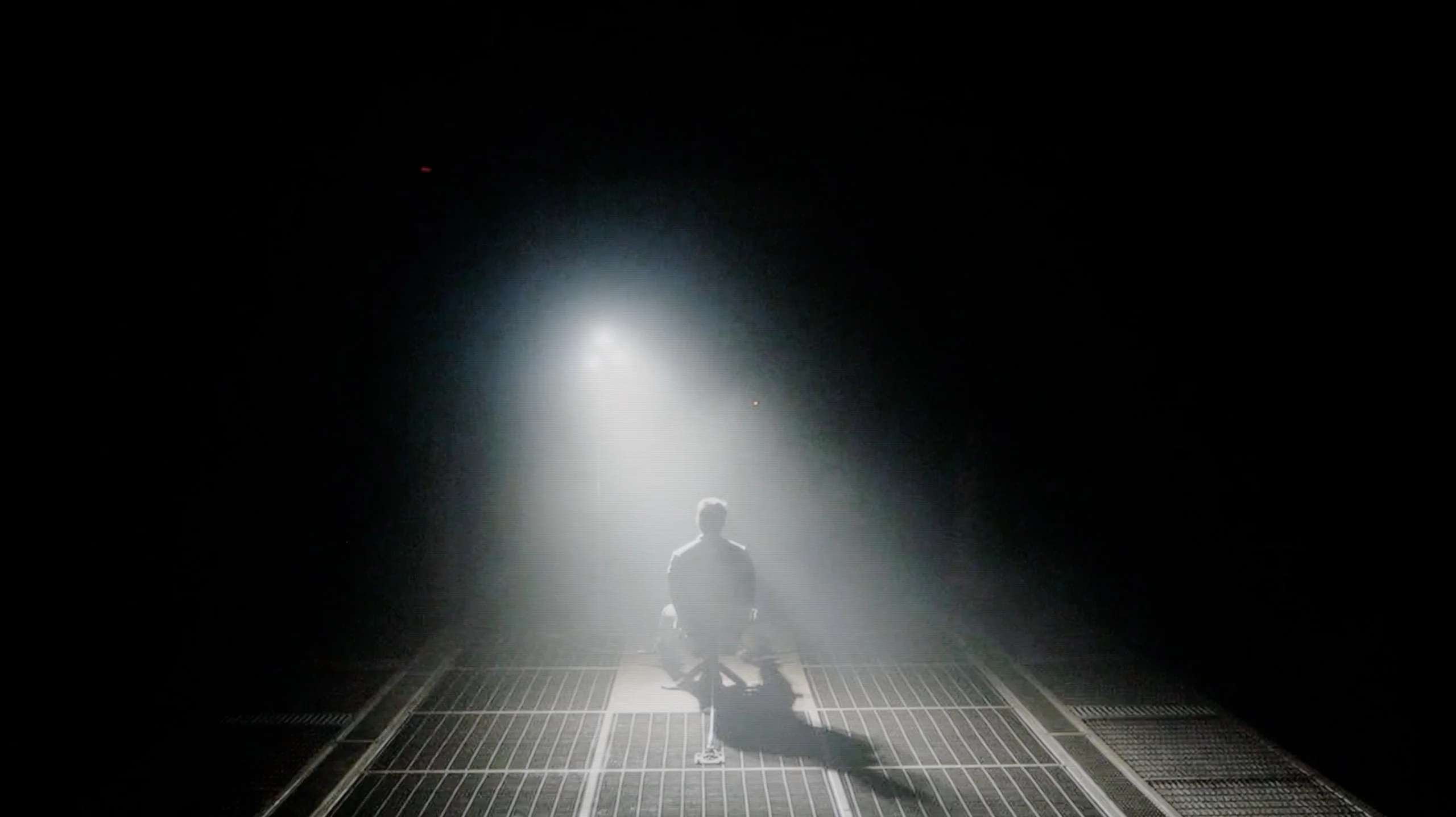
Check the visibility of bright lights on a dark background. Mini-LEDs often struggle with this. The photo does not compare black levels – that’s what the video below is for.

The video accurately shows differences in contrast and black levels between TVs, as well as potential issues: halo around bright objects or Mini-LED zone operation visible as brightness jumps.

There's no need to elaborate here. Like in every OLED TV, the black level and contrast in the Philips OLED950 are simply perfect. No matter the movie scene being watched, nighttime shots, or materials in 2.39:1 aspect ratio with black bars, you can count on perfect black without bleeding or washout. This is one of the biggest advantages of OLED technology over LCD and Mini-LED TVs. There are no algorithms for local dimming at play here, nor are there any compromises. Black always remains black. The only thing we noticed in our tests is the helicopter scene from the movie Sicario 2. The OLED950 quite clearly highlights details in the shadows. However, this is a characteristic of our test sample, more related to the nature of image reproduction than to the black level itself. In this regard, everything here is top-notch.

The Sony BRAVIA 6, also known as the A65, uses an OLED panel, so it deserves the highest marks for black levels and contrast. In all test scenes the blacks remained completely black, and the measured contrast was effectively infinite. That’s thanks to independent control over each pixel, which can be turned completely off even with a very bright element right next to it. In this respect the BRAVIA 6 even outperforms the best Mini LEDs. A few thousand backlight zones still do not provide the precision of controlling each of the more than 8 million pixels.

However, in the video below you can notice that some dark parts of the image are slightly brightened. It is worth clarifying that this concerns the darkest shades of gray, not true black. The BRAVIA 6 tends to show them brighter than it should, so details in deep shadow can be overly emphasized. This does not change the panel’s ability to completely turn off black elements, so we do not lower its rating in this category. We will return to this behavior when assessing image reproduction and the effects of calibration.

HDR effect quality

8.7/10

5.7/10

Supported formats
HDR10, HDR10+, Dolby Vision, HLG
HDR10, Dolby Vision, HLG
Color gamut coverage
DCI P3: 99.7%, BT.2020: 82.4%
DCI P3: 97.6%, BT.2020: 73.0%

Luminance measurements in HDR:

Review Philips OLED950 Brightness measurement

Result

1910 nit

Review Philips OLED950 Brightness measurement

Result

2084 nit

Review Philips OLED950 Brightness measurement

Result

2194 nit

Review Philips OLED950 Brightness measurement

Result

2179 nit

Review Philips OLED950 Brightness measurement

Result

1370 nit

Review Sony BRAVIA 6 (A65) Brightness measurement

Result

483 nit

Review Sony BRAVIA 6 (A65) Brightness measurement

Result

616 nit

Review Sony BRAVIA 6 (A65) Brightness measurement

Result

697 nit

Review Sony BRAVIA 6 (A65) Brightness measurement

Result

680 nit

Review Sony BRAVIA 6 (A65) Brightness measurement

Result

276 nit

Scene from the movie “Pan” (about 2800 nits)

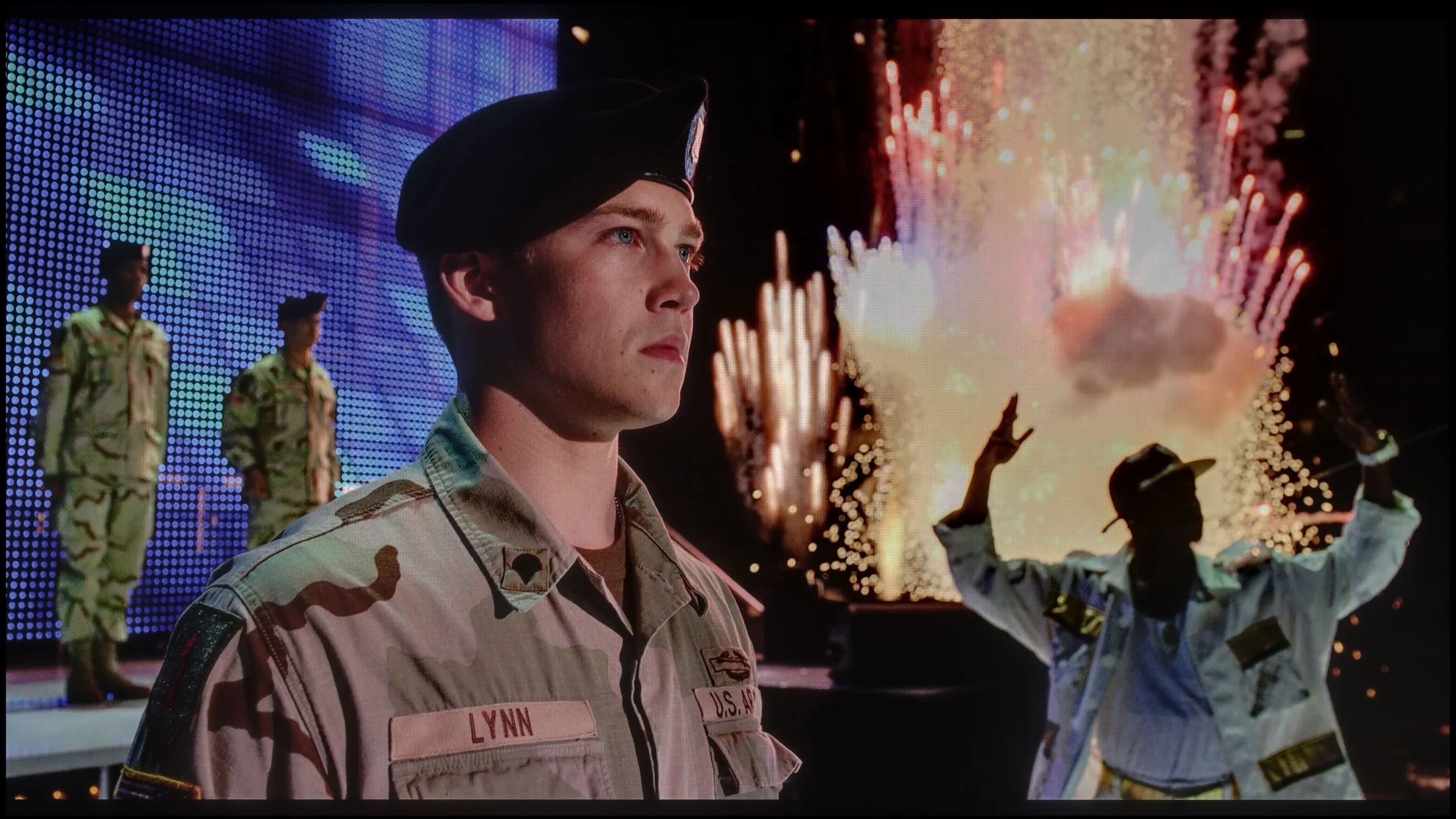
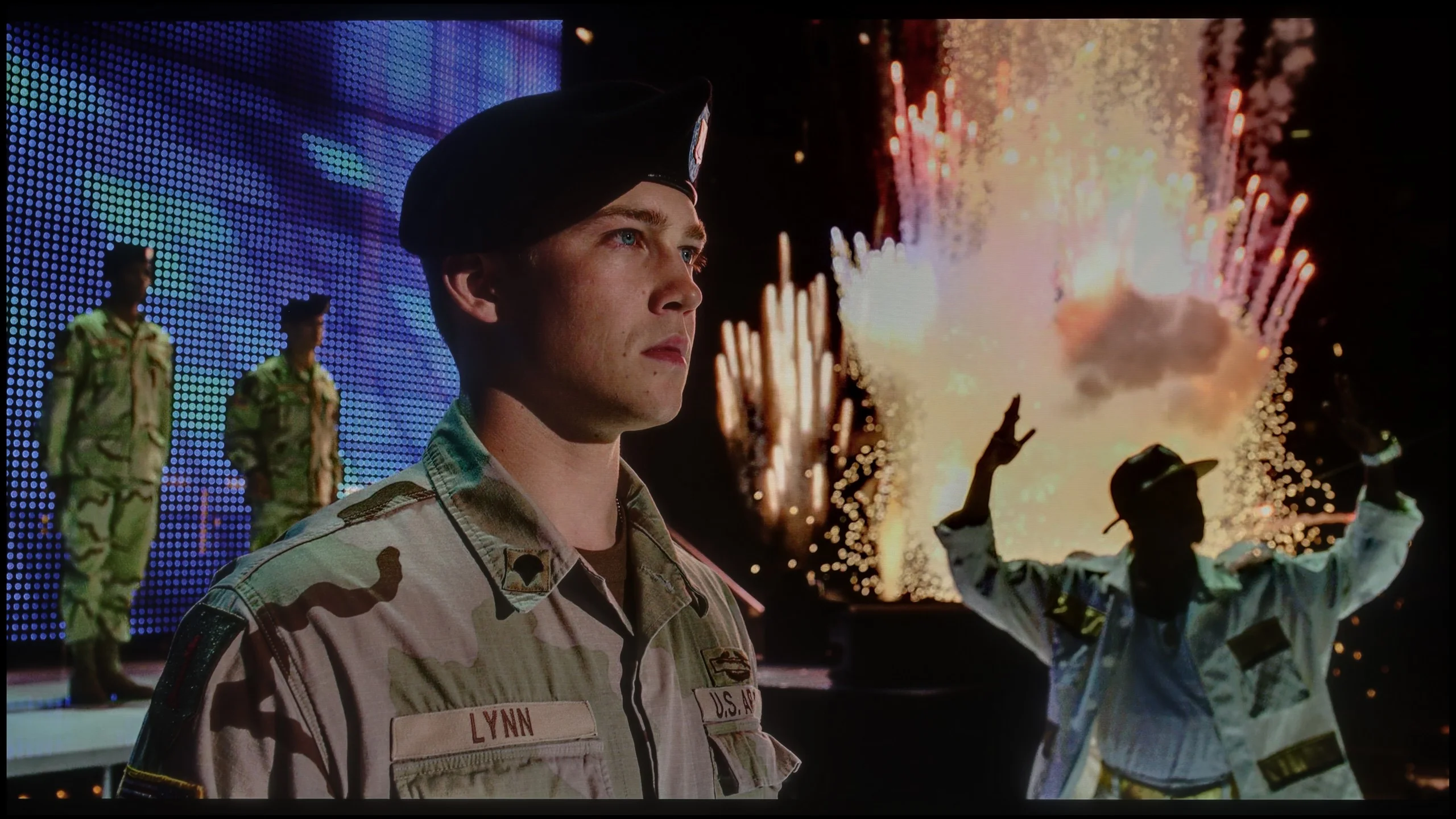
Scene from the movie “Billy Lynn” (about 1100 nits)

The photos show two HDR10 movies. 'Pan' is one of the brightest productions ever made, while 'Billy Lynn' (soldier) has brightness typical of streaming (Netflix, Prime, HBO MAX). Notice the intensity of effects and detail in whites.

Static HDR10

The photos present the visibility of white details in various HDR formats. They do not show brightness differences between TVs (these can be compared in the previous gallery).

Dynamic: Dolby Vision

Dynamic: Dolby Vision

The photos present the visibility of white details in various HDR formats. They do not show brightness differences between TVs (these can be compared in the previous gallery).

HDR luminance chart:

Sony BRAVIA 6 (A65)

Philips OLED950

Luminance of RGB colors

Luminance of RGB colors

OLED950 is a phenomenal TV for consuming HDR content, which is primarily due to the use of innovative Tandem OLED technology. With this technology, the screen is capable of generating astronomical brightness values, reaching over 2000 nits in movie scenes (on test screens). This is an outstanding result, placing the OLED950 model among the very top displays available on the market. However, it should be noted that there is a specific characteristic of this solution – at moments when full-screen bursts of light appear on the screen, the brightness can drop by as much as half. Nevertheless, it is worth emphasizing that values above 1000 nits on a full screen are still an outstanding result. This allows for HDR images to be displayed exactly as filmmakers would wish, maintaining the dynamics and impact of light scenes.

The use of Tandem OLED technology has also brought measurable benefits in terms of color reproduction, improving elements where traditional WOLED panels have had difficulties compared to QD-OLED competitors. In the case of the OLED950, the color gamut coverage is broader than in classic WOLED panels, reaching nearly 100% of the DCI-P3 space and a solid 82% of the demanding BT.2020 palette. Although these results still do not match the high achievements of QD-OLED panels, the difference diminishes during real-world usage. We cannot deny that in the vast majority of films, colors look simply fantastic on this model – they are saturated, vibrant, and full of depth.

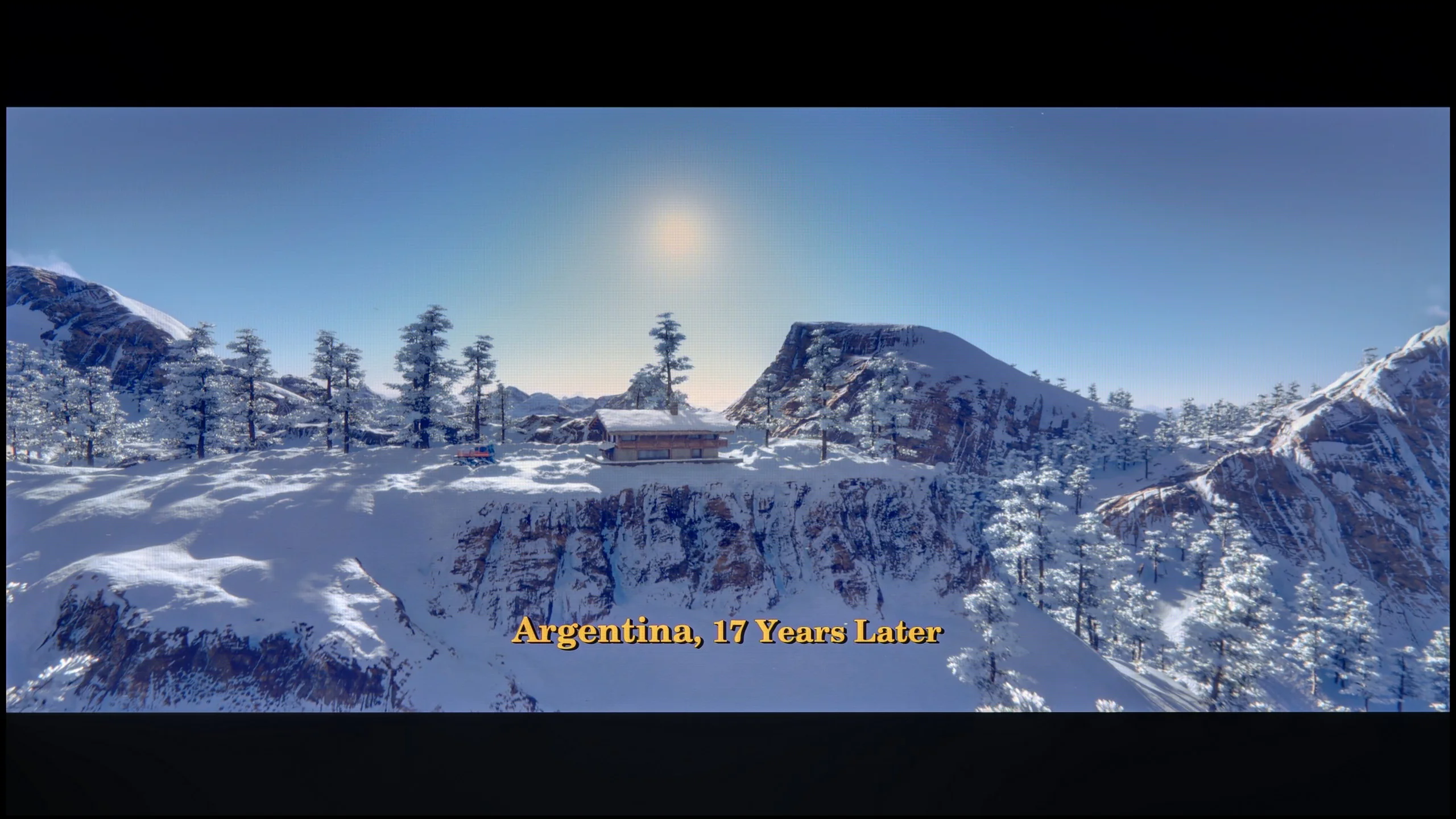
Sony BRAVIA 6 is a moderately bright TV, and compared with today’s OLEDs it can even be considered on the darker side. It peaks at about 700 nits, but such values are seen mainly on small bright elements surrounded by a dark background. In brighter, mixed scenes the result is closer to 500 nits; for example the sunset shot from the film "Life of Pi", where we measured 483 nits. Combined with perfect black levels this produces a pleasant HDR effect, especially in the evening, although it’s hard to call the brightness spectacular. The limitations become even clearer when bright elements occupy most of the screen. Then ABL comes into play, the mechanism that limits brightness when the OLED panel is under heavy load. The BRAVIA 6 uses the panel fairly conservatively and in those shots brightness drops to around 250–280 nits. In the scene with the oil rig we recorded about 250 nits, so the bright sky no longer has the same impact as a single flashlight in the dark. It’s in wide, sunny landscapes and large bright highlights that it most lacks brightness headroom.

Colors

In terms of color the BRAVIA 6 performs quite well. It covers about 95 to 96% of the DCI-P3 gamut, so it can reproduce most of the colors used in HDR movies and series with appropriate saturation. It still trails the better WOLED panels, which approach full coverage of that gamut, but in everyday viewing that won’t be a big difference. A larger gap separates it from QD-OLED screens when displaying the most intense colors from the wider BT.2020 gamut. Sony covers that gamut by about 71 to 72%, so exceptionally saturated reds or greens won’t look as striking as they do on organic panels with quantum dots or on SQD Mini-LED screens. Also, gamut coverage alone doesn’t mean the TV can show those colors at high brightness. On the BRAVIA 6 very bright, colorful effects have less punch, which further mutes the HDR experience. In typical films, however, colors look good, and the bigger limitation remains the screen’s brightness.

Factory color reproduction

5.5/10

6.9/10

This gallery shows how colors change after professional TV calibration. If you notice the difference, we recommend ordering this service at SkalibrujTV.com.

Factory Mode

After calibration

This gallery shows how colors change after professional TV calibration. If you notice the difference, we recommend ordering this service at SkalibrujTV.com.

Factory Mode

After calibration

We tested the OLED950 model in Movie mode. Although it is theoretically the best and most faithful preset on this television, in practice, it proved to be not without flaws. Interestingly, in the unit we tested, the biggest challenge wasn't the white balance itself – although it did have a slight tendency to give the image a pinkish tint. The main problem lay in the way the television managed brightness, both in everyday SDR content and in demanding HDR scenes. Analysis of the gamma chart and EOTF curve leads to one key conclusion: the television excessively highlights brightness in the lower registers. This results in the image appearing less contrasty than the panel technology would allow. Details in dark areas that should remain perfectly black (characteristic of "OLED black") are simply unnecessarily highlighted and brightened. Fortunately, these errors can be corrected using the appropriate tools, so – as always – we proceeded with professional calibration.

In Cinema mode the Sony BRAVIA 6 delivers a fairly pleasant picture, although the factory settings give it a somewhat too-warm character. In SDR, that is when watching regular TV and older movies, there is a dominance of red and a shortage of blue. The image can therefore take on a creamy, slightly pinkish tint, and faces look more flushed than they should. It’s not a color cast that completely changes the look of a movie, but it is noticeable with neutral colors. On top of that, the image is a bit too dark in SDR. The gamma curve runs above the target value, which translates into darker parts of the scene during viewing. The scene may seem more contrasty, but subtle shadow detail becomes harder to distinguish. In HDR the colors behave a little differently. The red dominance is reduced, but combined with a slight excess of blue and a lack of green it gives a faint pink tint to bright neutral surfaces. The luminance response remains close to the reference for a large part of the range, although the aforementioned brightening of tones just above black is visible. Because of that, in nighttime shots some background elements are more visible than the filmmakers intended. Some midtones are also slightly brightened. Overall, Cinema mode is a sensible starting point for viewing and is by far the best mode among those available, but the white balance and the way brightness is reproduced still need fine-tuning.

Color reproduction after calibration

9.4/10

8/10

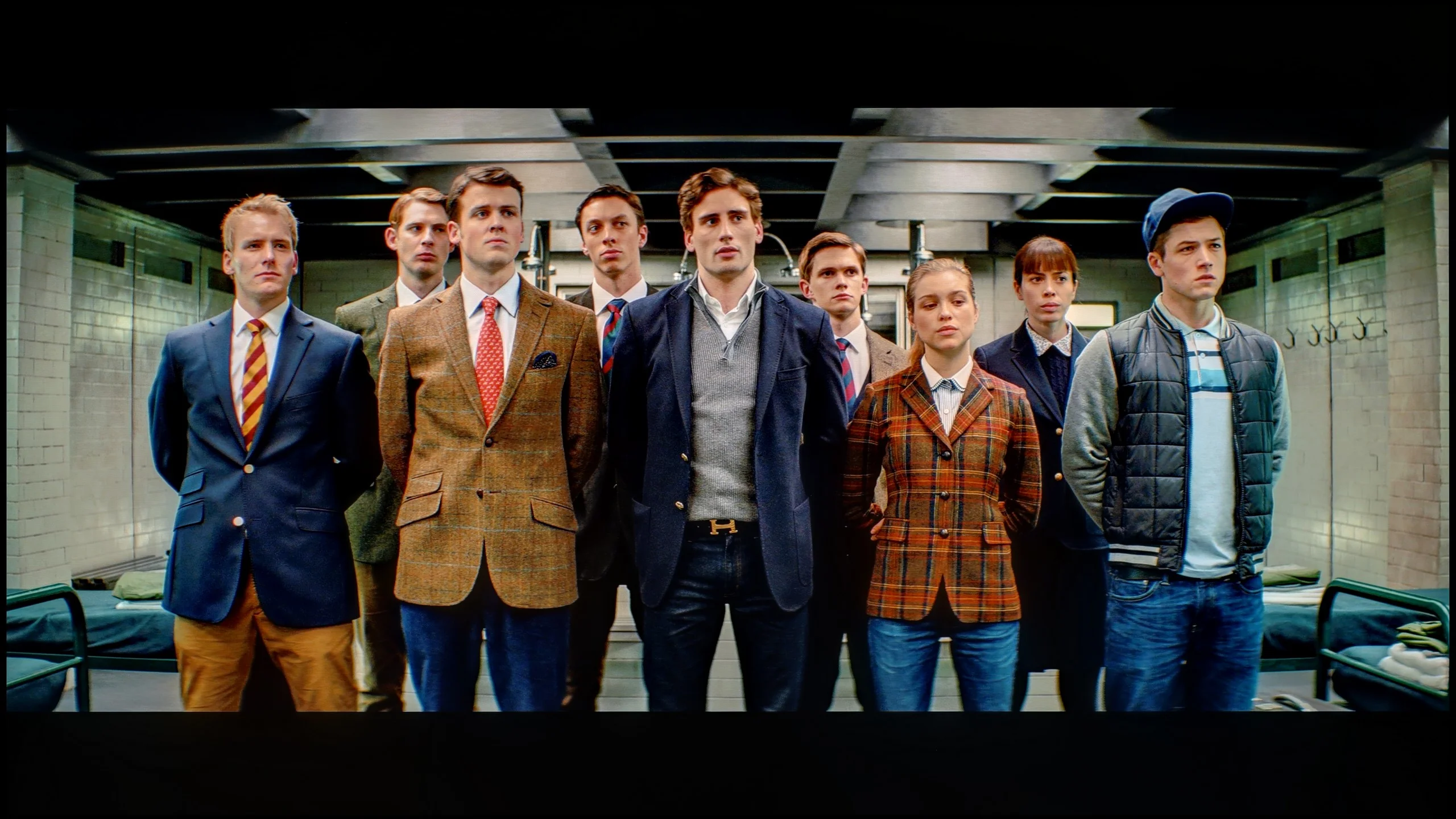
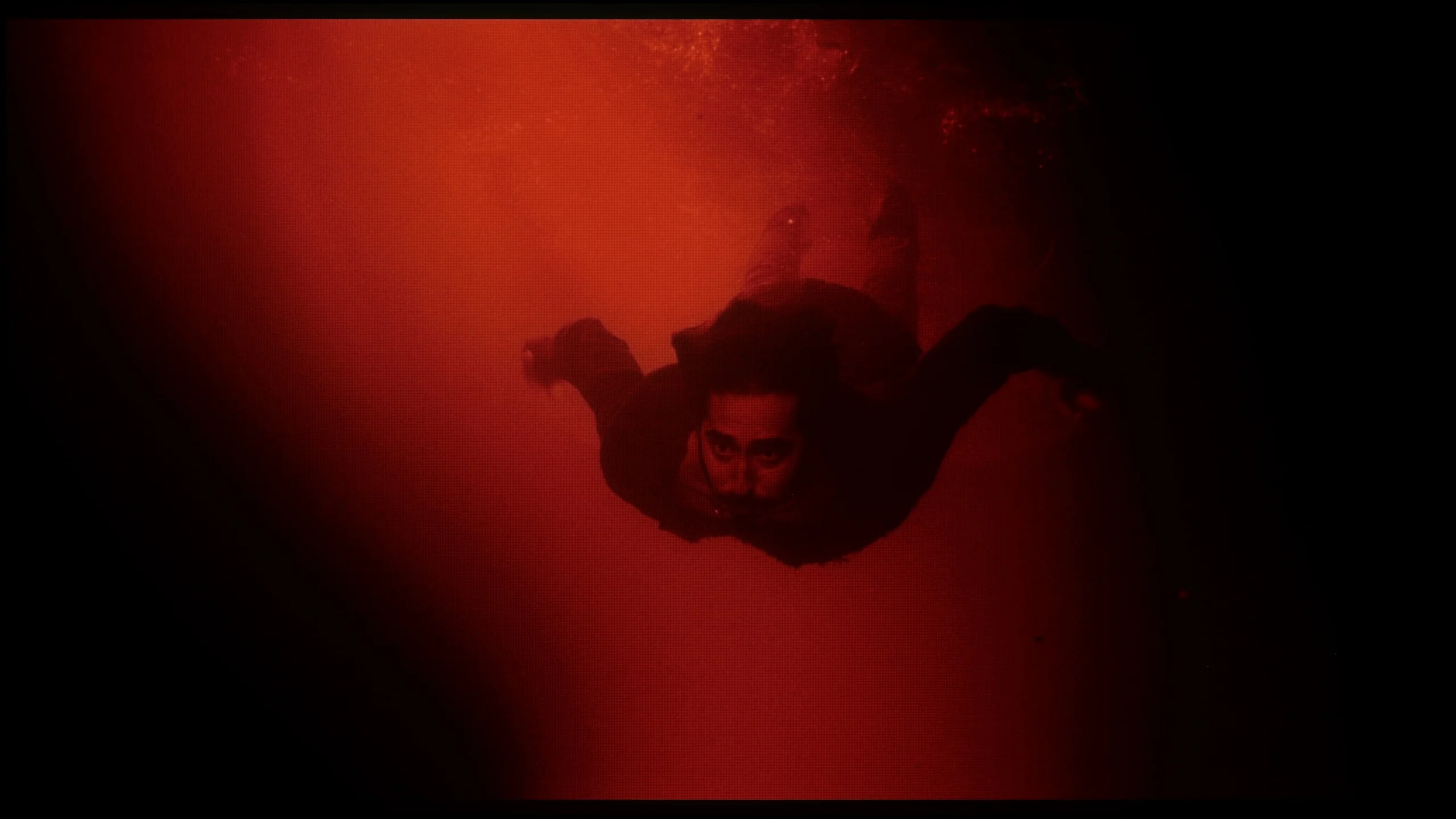
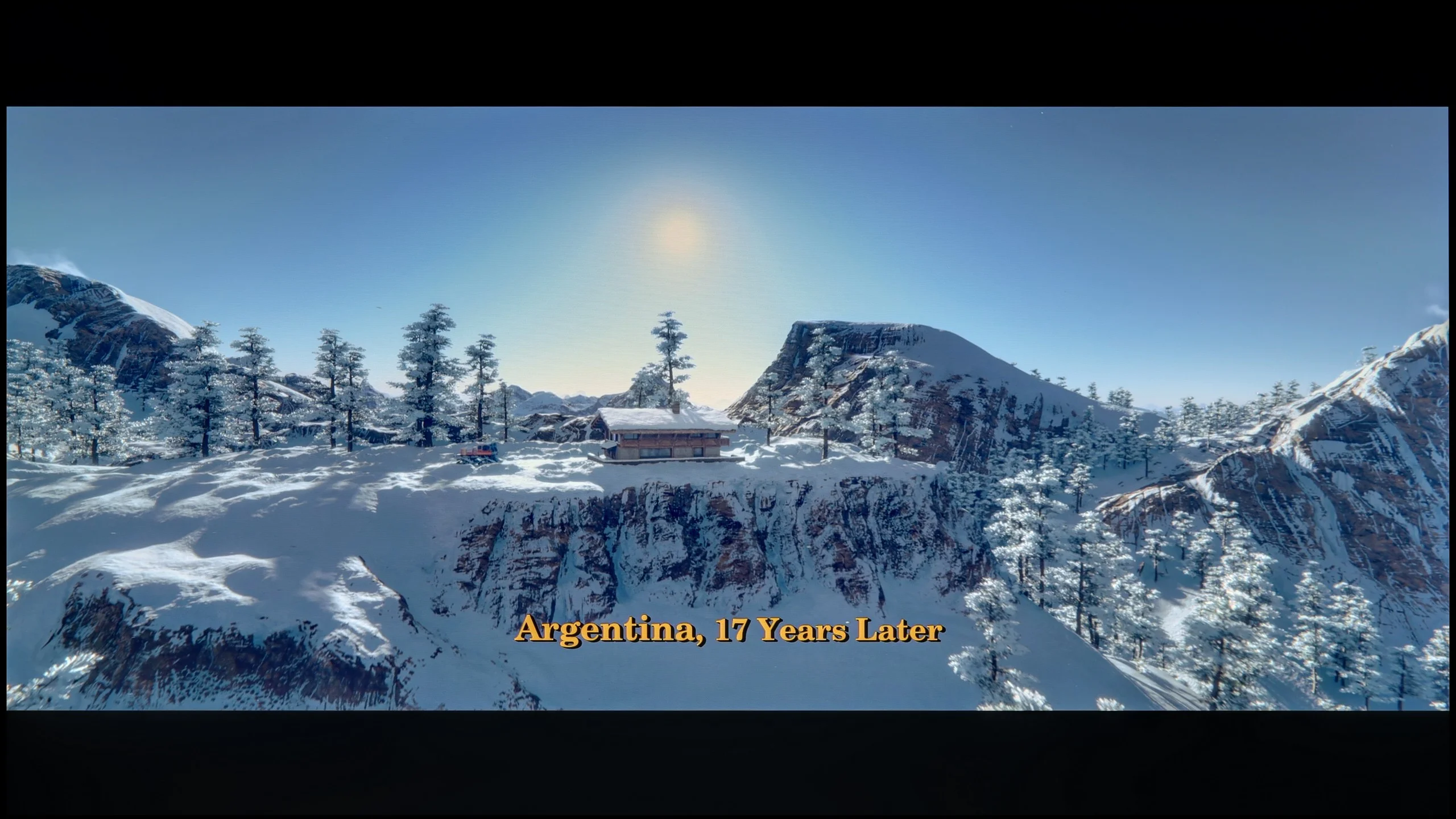
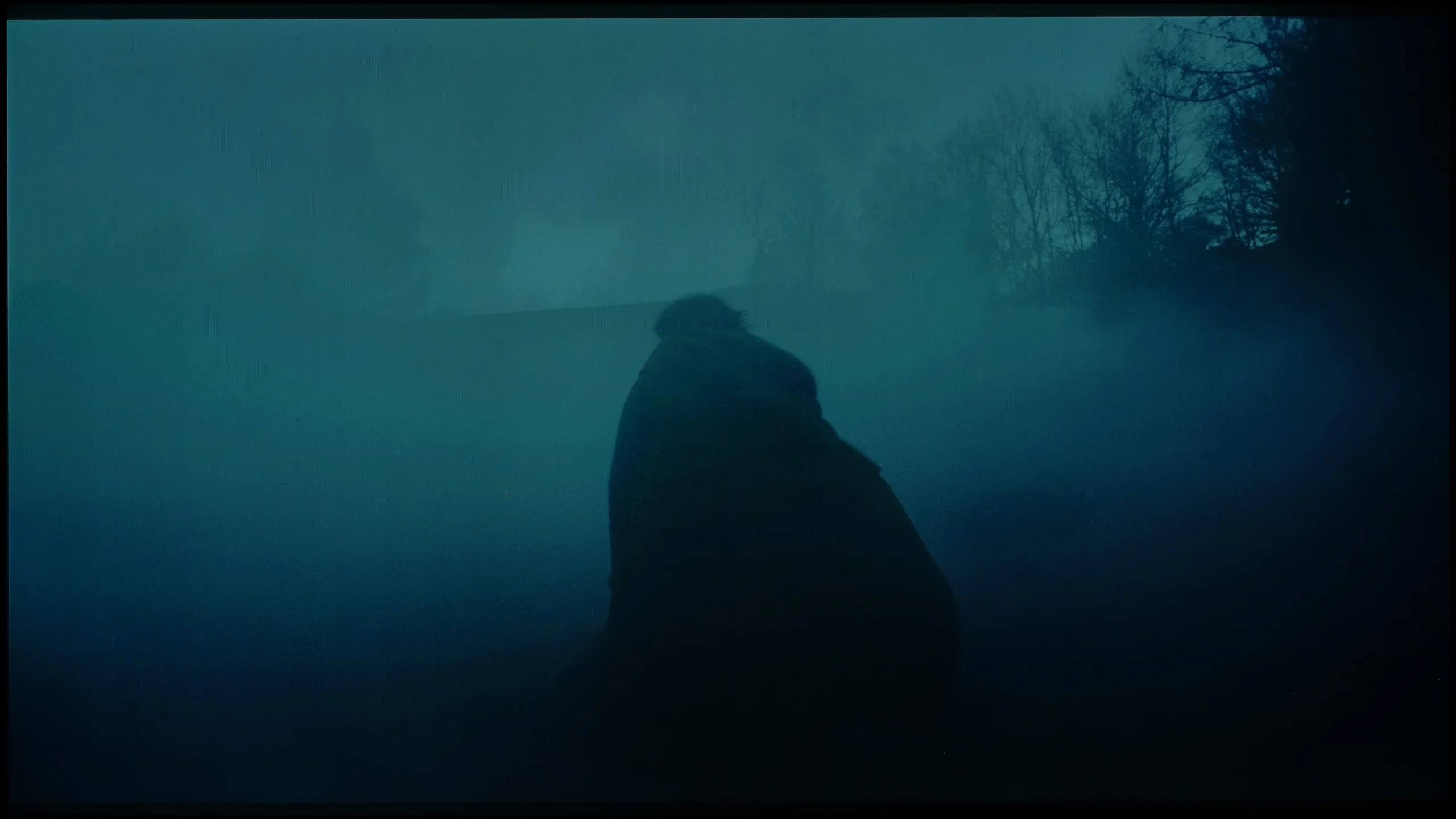
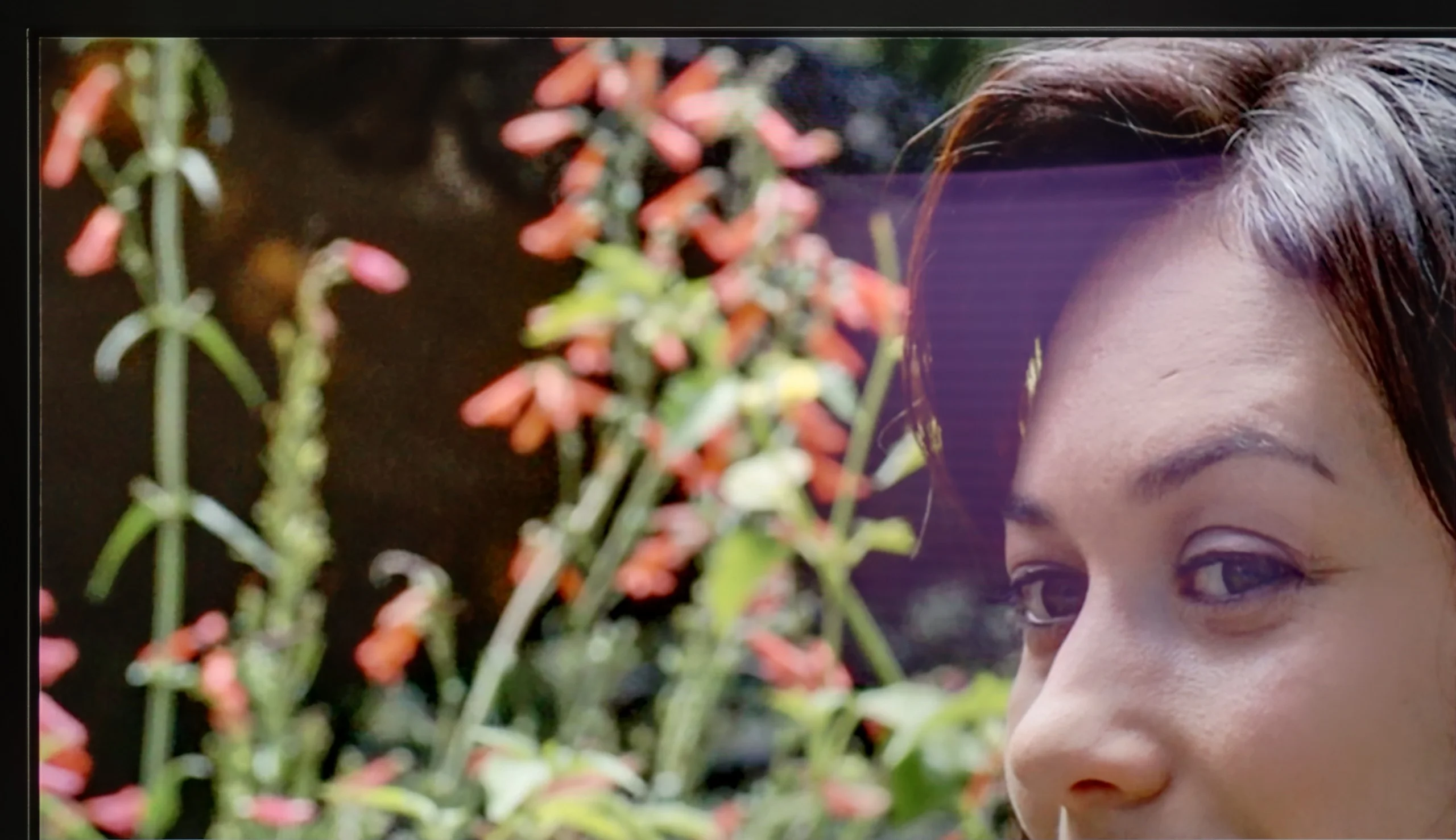
The photos show how movies look on the TV. Pay attention to black detail visibility, colors, and shadow tint.

The photos show how movies look on the TV. Pay attention to black detail visibility, colors, and shadow tint.

As can be seen, the OLED950 transforms into an absolutely phenomenal display after a professional calibration process, which without a shadow of a doubt can be placed in the same category as the best televisions currently available in the world. This equipment only needed a professional touch to show its full potential and eliminate factory shortcomings. The minimal errors in reproduction in Color Checker tests and the fidelity of the color palette speak for themselves. We are dealing with an almost perfect device here. A true window to the world, offering top-notch image quality.

The BRAVIA 6 responds well to picture calibration, although a large portion of user options are not available from the TV’s menu. Apart from basic white balance and gamma adjustments in SDR, it’s hard to control the other image elements. Fortunately, those adjustments alone can still make a big improvement. In SDR we were able to almost perfectly even out the white balance, removing the excessive warmth and stopping faces from looking too flushed. After fixing the gamma, darker areas are also more visible. With regular broadcast TV or YouTube content the result is clearly better than the factory settings.

In HDR we were also able to reduce the color cast, but a bigger issue remains in how the TV controls brightness. The BRAVIA 6 changes it somewhat unusually depending on the scene: some tones are dimmed, others brightened, and the available settings don’t let you fully correct that. You can see this in measurements taken from movies, where the brightness trace shows how the EOTF curve differs between shots. That leads to the aforementioned lifting of the darkest grays, which makes some night scenes too bright. Calibration therefore makes sense and especially in SDR delivers a natural, well-tuned picture. In HDR the color improvement is visible as well, but it doesn’t solve the brightness control issues or the preservation of the brightest details. It’s a shame, because with more control over what the TV does you could better exploit the panel’s capabilities.

Smoothness of tonal transitions

7.1/10

6.7/10

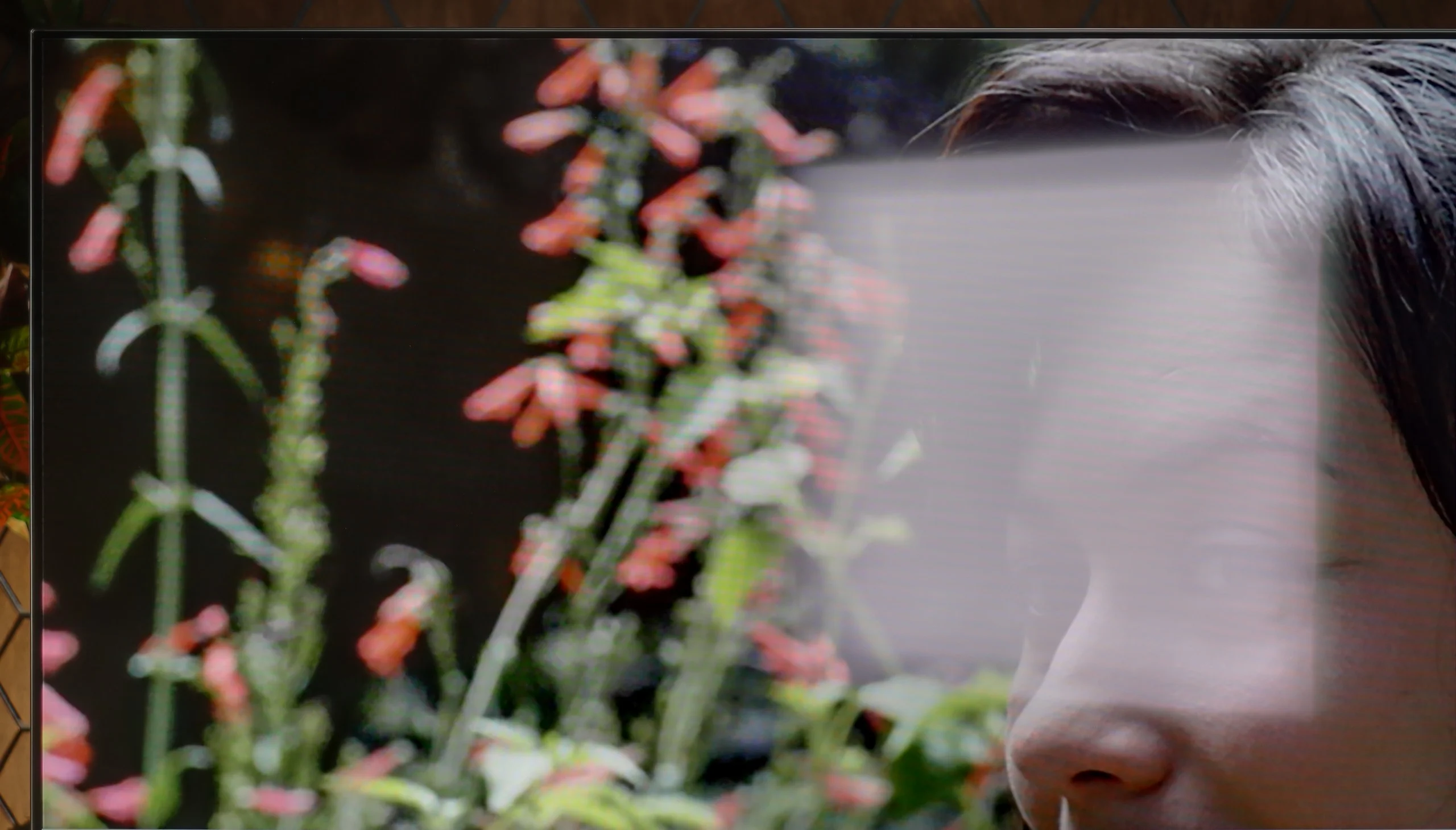
These are selected scenes that show smooth tonal transitions from one color to another. If you see distinct banding, it’s the TV panel’s fault.

These are selected scenes that show smooth tonal transitions from one color to another. If you see distinct banding, it’s the TV panel’s fault.

These are selected scenes that show smooth tonal transitions from one color to another. If you see distinct banding, it’s the TV panel’s fault.

These are selected scenes that show smooth tonal transitions from one color to another. If you see distinct banding, it’s the TV panel’s fault.

If we had to point out the weaker point of the OLED950 model compared to market competitors like the G5 or S95F, it would be, as with most TVs from this manufacturer, the digital signal processing. Although the processor used here is referred to as a "dual" processor, our tests did not show significant changes compared to the lower-positioned OLED910 model. The differences are in reality symbolic, which was reflected in only a cosmetic increase in the rating in this category. In very demanding, especially dark scenes, one can still occasionally notice issues with slight posterization. However, it should be clearly emphasized that this is a "flaw" that an average viewer very rarely notices during normal usage, and the overall reception remains at a high level.

The smoothness of tonal transitions on the BRAVIA 6 is fairly average. In every scene we tested you can spot small irregularities where one shade should blend into the next. In bright shots they're subtle and easy to miss, while darker tones cause more problems. On shadowed backgrounds the boundaries between tones are more noticeable, so instead of a smooth transition you see distinct bands. We observed similar imperfections in other TVs we tested with the OLED SE panel. Interestingly, running the same scenes in Dolby Vision makes the gradation a bit worse. These aren't problems that ruin an entire viewing session, but on uniform backgrounds and in darker shots they can draw more attention.

Image scaling and smoothness of tonal transitions

7.1/10

6/10

Image without overscan on the SD signal
OK
OK
Smooth transition function
OK
OK

Smooth transition function

The match photo shows how the TV smooths weak tonal transitions in low-quality video.

Image scaling SD (576i)

The model photo shows how it handles upscaling of SD material.

Upscaling

In terms of image scaling, the proprietary P5 processor performs just as well as in most models from this manufacturer. Lower resolution content takes on a very soft and plastic character. Such a presentation will certainly appeal to many. However, if you prefer sharper contours, you can gently enhance them with the appropriate slider in the TV menu. In this aspect, it's really hard to pick on anything. The image simply looks very good and additionally there is no problem with the phenomenon of overscan.

Smoothing and Distortion Reduction

The tonal transition smoothing feature fares a bit worse. In the settings, we find an option called “Distortion Reduction.” This allows for three levels of processor intervention adjustment. Unfortunately, the Minimum setting works poorly and the smoothing effects are negligible. The Medium level gives a decent result, but it also starts to smooth out the skin details of actors. On the other hand, the Maximum setting works too aggressively. It removes definitely too many details from the face and background elements or can even take away the film grain. To achieve the optimal effect, it's worth playing around with these settings at home and adjusting them to your preferences. It might seem that the Medium option represents the best compromise here.

The "magic" of image processing in Sony TVs has been talked about for years, and we've repeatedly confirmed its effectiveness in higher-end models. However, the BRAVIA 6 shows that the Japanese manufacturer's logo alone doesn't guarantee equally good results. Despite using the MediaTek Pentonic 800 processor, the TV does a rather average job smoothing banding between shades in heavily compressed material. The available "De Contour" function on the medium setting helps a little, but some uneven transitions remain visible. On the plus side, we didn't notice any obvious blurring of details or extra artifacts. It's worth using for weaker recordings, though its effectiveness is far from what we've come to expect from the manufacturer's TVs. Upscaling lower-resolution content performs better. The image is a bit soft, but most fine details remain clearly visible. In the scene with the model you can make out both the tree's texture and the thin branches in the background, so the gentler sharpness doesn't automatically mean a loss of detail. There's also no overscan issue: the TV shows the full frame, without cropping the edges even with an SD signal.

Blur and motion smoothness

8.5/10

8.5/10

Maximum refresh rate of the panel
144Hz
120Hz
Film motion smoothing option
OK
OK
Blur reduction option
OK
OK
BFI function 60Hz
No
No
BFI function 120Hz
No
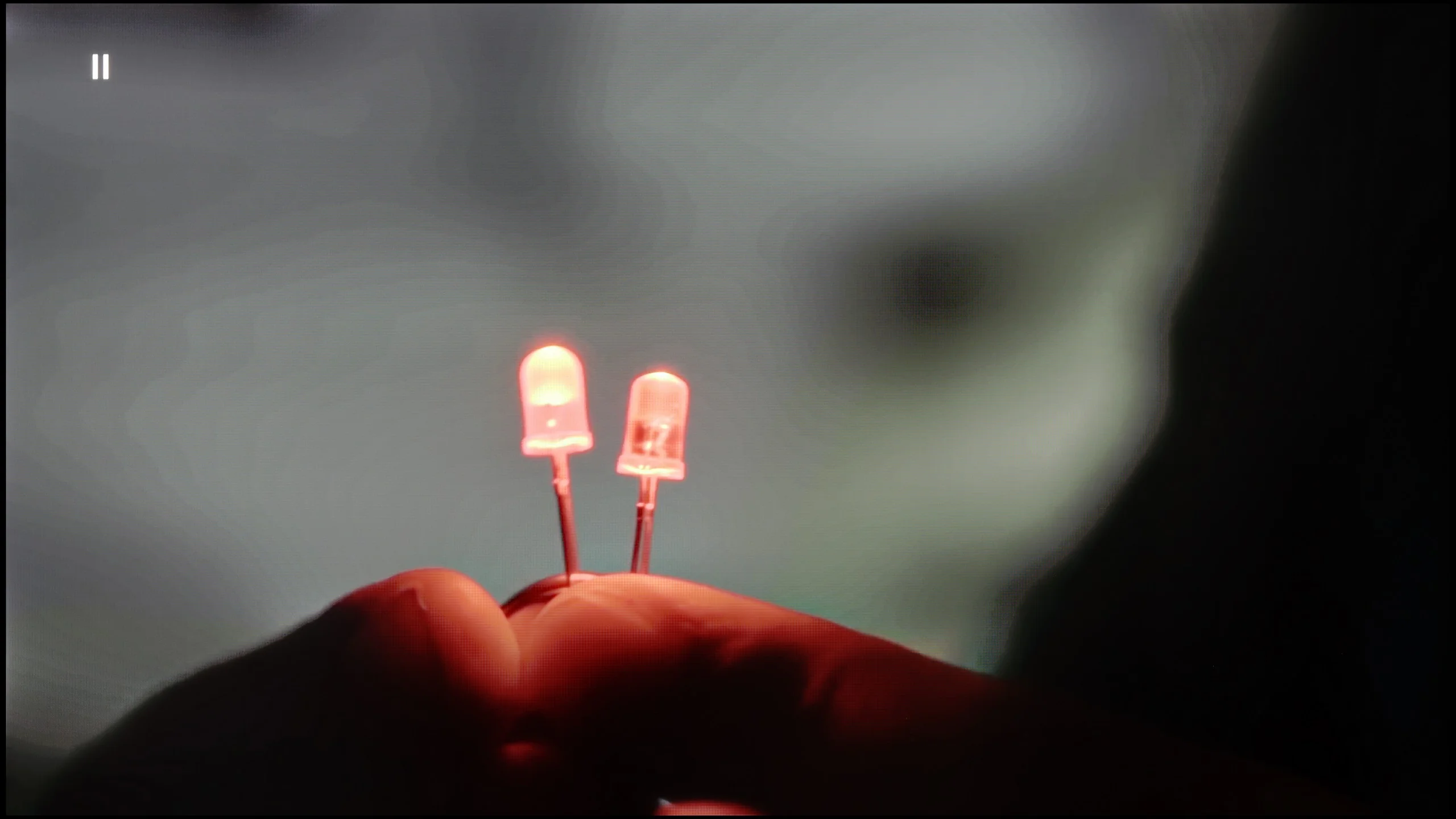
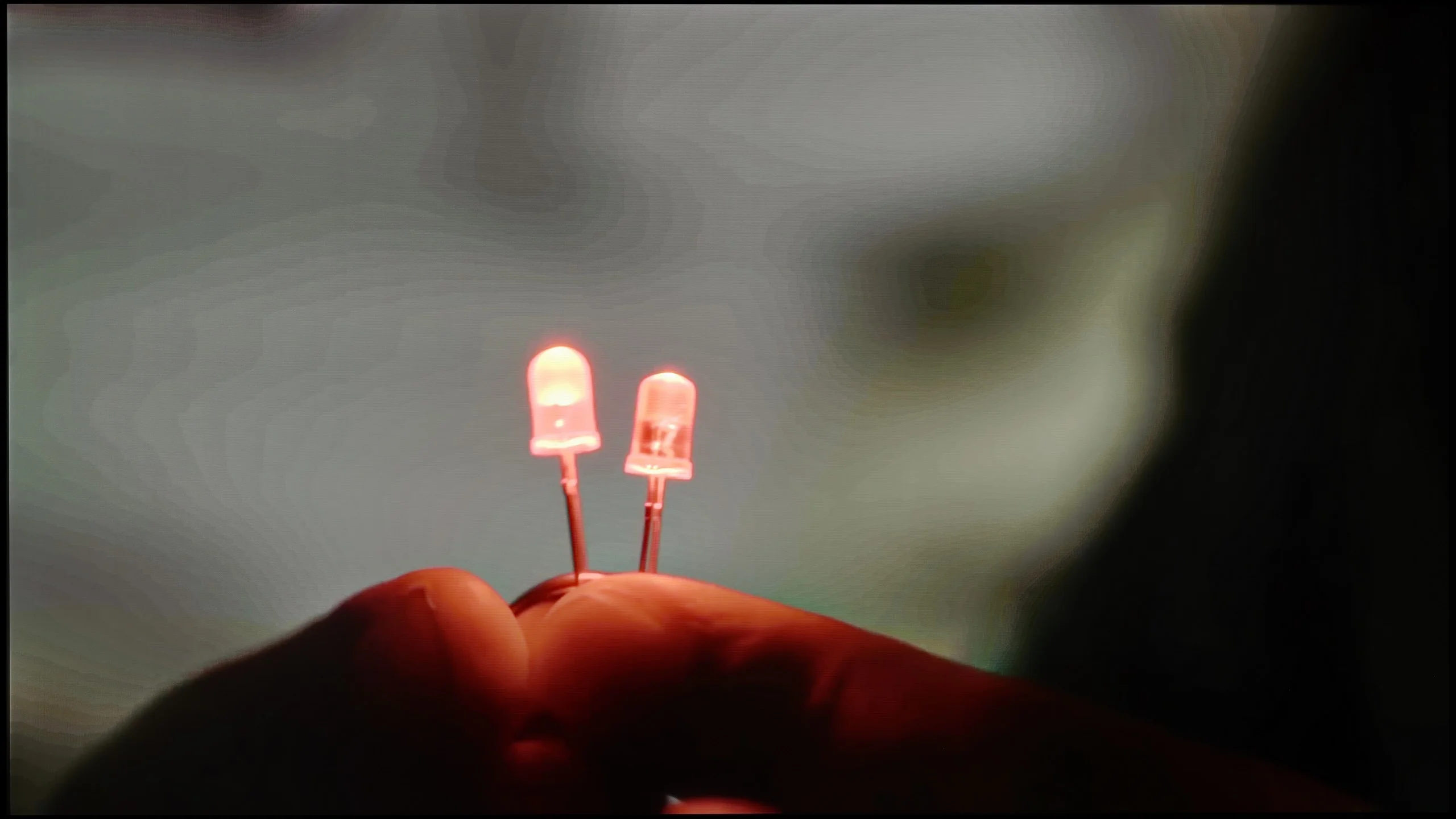
No
Brightness drop with BFI
-%
-%

Blur (native resolution, maximum refresh rate):

Blur (4K@144Hz):

Blur (4K@60Hz):

The motion representation in the OLED950 model is virtually perfect. This is typical for screens of this type (OLED 120Hz+), as the matrix shows no blurring at all. Thanks to this, we can enjoy flawless sharpness in practically any conditions. A big part of this is not only due to the specifics of organic technology. Equally important work is done by the smoothing systems implemented by the manufacturer.

In fast-moving scenes the BRAVIA 6 performs very well. The OLED panel responds almost instantly, so moving objects leave virtually no trailing, even against dark backgrounds. Combined with a 120 Hz refresh rate this results in a sharp image for watching sports and gaming. In this respect the TV delivers exactly what we expect from an OLED.

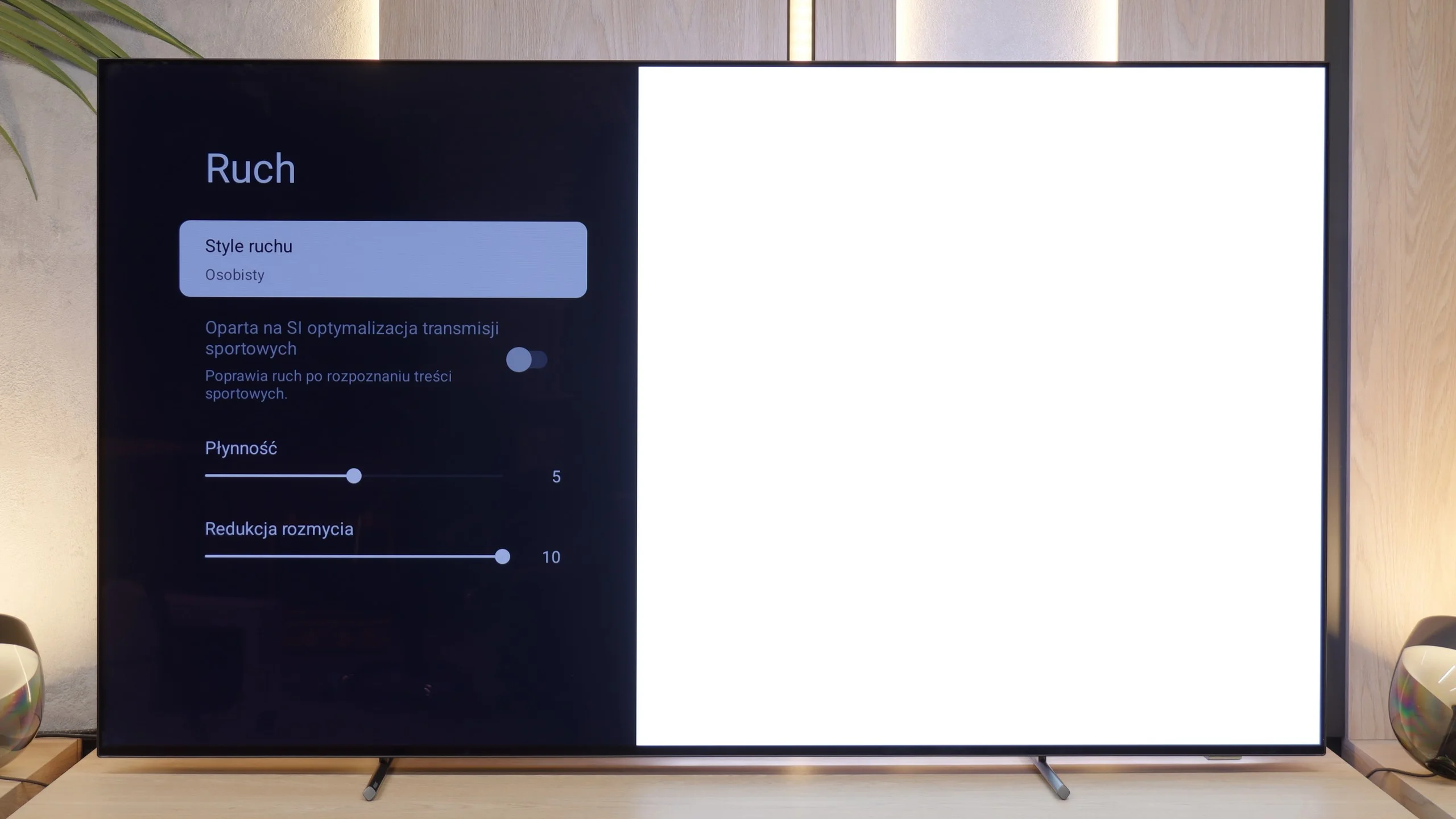
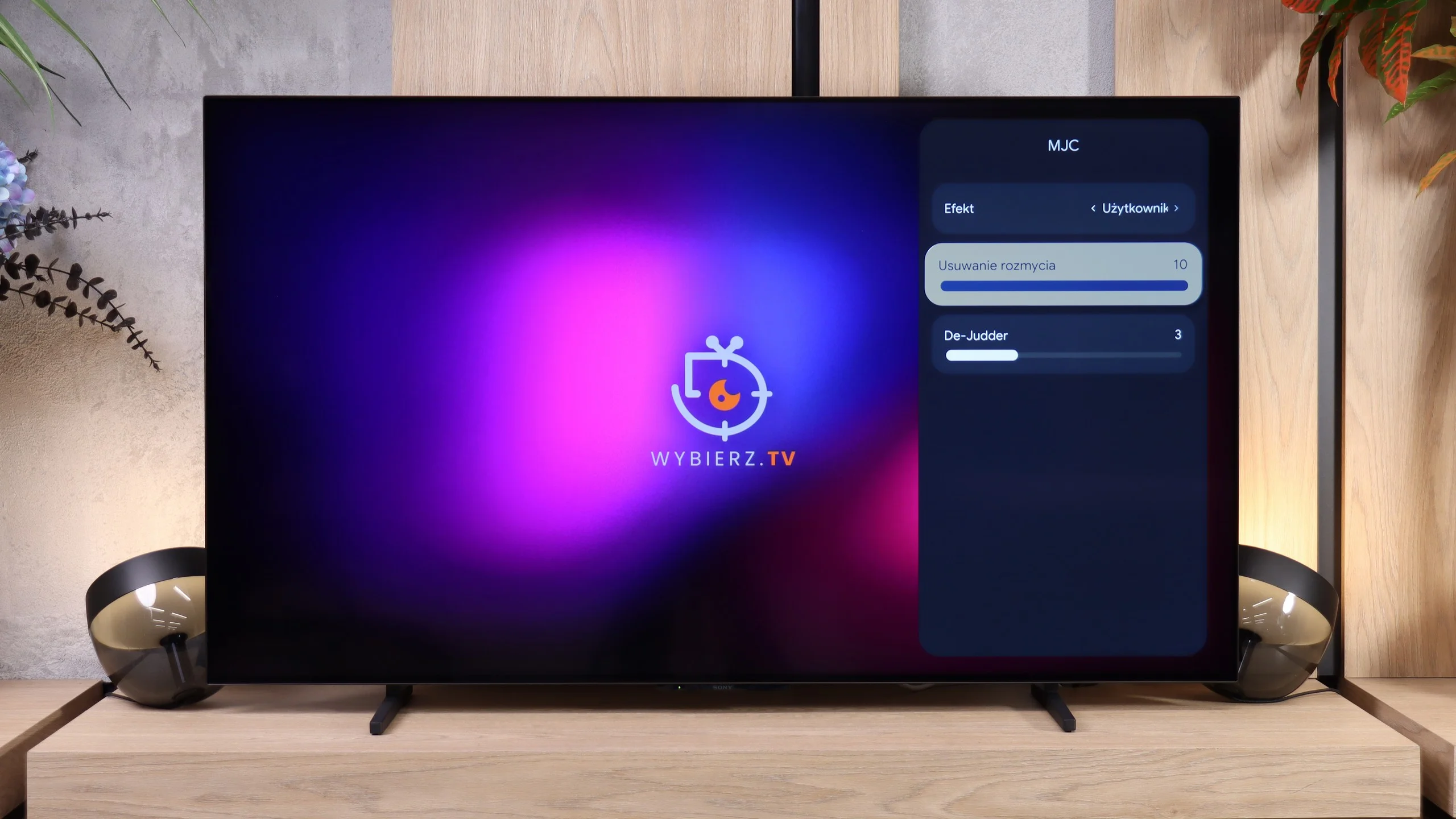
The motion settings menu looks considerably less typical for Sony. Instead of the familiar Motionflow system you'll find a feature called "MJC", which in both appearance and naming more closely resembles solutions from budget TVs by other brands. There are two sliders available: "Blur Removal", which here is the equivalent of the "Smoothness - Film" setting, and "De-Judder", corresponding to the "Smoothness - Camera" adjustment on other Sony models. The motion smoothing works fine and lets you tailor motion to your preferences, although people switching from another BRAVIA will be surprised by the new menu on the TV.

Console compatibility and gaming features

9.8/10

7.5/10

  • ALLM
    Yes
    Yes
  • VRR
    Yes
    Yes
  • VRR range
    48 - 144Hz
    48 - 120Hz
  • Dolby Vision Game Mode
    Yes
    Yes
  • Correct implementation of HGIG
    Yes
    No
  • 1080p@120Hz
    Yes
    Yes
  • 1440p@120Hz
    Yes
    No
  • 4K@120Hz
    Yes
    Yes
  • Game bar
    Yes
    No

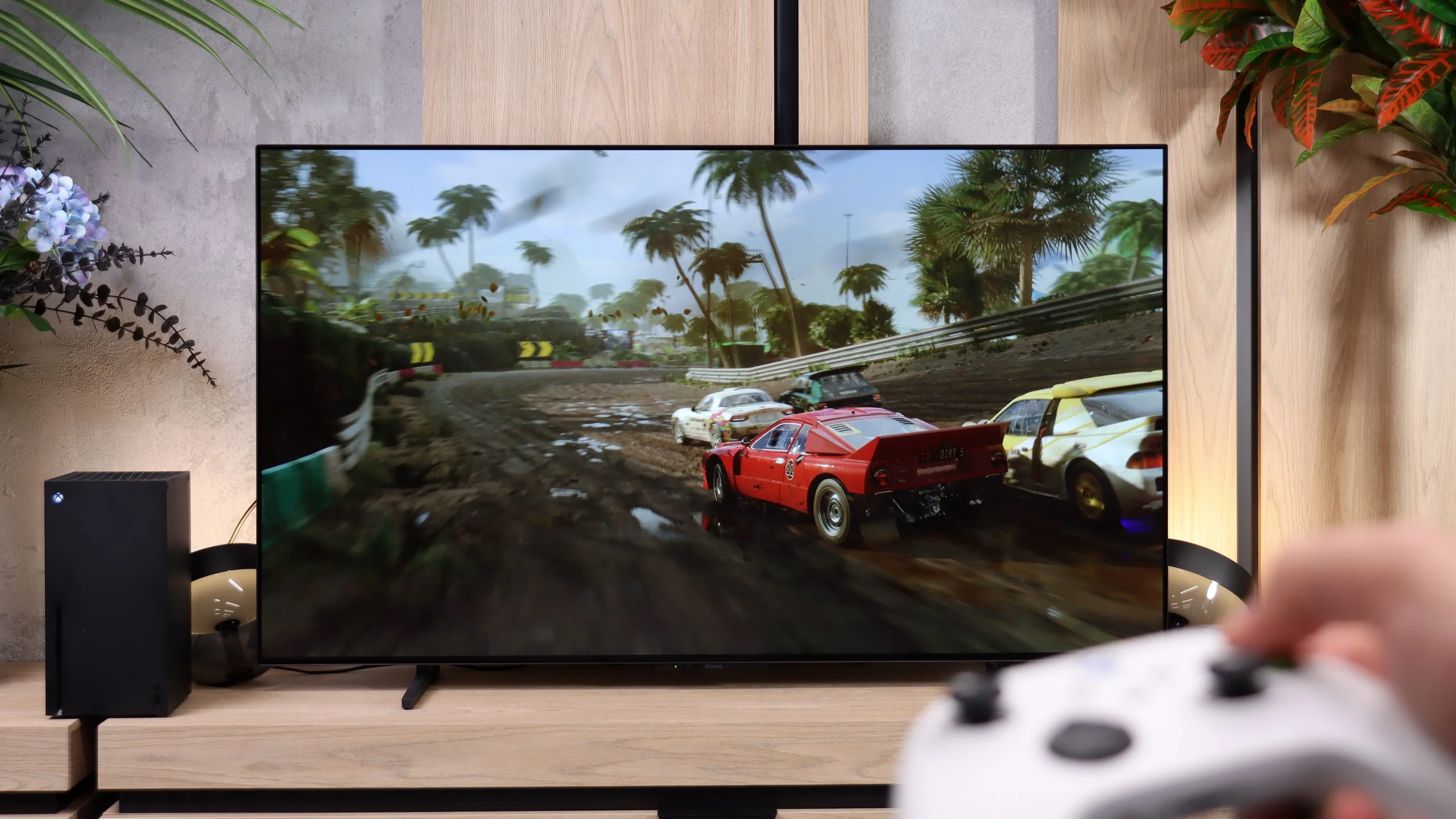
OLED950 is almost the perfect TV for gamers. This is not only due to the unique atmosphere that the Ambilight system creates during gameplay. The most important aspect here is the solid hardware support. We find literally everything that one should expect from a modern gaming screen today. The manufacturer has implemented two HDMI 2.1 ports with full bandwidth of 48 Gb/s. This gives us access to gaming in 4K resolution at 120 frames per second. Of course, support for VRR technology and the ALLM automatic game mode is also included. The device handles any HDR signal effortlessly, whether we are using Dolby Vision or the HGiG standard.

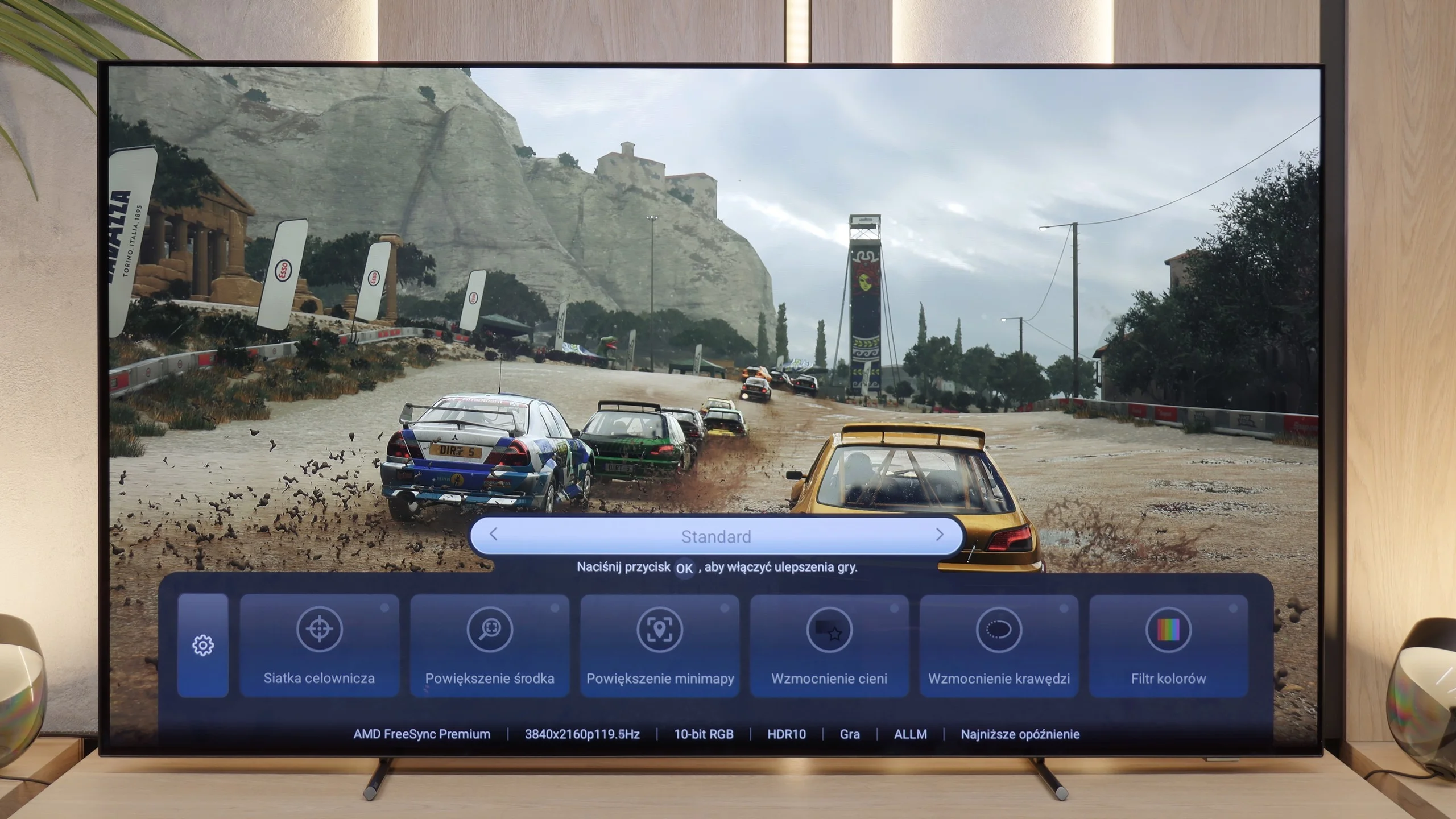
Access to all settings is available from one place thanks to the special Game Bar overlay. Although this interface may not be the most graphically attractive on the market, it fully serves its purpose. It displays all the most important signal parameters and offers useful additions. Gamers can take advantage of the mini-map zoom function or add a permanent crosshair on the screen, which can be seen as a small aid in online competition. Adjusting the contrast range also proves useful. It allows for brightening shadows and achieving better visibility of enemies hidden in the dark corners of the map.

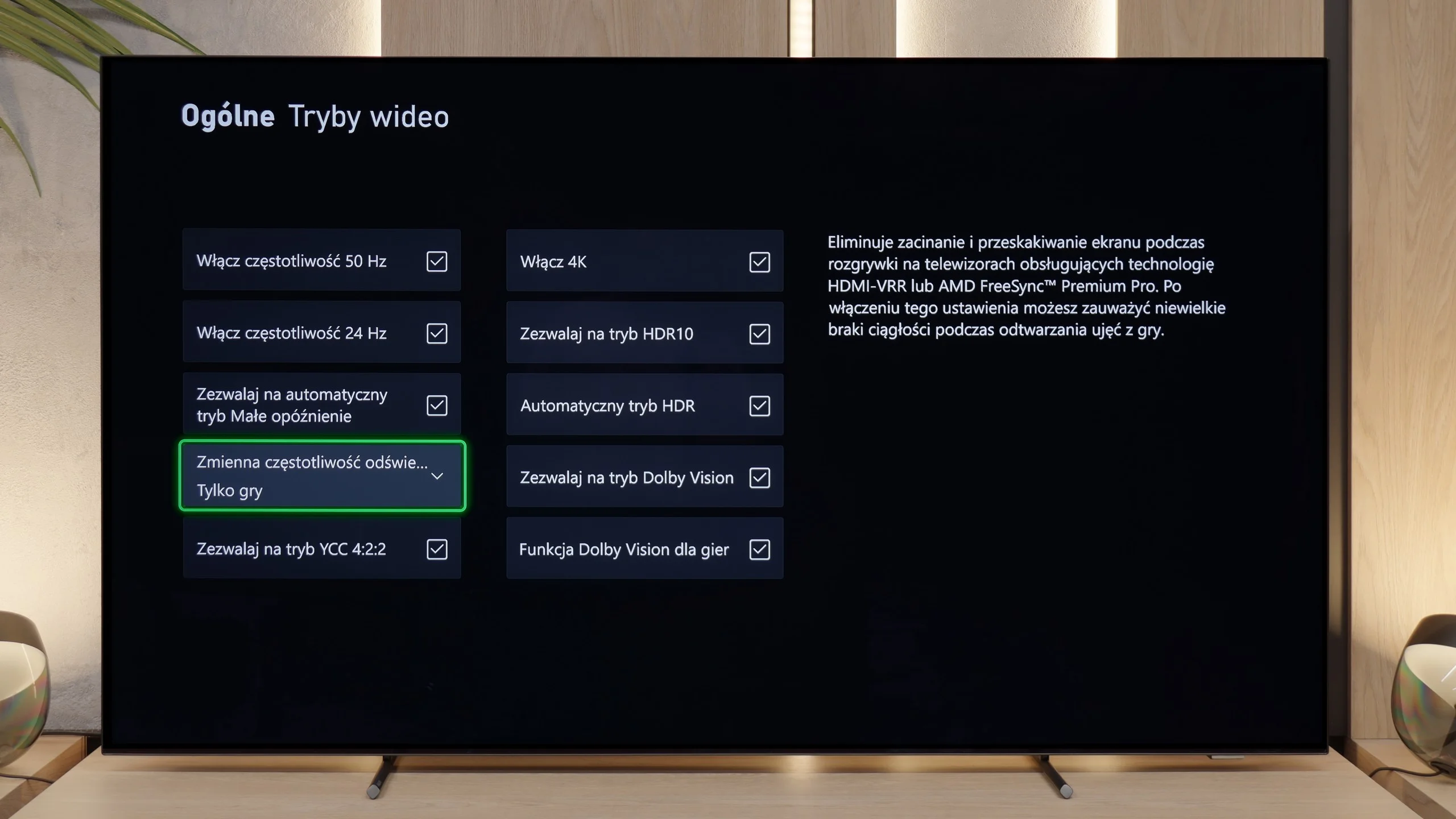
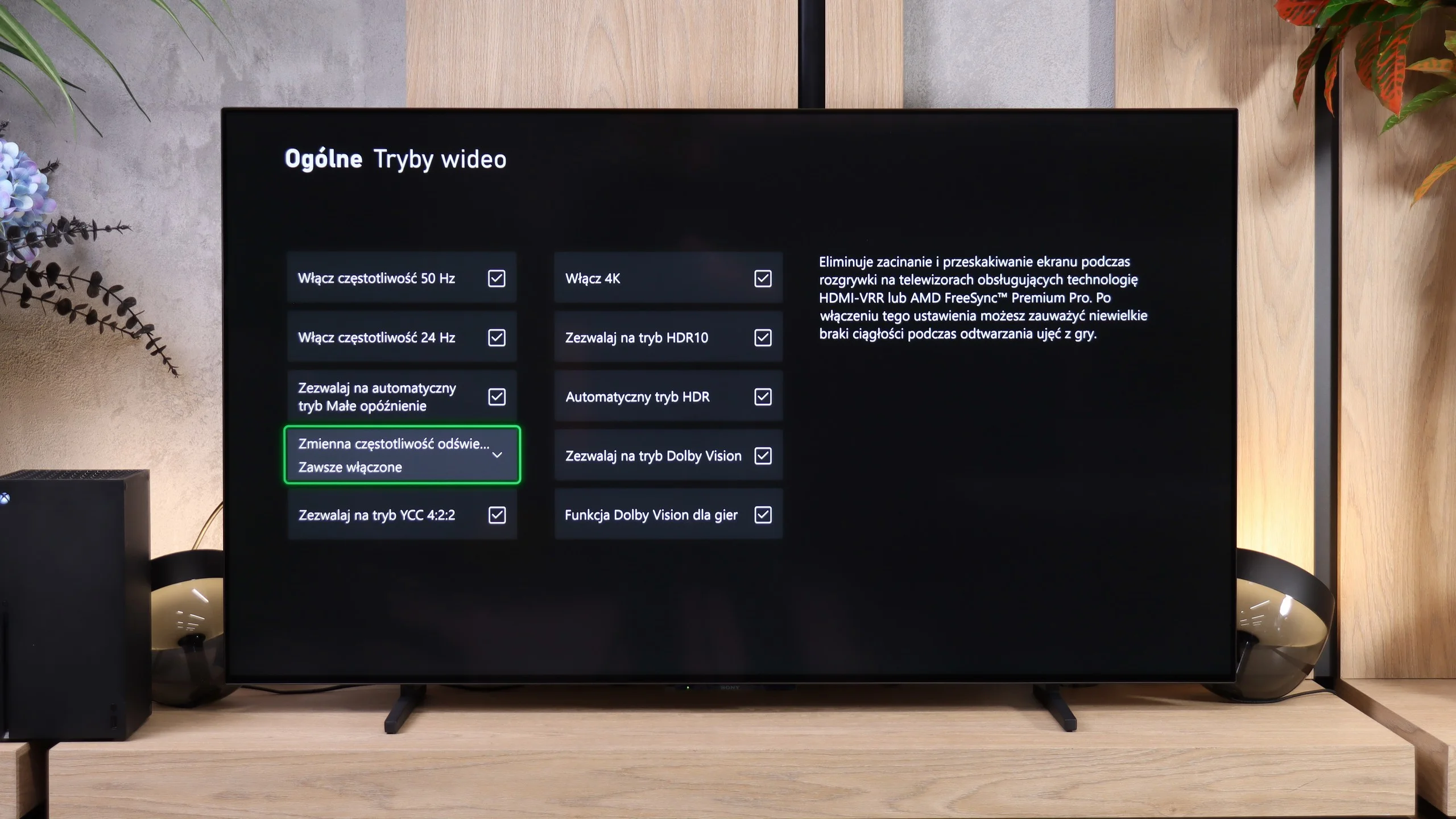
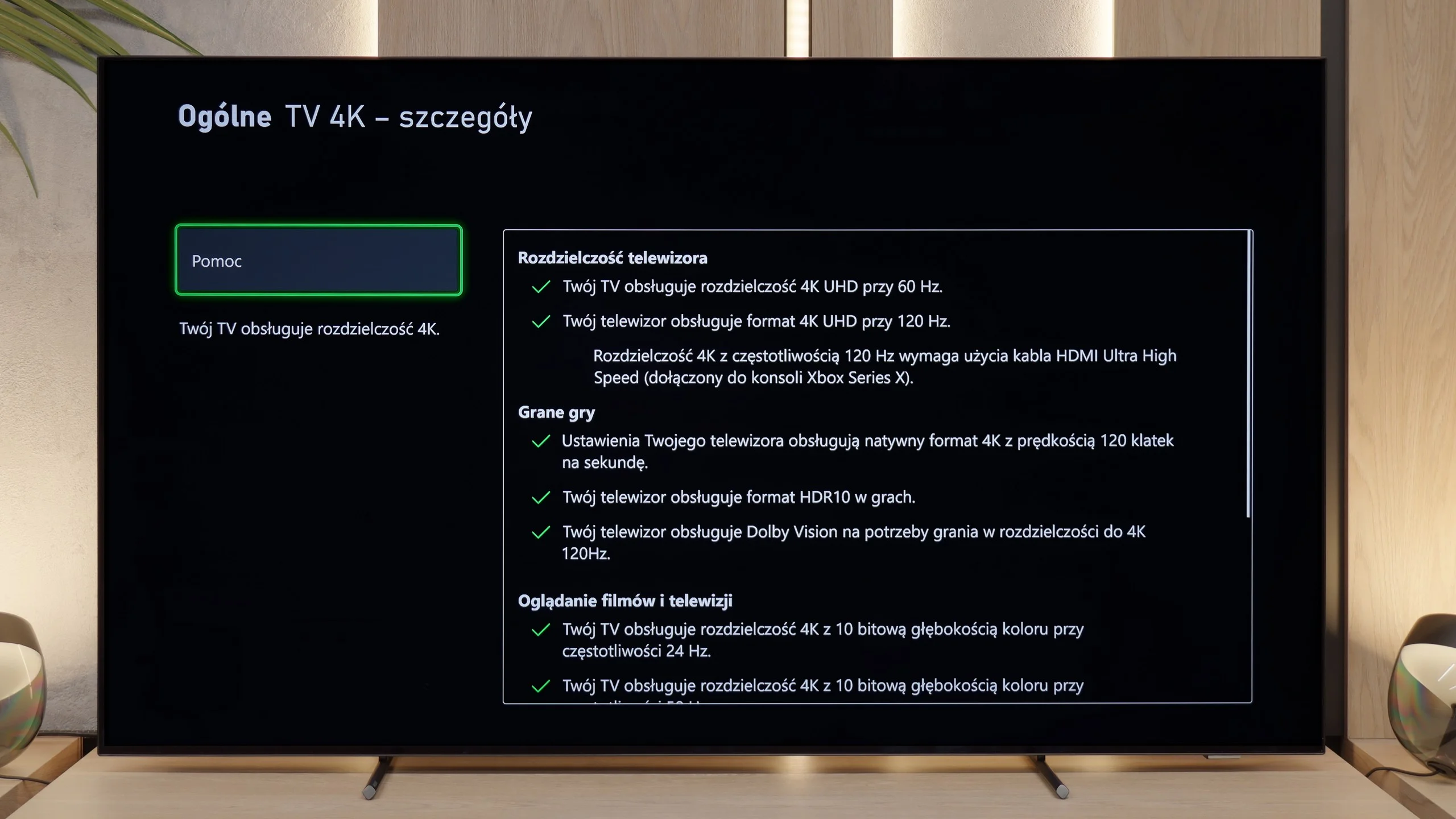
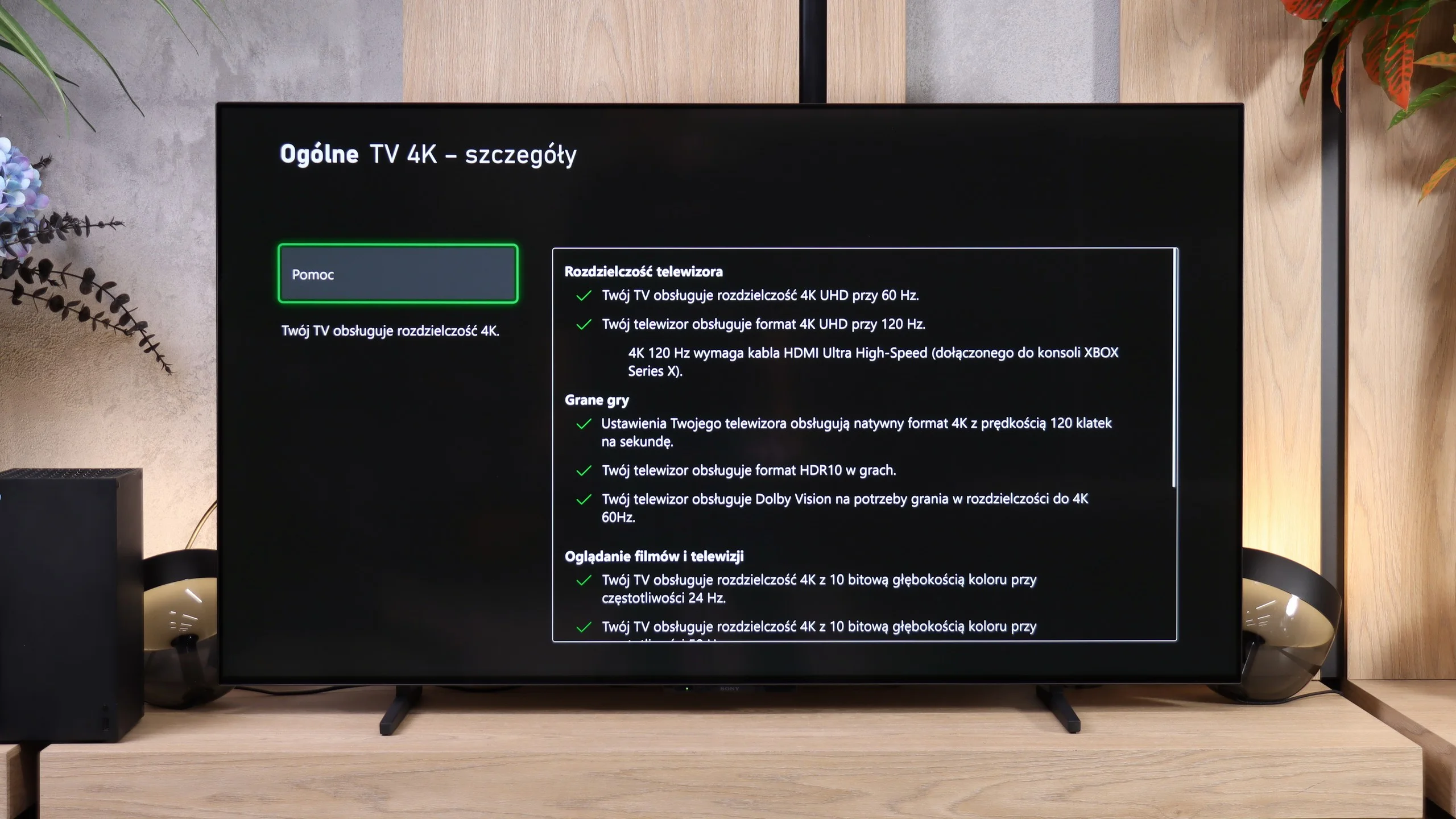
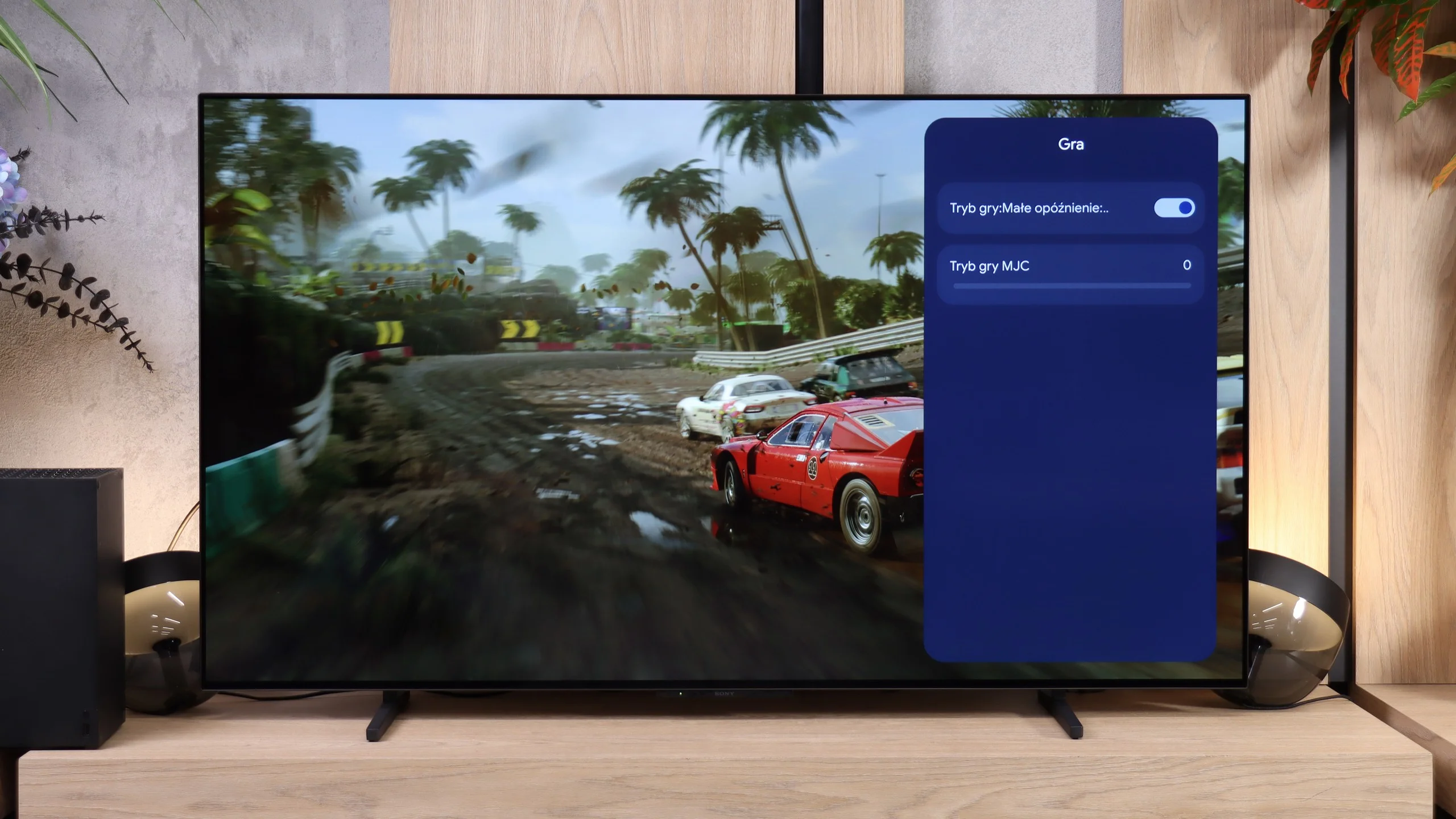
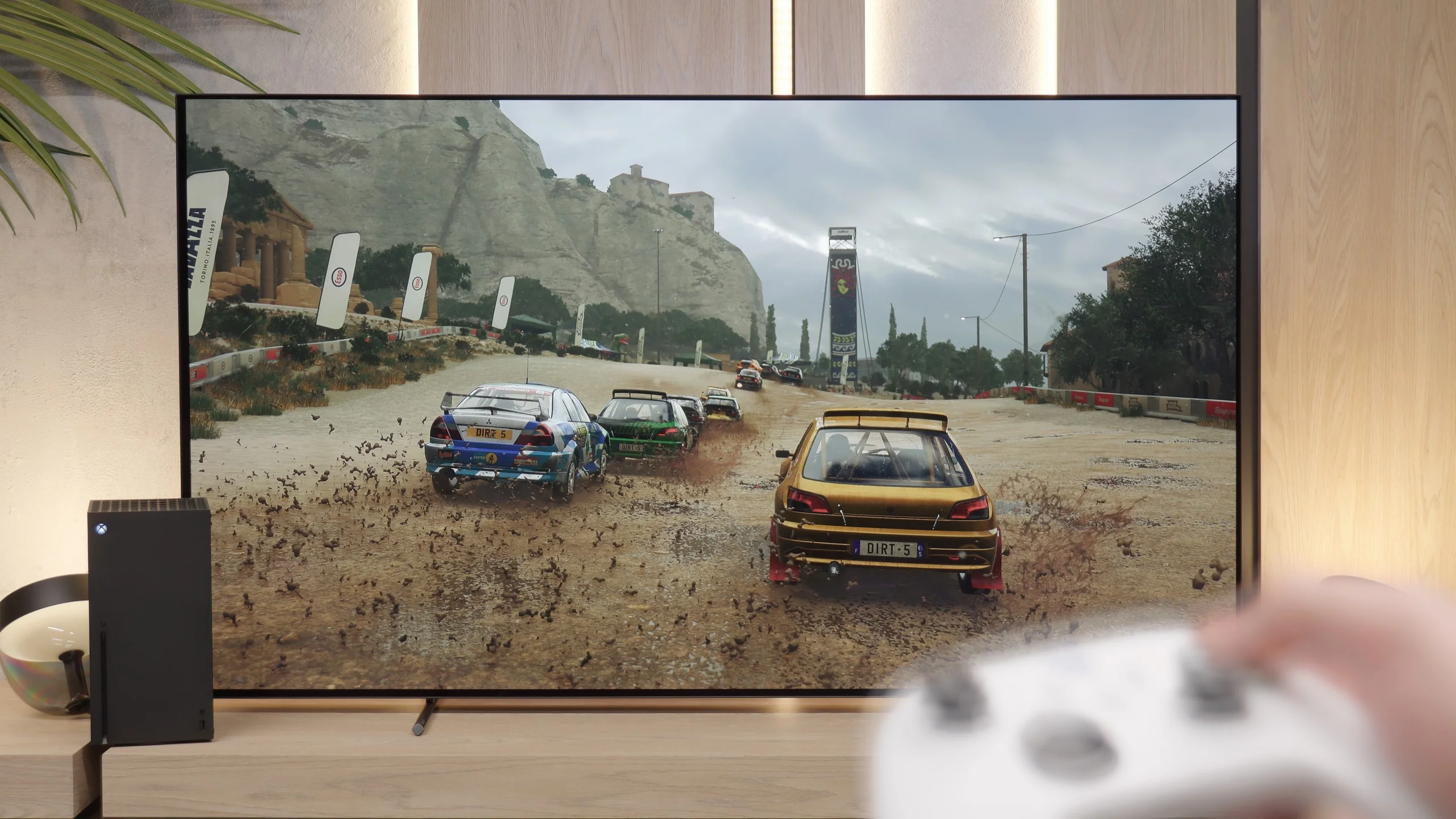
Gaming on the Sony BRAVII 6 is very good. The image quality is solid, the OLED panel has fast response, and support for 4K at 120 Hz means the TV also handles fast-paced titles well. Players who expect more than just smooth gameplay will quickly notice a few unusual omissions and shortcomings. Let’s start with the biggest change compared to other SONY models: the BRAVIA 6 has four full HDMI 2.1 inputs with 48 Gbps bandwidth, thanks to the new MediaTek Pentonic 800 platform. So you can connect several gaming devices and a soundbar without sacrificing a high refresh rate on any source. Each port supports ALLM, which automatically enables low-latency mode, and VRR from 48 to 120 Hz, which syncs the display’s refresh rate to the game’s frame rate. Dolby Vision also works at 120 Hz with low input lag. HDR setup is less convincing. HGiG does not work properly, and the test checkerboard used for console calibration disappears only at around 1000 nits, even though the panel does not reach that brightness. Relying solely on that pattern can therefore lead to loss of detail in the brightest parts of a game. In settings where you can enter brightness in nits, it’s better to use about 700 nits, a value closer to the screen’s capabilities. We also didn’t find a Game Bar, although marketing materials imply a basic version is present. The review unit only had a sparse game settings menu. There’s also the now-familiar Sony limitation of no 1440p at 120 Hz. That won’t be an issue when playing on a console in 4K. PC gamers, however, may feel the restriction if they want 1440p to get more frames than in 4K while keeping more detail than Full HD.

Input lag

10/10

10/10

SDR

1080p60
12 ms
14 ms
1080p120
5 ms
5 ms
2160p60
12 ms
14 ms
2160p120
5 ms
5 ms

HDR

2160p60
12 ms
14 ms
2160p120
5 ms
5 ms
4320p60

Dolby Vision

2160p60 DV
12 ms
13 ms
2160p120 DV
5 ms
5 ms

According to what we have come to expect from televisions in this segment, the signal delay in this model is practically negligible. Our measurements indicated nearly reference values: just 5 ms at a refresh rate of 120 Hz and 12 ms for a 60 Hz signal. This means an instantaneous response to every command issued via a controller, mouse, or keyboard. With such low results, the only limitation during dynamic online gameplay is now just your own reflexes and lack of "skill," not the hardware. 😉

Input lag on the BRAVIA 6 is very low. At 60 Hz we measured 13–14 ms, and switching to 120 Hz brings it down to just 5 ms. That means the TV responds quickly to controller inputs and doesn't interfere with gameplay.

Compatibility with PC

6.5/10

7.6/10

Chroma 444 (max. resolution and refresh rate)
No
Yes
Font clarity
Average
Good
Readability of dark text and shapes
Very Good
Very Good
Input lag in PC mode (4K, max. refresh rate)
5ms
5ms
Matrix subpixel arrangement
BWRG
RGWB
Max refresh rate
144Hz
120Hz
G-Sync
Yes
Yes

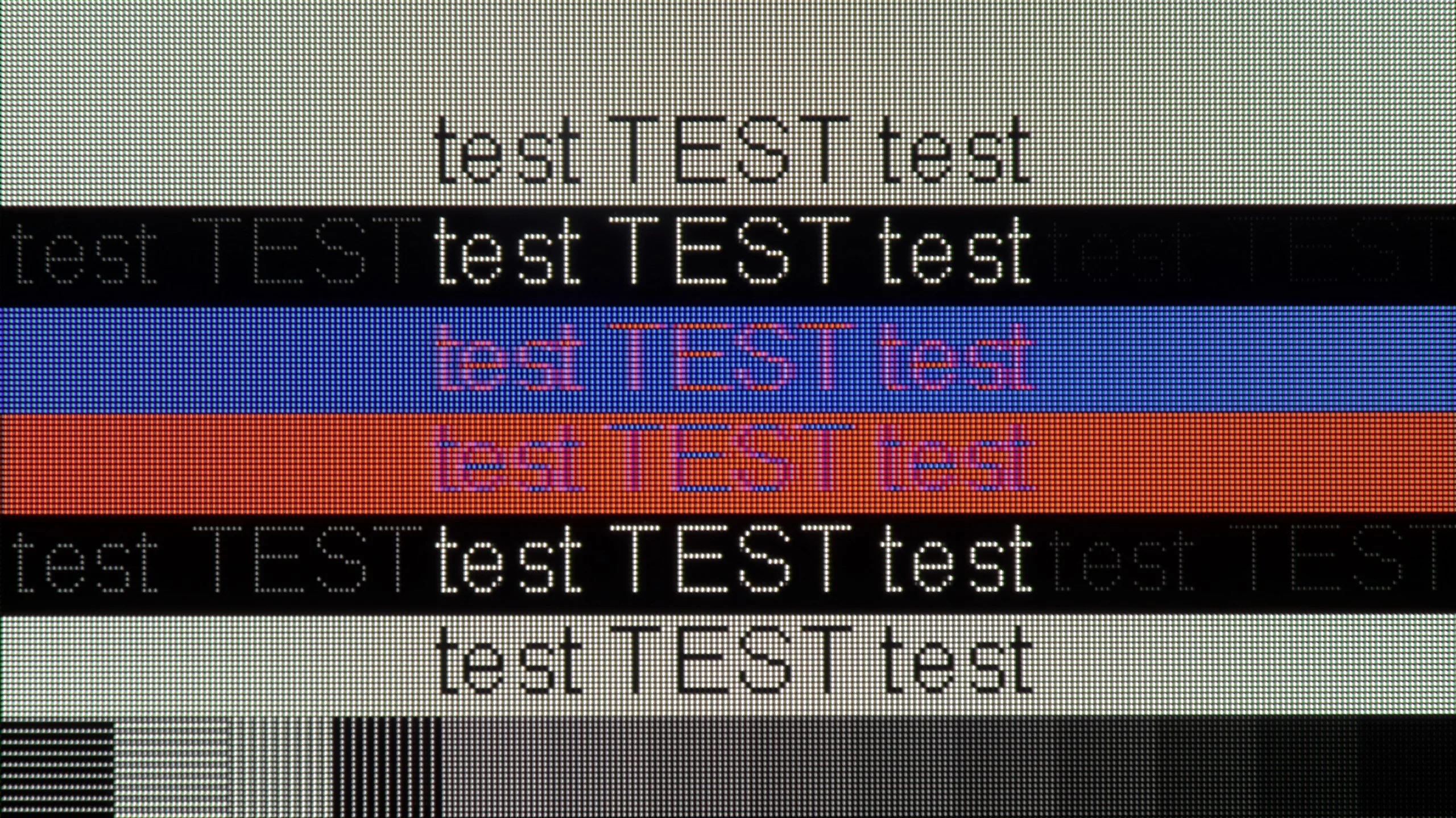
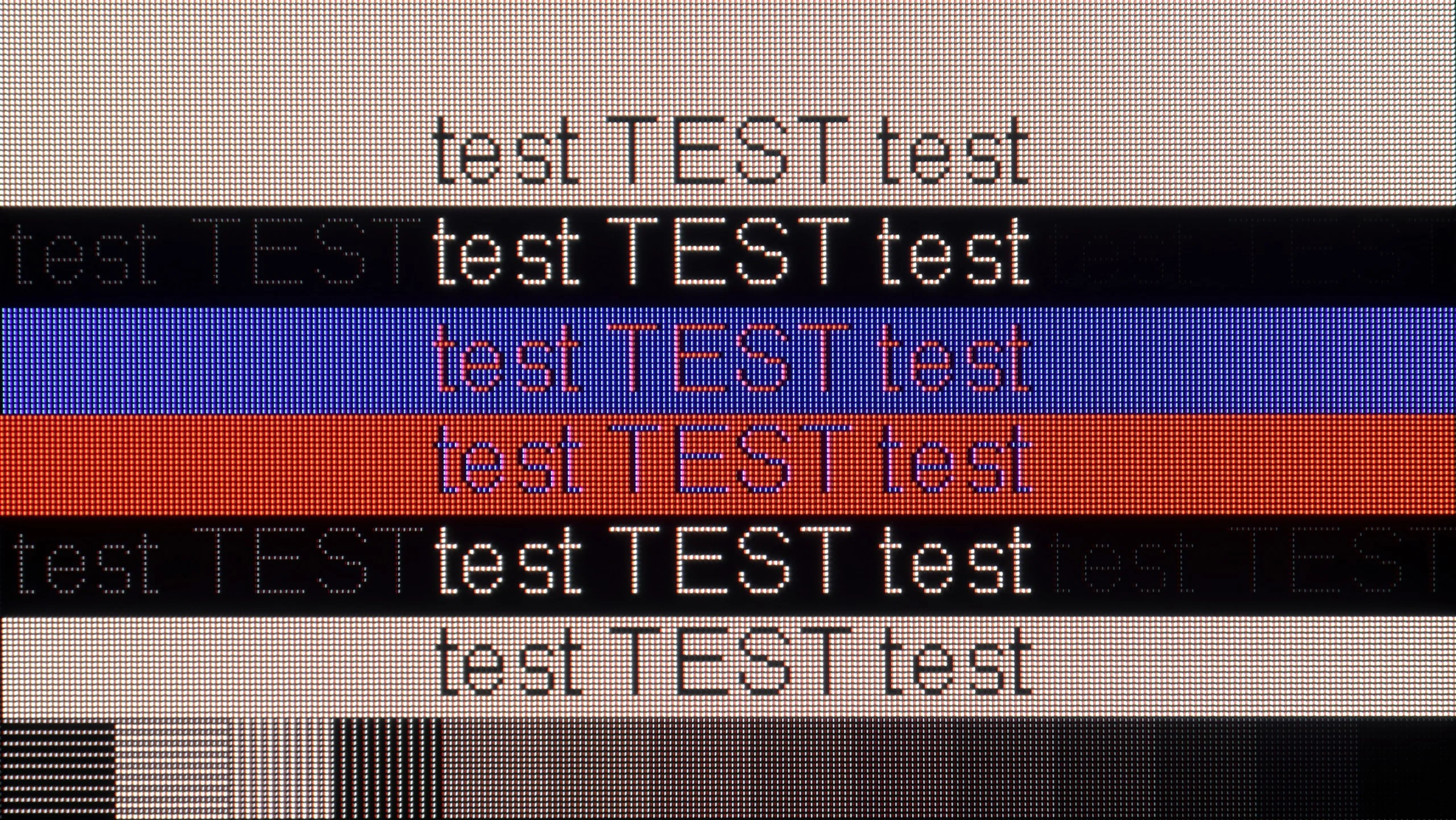
The photo shows the legibility of small fonts. Ideally, lines should be the same thickness on both light and dark text, with minimal pixel gaps.

In this category, the situation looks quite specific. If we look at the OLED950 through the lens of a gamer, we get a phenomenal display. It works excellently not only with consoles but also in combination with a powerful computer. We have access to an additional 144 Hz mode, full support for G-Sync and FreeSync technologies, as well as very low signal latency. One could therefore risk stating that for PC gamers, this is an almost ideal monitor.

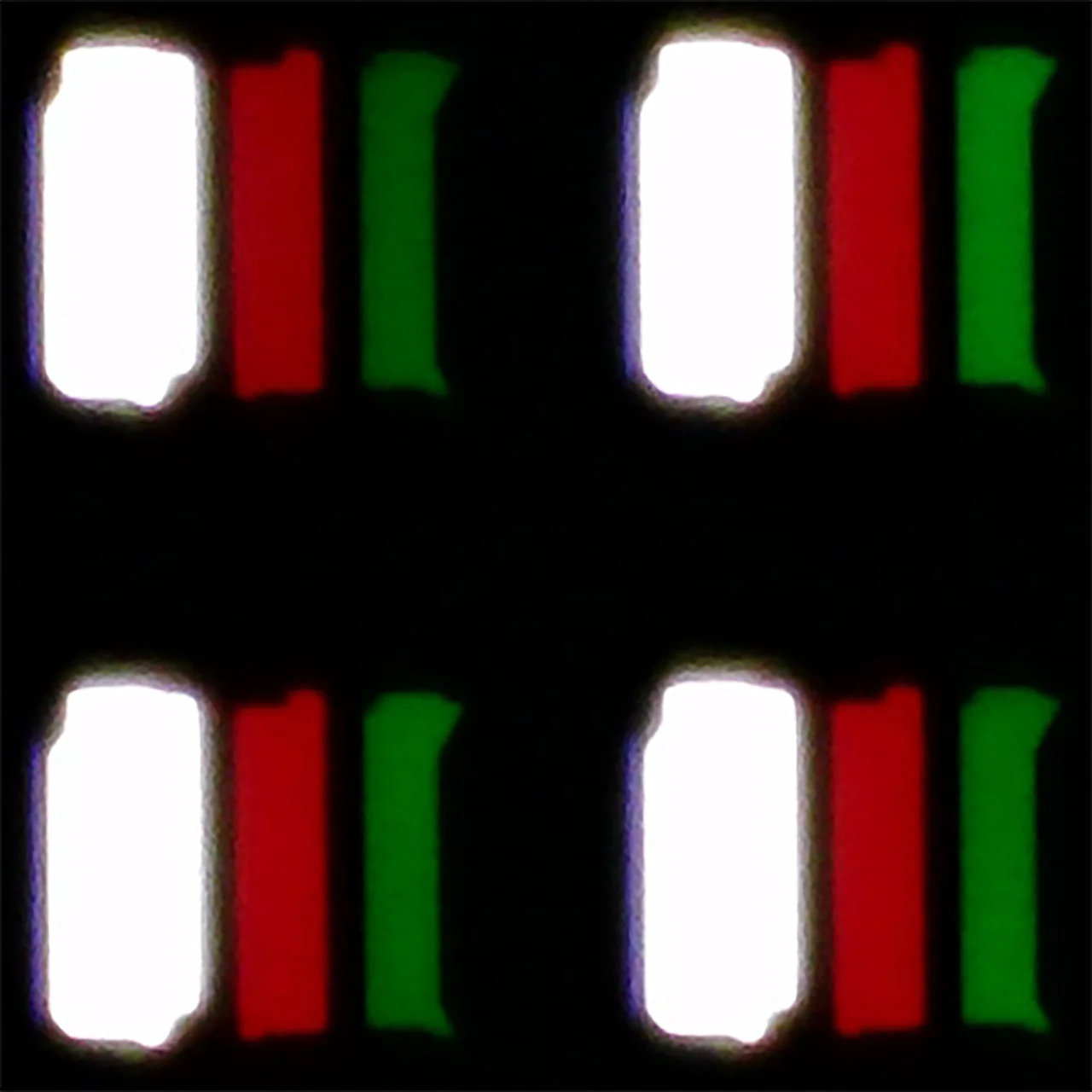
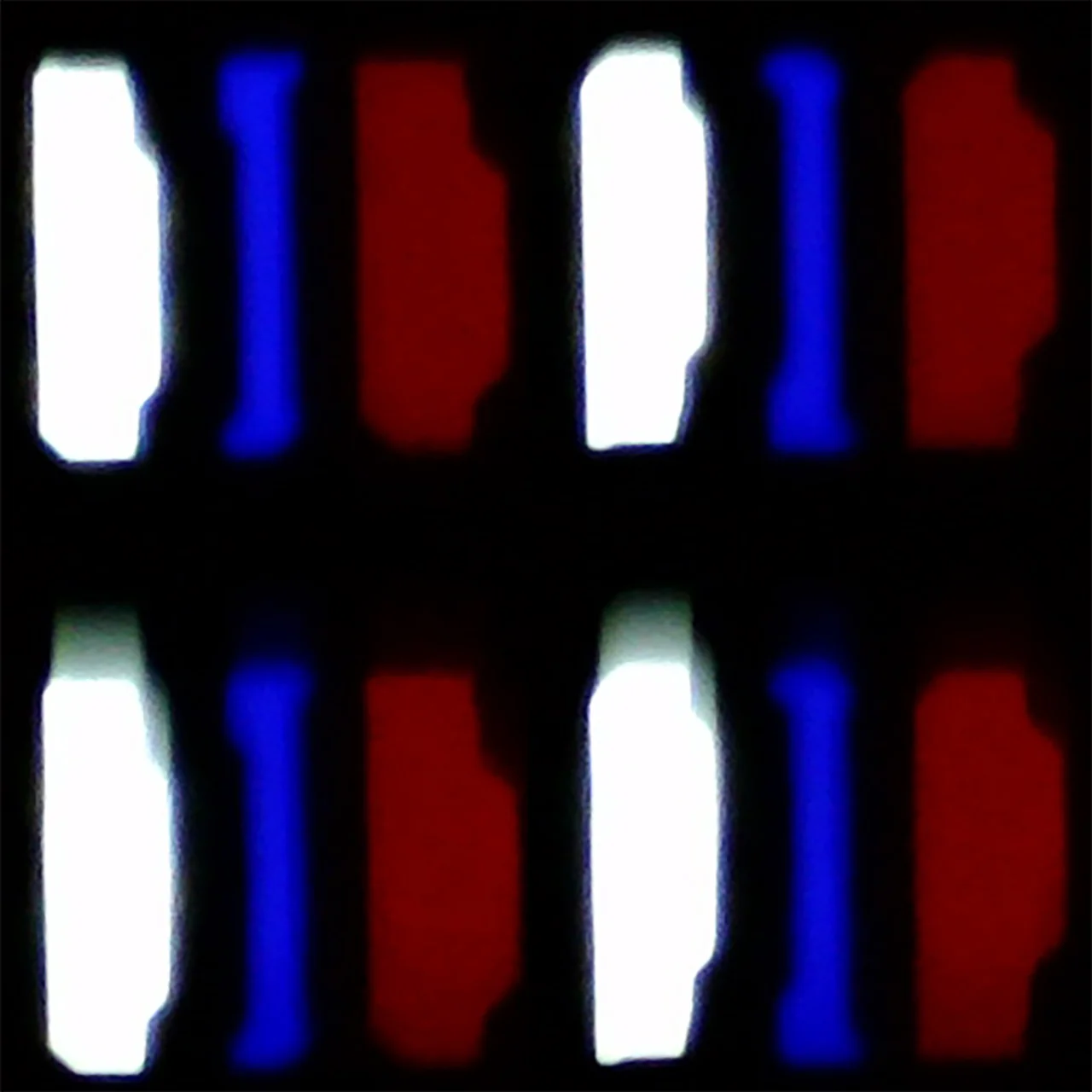
However, problems arise when we examine the readability of the fonts. We're not just talking about the unusual subpixel arrangement of the WOLED panels (BWRG), which in all televisions of this type causes a specific coloration of text edges. The tested model struggles with correctly displaying Chroma 4:4:4 sampling. This is mainly visible when we display colored text on another colorful background. The letters then gain strange shading, unnatural contours, and unwanted artifacts. It's a bit of a shame, although one must honestly admit that this is a very specific flaw. For 99% of you, no one is likely to notice this during normal entertainment. However, if you belong to that 1% of people planning to purchase the OLED950 strictly as a monitor for office work, you may feel disappointed.

The BRAVIA 6 performs well as a large screen for PC gaming. It supports 4K at 120 Hz, works with G-Sync, and has an input lag of just 5 ms. Combined with the panel's fast response, this delivers very enjoyable gameplay without troublesome motion blur. The only missing element is a higher refresh rate for people who want to use a powerful PC to game at more than 120 frames per second. As we mentioned earlier, you also can't use 1440p at 120 Hz.

It's decent for text work, though not perfect. The TV properly supports 4:4:4 chroma subsampling even in 4K at its maximum refresh rate, so small letters remain legible and dark text doesn't lose parts of its edges. Up close you can see faint colored fringes caused by the RGWB subpixel layout. They shouldn't be a major distraction when browsing the web or doing occasional work, but if you plan to read documents for hours from a short distance, fonts won't look as crisp as on a typical RGB monitor.

Viewing angles

7.6/10

7.5/10

Brightness drop at an angle of 45 degrees
29%
31%

As befits organic technology, the viewing angles here are practically very good. We can enjoy a great picture regardless of where we sit on the sofa while looking at the screen. The only reservation comes when directly comparing the used Tandem OLED matrix with the competition's solutions. Compared to last year's LG panels equipped with the MLA filter or the best QD-OLED screens from Samsung, the angles in the OLED950 are slightly weaker. They are not as perfect as those of the mentioned rivals. Nevertheless, they still generally maintain a very high level, and in everyday use, it's hard to consider this a drawback.

You can comfortably watch the BRAVIA 6 from the side as well. Blacks remain deep, and colors don't lose saturation as quickly as on LCD TVs with VA panels. At a 45-degree angle we measured a 31% drop in brightness, so the picture is a bit darker than when viewed straight on, but still looks good. With a wide couch or when watching with a larger group, you don't have to fight for the spot directly opposite the screen. 😉 In this respect, only QD-OLED panels are better.

Daytime performance

7.3/10

4.6/10

Panel finish
Glare
Satin
Reflection suppression
Decent
Average
Black levels during daytime
Very Good
Very Good

Panel brightness

Sony BRAVIA 6 (A65): 266 cd/m2

Philips OLED950: 615 cd/m2

The OLED950 model works perfectly well in really bright rooms without concerns. The key advantage here is the previously mentioned very high brightness of the panel. In terms of OLED technology, the performance is impressive. It can confidently be stated that in this regard, this television is capable of competing with mid-range Mini-LED models. In the world of organic panels, this is not at all obvious, which is a significant plus for the tested device.

However, there is one drawback that can be described as its Achilles' heel. Similar to most Tandem OLED panels, the manufacturer has used a glossy screen coating here. Unfortunately, it does not handle direct light reflections very well. It's worth keeping this in mind when planning the TV’s placement relative to windows, as reflections may be visible.

Watching in a bright room is one of the BRAVIA 6’s biggest weaknesses. Average SDR brightness is only 266 nits, and it falls even lower when there’s a lot of white on the screen. In a sunny living room the image simply lacks the punch to cut through ambient light. With darker movies, you may find it hard to watch comfortably without covering the windows.

The OLED SE panel used, which lacks a conventional polarizer, doesn’t help either. Its satin coating only moderately reduces direct reflections, so a window or lamp opposite the TV remain clearly visible even while content is on screen. The blacks themselves hold up very well in a lit room, but the combination of poor reflection control and low brightness severely limits viewing in bright conditions. The BRAVIA 6 is therefore best suited to a room where you can control the amount of light, or simply for evening viewing.

Panel details

Backlight Type
WRGB OLED
Software version during testing
15955656
Image processor
MT5896
Pentonic 800

Subpixel Structure:

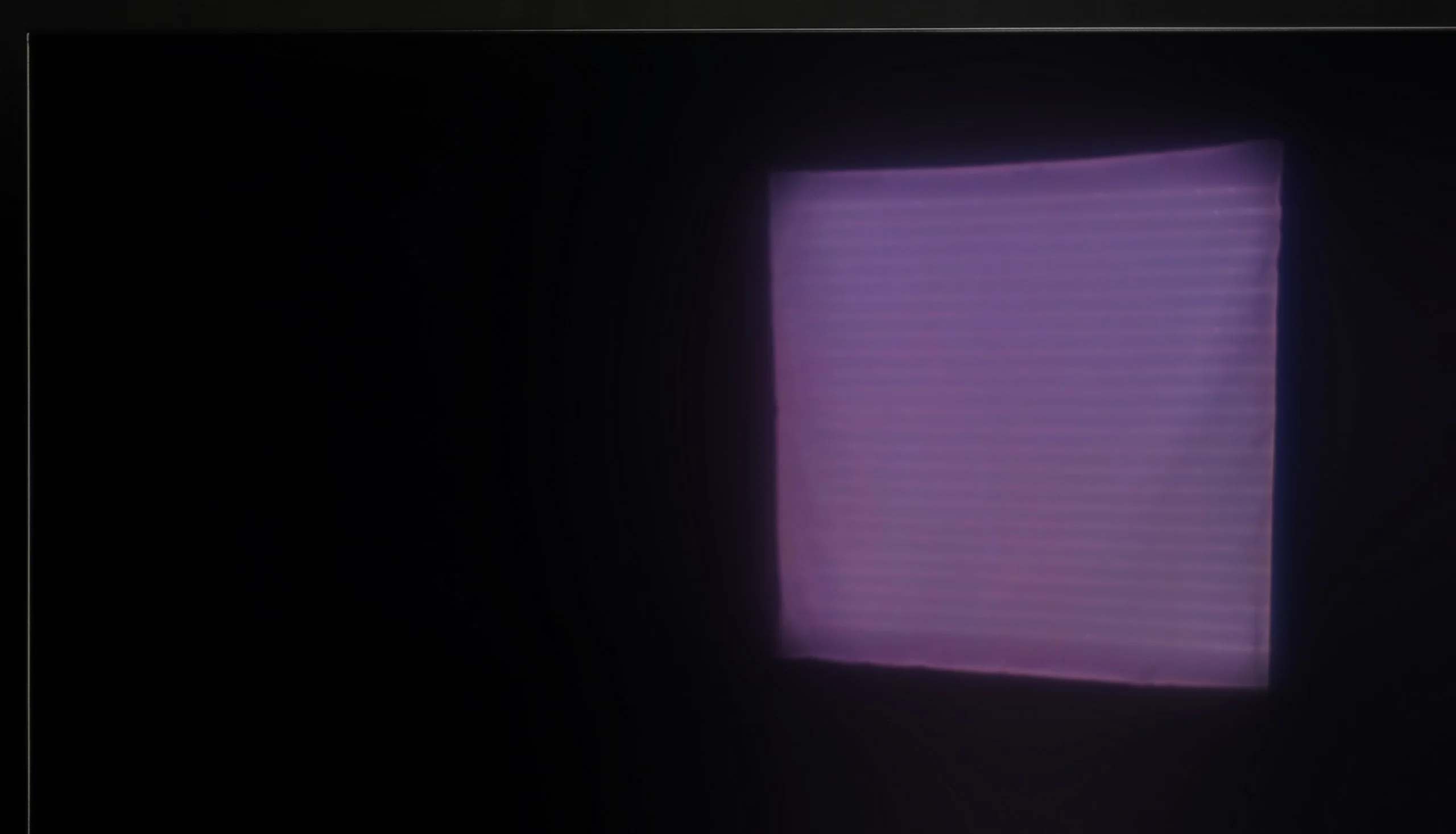
Panel uniformity and thermal imaging:

Review Philips OLED950 TV Panel details
Review Sony BRAVIA 6 (A65) TV Panel details

TV features

6.5/10

6.6/10

  • System
    Google TV
    Google TV
  • System performance
    Good
    Average
  • HDMI inputs
    2 x HDMI 2.0, 4 x HDMI 2.1 48Gbps
    0 x HDMI 2.0, 4 x HDMI 2.1 48Gbps
  • Outputs
    Toslink (Optical audio), eARC (HDMI), ARC (HDMI), Mini-Jack (Headphones)
    Toslink (Optical audio), eARC (HDMI), ARC (HDMI)
  • Network Interfaces
    Wi-Fi 2.4GHz, Wi-Fi 5GHz, Ethernet (LAN) 100Mbps
    Wi-Fi 2.4GHz, Wi-Fi 5GHz, Ethernet (LAN) 100Mbps
  • TV reception
    DVB-T, DVB-T2, DVB-S, DVB-S2, DVB-C
    DVB-T, DVB-T2, DVB-S, DVB-S2, DVB-C

Classic features:

  • Recording to USB (terrestrial TV)
    No
    No
  • Recording programming
    No
    No
  • Picture in Picture (PiP)
    No
    No
  • RF remote control (no need to aim)
    No
    Yes
  • Backlit remote control
    Yes
    No
  • Teletext
    Yes
    Yes
  • Audio only mode
    Yes
    Yes
  • Bluetooth headphones support
    Yes
    Yes
  • Simultaneous Bluetooth headphones & TV audio
    No
    Yes

Smart features:

  • AirPlay
    Yes
    No
  • Screen mirroring (Windows Miracast)
    No
    Yes
  • Voice search
    Yes
    Yes
  • Voice search in native language
    Yes
    Yes
  • Ability to connect a keyboard and mouse
    Yes
    Yes
Review Philips OLED950 TV features
Review Sony BRAVIA 6 (A65) TV features

Sound connection options

  • HDMI audio
    eARC (HDMI), ARC (HDMI)
    eARC (HDMI), ARC (HDMI)
  • Other audio outputs
    Toslink (Optical audio), Mini-Jack (Headphones)
    Toslink (Optical audio)
  • Wireless audio
    Bluetooth, DTS Play-Fi
    Bluetooth, DTS Play-Fi

Supported audio formats (external HDMI eARC audio):

  • Dolby Digital Plus 7.1
    Yes
    Yes
  • Dolby True HD 7.1
    No
    Yes
  • Dolby Atmos in Dolby Digital Plus (JOC)
    Yes
    Yes
  • Dolby Atmos in Dolby True HD
    No
    Yes
  • DTS:X in DTS-HD MA
    Yes
    Yes
  • DTS-HD Master Audio
    Yes
    Yes

Senior accessibility

  • Numeric keyboard on TV
    Yes
    Yes
  • Font size adjustment
    Yes
    Yes
  • Audio description
    Yes
    Yes

Smart Features

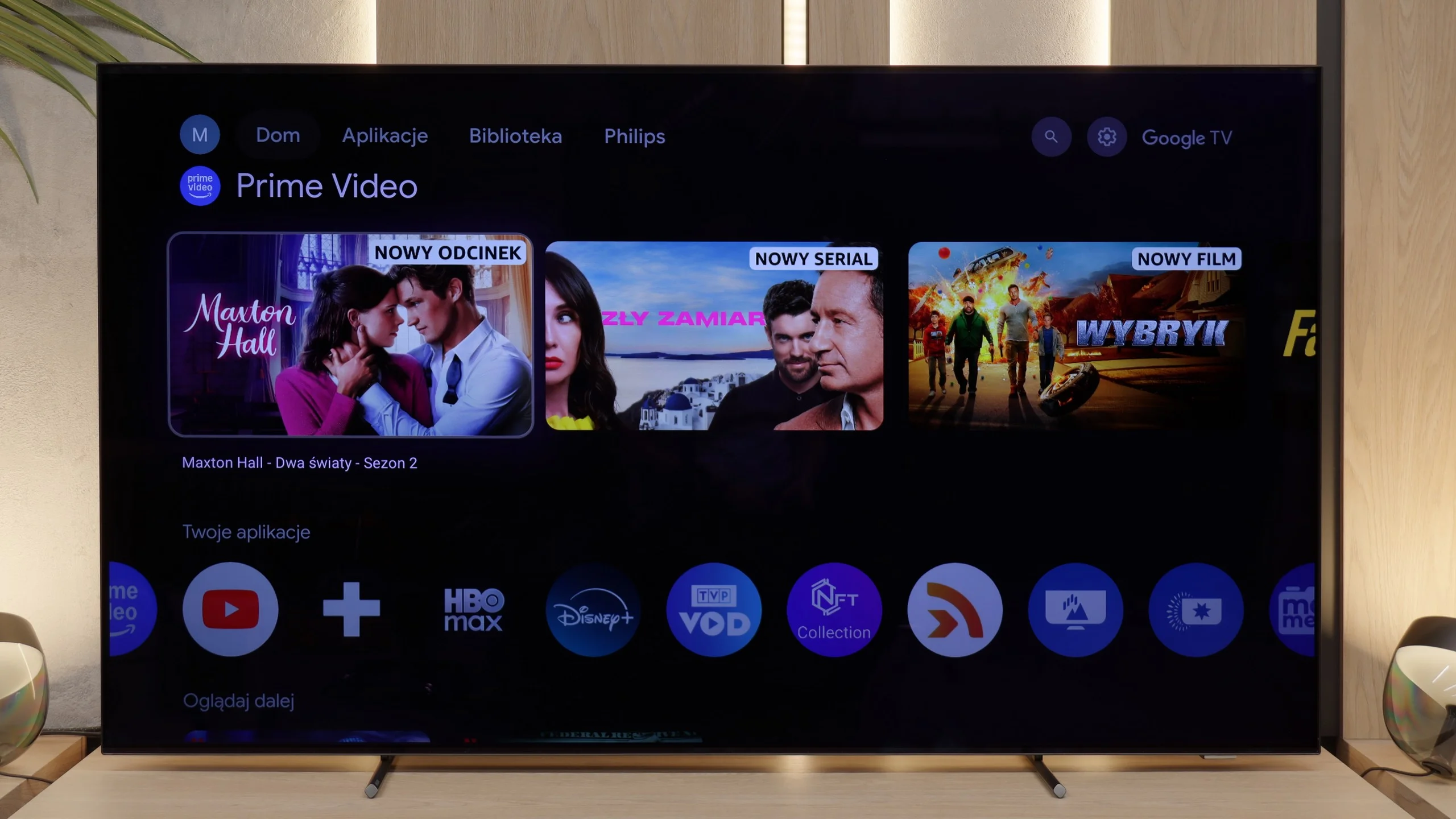
The biggest advantage of the OLED950 is the Google TV system — the manufacturer is increasingly moving away from it in cheaper models in favor of TitanOS, but here we fortunately still have a fully functional environment based on Android. This means access to a vast library of applications, a voice assistant, and convenient features like Chromecast. For unknown reasons, our editorial team was once again unable to launch Windows Miracast, despite the manufacturer declaring that this option is available. On the positive side: Apple device users can rest easy, as the television supports AirPlay.

Classic Features

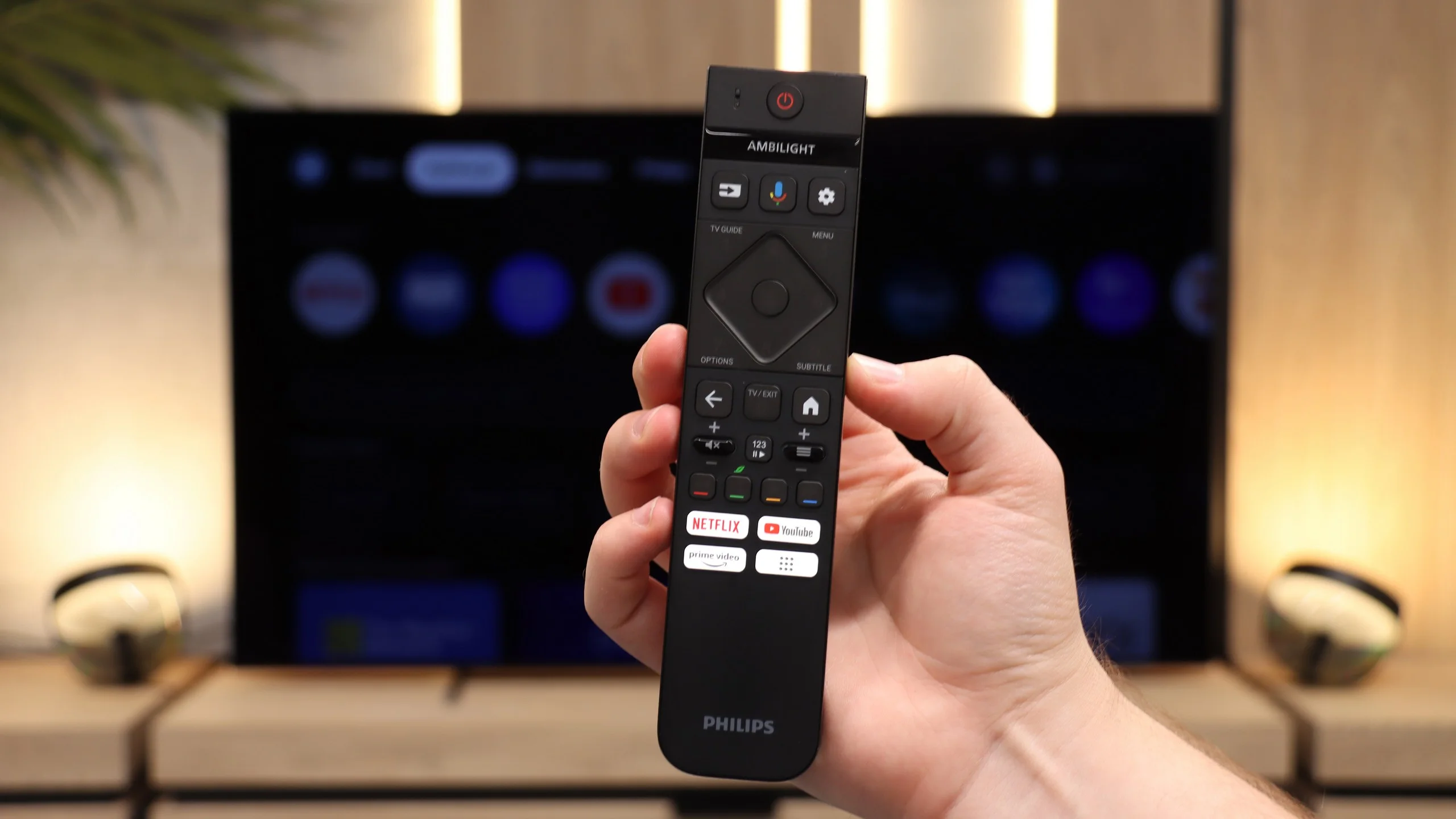
In terms of "classics," the television offers a rather basic set: teletext and Bluetooth connectivity. The most criticisms are directed at the remote control. On one hand, it is sensibly designed, has backlighting, "hybrid" switching between the control of typical functions and a numeric keypad, and charges via USB-C. On the other hand, enthusiasm quickly fades when it turns out you need to point it at the screen, as it operates on infrared.

Google TV

BRAVIA 6 is currently the cheapest OLED with Google TV. That's a big plus, because there are many apps, and the system lets you install additional programs and voice-search content in Polish. The only thing missing is AirPlay, which may bother iPhone users.

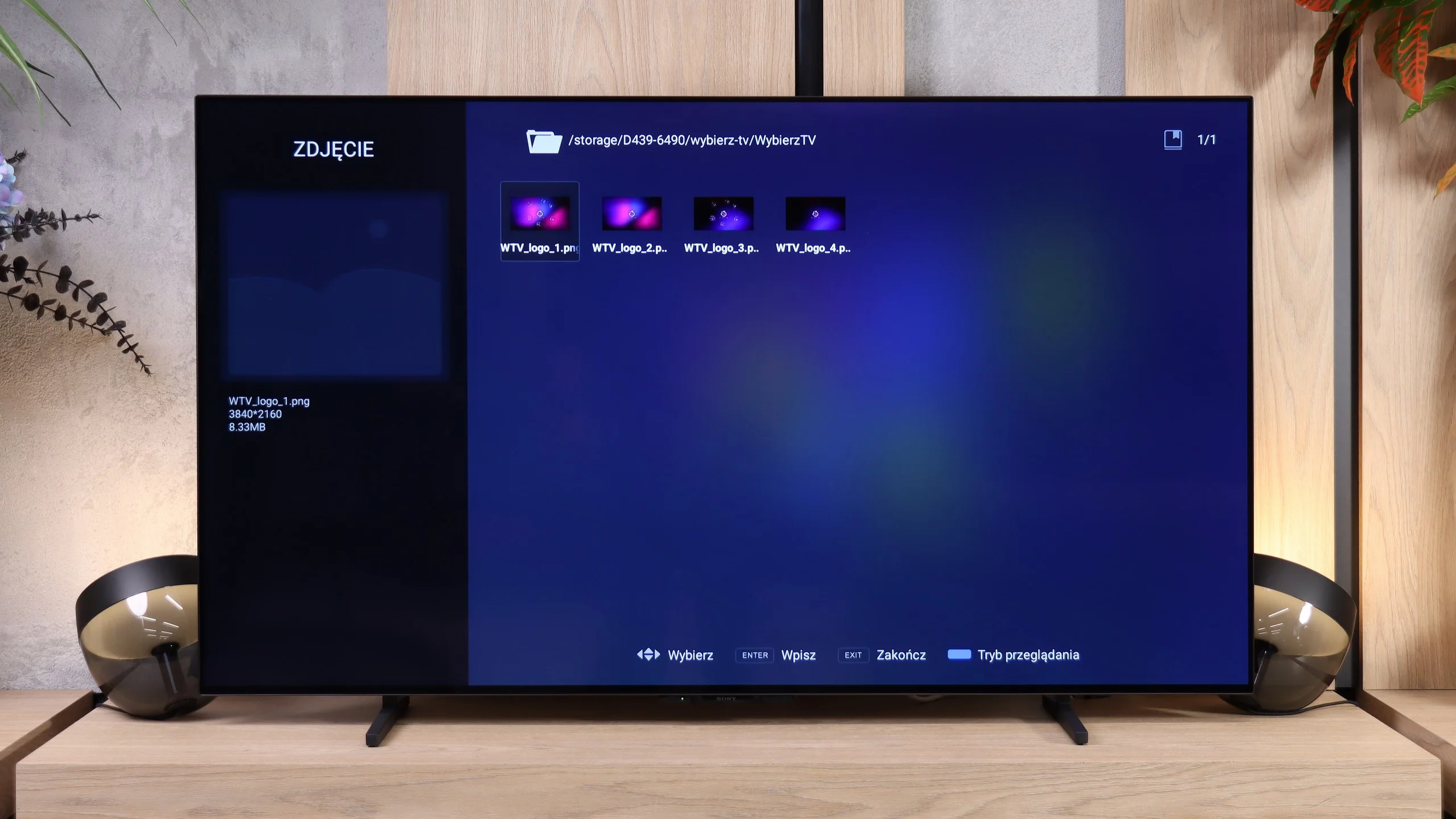
Unfortunately, during tests the system caused a lot of problems. Navigating the menus was fast, but we ran into translation errors and frequent TV freezes. Some settings didn't save the first time. We had to change them several times, and sometimes only unplugging the power helped. To play videos and photos from a flash drive, we had to unplug the TV from power four times. The tested software simply looked unfinished. That's hard to accept in this class of hardware...

Remote and standard features

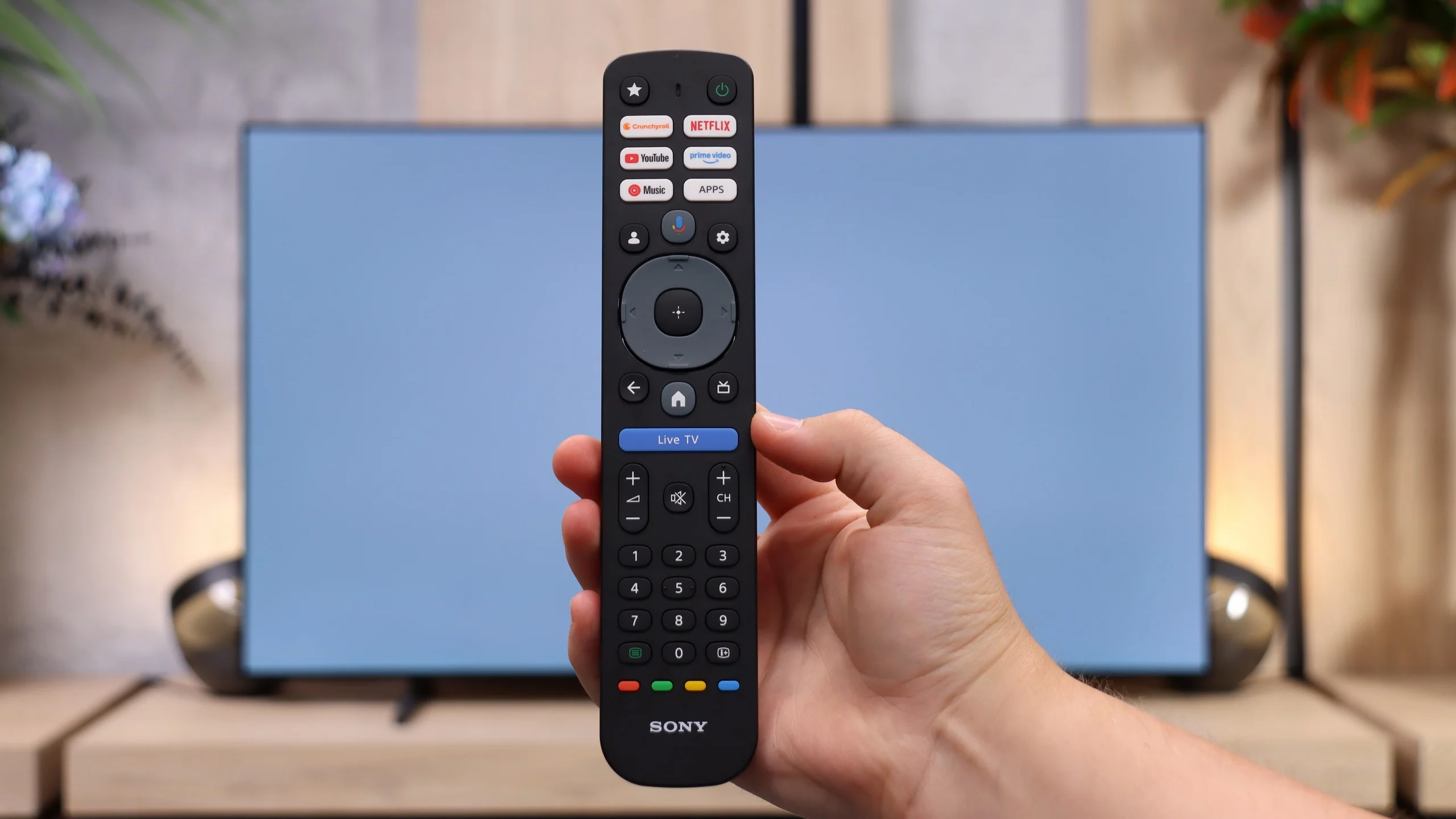
The set includes a completely new remote with a large number of buttons and a full numeric keypad. It's a convenient solution for people who watch regular TV, especially seniors. The star button can be programmed. The remote doesn't require pointing at the screen, but it has no backlight. Its build quality is fairly average, and the rubber buttons don't feel particularly solid.

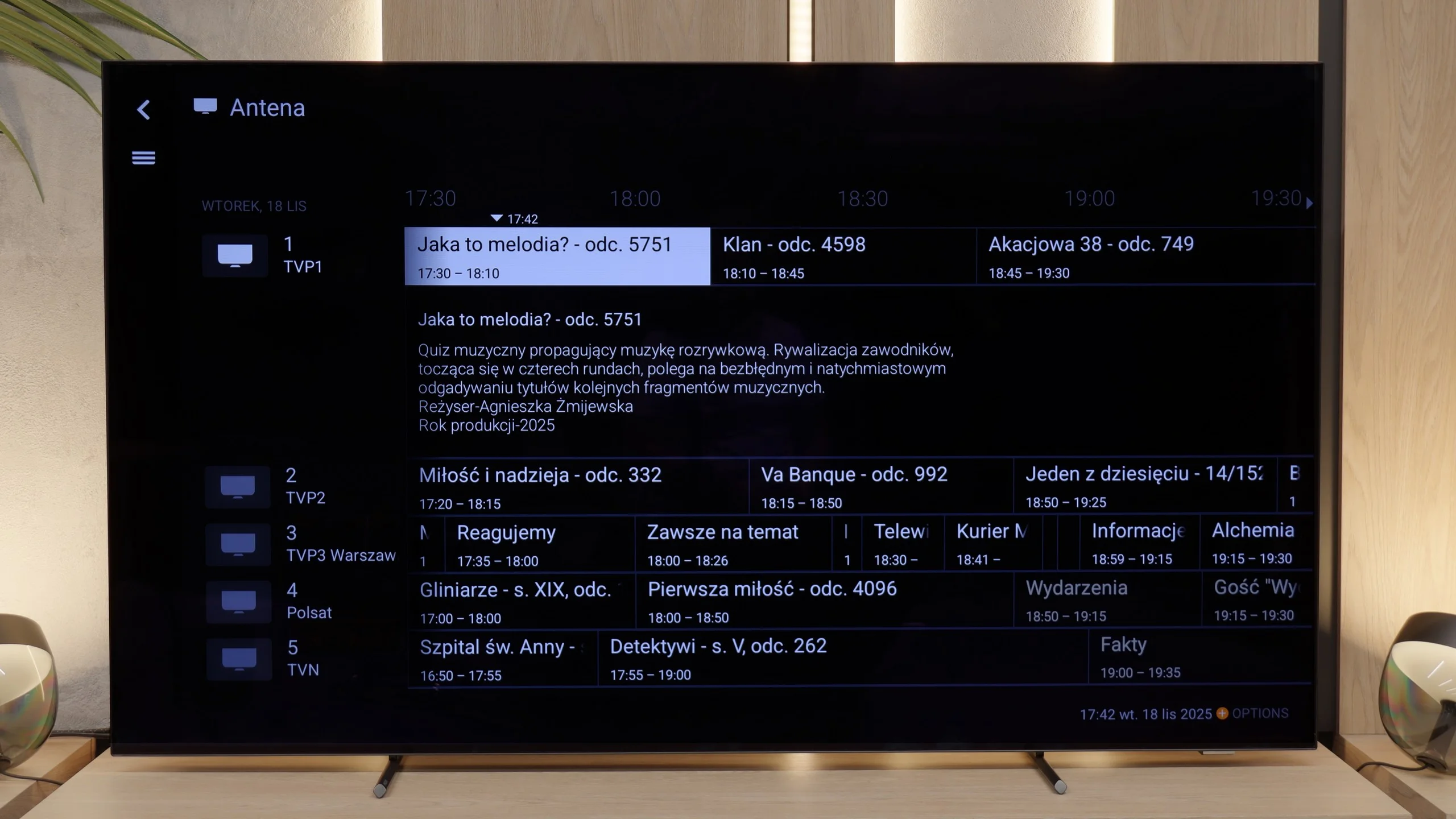
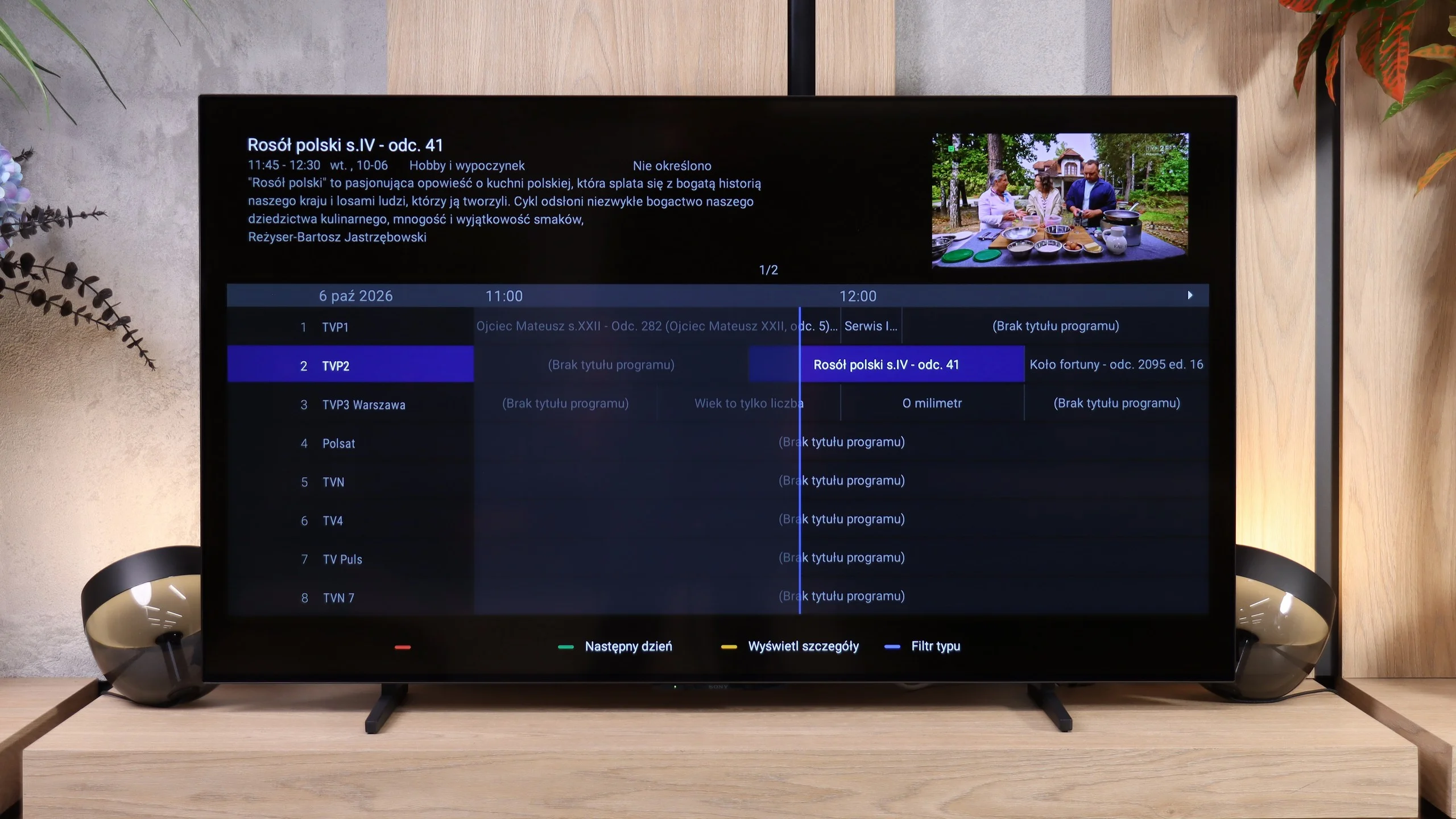
The TV features are basic. There's a clear EPG program guide and teletext, but no recording to USB or picture-in-picture. However, you can use Bluetooth headphones and the TV's speakers at the same time. The feature set is fine, but the system problems seriously spoil everyday use.

Apps

9.6/10

9.6/10

OK
Disney_Plus
OK
Amazon_Prime_Video
OK
Player_TVN
OK
Polsat_Box_Go
OK
Canal_Plus_Online
OK
TVP_VOD
OK
Apple_TV_Plus
OK
SkyShowtime
OK
Rakuten
OK
CDA_Premium_Browser
OK
Spotify
OK
Tidal
OK
Netflix
OK
YouTube
OK
HBO_MAX
OK
Kodi
No
Apple_music
OK
Eleven_sports
No
Xbox Game Pass
OK
GeForce NOW
No
Amazon Luna
OK
Boosteroid
OK
Steam Link
OK
Disney_Plus
OK
Amazon_Prime_Video
OK
Player_TVN
OK
Polsat_Box_Go
OK
Canal_Plus_Online
OK
TVP_VOD
OK
Apple_TV_Plus
OK
SkyShowtime
OK
Rakuten
OK
CDA_Premium_Browser
OK
Spotify
OK
Tidal
OK
Netflix
OK
YouTube
OK
HBO_MAX
OK
Kodi
No
Apple_music
OK
Eleven_sports
No
Xbox Game Pass
OK
GeForce NOW
No
Amazon Luna
OK
Boosteroid
OK
Steam Link

Playing files from USB

9.5/10

9.5/10

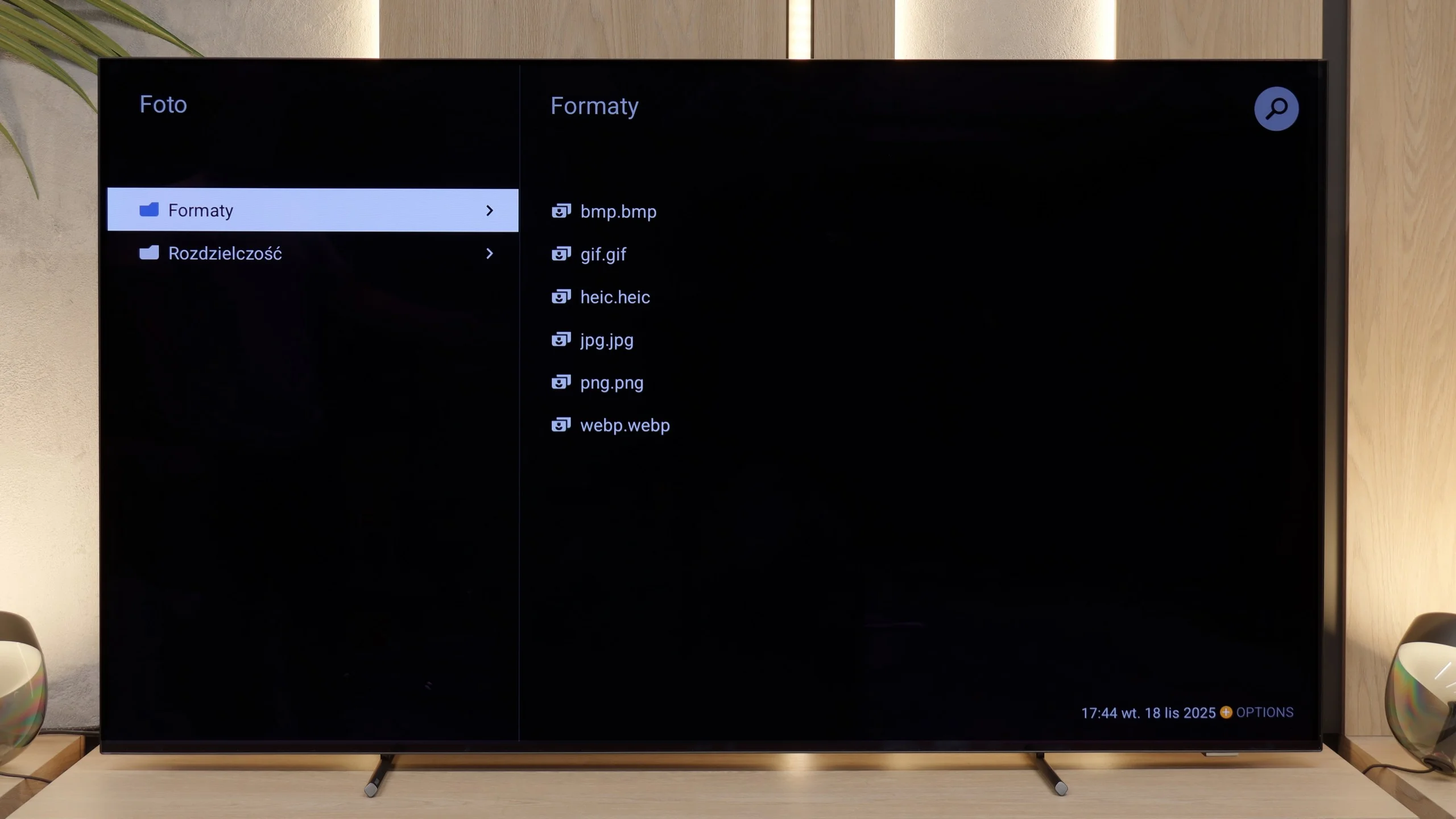
Supported photo formats:

JPEG
Yes
Yes
HEIC
Yes
Yes
PNG
Yes
Yes
GIF
Yes
Yes
WebP
Yes
Yes
TIFF
No
No
BMP
Yes
Yes
SVG
No
No

Maximum photo resolution:

4 Mpix
Yes
Yes
6 Mpix
Yes
Yes
8 Mpix
Yes
Yes
10 Mpix
Yes
Yes
12 Mpix
Yes
Yes
16 Mpix
Yes
Yes
20 Mpix
Yes
Yes
24 Mpix
Yes
Yes
28 Mpix
Yes
Yes
32 Mpix
Yes
Yes

The built-in file player in the OLED950 model works wonderfully. During our tests, the device handled practically every format we provided. Whether they were video files, audio tracks, or photos, the TV played them without any issues. It’s hard to find any weak points in handling the most popular standards. However, if someone still finds something lacking (which seems unlikely), the operating system comes to the rescue. With the presence of Google TV, we are not limited to just the default solutions. At any moment, one can enter the app store and install an external player, such as the popular VLC or Kodi. This ensures that the TV can handle literally any file from our home library.

BRAVIA 6 supports many popular video, music, and photo formats. It also handled photos with resolutions up to 32 MP, so in terms of file compatibility it performs very well. Unfortunately, there is a big "but" here that we mentioned in the system description. Before the player started correctly recognizing videos and photos from a USB drive, we had to unplug the TV several times. In the end we managed to open most of the files, but it's hard to call that convenient to use. The high rating in this category is based solely on the number of supported formats.

Sound

8.2/10

7/10

  • Maximum volume
    85dB
    94dB
  • Dolby Digital Plus 7.1
    Yes
    Yes
  • Dolby True HD 7.1
    No
    Yes
  • Dolby Atmos in Dolby Digital Plus (JOC)
    Yes
    Yes
  • Dolby Atmos in Dolby True HD
    No
    No
  • DTS:X in DTS-HD MA
    Yes
    Yes
  • DTS-HD Master Audio
    Yes
    Yes

The 2.1 speaker system used here, with a total power of 70 W, provides a solid dose of quality sound. It plays clearly, and thanks to the additional subwoofer at the back of the case, the sound is deep and has a distinct punch. This element is often missing in cheaper models, where the bass is practically nonexistent. However, we must face the truth when comparing it to the OLED910 model. That TV, equipped with a built-in Bowers & Wilkins soundbar, simply sounds much better. Was it a good decision? In our opinion, the outstanding audio from the 910 model adds greater value. Choosing the 950 model makes sense mainly if you're big fans of Ambilight, and the sound issue is taken care of by your external home theater or soundbar.

Despite its modest 2.0 speaker set with a total output of 20 W, the BRAVIA 6 sounds quite pleasant. The sound is fairly balanced, dialogue is clear, and during regular viewing there's no need to reach for extra speakers right away. The TV can also get loud, as confirmed by a 94 dB measurement. However, the familiar issue found in other TVs remains: a lack of deep bass. It's not especially noticeable in quieter scenes, but in action movies and music you can hear the sound lacks a bit of "weight." Explosions don't have a strong impact, and lower frequencies are more present than felt. For series and everyday programs this setup is sufficient, but a soundbar with a subwoofer will give movie sessions more power and a better sense of space. Especially since the TV supports Dolby Atmos and DTS:X.

Sound Quality Test

Acoustic Measurements

No acoustic data

94dBC (Max)

75dBC

Reader comments

Comments are provided by the external service Disqus (Zeta Global). Once loaded, Disqus may set cookies and process data about your activity.

We will remember your choice on this device. Provider's privacy policy