The Philips OLED910 is one of the contenders for the title of TV of the Year 2025 – and we say this with full conviction. Thanks to the META panel used, more specifically the Tandem OLED produced by LG Display, we get top-tier, unprecedented brightness in WOLED televisions. Combined with perfect contrast, this provides unmatched experiences for evening viewing that are hard to find elsewhere. And if we add to this the four-sided Ambilight system, evening screenings can look better than on any other television. The OLED910 is not just a screen for movies, but also a great choice for gamers. The fast 144 Hz panel, paired with a suite of features for gamers, does the job and gives the impression that this equipment is designed with modern gaming in mind. The sound also deserves special attention – in our opinion, this is the best built-in speaker system we've encountered in a television so far. The soundbar created in collaboration with Bowers & Wilkins shows that one can do without an external setup, and if someone wishes, they can always add a subwoofer and elevate to the level of a full-fledged home theater. Of course, this is not the cheapest model, and compared to its competitors, it requires digging deeper into your pockets. But it also has a few aces up its sleeve that make the extra cost seem justified. The question is: are you ready to spend more to have Ambilight, the Bowers & Wilkins soundbar, and the Tandem OLED panel? That’s something each person must assess for themselves. We can say one thing – by choosing the OLED910, you are buying one of the most interesting televisions of 2025.
- Matching (Score) |
- Our verdict |
- TV appearance |
- Where to buy |
- Contrast and black detail |
- HDR effect quality |
- Factory color reproduction |
- Color reproduction after calibration |
- Smoothness of tonal transitions |
- Image scaling and smoothness of tonal transitions |
- Blur and motion smoothness |
- Console compatibility and gaming features |
- Input lag |
- Compatibility with PC |
- Viewing angles |
- Daytime performance |
- Panel details |
- TV features |
- Apps |
- Playing files from USB |
- Sound
Philips OLED910 vs Samsung The Frame Pro 2026 (LS03HW)
 Direct comparison
OLED910
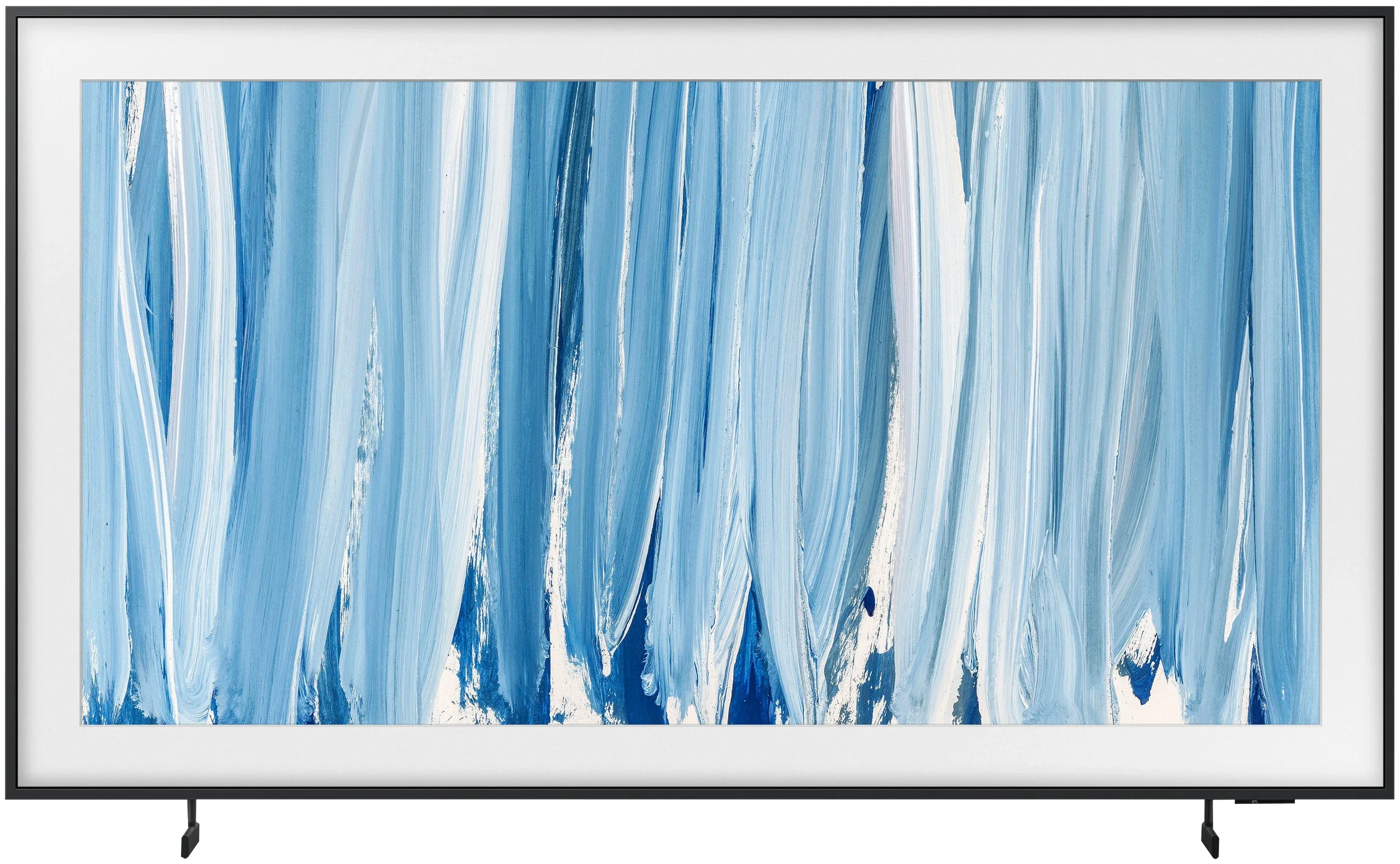
The Frame Pro / LS03HW

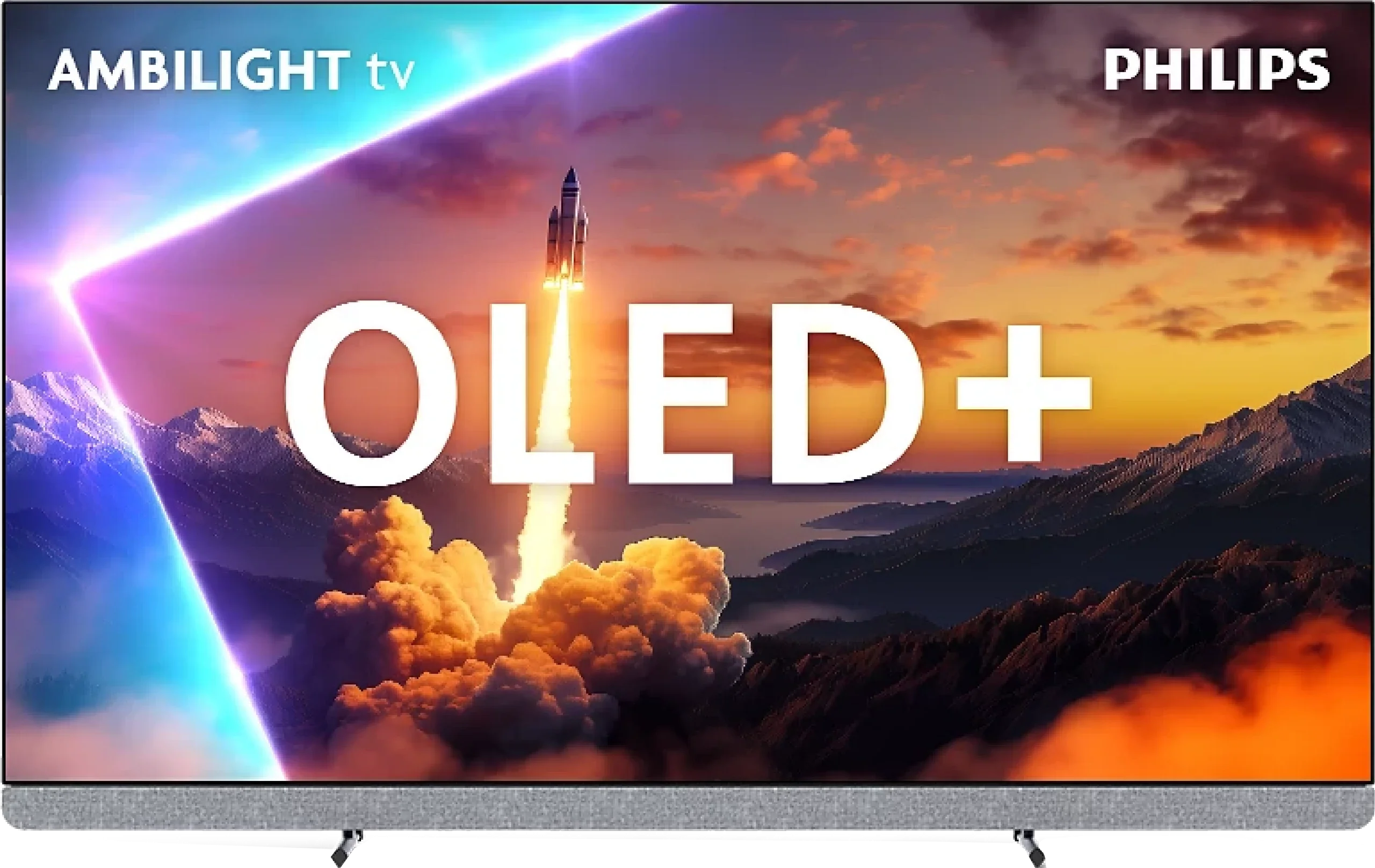
Panel type: WRGB OLED
Resolution: 3840x2160
System: Google TV
Model year: 2025
Complete the survey to find out the result
Panel type: LCD VA
Resolution: 3840x2160
System: Tizen
Model year: 2026
Complete the survey to find out the result
Overall rating
8.5
7.3
 Movies and series in UHD quality
 8.8
6.8
 Classic TV, YouTube
 8.7
6.5
 Sports broadcasts (TV and apps)
 8.5
6.9
 Gaming on console
 9.5
8.9
 TV as a computer monitor
 6.5
8.4
 Watching in bright light
 7.3
6.5
 Utility functions
 6.4
7.7
 Apps
Apps 9.6
9.3
 Sound quality
 9.5
6.4
Complete the survey to find out what fits your preferences
Advantages

Amazing brightness, over 2000 nits in HDR!
Perfect black and very high contrast
Support for all major HDR formats: Dolby Vision and HDR10+
Very low input lag, amazing for gaming
Great motion smoothness, 144 Hz refresh rate and support for VRR and ALLM.
Impressive four-sided Ambilight system
Google TV with a vast library of applications and efficient Google Assistant.
One of the best-sounding TVs thanks to the Bowers & Wilkins soundbar
Support for Dolby Atmos and DTS:X audio formats
On-wall picture styling: interchangeable frames
Rich accessories: wall mount and Wiralles One Connect included
Art Store: the best art scans on the market
Matte screen finish, no reflections
High brightness: 850-900 nits
Wide color gamut (QLED)
Many gaming features: VRR, ALLM, up to 240Hz refresh rate, Game Motion Plus
Smooth and clear motion: relatively low motion blur for a VA panel
Tizen OS with many modern features
Disadvantages

Only two HDMI 2.1 ports instead of four (may be a limitation with more than one console)
Average font readability when working with PC due to lack of full 4:4:4 chroma
Lack of several classic features – PiP, USB recording, infrared remote control
Price compared to competitors
Poor black levels for a Neo QLED screen (edge-lit backlight)
Art Store requires a monthly subscription (you can work around this by uploading your own photos 😉)
Poor viewing angles (they could be improved for a better on-wall picture effect)
High input lag when using the Wireless One Connect wireless module
Our verdict
The Frame Pro 2026 makes the most sense when you want a TV that looks good in the living room and isn’t just another large black slab on the wall. And here Samsung still does something most manufacturers can’t match. Flush mounting, interchangeable bezels, Art Mode, a matte finish and the wireless One Connect mean that when The Frame Pro is hung correctly it can really look more like a piece of decor than AV equipment. In our view, it’s the best-executed TV of this kind on the market. Importantly, you don’t entirely pay for the looks with everyday performance. The Frame Pro is bright, the matte finish handles reflections very well, so it works really well in a brightly lit living room. Colors are vivid, motion is handled very well, and there are surprisingly many gamer-friendly features for a TV that’s primarily meant to “look better.” More questions arise when you consider the “Pro” badge and the fact it’s labelled as a Neo QLED screen. From that you might expect a large jump in picture quality over the regular The Frame, but in practice it isn’t that big. The TV uses Mini-LED backlighting and local dimming, but the zones are located at the edges of the screen. That’s a completely different approach than in more advanced Mini-LEDs, where the backlight works across the whole panel. That isn’t a major issue in bright, colorful scenes. It becomes more noticeable in the evening, especially in films with many dark scenes. Then you can see that black levels and backlight control are clearly weaker than in the best Mini-LED TVs. This is where it becomes most clear that “Pro” doesn’t mean top-tier picture quality in this case. An interesting alternative is the Samsung S99H. It has a strong design focus, but in terms of picture it really goes further. Of course it also costs significantly more, so it’s not a direct replacement but rather an option for someone who wants to combine both worlds with fewer compromises. So is it worth buying The Frame Pro 2026? We think yes, but only if you know what you’re paying for. The TV’s biggest strengths are its looks, Art Mode, very good performance in a bright living room, and the wireless One Connect. If that’s what you’re looking for, The Frame Pro is a very appealing option. If the main reason to pay extra is significantly better picture quality, we’re less convinced. It’s simply a better, more refined The Frame, not a full-fledged rival to the best Mini-LEDs.
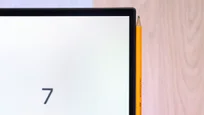
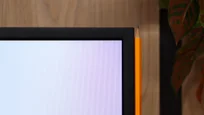
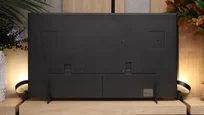
TV appearance




Contrast and black detail
10/10
5.3/10
Local dimming function: Yes, number of zones: 24 (1 x 24)
Contrast:


Result
∞:1

Result
∞:1

Result
∞:1

Result
∞:1

Result
∞:1
Result
5,400:1
Result
3,250:1
Result
3,900:1
Result
3,750:1
Result
3,900:1
Halo effect and black detail visibility:
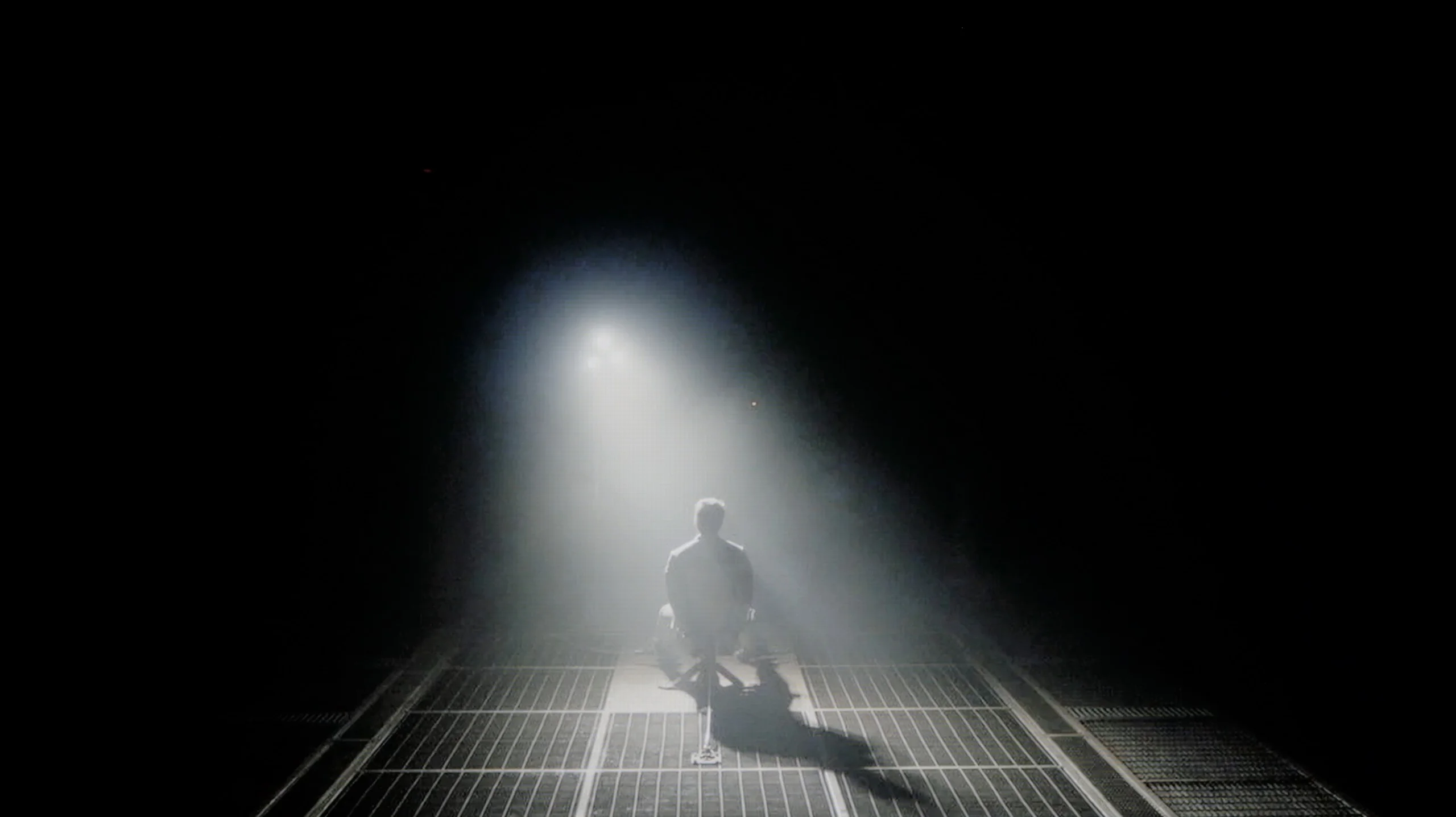
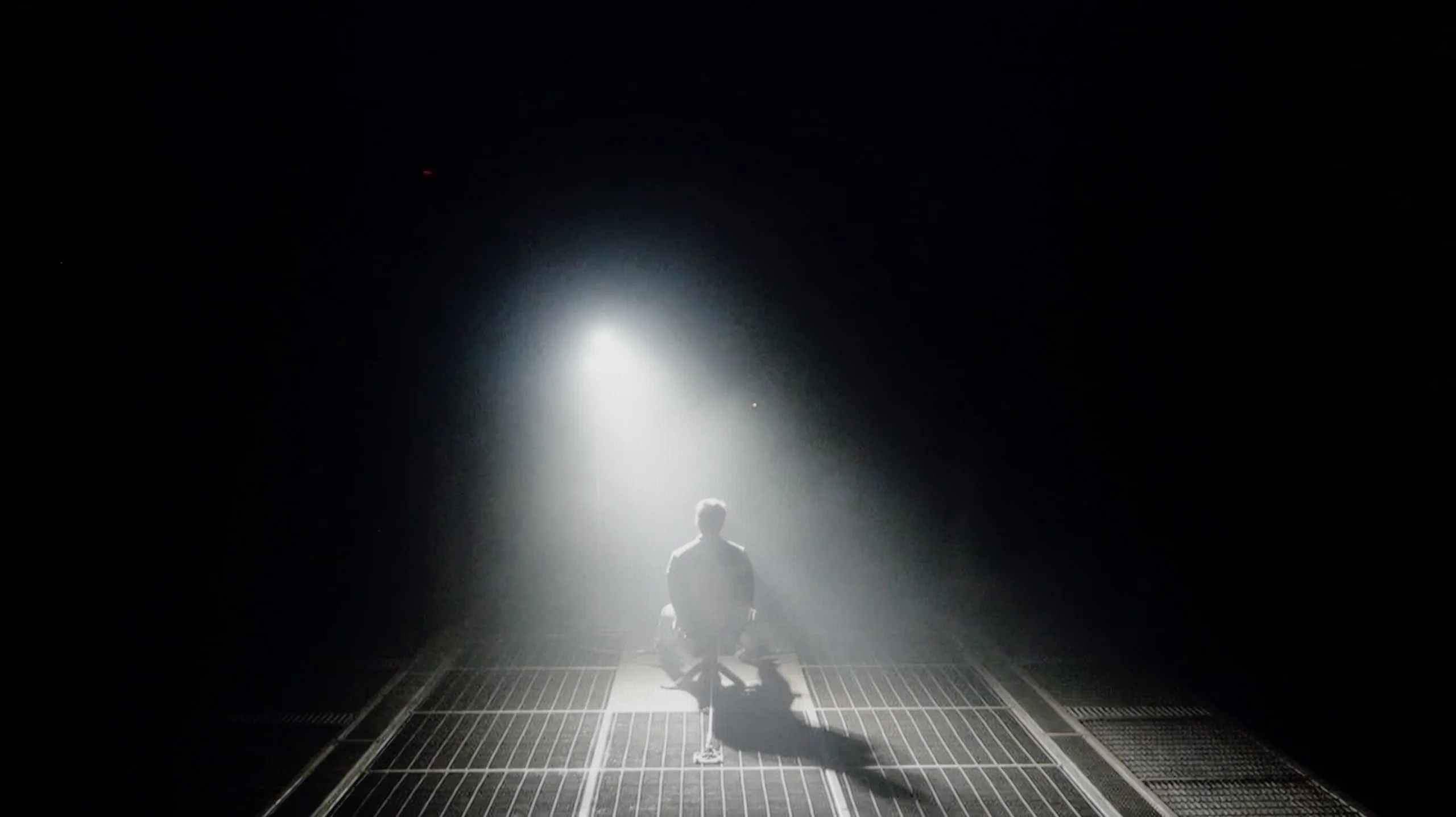
Check the visibility of bright lights on a dark background. Mini-LEDs often struggle with this. The photo does not compare black levels – that’s what the video below is for.
The video accurately shows differences in contrast and black levels between TVs, as well as potential issues: halo around bright objects or Mini-LED zone operation visible as brightness jumps.
As is fitting for an OLED television, the Philips OLED910 also offers absolute black levels and remarkable contrast. This is a natural advantage of organic technology – each pixel is controlled independently, so when it needs to be black, it simply turns off. The image gains depth that even the best Mini-LED televisions cannot reproduce, where there is always the risk of slight "blooming" or halo effects around bright elements. There is no such issue with the OLED910 – dark scenes are fully credible, and at the same time, the television can render details in bright areas with great precision, maintaining their natural texture. In everyday viewing, this translates to an exceptional sense of realism and cinematic character. In this category, the OLED910 undoubtedly deserves the highest ratings.
The Frame Pro officially belongs to the Neo QLED family, so it uses a Mini-LED backlight. But it’s not the same kind of Mini-LED we know from most TVs in that series. Instead of a large number of zones placed behind the panel, there is only a single row of zones at the edge. In practice, then, it’s an edge-lit design that simply uses smaller diodes. And unfortunately that becomes apparent fairly quickly in blacks. There is simply too little local dimming for the TV to handle more demanding scenes well. In our measurements, contrast most often fell in the 3000–5000:1 range, so it’s hard to talk about performance on par with more elaborate Mini-LED implementations. You notice it most when single bright elements appear on a dark background. A larger part of the image lights up with them, causing blacks to look noticeably shallower, even navy. A scene from the film Sicario 2 illustrates this well. Because of that placement of the zones, the TV simply lacks the precision to show it any other way. The Frame Pro uses Mini-LED, but its black-level performance is much closer to simpler designs. It’s a shame, because this was exactly the aspect we complained about most last year.
HDR effect quality
8.8/10
6/10
Luminance measurements in HDR:

Result
2008 nit

Result
2109 nit

Result
2214 nit

Result
2152 nit

Result
1382 nit
Result
834 nit
Result
536 nit
Result
545 nit
Result
460 nit
Result
668 nit
Scene from the movie “Pan” (about 2800 nits)


Scene from the movie “Billy Lynn” (about 1100 nits)


The photos show two HDR10 movies. 'Pan' is one of the brightest productions ever made, while 'Billy Lynn' (soldier) has brightness typical of streaming (Netflix, Prime, HBO MAX). Notice the intensity of effects and detail in whites.
Static HDR10


The photos present the visibility of white details in various HDR formats. They do not show brightness differences between TVs (these can be compared in the previous gallery).
Dynamic: Dolby Vision
Dynamic: HDR10+


The photos present the visibility of white details in various HDR formats. They do not show brightness differences between TVs (these can be compared in the previous gallery).
HDR luminance chart:
Samsung The Frame Pro 2026 (LS03HW)
Philips OLED910
Luminance of RGB colors
OLED910 is simply an absurdly bright television for an OLED. All thanks to the new panel from LG Display, the Tandem RGB OLED, which Philips has dubbed its "META OLED." It is this panel that allows for over 2000 nits of brightness in films, which was previously completely unattainable in OLEDs. The way the television handles full-screen scenes drenched in bright light is also commendable. Usually, in OLEDs, brightness drops significantly, but here it remains at an excellent level - around 1400 nits. These are almost reference values, and combined with the great color gamut reproduction at 99% DCI P3 and 82% BT.2020, it gives us an HDR effect that can confidently be called one of the best in the world.
You can't deny The Frame Pro one thing: brightness. We measured a maximum of around 850 to 900 nits, so the TV already has enough power to render many HDR scenes really impressively. Bright, full-screen shots and more colorful frames look best here. In those scenes The Frame Pro can make a good impression because the image is bright, strong, and delivers the effect we expect from HDR. In our measurements some scenes reached over 800 nits, and even in trickier sections the TV maintained a fairly decent brightness level.
The problem starts when HDR relies on small bright elements shown against a dark background. Individual lamps, stars, or highlights can be bright, but very often the black level across much of the image also lifts. As a result, the bright point itself may look good, but the whole frame loses a lot of quality. That is why The Frame Pro shows HDR best in scenes that are simply full-screen. If a movie or series contains many such shots, the effect can be really enjoyable. In darker material the limitations of local dimming become much more noticeable.
Colors
The Frame Pro deserves praise for its color gamut coverage. The TV uses quantum dots, a solution known as QLED, which allows it to produce very well-saturated colors. In our measurements coverage of the important film color space DCI-P3 was about 94.5%, while the more demanding BT.2020 was around 72%.
Those are very solid results that in most scenes deliver pleasant, saturated colors. Of course, these values are not as striking as those in the latest displays using RGB backlighting, but The Frame Pro makes up for that with something else: color stability. Regardless of the scene, color saturation remains fairly consistent, and there is no situation where the TV loses a lot of color in more demanding shots.
Factory color reproduction
7.6/10
5.5/10


This gallery shows how colors change after professional TV calibration. If you notice the difference, we recommend ordering this service at SkalibrujTV.com.
Factory Mode
After calibration


This gallery shows how colors change after professional TV calibration. If you notice the difference, we recommend ordering this service at SkalibrujTV.com.
Factory Mode
After calibration
Update 01/2026
After a series of calibrations of the OLED910 model with our customers, we noticed that the measurement results differ from those we obtained during the initial tests. The factory tuning of the movie mode turns out to be significantly better than our first tests indicated. The white balance is set very precisely, with only a minimal red dominance. The factory color reproduction holds close to reference standards – the average Delta E errors hover around 3-4, which is an excellent result for factory settings. However, there is some concern about how the TV manages brightness. Analysis of the Gamma (SDR) and EOTF (HDR) graphs shows a tendency to excessively "pull" details from shadows. In practice, this means that the image can appear overly bright, resulting in a loss of black depth in favor of the visibility of details that should remain hidden. Of course, this effect can be effectively corrected during professional calibration.
Unfortunately, when it comes to color reproduction straight out of the box, in Filmmaker mode, the OLED910 performs really poorly. The TV overexposes the color blue, and at times it looks almost like a store mode. It gives the impression that the manufacturer has not quite tuned the device correctly. The effect is that the colors look unnatural, and the overall impression is somewhat reminiscent of an exaggerated display from a market showcase. HDR content presents itself much better, where aside from a slight loss of details in blacks, it's hard to find anything to complain about. The problem is that for everyday viewing, SDR materials are actually of the greatest importance – and on the OLED910, they simply look bad and fall significantly short of what we would expect from a TV of this class.
In SDR material The Frame Pro in Filmmaker mode performs quite well, though it falls short of perfect. White balance is relatively even, but as brightness increases the blue component starts to drop, so brighter parts of the image can have a slightly warmer tint. A bigger difference is visible in the gamma, that is how screen brightness is managed. Across most of the range it runs below our reference point, which means the TV brightens midtones a bit. As a result the image can appear slightly brighter and less contrasty than it should. The color errors themselves are not huge, but they are visible enough that calibration can still make a substantial improvement. In HDR content the white balance looks similar: across much of the range it is fairly even, with larger deviations appearing only at higher brightness. The EOTF curve is more revealing. The Frame Pro follows reference values fairly well in the brighter parts of the image, but noticeably brightens the darkest portions. This stems mainly from the TV’s backlight design. That also affects colors. With less saturated colors the errors are still moderate, but they grow significantly as saturation increases. In ColorChecker measurements a large portion of samples already register high error values. The out-of-the-box HDR can therefore be considered decent, but it is definitely not an image we would call very faithful.
Color reproduction after calibration
9.4/10
8.5/10


The photos show how movies look on the TV. Pay attention to black detail visibility, colors, and shadow tint.


The photos show how movies look on the TV. Pay attention to black detail visibility, colors, and shadow tint.
Fortunately, it quickly turned out that it was not the panel that was responsible for the issues, but rather the way Philips had calibrated the OLED910 from the factory. After calibration, the television displayed its full potential, and only then could we see what the new panels produced by LG Display were truly capable of. We primarily corrected the white balance and brightness characteristics, which allowed us to tame the excessive blue and give the image a natural look. The final effect can be described as excellent. Errors on the Color Checker palette rarely exceeded a value of 3, which in practice means an image close to perfection and colors presented in accordance with the creators' intentions. In SDR content, the effect was remarkable, and in HDR, the improvement was even more noticeable – gradients became cleaner, and colors fuller and more believable. After calibration, the OLED910 transformed from a disappointing television into equipment that can easily be called reference-level in terms of color reproduction.
After calibration the biggest improvement is visible primarily in SDR content. White balance was evened out, but the more important change was the gamma correction, which before calibration had the greatest impact on the picture's character. After adjustments the gamma response is now very close to the reference, so the image is not as bright in the midtones and simply looks more natural. Color errors have also been noticeably reduced, so the effect of calibration in SDR is clearly visible. In HDR the situation is a bit more complex. White balance was improved and over part of the range the TV tracks the reference much better, but deviations still appear at higher brightness levels. The same applies to color reproduction, as some errors can be corrected but not all result from the settings themselves. This reveals the limitations of the TV's design and the way the backlight and local dimming affect the HDR image. That's why, for The Frame Pro, calibration makes the biggest difference for everyday content. Regular broadcast TV, YouTube, and SDR movies and series (mainly those from cheaper streaming tiers) can look noticeably better after calibration.
Smoothness of tonal transitions
7/10
9.5/10
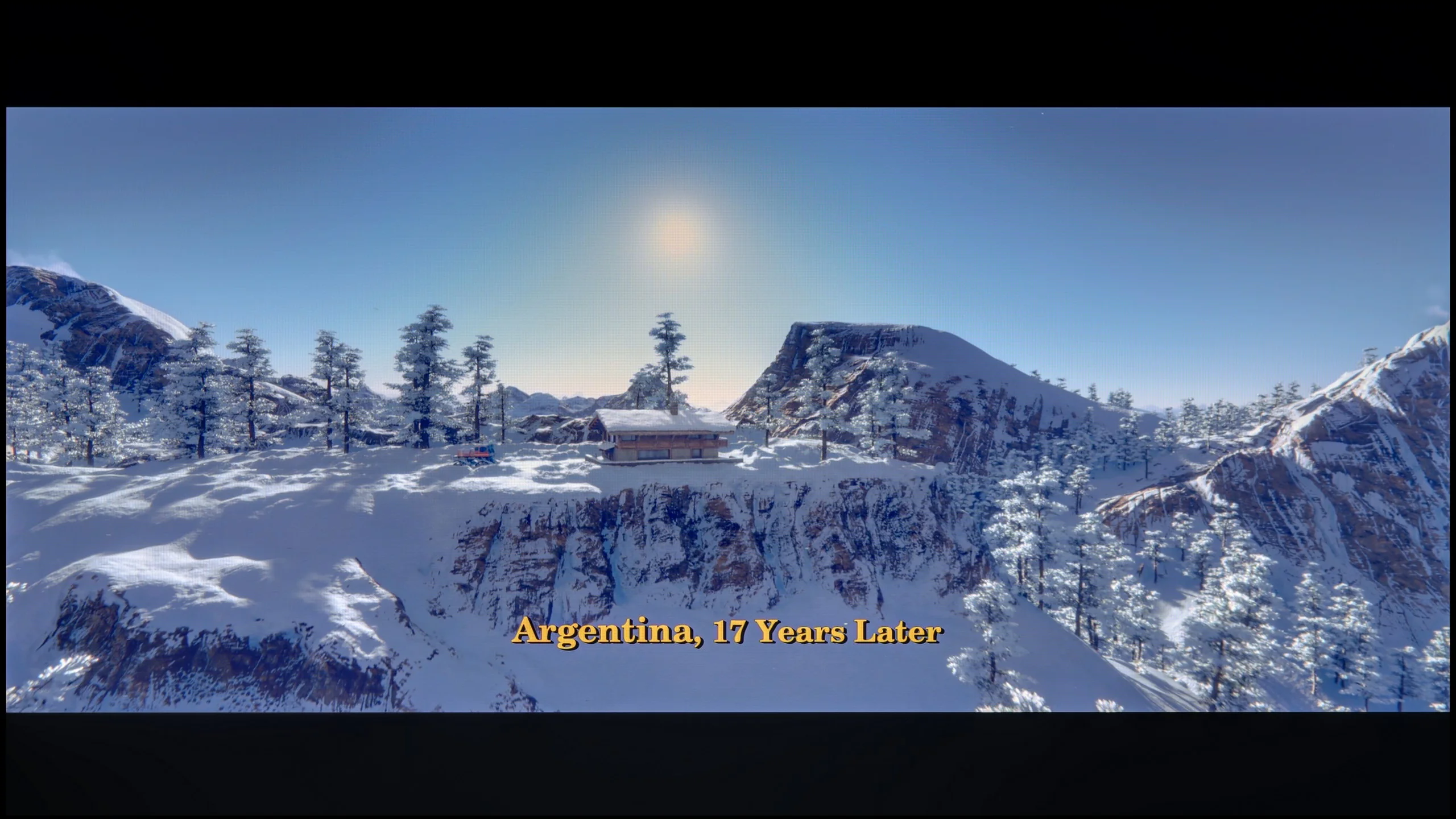



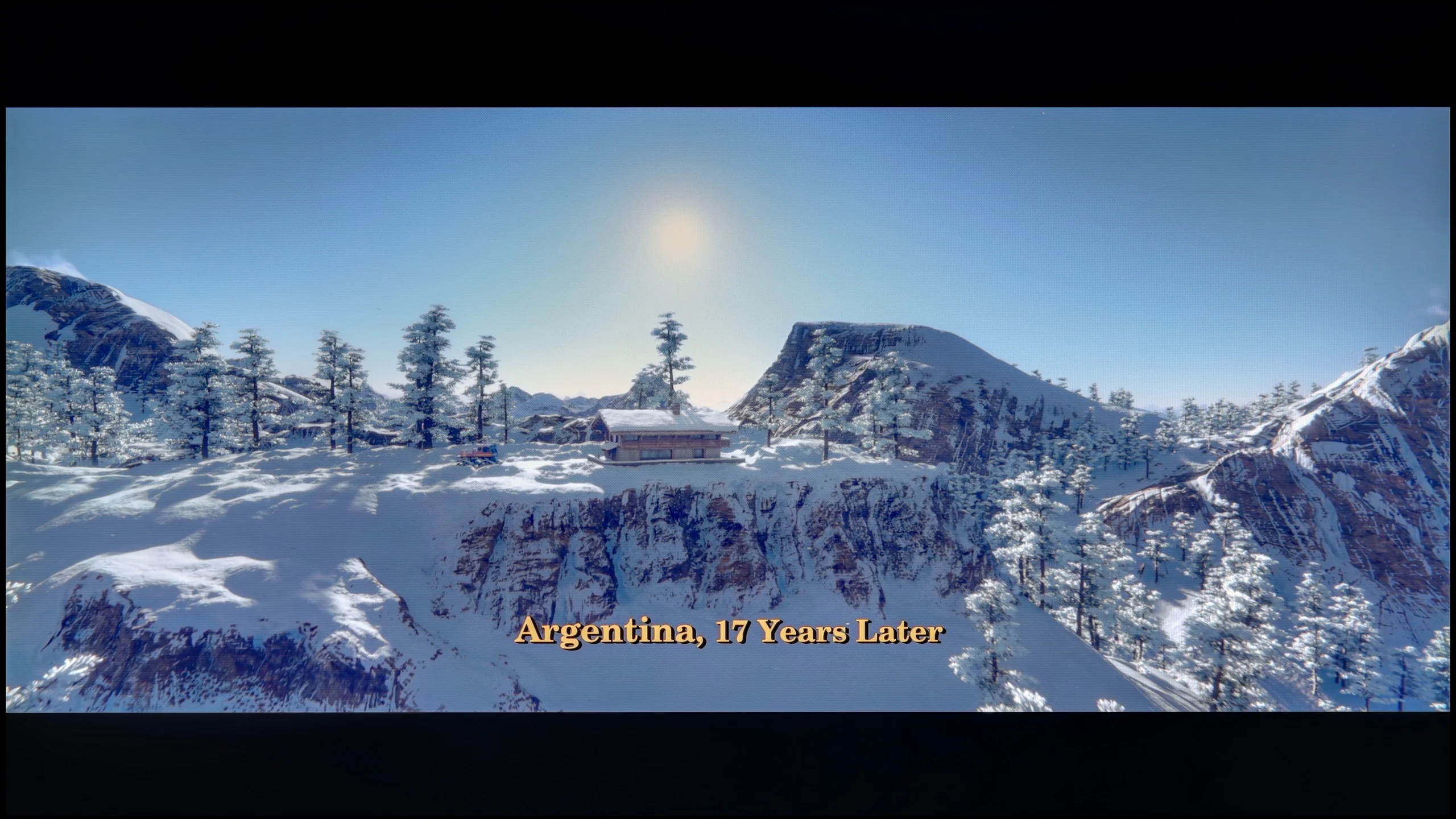
These are selected scenes that show smooth tonal transitions from one color to another. If you see distinct banding, it’s the TV panel’s fault.

These are selected scenes that show smooth tonal transitions from one color to another. If you see distinct banding, it’s the TV panel’s fault.
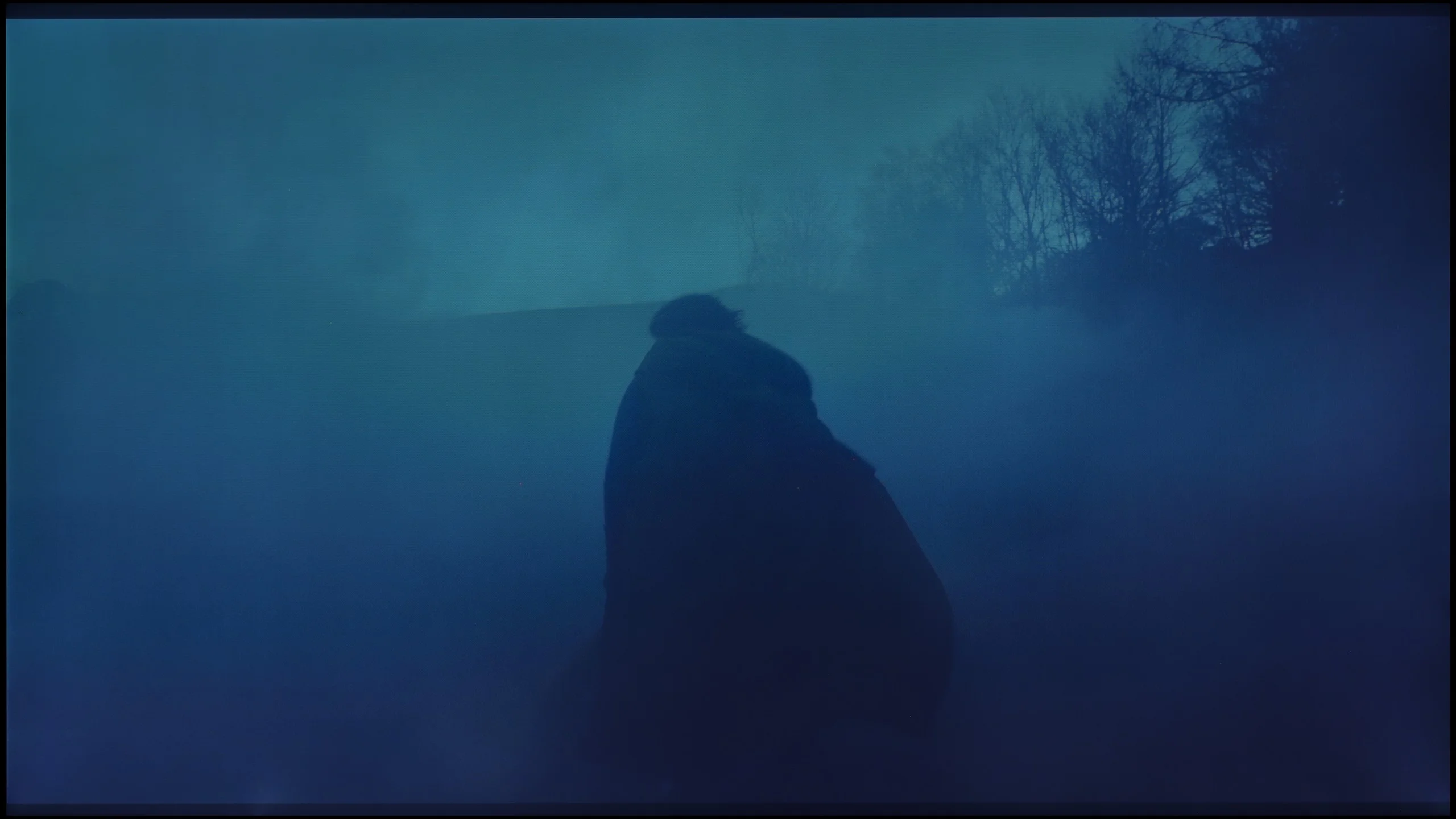
These are selected scenes that show smooth tonal transitions from one color to another. If you see distinct banding, it’s the TV panel’s fault.

These are selected scenes that show smooth tonal transitions from one color to another. If you see distinct banding, it’s the TV panel’s fault.
When it comes to color combinations, the OLED910 performs quite well. In bright scenes, especially where strong bright colors dominate, it's hard to spot serious problems and the image looks very clear. It looks worse in darker segments, closer to the gray palette – there, you can notice characteristic banding that may start to irritate more discerning viewers after prolonged viewing. Overall, however, it's a decent level and in most movies or series, the effect shouldn't be particularly bothersome.
In terms of the smoothness of tonal transitions, The Frame Pro performs really well. In most content there is no noticeable banding or ugly transitions between similar tones, and gradients look smooth and natural. Even in more demanding scenes with fog or dark transitions, issues appear very rarely. This is definitely one of this model's stronger points.
Image scaling and smoothness of tonal transitions
7/10
7.5/10


Smooth transition function
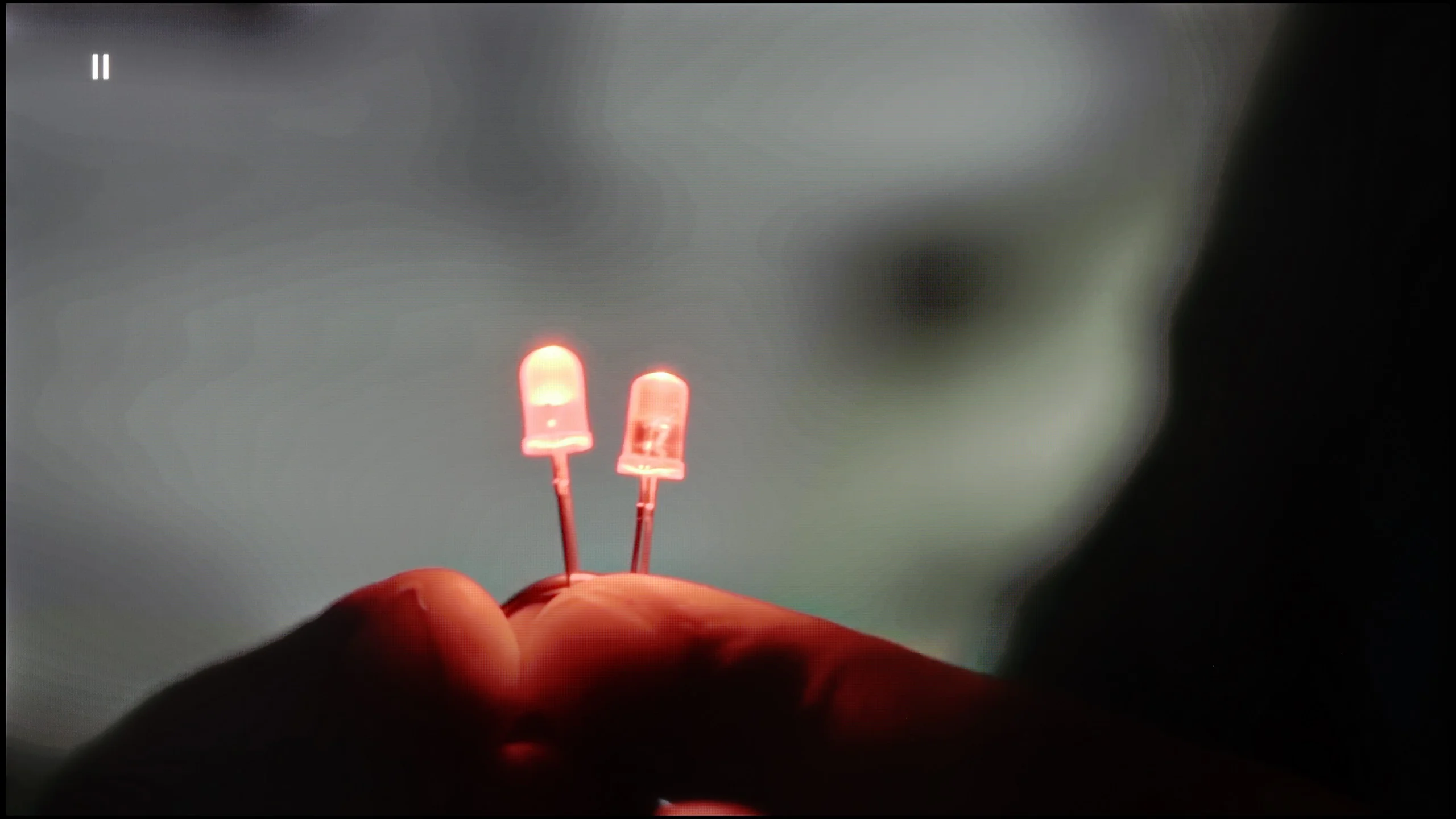
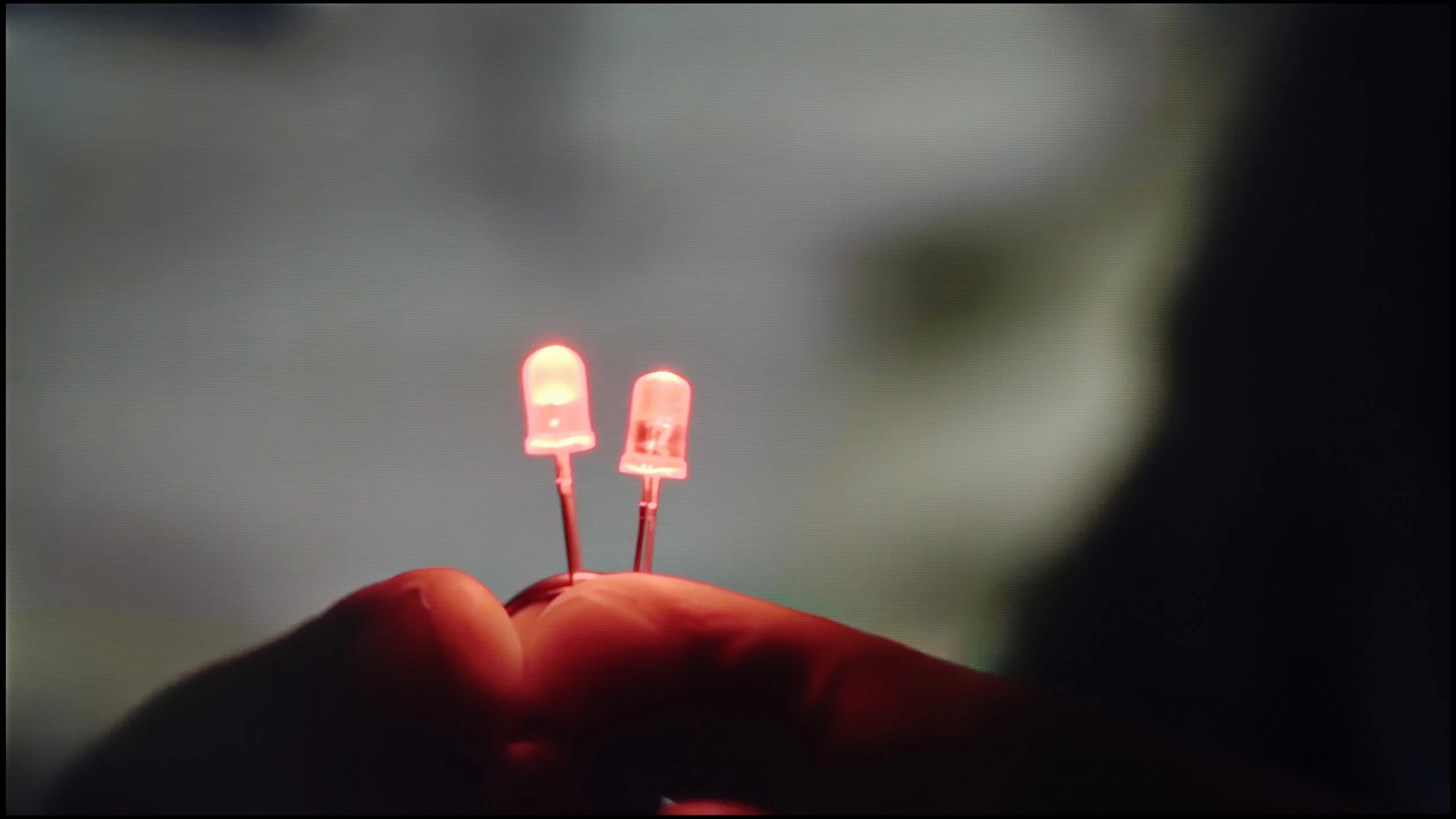
The match photo shows how the TV smooths weak tonal transitions in low-quality video.
Image scaling SD (576i)


The model photo shows how it handles upscaling of SD material.
The previously visible color artifacts can largely be eliminated thanks to a feature called "distortion reduction." Similar to the OLED820, it's best to set it to a medium level, as it then produces quite decent results – smoothing out unwanted tonal transitions while not taking away too many details from the image. Although there may be times when the effect is a bit too aggressive, it can generally be considered a useful feature for everyday viewing.
As for image scaling, the OLED910 performs really well. The test material with the model had a characteristic soft look typical of Philips – at times even too soft – but the sharpness slider can be adjusted at any moment to tailor the image to personal preferences. It's also worth noting that the TV has no issues with overscan, which still occurs in some competing models. It's a small detail, but it's pleasing because it means that all content, even the oldest, is displayed as it should be.
The Frame Pro uses the NQ4 AI Gen3 processor, so in terms of image processing it behaves very similarly to Samsung's other recent TVs. Upscaling works really well; lower-resolution material is sensibly sharpened and the image remains clear without overemphasizing edges. With regular broadcast TV or lower-quality YouTube clips, this can provide a noticeable improvement, although viewers watching much older material, for example from VHS tapes, may notice a slight left-side cropping (overscan).
It's a bit different when it comes to improving more heavily compressed images through noise reduction and artifact suppression for issues like posterization. The "Noise Reduction" function can improve weaker material, but fairly quickly it starts to interfere with the image and remove fine detail or grain. So it's best used sparingly and mainly when the source truly needs it.
Blur and motion smoothness
8.5/10
7.9/10
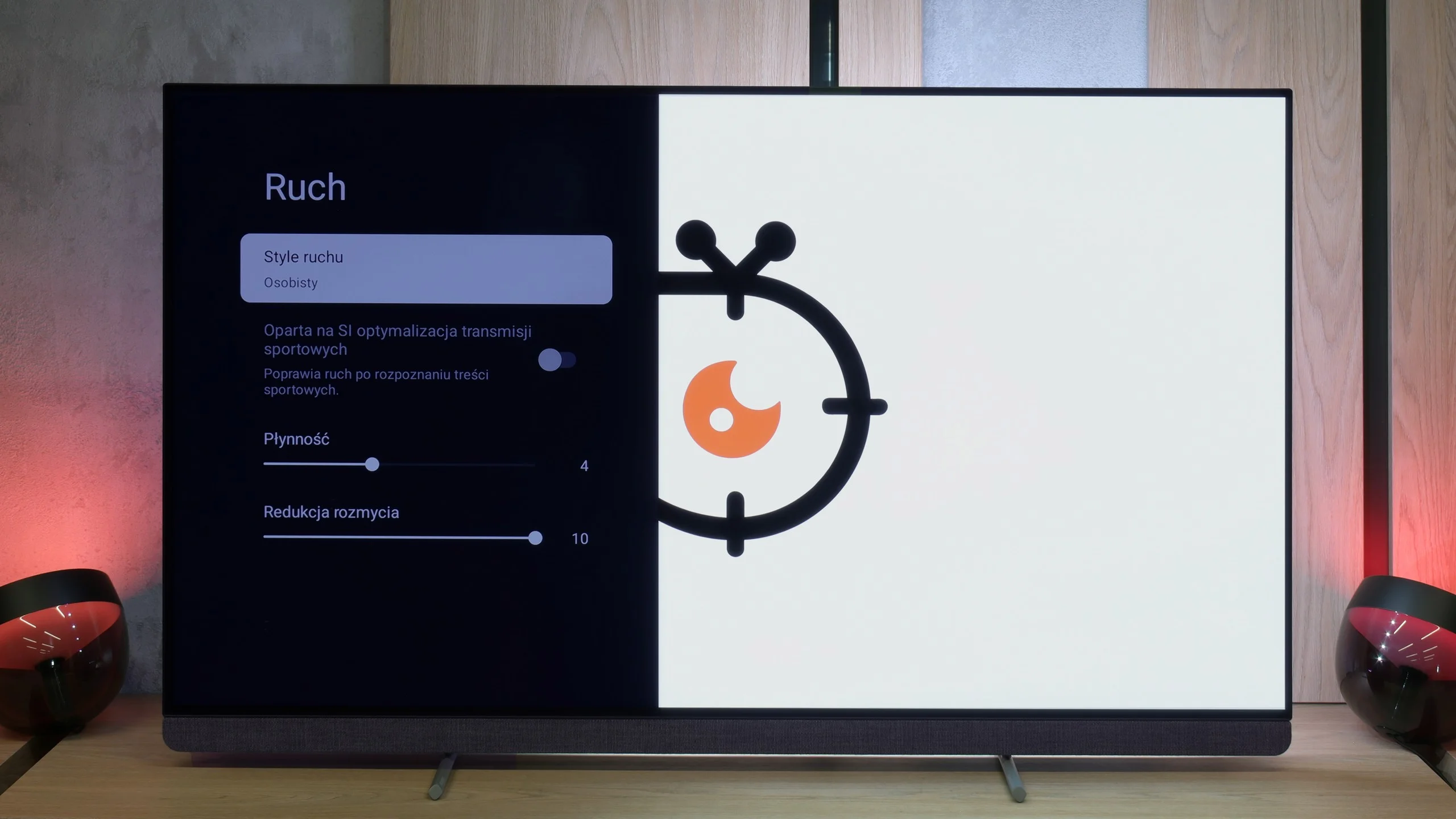
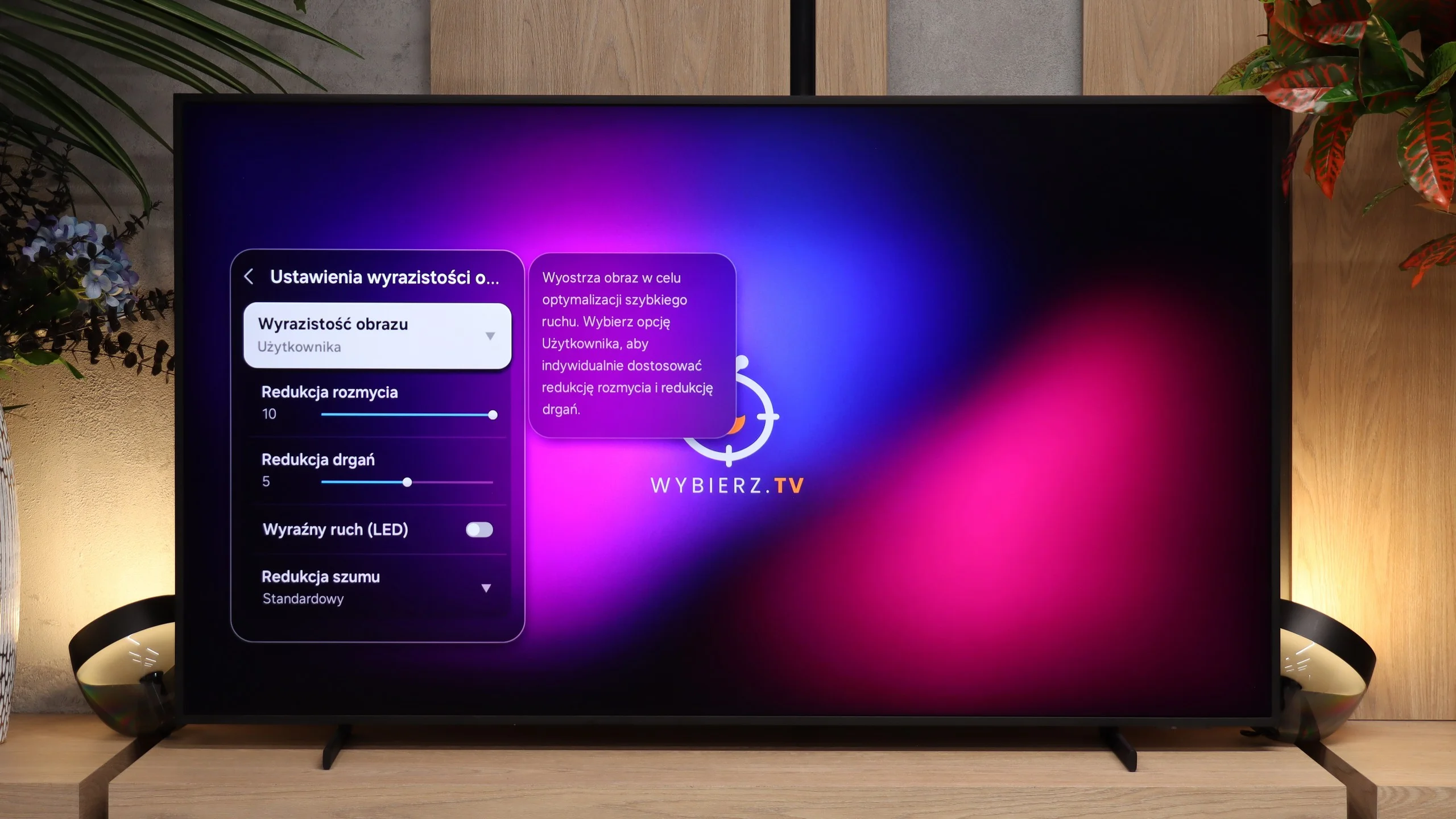
Blur (native resolution, maximum refresh rate):






Blur (BFI function enabled):
Image flickers in this mode



Blur (4K@144Hz):



Blur (1080p@240Hz):



The OLED910 is a television with a refresh rate of 144 Hz. It's a bit disappointing that Philips didn't choose 165 Hz, because we know that the panel used in it is capable of that. On the other hand, such a bonus would mainly benefit PC gamers, as in everyday use, the most important refresh rate is 120 Hz, which is fully sufficient. Combined with the advantages of an OLED panel – lightning-fast pixel response time and no motion blur, the image is impeccably sharp and fast, even in dynamic action scenes. Kudos also goes to Philips' traditional motion smoother called "Motion Style." We can easily adjust it to our preferences: the "Smoothness" slider is for movies and allows you to choose between a more "frame-like," cinematic character and a smooth, theatrical image. Meanwhile, the "Blur Reduction" slider is for sports; it is worth setting it to the maximum value here to ensure that the image is clear and distinct during very fast shots.
The Frame Pro is equipped with a 144 Hz panel and, when connected to a PC, also supports 240 Hz at Full HD resolution. That’s, of course, a feature aimed mainly at PC gamers, but the TV also performs very well at the standard 120 Hz refresh rate we use for watching sports or playing on consoles. A big plus is its minimal motion blur. For a VA panel The Frame Pro does really well in this regard. You don’t see strong, dark trails following moving objects that are fairly common on TVs with this type of panel. As a result, fast sports and dynamic games remain clear in motion. It also includes motion smoothing with adjustable smoothness, so for movies and sports broadcasts you can tune the motion character to your preferences. Our recommended settings can be found in the photo.
Console compatibility and gaming features
9.8/10
9.6/10
- ALLM
- VRR
- VRR range48 - 144Hz48 - 240Hz
- Dolby Vision Game Mode
- Correct implementation of HGIG
- 1080p@120Hz
- 1440p@120Hz
- 4K@120Hz
- Game bar
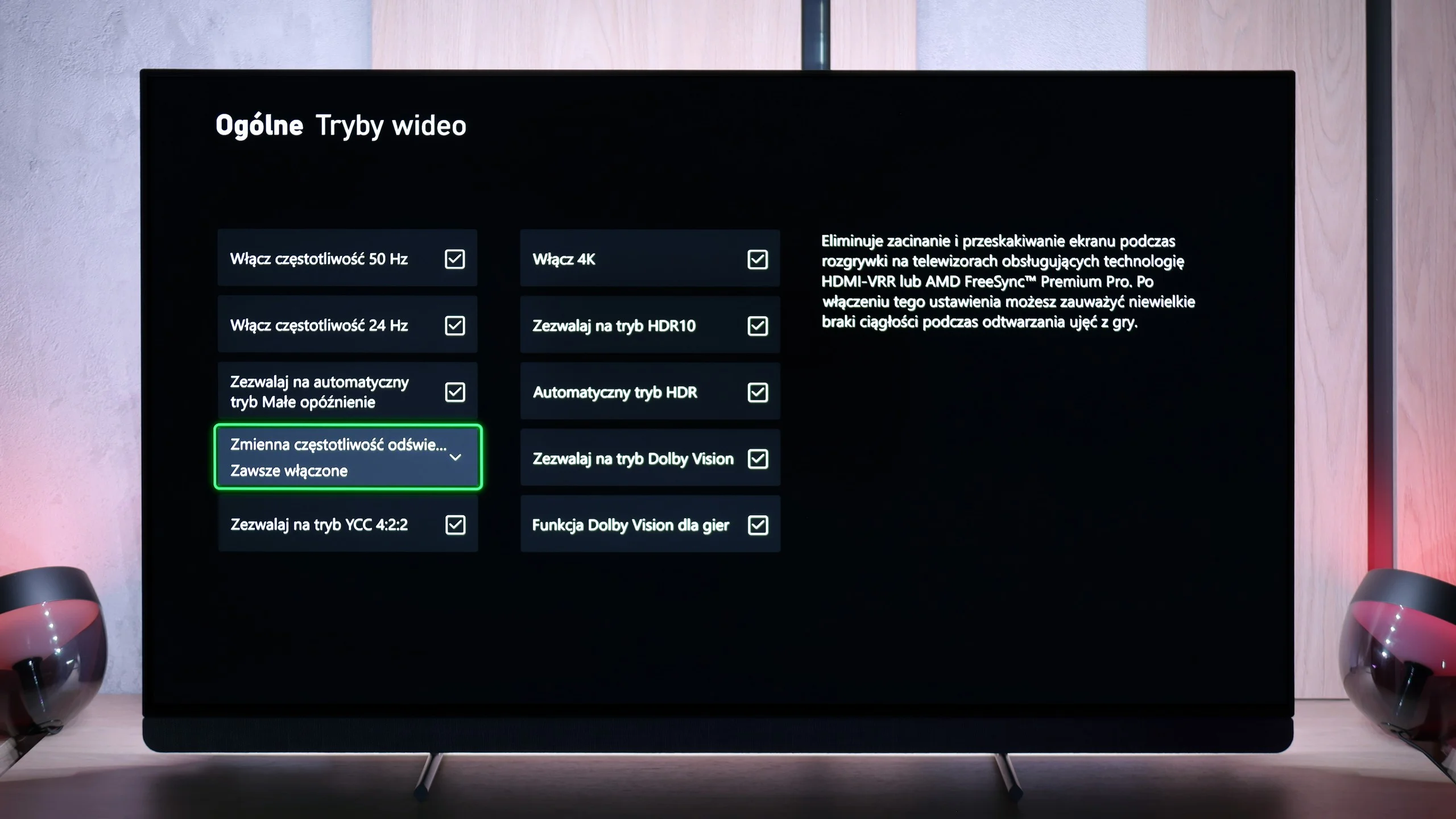
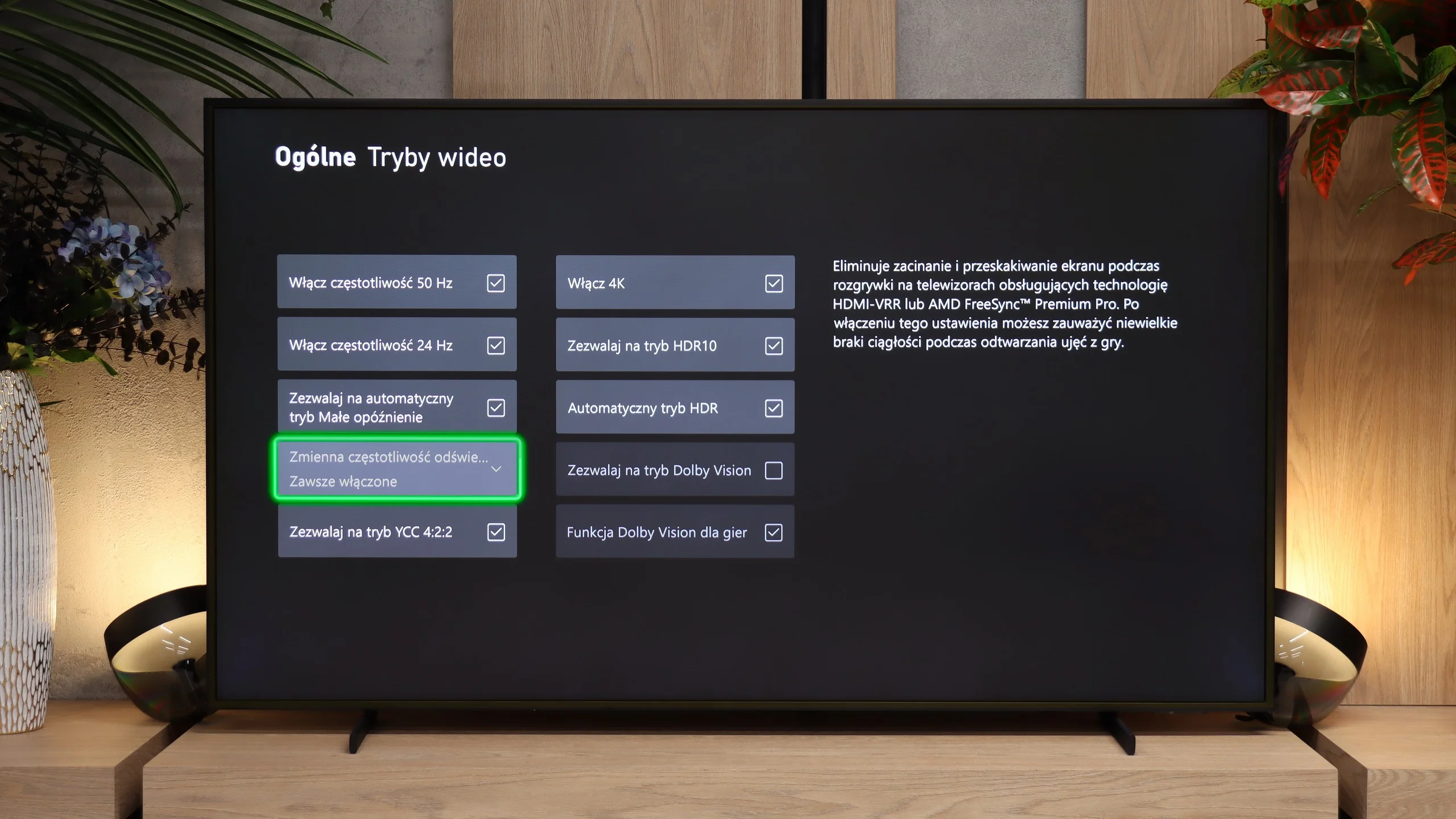
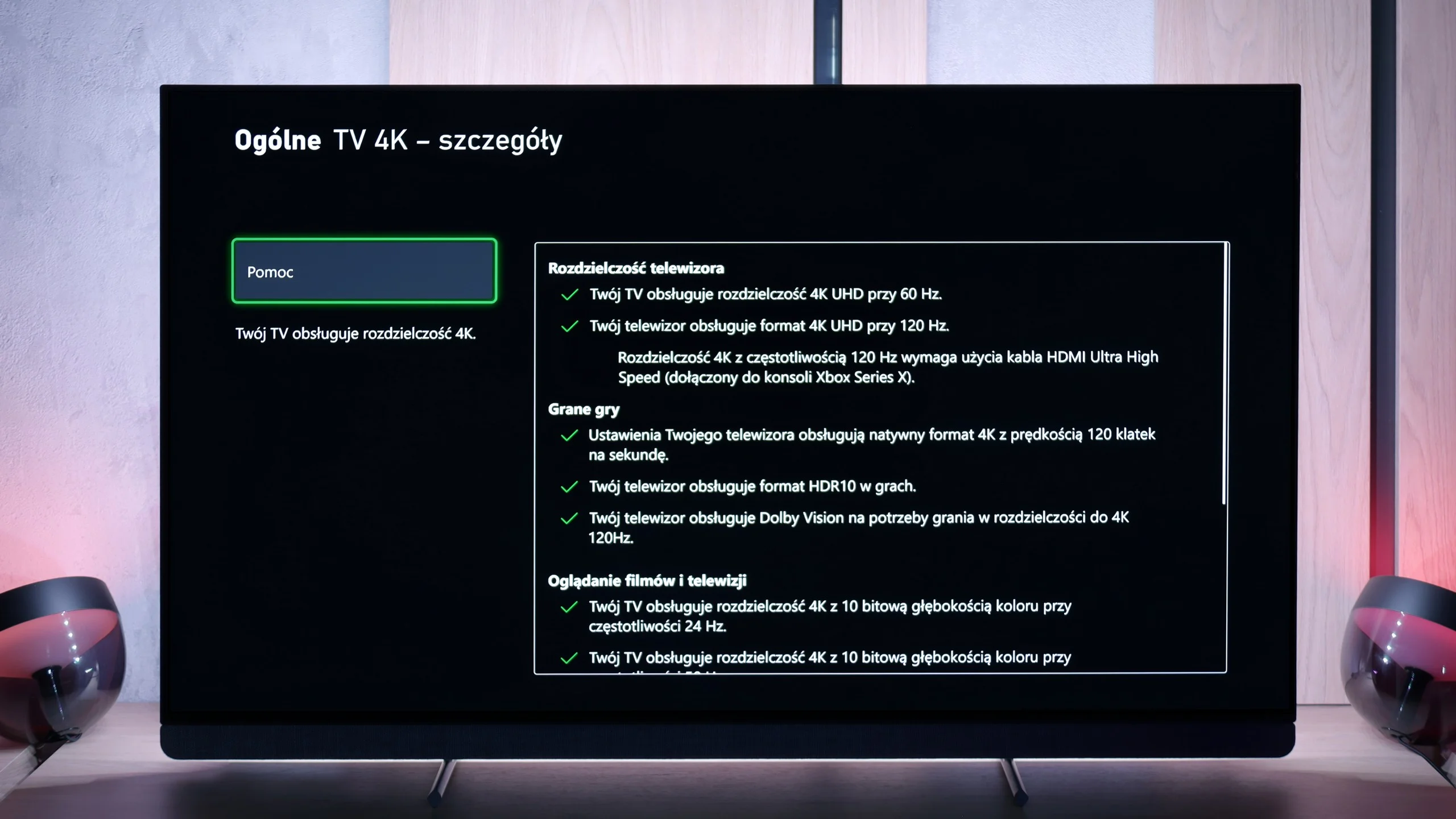
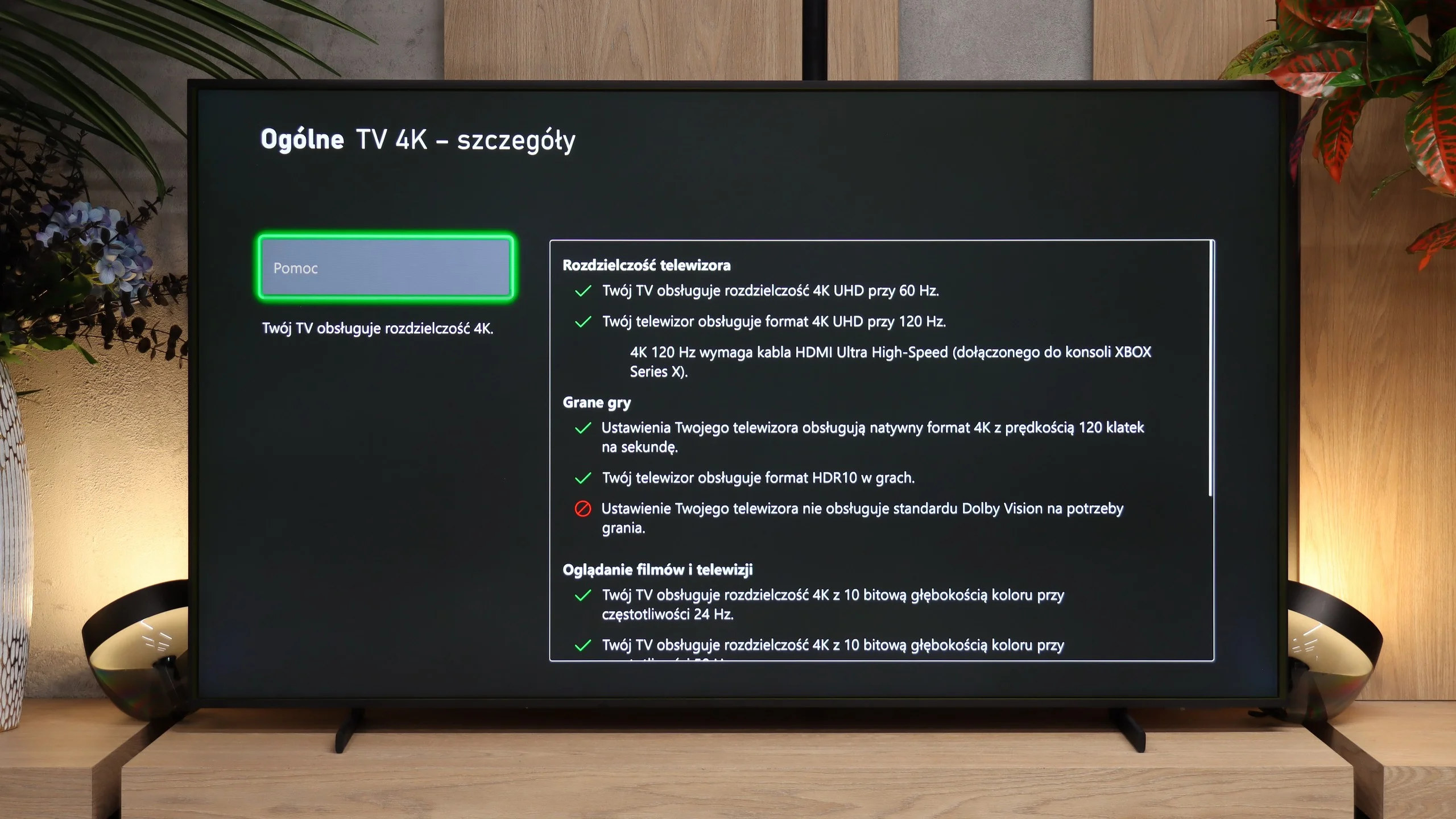
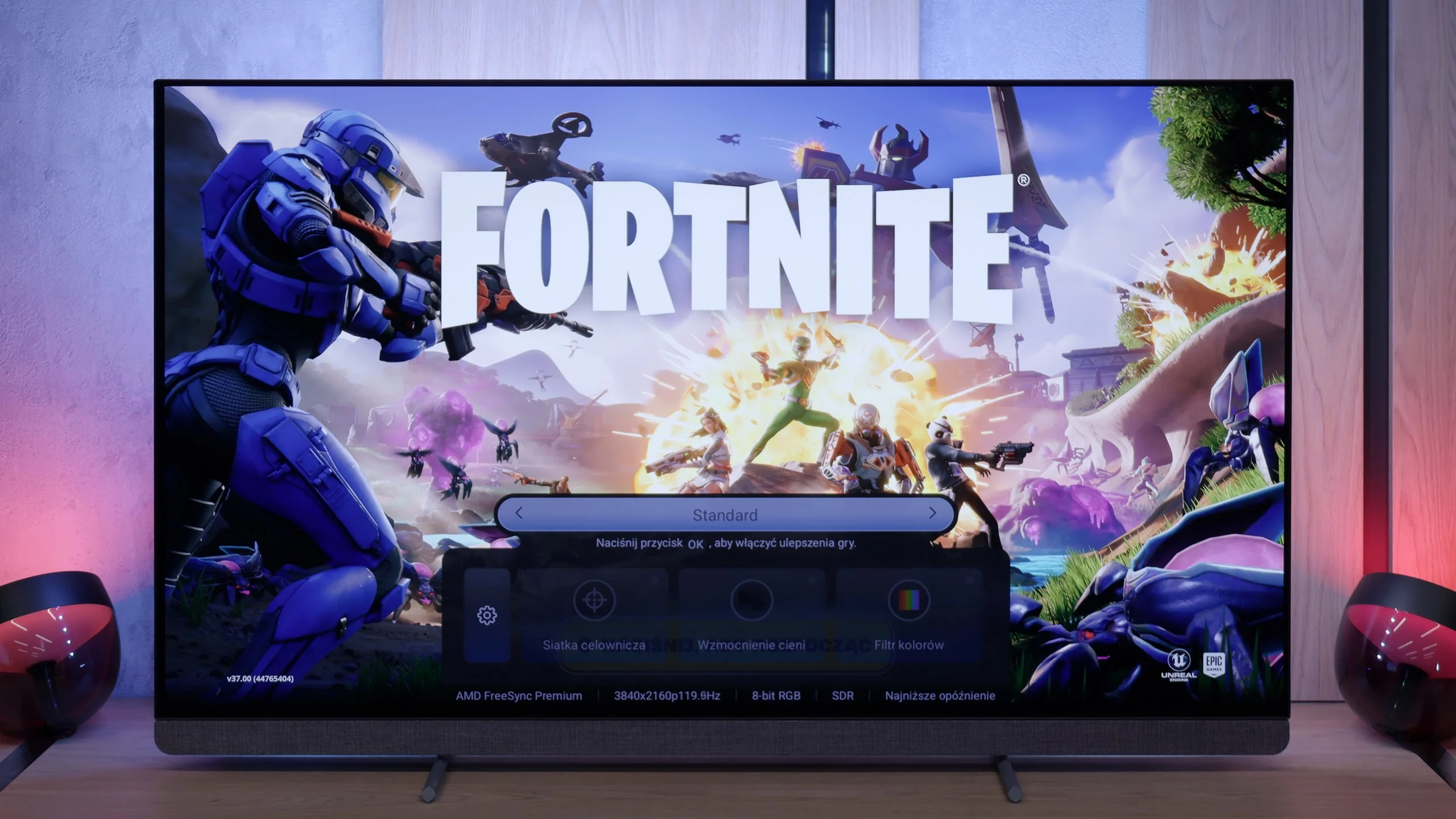
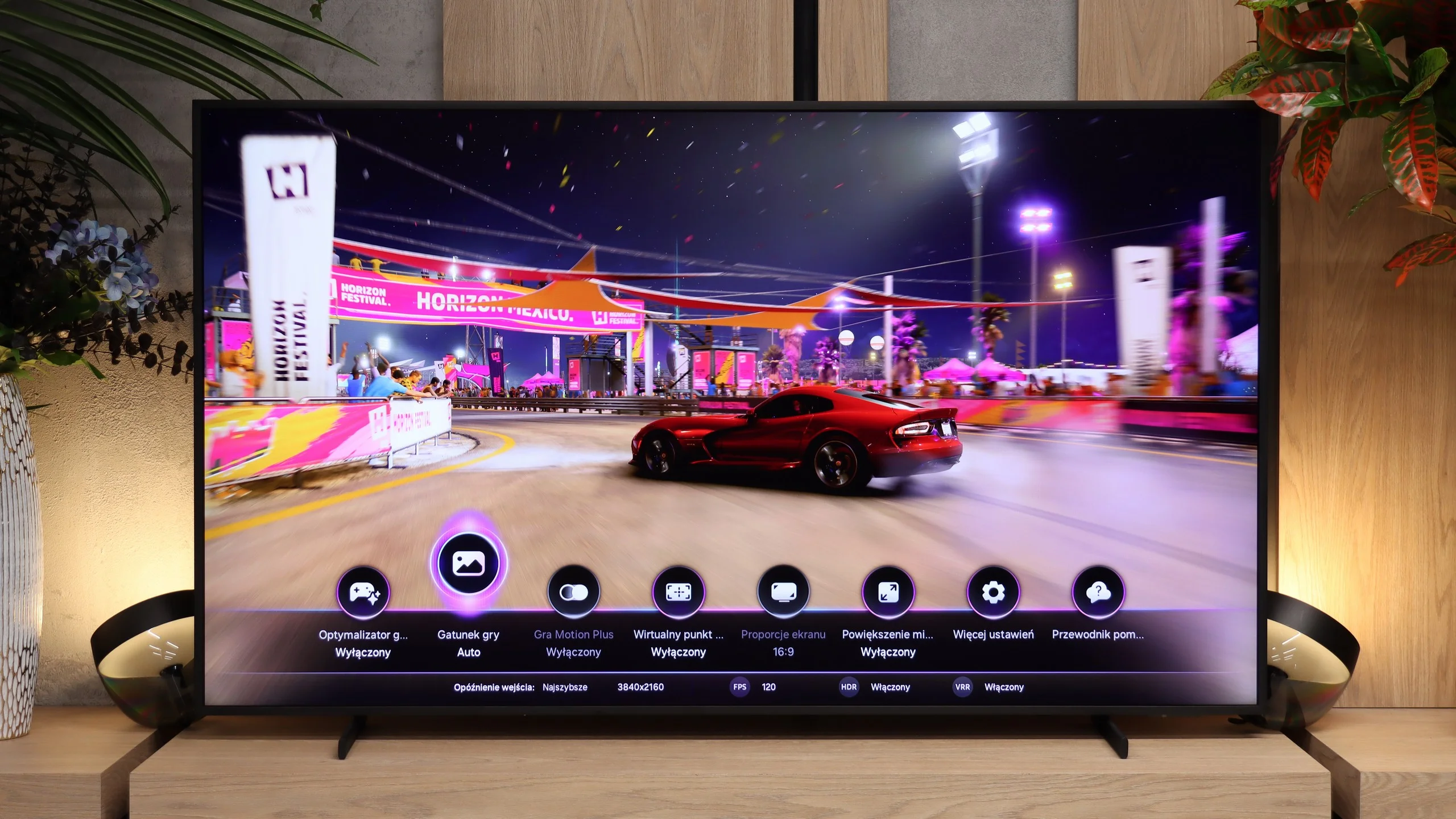
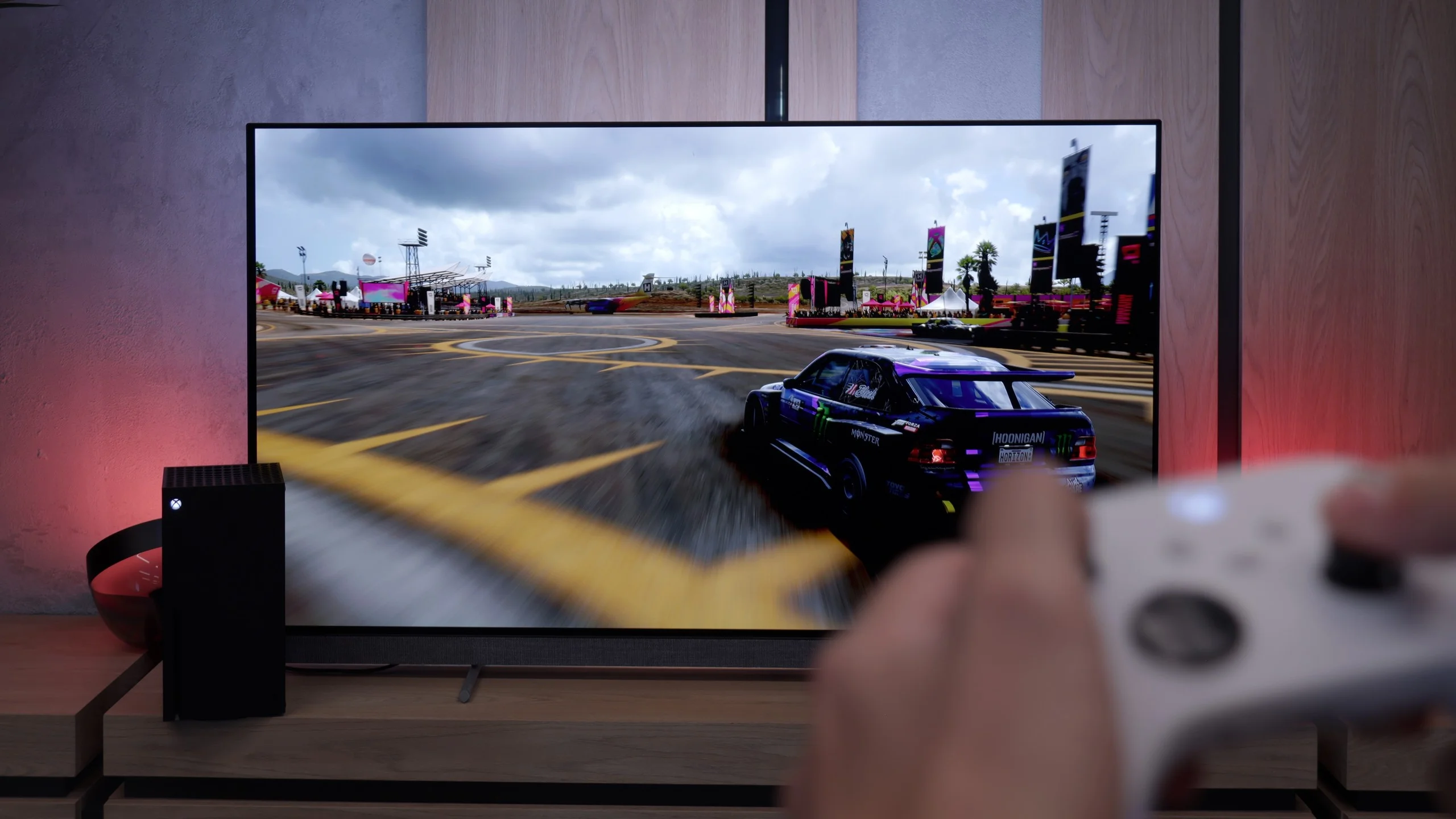
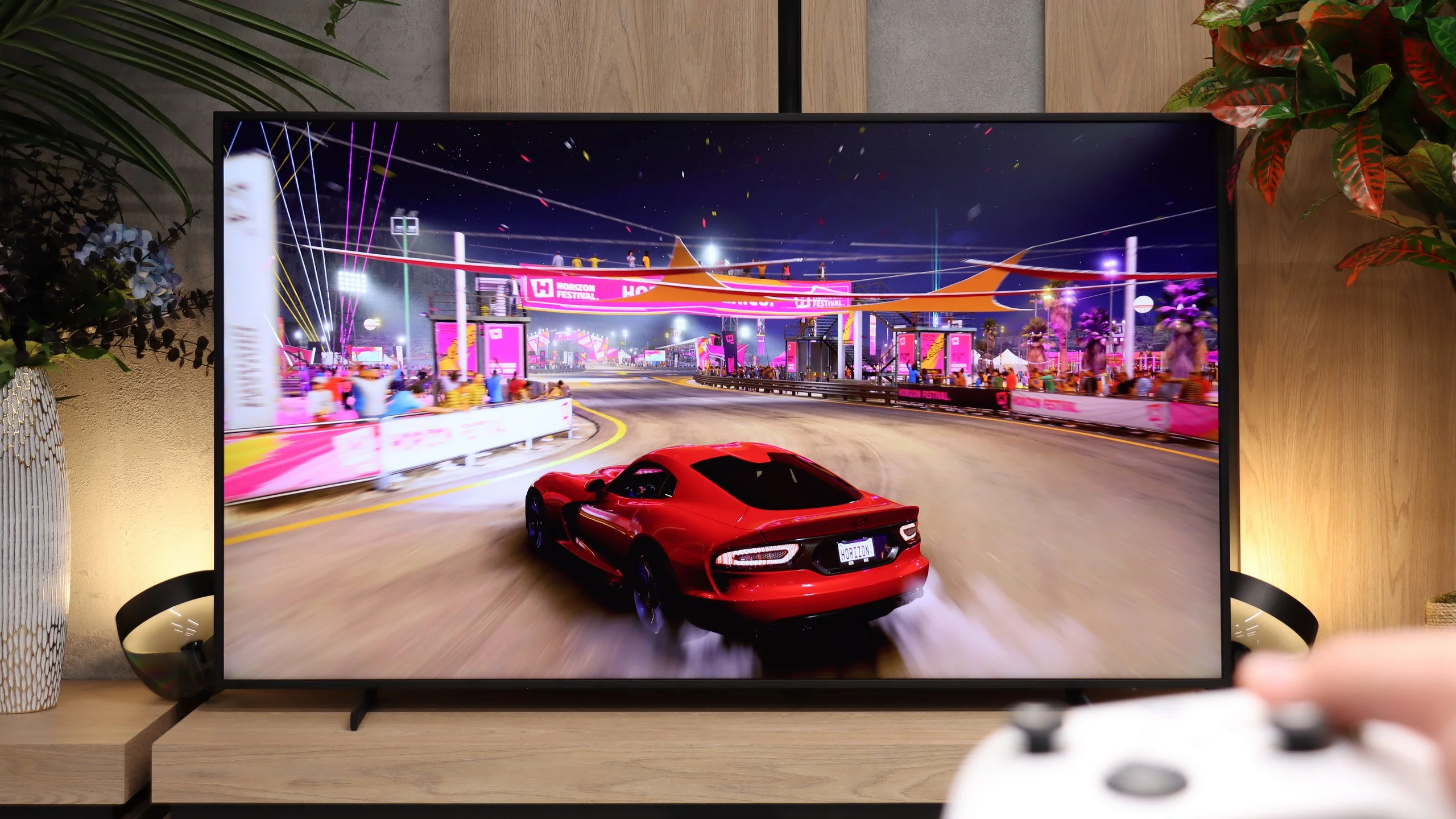
The OLED910 is excellent for gaming. It supports 144 Hz, so if someone has a powerful PC, they can easily take advantage of that potential. On consoles, 120 Hz is the most important, and everything works perfectly here. There is VRR, an automatic game mode, and even Dolby Vision in games along with an HGiG mode, so we actually get a full package of gaming features. Philips also added a Game Bar, which is a quick menu that shows basic information and allows you to enable a few useful things. It may not look as modern as the competition, but it works and serves its purpose. The only downside is the number of HDMI 2.1 ports. There are only two, which can be somewhat disappointing for a TV in this class. If someone is connecting two consoles and something additional to eARC - like a soundbar (which doesn't make much sense in this model, but we'll discuss that in the sound section), they'll need to figure things out a bit more. Other than that, the OLED910 has everything we expect from a gaming TV.
Function-wise for gamers The Frame Pro has a lot to offer. The TV supports 4K at 120 Hz, VRR, ALLM and correctly implemented HGiG. When you connect a PC you can also use 144 Hz at 4K, and even 240 Hz if you drop to Full HD. Samsung also adds its standard set of gaming extras: a robust Game Bar that lets you quickly view and adjust key settings, and Game Motion Plus, which can improve the smoothness of games running at 30 or 60 fps. There’s also the Gaming Hub and the ability to play in the cloud without needing to connect a console. The only real omission is Dolby Vision Gaming, which Samsung doesn’t support. Otherwise The Frame Pro offers practically everything you can expect today from a well-equipped gaming TV.
Input lag
10/10
10/10
SDR
HDR
Dolby Vision
In terms of input lag, the OLED910 has nothing to be ashamed of. In 120 Hz mode, the delay is about 5 ms, which is a benchmark result and ensures instant response. For 60 Hz content, the values rise to around 13 ms, but that is still a very good result, fully sufficient even for demanding gamers. Importantly, even in Dolby Vision, the input lag remains low, so one can enjoy both great picture quality and full responsiveness.
adasdsadddas
Input Lag Wirales One Connect (2-3 metry od TV)
SDR | HDR |
|---|---|
1080p60 Hz: 61 | 2160p60 Hz HDR: 71 |
1080p120 Hz: 39 | 2160p120 Hz HDR: 32 |
2160p60 Hz: 63 | |
2160p120 Hz: 32 |
Compatibility with PC
6.5/10
8.4/10
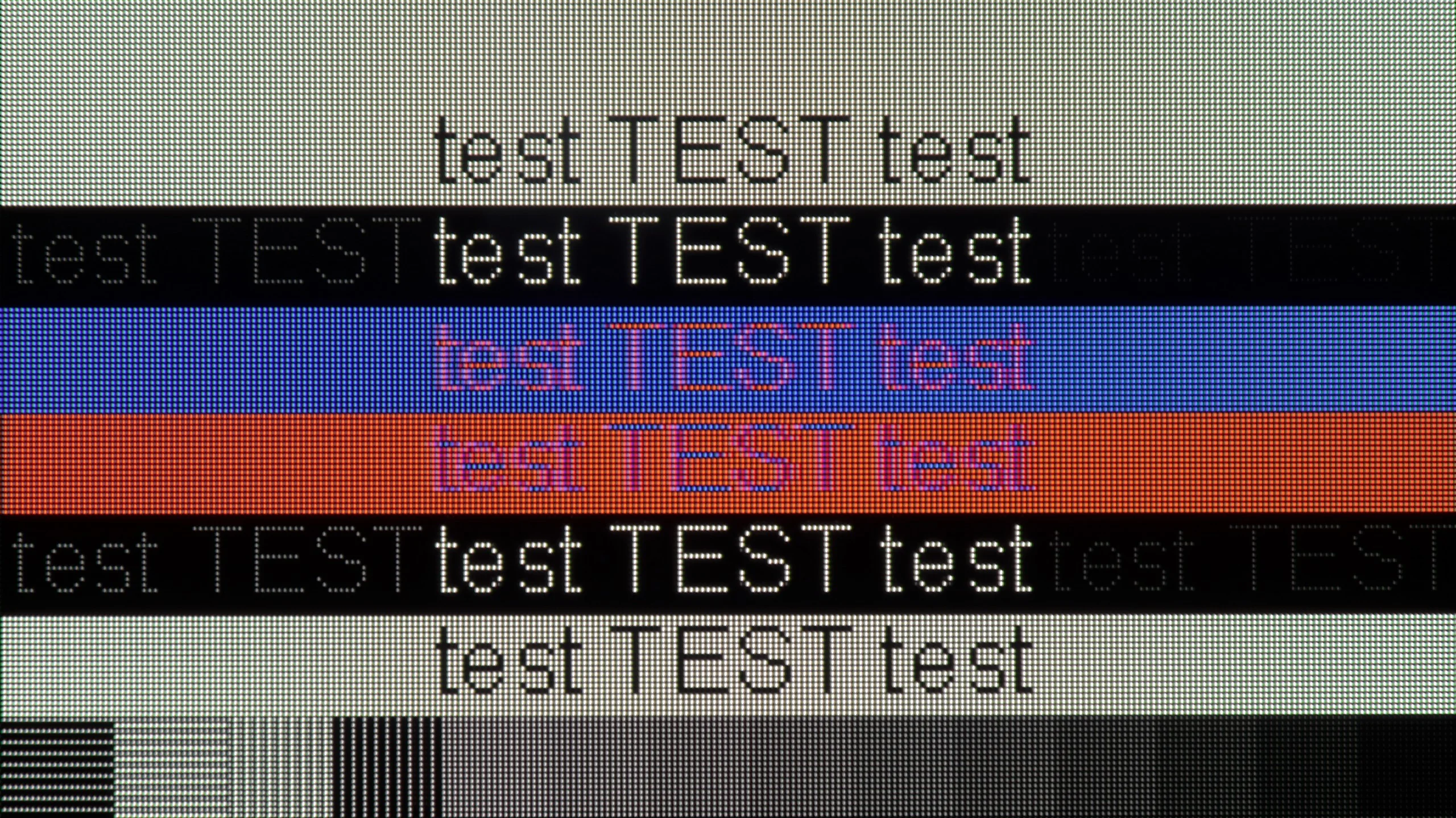
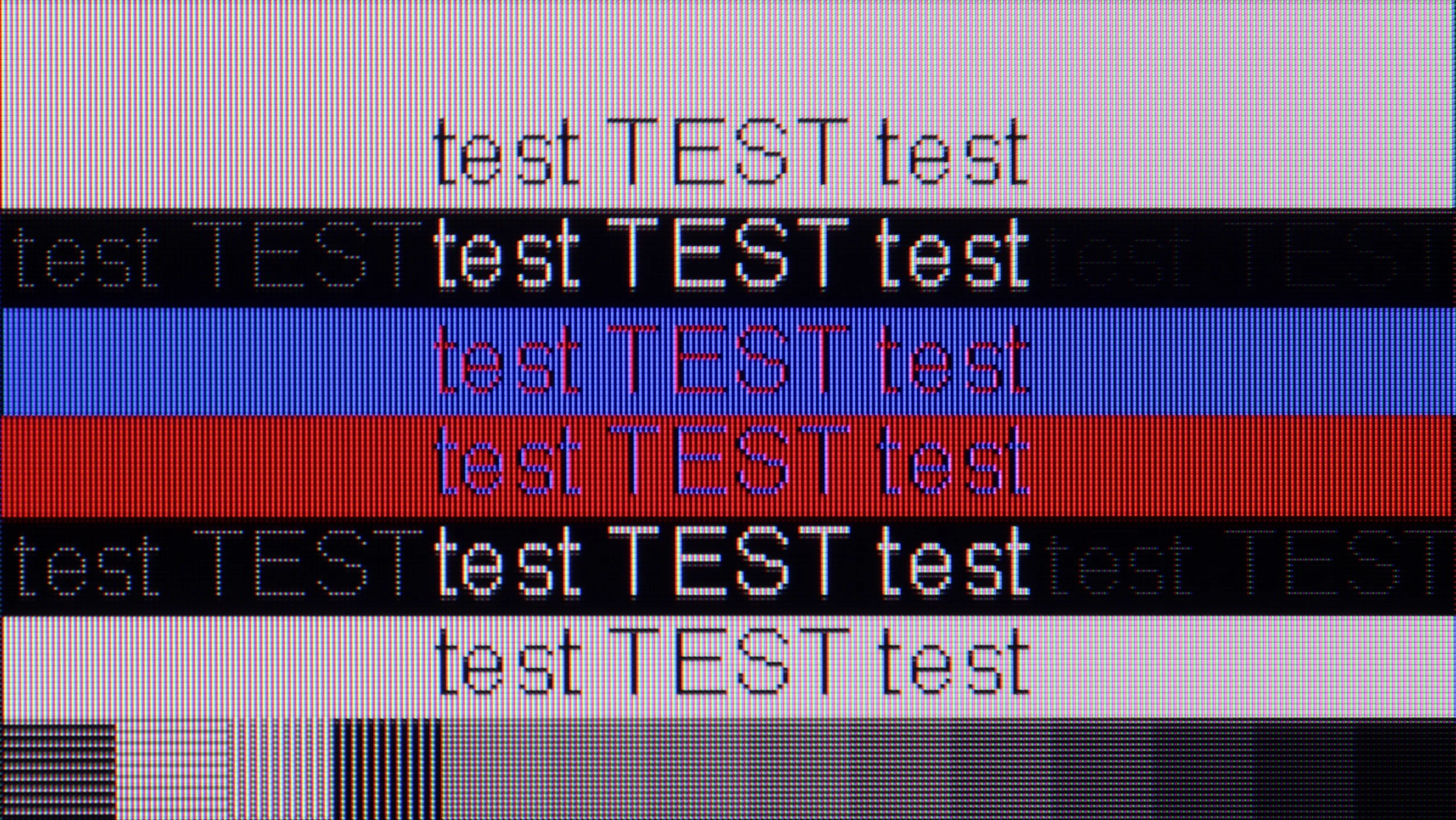
The photo shows the legibility of small fonts. Ideally, lines should be the same thickness on both light and dark text, with minimal pixel gaps.
The OLED910 connected to a computer performs excellently in games. It has a 144 Hz refresh rate, very low input lag, and supports G-Sync, so everything runs smoothly and without delays. It's really hard to find anything to complain about for gaming. It gets worse if someone wants to use it for text work. Regular black-and-white fonts look fine, but the problem starts when colorful elements appear in the document. The lack of full chroma 4:4:4 support makes such text slightly blurry. It's an average solution for everyday office work.
The Frame Pro performs well when connected to a computer. It supports full 4:4:4, 144 Hz at 4K and 240 Hz at Full HD. It also works with both NVIDIA’s G-Sync and AMD’s FreeSync. However, it’s not ideal for working with text. From a normal viewing distance everything looks fine, but up close you can see minor artifacts around fonts and slightly less crisp edges. This doesn’t affect gaming or watching content much, but it can be noticeable during office work.
Viewing angles
7.6/10
3.4/10
In this regard, the OLED910 performs very well. The new Tandem OLED RGB panel means that we no longer have the advantage that older MLA panels were able to achieve against QD-OLEDs. Here, instead of an "outstanding" level, we simply have "very good." Brightness decreases slightly when viewed at an angle, but color saturation is maintained, and even with a greater deviation, the image looks attractive. It will be hard to find a situation where the viewing angles in this model will actually bother someone.
Viewing angles on The Frame Pro are mediocre, if not poor. The TV uses a conventional VA panel, and at wider angles the image loses quality fairly quickly. Brightness drops first and foremost, but color saturation also noticeably fades, making the picture look more washed out. That’s a bit more of a shame with The Frame Pro than with a regular TV. It’s a model that’s often meant to hang on the wall and double as artwork, so better viewing angles would be very welcome.
Daytime performance
7.3/10
6.5/10
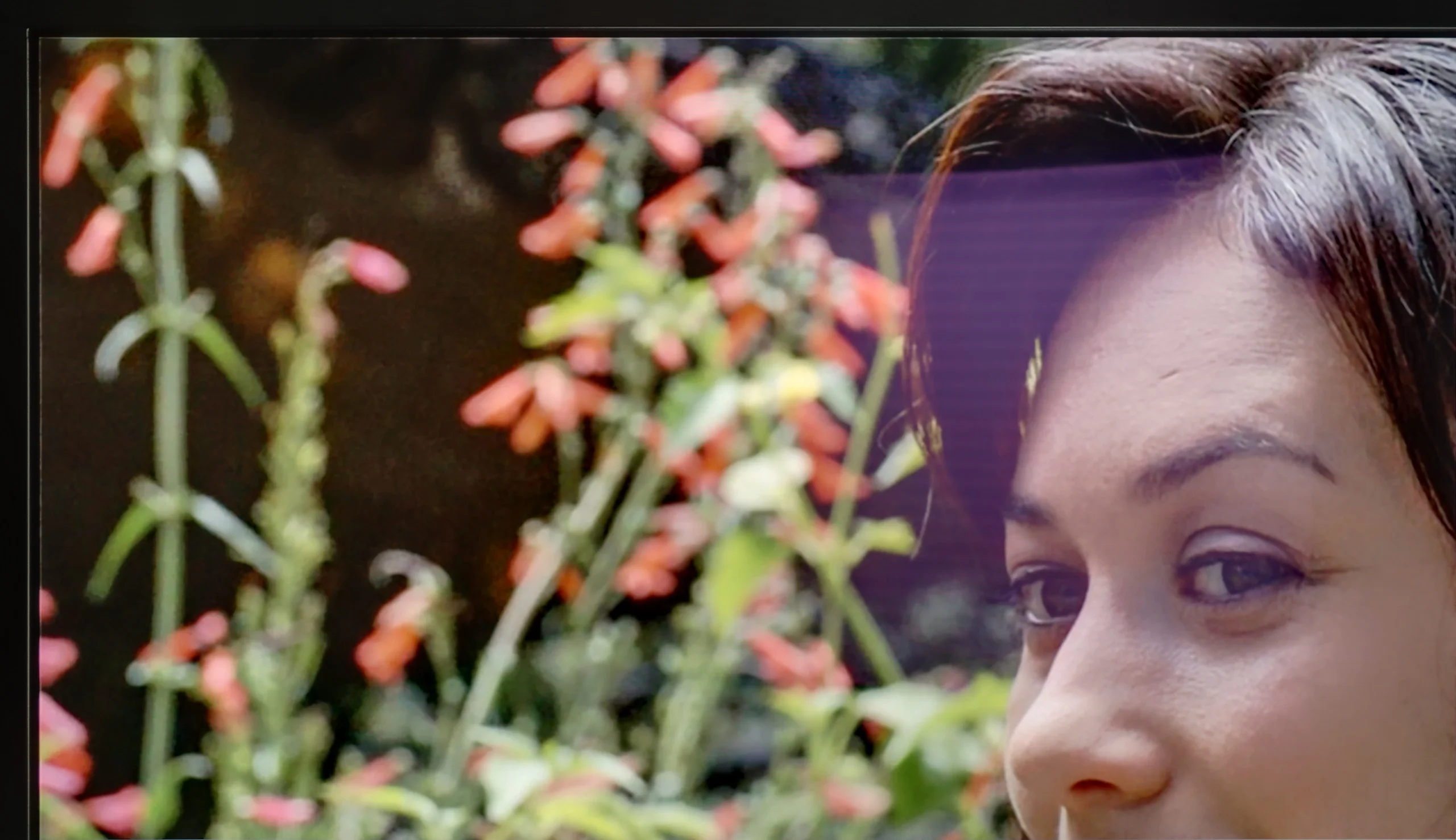
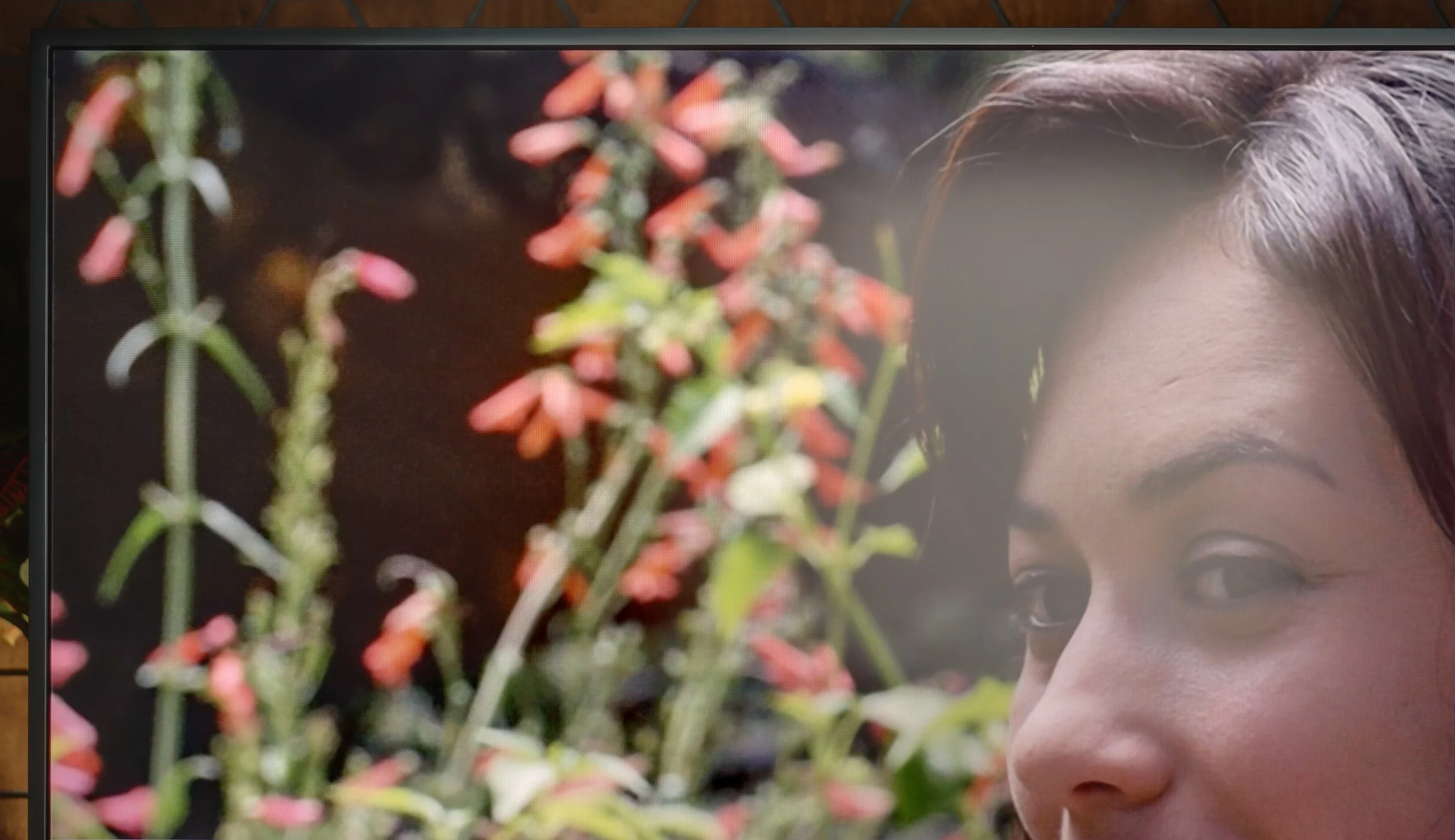
Panel brightness
Samsung The Frame Pro 2026 (LS03HW): 587 cd/m2
Philips OLED910: 614 cd/m2
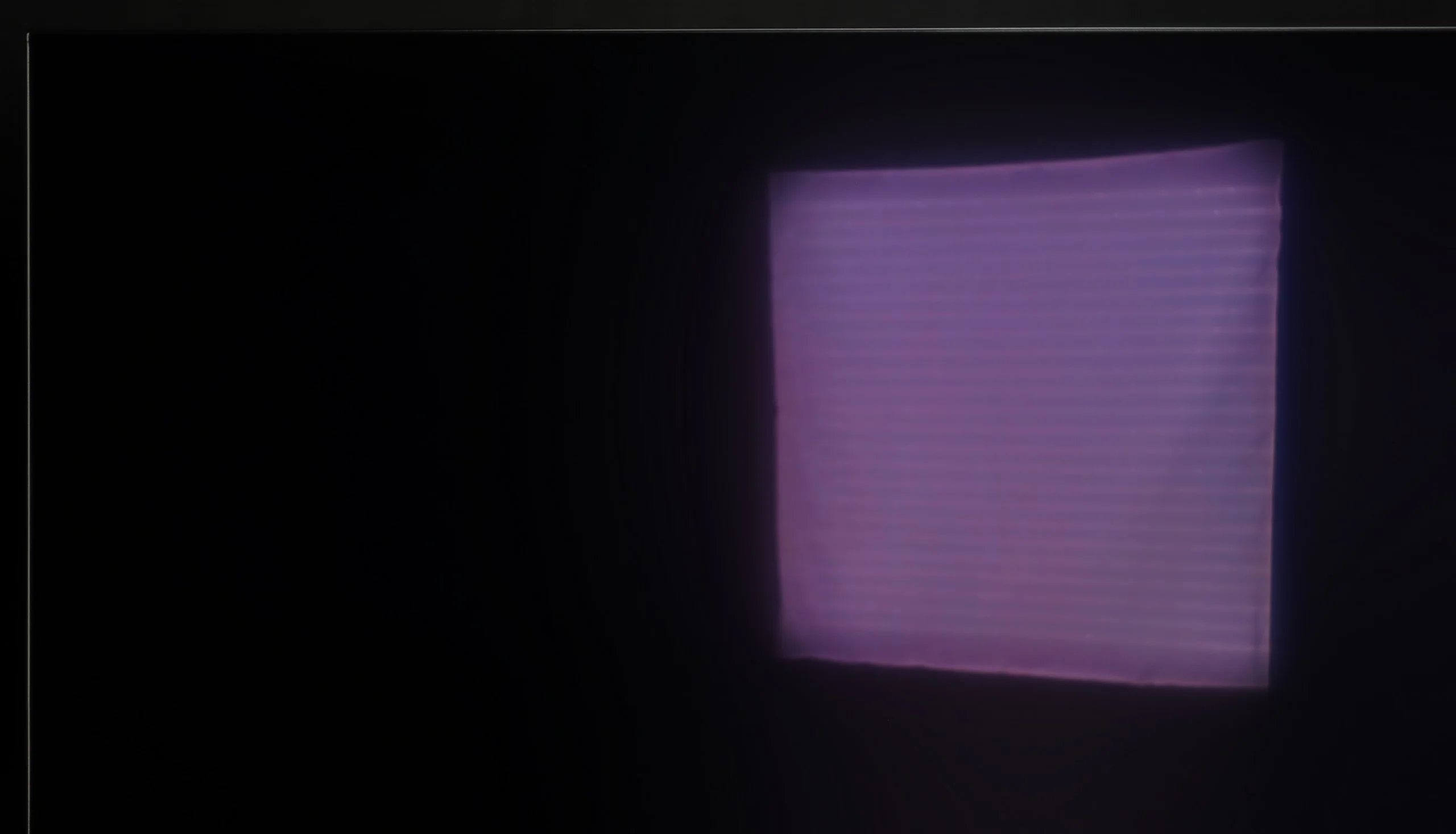
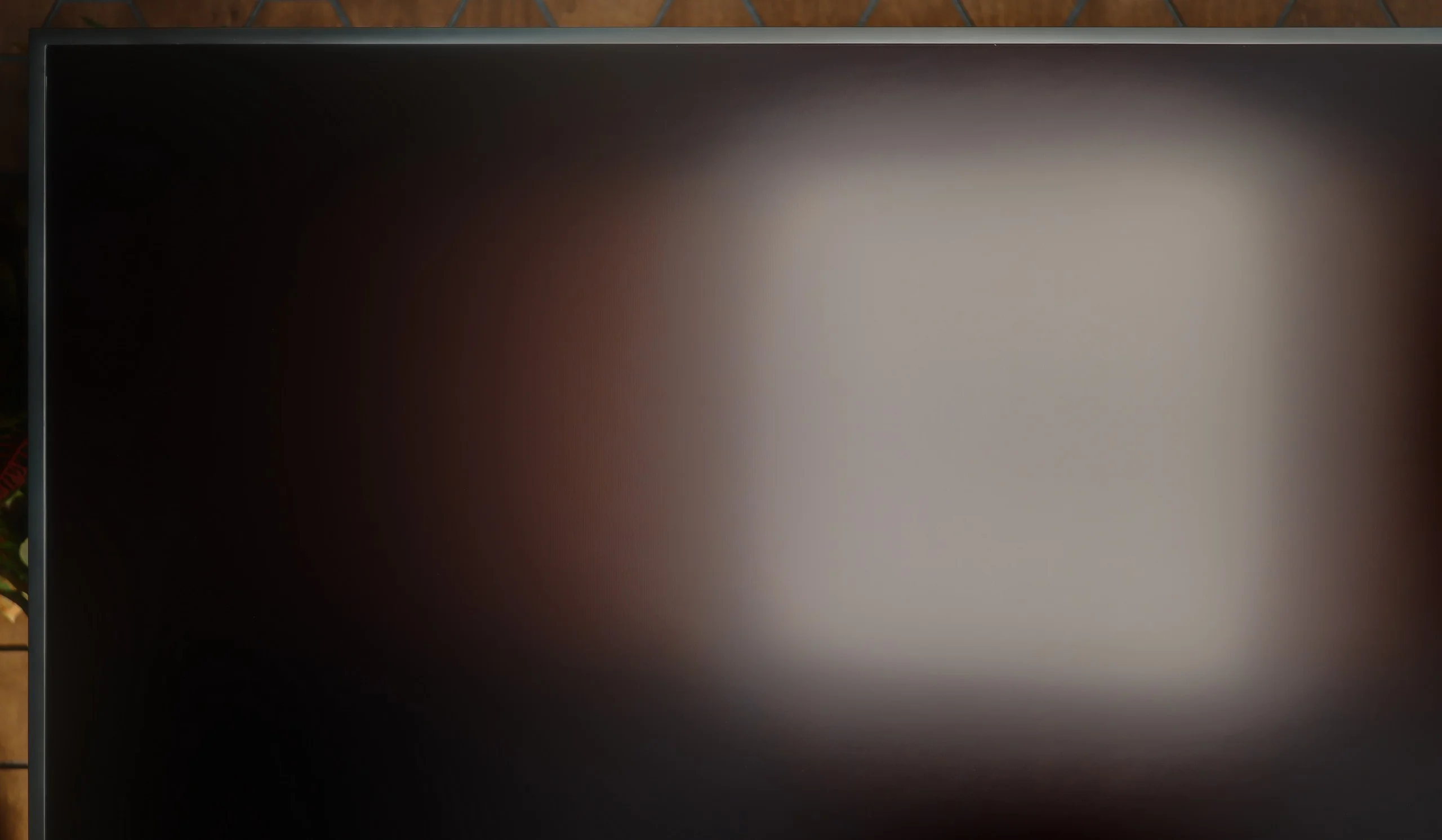
During the day The Frame Pro performs quite well. SDR brightness stays around 600 nits, so the picture remains readable even in a brightly lit room. The biggest advantage, however, is the matte screen coating, which disperses reflections very effectively and makes lights or windows less noticeable on the screen. We did notice, though, that in this year’s model the coating affects the image a bit more. With more light, blacks become slightly brighter and colors lose some of their depth. It’s still a very good choice for a bright living room, but in that respect the screen isn’t entirely without compromises.
Panel details
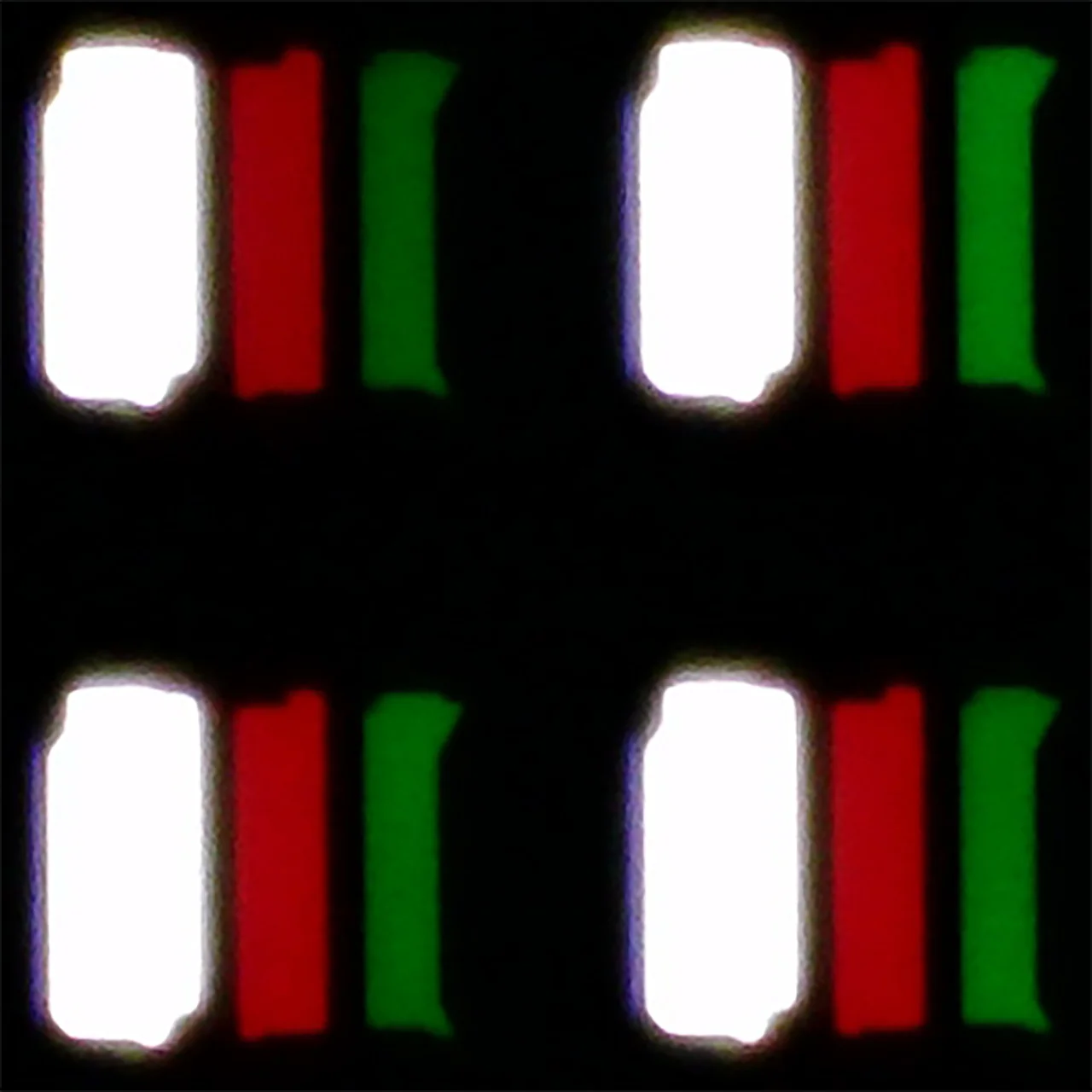
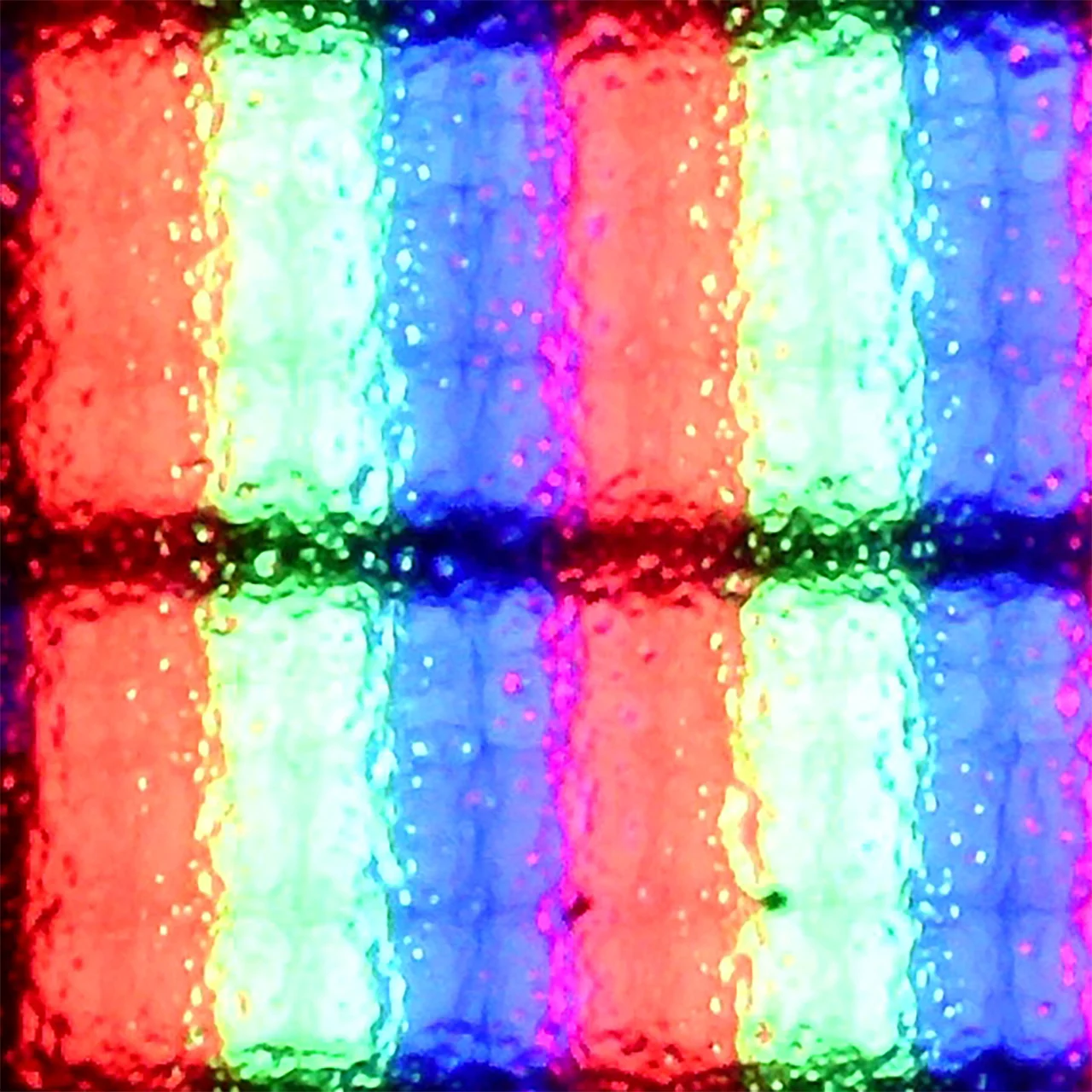
Subpixel Structure:
Panel uniformity and thermal imaging:


Philips OLED910
Samsung The Frame Pro 2026 (LS03HW)
TV features
6.4/10
7.7/10
- SystemGoogle TVTizen
- System performanceGoodGood
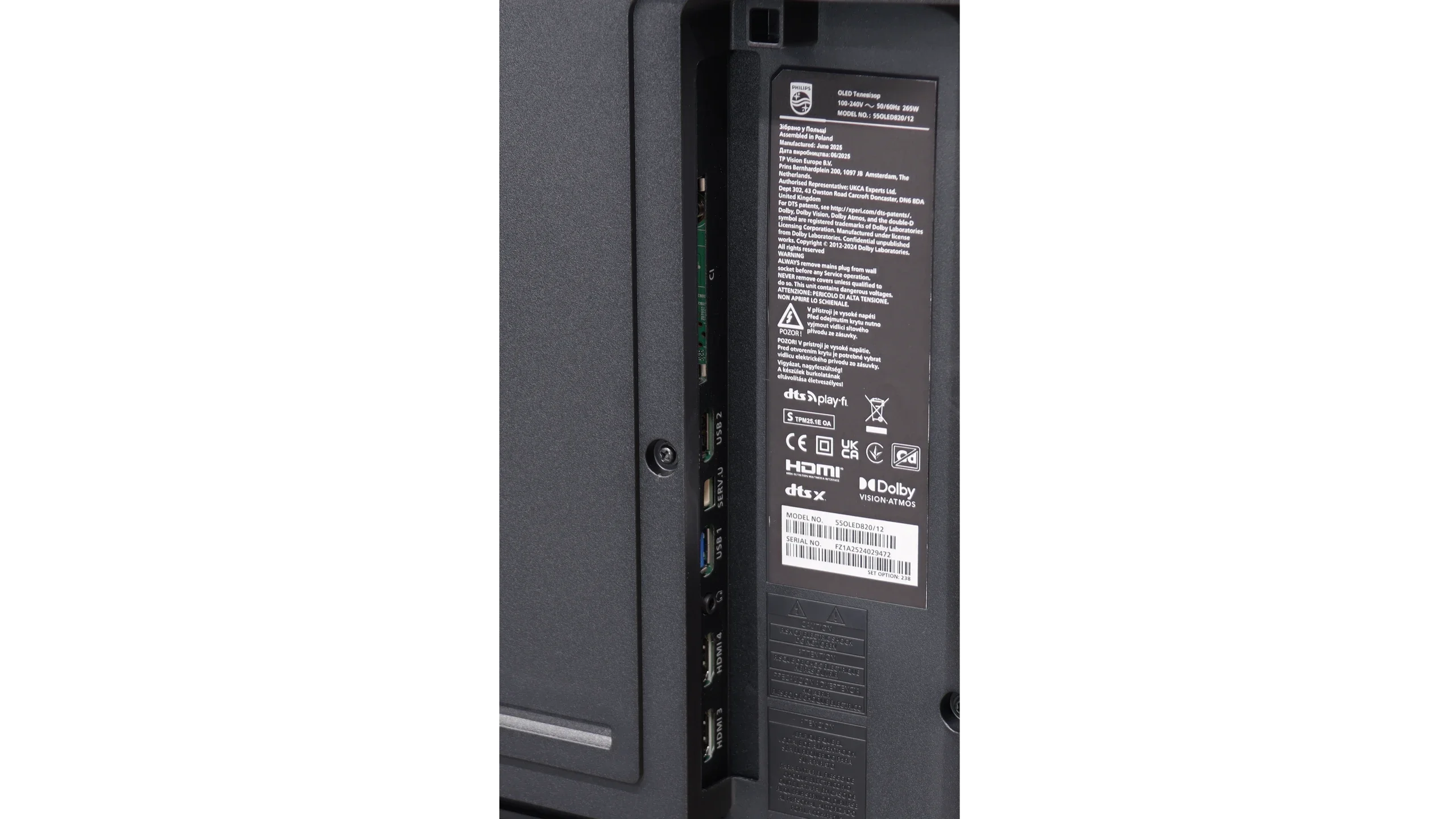
- HDMI inputs2 x HDMI 2.0, 2 x HDMI 2.1 48Gbps0 x HDMI 2.0, 5 x HDMI 2.1 48Gbps
- Other inputsUSB-C, Micro-HDMI
- OutputsToslink (Optical audio), SPDIF (Coaxial audio), eARC (HDMI), ARC (HDMI), Mini-Jack (Headphones)Toslink (Optical audio), eARC (HDMI), ARC (HDMI)
- Network InterfacesWi-Fi 2.4GHz, Wi-Fi 5GHz, Ethernet (LAN) 100MbpsWi-Fi 2.4GHz, Wi-Fi 5GHz, Ethernet (LAN) 100Mbps
- TV receptionDVB-T, DVB-T2, DVB-S, DVB-S2, DVB-CDVB-T, DVB-T2, DVB-S, DVB-S2, DVB-C
Classic features:
- Recording to USB (terrestrial TV)
- Recording programming
- Picture in Picture (PiP)
- RF remote control (no need to aim)
- Backlit remote control
- Teletext
- Audio only mode
- Bluetooth headphones support
- Simultaneous Bluetooth headphones & TV audio
Smart features:
- AirPlay
- Screen mirroring (Windows Miracast)
- Voice search
- Voice search in native language
- Ability to connect a keyboard and mouse
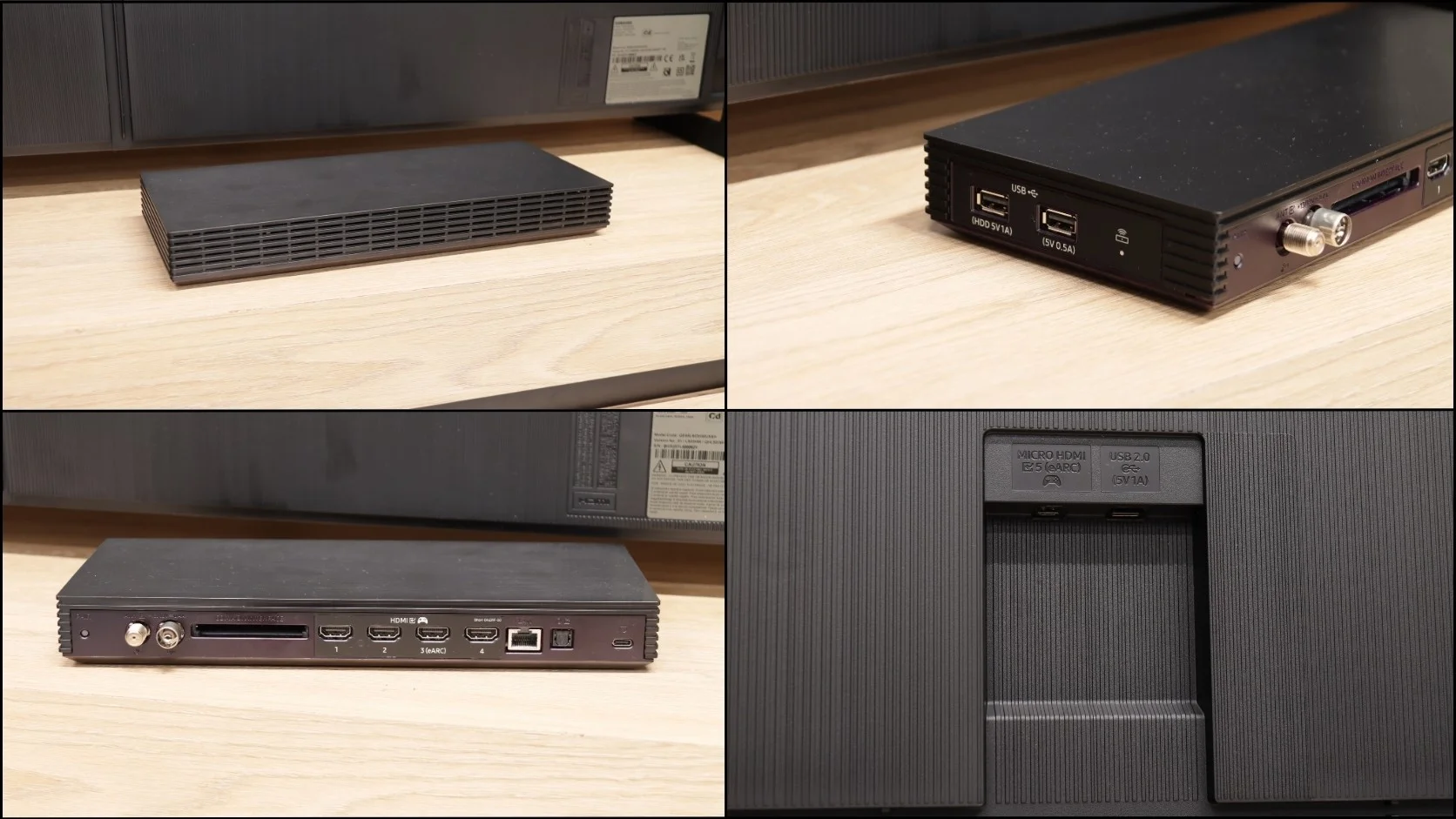
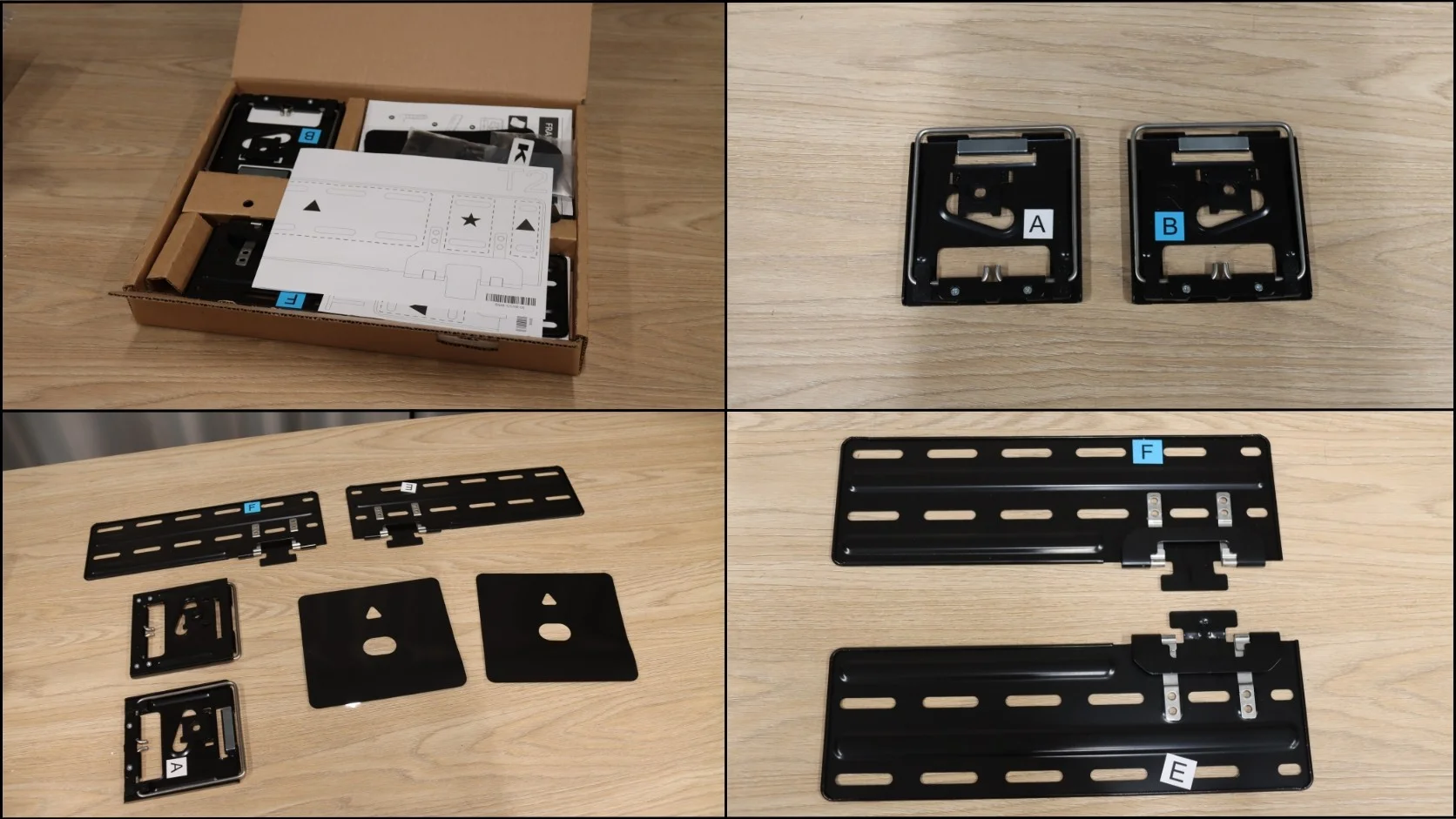
Sound connection options
- HDMI audioeARC (HDMI), ARC (HDMI)eARC (HDMI), ARC (HDMI)
- Other audio outputsToslink (Optical audio), AuxiliaryOutput-SPDIF (Coaxial audio), Mini-Jack (Headphones)Toslink (Optical audio)
- Wireless audioBluetooth, DTS Play-FiBluetooth, DTS Play-Fi
Supported audio formats (external HDMI eARC audio):
- Dolby Digital Plus 7.1
- Dolby True HD 7.1
- Dolby Atmos in Dolby Digital Plus (JOC)
- Dolby Atmos in Dolby True HD
- DTS:X in DTS-HD MA
- DTS-HD Master Audio
Senior accessibility
- Numeric keyboard on TV
- Font size adjustment
- Audio description
Google TV and Smart Features
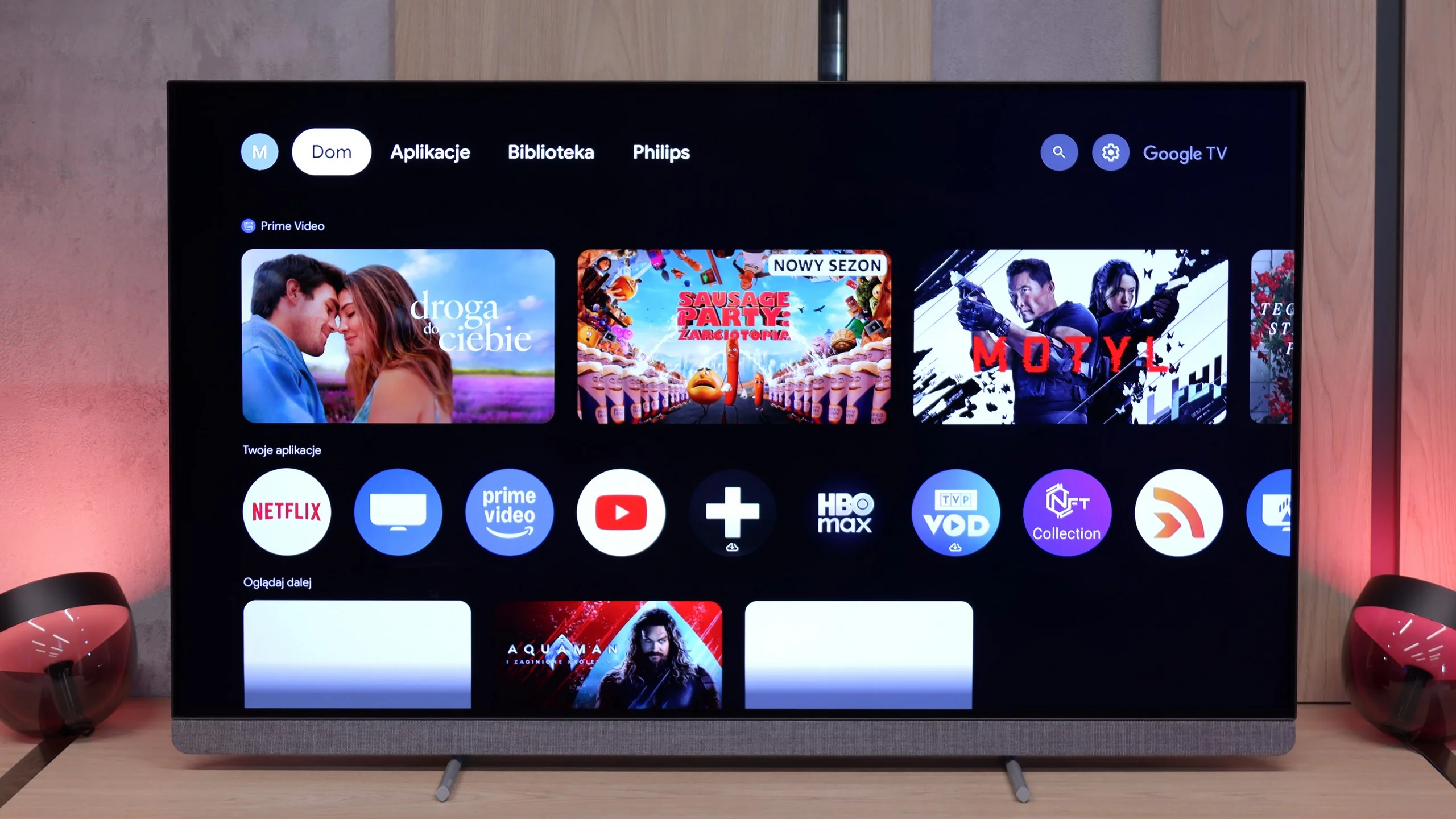
The OLED910 runs on the Google TV system, and this is definitely its strong point. We have access to a huge library of apps, from popular streaming platforms to niche programs. Additionally, there is voice search and Google Assistant, which works really smoothly and understands even less obvious commands like "check the weather" or "give me a horror movie suggestion for tonight." There is also support for AirPlay, which makes it easier to work with Apple devices. Unfortunately, classic screen mirroring simply did not work in our tests, so we cannot consider this feature a plus.
Classic Features
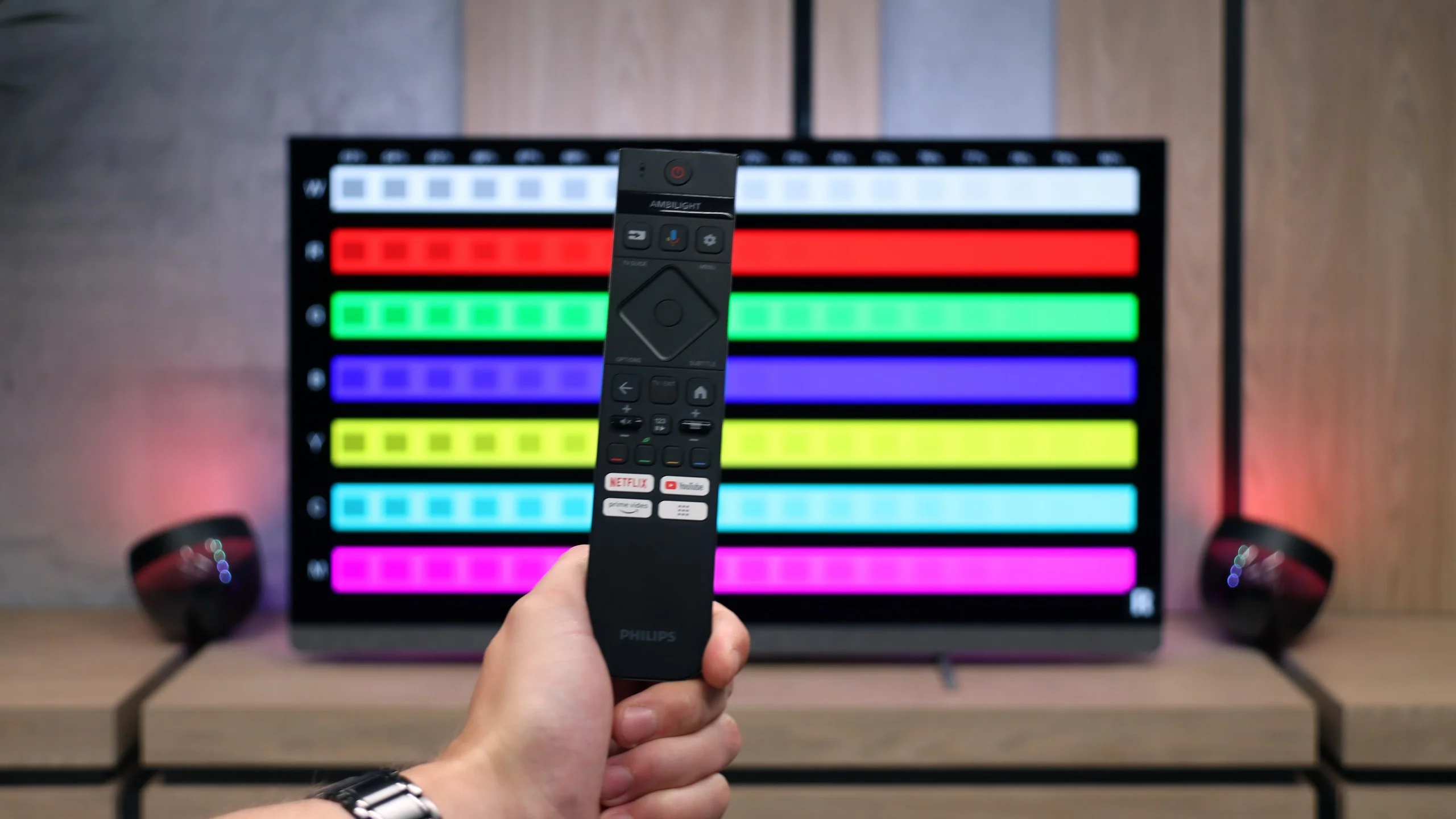
As for more traditional solutions, the OLED910 does not offer anything special. It has a rarely seen mini-jack headphone jack, which may be useful for seniors or people using older speakers. The remote control has backlit buttons, which is convenient, but it works via infrared, so you need to aim at the screen, which seems anachronistic in 2025. While you can use headphones and TV speakers simultaneously, unfortunately only via wired connection – it doesn't work wirelessly, which is a slight inconvenience since who would want to use wired headphones today. The PiP feature and USB recording capabilities are also missing.
4-Sided Ambilight System
And of course, Ambilight. The OLED910 has a full four-sided system. This is what makes the TV appear larger, and the content being watched gains additional depth and a more spectacular character. The impression is really strong, especially when the TV is hanging on the wall and the light fills the entire environment. It's one of those additions that are hard to give up once you've tried them.
Tizen and Smart TV features
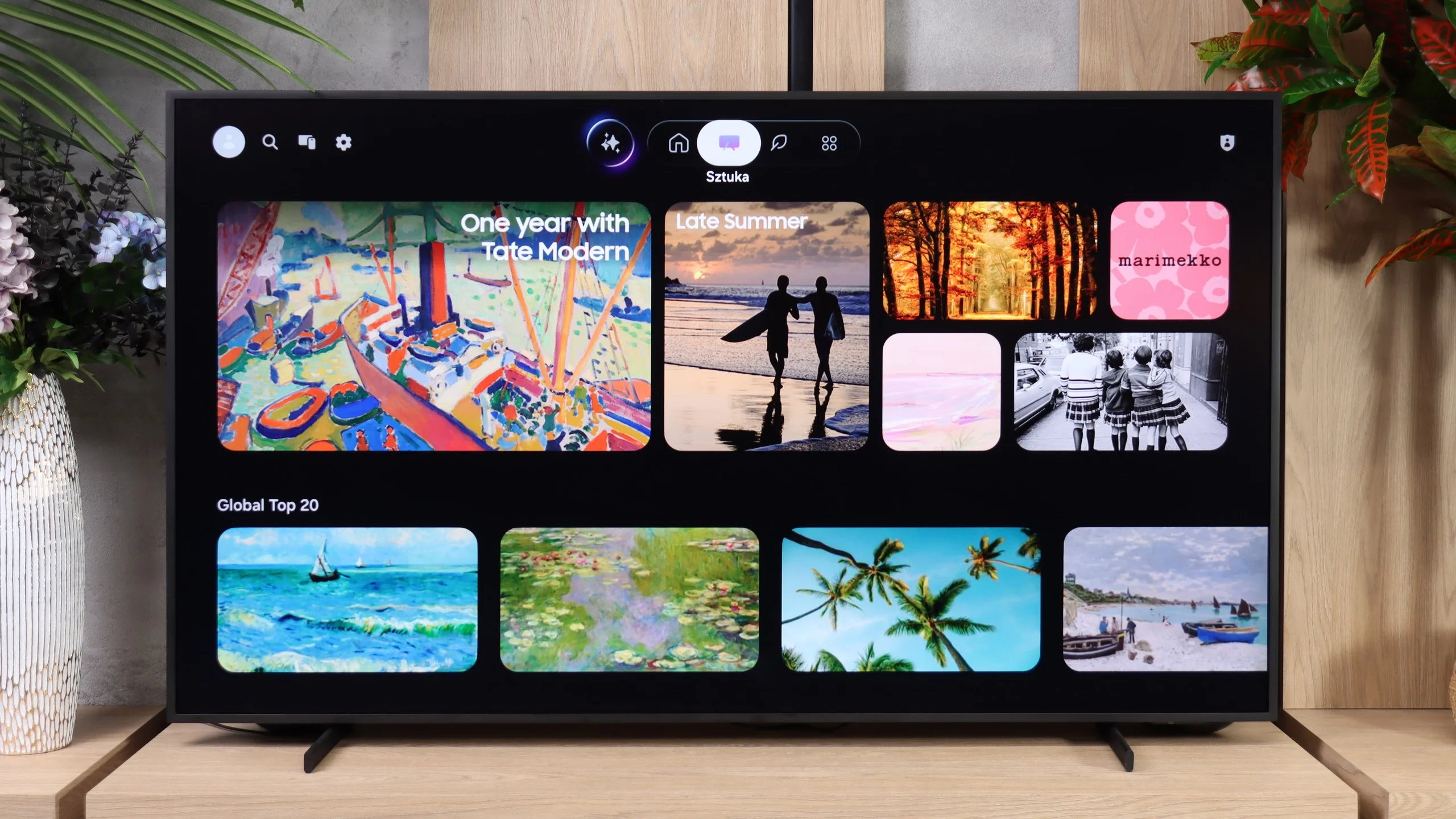
Tizen is, of course, responsible for the Smart TV features. The system runs smoothly and offers a wide selection of streaming apps. It also supports AirPlay, Miracast, and voice search in Polish. In that respect The Frame Pro isn’t particularly different from other new Samsungs; it simply provides the manufacturer’s extensive, well-functioning system.
Art Mode and Art Store
Art Mode is, naturally, much more interesting, since it’s one of the most important features of the entire Frame series. When turned off, the TV can display paintings, photos, or graphics instead of a black screen and can actually do a pretty good job of mimicking a classic picture hanging on the wall. Samsung offers access to the Art Store, where the selection of works is really large and the pieces are provided in very high quality. The problem is that full access requires a subscription, and in our opinion that’s a significant downside for a TV whose main selling point is this feature. Fortunately, we aren’t limited to the Art Store. We can upload our own photos or graphics, so nothing prevents us from finding a high-resolution piece ourselves and displaying it on the screen. The automation of this mode is also handled in a very interesting way. The Frame Pro not only has an ambient light sensor, which can adjust the appearance of the displayed image to the room, but also a presence sensor. The TV can therefore detect that someone is in the room and automatically activate Art Mode.
Classic features
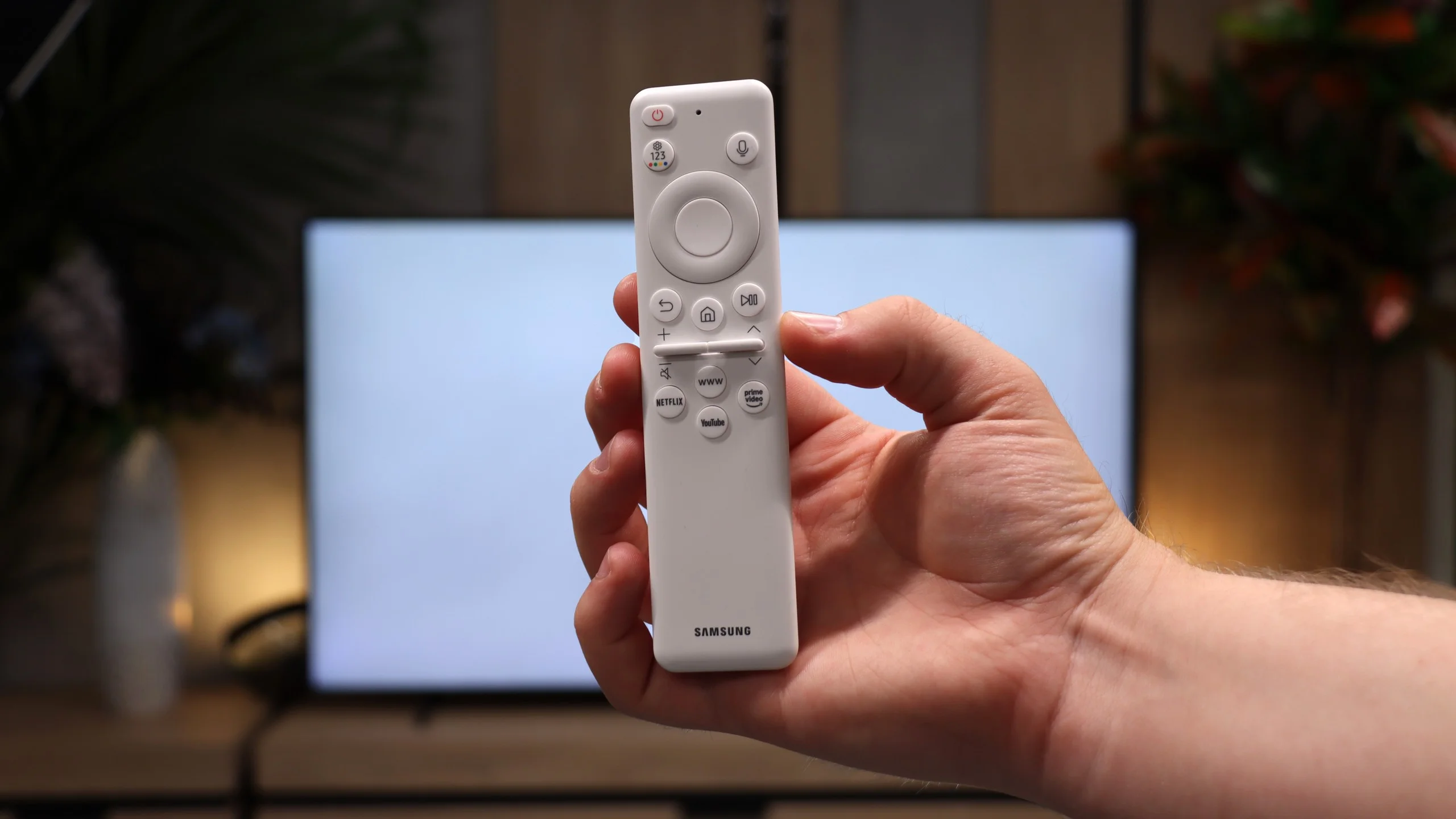
When it comes to classic TV features, The Frame Pro offers a rather basic set of conveniences. It has DVB-T/T2, DVB-S/S2 and DVB-C tuners, teletext, an audio-only mode, and the ability to use Bluetooth headphones and the TV speakers simultaneously. However, it lacks USB program recording, PiP, and a more advanced remote, for example one with a numeric keypad. The remote operates via radio, so you don’t need to point it at the screen.
Apps
9.6/10
9.3/10






















Playing files from USB
9.5/10
9.1/10
Supported photo formats:
Maximum photo resolution:
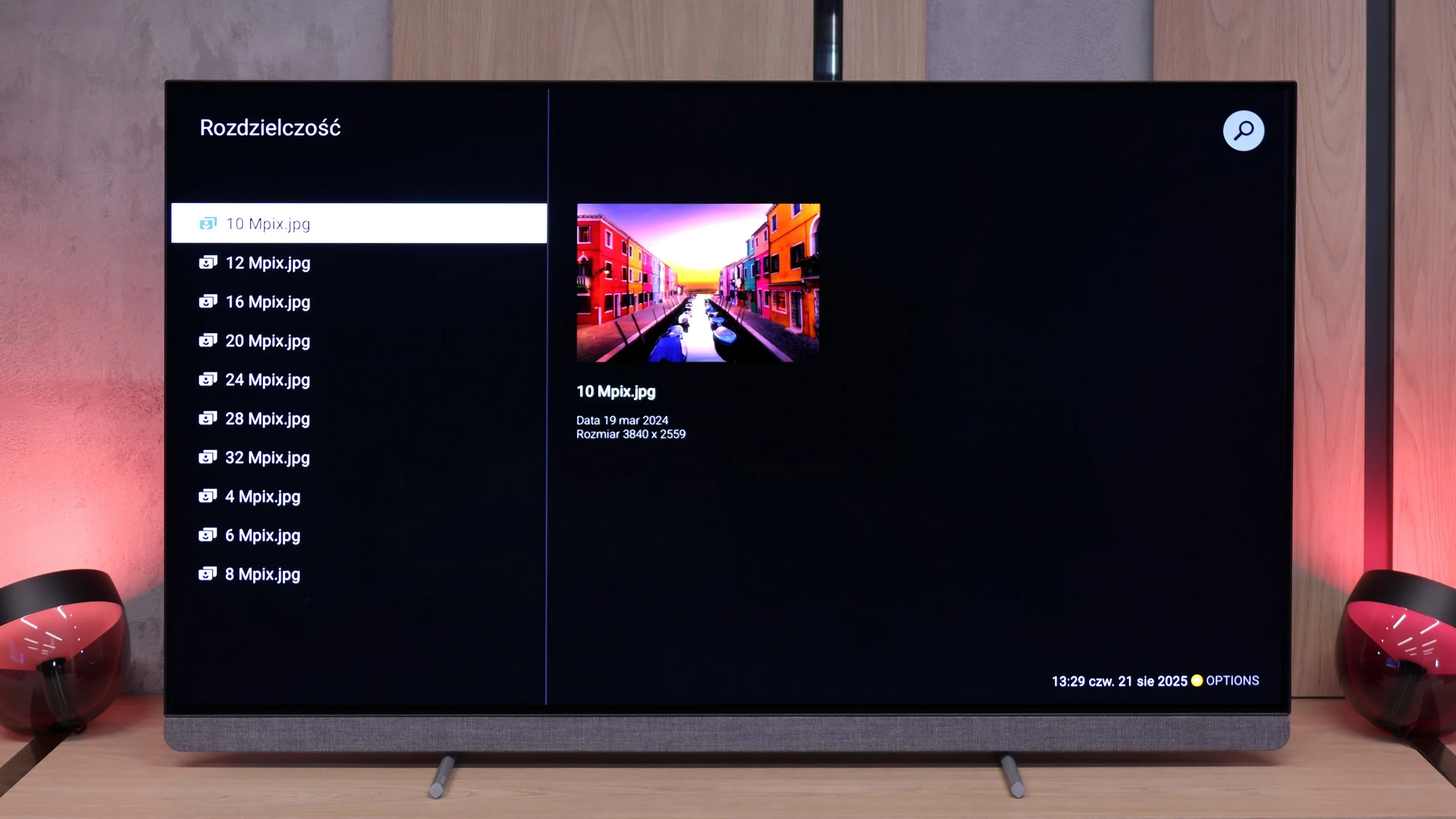
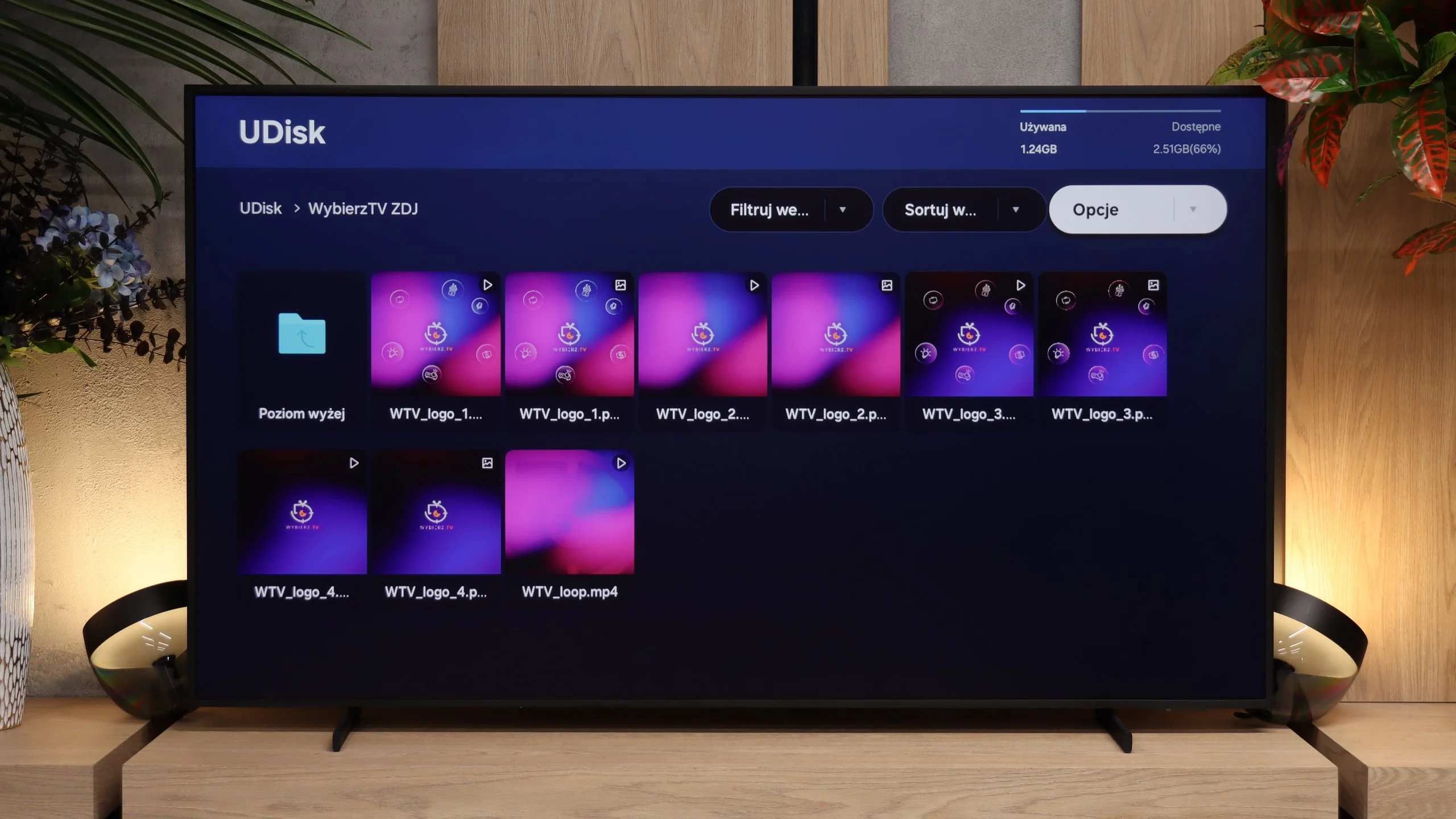
The OLED910 handles playback of files from a USB drive or disk connected via USB without any issues. It supports almost all popular video, photo, and music formats, so you are unlikely to encounter something it cannot open. The player itself looks quite simple, even crude, but it operates smoothly. And if someone misses more advanced options, they can always download VLC or another program from the Google Play store.
The Frame Pro handles playback of files from a USB drive well. Most popular video, audio, and photo formats work properly, so you probably won't need to connect a laptop just to play a movie or browse photos. The biggest omission is support for HEIC, the format commonly used for photos taken with iPhones. Apple users will therefore have to convert those photos to a supported format beforehand or simply stream them to the TV via AirPlay. Otherwise, the player works great.
Sound
9.5/10
6.4/10
- Maximum volume88dB89dB
- Dolby Digital Plus 7.1
- Dolby True HD 7.1
- Dolby Atmos in Dolby Digital Plus (JOC)
- Dolby Atmos in Dolby True HD
- DTS:X in DTS-HD MA
- DTS-HD Master Audio
This is one of the best-performing TVs we have had the opportunity to test in the editorial office. The built-in soundbar does all the work here, and you can confidently say that it can replace basic external audio systems. The sound is deep, clear, and really pleasant, and the collaboration with Bowers & Wilkins proves to be not just a marketing gimmick but a real enhancement of sound quality. If someone would like to take it a step further, Philips offers the option to connect an external subwoofer thanks to the dedicated pre-out connection. Then such a setup enters a level that is hard to find in TVs – and you can confidently talk about a truly cinematic experience.
The sound on The Frame Pro is adequate and has changed little compared with last year’s model. The TV handles dialogue particularly well, with voices that are clear and easy to hear. However, it lacks stronger bass, so movies and music don’t have much depth. Therefore, if you care about better sound, consider a soundbar when buying The Frame Pro. Models from the S series fit especially well here, their sleek design matching the look of the TV. Finally, it’s worth noting that The Frame Pro supports Dolby Atmos, so with a compatible soundbar or AV receiver you can enjoy immersive surround sound. It does not support DTS, which is worth keeping in mind when playing movies from your own library, e.g., Blu-ray discs.
Sound Quality Test
No sound test video
Acoustic Measurements
88dBC (Max)
75dBC
89dBC (Max)
75dBC
Reader comments
Comments are provided by the external service Disqus (Zeta Global). Once loaded, Disqus may set cookies and process data about your activity.
We will remember your choice on this device. Provider's privacy policy