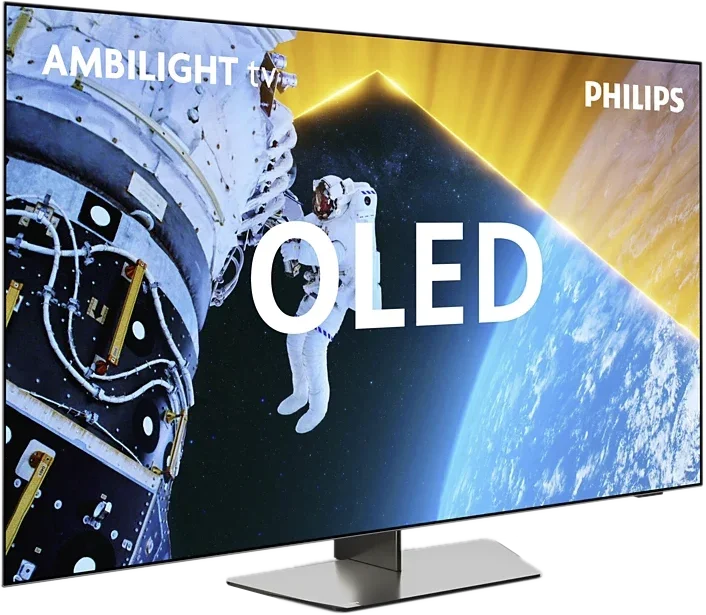
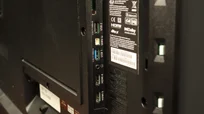
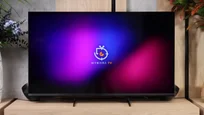
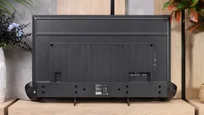
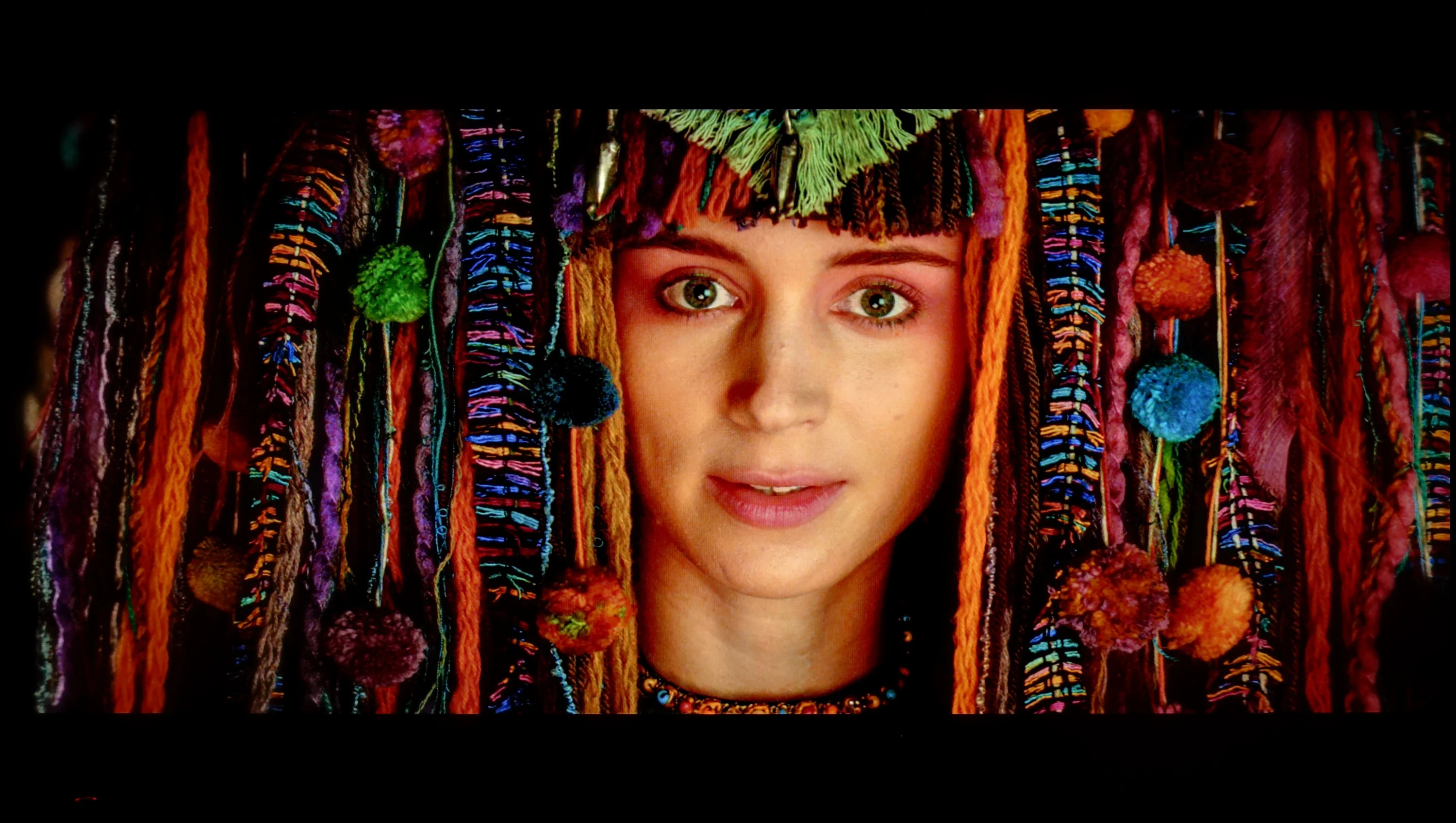
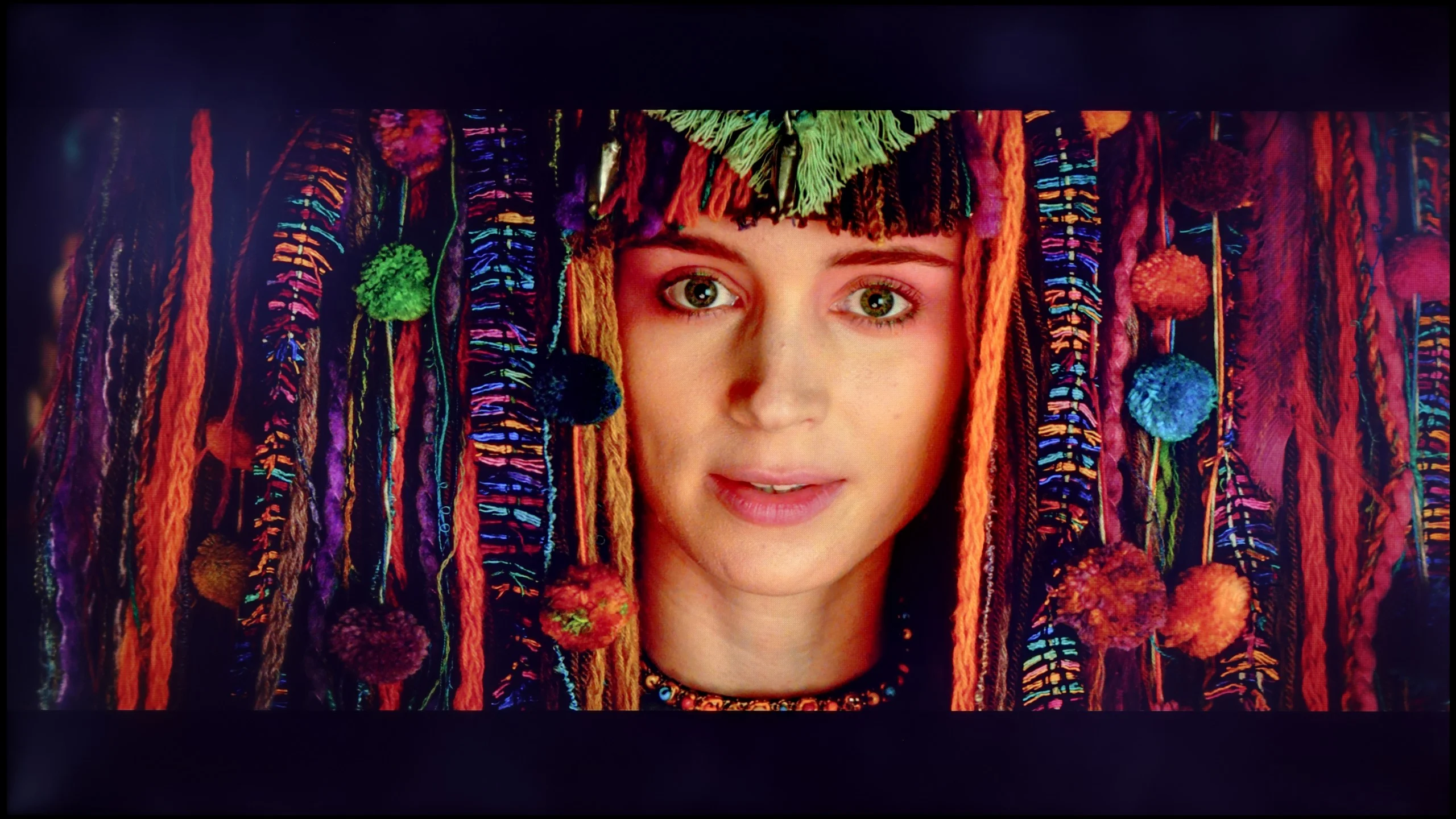
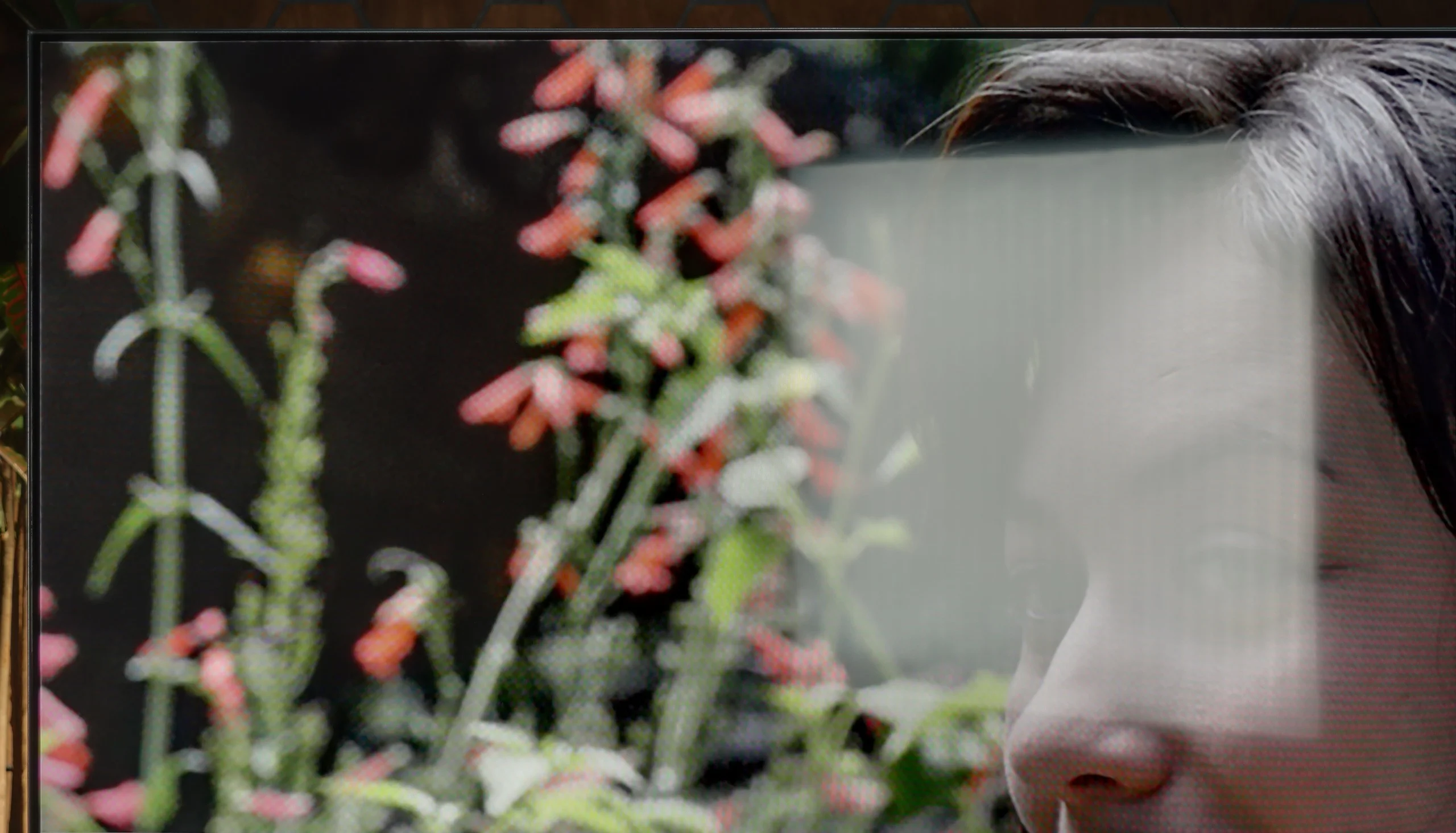
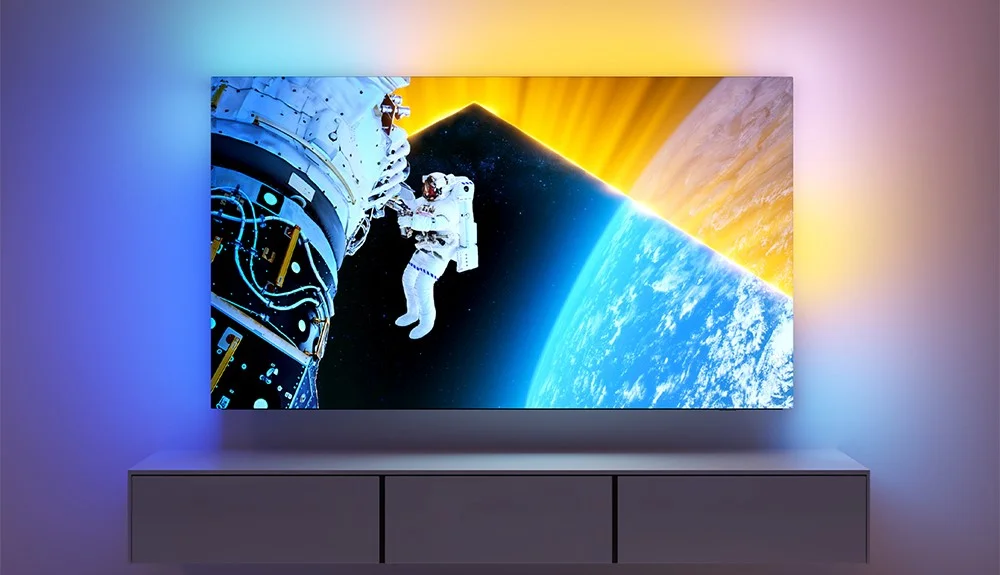
Before we dive into the software that controls the TV, it’s important to highlight one of the standout features of Philips OLED 809 is the multicoloured Ambilight. This unique system, positioned on the back of the device, adjusts its colours according to what's happening on the screen, enhancing immersion and overall viewing experience.
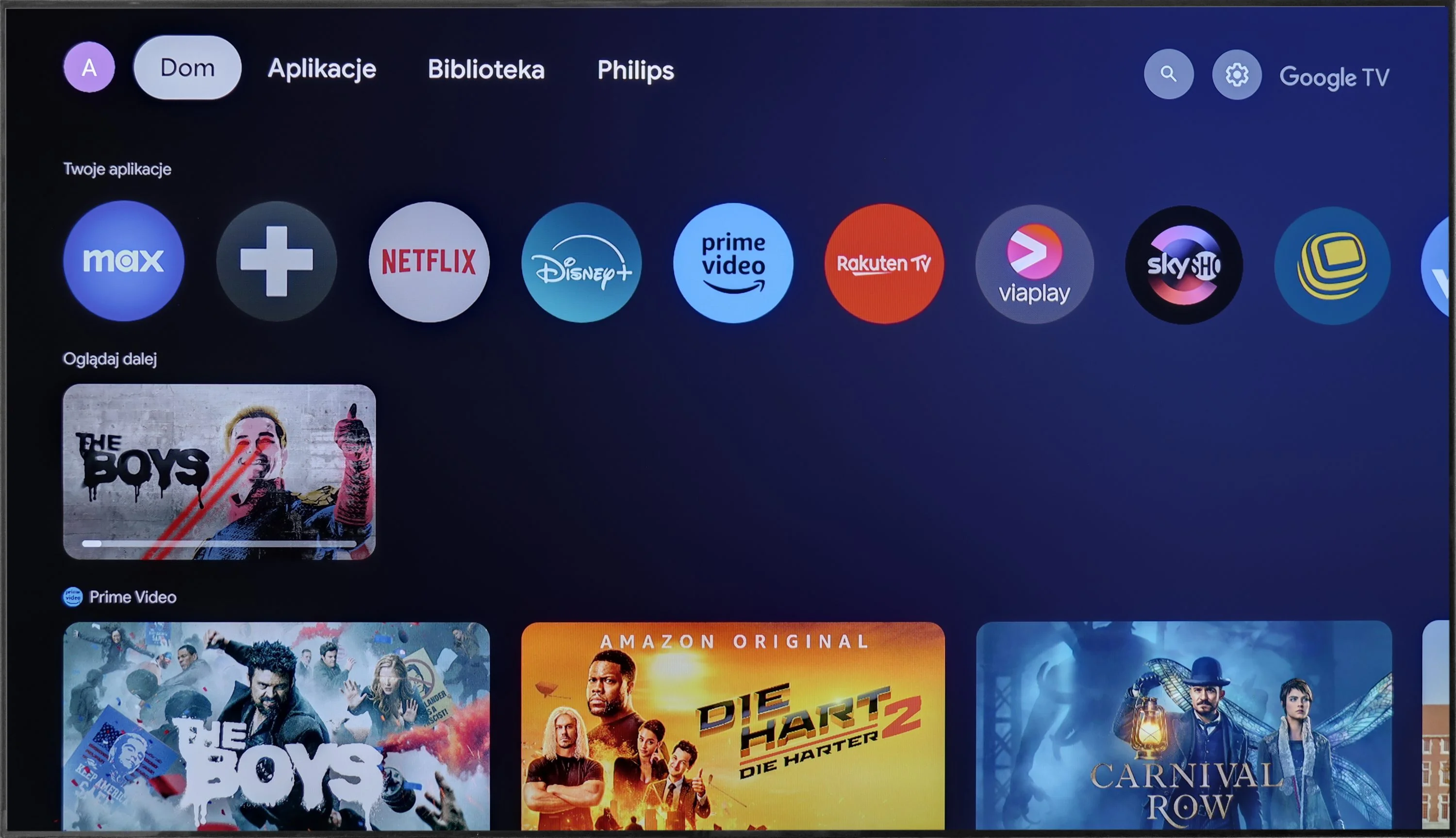
The Philips OLED 809 runs on the Google TV system, which is a significant advantage over some of the manufacturer's other models that use the proprietary TitanOS, a more closed system with fewer available apps. With Google TV, users can install virtually any application, from the store or via APK files directly from online repositories.
Additionally, Google TV offers convenient control options, such as easy integration with keyboards and touchpads for smoother typing and navigation. Voice commands can also be issued using the remote, with quick and accurate interpretation by the system.
In summary, Google TV is one of the most popular systems available today. Powered by a robust CPU, it operates smoothly and stably, without freezes or stutters. For those who want to make the most of their TV’s capabilities, Google TV offers the openness and versatility needed to enhance the overall experience.
Smart TV Features: Google TV
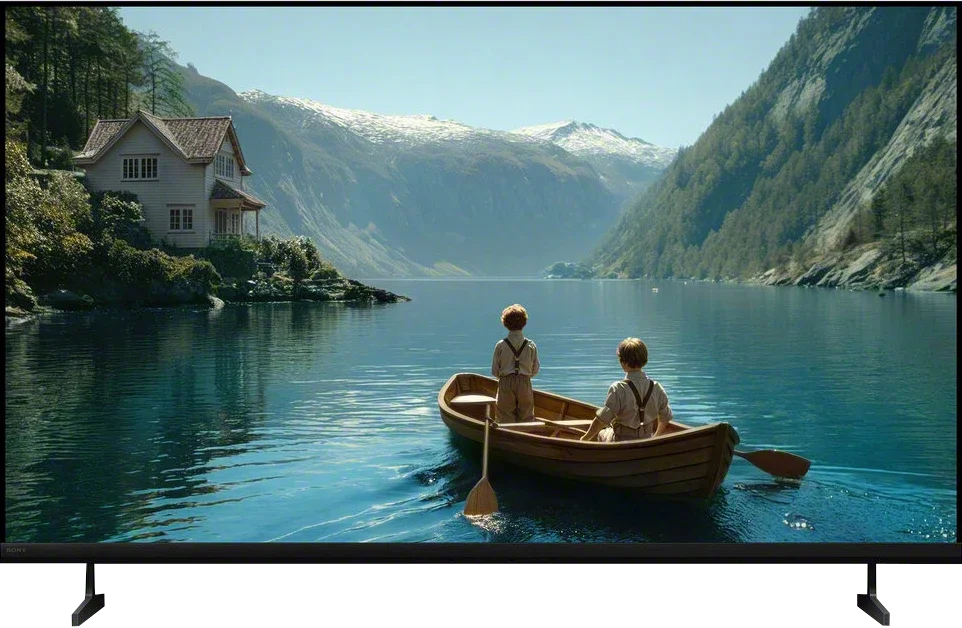
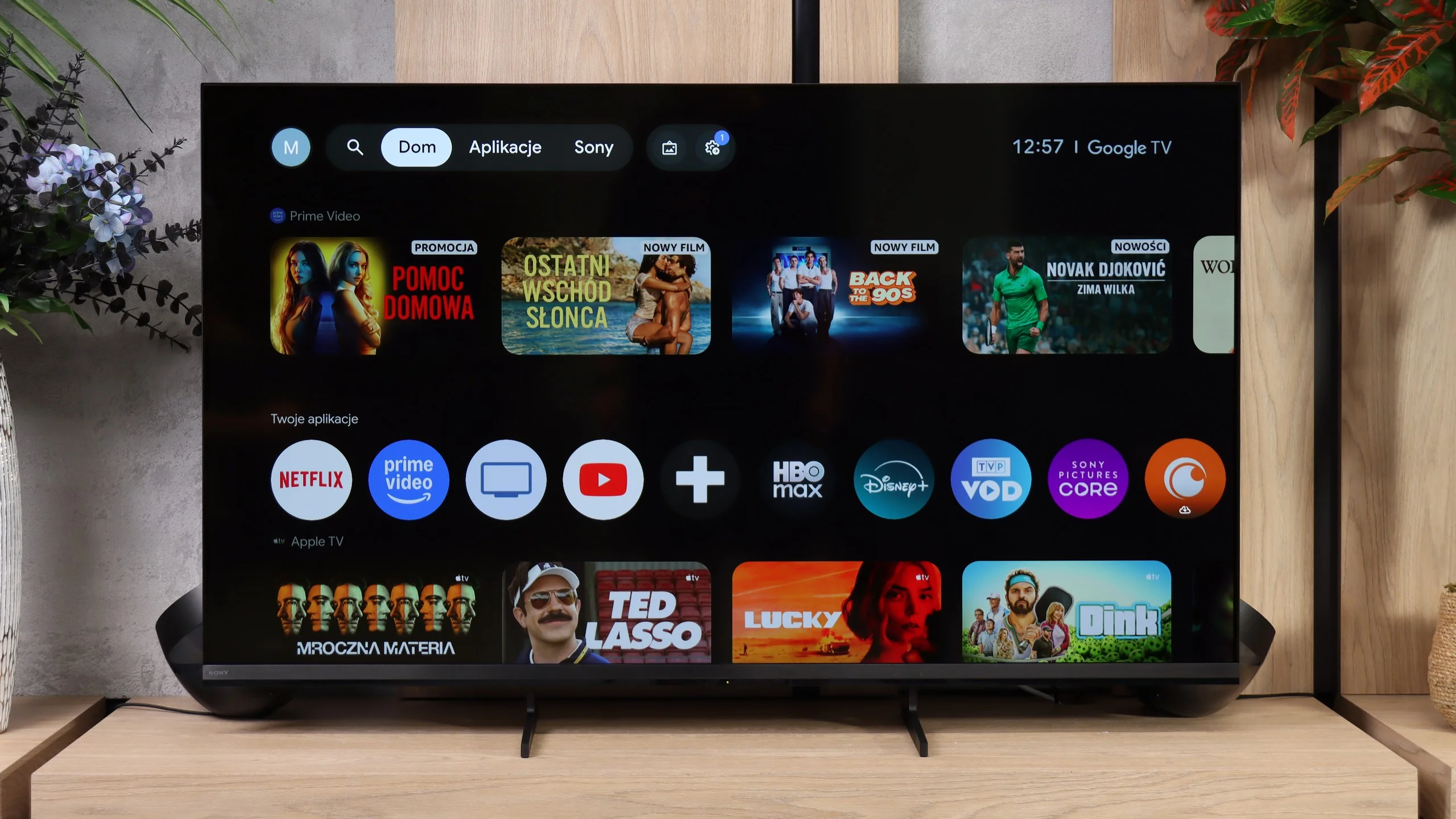
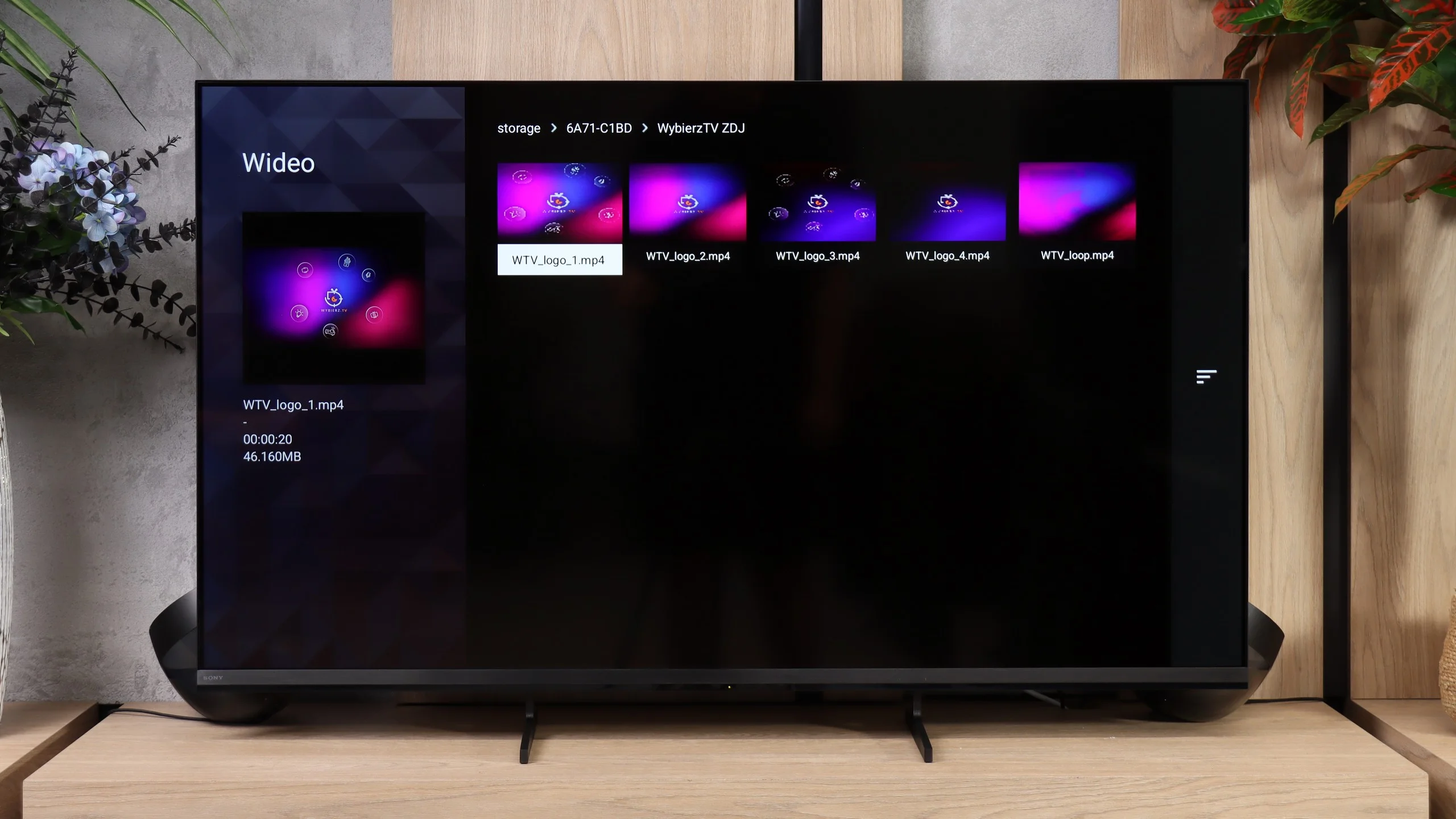
The Bravia 3 II runs on Google TV and, in terms of capabilities, it’s one of the more feature-rich systems currently found in TVs. First and foremost, it offers access to a very large number of apps, so in addition to the most popular streaming platforms you’ll also find many less obvious services without much trouble. Sony also supports AirPlay and Chromecast, making it very convenient to cast content from a smartphone. Voice search also performs well, backed by Gemini, which handles commands in multiple languages and can genuinely make using the TV easier. However, during our tests we ran into one problem: the Bravia 3 II would not correctly receive a picture from a Windows 11 PC via Miracast. So if you want to use the TV as a secondary display for a computer, the safest solution is still a connection via HDMI.
Classic TV features
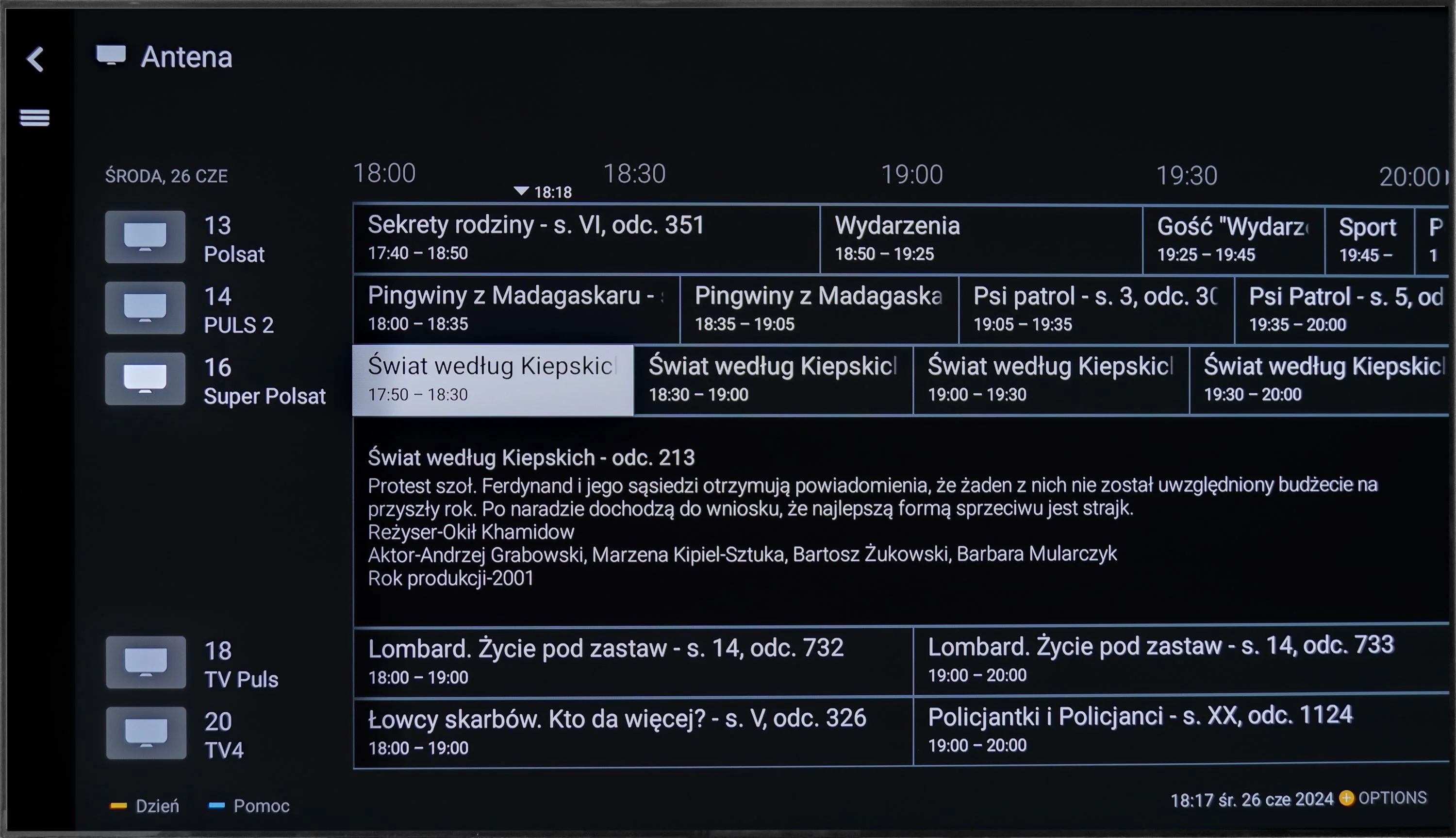
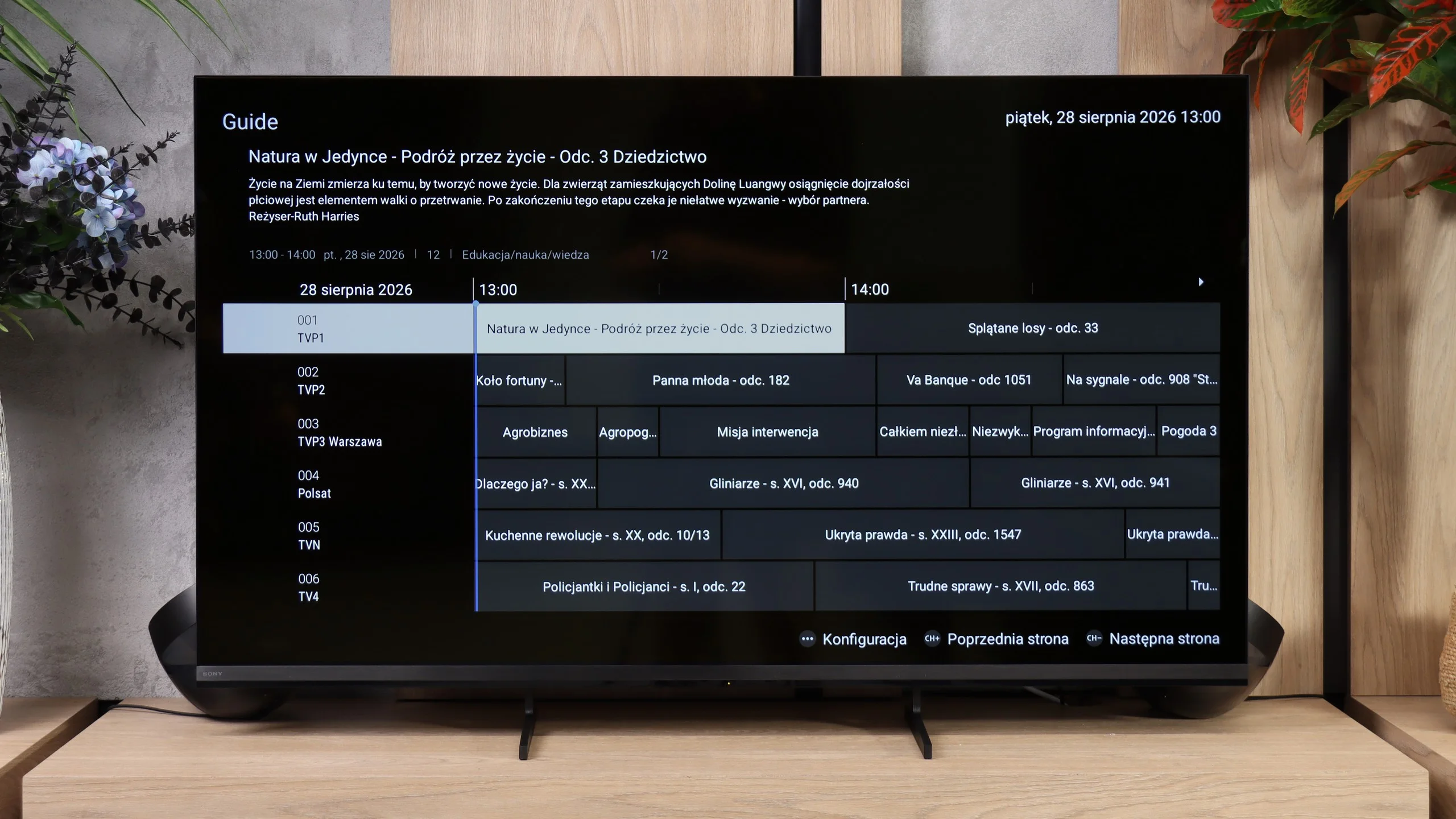
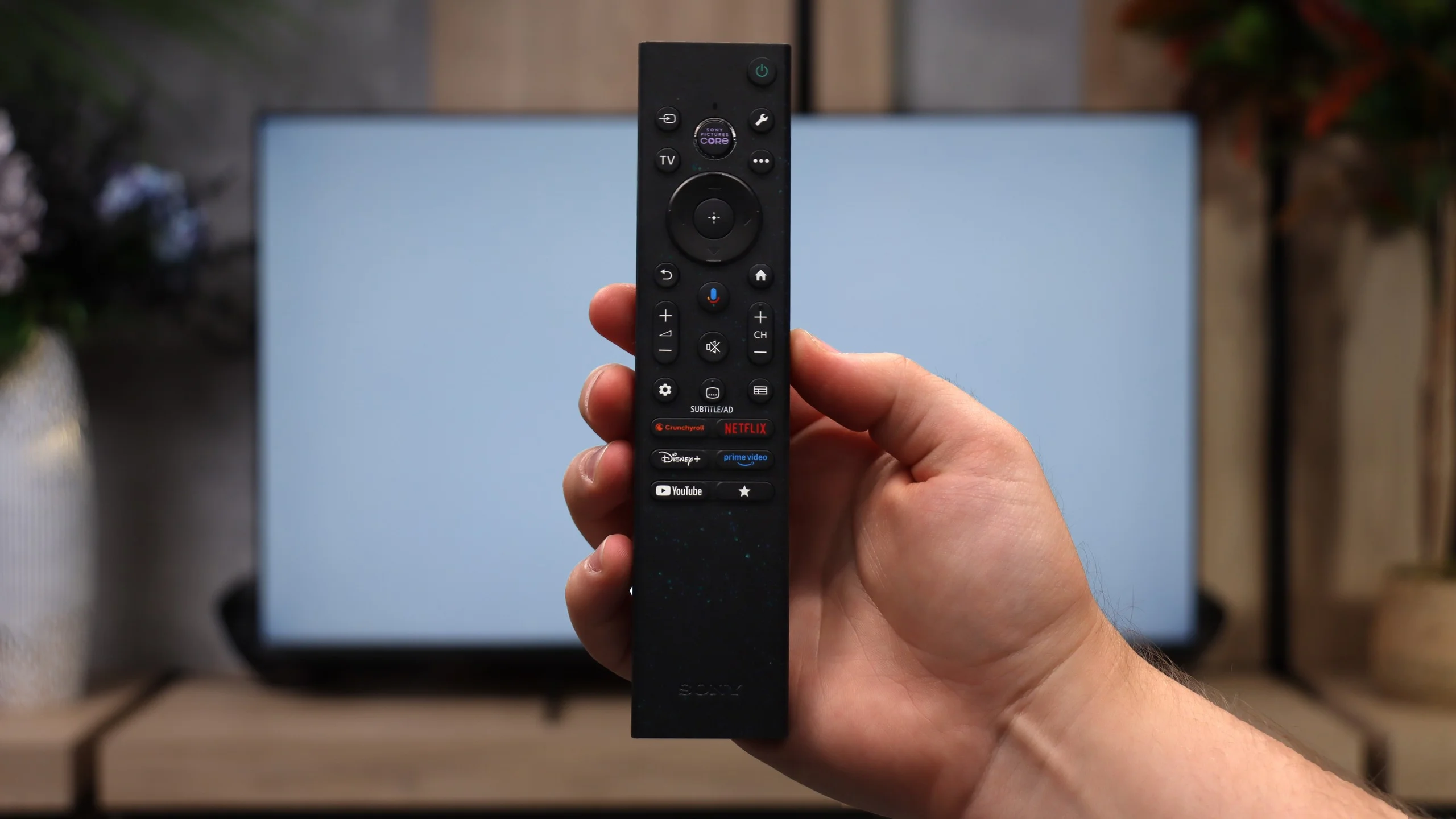
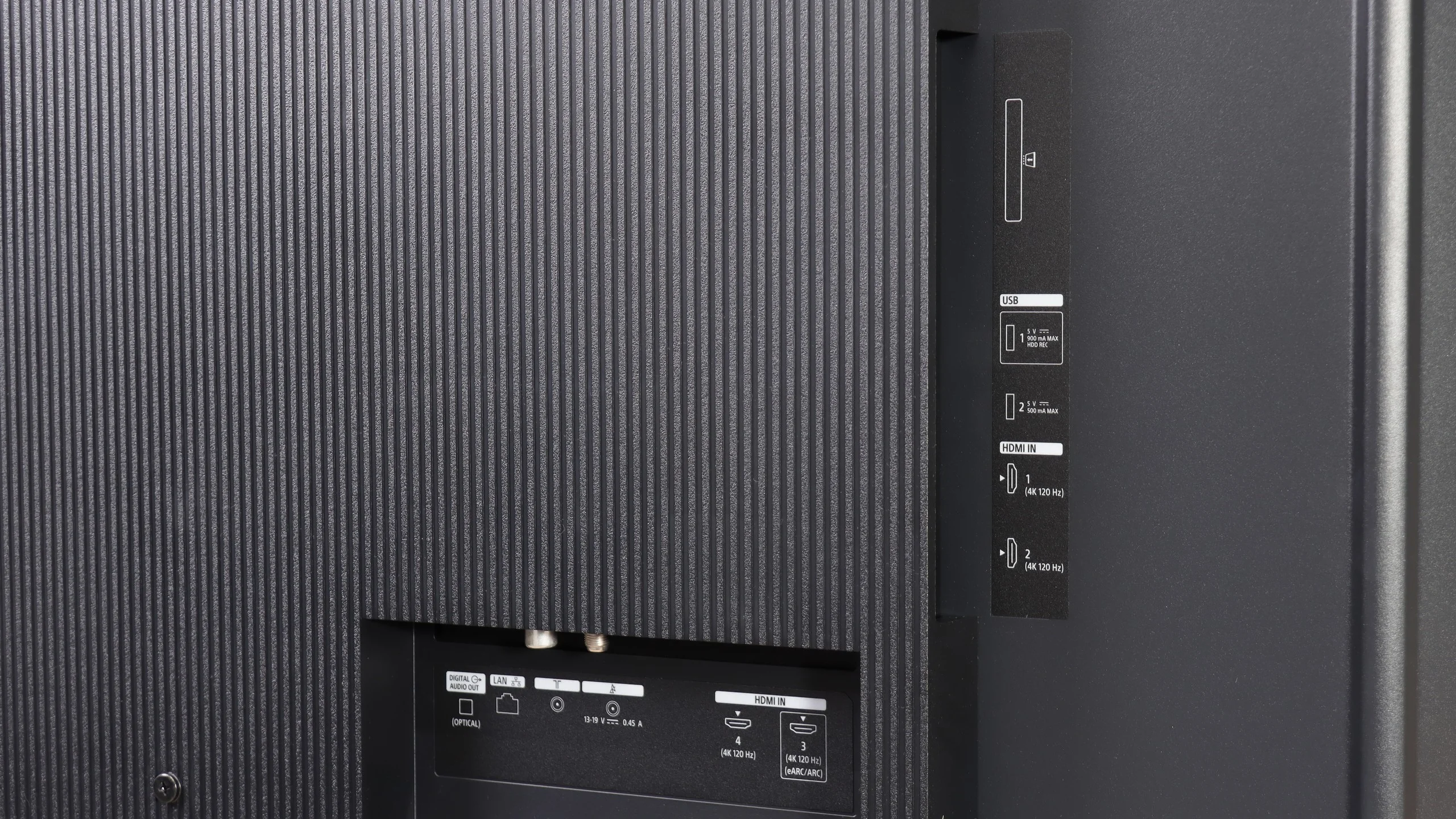
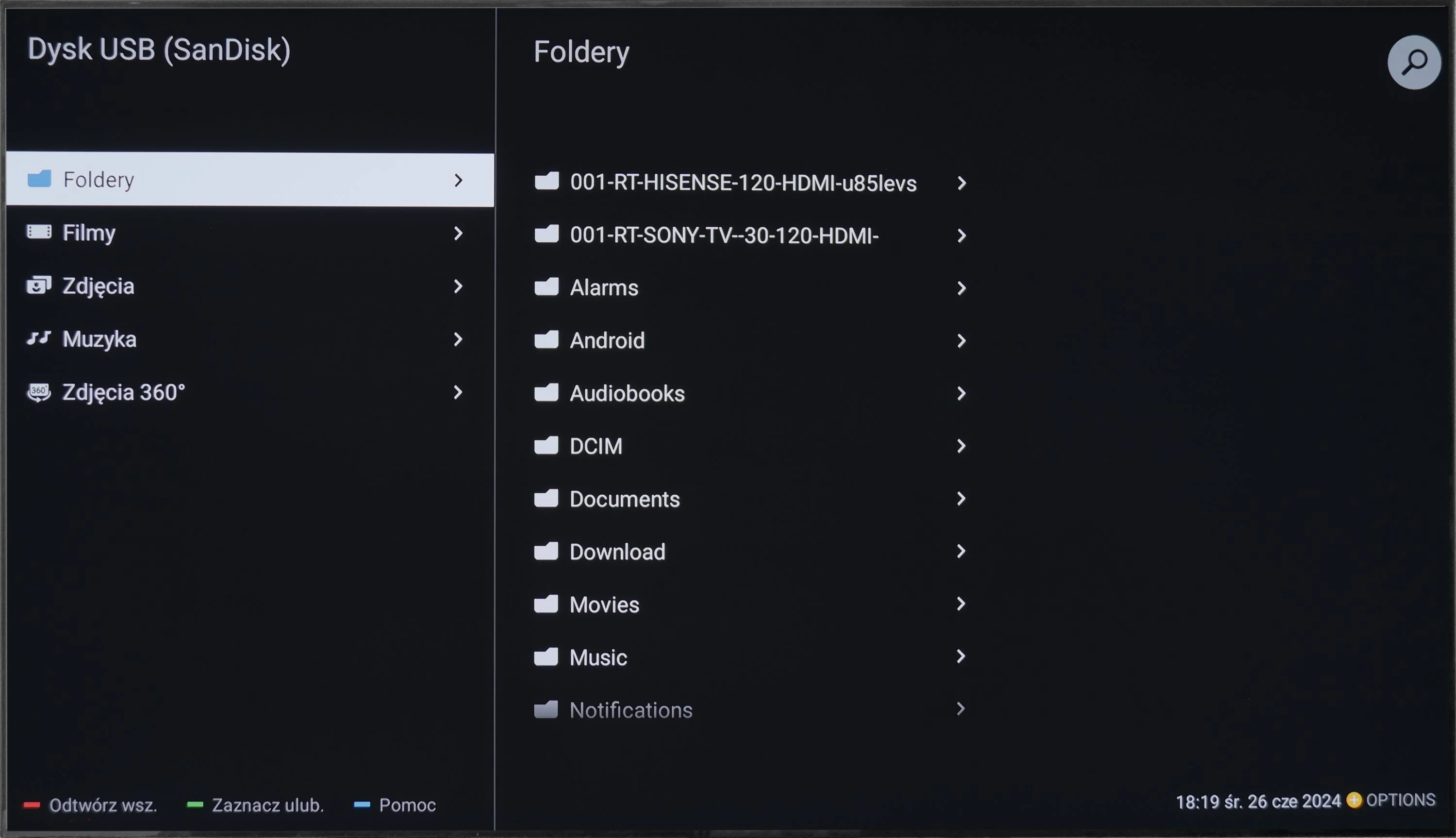
Sony also hasn’t forgotten users who still primarily use regular broadcast TV. The Bravia 3 II supports recording programs to USB, including the ability to schedule recordings via PVR, which is rare these days, especially in cheaper models. There is also teletext and a clear channel guide, so in terms of basic TV functions we really lacked nothing here, perhaps except for picture-in-picture (PiP). It’s notable that the set includes two remote controls. The first is modern and simplified (the non-backlit version), while the second is a classic design with a full numeric keypad. And although it may look a bit old-fashioned, viewers who watch a lot of traditional TV may actually find it more convenient, for example when entering channel numbers.
 Direct comparison