Philips OLED809/819 vs Panasonic W92C (Google TV)

Direct comparison

OLED809 / OLED819 / AMIBLIGHT TV

Info

W92C / W94C

Info

Available screen sizes: 48”55”65”77”

Available screen sizes: 55”

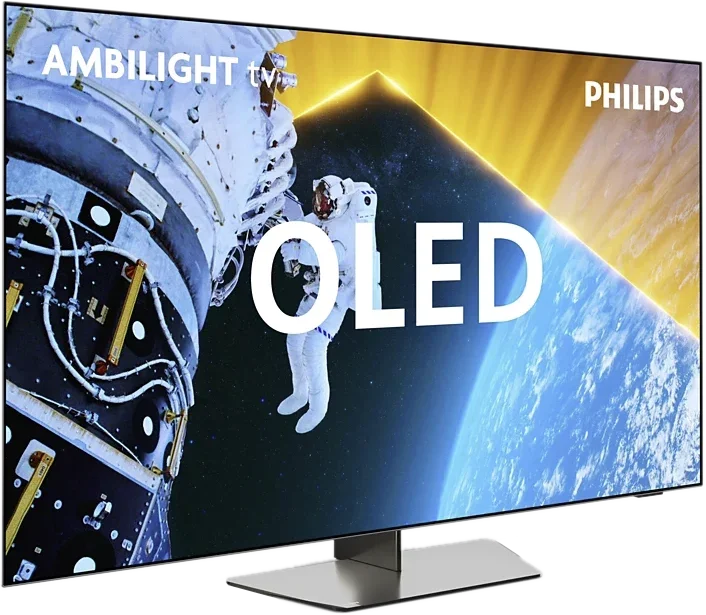
Review Philips OLED809/819 Main photo
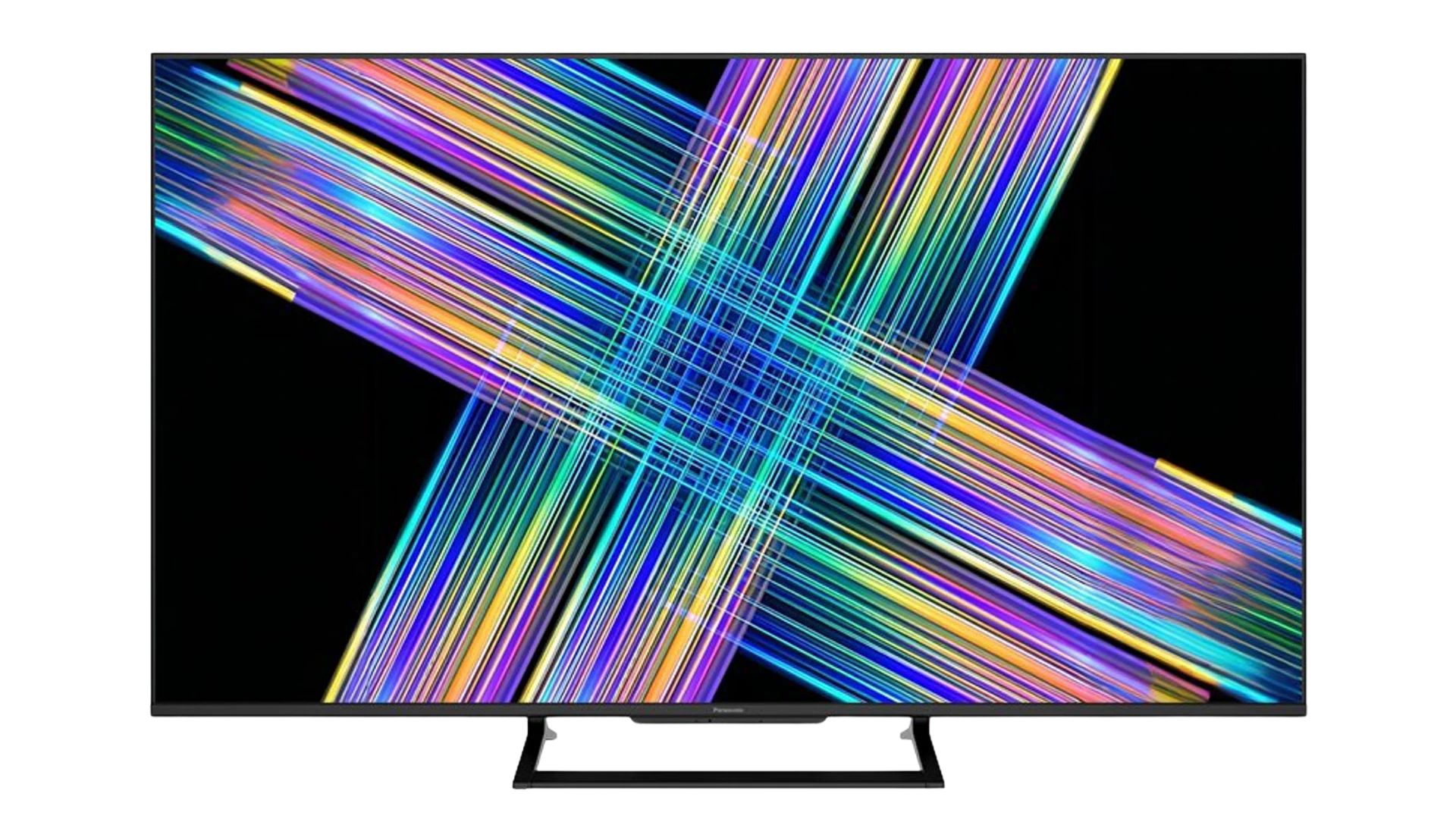
Review Panasonic W92C (Google TV) Main photo

Panel type: WRGB OLED

Resolution: 3840x2160

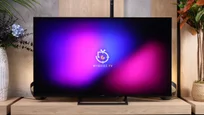
System: Google TV

Model year: 2024

Panel type: LCD IPS

Resolution: 3840x2160

System: Google TV

Model year: 2026

Check how well they match your needs

Take the survey

Overall rating

7.6

7.1

  • Movies and series in UHD quality

    7.3

    6.5

  • Classic TV, YouTube

    7.9

    6.7

  • Sports broadcasts (TV and apps)

    8.2

    6.9

  • Gaming on console

    9.2

    7.8

  • TV as a computer monitor

    6.4

    9.0

  • Watching in bright light

    5.5

    6.8

  • Utility functions

    7.9

    6.6

  • Apps

    9.6

    9.6

  • Sound quality

    7.1

    6.7

Advantages

  • Advanced Google TV system with good app support

  • Very good cooperation with the console

  • Good image fluidity and an advanced system for its improvement

  • Multicolored Ambilight backlighting

  • Matte screen effectively reduces reflections

  • Fast Google TV system with a large selection of apps and features

  • Natural colors after calibration

  • Supports Dolby Vision and HDR10+

  • Very smooth tonal transitions

  • Effective enhancement of lower-quality material

  • A good choice for gamers: 144 Hz and low input lag, 3x HDMI 2.1 (48 Gbps)

  • Very good text readability from a computer

Disadvantages

  • Poor factory color reproduction (can be fixed through calibration)

  • Strongly contrasting tonal transitions

  • Average readability of fonts when connected to a computer

  • Imprecise local dimming (limited number of zones)

  • Poor out-of-the-box color accuracy

  • Software bugs

  • Problems with motion smoothness: motion blur and lack of advanced motion interpolation controls

  • Mediocre sound despite the subwoofer

Our verdict

The Philips OLED 809 is a versatile television that caters to a wide audience. Its standout feature is the multicoloured Ambilight backlighting, which enhances immersion and engagement, particularly when watching films. As expected from an OLED TV, key aspects such as contrast, black levels, and colour reproduction are excellent, providing impressive visual quality.

However, the television has some drawbacks, such as the quality of tonal transitions and the inconsistent operation of the dynamic tone mapping function, which can occasionally distract more sensitive viewers. Despite these shortcomings, the Philips OLED 809 excels in two key areas: gaming performance and motion smoothing. Gaming performance is particularly noteworthy, with each implemented feature functioning seamlessly to create a highly immersive experience.

Motion smoothness is also impressive, with two effective sliders allowing users to customise the motion settings. The inclusion of the Google TV system further enhances the user experience, offering smooth and lag-free operation during tests. Overall, the Philips OLED 809 strikes a solid balance between its strengths and minor imperfections.

W92C is the first Panasonic made in collaboration with Skyworth that we've tested. And it's about the change we expected: a little less of the old Panasonic, but also some new things that work in its favor. The biggest plus is the move to Google TV. The system is fast, gives access to the apps you need, and on a daily basis convinces us more than the previous Fire TV. Combined with a matte screen that handles reflections well, this makes for a comfortable living-room TV where you don't always want to close the curtains before watching. The longer we used the W92C, the more we appreciated its versatility. It can noticeably improve weaker content, and after calibration the picture gains a naturalness it sadly lacks on the factory settings, as was the case with older Panasonic models. It also works well with consoles and PCs. It responds quickly to input, and the high refresh rate provides smooth motion. So Panasonic makes sense in a home where one screen is used for TV, movies, gaming, and sometimes even for... working with text. 🙂 The limitations become clearer during evening viewing. Blacks can look good, but a more challenging scene is enough for halos to appear around bright objects and for the bars above and below the image to glow. The small number of local dimming zones makes it hard to keep deep black levels and bright details at the same time. Dolby Vision helps pull more out of this panel, but it doesn't remove those limits. The default picture tuning is also disappointing, and the automatic brightness changes we encountered during testing further spoil the experience. This is where the refinement you'd expect from the Panasonic name is most lacking. So ultimately the W92C's appeal will come down to price. It's an entry-level Mini LED and should be priced similarly to competing models with basic local dimming. At that level it will be a sensible choice, especially for people moving up from a regular LCD. They'll get better black levels, a convenient OS, and a versatile screen that works for both TV and gaming. If, however, you have to pay a clear premium for the Panasonic badge, it will be hard to justify that extra cost. The W92C has enough positives to stand as an affordable, all-purpose TV, but too few advantages to sell itself on the brand alone.

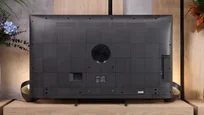
TV appearance

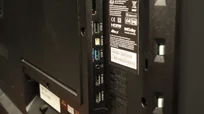
HDMI inputs
2 x HDMI 2.0, 2 x HDMI 2.1 (48Gbps)
0 x HDMI 2.0, 3 x HDMI 2.1 (48Gbps)
Other inputs
Outputs
Toslink (Optical audio), eARC (HDMI), ARC (HDMI)
Toslink (Optical audio), eARC (HDMI), ARC (HDMI), Mini-Jack (Headphones)
Network Interfaces
Wi-Fi 2.4GHz, Wi-Fi 5GHz, Ethernet (LAN) 100Mbps
Build quality
Premium
Good
Stand type
stand-type-
Central
Bezel color
Silver
Graphite
Stand
Fixed
Accessories
Stand
Stand

Contrast and black detail

10/10

5.2/10

Local dimming function: Yes, number of zones: 91 (7 x 13)

Contrast:

Review Philips OLED809/819 Contrast and black detail

Result

∞:1

Review Philips OLED809/819 Contrast and black detail

Result

∞:1

Review Philips OLED809/819 Contrast and black detail

Result

∞:1

Review Philips OLED809/819 Contrast and black detail

Result

∞:1

Review Philips OLED809/819 Contrast and black detail

Result

∞:1

Review Panasonic W92C (Google TV) Contrast and black detail

Result

24,900:1

Review Panasonic W92C (Google TV) Contrast and black detail

Result

5,050:1

Review Panasonic W92C (Google TV) Contrast and black detail

Result

9,150:1

Review Panasonic W92C (Google TV) Contrast and black detail

Result

2,000:1

Review Panasonic W92C (Google TV) Contrast and black detail

Result

900:1

Halo effect and black detail visibility:

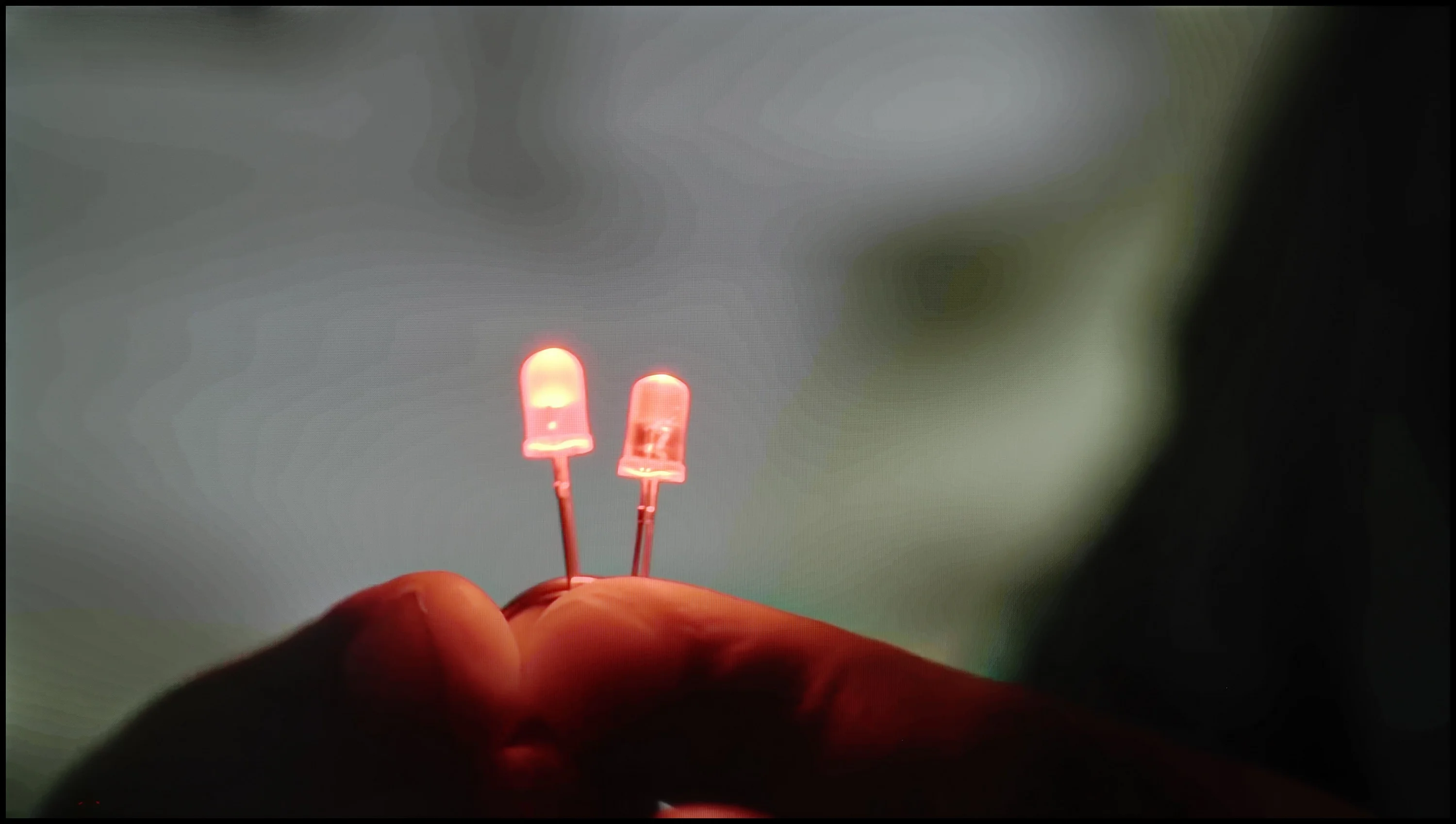
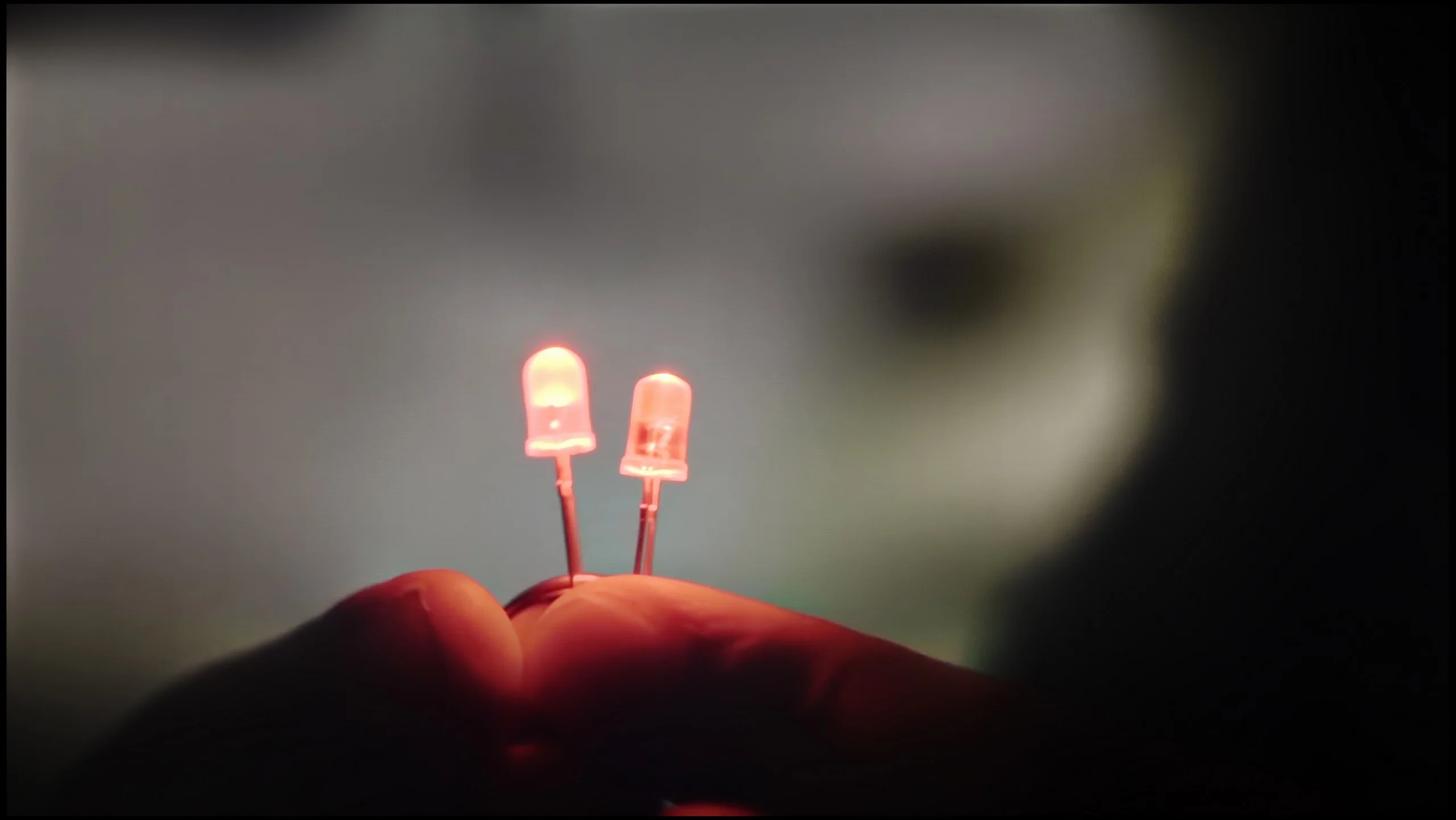
Check the visibility of bright lights on a dark background. Mini-LEDs often struggle with this. The photo does not compare black levels – that’s what the video below is for.

The video accurately shows differences in contrast and black levels between TVs, as well as potential issues: halo around bright objects or Mini-LED zone operation visible as brightness jumps.

The Philips OLED 809, true to its name, uses an OLED panel sourced from LG Displays, a common choice among major brands like Sony and Panasonic. This advanced panel technology enables the television to achieve outstanding results in contrast and black-level tests. The image produced is three-dimensional and entirely free of the blooming effect often seen in TVs with local dimming, where bright text on dark backgrounds can appear hazy.

This exceptional performance is due to the panel's structure, crafted from conductive organic polymers and controlled by electrical impulses. Unlike LCD TVs with layered filters, OLED technology allows individual pixels to turn off completely, creating true black levels with a value of 0. This direct control ensures the precise separation of bright and dark elements in the image.

In tests, the Philips OLED 809 showcased its ability to render contrasts with exceptional precision, such as isolating bright elements like headlights against dark backgrounds. This capability is one of the TV's strongest advantages, elevating its performance in scenarios where contrast and black levels are critical.

Black levels on the Panasonic W92C generally look pretty good. That's thanks to the local dimming, which in the 55-inch test unit uses 91 zones. In simpler scenes the TV can effectively darken the background, and in our easiest test it reached a contrast ratio of nearly 25,000:1. To get that level of black you need to set dimming to high. Lower settings leave the backlight too bright.

That comes at a cost in bright parts of the image. The separation of individual lights remains visible, though you have to look closely to spot it. A lower dimming level lets those details appear more clearly, but the degradation in black level is too great to call it a better compromise.

Even on the high setting you can see the limitations of the relatively small number of zones. What bothered us most were the bright bands above and below the picture, which in HDR material sometimes turned almost navy. Small, bright objects also show visible bright halos, the so-called halo effect. On the plus side, the backlight is stable: in the helicopter scene we didn't notice jittery brightening and dimming of individual zones. More zones would help, and the control algorithm needs refinement. Moving up from a basic LCD without local dimming can still offer a noticeable improvement, but for a Mini LED the result leaves a lot to be desired.

HDR effect quality

6.9/10

4.8/10

Supported formats
HDR10, HDR10+, Dolby Vision, HLG
Color gamut coverage
DCI P3: 99.0%, BT.2020: 75.0%
DCI P3: 94.3%, BT.2020: 73.5%

Luminance measurements in HDR:

Review Philips OLED809/819 Brightness measurement

Result

921 nit

Review Philips OLED809/819 Brightness measurement

Result

970 nit

Review Philips OLED809/819 Brightness measurement

Result

1039 nit

Review Philips OLED809/819 Brightness measurement

Result

1022 nit

Review Philips OLED809/819 Brightness measurement

Result

425 nit

Review Panasonic W92C (Google TV) Brightness measurement

Result

508 nit

Review Panasonic W92C (Google TV) Brightness measurement

Result

175 nit

Review Panasonic W92C (Google TV) Brightness measurement

Result

348 nit

Review Panasonic W92C (Google TV) Brightness measurement

Result

169 nit

Review Panasonic W92C (Google TV) Brightness measurement

Result

428 nit

Scene from the movie “Pan” (about 2800 nits)

Scene from the movie “Billy Lynn” (about 1100 nits)

The photos show two HDR10 movies. 'Pan' is one of the brightest productions ever made, while 'Billy Lynn' (soldier) has brightness typical of streaming (Netflix, Prime, HBO MAX). Notice the intensity of effects and detail in whites.

Static HDR10

The photos present the visibility of white details in various HDR formats. They do not show brightness differences between TVs (these can be compared in the previous gallery).

Dynamic: Dolby Vision

Dynamic: Dolby Vision

The photos present the visibility of white details in various HDR formats. They do not show brightness differences between TVs (these can be compared in the previous gallery).

HDR luminance chart:

Panasonic W92C (Google TV)

Philips OLED809/819

Luminance of RGB colors

The Philips OLED 809 delivers a highly satisfactory HDR effect. The television can reach luminance levels exceeding 900 nits in most scenes, and in some cases, even surpassing 1000 nits. This brightness ensures a rich and immersive experience for HDR content with a wide tonal range. The only exception occurs in a scene from the movie The Meg, where a large amount of bright white occupies most of the screen, preventing the TV from reaching higher brightness levels. However, this is not a significant issue, as the performance is still a considerable improvement over its predecessor.

Overall, these brightness levels, especially for an OLED panel not equipped with MLA technology, impress. Coupled with excellent coverage of the DCI-P3 colour spectrum, the Philips OLED 809 offers a truly spectacular HDR viewing experience.

Panasonic W92C reaches a peak of about 750 nits with local dimming set to high. That brightness is enough to show a noticeable HDR effect, but in movies the TV does not always manage to use it. In brighter scenes we get around 500 nits, while small highlights on a dark background can fall to just 160 to 250 nits. In practice this means the sun in a bright shot looks fairly convincing, but a flashlight or small flares in a night scene lose intensity. This is another cost of local dimming, which with a limited number of zones also dims bright elements to preserve the black around them.

During testing we also noticed a strange software bug. After switching to HDR the TV would automatically change the backlight level, setting it for example to 53 or 81 instead of the maximum. As a result the image was darker than the panel’s capabilities. All presented measurements were made after manually restoring the maximum backlight.

Colors

The wide color gamut in the Panasonic W92C comes from the PFS phosphor, which produces an effect similar to the quantum dots used in QLED screens. We measured DCI-P3 coverage at about 94% and 74% of the wider BT.2020 gamut. Importantly, results on film material were practically identical to those on test patterns. That’s a good outcome, allowing HDR movies to show richer, more saturated colors than a standard LCD panel.

The luminance of the colors themselves is somewhat weaker. In our measurements red reached about 58% of its target value, while green and blue were around 66 to 67%. The TV can therefore display a wide range of colors, but the brightest, highly saturated parts of the image do not have the same punch as on RGB screens.

Factory color reproduction

5.1/10

4.1/10

This illustrative image shows how colors change after professional calibration. If you can see the difference, you can order it from SkalibrujTV – it's our own service.

Factory mode

After calibration

This illustrative image shows how colors change after professional calibration. If you can see the difference, you can order it from SkalibrujTV – it's our own service.

Factory mode

After calibration

The best factory mode in which we performed all our tests was "Filmmaker," which is quite standard in televisions from this manufacturer. However, let’s first examine its characteristics before the calibration process. The first aspect we will focus on is white balance, as it is critical to ensuring the image remains free from any colour cast. The chart clearly shows that in both SDR and HDR materials, two colours dominated significantly: red and green, resulting in a strong yellow tint that affected the entire image. This was particularly noticeable on the "ColourChecker" palette, where all colours shifted towards their warmer counterparts.

The second aspect we will assess is what we consider to be the two most important charts for evaluating picture quality: gamma and the Electro-Optical Transfer Function (EOTF) curve. Both aim to maintain appropriate brightness and contrast. The first chart, which describes the brightness levels in SDR materials, shows that the brightness was significantly lower than the reference value marked by the orange line. This resulted in a sharp increase in brightness and a notable decrease in contrast, which was inconsistent with typical OLED television behaviour. The EOTF curve, on the other hand, showed greater "moderation," subtly brightening the overall image only up to 50% of the maximum brightness.

We measured the factory colors in Film mode. The W92C also has a "Filmmaker" mode, i.e., Filmmaker Mode, but it locked almost all picture settings, so for further testing and calibration we used the film mode closest to it. It's better than the other available presets, though unfortunately that doesn't mean it's well tuned. It's one of the weaker film modes we've tested this year. A shame, because Panasonic has accustomed us to much better out-of-the-box settings. In SDR content the image's cool tint is immediately noticeable. The white balance has too much blue, and an excess of red relative to green gives whites a slightly pink cast. You can also see this on faces, which don't look as natural as they should. An even bigger problem is the severely lowered gamma. Instead of the target 2.4, it stays around 1.9-2.0 across most of the range. In practice the picture is too bright, shadows lose depth, and almost every scene looks a bit flat. In HDR there's even more blue, especially in the bright areas. Here too the TV boosts the brightness of darker and midtones, which is shown by the EOTF curve going above the reference value. This makes it easier to see some shadow detail, but the scene loses its proper atmosphere. So we have a similar problem as in SDR: colors that are too cool and an image that is too bright. For a brand like Panasonic, the W92C's factory settings are simply... disappointing.

Color reproduction after calibration

9/10

7.7/10

The photos show how movies look on the TV. Pay attention to black detail visibility, colors, and shadow tint.

The photos show how movies look on the TV. Pay attention to black detail visibility, colors, and shadow tint.

Philips, like most leading manufacturers, has been providing advanced calibration tools for years. The inclusion of 2- and 20-point grayscale adjustments, along with an advanced CMS (Color Management System), has yielded extremely beneficial results and fundamentally improved the perceived image. Nearly every element previously mentioned has undergone a transformation and has been restored to its natural state. This is particularly noticeable in the "ColourChecker" palette, where the measured colour samples align harmoniously. Notably, the white balance has been excellently calibrated, ensuring a pure image free from unwanted tint in both SDR and HDR content. The previously problematic gamma has been well addressed, with only minor errors that do not impact the overall performance. Similarly, the EOTF curve has been refined, removing the subtle brightening effect, and now offers a truly reference-quality presentation.

After calibration, the W92C looks decidedly better, especially with SDR content. We managed to even out the white balance and eliminate the cool tint that had previously spoiled the look of almost every scene. White is now neutral and faces have a much more natural tone. We also improved the gamma, which now stays much closer to the target of 2.4. As a result the picture has regained depth and no longer appears so overly bright. Color measurements confirm this improvement, with small errors and little cause for concern in SDR.

In HDR we also reduced the excess blue, though some imperfections remain in the brightest shades. A bigger problem is how the TV handles brightness. Shadows and midtones are boosted, while the brightest highlights appear darker than they should. That causes the image to lose some contrast between dark backgrounds and strong light, which is an important part of the HDR effect. Unfortunately, we don't have enough control over that behavior in the settings. Calibration improves the colors, but it won't fix the tone mapping and backlight control. That's a characteristic of the W92C that Panasonic needs to refine.

Smoothness of tonal transitions

2.4/10

9.7/10

These are selected scenes that show smooth tonal transitions from one color to another. If you see distinct banding, it’s the TV panel’s fault.

These are selected scenes that show smooth tonal transitions from one color to another. If you see distinct banding, it’s the TV panel’s fault.

These are selected scenes that show smooth tonal transitions from one color to another. If you see distinct banding, it’s the TV panel’s fault.

These are selected scenes that show smooth tonal transitions from one color to another. If you see distinct banding, it’s the TV panel’s fault.

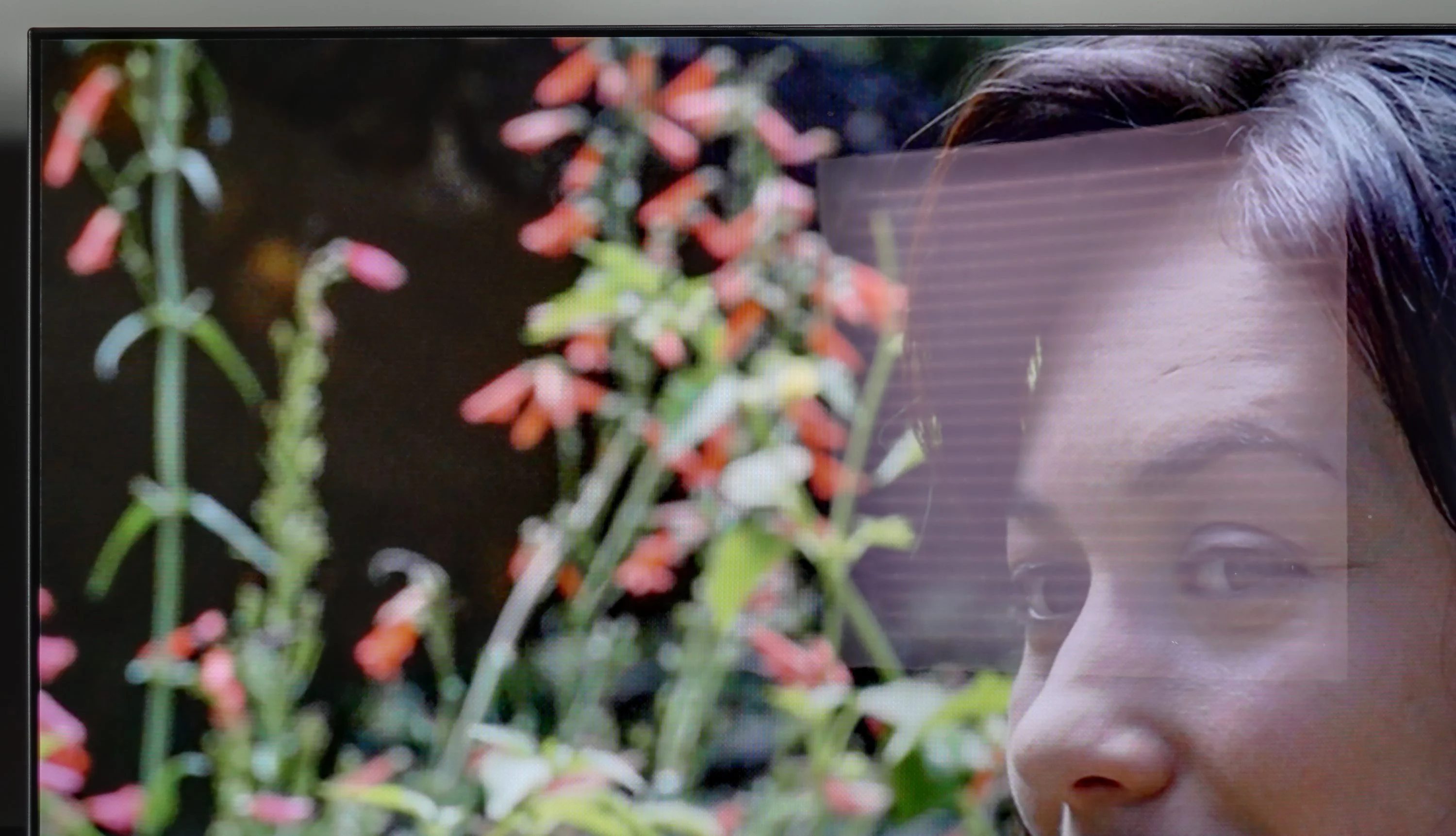
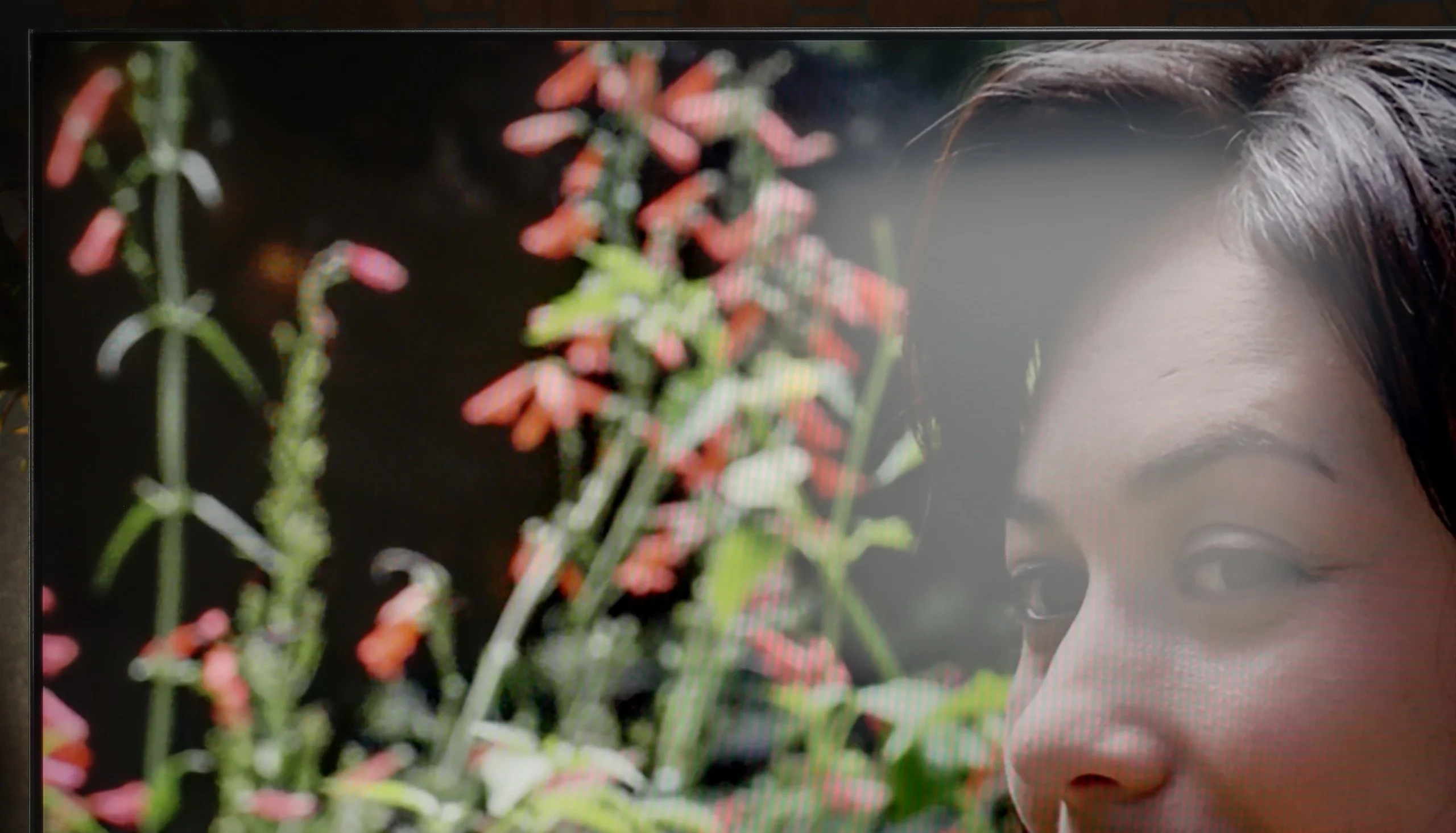
Equally important as colour accuracy, black levels, and contrast in the context of image quality is its purity. This includes the quality of tonal transitions. Many viewers will be familiar with the "stepping" effect of colours on older displays—a frustrating issue that can significantly disrupt immersion in films or series. Unfortunately, the Philips OLED 809 suffers from such a problem, and while it might be tempting to overlook, it warrants examination.

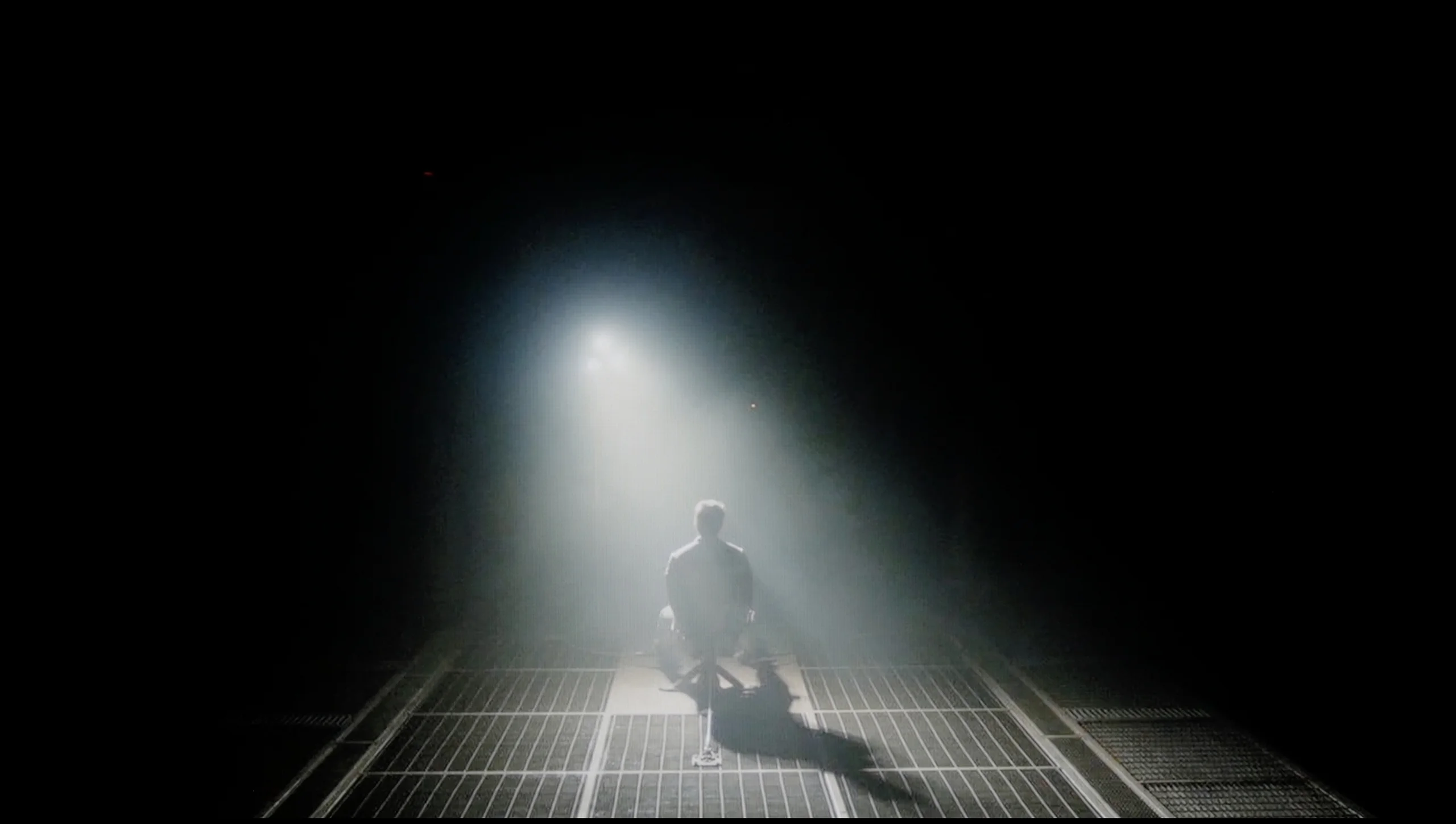
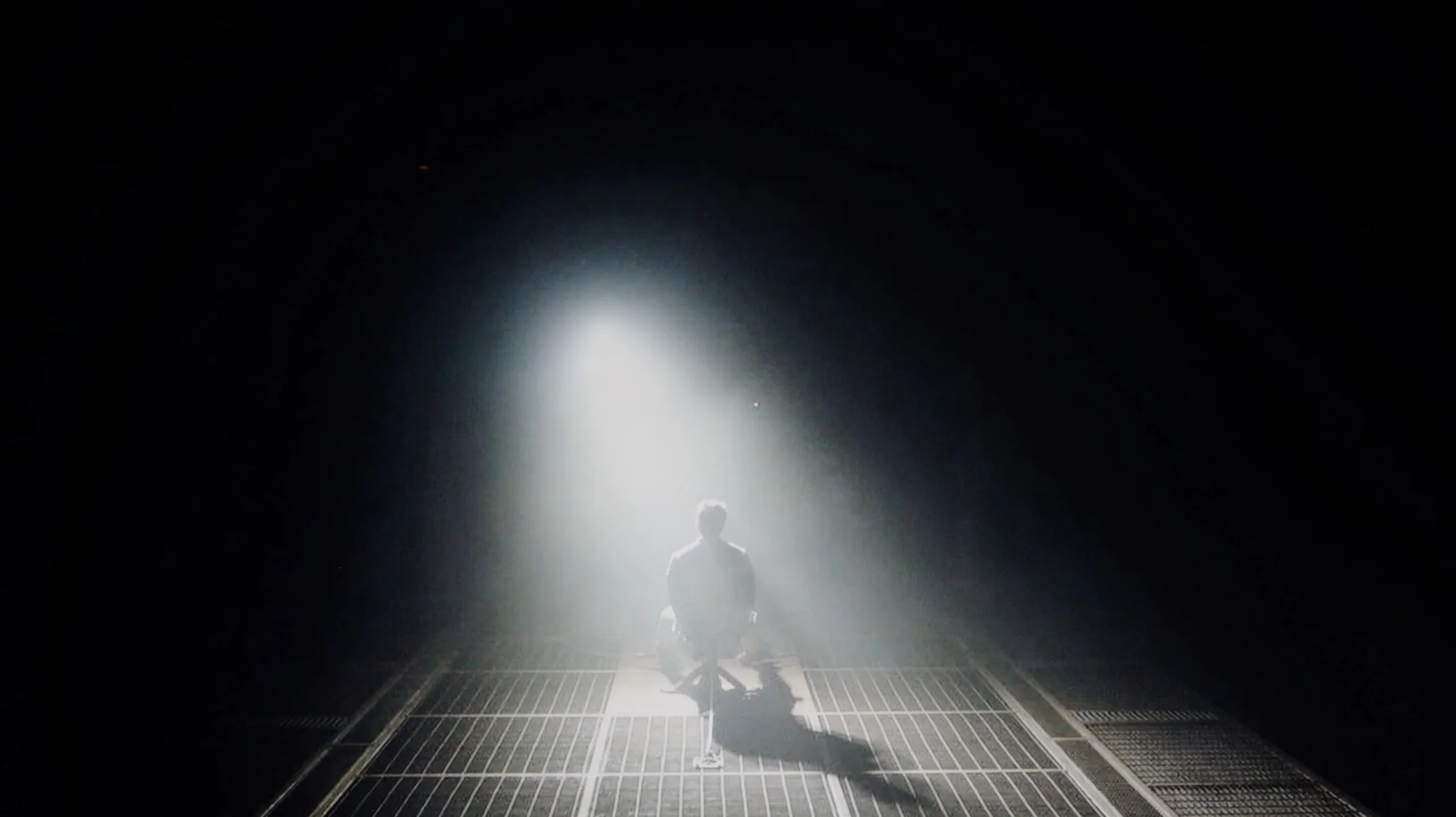
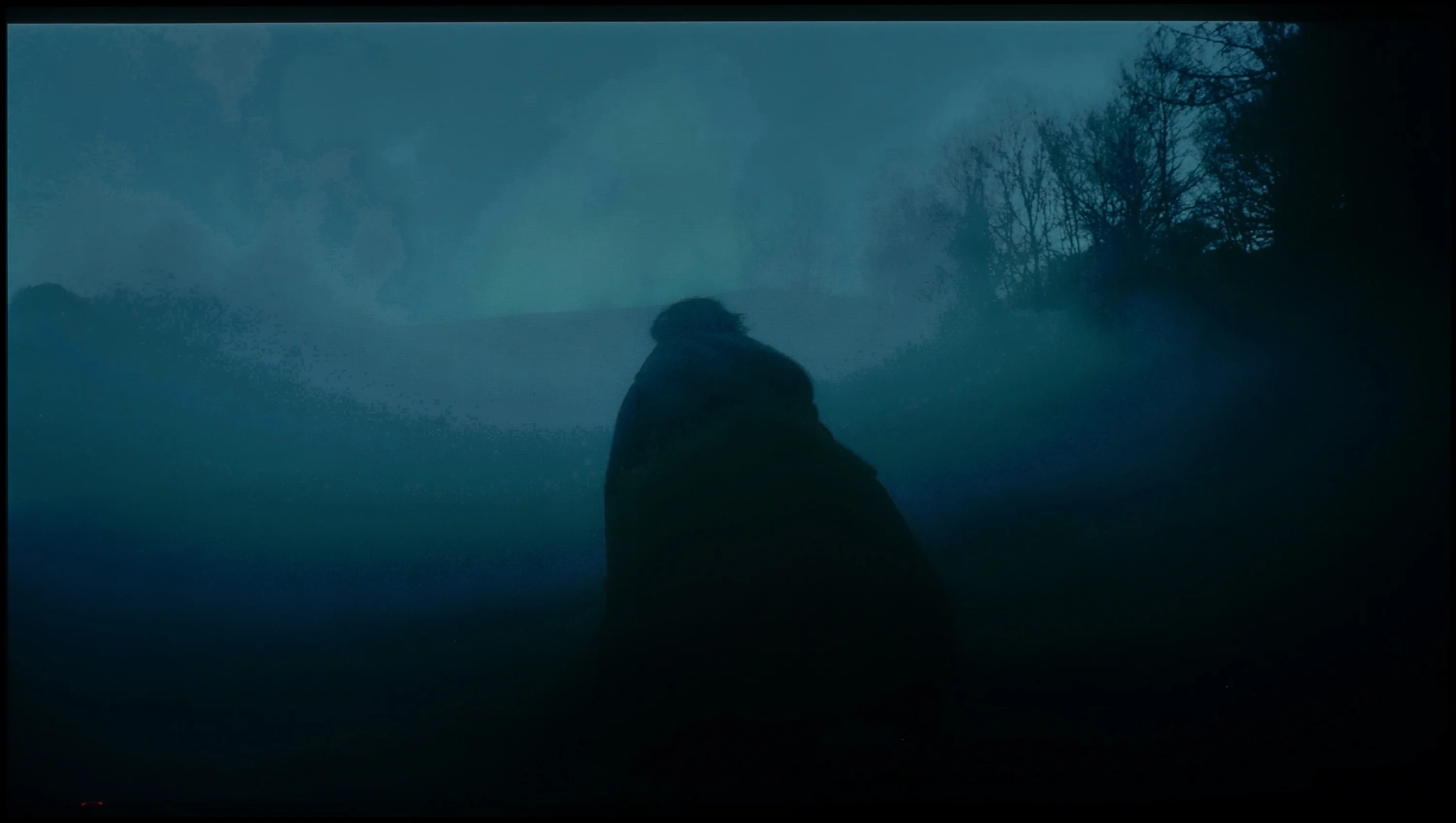
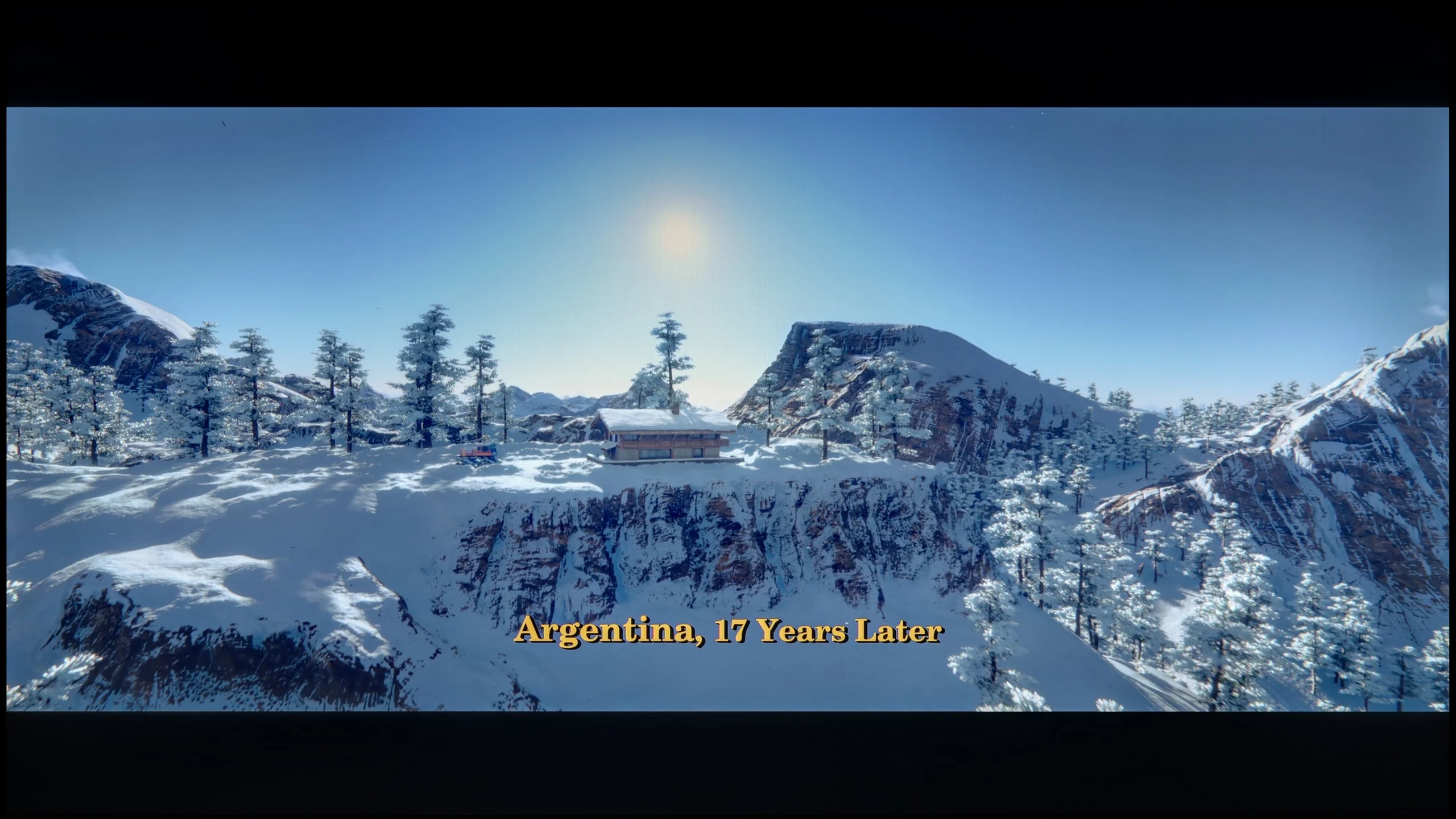
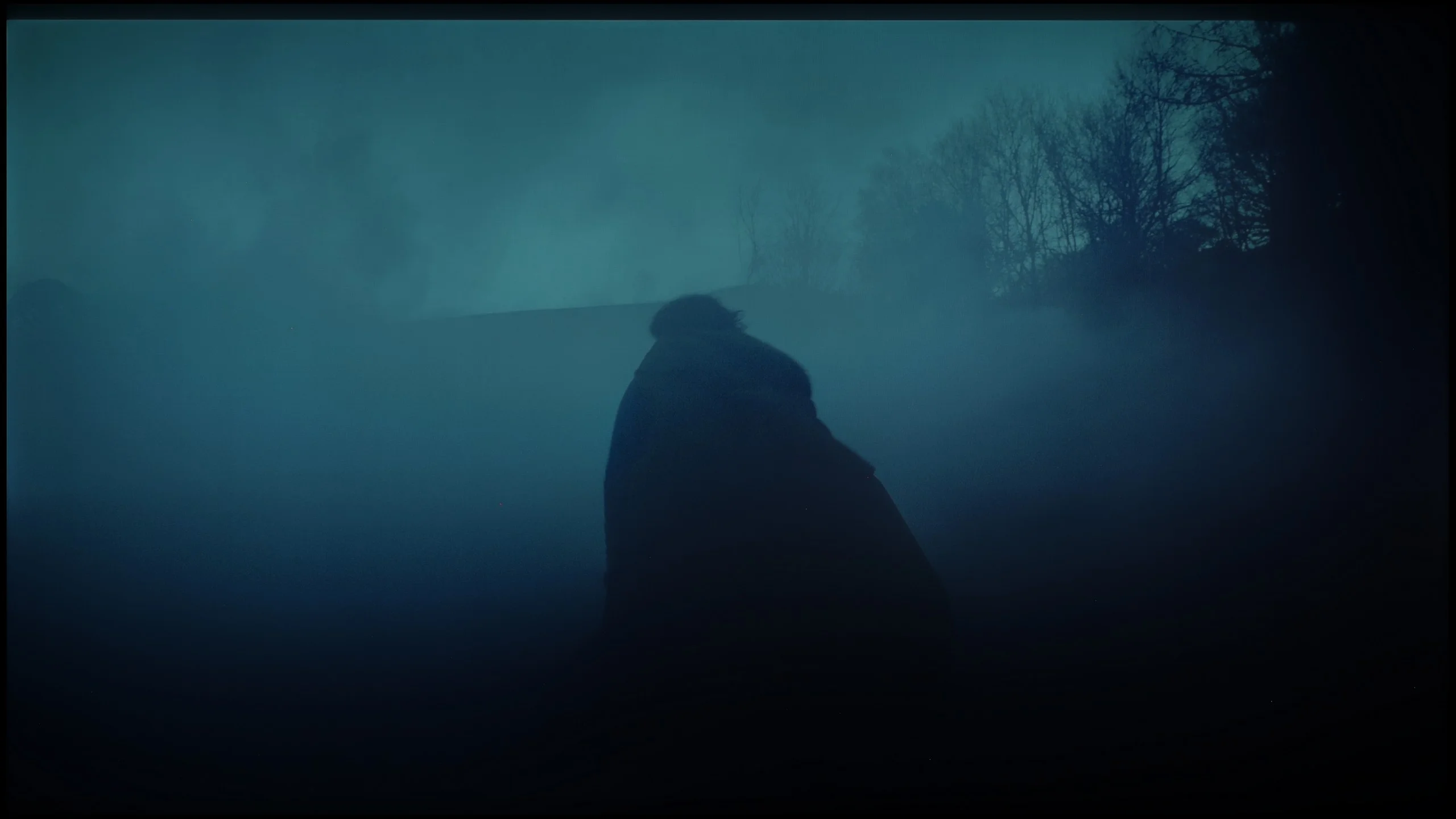
In almost every tested scene, a lack of fluidity between colours was evident. While this is somewhat acceptable in certain films, such as Kingsman, it becomes far more distracting in others, particularly in The Green Knight. In this film, the thick fog was rendered as horizontal stripes and indistinct geometric shapes rather than a smooth gradient.

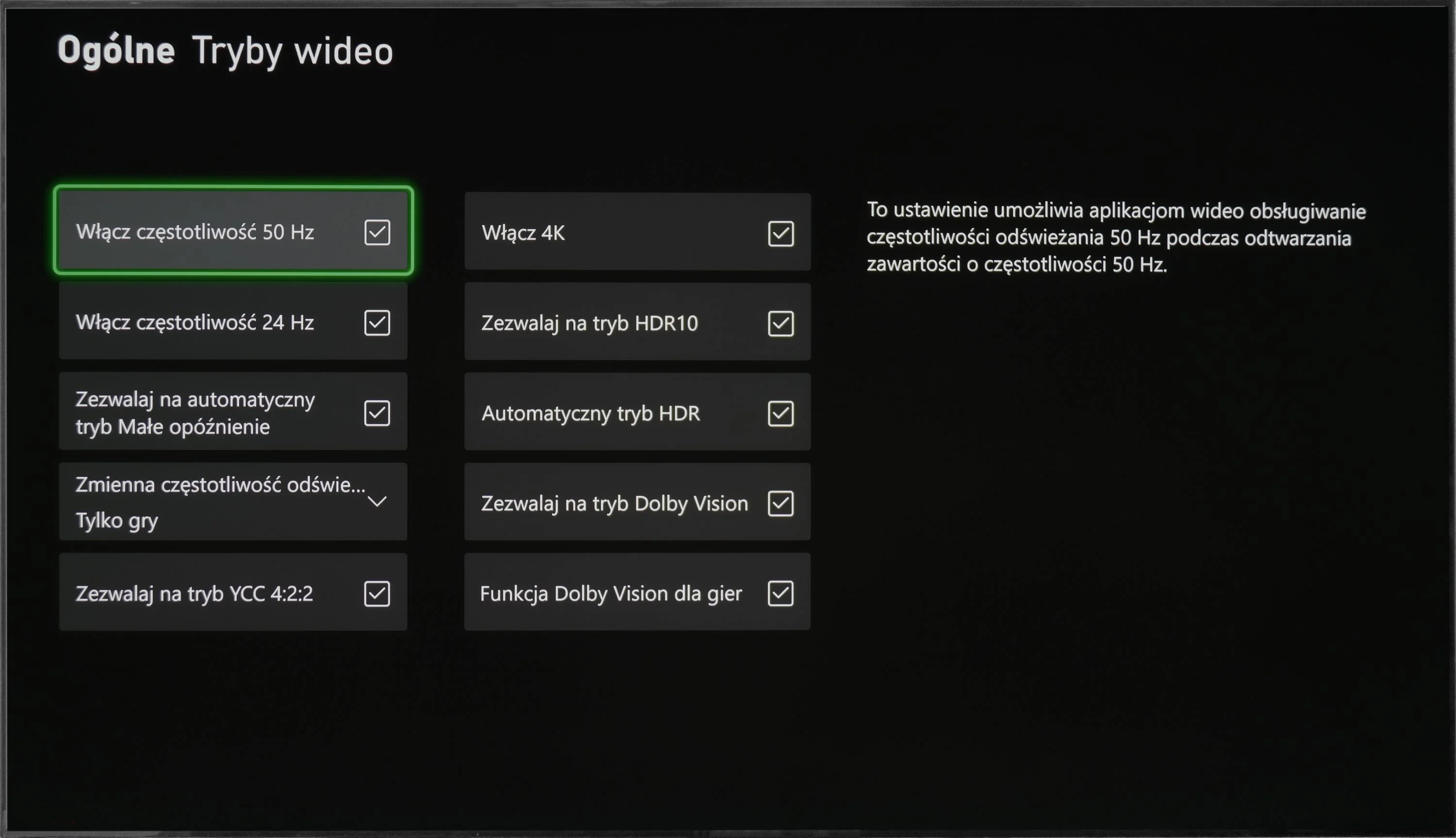
Though some televisions handle tonal transitions with excellence, the Philips OLED 809 does not belong in that category. Tests revealed visible stepping effects in colours, especially in demanding scenes, which detract from the viewing experience. Even options designed to mitigate posterisation failed to deliver adequate improvements, making this a significant drawback of the model.

The smoothness of tonal transitions on the W92C is outstanding. It’s one of the best results we’ve seen this year. Regardless of the scene, colors flow smoothly from one to another and you can practically see no banding separating individual shades. Panasonic handles both bright skies and darker, more demanding parts of the image very well. There’s really nothing to fault here.

Image scaling and smoothness of tonal transitions

5.5/10

7.8/10

Image without overscan on the SD signal
No
No
Smooth transition function
OK
OK

Smooth transition function

The match photo shows how the TV smooths weak tonal transitions in low-quality video.

Image scaling SD (576i)

The model photo shows how it handles upscaling of SD material.

Philips OLED 809 struggled significantly in the smooth tonal transitions test. Focusing on the TV's algorithms, particularly the feature responsible for removing posterisation, the results were disappointing. This function, which offers several adjustable settings, proved ineffective in practice. The highest setting, while it does mitigate inconsistencies, it simultaneously blurs the entire image, rendering it virtually useless.

When dealing with lower-quality content, the performance of image upscaling algorithms becomes crucial. In this regard, the algorithms implemented in the OLED 809 perform admirably. They enhance image quality effectively, with minimal visible artefacts. Although slight edge fraying can occasionally be observed, it is unlikely to be noticeable during typical viewing sessions.

The "Contour Smoothing" feature is used to reduce banding in lower-quality sources. On the medium setting it works very effectively and removes visible bands between shades. It can occasionally lose some fine detail, but those aren’t things that draw much attention. The low setting is more cautious and doesn’t affect the rest of the image, but the smoothing itself is much weaker. We would stick with the medium setting. Another plus is that the feature leaves noise and film grain alone. Scaling itself also performs quite well. In our shot with the model, clothing and tree details remain discernible, so lower-resolution content looks decent on a large screen. There is one drawback: with an SD signal the TV crops the edges of the image, meaning it applies so-called overscan. As a result we lose a small portion of the frame.

Blur and motion smoothness

8.5/10

7/10

Maximum refresh rate of the panel
144Hz
144Hz
Film motion smoothing option
OK
OK
Blur reduction option
OK
OK
BFI function 60Hz
No
No
BFI function 120Hz
No
No
Brightness drop with BFI
-%
-%

Blur (native resolution, maximum refresh rate):

Blur ():

Blur (4K@144Hz):

The maximum refresh rate achievable on the Philips OLED 809 is 144 Hz, a feature that can be fully utilised when connected to a high-performance PC. However, when connected to consoles or used for standard television viewing, the refresh rate remains at typical values. For users seeking enhanced motion fluidity or wishing to eliminate the characteristic choppiness of films shot at 24 fps, Philips provides a sophisticated motion-smoothing system.

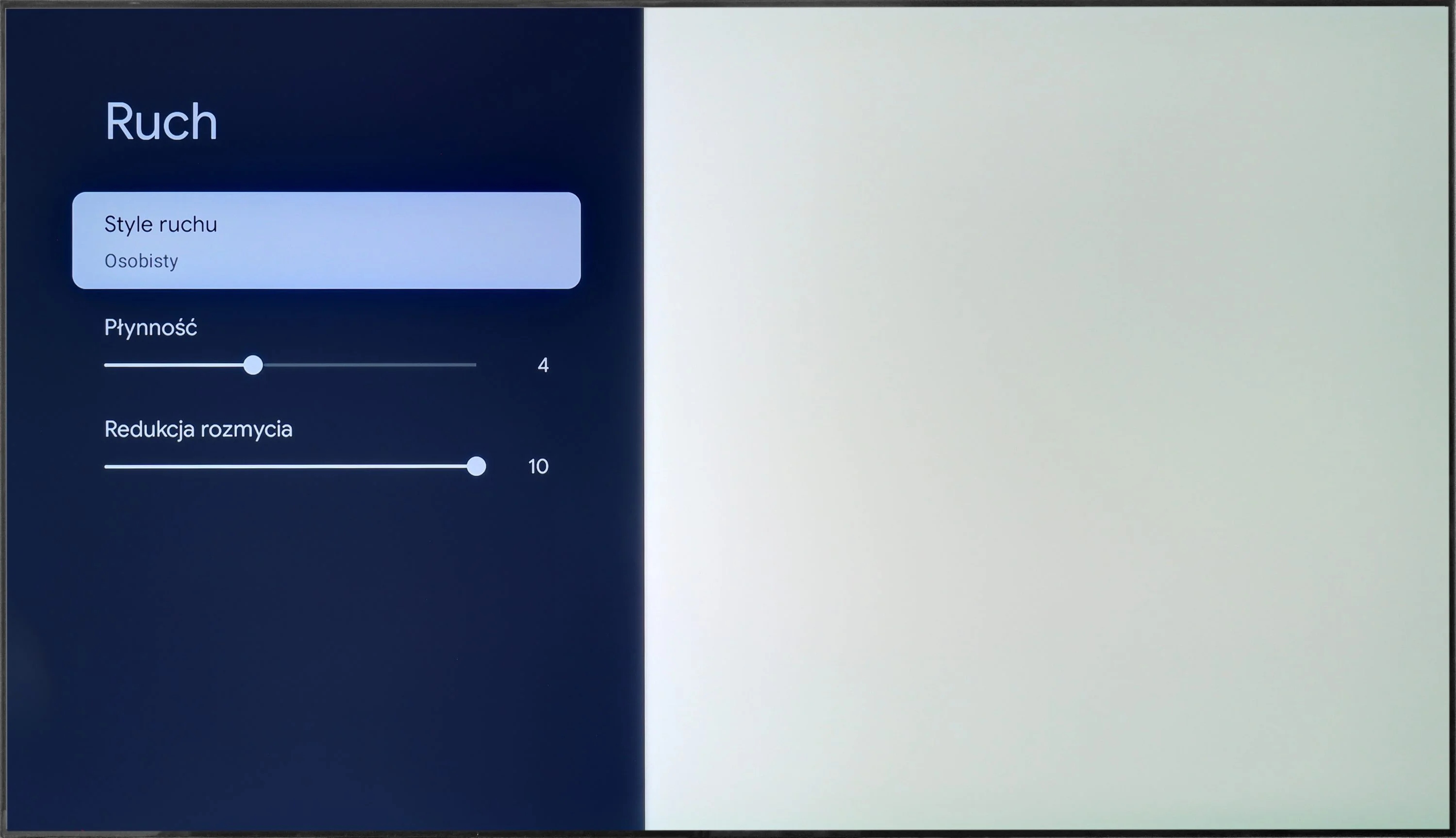
In the settings menu, there is a "Smoothness" slider designed to reduce choppiness, along with a "Motion Blur Reduction" option to enhance the sharpness of fast-moving elements. These features perform impressively and allow for granular adjustments, ensuring that each setting has a tangible impact on motion perception. Notably, the system operates effectively at a refresh rate of 120 Hz, taking advantage of multiples of video frame rates. With this comprehensive range of options, users can easily fine-tune the settings to suit their preferences. For example, slight smoothing without inducing the soap opera effect offers a balanced viewing experience.

Motion clarity on the OLED 809 is further bolstered by the exceptional response time of the OLED panel, measured at approximately 0.1 ms. This surpasses the performance of IPS/ADS or VA panels, making OLED technology unrivalled in this area.

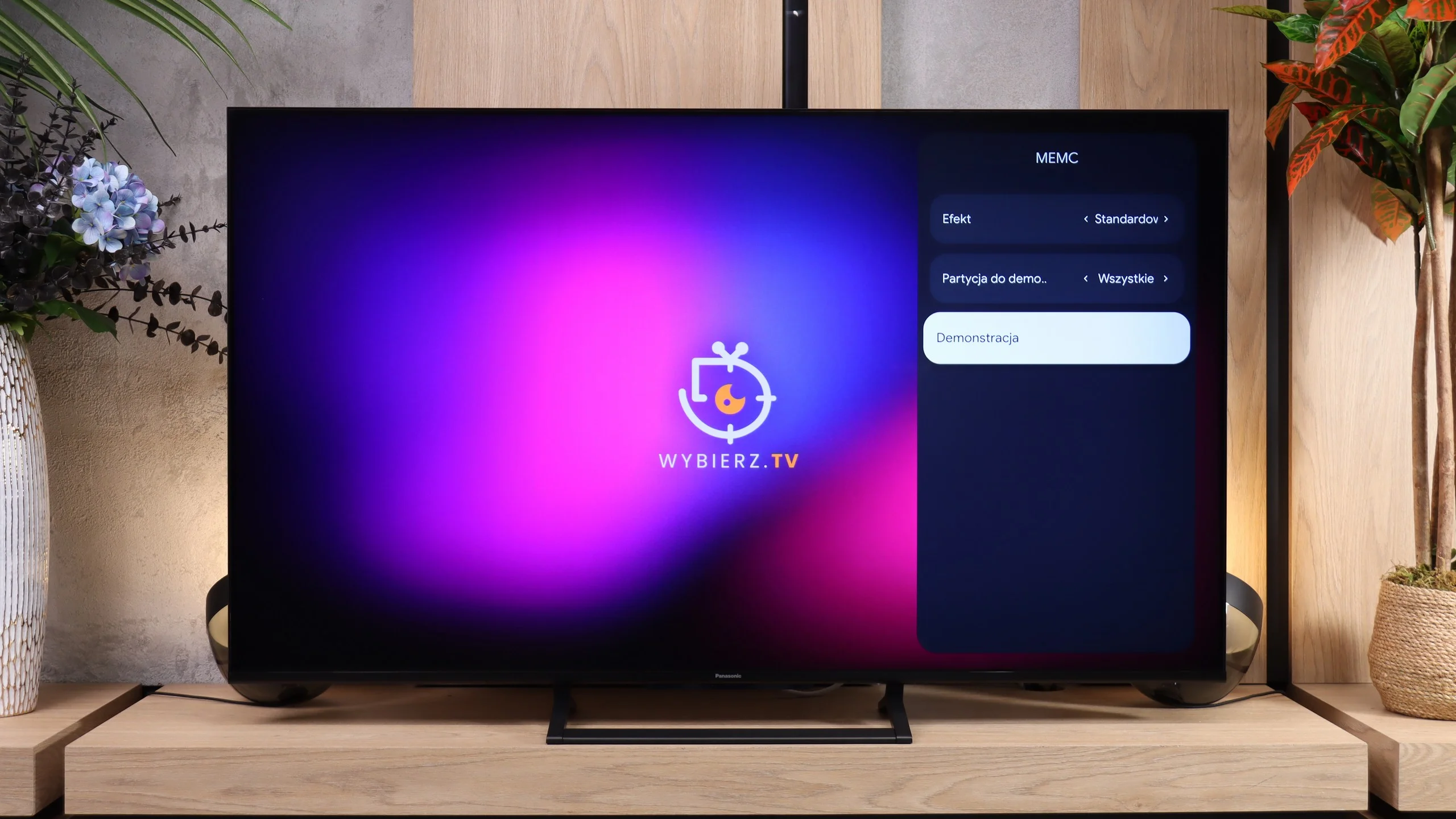
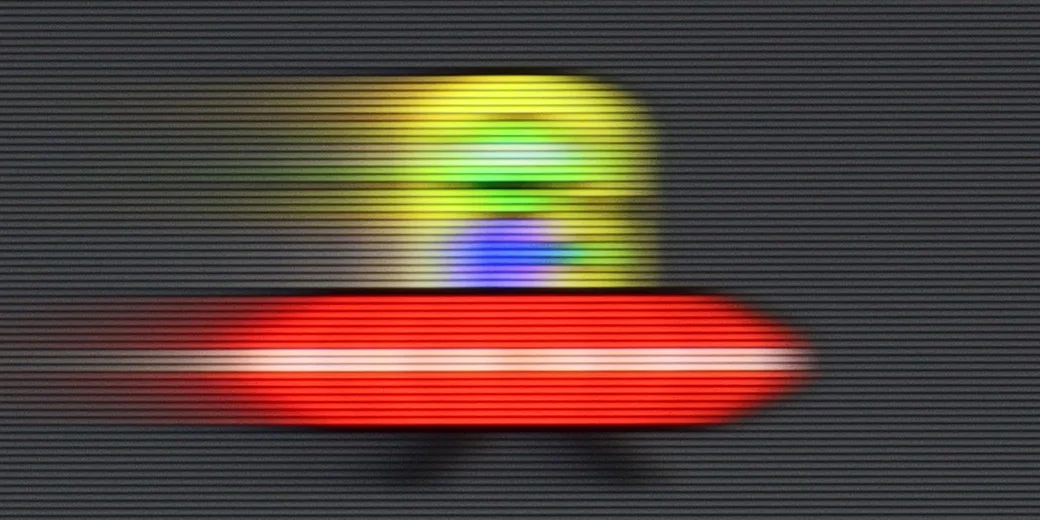
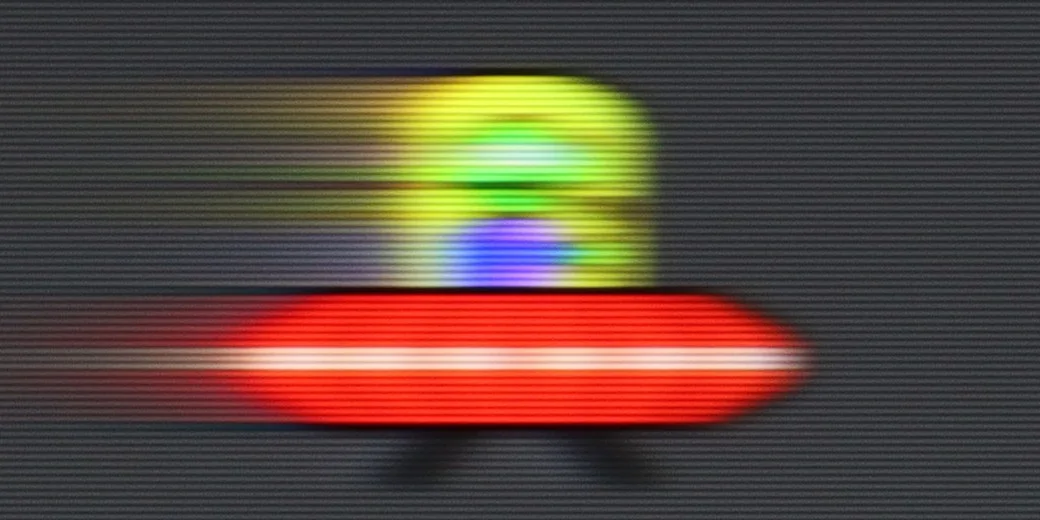
Panasonic W92C has a 144 Hz panel, which will be most useful for PC gaming. For consoles and sports, what matters more is how the screen handles 120 Hz. Motion is smooth, though moving objects aren't perfectly sharp. In our UFO test you can see a distinct trail behind it, especially on dark backgrounds. Despite that, the W92C is still a better option for dynamic content than a typical 60 Hz screen. The higher refresh rate provides a noticeable improvement in smoothness, though the panel itself could respond faster to color changes.

Console compatibility and gaming features

10/10

8.1/10

  • ALLM
    Yes
    Yes
  • VRR
    Yes
    Yes
  • VRR range
    40 - 144Hz
    48 - 144Hz
  • Dolby Vision Game Mode
    Yes
    Yes
  • Correct implementation of HGIG
    Yes
    No
  • 1080p@120Hz
    Yes
    Yes
  • 1440p@120Hz
    Yes
    No
  • 4K@120Hz
    Yes
    Yes
  • Game bar
    Yes
    Yes

The Philips OLED 809 fully supports all technologies included in the HDMI 2.1 standard, and during testing, each activated without issue. This makes the TV an excellent choice for gamers, whether on console or PC. Notably, it features HGIG mode as a strong alternative to Dolby Vision, which is less ideal for gaming on this model due to its high input lag.

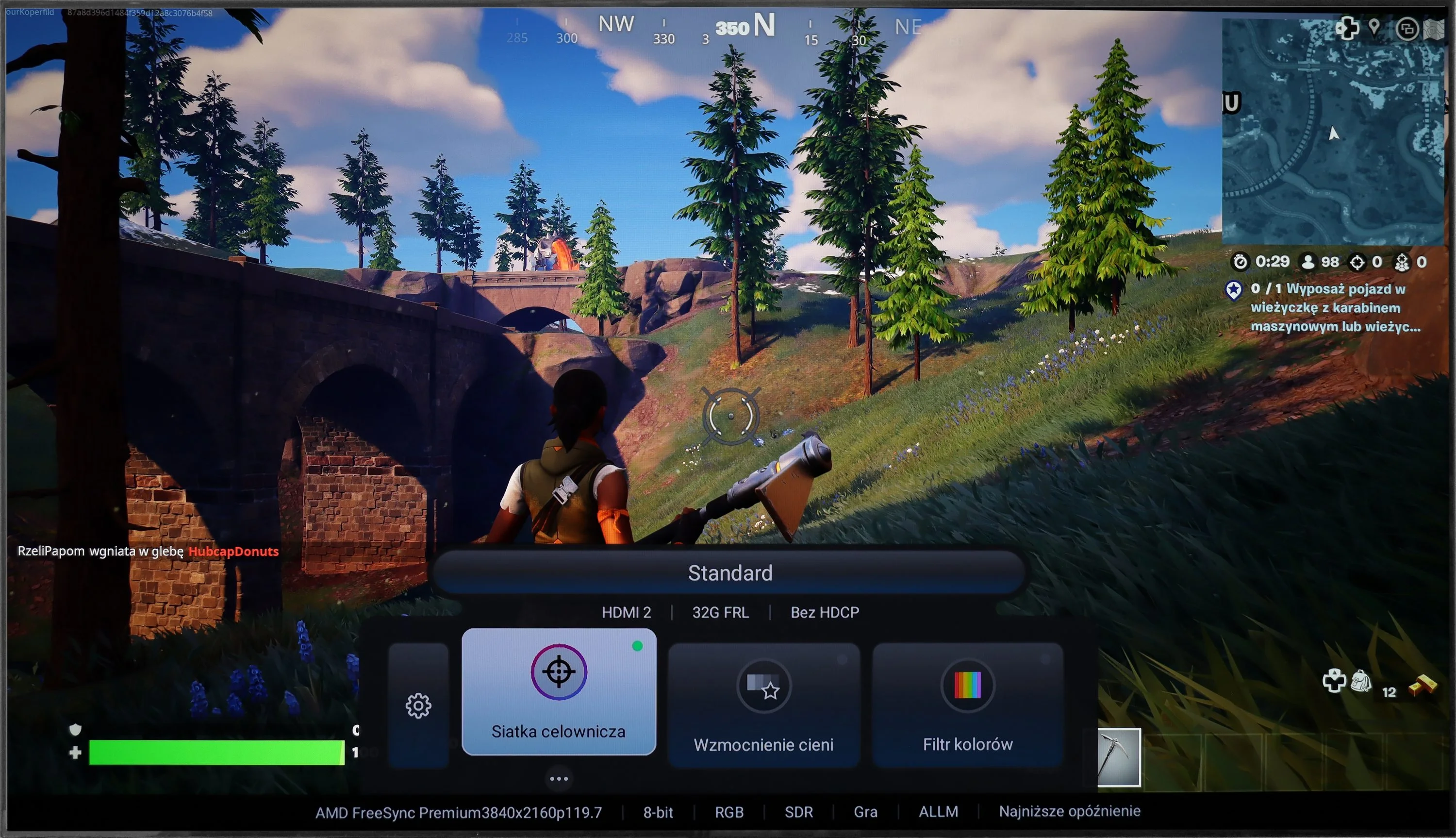
The TV also includes a dedicated GameBar for monitoring gameplay parameters and adjusting settings quickly. Features like a crosshair overlay for sniper shots, shadow enhancement for better visibility, and a colour filter for gamers with visual impairments further enhance its gaming appeal.

In summary, the OLED 809 is a fantastic choice for gaming, equipped with VRR, ALLM, G-Sync, FreeSync, and HDR Dolby Vision gaming for a deeply immersive experience. The only drawback is the artificial sharpness in game mode, which cannot be fully softened, regardless of settings.

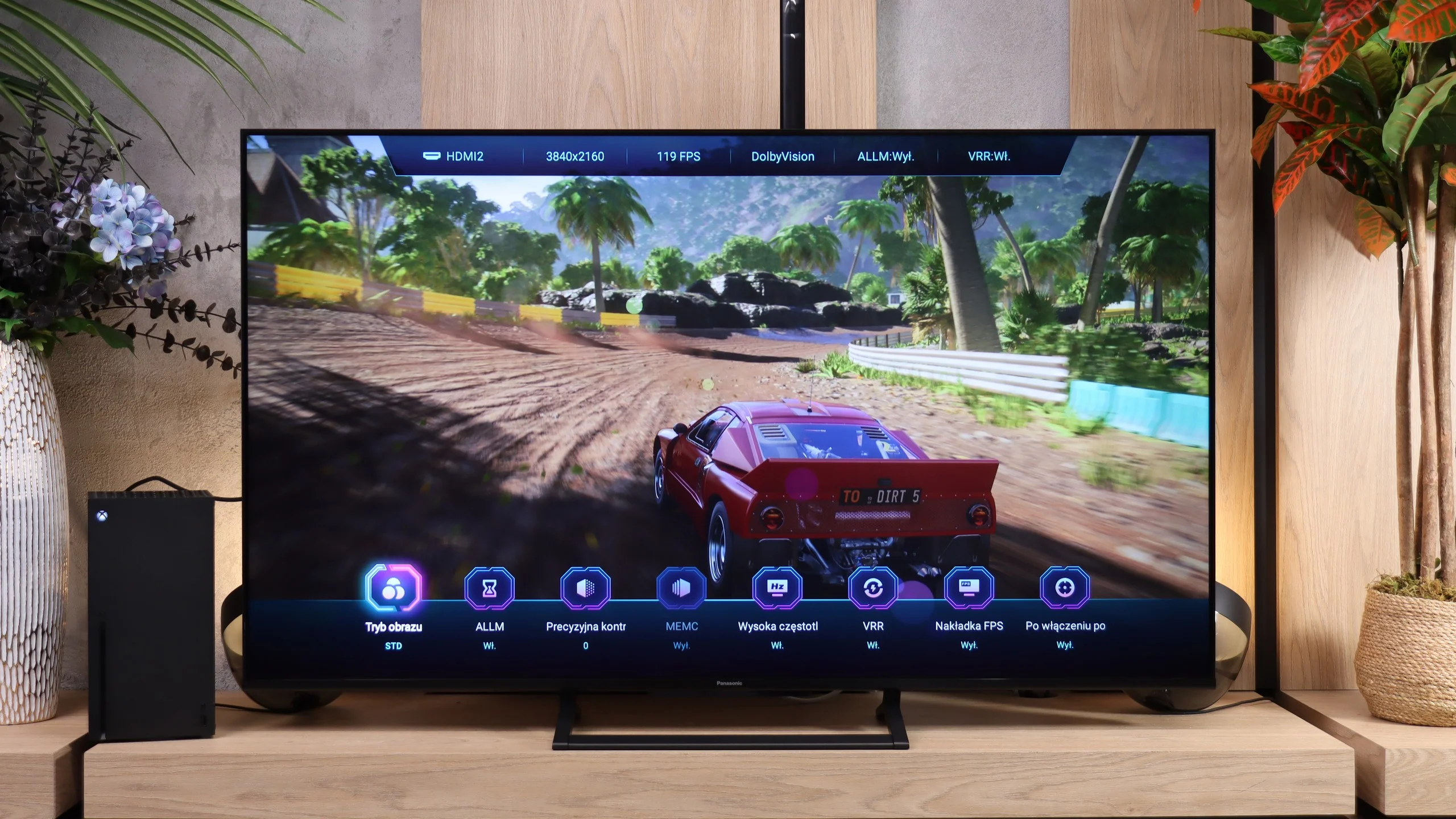
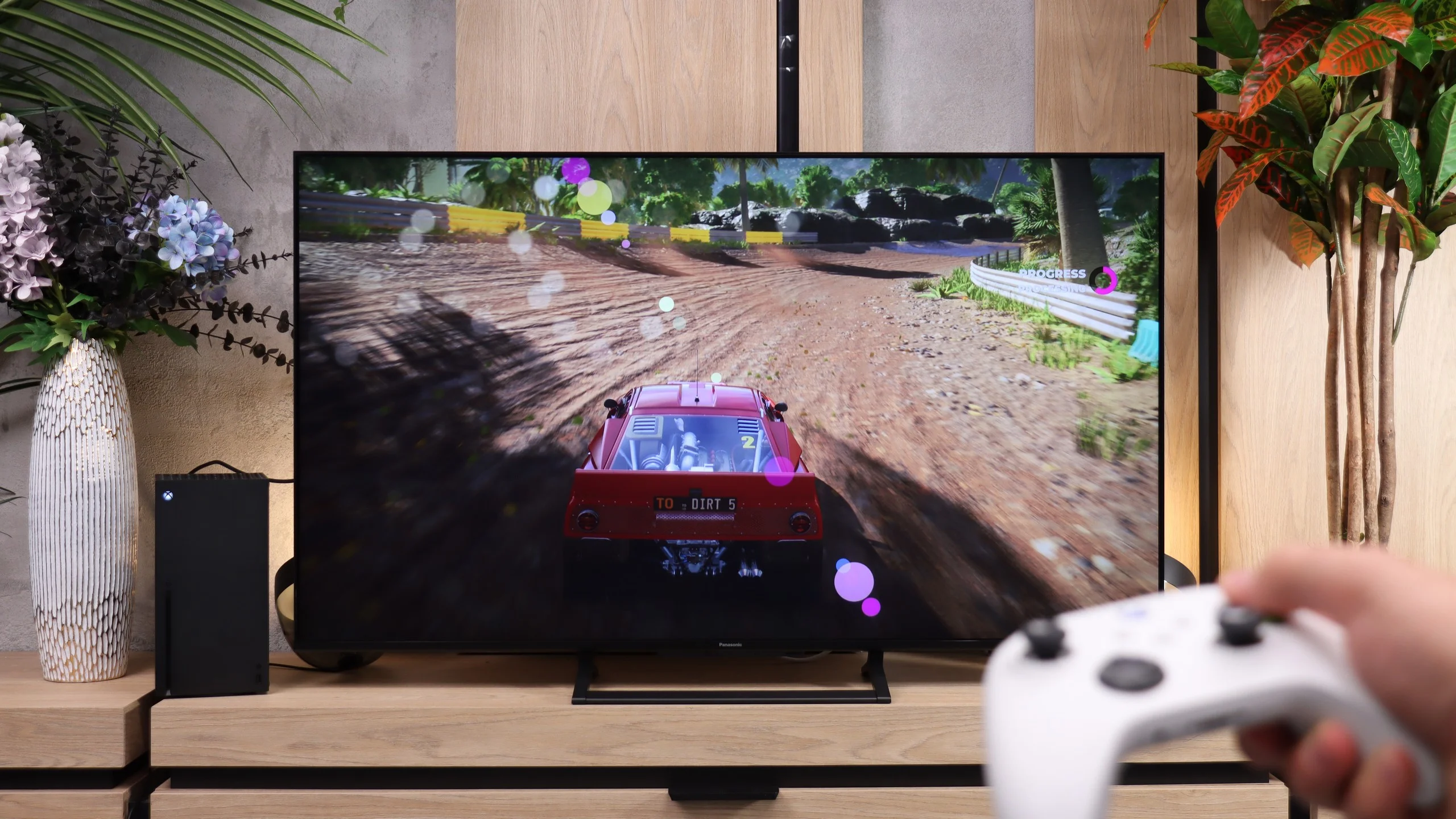
The Panasonic W92C has quite a bit to offer gamers. It has three HDMI 2.1 ports with full 48 Gbps bandwidth, supports 4K gaming at 120 Hz, and when connected to a PC can even run at 144 Hz. It also offers VRR from 48 to 144 Hz, which helps keep the image smooth when frame rates fluctuate, and ALLM that automatically switches to low-latency mode. On top of that, it supports Dolby Vision for gaming. The new Game Bar deserves special praise. The large circles known from Panasonic sets with Fire TV have been replaced by a much more organized panel. At the top you see the most important signal information, and at the bottom shortcuts to gamer settings. It looks more modern and is much closer to what the biggest competitors offer. Definitely a change for the better. Not everything is perfect, though. It lacks a properly working HGiG, which helps match HDR in games to the screen's capabilities. The W92C also doesn't support 1440p at 120 Hz. That's a shame, since that mode is especially useful on a PC when you want more frames than in 4K but keep better detail than Full HD.

Input lag

9.5/10

9.9/10

SDR

1080p60
13 ms
16 ms
1080p120
5 ms
7 ms
2160p60
13 ms
16 ms
2160p120
5 ms
7 ms

HDR

2160p60
13 ms
15 ms
2160p120
5 ms
7 ms
4320p60

Dolby Vision

2160p60 DV
13 ms
17 ms
2160p120 DV
57 ms
9 ms

The input lag measurements on the Philips OLED 809 are impressively low across all signals and resolutions. Gamers will undoubtedly value the manufacturer’s efforts, as a game running at 4K120Hz with HDR achieves a latency of just 5 ms—virtually imperceptible, even in online gaming. Additionally, the game mode with Dolby Vision deserves praise, delivering a comparable response time of 13 ms. In this regard, the Philips OLED 809 earns top marks.

The input lag on the Panasonic W92C is very low. At 60 Hz we measured about 15–16 ms, and at 120 Hz only 7 ms. The controller response is therefore quick, and even in fast-paced games there’s little to complain about. Dolby Vision also performs well: 17 ms at 60 Hz and 9 ms at 120 Hz. You can safely use any format without worrying that controls will become noticeably slower.

Compatibility with PC

6.4/10

9/10

Chroma 444 (max. resolution and refresh rate)
No
Yes
Font clarity
Average
Very Good
Readability of dark text and shapes
Good
Very Good
Input lag in PC mode (4K, max. refresh rate)
13ms
7ms
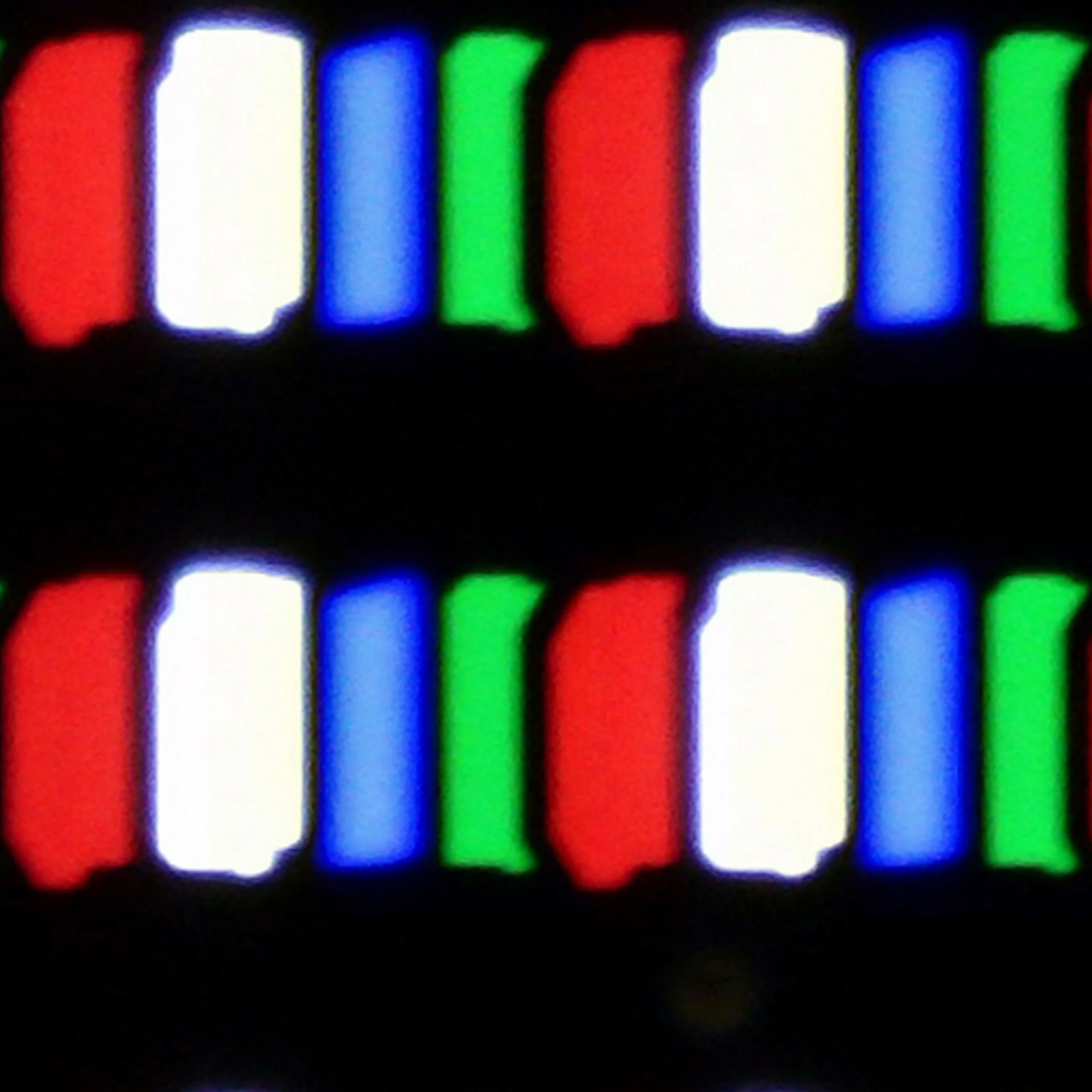
Matrix subpixel arrangement
RWBG
RGB
Max refresh rate
144Hz
144Hz
G-Sync
Yes
Yes

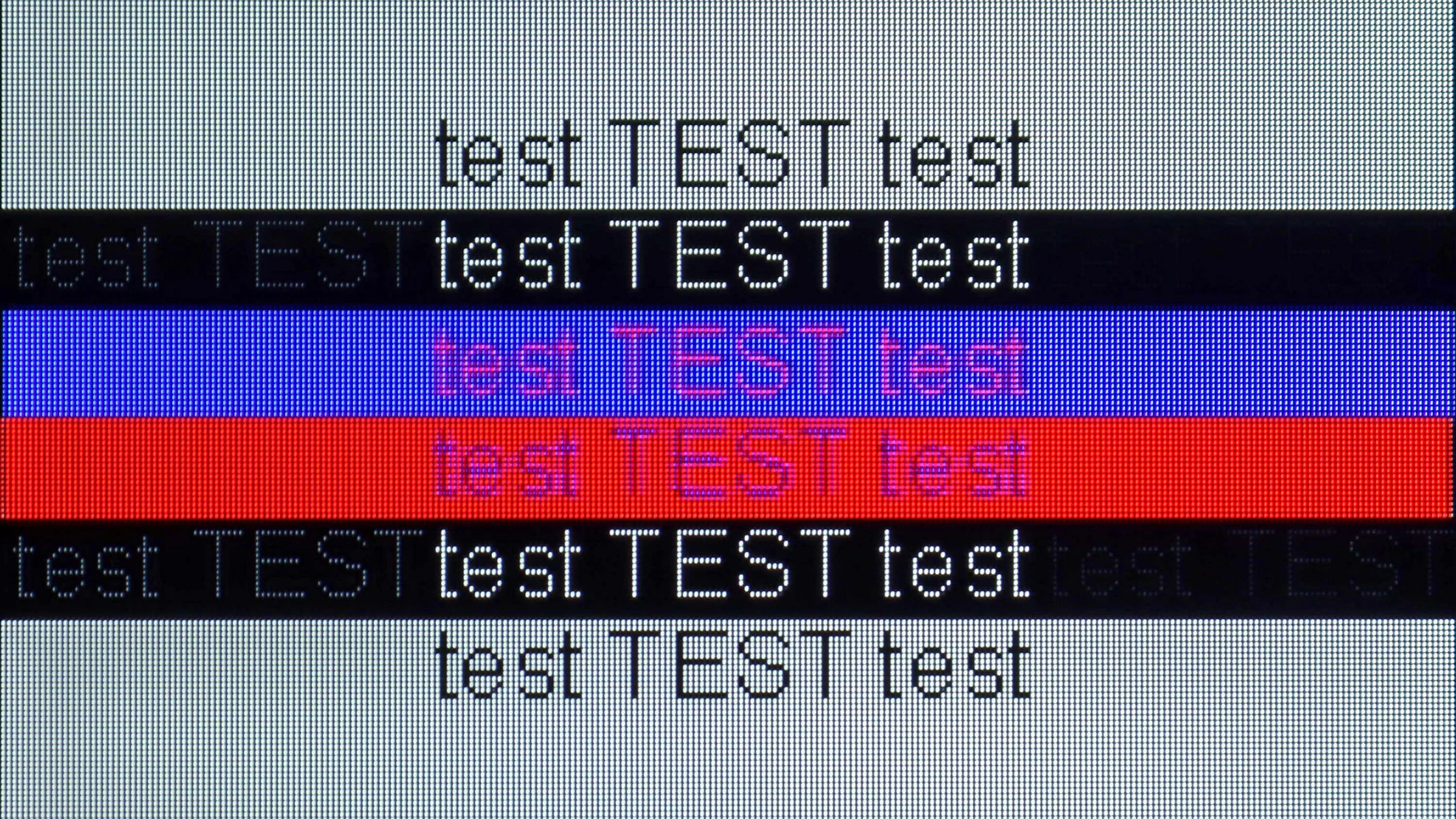
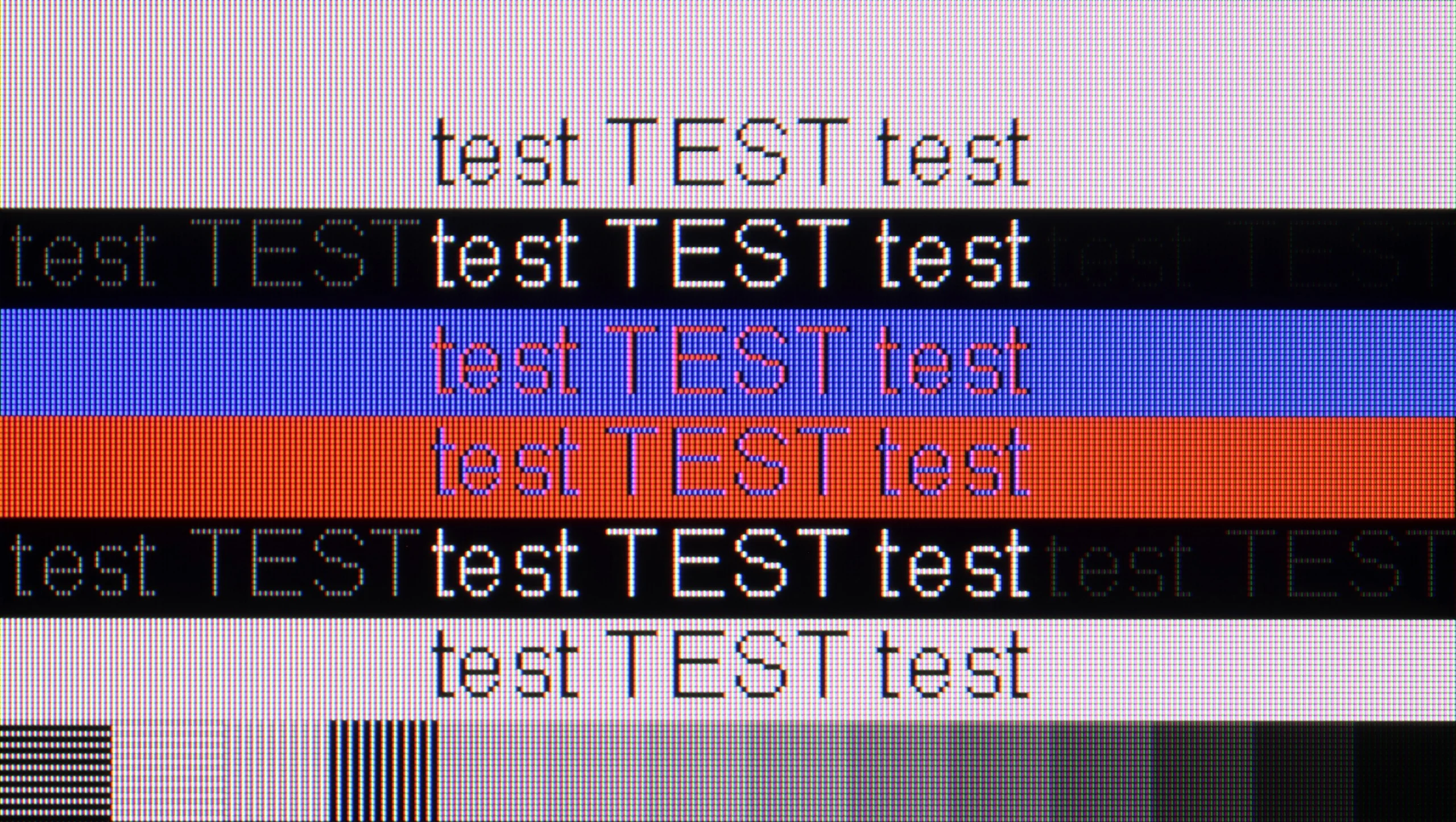
The photo shows the legibility of small fonts. Ideally, lines should be the same thickness on both light and dark text, with minimal pixel gaps.

As in gaming, the Philips OLED 809 delivers excellent performance, but its capabilities falter with everyday text work. Despite its impressively low latency, the issue lies in its lack of chroma 4:4:4 support, leading to noticeable font blurriness regardless of the refresh rate. While this is not a problem during gaming, it can significantly affect text work by making fonts less readable and more straining to the eyes.

Working with a computer is one of the W92C’s stronger suits. Fonts look really great. They’re sharp, easy to read, and don’t lose fine details. That also applies to dark text on dark backgrounds, which some TVs struggle with. It’s one of the few panels that handled our font test so well. The RGB subpixel layout and proper support for chroma 4:4:4 help here, including at maximum resolution and refresh rate. There’s also a lot on offer for gamers: 4K at 144 Hz, working G-Sync, and input lag of about 7 ms. So the Panasonic performs well for both text work and gaming. You just need to remember the smearing mentioned earlier and the lack of 1440p support at 120 Hz. The overall readability of the computer image, however, is excellent.

Viewing angles

7.7/10

6/10

Brightness drop at an angle of 45 degrees
29%
80%

An advantage of OLED panels is their excellent performance at sharp viewing angles, with no noticeable drop in contrast or color saturation. However, a characteristic feature of panels produced by LG Display, which are not used in top models, is the appearance of a teal or cyan tint when viewed from a wide angle.

The 55-inch Panasonic W92C offers good viewing angles, mainly thanks to its IPS panel. As a result, images viewed from the side retain color and contrast better than on many Mini LED-backlit LCD TVs that use VA panels.

Daytime performance

5.5/10

6.8/10

Panel finish
Glare
Matte
Reflection suppression
Good
Very Good
Black levels during daytime
Very Good
AbsorptiveBlack-Decent

Panel brightness

Panasonic W92C (Google TV): 555 cd/m2

Philips OLED809/819: 322 cd/m2

For many years, the efficiency of OLED TVs during the day has been a topic of debate, with many still believing these screens aren't suitable for daylight use. While that may have been true for older models, current technology has advanced significantly. Today, there are no major objections to recommending an OLED TV for daytime use. Despite the glossy panel, which might seem like a drawback, the real-world results speak for themselves. One aspect to consider is contrast which remains higher during daytime use, unlike QD-OLED panels or OLEDs with MLA technology. This is due to the absence of excited quantum dots and micro-lenses.

A matte panel is a big plus for the W92C when watching during the day. It disperses reflections very well, so instead of a clear image of a window or lamp you see a more blurred glow. Added to that is an average brightness of around 555 nits, which is easily enough for watching TV in a typical bright living room. That doesn’t mean light falling on the screen stops being an issue. The matte coating spreads it over a larger area, which makes blacks look grayish and the picture lose some contrast. You’ll notice this most easily in dark scenes. Even so, the combination of decent brightness and effective reflection suppression makes the Panasonic quite suitable for everyday viewing without having to cover the windows.

Panel details

Backlight Type
Mini-LED PFS LED
Software version during testing
TPM231WW_R.101.0091.227.211
UKN6.260116.086
Image processor
mt5896

Subpixel Structure:

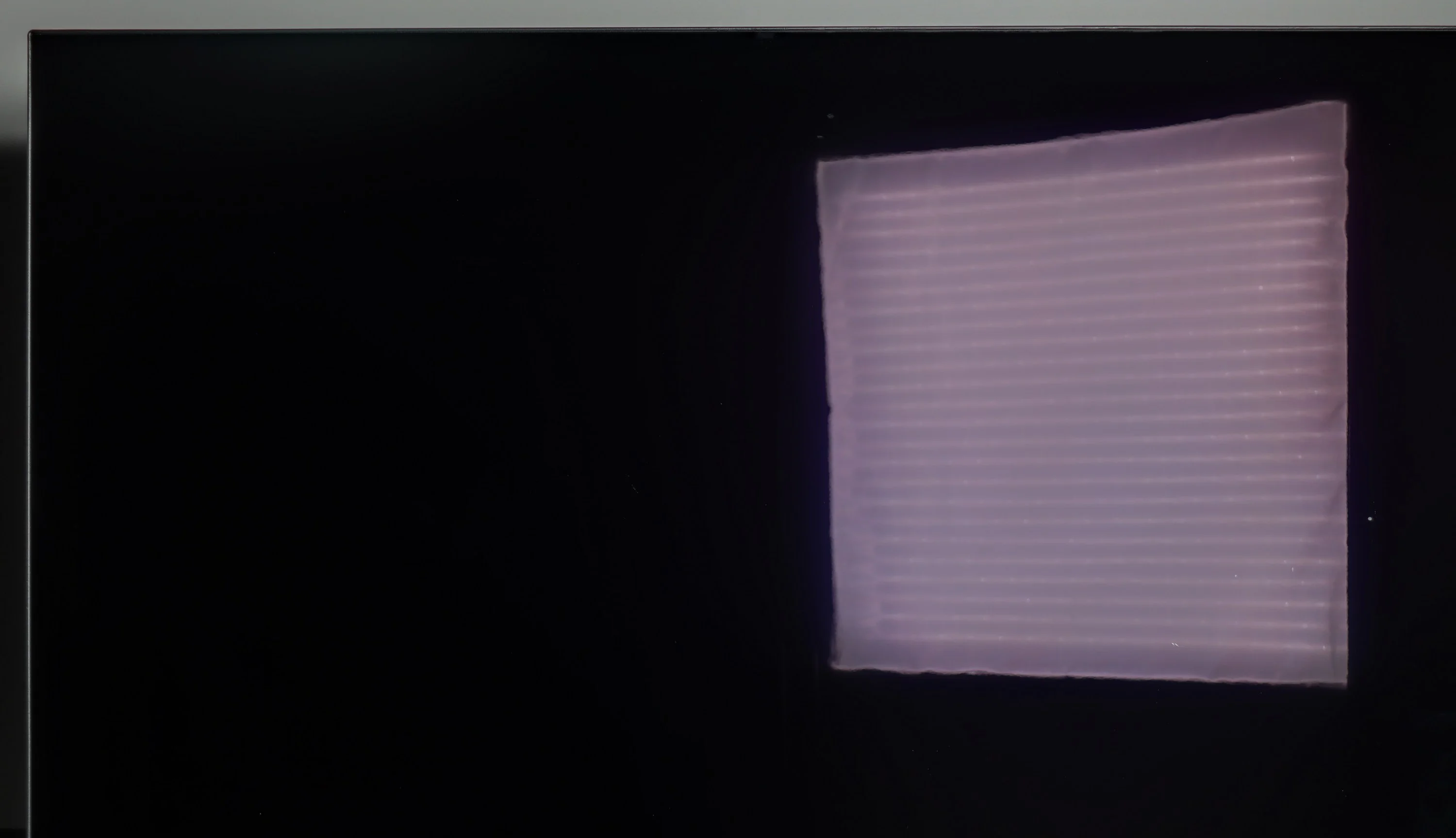
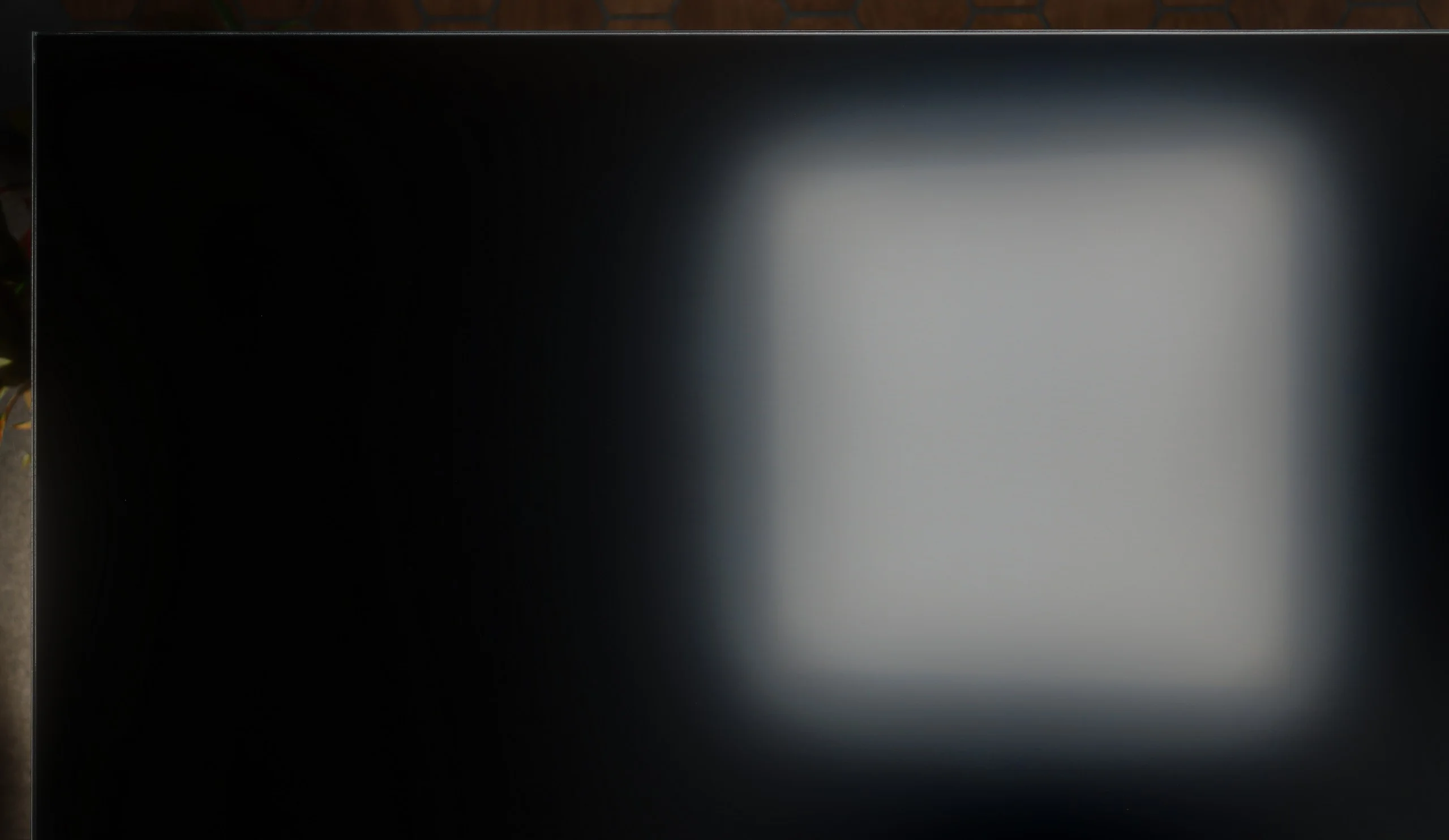
Panel uniformity and thermal imaging:

Philips OLED809/819

Panasonic W92C (Google TV)

TV features

7.9/10

6.6/10

  • System
    Google TV
    Google TV
  • System performance
    Good
    Good
  • HDMI inputs
    2 x HDMI 2.0, 2 x HDMI 2.1 48Gbps
    0 x HDMI 2.0, 3 x HDMI 2.1 48Gbps
  • Outputs
    Toslink (Optical audio), eARC (HDMI), ARC (HDMI)
    Toslink (Optical audio), eARC (HDMI), ARC (HDMI), Mini-Jack (Headphones)
  • Network Interfaces
    Wi-Fi 2.4GHz, Wi-Fi 5GHz, Ethernet (LAN) 100Mbps
    Wi-Fi 2.4GHz, Wi-Fi 5GHz, Ethernet (LAN) 100Mbps
  • TV reception
    DVB-T, DVB-T2, DVB-S, DVB-S2, DVB-C
    DVB-T, DVB-T2, DVB-S, DVB-S2, DVB-C

Classic features:

  • Recording to USB (terrestrial TV)
    No
    No
  • Recording programming
    No
    No
  • Picture in Picture (PiP)
    No
    No
  • RF remote control (no need to aim)
    Yes
    Yes
  • Backlit remote control
    Yes
    No
  • Teletext
    Yes
    Yes
  • Audio only mode
    Yes
    Yes
  • Bluetooth headphones support
    Yes
    Yes
  • Simultaneous Bluetooth headphones & TV audio
    No
    Yes

Smart features:

  • AirPlay
    Yes
    No
  • Screen mirroring (Windows Miracast)
    Yes
    Yes
  • Voice search
    Yes
    Yes
  • Voice search in native language
    Yes
    Yes
  • Ability to connect a keyboard and mouse
    Yes
    Yes
Review Philips OLED809/819 TV features
Review Panasonic W92C (Google TV) TV features

Sound connection options

  • HDMI audio
    eARC (HDMI), ARC (HDMI)
    eARC (HDMI), ARC (HDMI)
  • Other audio outputs
    Toslink (Optical audio)
    Toslink (Optical audio), Mini-Jack (Headphones)
  • Wireless audio
    Bluetooth
    Bluetooth

Supported audio formats (external HDMI eARC audio):

  • Dolby Digital Plus 7.1
    Yes
    Yes
  • Dolby True HD 7.1
    Yes
    Yes
  • Dolby Atmos in Dolby Digital Plus (JOC)
    Yes
    Yes
  • Dolby Atmos in Dolby True HD
    Yes
    Yes
  • DTS:X in DTS-HD MA
    Yes
    No
  • DTS-HD Master Audio
    Yes
    No

Senior accessibility

  • Numeric keyboard on TV
    Yes
    Yes
  • Font size adjustment
    No
    Yes
  • Audio description
    No
    Yes

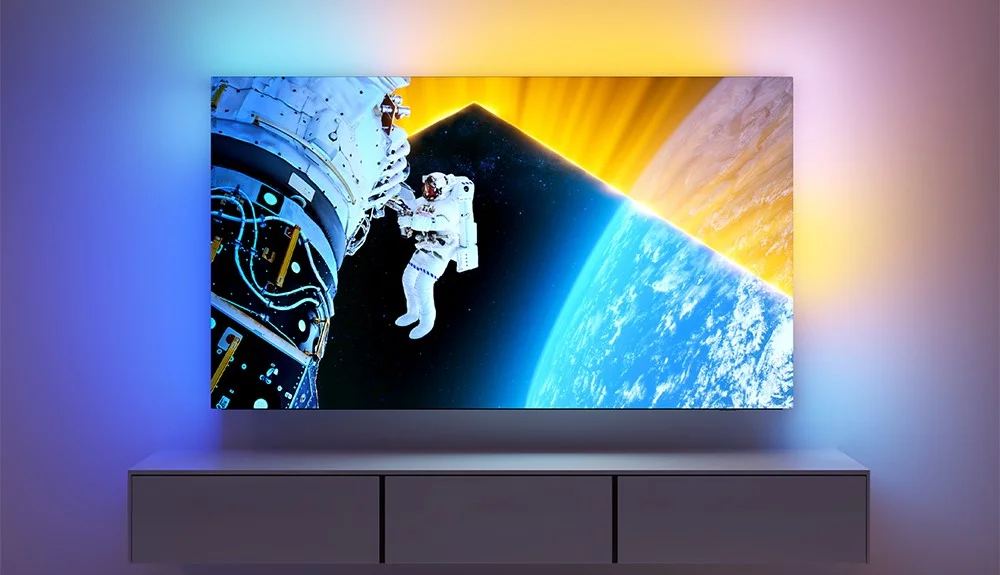
Before we dive into the software that controls the TV, it’s important to highlight one of the standout features of Philips OLED 809 is the multicoloured Ambilight. This unique system, positioned on the back of the device, adjusts its colours according to what's happening on the screen, enhancing immersion and overall viewing experience.

The Philips OLED 809 runs on the Google TV system, which is a significant advantage over some of the manufacturer's other models that use the proprietary TitanOS, a more closed system with fewer available apps. With Google TV, users can install virtually any application, from the store or via APK files directly from online repositories.

Additionally, Google TV offers convenient control options, such as easy integration with keyboards and touchpads for smoother typing and navigation. Voice commands can also be issued using the remote, with quick and accurate interpretation by the system.

In summary, Google TV is one of the most popular systems available today. Powered by a robust CPU, it operates smoothly and stably, without freezes or stutters. For those who want to make the most of their TV’s capabilities, Google TV offers the openness and versatility needed to enhance the overall experience.

Google TV

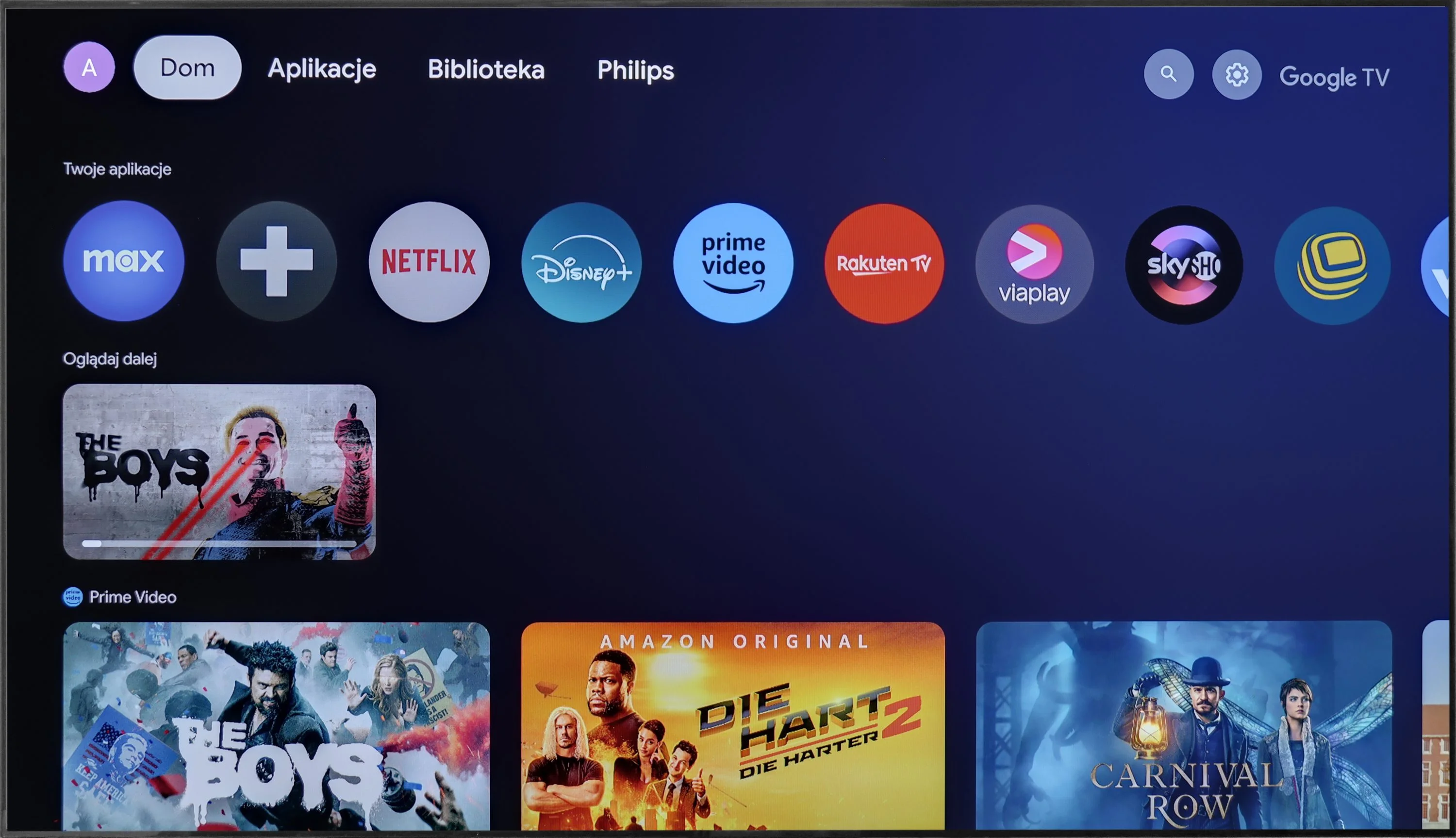
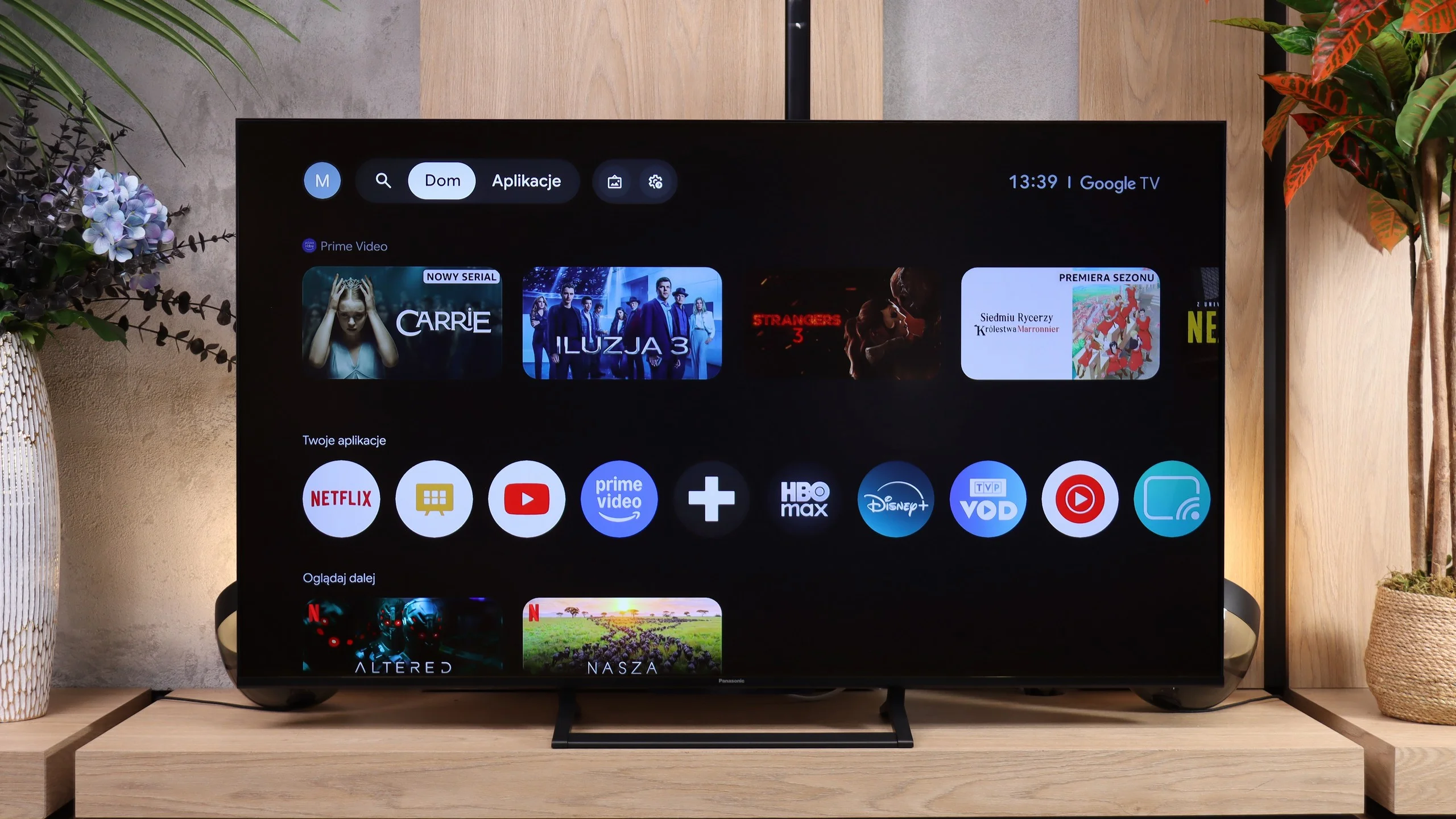
Google TV is a major improvement over Panasonic’s older systems and even over the newer Fire TV, which didn’t fully convince us. On the W92C everything runs very smoothly. We navigate the menu quickly, apps launch without long waits, and among the available services we found all the ones we were interested in. There is also Polish voice search and Chromecast, which makes it easy to cast content from your phone. It’s a pity AirPlay isn’t working; we couldn’t use it with our newer iPhone.

However, there were a few minor issues. Some Polish translations in the menu sound rather clumsy, and the previously described automatic backlight changes show the software still needs fixes. Despite this, daily operation is good, and the inclusion of Google TV is definitely one of this model’s strengths.

Classic features

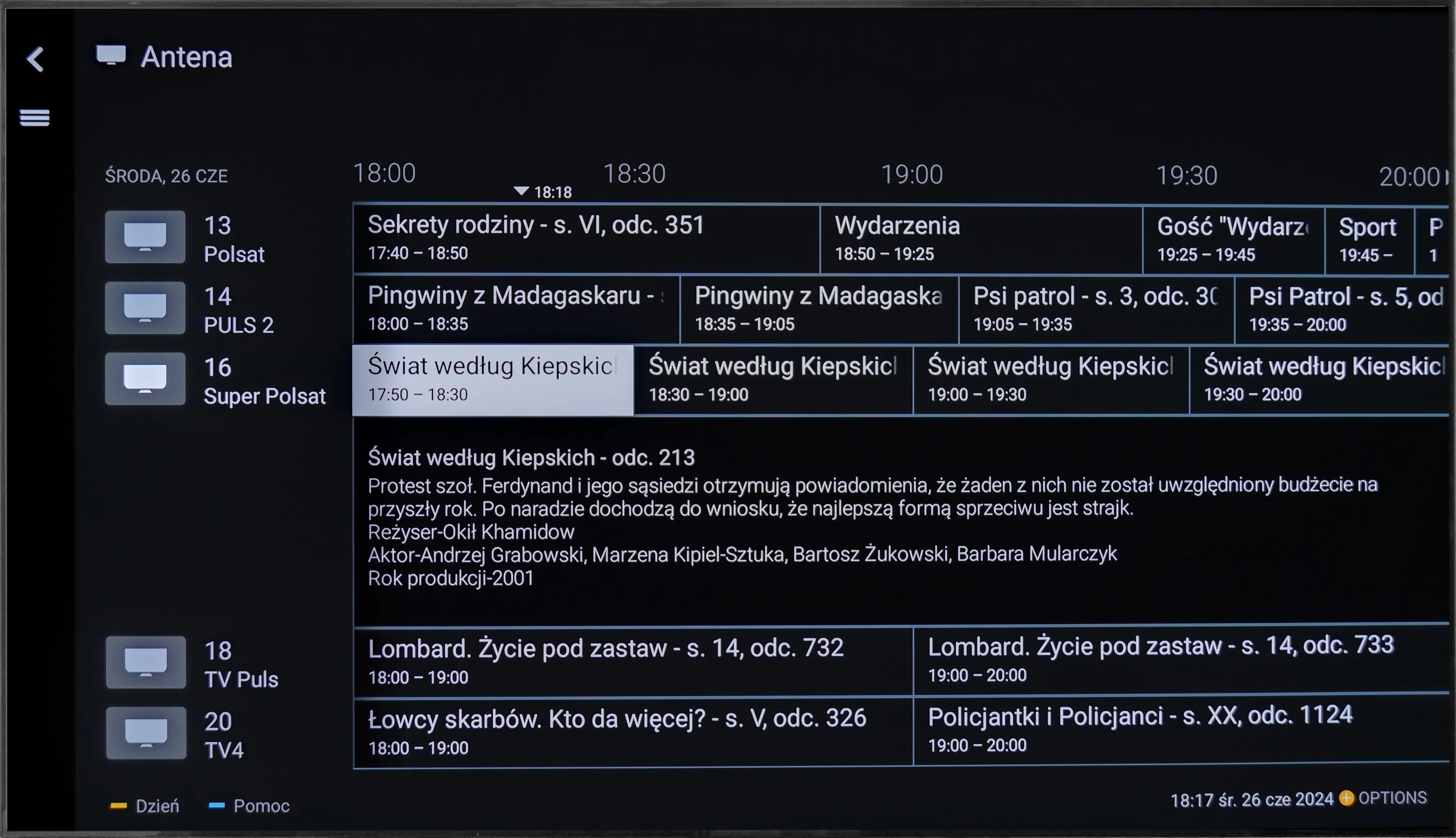
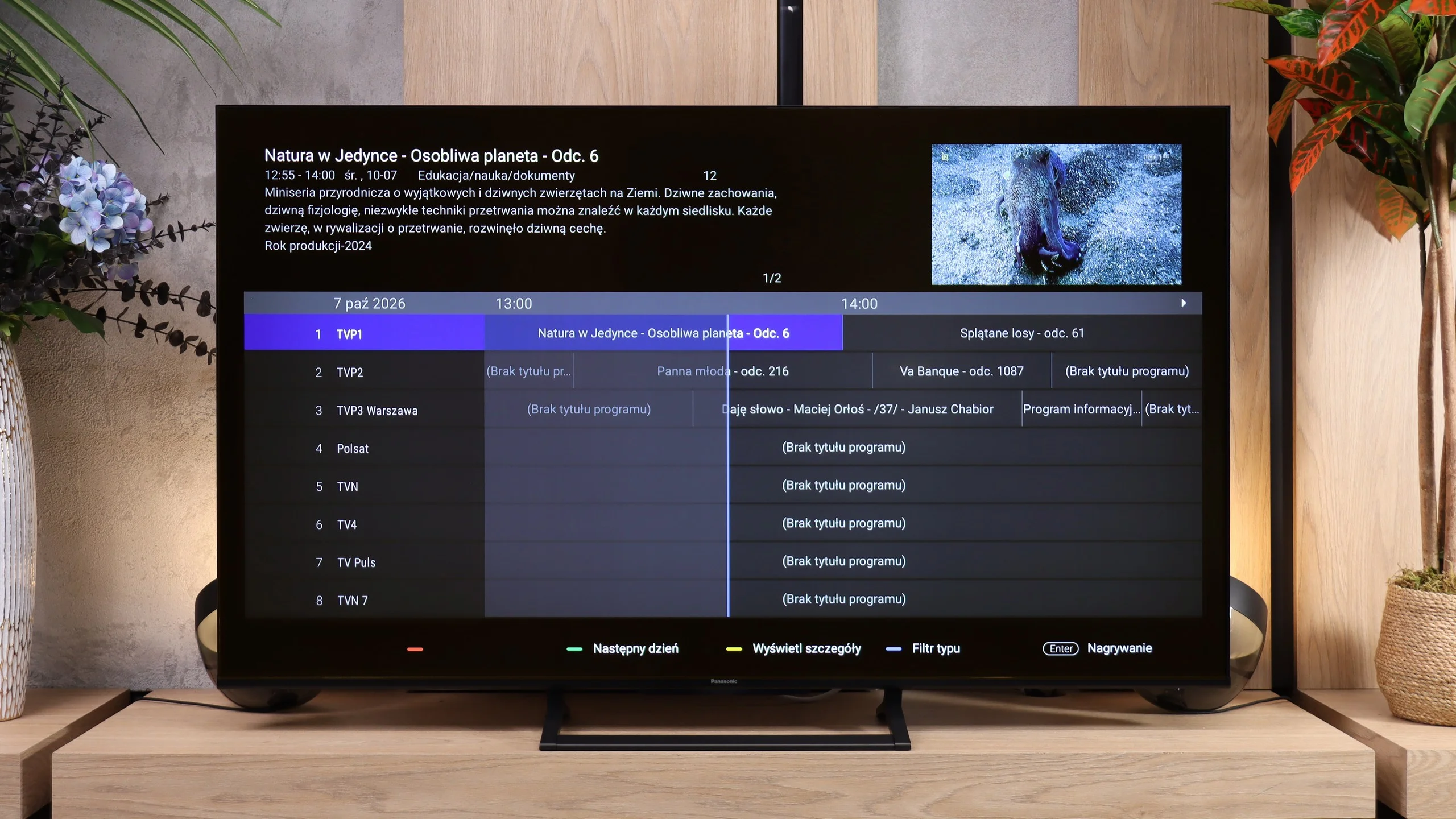
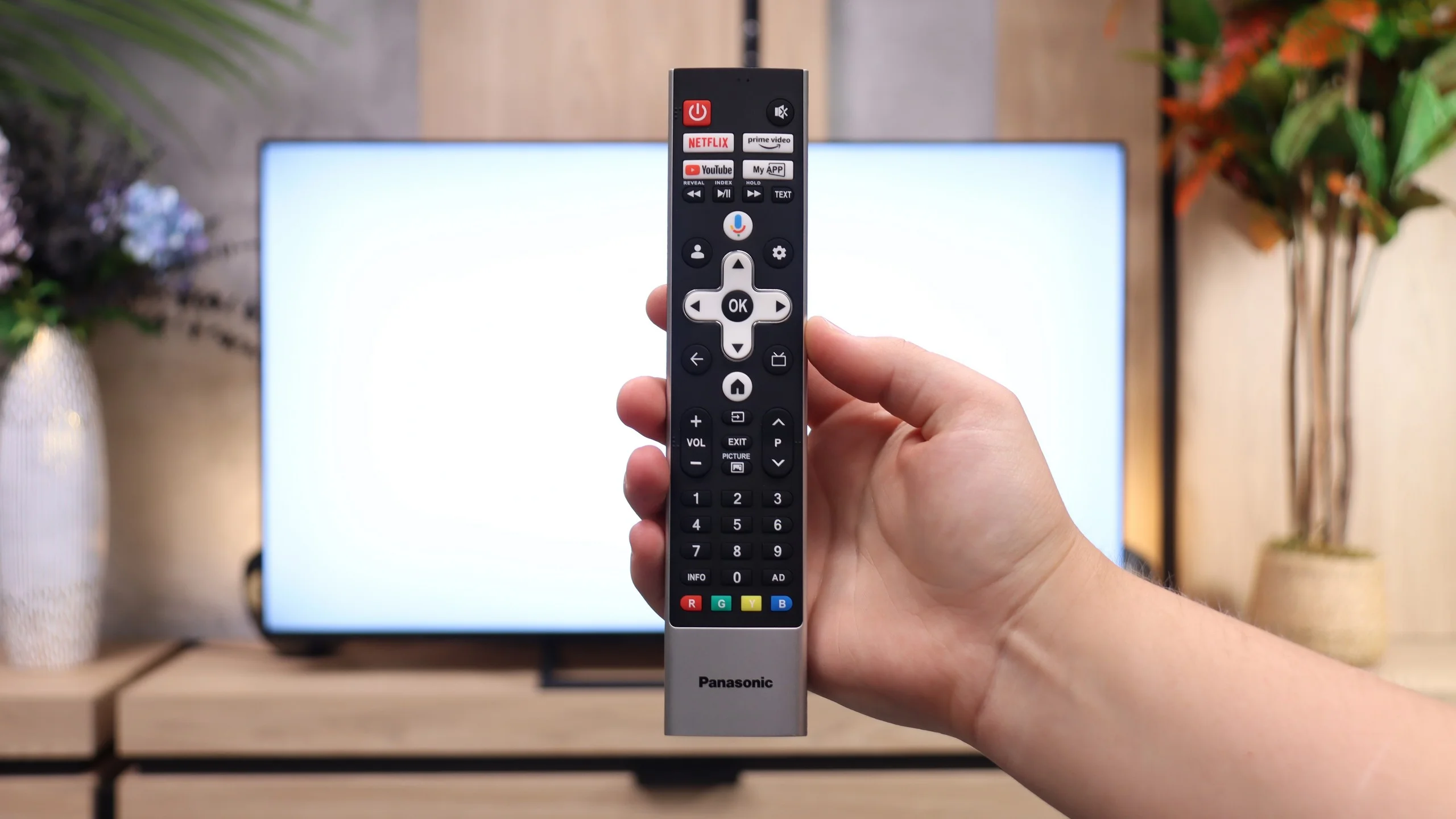
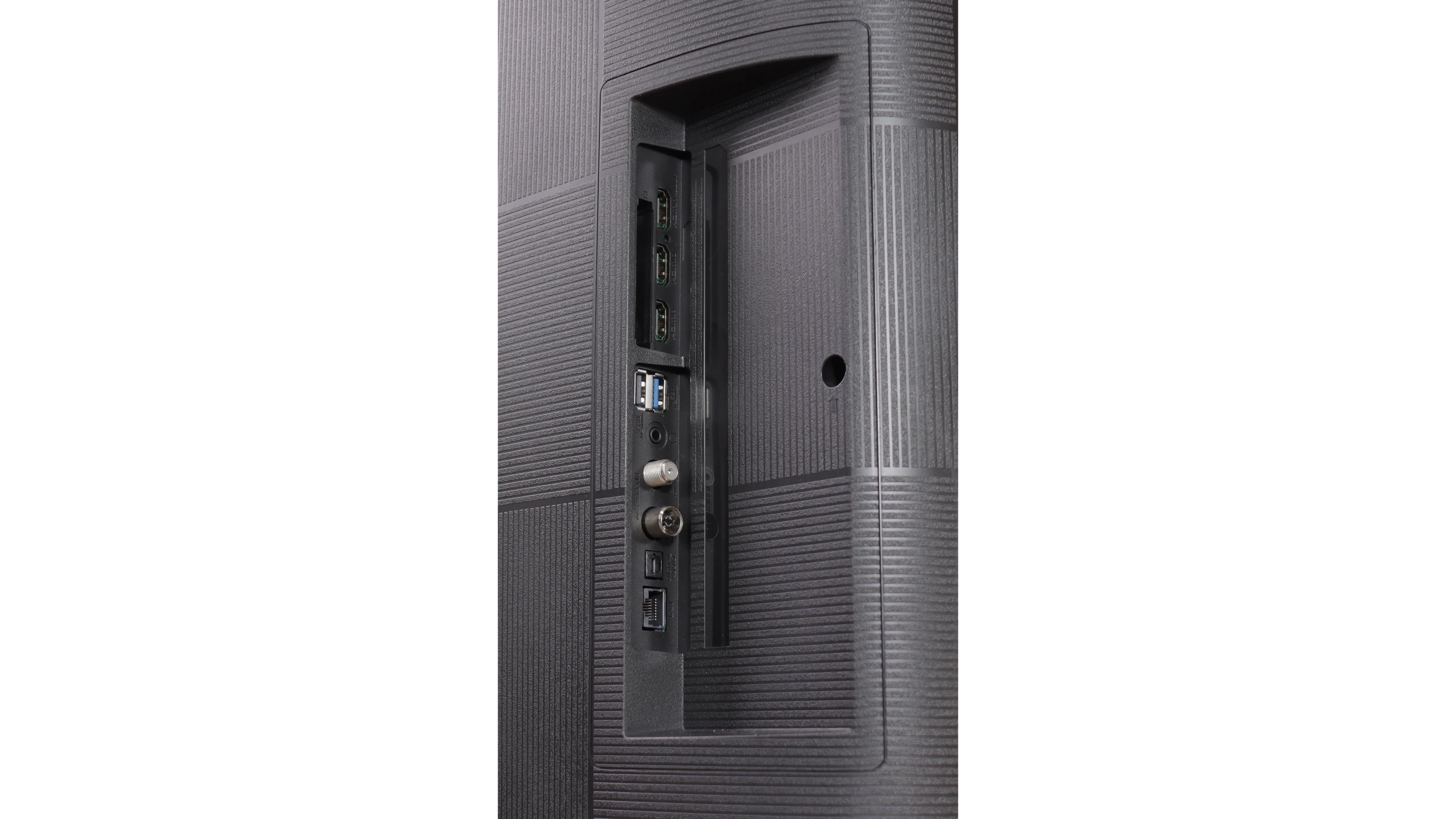
Among classic features we have EPG, teletext, and the ability to listen to audio simultaneously through Bluetooth headphones and the TV speakers. Missing, however, are USB recording and picture-in-picture. The remote is simple, has a numeric keypad, and does not need to be pointed at the screen. It’s a shame it’s not backlit, and the build quality could be a bit better. There are three HDMI 2.1 ports with 48 Gbps bandwidth for connecting devices. There is also an optical output and eARC, but note the standard 3.5 mm headphone jack. This is an increasingly rare addition, and it’s useful for wired headphones or an older audio system with an analog input.

Apps

9.6/10

9.6/10

OK
Disney_Plus
OK
Amazon_Prime_Video
OK
Player_TVN
OK
Polsat_Box_Go
OK
Canal_Plus_Online
OK
TVP_VOD
OK
Apple_TV_Plus
OK
SkyShowtime
OK
Rakuten
OK
CDA_Premium_Browser
OK
Spotify
OK
Tidal
OK
Netflix
OK
YouTube
OK
HBO_MAX
OK
Kodi
No
Apple_music
OK
Eleven_sports
No
Xbox Game Pass
OK
GeForce NOW
No
Amazon Luna

OK
Boosteroid
OK
Steam Link
OK
Disney_Plus
OK
Amazon_Prime_Video
OK
Player_TVN
OK
Polsat_Box_Go
OK
Canal_Plus_Online
OK
TVP_VOD
OK
Apple_TV_Plus
OK
SkyShowtime
OK
Rakuten

OK
CDA_Premium_Browser
OK
Spotify
OK
Tidal
OK
Netflix
OK
YouTube
OK
HBO_MAX
OK
Kodi
No
Apple_music
OK
Eleven_sports
No
Xbox Game Pass
OK
GeForce NOW
No
Amazon Luna
OK
Boosteroid
OK
Steam Link

Playing files from USB

9.5/10

8.7/10

Supported photo formats:

JPEG
Yes
Yes
HEIC
Yes
No
PNG
Yes
Yes
GIF
Yes
Yes
WebP
Yes
No
TIFF
No
No
BMP
Yes
Yes
SVG
No
No

Maximum photo resolution:

4 Mpix
Yes
Yes
6 Mpix
Yes
Yes
8 Mpix
Yes
Yes
10 Mpix
Yes
Yes
12 Mpix
Yes
Yes
16 Mpix
Yes
Yes
20 Mpix
Yes
Yes
24 Mpix
Yes
Yes
28 Mpix
Yes
Yes
32 Mpix
Yes
Yes

The default media player on the Philips OLED 809 is of a high standard but has shortcomings. It excels in playing a wide variety of video files, with the exception of two less commonly used formats. A key advantage is the inclusion of options to confirm playback for various subtitle formats. The TV handles images of any resolution effortlessly, making it a great choice for browsing family albums or studio photos. In terms of supported photo and audio formats, the performance is satisfactory, with only a few outdated or rare formats being unsupported. However, this isn't a significant issue, as users can easily download an app from the store to handle those formats.

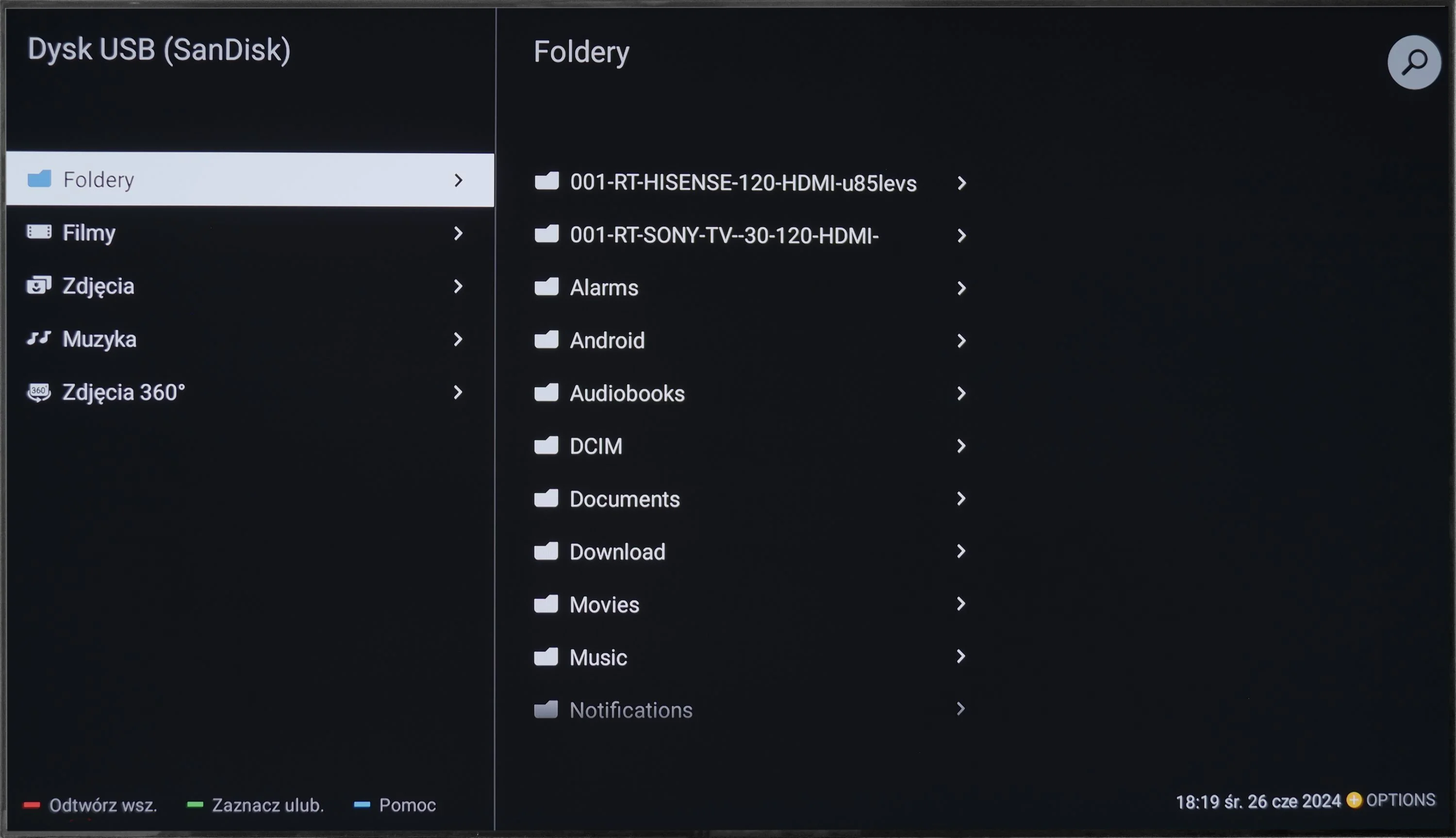
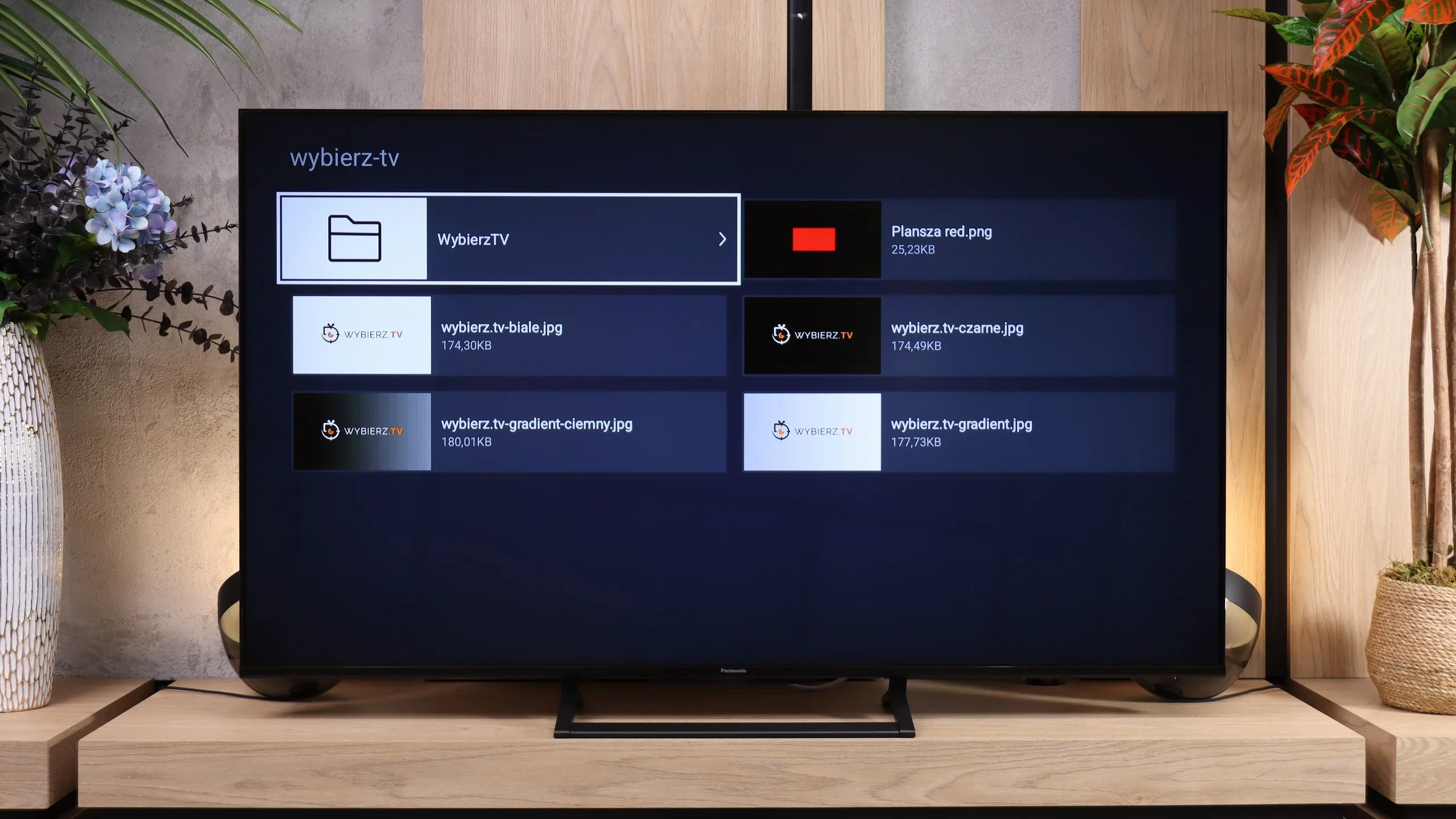
USB playback on the W92C works smoothly. Content loads quickly, the interface is simple, and the built-in player handles most popular video, photo, and music files. It’s more than enough for an occasional movie or for browsing photos from a flash drive. Just watch out for subtitles. In our tests the TV would not read .sub and .txt files. It’s best to convert them beforehand to .srt, which worked correctly, including Polish characters.

Sound

7.1/10

6.7/10

  • Maximum volume
    -
    94dB
  • Dolby Digital Plus 7.1
    Yes
    Yes
  • Dolby True HD 7.1
    Yes
    Yes
  • Dolby Atmos in Dolby Digital Plus (JOC)
    Yes
    Yes
  • Dolby Atmos in Dolby True HD
    Yes
    No
  • DTS:X in DTS-HD MA
    Yes
    No
  • DTS-HD Master Audio
    Yes
    No

At the outset, it's important to note that sound quality is always subjective. In our opinion, the audio system in the Philips OLED 809 is of high quality. The bass is well-defined without overpowering the mid and high tones. From another perspective, considering the price range of this TV, most users will likely have an additional audio system. In this context, the television will not disappoint, as it supports nearly all major standards, including Dolby Atmos and, notably, DTS-HD Master Audio.

The sound on the Panasonic W92C is fairly average. Considering the additional subwoofer on the back of the cabinet, we expected a somewhat fuller sound. However, there’s still a lack of bass, which is particularly noticeable in music and more intense movie scenes. The subwoofer itself doesn’t deliver as much as you might expect. On the plus side, the volume is good. In our measurements the W92C reached about 94 dB, so there’s plenty of headroom. For regular TV watching that setup is sufficient, but simply turning up the volume won’t replace the missing low end.

Sound Quality Test

No sound test video

Acoustic Measurements

No acoustic data

94dBC (Max)

75dBC

Reader comments

Comments are provided by the external service Disqus (Zeta Global). Once loaded, Disqus may set cookies and process data about your activity.

We will remember your choice on this device. Provider's privacy policy