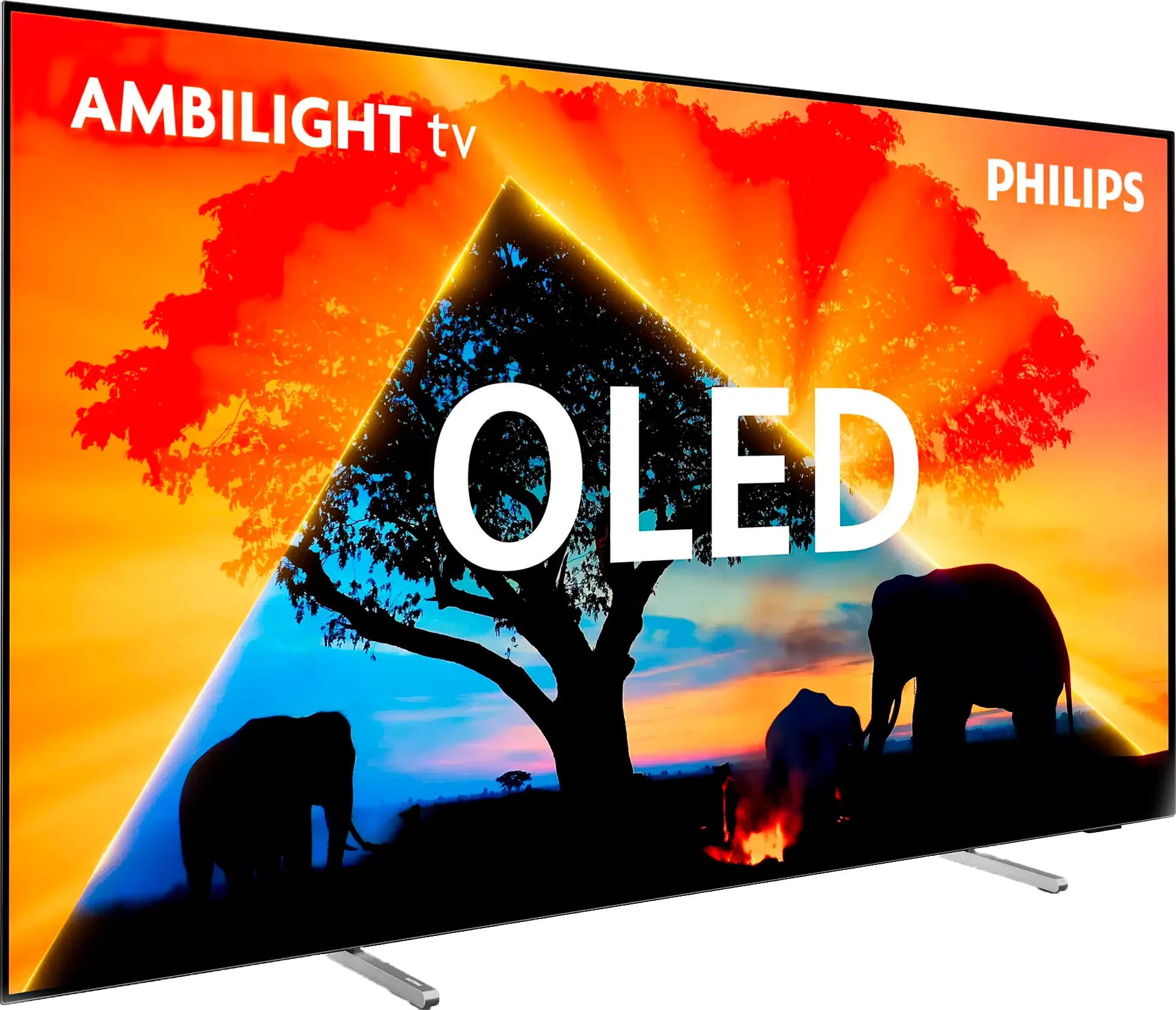
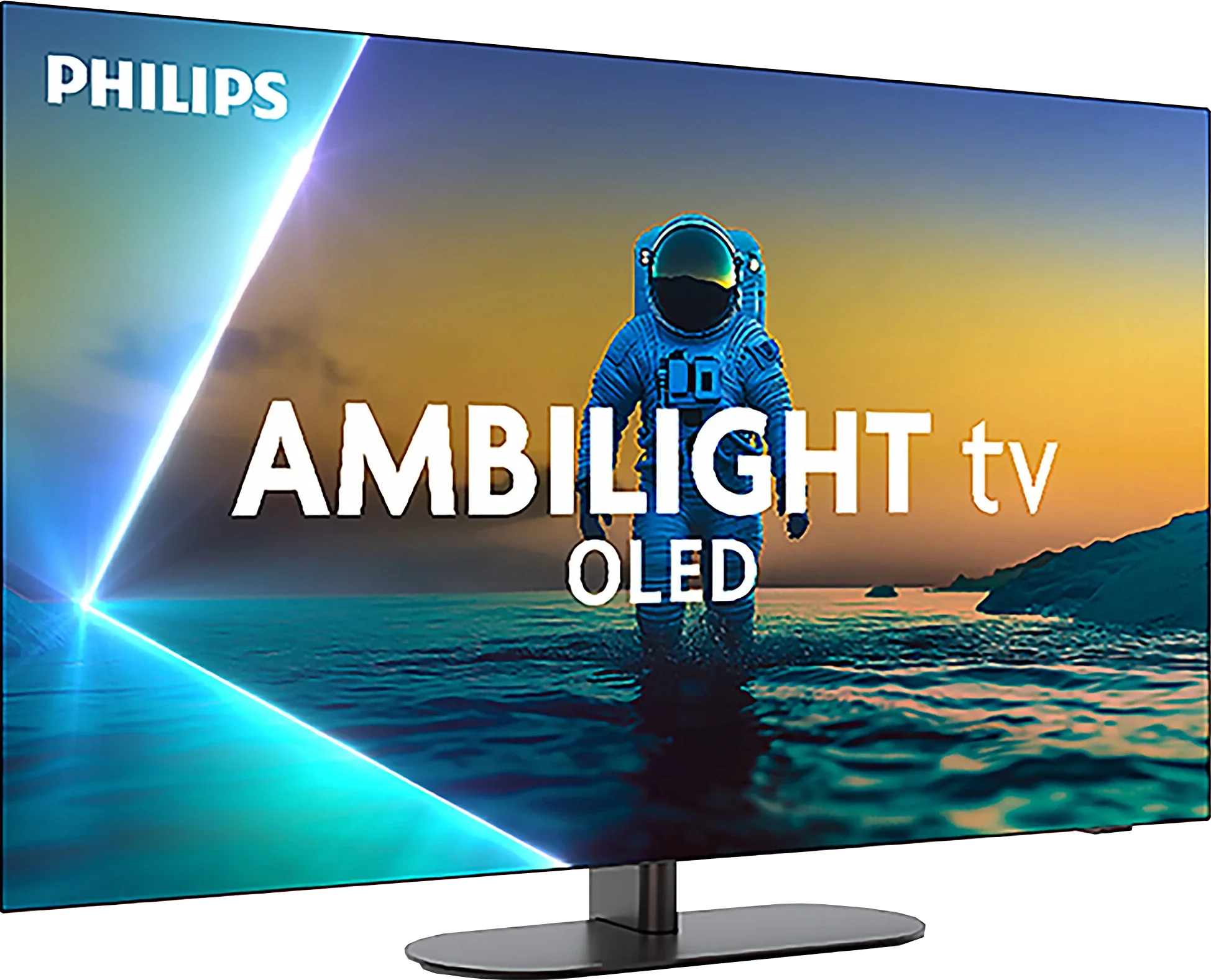
Philips OLED769 vs Philips OLED820

Direct comparison

OLED769 / AMIBLIGHT TV

Available screen sizes: 48”55”65”

Available screen sizes: 42”48”55”65”77”

Panel type: WRGB OLED

Resolution: 3840x2160

System: Titan OS

Model year: 2024

Complete the survey to find out the result

Panel type: WRGB OLED

Resolution: 3840x2160

System: Google TV

Model year: 2025

Complete the survey to find out the result

Overall rating

7.3

8.0

  • Movies and series in UHD quality

    7.7

    8.3

  • Classic TV, YouTube

    8.4

    8.6

  • Sports broadcasts (TV and apps)

    8.4

    8.4

  • Gaming on console

    9.2

    9.4

  • TV as a computer monitor

    7.6

    6.5

  • Watching in bright light

    4.6

    5.7

  • Utility functions

    5.7

    6.8

  • Apps

    6.7

    9.6

  • Sound quality

    6.7

    7.7

Advantages

  • Great contrast

  • Ideal choice for gamers and sports - HDMI 2.1, 120Hz, low input lag

  • 3-sided Ambilight system

  • Exceptional color reproduction after calibration

  • Ideal contrast and black thanks to the WOLED panel

  • High HDR brightness (up to 1300 nits) and wide coverage of the DCI-P3 color palette (99%)

  • Support for multiple HDR formats including Dolby Vision and HDR10+

  • Great motion fluidity, no motion blur, refresh rate up to 144 Hz

  • Full support for gamers: HDMI 2.1 (2 ports), VRR, ALLM, HGiG, Dolby Vision in games, low input lag

  • Ambilight, which realistically affects image perception and distinguishes the TV from the competition

  • GoogleTV system with a huge app base and great voice assistant

  • Extras in the form of: Backlit remote and rotating stand

  • Support for Dolby Atmos and DTS:X audio formats

Disadvantages

No like
  • Poorly developed operating system - TitanOS

  • Average brightness

  • Only two HDMI 2.1 ports (with 2 consoles and a soundbar, we are forced to "juggle" the cables)

  • Lack of many classic "TV" features, e.g., USB recording or PiP mode, the infrared remote can be annoying

  • Slight issues with color matching (much better than last year but far from the competition)

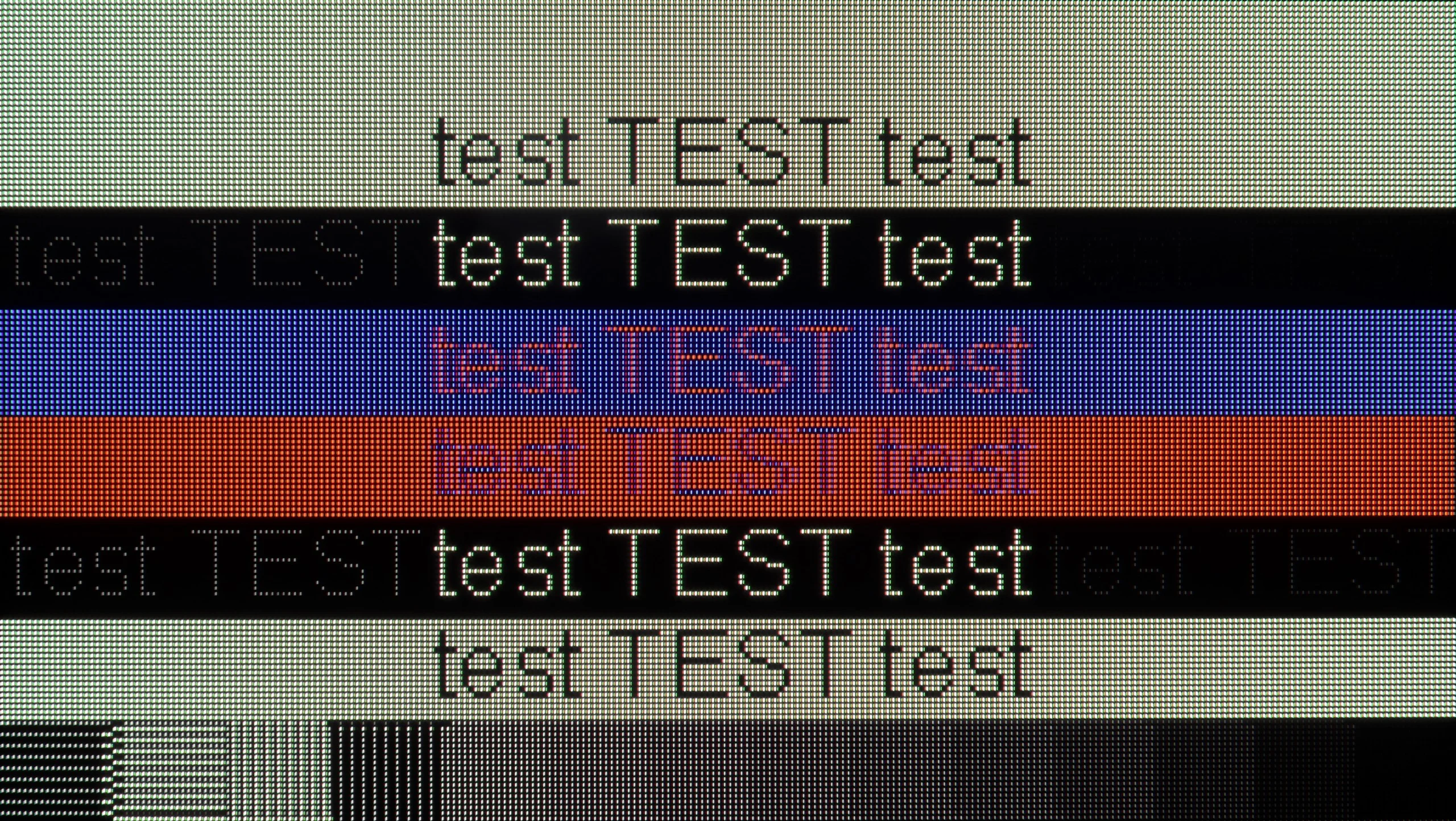
  • Font readability issues when working with PC (lack of full Chroma 4:4:4 support)

Our verdict

The Philips OLED769 is the entry-level OLED television from the Chinese-Dutch manufacturer for 2024. Designed to impress during movie nights or dynamic content, the OLED technology ensures excellent contrast, while carefully adjusted picture settings deliver vibrant and natural colours. Motion fluidity is another highlight, with an efficient motion smoother for films and a 120Hz panel that guarantees clarity and fluidity for gamers and sports enthusiasts.

Gamers will particularly appreciate the OLED769, which includes 4 HDMI 2.1 ports supporting features such as VRR and ALLM. Combined with a very fast response time, the TV ensures smooth, realistic action with exceptional precision and responsiveness. Another standout feature is Philips' proprietary Ambilight lighting system, which enhances the viewing experience with immersive ambient lighting, beloved by many loyal fans.

On the downside, the operating system may disappoint those familiar with older Philips TVs. The TitanOS platform, replacing previous open systems, feels somewhat limited, offering fewer user features and a smaller selection of apps. However, for users who rely on only the most essential streaming platforms, TitanOS should suffice.

Overall, the Philips OLED769 is a reliable choice for those seeking modern features, strong picture quality, and an enjoyable gaming or movie-watching experience, all at an accessible level.

The Philips OLED820 is a very successful and significant step forward compared to last year's model, the OLED 819. For many people, the main reason for purchasing it will, of course, be Ambilight: the multi-colored lighting system that sets Philips TVs apart from the competition. It’s no surprise, as it made a huge impression on us as well. It's not just an impressive gadget, but a real addition that can change the perception of the content being watched and add depth to it. However, Ambilight should not overshadow what the OLED820 offers as a screen. Here we have almost infinite contrast, high brightness in HDR films, and excellent color reproduction, which improves even more after slight tweaking or professional calibration. This setup guarantees one of the best pictures available on the market today, and we are also aware that the TV offers something unique and unprecedented elsewhere. It is also equipment that works well for gaming. A 144 Hz panel and HDMI 2.1 ports open up access to the full capabilities of new-generation consoles, and low input lag makes gameplay exceptionally responsive. The operating system also deserves praise – Google TV. This is a much better solution than the proprietary Titan OS found in lower-end Philips models, such as the OLED770. And this is a serious argument for paying extra for this model. A larger app library, a more efficient voice assistant, and fewer system errors contribute to a noticeably better everyday experience. Of course, the Philips OLED 820 is not free from minor shortcomings – some software issues are apparent, and certain features could be better refined. Nevertheless, the overall presentation is very solid. Perhaps the OLED820 is not a revolutionary TV, but it is a very successful and well-balanced option in Philips’ lineup. It combines excellent picture quality, a complete set of features for gamers, and a unique addition in the form of Ambilight. If you’re looking for a solid mid-range OLED that not only offers good picture quality but also something distinctive and exceptional, the OLED820 should be high on your shopping list.

TV appearance

HDMI inputs
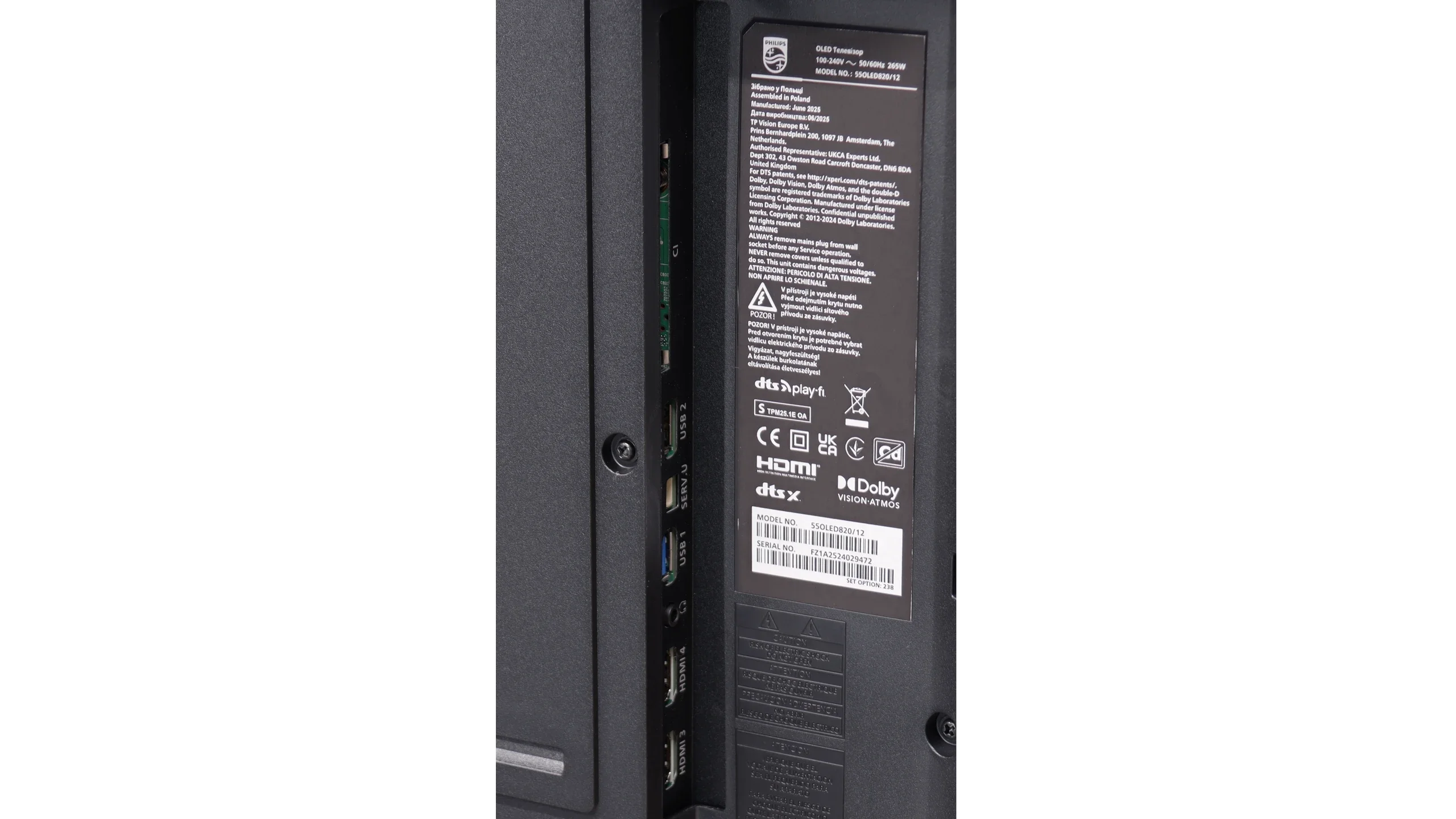
0 x HDMI 2.0, 4 x HDMI 2.1 (48Gbps)
2 x HDMI 2.0, 2 x HDMI 2.1 (48Gbps)
Other inputs
Outputs
Toslink (Optical audio), eARC (HDMI), ARC (HDMI), Mini-Jack (Headphones)
Network Interfaces
Wi-Fi 2.4GHz, Wi-Fi 5GHz, Ethernet (LAN) 100Mbps
Build quality
Good
Premium
Stand type
Legs
Central
Bezel color
Silver
Graphite
Stand
Fixed
Swivel
Accessories
Stand
Stand

Contrast and black detail

10/10

10/10

Contrast:

Review Philips OLED769 Contrast and black detail

Result

:1

Review Philips OLED769 Contrast and black detail

Result

:1

Review Philips OLED769 Contrast and black detail

Result

:1

Review Philips OLED769 Contrast and black detail

Result

:1

Review Philips OLED769 Contrast and black detail

Result

:1

Review Philips OLED820 Contrast and black detail

Result

:1

Review Philips OLED820 Contrast and black detail

Result

:1

Review Philips OLED820 Contrast and black detail

Result

:1

Review Philips OLED820 Contrast and black detail

Result

:1

Review Philips OLED820 Contrast and black detail

Result

:1

Halo effect and black detail visibility:

Check the visibility of bright lights on a dark background. Mini-LEDs often struggle with this. The photo does not compare black levels – that’s what the video below is for.


The video accurately shows differences in contrast and black levels between TVs, as well as potential issues: halo around bright objects or Mini-LED zone operation visible as brightness jumps.

The Philips OLED769 excels when it comes to black levels and contrast quality. Utilising OLED technology, each pixel is independently illuminated, allowing for complete deactivation of individual pixels. This results in perfectly black areas of the image and infinite contrast, delivering an incredibly realistic viewing experience with outstanding clarity and detail in darker scenes.

The OLED panel in the Philips OLED769 is produced by LG, known for its WOLED technology, ensuring exceptional black reproduction and reliability. As a result, the TV achieves a level of contrast that traditional LCD televisions and even the most advanced models cannot match.

Contrast and black are the domain of OLEDs, and the Philips OLED820 is no exception. The WOLED panel from LG Display works the same as in the LG C5 models or the Samsung S90F, providing exactly what we expect – perfect black and infinite contrast. Whether we are watching challenging scenes full of fine details or simpler frames flooded with uniform black, the television always performs excellently. It separates light from darkness with surgical precision, creating an extraordinary sense of depth in the image. And while different technologies can be debated, in this category, OLED simply reigns, and the Philips OLED820 only confirms this rule.

HDR effect quality

6.1/10

7.5/10

Supported formats
HDR10, HDR10+, Dolby Vision, HLG
HDR10, Dolby Vision, HLG
Color gamut coverage
DCI P3: 98.0%, Bt.2020: 73.0%
DCI P3: 99.3%, Bt.2020: 76.4%

Luminance measurements in HDR:

Review Philips OLED769 Brightness measurement

Result

609 nit

Review Philips OLED769 Brightness measurement

Result

707 nit

Review Philips OLED769 Brightness measurement

Result

801 nit

Review Philips OLED769 Brightness measurement

Result

775 nit

Review Philips OLED769 Brightness measurement

Result

261 nit

Review Philips OLED820 Brightness measurement

Result

1035 nit

Review Philips OLED820 Brightness measurement

Result

1235 nit

Review Philips OLED820 Brightness measurement

Result

1356 nit

Review Philips OLED820 Brightness measurement

Result

1315 nit

Review Philips OLED820 Brightness measurement

Result

521 nit

Scene from the movie “Pan” (about 2800 nits)

Scene from the movie “Billy Lynn” (about 1100 nits)

The photos show two HDR10 movies. 'Pan' is one of the brightest productions ever made, while 'Billy Lynn' (soldier) has brightness typical of streaming (Netflix, Prime, HBO MAX). Notice the intensity of effects and detail in whites.

Static HDR10

The photos present the visibility of white details in various HDR formats. They do not show brightness differences between TVs (these can be compared in the previous gallery).

Dynamic: Dolby Vision

Dynamic: Dolby Vision

The photos present the visibility of white details in various HDR formats. They do not show brightness differences between TVs (these can be compared in the previous gallery).

HDR luminance chart:

Philips OLED820

Philips OLED769

Luminance of RGB colors

Luminance of RGB colors

The Philips OLED769 performs admirably in film scenes featuring small bright elements. With peak brightness reaching around 800 nits, the TV handles light sources like street lamps or stars with remarkable vividness and detail. However, its limitations become evident during scenes with full-screen brightness, such as sun glare, where brightness drops to approximately 250 nits. This is a common challenge for more affordable OLED models, which often struggle to sustain high brightness across the entire display.

When it comes to HDR quality, the Philips OLED820 uses the same class of WOLED panel that we find in its biggest competitors – LG C5 or Samsung S90F. This means we can count on truly solid performance. This year, mid-range OLED panels are capable of exceeding the threshold of a thousand nits, and the model tested reaches around 1300 nits in some films. This is an outstanding result that allows for an extremely precise depiction of the director's vision, as contemporary productions are mastered in such brightness ranges. Of course, there are situations where even the OLED820 has to compromise. Full-screen scenes flooded with white, like those in the movie The Meg, can drop brightness to 400–500 nits, which clearly weakens the effect. This is a characteristic of OLED technology that has not yet been fully eliminated. Despite this limitation, it is hard not to appreciate the HDR in this model – high luminance and wide coverage of the DCI-P3 color gamut at 99% make the picture simply look great.

Factory color reproduction

6.4/10

6.7/10

This gallery shows how colors change after professional TV calibration. If you notice the difference, we recommend ordering this service at SkalibrujTV.com.

Factory Mode

After calibration

This gallery shows how colors change after professional TV calibration. If you notice the difference, we recommend ordering this service at SkalibrujTV.com.

Factory Mode

After calibration

The "Film" mode on the Philips OLED769 proved to be the most faithful factory setting for preserving the source material, and it was the basis for our tests. However, like other factory presets, it has a few flaws. Let’s break down the key issues observed in SDR and HDR content.

In both formats, the white balance exhibited a noticeable dominance of green and red tones. This led to a yellowish tint across the image, resulting in yellowed whites and slightly unnatural skin tones. This was particularly evident in the "ColourChecker" palette, where colour samples leaned toward warmer shades.

In terms of contrast and brightness, two critical graphs tell the story: the Gamma curve for HD content and the EOTF curve for 4K HDR content. For SDR, the gamma value dips below the ideal 2.4 level, causing lighter parts of the image to appear overly bright. This overexposure reduces detail and depth in bright areas. In contrast, the EOTF curve for HDR content performed admirably, accurately maintaining details in both bright and dark regions. This ensures realistic, dynamic scene reproduction that enhances the overall viewing experience.

The color reproduction in the factory settings really surprised us, and positively so. The Philips OLED820, switched to Filmmaker mode, immediately showed that it was quite well tuned in terms of color. The white balance was relatively accurate, though with a slight lack in the blue hue, which sometimes gave the image a slightly yellowish tint. However, this is not a flaw that particularly interferes with everyday viewing. A larger problem arose with the brightness characteristic. The gamma chart clearly deviated from the ideal, with the line being below the expected values, causing the image to be overly brightened, and the colors looked as if they were covered with a light milky filter. This effect was also noticeable in tests using the Colour Checker pattern, where more pronounced errors appeared.

Color reproduction after calibration

8.8/10

9.3/10

The photos show how movies look on the TV. Pay attention to black detail visibility, colors, and shadow tint.

The photos show how movies look on the TV. Pay attention to black detail visibility, colors, and shadow tint.

After professional calibration, the Philips OLED769 truly excels in colour accuracy. Any yellow tint previously seen in HD and 4K content is now eliminated. The Colour Checker test shows minimal deltaE errors, occasionally exceeding a value of 2, which indicates a nearly perfect representation of the director's intent.

When it comes to contrast, the results are equally impressive. For 4K materials, there was little room for improvement initially, but the gamma curve has been significantly refined. This leads to a more accurate rendering of dark and bright areas, resulting in a dynamic and realistic viewing experience.

Thanks to the calibration, the full potential of the television has been unlocked. The Philips OLED769 now delivers vibrant, natural, and high-quality images, making it an excellent choice for movie lovers and multimedia users.

After calibration, both the Filmmaker mode and the game mode gained quite a lot. A slight adjustment of the white balance and an improvement in brightness characteristics resulted in excellent outcomes for SDR content – the image looked almost perfect, natural and very close to the reference. In the case of HDR materials, the situation was similar; the colors looked stunning and it was hard to find anything to criticize. However, we noticed a certain feature that we had already pointed out when comparing scenes from the movie Billy Lynn. An analysis of the EOTF curve revealed that the television has a slight tendency to dim details in the blacks, which means that the darkest sections are not always displayed exactly as the director intended. Nevertheless, the effect after calibration is remarkable, and the OLED820 stands out as one of the more interesting screens in its class. It just needs a little bit of fine-tuning, and there's really nothing to be afraid of.

Smoothness of tonal transitions

5.9/10

6.5/10

These are selected scenes that show smooth tonal transitions from one color to another. If you see distinct banding, it’s the TV panel’s fault.

These are selected scenes that show smooth tonal transitions from one color to another. If you see distinct banding, it’s the TV panel’s fault.

These are selected scenes that show smooth tonal transitions from one color to another. If you see distinct banding, it’s the TV panel’s fault.

These are selected scenes that show smooth tonal transitions from one color to another. If you see distinct banding, it’s the TV panel’s fault.

The Philips OLED769 unfortunately struggles with banding in almost every scene of the test sequence. This issue is particularly noticeable with dark colours and areas close to black. In these regions, not only is there posterization, but the image also suffers from a significant amount of noise. The tonal transition problem isn’t limited to darker hues; it also occurs in brighter elements. For instance, in a scene from the movie Kingsman, noticeable colour banding appears around the sun. This phenomenon can severely affect the visual experience, especially in scenes where black and dark shades are prominent. These imperfections are difficult to ignore and can detract from the overall viewing experience, particularly for those prioritising exceptional image quality.

The fluidity of tonal transitions is unfortunately the Achilles' heel of the Philips OLED820. During tests, we noticed slight issues with color blending – both in bright and darker scenes, one can see characteristic banding, which detracts from the naturalness of the image. It must be admitted that compared to last year's OLED 819 model, there is a significant improvement, but nonetheless, the competition performs better in this category.

Image scaling and smoothness of tonal transitions

7.2/10

7/10

Image without overscan on the SD signal
OK
OK
Smooth transition function
OK
OK

Smooth transition function

The match photo shows how the TV smooths weak tonal transitions in low-quality video.

Image scaling SD (576i)

The model photo shows how it handles upscaling of SD material.

When it comes to lower-quality materials, the distortion reduction in the Philips OLED769 does well in smoothing tonal transitions, especially at the minimum setting. It's worth noting that film grain is not blurred, which is a positive surprise, as such negative phenomena often occur with other manufacturers. Overall, this is quite a decent solution. However, it should be pointed out that this setting does not work in HDR mode, where gradation issues are much more pronounced. In HDR mode, the TV struggles with smoothing tonal transitions and may exhibit more noticeable distortions and noise, reducing image quality in dynamic scenes.

As for digital processing, the Philips OLED769 performs well. The model in the photo is not overly jagged, and the branches in the background lack characteristic jagged edges. The TV achieves this effect thanks to the absence of artificial sharpness, which may be an advantage for some users. However, others may find this less attractive as they prefer a more pronounced, sharper image instead of a subtle effect. This effect can be mitigated using a higher setting for the "Sharpness" parameter.

Fortunately, the earlier effects of the aforementioned posterization can be quite effectively mitigated. The "distortion reduction" feature set to medium handles unwanted color banding, improving the smoothness of tonal transitions. It does happen, however, that it works a bit too aggressively and smooths out some details – such as minor skin imperfections of the actors – but despite this, it can be considered worth using without major compromises. The upscaling in the OLED820 also performs well. The test image with the model is exceptionally soft, sometimes even too much so, although this can be alleviated by slightly increasing the sharpness in the picture menu – it’s a matter of personal preference. The lack of overscan issues with very low-resolution content is also commendable, meaning we don't have to worry that the image will be unnecessarily cropped.

Blur and motion smoothness

8.5/10

8.5/10

Maximum refresh rate of the panel
120Hz
144Hz
Film motion smoothing option
OK
OK
Blur reduction option
OK
OK
BFI function 60Hz
No
No
BFI function 120Hz
No
No
Brightness drop with BFI
0%
-%

Blur (native resolution, maximum refresh rate):

Blur ():

Blur (4K@144Hz):

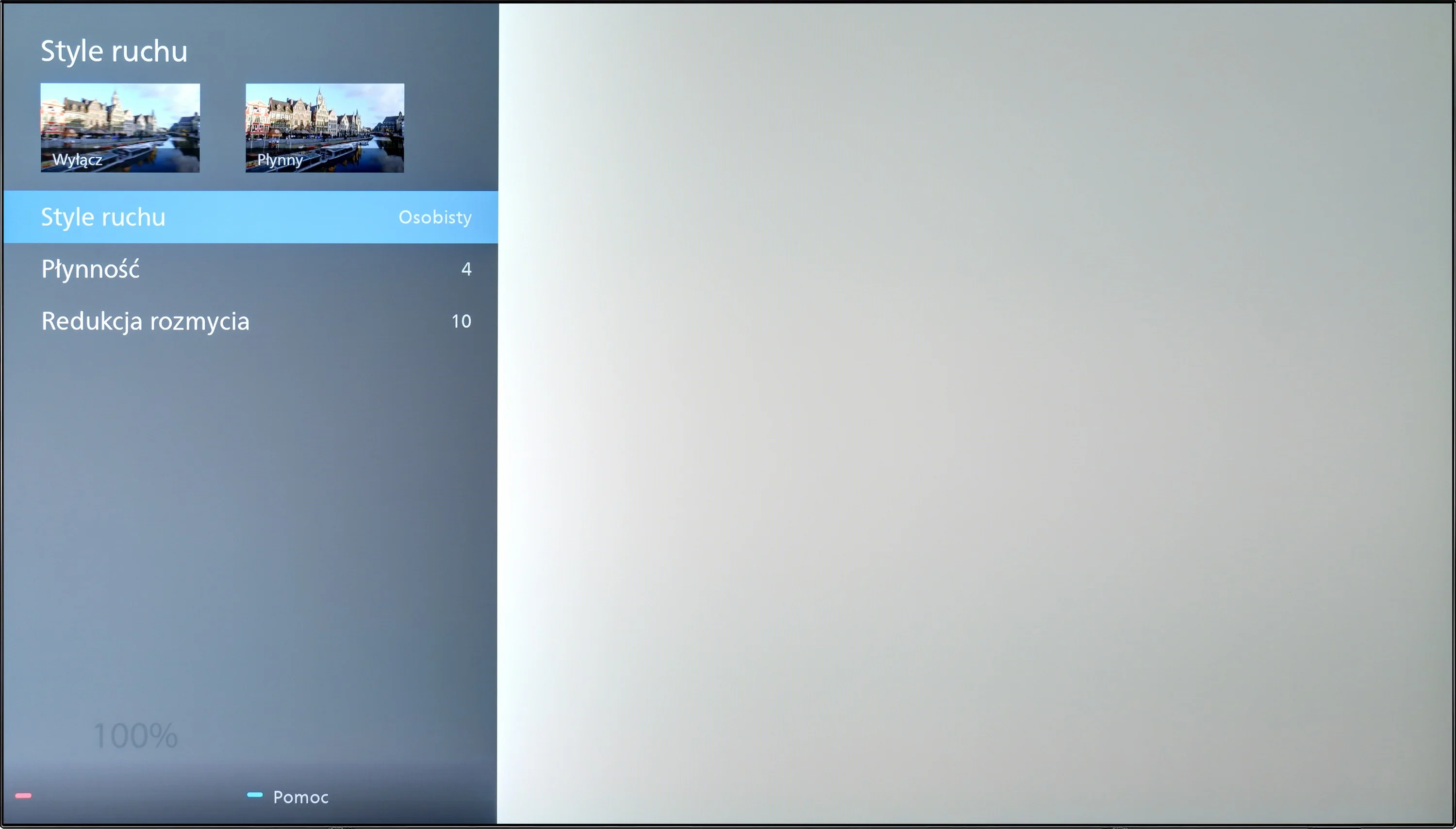
The Philips OLED769 features a multi-stage motion smoother called "Motion Style," which will satisfy users who value the ability to customize motion fluidity in movies. Thanks to this function, the image can be set to be more frame-like or fluid, resembling a theatrical effect. This is a great solution for those who want to match the displayed content to their visual preferences. Gamers will also be pleased, as the TV, like most OLEDs, is equipped with a 120Hz panel. This provides extraordinary fluidity and image dynamics. Unfortunately, the Philips OLED769 lacks BFI (Black Frame Insertion) functionality, which could further improve motion fluidity and sharpness. Despite this limitation, it offers excellent visual experiences for cinema and gaming enthusiasts, one of its main strengths.

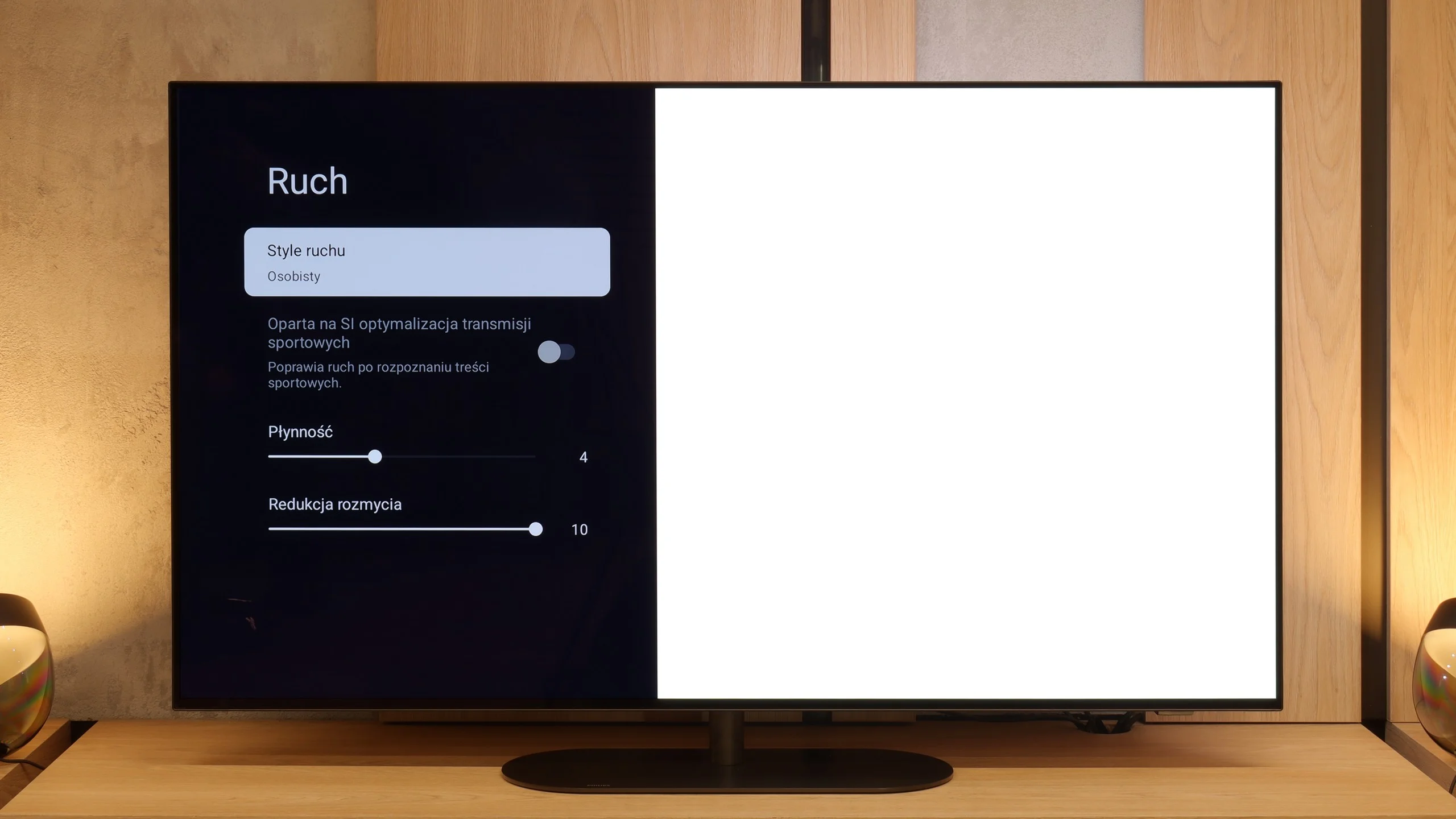
Motion fluidity is an area where OLEDs always shine, and the Philips OLED820 confirms this rule. The panel itself offers a refresh rate of 144 Hz, which will mainly benefit PC gamers, but even with standard television sources or consoles, where 120 Hz is used, the motion is fast, sharp, and simultaneously smooth, without traces of ghosting. This is thanks to the outstanding response time between pixels, which ensures the image retains clarity in every dynamic scene. The manufacturer has also added its own smoothing feature called "Motion Style." In the menu, we find two sliders – the first, responsible for fluidity, allows us to adjust the amount of artificially added frames in movies. This way, we can choose a raw, cinematic character with a clearly visible film frame or a more theatrical image with smooth motion. The second slider is for reducing blurring, especially useful in sports broadcasts. Here, we definitely recommend setting it to the maximum value, as the effect is truly excellent.

Console compatibility and gaming features

10/10

9.8/10

  • ALLM
    Yes
    Yes
  • VRR
    Yes
    Yes
  • VRR range
    40 - 120Hz
    48 - 144Hz
  • Dolby Vision Game Mode
    Yes
    Yes
  • Correct implementation of HGIG
    Yes
    Yes
  • 1080p@120Hz
    Yes
    Yes
  • 1440p@120Hz
    Yes
    Yes
  • 4K@120Hz
    Yes
    Yes
  • Game bar
    Yes
    Yes

The Philips OLED769 was created with gamers in mind, offering full compatibility with consoles and the highest-quality gameplay. The television received the maximum rating in this category, providing everything one could desire. With HDMI 2.1 ports fully supporting ALLM (Auto Low Latency Mode) and VRR (Variable Refresh Rate), the television ensures smooth and hassle-free gaming. ALLM automatically switches the TV to low latency mode, and VRR eliminates stuttering and screen tearing, resulting in fluidity and stability in gameplay. The Dolby Vision feature for gamers is another advantage, though it only works at 60 Hz. Most casual gamers are unlikely to feel the lack of a higher frequency, but more demanding users may have some reservations. This allows for enjoying a dynamic range of tones and realistic images, enhancing the gaming experience. PC gamers will also not be disappointed, as the Philips OLED769 offers full compatibility with Nvidia graphics cards, thanks to support for G-Sync. This technology synchronizes the TV's refresh rate with the graphics card, eliminating tearing and stuttering, translating to excellent image smoothness.

The Philips OLED769 is a television that perfectly meets the needs of gamers, offering a wide range of advanced features and technologies that significantly improve game quality and user comfort.

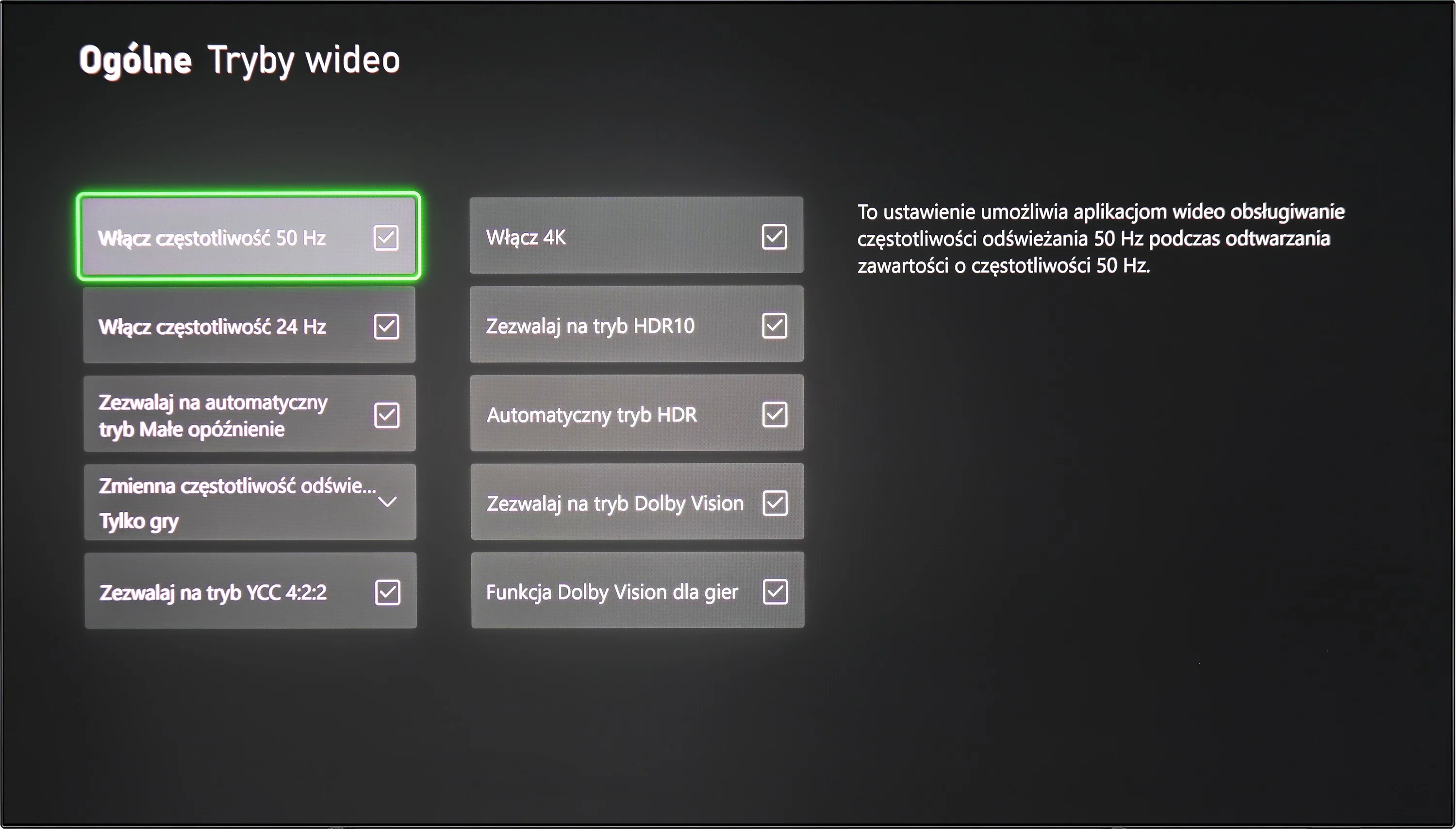
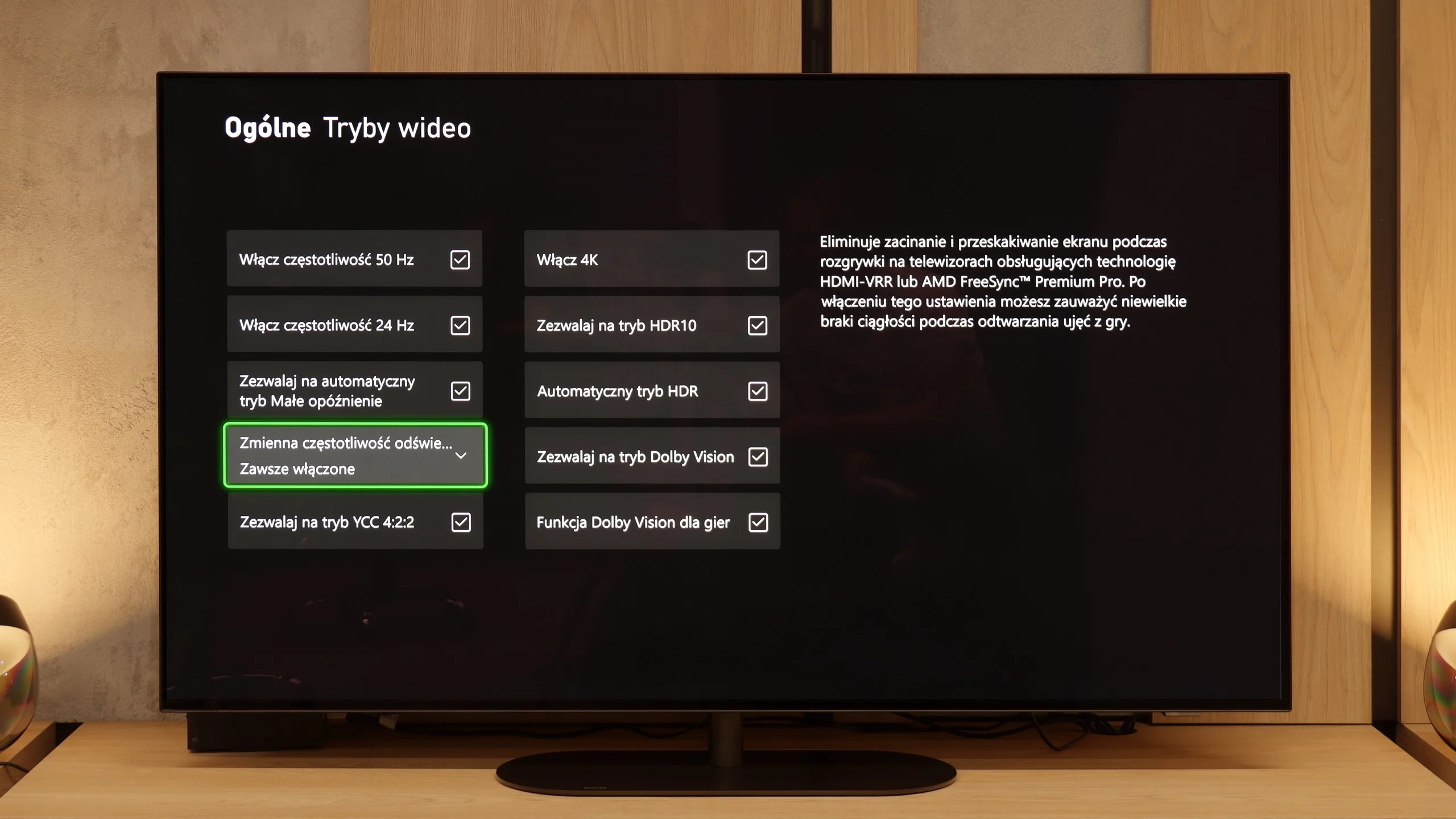
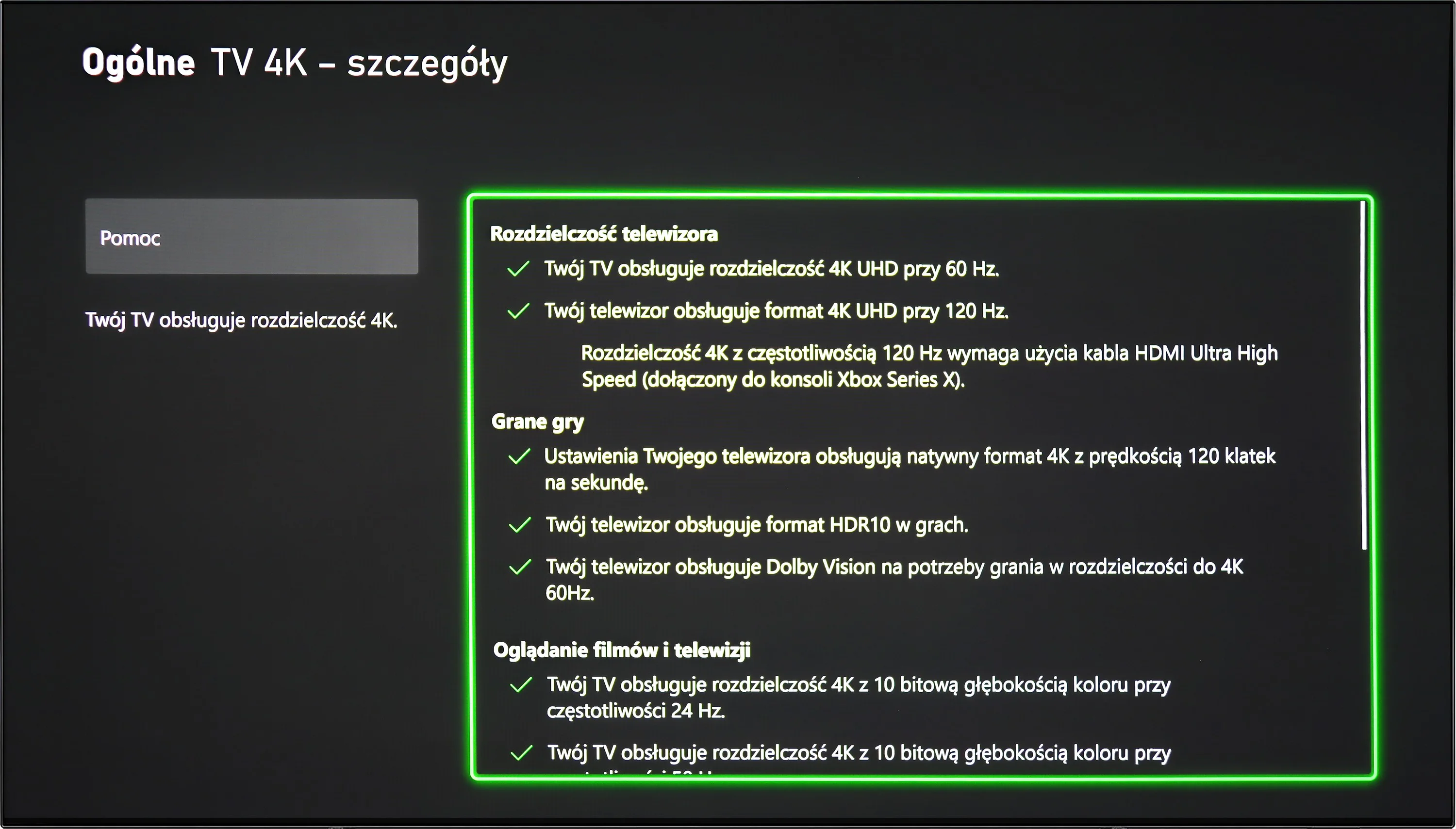
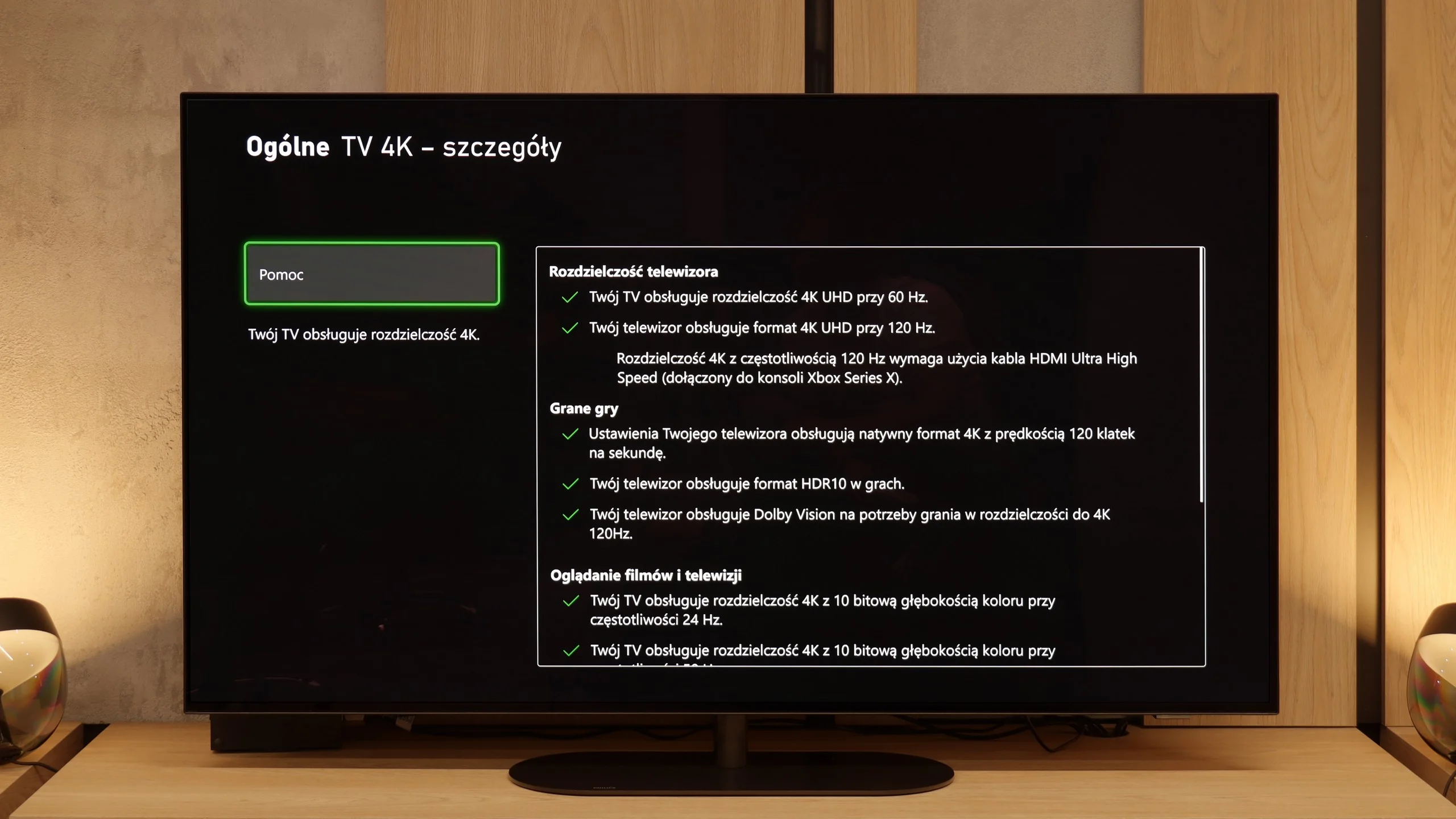
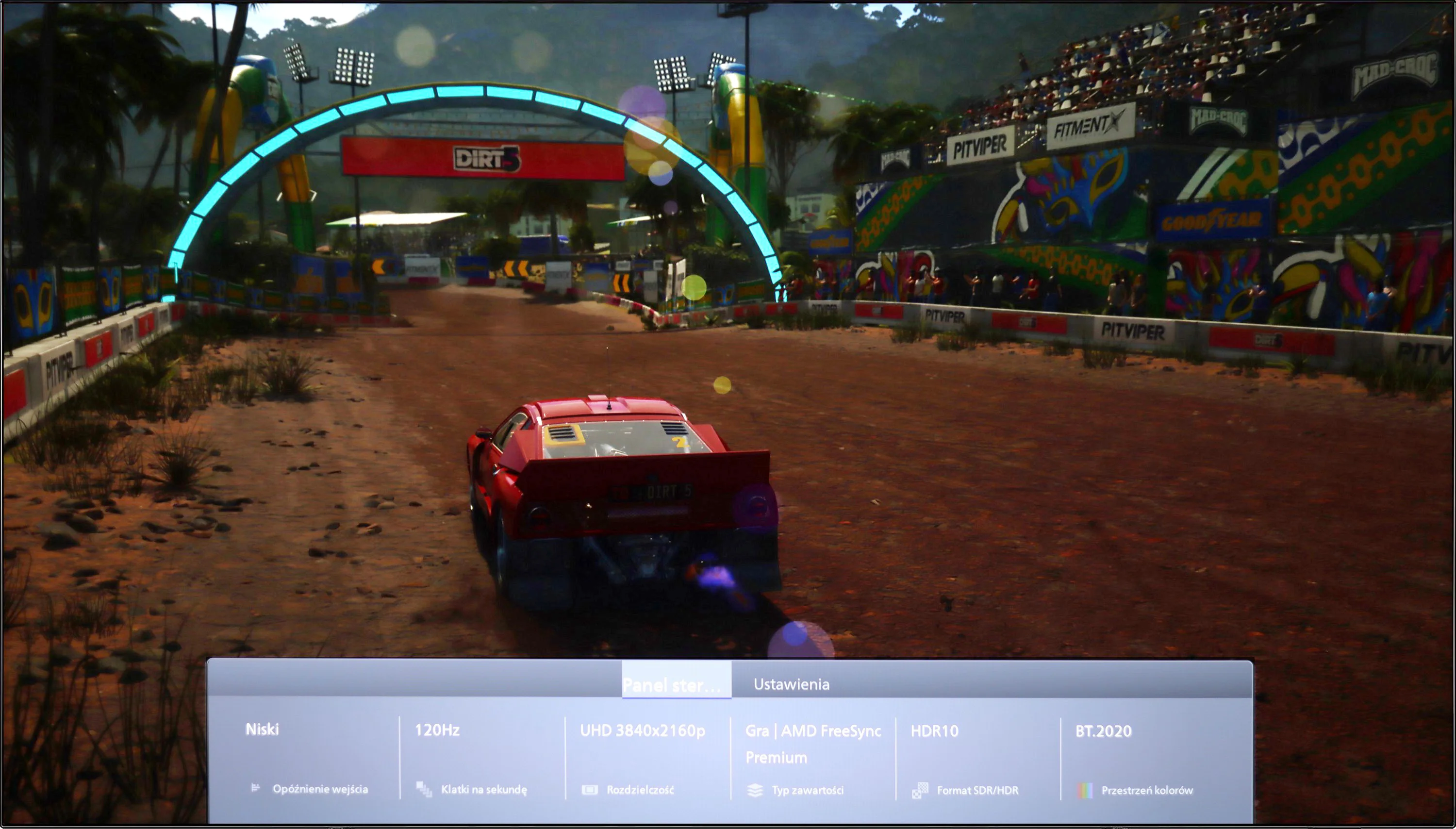
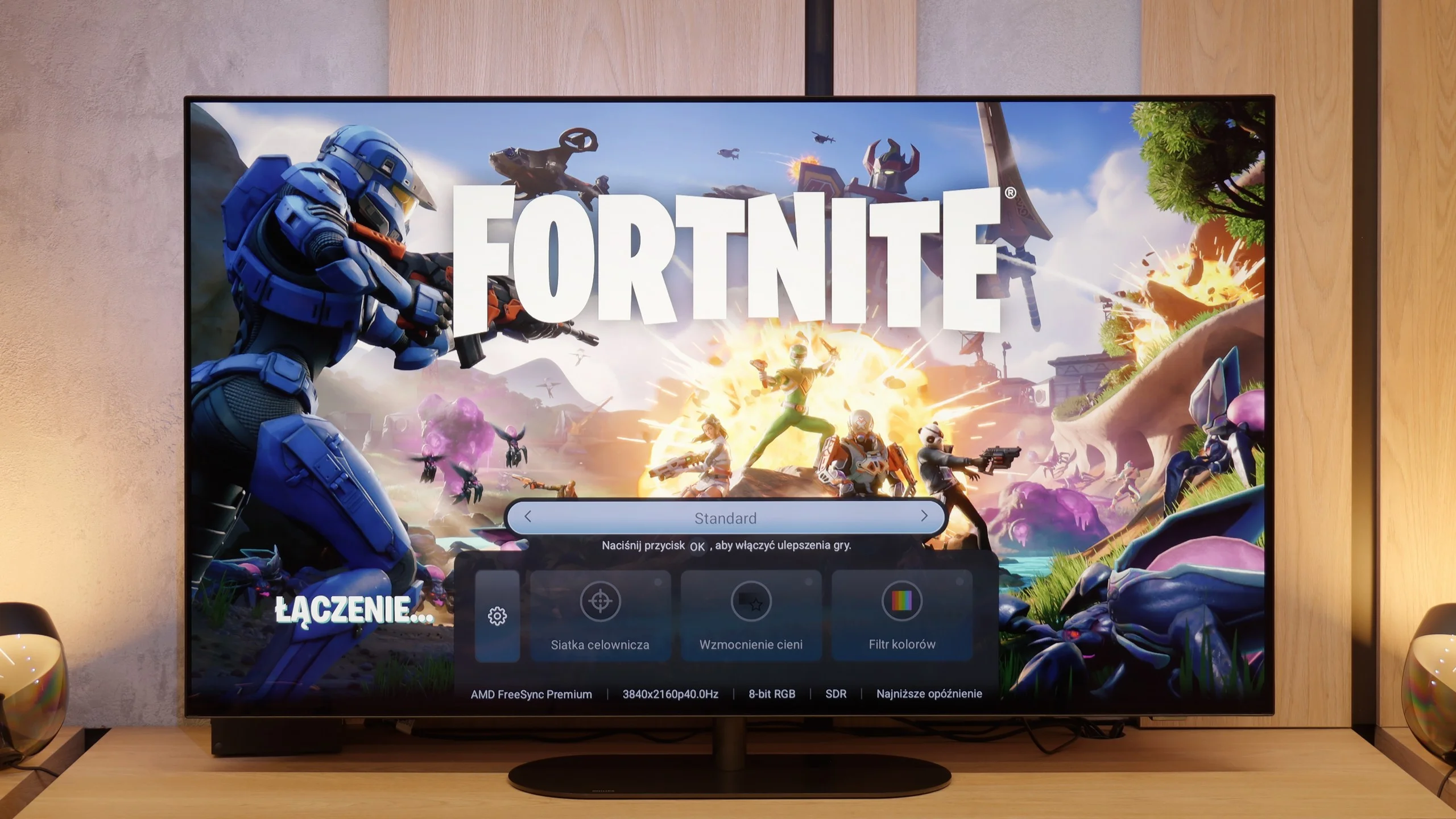
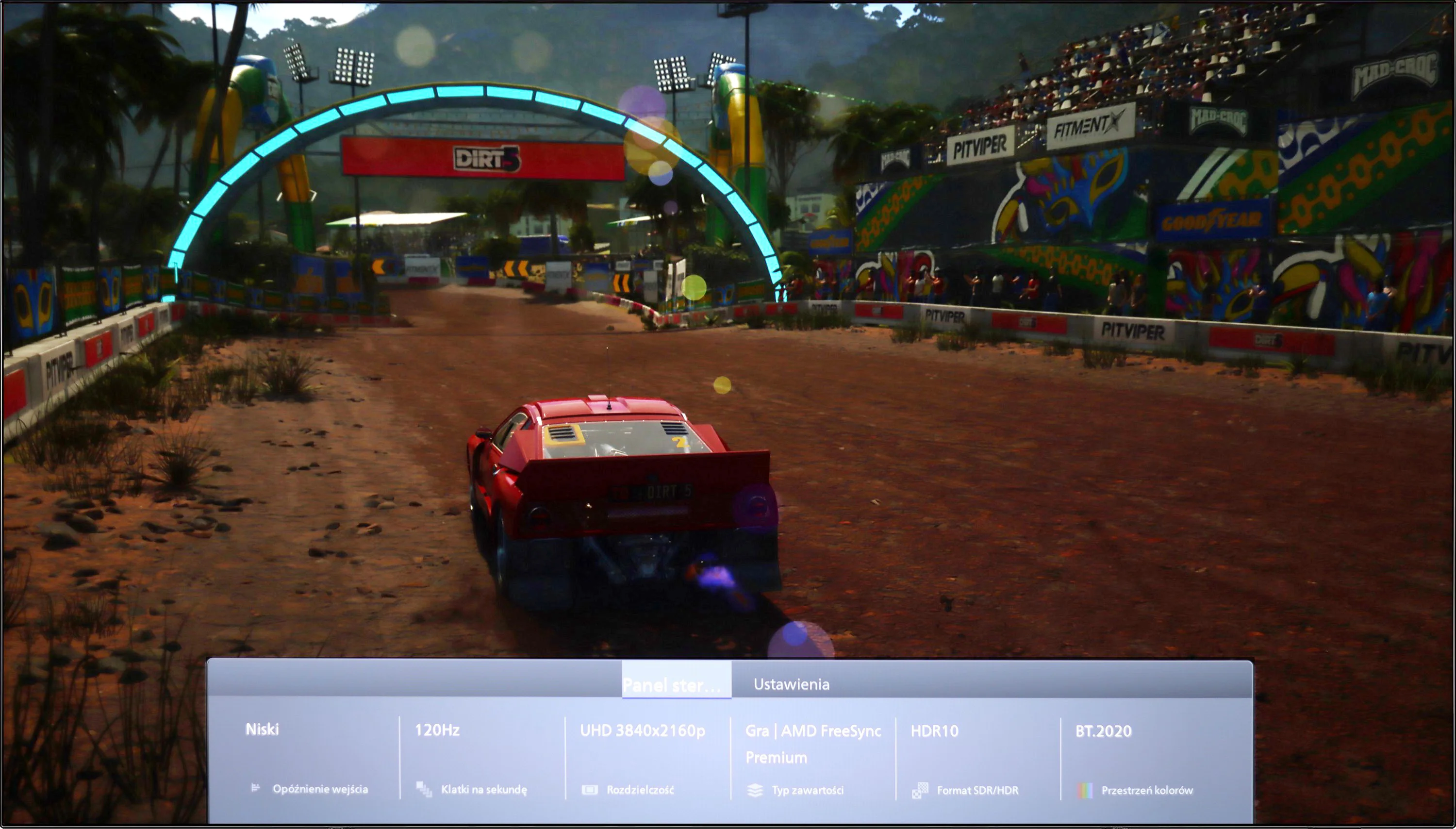
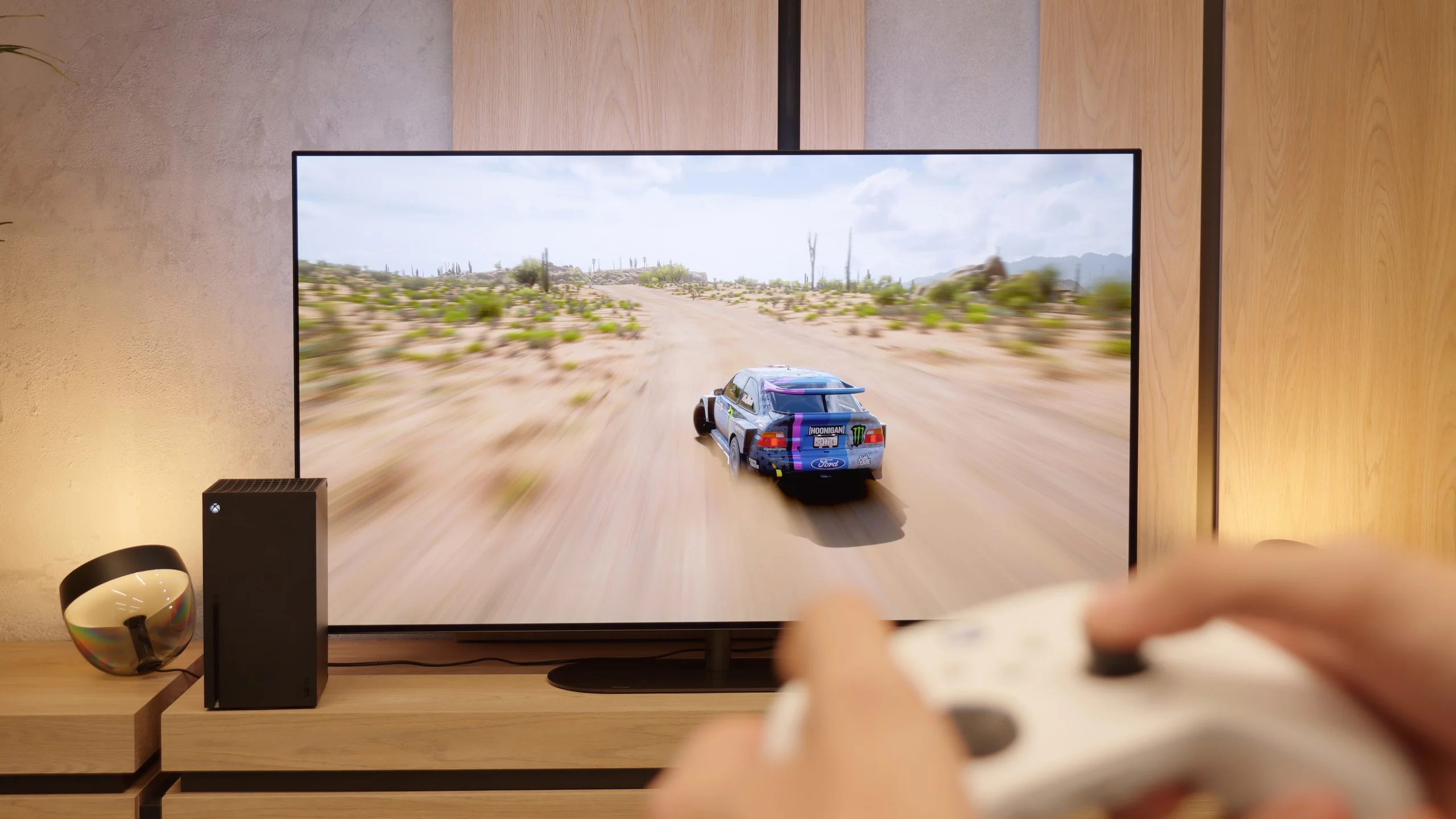
Philips OLED820 is one of the most complete televisions for gamers. It practically has everything you could expect: two HDMI 2.1 ports with full bandwidth of 48 Gbps (too bad there aren't four), variable refresh rate VRR, automatic game mode ALLM, support for Dolby Vision in games, and a good implementation of the HGiG mode. The television also handles lower resolutions at 120 Hz without any issues, so you can count on great flexibility when choosing different picture modes on the console. Philips also adds Game Bar – a panel that allows you to change picture modes, add a crosshair, or view parameters. Although it looks quite clunky and is less polished than that of the competition, it serves its purpose. In practice, therefore, the OLED820, besides having a full set of four HDMI 2.1 ports, offers almost everything a gamer might need.

Input lag

9.8/10

10/10

SDR

1080p60
14 ms
13 ms
1080p120
5 ms
5 ms
2160p60
13 ms
13 ms
2160p120
5 ms
5 ms

HDR

2160p60
13 ms
13 ms
2160p120
5 ms
5 ms
4320p60

Dolby Vision

2160p60 DV
30 ms
13 ms
2160p120 DV
5 ms

The input lag in the Philips OLED769 is impressively low, offering exceptional performance for gamers. At 120Hz, the lag is around 5 ms, which is outstanding for fast-paced gaming. Even at 60Hz, the lag remains low at 13 ms, ensuring a quick response to player inputs. This makes the TV an excellent choice for those who prioritize smooth and responsive gameplay. However, the lack of Dolby Vision support for 120Hz content or games is a drawback, but this doesn't take away from the overall impressive performance and gaming experience the TV offers.

The input lag in the Philips OLED820 is truly at a reference level. The measurement showed values below 5 ms, which places it at the very top of the TVs available on the market. Even the Dolby Vision mode does not cause problems in this regard, which is quite a rare phenomenon. In practice, this means lightning-fast responses to every movement, no noticeable delays, and full comfort in dynamic games. In short, outstanding results that will please even the most demanding gamers.

Compatibility with PC

7.6/10

6.5/10

Chroma 444 (max. resolution and refresh rate)
Yes
No
Font clarity
Very Good
Average
Readability of dark text and shapes
Very Good
Very Good
Input lag in PC mode (4K, max. refresh rate)
5ms
5ms
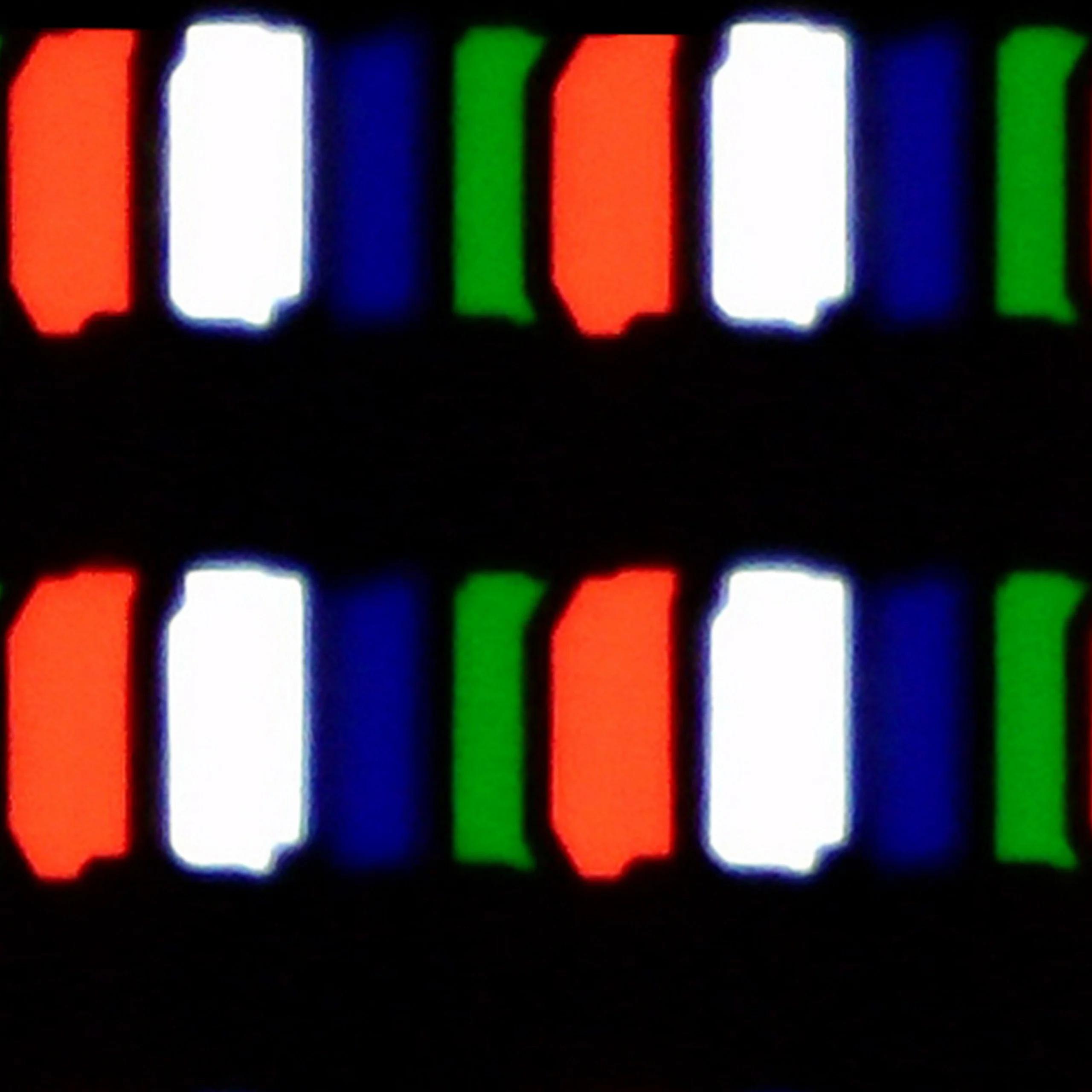
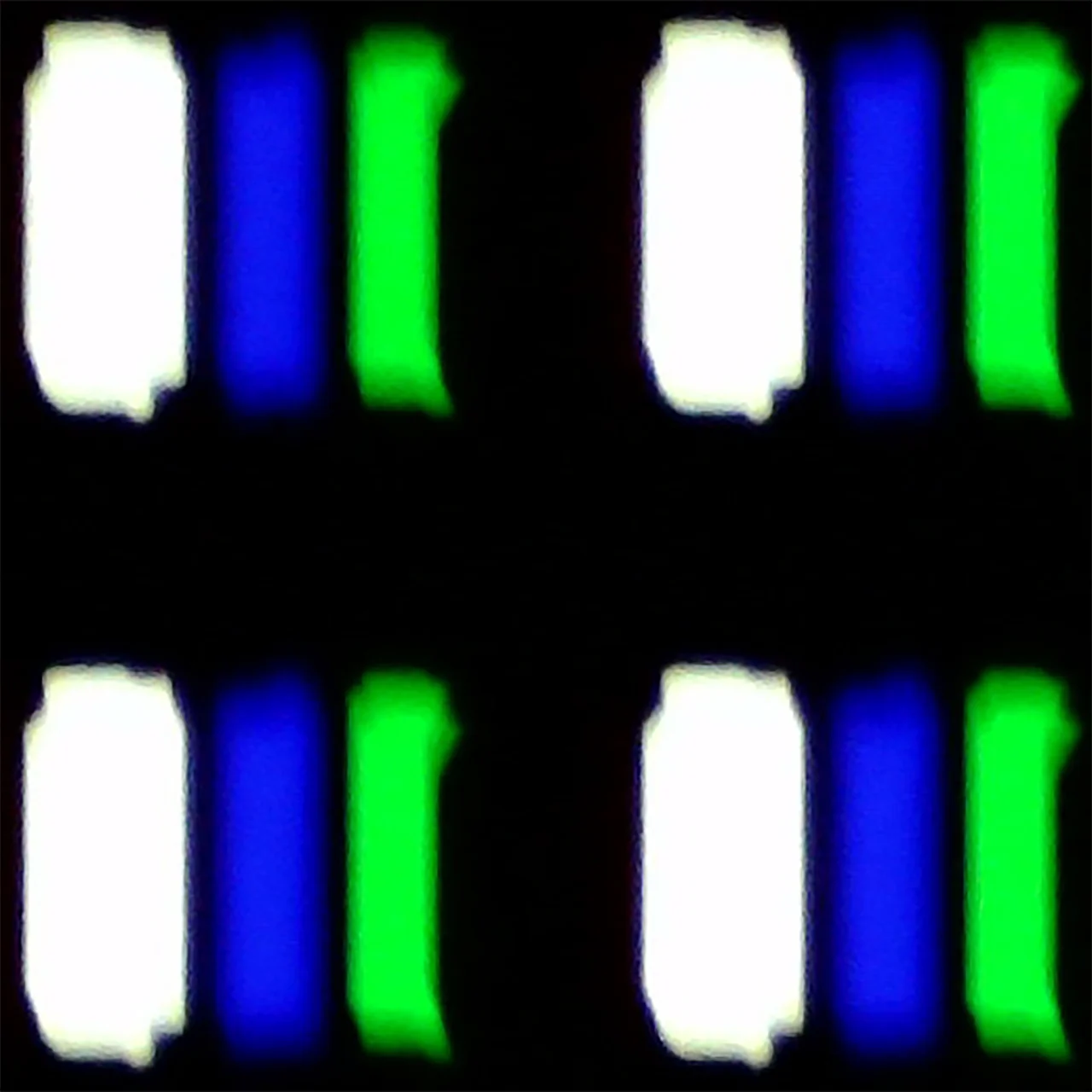
Matrix subpixel arrangement
RWBG
RWBG
Max refresh rate
120Hz
144Hz
G-Sync
Yes
Yes

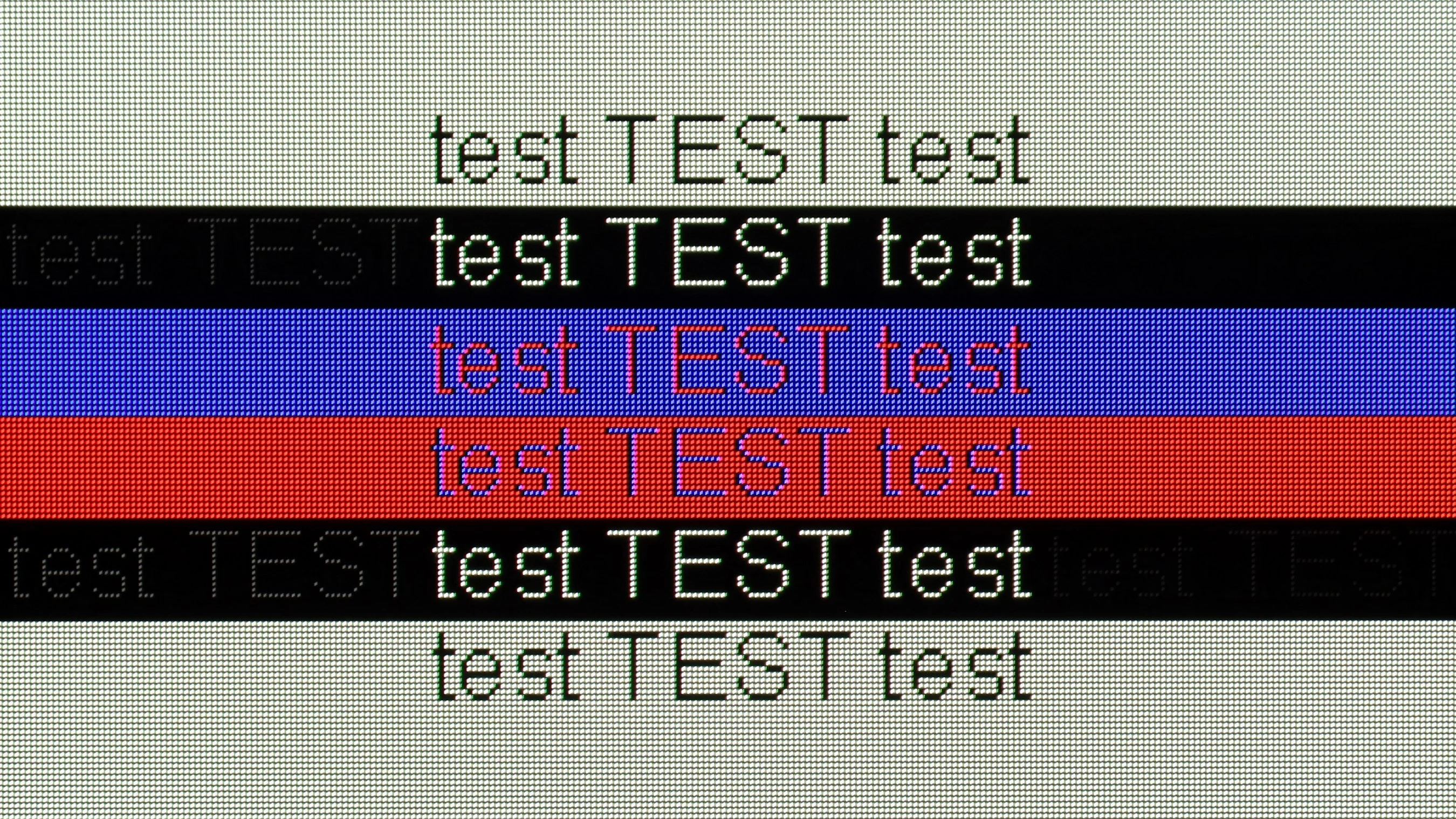
The photo shows the legibility of small fonts. Ideally, lines should be the same thickness on both light and dark text, with minimal pixel gaps.

The Philips OLED769 performs exceptionally well when used with PCs, earning high marks for its capabilities. One standout feature is the excellent readability of fonts, regardless of the background colour, making it ideal for productivity tasks. The support for chroma 4:4:4 further enhances image clarity, ensuring sharp and precise details. The model’s low response time ensures smooth and responsive performance, for work or gaming. These attributes make the Philips OLED769 an excellent choice for PC users seeking a large screen with outstanding image quality and top-notch performance.

Collaboration with a PC for the Philips OLED820 varies depending on the application. For gaming, it performs exceptionally well: a high refresh rate of 144 Hz combined with G-Sync support provides smoothness and responsiveness that other televisions would envy. The situation is less favorable when it comes to text work. The lack of proper implementation of chroma 4:4:4 causes fonts on colored backgrounds to be slightly blurred, which significantly lowers work comfort. Therefore, it's hard to recommend the OLED820 as a screen for office work with text or numbers. It's a pity that the manufacturer didn't learn from last year's models and this flaw continues to persist.

Viewing angles

7.5/10

7.4/10

Brightness drop at an angle of 45 degrees
29%
34%

When it comes to viewing angles, the Philips OLED769 excels, as is typical for OLED televisions. The image remains sharp and vibrant, with no noticeable degradation in quality, even when viewed from the side or in unconventional positions in the room. While QD-OLED and OLED MLA panels offer slightly superior performance in this regard, the Philips OLED769 still far outperforms standard LCD televisions. This makes it an excellent choice for large spaces and family movie nights, where viewers might be seated at various angles.

The viewing angles on the Philips OLED820 are another advantage that should delight you. OLEDs have always been characterized by nearly perfect angles, so no matter where we look from, the image remains clear and readable. Indeed, the classic WOLED matrix does not match technologies like MLA OLED or QD-OLED, but it's still hard to criticize anything here. The angles are simply excellent.

Daytime performance

4.6/10

5.7/10

Panel finish
Satin
Glare
Reflection suppression
Average
Decent
Black levels during daytime
Very Good
Very Good

Panel brightness

Philips OLED820: 345 cd/m2

Philips OLED769: 258 cd/m2

The daytime performance of the Philips OLED769 leaves room for improvement. While the satin panel moderately suppresses reflections, bright rooms can still pose a challenge. The television’s average brightness of 250 nits falls short, making it difficult to maintain optimal image quality in strong daylight. As a result, viewing in sunny conditions may be less comfortable, with image details harder to discern. This limitation makes the TV better suited for dimly lit environments.

Panel details

Backlight Type
Software version during testing
TPN248E_V248.003.025.151
TPM231WW_R.201.100.146.207
Image processor
MT5896 3GB

Subpixel Structure:

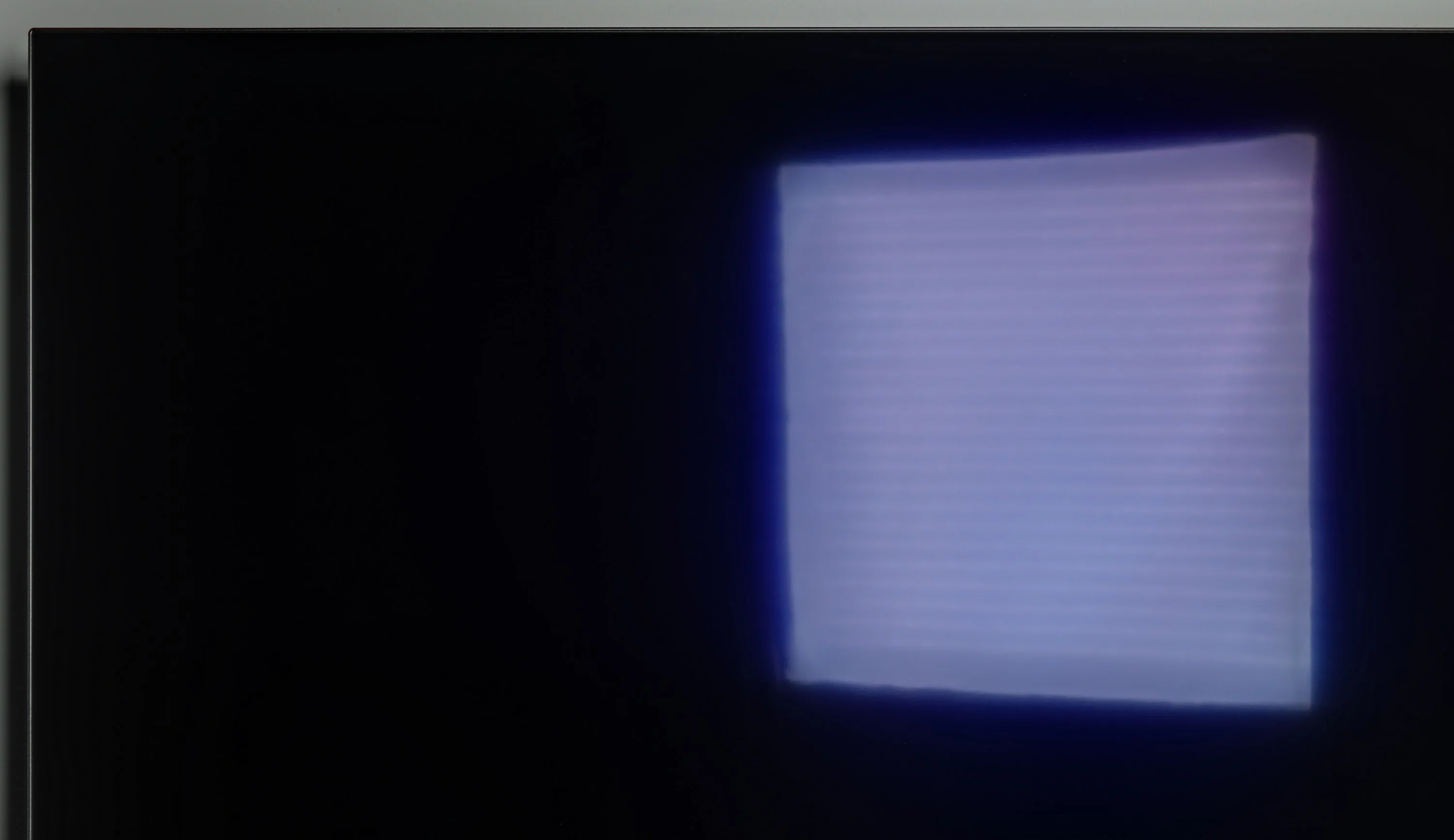
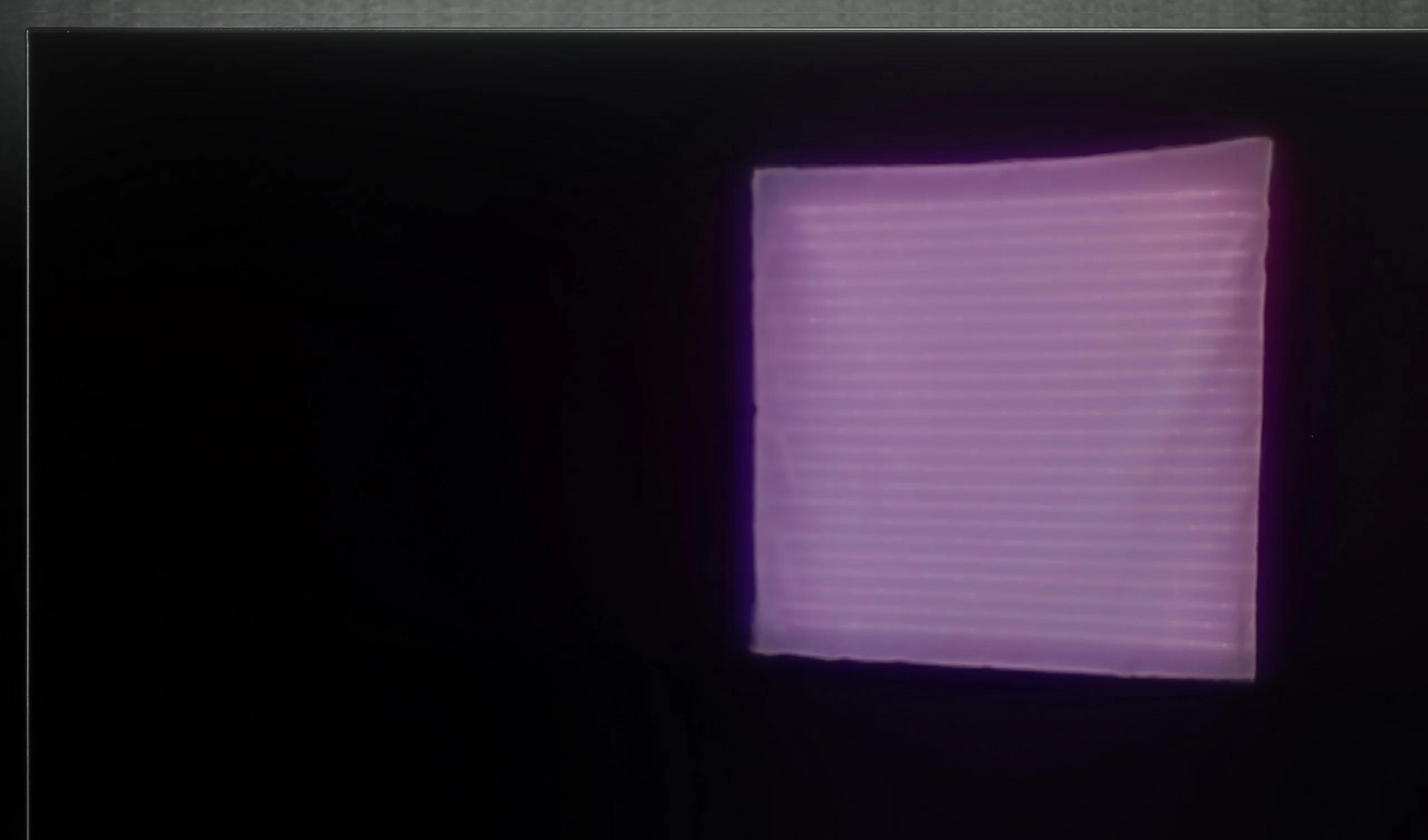
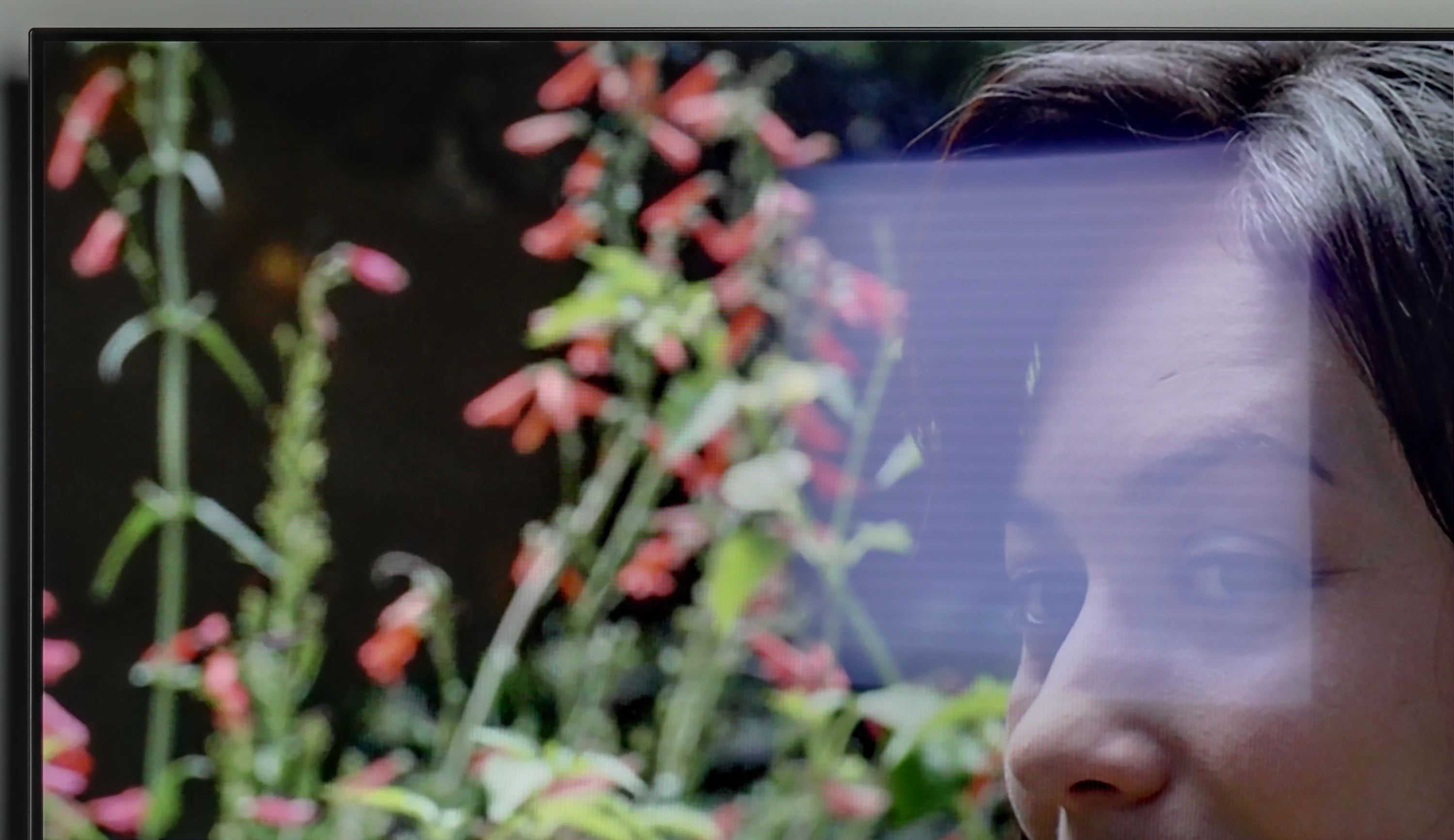
Panel uniformity and thermal imaging:

Review Philips OLED769 TV Panel details
Review Philips OLED820 TV Panel details

TV features

5.7/10

6.8/10

  • HDMI inputs
    0 x HDMI 2.0, 4 x HDMI 2.1 48Gbps
    2 x HDMI 2.0, 2 x HDMI 2.1 48Gbps
  • Outputs
    Toslink (Optical audio), eARC (HDMI), ARC (HDMI), Mini-Jack (Headphones)
    Toslink (Optical audio), eARC (HDMI), ARC (HDMI), Mini-Jack (Headphones)
  • Network Interfaces
    Wi-Fi 2.4GHz, Wi-Fi 5GHz, Ethernet (LAN) 100Mbps
    Wi-Fi 2.4GHz, Wi-Fi 5GHz, Ethernet (LAN) 100Mbps
  • TV reception
    DVB-T, DVB-T2, DVB-S, DVB-S2, DVB-C
    DVB-T, DVB-T2, DVB-S, DVB-S2, DVB-C

Classic features:

  • Recording to USB (terrestrial TV)
    No
    No
  • Recording programming
    No
    No
  • Picture in Picture (PiP)
    No
    No
  • RF remote control (no need to aim)
    No
    No
  • Backlit remote control
    Yes
    Yes
  • Teletext
    Yes
    Yes
  • Audio only mode
    Yes
    Yes
  • Bluetooth headphones support
    Yes
    Yes
  • Simultaneous Bluetooth headphones & TV audio
    No
    No

Smart features:

  • AirPlay
    No
    Yes
  • Screen mirroring (Windows Miracast)
    Yes
    No
  • Voice search
    Yes
    Yes
  • Voice search in native language
    No
    Yes
  • Ability to connect a keyboard and mouse
    Yes
    Yes
Review Philips OLED769 TV features
Review Philips OLED820 TV features

The standout feature of the Philips OLED769 is undoubtedly the three-sided Ambilight system. This innovative technology expands the screen's visuals onto the surrounding walls, creating an immersive experience and giving the impression of a larger display. Whether watching movies, gaming, or streaming, Ambilight adds a unique and atmospheric touch to the viewing experience.

Another noteworthy element is the updated remote control, included with models running the TitanOS system. While the backlit keys make it convenient to use in low-light settings, the hybrid design of its wireless functionality can be frustrating. Certain buttons require precise aiming at the TV, while others do not, leading to inconsistent operation.

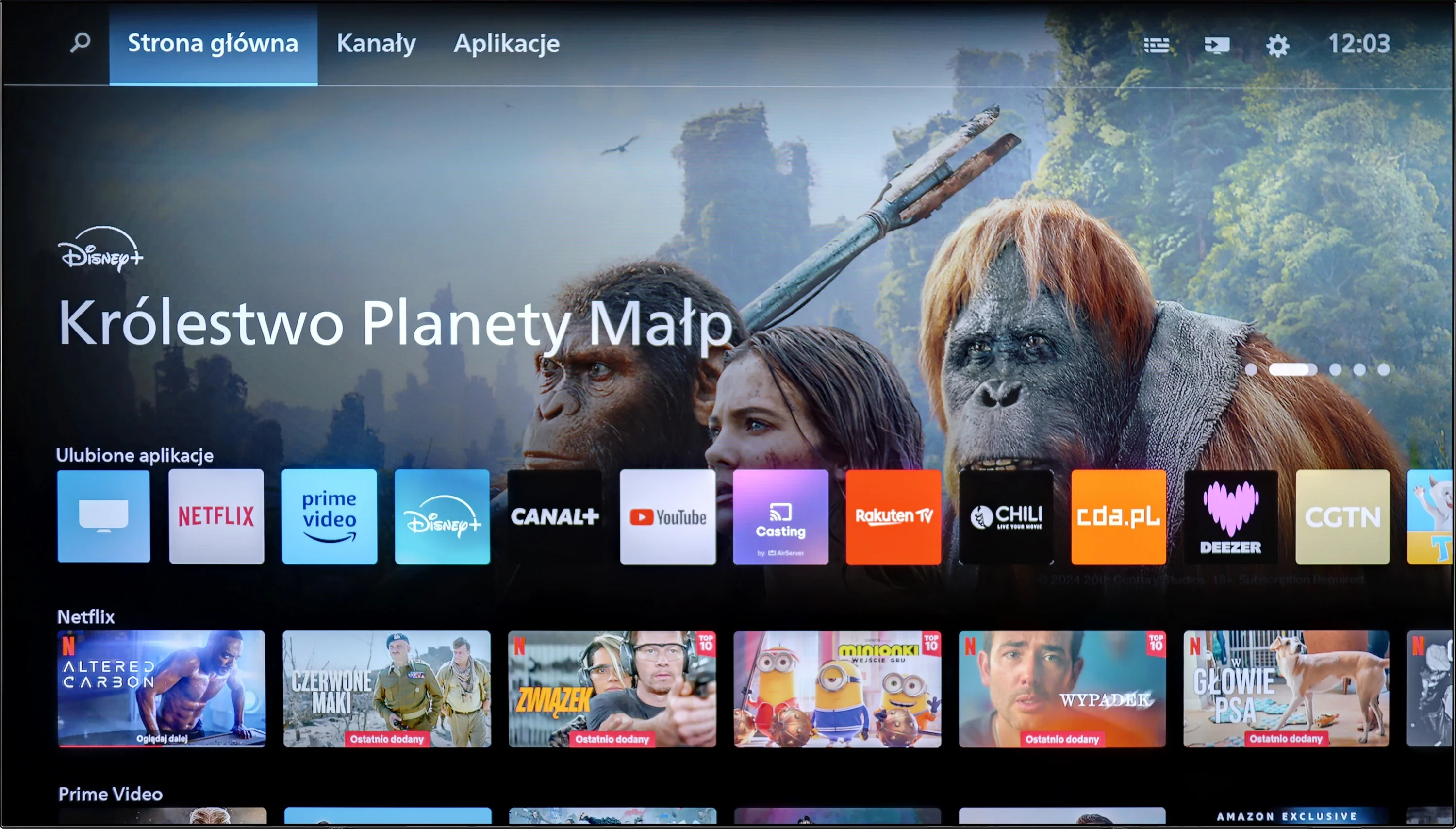
Philips has also introduced its proprietary TitanOS operating system this year, replacing the previously used GoogleTV platform. As with any new technology, TitanOS has some early limitations. The current app selection is basic, and the app store lacks variety, which could be disappointing for users expecting a rich library of options. Furthermore, the absence of AirPlay functionality and USB recording capability are notable drawbacks, potentially impacting the overall user experience.

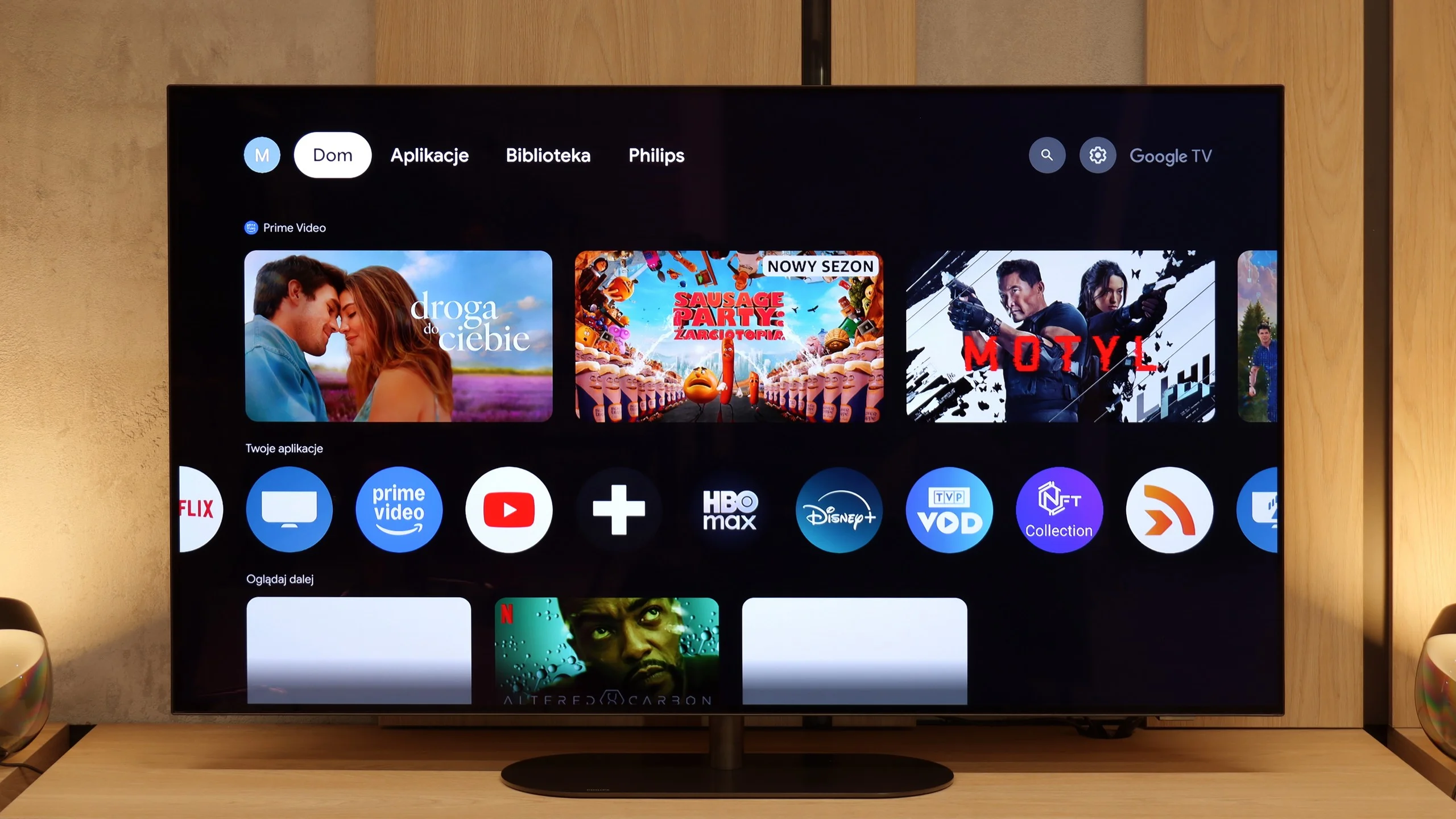
GoogleTV on OLED820

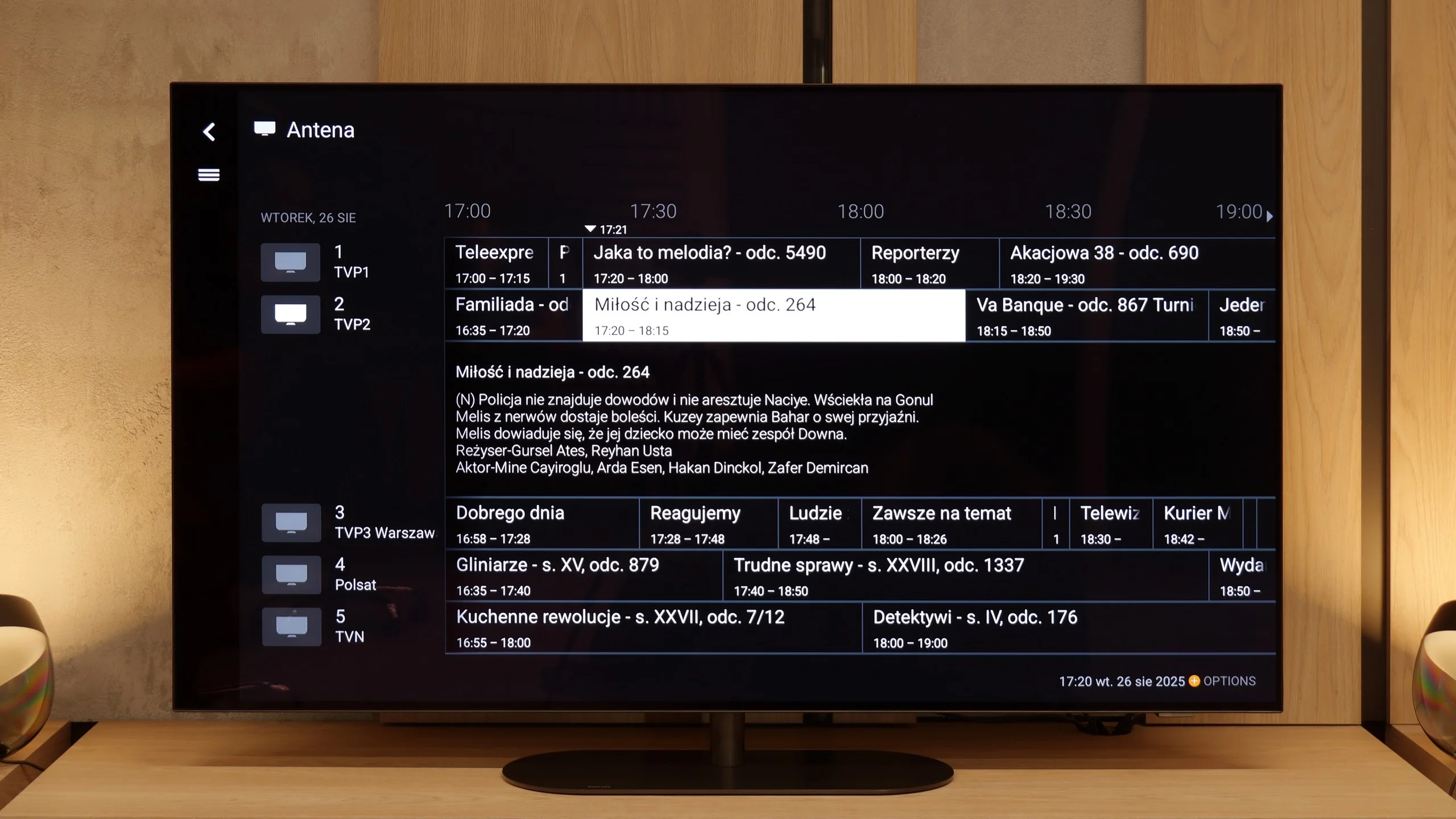
Philips OLED820 runs on the Google TV system, which immediately places it among the televisions that truly offer freedom of use. It's a fantastic platform that needs no introduction – you'll find almost an endless number of apps, from popular VOD services to niche programs or games. Google TV also allows you to customize the home screen, tailoring content to your preferences, so the television actually "learns" your viewing style. A huge plus is also Google's voice assistant – quick, natural, and effective. It can understand even less obvious questions, and in practice, it works significantly better than many competitors. Unfortunately, there was a hiccup – the screen mirroring function simply didn’t work during testing. This can be considered a minor issue, but in 2025, things like this just shouldn't happen.

Classic Features of OLED820

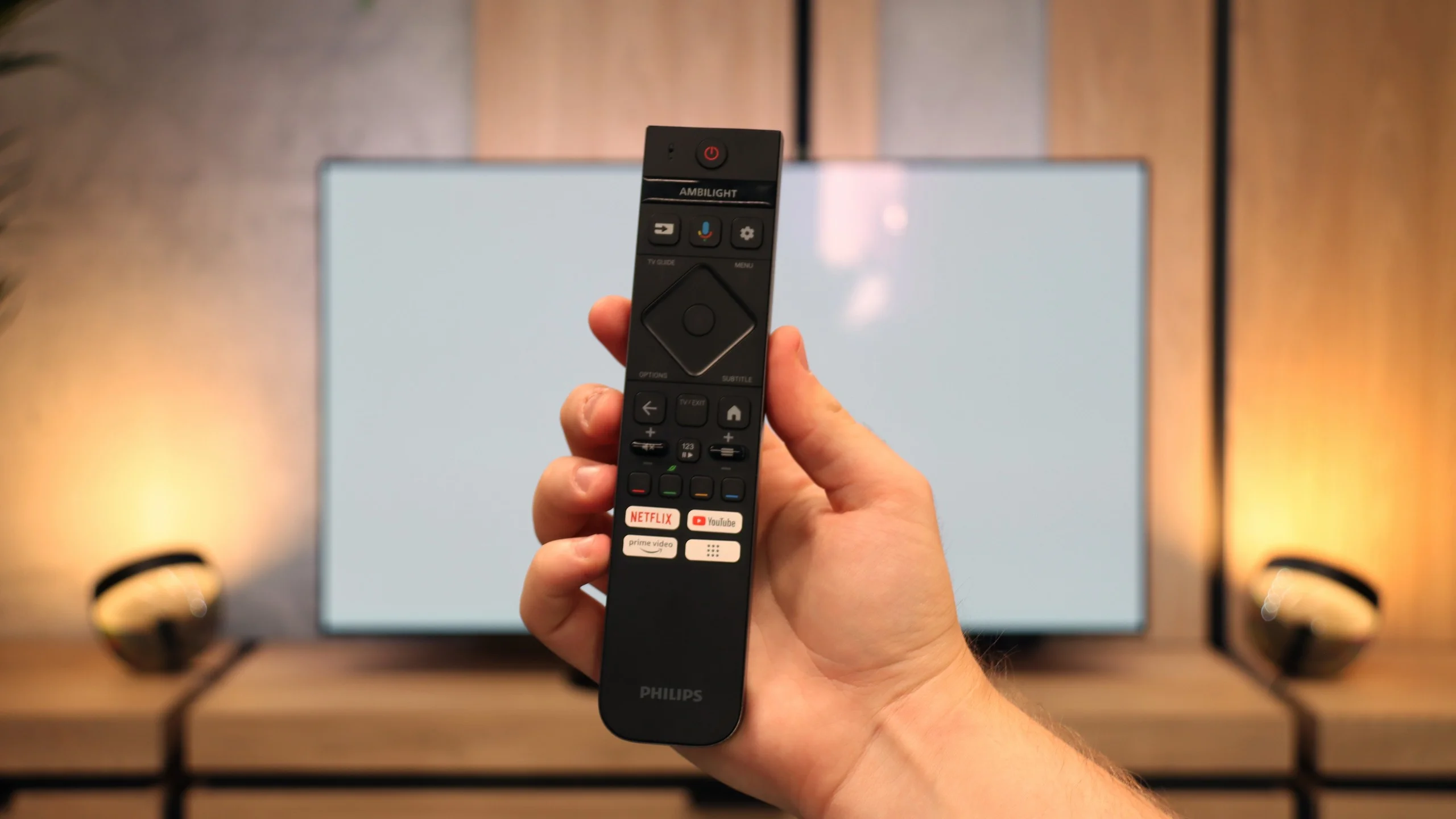
When it comes to classic additions, the OLED820 doesn't strive for conservative notes. On one hand, we get a backlit remote control with a numeric keypad that is quite well organized and comfortable to use. On the other hand, you have to aim it at the screen because it operates on infrared, which is more reminiscent of equipment from a decade ago than a modern television. It also lacks a few features that are often found in competitors – there's no USB recording from tuners or a PiP mode. A nice touch among classic solutions is the mini jack analog input for headphones. This is a rarity today, and it can prove useful – whether for a senior with an additional headphone station or for someone who would like to connect older speakers.

AmbilightTV OLED820

You also can't overlook Ambilight, a feature that is a hallmark of Philips. This solution impacts not only the television's appearance but also the reception of content. The lighting system can be set in various ways, from a multicolored mode that dynamically follows the image to calmer, static backlighting. We definitely recommend the latter option because the gentle light behind the screen makes the viewed content combined with the OLED matrix look even deeper and more engaging. It's a simple yet very effective addition that has given Philips televisions character for years.

Apps

6.7/10

9.6/10

OK
Disney_Plus
OK
Amazon_Prime_Video
OK
Player_TVN
OK
Polsat_Box_Go
OK
Canal_Plus_Online
OK
TVP_VOD
No
Apple_TV_Plus
No
SkyShowtime
OK
Rakuten
OK
CDA_Premium_Browser
No
Spotify
No
Tidal
OK
Netflix
OK
YouTube
OK
HBO_MAX
No
Kodi
No
Apple_music
No
Eleven_sports
No
Xbox Game Pass
No
GeForce Now!
No
Amazon Luna
No
Boosteroid
No
Steam Link
OK
Disney_Plus
OK
Amazon_Prime_Video
OK
Player_TVN
OK
Polsat_Box_Go
OK
Canal_Plus_Online
OK
TVP_VOD
OK
Apple_TV_Plus
OK
SkyShowtime
OK
Rakuten
OK
CDA_Premium_Browser
OK
Spotify
OK
Tidal
OK
Netflix
OK
YouTube
OK
HBO_MAX
OK
Kodi
No
Apple_music
OK
Eleven_sports
No
Xbox Game Pass
OK
GeForce Now!
No
Amazon Luna
OK
Boosteroid
OK
Steam Link

Playing files from USB

8.2/10

9.5/10

Supported photo formats:

JPEG
Yes
Yes
HEIC
No
Yes
PNG
Yes
Yes
GIF
Yes
Yes
WebP
No
Yes
TIFF
No
No
BMP
Yes
Yes
SVG
No
No

Maximum photo resolution:

4 Mpix
Yes
Yes
6 Mpix
Yes
Yes
8 Mpix
Yes
Yes
10 Mpix
No
Yes
12 Mpix
No
Yes
16 Mpix
Yes
Yes
20 Mpix
No
Yes
24 Mpix
No
Yes
28 Mpix
No
Yes
32 Mpix
Yes
Yes

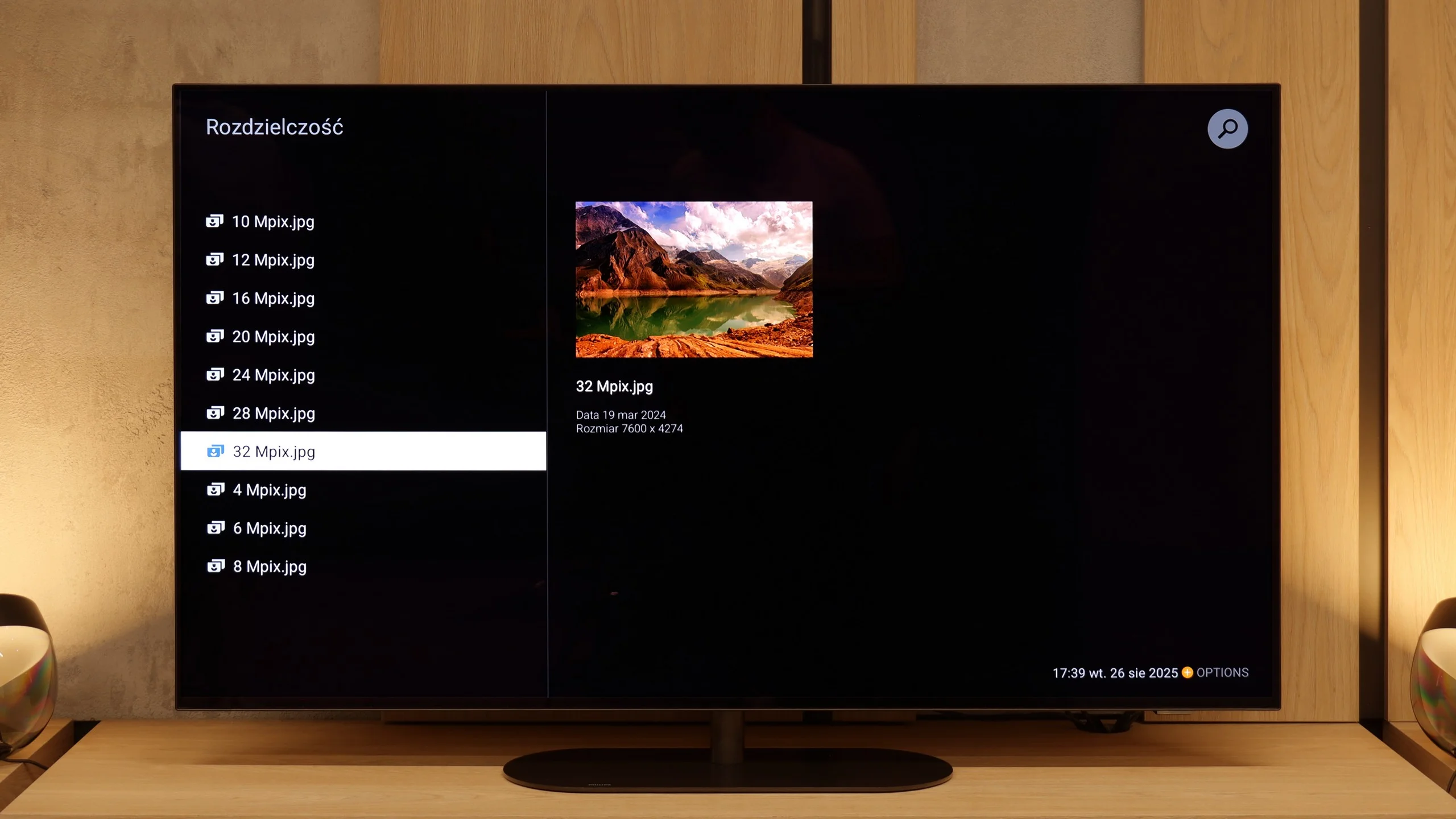
The built-in player in the Philips OLED769 offers solid performance and should meet the needs of most users. While it lacks support for some uncommon formats, which may be a drawback for specific use cases, the player handles standard formats effectively. The TitanOS system also allows font colour changes, making it more practical for everyday use. These features ensure a comfortable and versatile experience when playing files directly from USB.

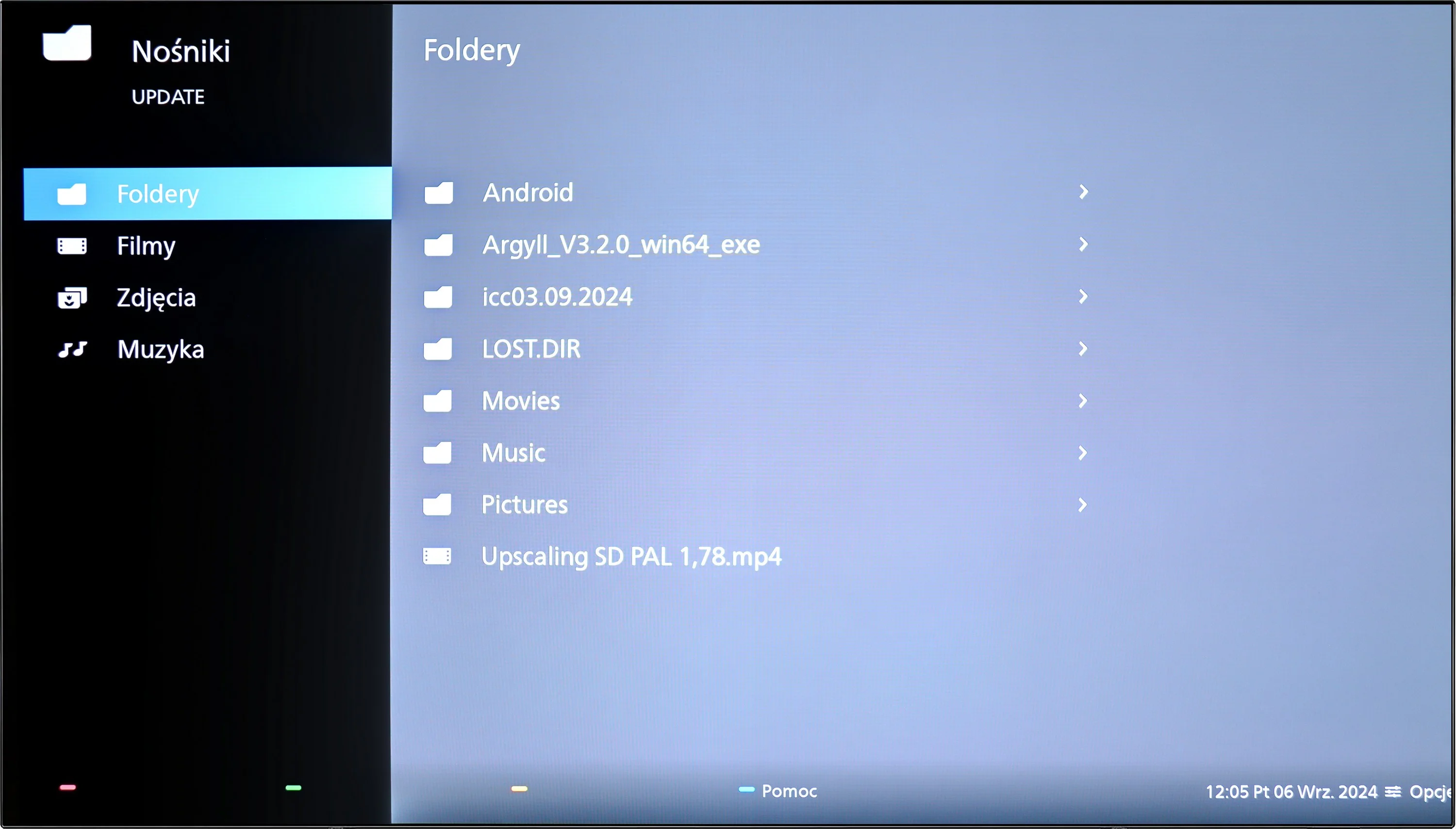
The Philips OLED820 has a built-in file player with USB, which at first glance looks quite clunky, but in practice, it works surprisingly well. One could even say that it is one of the best built-in players available in televisions. It handles virtually every type of file: photos, videos, or music, with minor exceptions, most of which are also not supported by the competition. And if someone still feels something is missing, there is always the option to install the VLC app from the Google Play library and the problem disappears.

Sound

6.7/10

7.7/10

  • Maximum volume
    -
    81dB
  • Dolby Digital Plus 7.1
    Yes
    Yes
  • Dolby True HD 7.1
    Yes
    No
  • Dolby Atmos in Dolby Digital Plus (JOC)
    Yes
    Yes
  • Dolby Atmos in Dolby True HD
    Yes
    No
  • DTS:X in DTS-HD MA
    Yes
    Yes
  • DTS-HD Master Audio
    Yes
    Yes

In the sound category, the Philips OLED769 delivers adequate performance with its 2x10W speakers, though it lacks the dynamism of more powerful audio systems. However, the television supports all Dolby and DTS audio formats, ensuring compatibility with high-quality sound standards. This allows users to enhance their audio experience by connecting external sound systems, making up for the limitations of the built-in speakers.

The Philips OLED 820 features a built-in 4.1 speaker system with a total power of 70 W. At the back of the chassis, there is a subwoofer that provides quite solid and deep bass. The classic speakers responsible for the rest of the range are located at the bottom of the television, which means that the sound does not always propagate as we would like. However, the overall sound quality can be considered acceptable – series, television programs, or occasional music listening perform well, with slight bass support. This should be sufficient for daily use, although we still recommend purchasing even an inexpensive soundbar, which will significantly enhance the user experience.

Acoustic Measurements

No acoustic data

81dBC (Max)

75dBC