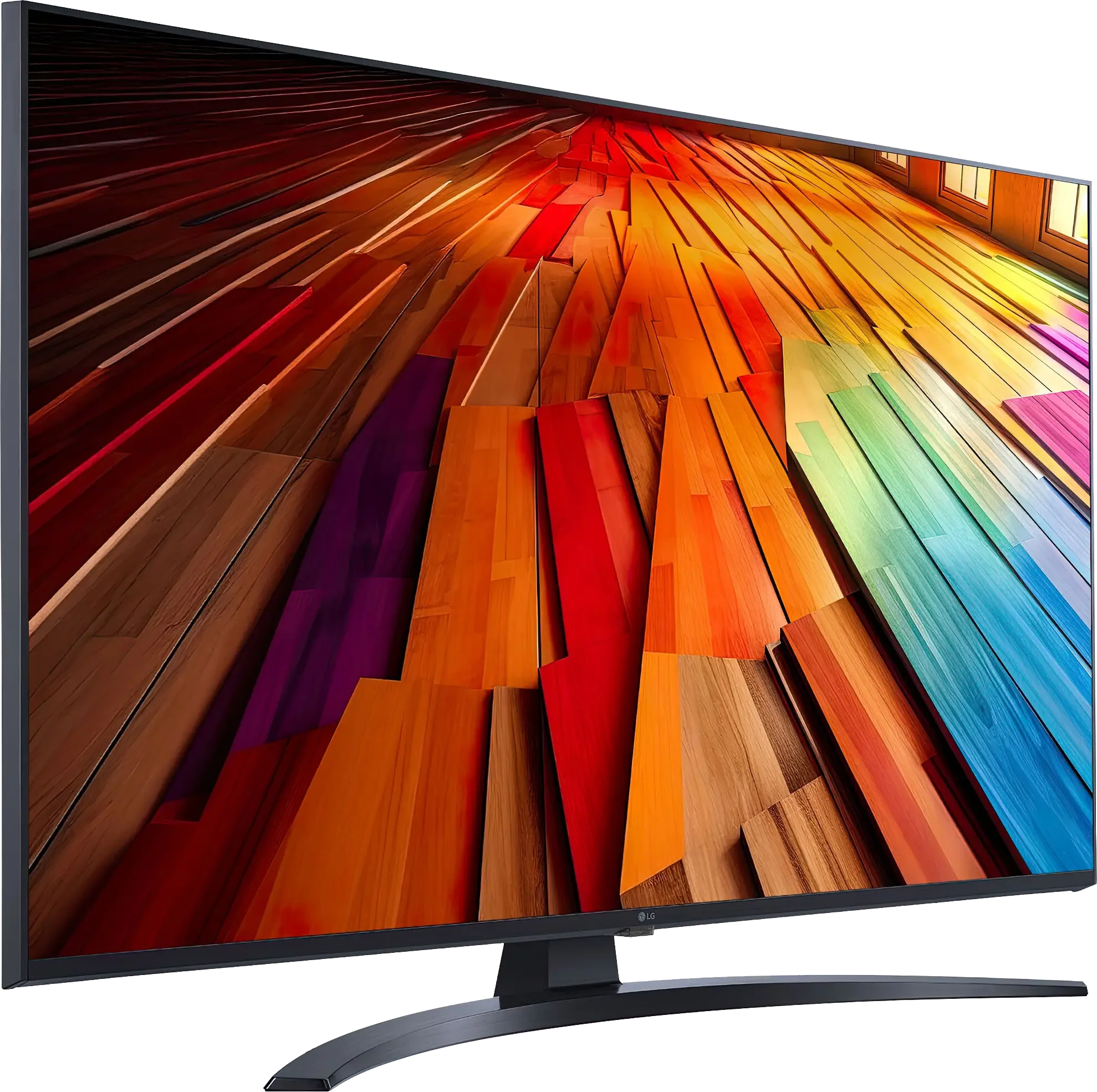
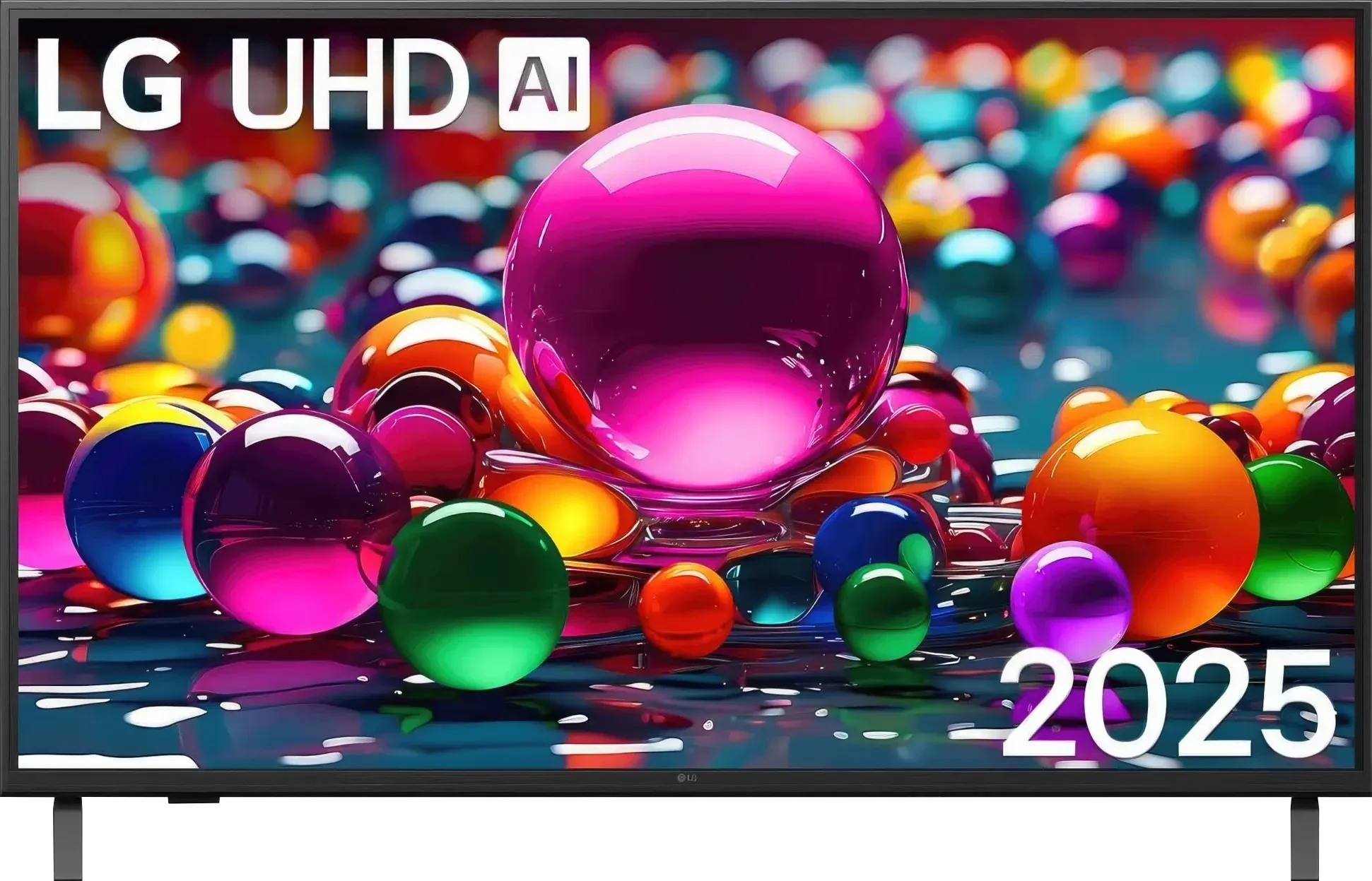
LG UT8100 is a model that does not try to pretend to be more than it is. Simple, functional, and well-suited for everyday use. Its biggest advantage is the WebOS system – intuitive, fast, and rich in applications. With such a backend, using Netflix or YouTube is hassle-free, and navigating the menu takes just a moment. The Magic remote adds even more convenience, as it works somewhat like a mouse – just point at the screen and click what we want. Voice control in Polish? It works flawlessly, and we can confidently say it is the best when it comes to our native language. One of the more interesting features is the ability to record to USB. It's a minor detail, but it can come in handy if we don't always have time to watch a program live. Surprisingly, the TV also handles upscaling lower quality material quite well – standard TV channels look decent. It’s also suitable for gaming, though rather for those who are not avid gamers. Thanks to the low input lag and features like ALLM and HGiG, gaming is smooth, and the image is responsive enough. Sure, the 60 Hz panel does not allow for miracles, but it’s sufficient for occasional sessions. Of course, UT8100 is not for demanding movie buffs. The lack of Dolby Vision and HDR10+ means that HDR content does not look as good as it could. Brightness and contrast are rather average, which is particularly noticeable in the evenings, in dark scenes – blacks are not deep, causing details to easily get lost. LG UT8100 is a solid TV for those who are looking for simple equipment for everyday use. It has a comfortable system, a functional remote, and a few useful options, like USB recording. If we do not care about the highest image quality and are looking for something to watch TV, this model will perform quite well.
- Matching (Score) |
- Our verdict |
- TV appearance |
- Where to buy |
- Contrast and black detail |
- HDR effect quality |
- Factory color reproduction |
- Color reproduction after calibration |
- Smoothness of tonal transitions |
- Image scaling and smoothness of tonal transitions |
- Blur and motion smoothness |
- Console compatibility and gaming features |
- Input lag |
- Compatibility with PC |
- Viewing angles |
- Daytime performance |
- Panel details |
- TV features |
- Apps |
- Playing files from USB |
- Sound
LG UT8100 (IPS) vs LG UA75006LA (IPS)
 Direct comparison
Available screen sizes: 43”
Panel type: LCD IPS
Resolution: 3840x2160
System: WebOS
Model year: 2024
Complete the survey to find out the result
Panel type: LCD IPS
Resolution: 3840x2160
System: WebOS
Model year: 2025
Complete the survey to find out the result
Overall rating
6.0
5.6
 Movies and series in UHD quality
 5.4
5.0
 Classic TV, YouTube
 5.5
4.8
 Sports broadcasts (TV and apps)
 5.7
5.1
 Gaming on console
 6.5
6.7
 TV as a computer monitor
 6.0
6.0
 Watching in bright light
 4.6
4.0
 Utility functions
 7.7
7.0
 Apps
Apps 9.1
9.1
 Sound quality
 6.0
6.0
Complete the survey to find out what fits your preferences
Advantages

Good viewing angles
Intuitive WebOS system with wide access to applications
Magic remote
Suitable for casual gaming - low input lag, ALLM, HGiG
USB recording function from built-in tuners
Smooth image scaling - good reproduction of lower resolution materials
Wide viewing angles, the image does not lose colors as much from the side
Very good font readability when working with PC (chroma 4:4:4)
Ability to record to USB from built-in tuners
WebOS with a large selection of apps and support for AirPlay
Low input lag (below 10 ms)
friendly for the “casual gamer”: ALLM, VRR (48–60 Hz), Game Bar, HGiG
Disadvantages

Average brightness - 350 nits
Tragic contrast
No Dolby Vision
Very poor black level and low contrast (about 1000:1)
Low brightness (about 250 nits), image easily fades during the day
Missing dynamic HDR formats (Dolby Vision, HDR10+)
Quite a plastic case and no Magic remote included
Our verdict
The LG UA7500 with an IPS panel also presents itself as a television mainly designed for everyday use. SDR content looks good on it, upscaling and image processing are at quite a decent level, and webOS, as always, offers a lot of freedom – from YouTube to Netflix, as well as USB recording and AirPlay support. Similar to the VA version, here we also find a set of features for gamers that may please occasional console users – ALLM, VRR in the range of 48–60 Hz, or Game Bar. This means that even with hardware limitations, you can comfortably start your favorite game after work or school. The biggest advantage of the IPS variant is the wide viewing angles – the image retains its colors even when viewed from the side. However, the price for that is a much weaker black, which resembles dark gray rather than deep pitch, so this screen is best viewed with the lights on. HDR is also not a strong point of this model, as its low brightness and limited color gamut significantly "flatten" it. But if we are looking for a television for everyday entertainment – news, movies, series, or YouTube – the UA7500 performs this role quite well. It's a "regular" in the best sense of the word: cheap, easy to use, and with a system that offers a lot of possibilities.
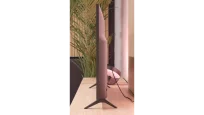
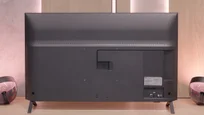
TV appearance


Contrast and black detail
1.9/10
1.9/10
Local dimming function: No
Local dimming function: No
Contrast:


Result
900:1

Result
900:1

Result
1,100:1

Result
1,050:1

Result
900:1
Result
1,100:1
Result
1,050:1
Result
800:1
Result
900:1
Result
1,050:1
Halo effect and black detail visibility:
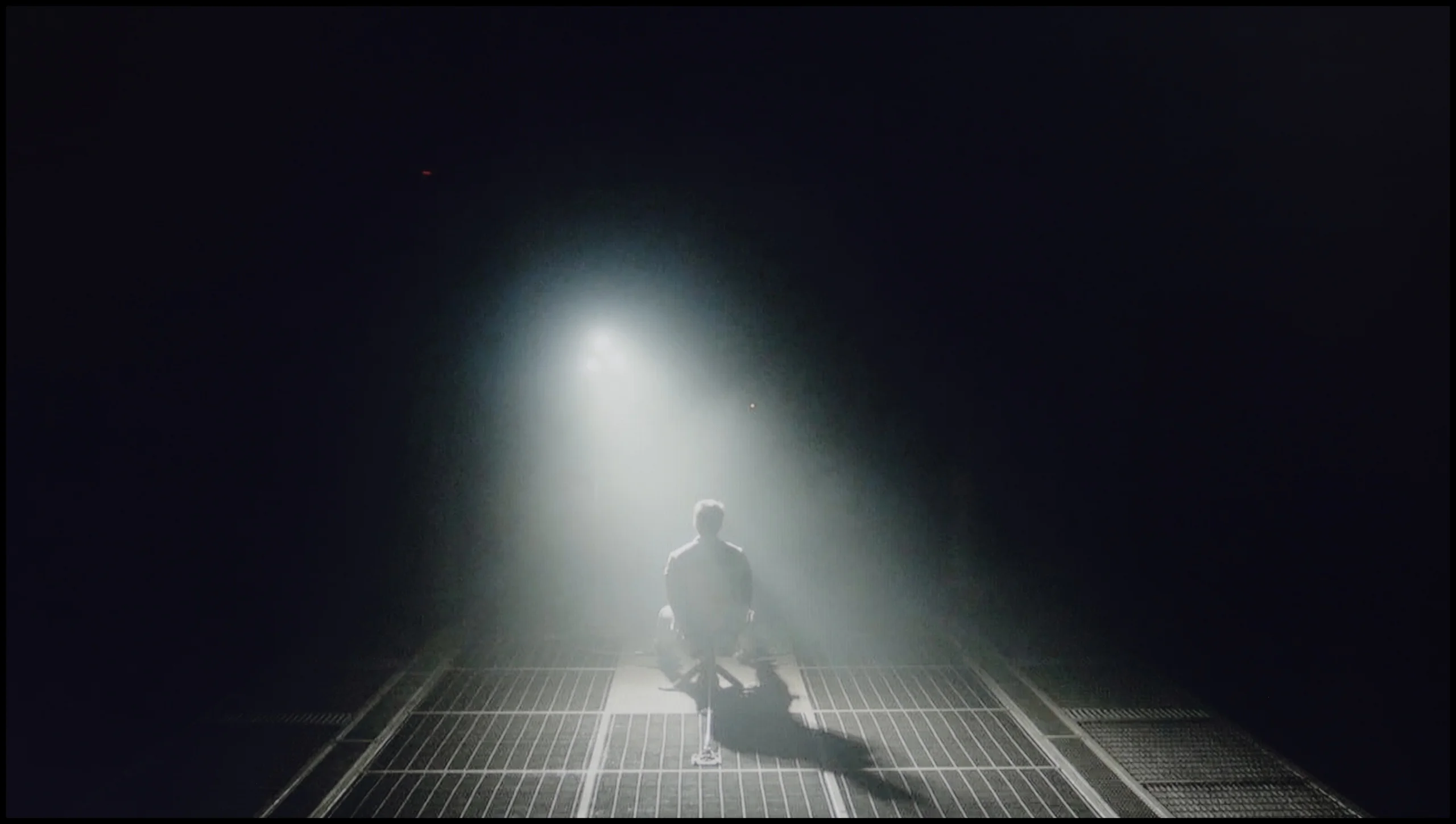
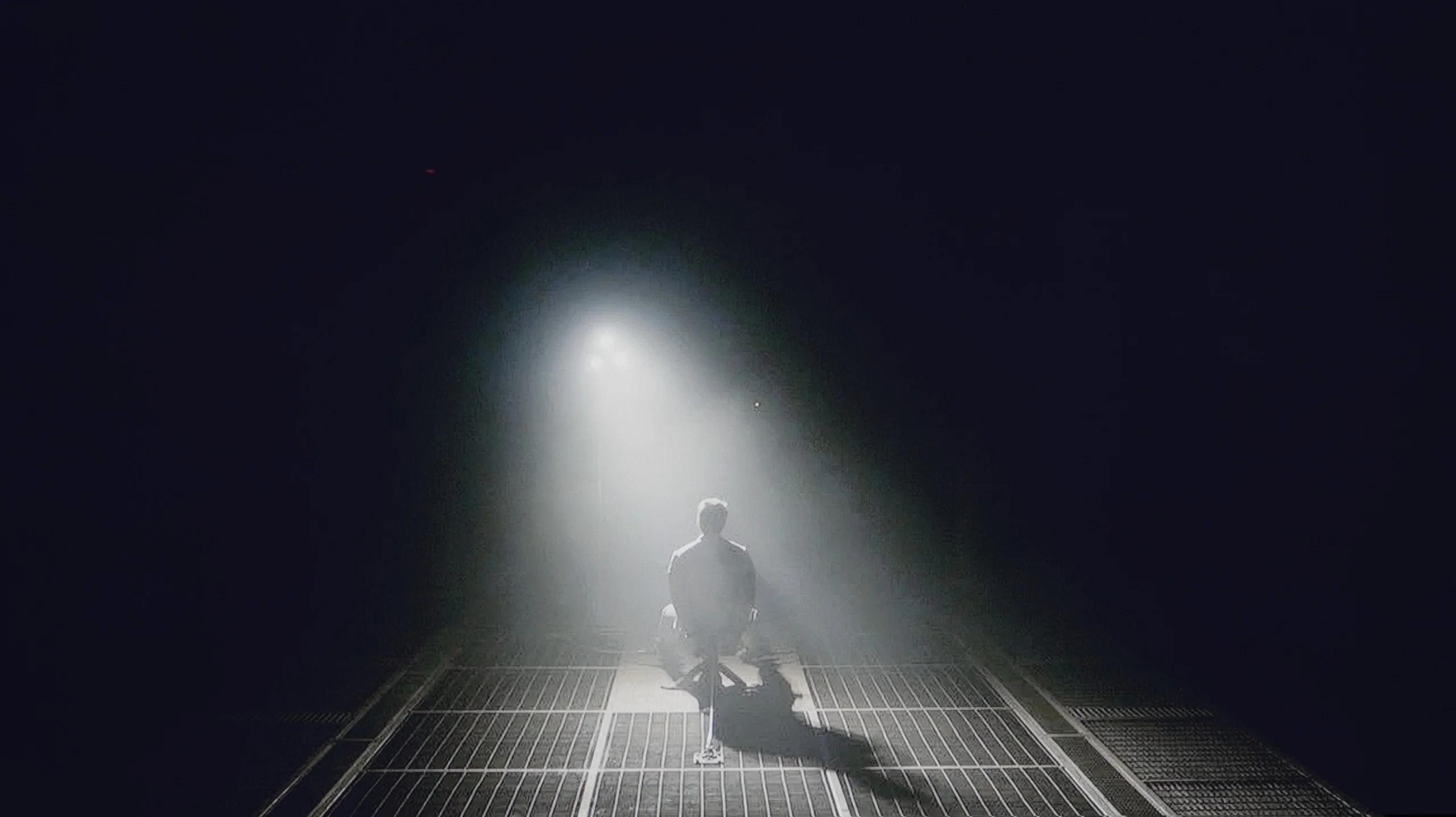
Check the visibility of bright lights on a dark background. Mini-LEDs often struggle with this. The photo does not compare black levels – that’s what the video below is for.
The video accurately shows differences in contrast and black levels between TVs, as well as potential issues: halo around bright objects or Mini-LED zone operation visible as brightness jumps.
The LG UT8100 television is equipped with an IPS panel, which unfortunately fails to provide satisfactory contrast and black levels. In the tested scenes, such as from the movie Sicario 2, the black resembles a silvery ash rather than deep tar. The lack of local dimming causes details in the dark areas of the image to merge, and the screen appears quite bland in poorly lit rooms. For users seeking deep blacks and vivid contrast, the IPS panel in this model will be disappointing. In this category, the television performs very poorly.
In the case of an IPS panel, the situation looks completely different compared to the version with a VA panel. The contrast stops around 1000:1, which means that blacks are rather muted and resemble a shade of gray. During evening viewing, it is hard to talk about a cinematic atmosphere, as the screen cannot separate the bright and dark parts of the image as clearly as the VA version does. However, we do get wide viewing angles, which work well in larger groups when everyone is looking at the TV from different spots in the living room. It’s a compromise that not everyone will appreciate, but in a bright room, while watching TV during the day, it performs definitely better than during nighttime screenings. Because it is precisely during nighttime screenings that the smallest variant, the LG UA7500, simply does not manage well.
HDR effect quality
4/10
3.7/10
Luminance measurements in HDR:

Result
285 nit

Result
238 nit

Result
326 nit

Result
205 nit

Result
319 nit
Result
250 nit
Result
225 nit
Result
261 nit
Result
160 nit
Result
269 nit
Scene from the movie “Pan” (about 2800 nits)


Scene from the movie “Billy Lynn” (about 1100 nits)


The photos show two HDR10 movies. 'Pan' is one of the brightest productions ever made, while 'Billy Lynn' (soldier) has brightness typical of streaming (Netflix, Prime, HBO MAX). Notice the intensity of effects and detail in whites.
Static HDR10


The photos present the visibility of white details in various HDR formats. They do not show brightness differences between TVs (these can be compared in the previous gallery).
HDR luminance chart:
LG UA75006LA (IPS)
LG UT8100 (IPS)
The LG UT8100 television unfortunately does not meet expectations in the HDR effect category. The peak brightness of only 300 nits on the luminance graph is significantly below the required value to fully enjoy HDR effects. In practice, the image resembles SDR quality more than true HDR, which is particularly evident in demanding high-contrast scenes. The coverage of the DCI-P3 color palette is only 82%, which further limits the ability to present vibrant and rich colors. Instead of impressive visual experiences, we get a muted and washed-out image. For those looking for a television to fully utilize HDR content, the LG UT8100 model proves to be highly disappointing.
The situation is even more modest in the IPS version, where the peak brightness reaches only 250 nits. In practice, this means that there can be no real sense of HDR effect, and the materials being viewed resemble ordinary SDR. Similar to the VA case, the image behaves stably on most test screens, but in demanding scenes with fine details, the television tends to slightly dim the image. As a result, blacks appear somewhat better, but at the cost of losing detail in bright elements. The lack of additional color filters is also noticeable here. The UA7500 in the IPS version does not belong to QLEDs or PFS LED panels, and the DCI-P3 color gamut stops at 80%, which means that HDR films present themselves without much color depth and give the impression of being heavily flattened.
Factory color reproduction
5.5/10
5.6/10


This gallery shows how colors change after professional TV calibration. If you notice the difference, we recommend ordering this service at SkalibrujTV.com.
Factory Mode
After calibration


This gallery shows how colors change after professional TV calibration. If you notice the difference, we recommend ordering this service at SkalibrujTV.com.
Factory Mode
After calibration
The Filmmaker Mode on LG UT8100, although theoretically the best for watching movies, has significant flaws. The biggest issue is white balance – drops in blue color cause noticeable yellowing of the image, visible in both HD and 4K content. These errors are confirmed by the measurement results in the Colour Checker test, which indicate significant deviations in color reproduction.
As for brightness characteristics, both HD and 4K content feature a high tonal boost. The gamma curve in both cases remains well below the reference value of 2.4, leading to excessive brightening of darker elements in the image. A similar problem is evident in the EOTF curve – in the case of 4K content, the TV struggles with proper brightness management, resulting in issues with screen brightness. This means that the factory settings of this model require significant adjustment to achieve better image quality.
The Filmmaker mode on the LG UA7500 performs better than one might expect from such a budget TV, but let’s not get carried away with enthusiasm. The picture is fairly well put together and at first glance does not offend, but its weaknesses quickly start to show. This is most evident in scenes with bright points — background lamps or light reflections on the skin are clearly overemphasized. The faces of the characters often look unnatural, as if they have been "blown out." Additionally, the default gamma characteristic brightens the smallest details and causes the image to lose subtlety in darker areas. That said, given its price range, the UA7500 in factory mode provides a pretty decent starting point. However, it is clear that without additional adjustments, these problems cannot be avoided, which is why — as with other TVs — we decided to check what could be achieved after calibration.
Color reproduction after calibration
8/10
7/10


The photos show how movies look on the TV. Pay attention to black detail visibility, colors, and shadow tint.


The photos show how movies look on the TV. Pay attention to black detail visibility, colors, and shadow tint.
After calibrating the Filmmaker Mode, the gamma has been aligned to practically ideal, reference values, which significantly improved the overall tonal characteristics in HD content. 4K HDR content also looks better, although some issues are still visible at the end of the graph, where the curve deviates from the ideal. The EOTF curve performs worse, as the television struggles to maintain appropriate brightness values. As a result, the image in some scenes may be overly bright or slightly dimmed, which stems from the device's design. Nevertheless, the calibration has brought significant improvements, especially in the case of HD content, where tonal balance and color reproduction are now at a much higher level.
The biggest improvement we noticed was when calibrating the mode designed for everyday SDR content. We managed to smooth out the white balance in an acceptable way and tackle the problem of excessive brightening of small elements due to the gamma characteristic. As a result, the image gained consistency and naturalness that was lacking in the factory settings. After such correction, we can confidently state that for everyday television content, programs, or materials from YouTube, the LG UA7500 performs really well – especially after professional calibration. The situation is somewhat different for HDR content. Here, calibration allowed us to tame the white balance and slightly improve brightness management, but the limitations of the design are immediately apparent. The lack of additional filters to broaden the color palette makes the most vibrant colors appear flat, and the image lacks the intensity we would expect from good HDR. So, in SDR, the UA7500 performs quite well, but in HDR – despite corrections – it remains far behind, and this is a feature one has to come to terms with when choosing this television.
Smoothness of tonal transitions
9/10
8.2/10
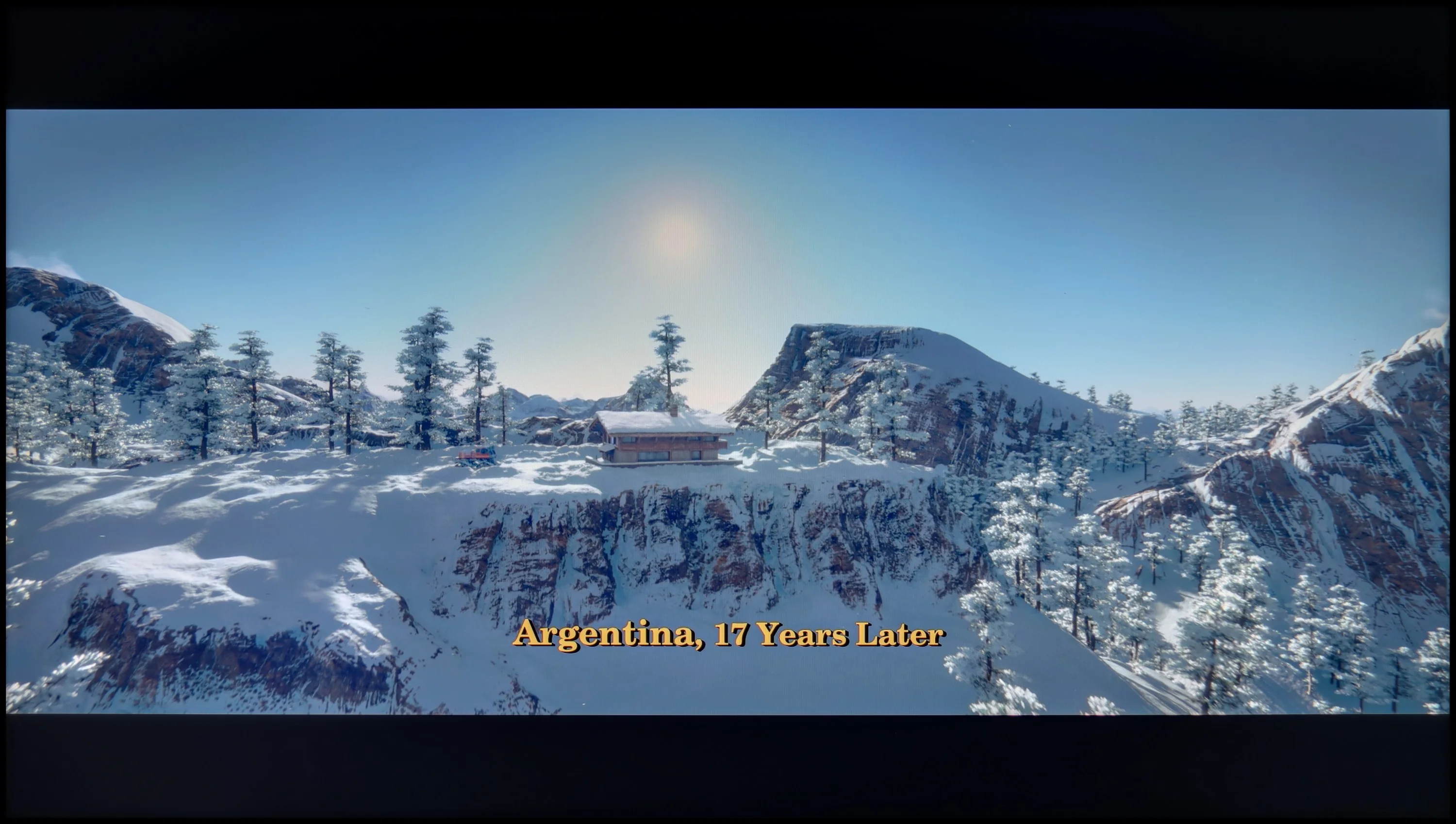

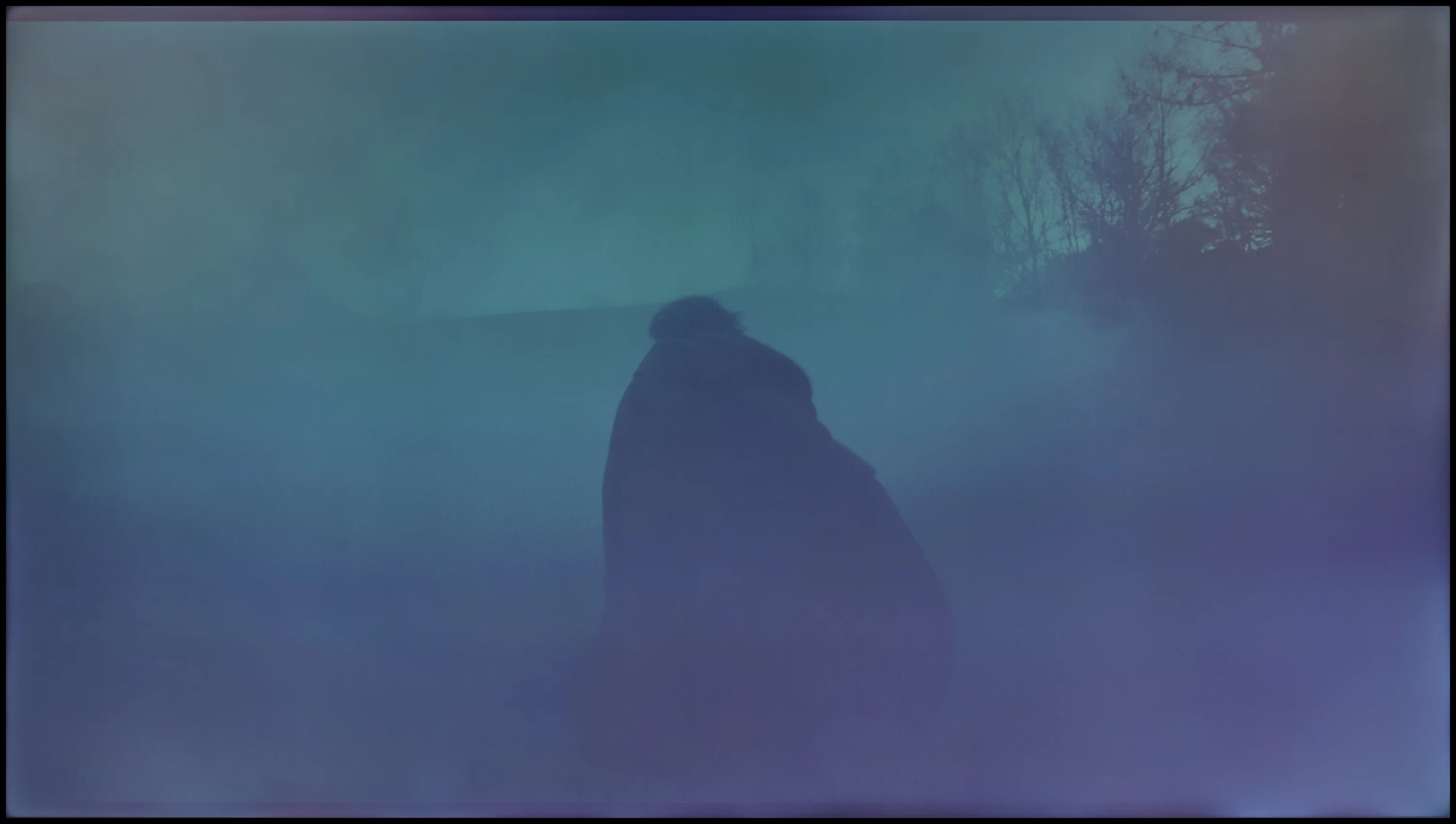

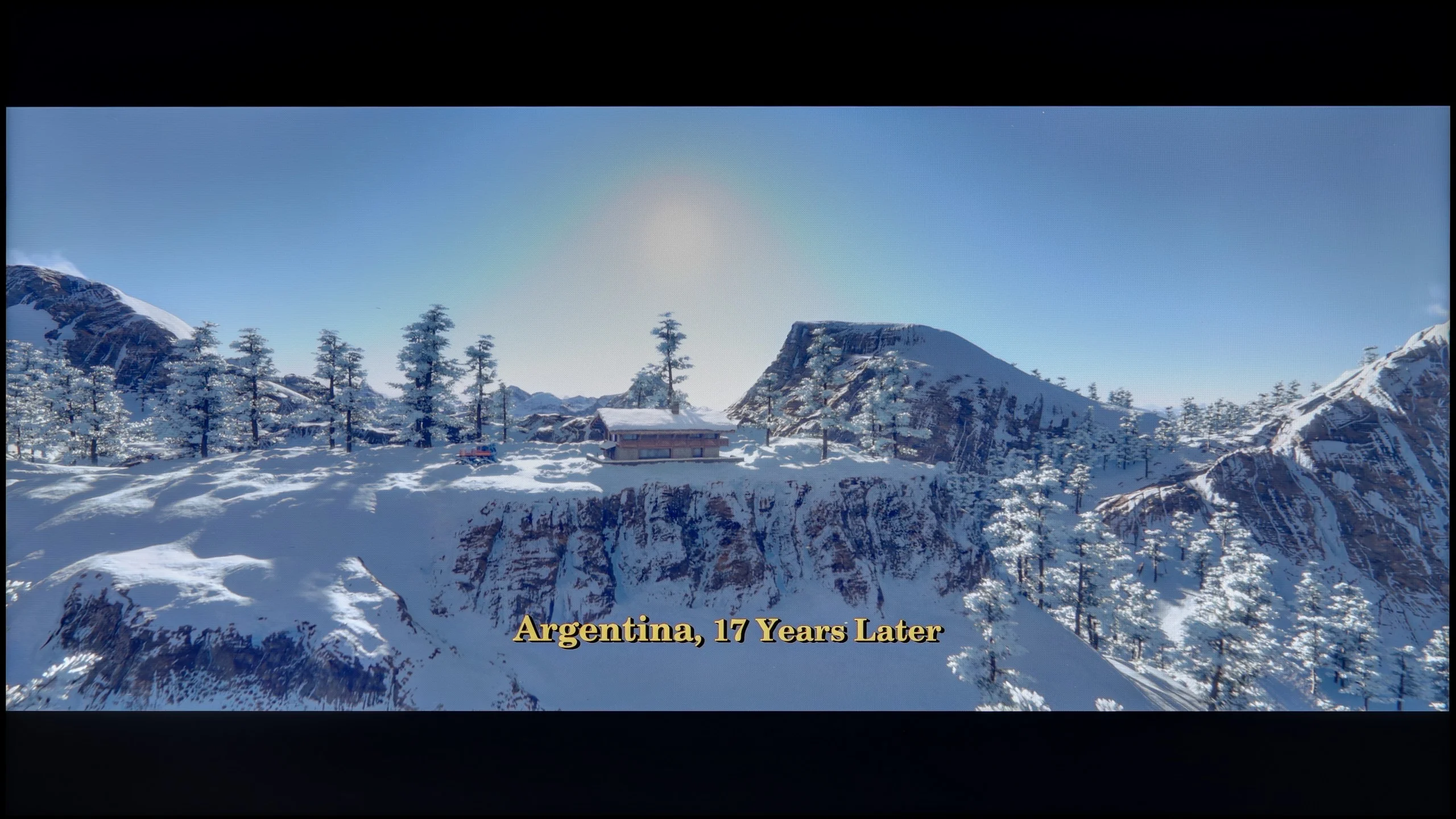
These are selected scenes that show smooth tonal transitions from one color to another. If you see distinct banding, it’s the TV panel’s fault.

These are selected scenes that show smooth tonal transitions from one color to another. If you see distinct banding, it’s the TV panel’s fault.
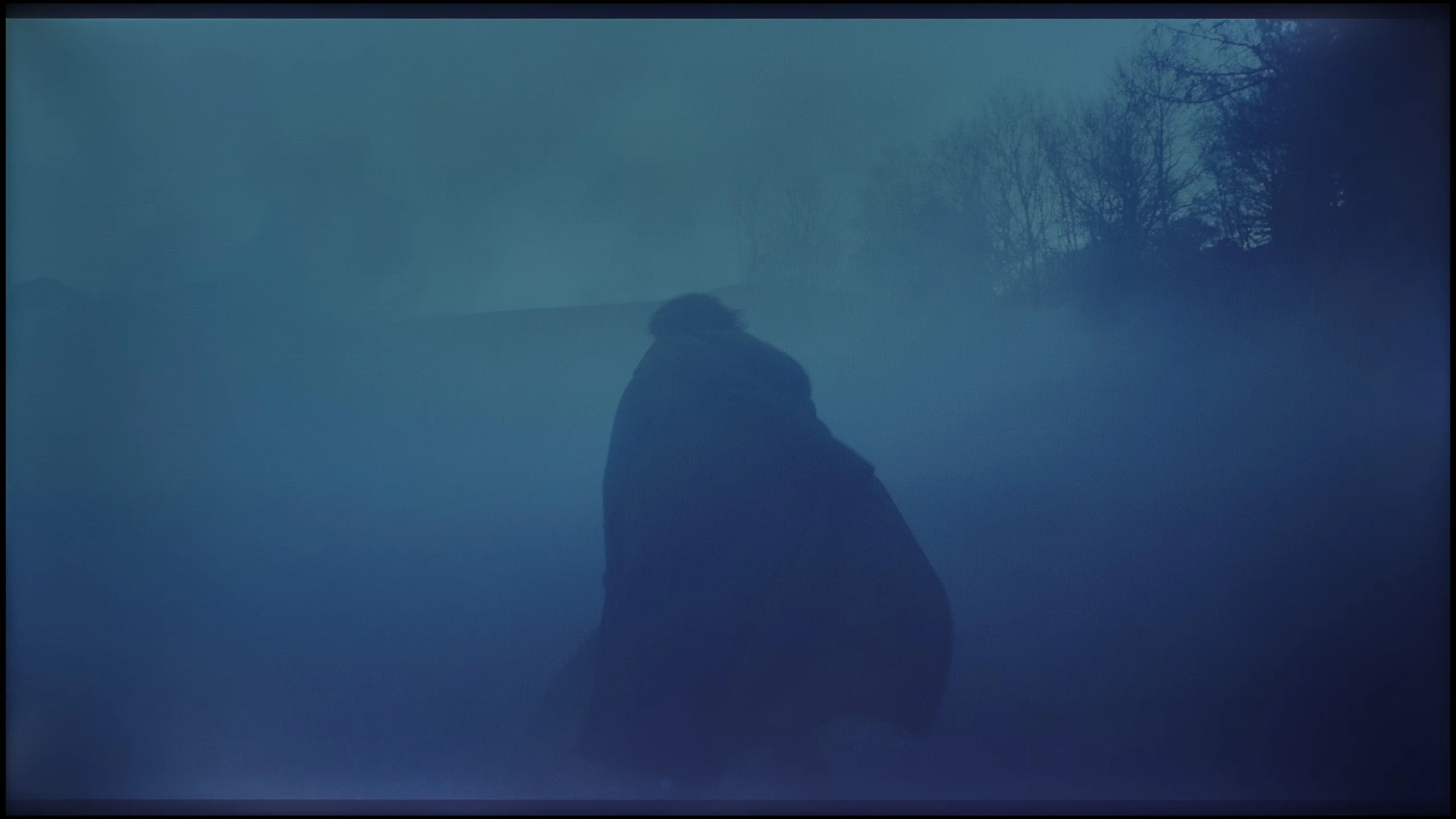
These are selected scenes that show smooth tonal transitions from one color to another. If you see distinct banding, it’s the TV panel’s fault.

These are selected scenes that show smooth tonal transitions from one color to another. If you see distinct banding, it’s the TV panel’s fault.
The fluidity of tonal transitions in LG UT8100 is at a very high level. The color gradation is almost perfect, and the transitions between shades are smooth and free of visible seams. This is definitely one of the strong points of this model. Unfortunately, the unevenness of the panel's backlighting draws attention, which can be noticeable in more homogeneous scenes, particularly in the darker areas of the image. Although the gradation itself is excellent, the unevenness of the matrix slightly detracts from the overall impression of quality.
In the version with an IPS panel, one can also speak of decent fluidity – in most scenes, color transitions were smooth and few would notice them during everyday viewing. However, it should be noted that compared to the VA variant, the image seemed more flat, especially in darker areas, where the lower contrast did not allow for as many details to emerge. Nevertheless, color transitions still looked correct and did not pose a significant problem in practice.
Image scaling and smoothness of tonal transitions
7.3/10
5/10

Smooth transition function
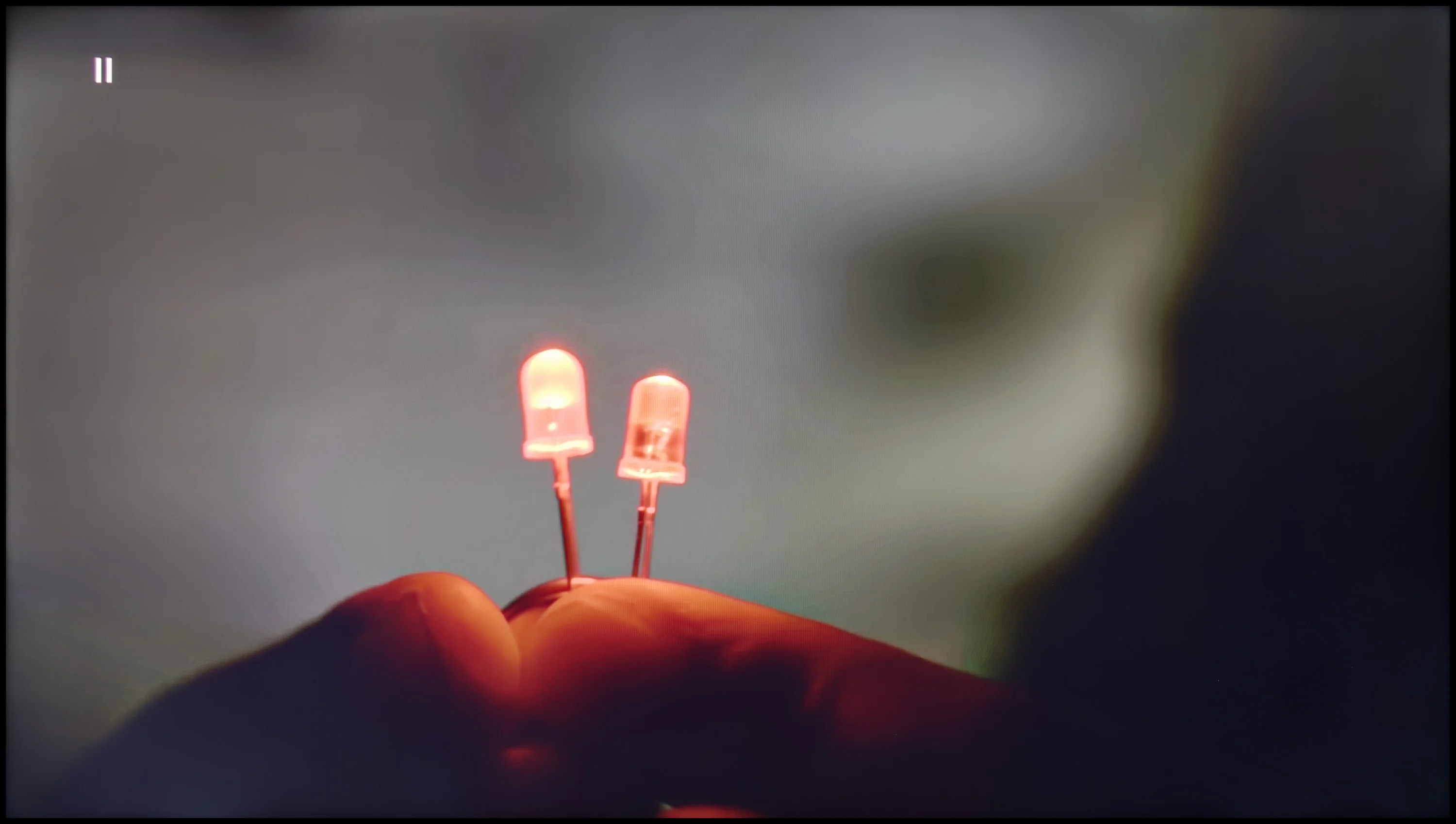
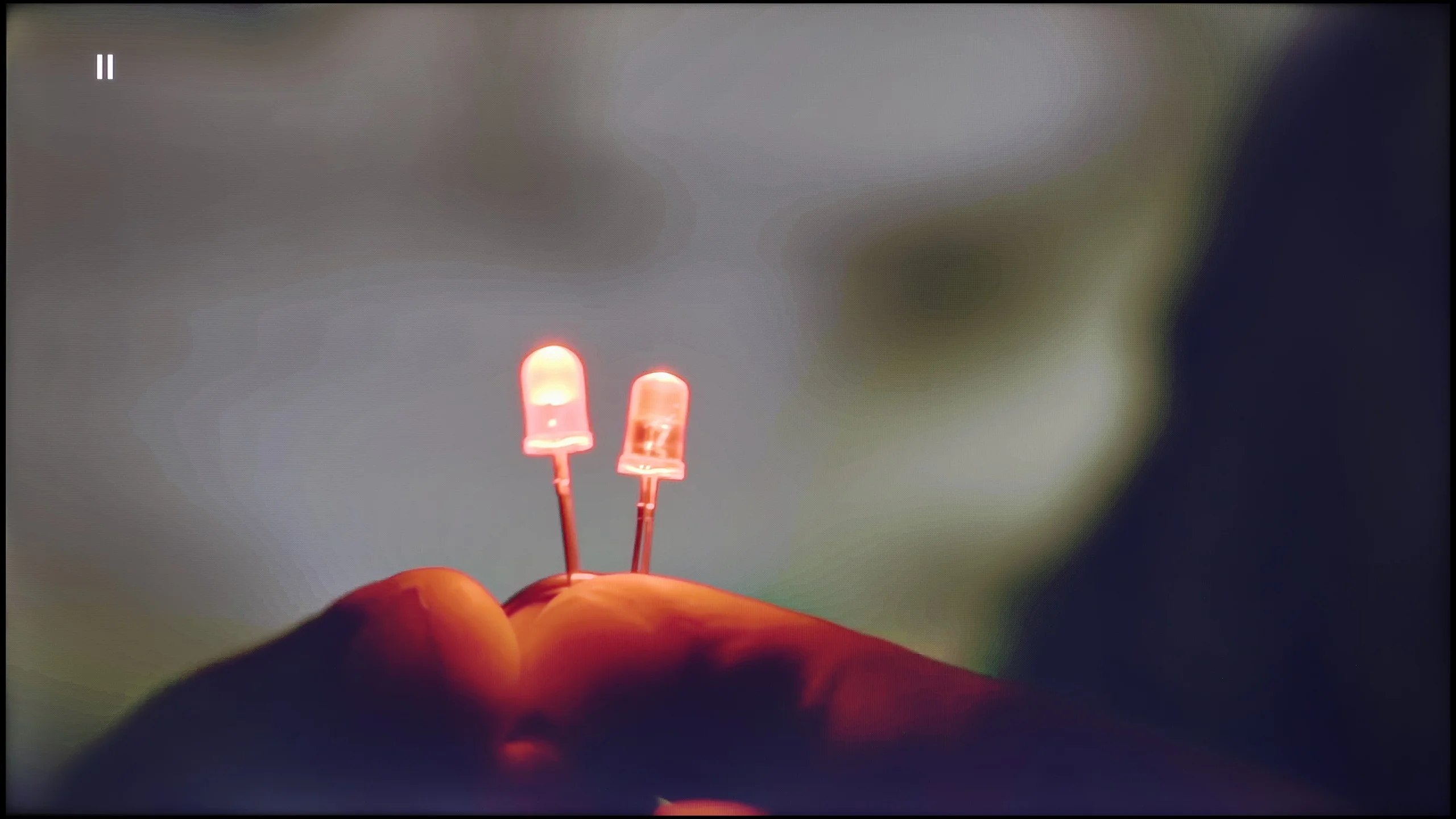
The match photo shows how the TV smooths weak tonal transitions in low-quality video.
Image scaling SD (576i)


The model photo shows how it handles upscaling of SD material.
The fluidity of tonal transitions is also correct, although the effect depends on the settings. The update improved the functionality of smooth gradation, smoothing transitions better than before, but introduced minor issues with loss of detail, e.g., on textures.
Image scaling on LG UT8100 performs very well. The image presents itself decently, without major issues with edge aliasing. Details are preserved at a satisfactory level, which makes lower-resolution materials look really solid on this TV. As a result, users can enjoy watching older content without obvious quality flaws.
The version with the IPS matrix performed significantly worse here. Image scaling was uneven – this was particularly noticeable in lower-quality materials, where edges became jagged and the image looked less detailed. At times, there was also a sense of slight blurriness that detracted from sharpness and made the overall presentation seem less polished than in the VA version. The tonal smoothing function turned out to be a lifesaver. At the medium setting, it worked very well – it didn't ruin the image with excessive softening, while smoothing out colors in such a way that everyday content gained consistency. The difference was especially visible with television programs or streaming materials of poorer compression quality, where the television with the function enabled presented itself much better. This is one of those features that is worth keeping active because it significantly enhances the reception of everyday materials.
Blur and motion smoothness
4.9/10
4.5/10

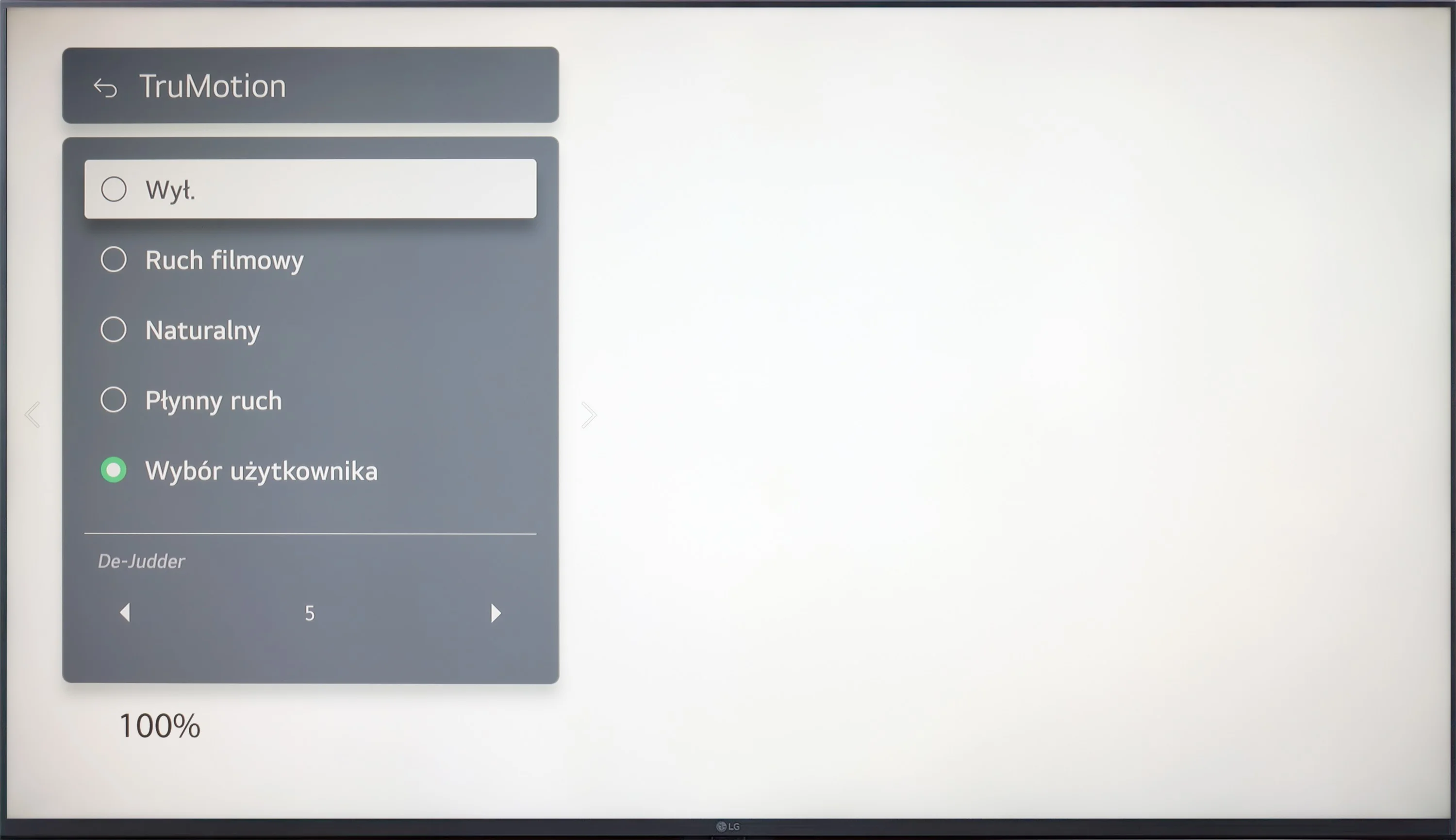
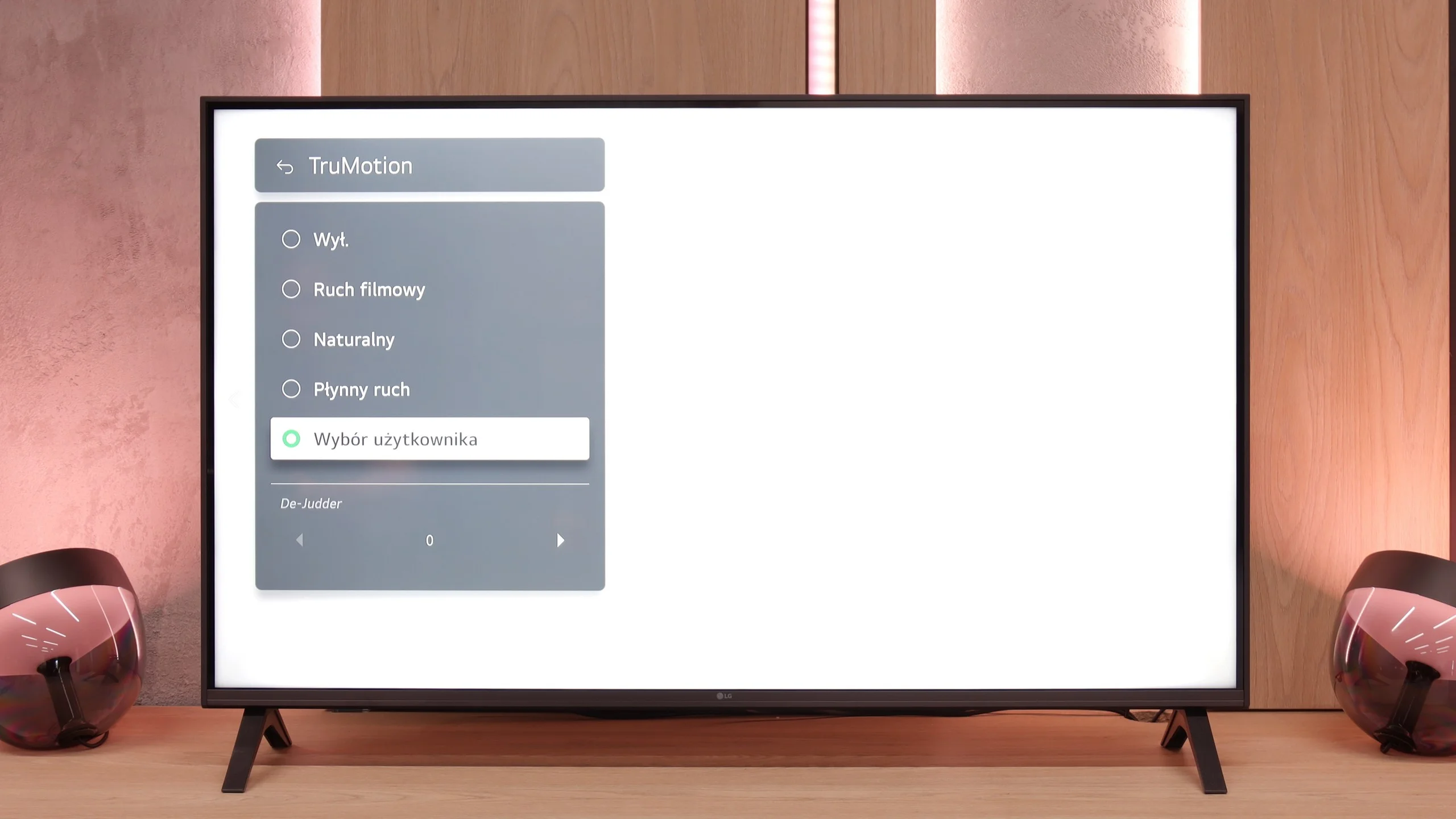
Blur (native resolution, maximum refresh rate):
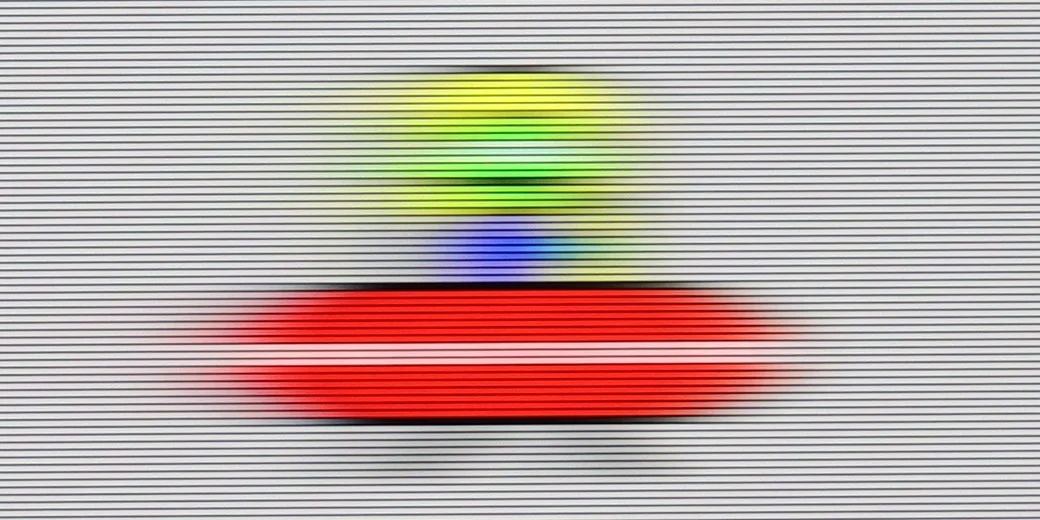
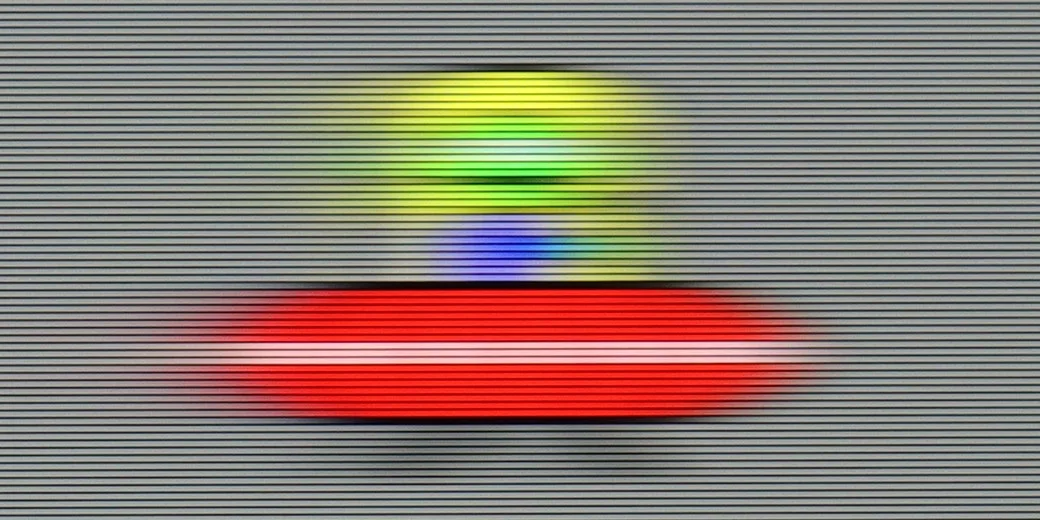

LG UT8100, equipped with a 60 Hz display, will be especially suitable for people watching movies. The television offers the TruMotion system with de-judder effect adjustment, allowing users to customize the fluidity of the image – from more choppy to exceptionally smooth, reminiscent of a soap opera effect, depending on user preferences.
LG UA7500 is a television with a 60 Hz panel, so it's difficult to expect any excitement in this category. It's more of a screen intended for everyday content or an evening movie session rather than for following dynamic sporting events or playing action games. It's clear that the manufacturer designed this model specifically for that group of viewers – and in that regard, it works properly. We have access to the TruMotion feature, which is a motion smoother. It's simple, with just one slider, but it can make a noticeable difference. At lower settings, the picture looks more raw and cinematic, while at higher values, the motion becomes smoother and more pleasant to the eye.
Console compatibility and gaming features
4.7/10
6/10
- ALLM
- VRR
- VRR range 48 - 60Hz
- Dolby Vision Game Mode
- Correct implementation of HGIG
- 1080p@120Hz
- 1440p@120Hz
- 4K@120Hz
- Game bar
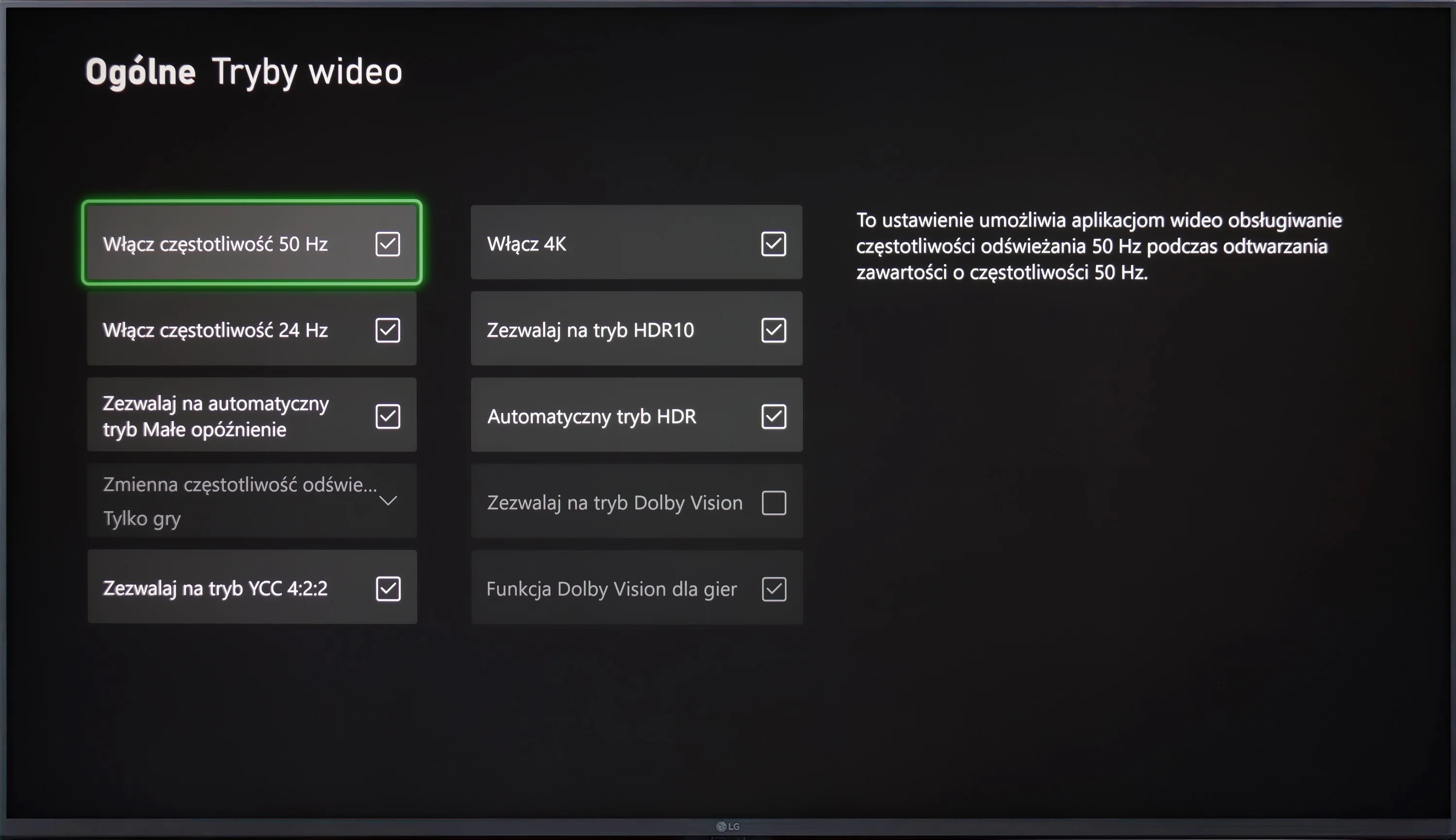
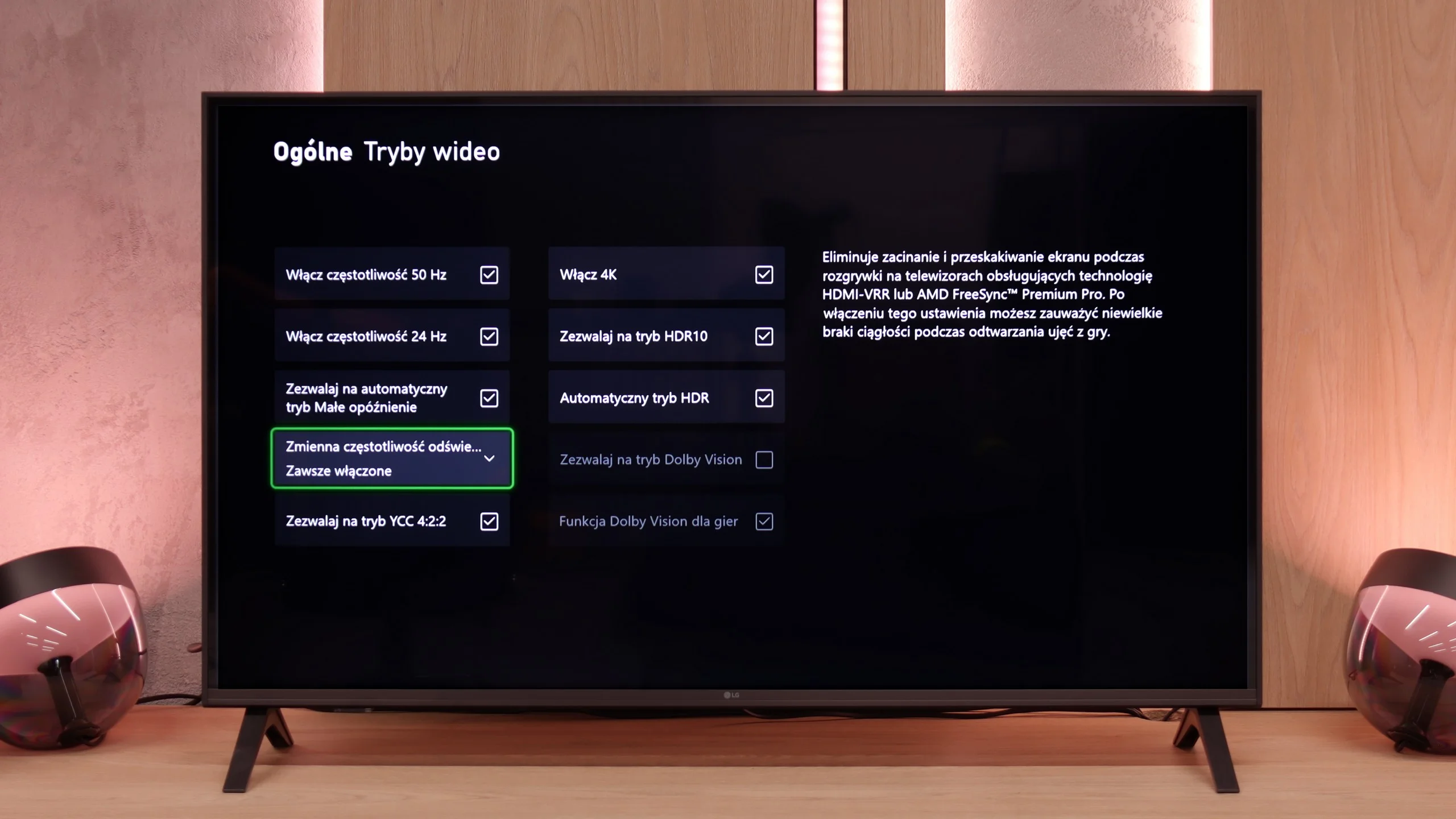
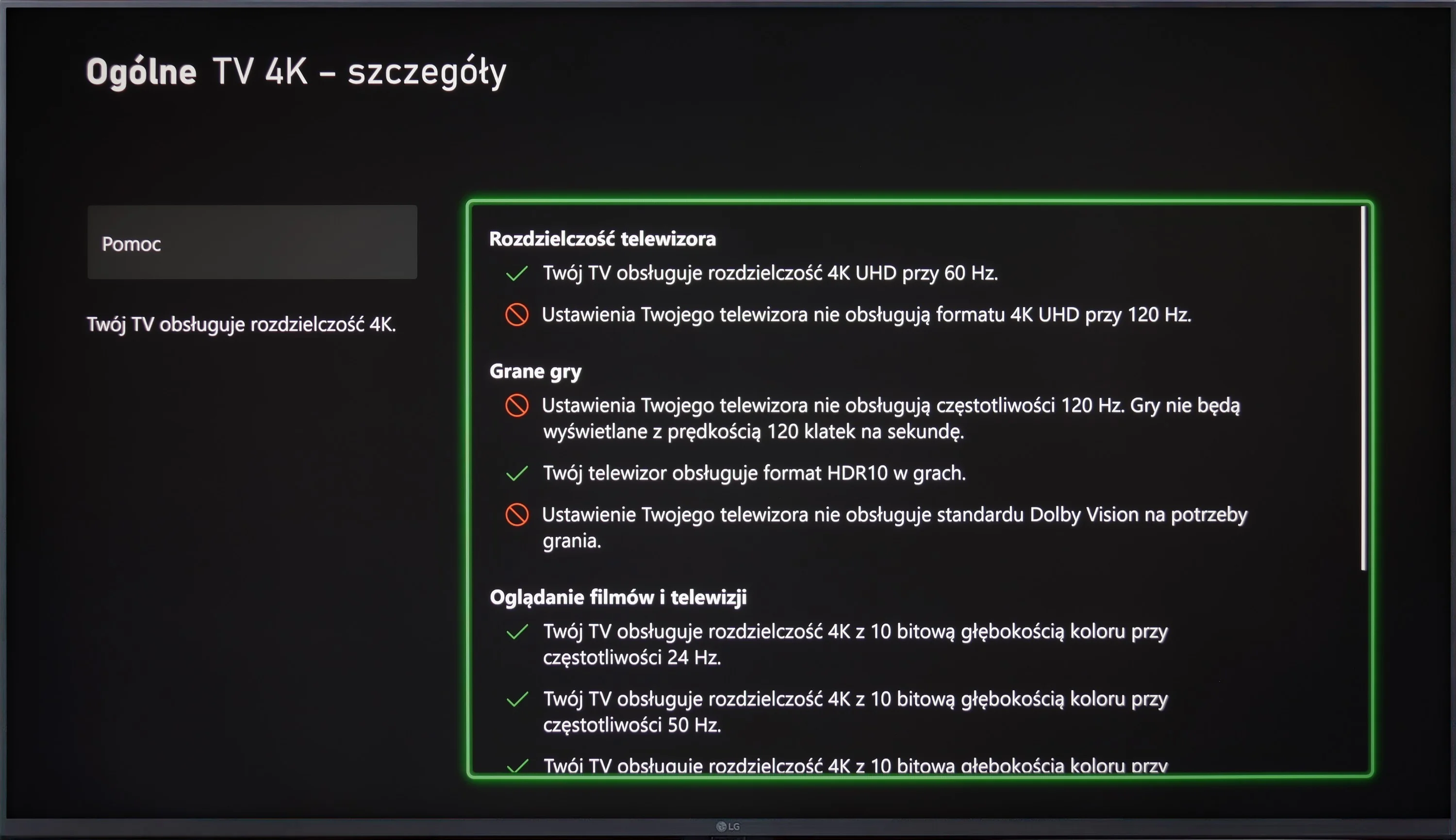
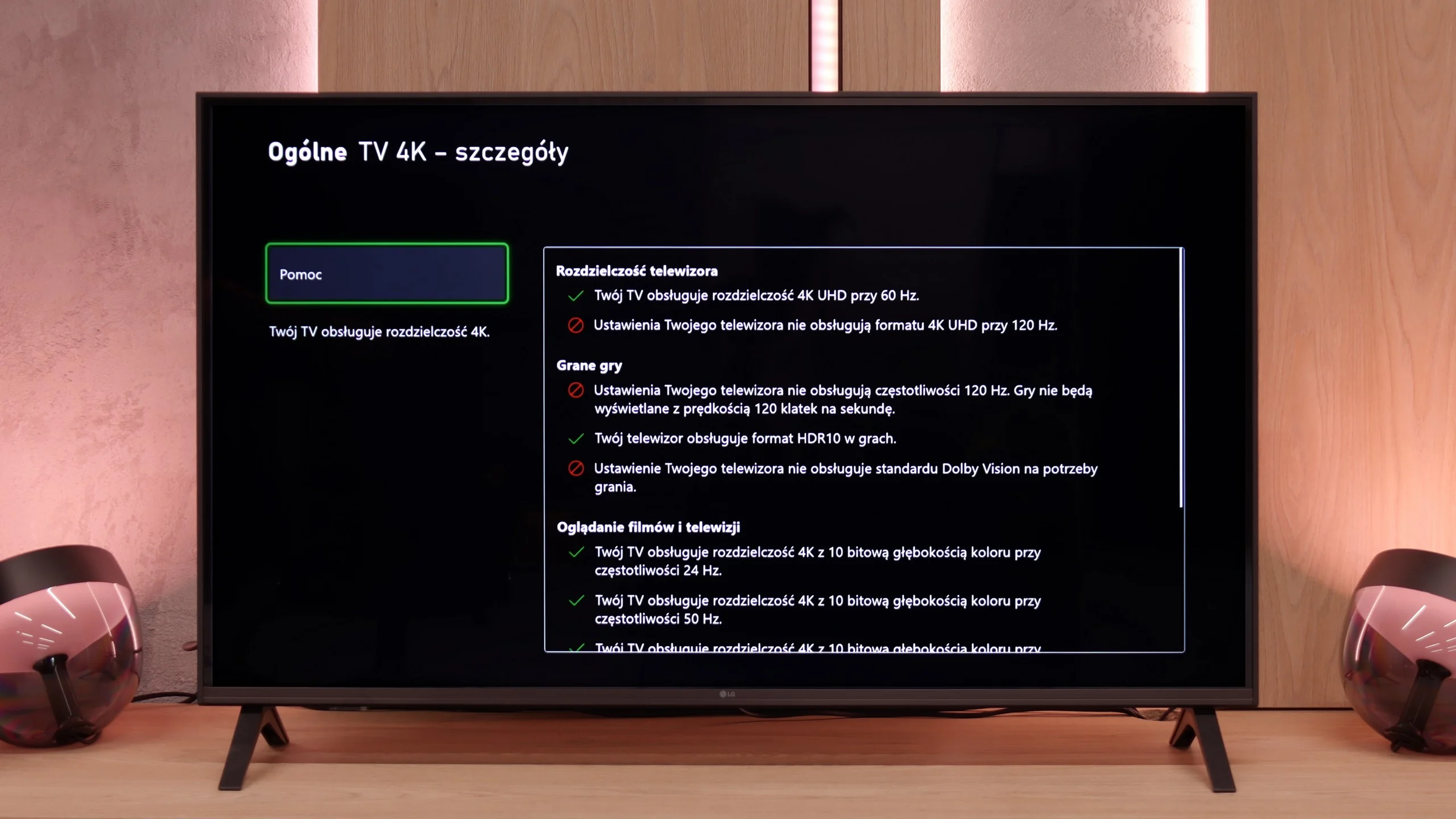
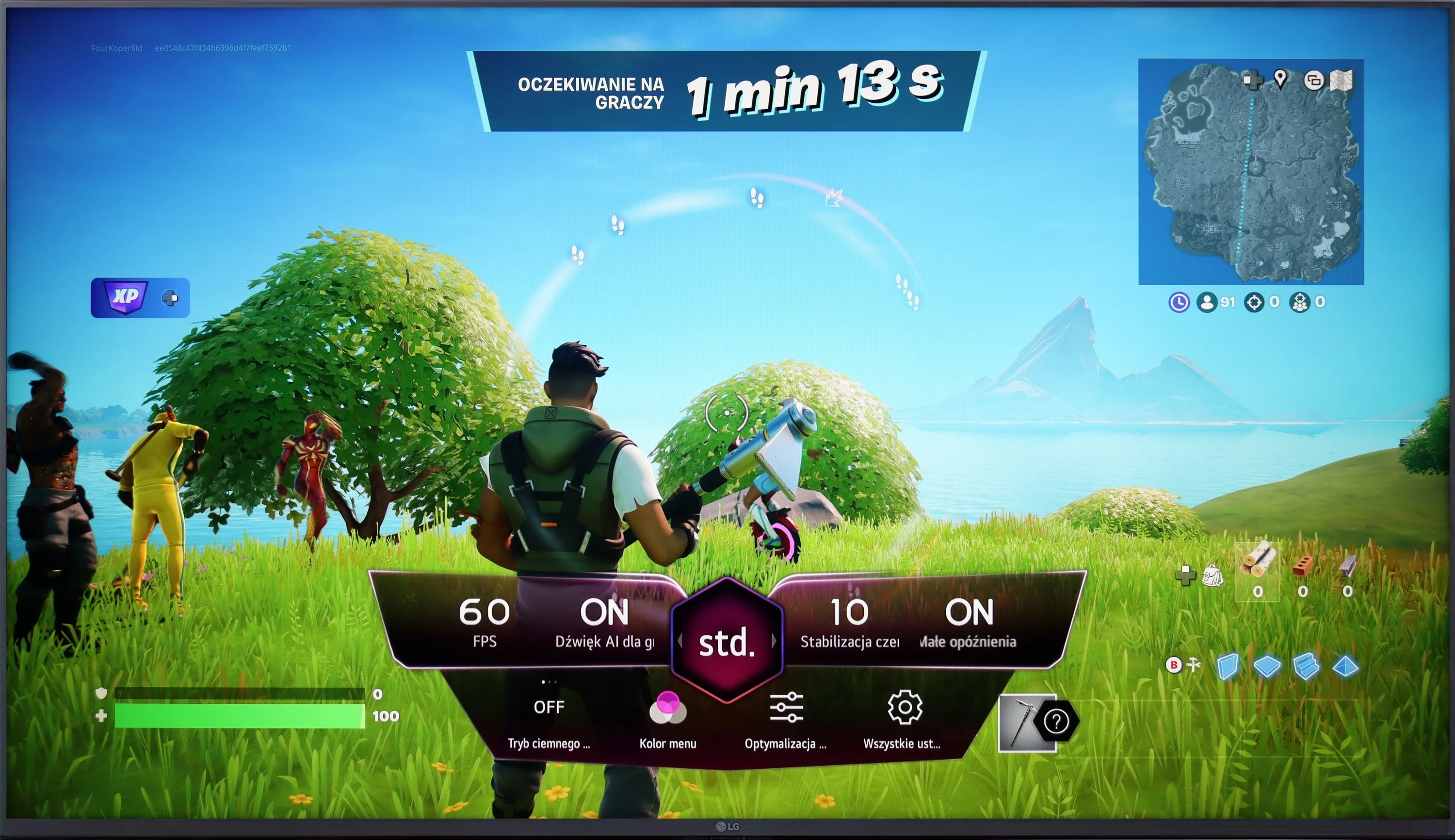
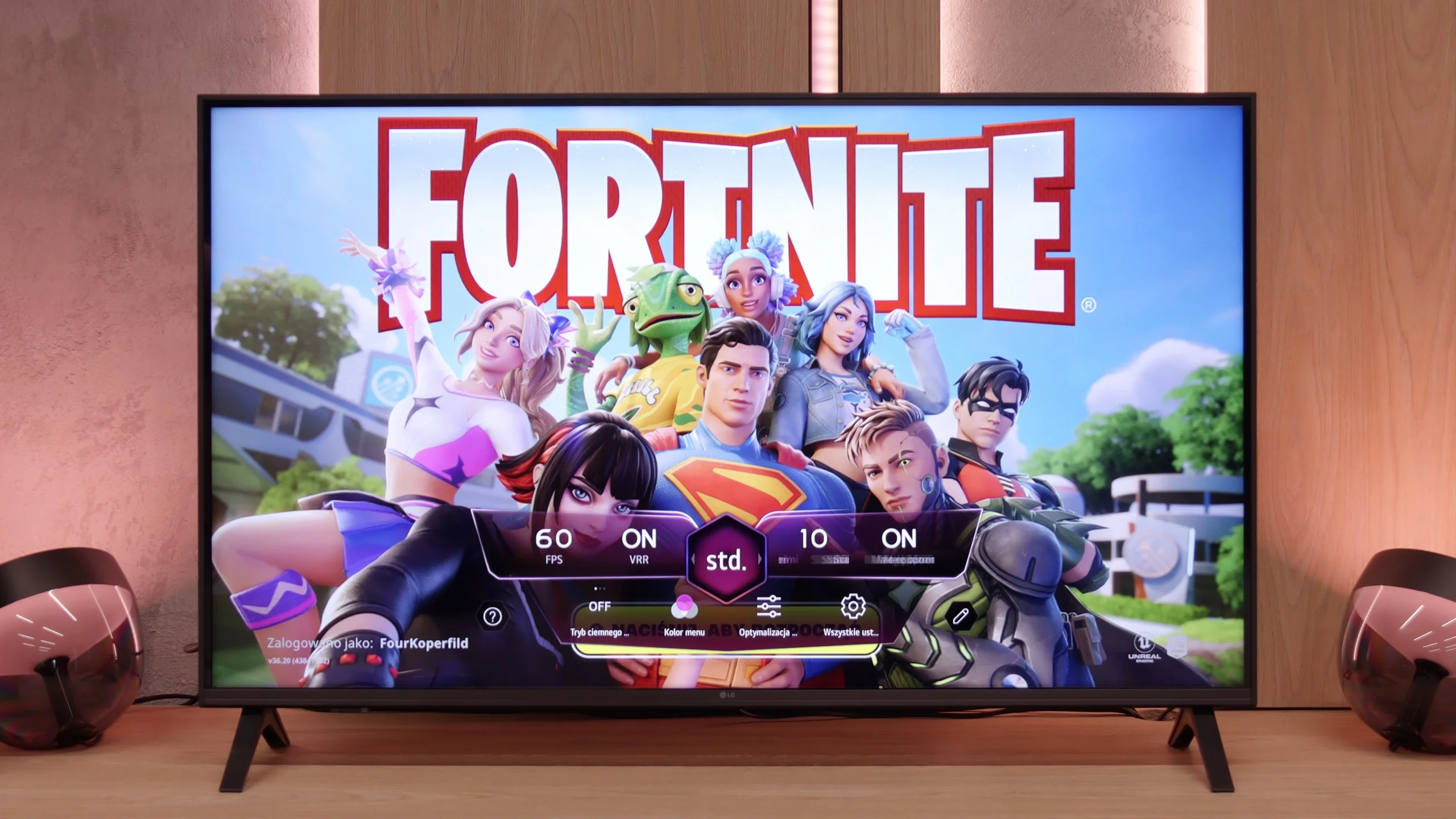
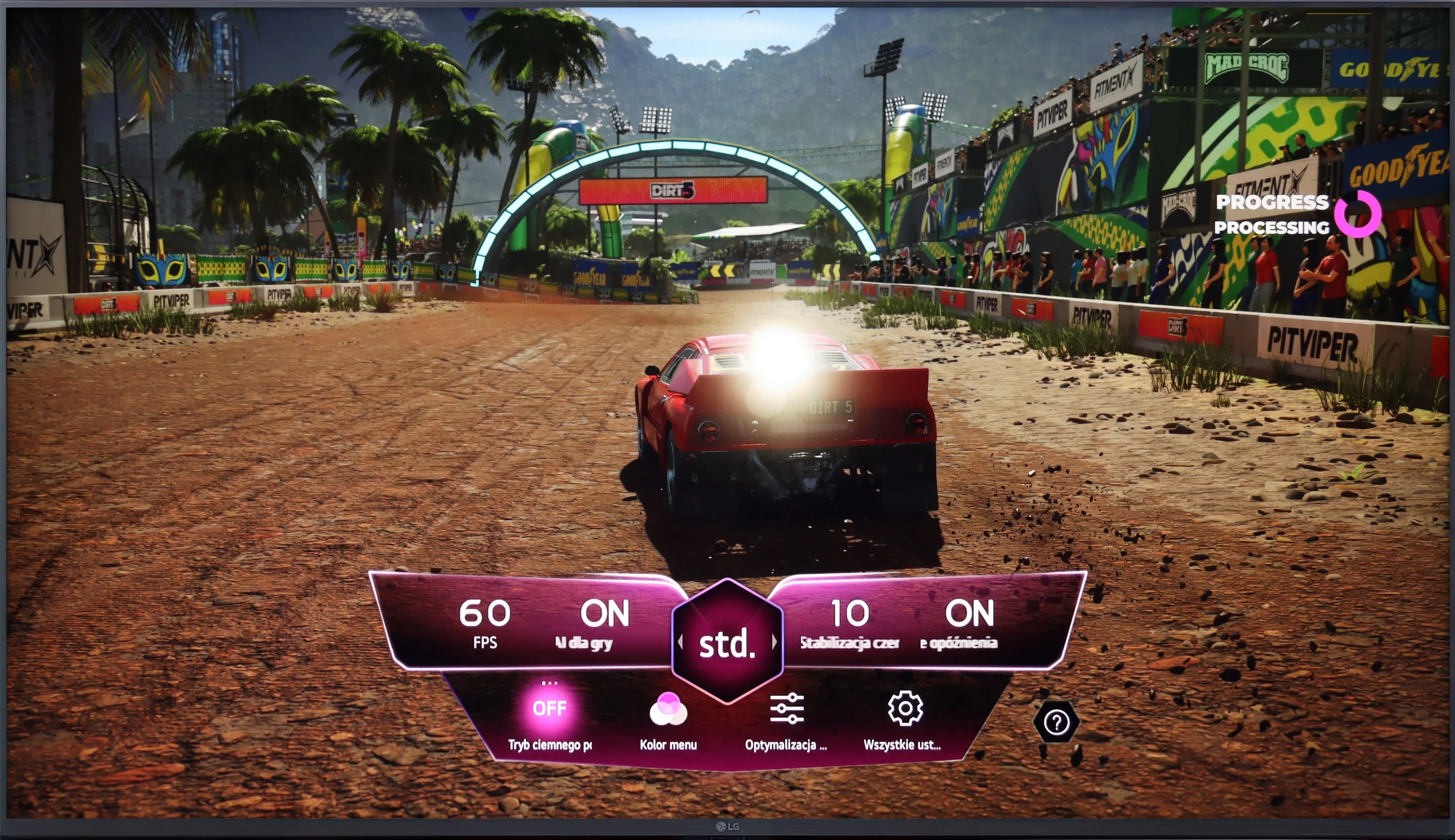
LG UT8100 offers basic features for gamers, such as ALLM and Game Bar, which makes access to settings easier. The TV also supports HGiG, which improves image quality in HDR games. Unfortunately, the lack of support for Dolby Vision and VRR limits the capabilities of the device, as does the 60 Hz panel, which excludes support for 120 Hz resolution. This model will be more suitable for less demanding gaming applications.
LG UA7500 is a television that can be confidently recommended for "casual" gamers. While it lacks a 120 Hz panel and HDMI 2.1 ports, making full use of the potential of modern consoles out of the question, the manufacturer has included a few additions that can enhance the gaming experience. Notably, the Game Bar deserves mention – a very nicely designed panel that allows quick access to and modification of the most important settings. From this panel, we have access to features such as ALLM mode (automatic switching to game mode) and frame synchronization, which is VRR. The range of VRR is limited – it operates from 48 to 60 Hz – but the mere presence of this feature in such an affordable television is impressive.
Additionally, it supports HGiG, which is a calibration mode for HDR specifically for gaming. This sounds good, but based on testing experience, we already know that in the case of the UA7500, this option doesn't make much sense. The television doesn't handle HDR very well, so paradoxically, we achieved better results with this feature turned off. This is another signal that the UA7500 is more of a screen for occasional gamers who value simplicity and comfort rather than for those looking for a complete experience from the latest consoles.
Input lag
10/10
10/10
SDR
HDR
Dolby Vision
LG UT8100 achieves an impressively low input lag of 10 ms, which is a great result, especially for gamers. This television provides quick response and smooth experiences during gameplay, even in fast-paced games.
A delay of less than 10 ms is a result that more expensive models could easily envy. This allows games to run exceptionally responsively, with every action on the controller immediately visible on the screen. This is one of the strongest features of this television, especially for those who enjoy firing up a console from time to time.
Compatibility with PC
6/10
6/10
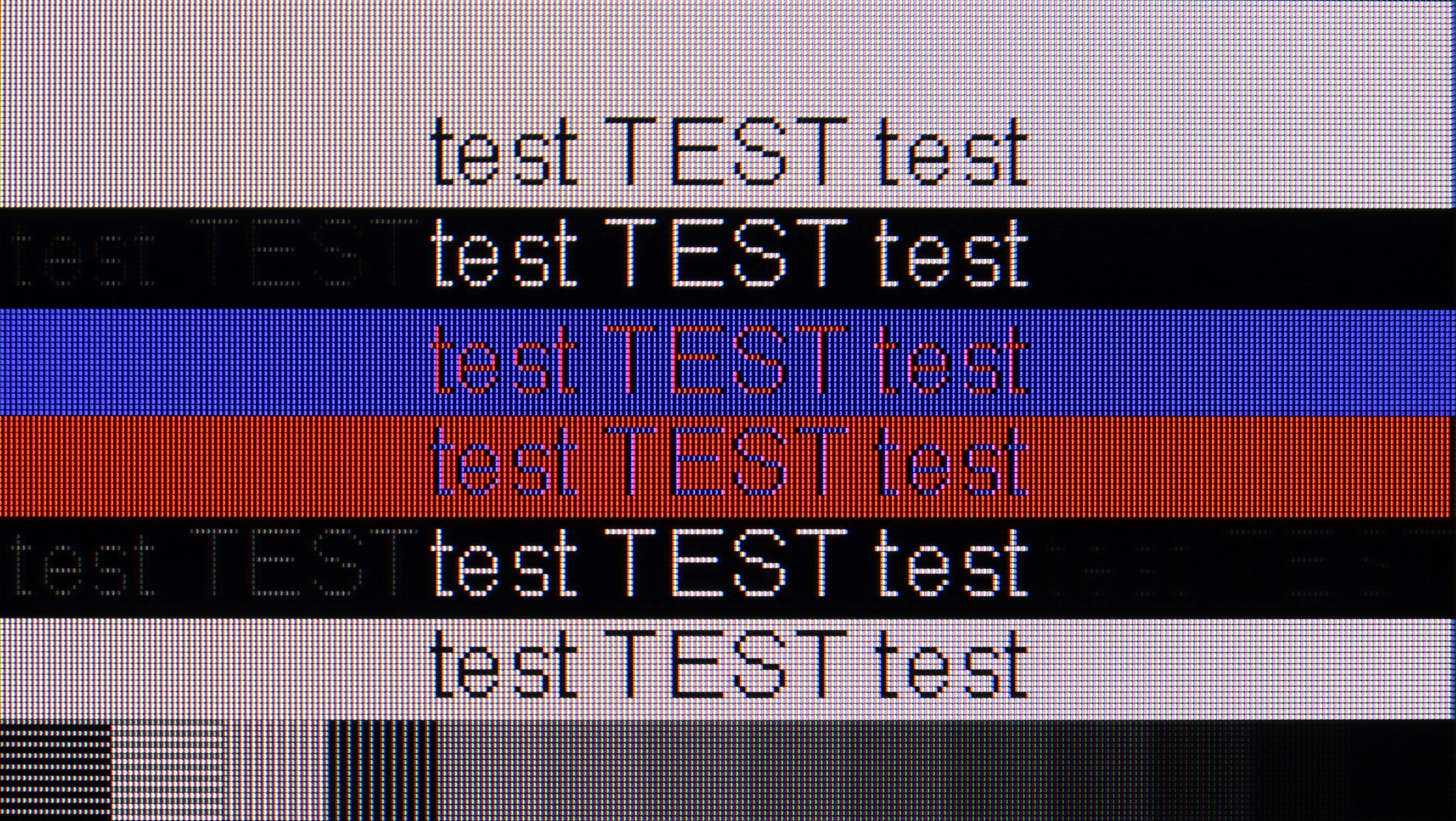
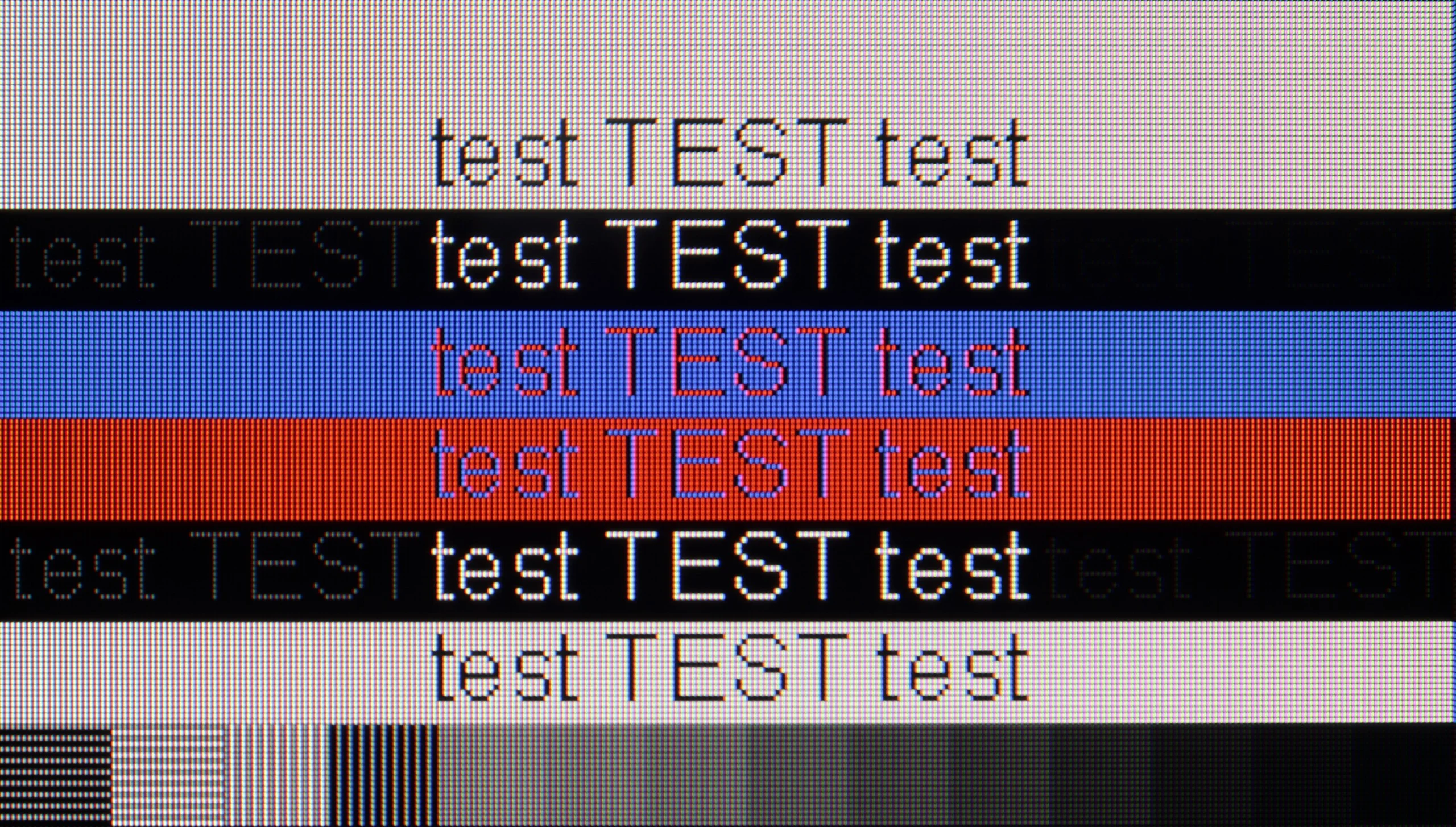
The photo shows the legibility of small fonts. Ideally, lines should be the same thickness on both light and dark text, with minimal pixel gaps.
LG UT8100 will perform well as a work monitor thanks to support for chroma 4:4:4, which ensures very good readability of fonts regardless of the background. In terms of gaming, the TV offers a 60 Hz panel and low input lag, making it suitable for less demanding applications. Unfortunately, the lack of support for features such as G-Sync limits its capabilities in more advanced gaming scenarios.
In the 43-inch variant equipped with an IPS panel, the LG UA7500 performs excellently as a computer work tool. Thanks to the use of this specific panel, the readability of the fonts is at a remarkable level – text looks sharp and clear even during prolonged office work. Additionally, it supports chroma 4:4:4, so colorful fonts, icons, and interface elements look phenomenal. This makes the UA7500 perform exceptionally well as an occasional monitor. It is not a screen designed for avid gamers, but in the context of work and everyday use of a PC, it performs great.
Viewing angles
6.3/10
6.4/10
Thanks to the use of an IPS panel, LG UT8100 offers quite good viewing angles. The image remains clear and does not lose much quality, even when viewed from the side. Colors are well preserved, and brightness and contrast decrease in a noticeable but moderate way. This is particularly important in rooms where viewers sit at different angles to the screen. In this category, the television performs solidly, standing out compared to models with VA panels.
The biggest advantage of the IPS variant in the LG UA7500 is the viewing angles. Even when we sit far to the side, the image maintains its consistency – colors do not fade dramatically, and the screen brightness remains at a decent level. It is this type of panel that makes the television work well in rooms where people often watch TV together, sitting in different places. It is clear that IPS has no problem maintaining stable color reproduction at greater angles, which facilitates viewing in larger groups. However, it should be added that the contrast is still limited, so even if the image from the side looks even, it still lacks depth, especially in dark scenes. Therefore, IPS makes up for it with a wide range of angles, but at the cost of blacks remaining average regardless of perspective.
Daytime performance
4.6/10
4/10
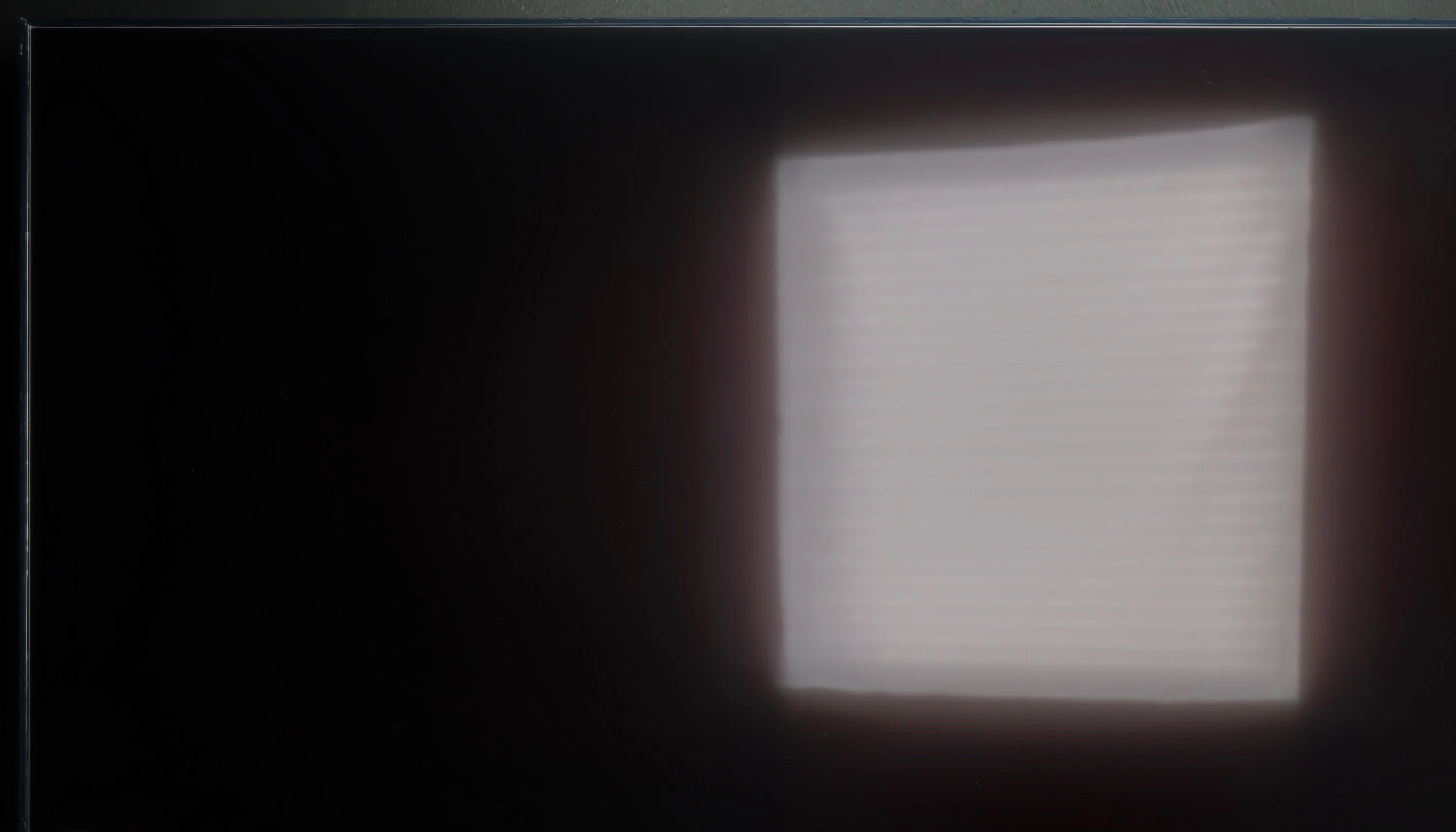
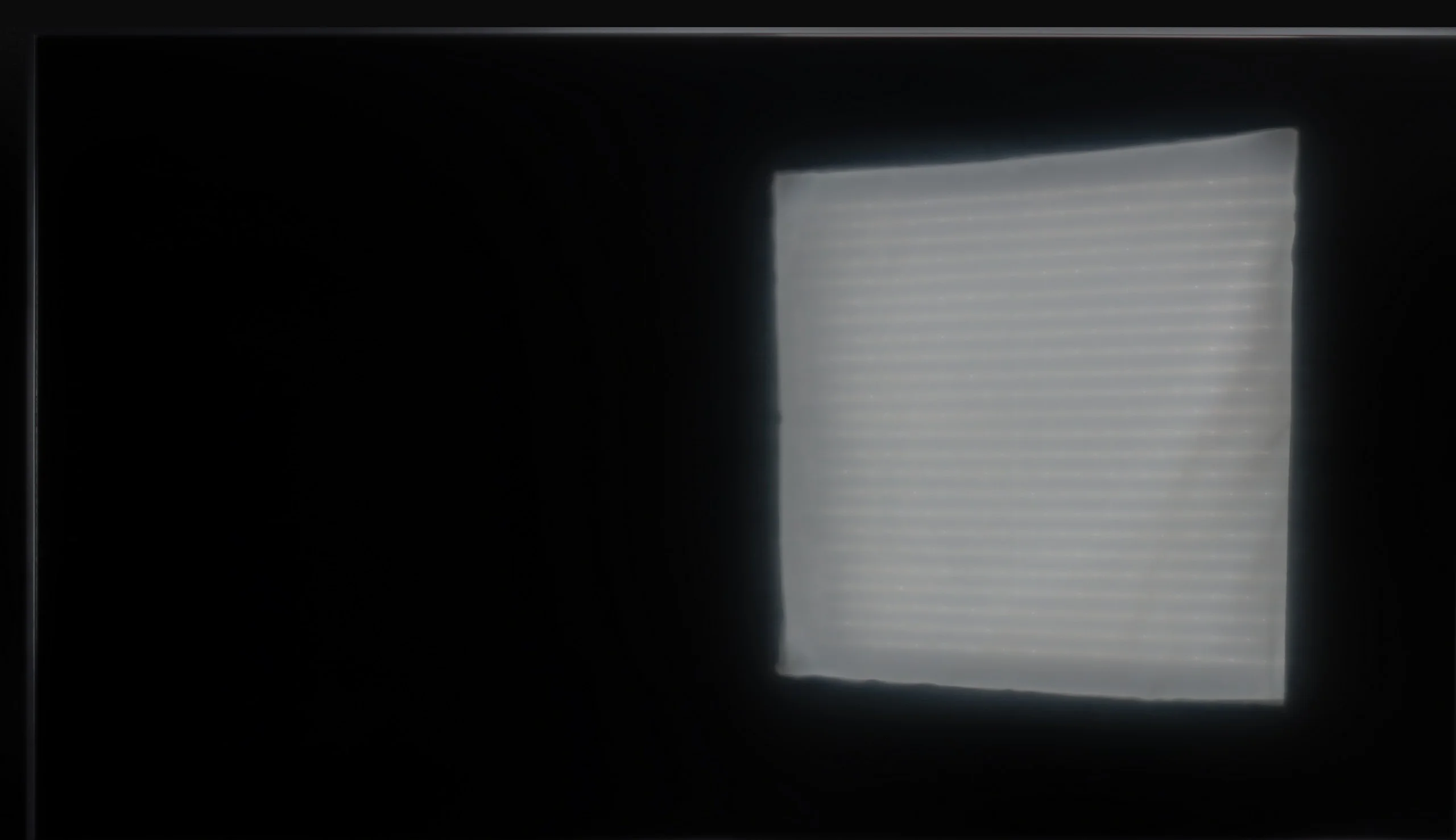
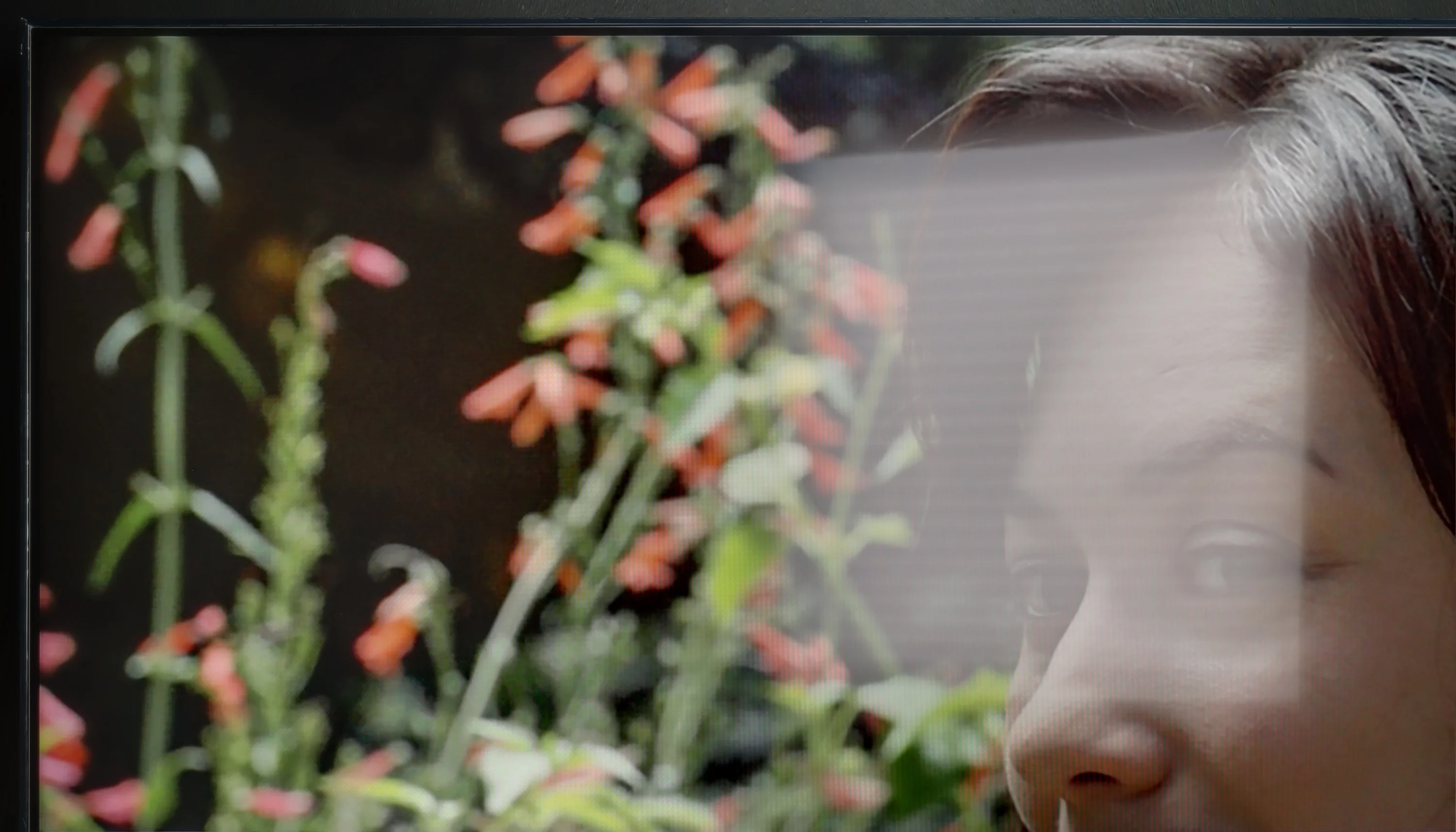
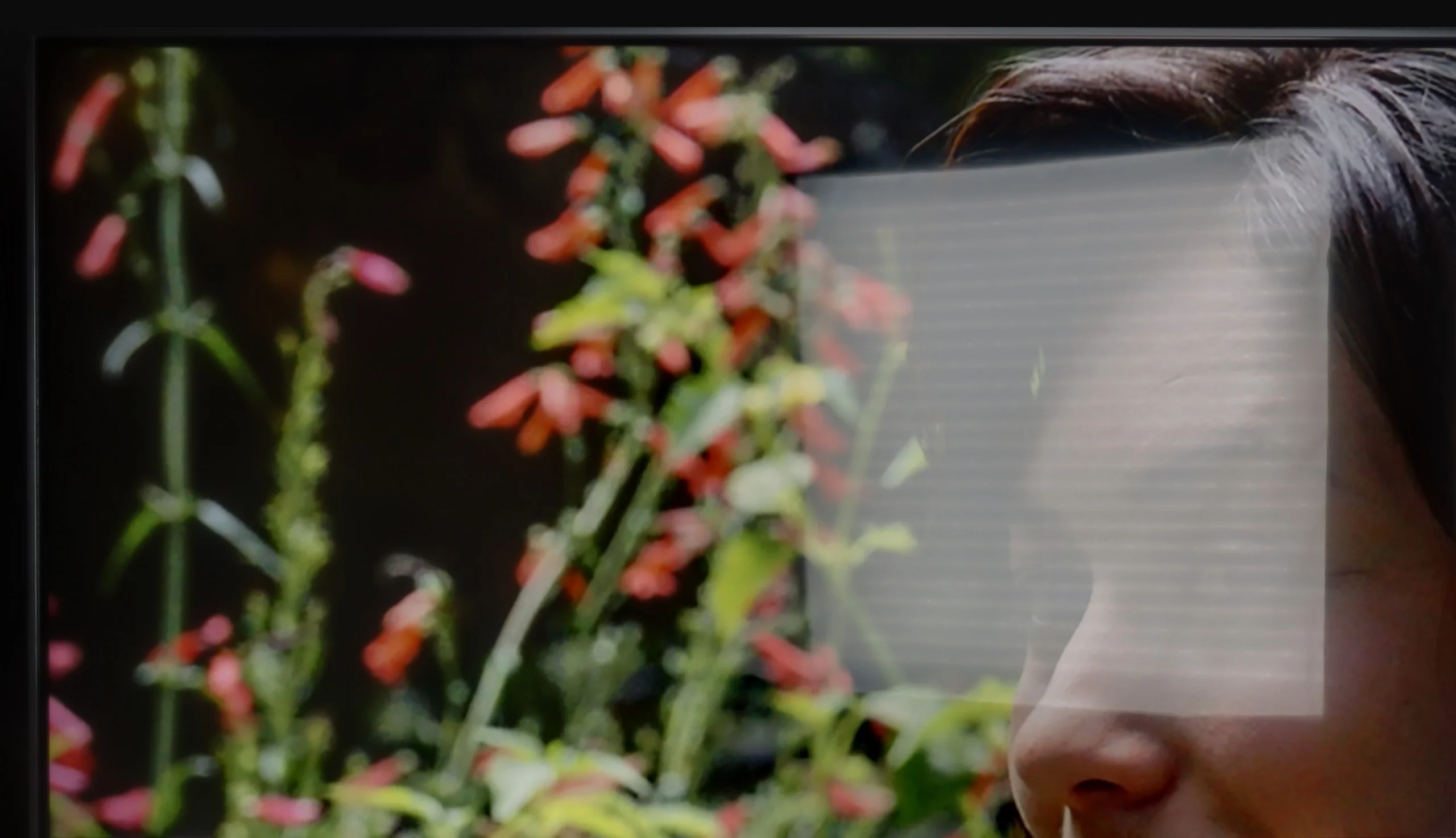
Panel brightness
LG UA75006LA (IPS): 247 cd/m2
LG UT8100 (IPS): 345 cd/m2
LG UT8100 is equipped with a satin matrix coating, which averages out in terms of reflection suppression. A brightness level of 350 cd/m² is sufficient in moderate lighting conditions, such as a typical living room. However, in very bright rooms, the TV may struggle to maintain image readability, especially on sunny days. It will perform best in places where lighting can be partially controlled.
The IPS variant performs worse in this regard. The coating is the same – it moderately reduces reflections – but the brightness is lower, around 250 nits. This means that on sunny days, the screen appears noticeably darker and loses readability more easily. The colors still maintain their accuracy and do not fade excessively, but the lack of additional brightness reserve is noticeable. In practice, the television will work well in rooms where light does not directly hit the screen, whereas in brighter conditions, IPS can quickly show its limitations.
Panel details
Subpixel Structure:
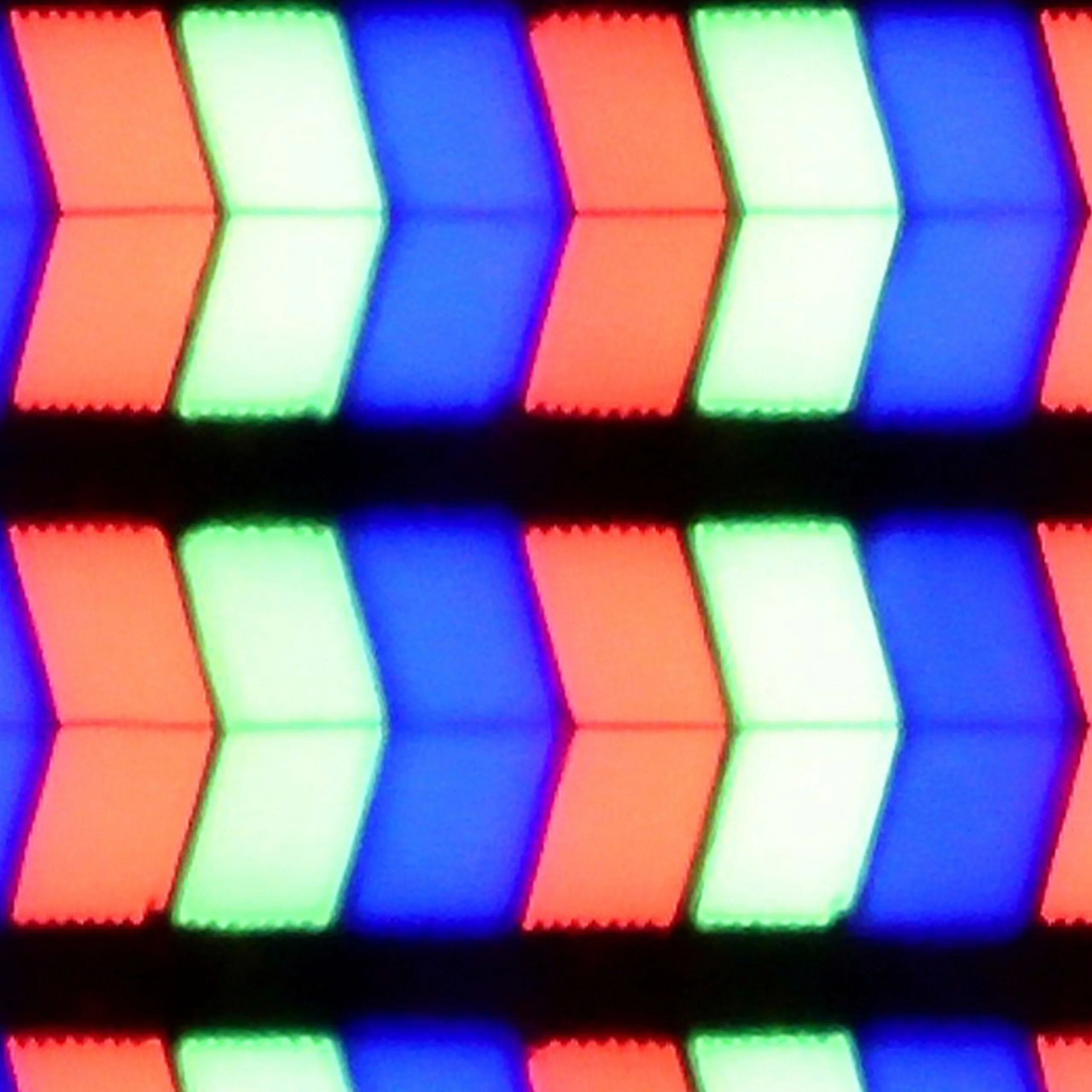
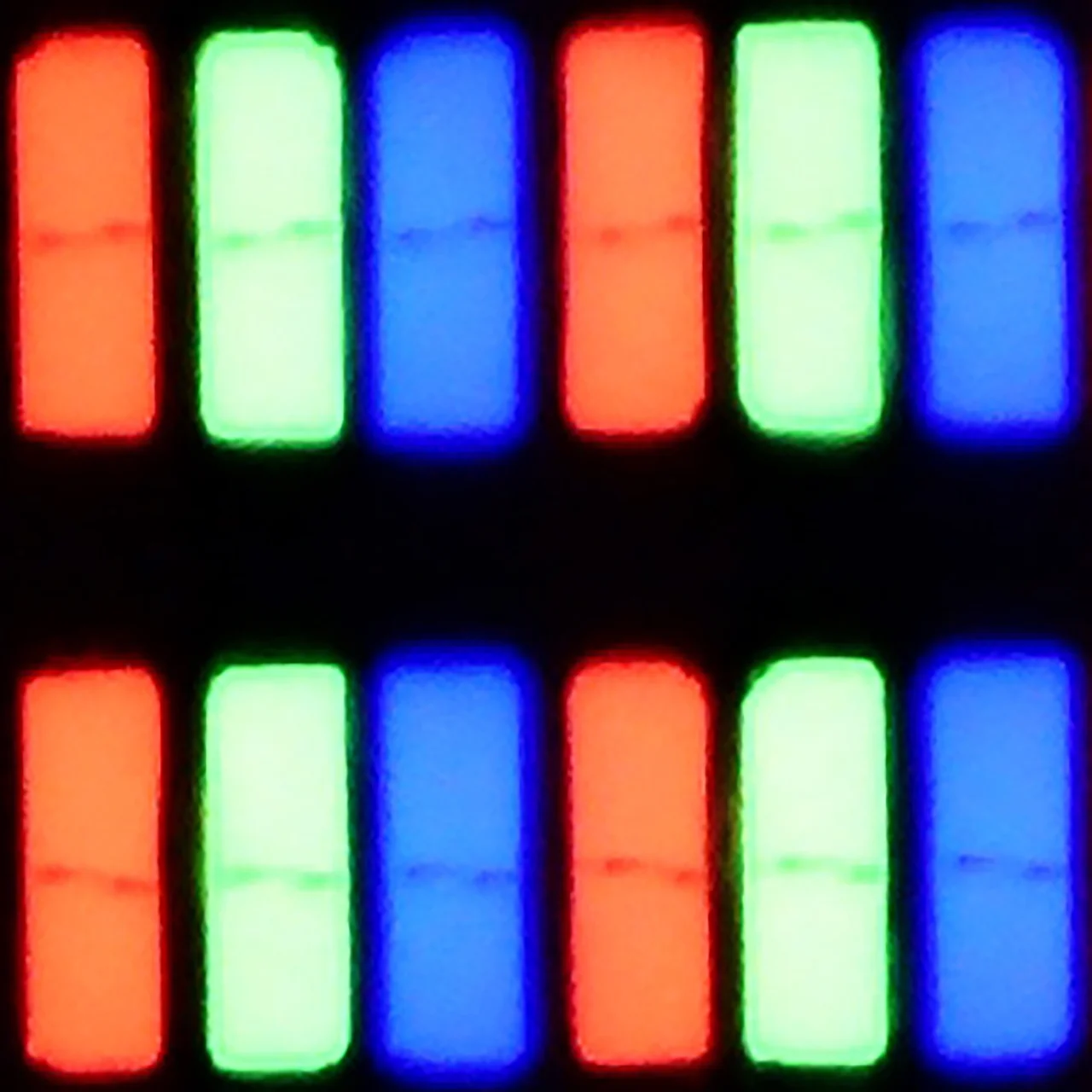
Panel uniformity and thermal imaging:


LG UT8100 (IPS)
LG UA75006LA (IPS)
TV features
7.7/10
7/10
- SystemWebOSWebOS
- System performanceDecentDecent
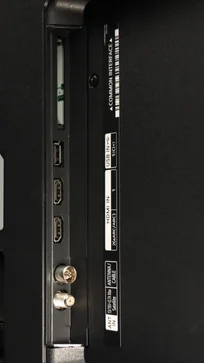
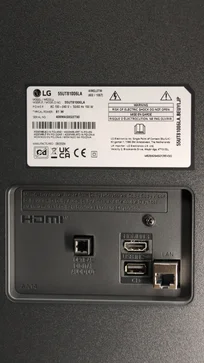
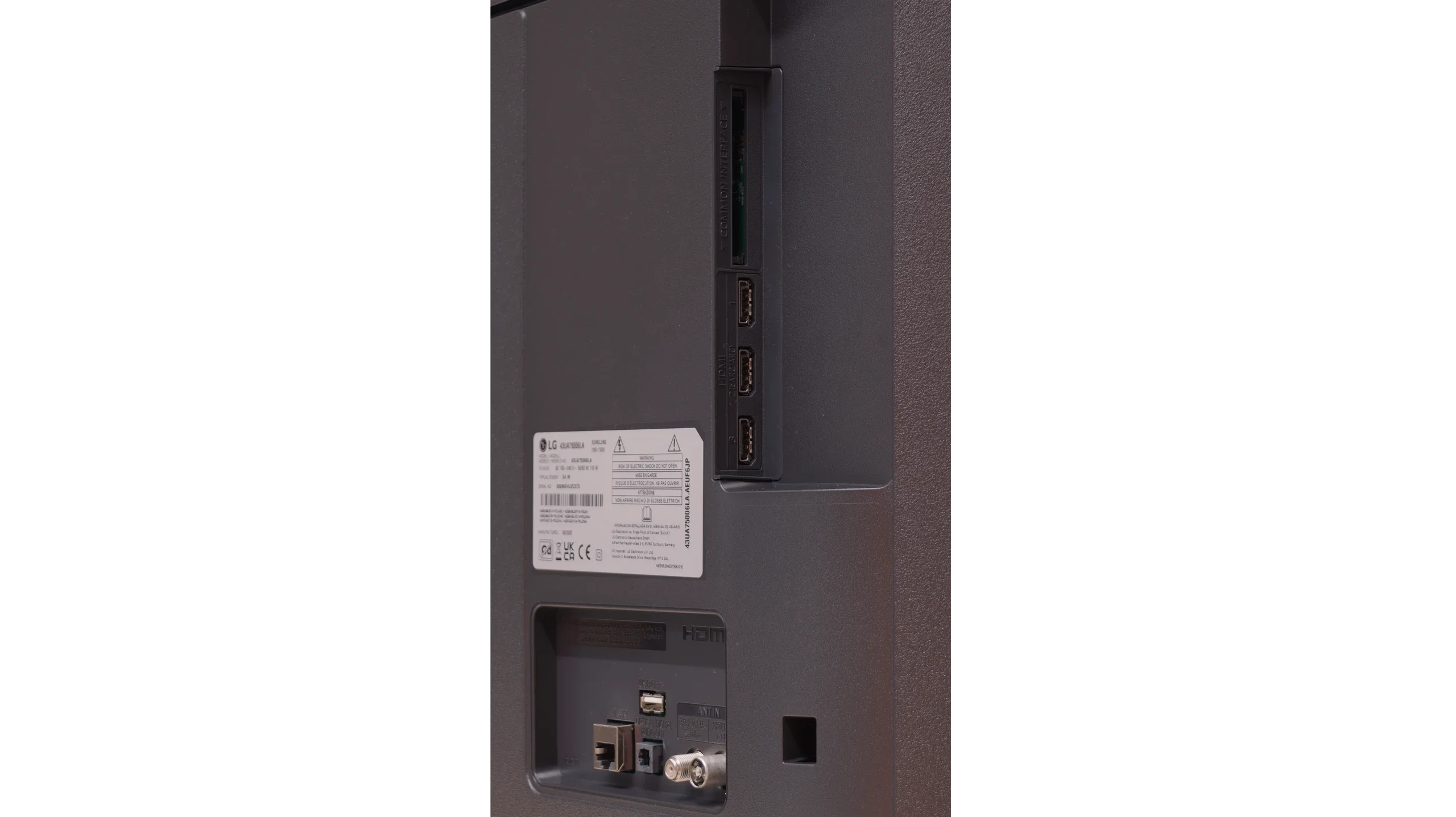
- HDMI inputs3 x HDMI 2.0, 0 x HDMI 2.13 x HDMI 2.0, 0 x HDMI 2.1
- OutputsToslink (Optical audio), eARC (HDMI), ARC (HDMI)Toslink (Optical audio), eARC (HDMI), ARC (HDMI)
- Network InterfacesWi-Fi 2.4GHz, Wi-Fi 5GHz, Ethernet (LAN) 100MbpsWi-Fi 2.4GHz, Wi-Fi 5GHz, Ethernet (LAN) 100Mbps
- TV receptionDVB-T, DVB-T2, DVB-S, DVB-S2, DVB-CDVB-T, DVB-T2, DVB-S, DVB-S2, DVB-C
Classic features:
- Recording to USB (terrestrial TV)
- Recording programming
- Picture in Picture (PiP)
- RF remote control (no need to aim)
- Backlit remote control
- Teletext
- Audio only mode
- Bluetooth headphones support
- Simultaneous Bluetooth headphones & TV audio
Smart features:
- AirPlay
- Screen mirroring (Windows Miracast)
- Voice search
- Voice search in native language
- Ability to connect a keyboard and mouse
Sound connection options
- HDMI audioeARC (HDMI), ARC (HDMI)eARC (HDMI), ARC (HDMI)
- Other audio outputsToslink (Optical audio)Toslink (Optical audio)
- Wireless audioBluetoothBluetooth
Supported audio formats (external HDMI eARC audio):
- Dolby Digital Plus 7.1
- Dolby True HD 7.1
- Dolby Atmos in Dolby Digital Plus (JOC)
- Dolby Atmos in Dolby True HD
- DTS:X in DTS-HD MA
- DTS-HD Master Audio
Senior accessibility
- Numeric keyboard on TV
- Font size adjustment
- Audio description
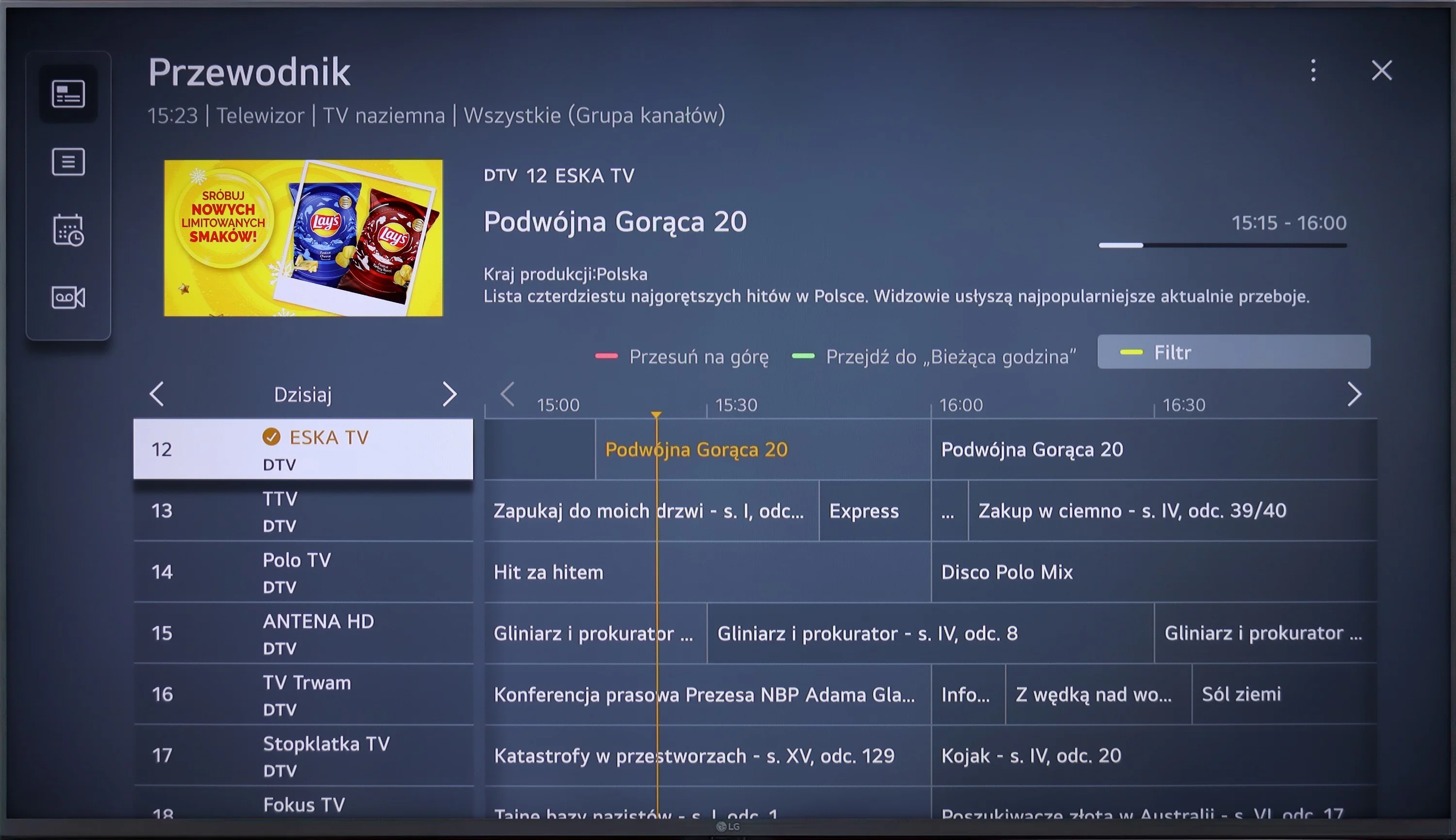
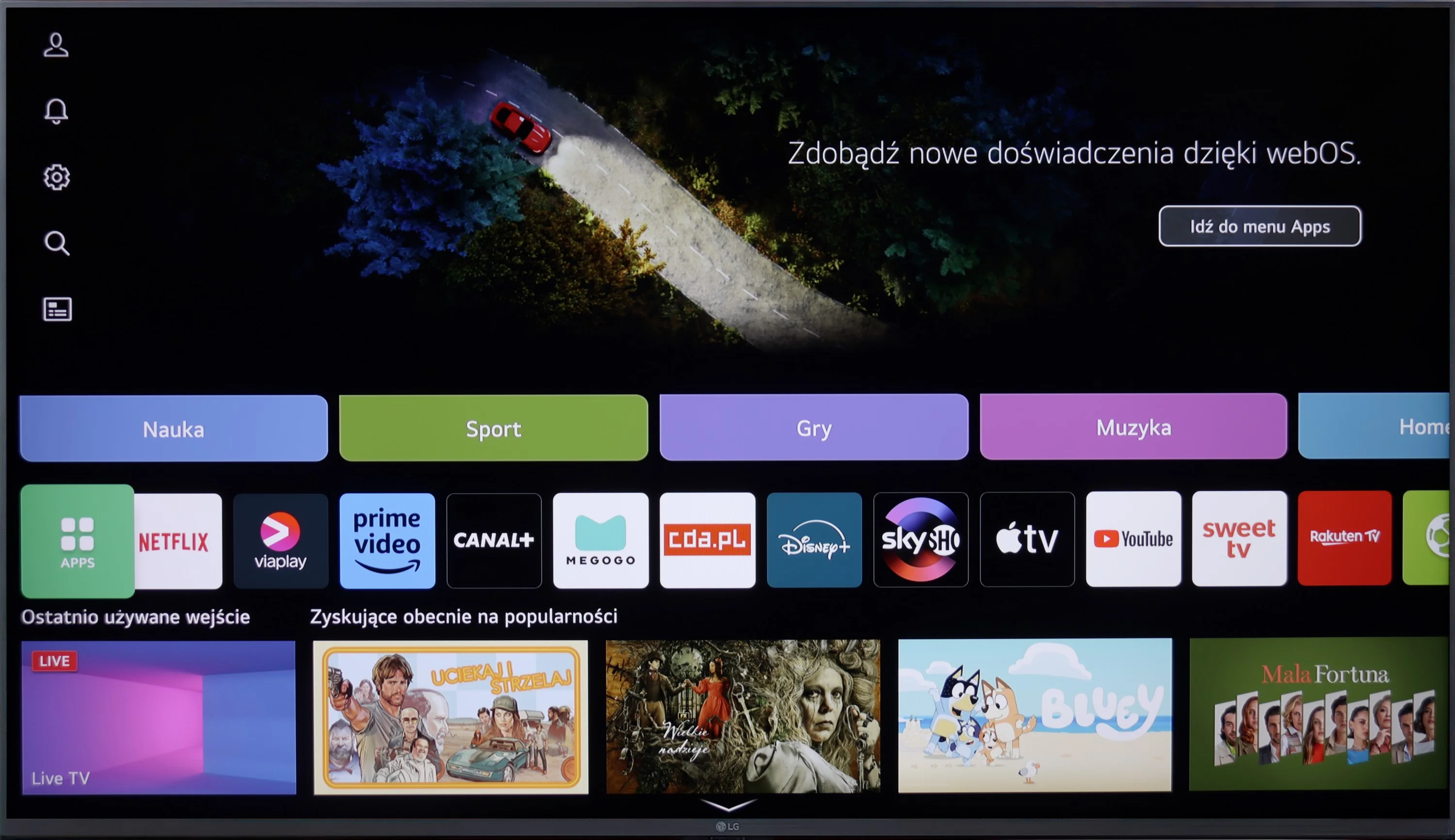
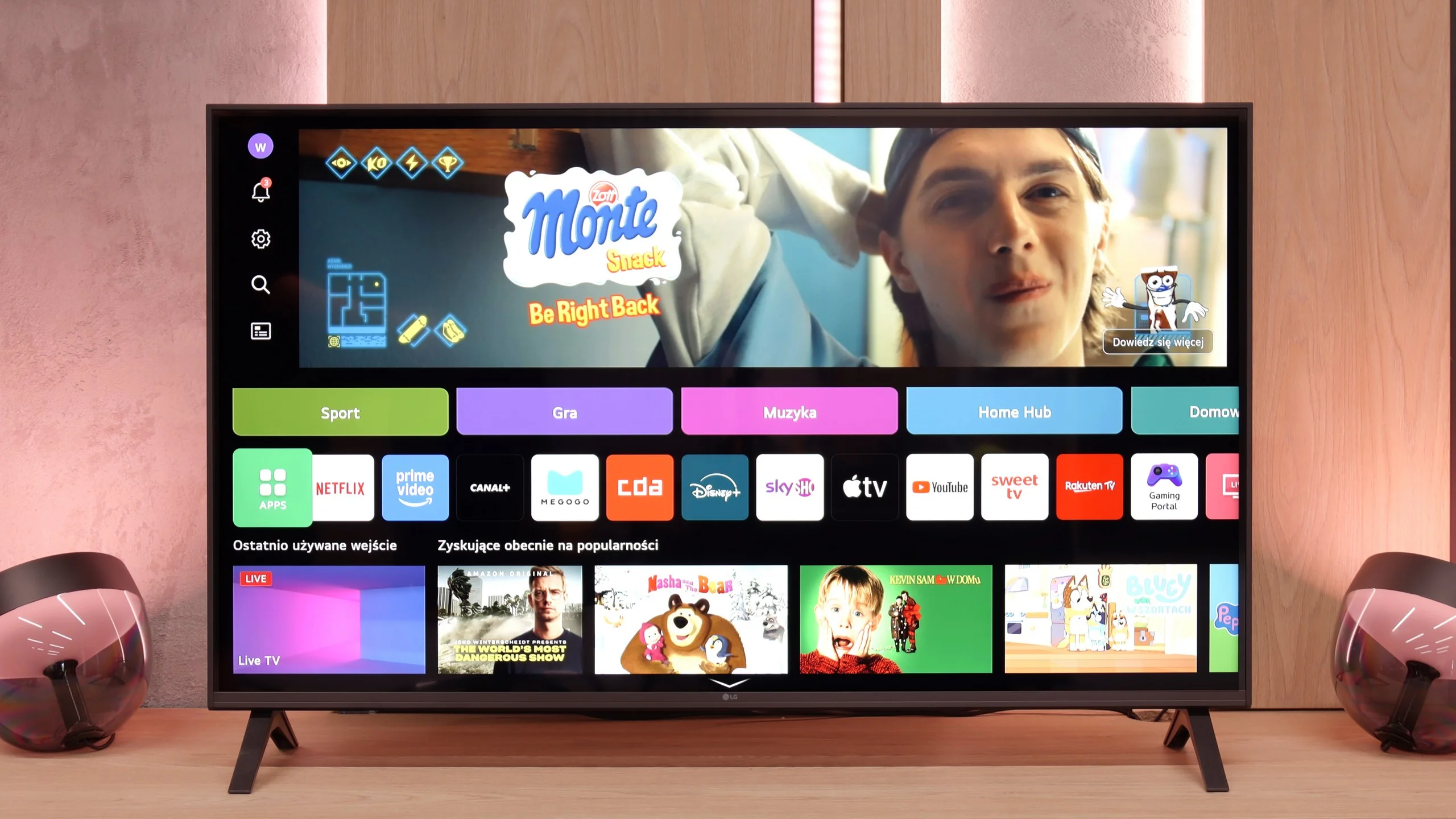
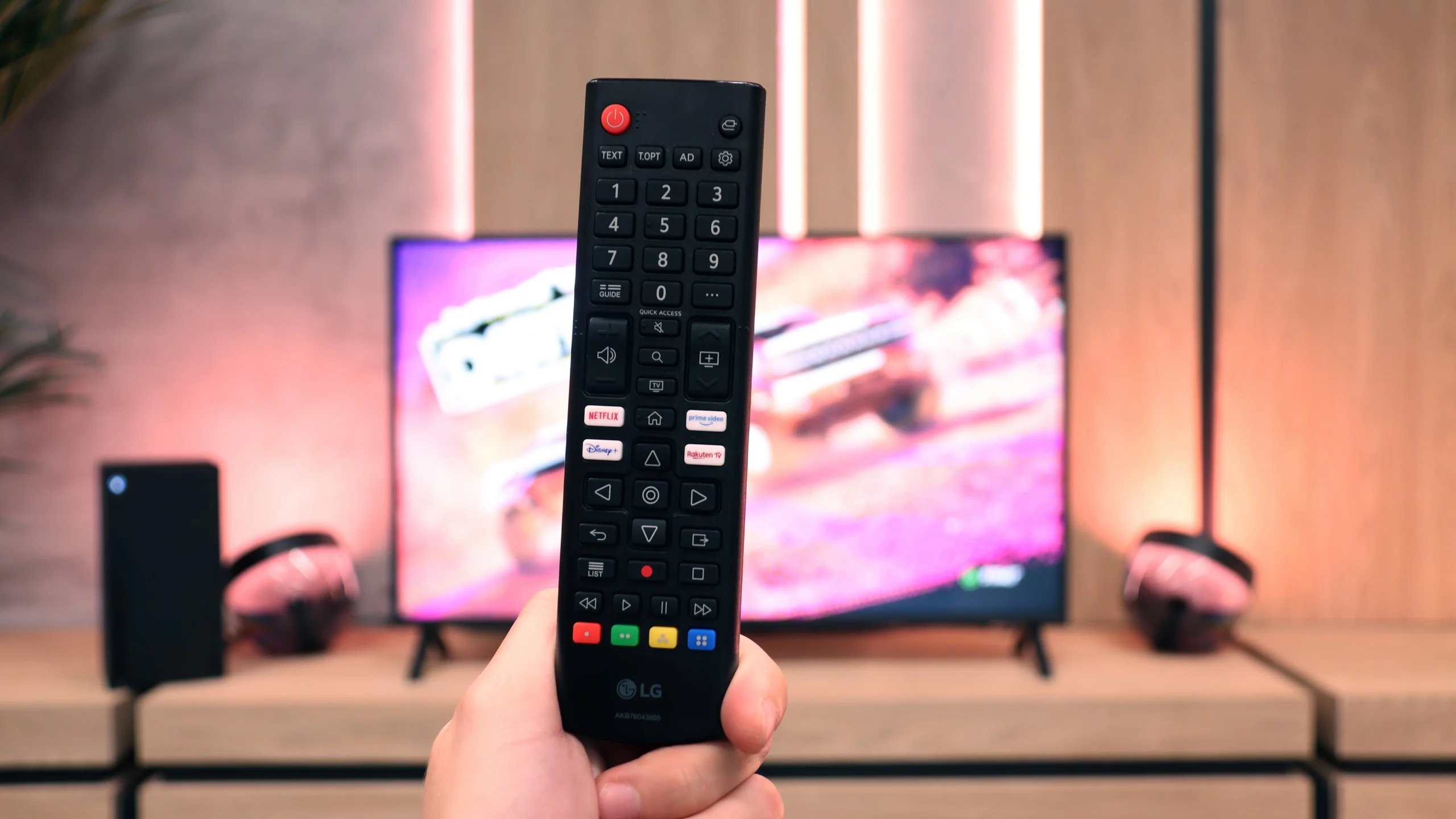
LG UT8100 operates on the WebOS system, which stands out for its intuitiveness and rich features. The Magic remote, with support for voice commands in Polish, further facilitates navigation. The television offers access to virtually all popular applications, such as Netflix, YouTube, Disney+, and Amazon Prime Video, making it a great multimedia hub.
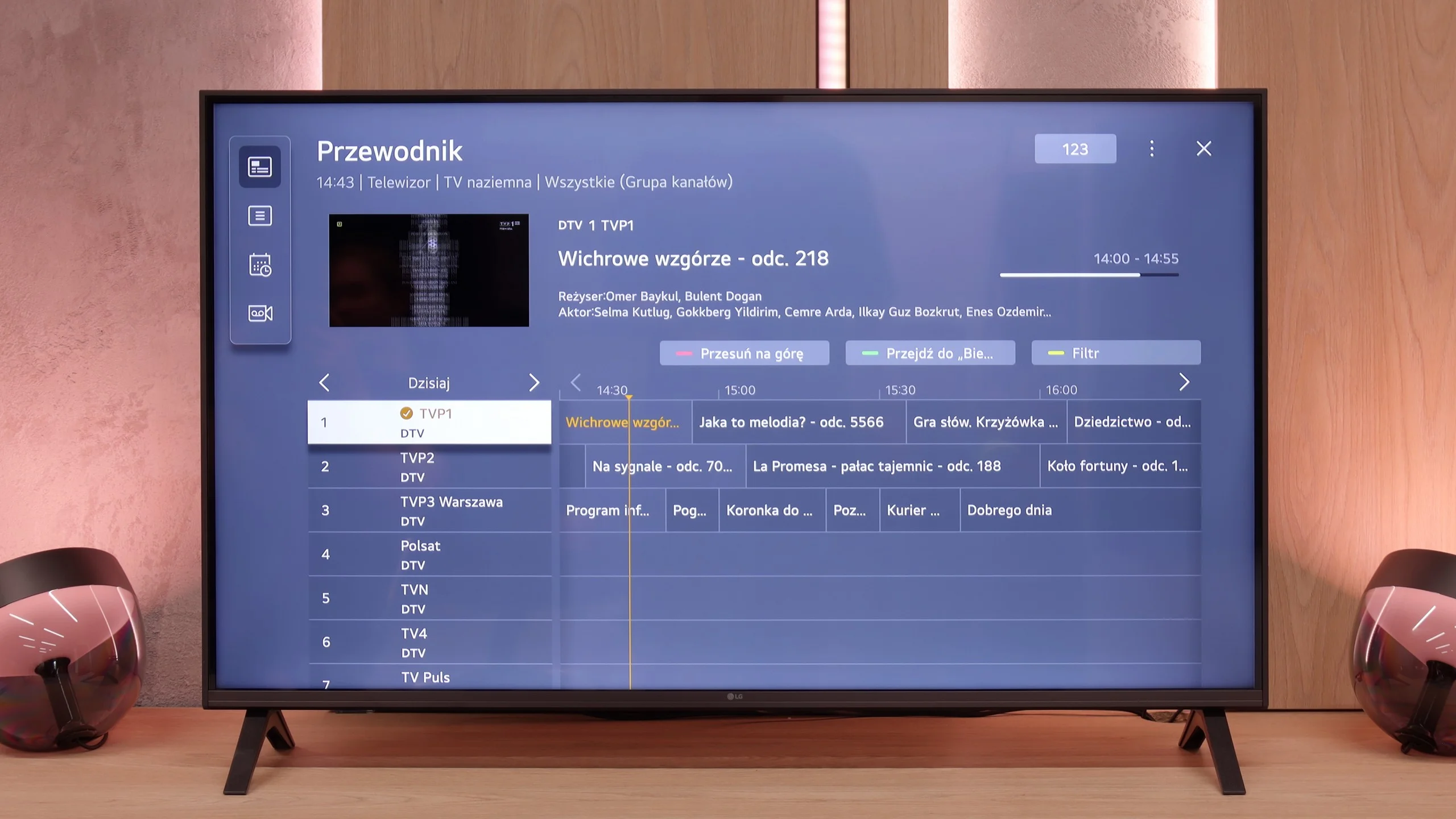
In terms of user functionality, the television meets most expectations. We find all the necessary TV tuners and the ability to record to USB, which allows for saving favorite programs. It's easy to connect a keyboard, headphones, or other devices via Bluetooth. Unfortunately, the lack of PiP (picture in picture) functionality may be a minor disappointment, although it is not surprising at this price point.
Everyday use of LG UT8100 is pure pleasure – the simplicity of operation and versatility of features make it excellent both as a home television and as a multimedia device.
Smart Features: WebOS
A significant advantage of the LG UA7500 is the use of the webOS system. We gain access to a rich library of applications, support for AirPlay, screen mirroring, and many additional features that allow us to use the television in a truly convenient way. It’s easy to connect a smartphone, watch something from streaming services, or use music applications. However, a downside is that webOS remains quite a "heavy" system and does not operate as smoothly on the UA7500 as it does in more expensive models. The situation is not helped by the fact that the manufacturer did not equip us with a Magic remote with a cursor, which significantly speeds up navigation. We get a regular infrared remote, lacking that "magic" wand. Of course, it can be purchased separately, but considering the cost, it’s often better to pay extra for a higher LG model that already has this remote.
Classic Features
In more traditional use, the LG UA7500 also does not disappoint. The remote has been equipped with a numeric keypad and a considerable number of buttons, which will certainly be appreciated by users accustomed to older solutions. Additionally, there is the ability to record programs to USB from built-in tuners and a quite readable EPG interface that makes planning a television viewing easier. A downside remains the fact that the remote always requires aiming at the screen – but we believe that most more traditional users can forgive it, viewing it as a familiar and proven tool.
Apps
9.1/10
9.1/10






















Playing files from USB
8.2/10
8.2/10
Supported photo formats:
Maximum photo resolution:
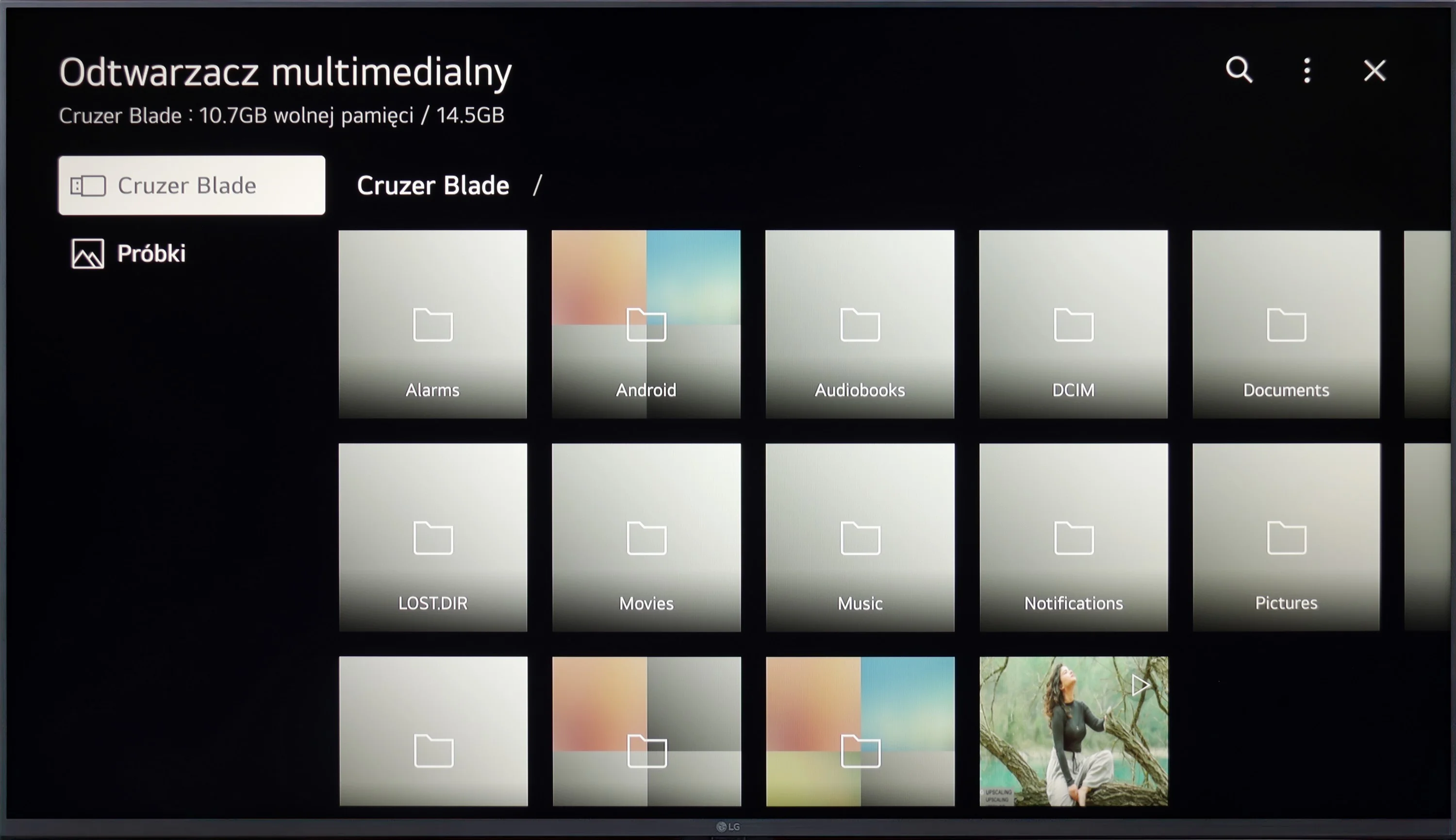
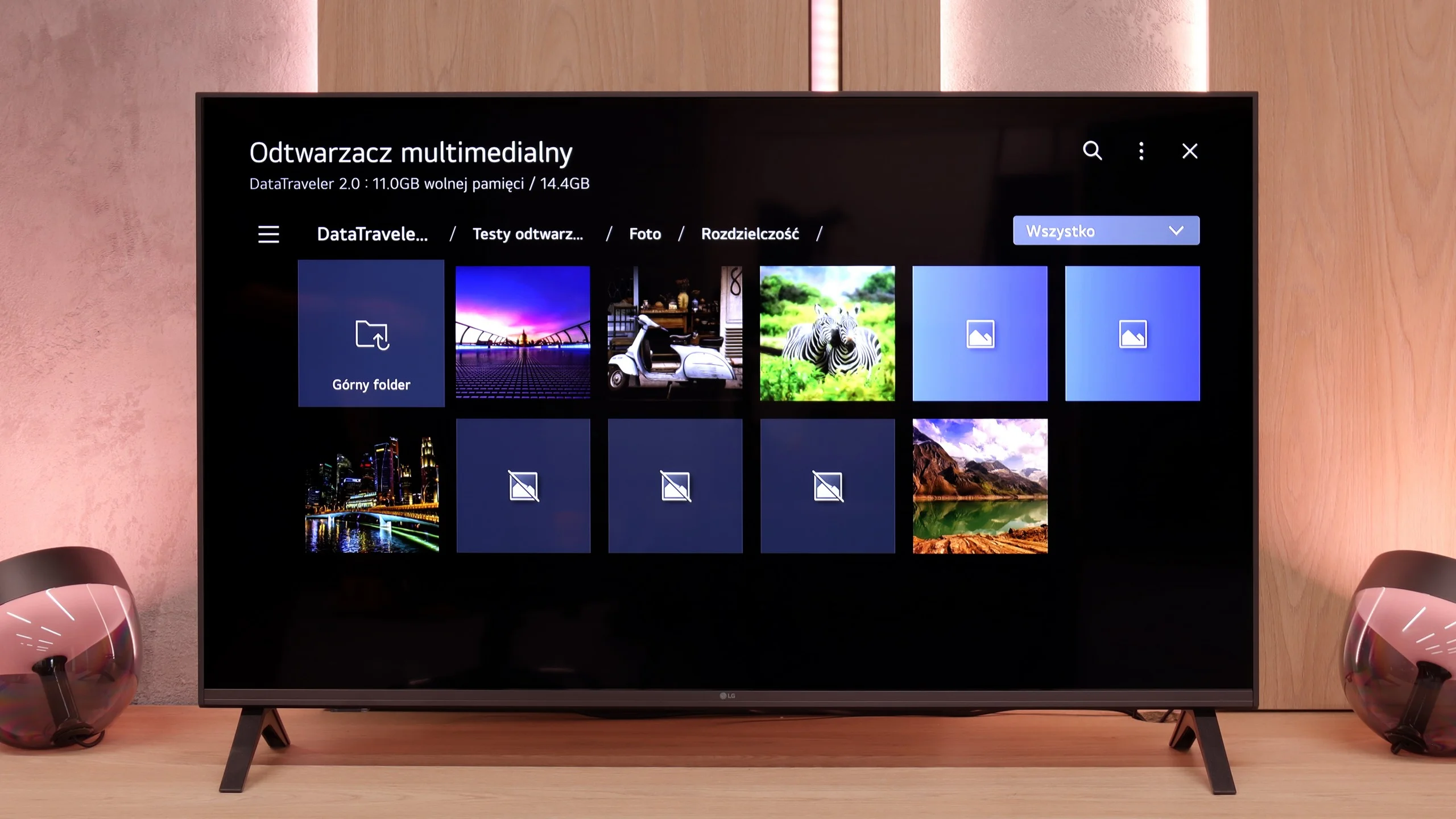
LG UT8100 handles playback of most popular video and audio formats, making it a versatile multimedia device. Although it lacks support for Apple's HEIC format for photos, it still provides satisfactory functionality. Special praise is due for the support of Polish characters in subtitles and the ability to change the font color, which allows users to customize the displayed texts to their preferences. In this category, the television performs really well.
The media player in the UA7500 works fine – movies and music start without major problems, and this should be sufficient for most people. However, one thing caught our attention: the television does not play all photo formats. In practice, this means that if we upload photos directly from the smartphone to the USB drive, some may simply not open. It’s a minor detail, but it’s worth keeping in mind. Fortunately, you can always use wireless screen mirroring and show photos on the screen in another way.
Sound
6/10
6/10
- Maximum volume-81dB
- Dolby Digital Plus 7.1
- Dolby True HD 7.1
- Dolby Atmos in Dolby Digital Plus (JOC)
- Dolby Atmos in Dolby True HD
- DTS:X in DTS-HD MA
- DTS-HD Master Audio
The sound in LG UT8100 is basic and does not stand out in any particular way. It suffices for everyday television watching, but with more demanding content, like movies or concerts, it may lack depth and dynamics. If we care about better sound quality, it will be necessary to connect an external audio system, such as a soundbar or home theater. The built-in speakers serve their purpose, but they will not impress more demanding users.
In terms of sound, the LG UA7500 does not impress with powerful bass or the highest volume, but it plays surprisingly well. Our impression was that it performs better than most of the cheapest budget TVs and is really quite good for everyday use. It will be just right for news, shows, or series.
Sound Quality Test
No sound test video
Acoustic Measurements
No acoustic data
81dBC (Max)
75dBC
Reader comments
Comments are provided by the external service Disqus (Zeta Global). Once loaded, Disqus may set cookies and process data about your activity.
We will remember your choice on this device. Provider's privacy policy