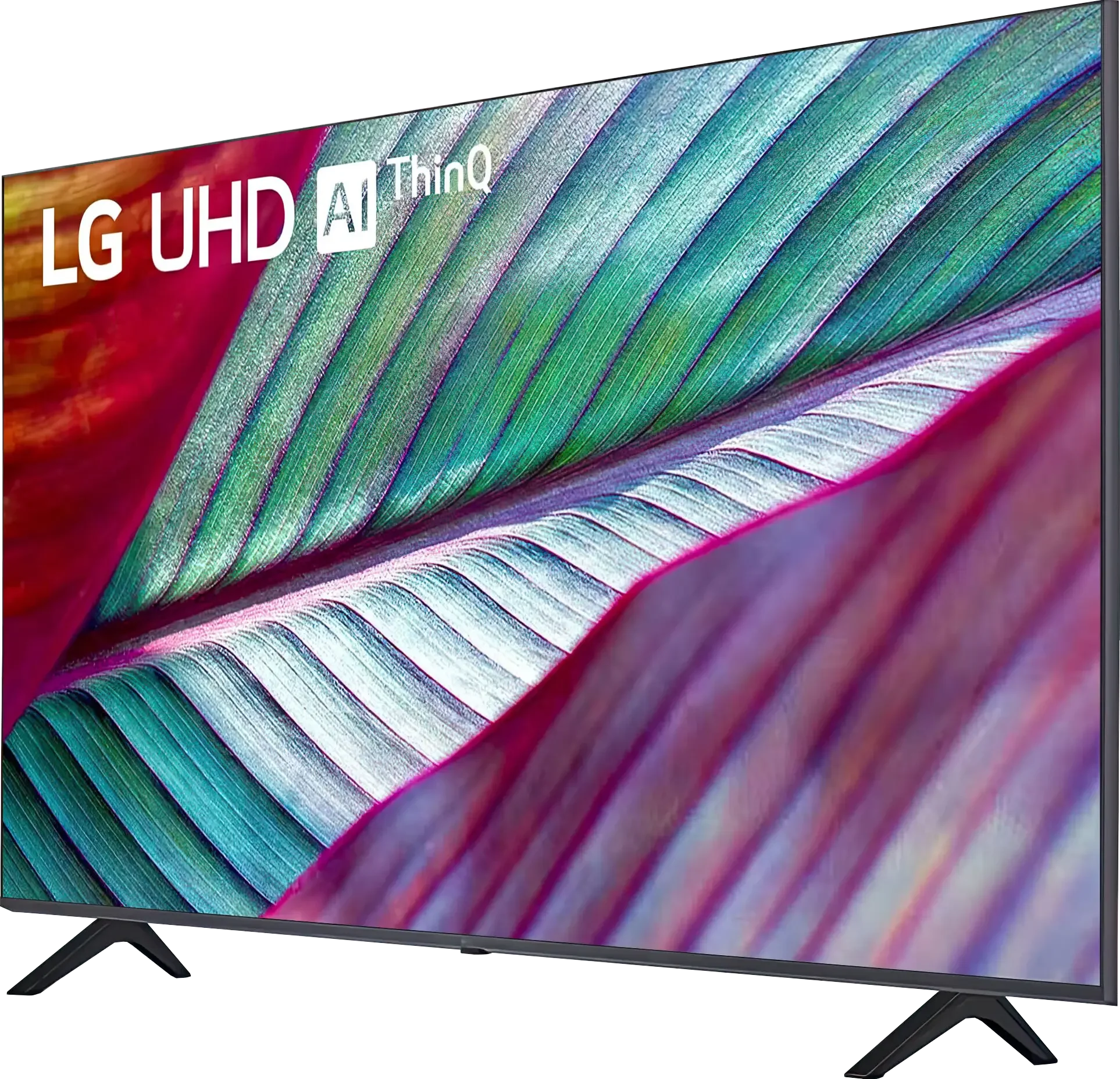
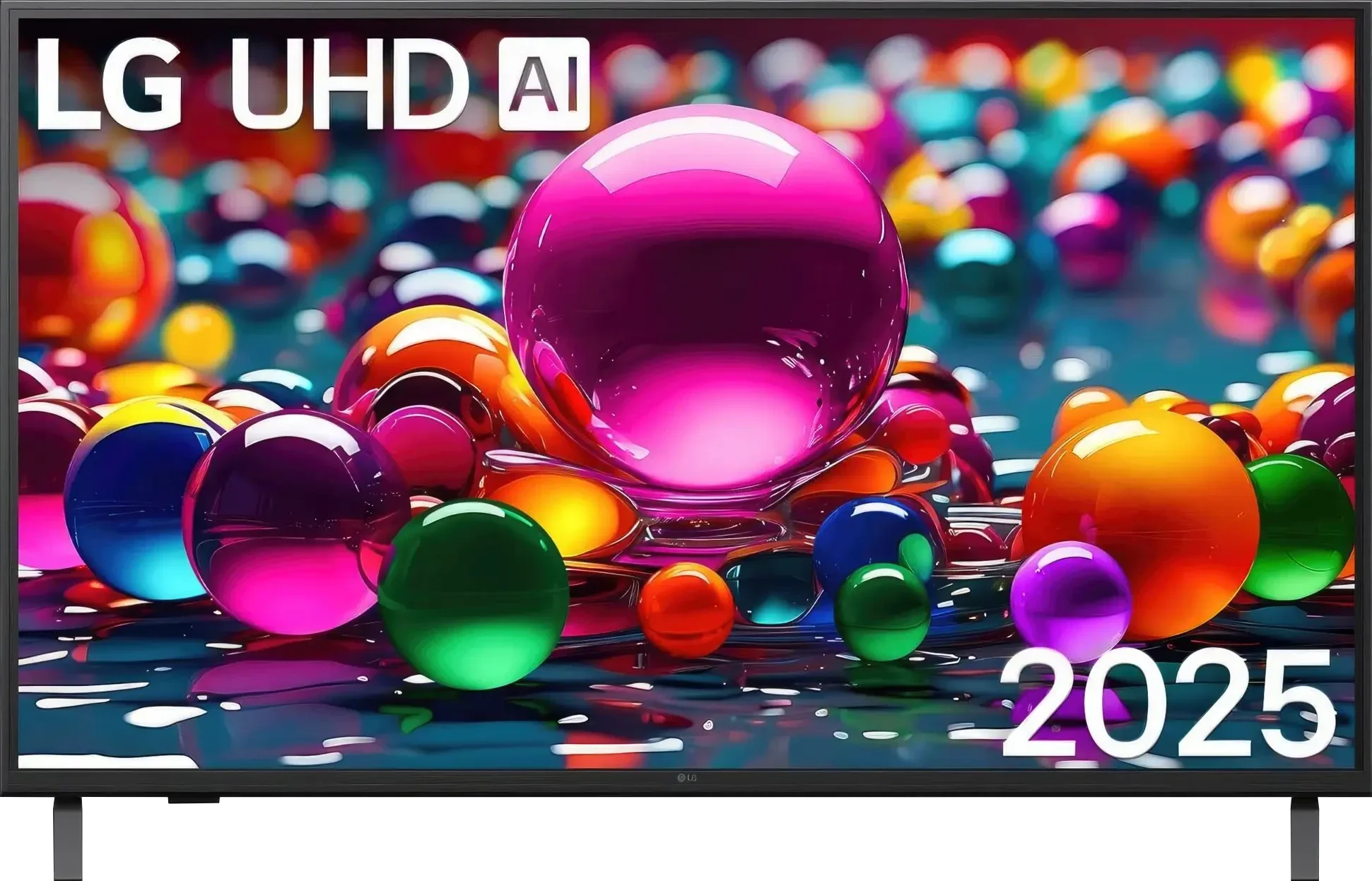
LG UR781 vs LG UA75006LA (VA)

Direct comparison

Available screen sizes: 43”50”55”65”

Available screen sizes: 50”55”

Panel type: LCD VA

Resolution: 3840x2160

System: WebOS

Model year: 2023

Complete the survey to find out the result

Panel type: LCD VA

Resolution: 3840x2160

System: WebOS

Model year: 2025

Complete the survey to find out the result

Overall rating

5.5

6.0

  • Movies and series in UHD quality

    5.4

    6.0

  • Classic TV, YouTube

    5.8

    6.1

  • Sports broadcasts (TV and apps)

    4.2

    5.0

  • Gaming on console

    6.2

    6.9

  • TV as a computer monitor

    6.0

    5.4

  • Watching in bright light

    3.9

    4.6

  • Utility functions

    6.4

    7.0

  • Apps

    9.1

    9.1

  • Sound quality

    5.2

    6.0

Advantages

  • WebOS with a large number of applications

  • Low input lag values

  • Works great with PC

  • High native contrast

  • Game Bar

  • High native contrast (VA Panel), better black levels, less "flattened" image during evening viewings

  • Correct upscaling and decent tonal gradation

  • webOS system with a rich app base and AirPlay support

  • Ability to record to USB from built-in tuners

  • Low input lag (below 10 ms)

  • Friendly for the "Sunday gamer": ALLM, VRR (48–60 Hz), Game Bar, HGiG

Disadvantages

No like
  • Very low brightness

  • Poor viewing angles

  • The system can "lag"

  • Limited color gamut coverage (about 80% DCI-P3), HDR rather symbolic

  • Lack of dynamic HDR formats (Dolby Vision, HDR10+)

  • Typical viewing angle issues for VA panels

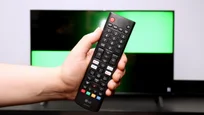
  • Pretty plastic case and no Magic remote included

Our verdict

The LG UR781 is currently the most affordable model from the Korean manufacturer, offering excellent value for its price. Its standout feature is the WebOS system, which provides an intuitive interface and access to a wide range of streaming platforms, making it a significant advantage for everyday users. The TV delivers satisfactory picture quality for its price range, catering well to the needs of basic users.

While its HDR capabilities are somewhat restricted due to the absence of Dolby Vision and HDR10+, it does support fundamental formats like HDR10 and HLG. The TV performs admirably with low-quality materials, aided by its smooth tone transition feature that ensures clear and seamless transitions, particularly useful for viewing content from lower-quality sources such as terrestrial television.

For gaming enthusiasts, the LG UR781 offers very low input lag, an essential criterion for enjoyable gaming. Though it lacks a 120Hz panel, which is a compromise for its budget-friendly pricing, it remains an appealing choice for gamers seeking affordability. Its brightness is slightly lower than competing models, and the colour gamut coverage is limited. However, thanks to dynamic tone mapping, HDR content still appears impressive.

After proper calibration, the TV achieves improved colour accuracy and sharpness, significantly enhancing the viewing experience. For those seeking a budget-friendly option and willing to accept some trade-offs, the LG UR781 is a solid choice.
The LG UA7500 with a VA panel is a television designed for everyday watching of television, YouTube, or streaming platforms, where SDR content continues to dominate. In this role, it performs quite well – it has decent digital image processing, satisfactory upscaling, and fairly consistent tonal transitions. Its biggest advantage remains the webOS system, full of apps and features such as USB recording, AirPlay support, and screen mirroring. For many people, this is enough to consider it a "daily television." It will also serve well as a screen for the casual gamer – even though it's only a 60 Hz panel, it includes ALLM, VRR in the range of 48-60 Hz, and a convenient Game Bar, features typically reserved for more expensive models. The downsides? Above all, the viewing angles – as is typical with VA, the image quickly loses quality from the side. There are also no dynamic HDR formats, and the limited color palette makes cinematic "HDR effects" come across as minimal. On the other hand, this is an affordable television that will likely see attractive price reductions, so if someone doesn't want to spend a fortune and accepts its limitations, they will receive a solid "regular" with a good system. It's just a shame that the manufacturer didn't include the Magic remote in the package.

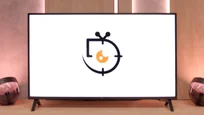
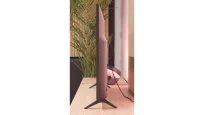
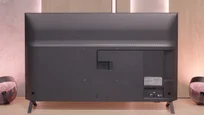
TV appearance

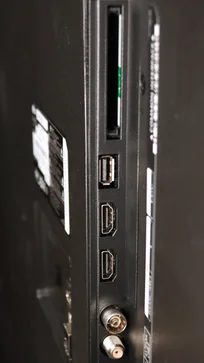
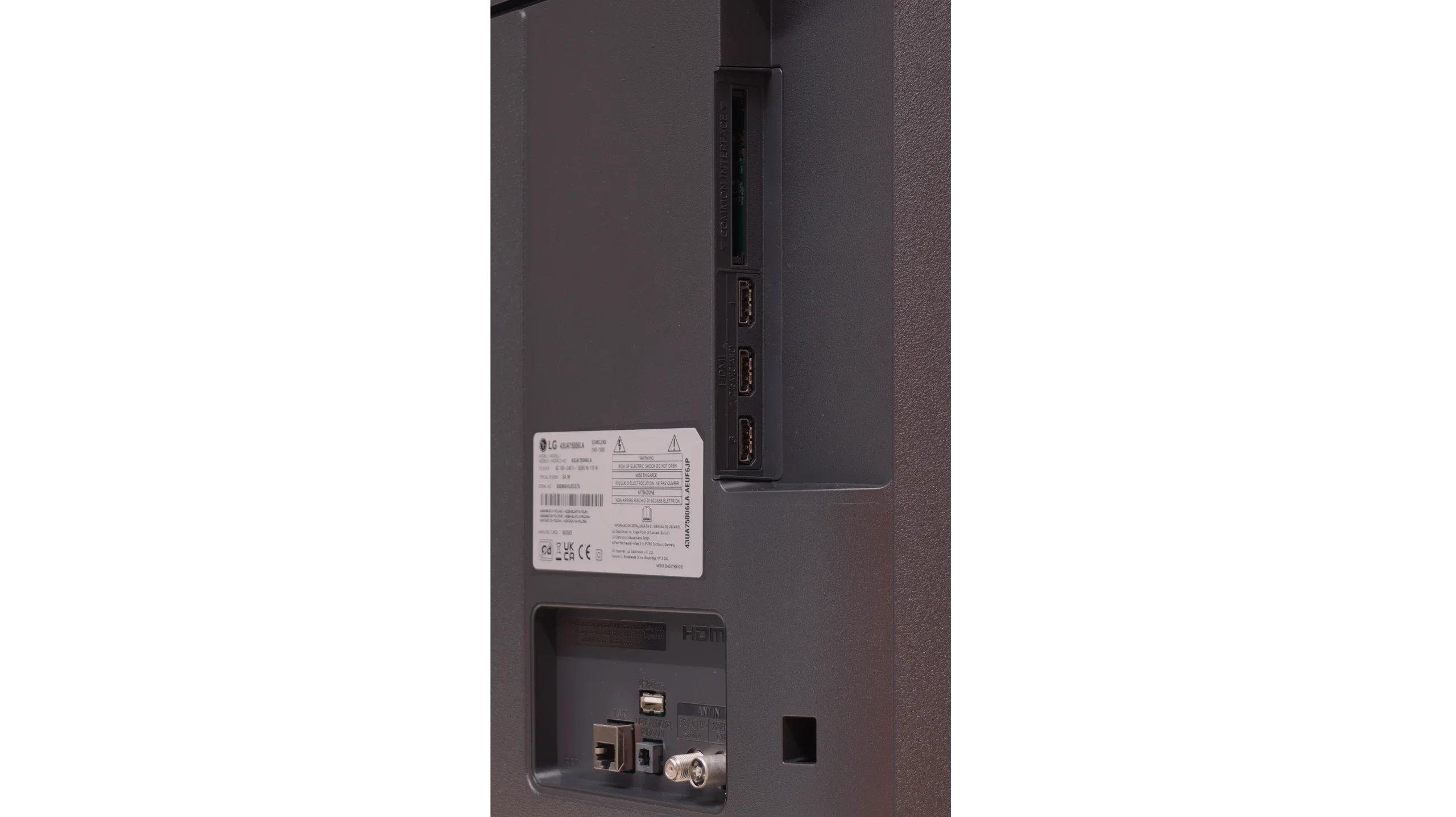
HDMI inputs
3 x HDMI 2.0, 0 x HDMI 2.1
Other inputs
Outputs
Toslink (Optical audio), eARC (HDMI), ARC (HDMI)
Network Interfaces
Wi-Fi 2.4GHz, Wi-Fi 5GHz, Ethernet (LAN) 100Mbps
Build quality
BuildQuality-
Average
Stand type
stand-type-
Legs
Bezel color
bezel-colour-
Graphite
Stand
Fixed
Accessories
Stand
Stand

Contrast and black detail

5.5/10

5.8/10

Local dimming function: No

Local dimming function: No

Contrast:

Review LG UR781 Contrast and black detail

Result

4,450:1

Review LG UR781 Contrast and black detail

Result

4,550:1

Review LG UR781 Contrast and black detail

Result

4,500:1

Review LG UR781 Contrast and black detail

Result

4,750:1

Review LG UR781 Contrast and black detail

Result

3,650:1

Review LG UA75006LA (VA) Contrast and black detail

Result

6,350:1

Review LG UA75006LA (VA) Contrast and black detail

Result

5,800:1

Review LG UA75006LA (VA) Contrast and black detail

Result

4,350:1

Review LG UA75006LA (VA) Contrast and black detail

Result

4,500:1

Review LG UA75006LA (VA) Contrast and black detail

Result

4,900:1

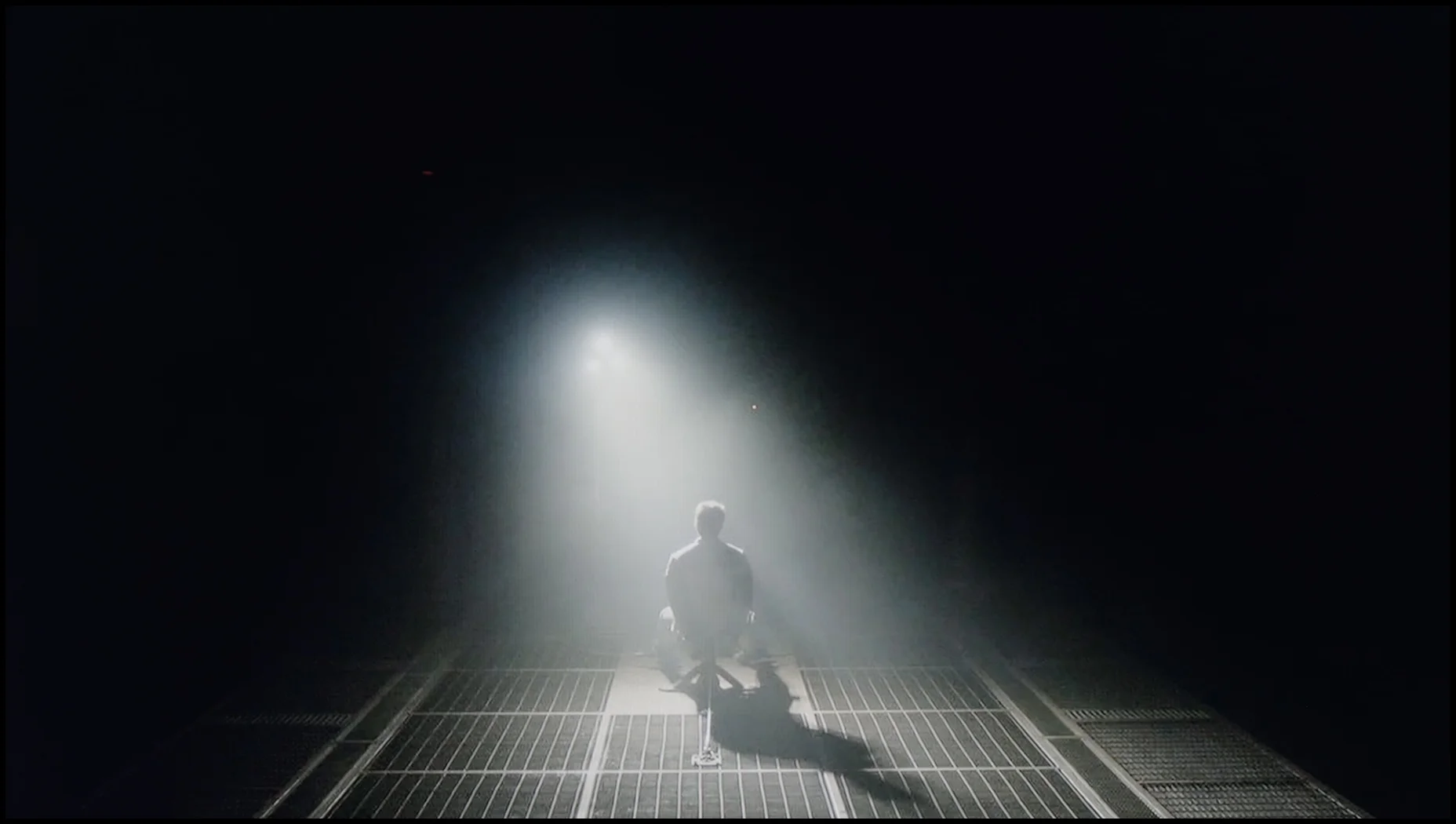
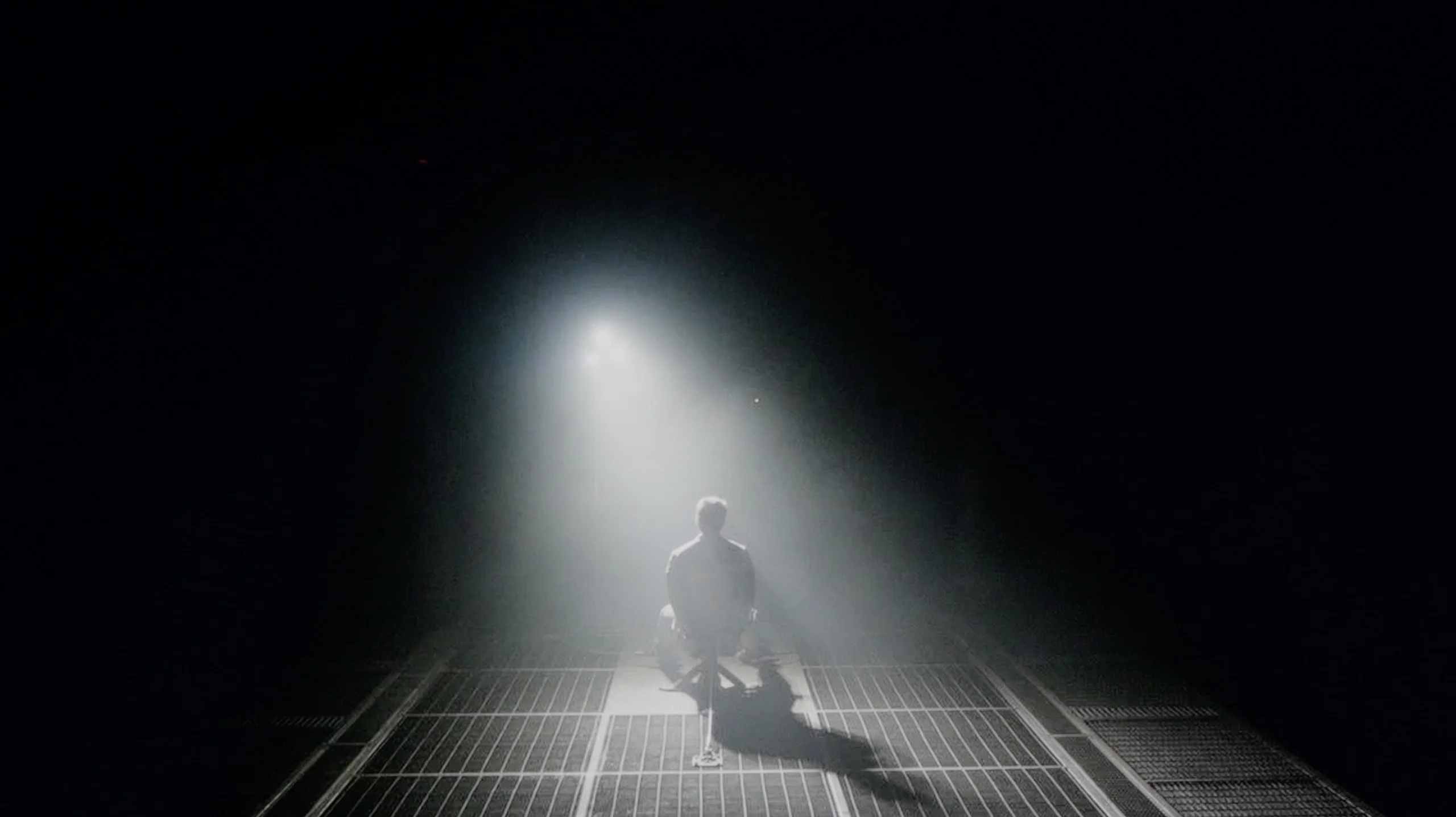
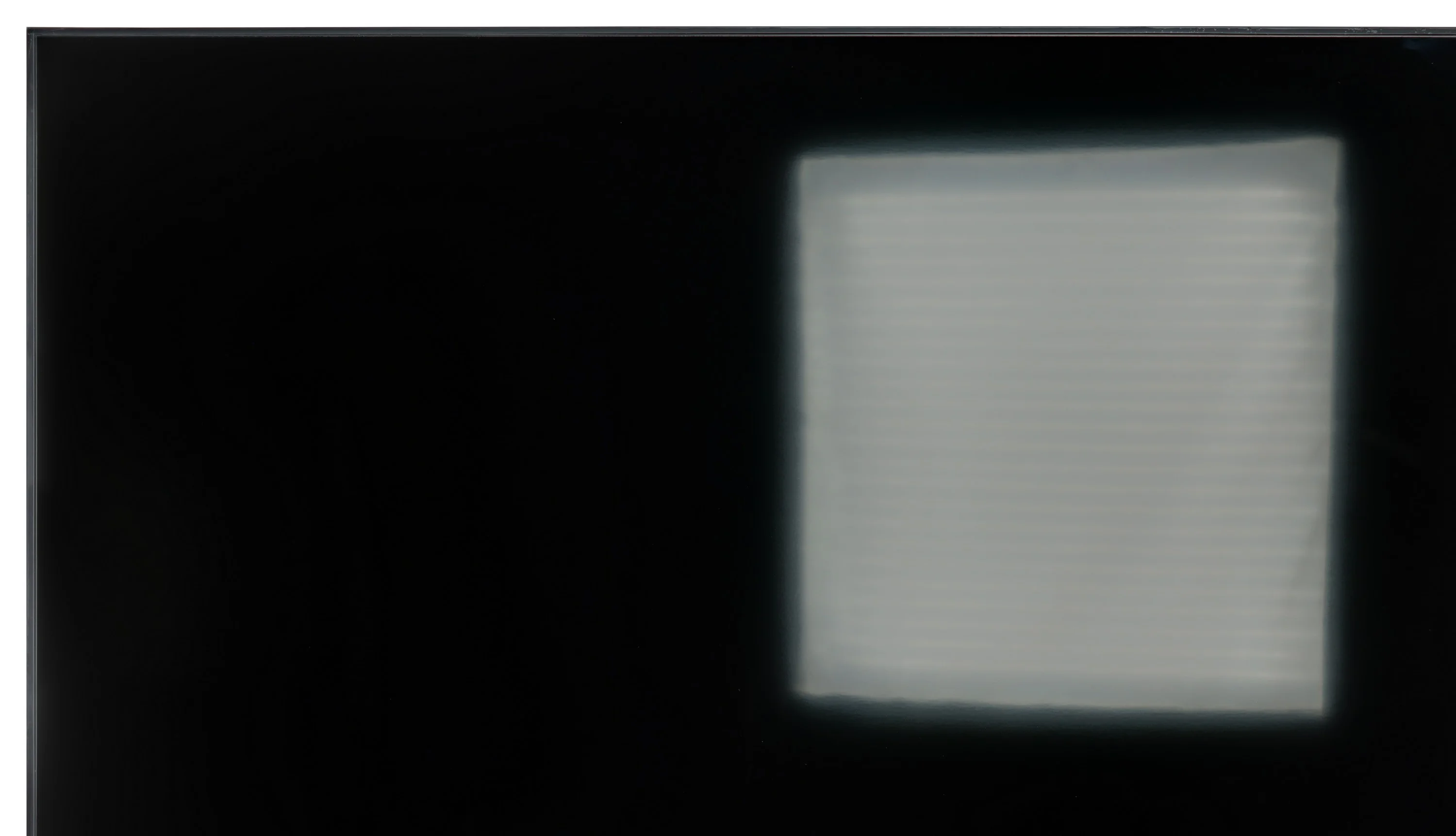
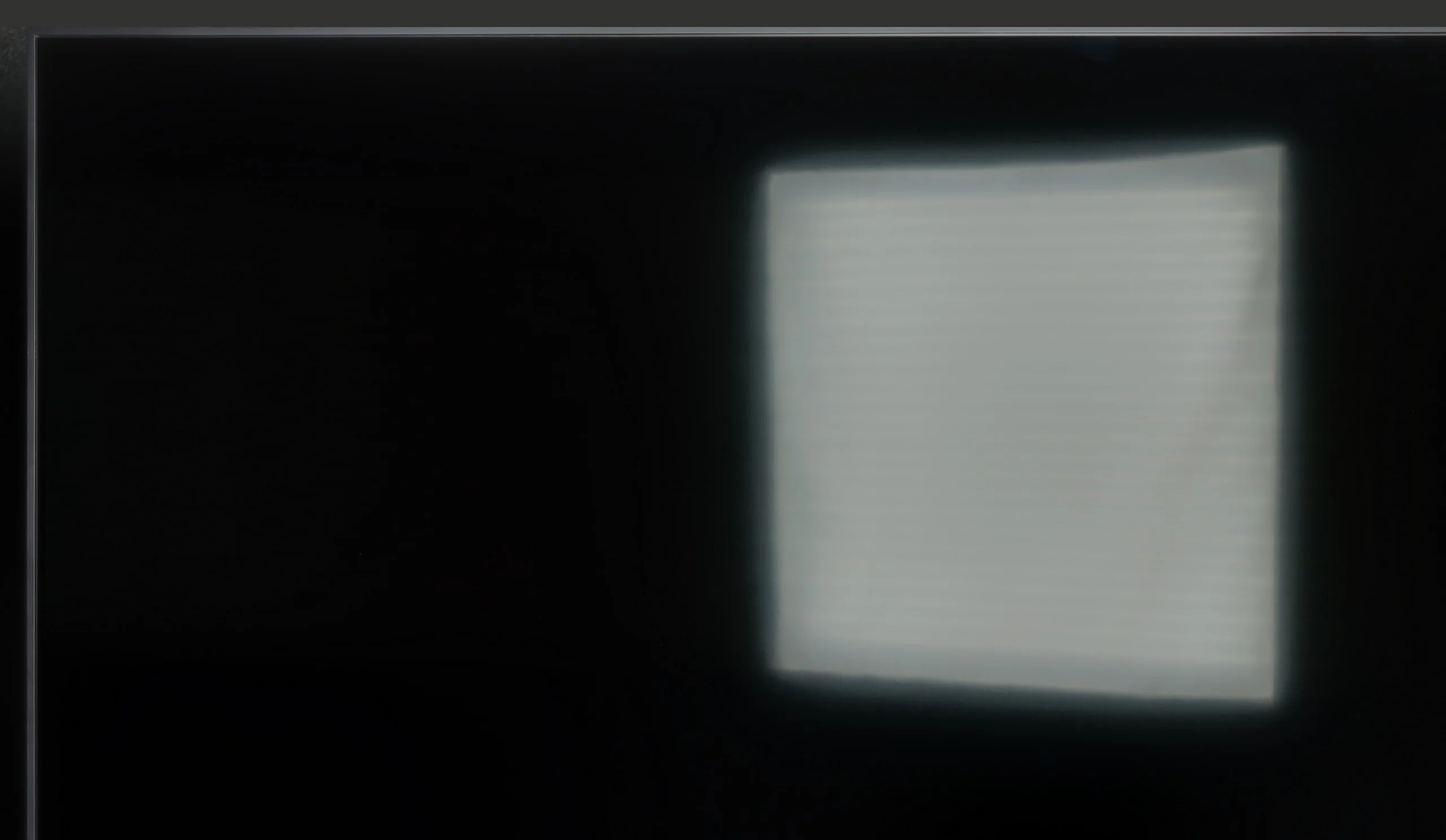
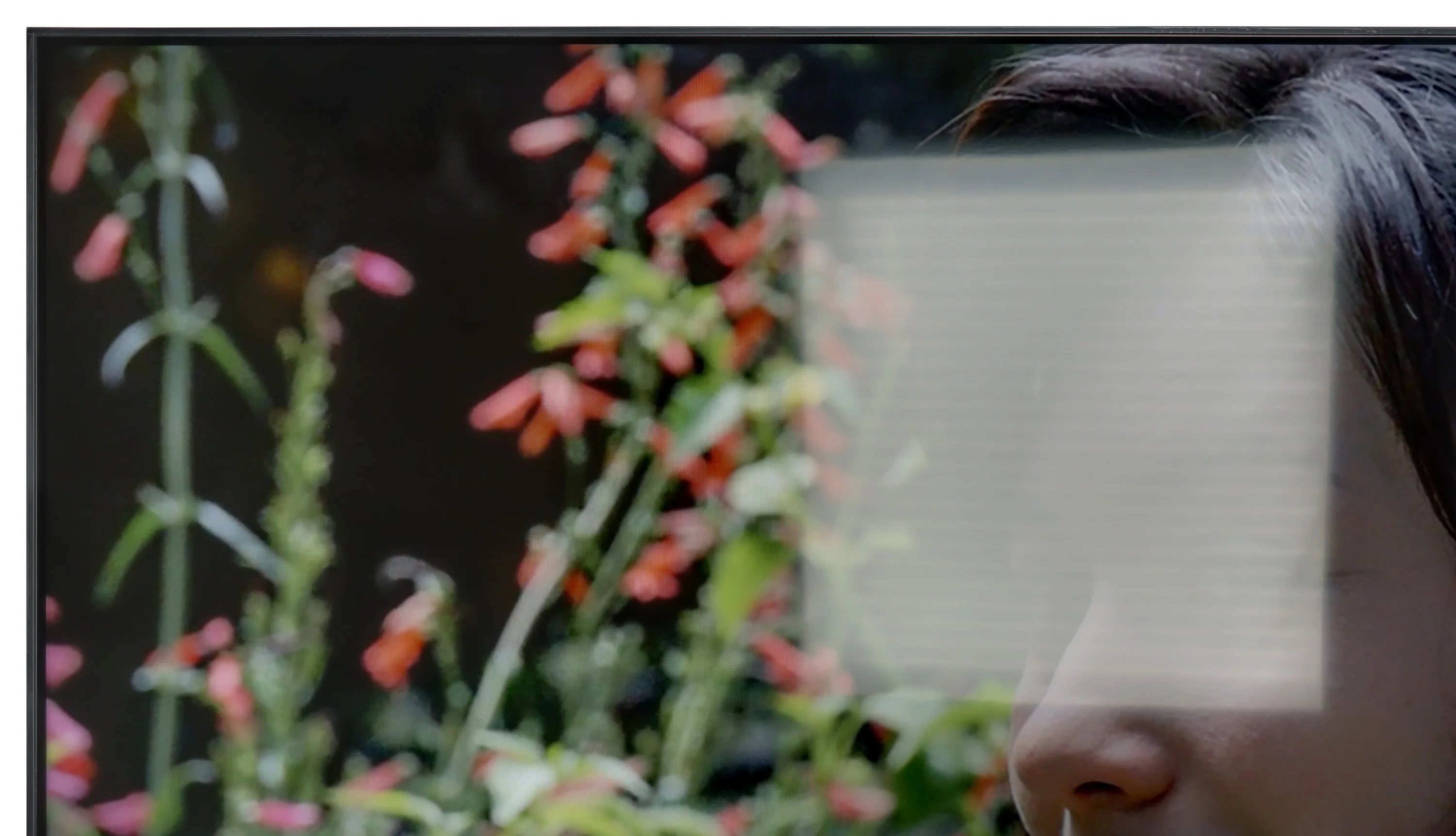
Halo effect and black detail visibility:

Check the visibility of bright lights on a dark background. Mini-LEDs often struggle with this. The photo does not compare black levels – that’s what the video below is for.

The video accurately shows differences in contrast and black levels between TVs, as well as potential issues: halo around bright objects or Mini-LED zone operation visible as brightness jumps.

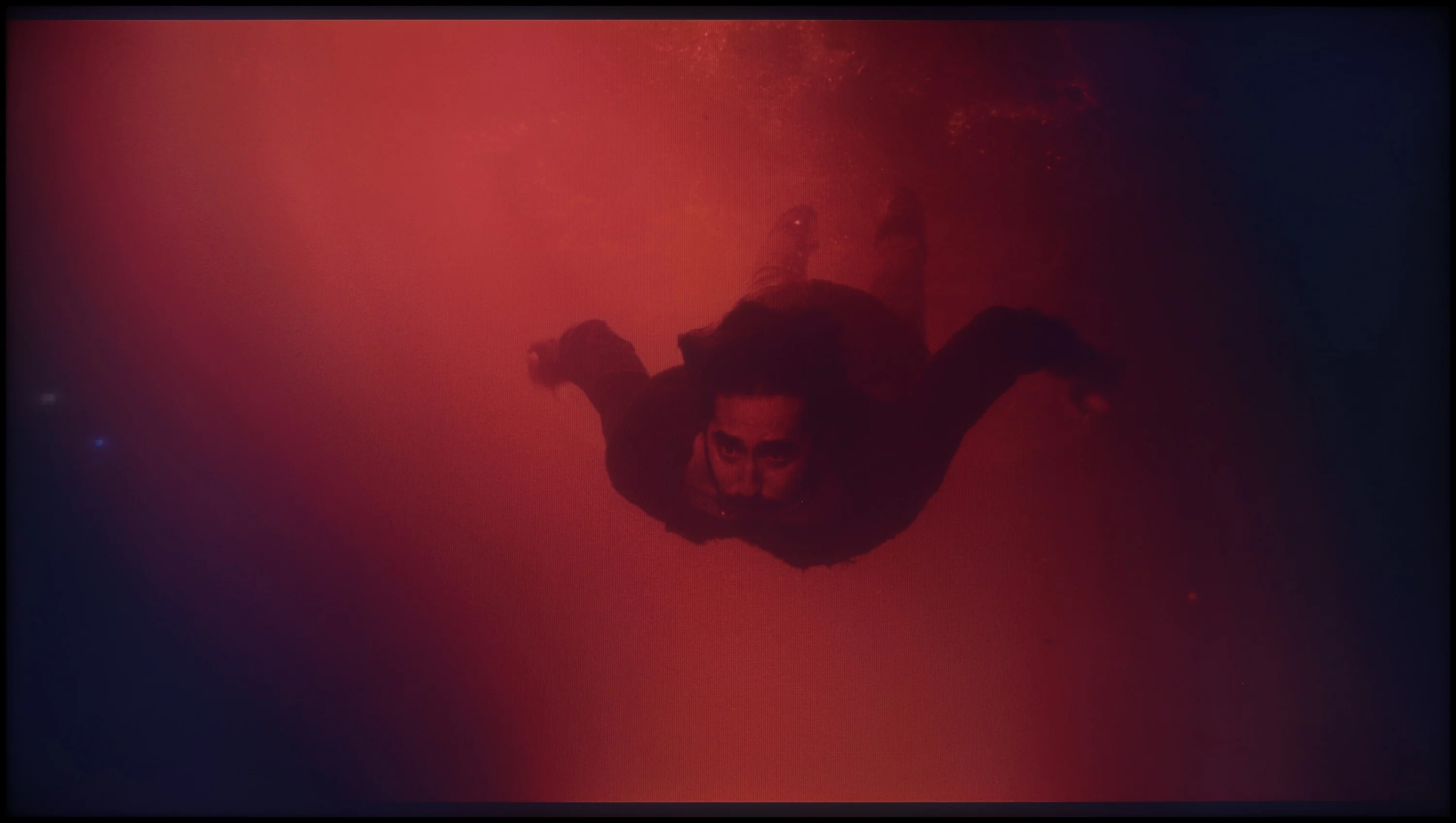
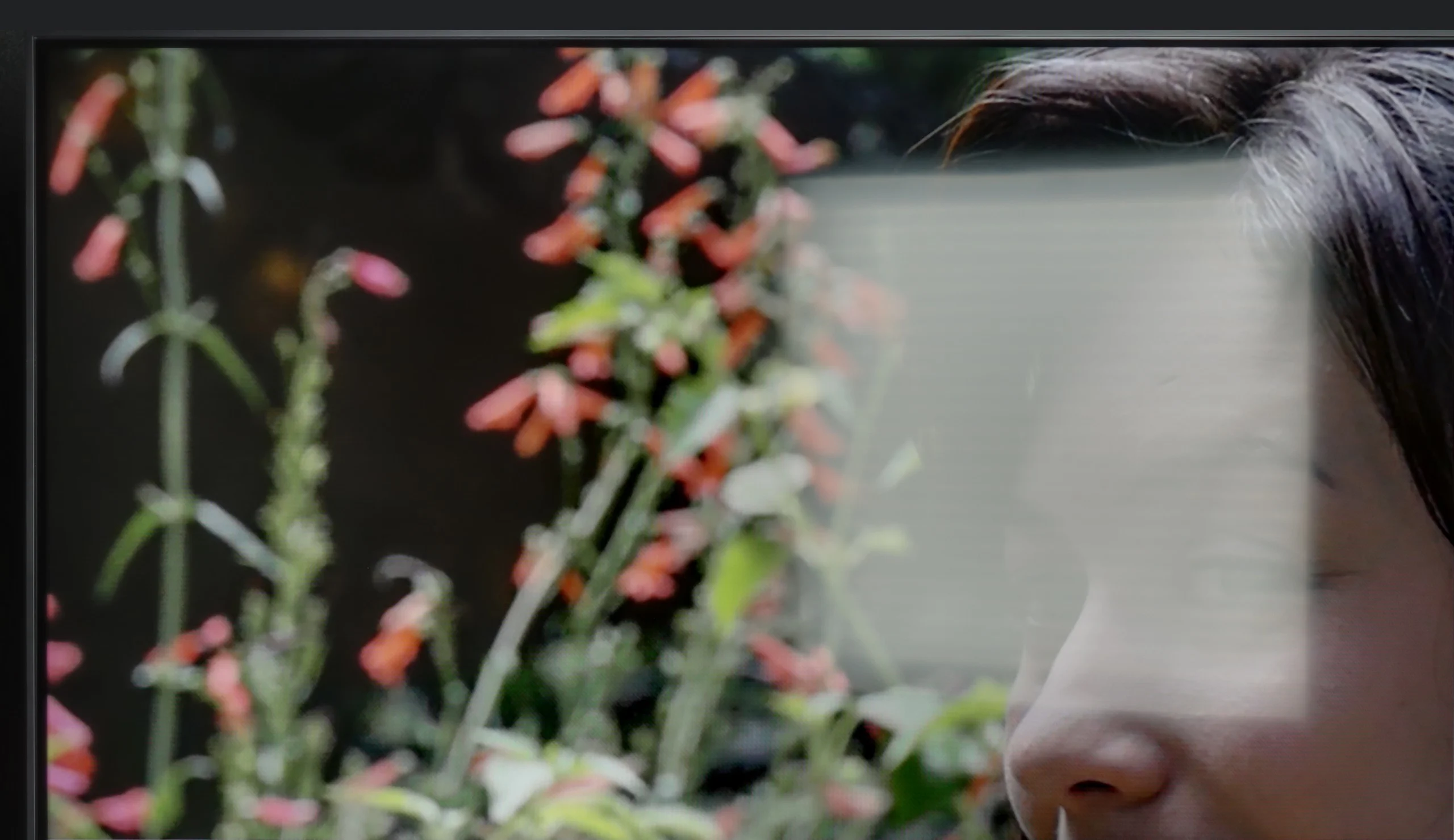
The LG UR781 benefits from a VA panel, which provides superior native contrast compared to screens using IPS/ADS technology. This panel excels in rendering bright objects against dark backgrounds without distortion. However, the absence of local dimming technology means that in darker conditions, blacks can appear with a slight navy blue tint. This characteristic is noticeable in dark scenes, where details closer to black may adopt a subtle blue hue.

Despite this limitation, the LG UR781 demonstrates commendable performance in reproducing deep blacks, which enhances the realism of movie viewing. Compared to IPS panels, it offers significantly better image quality in dark scenes, making it a strong contender for film enthusiasts. The VA panel's ability to produce more vivid contrasts further elevates the overall picture quality, allowing the television to capture and display intricate details in shadowy or dimly lit scenes effectively.

This is where the greatest advantage of the VA matrix version begins. With a contrast level of around 6000:1, evening viewing takes on depth, and darker scenes in movies look natural and do not fade into gray. It is clear that the blacks are much better than in the version with an IPS panel, and this difference determines the character of the television. Of course, it should be noted that the UA7500 does not have local dimming, so one should not expect miracles. The darkest shots will not measure up to more expensive TVs, but at least the contrast is stable and sufficient for convincing evening viewings.

HDR effect quality

3.3/10

4.3/10

Supported formats
HDR10, HLG
HDR10, HLG
Color gamut coverage
DCI P3: 83.0%, Bt.2020: 61.0%
DCI P3: 79.4%, Bt.2020: 59.2%

Luminance measurements in HDR:

Review LG UR781 Brightness measurement

Result

209 nit

Review LG UR781 Brightness measurement

Result

185 nit

Review LG UR781 Brightness measurement

Result

241 nit

Review LG UR781 Brightness measurement

Result

147 nit

Review LG UR781 Brightness measurement

Result

234 nit

Review LG UA75006LA (VA) Brightness measurement

Result

300 nit

Review LG UA75006LA (VA) Brightness measurement

Result

263 nit

Review LG UA75006LA (VA) Brightness measurement

Result

366 nit

Review LG UA75006LA (VA) Brightness measurement

Result

218 nit

Review LG UA75006LA (VA) Brightness measurement

Result

351 nit

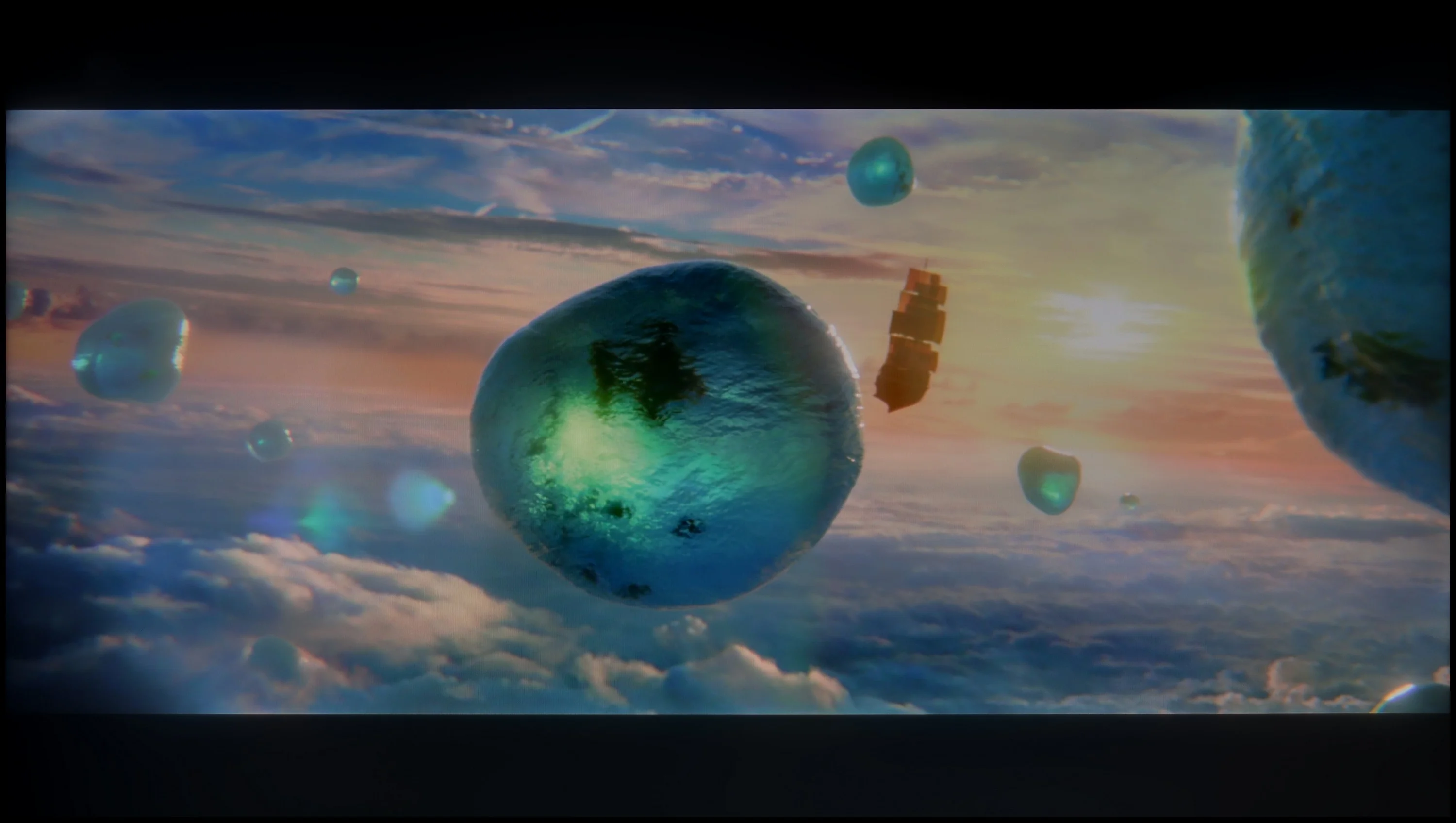
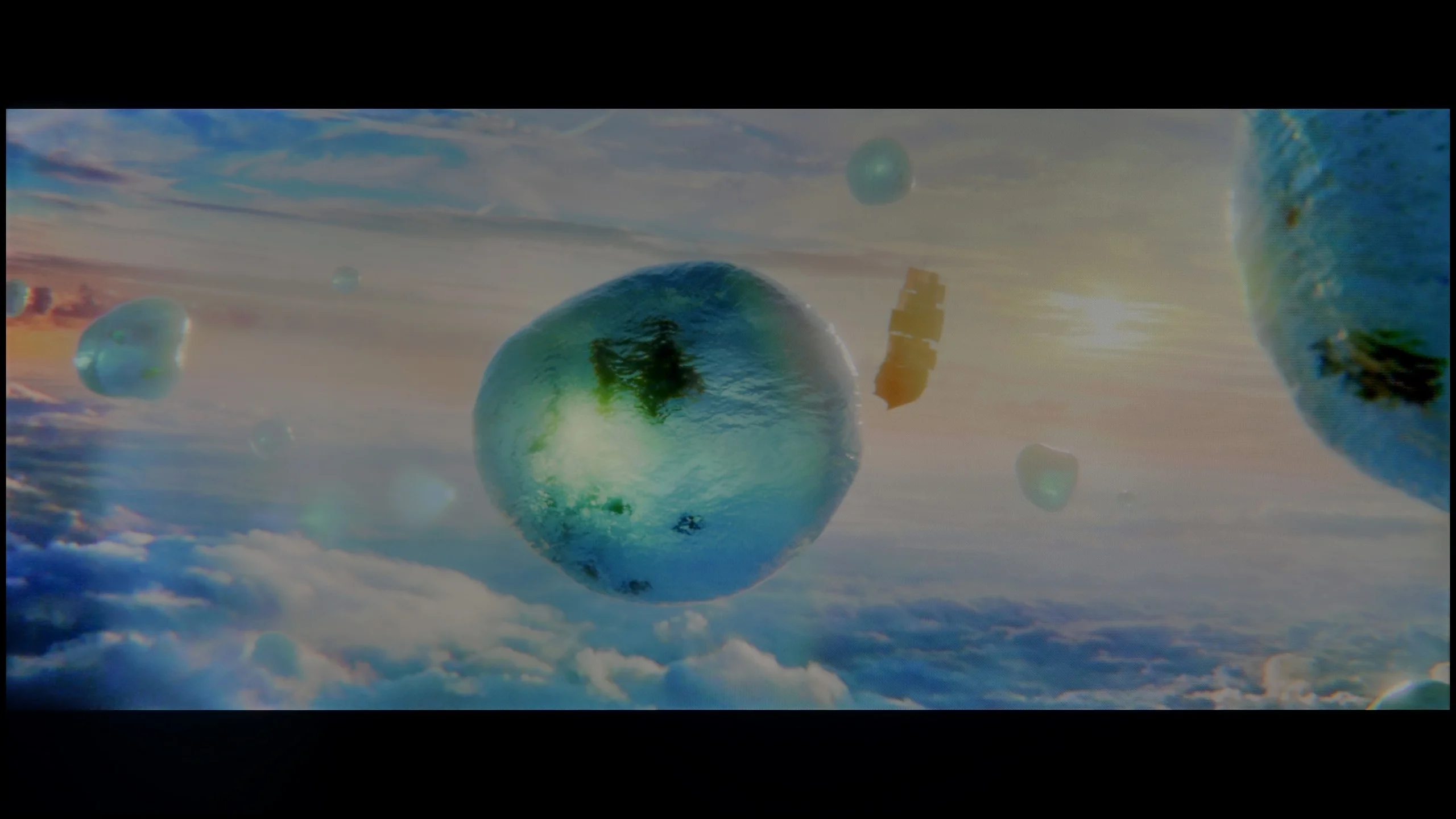
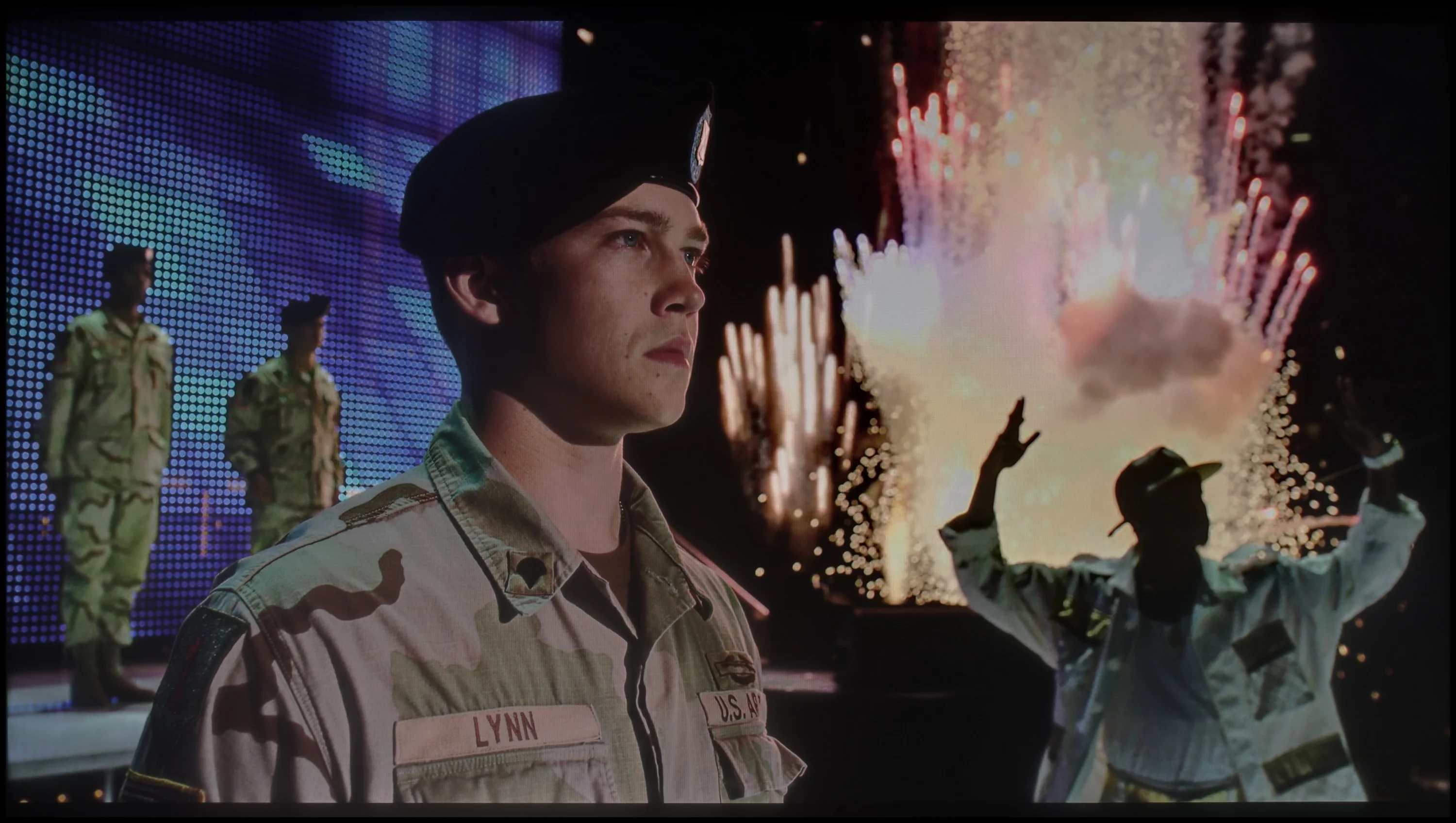
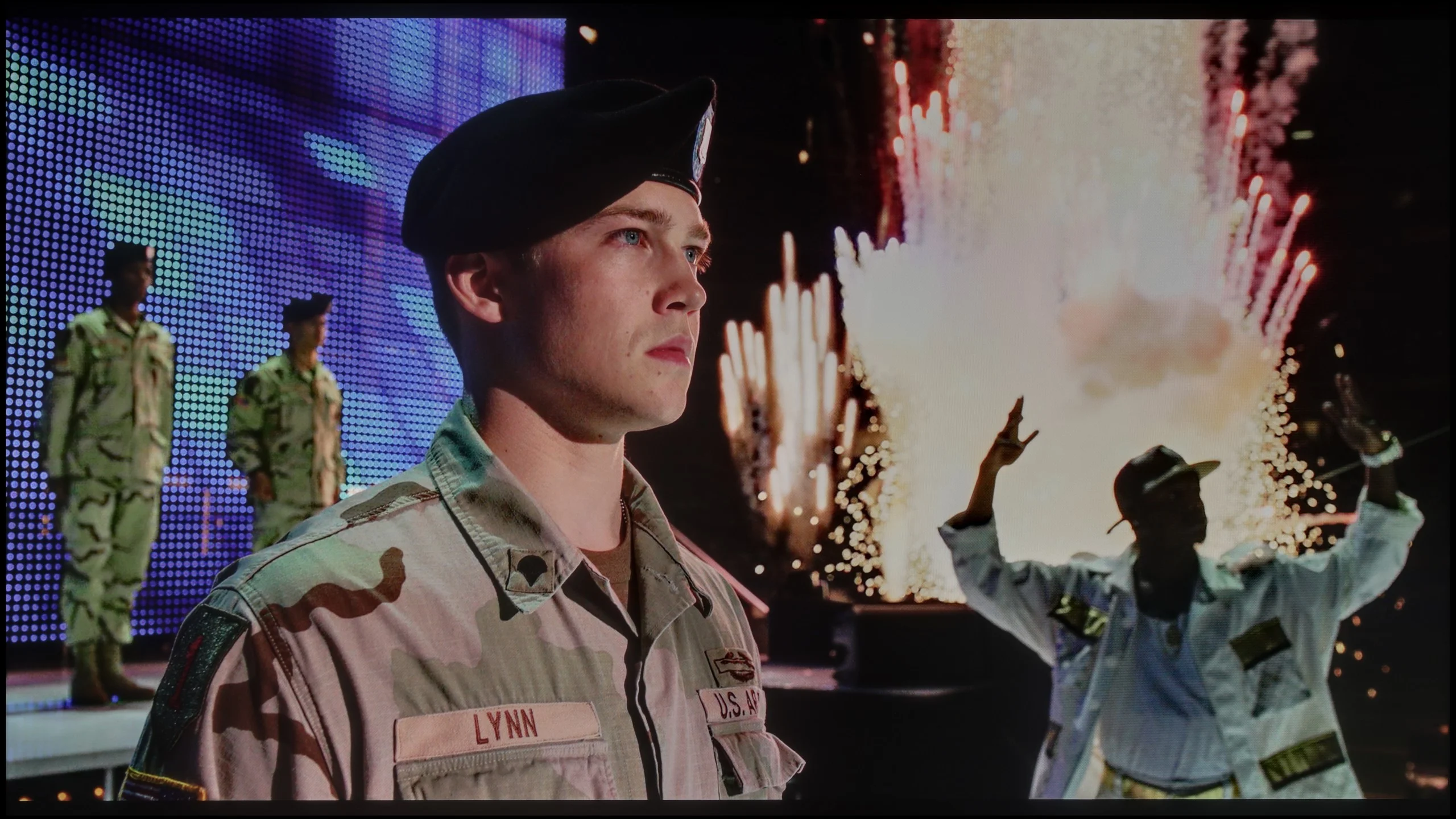
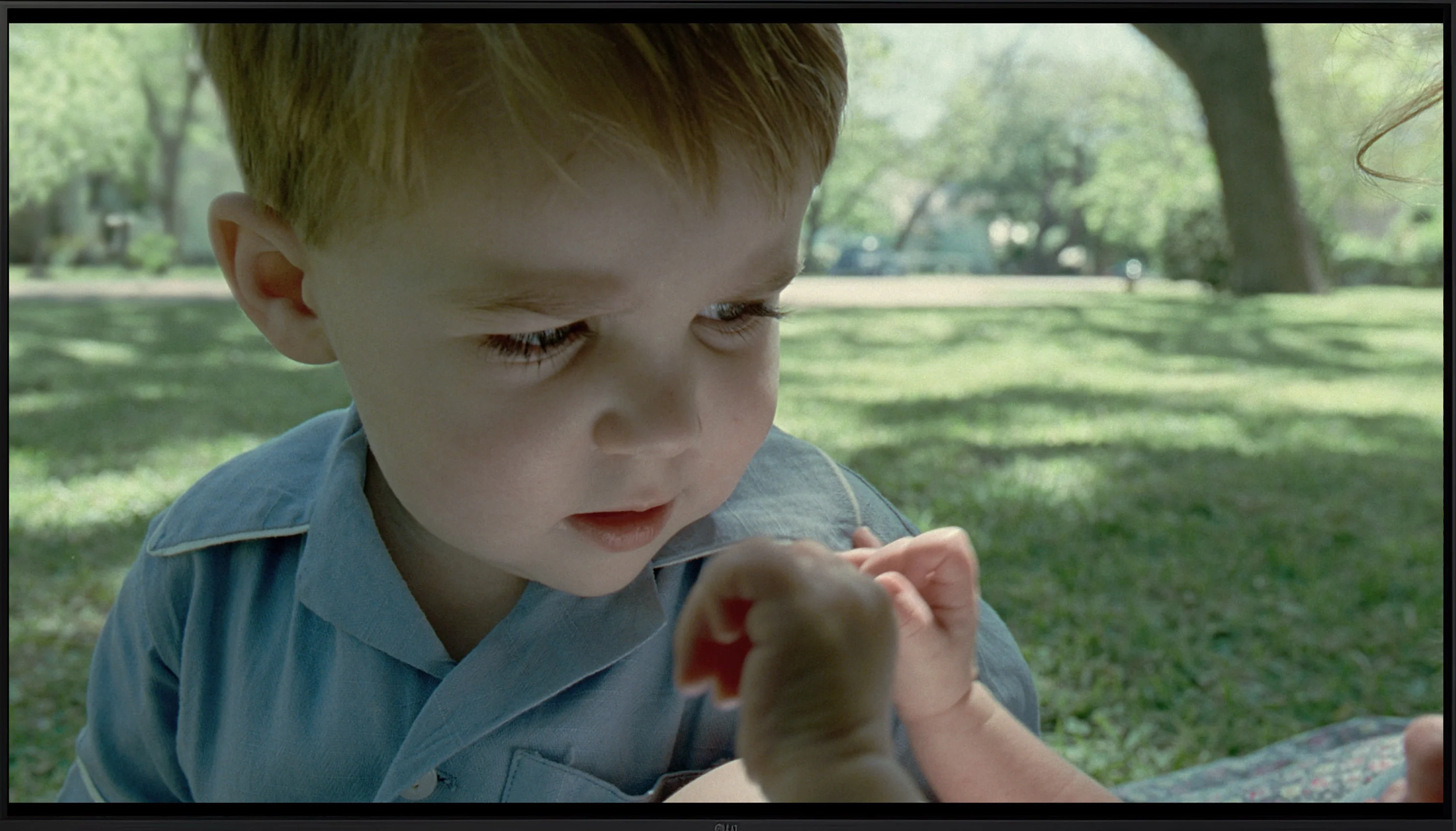
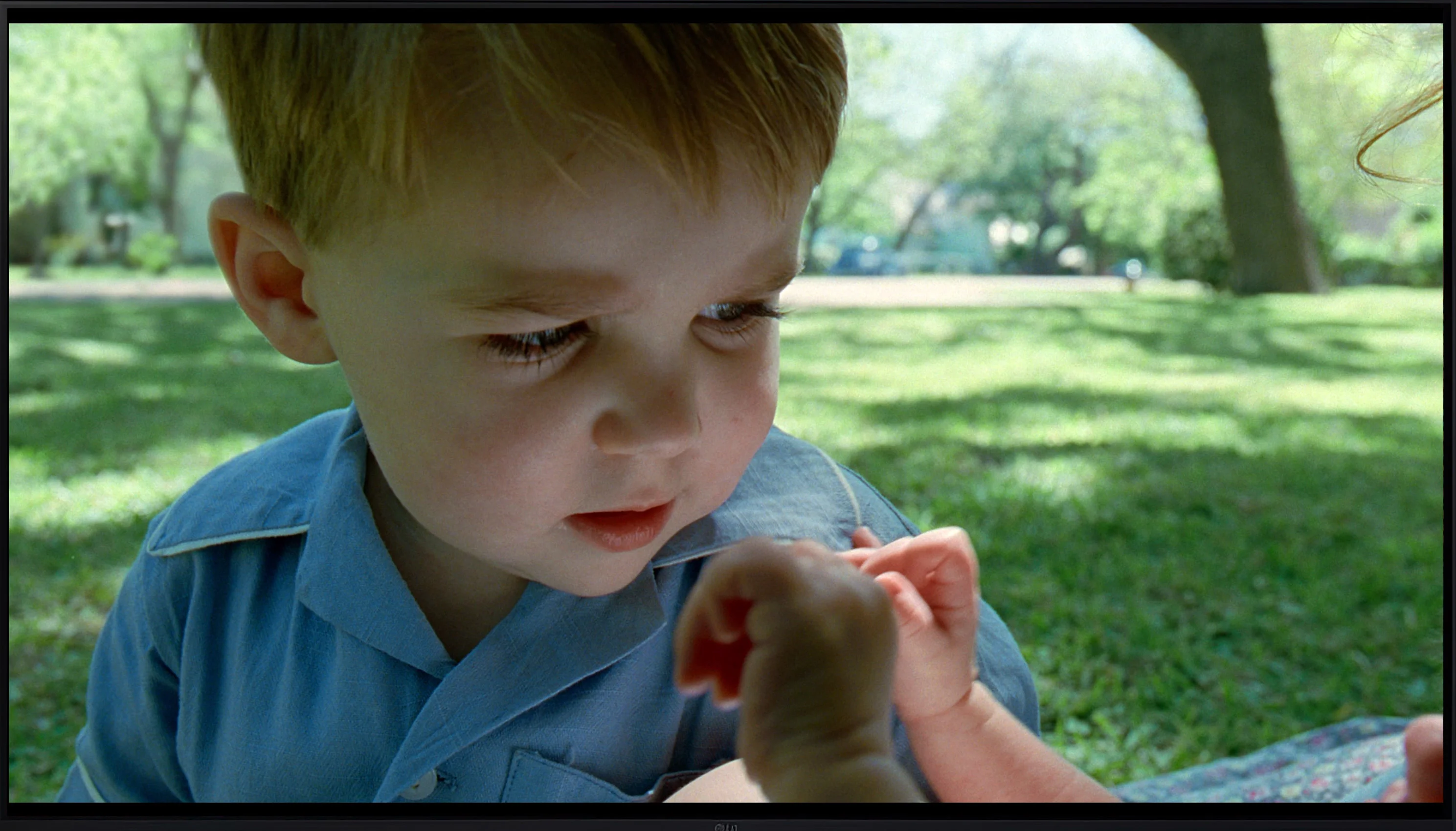
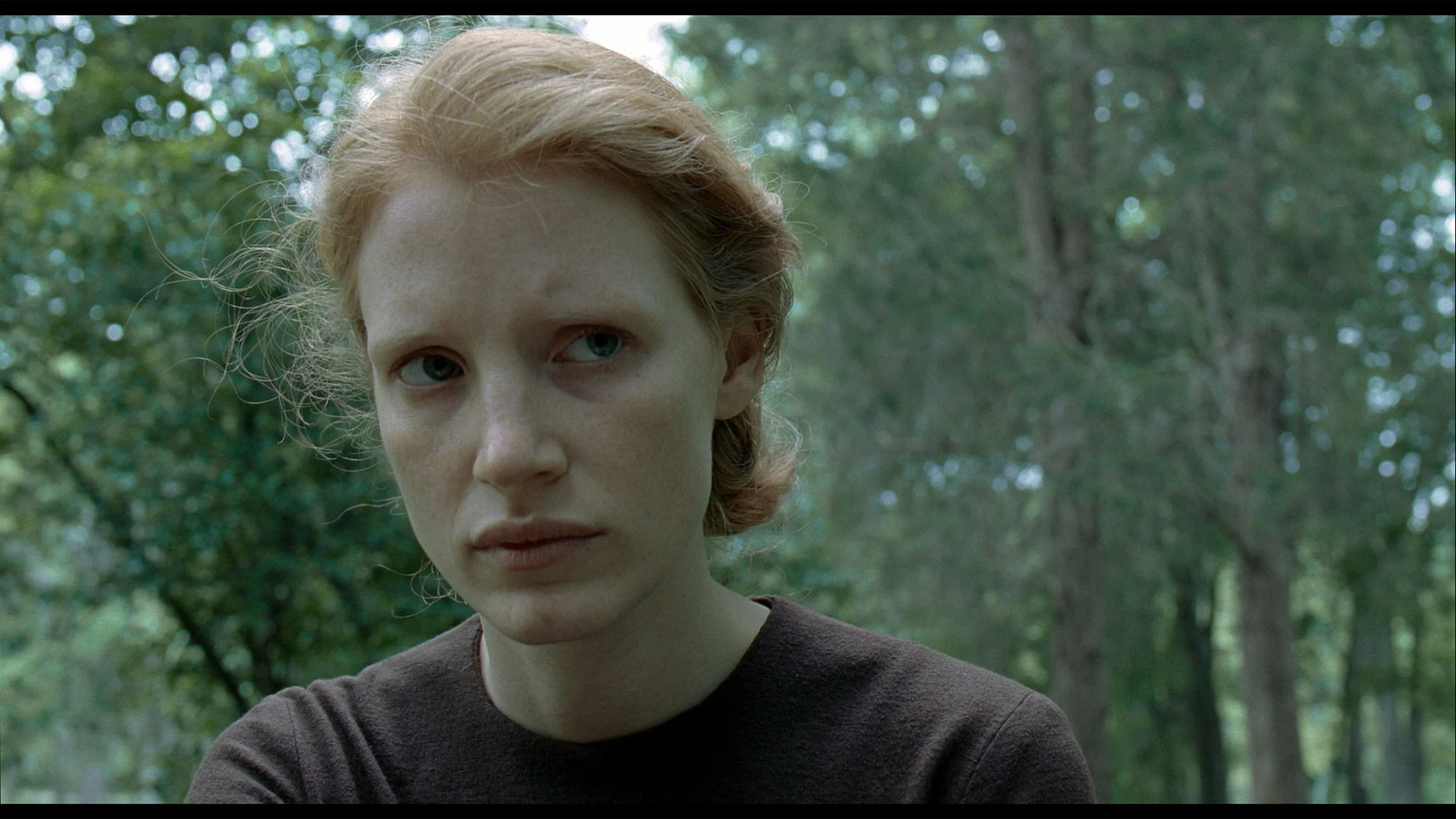
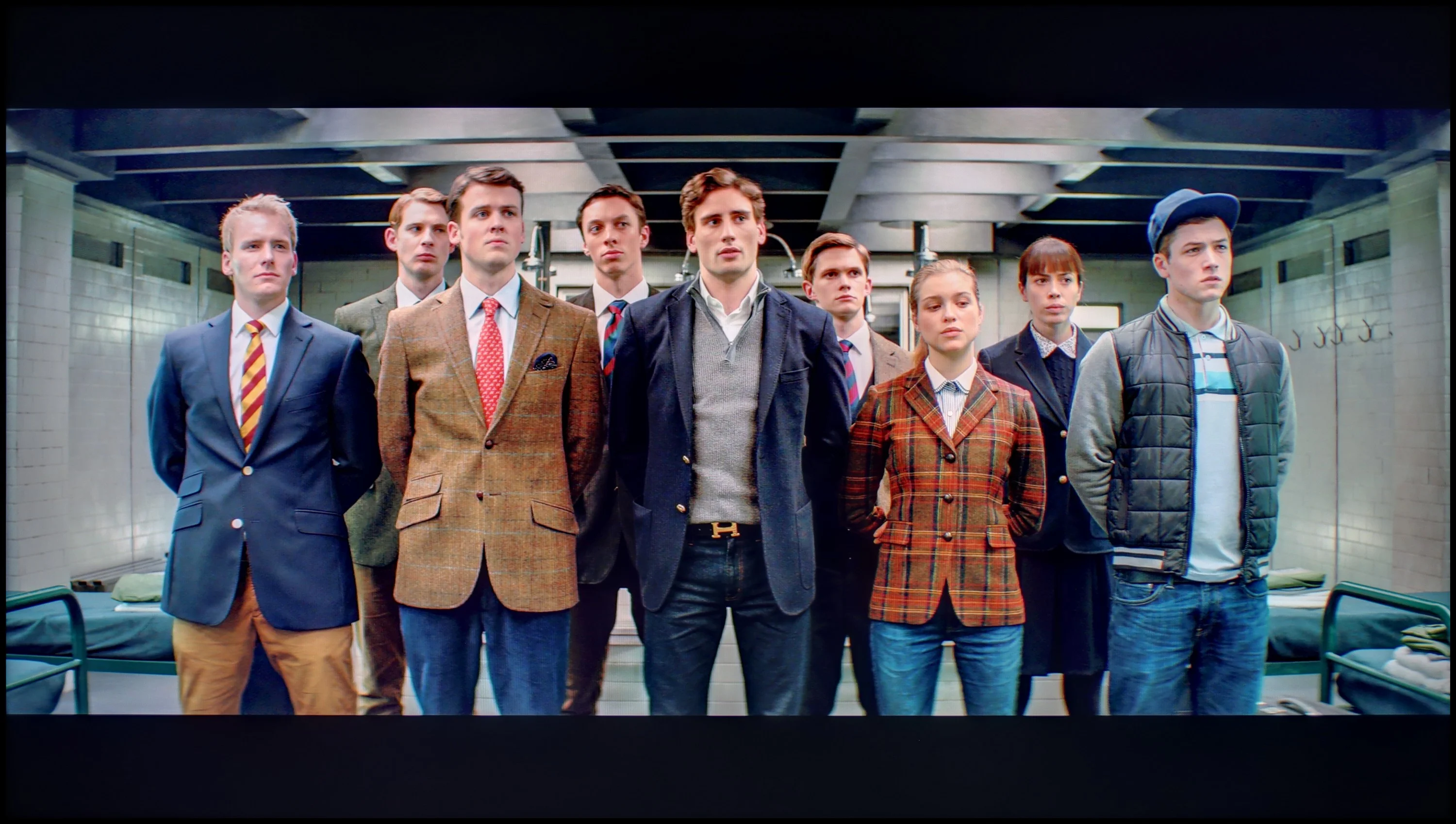
Scene from the movie “Pan” (about 2800 nits)

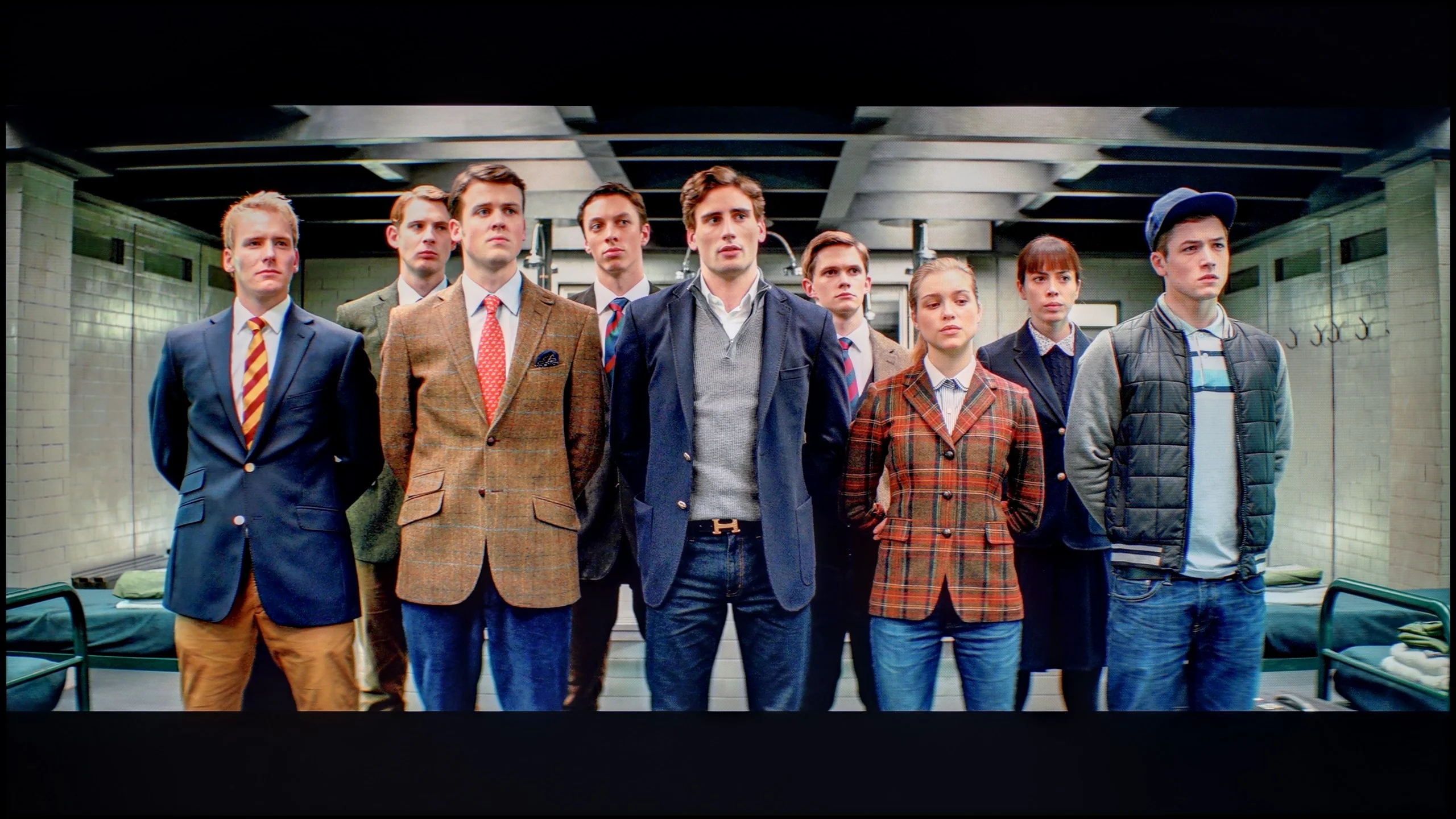
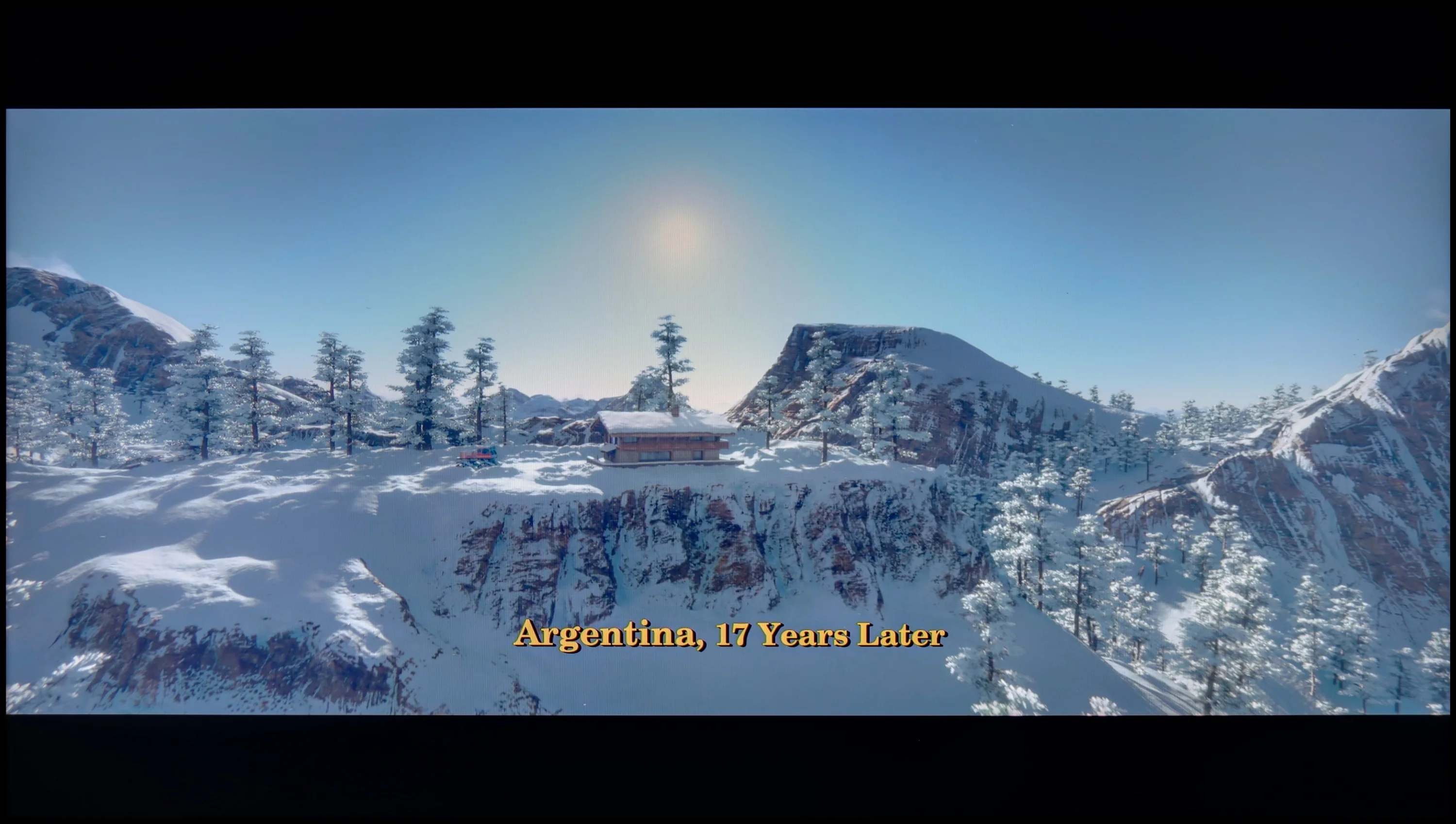
Scene from the movie “Billy Lynn” (about 1100 nits)

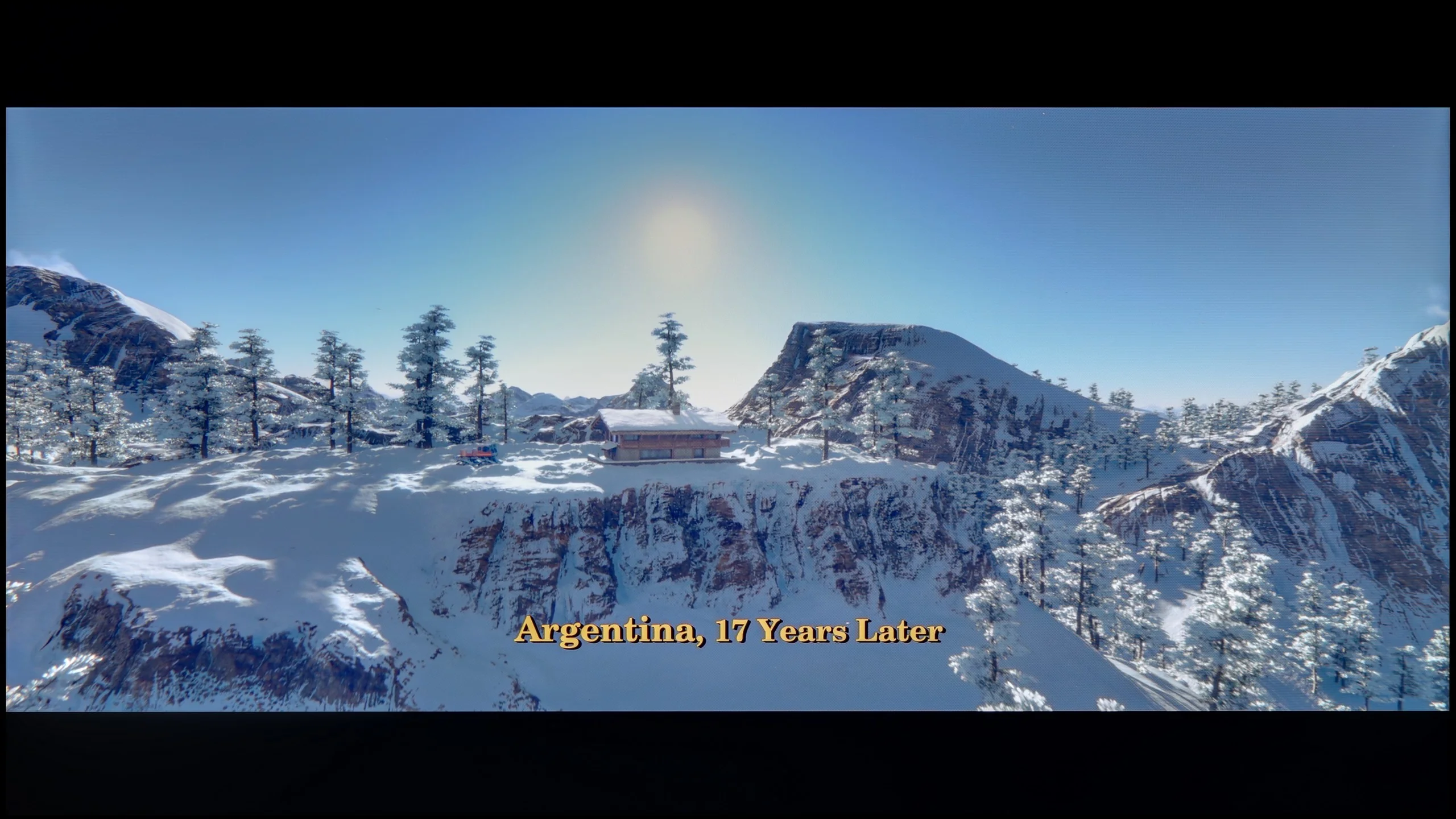
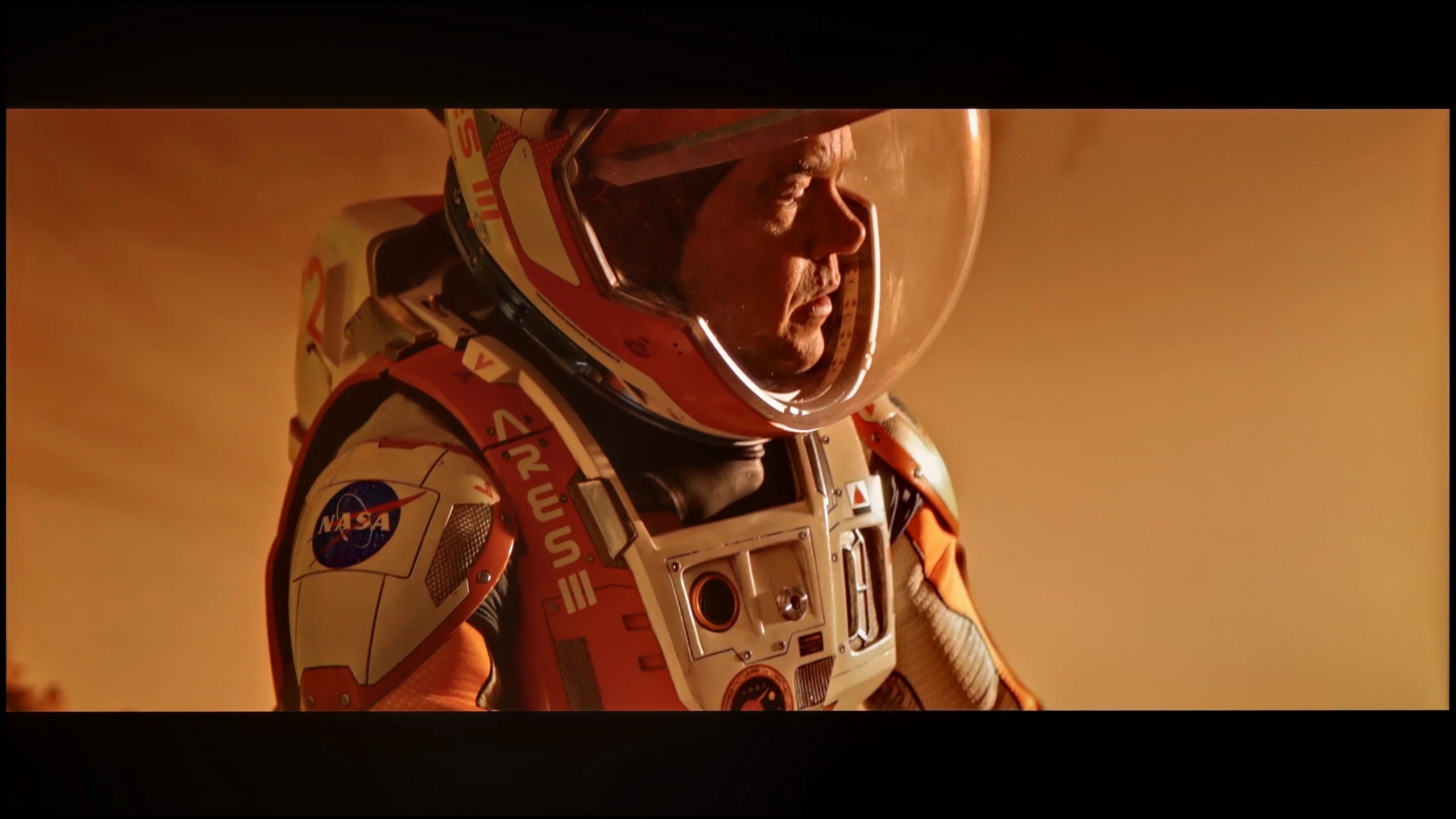
The photos show two HDR10 movies. 'Pan' is one of the brightest productions ever made, while 'Billy Lynn' (soldier) has brightness typical of streaming (Netflix, Prime, HBO MAX). Notice the intensity of effects and detail in whites.

Static HDR10

The photos present the visibility of white details in various HDR formats. They do not show brightness differences between TVs (these can be compared in the previous gallery).

HDR luminance chart:

LG UA75006LA (VA)

LG UR781

In HDR mode, the LG UR781 falls short of the brightness expected for high-quality HDR experiences. Tests across multiple panels revealed a brightness of around 200 nits, which aligns more closely with SDR standards. As a result, HDR effects lack the desired impact, with bright and dynamic scenes appearing less striking than they should.

The television also exhibits limitations in colour reproduction under HDR settings. The colours may not appear as intense or rich as those on models that handle wide colour gamuts more effectively, leading to a less vibrant and dynamic image overall. Additionally, the LG UR781 struggles with accurate colour representation in HDR mode, which can result in muted content, particularly during daylight viewing when the image can lose its intensity.

Although the dynamic tone mapping feature helps optimise the image, it does not overcome these shortcomings. For users seeking a truly immersive HDR experience with vivid colours and bright highlights, the LG UR781 may not meet expectations.

The LG UA7500 with a VA panel has a brightness that hovers around 350 nits, which, by today’s standards, isn't very impressive. It's hard to talk about a true HDR experience here – most content looks more like classic SDR with a slight attempt at highlights enhancement. One advantage is that regardless of the test pattern, the effect remained relatively stable. However, we noticed that in very extreme scenes with a lot of fine detail, the television can slightly dim the image to achieve better black levels, but this comes at the cost of visibility of bright effects. Additionally, it should be noted that the UA7500 is not equipped with any extra technologies for expanding color. It is neither a QLED panel nor a PFS LED, which is why the coverage of the DCI-P3 color palette is only 80%, causing many HDR movies to appear flat and not fully represent the variety of colors.

Factory color reproduction

3.9/10

5.6/10

This gallery shows how colors change after professional TV calibration. If you notice the difference, we recommend ordering this service at SkalibrujTV.com.

Factory Mode

After calibration

This gallery shows how colors change after professional TV calibration. If you notice the difference, we recommend ordering this service at SkalibrujTV.com.

Factory Mode

After calibration

In Filmmaker Mode, the LG UR781 demonstrates the best factory-calibrated performance but exhibits notable flaws. The primary issue lies in white balance, where the graph indicates a drop in blue levels, resulting in a warmer image with a shift towards yellow tones. This deviation impacts the naturalness of colour reproduction, particularly in scenes with white or neutral backgrounds. The Test Colour Checker confirms that some colours deviate into incorrect shades, leading to a lack of true-to-life representation. This can diminish the realism of film scenes, with certain details appearing in inaccurate colours.

In terms of contrast, the gamma graph reveals a drop to a level of 2.0, below the optimal value of 2.4. This results in darker parts of the image appearing brighter than they should, reducing depth and dynamic range. Additionally, the EOTF curve shows an unnatural spike at the beginning, leading to over-brightness in the brightest areas of the image. This can cause a loss of detail in high-luminance scenes, further impacting the overall image quality.

The Filmmaker mode on the LG UA7500 performs better than one might expect from such a budget TV, but let's not get carried away with the praise. The picture is put together quite sensibly and at first glance is not irritating; however, its weaknesses quickly start to show. This is most apparent in scenes with bright points – lamps in the background or reflections of light on the skin are clearly exaggerated. Characters' faces often look unnatural, as if they have been "burned out." Additionally, the default gamma settings brighten even the smallest details, causing the image to lose subtlety in darker areas. Nevertheless, the fact remains that, for its price range, the UA7500 in factory mode provides a decent starting point. However, it's clear that without additional correction, these issues cannot be avoided, which is why – as with other TVs – we decided to check what could be achieved after calibration.

Color reproduction after calibration

6/10

7/10

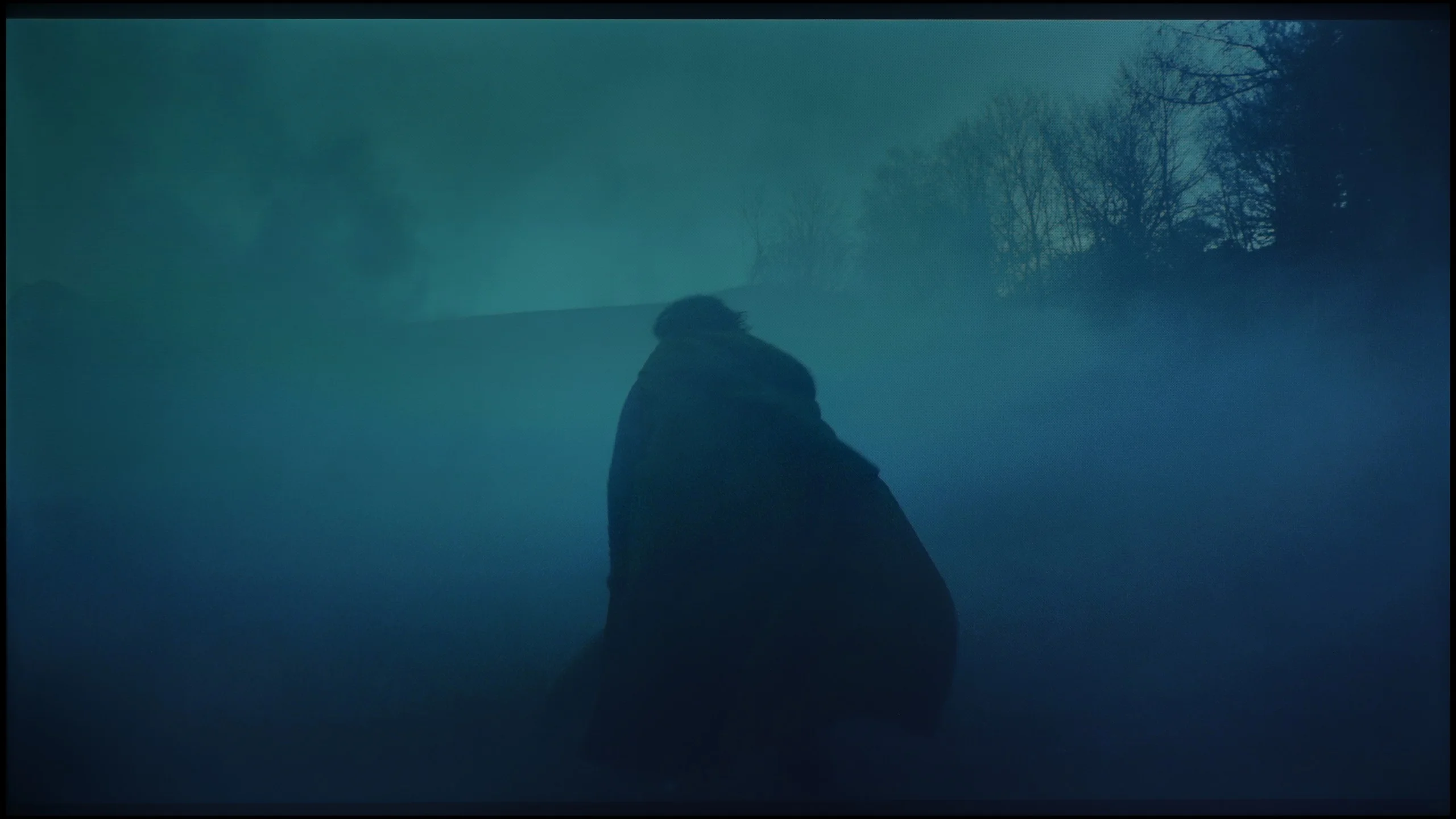
The photos show how movies look on the TV. Pay attention to black detail visibility, colors, and shadow tint.

The photos show how movies look on the TV. Pay attention to black detail visibility, colors, and shadow tint.

After calibration, the LG UR781 demonstrates commendable colour reproduction for SDR content. The calibration effectively improves white balance, yielding natural and balanced tones across various scenes. Gamma adjustments contribute to precise detail representation in shadows and highlights, enhancing overall image clarity. This results in a well-rounded performance for everyday use, with solid colour accuracy and well-balanced imagery in SDR mode.

HDR content, however, reveals the TV's limitations. The lack of support for a wide colour gamut restricts the depth and vibrancy that HDR is capable of. The EOTF curve deviates from the ideal, overemphasising details in bright areas, which introduces inaccuracies in colour representation. Tests using the Colour Checker confirm significant errors in colour reproduction. Additionally, the panel's relatively low brightness exacerbates these issues, diminishing the impact of dynamic range effects and causing colours to appear washed out.

While HDR mode highlights the TV's shortcomings, the improvements after calibration, particularly in SDR performance, are significant. Enhanced white balance and gamma adjustments greatly improve the viewing experience, providing more natural and consistent colour reproduction. Compared to its pre-calibration state, the LG UR781 now offers a much better performance for everyday use, especially in standard dynamic range scenarios.

We noticed the greatest improvement when calibrating the mode intended for daily SDR content. We managed to smooth the white balance in an acceptable way and tackle the issue of excessive brightening of small elements by the gamma characteristic. As a result, the image gained the consistency and naturalness that were lacking in the factory settings. After such correction, we can confidently state that for daily television content, programs, or materials from YouTube, the LG UA7500 performs really well – especially after professional calibration. The situation is somewhat different for HDR content. Here, the calibration did allow us to tame the white balance and slightly improve brightness management, but the limitations of the design are immediately apparent. The lack of additional filters to widen the color palette means that the most vivid colors appear flat, and the image does not have the intensity we would expect from good HDR. In SDR, the UA7500 performs quite decently, but in HDR – despite corrections – it remains far behind, and this is a characteristic that one must accept when choosing this television.

Smoothness of tonal transitions

8.6/10

8.8/10

These are selected scenes that show smooth tonal transitions from one color to another. If you see distinct banding, it’s the TV panel’s fault.

These are selected scenes that show smooth tonal transitions from one color to another. If you see distinct banding, it’s the TV panel’s fault.

These are selected scenes that show smooth tonal transitions from one color to another. If you see distinct banding, it’s the TV panel’s fault.

These are selected scenes that show smooth tonal transitions from one color to another. If you see distinct banding, it’s the TV panel’s fault.

The LG UR781 performs impressively with tonal transitions, delivering high image quality across various scenes. The transitions are smooth and consistent, contributing to a pleasant viewing experience.

While the TV handles most tones exceptionally well, minor issues with gradation may appear in darker colours. These imperfections, however, are subtle and unlikely to be noticeable to the average viewer. Only those with particularly sensitive eyes may detect these flaws. Overall, the LG UR781 provides smooth tonal transitions, maintaining its appeal for casual and discerning viewers.

The color transitions in most scenes were smooth and difficult for the average viewer to notice. However, the variant with the VA matrix offered something more – in the dark fragments of the image, one could see significantly more shades, as the higher contrast allowed them to be better revealed. As a result, the image did not appear flattened and looked more natural. The transitions between colors themselves generally appeared quite good and did not distract from the content.

Image scaling and smoothness of tonal transitions

6.8/10

7/10

Image without overscan on the SD signal
OK
OK
Smooth transition function
OK
OK

Smooth transition function

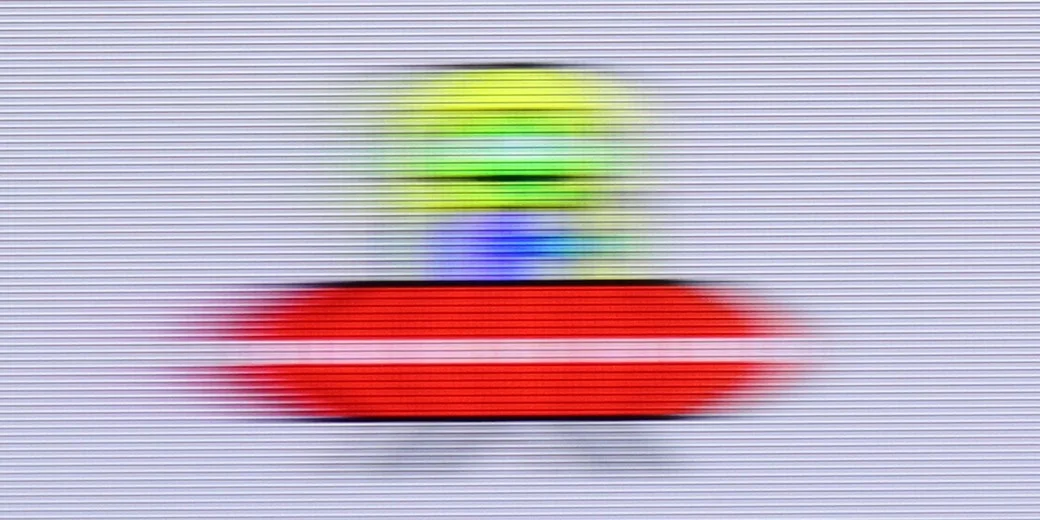
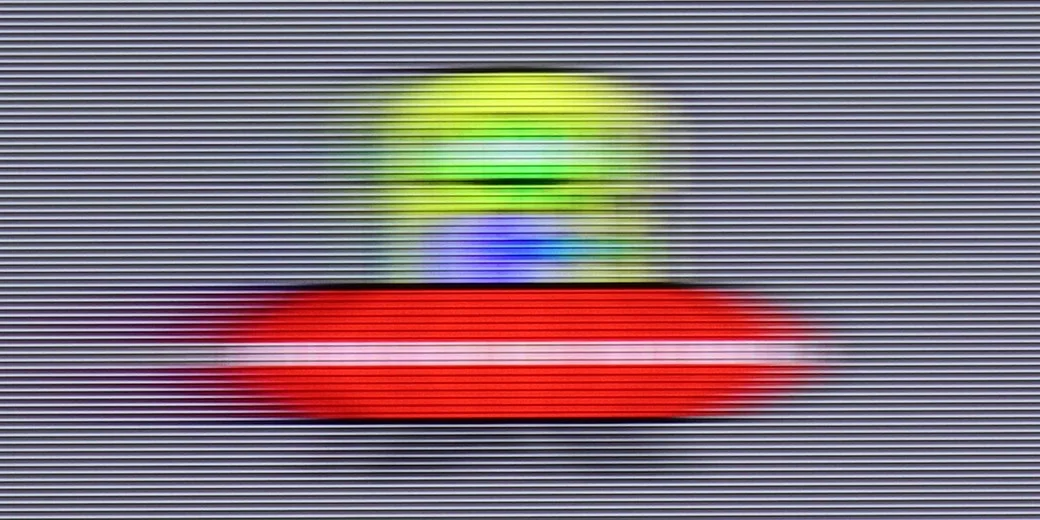
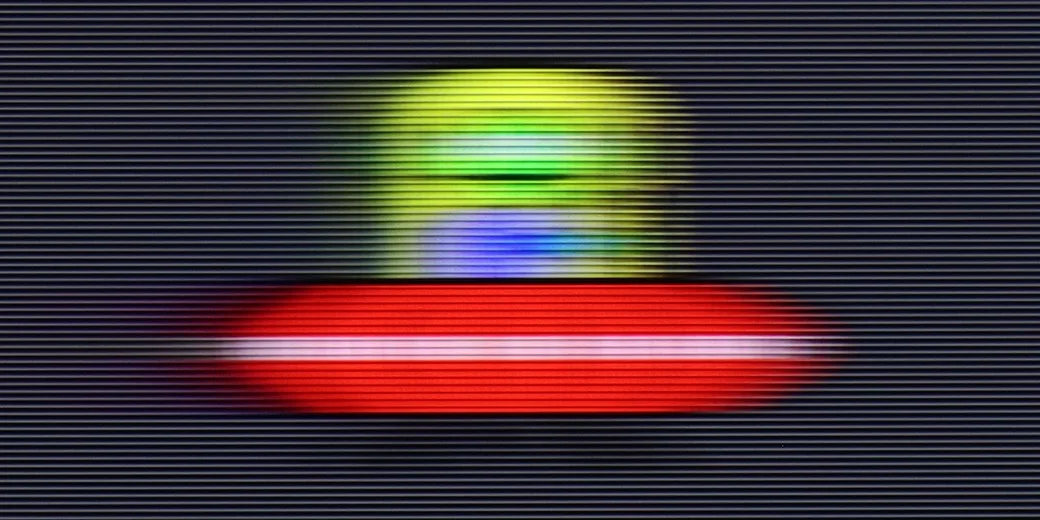
The match photo shows how the TV smooths weak tonal transitions in low-quality video.

Image scaling SD (576i)

The model photo shows how it handles upscaling of SD material.

The tonality smoothing function on the LG UR781 yields mixed results. At the "low" level, it neither enhances image quality nor effectively diminishes film grain, making its impact relatively negligible. Increasing the strength of this function can soften gradations and reduce visible banding, but it risks over-softening the image in certain scenes, which may compromise the overall sharpness and detail.

As for image scaling, the LG UR781 struggles to deliver exceptional performance, particularly with lower-resolution content. The TV employs an artificial sharpness enhancement technique that introduces defined contours to create the illusion of sharper images. While this may appeal to users who prefer pronounced, vivid details, others seeking a more natural and authentic look may find this effect distracting or unrealistic. Ultimately, the perception of these enhancements will depend on personal preferences, with some users valuing the added sharpness and others prioritising natural image quality.

The LG UA7500 with a VA panel has shown a really good performance in this category. The image scaling from Full HD content or even SD was surprisingly smooth. The picture looked smooth, edges weren't excessively jagged, and the television maintained a significant amount of detail, which meant that even older movies didn't lose their character. It particularly excelled with faces – there were no artificial contours or the "mask" effect, which often occurs in cheaper models. The way the television handled tonal transitions in lower-quality materials is also noteworthy. Thanks to digital processing, colors didn't blend together, and gradients looked natural and smooth. There was no intrusive image smoothing or loss of cinematic grain. This makes the UA7500 great for everyday content – from terrestrial television, through sports, to YouTube, where we often watch materials in various resolutions.

Blur and motion smoothness

2.2/10

4/10

Maximum refresh rate of the panel
60Hz
60Hz
Film motion smoothing option
OK
OK
Blur reduction option
No
No
BFI function 60Hz
No
No
BFI function 120Hz
No
No
Brightness drop with BFI
0%
-%

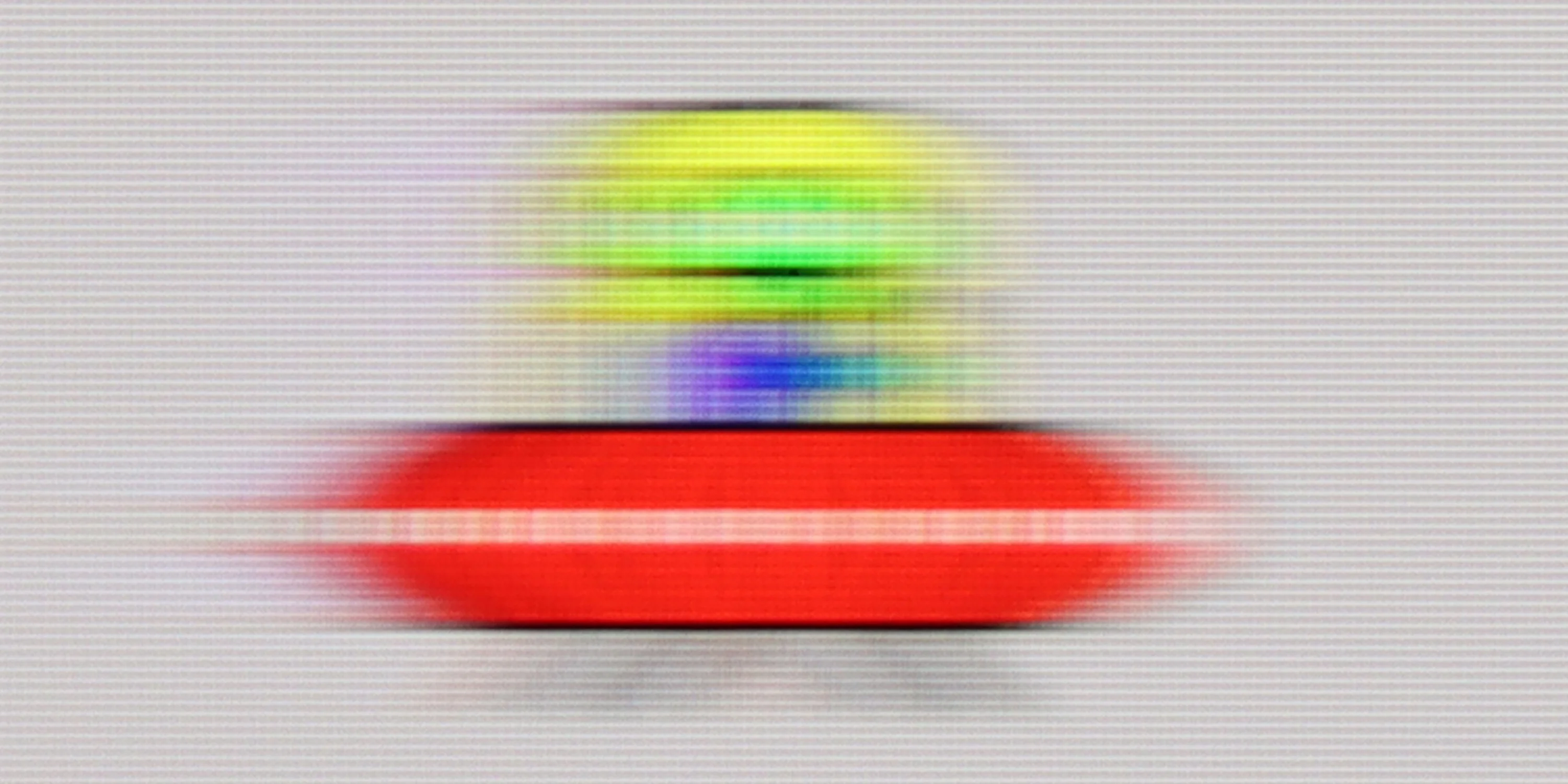
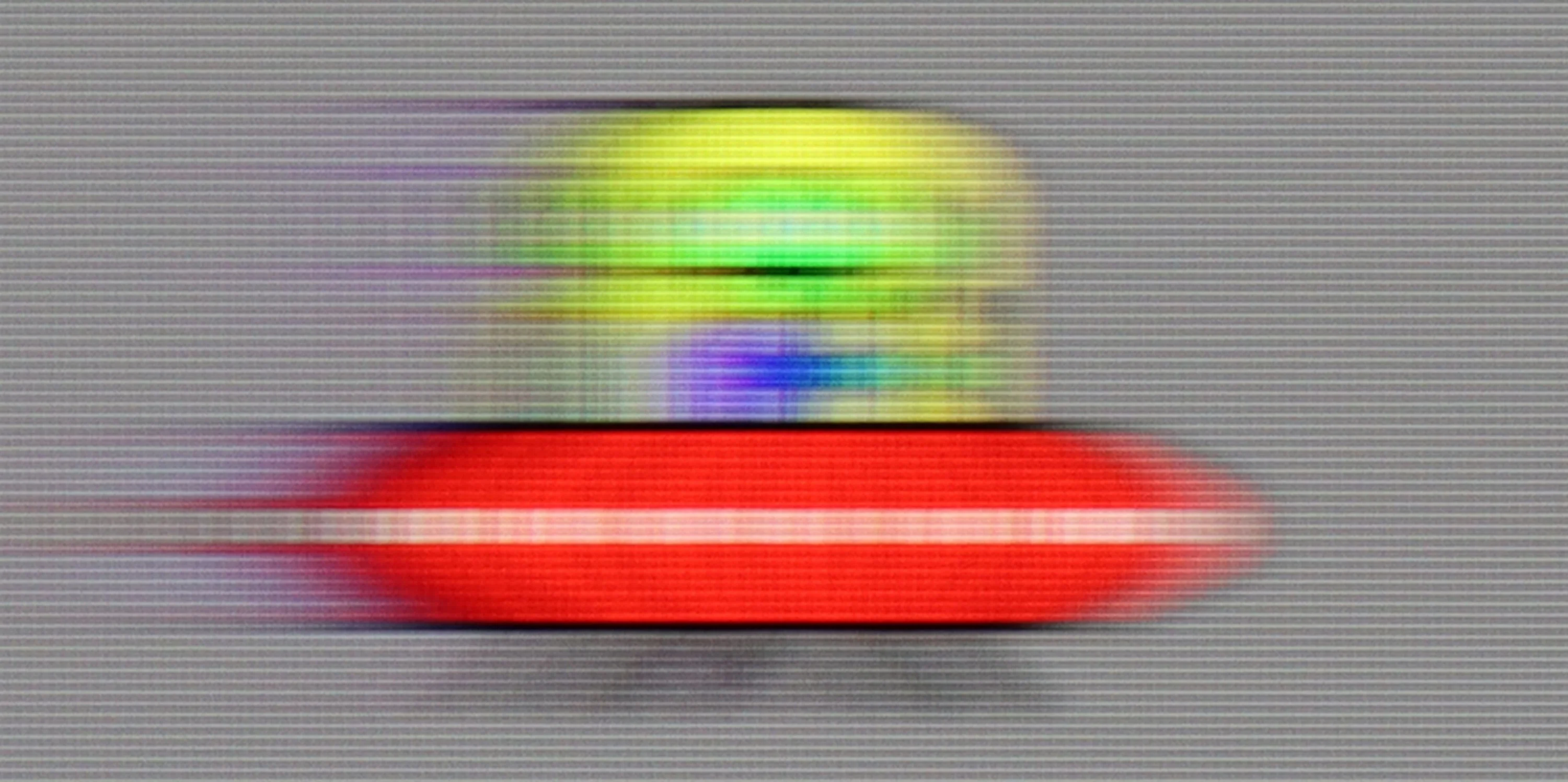
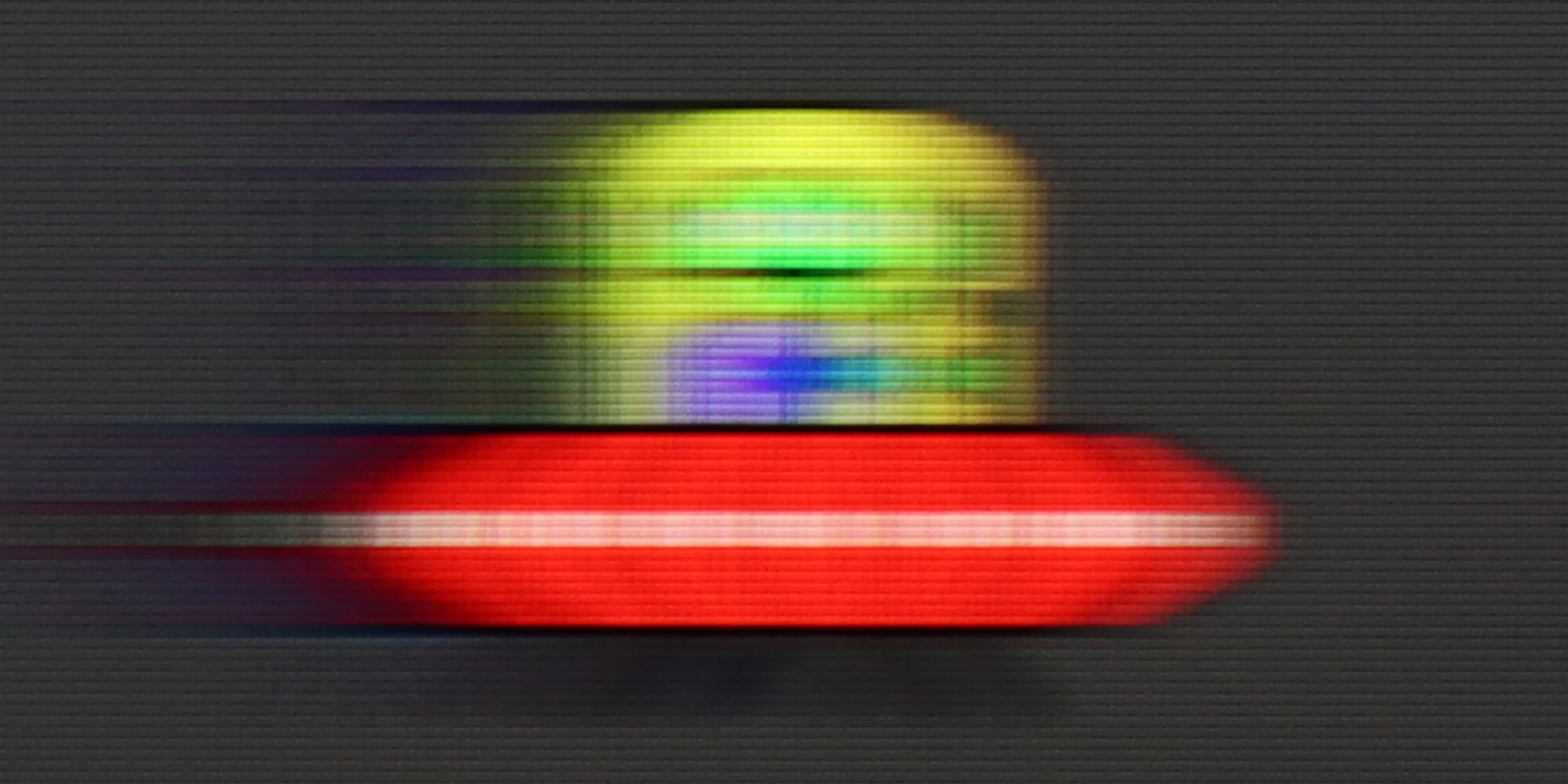
Blur (native resolution, maximum refresh rate):

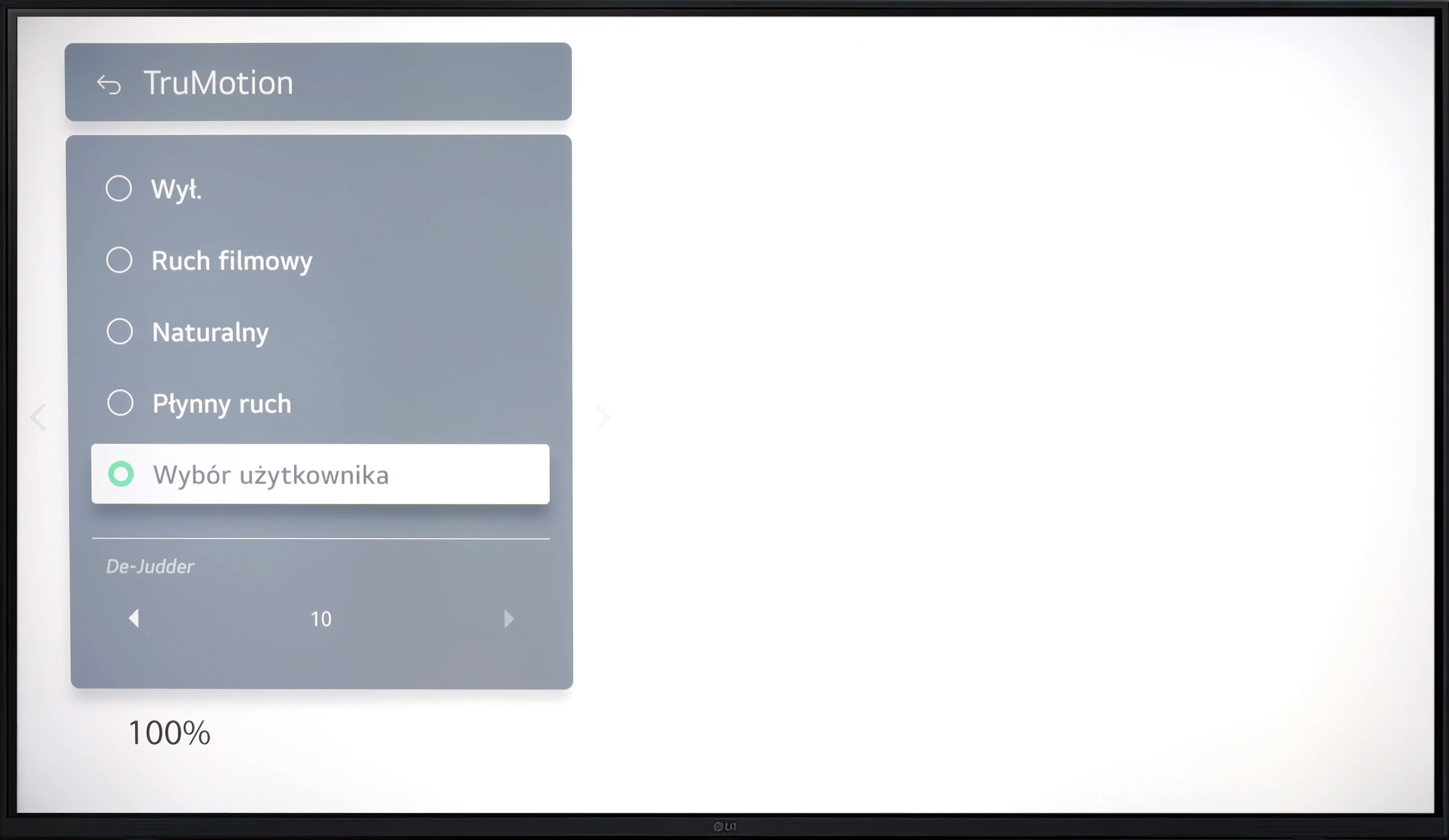
The LG UR781 television provides decent motion fluidity for movies, primarily due to its "True Motion" feature. This option lets users fine-tune motion smoothing on a scale from 0 to 10, catering to different viewing preferences. Lower settings preserve a traditional cinematic effect with some judder, while higher settings create a smoother, more theatrical image. Although the latter deviates from the cinematic standard, it may appeal to viewers who prioritise seamless visuals.

However, performance declines when handling dynamic sports content and fast-paced games. Its 60Hz panel limits interpolation capabilities, meaning motion smoothness in movies can be improved, but motion blur cannot be effectively reduced. The absence of support for 120Hz and BFI (Black Frame Insertion) technology exacerbates this, causing fast-moving objects to blur. Moreover, the panel's slower response time further reduces sharpness in rapid scenes, which can be a drawback for gamers and sports enthusiasts seeking clear, fluid visuals in high-speed scenarios.

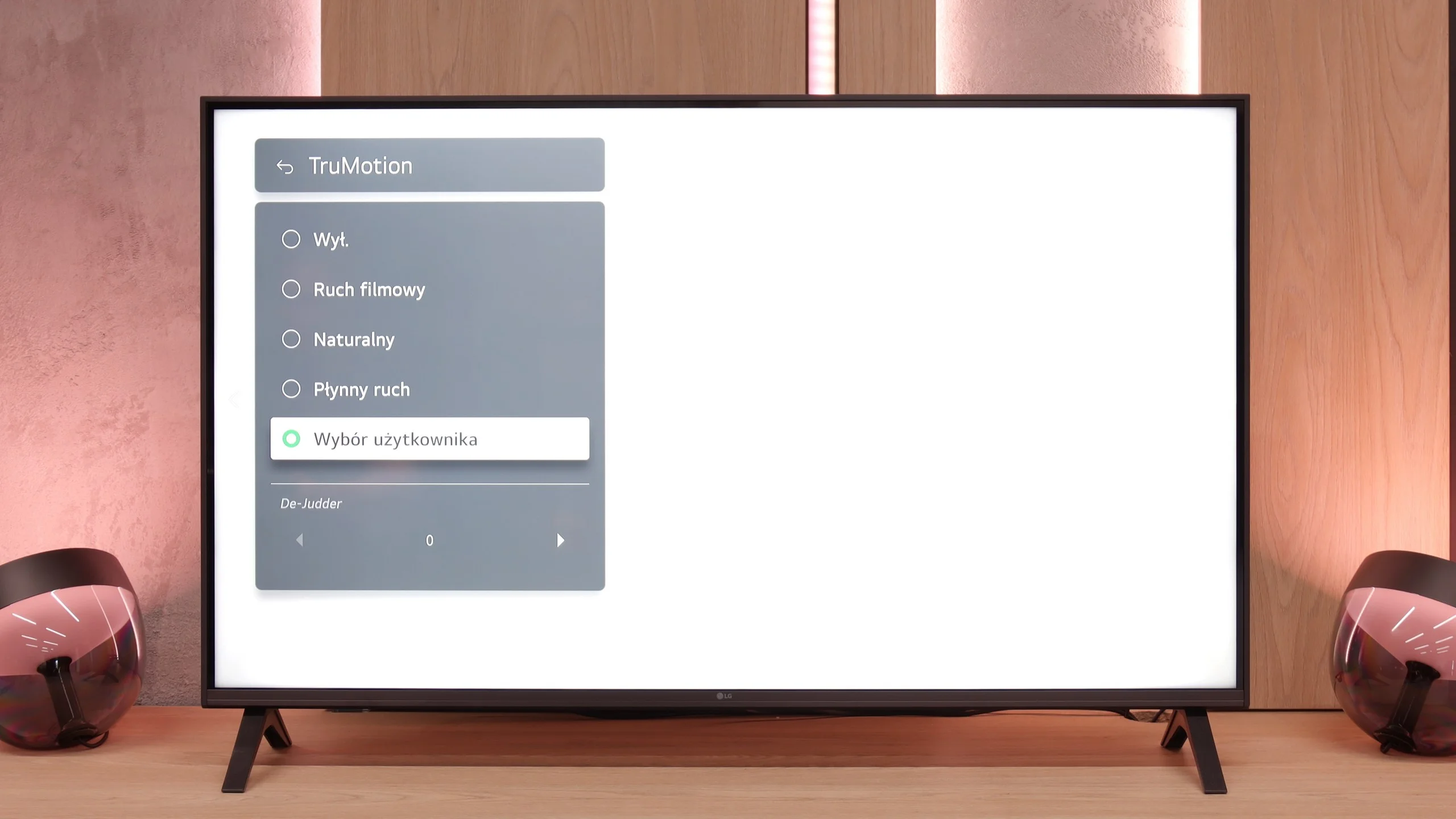
LG UA7500 is a television with a 60 Hz panel, so it’s hard to expect any awe in this category. It’s more of a screen intended for everyday content or an evening movie session rather than for following dynamic sports events or playing action games. It’s clear that the manufacturer directed this model specifically to that group of consumers – and in that regard, it performs correctly. We have the TruMotion function at our disposal, which is a motion smoother. It’s simple, has only one slider, but it can make a noticeable difference. At lower settings, the image appears more raw and cinematic, while at higher values, motion becomes smoother and more pleasing to the eye.

Console compatibility and gaming features

4.7/10

6/10

  • ALLM
    Yes
    Yes
  • VRR
    No
    Yes
  • VRR range
    No
    48 - 60Hz
  • Dolby Vision Game Mode
    No
    No
  • Correct implementation of HGIG
    Yes
    Yes
  • 1080p@120Hz
    No
    No
  • 1440p@120Hz
    No
    No
  • 4K@120Hz
    No
    No
  • Game bar
    Yes
    Yes

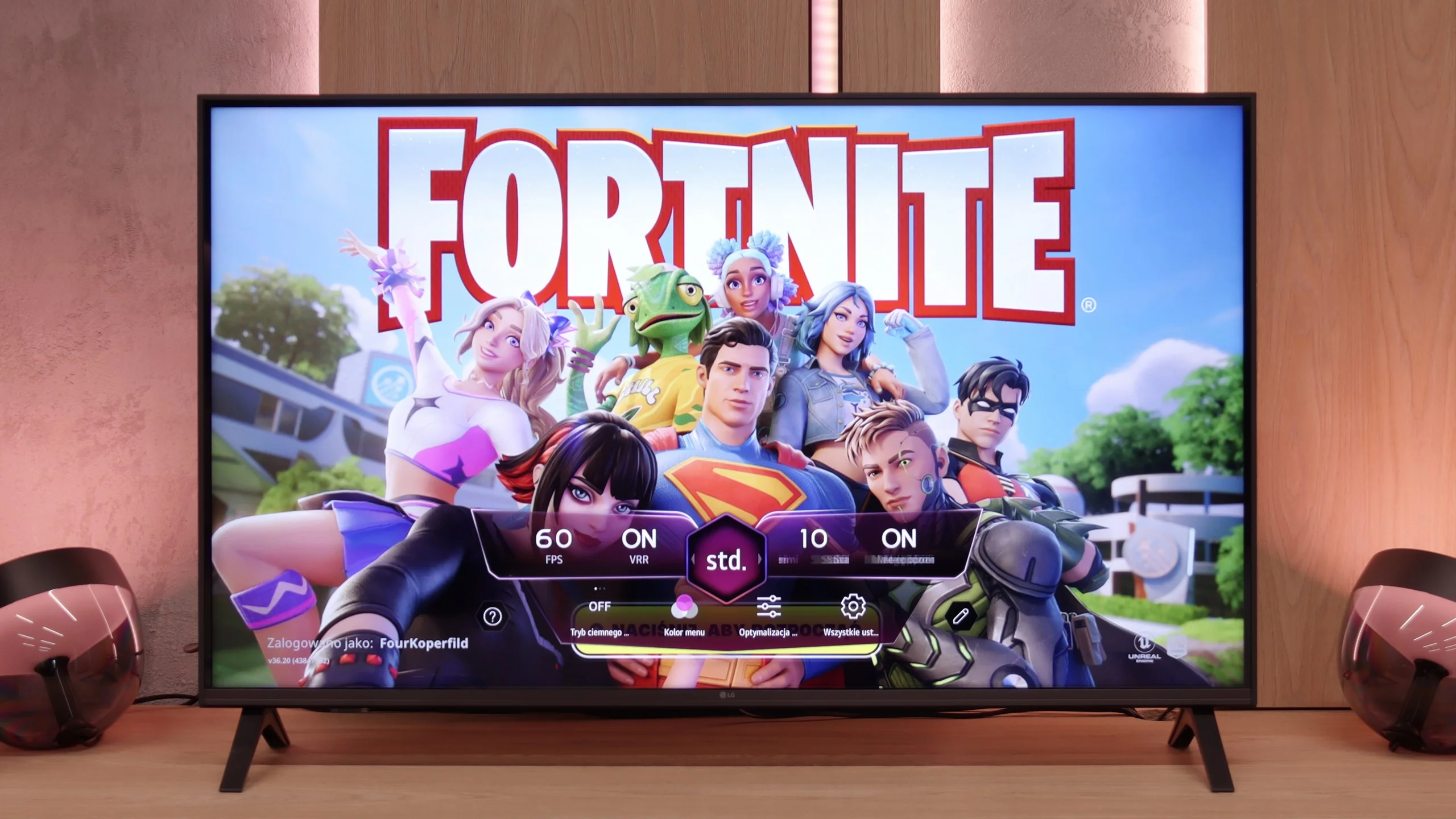
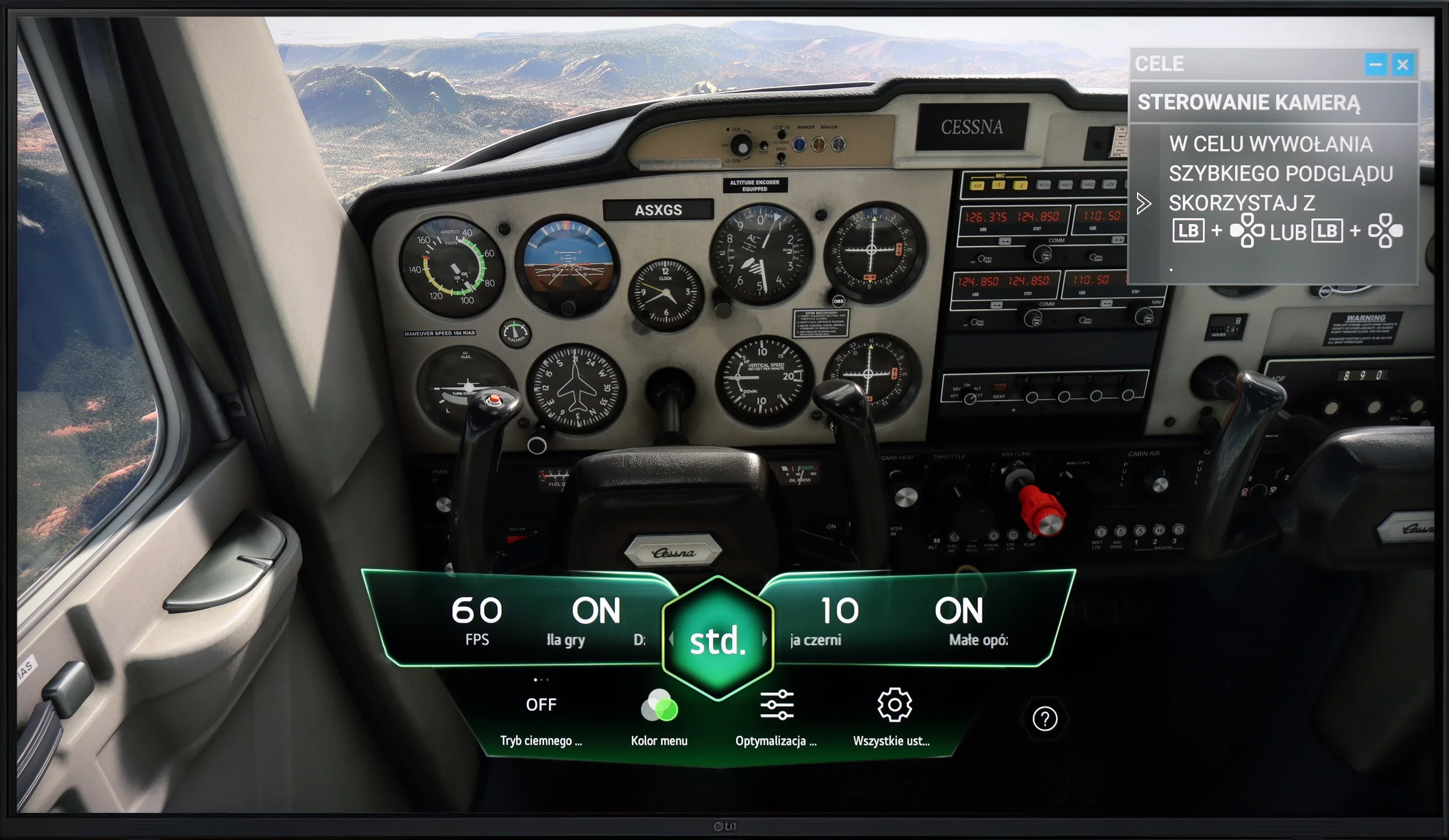
The LG UR781 provides several features designed to enhance console gaming experiences but comes with notable limitations. On the positive side, it includes the ALLM (Auto Low Latency Mode) feature, which automatically switches the TV to a low-latency mode, optimising response times for gaming and benefiting fast-paced titles. The television also supports HGiG, ensuring HDR games are displayed enhancing the overall gaming experience. Additionally, the Game Bar feature allows gamers to quickly access and adjust settings during gameplay, offering added convenience. However, there are significant drawbacks. The TV lacks VRR (Variable Refresh Rate), which may result in screen tearing or stuttering, particularly during dynamic scenes. It also does not support Dolby Vision for gaming, limiting HDR picture quality in titles that use this format. The 60Hz panel restricts gameplay to 60Hz, excluding smoother experiences available at higher refresh rates like 1080p@120Hz, 1440p@120Hz, or 4K@120Hz. The absence of G-Sync or FreeSync technology reduces compatibility with systems designed to synchronise the frame rate between the console and TV, potentially affecting gameplay fluidity. The LG UR781 is a functional choice for casual gamers who value affordability and features like ALLM and HGiG. However, it falls short for those seeking advanced gaming features such as high refresh rates, VRR, or Dolby Vision gaming.

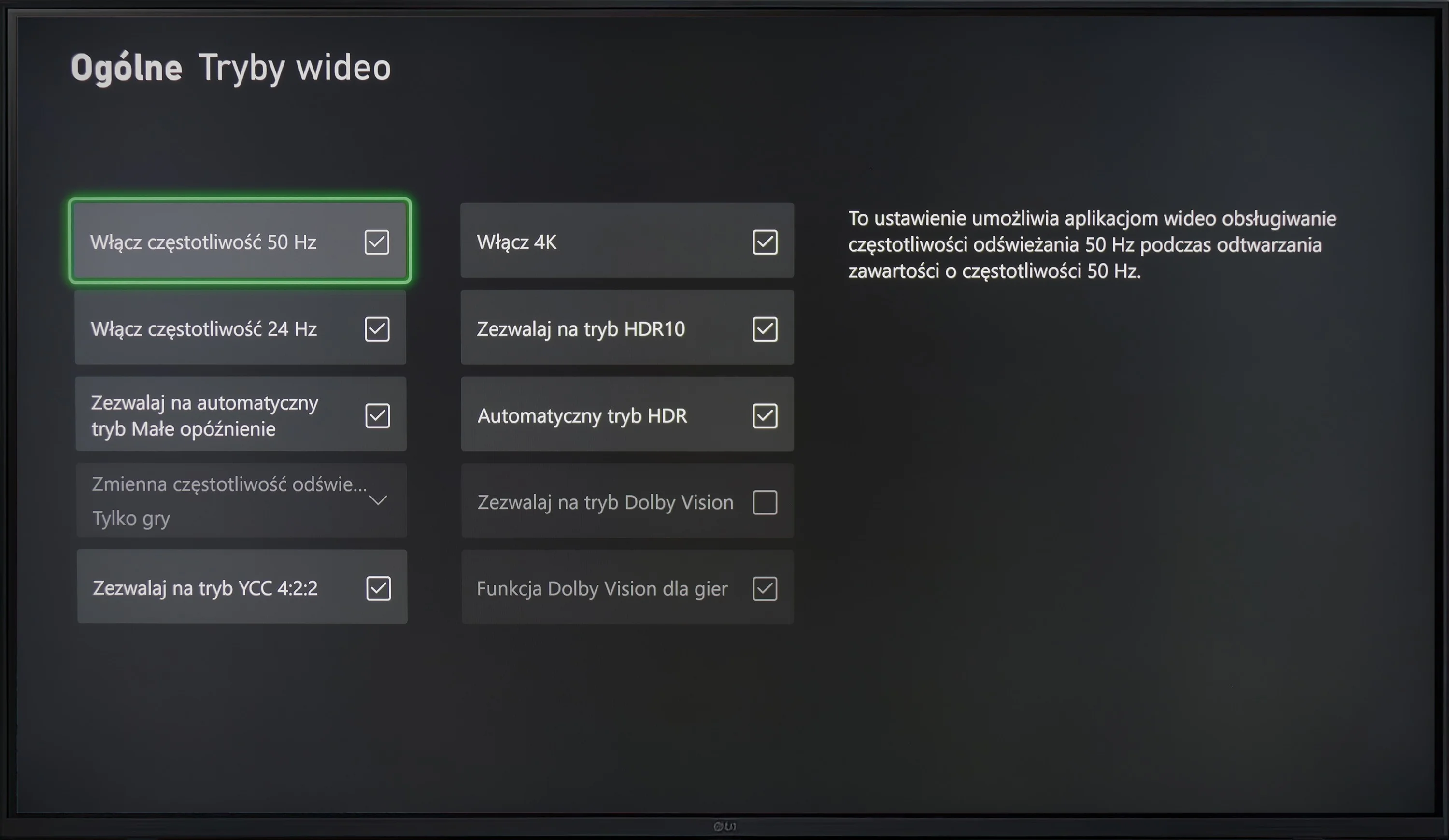
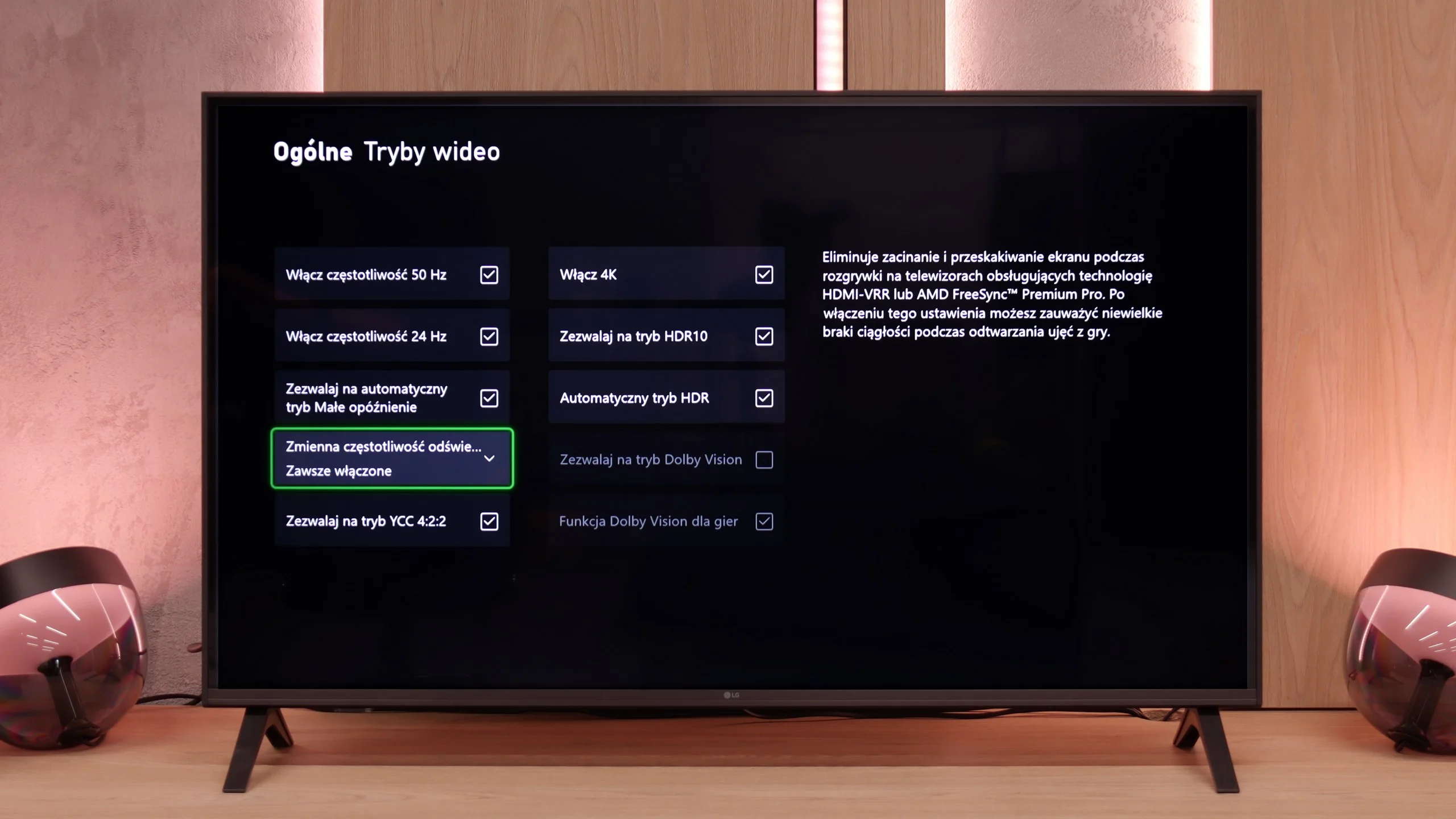
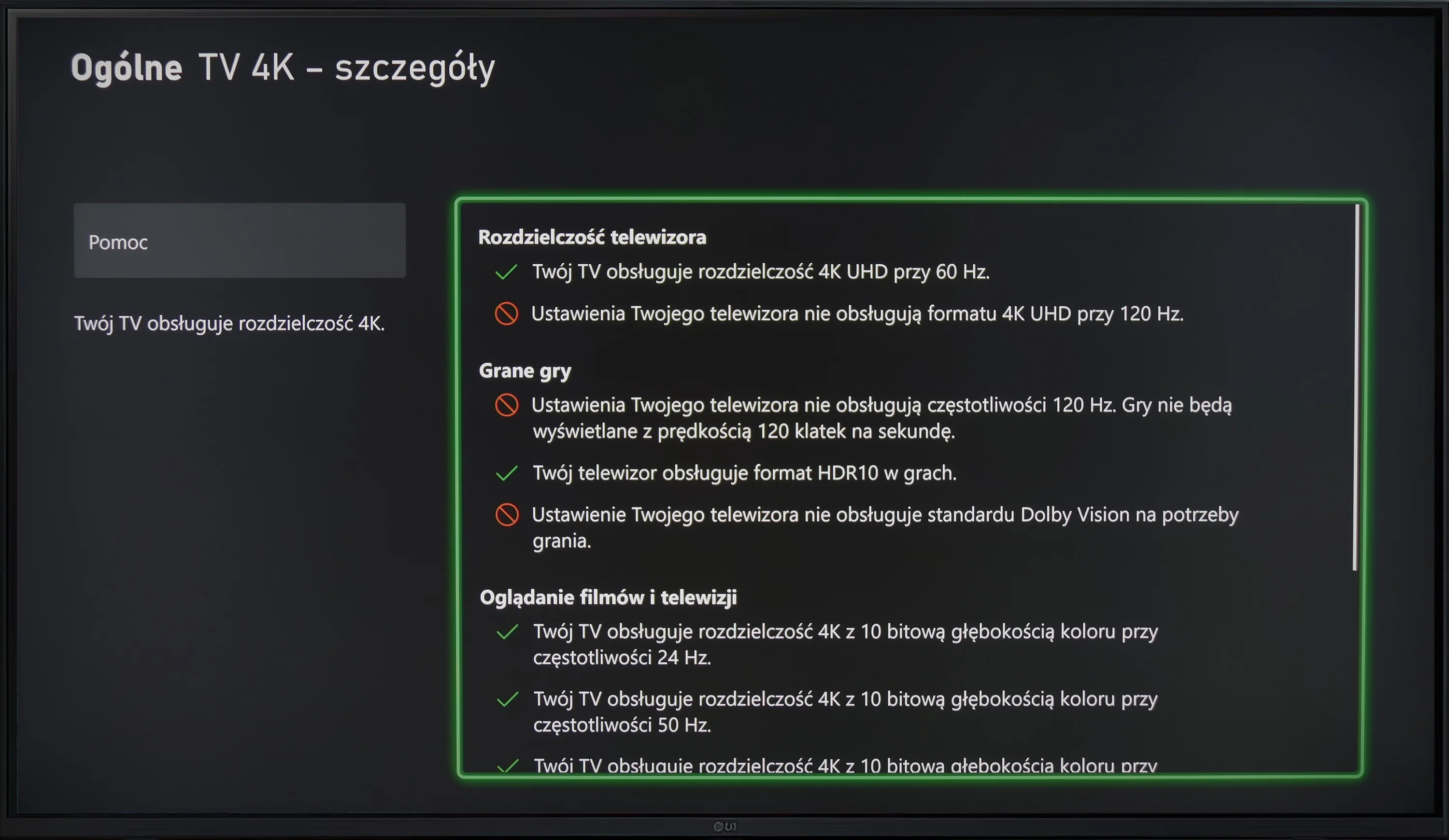
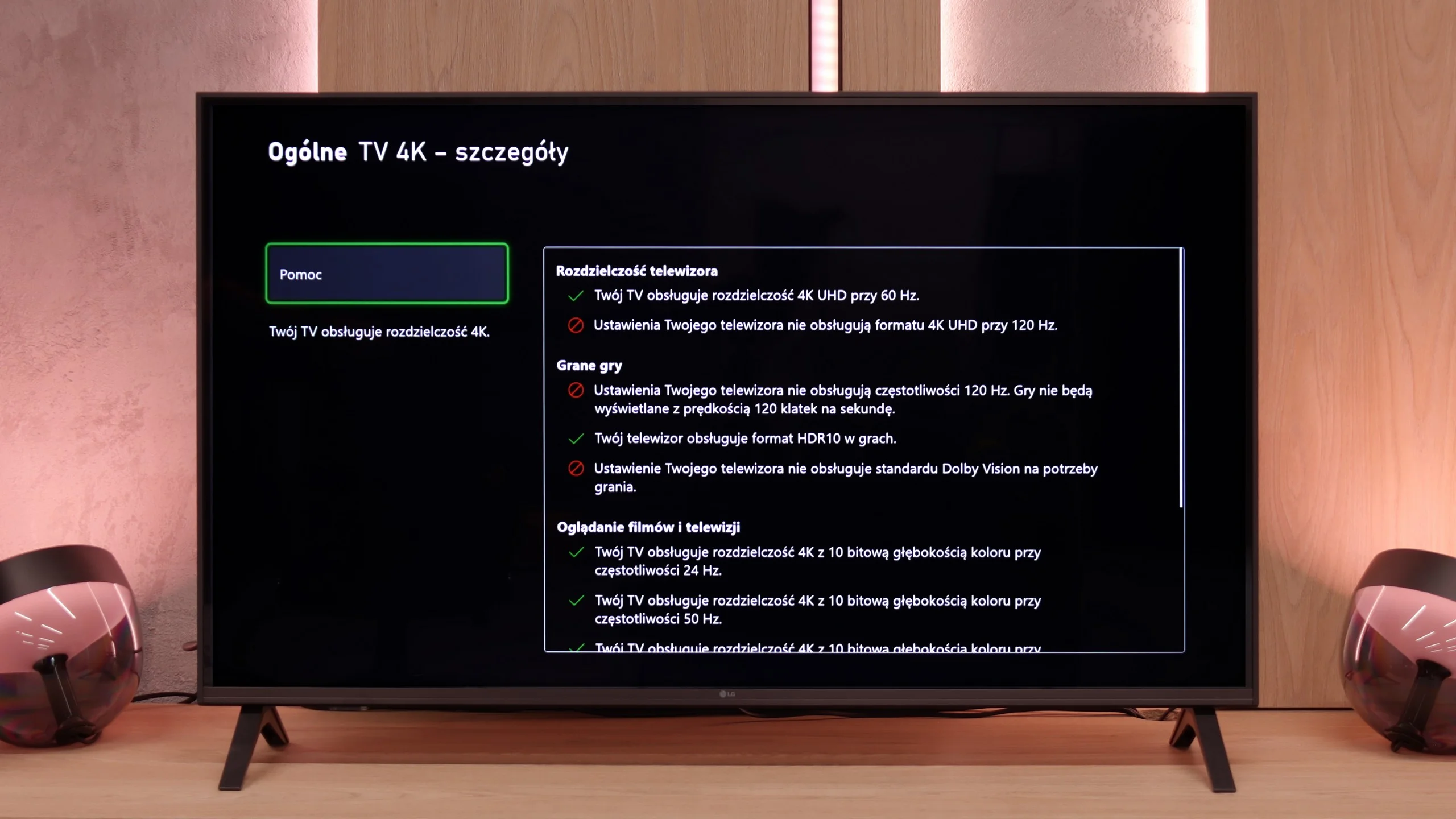
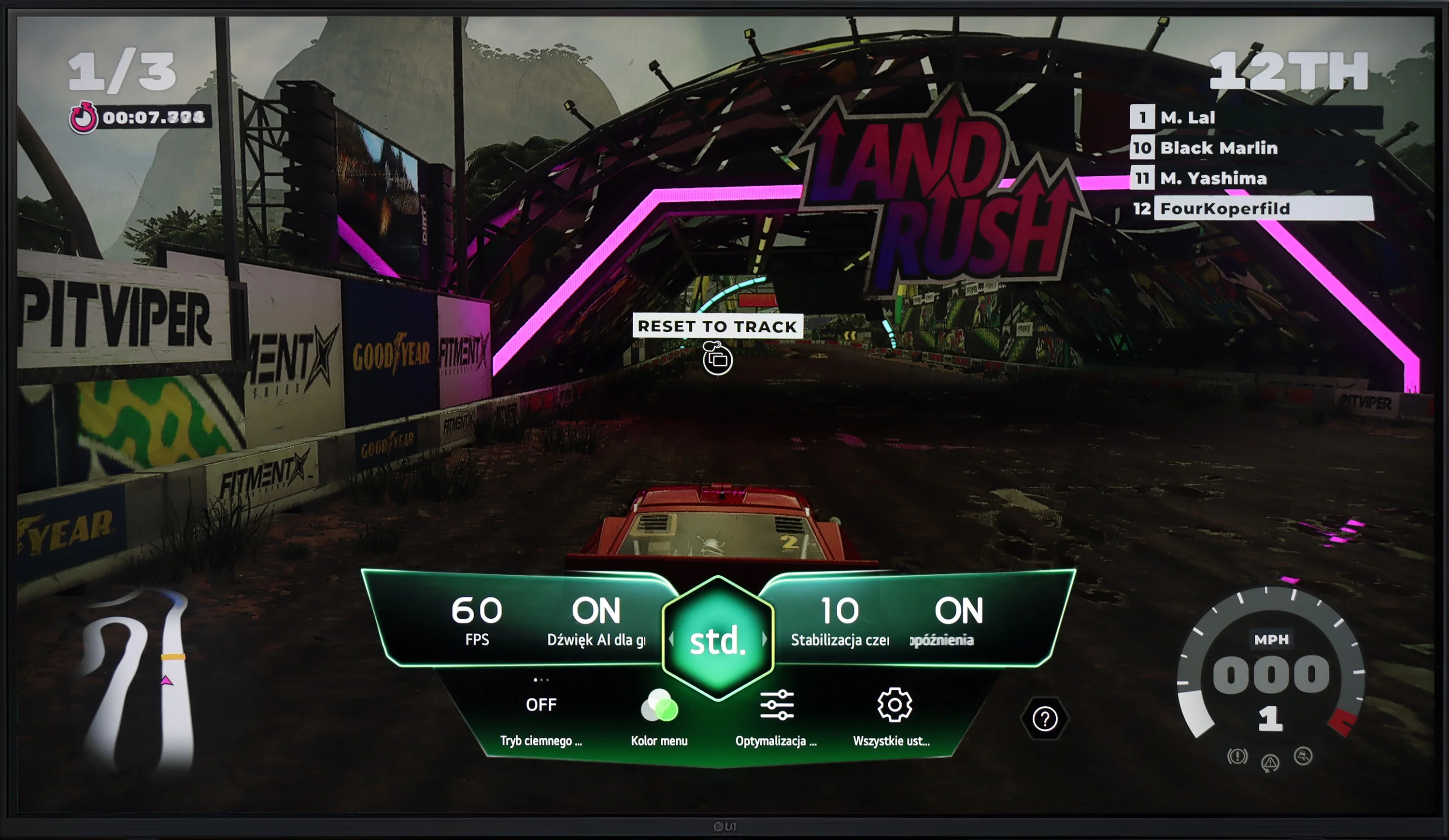
LG UA7500 is a television that can be safely recommended to "casual" gamers. While it does not have a 120 Hz panel or HDMI 2.1 ports, so fully utilizing the potential of modern consoles is out of the question. However, the manufacturer has taken care to include a few extras that can make gaming more enjoyable. Notably, the Game Bar deserves mention – a very nicely designed panel where you can quickly view and change the most important settings. From this panel, we have access to features such as ALLM (automatic switching to game mode) and frame synchronization, which is VRR. The range of VRR is limited – it works from 48 to 60 Hz – but the mere presence of this feature in such an affordable television leaves a positive impression.

Additionally, there is support for HGiG, which is HDR calibration mode for gaming. It sounds good, but based on testing experiences, we already know that with the UA7500, this option doesn't make much sense. The television does not handle HDR very well, so paradoxically we achieved better results with this mode turned off. This is another signal that the UA7500 is more of a screen for occasional gamers who value simplicity and convenience rather than for those looking for full immersion from the latest consoles.

Input lag

10/10

10/10

SDR

1080p60
13 ms
10 ms
1080p120
2160p60
13 ms
10 ms
2160p120

HDR

2160p60
13 ms
10 ms
2160p120
4320p60

Dolby Vision

2160p60 DV
2160p120 DV

The measurement of input lag on the LG UR781 television is excellent across all signals and resolutions. This is a key advantage for gamers, ensuring a responsive and smooth gaming experience. In particular, the input lag for gameplay in 4K at 60 Hz with HDR enabled is only 13 ms. This exceptionally low latency is ideal for fast-paced online games where quick reactions and minimal delays are crucial. The manufacturer's optimisation efforts in this area are evident, making the LG UR781 a strong contender for gamers prioritising low input lag.

A delay of less than 10 ms is a result that more expensive models might envy. This makes games exceptionally responsive, and every action on the controller is immediately visible on the screen. This is one of the strongest points of this television, especially for those who enjoy firing up a console from time to time.

Compatibility with PC

6/10

5.4/10

Chroma 444 (max. resolution and refresh rate)
Yes
Yes
Font clarity
Very Good
Very Good
Readability of dark text and shapes
Very Good
Good
Input lag in PC mode (4K, max. refresh rate)
13ms
10ms
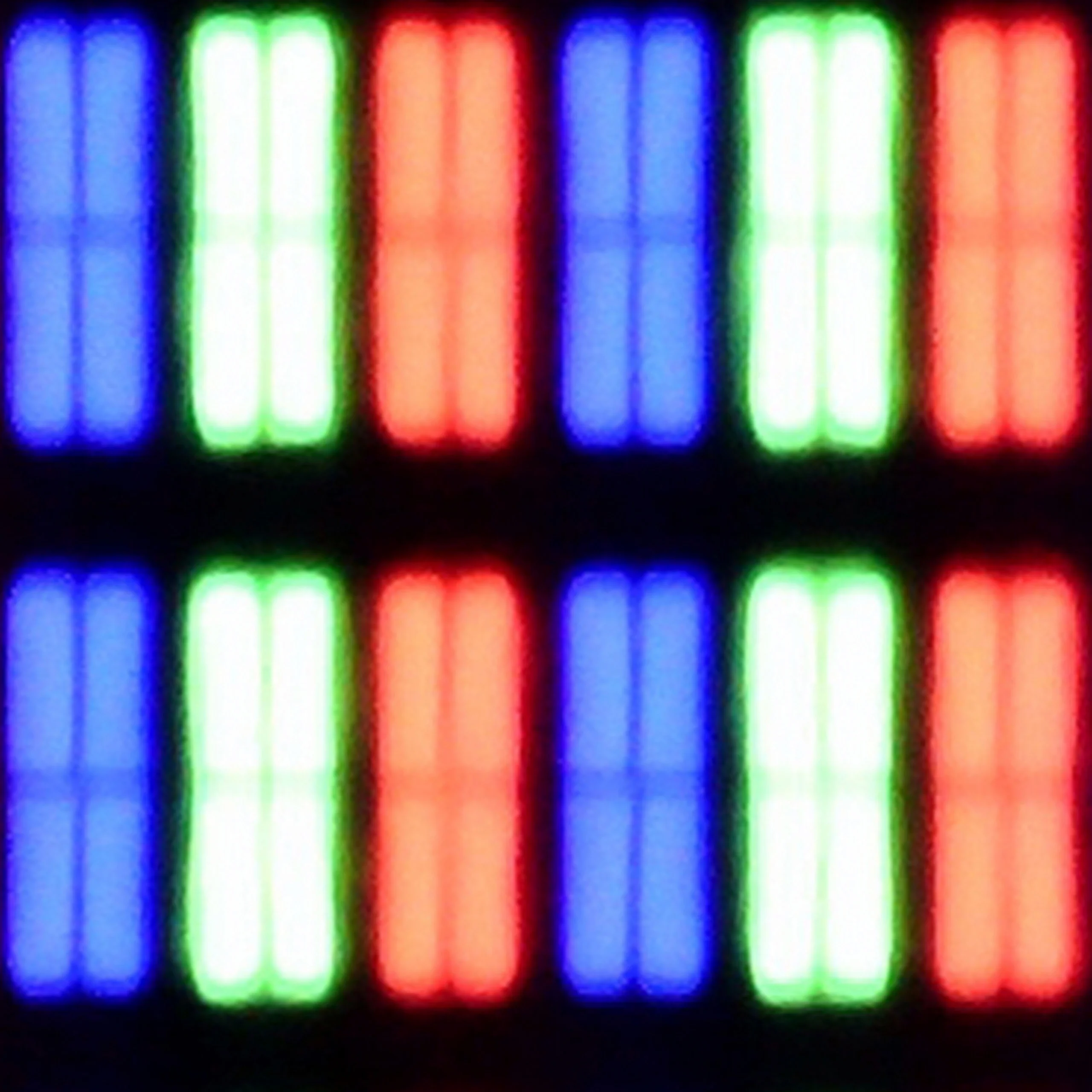
Matrix subpixel arrangement
BGR
Max refresh rate
60Hz
60Hz
G-Sync
No
No

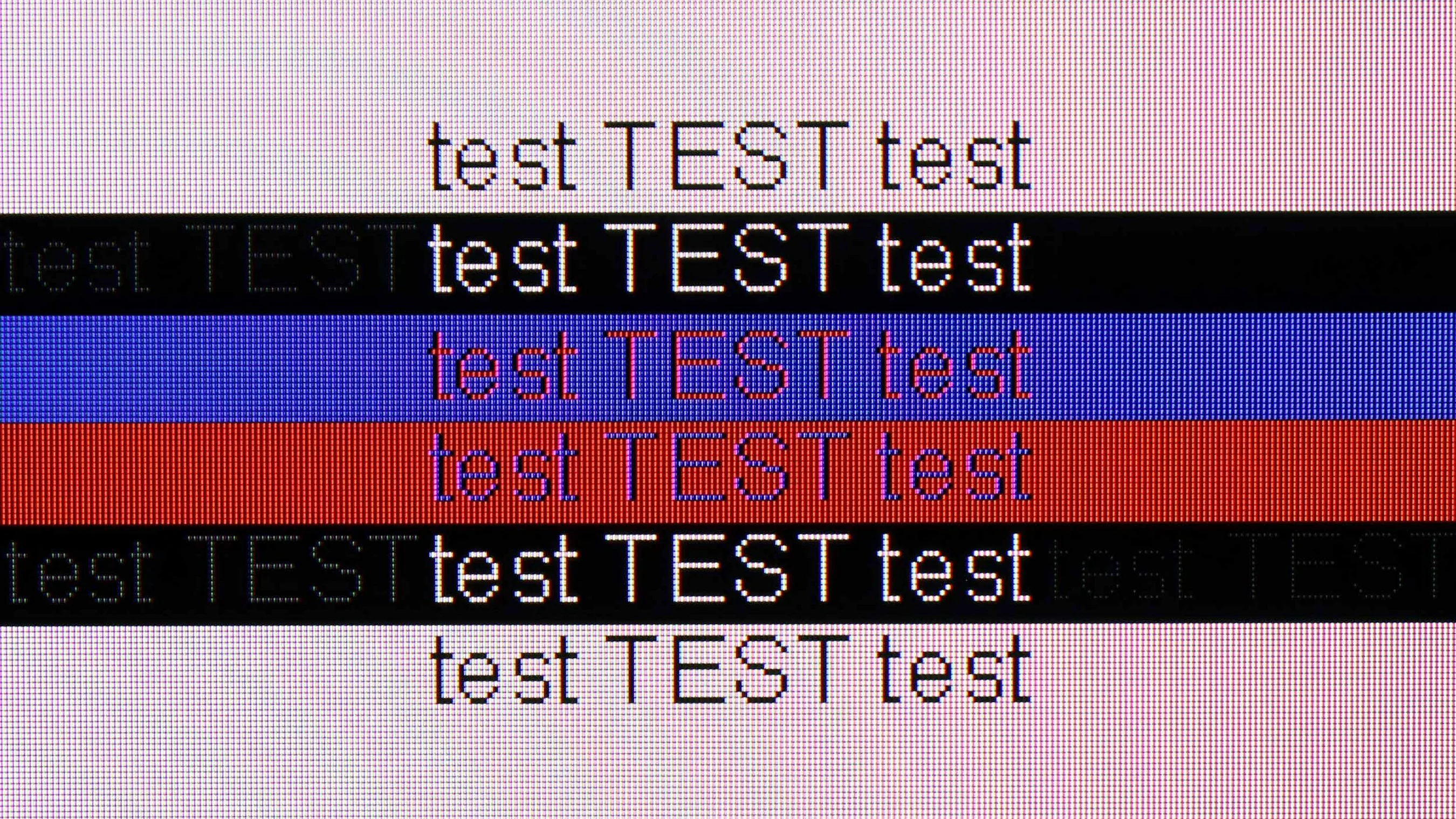
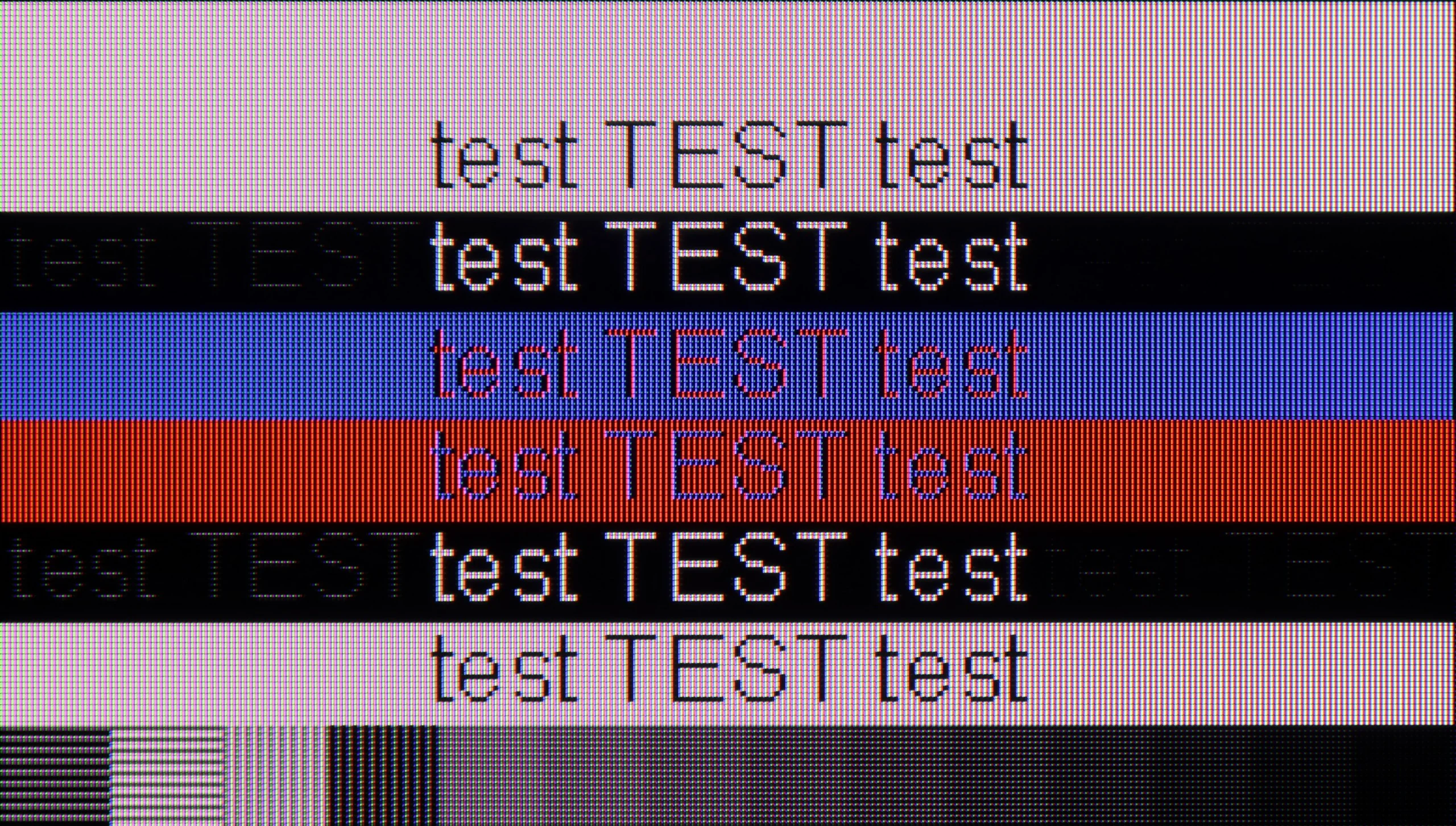
The photo shows the legibility of small fonts. Ideally, lines should be the same thickness on both light and dark text, with minimal pixel gaps.

Displaying text at 4K resolution at 60 Hz on the LG UR781 is exceptionally sharp, with excellent chroma reproduction, ensuring that even small details, like grey letters, are clear despite the BGR pixel layout. An input lag of 14 ms provides quick responses, making the TV ideal for both work and entertainment.

The LG UA7500 with a VA panel performs somewhat weaker in this regard. The fonts are not as crystal clear as in IPS, and after extended use, one can feel a difference in readability. The support for chroma 4:4:4 is of course available, so the colors look correct, but overall it doesn’t provide such a comfortable effect. In everyday use, the differences may not be significant, but for text and graphic work, IPS proves to be a much better choice. The VA version will work better as a universal TV with the option to connect a PC, rather than a fully-fledged office tool.

Viewing angles

3.5/10

3.1/10

Brightness drop at an angle of 45 degrees
70%
76%

A key characteristic of VA panels is the noticeable decline in image quality when viewed from an angle. In the case of the LG UR781, viewing at a 45-degree angle causes a 70% reduction in brightness, resulting in a marked deterioration in black depth and overall picture quality. While VA panels offer superior contrast when viewed head-on, their viewing angles are more restricted compared to other technologies like IPS.

The VA panel version presents a completely different approach. Directly in front, the screen looks decidedly better – the contrast is higher, blacks are deeper, and colors are more saturated than in IPS. The problem arises when we move away from the axis. Just sitting slightly to the side causes the colors to start losing their intensity, and the image becomes noticeably paler. Blacks quickly turn into gray, and the whole loses its original character. That's why the UA7500 in the VA version works best in a typically "cinema" setup – with a couch or armchair positioned centrally in front of the screen. In that scenario, the TV can provide much better viewing experiences than IPS, but when watching with a larger group from various spots in the room, the limited viewing angles become its biggest drawback.

Daytime performance

3.9/10

4.6/10

Panel finish
Satin
Satin
Reflection suppression
Good
Decent
Black levels during daytime
Good
Good

Panel brightness

LG UA75006LA (VA): 302 cd/m2

LG UR781: 231 cd/m2

Thanks to its satin coating, the LG UR781 performs well in reducing glare during daytime viewing, making light reflections less distracting. However, with a low brightness of only 231 nits in SDR mode, it may struggle to deliver clear images in brighter rooms, particularly on sunny days. In such conditions, the image may appear dimmer, resulting in reduced visibility and clarity.

LG UA7500 with a VA panel performed slightly better when it comes to watching in a bright room. The applied coating handles reflections moderately well – it does not eliminate them completely, but it softens them enough so that you can watch television during the day without much discomfort. A plus is that the TV maintains quite decent color saturation, making the picture not look washed out even with incoming light. The brightness is also a bit higher than in the IPS variant, reaching around 300 nits, so the screen is slightly more resistant to difficult lighting conditions. Of course, this is not a level that will ensure comfort in very sunny living rooms, but it does well under typical home conditions.

Panel details

Backlight Type
White LED
White LED
Software version during testing
03.31.60
33.20.81
Image processor

Subpixel Structure:

Panel uniformity and thermal imaging:

Review LG UR781 TV Panel details
Review LG UA75006LA (VA) TV Panel details

LG UR781

LG UA75006LA (VA)

TV features

6.4/10

7/10

  • HDMI inputs
    3 x HDMI 2.0, 0 x HDMI 2.1
    3 x HDMI 2.0, 0 x HDMI 2.1
  • Outputs
    Toslink (Optical audio), eARC (HDMI), ARC (HDMI)
    Toslink (Optical audio), eARC (HDMI), ARC (HDMI)
  • Network Interfaces
    Wi-Fi 2.4GHz, Wi-Fi 5GHz, Ethernet (LAN) 100Mbps
    Wi-Fi 2.4GHz, Wi-Fi 5GHz, Ethernet (LAN) 100Mbps
  • TV reception
    DVB-T, DVB-T2, DVB-S, DVB-S2, DVB-C
    DVB-T, DVB-T2, DVB-S, DVB-S2, DVB-C

Classic features:

  • Recording to USB (terrestrial TV)
    Yes
    Yes
  • Recording programming
    Yes
    Yes
  • Picture in Picture (PiP)
    No
    No
  • RF remote control (no need to aim)
    No
    No
  • Backlit remote control
    No
    No
  • Teletext
    Yes
    Yes
  • Audio only mode
    Yes
    Yes
  • Bluetooth headphones support
    Yes
    Yes
  • Simultaneous Bluetooth headphones & TV audio
    Yes
    Yes

Smart features:

  • AirPlay
    Yes
    Yes
  • Screen mirroring (Windows Miracast)
    Yes
    Yes
  • Voice search
    No
    No
  • Voice search in native language
    No
    No
  • Ability to connect a keyboard and mouse
    Yes
    Yes
Review LG UR781 TV features
Review LG UA75006LA (VA) TV features

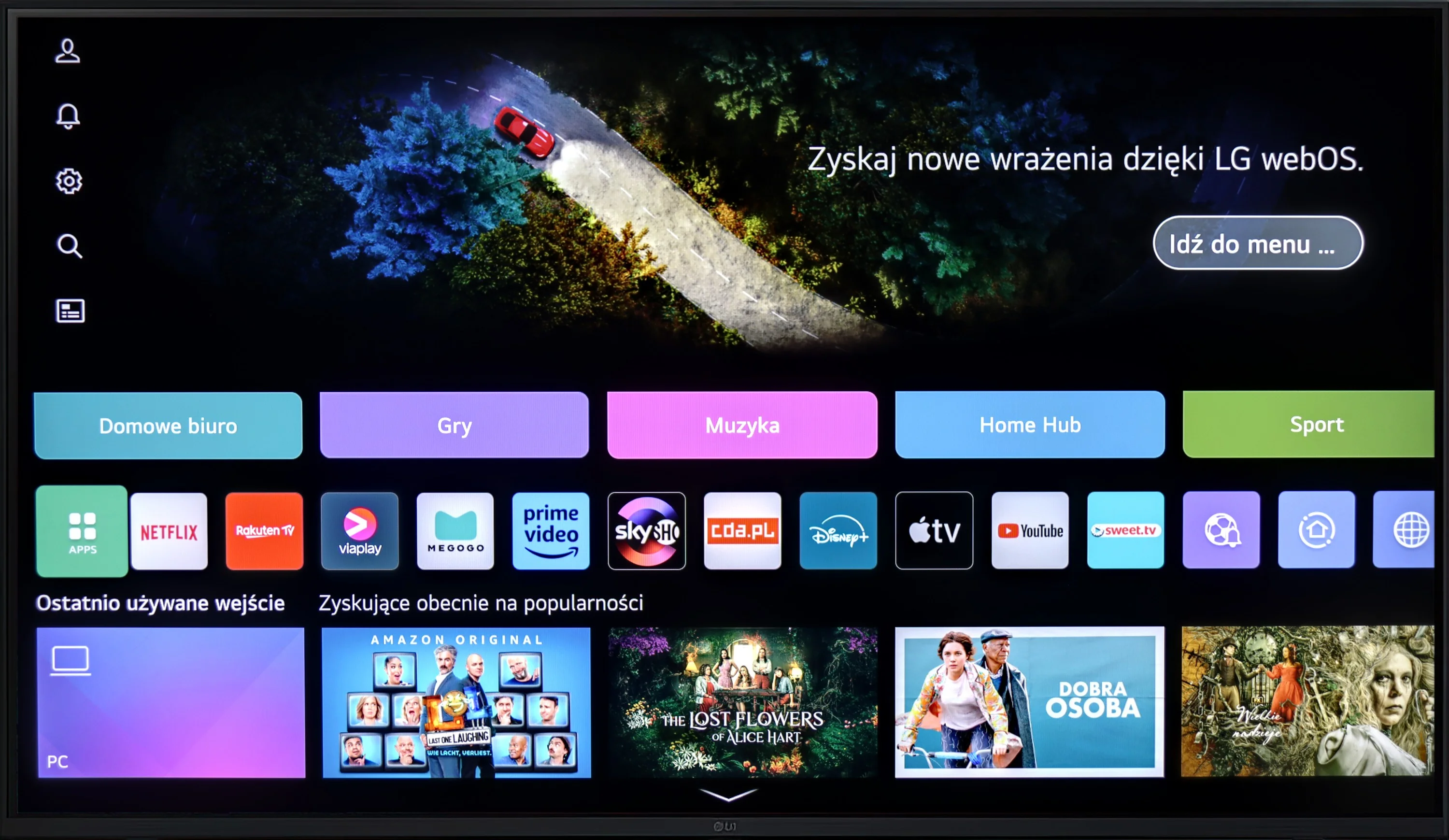
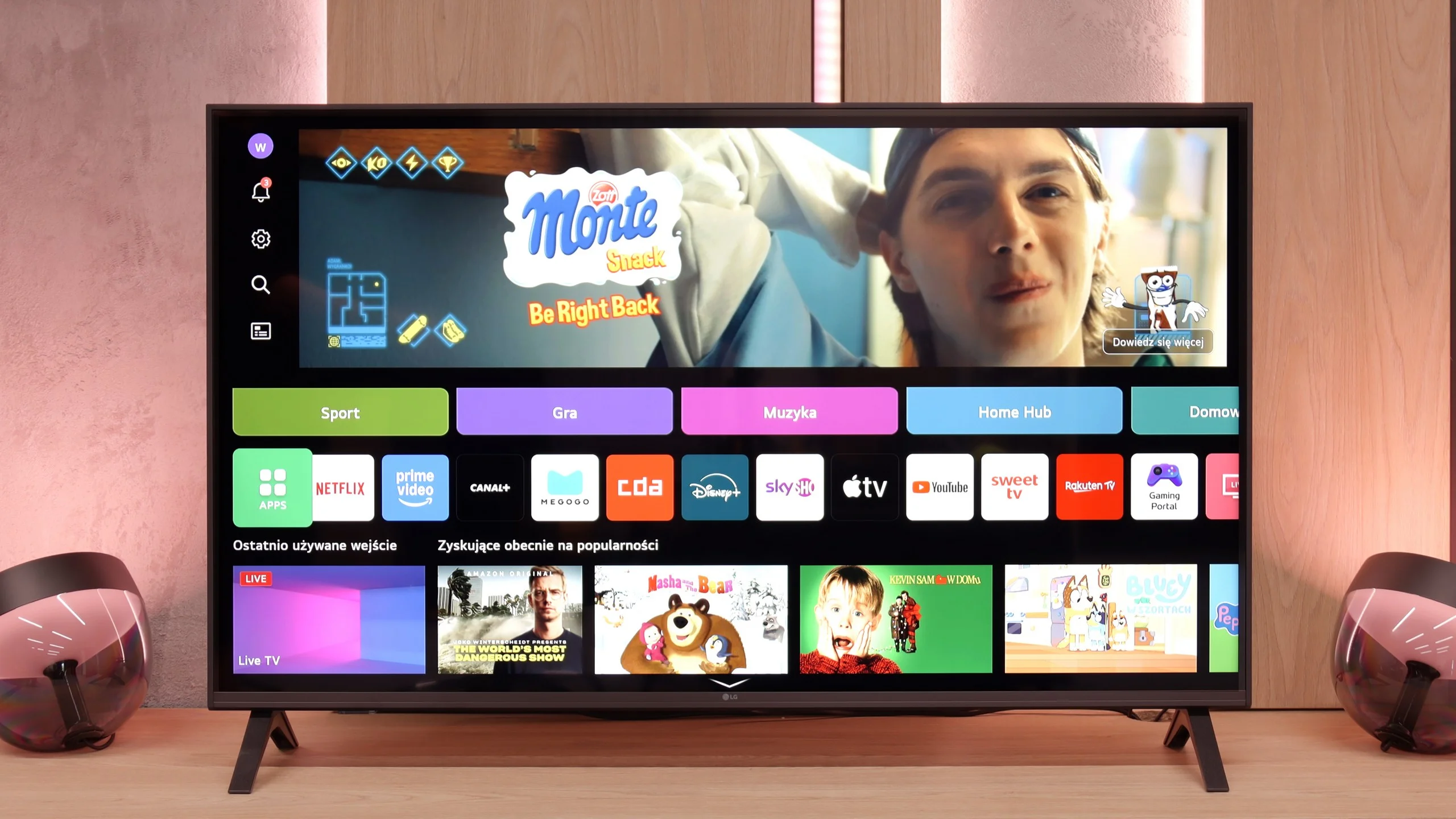
WebOS on the LG UR781 is a modern and intuitive system, offering easy access to popular streaming apps like Netflix and YouTube. Its interface is simple, supporting functions like Screen Mirroring, AirPlay, and Bluetooth, as well as external devices such as keyboards and headphones, enhancing its multimedia capabilities. Unfortunately, the basic model lacks the Magic remote, which would have allowed for on-screen cursor navigation. Additionally, WebOS can sometimes feel unresponsive, which can be a bit frustrating for users.


Smart Features: WebOS

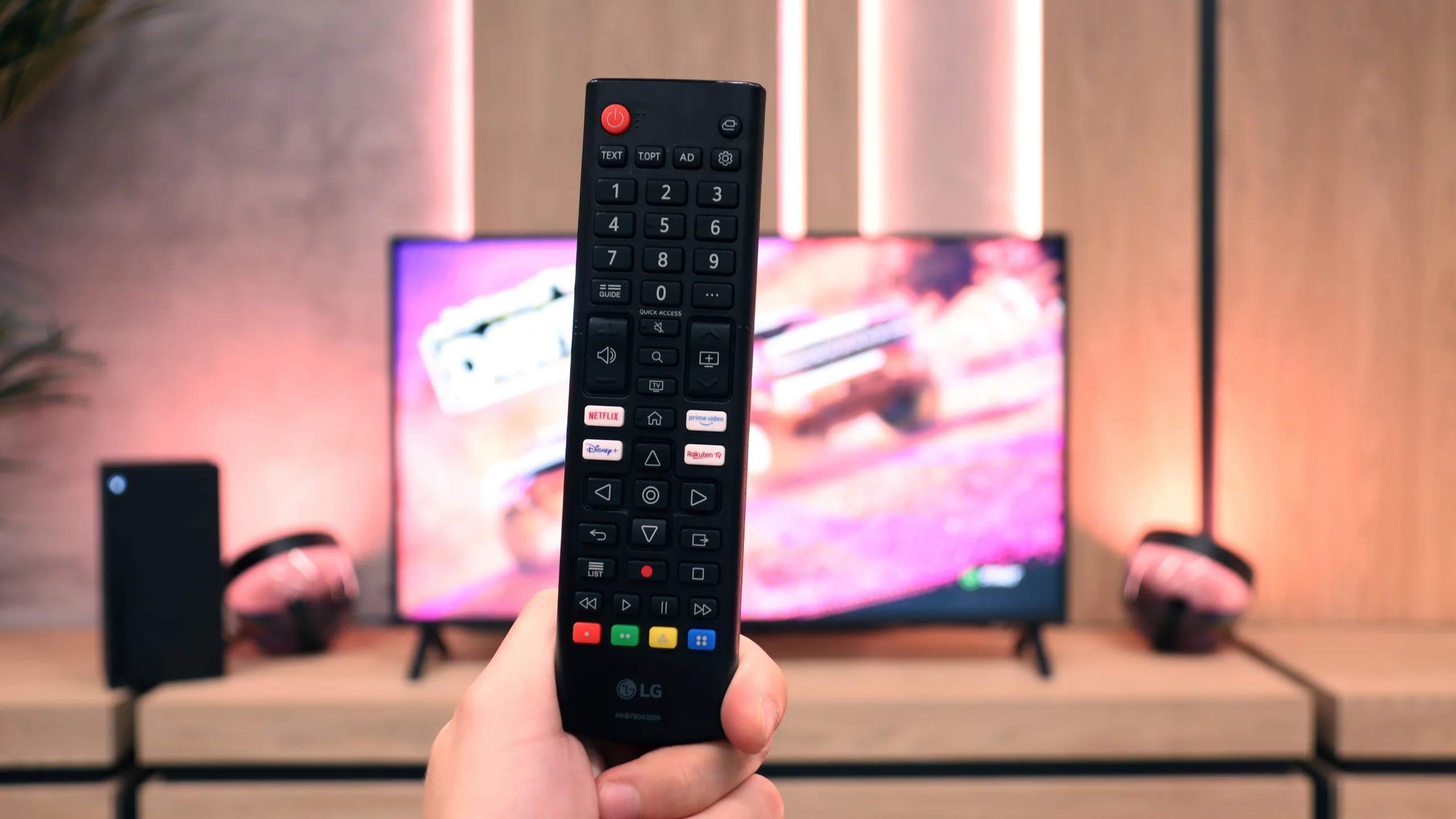
A big plus of the LG UA7500 is its use of the webOS system. We gain access to a rich library of apps, support for AirPlay, screen mirroring, and many additional features that allow us to use the television in a really convenient way. Thus, it is easy to connect a smartphone, watch something from streaming services, or use music apps. However, a downside is that webOS remains a rather "heavy" system, and on the UA7500, it does not operate as smoothly as in more expensive models. The situation is not made easier by the fact that the manufacturer did not equip us here with the Magic remote with a cursor, which significantly speeds up the operation. We get a regular infrared remote, lacking that "magic" wand. Of course, it can be purchased separately, but considering the cost, it is often better to pay extra for a higher LG model that already comes with such a remote.

Classic Features

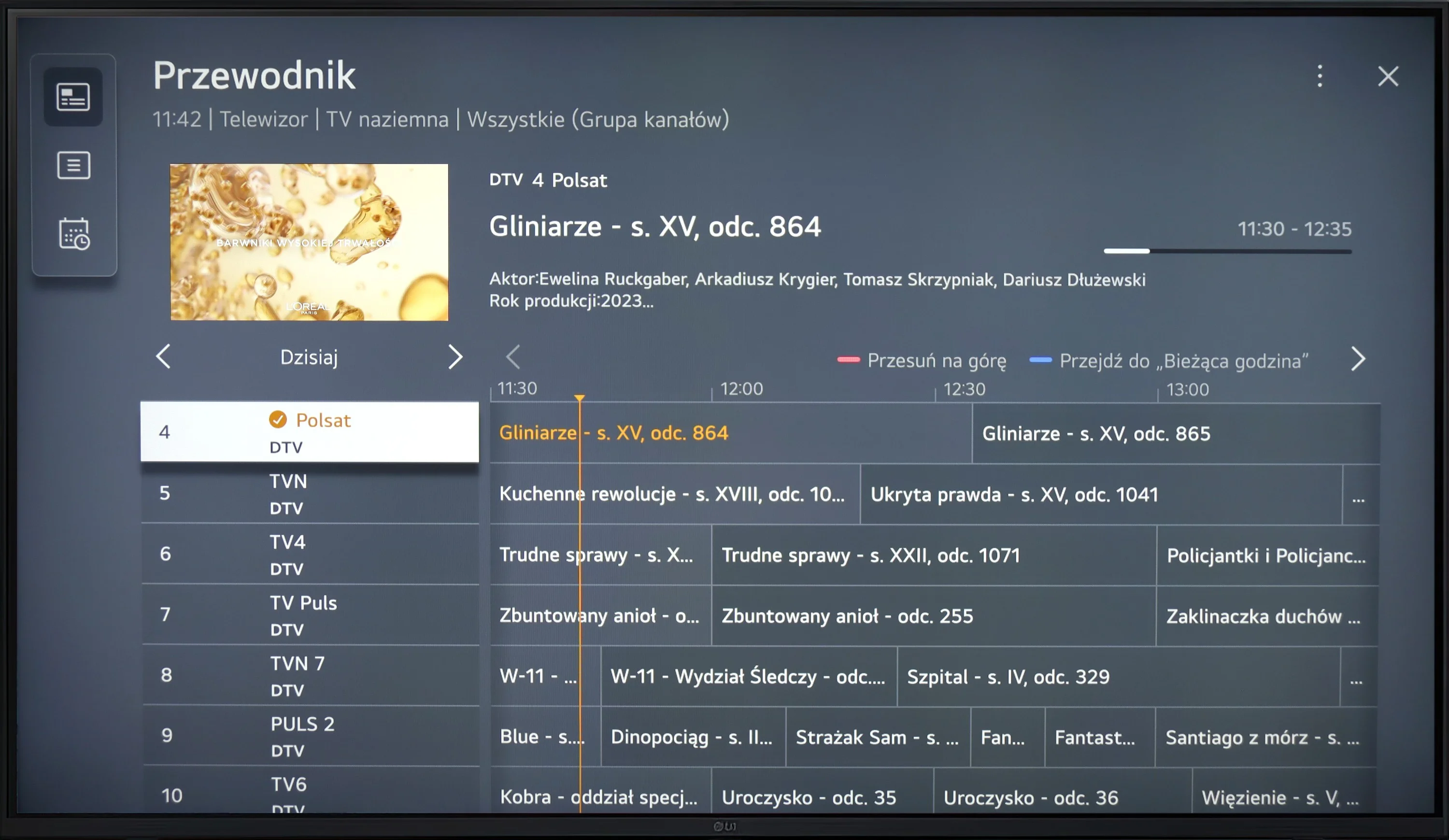
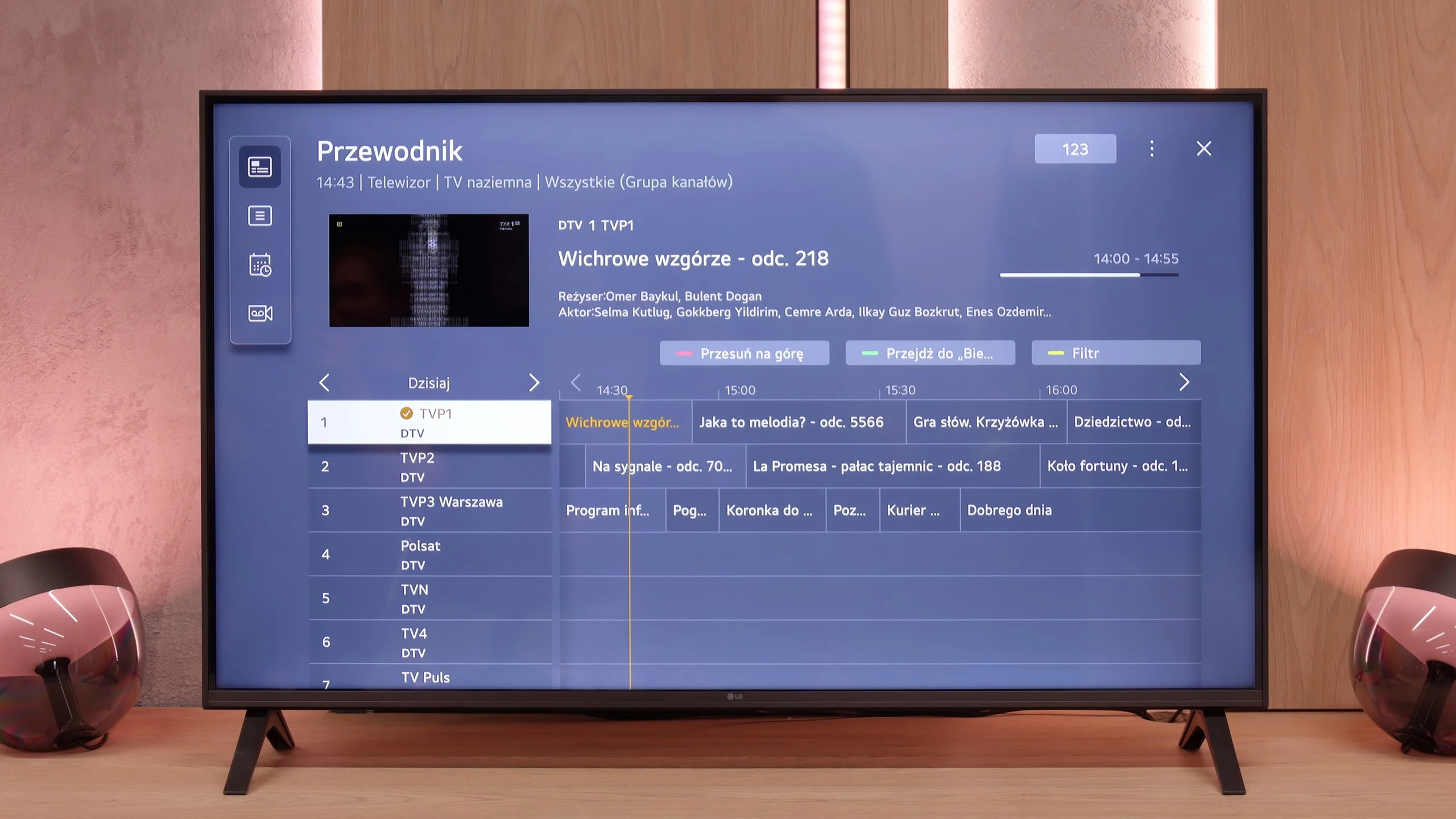
In more traditional usage, the LG UA7500 also does not disappoint. The remote is equipped with a numeric keypad and a considerable number of buttons, which users accustomed to older solutions will certainly appreciate. Additionally, there is the possibility of recording programs to USB from built-in tuners and a quite readable EPG interface, which makes planning a TV viewing session easier. A downside remains the fact that the remote always requires aiming at the screen – but we believe that most more traditional users will be able to forgive it, treating it as a familiar and proven tool.

Apps

9.1/10

9.1/10

OK
Disney_Plus
OK
Amazon_Prime_Video
OK
Player_TVN
OK
Polsat_Box_Go
OK
Canal_Plus_Online
OK
TVP_VOD
OK
Apple_TV_Plus
OK
SkyShowtime
OK
Rakuten
OK
CDA_Premium_Browser
OK
Spotify
OK
Tidal
OK
Netflix
OK
YouTube
OK
HBO_MAX
No
Kodi
OK
Apple_music
No
Eleven_sports
OK
Xbox Game Pass
OK
GeForce Now!
OK
Amazon Luna
OK
Boosteroid
No
Steam Link
OK
Disney_Plus
OK
Amazon_Prime_Video
OK
Player_TVN
OK
Polsat_Box_Go
OK
Canal_Plus_Online
OK
TVP_VOD
OK
Apple_TV_Plus
OK
SkyShowtime
OK
Rakuten
OK
CDA_Premium_Browser
OK
Spotify
OK
Tidal
OK
Netflix
OK
YouTube
OK
HBO_MAX
No
Kodi
OK
Apple_music
No
Eleven_sports
OK
Xbox Game Pass
OK
GeForce Now!
OK
Amazon Luna
OK
Boosteroid
No
Steam Link

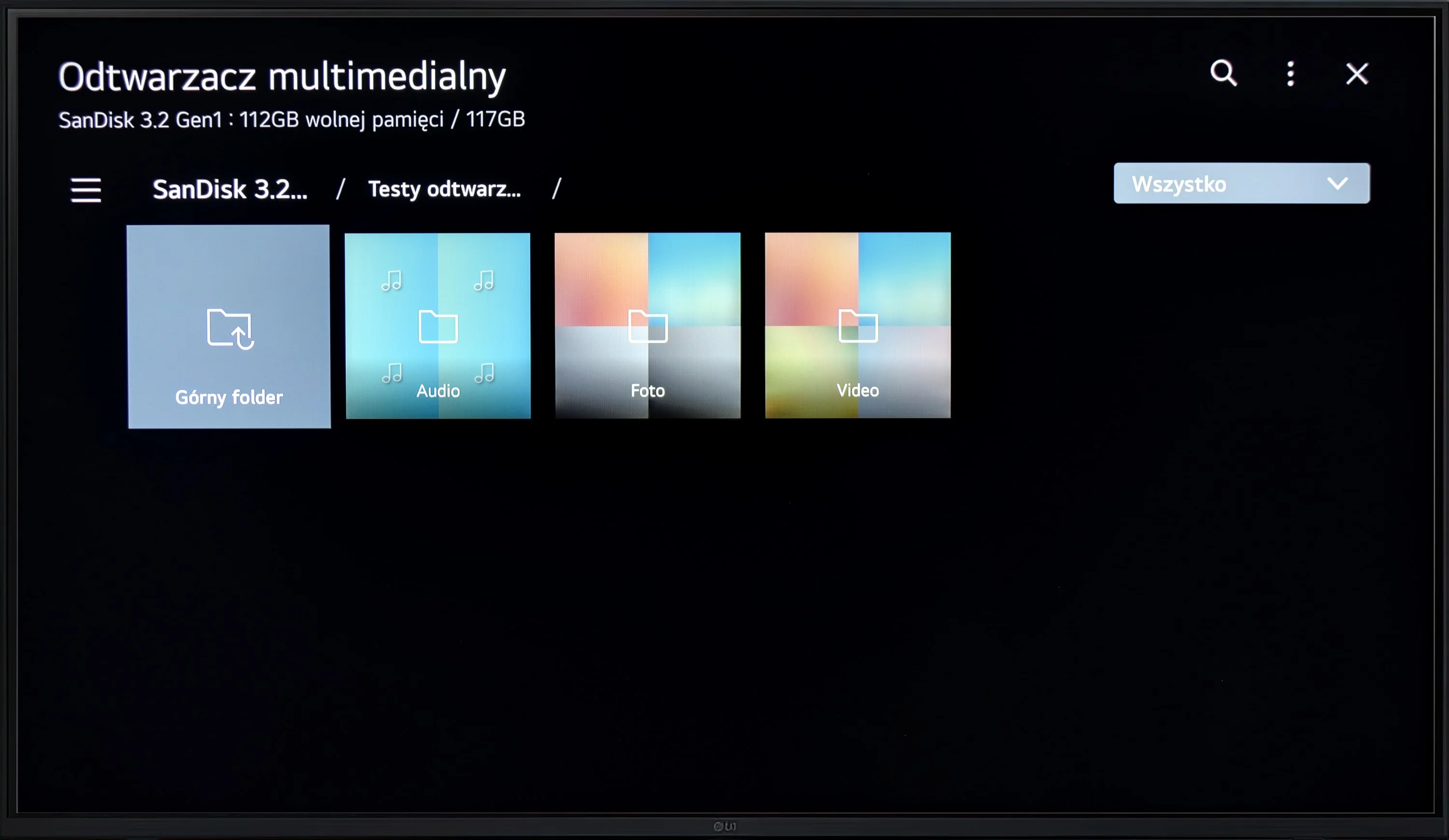
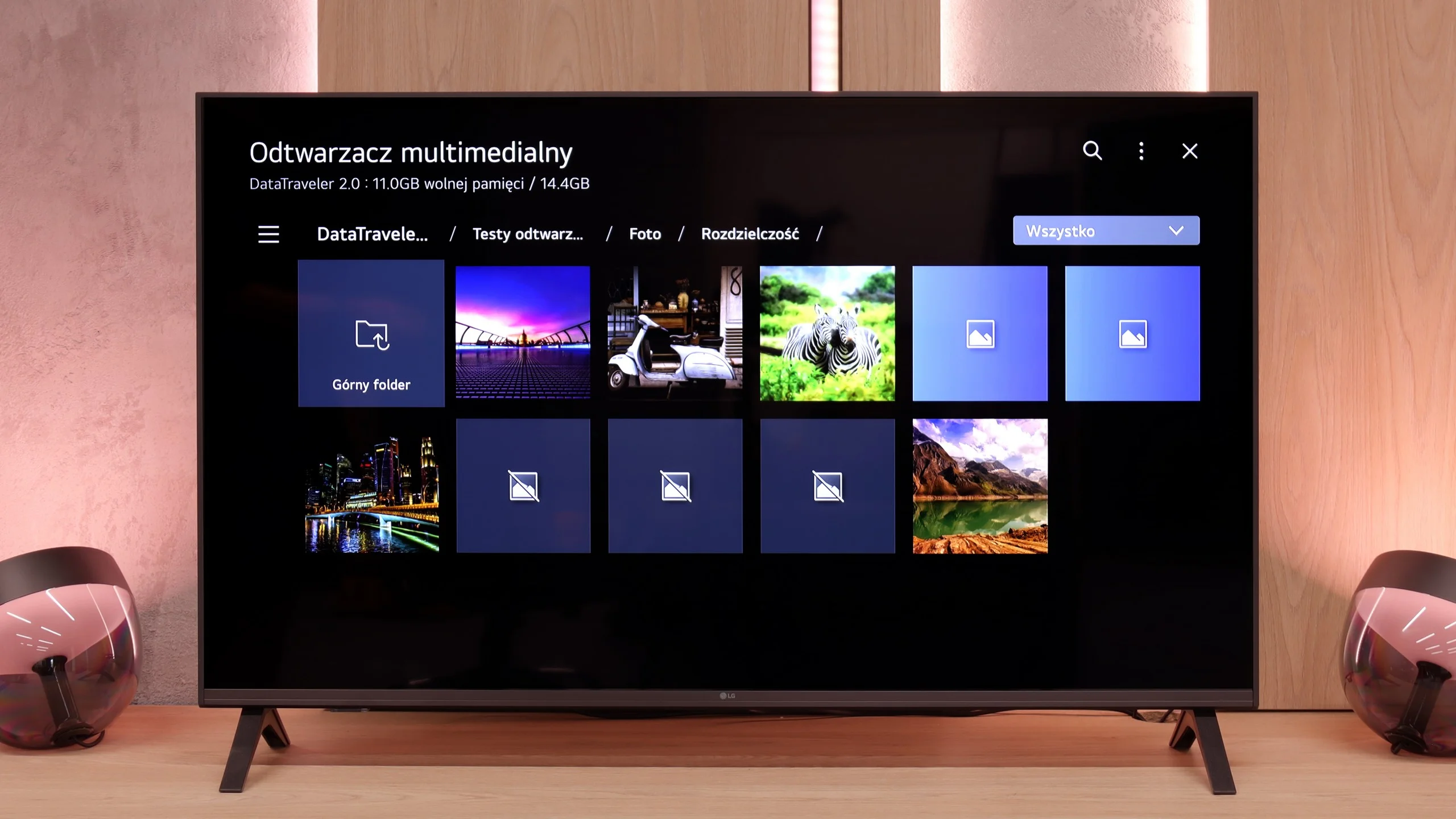
Playing files from USB

8.2/10

8.2/10

Supported photo formats:

JPEG
Yes
Yes
HEIC
No
No
PNG
Yes
Yes
GIF
No
No
WebP
No
No
TIFF
No
No
BMP
No
Yes
SVG
No
No

Maximum photo resolution:

4 Mpix
Yes
Yes
6 Mpix
Yes
Yes
8 Mpix
Yes
Yes
10 Mpix
Yes
Yes
12 Mpix
Yes
Yes
16 Mpix
Yes
Yes
20 Mpix
No
Yes
24 Mpix
No
No
28 Mpix
No
No
32 Mpix
Yes
No

The LG UR781 television supports most video files and codecs and allows users to customise subtitles, including adjusting their colour and size. However, the biggest downside is the lack of support for less popular image formats, which can limit the versatility of the TV in certain use cases.

The media player in the UA7500 works fine – movies and music start without major issues, and this should be sufficient for most people. However, one thing caught our attention: the TV does not play all photo formats. In practice, this means that if we put photos straight from a smartphone onto a USB drive, some may simply not open. It’s a minor detail, but it’s worth keeping in mind. Fortunately, you can always use wireless image transmission and display photos on the screen in another way.

Sound

5.2/10

6/10

  • Maximum volume
    -
    81dB
  • Dolby Digital Plus 7.1
    Yes
    Yes
  • Dolby True HD 7.1
    No
    No
  • Dolby Atmos in Dolby Digital Plus (JOC)
    Yes
    No
  • Dolby Atmos in Dolby True HD
    No
    No
  • DTS:X in DTS-HD MA
    No
    No
  • DTS-HD Master Audio
    No
    No

Although the TV provides a modest amount of bass, the overall sound quality remains average. It lacks support for many advanced surround sound codecs, limiting its ability to fully reproduce immersive audio effects. The only surround sound option available is the ability to stream audio to an external device, such as a soundbar, via Dolby Digital Plus functionality.

In terms of sound, the LG UA7500 doesn't surprise with powerful bass or the highest volume, but it performs surprisingly well. Our impression was that it performs better than most of the cheapest budget TVs and works really well in everyday use. It will be just right for news, programs, or series.

Sound Quality Test

No sound test video

Acoustic Measurements

No acoustic data

81dBC (Max)

75dBC