The LG UA7500 with a VA panel is a television designed for everyday watching of television, YouTube, or streaming platforms, where SDR content continues to dominate. In this role, it performs quite well – it has decent digital image processing, satisfactory upscaling, and fairly consistent tonal transitions. Its biggest advantage remains the webOS system, full of apps and features such as USB recording, AirPlay support, and screen mirroring. For many people, this is enough to consider it a "daily television." It will also serve well as a screen for the casual gamer – even though it's only a 60 Hz panel, it includes ALLM, VRR in the range of 48-60 Hz, and a convenient Game Bar, features typically reserved for more expensive models. The downsides? Above all, the viewing angles – as is typical with VA, the image quickly loses quality from the side. There are also no dynamic HDR formats, and the limited color palette makes cinematic "HDR effects" come across as minimal. On the other hand, this is an affordable television that will likely see attractive price reductions, so if someone doesn't want to spend a fortune and accepts its limitations, they will receive a solid "regular" with a good system. It's just a shame that the manufacturer didn't include the Magic remote in the package.
- Matching (Score) |
- Our verdict |
- TV appearance |
- Where to buy |
- Contrast and black detail |
- HDR effect quality |
- Factory color reproduction |
- Color reproduction after calibration |
- Smoothness of tonal transitions |
- Image scaling and smoothness of tonal transitions |
- Blur and motion smoothness |
- Console compatibility and gaming features |
- Input lag |
- Compatibility with PC |
- Viewing angles |
- Daytime performance |
- Panel details |
- TV features |
- Apps |
- Playing files from USB |
- Sound
LG UA75006LA (VA) vs Philips PQS9011 / PQS9001 (The One 2026)
 Direct comparison
PQS9011 / PQS9001 / the one 2026

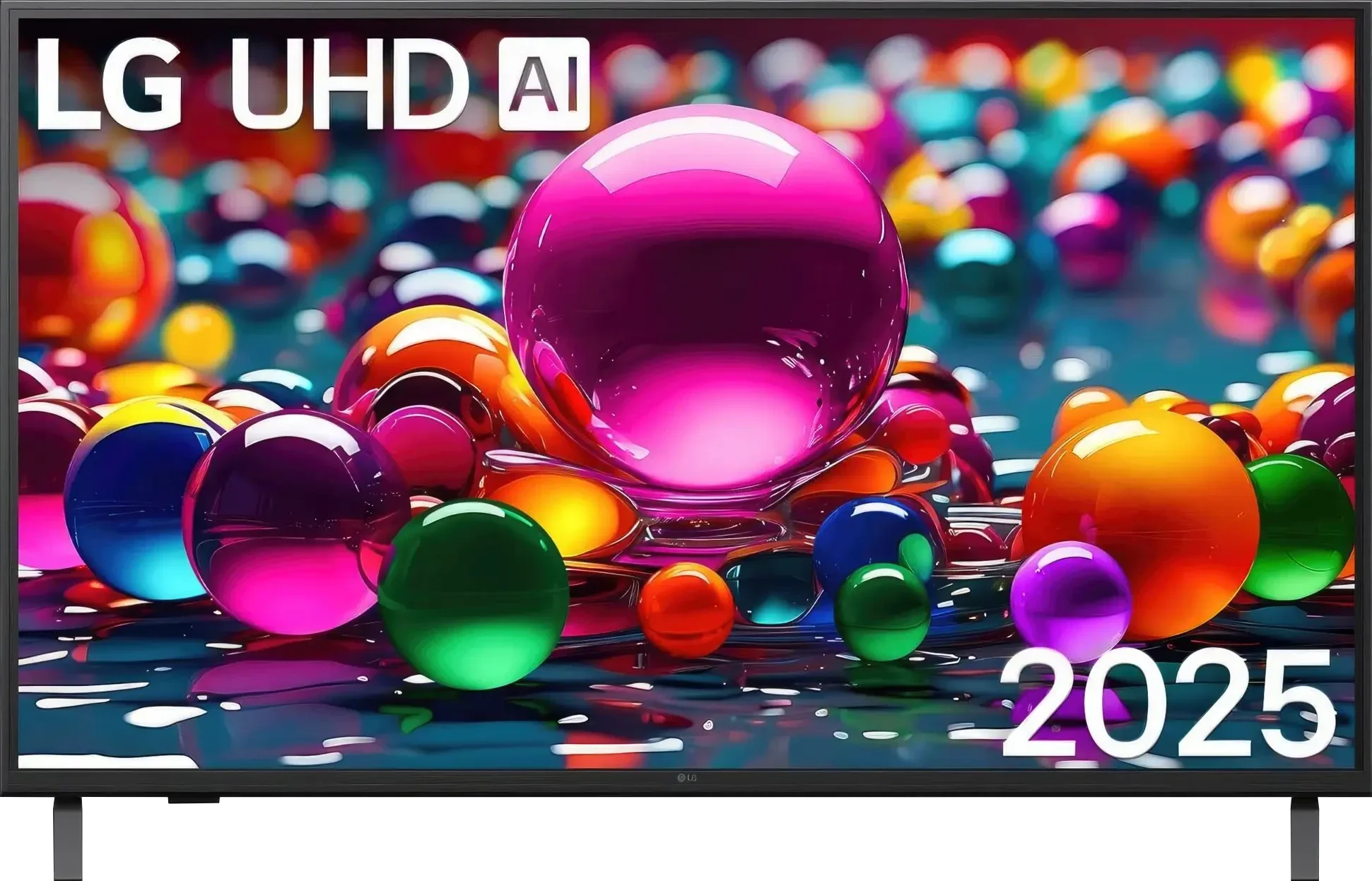
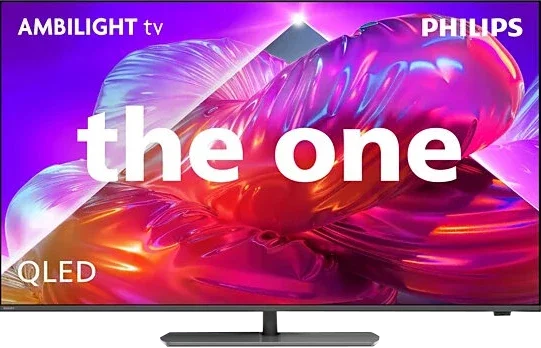
Panel type: LCD VA
Resolution: 3840x2160
System: WebOS
Model year: 2025
Complete the survey to find out the result
Panel type: LCD VA
Resolution: 3840x2160
System: Titan OS
Model year: 2026
Complete the survey to find out the result
Overall rating
6.0
6.8
 Movies and series in UHD quality
 6.0
6.4
 Classic TV, YouTube
 6.1
6.3
 Sports broadcasts (TV and apps)
 5.0
6.8
 Gaming on console
 6.9
7.4
 TV as a computer monitor
 5.4
8.6
 Watching in bright light
 4.6
6.1
 Utility functions
 7.0
7.6
 Apps
Apps 9.1
7.2
 Sound quality
 6.0
6.9
Complete the survey to find out what fits your preferences
Advantages

High native contrast (VA Panel), better black levels, less "flattened" image during evening viewings
Correct upscaling and decent tonal gradation
webOS system with a rich app base and AirPlay support
Ability to record to USB from built-in tuners
Low input lag (below 10 ms)
Friendly for the "Sunday gamer": ALLM, VRR (48–60 Hz), Game Bar, HGiG
Ambilight, which gives evening viewing sessions a unique atmosphere and improves the perceived native contrast of the VA panel
Excellent panel response time: minimal motion blur of moving objects
Many gaming features: four HDMI 2.1 ports, VRR, ALLM, HGiG
144 Hz refresh rate at 4K and 240 Hz at Full HD from a PC
Good coverage of a wide color gamut (PFS LED)
Dolby Vision, which actually helps the TV with HDR content
Decent brightness of around 500 nits, useful for daytime viewing
Rotating stand
Disadvantages

Limited color gamut coverage (about 80% DCI-P3), HDR rather symbolic
Lack of dynamic HDR formats (Dolby Vision, HDR10+)
Typical viewing angle issues for VA panels
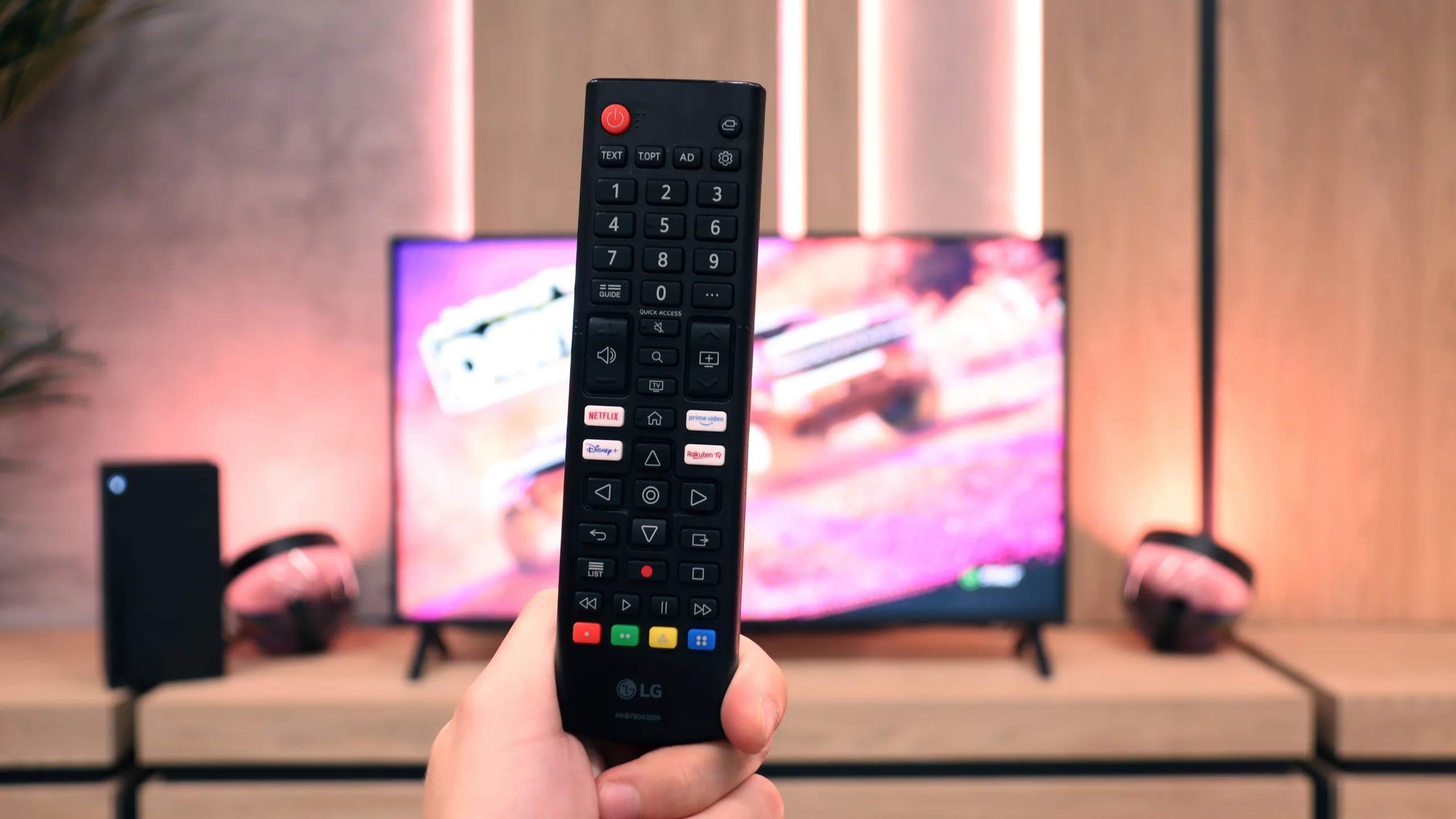
Pretty plastic case and no Magic remote included
No local dimming: average black levels at night and limited HDR performance
Smaller app library than the competition
Poor viewing angles (can be helped with a swivel stand)
Very high input lag in games with Dolby Vision
Significant errors in HDR color reproduction (no CMS adjustment available)
Infrared remote that requires aiming
Our verdict
The idea behind The One series has remained practically unchanged for years, and with the Philips PQS9001 this is both an advantage and its biggest weakness. Once again, we get a versatile mid-range TV whose main distinguishing feature is Ambilight. The lighting that follows what is happening on the screen can completely change the atmosphere of an evening movie session, and for many people it will be the main reason to choose this TV. That is hardly surprising, because once you get used to the effect, it can be difficult to go back to watching without it. The picture quality itself is good, but we have already seen a very similar level from this series in previous years. The VA panel provides decent blacks, colours are nicely saturated, and the brightness is sufficient for comfortable viewing in a typical living room. It is a shame, however, that Philips did not take another step forward and introduce at least basic local dimming. In a dark room, blacks can look noticeably bluish, and HDR, while clearly visible, does not make as strong an impression as it could. After so many years of The One being on the market, we would have expected a little more progress here.
There has, however, been a noticeable improvement in Titan OS. Compared with last year, and especially with the version from two years ago, the system has become much more pleasant to use. There are more apps, many smaller functions have been improved, and a number of irritating bugs we previously complained about have been fixed. Overall, it works reasonably well, although we are once again frustrated by the remote control, which still requires you to point it directly at the TV. Philips continues to rely on infrared for regular navigation, even though voice control uses a wireless connection. That makes it even harder to understand why the same connection was not used for navigating the menus. The One also has quite a lot to offer gamers. Four HDMI 2.1 ports and a broad set of gaming features are one thing, but what impressed us most was the panel’s response time. Our unit showed practically no visible smearing, even on dark backgrounds, which is quite rare for an LCD TV with a VA panel. Philips deserves a lot of credit for that. The ability to play at 4K 144 Hz or Full HD 240 Hz also makes the TV an interesting option for PC users. Unfortunately, there is still one unfinished element: using Dolby Vision in games on Xbox results in very high input lag.
The PQS9000 therefore leaves us with mixed feelings. It can surprise with excellent motion handling and shows that Philips has clearly worked on its operating system, but we do not see a similar step forward in picture quality. This is a TV we can recommend primarily to fans of Ambilight. If that lighting system is the main reason you are considering a Philips, then buying The One makes a lot of sense. It is still worth checking, however, whether you can find a Mini LED model with good local dimming at a similar price. Such a TV may offer deeper blacks and more impressive HDR performance. In the end, the choice comes down to what matters more to you: the atmosphere created by Ambilight or better picture quality itself.
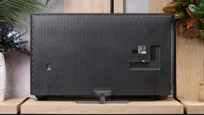
TV appearance

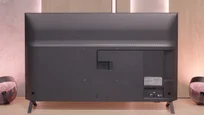
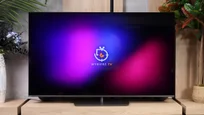
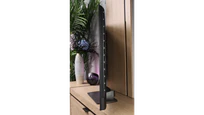

Contrast and black detail
5.8/10
5.8/10
Local dimming function: No
Local dimming function: No
Contrast:


Result
6,350:1

Result
5,800:1

Result
4,350:1

Result
4,500:1

Result
4,900:1
Result
5,500:1
Result
3,950:1
Result
5,600:1
Result
5,750:1
Result
4,500:1
Halo effect and black detail visibility:
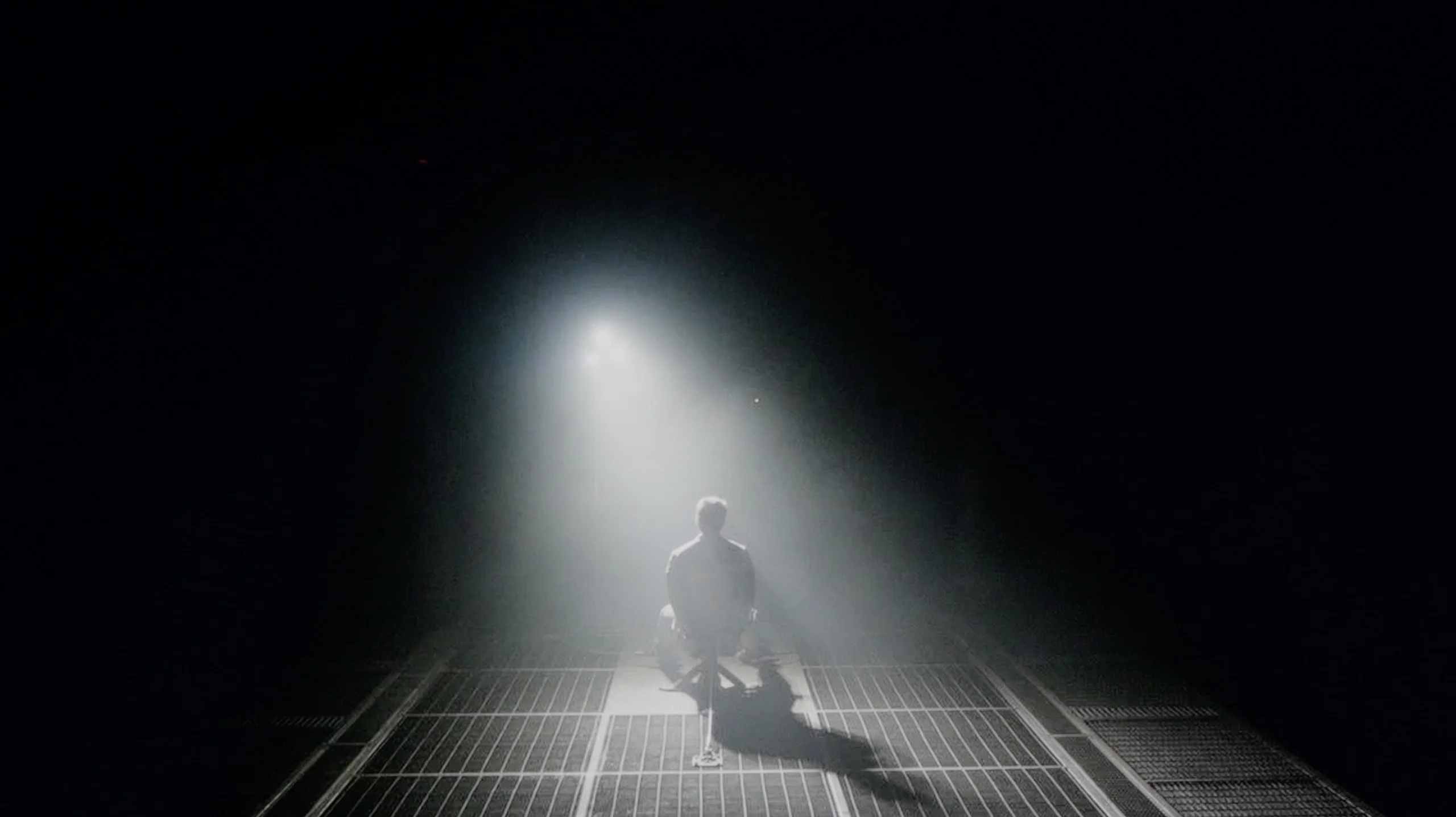
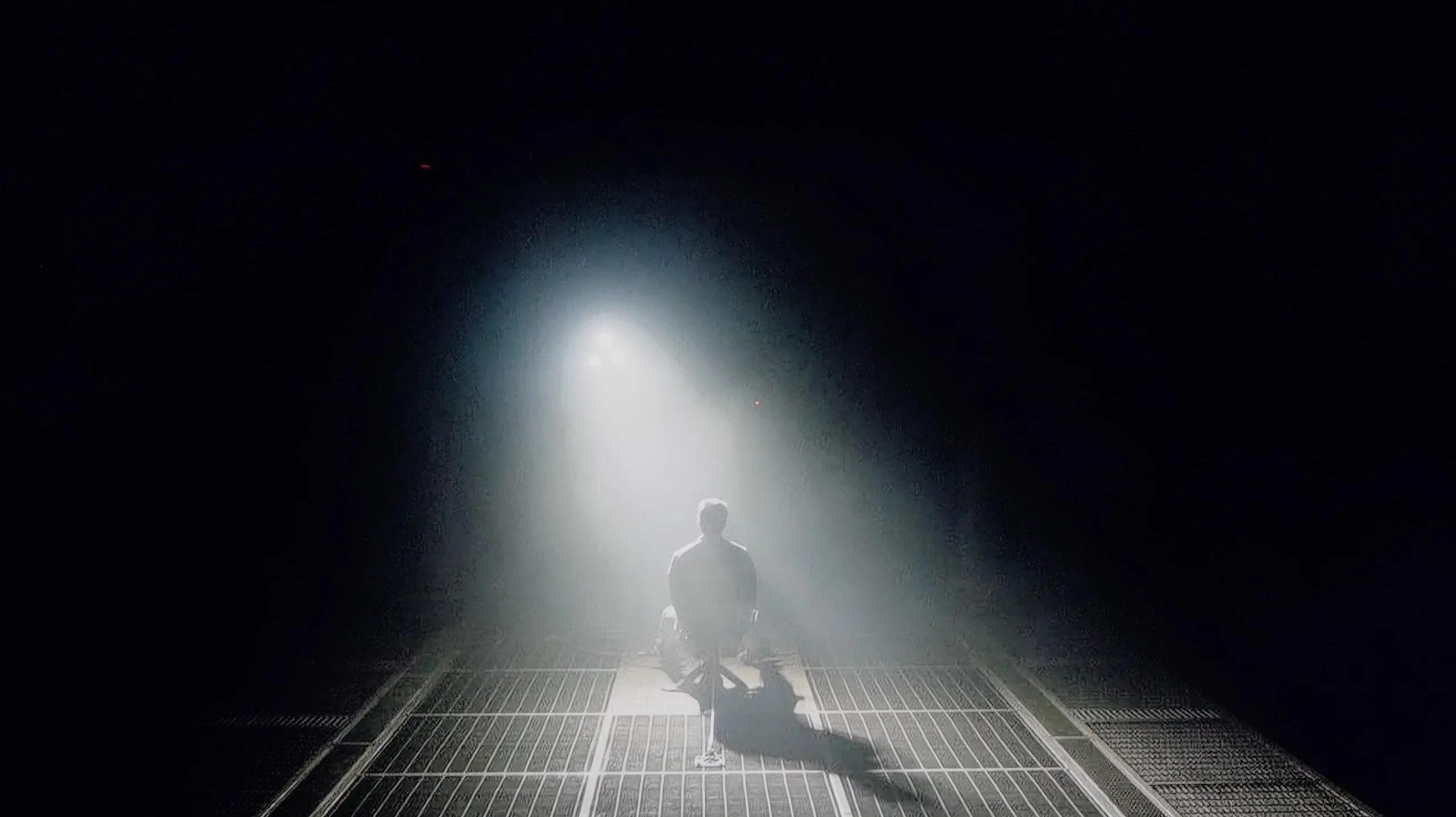
Check the visibility of bright lights on a dark background. Mini-LEDs often struggle with this. The photo does not compare black levels – that’s what the video below is for.
The video accurately shows differences in contrast and black levels between TVs, as well as potential issues: halo around bright objects or Mini-LED zone operation visible as brightness jumps.
This is where the greatest advantage of the VA matrix version begins. With a contrast level of around 6000:1, evening viewing takes on depth, and darker scenes in movies look natural and do not fade into gray. It is clear that the blacks are much better than in the version with an IPS panel, and this difference determines the character of the television. Of course, it should be noted that the UA7500 does not have local dimming, so one should not expect miracles. The darkest shots will not measure up to more expensive TVs, but at least the contrast is stable and sufficient for convincing evening viewings.
The black levels and contrast on the Philips PQS9000 are decent for an LCD TV without local dimming. That's mainly down to the VA panel; in our movie scenes contrast often exceeded 5000:1, and in weaker results dropped to around 4000:1. That delivers an image with quite good depth and a clear advantage over typical IPS panels, where black more easily looks gray. Unfortunately, that's about where the panel's strengths end. The TV lacks local dimming, so it can't dim a dark background separately while keeping bright highlights elsewhere on the screen. It only has global dimming, meaning it brightens or dims the entire backlight at once. In a completely dark room you can see these limits: blacks take on a dark navy tint, and shadowy scenes don't have the same depth as on a good locally dimmed screen. Luckily Ambilight helps here. The light on the wall makes the blacks on screen appear deeper and slightly masks the panel's glow. It doesn't change the TV's actual contrast, but it affects how our eyes perceive it. In this case Ambilight is therefore not just decoration, because it can also make evening viewing more pleasant.
HDR effect quality
4.3/10
5.5/10
Luminance measurements in HDR:

Result
300 nit

Result
263 nit

Result
366 nit

Result
218 nit

Result
351 nit
Result
449 nit
Result
467 nit
Result
487 nit
Result
486 nit
Result
507 nit
Scene from the movie “Pan” (about 2800 nits)


Scene from the movie “Billy Lynn” (about 1100 nits)
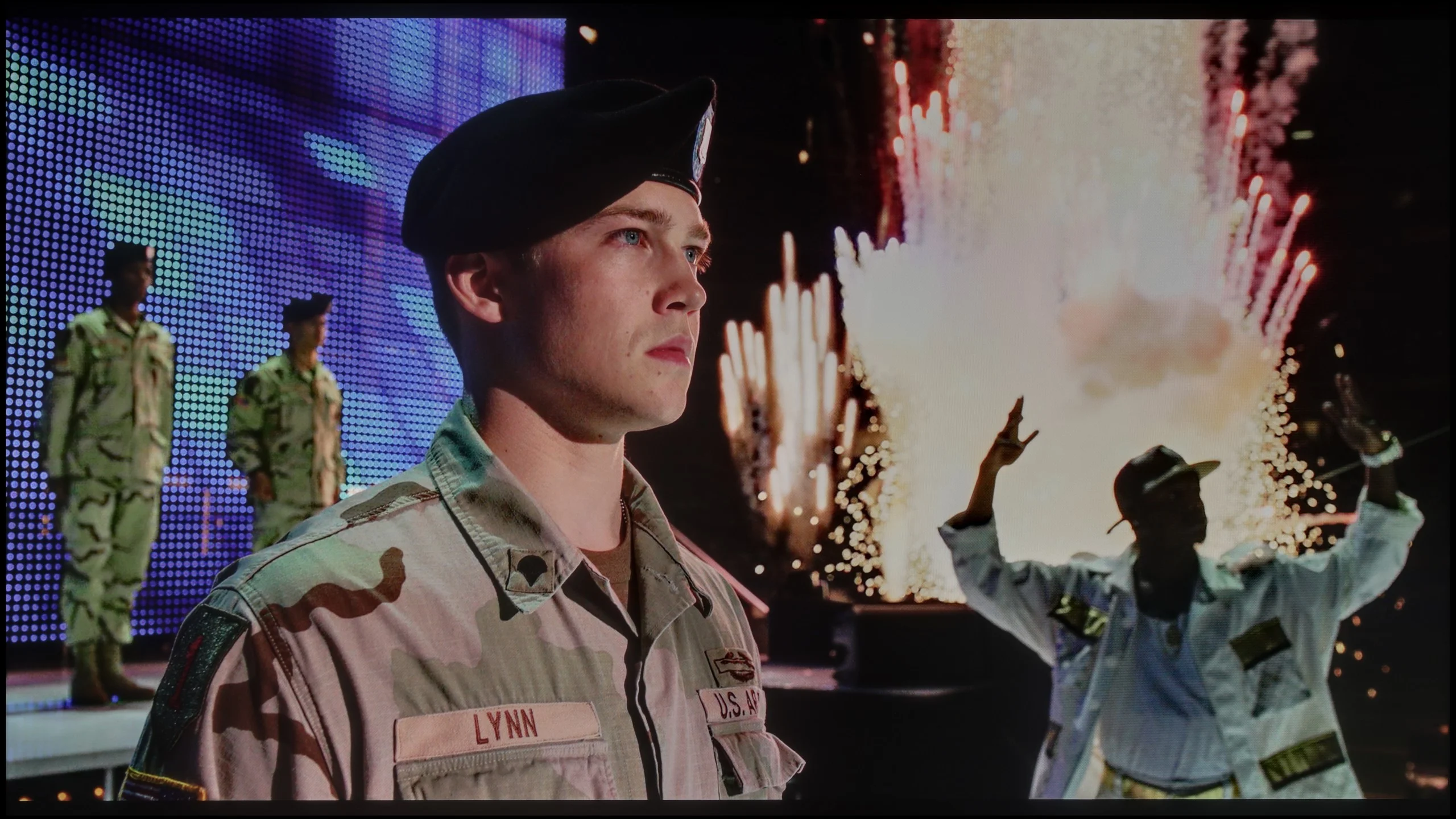
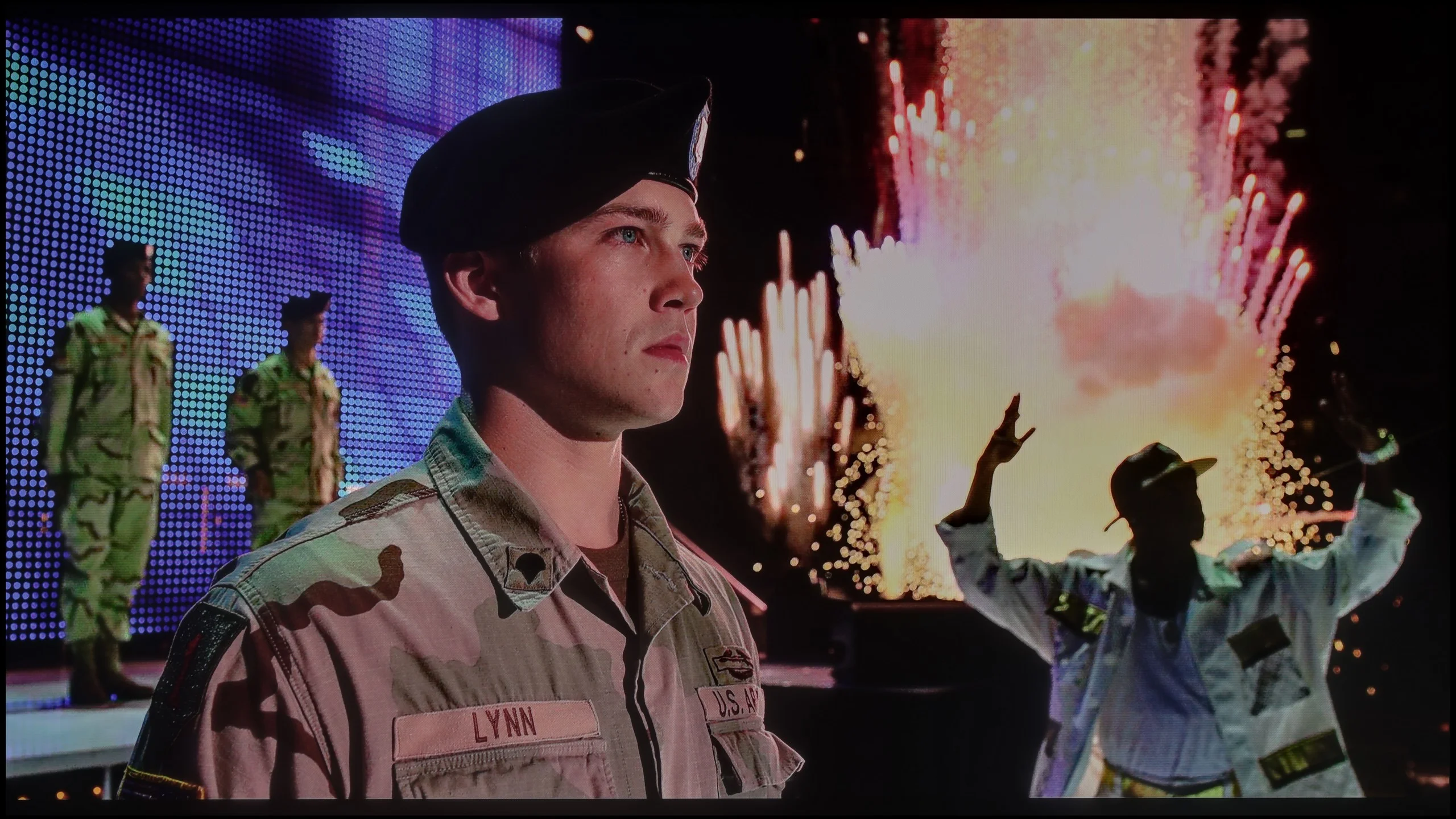
The photos show two HDR10 movies. 'Pan' is one of the brightest productions ever made, while 'Billy Lynn' (soldier) has brightness typical of streaming (Netflix, Prime, HBO MAX). Notice the intensity of effects and detail in whites.
Static HDR10


The photos present the visibility of white details in various HDR formats. They do not show brightness differences between TVs (these can be compared in the previous gallery).
HDR luminance chart:
Philips PQS9011 / PQS9001 (The One 2026)
LG UA75006LA (VA)
The LG UA7500 with a VA panel has a brightness that hovers around 350 nits, which, by today’s standards, isn't very impressive. It's hard to talk about a true HDR experience here – most content looks more like classic SDR with a slight attempt at highlights enhancement. One advantage is that regardless of the test pattern, the effect remained relatively stable. However, we noticed that in very extreme scenes with a lot of fine detail, the television can slightly dim the image to achieve better black levels, but this comes at the cost of visibility of bright effects. Additionally, it should be noted that the UA7500 is not equipped with any extra technologies for expanding color. It is neither a QLED panel nor a PFS LED, which is why the coverage of the DCI-P3 color palette is only 80%, causing many HDR movies to appear flat and not fully represent the variety of colors.
Philips PQS9000 is a moderately bright TV; in our HDR scenes it reached roughly 450 to just over 500 nits. That's enough to notice a difference versus SDR. Sun reflections, lamps, and highlights have a bit more sparkle than on basic TVs, whose brightness often tops out around 300 nits. However, it’s not at a level where bright elements make a particularly strong impression. The biggest limitation remains contrast. Without local dimming, the TV raises the black level around a bright object when it brightens that object. That means there’s no clear separation between strong highlights and a dark background, and that contrast is what really shows off HDR. The PQS9000 offers more than the cheapest models, but despite decent brightness the effect stays fairly basic.
Colors
Philips deserves praise for the colors. Although the manufacturer labels this model QLED, a PFS phosphor is used here instead of quantum dots. That solution does not prevent good results, however. On test patterns and in measurements of film scenes we recorded about 94% DCI-P3 coverage and 75% BT.2020. For this class of TV that’s really good. In practice, it means the vast majority of colors used in HDR movies and series will have proper saturation. Lush greens and intense reds are not a major problem and add appeal to the picture. Limitations are easier to spot in some games and rarer content that uses the most saturated shades of the wide BT.2020 gamut. In those situations, displays with wider color coverage, such as SQD or RGB LED, can show more. In its price segment the PQS9000 has nothing to be ashamed of.
Factory color reproduction
5.6/10
5.1/10


This gallery shows how colors change after professional TV calibration. If you notice the difference, we recommend ordering this service at SkalibrujTV.com.
Factory Mode
After calibration


This gallery shows how colors change after professional TV calibration. If you notice the difference, we recommend ordering this service at SkalibrujTV.com.
Factory Mode
After calibration
The Filmmaker mode on the LG UA7500 performs better than one might expect from such a budget TV, but let's not get carried away with the praise. The picture is put together quite sensibly and at first glance is not irritating; however, its weaknesses quickly start to show. This is most apparent in scenes with bright points – lamps in the background or reflections of light on the skin are clearly exaggerated. Characters' faces often look unnatural, as if they have been "burned out." Additionally, the default gamma settings brighten even the smallest details, causing the image to lose subtlety in darker areas. Nevertheless, the fact remains that, for its price range, the UA7500 in factory mode provides a decent starting point. However, it's clear that without additional correction, these issues cannot be avoided, which is why – as with other TVs – we decided to check what could be achieved after calibration.
Unfortunately, the PQS9000’s factory picture settings for Film mode need some fine-tuning. In SDR the biggest issue is an excess of red in the white balance, which makes whites, grays, and skin tones too warm, sometimes even slightly pink. On top of that, the gamma runs below the target across most of its range. The TV therefore brightens midtones and highlights, making the overall image look flatter than it should.
In HDR the white balance itself is much better. Aside from minor deviations, the components stay close to each other, so there isn’t the pronounced tint seen in SDR. However, the EOTF curve shows a slight brightening of parts of the image, and the biggest issue appears in measurements of the wide color gamut. Many hues deviate significantly from the reference, with errors reaching 8–9. So the good gamut coverage we praised earlier doesn’t mean the TV hits specific colors accurately. It can display a wide color range, but out of the box it doesn’t use it very precisely.
Color reproduction after calibration
7/10
7.7/10

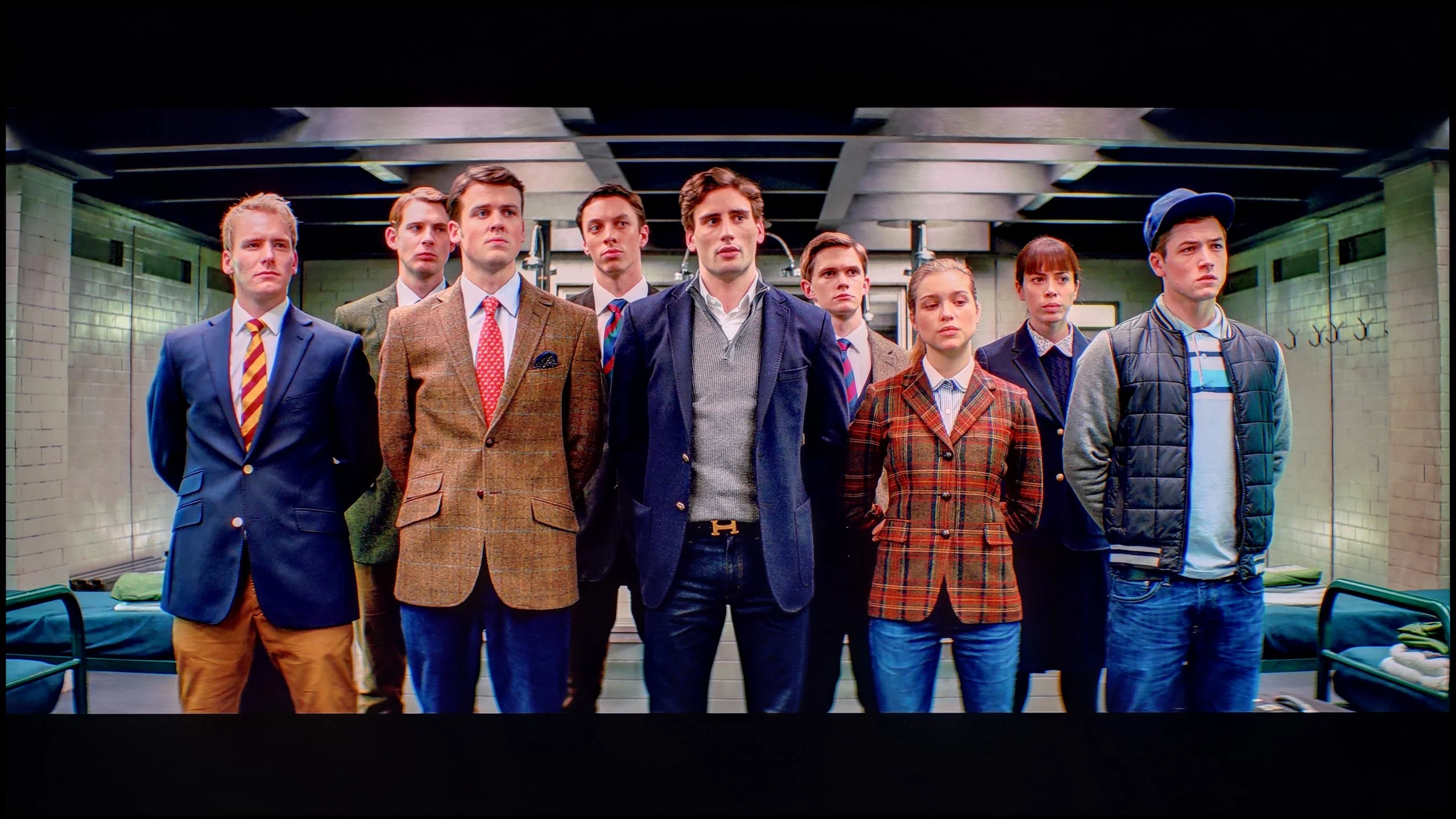
The photos show how movies look on the TV. Pay attention to black detail visibility, colors, and shadow tint.


The photos show how movies look on the TV. Pay attention to black detail visibility, colors, and shadow tint.
We noticed the greatest improvement when calibrating the mode intended for daily SDR content. We managed to smooth the white balance in an acceptable way and tackle the issue of excessive brightening of small elements by the gamma characteristic. As a result, the image gained the consistency and naturalness that were lacking in the factory settings. After such correction, we can confidently state that for daily television content, programs, or materials from YouTube, the LG UA7500 performs really well – especially after professional calibration. The situation is somewhat different for HDR content. Here, the calibration did allow us to tame the white balance and slightly improve brightness management, but the limitations of the design are immediately apparent. The lack of additional filters to widen the color palette means that the most vivid colors appear flat, and the image does not have the intensity we would expect from good HDR. In SDR, the UA7500 performs quite decently, but in HDR – despite corrections – it remains far behind, and this is a characteristic that one must accept when choosing this television.
Calibration brought a big improvement, especially in SDR material. We managed to even out the white balance and remove the previous color cast, and the Color Checker measurements now look really very good. Colors are much closer to what should be on the screen, so with regular TV or SDR movies we can be satisfied with the result. Unfortunately HDR somewhat spoils that outcome. On one hand it's limited by the panel's capabilities, since calibration won't improve contrast or replace local dimming. On the other hand there are color errors we couldn't correct because the CMS settings, that is color management, were grayed out and inactive. For that Philips loses points with us. White balance can be fine-tuned, but without access to wide color gamut controls you can't correct colors in HDR as effectively. It's a shame, because the SDR results show the potential is there, it's just not allowed to be fully used everywhere.
Smoothness of tonal transitions
8.8/10
8.6/10
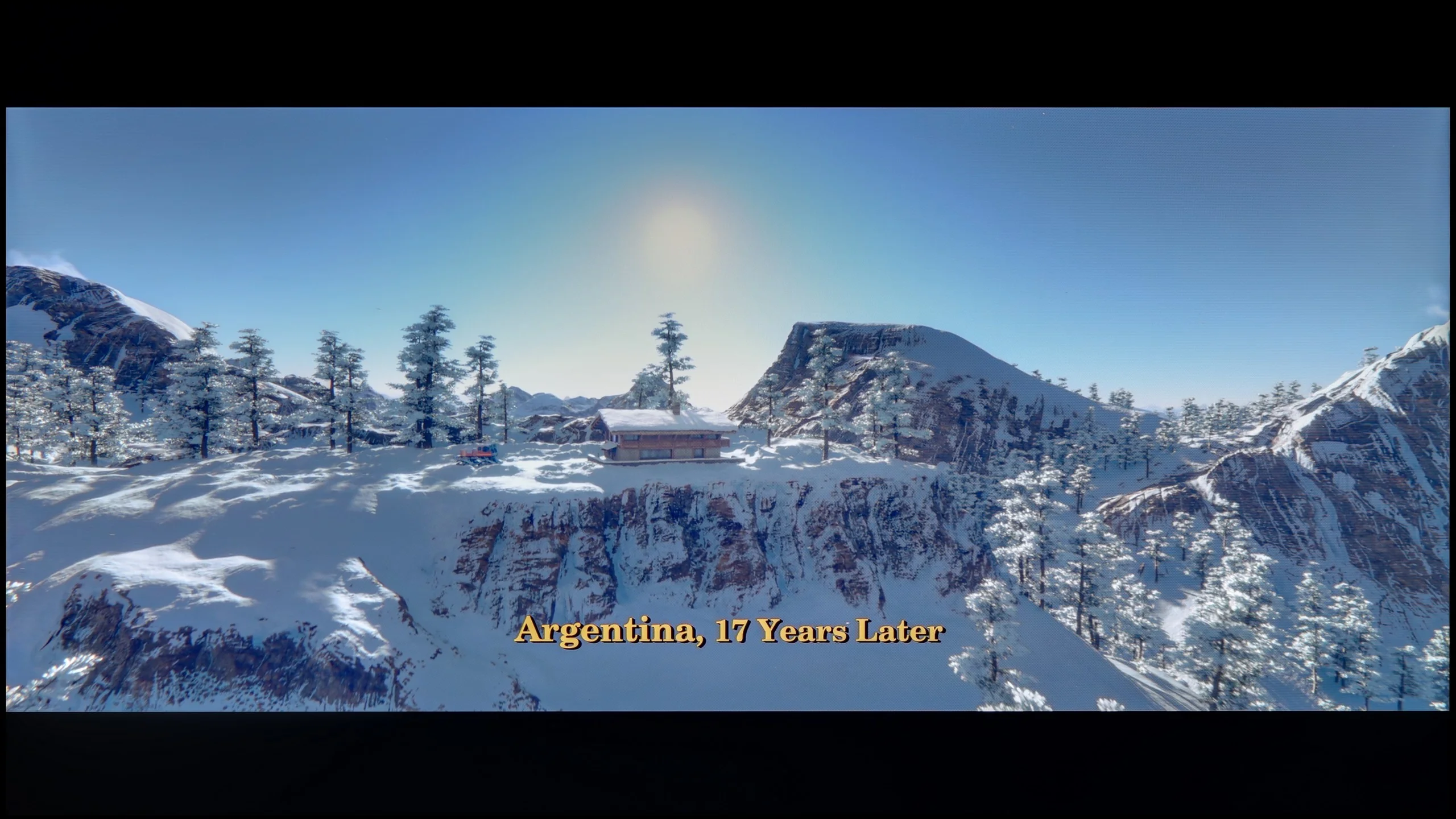




These are selected scenes that show smooth tonal transitions from one color to another. If you see distinct banding, it’s the TV panel’s fault.

These are selected scenes that show smooth tonal transitions from one color to another. If you see distinct banding, it’s the TV panel’s fault.
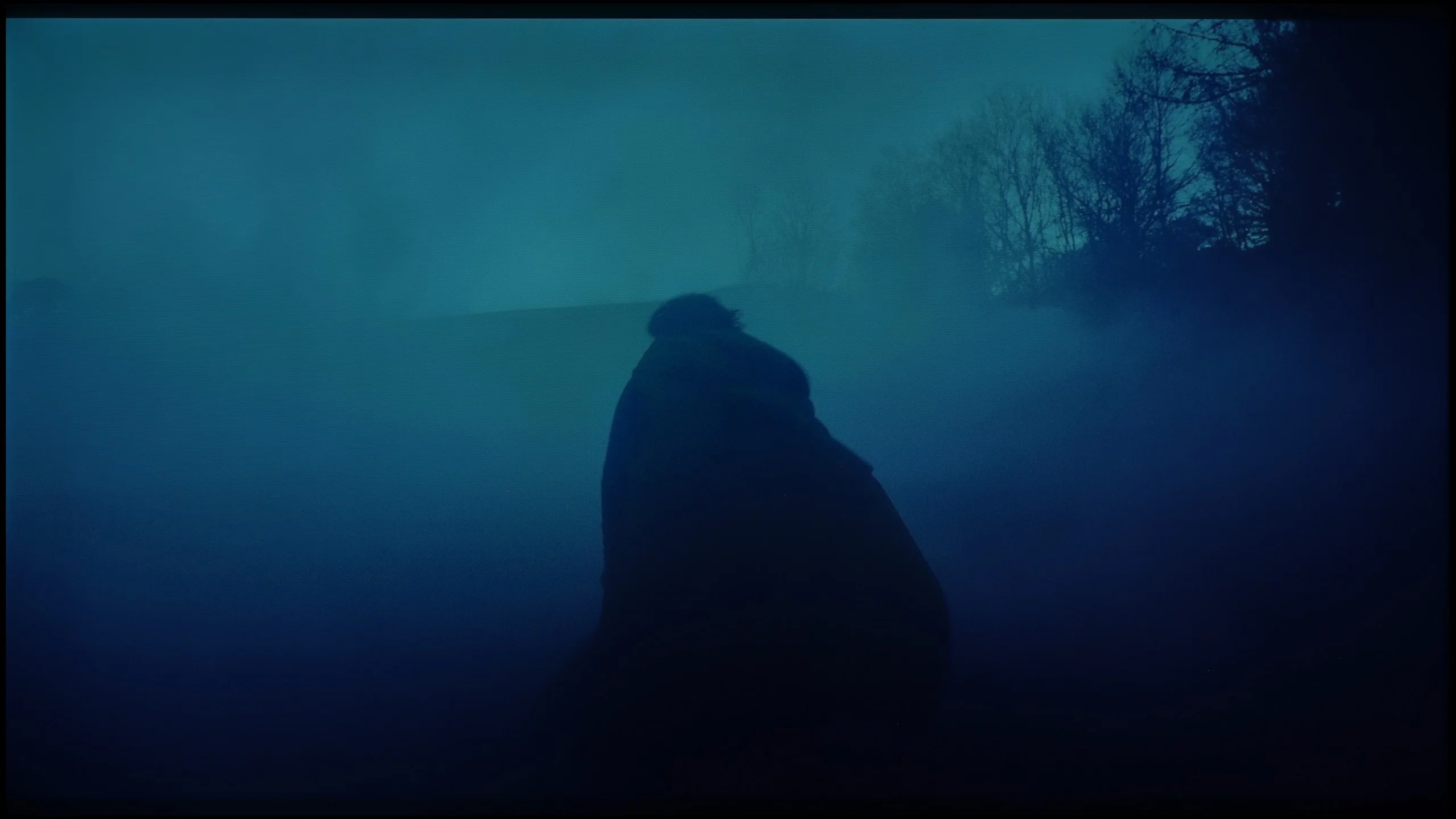
These are selected scenes that show smooth tonal transitions from one color to another. If you see distinct banding, it’s the TV panel’s fault.
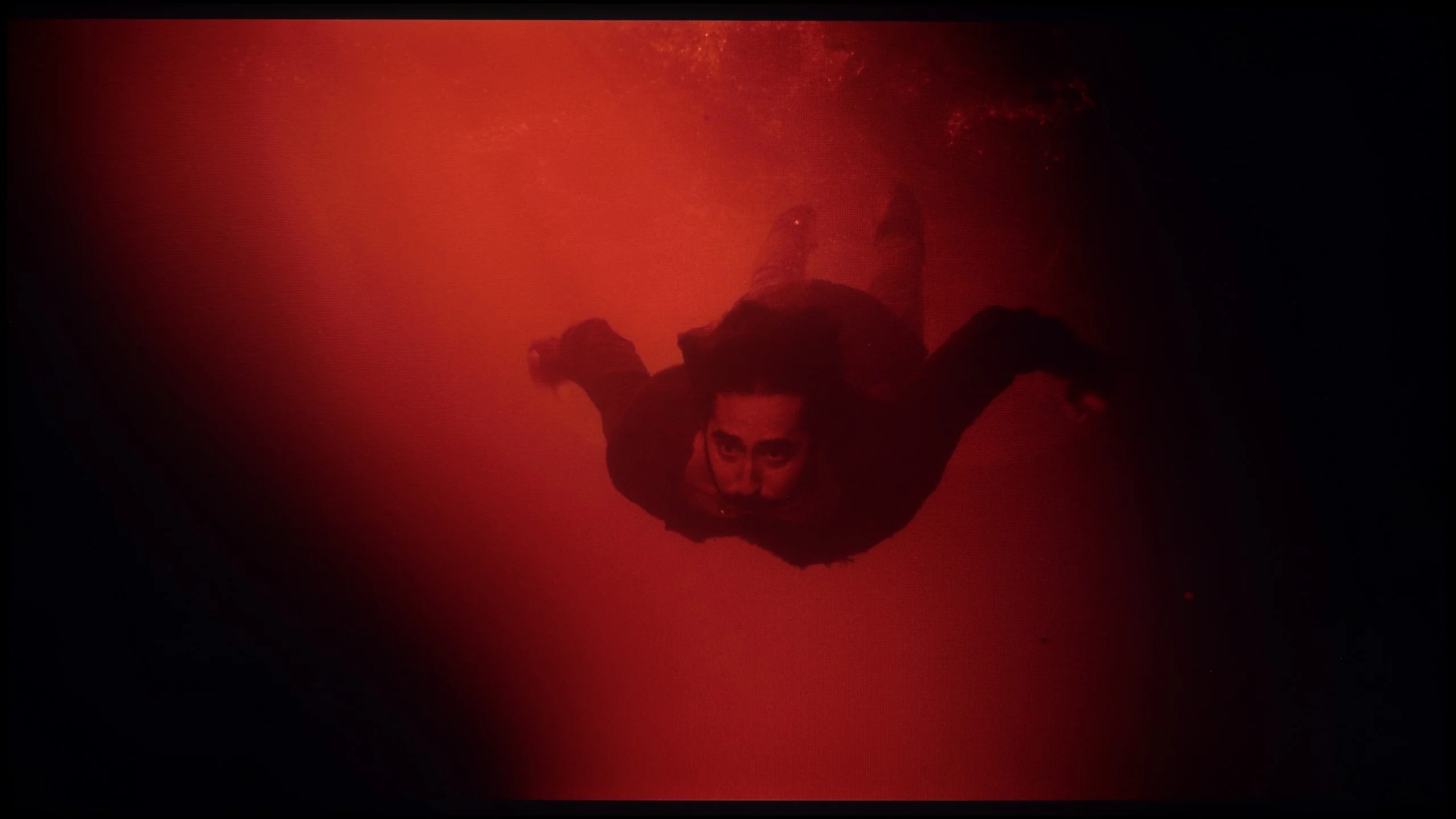
These are selected scenes that show smooth tonal transitions from one color to another. If you see distinct banding, it’s the TV panel’s fault.
The color transitions in most scenes were smooth and difficult for the average viewer to notice. However, the variant with the VA matrix offered something more – in the dark fragments of the image, one could see significantly more shades, as the higher contrast allowed them to be better revealed. As a result, the image did not appear flattened and looked more natural. The transitions between colors themselves generally appeared quite good and did not distract from the content.
Philips PQS9000 handles tonal transitions very well. It’s especially noticeable in dark scenes, where shades blend smoothly into one another without visible banding or distinct borders between colors. As a result, even large uniform areas look smooth. Minor imperfections only appear in brighter tones, but you have to look closely to notice them. During normal viewing they are unlikely to distract from the movie. In this category Philips performs really well.
Image scaling and smoothness of tonal transitions
7/10
7/10

Smooth transition function
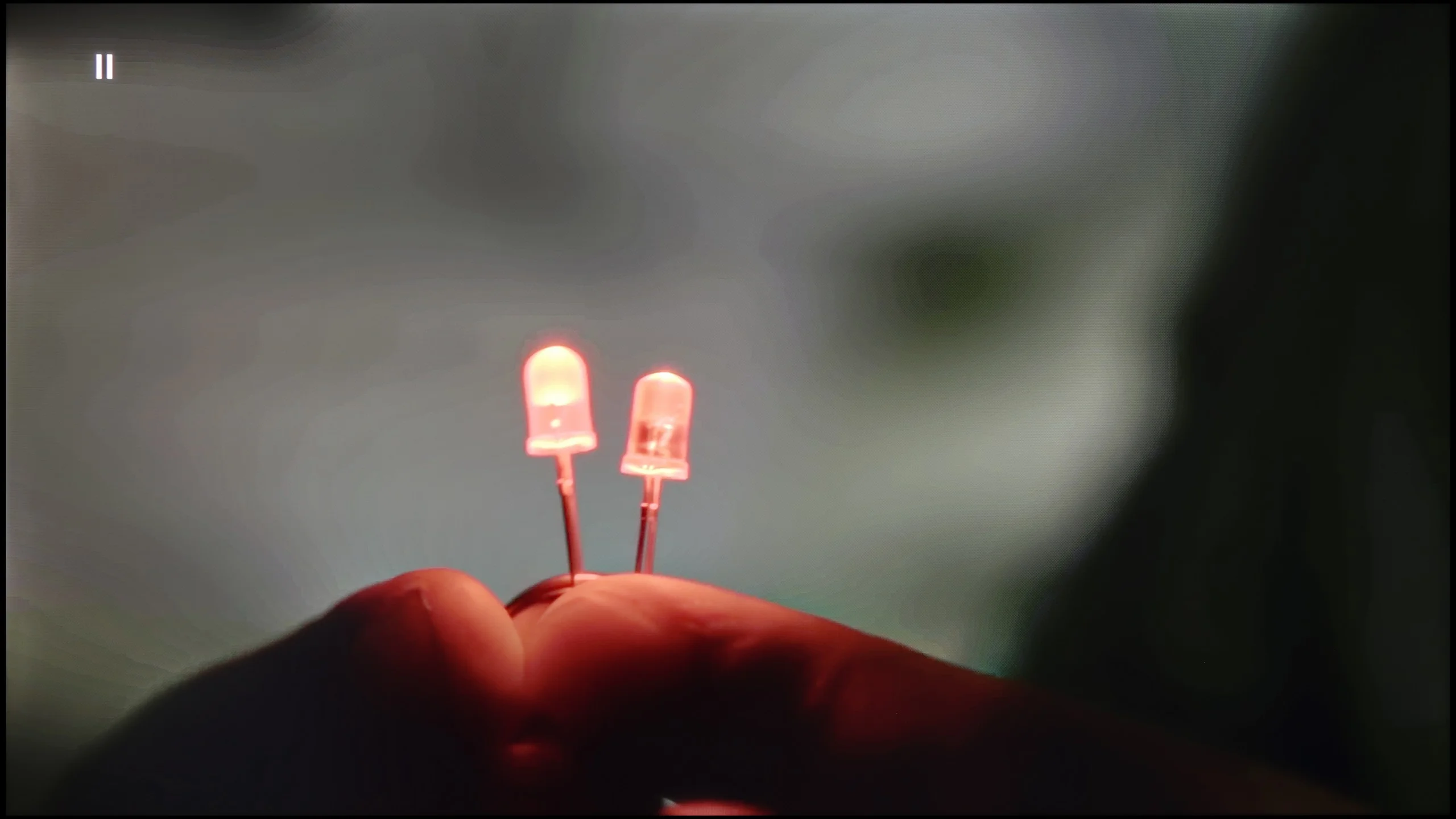
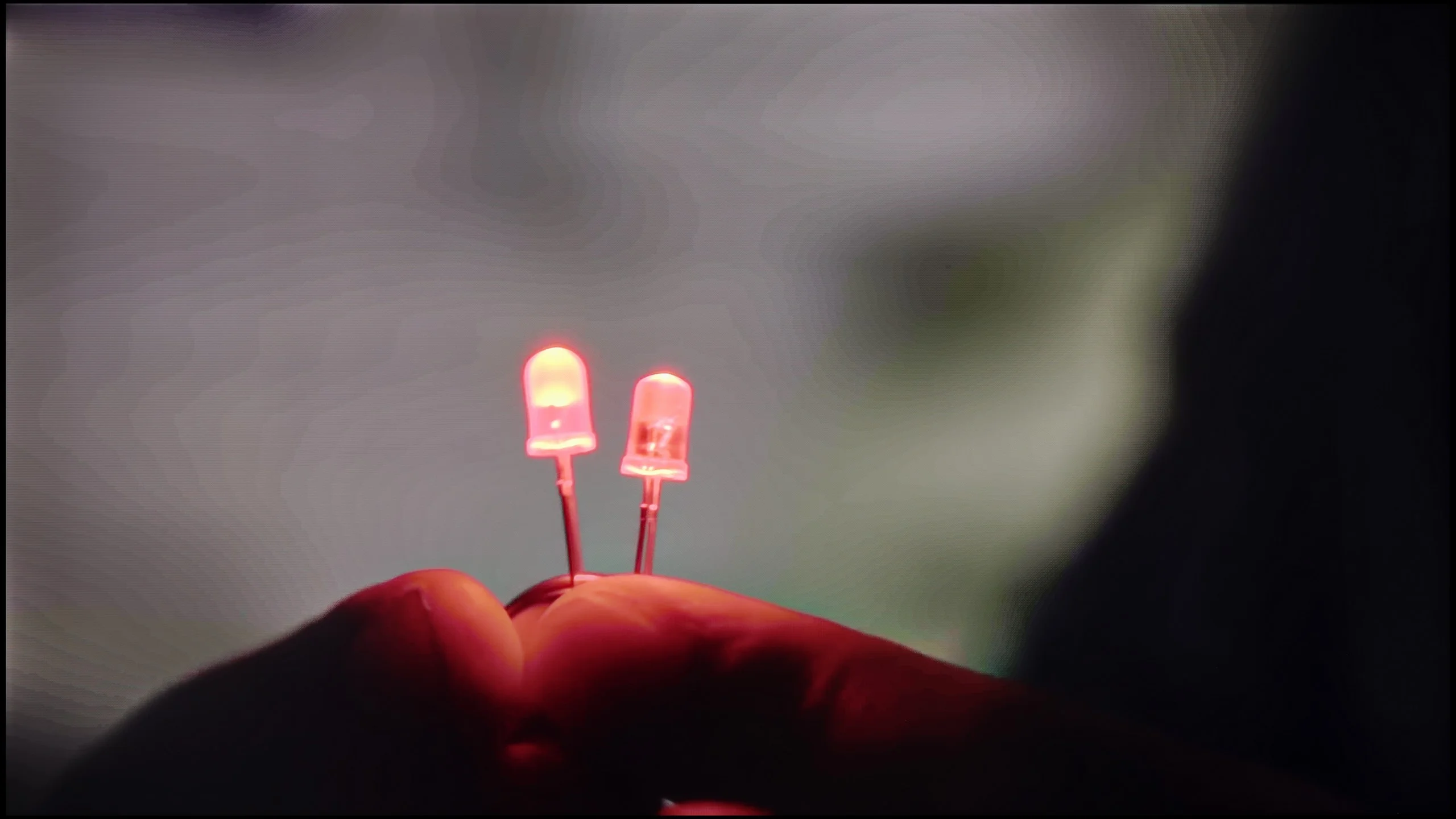
The match photo shows how the TV smooths weak tonal transitions in low-quality video.
Image scaling SD (576i)


The model photo shows how it handles upscaling of SD material.
The LG UA7500 with a VA panel has shown a really good performance in this category. The image scaling from Full HD content or even SD was surprisingly smooth. The picture looked smooth, edges weren't excessively jagged, and the television maintained a significant amount of detail, which meant that even older movies didn't lose their character. It particularly excelled with faces – there were no artificial contours or the "mask" effect, which often occurs in cheaper models. The way the television handled tonal transitions in lower-quality materials is also noteworthy. Thanks to digital processing, colors didn't blend together, and gradients looked natural and smooth. There was no intrusive image smoothing or loss of cinematic grain. This makes the UA7500 great for everyday content – from terrestrial television, through sports, to YouTube, where we often watch materials in various resolutions.
The digital image processing in the Philips PQS9000 performs well, though we have a few reservations. The "Distortion Reduction" function helps smooth tonal transitions in lower-quality material, but it works quite unevenly. It can improve a section of the picture, only to, moments later and still within the same scene, seem to lose effectiveness and reintroduce banding between shades. A plus is that it doesn't remove film grain or fine noise, so the image retains its texture. We found the "Medium" setting worked best, and that's the one we recommend. The 4K upscaling itself is acceptable, though the picture is very soft. Edges are heavily smoothed, which may make the image feel less crisp to some viewers. In that case, it's worth slightly increasing the sharpness in the TV's menu, as this will make edges stand out more. Don't overdo the sharpness slider, however, or you may introduce artificial halos instead of improving the picture.
Blur and motion smoothness
4/10
8.1/10

Blur (native resolution, maximum refresh rate):





Blur ():
Blur (1080p@240Hz):


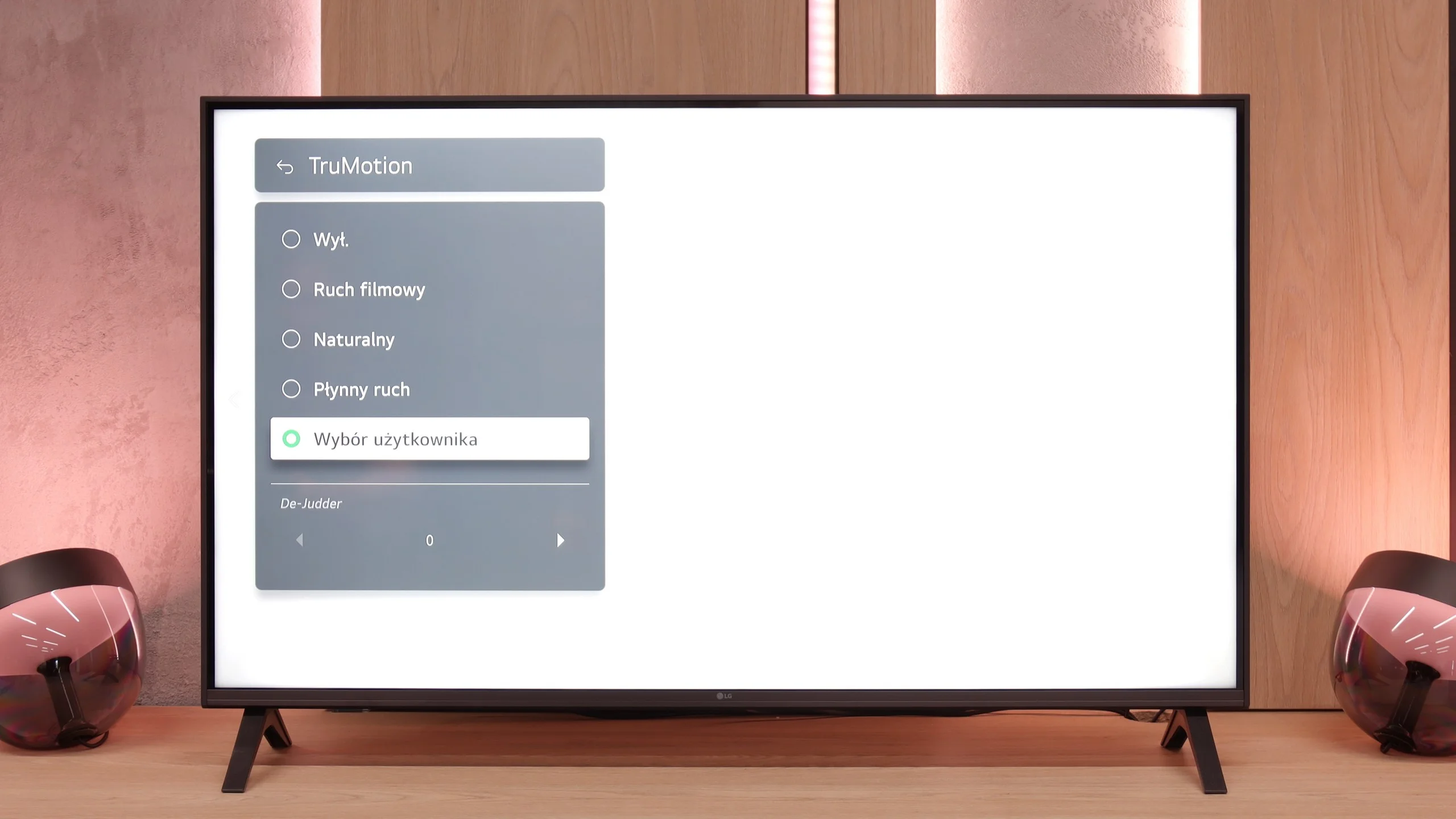
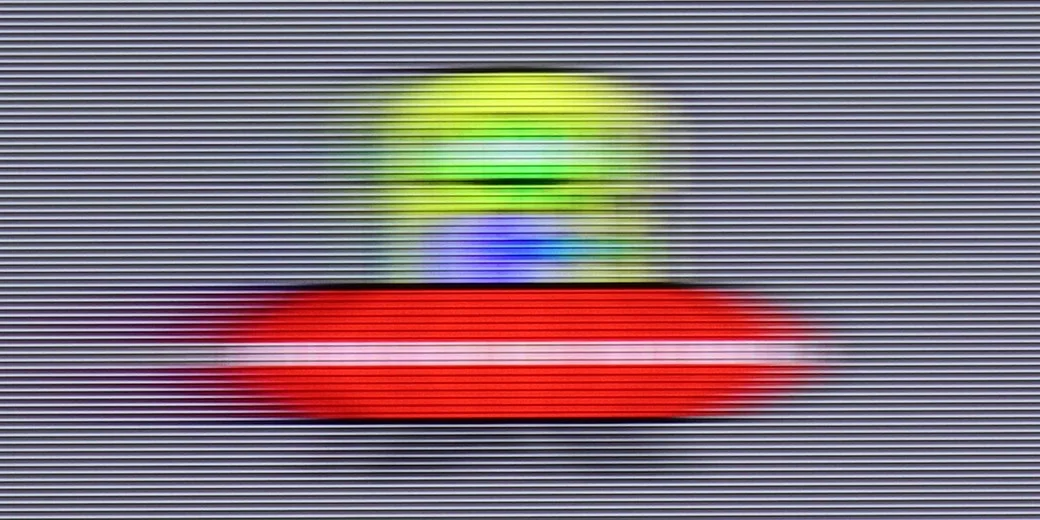
LG UA7500 is a television with a 60 Hz panel, so it’s hard to expect any awe in this category. It’s more of a screen intended for everyday content or an evening movie session rather than for following dynamic sports events or playing action games. It’s clear that the manufacturer directed this model specifically to that group of consumers – and in that regard, it performs correctly. We have the TruMotion function at our disposal, which is a motion smoother. It’s simple, has only one slider, but it can make a noticeable difference. At lower settings, the image appears more raw and cinematic, while at higher values, motion becomes smoother and more pleasing to the eye.
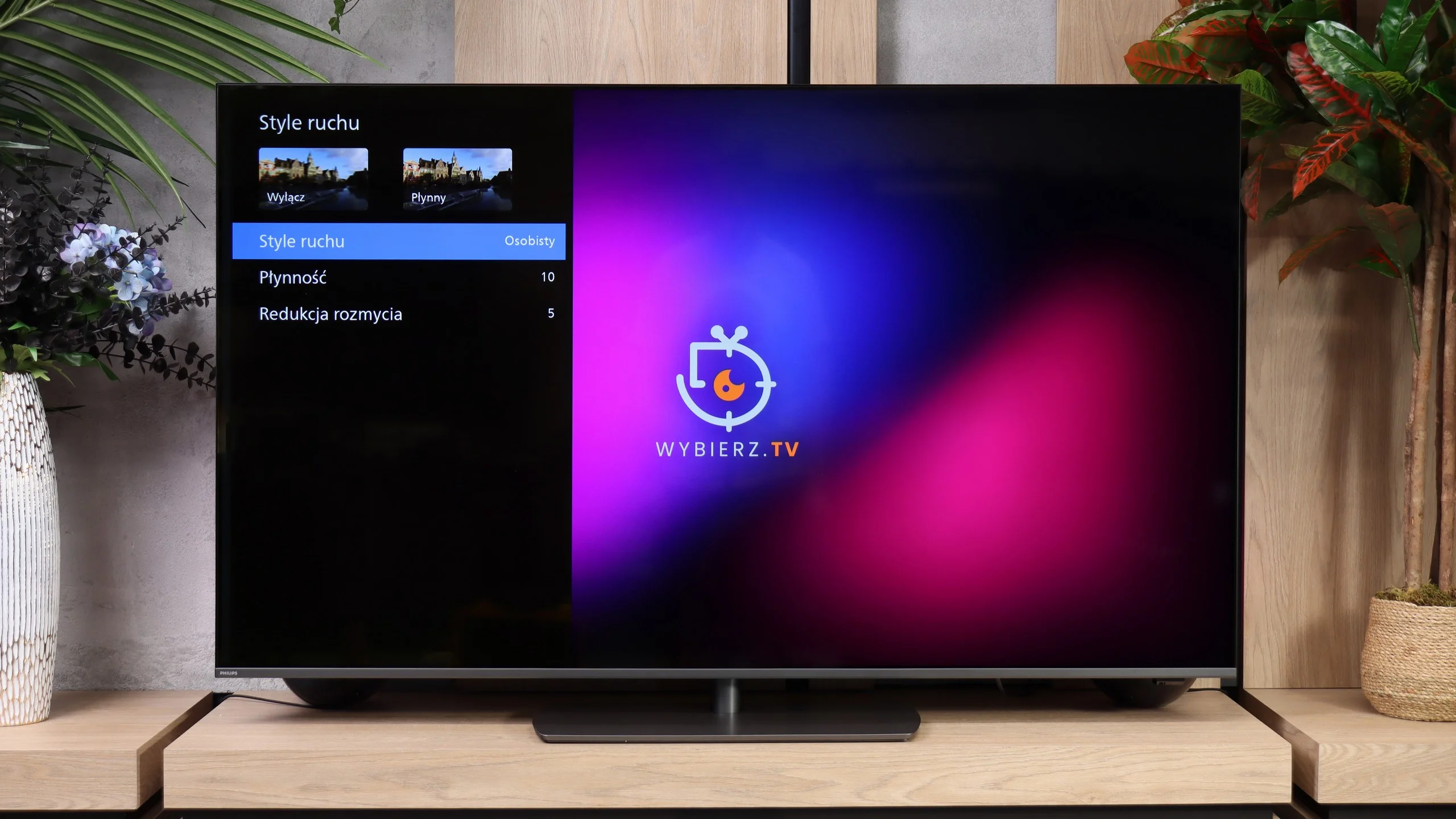
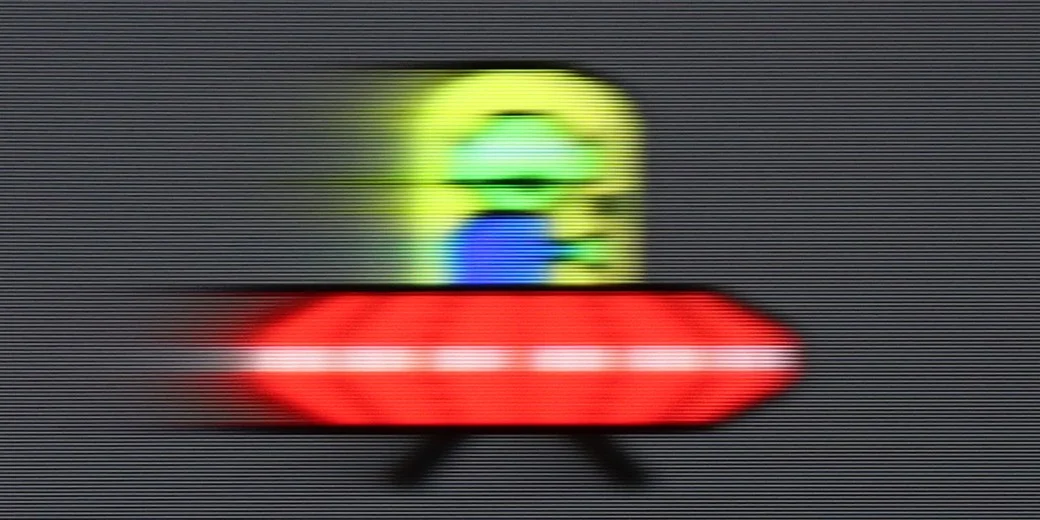
In terms of motion handling, the Philips PQS9000 performs outstandingly for an LCD TV. It's not just the 144 Hz refresh rate, but above all how quickly the panel itself responds. At 120 Hz you can hardly see the typical trailing smears behind moving objects. What's especially pleasing is that this also applies to darker backgrounds, where many VA panels clearly struggle. Here motion remains clear, and Philips pleasantly surprised us in that regard. To adjust how motion is displayed there is the "Motion Style" function. It includes two sliders: "Smoothness" and "Blur Reduction," which let you tailor the effect to the content you're watching and your personal preferences. Our suggested settings are shown in the photo. Treat them as a starting point and try different levels of smoothing to see which you prefer.
Console compatibility and gaming features
6/10
9.5/10
- ALLM
- VRR
- VRR range48 - 60Hz48 - 240Hz
- Dolby Vision Game Mode
 Yes, high input lag
 - Correct implementation of HGIG
- 1080p@120Hz
- 1440p@120Hz
- 4K@120Hz
- Game bar
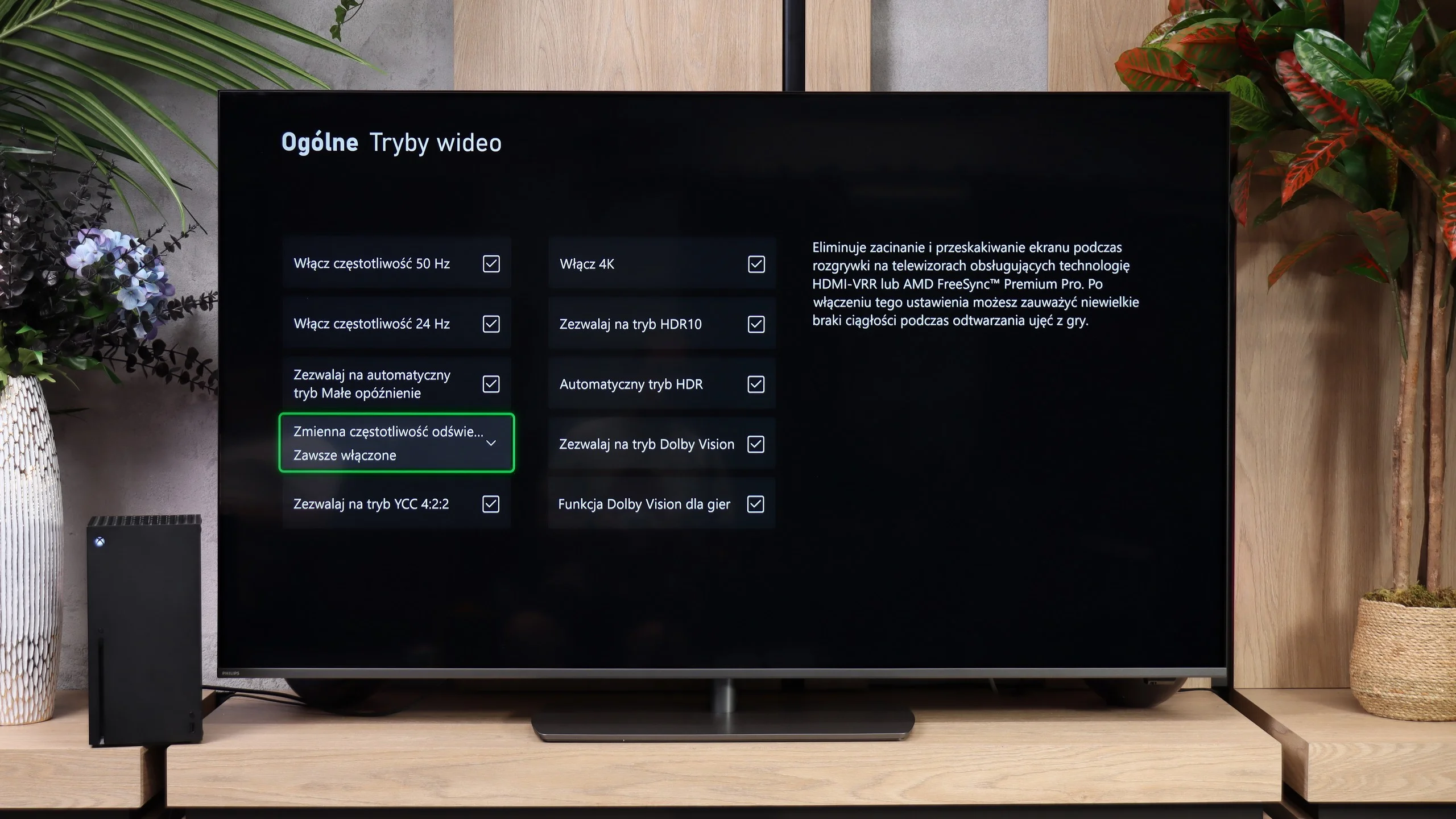
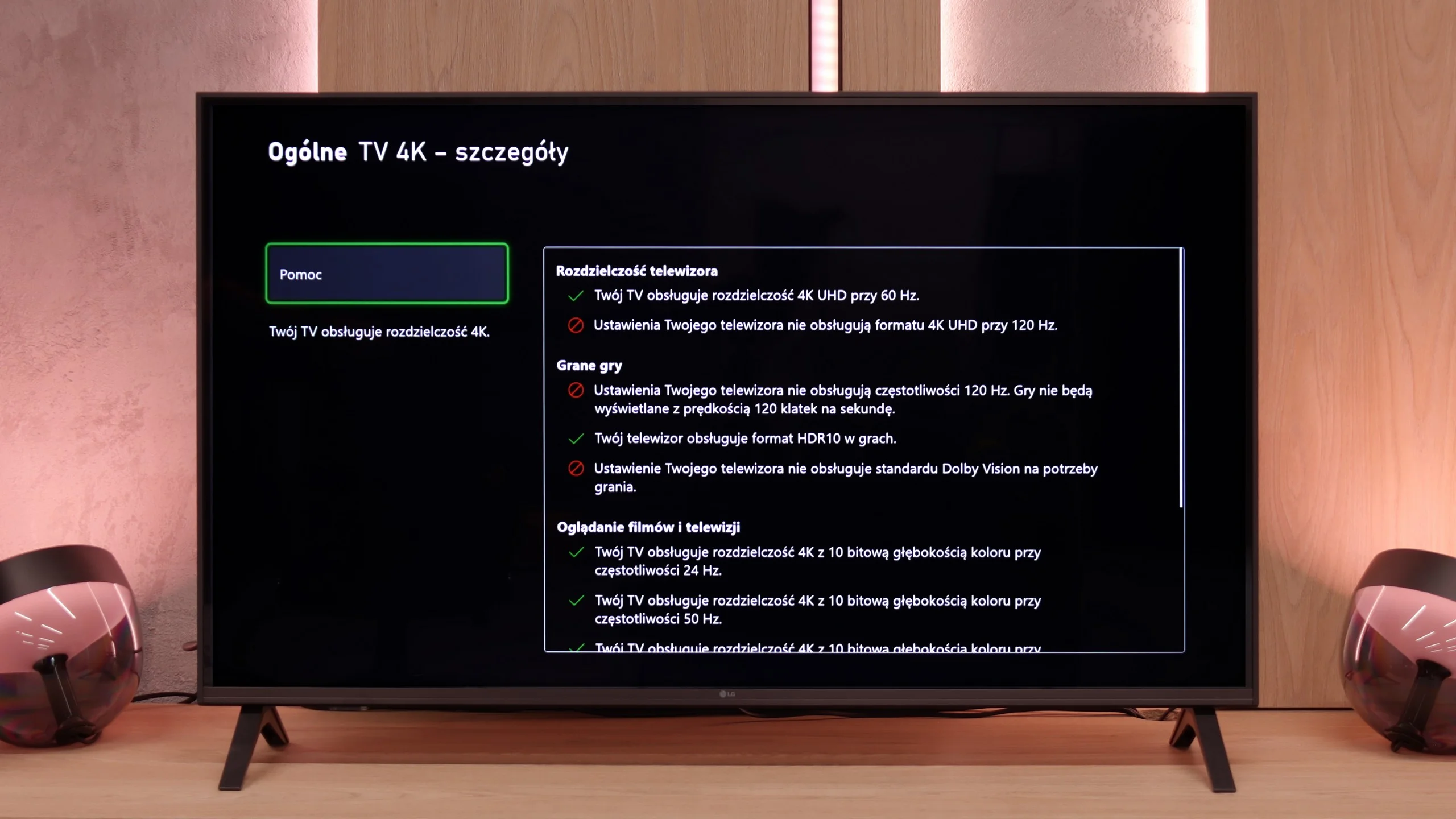
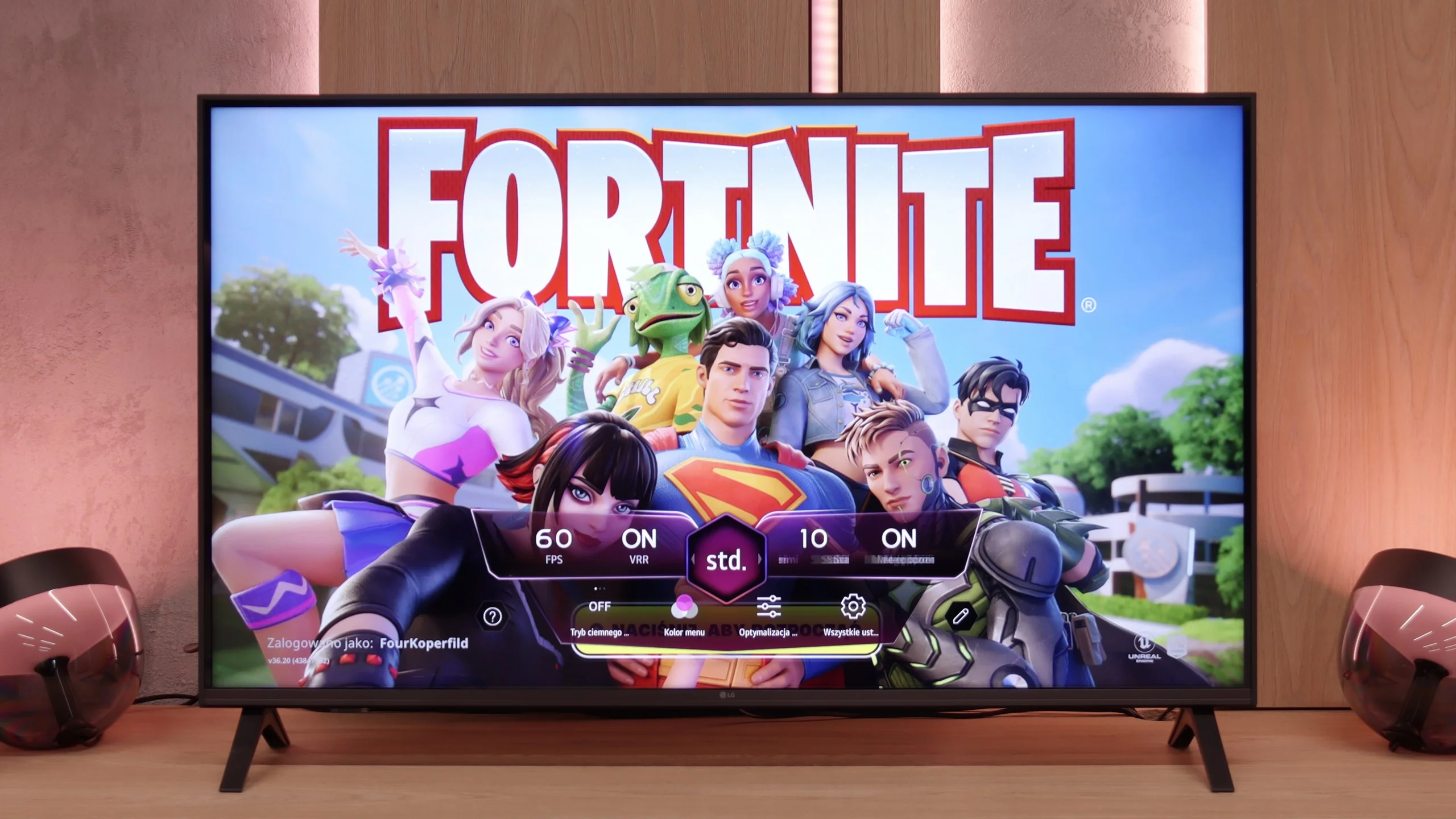
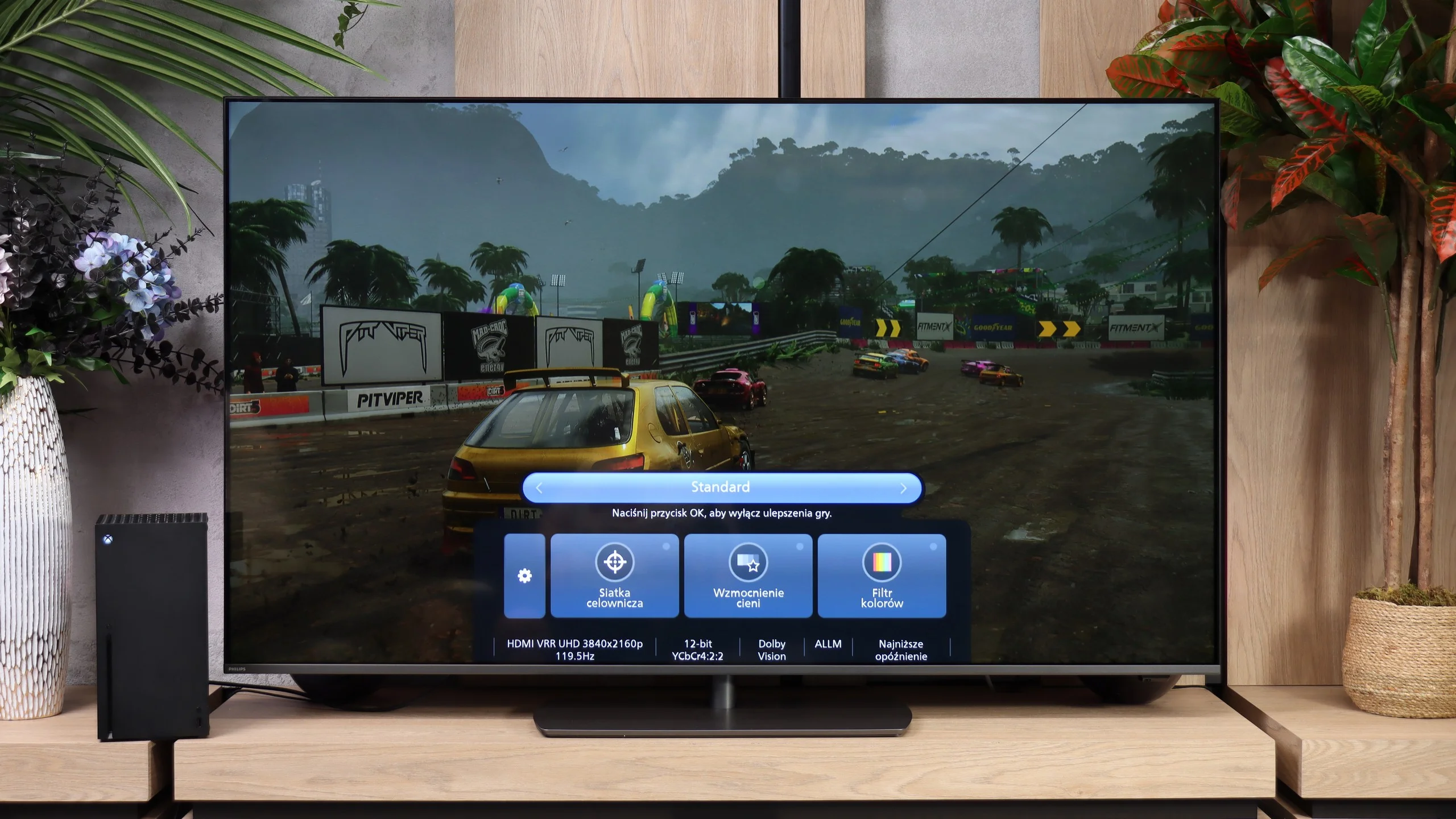
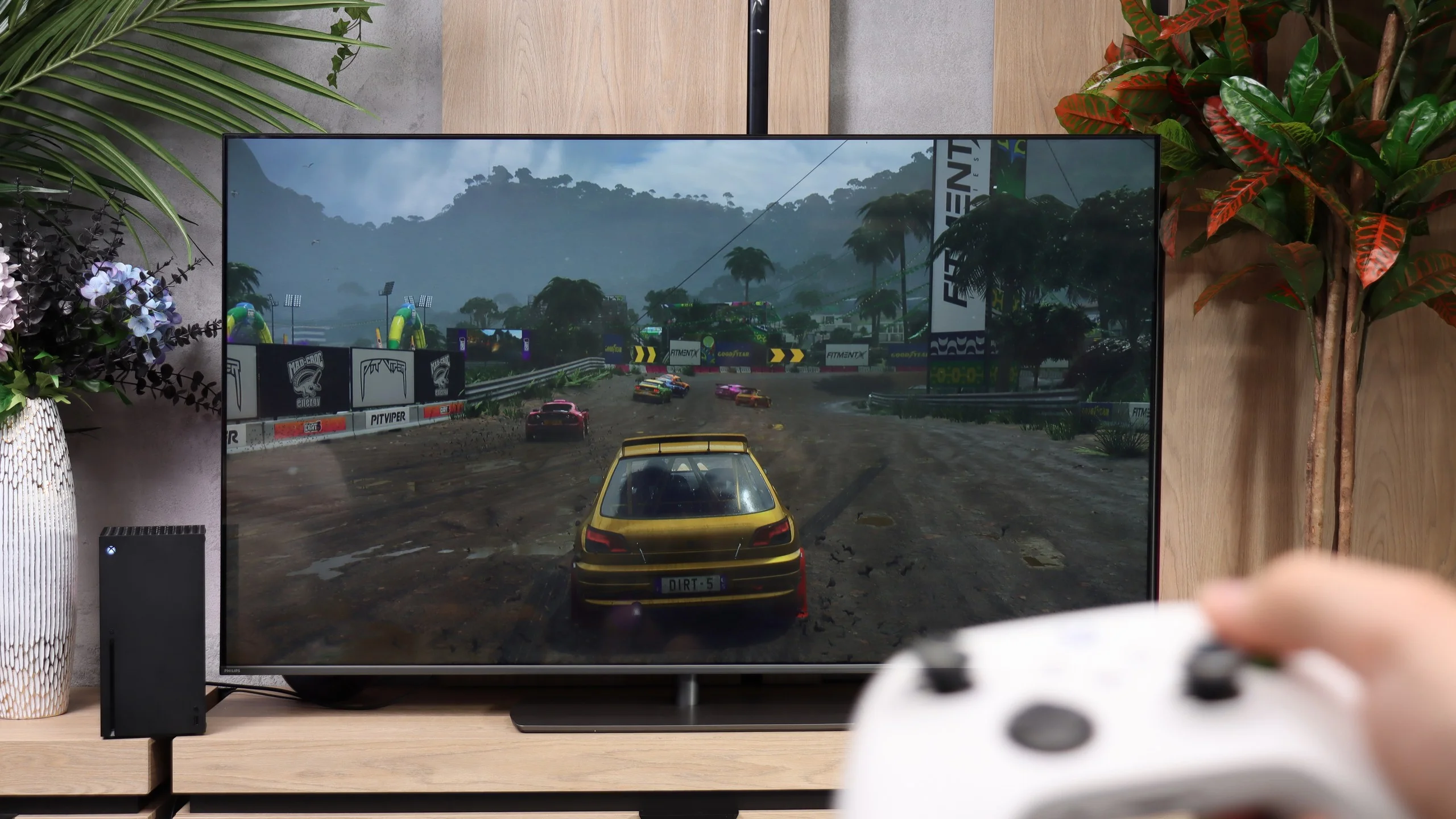
LG UA7500 is a television that can be safely recommended to "casual" gamers. While it does not have a 120 Hz panel or HDMI 2.1 ports, so fully utilizing the potential of modern consoles is out of the question. However, the manufacturer has taken care to include a few extras that can make gaming more enjoyable. Notably, the Game Bar deserves mention – a very nicely designed panel where you can quickly view and change the most important settings. From this panel, we have access to features such as ALLM (automatic switching to game mode) and frame synchronization, which is VRR. The range of VRR is limited – it works from 48 to 60 Hz – but the mere presence of this feature in such an affordable television leaves a positive impression.
Additionally, there is support for HGiG, which is HDR calibration mode for gaming. It sounds good, but based on testing experiences, we already know that with the UA7500, this option doesn't make much sense. The television does not handle HDR very well, so paradoxically we achieved better results with this mode turned off. This is another signal that the UA7500 is more of a screen for occasional gamers who value simplicity and convenience rather than for those looking for full immersion from the latest consoles.
Gaming features
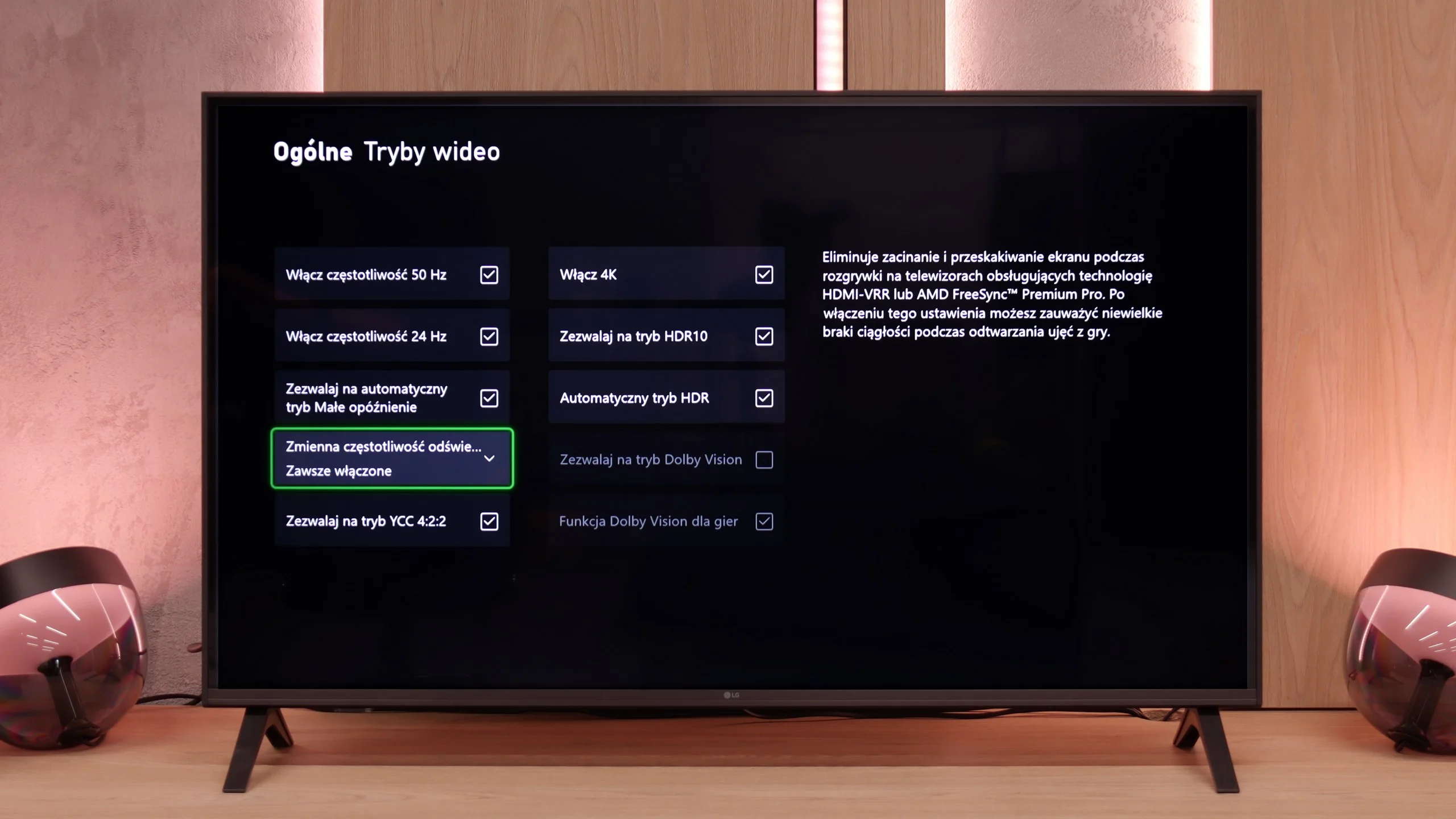
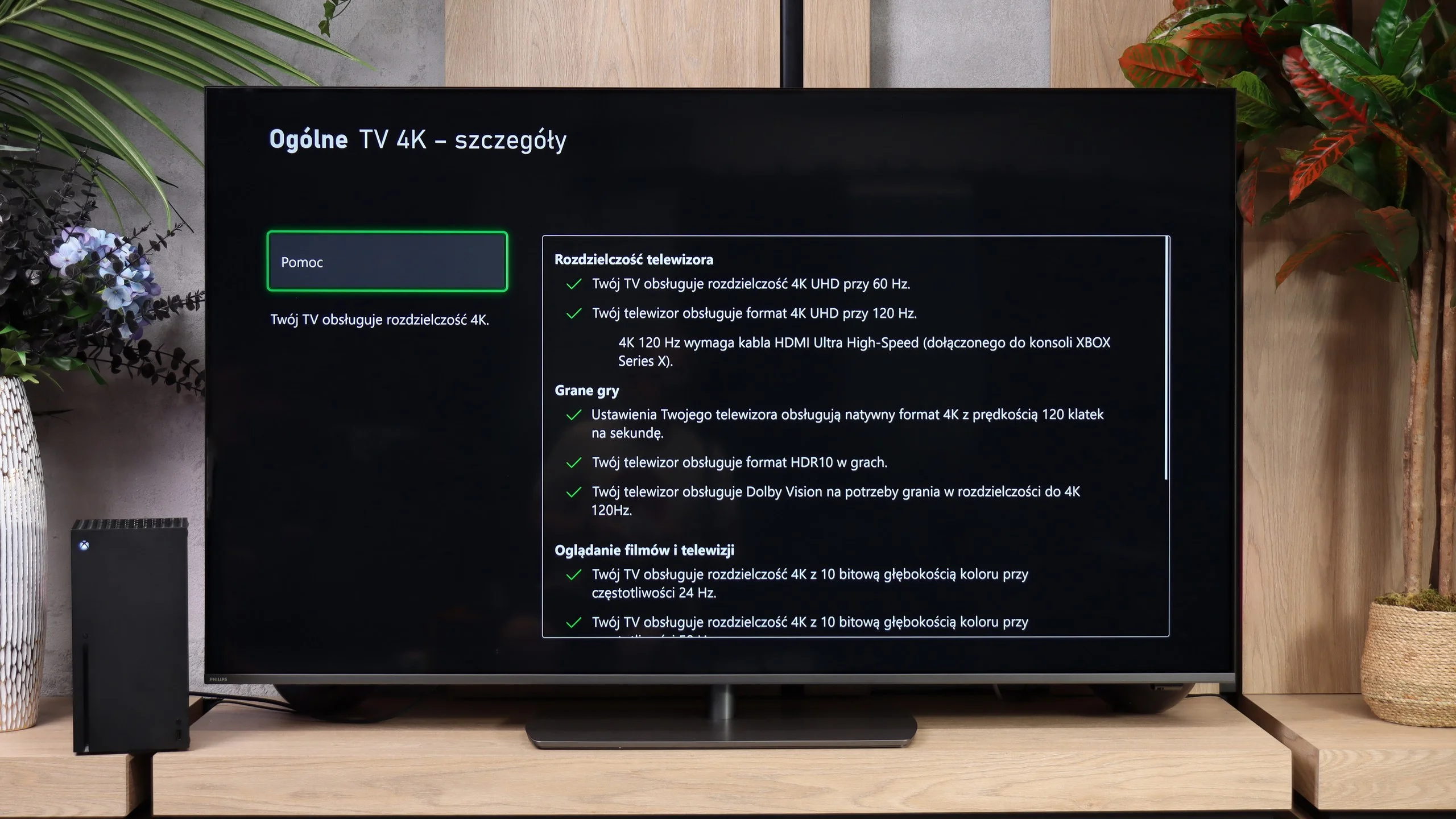
When it comes to gaming features, the Philips PQS9000 really has a lot to offer. Four HDMI 2.1 ports let you connect multiple devices without having to decide which one gets the full-capability port. Consoles can use 120 Hz in Full HD, 1440p and 4K, and a PC can also take advantage of 144 Hz at 4K or 240 Hz if you drop down to Full HD. There's also VRR, which matches the refresh rate to the frame rate and prevents screen tearing. Its range goes from 48–240 Hz, with the upper limit applying to Full HD mode.
ALLM is included, so the TV automatically switches into game mode, and HGiG works correctly, which is useful when setting up HDR on a console. There's also a Game Bar for quick access to settings and signal information. The list even includes Dolby Vision gaming, but that option is hard to enjoy because of very high latency. Apart from that caveat, the feature set is really solid.
Input lag
10/10
7.2/10
SDR
HDR
Dolby Vision
A delay of less than 10 ms is a result that more expensive models might envy. This makes games exceptionally responsive, and every action on the controller is immediately visible on the screen. This is one of the strongest points of this television, especially for those who enjoy firing up a console from time to time.
Input lag is already less impressive than the rest of the "gaming" gear. At 60 Hz we measured 32 ms, both in SDR and HDR. That's enough for more relaxed games, but in fast shooters you can feel a slight delay. At 120 Hz the lag drops to 16 ms and gameplay is noticeably more enjoyable, though the competition can respond even faster.
The biggest problem appears when Dolby Vision is enabled. At 60 Hz the delay is as much as 213 ms, and at 120 Hz it reaches 106 ms. The response to controller input is then clearly delayed, which significantly interferes with gameplay. That's why on the PQS9000 it's definitely better to stick with HDR10. Dolby Vision is supported for games, but its practical usefulness remains limited.
Compatibility with PC
5.4/10
8.6/10
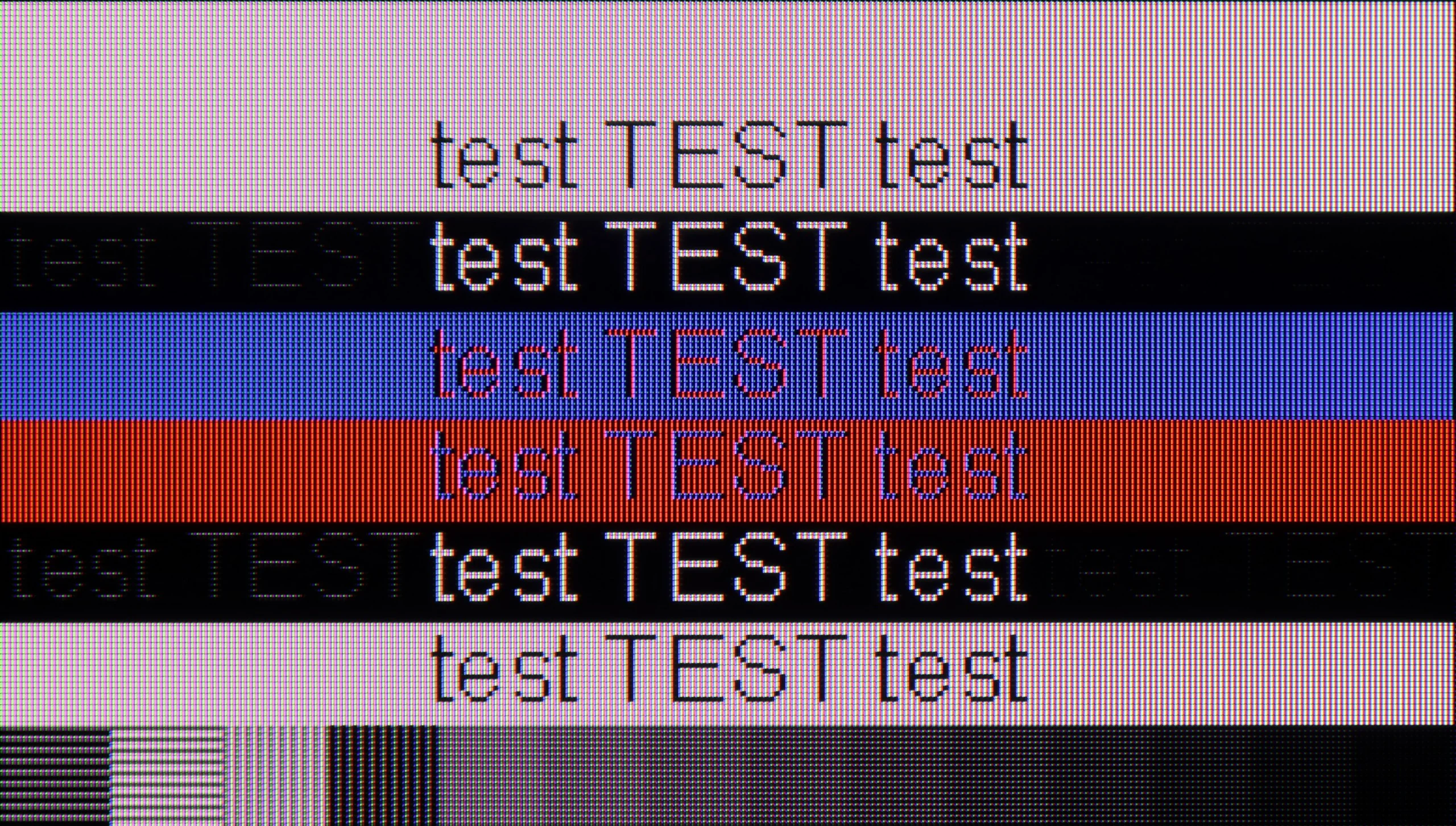
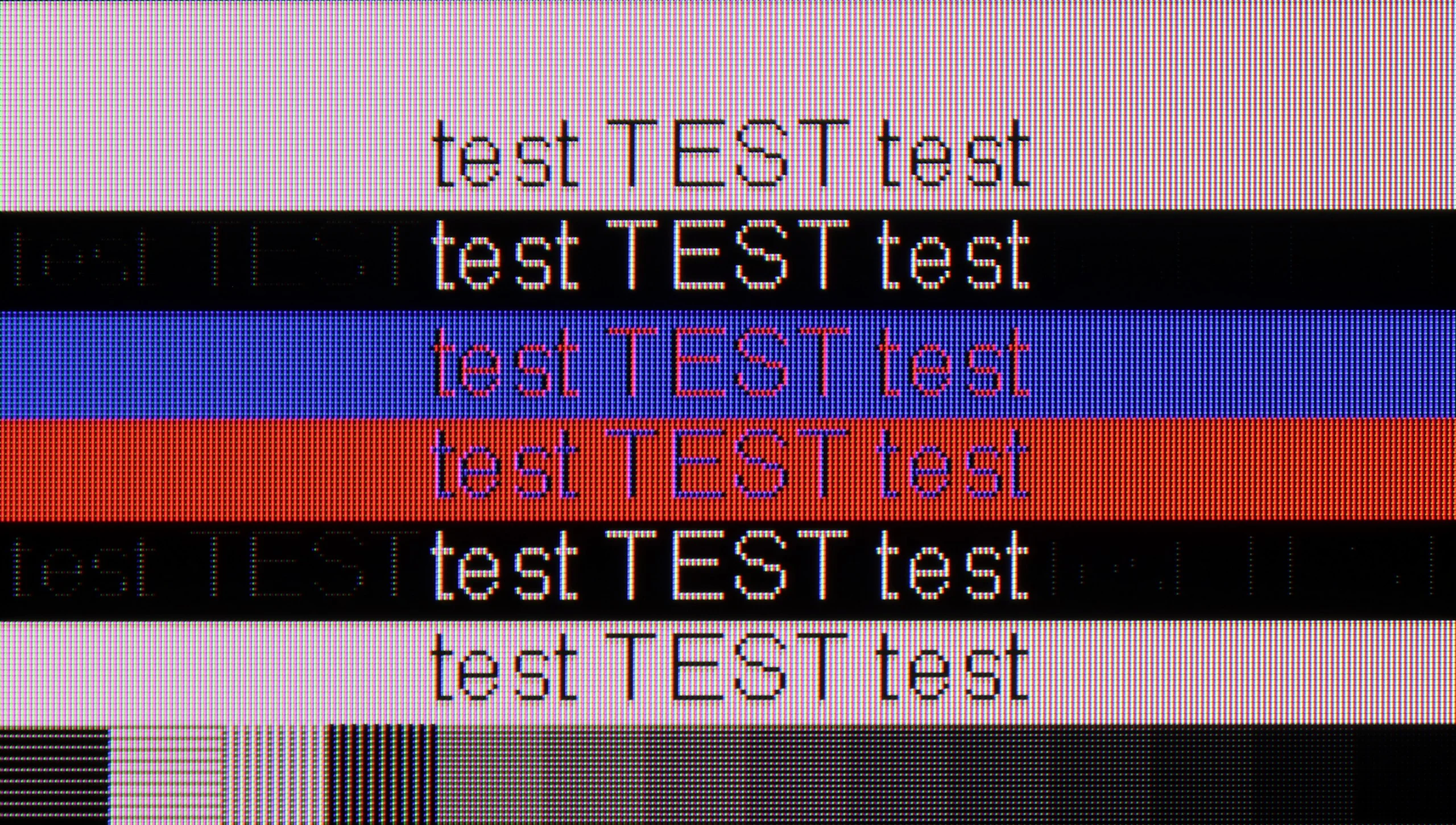
The photo shows the legibility of small fonts. Ideally, lines should be the same thickness on both light and dark text, with minimal pixel gaps.
The LG UA7500 with a VA panel performs somewhat weaker in this regard. The fonts are not as crystal clear as in IPS, and after extended use, one can feel a difference in readability. The support for chroma 4:4:4 is of course available, so the colors look correct, but overall it doesn’t provide such a comfortable effect. In everyday use, the differences may not be significant, but for text and graphic work, IPS proves to be a much better choice. The VA version will work better as a universal TV with the option to connect a PC, rather than a fully-fledged office tool.
PQS9000 owes its high score for computer use mainly to its gaming capabilities. A 144 Hz refresh rate at 4K and support for G-Sync Compatible and AMD FreeSync Premium Pro let you use frame synchronization on compatible NVIDIA and AMD cards. Working with text also fares well. Standard fonts are sharp and legible, and thanks to correct 4:4:4 chroma support, colored letters, icons, and small desktop elements do not lose clarity. The biggest drawback concerns very small, dark text, where the horizontal strokes of letters are noticeably darker than the vertical ones, making some characters look uneven. You probably won't notice this from the couch, but if someone plans to put The One on a desk and work up close, this flaw may become bothersome.
Viewing angles
3.1/10
3.2/10
The VA panel version presents a completely different approach. Directly in front, the screen looks decidedly better – the contrast is higher, blacks are deeper, and colors are more saturated than in IPS. The problem arises when we move away from the axis. Just sitting slightly to the side causes the colors to start losing their intensity, and the image becomes noticeably paler. Blacks quickly turn into gray, and the whole loses its original character. That's why the UA7500 in the VA version works best in a typically "cinema" setup – with a couch or armchair positioned centrally in front of the screen. In that scenario, the TV can provide much better viewing experiences than IPS, but when watching with a larger group from various spots in the room, the limited viewing angles become its biggest drawback.
Viewing angles are one of the weakest points of the Philips PQS9001. Move to the side and the colors noticeably lose saturation, and the image becomes washed out and lower in contrast. When watching with several people, seats directly in front of the screen are clearly the best. This is unfortunately a typical limitation of VA panels, where strong contrast head-on comes at the expense of poorer off-axis performance. Most TVs with this type of panel have the same problem, and The One is no exception. The swivel stand helps a bit by allowing you to angle the screen toward the viewer, but it won't solve the issue with widely spaced seats.
Daytime performance
4.6/10
6.1/10
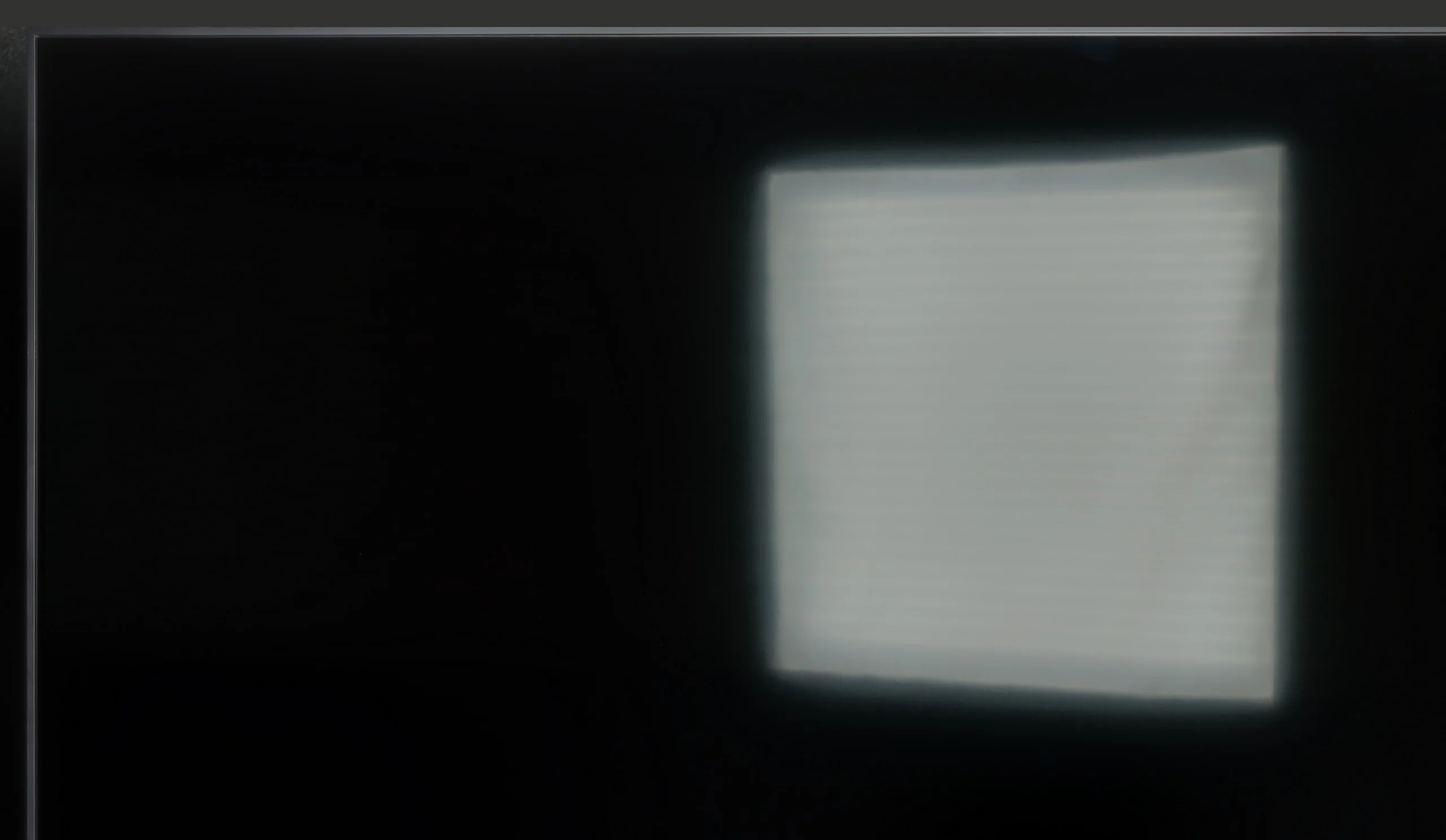
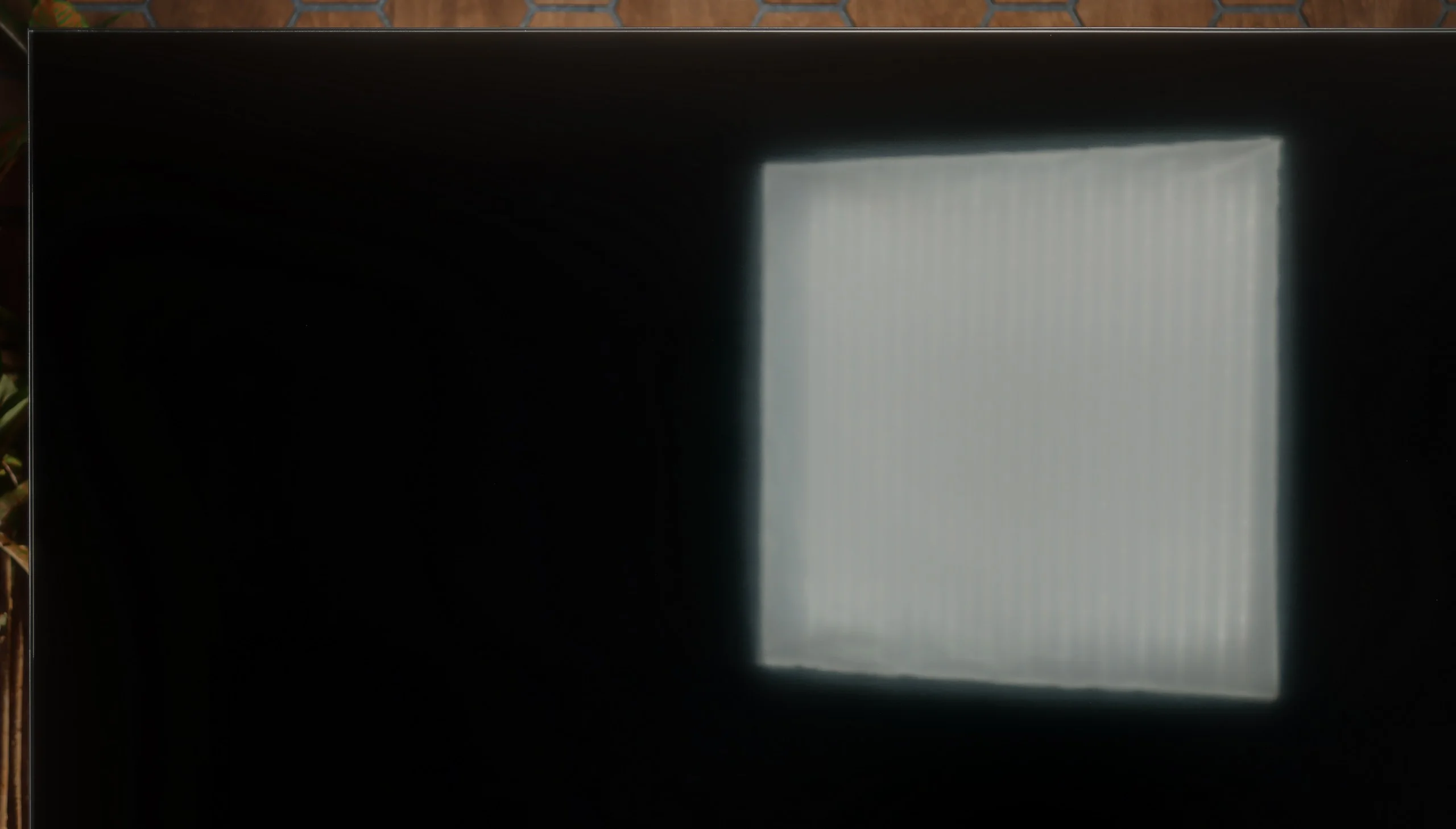
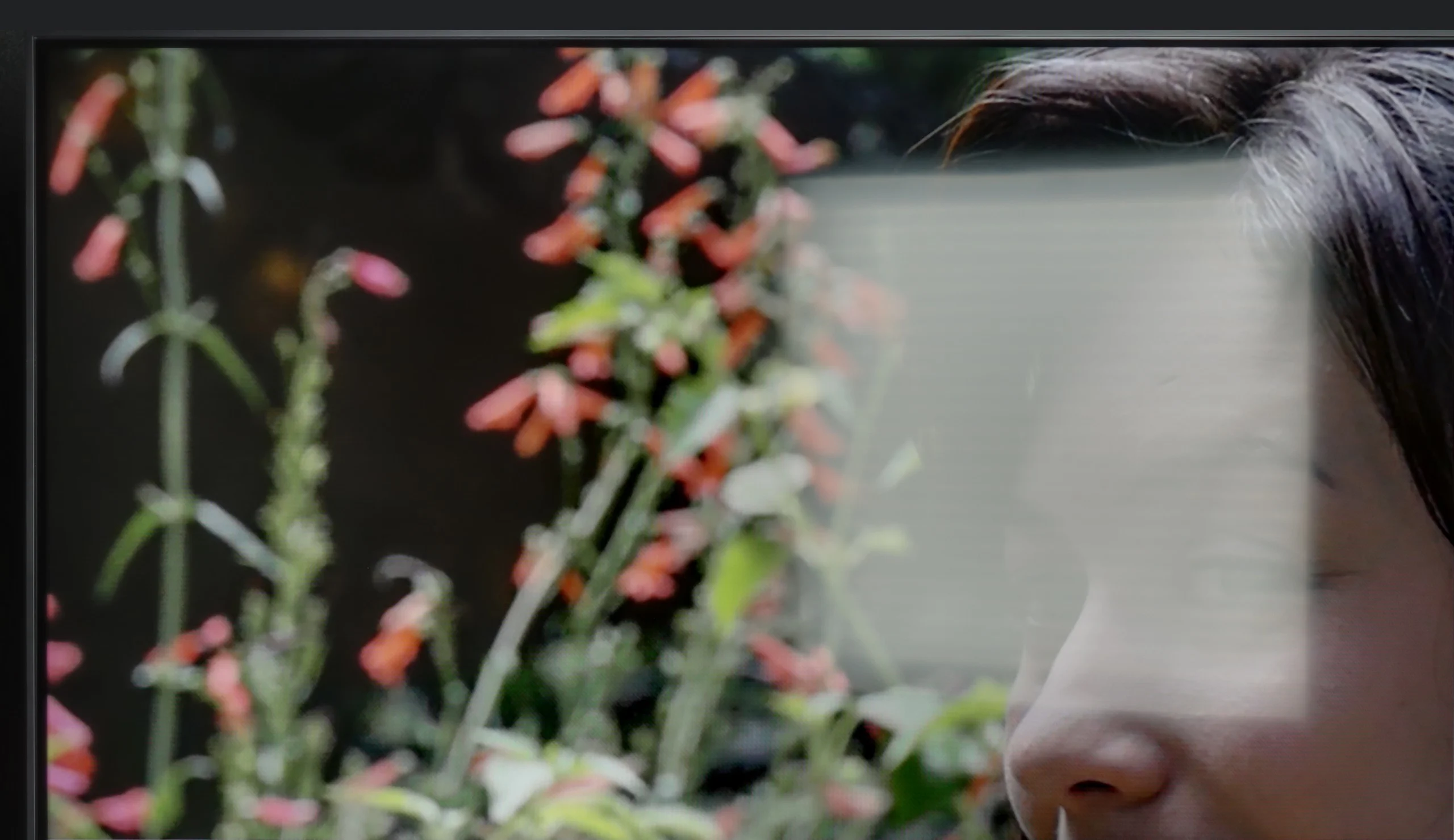
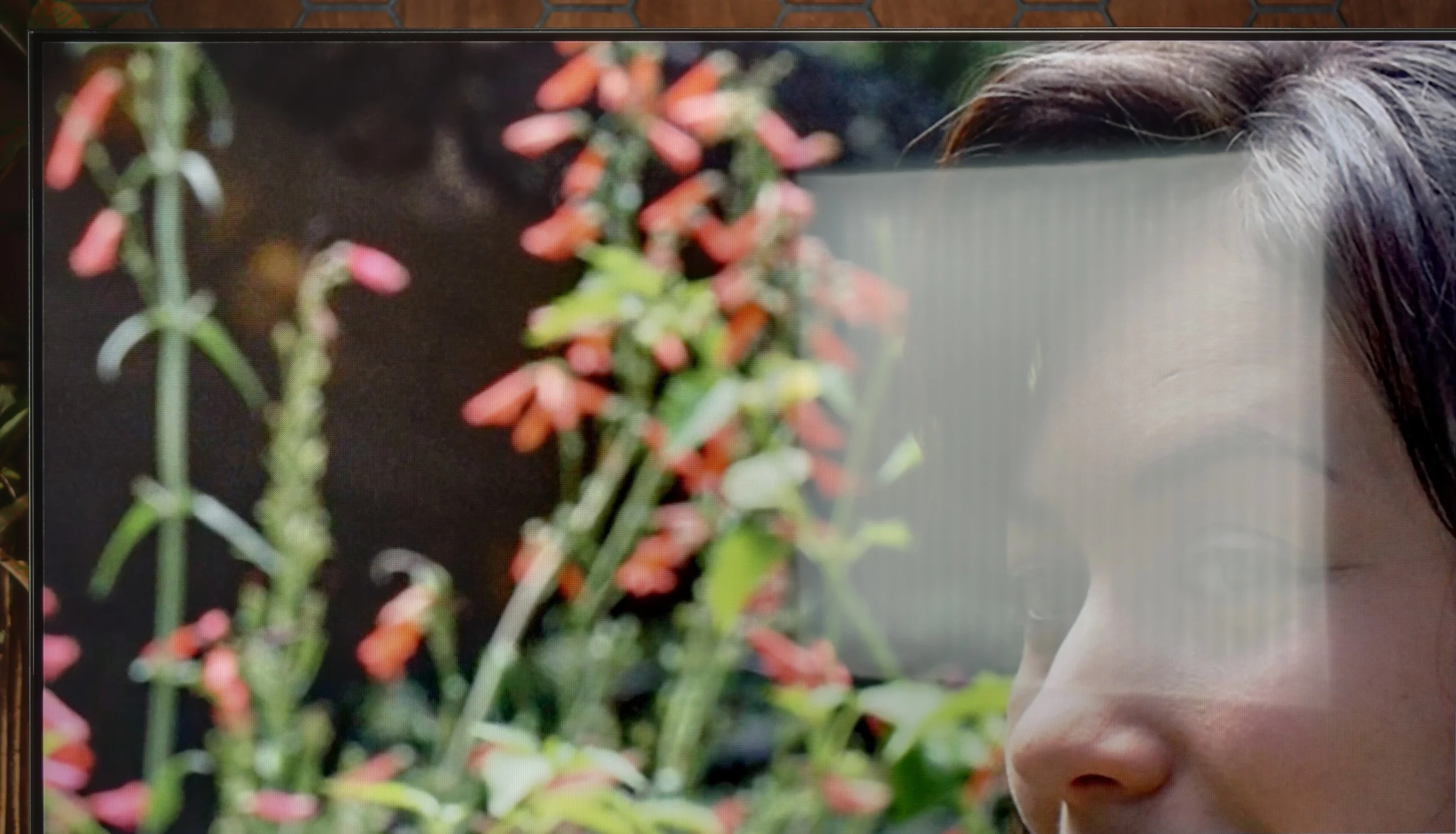
Panel brightness
Philips PQS9011 / PQS9001 (The One 2026): 502 cd/m2
LG UA75006LA (VA): 302 cd/m2
LG UA7500 with a VA panel performed slightly better when it comes to watching in a bright room. The applied coating handles reflections moderately well – it does not eliminate them completely, but it softens them enough so that you can watch television during the day without much discomfort. A plus is that the TV maintains quite decent color saturation, making the picture not look washed out even with incoming light. The brightness is also a bit higher than in the IPS variant, reaching around 300 nits, so the screen is slightly more resistant to difficult lighting conditions. Of course, this is not a level that will ensure comfort in very sunny living rooms, but it does well under typical home conditions.
The Philips PQS9001 performs quite well for daytime viewing. Its biggest advantage is a stable brightness of around 500 nits, regardless of how many bright elements appear on the screen. Even when watching winter sports or a scene full of white, the picture doesn't dim. In a typical living room that level is more than enough to comfortably watch TV without having to cover the windows.
The satin finish does a decent job of suppressing reflections, though it doesn't eliminate them completely. a window opposite the screen will be visible and may be distracting, especially in darker scenes. Black levels hold up well in daylight, so the overall image doesn't become overly washed out. So it's pretty good for everyday viewing, provided the sun isn't shining directly on the screen.
Panel details
Subpixel Structure:
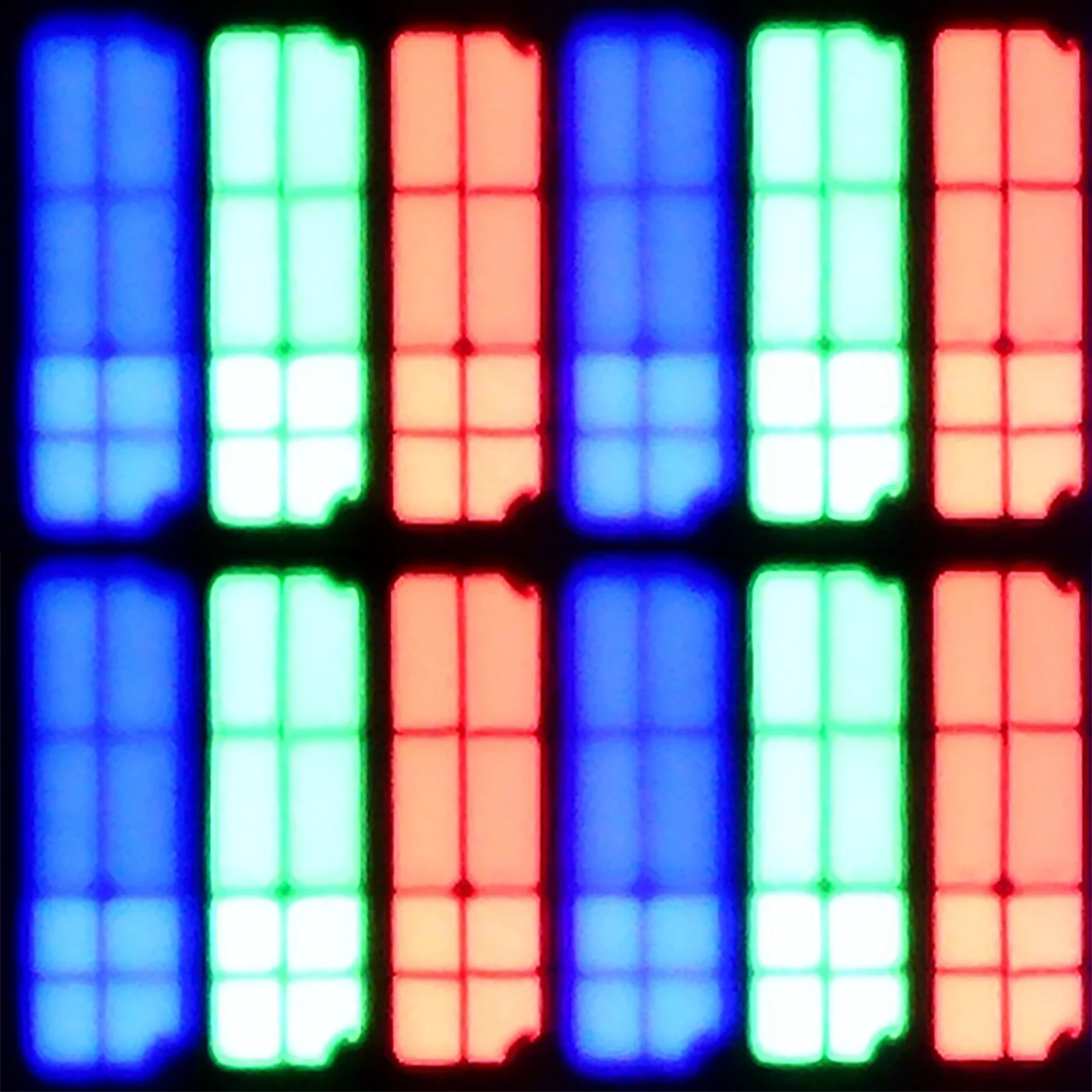
Panel uniformity and thermal imaging:


LG UA75006LA (VA)
Philips PQS9011 / PQS9001 (The One 2026)
TV features
7/10
7.6/10
- SystemWebOSTitan OS
- System performanceDecentDecent
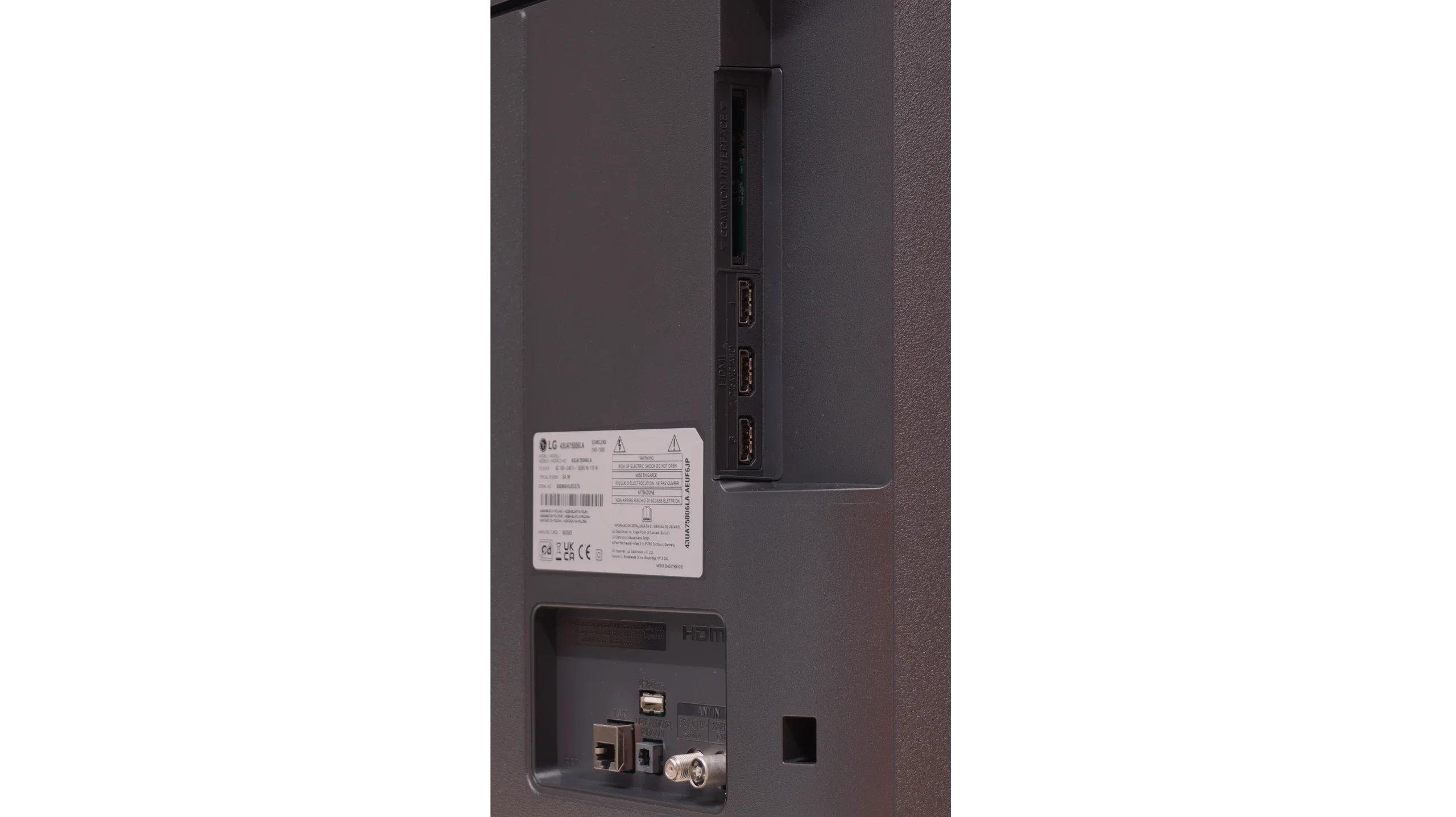
- HDMI inputs3 x HDMI 2.0, 0 x HDMI 2.10 x HDMI 2.0, 4 x HDMI 2.1 48Gbps
- OutputsToslink (Optical audio), eARC (HDMI), ARC (HDMI)Toslink (Optical audio), eARC (HDMI), ARC (HDMI), Mini-Jack (Headphones)
- Network InterfacesWi-Fi 2.4GHz, Wi-Fi 5GHz, Ethernet (LAN) 100MbpsWi-Fi 2.4GHz, Wi-Fi 5GHz, Ethernet (LAN) 100Mbps
- TV receptionDVB-T, DVB-T2, DVB-S, DVB-S2, DVB-CDVB-T, DVB-T2, DVB-S, DVB-S2, DVB-C
Classic features:
- Recording to USB (terrestrial TV)
- Recording programming
- Picture in Picture (PiP)
- RF remote control (no need to aim)
- Backlit remote control
- Teletext
- Audio only mode
- Bluetooth headphones support
- Simultaneous Bluetooth headphones & TV audio
Smart features:
- AirPlay
- Screen mirroring (Windows Miracast)
- Voice search
- Voice search in native language
- Ability to connect a keyboard and mouse
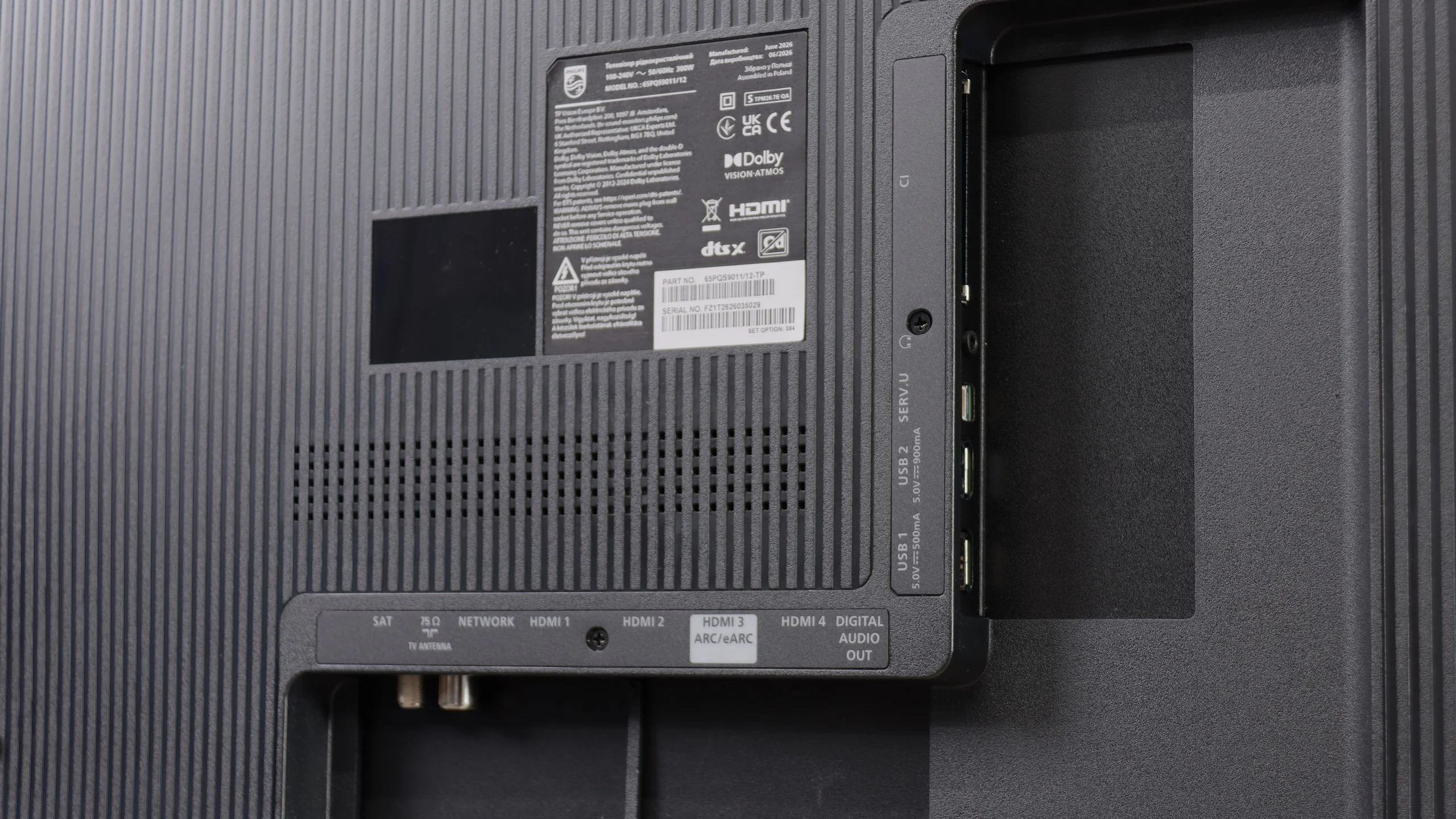
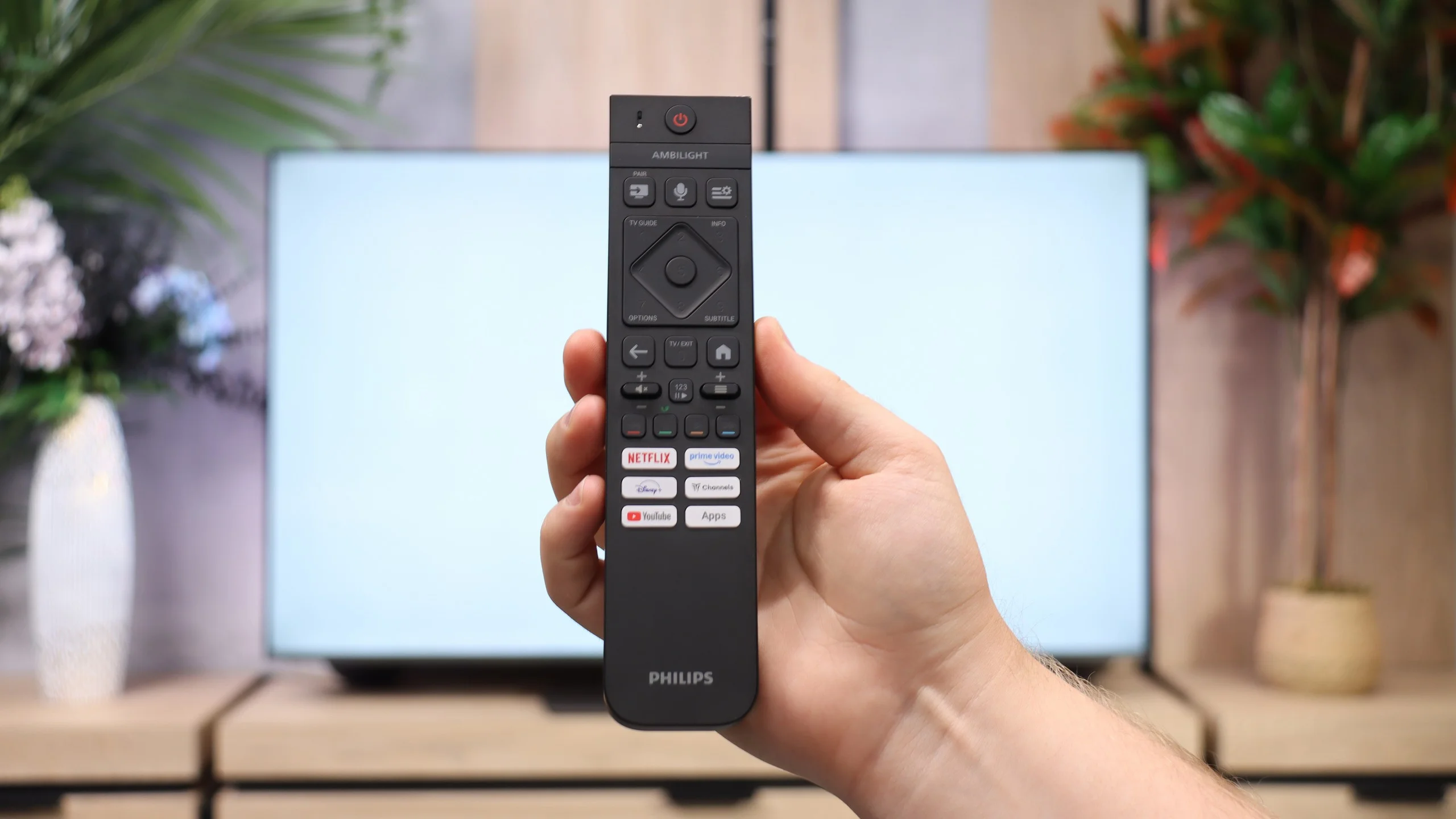
Sound connection options
- HDMI audioeARC (HDMI), ARC (HDMI)eARC (HDMI), ARC (HDMI)
- Other audio outputsToslink (Optical audio)Toslink (Optical audio), Mini-Jack (Headphones)
- Wireless audioBluetoothBluetooth
Supported audio formats (external HDMI eARC audio):
- Dolby Digital Plus 7.1
- Dolby True HD 7.1
- Dolby Atmos in Dolby Digital Plus (JOC)
- Dolby Atmos in Dolby True HD
- DTS:X in DTS-HD MA
- DTS-HD Master Audio
Senior accessibility
- Numeric keyboard on TV
- Font size adjustment
- Audio description
Smart Features: WebOS
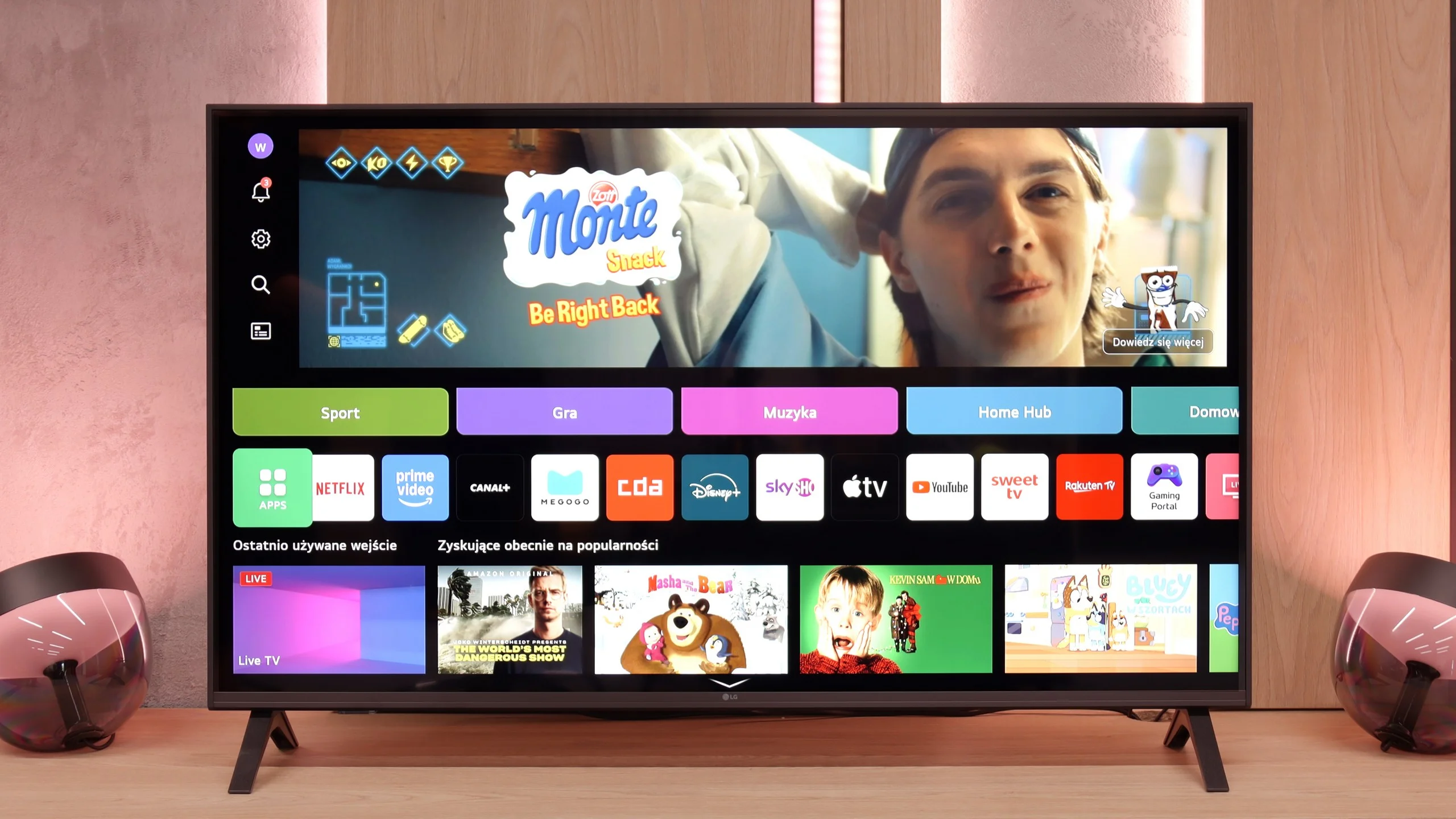
A big plus of the LG UA7500 is its use of the webOS system. We gain access to a rich library of apps, support for AirPlay, screen mirroring, and many additional features that allow us to use the television in a really convenient way. Thus, it is easy to connect a smartphone, watch something from streaming services, or use music apps. However, a downside is that webOS remains a rather "heavy" system, and on the UA7500, it does not operate as smoothly as in more expensive models. The situation is not made easier by the fact that the manufacturer did not equip us here with the Magic remote with a cursor, which significantly speeds up the operation. We get a regular infrared remote, lacking that "magic" wand. Of course, it can be purchased separately, but considering the cost, it is often better to pay extra for a higher LG model that already comes with such a remote.
Classic Features
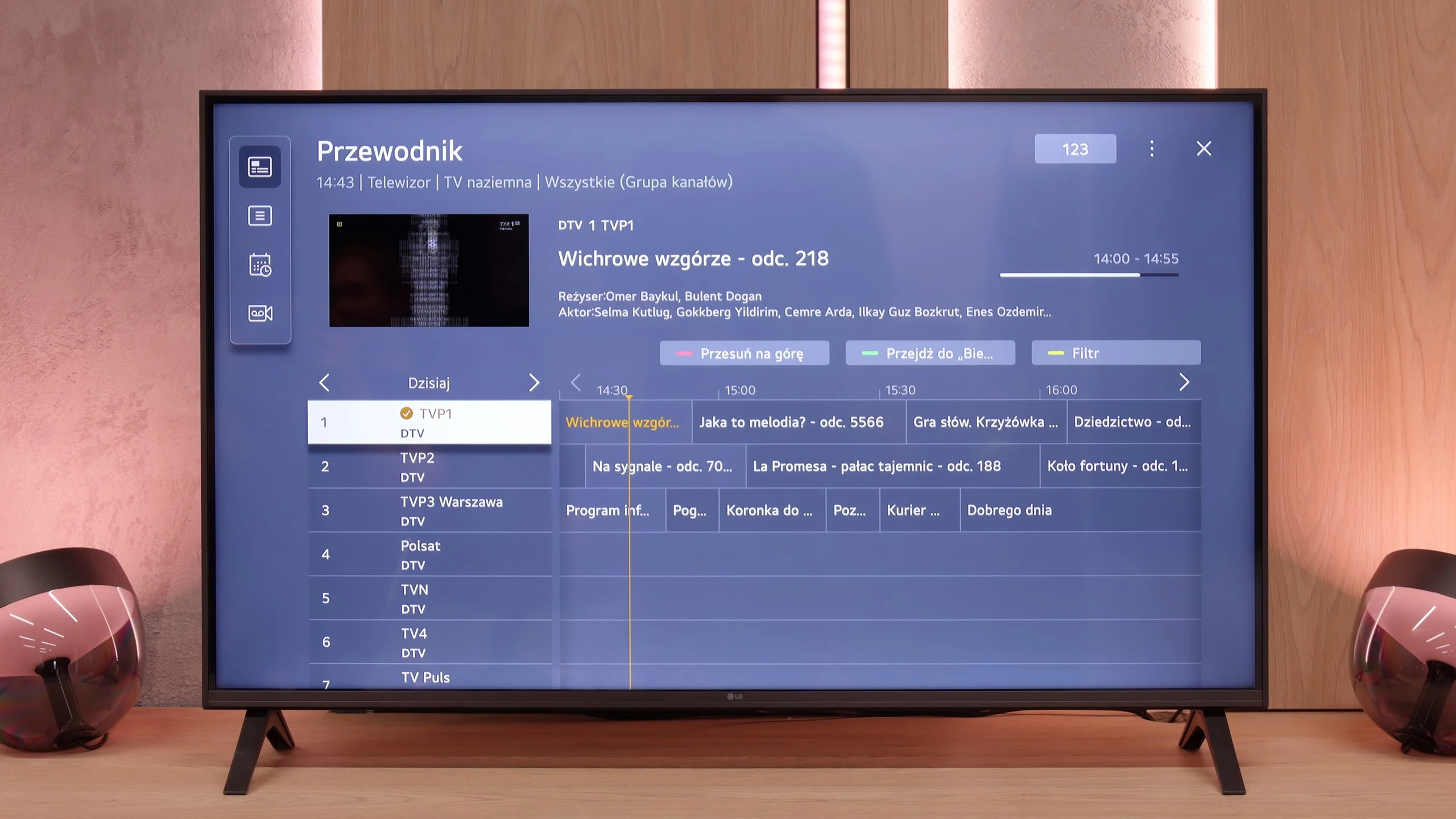
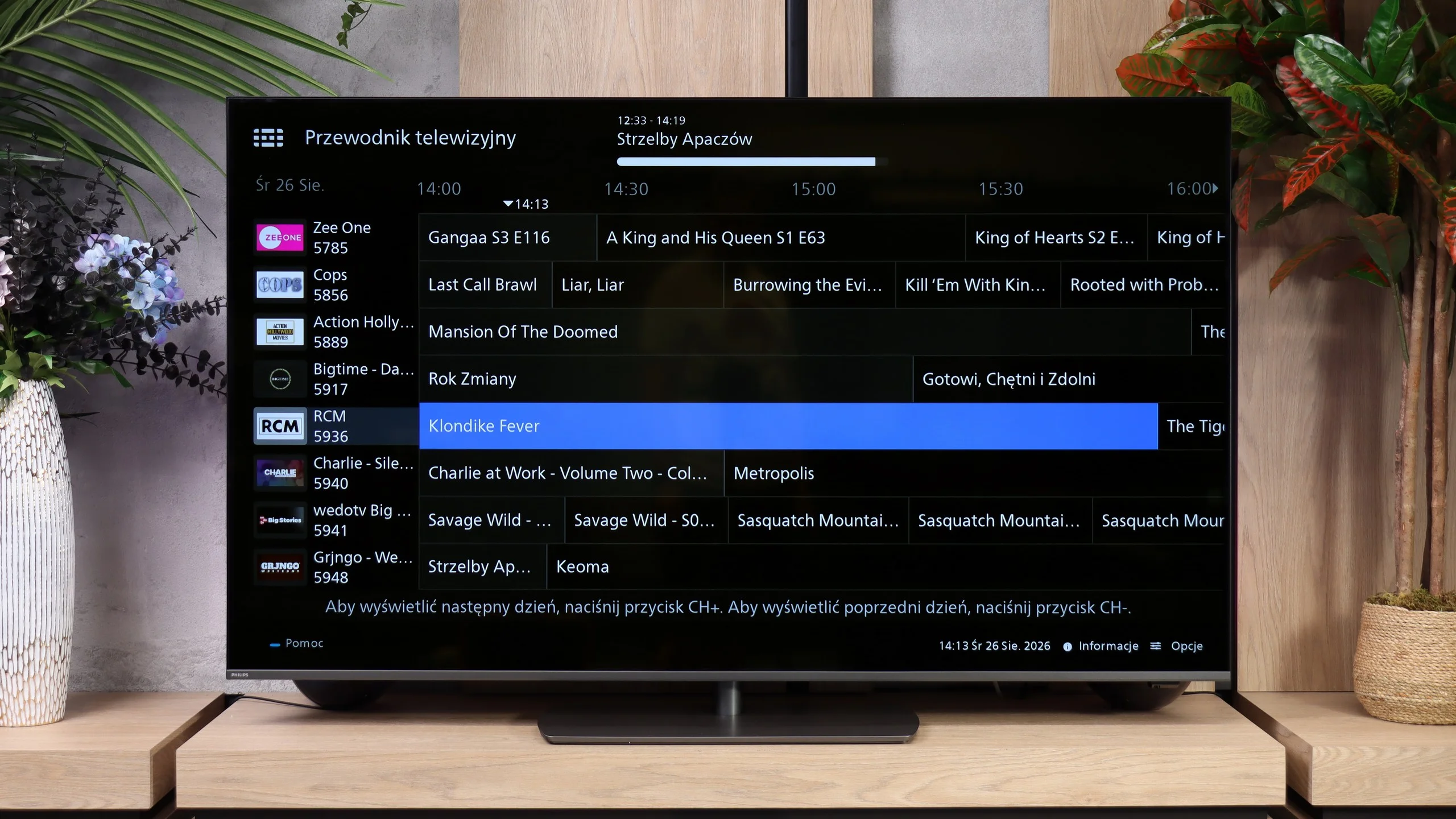
In more traditional usage, the LG UA7500 also does not disappoint. The remote is equipped with a numeric keypad and a considerable number of buttons, which users accustomed to older solutions will certainly appreciate. Additionally, there is the possibility of recording programs to USB from built-in tuners and a quite readable EPG interface, which makes planning a TV viewing session easier. A downside remains the fact that the remote always requires aiming at the screen – but we believe that most more traditional users will be able to forgive it, treating it as a familiar and proven tool.
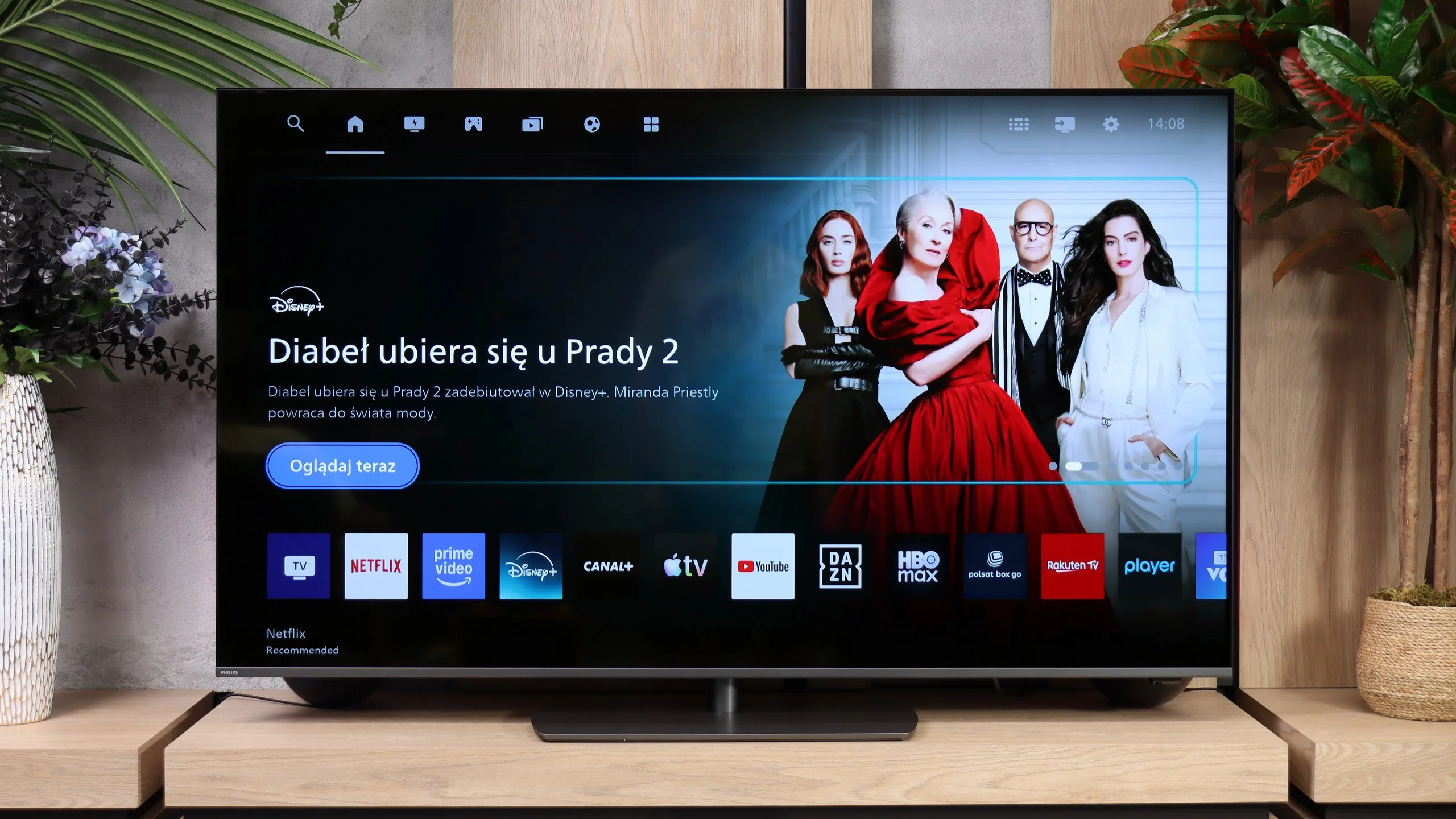
Titan OS in this year's The One shows that Philips has worked on its system. Compared with last year's version, many small issues and functions that previously didn't work as they should have been fixed. Now we can use AirPlay without problems, cast a computer screen via Miracast, or search by voice in Polish. The system itself runs decently, though it's definitely not among the fastest. The app library has also grown: Netflix, Prime Video, Disney+, CANAL+, Apple TV, and YouTube are available. The selection is still smaller than on Google TV, but for popular services Titan gives fewer reasons to complain. Everyday usability has improved in the standard features as well. You can connect Bluetooth headphones and listen to audio through them at the same time as the TV speakers, and there's a mode that lets you turn off the screen and leave only the sound. USB recording and picture-in-picture (PiP) are missing. What's most disappointing is the remote: despite backlit buttons it still controls the TV via infrared, so you have to point it at the screen. The system has gained many useful tweaks, but that control element remains unchanged and can be irritating in daily use.
Apps
9.1/10
7.2/10






















Playing files from USB
8.2/10
8.6/10
Supported photo formats:
Maximum photo resolution:
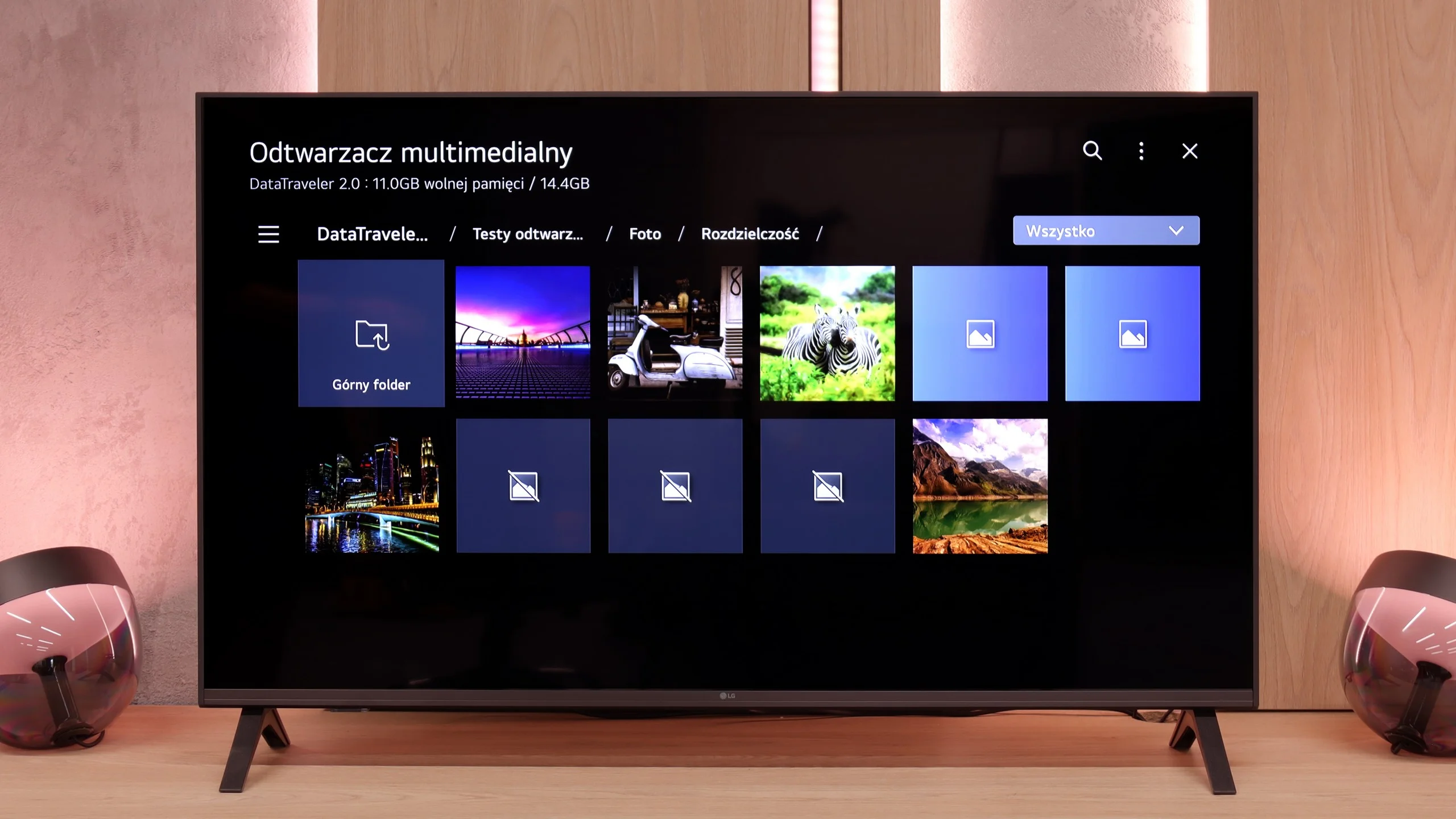
The media player in the UA7500 works fine – movies and music start without major issues, and this should be sufficient for most people. However, one thing caught our attention: the TV does not play all photo formats. In practice, this means that if we put photos straight from a smartphone onto a USB drive, some may simply not open. It’s a minor detail, but it’s worth keeping in mind. Fortunately, you can always use wireless image transmission and display photos on the screen in another way.
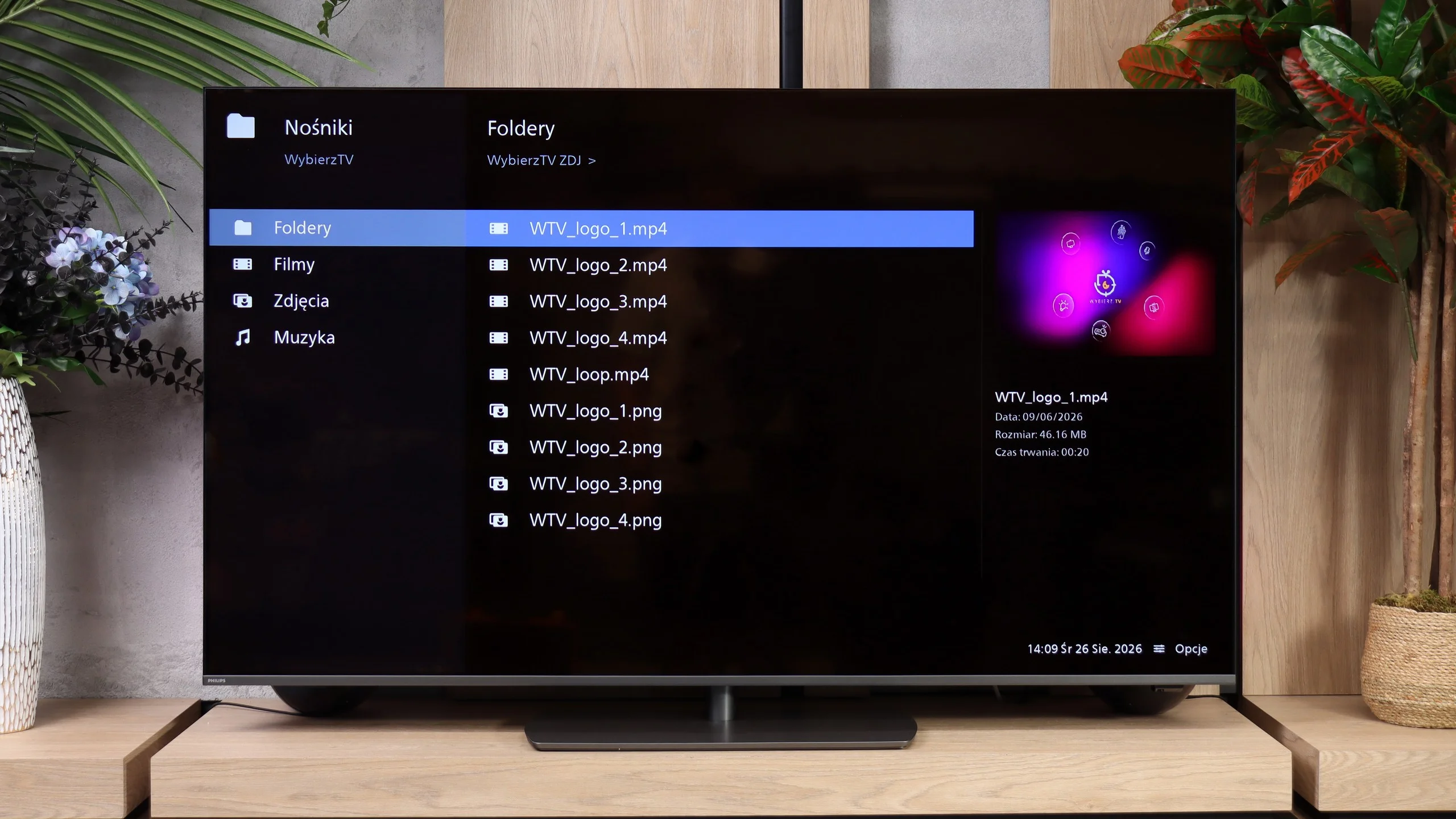
The built-in USB player works quickly and smoothly and handles most tested files without problems. It performs well with music, from common MP3s to FLAC files, including 96 kHz/24-bit. It's perfectly adequate for everyday media playback from a USB flash drive. However, once again our biggest reservations are about photo handling. The player treats resolutions rather selectively: it opened our 8 MP, 16 MP and 32 MP files, but failed with, among others, 4 MP, 12 MP and 24 MP. It's hard to find any logic in that, since a larger photo works while a smaller one does not. That can be annoying when browsing vacation photos.
Sound
6/10
6.9/10
- Maximum volume81dB96dB
- Dolby Digital Plus 7.1
- Dolby True HD 7.1
- Dolby Atmos in Dolby Digital Plus (JOC)
- Dolby Atmos in Dolby True HD
- DTS:X in DTS-HD MA
- DTS-HD Master Audio
In terms of sound, the LG UA7500 doesn't surprise with powerful bass or the highest volume, but it performs surprisingly well. Our impression was that it performs better than most of the cheapest budget TVs and works really well in everyday use. It will be just right for news, programs, or series.
The Philips PQS9001 has a 2.0 audio system with a total power of 40 W, that is, two 10 W speakers per side. It sounds quite good and definitely better than most budget TVs. There's plenty of volume, but the sound lacks depth. The biggest issue is a lack of deep bass, so explosions in movies and heavier parts of music don't have the proper weight. Higher frequencies are not reproduced evenly either. Measurements show a clear dip around 2 kHz, then a boost at 6–7 kHz and a drop-off above about 8 kHz. That can emphasize sibilance and add a bit of harshness to the sound, despite the recessed treble. It's adequate for everyday viewing, but for movies and music it's worth considering external audio. Especially since the TV supports surround sound formats, including Dolby Atmos and DTS. A compatible soundbar or AV receiver will make better use of those formats than the built-in speakers.
Sound Quality Test
Acoustic Measurements
81dBC (Max)
75dBC
96dBC (Max)
75dBC
Reader comments
Comments are provided by the external service Disqus (Zeta Global). Once loaded, Disqus may set cookies and process data about your activity.
We will remember your choice on this device. Provider's privacy policy