LG QNED93A / QNED90A vs Sony BRAVIA 2 II (S25M2)

Direct comparison

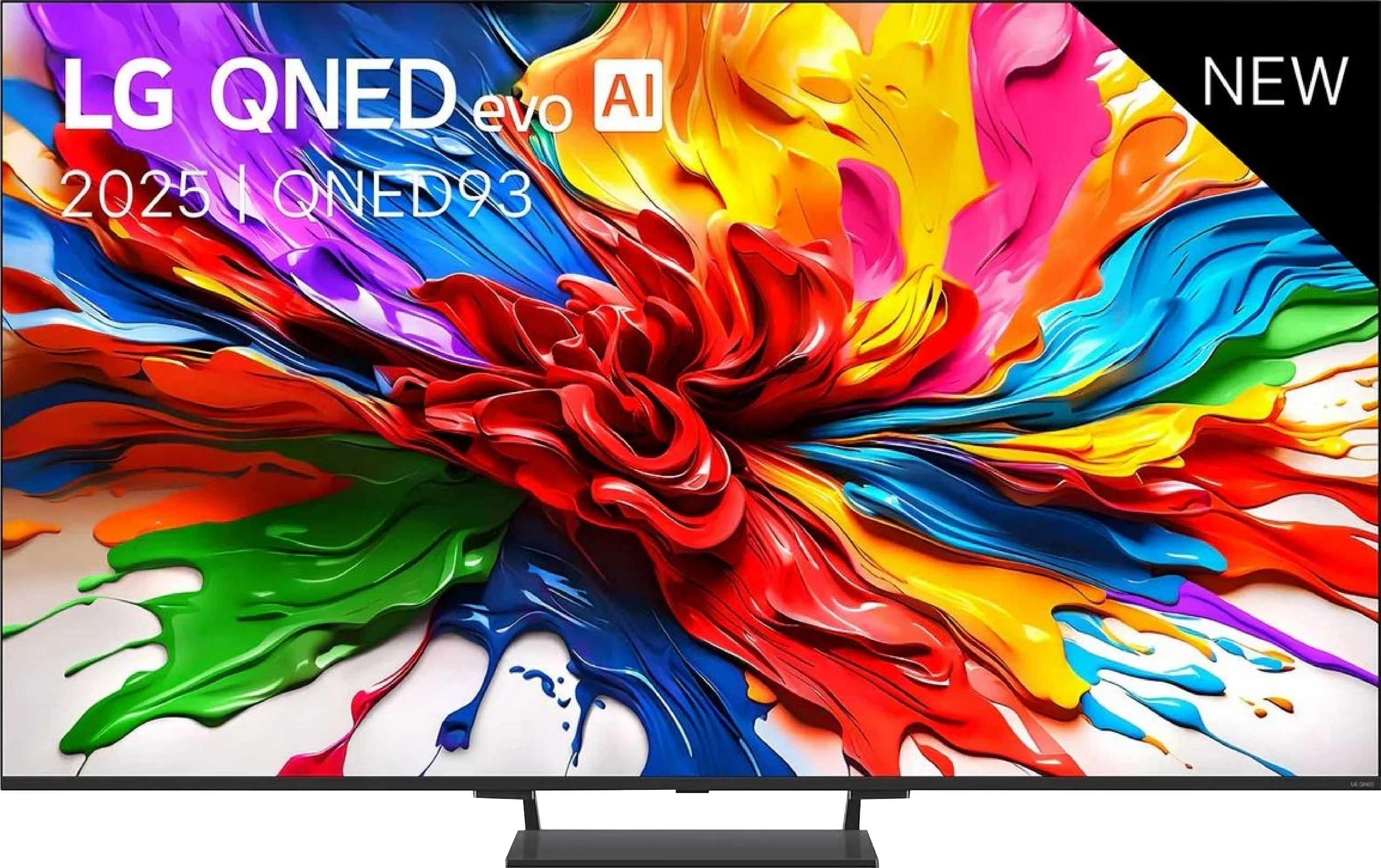
QNED93A / QNED90A

Info

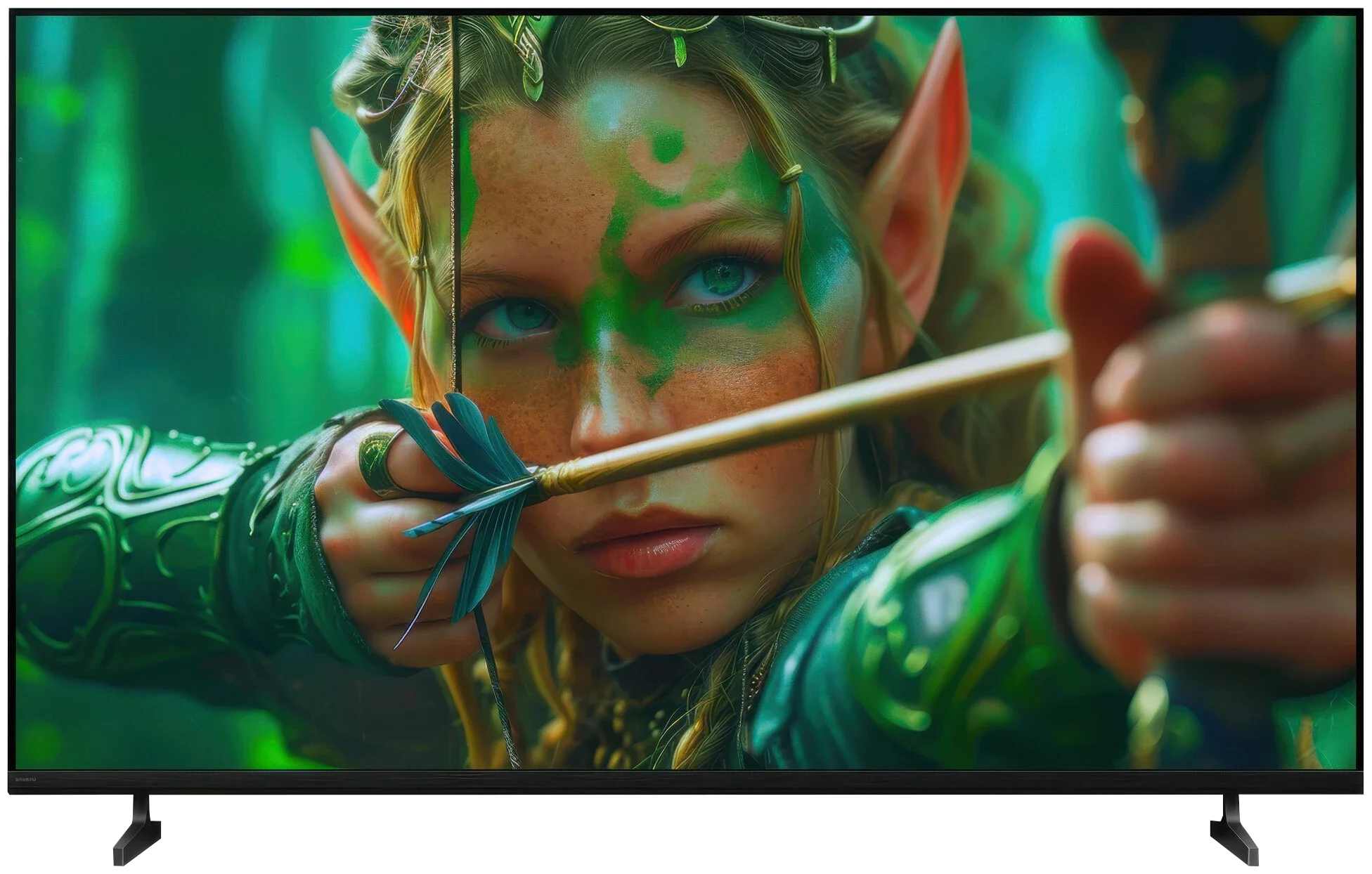
BRAVIA 2 II / S25M2

Available screen sizes: 55”65”75”85”

Available screen sizes: 43”50”55”65”75”

Panel type: LCD VA

Resolution: 3840x2160

System: WebOS

Model year: 2025

Complete the survey to find out the result

Panel type: LCD IPS

Resolution: 3840x2160

System: Google TV

Model year: 2026

Complete the survey to find out the result

Overall rating

7.3

5.8

  • Movies and series in UHD quality

    6.8

    5.2

  • Classic TV, YouTube

    6.9

    5.2

  • Sports broadcasts (TV and apps)

    6.8

    5.5

  • Gaming on console

    8.5

    6.2

  • TV as a computer monitor

    8.6

    6.0

  • Watching in bright light

    6.2

    4.8

  • Utility functions

    8.2

    6.6

  • Apps

    9.1

    9.6

  • Sound quality

    6.9

    6.1

Advantages

  • Quite good contrast

  • High number of dimming zones

  • Good HDR brightness (about 1400 nits)

  • Wide color gamut coverage (about 96% DCI-P3)

  • 144 Hz mode and a full set of gaming features (HDMI 2.1, VRR, ALLM, G-Sync, FreeSync, HGiG, Game Bar)

  • Low input lag (7 ms at 120 Hz)

  • Good compatibility with PC, including 144 Hz and readable fonts

  • WebOS with a rich selection of apps and voice control

  • Magic Remote

  • Quite effective upscaling and image processing tools - great for older content like antenna TV or YouTube

  • Very good viewing angles (IPS panel)

  • Google TV with a huge selection of apps

  • Chromecast and AirPlay

  • Low input lag

  • Very good USB media player

  • Supports audio formats: Dolby (Atmos, TrueHD, Digital), DTS (X, HD)

  • Two remotes included

Disadvantages

No like
  • Local dimming algorithms need refinement

  • Very average viewing angles

  • Dolby Vision does not bring a noticeable improvement over HDR10

- Price is too high for what it offers! - Very poor black levels and low contrast (IPS panel) - Low brightness, around 320 nits - No support for dynamic HDR formats (Dolby Vision, HDR10+) - Only a 60 Hz panel - Very limited gaming capabilities

Our verdict

LG QNED93A is a television that, at first glance, appears to be a solid step forward compared to previous LCD models from this brand. On paper, we get a lot: a significantly larger number of dimming zones, a 144 Hz refresh rate for gamers, support for all HDR formats, including Dolby Vision, and WebOS with a new Magic remote, which still ranks among the most user-friendly operating systems. The QNED93A shines the most in gaming applications. Four fully functional HDMI 2.1 ports allow you to connect consoles and computers without any limitations, and the low input lag is maintained at both 120 and 60 Hz. For PC gamers, an additional advantage is the 144 Hz mode and full compatibility with G-Sync and FreeSync. So, it can be confidently said that in terms of gaming features, the QNED93A does not have any complexes compared to the competition. Another strong point is WebOS. LG's system has long been regarded as one of the most convenient for everyday use, and this is confirmed here. Everything is clear, and the Magic remote allows you to control the television like a mouse pointer – quickly and intuitively. Brightness can also be considered a plus. At its peak, it manages to achieve results close to 1400 nits. This is enough to ensure the picture doesn't fade in brighter rooms and that special effects in movies or games look convincing. The image processor does a good job of upscaling older content – television or films in lower resolutions appear clearer and sharper than on many competing screens.

However, it cannot be denied that the biggest problem with the QNED93A is the local dimming algorithms. In scenes full of black, the screen can darken significantly, causing many details to simply disappear. The effect is such that contrast looks better at first glance but comes at the expense of information that should be visible. An additional problem is the Dolby Vision mode, which typically enhances certain aspects of screens, but in this case, changes very little. The differences between dynamic and static metadata must literally be searched for with a magnifying glass. This is simply disappointing because the hardware, with its number of dimming zones and stronger backlighting, has the foundation for a better effect. So who is the LG QNED93A for? It is a television that works brilliantly as a home entertainment center, especially if you're thinking about gaming on a console or PC. In everyday television viewing and movie watching in well-lit conditions, it also provides a lot of satisfaction thanks to its high brightness and solid image processor. However, one must accept that in scenes with a lot of black and when fully utilizing HDR, this model does not match its competitors. LG has shown that it can create a very solid LCD screen, but it is also evident that not everything has been polished as it has in their OLED televisions.

Sony Bravia 2 II is a TV that performs best in simple, everyday use. And we suspect many people will choose it mainly because of Google TV. The system provides access to a huge number of apps and streaming services, and you also get Chromecast, AirPlay and convenient voice search. The TV itself may not run as fast as pricier Sony models, but in terms of capabilities there’s little to complain about. Importantly, for regular viewing the picture quality is quite decent. The Bravia 2 II handles SDR material particularly well — regular broadcast TV, YouTube and much of older movies and series. The out-of-the-box Cinema mode is already fairly well set, colors look natural, and without much fiddling with the settings you can just start watching. And in our view this is where the Bravia 2 II shines: as a simple Smart TV for everyday use, not a TV meant to wow with the panel’s capabilities. You do need to remember, though, that the Bravia badge on the housing doesn’t automatically mean great picture quality. The Bravia 2 II uses an IPS panel with very low contrast, and that is its biggest problem. During the day this isn’t such a big issue, but turn off the lights in the evening and blacks start to look more like dark gray. Of course, in return you get good viewing angles, so if the TV sits in a large living room and several people watch from different spots, IPS is an advantage. But it comes at the cost of weak black levels. This isn’t a TV built for HDR impact or for more demanding gamers either. Around 300 nits of brightness and a narrow color gamut mean HDR material doesn’t show much more here than SDR. The 60 Hz panel and the lack of broader gaming features also make it clear that gaming isn’t a priority for this model. And actually that wouldn’t be a big problem, because it’s exactly what we expected from Sony’s entry-level model. The biggest issue with the Bravia 2 II, however, is the price. For a similar amount you can easily find competitor TVs, especially from Korean and Chinese brands, that already offer much more, from 120 Hz panels to Mini-LED backlighting with local dimming. So the Bravia 2 II itself is not a bad TV. It’s simply too expensive for what it offers. If its price were clearly lower, it would make much more sense as a simple TV for everyday viewing.

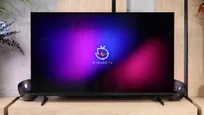
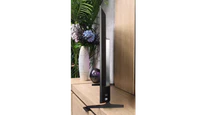
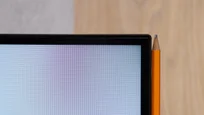
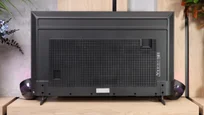
TV appearance

HDMI inputs
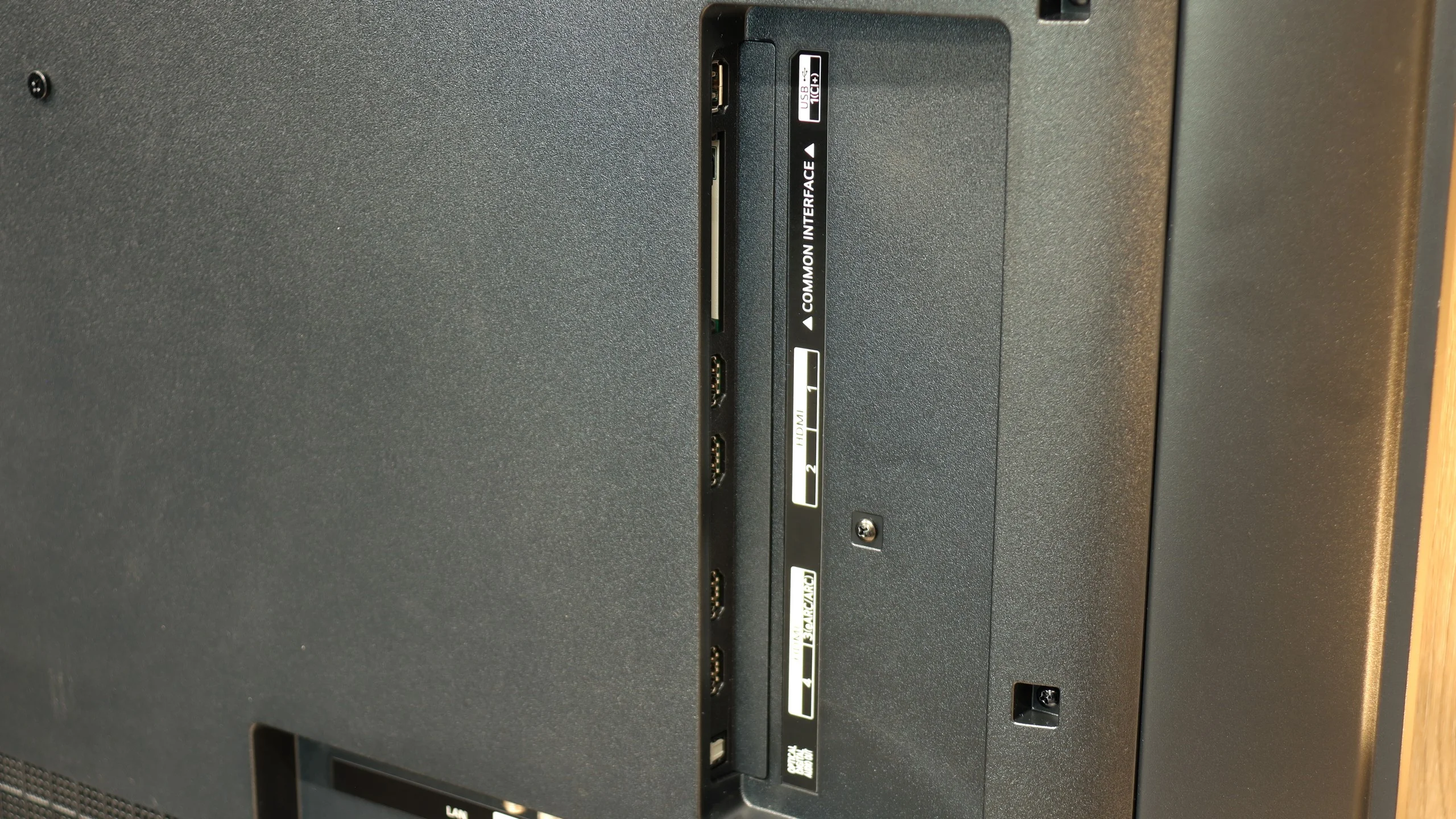
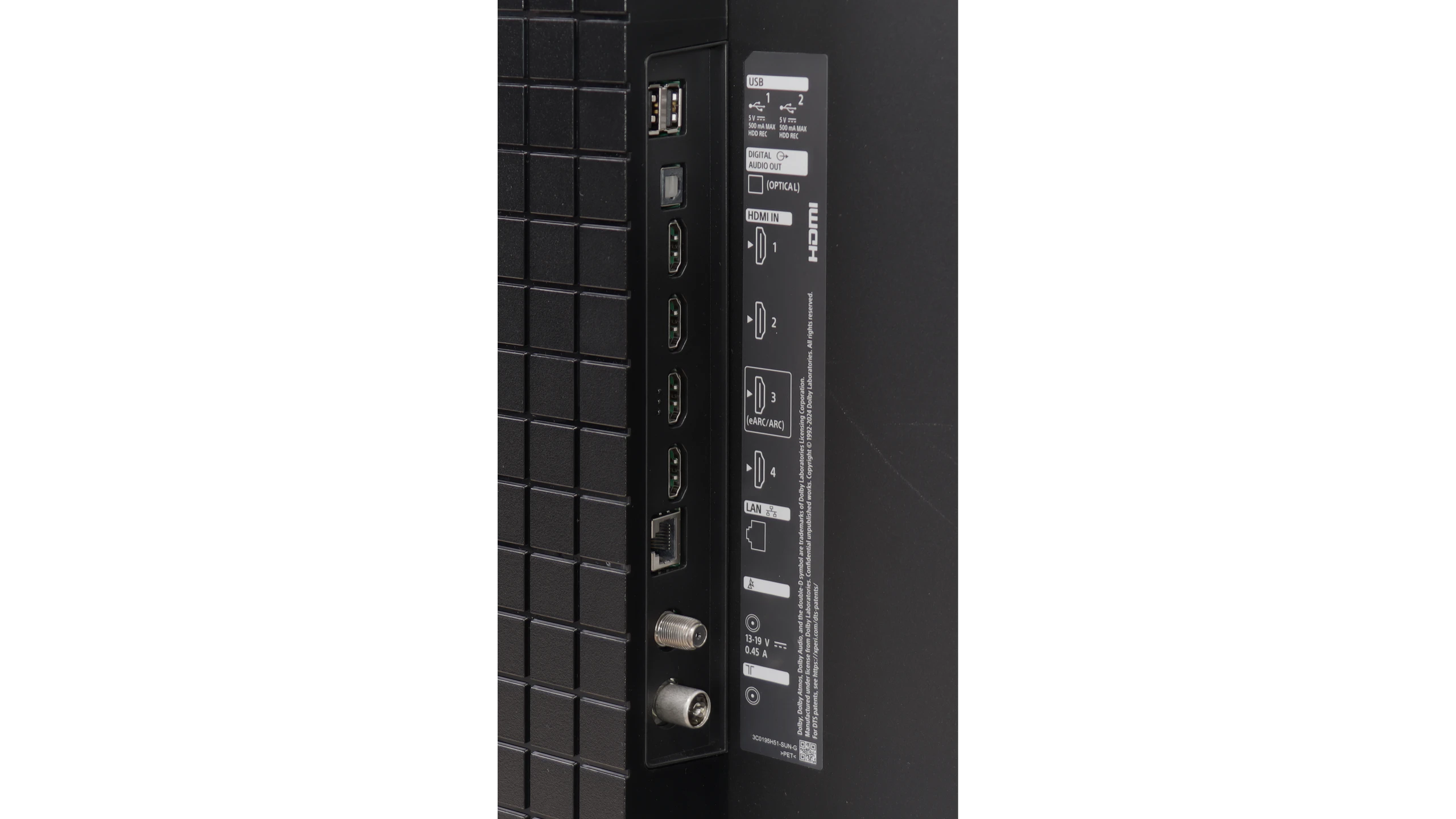
0 x HDMI 2.0, 4 x HDMI 2.1 (48Gbps)
4 x HDMI 2.0, 0 x HDMI 2.1
Other inputs
Outputs
Toslink (Optical audio), eARC (HDMI), ARC (HDMI)
Network Interfaces
Wi-Fi 2.4GHz, Wi-Fi 5GHz, Ethernet (LAN) 100Mbps
Build quality
Good
Good
Stand type
Central
Legs
Bezel color
Graphite
Graphite
Stand
Fixed
Fixed
Accessories
Stand
Two remote controls, Stand

Contrast and black detail

7.3/10

2.7/10

Local dimming function: Yes, number of zones: 308 (14 x 22)

Local dimming function: No

Contrast:

Review LG QNED93A / QNED90A Contrast and black detail

Result

130,500:1

Review LG QNED93A / QNED90A Contrast and black detail

Result

30,950:1

Review LG QNED93A / QNED90A Contrast and black detail

Result

15,250:1

Review LG QNED93A / QNED90A Contrast and black detail

Result

6,750:1

Review LG QNED93A / QNED90A Contrast and black detail

Result

4,600:1

Review Sony BRAVIA 2 II (S25M2) Contrast and black detail

Result

1,150:1

Review Sony BRAVIA 2 II (S25M2) Contrast and black detail

Result

1,200:1

Review Sony BRAVIA 2 II (S25M2) Contrast and black detail

Result

1,450:1

Review Sony BRAVIA 2 II (S25M2) Contrast and black detail

Result

1,400:1

Review Sony BRAVIA 2 II (S25M2) Contrast and black detail

Result

1,100:1

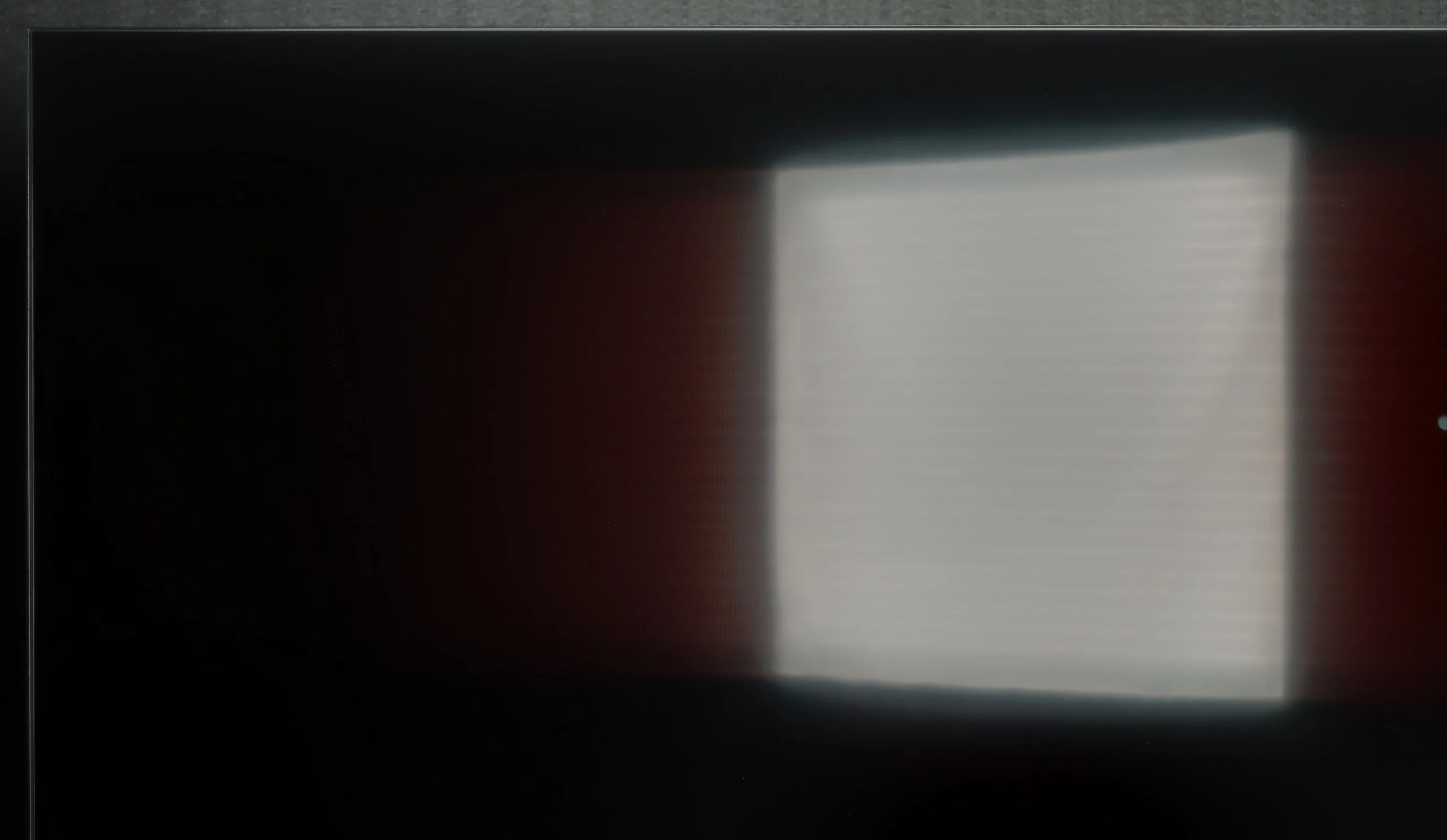
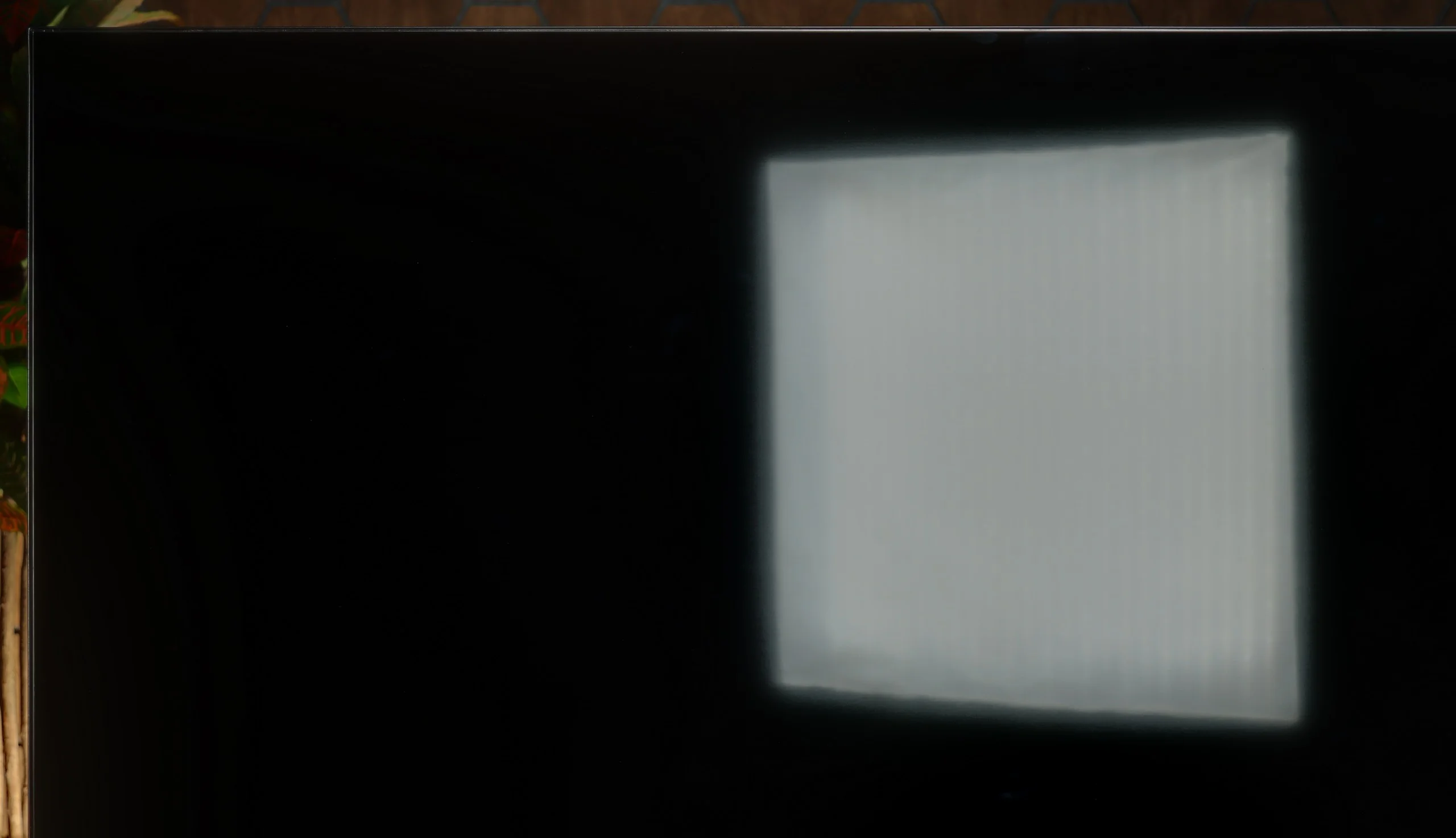
Halo effect and black detail visibility:

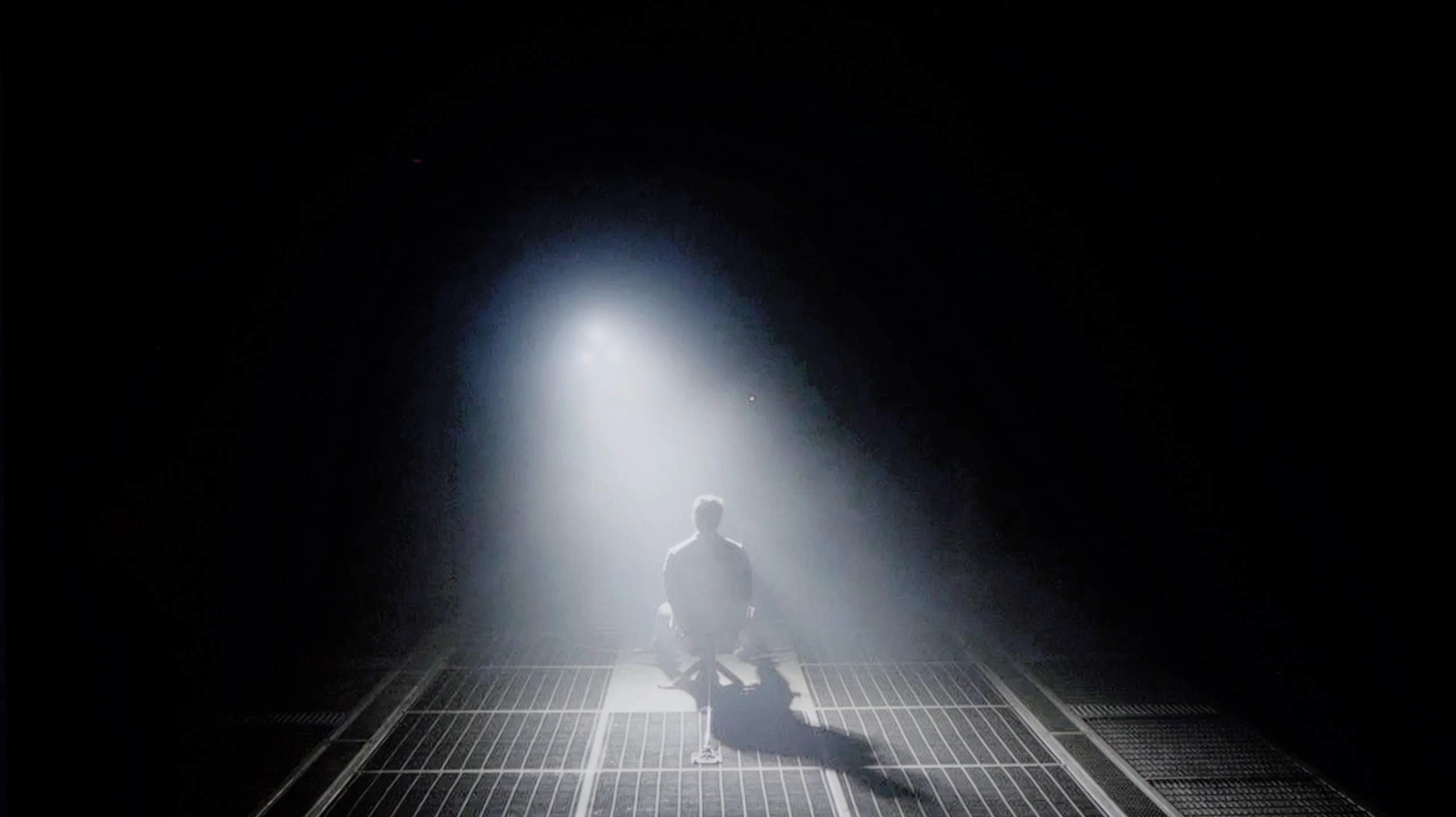
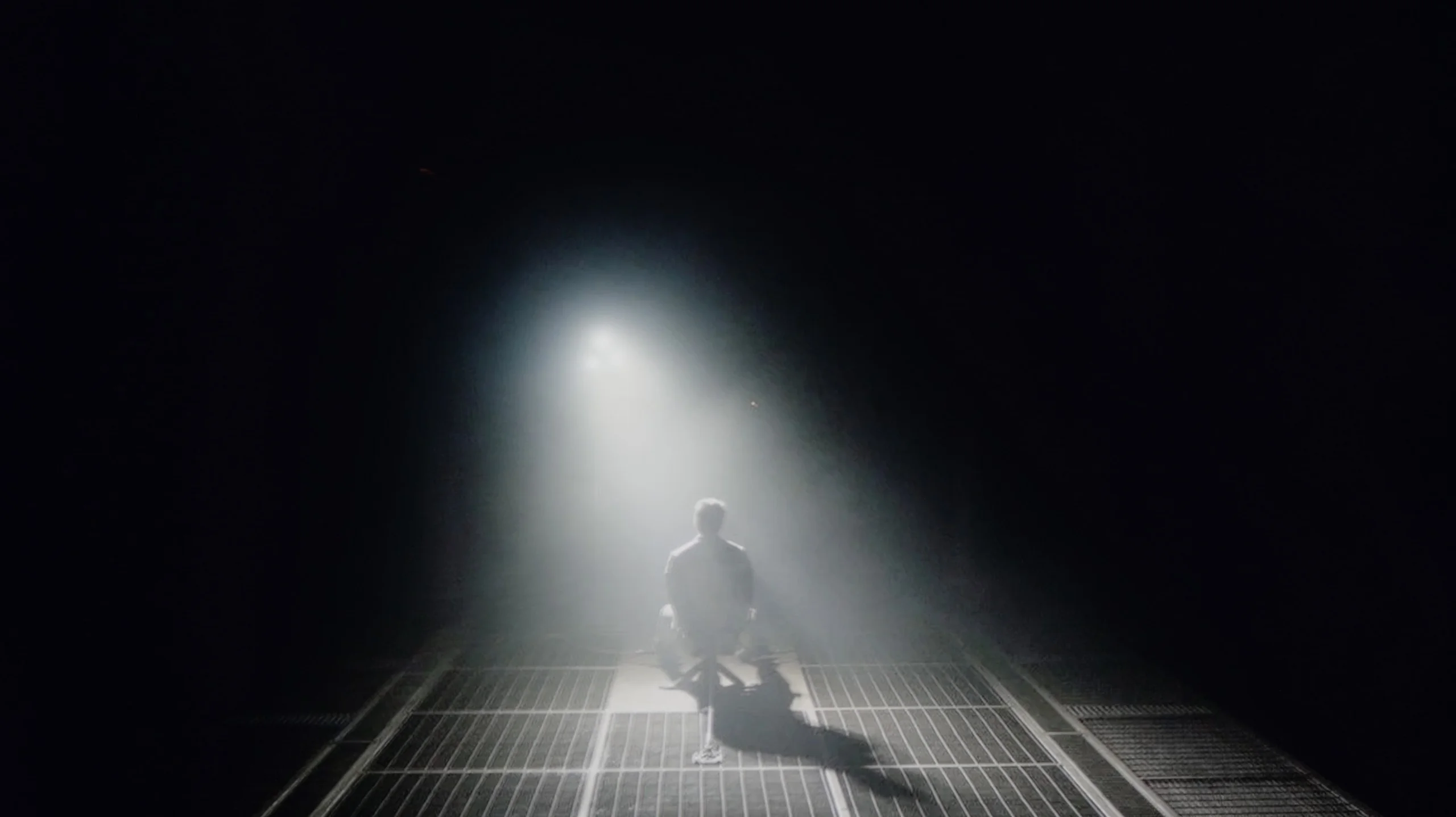
Check the visibility of bright lights on a dark background. Mini-LEDs often struggle with this. The photo does not compare black levels – that’s what the video below is for.

We took a close look at the 55-inch version of the LG QNED93A, equipped with a high-contrast VA panel. However, in the case of Mini-LED TVs, it's not just the panel itself, but primarily the number and operation of local dimming zones that determine the final effect. In this model, we counted as many as 308 zones, which already looks impressive from the start. For comparison – last year's QNED91T in the 65-inch variant had only around 160. The difference is enormous and shows that LG has made a significant step forward in this technology. On paper, it looks great, but practice quickly dampens the enthusiasm. The contrast in the QNED93A can indeed impress – bright elements are clearly separated from black, and in many scenes, the depth effect truly pleases the eye. The problem is that despite such a significant improvement in backlight construction, the results are not much better than in last year's model. The algorithms controlling dimming can be too aggressive. This is especially noticeable in darker sequences, where the screen dims to such an extent that subtle details disappear from view. Many viewers will appreciate the stronger black, but it is hard to ignore that this comes at the expense of the director's intentions. The most problematic are scenes with many small, bright elements. It is during these moments that typical halo effects, or glowing outlines, associated with LCDs featuring local dimming zones appear around them. This phenomenon does not completely ruin the experience, but it serves as a reminder that even with an increased number of zones, local dimming still has its limitations. Ultimately, the contrast in the QNED93A can be considered good, but we have the impression that the manufacturer did not pay enough attention to optimizing the new model when it comes to black and contrast.
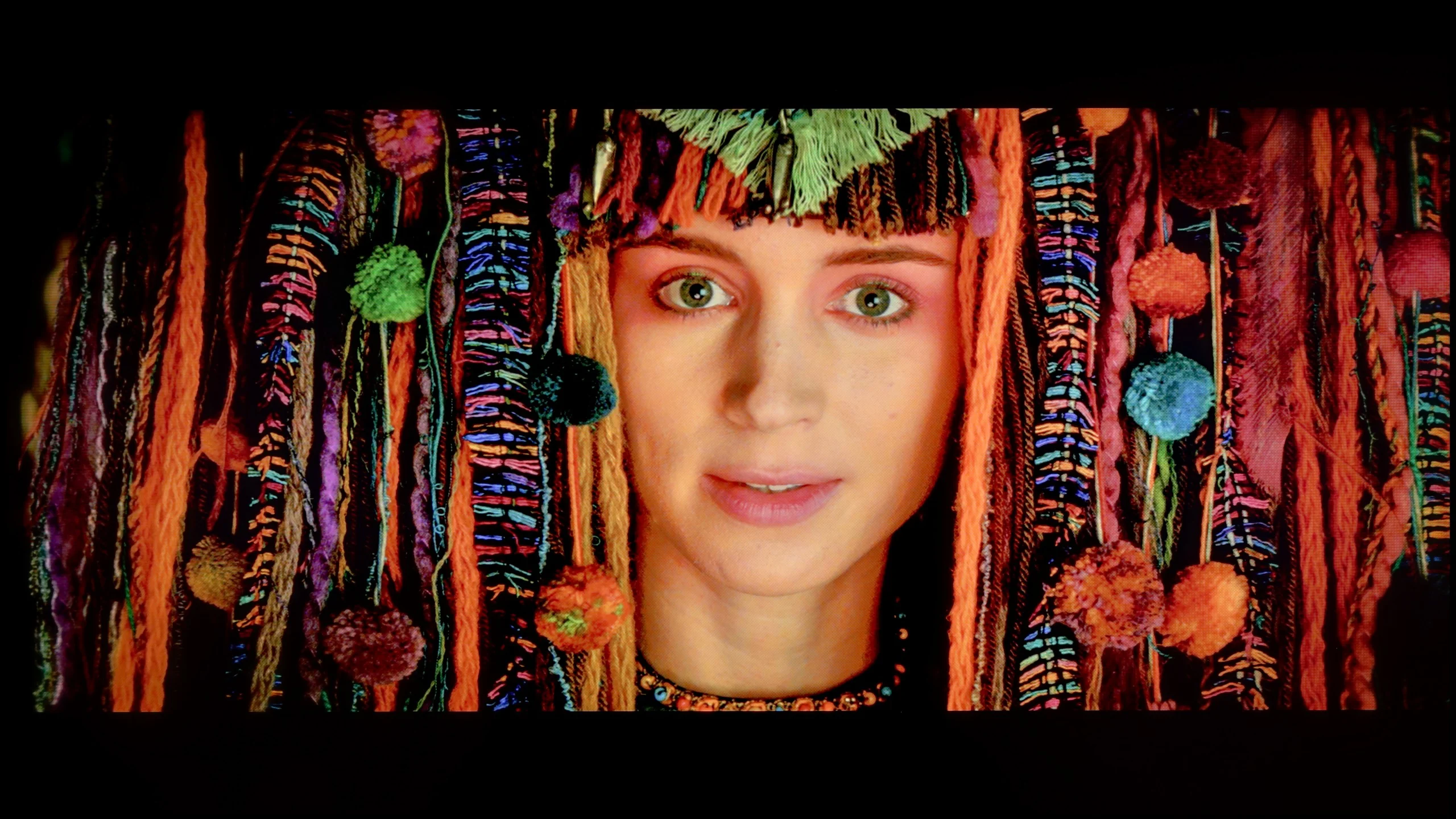

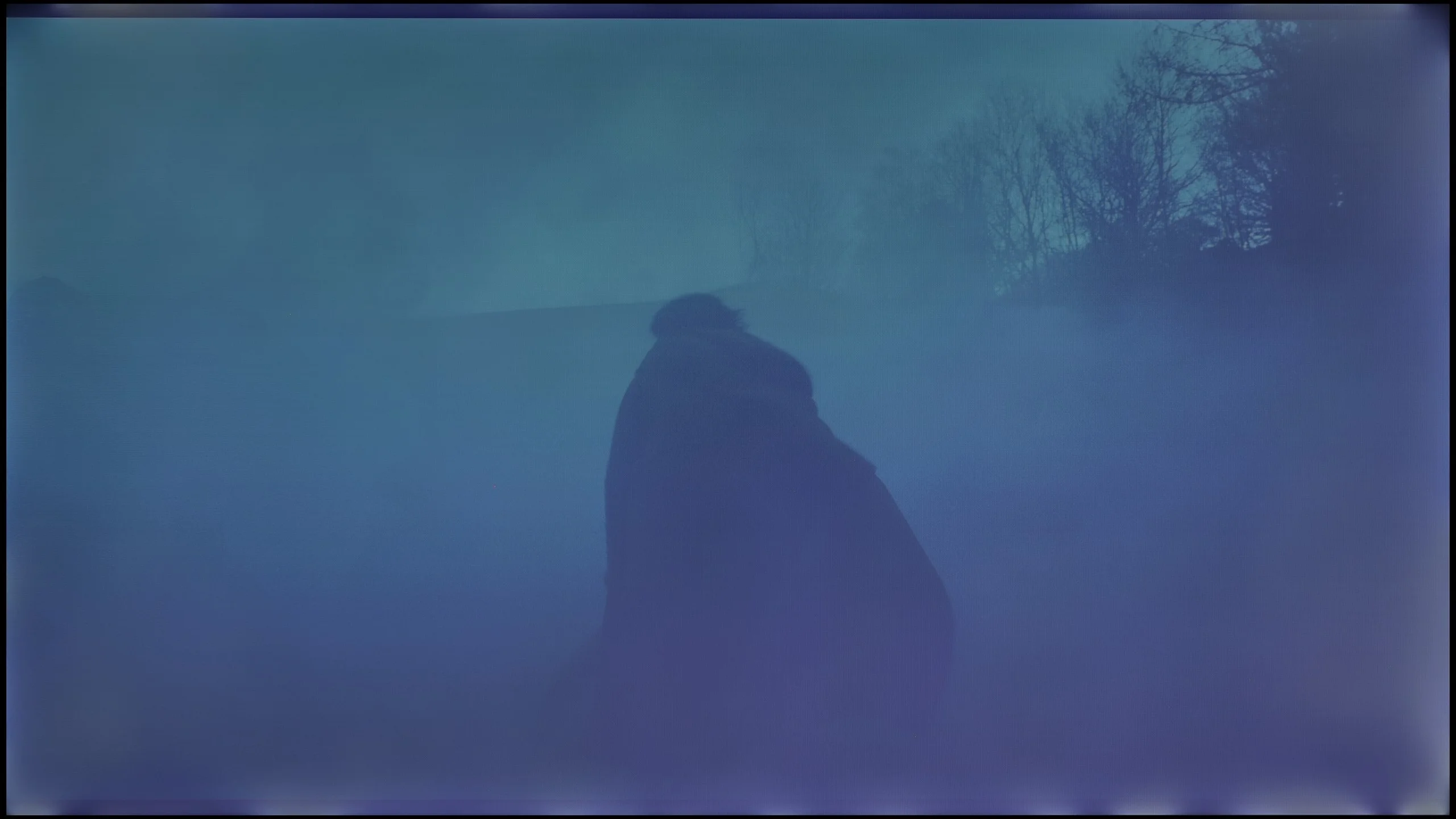
When it comes to black levels, the Bravia 2 II unfortunately doesn't have much to offer. Sony used an IPS panel here, which delivers one of the lowest native contrast ratios among all LCD panels. In our measurements we recorded values around 1100–1450:1, and you can clearly see that while watching. The TV also has no local dimming, so it can't darken only the parts of the screen that should remain black. In practice this means that once the lights are turned off, blacks very quickly start to drift toward gray and navy blue. In scenes like Oblivion or Sicario 2, instead of a deep background we get a noticeably brightened image that seriously saps the mood of evening screenings. Of course an IPS panel also has the advantage of better viewing angles, but in this area that hardly makes up for it. If you're mainly looking for a TV to watch movies in the evening, the Bravia 2 II simply isn't a model we could recommend.

HDR effect quality

5.8/10

4/10

Supported formats
HDR10, Dolby Vision, HLG
HDR10, HLG
Color gamut coverage
DCI P3: 95.1%, Bt.2020: 77.1%
DCI P3: 79.0%, Bt.2020: 57.6%

Luminance measurements in HDR:

Review LG QNED93A / QNED90A Brightness measurement

Result

1330 nit

Review LG QNED93A / QNED90A Brightness measurement

Result

219 nit

Review LG QNED93A / QNED90A Brightness measurement

Result

678 nit

Review LG QNED93A / QNED90A Brightness measurement

Result

160 nit

Review LG QNED93A / QNED90A Brightness measurement

Result

1016 nit

Review Sony BRAVIA 2 II (S25M2) Brightness measurement

Result

294 nit

Review Sony BRAVIA 2 II (S25M2) Brightness measurement

Result

307 nit

Review Sony BRAVIA 2 II (S25M2) Brightness measurement

Result

329 nit

Review Sony BRAVIA 2 II (S25M2) Brightness measurement

Result

330 nit

Review Sony BRAVIA 2 II (S25M2) Brightness measurement

Result

325 nit

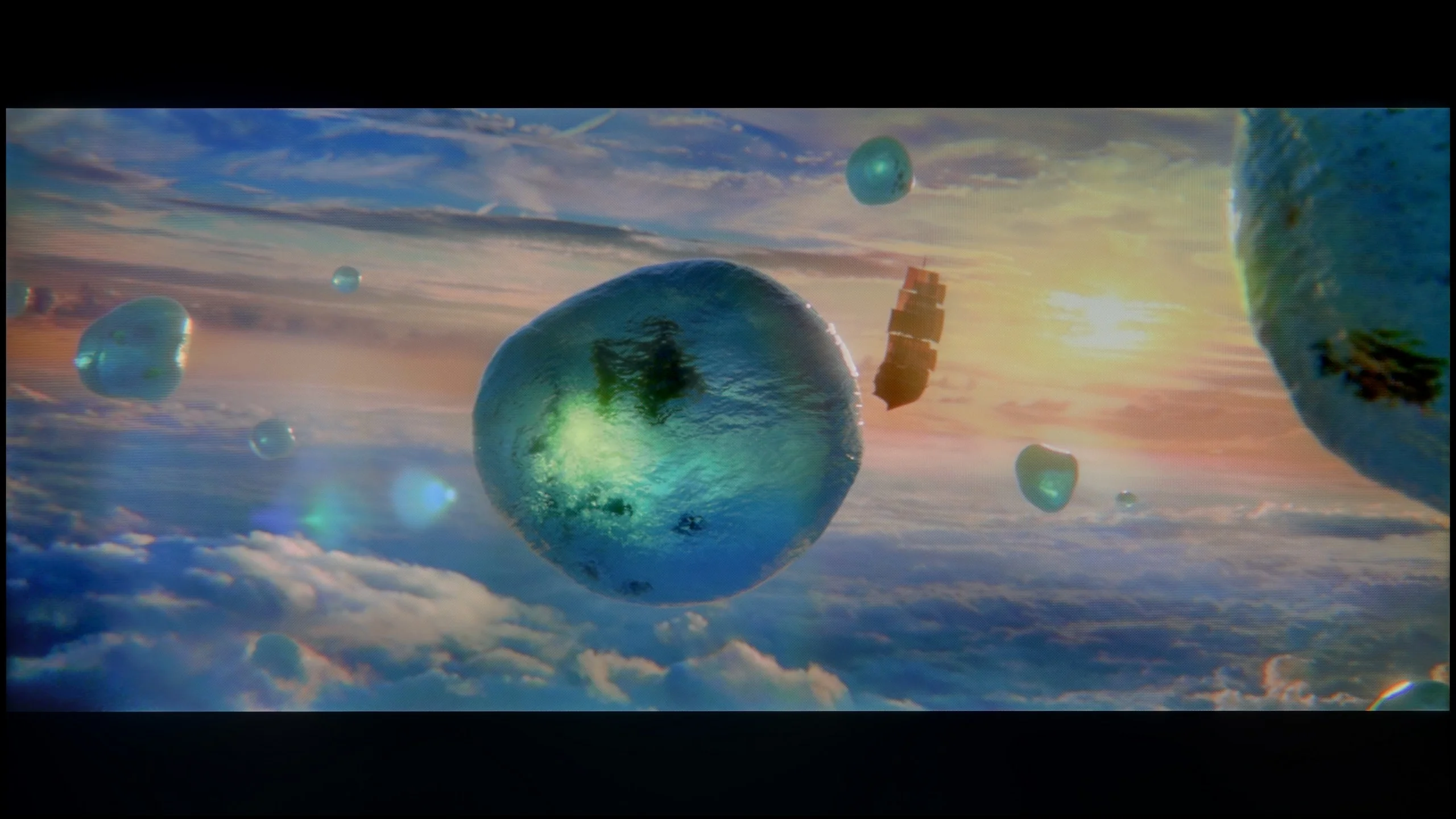
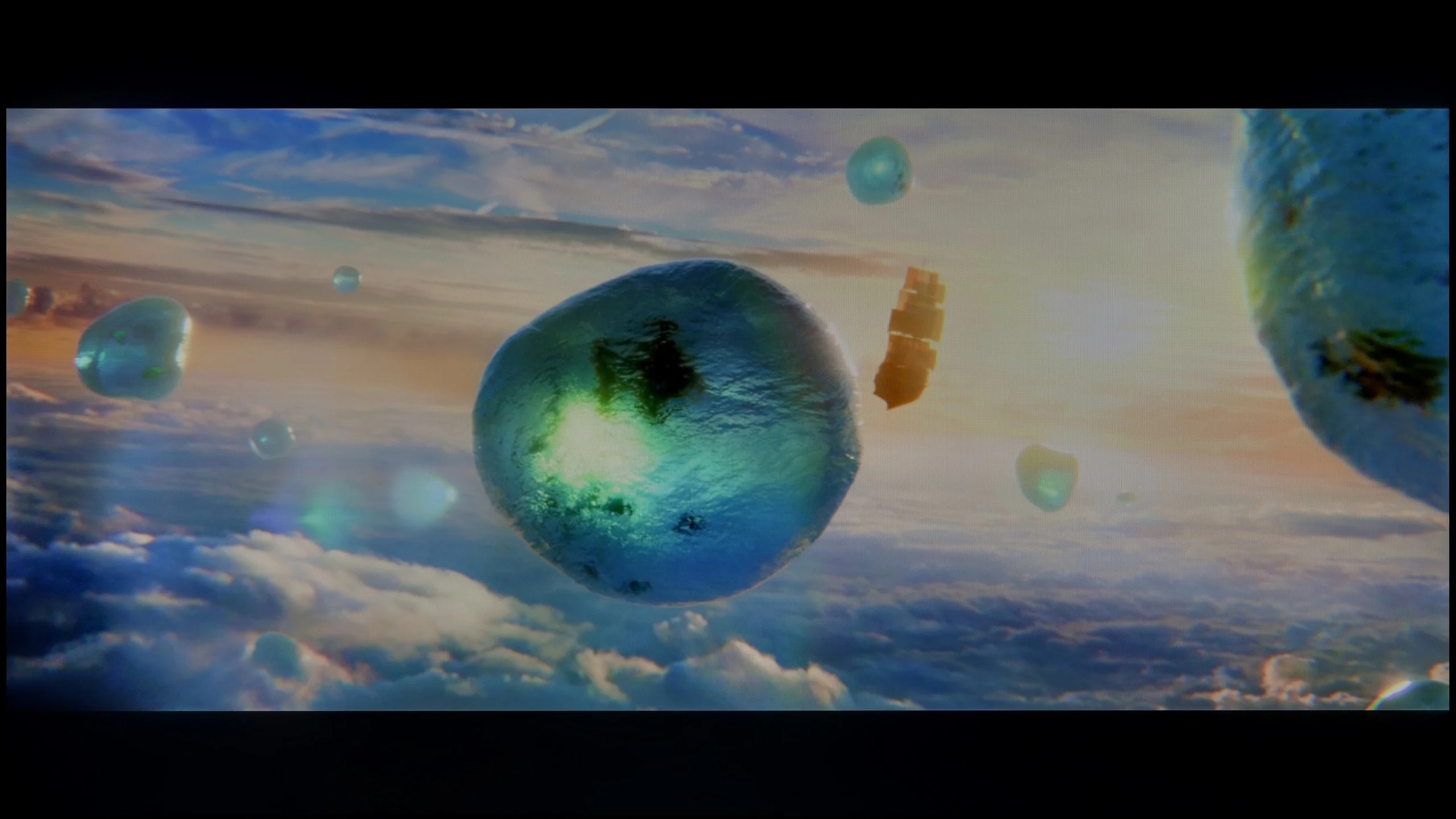
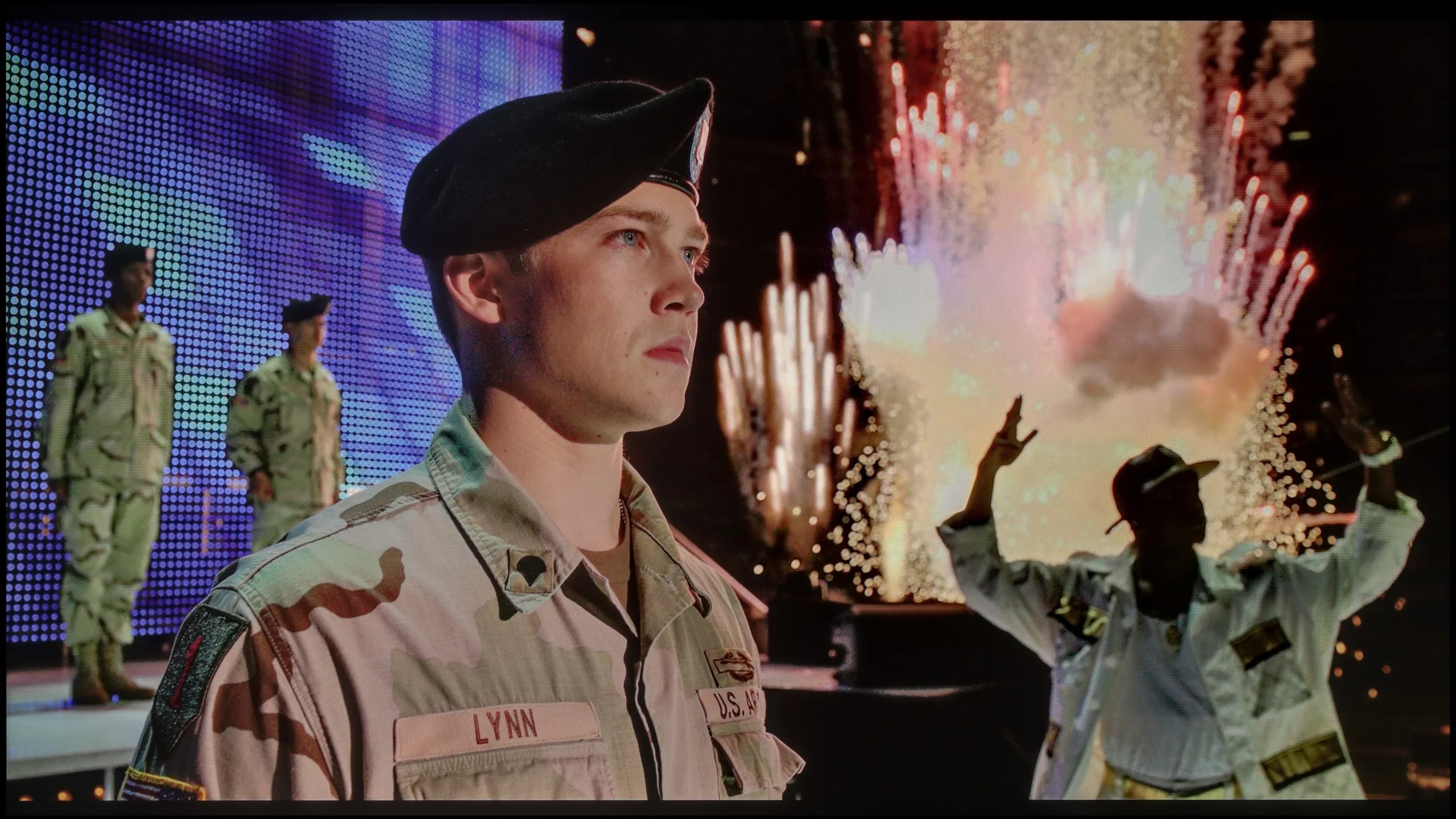
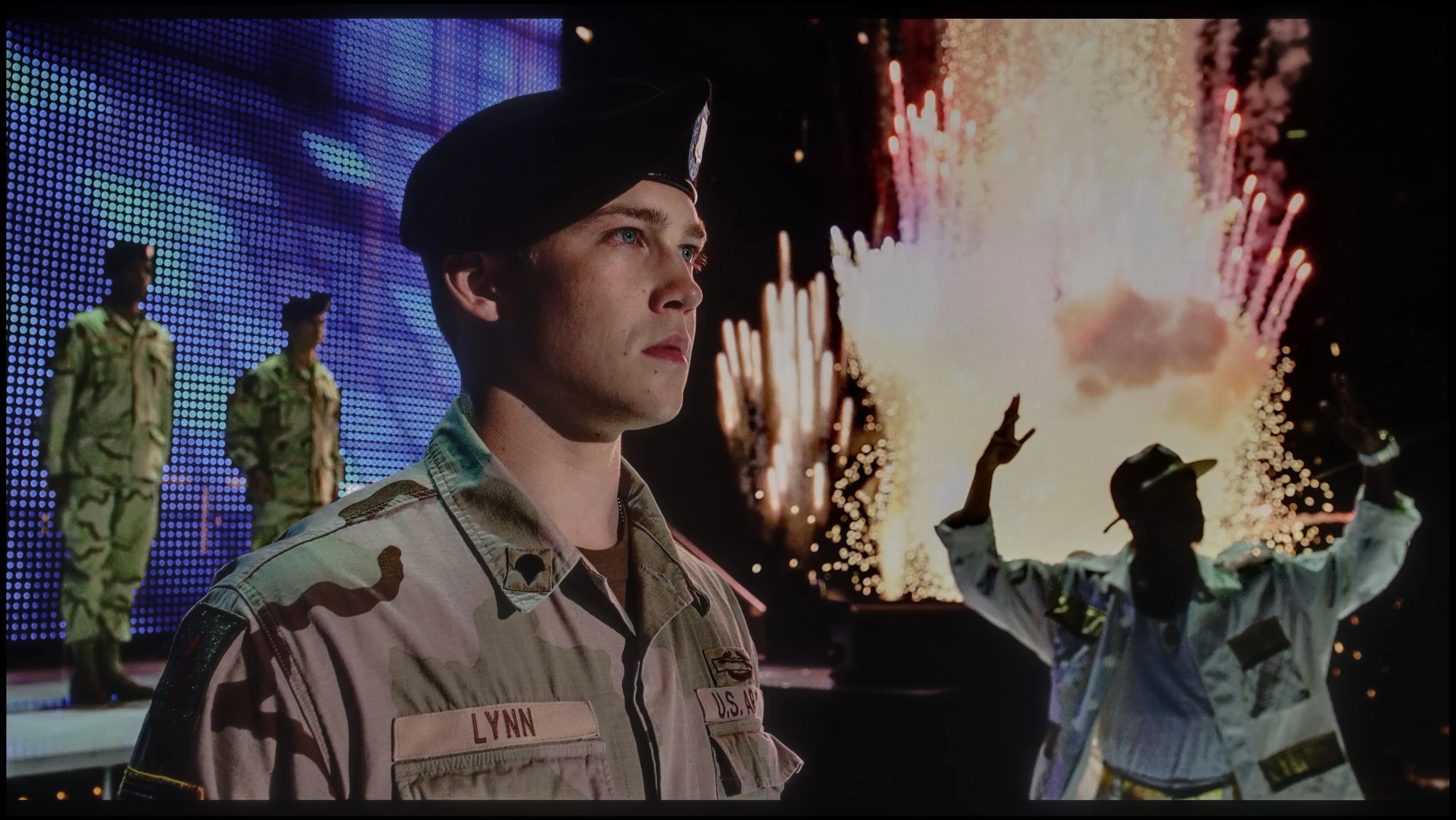
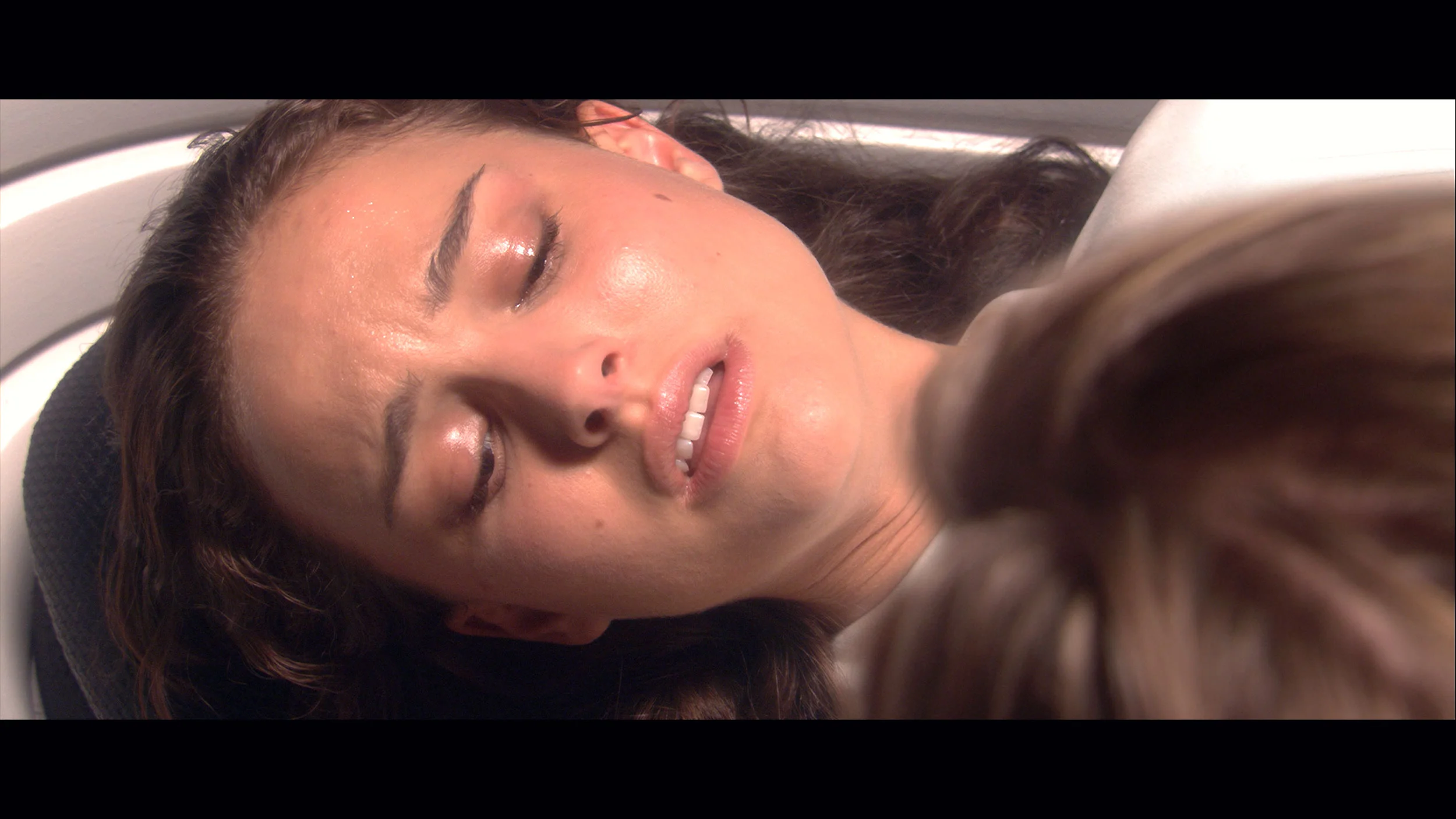
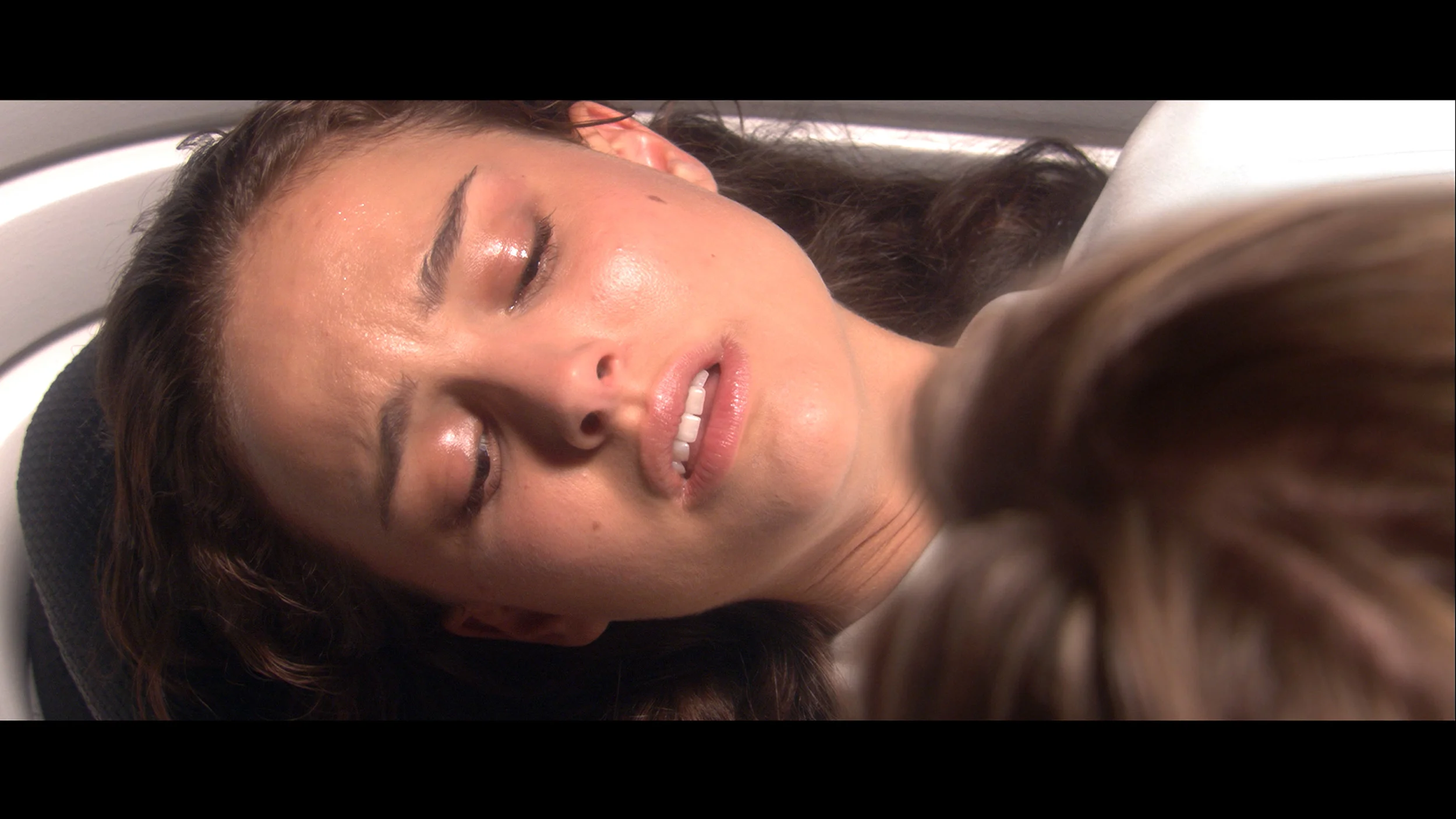
Scene from the movie “Pan” (about 2800 nits)

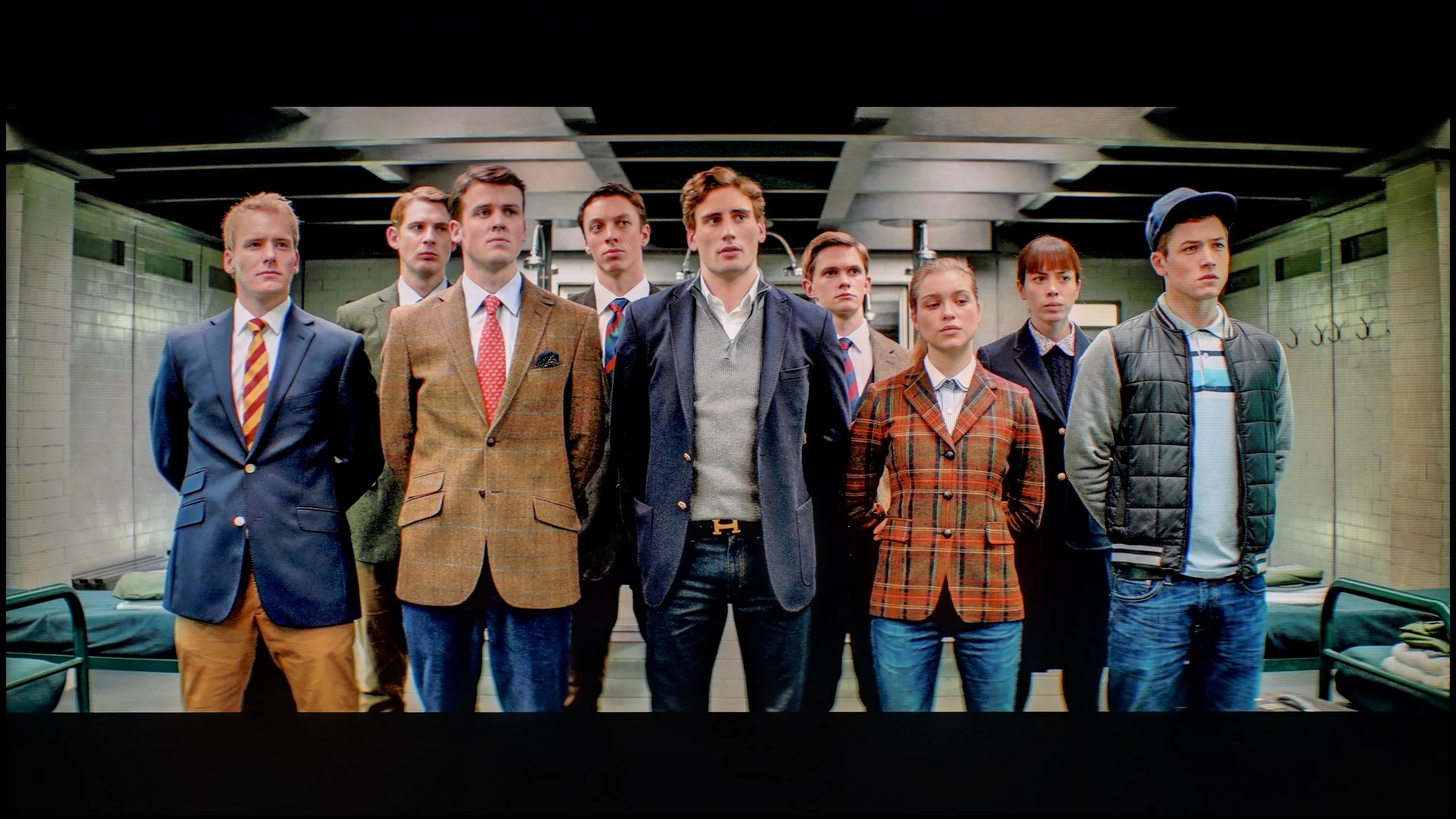
Scene from the movie “Billy Lynn” (about 1100 nits)

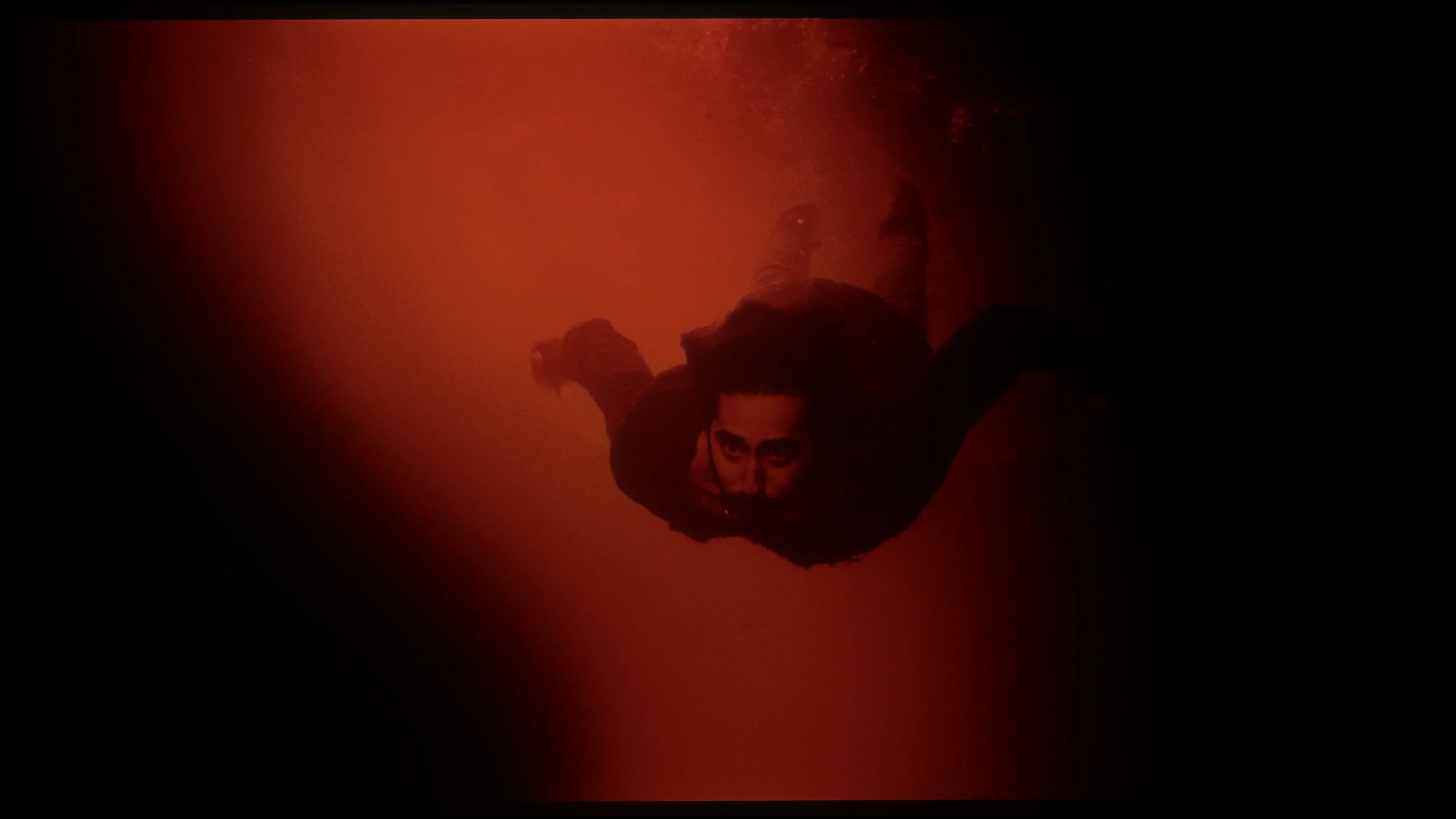
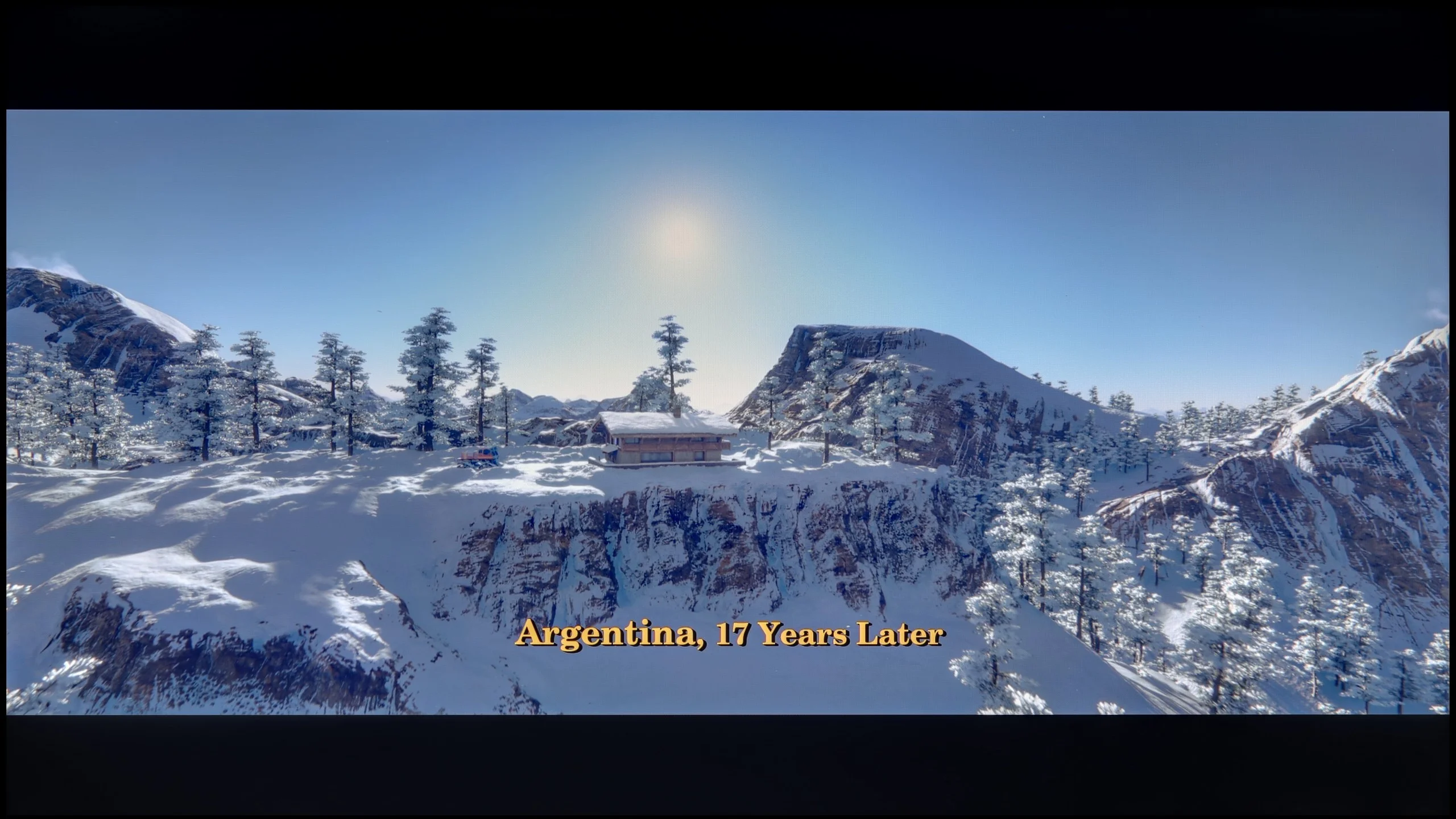
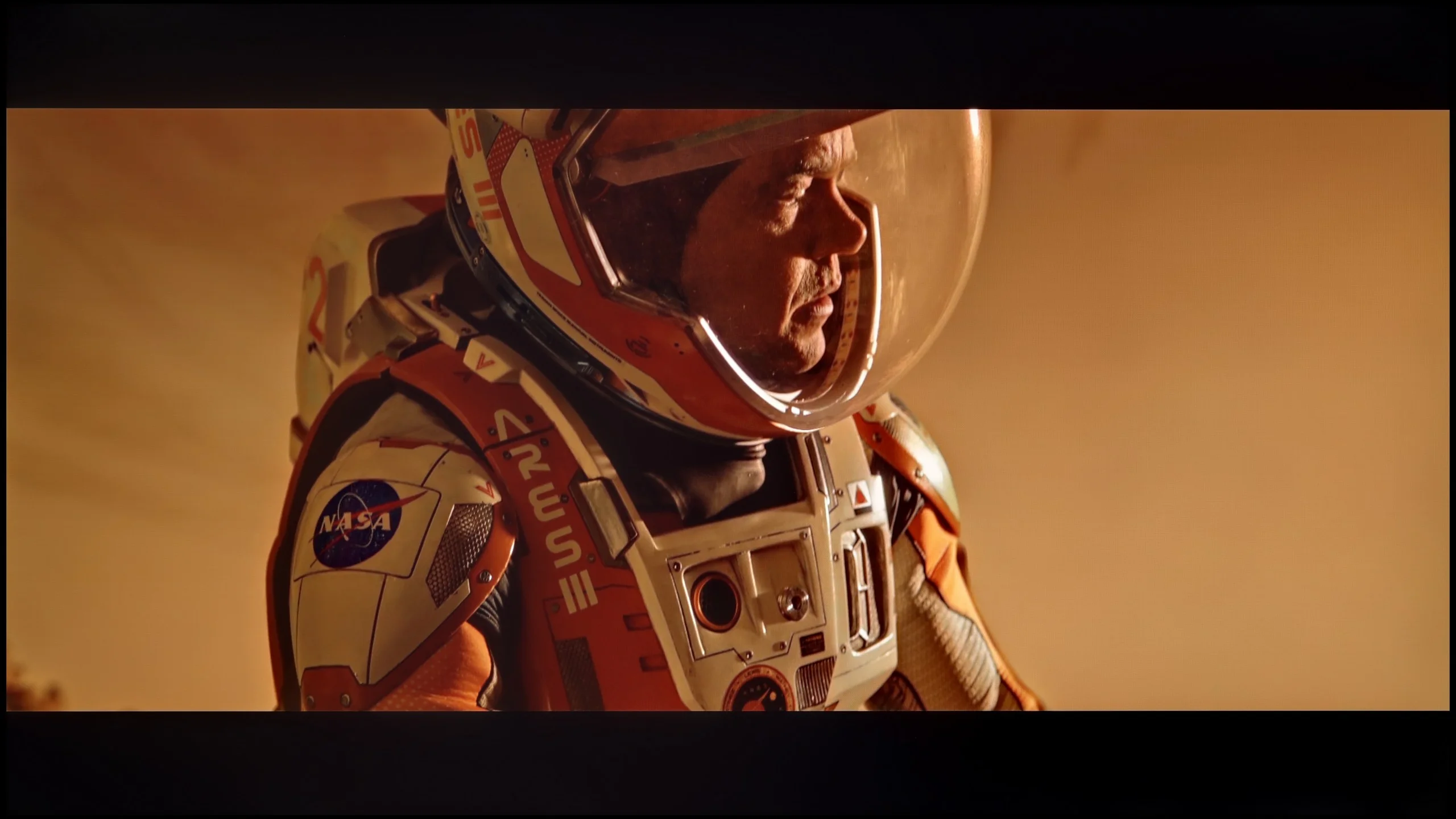
The photos show two HDR10 movies. 'Pan' is one of the brightest productions ever made, while 'Billy Lynn' (soldier) has brightness typical of streaming (Netflix, Prime, HBO MAX). Notice the intensity of effects and detail in whites.

Static HDR10

The photos present the visibility of white details in various HDR formats. They do not show brightness differences between TVs (these can be compared in the previous gallery).

HDR luminance chart:

Sony BRAVIA 2 II (S25M2)

LG QNED93A / QNED90A

Although the number of local dimming zones in the LG QNED93A did not directly translate to a noticeably better contrast, one cannot deny that this model is brighter than its predecessor. In synthetic tests, we recorded values around 1400-1500 nits, and more importantly, these results are reflected in real movie scenes. In full-screen sequences flooded with white or bright lights, the screen was able to maintain high luminance, which produced a truly decent incredible HDR effect. Unfortunately, where the television could show its true class, namely in scenes that require precision, all the magic evaporates. The dimming algorithms we mentioned earlier are aggressive enough that small bright objects—such as distant lights, stars, or the moon—can almost completely disappear. Just look at the test scenes from the movie Pan or Sicario 2 (screens 2 and 4) to see how subtle details are dimmed to the brink of visibility. It's a shame, because a greater number of zones could theoretically lead to significantly better results. Fortunately, there are also stronger points. The QNED93A performs well in terms of color gamut coverage, achieving around 96% of the DCI-P3 standard. As a result, colors in movies look vivid and full, and the picture does not lose intensity even in more demanding scenes. So it can be said that the HDR in this model is solid, although the unfinished local dimming algorithms hinder its full potential.

Sony Bravia 2 II is not a very bright TV and unfortunately that is immediately apparent in HDR. In our measurements brightness stayed around 300 to 330 nits, which is definitely too low for the brightest parts of the picture to look truly impressive. In practice HDR here does not differ that much from ordinary SDR. Bright highlights, the sun, or lamps are of course visible, but they lack the intensity you would expect from HDR material. The Bravia 2 II therefore performs much better with regular SDR content, and it is in that use case that its limited brightness will be least noticeable.

Color gamut coverage

Sony Bravia 2 II also doesn't impress when it comes to colors. The TV doesn't use any additional gamut-expanding filter, such as the quantum dots found in QLED TVs or a PFS phosphor layer. In our measurements DCI-P3 coverage was about 78%, and the very wide BT.2020 around 57%. That's definitely too little to talk about truly saturated colors in HDR content. More intense reds, greens, or turquoise hues will simply be less striking than on TVs with an expanded color gamut. The Bravia 2 II therefore fares much better with standard Rec.709, the gamut used for movies, series, and TV in SDR.

Factory color reproduction

6/10

5.3/10

This gallery shows how colors change after professional TV calibration. If you notice the difference, we recommend ordering this service at SkalibrujTV.com.

Factory Mode

After calibration

This gallery shows how colors change after professional TV calibration. If you notice the difference, we recommend ordering this service at SkalibrujTV.com.

Factory Mode

After calibration

In movie mode (specifically Filmmaker), color reproduction on the QNED93A was relatively accurate, although it wasn't without critiques. In SDR content, white balance leaned towards warmer tones, resulting in a slight yellowing across the entire screen. Gamma, on the other hand, led to a slight brightening of the image, making it look a bit less natural, especially in scenes requiring precise shading (this is evident in the comparison picture). This isn't a problem that immediately stands out to every viewer, but more discerning individuals may feel that the picture deviates from the aesthetic intended by the filmmakers. In HDR materials, the situation looked somewhat different. The white balance presented itself quite well here, ensuring that whites didn't lean towards pink or unwanted shades of green. However, brightness management proved to be an issue. Analysis of the EOTF curve revealed that at certain moments the television can be noticeably too dark where it shouldn't be, losing some detail and reducing the realism of scenes. This detracted from the experience of HDR effects, which were theoretically supposed to be the most impressive. For this reason, we decided to carry out calibration.

Out-of-the-box color reproduction in Cinema mode was really good, at least for ordinary SDR material. The Bravia 2 II had a slight tendency to boost reds, so some colors skewed a bit warmer, at times with a faint pinkish tint. However, it wasn't a major fault, and during normal viewing the picture still looked quite natural. There was a bit more going on with image brightness. Looking at the gamma trace, you can see Sony doesn't stick exactly to the reference value. The darkest parts are slightly lifted, while as brightness increases the gamma gradually rises and a larger portion of the image becomes darker than it should. That said, the difference isn't large enough to seriously interfere with everyday viewing. Overall, SDR straight out of the box performs pretty well.

The situation is much worse in HDR. We already mentioned the limited color gamut, but the Bravia 2 II also manipulates image brightness quite aggressively here. The EOTF curve sits below the reference for a large part of the range, which means the TV renders most midtones and brighter parts of the scene darker than the source material intends. Only toward the very end of the range does the curve flatten out, as the panel reaches the limits of its capabilities. Combined with a peak brightness of around 300 nits, this results in HDR that not only lacks punch but can simply look too dim.

Color reproduction after calibration

7.8/10

7/10

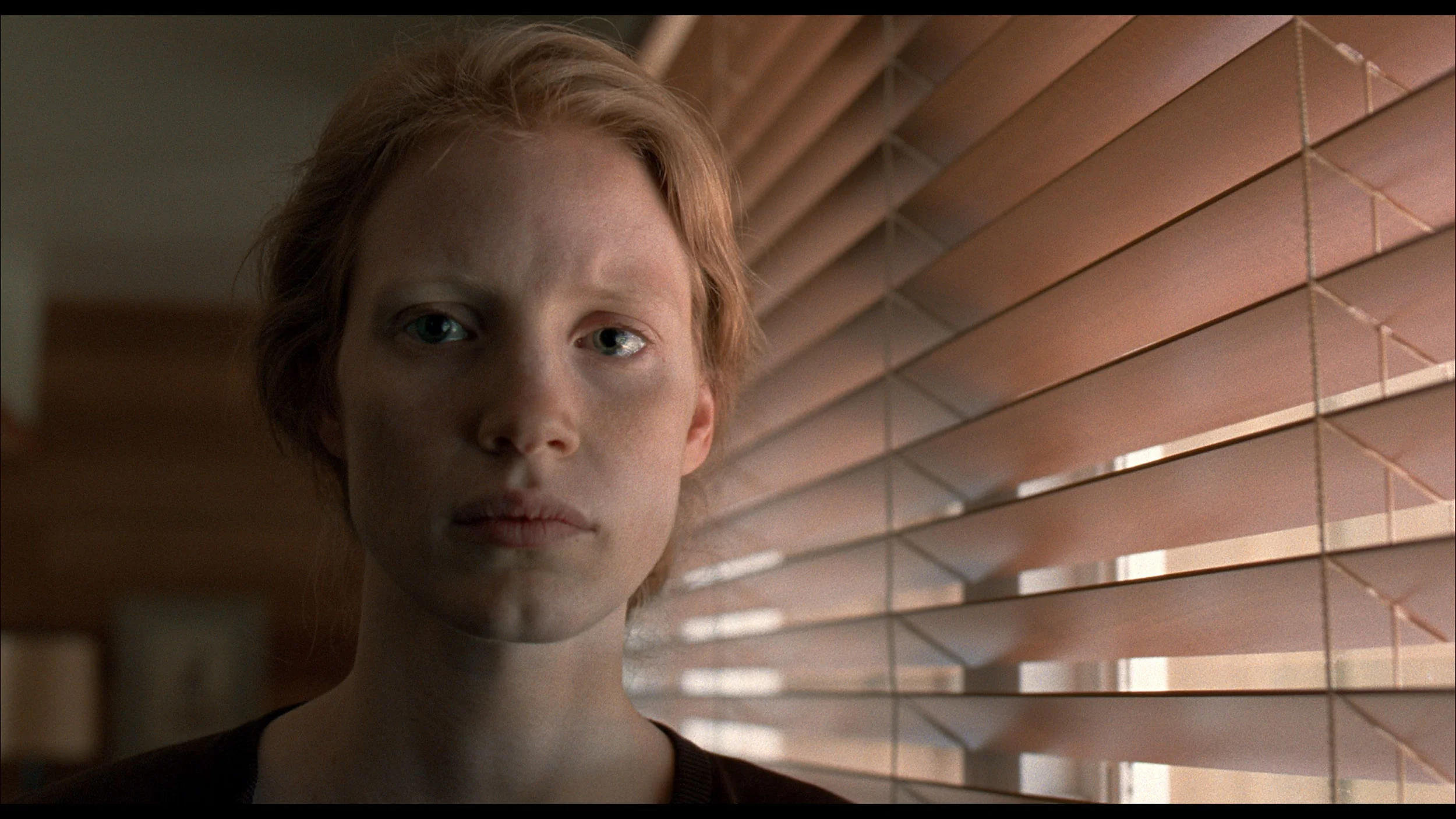
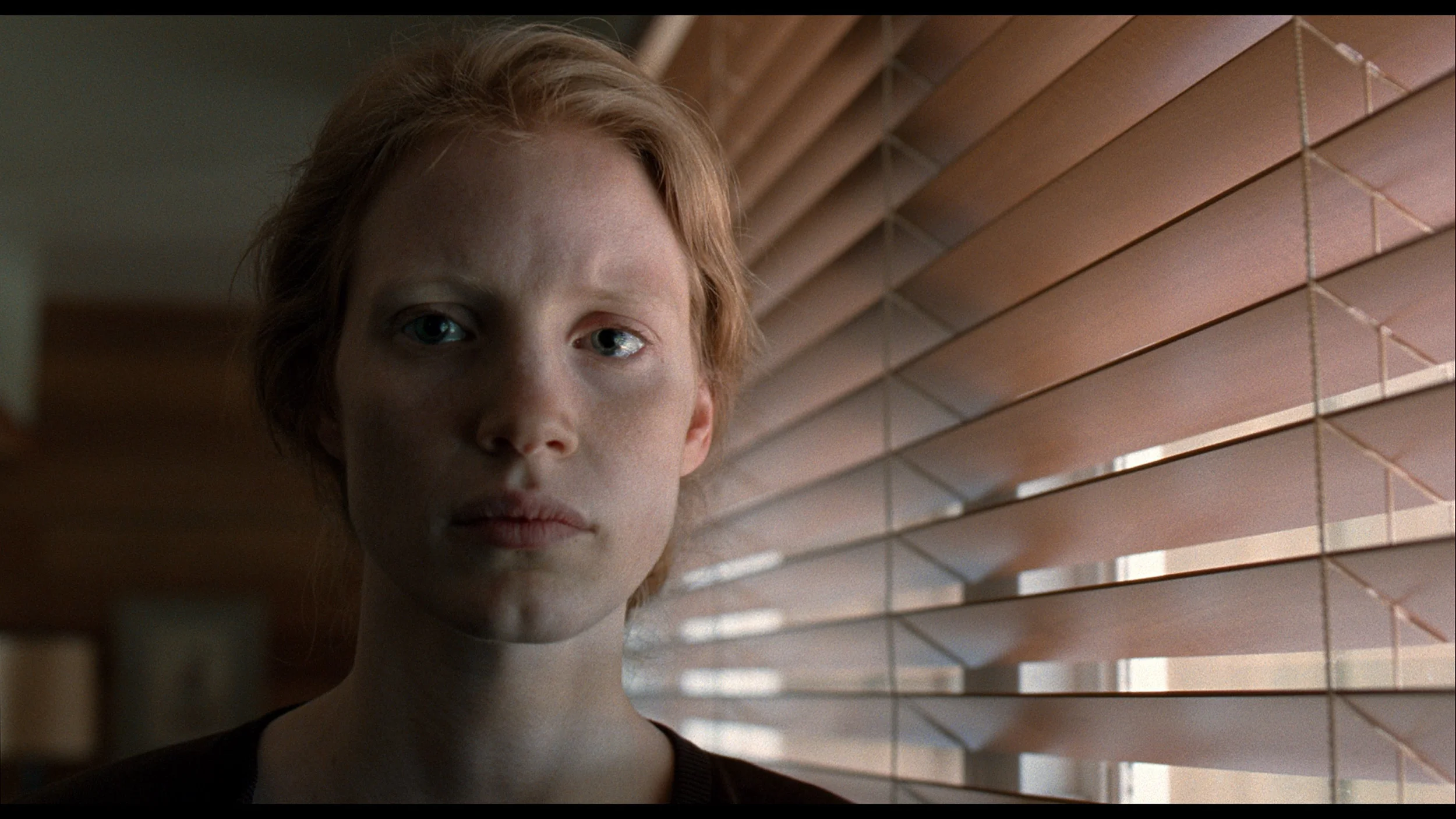
The photos show how movies look on the TV. Pay attention to black detail visibility, colors, and shadow tint.

The photos show how movies look on the TV. Pay attention to black detail visibility, colors, and shadow tint.

After professional calibration, the Filmmaker mode on the QNED93A gained the most where it matters most in everyday use. It was possible to adjust the white balance and eliminate the yellowish tint in SDR content, which we watch most often – television, streaming services, or standard quality films. This makes colors look natural and pleasant, and the overall experience is much more comfortable. In HDR mode, we also made adjustments, but the biggest problem here turned out to be the EOTF curve. Although LG provides some leeway in the settings, the television still manages brightness on its own terms. It is evident that the local dimming algorithms are not entirely refined and can spoil the viewing experience by dimming parts of the image at inappropriate moments. Nonetheless, it is worth opting for calibration of this model, especially the mode intended for daily viewing.

Calibration did a lot for the Bravia 2 II, especially with SDR content. Above all, we were able to even out the white balance and tidy up the gamma, which now sticks much closer to reference values. As a result, the picture no longer has the previous pink tint, and the brightness of individual areas is much better balanced. You can also see this in the color errors, which dropped to a very low level after calibration (with minor issues in the most saturated reds).

We also partially tamed the Bravia 2 II in HDR, particularly in how the TV manages image brightness. However, there is one thing no calibration can fix: the panel's inherent limitations. The narrow color gamut means the TV physically cannot reproduce the most saturated colors present in HDR content. On top of that, the IPS panel's low contrast leaves darker scenes veiled by a grayish glow, causing colors to lose some of their depth. So we can improve how the Bravia 2 II uses its capabilities, but unfortunately we can't overcome the panel's fundamental limits.
Smoothness of tonal transitions

8/10

8/10

These are selected scenes that show smooth tonal transitions from one color to another. If you see distinct banding, it’s the TV panel’s fault.
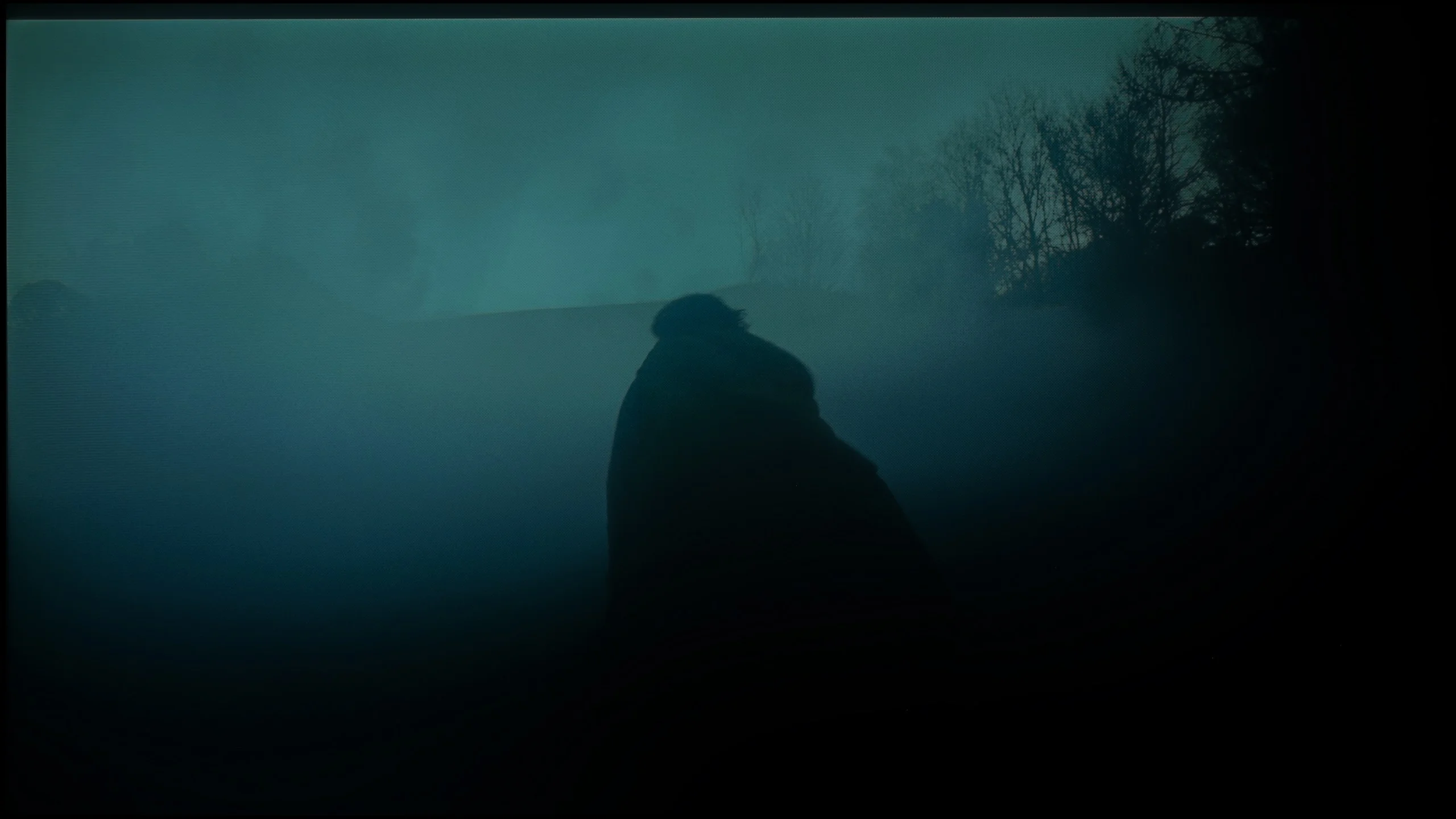
These are selected scenes that show smooth tonal transitions from one color to another. If you see distinct banding, it’s the TV panel’s fault.

These are selected scenes that show smooth tonal transitions from one color to another. If you see distinct banding, it’s the TV panel’s fault.

These are selected scenes that show smooth tonal transitions from one color to another. If you see distinct banding, it’s the TV panel’s fault.

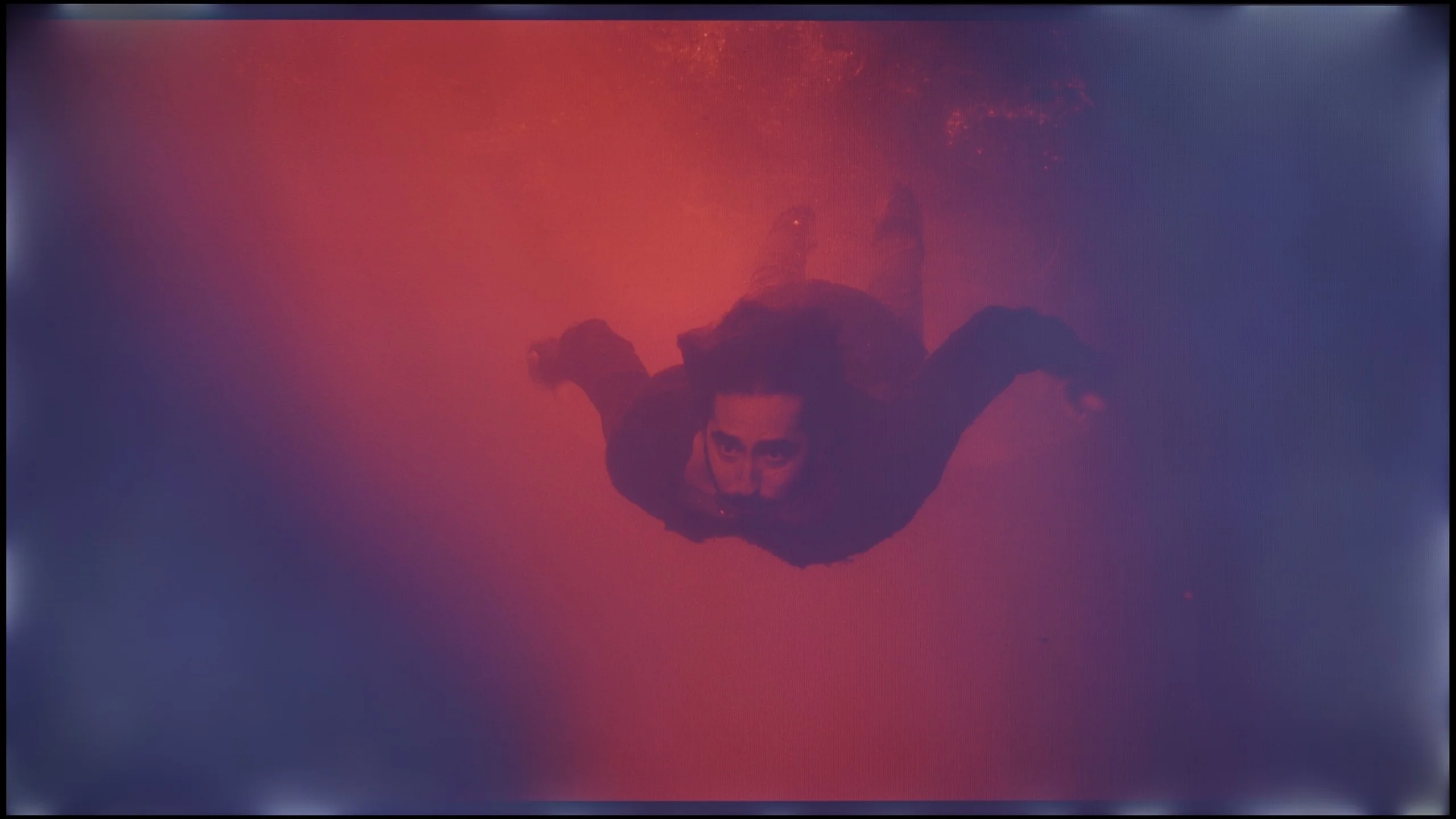
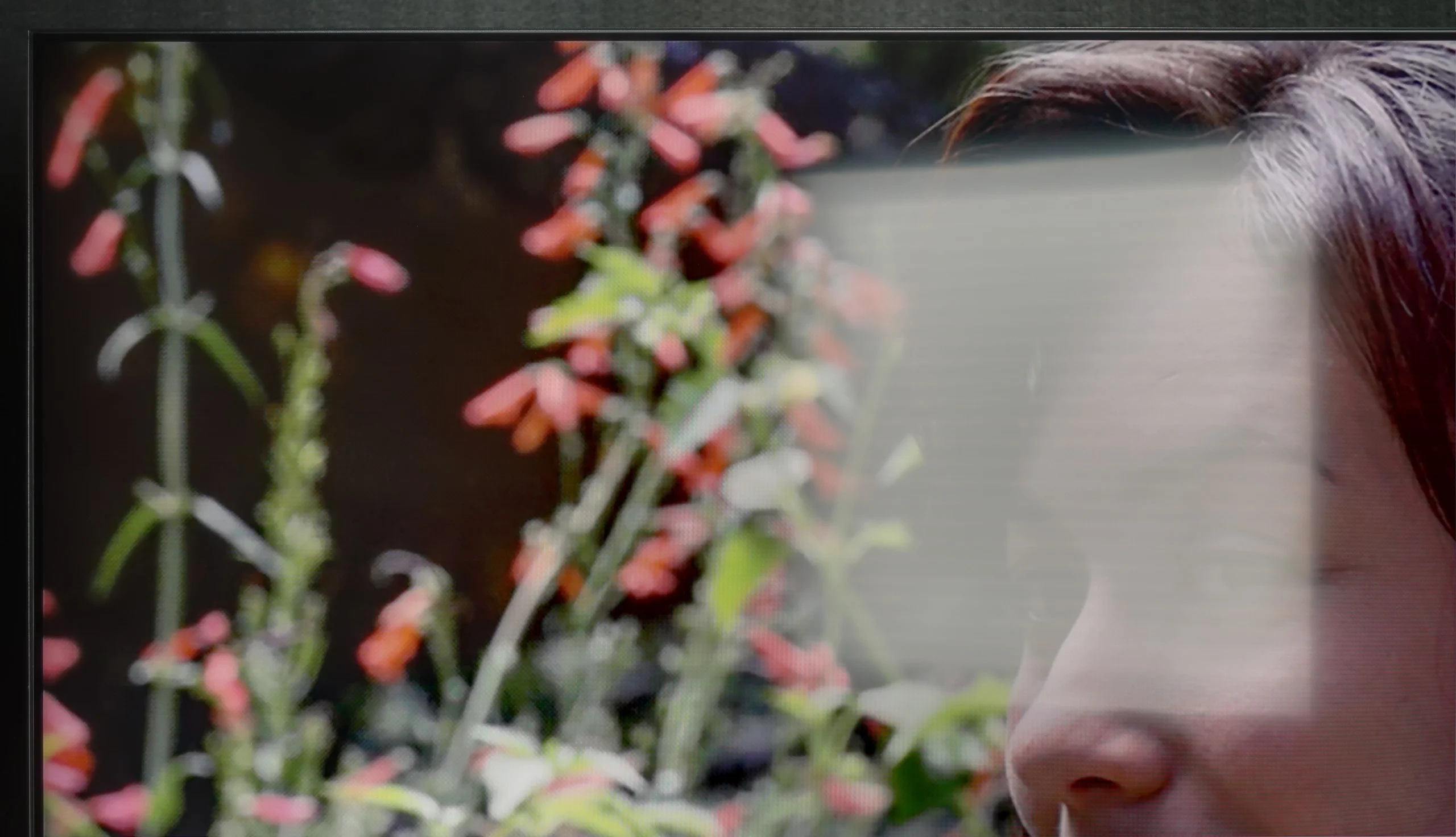
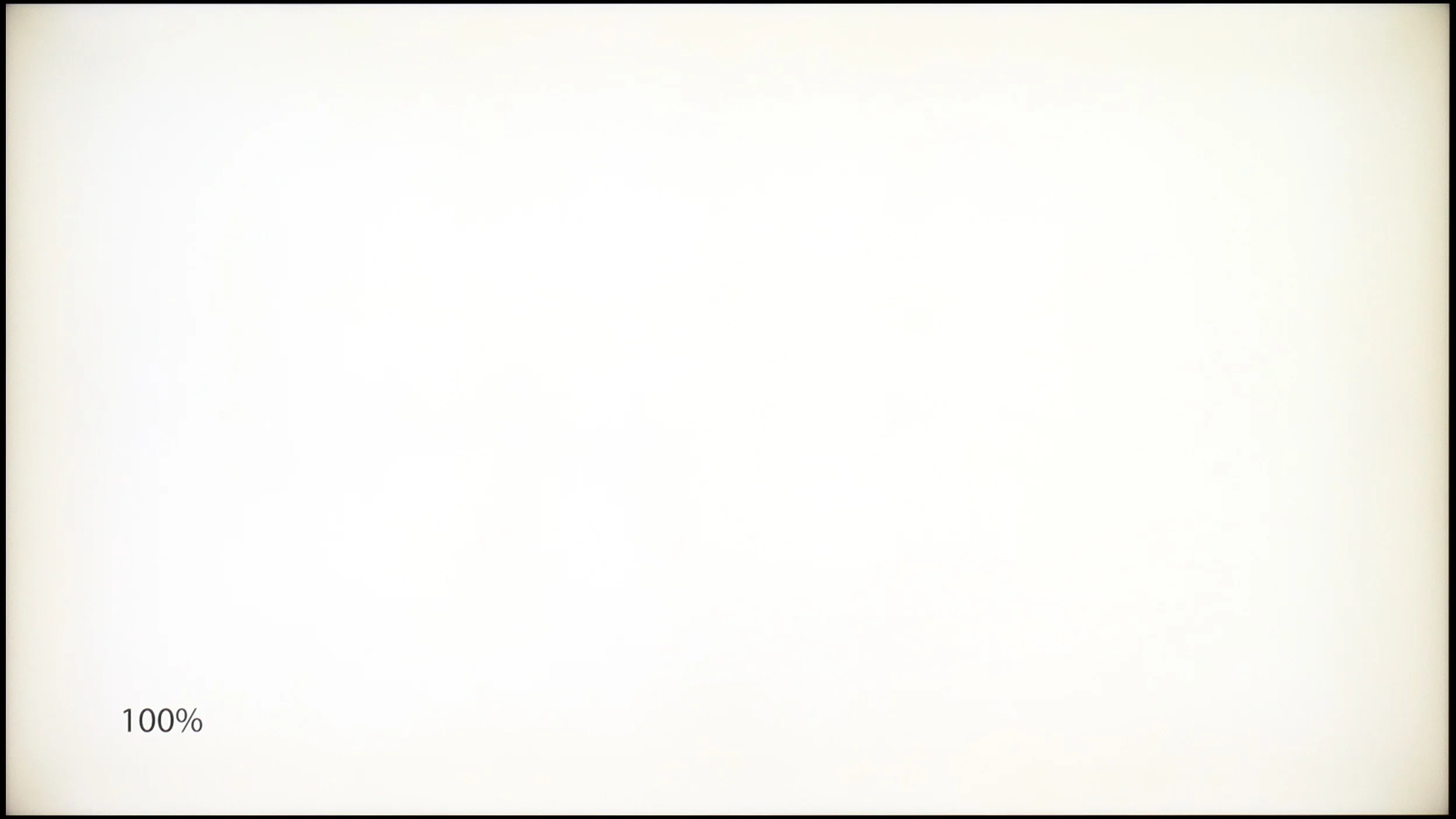
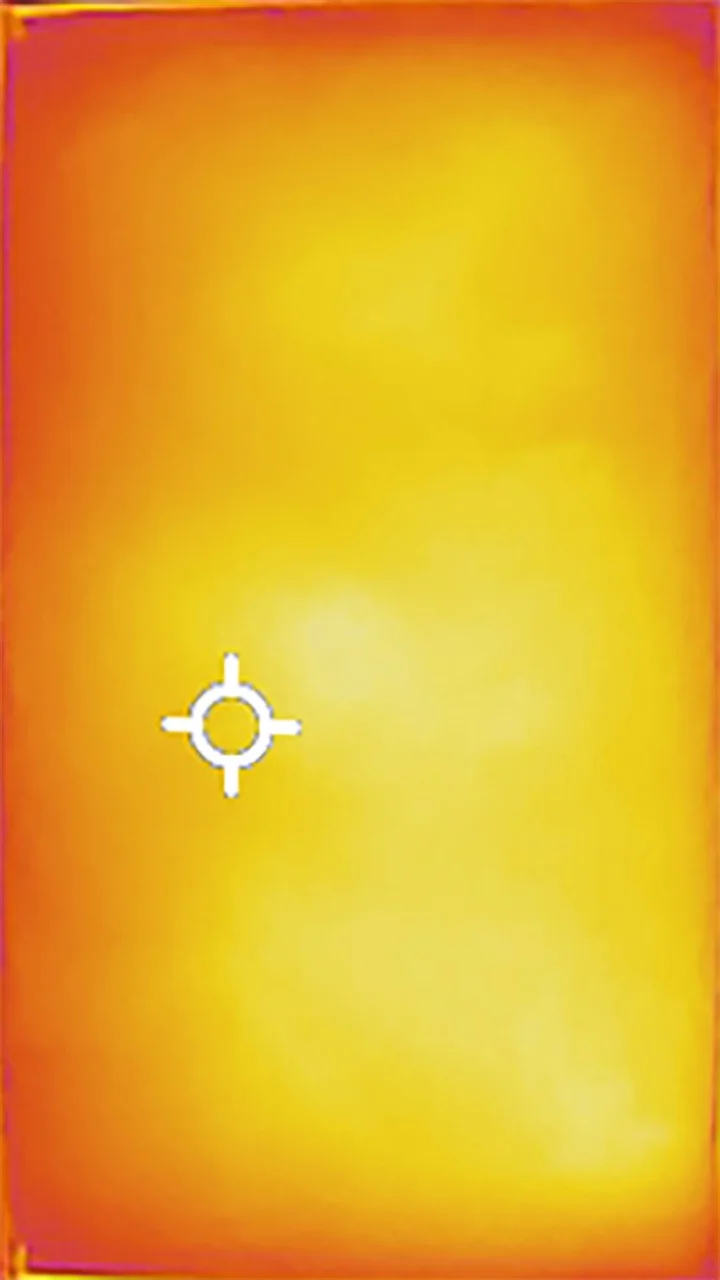
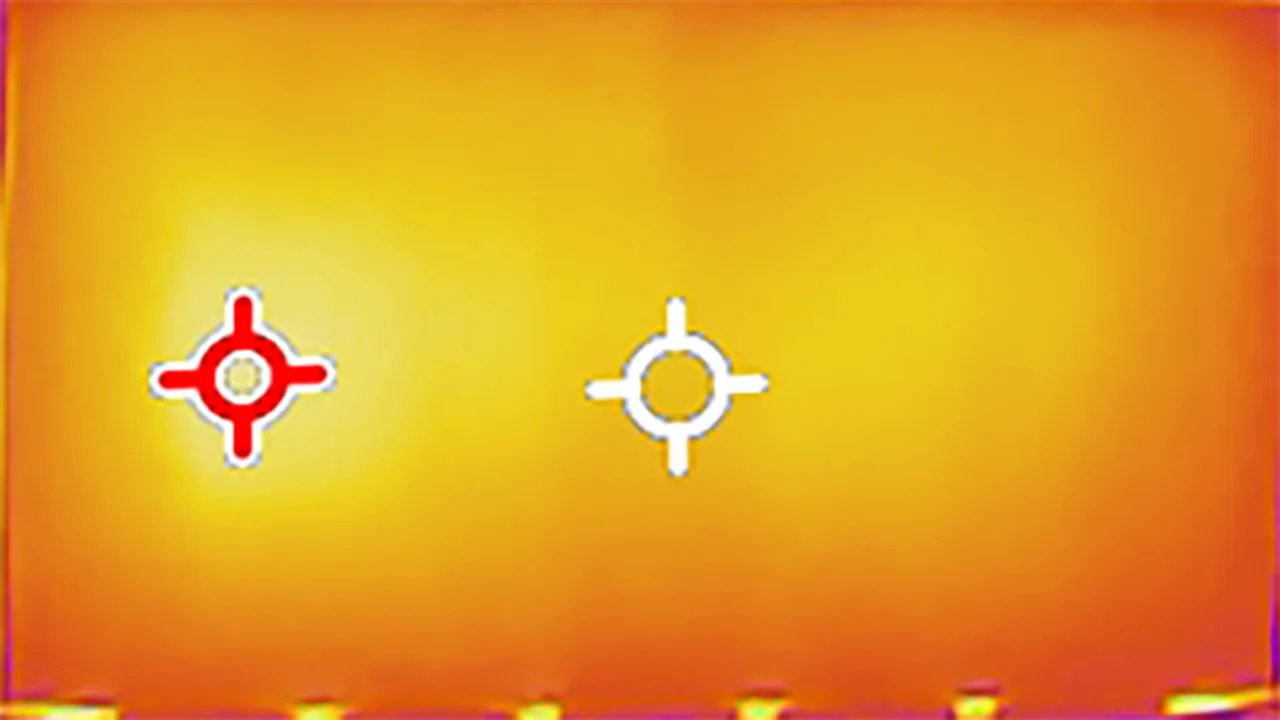
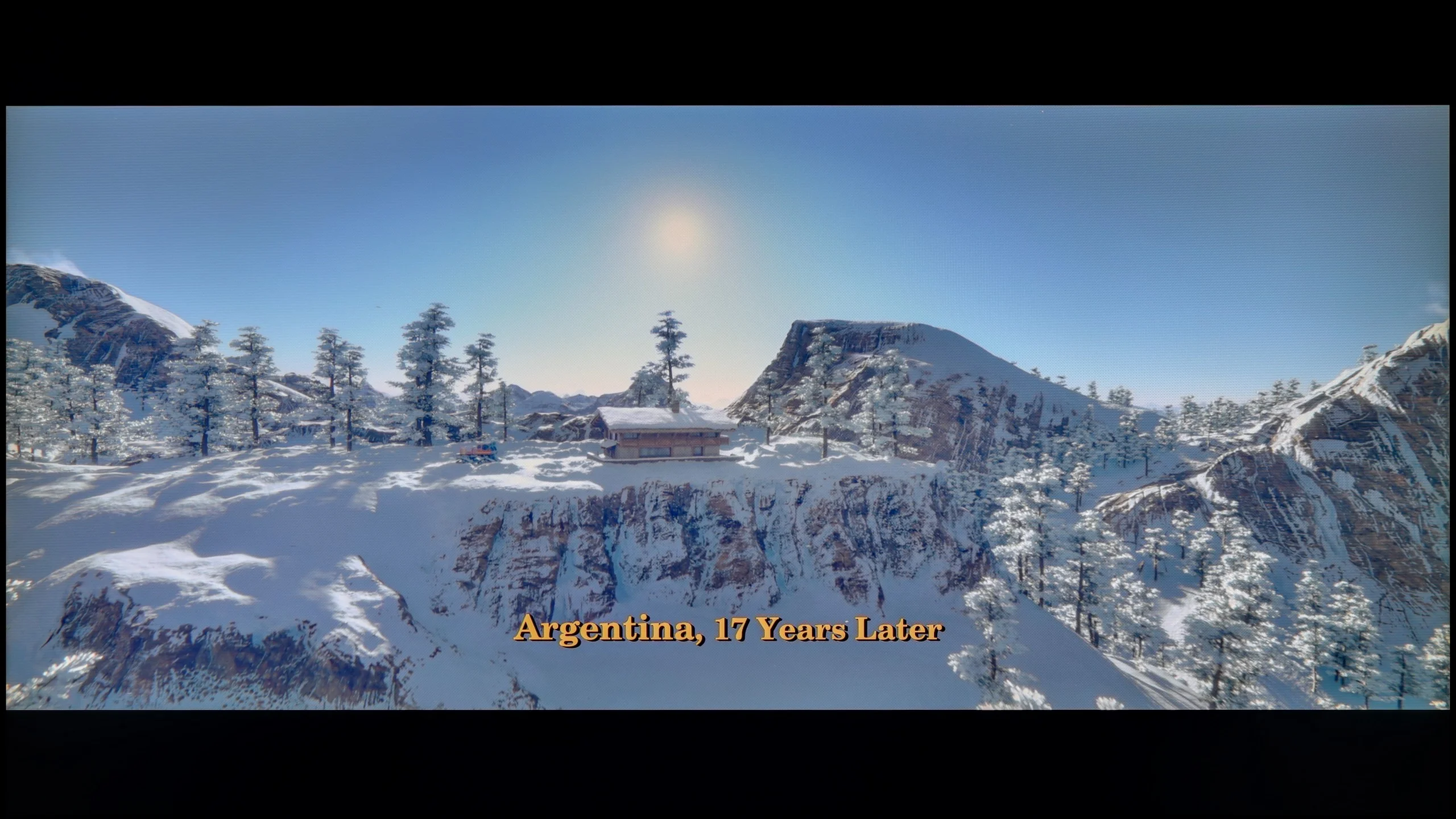
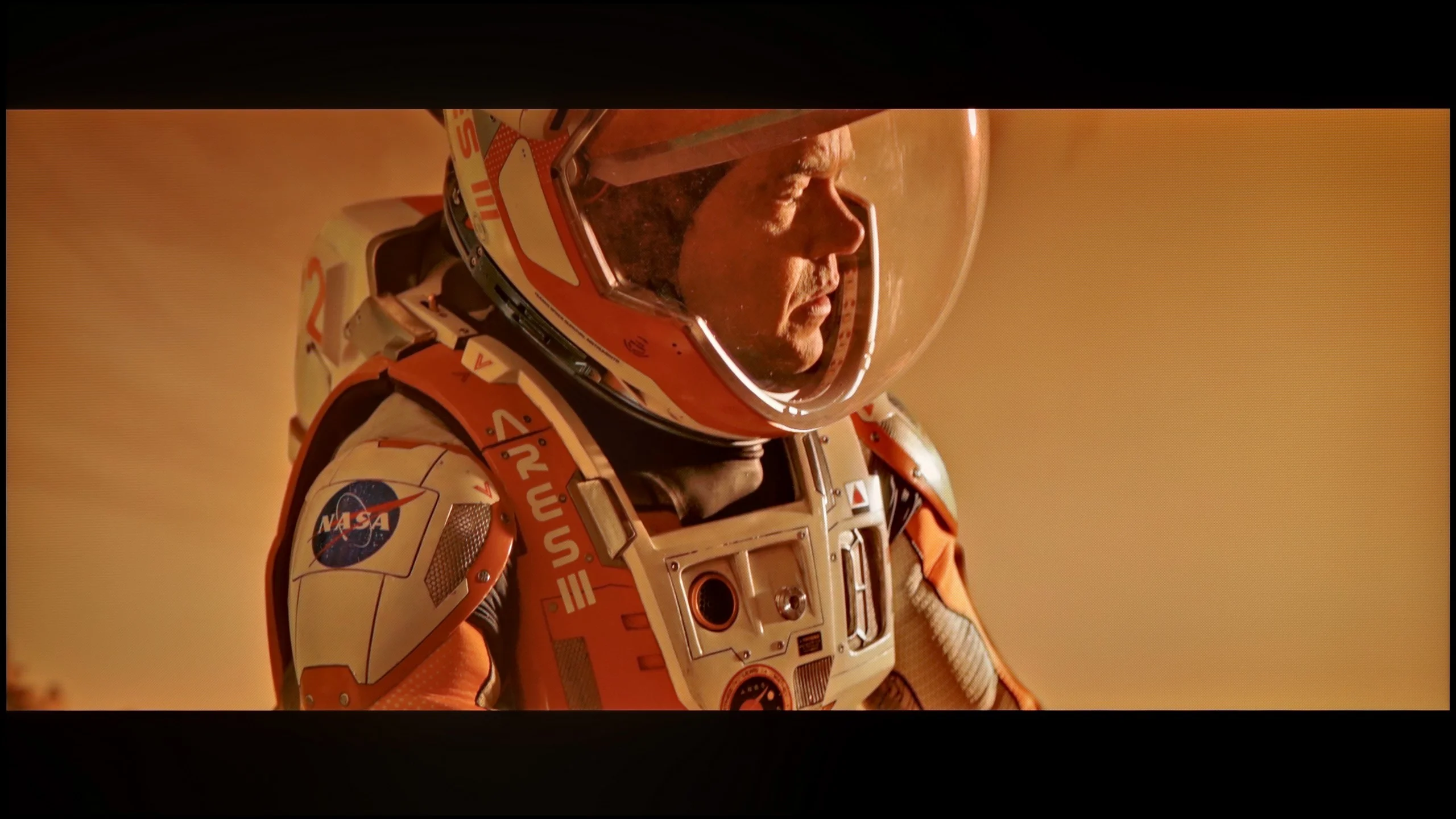
The fluidity of tonal transitions in the LG QNED93A is really good. In most scenes, there are no artificial color divisions or banding effects. Dark shots are particularly surprising – this is where many TVs struggle, but here the image remains smooth and cohesive. In brighter sections, subtle color transitions can be observed, but they are not pronounced enough to draw significant attention. During testing, we encountered a clear issue with the DSE effect, also known as the "dirty screen" effect. On our unit, the phenomenon was strong enough that in bright scenes, the corners noticeably darkened, giving the image a vignetted appearance. This could be a flaw of the test unit, but during intense viewing, it was hard to ignore.

The smoothness of tonal transitions on the Bravia 2 II is quite good, though it depends heavily on the scene. In brighter parts of the image, the gradation is smooth and major problems are hard to spot. It gets worse in very dark scenes. In scenes dominated by dark tones, distinct banding between adjacent shades was visible. So it's not perfect, but for most everyday content the issue shouldn't be particularly noticeable.

Image scaling and smoothness of tonal transitions

7.8/10

6/10

Image without overscan on the SD signal
OK
OK
Smooth transition function
OK
OK

Smooth transition function

The match photo shows how the TV smooths weak tonal transitions in low-quality video.

Image scaling SD (576i)

The model photo shows how it handles upscaling of SD material.

LG QNED93A proves to be a very solid television for everyday use. Its image processor handles scaling excellently, ensuring that even older movies or terrestrial television gain sharpness and detail. During the screening of "The Godfather," it's clearly visible how upscaling pulls extra details from the image – the characters' faces and the texture of the clothing appear much clearer than in the original material.

The digital image processing also deserves praise. The television is equipped with a function for reducing unwanted color banding and screen irregularities. It works best in the "Medium" setting – subtly smoothing tonal transitions without over-interfering with the image. This way, the natural film grain is preserved, and the screen doesn't appear unnaturally smoothed. Perhaps in some scenes, you can still notice slight color banding, but in practice, the effect is more favorable than with a stronger intervention from the algorithm.

Upscaling in the Bravia 2 II performs quite well, and in that respect the TV maintains the standard Sony has accustomed us to. Lower-resolution content is sensibly scaled to 4K, with the image slightly smoothed and without over-sharpening edges. It’s a different story when it comes to improving content with visible compression. That’s handled by the "Digital Noise Reduction" feature, which on the "High" setting can indeed smooth out some ugly tonal banding. The problem is it does so fairly aggressively, removing a lot of fine detail along with the imperfections, including natural film grain. Moreover, when there’s more motion on screen its effectiveness drops significantly and the improvement becomes minimal. So we generally avoided using this feature in everyday viewing.

Blur and motion smoothness

7.6/10

5/10

Maximum refresh rate of the panel
144Hz
60Hz
Film motion smoothing option
OK
OK
Blur reduction option
OK
No
BFI function 60Hz
Yes, 60Hz (image flickers)
Yes, 120Hz (double contours)
BFI function 120Hz
-
No
Brightness drop with BFI
56%
25%

Blur (native resolution, maximum refresh rate):

Blur (BFI function enabled):

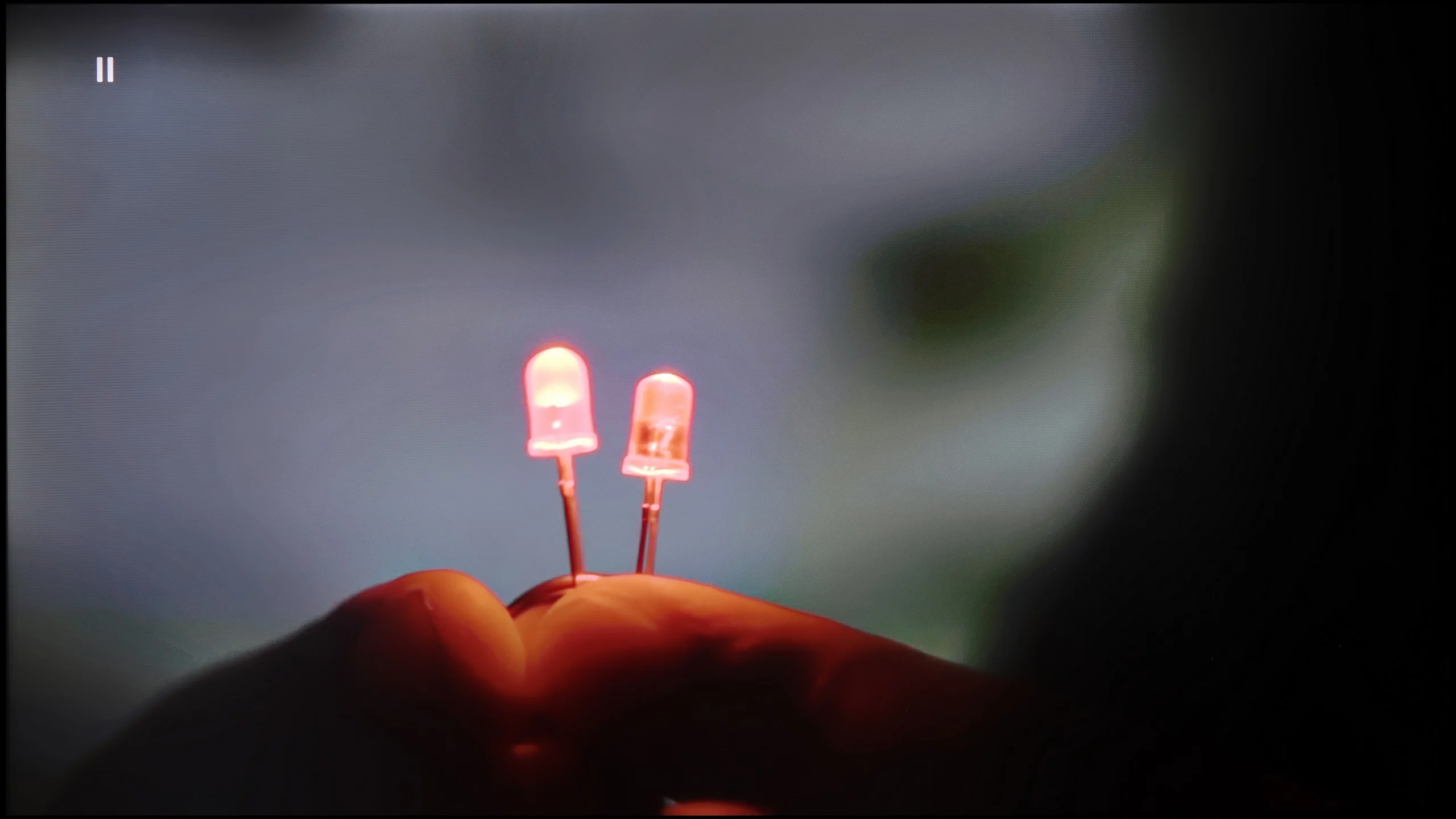
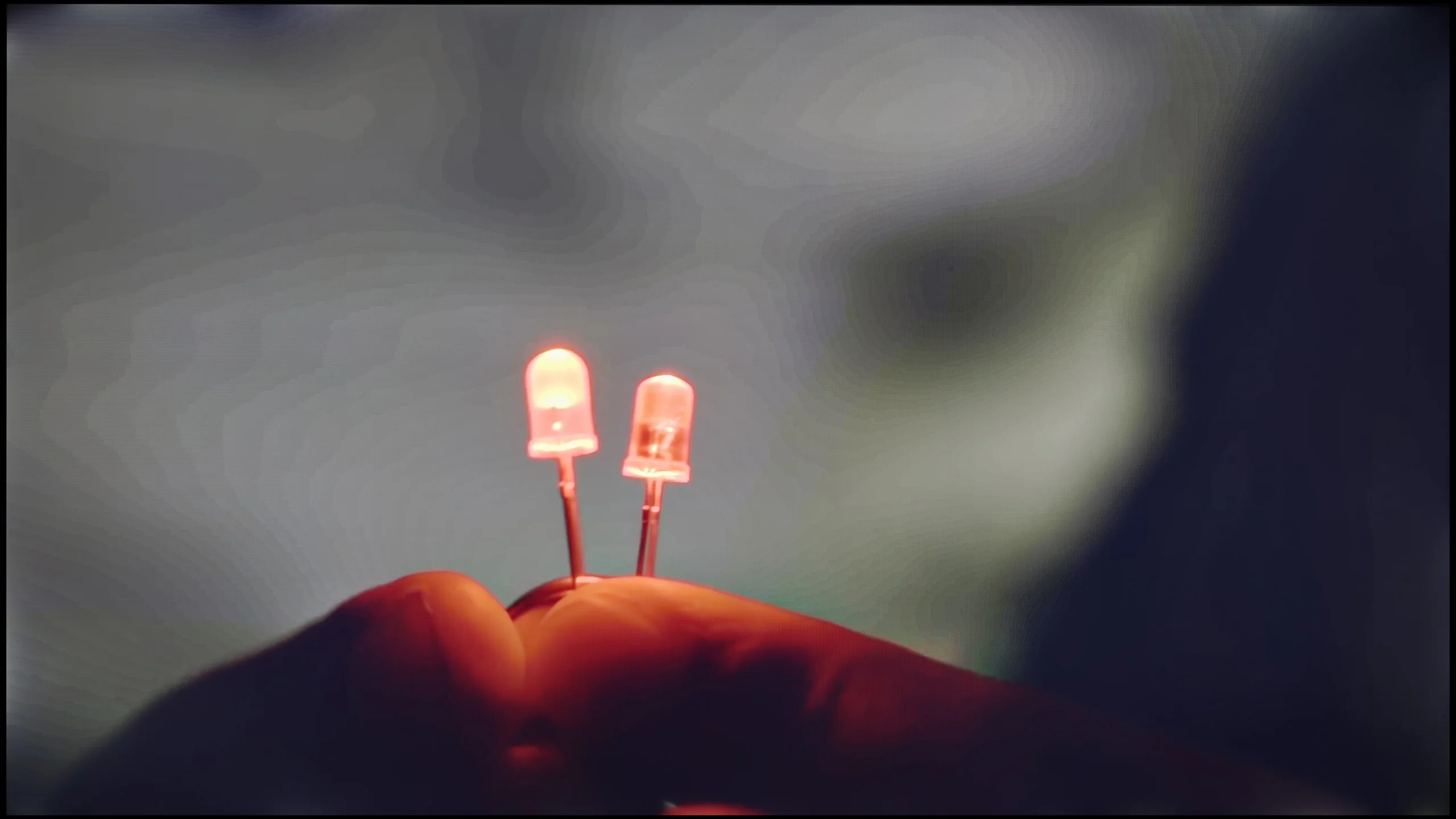
Image flickers in this mode

Blur (4K@144Hz):

Blur ():

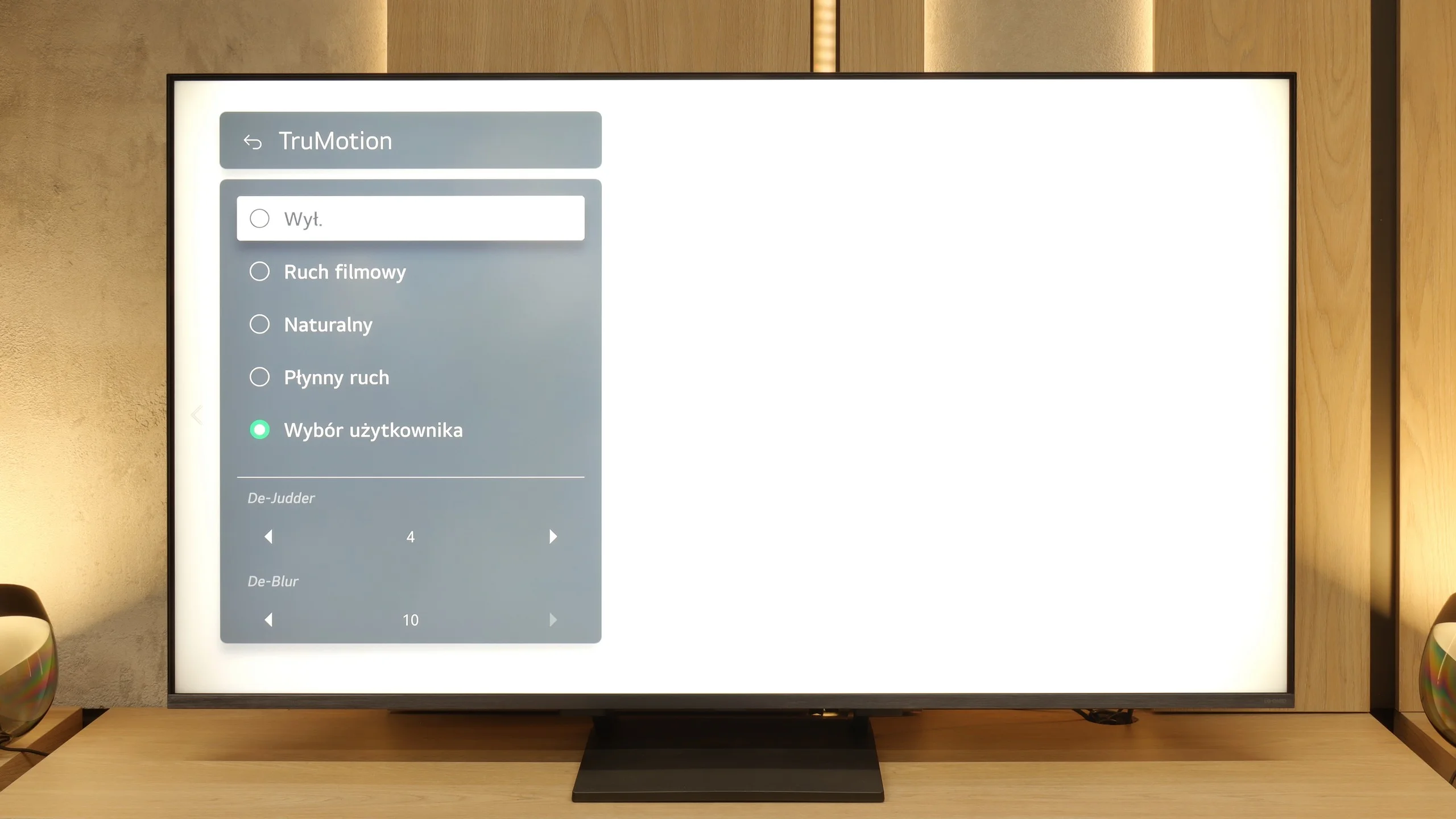
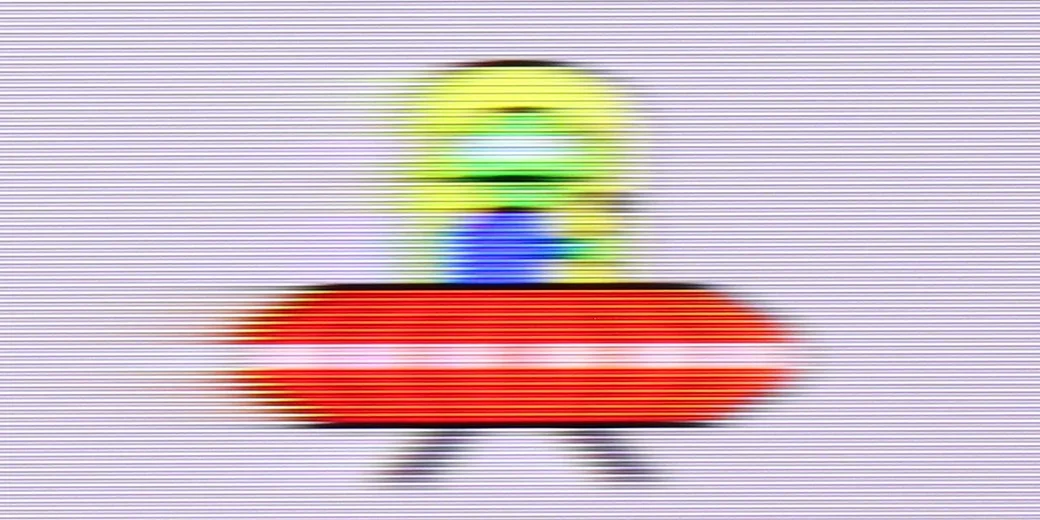
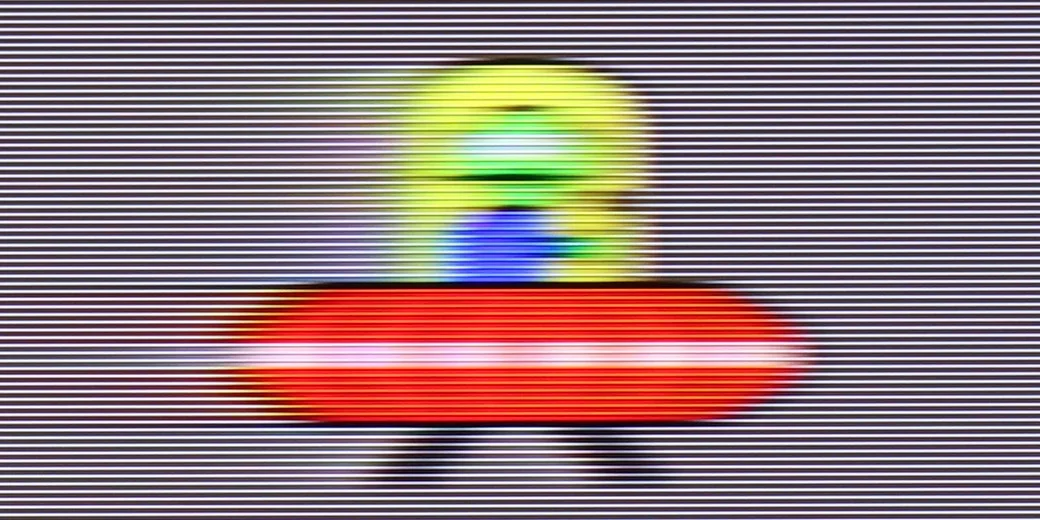
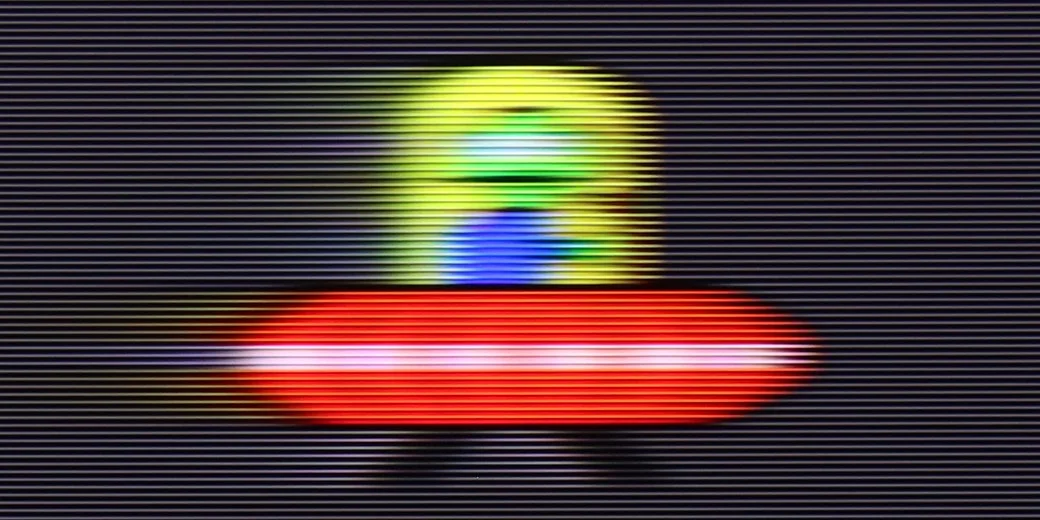
LG QNED93A is equipped with a 144 Hz panel. This is primarily a nod to gamers, but the fact that higher refresh rates are increasingly making their way into televisions can be seen as a positive development. In everyday viewing, 120 Hz remains key, and in this regard, the QNED93A performs well. The manufacturer also provides the option to adjust the image through the TruMotion system – the De-Judder and De-Blur sliders allow you to choose between a cinematic motion character with visible frames and a fully smoothed theatrical motion.

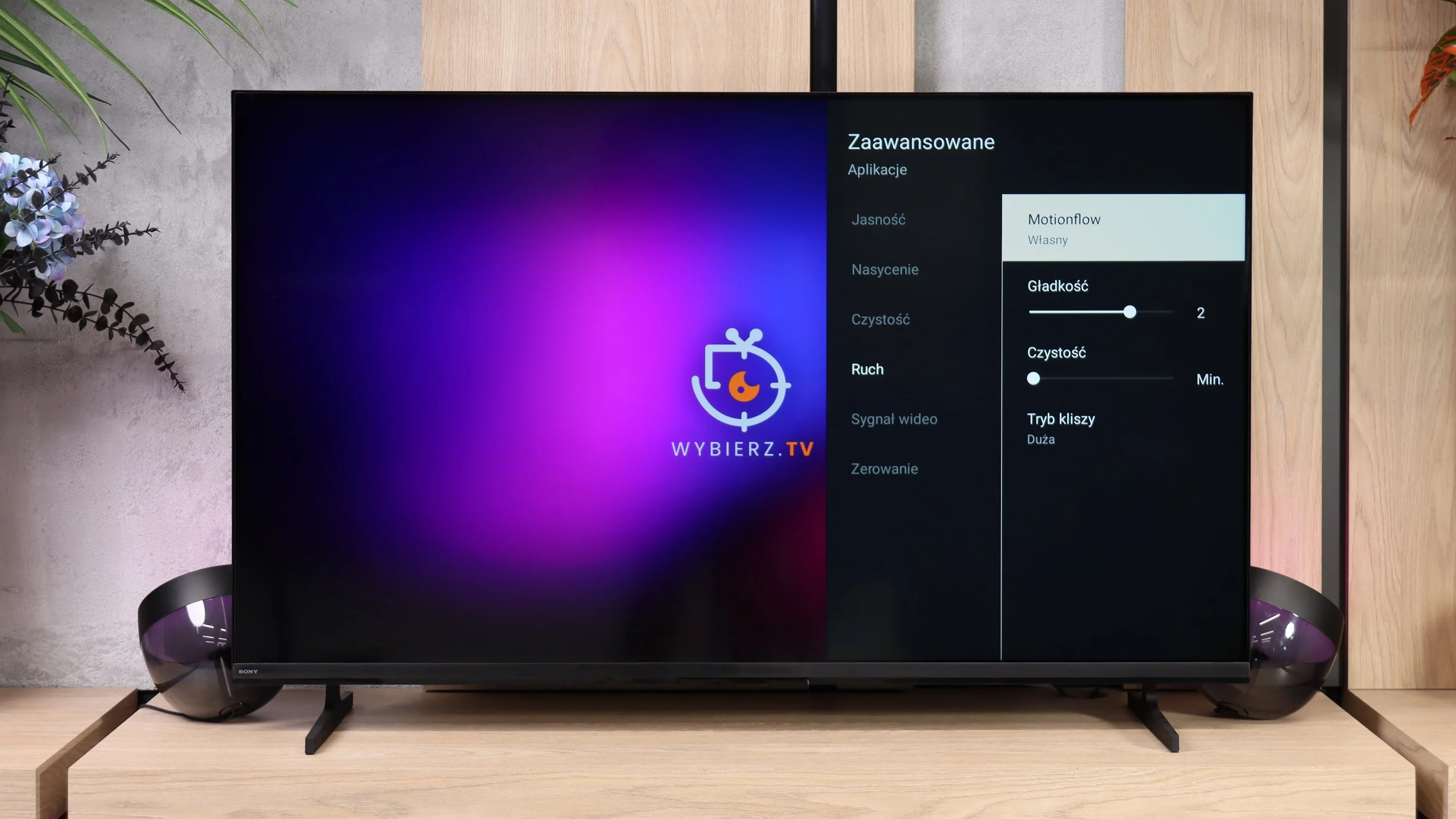
The Bravia 2 II uses a 60 Hz panel and, given its capabilities, handles motion quite well. However, keep in mind this is a basic panel, and its limitations are already noticeable, especially with sports. The TV cannot interpolate 50/60 fps content to a higher refresh rate, so it can't further improve the sharpness of fast-moving objects. For movies and series, you get a standard motion smoother that can reduce the characteristic judder of material shot at 24 fps.

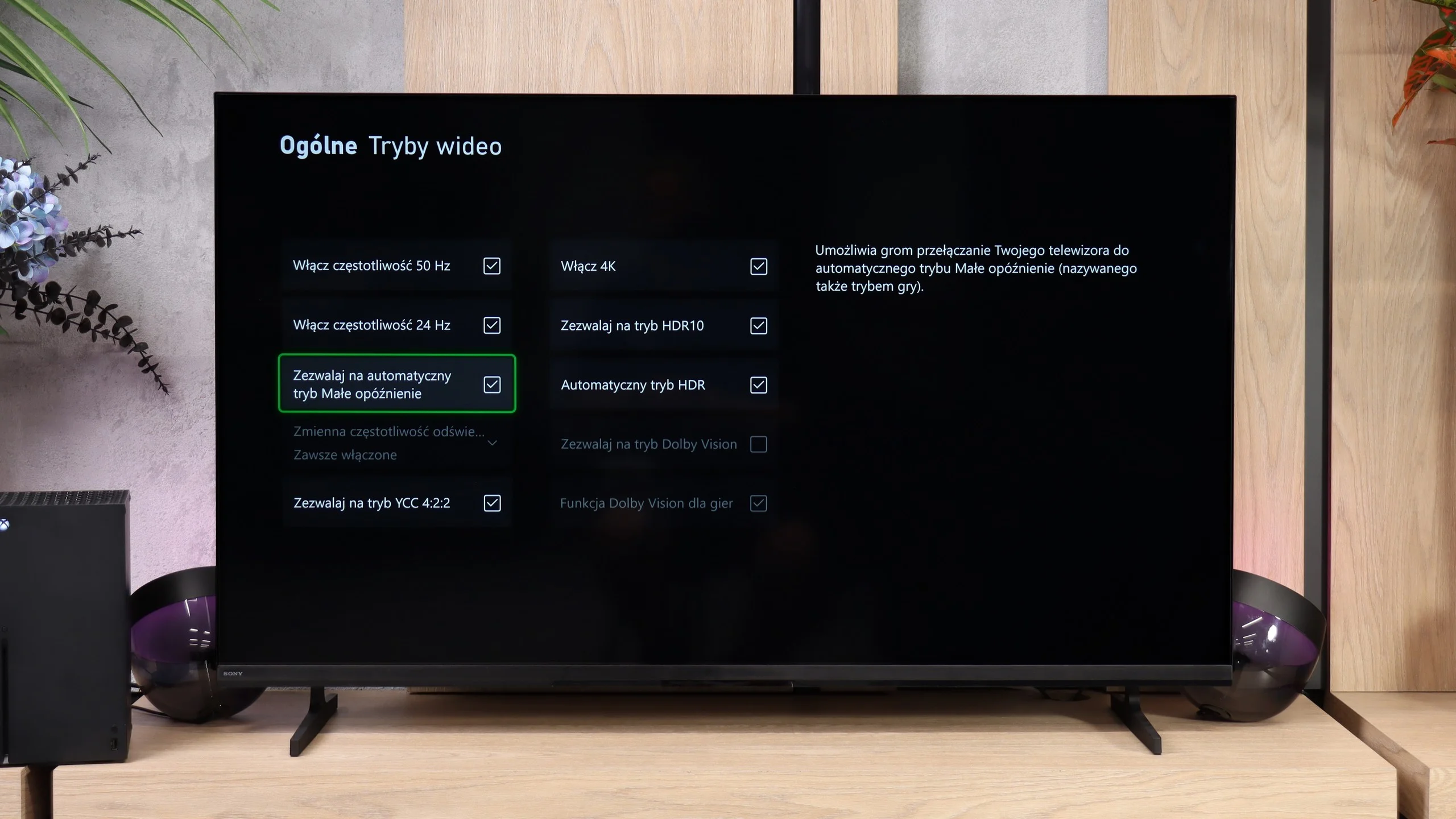
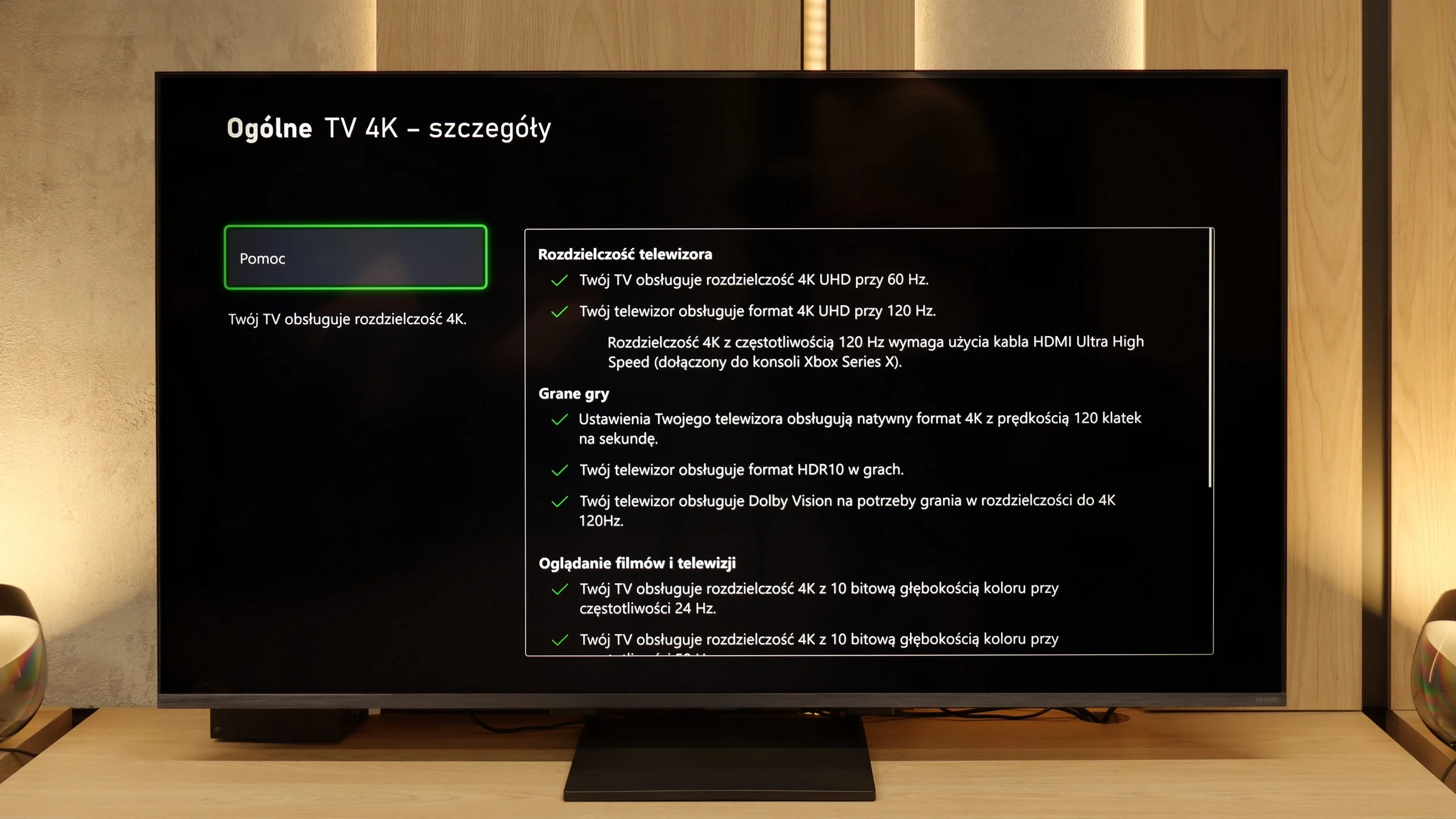
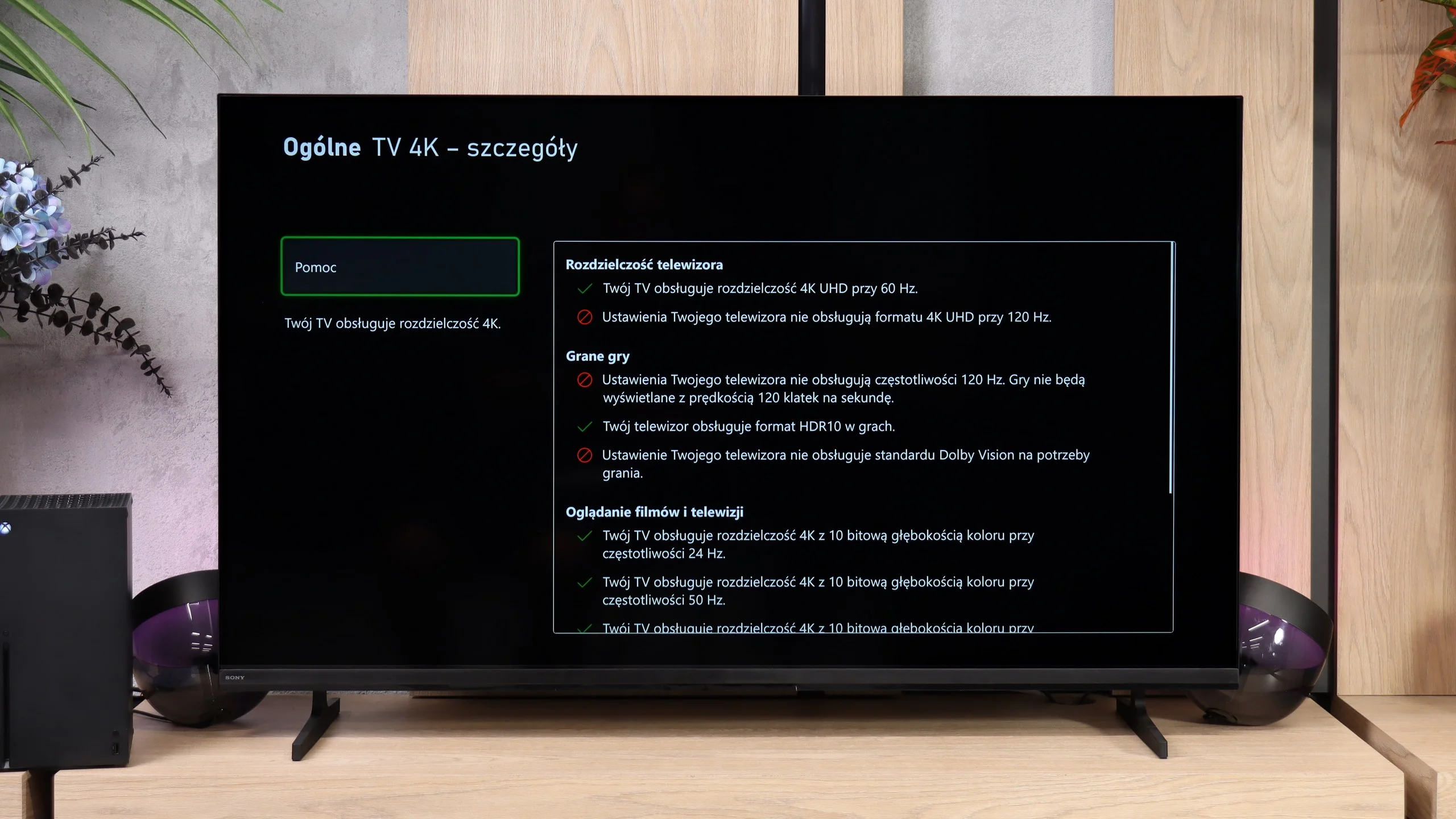
Console compatibility and gaming features

9.8/10

3.3/10

  • ALLM
    Yes
    Yes
  • VRR
    Yes
    No
  • VRR range
    48 - 144Hz
    No
  • Dolby Vision Game Mode
    Yes
    No
  • Correct implementation of HGIG
    Yes
    No
  • 1080p@120Hz
    Yes
    No
  • 1440p@120Hz
    Yes
    No
  • 4K@120Hz
    Yes
    No
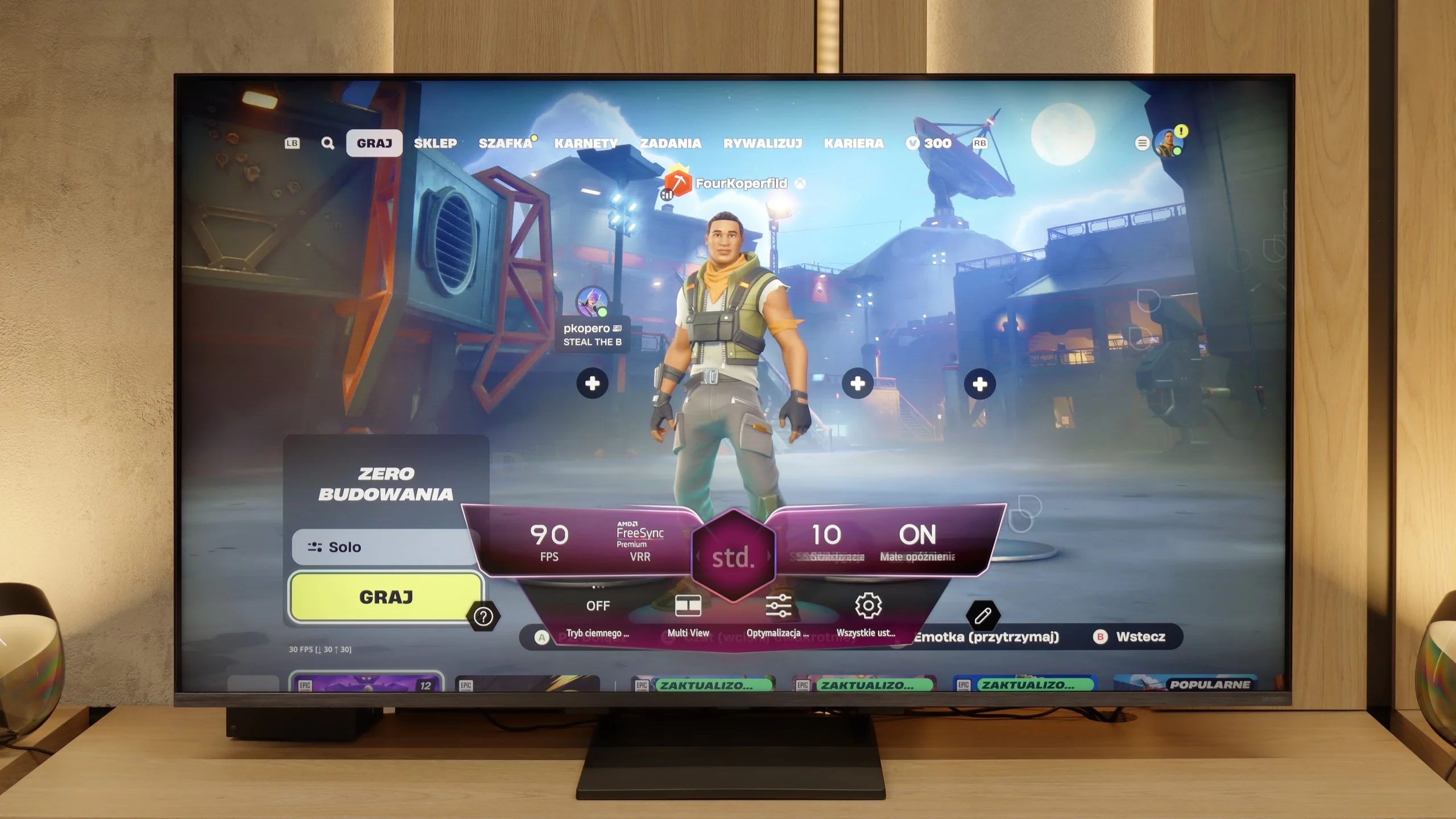
  • Game bar
    Yes
    Yes

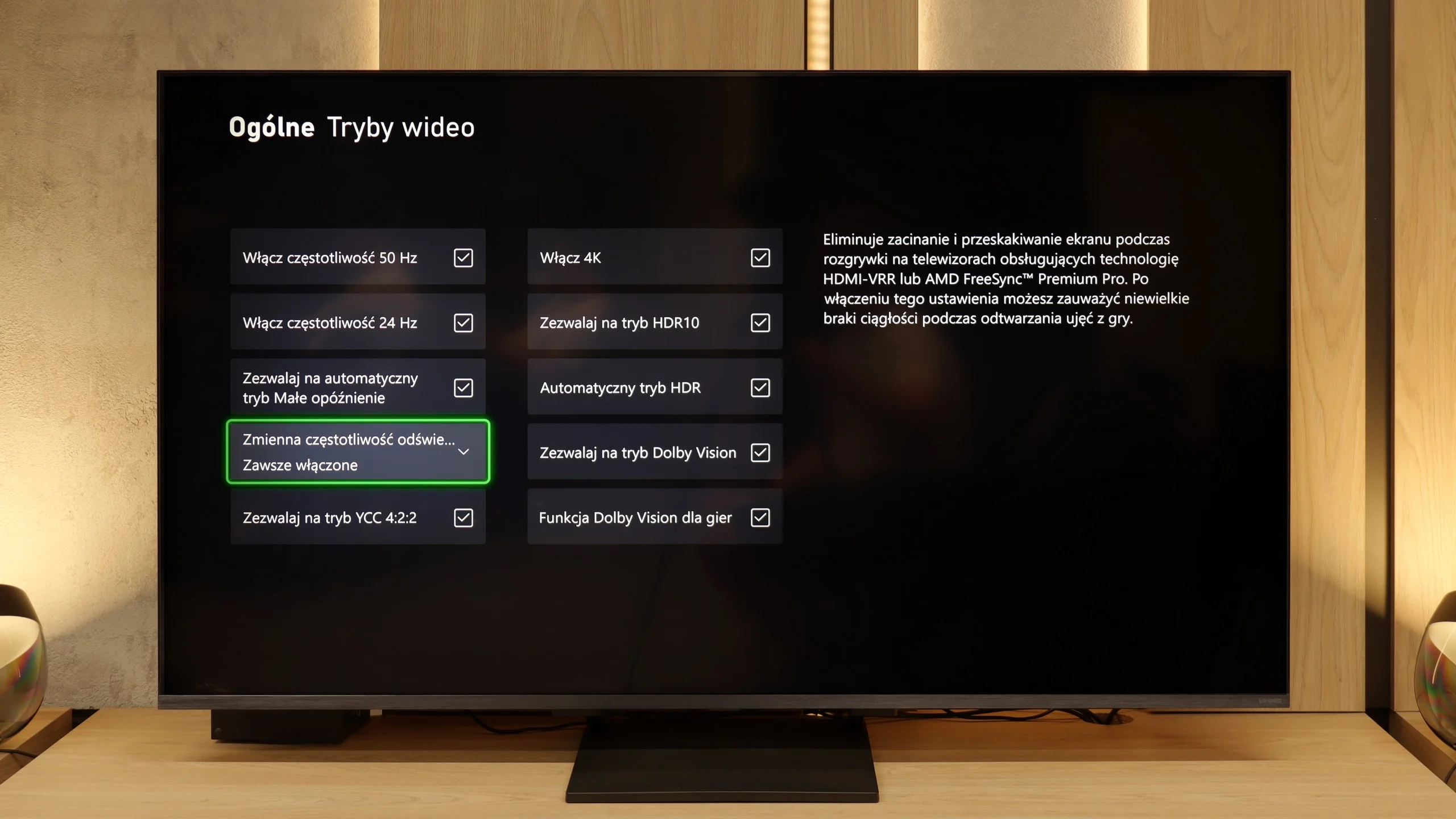
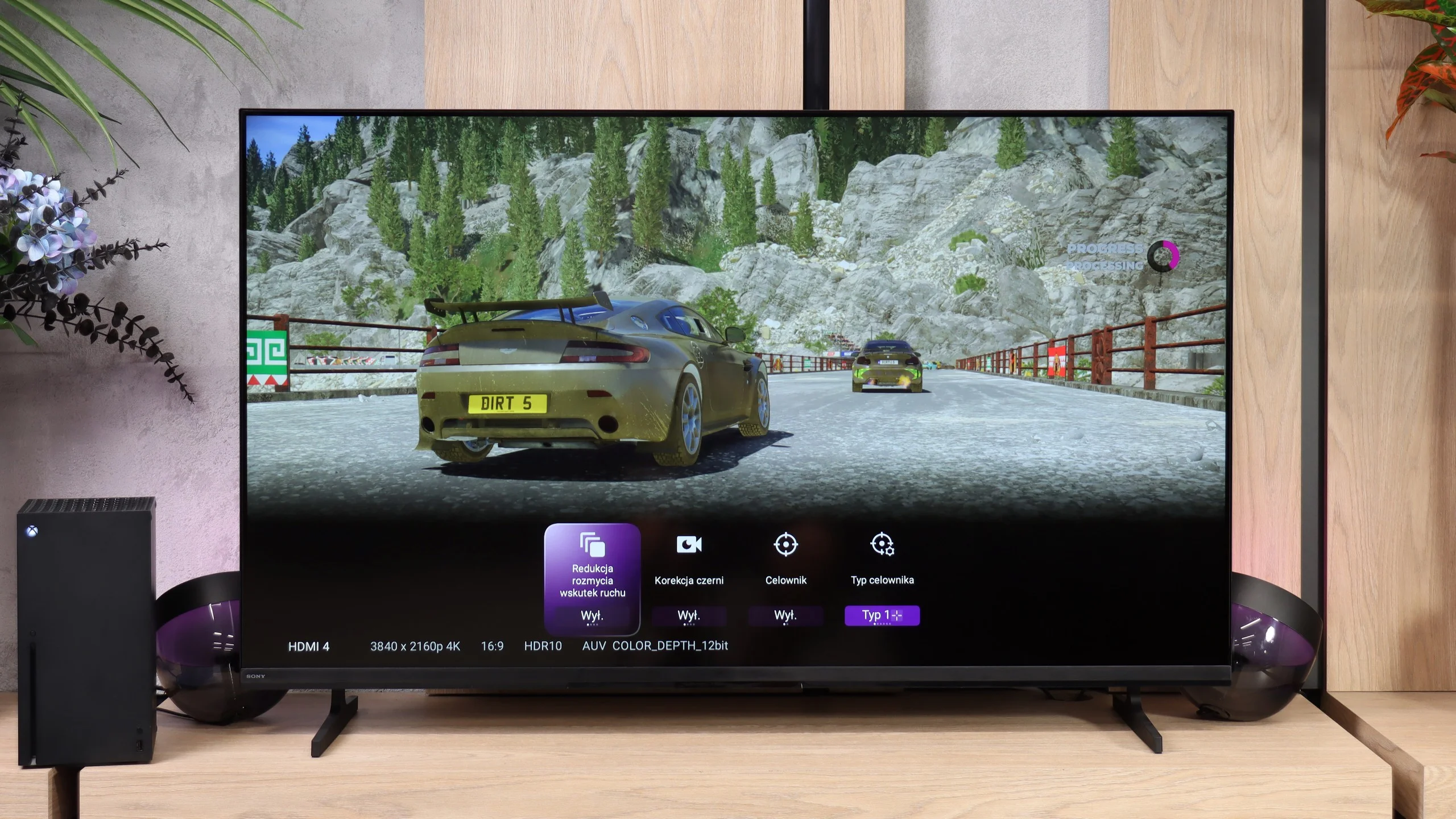
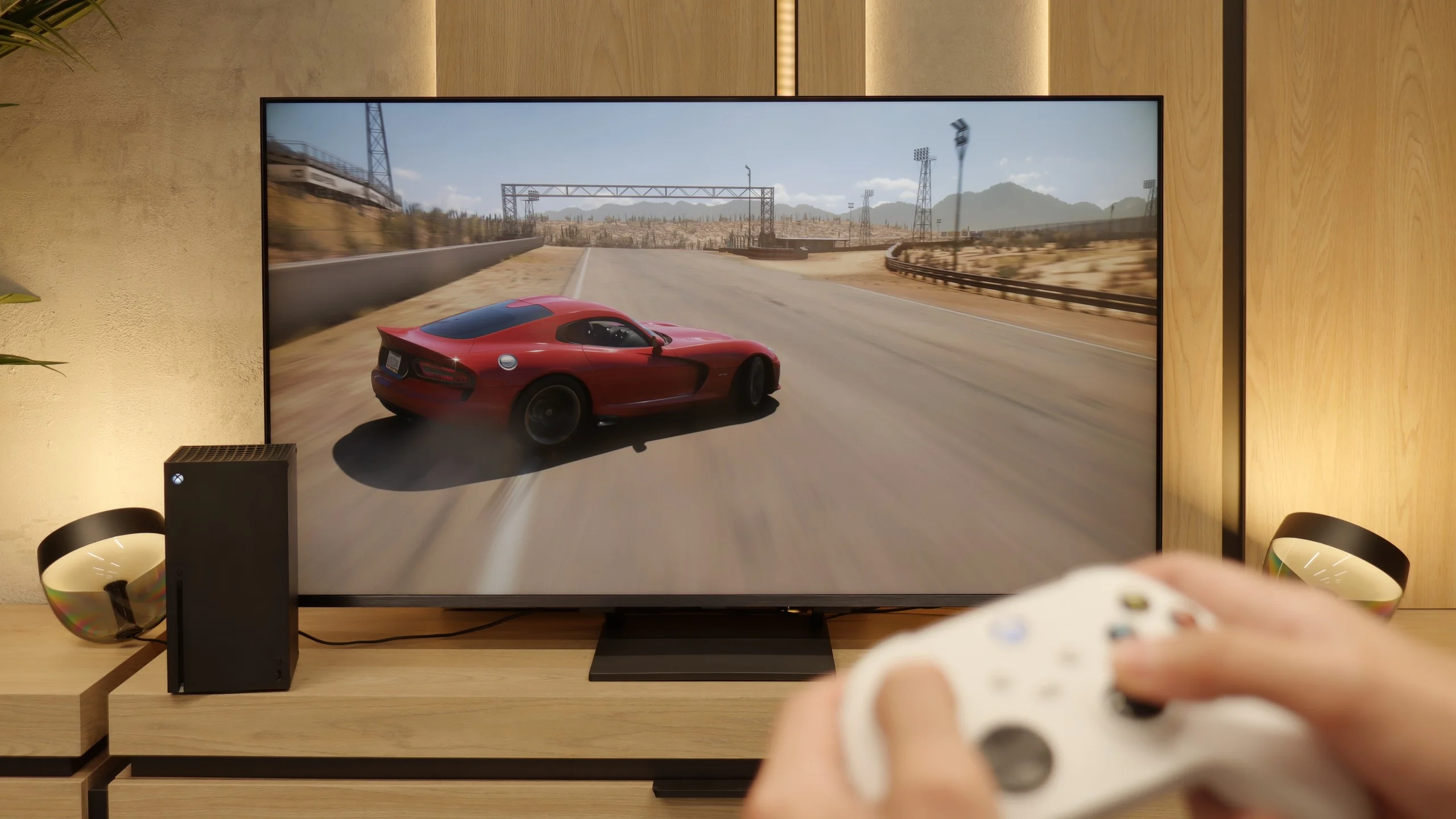
LG QNED93A is a television that has undoubtedly been designed with gamers in mind. Right from the start, we get a complete package – all four HDMI ports operate at standard 2.1, so whether we connect a console, PC, or receiver, we can be sure of full compatibility. This is important because many manufacturers still limit themselves to two ports, and here nothing prevents all equipment from having maximum capabilities. There’s also an automatic game mode (ALLM), which switches the television to the appropriate settings when the console starts up, as well as variable refresh rate (VRR). This ensures that the image does not stutter or tear, even when the frame rate drops – whether in dynamic shooters or during races.

The 144 Hz panel gives an additional advantage in computer games. While 120 Hz is sufficient for consoles, in the case of PCs, the QNED93A allows for even more – every movement, every glance to the side is refreshed faster, which makes a difference especially in e-sports. The manufacturer also considered HDR in games – the television supports the HGiG mode, which provides guidelines to ensure that the lighting effects are exactly as intended by the game developers. For dessert, we get Game Bar – a special informational strip invoked on the screen that shows parameters in real-time. You can check the frame rate, active VRR functions, or input lag levels. This solution is useful not only for settings enthusiasts, but for anyone who wants to quickly verify what mode the television is operating in and whether everything is working as it should.

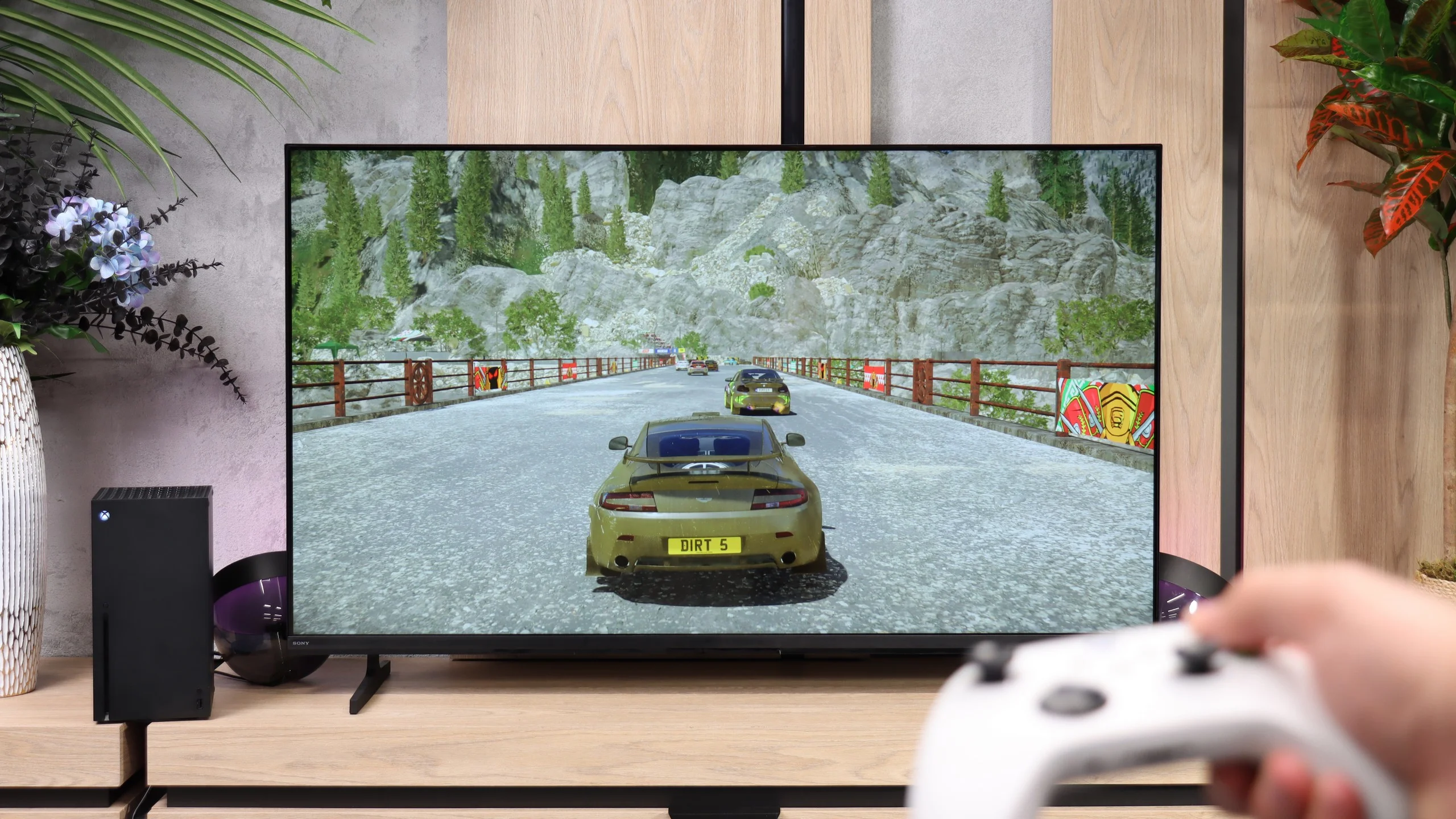
The Bravia 2 II is not a TV particularly well suited for gaming, and the feature list makes that clear pretty quickly. You basically only get automatic low-latency mode (ALLM) and a simple Game Bar where you can view basic signal information and change a few settings. But that's where the list of advantages ends. The TV doesn't support VRR or 120 Hz (not even at lower resolutions), and on top of that it has problems with a proper implementation of the HDR HGIG format. It can, of course, be used for occasional console gaming, and thanks to low input lag controls stay responsive, but if you're mainly looking for a TV for gaming, the Bravia 2 II will simply be a very limited choice.

Input lag

9.8/10

10/10

SDR

1080p60
16 ms
12 ms
1080p120
7 ms
2160p60
16 ms
12 ms
2160p120
7 ms

HDR

2160p60
15 ms
11 ms
2160p120
7 ms
4320p60

Dolby Vision

2160p60 DV
21 ms
2160p120 DV
7 ms

In the latency field, the LG QNED93A has nothing to be ashamed of. The TV responds instantly to our actions, which is evident from the first tests with the controller in hand. In 120 Hz mode, the input lag drops to around 7 ms, meaning nearly instant response – shots, passes, and precise movements of the stick immediately translate to the screen. For 60 Hz content, the result slightly increases to just under 15 ms, but it still remains within the full comfort zone. An interesting feature is the Dolby Vision mode for games, which works with the Xbox Series X on the QNED93A. Here, the lag increases to about 20 ms. In theory, this could be considered a deterioration, but in practice, it’s still a very good result. Even with such a demanding picture standard, gameplay remains dynamic, and the differences in control are practically imperceptible.

Here the Bravia 2 II performs significantly better. Its input lag is only about 11 ms, low enough that you can hardly notice any delay while gaming. Even with a modest set of gaming features, the TV will handle regular console gaming without any major problems.

Compatibility with PC

8.6/10

6/10

Chroma 444 (max. resolution and refresh rate)
Yes
Yes
Font clarity
Good
Very Good
Readability of dark text and shapes
Good
Very Good
Input lag in PC mode (4K, max. refresh rate)
7ms
11ms
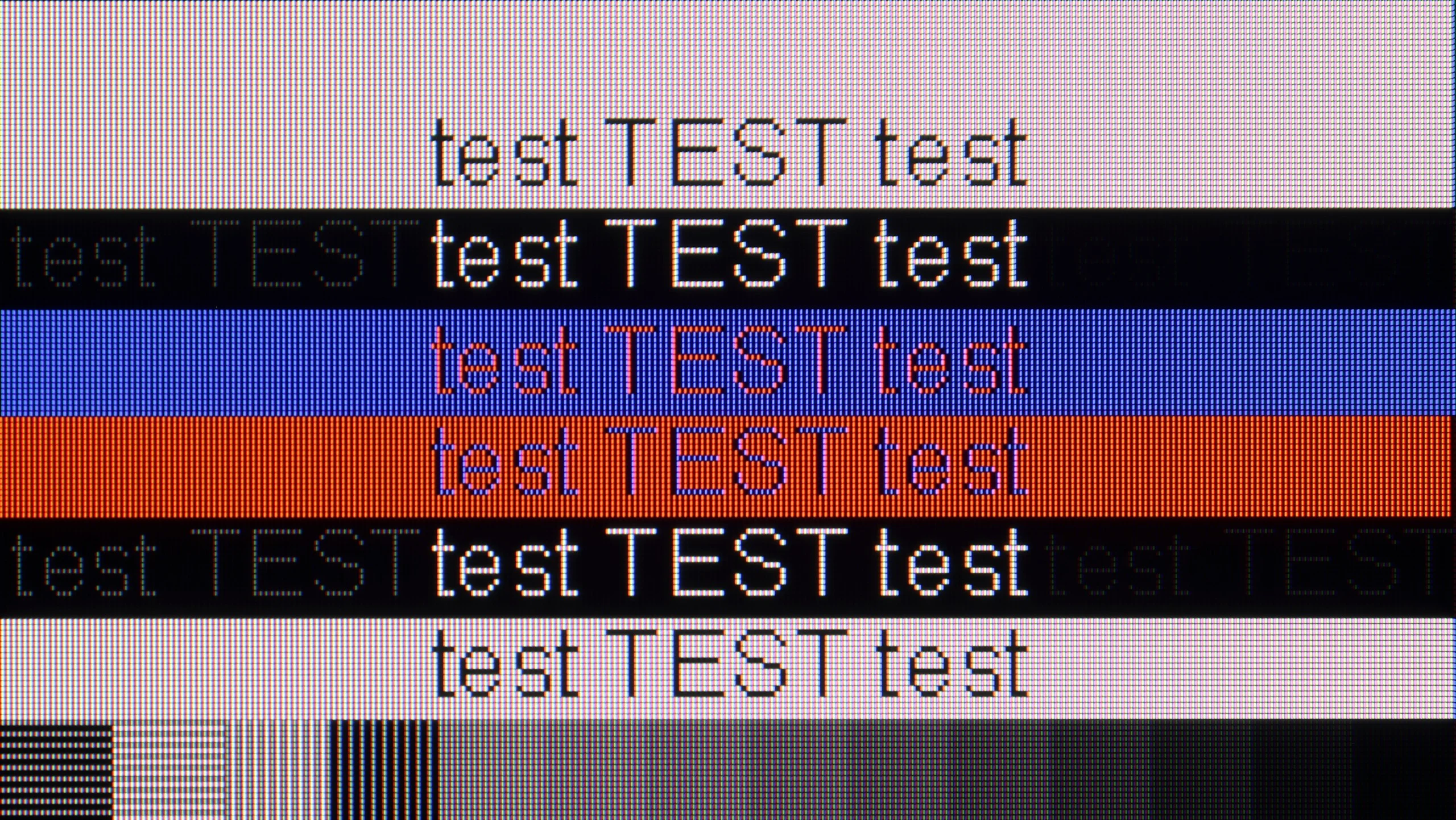
Matrix subpixel arrangement
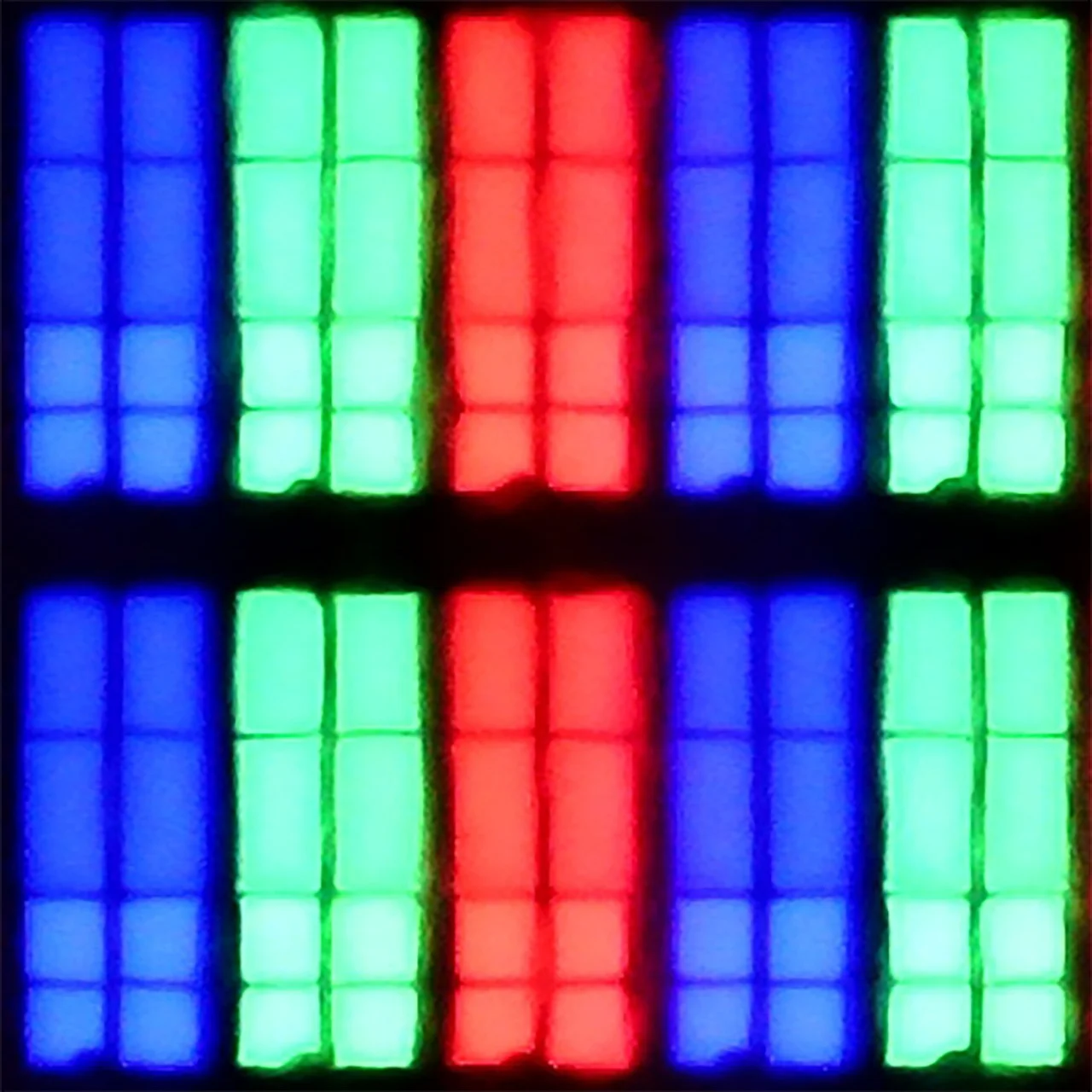
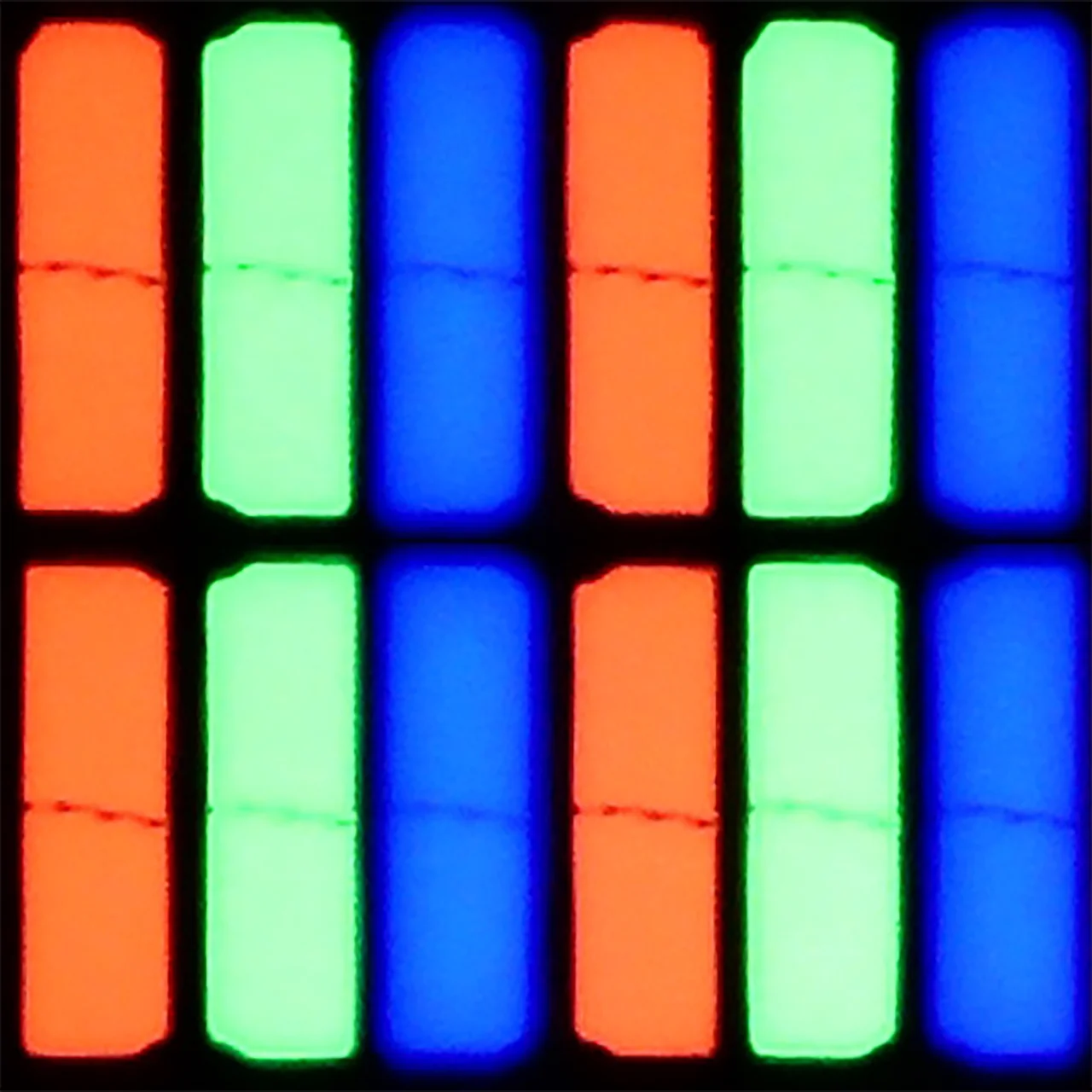
BGR
RGB
Max refresh rate
144Hz
60Hz
G-Sync
Yes
No

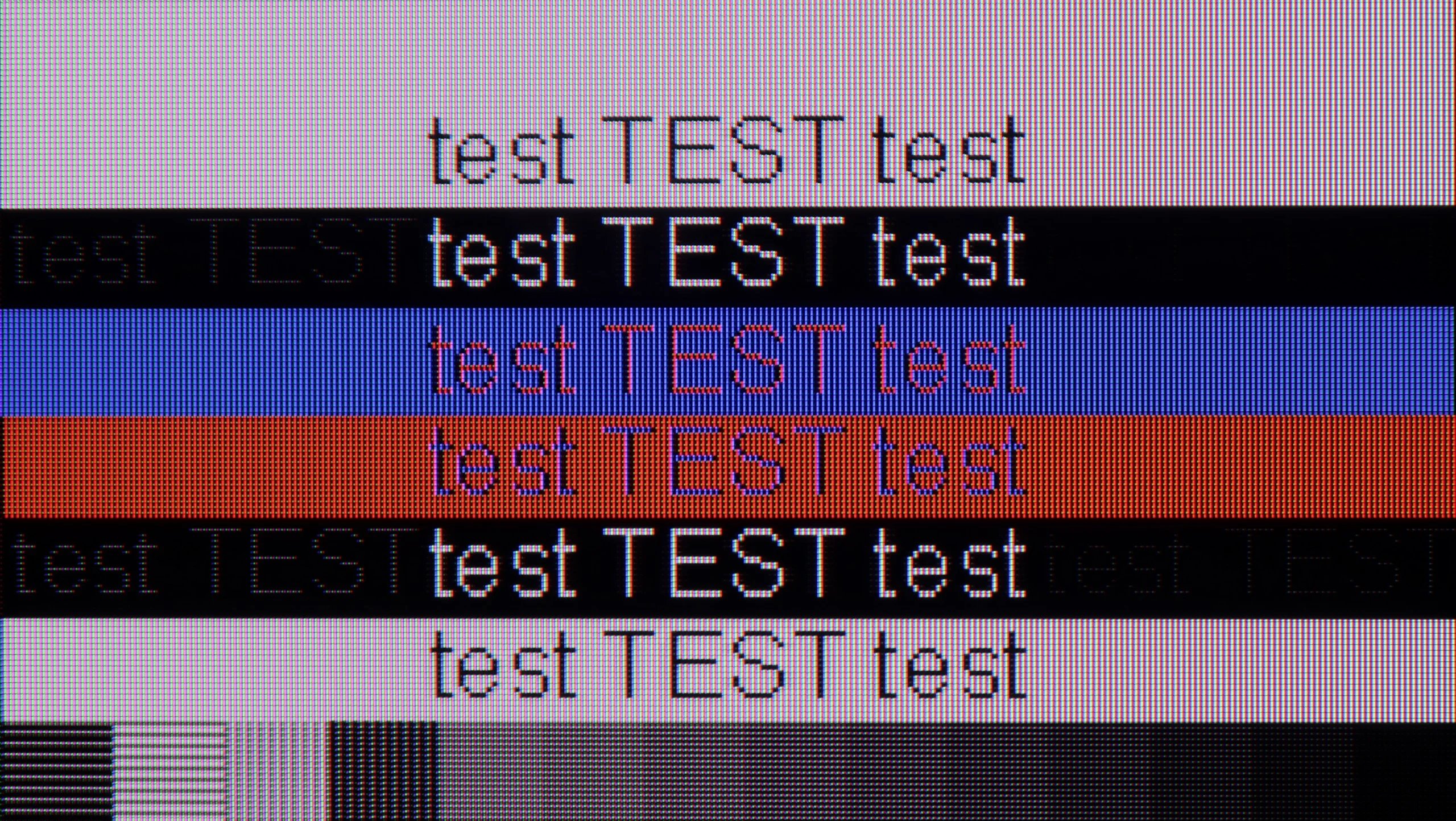
The photo shows the legibility of small fonts. Ideally, lines should be the same thickness on both light and dark text, with minimal pixel gaps.

A new feature in this year's model is full support for 144 Hz refresh rate, which PC gamers will appreciate. The QNED93A works with both Nvidia graphics cards, offering compatibility with G-Sync, and with AMD products, where it supports FreeSync Premium Pro. This ensures smooth gameplay without screen tearing or stuttering, and the panel itself performs very well in dynamic esports titles and demanding AAA productions.
Equally important is the clarity of the image in everyday work. The television supports chroma 4:4:4, so fonts in Windows and applications are sharp and clear. However, we noticed a small detail - with a dark background and bright letters, subtle horizontal lines may appear due to the arrangement of subpixels. This is a minor detail that does not affect the comfort of using the television on a daily basis, but perfectionists may notice it after spending more time with text. But we don't think anyone would want to work on a 55-inch screen with text sitting less than 1 meter away from it 😉.

Bravia 2 II handles a computer very well, at least if you think of it as a work display. Thanks to the IPS panel and accurate 4:4:4 chroma reproduction, fonts are sharp and readable regardless of their size, shape, or color. That's especially good news for people considering the smaller model and placing it on their desk instead of using a traditional monitor. It's much worse, however, when it comes to gaming. The TV doesn't offer 120 Hz, VRR, or other features that might interest more demanding PC gamers. So it's excellent for office work or watching content from a computer, but as a gaming display it has quite a few limitations.

Viewing angles

2.9/10

6.5/10

Brightness drop at an angle of 45 degrees
78%
62%

QNED93A uses a VA matrix, and that means one thing: the category of viewing angles becomes its Achilles' heel. Already at an angle of about 45 degrees, brightness drops by as much as 80%, and colors begin to noticeably fade. This is the natural price for the high contrast that VA panels offer. There is no additional coating to improve angles, as found in some more expensive models, so the QNED93A looks best when viewed directly. If you are planning a large family viewing, where some viewers will sit more to the side, you should expect that the image will not be as attractive as it is at the center of the screen.

Viewing angles are one of the stronger points of the Bravia 2 II. Thanks to the IPS panel, the picture maintains accurate colors and brightness for quite a while even when you’re not sitting directly in front of the TV. In this area Sony therefore recovers some of the points it lost earlier when it comes to black levels and contrast. As a result, the Bravia 2 II can be better suited to a larger living room or a room where some viewers watch from the side, especially if it’s mainly used for everyday TV.

Daytime performance

6.2/10

4.8/10

Panel finish
Satin
Satin
Reflection suppression
Decent
Decent
Black levels during daytime
Good
Good

Panel brightness

Sony BRAVIA 2 II (S25M2): 319 cd/m2

LG QNED93A / QNED90A: 546 cd/m2

LG QNED93A uses a satin matrix that handles reflections moderately well. It is certainly not at the level of matte screens, but it doesn't have the mirror-like effect seen in models with a glossy surface. As a result, reflections are not too bothersome, and colors maintain their intensity even when light from the window hits the screen. Brightness is also a plus. The average level in HDR mode stays within 550-600 nits. This means that the television performs well in well-lit rooms, and you can enjoy a viewing experience even during the day when the blinds are only partially closed. In the role of a large screen in the living room, the QNED93A really performs well.

During the day the Bravia 2 II is rather average. Brightness of around 320 nits doesn't leave much headroom, but in a typical, moderately bright living room it's still enough to keep the picture clear. The matte screen coating does a fairly good job of reducing reflections, though it can't hide them completely. With strong light falling directly on the screen there's simply not enough brightness to effectively cut through the glare. So it'll be fine for ordinary daytime viewing, but in a very bright room with lots of windows you may already notice the limitations of this model.

Panel details

Backlight Type
Mini-LED QLED
White LED
Software version during testing
33.20.74
6120800301
Image processor
mt5896 2,5gb RAM

Subpixel Structure:

Panel uniformity and thermal imaging:

Review LG QNED93A / QNED90A TV Panel details
Review Sony BRAVIA 2 II (S25M2) TV Panel details
Review LG QNED93A / QNED90A TV Panel details
Review Sony BRAVIA 2 II (S25M2) TV Panel details

LG QNED93A / QNED90A

Sony BRAVIA 2 II (S25M2)

TV features

8.2/10

6.6/10

  • System
    WebOS
    Google TV
  • System performance
    Decent
    Decent
  • HDMI inputs
    0 x HDMI 2.0, 4 x HDMI 2.1 48Gbps
    4 x HDMI 2.0, 0 x HDMI 2.1
  • Outputs
    Toslink (Optical audio), eARC (HDMI), ARC (HDMI)
    Toslink (Optical audio), eARC (HDMI), ARC (HDMI)
  • Network Interfaces
    Wi-Fi 2.4GHz, Wi-Fi 5GHz, Ethernet (LAN) 100Mbps
    Wi-Fi 2.4GHz, Wi-Fi 5GHz, Ethernet (LAN) 100Mbps
  • TV reception
    DVB-T, DVB-T2, DVB-S, DVB-S2, DVB-C
    DVB-T, DVB-T2, DVB-S, DVB-S2, DVB-C

Classic features:

  • Recording to USB (terrestrial TV)
    Yes
    No
  • Recording programming
    Yes
    No
  • Picture in Picture (PiP)
    No
    No
  • RF remote control (no need to aim)
    Yes
    Yes
  • Backlit remote control
    No
    No
  • Teletext
    Yes
    Yes
  • Audio only mode
    Yes
    Yes
  • Bluetooth headphones support
    Yes
    Yes
  • Simultaneous Bluetooth headphones & TV audio
    Yes
    No

Smart features:

  • AirPlay
    Yes
    Yes
  • Screen mirroring (Windows Miracast)
    Yes
    No
  • Voice search
    Yes
    Yes
  • Voice search in native language
    Yes
    Yes
  • Ability to connect a keyboard and mouse
    Yes
    Yes
Review LG QNED93A / QNED90A TV features
Review Sony BRAVIA 2 II (S25M2) TV features

Sound connection options

  • HDMI audio
    eARC (HDMI), ARC (HDMI)
    eARC (HDMI), ARC (HDMI)
  • Other audio outputs
    Toslink (Optical audio)
    Toslink (Optical audio)
  • Wireless audio
    Bluetooth
    Bluetooth

Supported audio formats (external HDMI eARC audio):

  • Dolby Digital Plus 7.1
    Yes
    Yes
  • Dolby True HD 7.1
    Yes
    Yes
  • Dolby Atmos in Dolby Digital Plus (JOC)
    Yes
    Yes
  • Dolby Atmos in Dolby True HD
    Yes
    Yes
  • DTS:X in DTS-HD MA
    No
    Yes
  • DTS-HD Master Audio
    No
    Yes

Senior accessibility

  • Numeric keyboard on TV
    No
    Yes
  • Font size adjustment
    No
    No
  • Audio description
    Yes
    Yes

Smart Features

QNED93A operates under webOS, one of the most enjoyable Smart TV systems. It includes AirPlay, Screen Mirroring, Chromecast, and convenient voice control. The platform is reasonably clear and mostly fast, although in the tested unit, there were instances where the response to pressing the remote required a moment of "thought." However, it is hard to consider this a serious issue – webOS remains a refined system and will likely receive further updates to improve it even more.

Classic Features

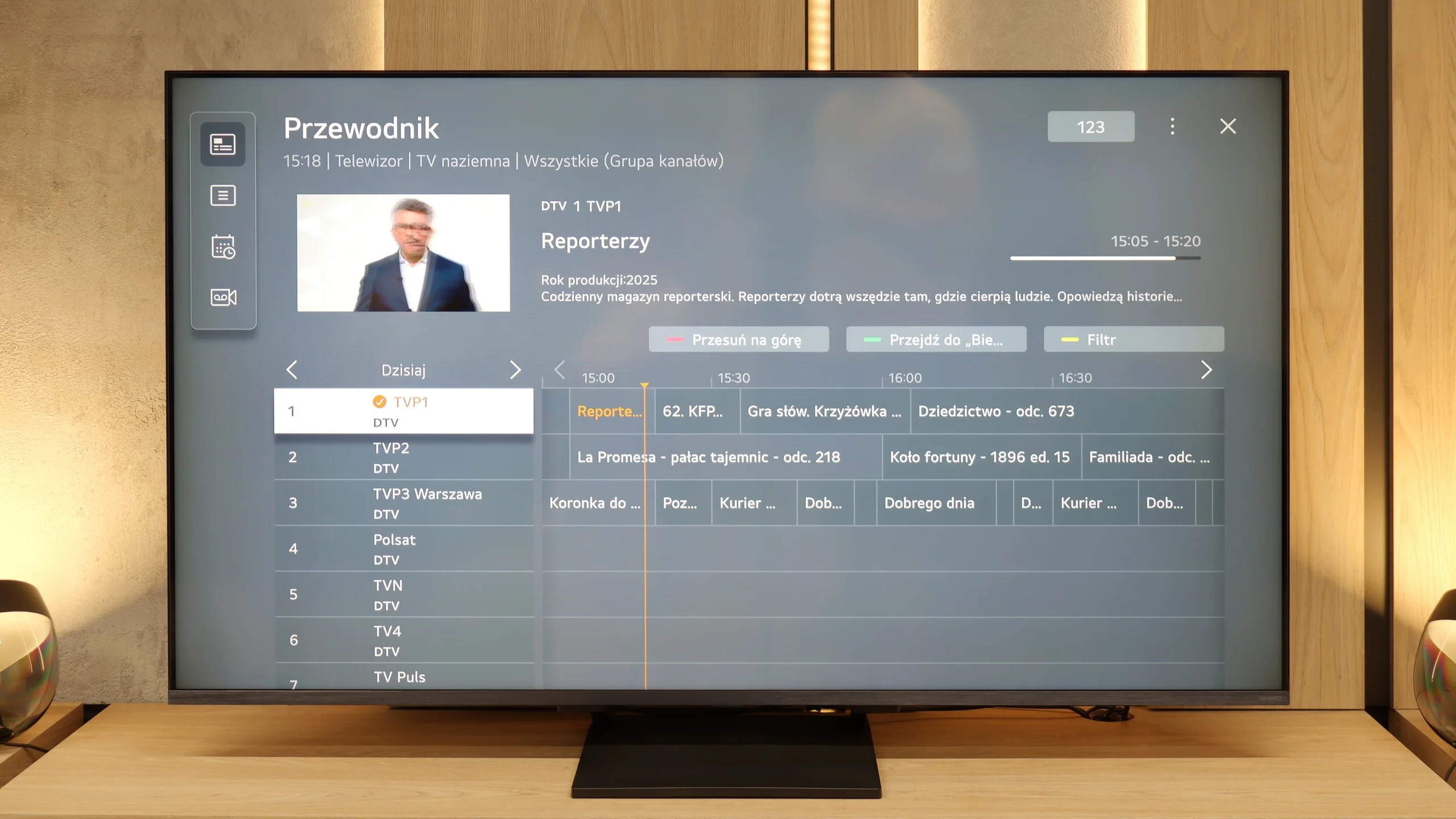
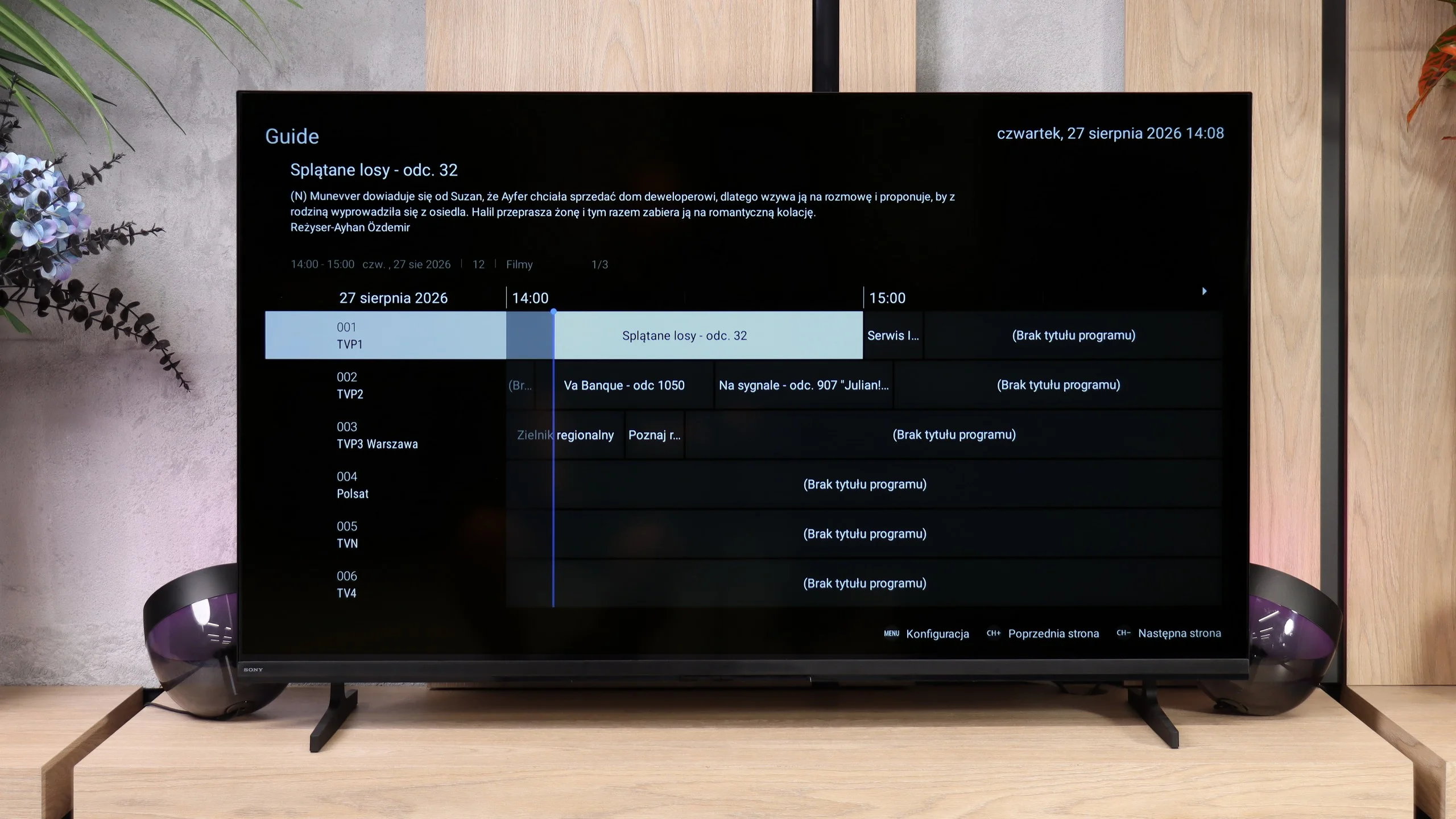
In this model, LG did not include the old Magic remote with a numeric keypad, but the TV itself performs excellently as a screen for everyday viewing of antenna channels. The EPG interface is clear, the TV offers a television guide, and we have the ability to record programs from the built-in tuners directly onto a USB drive. Everything works correctly and intuitively. We only missed the PiP function, which in 2025 is offered by just two manufacturers.

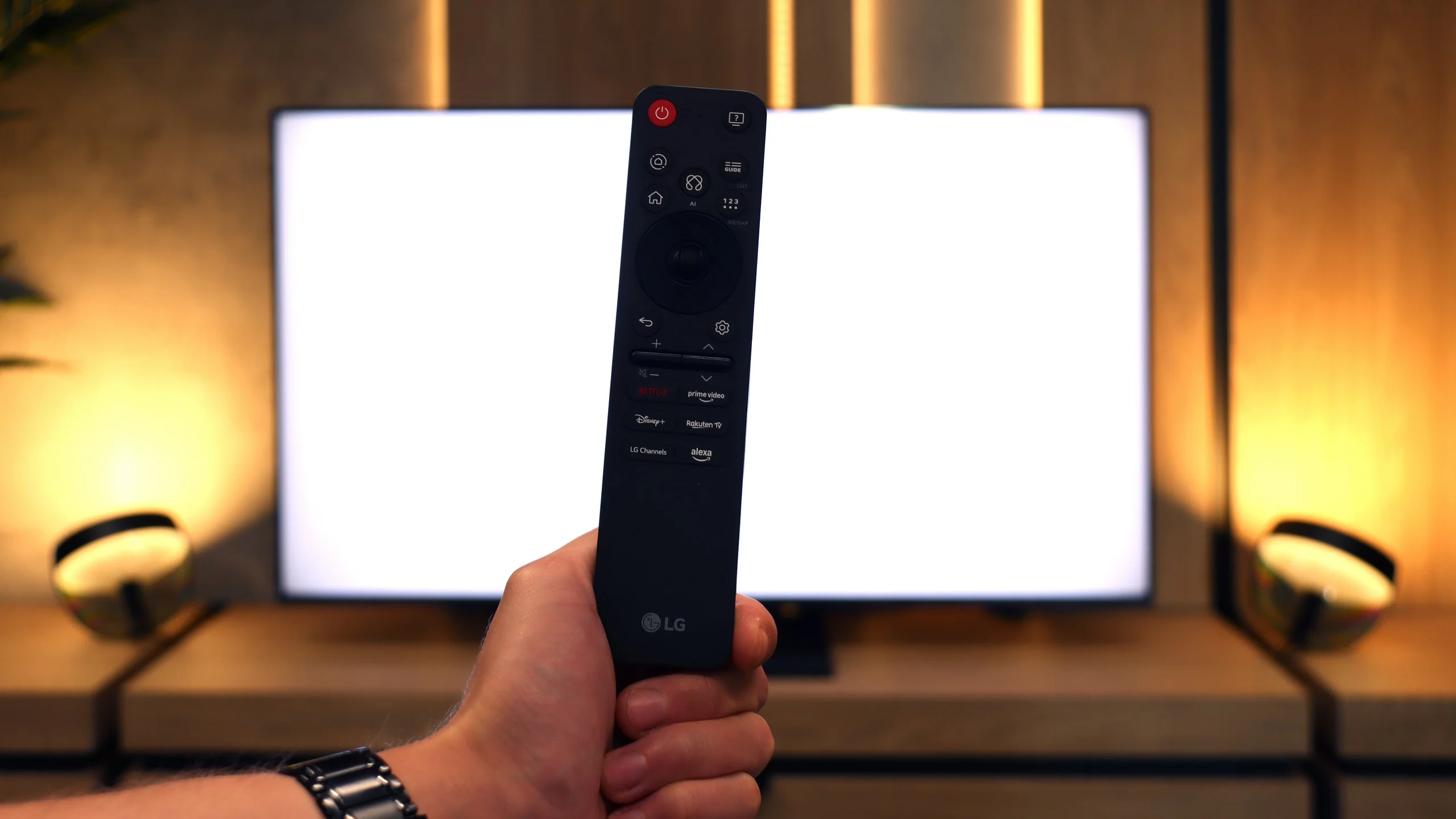
Magic Remote

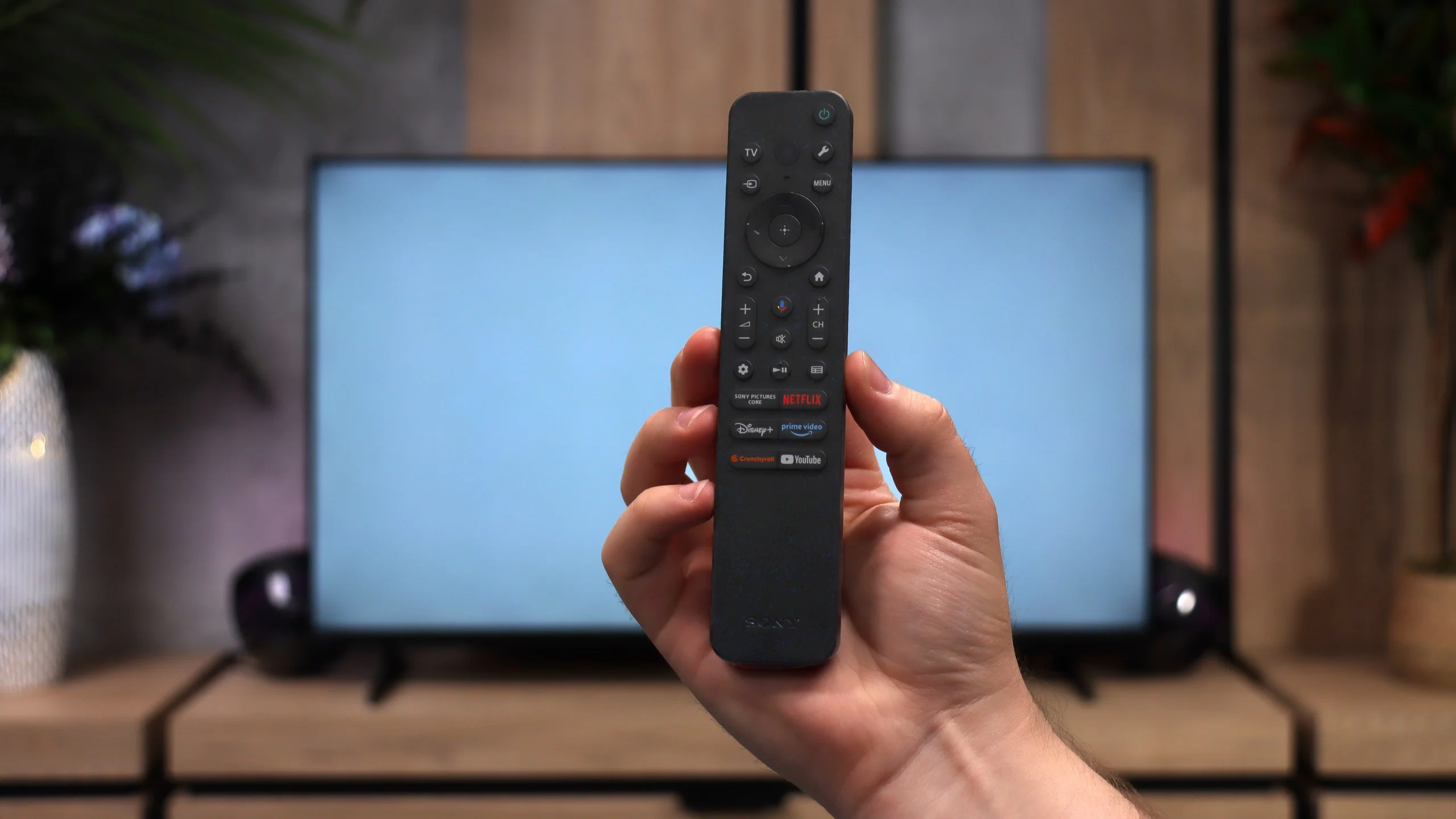
The Magic remote is still the biggest difference compared to the competition. In 2025, it underwent a slight facelift – it has fewer buttons and resembles the minimalist remotes from Samsung a bit. However, the cursor remained key, functioning like a magic wand. Just move your hand, and the pointer on the screen follows your movement. It’s incredibly simple yet very convenient. Navigation in the menu or entering passwords is much faster, and it’s hard to switch back to classic buttons afterwards.

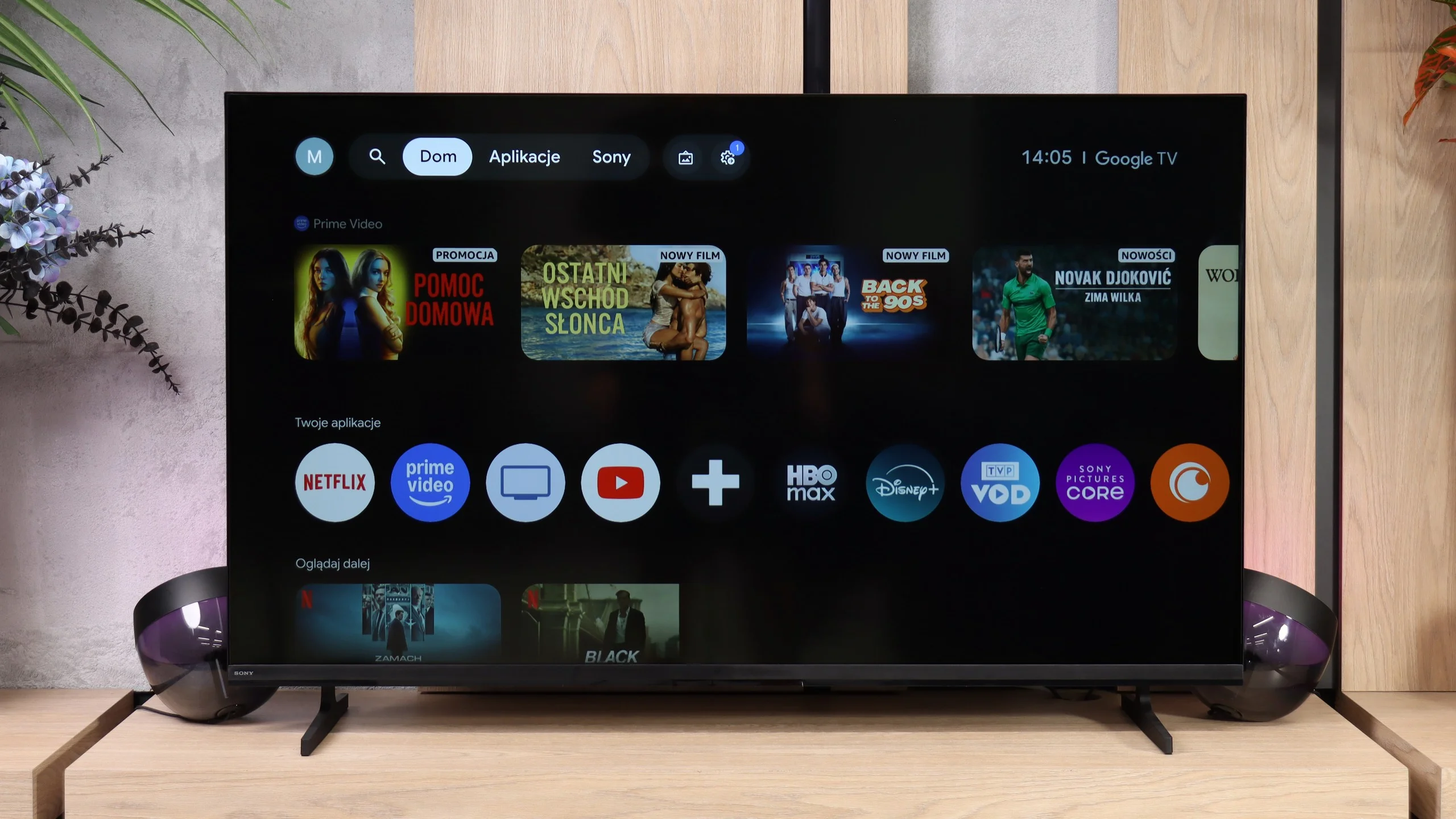
Google TV

The Bravia 2 II runs Google TV, and that's definitely one of the model's stronger points. You get a huge selection of apps, so access to popular streaming services is no problem. It also has Chromecast and AirPlay, letting you easily cast content from your phone or other devices. Voice search with Google Assistant/Gemini also works very well, including in Polish. The system itself isn't among the fastest versions of Google TV we've used, and sometimes you have to wait a moment for it to respond, but overall it performs decently. In terms of capabilities, there's little to complain about, especially for one of Sony's most affordable TVs.

TV features

When it comes to classic TV features, the Bravia 2 II is rather modest. You won't find, for example, the ability to record programs to USB or other more advanced extras, so in that respect it's pretty basic. On the plus side, it comes with two remotes. One is modern and simpler, aimed mainly at controlling the Smart TV, while the other is a traditional remote with more buttons, which may be more convenient for people who frequently watch regular TV. The smaller one works via radio, so you don't have to point it directly at the screen, which is simply convenient in everyday use.

Apps

9.1/10

9.6/10

OK
Disney_Plus
OK
Amazon_Prime_Video
OK
Player_TVN
OK
Polsat_Box_Go
OK
Canal_Plus_Online
OK
TVP_VOD
OK
Apple_TV_Plus
OK
SkyShowtime
OK
Rakuten
OK
CDA_Premium_Browser
OK
Spotify
OK
Tidal
OK
Netflix
OK
YouTube
OK
HBO_MAX
No
Kodi
OK
Apple_music
No
Eleven_sports
OK
Xbox Game Pass
OK
GeForce NOW
No
Amazon Luna
OK
Boosteroid
OK
Steam Link
OK
Disney_Plus
OK
Amazon_Prime_Video
OK
Player_TVN
OK
Polsat_Box_Go
OK
Canal_Plus_Online
OK
TVP_VOD
OK
Apple_TV_Plus
OK
SkyShowtime
OK
Rakuten
OK
CDA_Premium_Browser
OK
Spotify
OK
Tidal
OK
Netflix
OK
YouTube
OK
HBO_MAX
OK
Kodi
No
Apple_music
OK
Eleven_sports
No
Xbox Game Pass
OK
GeForce NOW
No
Amazon Luna
OK
Boosteroid
OK
Steam Link

Playing files from USB

8.8/10

9.4/10

Supported photo formats:

JPEG
Yes
Yes
HEIC
No
Yes
PNG
Yes
Yes
GIF
No
Yes
WebP
No
Yes
TIFF
No
No
BMP
Yes
Yes
SVG
No
No

Maximum photo resolution:

4 Mpix
Yes
Yes
6 Mpix
Yes
Yes
8 Mpix
Yes
Yes
10 Mpix
Yes
Yes
12 Mpix
Yes
Yes
16 Mpix
Yes
Yes
20 Mpix
Yes
Yes
24 Mpix
Yes
Yes
28 Mpix
Yes
Yes
32 Mpix
Yes
Yes

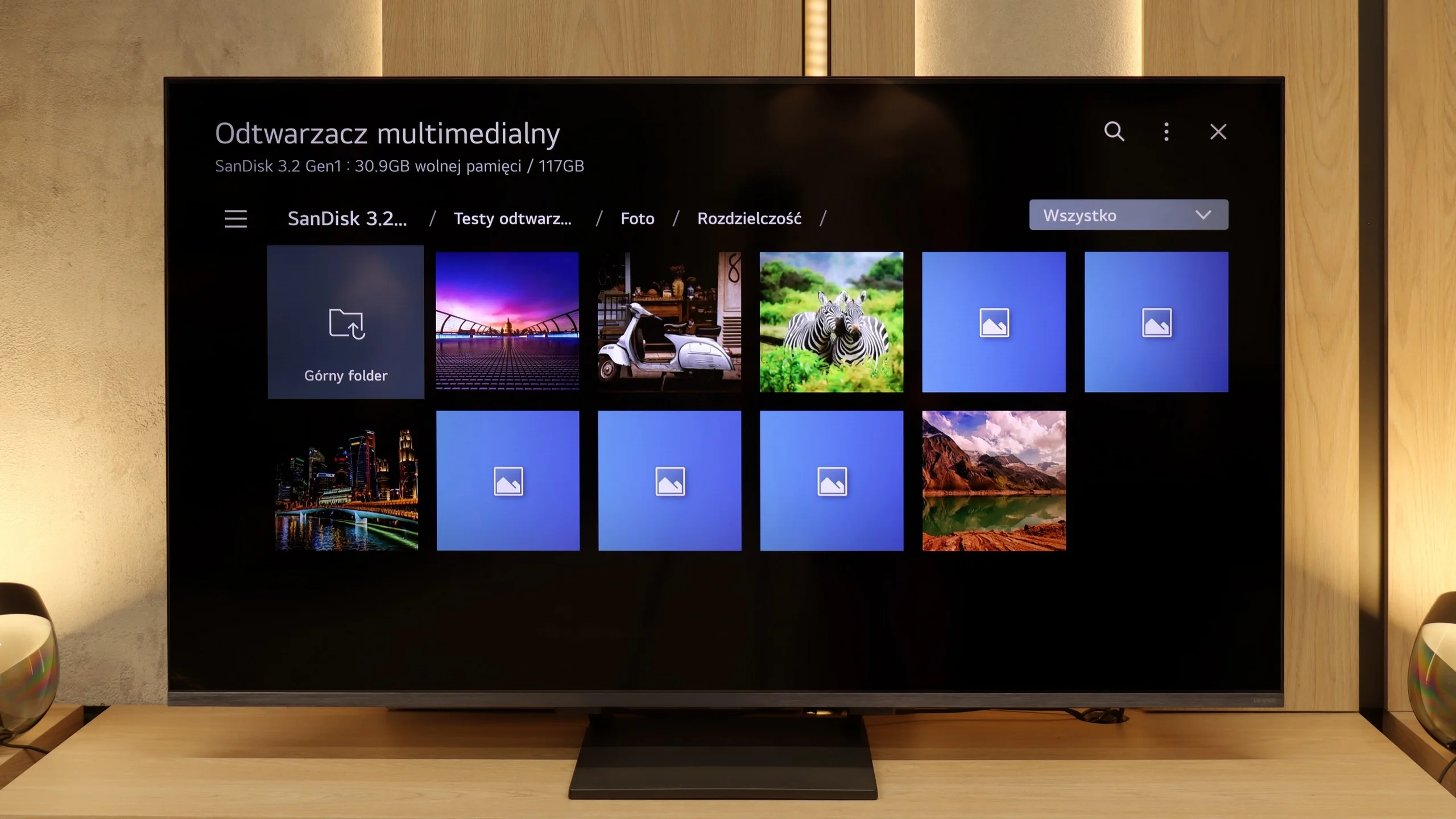
The built-in media player in the LG QNED93A handles most popular video and audio formats without any issues, so it’s perfectly sufficient for basic use. However, during testing, we noticed two minor hiccups. The first is the lack of support for HEIC files, which is Apple’s photo format. The manufacturer claims that the television should open them, but in practice, we were unable to confirm that. The second issue involved text files with subtitles in TXT format. Fortunately, other, more common subtitle formats worked without any problems, so it's hard to consider this a real limitation in everyday use.

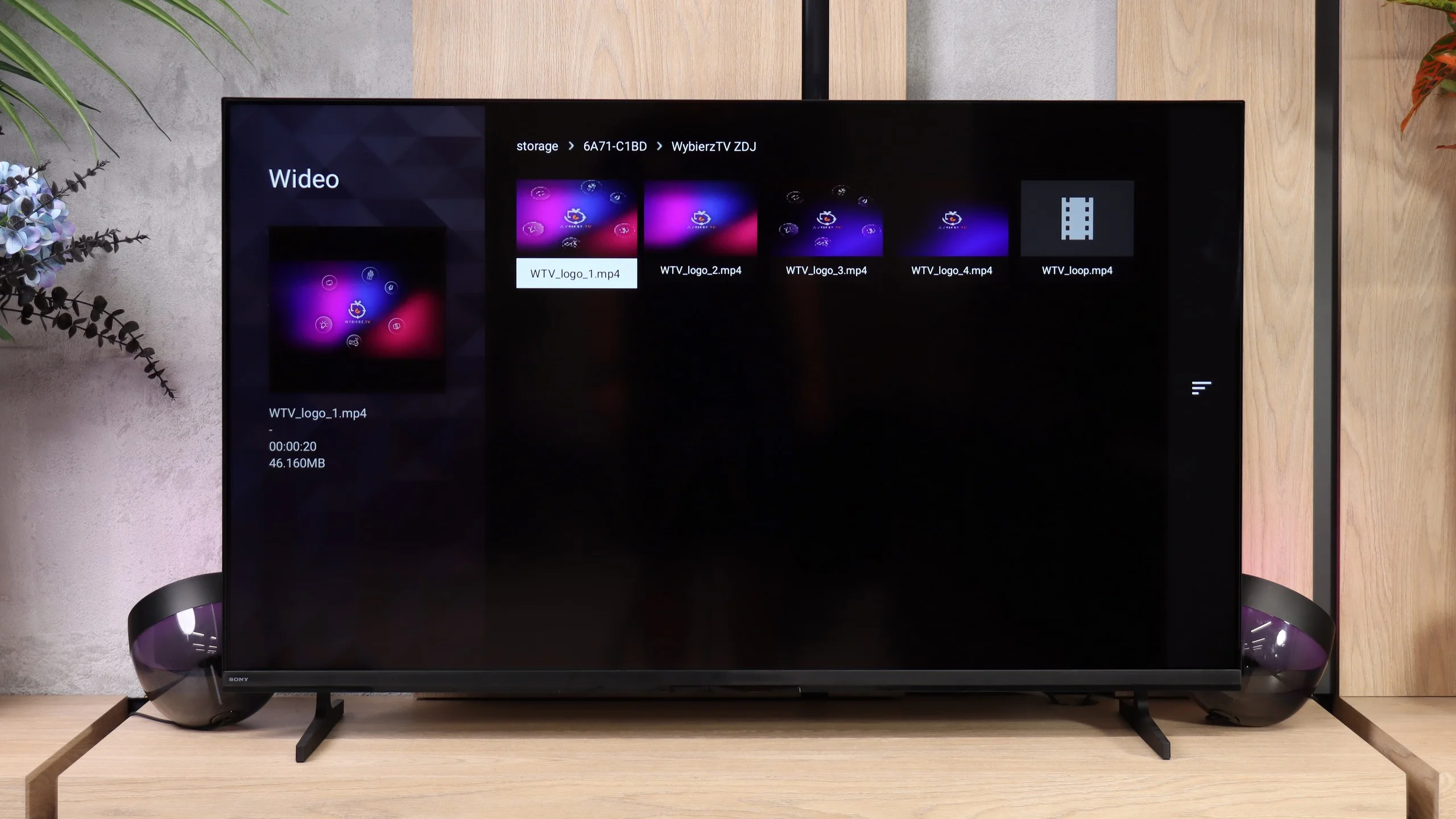
The built-in media player performs very well. The Bravia 2 II plays almost anything we throw at it, from common video files and subtitles to photos and music. Importantly, it also handles more demanding 4K material encoded in HEVC or AV1 without problems. Of course, there are a few isolated formats the TV doesn’t support, such as VVC and some less common audio and image files. These are things few people are likely to try to play directly on the TV.

Sound

6.9/10

6.1/10

  • Maximum volume
    81dB
    92dB
  • Dolby Digital Plus 7.1
    Yes
    Yes
  • Dolby True HD 7.1
    No
    Yes
  • Dolby Atmos in Dolby Digital Plus (JOC)
    Yes
    Yes
  • Dolby Atmos in Dolby True HD
    No
    No
  • DTS:X in DTS-HD MA
    No
    Yes
  • DTS-HD Master Audio
    No
    Yes

LG QNED93A sounds quite pleasant for the built-in speakers in the television. The sound is fairly clear, and at moderate volume levels, vocals and dialogues come across distinctly. The bass, as is usually the case in relatively slim constructions, is not the strongest, but its presence can be felt and is completely sufficient for everyday viewing of series. The maximum volume reaches around 81 dB and does not lead to strong distortions, although in more demanding cinematic scenes, it's noticeable that the system has its limitations. Overall, the sound can be described as acceptable and not off-putting. It definitely won't compete with a soundbar, but it also won't ruin your movie experience.

The sound in the Bravia 2 II is simply adequate for a basic TV. It's more than enough for watching regular TV, like the news, but as usual with this kind of design it primarily lacks bass. You notice it fairly quickly with music, and even more so in action movies, where explosions or other heavier effects don't have much weight. That said, Sony deserves praise for its support of audio formats. When you connect a soundbar or a home theater system, the TV will pass the main formats through over eARC without problems, including Dolby Atmos, Dolby TrueHD, DTS-HD Master Audio and DTS:X. It's especially nice to see DTS present, which you can't always take for granted in competing TVs (even the most expensive ones).

Sound Quality Test

No sound test video

Acoustic Measurements

81dBC (Max)

75dBC

92dBC (Max)

75dBC

Reader comments

Comments are provided by the external service Disqus (Zeta Global). Once loaded, Disqus may set cookies and process data about your activity.

We will remember your choice on this device. Provider's privacy policy