LG QNED91T is the only MiniLED backlit television from LG for 2024, drawing attention due to its innovative use of a VA panel. This is a definite departure from the previous standards of the Korean manufacturer in its top LCD televisions, which usually installed IPS/ADS panels. However, the effect is positive – the panel combined with local dimming offers really good contrast. Blacks are deep and should satisfy most users. LG 65QNED91T6A is truly a bright television, so placing it in slightly challenging lighting conditions will not pose a challenge. In terms of motion smoothness, the QNED91T shows top performance. The TruMotion feature works great, allowing adjustment of the picture to personal preferences – from a classic film look to a more fluid effect. The 120Hz panel makes it ideal for sports or gaming. For the latter, LG has prepared something special – four full HDMI 2.1 ports with 48 Gbps bandwidth, allowing the enjoyment of features like VRR and ALLM (and more). This, combined with low input lag, makes this equipment an excellent choice for console or PC gaming. Daily use of QNED91T is pure pleasure, mainly thanks to the WebOS system. The interface is intuitive, there are plenty of apps, and the included Magic Remote significantly facilitates navigation through the menu. The operation is quick, and using the television is comfortable thanks to the voice assistant. Unfortunately, the television also has its weaknesses. Despite the advantages of the VA panel in terms of high contrast, the algorithms responsible for local dimming of the miniLED zones do not perform the best. In HDR content, there are situations where the image is either too bright or excessively dark, which particularly affects scenes requiring precision. Additionally, in practice, the differences between standard HDR10 and Dolby Vision are almost invisible. This is quite a disappointment, especially in this class of television. Nevertheless, LG QNED91T is an interesting choice for those who need a bright television with considerable gaming capabilities and value the convenience of the WebOS system. We recommend considering alternative models, such as the OLED B4 from the 2024 line, which can be purchased for a similar price if the priority is picture quality in HDR content, such as Netflix, Prime Video, or Max.
- Matching (Score) |
- Our verdict |
- TV appearance |
- Where to buy |
- Contrast and black detail |
- HDR effect quality |
- Factory color reproduction |
- Color reproduction after calibration |
- Smoothness of tonal transitions |
- Image scaling and smoothness of tonal transitions |
- Blur and motion smoothness |
- Console compatibility and gaming features |
- Input lag |
- Compatibility with PC |
- Viewing angles |
- Daytime performance |
- Panel details |
- TV features |
- Apps |
- Playing files from USB |
- Sound
LG QNED91T6A vs Hisense U8Q
 Direct comparison

Check the best price offer:
LG QNED91T6A Check the best price offer:
Hisense U8QQNED91T / QNED90T
U8Q

Panel type: LCD VA
Resolution: 3840x2160
System: WebOS
Model year: 2024
Complete the survey to find out the result
Panel type: LCD VA
Resolution: 3840x2160
System: VIDAA
Model year: 2025
Complete the survey to find out the result
Overall rating
7.2
8.0
 Movies and series in UHD quality
 6.7
7.8
 Classic TV, YouTube
 6.9
7.6
 Sports broadcasts (TV and apps)
 6.8
7.1
 Gaming on console
 8.5
8.5
 TV as a computer monitor
 7.6
8.4
 Watching in bright light
 6.1
8.2
 Utility functions
 8.4
9.4
 Apps
Apps 8.3
7.7
 Sound quality
 6.9
7.8
Complete the survey to find out what fits your preferences
Advantages

Good contrast - VA panel
Suitable for gamers: HDMI 2.1, low input lag, 120Hz
Decent brightness - works well for daytime viewing
Great operating system WebOS - Magic Remote, voice functions
Recording from built-in tuners
Great black and contrast
Amazingly high brightness
Full HDR format package: HDR10, HDR10+, Dolby Vision
Good motion fluidity - 165Hz panel
Outstanding usability in difficult lighting conditions (High brightness + New anti-reflective coating on the panel)
Many features for gamers, VRR, ALLM, HDMI 2.1, 288Hz for PC
All 3 ports in HDMI 2.1 standard (Finally!)
USB-C with video output (DisplayPort)
Many features in the Vidaa system
Support for DTS and Dolby Atmos
Disadvantages

Poor management of dimming zones
No adaptation in HDR - no difference between HDR10 and Dolby Vision
Poor viewing angles
Missing some applications in the Vidaa operating system
At maximum volume, the television shakes slightly
The television tends to "burn out" the picture in 4K HDR materials.
Our verdict
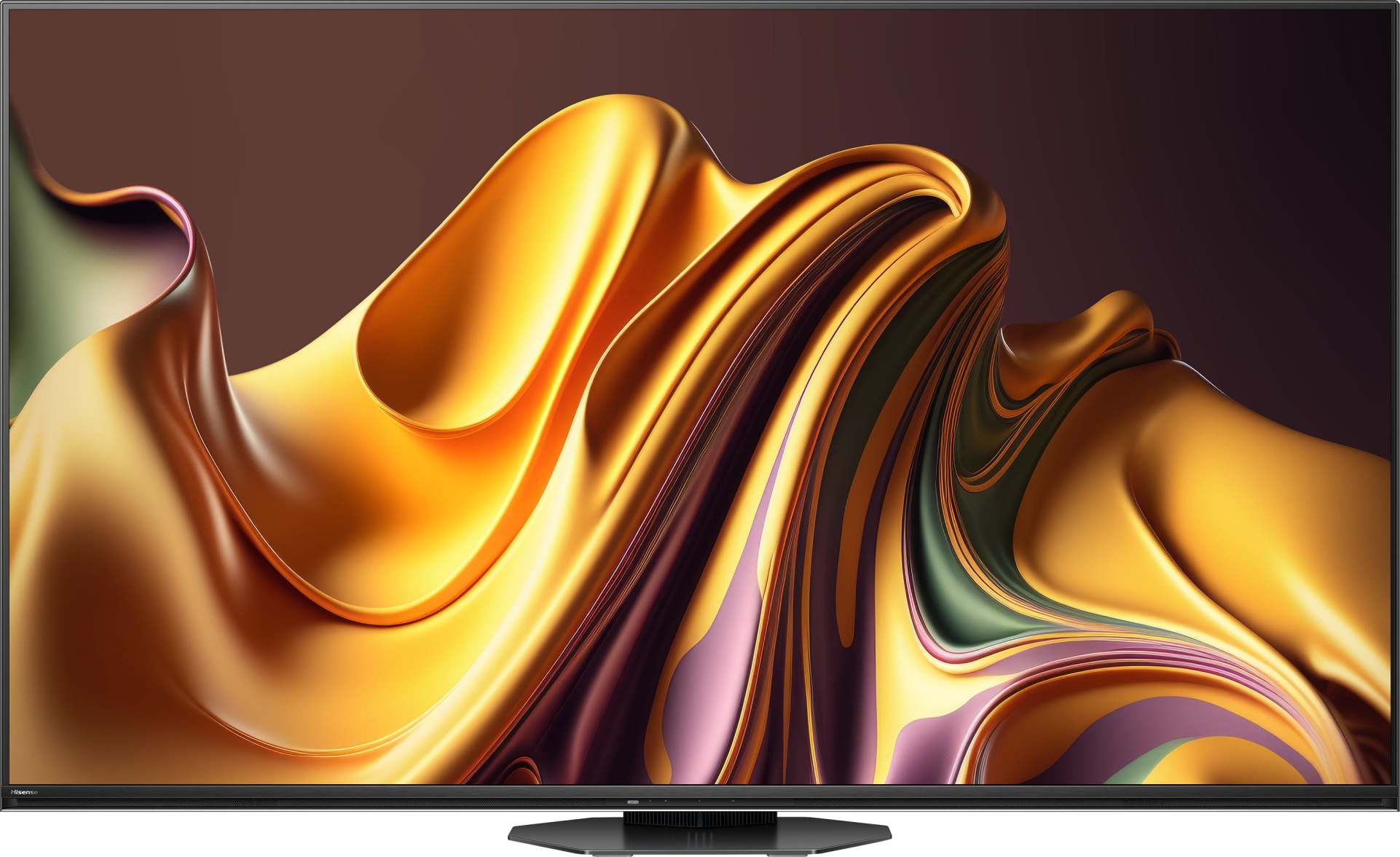
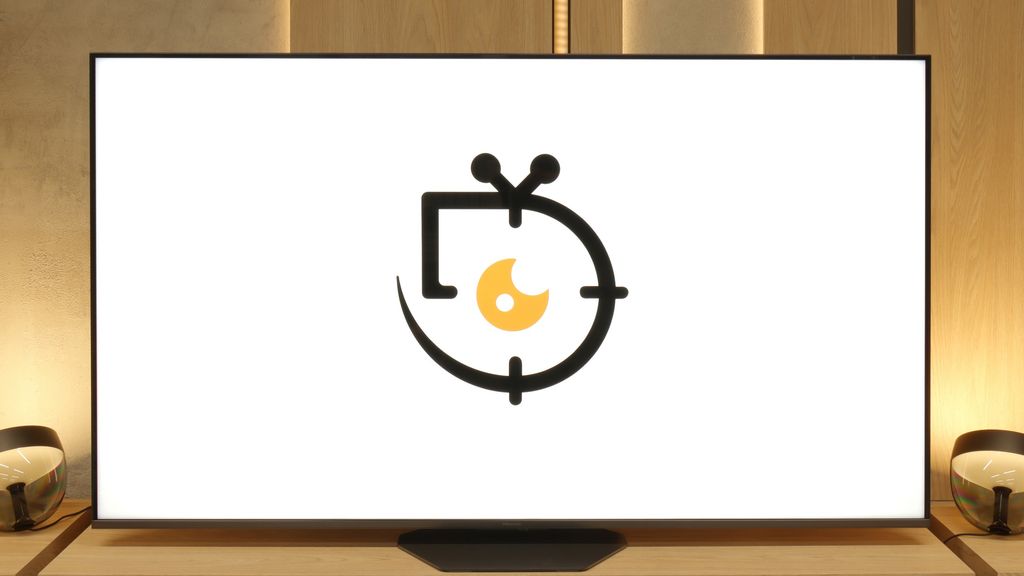
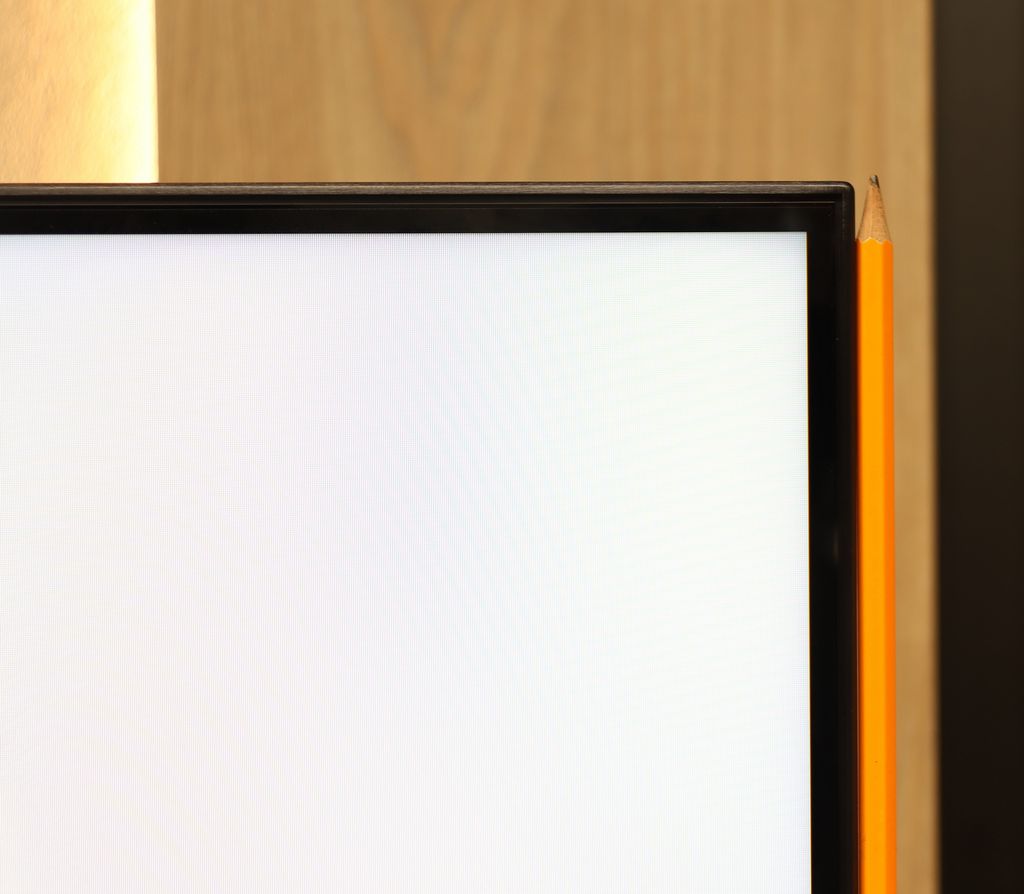
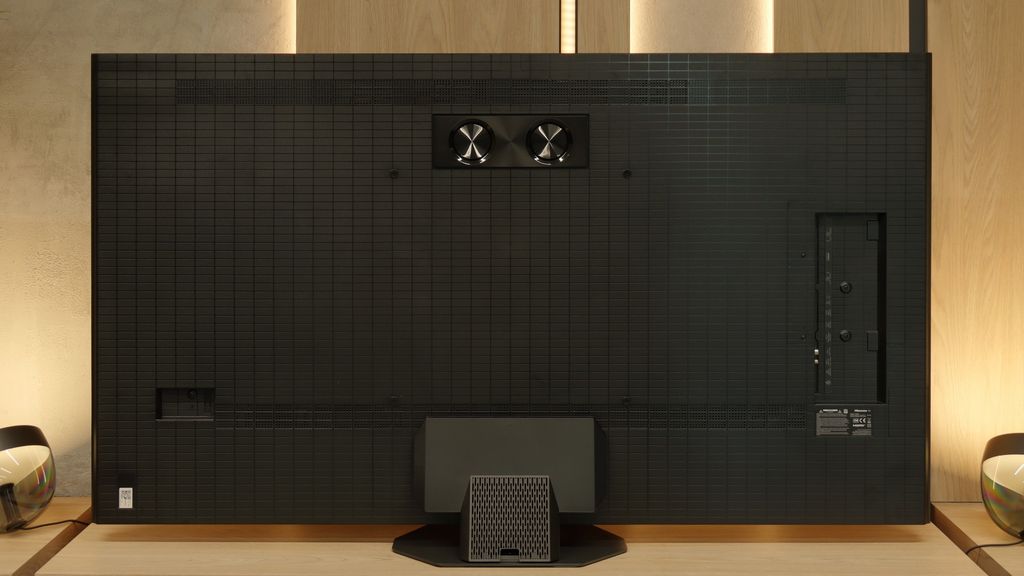
The Hisense U8Q is a television that makes it hard not to feel that the manufacturer approached the topic with the ambition of a top student. The picture is strong, vibrant, and contrasty – as if shouting: "look, I can do more than most at this price!" And indeed, there’s something to that. The secret lies in the large number of dimming zones in Mini-LED technology. Thanks to them, HDR doesn’t end with the promises from the brochure but can truly impress – especially during evening screenings. It’s also hard to complain about motion fluidity. Watching matches and fast-paced games is enjoyable, and while the ball might occasionally leave a slight trace, for 99% of viewers, it will be a detail of no consequence in everyday watching. Gamers also have reasons to be satisfied here – although it’s worth immediately mentioning the lack of HGiG support. Other than that, it’s really good: low input lag, three HDMI 2.1 ports, and a full suite of gaming features make the U8Q one of the more interesting Mini-LEDs for console fans. Of course, there are no perfect products. The television still carries some “mini-led” characteristics, and the Vidaa system – while feature-rich – can be less intuitive and has a more modest selection of applications than competing platforms. But are these serious flaws or rather minor quibbles in the context of the price and what we actually get? We leave that question for you to answer!
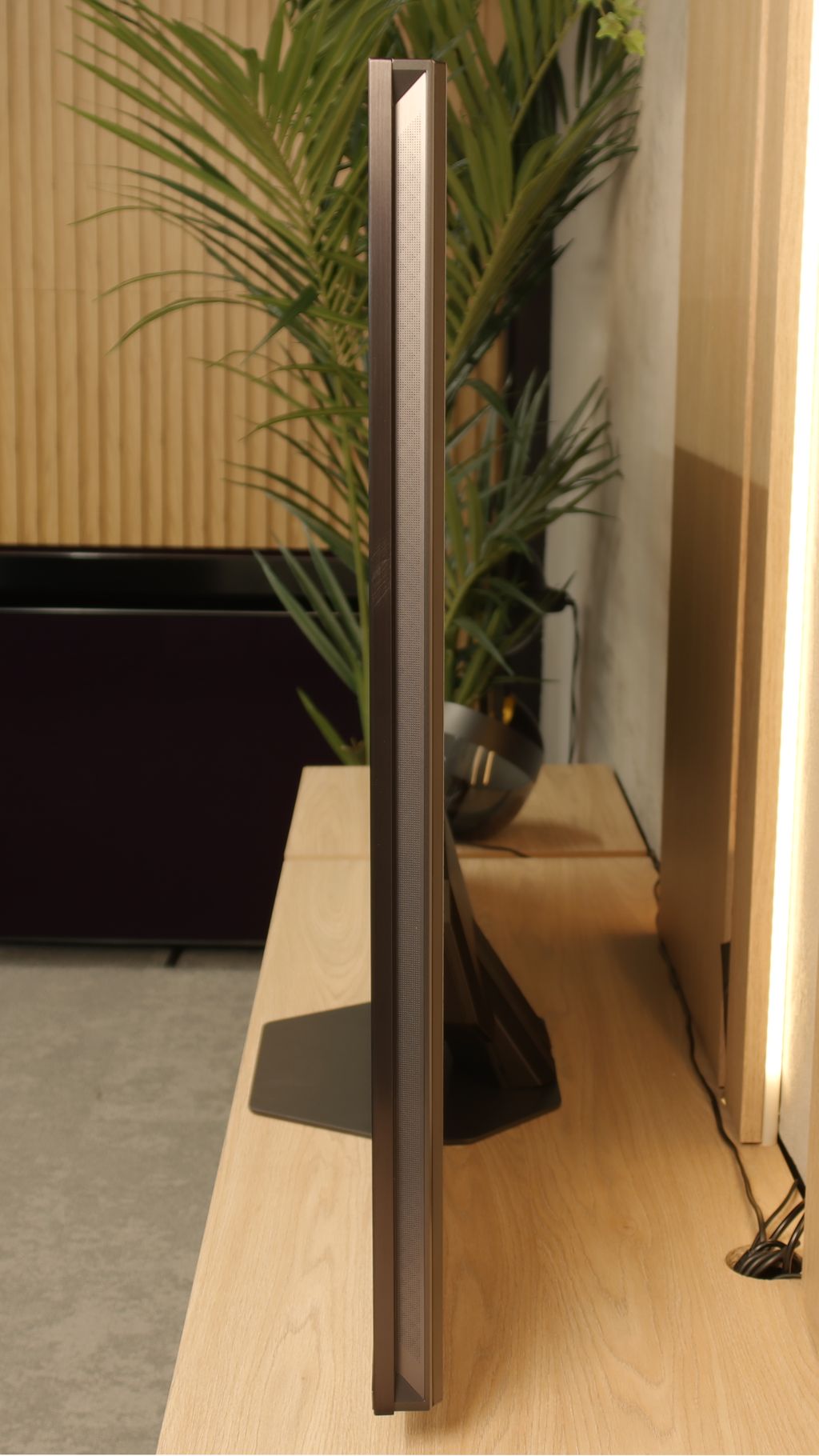
TV appearance



Contrast and black detail
7.2/10
8.6/10
Local dimming function: Yes, number of zones: 160 (16 x 10)
Local dimming function: Yes, number of zones: 2048 (32 x 64)
Contrast:


Result
126,250:1

Result
20,900:1

Result
19,200:1

Result
4,900:1

Result
4,550:1
Result
1,024,000:1
Result
140,000:1
Result
35,000:1
Result
22,350:1
Result
22,300:1
Halo effect and black detail visibility:

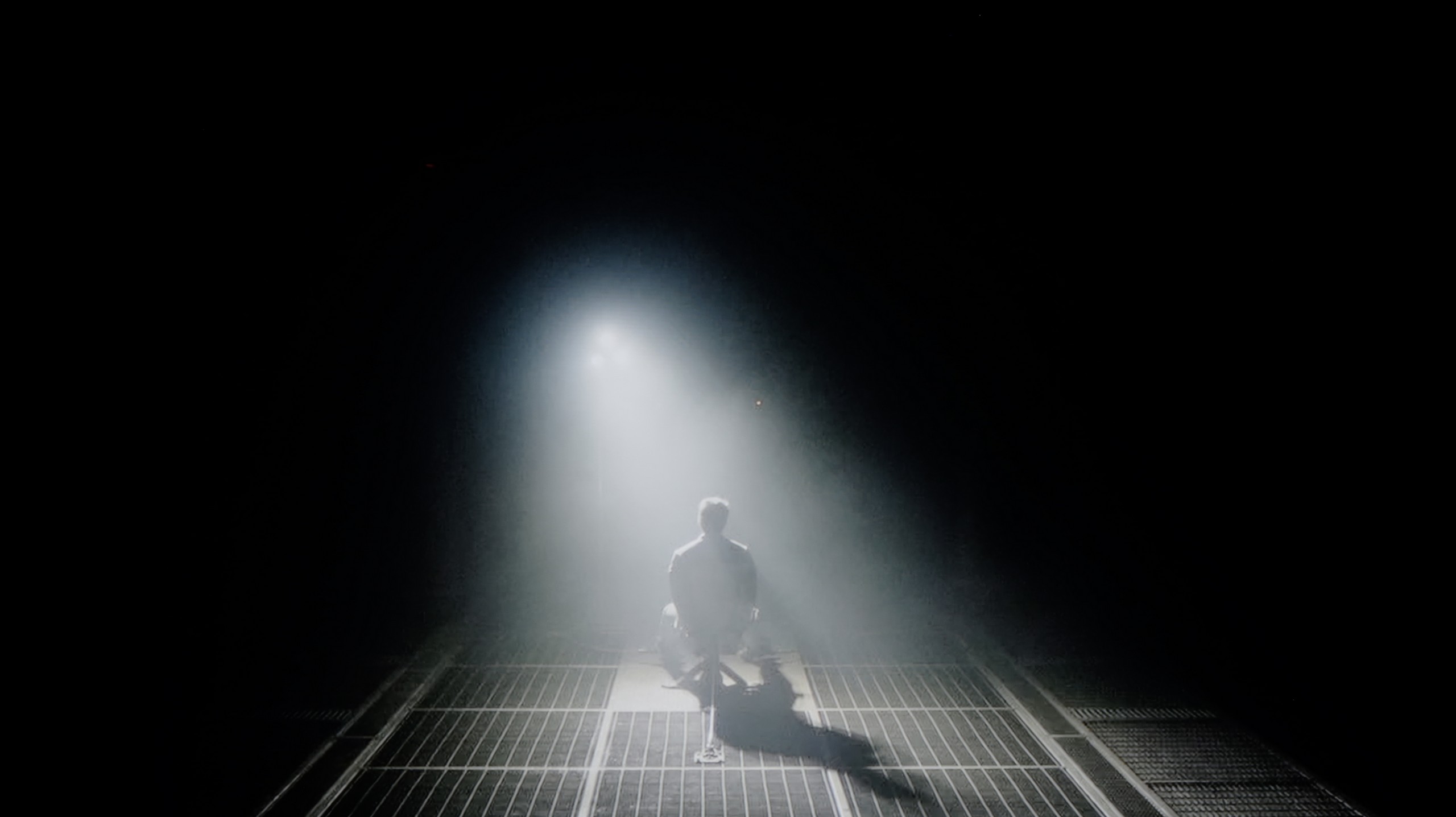
Check the visibility of bright lights on a dark background. Mini-LEDs often struggle with this. The photo does not compare black levels – that’s what the video below is for.
The video accurately shows differences in contrast and black levels between TVs, as well as potential issues: halo around bright objects or Mini-LED zone operation visible as brightness jumps.
QNED91T is a television with MiniLED backlighting, and in the tested size of 65", we counted 160 local dimming zones. The unit we tested, with a "1" at the end, is equipped with a VA panel, which offers significantly better contrast than IPS panels, which – note – can be found in the LG QNED90T. Therefore, it is worth being careful when choosing a version to avoid disappointment regarding contrast. The QNED90T model is hard to acquire in Poland, but distribution can vary. Returning to our contrast tests, it performed really well in less demanding scenes. For example, in one of the scenes from the film "Oblivion," we observed perfect separation of lights – it looked impressive. However, not everything is so straightforward. In a scene from "Sicario 2," we noticed that the screen is distinctly darker, deviating significantly from the reference image appearance. The television effectively eliminates the halo effect (i.e., glow around objects), but this comes at the cost of brightness – quite a considerable one. Despite these compromises, the contrast of the LG 65QNED91T6A is really solid. Of course, as with MiniLED TVs, one must reckon with certain limitations, but the overall impressions are positive.
The unit we tested, the Hisense U8Q in size 65 inches, is equipped with a VA panel that, in itself, offers a high native contrast. However, that is not the greatest strength of this model – the key lies in the Mini LED backlighting. Thanks to the use of thousands of dimming zones and a really well-developed light management algorithm, the contrast in the U8Q can be described as excellent, especially for a TV of this technology.
The best results reach a level of about one million to one – a result that is commendable and places the U8Q among the top Mini LED TVs. Yes, there are some hiccups and even drops in contrast, but they are not as dramatic as in many other models of this class that we have tested on our portal. It's also worth remembering that like every Mini LED TV, the U8Q is not completely free from typical imperfections – sometimes the image may be dimmed too much or there might be slight overexposure with a halo effect. Nevertheless, this does not change the overall impression: the contrast in the Hisense U8Q makes a striking impression and is one of the model's greatest advantages.
HDR effect quality
5.2/10
7.6/10
Luminance measurements in HDR:

Result
1069 nit

Result
180 nit

Result
577 nit

Result
96 nit

Result
674 nit
Result
2195 nit
Result
725 nit
Result
1652 nit
Result
485 nit
Result
1541 nit
Scene from the movie “Pan” (about 2800 nits)


Scene from the movie “Billy Lynn” (about 1100 nits)

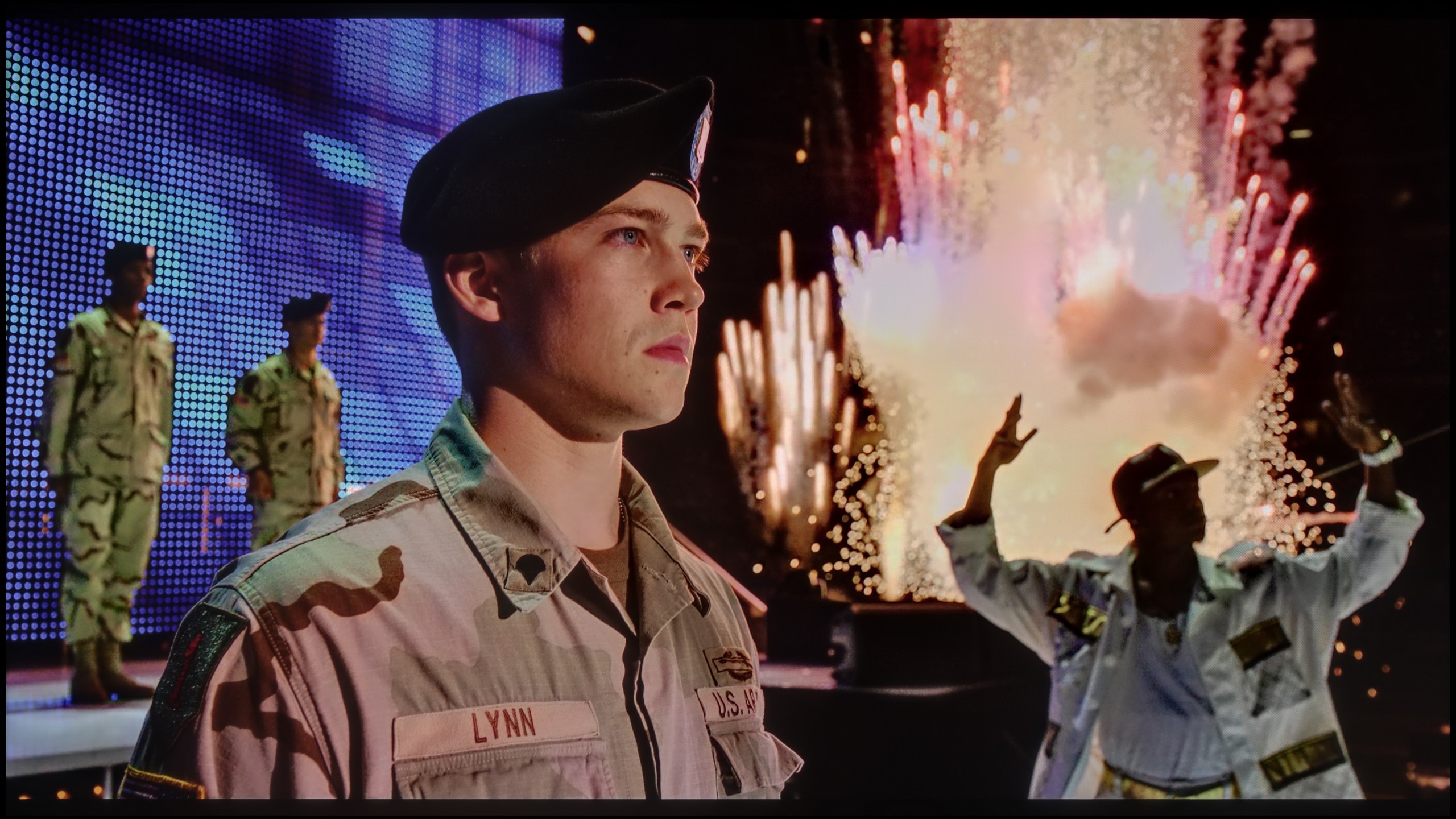
The photos show two HDR10 movies. 'Pan' is one of the brightest productions ever made, while 'Billy Lynn' (soldier) has brightness typical of streaming (Netflix, Prime, HBO MAX). Notice the intensity of effects and detail in whites.
Static HDR10


The photos present the visibility of white details in various HDR formats. They do not show brightness differences between TVs (these can be compared in the previous gallery).
Dynamic: Dolby Vision
Dynamic: Dolby Vision


The photos present the visibility of white details in various HDR formats. They do not show brightness differences between TVs (these can be compared in the previous gallery).
HDR luminance chart:
Hisense U8Q
LG QNED91T6A
As befits a MiniLED television, QNED91T LG easily exceeds the magic barrier of 1000 nits on the luminance chart. In scenes where light played a key role, the effect was truly decent. For example, 1000 nits in the first scene of "Life of Pi" is really an impressive value, and the 600 nits achieved in scenes three and five allowed us to feel the true magic of HDR. However, problems arise with very small light elements on the screen, such as the moon, lanterns, or lamps. A value of around 100 nits - to put it bluntly - is disappointing, as these elements are so dark that they are barely visible. It is worth praising the television for covering the DCI-P3 colour gamut at 96% and BT.2020 at 75%. LG QNED91T leaves us with mixed feelings, mainly due to very aggressive dimming algorithms, which, while effectively eliminating the halo effect, do impact the brightness of smaller elements.
When it comes to HDR, Hisense U8Q shows its claws. On paper, meaning in synthetic measurement tests, the television can "score" nearly 4000 nits of peak brightness. That's a value that most models can only envy. In practice, this translates to very strong lighting effects in films – in some scenes, we managed to measure a real 1500 to 2000 nits, which is a level usually reserved for the absolute top of televisions on the market.
Of course, it's not always that perfect. With small, pinpoint elements, brightness can drop – a good example is scene number 4 from the movie Sicario 2, where instead of thousands of nits, we get around 500. But it's worth noting that the effect doesn't vanish completely – the light is still visible, and the image doesn't feel artificially dimmed. This is a typical drawback of Mini LEDs, so it's hard to consider it a significant minus.
On the huge plus side, color reproduction deserves high praise. Thanks to additional coatings that improve color saturation, the U8Q nearly covers the full DCI-P3 color space (98%), and in the case of the wider BT.2020 gamut, it achieved a score of over 80%. This is an excellent result, making HDR films look juicy, vibrant, and simply very cinematic.
Factory color reproduction
6/10
7/10


This gallery shows how colors change after professional TV calibration. If you notice the difference, we recommend ordering this service at SkalibrujTV.com.
Factory Mode
After calibration


This gallery shows how colors change after professional TV calibration. If you notice the difference, we recommend ordering this service at SkalibrujTV.com.
Factory Mode
After calibration
We conduct all our tests in the best picture mode on each TV. In this case, as usual, it is the Filmmaker mode. The name of the mode suggests perfect colour reproduction; however, there were noticeable deviations from the correct image. Our unit, in terms of white balance, showed a significant drop in shades of blue - both in SDR and 4K HDR material - which caused a clear yellowing of the image, noticeable in comparison scenes from the film with Tom Cruise. As we described earlier, QNED91T has some tendencies to brighten the screen. This is confirmed by the gamma, which is significantly lower than the reference value of 2.4. On the other hand, the EOTF curve, responsible for brightness in 4K content, showed some issues with the TV dimming the image in the darkest areas, which we could observe in the paragraph describing HDR effect quality. Although the Filmmaker mode is quite a decent "out of the box" mode, it still requires some adjustments.
We have to admit that when the U8Q arrived at our editorial office, we were slightly surprised… and positively so. Usually, televisions require immediate white balance correction – it can be too warm or too cold, which immediately leads to strange color errors. Meanwhile, here the situation looks really good right out of the box. Of course, we are talking about our unit, so there’s no guarantee that every model will be tuned as well, but in our case, the first impressions were very positive. The only more pronounced issue was related to how the television manages brightness. Looking at the EOTF chart, it is evident that the U8Q tends to brighten small elements on the screen. This, in turn, caused what we mentioned earlier – slight overexposures and the impression that the entire scene can sometimes be a bit too bright. However, this is not a flaw that undermines the image, rather it is a characteristic effect of this model.
Color reproduction after calibration
7.8/10
8/10

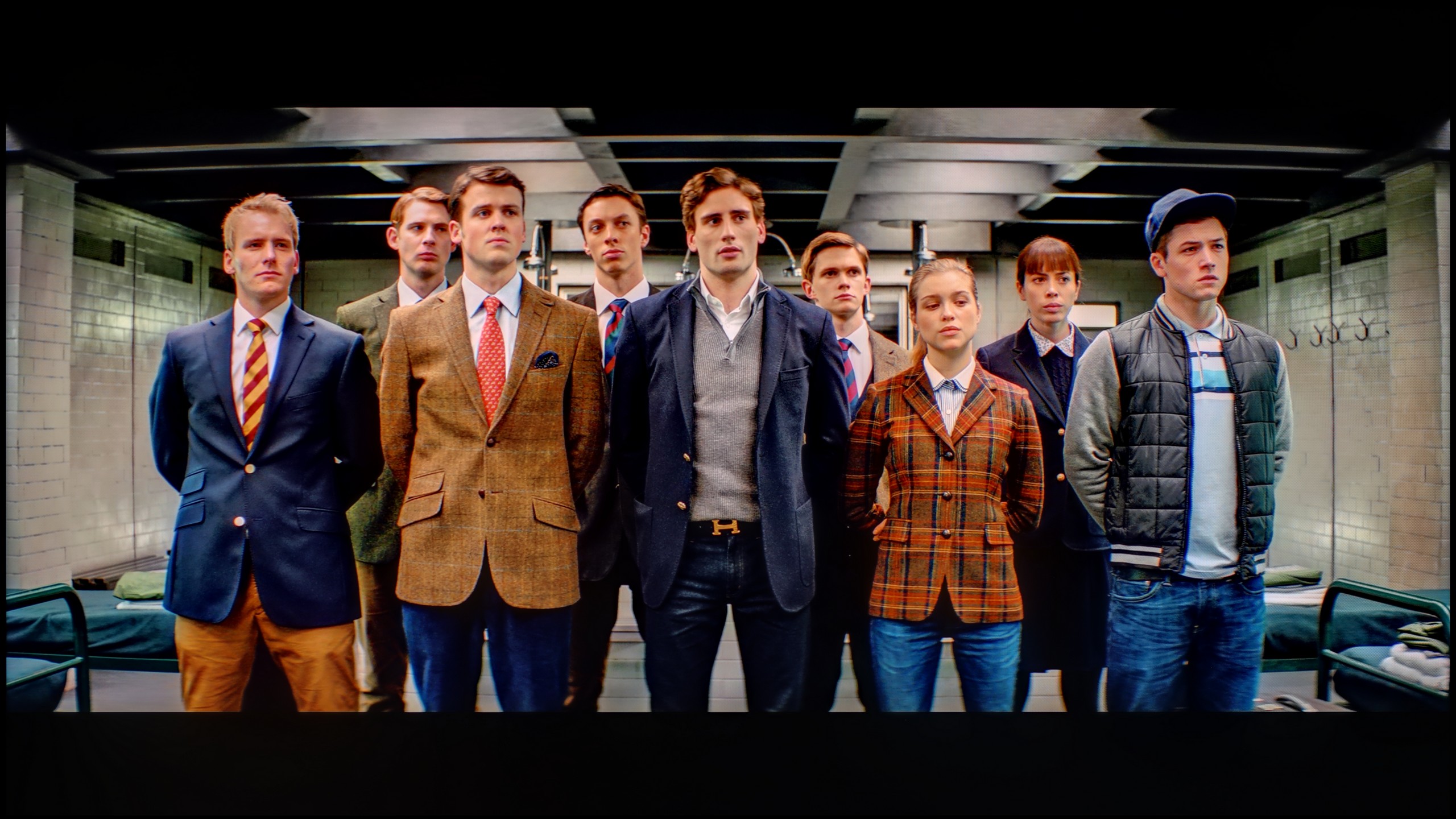
The photos show how movies look on the TV. Pay attention to black detail visibility, colors, and shadow tint.

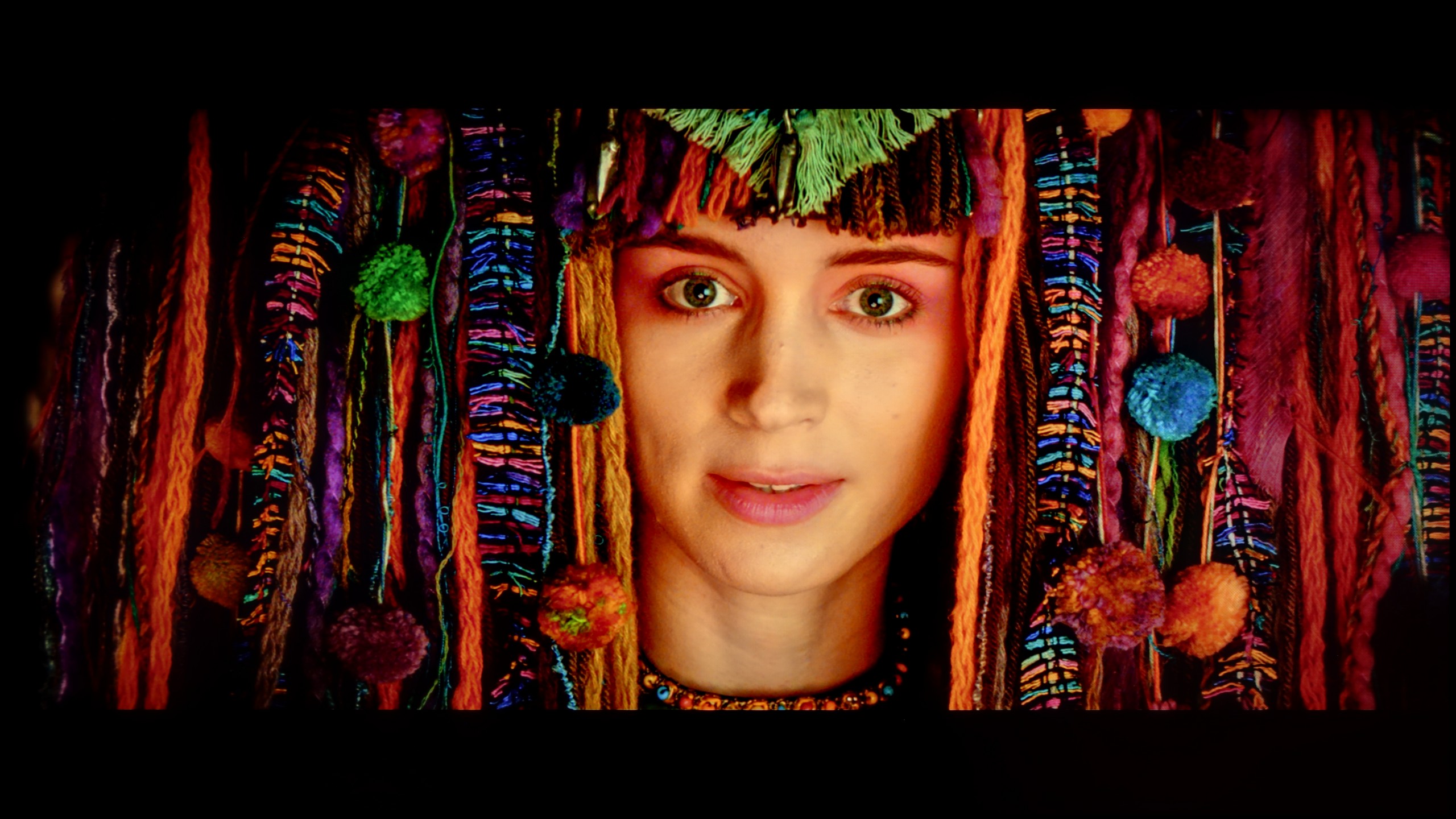
The photos show how movies look on the TV. Pay attention to black detail visibility, colors, and shadow tint.
LG offers advanced calibration tools in its televisions such as 65QNED91T6A, which we took advantage of. When it comes to white balance, we were able to significantly correct it in SDR content. The picture mode in 4K HDR quality posed greater challenges, which, although still not perfect, looks better than before calibration. The errors on the Color Checker palette and the colour palette are much smaller than in factory settings. Regarding brightness characteristics, gamma for HD content is practically ideal, with a slight exception at the end of the graph. However, the biggest issues the television had were with brightness in 4K HDR content. Analyzing the EOTF characteristics in films, we noticed that the television manipulates brightness quite significantly, which we observed in earlier tests. Brightness is considerably boosted compared to the graph in the static test, and the television brightens certain scenes to the extent that some smaller elements lose detail. Unfortunately, this is caused by an average local dimming algorithm in this model. Nevertheless, calibration yields decent results, especially in terms of precise colour reproduction.
Of course, we wouldn't be ourselves if we didn't make adjustments to the white balance. After calibration, we managed to align the SDR signal to near perfection – older movies, YouTube content, and classic television looked almost perfect on the U8Q. This is truly an outstanding level that shows this model can do a lot if given a little help. Unfortunately, the situation is different with HDR content. The colors themselves aren't a major issue, but the biggest flaw of the U8Q remains the EOTF brightness characteristics. In practice, the TV tends to "blow out" beyond how the image should look in its original form. It's that slight "blown out" effect we saw earlier in comparisons with the best screens on the market. It's a bit of a shame that this characteristic can't be fully tamed – if we could maintain similarly good control over brightness in HDR as we do in SDR, we would have an absolutely reference-quality image.
Smoothness of tonal transitions
8.5/10
8.9/10


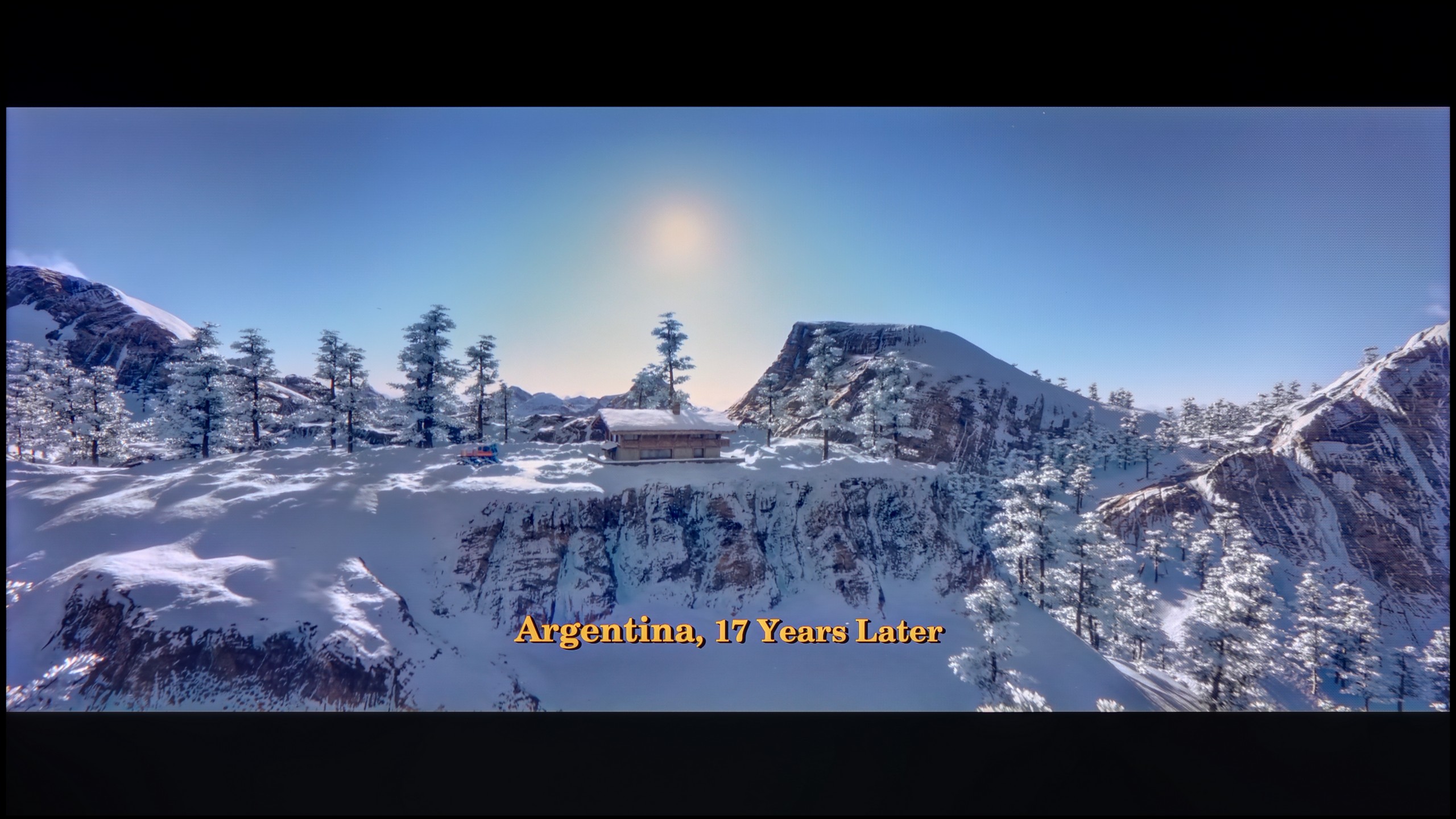
These are selected scenes that show smooth tonal transitions from one color to another. If you see distinct banding, it’s the TV panel’s fault.

These are selected scenes that show smooth tonal transitions from one color to another. If you see distinct banding, it’s the TV panel’s fault.
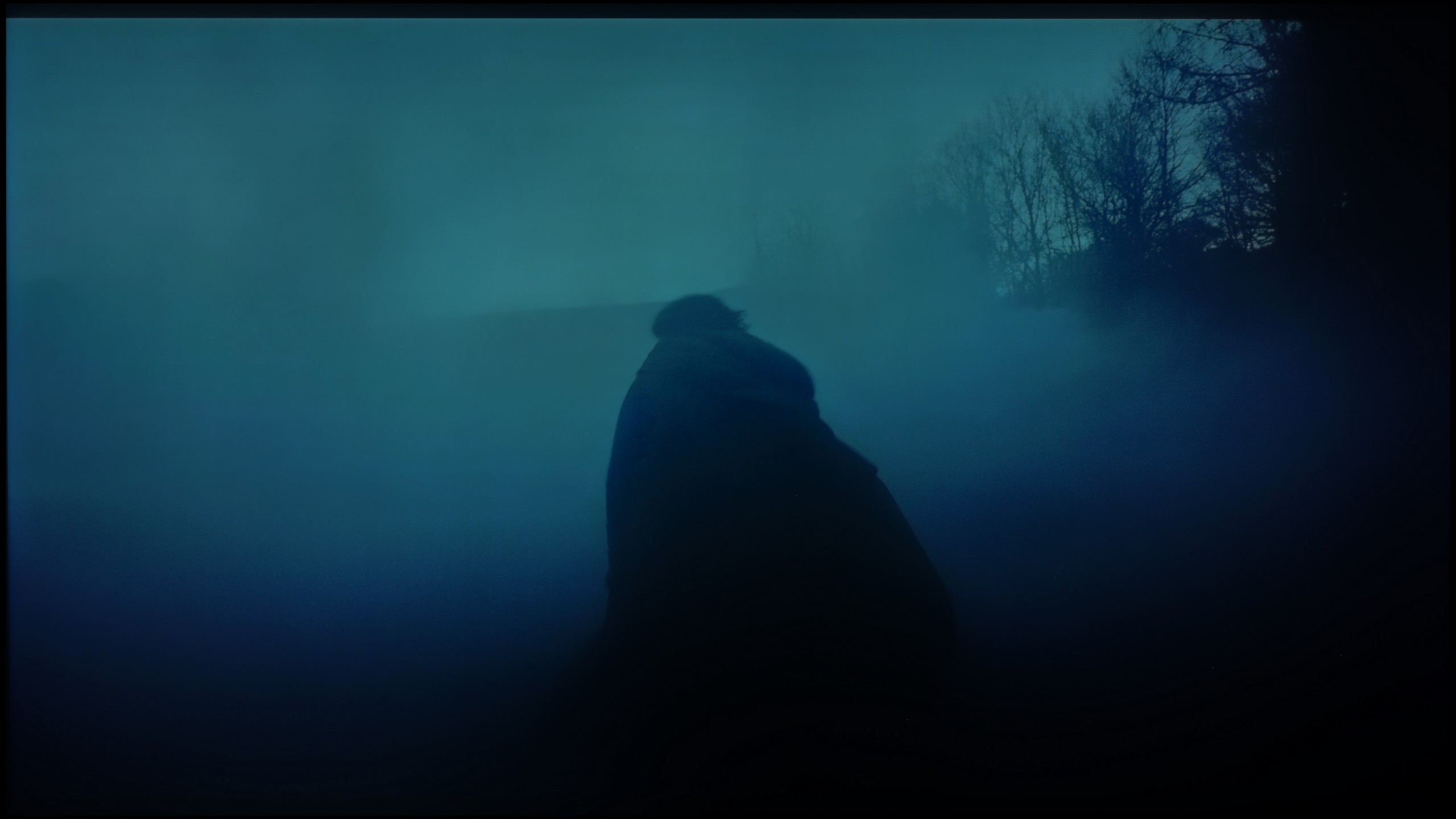
These are selected scenes that show smooth tonal transitions from one color to another. If you see distinct banding, it’s the TV panel’s fault.
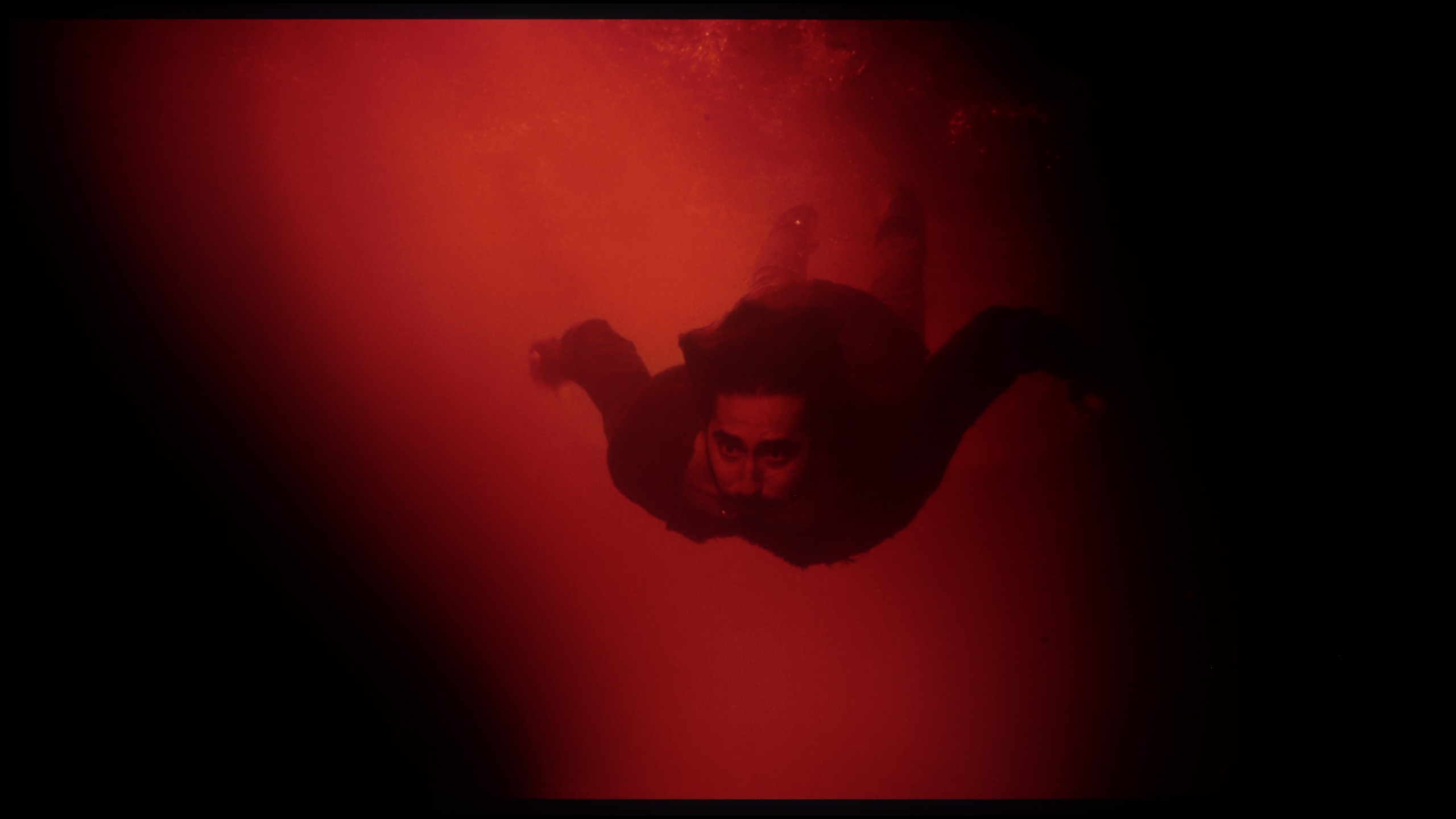
These are selected scenes that show smooth tonal transitions from one color to another. If you see distinct banding, it’s the TV panel’s fault.
The gradation on LG QNED91T looks very good. There are only slight cut-offs in the brightest scenes, but the television handles blacks very well, providing smooth tonal transitions. As a result, the image is natural and pleasant to the eye, with no noticeable issues.
When it comes to the fluidity of tonal transitions, the Hisense U8Q really impressed us. Even in the darkest scenes, where usually other TVs show unsightly bands and ugly transitions, here the picture remains smooth and consistent. Nothing layers up, there’s no “stepping” effect – everything looks as it should. Similarly in brighter shots – it’s also very good. Sure, if we were looking through a magnifying glass, we might find some minor flaw, but in normal viewing, it’s hard to nitpick. Overall, it looks very, very good!
Image scaling and smoothness of tonal transitions
7.5/10
8/10

Smooth transition function

The match photo shows how the TV smooths weak tonal transitions in low-quality video.
Image scaling SD (576i)


The model photo shows how it handles upscaling of SD material.
When it comes to tonal transitions in lower quality materials, the TV offers the already-known feature from LG TVs - "Smooth Gradation." We can control it at three levels: low, medium, and high. We recommend using the medium option, as it effectively removes tonal transitions without causing noticeable issues with removing the structure of objects or other artefacts.
As for image scaling (upscaling), LG's Alpha processor handles this well. The image appears very plastic, with slight jaggedness in some elements, which does not significantly affect the quality. It looks really okay, and the overall effect is very satisfactory.
The Hisense U8Q handles lower-quality materials quite well. The TV can smooth out tonal transitions thanks to the "Smooth and Gradient Picture" feature – it works best when set to Medium. At that setting, it nicely reduces unwanted bands and unevenness in the image, but importantly, it does not remove cinematic grain or fine details.
The upscaling itself is also at a good level. Images from lower resolutions look smooth and soft, at times even a bit too much – we get a plastic effect that may not appeal to everyone. Fortunately, this can be easily adjusted with the sharpness slider to fit personal preferences.
Blur and motion smoothness
7.5/10
7.6/10

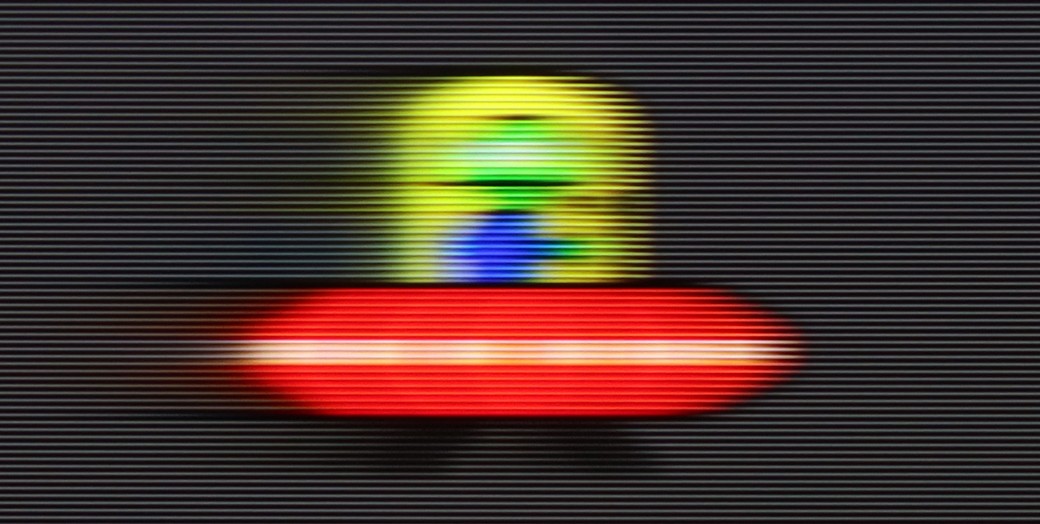
Blur (native resolution, maximum refresh rate):


Blur (BFI function enabled):





Blur ():
Blur (1080p@288Hz):

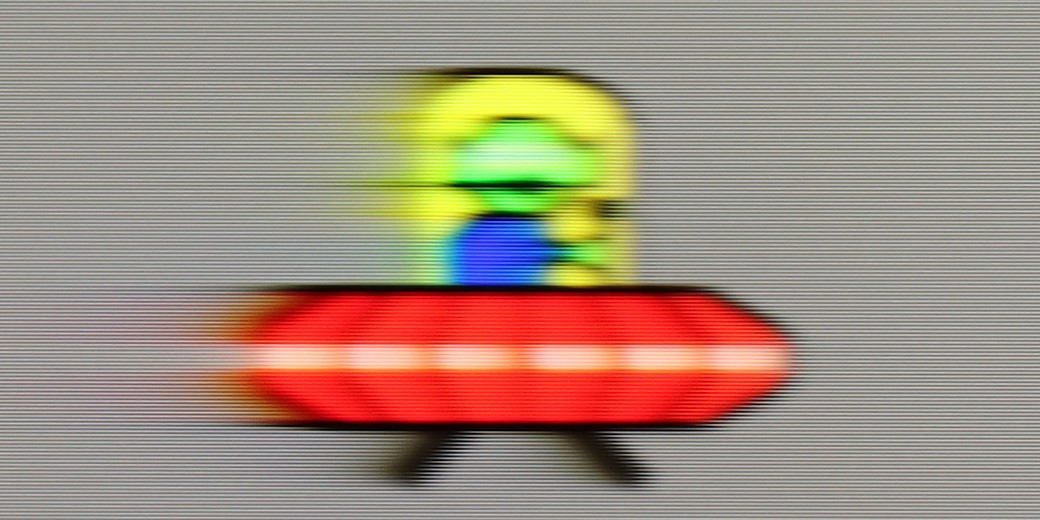
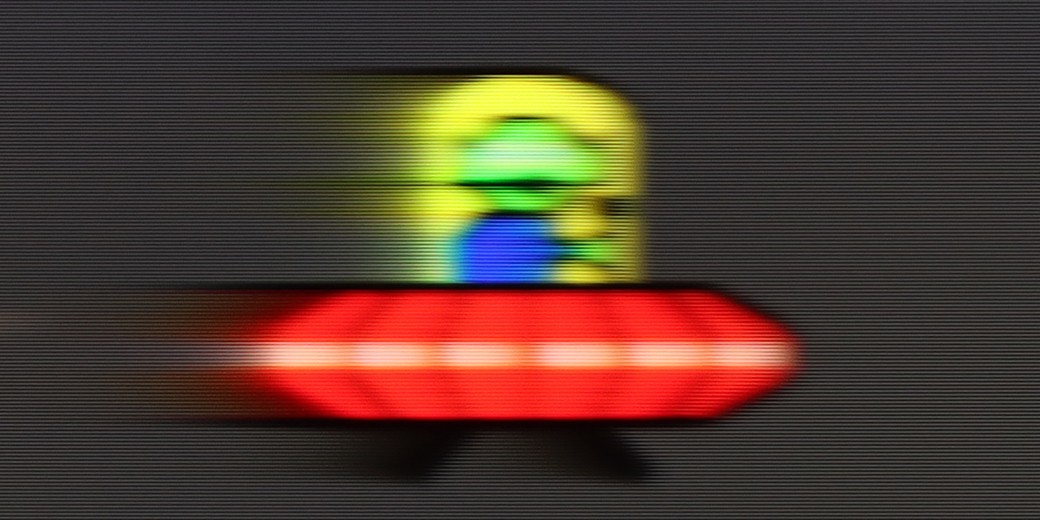
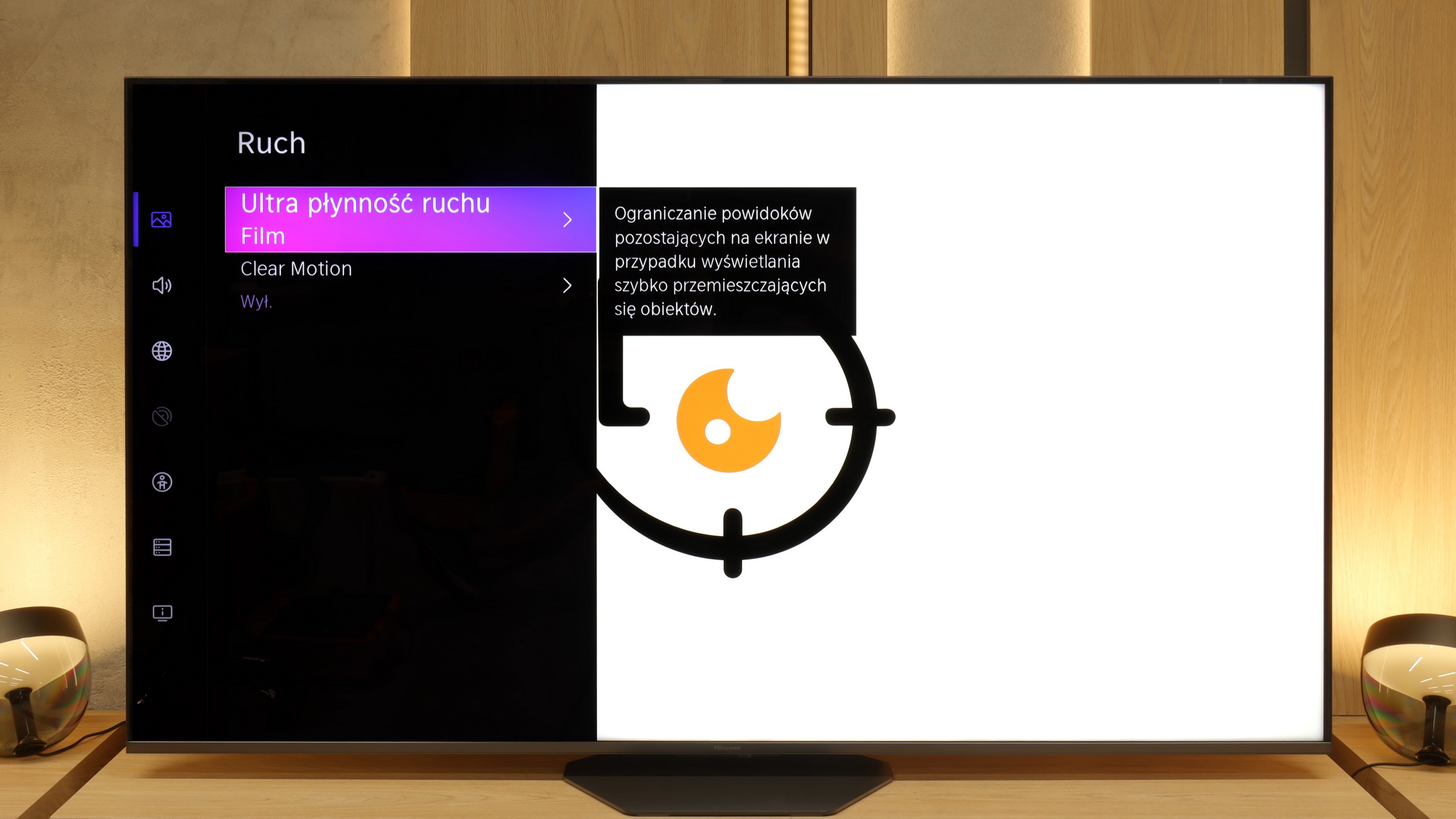
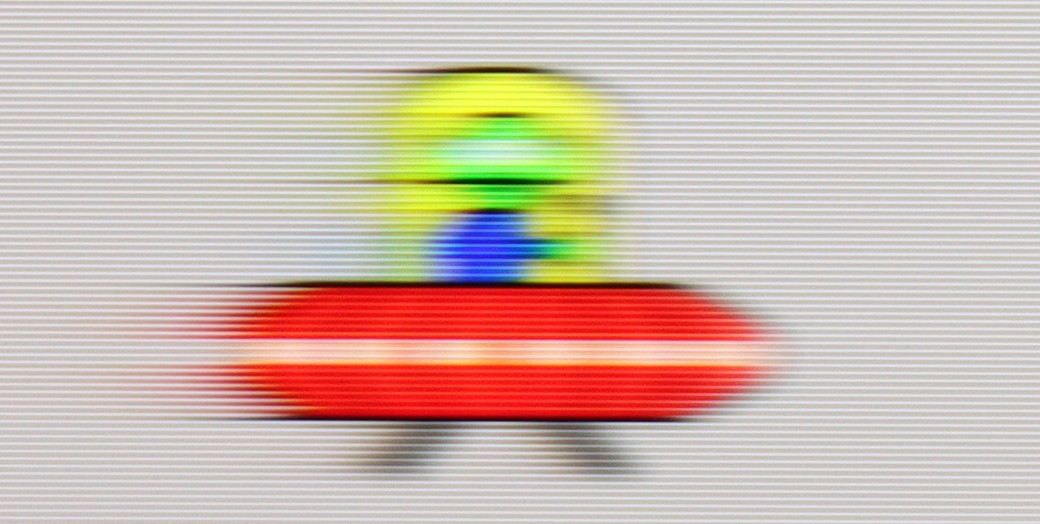
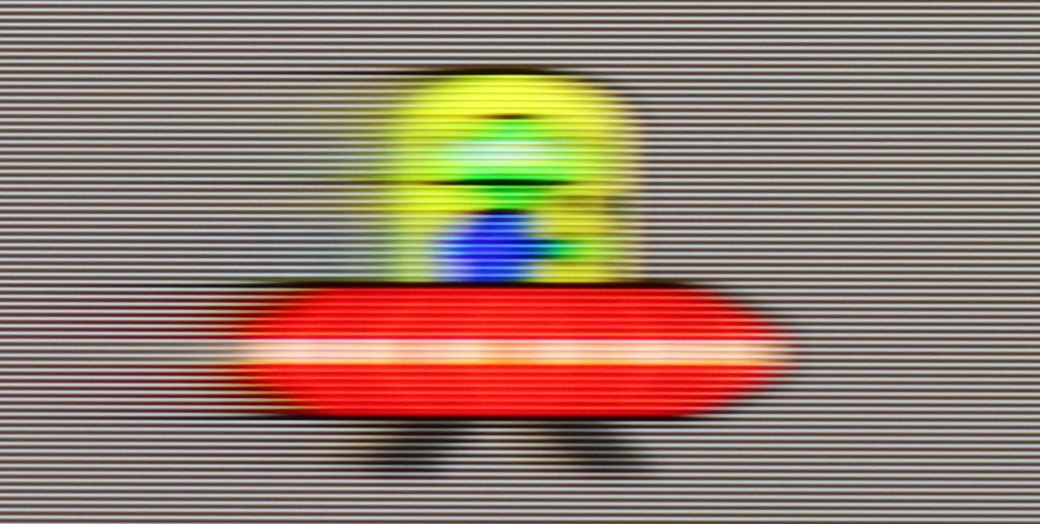
The television has a refresh rate of 120 Hz, which should satisfy most users in terms of motion smoothness. Additionally, QNED91T is equipped with the TruMotion feature, which allows for smoother image display in movies. As part of this feature, we can adjust the "De-Judder" and "De-Blur" sliders. The "De-Judder" slider is responsible for reducing jitter in movies, which is particularly useful when playing content with a lower frame rate, while "De-Blur" helps reduce blurriness in fast scenes, which is essential for sports or dynamic shots.
Hisense U8Q has a display that can refresh the image up to 165 Hz in 4K resolution. In practice, this will mainly be utilized by PC gamers, but as they say – it’s better to have it than not 😊. For movies and series, we have a built-in smoothness enhancer called Ultra Smooth Motion. In the settings, it can be easily adjusted to personal preferences – whether we want more of a "cinematic" frame rate or a smooth, theatrical spectacle.
Console compatibility and gaming features
9.8/10
8.5/10
- ALLM
- VRR
- VRR range48 - 120Hz48 - 288Hz
- Dolby Vision Game Mode
- Correct implementation of HGIG

- 1080p@120Hz
- 1440p@120Hz
- 4K@120Hz
- Game bar

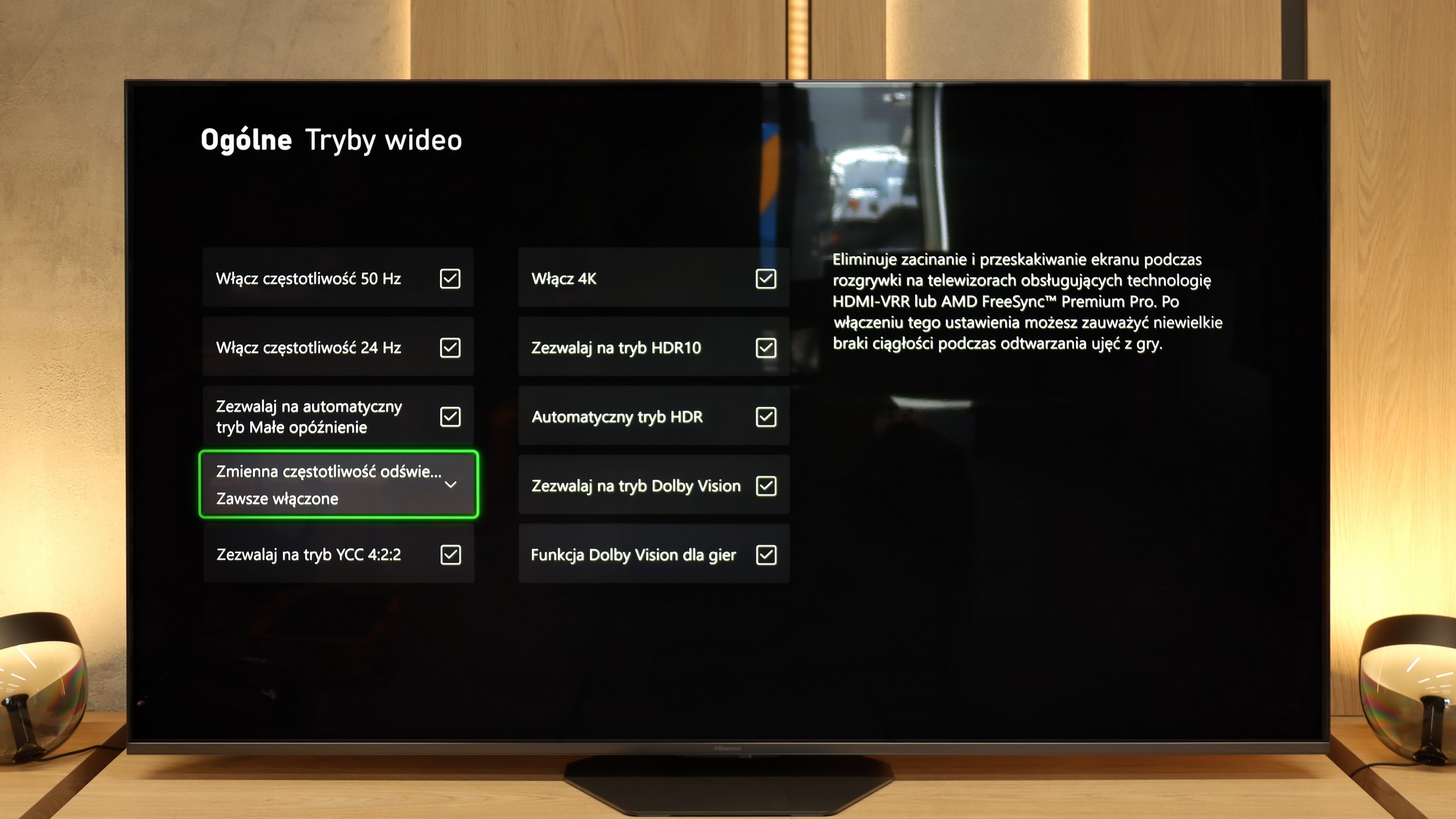

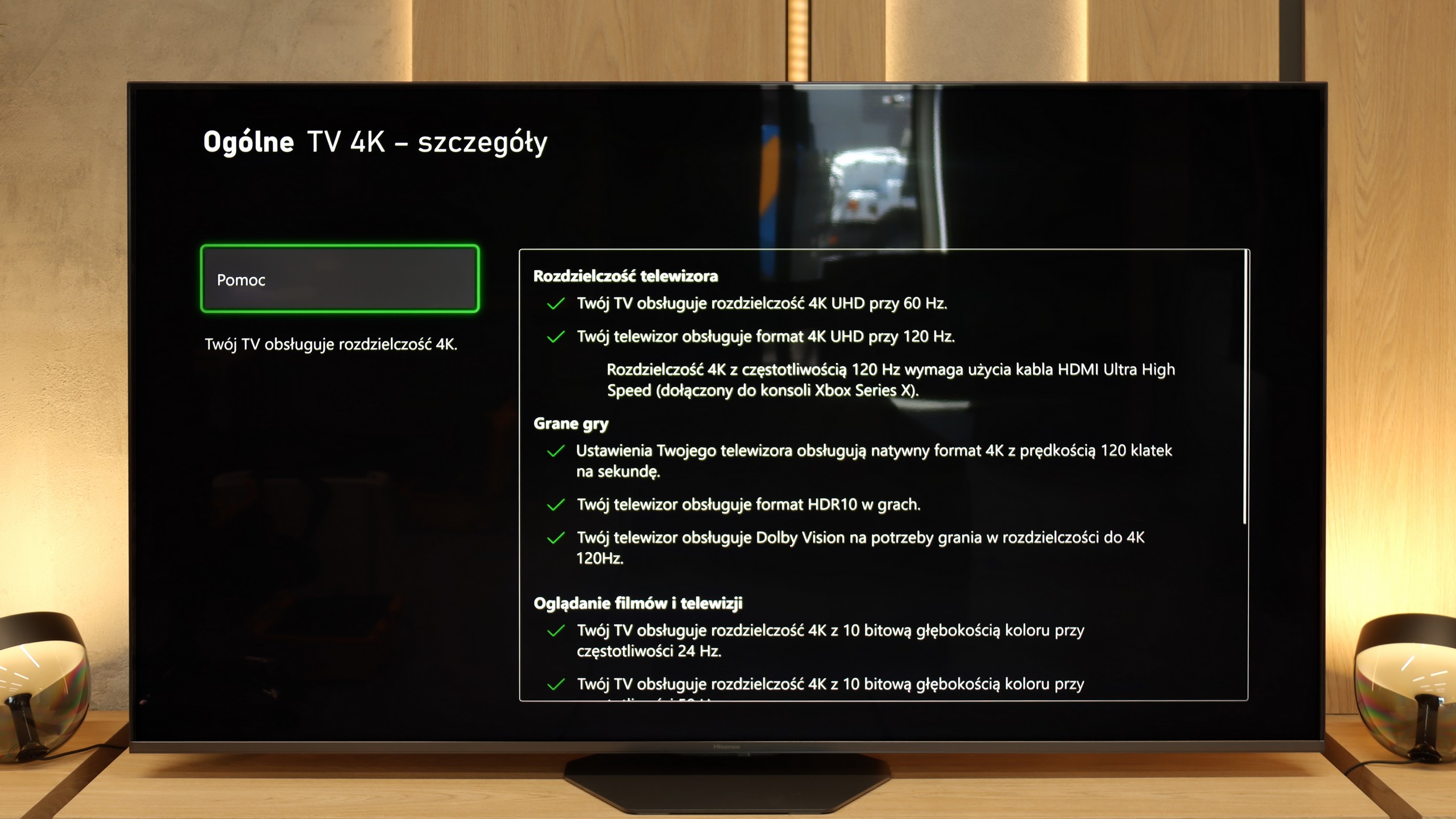

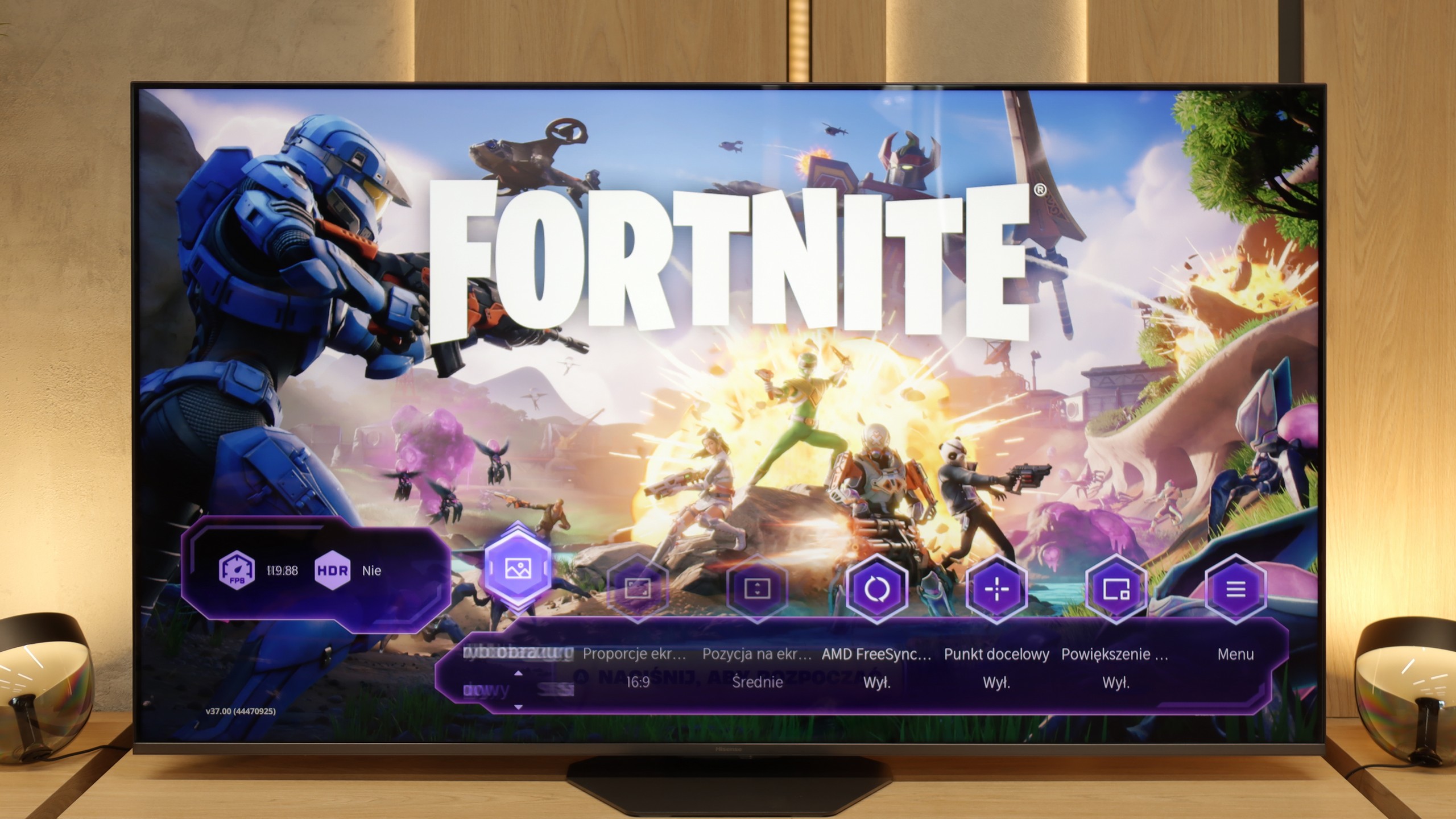

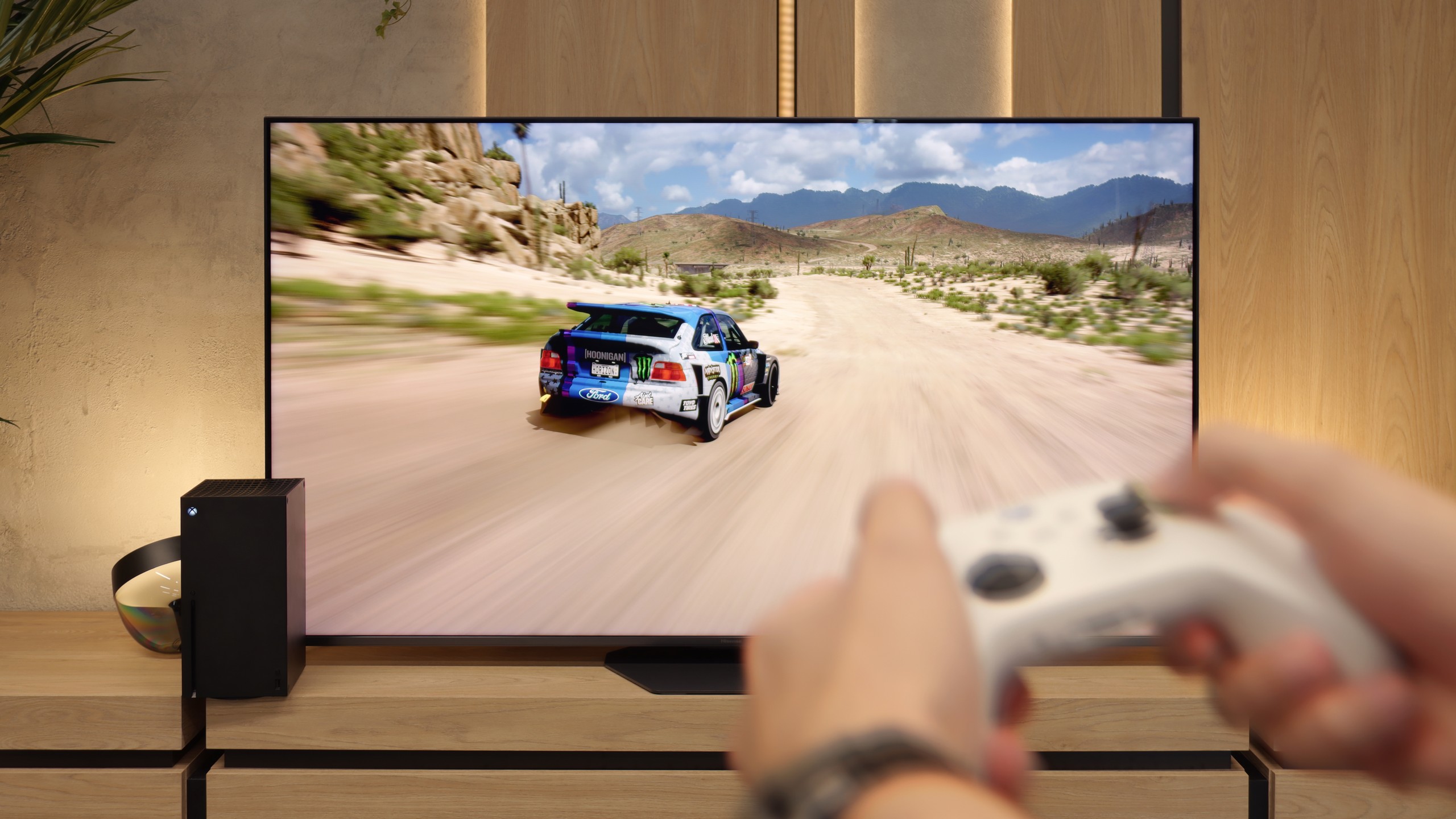
The LG 65QNED91T6A television is equipped with HDMI 2.1 ports with a full bandwidth of 48 Gb/s, providing full support for all standards needed for gaming on modern consoles. We can count on support for variable refresh rate (VRR) and auto low latency mode (ALLM). This ensures smooth gameplay without delays.
With support for all popular HDR standards in games, such as HGiG and Dolby Vision, we can fully harness the potential of the PS5 and XBOX One consoles. The television also easily handles lower resolutions than 4K, so even older consoles look good on it. The Game Bar makes it easy to access gaming-related settings, allowing us to quickly and intuitively adjust picture parameters and features for gamers. Additionally, the QNED91T offers NVIDIA GeForce Now functionality, enabling us to game in the cloud without needing a console. However, it should be noted that this solution is quite expensive and somewhat falls short compared to Xbox Game Pass, which is available only on Samsung TVs.
QNED91T LG is a great choice for less experienced and more advanced gamers looking for a versatile television for gaming.
In terms of features, the Hisense U8Q has practically everything one could expect from a modern gaming television. Thanks to the new processor, the manufacturer has managed to implement as many as three HDMI 2.1 ports, so there is no problem connecting multiple consoles or a computer. In addition, it includes all the key technologies – Game Bar with parameter monitoring, variable refresh rate (VRR), automatic low latency mode (ALLM)... in short, a complete set.
But as is often the case with Hisense, it falls a bit short of perfection. The biggest drawback remains the lack of support for the HGiG format, which allows you to adjust the television's brightness to the console and get the most out of HDR in games. It's a shame because if this feature were included, we would have a device practically made for gamers. As it stands, the U8Q remains "just" a very good choice 😉
Input lag
9.8/10
9.8/10
SDR
HDR
Dolby Vision
The input lag on QNED91T is really very low, even in Dolby Vision mode. This allows for a quick response time, which is very important in dynamic games where every millisecond counts. Regardless of whether we play in standard mode or HDR, the TV offers very good results that will satisfy even the most demanding gamers.
The Hisense U8Q really performs well in terms of signal delay. In 120 Hz mode, the input lag is around 10 ms, and for 60 Hz content, it hovers around 18 ms. These values place it among the fast TVs, and in practice, it's hard to have any major objections. The response is instantaneous, and controlling a character or a car on the screen happens without noticeable delays. Whether someone is playing dynamic shooters or more relaxed narrative titles, the U8Q will perform excellently.
Compatibility with PC
7.6/10
8.4/10

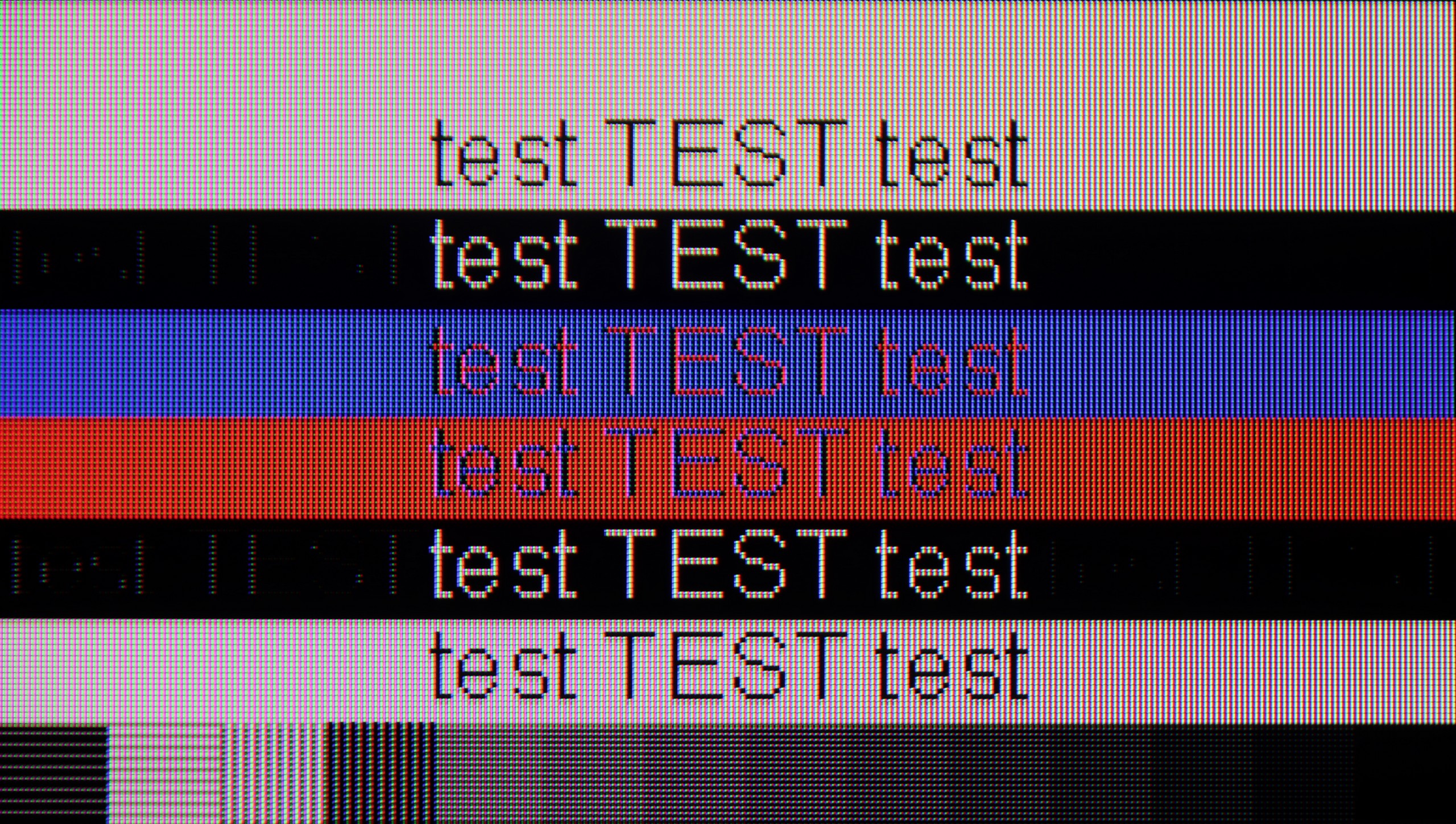
The photo shows the legibility of small fonts. Ideally, lines should be the same thickness on both light and dark text, with minimal pixel gaps.
When it comes to gaming on a computer, LG QNED91T easily synchronizes with NVIDIA graphics cards and supports G-Sync. The very low input lag makes gaming with a personal computer really enjoyable. The TV supports chroma 4:4:4, which provides excellent text readability. Although we noticed slight font blurring around the edges, overall the image looks great, and readability is acceptable.
As we mentioned regarding the features for gamers – Hisense U8Q also communicates well with computers. The 4K panel with a refresh rate of 165 Hz is impressive on its own, and at Full HD resolution, it can even boost to 288 Hz. This is great news for e-sports fans, where speed of reaction matters most, rather than the highest image quality. Additionally, it supports G-Sync and FreeSync, so gameplay is smooth, without stutters and annoying frame tearing.
A pleasant surprise is the presence of a USB-C port with DisplayPort functionality for laptops or even phones. This is a true novelty in televisions, and it's quite possible that Hisense will be a pioneer here, setting the direction for the competition.
When it comes to working with text, we must mention one small inconvenience. Although the U8Q correctly handles chroma 4:4:4, it has issues displaying very thin, horizontal fonts. This means that some subtitles or interface elements may be hard to read. Probably no one buys this model with office work in mind, but if someone were to have such a plan – it’s worth keeping this in mind.
Viewing angles
3.4/10
3.2/10
As we mentioned in the paragraph about contrast, the TV is equipped with a VA panel, which usually offers very good contrast compared to IPS panels. Unfortunately, VA panels have their weakness in the form of limited viewing angles, which is also visible in the case of QNED91T LG. The viewing angles are not the best here, and while the use of a coating to widen the angles could significantly improve the situation, unfortunately, we do not have that here. As a result, the image loses quality when viewed from a greater angle, which can be problematic when multiple people are watching simultaneously.
In terms of viewing angles, the Hisense U8Q performs average – typical for a VA panel. It's a classic compromise: in exchange for much better black levels and contrast than with IPS panels, we have to accept that viewing from a larger angle doesn't look as good anymore. Colors begin to lose intensity, and the image gets slightly brighter. For a viewer sitting directly in front of the television – it's a dream. For someone who sits more to the side – not quite as much.
Daytime performance
6.1/10
8.2/10

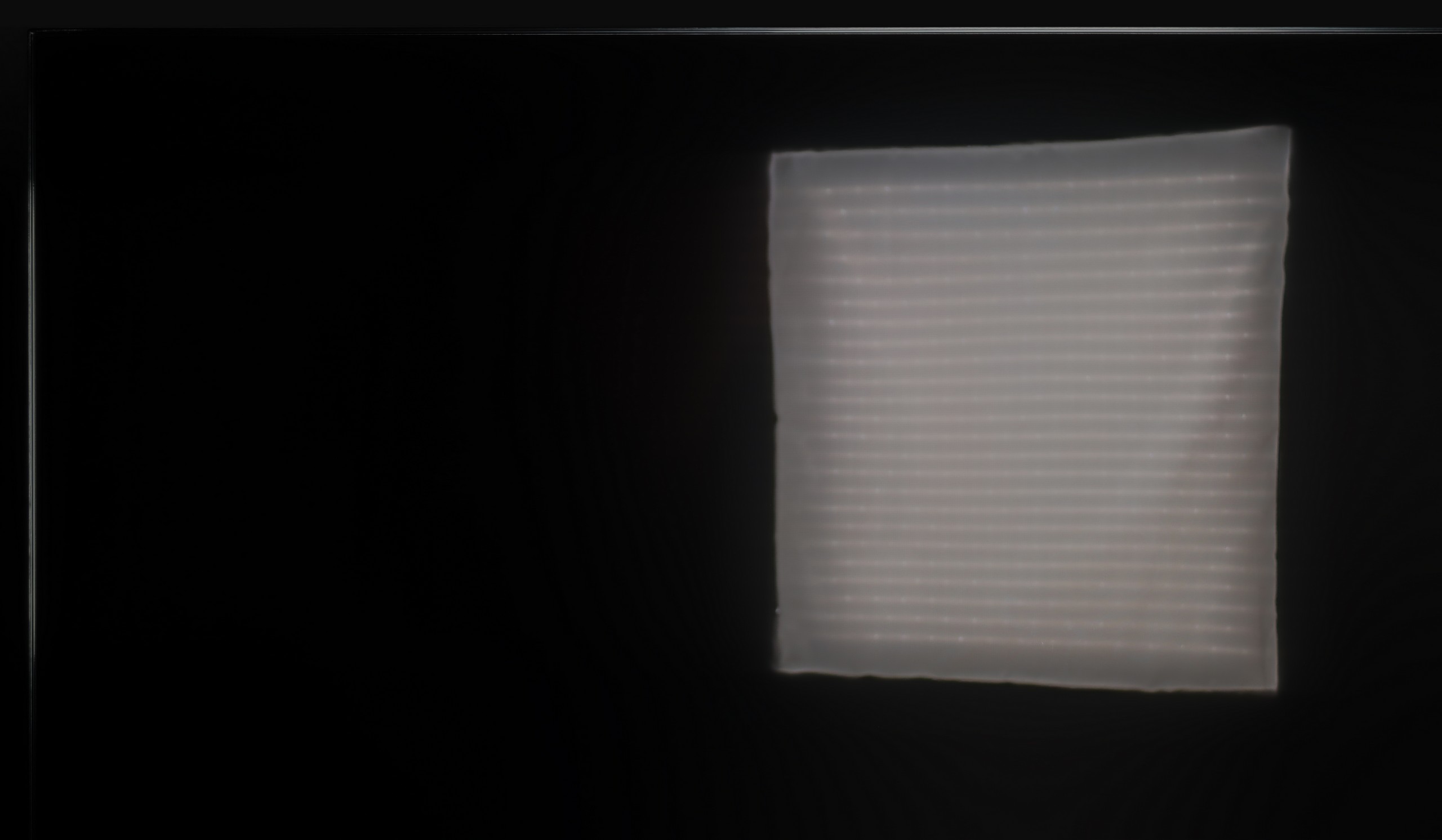

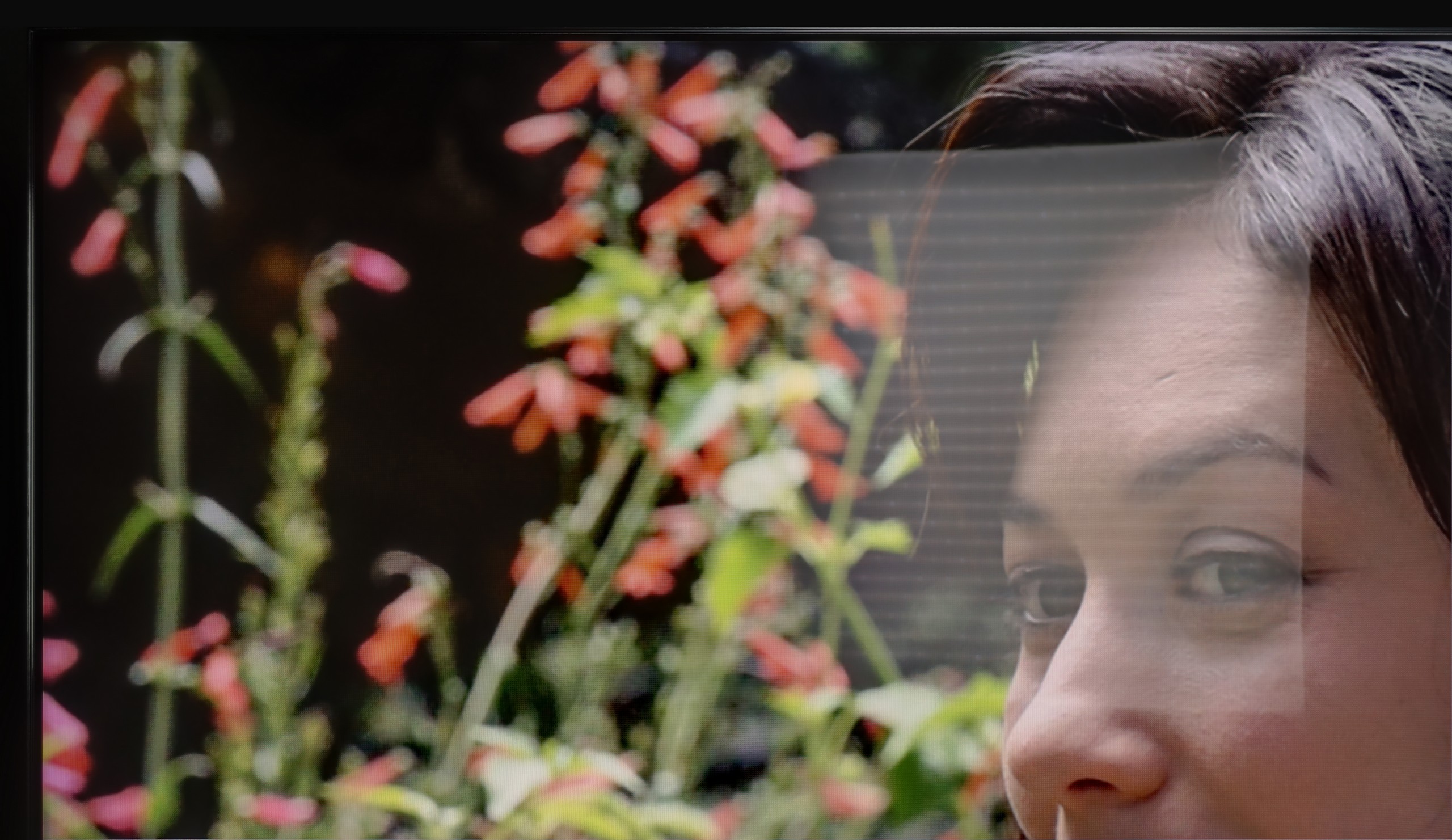
Panel brightness
Hisense U8Q: 914 cd/m2
LG QNED91T6A: 573 cd/m2
The LG 65QNED91T6A television is equipped with a satin matrix, which performs average in handling direct light reflections, such as from lamps or wall sconces. In the first test photo with a large lamp, it is visible how the reflection "spreads across the screen." However, the QNED91T makes up for it in terms of brightness - the average SDR brightness of 580 cd/m² is sufficient for watching television even in more challenging lighting conditions. As a result, despite issues with reflections, the television performs well during the day.
Hisense has opted for a new anti-reflective coating here called Anti-Reflection PRO. It is designed to improve viewing comfort in difficult lighting conditions – and it actually does the job. Reflections do not disappear completely, but they are well controlled and do not interfere with everyday viewing. However, the highlight of the program is the brightness in SDR – around 1000 nits! This is a result that would make top super premium models proud. As a result, the U8Q performs excellently in sunlit rooms and can confidently be considered one of the better TVs for daytime viewing.
Panel details
Subpixel Structure:

Panel uniformity and thermal imaging:

LG QNED91T6A
Hisense U8Q
TV features
8.4/10
9.4/10
- SystemWebOSVIDAA
- System performanceGoodGood
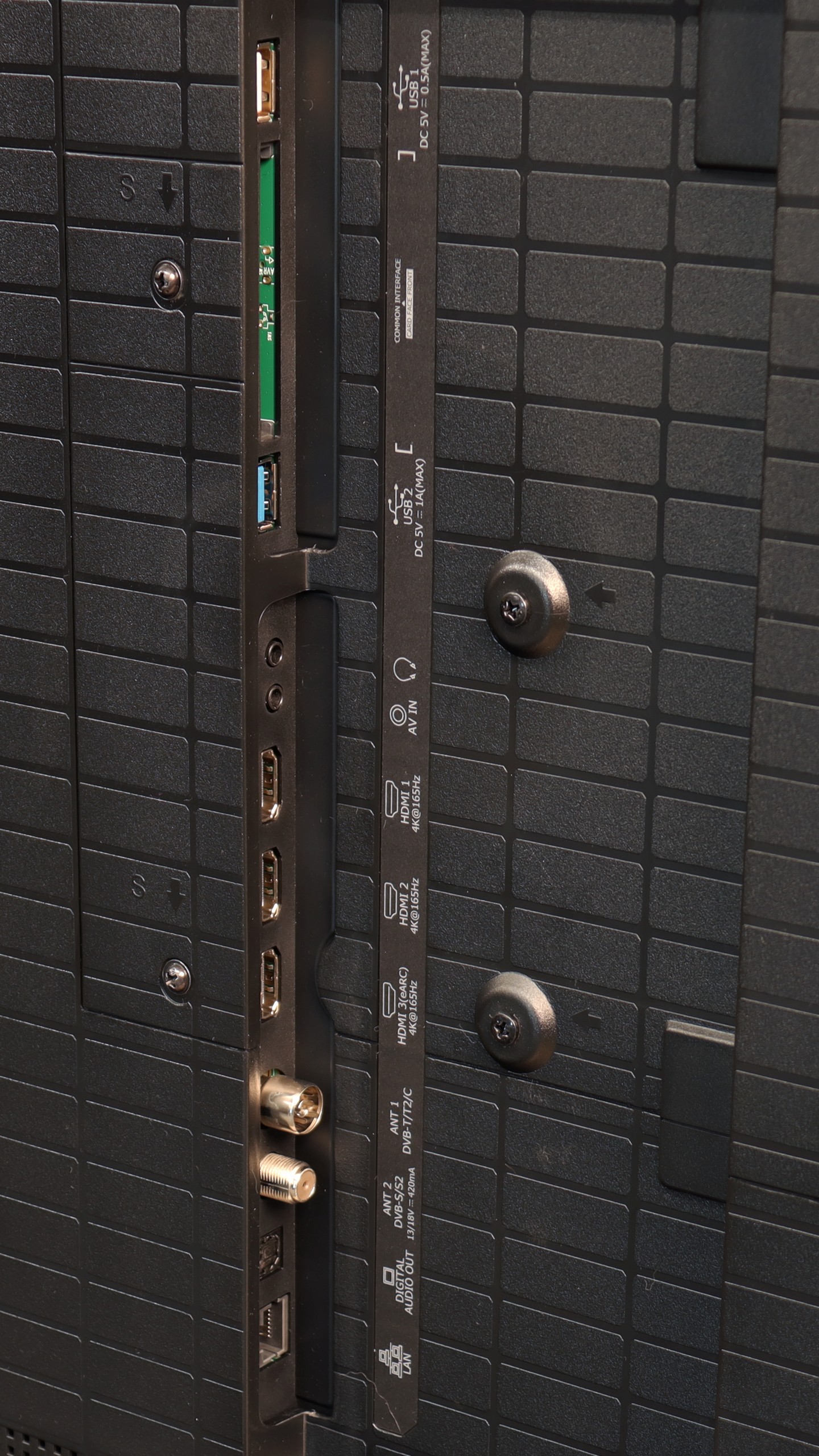
- HDMI inputs0 x HDMI 2.0, 4 x HDMI 2.1 48Gbps0 x HDMI 2.0, 3 x HDMI 2.1 48Gbps
- Other inputsToslink (Optical audio), RCA (Chinch)
- OutputsToslink (Optical audio), eARC (HDMI), ARC (HDMI)eARC (HDMI), ARC (HDMI), Mini-Jack (Headphones)
- Network InterfacesWi-Fi 2.4GHz, Wi-Fi 5GHz, Ethernet (LAN) 100MbpsWi-Fi 2.4GHz, Wi-Fi 5GHz, Ethernet (LAN) 100Mbps
- TV receptionDVB-T, DVB-T2, DVB-S, DVB-S2, DVB-CDVB-T, DVB-T2, DVB-S, DVB-S2, DVB-C
Classic features:
- Recording to USB (terrestrial TV)
- Recording programming
- Picture in Picture (PiP)
- RF remote control (no need to aim)
- Backlit remote control
- Teletext
- Audio only mode
- Bluetooth headphones support
- Simultaneous Bluetooth headphones & TV audio
Smart features:
- AirPlay
- Screen mirroring (Windows Miracast)
- Voice search
- Voice search in native language
- Ability to connect a keyboard and mouse


Sound connection options
- HDMI audioeARC (HDMI), ARC (HDMI)eARC (HDMI), ARC (HDMI)
- Other audio outputsToslink (Optical audio)Mini-Jack (Headphones)
- Wireless audioBluetoothBluetooth
Supported audio formats (external HDMI eARC audio):
- Dolby Digital Plus 7.1
- Dolby True HD 7.1
- Dolby Atmos in Dolby Digital Plus (JOC)
- Dolby Atmos in Dolby True HD
- DTS:X in DTS-HD MA
- DTS-HD Master Audio
Senior accessibility
- Numeric keyboard on TV
- Font size adjustment
- Audio description
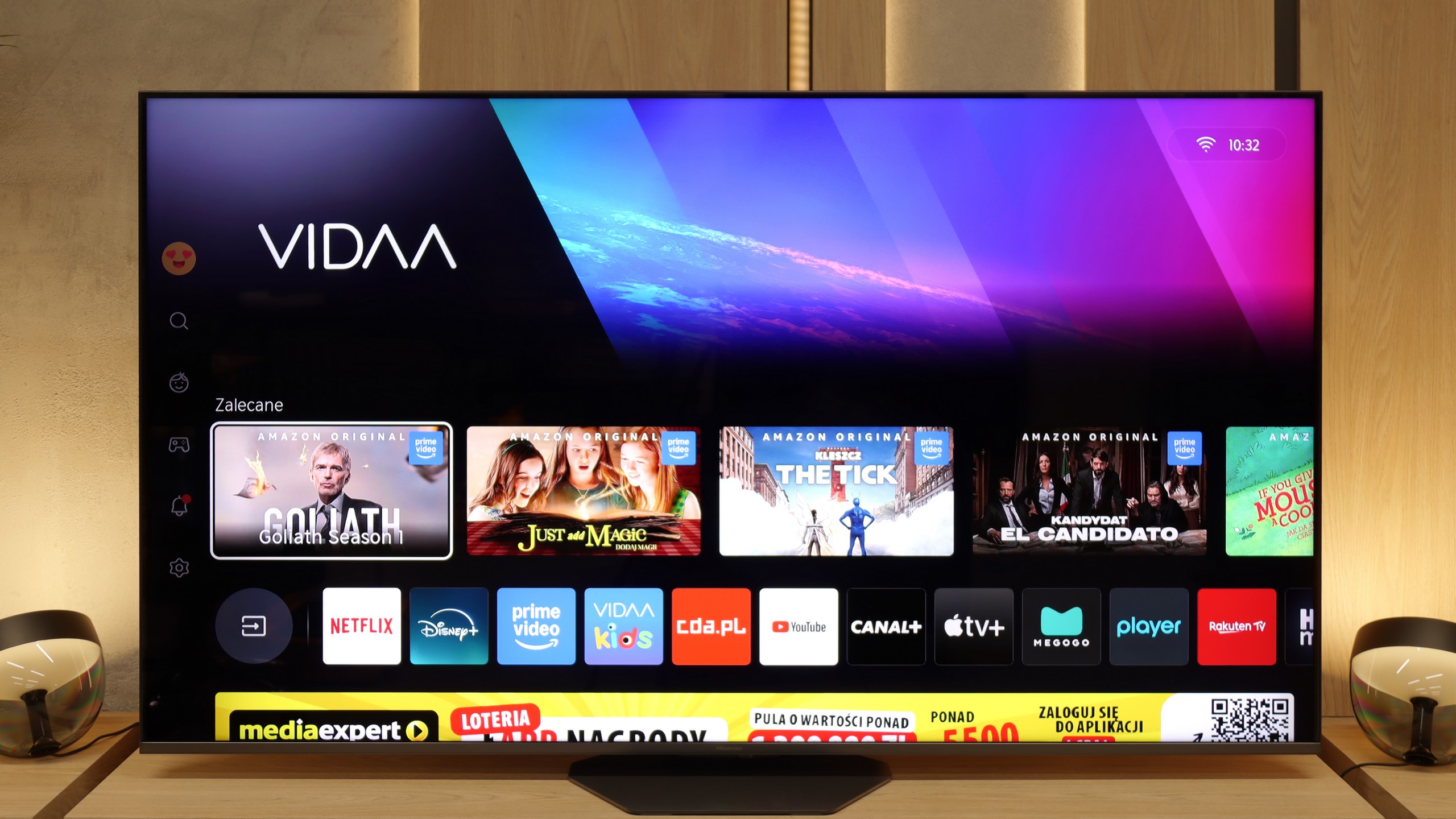
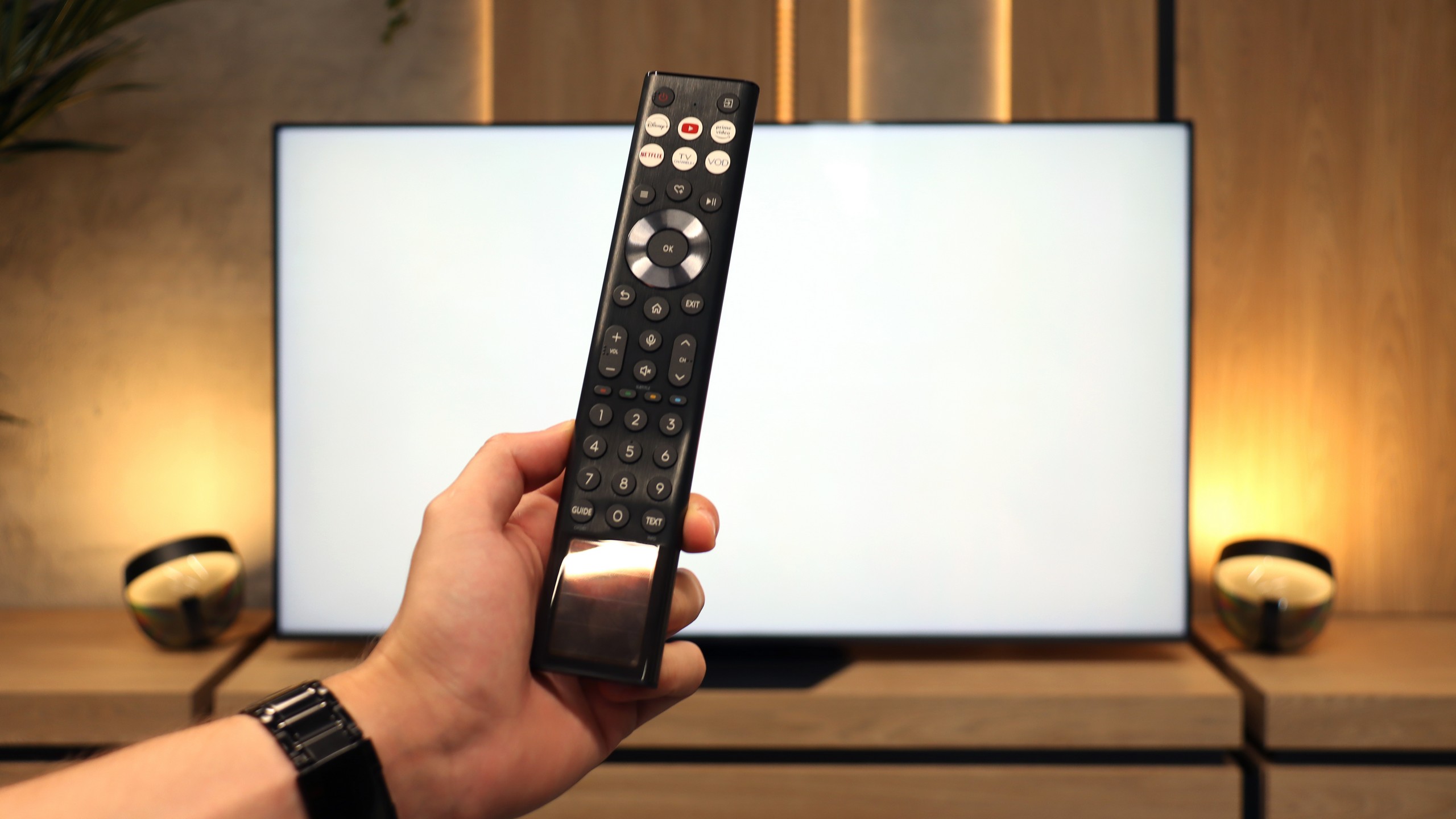
The most important thing in today's TVs, besides picture quality, is the operating system. The one available in LG models is really very good. Of course, we are talking about the WebOS system, which offers the most popular apps similar to GoogleTV. What sets this system apart is primarily the great remote control with an accelerometer - the Magic Remote, which resembles a magic wand. Controlling with this remote is extremely convenient.
In terms of user functions, the TV offers practically everything one could wish for. Here we find the ability to record programs from built-in tuners, support for AirPlay to connect an iPhone, and a mirroring function. We can easily connect keyboards, mice, or headphones, although keyboards are not necessary thanks to the convenient Magic Remote. Unfortunately, there is no PiP (Picture-in-Picture) function, but this is such a specific feature that only those who actually need it will feel its absence. The QNED91T is a TV that does not disappoint when it comes to everyday enjoyment of its use.
Classic Features
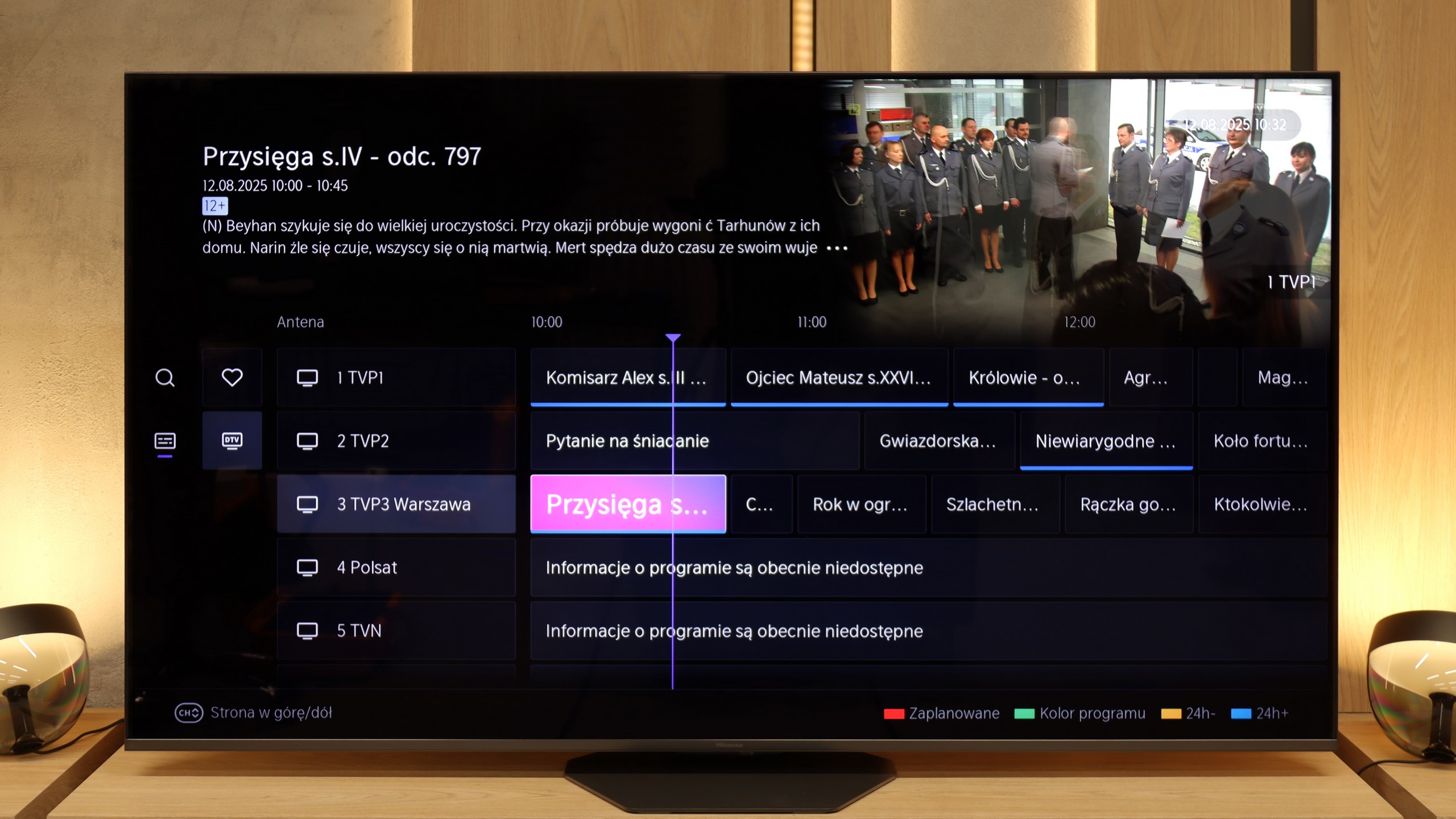
Hisense U8Q operates on the VIDAA system, which can still be called a newcomer in the European market, but it must be admitted – the manufacturer has a lot to offer here. We find classic features that are still useful for many people: USB recording, a clear EPG guide, and the ability to connect wired headphones, which especially seniors will appreciate. A nice addition is the presence of an audio jack – a connector that is slowly disappearing from TVs, and here it has been preserved.
USB-C in the TV!
A novelty in the U8Q is also the USB-C port with DisplayPort support. This is an unconventional but very practical solution – thanks to it, you can connect a laptop or phone with one cable, even if those devices do not have an HDMI output.
Smart Features: VIDAA
When it comes to smart features, VIDAA works smoothly. The interface is fast, applications open without significant delays, and network functions – such as screen mirroring and AirPlay – work very well. Of course, there are minor shortcomings, but these are more details than real problems. The Achilles' heel remains the somewhat limited application library. However, it is worth remembering that the list of available programs can change from day to day – some disappear, others appear, so the situation may improve.
Apps
8.3/10
7.7/10






















Playing files from USB
8.5/10
8.3/10
Supported photo formats:
Maximum photo resolution:

The built-in player in QNED91T should satisfy most users. It easily supports Polish characters and plays movies with subtitles from external drives. The player also handles most audio and photo formats, except for Apple HEIC files.
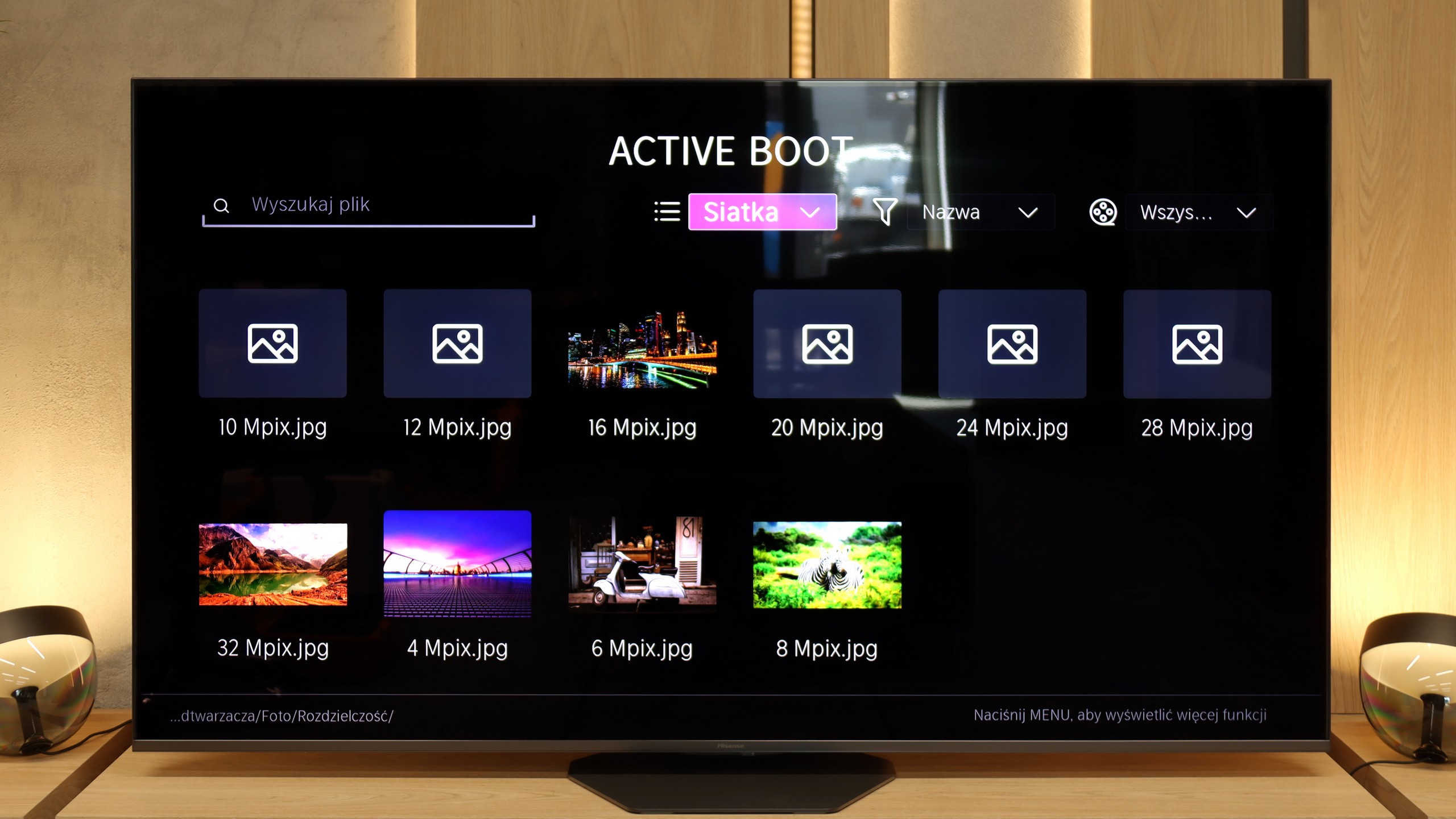
The built-in media player in the Hisense U8Q will be more than sufficient for most people. The TV opens popular video and audio formats and also handles photos. However, there is a small caveat – not all photo resolutions are supported. So, if we have photographs saved in a very large number of megapixels, they may simply not open. It’s worth keeping this in mind to avoid unpleasant surprises during the family photo presentation.
Sound
6.9/10
7.8/10
- Maximum volume-88dB
- Dolby Digital Plus 7.1
- Dolby True HD 7.1
- Dolby Atmos in Dolby Digital Plus (JOC)
- Dolby Atmos in Dolby True HD
- DTS:X in DTS-HD MA
- DTS-HD Master Audio
LG QNED91T is equipped with a set of 4 speakers in a 2.2 configuration with a total power of 40W. The television sounds quite pleasant, and the subtle bass is noticeable. Of course, it is not on the level of an external audio system, such as a soundbar or home theatre, but it is sufficient for everyday use. It is also worth praising the support for audio formats DTS:X and Dolby Atmos, which significantly improve the quality of the audio experience.
Hisense U8Q performs really well in terms of sound. The sound quality is pleasant, with a light bass and quite decent mid tones, making it sufficient for everyday watching of movies, series, or gaming. It gets a bit worse when we crank the volume up to 100%. This is a rather rare scenario, but it’s worth mentioning. With very strong bass, the rear speakers start working so intensely that the television can slightly "rattle," and the sound turns into an unpleasant, plastic echo. Therefore, it’s best to keep the volume within 70–80% – at that level, the U8Q sounds clear and pleasant, without any undesired effects.
Sound Quality Test
No sound test video
Acoustic Measurements
No acoustic data
88dBC (Max)
75dBC