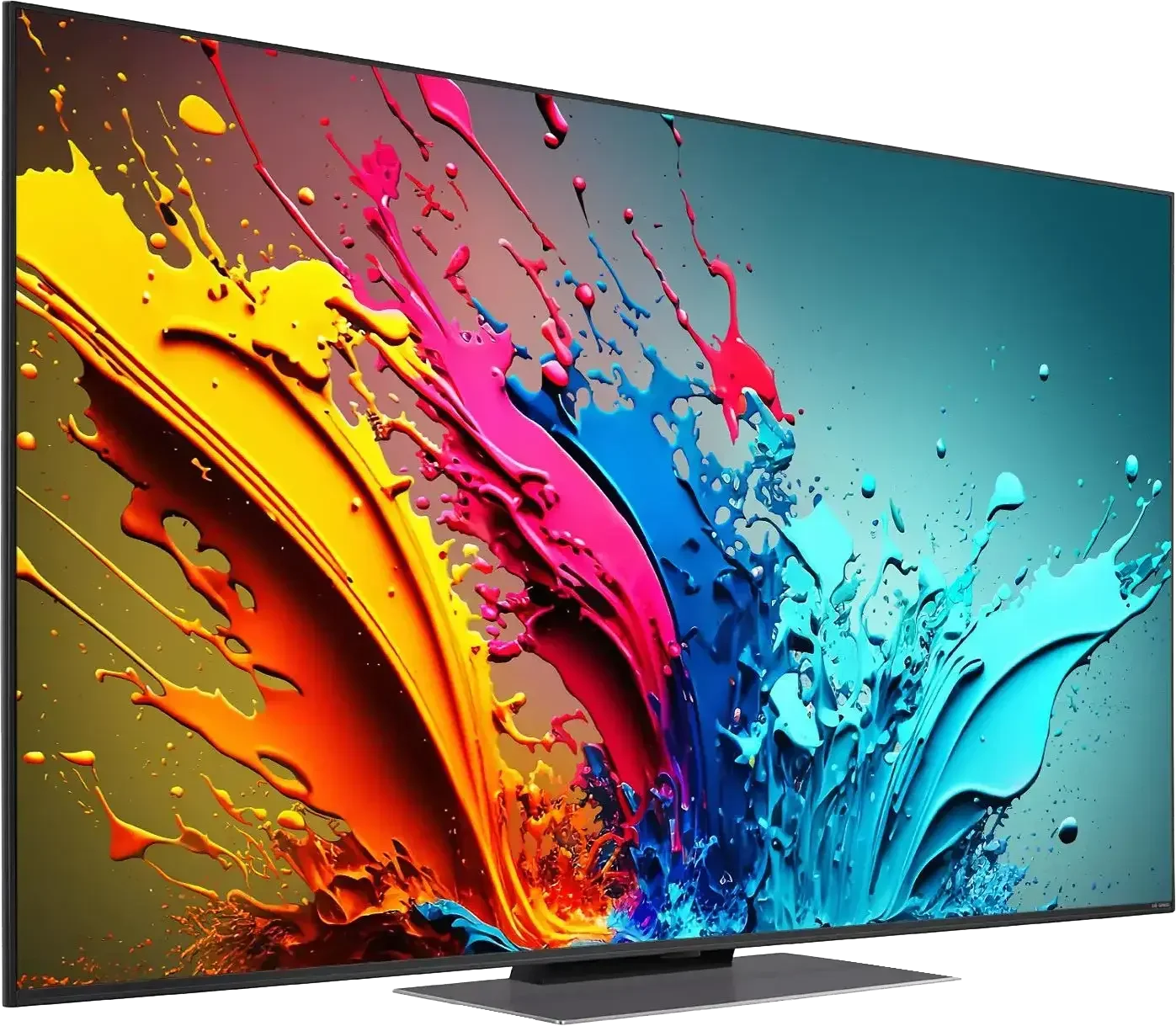
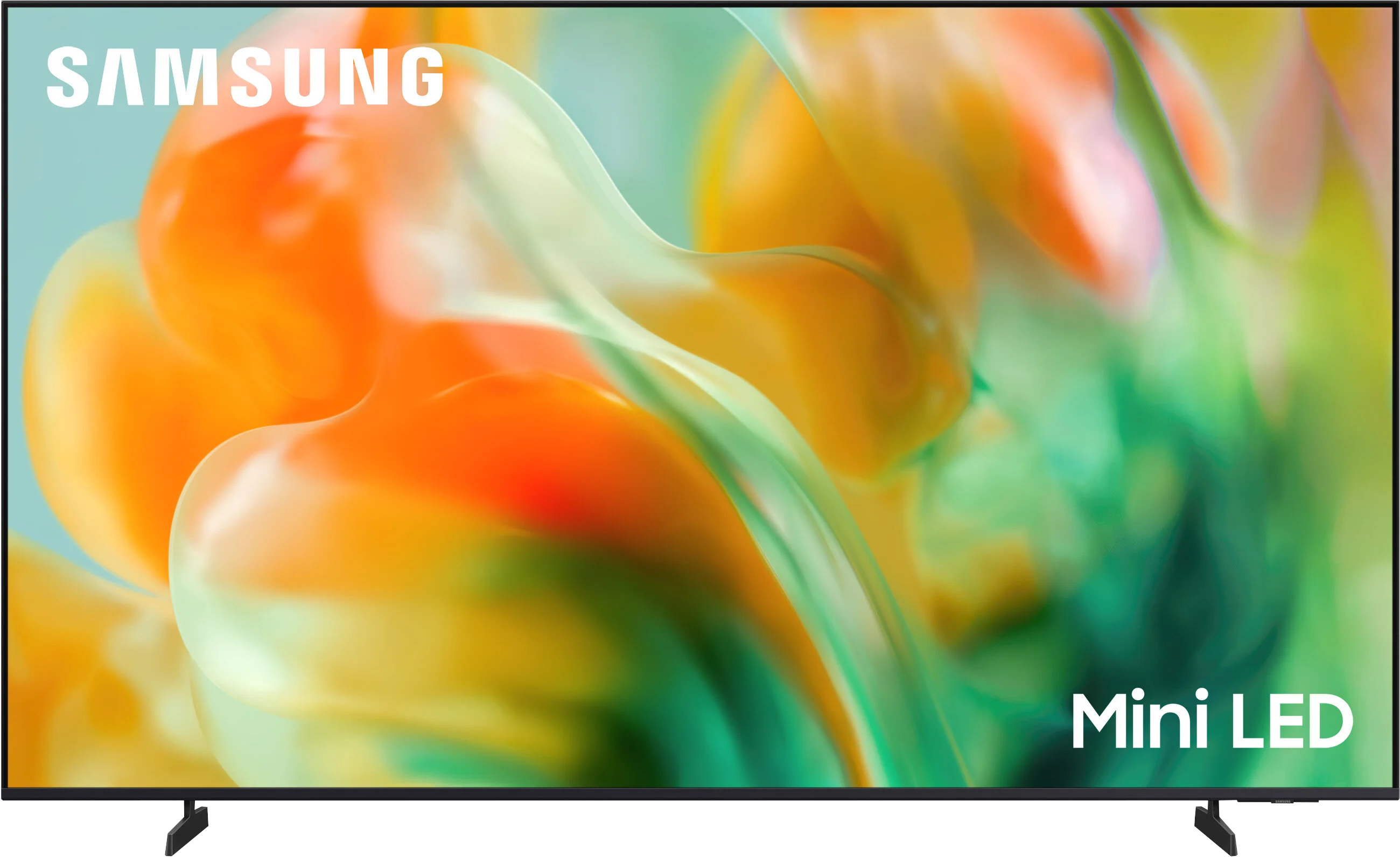
LG QNED87T6B vs Samsung M80H

Direct comparison

Check the best price offer:

LG QNED87T6B(paid link)
$585

Check the best price offer:

Samsung M80H(paid link)
Check price

M80H / M86H

Info

Available screen sizes: 50”55”65”75”

Available screen sizes: 55”65”75”85”

Review LG QNED87T6B Main photo
Review Samsung M80H Main photo

Panel type: LCD IPS

Resolution: 3840x2160

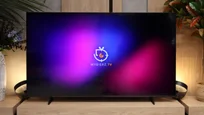
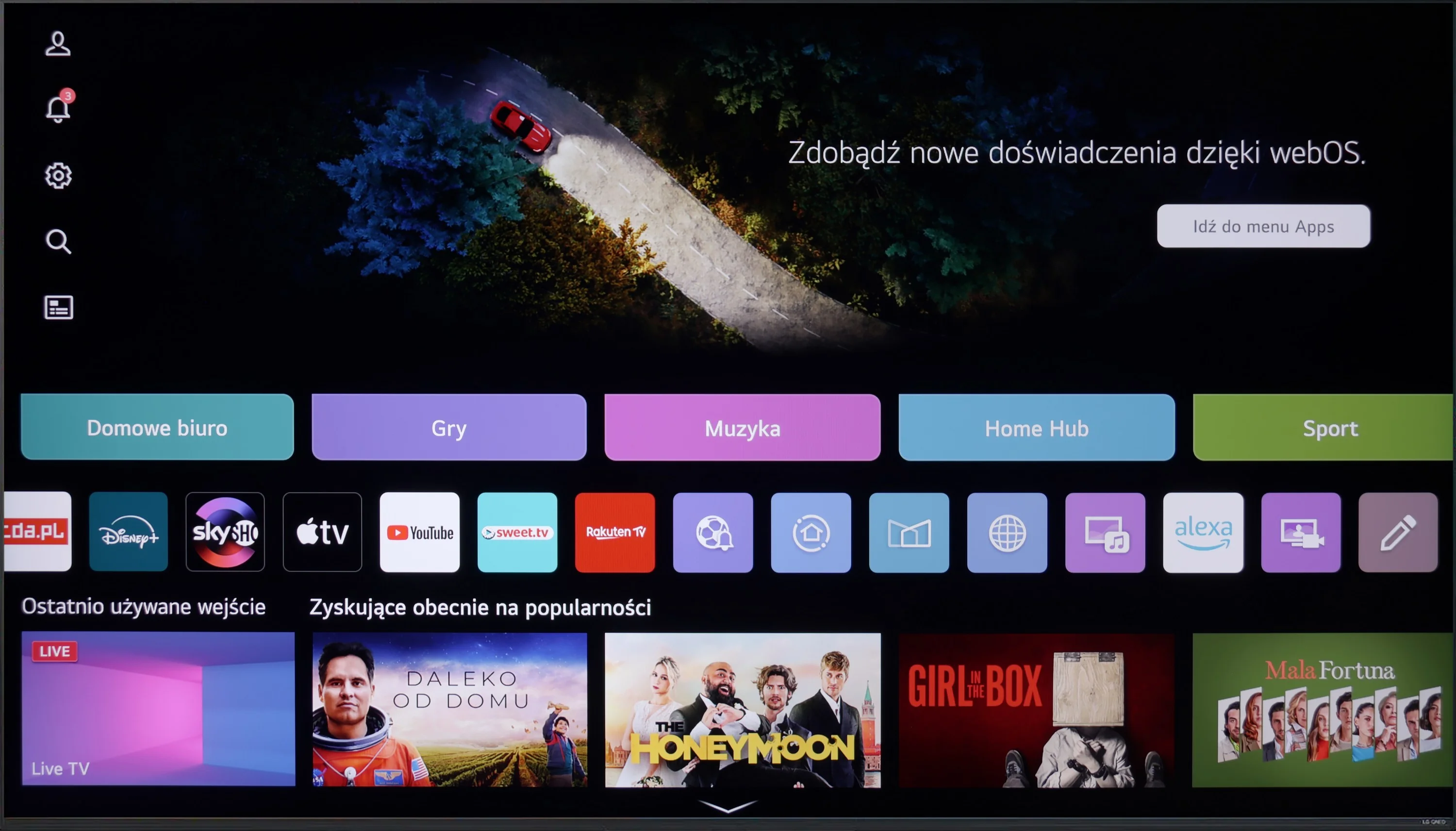
System: WebOS

Model year: 2024

Complete the survey to find out the result

Panel type: LCD VA

Resolution: 3840x2160

System: Tizen

Model year: 2026

Complete the survey to find out the result

Overall rating

6.8

6.9

  • Movies and series in UHD quality

    6.1

    6.5

  • Classic TV, YouTube

    6.1

    6.6

  • Sports broadcasts (TV and apps)

    7.2

    6.7

  • Gaming on console

    8.2

    8.8

  • TV as a computer monitor

    7.6

    8.9

  • Watching in bright light

    4.8

    5.0

  • Utility functions

    8.8

    7.3

  • Apps

    8.3

    9.3

  • Sound quality

    6.0

    6.0

Advantages

  • Great for gamers and sports - 120hz, HDMI 2.1

  • Wide viewing angles

  • Good choice for regular TV - excellent digital processing and extensive user features

  • One of the better choices as a PC monitor

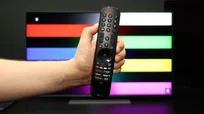
  • Remote with cursor - Magic

  • Three HDMI 2.1 ports with support for VRR and ALLM

  • Dedicated motion smoothing for gamers: Game Motion Plus

  • Low input lag

  • High refresh rates: 4K 144 Hz and Full HD 240 Hz

  • Decent contrast thanks to a VA panel

  • Minimal smearing for a VA panel

  • Rich colors thanks to the PFS filter (a different kind of QLED 😉)

  • Good digital image processing for this segment

  • Fast Tizen OS with a wide selection of apps

Disadvantages

No like
  • Poor contrast

  • No Dolby Vision, HDR 10+

  • No local dimming despite being labeled Mini-LED!

  • Low brightness: 350 nits

  • No support for Dolby Vision and DTS:X

  • No Toslink optical audio output

Our verdict

The LG QNED87T is a unique offering in the TV market, excelling in several key areas. Its excellent compatibility with consoles and PCs, along with impressive motion fluidity, makes it an appealing choice for gamers. The 120Hz panel, VRR, and ALLM ensure smooth and responsive gameplay, making it ideal for fast-paced games and sports viewing. The WebOS system, paired with the Magic Remote control, enhances daily convenience, providing an intuitive interface and access to a wide range of apps like Netflix, YouTube, and Amazon Prime Video.

The TV's IPS panel offers wide viewing angles, ensuring good image quality even from side seats, which is perfect for group viewing. Features like USB recording, PIP (Picture-in-Picture), and Bluetooth connectivity improve user experience and convenience.

However, the LG QNED87T does have some limitations when it comes to high-quality content and home cinema use. Its contrast performance is weaker, and panel dimming issues can result in a lack of detail in dark scenes, particularly in low-light settings. While this may be less noticeable in bright or well-lit rooms, those seeking superior performance in dark environments may find these weaknesses more apparent.

Overall, the LG QNED87T is a versatile TV with modern features, making it a great option for everyday use and dynamic content, but it might not be the best choice for cinephiles or those seeking superior performance in dark rooms.

The M80H shows its strengths where motion matters most. A fast panel, a refresh rate of up to 144 Hz, and relatively low motion blur make sports and fast-paced games look really good. In this respect the TV can even beat some significantly more expensive Samsung LCD models. Gamers also get low input lag, three full-bandwidth HDMI 2.1 ports, and Game Motion Plus, which can improve the smoothness of games running at 30 or 60 frames. When connected to a PC you can also use a 240 Hz refresh rate, although only at Full HD resolution. A big plus for the M80H is the NQ4 AI Gen2 processor, which was until recently used in higher-tier Samsung series. It handles lower-resolution content well and can enhance the look of weaker sports broadcasts or heavily compressed footage. The extra image-enhancing features do produce a visible effect, although at higher settings they become too strong and start to interfere with the picture's natural look. Still, they are worth listing as an advantage, since in the cheapest TVs similar solutions often matter much less.

What raises the most concerns is the M80H being called a Mini-LED TV. It does not have local dimming, the feature that usually accounts for the biggest benefit of this technology. Brightness of around 350 nits also does not allow for particularly striking HDR. In terms of picture quality the M80H is therefore much closer to basic LCD TVs than to more advanced Neo QLED models like the QN80H. That does not mean movies look bad on it. The VA panel provides decent contrast, and the PFS filter delivers attractive, saturated colors. You should be aware, however, that the lack of local dimming clearly limits the TV's picture-quality capabilities. The M80H is therefore not a model that demonstrates the full potential of Mini-LED backlighting.

It will perform much better in the hands of a gamer or sports fan for whom panel speed, low input lag, and extensive gaming features are most important. If its price remains significantly lower than models equipped with local dimming, that compromise may be a sensible choice for that group of users.

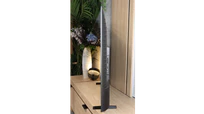
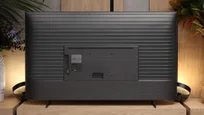
TV appearance

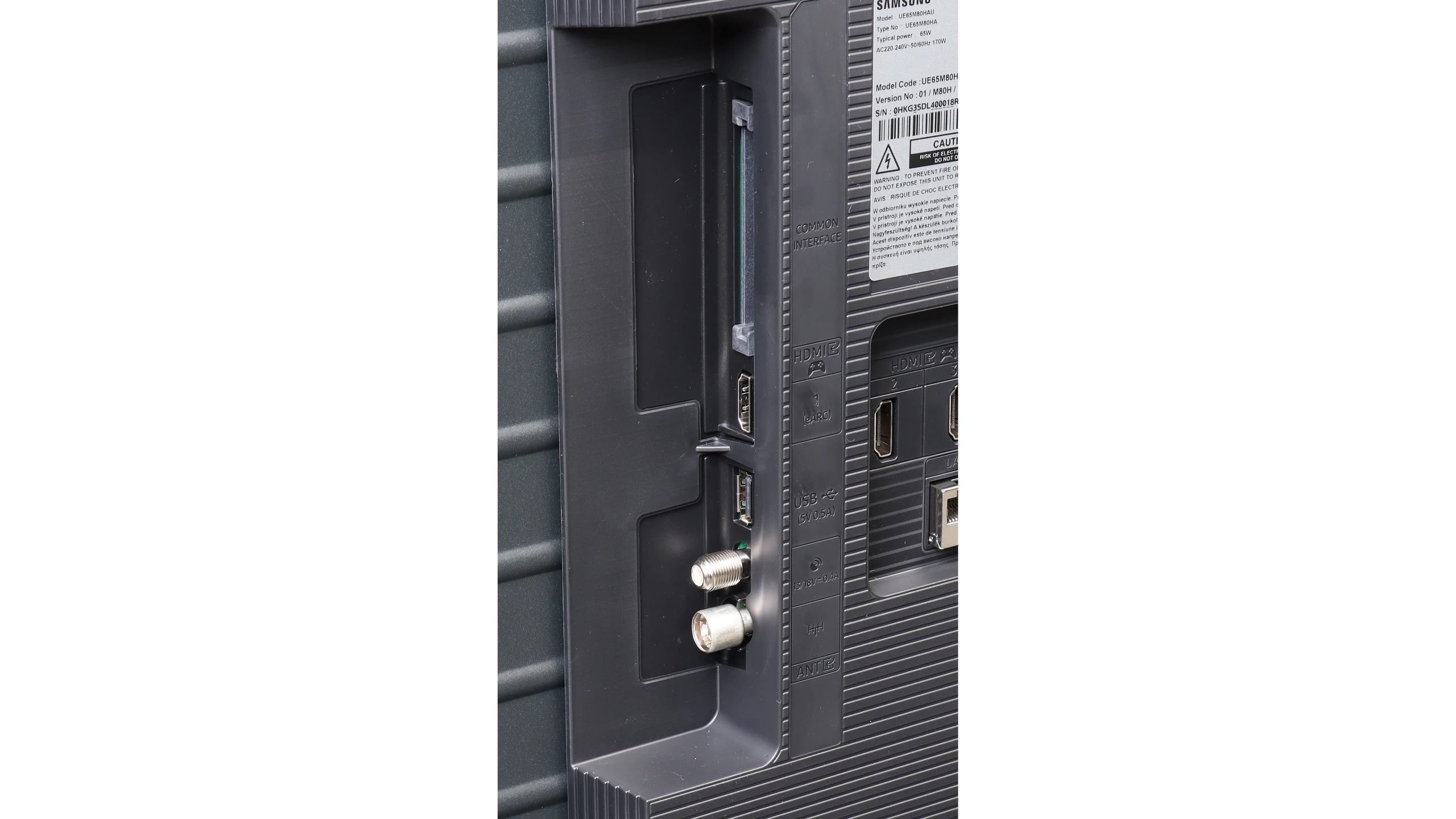
HDMI inputs
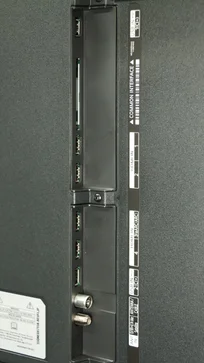
0 x HDMI 2.0, 4 x HDMI 2.1 (48Gbps)
0 x HDMI 2.0, 3 x HDMI 2.1 (48Gbps)
Other inputs
Outputs
Toslink (Optical audio), eARC (HDMI), ARC (HDMI)
eARC (HDMI), ARC (HDMI)
Network Interfaces
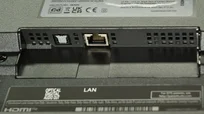
Wi-Fi 2.4GHz, Wi-Fi 5GHz, Ethernet (LAN) 100Mbps
Build quality
Good
Average
Stand type
Central
Legs
Bezel color
Graphite
Graphite
Stand
Fixed
Fixed
Flat design
Yes
No
Accessories
Stand
Stand

Contrast and black detail

3.3/10

6.3/10

Local dimming function: Yes, number of zones: 6 (6 x 1)

Local dimming function: No

Contrast:

Review LG QNED87T6B Contrast and black detail

Result

2,350:1

Review LG QNED87T6B Contrast and black detail

Result

1,250:1

Review LG QNED87T6B Contrast and black detail

Result

2,500:1

Review LG QNED87T6B Contrast and black detail

Result

1,450:1

Review LG QNED87T6B Contrast and black detail

Result

1,050:1

Review Samsung M80H Contrast and black detail

Result

5,950:1

Review Samsung M80H Contrast and black detail

Result

7,150:1

Review Samsung M80H Contrast and black detail

Result

8,150:1

Review Samsung M80H Contrast and black detail

Result

7,850:1

Review Samsung M80H Contrast and black detail

Result

5,550:1

Halo effect and black detail visibility:

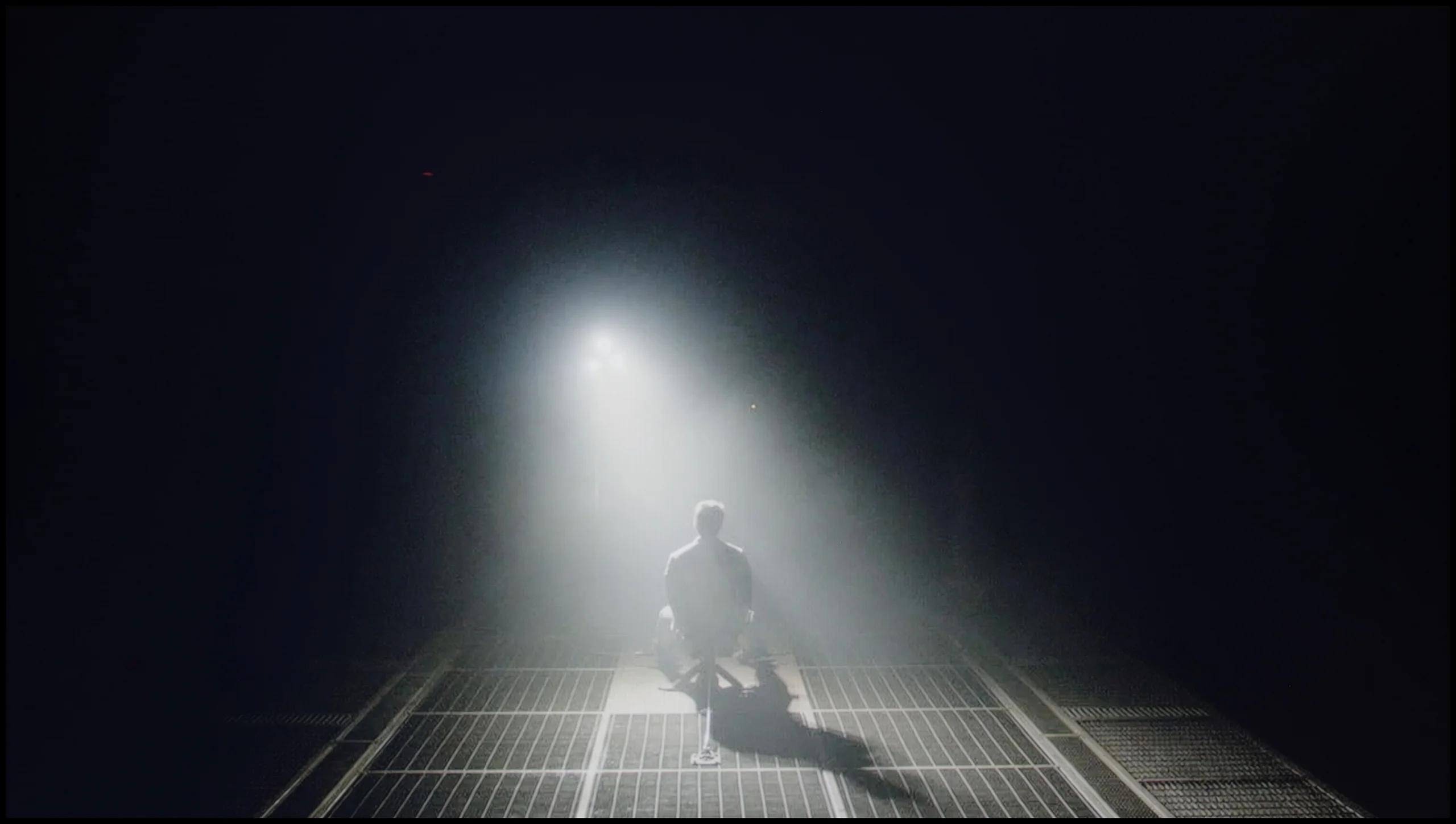
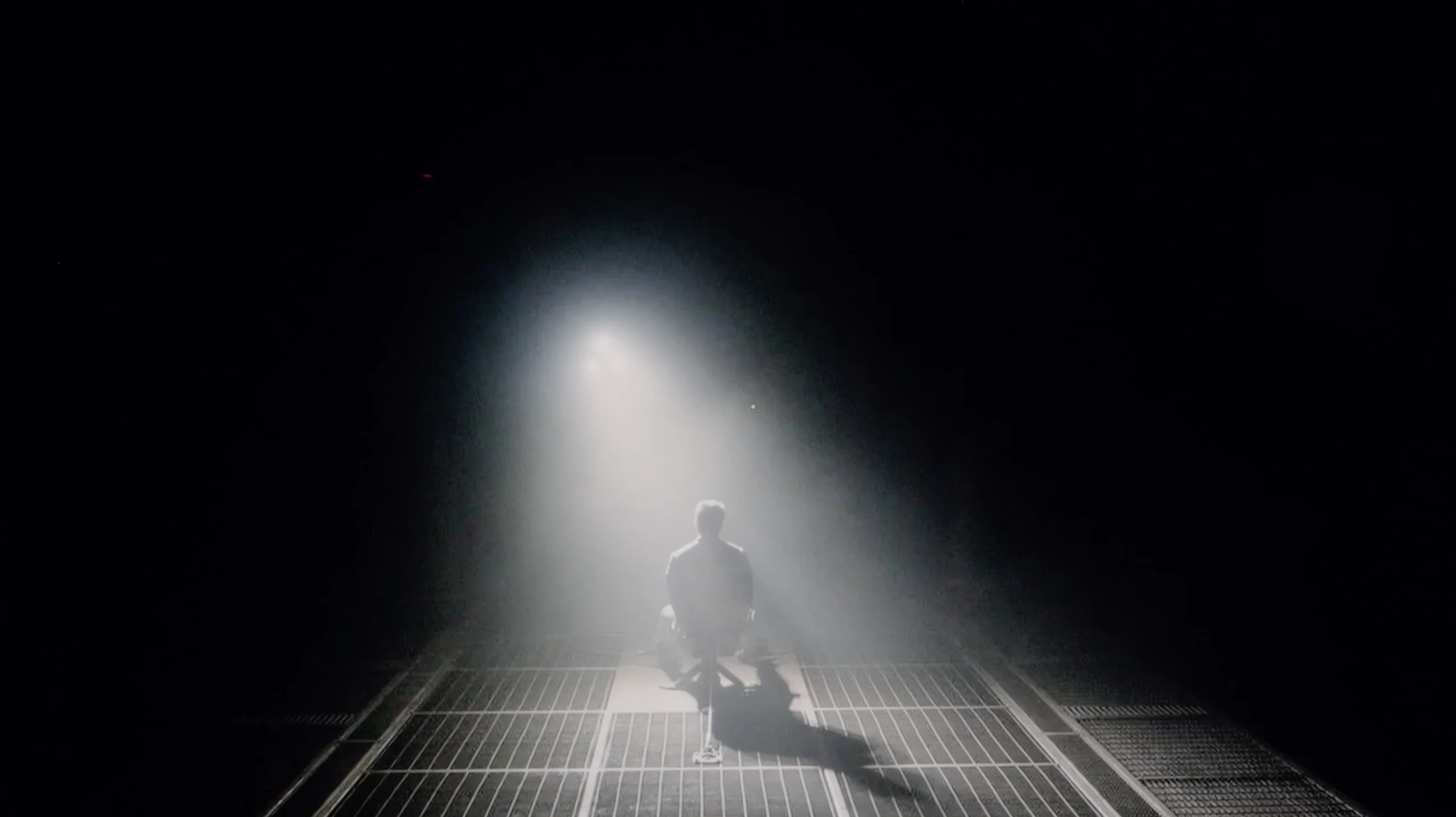
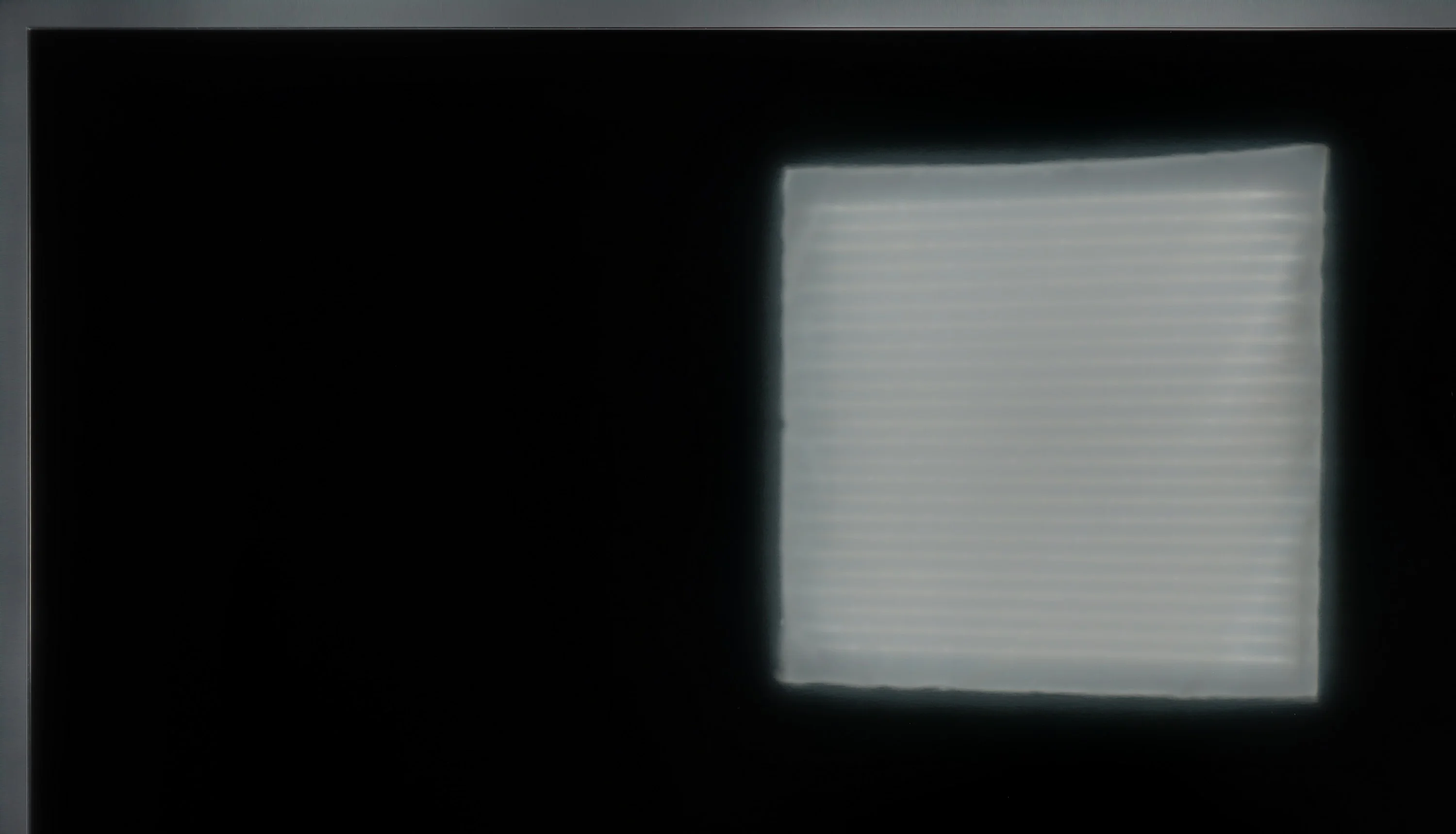
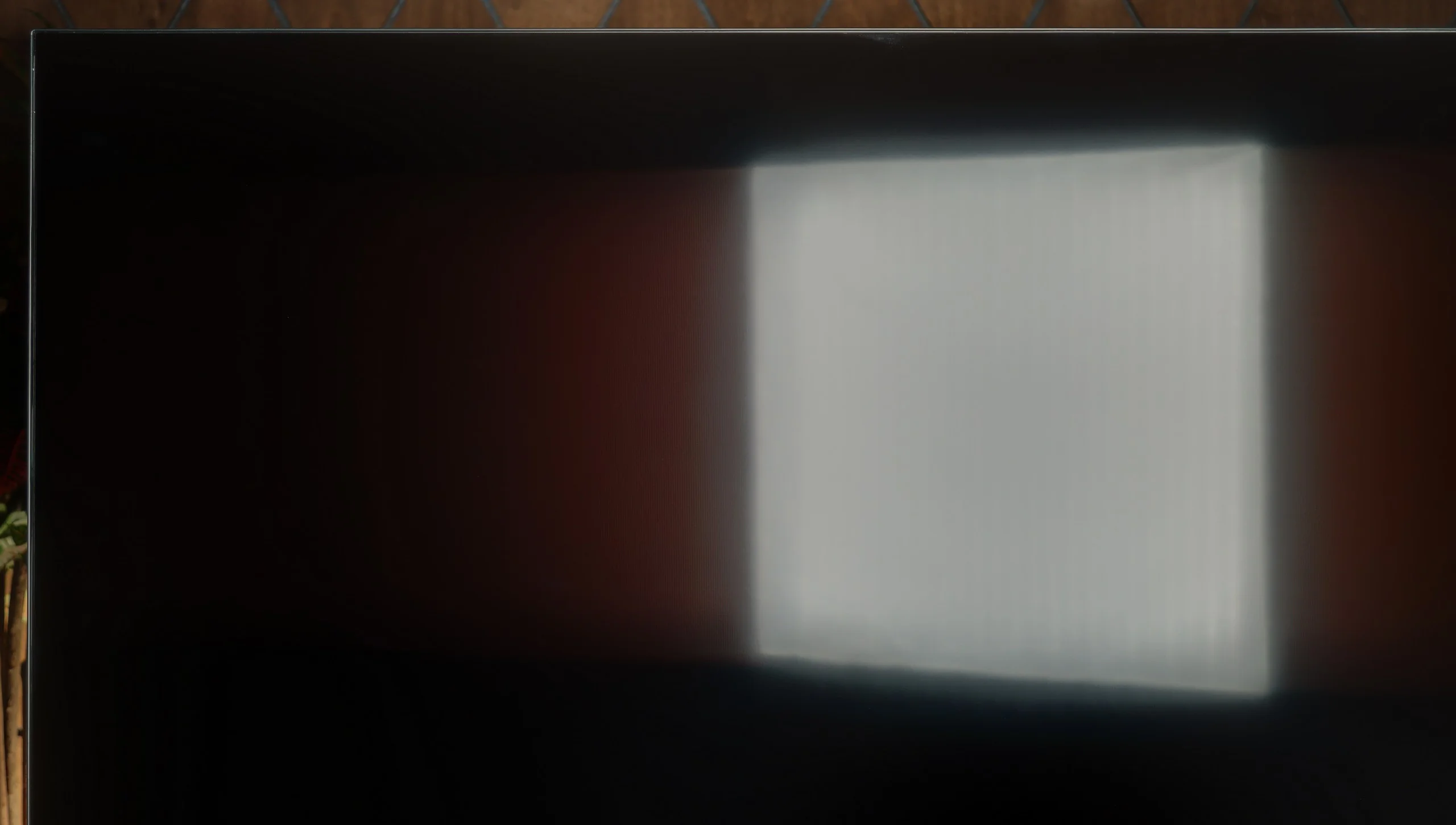
Check the visibility of bright lights on a dark background. Mini-LEDs often struggle with this. The photo does not compare black levels – that’s what the video below is for.

The video accurately shows differences in contrast and black levels between TVs, as well as potential issues: halo around bright objects or Mini-LED zone operation visible as brightness jumps.
The LG QNED87T6B struggles in the black and contrast categories, primarily due to its IPS panel. While IPS panels generally offer better viewing angles, they tend to fall short in contrast performance compared to VA panels, which excel in deep blacks and high contrast. Additionally, the TV’s edge dimming feature does little to improve this issue, as its effects are relatively weak.
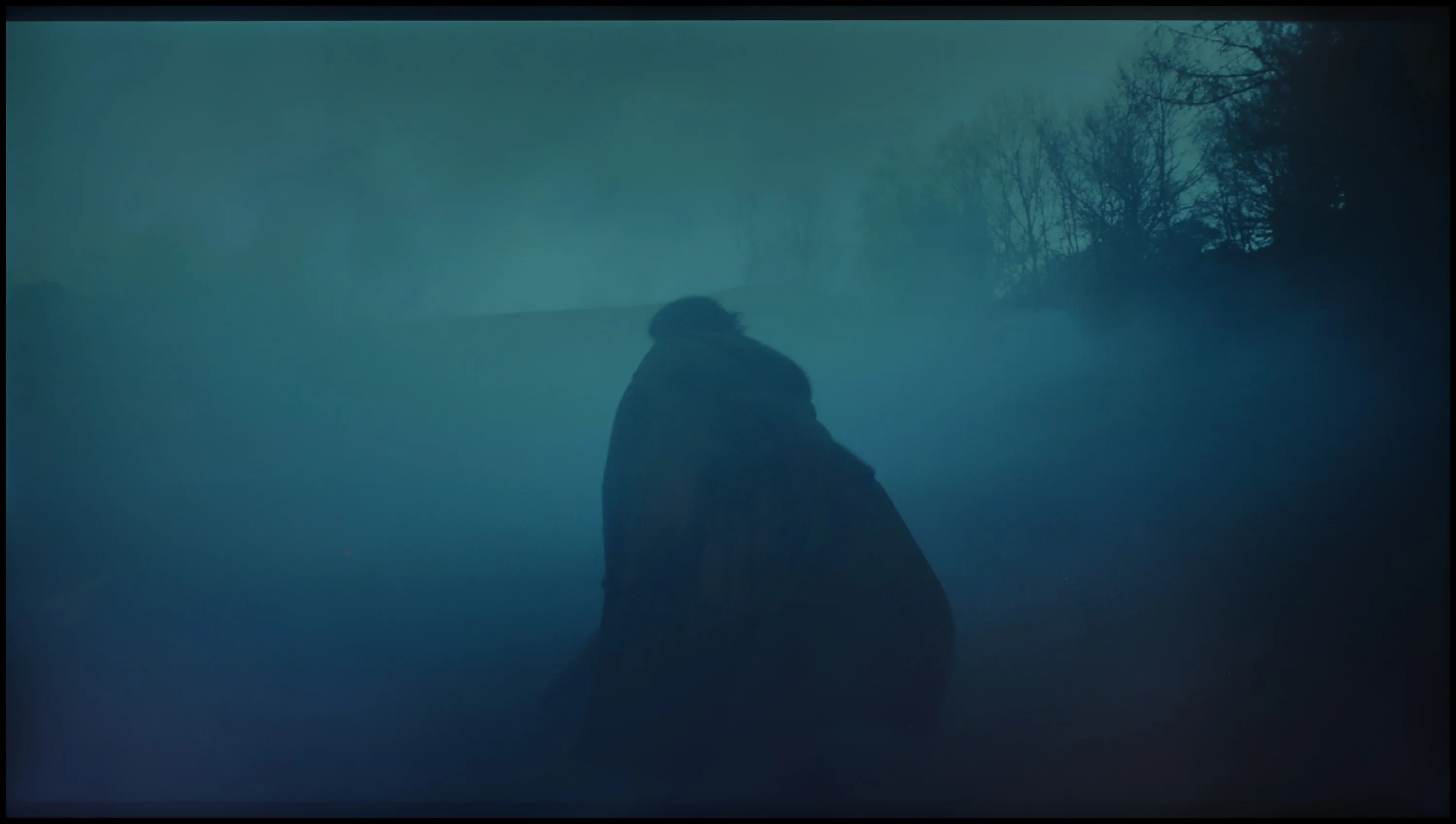
In the 50-inch variant, which uses a VA panel, these issues are less pronounced. However, for larger sizes, the contrast performance is a noticeable drawback. Test patterns reveal the TV’s difficulty with maintaining deep blacks, and in scenes like the movie clip from The Revenant, the backlight struggles to keep the dark areas consistent, leading to noticeable blooming and poor black levels. This undermines the overall viewing experience, particularly in darker scenes where contrast is most important.

Samsung M80H is an LCD TV that, according to the manufacturer, uses Mini-LED backlighting. And maybe smaller LEDs placed directly behind the screen are indeed used here, but it's not the same type of Mini-LED we know from more expensive TVs. The M80H lacks local dimming, so the backlight cannot independently control the brightness of individual parts of the image. Black levels are quite decent, mainly thanks to the VA-type panel used. Depending on the scene, our measured contrast was about 5500:1 to over 8000:1. For a TV without local dimming, those are good results, and it's exactly in such designs that VA panels have a considerable advantage over IPS/ADS panels. It's worth noting that part of the results exceed the native contrast of the panel itself, which is about 5000:1. Samsung has implemented a global dimming feature. When there's a lot of black on the screen, the TV dims the entire backlight, making dark areas look deeper. However, this comes at the cost of the brightness of the rest of the image. The M80H therefore won't strongly brighten a small bright spot while maintaining deep black around it; it dims or brightens the whole screen.

HDR effect quality

5.3/10

4.7/10

Supported formats
HDR10, HLG
HDR10, HDR10+, HLG
Color gamut coverage
DCI P3: 96.4%, BT.2020: 71.7%
DCI P3: 96.0%, BT.2020: 71.9%

Luminance measurements in HDR:

Review LG QNED87T6B Brightness measurement

Result

409 nit

Review LG QNED87T6B Brightness measurement

Result

486 nit

Review LG QNED87T6B Brightness measurement

Result

574 nit

Review LG QNED87T6B Brightness measurement

Result

464 nit

Review LG QNED87T6B Brightness measurement

Result

439 nit

Review Samsung M80H Brightness measurement

Result

288 nit

Review Samsung M80H Brightness measurement

Result

340 nit

Review Samsung M80H Brightness measurement

Result

349 nit

Review Samsung M80H Brightness measurement

Result

345 nit

Review Samsung M80H Brightness measurement

Result

364 nit

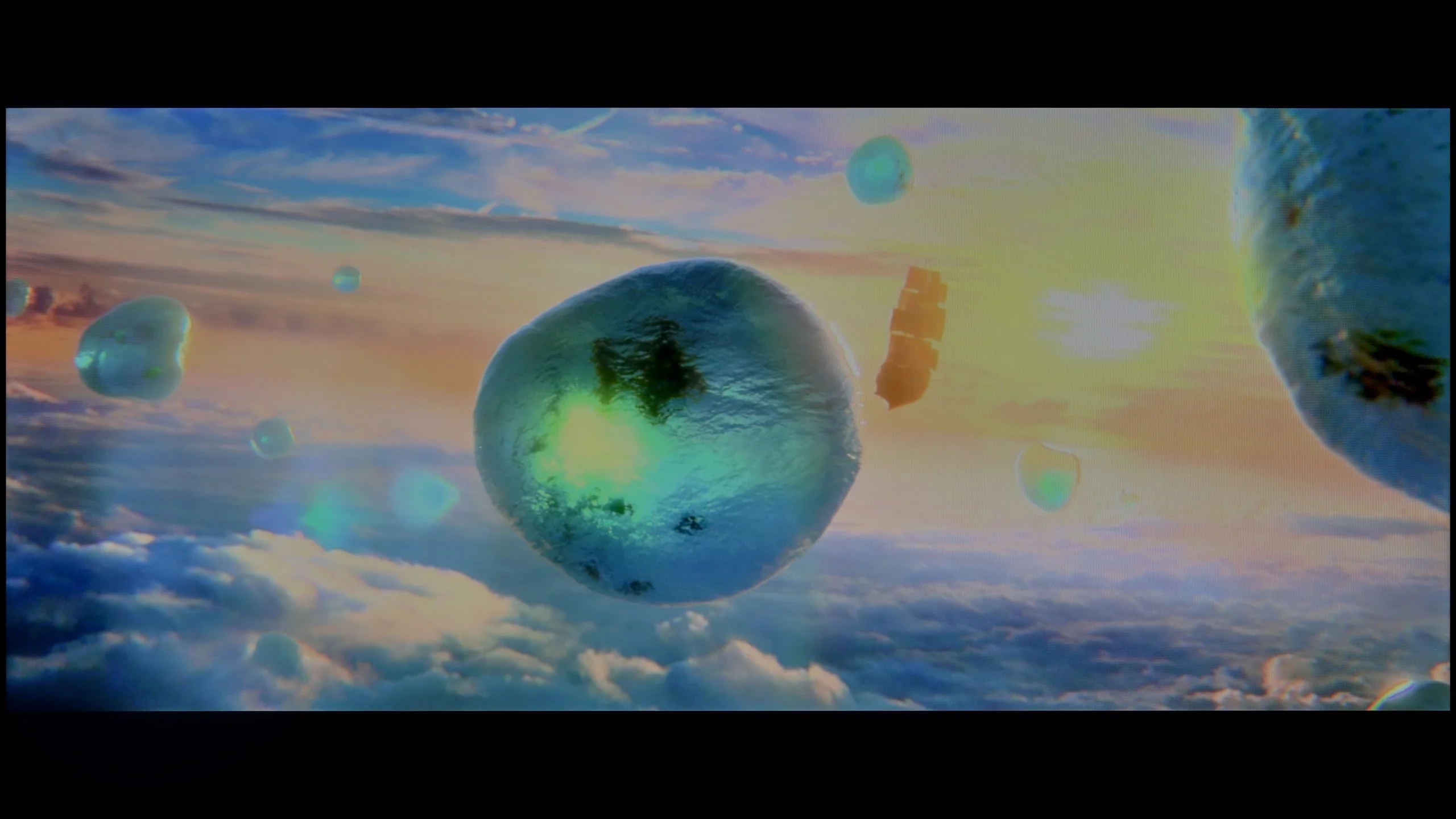
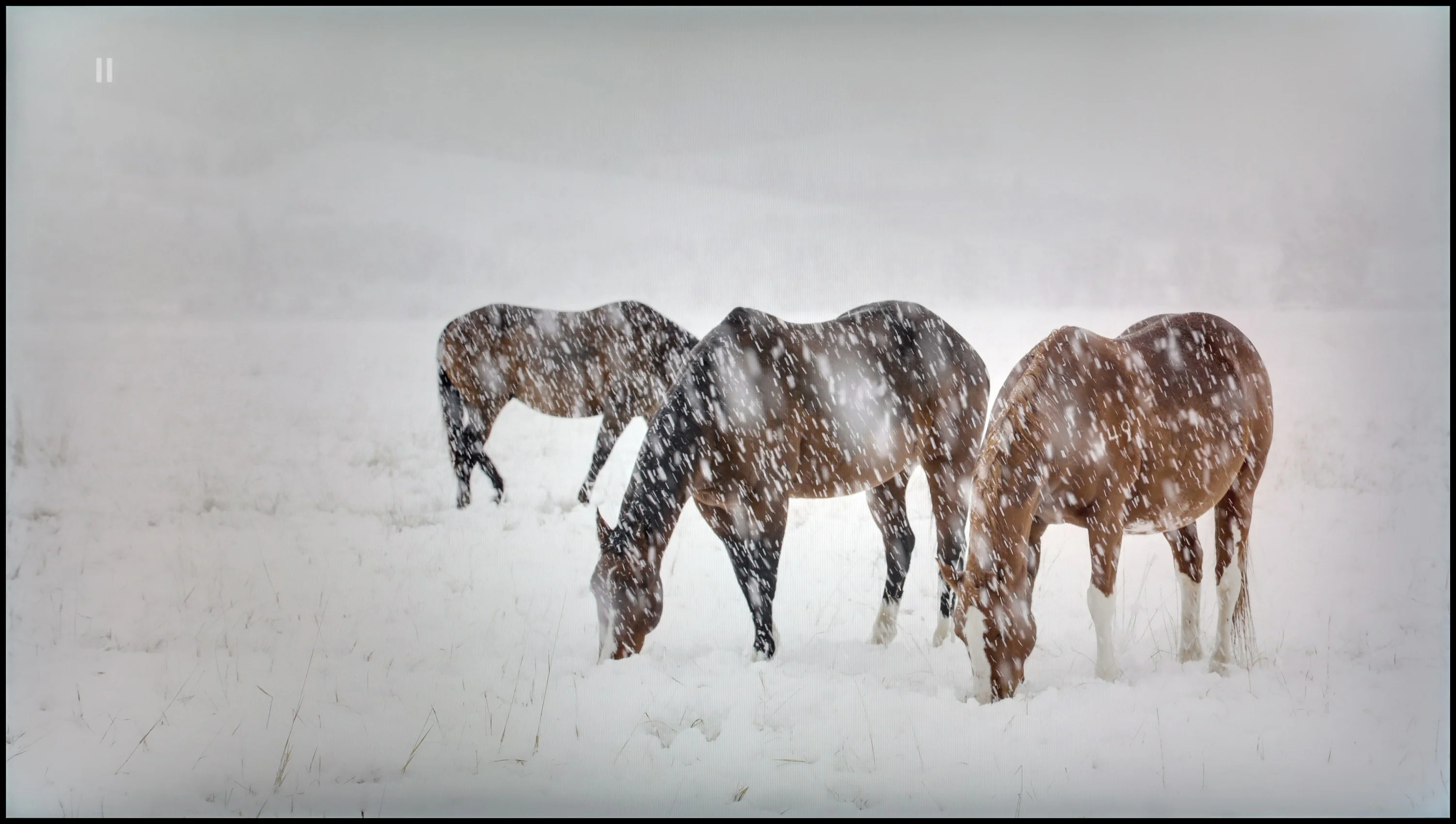
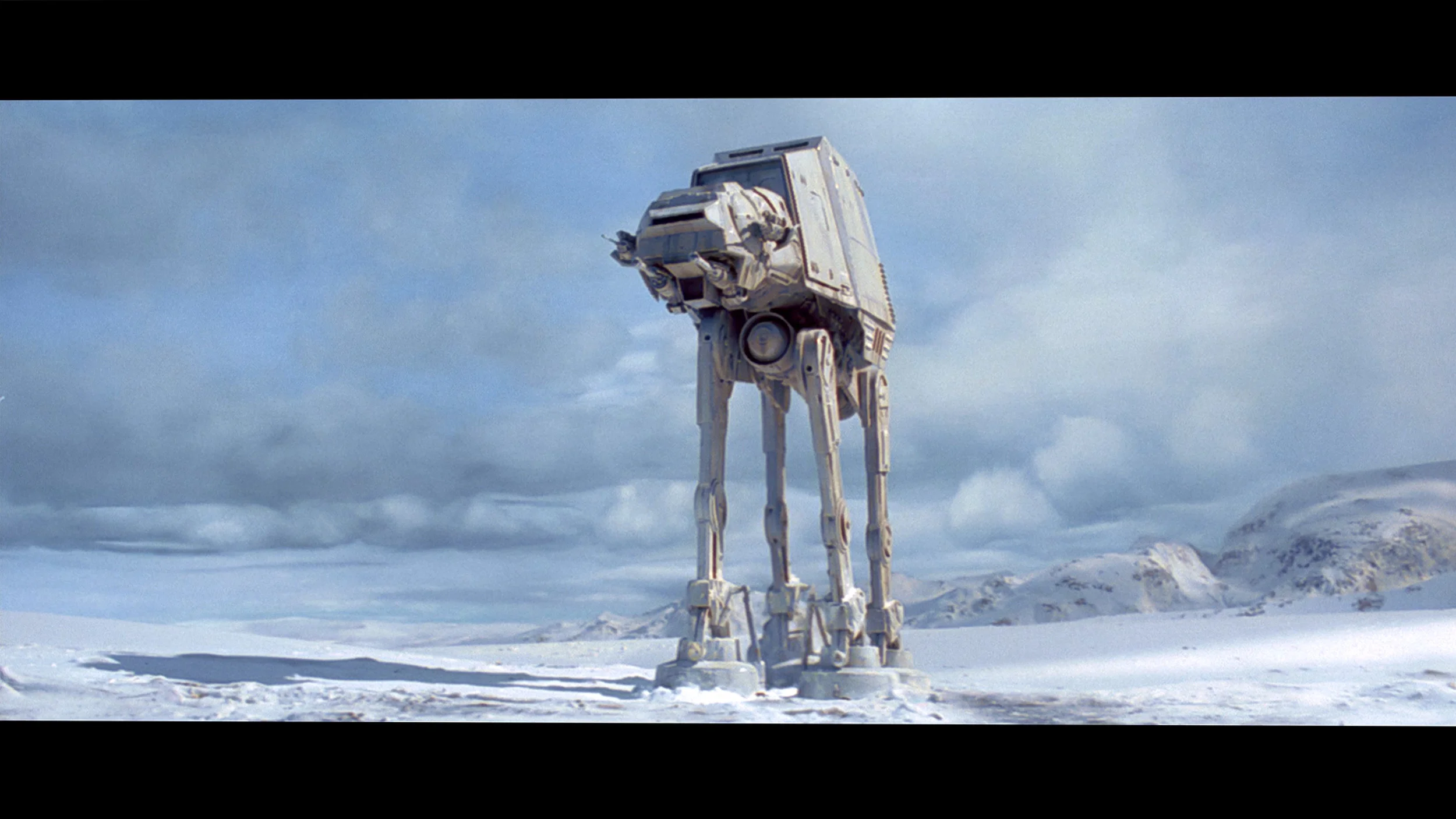
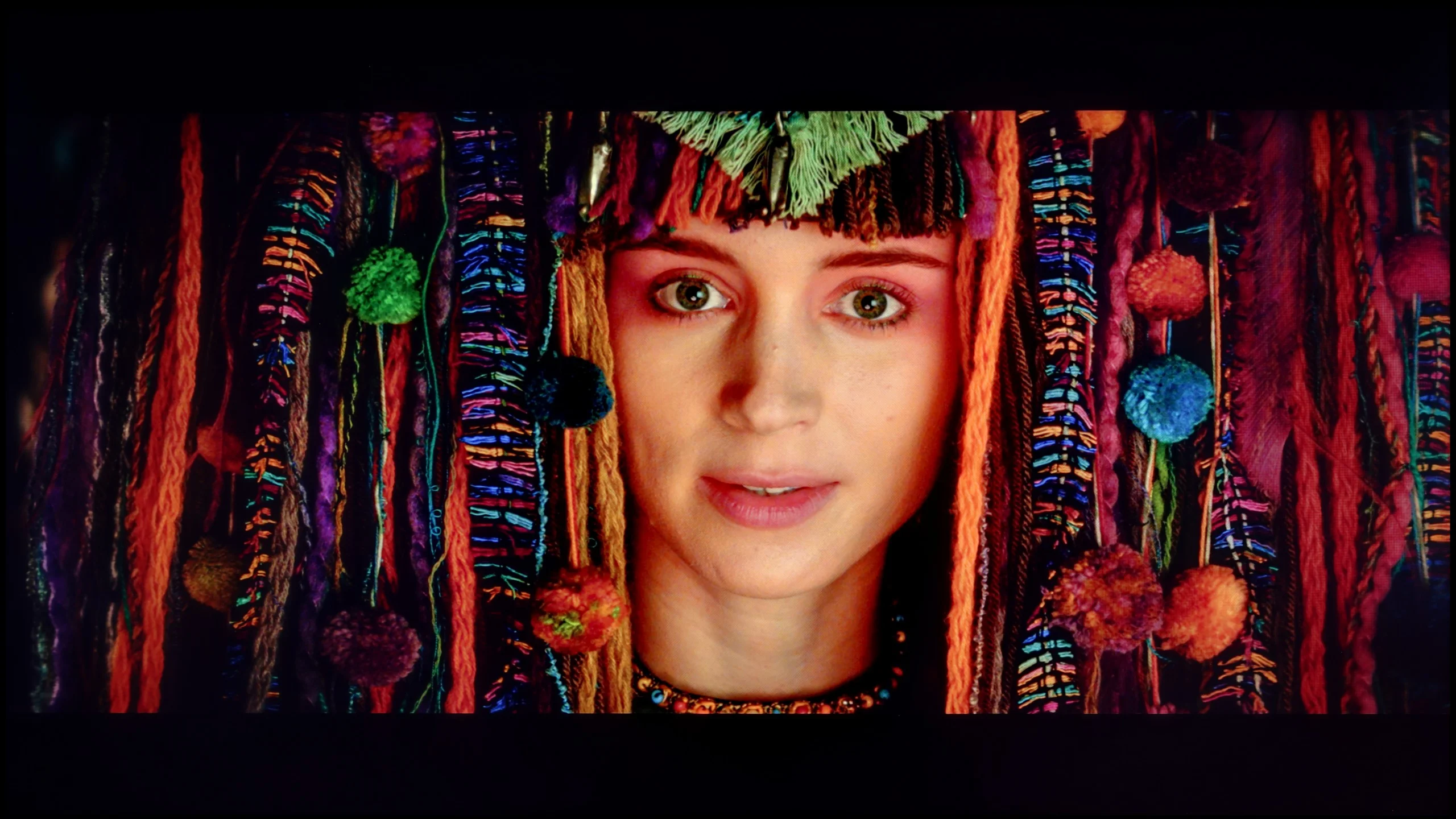
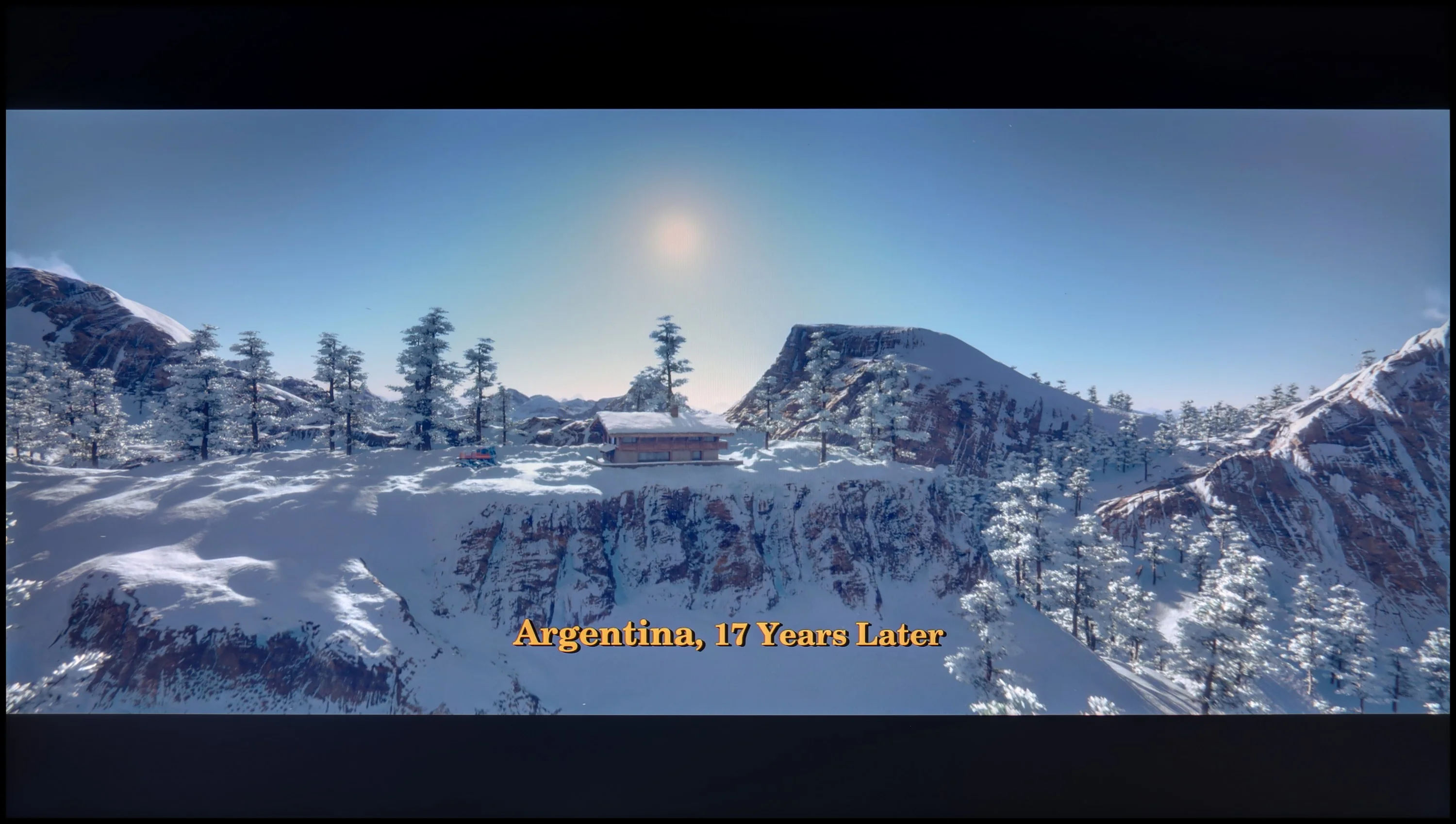
Scene from the movie “Pan” (about 2800 nits)

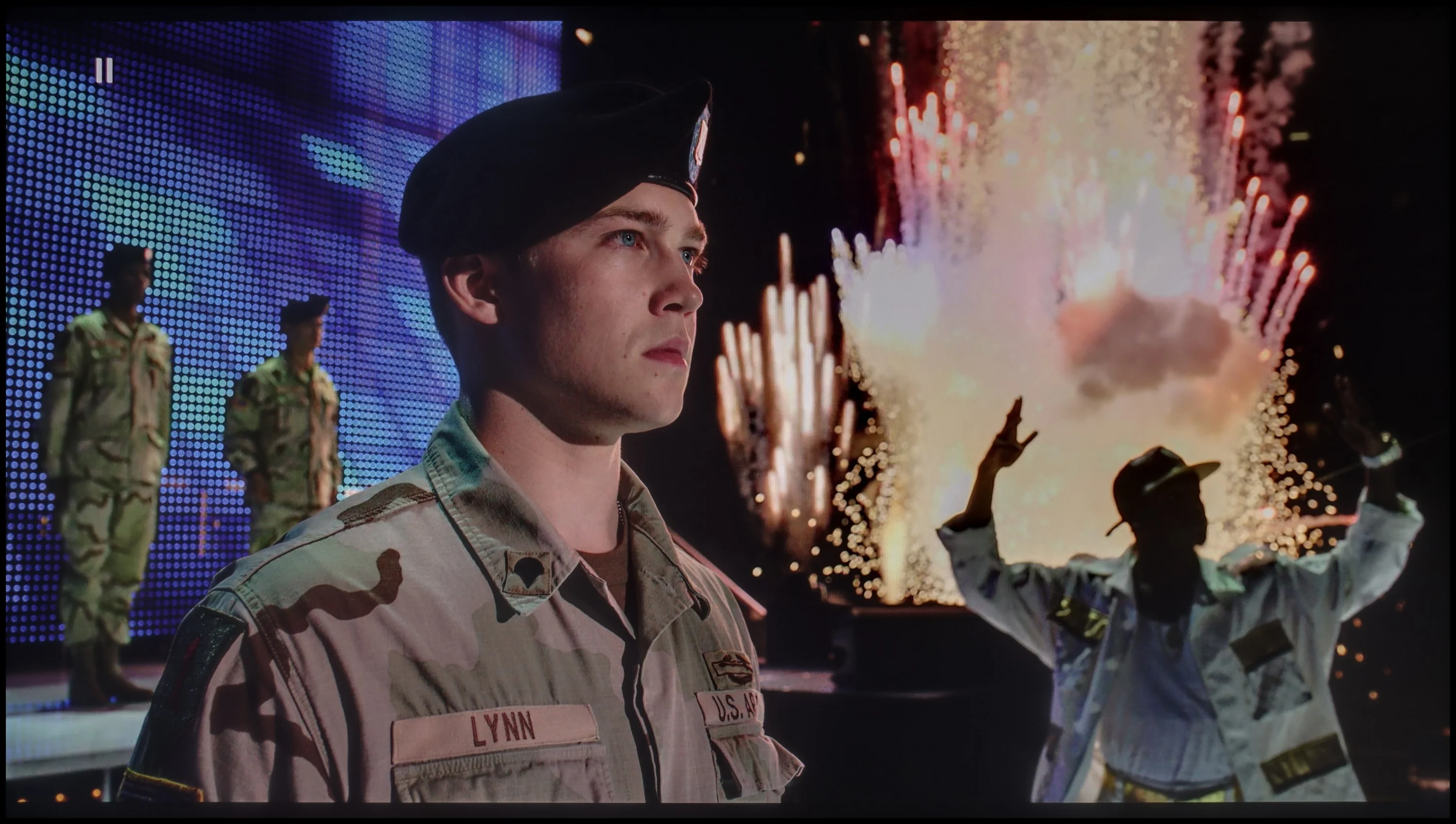
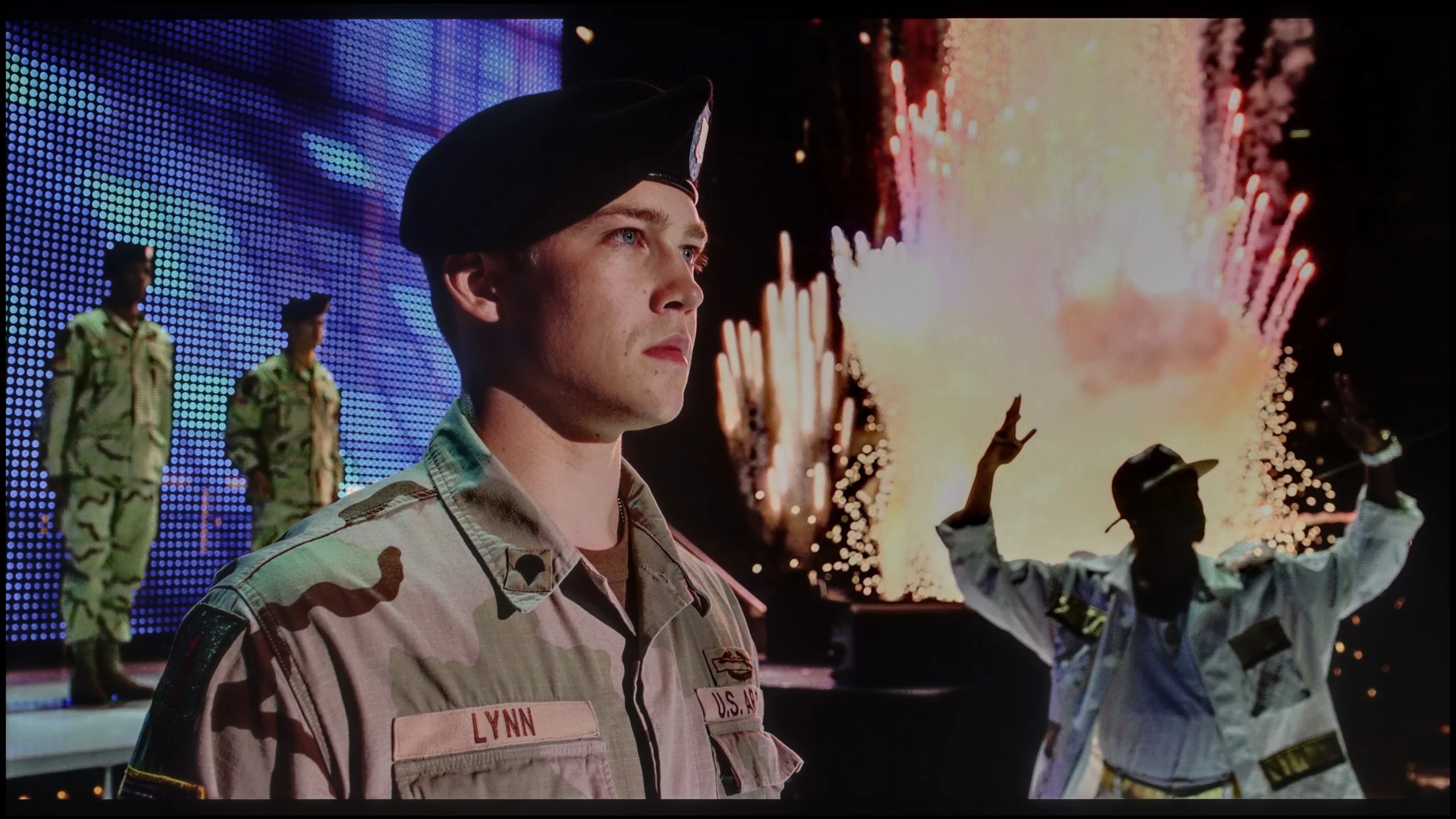
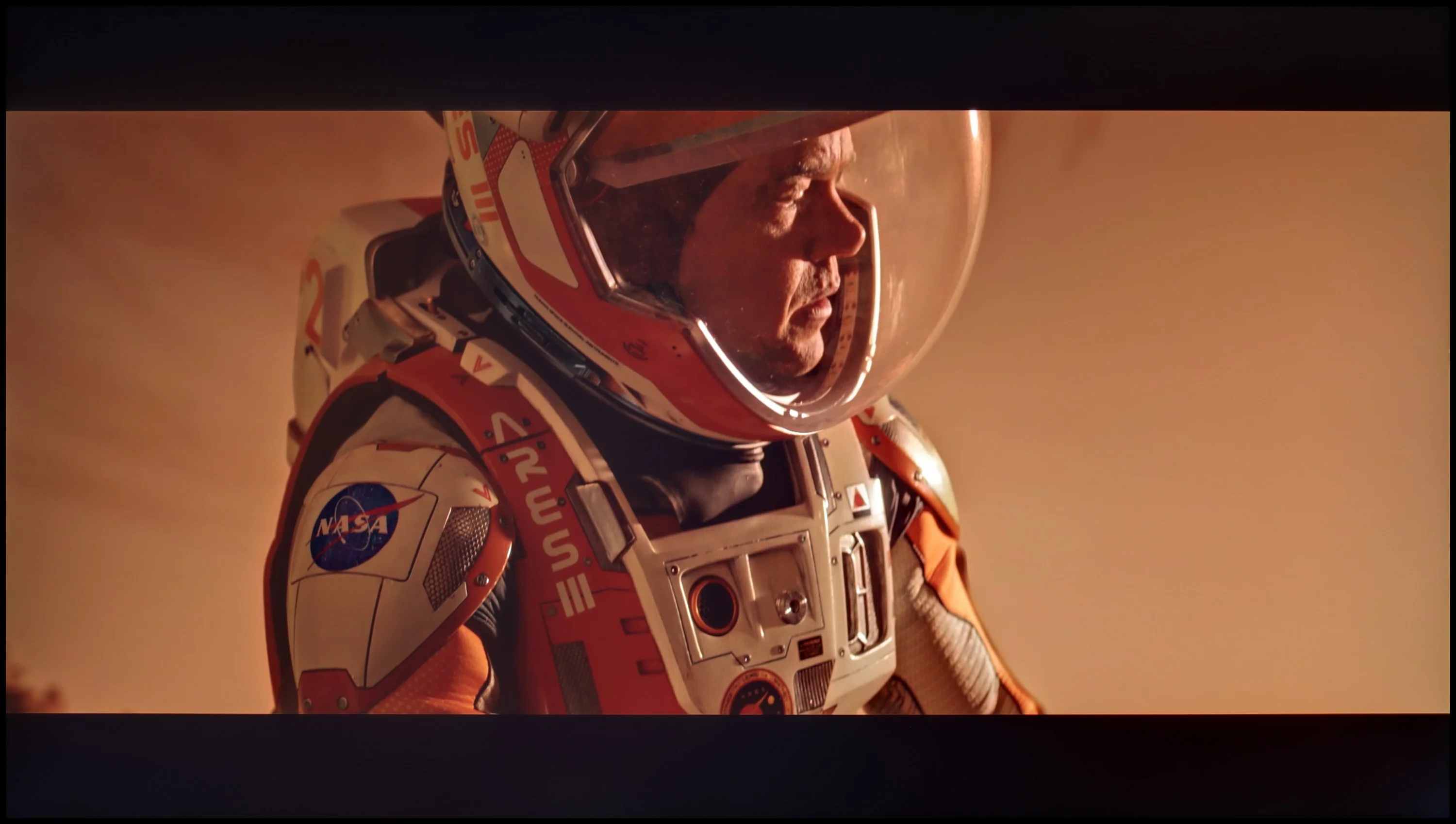
Scene from the movie “Billy Lynn” (about 1100 nits)

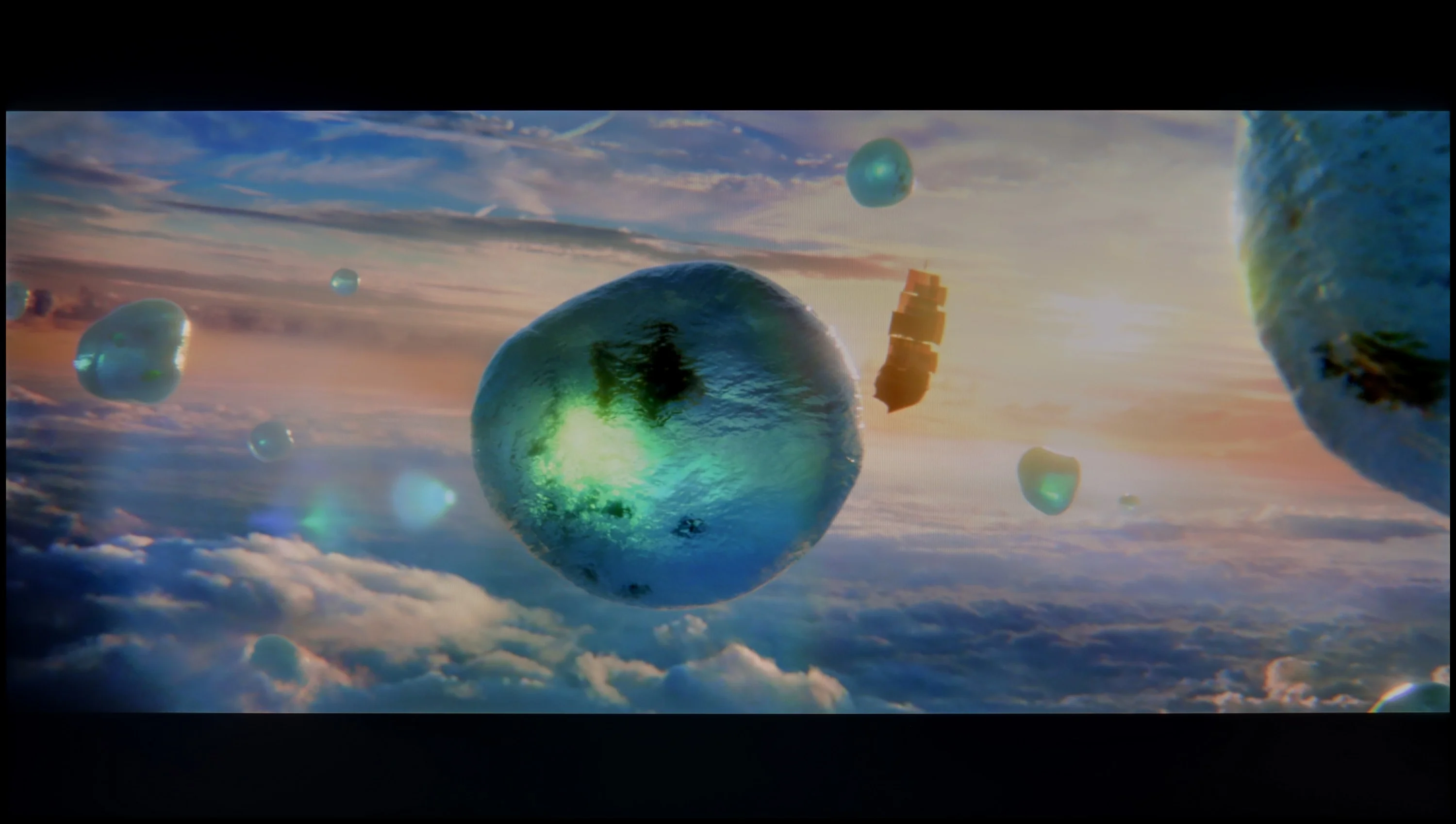
The photos show two HDR10 movies. 'Pan' is one of the brightest productions ever made, while 'Billy Lynn' (soldier) has brightness typical of streaming (Netflix, Prime, HBO MAX). Notice the intensity of effects and detail in whites.

Static HDR10

The photos present the visibility of white details in various HDR formats. They do not show brightness differences between TVs (these can be compared in the previous gallery).

HDR luminance chart:

Samsung M80H

LG QNED87T6B

The QNED87T6B provides a solid HDR performance, delivering an impressive visual experience in many aspects. With a brightness approaching 500 nits, it offers good visibility of fine details in high-dynamic scenes. Support for HDR10 and HLG ensures the content appears well on the screen, though the absence of more advanced formats like Dolby Vision or HDR10+ limits the potential for optimal brightness and detail in certain scenes. Without dynamic metadata, the TV may struggle to reproduce fine details in very bright areas, where these advanced standards would typically make a difference. However, its excellent coverage of the DCI-P3 colour gamut (96.4%) provides vibrant, natural colours, enhancing the overall visual quality of 4K content.

The M80H is not one of the brightest TVs. Its peak brightness is around 350 nits and we saw similar results in most of our test scenes. That's not enough to produce genuinely impressive HDR — bright highlights lack punch and the overall image is a bit too dark. In practice, HDR on the M80H resembles a well-presented SDR image more than clearly more dynamic wide-range content. The picture can still look fine, but it's hard to point to strong specular highlights, clearly bright light sources, or an effect that immediately separates HDR from ordinary content.

Colors

One of the M80H's strengths is its color. The TV uses a PFS-based backlight filter, which allows it to display a significantly wider color gamut than a standard LCD screen without filters. Our measurements confirm this — the M80H covers about 96% of the DCI-P3 gamut and 72% of BT.2020. Those are very good results, which let the colors appear strongly saturated. Samsung's policy here is interesting. The M80H is not part of the QLED family, even though in terms of color it is practically on par with models carrying that label. From an image-quality standpoint, that doesn't matter much; the colors are simply good.

Factory color reproduction

5.4/10

6.1/10

This gallery shows how colors change after professional TV calibration. If you notice the difference, we recommend ordering this service at SkalibrujTV.com.

Factory Mode

After calibration

This gallery shows how colors change after professional TV calibration. If you notice the difference, we recommend ordering this service at SkalibrujTV.com.

Factory Mode

After calibration

The LG QNED87T6B, even in its best factory setting, Filmmaker Mode, exhibits issues with colour reproduction. A significant problem is the white balance, where the blue colour tends to drop on the graph, causing a shift towards yellow. This results in a warmer hue than intended, which affects the naturalness of color reproduction, especially in scenes with white or neutral backgrounds. The Colour Checker test confirmed that certain colours are distorted and do not accurately reflect reality, which can make movie scenes seem less lifelike and distort details.

In terms of contrast, there are notable issues with the gamma graph, showing significant drops where the optimal value should be around 2.4. This results in the TV displaying darker areas brighter in some scenes, which reduces depth and dynamic range. Additionally, the EOTF (Electro-Optical Transfer Function) curve, which corresponds to brightness reproduction, shows an unnatural drop at the start, leading to lower accuracy in dark scenes. This diminishes the TV's ability to convey full black depth, causing details in darker areas to be lost. As a result, more demanding scenes may appear less realistic, with a noticeable loss of detail in shadows and dark areas.

Filmmaker mode is reasonably well set up out of the box, though it falls short of perfect. In SDR material the most noticeable issue is an excess of red in the white balance, which makes the image look a bit warmer than it should. HDR content shows a similar character. As for the brightness response, in SDR the gamma stays close to the target for most of the range. Small deviations are mainly visible in darker areas, which in places are a little too dim. In HDR the very darkest details are slightly lifted, while from around 65% brightness the image begins to be gently darkened. This is largely due to the way the TV controls its brightness. Overall, Filmmaker mode looks good straight out of the box, but the image can still be improved.

Color reproduction after calibration

7.8/10

7.8/10

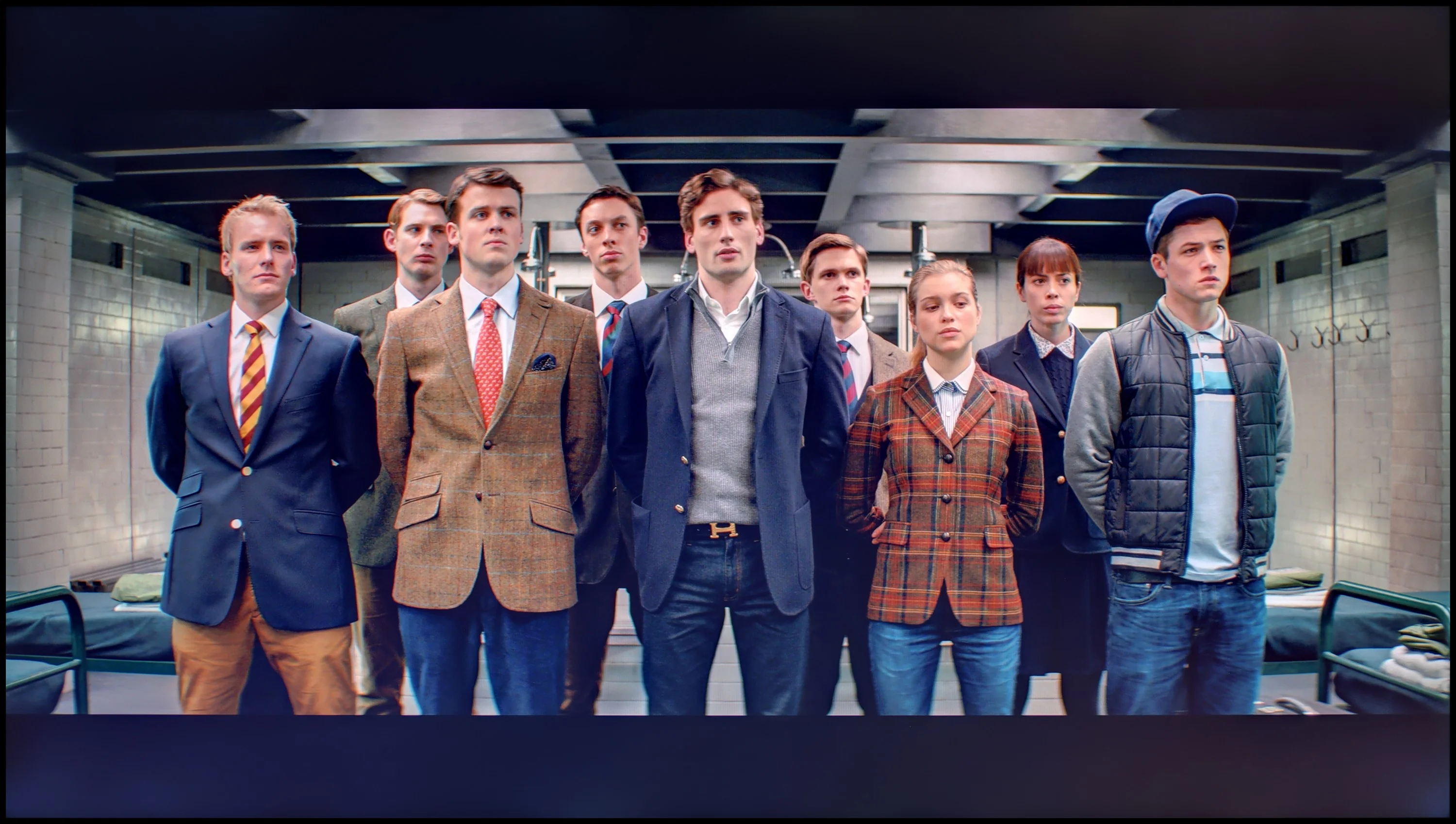
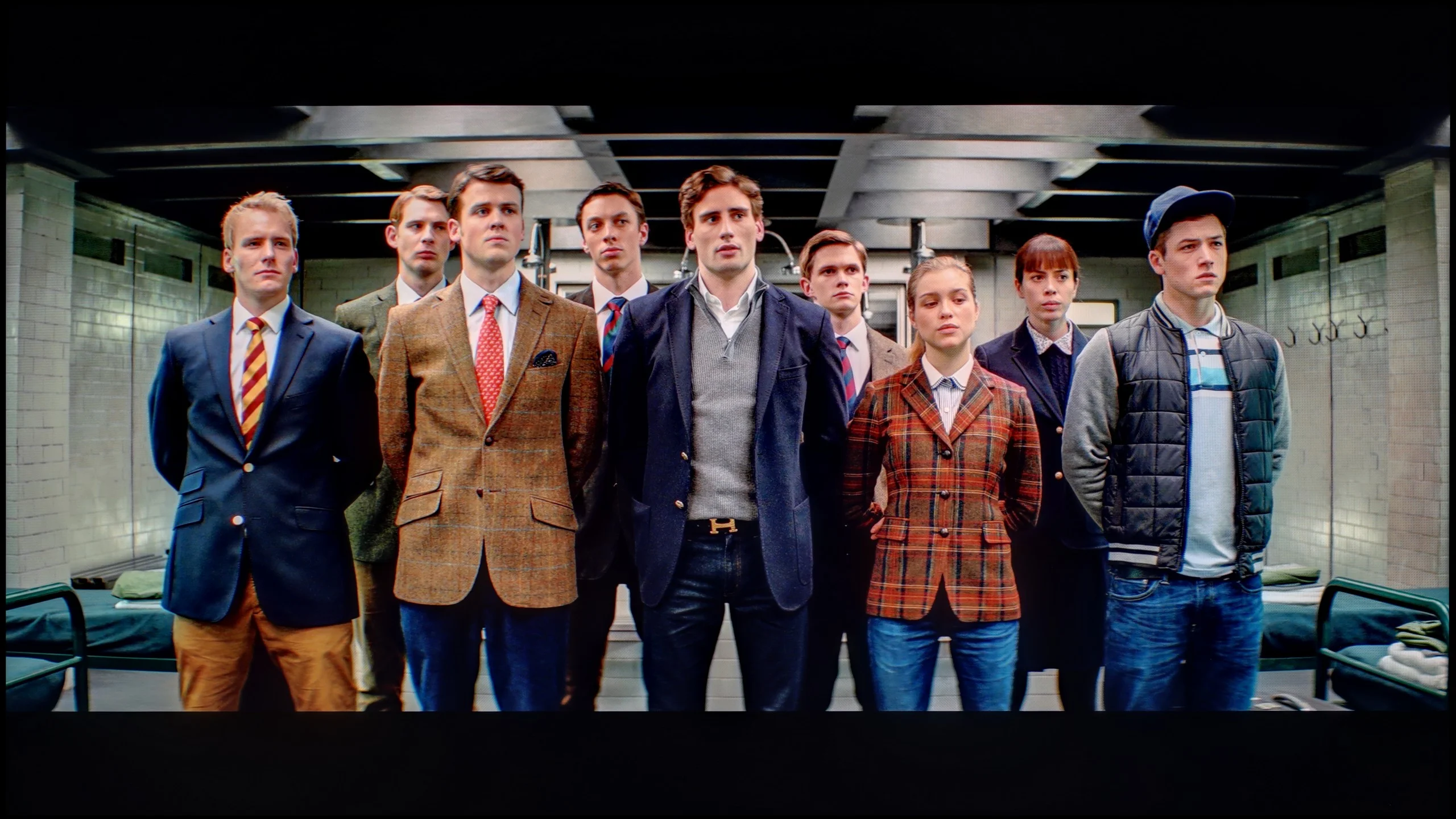
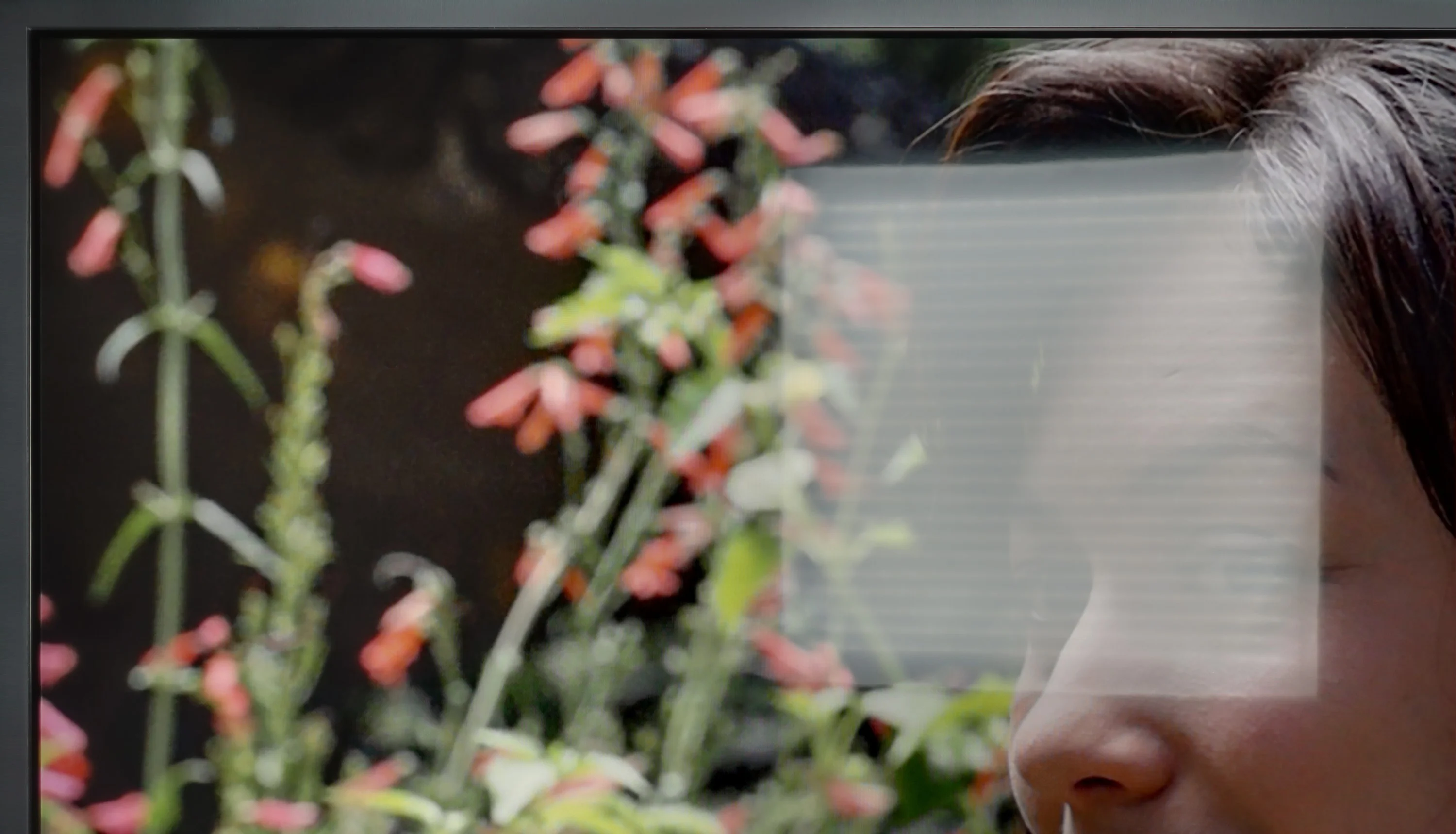
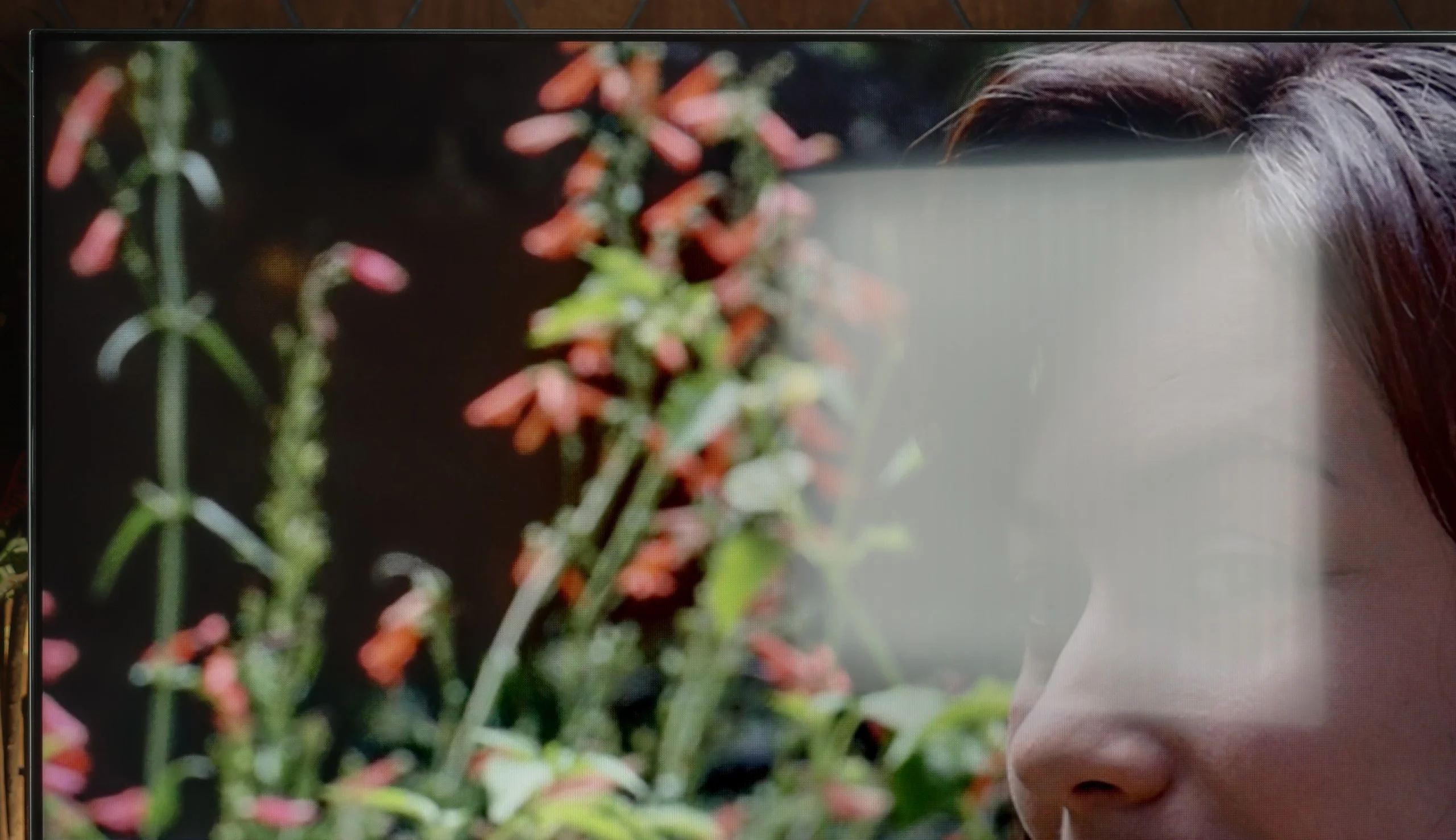
The photos show how movies look on the TV. Pay attention to black detail visibility, colors, and shadow tint.

The photos show how movies look on the TV. Pay attention to black detail visibility, colors, and shadow tint.

After calibration, the LG QNED87T6B delivers impressive results with SDR content. The white balance has been improved, resulting in natural, harmonious tones across various scenes. The precise gamma tuning allows for accurate reproduction of details in both dark and bright areas, making the TV perform excellently in everyday use. The overall image is vivid and well-balanced, with solid colour quality in HD. The contrast has also improved, with the gamma chart showing fewer significant errors, providing a more refined viewing experience.

In 4K HDR, the white balance continues to perform well, though some errors remain at the end of the chart. These might be linked to the TV's aggressive local dimming, which can affect colour accuracy in certain scenes. While the TV does not fully improve brightness as indicated by the EOTF curve, its inherent construction limitations prevent it from achieving perfection in this area. The Colour Checker test highlights an issue with colour saturation, as the TV, despite offering a wide colour gamut, cannot fully capture what the director intended.

Nevertheless, the overall picture quality after calibration is considerably better than before. The improvements in white balance and gamma tuning result in more vivid and realistic colours, enhancing the viewing experience despite the remaining shortcomings.

After calibration, the M80H performs really well, especially with basic SDR content. Regular broadcast TV, YouTube, or movies viewed without HDR can look very accurate on it. After correcting the white balance, errors are minor, though you can still sometimes see that the TV tends to oversaturate the most saturated reds. In HDR you can also improve the picture and correct its main faults, but it doesn't reach the level of pricier models. Samsung quite heavily restricts color adjustment options in HDR, so in many areas we have to accept what the TV offers out of the box. Calibration lets us improve some parameters, but we are no longer able to change the overall image character of the M80H.

Smoothness of tonal transitions

8.6/10

9.8/10

These are selected scenes that show smooth tonal transitions from one color to another. If you see distinct banding, it’s the TV panel’s fault.

These are selected scenes that show smooth tonal transitions from one color to another. If you see distinct banding, it’s the TV panel’s fault.

These are selected scenes that show smooth tonal transitions from one color to another. If you see distinct banding, it’s the TV panel’s fault.

These are selected scenes that show smooth tonal transitions from one color to another. If you see distinct banding, it’s the TV panel’s fault.

The gradation in the LG QNED is quite good, despite minor issues with the dark colourful sky. These small flaws do not prevent the gradation from being one of the positive aspects of this model. Overall, the television handles smooth colour transitions well.

The smoothness of tonal transitions on the M80H is nearly perfect. Posterization is practically non-existent, and successive shades blend very smoothly in both bright and dark scenes. We didn't notice any obvious color banding, even in the sky or in smoke scenes. If the image looks worse in dark shots, that's not due to gradation issues. What becomes more apparent are the backlight limitations and the lack of local dimming, which keep blacks from having proper depth.

Image scaling and smoothness of tonal transitions

8/10

7/10

Image without overscan on the SD signal
OK
No
Smooth transition function
OK
OK

Smooth transition function

The match photo shows how the TV smooths weak tonal transitions in low-quality video.

Image scaling SD (576i)

The model photo shows how it handles upscaling of SD material.

When it comes to lower-quality content, the LG QNED87T6B performs admirably, with smooth gradation effectively addressing problematic areas in the image without negatively impacting the film grain. For optimal results, setting the "Smooth Gradation" feature to a low level delivers the best effect, significantly enhancing the viewing experience of lower-resolution materials by making them smoother and more visually appealing.

The TV handles digital processing well, ensuring the image is displayed without overscan or clipping. While slight jaggedness may be noticeable on certain fine details, such as branches against a background, the overall presentation remains impressive. Users will be satisfied with the quality of the image when watching lower-quality content, such as standard television, as the TV does an excellent job of enhancing the visual experience.

Although the M80H is positioned fairly low in Samsung's lineup, the manufacturer equipped it with one of its stronger processors, NQ4 AI Gen2. The same chip can be found in Neo QLED TVs and the lower-tier OLED S85H. That's good news, because the processor does a very good job improving weaker source material. Upscaling performs best. Low-resolution content is displayed properly, and edges don't look overly jagged. Of course the TV won't create details that aren't in the source, but regular broadcast TV and older recordings look decent on it. One drawback is overscan, that is, edge cropping, which cannot be fully disabled. The tonal transition smoothing feature, the so-called noise reduction, also works well. The processor can effectively reduce visible signs of heavy compression, but it does so not without side effects. At higher settings it can overly smooth the image, remove some fine detail, and even eliminate film grain. Therefore we recommend using this feature primarily for content that actually has problems with heavy compression and posterization.

Blur and motion smoothness

7.8/10

7.9/10

Maximum refresh rate of the panel
120Hz
144Hz
Film motion smoothing option
OK
OK
Blur reduction option
OK
OK
BFI function 60Hz
Yes, 60Hz (image flickers)
BFI function 120Hz
Yes, 120Hz
No
Brightness drop with BFI
62%
48%

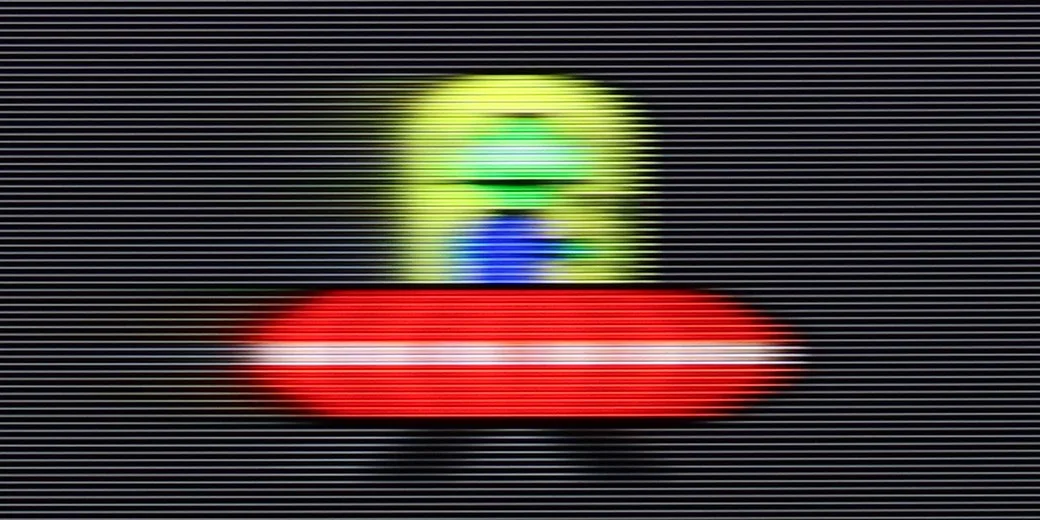
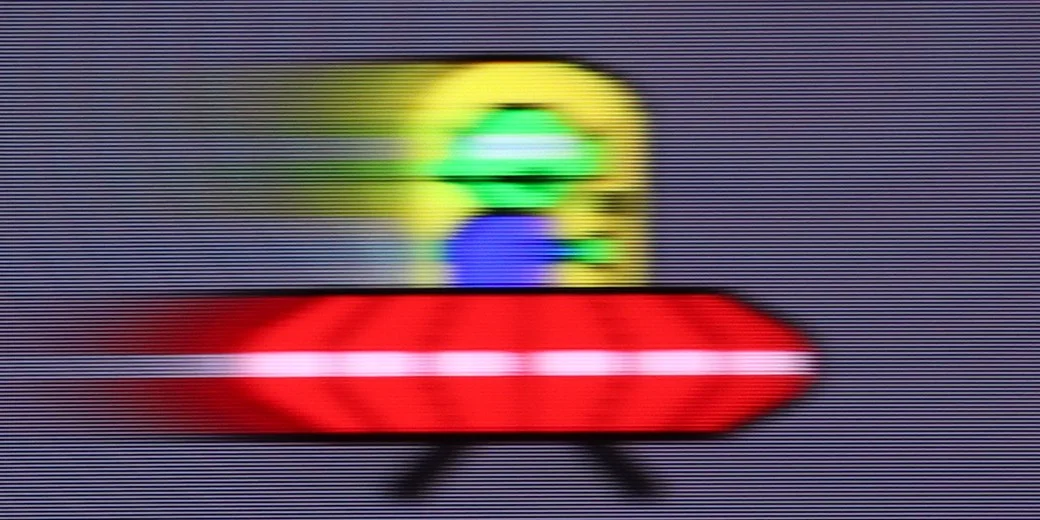
Blur (native resolution, maximum refresh rate):

Blur (BFI function enabled):

Image flickers in this mode

Blur ():

Blur (4K@240Hz):

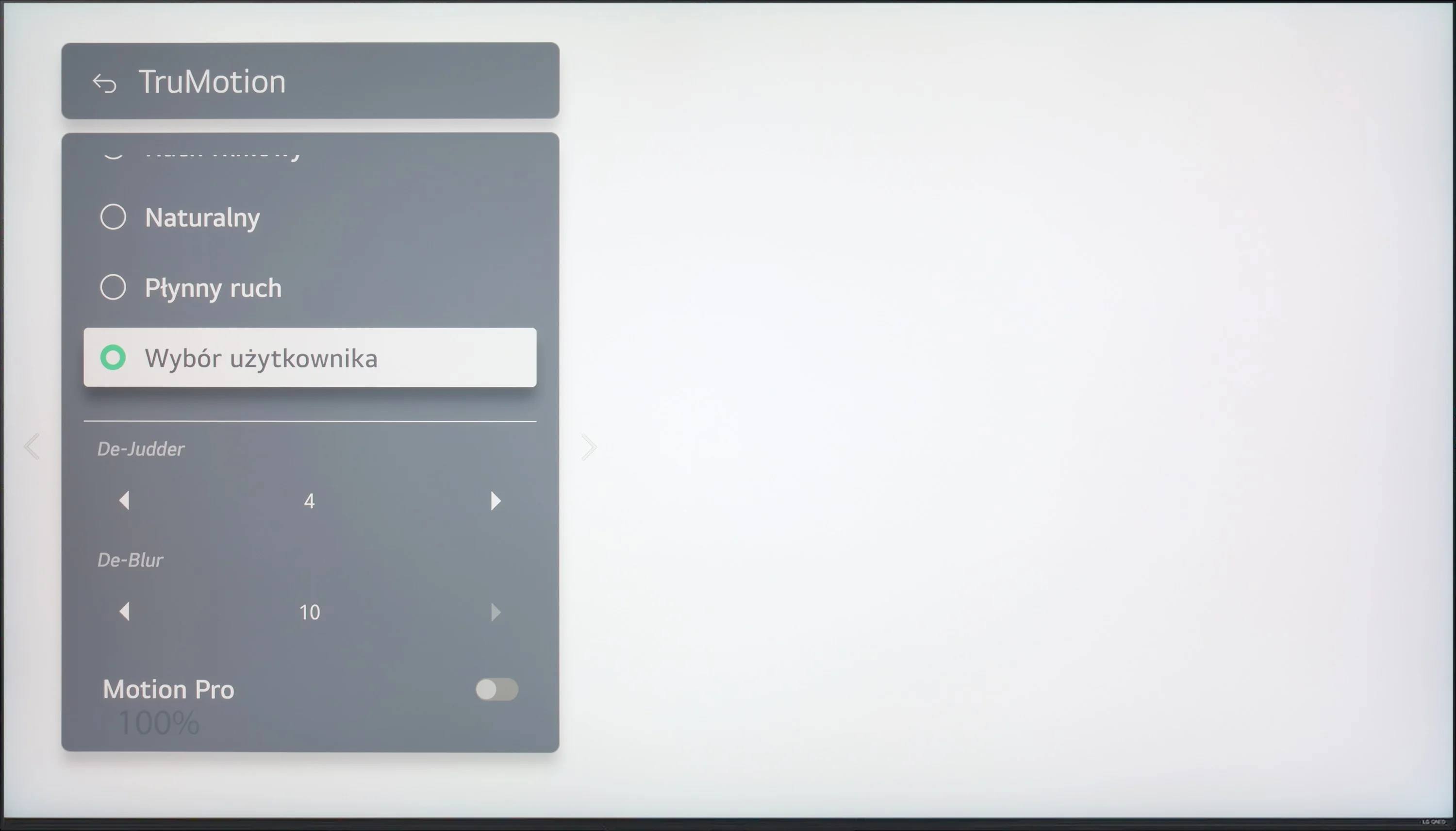
The LG QNED87T6B delivers decent motion smoothness, particularly with the "TruMotion" feature, which allows users to adjust motion smoothing on a scale from 0 to 10. The "De-Judder" setting helps regulate the smoothness of motion, while the "De-Blur" option enhances motion sharpness. This provides flexibility for users to choose between a more traditional cinematic effect with slight judder (lower settings) and a smoother, more theatrical image, which, while slightly deviating from the cinematic standard, can be appealing to many viewers.

For gamers and sports fans, the 120Hz panel ensures an immersive experience, while the IPS technology offers better response times compared to comparable VA panels at a similar price. This results in smoother gameplay and more dynamic viewing of fast-paced sports events, making the QNED87T6B an excellent choice for those seeking high-quality motion performance.

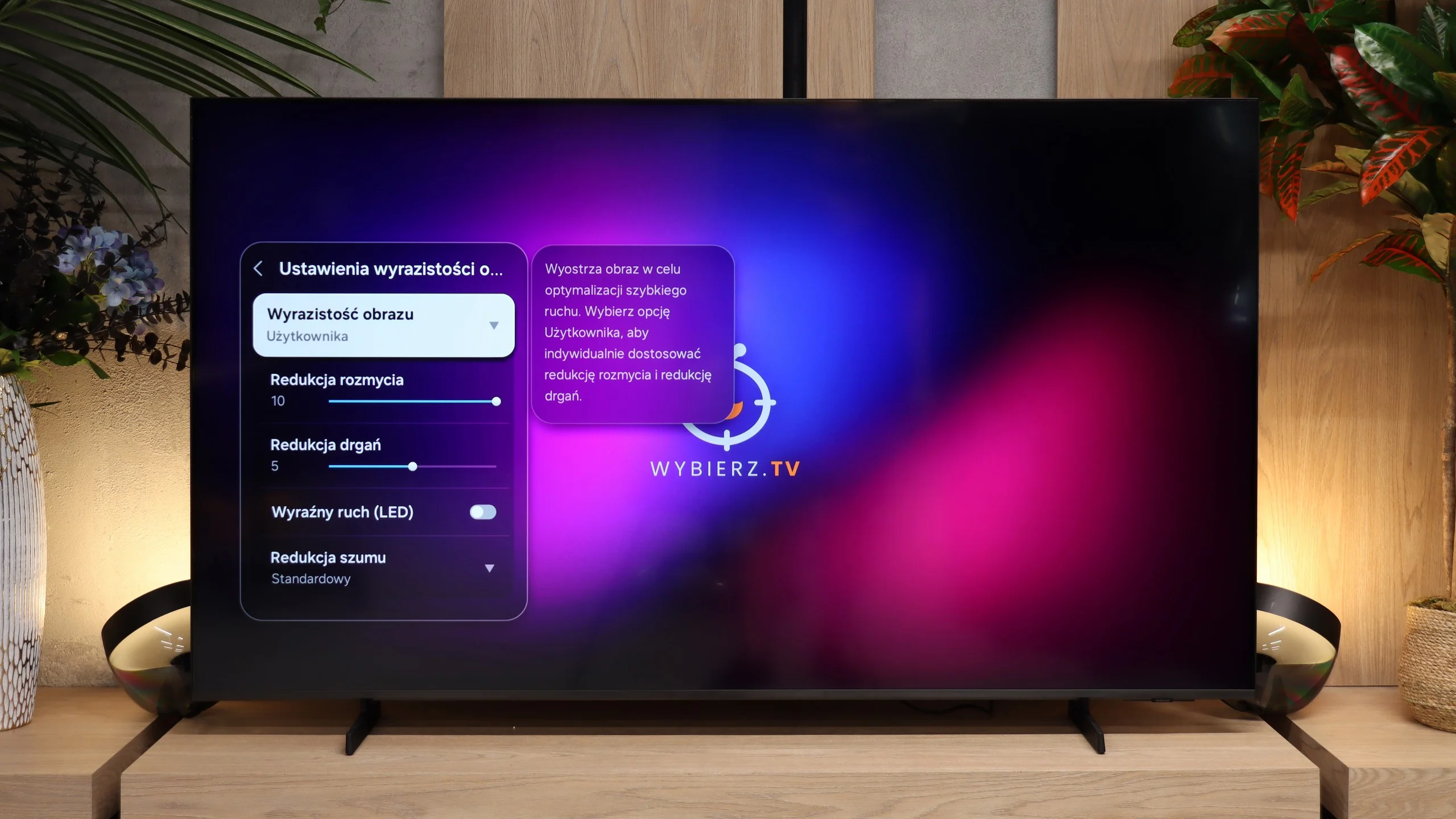
The M80H performs very well for watching sports and gaming. The TV is equipped with a panel with a refresh rate of up to 144 Hz at 4K, and when the resolution is lowered to Full HD it can handle up to 240 Hz. PC gamers will benefit most from the latter option.

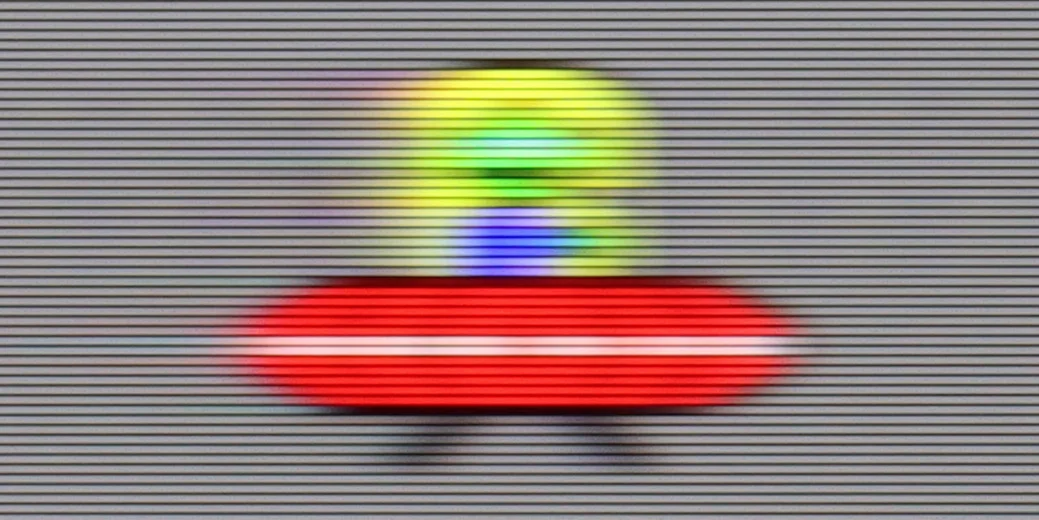
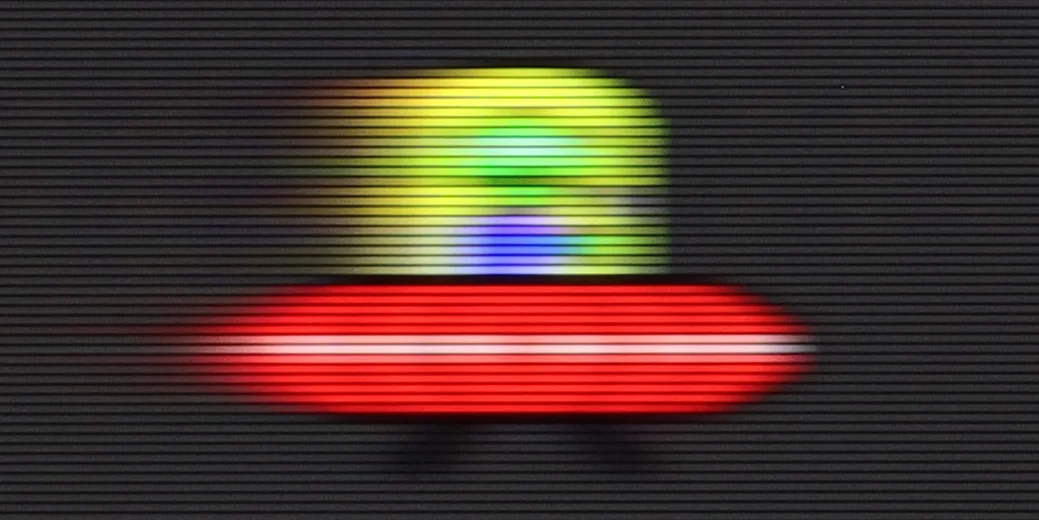
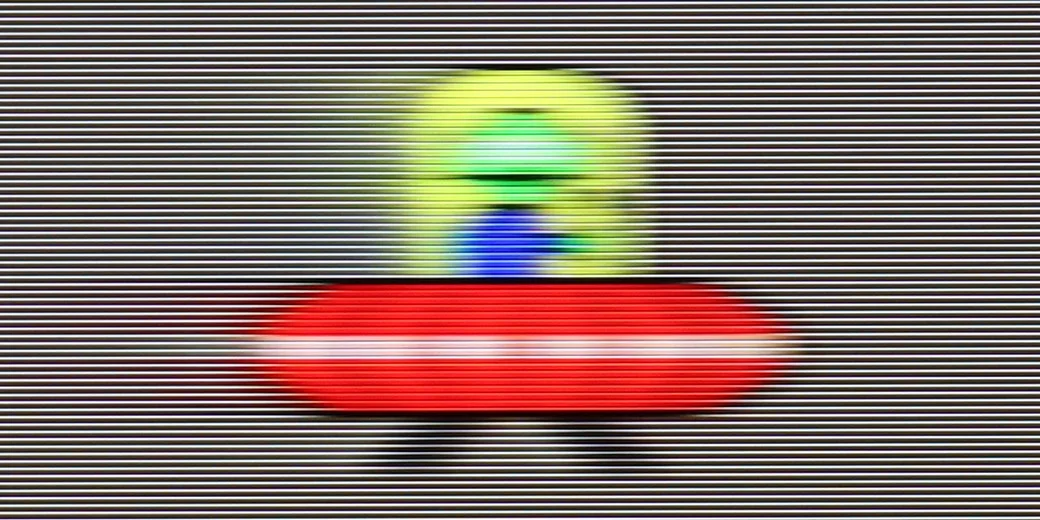
The panel also handles 120 Hz content well, which matters especially for console gaming. The high refresh rate is useful for watching sports too, and motion blur is relatively low. That’s important because VA panels are not known for the best results in this respect. With the M80H, fast-moving objects do not produce a very noticeable trail.

Console compatibility and gaming features

9.2/10

9.6/10

  • ALLM
    Yes
    Yes
  • VRR
    Yes
    Yes
  • VRR range
    48 - 120Hz
    48 - 240Hz
  • Dolby Vision Game Mode
    No
    No
  • Correct implementation of HGIG
    Yes
    Yes
  • 1080p@120Hz
    Yes
    Yes
  • 1440p@120Hz
    Yes
    Yes
  • 4K@120Hz
    Yes
    Yes
  • Game bar
    Yes
    Yes

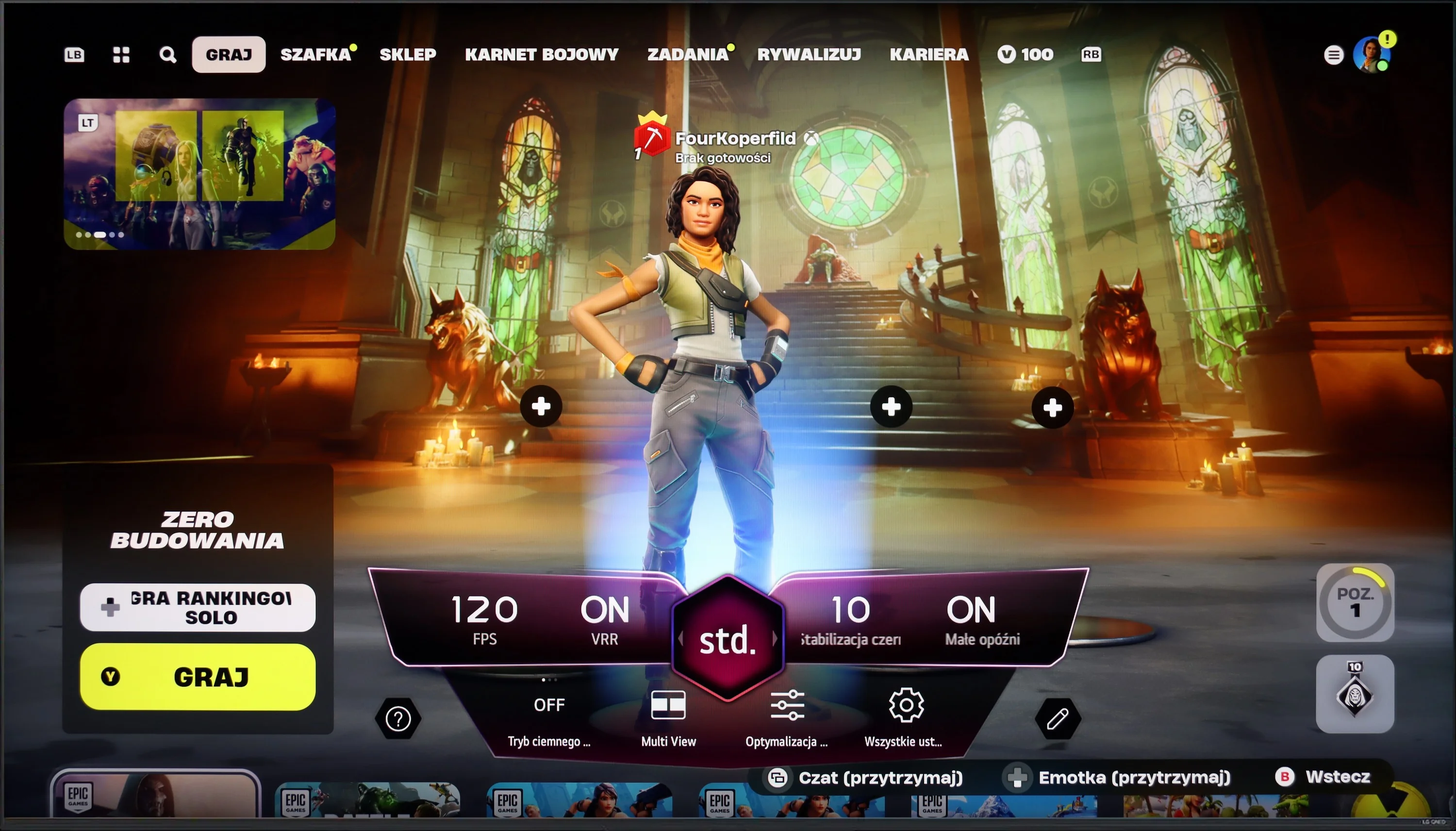
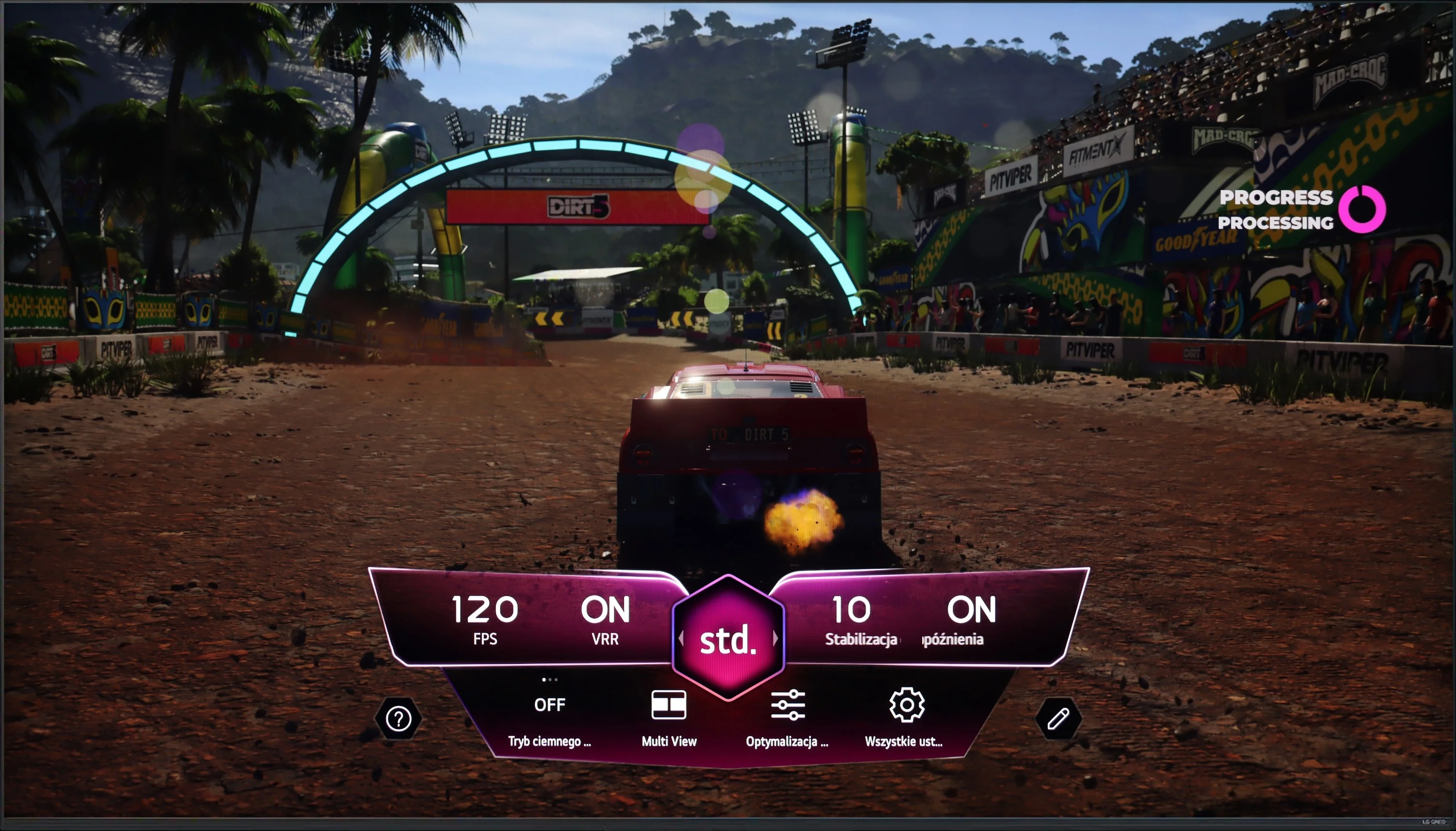
The LG QNED87T6B is a top-tier choice for gamers seeking high-performance features. It is equipped with four HDMI 2.1 ports, allowing seamless connection to the latest consoles like the PlayStation 5 and Xbox Series X. This ensures full functionality, including support for Variable Refresh Rate (VRR) and Auto Low Latency Mode (ALLM), which provide a smoother and more responsive gaming experience. The Game Bar feature enables easy management of gaming settings, allowing users to adjust VRR, ALLM, Multi View, and monitor the frame rate without navigating complex menus.

Additionally, the TV supports G-Sync and FreeSync, which are crucial for gamers using Nvidia and AMD graphics cards. These technologies synchronize the TV's refresh rate with the graphics card, reducing screen tearing and stuttering. With a 120Hz panel, the LG QNED87 delivers exceptional motion smoothness and image clarity, while the Black Frame Insertion (BFI) feature, available at 60Hz and 120Hz, further enhances visual fluidity. Overall, the LG QNED87T6B meets the demands of even the most discerning gamers, offering a comprehensive range of features that elevate the gaming experience.

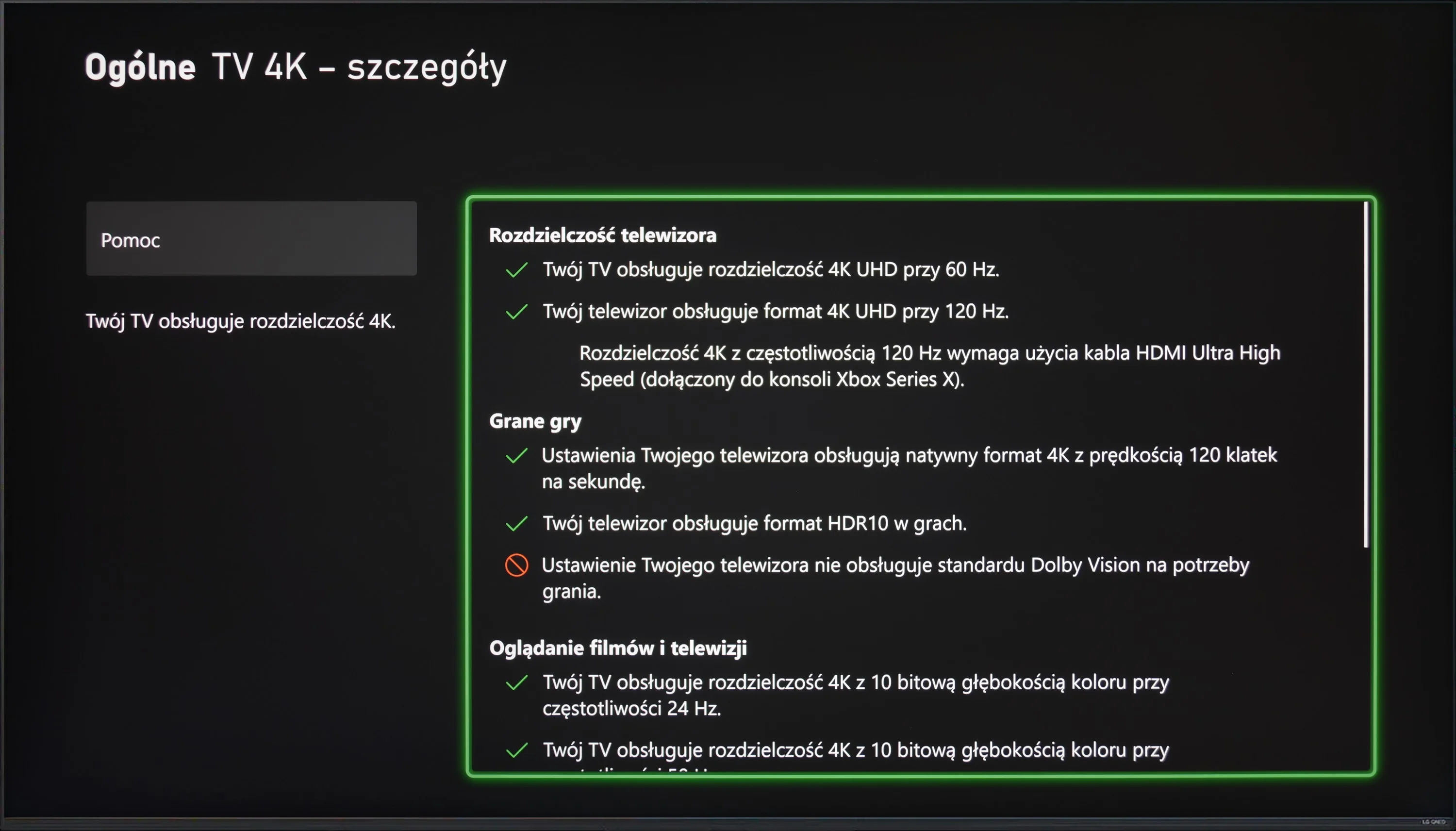
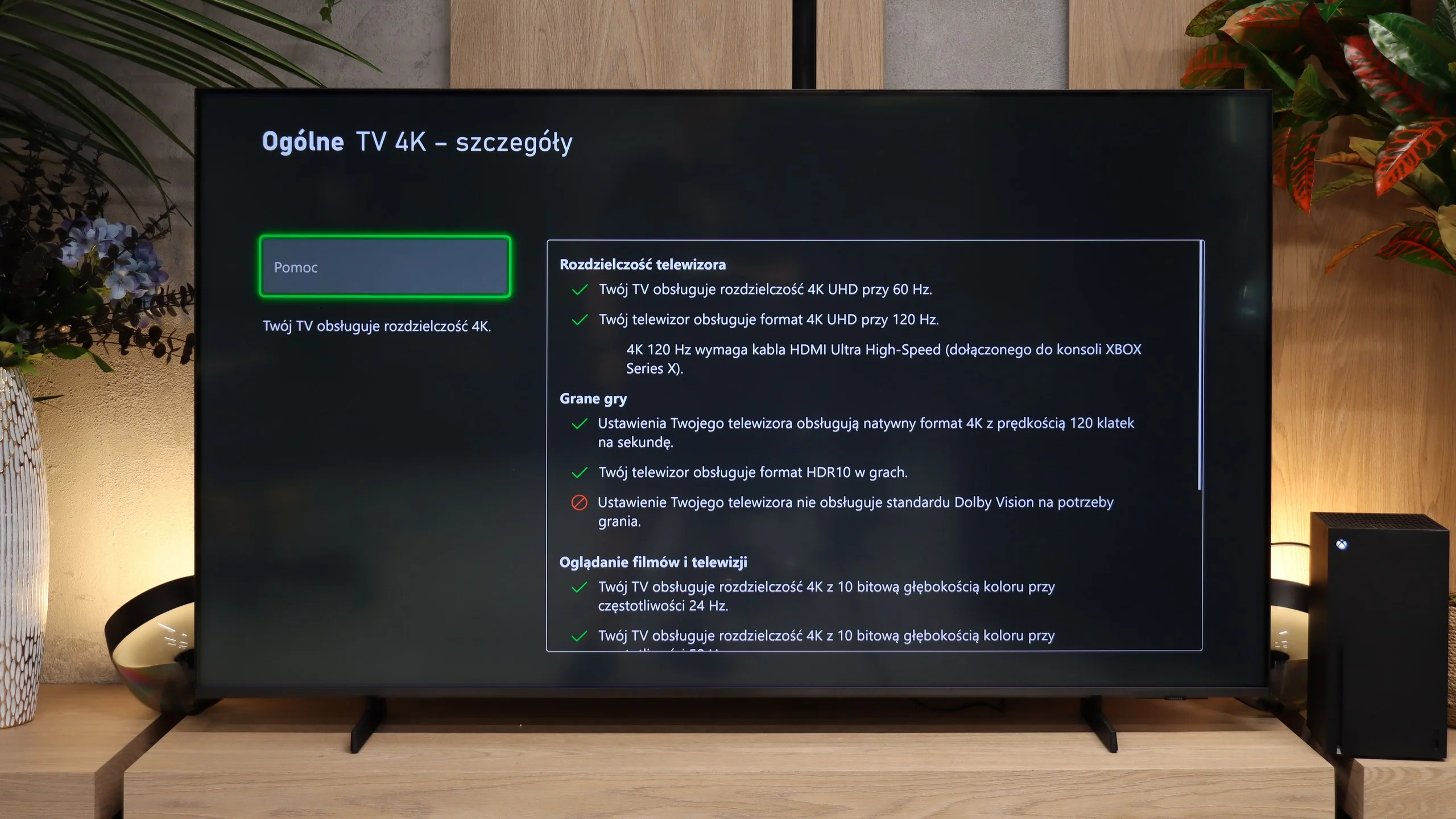
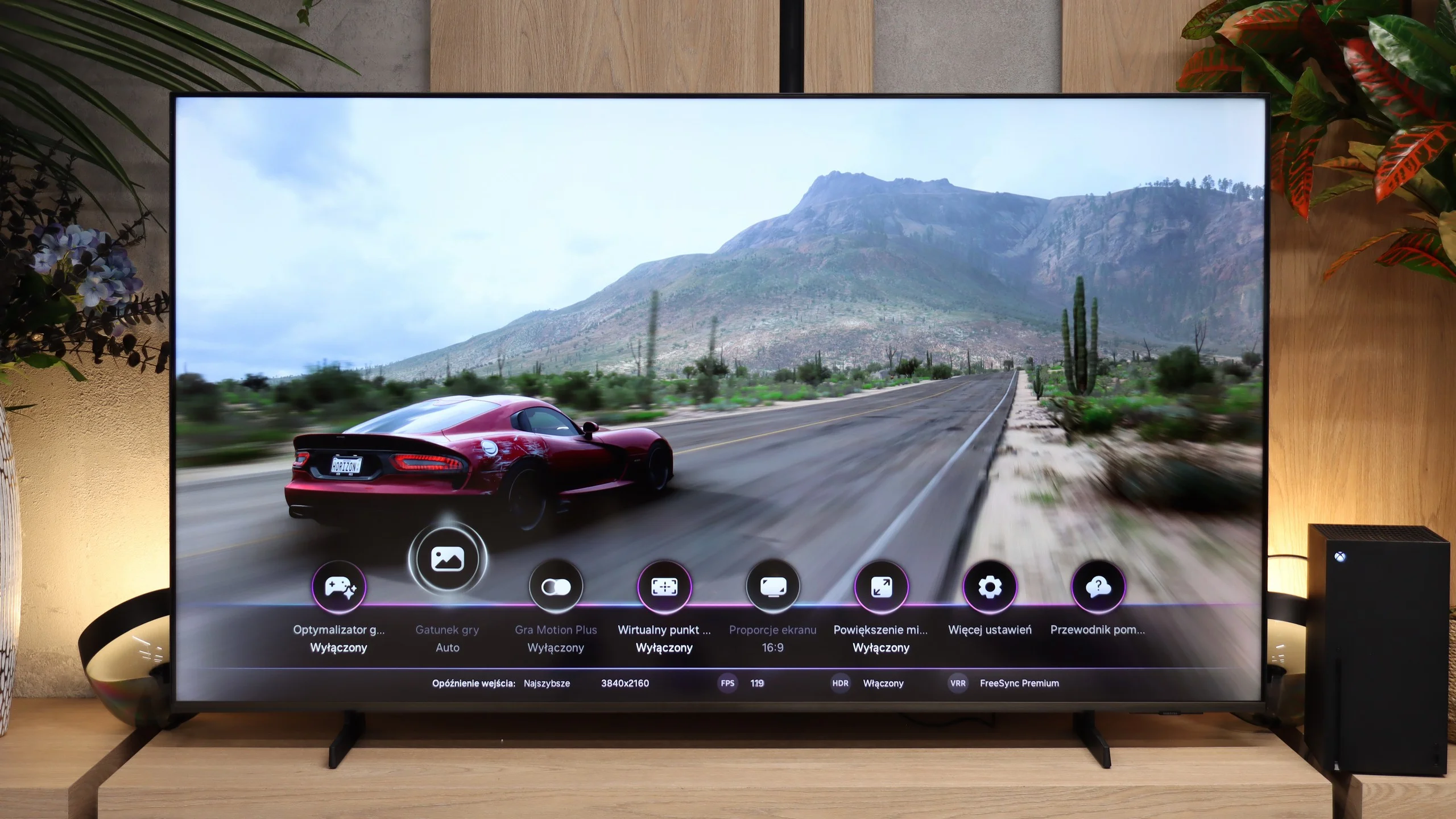
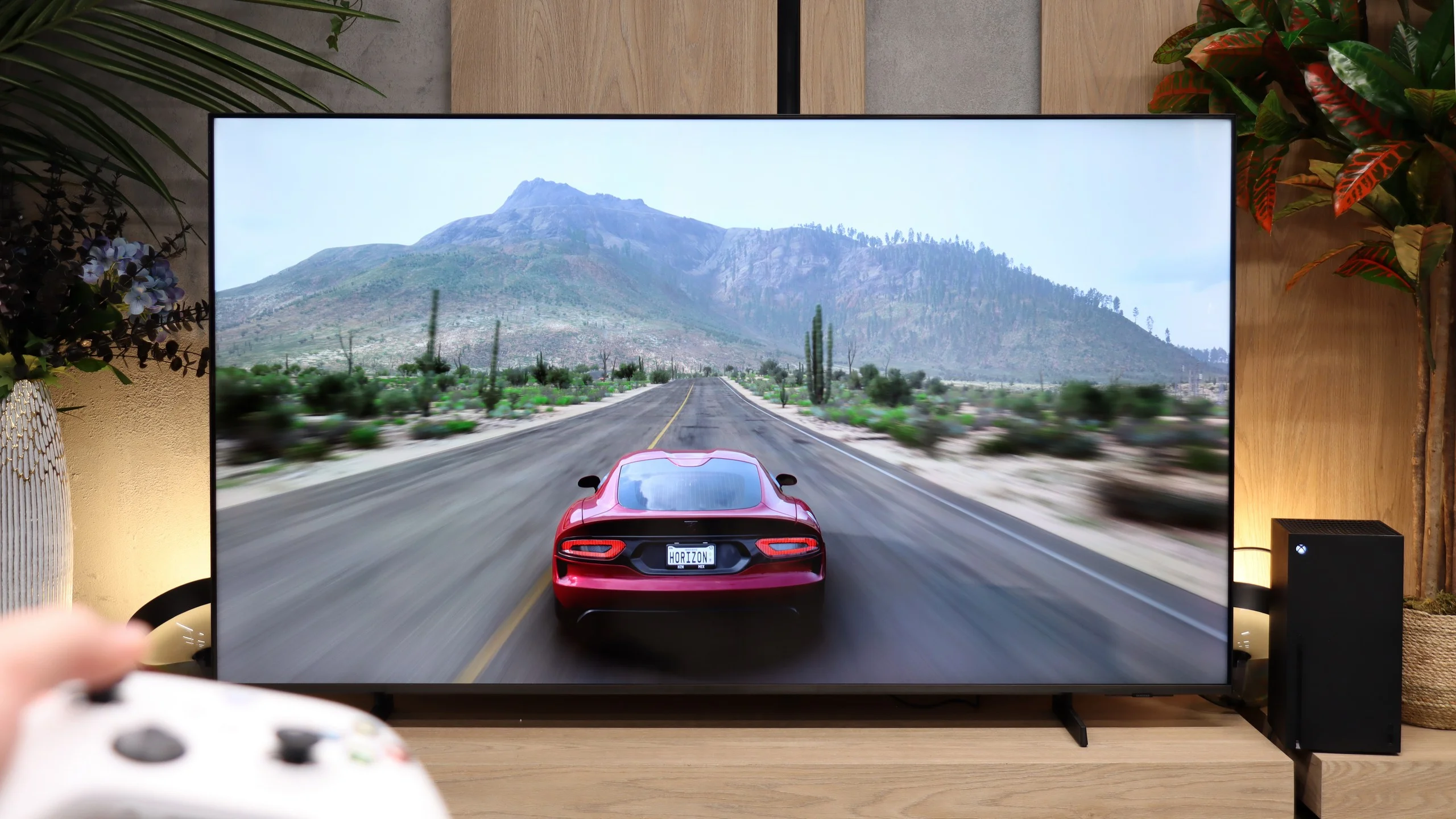
The M80H can be a very good choice for gamers on a slightly smaller budget. Feature-wise it offers essentially the same as Samsung's much more expensive TVs. All three HDMI inputs support HDMI 2.1, so even if one is taken by a soundbar connected via eARC there’s still room for a PC and consoles. There’s also VRR up to 144 Hz at 4K and up to 240 Hz in Full HD. Samsung has properly implemented HGiG as well, so after performing HDR calibration on the console, games are appropriately matched to the screen’s capabilities. That won’t make the M80H any brighter, but at least it won’t unnecessarily wash out the brightest parts of the image. There’s also a Game Bar for quick access to the most important settings and a Gaming Hub that lets you play in the cloud without a console. The M80H also includes Game Motion Plus, which creates extra frames and improves the smoothness of games running at 30 or 60 fps. Input lag then rises to about 59 ms, but it’s still roughly three times lower than with the typical motion smoothing on other manufacturers’ TVs. We don’t really recommend it for online multiplayer, but in more relaxed titles it can work very well.

Input lag

9.9/10

9.9/10

SDR

1080p60
15 ms
14 ms
1080p120
6 ms
10 ms
2160p60
15 ms
14 ms
2160p120
6 ms
10 ms

HDR

2160p60
14 ms
14 ms
2160p120
5 ms
9 ms
4320p60

Dolby Vision

2160p60 DV
2160p120 DV

The LG QNED offers extremely low input lag, making it ideal for smooth and responsive gaming. At 120Hz, the input lag stays under 6 ms, while at 60Hz, it peaks at 15 ms. These results ensure that player reactions are almost immediately reflected on the screen, providing a seamless gaming experience with minimal delay. This makes the TV a strong choice for gamers who need precision and fluid motion, especially in fast-paced games.

Input lag on the M80H is very low. With a 60 Hz signal it's about 14 ms, and at 120 Hz it drops to 9-10 ms. The lag is therefore practically imperceptible, whether you're playing in SDR or HDR.

Compatibility with PC

7.6/10

8.9/10

Chroma 444 (max. resolution and refresh rate)
Yes
Yes
Font clarity
Very Good
Very Good
Readability of dark text and shapes
Very Good
Very Good
Input lag in PC mode (4K, max. refresh rate)
6ms
10ms
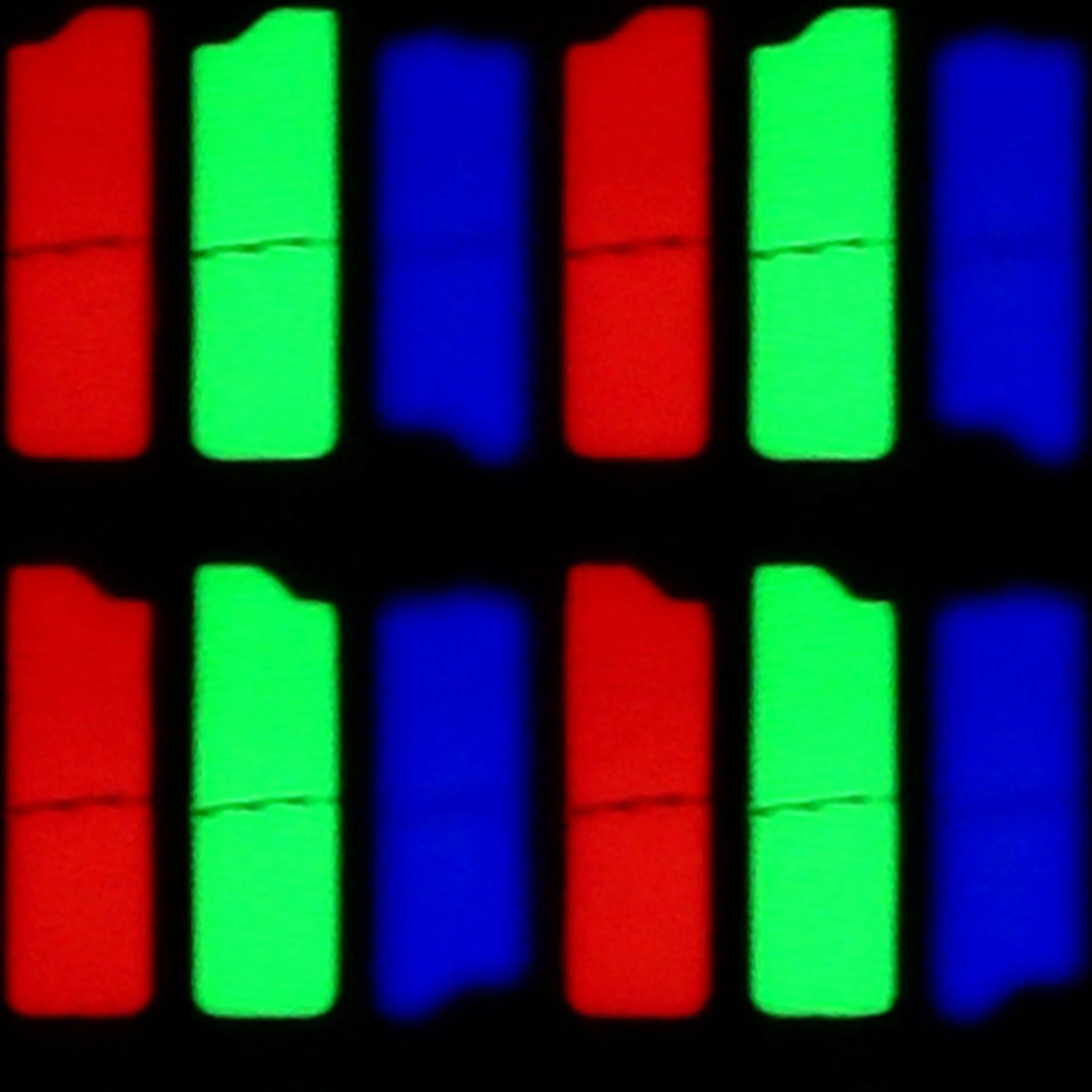
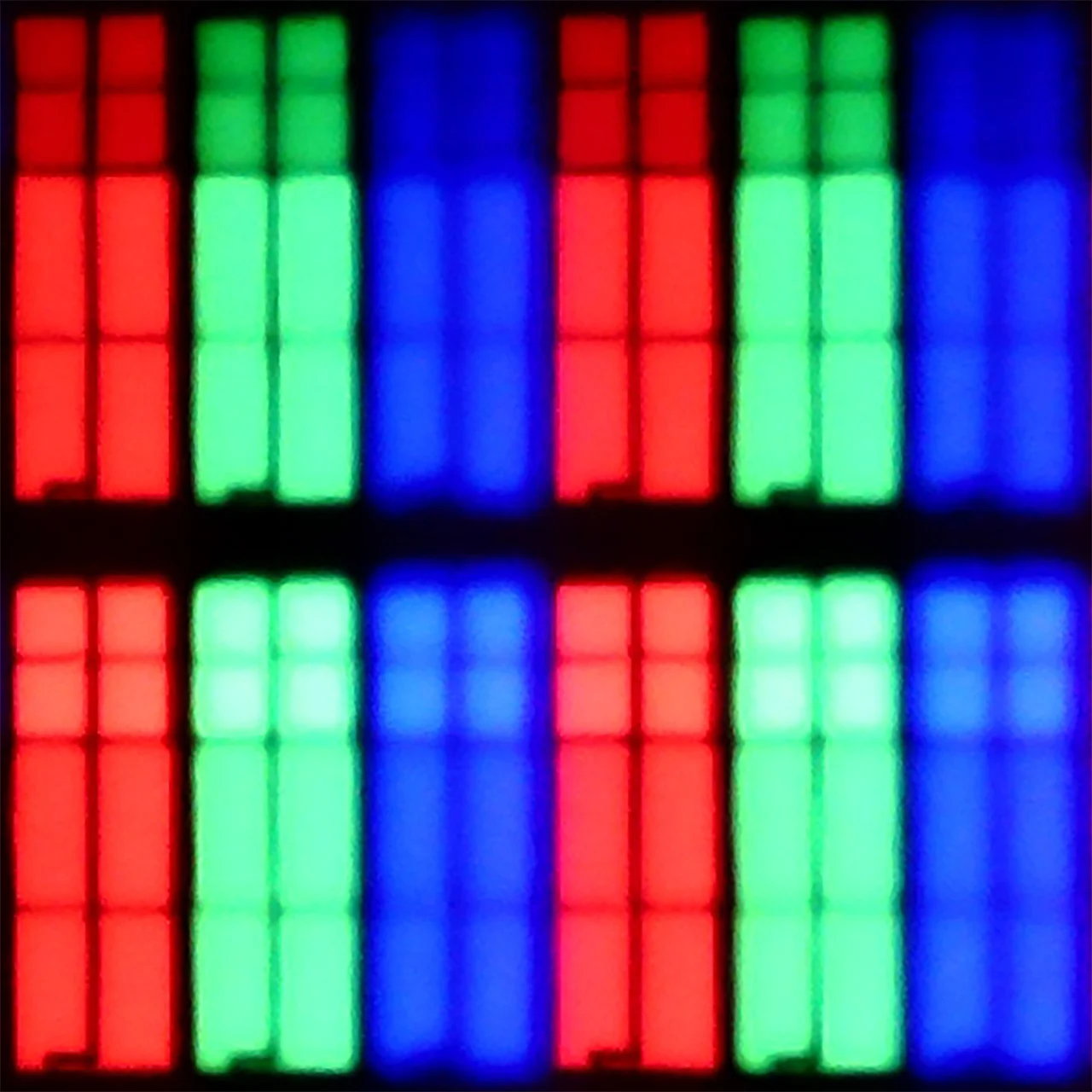
Matrix subpixel arrangement
RGB
RGB
Max refresh rate
120Hz
144Hz
G-Sync
Yes
Yes

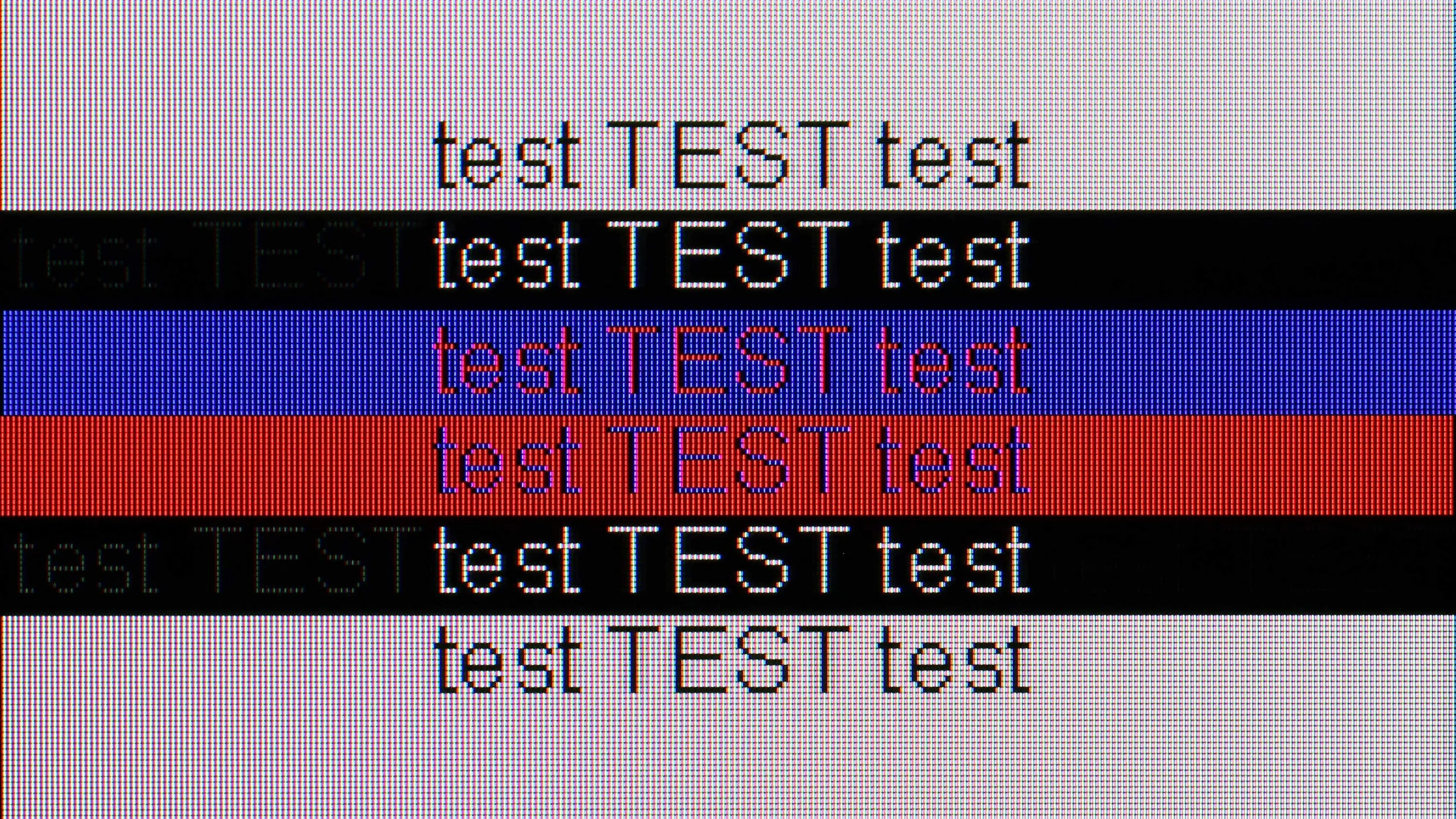
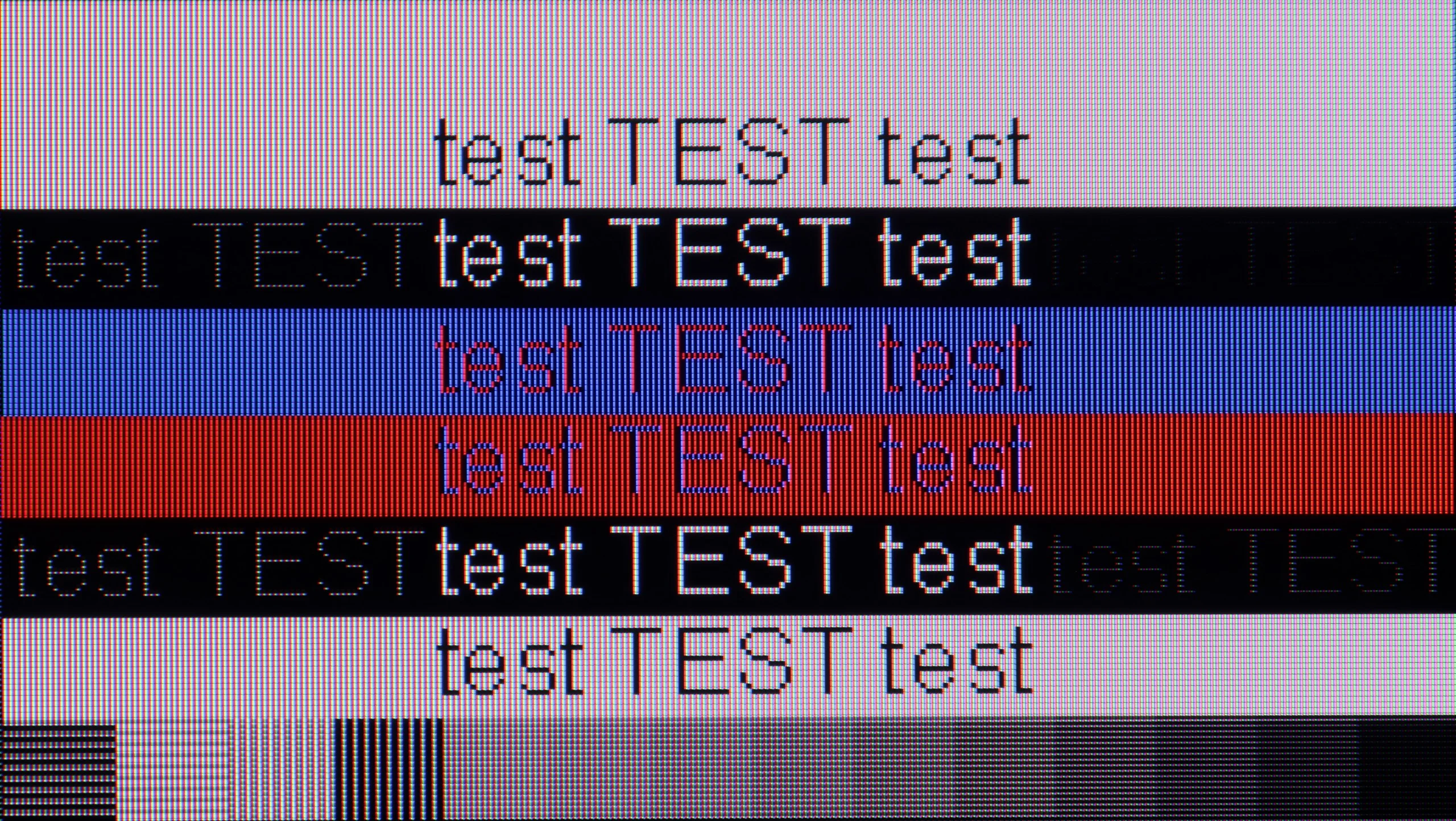
The photo shows the legibility of small fonts. Ideally, lines should be the same thickness on both light and dark text, with minimal pixel gaps.

The LG QNED TV excels when used with a computer, offering excellent font readability and a comfortable browsing experience, regardless of the background. The 120Hz refresh rate ensures a smooth and crisp image, making it an ideal choice for those seeking a large monitor with impressive fluidity. Combining a spacious display with high performance, it provides a truly enjoyable experience for work and content consumption.

The M80H also works very well as a computer monitor. Gamers can use 4K resolution at 144 Hz with VRR and G-Sync, and input lag in PC mode is about 10 ms. A Full HD mode at 240 Hz is also available. The TV correctly displays chroma 4:4:4 at the maximum resolution and refresh rate. Combined with a classic RGB subpixel layout, this provides very good font legibility for both light and dark text. The M80H is therefore suitable not only for gaming but also for everyday desk work.

Viewing angles

7.1/10

3.1/10

Brightness drop at an angle of 45 degrees
59%
84%

The LG QNED87 performs well in terms of viewing angles, thanks to its IPS panel, which provides wider angles compared to VA panels. The image remains clear without significant quality loss, even when viewed from an angle. While it may not match OLED TVs in maintaining colour and brightness at all angles, the QNED87 excels within the LCD category, making it an excellent choice for larger rooms with multiple viewing positions.

Viewing angles are one of the weaker points of the M80H. The TV uses a VA panel, which delivers better blacks and higher contrast than an IPS panel, but it looks worse when viewed from the side. Sit at a wider angle and colors start to lose saturation, blacks become noticeably lighter, and the whole image looks more washed out. That's a typical trade-off with this type of panel. The M80H is therefore best used when watched straight on or from only a slight angle.

Daytime performance

4.8/10

5/10

Panel finish
Satin
Satin
Reflection suppression
Poor
Decent
Black levels during daytime
Good
Good

Panel brightness

Samsung M80H: 345 cd/m2

LG QNED87T6B: 428 cd/m2

The LG QNED performs adequately during the day, thanks to its satin panel and a brightness level of 430 nits. While the panel doesn't suppress reflections very well, which can be noticeable in bright rooms, the image remains readable and visible. Though reflections can be somewhat distracting, the overall brightness ensures a comfortable viewing experience in daylight.

In a bright room the M80H performs adequately but without much fanfare. Its satin coating reasonably reduces reflections, though with large windows or lamps placed opposite the screen they will still be visible. The blacks are a plus; they don’t become excessively gray when the lights are turned on. SDR brightness is about 345 nits and remains stable regardless of the scene being shown. In a typical living room that should be enough for comfortable daytime viewing. In a room with very strong sunlight, however, the picture may not be vivid enough.

Panel details

Backlight Type
QLED
PFS LED
Software version during testing
03.11.10
1204
Image processor

Subpixel Structure:

Panel uniformity and thermal imaging:

Review LG QNED87T6B TV Panel details
Review Samsung M80H TV Panel details

LG QNED87T6B

Samsung M80H

TV features

8.8/10

7.3/10

  • System
    WebOS
    Tizen
  • System performance
    Good
    Very good
  • HDMI inputs
    0 x HDMI 2.0, 4 x HDMI 2.1 48Gbps
    0 x HDMI 2.0, 3 x HDMI 2.1 48Gbps
  • Outputs
    Toslink (Optical audio), eARC (HDMI), ARC (HDMI)
    eARC (HDMI), ARC (HDMI)
  • Network Interfaces
    Wi-Fi 2.4GHz, Wi-Fi 5GHz, Ethernet (LAN) 100Mbps
    Wi-Fi 2.4GHz, Wi-Fi 5GHz, Ethernet (LAN) 100Mbps
  • TV reception
    DVB-T, DVB-T2, DVB-S, DVB-S2, DVB-C
    DVB-T, DVB-T2, DVB-S, DVB-S2, DVB-C

Classic features:

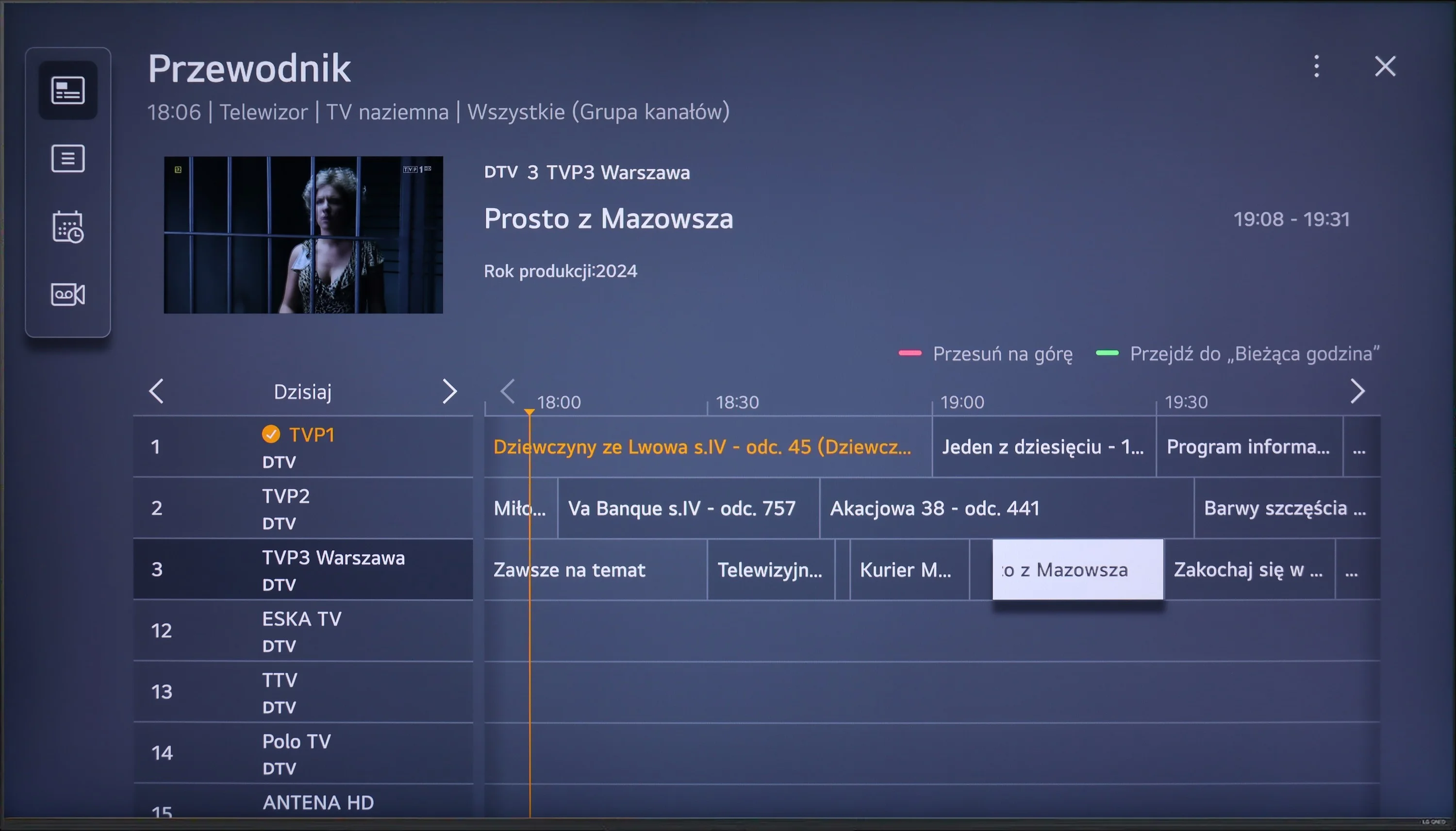
  • Recording to USB (terrestrial TV)
    Yes
    No
  • Recording programming
    Yes
    No
  • Picture in Picture (PiP)
    Yes
    No
  • RF remote control (no need to aim)
    Yes
    Yes
  • Backlit remote control
    No
    No
  • Teletext
    Yes
    Yes
  • Audio only mode
    Yes
    Yes
  • Bluetooth headphones support
    Yes
    Yes
  • Simultaneous Bluetooth headphones & TV audio
    Yes
    Yes

Smart features:

  • AirPlay
    Yes
    Yes
  • Screen mirroring (Windows Miracast)
    Yes
    Yes
  • Voice search
    Yes
    Yes
  • Voice search in native language
    Yes
    Yes
  • Ability to connect a keyboard and mouse
    Yes
    Yes
Review LG QNED87T6B TV features
Review Samsung M80H TV features

Sound connection options

  • HDMI audio
    eARC (HDMI), ARC (HDMI)
    eARC (HDMI), ARC (HDMI)
  • Other audio outputs
    Toslink (Optical audio)
  • Wireless audio
    Bluetooth
    Bluetooth

Supported audio formats (external HDMI eARC audio):

  • Dolby Digital Plus 7.1
    Yes
    Yes
  • Dolby True HD 7.1
    No
    Yes
  • Dolby Atmos in Dolby Digital Plus (JOC)
    Yes
    Yes
  • Dolby Atmos in Dolby True HD
    No
    Yes
  • DTS:X in DTS-HD MA
    Yes
    No
  • DTS-HD Master Audio
    Yes
    No

Senior accessibility

  • Numeric keyboard on TV
    Yes
    No
  • Font size adjustment
    Yes
    Yes
  • Audio description
    Yes
    Yes

The LG QNED87 television offers a range of features that greatly enhance user comfort. The WebOS system stands out for its user-friendly interface, complemented by the Magic Remote with a built-in gyroscope, making navigation intuitive and quick. WebOS also supports smart features like AirPlay for easy content streaming from Apple devices and a variety of streaming apps such as Netflix, YouTube, and Amazon Prime Video. The TV also includes USB recording for saving favourite programs and a PIP (Picture-in-Picture) function for viewing two programs simultaneously. Additionally, Bluetooth connectivity allows for easy connection of devices like mice, keyboards, or headphones, offering greater versatility. With these features, the LG QNED87 is a versatile, convenient device that meets the needs of demanding users.

Smart TV system

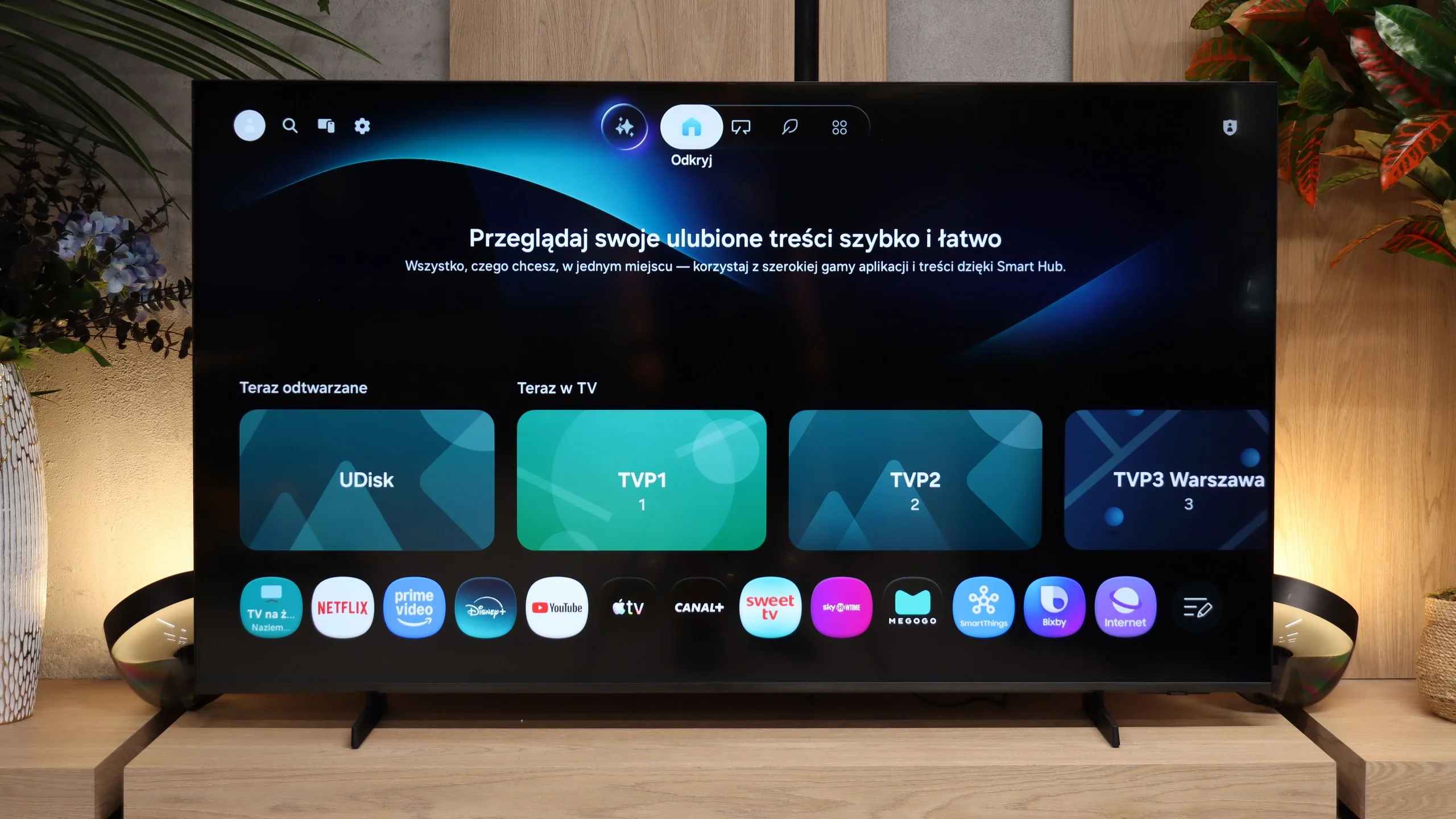
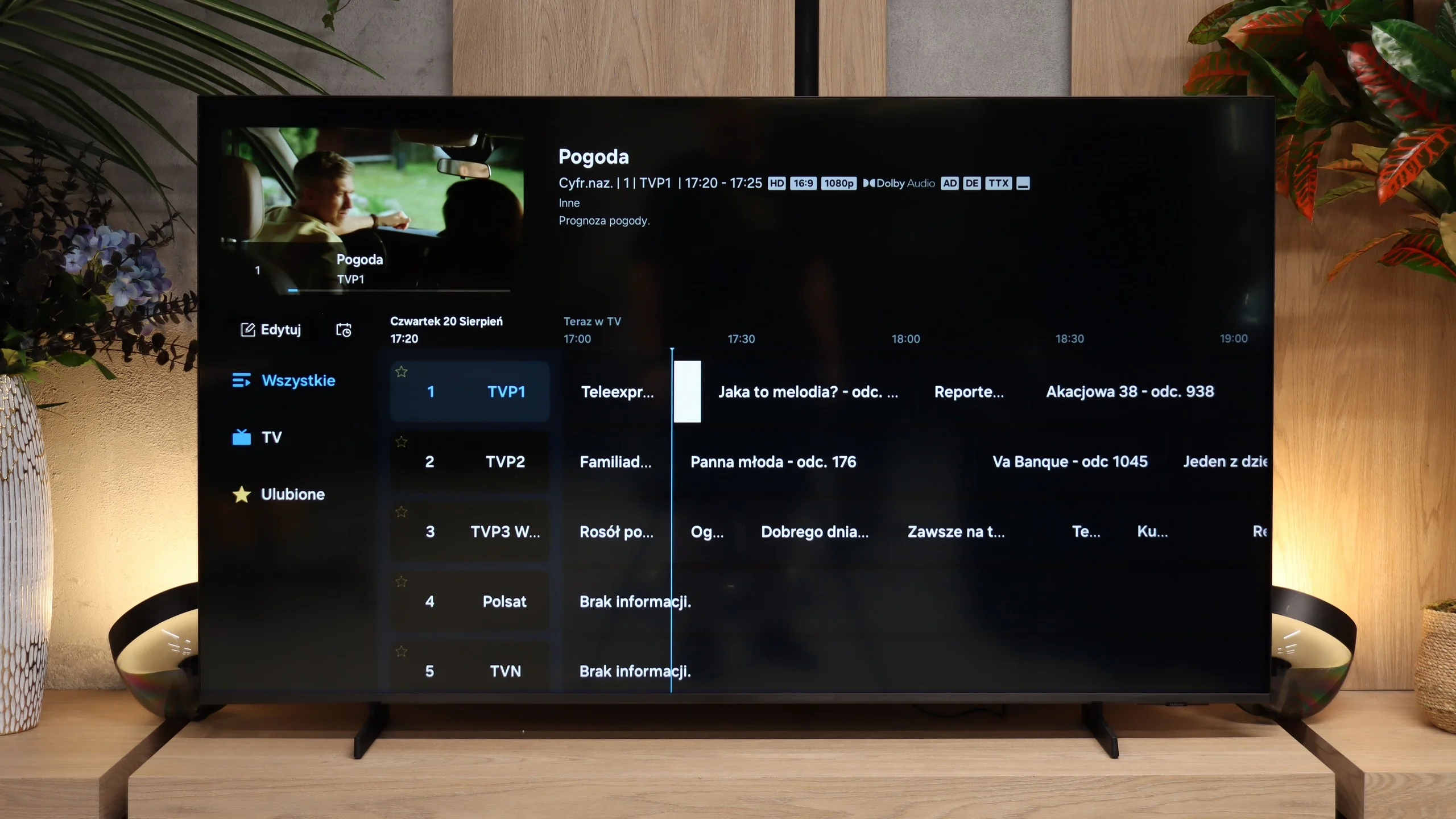
The M80H runs Tizen, the same system used across Samsung TVs. It's fast, stable, and offers all the most popular streaming apps, so you don't have to worry that a lower-tier model would be missing any major services. It also supports AirPlay, Miracast, and voice search. The TV works with SmartThings, so you can use it to control smart home devices.

TV features

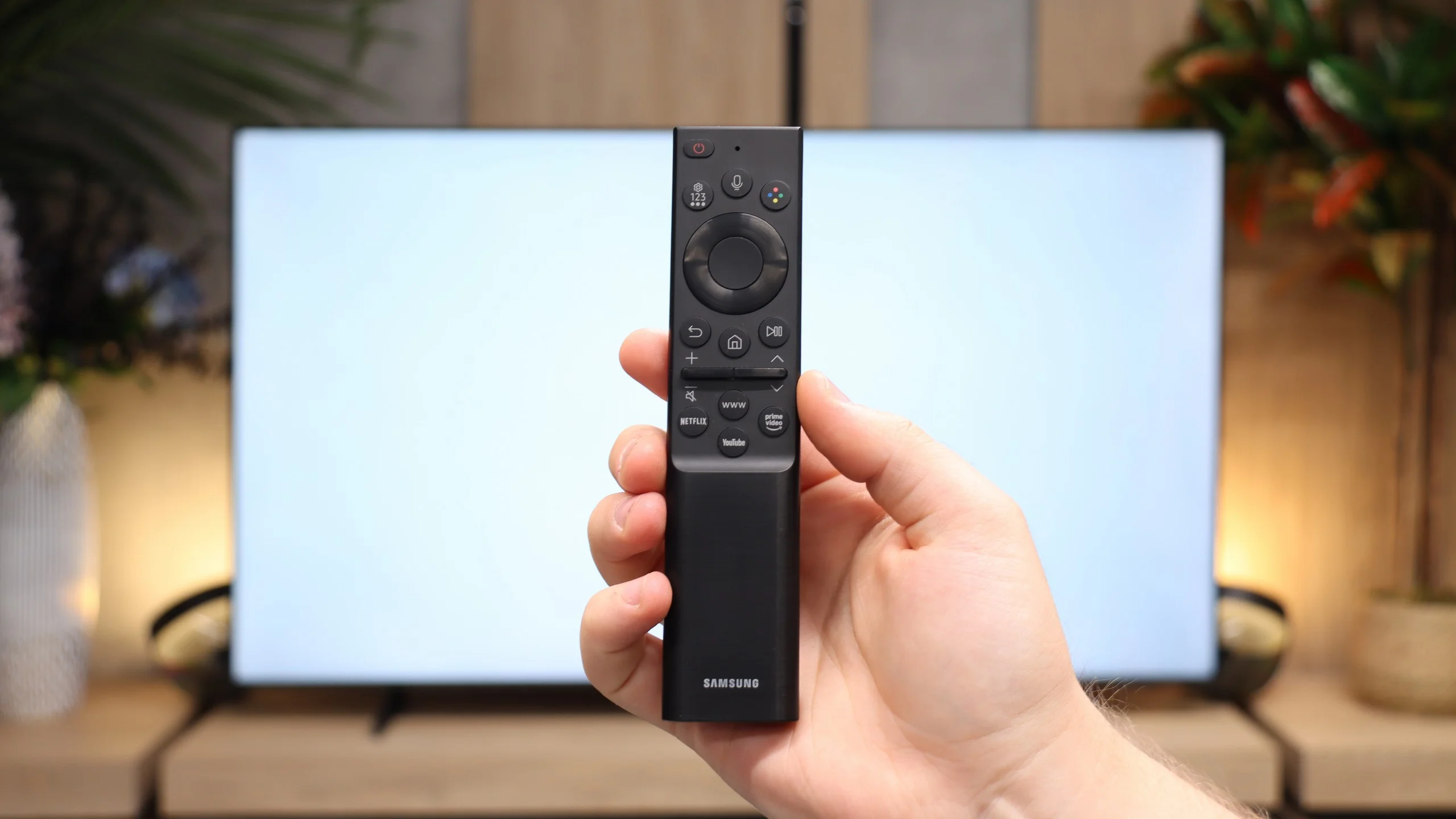
Conventional TV features are weaker. The M80H doesn't allow recording programs to a USB drive or scheduling recordings. It also lacks picture-in-picture. On the plus side, it keeps the basics, like teletext and the ability to turn off the screen while leaving the audio playing. You can connect Bluetooth headphones to the TV, and audio can play simultaneously through them and the built-in speakers. That's useful if one viewer needs higher volume, for example seniors. The TV comes with a simple Smart remote with a limited number of buttons. Unfortunately it's not the solar-powered version found on some other Samsung models, and the remote uses regular batteries. Fortunately it connects to the TV via radio, so you don't need to point it directly at the screen.

Apps

8.3/10

9.3/10

OK
Disney_Plus
OK
Amazon_Prime_Video
OK
Player_TVN
OK
Polsat_Box_Go
OK
Canal_Plus_Online
OK
TVP_VOD
OK
Apple_TV_Plus
OK
SkyShowtime
OK
Rakuten
OK
CDA_Premium_Browser
OK
Spotify
OK
Tidal
OK
Netflix
OK
YouTube
No
HBO_MAX
No
Kodi
OK
Apple_music
No
Eleven_sports
OK
Xbox Game Pass
OK
GeForce NOW
OK
Amazon Luna
OK
Boosteroid
No
Steam Link
OK
Disney_Plus
OK
Amazon_Prime_Video
OK
Player_TVN
OK
Polsat_Box_Go
OK
Canal_Plus_Online
OK
TVP_VOD
OK
Apple_TV_Plus
OK
SkyShowtime
OK
Rakuten
OK
CDA_Premium_Browser
OK
Spotify
No
Tidal
OK
Netflix
OK
YouTube
OK
HBO_MAX
No
Kodi
OK
Apple_music
OK
Eleven_sports
OK
Xbox Game Pass
OK
GeForce NOW
OK
Amazon Luna
OK
Boosteroid
No
Steam Link

Playing files from USB

8.2/10

9.1/10

Supported photo formats:

JPEG
Yes
Yes
HEIC
No
No
PNG
Yes
Yes
GIF
No
No
WebP
No
No
TIFF
No
No
BMP
No
Yes
SVG
No
No

Maximum photo resolution:

4 Mpix
Yes
Yes
6 Mpix
Yes
Yes
8 Mpix
Yes
Yes
10 Mpix
Yes
Yes
12 Mpix
Yes
Yes
16 Mpix
Yes
Yes
20 Mpix
No
Yes
24 Mpix
No
Yes
28 Mpix
No
Yes
32 Mpix
Yes
Yes

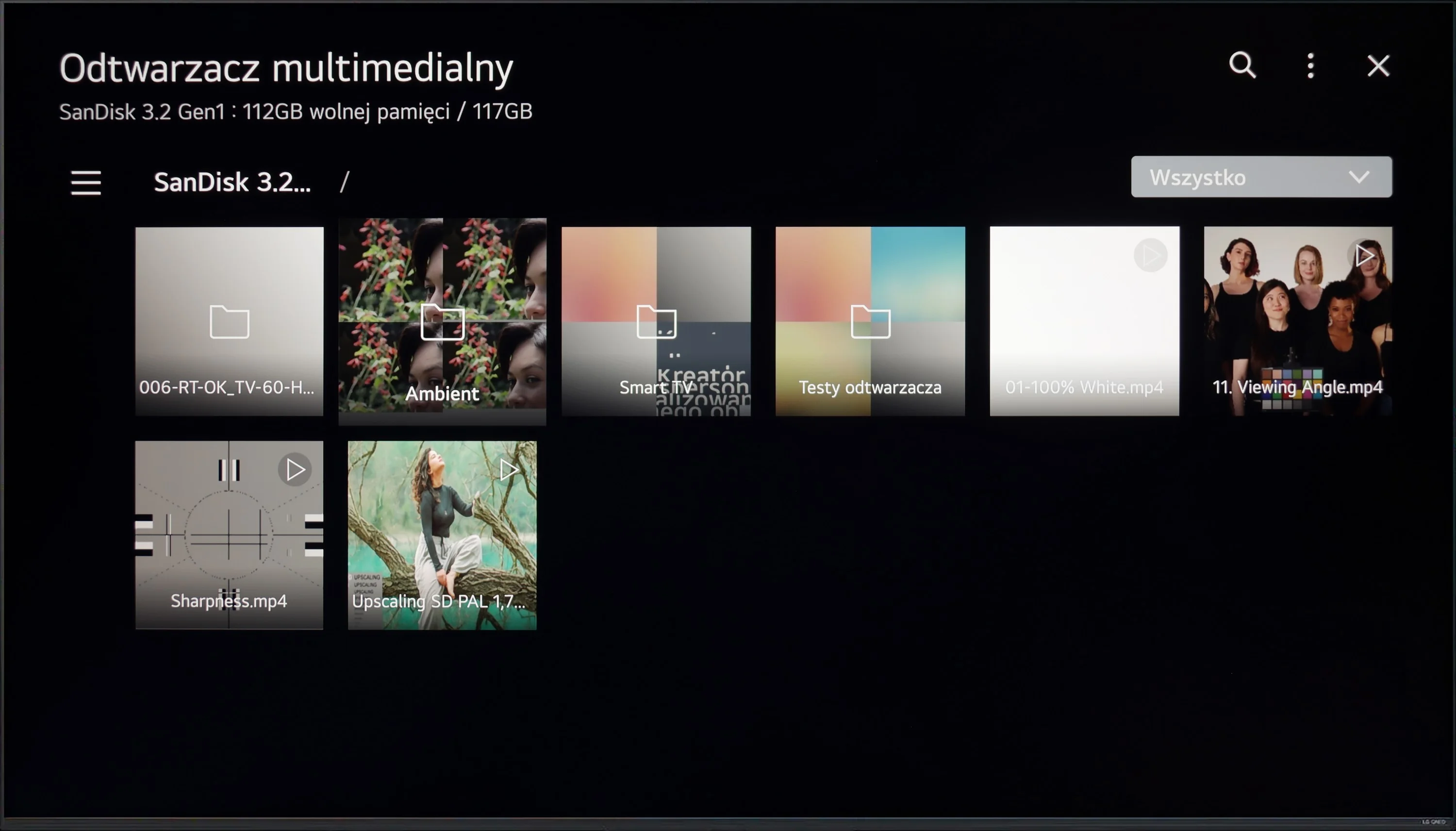
The built-in media player in the LG QNED87 television offers impressive capabilities for playing video and audio files. It supports a wide range of popular formats, ensuring versatility and ease of use. The main drawback is the limited support for certain less common photo formats, but this is unlikely to affect most users. For everyday use and typical multimedia formats, the player performs excellently, meeting the needs of most viewers.

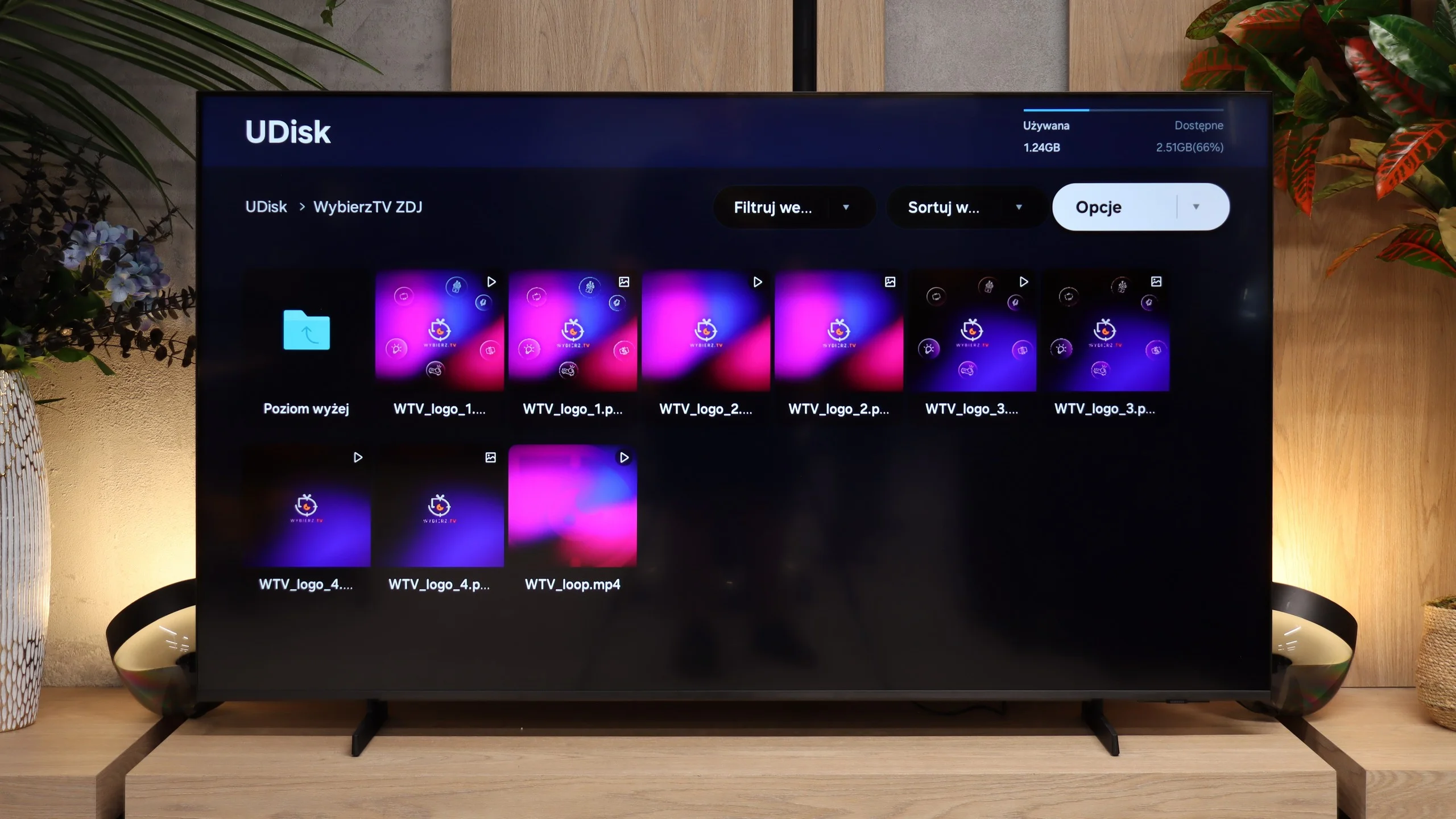
The built-in USB player handles most popular video and photo formats. It easily displays JPEG, PNG, and BMP files, even in high resolution. However, it lacks support for HEIC, the format used, among others, by iPhones. In practice this probably won’t be a big issue, because the M80H supports AirPlay and most people will likely use that to show vacation photos on the TV. 😉

Sound

6/10

6/10

  • Maximum volume
    -
    88dB
  • Dolby Digital Plus 7.1
    Yes
    Yes
  • Dolby True HD 7.1
    No
    No
  • Dolby Atmos in Dolby Digital Plus (JOC)
    Yes
    Yes
  • Dolby Atmos in Dolby True HD
    No
    No
  • DTS:X in DTS-HD MA
    Yes
    No
  • DTS-HD Master Audio
    Yes
    No

The M80H is equipped with a 2.0 speaker setup with 20 W of power. It performs adequately but doesn't stand out compared with TVs with similar audio systems. Dialogue is clearly audible and the speakers themselves don't add noticeable distortion. However, it definitely lacks bass, so music in particular can sound flat. If you want a somewhat fuller sound, consider a simple soundbar and connect it via HDMI eARC. The TV can also pass through Dolby Atmos audio that way. However, note that the M80H has no optical output, so you can't connect older audio equipment using that method.

Sound Quality Test

No sound test video

Acoustic Measurements

No acoustic data

88dBC (Max)

75dBC

Reader comments

Comments are provided by the external service Disqus (Zeta Global). Once loaded, Disqus may set cookies and process data about your activity.

We will remember your choice on this device. Provider's privacy policy