 Direct comparison
QNED86A6A is a television that really does a great job in its price class when it comes to sports, gaming, and everyday TV watching. The 120 Hz panel makes the picture smooth and the motion sharp, which will be appreciated by both fans and gamers. Additionally, it has low input lag along with a full set of gaming features such as HGiG, VRR, and ALLM. The TV works just as well with a computer as it does with a console, so in the office or on a desk in the 43” version, it will perform excellently as a work monitor. Another strong point is the webOS system. It is a fast, stable, and app-rich operating system that, paired with the Magic remote, provides very convenient control. The new version of the remote is slimmer and fits better in the hand, and the cursor on the screen is a solution that many competitors lack. It also includes classic features – USB recording, Bluetooth for headphones, and a full set of HDMI 2.1 with eARC and Dolby Atmos support. This makes the QNED85 series TVs some of the most "multimedia" televisions in their class. But let's not sugarcoat it; this model also has its significant drawbacks. Its biggest flaw is undoubtedly the contrast, or rather the lack of it. The IPS panel combined with edge "mini-LED" is simply a very bad idea. The screen is simply not suitable for watching movies in a dark living room. The blacks are grayish-blue, and local dimming can generate light stripes resembling lasers, which effectively ruins the viewing experience. For home theater, this is not a choice that can be recommended with full conviction. The second problem may not be directly related to the TV itself but to its sales. It concerns the chaos in naming and the differences in derivative versions. The same model, even with the same designation, can have a different frame color or stand depending on the store. This can really be frustrating for the buyer and create a sense of confusion. In summary: LG QNED86A6A is a great TV for sports, gaming, and everyday television, with a convenient system and great functionality. But if you are looking for a screen specifically for movies or series and require deep blacks, it is better to look towards TVs that can truly be called Mini-LEDs with full confidence.
- Matching (Score) |
- Our verdict |
- TV appearance |
- Where to buy |
- Contrast and black detail |
- HDR effect quality |
- Factory color reproduction |
- Color reproduction after calibration |
- Smoothness of tonal transitions |
- Image scaling and smoothness of tonal transitions |
- Blur and motion smoothness |
- Console compatibility and gaming features |
- Input lag |
- Compatibility with PC |
- Viewing angles |
- Daytime performance |
- Panel details |
- TV features |
- Apps |
- Playing files from USB |
- Sound
QNED85A / QNED86A / QNED87A / A6A / A6B / A6C

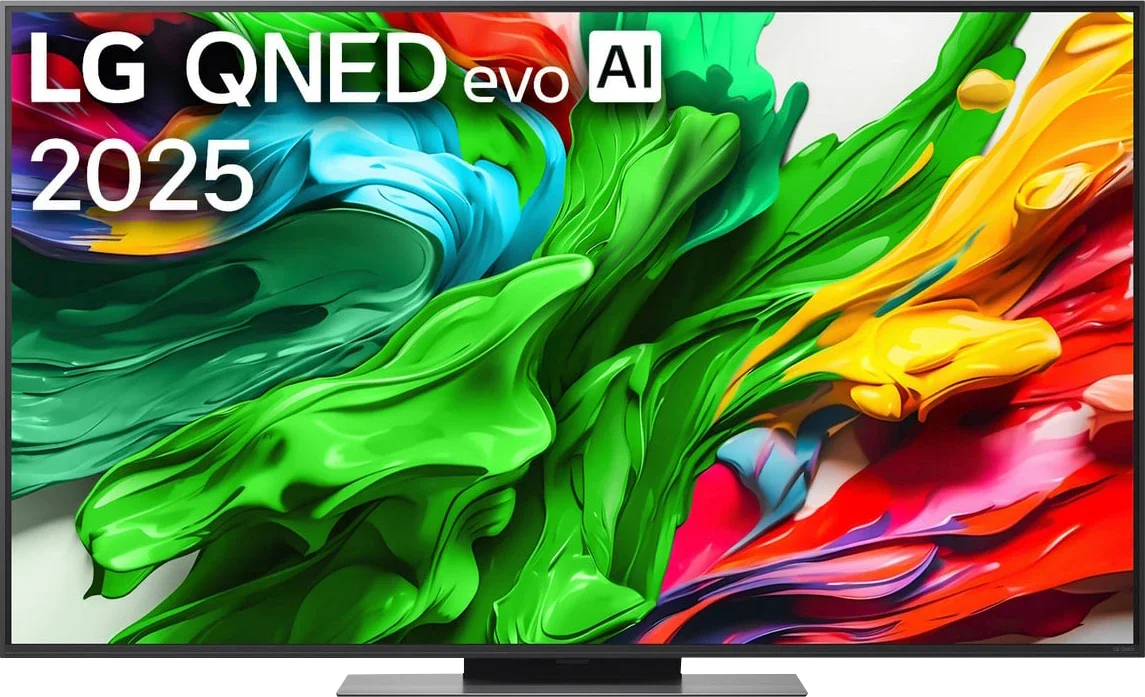
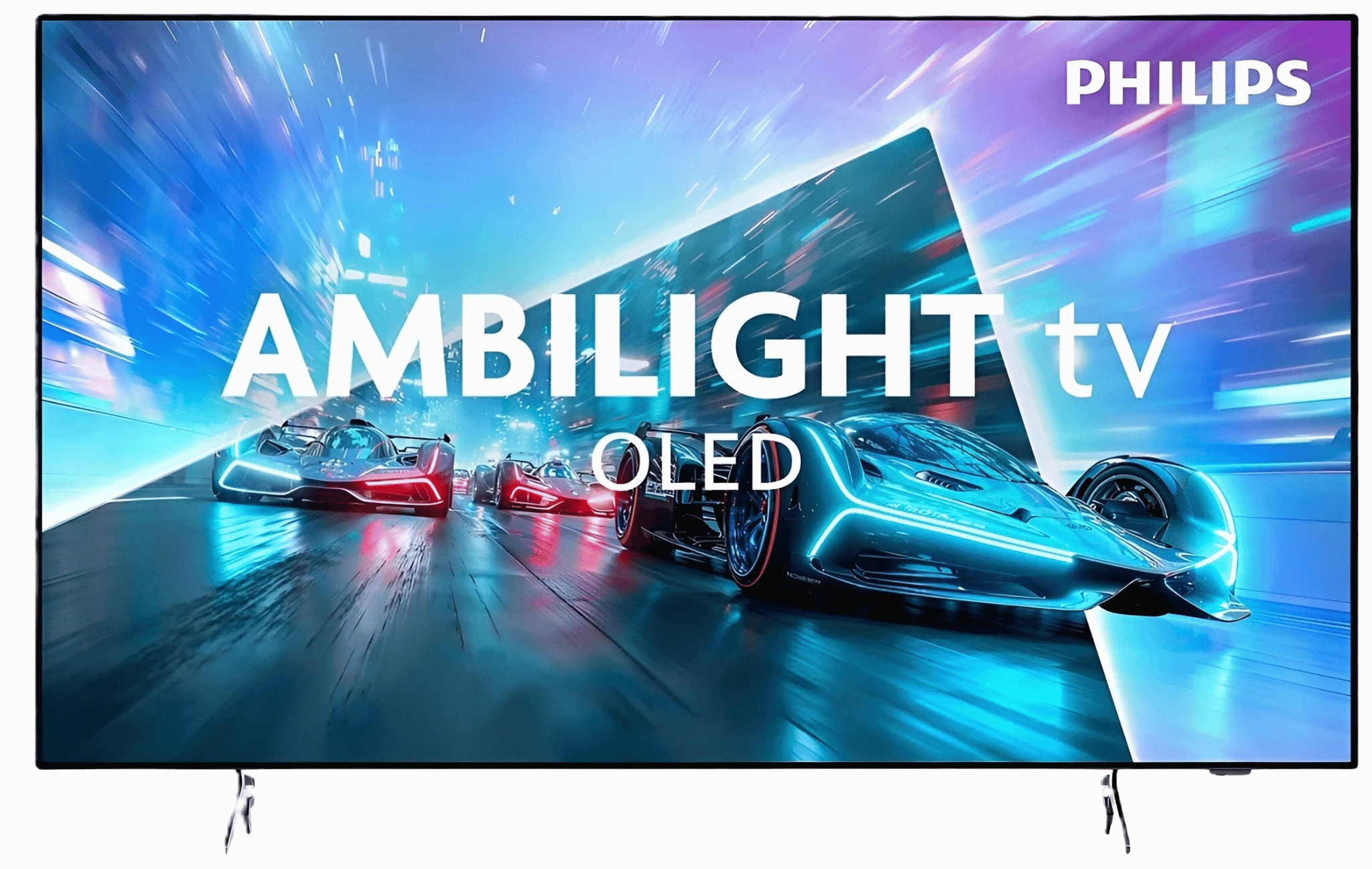
Panel type: LCD IPS
Resolution: 3840x2160
System: WebOS
Model year: 2025
Complete the survey to find out the result
Panel type: WRGB OLED
Resolution: 3840x2160
System: Titan OS
Model year: 2026
Complete the survey to find out the result
Overall rating
7.0
7.7
 Movies and series in UHD quality
6.4
8.0
 Classic TV, YouTube
6.1
8.7
 Sports broadcasts (TV and apps)
7.1
8.5
 Gaming on console
8.3
9.0
 TV as a computer monitor
8.0
7.6
 Watching in bright light
5.8
4.5
 Utility functions
8.4
7.9
 Apps
9.1
7.7
 Sound quality
6.0
7.0
Complete the survey to find out what fits your preferences
Advantages

120 Hz panel, good for sports and gaming
Very low input lag
Great for gamers (VRR, ALLM, HGiG, etc.)
Full set of HDMI 2.1 ports
Good compatibility with PC (great font readability)
Bright picture (around 700 nits in HDR), works well in moderately bright rooms
Good viewing angles (IPS)
Supports Dolby Vision
User-friendly webOS operating system with Magic Remote and voice assistant
Ability to record programs to USB
Perfect blacks and very high contrast
Impressive HDR for evening viewing
Very good color reproduction after calibration
Wide viewing angles
Ambilight enhances the viewing experience 🙂
120 Hz panel useful for gaming and sports
Four HDMI 2.1 inputs
Dolby Vision support (improves the picture in many HDR scenes)
Disadvantages

Very poor black and contrast due to the IPS panel
Lack of the declared 144 Hz in PC mode
Aggressive "light bars" when dimming is enabled (edge local dimming ruins evening movie screenings)
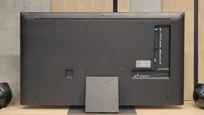
Confusion in markings and versions – even TVs with the same name in different stores can have different stands (central or two legs) or frame colors, which can be very misleading when purchasing.
Limited app selection on Titan OS
Lower SDR brightness compared with competitors
Screen reflections are distracting in a bright living room
Infrared remote requires pointing at the TV (sometimes slow to respond)
Visible posterization
Our verdict
Philips OLED761 shows that an entry-level OLED in the brand’s lineup can be a successful choice for watching movies. It performs best in the evening, when perfect black levels and impressive HDR let you appreciate the strengths of this panel. After calibration the colors are very well reproduced, so it's hard to find major faults with the picture during regular viewing. It doesn't always handle the brightest highlights in demanding HDR10 films equally well, but Dolby Vision helps in those scenes. This is a TV that can leave a really good impression when you turn off the lights. A big part of that experience is Ambilight. If you like backlighting the wall behind the screen, the OLED761 gives a concrete reason to consider Philips. You don’t have to pay extra for higher-tier models to get this feature combined with a good OLED picture. This model also works for gaming: the 120 Hz panel and four HDMI 2.1 inputs let you use it for movies, consoles, or a PC. That matters, because even the cheapest OLED in a lineup should be a versatile purchase, not a TV that’s only good for evening sessions.
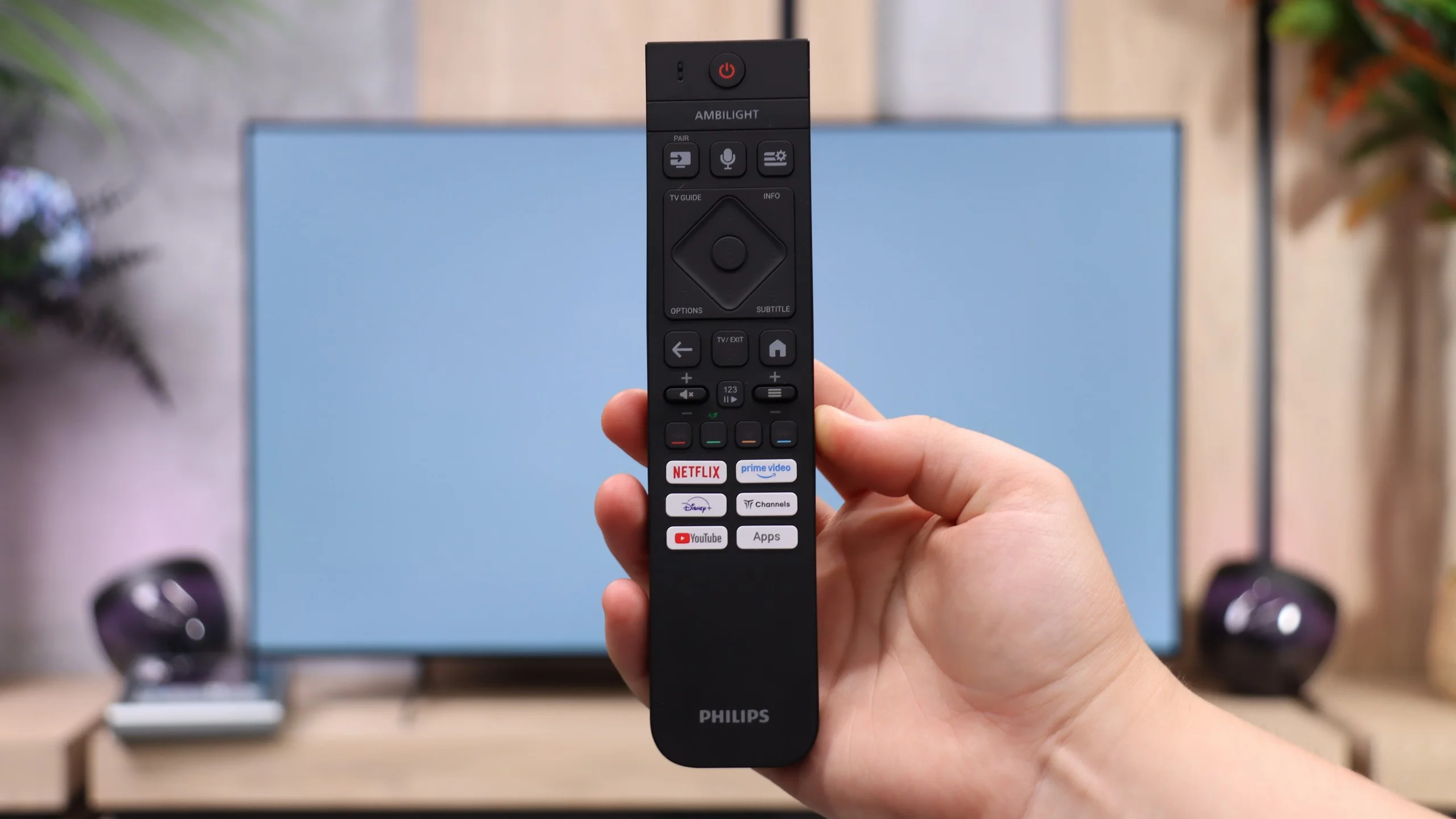
Before buying, though, it’s worth looking at two limitations. The first is watching in a bright room. The OLED761 is a bit dimmer than rivals using a similar panel, and the absence of a polarizer in the OLED SE panel further reduces its performance in bright rooms. The second is Titan OS. The system runs more smoothly than in earlier versions, but it still offers a smaller selection of apps than the competition. Improved smoothness is welcome, but it won't replace access to the services you use every day, so it's best to check app availability before buying. We also didn’t like the remote. Even though it's backlit and has a full set of useful buttons, it requires precise aiming at the screen.
Ultimately, the Philips OLED761 makes the most sense for people who mainly watch in the evenings and want Ambilight. In those conditions it can confidently compete with the Samsung S85H or LG B6, and the choice between them will depend more on price, the operating system, and personal habits. Philips doesn't have a clear advantage in every use case, but you shouldn't treat it as an inferior option just because it opens the brand’s OLED range. At the right price it's a good buy... but only if the available apps meet your needs.
TV appearance


Contrast and black detail
3.5/10
10/10
Local dimming function: Yes, number of zones: 6 (1 x 6)
Contrast:


Result
4,050:1

Result
1,750:1

Result
4,800:1

Result
1,850:1

Result
1,350:1
Result
∞:1
Result
∞:1
Result
∞:1
Result
∞:1
Result
∞:1
Halo effect and black detail visibility:
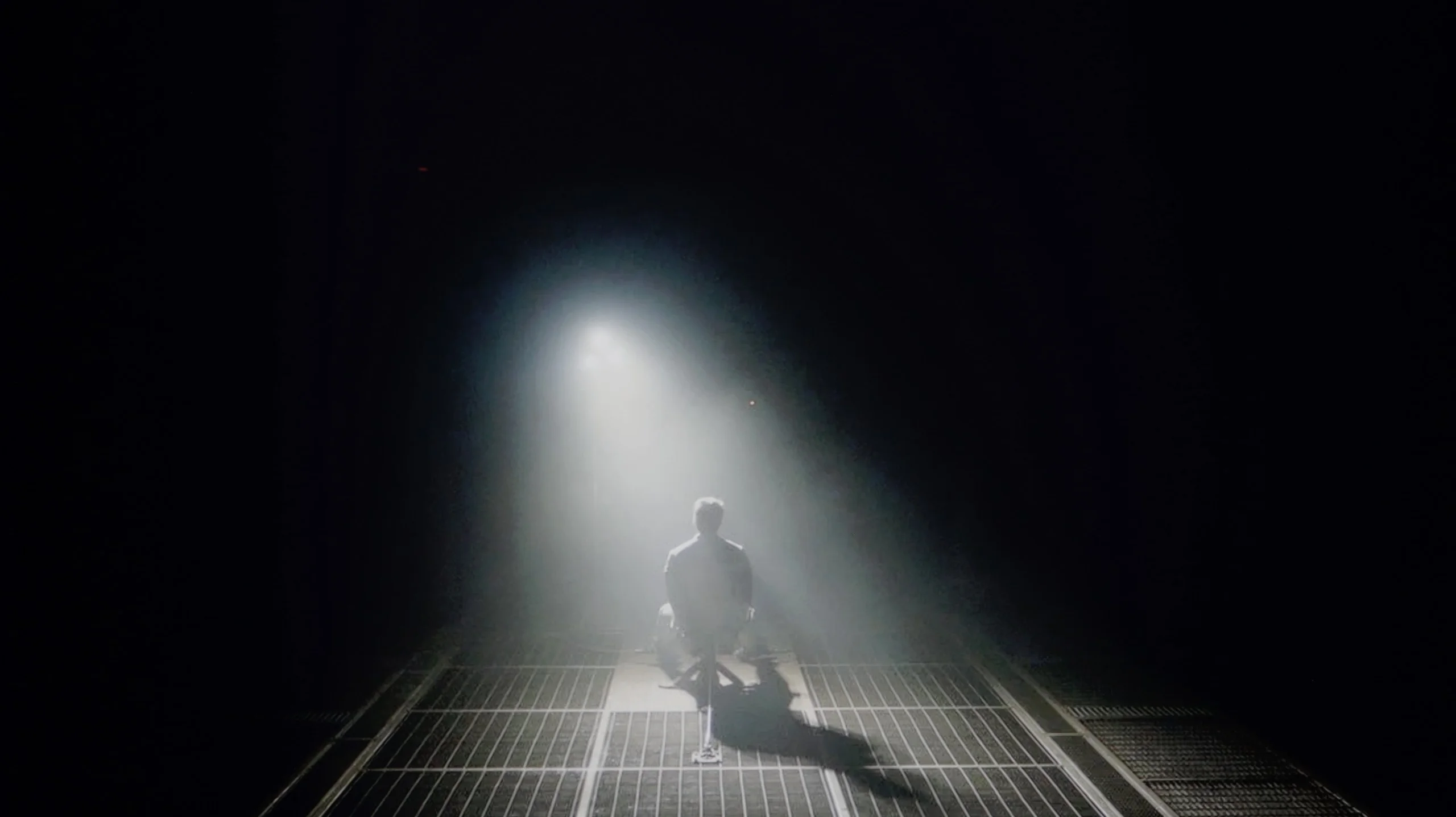
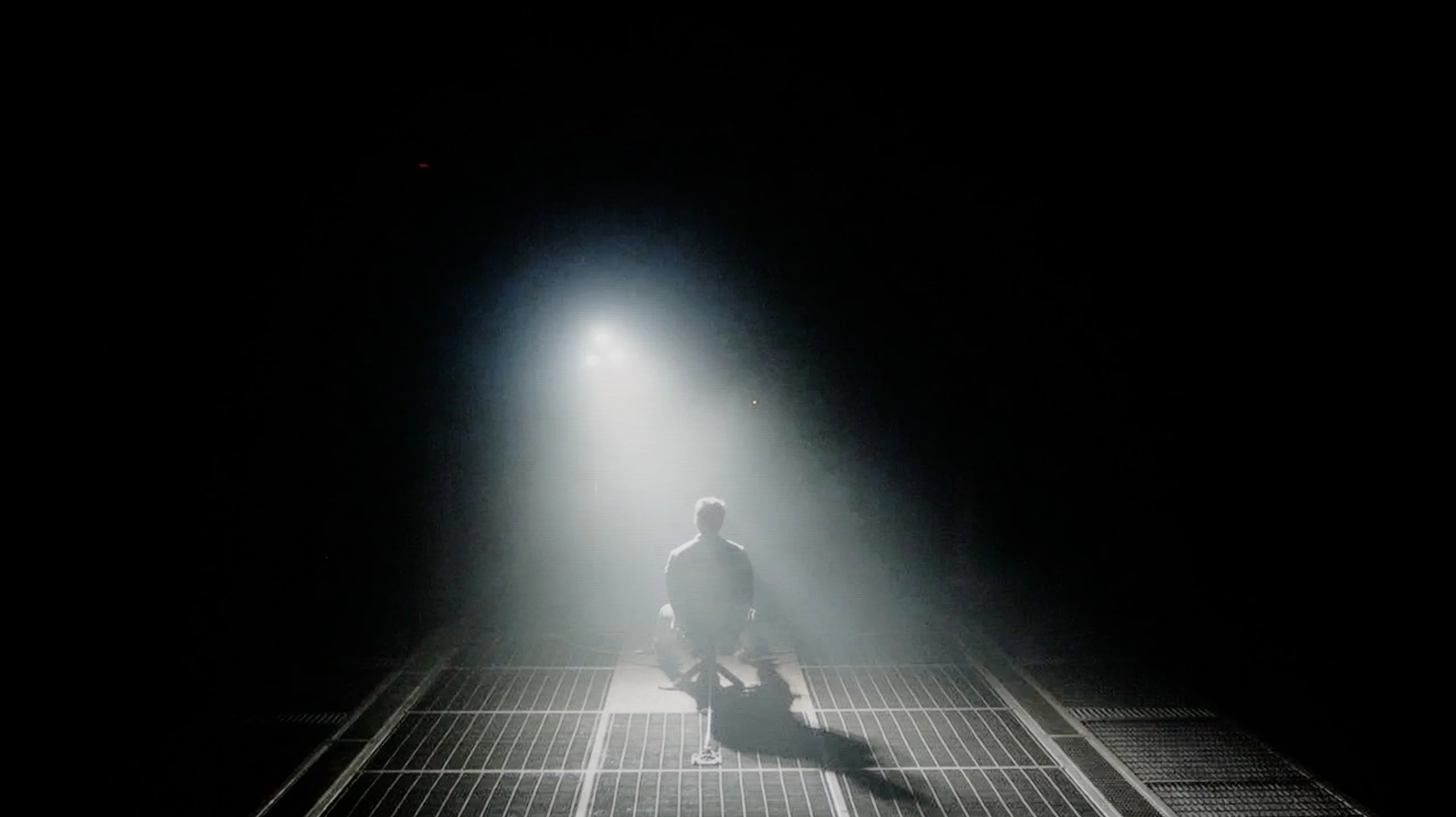
Check the visibility of bright lights on a dark background. Mini-LEDs often struggle with this. The photo does not compare black levels – that’s what the video below is for.
The video accurately shows differences in contrast and black levels between TVs, as well as potential issues: halo around bright objects or Mini-LED zone operation visible as brightness jumps.
Although the manufacturer describes the QNED86A as a Mini-LED television, one would be hard-pressed to find the multi-zone local dimming system known from more expensive models. In practice, we are dealing with classic edge lighting that only allows for dimming horizontal bands of the screen from top to bottom. Combined with the low-contrast IPS/ADS panel, the effect is simply poor. If we decide to keep local dimming enabled, a problem arises – the television can illuminate selected areas in such a way that it appears like “flying lasers” crossing the screen. This is very distracting, and it is difficult to claim a truly cinematic experience under such conditions. Therefore, in our opinion, it is better to disable this function. However, one has to reckon with the fact that the contrast then drops to around 1500:1, but at least the image does not irritate with artificial flashes.
In this category the Philips OLED761 receives the highest score. The OLED panel allows each pixel to be controlled independently, and where the image should be completely black you can simply turn the pixel off. As a result we achieved infinite contrast in all measurement scenes. When watching this translates to deep blacks and very clear separation of bright elements from a dark background. Even a small lamp or a star does not cause the surrounding area to be illuminated by the screen, something Mini LEDs still struggle with in demanding scenes. This is an advantage of the technology itself, so even the cheapest Philips OLED can match much more expensive models in this respect. In a dark room it’s especially obvious how much that precision delivers. Black doesn’t go gray just because a bright object appears next to it, and the TV doesn’t have to choose between dimming the light and preserving a dark background.
Certain reservations apply to the way shades just above black are displayed. In cinematic scenes the OLED761 can slightly brighten those tones, so the very darkest parts of the image can be a bit brighter than they should be. The start of the luminance curve confirms this. That doesn’t mean the panel can’t show perfect black, since completely black elements remain turned off. The imperfection affects the rendering of the darkest grays and, while it doesn’t negate the excellent contrast, it can be noticeable in some night scenes.
HDR effect quality
6/10
6.1/10
Luminance measurements in HDR:

Result
602 nit

Result
524 nit

Result
690 nit

Result
512 nit

Result
500 nit
Result
538 nit
Result
702 nit
Result
784 nit
Result
740 nit
Result
289 nit
Scene from the movie “Pan” (about 2800 nits)


Scene from the movie “Billy Lynn” (about 1100 nits)


The photos show two HDR10 movies. 'Pan' is one of the brightest productions ever made, while 'Billy Lynn' (soldier) has brightness typical of streaming (Netflix, Prime, HBO MAX). Notice the intensity of effects and detail in whites.
Static HDR10


The photos present the visibility of white details in various HDR formats. They do not show brightness differences between TVs (these can be compared in the previous gallery).
Dynamic: Dolby Vision
Dynamic: Dolby Vision


The photos present the visibility of white details in various HDR formats. They do not show brightness differences between TVs (these can be compared in the previous gallery).
HDR luminance chart:
Philips OLED761
LG QNED86A / QNED85A / QNED87A
Luminance of RGB colors
Against the backdrop of contrast and black, the brightness of the QNED86A and the overall HDR effect performs much better. This is a television that can reach around 700 nits in the best conditions, so in terms of brightness alone, there is nothing to be ashamed of. As a result, scenes with strong lights, explosions, flashes, or bright parts of the landscape look clear and can make an impression. Interestingly, even in more challenging moments with small, contrasting elements on the screen, the television handles their backlighting well, and the details are quite visible. The problem resurfaces when there are a lot of dark tones. The lack of effective local dimming causes black to virtually disappear, and instead, we get a gray glow spreading across the entire screen. This kills the sense of depth and makes the image look flat, as if it lacks a cinematic quality. In bright animations or colorful family films, this won't be an issue because colors and bright light dominate there. But in horrors or productions set in darkness, these limitations are very palpable. As a consolation, it’s worth mentioning that the QNED86A is actually a QLED television with a PFS LED filter, which gives it very good coverage of wide color gamuts. Both the DCI-P3 palette and the wider BT.2020 perform really solid here. This ensures that colors in HDR films are saturated, vibrant, and have the right depth – even if the black itself disappoints, the colors can save the viewing experience and make the image look attractive.
Philips OLED761 uses the new-generation WOLED SE panels from LG Display, and in terms of HDR brightness it achieves results similar to its closest rivals, the Samsung S85H and the LG B6. Peak brightness is around 800 nits, which for an entry-level OLED is a solid result. Importantly, similar values also appear in movies. In scenes with small bright elements on a dark background we measured about 700-780 nits, so a flashlight, a specular highlight, or a lamp can clearly stand out. Combined with perfect black, this delivers a convincing HDR effect, especially during evening viewing. The panel’s capabilities, however, decrease as the bright area of the image increases. When a vast, sunlit landscape replaces isolated highlights, the TV can no longer maintain such high brightness. In a scene with an offshore drilling platform we measured 289 nits, and with even greater bright-area fill the result can approach about 200 nits. In practice this means a sun-drenched shot will look less spectacular than small lights in a night scene. Despite this limitation, the OLED761’s HDR performance deserves a positive assessment. It’s not a TV that will light up an entire room with every bright scene, but it can clearly show the difference between regular footage and HDR material. It performs best where bright accents appear on a darker background, because then the high brightness of individual elements and deep black combine for the best effect.
Colors
The Philips OLED761 also handles color well, because its panel covers the vast majority of the DCI-P3 gamut, which contains most of the colors found in HDR movies and TV series. As a result, in everyday viewing colors have proper saturation and the picture doesn’t look washed out. Limitations only become apparent in more demanding content that uses shades beyond DCI-P3 and within the wider BT.2020 color space. In such shots the most intense reds and greens can look less impressive than on QD-OLED, SQD-Mini LED, or RGB Mini LED displays. Another issue is saturation retention at high brightness. The WOLED panel uses an extra white subpixel to help brighten the image, but it doesn’t increase the brightness of the colors in the same way. Therefore very bright colors may wash out slightly, which is most noticeable on vivid neon signs or colorful light effects. These are limitations mainly visible in specific, demanding scenes. For most movies and TV shows watched regularly, the OLED761 is capable of delivering well-saturated, attractive colors.
Factory color reproduction
5.6/10
6.5/10


This gallery shows how colors change after professional TV calibration. If you notice the difference, we recommend ordering this service at SkalibrujTV.com.
Factory Mode
After calibration
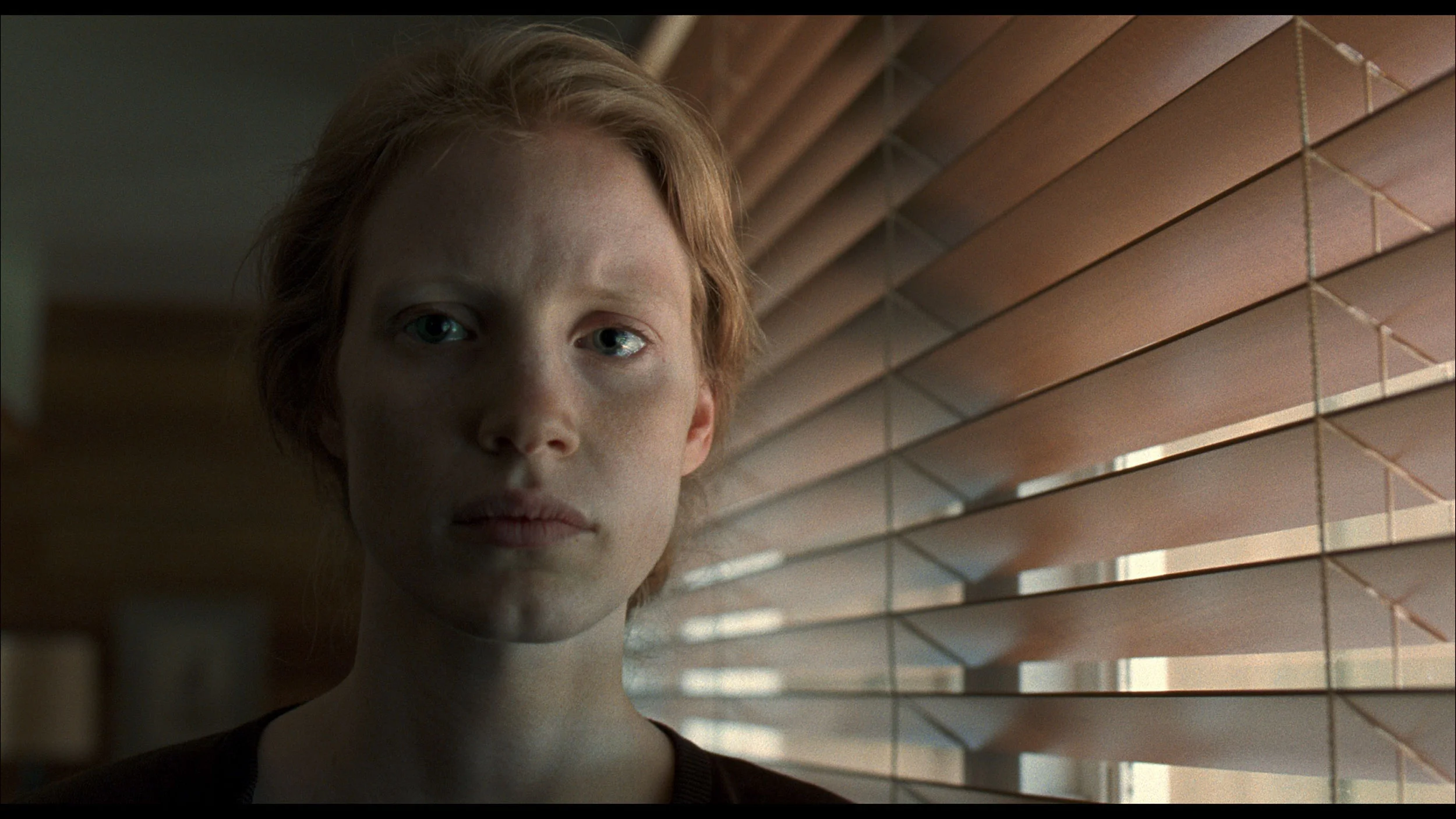
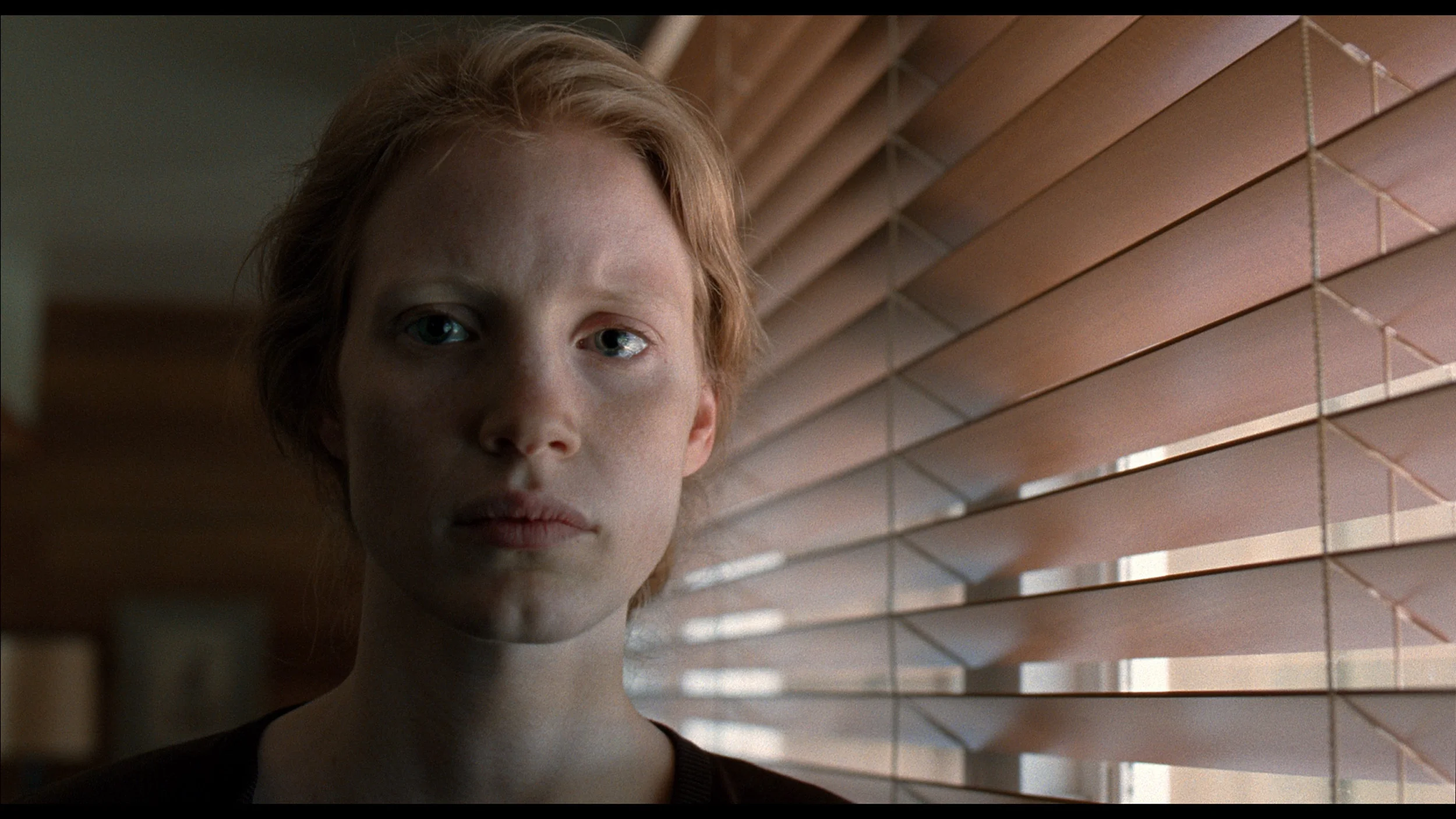
This gallery shows how colors change after professional TV calibration. If you notice the difference, we recommend ordering this service at SkalibrujTV.com.
Factory Mode
After calibration
We primarily tested the QNED86A in Filmmaker mode, which is designed to provide the most accurate picture. Unfortunately, right out of the box, there were quite a few shortcomings. The most noticeable issue was the poorly adjusted white balance – there was a lack of blue, causing the overall image to lean slightly yellow, and at times, even orange. An even bigger problem turned out to be the way the television manages brightness. Due to its technical limitations – namely, local dimming that only works along the edges of the screen – the QNED86A tends to over-brighten entire scenes. This is where the flattening effect we mentioned earlier comes from. Instead of distinct depth and contrast, we get something akin to "boosted brightness," which can strain the eye over time.
The factory settings of the OLED761's Film mode deliver a fairly pleasant picture, although colors are not completely neutral. In SDR material there is primarily a lack of blue, and in parts of the range red is reduced as well, causing whites and grays to take on a slightly yellow-green tint. You'll notice this most easily on neutral surfaces, which look warmer than they should. The colors themselves perform reasonably well, and most tested samples do not show large errors. So it's not a case where the tint completely changes the look of the movie you're watching. More attention is needed for how brightness is handled in SDR. Across most of the range the TV slightly darkens the image, which can make faces and background elements appear heavier and render details in darker areas less readable. At the same time, shades just above black are lifted. These two characteristics can occur together: the very deepest shadows become too visible while the rest of the scene is a bit too dark. In HDR a lack of blue is also visible, especially in the brighter parts of the image. Whites therefore take on a warm, yellowish tint that can be noticeable on clouds or snow. Darker tones have much better white balance, so the degree of this tint changes with scene brightness. Out of the box the OLED761 performs decently, but measurements show that white neutrality and how brightness is reproduced still require refinement through calibration.
Color reproduction after calibration
7.6/10
9/10


The photos show how movies look on the TV. Pay attention to black detail visibility, colors, and shadow tint.


The photos show how movies look on the TV. Pay attention to black detail visibility, colors, and shadow tint.
What was saved in the QNED86A6A is undoubtedly the colors. After calibration, the white balance was set with great precision, resulting in deviations on the Colour Checker palette mostly not exceeding the threshold of visibility for the human eye. In other words – the colors finally looked natural, without strange yellow or orange tones that previously ruined the experience. Unfortunately, even the best calibration cannot bypass design limitations. The already mentioned very modest number of local dimming zones and their unfortunate placement made the analysis of the EOTF curve in films still show clear over-brightening of scenes. The image tended to flatten, lacking cinematic depth. Fortunately, this effect is not as noticeable in older productions or SDR content. There, calibration really does its job and allows taming the QNED in such a way that the image can be pleasing. However, the specifics of this design – especially the contrast issues – cannot be entirely overcome.
After calibration the Philips OLED761 performs very well. The white balance was set almost perfectly, removing the previous color cast, so faces, whites and grays look more natural. The improved gamma means the image is no longer unnecessarily dark and it's easier to see detail in darker areas. Colors are reproduced with high accuracy, which, combined with deep blacks, produces a very pleasing picture for evening movie watching. It's clear that even Philips' entry-level OLED has considerable potential that is worth exploiting by fine-tuning the settings. In HDR the luminance response tracks the reference closely over most of the range, so most scenes retain their proper appearance. There is a slight lift in tones just above black and a tendency to render the brightest highlights a bit too strongly. These are, however, observations about specific parts of the image. In the most demanding shots some bright detail may still be missing, but the overall result after calibration is decidedly successful. The OLED761 can deliver a natural, well-balanced picture that lets you focus on the movie.
Smoothness of tonal transitions
8.9/10
7.4/10
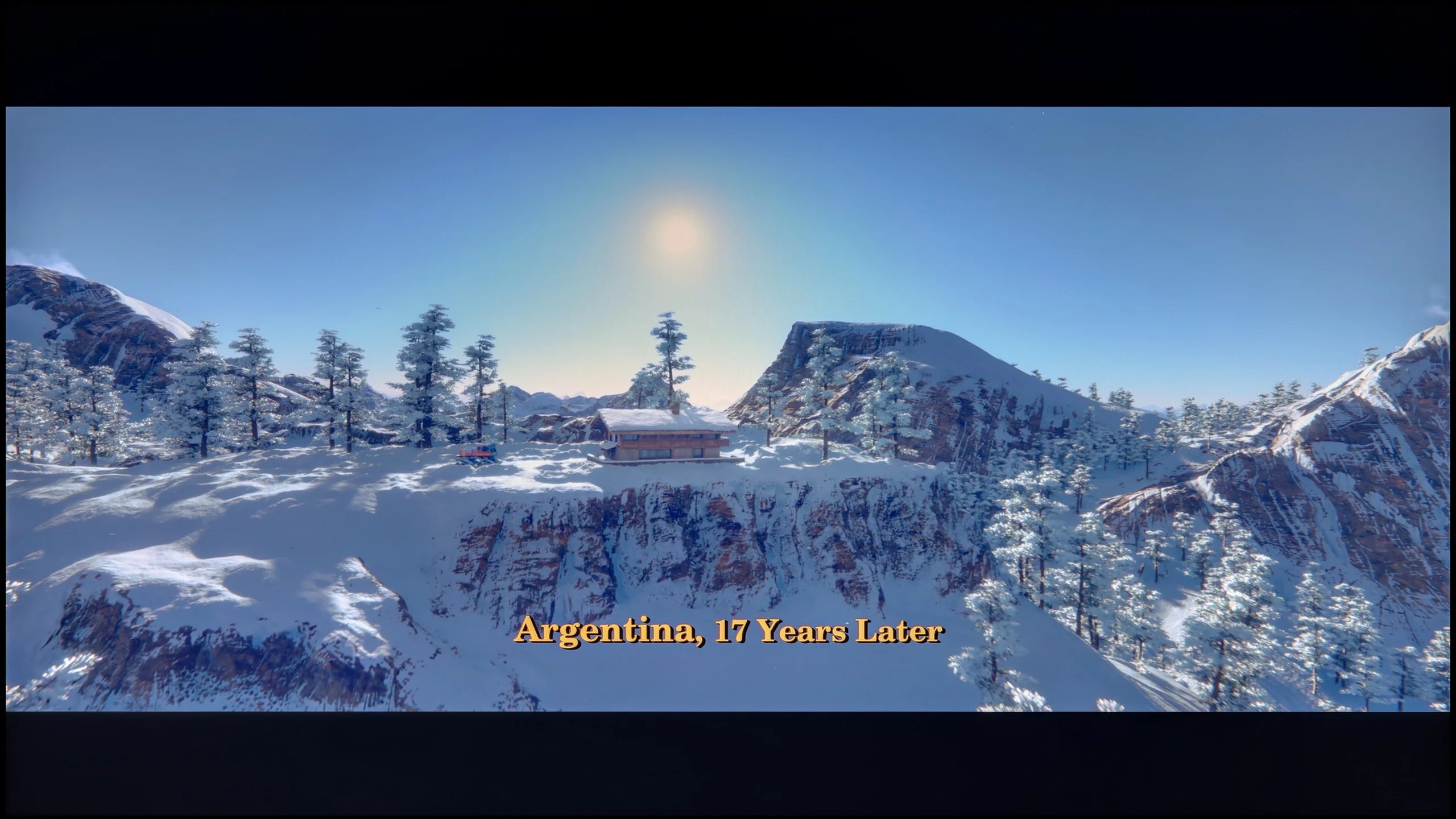

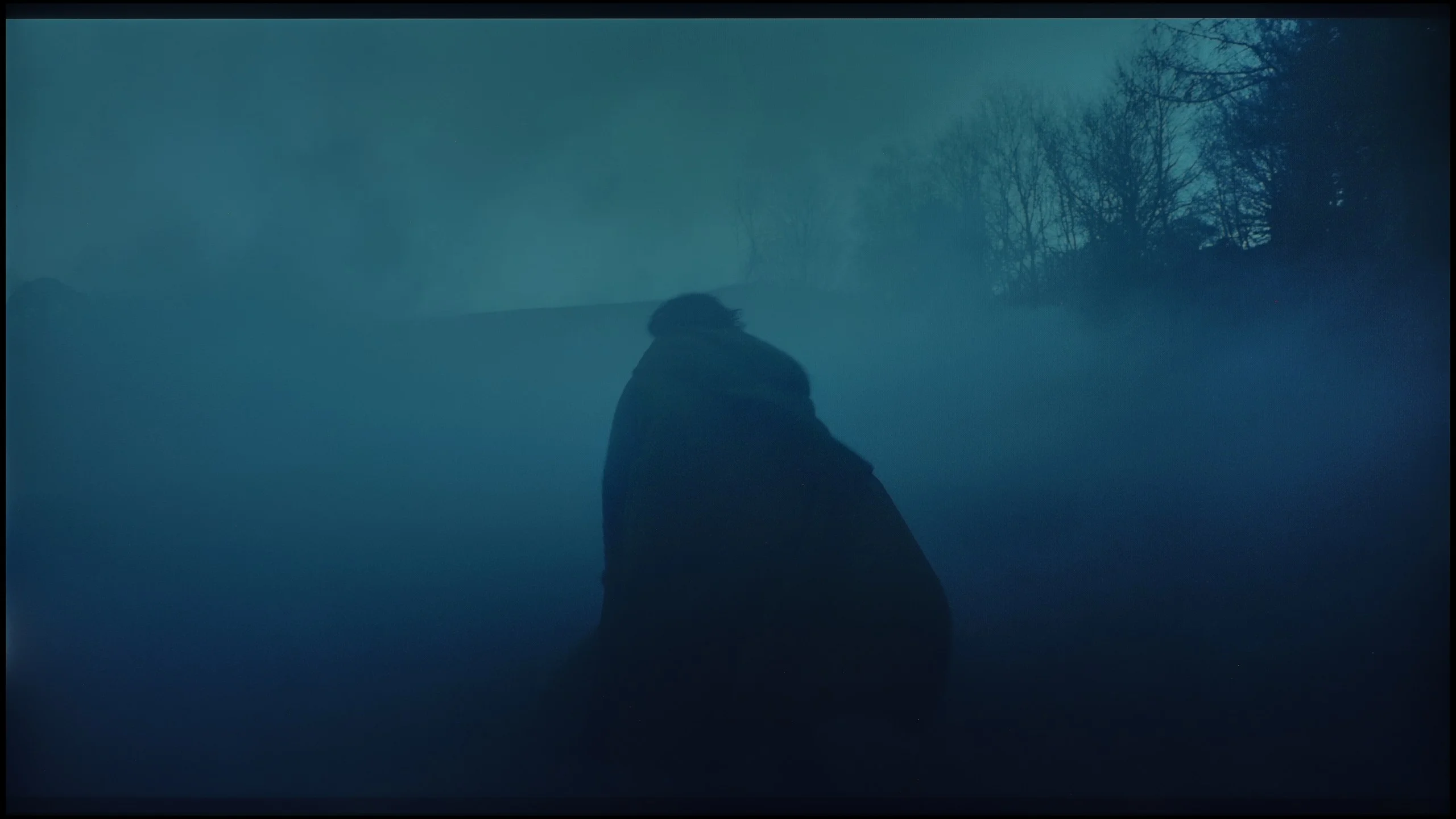
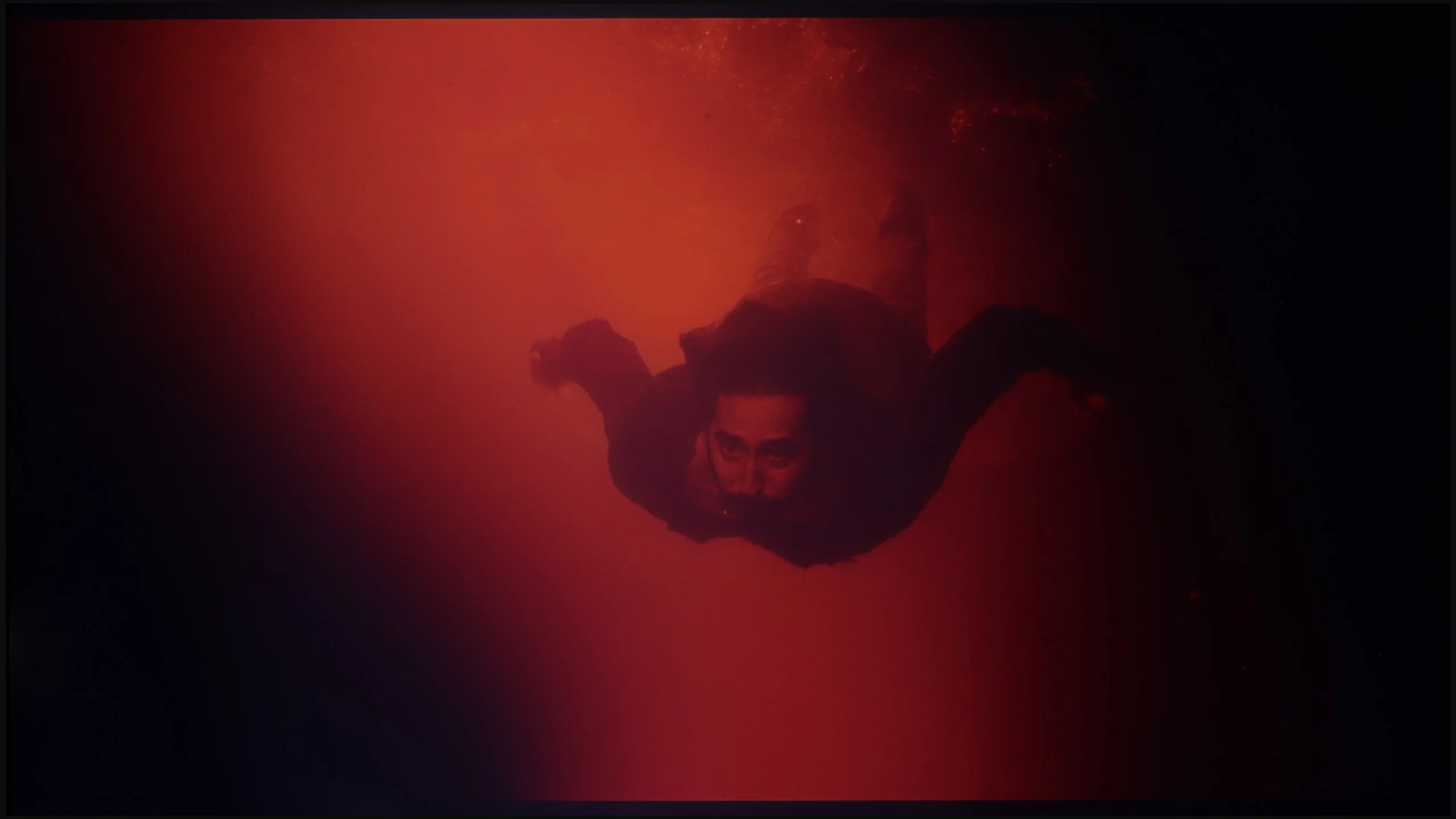
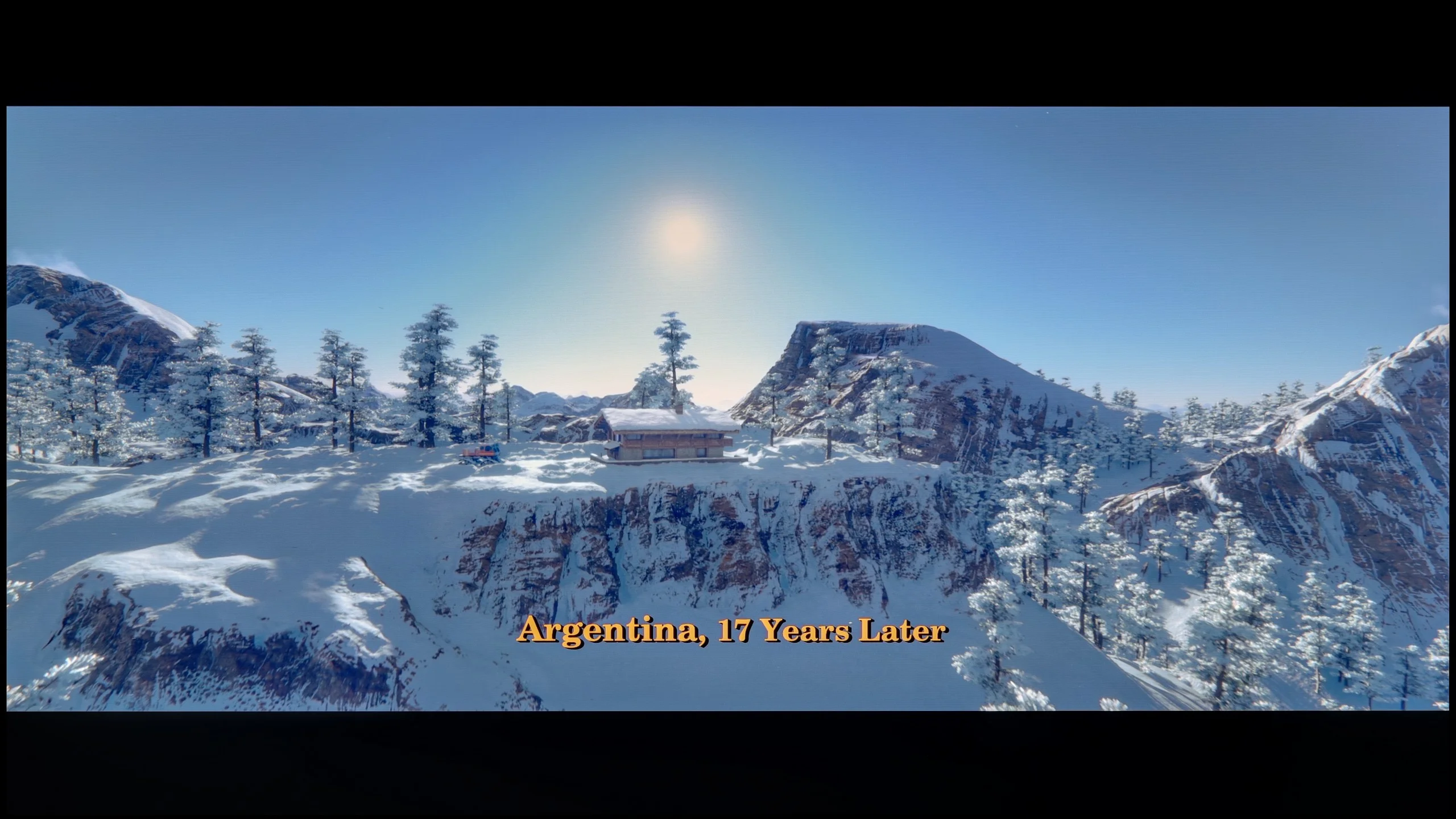
These are selected scenes that show smooth tonal transitions from one color to another. If you see distinct banding, it’s the TV panel’s fault.

These are selected scenes that show smooth tonal transitions from one color to another. If you see distinct banding, it’s the TV panel’s fault.
These are selected scenes that show smooth tonal transitions from one color to another. If you see distinct banding, it’s the TV panel’s fault.
These are selected scenes that show smooth tonal transitions from one color to another. If you see distinct banding, it’s the TV panel’s fault.
The blending of colors is one of the stronger points of the QNED86A. In everyday viewing, the image appears really smooth, without noticeable "steps" or sudden transitions between colors. The television handles color blending quite naturally, so with most materials, it's hard to spot issues with gradation. Any imperfections only appear in extreme conditions – for example, in the darkest scenes of movies, where even much more expensive televisions can have problems. There, you might notice slight banding or characteristic stripes, but these are marginal situations that shouldn't interfere with normal usage. Overall, the QNED86A performs well in this category and has nothing to be ashamed of compared to the competition.
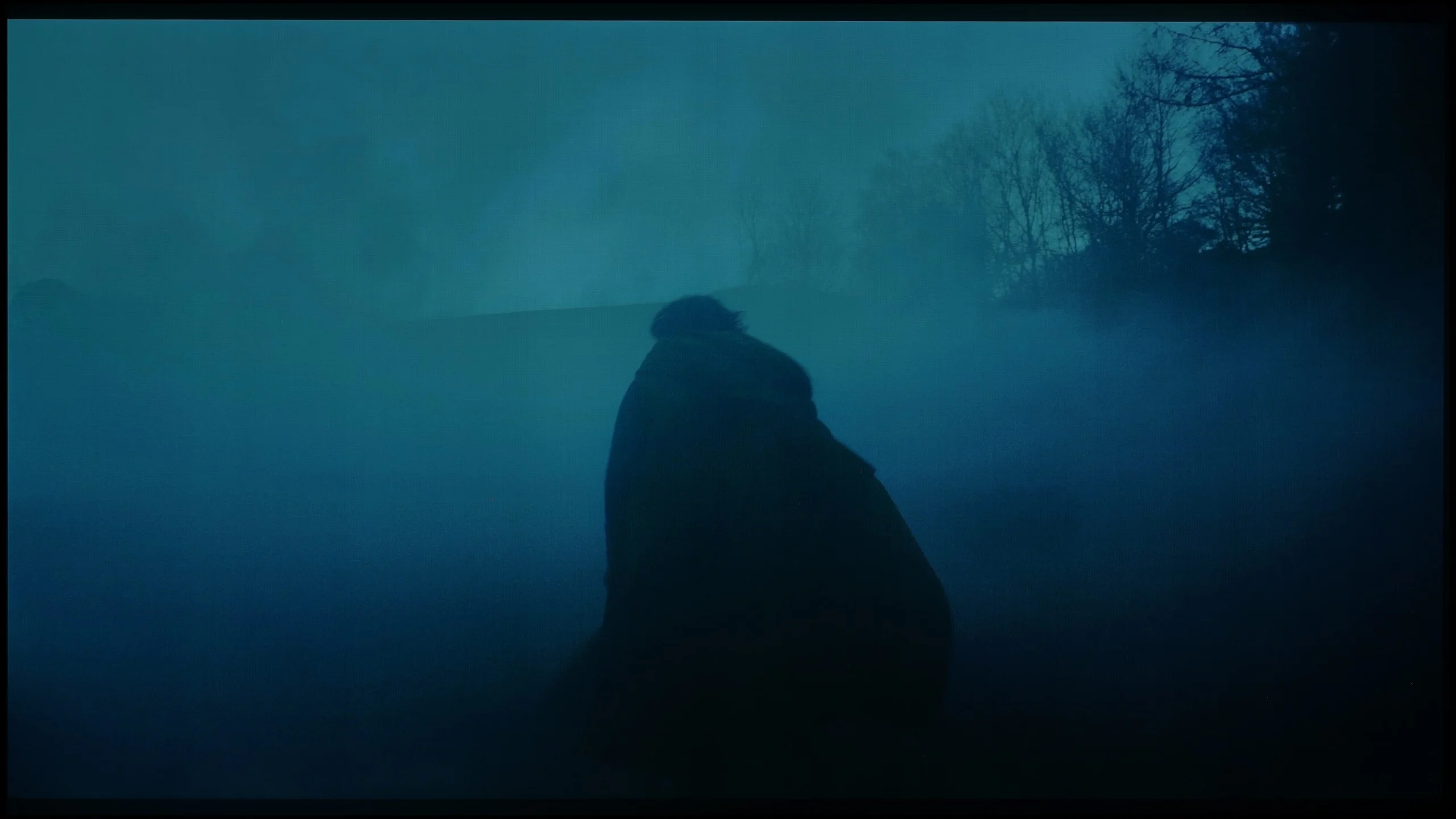
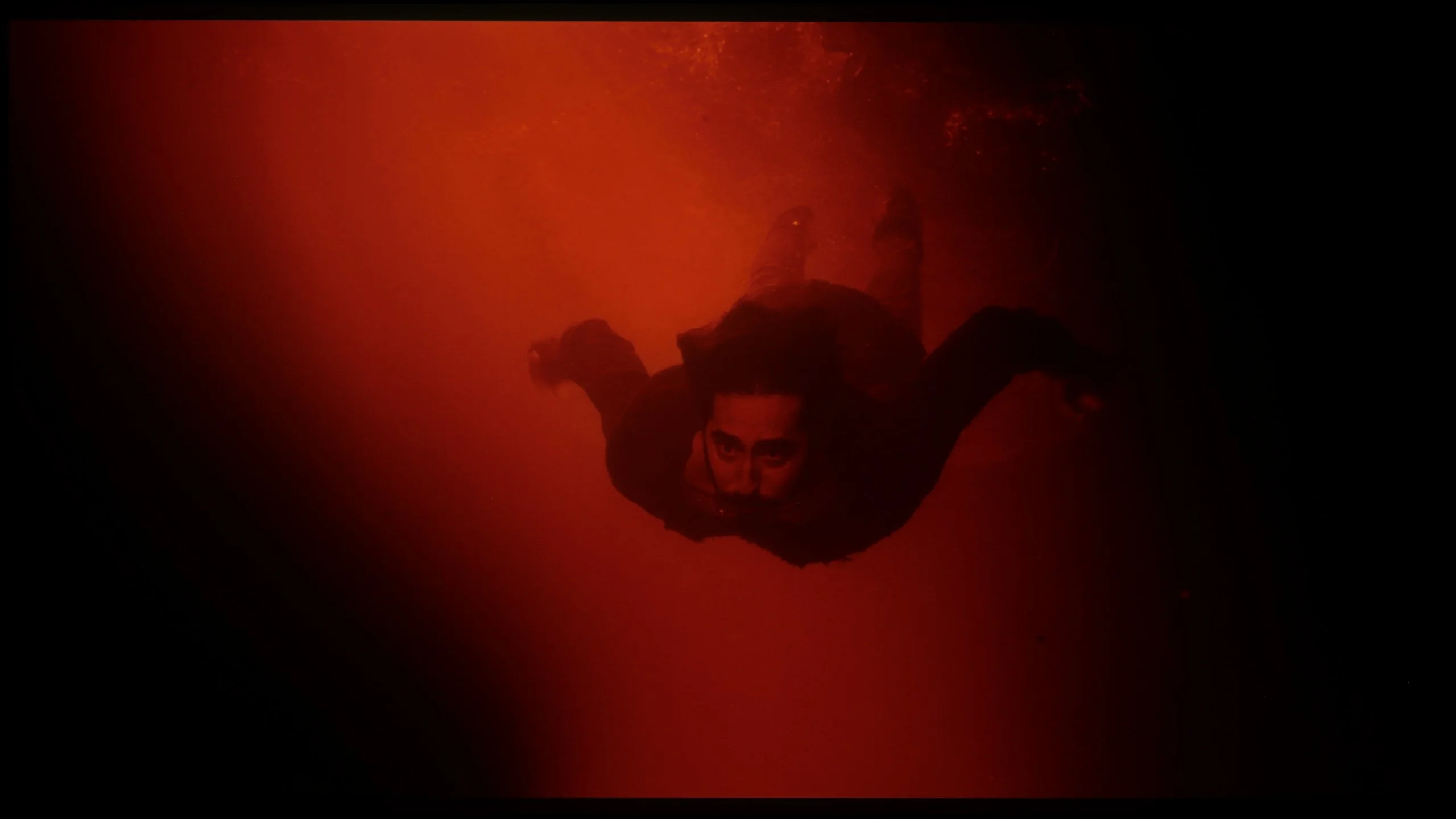
Philips OLED761 handles tonal transitions quite well, although on bright gradients you can notice slight boundaries between shades. They appear in most of the bright shots we checked, but are subtle enough that during normal viewing they shouldn't draw too much attention away from the movie. In darker scenes the imperfections are most visible during gradual fades to black and in the shot with red water, where the color transitions could be smoother. More than the gradation itself, panel nonuniformity can be more distracting. In dark scenes it shows up as fairly distinct bands, which make a uniform background look less even than it should. That's a different issue than the visible boundaries between shades, although the two can overlap during a viewing. We've seen similar banding so far in every OLED we've tested with the new WOLED SE panel, so this isn't a problem unique to the OLED761. The severity can vary between units.
Image scaling and smoothness of tonal transitions
7.8/10
7.5/10

Smooth transition function
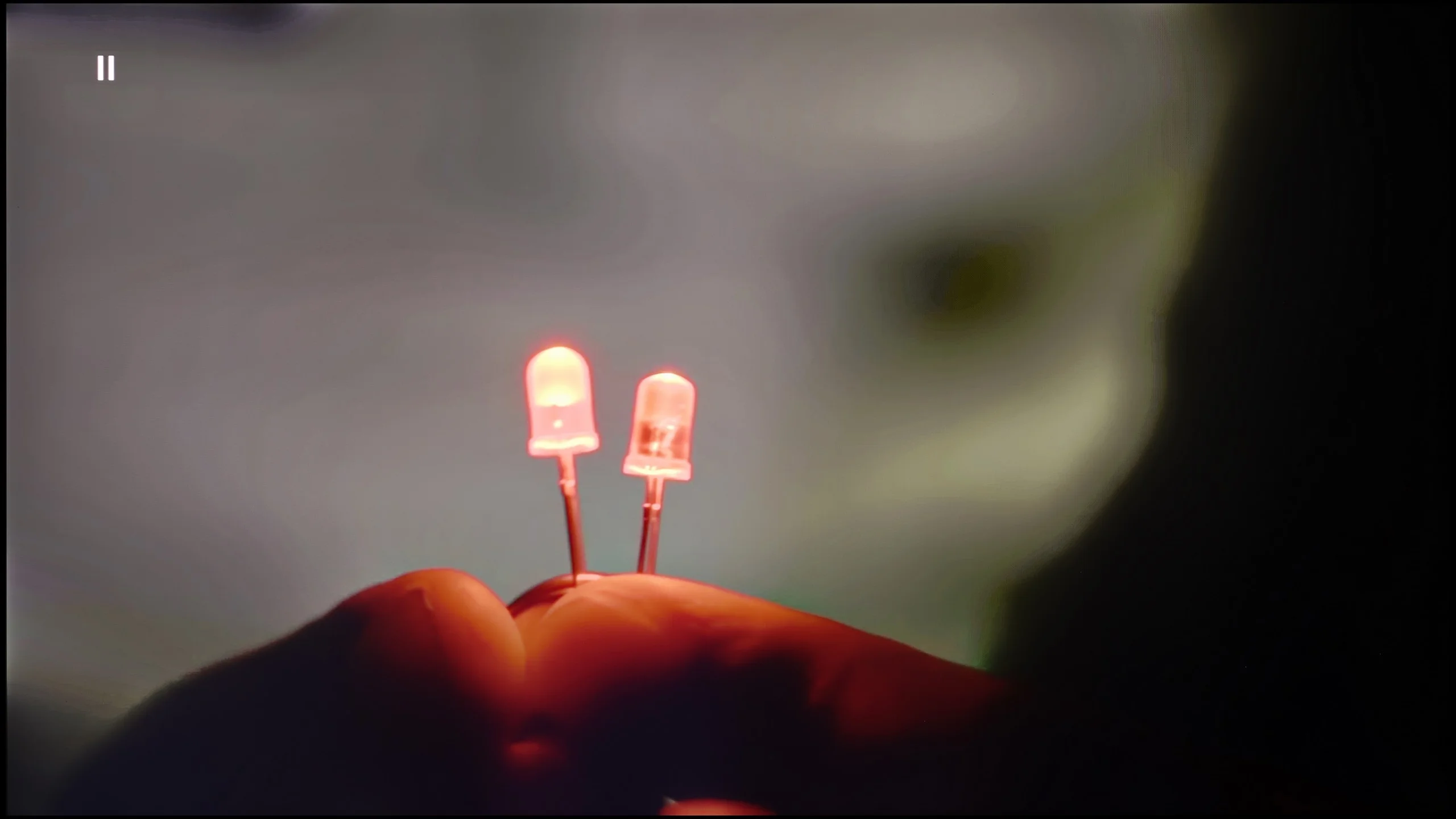
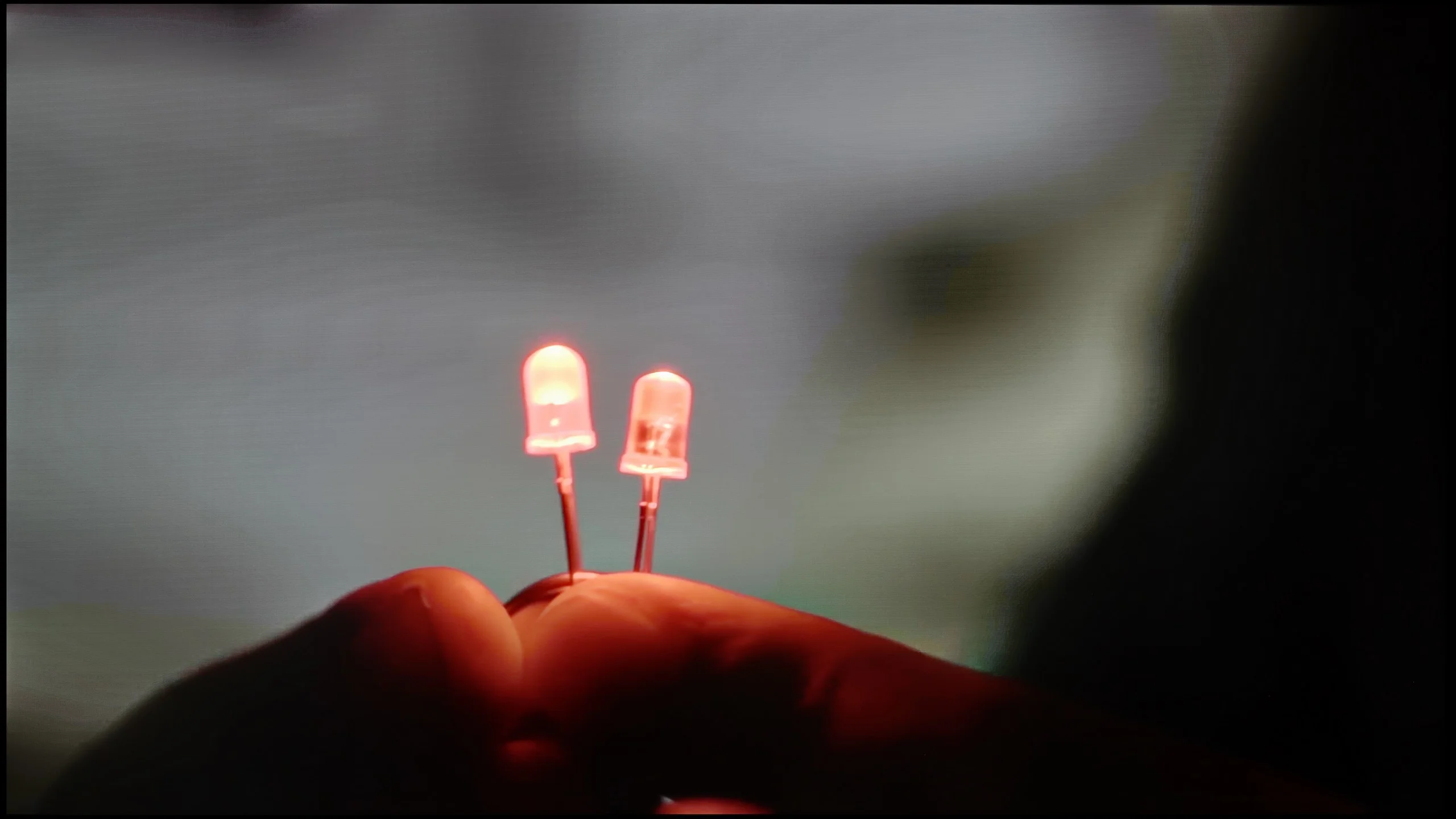
The match photo shows how the TV smooths weak tonal transitions in low-quality video.
Image scaling SD (576i)


The model photo shows how it handles upscaling of SD material.
If someone is worried about possible "steps" when connecting colors, there is a simple way in the QNED86A. Just turn on the feature called Smooth Gradation and set it to medium level. Then the TV really smooths out all those unwanted transitions – especially in older productions – and does it in such a way that the film grain doesn't disappear, nor do strange artifacts appear. In other words, you can use it without worry.
The upscaling itself also turns out quite well. Of course, there are no miracles here – with lower quality sources, you can observe characteristic jaggedness. Fortunately, there is a sharpness slider in the menu, and if someone prefers a more "softer" image, it can be quickly adjusted to their taste.
Philips OLED761 does a pretty good job of improving lower-quality material. Its Pentonic 800 processor effectively smooths visible transitions between shades, which often appear in heavily compressed footage. This is handled by the "Artifact Reduction" setting. When enabled, banding on a uniform background becomes less noticeable, and importantly this doesn't come at the cost of noticeably blurring fine detail. It's a feature worth using when the source quality leaves something to be desired. The upscaling itself has the characteristic Philips softness: lower-resolution material looks fairly gentle, and fine elements and edges lack a bit of sharpness. In the shot with the model you can see this in the hair and thin branches, which could be more clearly defined. A plus is the lack of overscan, meaning the edges of the image aren't cropped. Even with a low-resolution signal the TV shows the full frame.
Blur and motion smoothness
7.8/10
8.5/10
Blur (native resolution, maximum refresh rate):





Blur (BFI function enabled):


Blur ():
Blur (4K@60Hz):
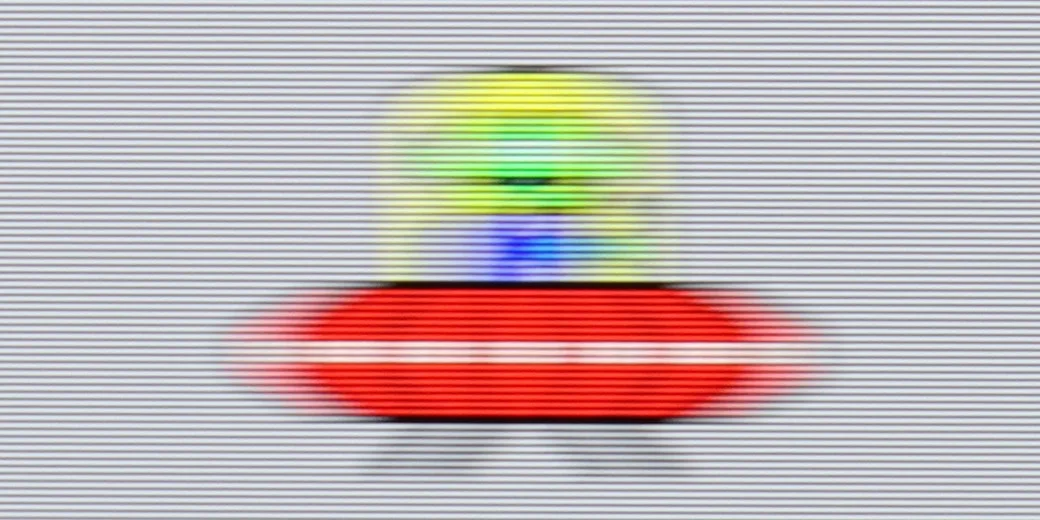
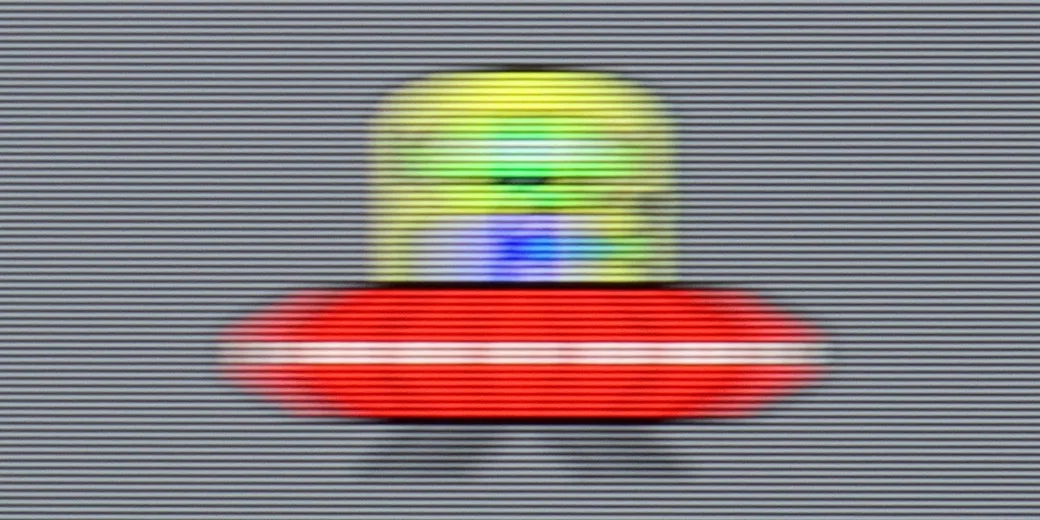
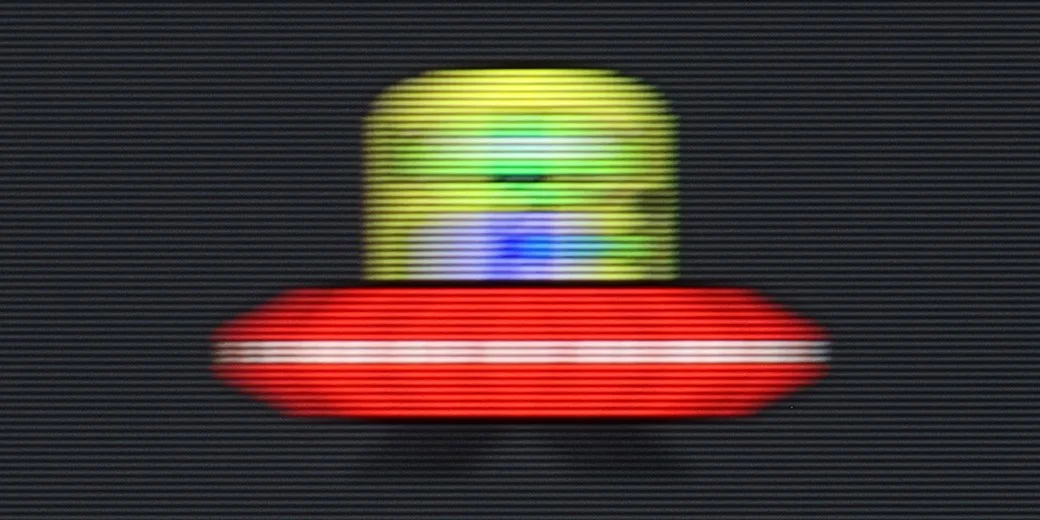
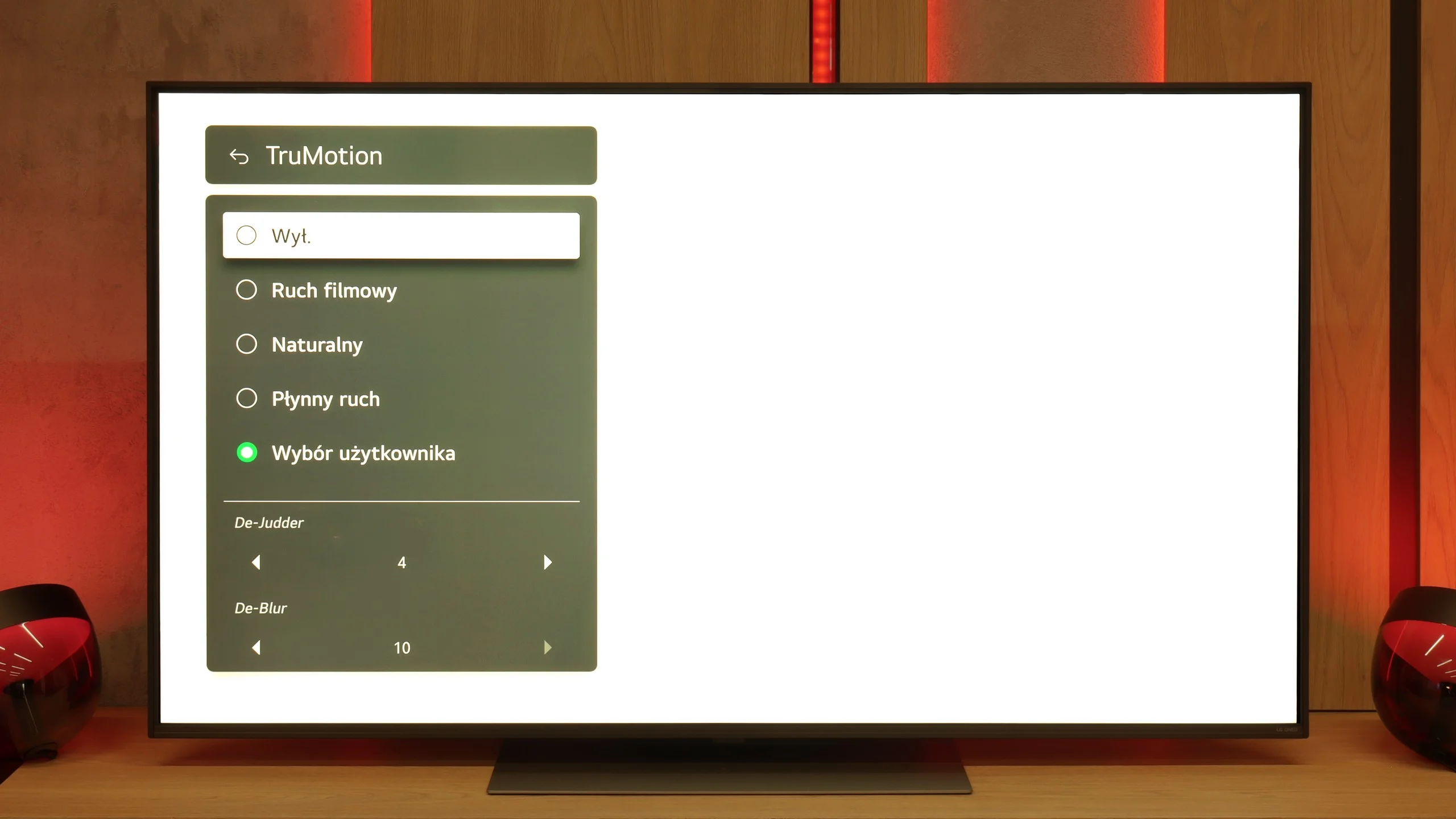
The QNED86A is equipped with a 120 Hz refresh rate panel, so right from the start, it's safe to say that it's suitable for both sports and gaming. And indeed, this is true – the image looks smooth, and motion blur is not very noticeable. IPS panels have always had some issues with this, and you can sometimes notice slight blurring here as well, especially in very dynamic scenes, but it's not something that ruins watching a match or a fast-paced game. For movie and sports fans, LG has added the traditional TruMotion smoother. In the menu, we have two sliders – one for movies (De-Judder), the other for sports (De-Blur). The first adds missing frames and allows you to adjust the character of motion – from raw, cinematic to more fluid, "theatrical." The second enhances sharpness during dynamic actions, so it's worth turning it up a bit if you're watching a lot of sports.
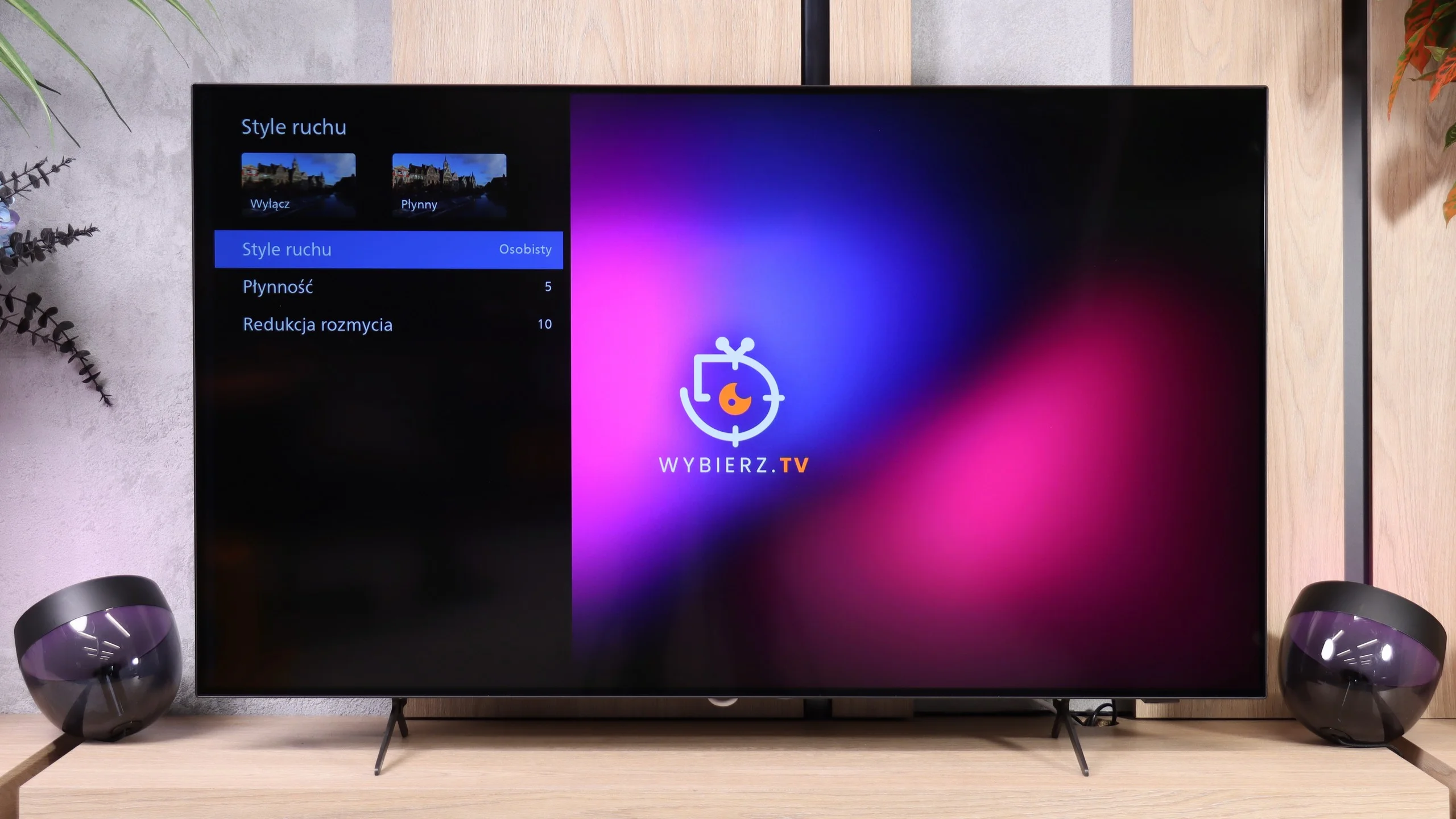
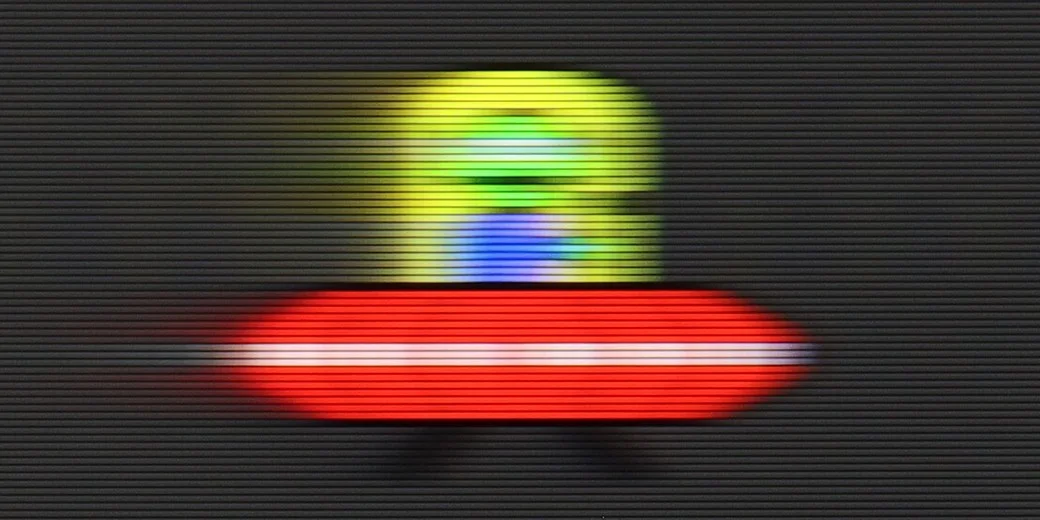
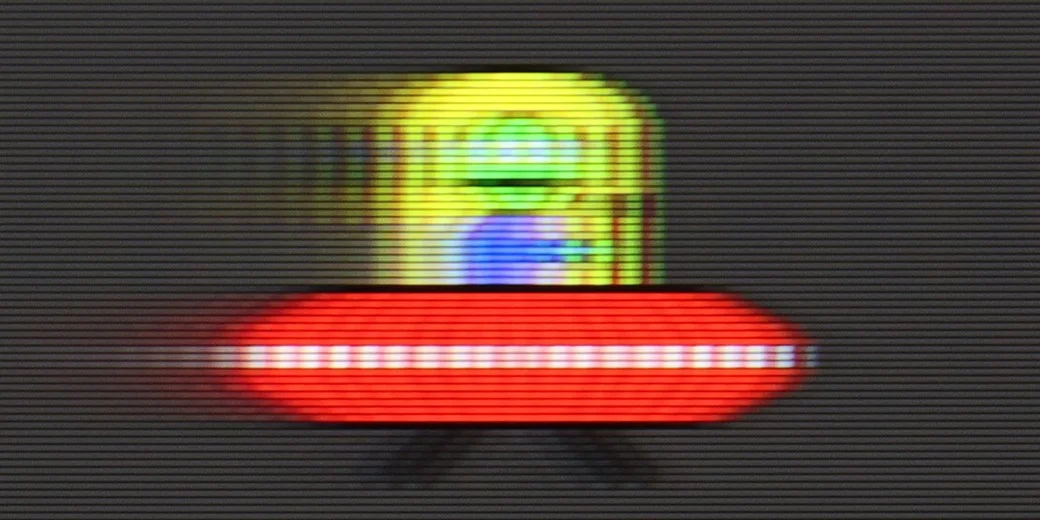
Philips OLED761 performs very well in fast-moving scenes. Thanks to the pixels' instantaneous response, moving objects leave virtually no trailing, which both sports viewers and gamers will appreciate. The 120 Hz panel also preserves good motion clarity, as seen in the UFO test: edges remain clear whether an object moves across a bright or dark background. With a 60 Hz signal there is more blur, but that is mainly due to how motion is displayed at the lower refresh rate, not because of a slow panel response.
When watching films you can use the "Motion Styles" settings, which include the "Smoothness" and "Blur Reduction" sliders. They let you tailor the image to your preferences, from preserving characteristic cinematic motion to heavily smoothing it. A slight increase in smoothness is especially helpful for slow camera moves, which can look jumpy on a fast OLED. There is no BFI function, that is, black frame insertion to improve motion clarity, but even without it the OLED761 performs very well in this area.
Console compatibility and gaming features
9.8/10
10/10
- ALLM
- VRR
- VRR range48 - 120Hz40 - 120Hz
- Dolby Vision Game Mode
- Correct implementation of HGIG
- 1080p@120Hz
- 1440p@120Hz
- 4K@120Hz
- Game bar
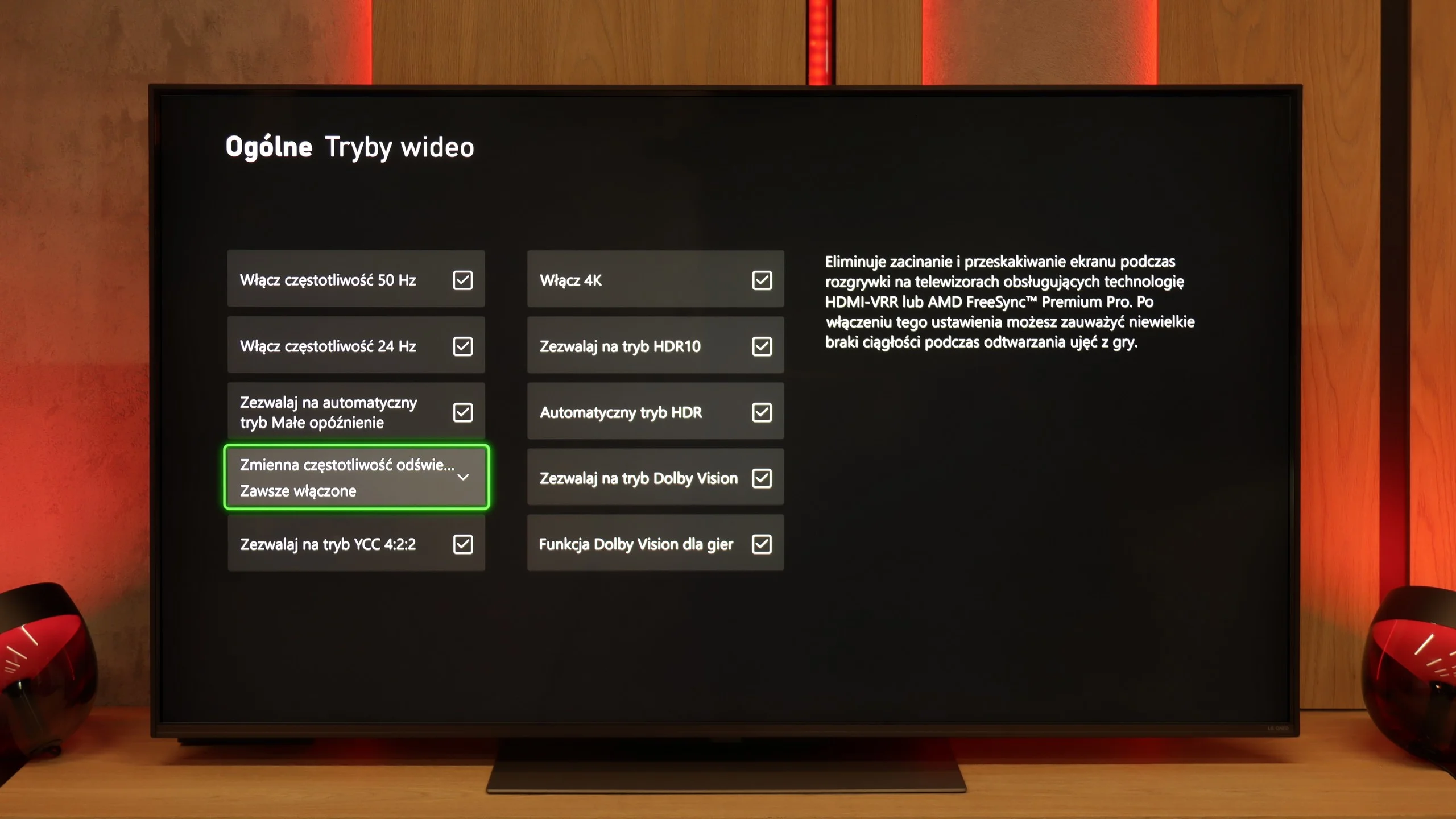
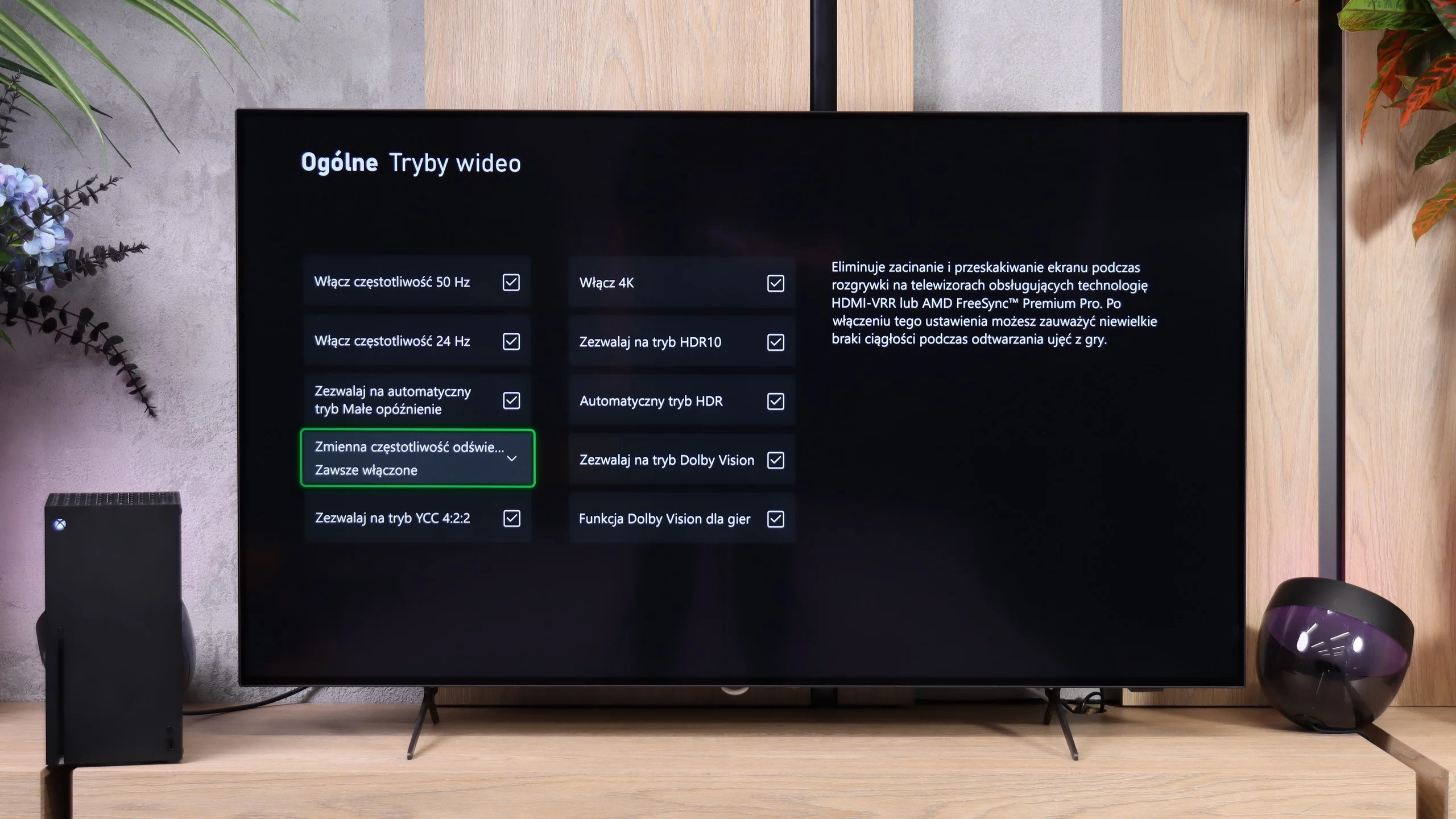
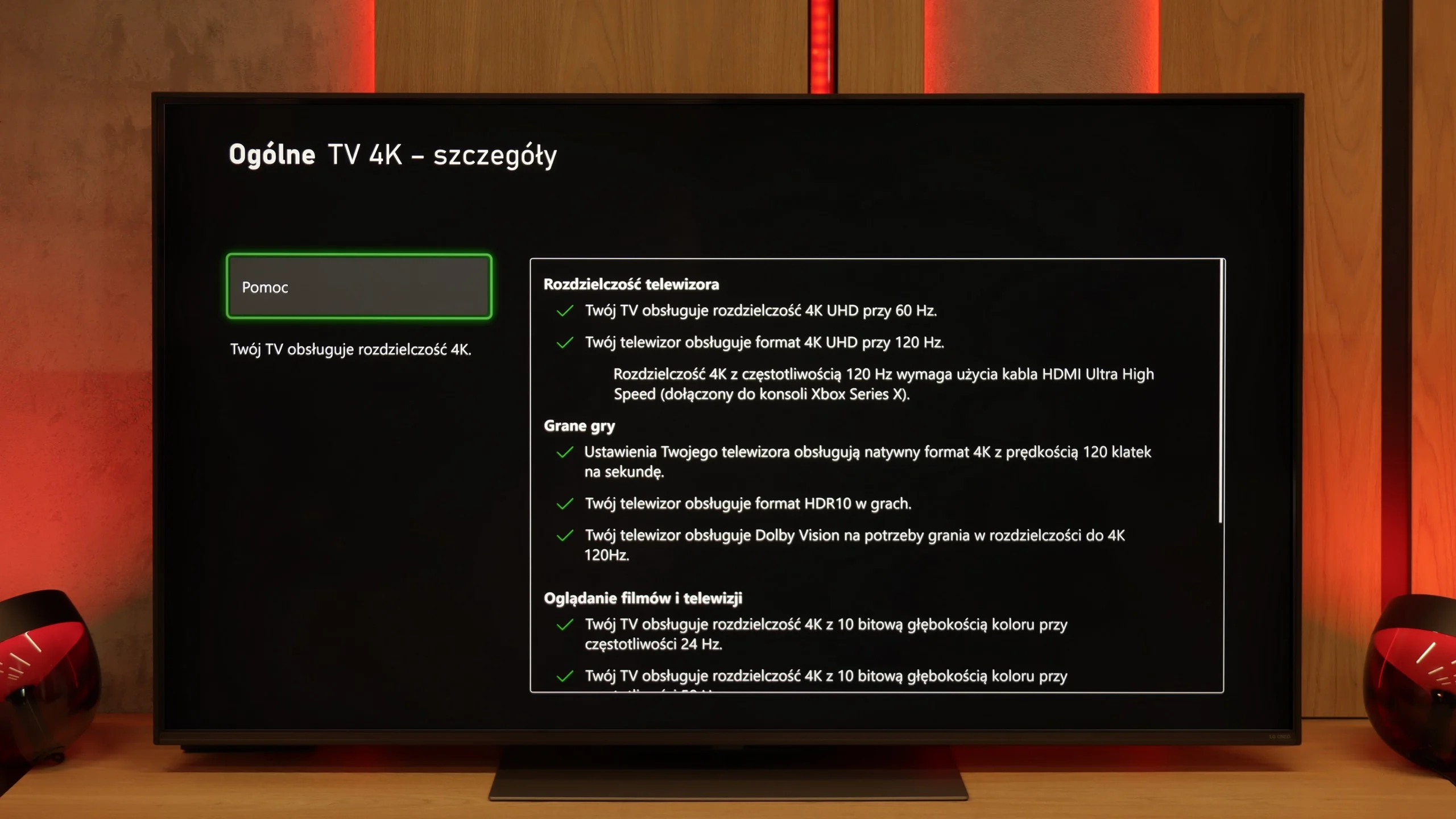
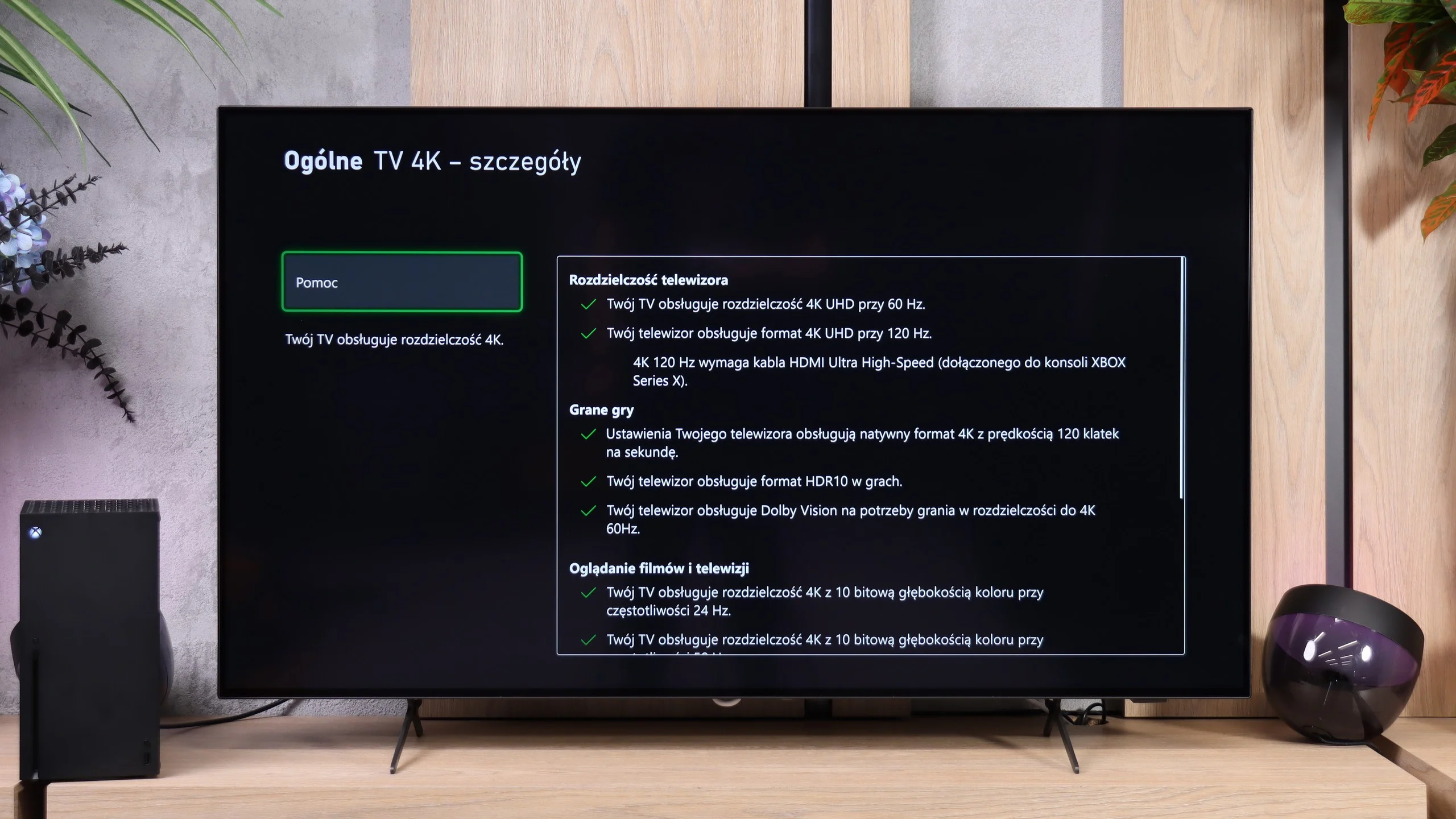
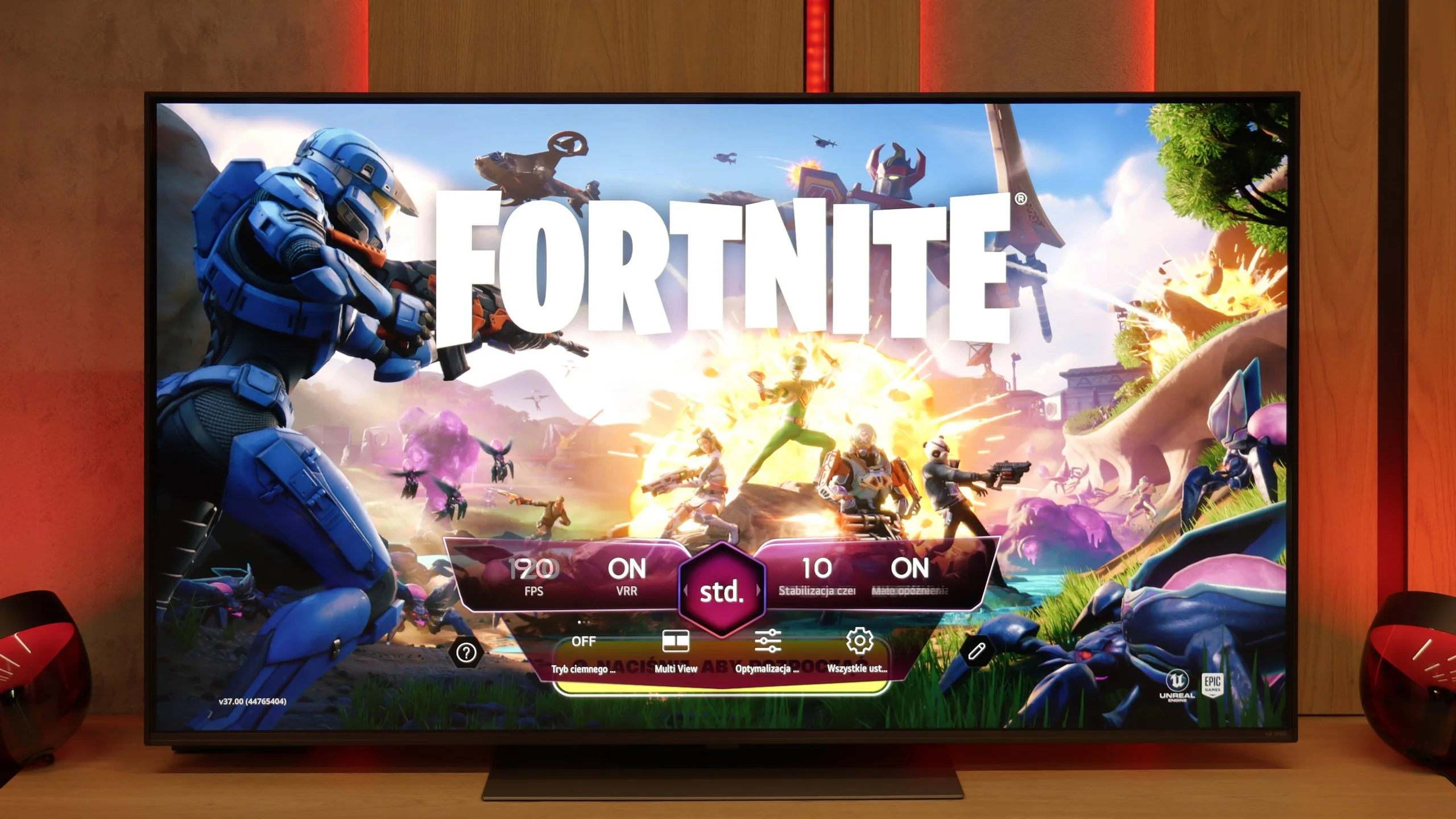
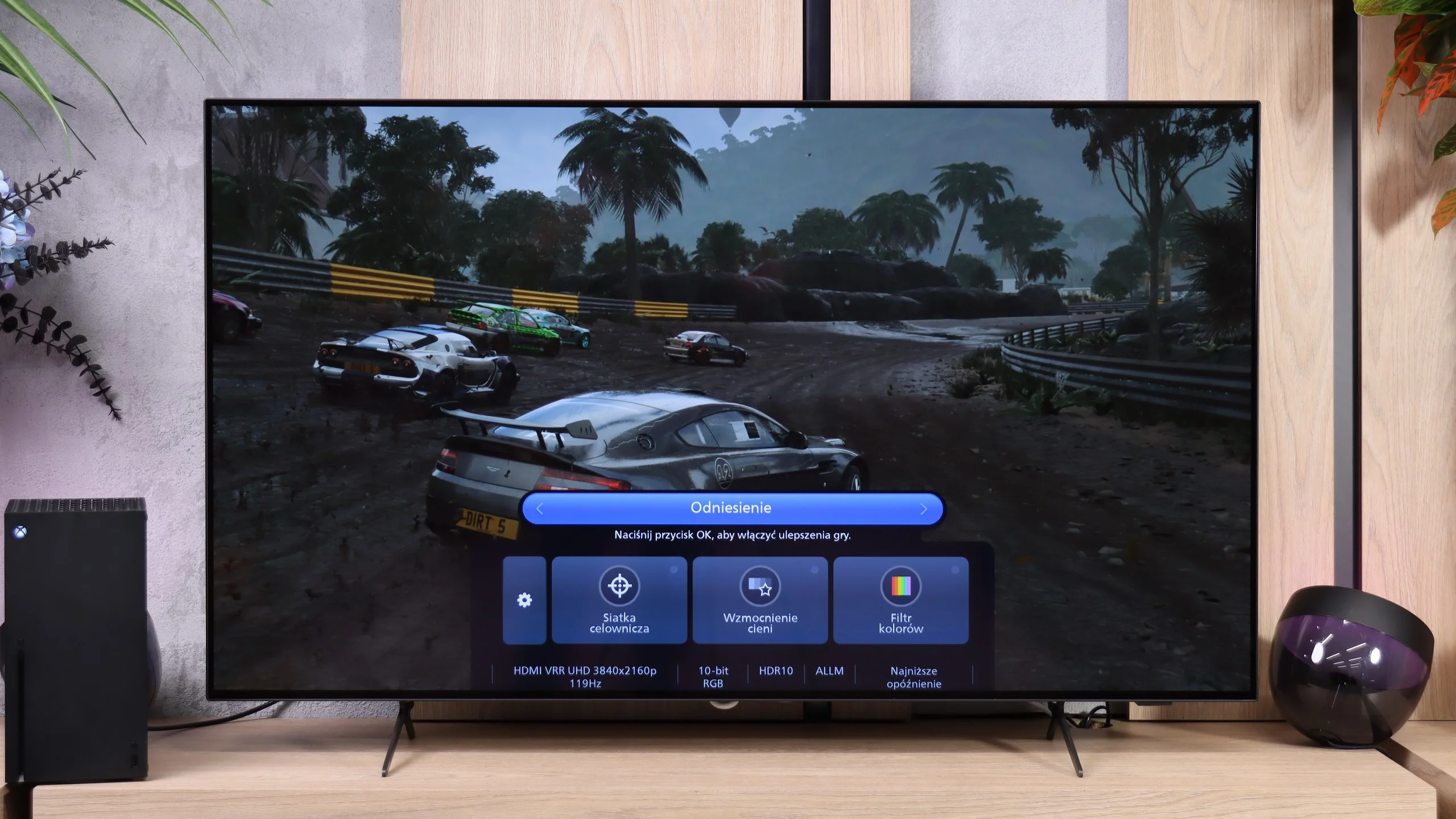
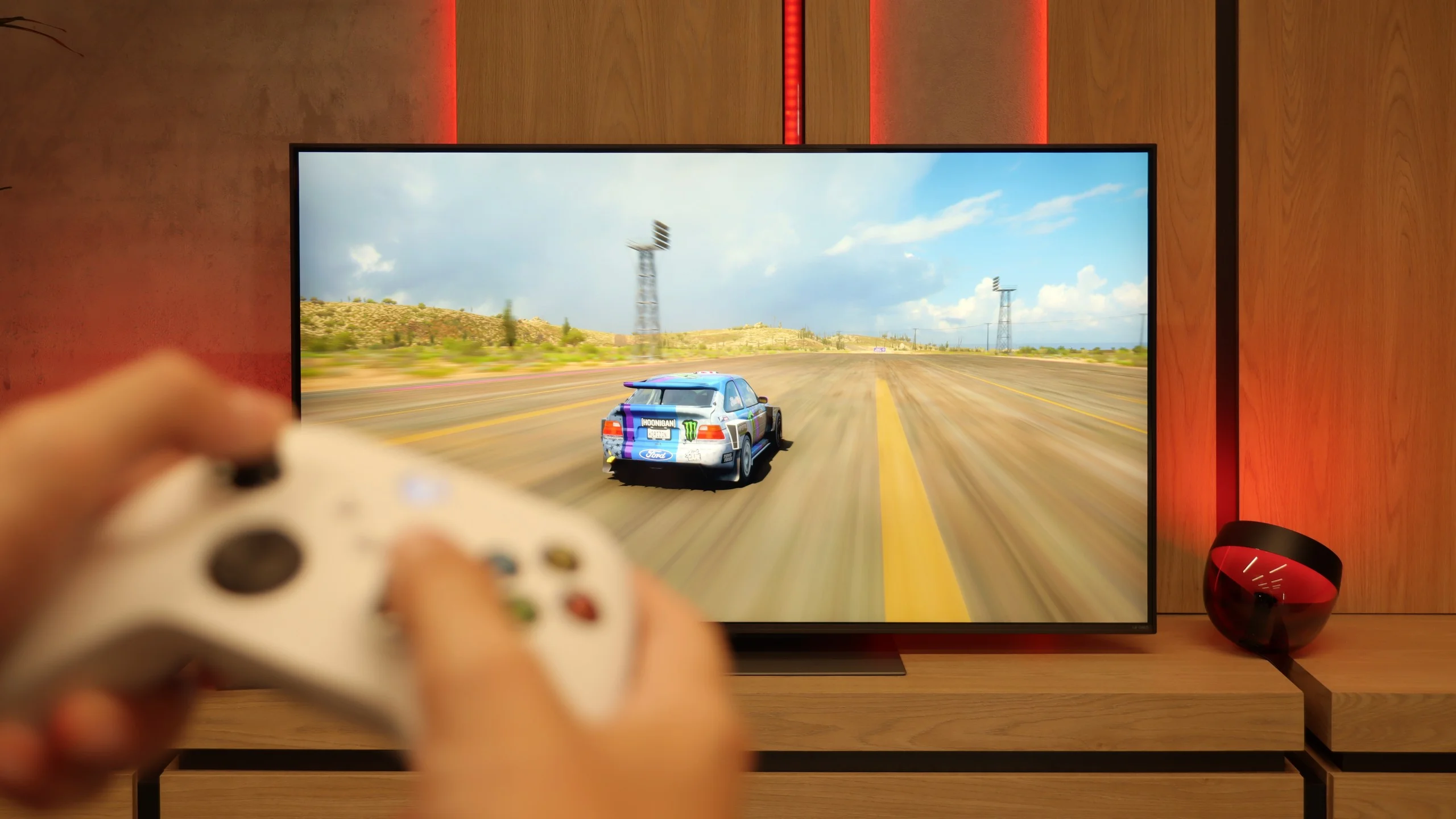
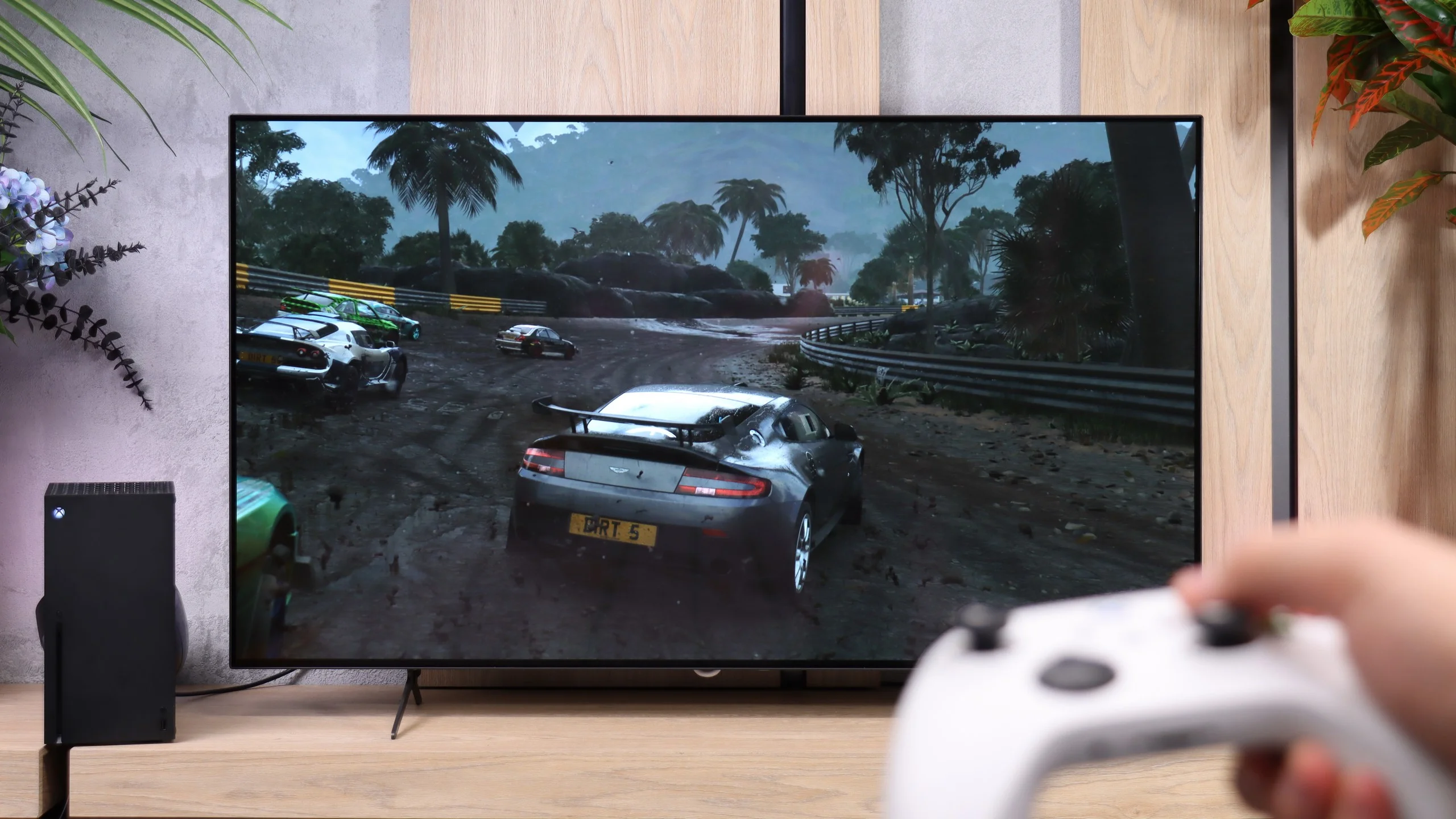
In terms of gaming, the LG QNED86A6A is a complete tool. It features four HDMI 2.1 ports with full bandwidth of 48 Gb/s, which means that whether you connect a PlayStation 5, Xbox Series X, or a powerful PC – everything will work at full 4K 120 Hz with support for all features. This is a big plus, as some competitors still have only two such ports, which can be problematic with a larger number of devices. It also has VRR, or variable refresh rate, which eliminates screen tearing, and ALLM, which automatically activates game mode when the console is turned on. There’s also Dolby Vision Gaming and a proper implementation of the HGiG format, so titles supporting these formats look more vivid and detailed. Added to all of this is the Game Optimizer – a kind of control center for the gamer. From this level, you can view image parameters in real-time, quickly change modes, activate additional features, or adjust image settings to your preferences. The LG QNED86A6A essentially has everything one can expect from a modern gaming television.
Although the OLED761 is Philips' cheapest OLED this year, there are few compromises in its gaming features. The TV supports 120 Hz gaming in Full HD, 1440p, and 4K, so it can take advantage of high frame-rate modes on consoles. The fast OLED panel complements this well, so even during fast-paced gameplay you don't see smearing or trailing behind objects. When the console doesn't hold a steady frame rate, VRR operating from 40–120 Hz helps. The image doesn't tear during quick camera turns, and frame-rate fluctuations are less noticeable.
Philips also took care of convenience. When you start a game, the TV can automatically switch to a low-latency mode, and the most important settings are found in the handy Game Bar. You can check image parameters there, enable an on-screen crosshair, or brighten shadows if it's hard to spot an enemy in a dark area. The Game Bar itself may not be the flashiest on the market, but it does the job. There's also support for Dolby Vision for games and a properly implemented HGiG, which helps match the console's HDR settings to the screen's capabilities. So in terms of features, the OLED761 offers a lot.
Input lag
9.9/10
9.4/10
SDR
HDR
Dolby Vision
There's really nothing to complain about here. The QNED86A6A achieves excellent results – around 5 ms for 120 Hz content and about 15 ms for 60 Hz. These are values that will easily satisfy both console gamers and those who connect a PC to the TV. The response to movements is instantaneous, so you can forget about delays between the image and the action on the controller.
Input lag on the OLED761 depends not only on the refresh rate but also on whether you're playing in SDR or HDR. SDR performs best: we measured 14 ms at 60 Hz and just 5 ms at 120 Hz, both in Full HD and 4K. Those are excellent results that let you enjoy quick controller response even in fast-paced games.
With HDR enabled the lag rises to 31 ms at 60 Hz and 13 ms at 120 Hz. Dolby Vision at 60 Hz gives a similar result of 30 ms. You can still play comfortably, especially in more relaxed titles, but it's a shame that turning on HDR comes with this drawback.
Compatibility with PC
8/10
7.6/10
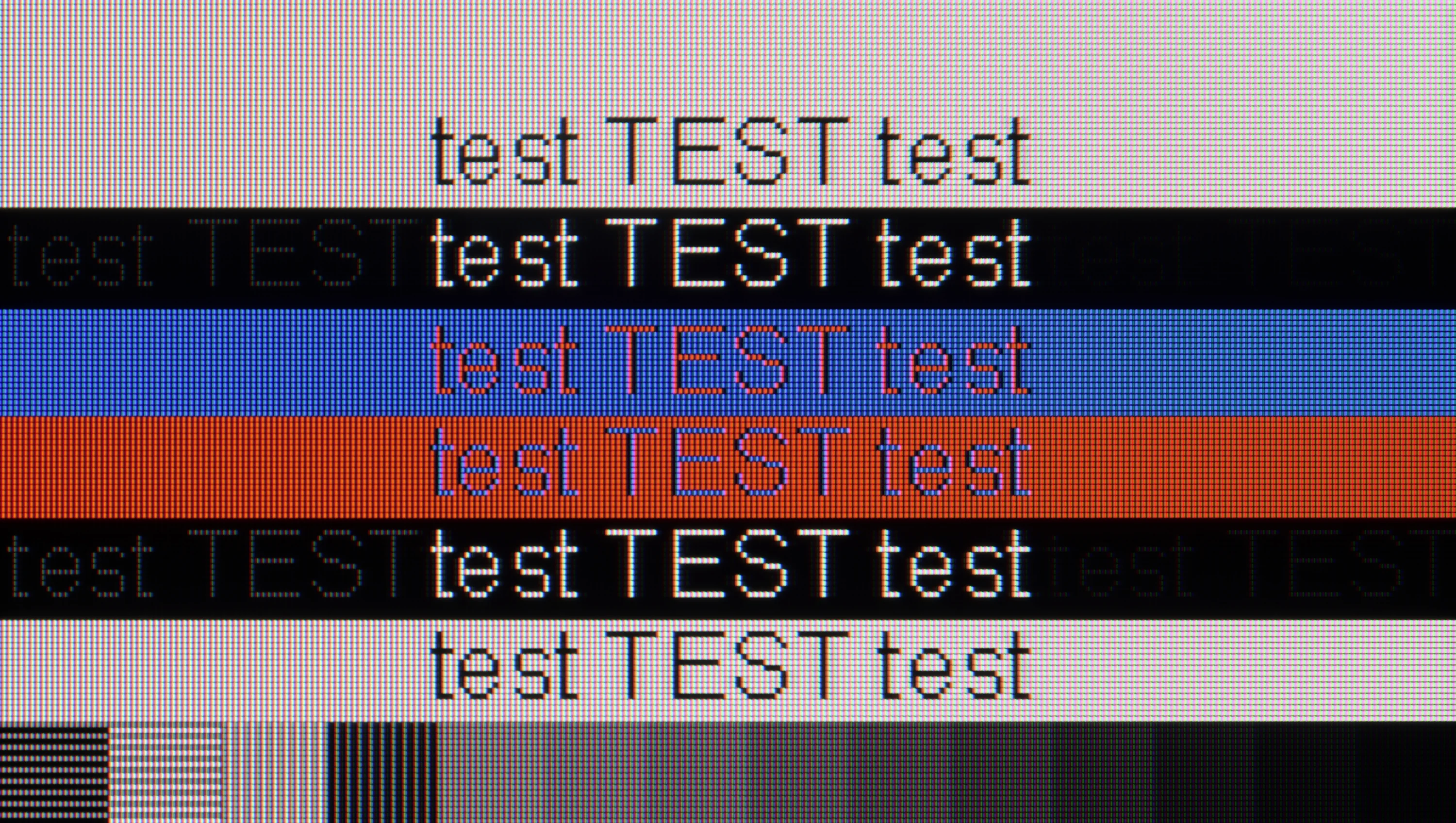
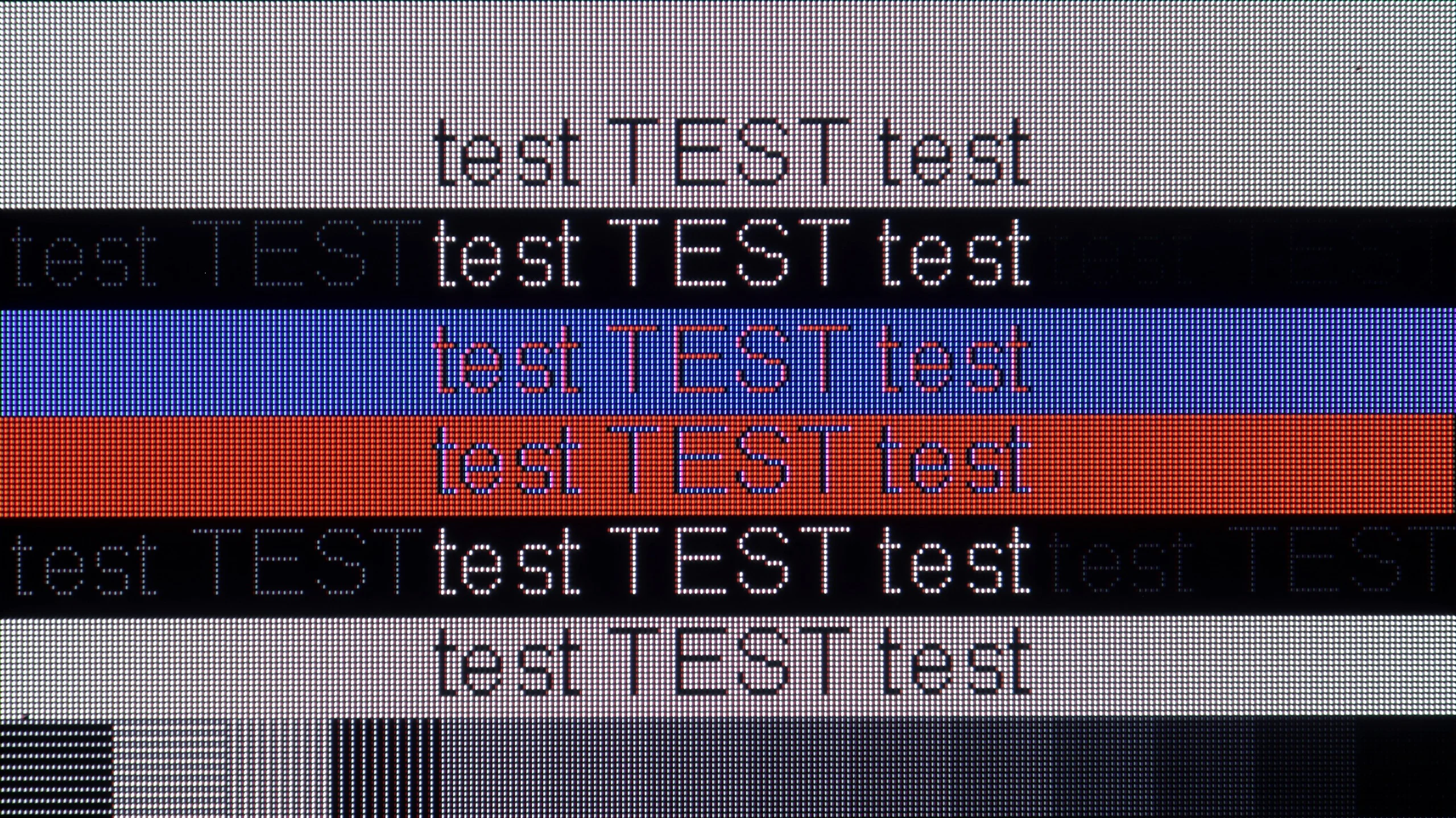
The photo shows the legibility of small fonts. Ideally, lines should be the same thickness on both light and dark text, with minimal pixel gaps.
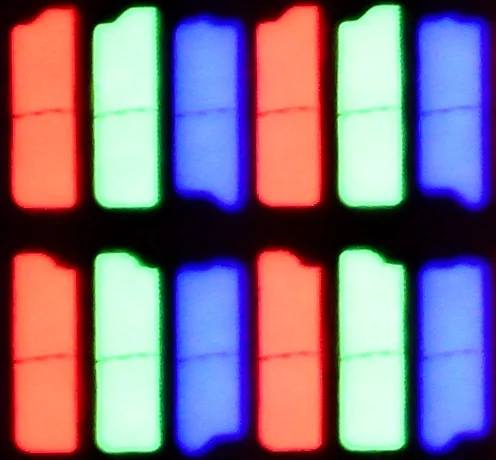
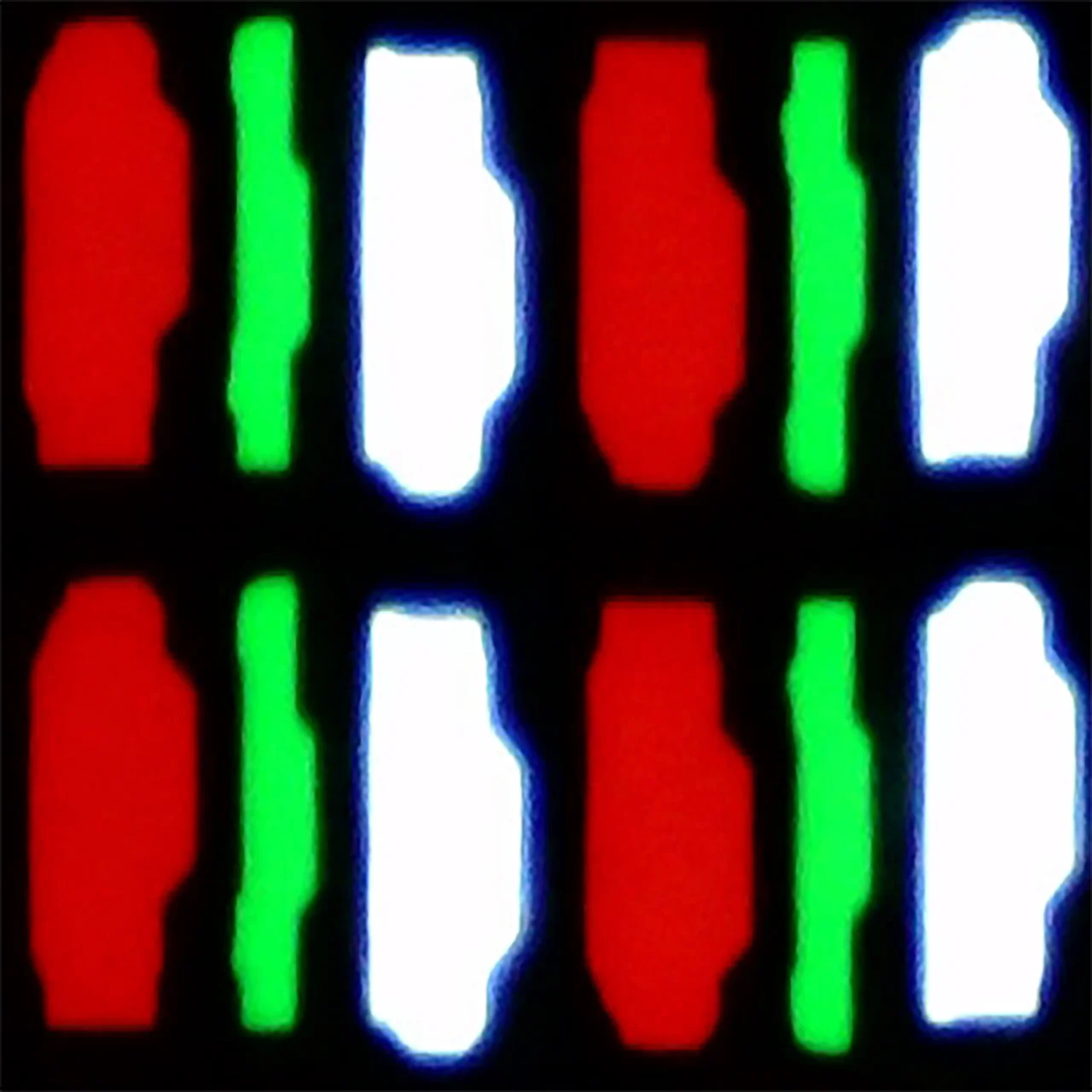
The LG QNED86A, thanks to its IPS matrix, full RGB subpixel layout, and correct implementation of chroma 4:4:4, makes fonts look stunning. Text is sharp, clear, and legible, making this TV great for office work. This is important because this year the model is also debuting in a 43" size, and such a variant can comfortably land on a desk and serve as a large monitor. Of course, some users who opt for the 43" will be gamers, and there are also no complaints here. The TV supports 4K at 120 Hz, so gameplay is smooth and enjoyable. It’s a bit of a shame that there's no higher refresh rate mode like the 144Hz declared by the manufacturer, as PC gamers would surely appreciate that. Nevertheless, the QNED86A6A performs really well as a monitor for gaming and work.
The Philips OLED761 performs well when connected to a PC. It properly supports 4:4:4 chroma, so small text is readable and colored letters retain their sharpness. When viewed up close, however, you can notice slight red fringes on the edges of characters. These stem from the RGWB subpixel layout used in the WOLED panel, which typical font-smoothing methods are not optimized for. This may not bother you while browsing the web, but if the TV will be used mainly for working with text, it’s worth taking into account.
In games the OLED761 performs noticeably better. The panel’s fast response and support for G-Sync and FreeSync let you enjoy smooth motion without annoying smearing or tearing. At 4K and 120 Hz in SDR we measured just 5 ms of input lag, so controls feel very responsive. Keep in mind that enabling HDR increases input lag, as noted earlier. The main drawback is the refresh rate capped at 120 Hz. The OLED761, like other tested models with the WOLED SE panel, does not offer an extra 144 Hz mode or higher refresh rates at reduced resolution. For most people this won’t be a serious issue, since 120 Hz already delivers very good smoothness. Only gamers with powerful PCs aiming to squeeze out the highest possible frame rates may feel a bit shortchanged.
Viewing angles
6.9/10
7.5/10
QNED86A6A performs very well in this regard. The IPS panel used here ensures that the image retains its brightness and color saturation even when viewed at an angle. There is no fading effect that often appears in cheaper TVs with VA panels. Of course, there is no comparison to the level offered by organic panels, where colors and contrast hold up perfectly at almost any angle. But for an LCD TV, it is definitely one of the better results and is easily sufficient for watching movies or sports together on the couch with a larger group.
The OLED761 looks very good in this respect. You can sit off to the side and still see deep blacks and rich colors, without the noticeable degradation associated with VA panels. That's one of OLED's advantages, and it's easy to appreciate when watching with others. You don't have to sit in the middle of the couch for the movie to look the way it should. In that regard, only QD-OLED panels are better.
Daytime performance
5.8/10
4.5/10
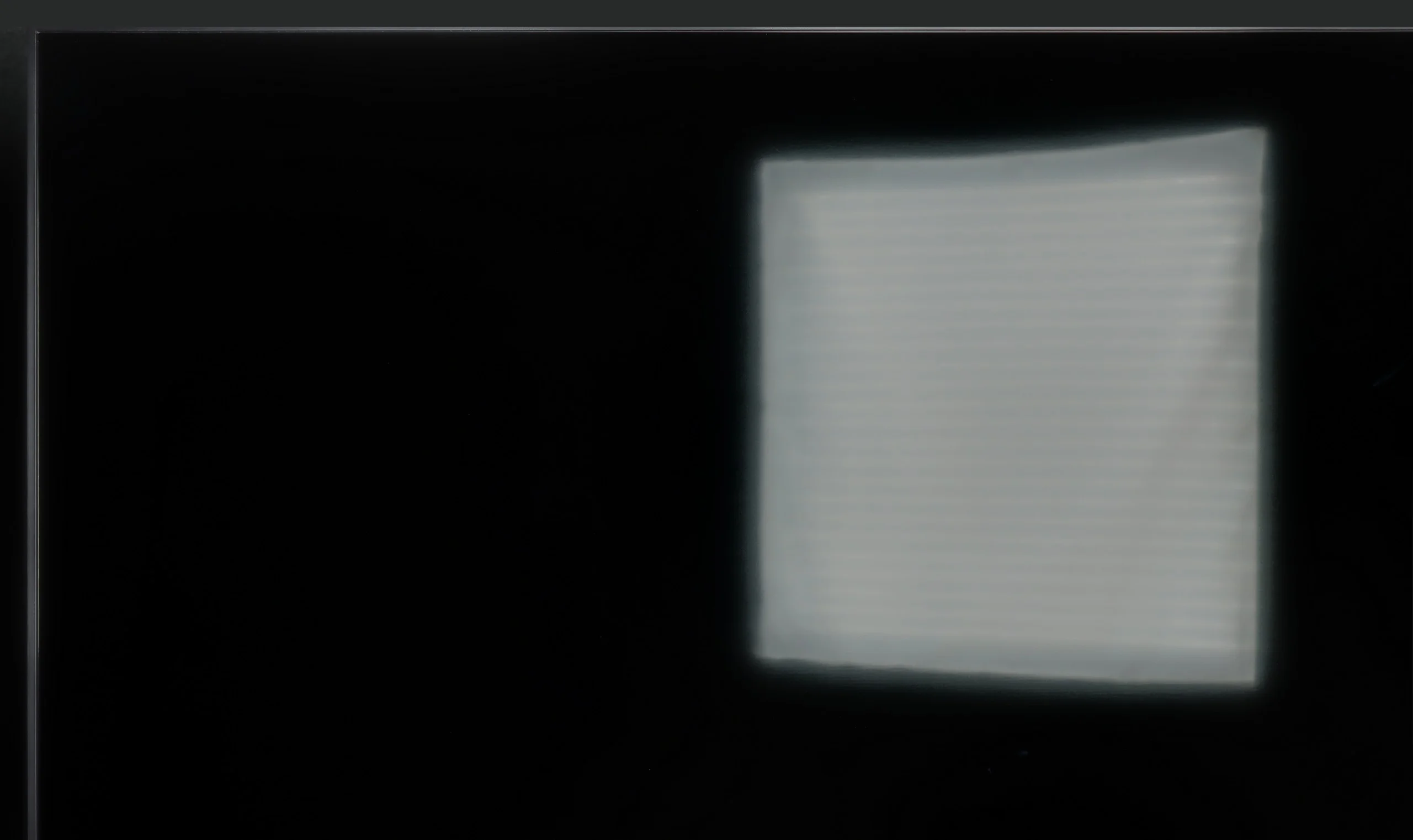
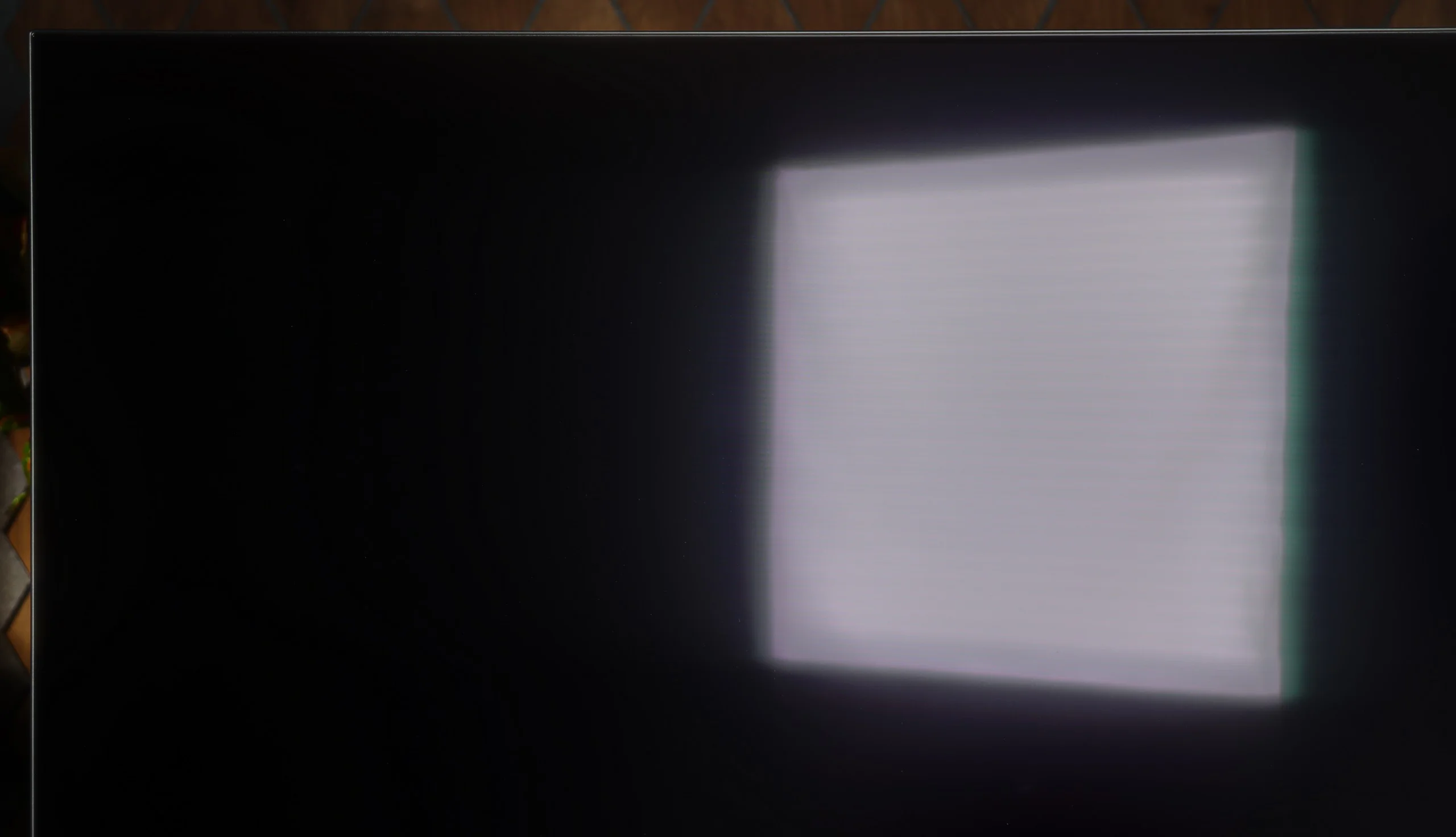
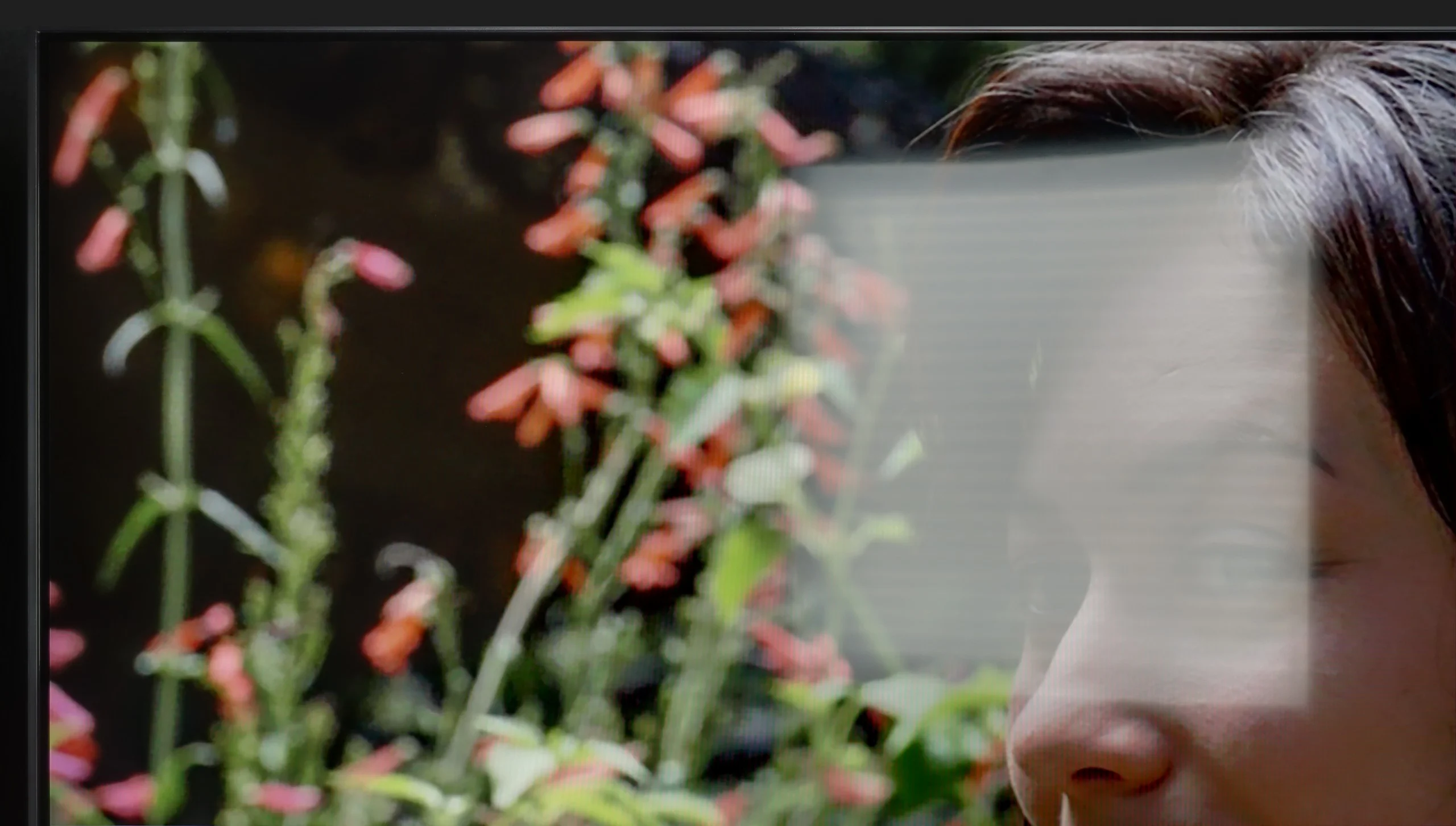
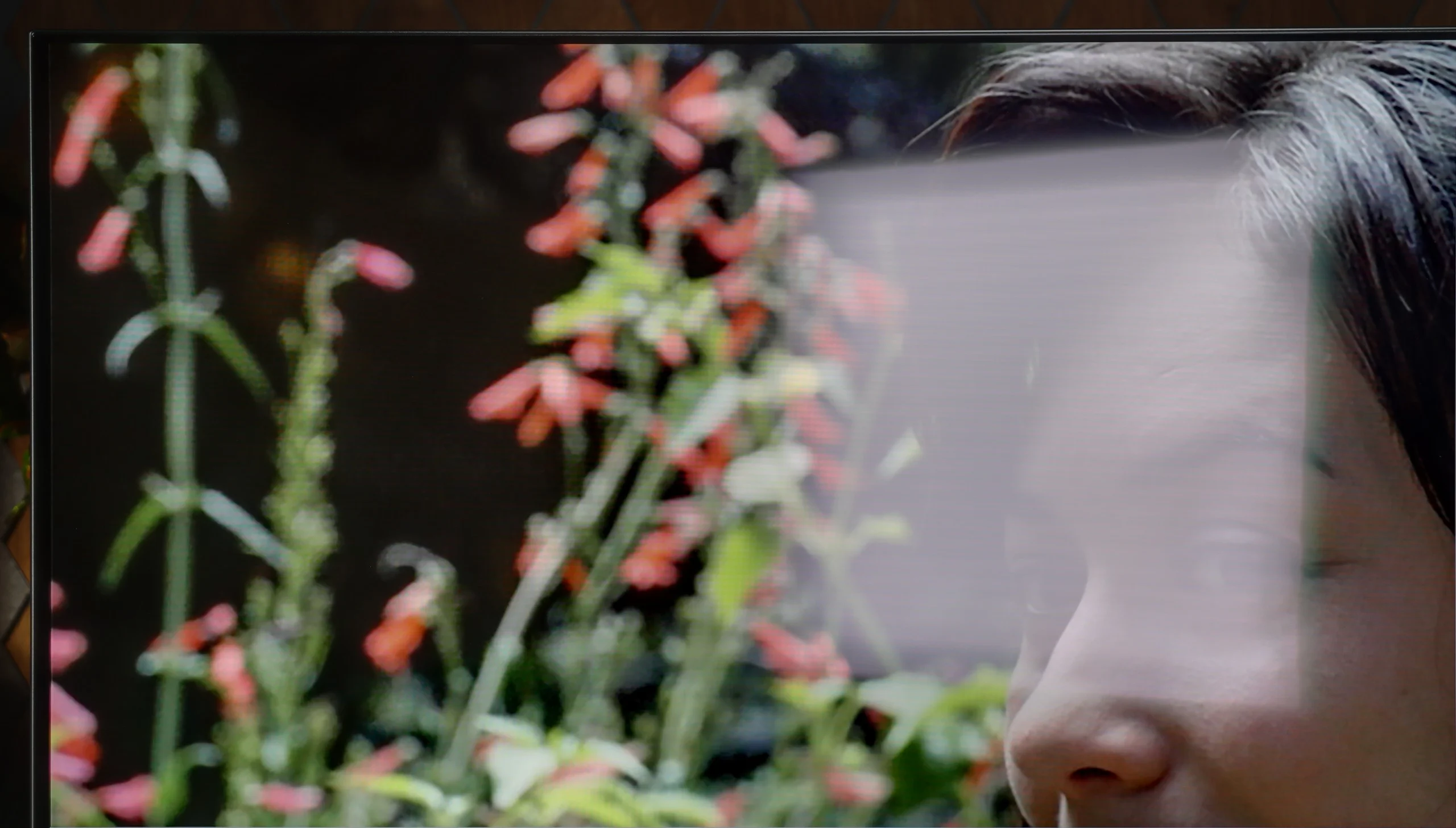
Panel brightness
Philips OLED761: 284 cd/m2
LG QNED86A / QNED85A / QNED87A: 462 cd/m2
QNED86A6A is not a brightness master, but it manages just fine. Thanks to the moderately high brightness of the panel and quite decent glare reduction, the television performs well in typical, moderately lit living rooms. The image remains clear, and colors do not lose their intensity in daylight. However, let’s not kid ourselves; this is not a screen that will handle extremely bright conditions, where sunlight pours in through huge windows and floods the room.
Philips OLED761 is not the best choice for a very bright living room. Average SDR brightness is around 280 nits, so it performs slightly worse even than rivals using the same panel. In a brightly sunlit room the image simply lacks the punch to remain clearly visible, especially when watching darker scenes. In such conditions, covering the windows may be necessary. It doesn't help that the satin coating on the WOLED SE panel handles direct reflections poorly. A window or lamp opposite the screen is fairly clearly visible, and you get characteristic doubling and colored halos around their reflections. On the plus side, blacks still look good in a lit room, but at low TV brightness the reflections themselves can be distracting. The OLED761 is therefore best used where you can block the windows and make sure strong light doesn't reflect directly on the screen.
Panel details
Subpixel Structure:
Panel uniformity and thermal imaging:

LG QNED86A / QNED85A / QNED87A
Philips OLED761
TV features
8.4/10
7.9/10
- SystemWebOSTitan OS
- System performanceGoodGood
- HDMI inputs0 x HDMI 2.0, 4 x HDMI 2.1 48Gbps0 x HDMI 2.0, 4 x HDMI 2.1 48Gbps
- OutputsToslink (Optical audio), eARC (HDMI), ARC (HDMI)Toslink (Optical audio), eARC (HDMI), ARC (HDMI), Mini-Jack (Headphones)
- Network InterfacesWi-Fi 2.4GHz, Wi-Fi 5GHz, Ethernet (LAN) 100MbpsWi-Fi 2.4GHz, Wi-Fi 5GHz, Ethernet (LAN) 100Mbps
- TV receptionDVB-T, DVB-T2, DVB-S, DVB-S2, DVB-CDVB-T, DVB-T2, DVB-S, DVB-S2, DVB-C
Classic features:
- Recording to USB (terrestrial TV)

- Recording programming
- Picture in Picture (PiP)
- RF remote control (no need to aim)
- Backlit remote control
- Teletext
- Audio only mode
- Bluetooth headphones support
- Simultaneous Bluetooth headphones & TV audio
Smart features:
- AirPlay
- Screen mirroring (Windows Miracast)
- Voice search
- Voice search in native language
- Ability to connect a keyboard and mouse
Sound connection options
- HDMI audioeARC (HDMI), ARC (HDMI)eARC (HDMI), ARC (HDMI)
- Other audio outputsToslink (Optical audio)Toslink (Optical audio), Mini-Jack (Headphones)
- Wireless audioBluetooth, WiSABluetooth, WiSA
Supported audio formats (external HDMI eARC audio):
- Dolby Digital Plus 7.1
- Dolby True HD 7.1
- Dolby Atmos in Dolby Digital Plus (JOC)
- Dolby Atmos in Dolby True HD
- DTS:X in DTS-HD MA
- DTS-HD Master Audio
Senior accessibility
- Numeric keyboard on TV
- Font size adjustment
- Audio description
Smart Features: webOS
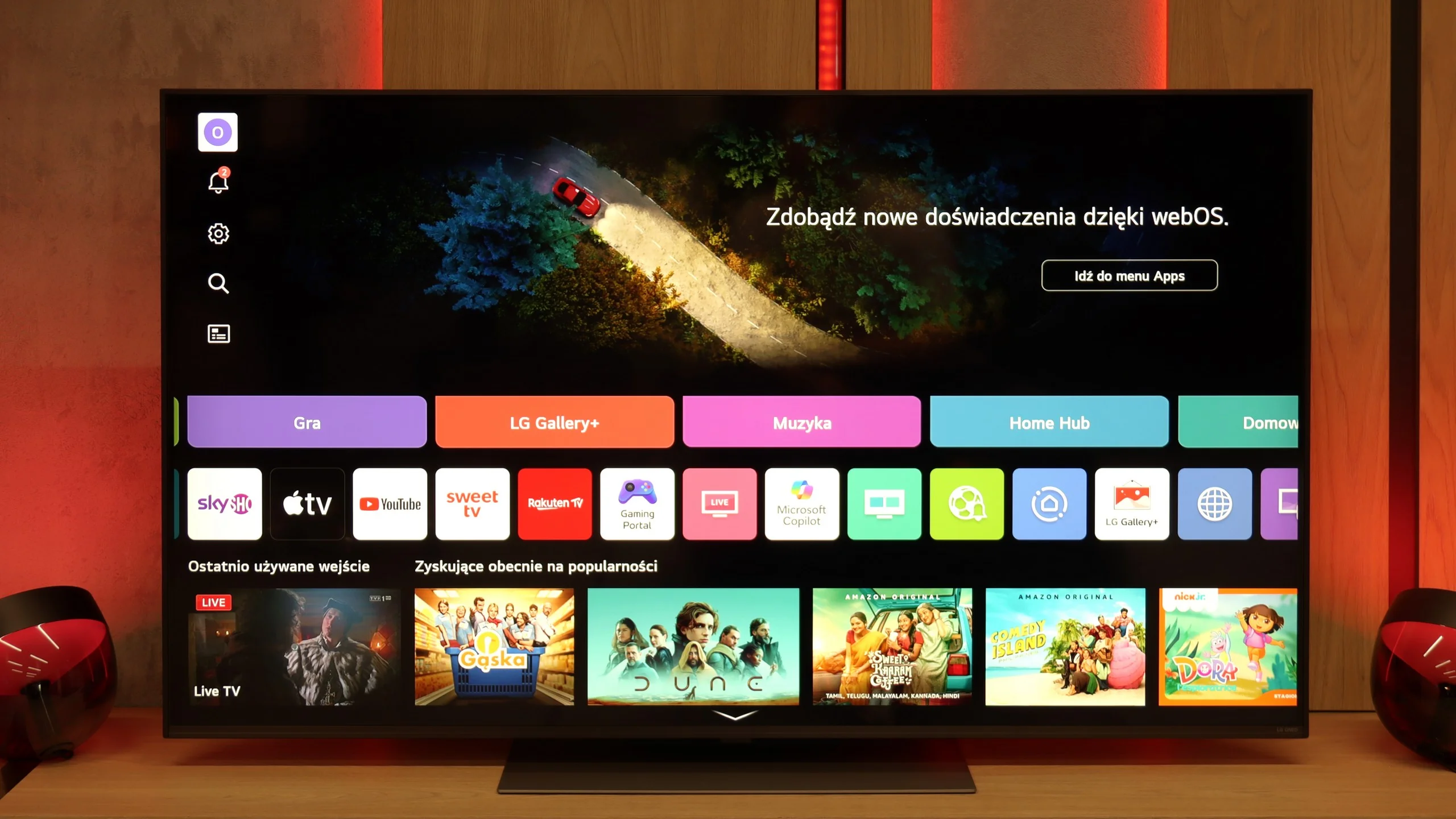
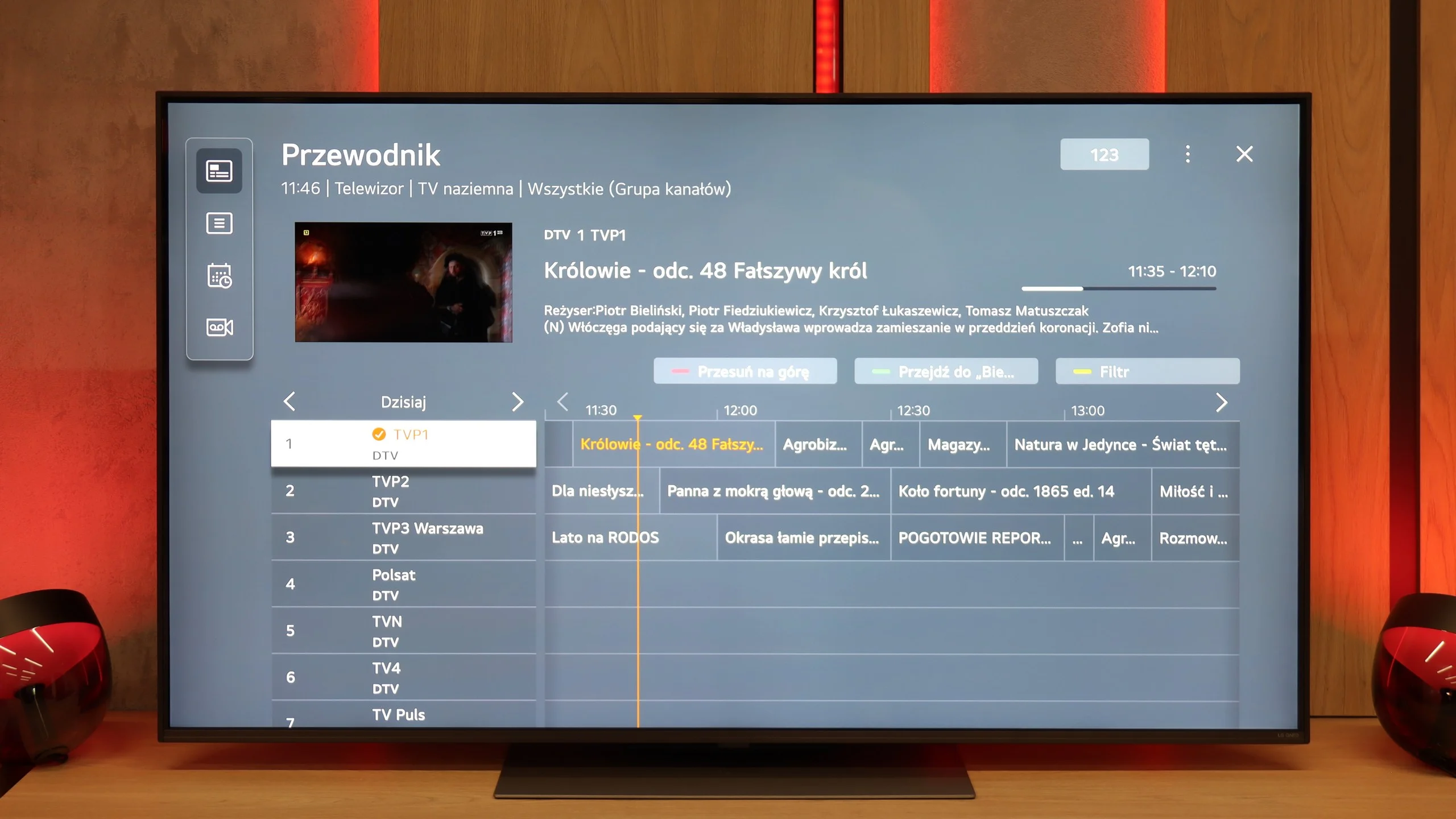
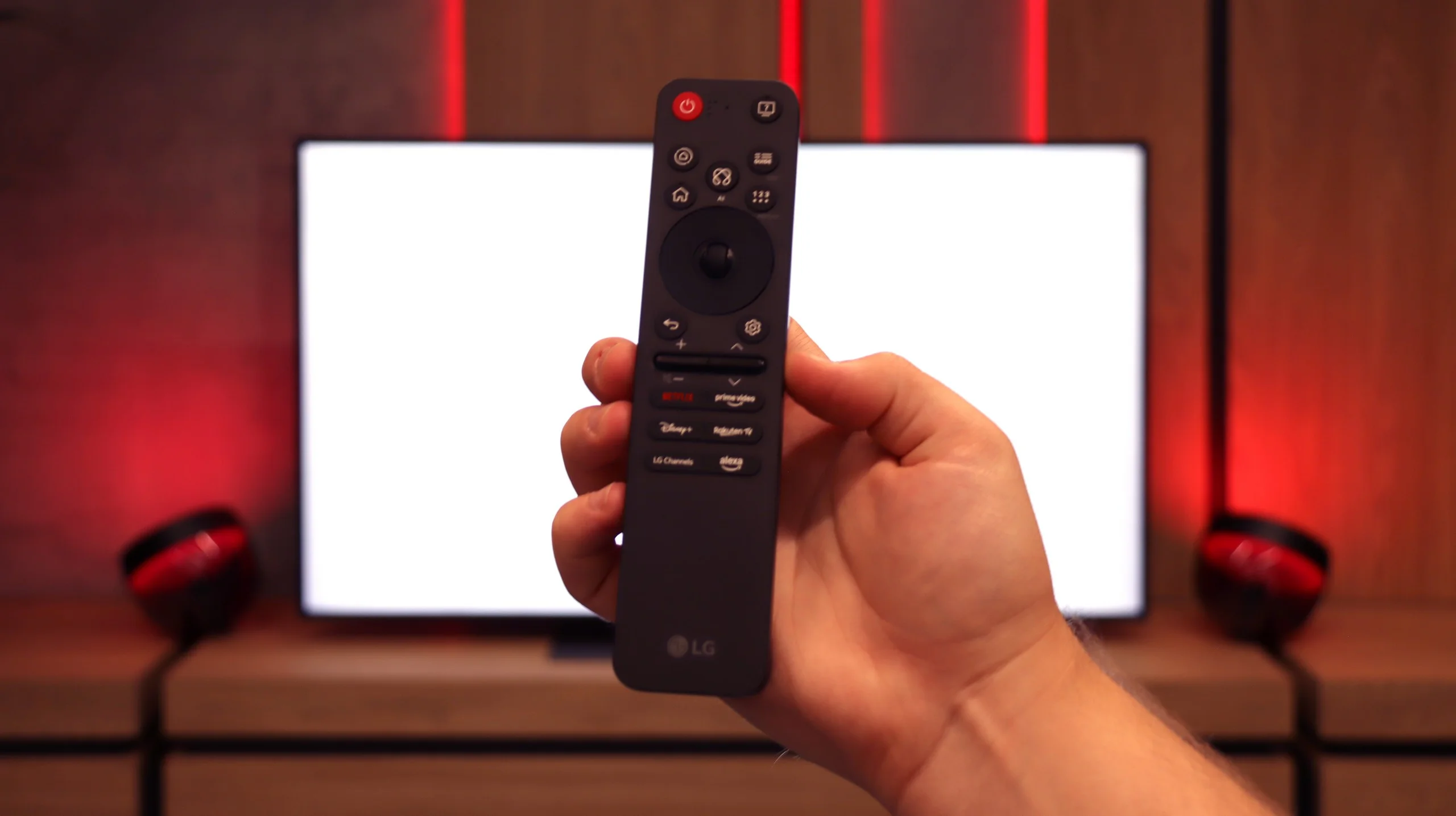
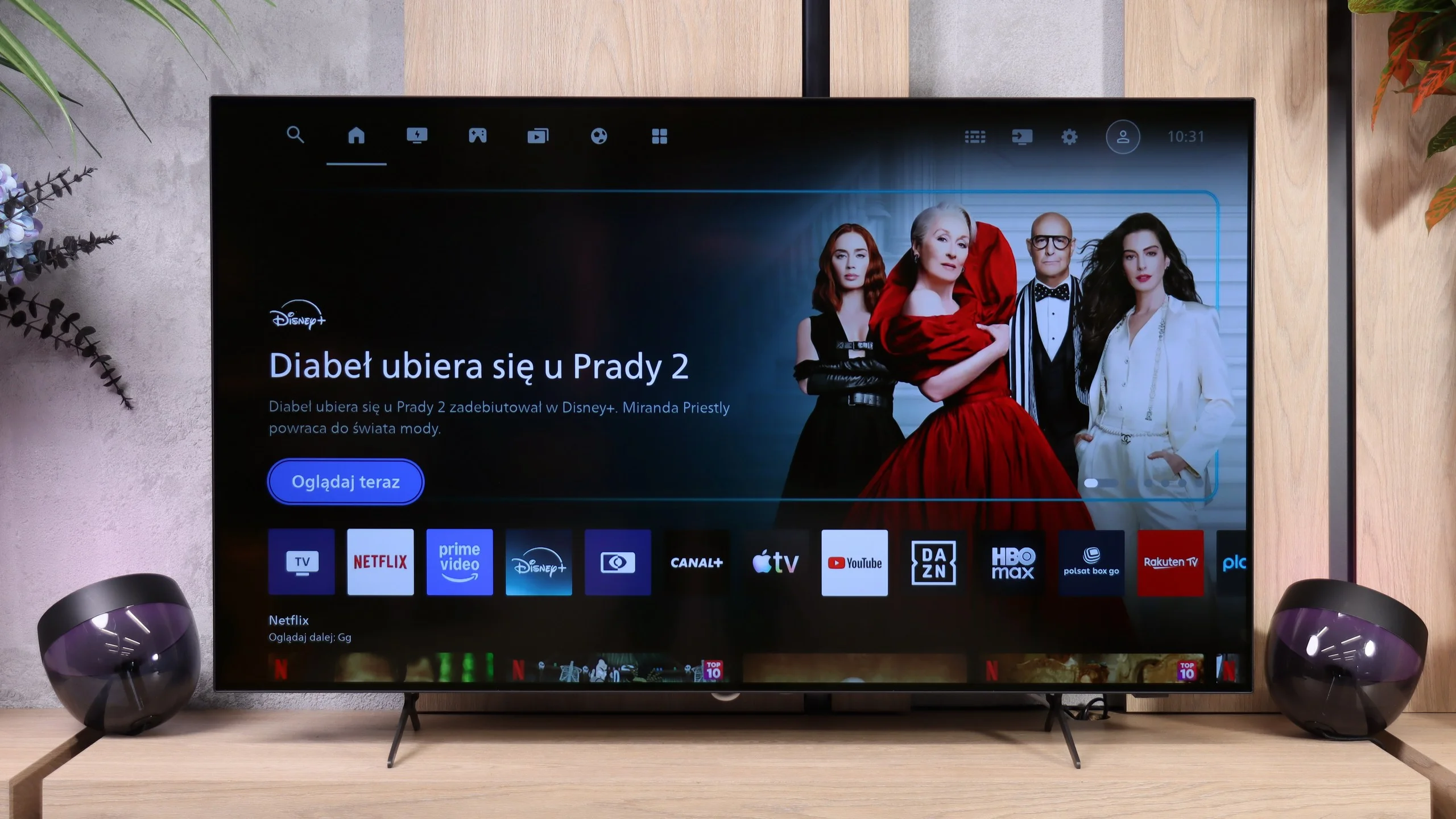
QNED86A6A runs on the well-known webOS – a system that has been a strong point of LG TVs for years. Everything operates quickly and stably, and apps launch without significant delays, though the interface can be somewhat overwhelmed by advertisements at times. Fortunately, the convenience is more noticeable in daily use than the shortcomings. A significant advantage is the Magic Remote, which allows you to control the cursor like a mouse – it's one of those features that you can easily get used to and later find hard to give up. The new version of the remote is slimmer as it has been stripped of the numeric keypad. Some will appreciate the simplicity, while others will miss the classic set of buttons; it's more a matter of habit.
Classic Features
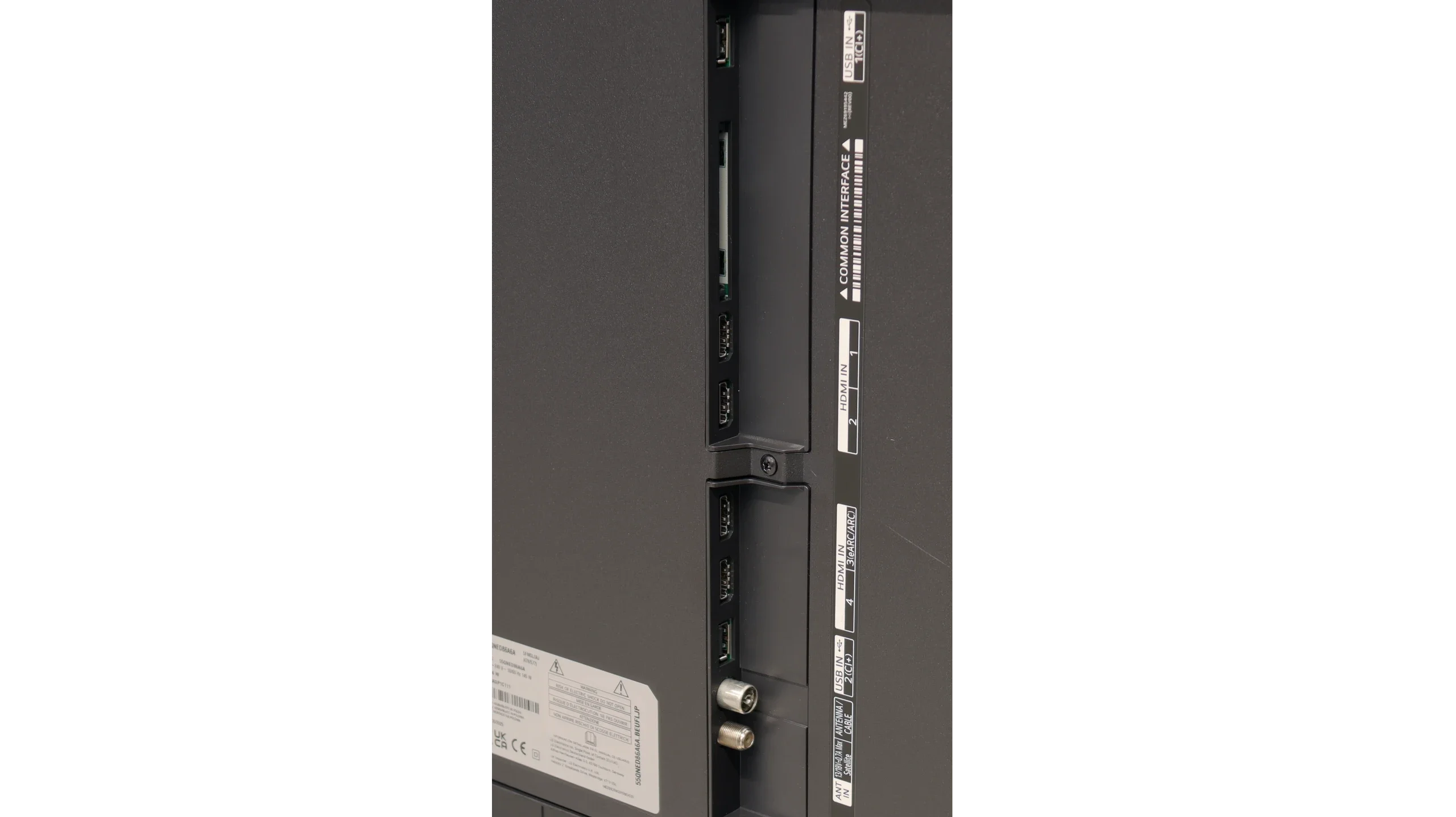
Onboard, there are also a few solutions that are not always obvious in 2025. There is the ability to record programs from built-in DVB-T2 tuners onto USB, so you can calmly return to a match or series at any moment. In the evening, Bluetooth headphone support will come in handy – especially if someone in the house falls asleep faster than we do. Additionally, there is a full set of HDMI 2.1 ports with eARC support and audio formats like Dolby Digital and Dolby Atmos.
Titan OS
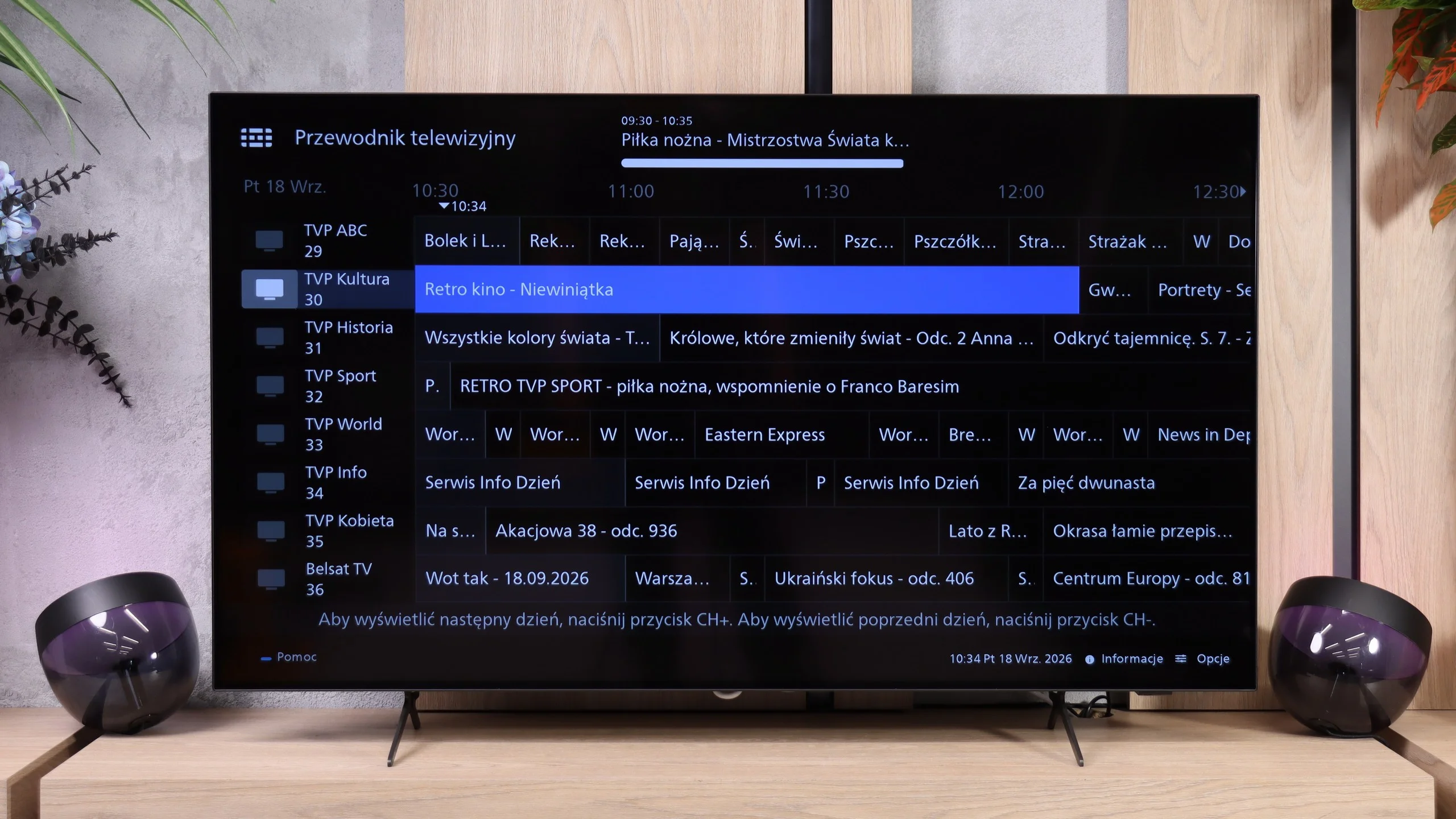
The OLED761 uses Titan OS instead of Google TV, a system that has been appearing more often in Philips TVs for several years. In that time the system has clearly matured. It responds to commands faster, navigates menus more smoothly, and features that previously caused problems are finally starting to work as they should. You can see real progress in everyday use, and that deserves praise. It still doesn't match the refinement and capabilities of webOS or Tizen, and it's a long way from the freedom and app selection offered by Google TV, but Titan OS is definitely moving in the right direction.
User features and ports
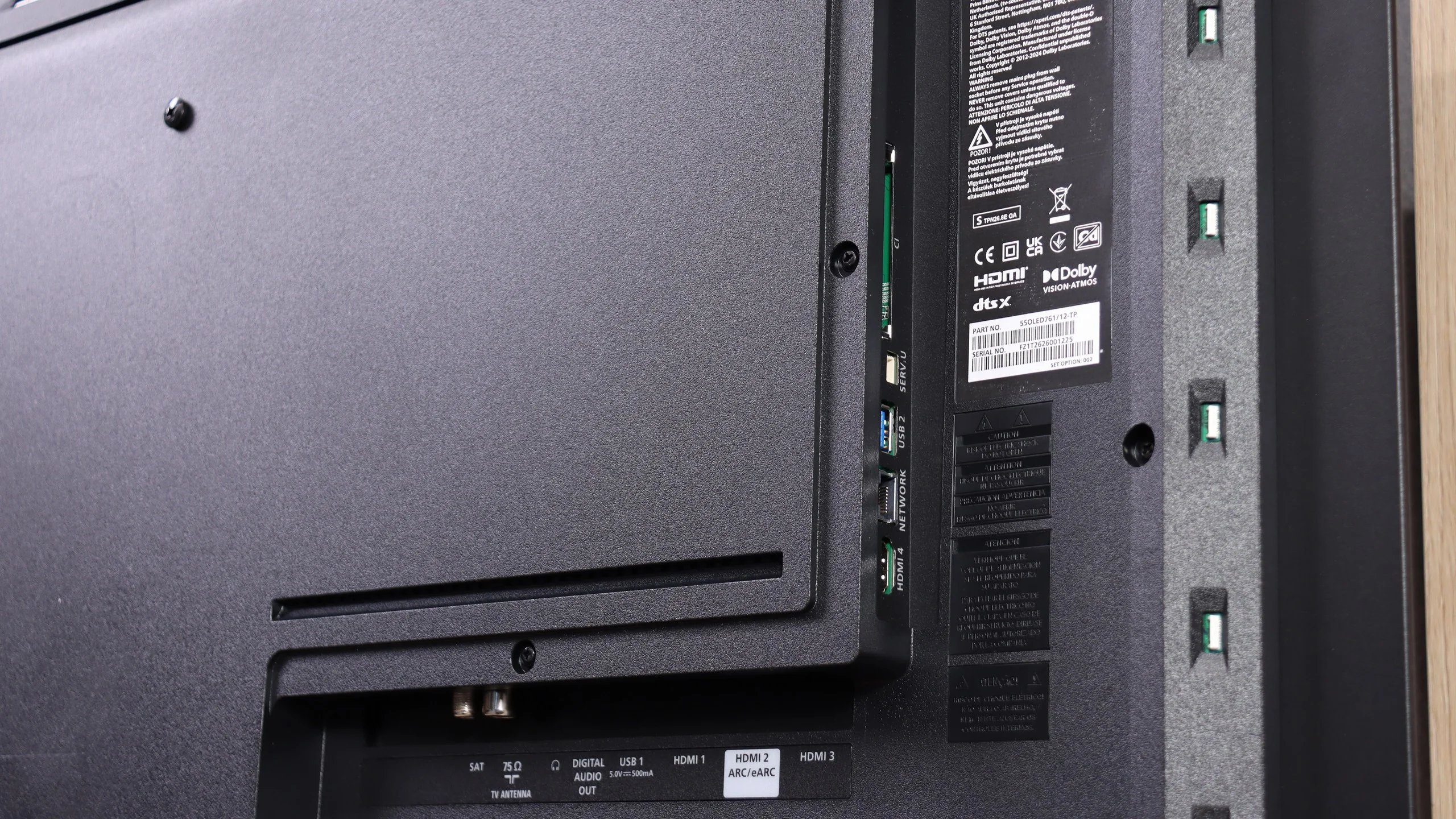
When watching regular TV you get basic conveniences, including teletext and a remote with a numeric keypad. The buttons are backlit, which is very handy in the evening, but it's hard to understand why Philips stubbornly sticks with infrared control for the remote. Having to point the remote at the TV can simply be inconvenient (the only feature that works via radio is voice control). There is also no USB recording or picture-in-picture. On the other hand, the port selection deserves praise: all four HDMI inputs support HDMI 2.1 at 48 Gbps, so after connecting a soundbar via eARC there are still three ports left that let you take full advantage of consoles and a PC. You don't have to worry about which device to connect at the cost of high refresh rates. There's even an analog mini-jack output, increasingly rare in new TVs but still useful for wired headphones or older audio equipment.
Ambilight
The most distinctive extra is, of course, Ambilight, for which Philips earns extra points from us. Lighting the wall with the colors from the screen can add a lot of atmosphere to movies and games, and it's also useful for relaxed evening viewing. The gentle glow means the bright screen isn't the only light source in a completely dark room, which can improve viewing comfort. It's worth tuning its intensity to the room rather than immediately setting it to maximum. For people who enjoy that style of watching, Ambilight can be one of the stronger reasons to choose the OLED761.
Apps
9.1/10
7.7/10






















Playing files from USB
8.9/10
8.6/10
Supported photo formats:
Maximum photo resolution:
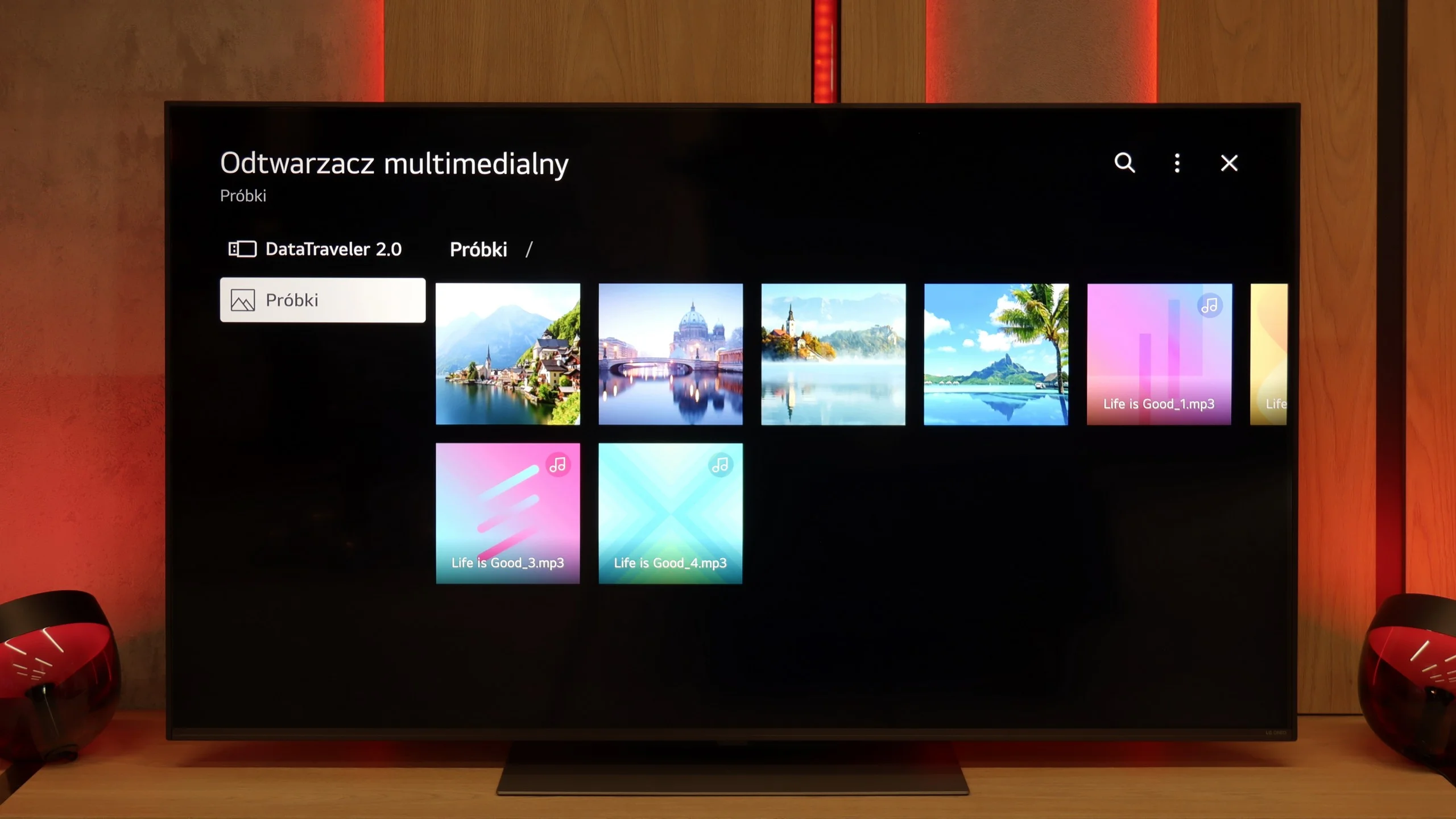
The built-in media player in the QNED86A6A performs quite well with the most popular audio and video formats. During testing, we had no trouble playing MP4, MKV, or MP3 files; everything played smoothly without glitches. The TV also handled most images, although here we encountered a typical barrier for many manufacturers – the lack of full support for the HEIC format from Apple. So, if you regularly use an iPhone and store photos in this standard, you'll need to convert them beforehand or, preferably, transfer them using AirPlay. Other than that, it's hard to find fault as the built-in solution is really decent.
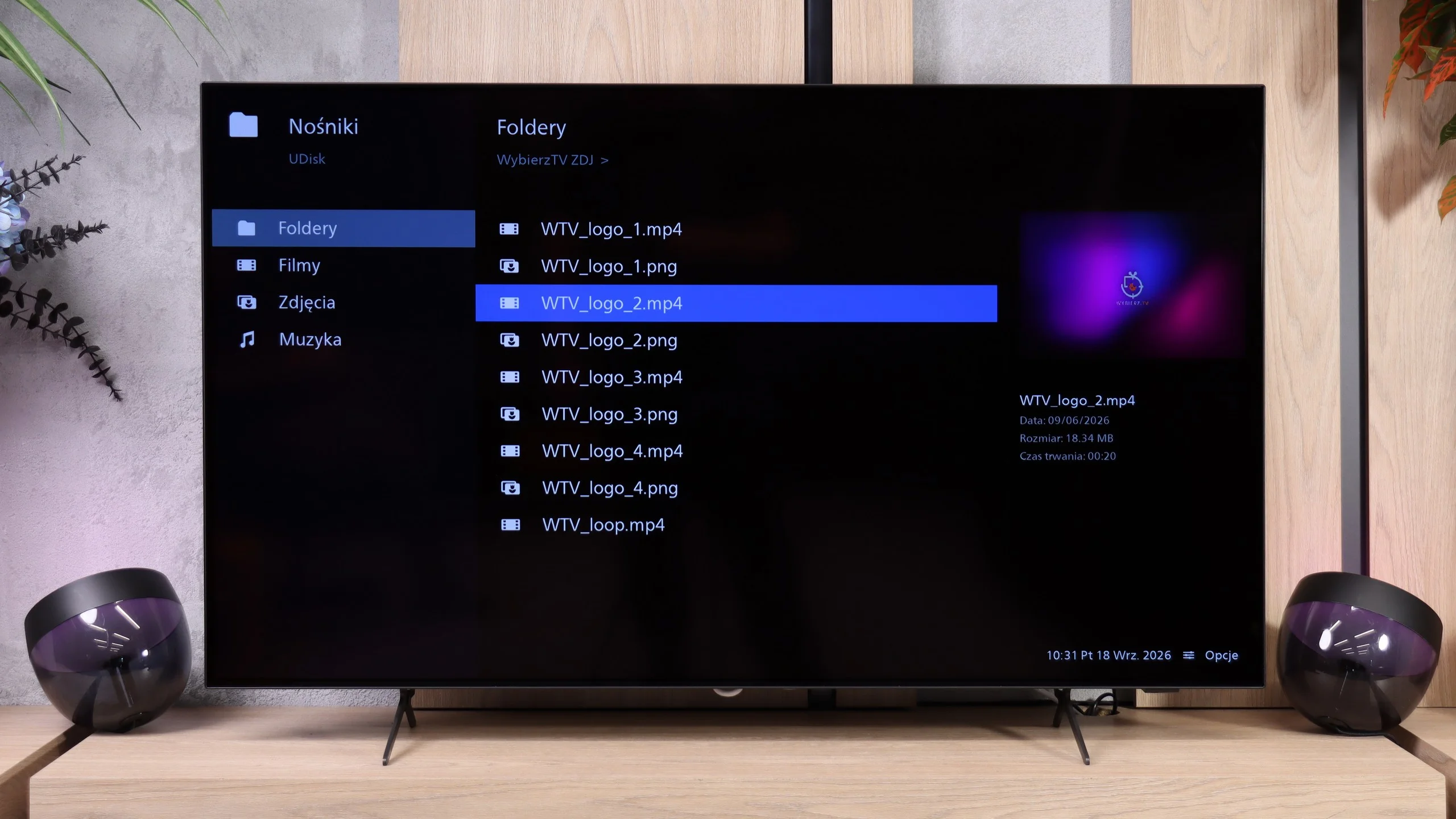
The USB player on the Philips OLED761 behaves rather oddly, and this is where you can see that Titan OS still needs refinement. Test videos and music files opened correctly, but photos caused the most problems. Interestingly, it wasn’t just a lack of support for certain formats, but also the photos’ resolution. The TV opened photos at 16 and 32 MP, yet it failed to handle some smaller ones, including 10 and 12 MP. So it’s hard to point to a simple rule for preparing photos that will guarantee they all display. If you plan to show vacation photos on the big screen, it’s worth checking the files beforehand or using screen mirroring.
Sound
6/10
7/10
- Maximum volume84dB90dB
- Dolby Digital Plus 7.1
- Dolby True HD 7.1
- Dolby Atmos in Dolby Digital Plus (JOC)
- Dolby Atmos in Dolby True HD
- DTS:X in DTS-HD MA
- DTS-HD Master Audio
In terms of sound, the QNED86A6A performs quite decently, but let's not hide it – this is not the level that will impress home cinema enthusiasts. The sound is clean and clear, dialogues are easily heard, but overall it sounds rather flat and there is definitely a lack of solid bass. For everyday watching of television, streaming services, or news, this is an acceptable level; however, if you plan to watch movies or play games more often, even a basic soundbar will make a significant difference.
The Philips OLED761 sounds quite good for a slim TV. The midrange is the strongest, so dialogue is clear and it's easy to understand what the characters are saying. For watching TV shows, the news, or regular programs, the built-in speakers are more than adequate. However, it lacks deep bass, which is most noticeable in music and action movies. Explosions have less impact, and music lacks a fuller sound. So if you want a more cinematic audio experience, a soundbar with a separate subwoofer will be a noticeable complement to this setup. Especially since the OLED761 handles immersive audio formats like Dolby Atmos and DTS:X with ease.
Sound Quality Test
No sound test video
Acoustic Measurements
84dBC (Max)
75dBC
90dBC (Max)
75dBC
Reader comments
Comments are provided by the external service Disqus (Zeta Global). Once loaded, Disqus may set cookies and process data about your activity.
We will remember your choice on this device. Provider's privacy policy