The LG G5 is a television that not only continues but also expands on what we loved about previous models in the G series. Instead of taking the beaten path, LG opted for a new Tandem OLED panel – and it was a stroke of genius. Picture brightness? Simply, F E N O M E N A L. HDR effect? Close to reference. Colors after calibration? Nearly perfect. Motion smoothness, low latency, and gaming features? At an absolutely top level. The G5 performs well in movies and games, day and night, whether with a decoder, console, PC, or just the remote. Of course – this is not a product without flaws. It's a pity that DTS support is lacking, the viewing angles have worsened compared to its predecessor, and the remote may vary depending on the version. But when we look at the overall picture, it's hard not to feel that this is one of the best OLED televisions available on the market, and perhaps even the best. Definitely, when it comes to its versatility and picture quality without having to reach for extremely expensive models from competitors. If you're looking for a television for everything – for cinema, gaming, a bright living room, streaming content, or connecting a computer – the LG G5 is a device that simply delivers on every front without compromise.
- Matching (Score) |
- Our verdict |
- TV appearance |
- Where to buy |
- Contrast and black detail |
- HDR effect quality |
- Factory color reproduction |
- Color reproduction after calibration |
- Smoothness of tonal transitions |
- Image scaling and smoothness of tonal transitions |
- Blur and motion smoothness |
- Console compatibility and gaming features |
- Input lag |
- Compatibility with PC |
- Viewing angles |
- Daytime performance |
- Panel details |
- TV features |
- Apps |
- Playing files from USB |
- Sound
LG OLED G5 vs Sony Bravia 8 MK2
 Direct comparison

Check the best price offer:
LG OLED G5 Check the best price offer:
Sony Bravia 8 MK2G54 / G51 / G55 / LW / LS

Bravia 8 II / XR8M
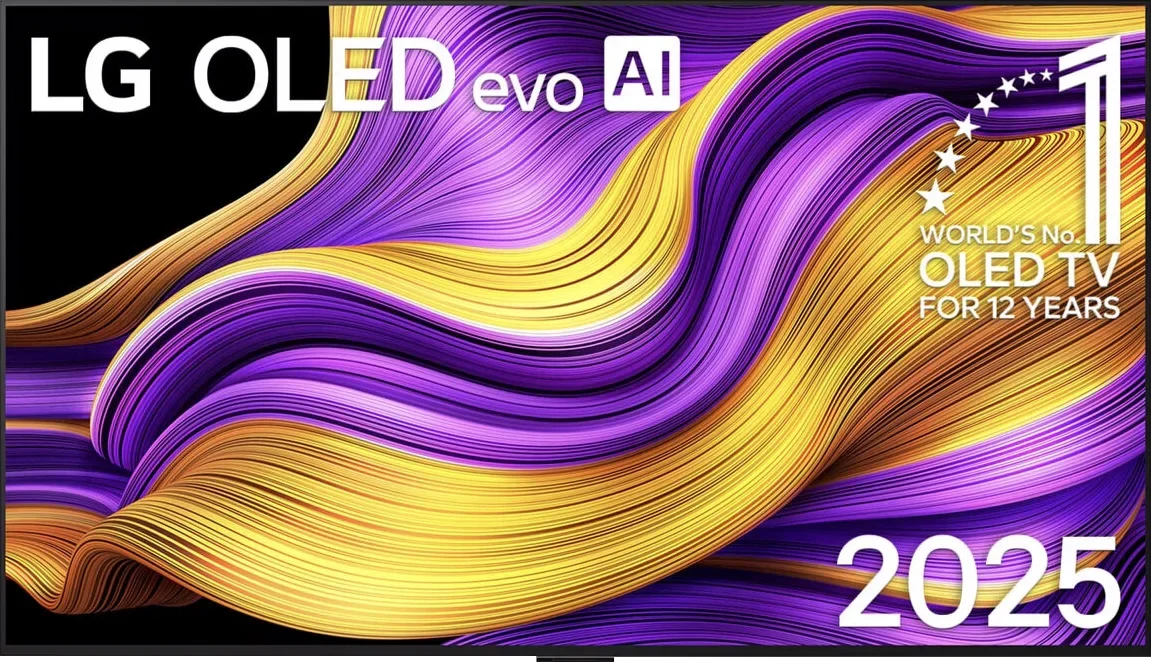
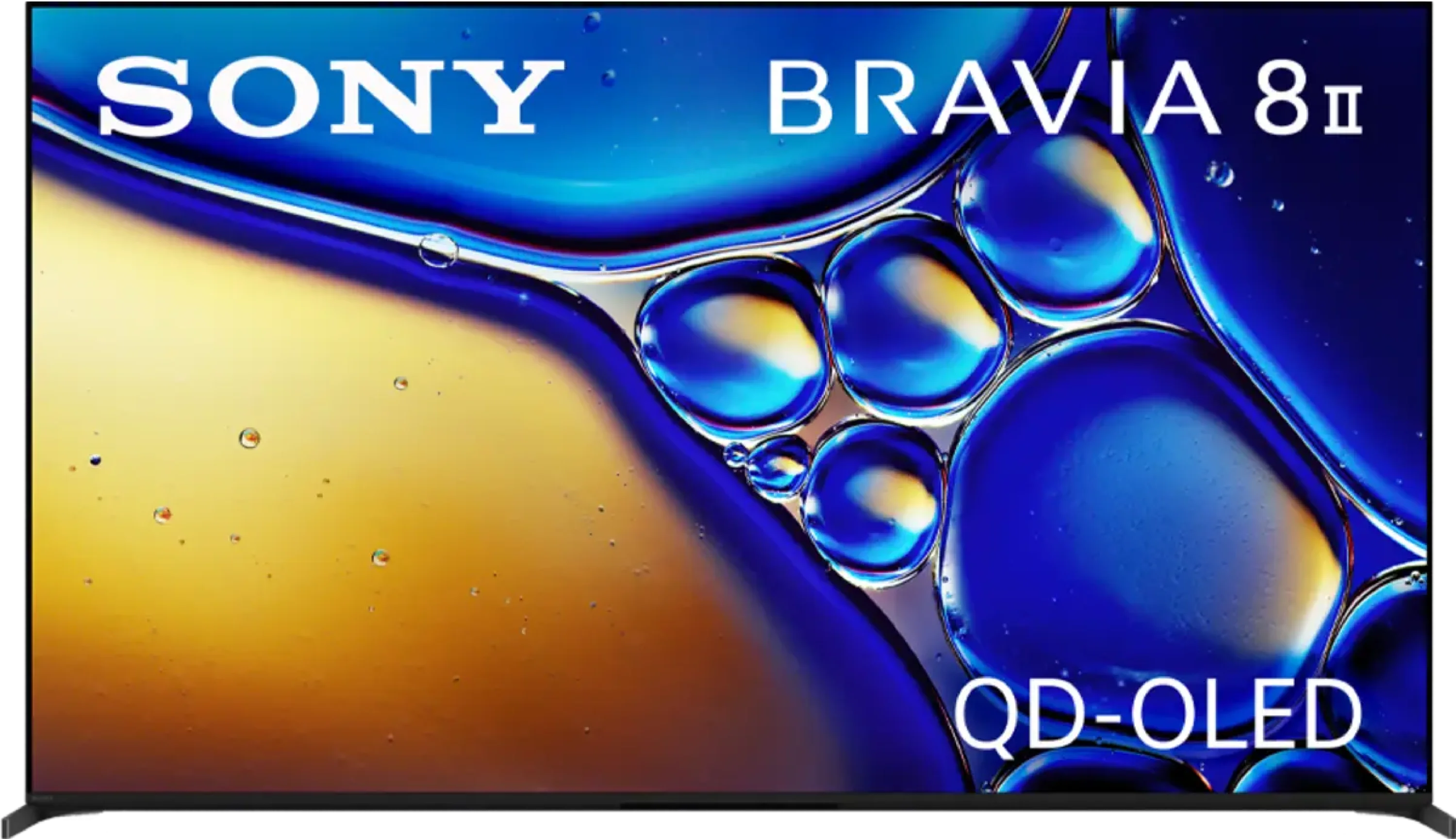
Panel type: WRGB OLED
Resolution: 3840x2160
System: WebOS
Model year: 2025
Complete the survey to find out the result
Panel type: QD-OLED
Resolution: 3840x2160
System: Google TV
Model year: 2025
Complete the survey to find out the result
Overall rating
8.9
8.5
 Movies and series in UHD quality
 9.2
9.1
 Classic TV, YouTube
 9.2
9.4
 Sports broadcasts (TV and apps)
 8.8
9.0
 Gaming on console
 9.5
9.3
 TV as a computer monitor
 8.8
7.6
 Watching in bright light
 8.0
5.6
 Utility functions
 8.5
8.9
 Apps
Apps 9.1
9.6
 Sound quality
 8.7
8.5
Complete the survey to find out what fits your preferences
Advantages

Amazing black and contrast
Reference color reproduction after calibration
Very high brightness in HDR content
Outstanding cooperation with consoles and computers
Great motion fluidity - OLED panel 165Hz
Many features for gamers: VRR, ALLM, HGIG, low input lag
Excellent WebOS operating system with many applications
Superb handling thanks to the Magic remote with "cursor" function
Amazing contrast and deep blacks
High brightness in HDR content
Excellent motion clarity: QD-OLED panel at 120Hz
Plenty of features for gamers: VRR, ALLM, HGiG, GameBar
Top-tier digital image processing (XR Processor)
A wide selection of apps on Google TV
Two remotes included
Phenomenal sound with DTS and Dolby Atmos support
Disadvantages

No support for DTS audio format
Worse (though still good) viewing angles than the predecessor G4
Different versions of the remote in derivative models – hard to predict which version we will get
Only two HDMI 2.1 ports: one is reserved for eARC (soundbar)
Cherry-black effect in bright light: the QD-OLED panel makes blacks lose depth under strong light
Average brightness in SDR mode (competitors at this price can deliver a lot more)
No additional motion-smoothing modes for PC gamers
Our verdict
The Sony Bravia 8 II is without doubt a worthy successor to the A95L — refined, extremely versatile, and with several clear improvements over its predecessor. Picture quality, sound, and overall user experience place this model among the top premium TVs of 2025. It's a set that can dazzle both movie lovers and demanding gamers. One of its greatest strengths is the nearly perfect picture, where the XR processor subtly but effectively improves detail and smoothness without overprocessing the source material. Add to that the phenomenal Acoustic Surface sound, which makes dialogue and effects feel like they're coming straight from the screen. Google TV runs very smoothly, offering a huge selection of apps, and extra features such as cloud gaming on PlayStation and access to Bravia Core increase the device's value. There's also low input lag, variable refresh rate, and full support for modern HDR formats. That said, there are a few spoons of tar in this barrel of honey. No refresh rate above 120 Hz, only two HDMI 2.1 ports, and average daytime performance are shortcomings that a TV of this class shouldn't have in 2025. And while for many these won't be deal-breakers, in the super-premium segment the competition is getting stronger and more uncompromising. Will these flaws make it harder for the Bravia 8 II to win customers' wallets? We'll leave that to you, the market... and the sales figures. Regardless, the Bravia 8 II is a phenomenal product that's hard not to recommend.
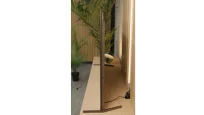
TV appearance

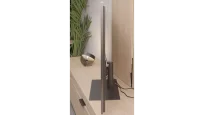
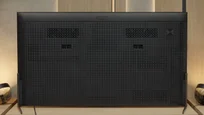
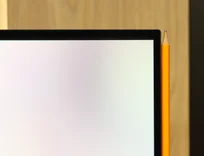

Contrast and black detail
10/10
10/10
Contrast:


Result
∞:1

Result
∞:1

Result
∞:1

Result
∞:1

Result
∞:1
Result
∞:1
Result
∞:1
Result
∞:1
Result
∞:1
Result
∞:1
Halo effect and black detail visibility:
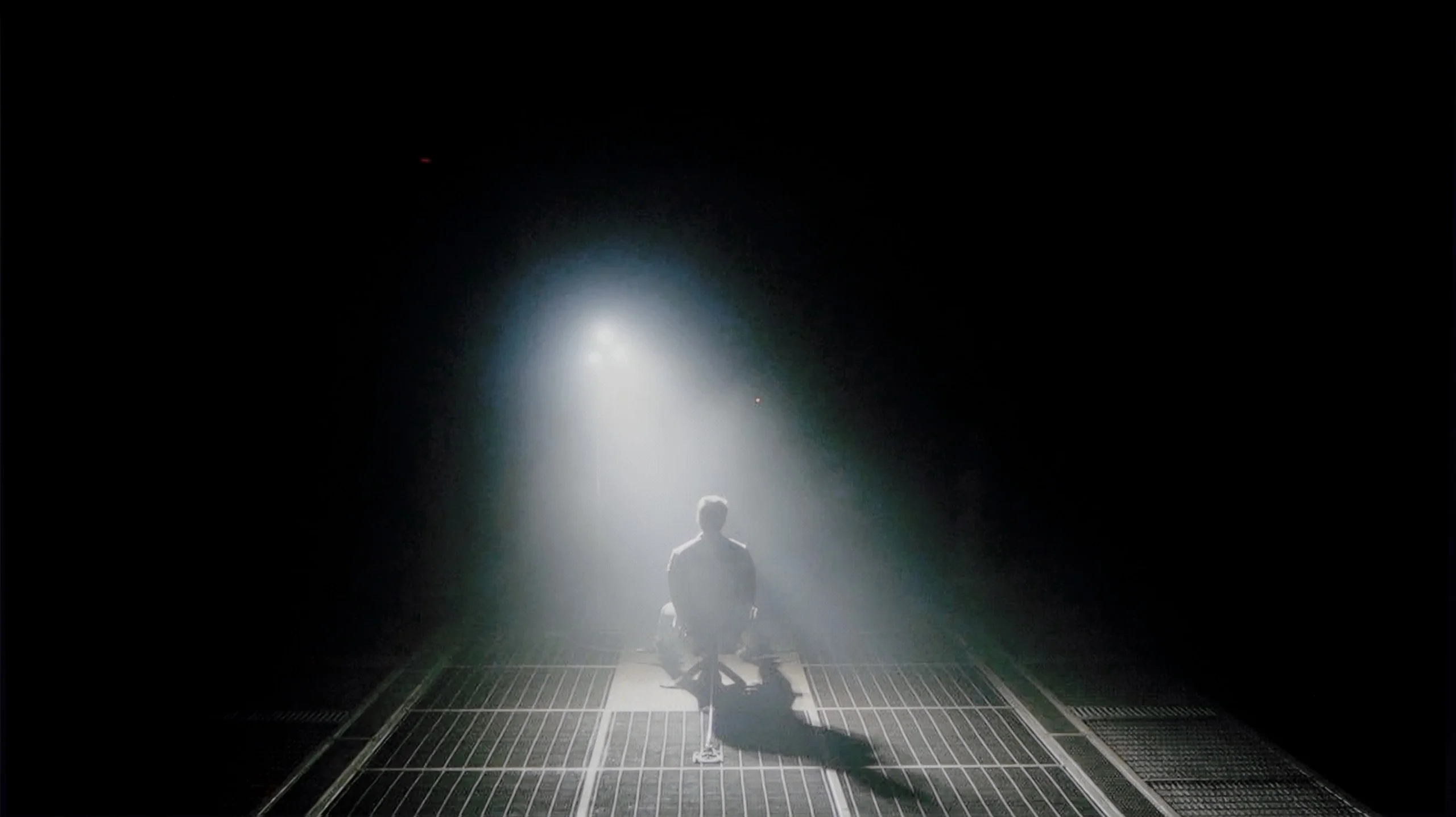
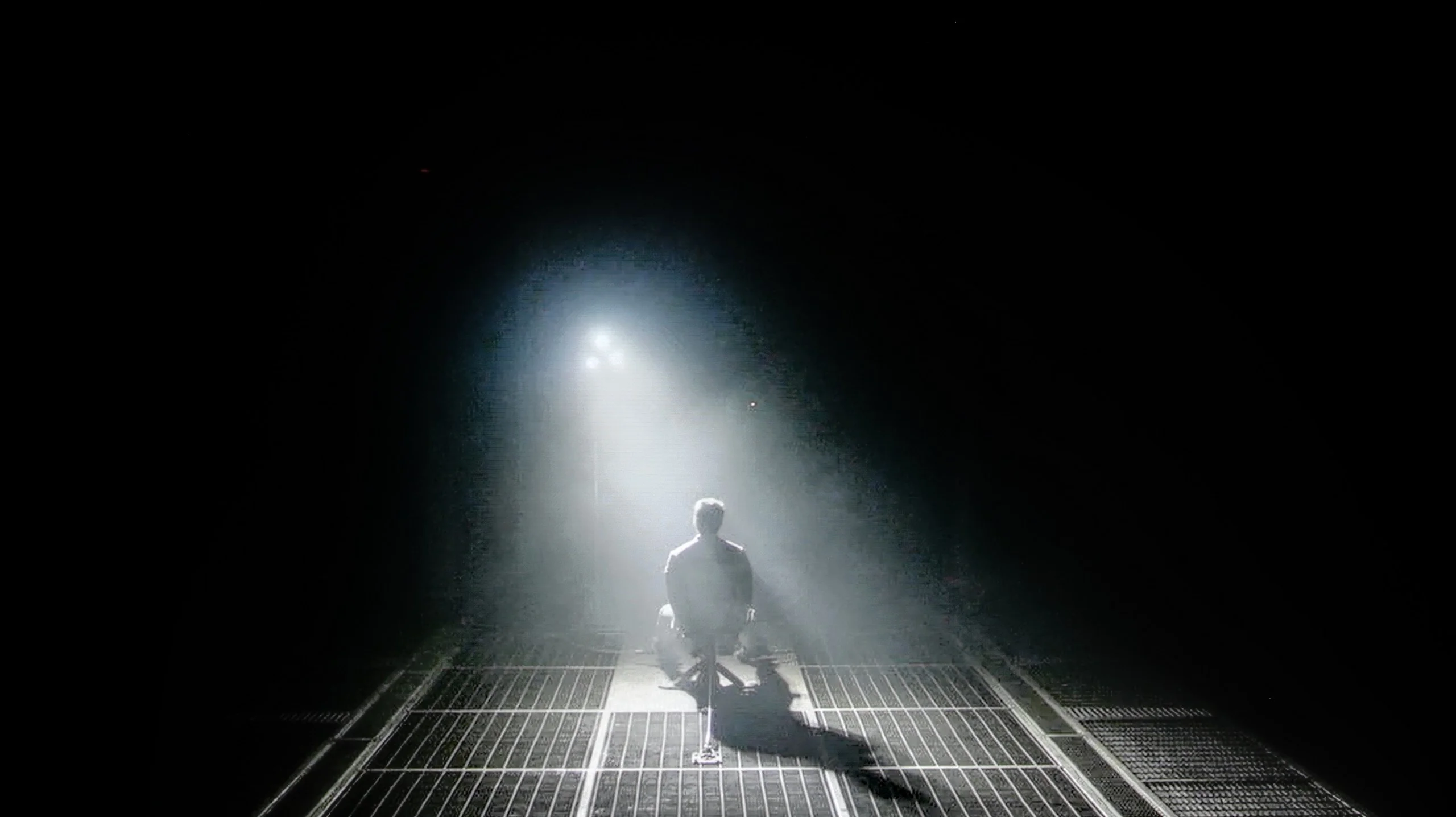
Check the visibility of bright lights on a dark background. Mini-LEDs often struggle with this. The photo does not compare black levels – that’s what the video below is for.
The video accurately shows differences in contrast and black levels between TVs, as well as potential issues: halo around bright objects or Mini-LED zone operation visible as brightness jumps.
LG G5, as befitting an OLED television, impresses with its contrast and black quality. In scenes with a lot of dark areas, the screen looks almost perfect, offering deep, absolute black and infinite contrast – an effect that still cannot be achieved on any LCD television. The new Tandem OLED panel does not introduce any negative changes compared to previous generations – blacks are perfect regardless of the content. Watching scenes from movies like The Revenant or Oblivion, you can clearly see the excellent separation of lights, without any blooming effect or brightening of dark parts. In this category, the LG G5 deserves the highest rating.
In terms of blacks and contrast, the Sony Bravia 8 II is absolute top-tier, and I mean that in every sense of the word. It uses a QD-OLED panel, which naturally delivers near-infinite contrast. That means each pixel can switch off completely, so black parts of the image are truly black, not dark gray or navy. The effect is especially striking in cinematic conditions, when the room lights are dimmed, as the picture gains real depth and a cinematic feel. The Bravia 8 II also impresses with its separation of light sources in challenging scenes. Test clips from films like Oblivion show how precisely the TV can separate small light sources from the surrounding darkness, without the haloing or blooming that still occurs in the best LCD TVs (even the Bravia 9). Add to that the fact that bright elements retain full intensity even against absolute black. That not only makes a huge visual impression but also translates to better detail reproduction in high-contrast scenes, which is particularly important for HDR content.
HDR effect quality
9.1/10
8.4/10
Luminance measurements in HDR:

Result
2346 nit

Result
2353 nit

Result
2399 nit

Result
2353 nit

Result
2012 nit
Result
1922 nit
Result
2034 nit
Result
1999 nit
Result
2026 nit
Result
770 nit
Scene from the movie “Pan” (about 2800 nits)


Scene from the movie “Billy Lynn” (about 1100 nits)
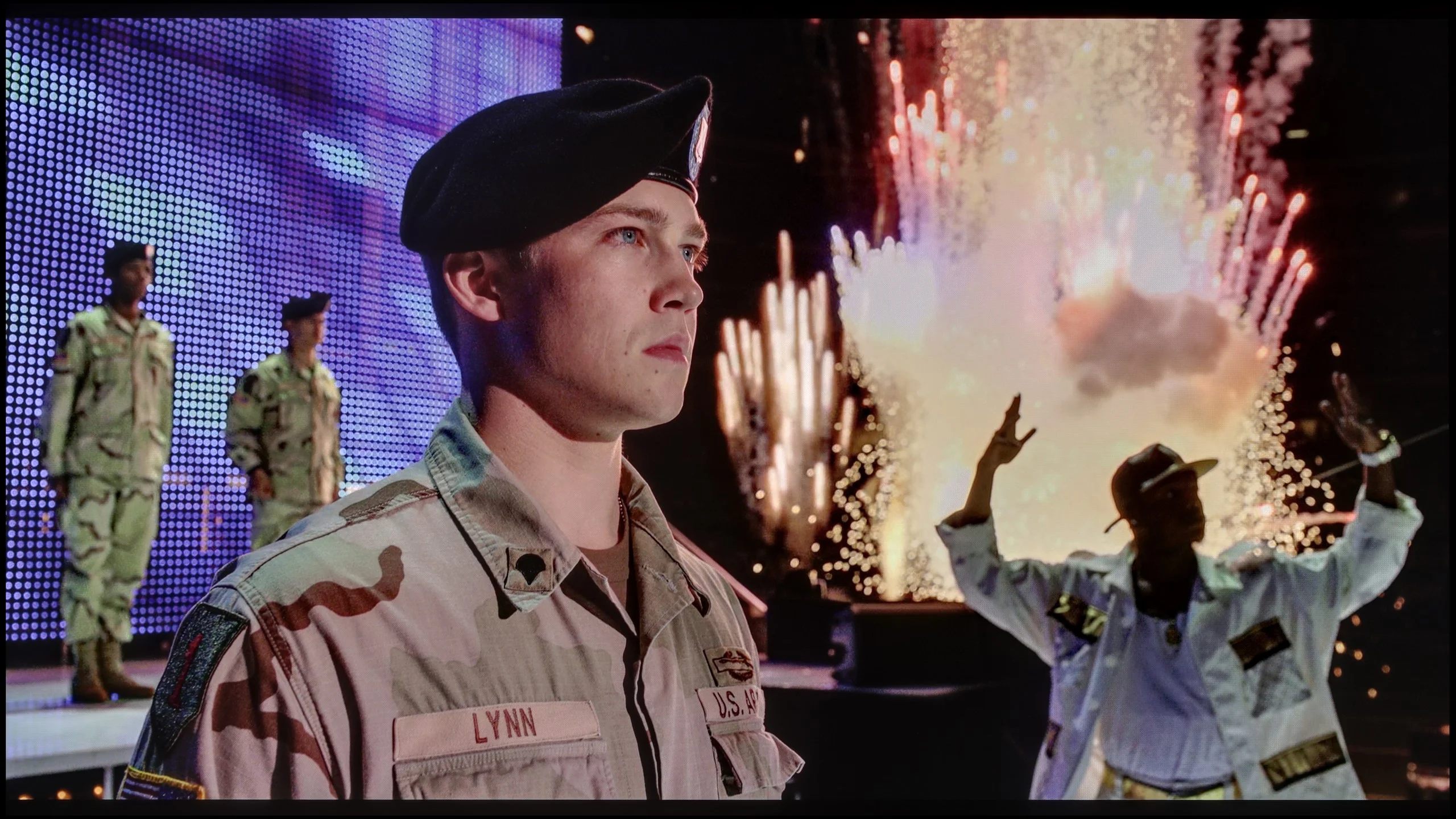
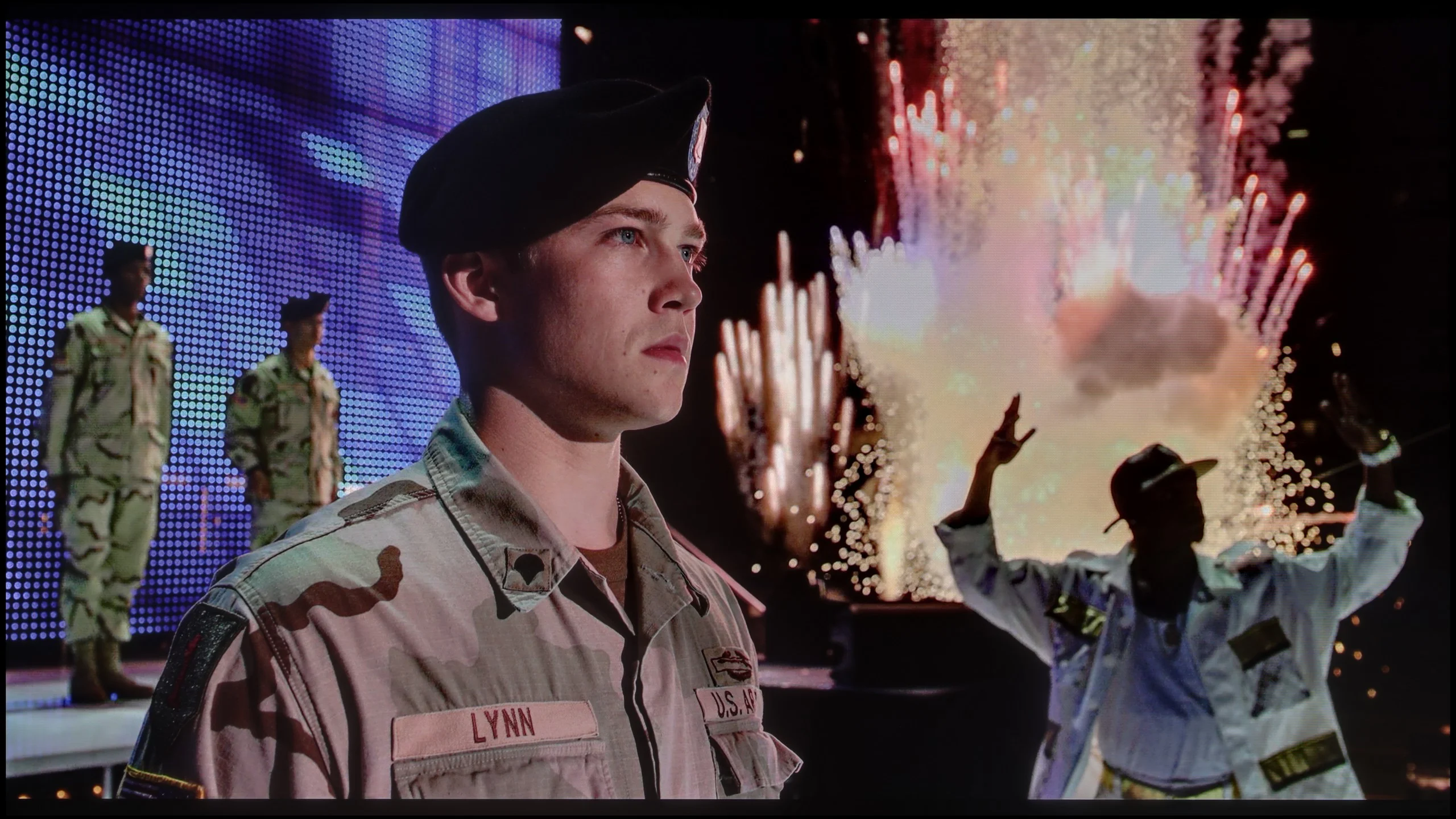
The photos show two HDR10 movies. 'Pan' is one of the brightest productions ever made, while 'Billy Lynn' (soldier) has brightness typical of streaming (Netflix, Prime, HBO MAX). Notice the intensity of effects and detail in whites.
Static HDR10


The photos present the visibility of white details in various HDR formats. They do not show brightness differences between TVs (these can be compared in the previous gallery).
Dynamic: Dolby Vision
Dynamic: Dolby Vision


The photos present the visibility of white details in various HDR formats. They do not show brightness differences between TVs (these can be compared in the previous gallery).
HDR luminance chart:
Sony Bravia 8 MK2
LG OLED G5
Luminance of RGB colors
LG G5 with the new Tandem OLED panel brings the biggest change specifically in terms of the brightness of the television. And it’s quite impressive. This is truly an astronomically bright OLED. In every tested scene – whether it’s point lights or full-screen whites from the movie The Meg – the brightness on the G5 exceeded 2000 nits. Just a year ago, such values on an OLED were simply unimaginable. And here we are – the G5 comes close, and at times even surpasses the best Mini-LEDs on the market. A new feature of the Tandem OLED panel is the expanded color gamut coverage – and here the LG G5 performs almost perfectly. DCI-P3 achieves a full 100%, while BT.2020 maintains around 83%. These are some of the highest values currently available on the market – it’s hard to find any other television that comes close to such results, unless we are talking about the best displays with QD-OLED panels. The G5 has nearly reference-quality HDR – both in terms of brightness and color saturation. This is an OLED that can truly shine – and not just figuratively.
Thanks to its new QD-OLED panel, the Sony Bravia 8 II can reach an astronomically high brightness of around 2000 nits, which translates into near-reference quality for movies and series mastered in HDR. In test material like Life of Pi or Sicario 2 the effect is simply stunning, with details in bright areas remaining perfectly visible and nighttime scenes impressing with depth and contrast. It is not perfect, though. Compared with its toughest rivals, the Bravia 8 II shows a noticeable drop in brightness on full-screen, very bright frames. If you compare peak spot luminance with 100% white luminance in HDR mode, the Bravia 8 II can appear two to three times dimmer than the LG G5 or Samsung S95F models. In the scene from The Meg this was especially apparent, as the screen became noticeably dimmer than competing TVs. Despite this shortcoming, the Bravia 8 II’s results still place it among the market leaders. Its absolutely top-tier color gamut coverage deserves praise, with DCI-P3 at nearly 100% and BT.2020 close to 90%. These figures let HDR content reach its full potential and deliver cinema-like experiences at home.
Factory color reproduction
7.8/10
8/10


This gallery shows how colors change after professional TV calibration. If you notice the difference, we recommend ordering this service at SkalibrujTV.com.
Factory Mode
After calibration


This gallery shows how colors change after professional TV calibration. If you notice the difference, we recommend ordering this service at SkalibrujTV.com.
Factory Mode
After calibration
Our test unit LG G5 struggled with some issues in the factory Filmmaker mode. And while the image might have seemed fine to most people, we knew that this TV was capable of much more. This mode had a clear excess blue tint in the white balance, resulting in a strong cooling of the image – particularly in HDR modes, where there was also a lack of red. The picture seemed cold, and its sharpness was artificially boosted and unnatural. Another significant issue was the brightness characteristic. In SDR content, the situation wasn't the worst, aside from a slight dimming of the entire image. However, it performed much worse in HDR materials – due to improper brightness management, the smallest details could completely disappear from the image, and larger, bright elements appeared overexposed and lacking gradation. Luckily, the G5 supports calibration using 3D LUT (a tool for professionals to calibrate colors), so we decided to take advantage of its professional background and see what it was really capable of. Because while it wasn't terrible even before calibration, the potential of this TV definitely deserved more.
Out of the box the Bravia 8 II performs really well. In its best IMAX® Enhanced mode the TV renders colors pleasantly and naturally, though "good" here doesn't mean "best in class." The white balance definitely needs adjustment, as skin tones tend to shift slightly toward pinkish/cooler hues in both SDR and HDR content. We also noticed that the EOTF curve has a tendency to brighten the darkest parts of the picture. This likely comes from the manufacturer's desire to reveal as much detail as possible even in deep shadows. Is that a good approach? It's hard to say for sure, but one thing is clear: it's not an ideal solution.
Color reproduction after calibration
9.8/10
9.2/10
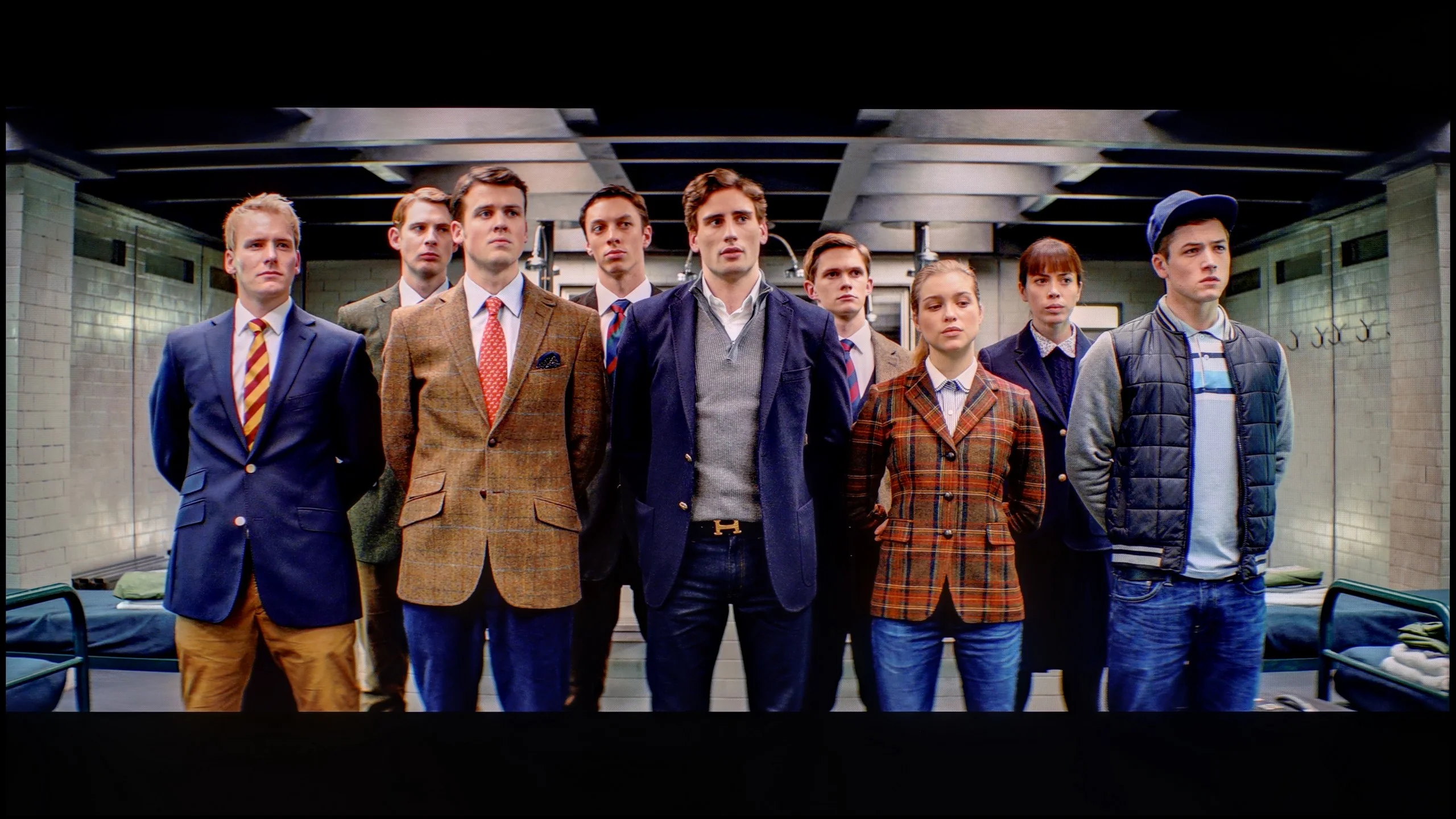
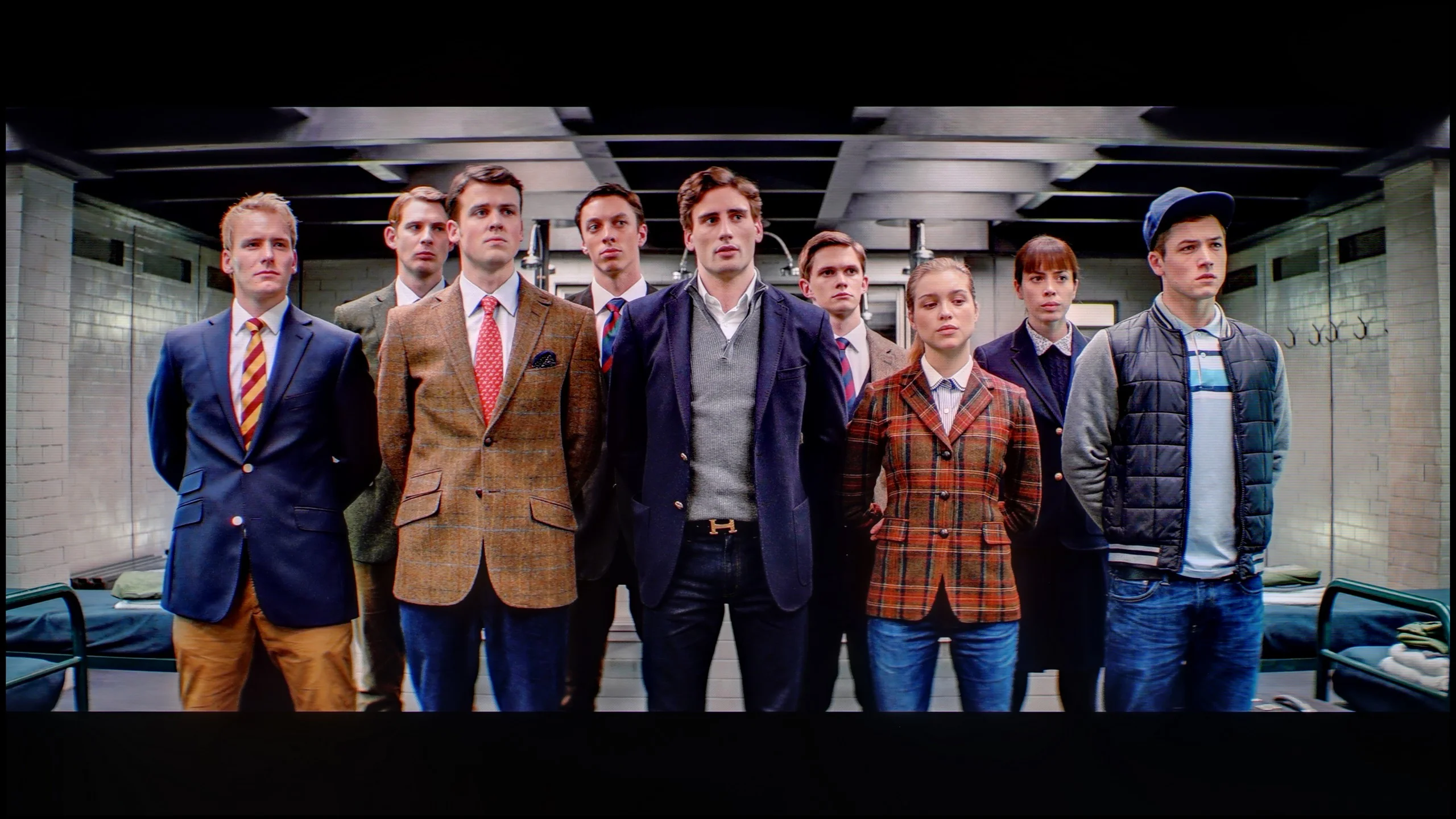
The photos show how movies look on the TV. Pay attention to black detail visibility, colors, and shadow tint.


The photos show how movies look on the TV. Pay attention to black detail visibility, colors, and shadow tint.
After completing the calibration process using professional tools, we can confidently state that the LG G5 offers nearly reference-quality image. Most of the errors related to white balance and the ColorChecker test are below the value of 2, which is a phenomenal result, practically imperceptible to the human eye. And while one could still criticize that in HDR films the television tends to slightly dim the smallest elements of the image, in practice, this does not negatively affect the overall impression. Hats off to LG, because once again they provide the user with enormous possibilities for adjusting their display – and this, combined with very good parameters of the panel itself, results in an image that is truly hard to surpass.
After calibration we mainly managed to eliminate the excessive cooling of the image caused by too strong a boost in blue. Reds became deeper and skin tones took on a natural, healthy look. Actors who had previously seemed "cold" now appear on screen much livelier and more convincing. One thing hasn't changed, however: analysis of the EOTF curve still shows the Bravia 8 II tends to brighten the darkest parts of the image. It's hard to say whether that's an intentional choice by the manufacturer or a result of the panel design and software. In practice this means scenes that filmmakers intended to remain in deep shadow can reveal more detail than intended. Despite that, the picture after calibration is clearly better — warm, natural colors and realistic skin tones simply make watching on the Bravia 8 II more pleasant to the eye.
Smoothness of tonal transitions
8.5/10
8.5/10
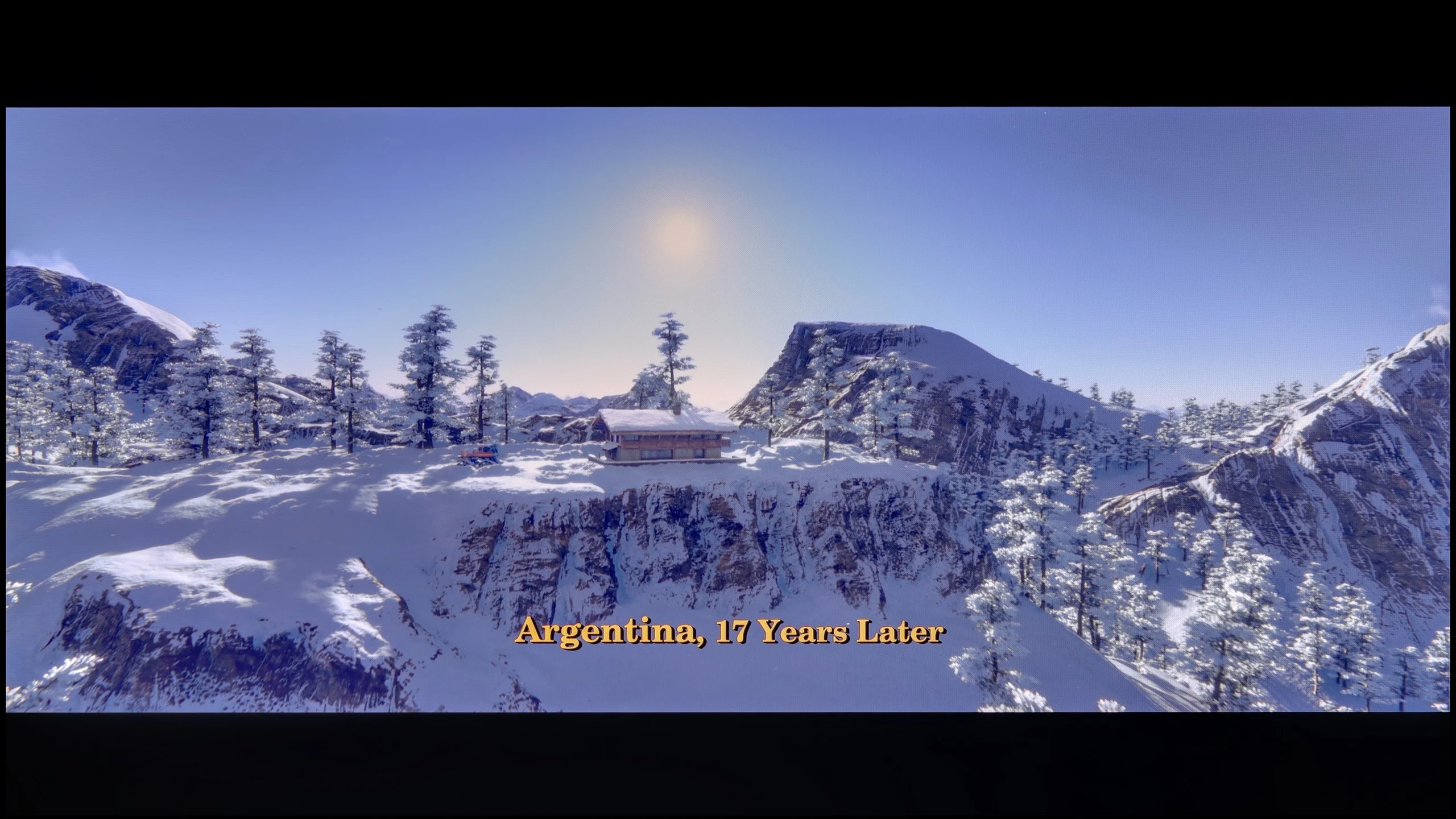

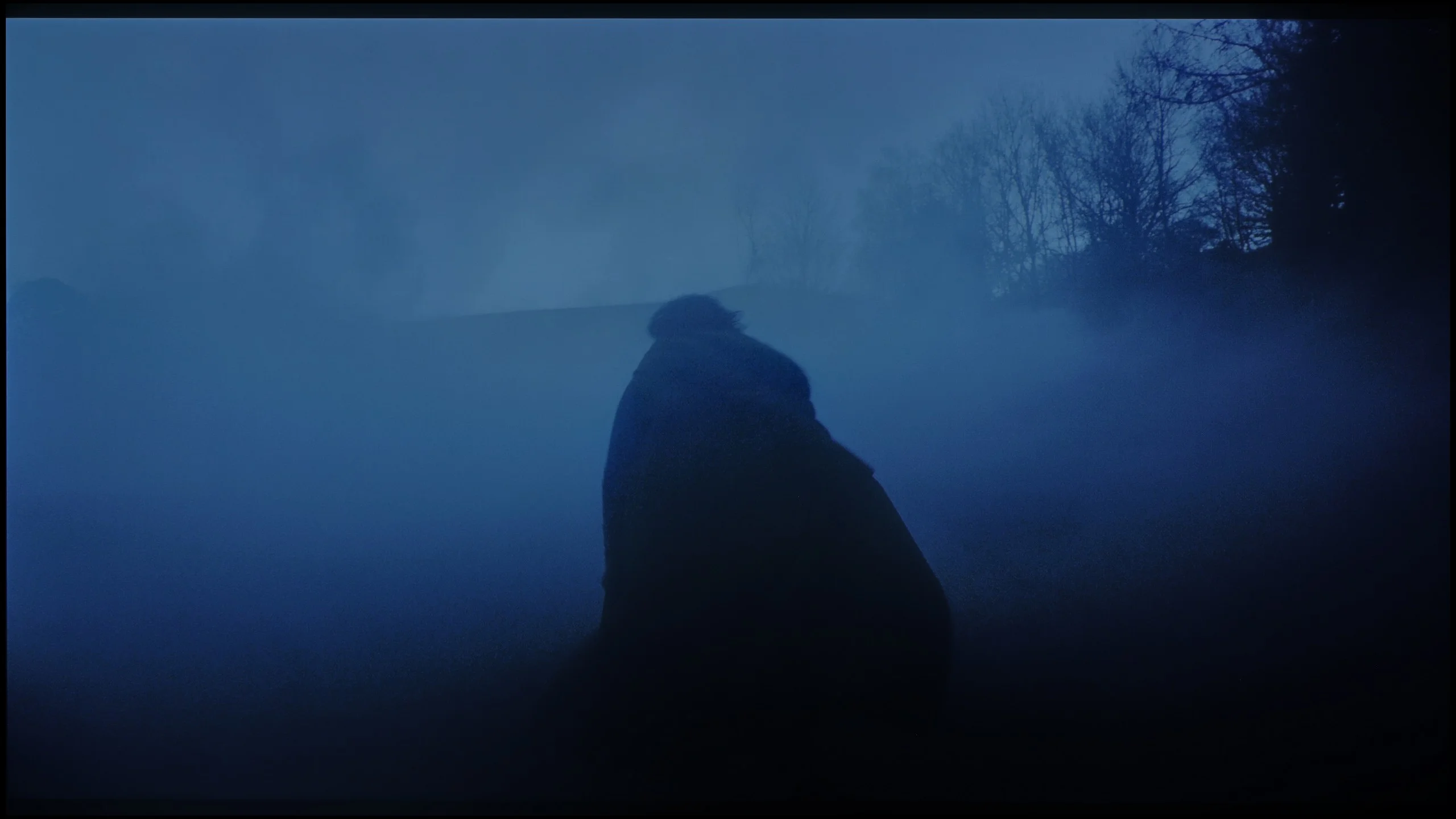
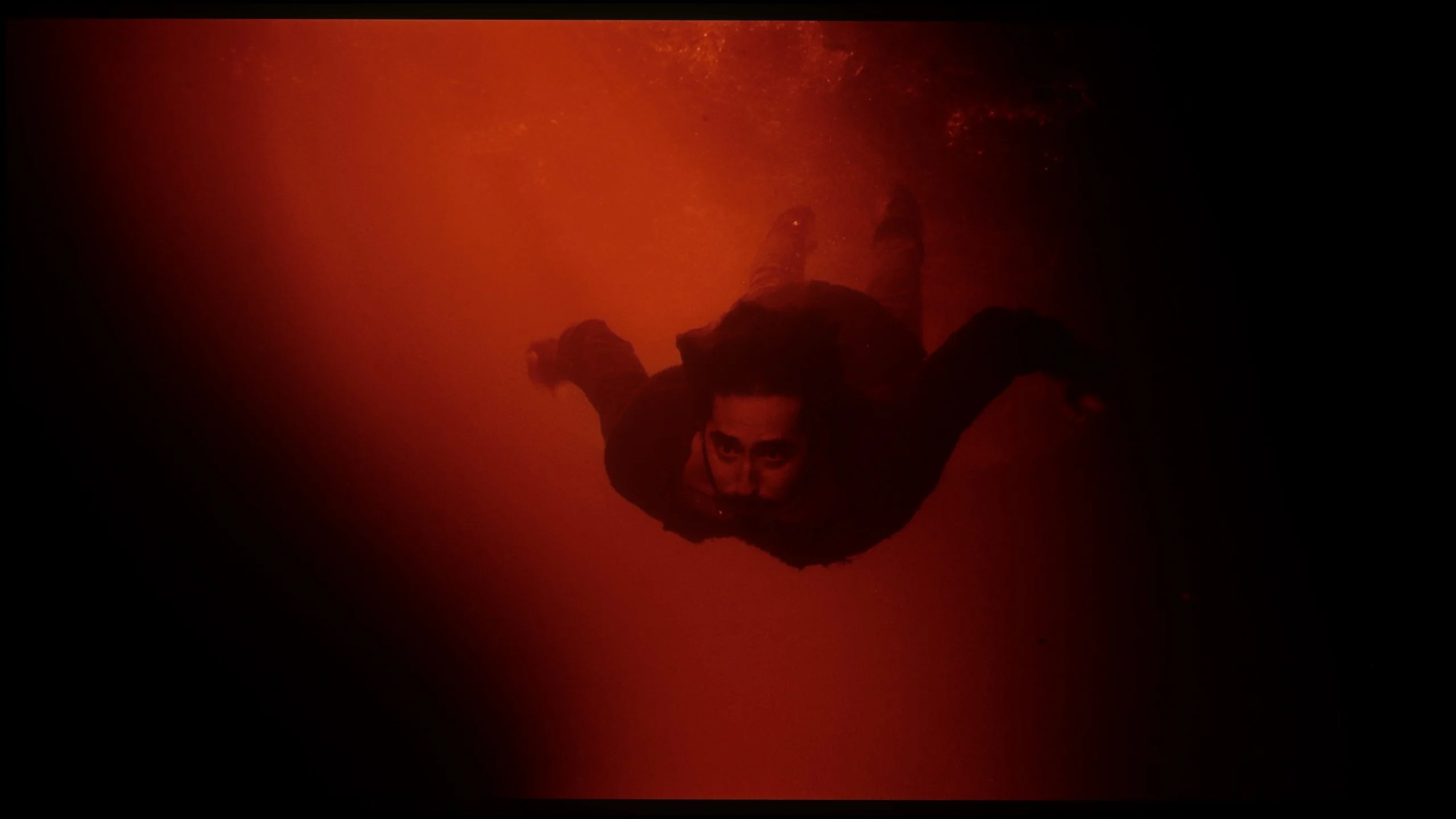
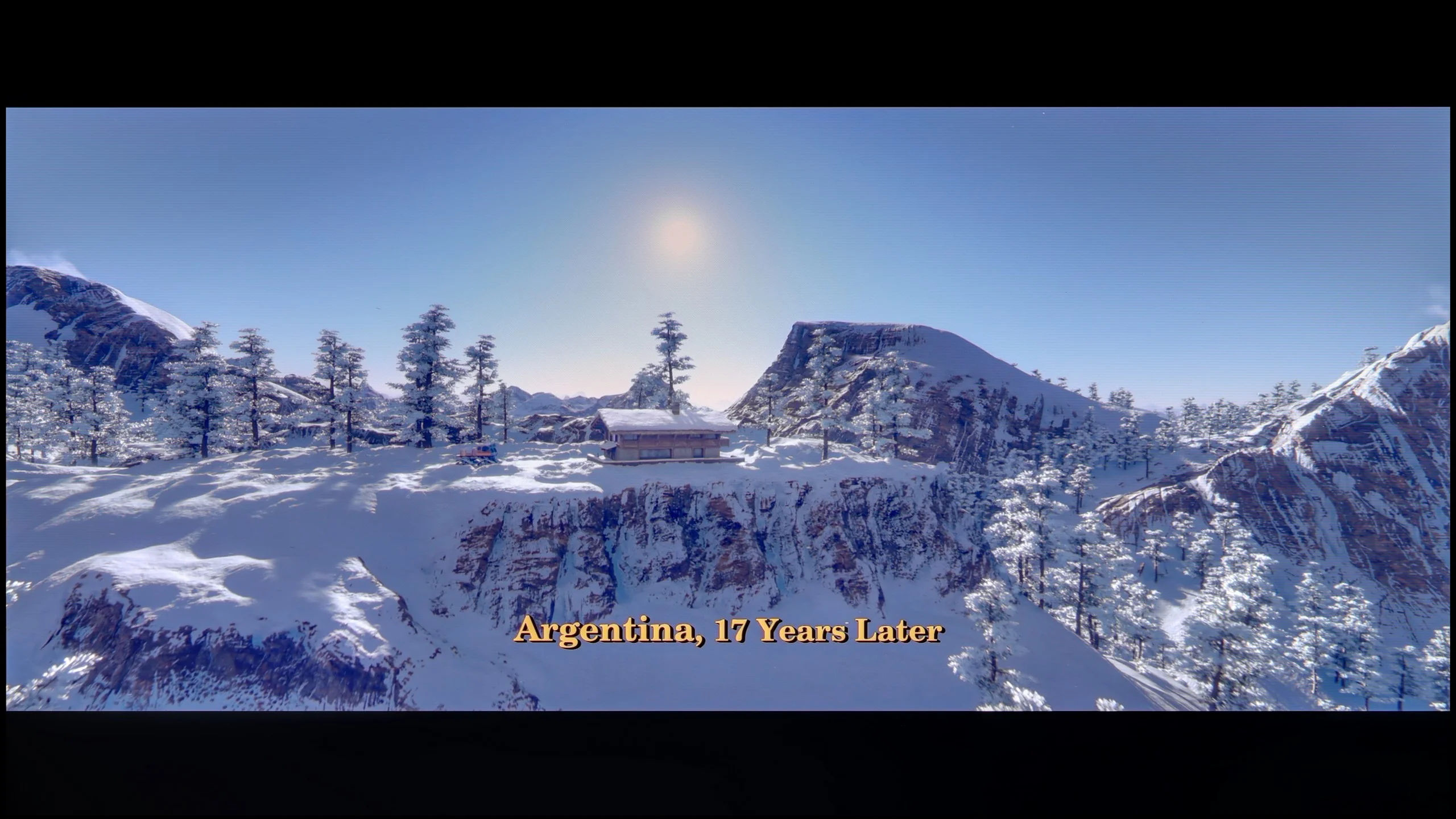
These are selected scenes that show smooth tonal transitions from one color to another. If you see distinct banding, it’s the TV panel’s fault.

These are selected scenes that show smooth tonal transitions from one color to another. If you see distinct banding, it’s the TV panel’s fault.
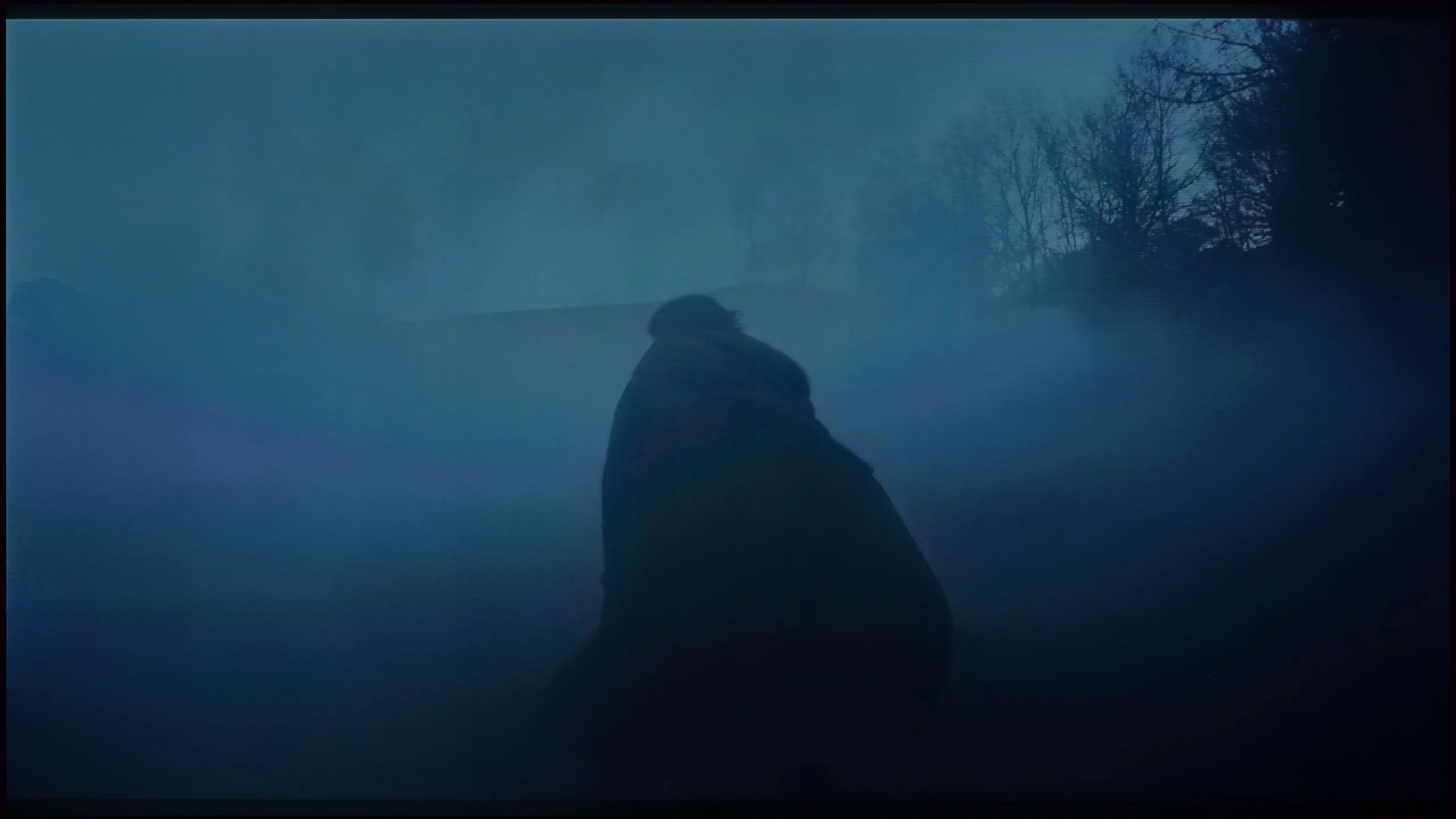
These are selected scenes that show smooth tonal transitions from one color to another. If you see distinct banding, it’s the TV panel’s fault.
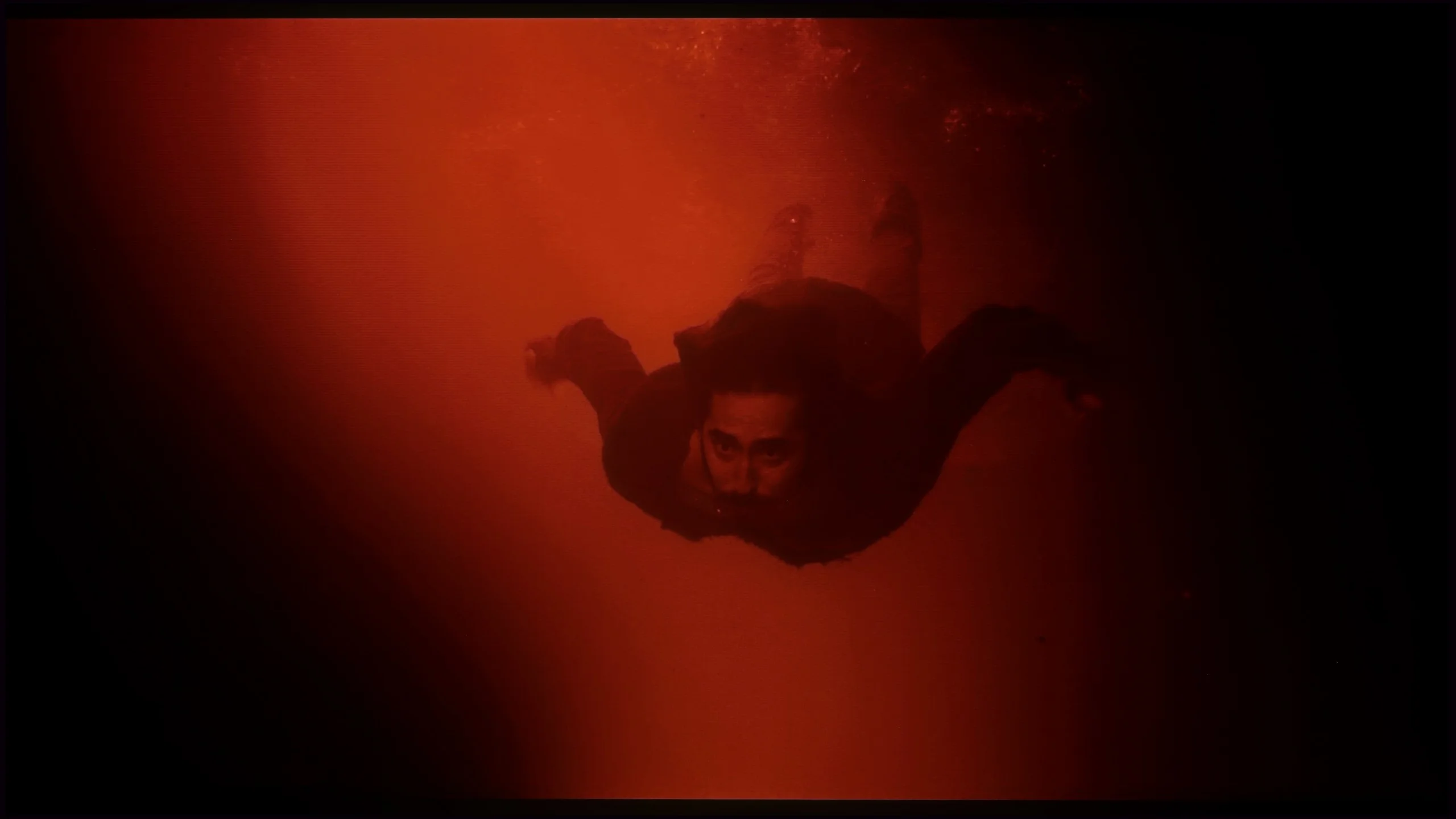
These are selected scenes that show smooth tonal transitions from one color to another. If you see distinct banding, it’s the TV panel’s fault.
The smoothness of tonal transitions in the LG G5 is a clear step forward compared to last year's model. Not only has the brightness improved, but also the way colors blend, which the G4 sometimes struggled with. In the vast majority of scenes, the G5 has no issues with tonal transitions – there is no typical banding associated with WOLED technology, nor ugly breaks between colors. Of course, in very dark areas of the image and with shades of gray, minor imperfections can still be noticed, but these are things that the average viewer wouldn't even register. In short – it's really good.
The smoothness of tonal transitions on the Sony Bravia 8 II can be described as very good, though with a clear separation between bright and dark material. In high-luminance scenes the TV performs almost flawlessly; gradation is smooth, free of visible banding or artifacts, and subtle color transitions remain entirely consistent. This is especially evident in HDR content, where bright skies or well-lit shots look nearly perfect. Here it could easily score 9.5/10.
The situation is a bit different in darker sequences. In night scenes or heavily shadowed shots, especially in test footage, you can notice slight issues with gradation smoothness, as transitions become less subtle. While it is not at a level that ruins the viewing experience, a more discerning eye will pick up the difference, especially compared to the absolute top-tier models on the market. In this category the score tends to hover around 7.5/10.
Image scaling and smoothness of tonal transitions
8.7/10
8.5/10

Smooth transition function
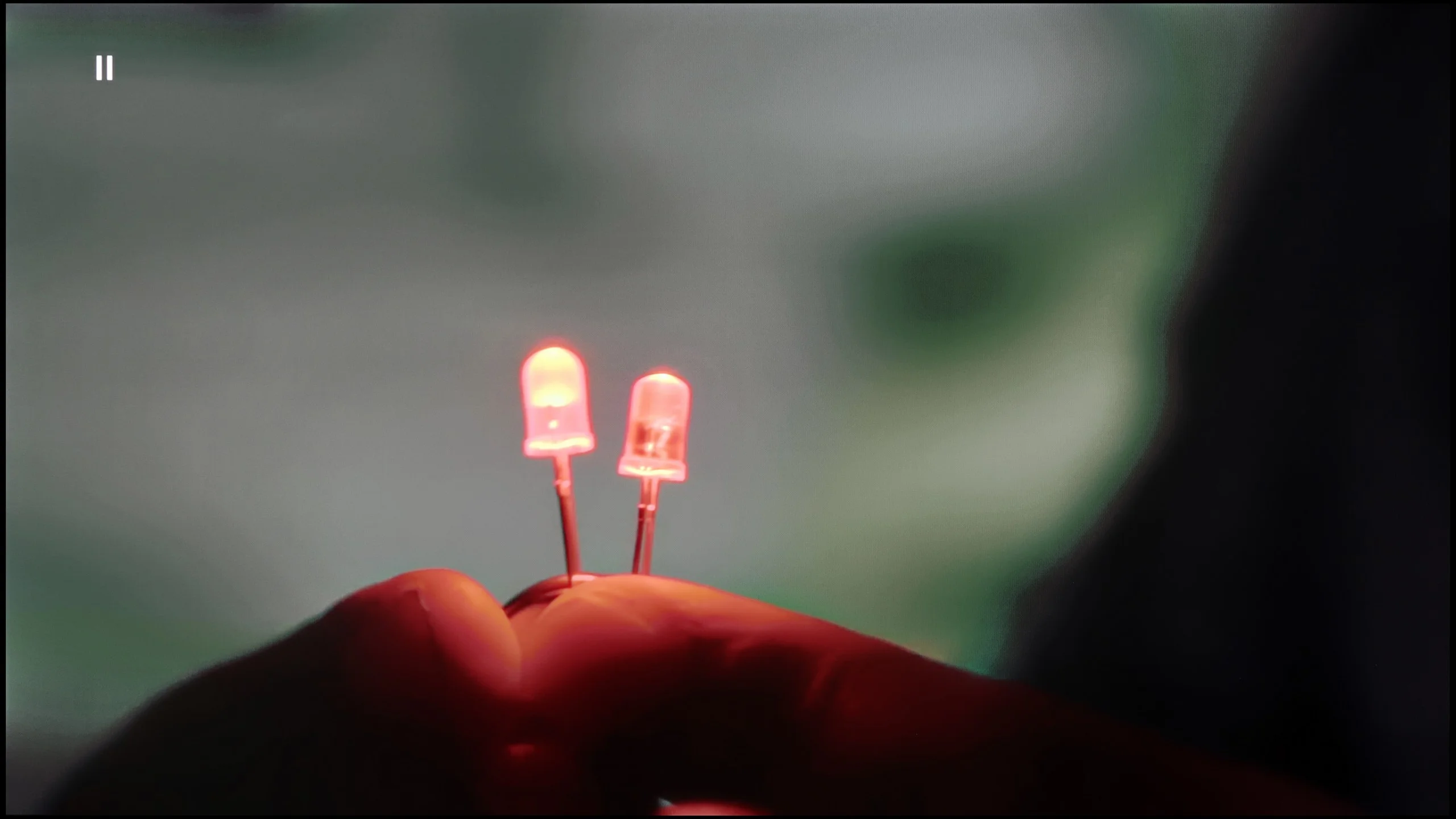
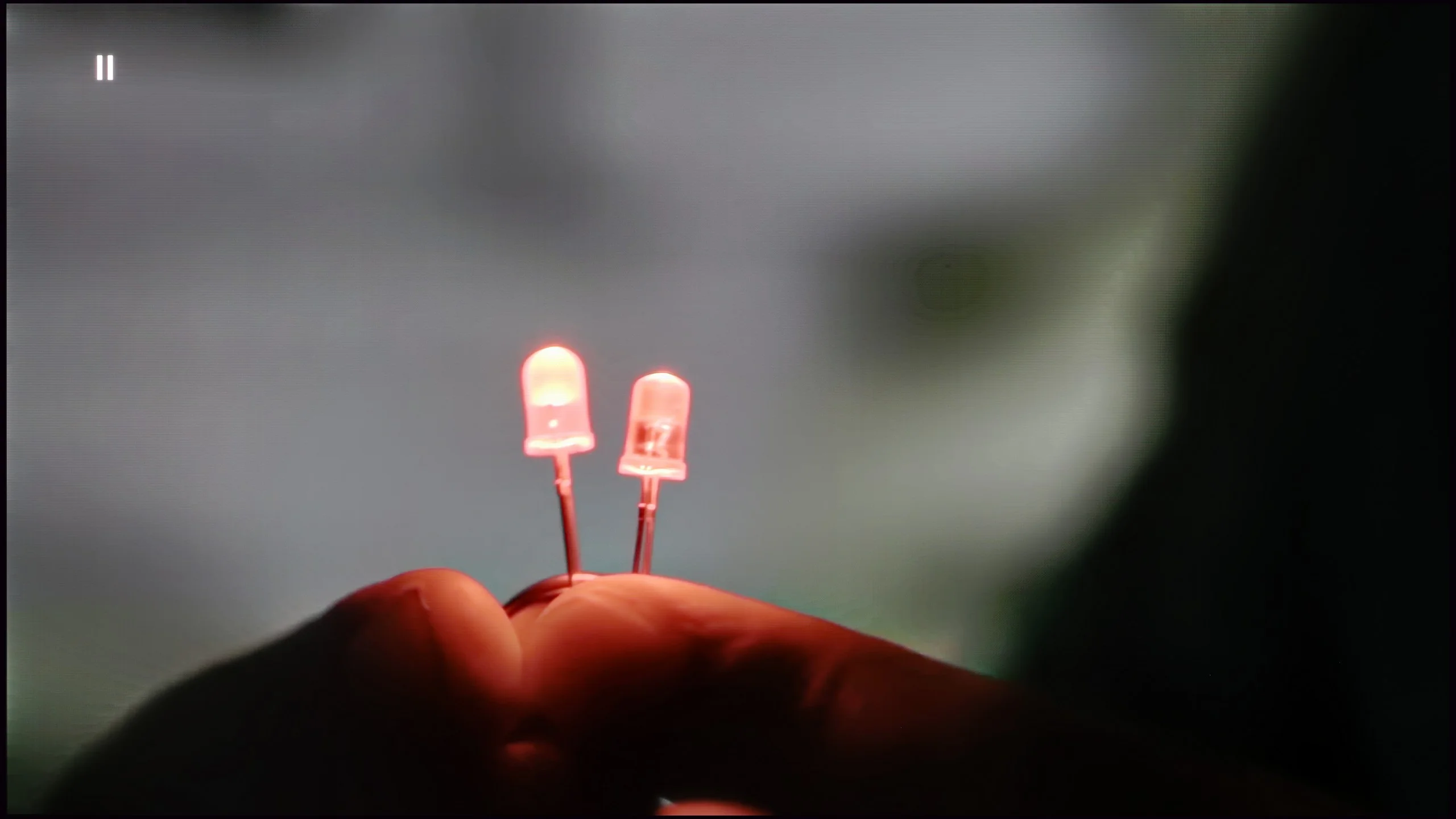
The match photo shows how the TV smooths weak tonal transitions in low-quality video.
Image scaling SD (576i)


The model photo shows how it handles upscaling of SD material.
Upscaling and digital image processing in the LG G5 perform very well. The television handles lower quality content exceptionally, especially when the "Smooth Gradation" feature is set to a low level. In this mode, it effectively removes unwanted artifacts and issues with visible tonal transitions. It may also slightly smooth out some desired details, such as the subtle texture of clothing or skin, but importantly – it does not remove film grain, so it’s hard to say there’s a serious compromise here. It’s one of those options that’s definitely worth enabling.
The G5 also does well with upscaling, which is improving the quality of older materials. The test image with the model looked really solid – slight edging was visible, but that’s an effect that can’t be completely avoided. Additionally, there were no issues with overscan, which – contrary to appearances – is not obvious, even in 2025.
Upscaling and digital image processing are a real showcase for the Bravia 8 II. Sony has long been regarded as a master in this field, and this only reinforces that reputation. The company's proprietary XR processor can extract almost the maximum from lower-resolution sources, whether broadcast TV or an old DVD, the picture looks sharper, with more detail and better depth. Sure, if you feed it exceptionally poor-quality material (like our archival photo of the model), you won't get miracles, but for everyday viewing there's little to complain about.
The smooth gradation feature also performs very well. On the "Medium" setting it effectively smooths tonal transitions, eliminating banding in color and gray gradients while preserving film grain and fine image detail. It's precisely that balance between subtlety and effectiveness that keeps Sony TVs among the best on the market in this category.
Blur and motion smoothness
8.5/10
8.5/10
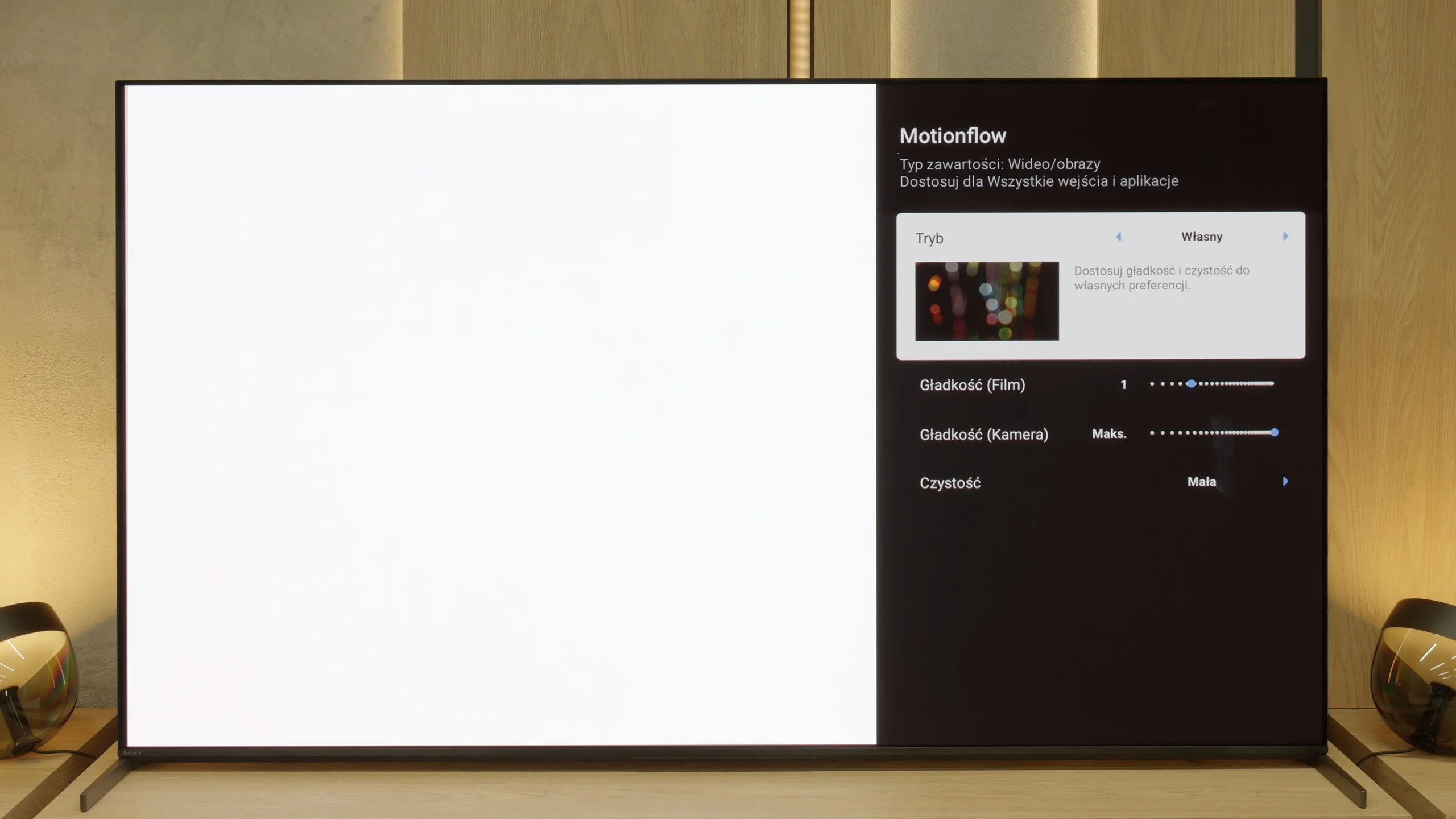
Blur (native resolution, maximum refresh rate):






Blur (BFI function enabled):
Image flickers in this mode






Blur (4K 165Hz):



Blur (MotionFlow 120Hz):



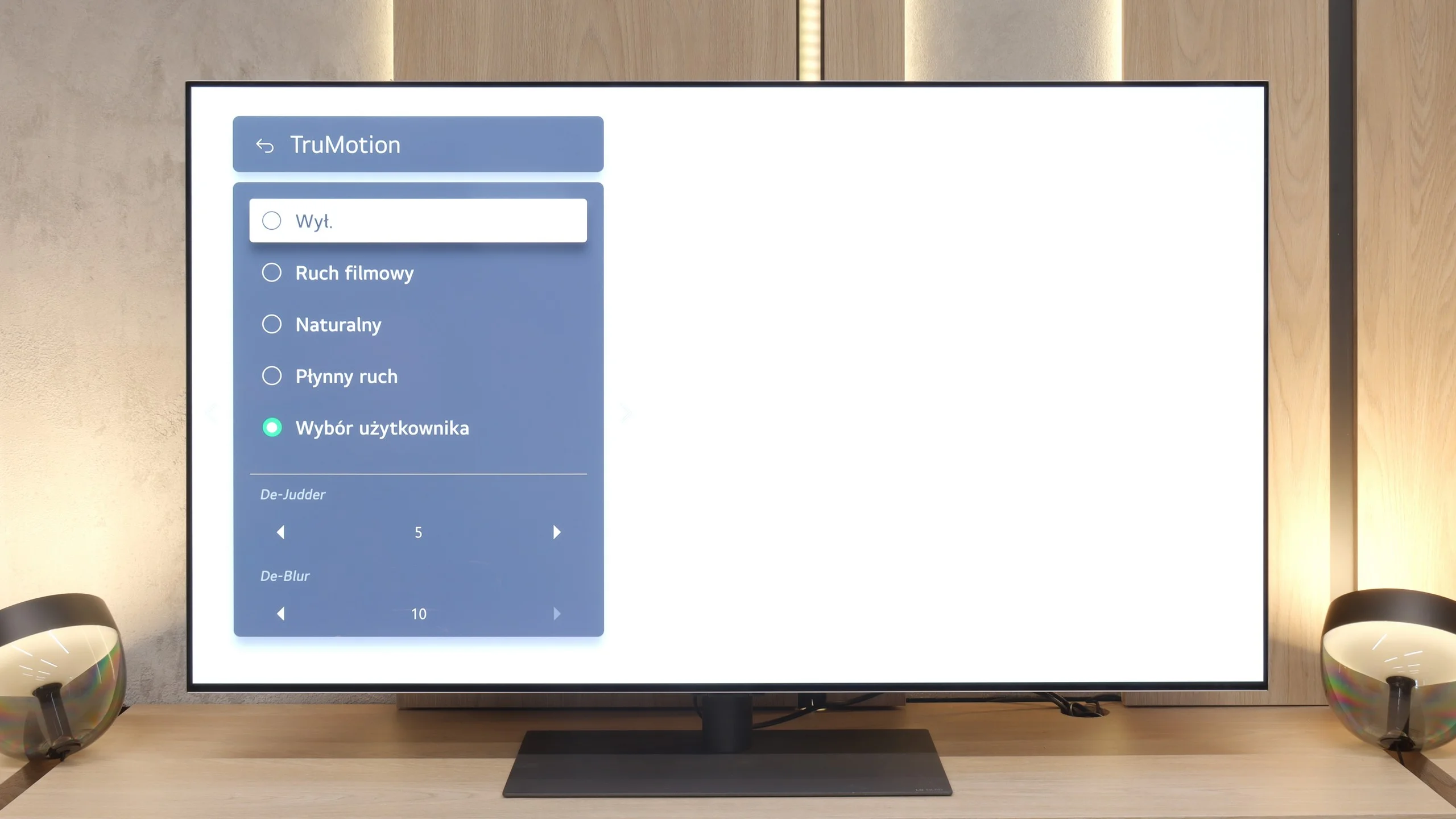
The motion fluidity on the LG G5 is simply phenomenal. The TV is equipped with a 165 Hz refresh rate panel, and this combined with the instantaneous response time of the OLED matrix delivers incredible results. The picture doesn’t stutter or smear like on classic LCD TVs. Like most LG models, the G5 features a motion smoother, which can be useful when watching movies – of course, we're talking about the TruMotion mode. With the “De-Blur” and “De-Judder” sliders, we can adjust the smoothness of older material according to our preferences, whether we want to preserve the characteristic film stutter or move towards a more fluid, television-like effect.
When it comes to motion handling, the Bravia 8 II is basically a done deal. The OLED panel with a 120 Hz refresh rate naturally delivers a very clean, sharp picture in fast-moving scenes, so there's little to complain about. What deserves special praise, though, is one of the best motion smoothing systems on the market. It lets you precisely tailor motion in films to your preferences, from subtle smoothing to an almost "theatrical" look, without the risk of artificial judder, image tearing, or annoying artifacts. It's one of those features you'll appreciate both when watching movies and during sports.
Console compatibility and gaming features
10/10
9.4/10
- ALLM
- VRR
- VRR range40 - 165Hz48 - 120Hz
- Dolby Vision Game Mode
- Correct implementation of HGIG
- 1080p@120Hz
- 1440p@120Hz

- 4K@120Hz
- Game bar
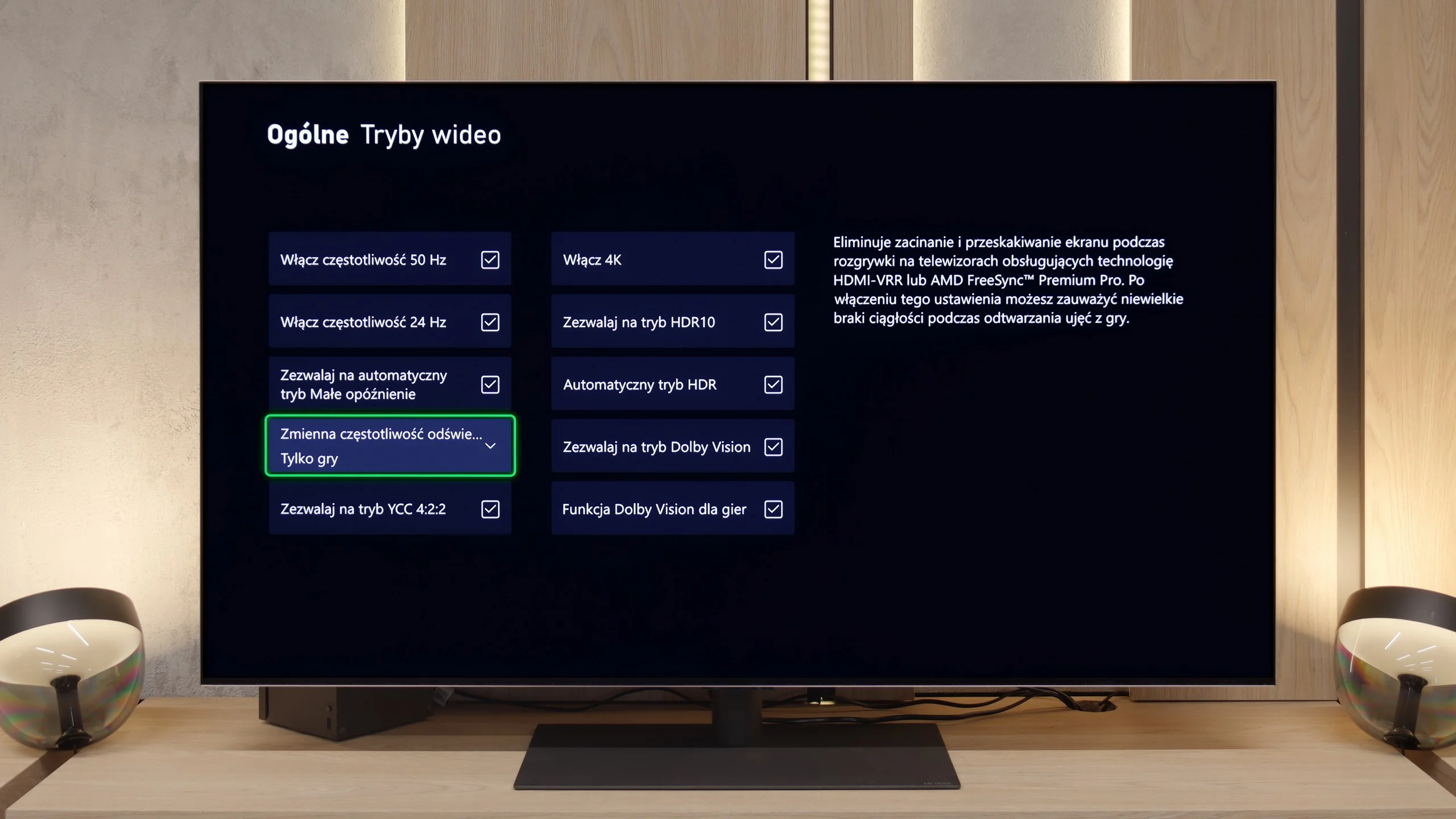
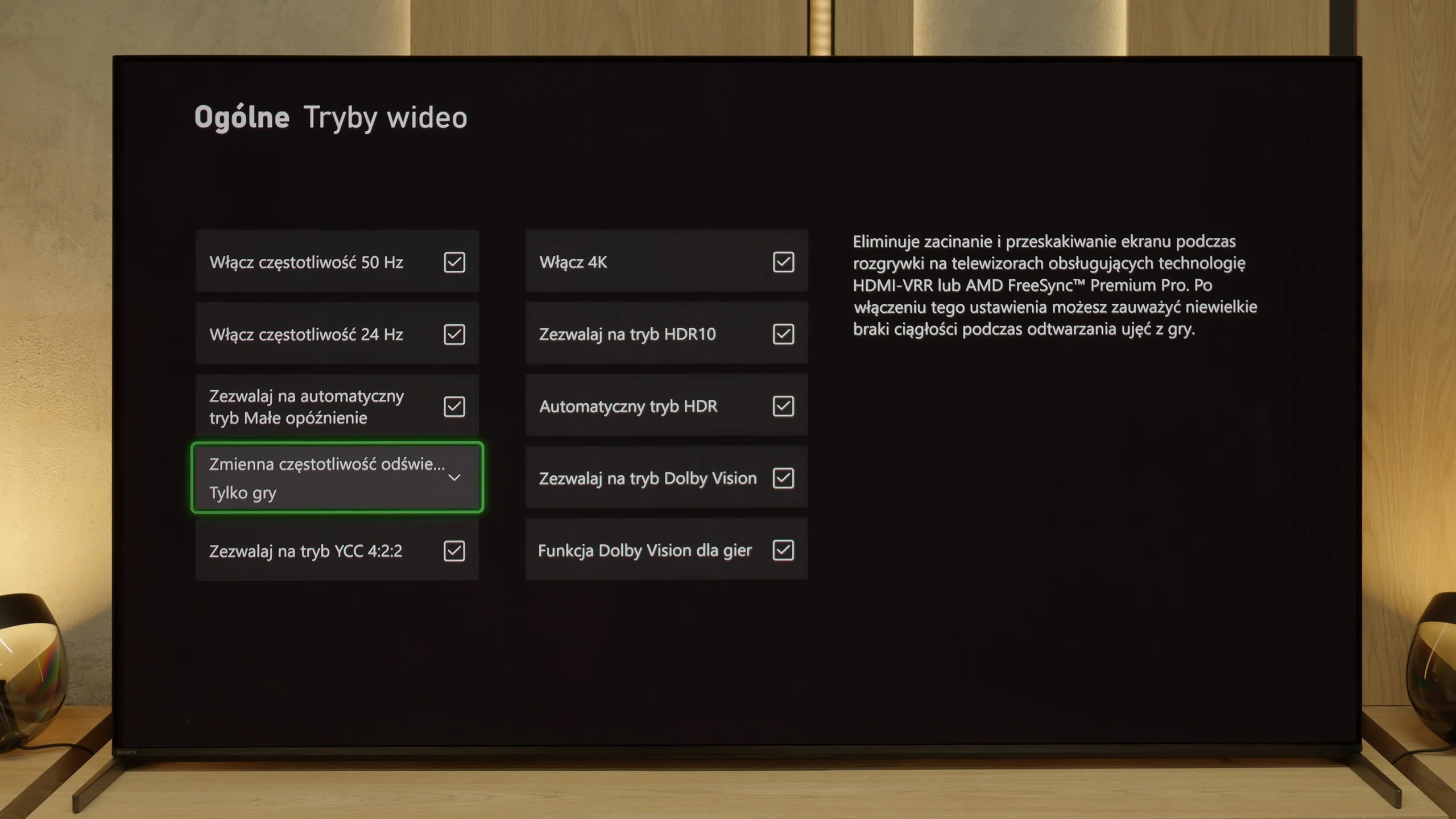
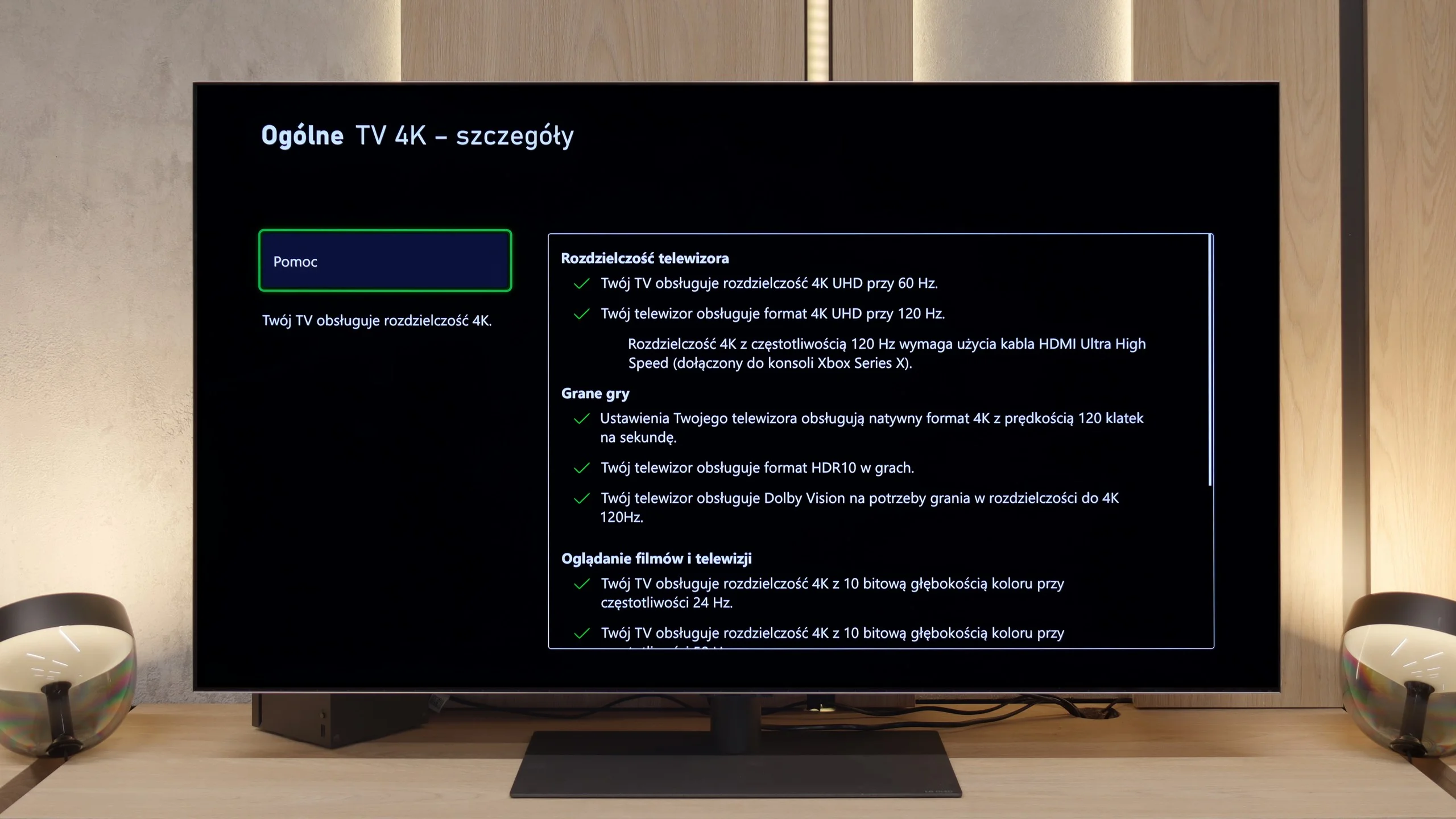
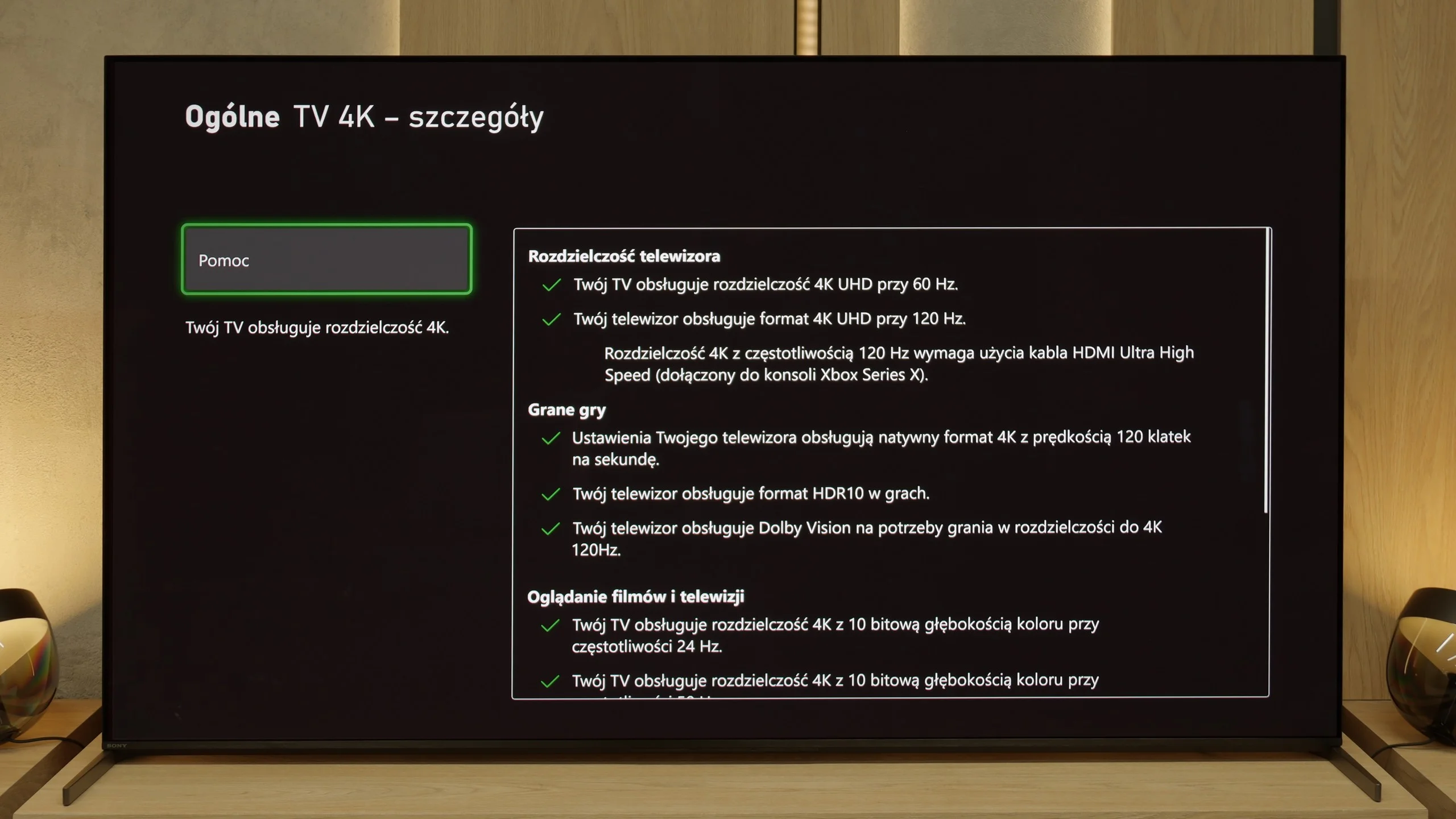
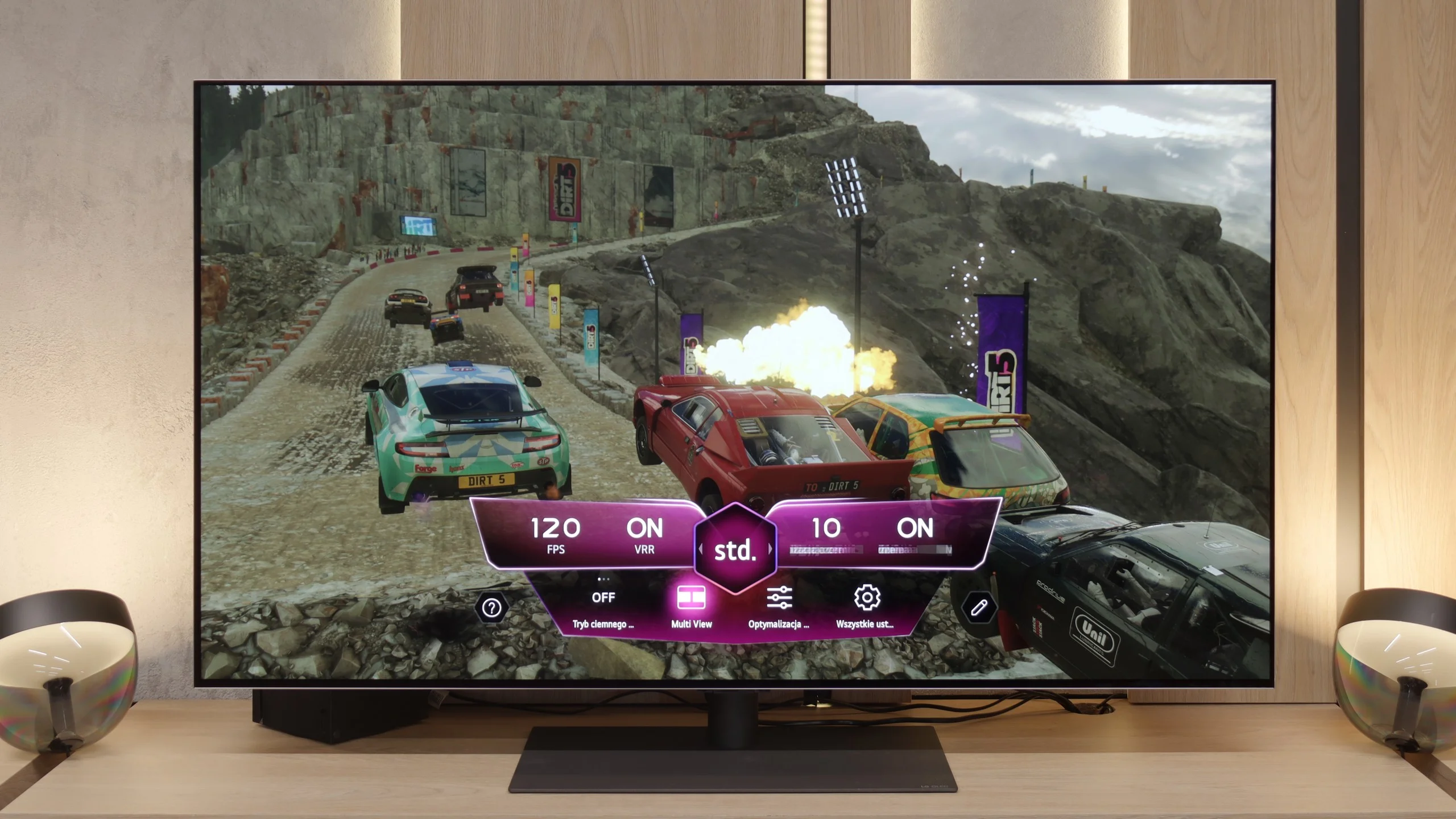
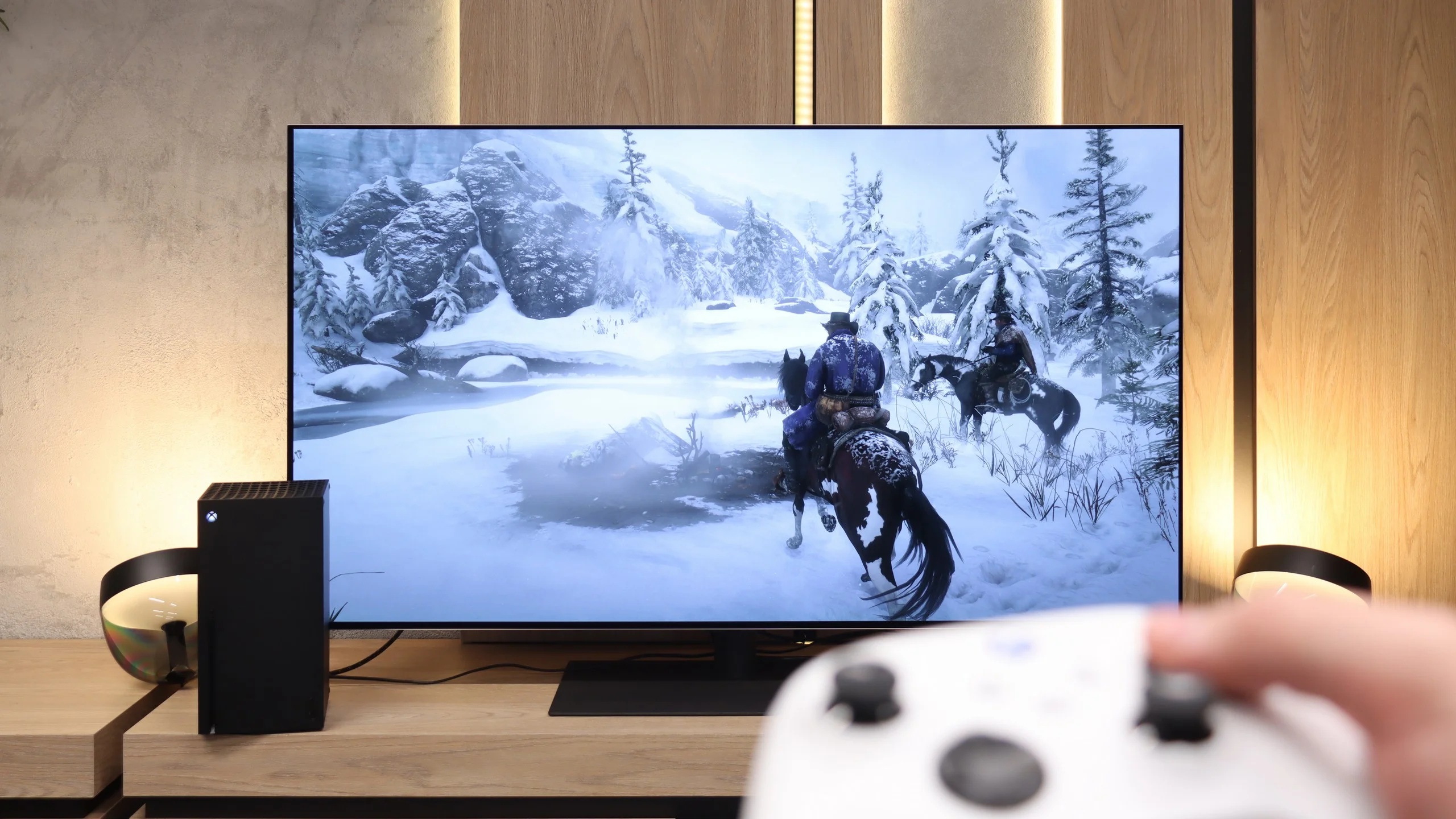
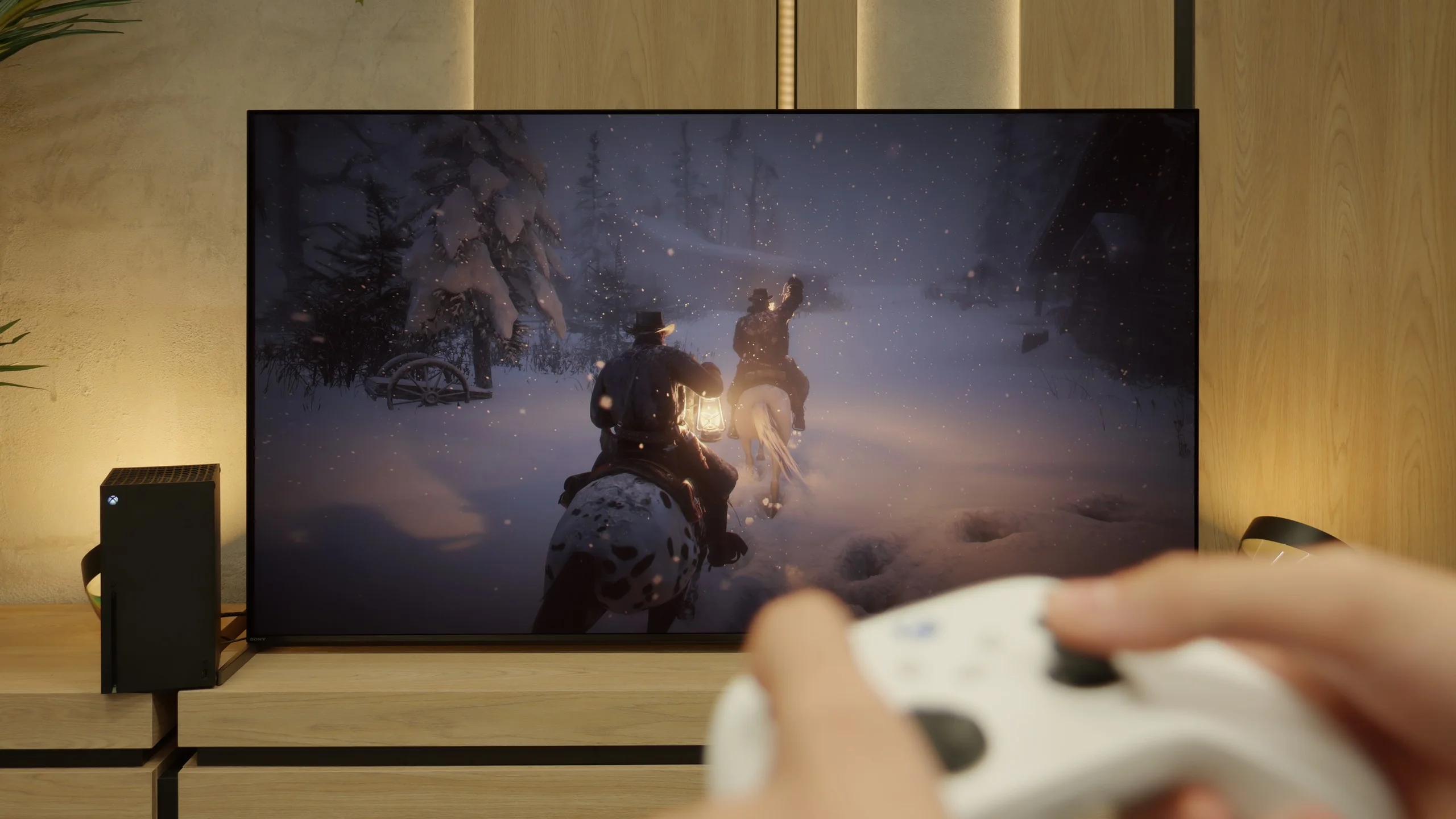
Features for gamers? Perfect. That should be enough for you to know what level we are dealing with here. G5 is a television designed with gamers in mind, so we find literally everything one can expect from a gaming screen. There is Game Bar, support for high resolutions with high refresh rates – that is, 4K at 120 Hz, and even more, because the panel has a refresh rate of 165 Hz (which PC gamers will benefit from). The television supports variable refresh rates (VRR), automatic low latency mode (ALLM), and correctly supports HDR in games thanks to HGiG. All of this adds up to one of the best sets of gaming features available on the market. Well done, LG.
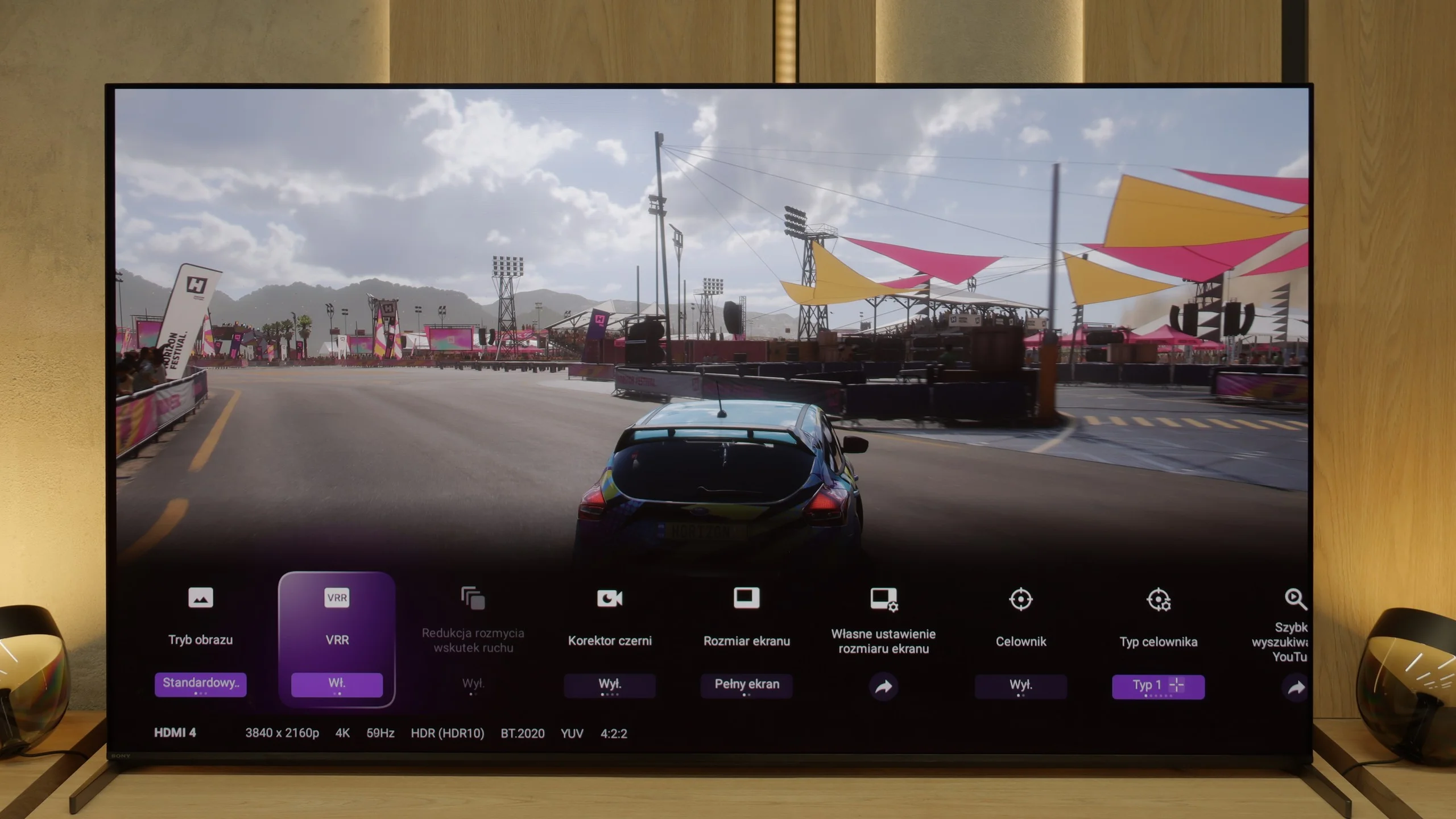
Sony really learned from previous years, and with the Bravia 8 II it has put together a package of gamer-focused features that’s hard to call anything but "almost perfect." It includes everything you expect at this level: VRR, ALLM, Dolby Vision Gaming mode, HGiG, and even a handy Game Bar that lets you quickly check parameters and change settings without leaving the game. Also a plus is how smoothly and seamlessly these features work, with no delays and no odd stuttering. You just launch a game and everything looks as it should. Unfortunately, it’s not without a few caveats. The manufacturer still gives us only two full-bandwidth HDMI ports, so if you have a console, a PC, and another device like a soundbar connected via eARC, you’ll be swapping cables. It’s also surprising there’s no support for 1440p at 120 Hz, which is particularly important for Xbox players. Overall, though, this is one of those TVs you can comfortably place at the center of a gaming-focused living room and enjoy gameplay without major compromises.
Input lag
9.9/10
9.8/10
SDR
HDR
Dolby Vision
The input lag on the LG G5 is incredibly low. The response time to our actions – whether we're playing with a controller, keyboard, or mouse – is almost perfect. The controls are instant, and the game reacts exactly when we expect it to. The Dolby Vision Gaming mode does introduce slightly higher delays, but even then it's hard to complain about anything – in the worst case, the values hover around 20 ms, which for most players will be practically unnoticeable.
Input lag on the Bravii 8 II is a strong point every gamer will appreciate. With 120 Hz content, input lag sits around 10 ms, putting this TV among the best. Response is almost instantaneous, and controls in fast-paced games remain fully predictable. At 60 Hz the delay naturally doubles, but it still stays at a benchmark level. Importantly, Sony has handled Dolby Vision support in games very well; it works here exceptionally smoothly and quickly. This is a big change compared with previous years, when Dolby Vision Gaming on the brand's TVs could cause extra delays or minor stuttering. Now it's clear Sony has refined this aspect to perfection.
Compatibility with PC
8.8/10
7.6/10
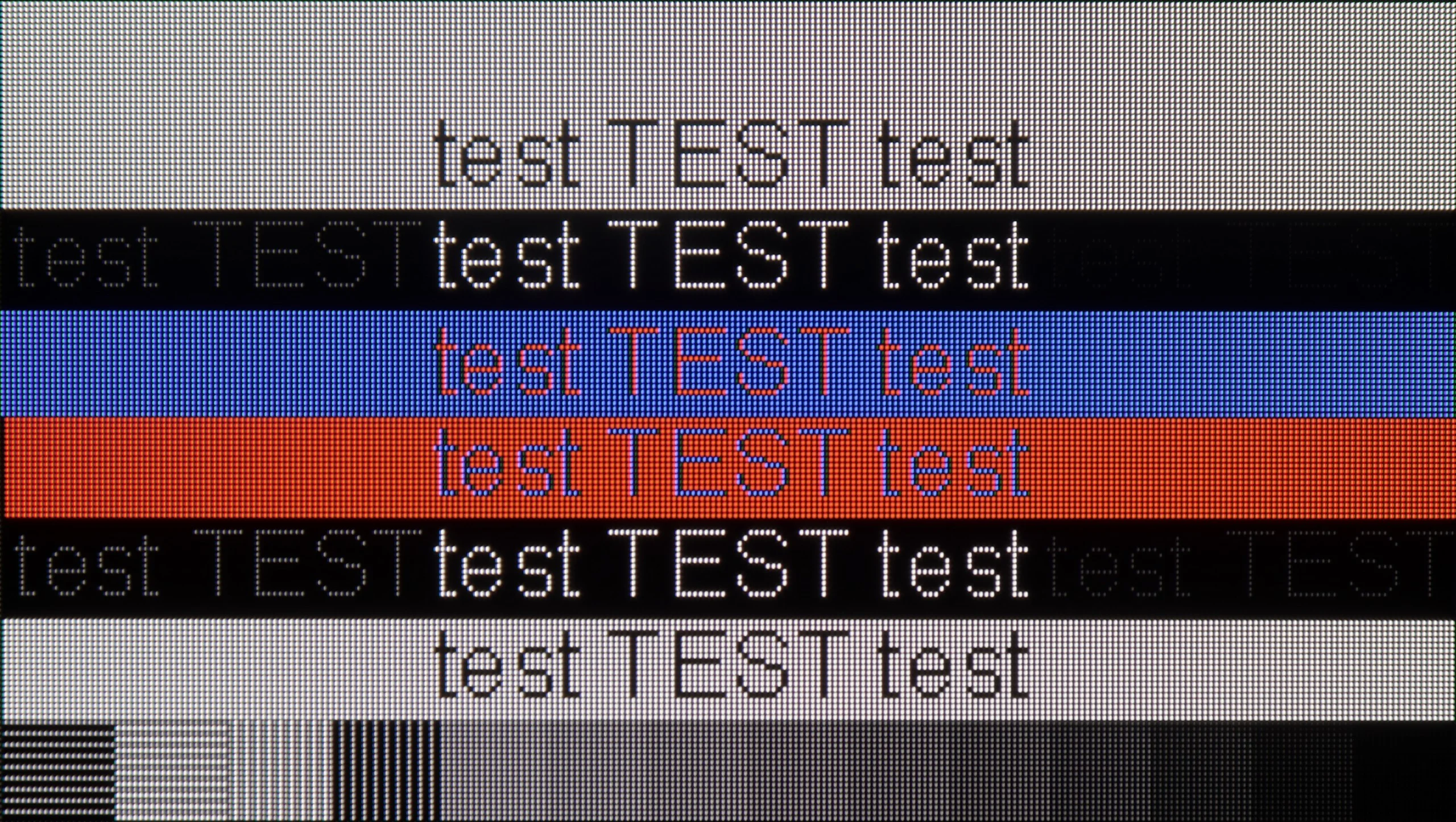
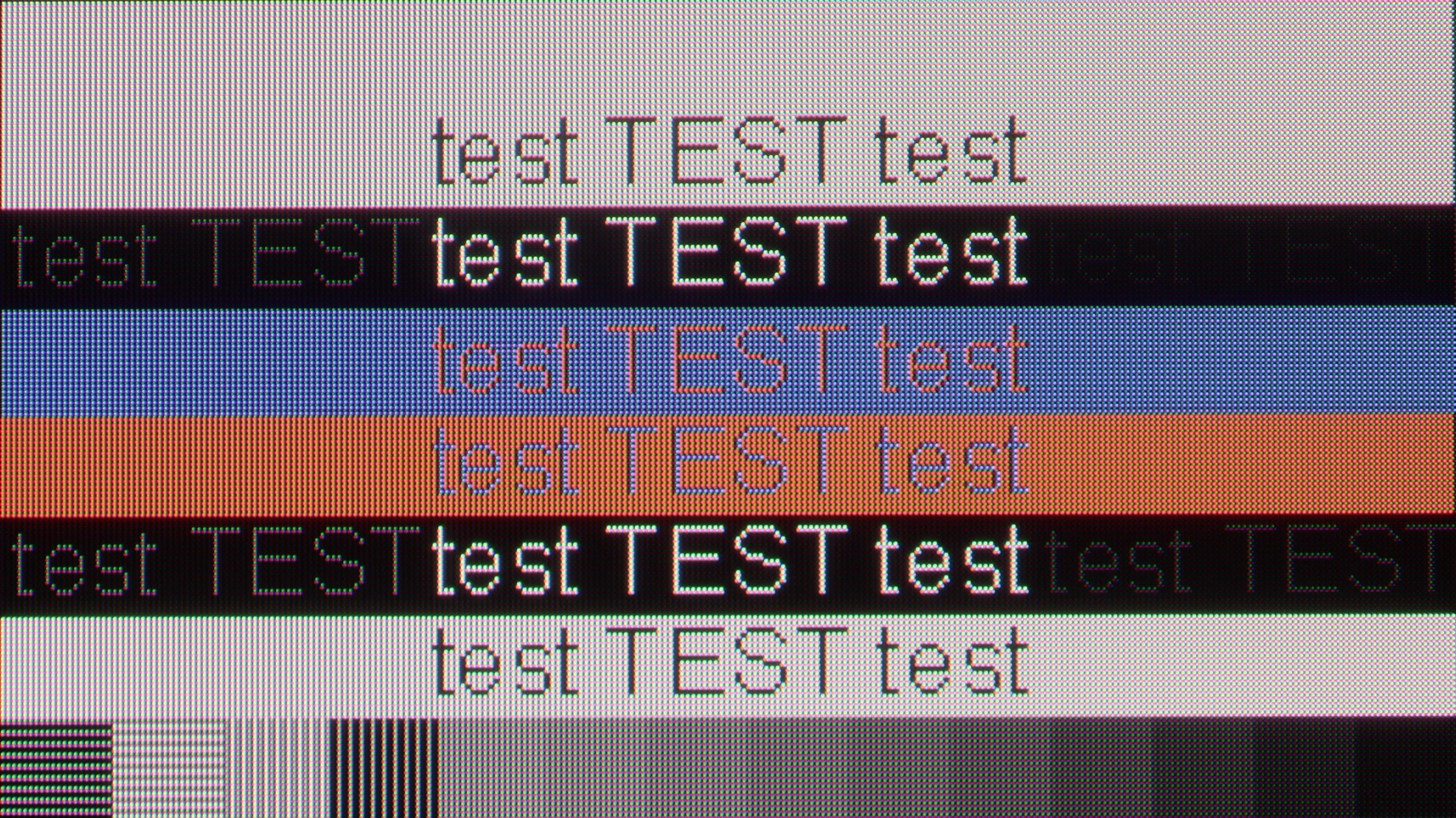
The photo shows the legibility of small fonts. Ideally, lines should be the same thickness on both light and dark text, with minimal pixel gaps.
Collaboration with a PC? Almost ideal. The television, as we mentioned earlier, has great features for gamers – including those using a PC. On board, we find full G-Sync certification, a 165 Hz panel, and a super-fast input lag of around 5 ms. Thanks to the correct implementation of chroma 4:4:4, fonts are very readable – both the smallest and the largest. Although due to the WRGB subpixel layout, there may be slight shadows around the characters, for most users this effect will be virtually unnoticeable. The G5 performs excellently as a screen for work, entertainment, and gaming – also from a computer.
Compared with last year's A95L, the Bravia 8 II has taken a big step forward in PC compatibility. Chroma 4:4:4 support works flawlessly, so both regular and very small text remains sharp and clear. That means working with documents, spreadsheets, or even editing photos does not strain the eyes or require fiddling with settings.
There is, however, a slight letdown. In a TV of this class you could expect an additional game mode supporting refresh rates above 120 Hz. After all, in the price segment this model occupies (and even lower ones) you increasingly see 165 Hz and even 240 Hz. That option is missing here, which may be a minor disappointment for some PC enthusiasts. Fortunately, thanks to its low input lag and G-Sync support, the Bravia 8 II still manages to immerse you in PC gaming without noticeable delay or stuttering. It's a device that performs well not only in the living room but also on a gamer's desk.
Viewing angles
7.5/10
9.8/10
The viewing angles on the LG G5 are very good, mainly due to the use of the WOLED matrix. It's hard to find something to complain about here – the image does not significantly lose brightness or quality even when we look at the screen from the side. However, it must be fairly noted that there is some regression compared to the G4 model. The predecessor used an MLA matrix with micro-lenses, which offered slightly better light distribution. Also, compared to QD-OLED matrices, the angles are worse. Nevertheless, the overall viewing experience at an angle remains very good and should not be an issue in everyday use.
In this respect, the Bravia 8 II is an absolute market leader. Thanks to its QD-OLED panel, the TV retains full color depth and high contrast even when viewed at a wide angle. That's a clear advantage over designs based on WOLED panels, which can slightly lose saturation and detail at more extreme viewing angles. Like its rival, the Samsung S95F, the Bravia 8 II performs almost flawlessly in this category, and whether you're watching a movie from the couch, the armchair next to it, or standing in the corner of the room, the image remains true to the original.
Daytime performance
8/10
5.6/10
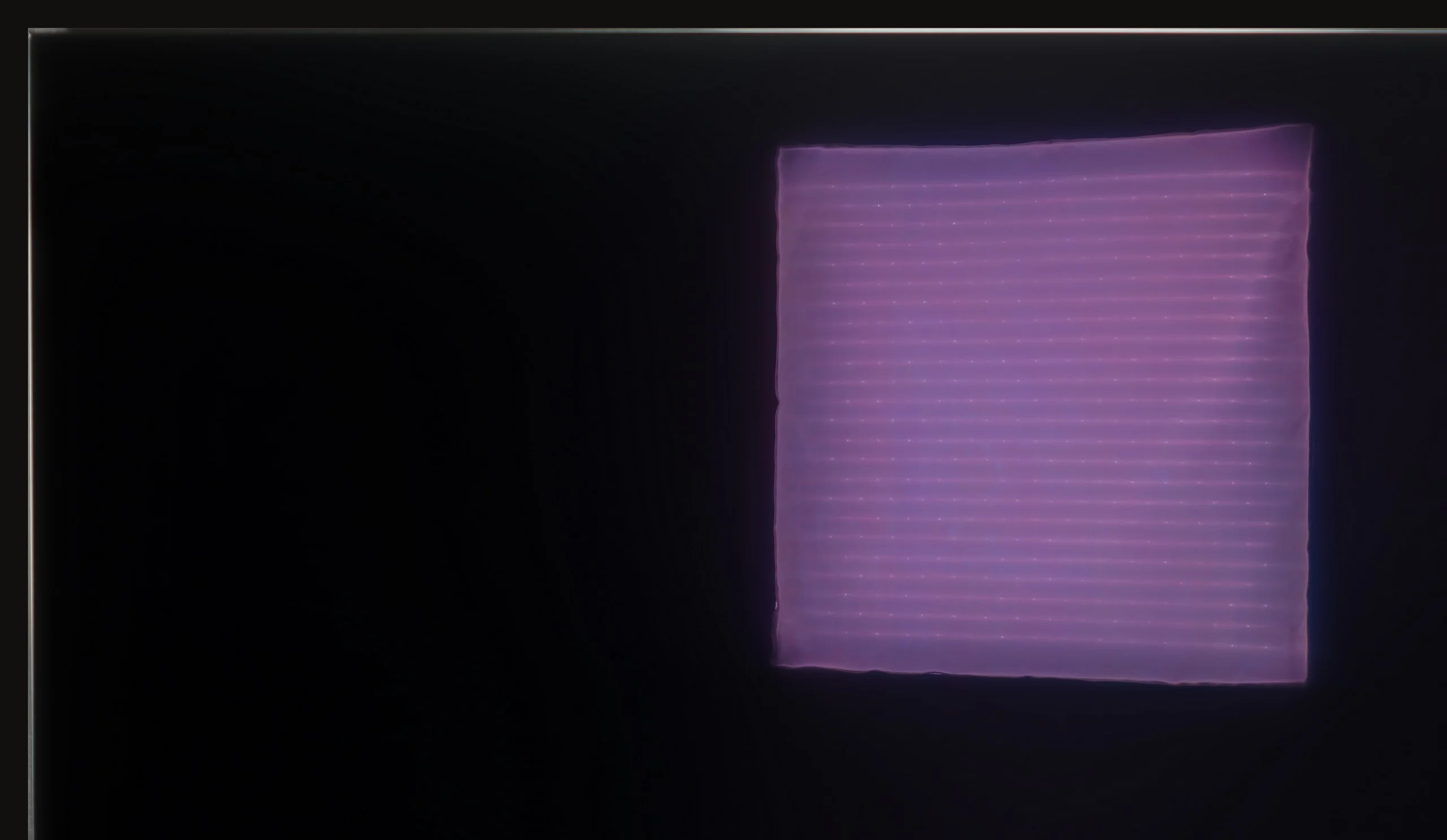
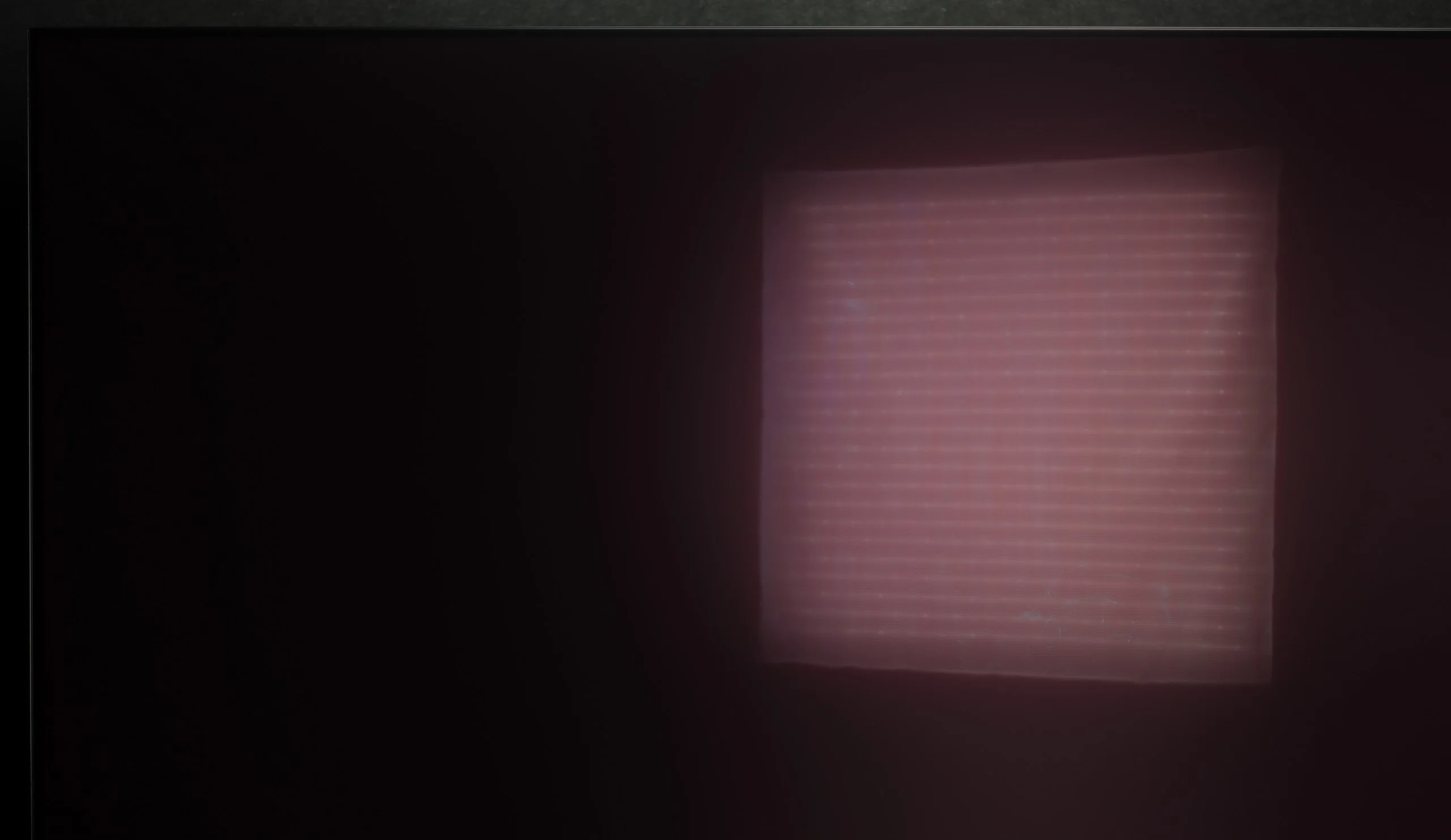
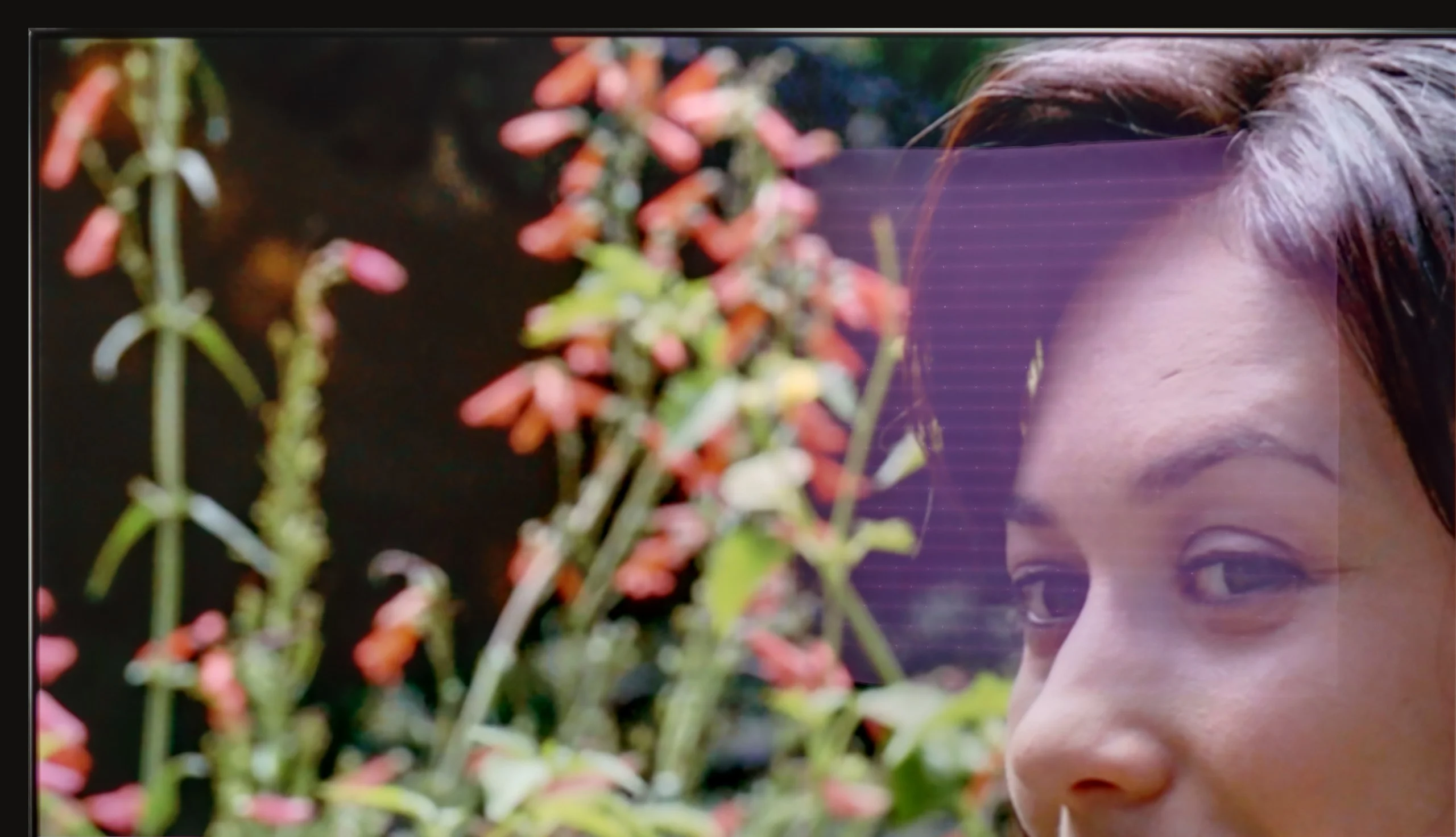
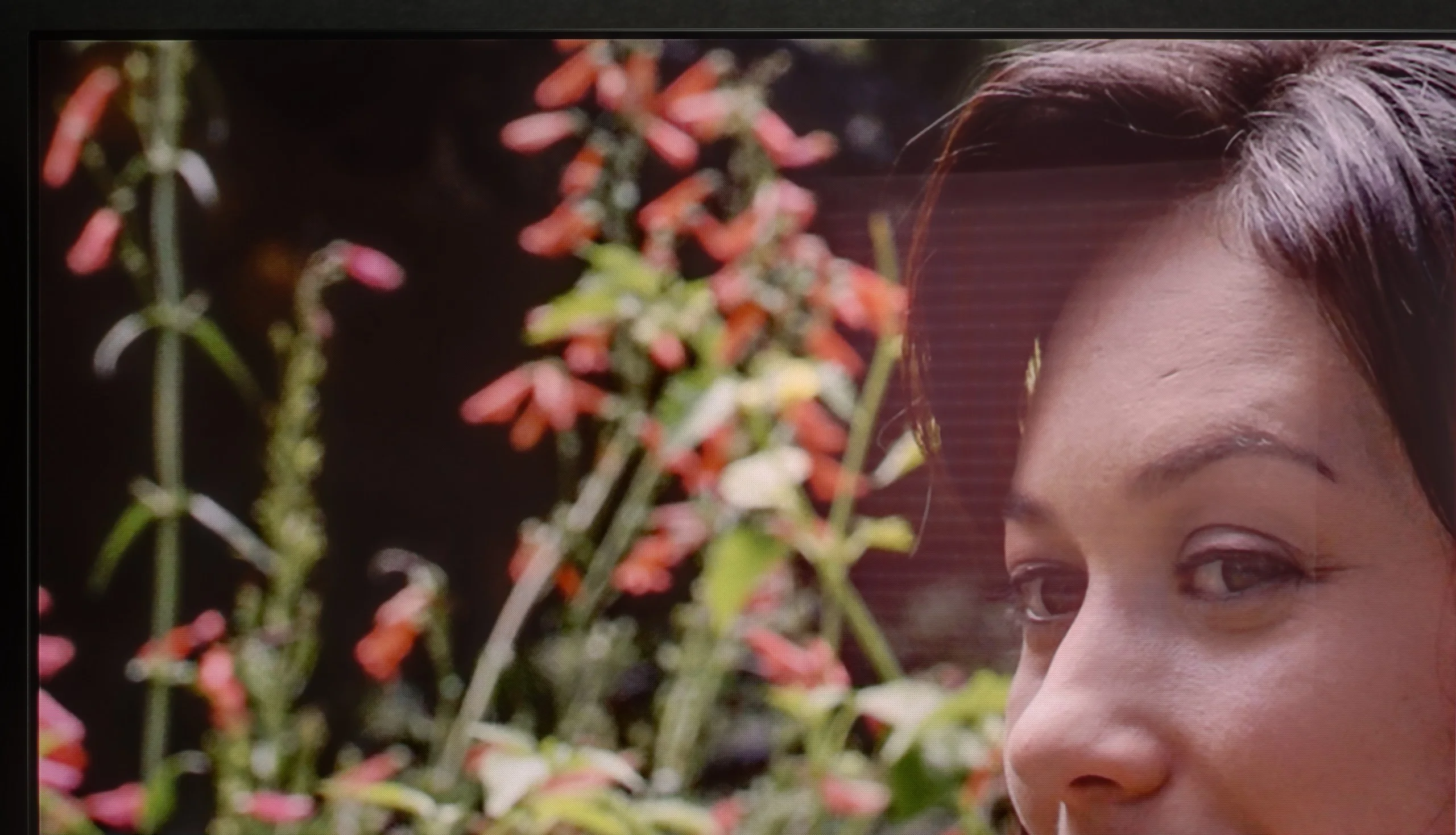
Panel brightness
Sony Bravia 8 MK2: 419 cd/m2
LG OLED G5: 810 cd/m2
The LG G5, thanks to its very high brightness, performs excellently in bright rooms. Even with SDR content, the average brightness value is around 800 nits, which is significantly more than in standard televisions. It can easily handle a bright living room. Although the panel averages out reflections, it still maintains significantly better black levels and colors during the day than QD-OLED panels or matte-coated screens. The G5 will perform well in very sunny rooms—unless you really can't stand reflections on the screen. In that case, you will need to use blackout shades or consider buying a television with a matte screen.
For a TV of this class, we expected a better result. An average SDR brightness of around 400 nits is definitely too low to call visibility in a sunlit living room excellent. In very demanding lighting conditions we’ll have to pull down the blinds or... move the TV to another spot. As with every QD-OLED panel, blacks during the day are not perfectly black, taking on a slight cherry hue. Fortunately, this technology also has advantages over WOLED panels: it suppresses reflections much more effectively, so direct light glare is less bothersome. Despite that plus, overall the Bravia 8 II’s performance in a bright room should be judged as average, especially given the high-end category this model belongs to.
Panel details
Subpixel Structure:
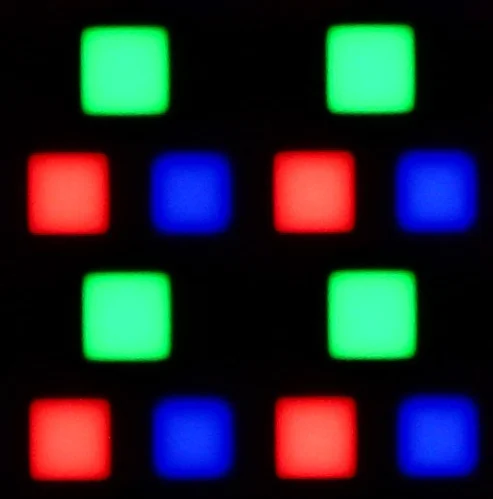
Panel uniformity and thermal imaging:


TV features
8.5/10
8.9/10
- SystemWebOSGoogle TV
- System performanceVery goodGood
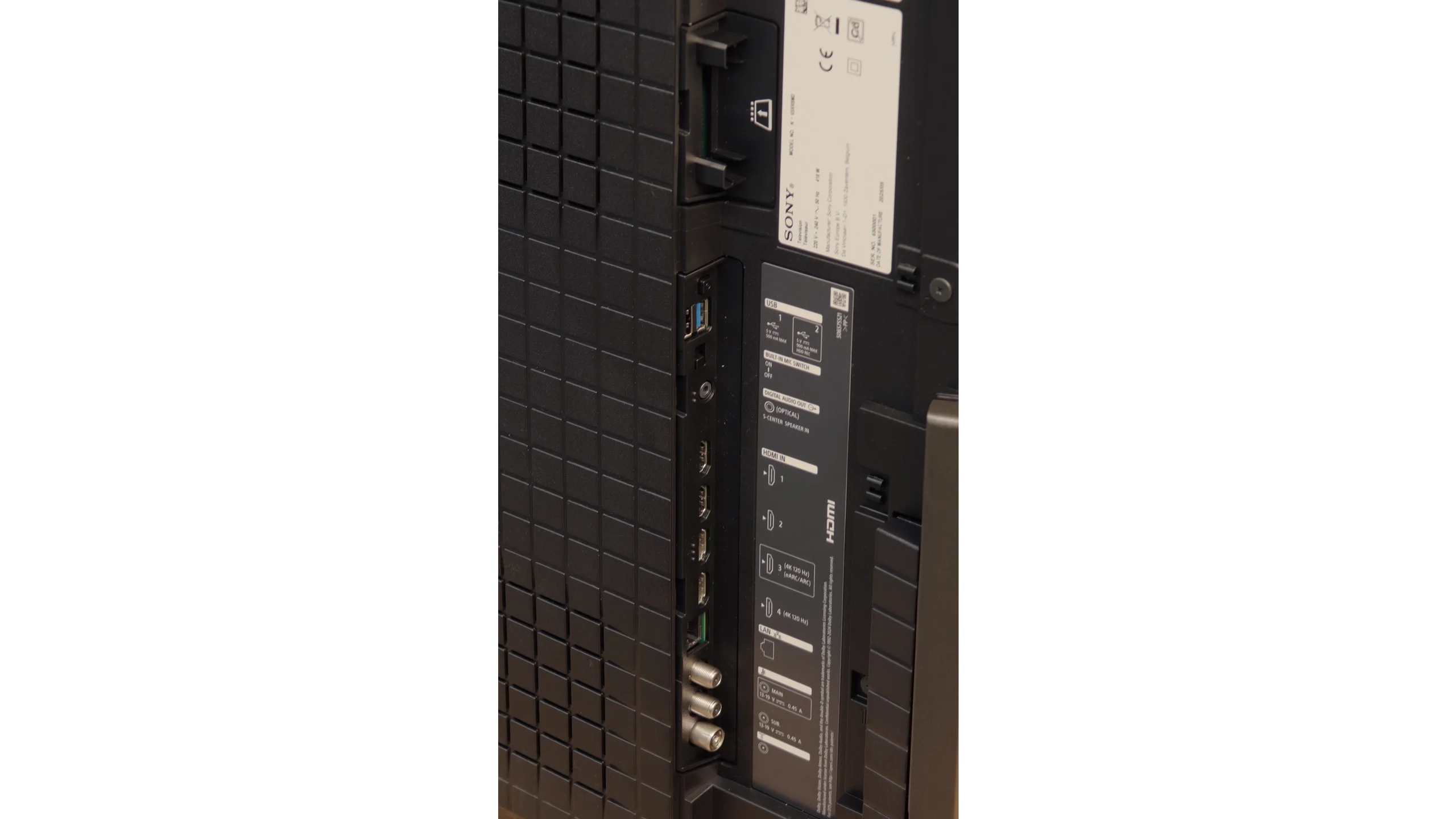
- HDMI inputs0 x HDMI 2.0, 4 x HDMI 2.1 48Gbps2 x HDMI 2.0, 2 x HDMI 2.1 48Gbps
- Other inputsIR (remote)
- OutputsToslink (Optical audio), eARC (HDMI), ARC (HDMI)Toslink (Optical audio), eARC (HDMI), ARC (HDMI)
- Network InterfacesWi-Fi 2.4GHz, Wi-Fi 5GHz, Ethernet (LAN) 100MbpsWi-Fi 2.4GHz, Wi-Fi 5GHz, Ethernet (LAN) 100Mbps
- TV receptionDVB-T, DVB-T2, DVB-S, DVB-S2, DVB-CDVB-T, DVB-T2, DVB-S, DVB-S2, DVB-C
Classic features:
- Recording to USB (terrestrial TV)
- Recording programming
- Picture in Picture (PiP)
- RF remote control (no need to aim)
- Backlit remote control
- Teletext
- Audio only mode
- Bluetooth headphones support
- Simultaneous Bluetooth headphones & TV audio
Smart features:
- AirPlay
- Screen mirroring (Windows Miracast)
- Voice search
- Voice search in native language
- Ability to connect a keyboard and mouse
Sound connection options
- HDMI audioeARC (HDMI), ARC (HDMI)eARC (HDMI), ARC (HDMI)
- Other audio outputsToslink (Optical audio)Toslink (Optical audio)
- Wireless audioBluetoothBluetooth
Supported audio formats (external HDMI eARC audio):
- Dolby Digital Plus 7.1
- Dolby True HD 7.1
- Dolby Atmos in Dolby Digital Plus (JOC)
- Dolby Atmos in Dolby True HD
- DTS:X in DTS-HD MA
- DTS-HD Master Audio
Senior accessibility
- Numeric keyboard on TV
- Font size adjustment
- Audio description
Classic Features
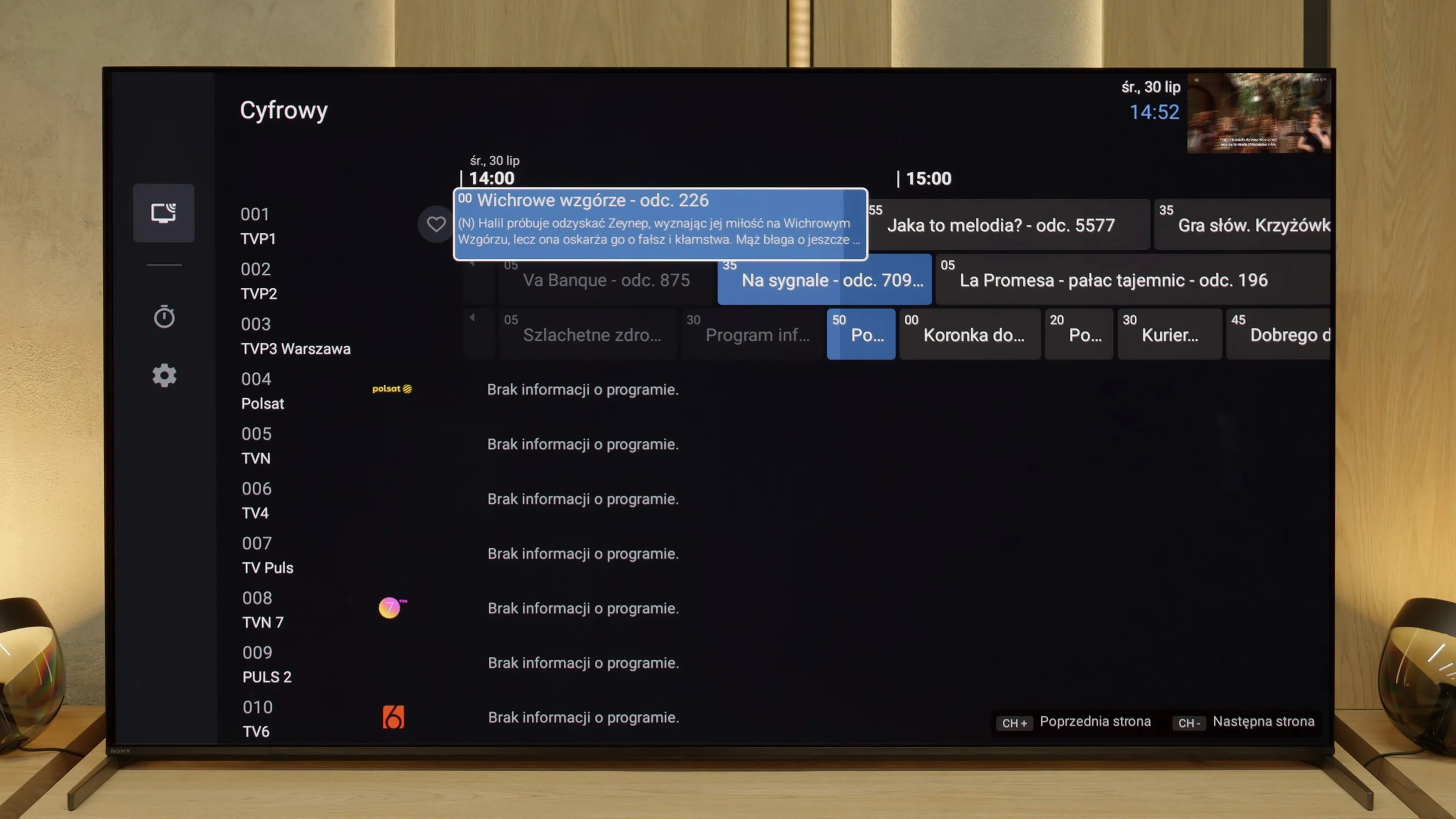
LG G5 has a lot to offer when it comes to classic TV features. Aside from the lack of the ability to watch two sources (PIP), the television performs well for everyday use. There are no issues with connecting external Bluetooth devices, such as headphones, and the EPG interface is very clear and understandable – even for those who are not particularly tech-savvy.
Smart TV Features
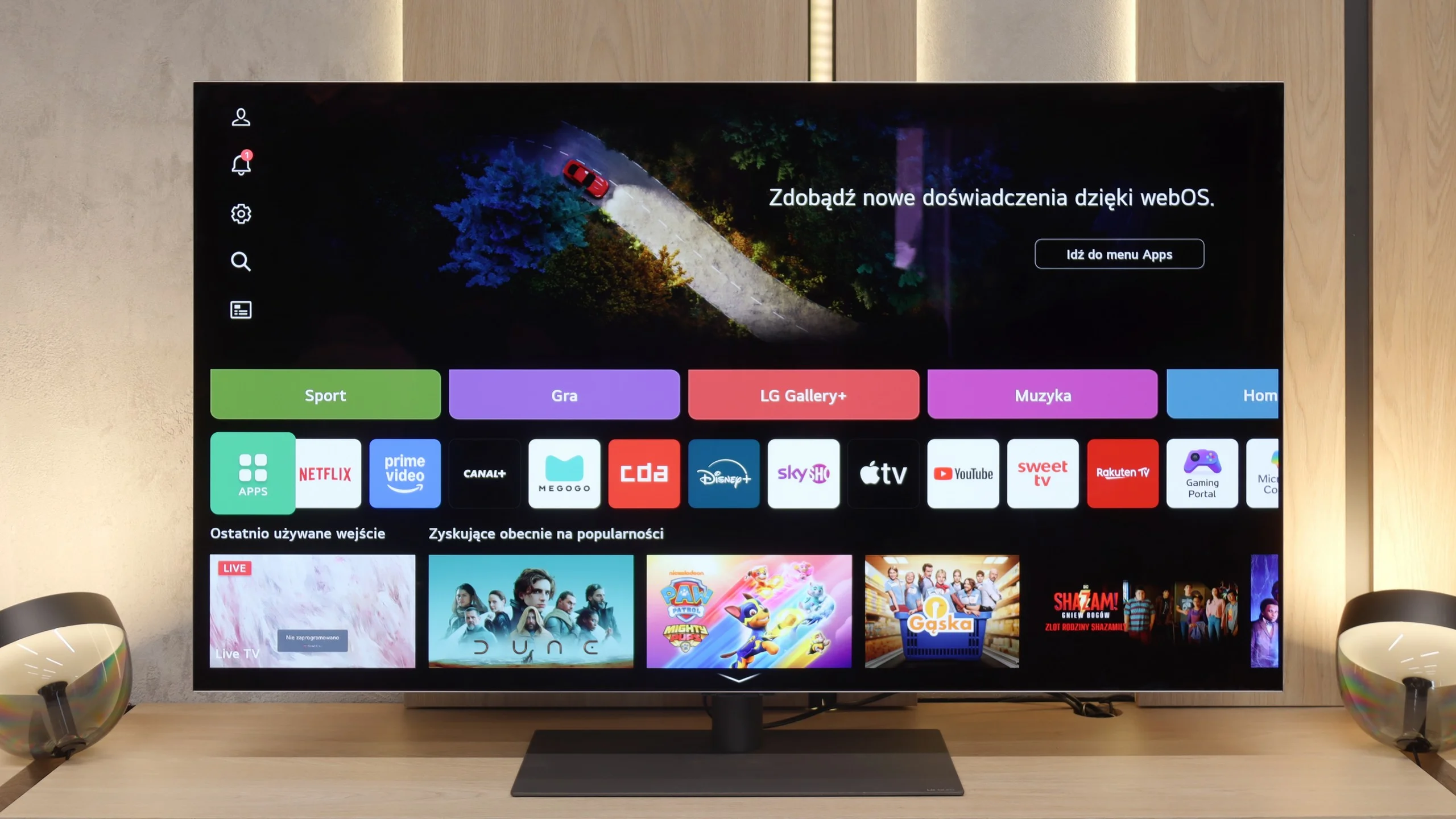
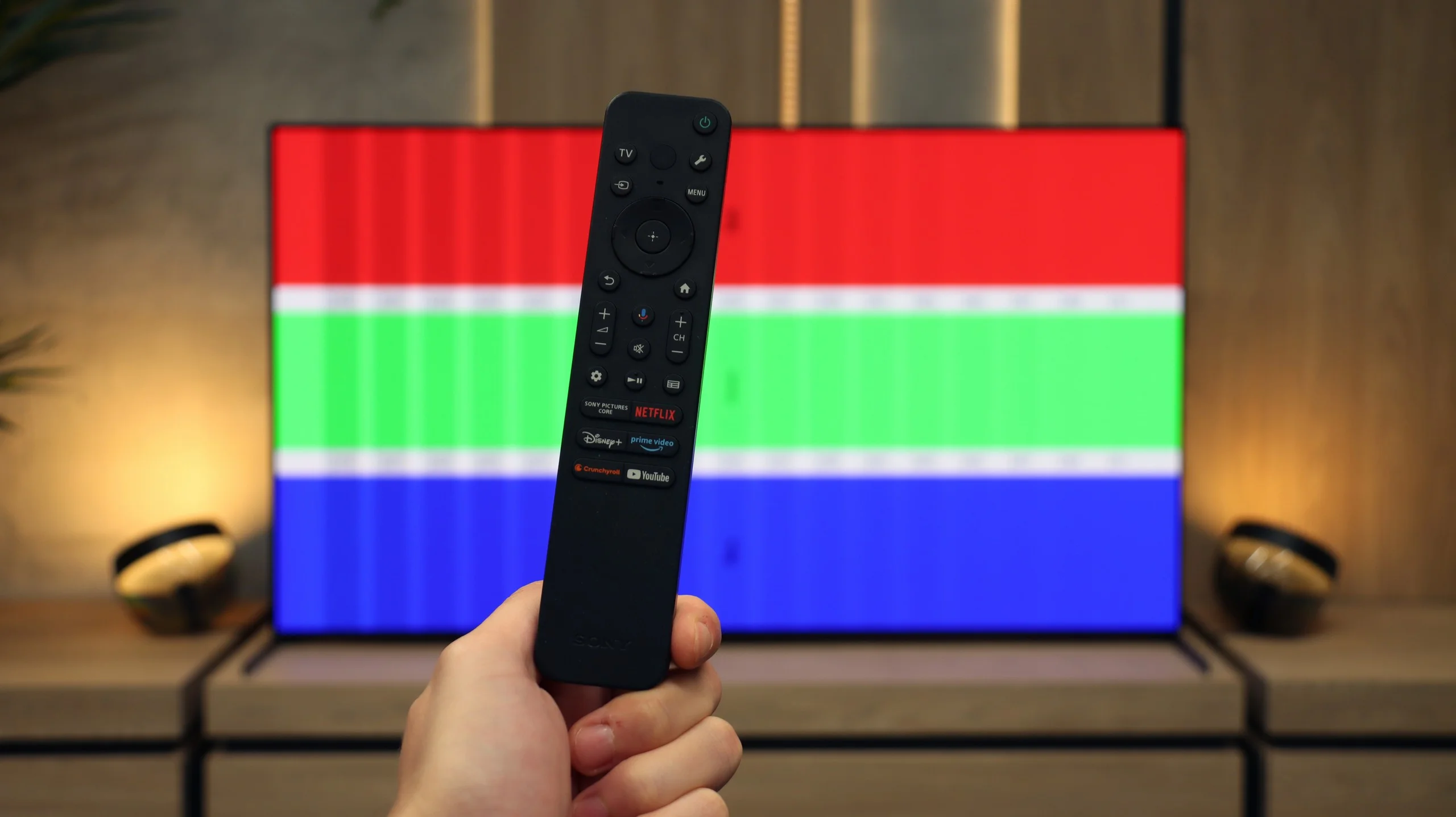
The Smart TV in the G5 operates on the WebOS system – it is the heart and brain of the entire television. Thanks to the Magic remote, using the G5 is truly enjoyable. We control the cursor on the screen with wrist movements, which is somewhat reminiscent of using a mouse in the air. The system itself is very comprehensive and offers everything one could expect: AirPlay, screen mirroring, voice search, and voice commands – all of these work smoothly and without delays. Without a doubt, this is one of the best operating systems in televisions on the market.
Note:
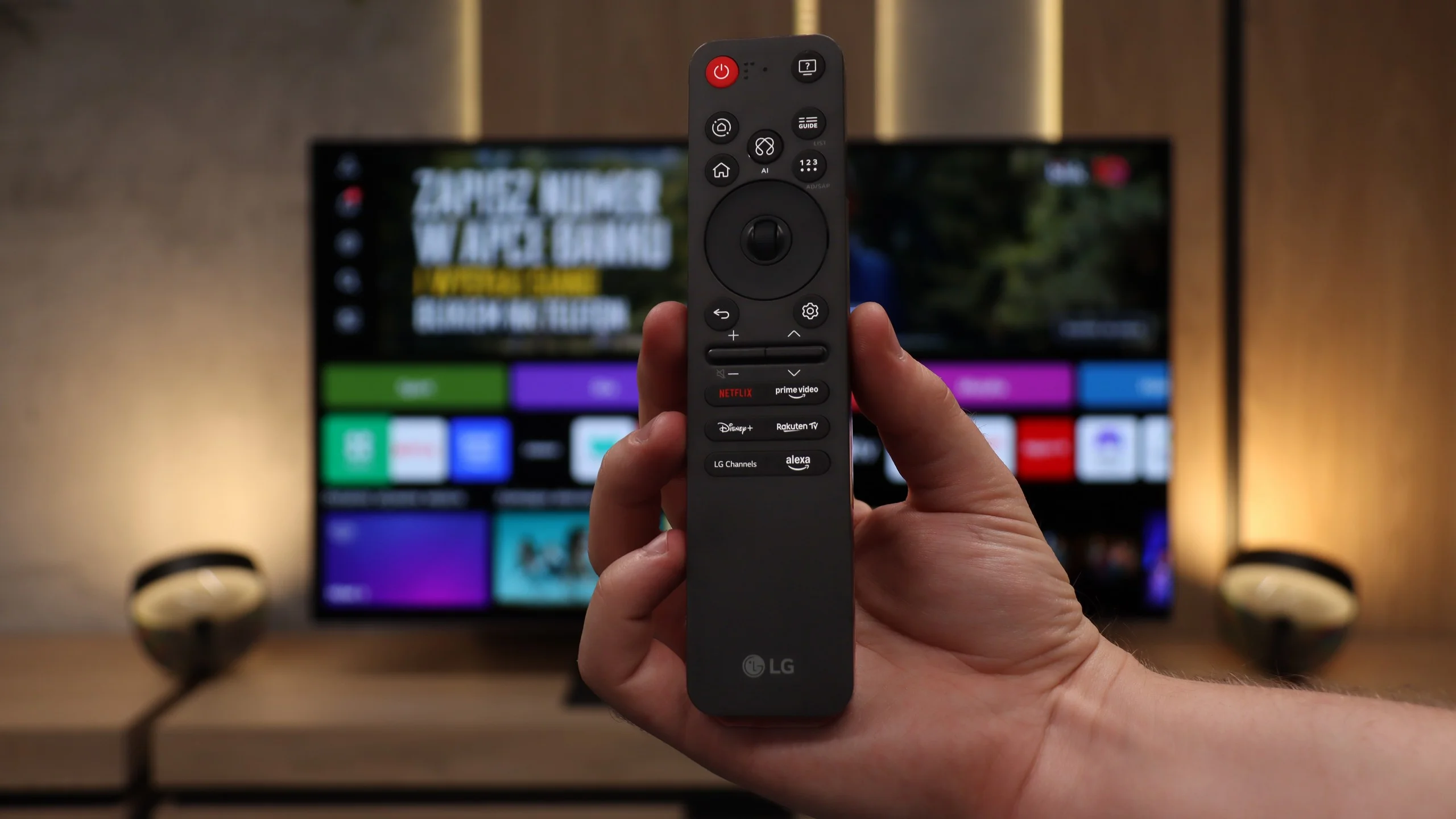
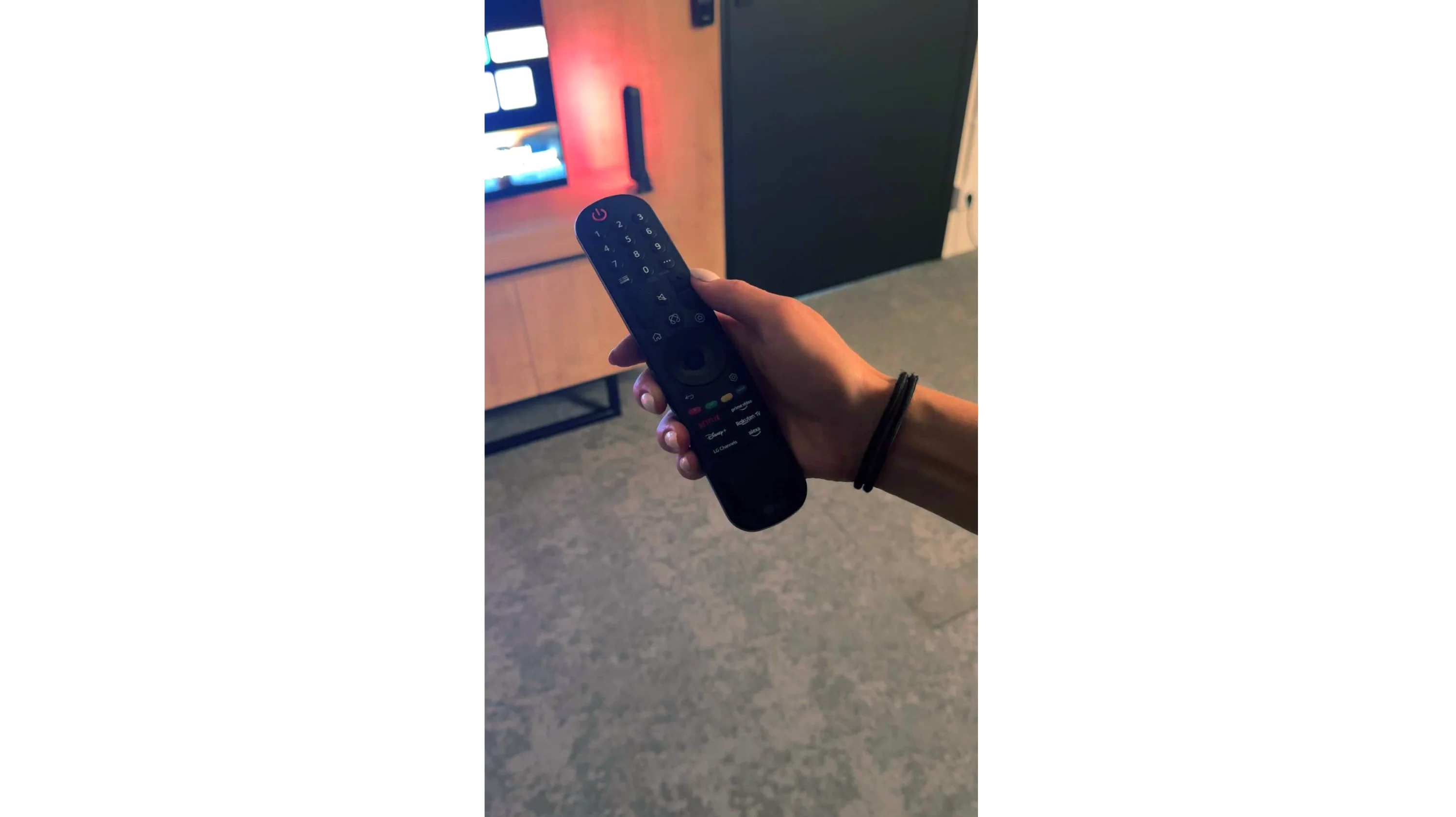
During our testing, we had practically nothing to complain about – except for one exception: the confusion surrounding the remote. Depending on the market and the specific version of the model, you may come across the new, minimalist Magic remote (without a numeric keypad), or the older version with a full set of buttons. We tested the G54LW model, which had the new Magic remote, but it is hard to say how the situation looks in other variants. Perhaps it is a similar situation to the LG C5 series, where the addition of the remote also depends on the specific market.
SONY Bravia 8 II: TV features
The Bravia 8 II has a lot to offer people who use their TV in a traditional way. The set comes with two remotes — one modern, minimalist smart remote and the other a traditional numeric remote, designed for those who simply treat the TV... like a TV 😉. Sony also allows programming and recording TV broadcasts to external storage, e.g., a USB flash drive. Features like EPG or teletext needn't even be mentioned; they're a given.
SONY Bravia 8 II: Google TV
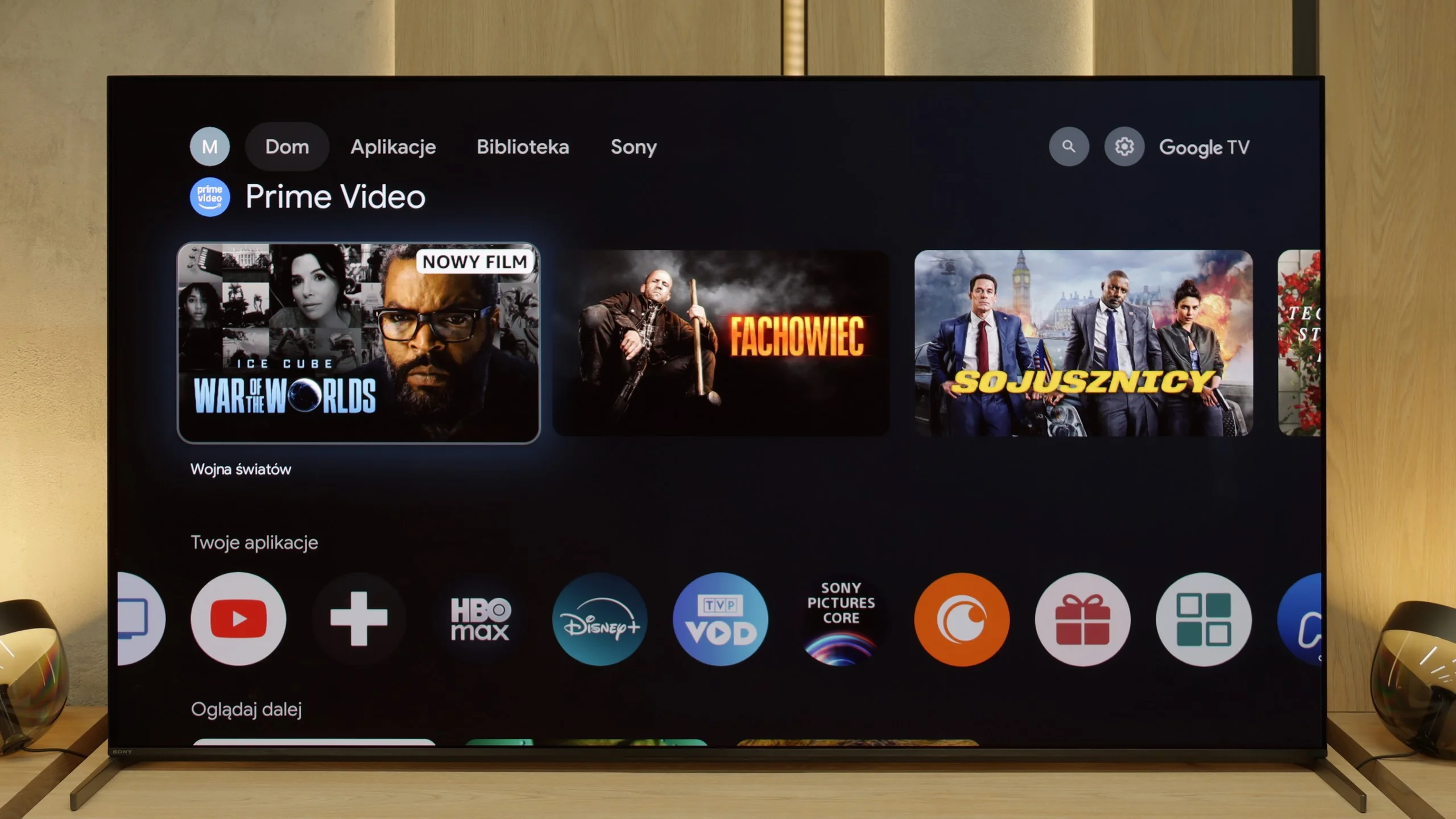
When it comes to smart features, the biggest advantage is the Google TV system, which we believe Sony has refined better than any other manufacturer on the market. Although the system itself can be demanding in terms of hardware, it runs very smoothly on the Bravia 8 II. Google TV also offers a huge selection of apps, which is another strong plus. There are also exclusive features you won't find from competitors, such as remote play from your own PlayStation console and access to the private Bravia Core movie library, available only on Sony TVs. In short, the full package.
Apps
9.1/10
9.6/10






















Playing files from USB
9/10
8.9/10
Supported photo formats:
Maximum photo resolution:
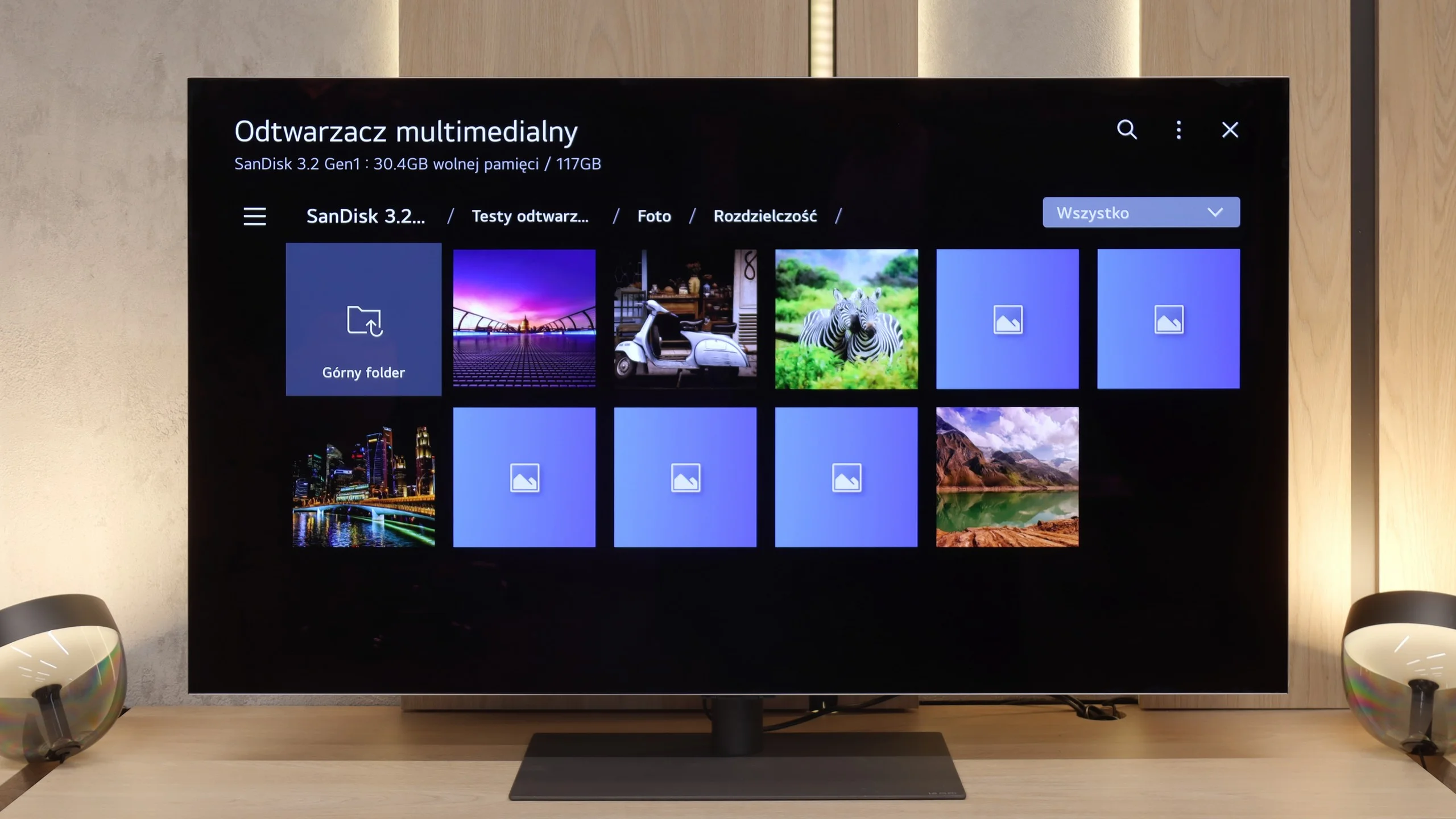
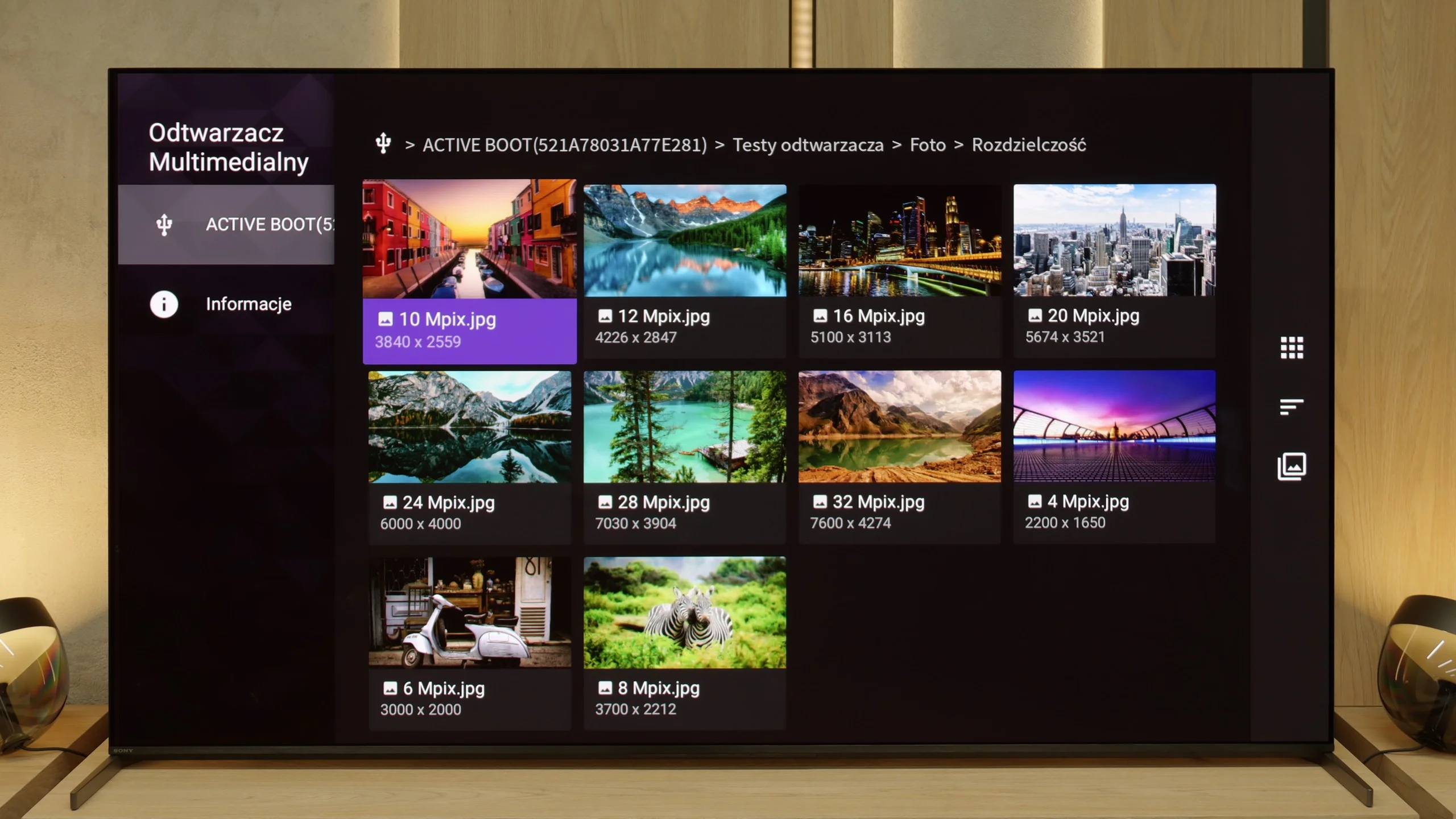
The built-in media player in the LG G5 is really very good. It supports virtually everything you would expect from a modern television – most popular formats work without issue, and the application performs quickly. Our only disappointment was the lack of support for very high bitrate HEVC files at 85 Mbit/s – similar to the C5 and B5 models. Interestingly, the same file worked flawlessly on last year's LG OLEDs, so it's hard to say what is behind this change. Nevertheless, in everyday use, the G5 will handle the vast majority of content, and there will be no need to connect any external devices for media playback.
Bravia 8 II does very well with media playback. The built-in player opens practically everything you'd expect. Sure, there are a few formats it doesn't support, but that's not a serious issue. The biggest advantage is that, thanks to Google TV, we're not limited to the default player. At any time we can install an alternative app that will handle files Sony's built-in software struggles with. That makes the TV a universal media hub, ready to handle almost any format.
Sound
8.7/10
8.5/10
- Maximum volume84dB86dB
- Dolby Digital Plus 7.1
- Dolby True HD 7.1
- Dolby Atmos in Dolby Digital Plus (JOC)
- Dolby Atmos in Dolby True HD
- DTS:X in DTS-HD MA
- DTS-HD Master Audio
The sound on the LG G5, given its slim body, is truly phenomenal. When listening to music, a light, pleasant bass can be felt, and in movies, the dialogues are clear and easily heard – they do not get lost even in dynamic scenes. Unfortunately, a certain disappointment is the lack of support for the DTS format, which LG used in its older models. It's a shame, because many people with home theaters may see this as a step backward.
When it comes to sound, the Bravia 8 II is absolutely top-tier among TVs. Sony once again proves that its Acoustic Surface technology is not a marketing gimmick but a real advantage; speakers hidden behind the screen make the entire panel act as a diaphragm. The soundstage is wide, dialogue is exceptionally clear, and the audio follows the on-screen action precisely. It's one of the few TVs where you can truly skip adding an extra soundbar (of course, a basic one). On top of that, Sony hasn't forgotten formats that competitors are gradually dropping. Full DTS support is a nod to cinephiles who want to get the most out of films and series on physical media.
Sound Quality Test
Acoustic Measurements
84dBC (Max)
75dBC
86dBC (Max)
75dBC
Reader comments
Comments are provided by the external service Disqus (Zeta Global). Once loaded, Disqus may set cookies and process data about your activity.
We will remember your choice on this device. Provider's privacy policy