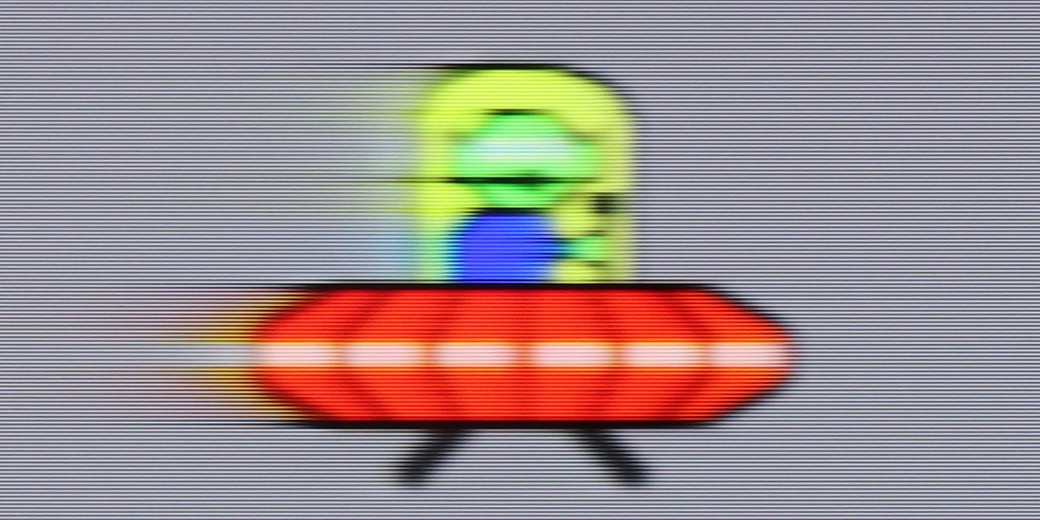
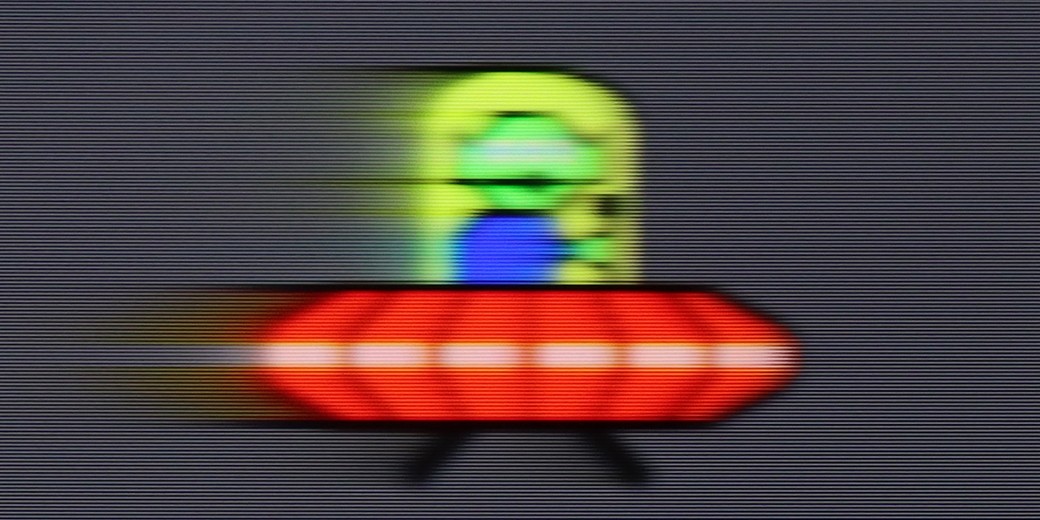
The LG G4 TV supports all the features encompassed by the HDMI 2.1 standard, making it a gaming powerhouse. During testing, every feature activated seamlessly, ensuring a smooth experience for both console gamers and PC users. Notably, the HGIG mode (HDR Gaming Interest Group) is implemented correctly, allowing games mastered to brightness levels higher than the TV’s maximum luminance to map tones accurately, preserving the game’s original visual integrity.
A notable highlight is the dedicated GameBar, which can be accessed at any time to quickly check or adjust game settings. More importantly, enabling VRR (Variable Refresh Rate) does not compromise contrast—a common issue in TVs with local dimming or Mini LED backlighting. This is thanks to the OLED panel’s self-emissive pixels, which maintain consistent contrast. However, a slight grey flicker may appear when VRR is enabled, though this is standard across OLEDs.
In summary, the LG G4, like most OLED TVs, is ideal for gaming and online competitions. Its HDMI 2.1 ports offer a full 48 Gbps bandwidth, supporting features such as VRR, ALLM (Auto Low Latency Mode), G-Sync, FreeSync, and HDR Dolby Vision gameplay, ensuring an exceptional gaming experience.
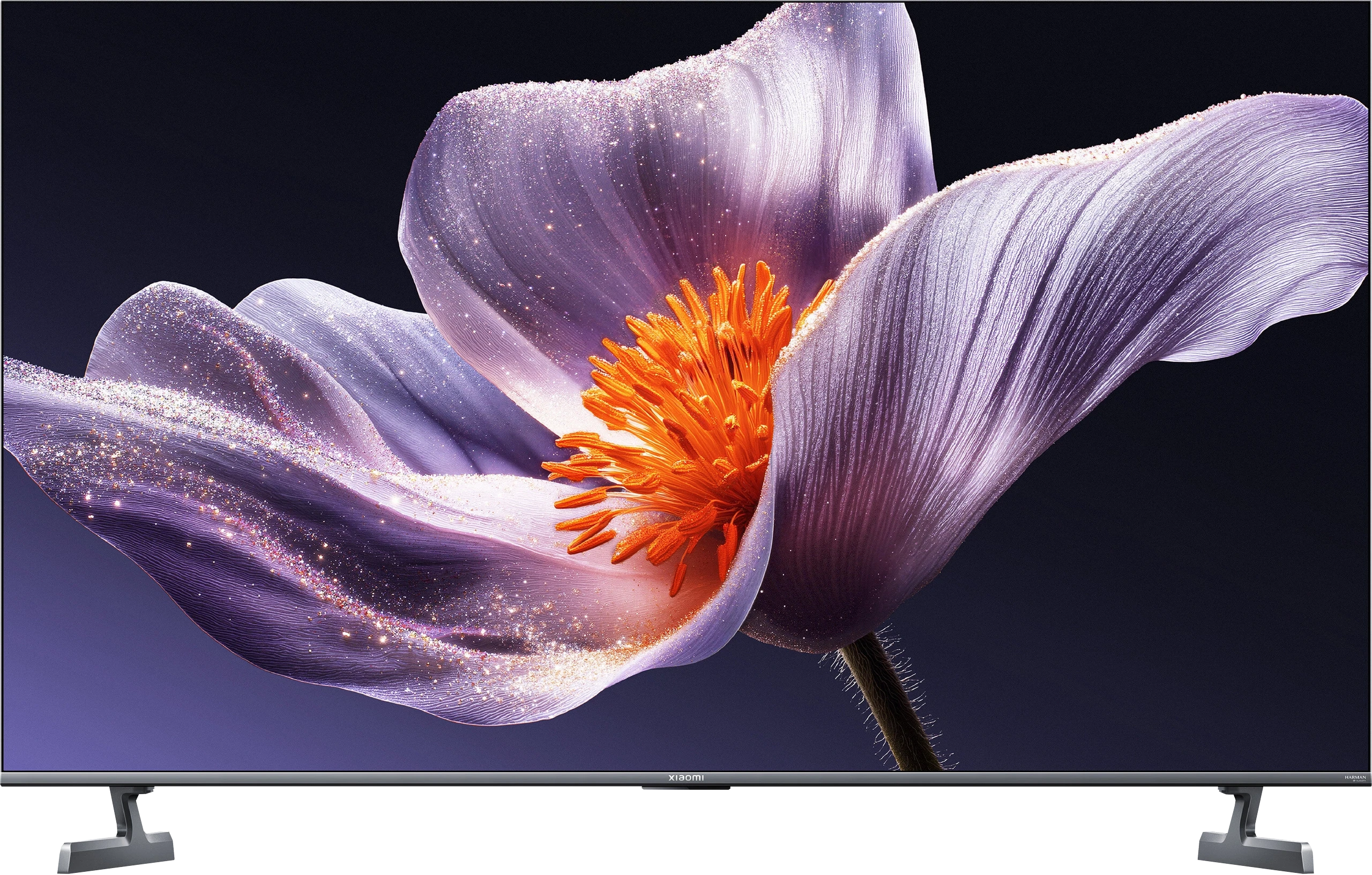
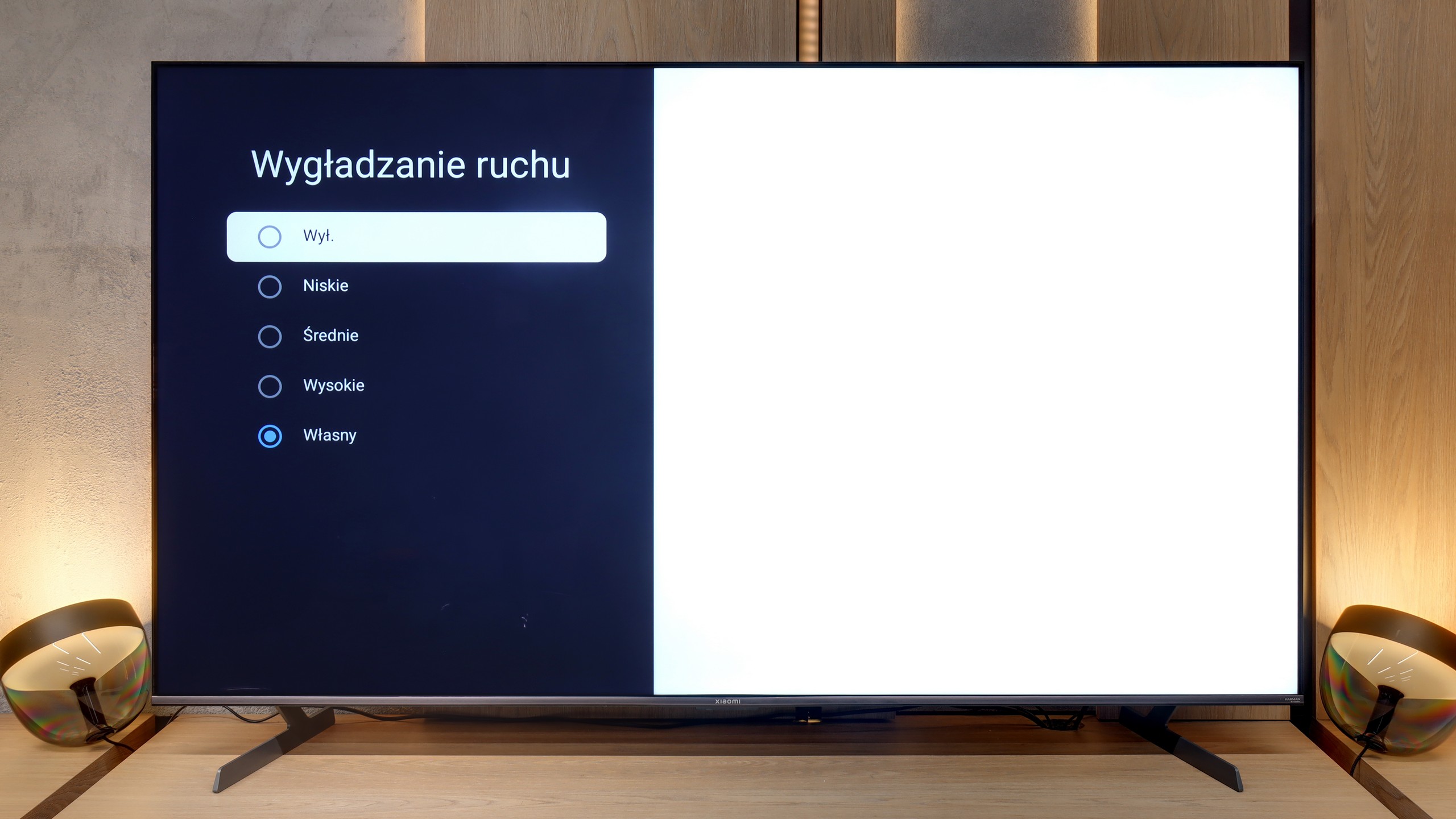
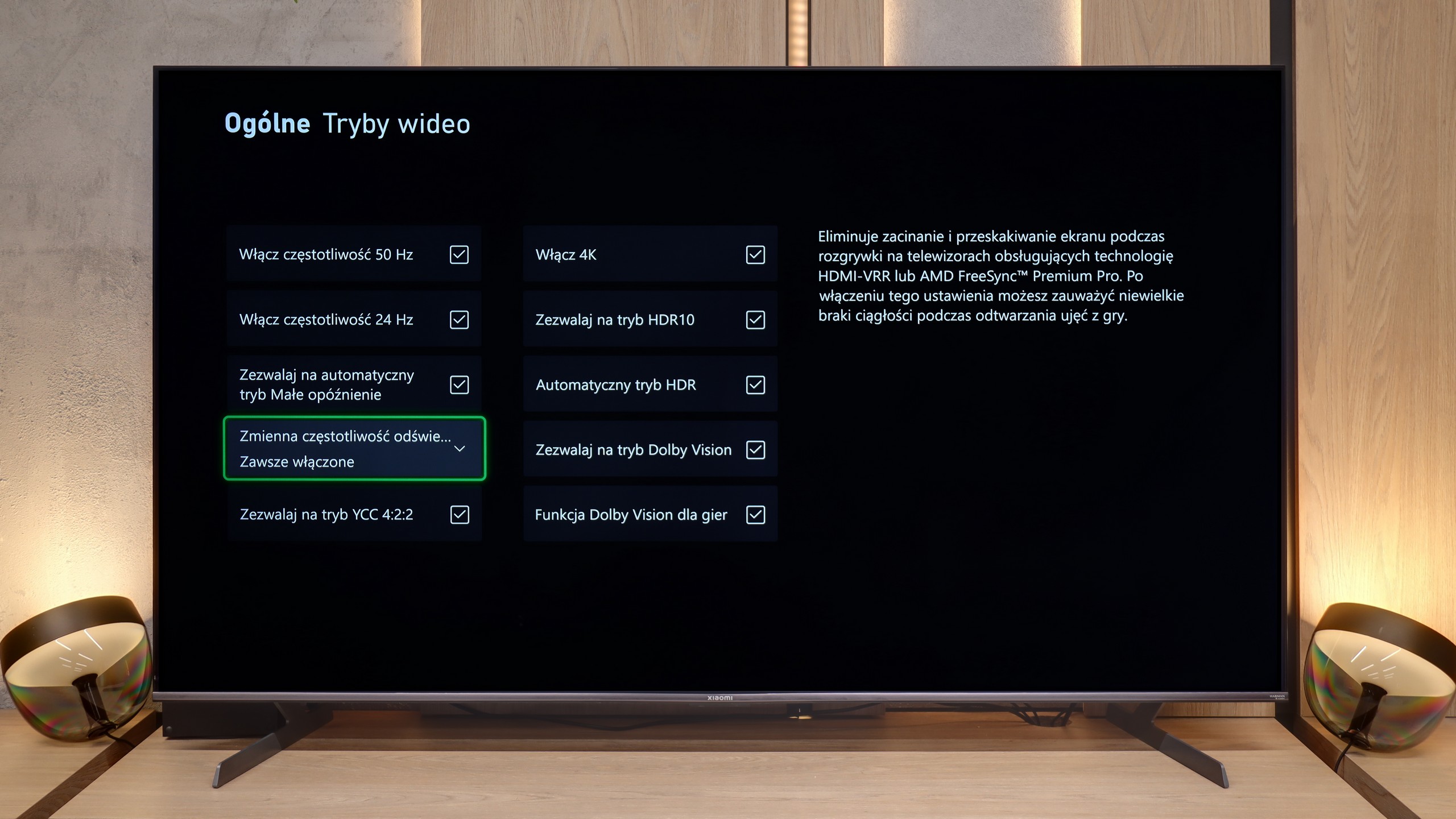
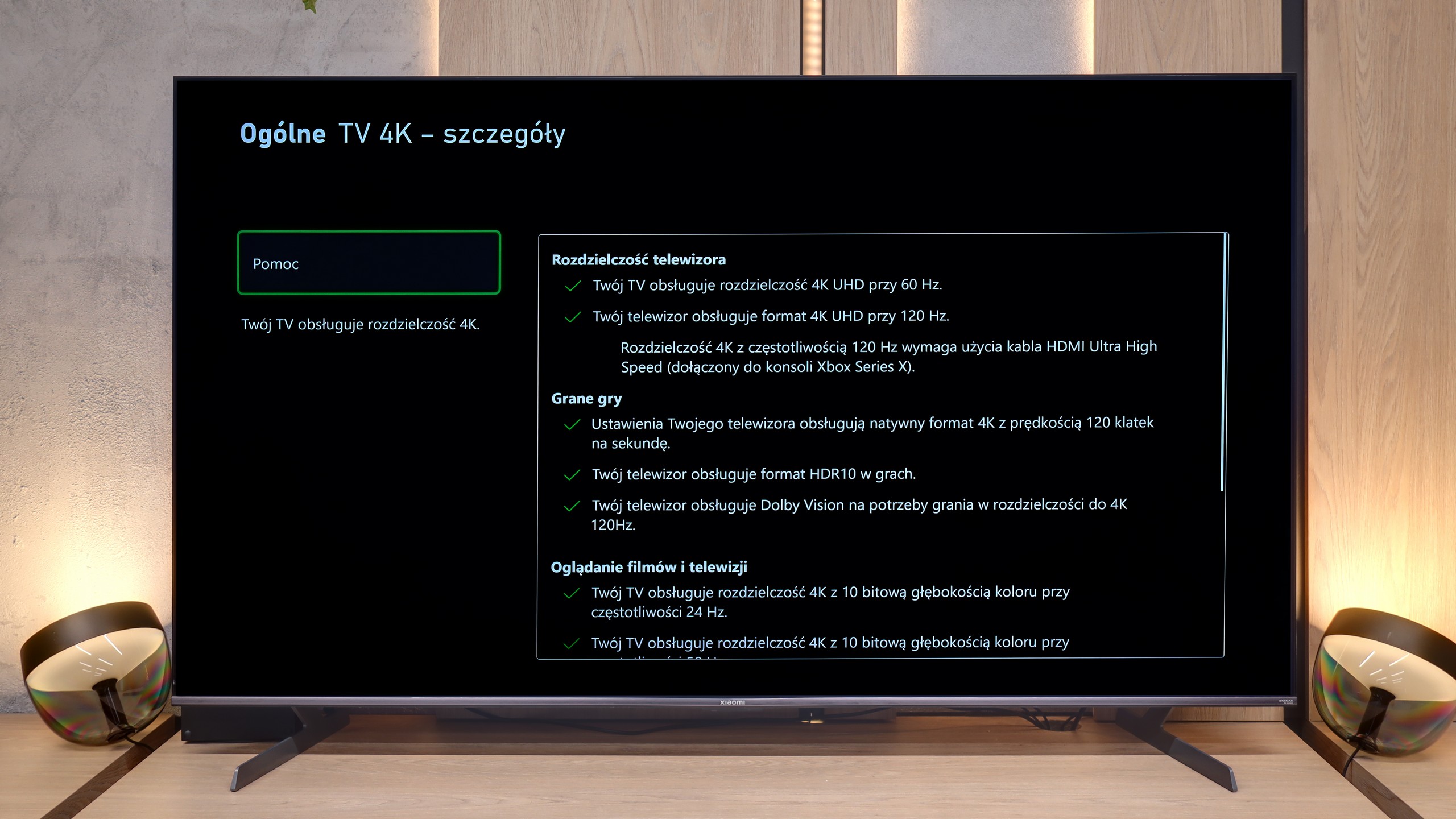
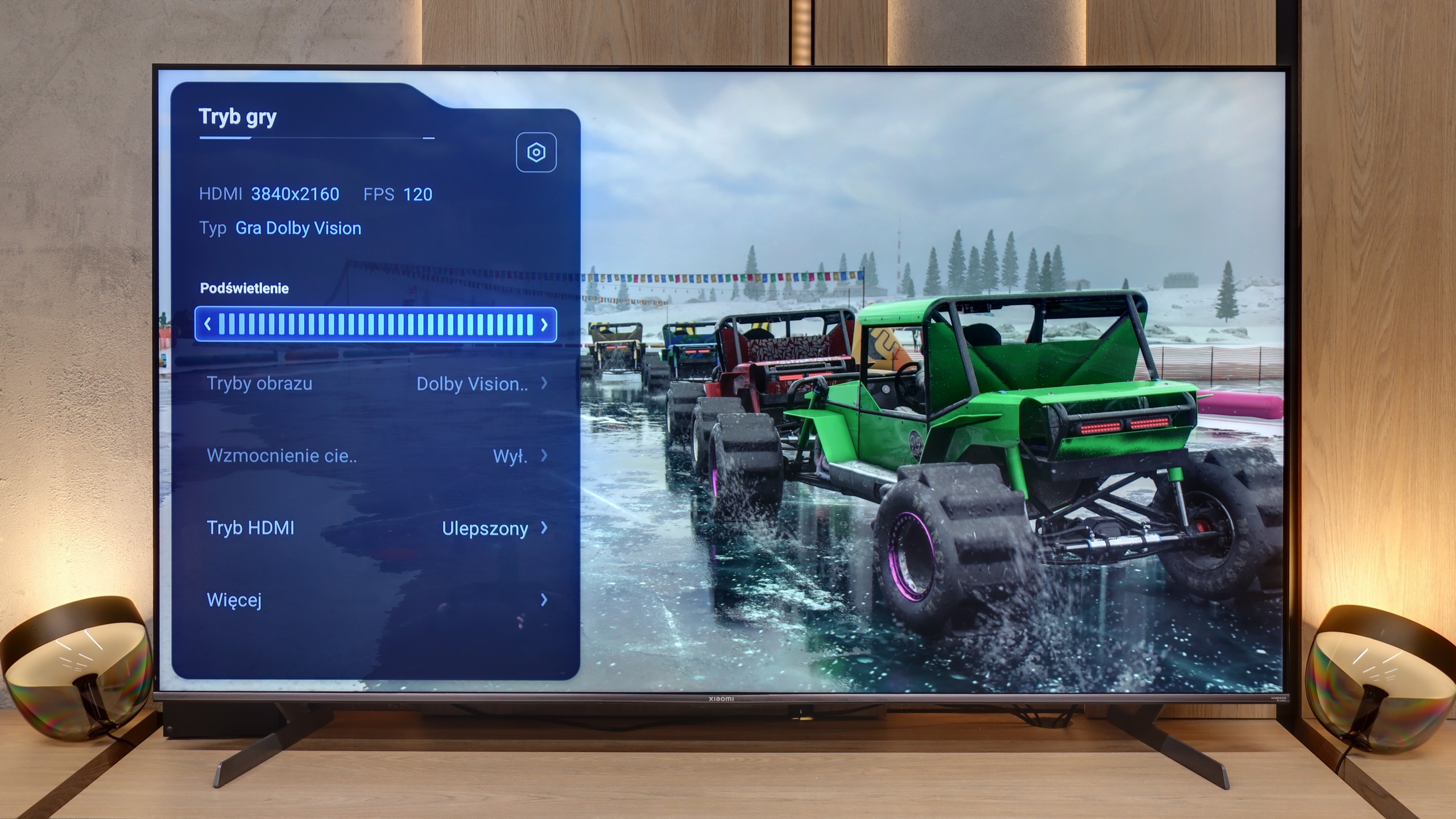
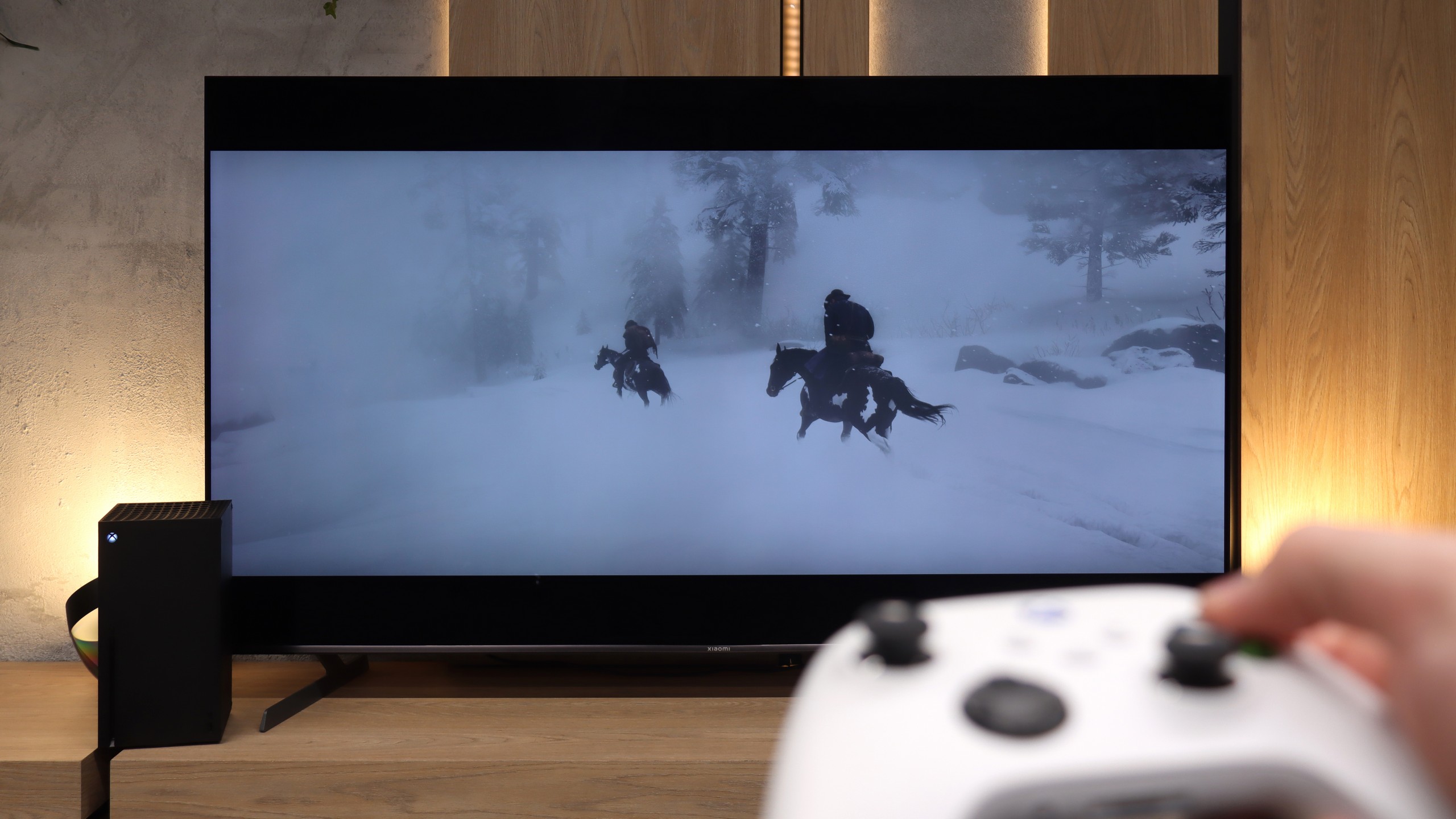
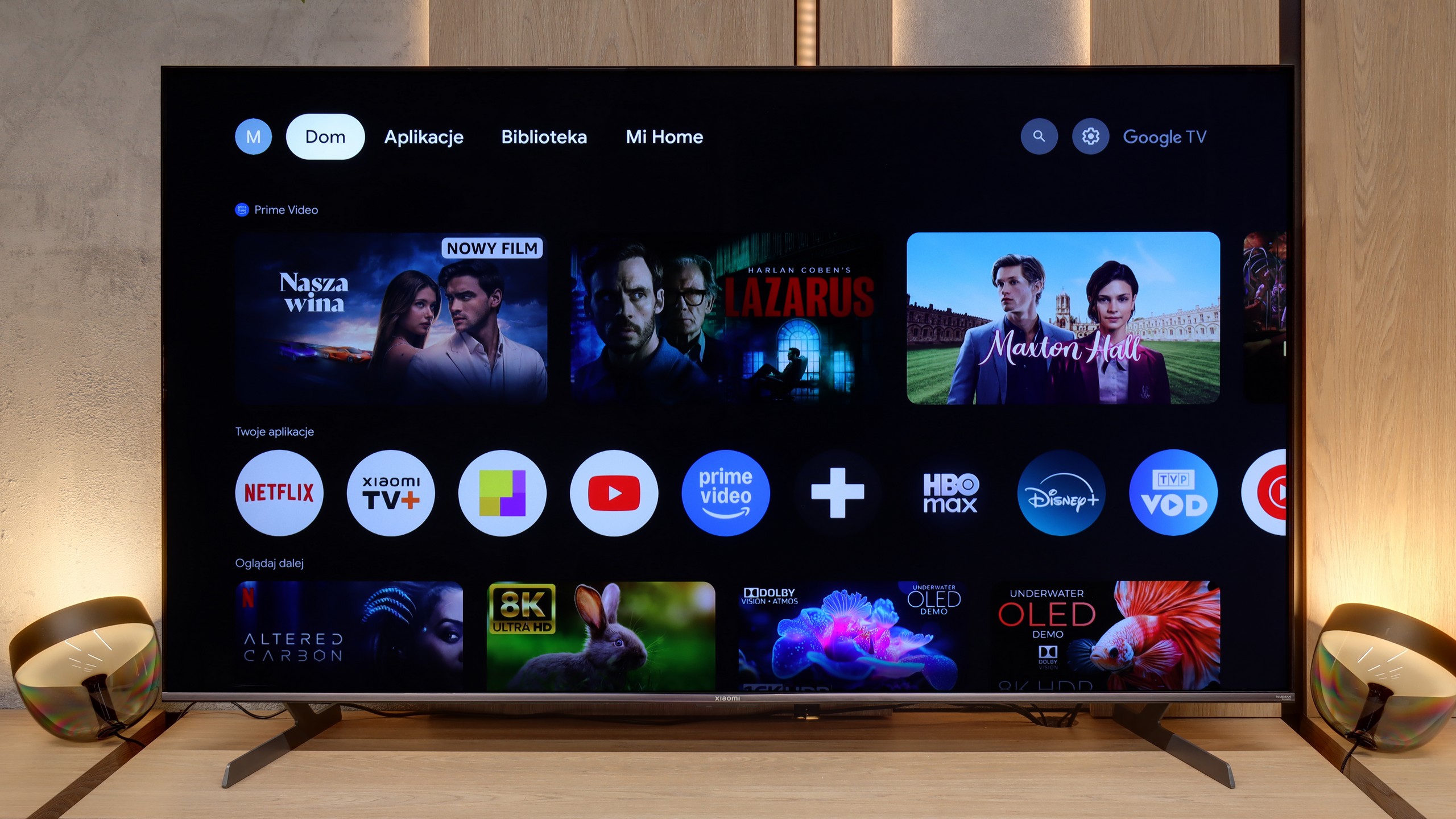
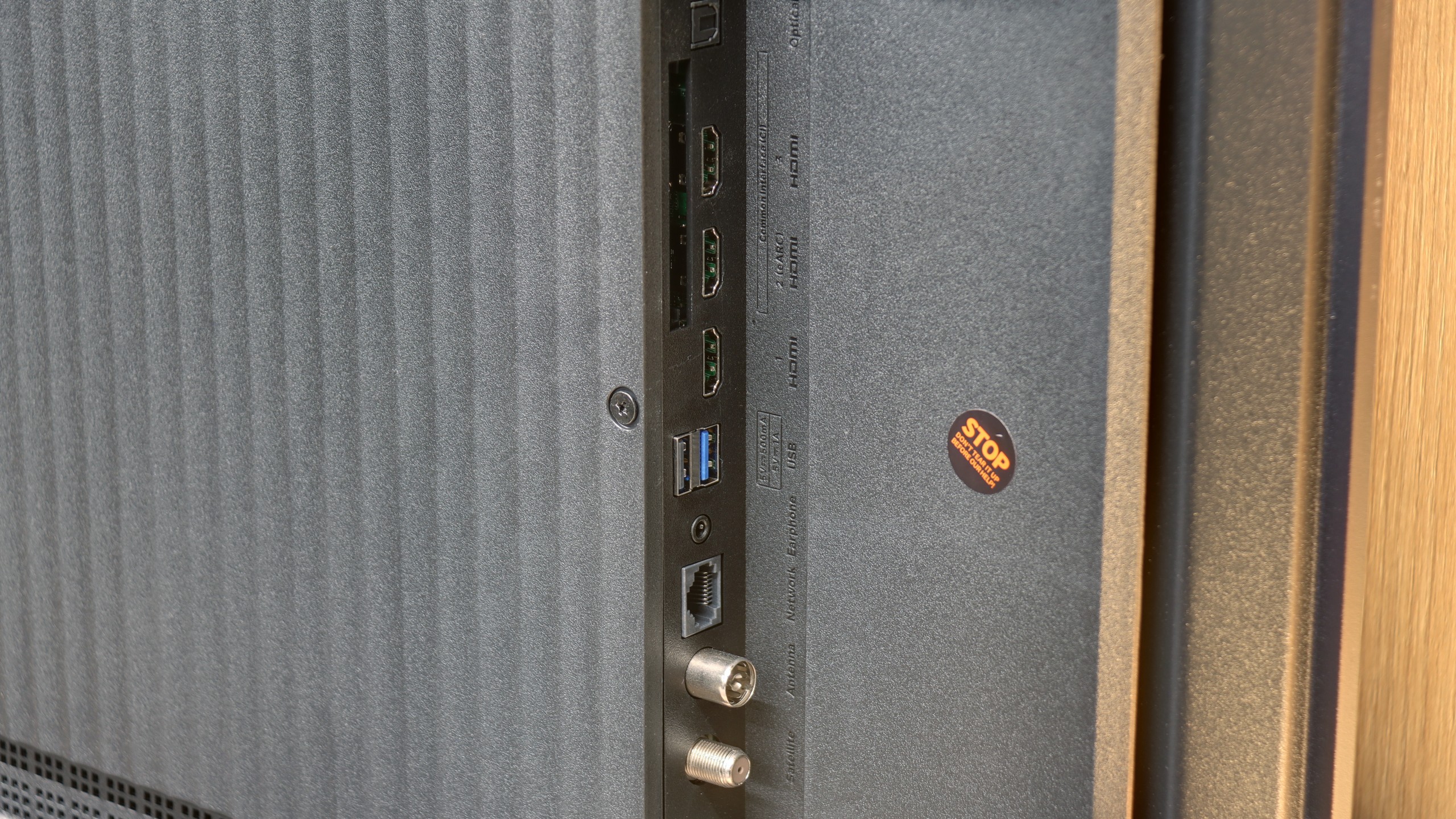
For gamers, the Xiaomi S Pro 2026 is, on paper, an almost ideal proposition. It is equipped with two HDMI 2.1 ports, allowing us to unlock (although these options are somewhat hidden in the menu) the full suite of features: ALLM, VRR, and, crucially, the ability to work in 4K at 144 Hz. This last feature should particularly please owners of powerful PCs. The TV also has something akin to a gaming panel – and while it’s hard to call it a full-fledged "Game Bar," it does its job by displaying key information. It’s just a shame that in its default form, it covers a relatively large part of the screen.
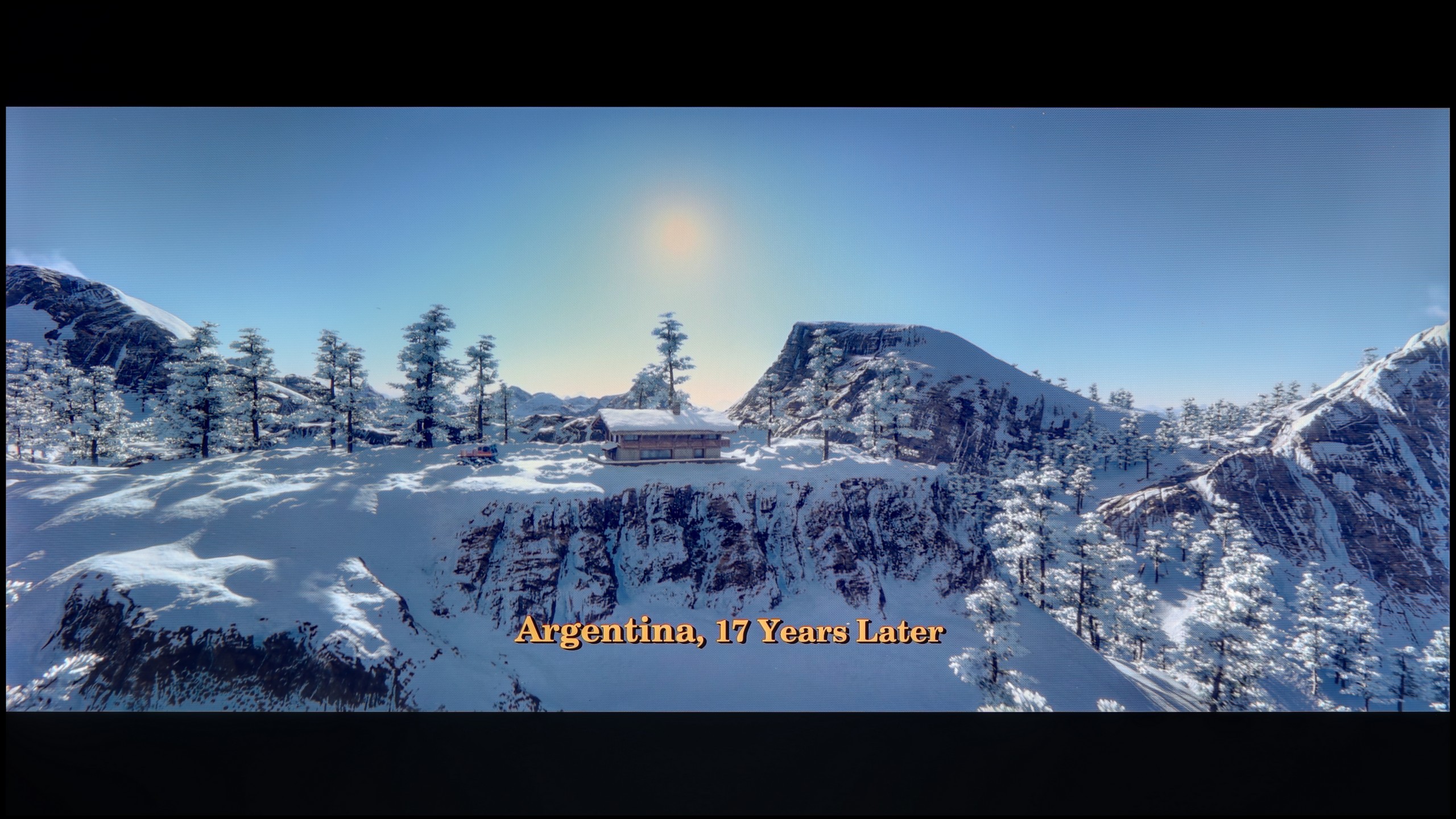
However, our biggest issue with this model concerns how the S Pro 2026 handles gaming in HDR mode. To put it bluntly: it doesn’t handle it well. Due to the poorly implemented HGiG function (the HDR tone mapping standard for games), during the initial HDR calibration on the console, it’s very easy to "blow out" the image. If someone is unaware of this software flaw and follows the on-screen instructions, they will simply set the image incorrectly, with burnt-out details in bright areas. Another major problem is the Dolby Vision mode for gaming. While it does work, it generates such a high input lag that it becomes noticeable in dynamic titles. (All our latency measurements can be checked in the paragraph below). In summary: generally, it’s a really good screen for gamers, but with one small caveat. We would rather avoid HDR mode on it – unless we decide to manually adjust the brightness bar on the console "by eye," completely ignoring the instructions from the console's pictogram.
 Direct comparison