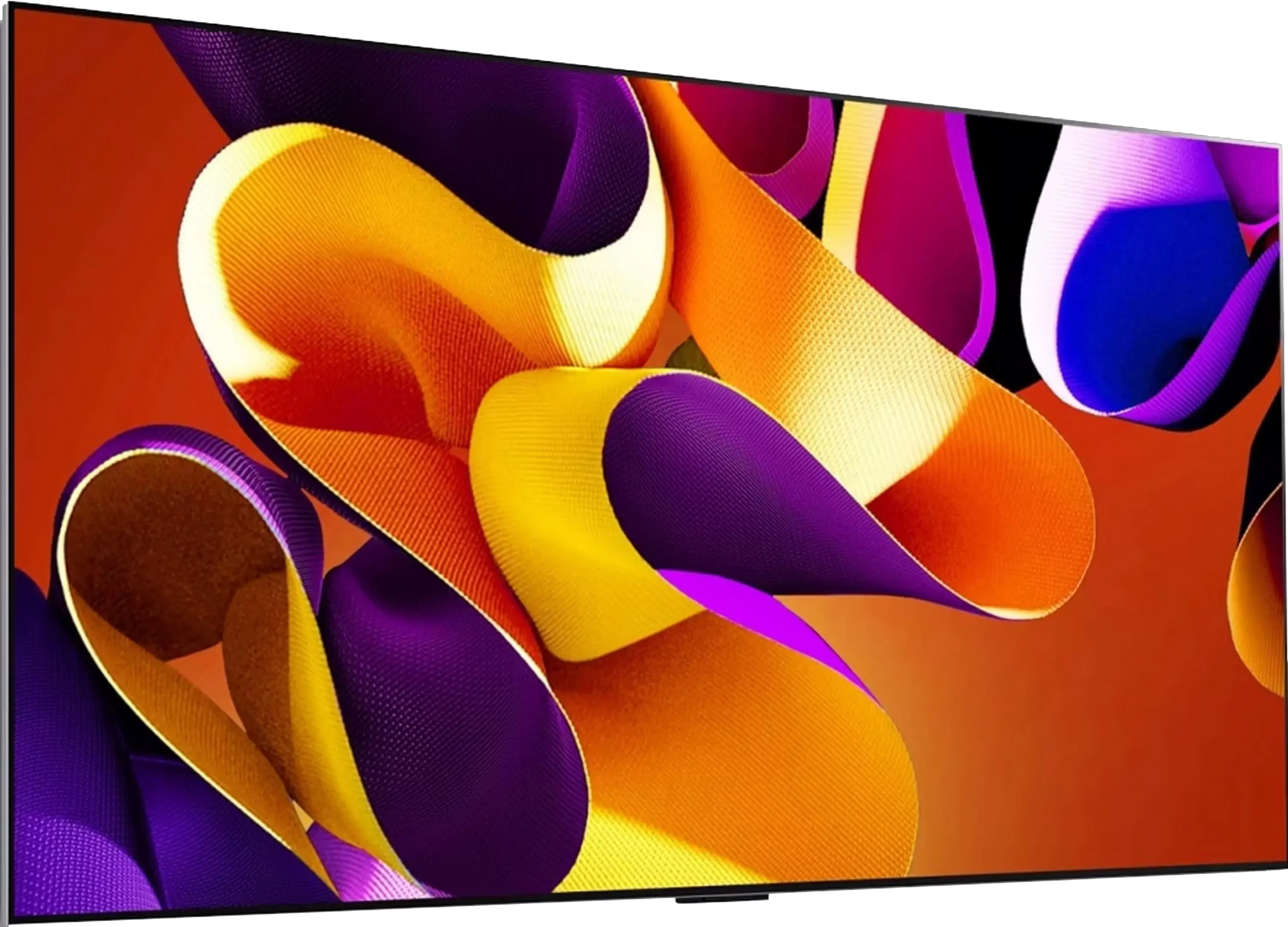
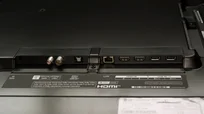
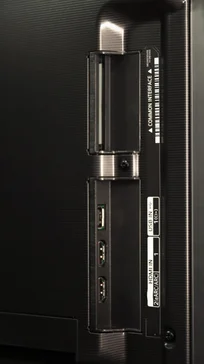
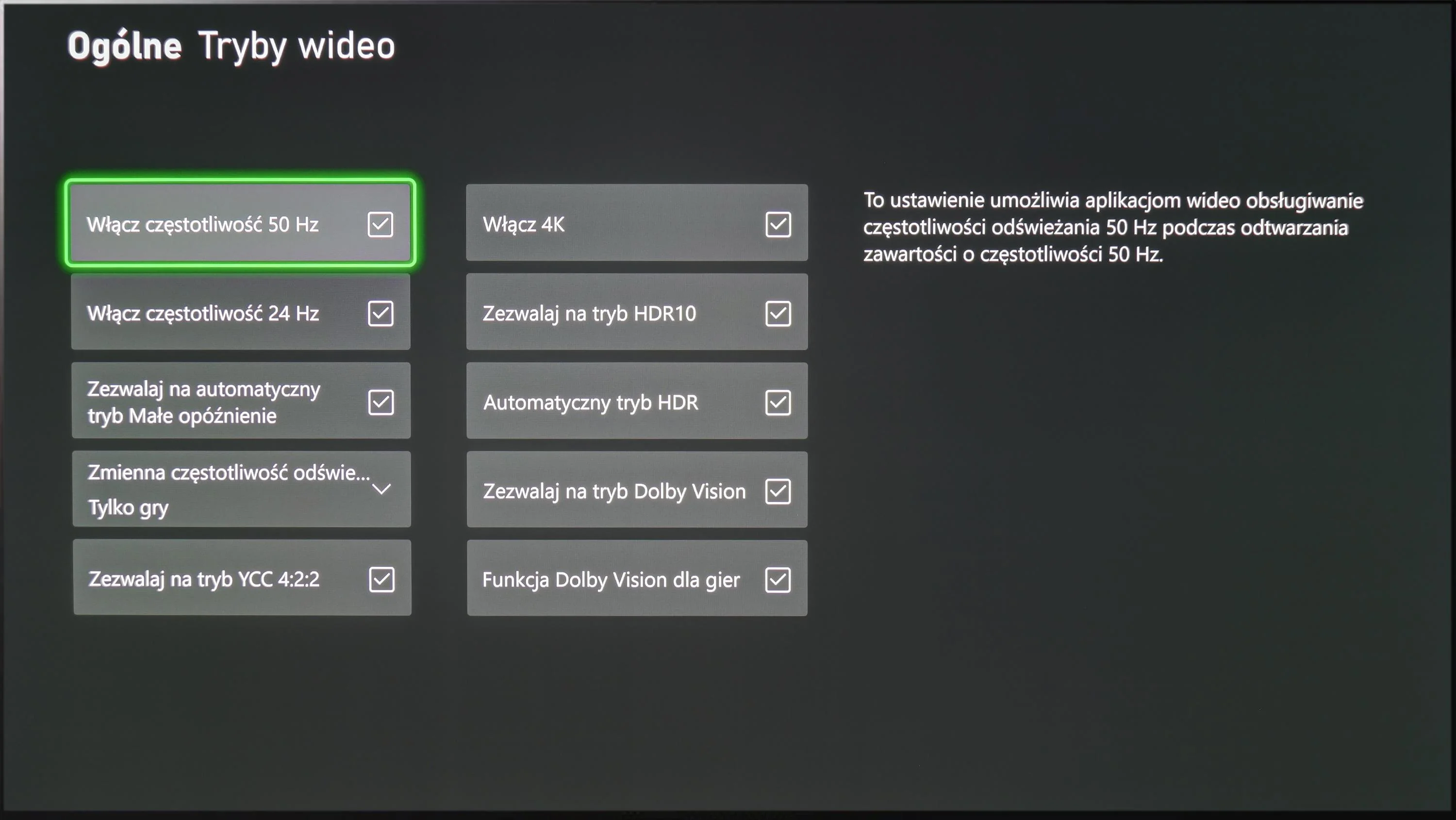
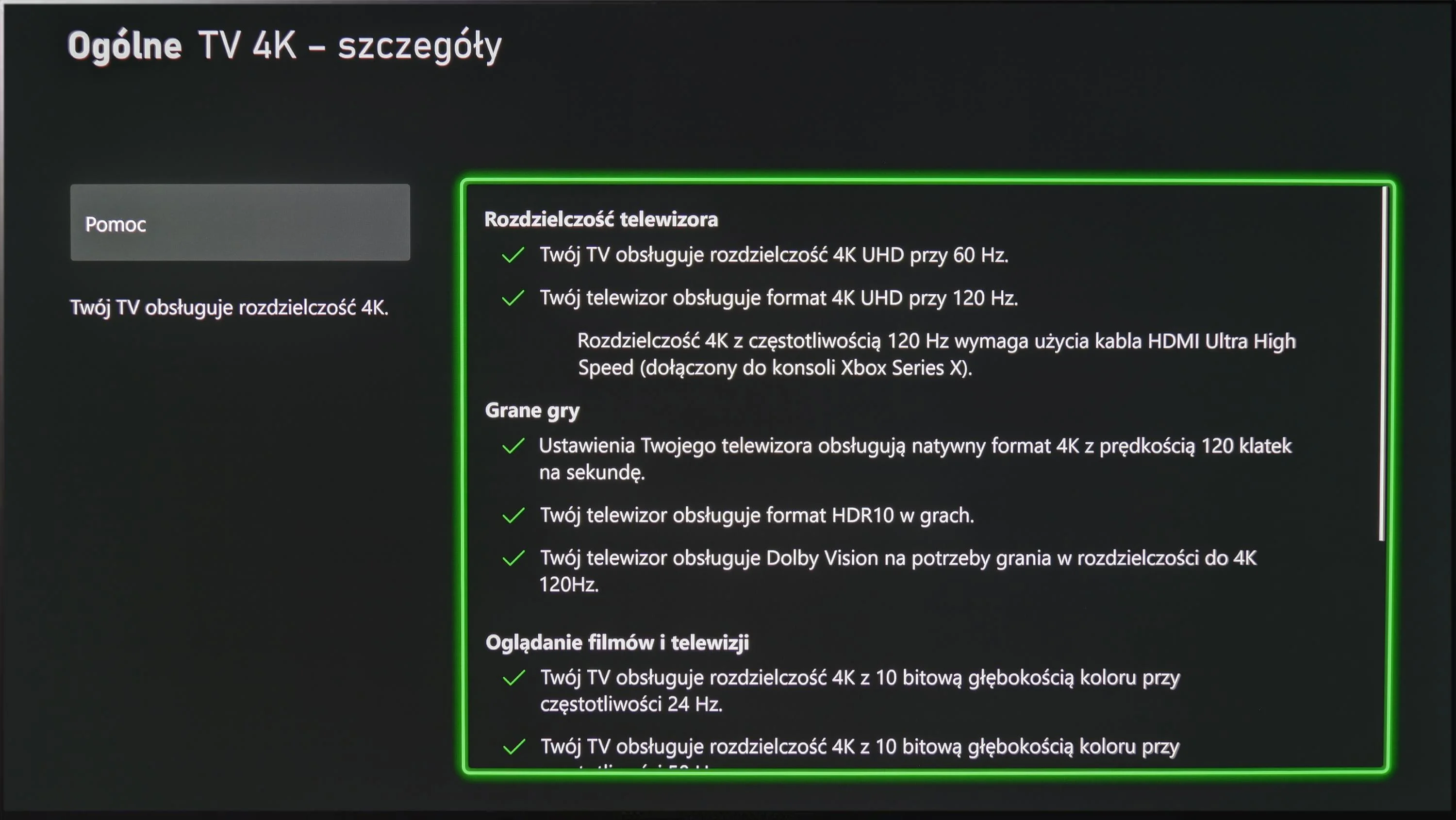
The LG G4 TV supports all the features encompassed by the HDMI 2.1 standard, making it a gaming powerhouse. During testing, every feature activated seamlessly, ensuring a smooth experience for both console gamers and PC users. Notably, the HGIG mode (HDR Gaming Interest Group) is implemented correctly, allowing games mastered to brightness levels higher than the TV’s maximum luminance to map tones accurately, preserving the game’s original visual integrity.
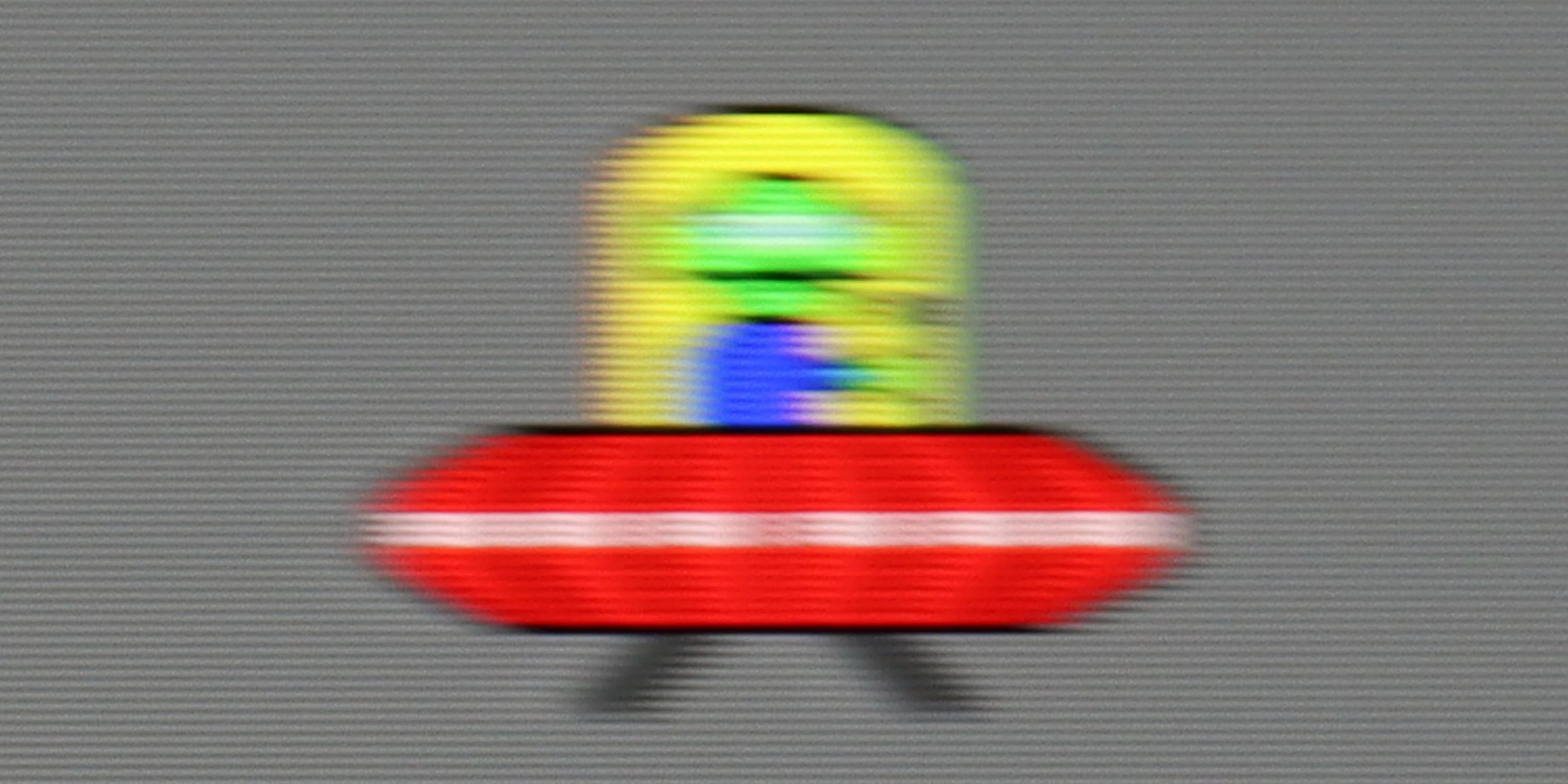
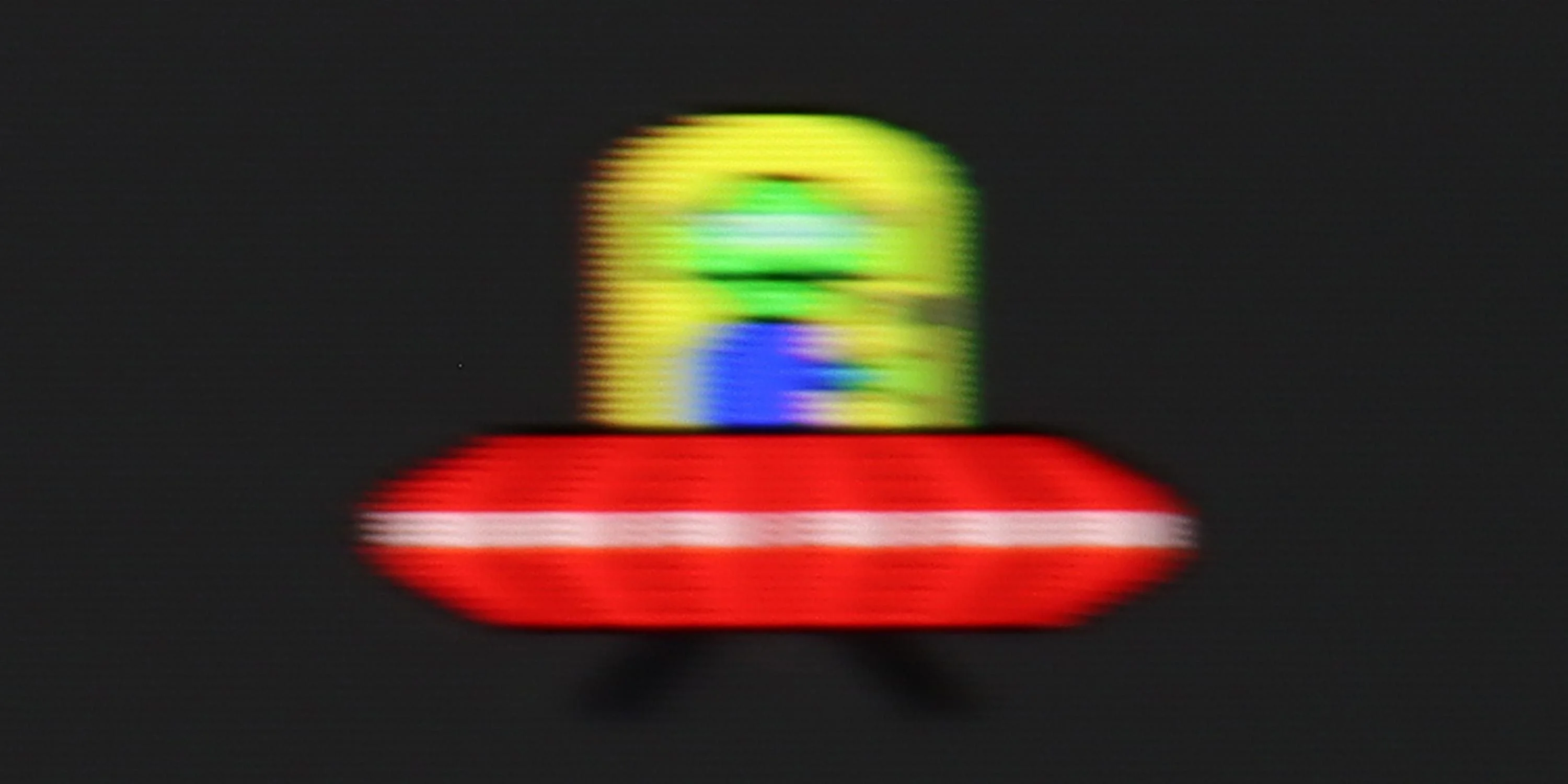
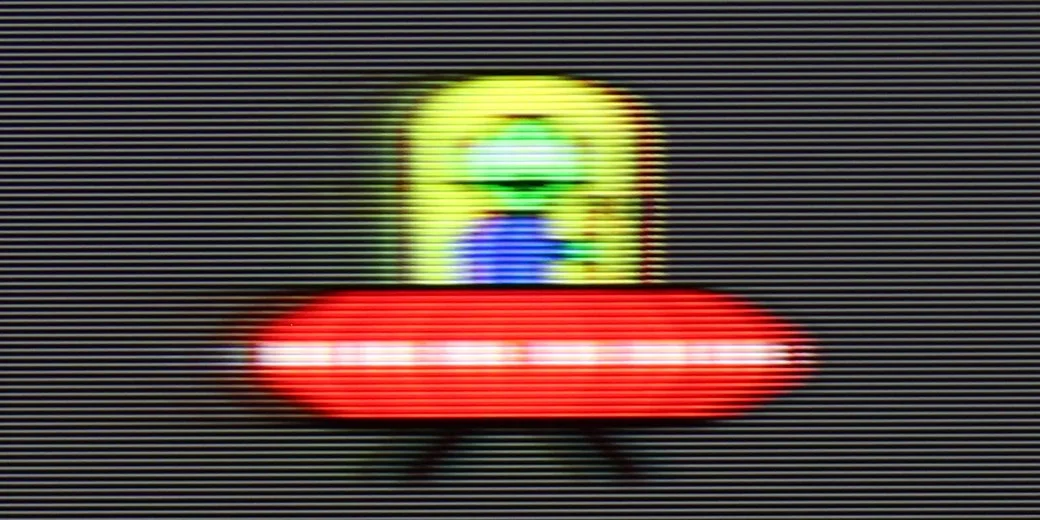
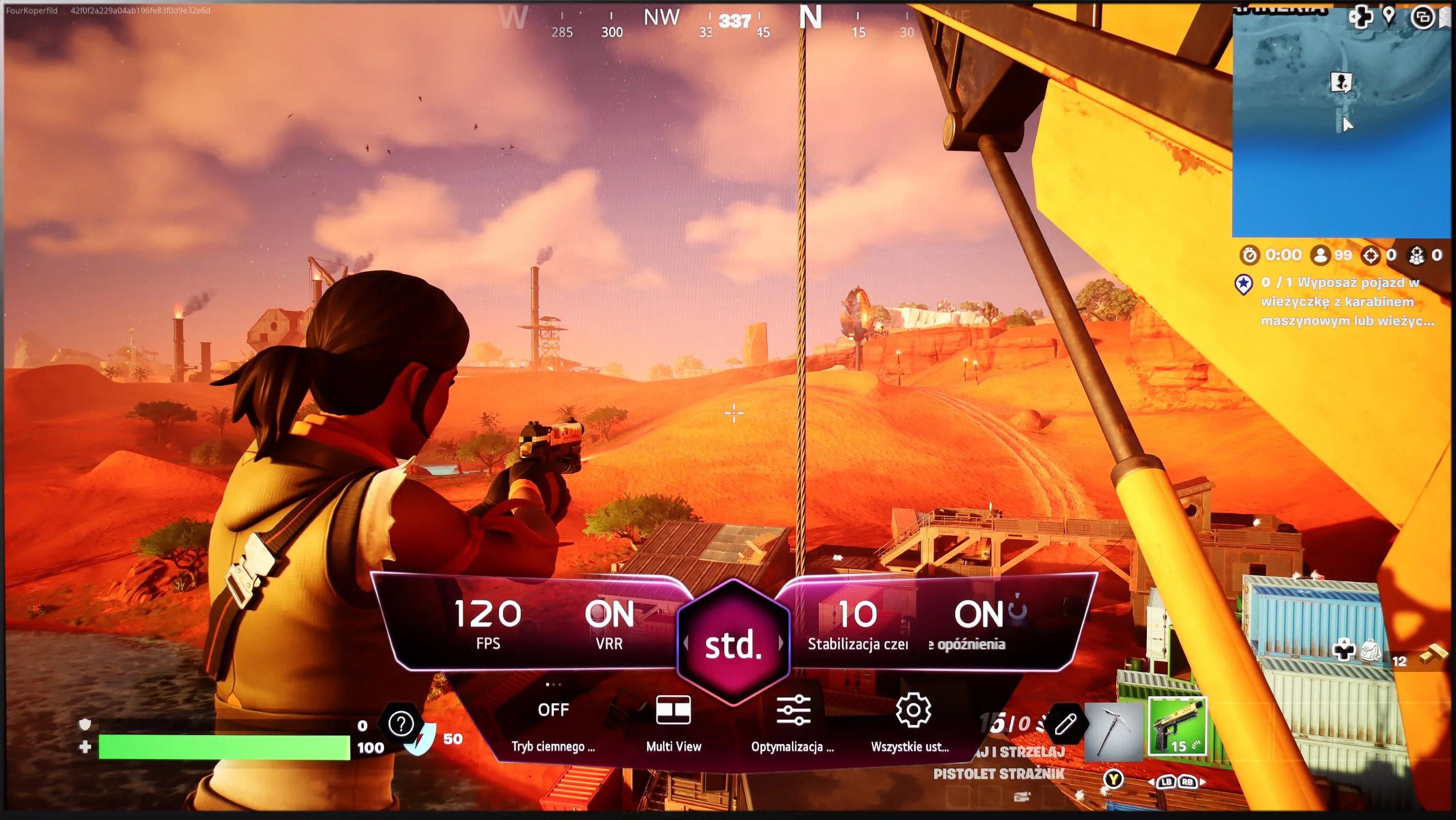
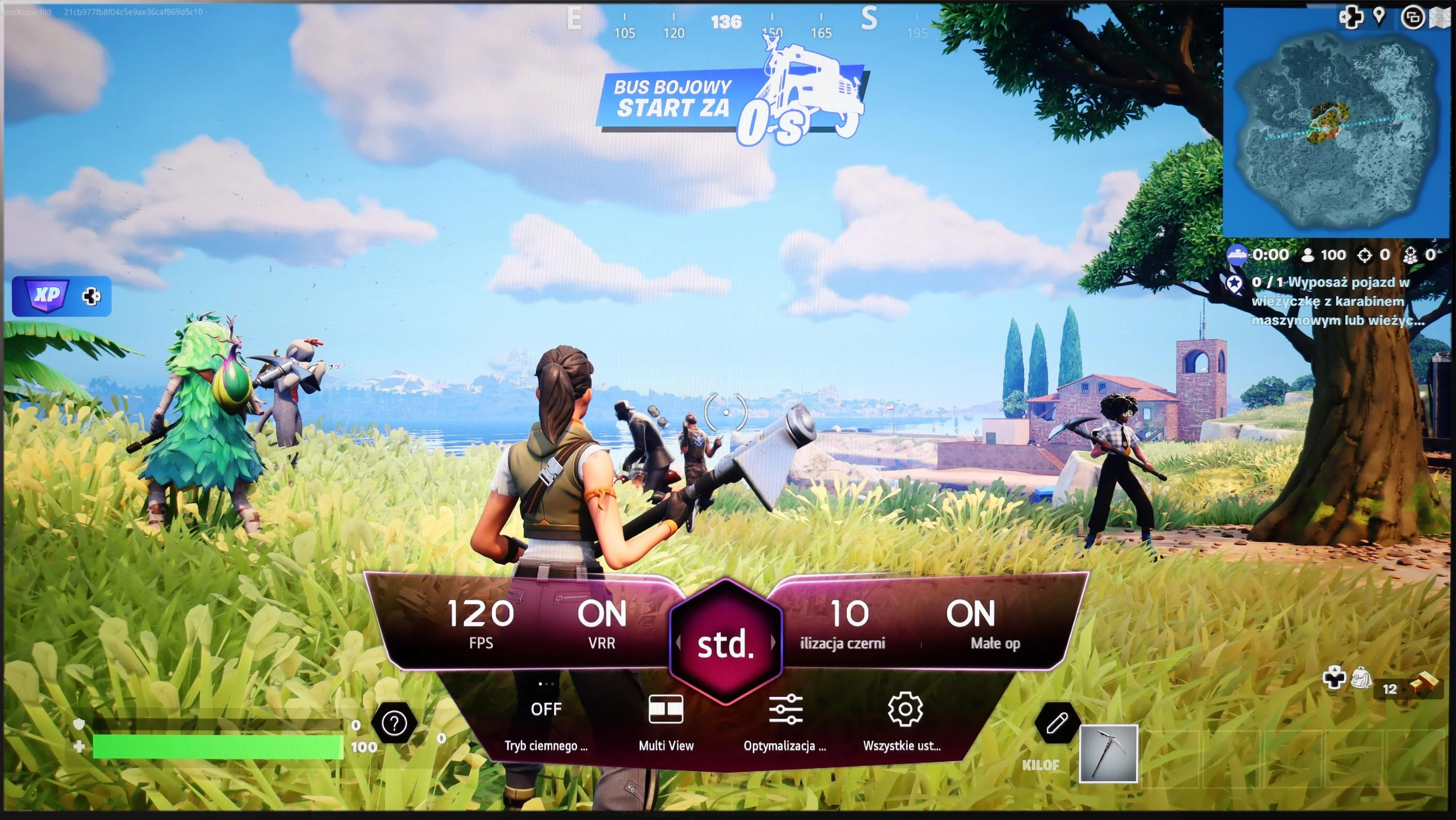
A notable highlight is the dedicated GameBar, which can be accessed at any time to quickly check or adjust game settings. More importantly, enabling VRR (Variable Refresh Rate) does not compromise contrast—a common issue in TVs with local dimming or Mini LED backlighting. This is thanks to the OLED panel’s self-emissive pixels, which maintain consistent contrast. However, a slight grey flicker may appear when VRR is enabled, though this is standard across OLEDs.
In summary, the LG G4, like most OLED TVs, is ideal for gaming and online competitions. Its HDMI 2.1 ports offer a full 48 Gbps bandwidth, supporting features such as VRR, ALLM (Auto Low Latency Mode), G-Sync, FreeSync, and HDR Dolby Vision gameplay, ensuring an exceptional gaming experience.
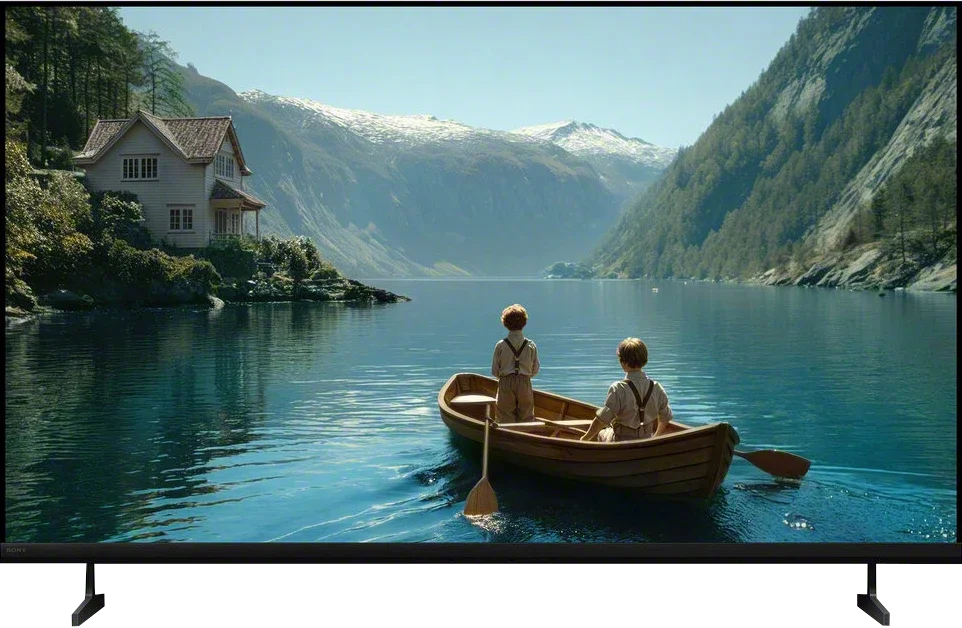
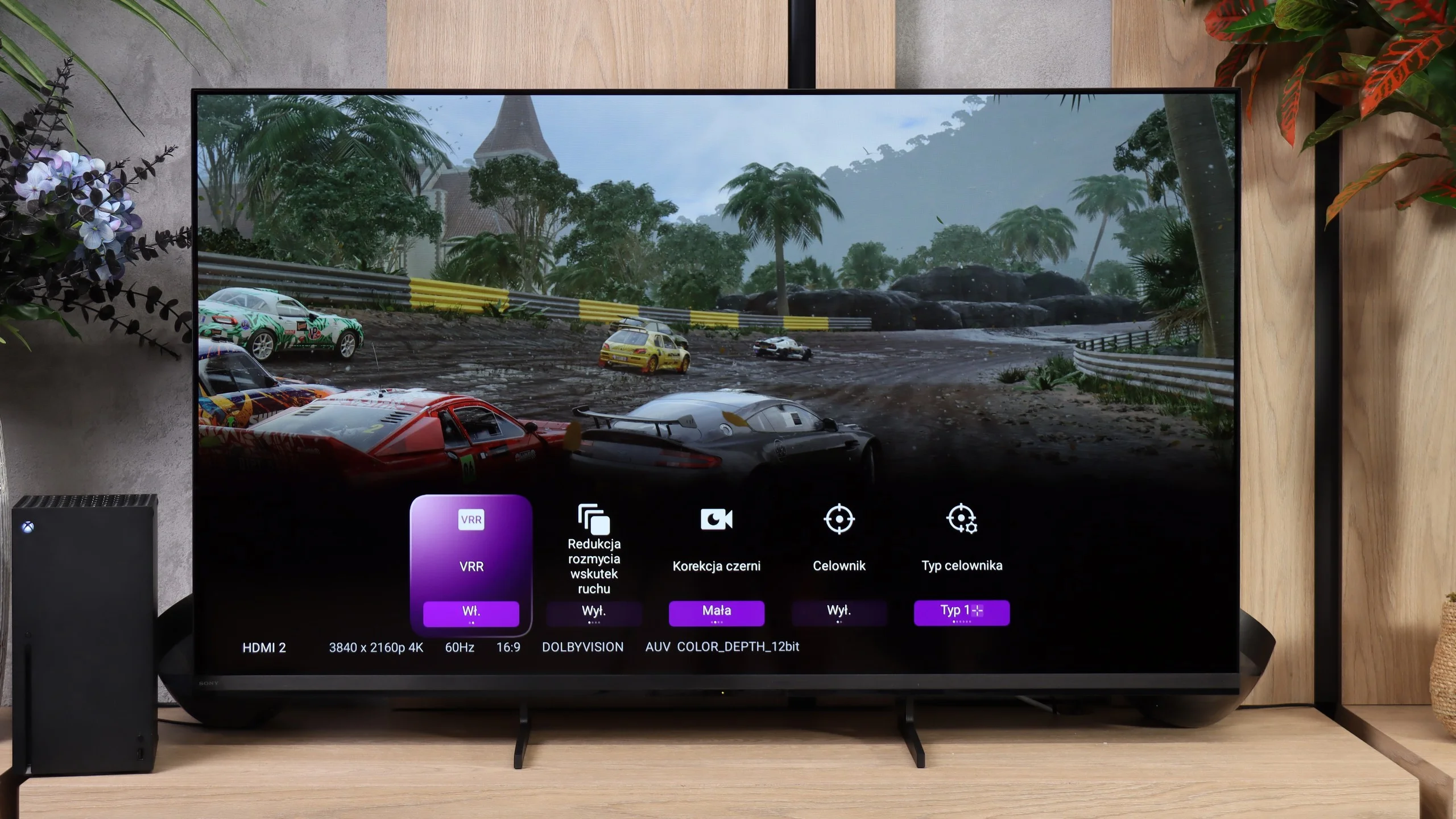
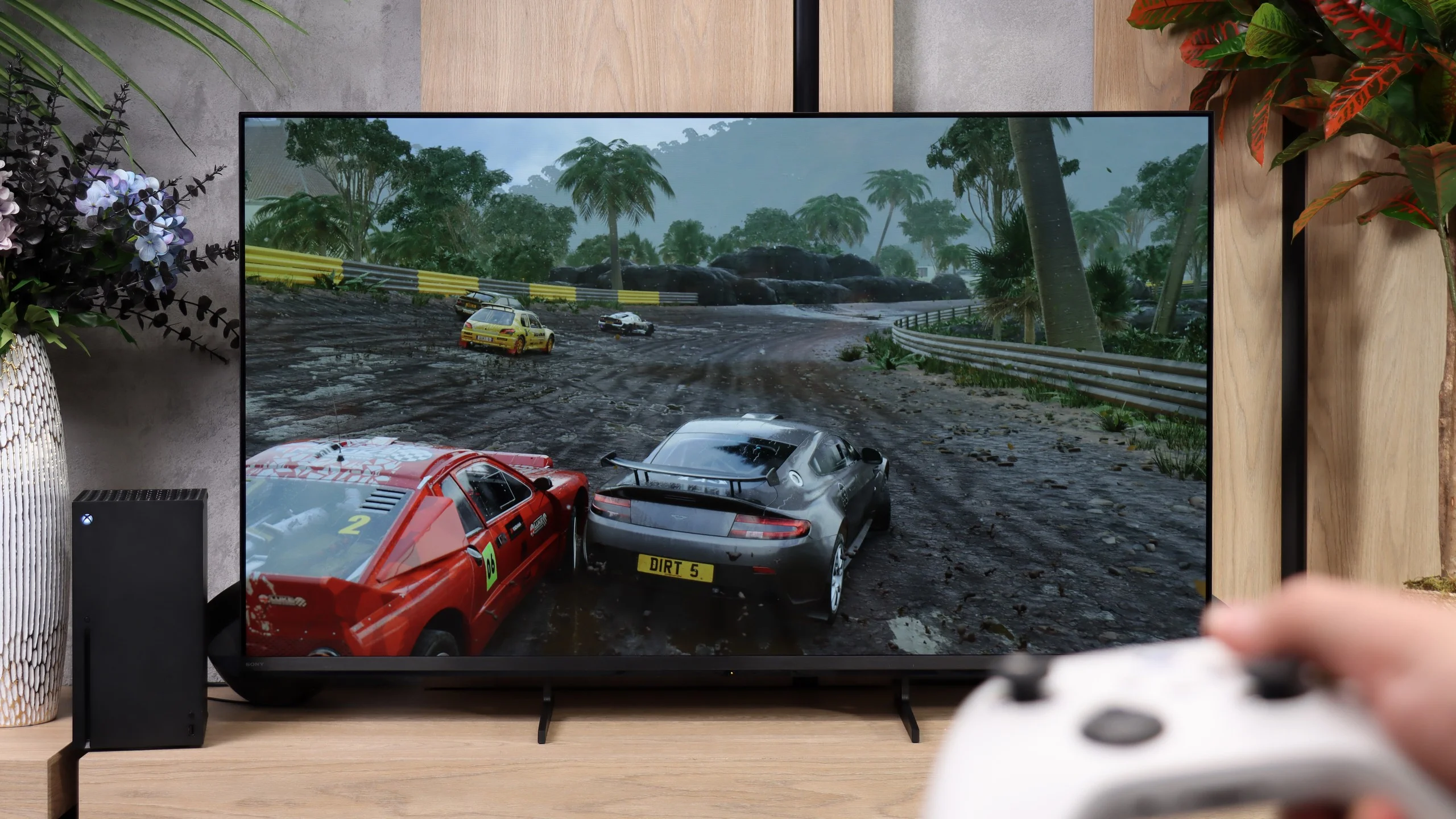
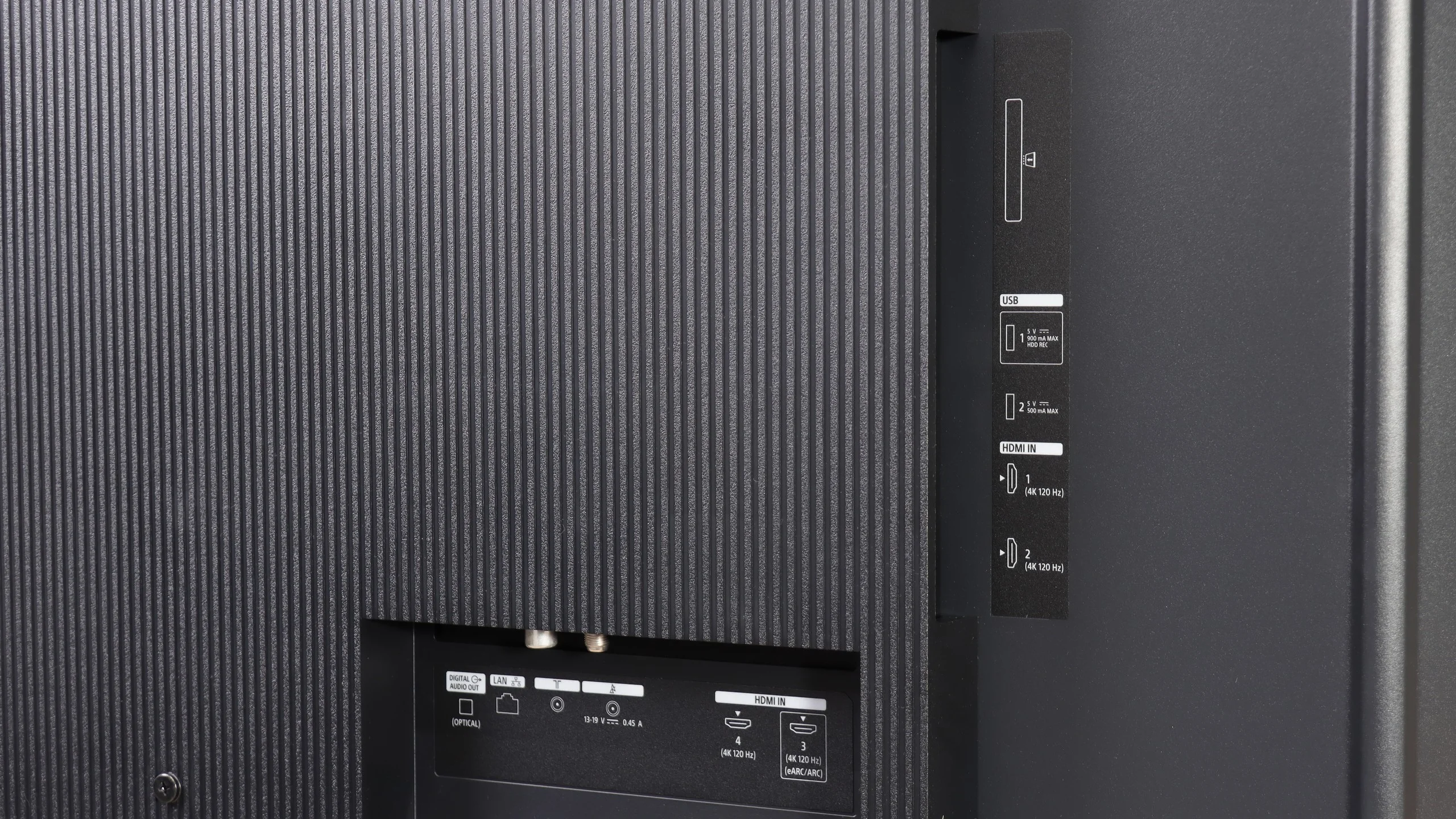
Sony Bravia 3 II is a very good TV for gamers, although not everything has been handled the way we'd like. The biggest change concerns the connections. For the first time in a Sony TV we get four full HDMI 2.1 ports with 48 Gb/s bandwidth, thanks to the new MediaTek Pentonic 800 chipset. That removes one of the long-standing issues that has plagued the manufacturer's TVs. You can connect several devices at once and use each input's full capabilities, including VRR and ALLM. There's also a simple Game Bar that lets you check key signal parameters and change a few useful settings, such as black level, when you want to improve visibility in darker parts of a game.
There are, however, two limitations worth knowing. The first is the lack of support for 1440p at 120 Hz. This won't be a problem for everyone, but people using that resolution on a console or PC, for example to get higher frame rates in certain games, will have to choose 1080p. We have more reservations about HGiG support. Sony does not allow disabling tone mapping on the Bravia 3 II, so the TV continuously processes HDR content even when you would prefer to leave that task to the console. You can most easily notice this during HDR setup. The checkerboard pattern does not disappear at the point corresponding to the TV's actual capabilities. That doesn't mean HDR in games will look bad. You just need to approach the setup a bit differently and, instead of relying on the pattern, manually set the peak brightness to about 450 nits. The issue can be worked around, but you should know about it before you start configuring your console.
 Direct comparison