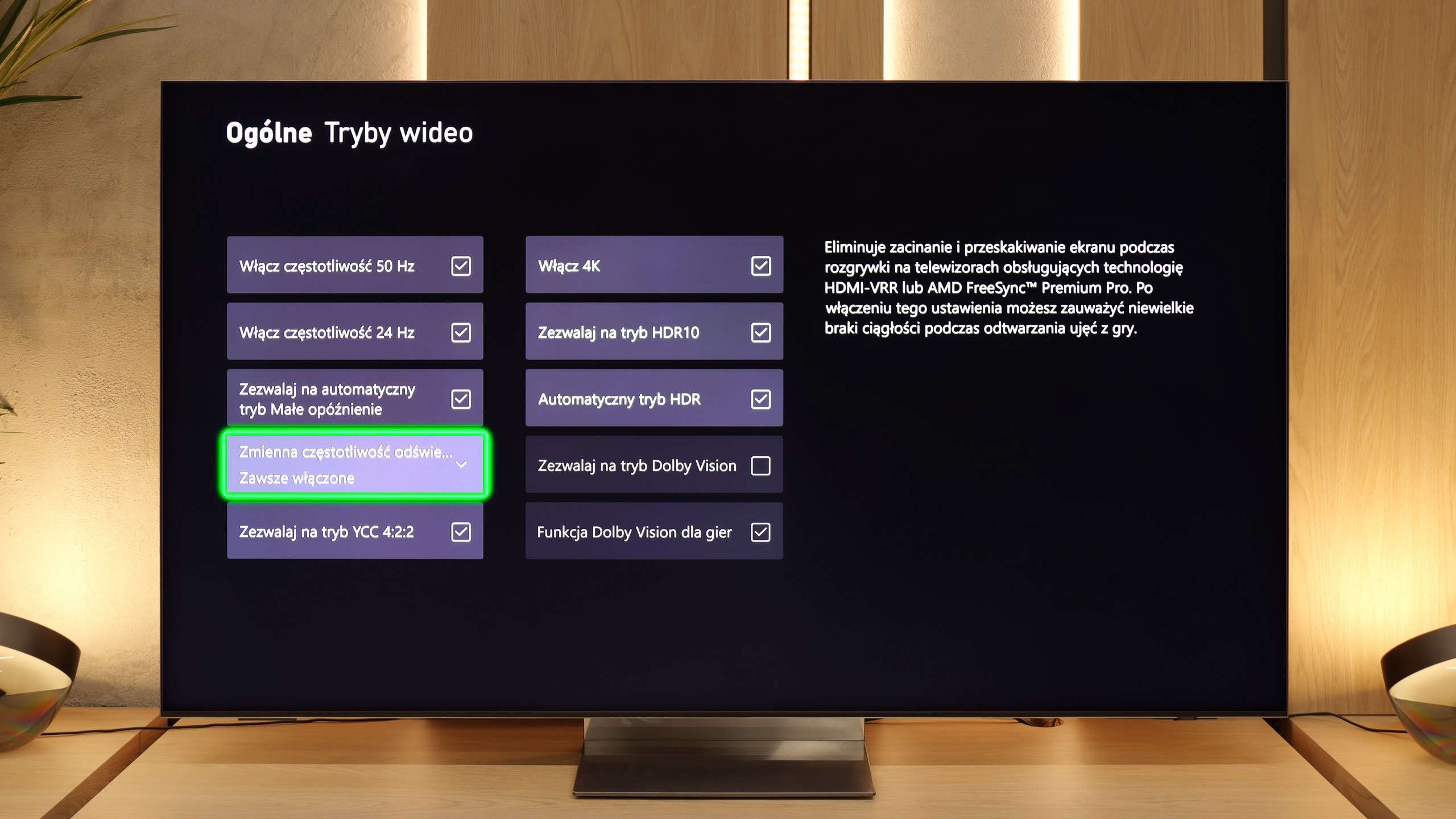
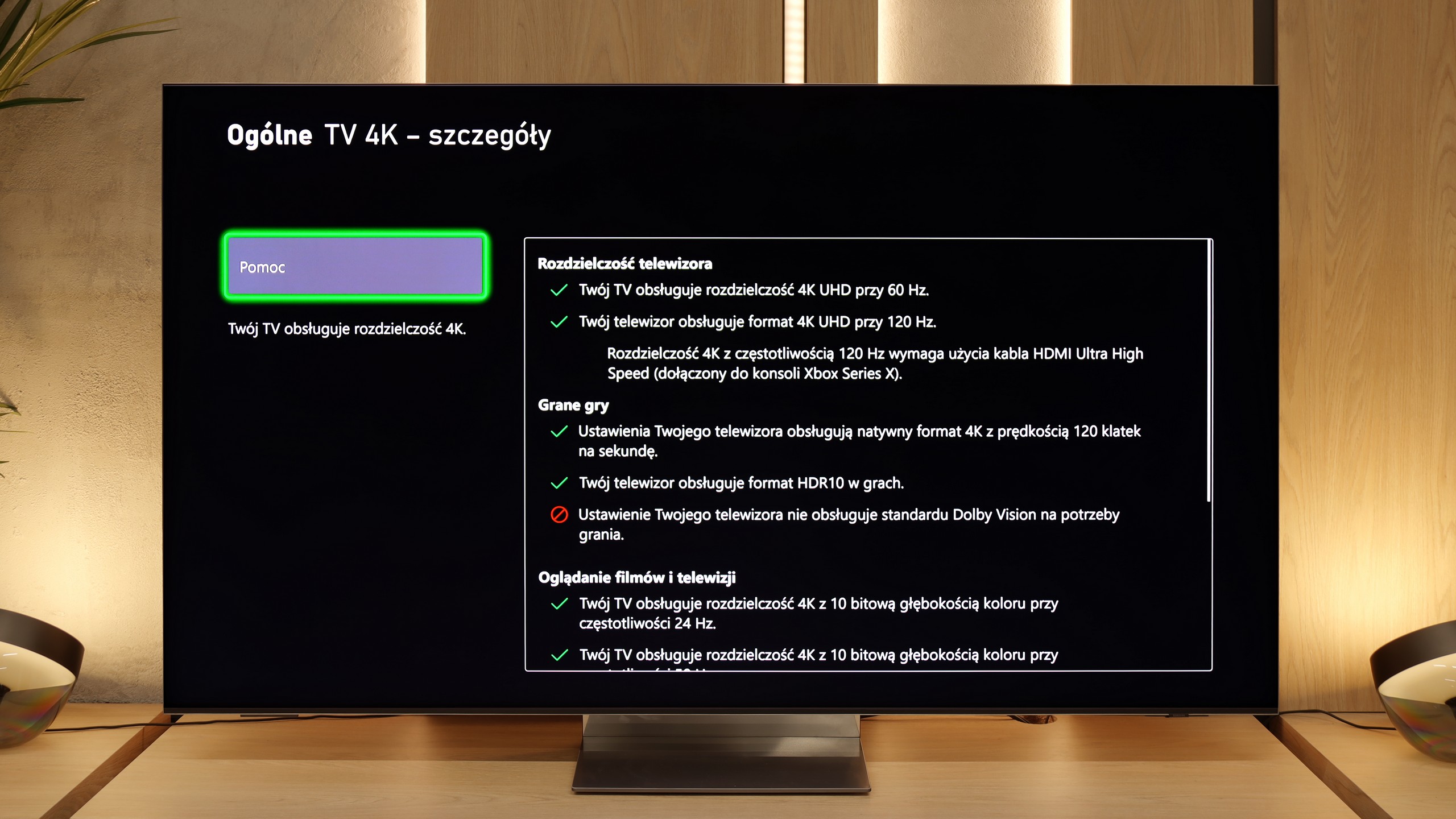
The LG G4 TV supports all the features encompassed by the HDMI 2.1 standard, making it a gaming powerhouse. During testing, every feature activated seamlessly, ensuring a smooth experience for both console gamers and PC users. Notably, the HGIG mode (HDR Gaming Interest Group) is implemented correctly, allowing games mastered to brightness levels higher than the TV’s maximum luminance to map tones accurately, preserving the game’s original visual integrity.
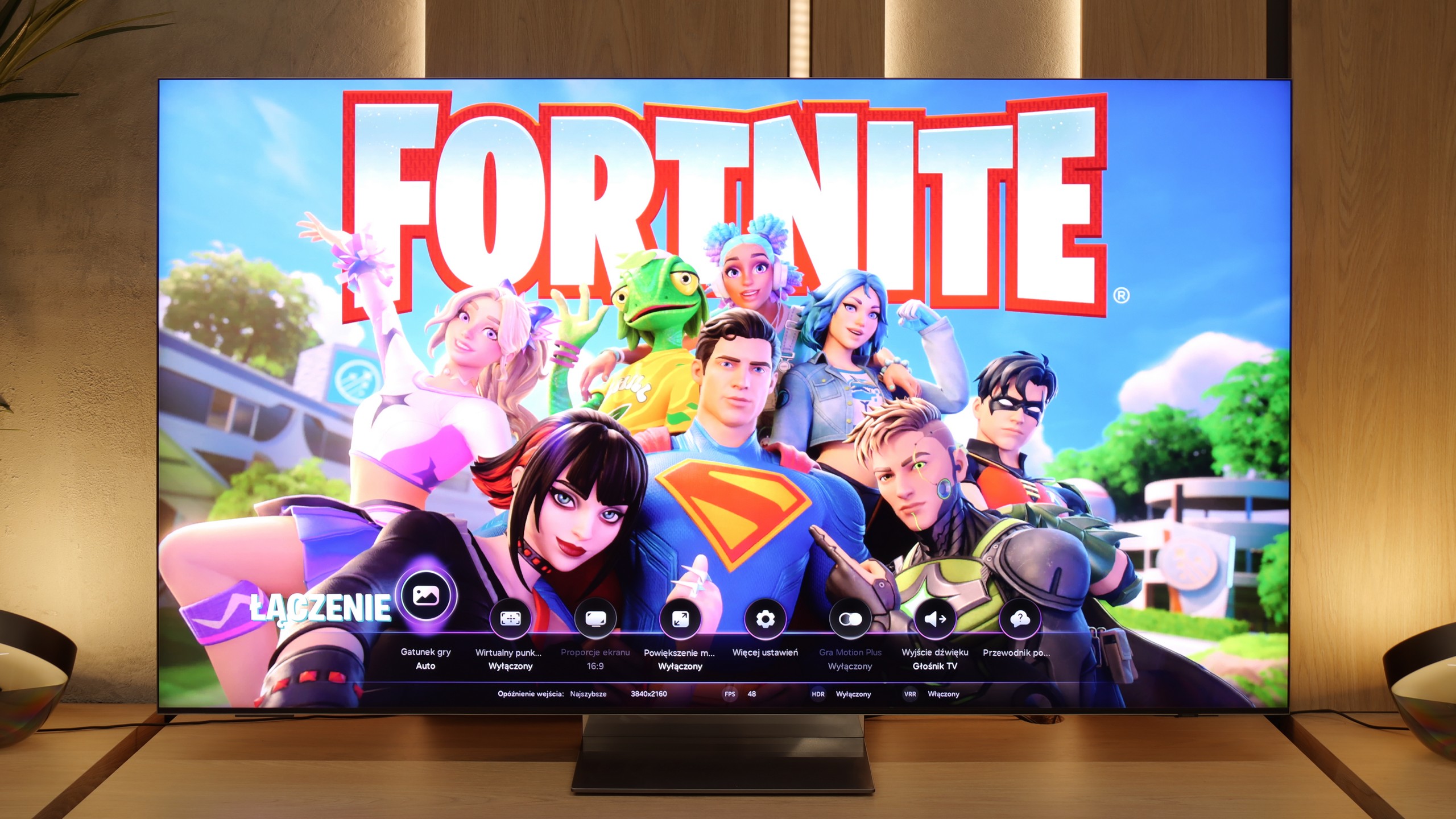
A notable highlight is the dedicated GameBar, which can be accessed at any time to quickly check or adjust game settings. More importantly, enabling VRR (Variable Refresh Rate) does not compromise contrast—a common issue in TVs with local dimming or Mini LED backlighting. This is thanks to the OLED panel’s self-emissive pixels, which maintain consistent contrast. However, a slight grey flicker may appear when VRR is enabled, though this is standard across OLEDs.
In summary, the LG G4, like most OLED TVs, is ideal for gaming and online competitions. Its HDMI 2.1 ports offer a full 48 Gbps bandwidth, supporting features such as VRR, ALLM (Auto Low Latency Mode), G-Sync, FreeSync, and HDR Dolby Vision gameplay, ensuring an exceptional gaming experience.
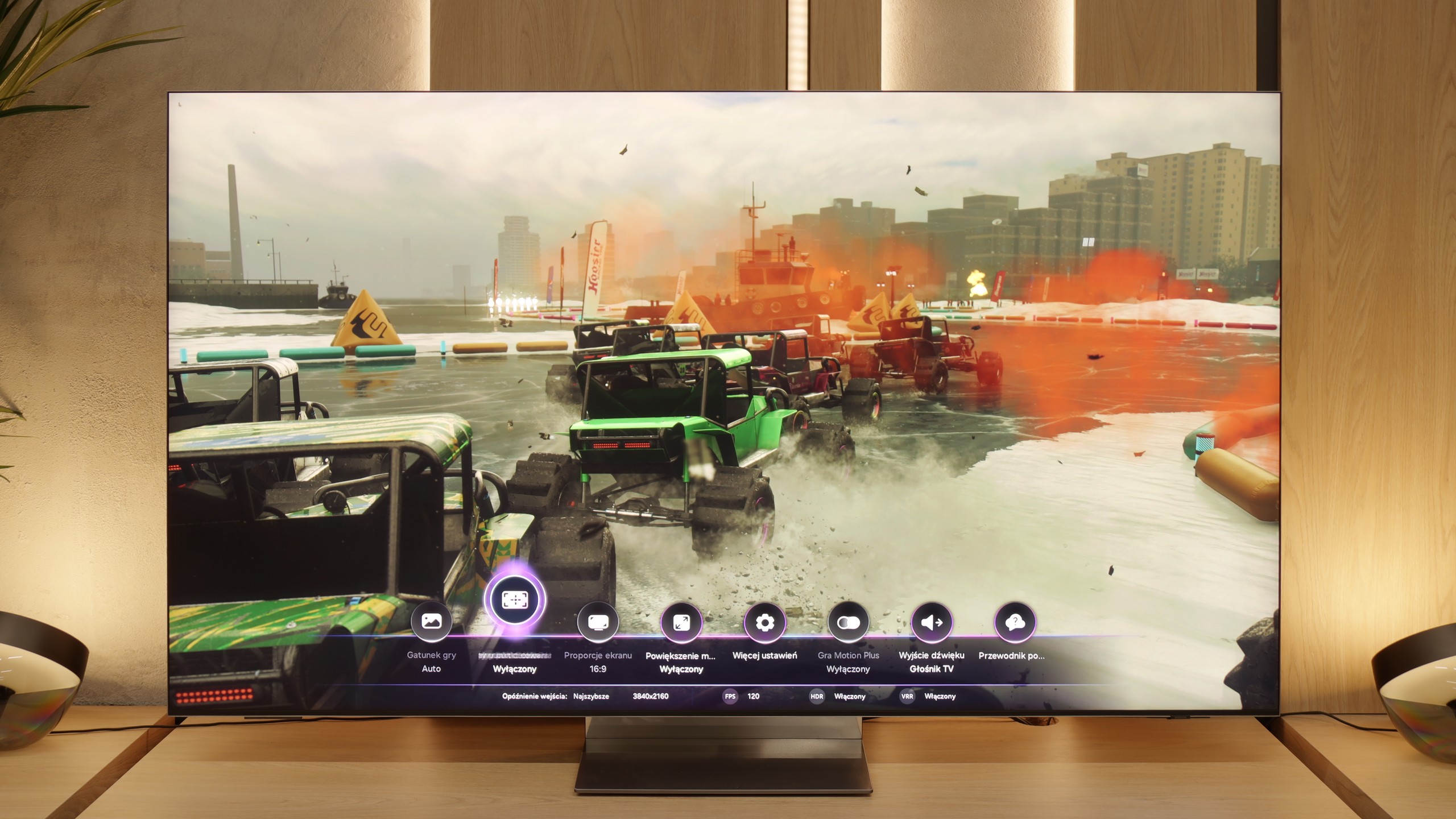
It must be said directly – the QN990F is one of those TVs that screams it was designed with gamers in mind. Samsung has been developing its gaming solutions for years, but here we have a true package. Sure, the lack of Dolby Vision support in games is a downside that will always come up in discussions. However, apart from that, the list of features is truly impressive. To start, we have Game Bar – a handy menu that allows you to quickly check and change game-related settings. You can see, for example, VRR is turned on, the frame rate, or the aspect ratio settings. It's like a small "dashboard," allowing you not to dig deep into the menu to make adjustments. Speaking of VRR: yes, variable refresh rate is present here and works flawlessly. Additionally, there's ALLM, which automatically switches the TV to game mode as soon as the console is turned on. These may seem like small details, but together they make using the QN990F simply convenient and hassle-free.
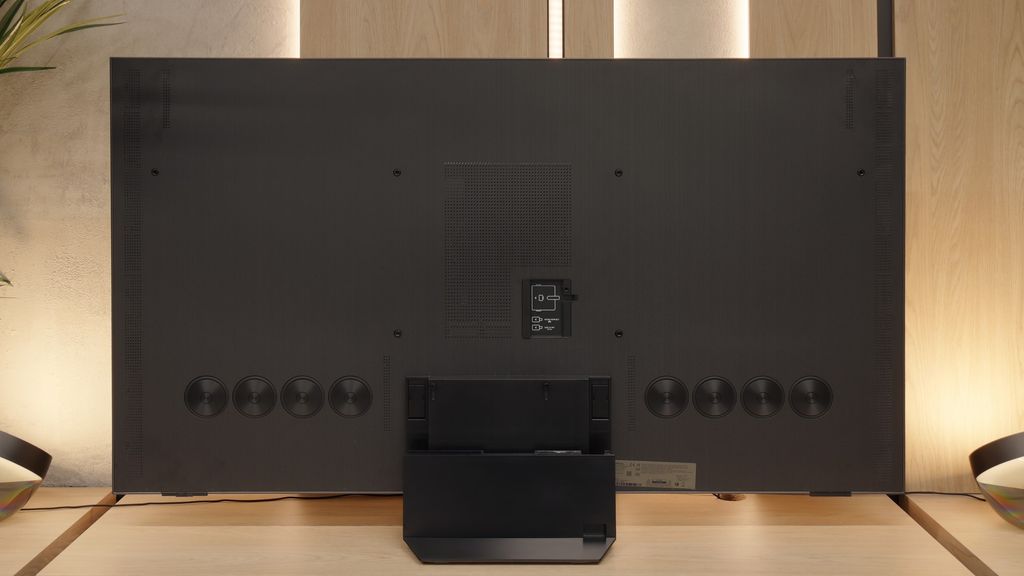
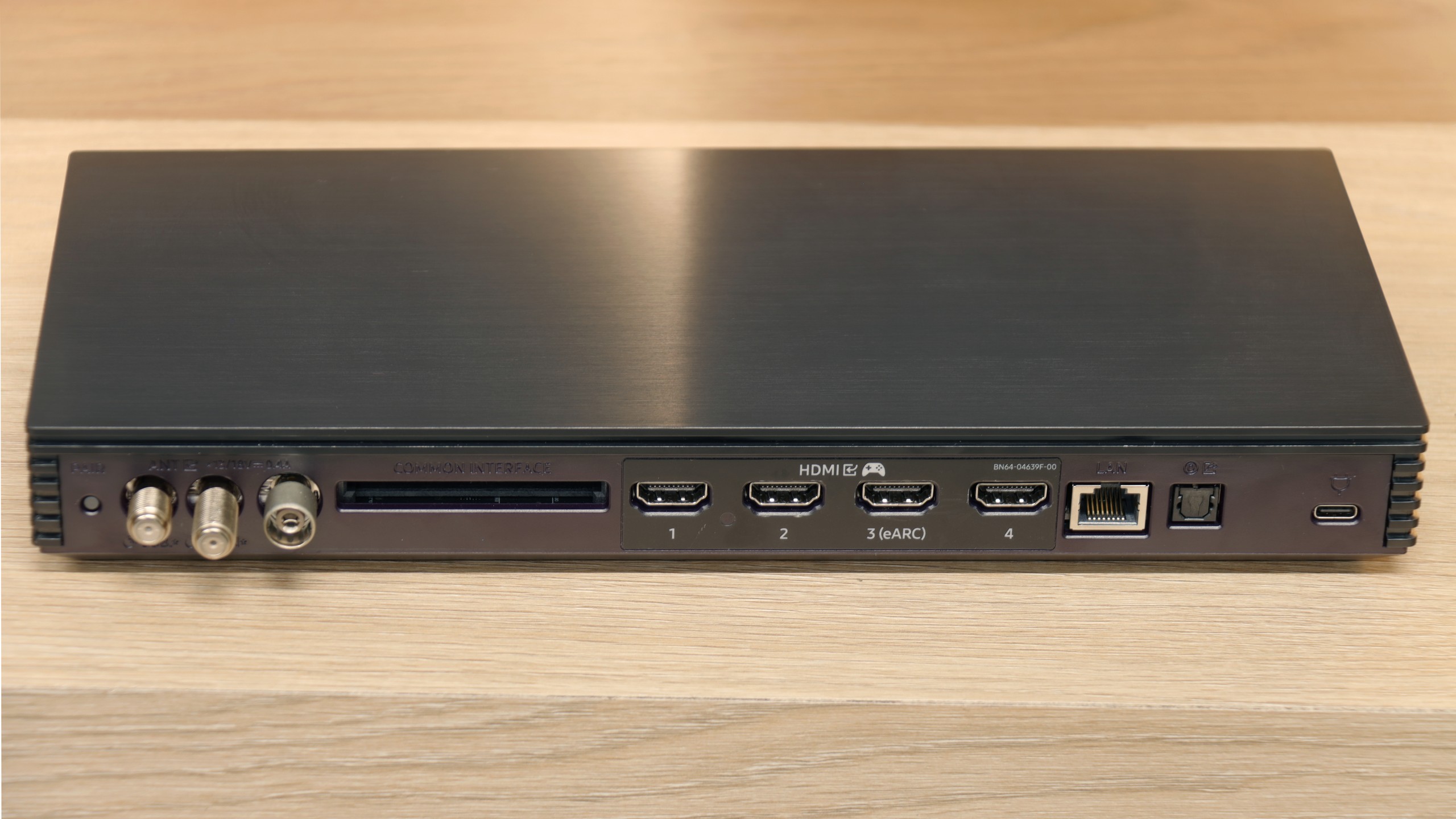
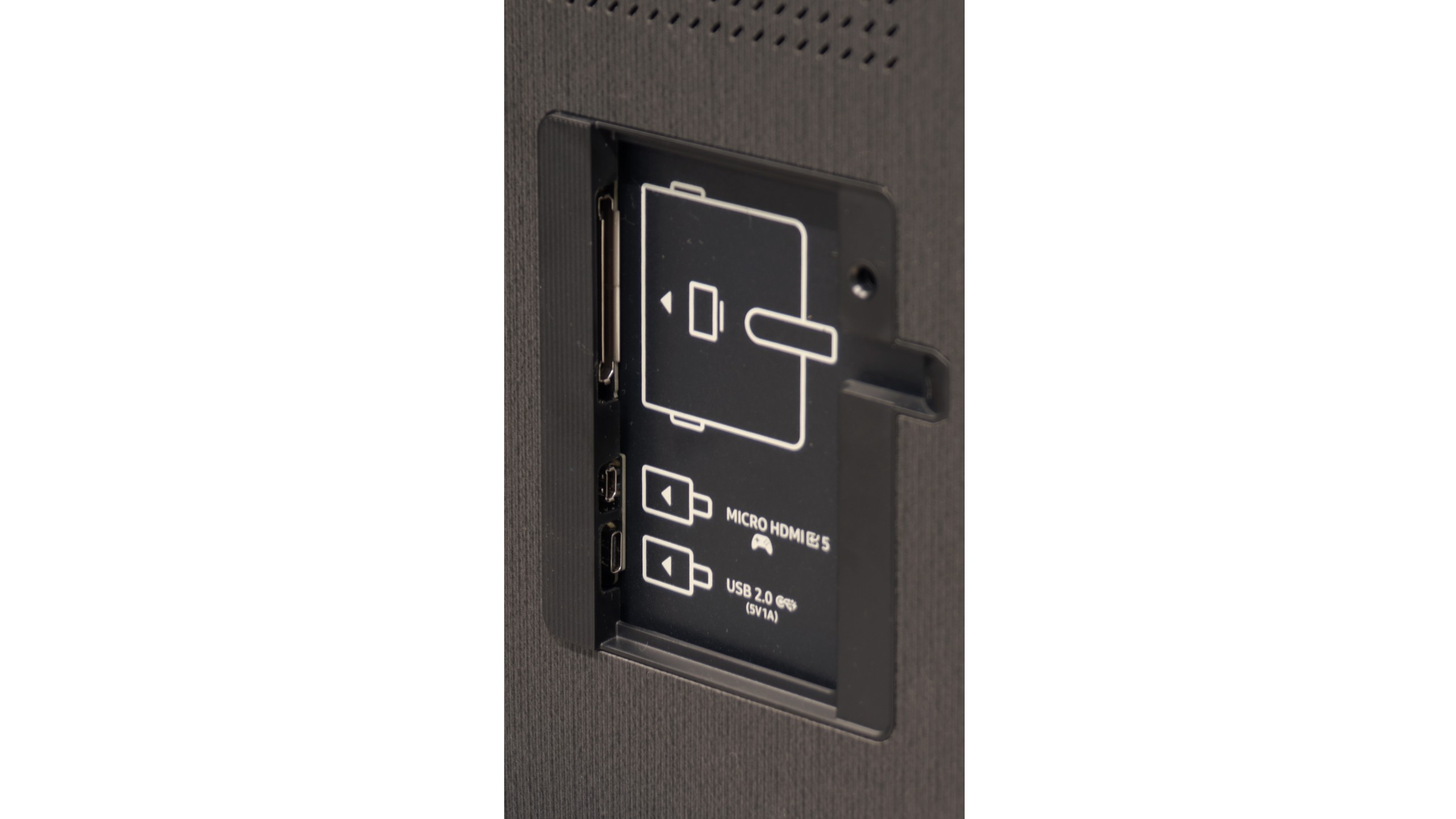
However, the number of ports makes the biggest impression. Four wireless HDMI 2.1 ports are already great news because you don't have to choose whether to connect the console, the receiver, or maybe even the PC. There's plenty of room here for everything. And if we add an additional micro HDMI (which we recommend connecting directly to consoles), hidden in the housing, we practically have five inputs in full 2.1 standard. Add to that support for high refresh rates – 120 Hz in 8K or even 240 Hz in 4K – and we get a TV that not only keeps up with the new consoles but also feels ready for consoles that are yet to come.
 Direct comparison