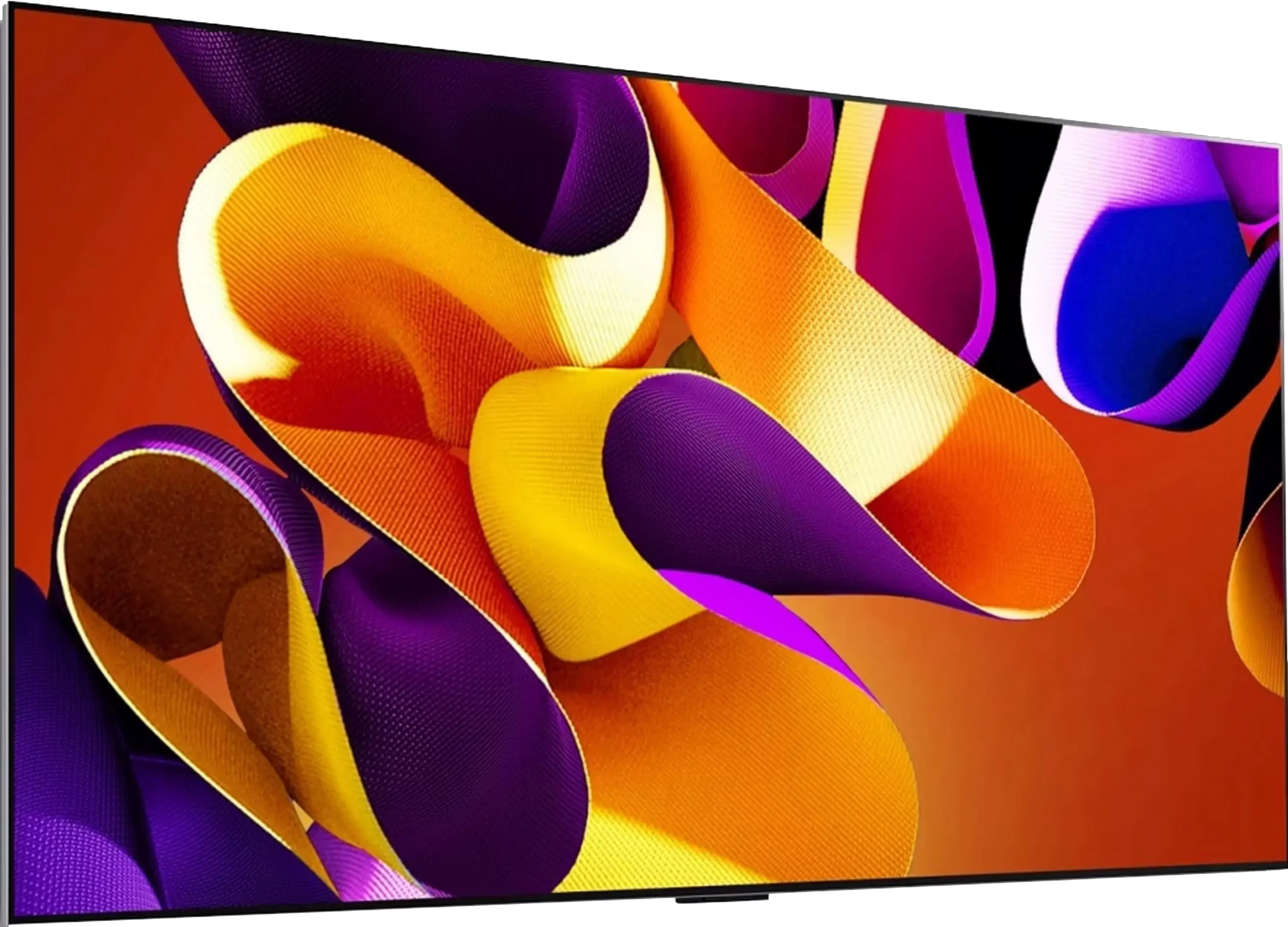
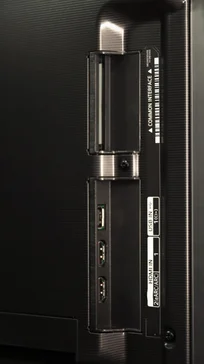
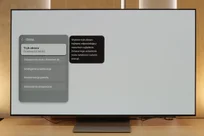
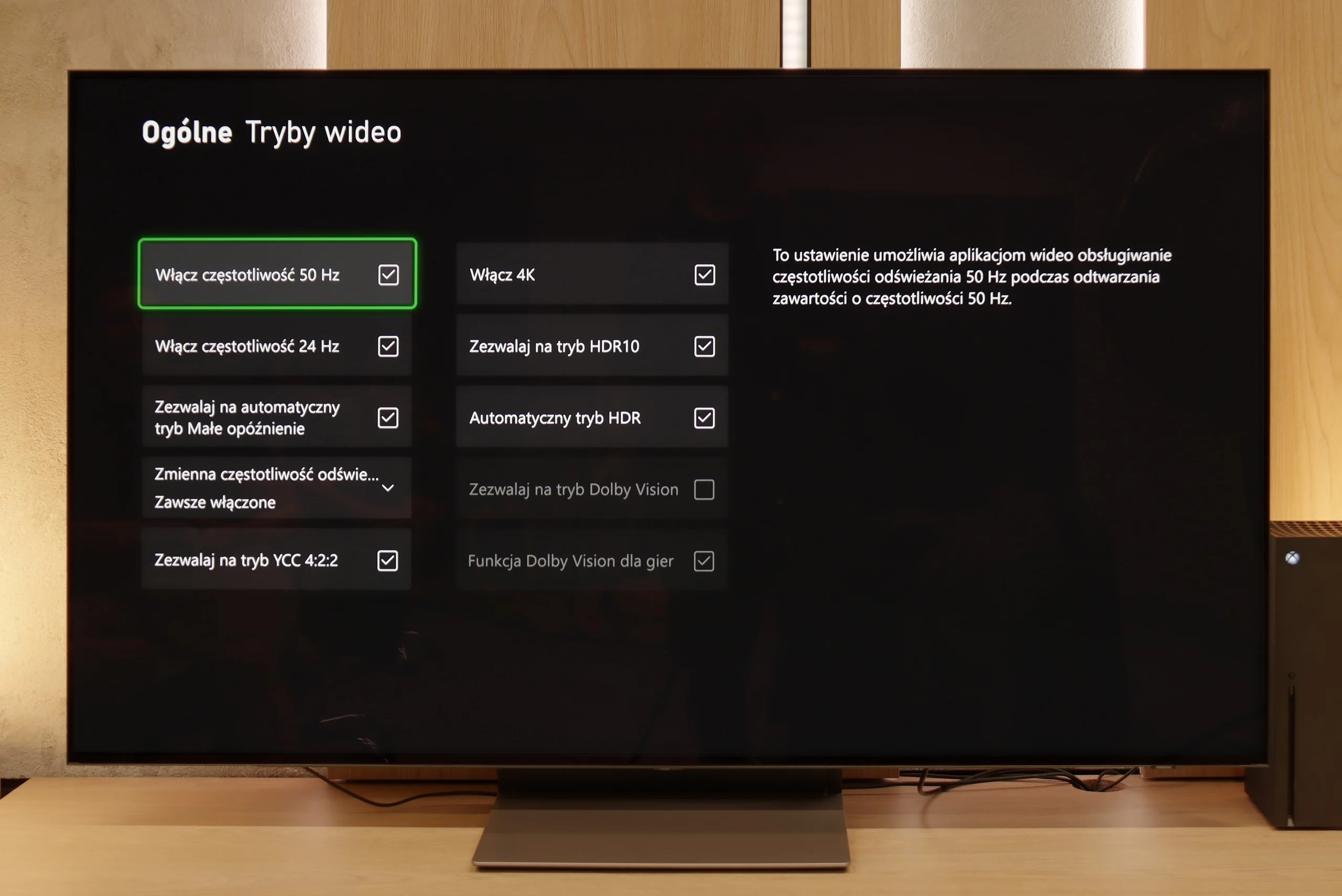
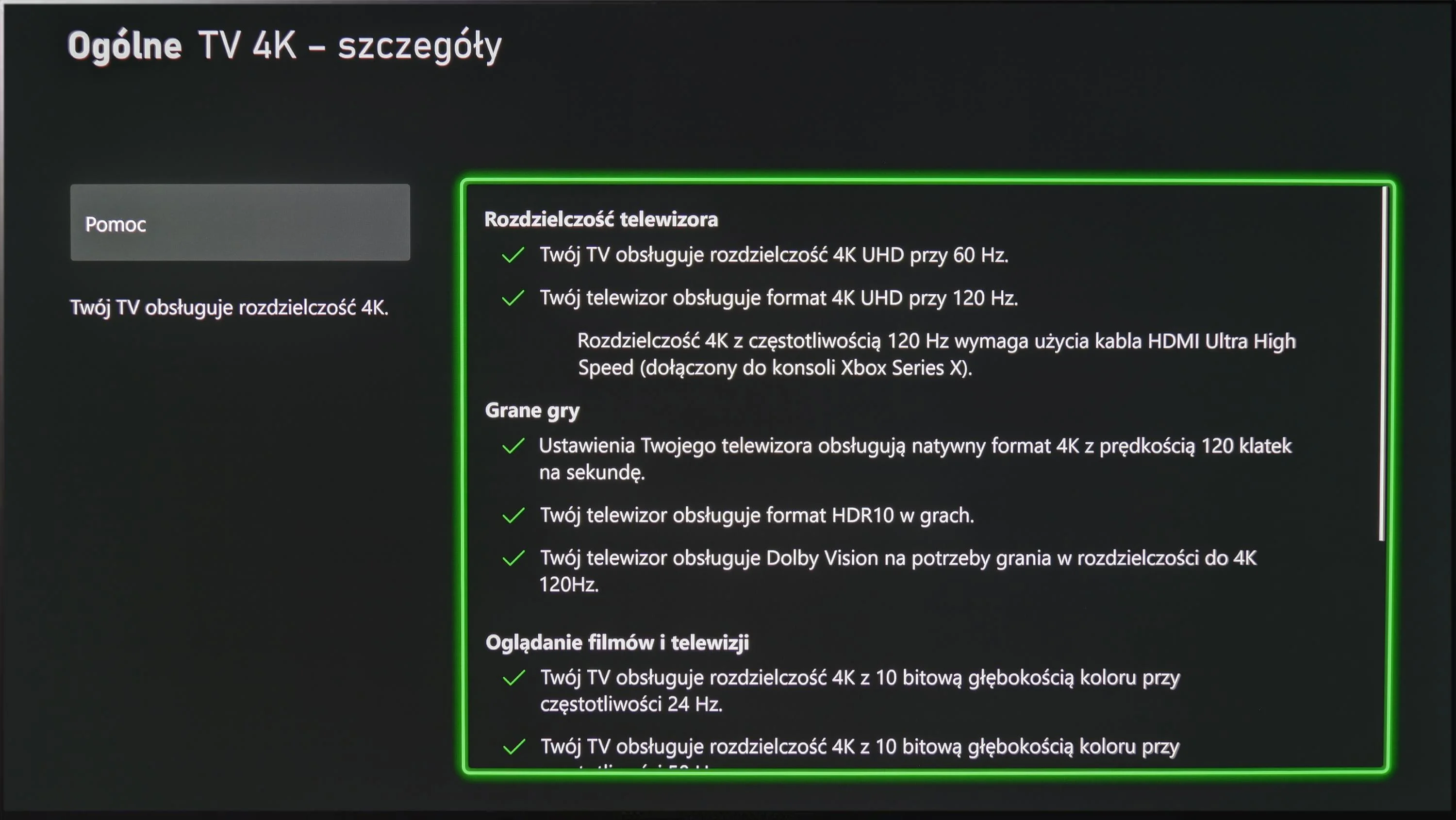
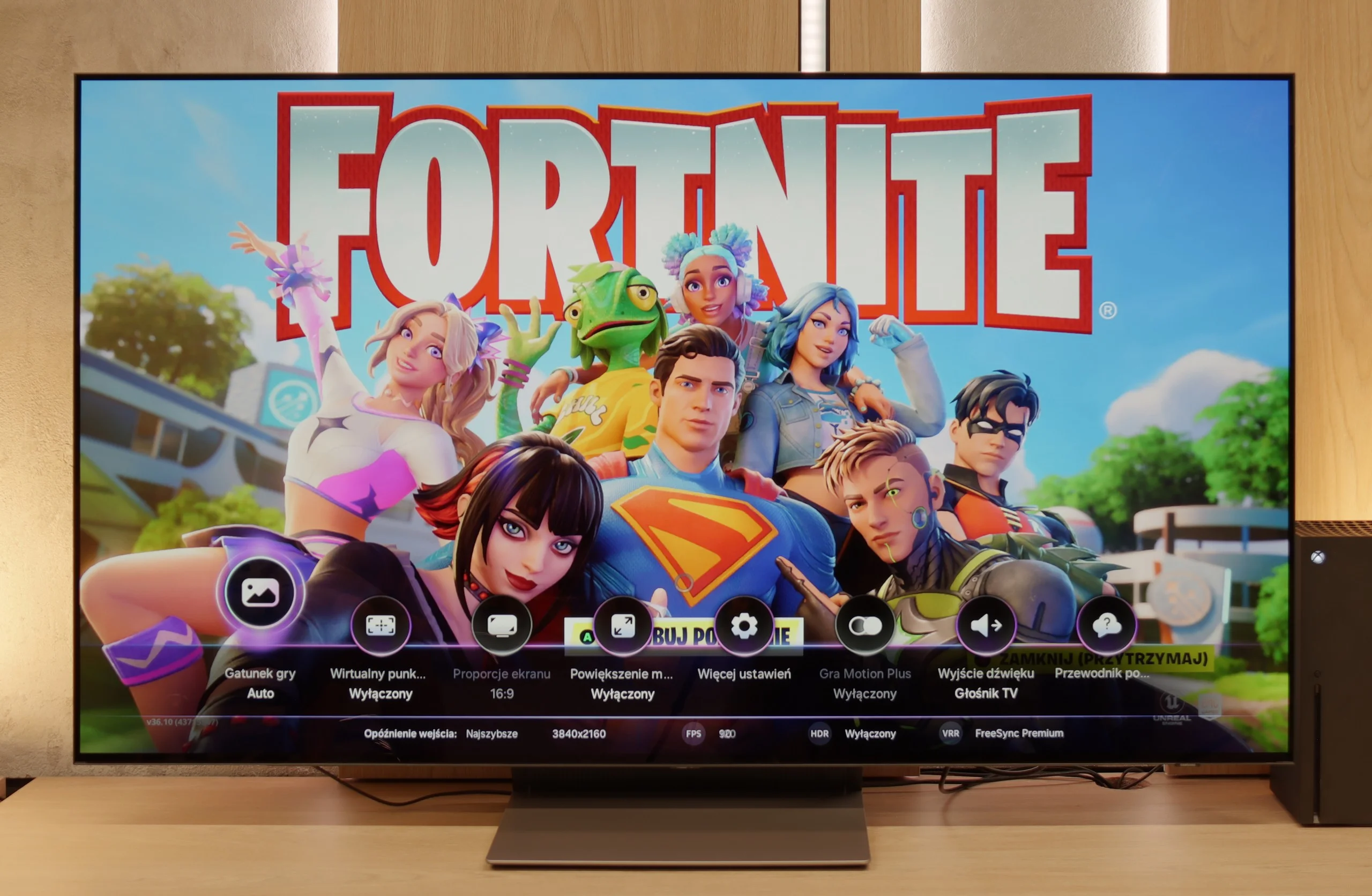
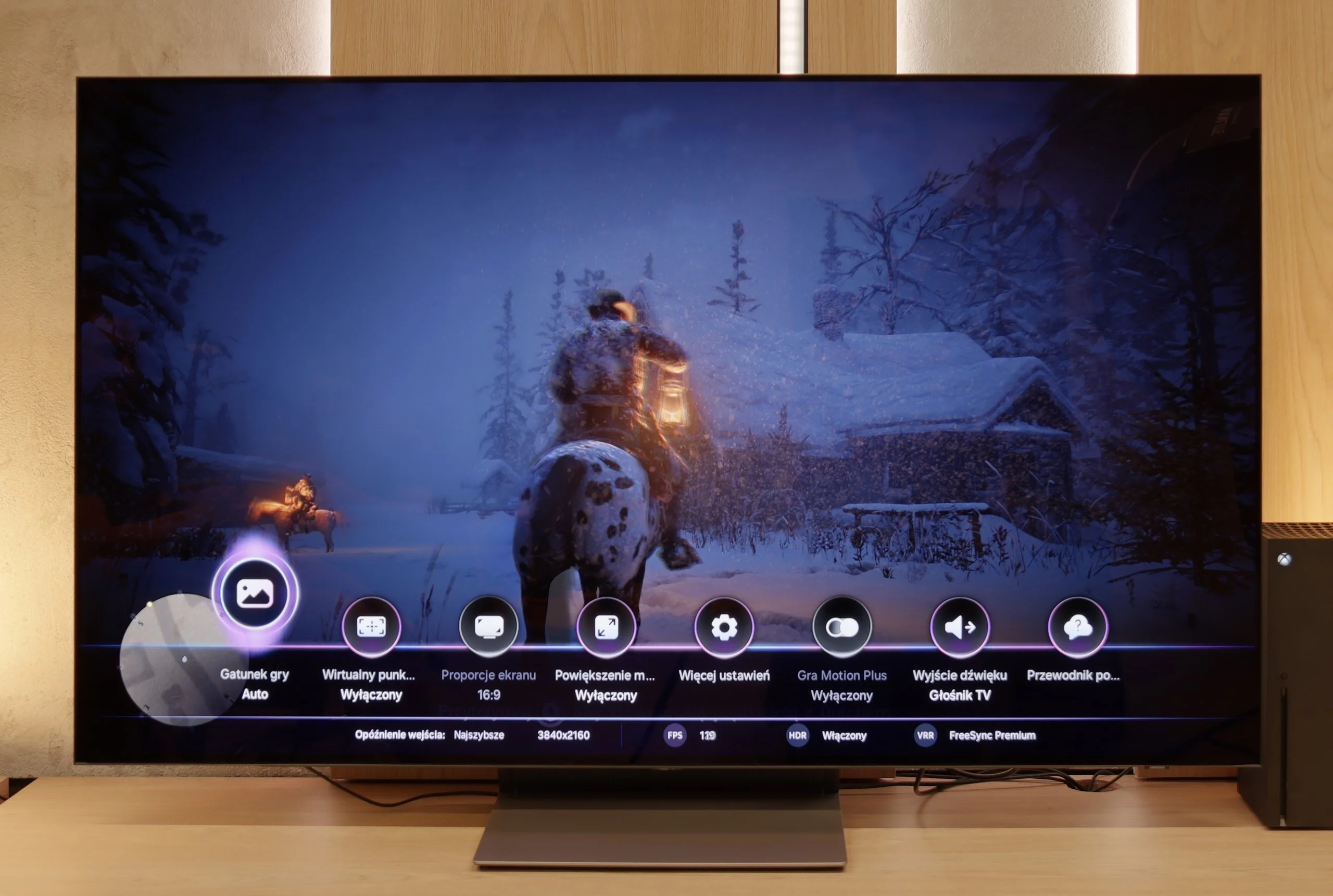
The LG G4 TV supports all the features encompassed by the HDMI 2.1 standard, making it a gaming powerhouse. During testing, every feature activated seamlessly, ensuring a smooth experience for both console gamers and PC users. Notably, the HGIG mode (HDR Gaming Interest Group) is implemented correctly, allowing games mastered to brightness levels higher than the TV’s maximum luminance to map tones accurately, preserving the game’s original visual integrity.
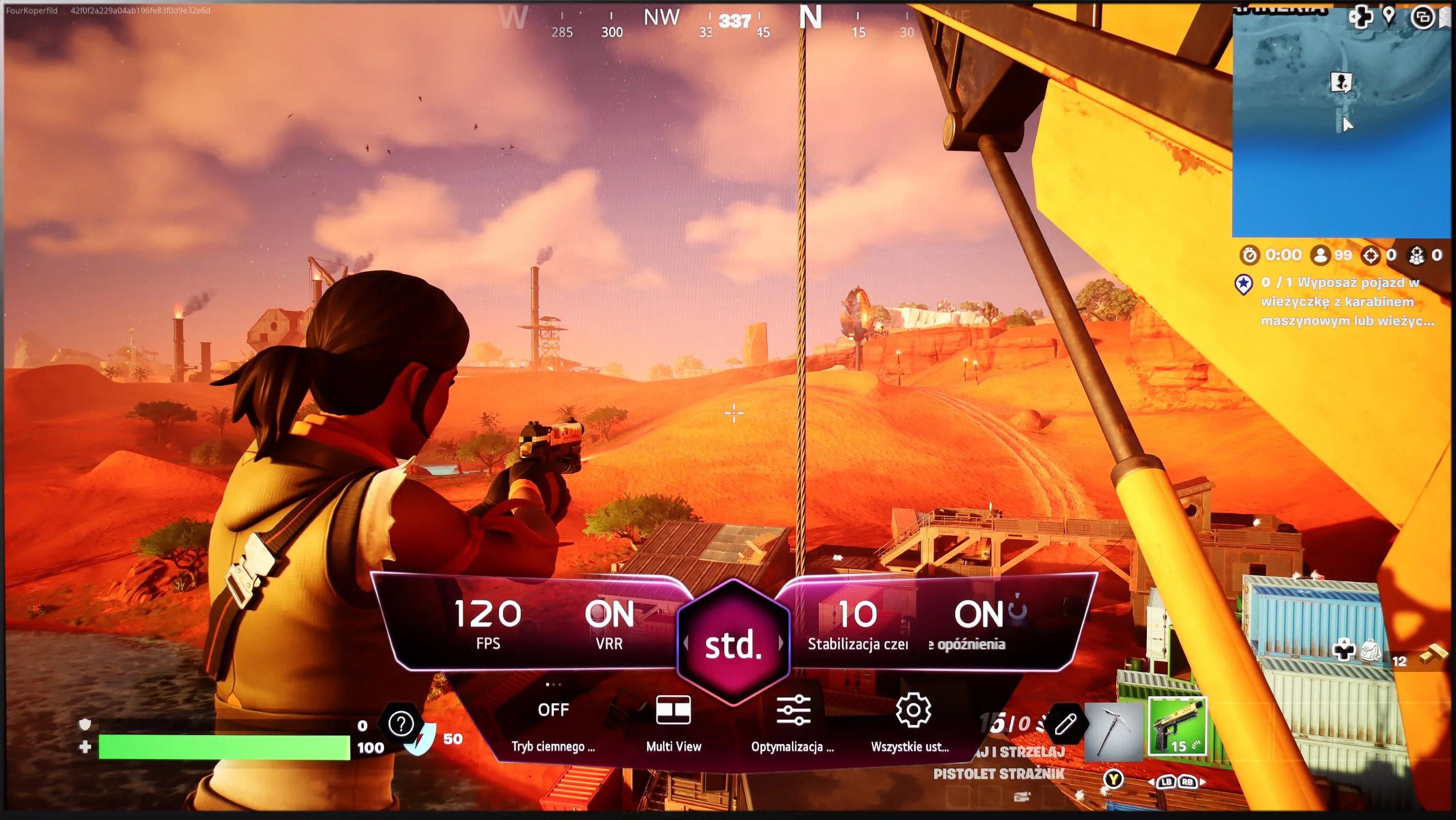
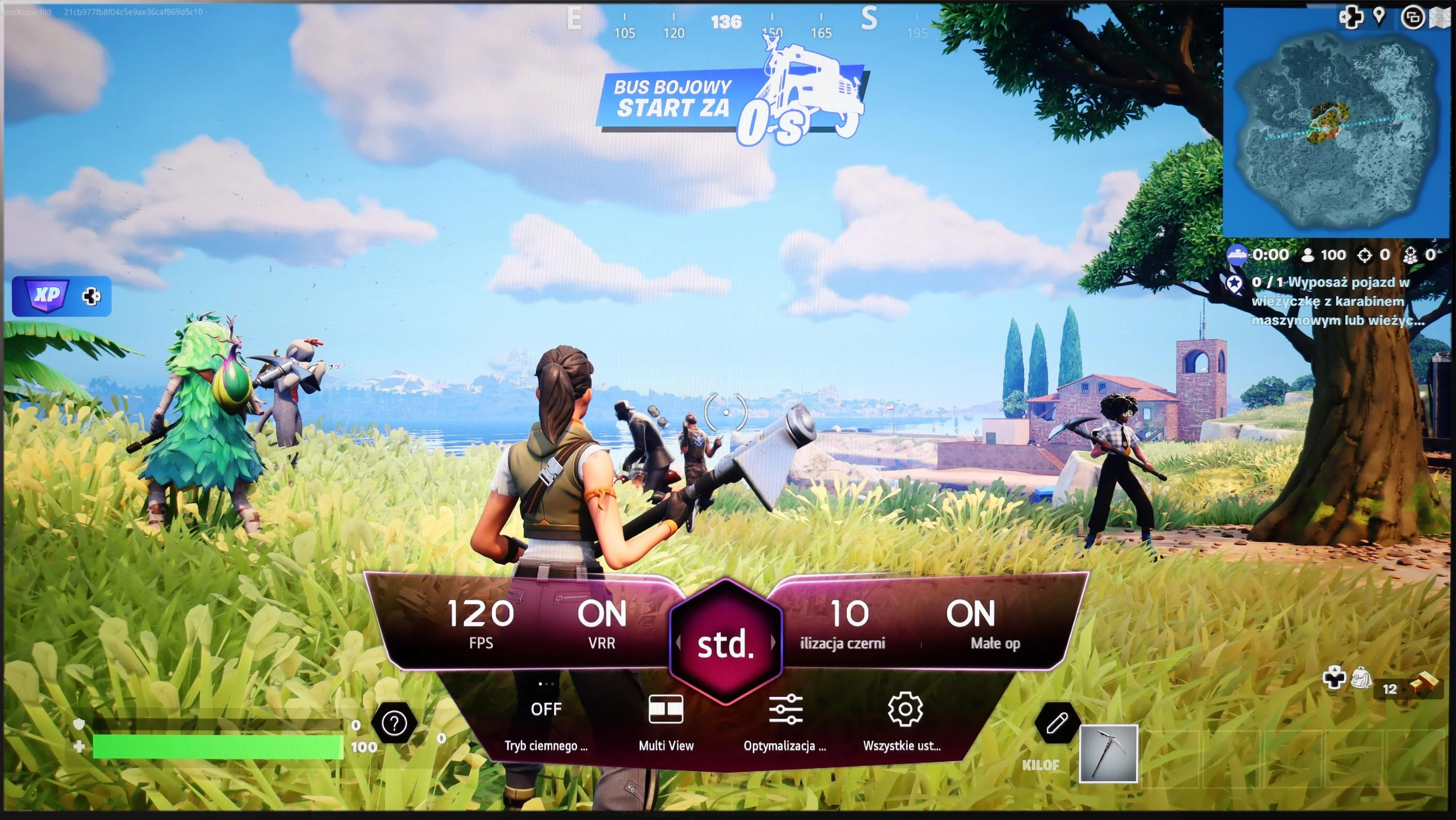
A notable highlight is the dedicated GameBar, which can be accessed at any time to quickly check or adjust game settings. More importantly, enabling VRR (Variable Refresh Rate) does not compromise contrast—a common issue in TVs with local dimming or Mini LED backlighting. This is thanks to the OLED panel’s self-emissive pixels, which maintain consistent contrast. However, a slight grey flicker may appear when VRR is enabled, though this is standard across OLEDs.
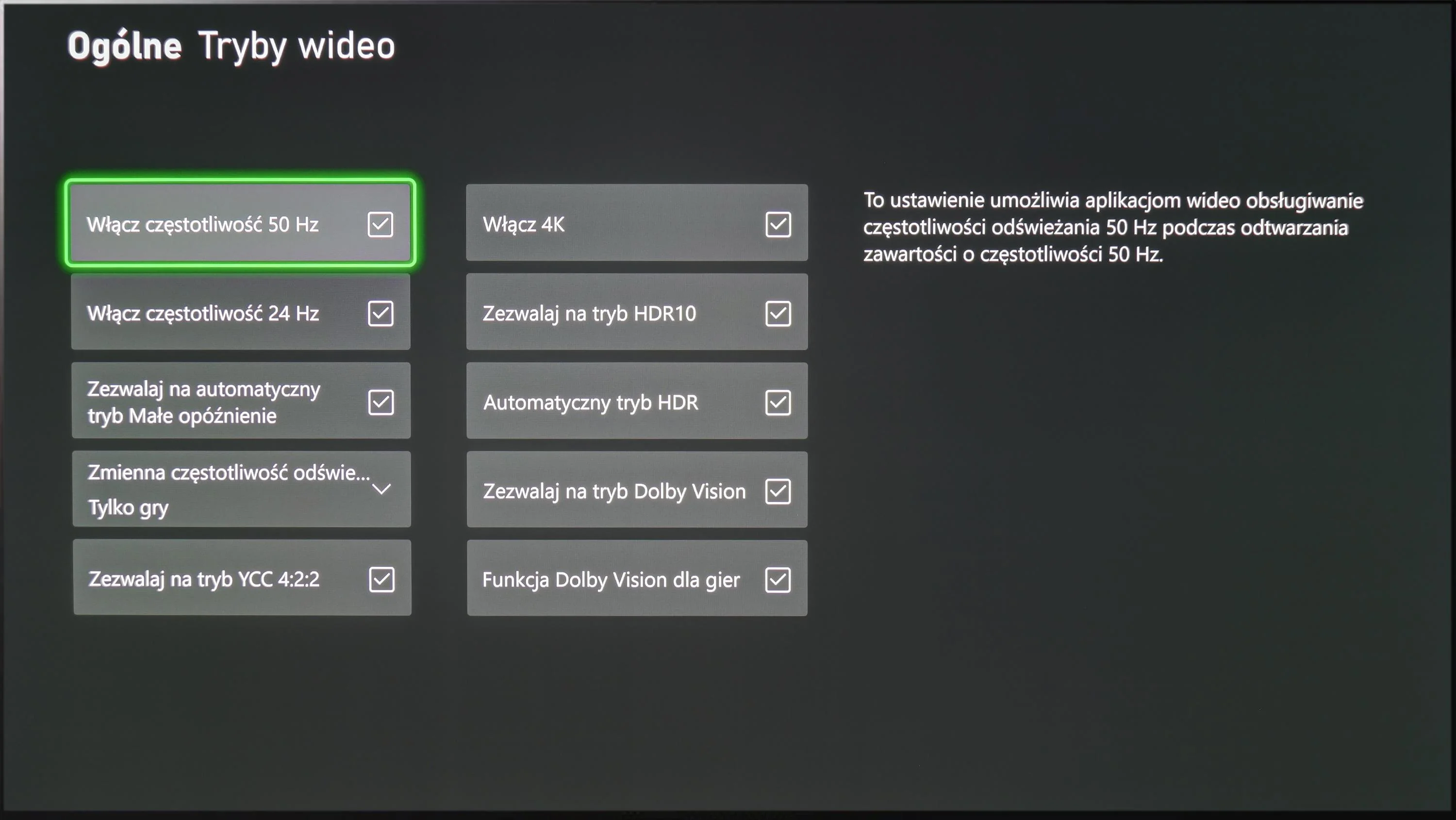
In summary, the LG G4, like most OLED TVs, is ideal for gaming and online competitions. Its HDMI 2.1 ports offer a full 48 Gbps bandwidth, supporting features such as VRR, ALLM (Auto Low Latency Mode), G-Sync, FreeSync, and HDR Dolby Vision gameplay, ensuring an exceptional gaming experience.
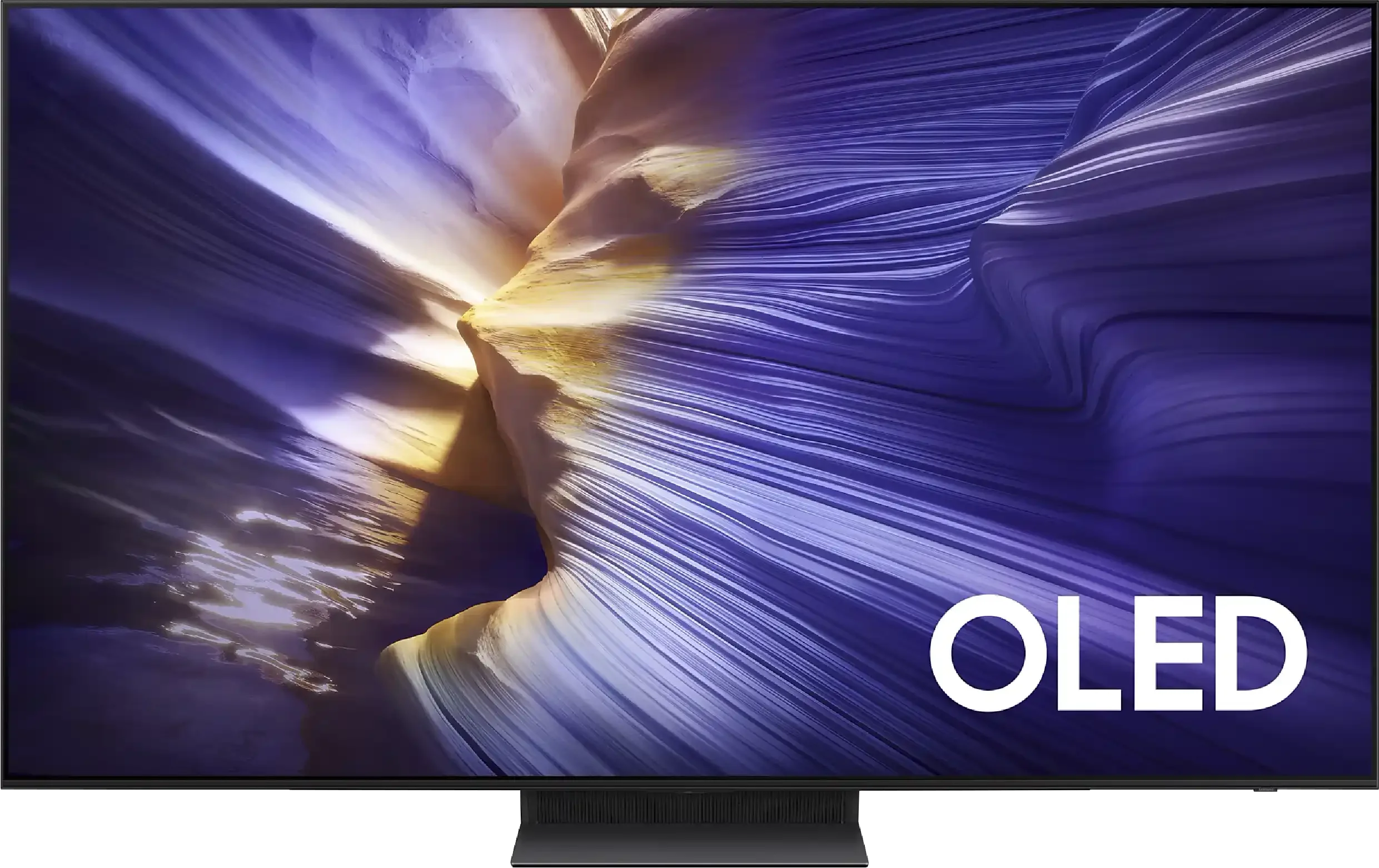
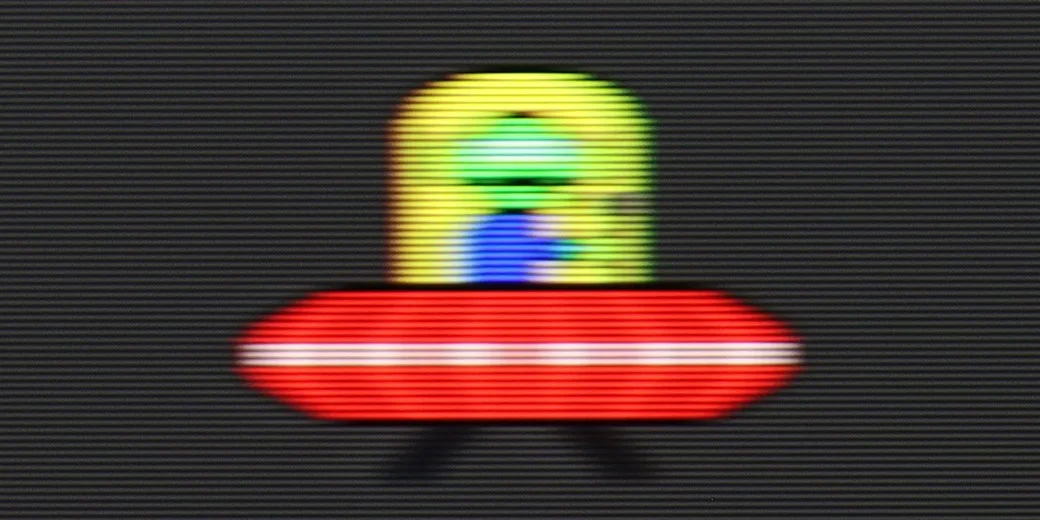
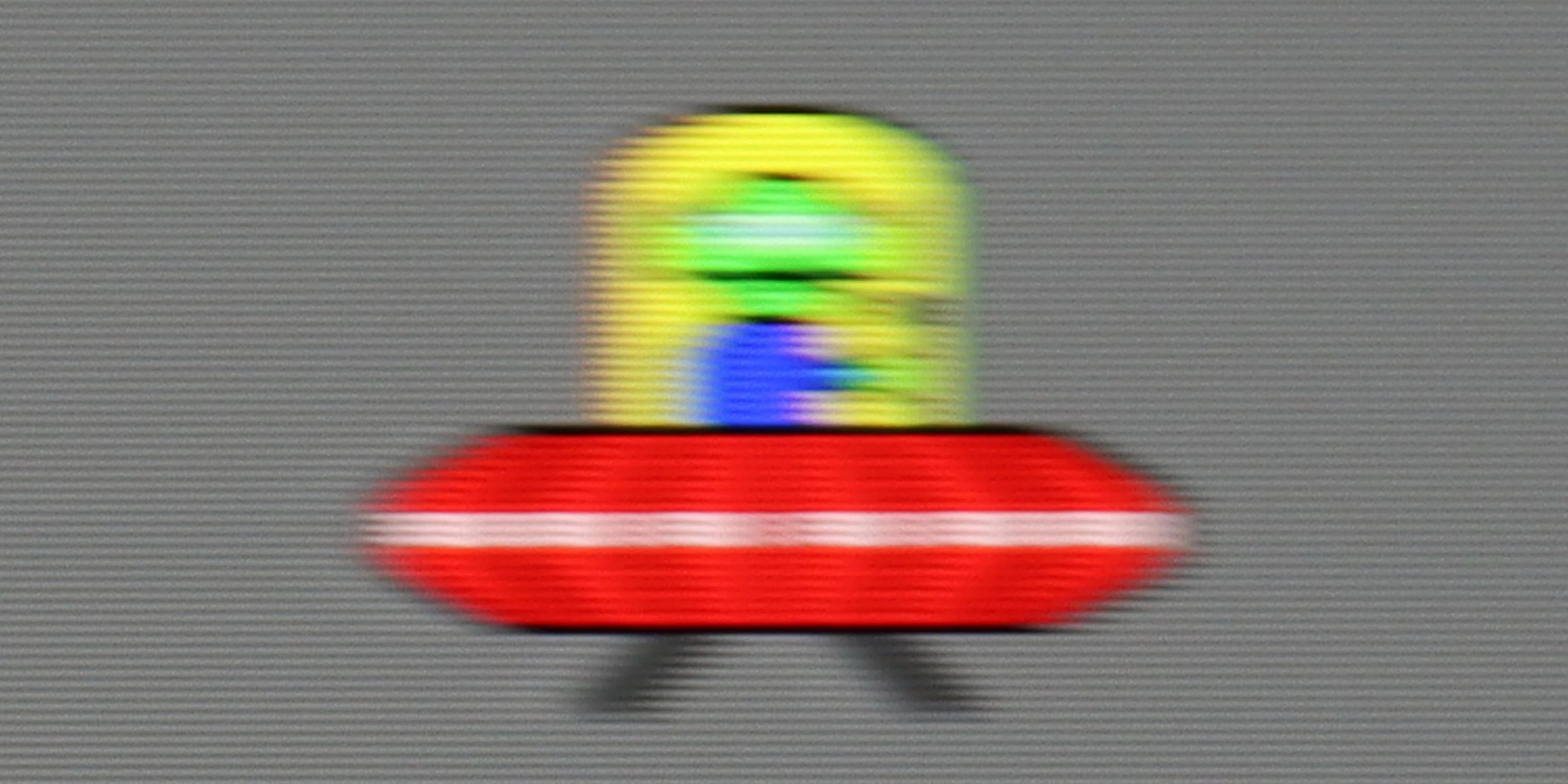
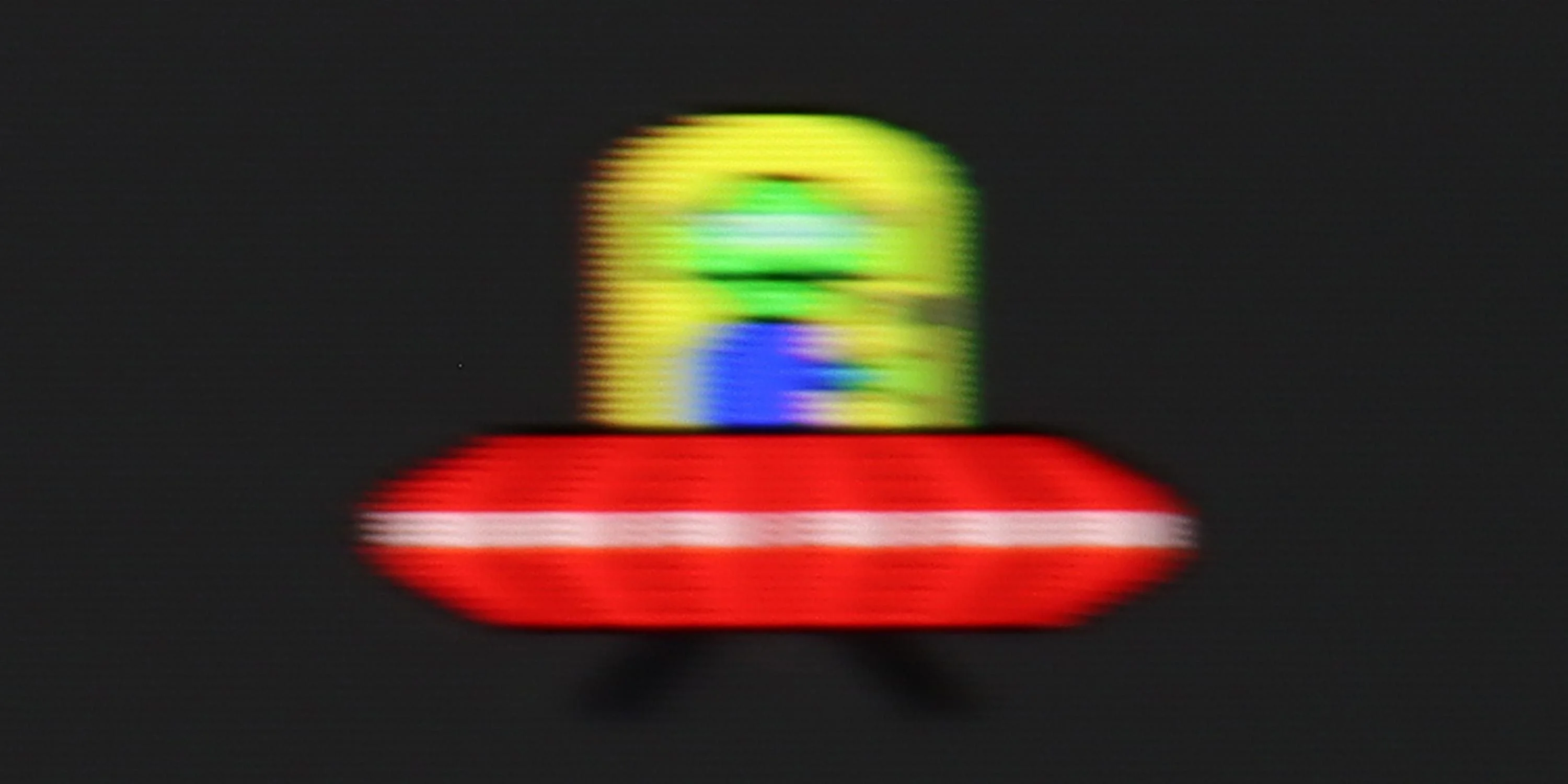
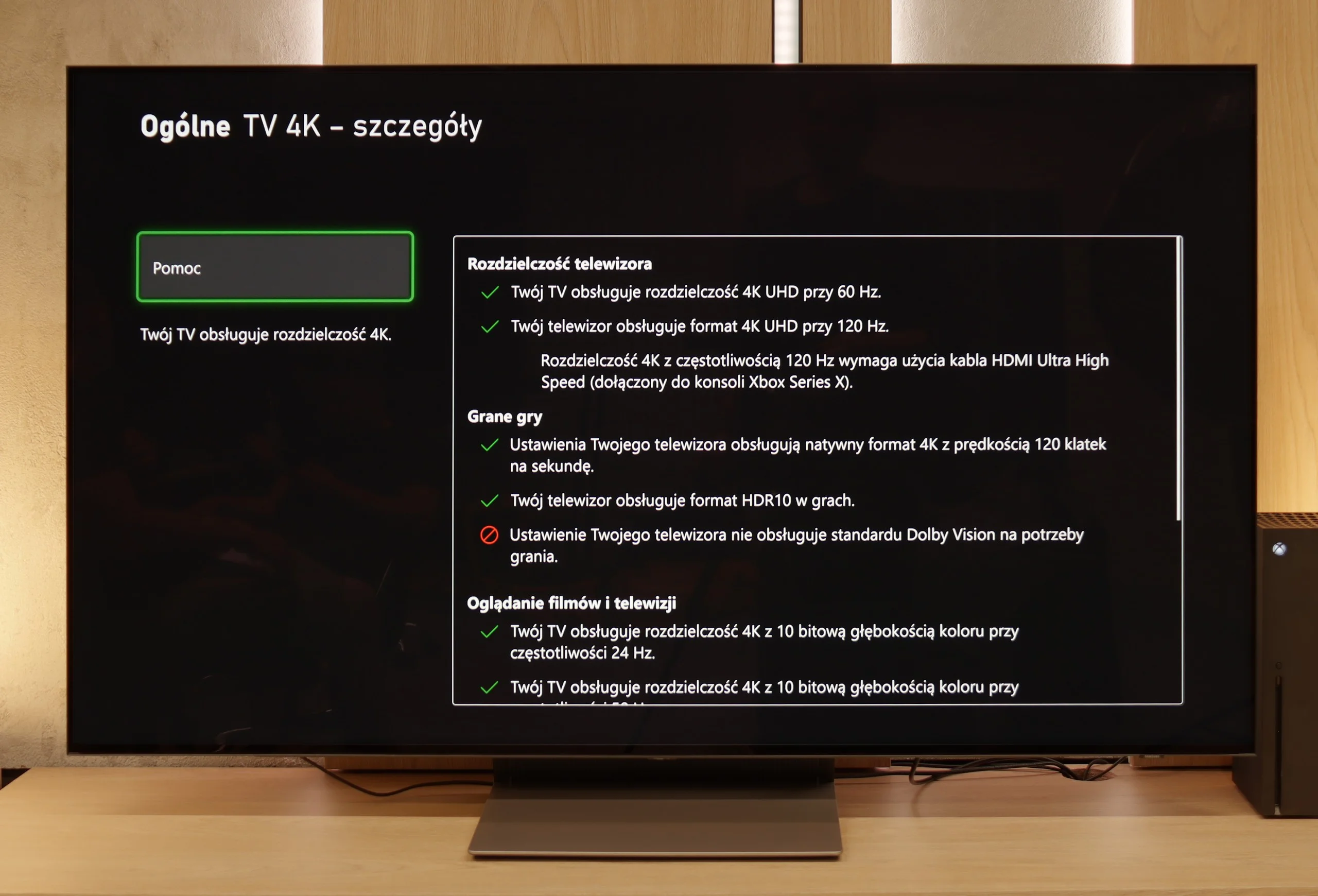
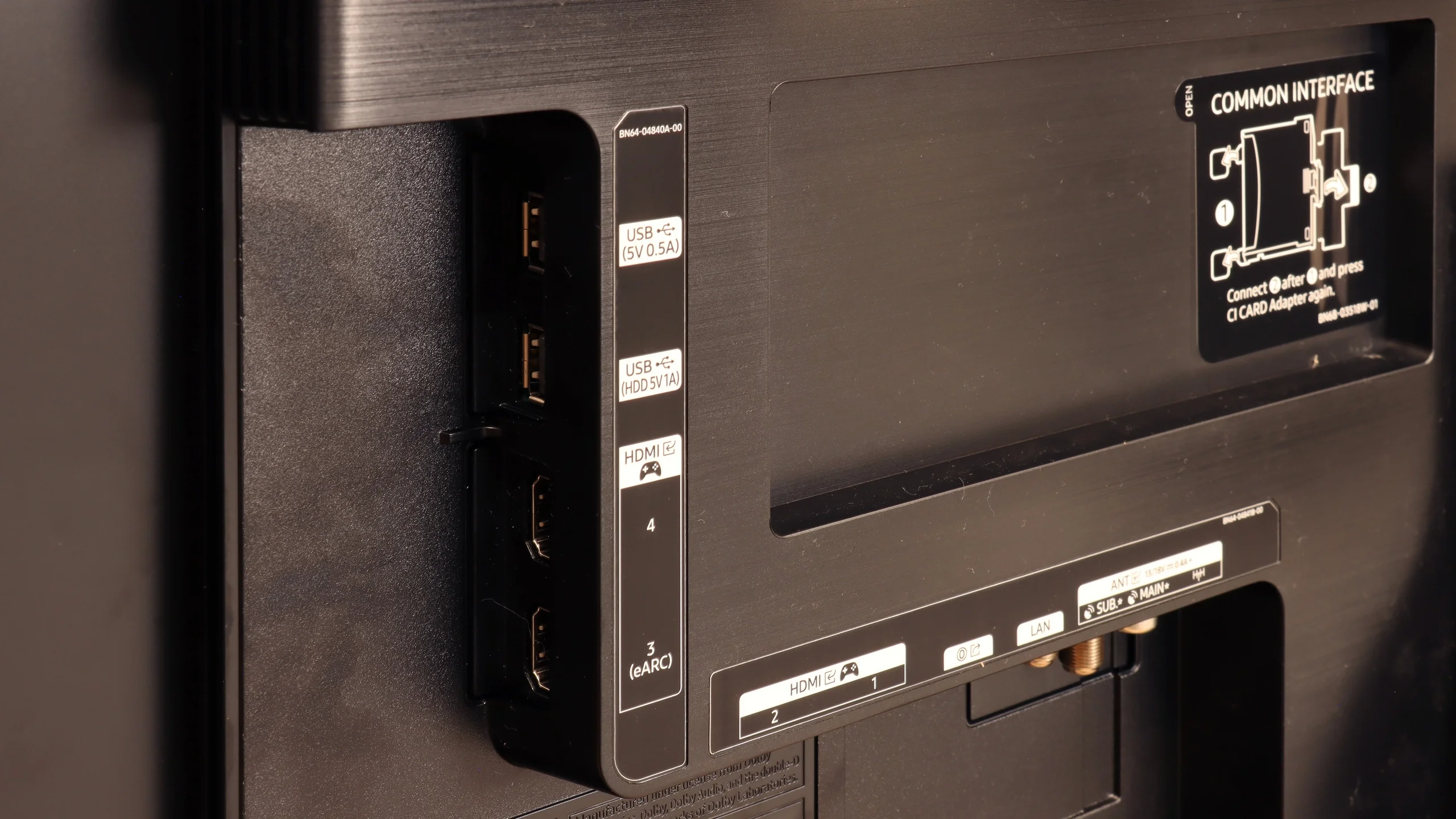
When it comes to gaming features – we have absolutely no complaints about the S90F. Aside from the lack of Dolby Vision, which is already the norm for Samsung. The TV operates at 144 Hz, has four HDMI 2.1 ports, so you can easily connect more than one console or PC. It also includes Game Bar – a practical tool that allows you to quickly preview picture settings, VRR status, ALLM mode, and other useful options. Game Motion Plus is also noteworthy – Samsung’s proprietary motion smoother, which uniquely works well in games. The image feels smoother without any artificial effects or slowdowns.
It’s also worth mentioning the HGiG feature, which – surprisingly – works correctly. We mention this because Samsung clearly broke something in one of its recent updates, and in some models, the option responsible for HGiG simply... disappears from the menu. Setting it becomes virtually impossible. Fortunately, our S90F unit did not have this issue, but the situation is dynamic, so it’s worth keeping this in mind and regularly checking for new software versions and information from the manufacturer.
 Direct comparison