The LG G4 TV supports all the features encompassed by the HDMI 2.1 standard, making it a gaming powerhouse. During testing, every feature activated seamlessly, ensuring a smooth experience for both console gamers and PC users. Notably, the HGIG mode (HDR Gaming Interest Group) is implemented correctly, allowing games mastered to brightness levels higher than the TV’s maximum luminance to map tones accurately, preserving the game’s original visual integrity.
A notable highlight is the dedicated GameBar, which can be accessed at any time to quickly check or adjust game settings. More importantly, enabling VRR (Variable Refresh Rate) does not compromise contrast—a common issue in TVs with local dimming or Mini LED backlighting. This is thanks to the OLED panel’s self-emissive pixels, which maintain consistent contrast. However, a slight grey flicker may appear when VRR is enabled, though this is standard across OLEDs.
In summary, the LG G4, like most OLED TVs, is ideal for gaming and online competitions. Its HDMI 2.1 ports offer a full 48 Gbps bandwidth, supporting features such as VRR, ALLM (Auto Low Latency Mode), G-Sync, FreeSync, and HDR Dolby Vision gameplay, ensuring an exceptional gaming experience.
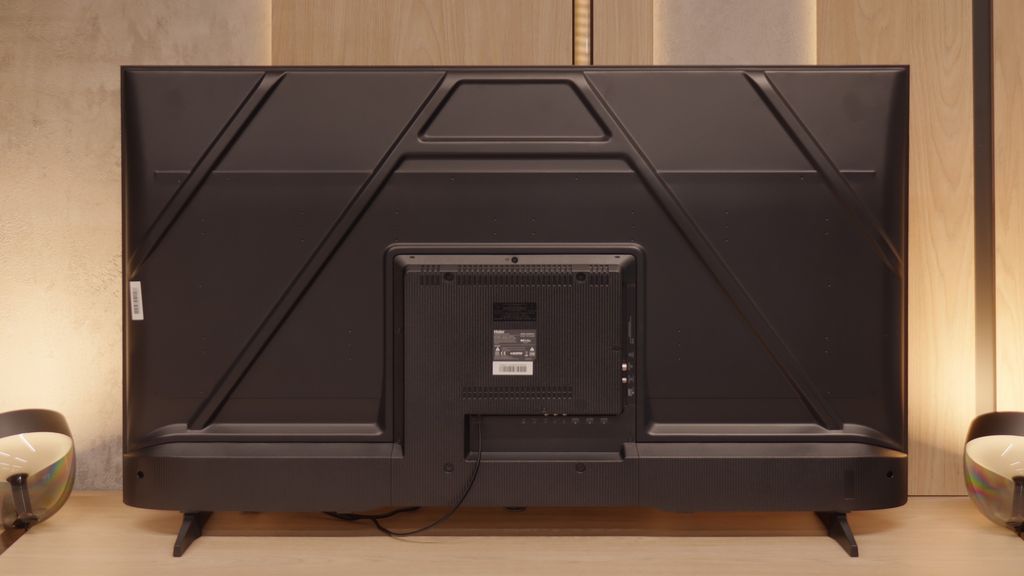
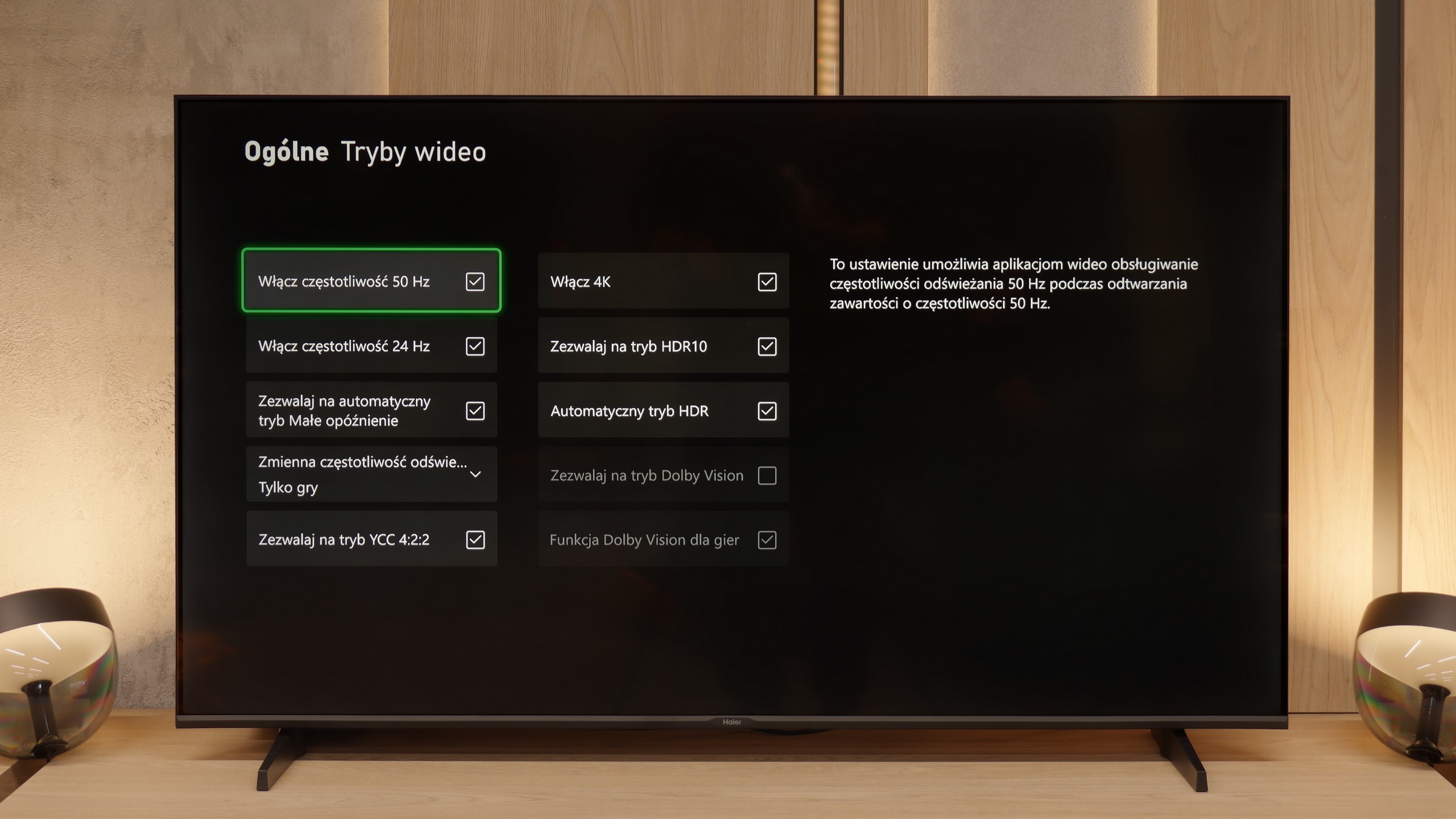
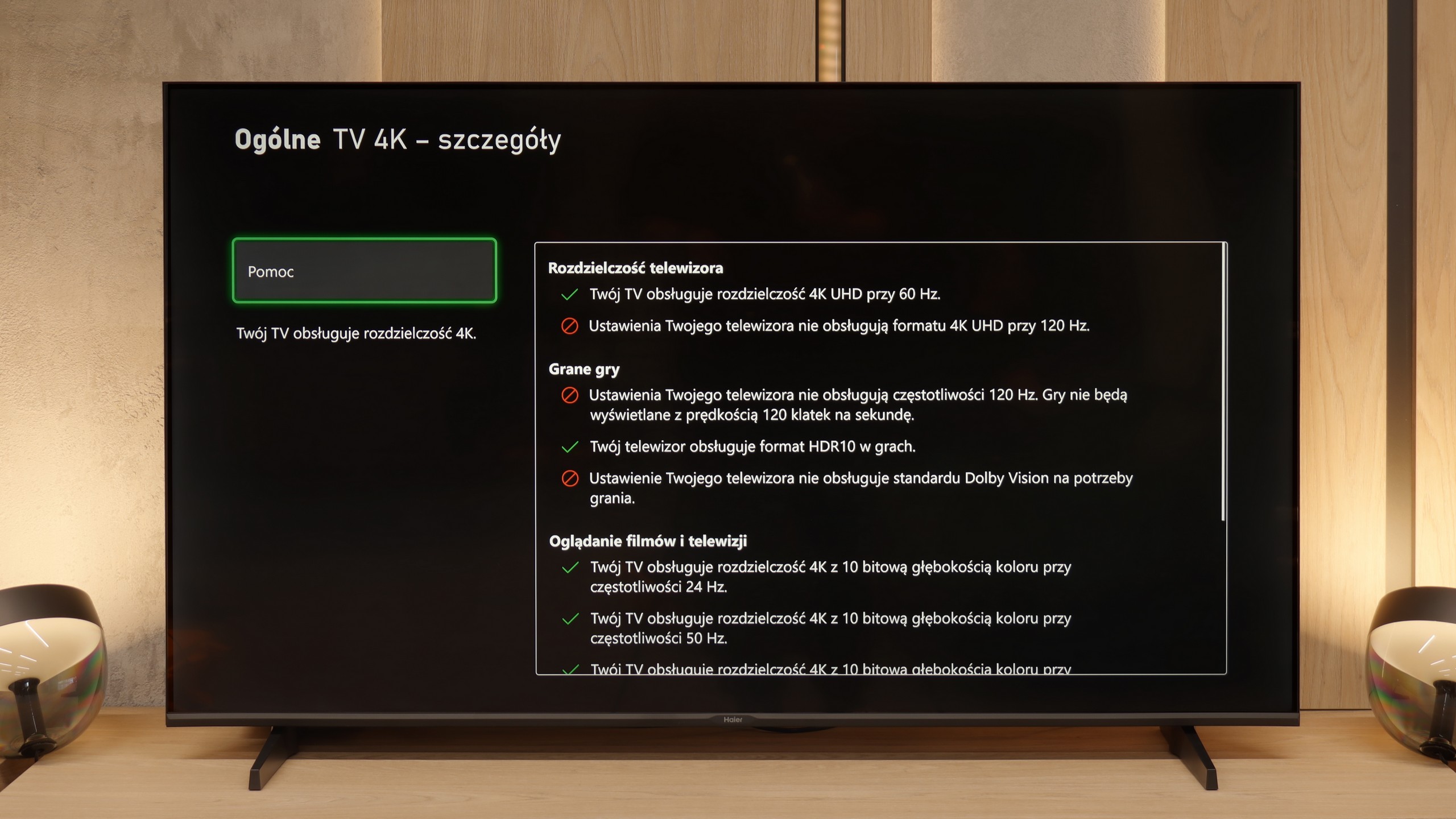
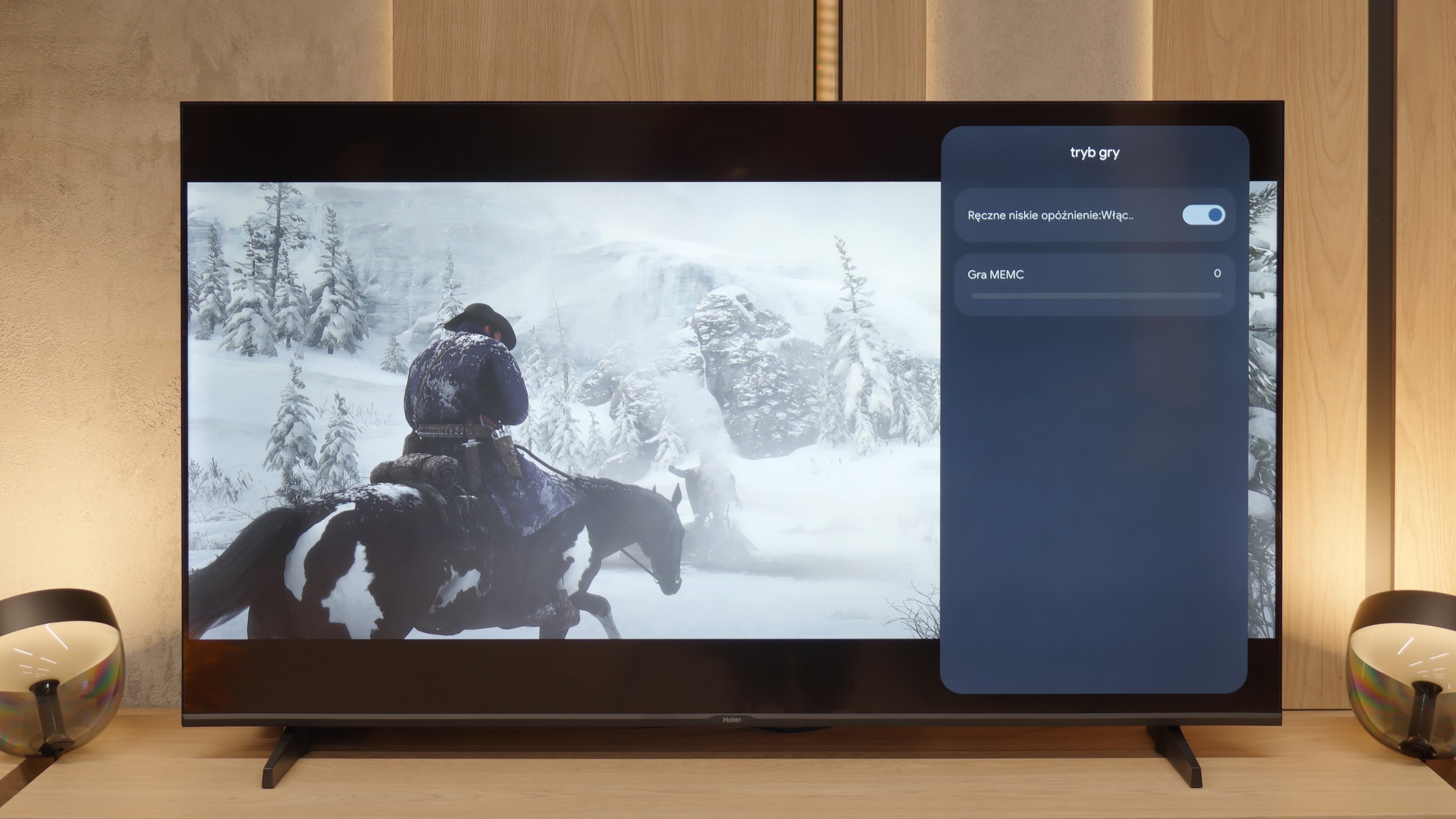
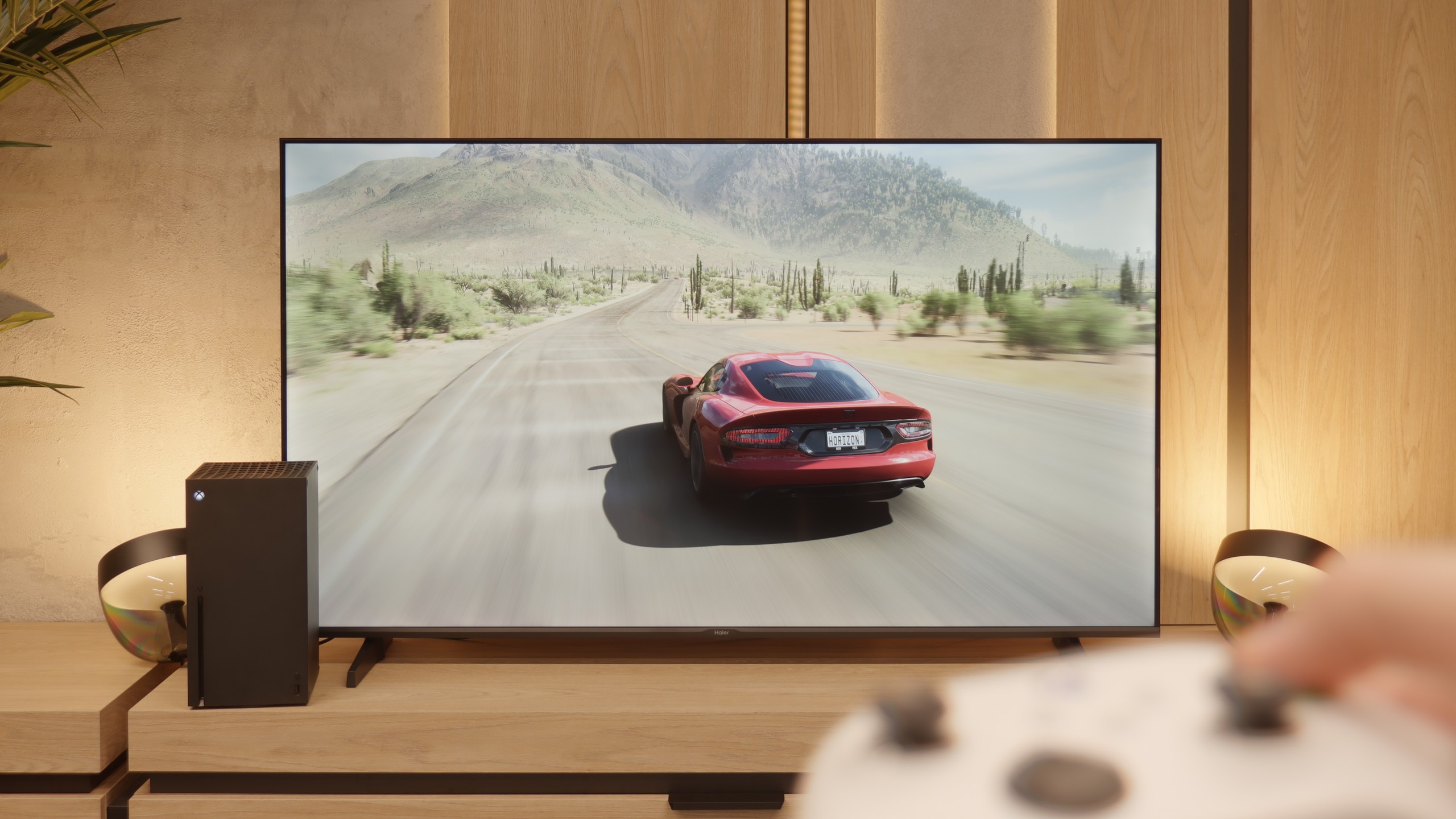
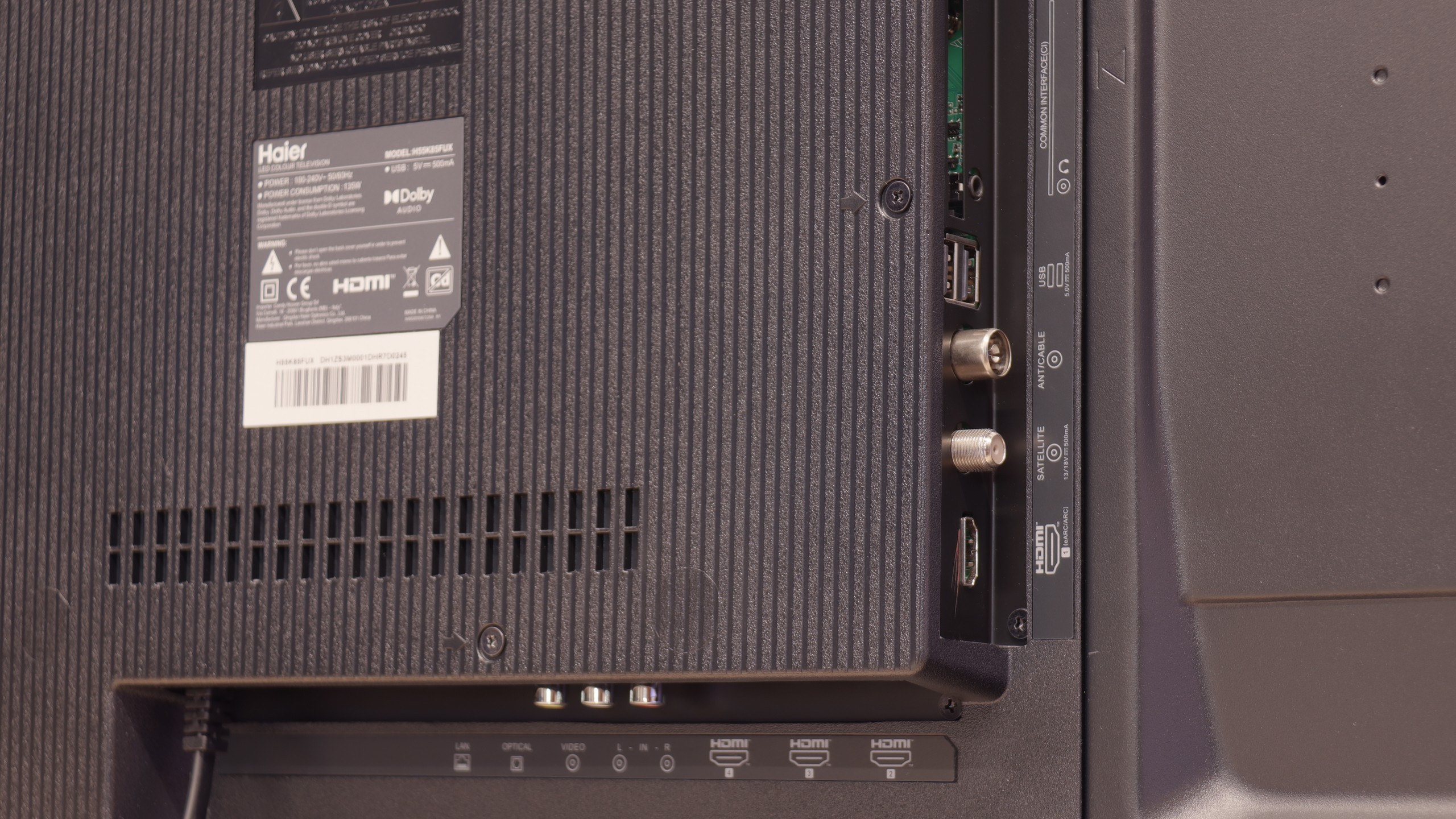
Let's move on to the features for gamers, although we must point out right away that this is more of a proposal for "casual" players. The manufacturer boasts in the specifications about the presence of HDMI 2.1 ports, which looks impressive on paper, but in reality, it is largely a marketing gimmick. What good is a modern port when the heart of the television is a panel with a refresh rate of 60 Hz? It physically cannot display a signal at 120 frames per second, even at lower resolutions, which takes away HDMI 2.1's most important advantage. That's a shame. (That’s why we mark it as HDMI 2.0 ports in our tests). Another oddity is the television's response to attempts to calibrate HDR from the console. Changes in brightness settings cause very unnatural behavior of the image, which might suggest an incorrect implementation of the HGiG standard. To be honest, however, you shouldn't worry too much about this, because as we have mentioned multiple times, we simply do not recommend using any HDR content on this screen. However, to make it not so bitter, the Haier K85F also has two significant and unexpected advantages. The first is the presence of ALLM, or Auto Low Latency Mode, which switches the television to low latency mode as soon as it detects a connected console. The second, even bigger surprise is support for VRR, or Variable Refresh Rate. Although it works in a very modest range of 48-60 Hz, its very presence is commendable. Thanks to this, the image in games can stutter less, which truly improves the gaming experience.
 Direct comparison