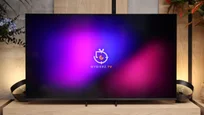
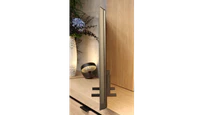
The LG C6 is a very successful evolution of one of the most popular OLEDs on the market. The TV itself hasn't changed dramatically compared with last year's C5; the look is very similar, webOS offers comparable features, and gamers again get pretty much everything you'd expect from a modern TV. It's hard to fault that, since the C5 was already a very complete device in that regard. The most important change took place where there was actually room for improvement: the panel itself. The new WOLED panel is noticeably brighter, and roughly 1500 nits in HDR makes it increasingly hard to treat the C6 as just a "mid-range OLED." HDR movies look very impressive, black stays perfect, colors are very good, and the new processor (the same one found in the flagship G6) handles upscaling and lower-quality content very well. Add to that a seriously strong set of features for gamers. 165 Hz from a PC, VRR, G-Sync and very low input lag mean you can just as well hook up a console as a powerful PC. During the day the C6 also performs better than previous generations, though of course in a very bright living room you'll still find brighter TVs on the market. And that's probably exactly why we like the C series most: its versatility. The C6 doesn't try to be the best TV in every possible category, but it hardly performs poorly in any of them. It's suitable for movies, sports, gaming, regular TV and everyday streaming. If its price starts to fall after launch as it did with previous generations, it could be one of the most interesting OLEDs to buy in 2026.
- Matching (Score) |
- Our verdict |
- TV appearance |
- Where to buy |
- Contrast and black detail |
- HDR effect quality |
- Factory color reproduction |
- Color reproduction after calibration |
- Smoothness of tonal transitions |
- Image scaling and smoothness of tonal transitions |
- Blur and motion smoothness |
- Console compatibility and gaming features |
- Input lag |
- Compatibility with PC |
- Viewing angles |
- Daytime performance |
- Panel details |
- TV features |
- Apps |
- Playing files from USB |
- Sound
LG OLED C6 (WOLED) vs Samsung R85H / R86H
 Direct comparison
C6 / C64 / C6E / C6H / C61

R85H / R86H / Micro RGB
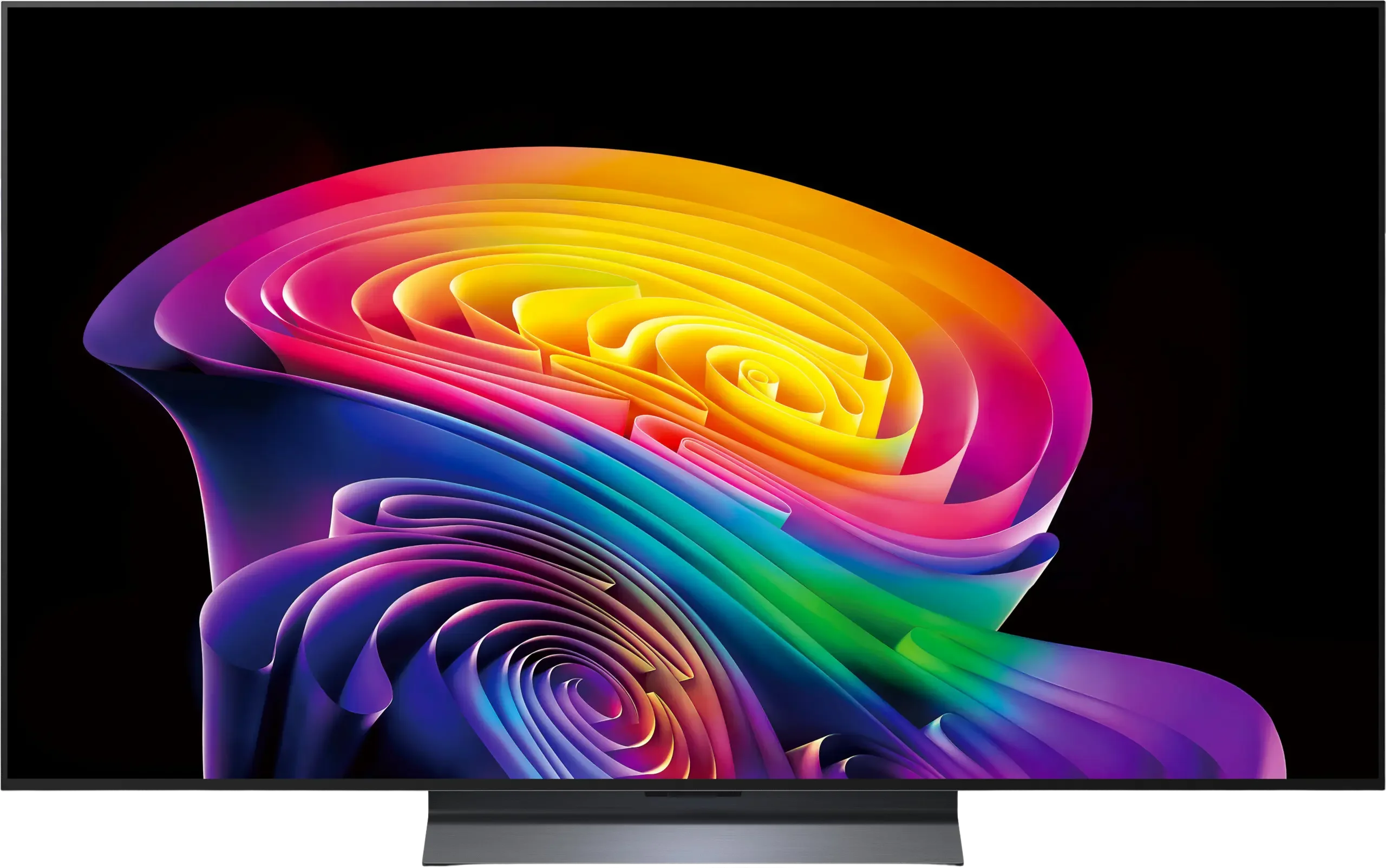
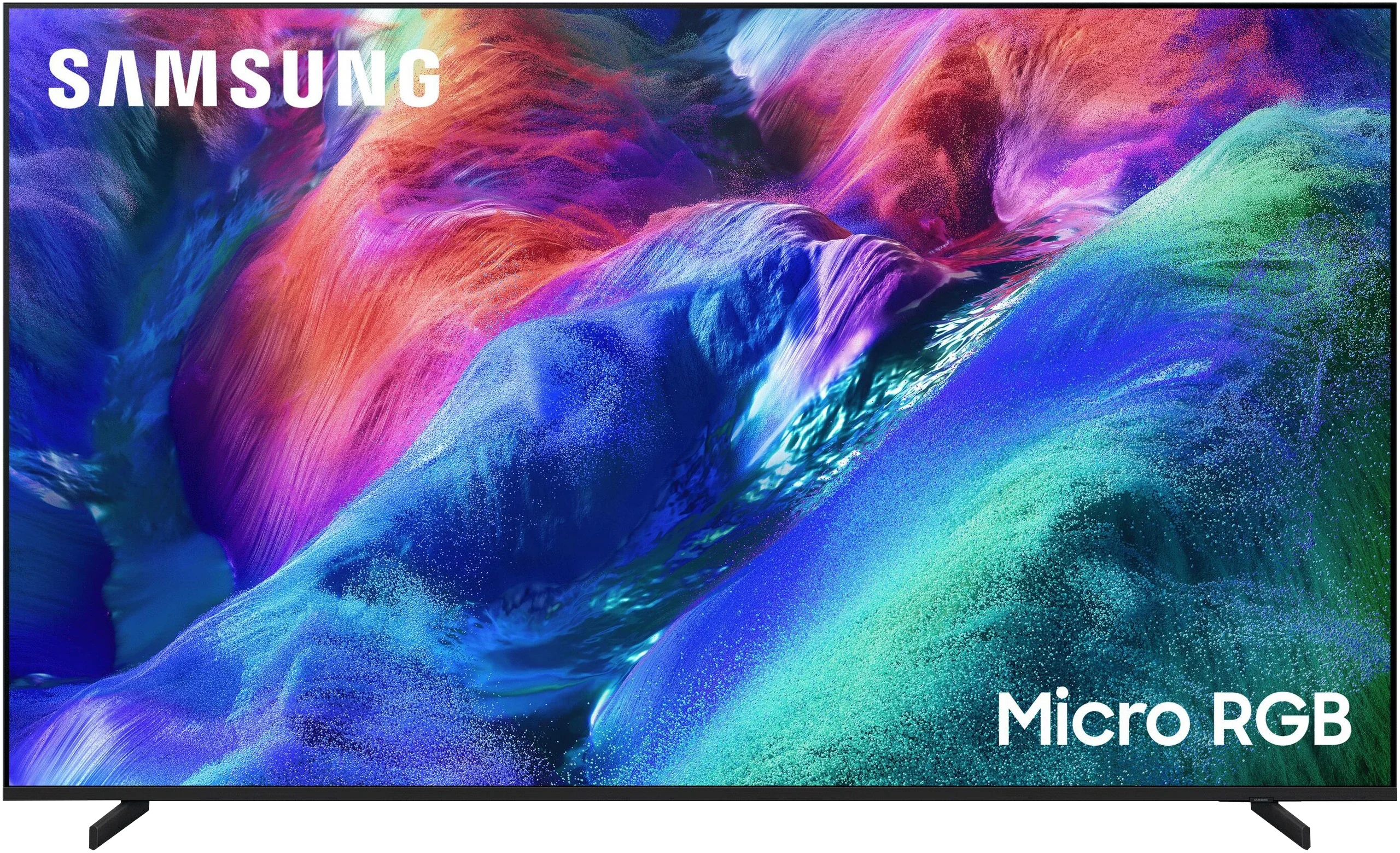
Panel type: WRGB OLED
Resolution: 3840x2160
System: WebOS
Model year: 2026
Complete the survey to find out the result
Panel type: LCD VA
Resolution: 3840x2160
System: Tizen
Model year: 2026
Complete the survey to find out the result
Overall rating
8.3
7.7
 Movies and series in UHD quality
 8.4
7.3
 Classic TV, YouTube
 8.8
7.6
 Sports broadcasts (TV and apps)
 8.6
7.2
 Gaming on console
 9.4
8.9
 TV as a computer monitor
 8.6
8.0
 Watching in bright light
 6.6
7.3
 Utility functions
 8.4
7.3
 Apps
Apps 9.1
9.3
 Sound quality
 7.0
7.1
Complete the survey to find out what fits your preferences
Advantages

Perfect black levels and OLED contrast
Very high HDR brightness, up to about 1,500 nits
Excellent picture quality for HDR movies and Dolby Vision
Very good image processing and upscaling
165 Hz panel and virtually no motion blur
Great gaming package: VRR, G-Sync, HGiG, Dolby Vision Gaming
Very low input lag, about 5 ms at 120 Hz
Wide viewing angles
Intuitive and modern WebOS system
Convenient control using the Magic Remote with a gyroscope
Good black levels and contrast, VA panel with local dimming
High HDR brightness, approx. 1,000 nits
Very wide color gamut and high color volume
Matte anti-reflective coating
Panel 144 Hz / 240 Hz (DLG)
4x HDMI 2.1
Extensive gaming features (ALLM, VRR, low input lag, G-Sync)
Fast and functional Tizen system (7 years of support)
Good viewing angles (for a VA panel)
Adjustable stand width and height
Disadvantages

Different remote versions depending on the C6 model; before buying, it's hard to know which Magic Remote will be included
Visible graininess (dithering) in dark areas; noticeable when viewed up close
Average reflection handling; in a very bright living room strong reflections may be visible
No DTS:X support; you'll need an external AV receiver or player for that format
Limited number of local dimming zones
RGB backlighting doesn't always deliver its full potential
Visible smearing on the VA panel
No Dolby Vision / DTS:X
Our verdict
The Samsung R85H is above all a very versatile TV that works well in almost any situation. You can put it in a bright living room, hook up a console, watch a movie or series in the evening, and use regular broadcast TV every day, and each time you’ll get a good-quality picture. It may not make as strong an impression in the first minutes as Samsung’s best OLEDs, but it’s hard to point to a single feature that severely limits its use. That versatility is probably its biggest strength. Naturally, the R85H draws the most attention for its new "Micro RGB" backlight. From our tests we’d say it can indeed offer an advantage over classic Mini-LED, although not always in the areas the manufacturer emphasizes most. On test charts the color reproduction capabilities are impressive, but in real, more complex scenes the TV can’t always exploit the full potential of a three-color backlight. Its advantage is easiest to spot in simpler parts of the image, where intense reds, greens, or blues can look truly striking. Viewing angles are also a bit better, because colors viewed off-axis retain their saturation longer than on conventional LCD TVs. Micro RGB doesn’t, however, solve all the limits of RGB technology. With very saturated elements you can sometimes notice slight color bleeding into adjacent bright areas, and the relatively small number of local dimming zones means the backlight can’t always operate as precisely as its on-paper specs might suggest. The R85H shows that RGB really has potential and could be the next step in LCD development, but using colored LEDs alone doesn’t automatically translate into a huge jump in picture quality. For that reason we’d treat the R85H mainly as a somewhat better and more interesting alternative to the QN80H, not as a must-buy solely because it says Micro RGB. If the price gap between those models is reasonable, we’d choose the R85H. We wouldn’t pay a large premium just for the new backlight, since its everyday advantage isn’t always as big as marketing materials might imply. Regardless, the R85H is a successful all-purpose TV, and that’s probably the best way to look at it.
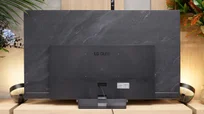
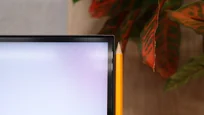
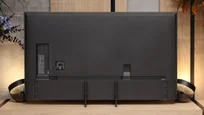
TV appearance



Contrast and black detail
10/10
7.9/10
Local dimming function: Yes, number of zones: 150 (10 x 15)
Contrast:


Result
∞:1

Result
∞:1

Result
∞:1

Result
∞:1

Result
∞:1
Result
182,800:1
Result
46,750:1
Result
22,450:1
Result
10,900:1
Result
9,050:1
Halo effect and black detail visibility:
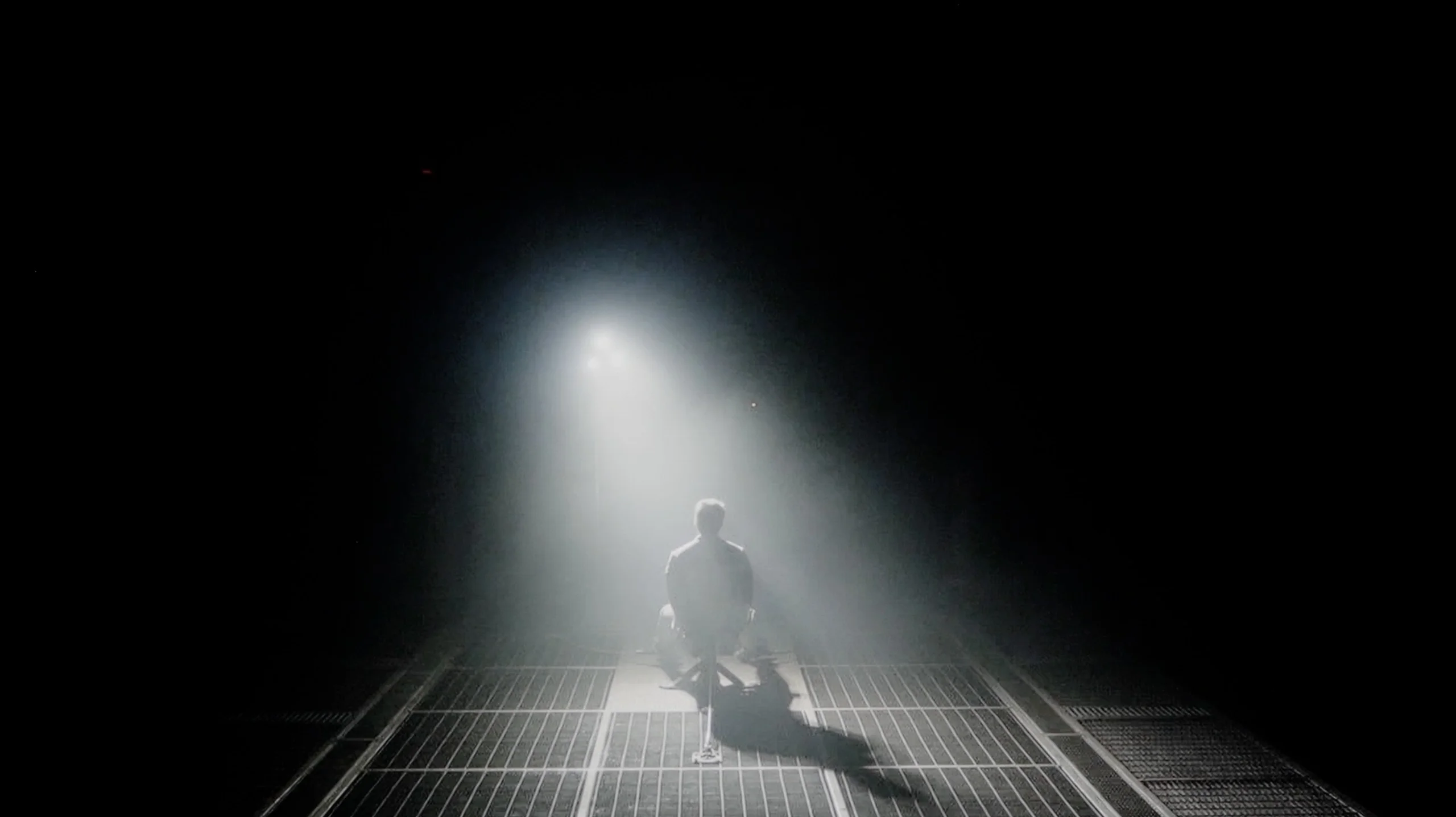
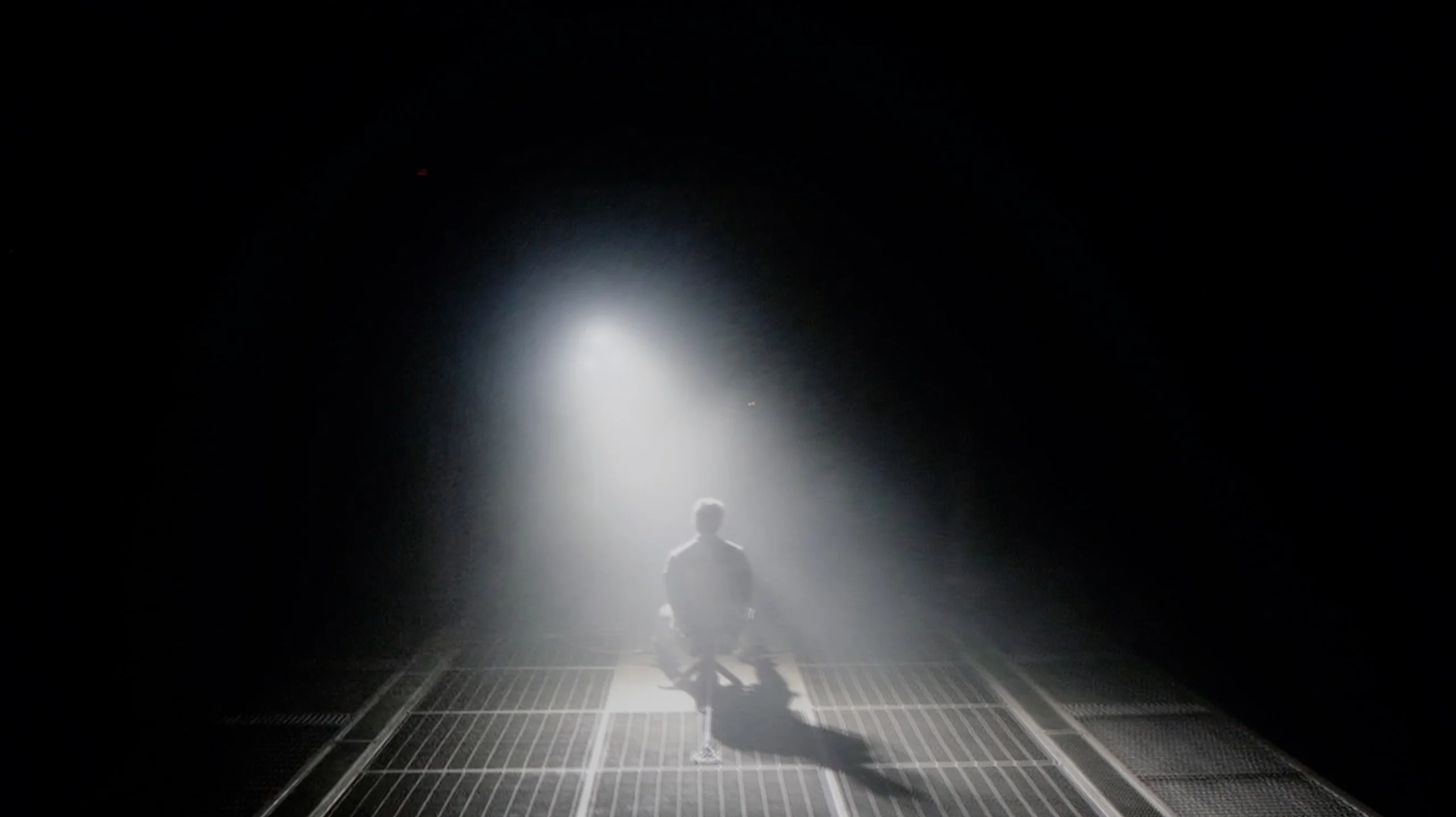
Check the visibility of bright lights on a dark background. Mini-LEDs often struggle with this. The photo does not compare black levels – that’s what the video below is for.
The video accurately shows differences in contrast and black levels between TVs, as well as potential issues: halo around bright objects or Mini-LED zone operation visible as brightness jumps.
If we talk about black levels, there isn't much to discuss. The LG C6 uses an OLED panel, so each pixel can be completely turned off. The result is exactly what we'd expect: perfect black, very high contrast, and no halo or glow around bright elements. You can see this clearly in night scenes, where single lamps, text, or other bright points appear against a very dark background. The C6 handles them without any problems and doesn't have the limitations typical of Mini LED TVs with local dimming. Interestingly, in this respect it doesn't matter whether we're talking about this version of the C6 or the more expensive variant with a Tandem OLED panel. In terms of black alone, both TVs perform practically identically. Differences between them need to be sought mainly in brightness and color.
NOTE: In the helicopter scene from the film Sicario 2 we noticed graininess and flickering in the darkest parts of the image. It looks like a software bug that LG should fix with an update. In the Tandem OLED version the effect is even more visible, and we observed similar behavior in the flagship LG G6 as well.
Samsung R85H uses a Micro RGB backlight with zoned local dimming and can perform really well in terms of black level. In the 55-inch unit we tested we counted about 150 zones, so it’s not at the level of the most advanced Mini-LEDs, where that number can reach the thousands. Despite this, in many scenes the local dimming algorithm handles things fairly effectively. With larger, clearly separated objects on a dark background the blacks are deep and the contrast can be very impressive. The halo is also reasonably well controlled, so during typical viewing the R85H can indeed show the benefits of local dimming. The limitations of the relatively small number of zones become apparent with more demanding content, especially when the screen contains many very small bright elements. A good example is scenes with starry skies. In such situations the TV can practically abandon local dimming, which raises the black level significantly and causes the image to lose a large part of its contrast. Interestingly, we noticed similar behavior even when there were far fewer bright points, so it seems to be more a matter of how the algorithm operates than solely the physical number of zones. Overall, the R85H’s blacks hold up well. It’s not on par with the most expensive Mini-LEDs that have thousands of independently controlled zones, and the difference is noticeable in difficult scenes. For most content, however, the local dimming does its job and delivers much better blacks.
HDR effect quality
7.8/10
5.6/10
Luminance measurements in HDR:

Result
1489 nit

Result
1288 nit

Result
1527 nit

Result
1345 nit

Result
649 nit
Result
860 nit
Result
214 nit
Result
758 nit
Result
235 nit
Result
912 nit
Scene from the movie “Pan” (about 2800 nits)


Scene from the movie “Billy Lynn” (about 1100 nits)
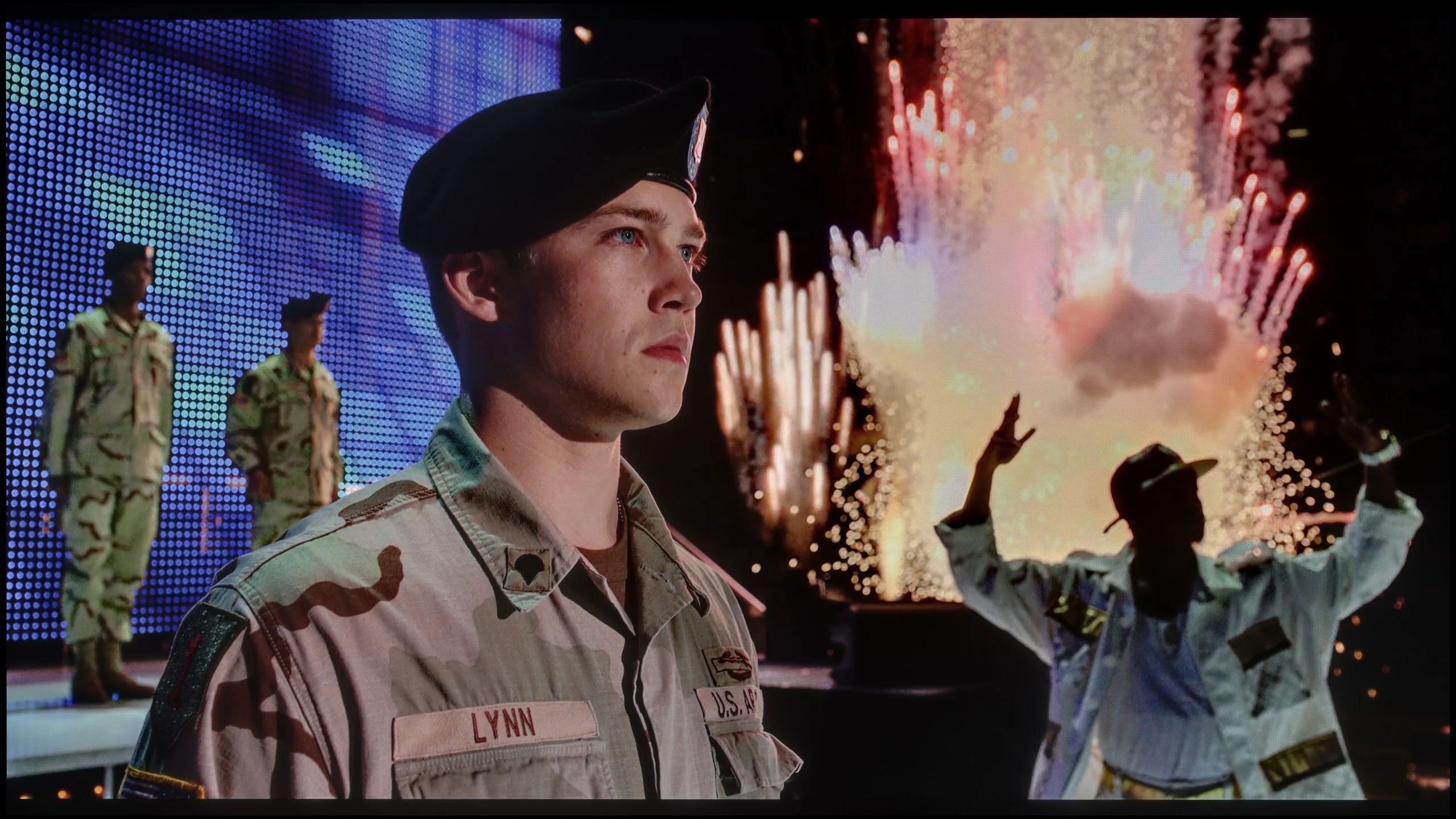
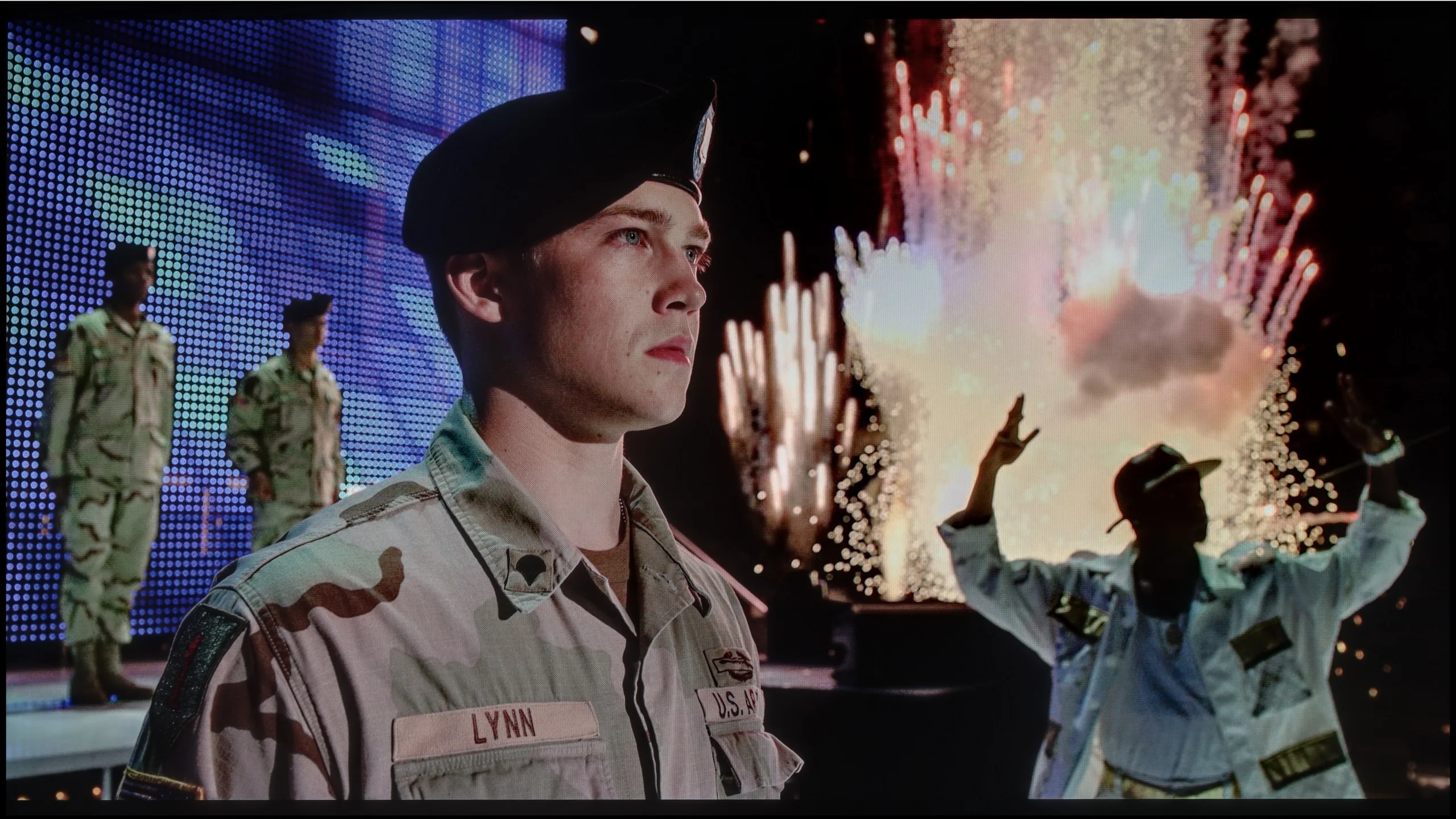
The photos show two HDR10 movies. 'Pan' is one of the brightest productions ever made, while 'Billy Lynn' (soldier) has brightness typical of streaming (Netflix, Prime, HBO MAX). Notice the intensity of effects and detail in whites.
Static HDR10


The photos present the visibility of white details in various HDR formats. They do not show brightness differences between TVs (these can be compared in the previous gallery).
Dynamic: Dolby Vision
Dynamic: HDR10+


The photos present the visibility of white details in various HDR formats. They do not show brightness differences between TVs (these can be compared in the previous gallery).
HDR luminance chart:
Samsung R85H / R86H
LG OLED C6 (WOLED)
Luminance of RGB colors
The HDR effect on the LG C6 is really very good. LG Display's new WOLED panel primarily brought a significant increase in brightness. In our unit we measured around 1,500 nits and, importantly, the TV can show similar values in many normal movie scenes. That gives HDR the proper impact. Bright highlights, lamps, or sunlight can be really strong, and most HDR movies simply look very impressive. Of course it's still an OLED, so brightness drops in scenes with a lot of white. The fifth scene of The Meg illustrates this well, where the C6 reached about 600-700 nits. That's still a very good result, but it also shows the new panel hasn't removed all the limitations typical of OLEDs.
Colors
When it comes to color, there is also little to complain about. The C6 covers about 99% of the DCI-P3 gamut and roughly 75% of BT.2020. In practice the colors are very saturated and, importantly, stable regardless of the scene. That's worth emphasizing, because not every TV behaves the same in this respect. In some RGB Mini LED models color saturation can depend more strongly on image brightness. Today a wider color gamut is mainly offered by QD-OLED TVs and new SQD models with a new generation of quantum dots. However, the C6 still performs very strongly here and is able to generate appropriately saturated colors in most movie scenes.
If it’s about brightness, the R85H performs really well. In most of our test scenes the TV reaches around 800 to 900 nits, and with larger bright elements it can break 1000 nits. These aren't, of course, levels on par with the most expensive Mini-LEDs, but they're more than enough for watching movies and TV series in HDR, and the effect can be quite noticeable. The problem shows up again in more demanding scenes where there's a small bright element on a very dark background. Here the TV can significantly reduce its brightness so it doesn't illuminate too much of the screen. In our measurements such small highlights dropped to around 200 to 250 nits, so you can see that a limited number of local dimming zones combined with the specific behavior of the algorithm has its consequences. Fortunately, it's not something that bothers you all the time. In typical mixed HDR scenes the R85H looks good and can deliver appropriate image dynamics. You just can't expect the same punch from very small points of light as you get with TVs that have many more zones or with OLEDs.
Factory color reproduction
7.8/10
5.4/10
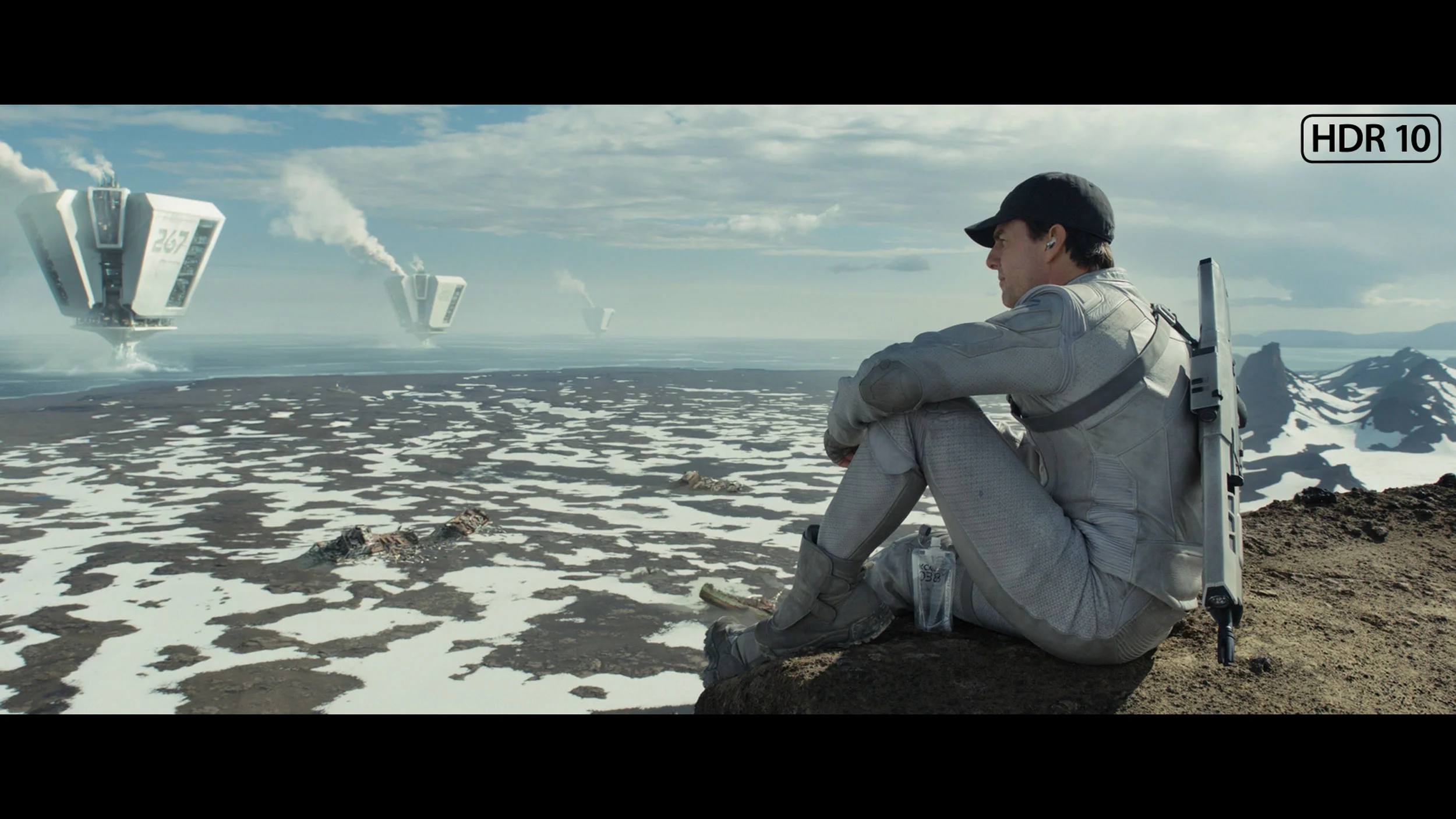
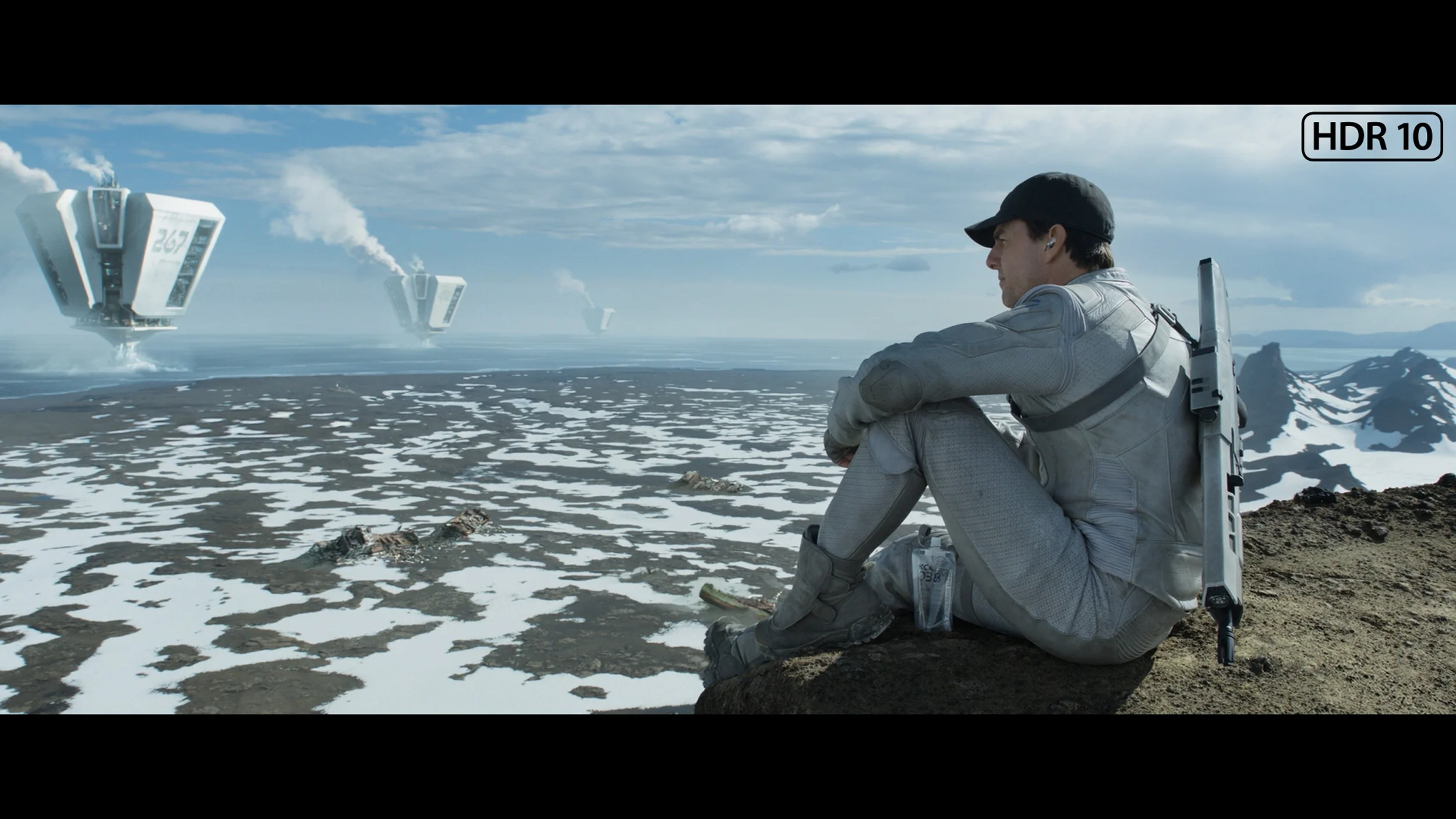
This gallery shows how colors change after professional TV calibration. If you notice the difference, we recommend ordering this service at SkalibrujTV.com.
Factory Mode
After calibration


This gallery shows how colors change after professional TV calibration. If you notice the difference, we recommend ordering this service at SkalibrujTV.com.
Factory Mode
After calibration
Right out of the box the LG C6 is pretty well set up, especially if you choose Filmmaker mode. In SDR material the white balance is decent, although as brightness increases it starts to lack a bit of red. The picture becomes a little cooler as a result, but it’s not such a big difference that it stands out during normal viewing. More happens in the brightness response itself. Gamma is a bit low and instead of holding at 2.4 it sits closer to 2.1–2.2 over much of the range. In practice the C6 slightly brightens midtones. Shadows are therefore more readable, but the image loses some depth compared with how it should look in a dark room. In HDR the situation is a bit more interesting. The start of the grayscale looks very good, but from about 20–30% brightness the white balance starts to drift more and more. As brightness rises there’s more red and a noticeable lack of blue. In the brightest highlights the difference is already significant and also affects reproduction of some colors. The EOTF curve itself is handled fairly well over most of the range. The C6 only has a tendency to slightly brighten the image, which we also saw during our film comparisons. The largest deviation appears around the brightest highlights, where the TV begins to adapt the signal to the panel’s capabilities. So the out-of-the-box Filmmaker mode in HDR isn’t perfect, but overall it performs well. The biggest room for improvement is the white balance, especially at high brightness.
In Filmmaker mode our R85H sample performed adequately in SDR, but a few things immediately showed up in the measurements. In the white balance, as brightness increased more red crept in while blue decreased. As a result, the brighter parts of the image had a slightly too warm tint. On top of that, gamma only held to the target value at the start. It then gradually fell, making most of the image a bit too bright. The combination of the two also affected colors — errors grew especially in the brighter, more saturated samples. It didn’t look bad, but for Filmmaker mode we expected a bit more accuracy. Interestingly, in HDR our unit handled things noticeably better. White balance was much more even and, for most of the range, the individual RGB components stayed close together. Only in the brightest areas did red begin to fall short, causing the white point to shift slightly. The EOTF curve looked very good, tracking the target luminance values across almost the entire range. That doesn’t mean HDR colors were perfect. The ColorChecker still shows some deviations, particularly in some of the more saturated hues, but the errors are clearly smaller than in SDR.
Color reproduction after calibration
9.1/10
8.6/10
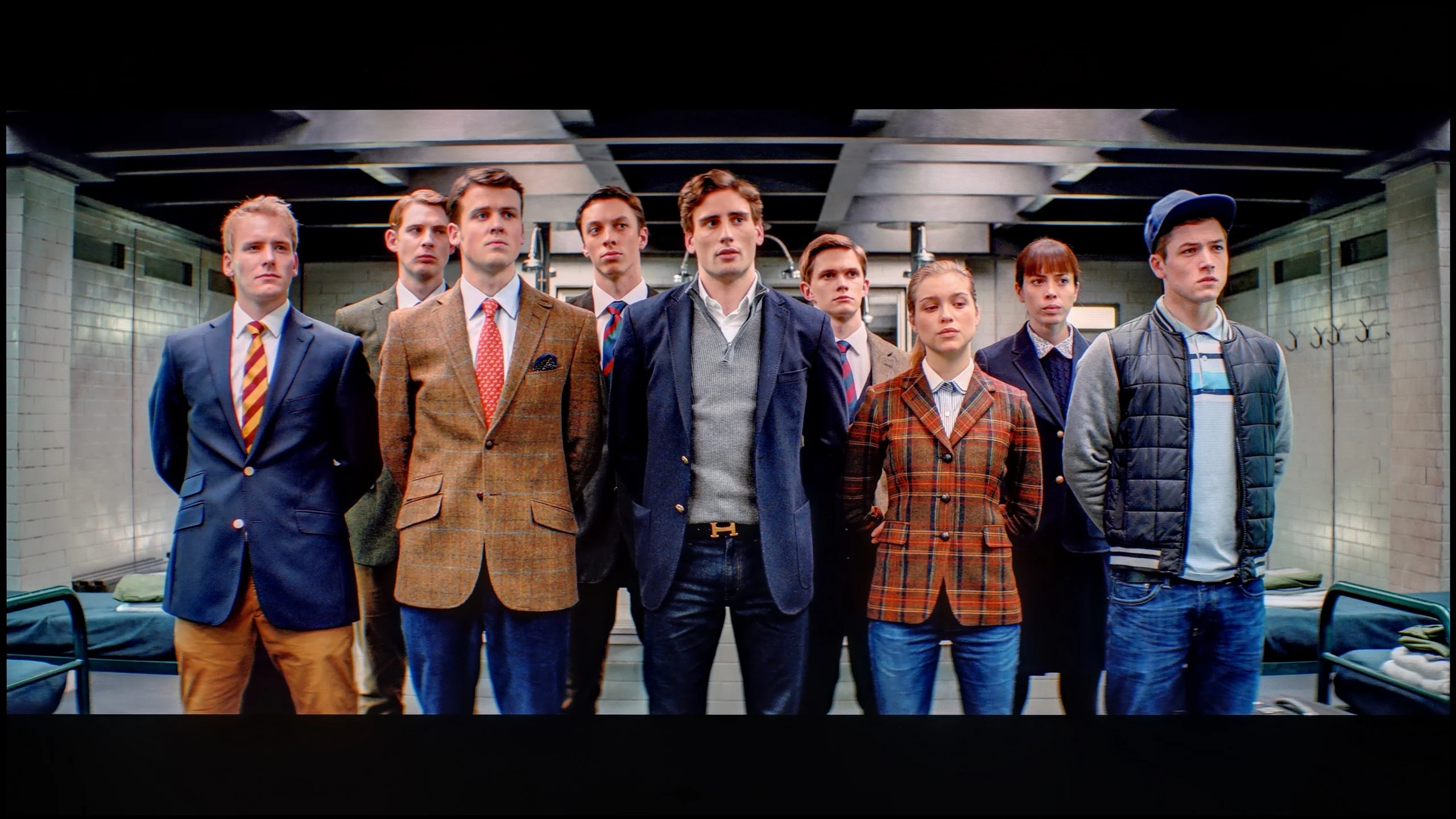
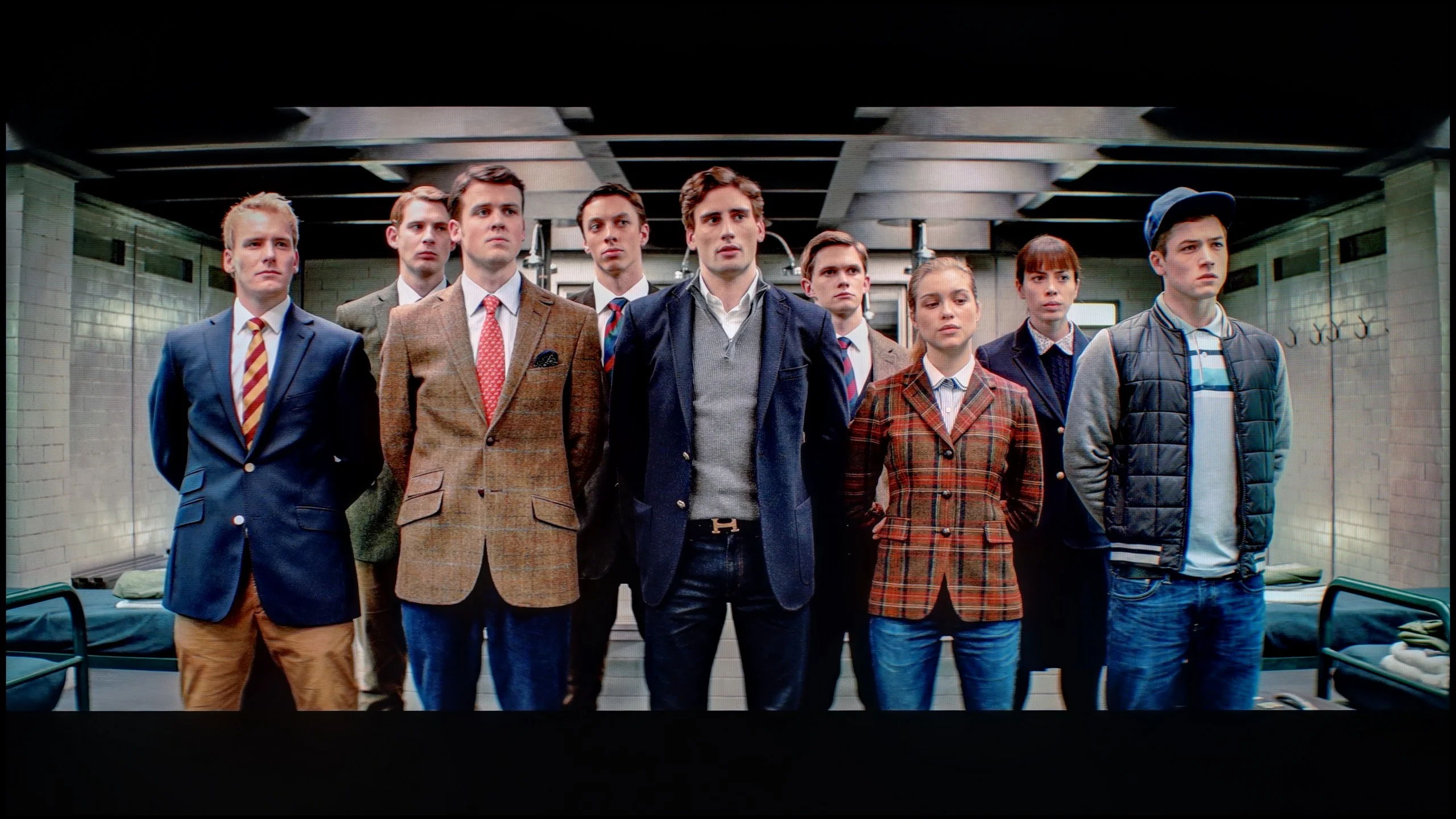
The photos show how movies look on the TV. Pay attention to black detail visibility, colors, and shadow tint.


The photos show how movies look on the TV. Pay attention to black detail visibility, colors, and shadow tint.
LG TVs have been very receptive to calibration for years, and the C6 is no exception. After adjustment the white balance was set almost perfectly, and most color errors dropped to values below 3, often even around 2. In practice this means very accurate color reproduction in both SDR and HDR. An interesting detail appeared only with the HDR brightness characteristic. On a classic EOTF chart everything looks nearly ideal, and at first glance it would be hard to find fault. Only when we measured the TV’s behavior using filters based on actual movie scenes did it become clear that the C6 has a slight tendency to artificially boost image brightness.
It’s not a huge difference and many people may even see it as a positive, because HDR looks a bit more impressive this way. From the standpoint of fidelity to the source material this isn’t ideal — some scenes are simply a touch brighter than the filmmaker intended. Interestingly, this is somewhat unusual for LG. In previous generations, the brand’s TVs typically stuck very closely to the reference tone curve after calibration. With the C6 we’re still very close to the standard, but that subtle boost in brightness is indeed noticeable in films and series.
After calibration the R85H shows it has impressive color reproduction capabilities. It performed best in SDR, where the white balance was brought almost perfectly into line and the gamma stays very close to the target across most of the range. That also translated into very low errors in the ColorChecker, so there's really little to fault here. HDR also shows a clear improvement, although some issues can't be corrected as well. At peak brightness the character of the backlight itself starts to show and the individual components of the white balance begin to diverge. The same goes for the most saturated colors, which don't always land exactly where they should. Despite these limitations, overall the image is significantly more accurate than on the factory settings, and the biggest difference is clearly in SDR. However, there's one thing calibration can't fix. With highly saturated elements, color can subtly bleed onto adjacent bright parts of the image. It's easiest to notice this on white, which can pick up a slight tint from a neighboring hue. It doesn't occur in every scene, but when the content is demanding the effect can be visible. This is more a characteristic of the way the RGB backlight works than an issue with picture settings.
Smoothness of tonal transitions
7/10
8.9/10
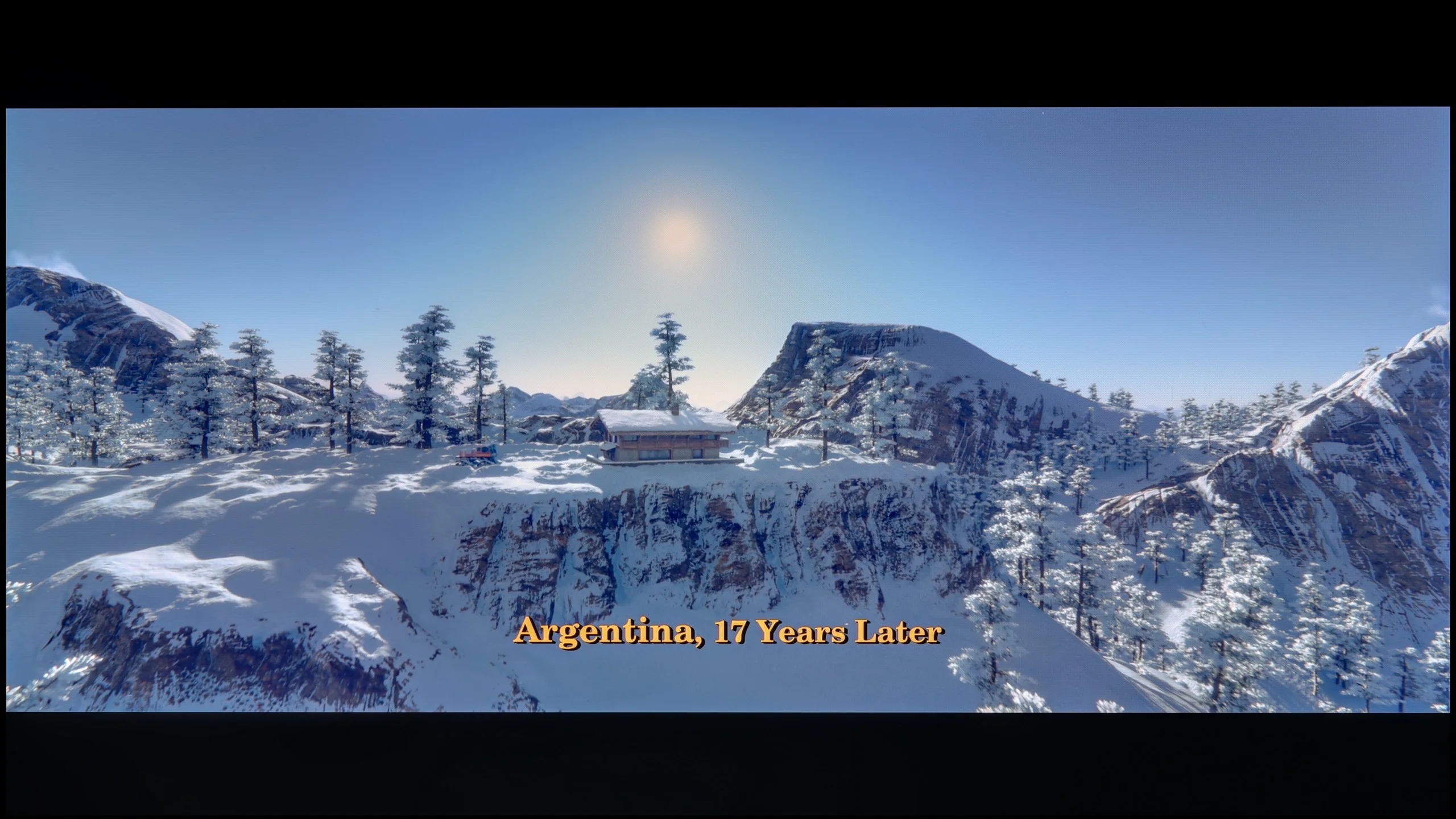

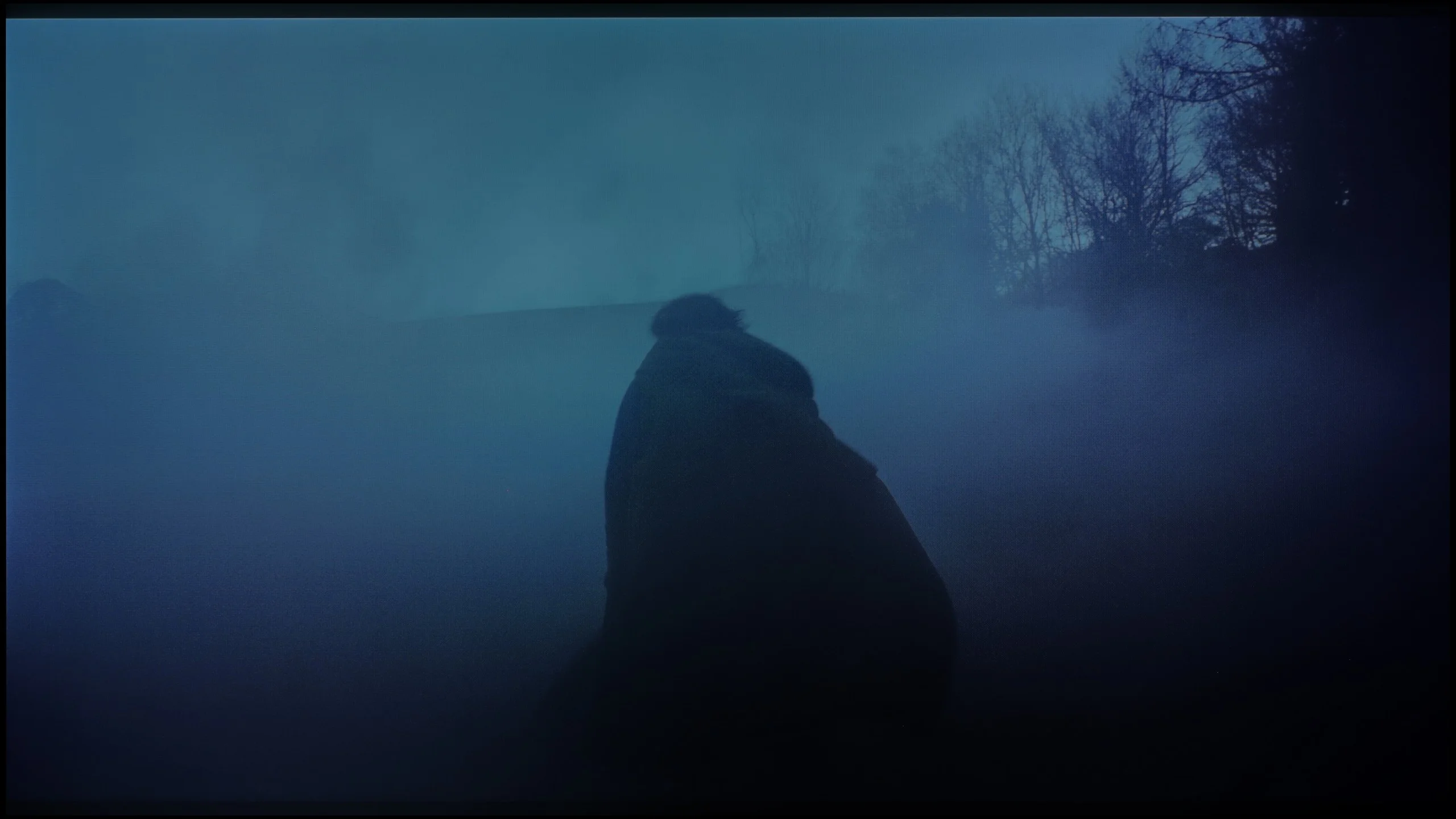
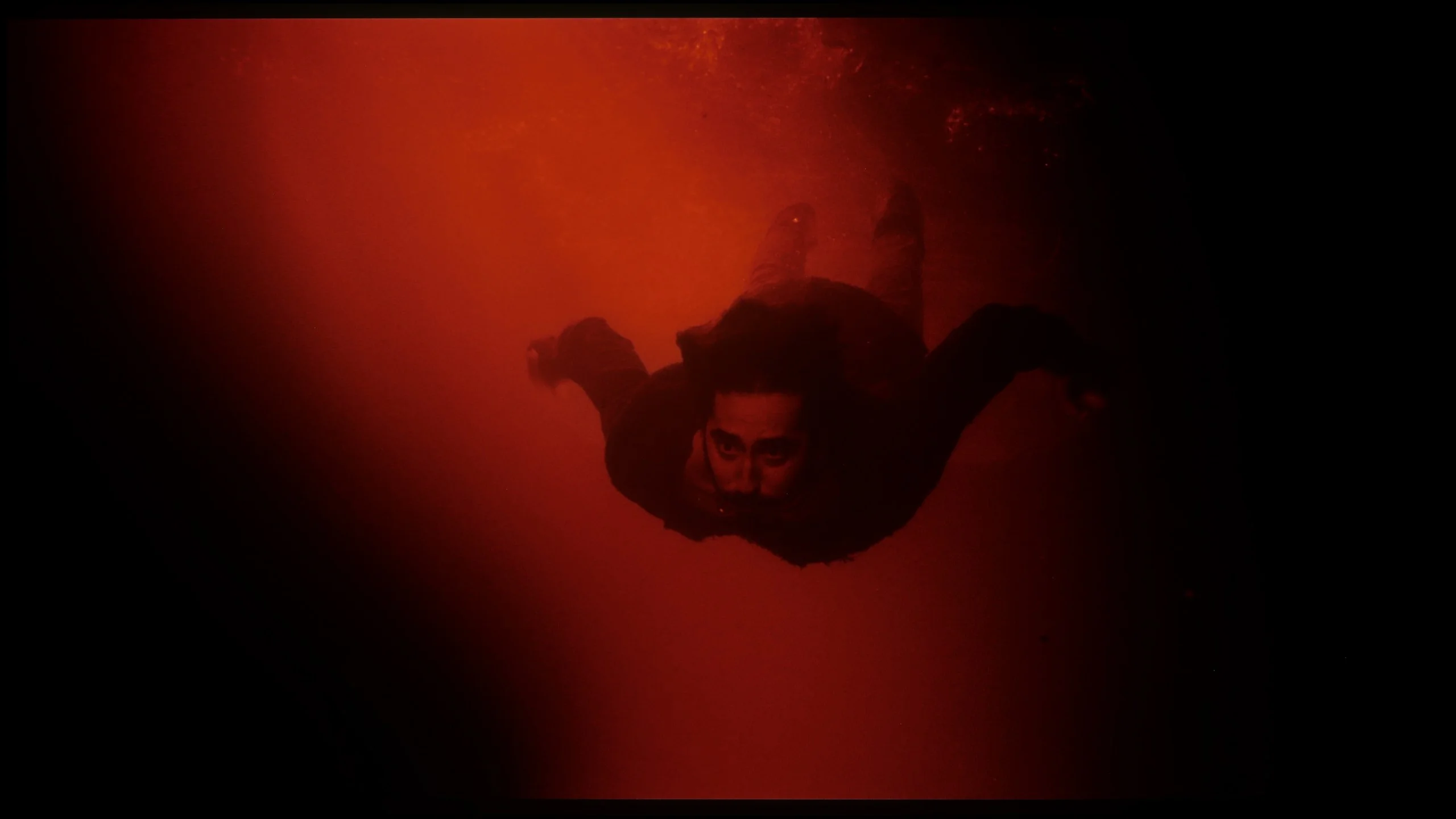
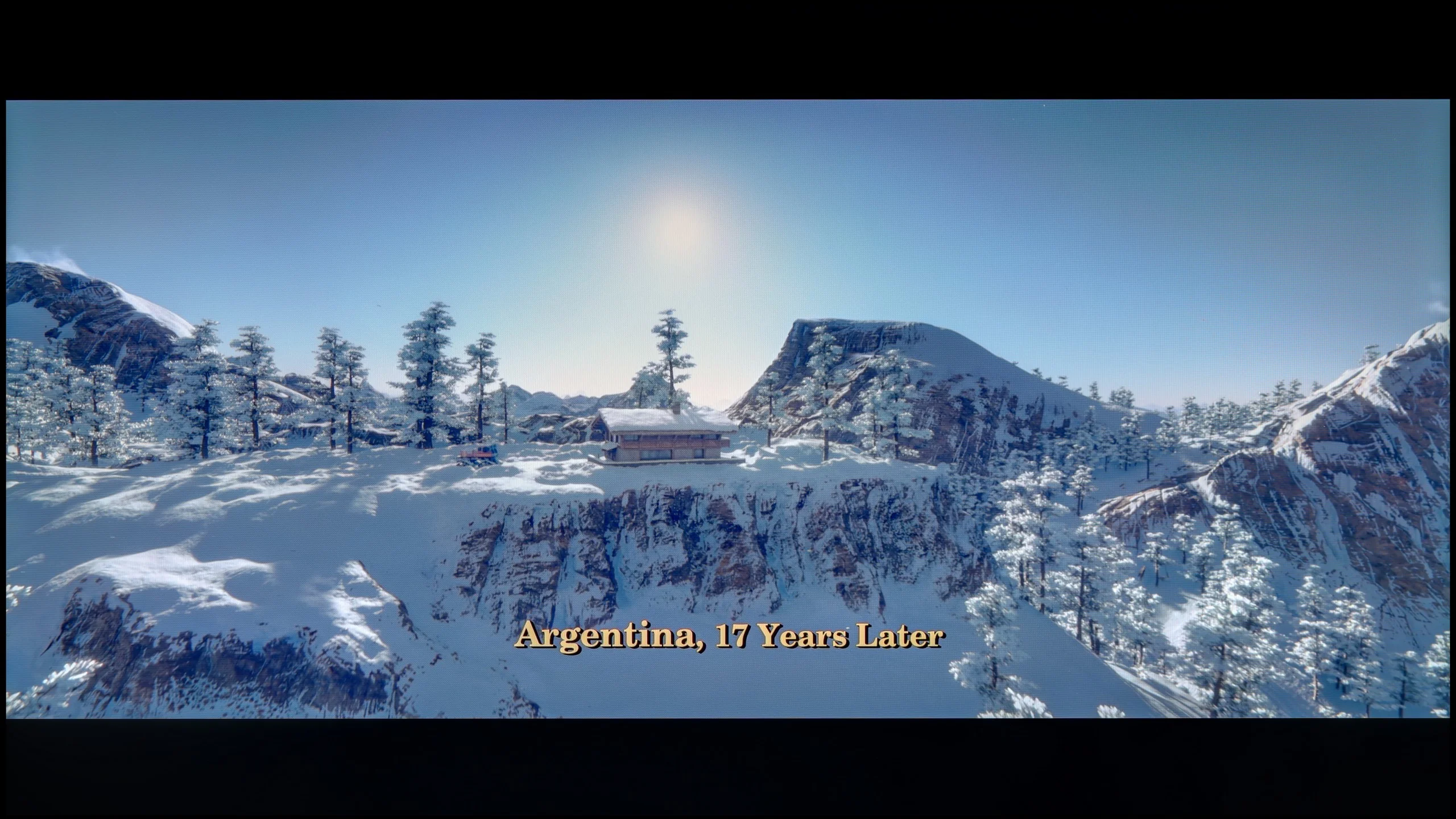
These are selected scenes that show smooth tonal transitions from one color to another. If you see distinct banding, it’s the TV panel’s fault.

These are selected scenes that show smooth tonal transitions from one color to another. If you see distinct banding, it’s the TV panel’s fault.
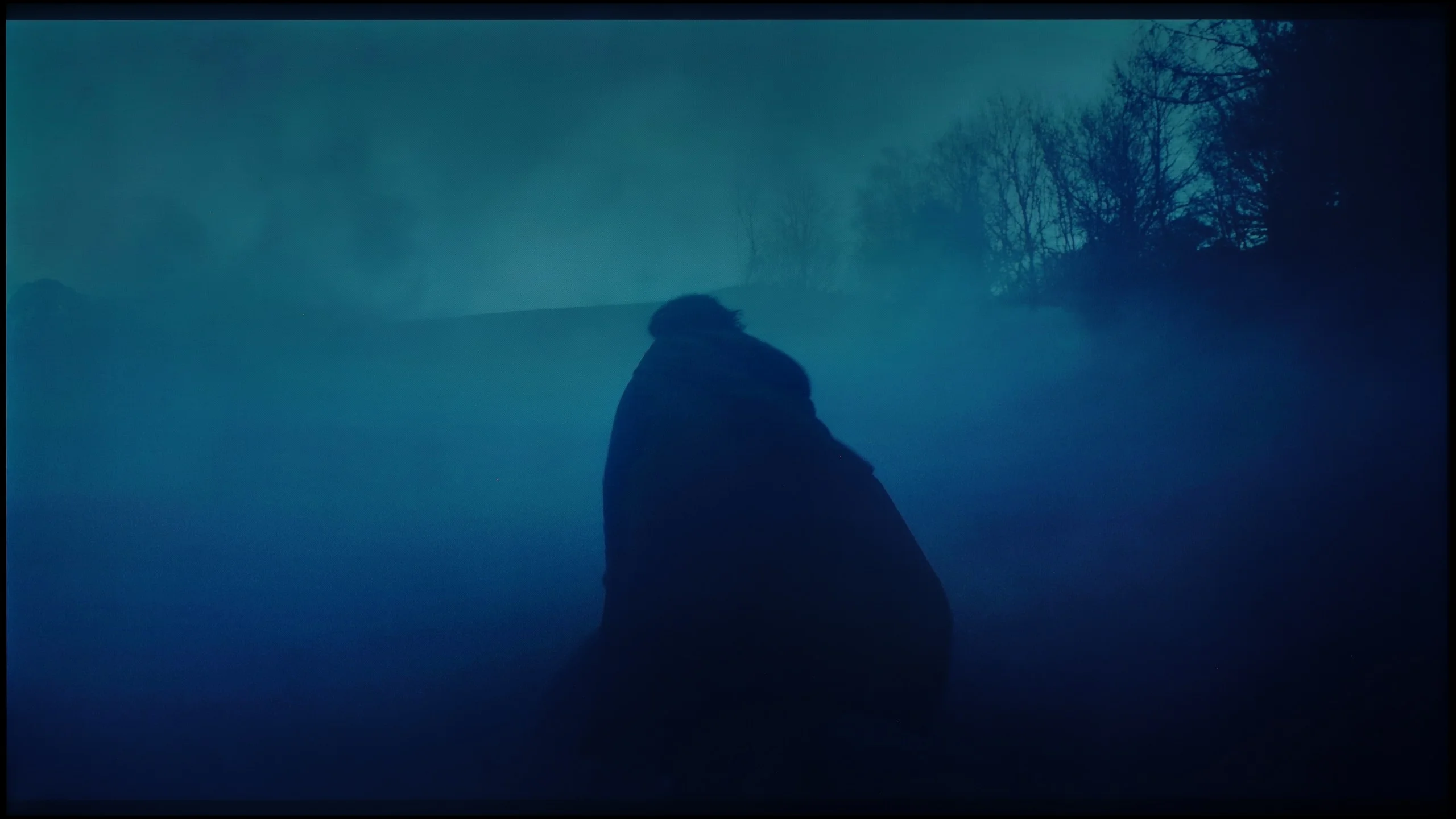
These are selected scenes that show smooth tonal transitions from one color to another. If you see distinct banding, it’s the TV panel’s fault.
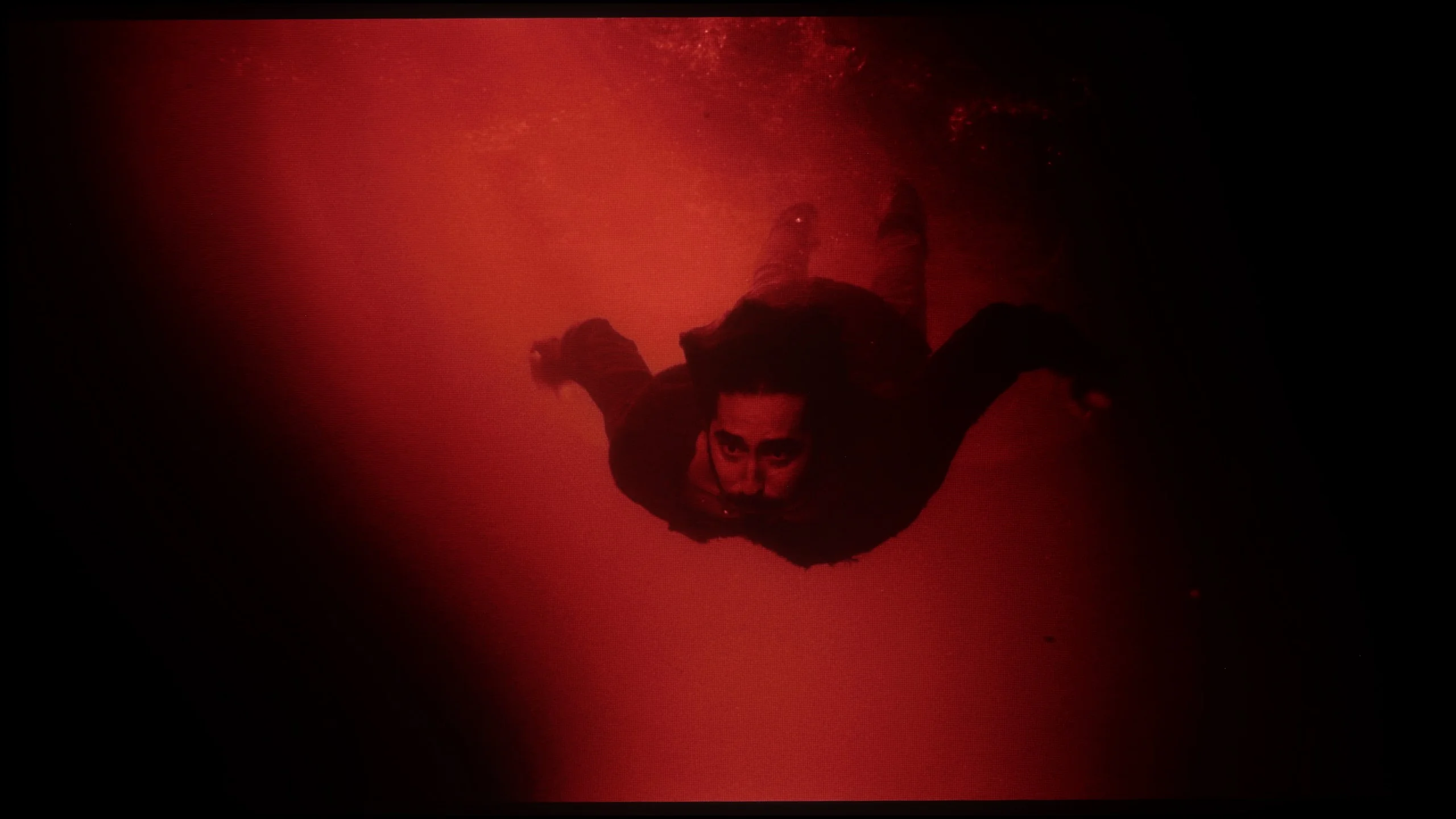
These are selected scenes that show smooth tonal transitions from one color to another. If you see distinct banding, it’s the TV panel’s fault.
The LG C6 handles tonal transitions very well. In most movie scenes it was hard to notice any obvious posterization issues. Both in the dark parts of the image and in bright gradients the colors remain relatively smooth and do not break up into visible bands. That's good news, because WOLED panels haven't always been perfect in this regard. With the C6 it's clearly better, and during normal viewing this aspect of the image shouldn't draw attention.
Note: One downside is the dithering visible in near-black areas. Up close you can notice subtle flicker and grain in the darkest parts of the image. It's not as pronounced as with the Tandem OLED panel, but it still occurs, so we decided to dock the C6 a few points in this category.
The Samsung R85H handles tonal transitions quite well, and during normal viewing it’s not something that particularly draws attention. On bright gradients the transitions are mostly even, and only on closer inspection can you notice slight steps between some brightness levels. They’re not strong, however, and generally do not noticeably affect the image. It looks very similar in darker areas. You can sometimes spot small steps between similar shades, but there’s no severe banding or obvious breaking up of gradients. Bright skies, fog, and darker shadows are all displayed smoothly and without major issues.
Image scaling and smoothness of tonal transitions
8.5/10
7.5/10


Smooth transition function
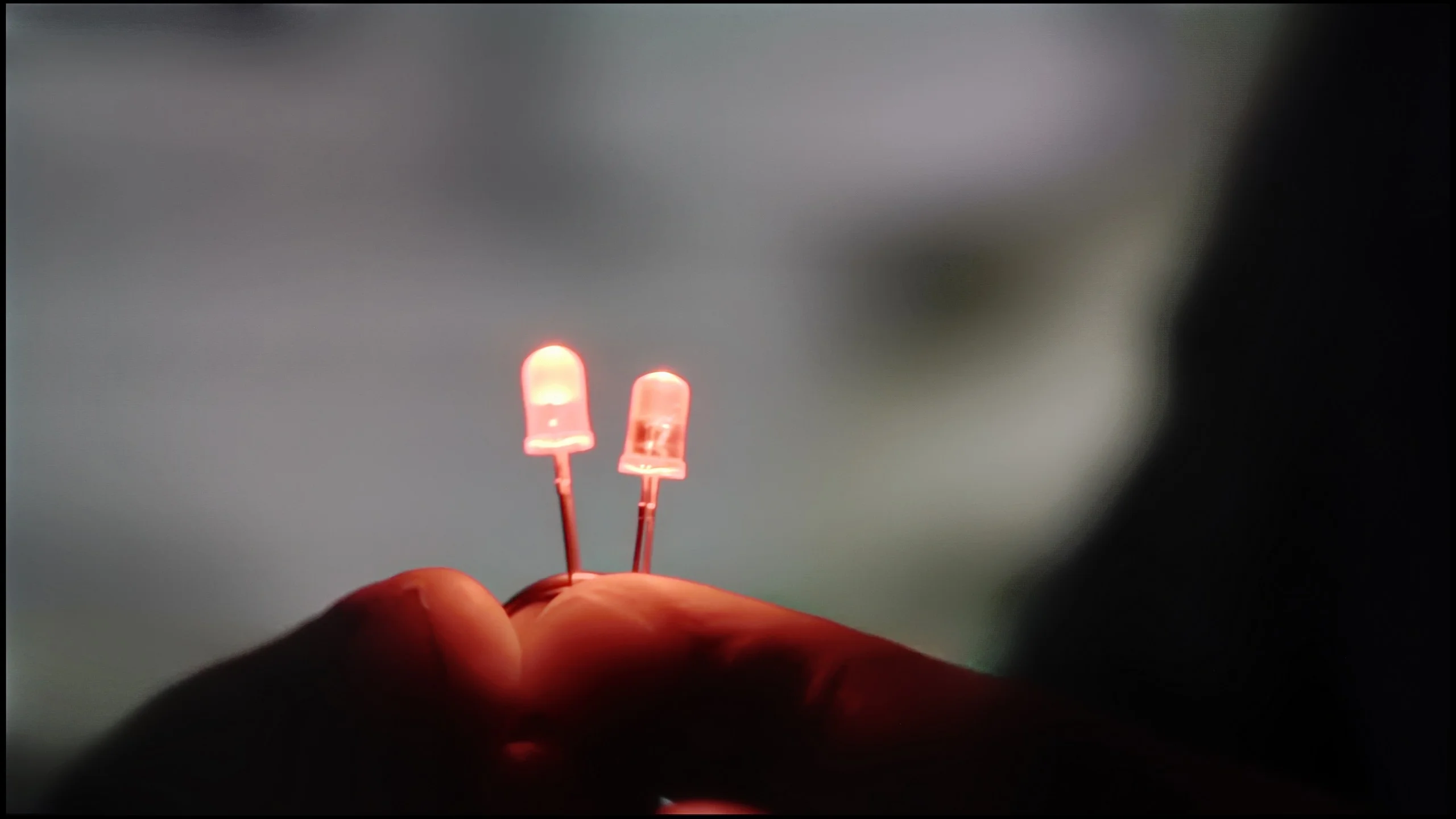
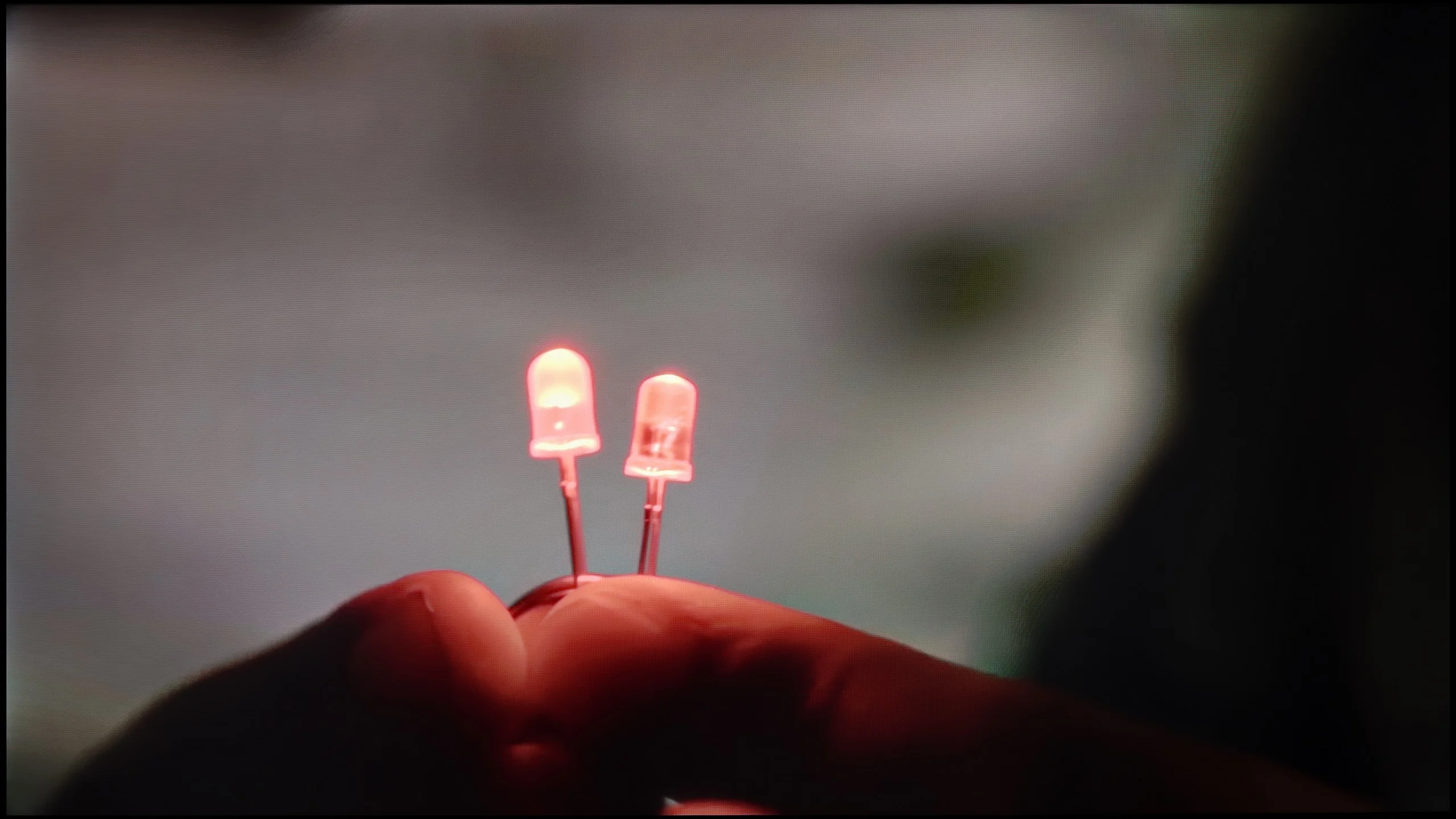
The match photo shows how the TV smooths weak tonal transitions in low-quality video.
Image scaling SD (576i)


The model photo shows how it handles upscaling of SD material.
The LG C6 has taken a really big step forward here. The TV uses the same processor found in the flagship G6, and in terms of image processing the two models are very similar. That’s a big plus, because in this area LG’s processor this year performs excellently. The "Smooth Gradation" feature works especially well. With heavily compressed material it can effectively hide ugly tonal transitions and artifacts that often appear, for example, in lower-quality streaming. It’s best to leave it set to "Low." Then the improvement is clear, and the TV doesn’t yet start blurring fine details. Higher levels smooth the image more, but can already remove some of the natural texture of objects on the screen. The upscaling itself also performs very well. Lower-resolution content is sharpened properly, edges look clean, and the processor quite effectively rebuilds fine details. In this regard the C6 is already very close to LG’s best TVs, and the differences compared with the G6 are small.
In the R85H, image processing is handled by the Micro RGB AI Processor. The name is new, but in terms of upscaling lower-quality content, the TV’s behavior remains very similar to what Samsung has shown before. And that’s not a bad thing, since the company has handled this aspect quite well for years. Low-resolution material is displayed cleanly, edges don’t become overly soft, and the TV doesn’t try to artificially extract details at any cost. The result is simply balanced, and with regular TV or older recordings the R85H performs as you would expect from a Samsung at this level. The only minor drawback is overscan, which can’t be completely turned off at the lowest resolutions. A separate issue is the additional processing of weaker sources. The R85H can smooth posterization and tidy up heavily compressed footage a bit, but it’s worth stressing that it does so relatively aggressively. At stronger "noise reduction" settings it starts removing not only compression artifacts but also fine details and natural film grain. It’s best to use it only when the material actually needs it.
Blur and motion smoothness
8.5/10
7.4/10
Blur (native resolution, maximum refresh rate):






Blur (BFI function enabled):
Image flickers in this mode



Image flickers in this mode
Blur (4K@165Hz):



Blur (1080p@240Hz):


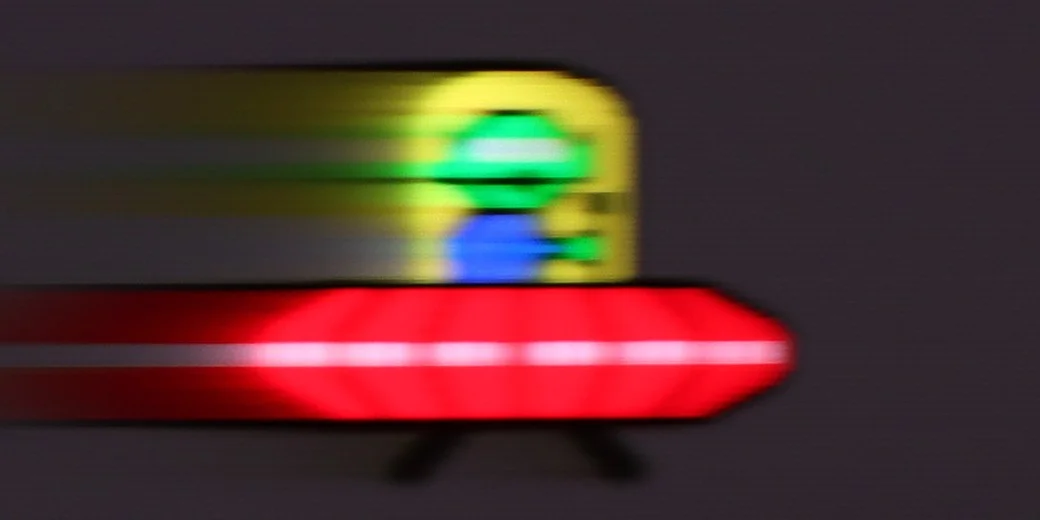
The LG C6 features a panel with a maximum refresh rate of 165 Hz, which is great news especially for gamers using a powerful PC. For movies, sports, or consoles we'll of course use up to 120 Hz, but even then it's hard to fault the motion clarity. As you'd expect from an OLED, the panel's response time is almost instantaneous. Moving objects therefore don't leave the characteristic smears you still see on LCD TVs. This is particularly noticeable in sports and fast-paced games, where the picture remains very clean even during dynamic motion.
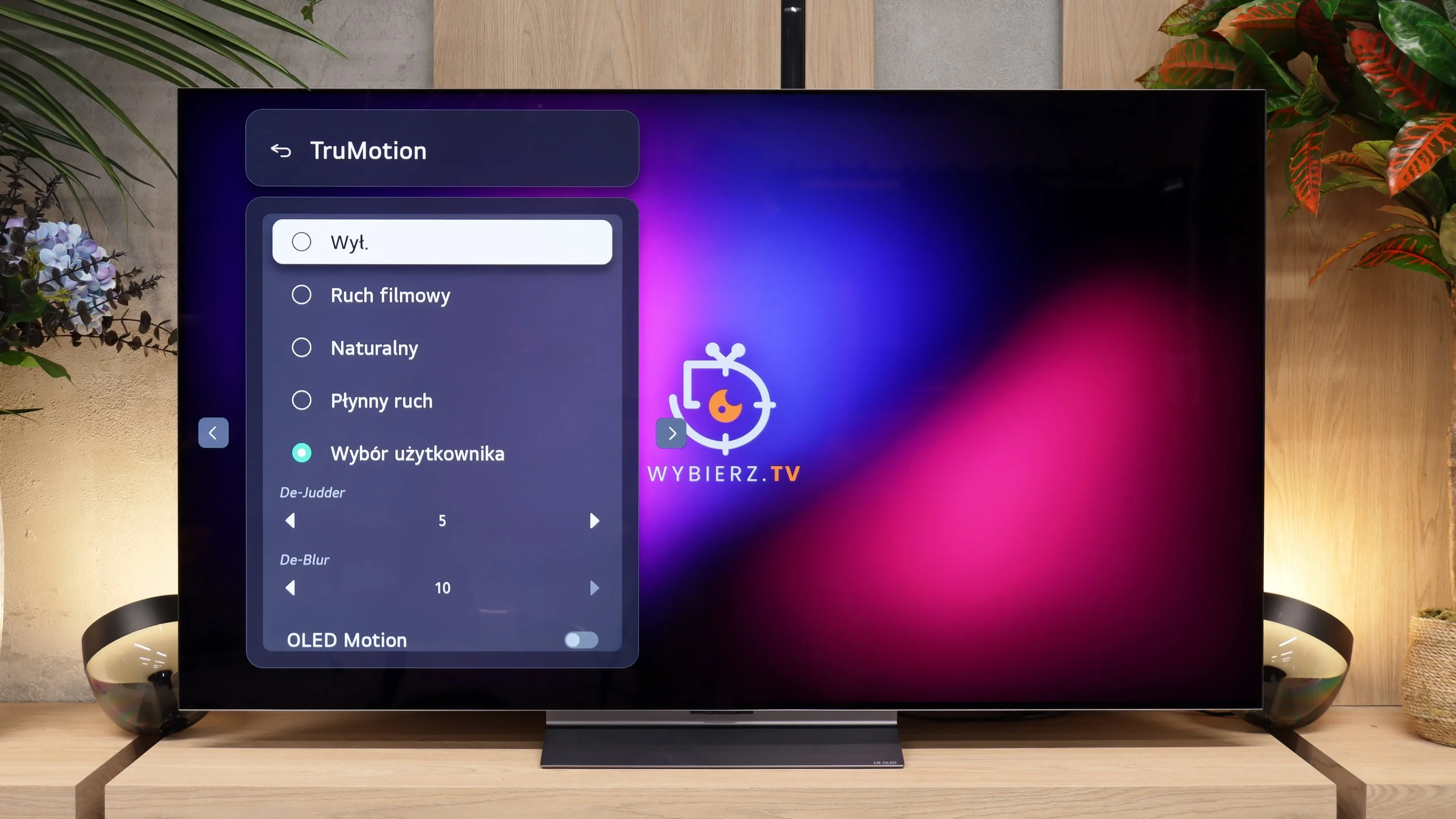
For movies and TV, LG also provides the TruMotion motion-smoothing system. In the user settings you'll find two separate sliders. De-Judder is mainly for low-frame-rate content, that is primarily 24 fps films and series. It can slightly reduce the characteristic judder, or be set higher if you want a much smoother image. De-Blur is useful for higher-frame-rate material, mainly sports broadcasts and 50/60 fps television.
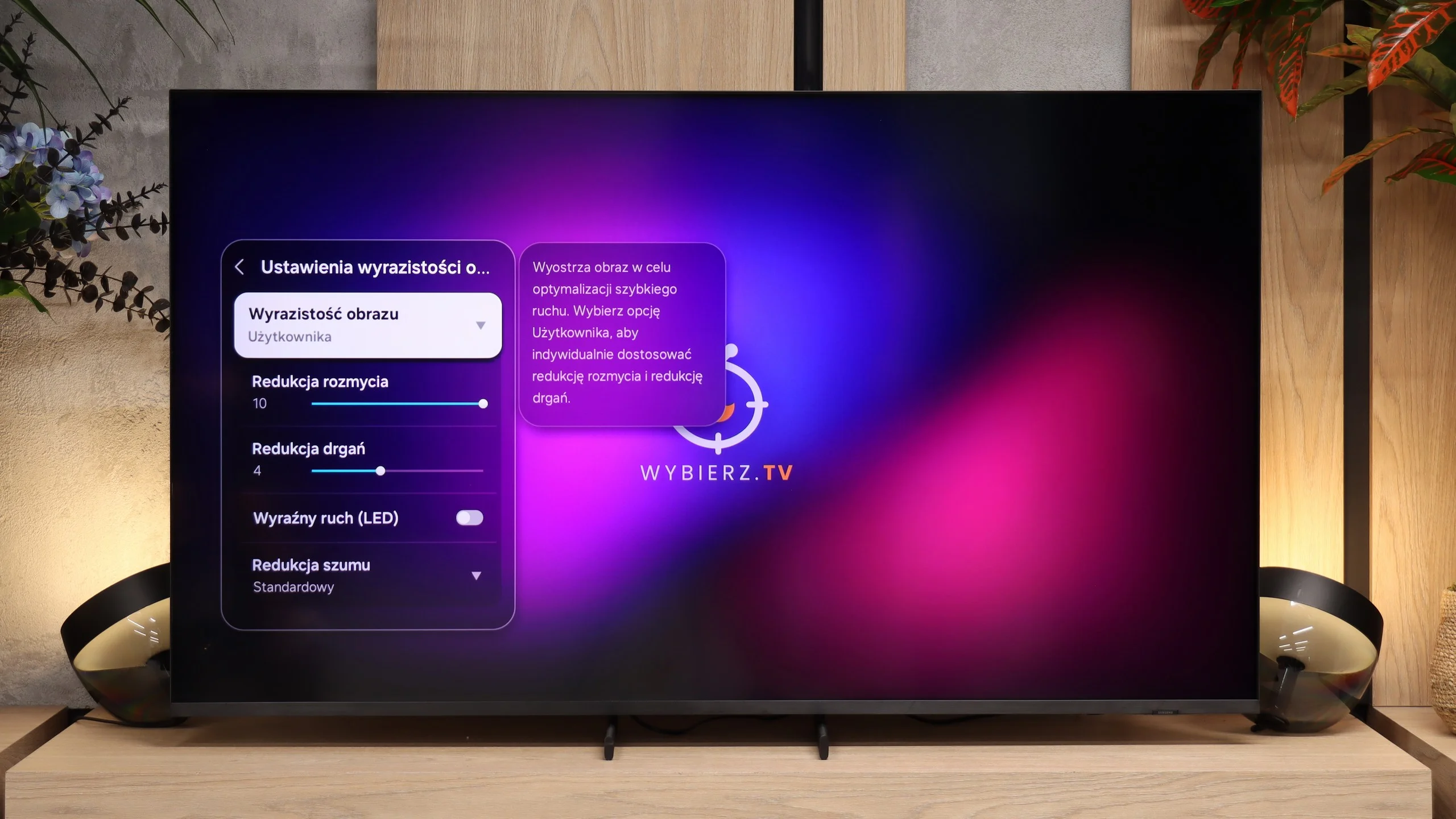
R85H has a 144 Hz panel, so motion is really smooth here. Just remember that the extra hertz above 120 will mainly be used when connected to a PC, so in this category we don't treat them as a particular advantage. For movies and TV, what's more important is that the panel is fast enough to provide access to an advanced motion-smoothing feature, "Motion Clarity", which lets us set motion from more film-like to very smooth. The panel's response time is a bit weaker. Because this is a VA panel, fast-moving objects can leave a slight trail. On bright backgrounds that's not very noticeable, but the darker the scene, the more visible the smearing becomes. That's a typical characteristic of this type of panel, and it's easiest to spot in dark scenes.
Console compatibility and gaming features
10/10
9.6/10
- ALLM
- VRR
- VRR range40 - 165Hz48 - 240Hz
- Dolby Vision Game Mode
- Correct implementation of HGIG
- 1080p@120Hz
- 1440p@120Hz
- 4K@120Hz
- Game bar
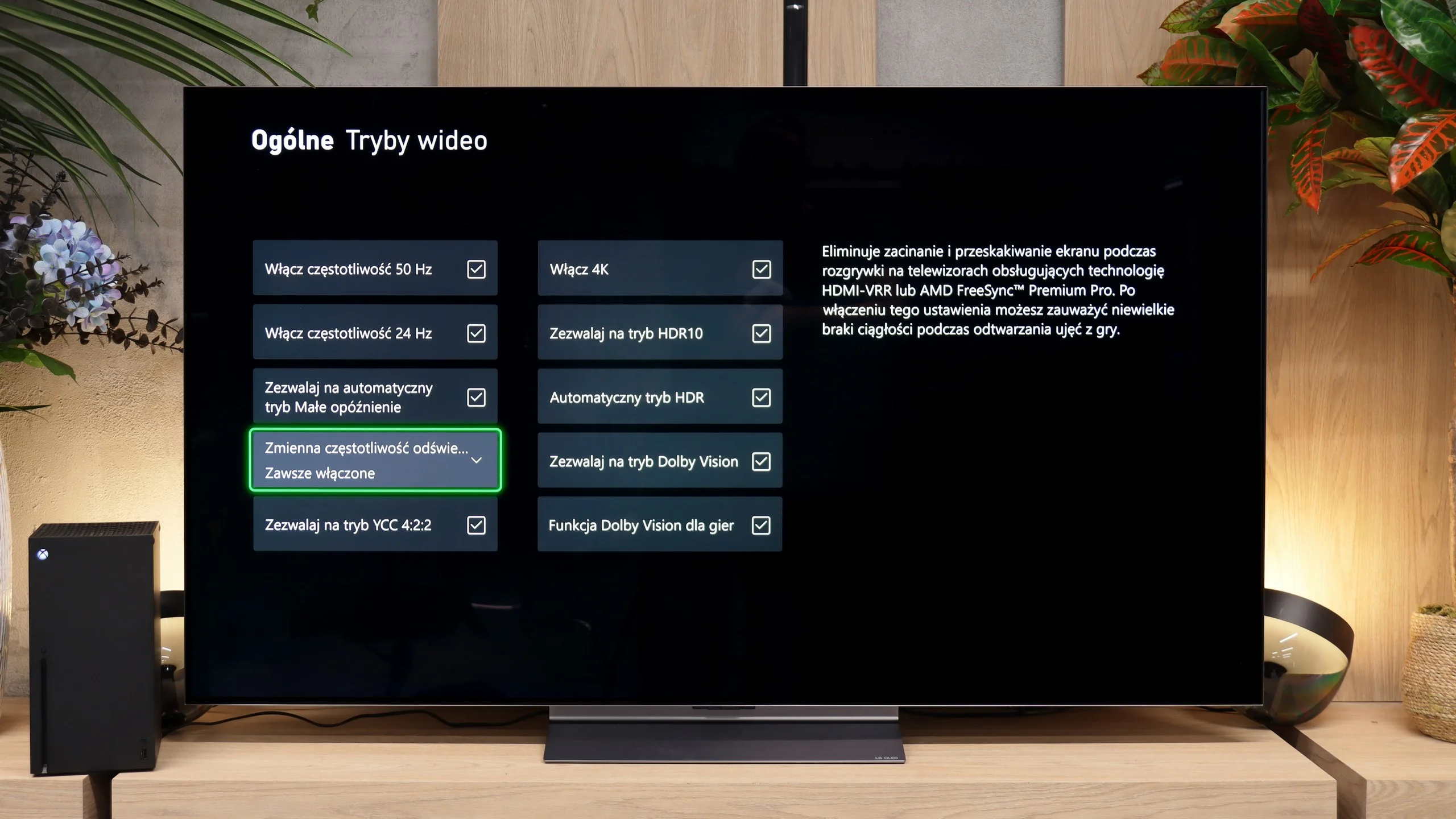
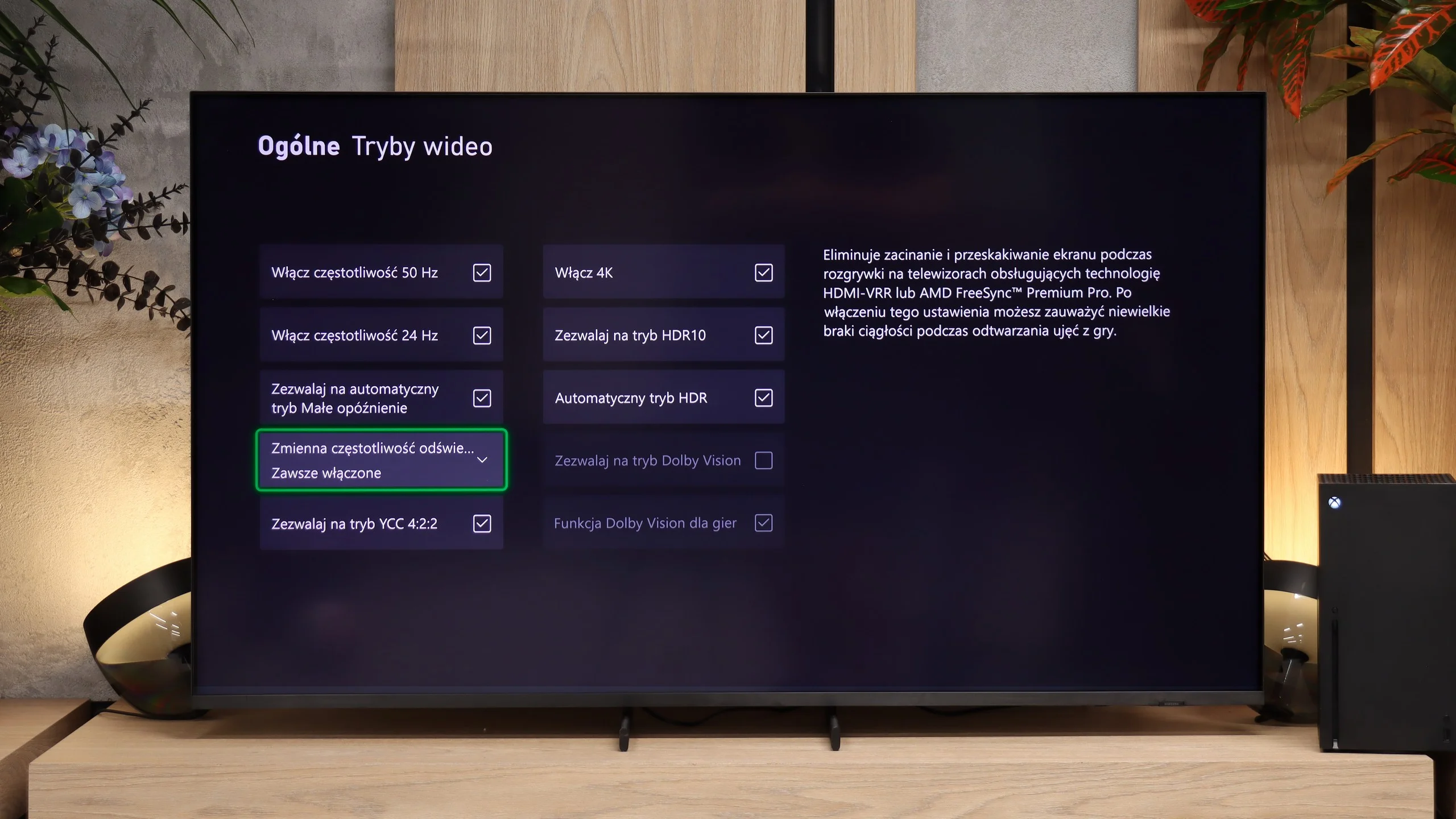
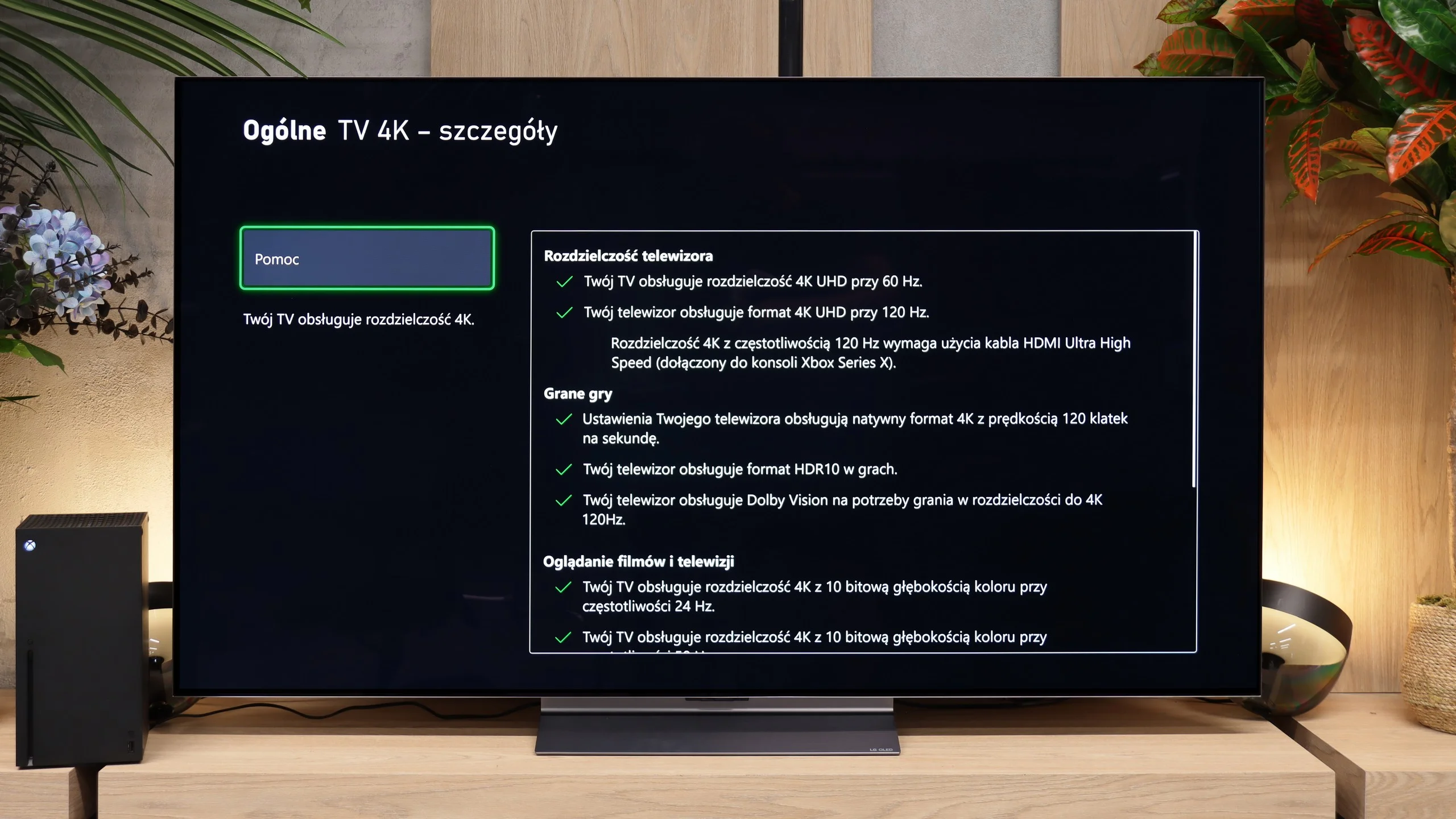
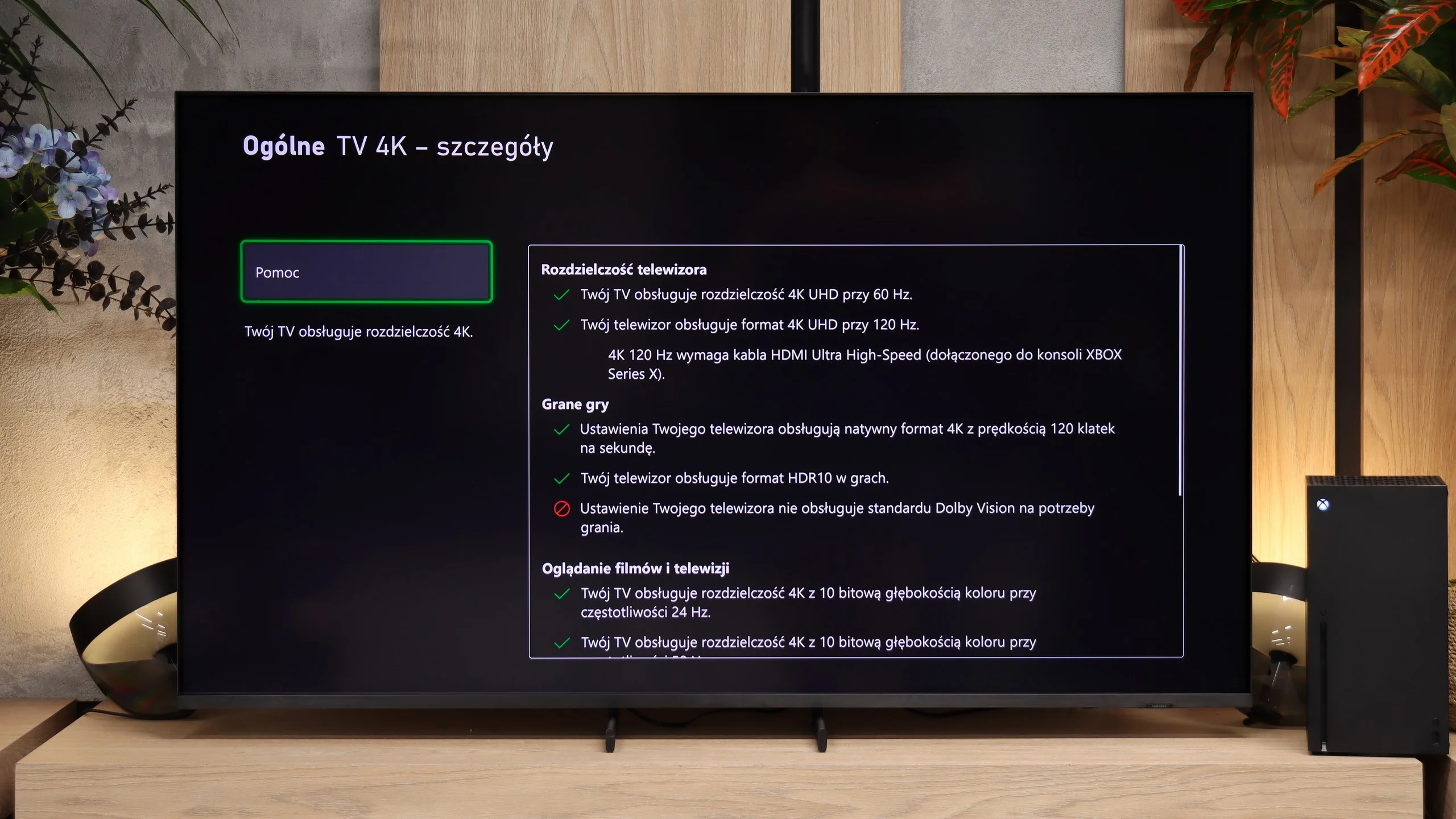
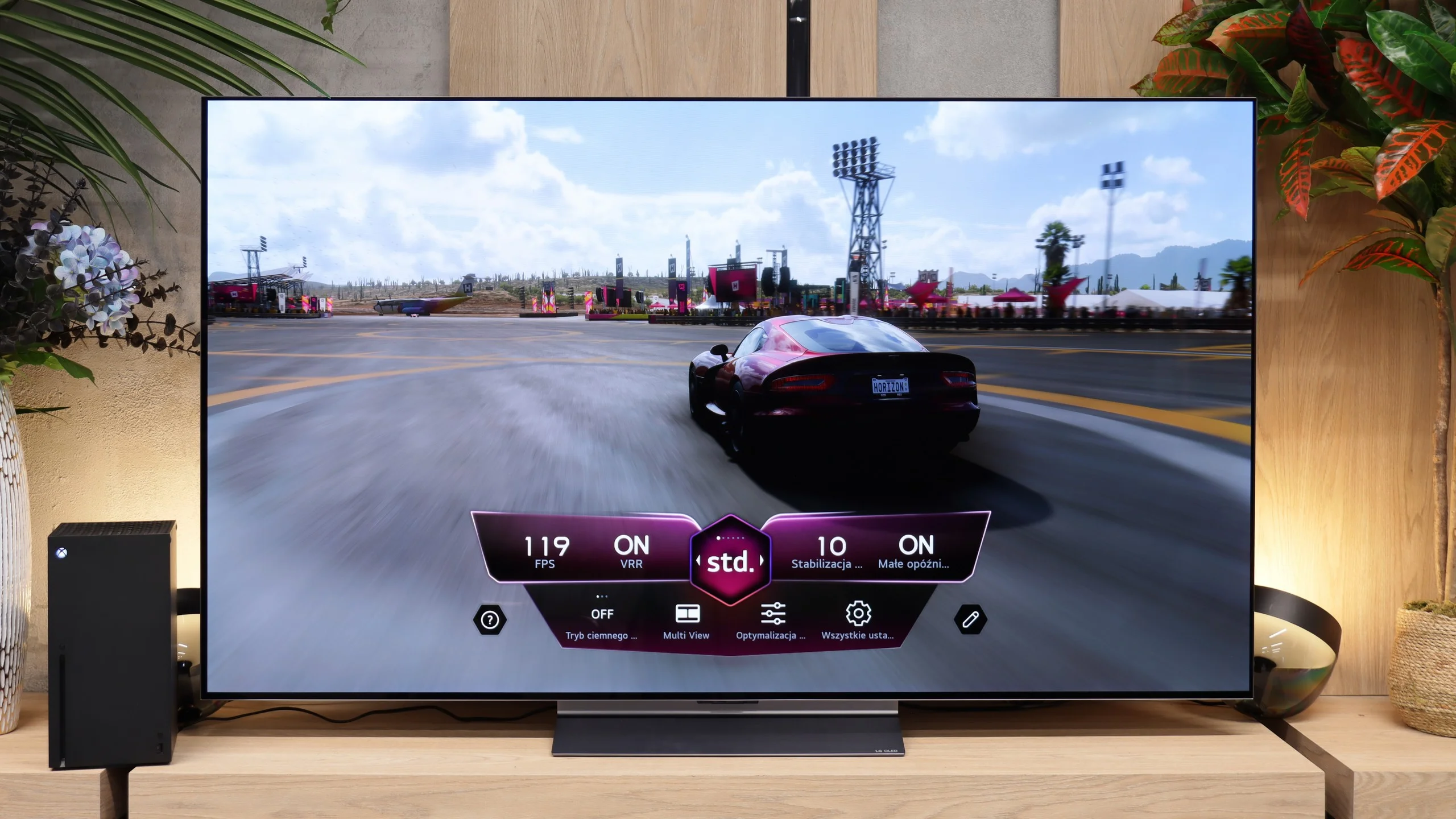
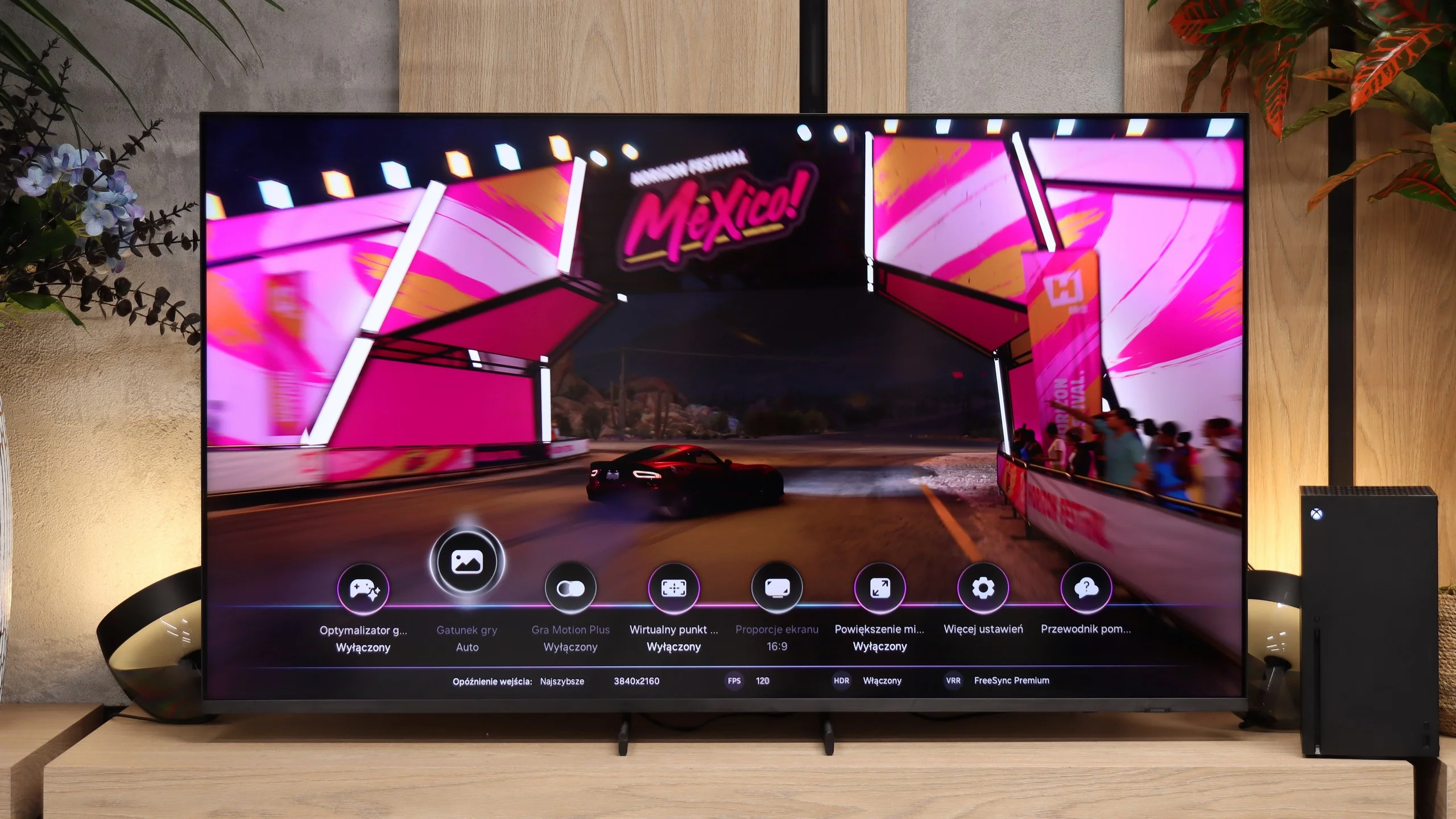
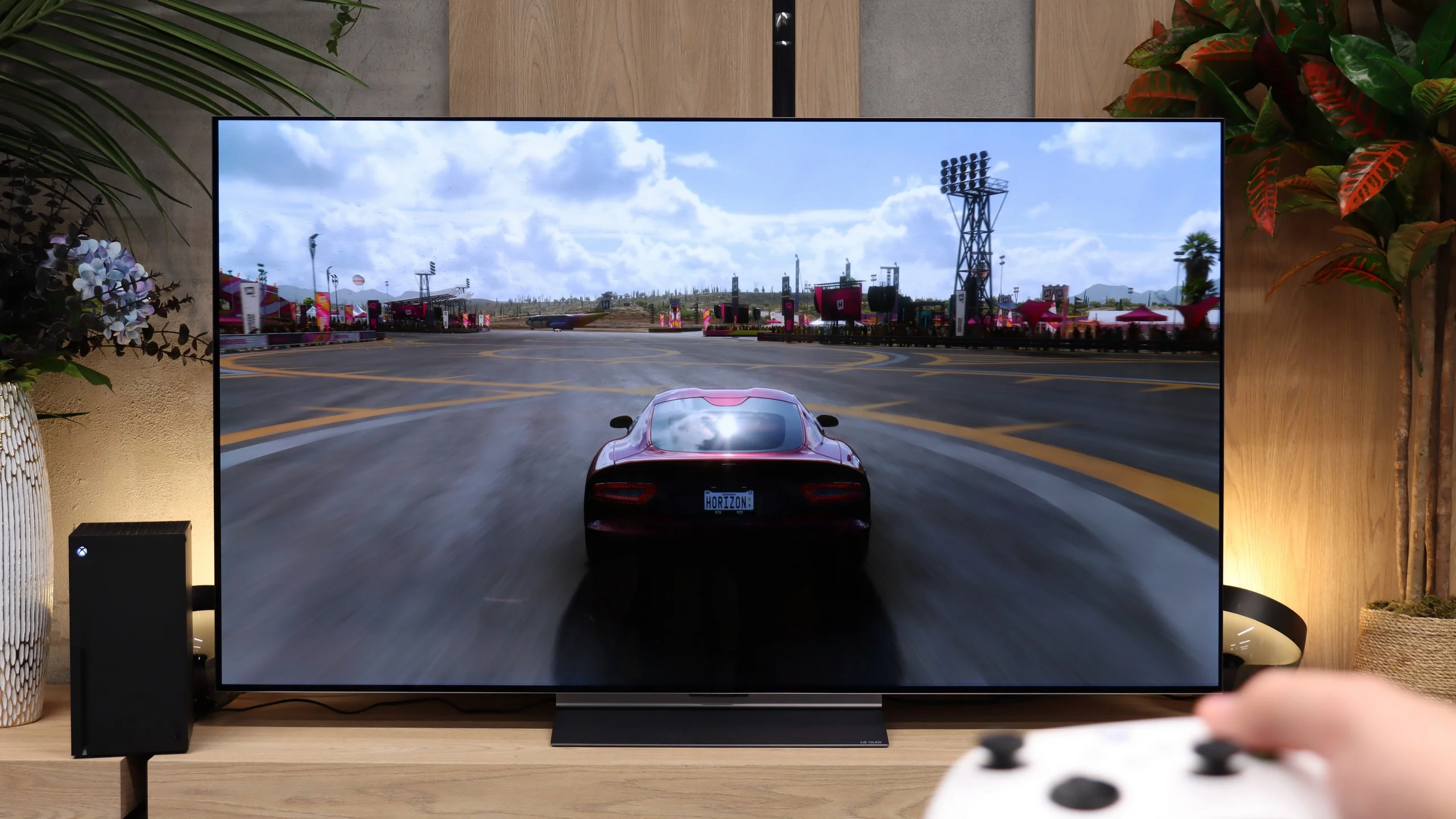
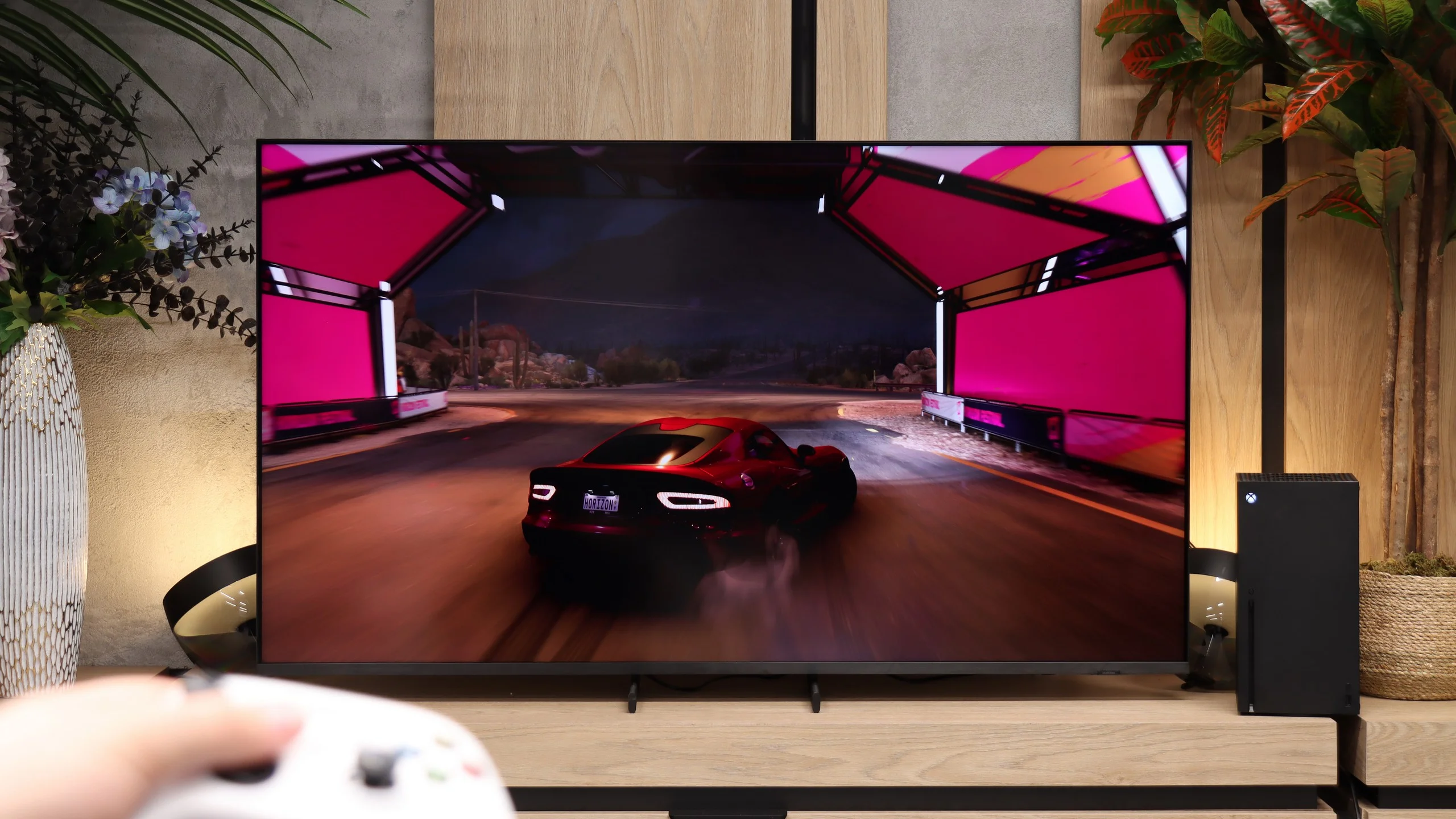
LG has focused heavily on gamers for years, and the C6 really lacks nothing important. The TV supports 4K at 120 Hz from consoles, and when connected to a PC it can run up to 165 Hz. It also offers VRR from 40 to 165 Hz, ALLM, and properly working HGiG. A big plus is Dolby Vision support for games, so the Xbox Series X can use that format without sacrificing game mode. The package is rounded out by a Game Bar that lets you quickly check key signal parameters and change settings without leaving the game. In terms of features, the C6 is one of those TVs that’s really hard to find fault with. Whether you play on PlayStation, Xbox, or PC, practically everything you could expect from a modern gaming TV is available here.
Samsung has been steadily expanding its gamer-focused features for several years, and the R85H really lacks nothing important in that area. The TV supports 4K at 120 Hz, VRR and ALLM, so you can easily take advantage of the capabilities of the PlayStation 5 or Xbox Series X. HGiG also works correctly, so with the right HDR settings on the console games retain proper brightness and you don't unnecessarily lose detail in the brightest parts of the image. The only major omission is Dolby Vision Gaming, which Samsung doesn't support on any of its TVs.
Game Bar is also very useful, a handy menu you can bring up without leaving the game. You can quickly check the frame rate, VRR operation, or change the most important picture-related settings. Samsung also adds a few less obvious features, such as the ability to change the aspect ratio or Game Motion Plus, which can further smooth games running at 30 or 60 fps. Of course, this comes at the cost of higher input lag (around 55 ms), but for slower-paced titles it may be an interesting option for some players.
Input lag
9.9/10
9.6/10
SDR
HDR
Dolby Vision
In terms of input lag, the C6 performs as a good gaming TV should. At 120 Hz we measured about 5 ms, so controller input is practically instantaneous. At 60 Hz it rises to around 14 ms, which is still good. Slightly higher input lag appears in Dolby Vision. At 120 Hz we get about 14 ms, and at 60 Hz about 22 ms. In practice, if you're playing normally on an Xbox, it's unlikely to be something that will really bother you.
Input lag on the R85H is low, though not record-breaking. At 120 Hz it's about 12–13 ms, and at 60 Hz about 17–18 ms. In practice this hardly matters. Input is responsive and you don't notice any delay during normal gaming.
Compatibility with PC
8.6/10
8/10
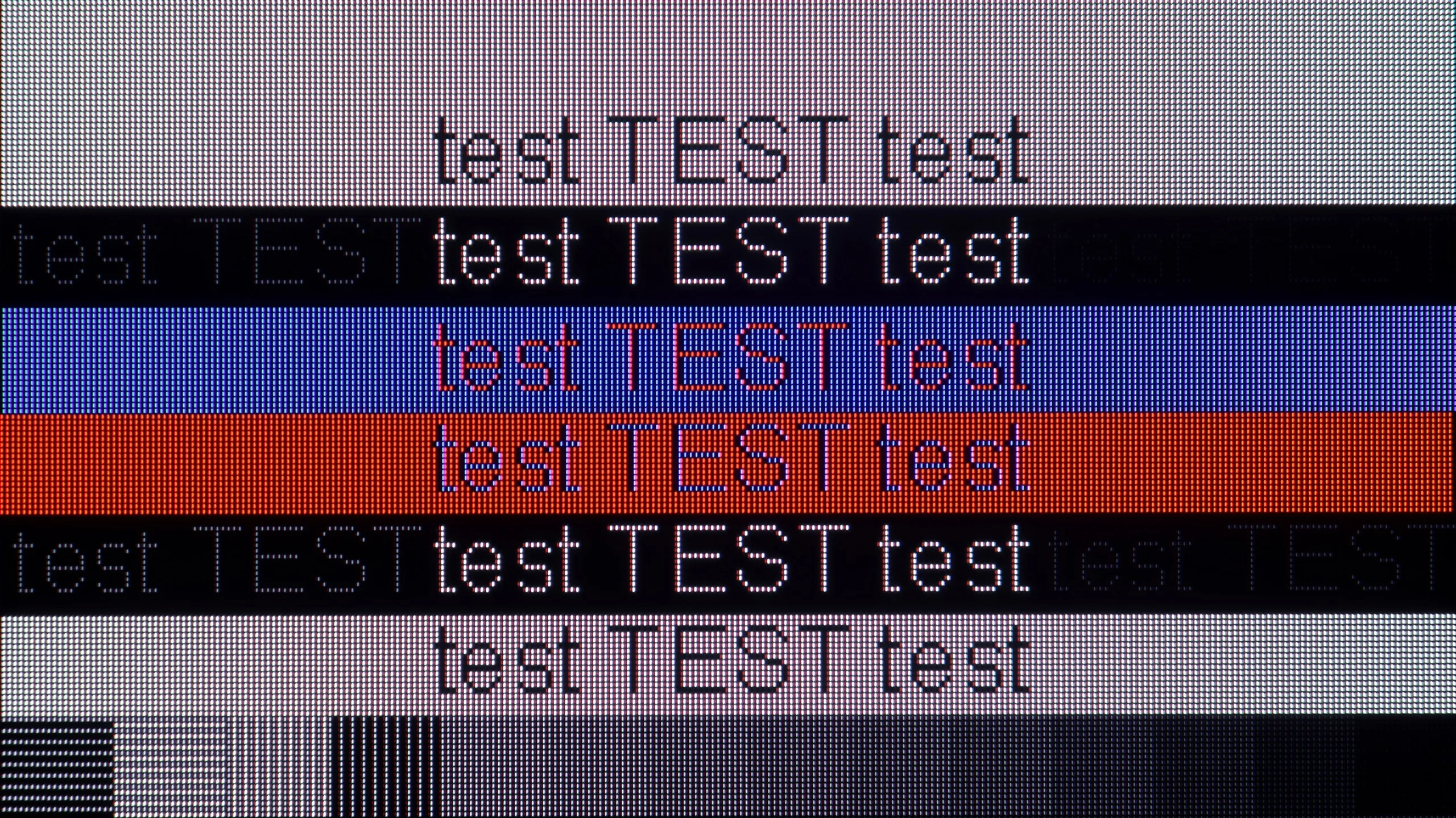
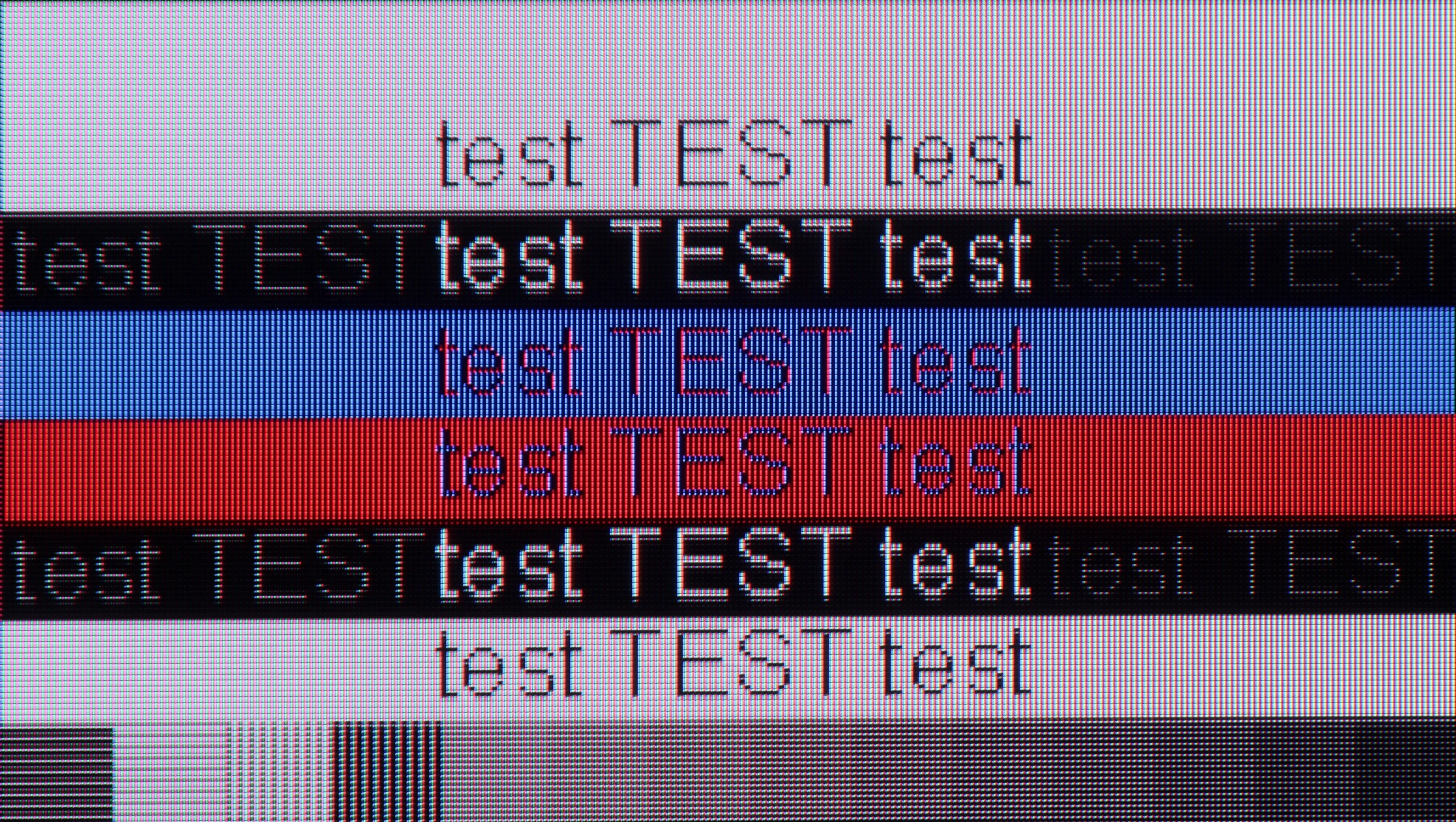
The photo shows the legibility of small fonts. Ideally, lines should be the same thickness on both light and dark text, with minimal pixel gaps.
The C6 also performs very well when connected to a computer. The TV correctly supports 4:4:4 chroma, so text, icons and other small UI elements are displayed sharply. That means you can use it not only for gaming but also for regular work in Windows without major issues. One limitation is the four-subpixel matrix layout. If you sit very close to the screen, you may notice slight colored fringing along the edges of some fonts. However, this is not particularly bothersome and is practically invisible from a normal viewing distance. The C6 also has a lot to offer PC gamers. From a PC you can take full advantage of the 165 Hz refresh rate, plus there’s G-Sync, VRR and a very low input lag of around 5 ms at maximum refresh. Combined with the OLED’s ultra-fast response time, this delivers a very smooth, clean image with no visible smearing. So if someone plans to hook a powerful PC to the C6, the TV can easily serve as a large gaming monitor and also works quite well for everyday productivity.
R85H has a lot to offer when connected to a computer. In 4K you can use the full 144 Hz, and if you care mainly about getting the highest frame rate, dropping to Full HD lets the TV raise the refresh rate up to 240 Hz. It also supports G-Sync and FreeSync and has low input lag, so for gaming the R85H can easily double as a large monitor for gamers. Text readability is a bit weaker, though. The TV correctly supports 4:4:4 chroma, so theoretically you have everything needed for sharp font rendering. In practice, however, some fonts show small color artifacts, especially with dark text and high-contrast edges. This isn’t a problem that prevents normal work, but if you plan to sit close to the screen and use the R85H mainly as a monitor for text, it’s worth keeping in mind. It’s definitely better suited for PC gaming.
Viewing angles
7.4/10
4.8/10
Viewing angles on the LG C6 are very good and are actually among the best you can find in TVs today. That’s largely thanks to the OLED panel itself. Even when you sit noticeably to the side, the picture still maintains good contrast and the colors don’t lose much of their saturation. Because of that, the C6 is very well suited to a larger living room where not everyone sits directly in front of the screen. Only at very extreme angles can you notice slight changes in color, but during normal viewing it’s hard to regard that as any kind of problem. In this respect, really only Samsung Display's QD-OLED panels perform better.
Viewing angles on the R85H are decent, and that's about the best that can be said. It's still a VA panel, and this type of display isn't the best choice if you often watch the TV from a wide angle. As you move to the side, the image loses contrast and blacks start to look increasingly gray. However, the R85H does have an advantage over conventional VA TVs. Thanks to its three-color RGB backlight, off-axis colors don't lose saturation as quickly and the "washed-out" effect is somewhat less noticeable. That said, if you often watch the TV with a larger group and some viewers sit well off to the side, there are screens on the market that handle this situation much better.
Daytime performance
6.6/10
7.3/10
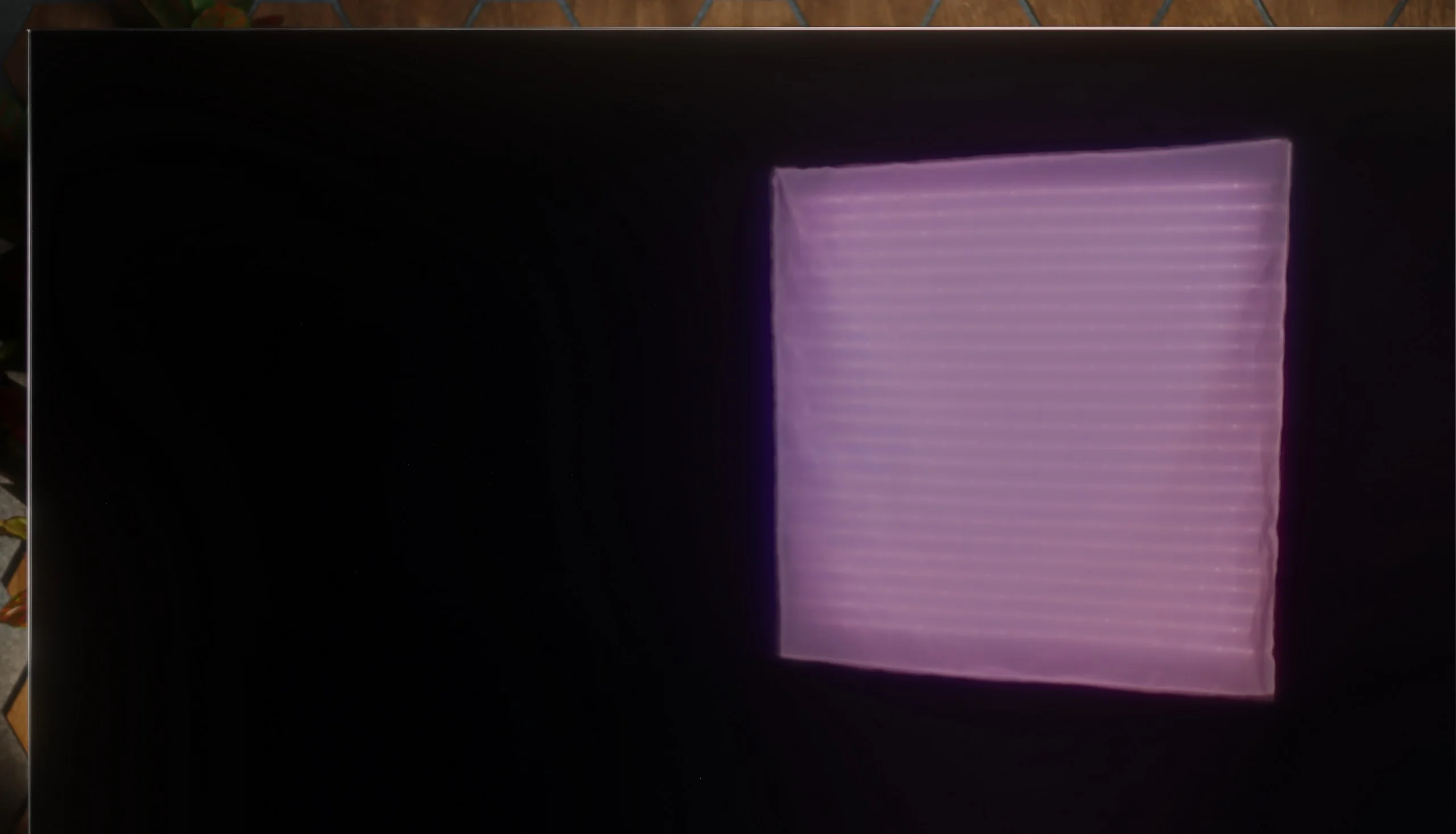
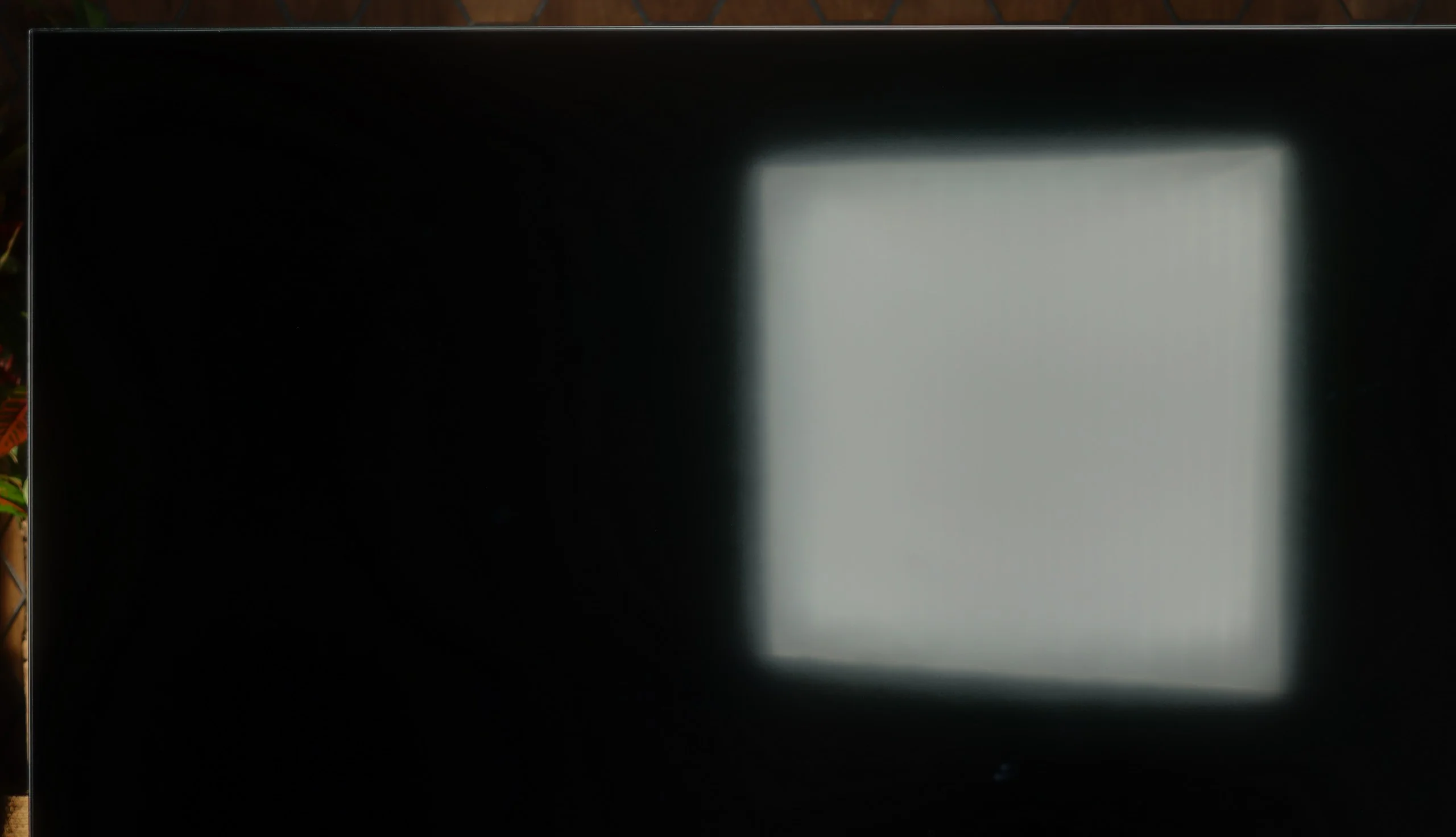
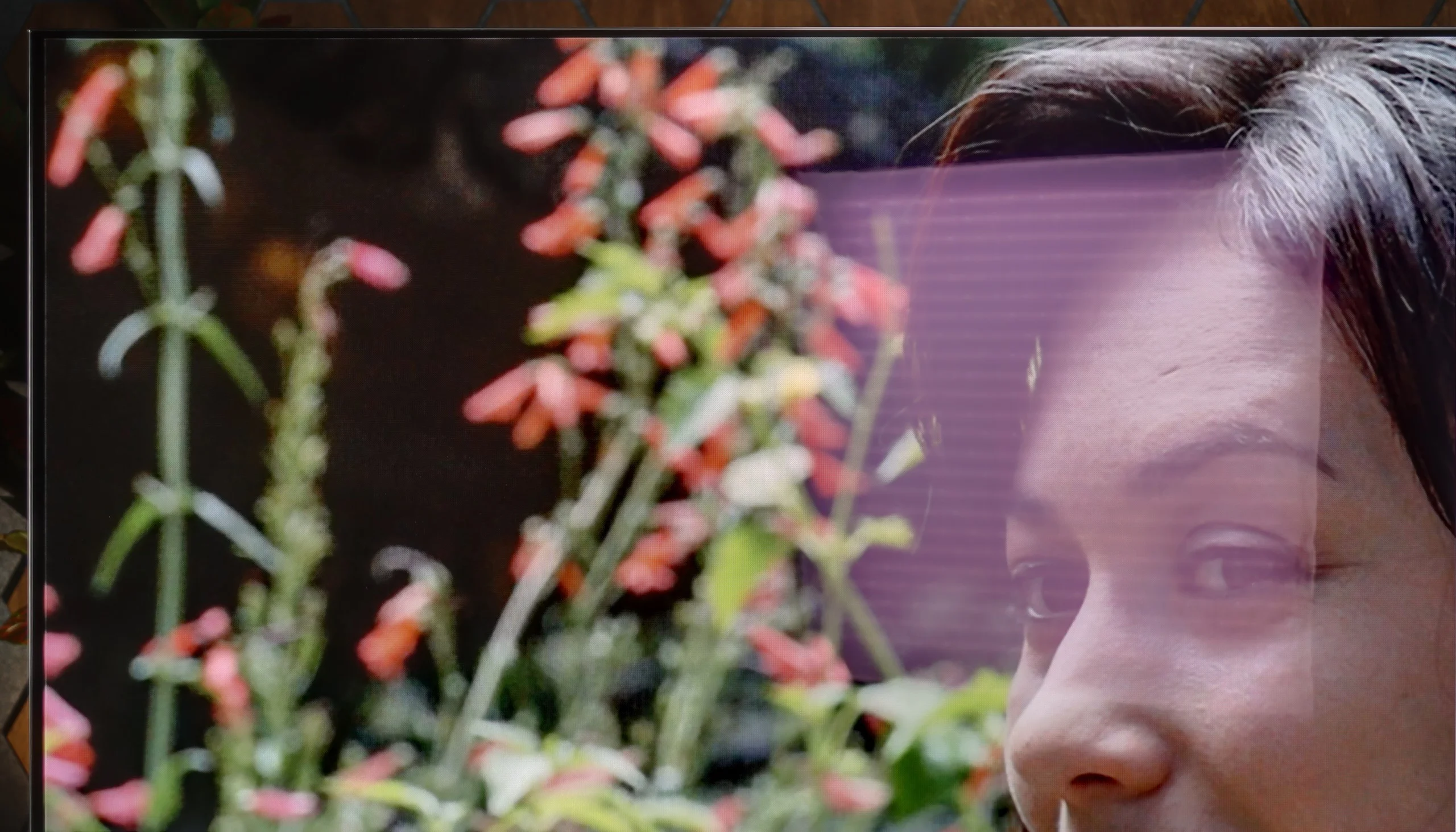
Panel brightness
Samsung R85H / R86H: 726 cd/m2
LG OLED C6 (WOLED): 469 cd/m2
The LG C6 has a glossy panel that handles direct reflections quite well, but it doesn't eliminate them completely. If there's a large window or a bright lamp opposite the TV, their reflections will still be visible. On the other hand, the screen preserves blacks well in a lit room, and even during the day the picture doesn't become gray or washed out. Additionally, the C6 is fairly bright in SDR. With typical content we measured about 470 nits, so in most living rooms it should handle daytime viewing without major issues. Brightness only starts to drop significantly when a large portion of the screen is occupied by white. This is still one of the typical characteristics of OLEDs, and you can notice it with very bright content, such as winter sports. Overall the C6 performs well in a normally lit living room. However, if the TV will sit opposite huge windows and have to battle strong sunlight for most of the day, a bright Mini LED will still be the better choice.
In a bright room the R85H performs quite well, although a lot depends on the local dimming setting. For daytime viewing we recommend setting it to High, because the TV noticeably increases its brightness then. On large bright areas it reaches around 600 nits, and on smaller patches it can approach 1000 nits, so the picture remains easy to read even with stronger light in the living room. The satin coating handles reflections fairly well and in most cases does not turn the screen into a mirror, although strong light sources will of course still be visible.
Keep in mind, however, that the High setting means the local dimming algorithm works more aggressively. Therefore, for evening viewing we recommend switching it to Low. The TV doesn't get as bright then, but it preserves detail in the brightest parts of the image better, which after dark we consider far more important than maximum brightness. In practice the R85H will work well both during the day and in the evening, provided we adjust local dimming to the room's lighting conditions.
Local dimming | 5% | 10% | 20% | 30% | 40% | 50% | 60% | 70% | 80% | 90% | 100% |
|---|---|---|---|---|---|---|---|---|---|---|---|
Low | 445 | 485 | 517 | 532 | 537 | 542 | 551 | 556 | 556 | 573 | 556 |
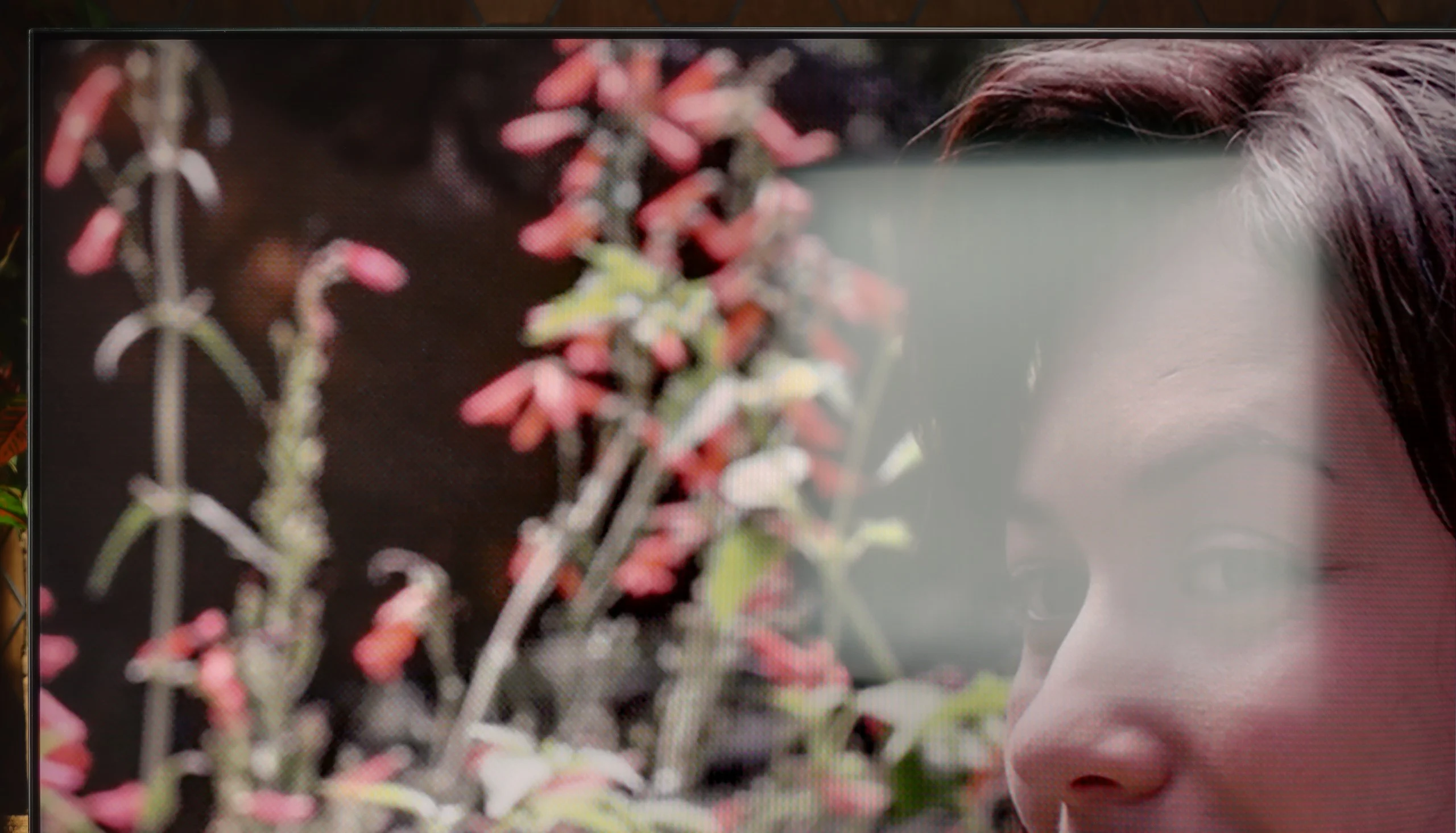
Panel details
Subpixel Structure:
Panel uniformity and thermal imaging:

LG OLED C6 (WOLED)
Samsung R85H / R86H
TV features
8.4/10
7.3/10
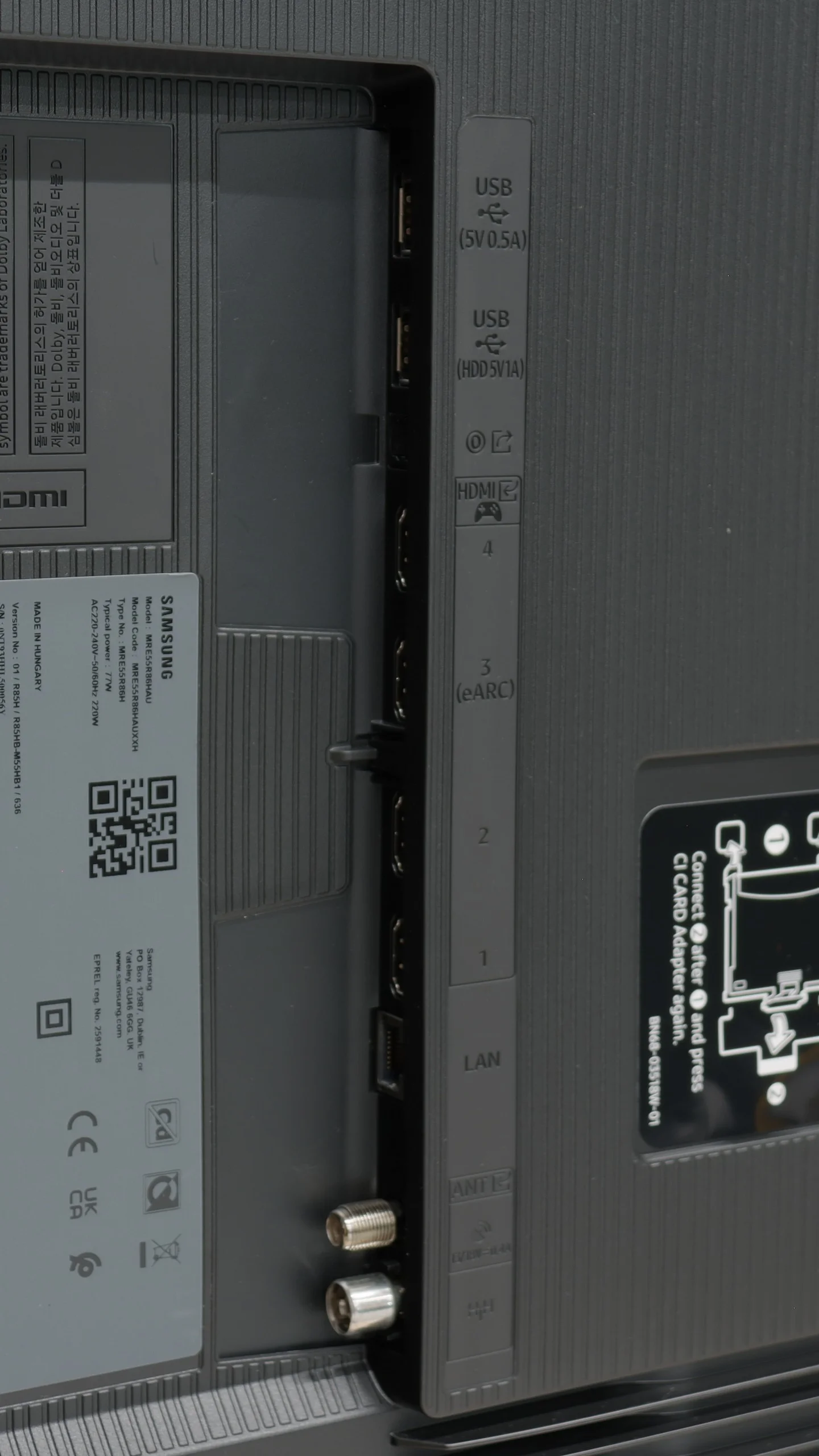
- SystemWebOSTizen
- System performanceVery goodVery good
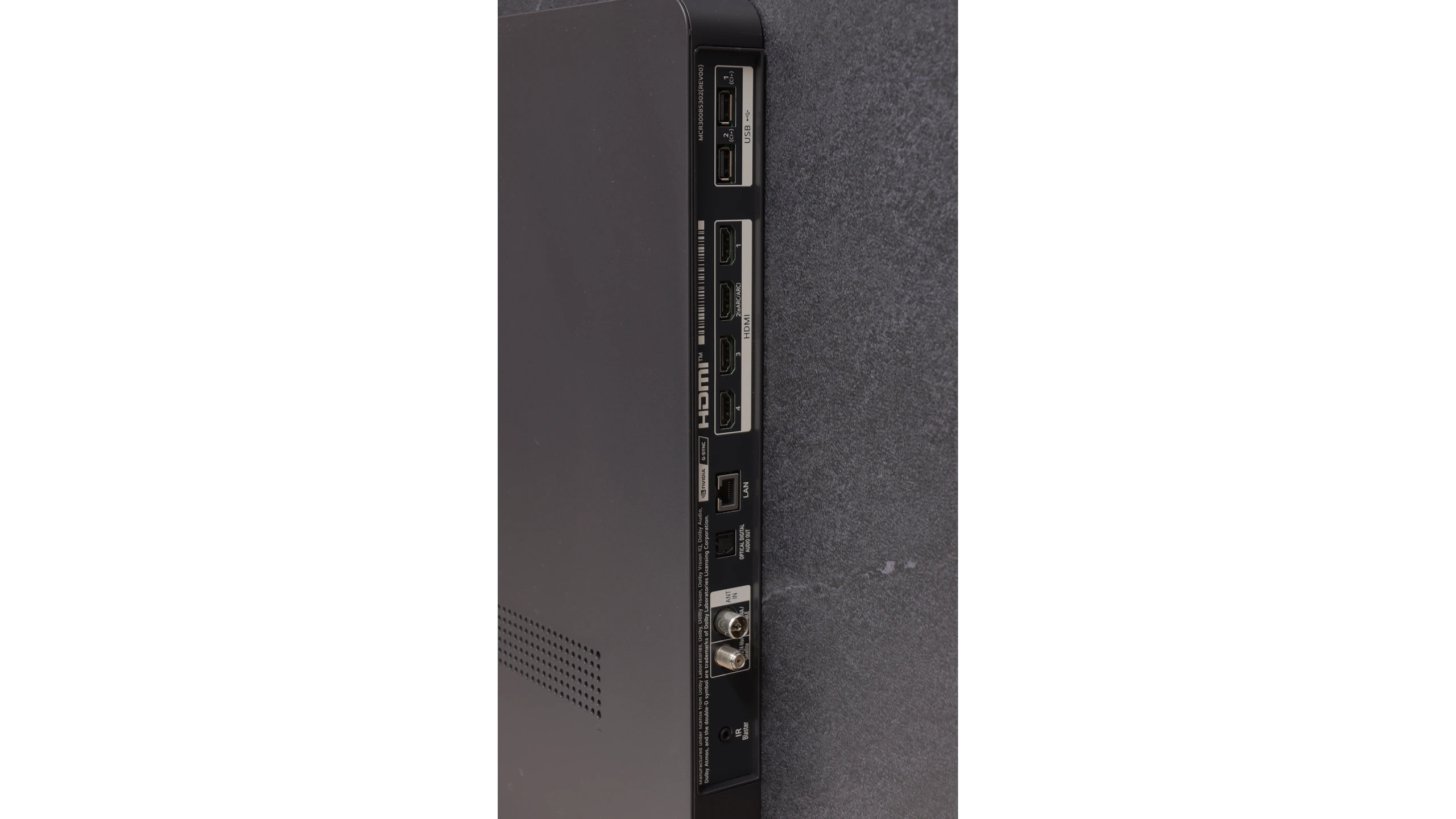
- HDMI inputs0 x HDMI 2.0, 4 x HDMI 2.1 48Gbps0 x HDMI 2.0, 4 x HDMI 2.1 48Gbps
- Other inputsIR (remote)
- OutputsToslink (Optical audio), eARC (HDMI), ARC (HDMI)Toslink (Optical audio), eARC (HDMI), ARC (HDMI)
- Network InterfacesWi-Fi 2.4GHz, Wi-Fi 5GHz, Ethernet (LAN) 100MbpsWi-Fi 2.4GHz, Wi-Fi 5GHz, Ethernet (LAN) 100Mbps
- TV receptionDVB-T, DVB-T2, DVB-S, DVB-S2, DVB-CDVB-T, DVB-T2, DVB-S, DVB-S2, DVB-C
Classic features:
- Recording to USB (terrestrial TV)
- Recording programming
- Picture in Picture (PiP)
- RF remote control (no need to aim)
- Backlit remote control
- Teletext
- Audio only mode
- Bluetooth headphones support
- Simultaneous Bluetooth headphones & TV audio
Smart features:
- AirPlay
- Screen mirroring (Windows Miracast)
- Voice search
- Voice search in native language
- Ability to connect a keyboard and mouse
Sound connection options
- HDMI audioeARC (HDMI), ARC (HDMI)eARC (HDMI), ARC (HDMI)
- Other audio outputsToslink (Optical audio)Toslink (Optical audio)
- Wireless audioBluetooth, Atmos Flex ConnectBluetooth, Atmos Flex Connect
Supported audio formats (external HDMI eARC audio):
- Dolby Digital Plus 7.1
- Dolby True HD 7.1
- Dolby Atmos in Dolby Digital Plus (JOC)
- Dolby Atmos in Dolby True HD
- DTS:X in DTS-HD MA
- DTS-HD Master Audio
Senior accessibility
- Numeric keyboard on TV
- Font size adjustment
- Audio description
Smart TV - webOS
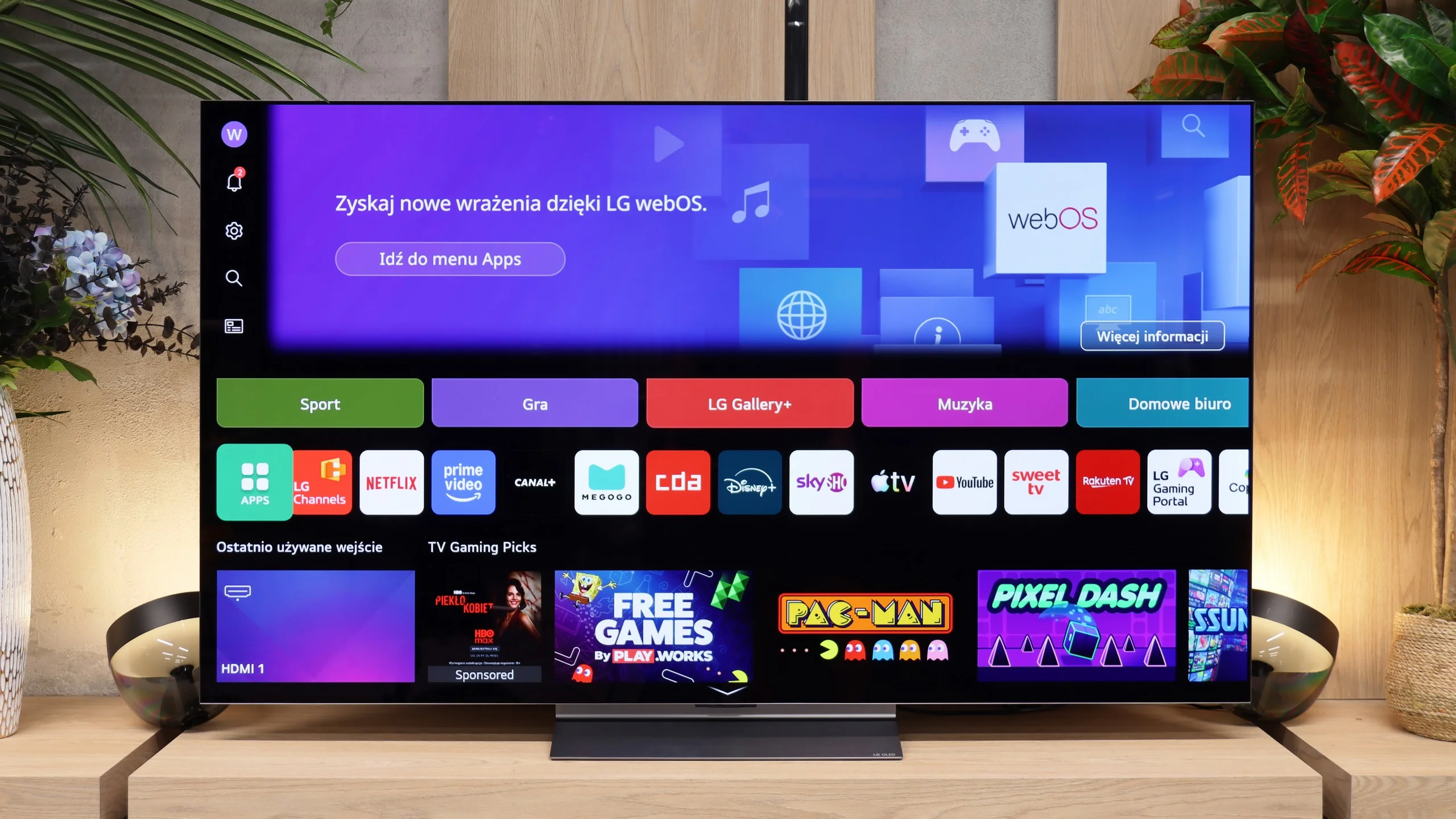
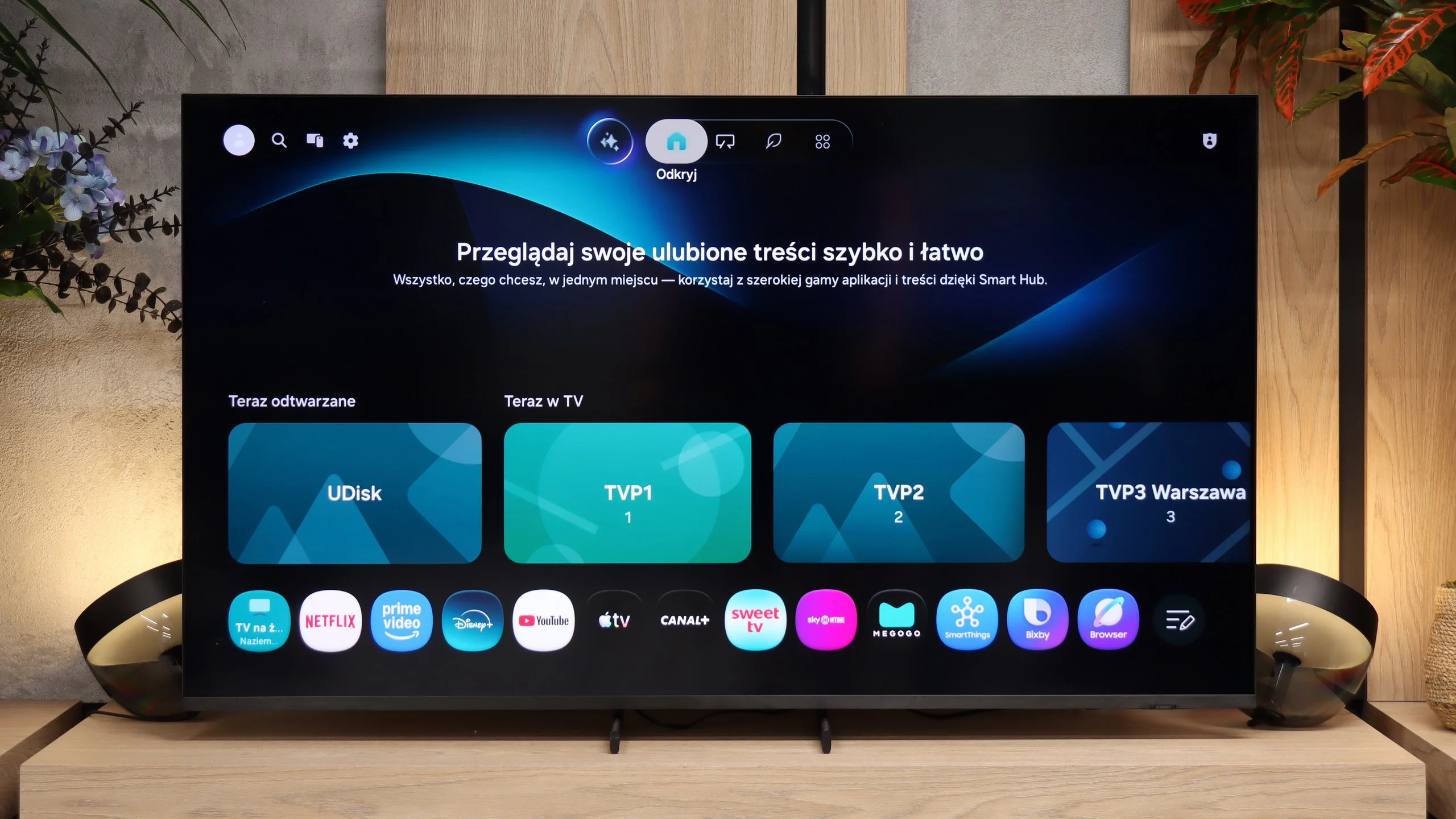
Regardless of which C6 variant you end up with, the feature set is the same. At the heart of the TV is, of course, webOS, the system LG has been developing for many years. It runs fast, is well optimized and, above all, provides access to practically all popular apps. Netflix, Disney+, Prime Video, YouTube, Max and other streaming services - in that respect there are few gaps. The system itself also offers plenty of extra features. There’s AirPlay, easy screen mirroring from your smartphone, control of smart home devices and the ability to personalize the home screen. LG has been expanding webOS for several generations and sometimes the number of tabs and recommendations can be a bit overwhelming, especially with background ads, but once you get used to it the system is convenient and, most importantly, works smoothly.
Classic TV features
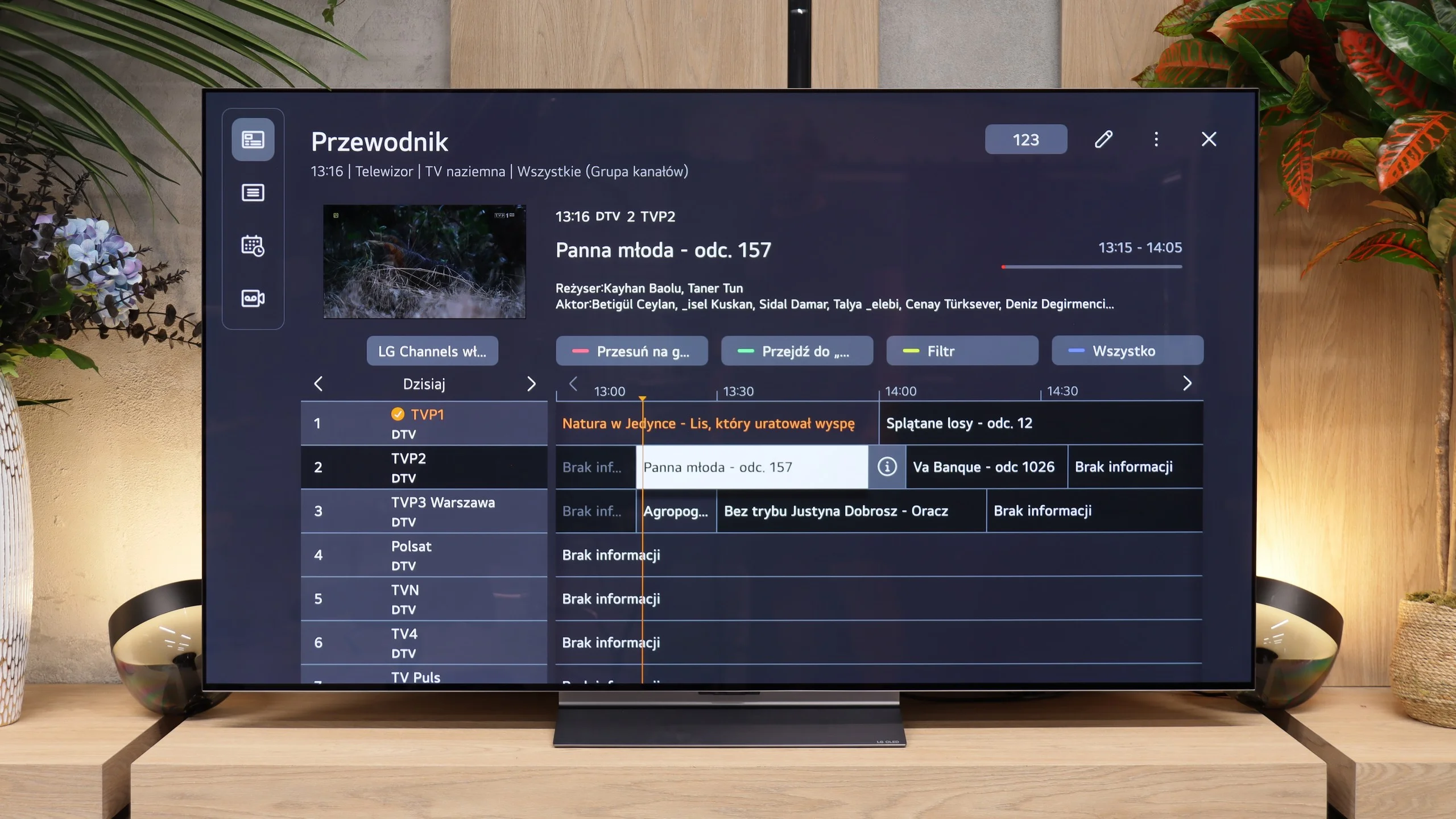
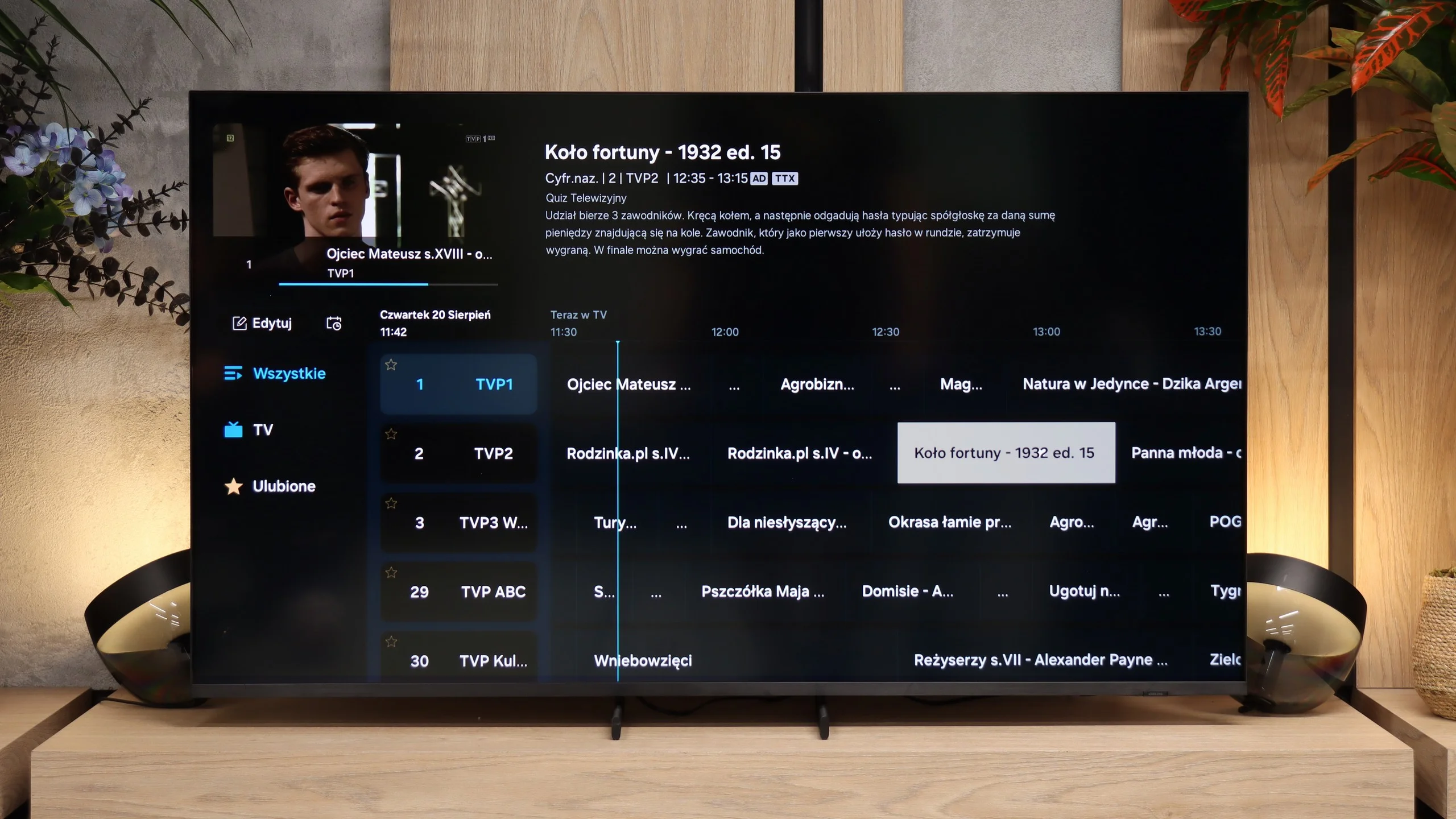
The C6 also handles being used like a regular TV very well, not just as a screen for Netflix. Over-the-air TV reception, the program guide and channel switching all work smoothly and there’s little to complain about. LG still offers the ability to record shows to USB, so in terms of classic features the set is really well equipped. There are basically only two things missing. The first is PiP, the ability to display two video sources at once. The second is a backlight on the remote, which would be useful for evening viewing. Other than that the C6 has pretty much everything you can expect from a modern TV.
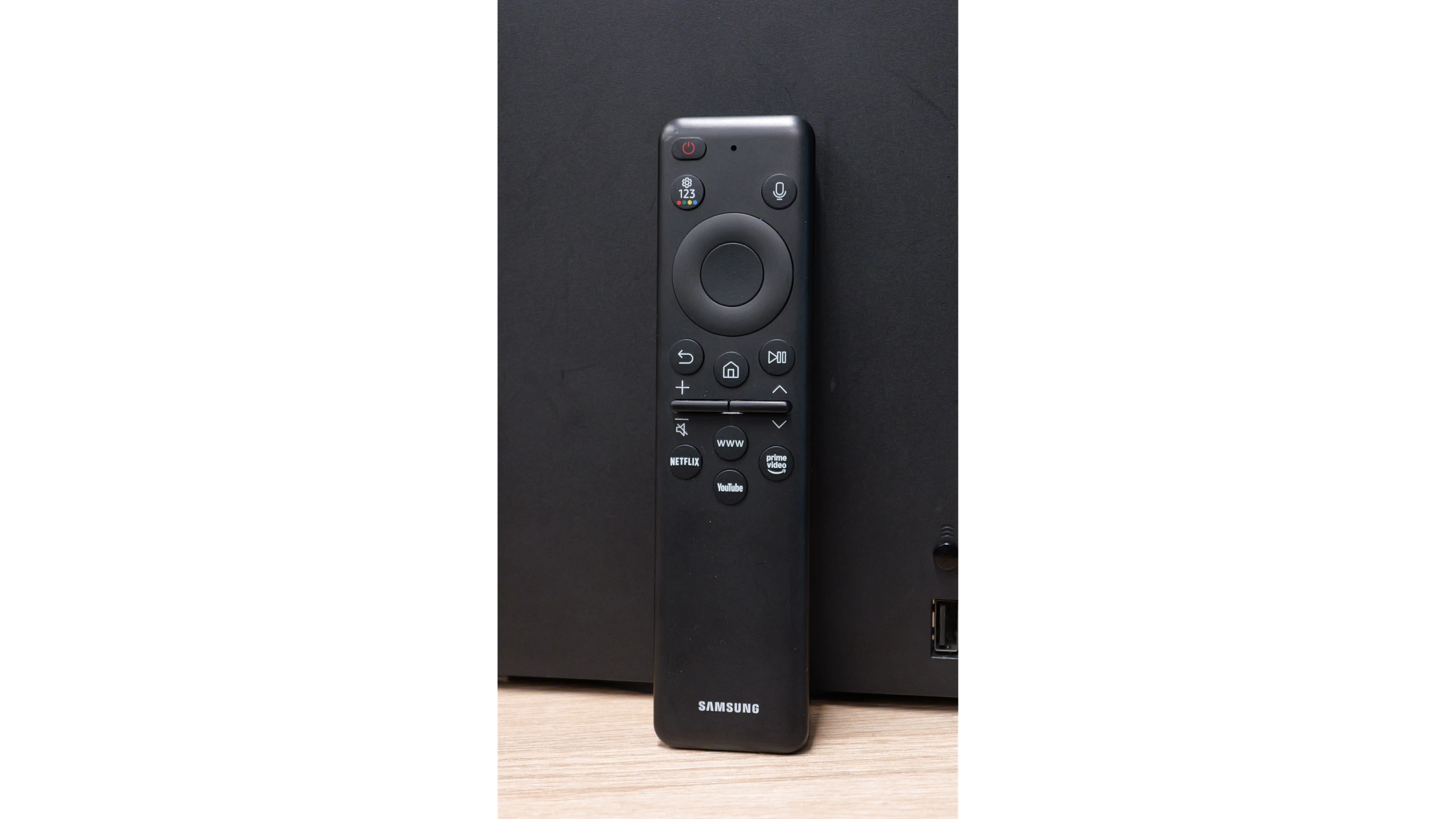
Magic Remote - DIFFERENT VERSIONS
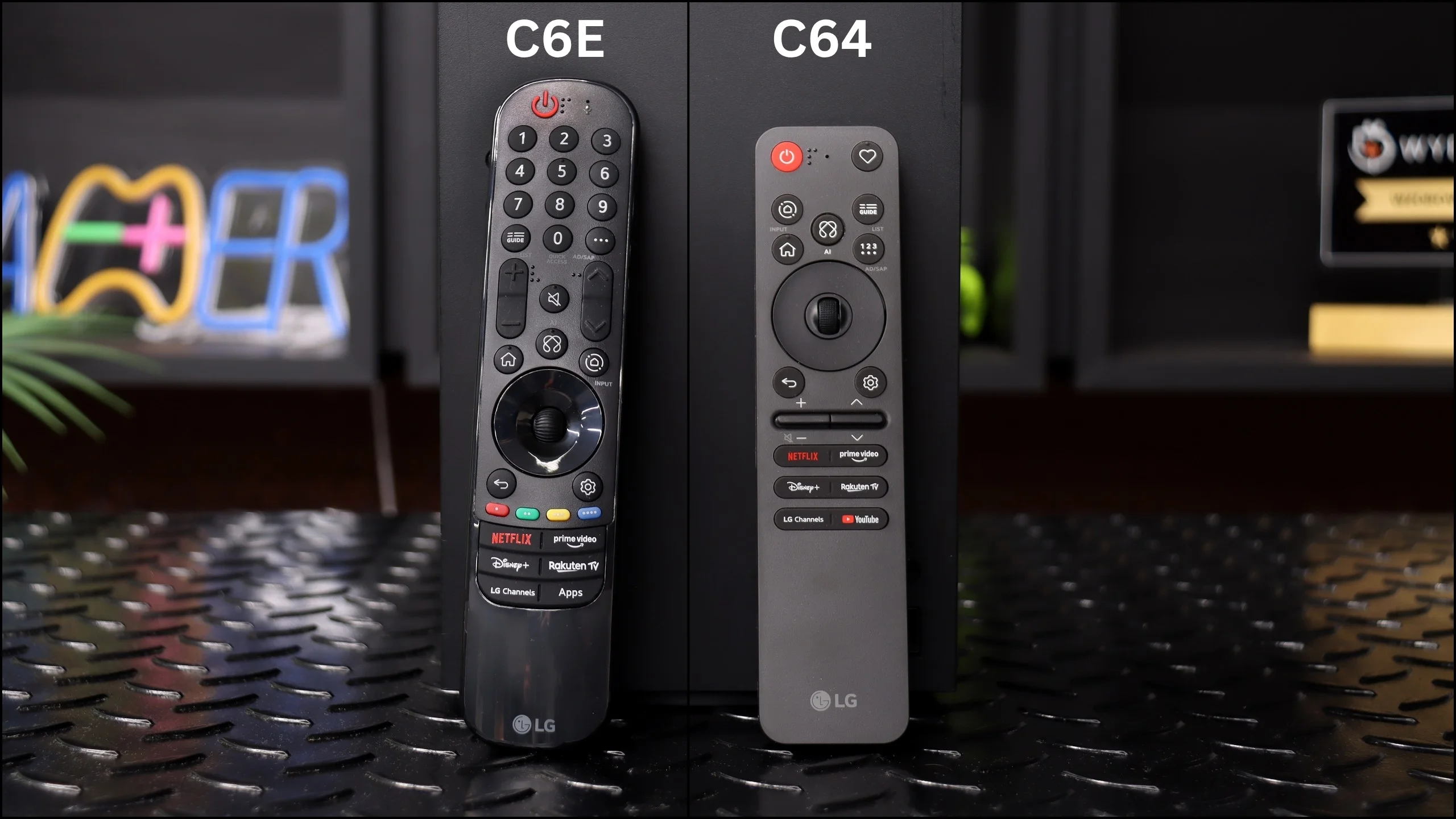
When buying the C6 it’s worth paying attention to the remote, because LG has created a bit of a mix-up here. During our tests we had, among others, the C64 variant, found in large retail chains. That package included the new, much smaller Magic Remote Slim. It has fewer buttons and looks far more modern, but it still keeps two of LG’s most distinctive remote features - the scroll wheel and pointer control by moving the remote. The C6E we tested came with the older, larger Magic Remote. It works essentially the same, but has a classic numeric keypad and many more physical buttons. It looks less modern, but some people, especially those used to classic remotes, may find it more comfortable. So there’s no single answer to which remote is better. The new one is smaller, simpler and decidedly more contemporary, while the older one gives faster access to more functions without navigating through menus. It’s good to know that depending on the C6 model code the box may contain one or the other variant.
TV features
If the R85H is also to be used for watching traditional broadcast TV, Samsung offers pretty much everything you can expect from a modern model. Channel handling is convenient, the program guide is clear, and switching between channels doesn't take excessively long. There's also the standard set of tuners and support for CI+ modules. It's a shame, however, that Samsung has for some time now limited some of the more traditional features that once distinguished feature-rich TVs. It's clear that streaming and the whole Smart TV ecosystem have become much more important to the manufacturer. For example, you won't find the ability to record TV channels to USB storage or to split the screen using picture-in-picture (PiP).
Smart TV features
This part is handled by the well-known Tizen. The system runs smoothly and provides access to virtually all popular VOD apps, so Netflix, Disney+, Max, Prime Video, YouTube and other local services are available without much trouble. The interface itself is fairly extensive and takes a moment to get used to at first, but afterwards navigating it is very convenient. Samsung is also developing features that go beyond just watching movies and series. SmartThings lets you connect the R85H to smart home devices and control them directly from the screen. There's AirPlay, smartphone screen mirroring, and Multi View if you want to display two different sources side by side. So it's hard to fault the system in terms of capabilities.
Apps
9.1/10
9.3/10






















Playing files from USB
9.1/10
9.1/10
Supported photo formats:
Maximum photo resolution:
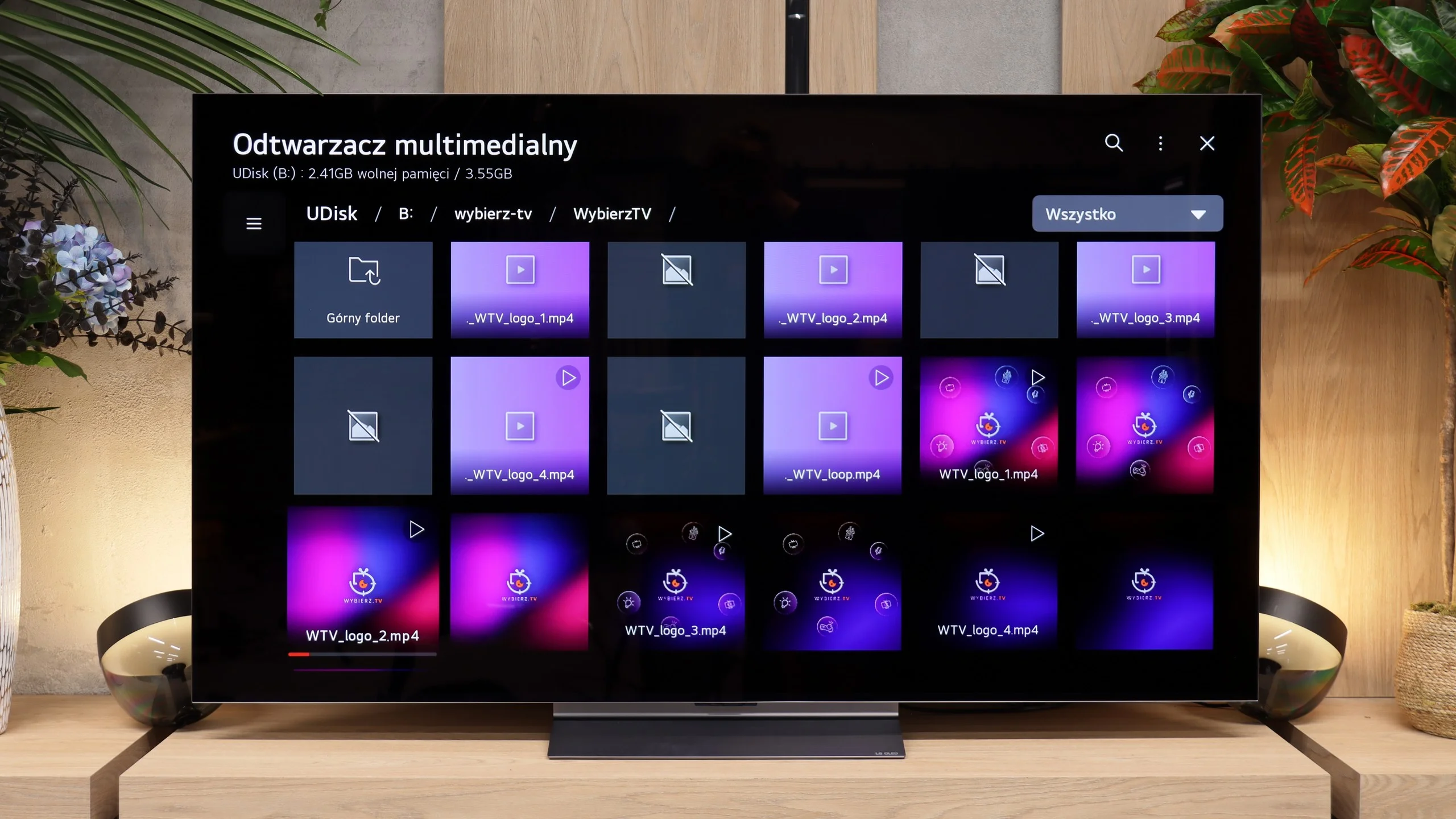
During our tests the TV handled practically all of the most popular video formats we put on a USB flash drive without any problems. There were no issues with high bitrates, subtitles, or more demanding files, so it's hard to find fault with it in that respect. The only exception was material with a DTS audio track. This is not surprising, since the TV simply does not support that codec. Besides, the TV’s media player is good enough that most users will be fine without installing third-party apps or hooking up an external player.
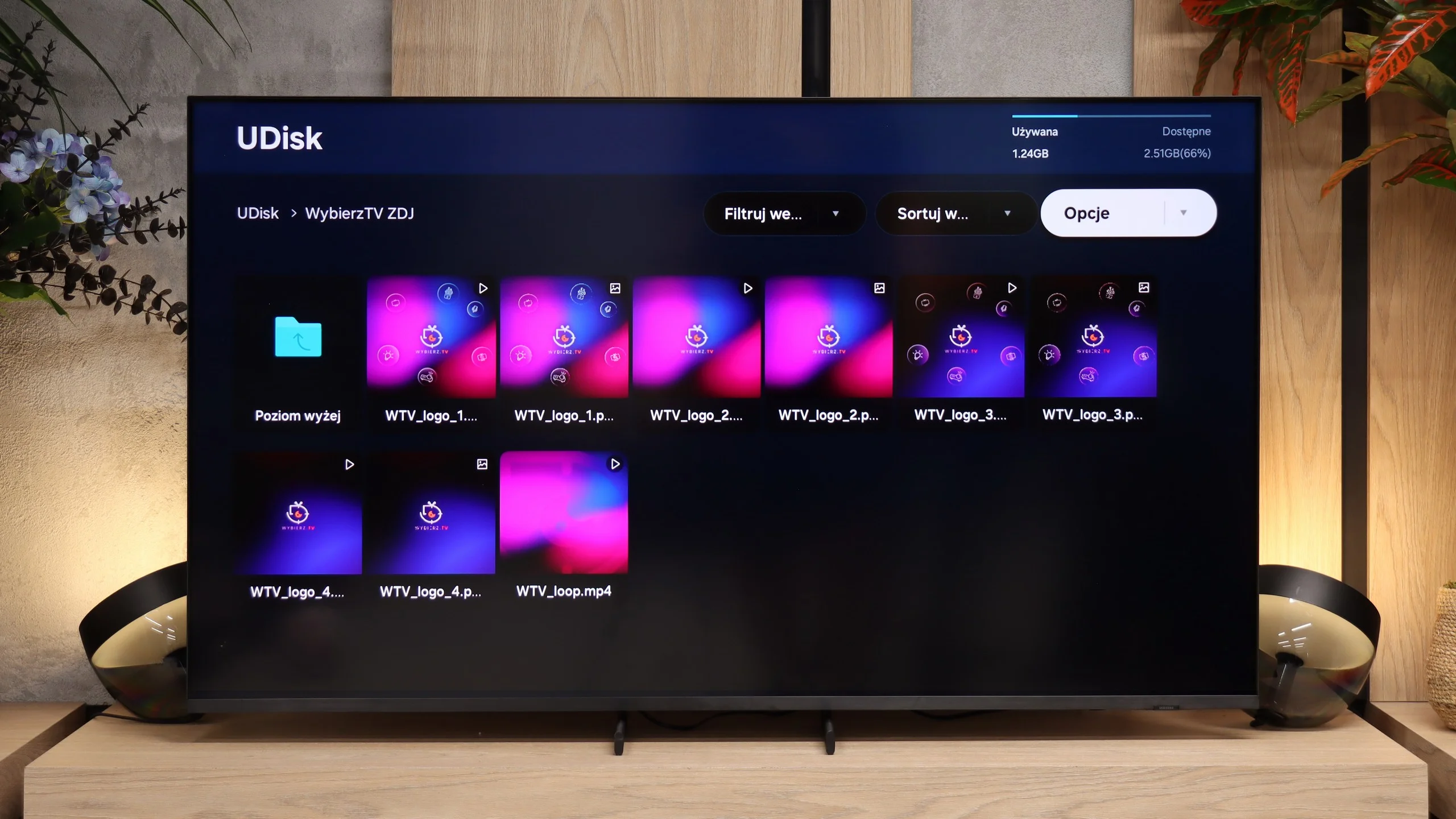
The built-in media player handles most popular video, audio, and photo formats. The menu runs smoothly, and thumbnails load without delays even in folders with hundreds of files. It can open JPEG, PNG, or BMP files in high resolution without any problems, though the list of supported formats has gaps. The biggest drawback is the lack of support for HEIC (iPhone photos) and for more niche formats like WebP, GIF, or TIFF. However, the player is perfectly adequate for a traditional vacation photo slideshow.
Sound
7/10
7.1/10
- Maximum volume88dB89dB
- Dolby Digital Plus 7.1
- Dolby True HD 7.1
- Dolby Atmos in Dolby Digital Plus (JOC)
- Dolby Atmos in Dolby True HD
- DTS:X in DTS-HD MA
- DTS-HD Master Audio
In terms of sound, the C6 has hardly changed compared with last year’s C5. We still get a 2.2 system with a total output of 40 W, which is a somewhat more solid foundation than the simple 2.0 20 W setups in many TVs. In practice the sound is quite good. Dialogues are clear, the sound isn’t overly flat, and the extra speakers provide a bit more bass than many basic TVs. Of course it still won’t replace a good soundbar, let alone a full home theater, but it’s more than enough for everyday TV viewing.
There is a small step back in the settings, though. LG removed some of the preset sound modes this year, which makes it a bit harder to tailor the sound to your preferences than with the previous generation. For that reason our rating is slightly lower, even though the speakers’ capabilities remain virtually unchanged. On the plus side, the TV supports Dolby Atmos, currently the most popular surround format for films and streaming. It still lacks DTS support, which may matter mainly to people using their own movie libraries on discs or files.
The audio section in the R85H mirrors the solutions from the QN80H. It uses the same 2.0 stereo setup delivering 30 W, which easily handles dialogue clarity in news programs and TV series, though for movie blockbusters it's definitely worth adding a soundbar. On board are Dolby Atmos support, Q-Symphony technology (for pairing with Samsung soundbars), and an "AI Soccer" mode. The latter lets you use sliders to boost or nearly completely remove the commentator's voice relative to the stadium cheering, and although the algorithm can falter at times, for fans it can be a great addition.
Sound Quality Test
Acoustic Measurements
88dBC (Max)
75dBC
89dBC (Max)
75dBC
Reader comments
Comments are provided by the external service Disqus (Zeta Global). Once loaded, Disqus may set cookies and process data about your activity.
We will remember your choice on this device. Provider's privacy policy