LG has used its well-established proprietary WebOS system, a staple in its televisions for many years. This system provides access to virtually all major applications, with only a few notable exceptions, such as CDA or KODI. Additionally, the modern web browser and the remote control with a built-in mouse make streaming services easily accessible, even when specific apps are unavailable. One of WebOS's standout features is its ability to operate using a cursor that appears when the remote control is moved, offering great convenience when entering queries or passwords.
WebOS also includes screen mirroring, AirPlay, and Bluetooth headphone connectivity. For users with hearing impairments, it’s worth noting that WebOS allows the simultaneous use of headphones and the TV speaker, providing added flexibility. For sports fans, the system has a handy alert feature that notifies users of an upcoming match, ensuring they never miss a game.
Another highlight is the home panel, which enables users to control all smart devices connected to their home network. For example, a completed washing cycle will trigger a notification in the upper right corner of the screen.
In conclusion, while WebOS may not be as widely known or feature-rich as Android TV, it offers stable, fast performance and supports the majority of functions that users need. It is a solid and reliable option for those seeking a simple, effective, and user-friendly operating system for their television.
Classic Features
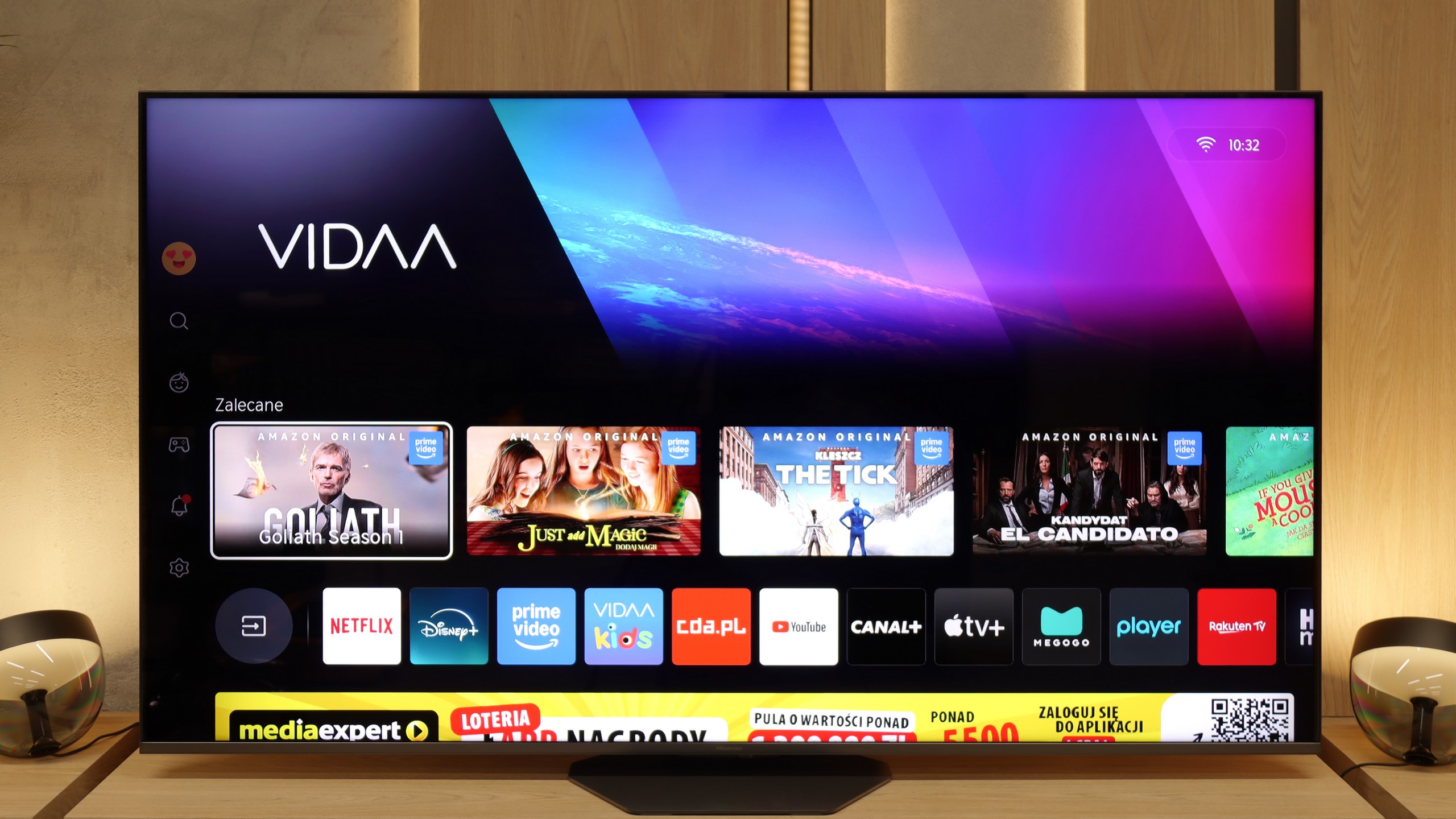
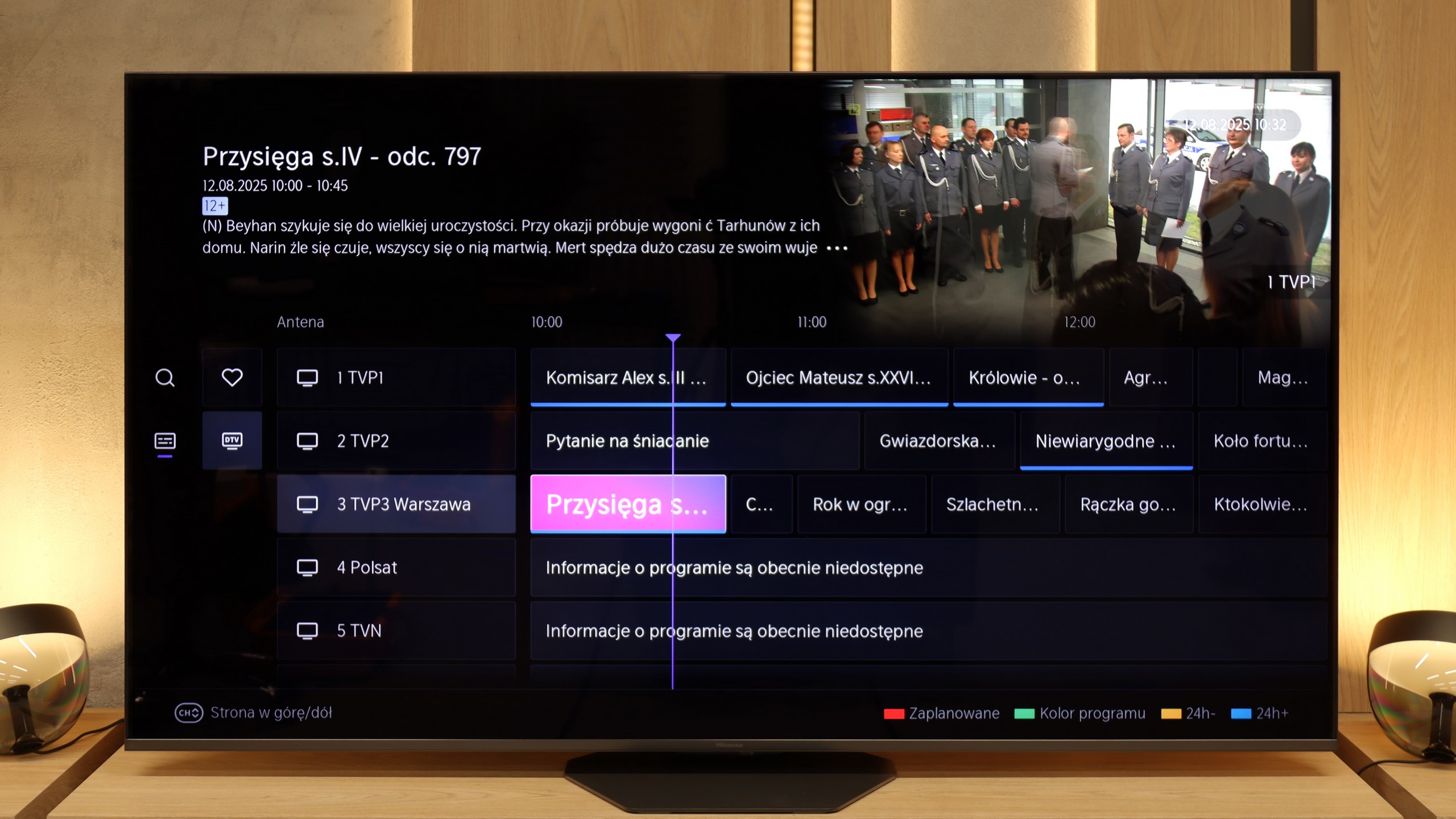
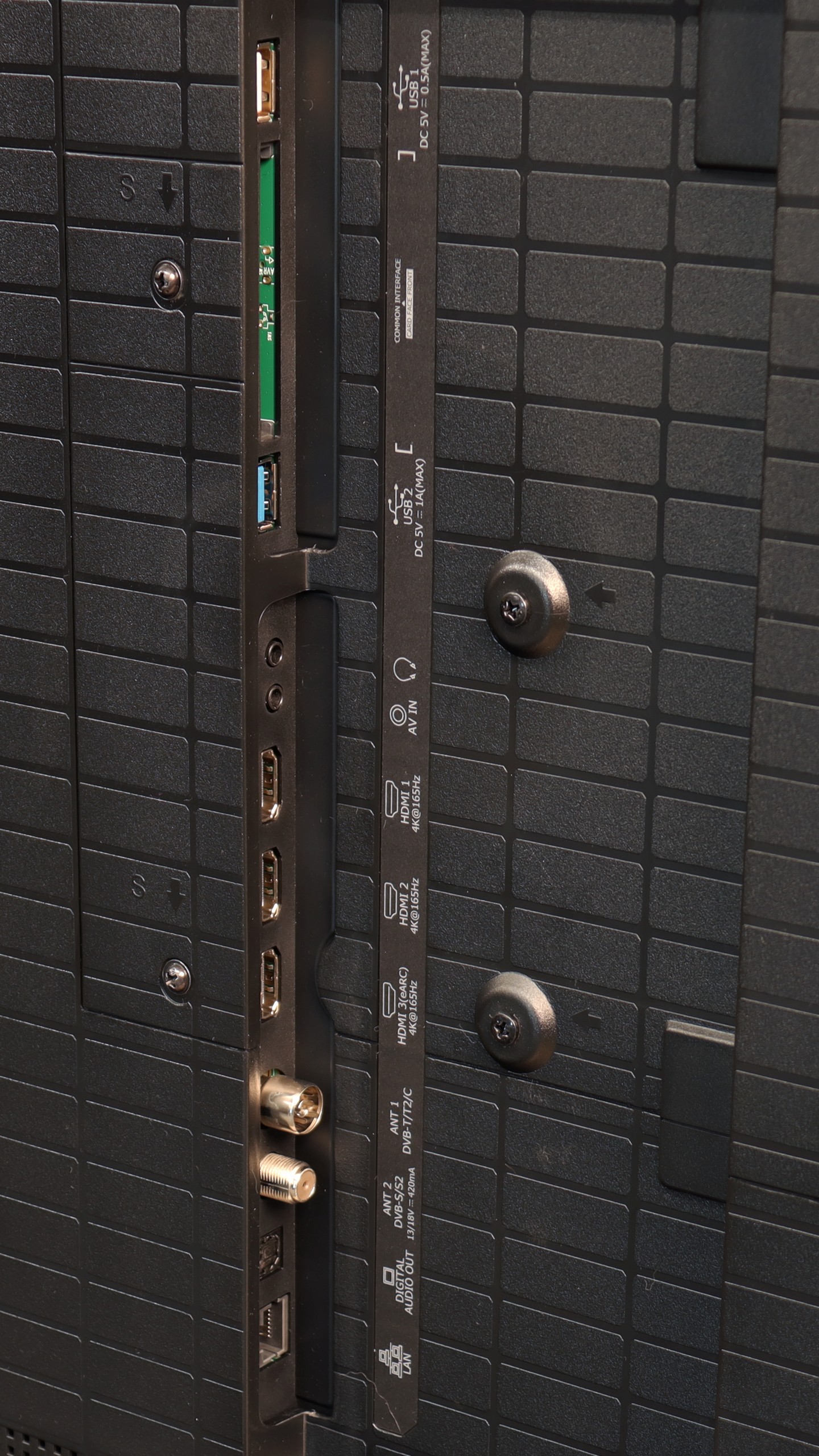
Hisense U8Q operates on the VIDAA system, which can still be called a newcomer in the European market, but it must be admitted – the manufacturer has a lot to offer here. We find classic features that are still useful for many people: USB recording, a clear EPG guide, and the ability to connect wired headphones, which especially seniors will appreciate. A nice addition is the presence of an audio jack – a connector that is slowly disappearing from TVs, and here it has been preserved.
USB-C in the TV!
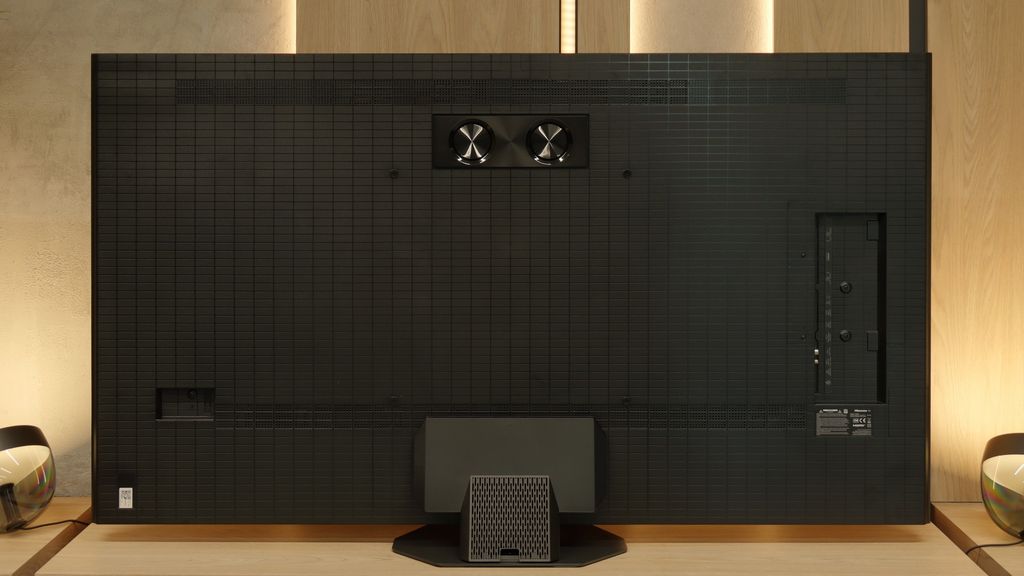
A novelty in the U8Q is also the USB-C port with DisplayPort support. This is an unconventional but very practical solution – thanks to it, you can connect a laptop or phone with one cable, even if those devices do not have an HDMI output.
Smart Features: VIDAA
When it comes to smart features, VIDAA works smoothly. The interface is fast, applications open without significant delays, and network functions – such as screen mirroring and AirPlay – work very well. Of course, there are minor shortcomings, but these are more details than real problems. The Achilles' heel remains the somewhat limited application library. However, it is worth remembering that the list of available programs can change from day to day – some disappear, others appear, so the situation may improve.
 Direct comparison