LG has used its well-established proprietary WebOS system, a staple in its televisions for many years. This system provides access to virtually all major applications, with only a few notable exceptions, such as CDA or KODI. Additionally, the modern web browser and the remote control with a built-in mouse make streaming services easily accessible, even when specific apps are unavailable. One of WebOS's standout features is its ability to operate using a cursor that appears when the remote control is moved, offering great convenience when entering queries or passwords.
WebOS also includes screen mirroring, AirPlay, and Bluetooth headphone connectivity. For users with hearing impairments, it’s worth noting that WebOS allows the simultaneous use of headphones and the TV speaker, providing added flexibility. For sports fans, the system has a handy alert feature that notifies users of an upcoming match, ensuring they never miss a game.
Another highlight is the home panel, which enables users to control all smart devices connected to their home network. For example, a completed washing cycle will trigger a notification in the upper right corner of the screen.
In conclusion, while WebOS may not be as widely known or feature-rich as Android TV, it offers stable, fast performance and supports the majority of functions that users need. It is a solid and reliable option for those seeking a simple, effective, and user-friendly operating system for their television.
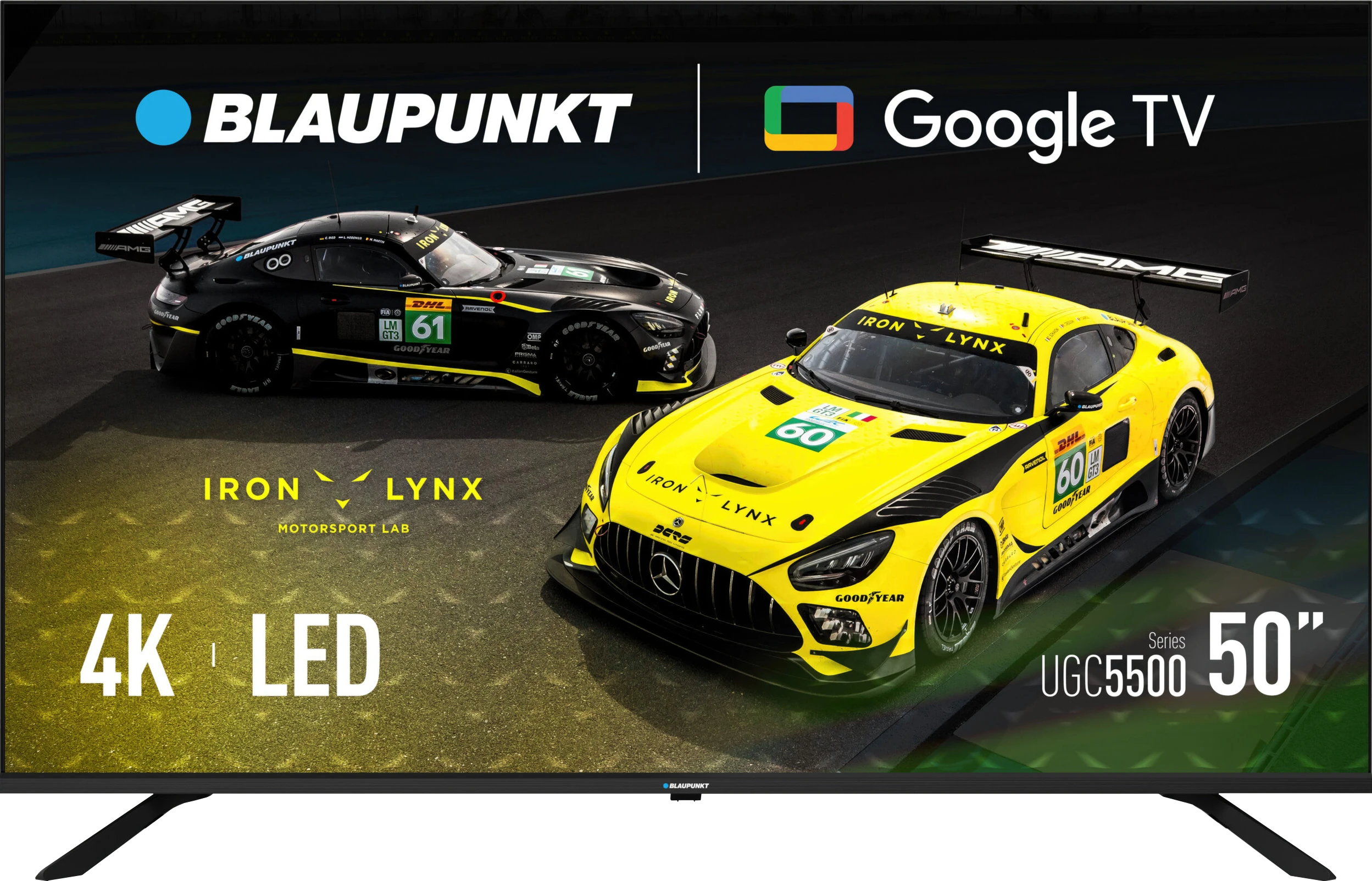
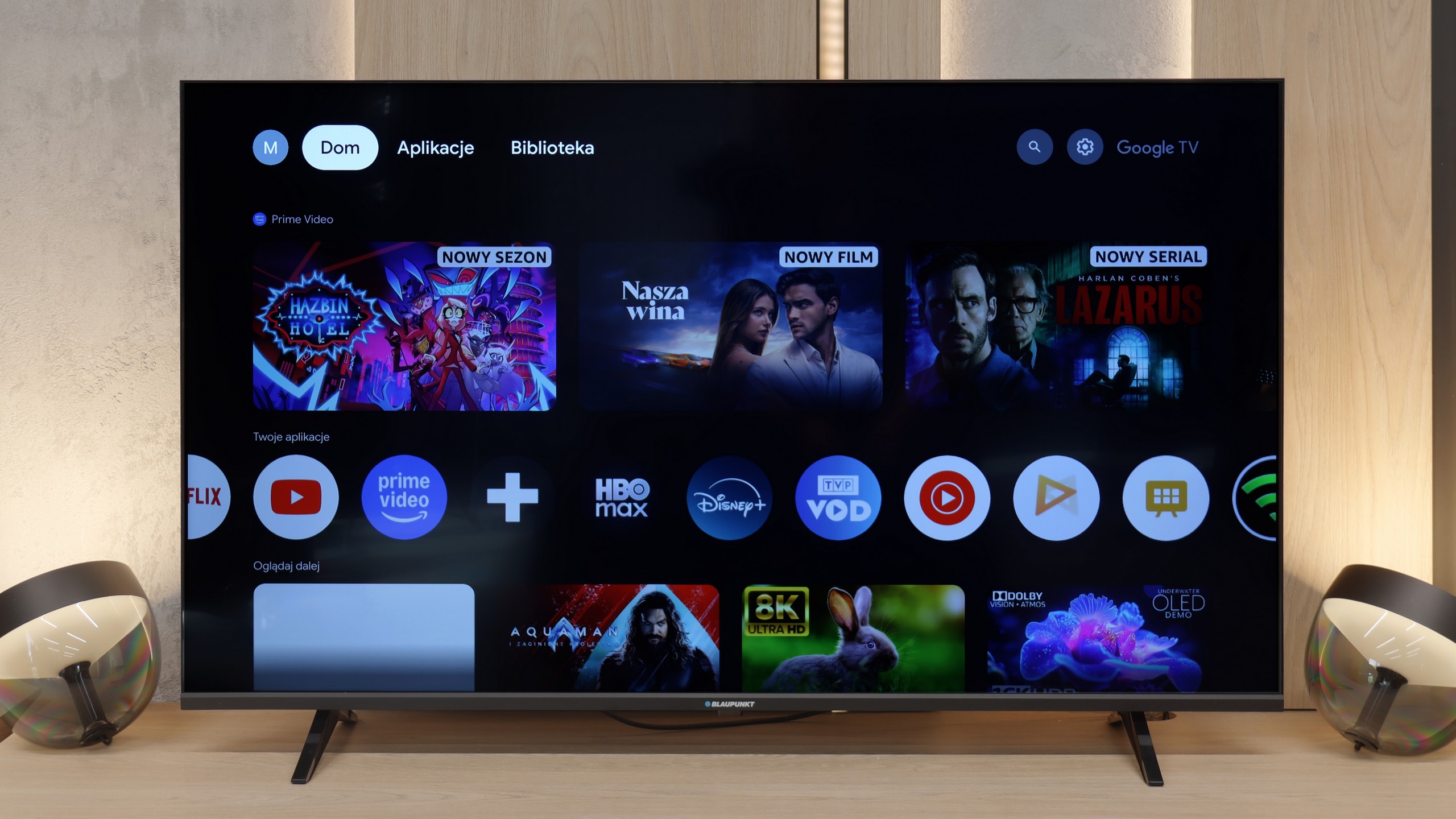
In terms of Smart TV functionality, Blaupunkt UGC5500S is a classic example of a device where the system is both its greatest asset and its biggest flaw. On one hand, we have full Google TV, which at this price point is a huge plus. We get access to a gigantic library of applications and virtually all the features we know from brands that use this software. Nothing is cut out forcefully, which is truly appreciated in such an affordable television. Unfortunately, we must honestly admit that in Blaupunkt's version, this system simply runs sluggishly. This is a typical issue with low-budget TVs featuring Google TV – the processor barely keeps up with the software. Navigation through the menu is not as smooth as we would like, and the remote can respond with a noticeable delay, giving the impression of being "dull." Of course, once you launch a specific app and start a movie, everything runs stably, but simply sifting through the interface requires a bit of patience.
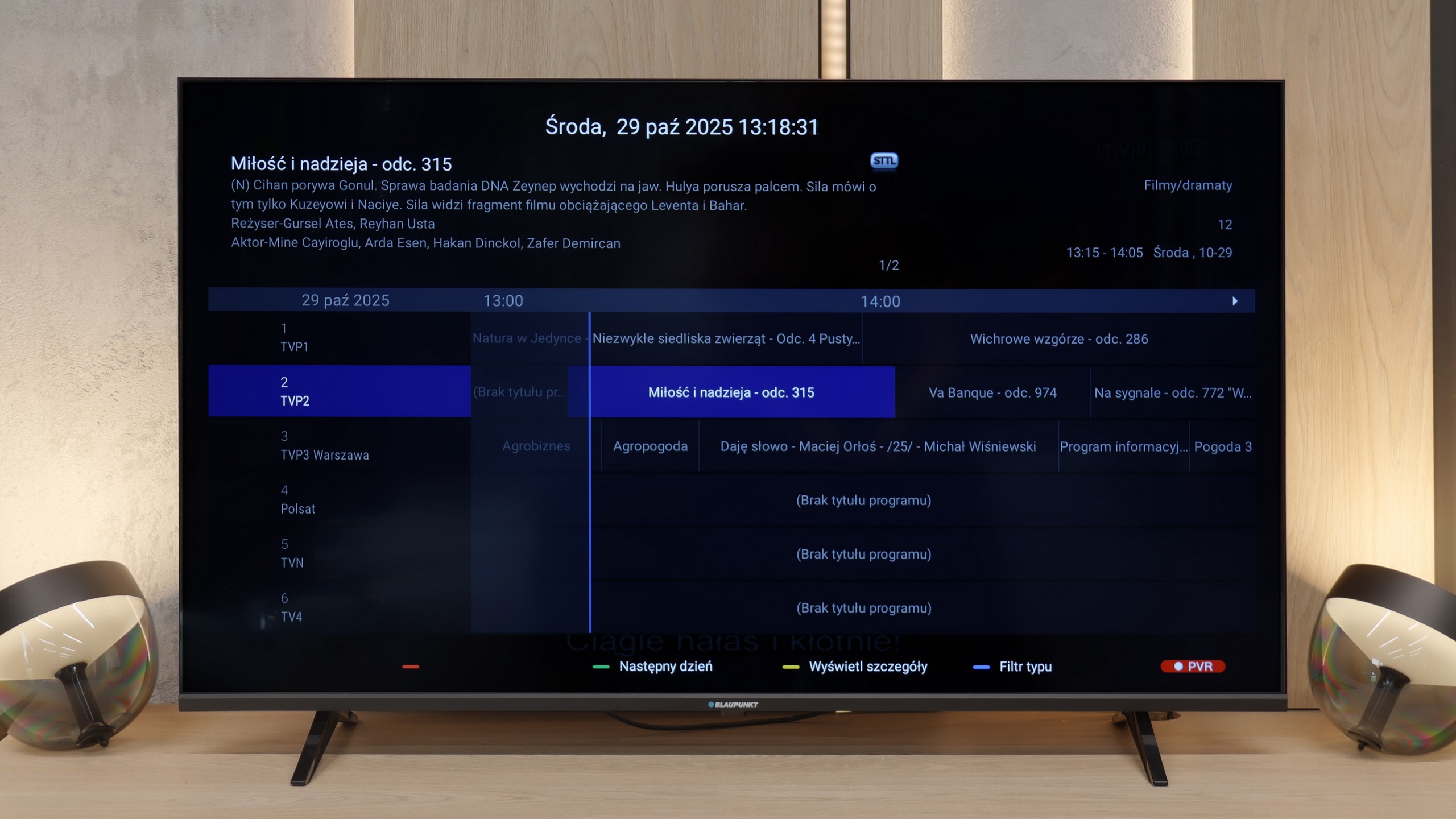
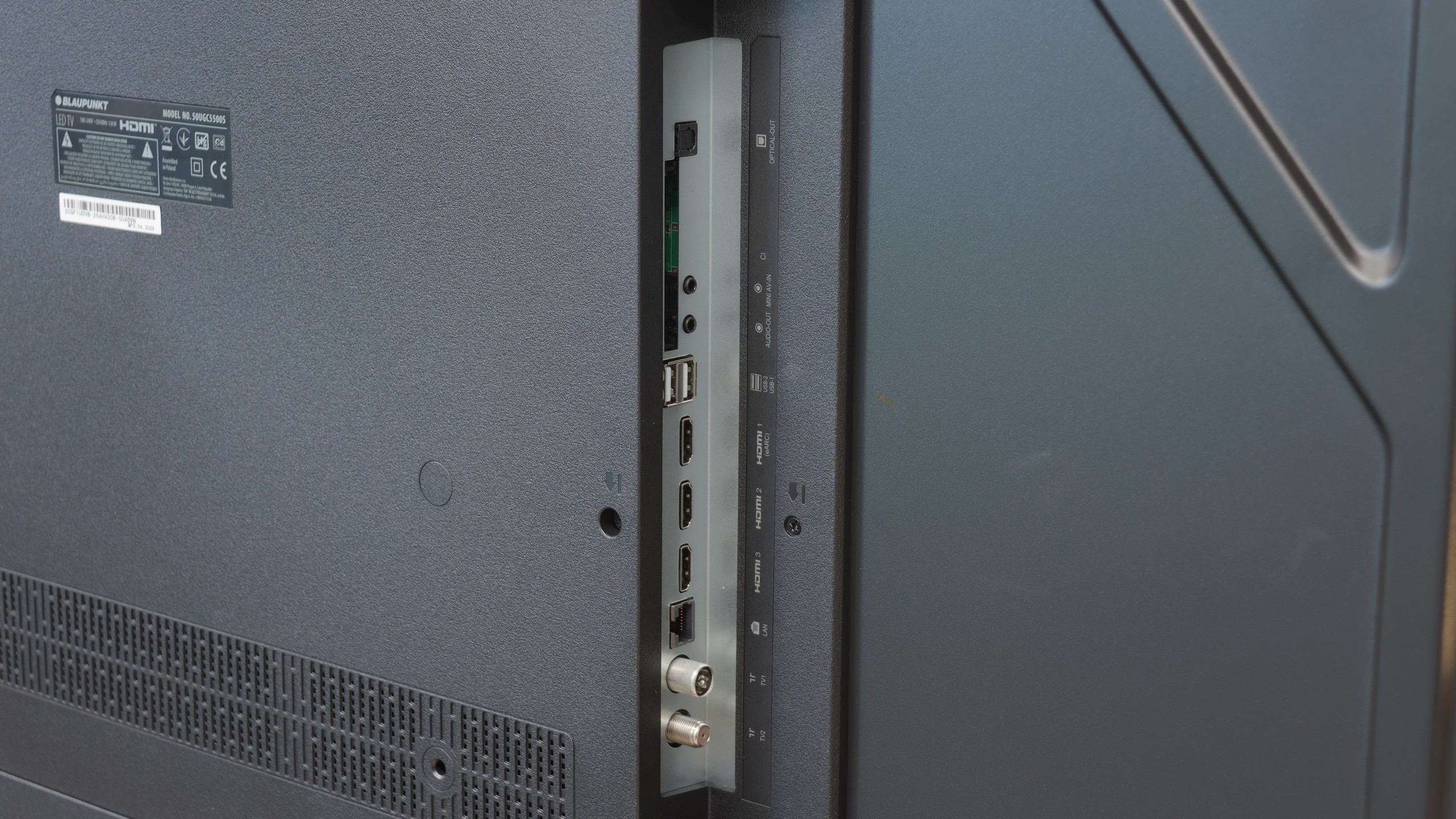
As for classic television functions, Blaupunkt does not offer anything extraordinary. It’s a basic device for fundamental tasks. The remote deserves praise for having a classic numeric keypad, which is simply convenient when flipping through cable channels. We also have Bluetooth, so you can easily connect wireless headphones or a speaker. The television also has a physical mini-jack headphone output. At a time when manufacturers are mass removing this connection, the presence of a "jack" is a nod to those with older audio equipment or simply those who prefer classic wired headphones. It's a small thing, but it brings joy.
 Direct comparison