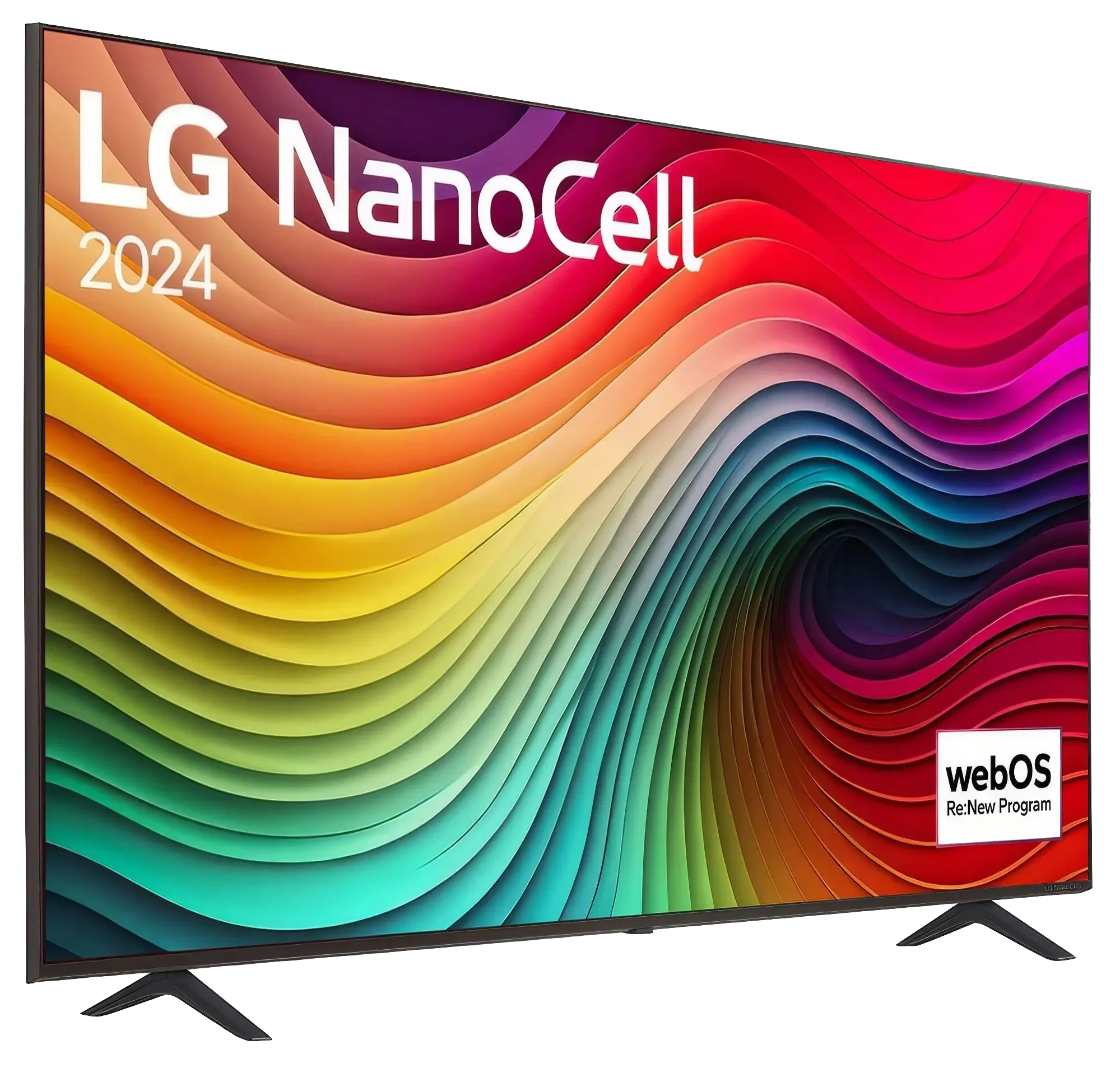
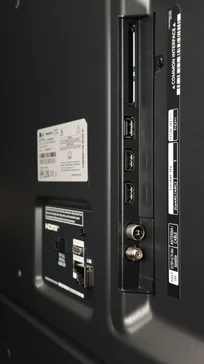
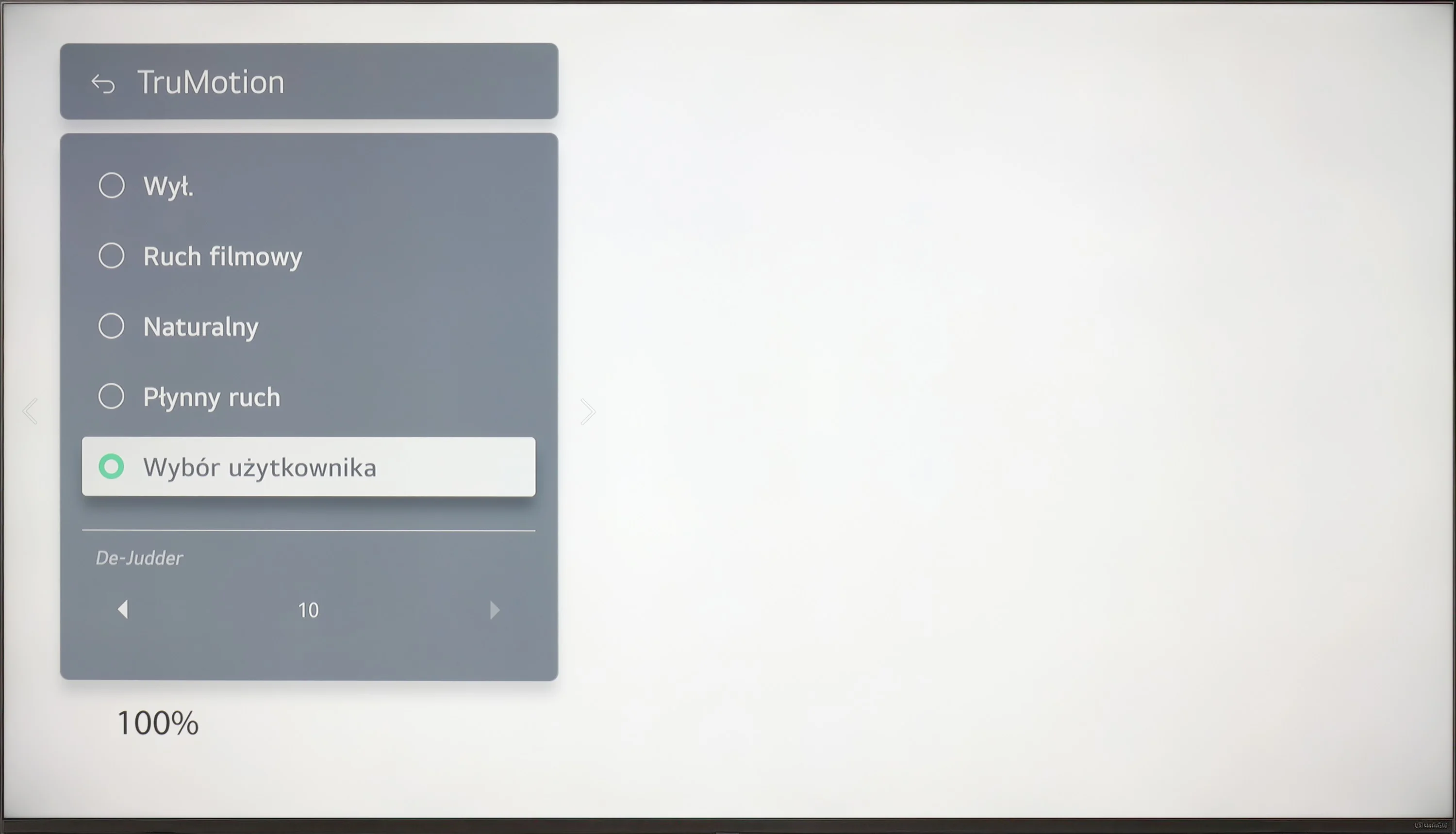
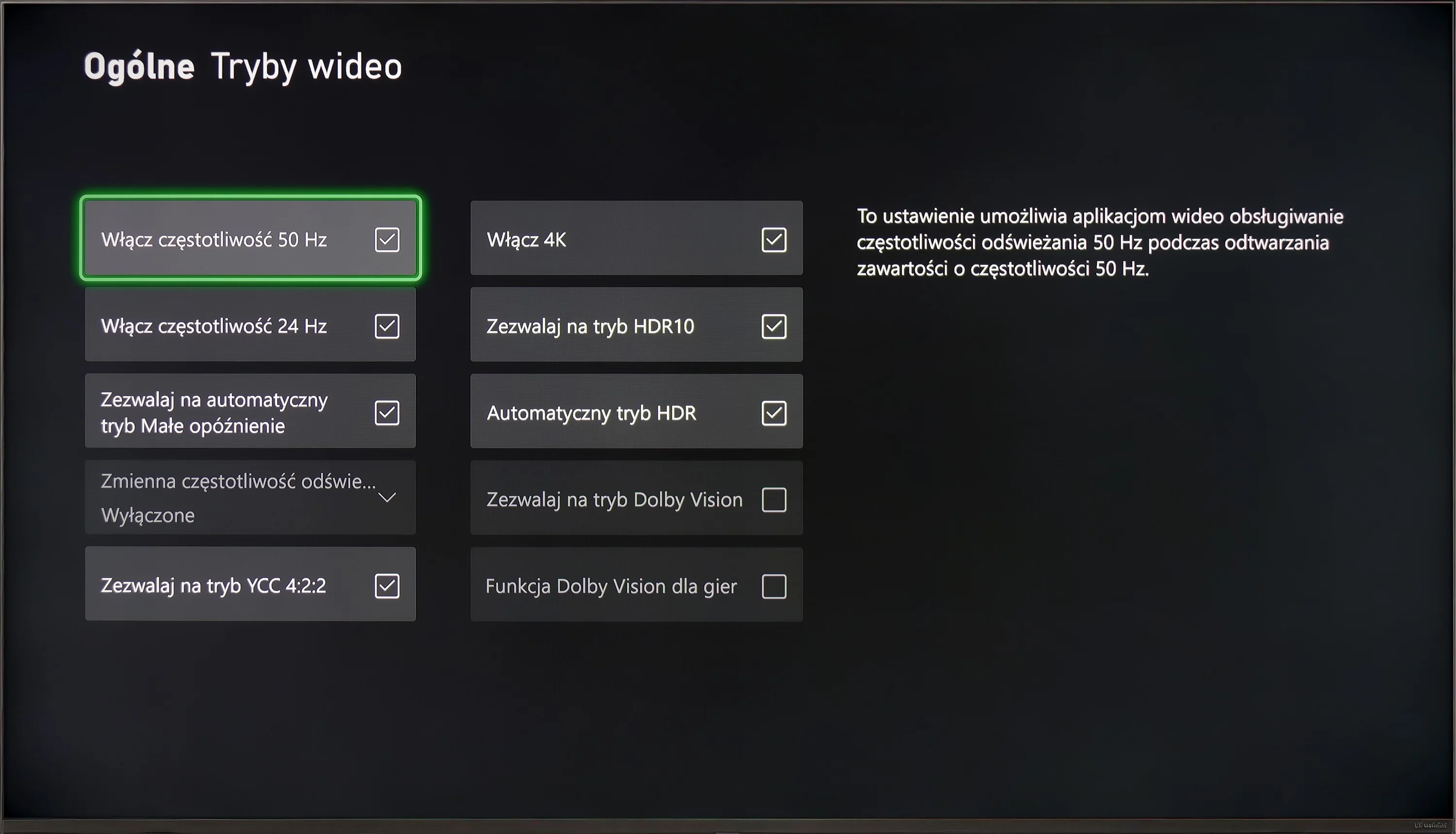
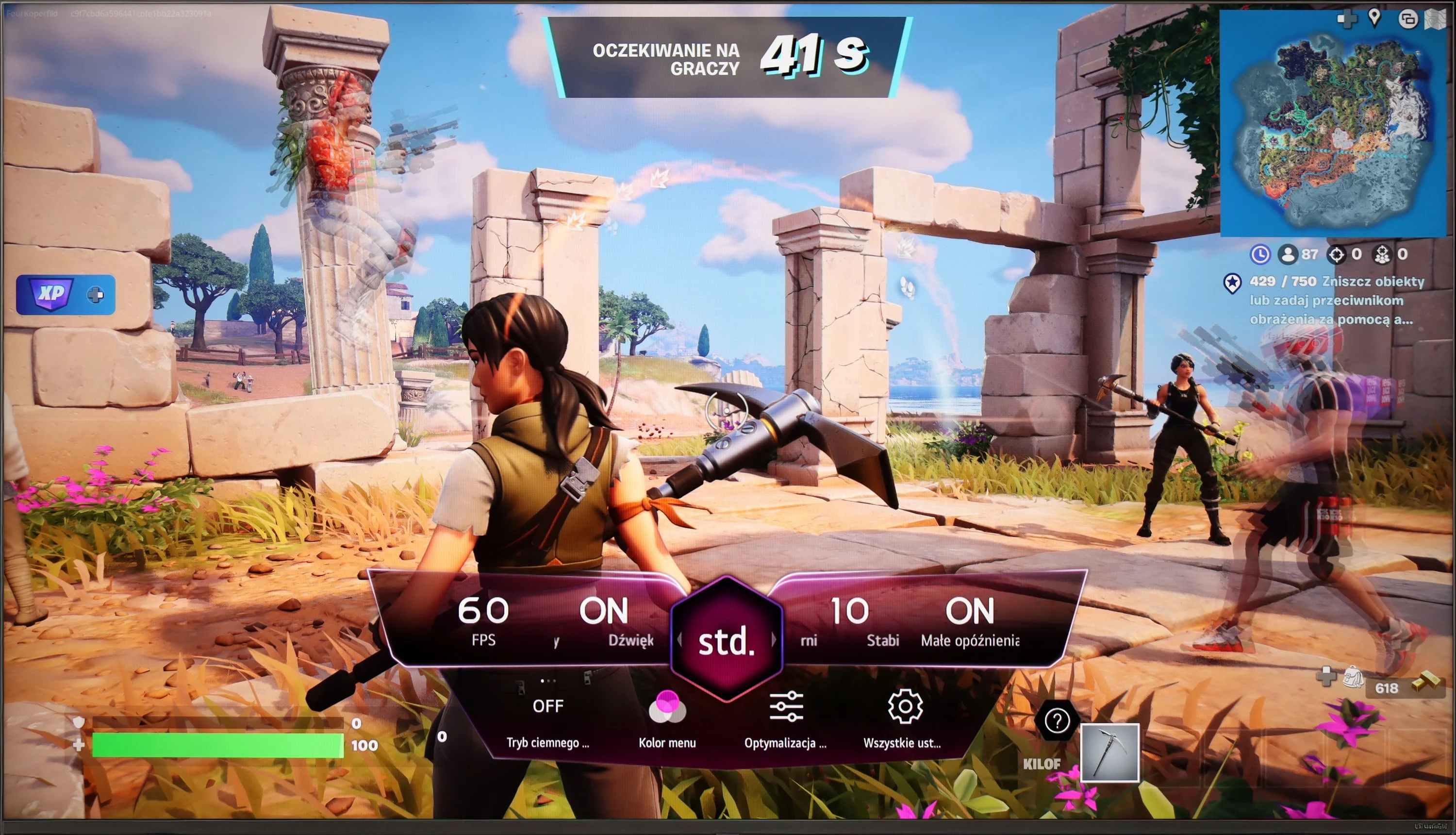
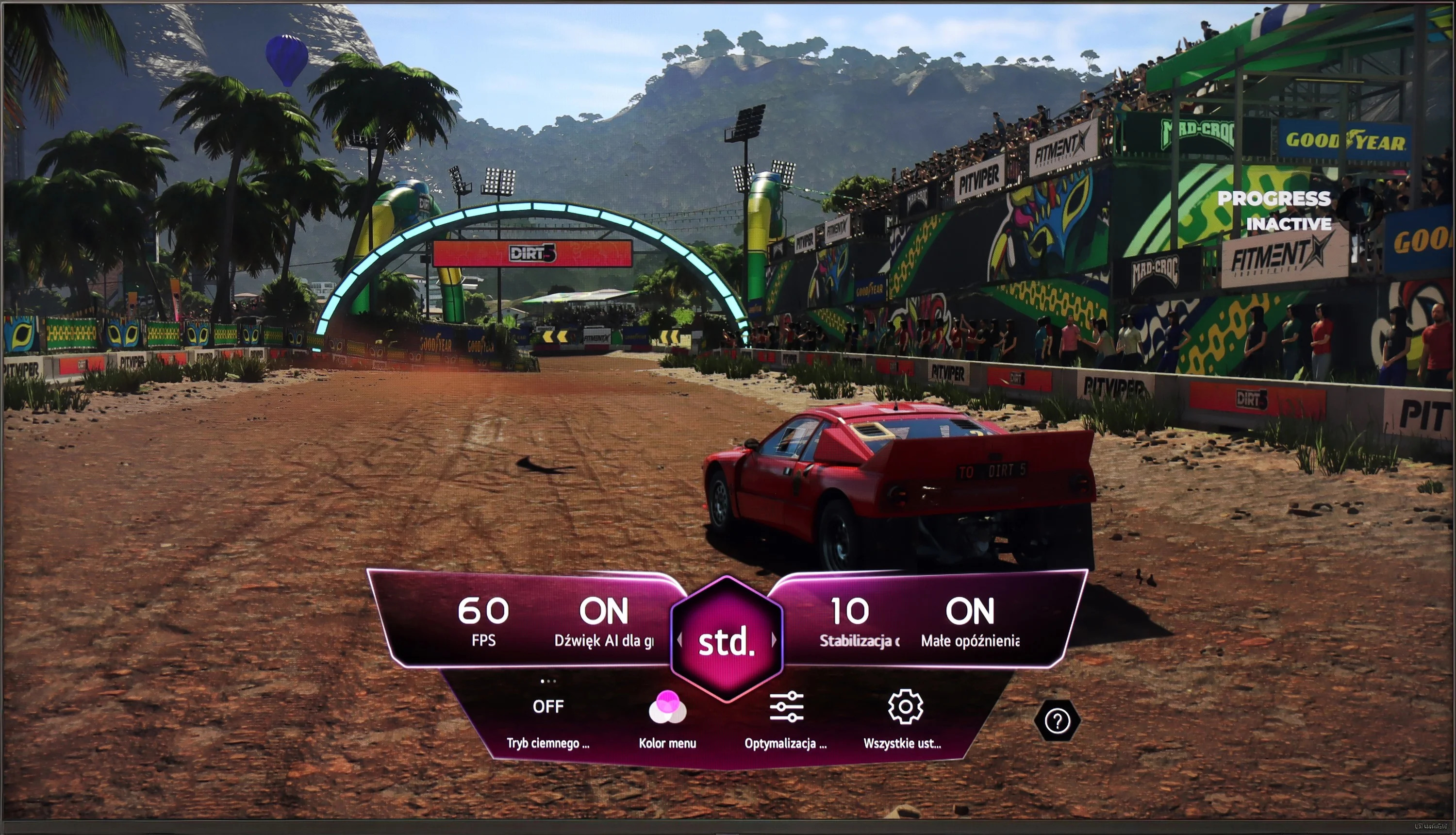
When playing on the console, the LG NANO82T offers several features that can enhance the gaming experience, though it also has some limitations. Notably, the ALLM (Auto Low Latency Mode) feature stands out, automatically adjusting picture settings to switch the television to low latency mode, which is especially beneficial for gamers requiring quick reactions. Another advantage is the support for HGiG (HDR Gaming Interest Group), ensuring HDR games are displayed as intended by the creators and providing vibrant and realistic visuals. These features contribute to a solid gaming experience, but there are some drawbacks, particularly in fast-paced scenes.
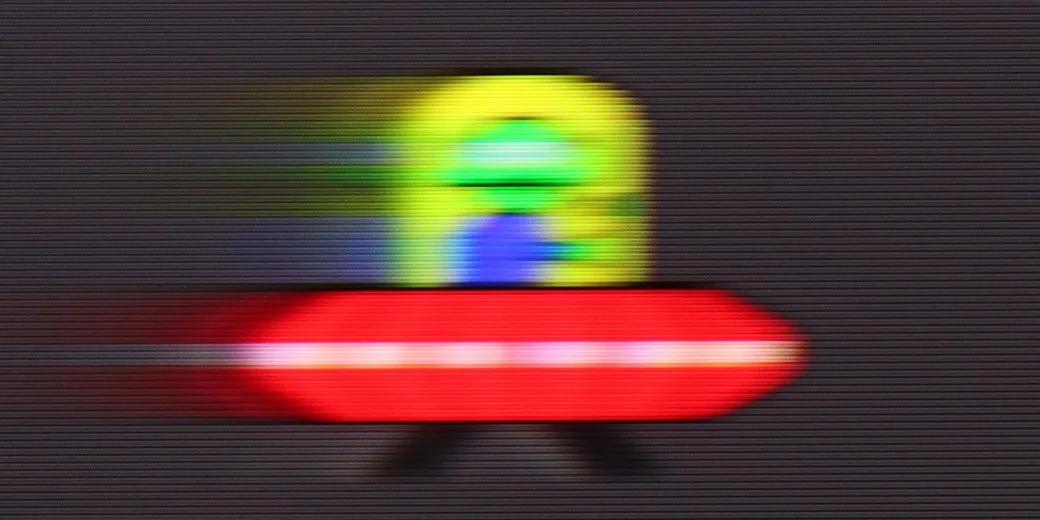
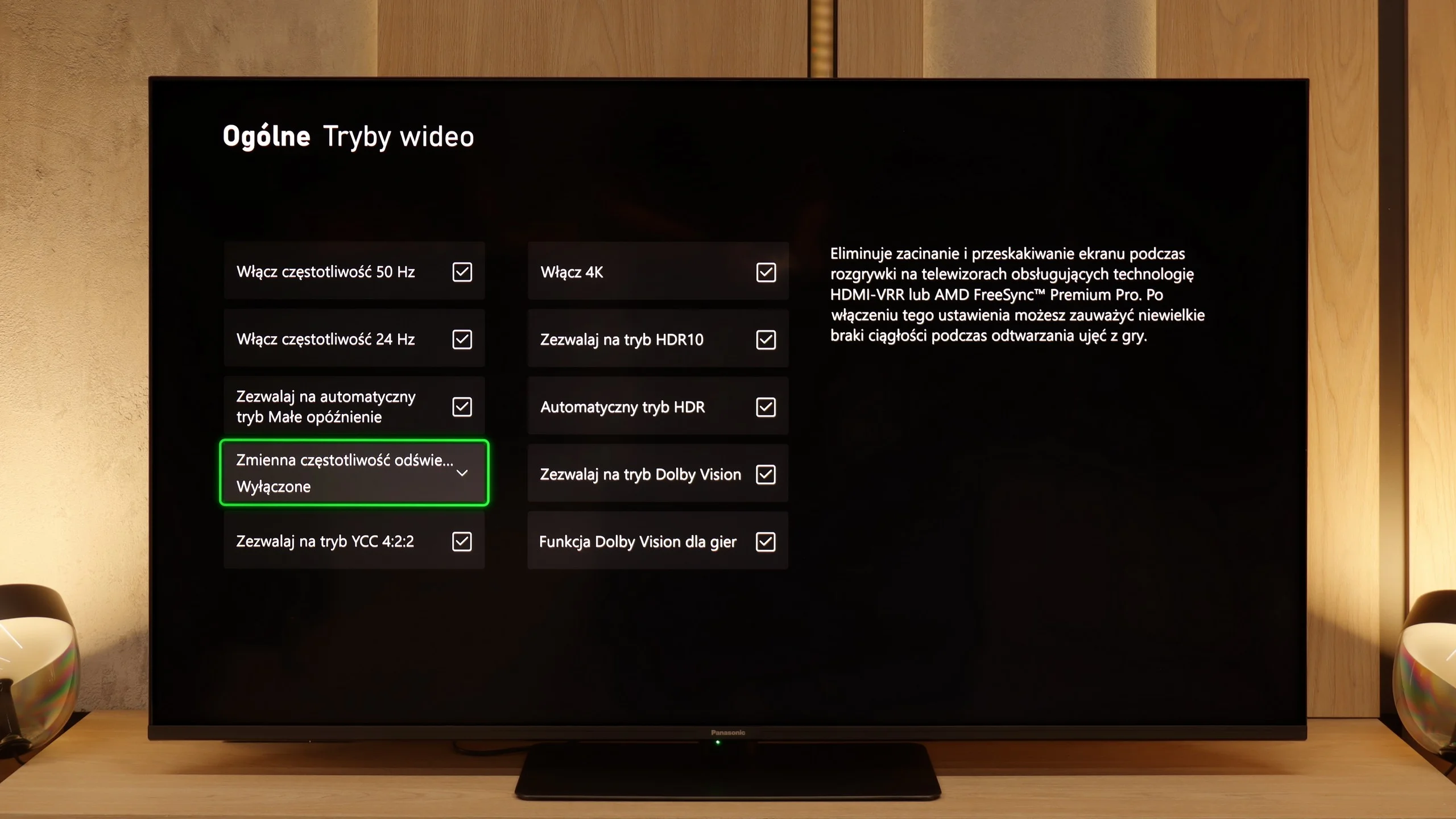
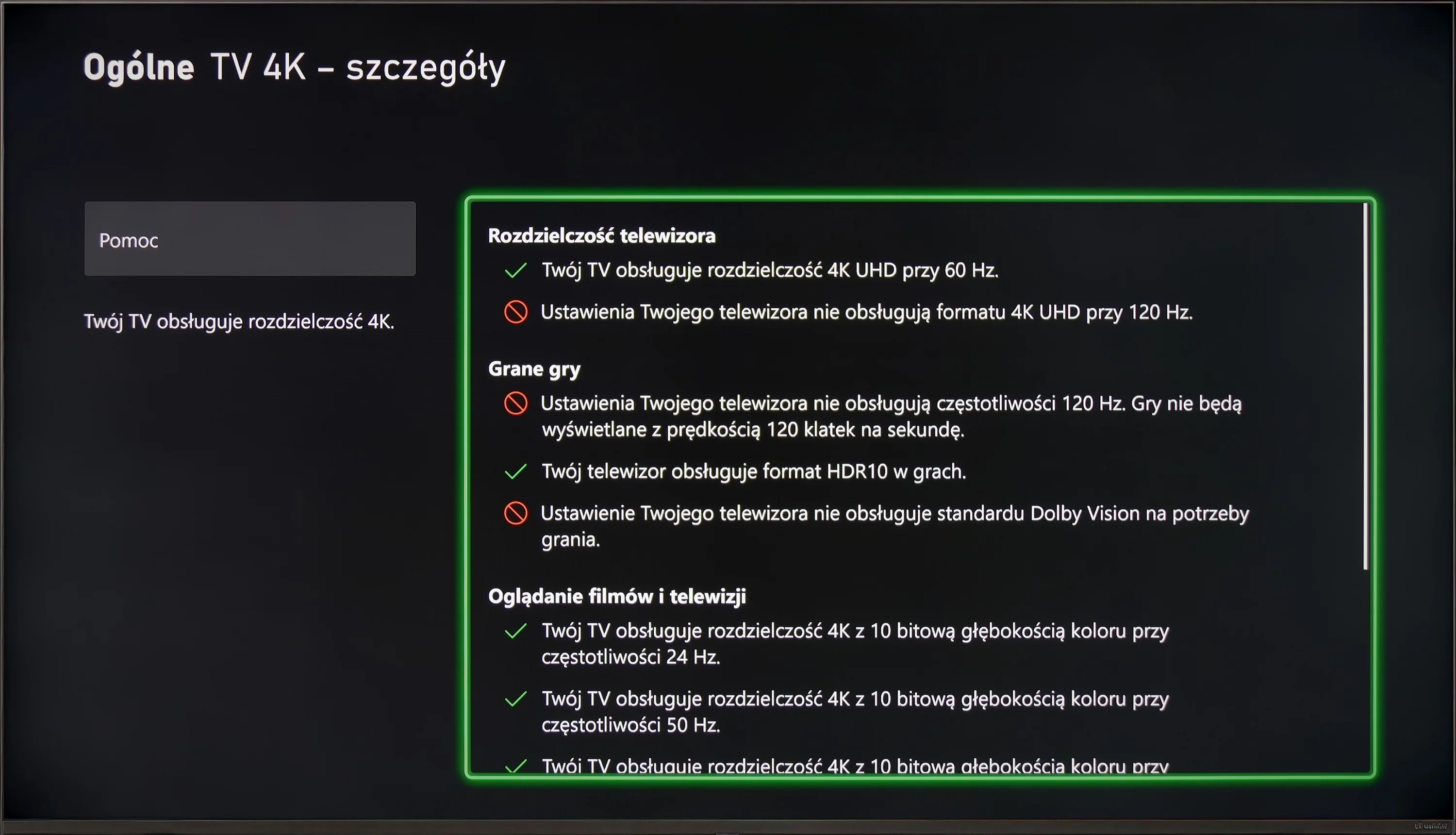
The LG NANO82T has limitations when it comes to advanced gaming features. It lacks support for variable refresh rate (VRR), which affects gameplay smoothness, especially in more dynamic games. The TV's 60Hz panel restricts the ability to use higher refresh rates, a significant downside for gamers seeking smoother gameplay at higher resolutions. Additionally, the absence of G-Sync technology limits image synchronisation, potentially leading to tearing and stuttering during gameplay.
These limitations mean that while the LG NANO82T offers a good gaming experience for casual gamers, it may not meet the expectations of more demanding players seeking advanced features and maximum image fluidity.
These shortcomings may mean that the LG NANO82T does not meet the expectations of the most demanding gamers looking for advanced features and the highest image fluidity.
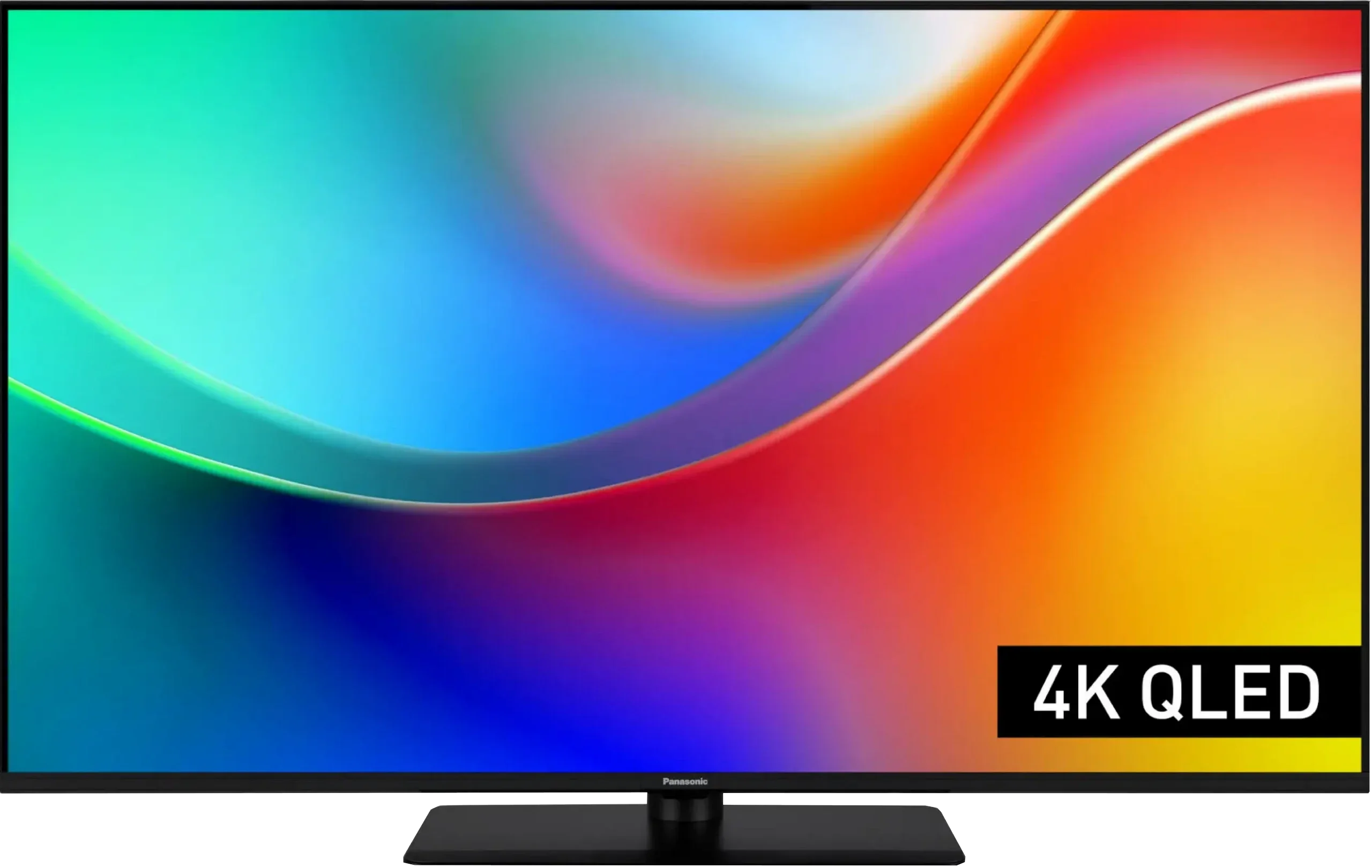
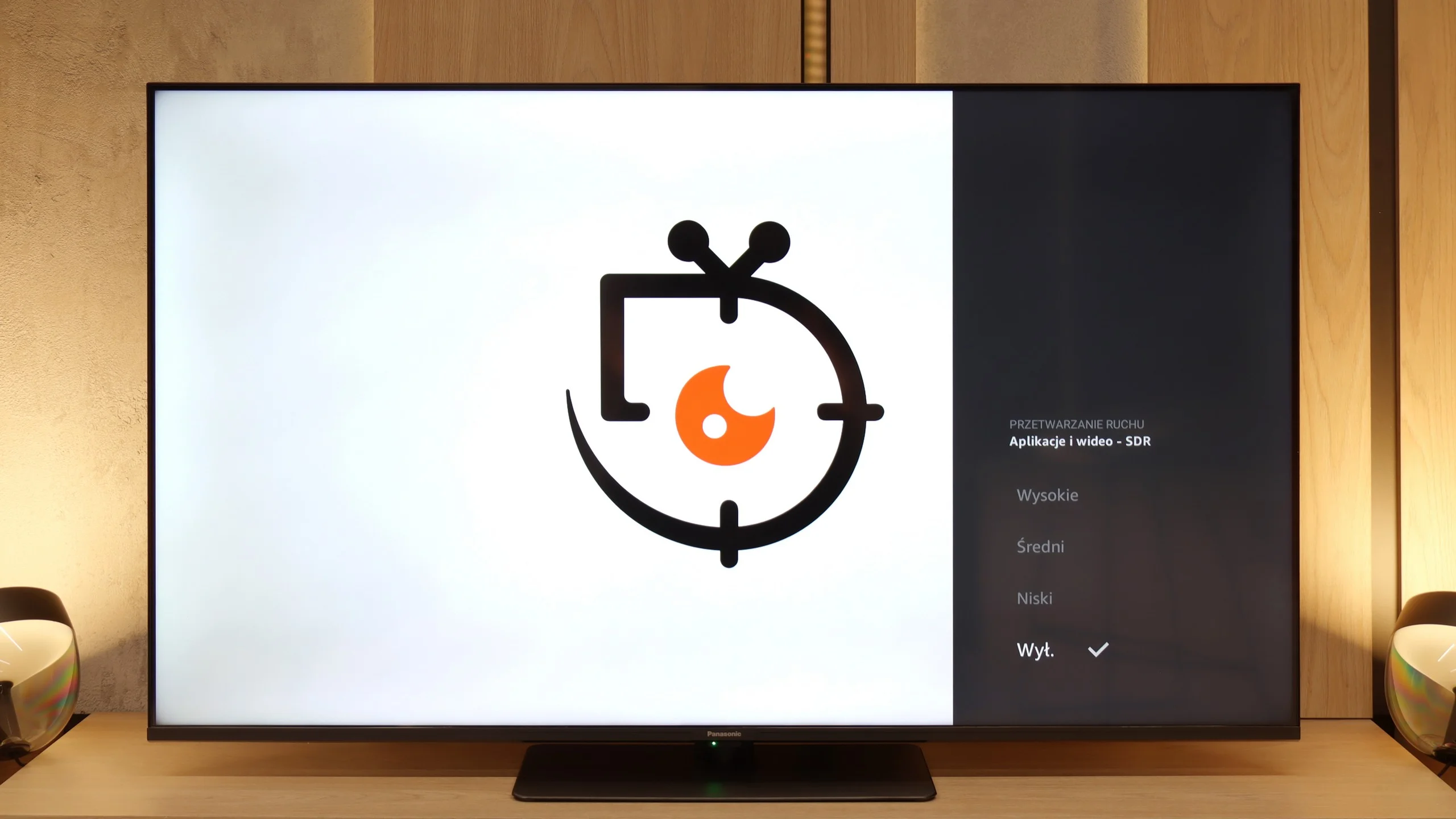
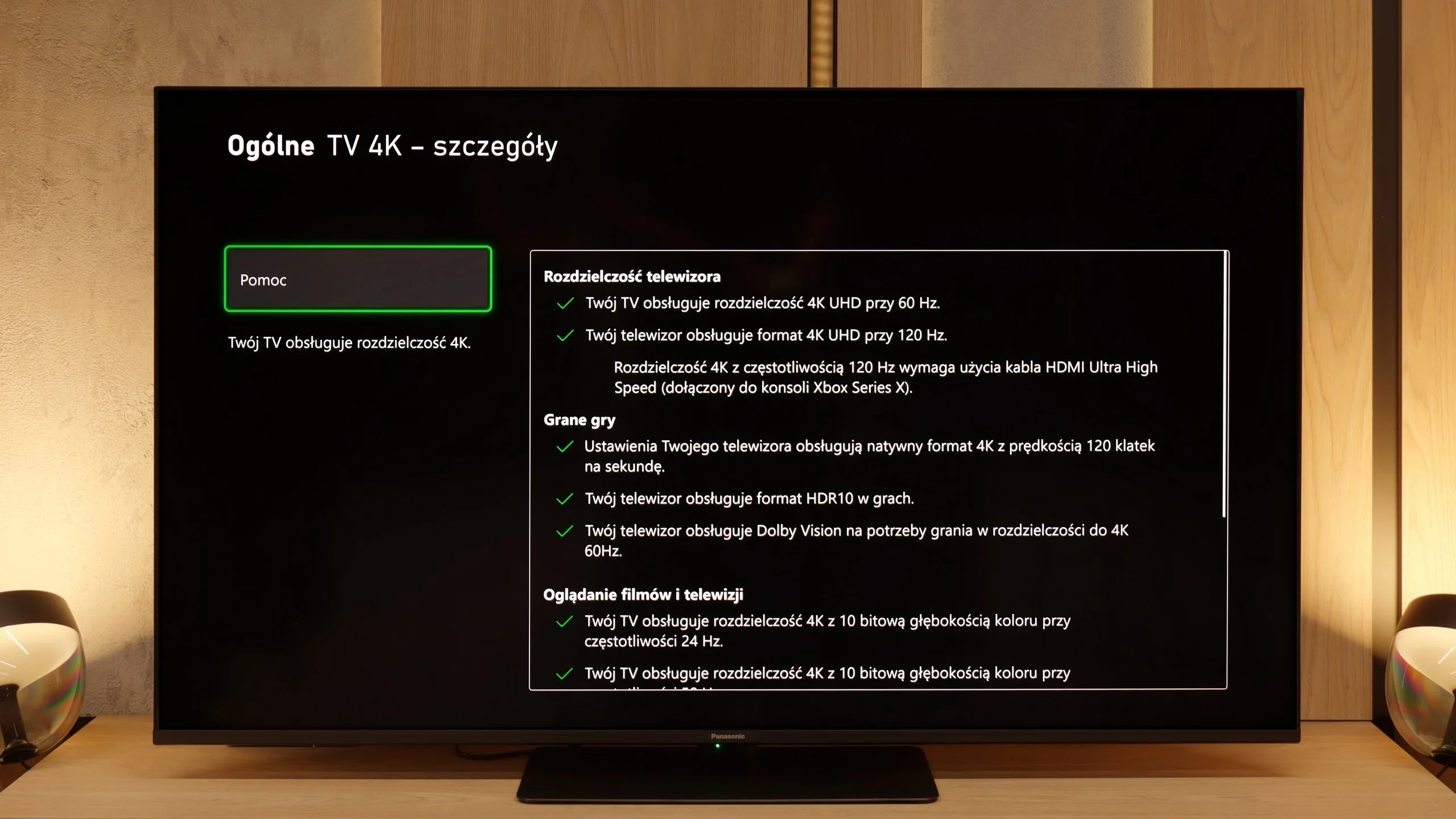
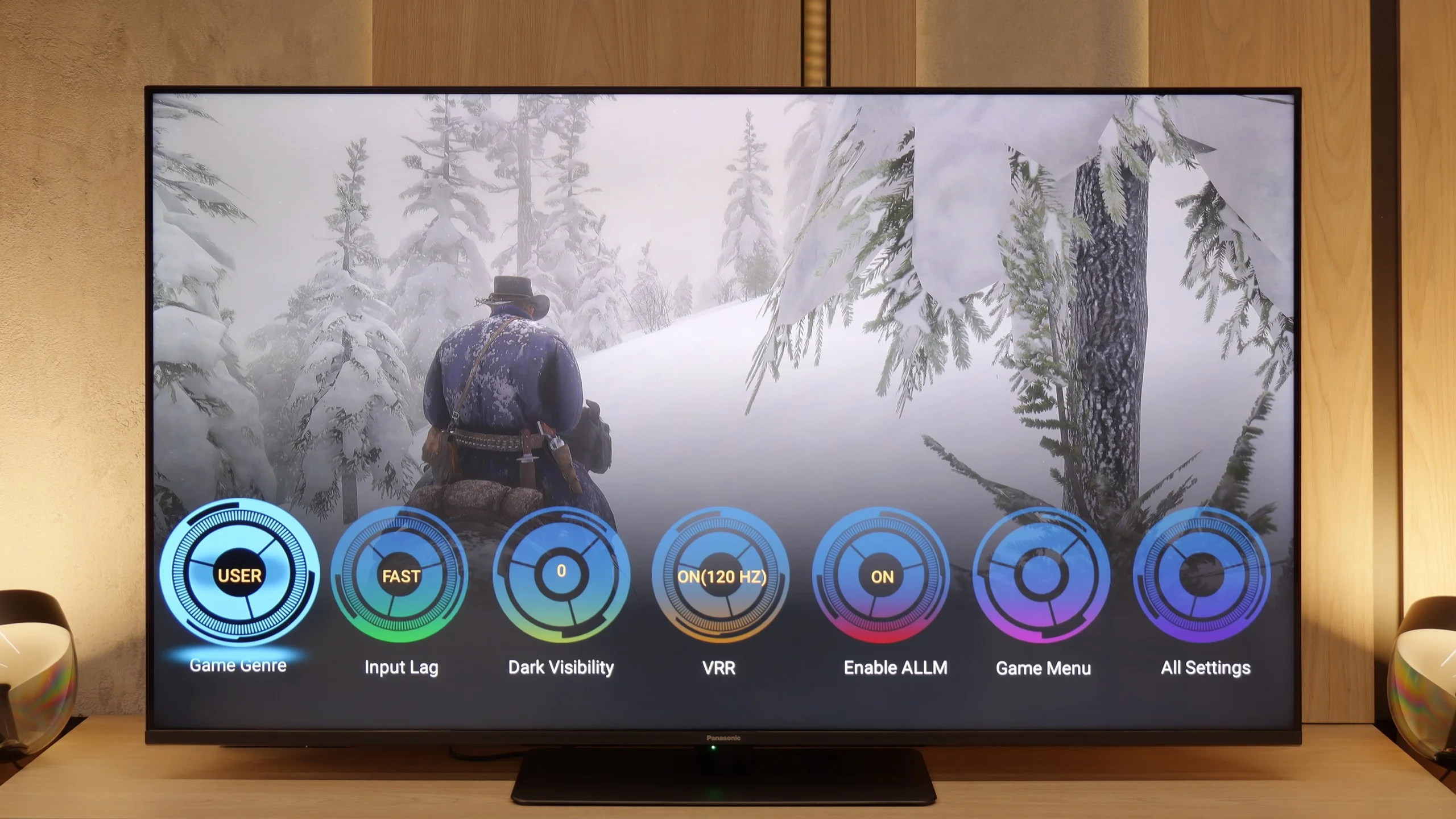
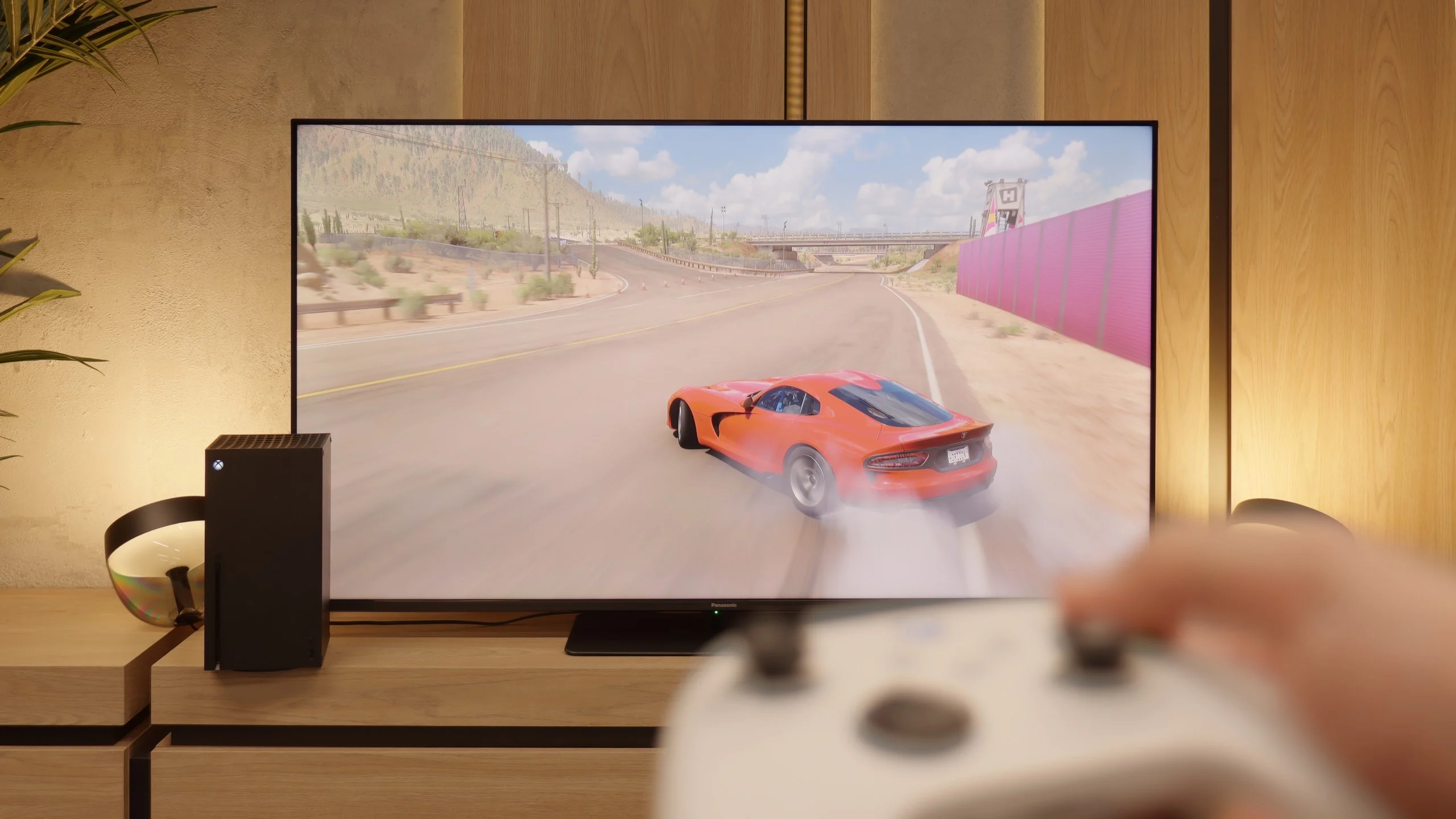
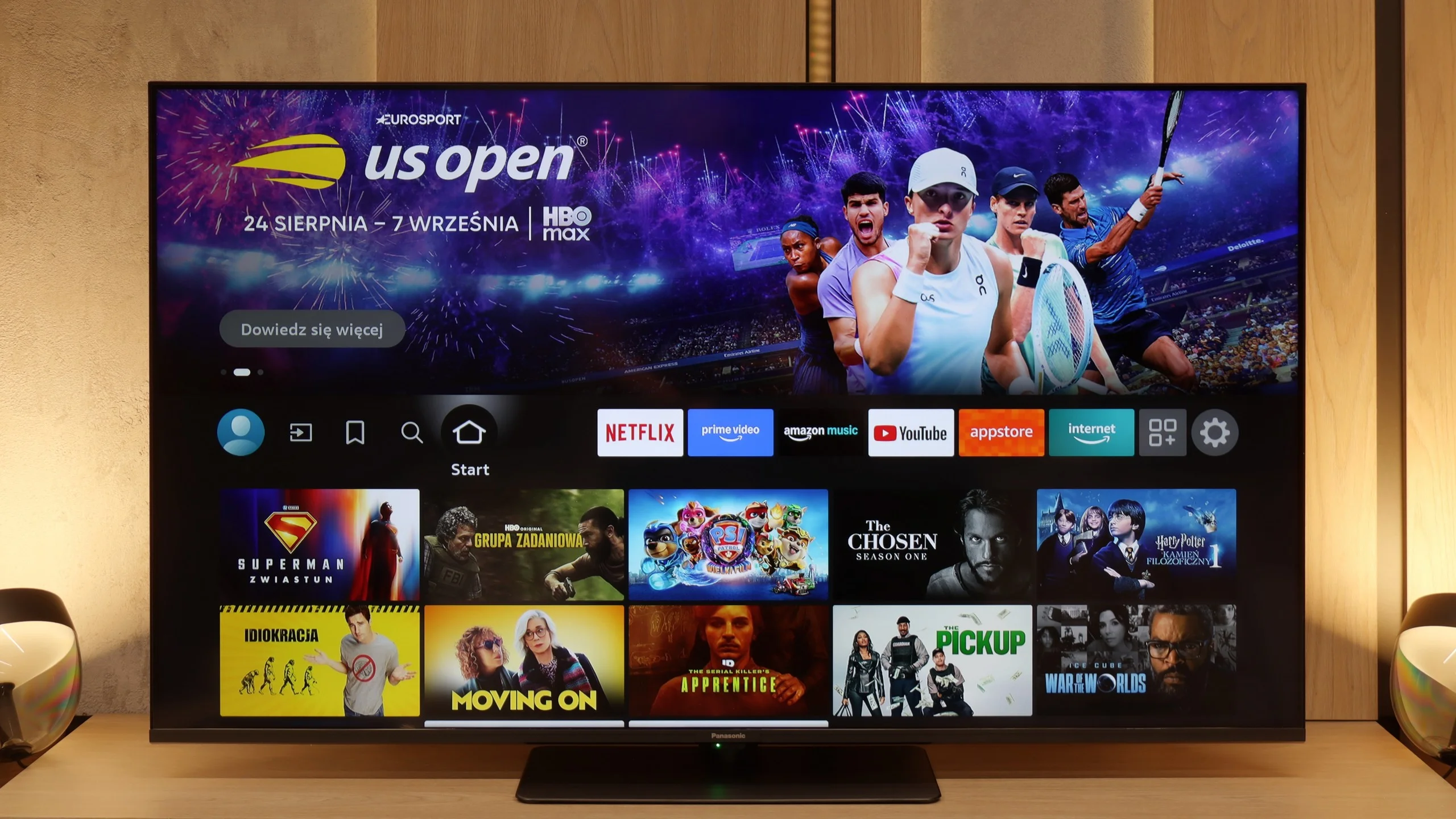
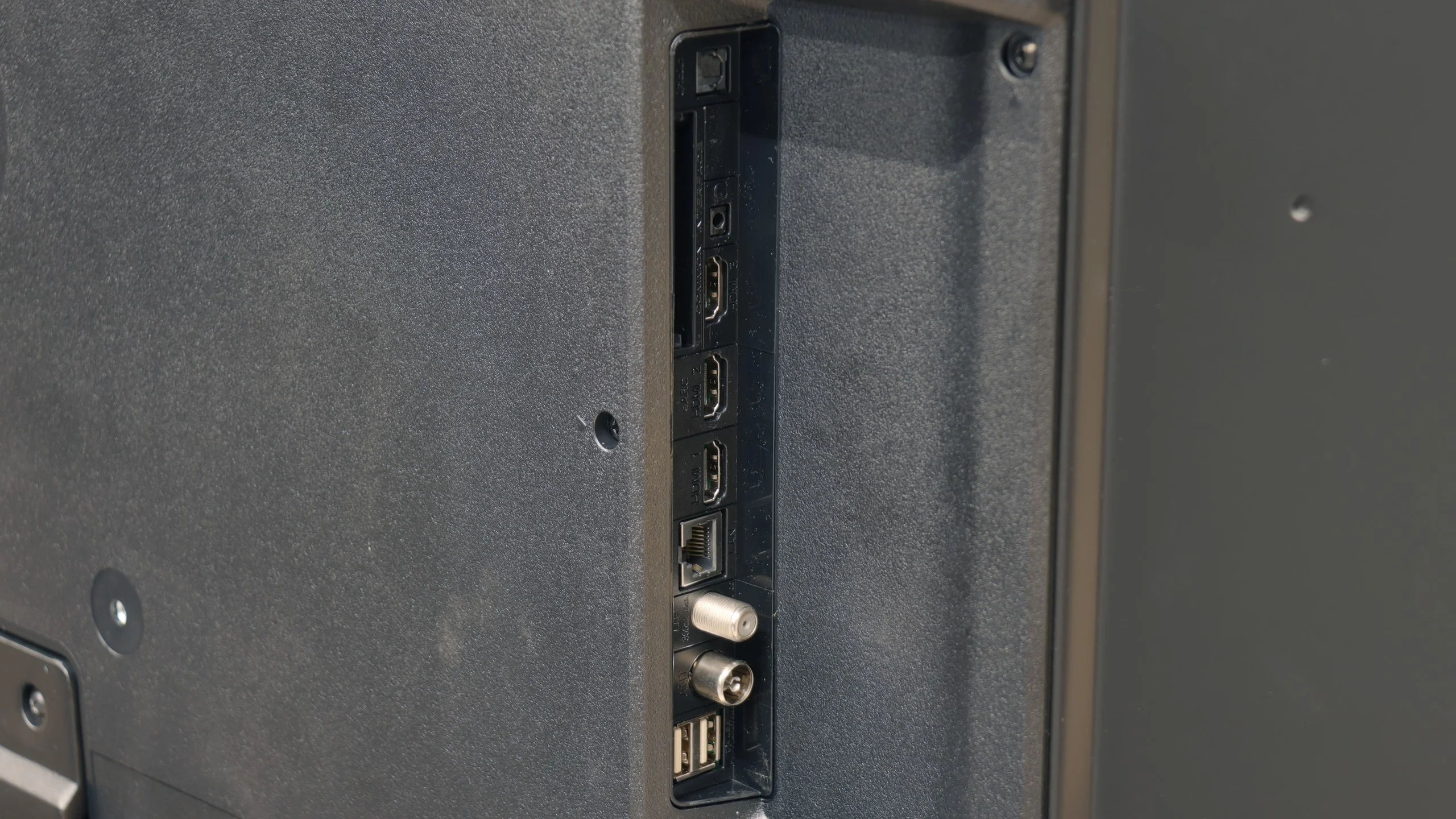
On paper, the Panasonic W85B looks really solid. Here we have two full HDMI 2.1 ports, support for ALLM, variable refresh rate, Dolby Vision in games, and of course, a high refresh rate for the panel itself. Additionally, there’s the characteristic Panasonic game bar that allows you to check key parameters with one click and quickly change them if necessary. Sounds great, but the problem arises when we activate HDR. Here, the W85B significantly falters because it lacks proper HGiG implementation – the TV manages brightness poorly, and instead of faithful image rendering, we get scenes that are too bright, sometimes even blown out. The solution? The simplest – turn off HDR in the console settings and leave everything in SDR. And here it gets really interesting, because in this scenario, the W85B shows its better side. Low input lag, high smoothness thanks to 120 Hz – all of this makes gaming look phenomenal. Yes, HDR can be sacrificed, but if responsiveness and smooth gameplay are priorities, the W85B provides a lot of fun.
 Direct comparison