 Direct comparison
The Hisense UR9S is without a doubt one of the more interesting launches this year, though not necessarily for the reasons the manufacturer emphasizes most. Admittedly, the first RGB Mini LED backlight in both the brand’s history and this series looks impressive in measurements, but in practice the TV’s main strength is simply that it’s well refined. It’s clear Hisense learned from previous models and fixed things that really matter for everyday viewing. RGB Mini LED itself has plenty of potential, but right now it’s not yet a reason to buy this particular model. In real movies and TV shows the advantage of the new technology isn’t as pronounced as test-pattern results might suggest. Maybe future generations will show much more, but for now we treat it as an interesting direction rather than a true revolution. The UR9S stands out above all for its versatility. It handles black levels very well for an LCD, processes lower-quality content effectively, and offers extensive features for both regular viewing and gaming. It also includes a few solutions missing from competitors, such as a USB-C port with DisplayPort and a very high panel refresh rate for PC gamers. Is it worth considering? We think so, especially if you’re looking for a flagship LCD TV. Not because it uses an RGB Mini LED backlight, but because it’s a very good, versatile, and simply pleasant TV for everyday use.
- Matching (Score) |
- Our verdict |
- TV appearance |
- Where to buy |
- Contrast and black detail |
- HDR effect quality |
- Factory color reproduction |
- Color reproduction after calibration |
- Smoothness of tonal transitions |
- Image scaling and smoothness of tonal transitions |
- Blur and motion smoothness |
- Console compatibility and gaming features |
- Input lag |
- Compatibility with PC |
- Viewing angles |
- Daytime performance |
- Panel details |
- TV features |
- Apps |
- Playing files from USB |
- Sound
G64LW / G66LS

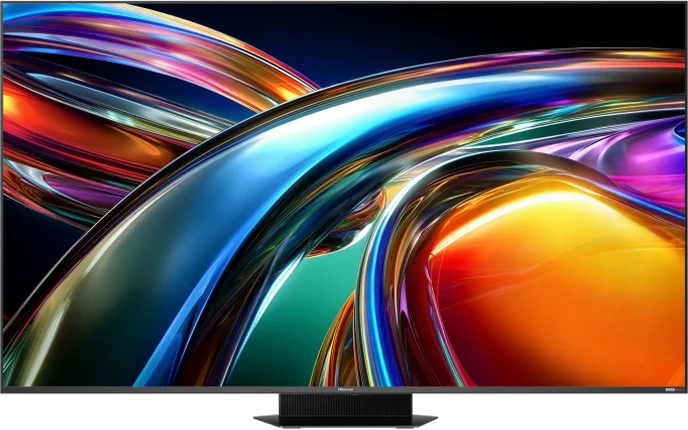
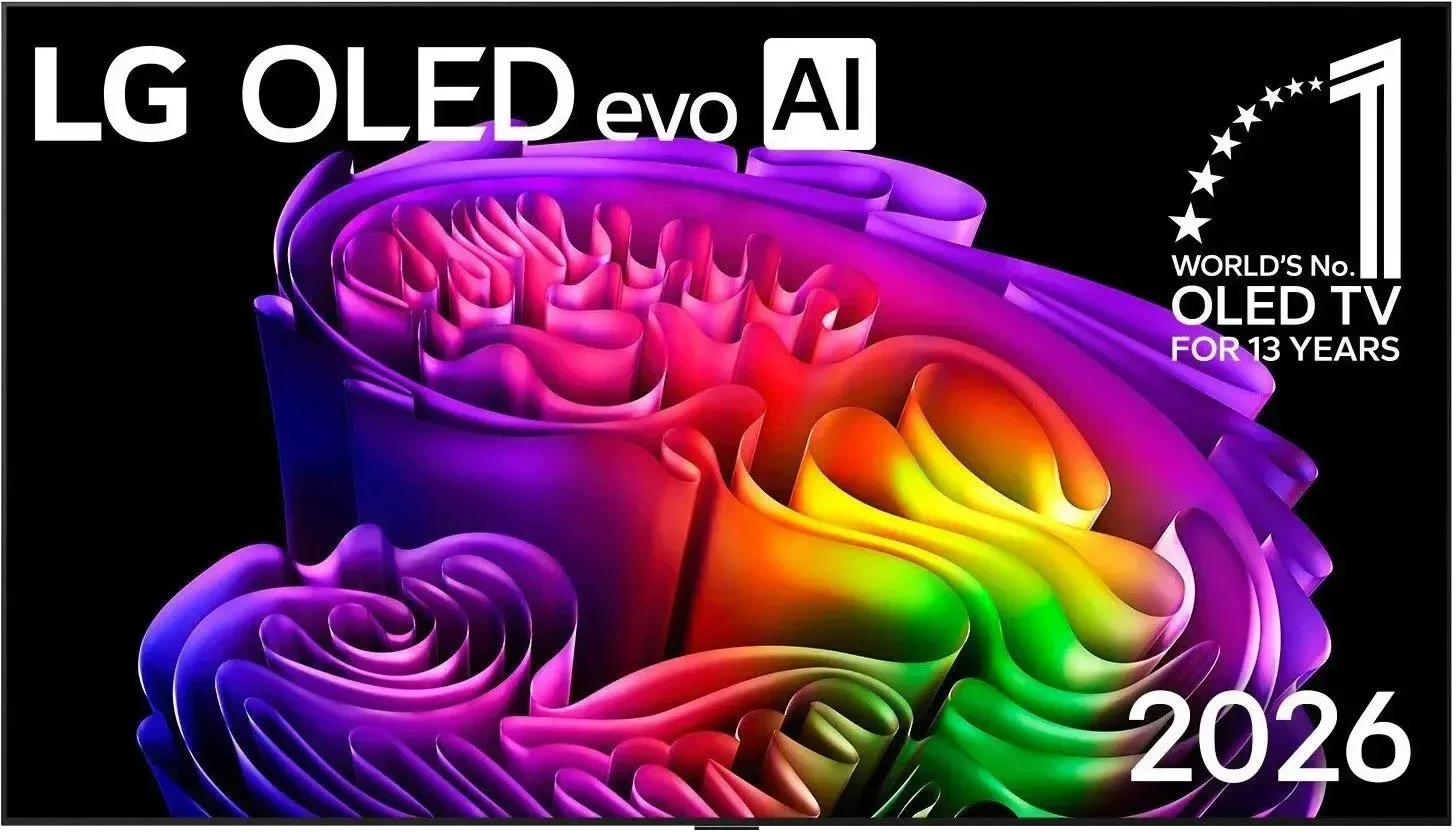
Panel type: LCD VA
Resolution: 3840x2160
System: VIDAA
Model year: 2026
Complete the survey to find out the result
Panel type: WRGB OLED
Resolution: 3840x2160
System: WebOS
Model year: 2026
Complete the survey to find out the result
Overall rating
8.4
8.7
 Movies and series in UHD quality
7.9
8.6
 Classic TV, YouTube
7.9
8.7
 Sports broadcasts (TV and apps)
7.6
8.6
 Gaming on console
8.4
9.5
 TV as a computer monitor
8.4
8.7
 Watching in bright light
9.9
8.2
 Utility functions
9.4
8.5
 Apps
8.3
9.1
 Sound quality
7.8
8.4
Complete the survey to find out what fits your preferences
Advantages

High HDR and SDR brightness
Very good black levels and contrast for an LCD TV
Excellent image processing and upscaling of lower-quality sources (Pentonic 800)
Matte coating that effectively reduces reflections
Rich features for gamers (170/180 Hz, VRR, FreeSync, G-Sync, HDMI 2.1)
Low input lag
USB-C port with DisplayPort support
Support for Dolby Atmos and DTS
Good audio system for a TV
Smoothly running HomeOS (VIDAA)
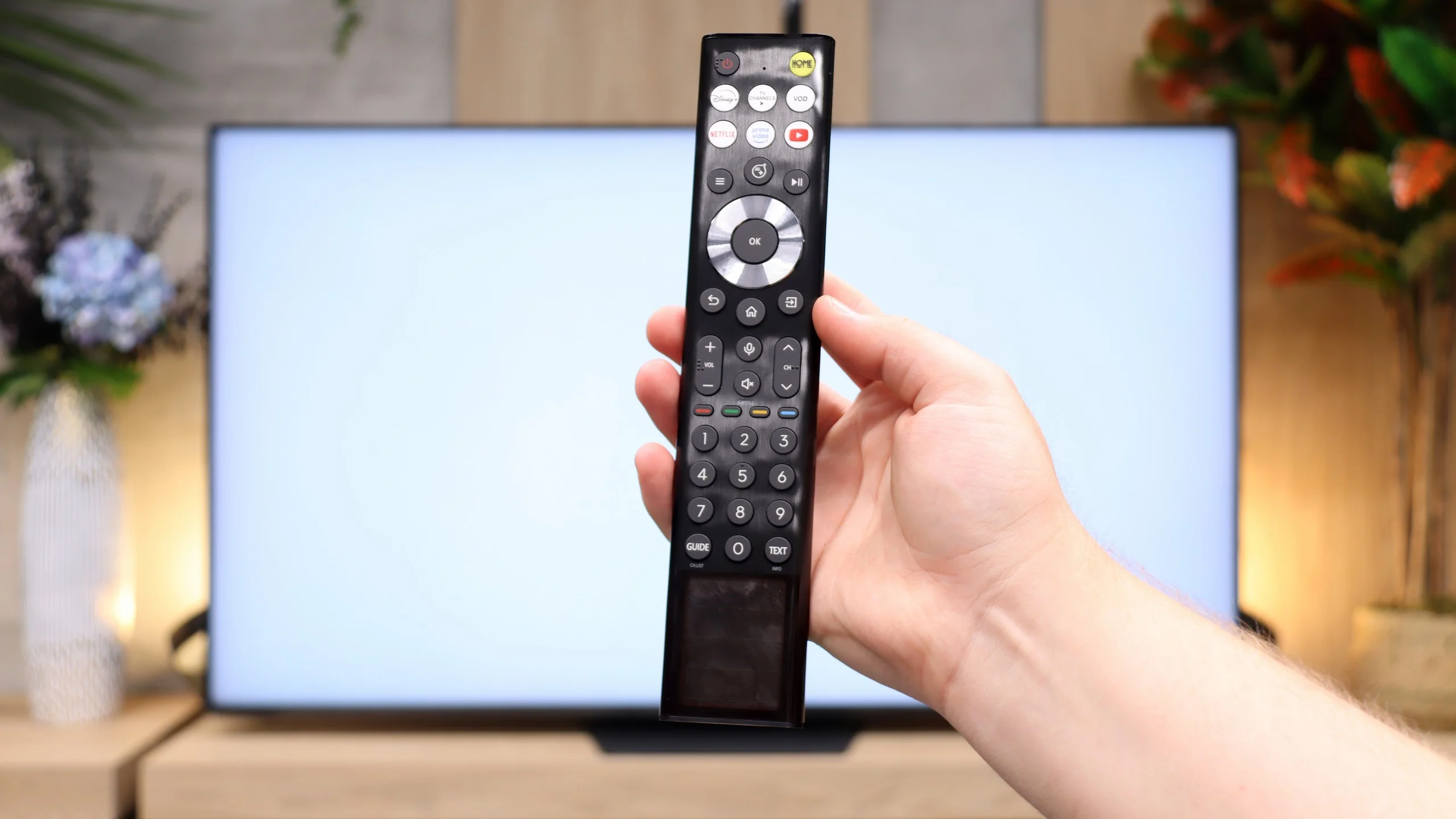
Convenient remote with backlight, solar panel, and USB-C charging
High brightness in HDR and SDR
Excellent anti-reflective coating
Reference-grade colors (after calibration can match a reference monitor)
Full support for gamers (HDMI 2.1, 165 Hz, VRR, ALLM)
Low input lag (under 5 ms)
Smooth motion and sharpness
Full support for Dolby Vision
Functional webOS with Magic Remote support
5-year panel warranty included
Disadvantages

In movies, the full potential of RGB Mini-LED backlighting is not always utilized
The HDR image brightness differs from the director's vision
Lack of proper HGiG implementation (a feature for gamers)
Some key apps are missing
Very annoying dithering: graininess and flickering in near-black areas of the image
Worse viewing angles than its predecessor (though still good)
No support for the DTS:X audio codec (useful for Blu-ray owners)
Our verdict
There’s no doubt the LG G6 is outstanding in places. Thanks to the new 2nd-generation Tandem OLED panel it does something no other glossy-screen display on the market has managed so far: it suppresses reflections brilliantly while keeping perfect, untouched picture quality. Add record brightness and the panel’s unique characteristics, and the G6 can produce images that at times literally knock you off your feet. The excellent webOS and gamer-oriented features only reinforce the impression that this is a worthy successor to the G5. But that’s only one side of the coin, since expectations for a device in this class are as high as they get. During detailed testing we ran into an issue with digital image processing in near-black scenes. We’re talking about overly aggressive grain (dithering) and slight flickering of details in dark sequences. While during normal couch viewing this flaw isn’t dramatically noticeable and doesn’t negate the overall wow factor of the contrast, a trained eye will readily see that LG’s engineers stumbled at the final stage of panel tuning. When you buy a fairly expensive flagship product right now, you simply expect perfection out of the box.
Despite this obvious slip-up, the LG G6 is still at the absolute forefront of the market and one of the most interesting TVs of the year. It has a solid foundation to become the ultimate display. We firmly believe the manufacturer will quickly diagnose the issue and release an appropriate software update. If that happens, the competition won’t stand a chance. We promise to monitor the situation closely, and as soon as a patch appears we will verify how well it performs.
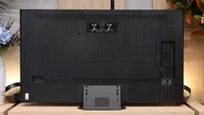
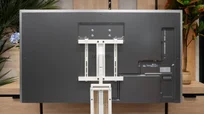
TV appearance


Contrast and black detail
8.5/10
10/10
Local dimming function: Yes, number of zones: 1056 (24 x 44)
Contrast:


Result
411,100:1

Result
152,050:1

Result
38,100:1

Result
28,450:1

Result
14,700:1
Result
∞:1
Result
∞:1
Result
∞:1
Result
∞:1
Result
∞:1
Halo effect and black detail visibility:
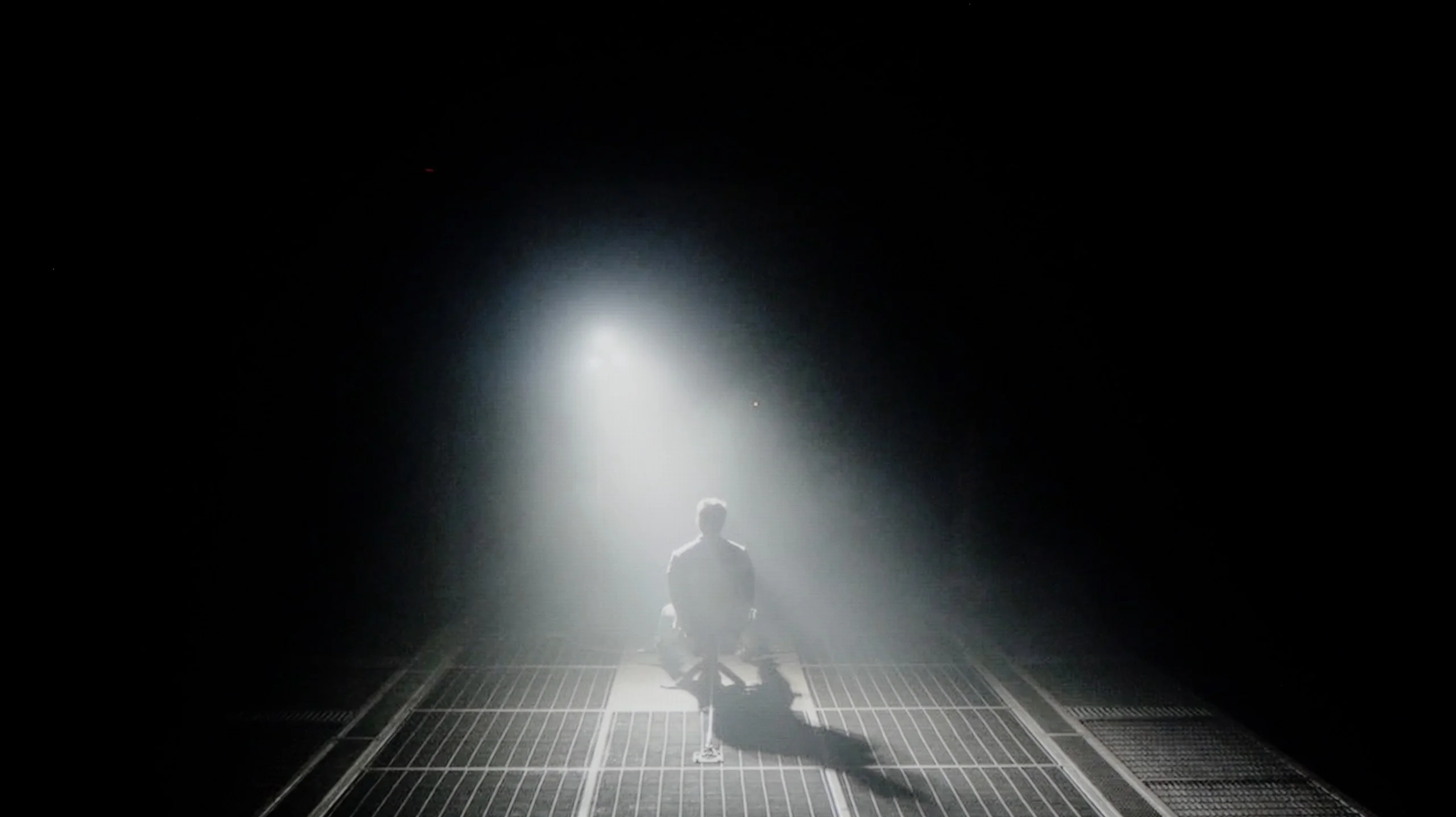
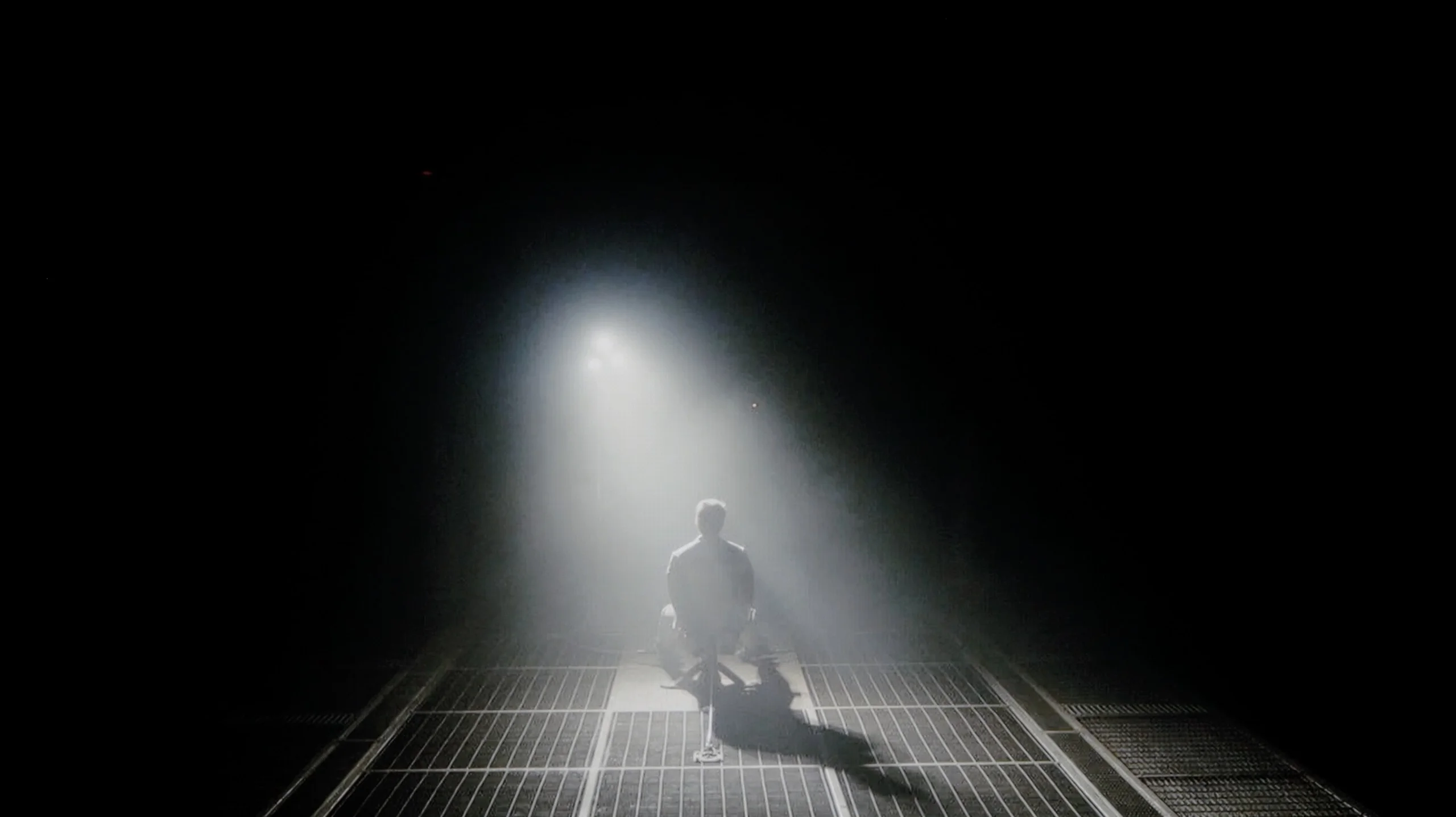
Check the visibility of bright lights on a dark background. Mini-LEDs often struggle with this. The photo does not compare black levels – that’s what the video below is for.
The video accurately shows differences in contrast and black levels between TVs, as well as potential issues: halo around bright objects or Mini-LED zone operation visible as brightness jumps.
The 65-inch Hisense UR9S has 1,056 local dimming zones. That's still quite a lot, though fewer than last year’s U8Q with a traditional QD Mini LED backlight. However, the raw number of zones doesn't determine black performance; how the TV controls them is equally important. Despite the smaller number of zones, the UR9S delivers a comparable level in this respect. The contrast we measured was very high in most scenes, reaching six-figure values. As a result, blacks look deep and the image retains good depth. Naturally, as with any Mini LED TV, a halo effect can appear around bright elements on a dark background, which lowers contrast in those areas. With the UR9S, the bloom is not as unnatural to the eye as on traditional Mini LED screens. The glow often takes on the color of the displayed object. If a small colored element appears on the screen, the backlight in that area glows in a similar color rather than creating a typical white halo. Of course, this is not a TV that can match OLED when it comes to blacks. Still, the UR9S is certainly among the better LCD TVs in its class.
Since the LG G6 is based on OLED technology, specifically the 2nd generation WOLED TANDEM matrix, we are talking about perfection in terms of blacks and contrast, which is confirmed by our lab measurements – in every test scenario, the television achieved an absolute infinity mark. The ability to control each pixel independently gives it a powerful advantage over any LCD panel on the market. This translates to a brilliant, plastic depth of image that immediately draws you into every possible viewing experience. This is clearly visible in the example of a dark, demanding scene with a helicopter from the movie Sicario 2. While traditional screens with local dimming (including Mini-LEDs) can generate annoying "halo" effects in such moments, lighten black bars in films, or lose details in shadows, the LG G6 handles it flawlessly. Black where it should be black remains pitch-black and perfectly separated from bright points.
*A small note: during this test, a fairly strong grain and flickering of the image stands out. However, we do not take it into account when evaluating the contrast itself and this part of the review – we will describe this specific problem in further detail in the section: "Smoothness of tonal transitions".
HDR effect quality
6.8/10
9.1/10
Luminance measurements in HDR:

Result
1704 nit

Result
385 nit

Result
845 nit

Result
291 nit

Result
1719 nit
Result
2387 nit
Result
2345 nit
Result
2418 nit
Result
2439 nit
Result
1844 nit
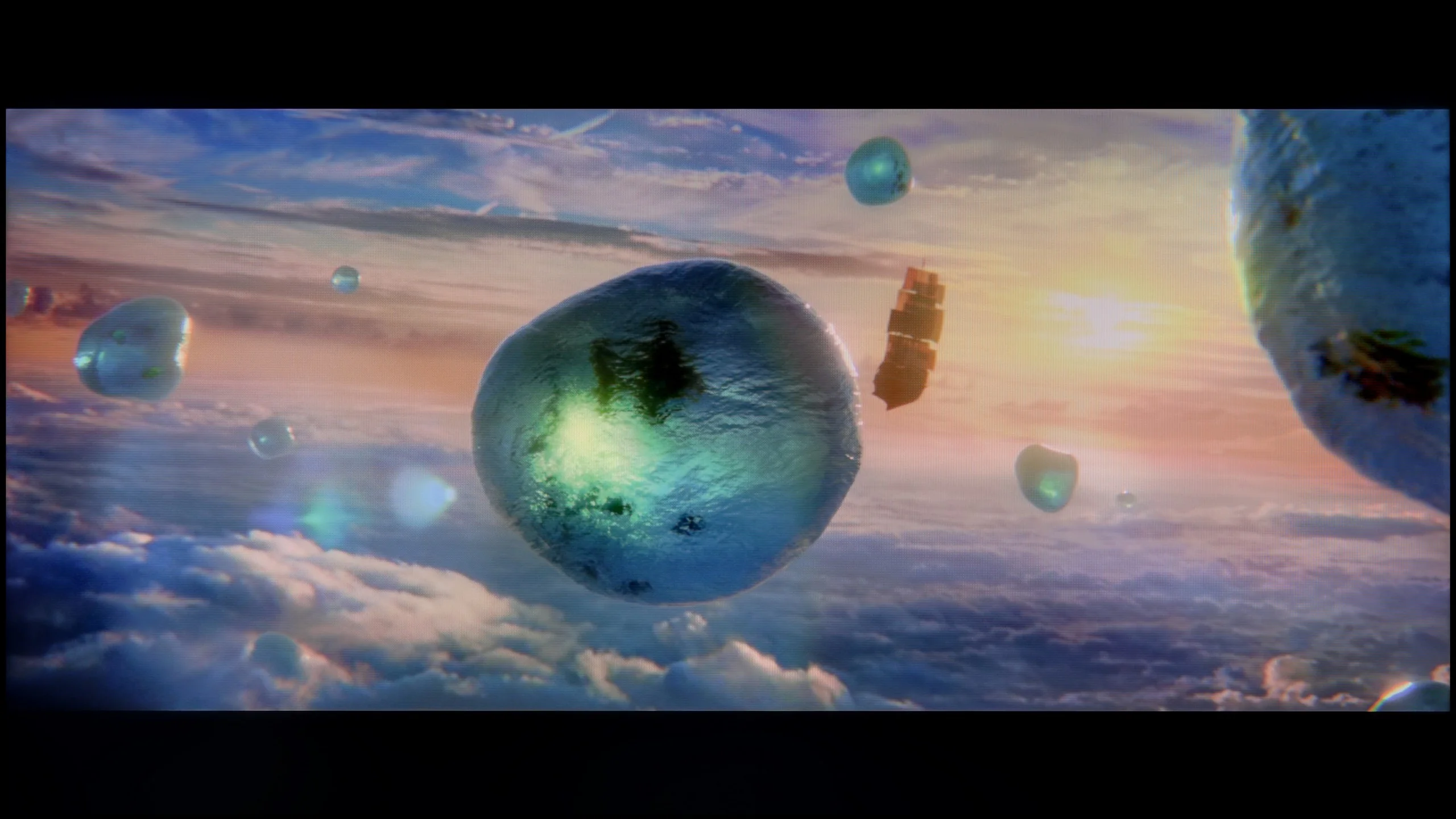
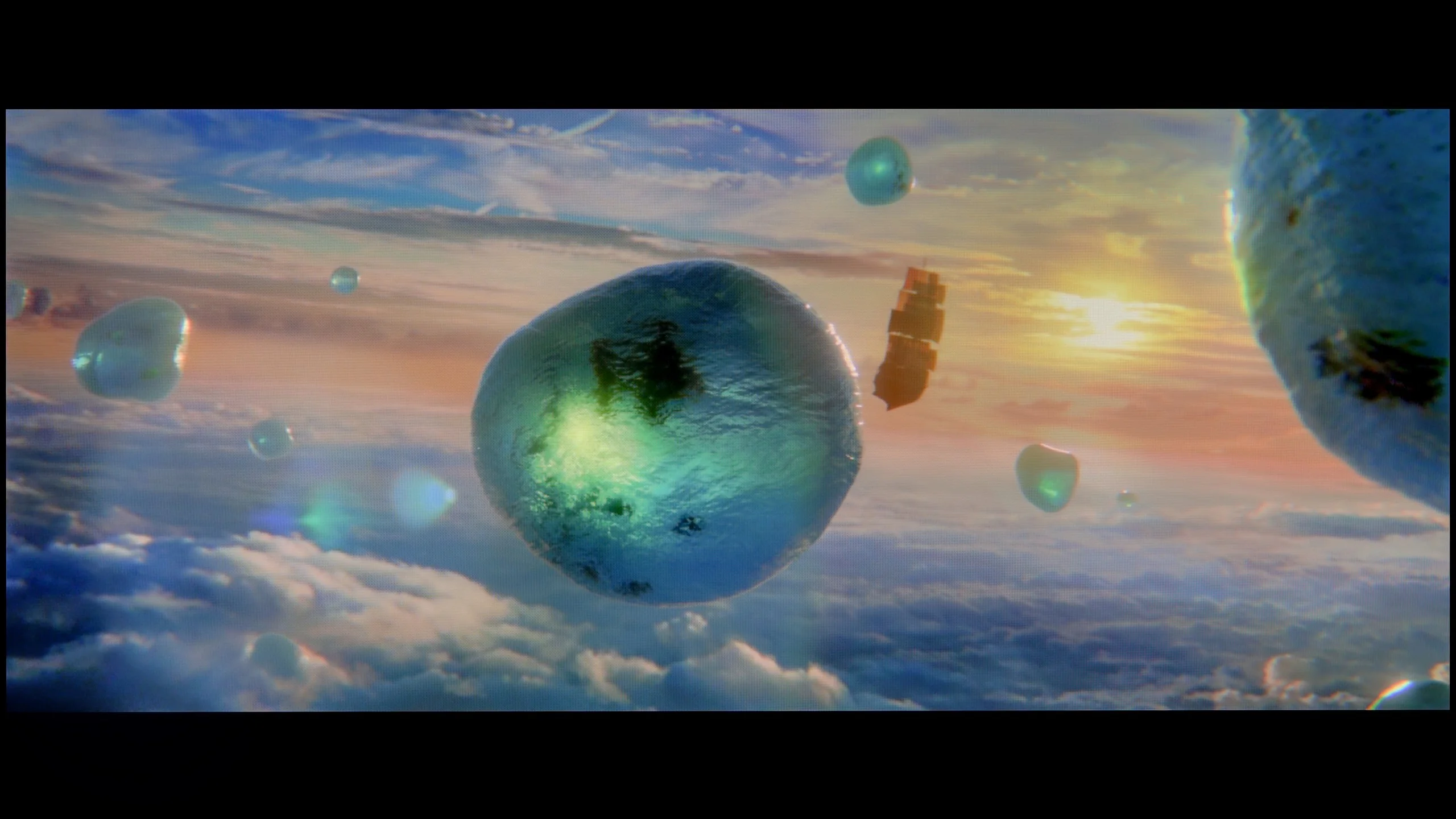
Scene from the movie “Pan” (about 2800 nits)
Scene from the movie “Billy Lynn” (about 1100 nits)
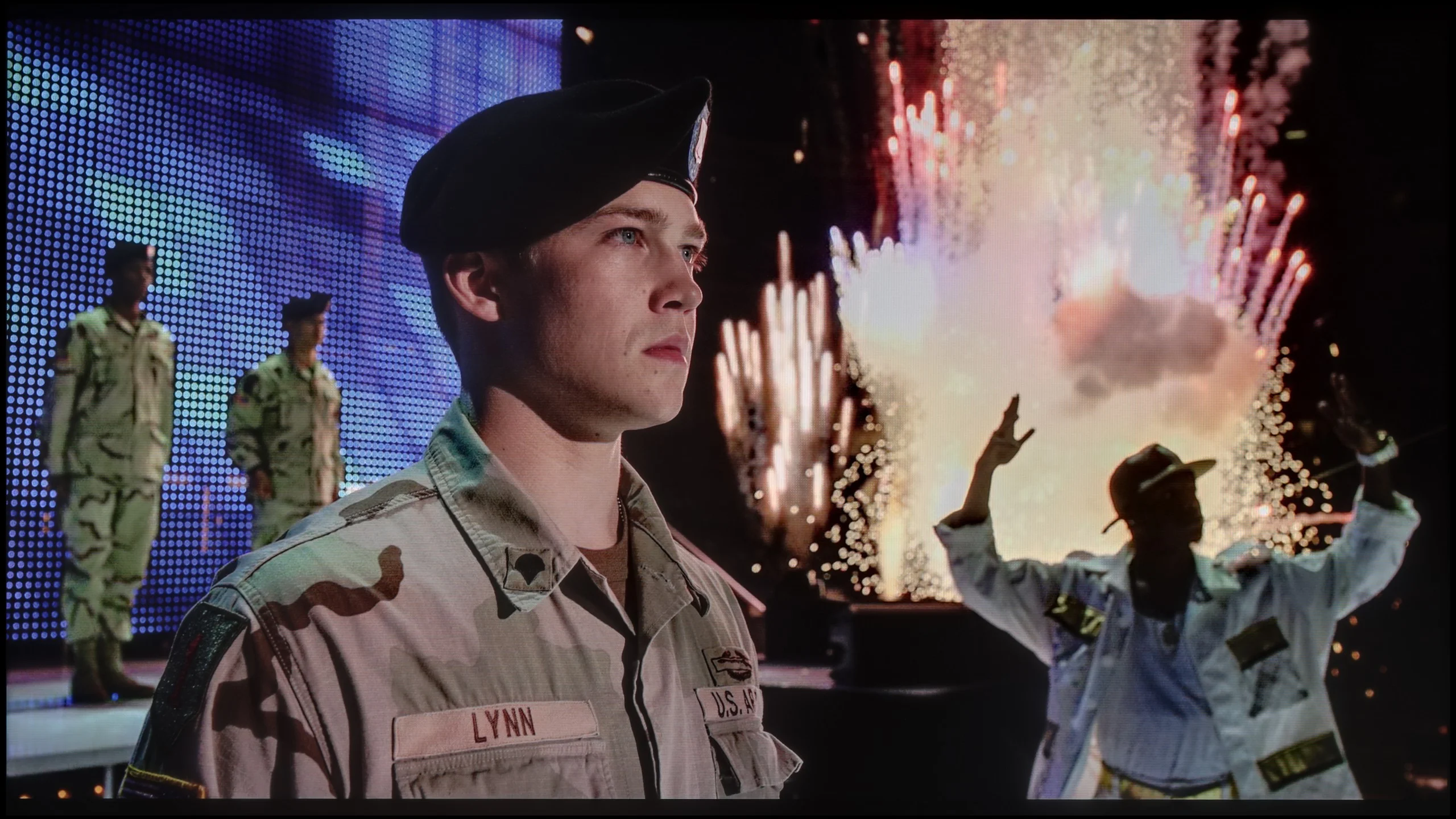
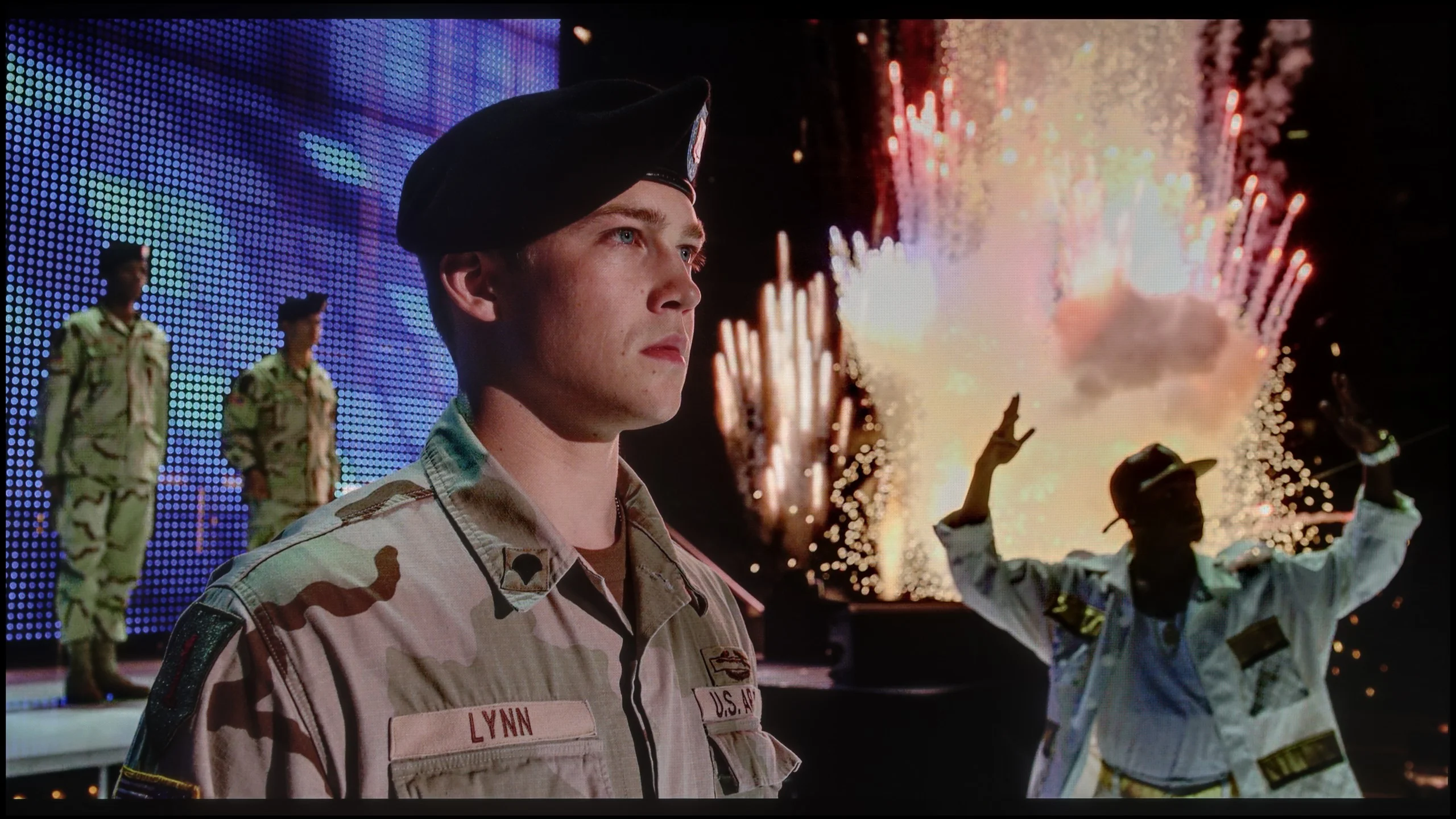
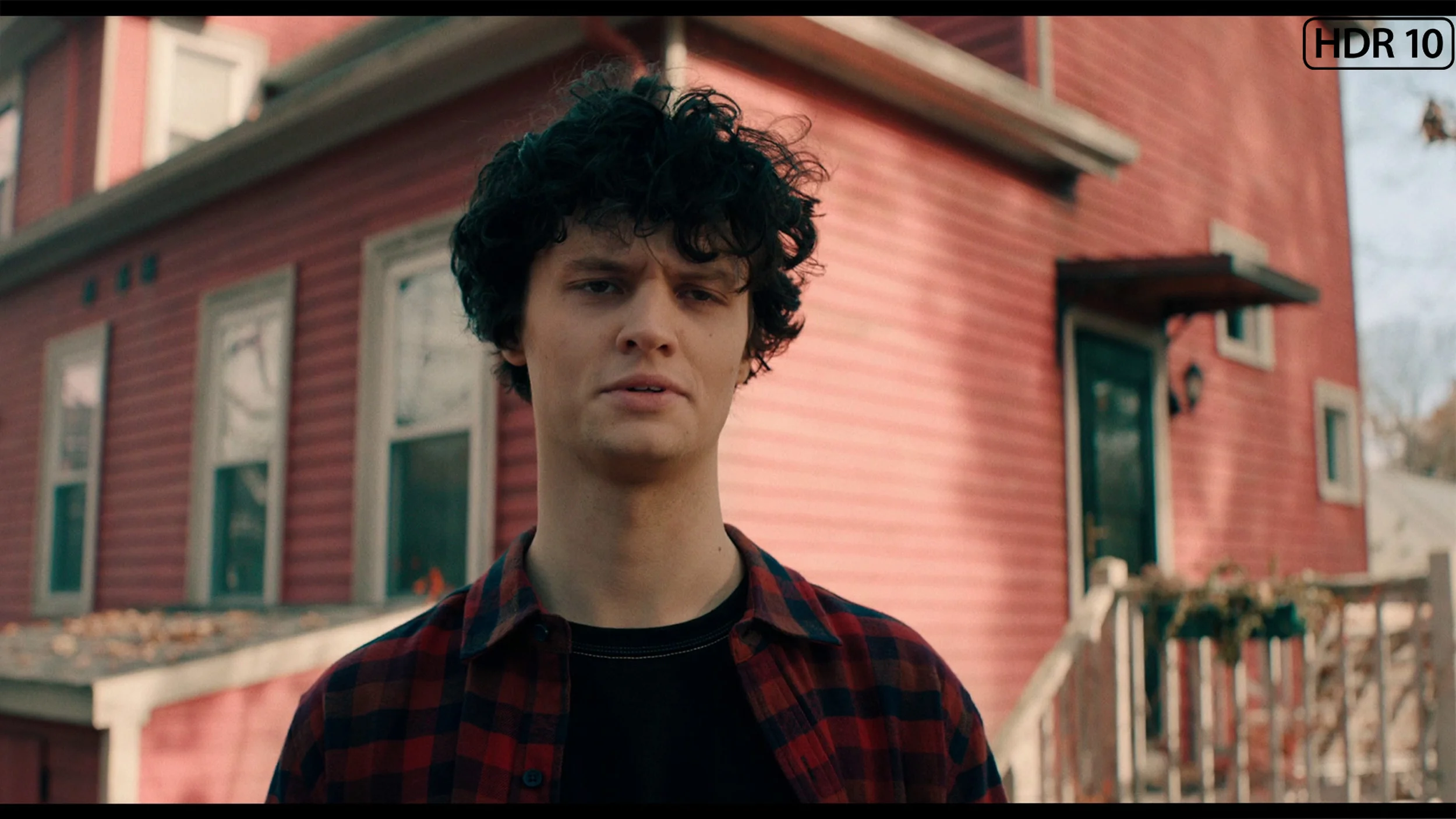
The photos show two HDR10 movies. 'Pan' is one of the brightest productions ever made, while 'Billy Lynn' (soldier) has brightness typical of streaming (Netflix, Prime, HBO MAX). Notice the intensity of effects and detail in whites.
Static HDR10


The photos present the visibility of white details in various HDR formats. They do not show brightness differences between TVs (these can be compared in the previous gallery).
Dynamic: Dolby Vision
Dynamic: Dolby Vision


The photos present the visibility of white details in various HDR formats. They do not show brightness differences between TVs (these can be compared in the previous gallery).
HDR luminance chart:
LG OLED G6 (G64LW, G66LS)
Hisense UR9S
Luminance of RGB colors
The Hisense UR9S is without a doubt a show of strength from the Chinese manufacturer when it comes to luminance. On a synthetic test pattern the panel reached as much as 2600 nits, which is an impressive result. But you have to clearly separate lab results from film realities. In real material the UR9S behaves much more restrained. Peak brightness in balanced scenes hovers around 1500 nits. In demanding, dark shots—where the algorithms must at the same time preserve deep blacks and precisely light small details—brightness can drop drastically, even down to around 400 nits. The gap between the chart and reality is therefore huge. This is a direct consequence of conservative local-dimming behavior. When a bright object occupies a large portion of the frame, the system can easily maintain a high luminance. But in night scenes the priority becomes protecting black levels and fighting the halo effect (unsightly glows around bright edges). To avoid degrading contrast, the TV drastically limits its light output. Even so, the UR9S can still produce a very powerful, engaging HDR effect that impresses in bright, spectacular sequences.
Color gamut coverage
On test patterns the Hisense UR9S performs excellently in terms of color. DCI-P3 coverage is nearly 100%, and BT.2020 coverage reaches 93%. Those are figures even the best QD-OLED TVs don't achieve. But again, synthetic measurements are one thing and movies and series are another. In real-world scenes the numbers fell to 93% for DCI-P3 and 81% for BT.2020. That's still great, but the advantage of RGB Mini LED is no longer as dramatic as manufacturers promise in marketing materials. You could even say their capability is now close to TVs equipped with quantum dots, the so-called QLEDs. Why does this happen? Largely, color reproduction depends on how the local dimming zones operate. When a highly saturated color appears next to white or another, more complex element, a single zone must handle both parts of the image at once. Under those conditions the backlight cannot maintain extreme saturation of a given color on the screen, because the emitted light takes on a character closer to white. Hisense refined this quite well in the UR9S, but still not enough for the TV to sustain such high color saturation in every situation.
The LG G6 is currently one of the brightest OLEDs on the market. Its peak brightness reaches nearly 2500 nits, and best of all – this has a direct impact on real film scenes. The television flawlessly pulls out details in the bright parts of the image. And this is regardless of whether we are talking about very small points like stars in the sky or slightly larger elements on the screen. Naturally, with full-screen, uniformly white scenes, the brightness of the G6 decreases due to the panel's protection system (ABL). However, in real, varied film shots, this value still hovers around 2000 nits, which can be considered an outstanding result. The coverage of the color palette also deserves praise. The new 2nd generation Tandem OLED panel brought only a cosmetic change, but still an improvement. The DCI-P3 color gamut coverage reaches nearly 99.5%, while the ultra-wide BT.2020 is around 84%. These are very good results, although one must remember one thing: at extremely high brightness levels, the volume of colors will be lower than in QD-OLED panels from Samsung Display due to the use of a white sub-pixel (WOLED). However, in everyday content and most films, detecting this difference will be very difficult.
Factory color reproduction
5.1/10
7.4/10


This gallery shows how colors change after professional TV calibration. If you notice the difference, we recommend ordering this service at SkalibrujTV.com.
Factory Mode
After calibration
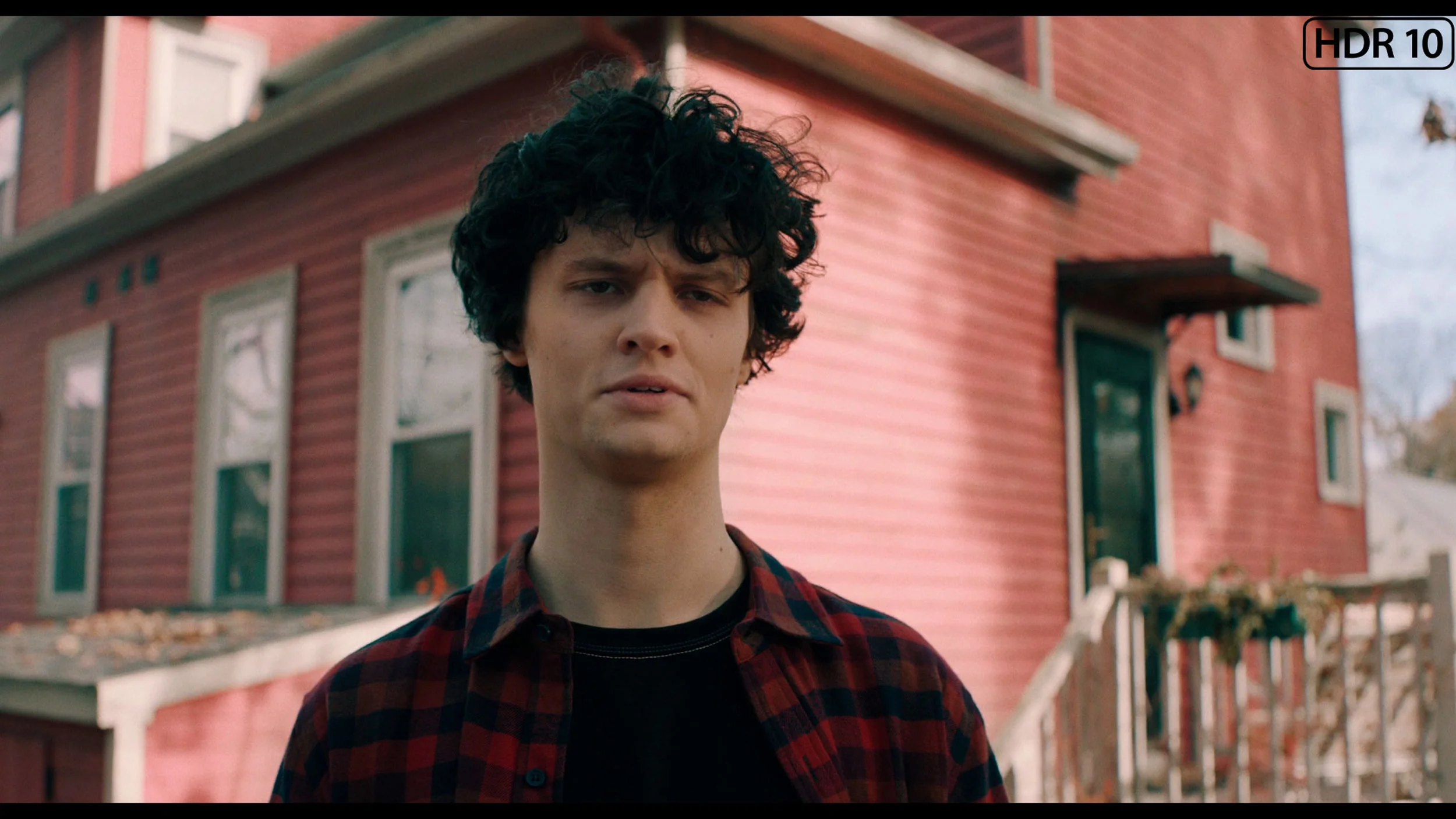
This gallery shows how colors change after professional TV calibration. If you notice the difference, we recommend ordering this service at SkalibrujTV.com.
Factory Mode
After calibration
We tested the Hisense UR9S in Filmmaker Mode, which, by default, provides the most accurate image reproduction. In HDR content the TV performed quite well in that regard. White balance did not show large errors, and the luminance curve, though typical for Hisense, was at a reasonable level. So the image was neither overly bright nor noticeably color-shifted. The same mode fared much worse with SDR content, meaning the content we watch most often, such as broadcast TV or YouTube. White balance was strongly shifted toward red and blue, giving the image a slightly pink tint. This also affected the gamma curve. Instead of approaching the reference value of 2.4, it was closer to 2.0, which made the image look too bright, especially in midtones and darker areas. Filmmaker Mode therefore remains the best out-of-the-box choice, but it's not without flaws.
We tested the LG G6 in the best factory mode for color fidelity, which is FILMMAKER MODE. For our test unit, this mode was fairly well-tuned right out of the box. In SDR content, the only thing we could nitpick was the white balance, which leaned towards warmer tones. As a result, the image could sometimes appear slightly yellowed; however, overall, it wasn't a bothersome issue. The G6 performed a bit worse with HDR content. There, we noticed too much blue component in the white balance. This caused the image to take on cooler shades, resulting in quite noticeable errors. As can be seen in our ColorChecker chart, colors were indeed shifting towards these cooler registers. Nevertheless, for factory settings, the television displayed a completely decent level. However, we know that OLED screens – especially those from LG – respond wonderfully to professional calibration, which is why we immediately proceeded with it.
Color reproduction after calibration
8/10
9.2/10
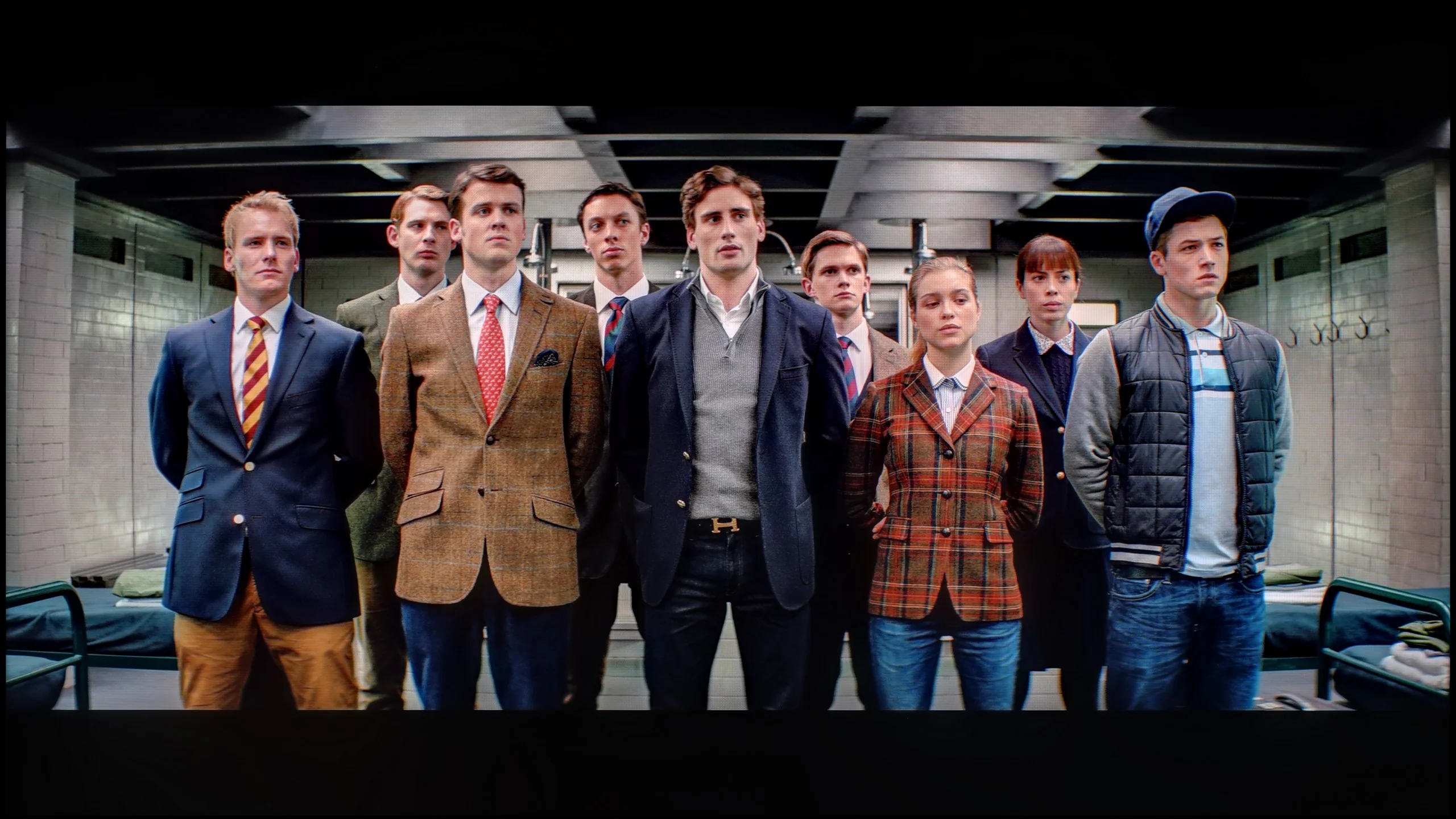
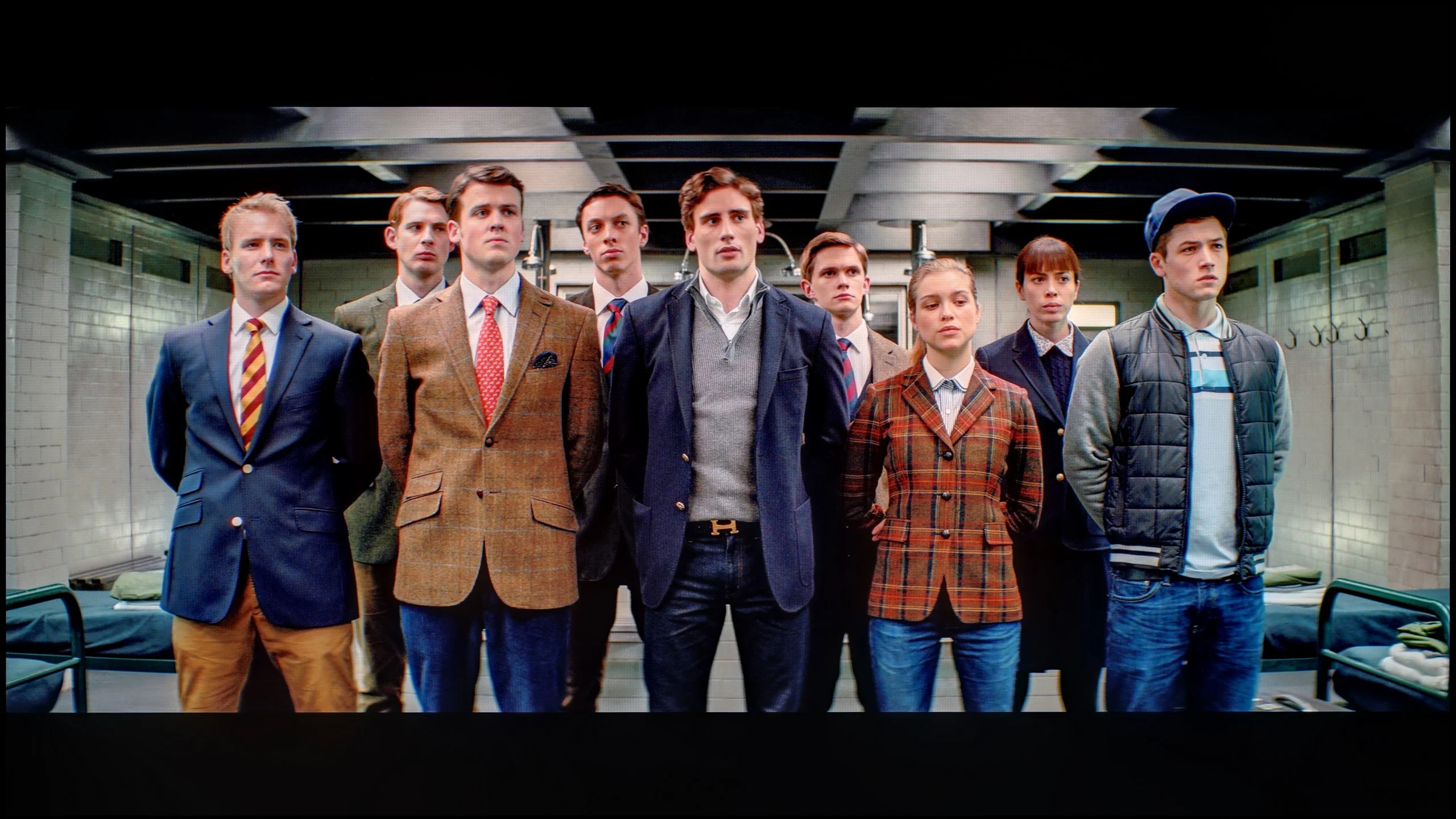
The photos show how movies look on the TV. Pay attention to black detail visibility, colors, and shadow tint.


The photos show how movies look on the TV. Pay attention to black detail visibility, colors, and shadow tint.
After calibration we saw the biggest improvement in SDR mode, though we also refined the HDR picture. Hisense offers a lot of calibration settings in the TV's menu, so we could precisely correct the white balance and other image errors. The most important change was removing the pink cast that had previously been clearly visible in SDR content. After calibration the picture looks much more natural, especially in everyday content such as TV or YouTube.
Color reproduction errors on the ColorChecker chart are very small after calibration. The vast majority of colors fall below a Delta E of 2–3, meaning at a level very hard for the human eye to detect. The only thing we couldn't completely eliminate is the characteristic HDR tone mapping typical of Hisense TVs. It affects how brightness is distributed in movies and can subtly "beautify" the image, rather than strictly following the creators' intent. For a less experienced viewer this can produce a stronger "wow" effect, but it won't always fully match how the content should look.
After conducting a professional calibration, we gained complete control over the panel, and we were able to adjust all parameters to nearly zero. We managed to perfectly tune the white balance, which made the factory-cool and warm tints disappear from the screen. The effects are clearly evident in the ColorChecker test – the average color reproduction errors dropped below the critical value of 1-2. And what does that mean? PERFECT colors, with no distortion whatsoever! However, from a reviewer's obligation, we must comment on how the LG G6 autonomously manipulates brightness, for which the EOTF curve is responsible. When we look at the standard synthetic graph, it may seem that the line is quite straight. The situation changes, however, when we turn on the measurement filter, which shows how the television interprets brightness in real, moving film scenes (EOTF in MOVIES). At that point, it becomes clear that some of the smallest fragments on the screen are slightly over-brightened by the algorithm. Of course, for the average viewer, such a deviation will be practically unnoticeable, but in the test of such an expensive screen, it is worth noting – especially since we are talking about a model that has huge aspirations to be the best television of the year.
Smoothness of tonal transitions
9.4/10
5.5/10
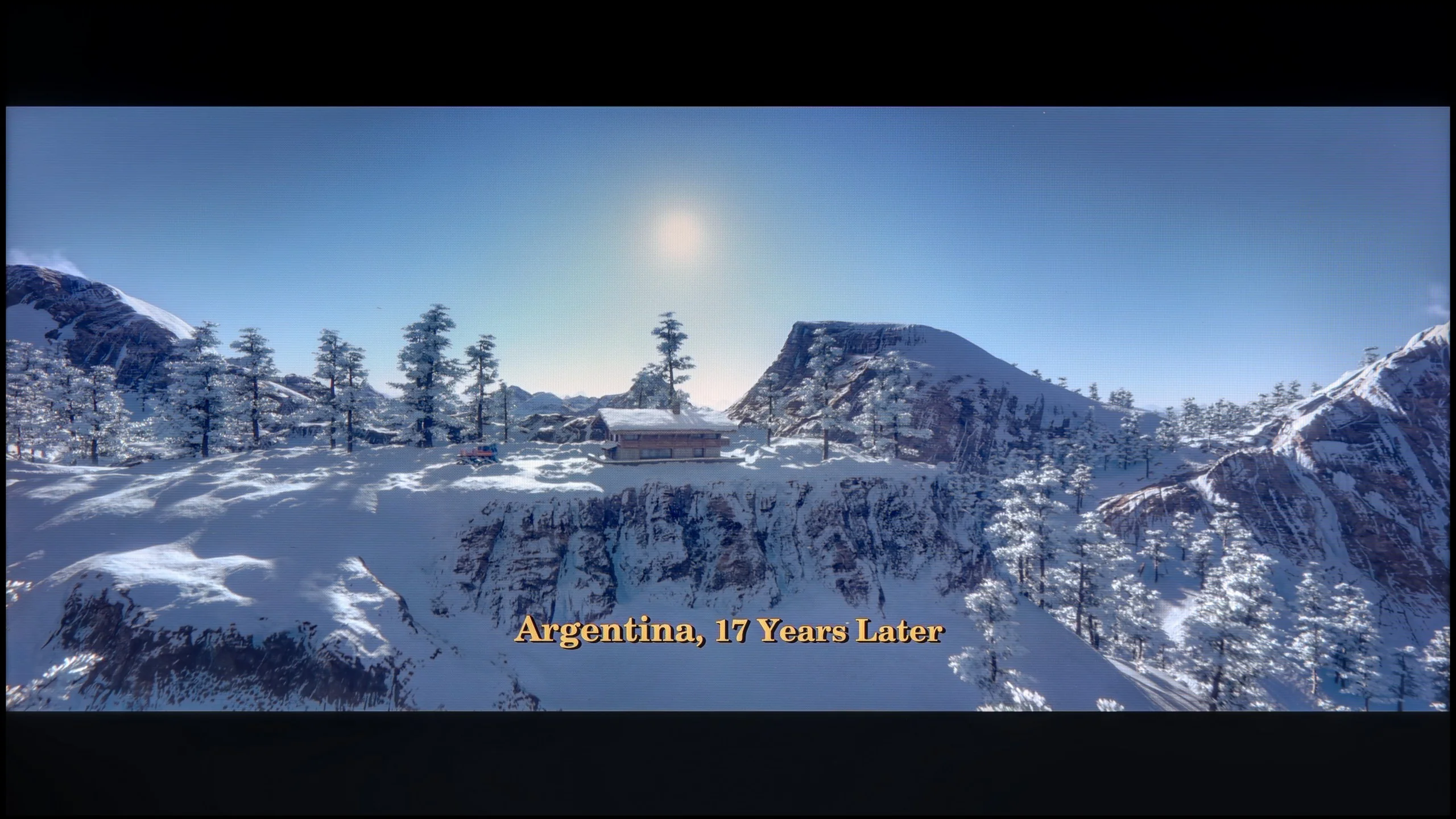
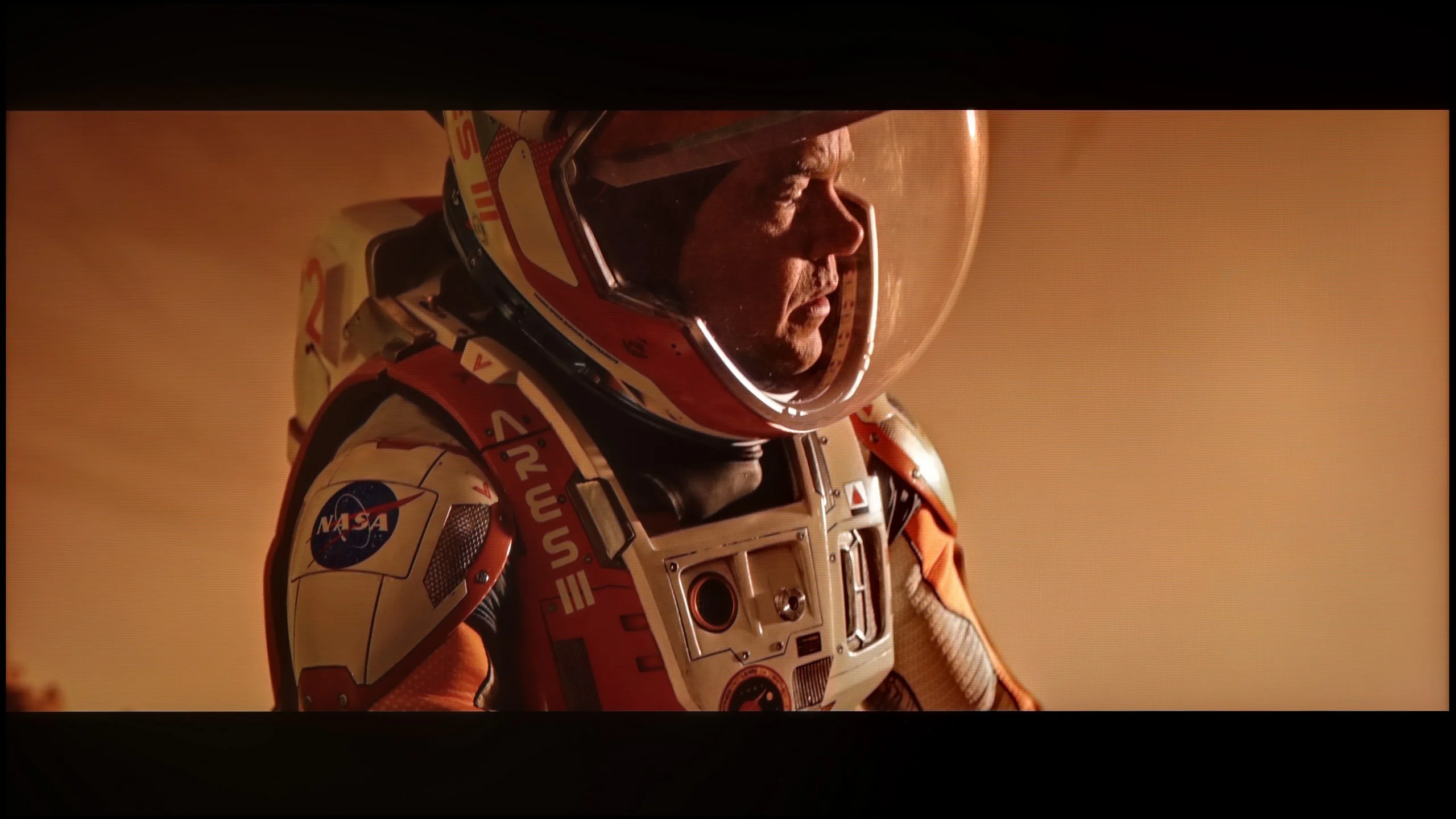
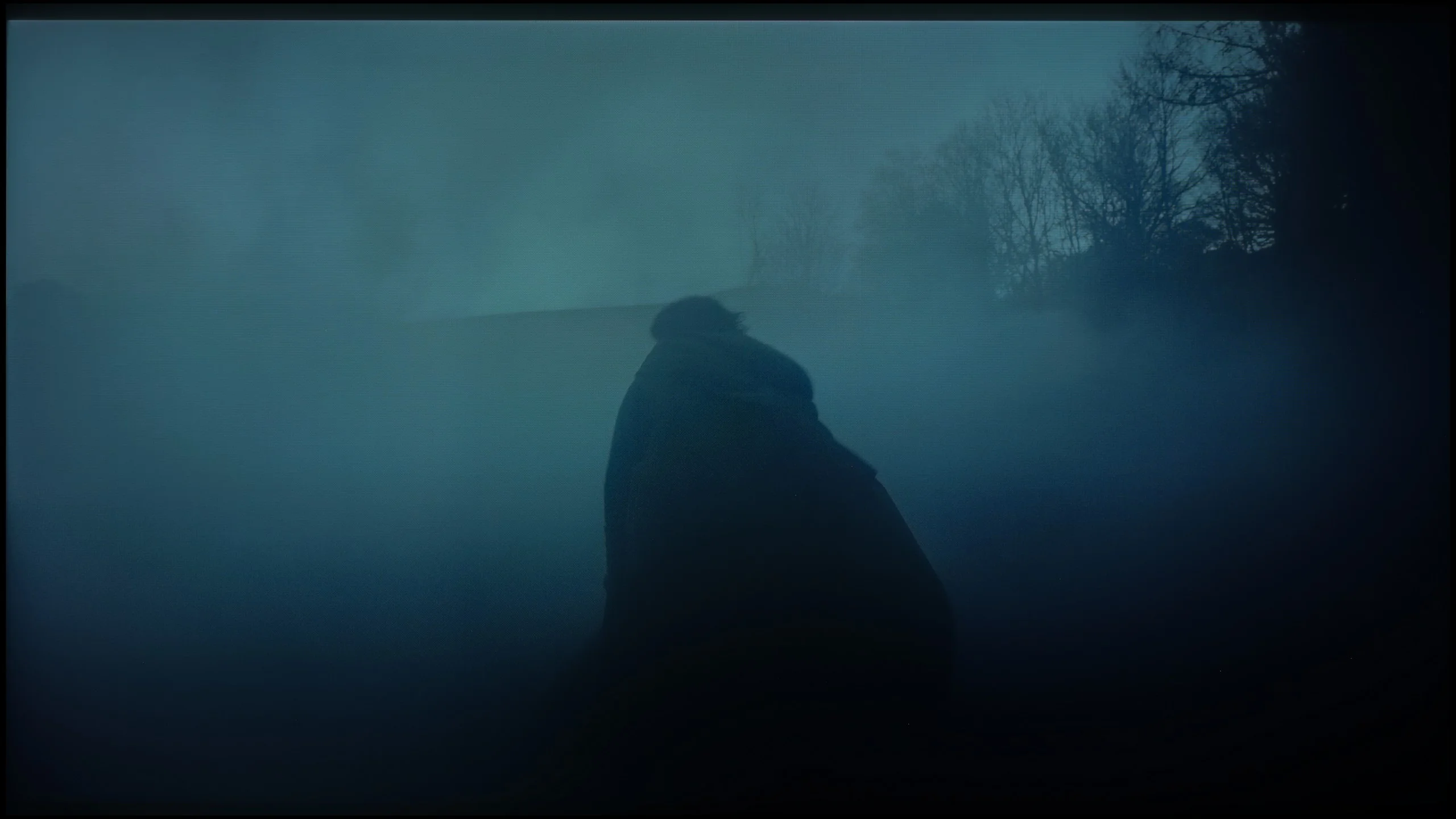
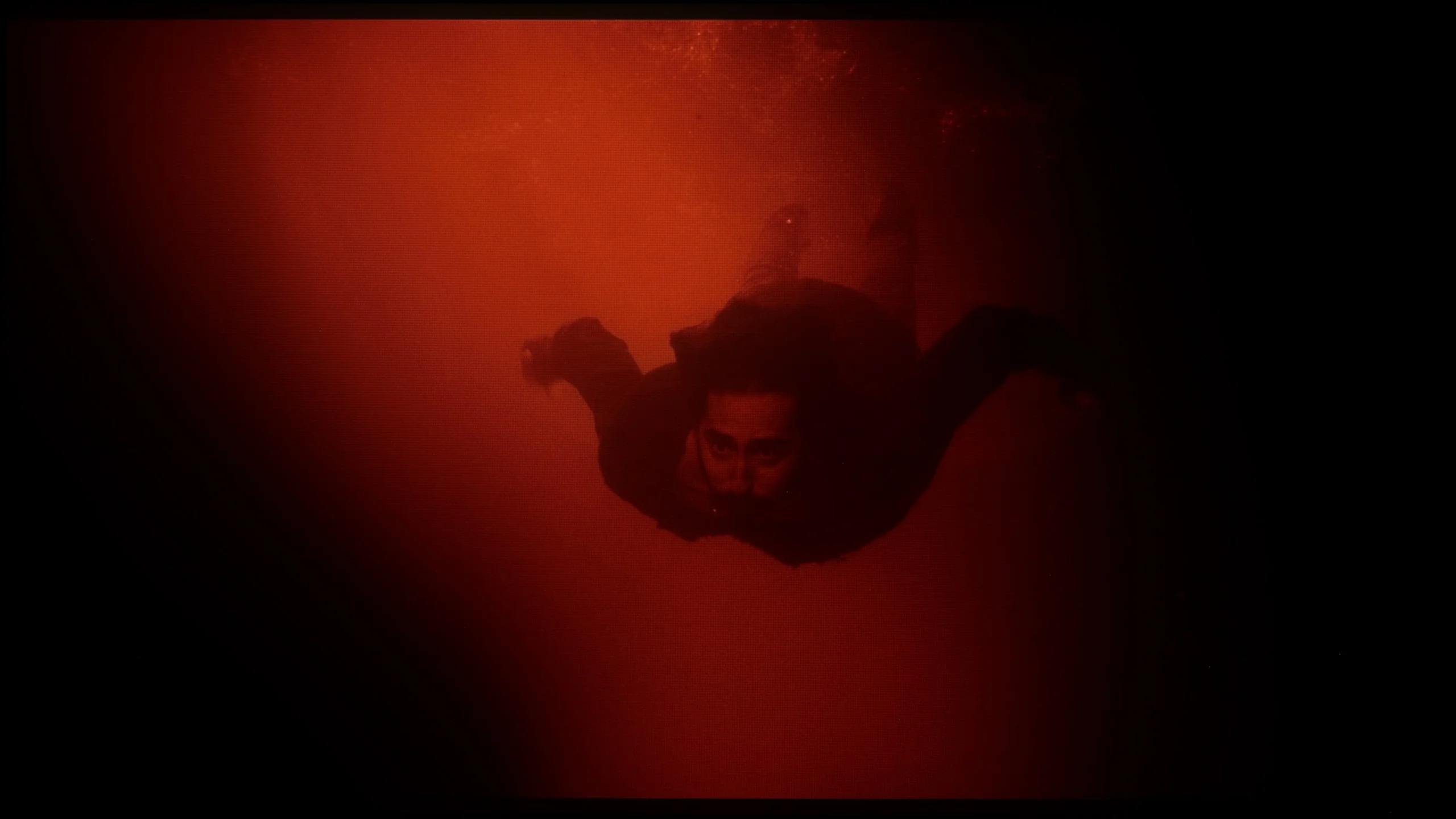
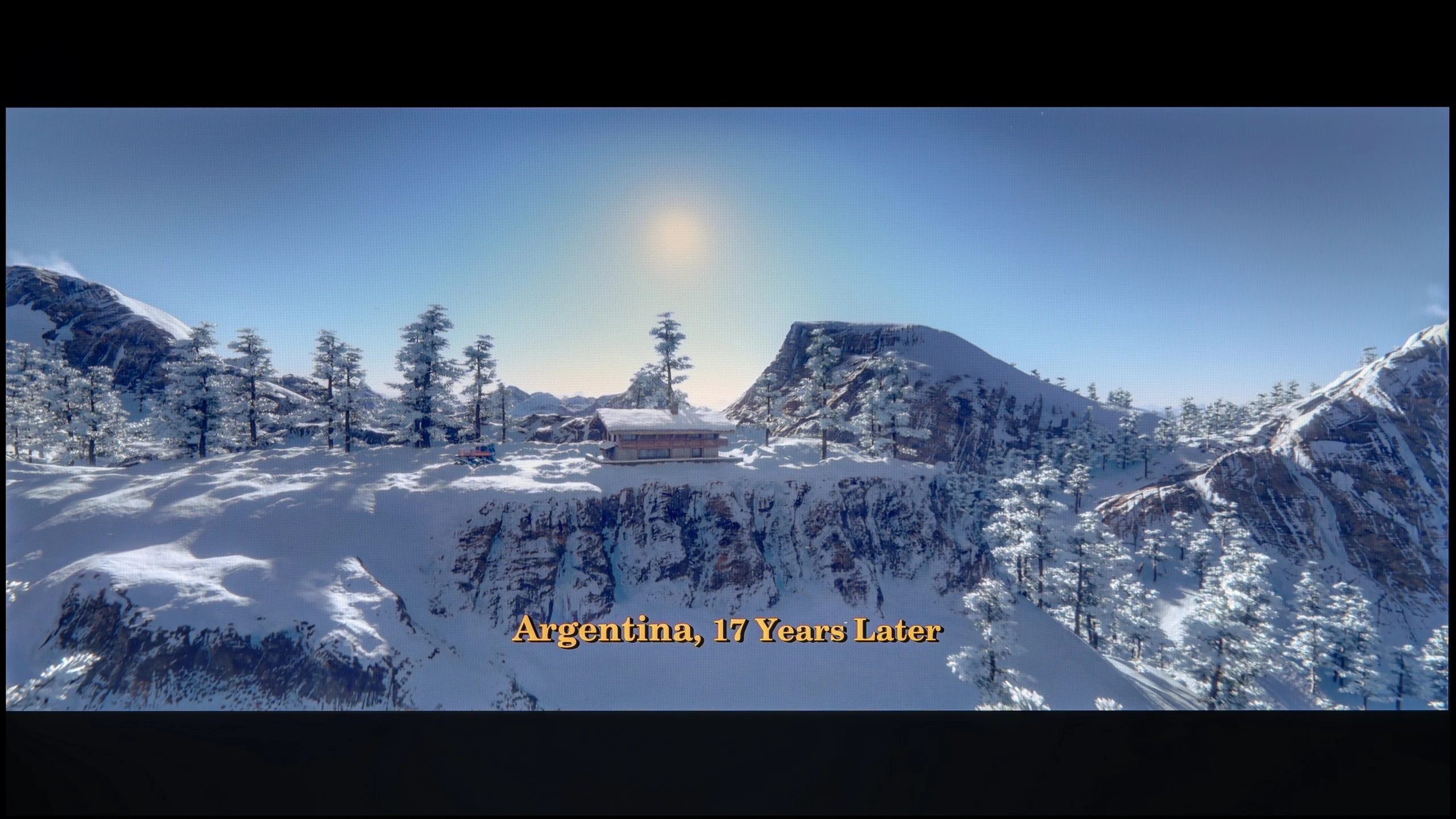
These are selected scenes that show smooth tonal transitions from one color to another. If you see distinct banding, it’s the TV panel’s fault.
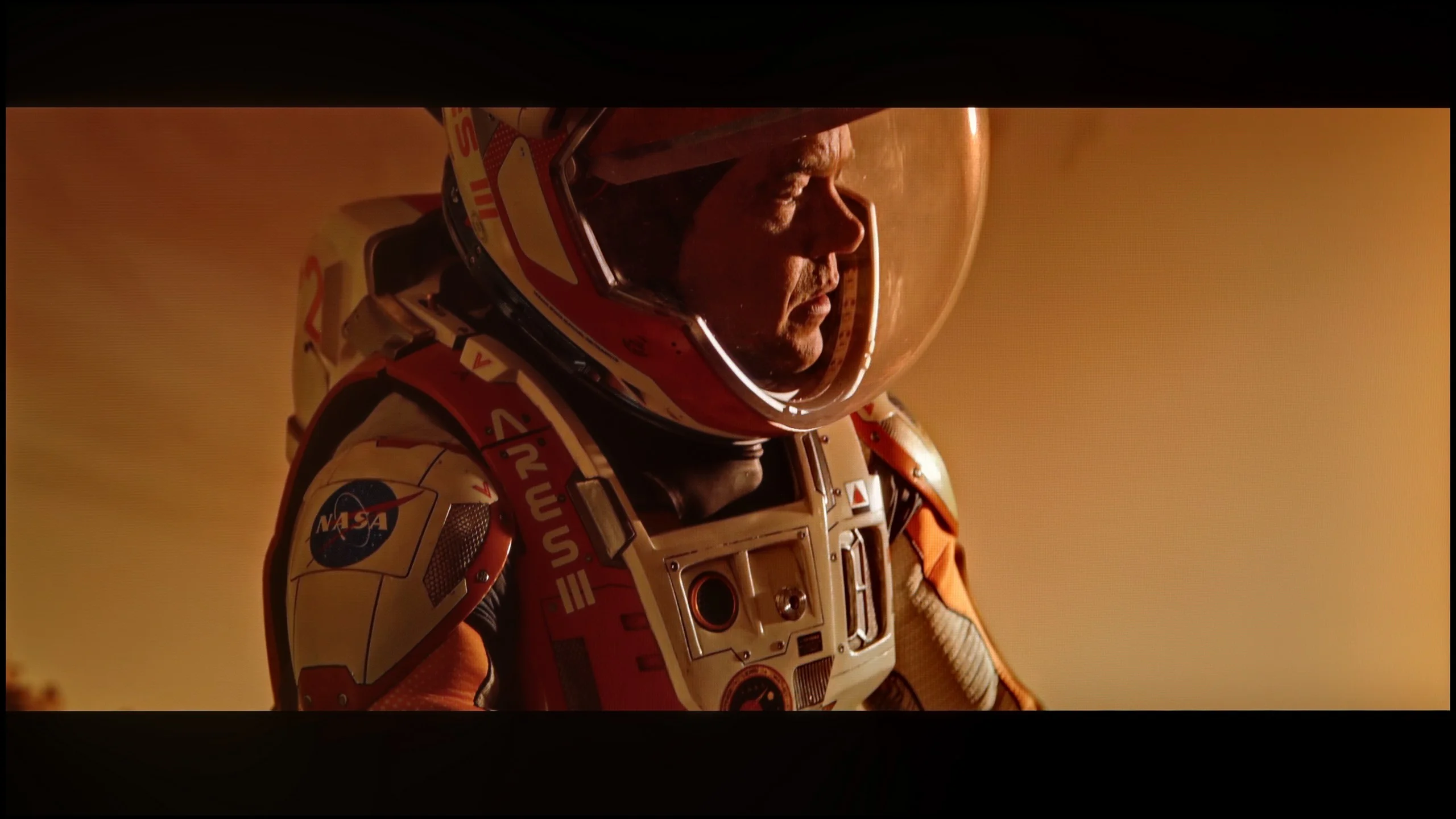
These are selected scenes that show smooth tonal transitions from one color to another. If you see distinct banding, it’s the TV panel’s fault.
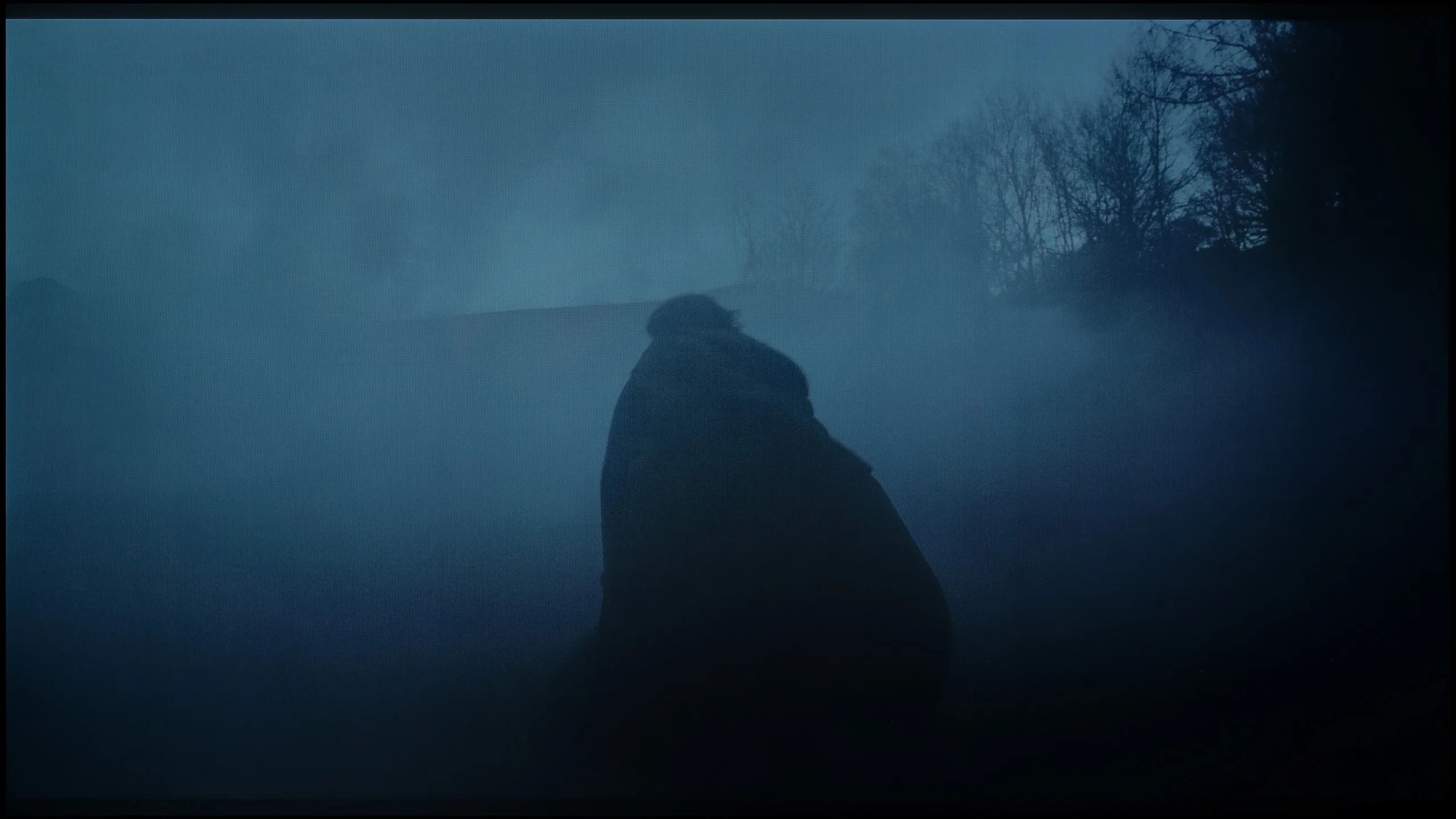
These are selected scenes that show smooth tonal transitions from one color to another. If you see distinct banding, it’s the TV panel’s fault.
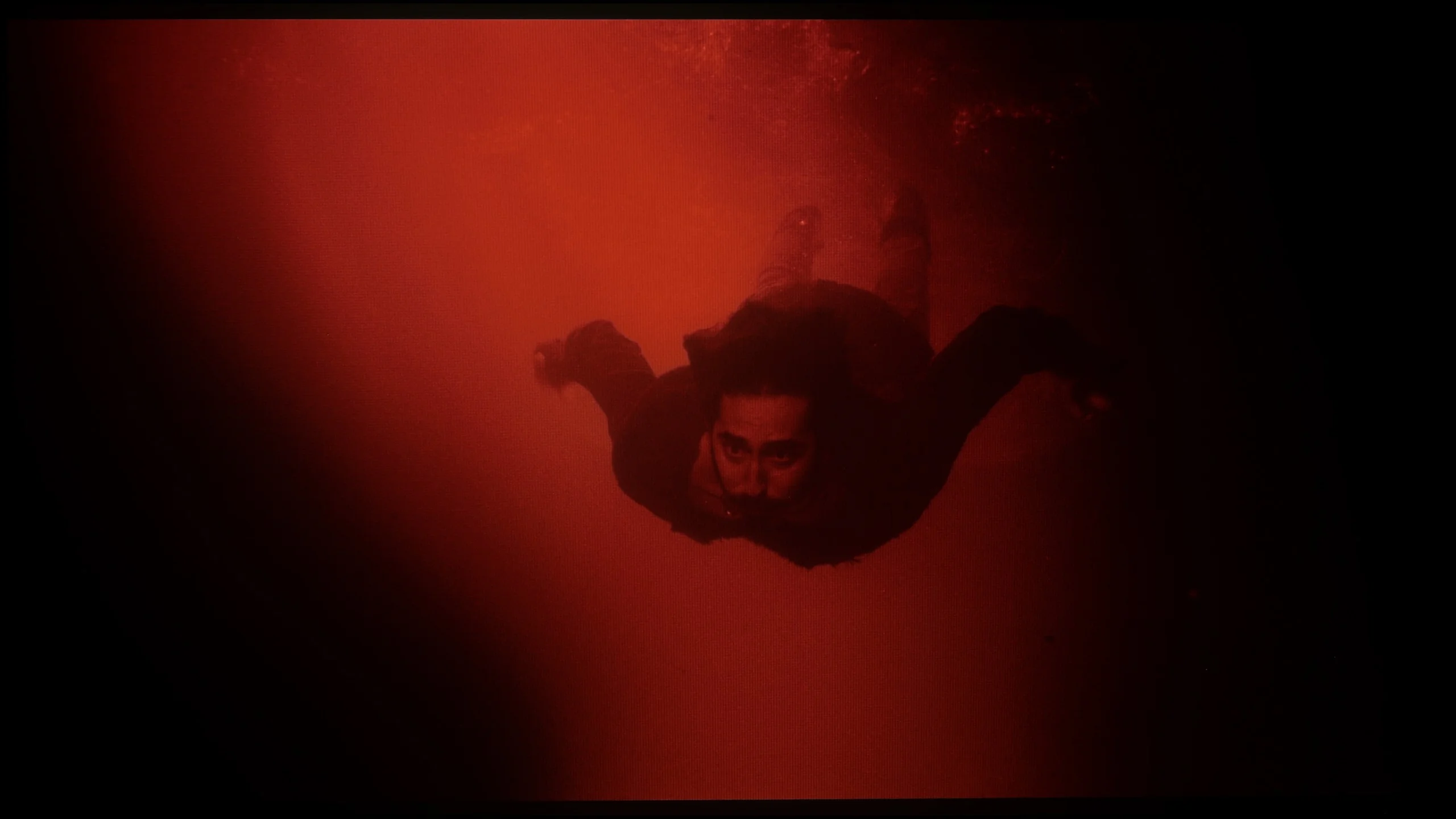
These are selected scenes that show smooth tonal transitions from one color to another. If you see distinct banding, it’s the TV panel’s fault.
In terms of the smoothness of tonal transitions, the Hisense UR9S performs very well. In high-quality content, such as movies on Ultra HD Blu-ray discs or from streaming services, transitions between shades are smooth and there is no noticeable posterization. Occasionally minor imperfections can be seen, mainly in Dolby Vision content, but they are so small that during normal viewing they are hardly a real problem.
Unfortunately, this is where we come to the least cheerful part of this review. If we were to evaluate solely the smoothness of the tonal transitions, the G6 would score high marks. The color blending is at a very good level, and at times it resembles what we know from Samsung's QD-OLED panels. This is great news because up until now, ugly, banding artifacts in dark shades have been the bane of WOLED panels. In this category, we would easily give it a strong 8.5 out of 10.
Note: Unfortunately, the final rating in this section drops significantly, and the culprit is very aggressive dithering. In dark scenes, the image literally “shivers,” and in areas close to black/dark gray, the television can be annoyingly flickering. We do not know exactly what this is due to, but looking at the tests from other reviewers around the world - everyone has encountered exactly the same problem. We hope that LG will fix this as soon as possible with an update. We know that LG can respond quickly to negative user feedback, which can already be read online. We will keep an eye on this issue and will inform you in case of improvement.
Image scaling and smoothness of tonal transitions
8/10
8.7/10

Smooth transition function
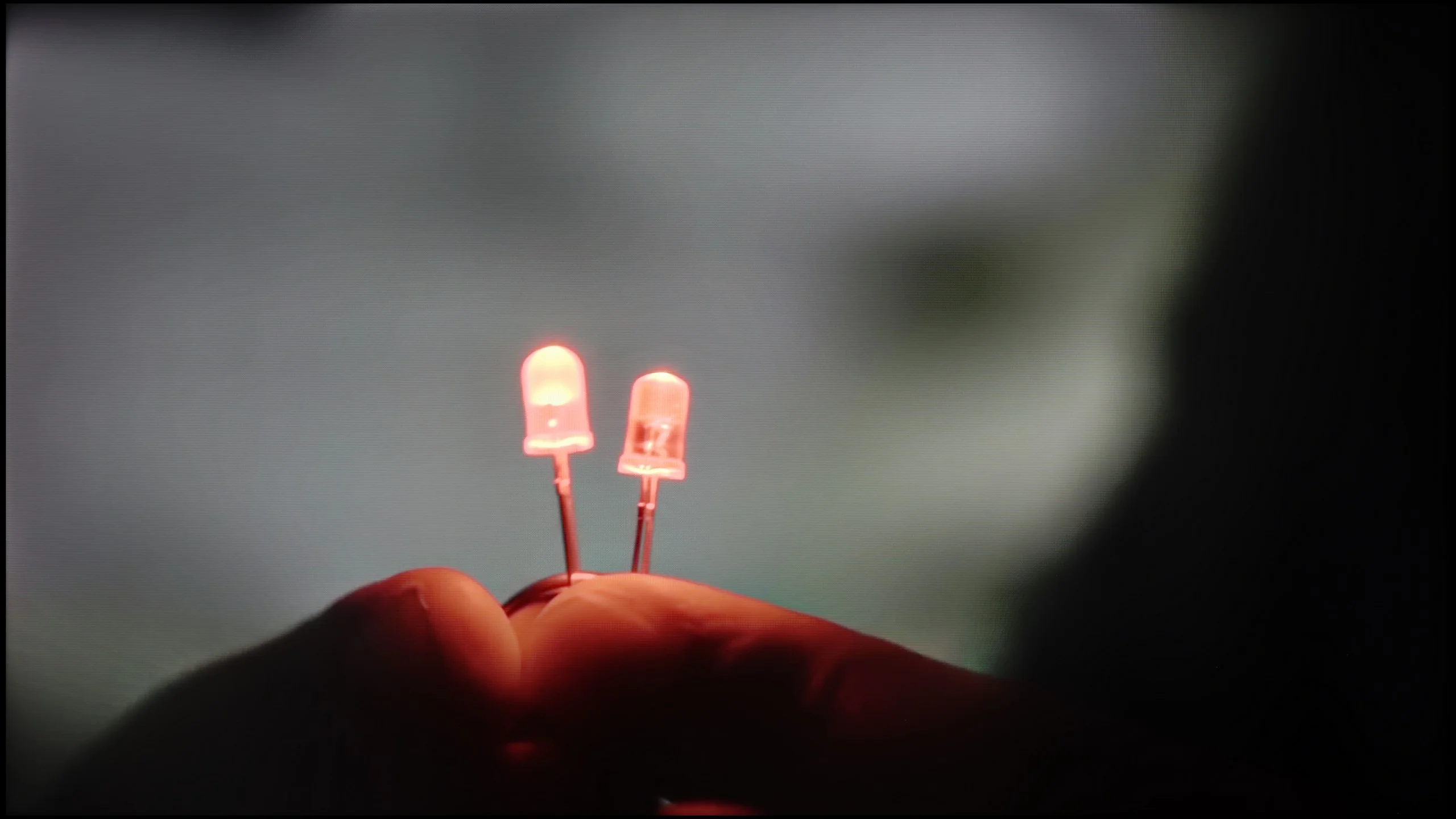
The match photo shows how the TV smooths weak tonal transitions in low-quality video.
Image scaling SD (576i)


The model photo shows how it handles upscaling of SD material.
Digital image processing has been one of Hisense's strengths for two years, and the UR9S is no exception. The manufacturer uses the Hi-View AI Engine RGB processor, which is essentially based on the well-known MediaTek Pentonic 800 platform, previously used, among others, in the U8Q. The TV handles upscaling lower-resolution material to 4K and low-bitrate content very well, where various compression-related artifacts are common. Thanks to a feature called "Smooth and Gradient Picture", the image remains detailed without appearing overly sharpened or artificially smoothed. When watching regular TV or older, lower-quality material, the UR9S can pull a surprising amount out of them. In terms of digital image processing, this is one of the most refined LCD TVs we've had the chance to test.
No matter what one may say about the G6's problems with near-black signal, it must be fairly acknowledged that it handles highly compressed material and lower resolution content brilliantly. All unwanted, ugly tonal transitions are effectively reduced here by the “Smooth Gradation” feature. On the “Low” setting, the algorithm operates flawlessly – effectively masking the artifacts resulting from strong compression, without destroying the sharpness and details in the frame. Higher levels of this feature indeed smooth the image even more, but they start to blur the real texture elements of objects, which is why we recommend keeping this slider at a low level. As for the upscaling to 4K, the processor does an excellent job – edge sharpness and detail reconstruction are at the highest level, and in this respect, the G6 does not lag behind the world's best.
Blur and motion smoothness
7.9/10
8.5/10
Blur (native resolution, maximum refresh rate):



Blur (BFI function enabled):



Image flickers in this mode
Blur (1080P@330Hz):



Blur (4K@165Hz):



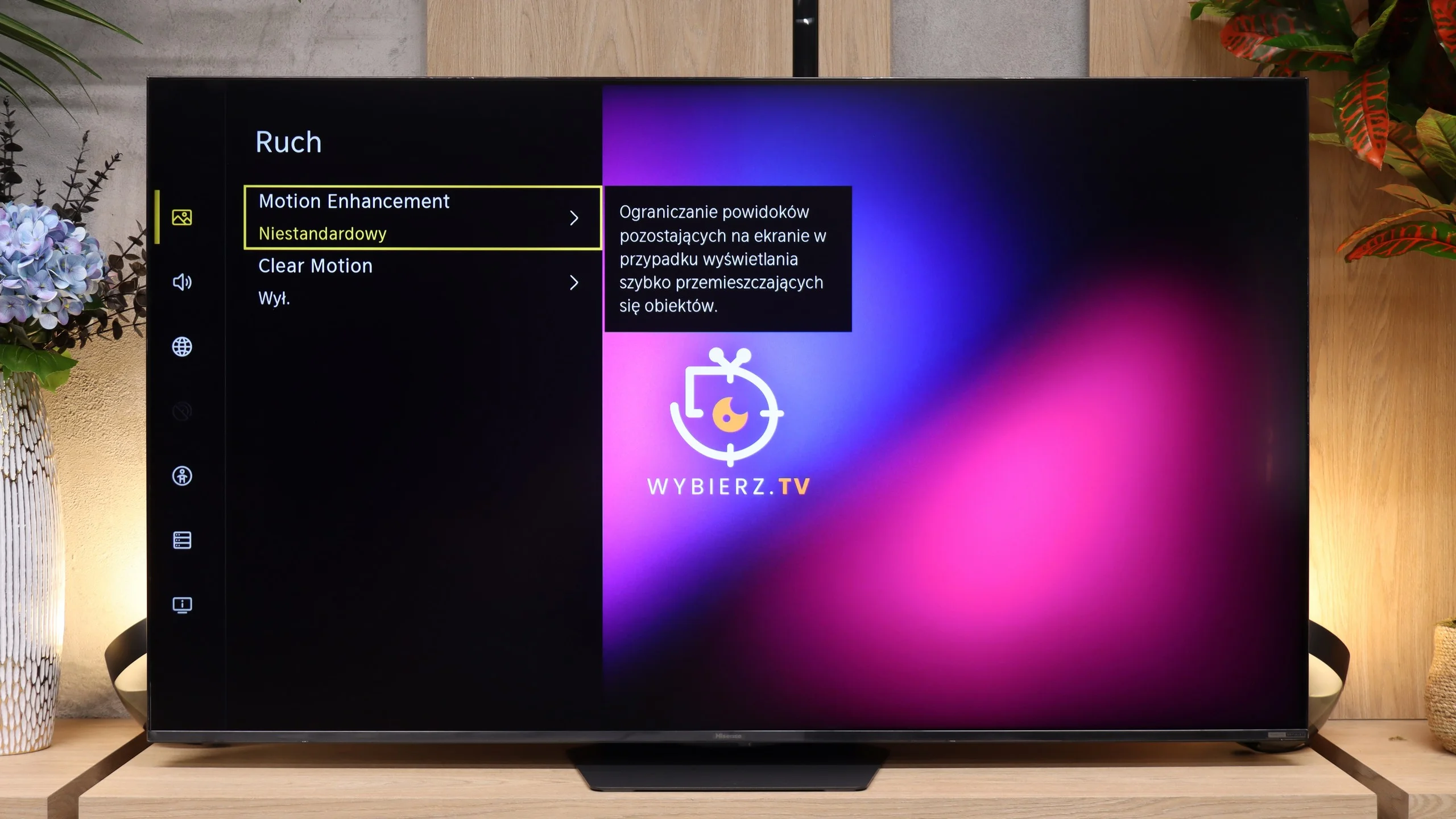
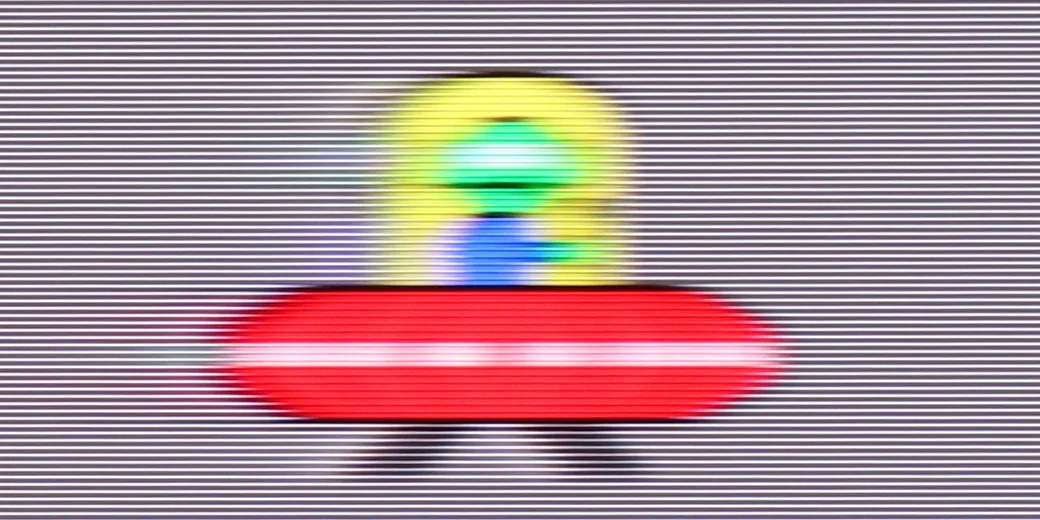
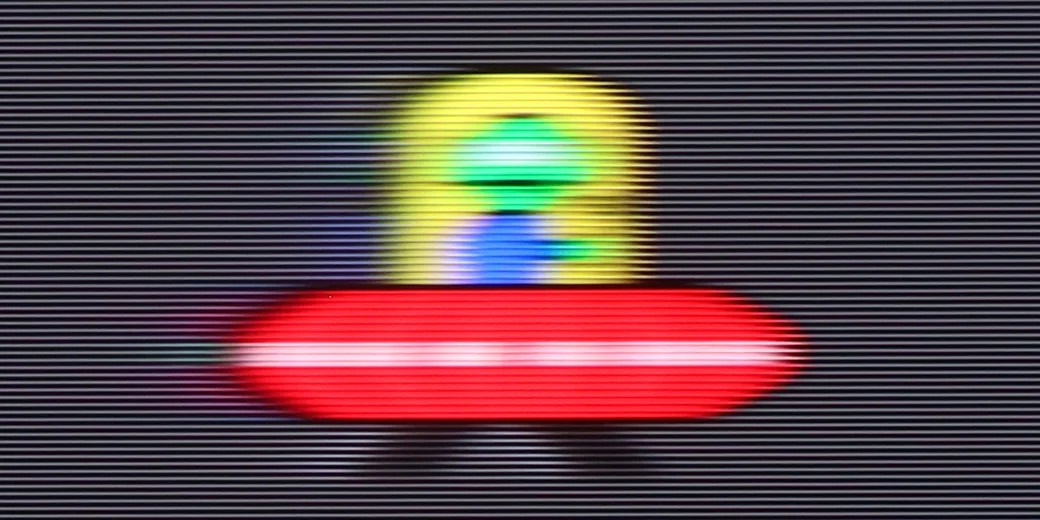
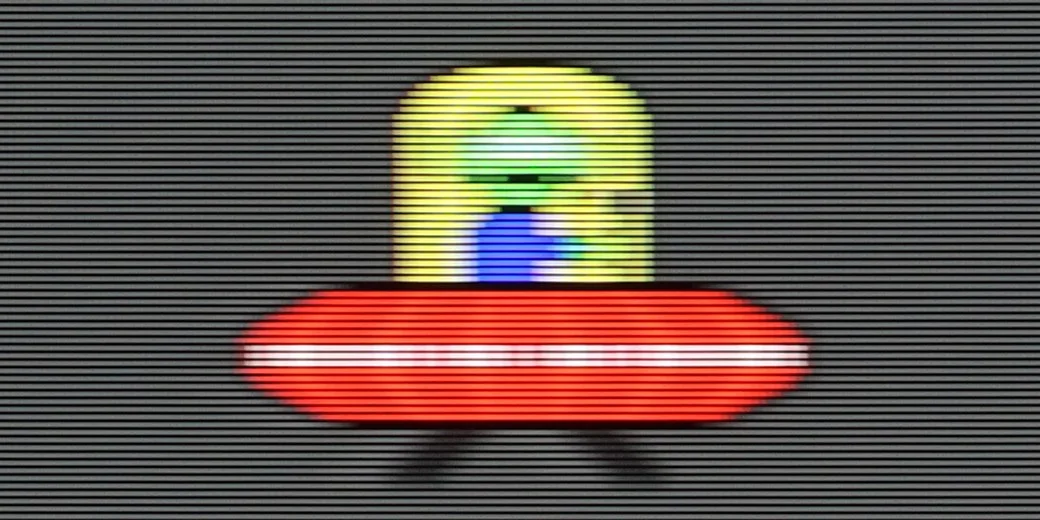
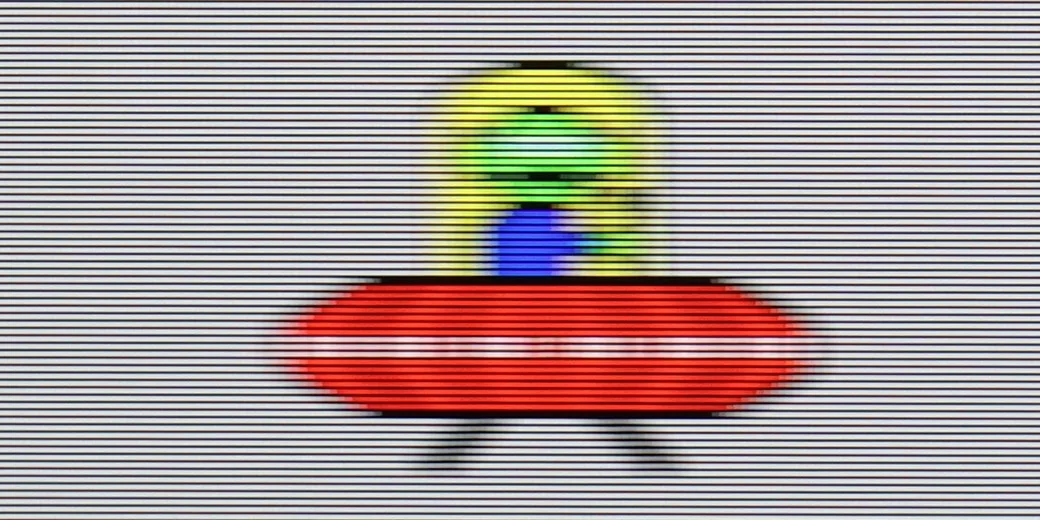
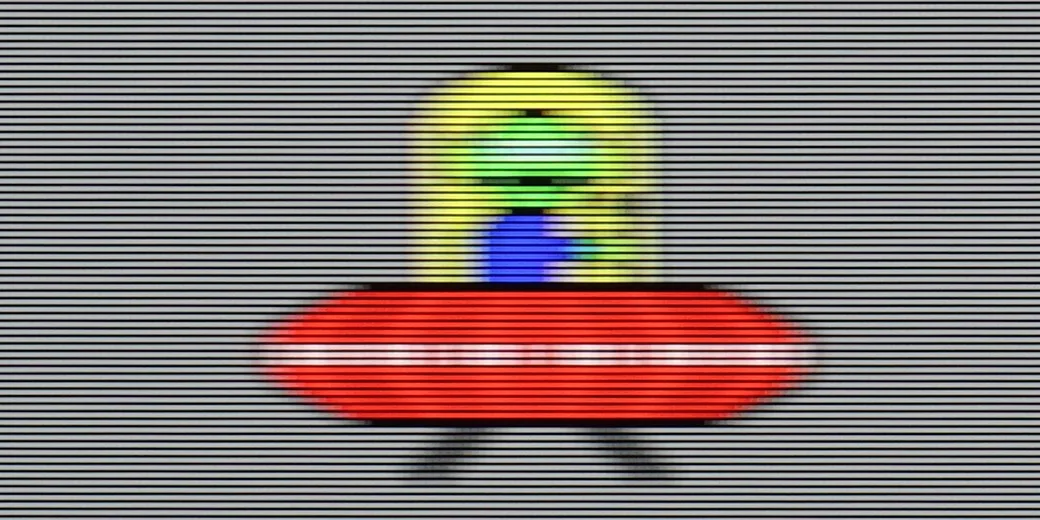
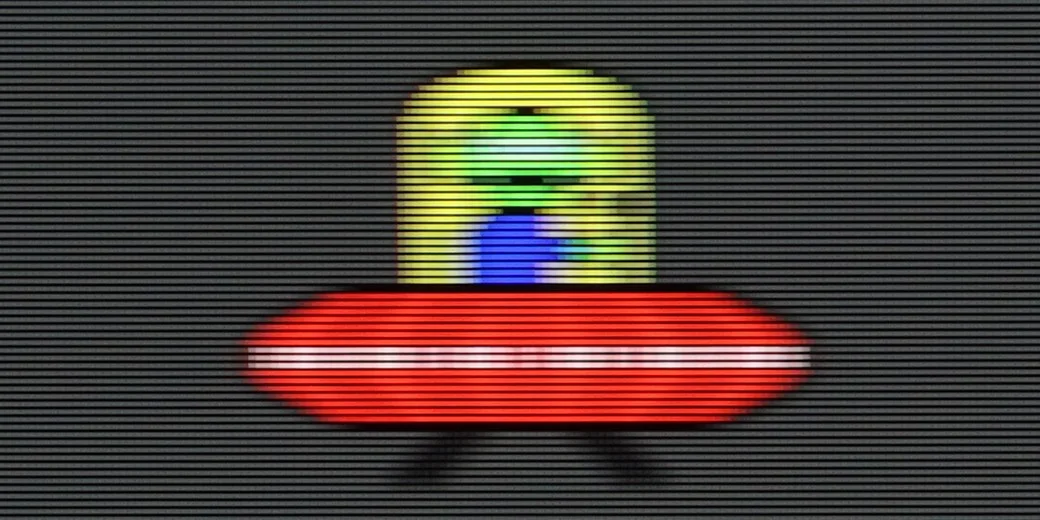
The Hisense UR9S is one of the first TVs on the market with a 4K panel and a 170 Hz refresh rate. In the larger sizes, 75 and 85 inches, that goes up to 180 Hz. Such a high refresh rate will mainly be useful to owners of very powerful PCs. We still watch movies and series mostly at 24 fps, and sports broadcasts at 50 fps, so in everyday use panel response time and the performance of motion smoothing are more important. In that respect the UR9S performs very well. Motion blur is minimal, as our UFO test also confirmed. Moving objects do not leave a pronounced trail, so the picture remains clear even in fast scenes.
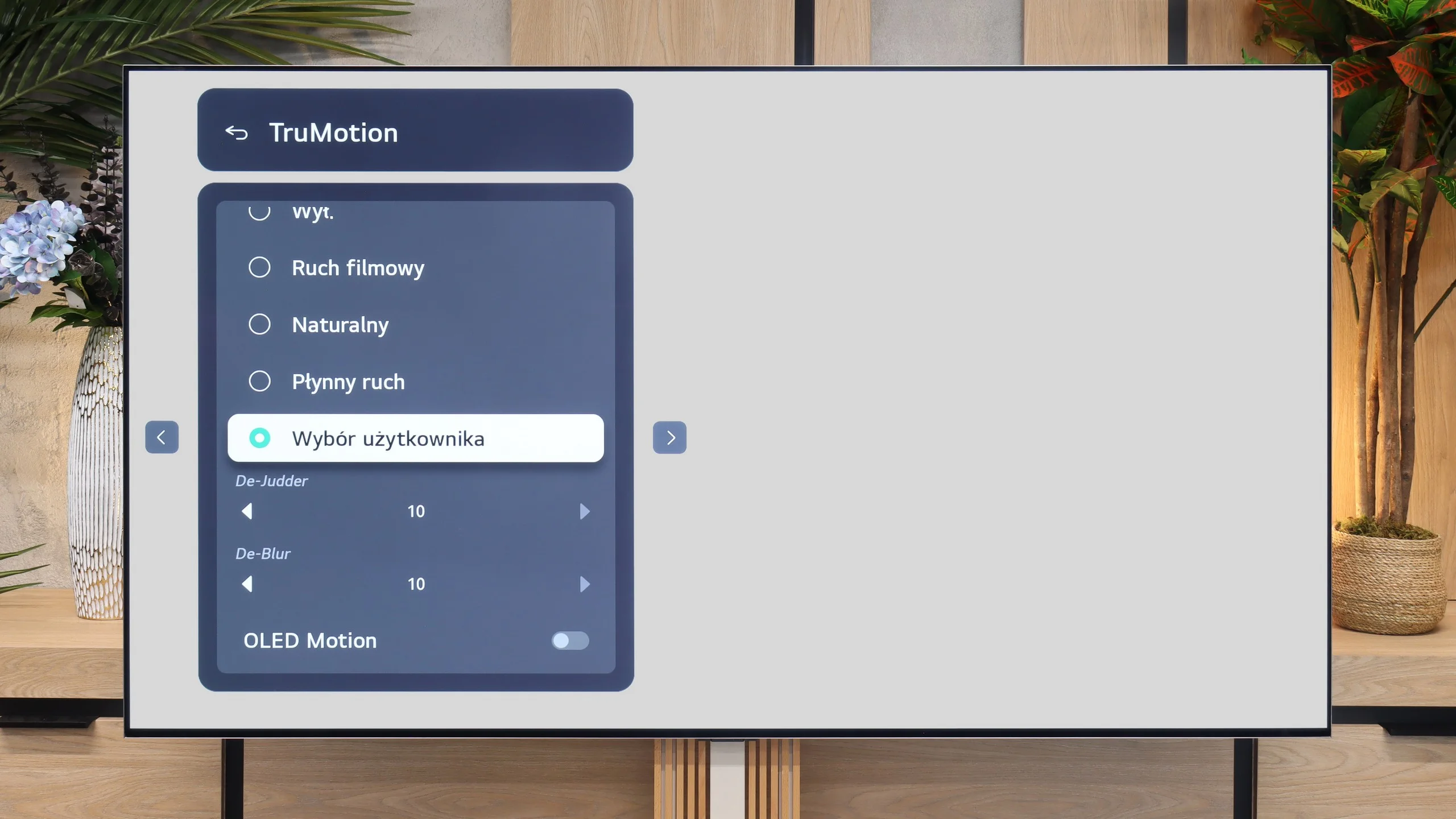
The LG G6 is an OLED television, so in the category of motion fluidity, it traditionally deserves the highest ratings. The television supports a very high refresh rate of up to 165 Hz in 4K resolution, but most importantly – you will not see any signs of blurring on the screen. The response time of the panel is incredibly fast, ensuring that dynamic images remain perfectly sharp.
Console compatibility and gaming features
8.5/10
10/10
- ALLM
- VRR
- VRR range48 - 330Hz40 - 165Hz
- Dolby Vision Game Mode
- Correct implementation of HGIG

- 1080p@120Hz
- 1440p@120Hz
- 4K@120Hz
- Game bar
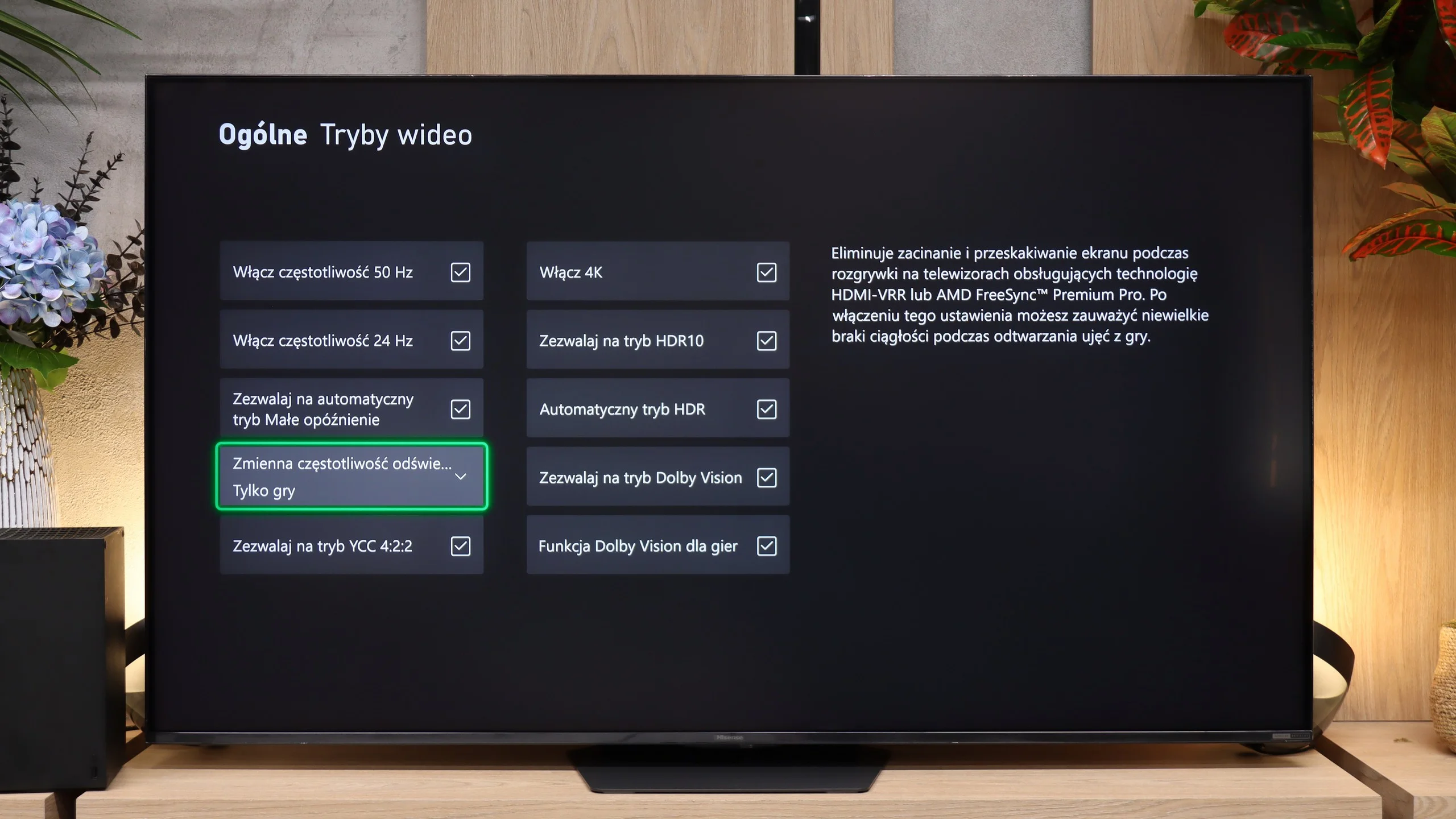
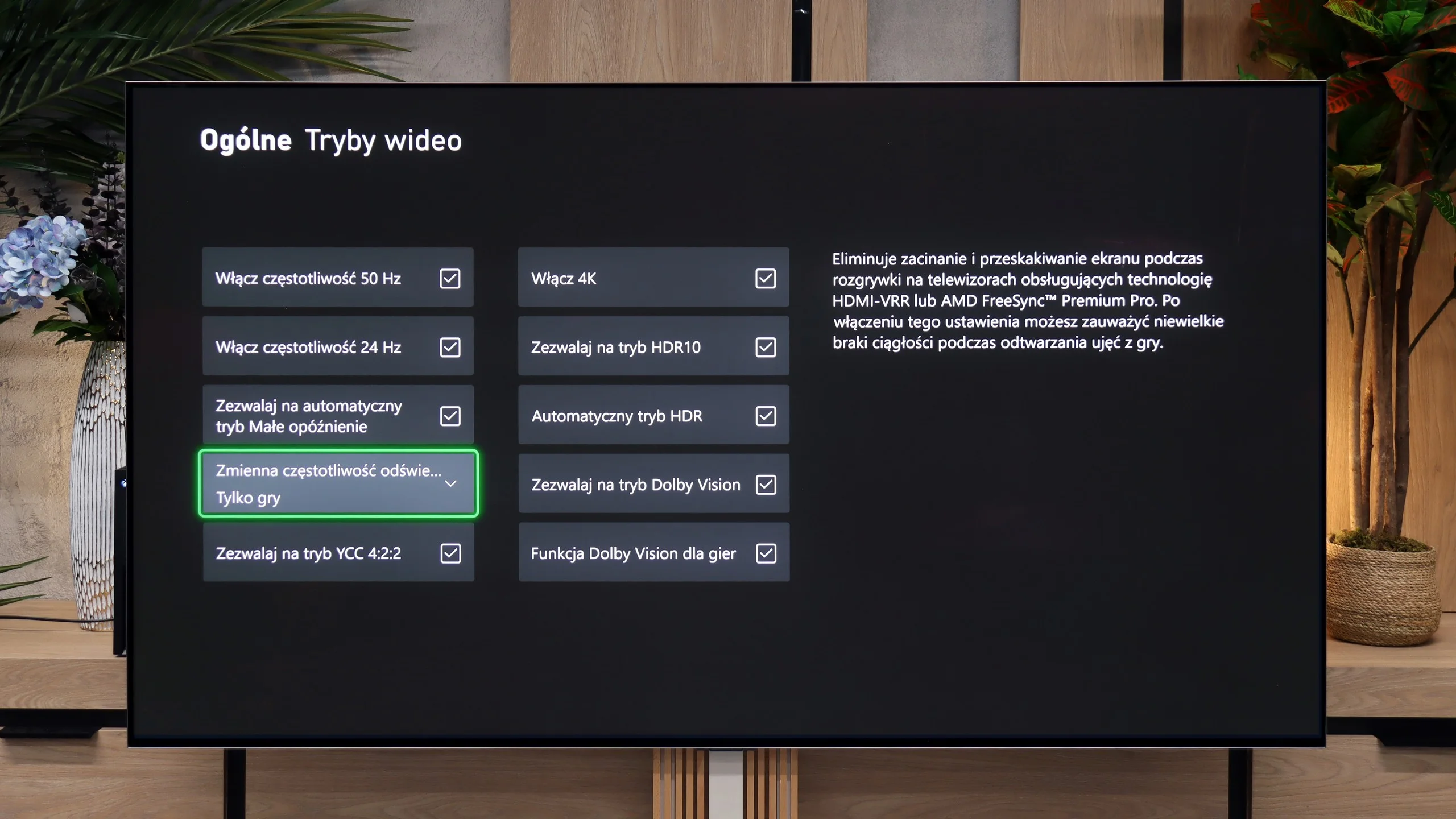
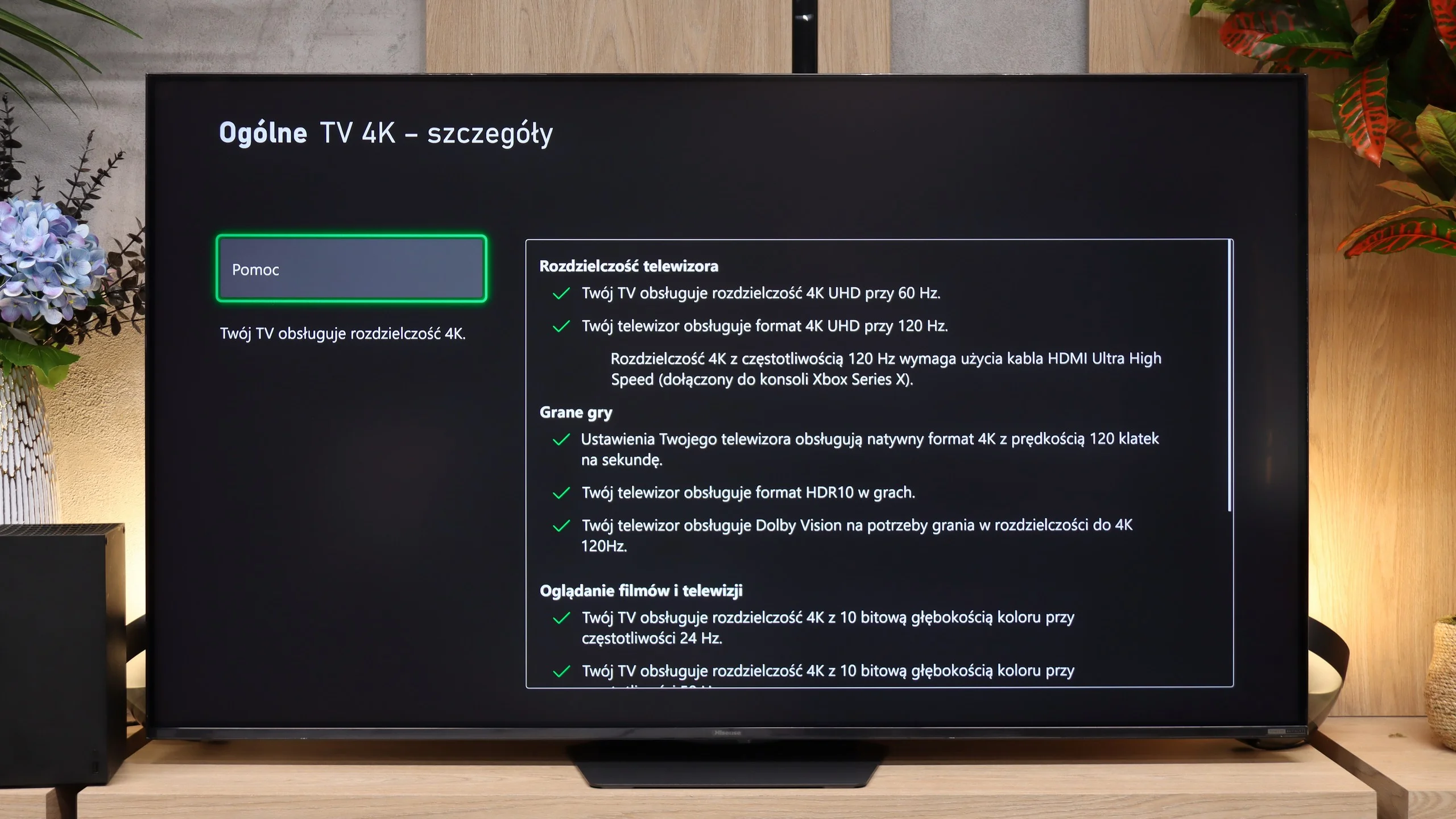
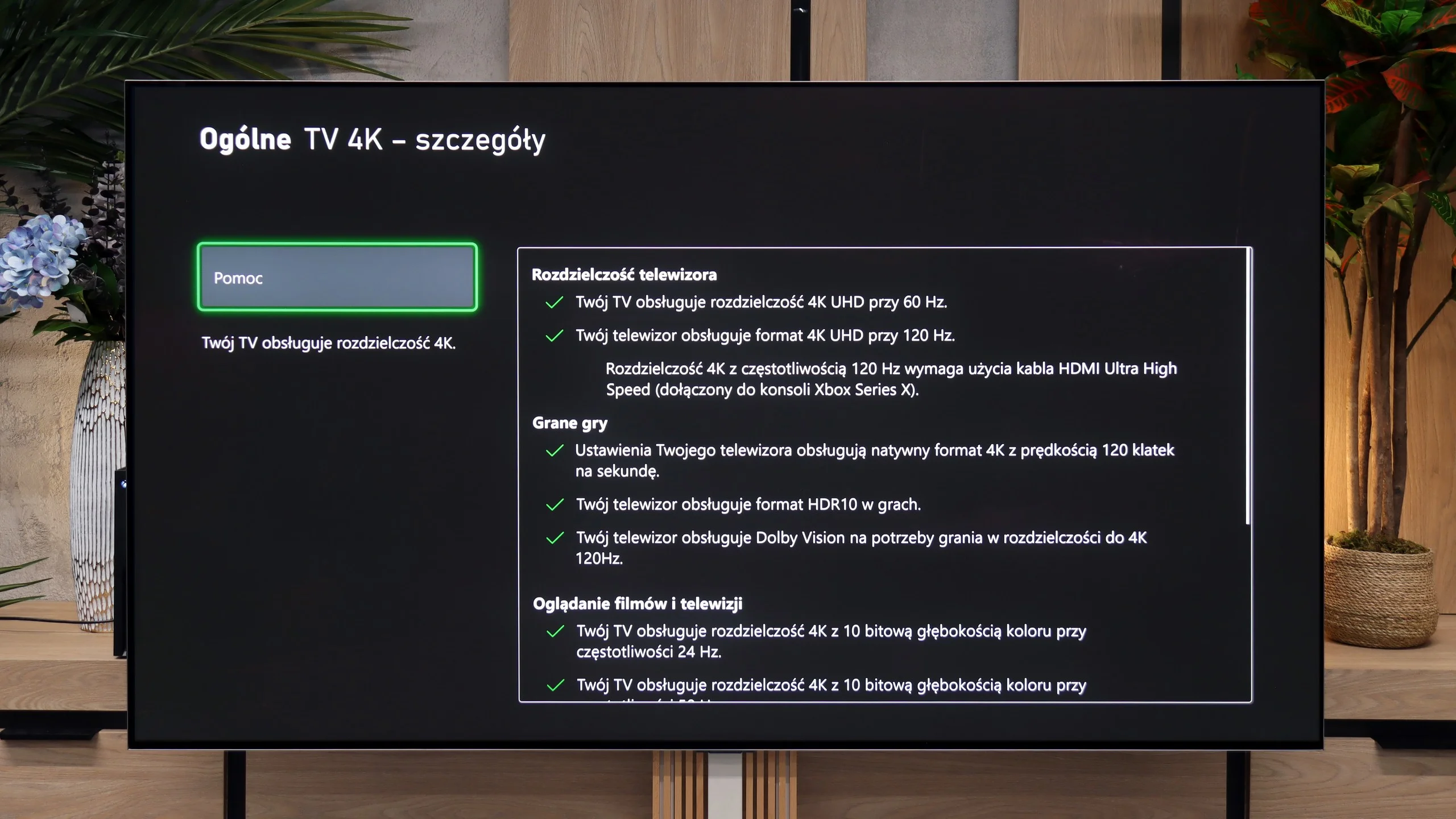
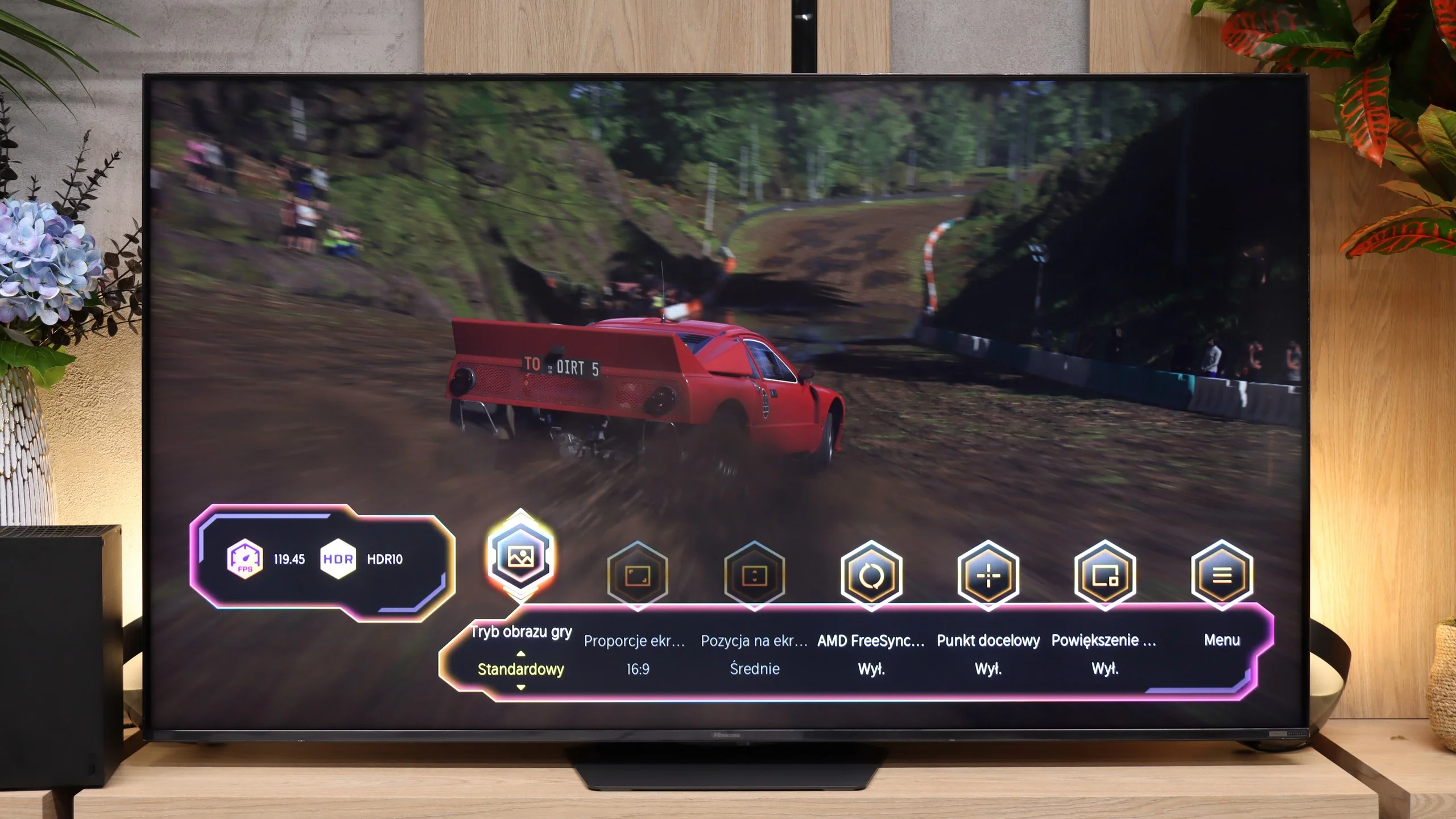
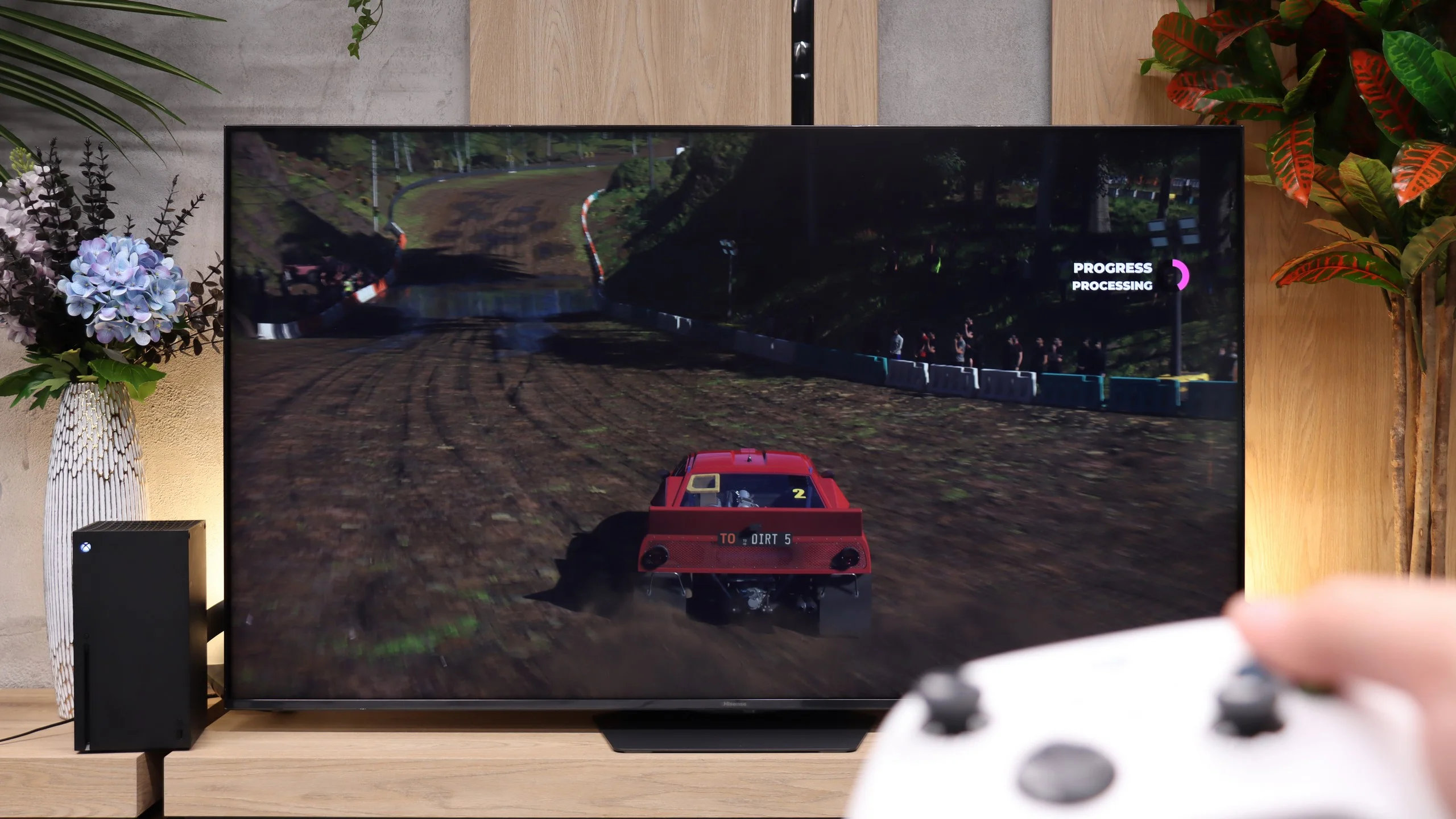
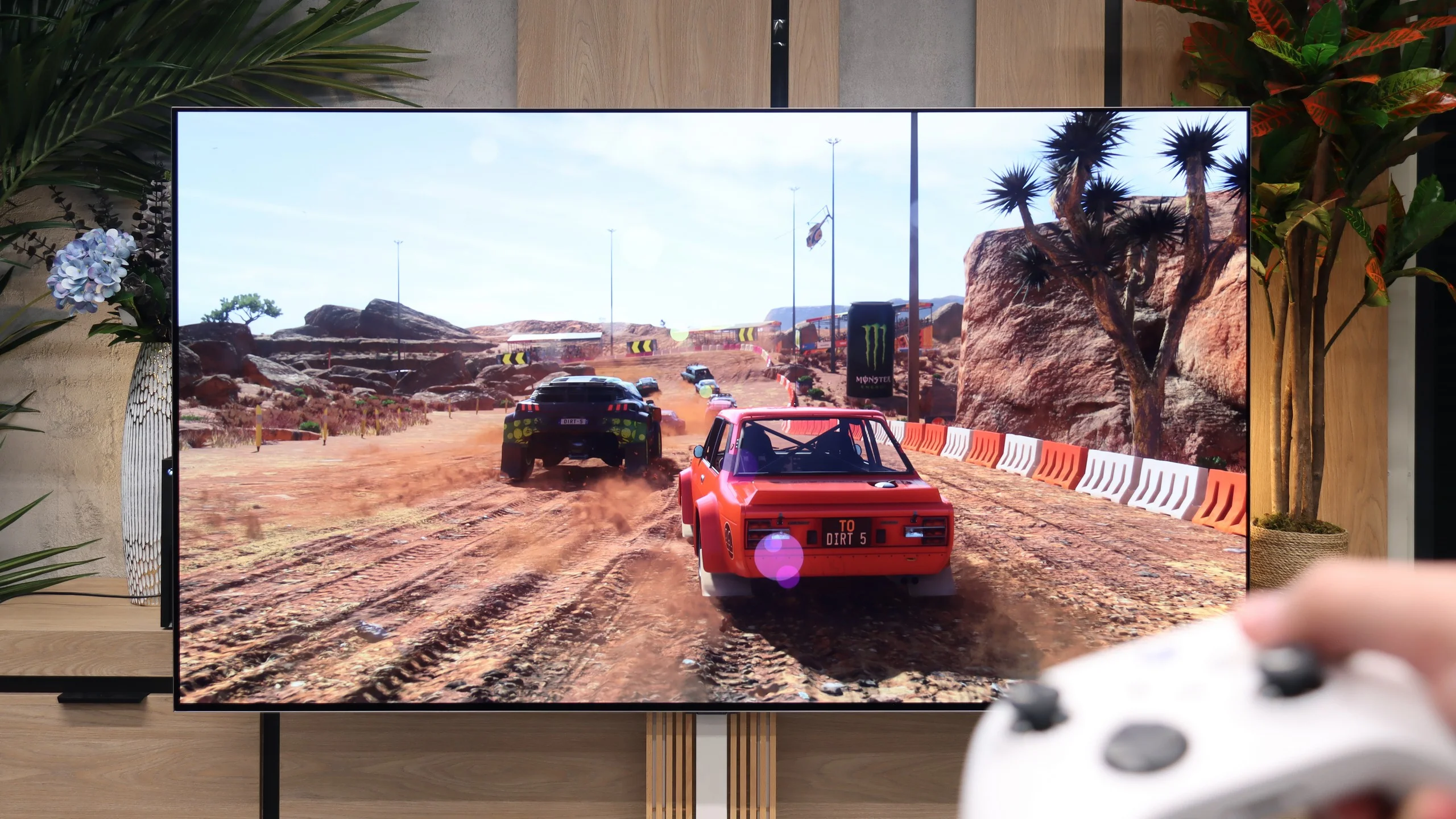
The Hisense UR9S is very well prepared for gaming. All three HDMI ports are HDMI 2.1 and offer the full 48 Gb/s bandwidth. The TV supports 4K at 170 Hz, and on larger screen sizes even 180 Hz. On top of that there are VRR, ALLM, NVIDIA G-Sync and AMD FreeSync, so in terms of core features there’s little to complain about. PC gamers can also enable DLG mode. After switching the resolution to Full HD the refresh rate can increase to as much as 330 Hz. That’s probably an option for a narrow group of users, but it shows how much headroom the panel has. Hisense also added a Game Bar that lets you quickly change key settings, check the refresh rate, or enable a reticle and minimap zoom. The biggest downside remains the lack of a properly working HGiG. The TV keeps using its own tone mapping, which makes setting HDR on a console a bit more difficult. In our case values between 1500 and 2000 nits worked best, but it’s worth checking which setting still preserves all the details in the brightest parts of the image.
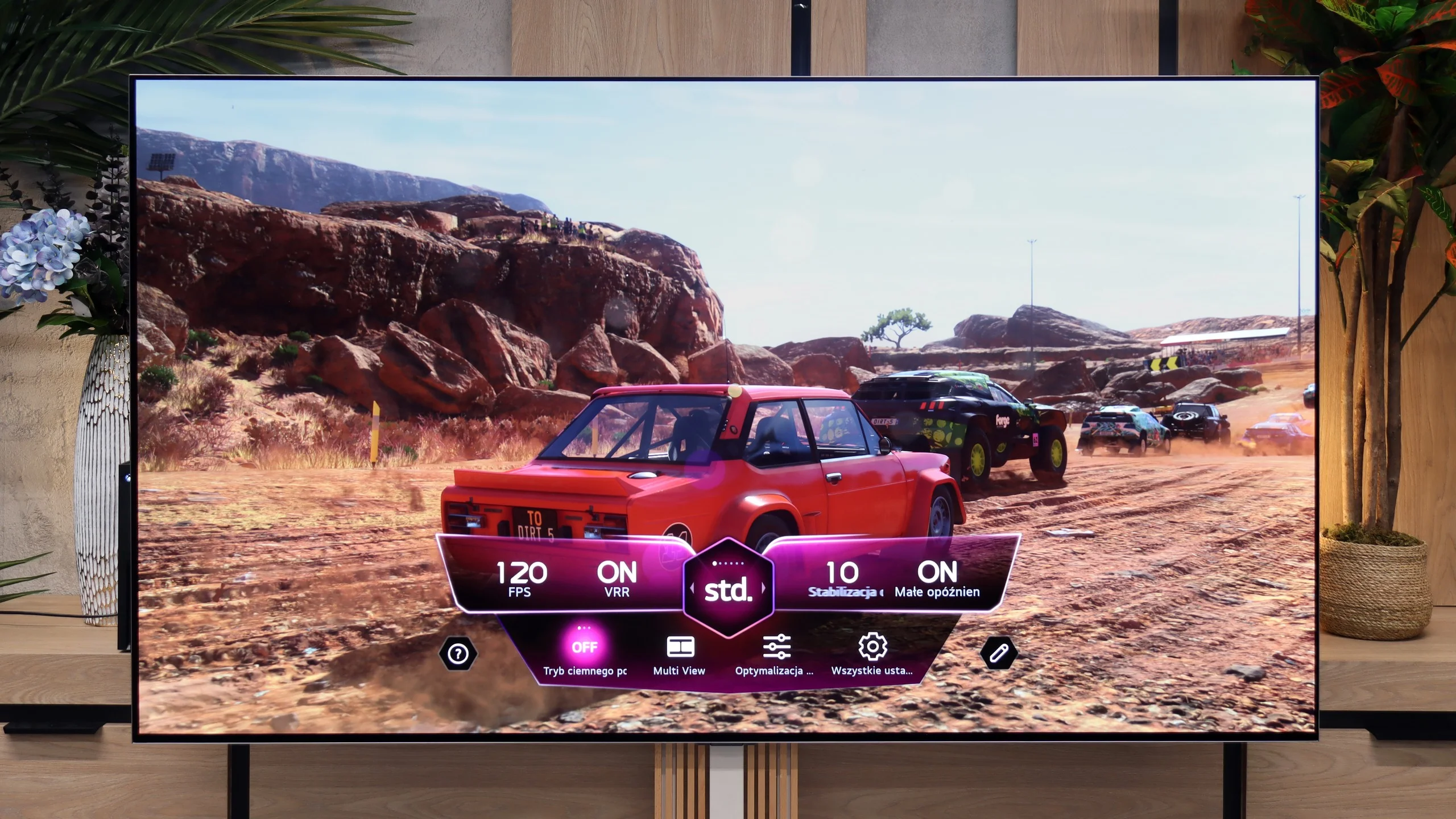
LG G6 is a true monster for gamers and one of the best-equipped TVs in this regard on the market. The manufacturer did not seek compromises and equipped this model with as many as four full HDMI 2.1 ports with a maximum bandwidth of 48 Gbps. This means that no matter which port you plug your PlayStation 5, Xbox Series X, or powerful PC into, you will extract the absolute maximum from them.
The TV supports a full suite of gaming technologies: from VRR (Variable Refresh Rate), through AMD FreeSync Premium Pro, to Nvidia G-Sync Compatible. Let's add to this the remarkably low, almost imperceptible input lag and a brilliantly functioning gamer panel (Game Optimizer), which allows you to continuously monitor the signal parameters. Gaming on this screen, with the perfect black of OLED and powerful refresh rates, is pure pleasure.
Input lag
9.5/10
9.9/10
SDR
HDR
Dolby Vision
The Hisense UR9S also boasts very low input lag. With a 4K/120 Hz signal, input lag is just about 10 ms, meaning controller thumbstick movements register instantly. That’s a level that easily meets the demands of both casual gamers and fans of fast-paced online matches. We recorded slightly higher values after enabling Dolby Vision on an Xbox console. In that scenario, input lag rises to about 20 ms. Still, that’s low enough not to negatively affect gameplay comfort and remains practically unnoticeable during play.
When it comes to signal delay, the results are remarkably low. For a standard 120 Hz signal, the Input Lag is just 5 ms. At 60 Hz, this value increases to 13 ms, which is still an excellent and completely imperceptible delay. The only thing we need to point out is the television's behavior after receiving the Dolby Vision Gaming signal. In this format, the Input Lag nearly doubles, reaching 13 ms for 120 Hz and 22 ms for 60 Hz. Despite this jump, we believe that these values in games are low enough that absolutely no one will feel any discomfort during gameplay.
Compatibility with PC
8.4/10
8.7/10
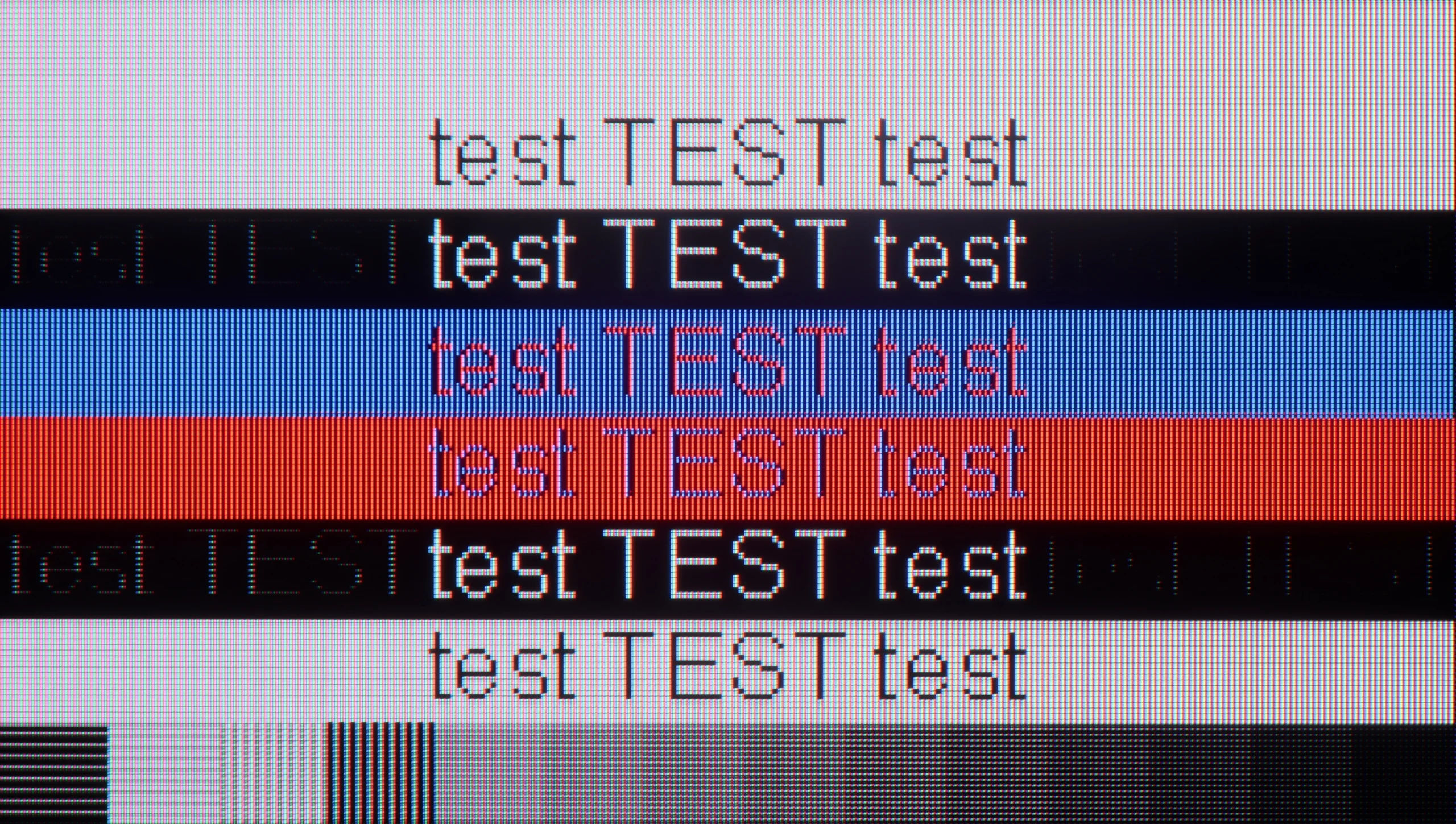
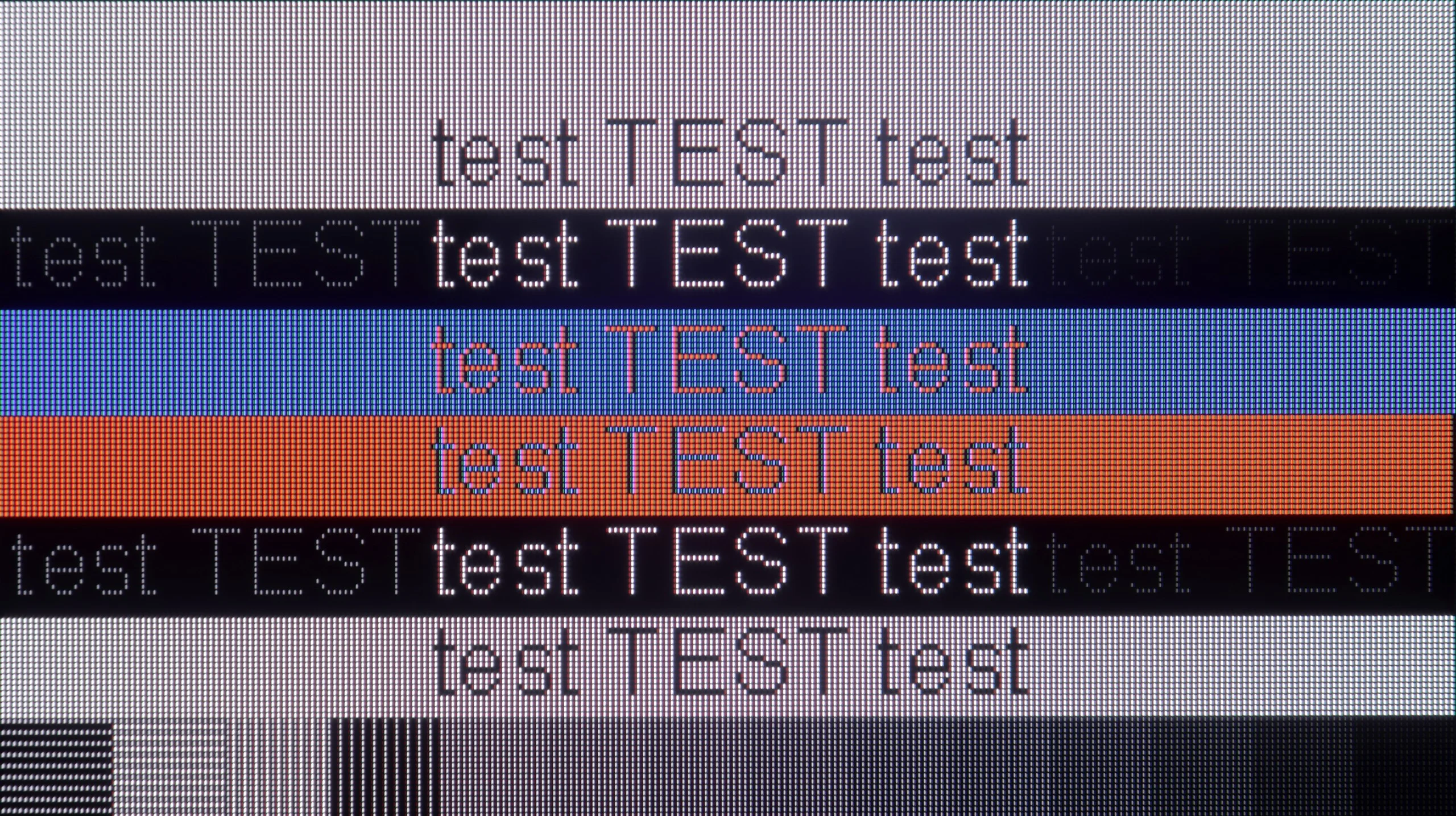
The photo shows the legibility of small fonts. Ideally, lines should be the same thickness on both light and dark text, with minimal pixel gaps.
Overall the PC compatibility is very good, mainly thanks to full support for gaming technologies. The aforementioned G-Sync and FreeSync work flawlessly, and PC gamers will certainly appreciate being able to natively take advantage of higher panel refresh rates. The panel does fare somewhat worse, however, for typical text-document work. Although the TV handles 4:4:4 chroma sampling without issue, keeping standard fonts generally legible, a closer inspection of darker text reveals some imperfections. Letter shapes can be imprecise, and the horizontal strokes of fonts are more subdued than the vertical ones, which sometimes reduces character clarity. This is undeniably a flaw, but it's specific enough that it's hard to call it a major downside in a device whose smallest model starts at 65 inches. It's hard to imagine anyone planning to put such a screen directly on a desk for everyday office work. 😉
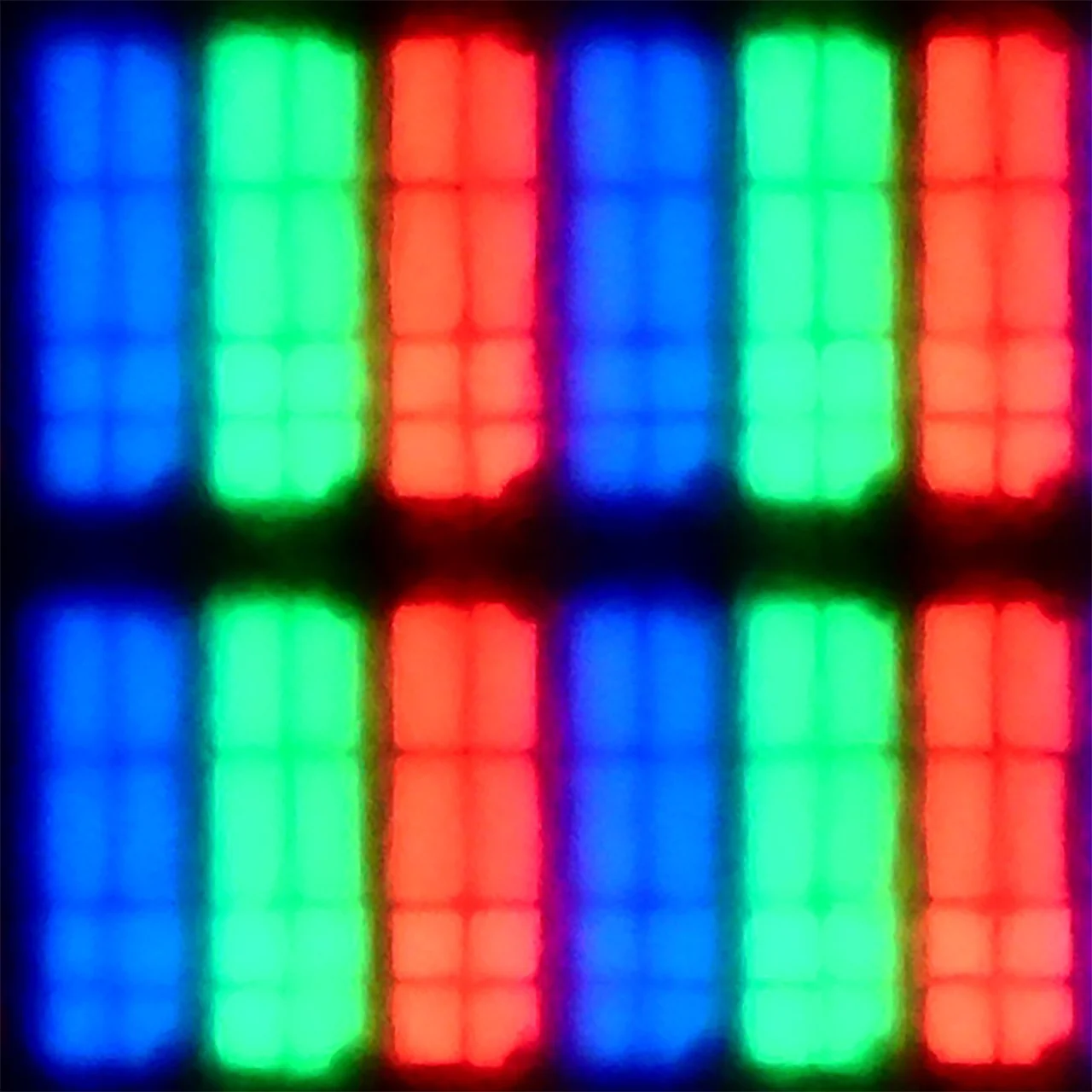
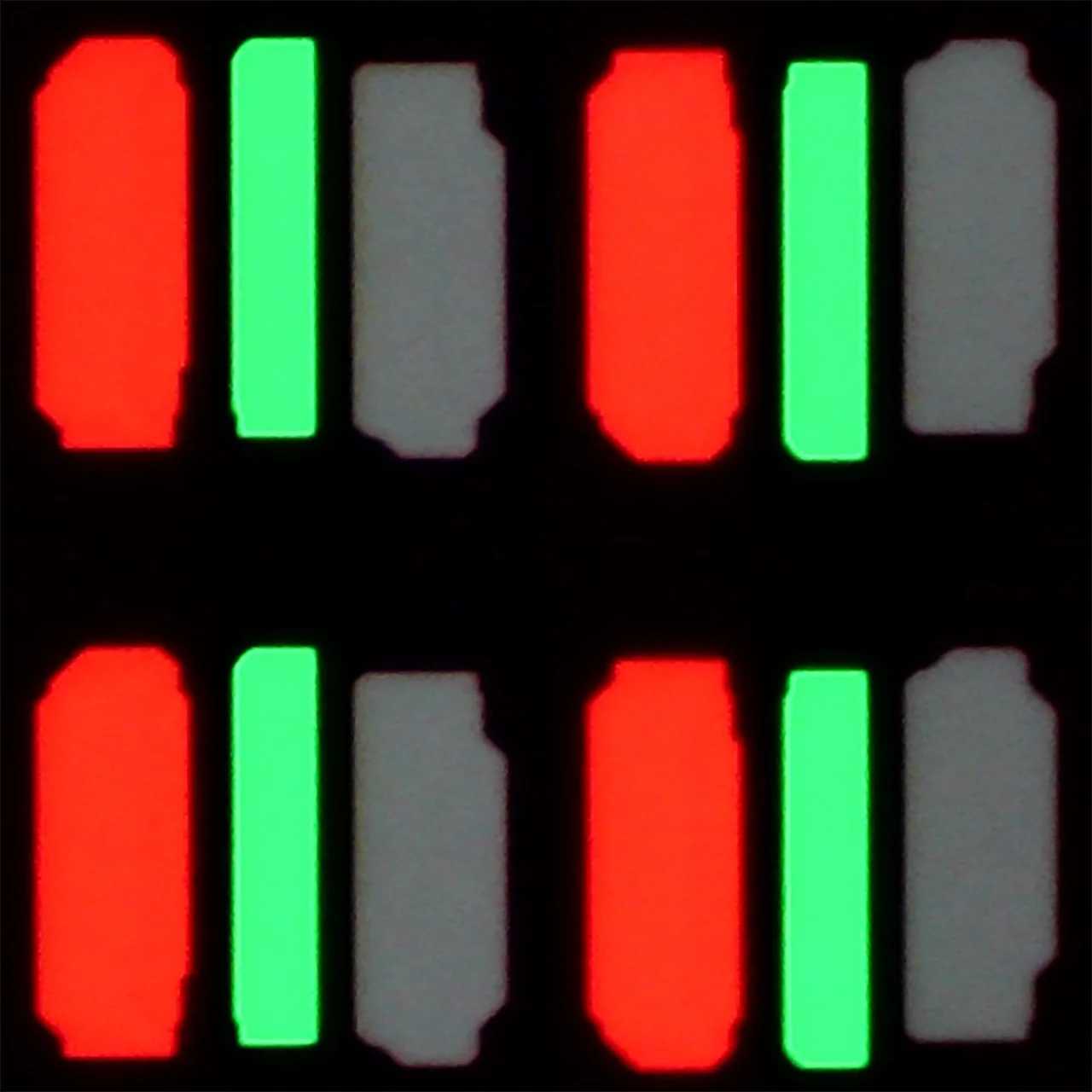
As we mentioned earlier, the LG G6 is an amazing screen for gamers but also for those using computers. With full support for Nvidia G-Sync and AMD FreeSync technology, as well as a high refresh rate of up to 165 Hz, this TV will work brilliantly as a giant gaming monitor. On the other hand, everyday office work with text looks a bit worse (although in our opinion still very well), which is a typical feature of every WOLED screen. Due to the specific arrangement of four subpixels (with an additional white subpixel), rather than three as in traditional computer monitors, system fonts can sometimes have an additional, in this case red glow around black or white letters. This is directly due to the new structure of the 2nd generation Tandem OLED matrix, which now operates in an RGWB arrangement (last year's first generation Tandem OLED used a BWRG arrangement). In our opinion, the sharpness of font edges has slightly worsened because of this, but it is definitely not something that will immediately catch your eye when occasionally working with documents or browsing the web.
Viewing angles
5.6/10
7.2/10
The Hisense UR9S is equipped with a VA panel. A natural characteristic of this type of panel is a drop in contrast and color saturation when you view the screen at an angle. In the model we tested this effect is of course noticeable, but in our opinion not strong enough to materially reduce everyday viewing comfort. To some extent this is also a feature related to the specifics of TVs that use RGB backlighting. Compared with many other LCD TVs based on VA panels, the UR9S simply performs well. Color or black-level degradation doesn't occur as abruptly as it does in some competing models, so people sitting a bit to the side of the screen still receive a satisfying picture. Of course you'll get the fullest performance and the best perceived depth when sitting directly in front of the panel, but for a VA design we rate the viewing angles very positively.
As befits an OLED panel, the viewing angles on the LG G6 are really good. When viewed from the side, the TV does not drastically lose brightness or color saturation. In this regard, the picture quality is infinitely better than in any LCD TV – and this applies to both IPS panels and even more so to VA panels without special wide-angle coatings. In this matter, the only better screens on the market remain QD-OLED panels from Samsung Display, where the angles are simply perfect, as well as older WOLED panels with MLA (microlens) technology, which LG abandoned in this series two years ago. Unfortunately, we assess the viewing angles in this year's model as slightly worse than last year's. We noticed that the 2nd generation Tandem OLED panel has a tendency to take on more greenish hues when viewed at a steep angle, while last year's model maintained greater neutrality in this regard.
Daytime performance
9.9/10
8.2/10
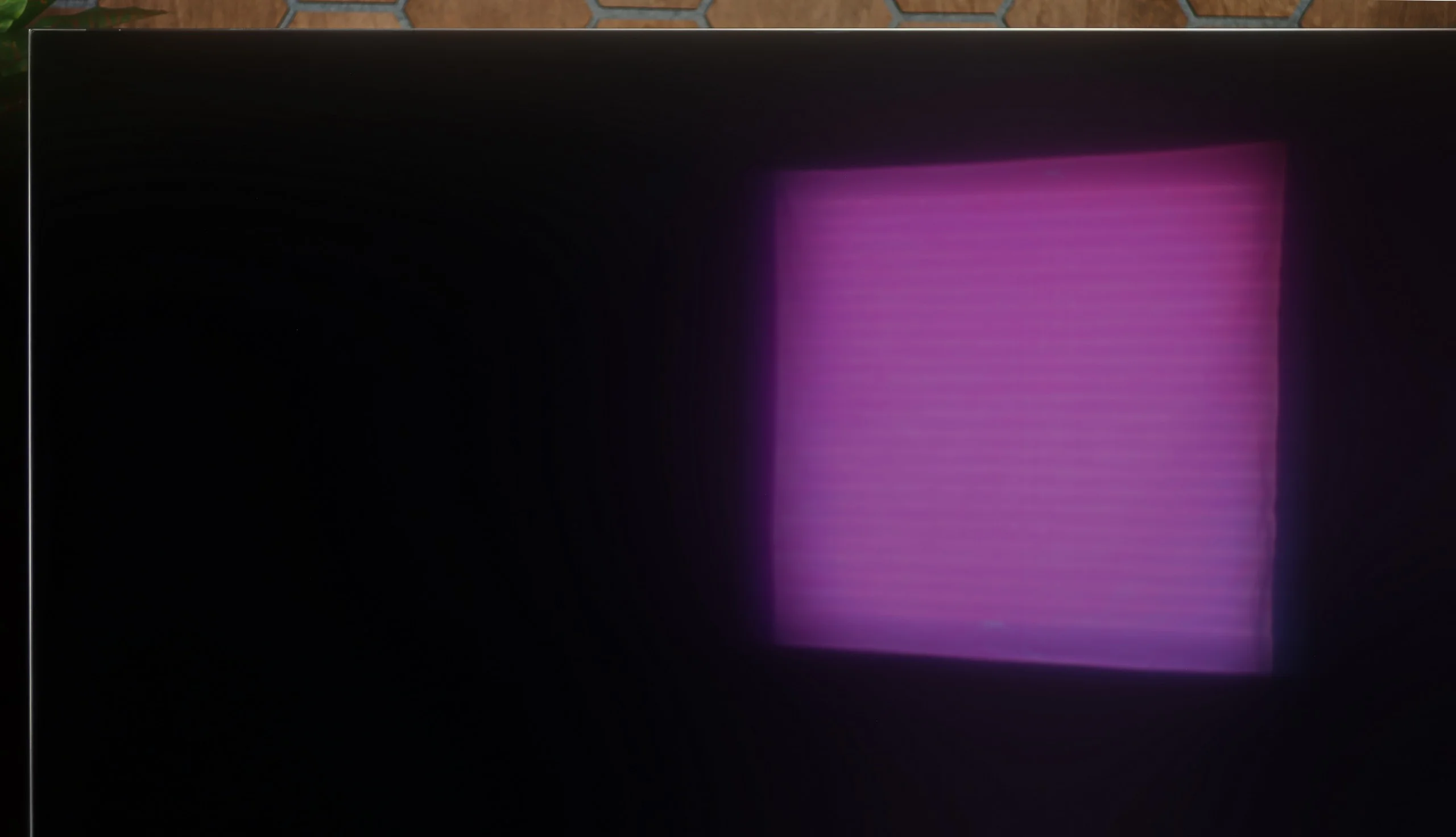
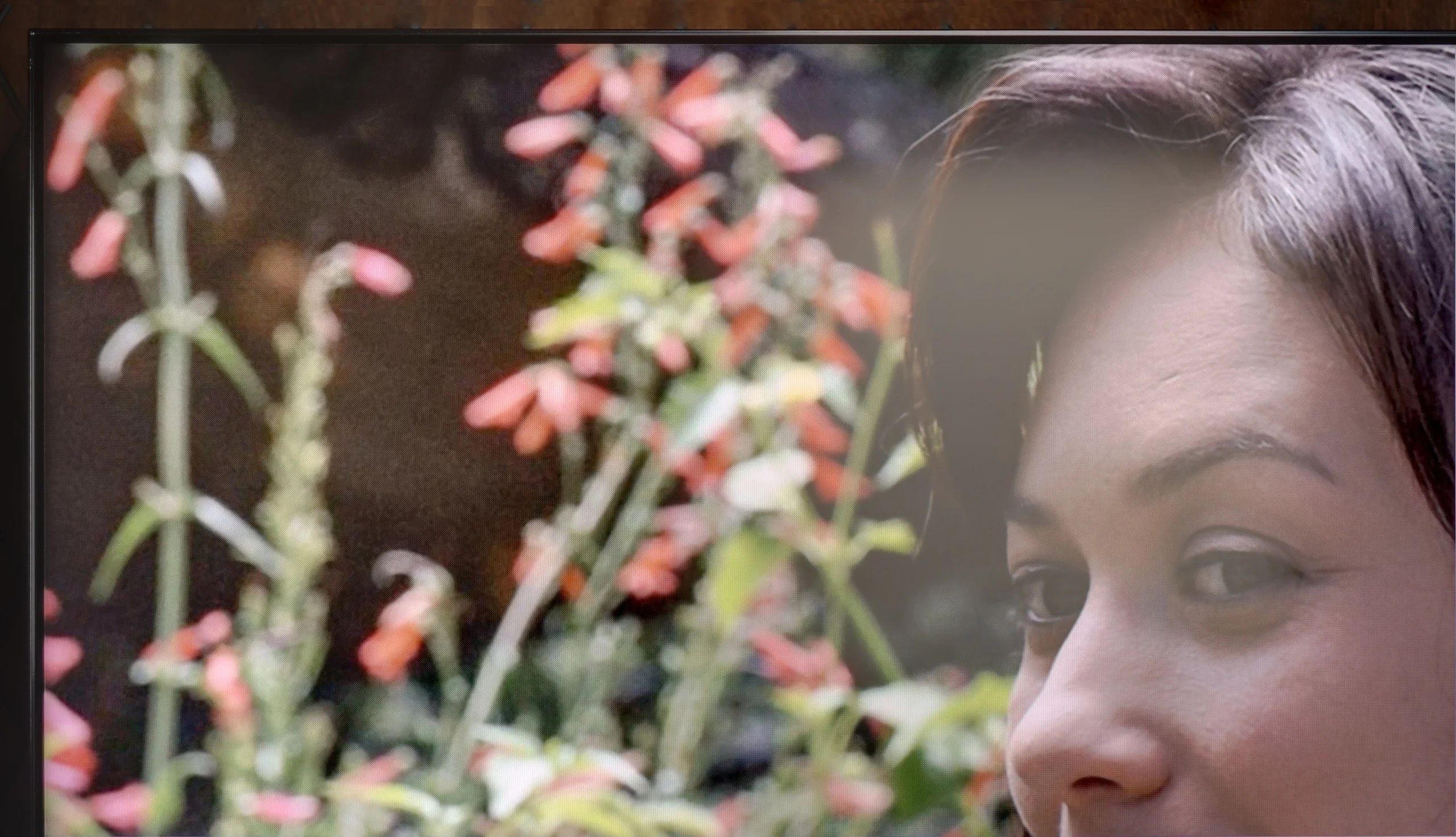
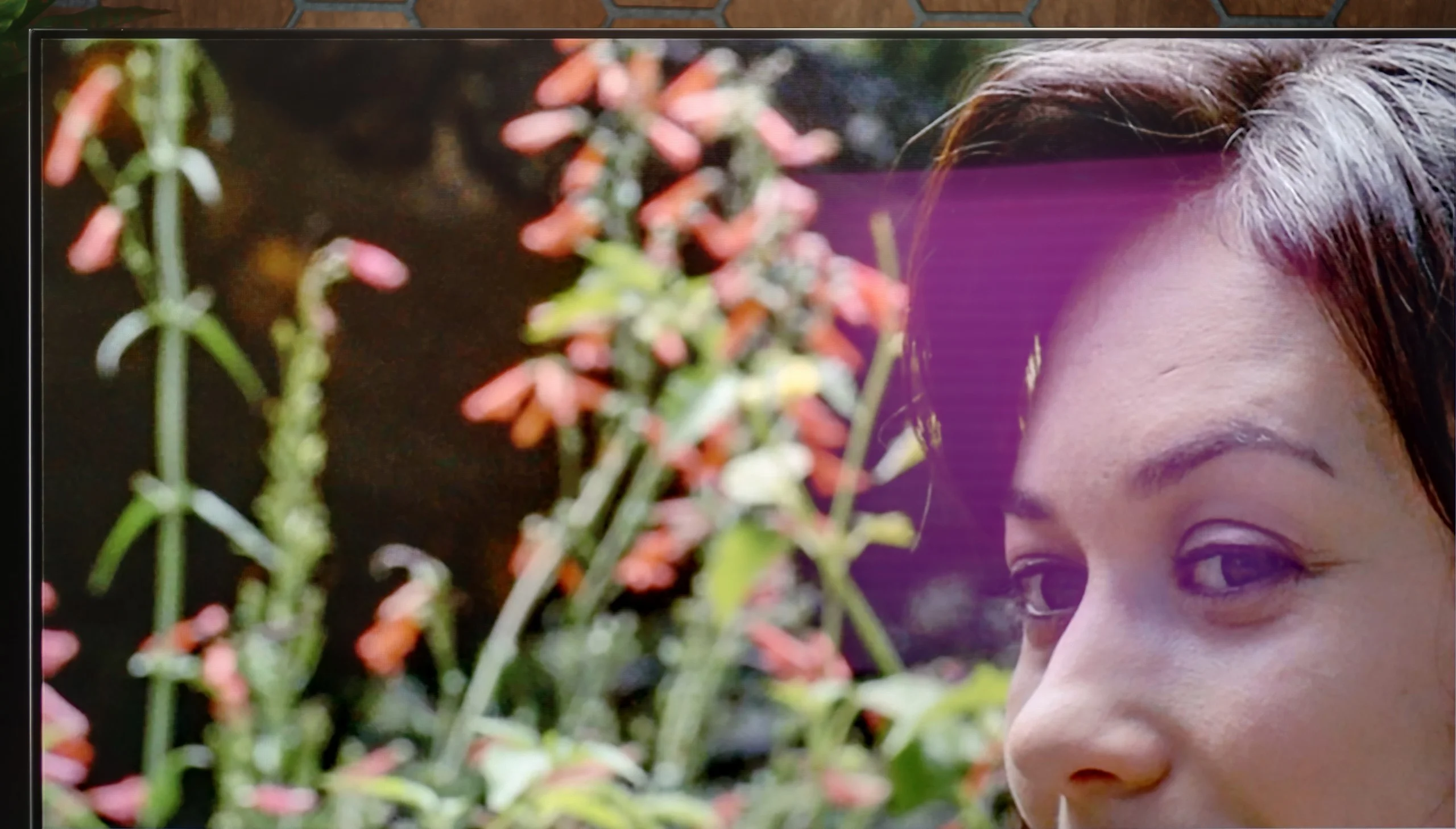
Panel brightness
LG OLED G6 (G64LW, G66LS): 857 cd/m2
Hisense UR9S: 1639 cd/m2
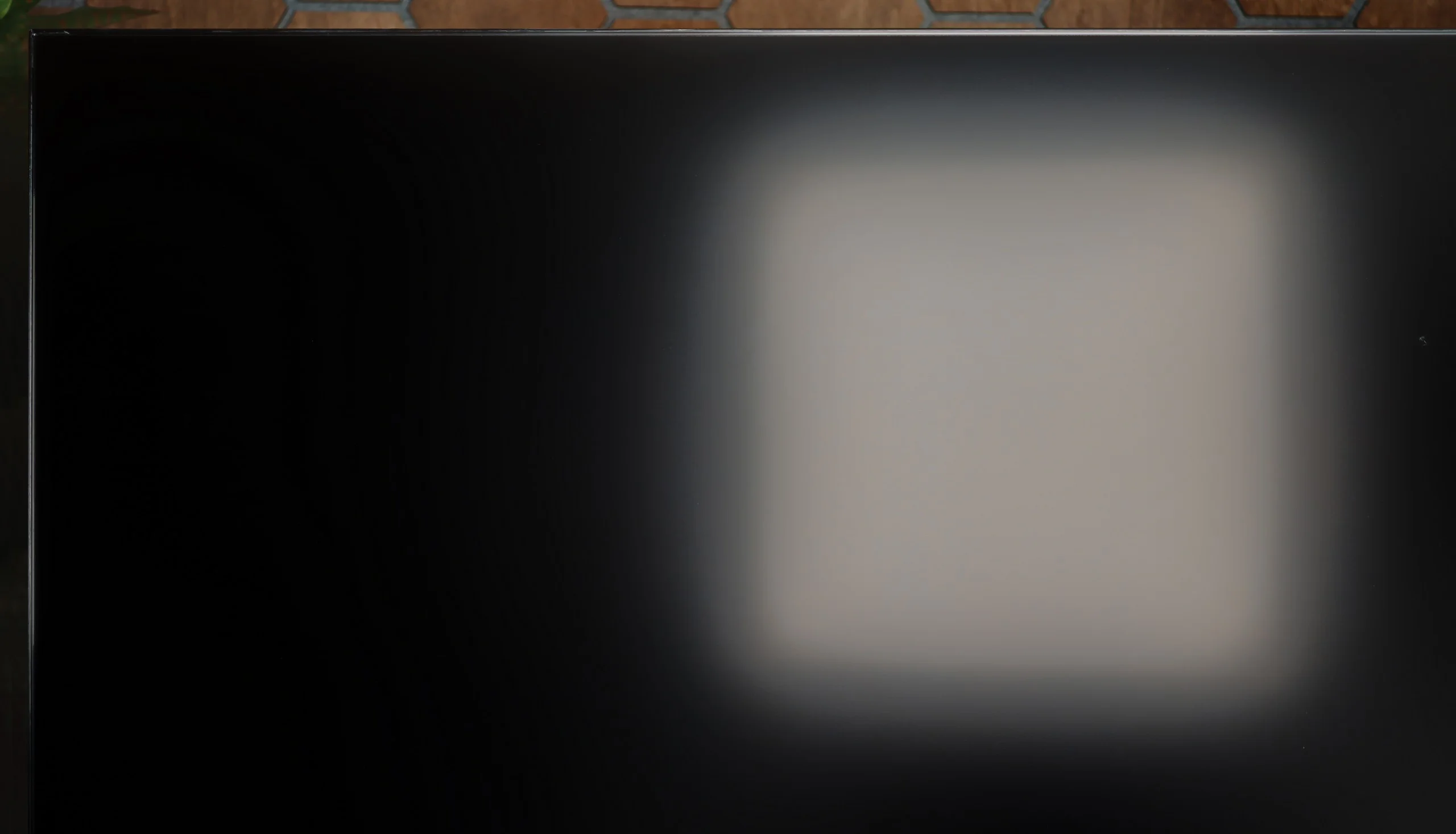
Hisense UR9S is equipped with a matte screen coating that deals very well with direct reflections. That’s especially important in brightly sunlit living rooms, particularly when light falls straight onto the screen. The TV is also very bright, so even in difficult conditions the image remains readable. However, the matte structure causes black levels to appear slightly elevated during the day, and colors lose some saturation compared with glossy screens. Still, it’s a fair compromise. It’s clear Hisense is aiming this model at people who want a flagship TV but also watch a lot in bright rooms.
The LG G6 will perform exceptionally well as a TV in a brightly lit room. Thanks to its powerful peak brightness, the television can easily cut through most external light sources. Best of all, the new generation of Tandem OLED panels has brought significant improvements in terms of reducing glare. Although the screen coating is still shiny (which helps maintain well-saturated colors even in difficult conditions), it effectively suppresses reflections. It does this significantly better than classic OLED screens with standard glossy coatings. We could confidently compare this level to that of shiny QD-OLED panels, but with one key advantage for LG. Unlike the competition's technology, the deep black in a bright living room remains intact in this model. There is no sign of grayness or purplish tints due to incoming light – the black in the G6 during the day is simply perfect, just like it is at night.
Panel details
Subpixel Structure:
Panel uniformity and thermal imaging:
Hisense UR9S
LG OLED G6 (G64LW, G66LS)
TV features
9.4/10
8.5/10
- SystemVIDAAWebOS
- System performanceGoodVery good
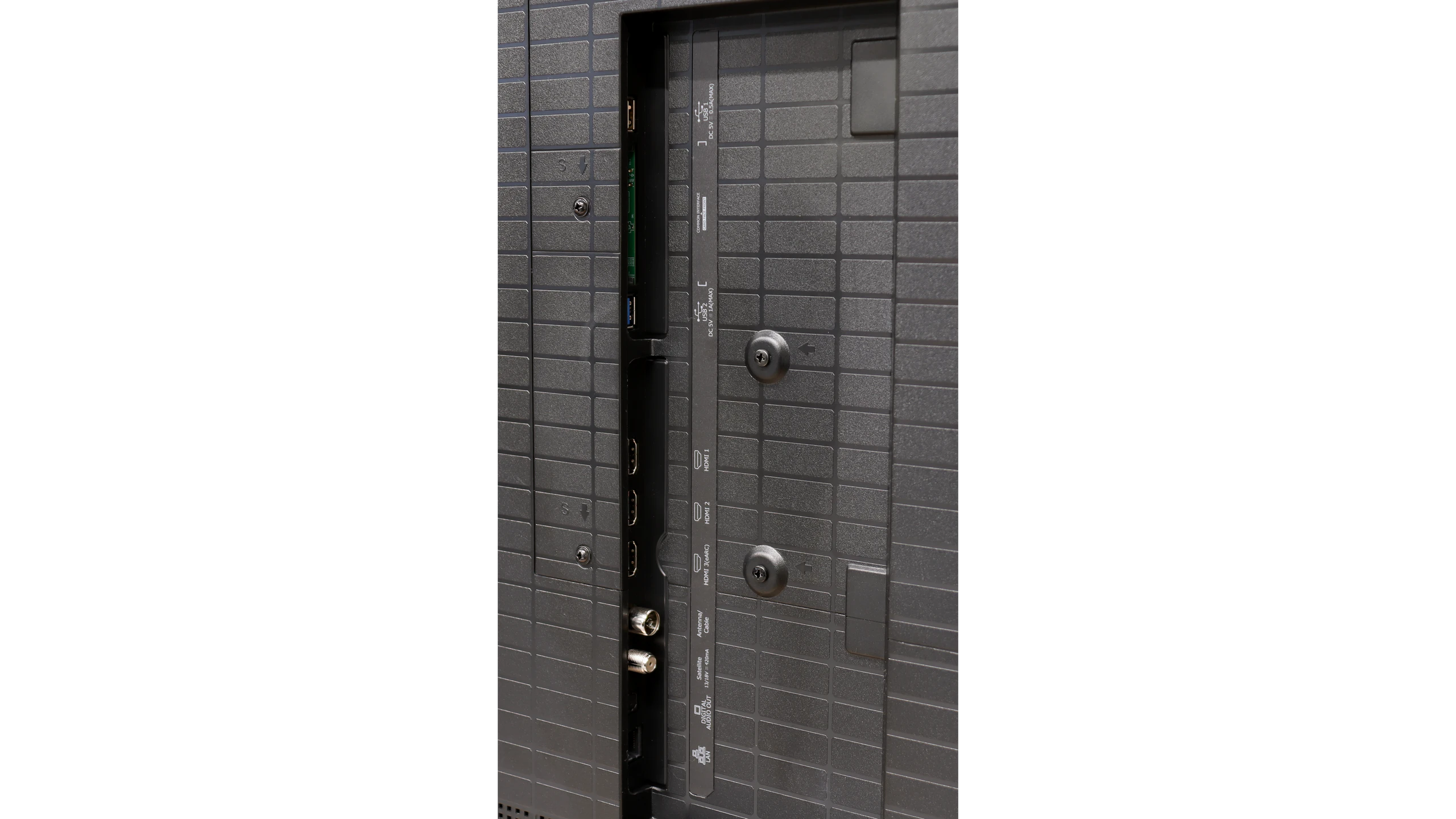
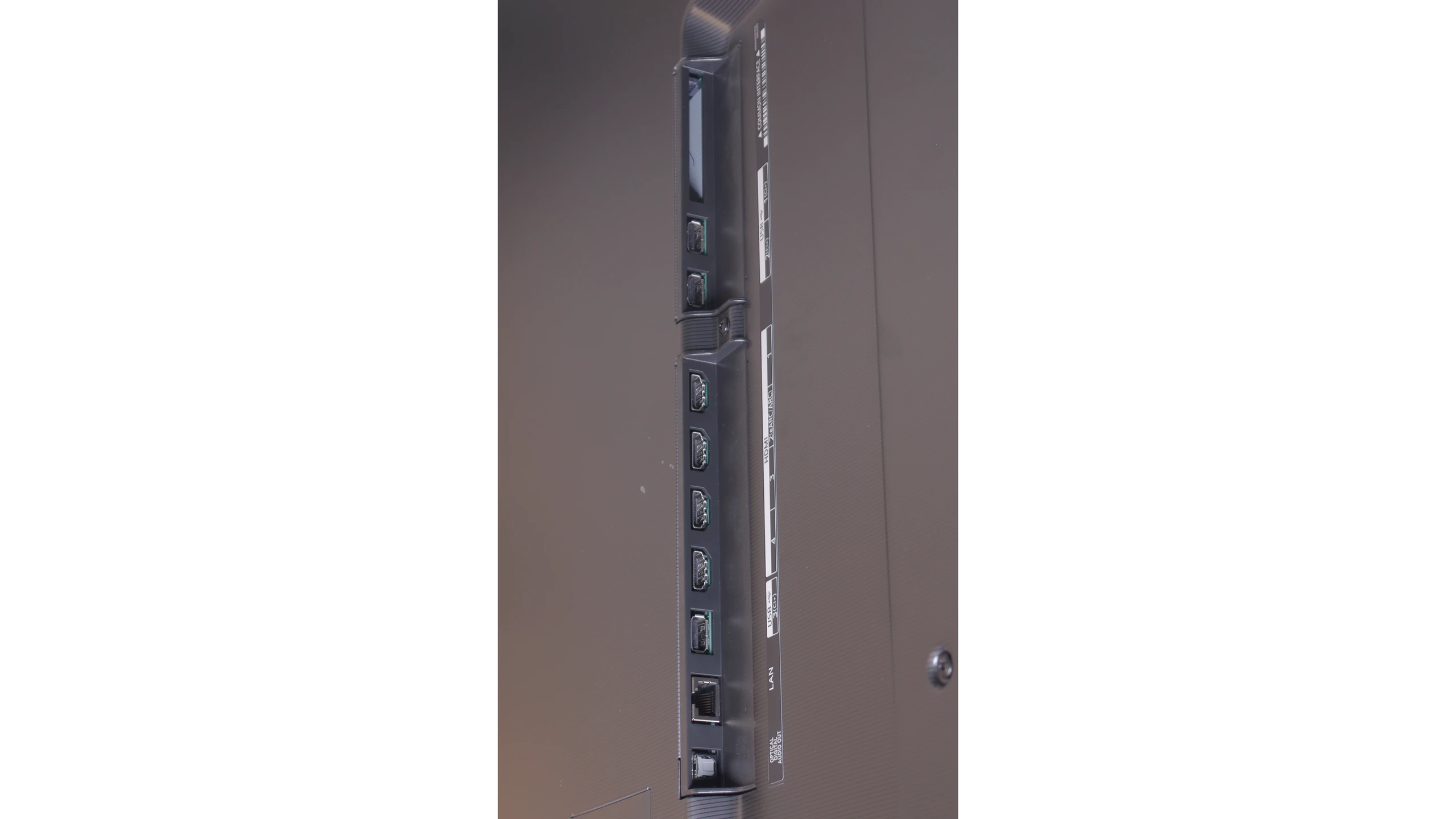
- HDMI inputs0 x HDMI 2.0, 3 x HDMI 2.1 48Gbps0 x HDMI 2.0, 4 x HDMI 2.1 48Gbps
- Other inputsIR (remote)
- OutputsToslink (Optical audio), eARC (HDMI), ARC (HDMI)Toslink (Optical audio), eARC (HDMI), ARC (HDMI)
- Network InterfacesWi-Fi 2.4GHz, Wi-Fi 5GHz, Ethernet (LAN) 100MbpsWi-Fi 2.4GHz, Wi-Fi 5GHz, Ethernet (LAN) 100Mbps
- TV receptionDVB-T, DVB-T2, DVB-S, DVB-S2, DVB-CDVB-T, DVB-T2, DVB-S, DVB-S2, DVB-C
Classic features:
- Recording to USB (terrestrial TV)
- Recording programming
- Picture in Picture (PiP)
- RF remote control (no need to aim)
- Backlit remote control
- Teletext
- Audio only mode
- Bluetooth headphones support
- Simultaneous Bluetooth headphones & TV audio
Smart features:
- AirPlay
- Screen mirroring (Windows Miracast)
- Voice search
- Voice search in native language
- Ability to connect a keyboard and mouse
Sound connection options
- HDMI audioeARC (HDMI), ARC (HDMI)eARC (HDMI), ARC (HDMI)
- Other audio outputsToslink (Optical audio)Toslink (Optical audio)
- Wireless audioBluetoothBluetooth
Supported audio formats (external HDMI eARC audio):
- Dolby Digital Plus 7.1
- Dolby True HD 7.1
- Dolby Atmos in Dolby Digital Plus (JOC)
- Dolby Atmos in Dolby True HD
- DTS:X in DTS-HD MA
- DTS-HD Master Audio
Senior accessibility
- Numeric keyboard on TV
- Font size adjustment
- Audio description
Classic features
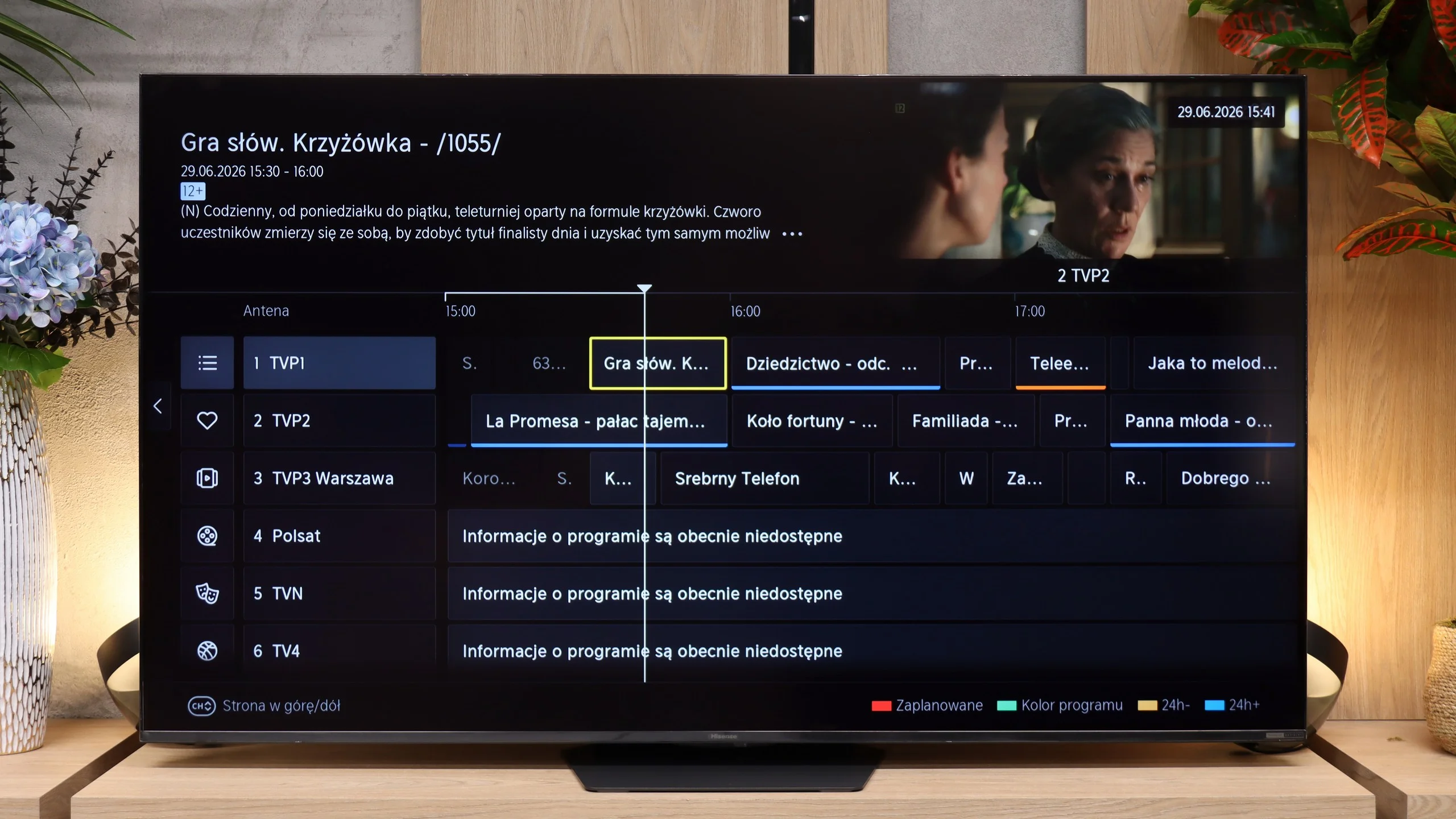
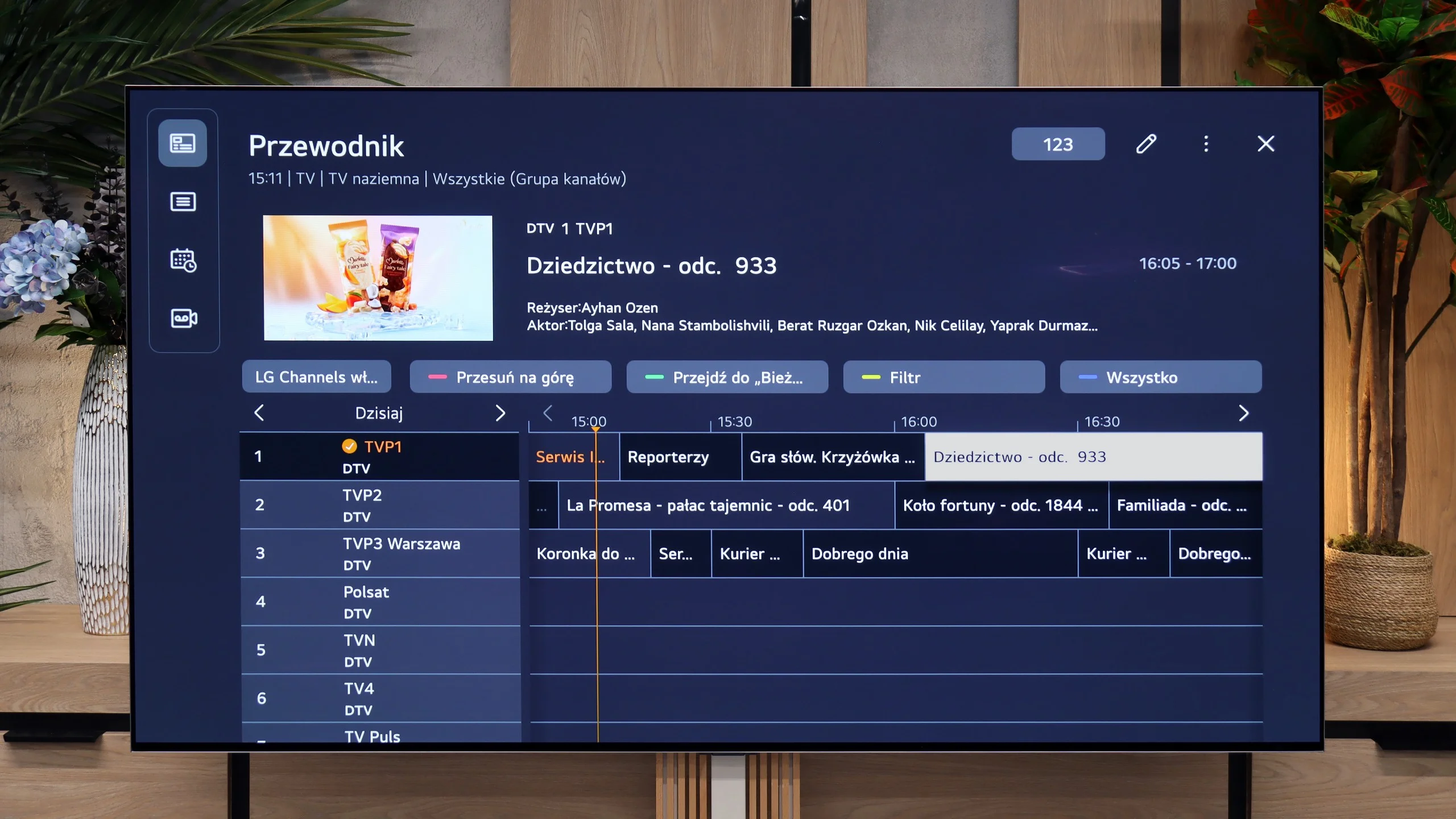
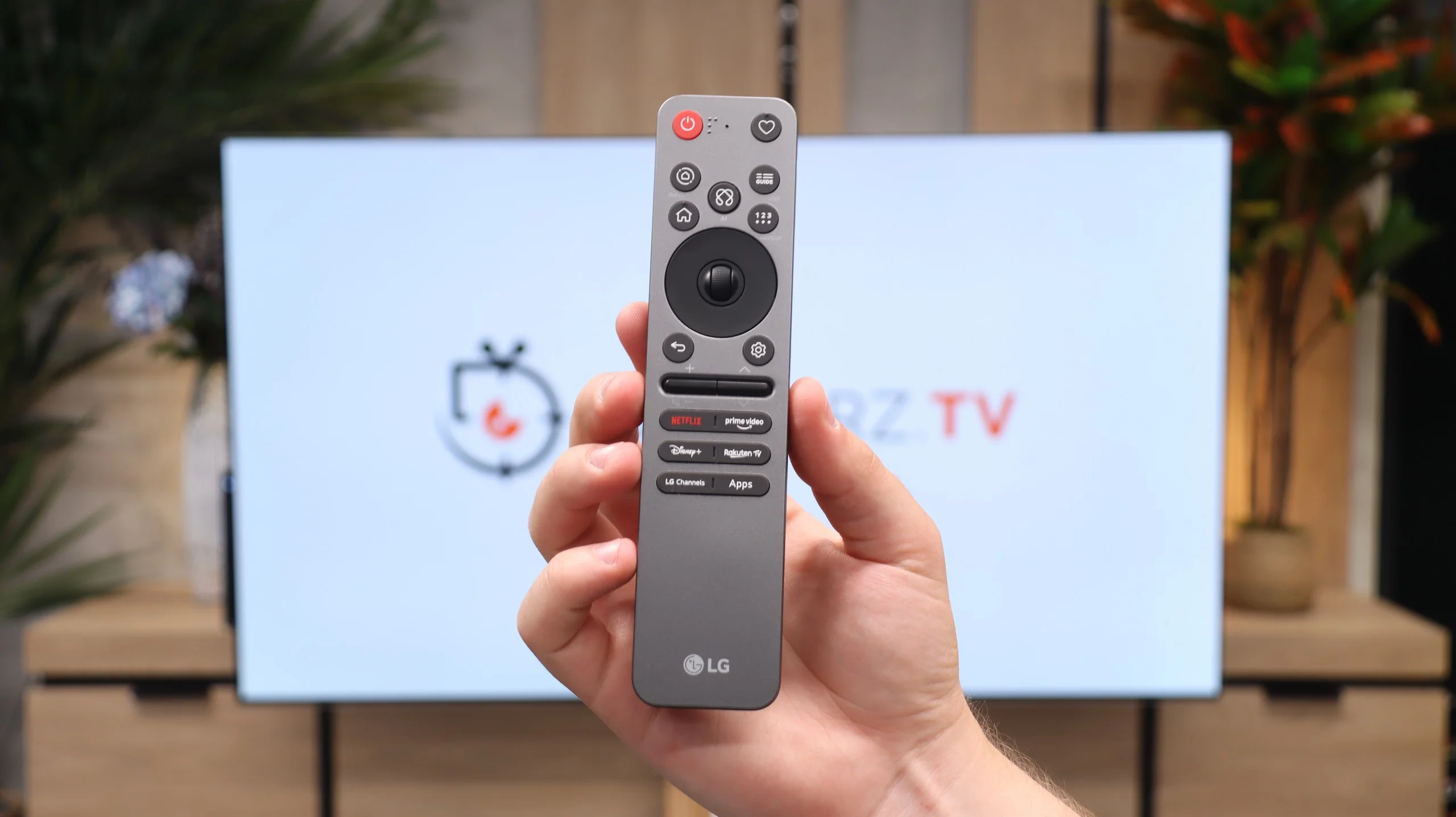
In terms of traditional TV functions the Hisense UR9S does not disappoint. In addition to a full set of tuners, it also offers a CI+ slot and the ability to record programs to a USB drive, a feature that more and more manufacturers are dropping. The remote also deserves praise. Along with backlighting, USB-C charging and a small solar panel, the manufacturer kept a full numeric keypad and a dedicated input button. These are small details, but they can be really convenient in everyday use.
Smart TV
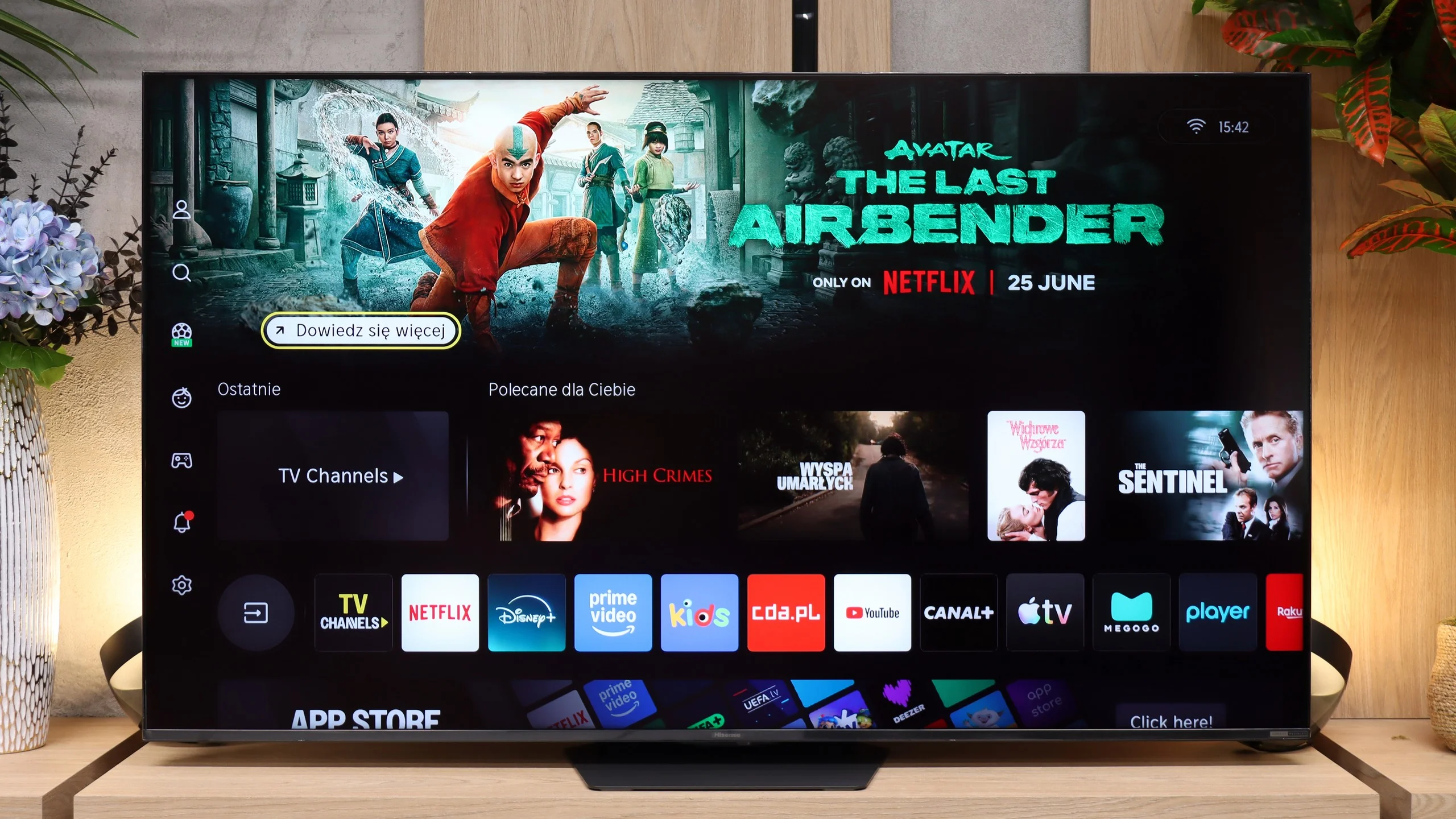
The Hisense UR9S runs on HomeOS, which is an evolution of the well-known VIDAA platform. The system itself is very responsive and during the entire test period caused no performance issues. The app library is slightly smaller than Google TV’s, but the main streaming services are, of course, available. The manufacturer also added a new app with recommendations for movies, series and sporting events, plus a voice assistant that uses artificial intelligence.
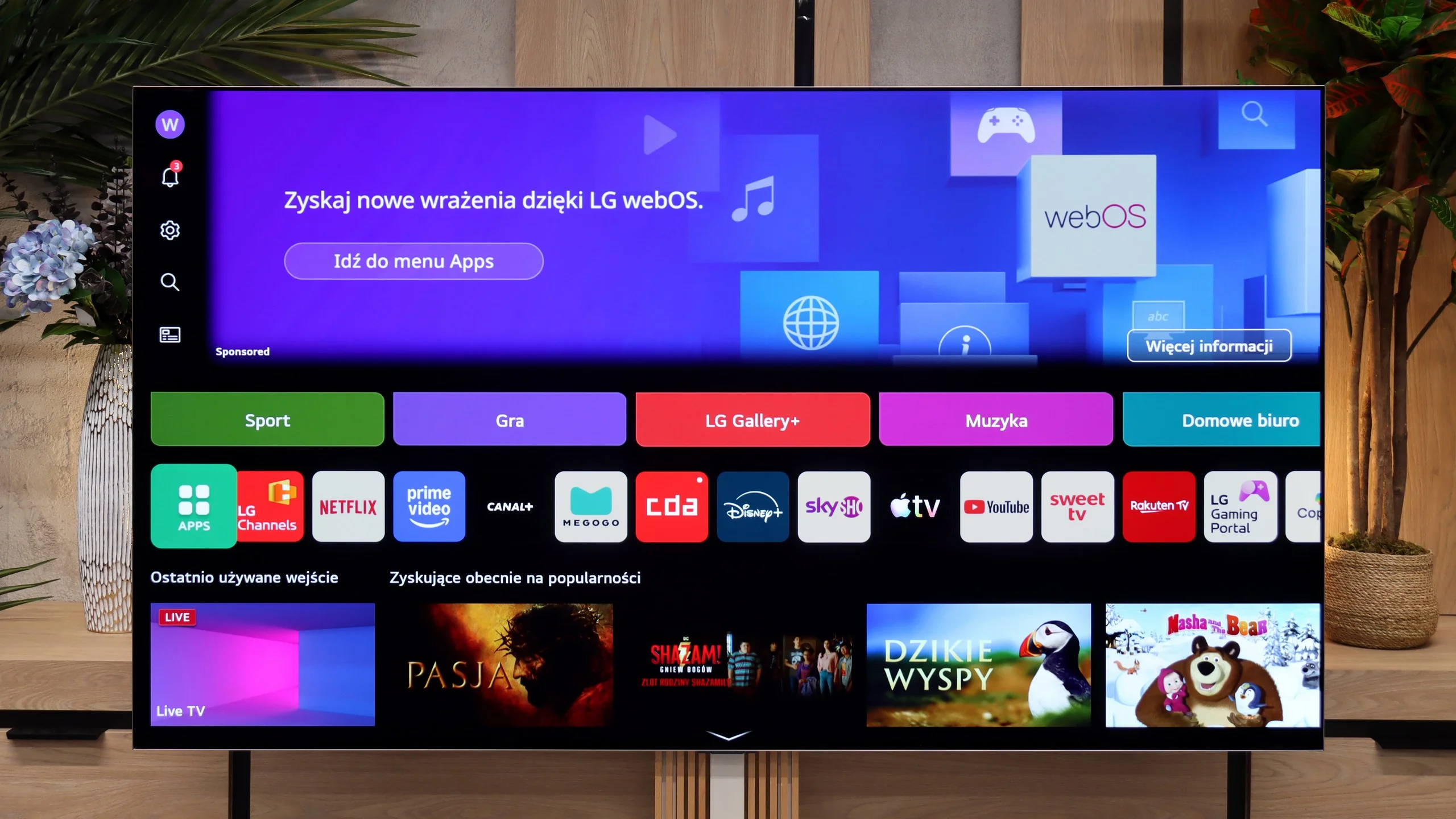
webOS System and Smart Features
The TV runs on the latest version of the webOS system. Although it is a closed platform, it supports absolutely all the key streaming applications on the market. You can also easily access useful wireless connectivity features, such as built-in Chromecast, AirPlay, or classic screen mirroring. However, the biggest distinguishing feature of LG's platform remains the brilliant Magic remote. Although it is quite compact and lacks a physical numeric keypad, it does something that competitors still can't replicate – it works like a wireless mouse. It is equipped with a gyroscope, allowing us to move an intuitive cursor across the screen, which drastically speeds up password entry and navigation through the menu. Additionally, LG has one of the best voice assistants for device control, and this combination with the Magic remote offers great possibilities for smoothly navigating the system. The only thing that can be quite annoying here is the intrusive ads and sponsored tiles that LG increasingly clutters the main screen of the system with. Nevertheless, the absence of Google TV is no drawback for the G6 – given the smooth operation of webOS, it can even be considered an advantage.
Features for Traditionalists
In terms of traditional television, the LG G6 also performs excellently and does not forget about traditional users. Despite the minimalist remote, there are plenty of useful solutions on board. The manufacturer has not given up on the PVR function, which allows for recording programs from built-in tuners directly to external USB storage or a hard drive. There is also an efficiently working TimeShift for pausing live television and the option to schedule recordings. These features may prove to be a perfect fit during the upcoming World Cup matches when games will be played late in the evening and we may not be able to watch them live. Of course, standard features are also included, such as the ability to connect wireless headphones via Bluetooth.
Apps
8.3/10
9.1/10






















Playing files from USB
8.3/10
9.2/10
Supported photo formats:
Maximum photo resolution:
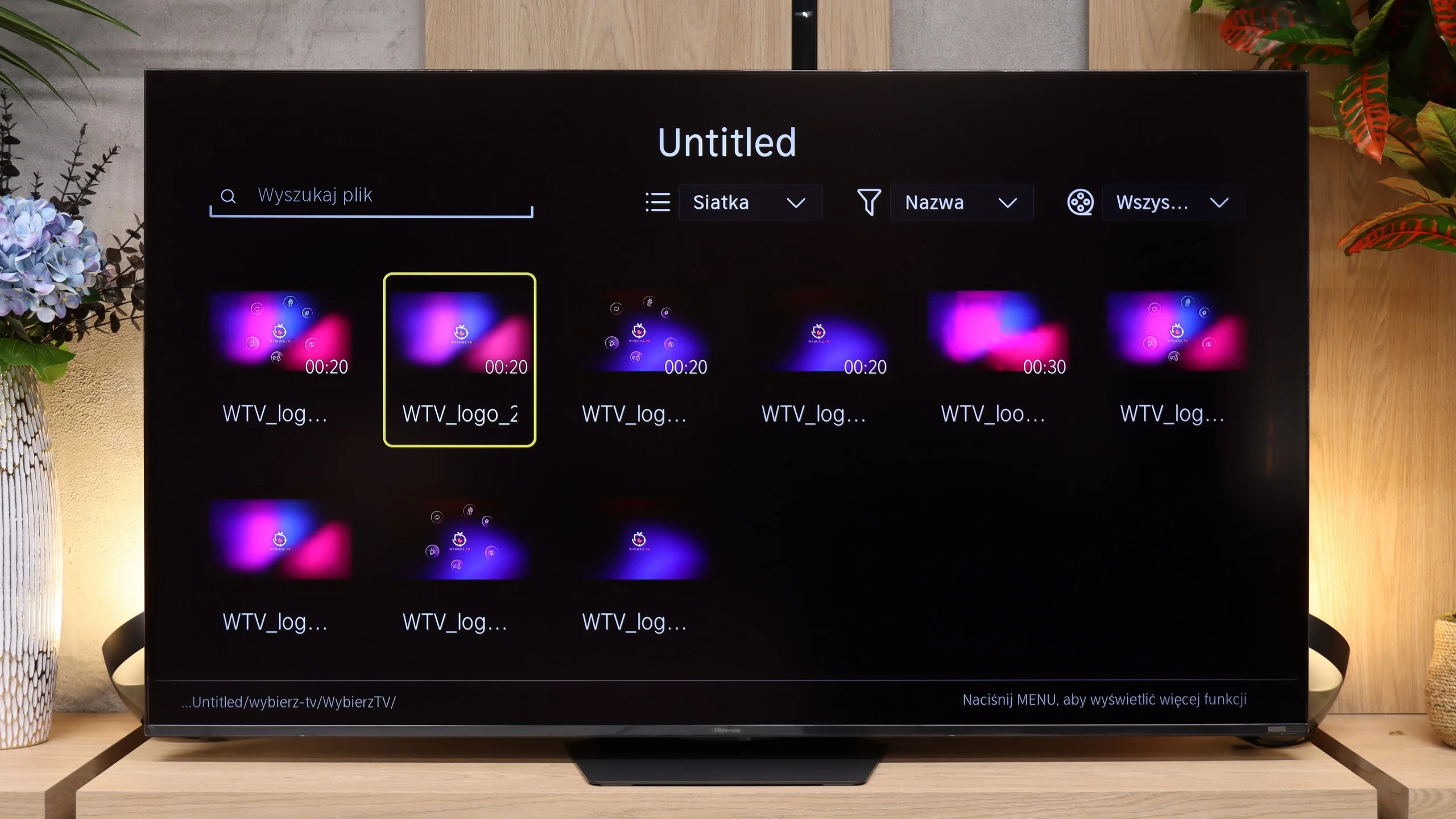
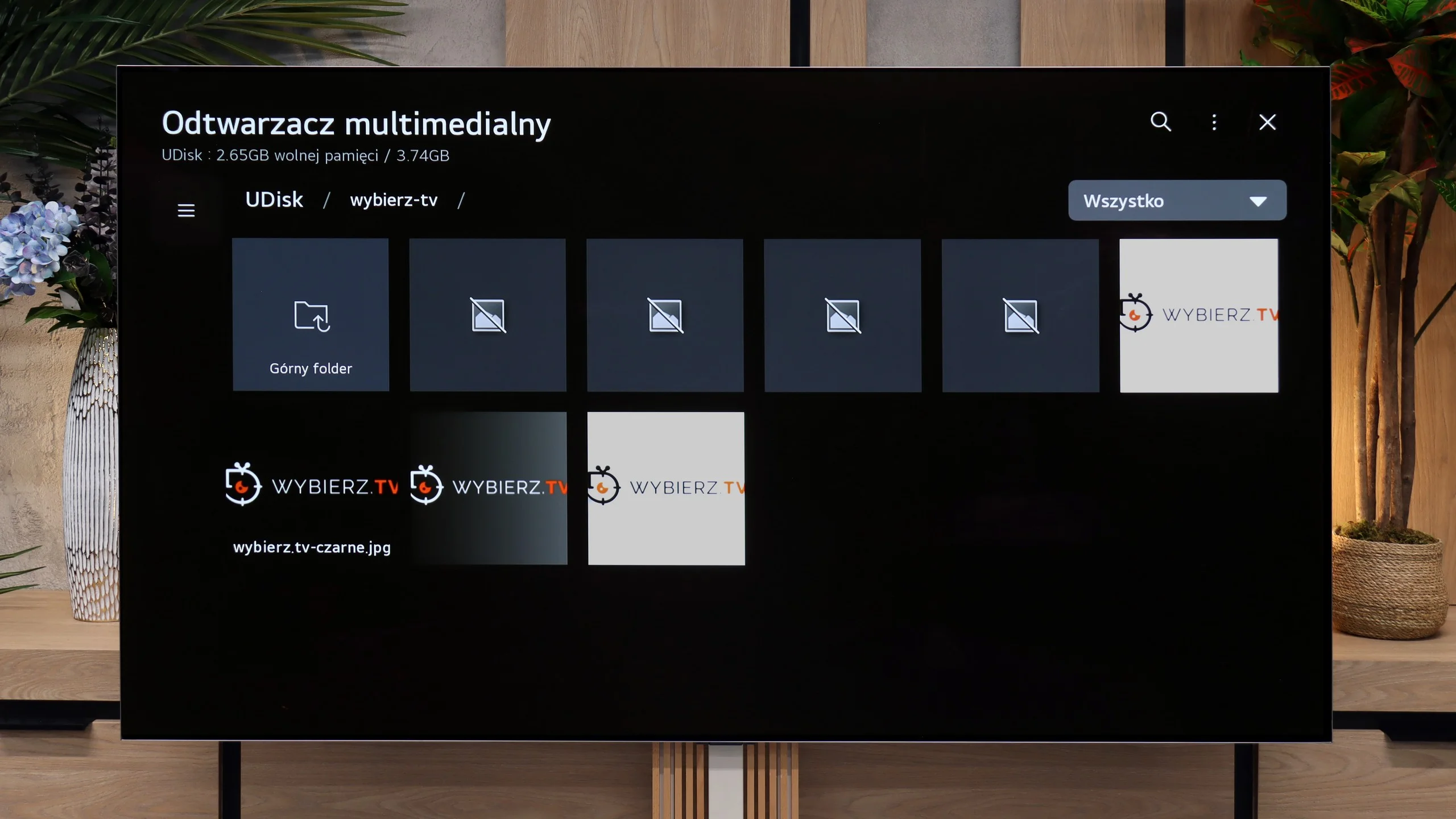
The built-in media player generally does a decent job and will be more than sufficient for most users. During our tests, however, we ran into a few annoying quirks that could put a damper on things. Above all, the TV is picky when trying to display high-resolution photos; the system simply refused to work with files sized 10, 12, 20, 24, or 28 MP. Sure, it's not a flaw that disqualifies the model, but if you want to copy raw photos from your camera onto a USB flash drive to show friends your holiday shots, you'll be in for an unpleasant surprise. In that scenario you're left either resorting to wireless screen mirroring via Miracast or manually lowering the files' resolution on your computer beforehand.
The inability to install an external media player (as is the case in Android-based systems) is actually not a problem for the LG G6. The factory-installed media player works great and seamlessly supports most audio, video, or image formats that we provided from our flash drive. However, during testing, we encountered some shortcomings – specifically, a rather strange lack of support for subtitles in the popular .txt format. However, we believe that this option will quickly be added to the G6 with the next software update.
Sound
7.8/10
8.4/10
- Maximum volume89dB88dB
- Dolby Digital Plus 7.1
- Dolby True HD 7.1
- Dolby Atmos in Dolby Digital Plus (JOC)
- Dolby Atmos in Dolby True HD
- DTS:X in DTS-HD MA
- DTS-HD Master Audio
The Hisense UR9S has a 4.1.2 speaker system with a total power of 90 W. The manufacturer strongly highlights its collaboration with the French brand Devialet, both on the chassis and in the TV's menu. You have to admit the UR9S sounds really good for built-in speakers. It's loud, will easily fill a larger living room, and the sound is full and clear. Dialogue is clearly audible, and there's more bass than in most TVs. Do you hear a big difference compared with last year's Hisense flagships? To be honest, no. Despite the Devialet logo, the sound character remains very similar. That said, the UR9S is still one of the better-sounding TVs on the market. It's also a plus that it supports Dolby Atmos and DTS, which many manufacturers have already dropped.
Despite its very flat design, the LG G6 sounds surprisingly good. The manufacturer managed to squeeze quite nice speakers under the display, capable of producing a rather "spatial" sound – if you can even call the limited physical capabilities of the TV that 😉. The sound is clear, has decent dynamics, and is suitable for everyday viewing of news programs or series without any issues. The TV also easily supports the very popular Dolby Atmos surround sound codec.
Unfortunately, for the second year in a row, it lacks support for the DTS:X format. Regardless of what one might say, it has recently become quite unpopular in streaming services, but a top-of-the-line TV in terms of price and quality simply should not limit users in handling audio formats, in our opinion. Additionally, we have to criticize LG for somewhat downgrading the audio menu. We missed more advanced settings and predefined sound profiles, which were definitely more abundant in last year's model.
Sound Quality Test
Acoustic Measurements
89dBC (Max)
75dBC
88dBC (Max)
75dBC
Reader comments
Comments are provided by the external service Disqus (Zeta Global). Once loaded, Disqus may set cookies and process data about your activity.
We will remember your choice on this device. Provider's privacy policy