Hisense proves here that it can deliver products of really decent quality. The Hisense U7NQ is a television that offers many advantages, with its picture quality being one of its main assets. Thanks to Mini LED technology, this television offers deep blacks and high brightness, positively influencing contrast and image dynamics. Dolby Vision support further increases the capabilities of this model, providing cinematic experiences at home. When it comes to motion smoothness, the Hisense U7NQ is a great choice for gamers and those who appreciate dynamic content, such as sports. The rapid 144 Hz panel, low input lag, and additional features like VRR, ALLM, and Game Bar make gameplay on this television smooth and responsive. For daily usage, the television deserves praise for its high efficiency during the day. The high brightness level of 915 cd/m² means that the television performs well even in bright rooms, and additional features like the ability to record programs make it a very functional everyday choice. Despite all its advantages, the Hisense U7NQ also has its drawbacks. The VIDAA operating system, while fast, is not yet as developed as other platforms available on the market, resulting in the absence of several popular applications such as Spotify or Tidal. Gamers may be disappointed by the lack of support for HGiG, which affects the optimal reproduction of details in HDR games. If we plan to connect the television to a computer, we must reckon with issues related to font readability, especially on dark backgrounds. The Hisense U7NQ is a solid TV that offers very good picture quality and rich features for gamers. Despite a few shortcomings, it is a model that will satisfy most users, providing high picture quality, motion smoothness, and useful user features.
- Matching (Score) |
- Our verdict |
- TV appearance |
- Where to buy |
- Contrast and black detail |
- HDR effect quality |
- Factory color reproduction |
- Color reproduction after calibration |
- Smoothness of tonal transitions |
- Image scaling and smoothness of tonal transitions |
- Blur and motion smoothness |
- Console compatibility and gaming features |
- Input lag |
- Compatibility with PC |
- Viewing angles |
- Daytime performance |
- Panel details |
- TV features |
- Apps |
- Playing files from USB |
- Sound
Hisense U7NQ vs TCL C6KS / C69KS / Q6CS
 Direct comparison

Check the best price offer:
Hisense U7NQU7NQ
C6KS / C69KS / Q6CS

Panel type: LCD VA
Resolution: 3840x2160
System: VIDAA
Model year: 2024
Complete the survey to find out the result
Panel type: LCD VA
Resolution: 3840x2160
System: Google TV
Model year: 2025
Complete the survey to find out the result
Overall rating
7.3
6.4
 Movies and series in UHD quality
 7.0
5.9
 Classic TV, YouTube
 6.7
6.1
 Sports broadcasts (TV and apps)
 6.4
5.3
 Gaming on console
 8.2
7.7
 TV as a computer monitor
 8.0
1.7
 Watching in bright light
 7.6
6.6
 Utility functions
 9.0
7.0
 Apps
Apps 7.7
9.6
 Sound quality
 6.9
6.5
Complete the survey to find out what fits your preferences
Advantages

Good contrast
High brightness of the panel - good performance during the day
Very good for gamers, sports - VRR, ALLM 144Hz
Low input lag
Recording function from built-in tuners
Very good contrast and black: VA panel and MINI-LED backlighting
Pretty high (around 600 nits)
Many features for gamers: VRR, ALLM, HGiG
Additional mode for gamers: 120Hz and 144Hz
Google TV system with a wide range of applications
Support for multiple HDR formats including Dolby Vision
Support for Dolby Atmos and DTS
Quite pleasant sound from the built-in speakers
Disadvantages

Not the best Image scaling and smoothness of tonal transitions
The matrix is heavily smudged
Strong visible dithering (looks like artificial 4K)
Very poor compatibility with PC
Minor system errors
Significant chaos in naming (many derivative models that differ in no way)
Our verdict
TCL C6KS (also known as C69KS and Q6CS) is a television that on paper promised to be a hit in the "value for money" category. And indeed, in many ways it's a successful piece of equipment: thanks to Mini-LED backlighting, we get good black levels and brightness that rivals more expensive models. In fact, it's identical to the slightly more expensive C6K model, which we've already tested for you. Additionally, it features the same excellent Google TV system and surprisingly rich gaming features, making it enjoyable to play even with a 60 Hz panel. Unfortunately, the positive impression is marred by the performance of the panel used. The television suffers from noticeable motion blur, and aggressive dithering (digital grain) makes the image often appear unnatural and artificial—as if it were being forced to be sharper. Ultimately, the biggest problem with the C6KS isn’t its flaws, but rather its sibling, the C6K. At its current price, this model finds itself in a strange "middle ground." It costs almost the same (or just slightly less) as the full-fledged TCL C6K, which offers a significantly better 120 Hz panel and is simply a complete design without those annoying flaws. The C6KS is a compromise model that will only become attractive under one condition—if its price drops drastically. For now, opting for the (often symbolic) additional cost to the C6K model remains a much safer and better choice. One could mischievously state that the letter "S" in the name actually stands for "Slim." It's just that it's not about an exceptionally slim case, but about how much this model has been "slimmed down" in terms of capabilities compared to the full-fledged C6K.
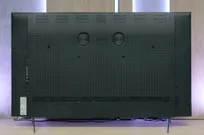
TV appearance


Contrast and black detail
7.2/10
7.5/10
Local dimming function: Yes, number of zones: 713 (31 x 23)
Local dimming function: Yes, number of zones: 180 (10 x 18)
Contrast:


Result
40,750:1

Result
42,600:1

Result
12,000:1

Result
12,150:1

Result
3,450:1
Result
129,650:1
Result
26,650:1
Result
12,900:1
Result
12,600:1
Result
6,250:1
Halo effect and black detail visibility:
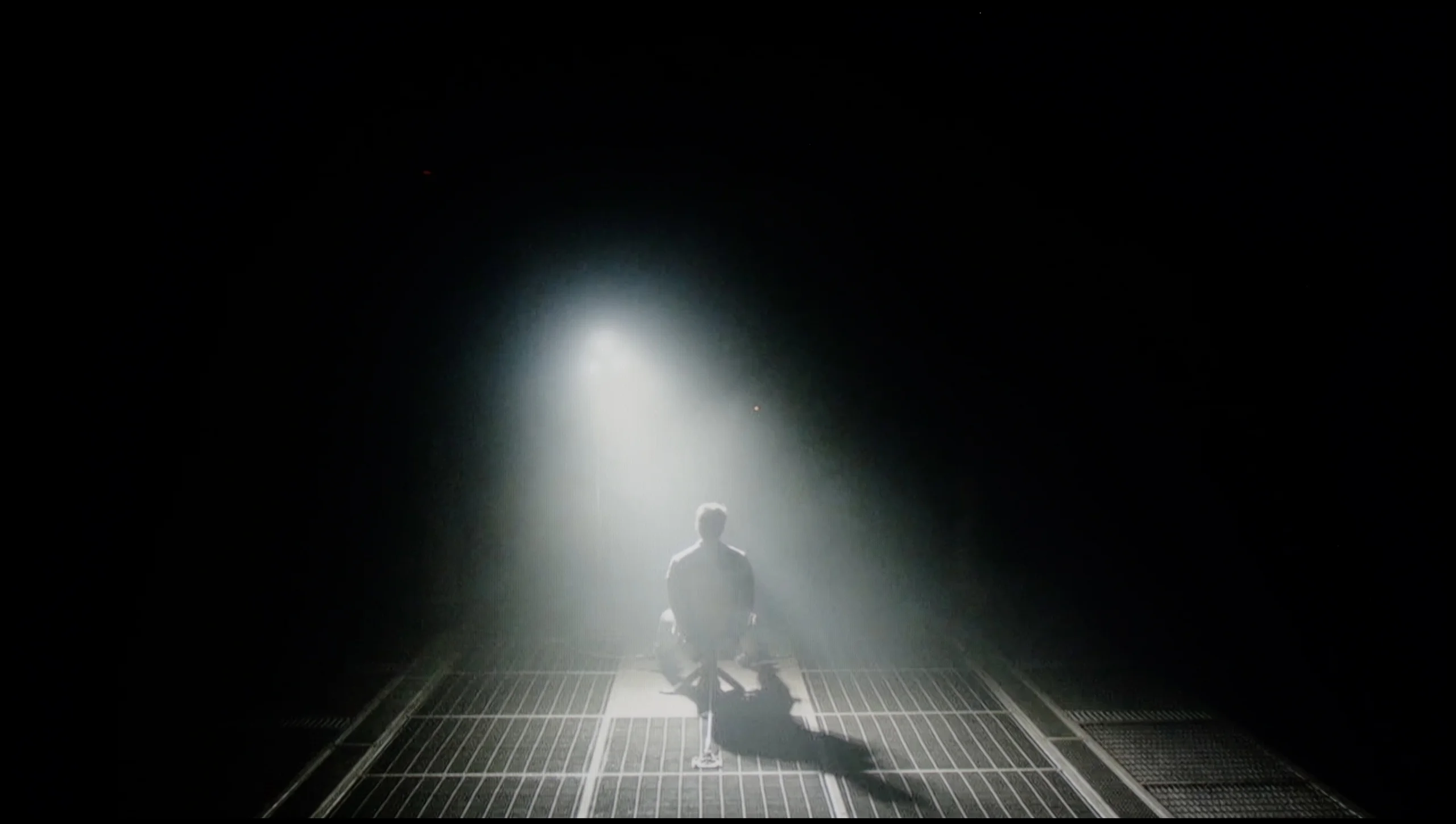
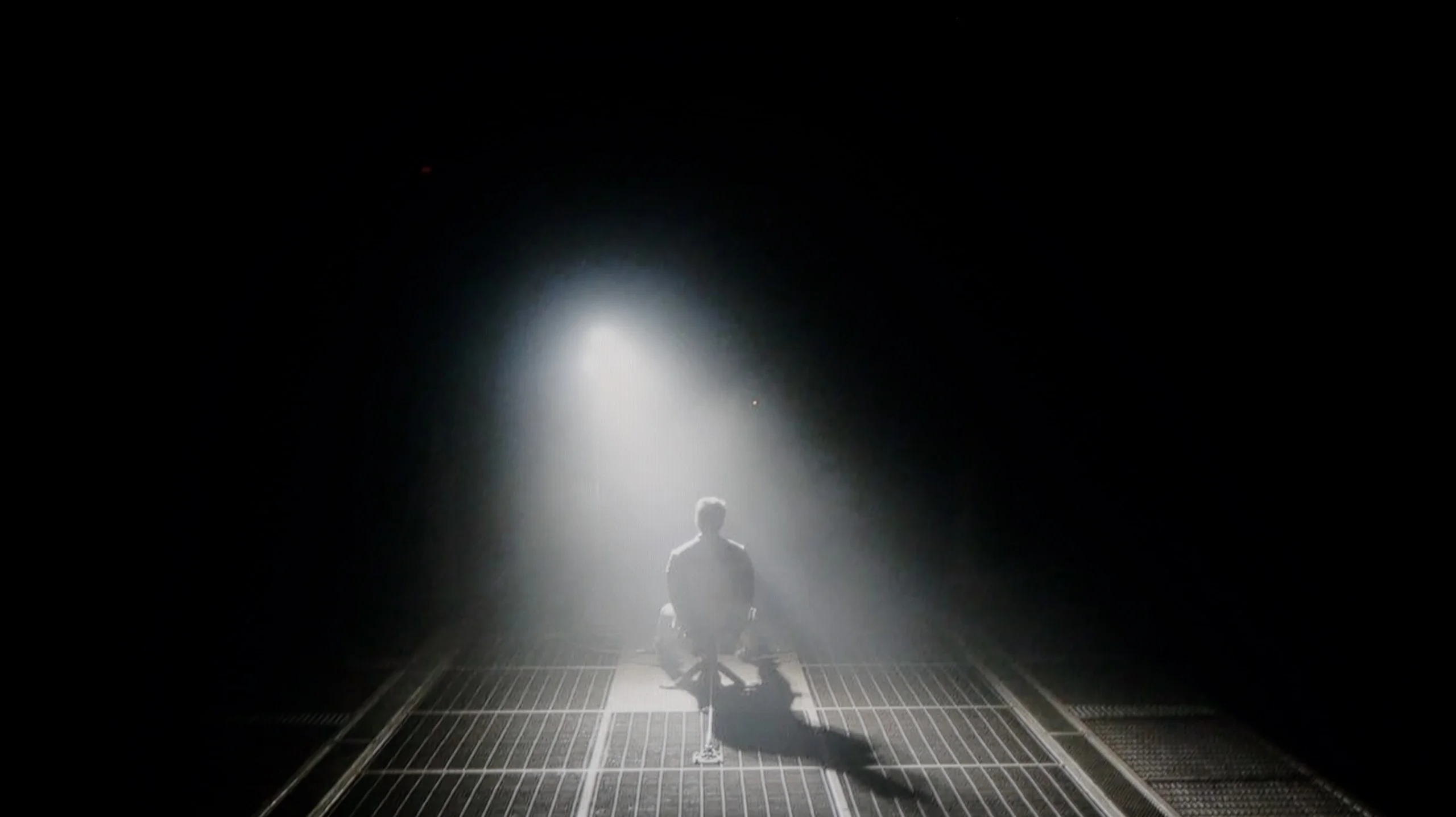
Check the visibility of bright lights on a dark background. Mini-LEDs often struggle with this. The photo does not compare black levels – that’s what the video below is for.
The video accurately shows differences in contrast and black levels between TVs, as well as potential issues: halo around bright objects or Mini-LED zone operation visible as brightness jumps.
Hisense U7NQ is a television that uses a VA panel, crucial for achieving good contrast and appropriate black depth. This technology translates into vivid image quality when watching content in a dark room, where blacks acquire proper saturation and resemble deep tar rather than washed-out ash. Moreover, the TV features Mini LED backlighting, which in the tested 65-inch variant offers an impressive number of 713 local dimming zones. Naturally, smaller sizes will have fewer zones, while larger ones will have more, positively affecting overall contrast.
Under very favourable conditions, the TV achieves a contrast ratio of around 40,000:1. The local dimming technology performs excellently at managing bright and dark parts of the image, making the TV superbly render details in complex scenes. Despite the large number of zones, there may be issues with contrast in particularly demanding scenes, where small bright elements appear against a dark background. Sometimes the TV may dim these elements too much, causing a loss of brightness, and other times it excessively brightens them, leading to a halo effect—glows of light surrounding objects. This effect can be noticeable, for example, in a scene from the movie Sicario 2, where bright glows around the subtitles can be bothersome.
Nevertheless, the use of Mini LED technology with local dimming makes the overall image quality significantly better than in televisions without this technology. The effect is particularly noticeable when watching movies in a dark room—the blacks are deeper, and the contrast is more pronounced, allowing a full appreciation of details hidden in dark shots.
Let's move on to what tigers like best, which is black and contrast. If you were worried that the lower price of the C6KS model (C69KS/Q6CS) was due to drastic cuts in image quality, I have great news for you regarding black levels and contrast. In direct comparison with the more expensive C6K, the tested model hardly falls short at all. Just like in the higher series, we find a VA panel supported by a local dimming system. What’s most interesting – and here’s a big surprise – during the tests, we counted exactly the same number of dimming zones in the C6KS (of the same size) as in the tested more expensive counterpart! The black levels are very good. The contrast measurement results speak for themselves – for such a relatively inexpensive television, the black is deep and free from major issues that often plague budget models without local dimming. Of course, we can't cheat physics. We must expect that in very demanding scenes (e.g., bright text on a black background), we will sometimes notice undesirable effects such as blooming (halo effect around bright objects). However, this is not something that disqualifies this television – overall, the black levels are at a very decent, satisfying level.
HDR effect quality
5.9/10
4.9/10
Luminance measurements in HDR:

Result
1023 nit

Result
290 nit

Result
637 nit

Result
198 nit

Result
907 nit
Result
602 nit
Result
204 nit
Result
421 nit
Result
152 nit
Result
590 nit
Scene from the movie “Pan” (about 2800 nits)

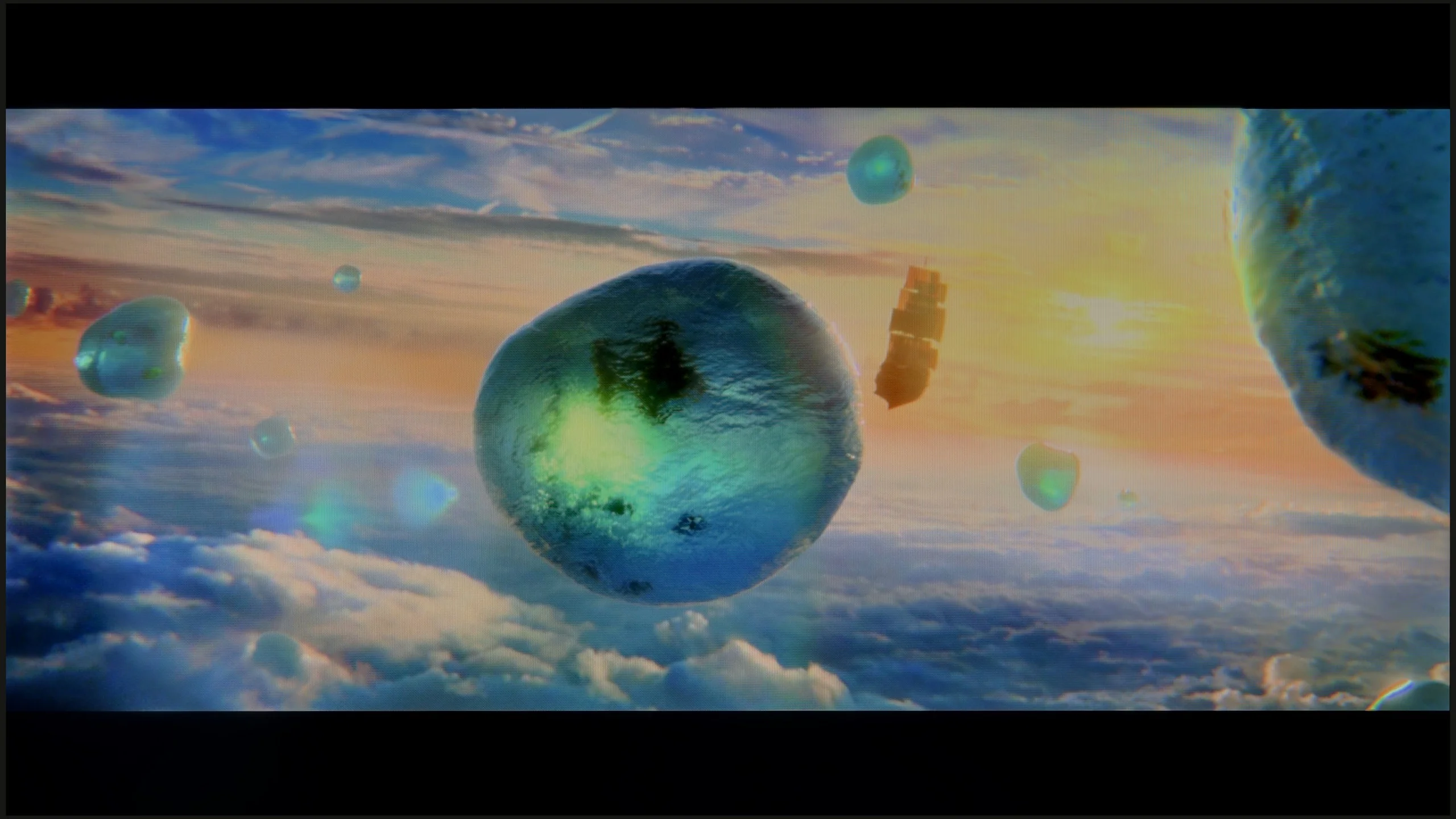
Scene from the movie “Billy Lynn” (about 1100 nits)
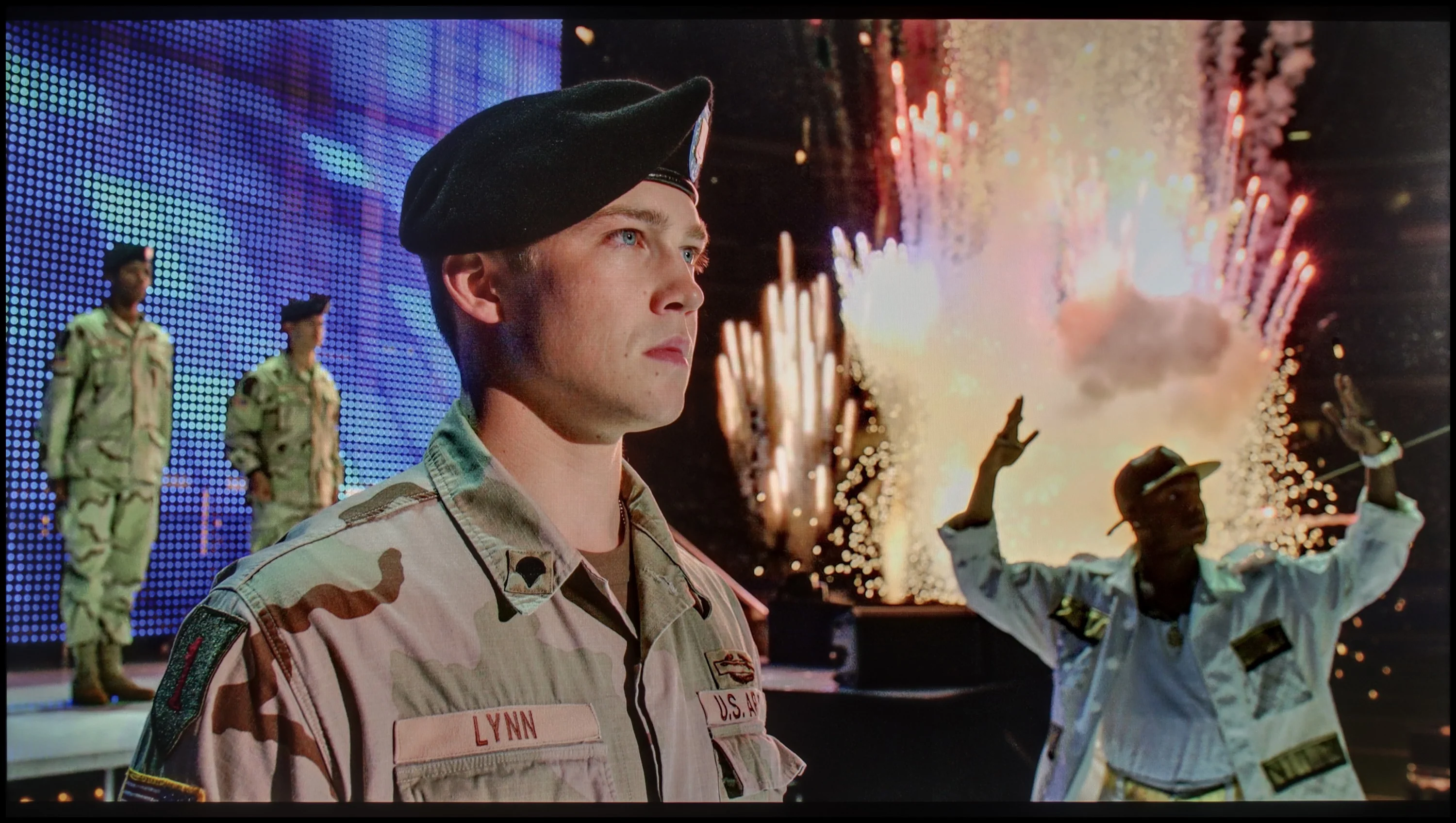
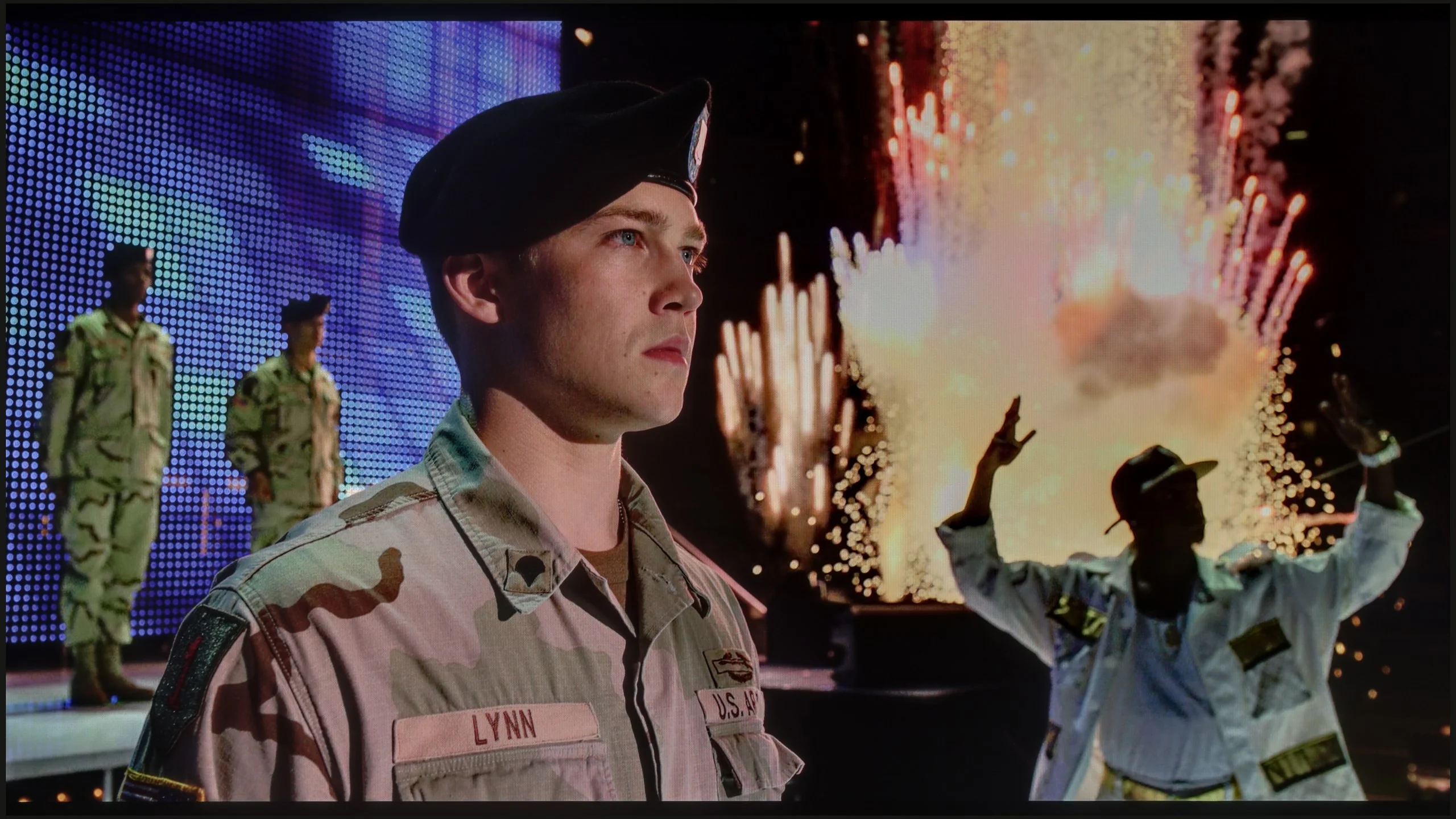
The photos show two HDR10 movies. 'Pan' is one of the brightest productions ever made, while 'Billy Lynn' (soldier) has brightness typical of streaming (Netflix, Prime, HBO MAX). Notice the intensity of effects and detail in whites.
Static HDR10


The photos present the visibility of white details in various HDR formats. They do not show brightness differences between TVs (these can be compared in the previous gallery).
Dynamic: Dolby Vision
Dynamic: Dolby Vision


The photos present the visibility of white details in various HDR formats. They do not show brightness differences between TVs (these can be compared in the previous gallery).
HDR luminance chart:
TCL C6KS / C69KS / Q6CS
Hisense U7NQ
The Hisense U7NQ 65 television demonstrated significant capabilities on the luminance chart, exceeding the 1000-nit barrier and achieving very high brightness results without issue in the first, third, and fifth test scenes. However, as before, in the second and fourth test scenes, for example from the film Sicario 2, there are significant problems with maintaining brightness, and the results around 200 nits are very disappointing. Despite a large number of dimming zones, the algorithm in the television responsible for controlling these zones is unable to react appropriately — in this case, it significantly dims small elements like the moon or the light from a helicopter. The bright light that should blind us is too dim to be called an HDR effect. Nevertheless, it is worth praising the television for its high coverage of the DCI-P3 colour gamut at 96%, which allows it to accurately reproduce most film scenes.
And how does the issue of HDR look? Here the C6KS performs quite well and – as is becoming a recurring theme in this review – identically to the C6K model. The maximum brightness generated by this television is around 600 nits. In bright scenes, this translates to a really solid, cinematic effect, and generally, the video materials look good here. However, one must remember the specifics of the dimming algorithm in this model. When very small, bright points (e.g., stars) appear against a dark background, the television can dim them quite significantly. The goal is simple: to eliminate blooming and maintain the best possible black levels. It’s a reasonable compromise. Most viewers will definitely appreciate deep, “true black” more than additional micro-details that could cause grayness on the screen. Such is the nature of local dimming technology in this price range, and one must be aware of it. It’s also worth noting that the TCL C69KS (C6KS) has an additional PFS coating, which is marketed under the tagline of QLED technology. Thanks to this, the colors are saturated and vibrant – our measurements showed that the coverage of a wide color gamut reaches 92% here.
Factory color reproduction
6.4/10
5/10
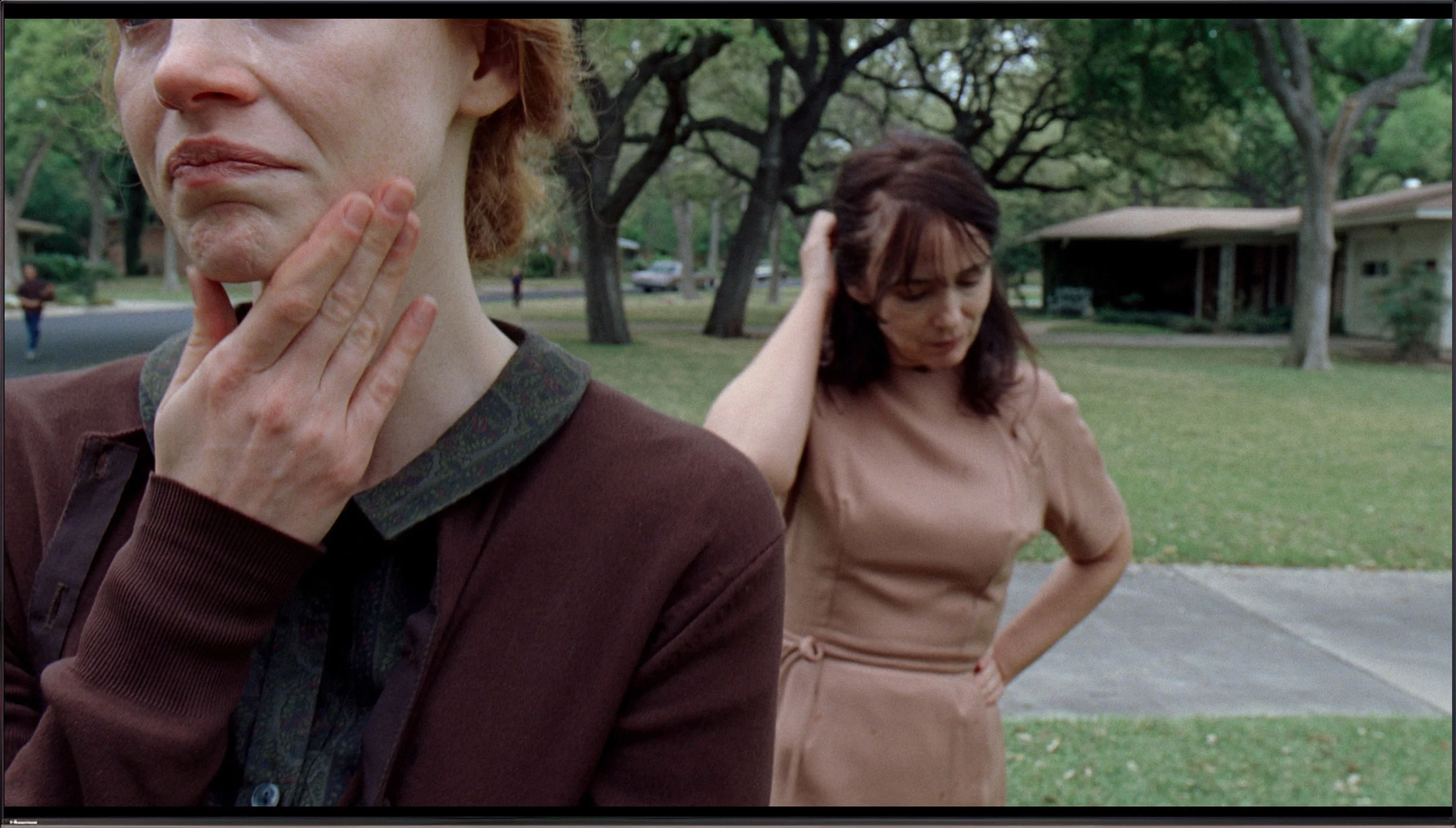
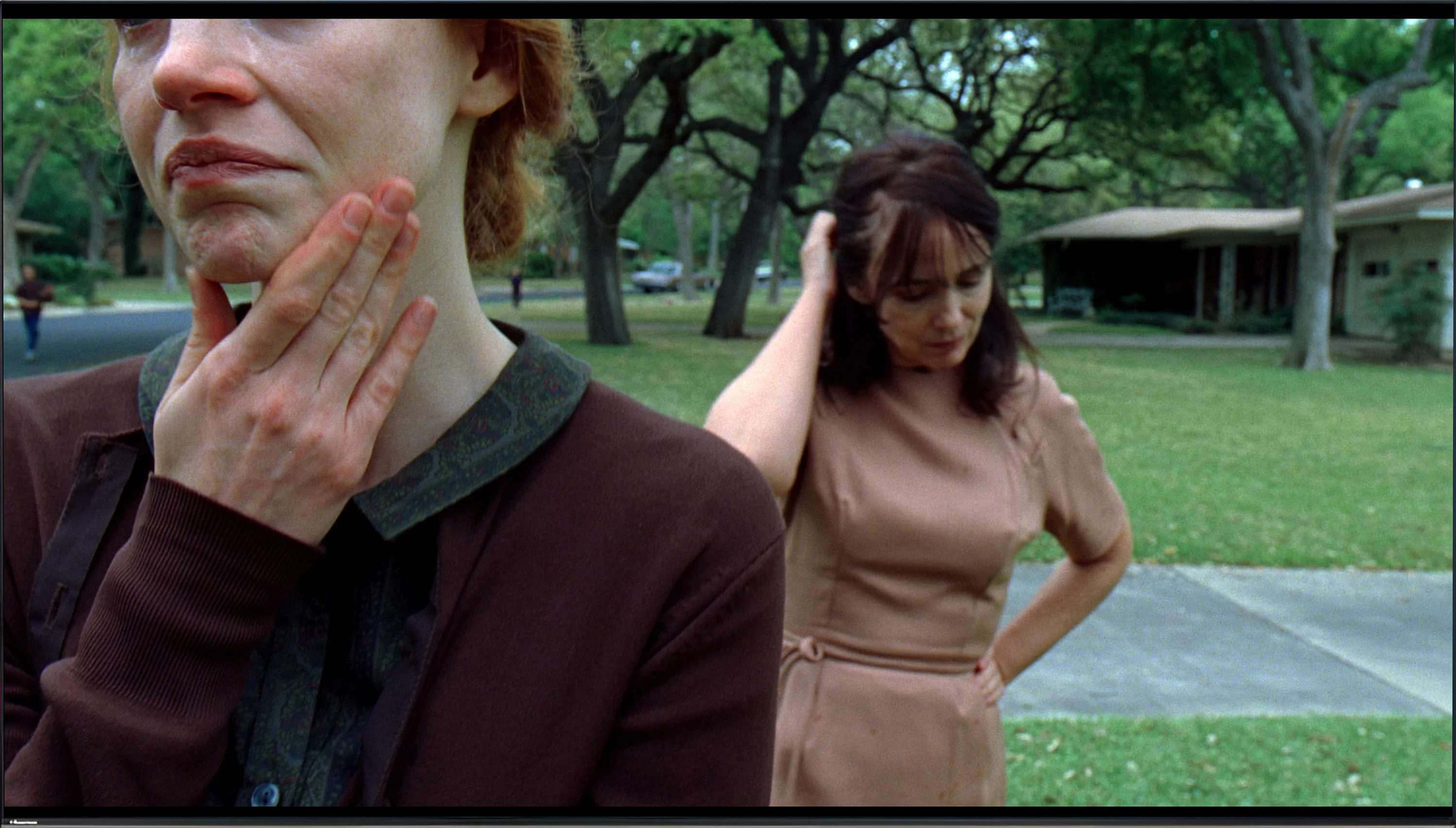
This gallery shows how colors change after professional TV calibration. If you notice the difference, we recommend ordering this service at SkalibrujTV.com.
Factory Mode
After calibration
The Chinese manufacturer offers various picture settings with its televisions, but the best mode in this model is undoubtedly the Filmmaker Mode. Despite its name, this mode has its issues: the white balance, although roughly correct, is characterized by a strong dominance of warm tones due to the kick of red colour, both in 4K and HD materials. The Colour Checker test confirms these errors — deviations in samples are visible in inappropriate shades. As for the brightness characteristics, the gamma responsible for HD materials shows values below 2.4, leading to some brightening of the screen. Meanwhile, the EOTF curve shows the television's problems with displaying small light elements, as confirmed by the previously described paragraphs.
Unlike the more expensive C6K model, the tested C6KS does not have an option labeled Filmmaker Mode in the menu. Is this a reason to cry? Absolutely not. Our tests have shown that in practice, in terms of color reproduction, the absence of this specific label makes virtually no difference. The best available Film/Cinema mode here offers nearly identical picture characteristics to the aforementioned Filmmaker mode in the more expensive model. So we get a very similar image, just under a different name. So if you were wondering whether paying extra for the C6K gives you better colors – the answer is: no, in both cases the base is the same and requires slight adjustments.
Color reproduction after calibration
7.8/10
7.5/10
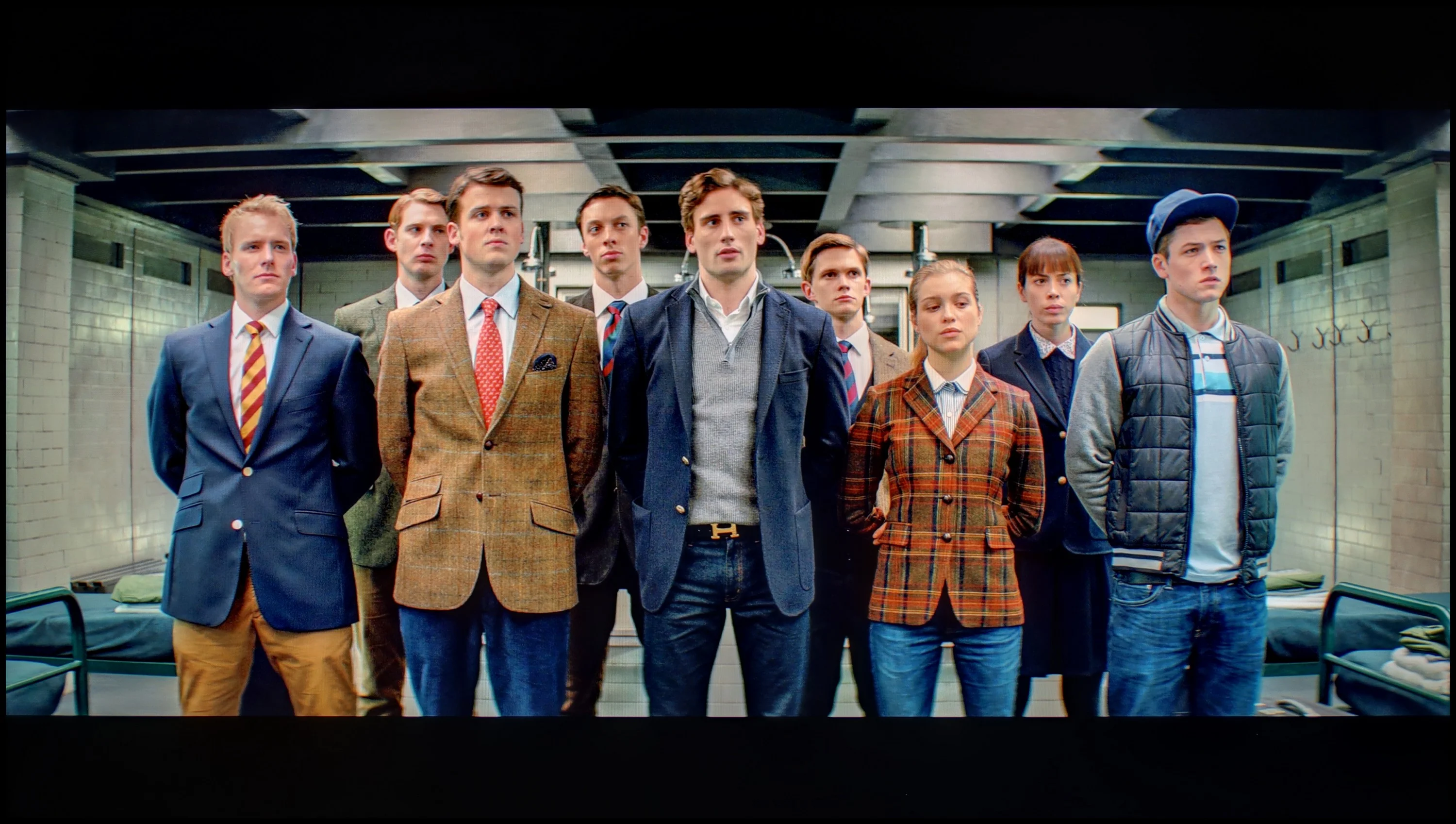
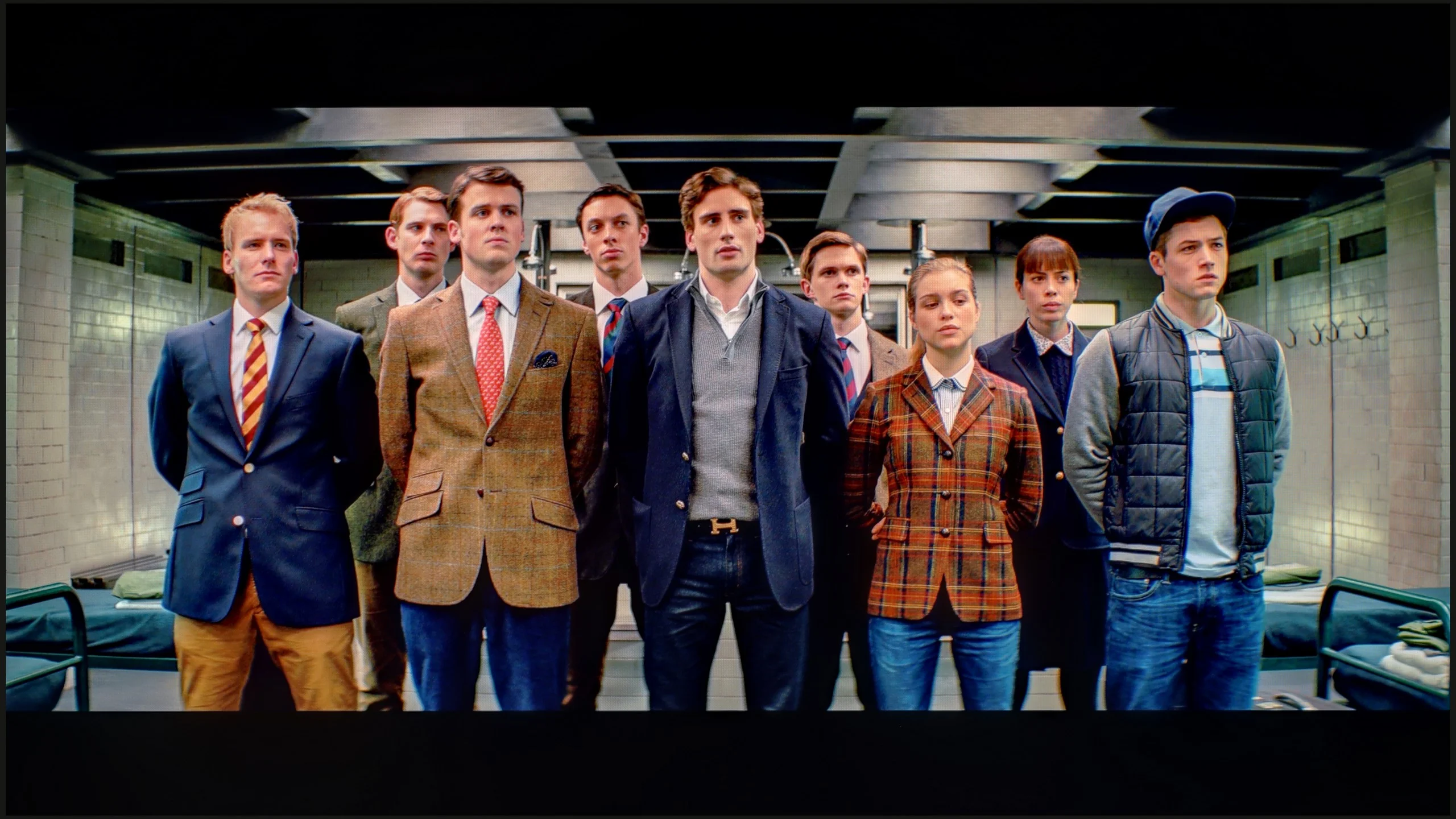
The photos show how movies look on the TV. Pay attention to black detail visibility, colors, and shadow tint.


The photos show how movies look on the TV. Pay attention to black detail visibility, colors, and shadow tint.
Hisense televisions offer many tools for image correction, allowing users to adjust settings to their preferences. Therefore, we decided to utilize these capabilities to bring the image quality closer to reference standards. In the case of white balance, we managed to eliminate the dominance of red, resulting in more neutral colours, which allowed for a more realistic image in both 4K and HD materials. A similar improvement was noticed in the brightness characteristics. Gamma, which previously led to excessive screen brightness, was corrected, contributing to better detail representation in the darker areas of the image while maintaining a natural tonal balance.
However, the biggest challenge was the calibration of the EOTF curve, which is responsible for brightness in 4K materials. At first glance, the EOTF value appeared almost perfect, but detailed tests showed a slightly different outcome. Upon closer inspection—especially using the filter on the right side of the EOTF chart—we noticed how the television manipulated 4K film materials, often significantly boosting brightness. This effect was particularly noticeable in scenes from films such as Pan and Billy Lynn, where the television attempted to artificially increase the brightness of elements, affecting their naturalness. Despite these imperfections, the calibration yielded positive results, especially in terms of tonal improvement. For most users, the final effect should be satisfactory, especially if they aim to bring image quality closer to professional reference standards.
Thanks to the white balance adjustment, the tendency of the C69KS to distort colors has been effectively reduced, leading to a very good final effect. After calibration, we won't see excessive warmth in SDR scenes or overly cool tones in HDR. However, it's worth noting the brightness characteristic. In SDR content, there are hardly any objections – the image looks very good, especially in older films, television programs, or materials from YouTube. It is much more difficult to evaluate the performance of the television in HDR. Analysis of the EOTF curve suggests correct behavior, but its practical variant shows certain limitations. The C69KS can overly brighten the smallest elements of the frame, while at other times it can dim the entire scene. Calibration has therefore brought clear benefits in terms of color reproduction, but certain limitations arising from the operation of local dimming and the way it is controlled by the C69KS cannot be avoided, as we also saw in the C6K test.
Smoothness of tonal transitions
9.1/10
4.8/10
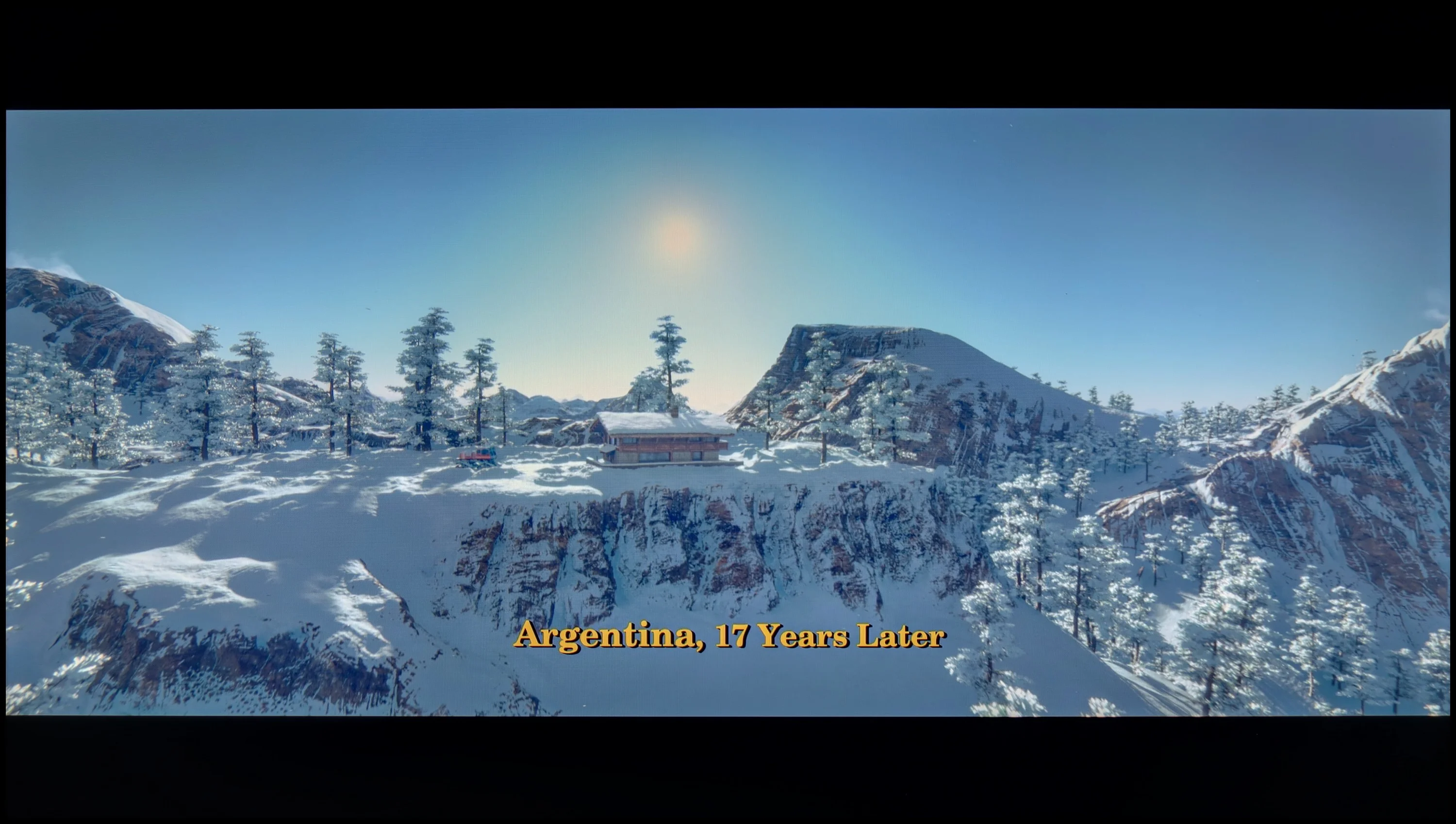

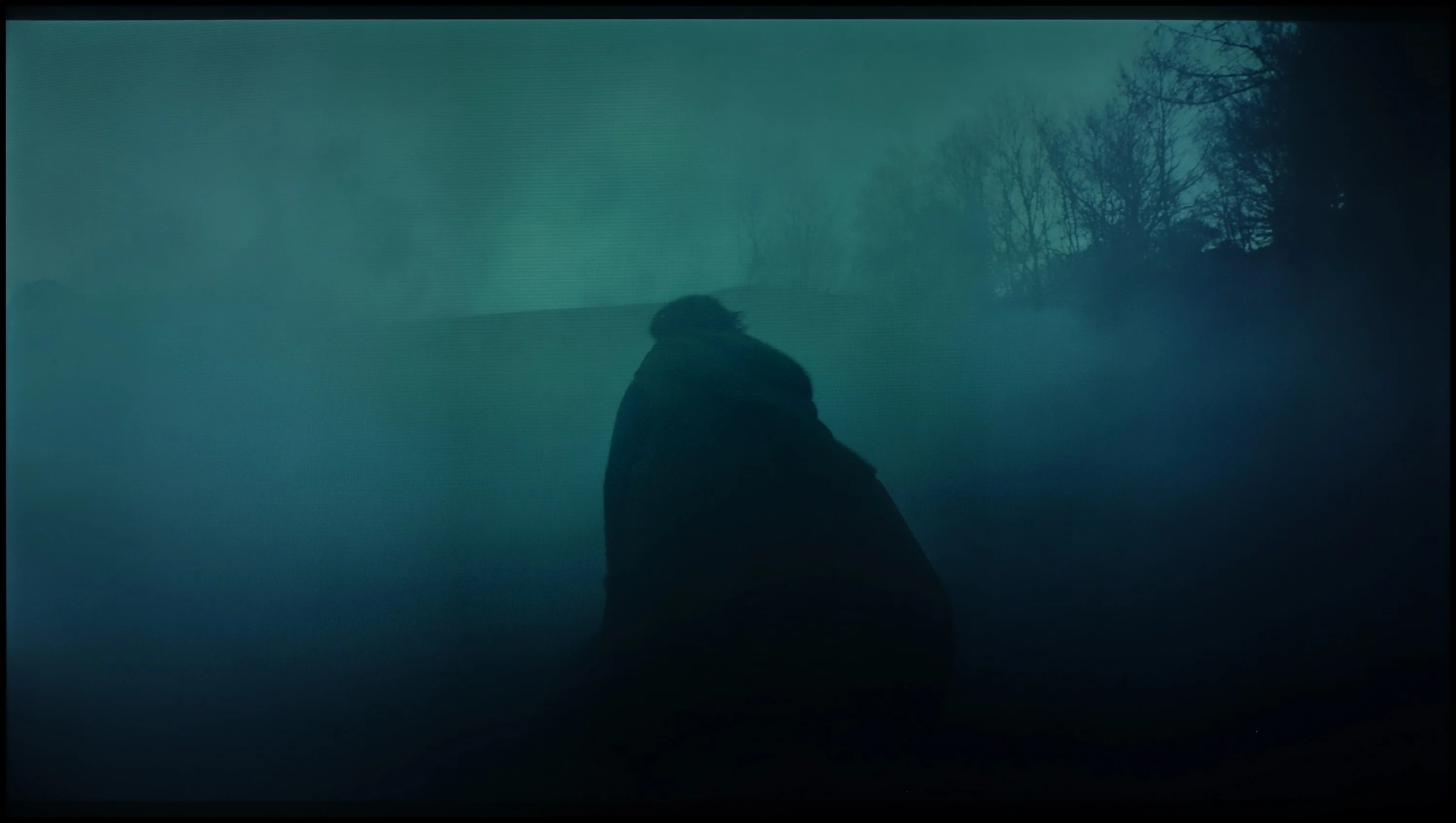
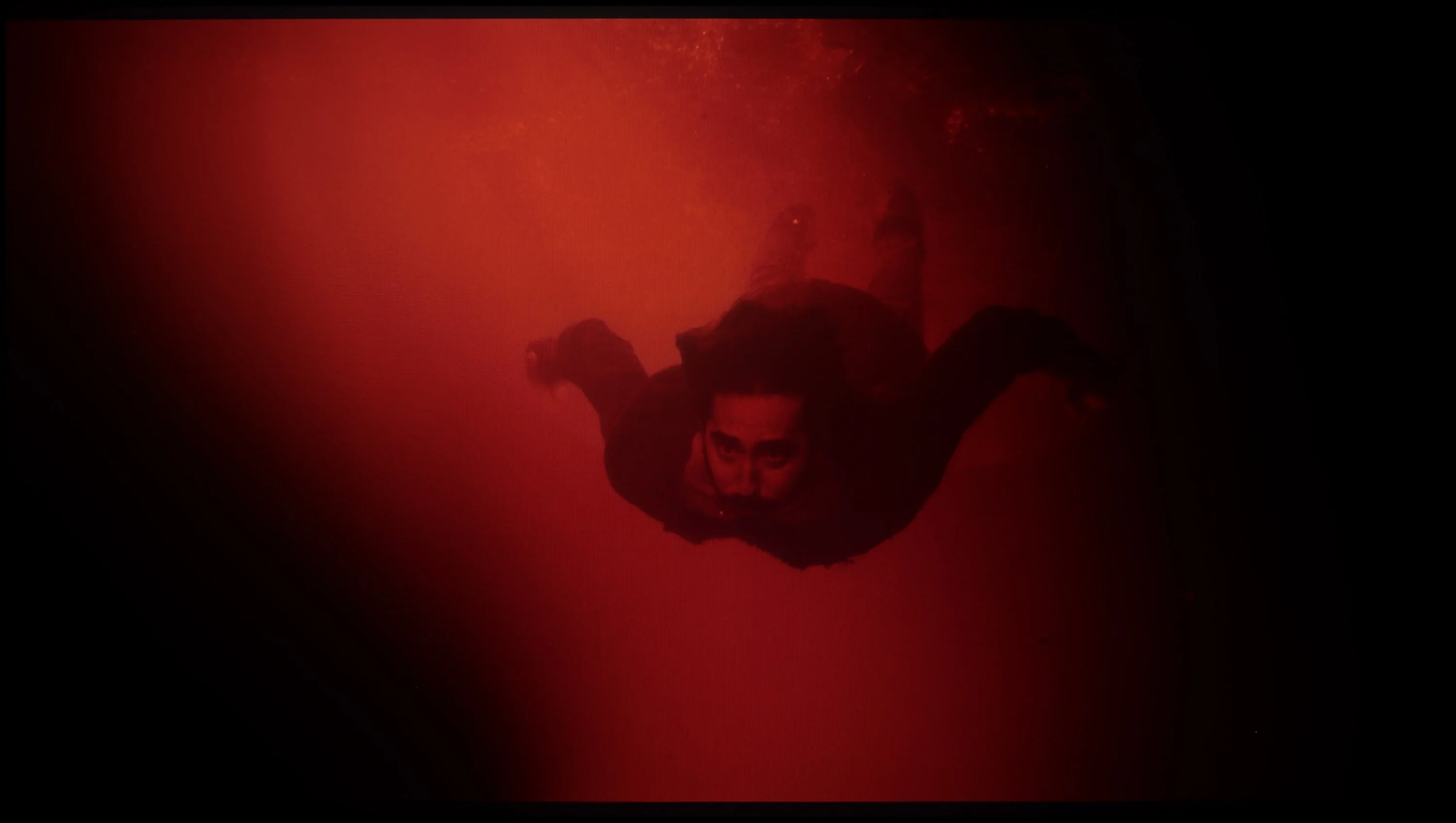
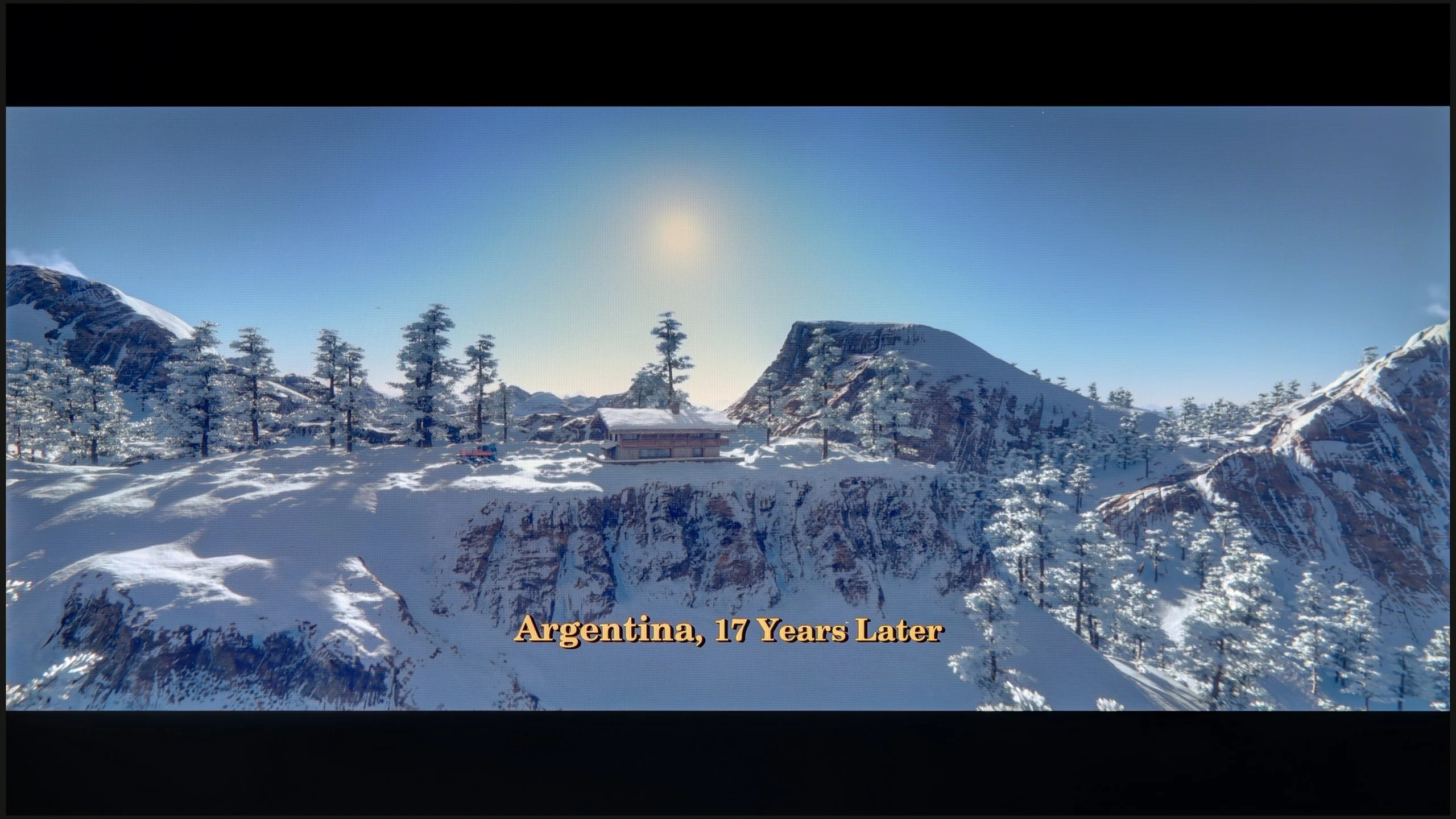
These are selected scenes that show smooth tonal transitions from one color to another. If you see distinct banding, it’s the TV panel’s fault.
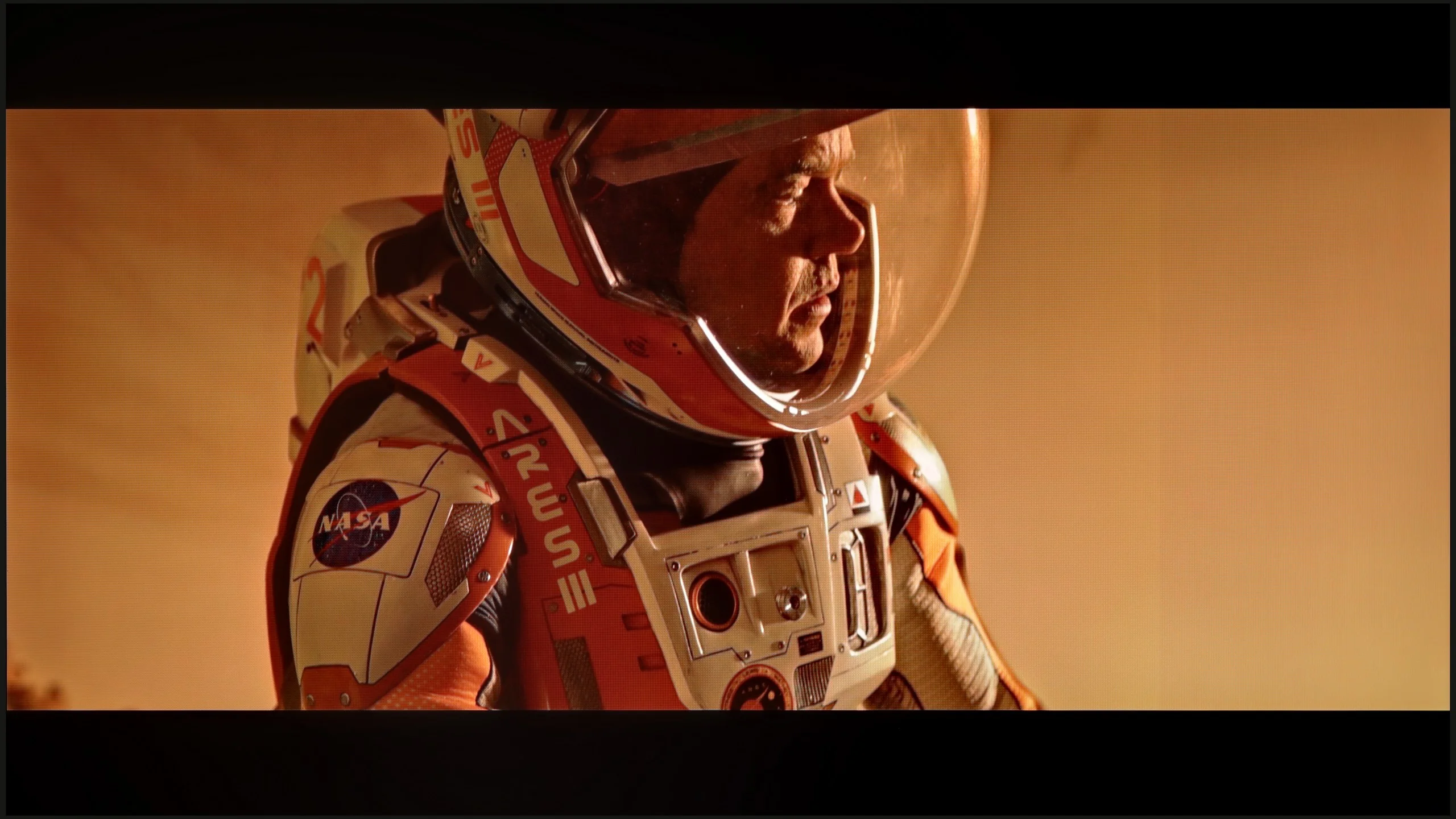
These are selected scenes that show smooth tonal transitions from one color to another. If you see distinct banding, it’s the TV panel’s fault.
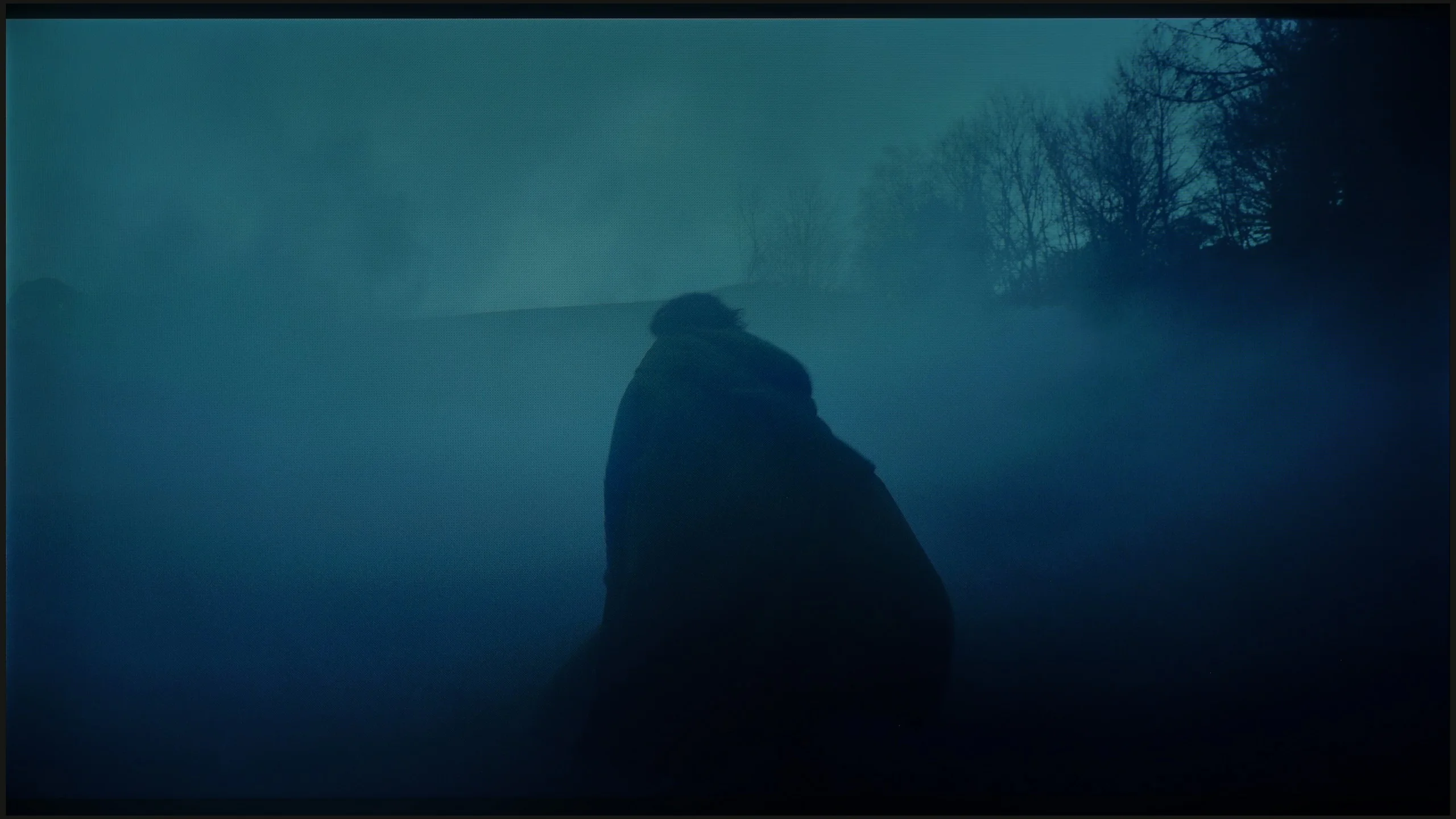
These are selected scenes that show smooth tonal transitions from one color to another. If you see distinct banding, it’s the TV panel’s fault.
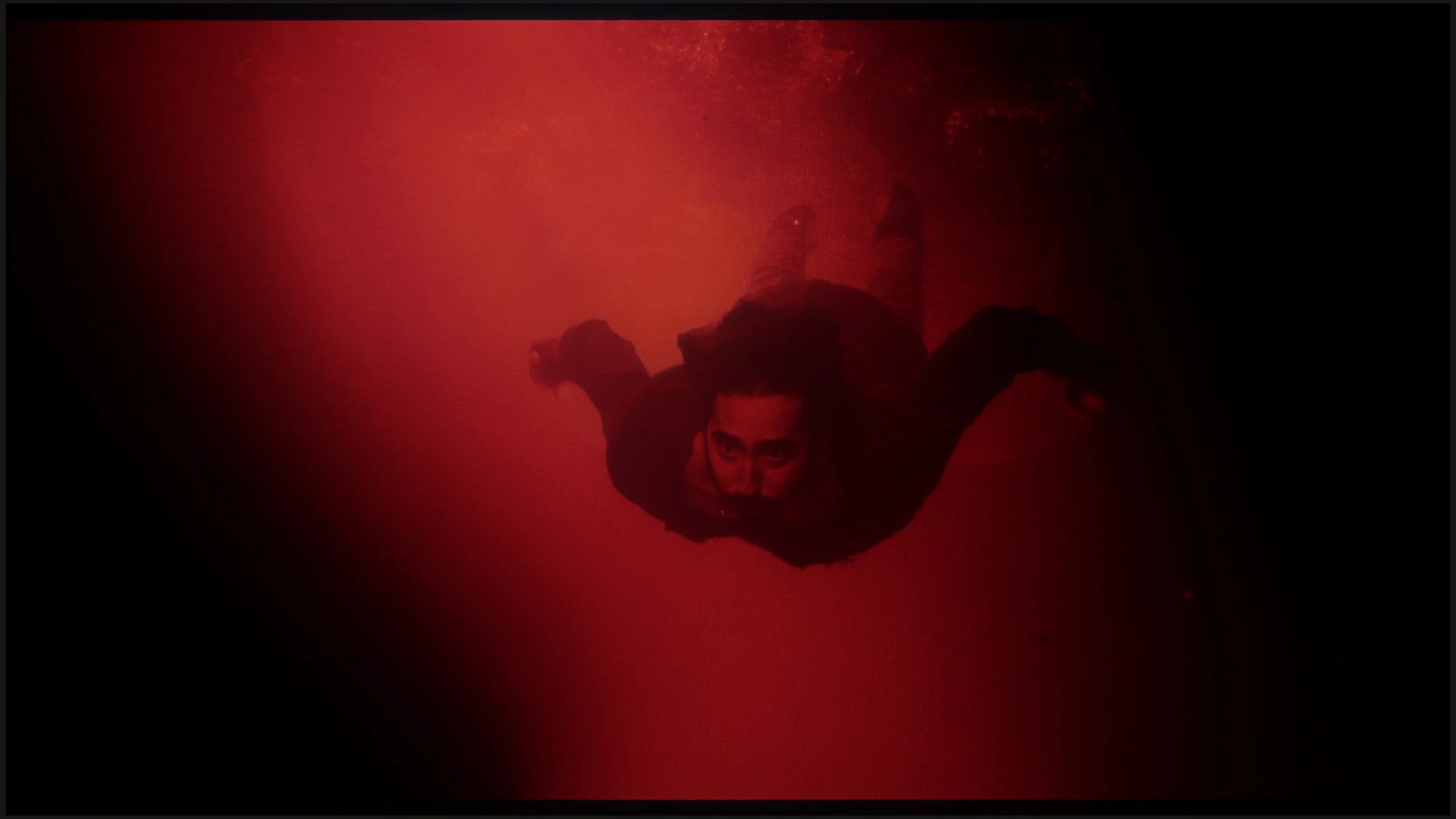
These are selected scenes that show smooth tonal transitions from one color to another. If you see distinct banding, it’s the TV panel’s fault.
Hisense U7NQ offers excellent fluidity of tonal transitions. Overall, the image is very well balanced, and transitions between different shades of colors are nearly flawless. For more discerning viewers, small joinings in darker hues can be detected; however, these imperfections are minimal and do not significantly affect the overall picture quality. Tonal fluidity is at a very high level, making viewing content on this television particularly enjoyable, with no noticeable problems with gradients and color transitions.
Looking solely at the smoothness of tonal transitions, the C69KS gives no real reason for complaints. The gradation of colors proceeds correctly, and more challenging sequences do not reveal significant problems. Therefore, you might be surprised by the low score in this category. This is due to very strong dithering and artificially boosted "resolution," leading to a grainy and unnatural character of the image. For this reason, the final score is significantly lower, despite the correct gradation of the tonal transitions themselves.
Image scaling and smoothness of tonal transitions
5.5/10
5/10


Smooth transition function
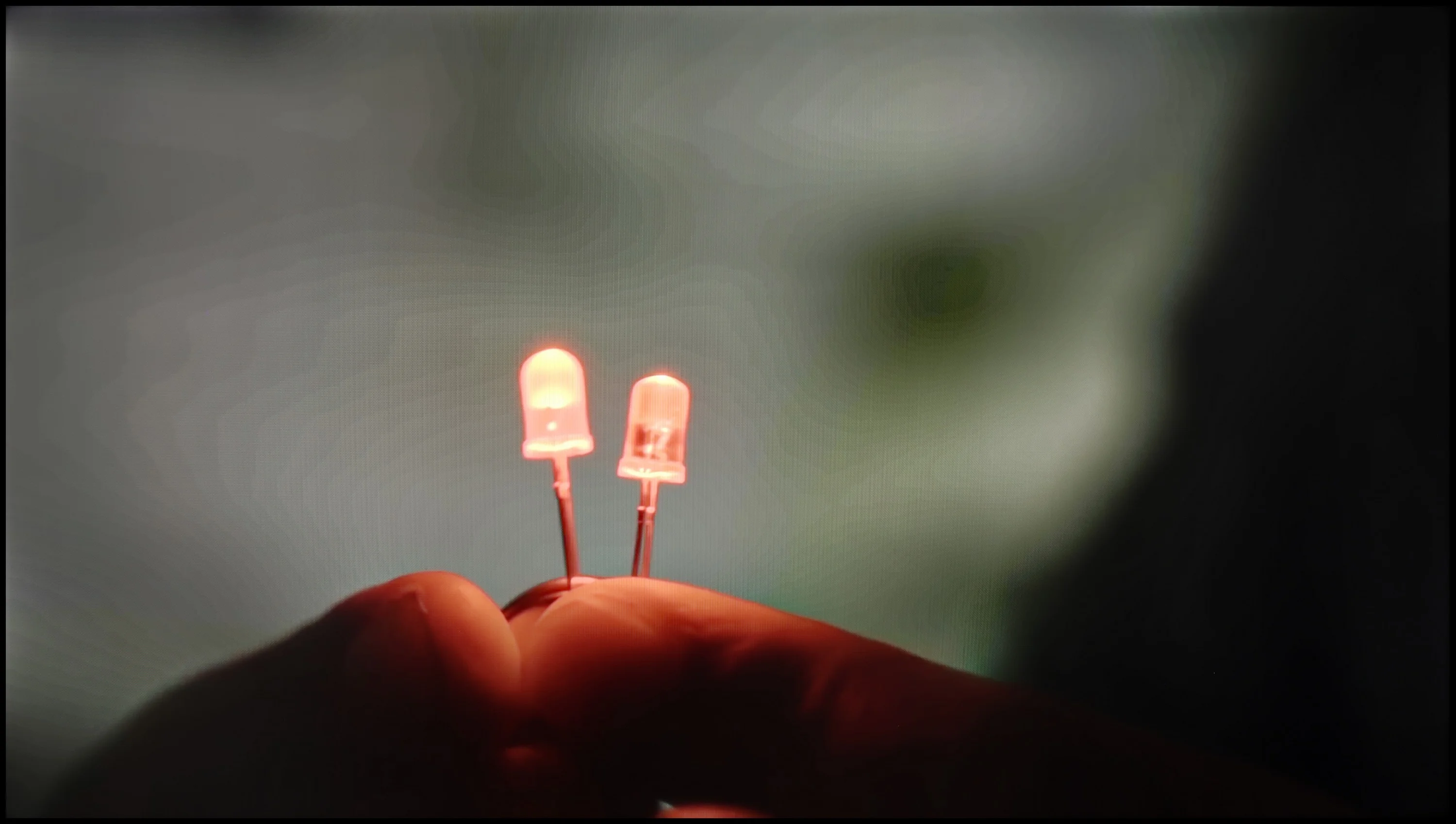
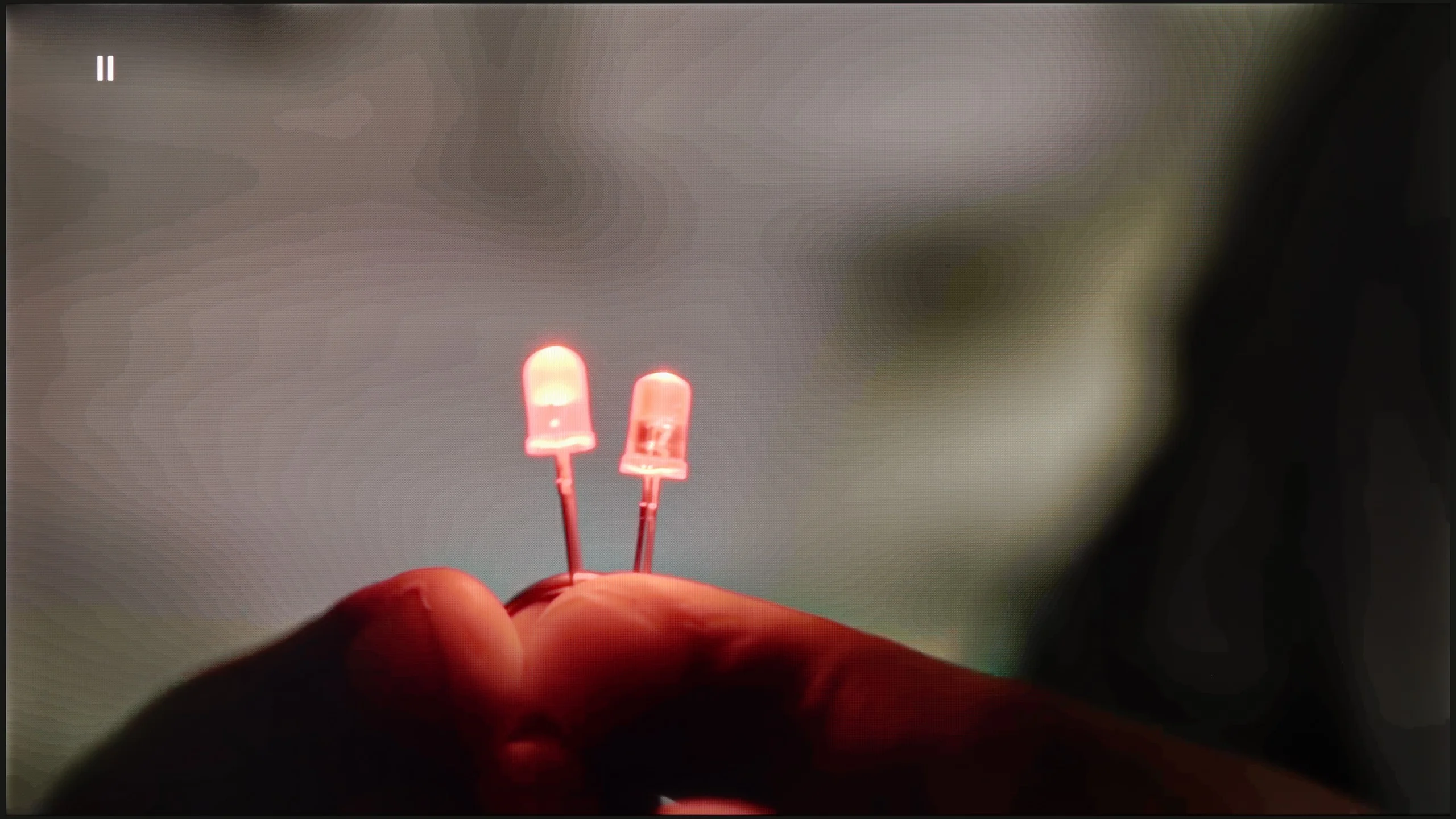
The match photo shows how the TV smooths weak tonal transitions in low-quality video.
Image scaling SD (576i)


The model photo shows how it handles upscaling of SD material.
When it comes to smoothing tonal transitions, despite the presence of the "Smooth and Gradient Image" feature in the test sequence, we did not notice that the feature added anything — we recommend turning it off. As for upscaling, the television handled our model well, and the branches in the background are not excessively jagged — the image seems quite plastic. However, it was slightly cropped by the so-called overscan.
C69KS handles upscaling quite well. The tested 576p material looks surprisingly decent – a significant amount of detail is preserved, and the algorithm adds a subtle "rounding" effect to sharp edges, making the image appear more cohesive. However, the smoothing of tonal transitions is lacking. The television practically cannot improve them, leaving the image in a somewhat raw state. With older materials, this can be simply exhausting, as the lack of additional processing highlights all imperfections.
Blur and motion smoothness
7.3/10
4.9/10
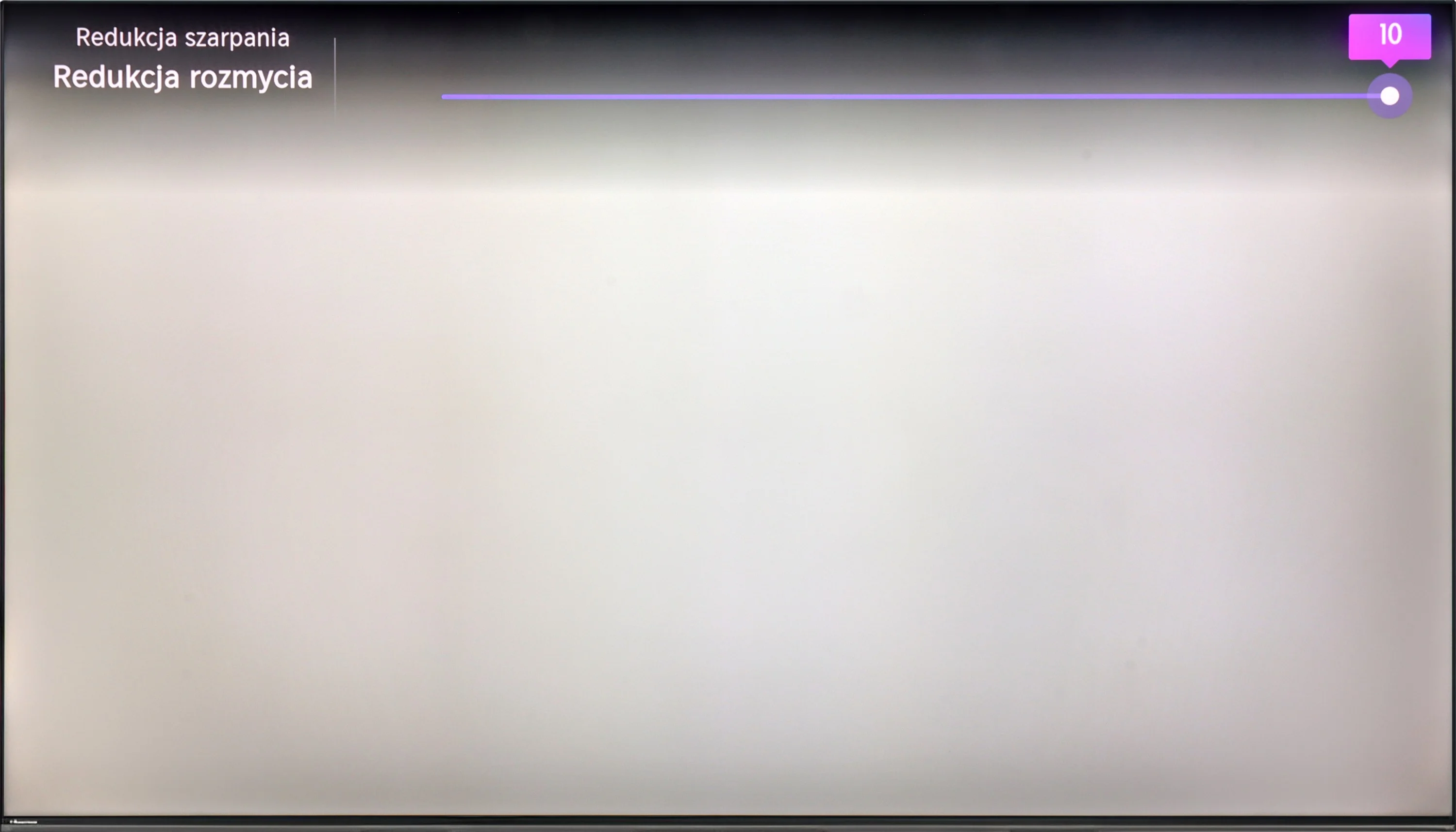
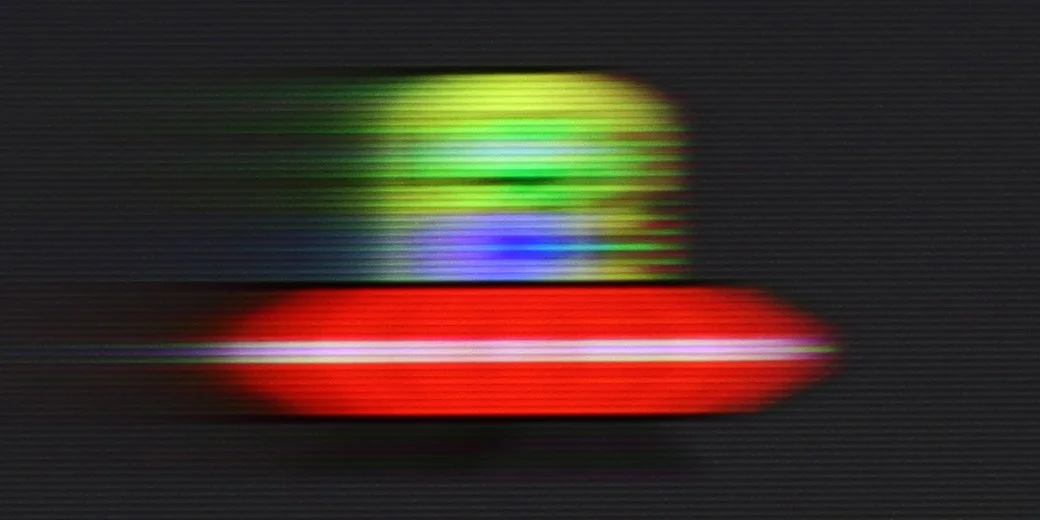
Blur (native resolution, maximum refresh rate):





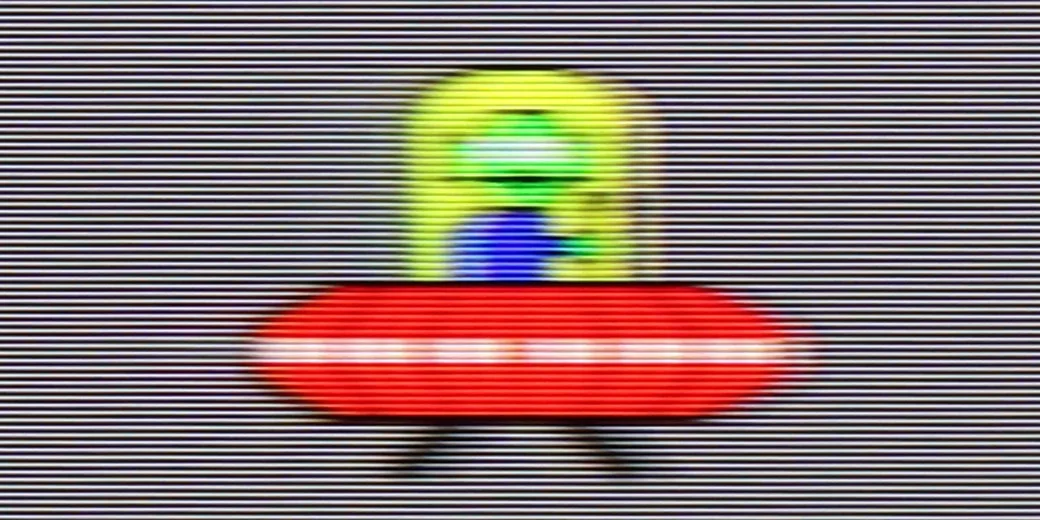
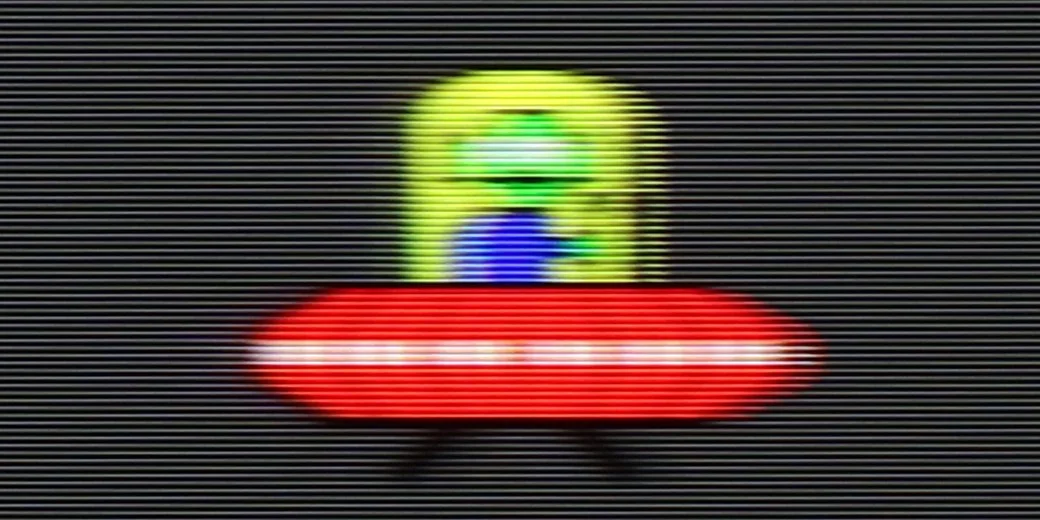
Blur (BFI function enabled):

Blur ():
Blur (4K@144Hz):

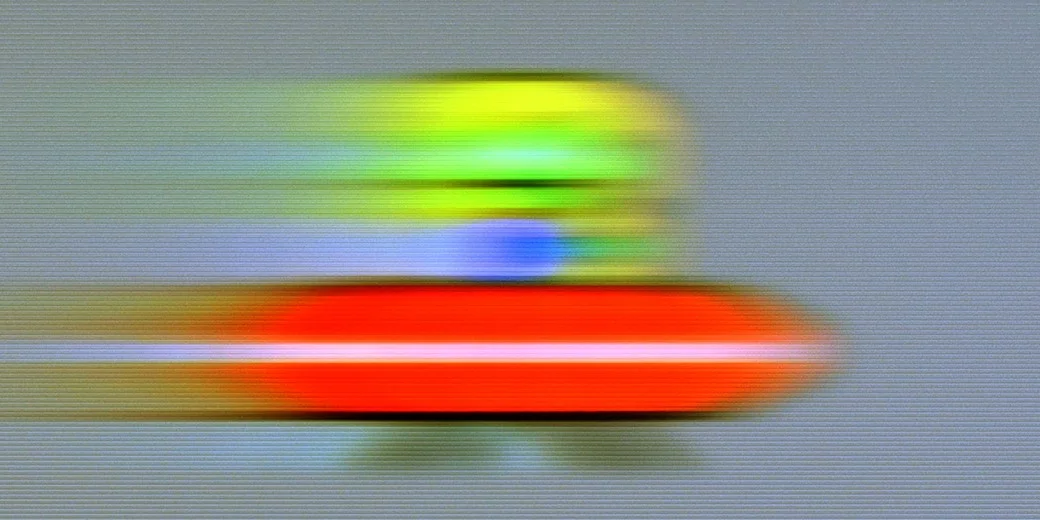
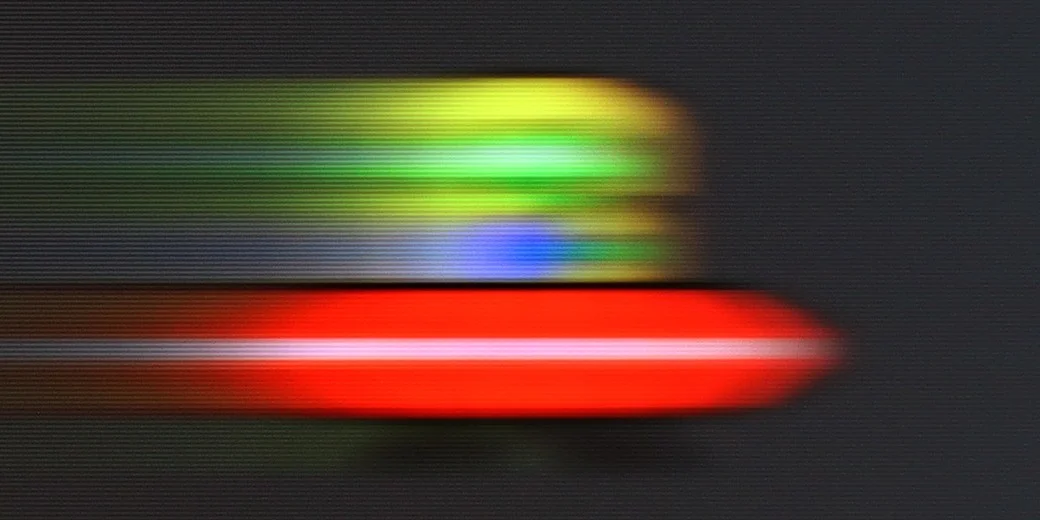
Hisense U7NQ has a refresh rate of 144 Hz, which definitely contributes to smooth motion. For movie enthusiasts, there are two features available: judder reduction and motion blur reduction. The judder reduction feature minimizes the effect of so-called judder, which is the unpleasant stuttering of the image, particularly noticeable at lower frame rates. On the other hand, motion blur reduction helps sharpen fast-moving objects, which is useful when watching dynamic action scenes.
As for motion blur, the TV has a decent response time, so excessive blurriness is not visible, except in specific situations, such as the test with the little green alien on a dark background. In such cases, slight artifacts may appear, but overall, the TV handles dynamic images well, providing satisfactory motion quality.
C69KS offers a simplified motion improvement panel in movies, allowing you to adjust the intensity of the effect using a slider. This makes it easy to match the smoothness to your own preferences. The possibility of using higher refresh rates is also a plus – even though the panel operates natively at 4K at 60 Hz, lowering the resolution to 1440p allows you to enable 120 and 144 Hz modes, both on consoles and PC. This sounds like great news, but in practice, the image at these settings suffers from significant motion blur. The effect is noticeable enough that the overall experience feels simply mediocre and loses its appeal in everyday use.
Console compatibility and gaming features
8.5/10
8/10
- ALLM
- VRR
- VRR range48 - 144Hz48 - 144Hz
- Dolby Vision Game Mode
- Correct implementation of HGIG
- 1080p@120Hz
- 1440p@120Hz
- 4K@120Hz
- Game bar
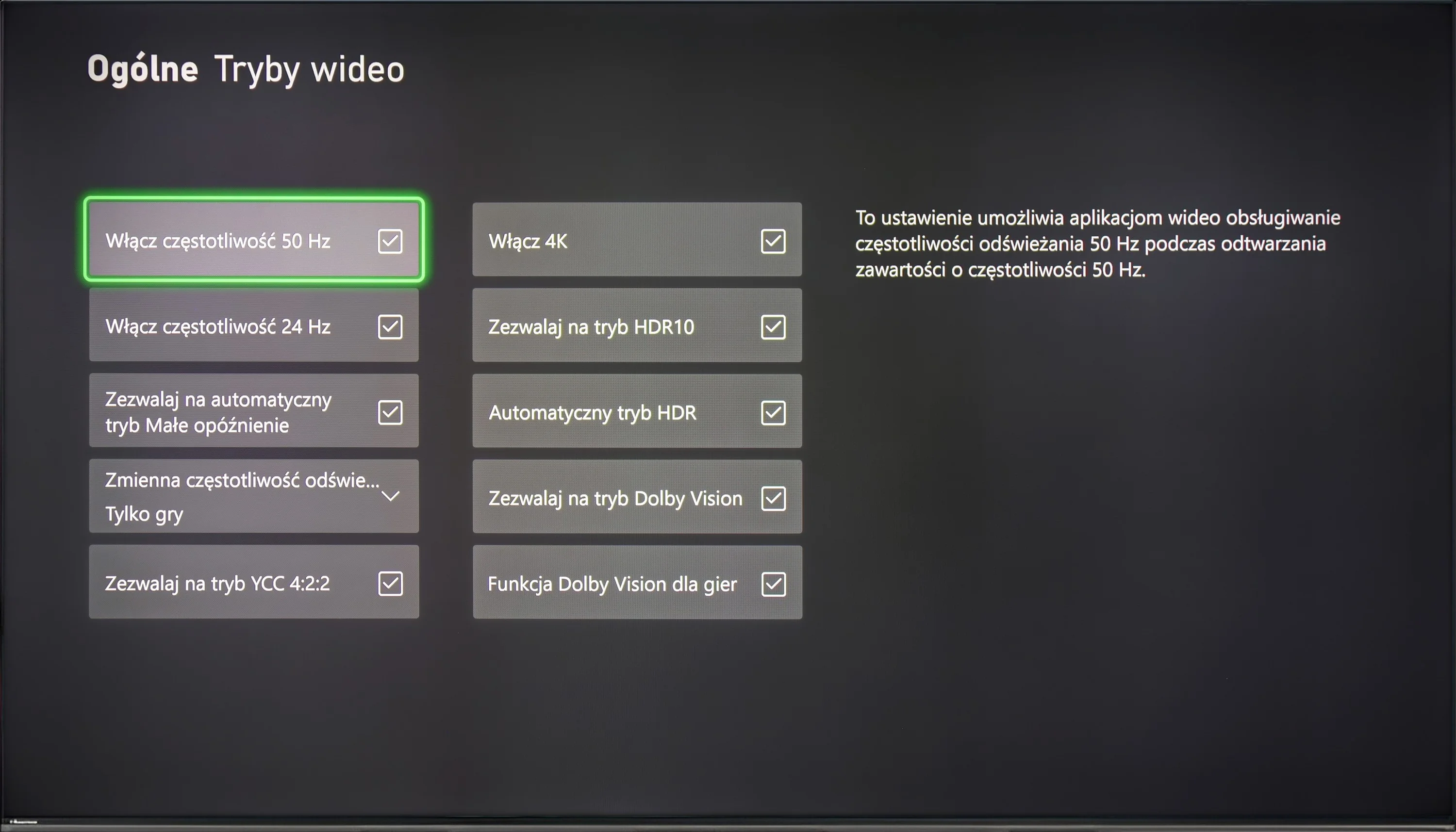
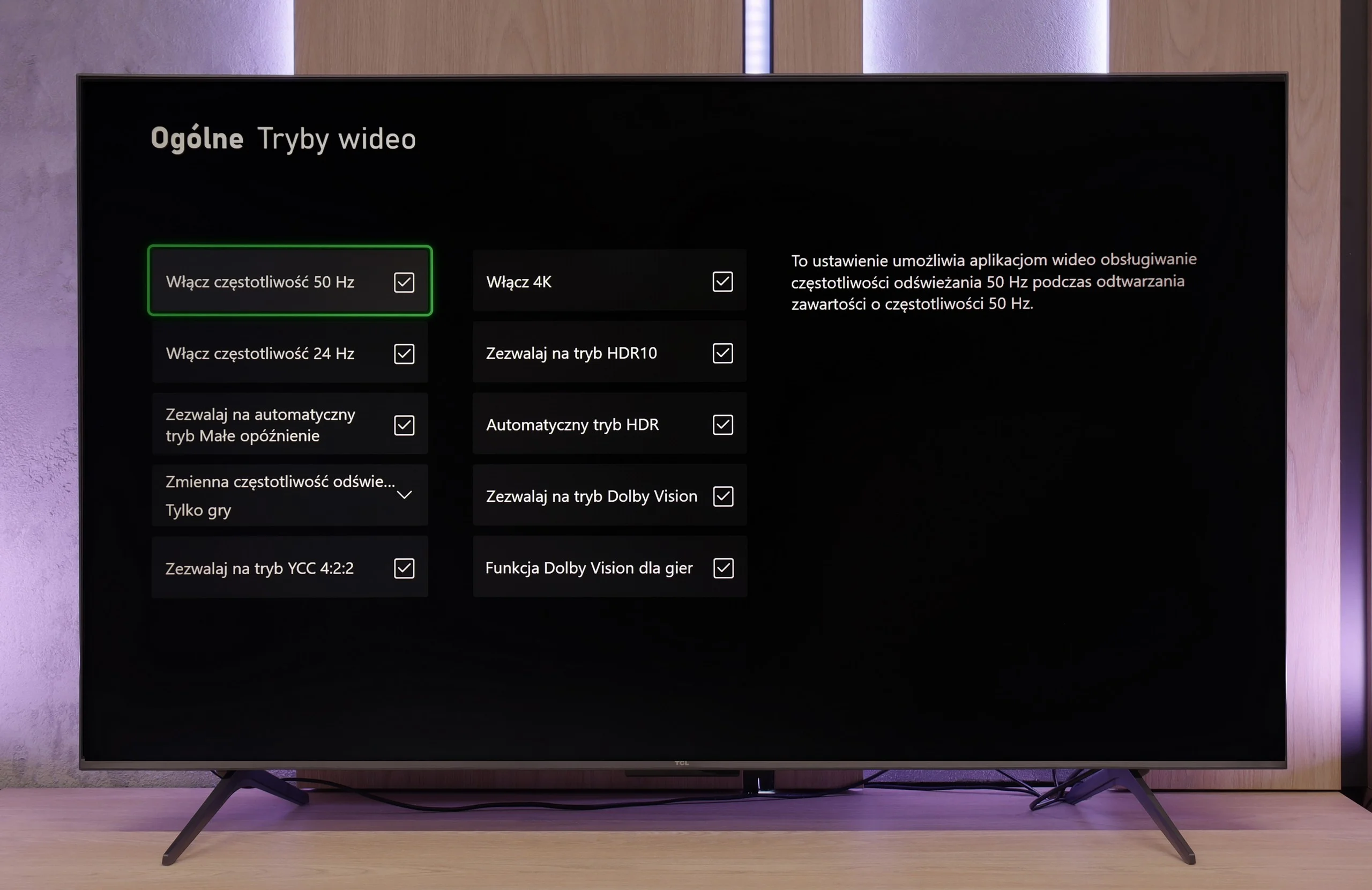
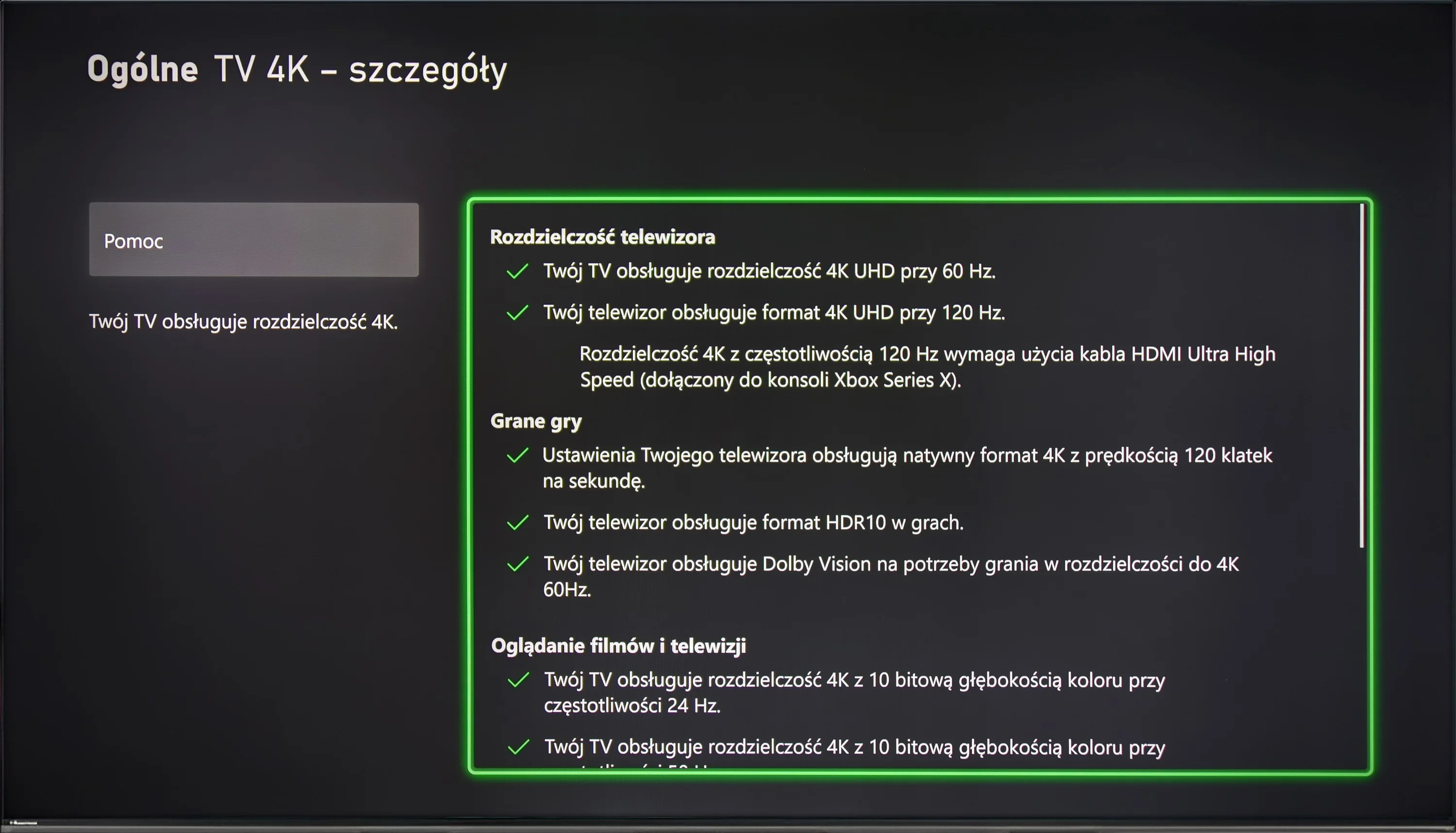
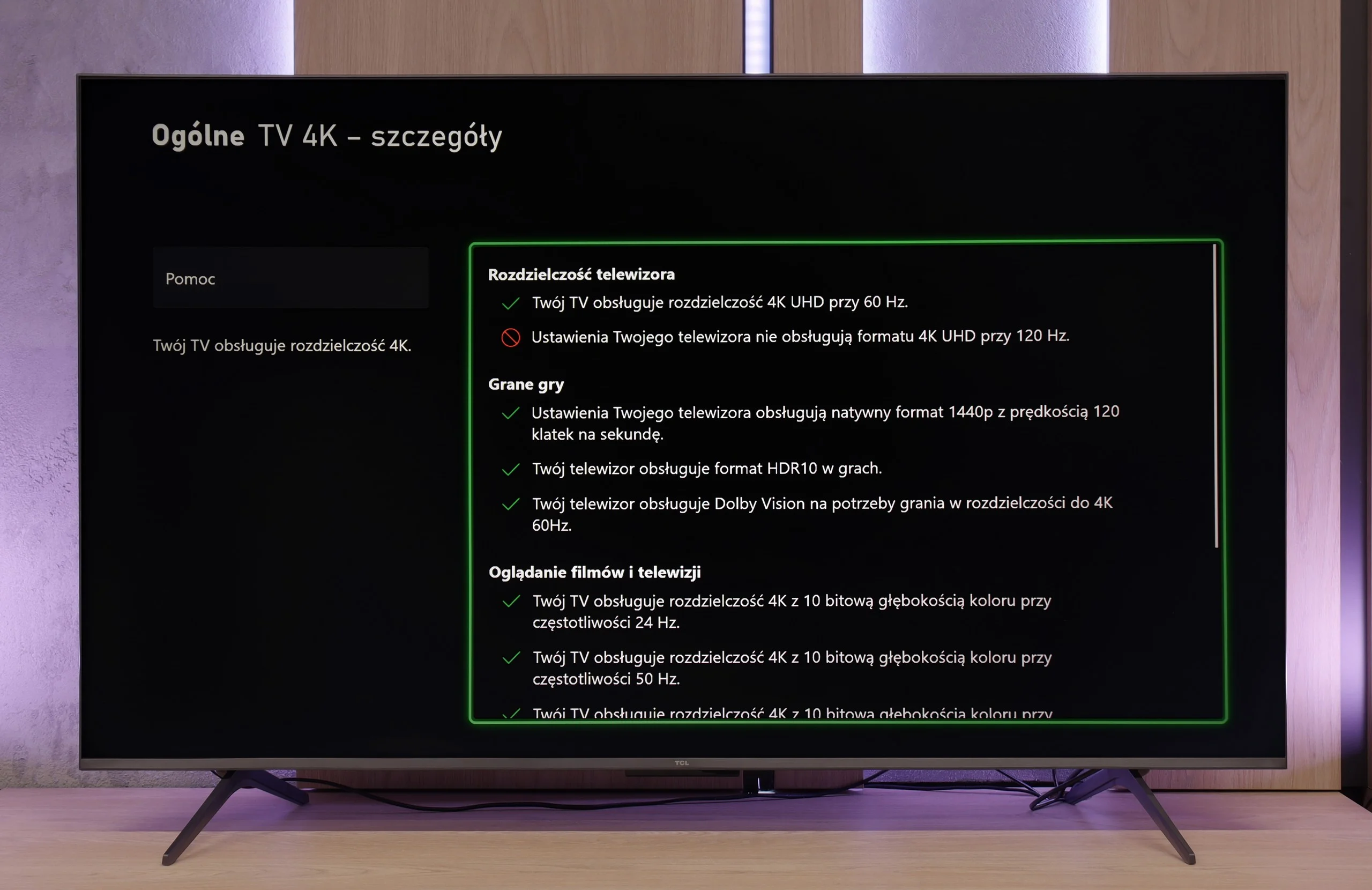
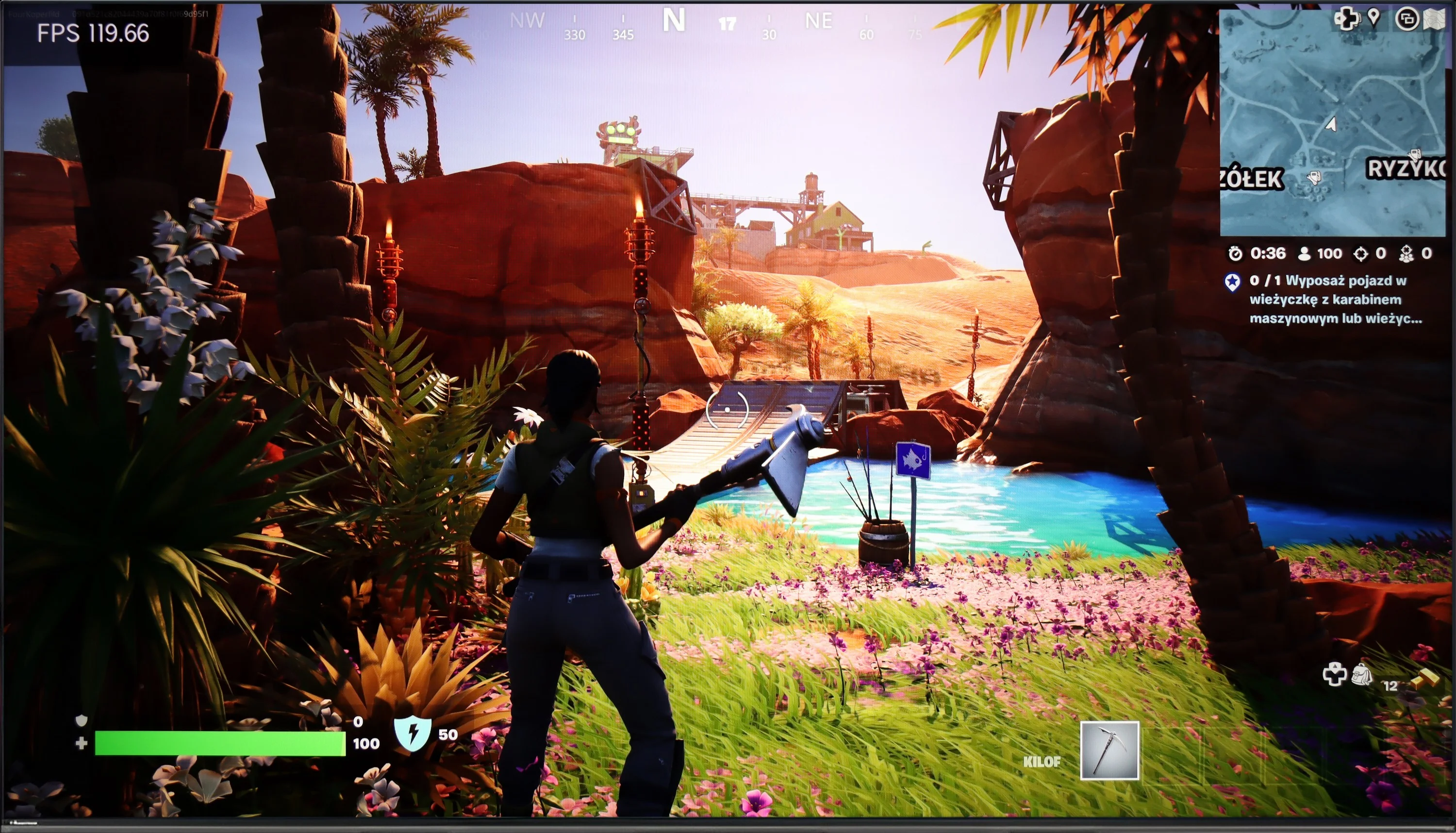
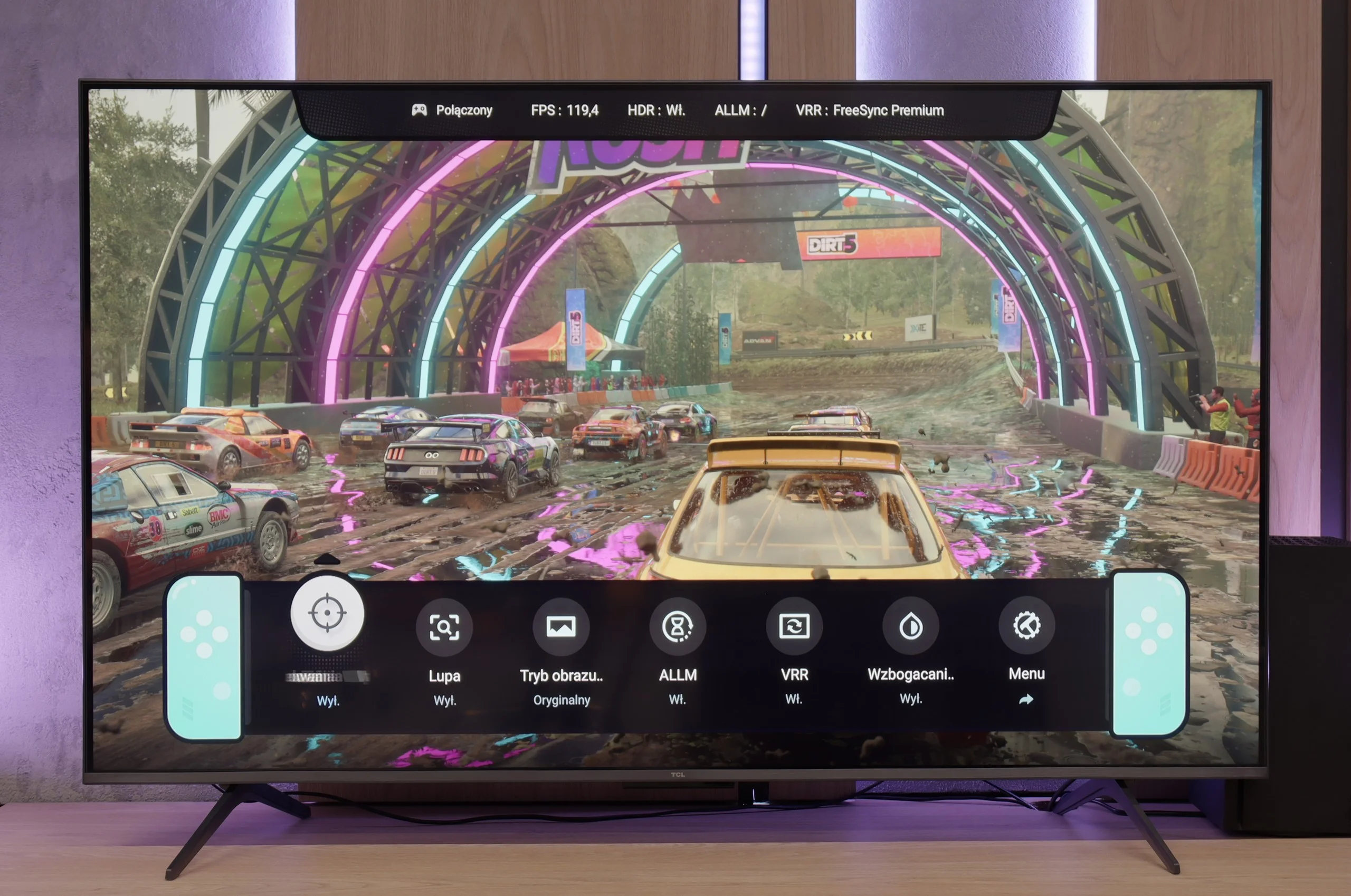
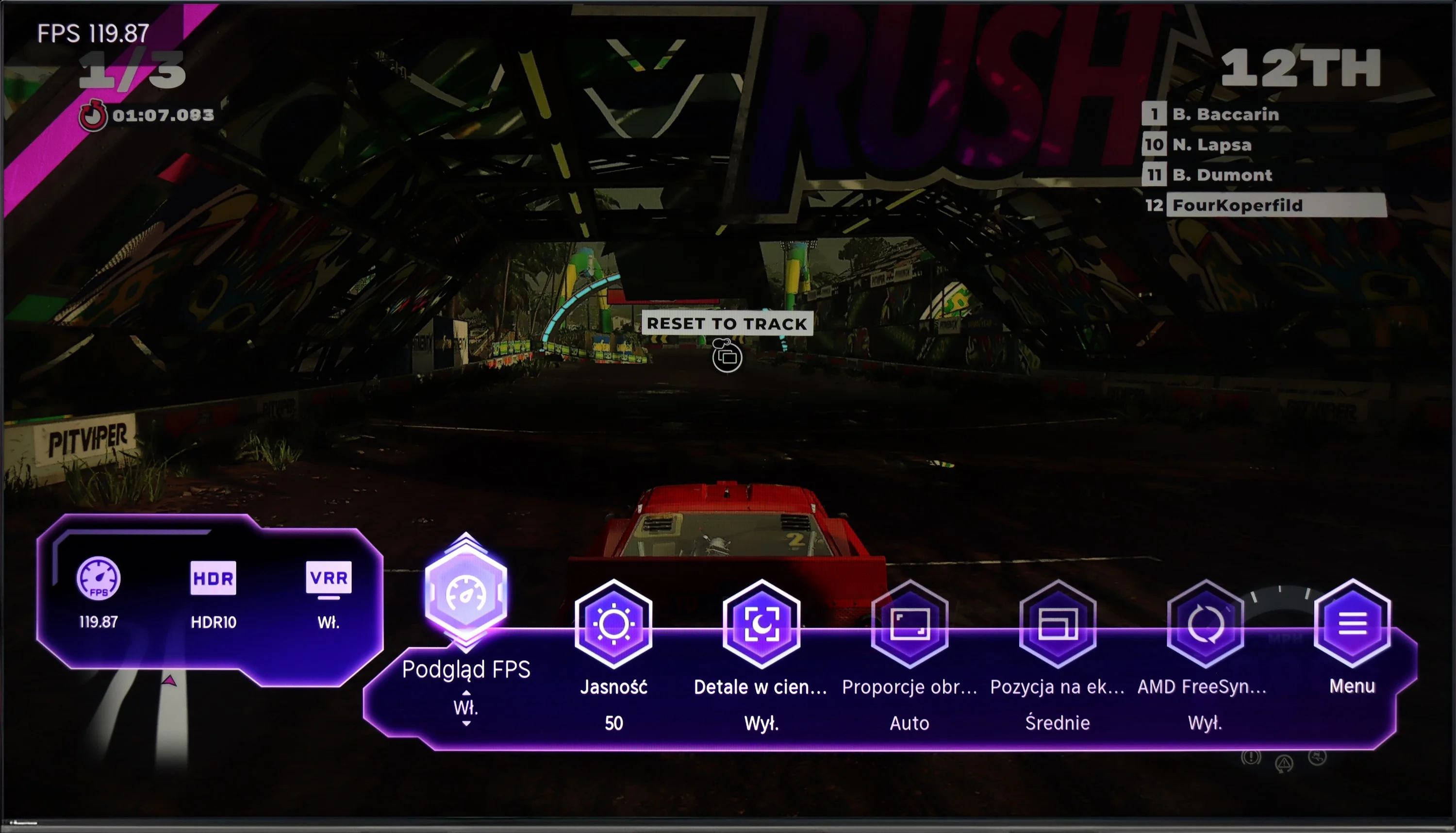
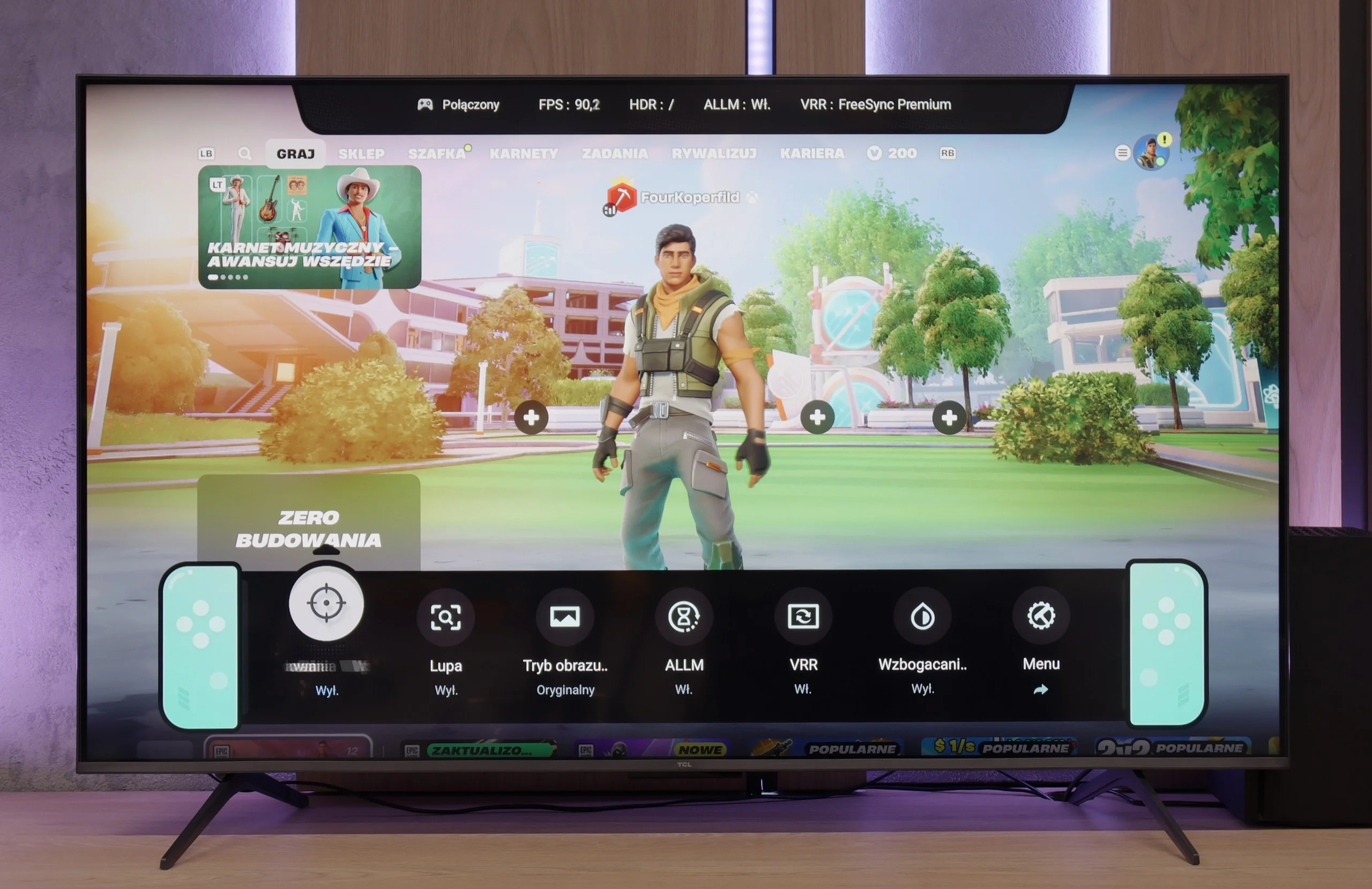
Hisense U7NQ offers everything a gamer might need for comfortable gameplay. The TV supports a refresh rate of 144 Hz, providing an incredibly smooth image, especially in dynamic action games. The VRR (Variable Refresh Rate) feature ensures that the image adapts to changing frames per second, eliminating stuttering and tearing. Additionally, there is an ALLM (Auto Low Latency Mode) feature that automatically switches the TV to game mode, minimizing input lag.
The TV also supports Dolby Vision, which is particularly important for gamers who value high contrast and vivid colors in games that support this format. The Hisense U7NQ also has a Game Bar feature that allows quick access to essential settings during gameplay, as well as support for G-Sync technology, which further reduces image tearing.
Unfortunately, despite the wide range of features, support for the most popular HDR format in gaming — HGiG — is lacking. This may be disappointing for gamers who expect optimal detail representation in HDR scenes. Nevertheless, the remaining features make the Hisense U7NQ a solid choice for any console gaming enthusiast.
If we overlook the smearing and lack of native 4K at 120 Hz, the C69KS impresses with how well it performs during gaming. We get everything you can expect from a gaming television: variable refresh rate (VRR), automatic switching to game mode (ALLM), Dolby Vision Gaming mode, and a reasonably functioning HGiG. The TV can also operate at 120 and even 144 Hz at lower resolutions, allowing for smoother gameplay on console or PC. Additionally, there is a clear Game Bar that lets you quickly glance at key settings during gaming. As a result — despite a few limitations — the C69KS can be a truly successful screen for gamers.
Input lag
9.8/10
10/10
SDR
HDR
Dolby Vision
Input lag on the Hisense U7NQ is at a remarkable level, with a maximum of 16 ms, which is an excellent result even in Dolby Vision mode. This achievement is worth highlighting, as Dolby Vision mode often increases delays in other TV models, but here it has been avoided. Thanks to the low input lag, gameplay is smooth and responsive, which will be appreciated by both casual gamers and more advanced users.
TCL C6KS performs very well here — the latency drops below 10 ms, which makes reactions in games instantaneous. This is an excellent result in this class and definitely good news for those playing dynamic titles.
Compatibility with PC
8/10
1.7/10
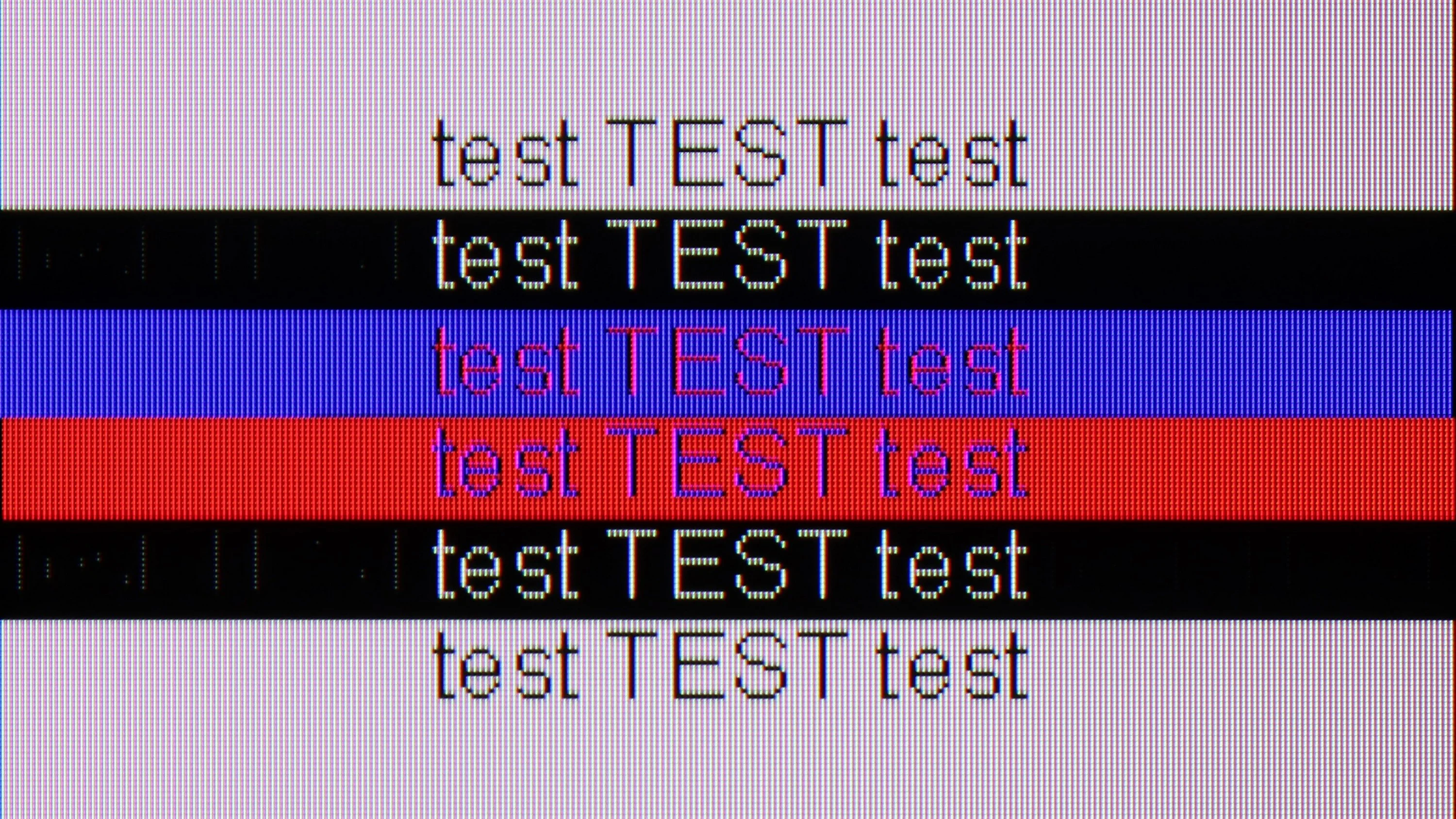
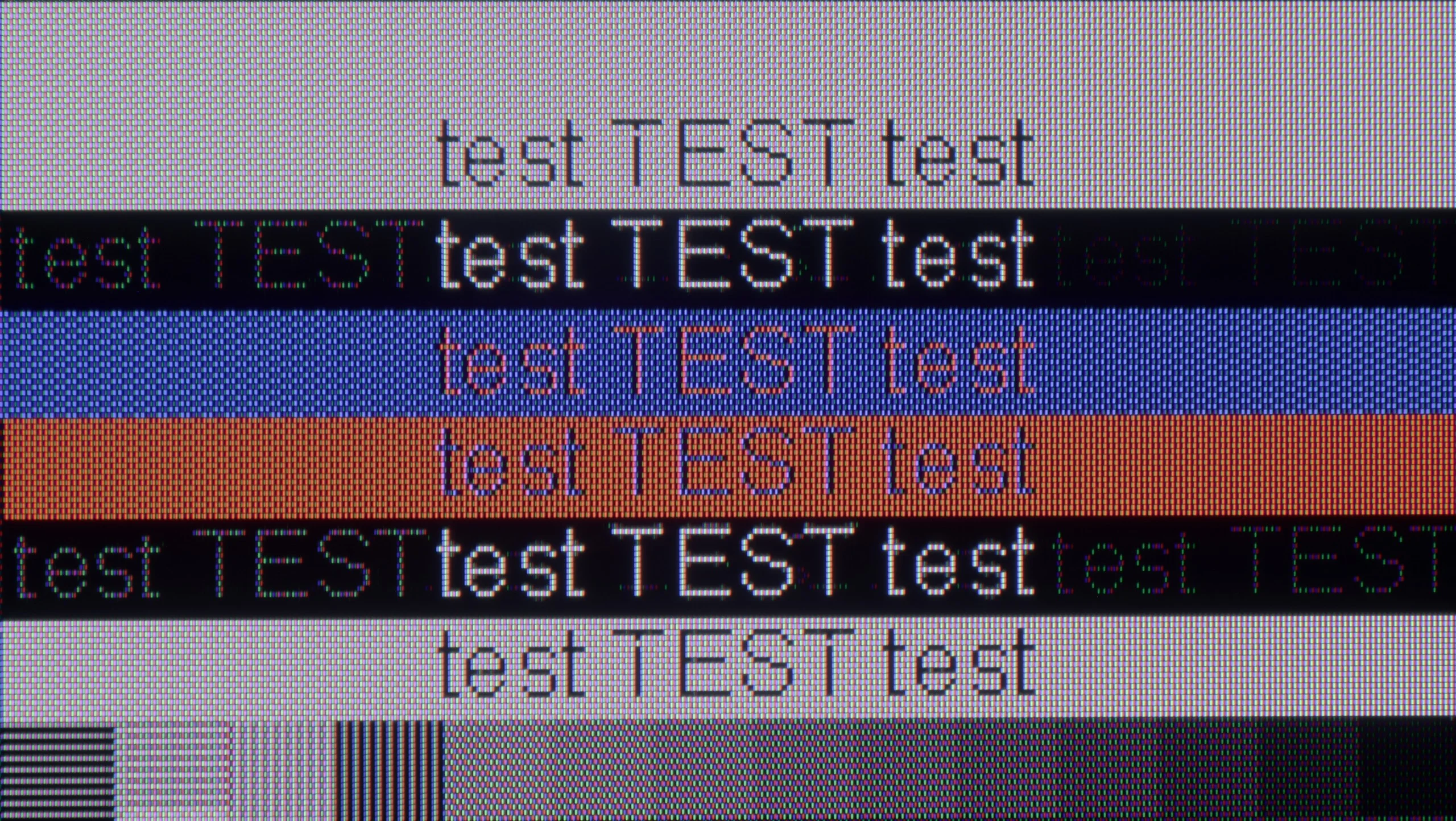
The photo shows the legibility of small fonts. Ideally, lines should be the same thickness on both light and dark text, with minimal pixel gaps.
Hisense U7NQ offers full support for chroma 4:4:4, which ensures good font readability, especially when working with text. Overall, the image quality and visibility of characters are at a satisfactory level. However, it is worth noting the issue related to displaying fonts on a dark background — in this situation, the letters become practically invisible, and only vertical subpixels are visible.
Besides the previously mentioned option of operating at 144 Hz at lower resolutions, the C6KS offers nothing that would encourage its use as a monitor. The fonts look really poor—the darkest ones have a distinct rainbow glow, and standard text is surrounded by strange artifacts. The effect is noticeable enough that extended work at the computer can be simply exhausting.
Viewing angles
3.1/10
2.7/10
The viewing angles on the Hisense U7NQ are typical for a VA panel. Unfortunately, they leave much to be desired. The television lacks a coating that widens the viewing angles, resulting in a significant drop in image quality when viewed at an angle. Colors become washed out, and contrast noticeably decreases, making this television best suited for viewing directly head-on. This is a limitation that needs to be considered, especially if we intend to watch television in a larger group, where viewers may be sitting at different angles.
The viewing angles in C6KS are very poor, typical of VA panels. This is a compromise we pay for by choosing high contrast — the image looks good head-on, but any significant deviation quickly results in drops in brightness and saturation.
Daytime performance
7.6/10
6.6/10
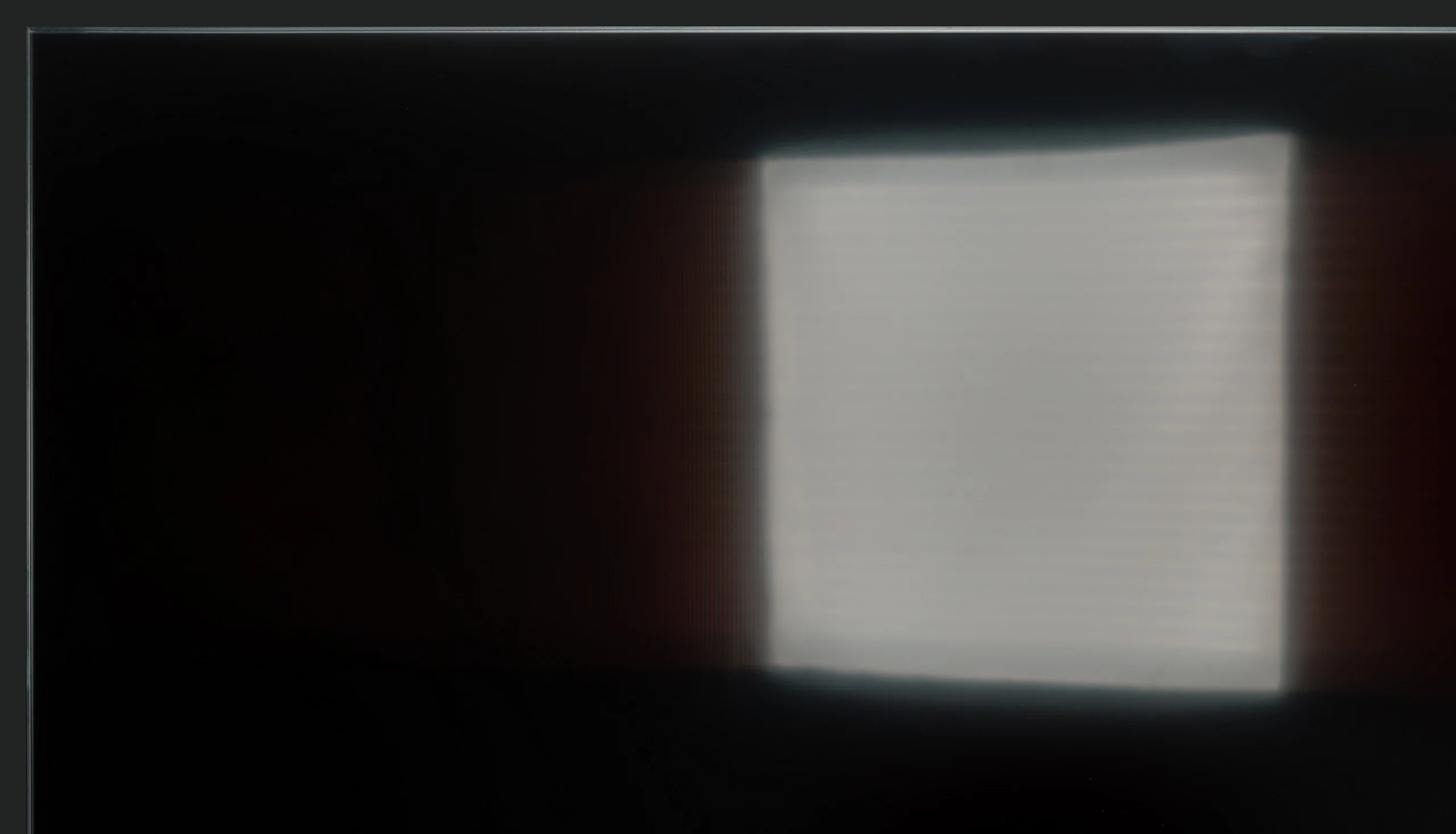
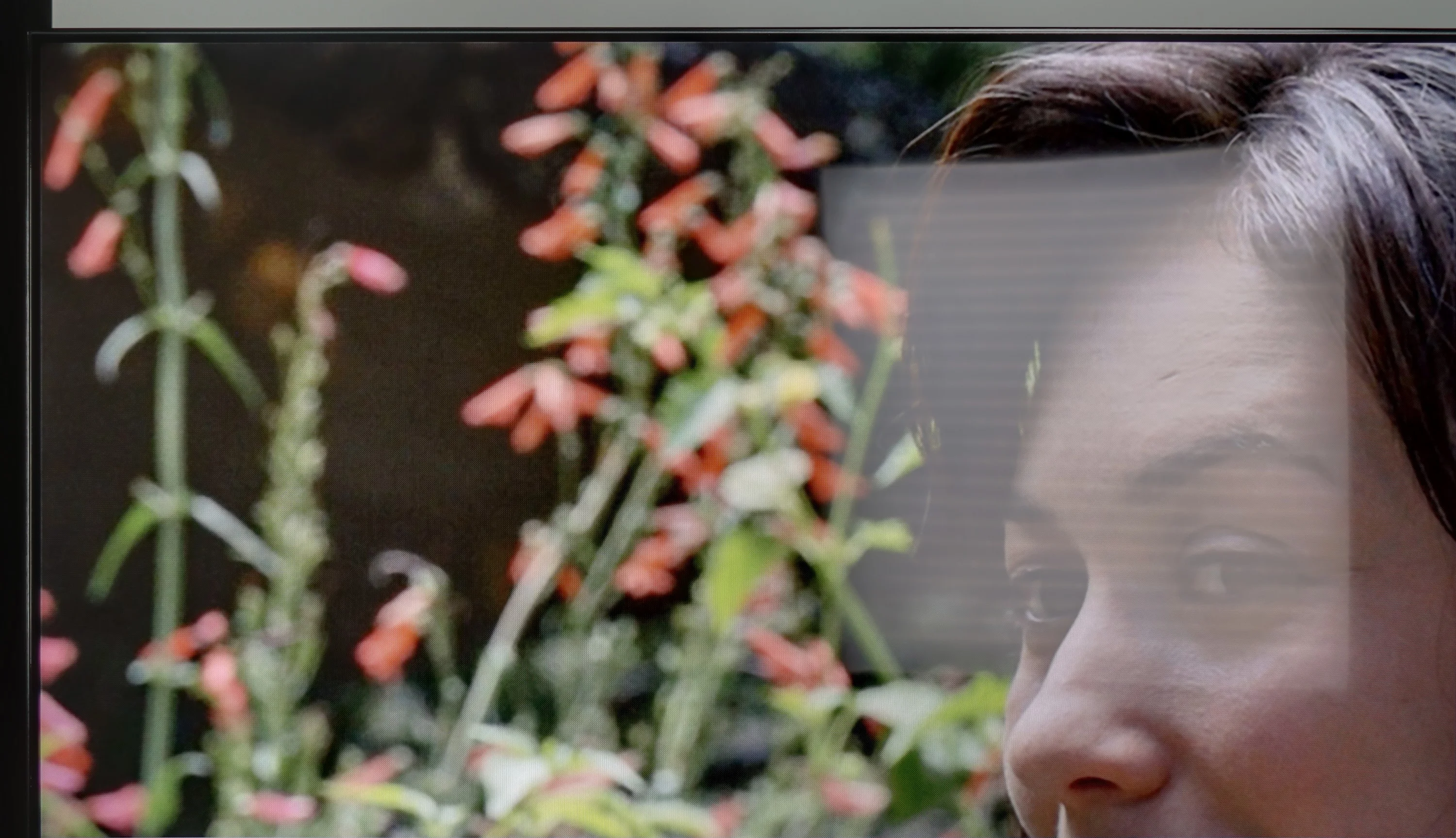
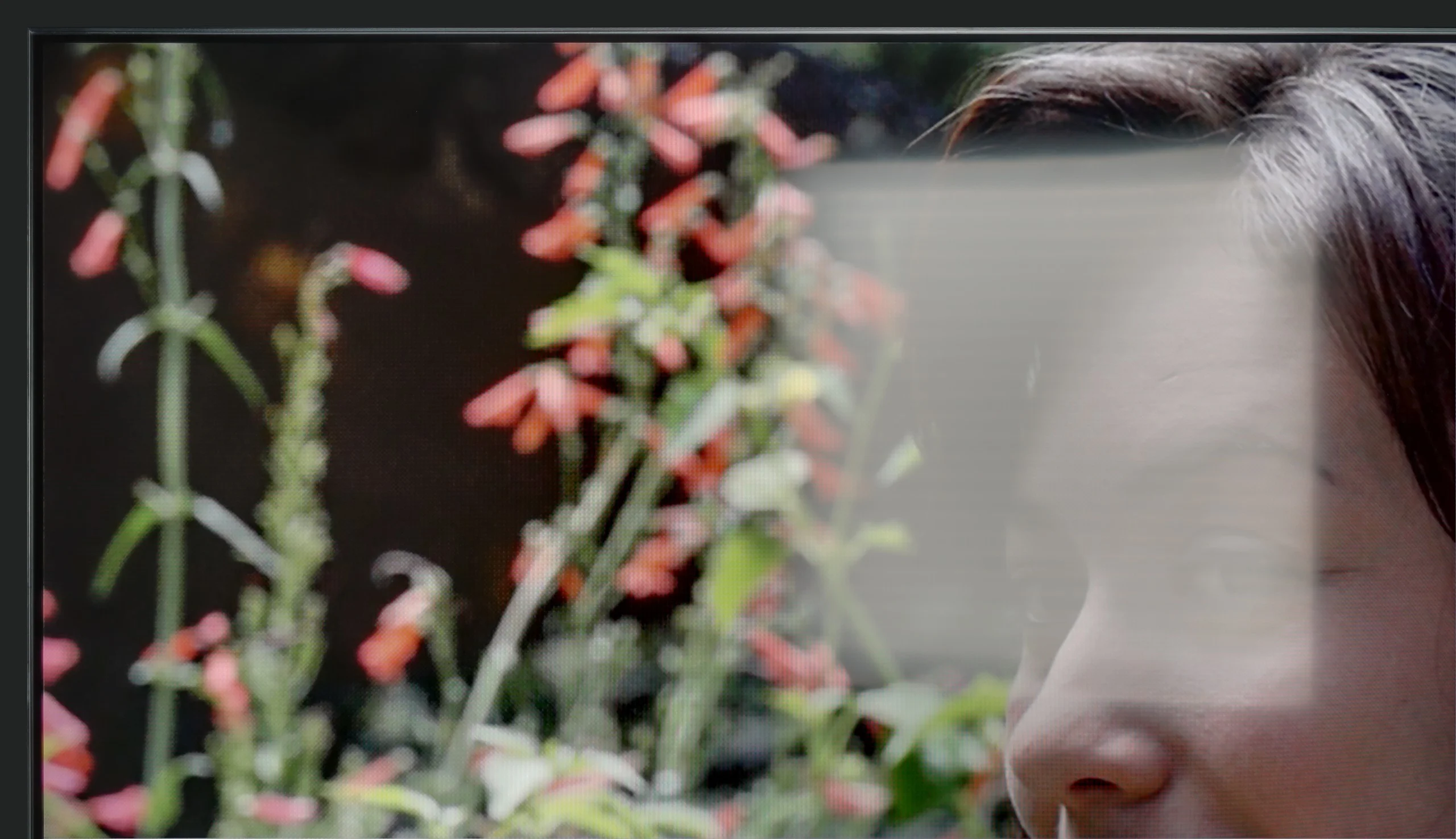
Panel brightness
TCL C6KS / C69KS / Q6CS: 527 cd/m2
Hisense U7NQ: 915 cd/m2
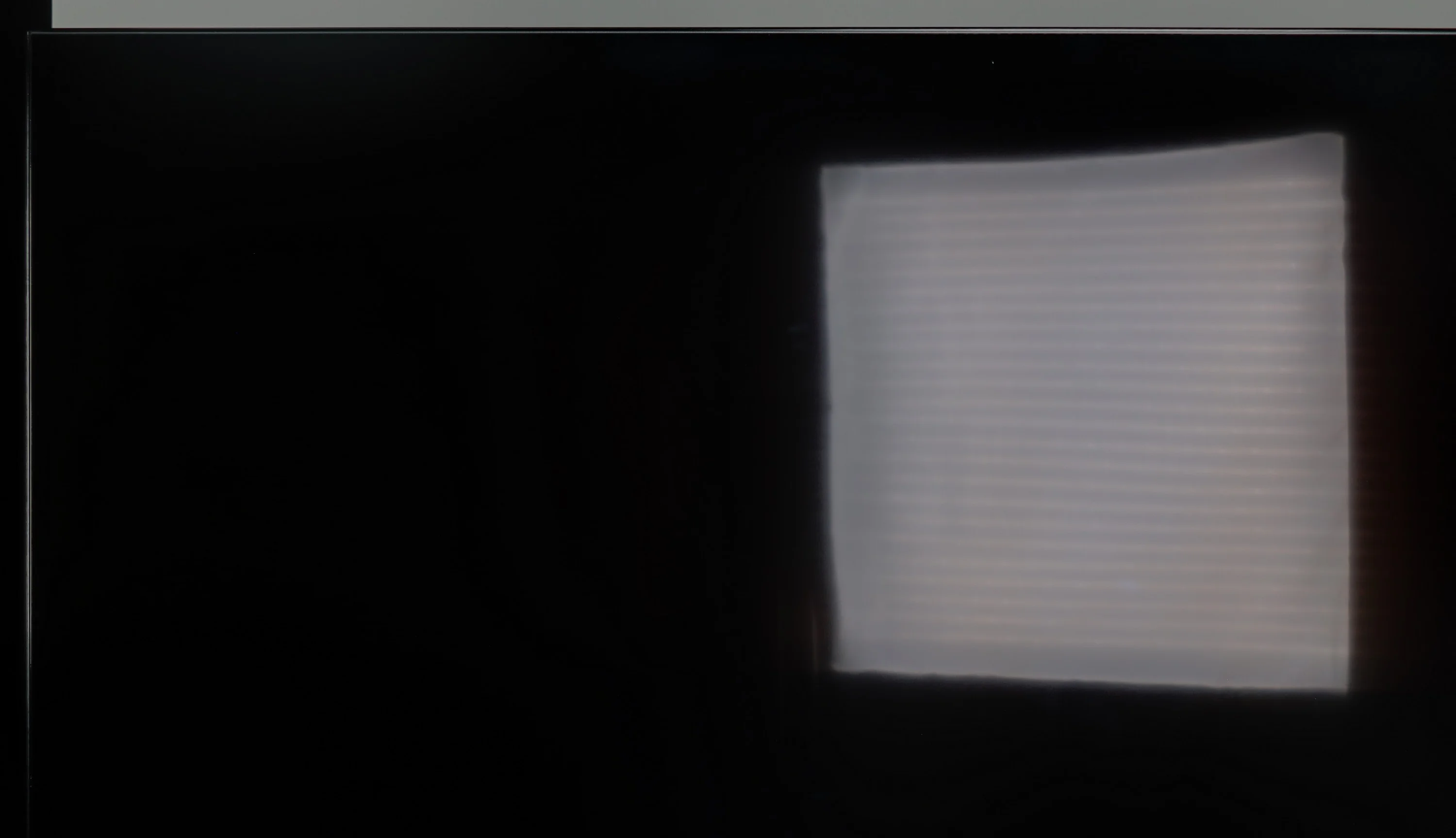
Hisense U7NQ is equipped with a matte coating panel that moderately suppresses reflections. Nevertheless, a brightness level of 915 cd/m² is impressive and ensures that the television performs very well even in bright rooms. With such high brightness, watching content during the day is not a problem, and the image remains clear and legible even with a large amount of external light.
C6KS performs really well as a TV viewing screen during the day. Its brightness of around 500–600 nits easily cuts through challenging lighting conditions. In addition, there is a satin finish that effectively reduces reflections. As a result, the television surprisingly holds up well during daytime viewing, even in brighter rooms.
Panel details
Subpixel Structure:
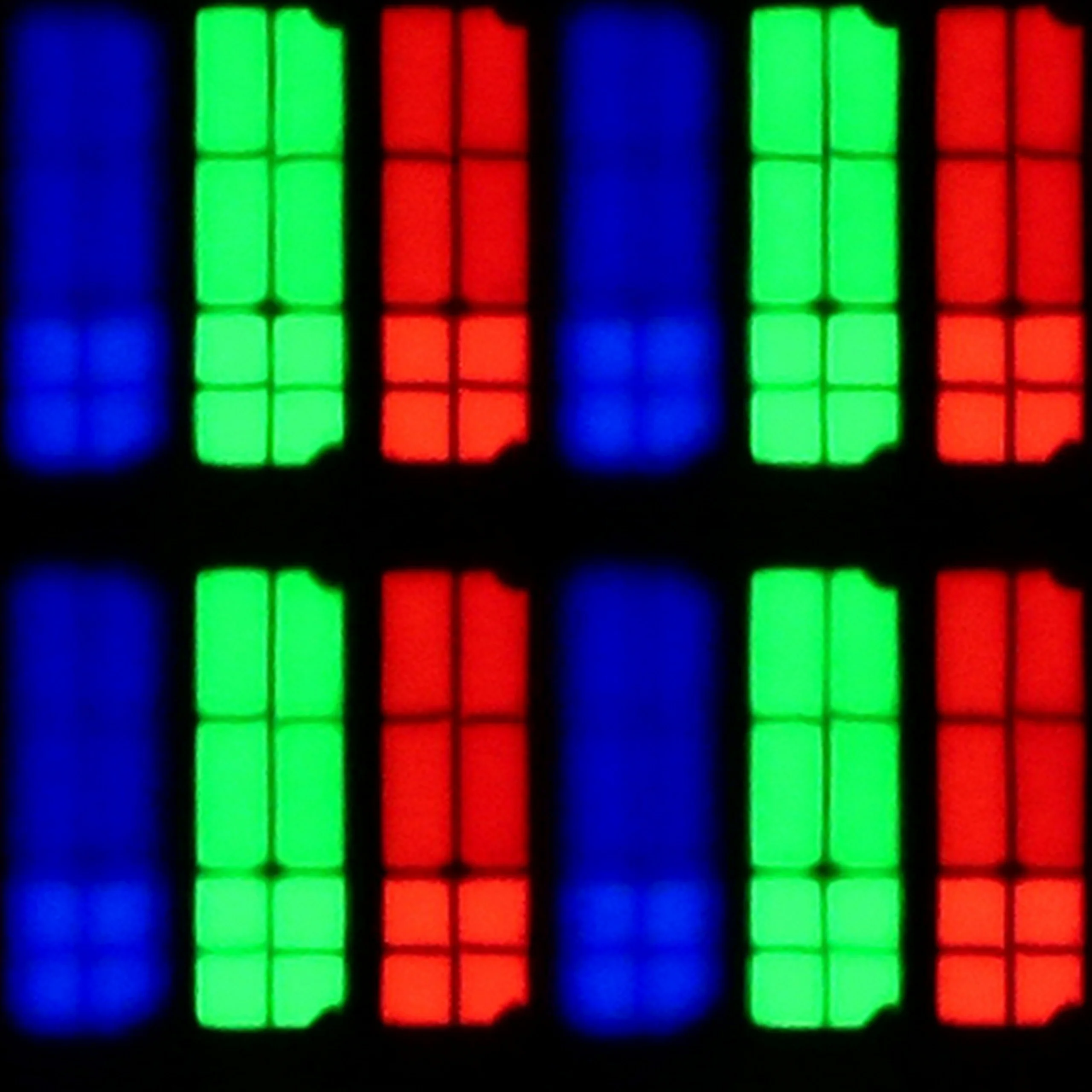
Panel uniformity and thermal imaging:
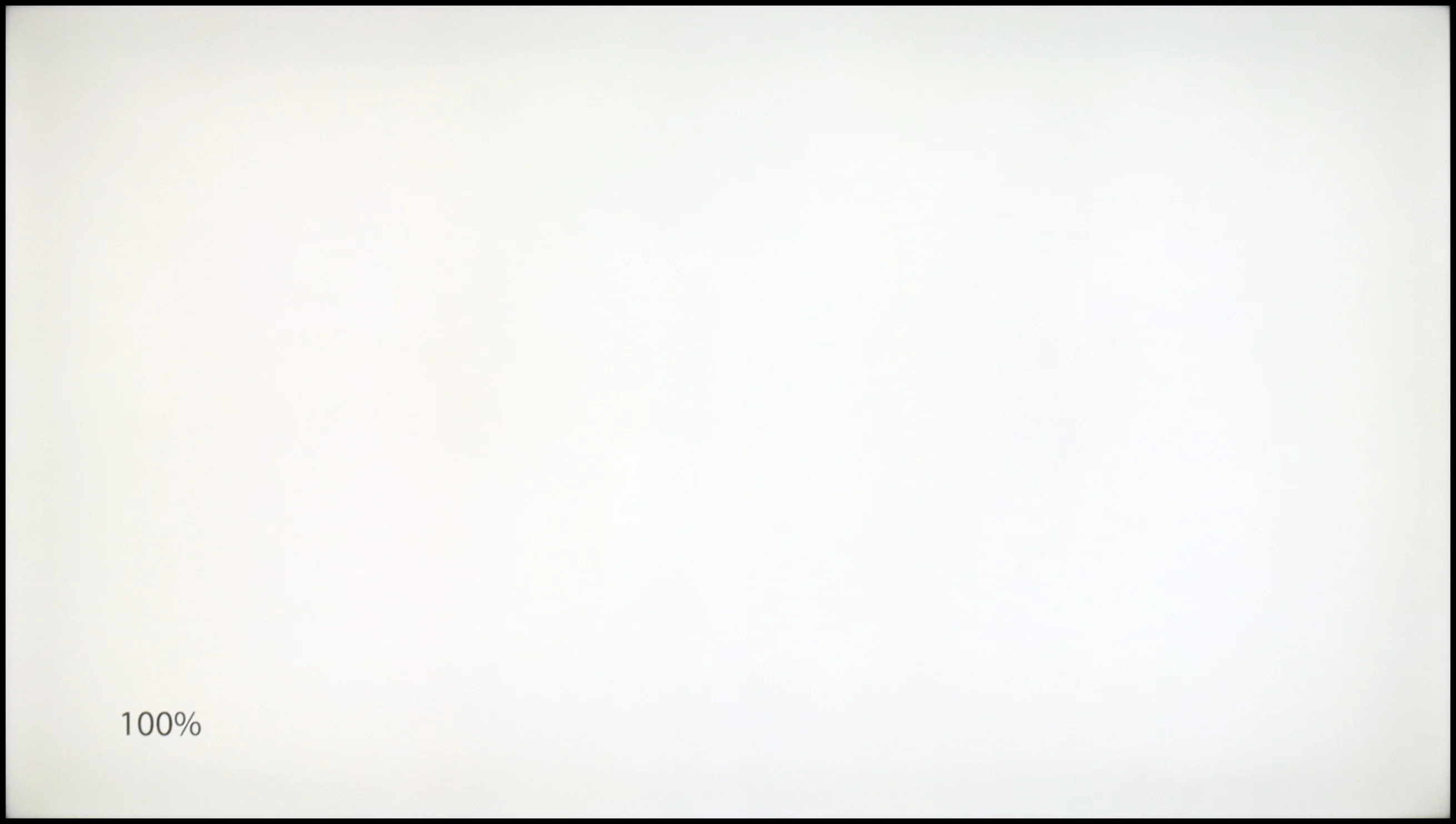

Hisense U7NQ
TCL C6KS / C69KS / Q6CS
TV features
9/10
7/10
- SystemVIDAAGoogle TV
- System performanceGoodDecent
- HDMI inputs2 x HDMI 2.0, 2 x HDMI 2.1 48Gbps3 x HDMI 2.0, 0 x HDMI 2.1
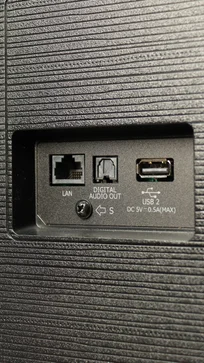
- OutputsToslink (Optical audio), eARC (HDMI), ARC (HDMI), Mini-Jack (Headphones)Toslink (Optical audio), eARC (HDMI), ARC (HDMI)
- Network InterfacesWi-Fi 2.4GHz, Wi-Fi 5GHzWi-Fi 2.4GHz, Wi-Fi 5GHz, Ethernet (LAN) 100Mbps
- TV receptionDVB-T, DVB-T2, DVB-S, DVB-S2, DVB-CDVB-T, DVB-T2, DVB-S, DVB-S2, DVB-C
Classic features:
- Recording to USB (terrestrial TV)
- Recording programming
- Picture in Picture (PiP)
- RF remote control (no need to aim)
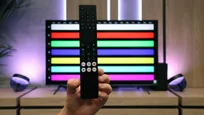
- Backlit remote control
- Teletext
- Audio only mode
- Bluetooth headphones support
- Simultaneous Bluetooth headphones & TV audio
Smart features:
- AirPlay
- Screen mirroring (Windows Miracast)
- Voice search
- Voice search in native language
- Ability to connect a keyboard and mouse
Sound connection options
- HDMI audioeARC (HDMI), ARC (HDMI)eARC (HDMI), ARC (HDMI)
- Other audio outputsToslink (Optical audio), Mini-Jack (Headphones)Toslink (Optical audio)
- Wireless audioBluetoothBluetooth
Supported audio formats (external HDMI eARC audio):
- Dolby Digital Plus 7.1
- Dolby True HD 7.1
- Dolby Atmos in Dolby Digital Plus (JOC)
- Dolby Atmos in Dolby True HD
- DTS:X in DTS-HD MA
- DTS-HD Master Audio
Senior accessibility
- Numeric keyboard on TV
- Font size adjustment
- Audio description
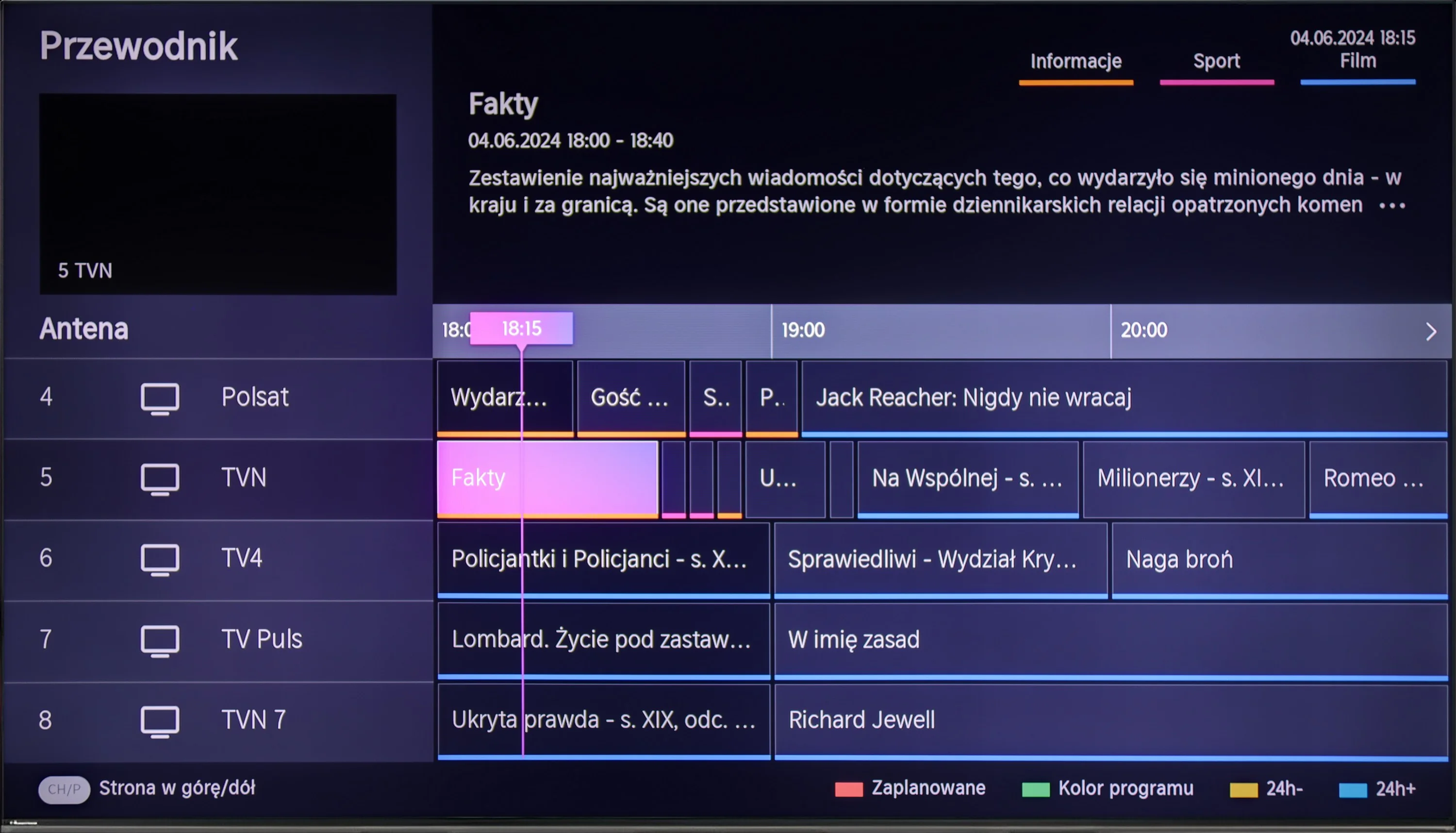
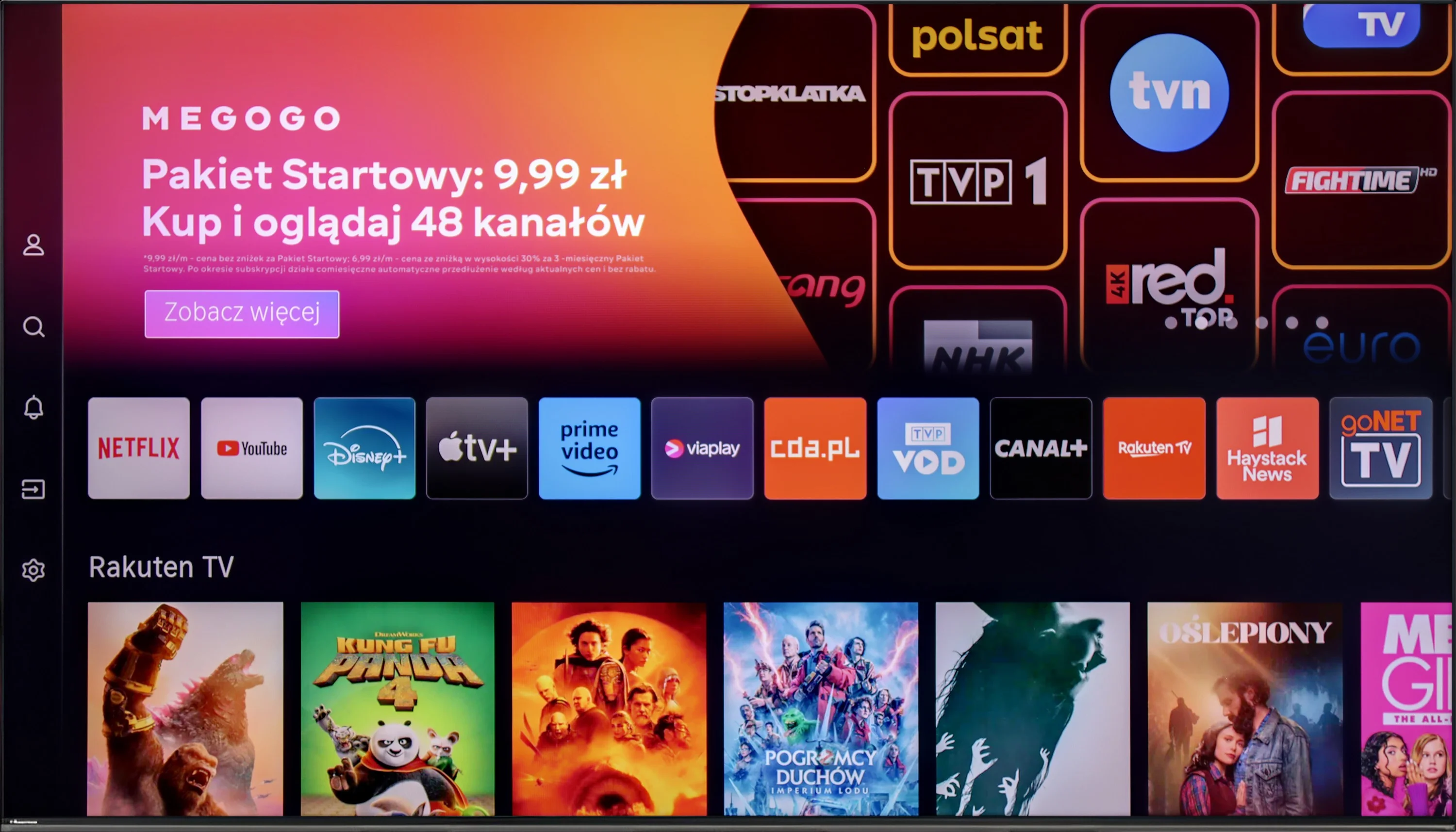
Hisense U7NQ uses the VIDAA operating system, which generally works quickly and smoothly, offering a user-friendly interface. There are plenty of applications available, but unfortunately, it lacks music apps like Spotify or Tidal. This is a limitation that may discourage users looking for a more developed app ecosystem.
The TV offers many useful user features that enhance its versatility. The ability to record programs, support for AirPlay, and Bluetooth for connecting various peripheral devices mean that the Hisense U7NQ can successfully serve as a central point for home entertainment.
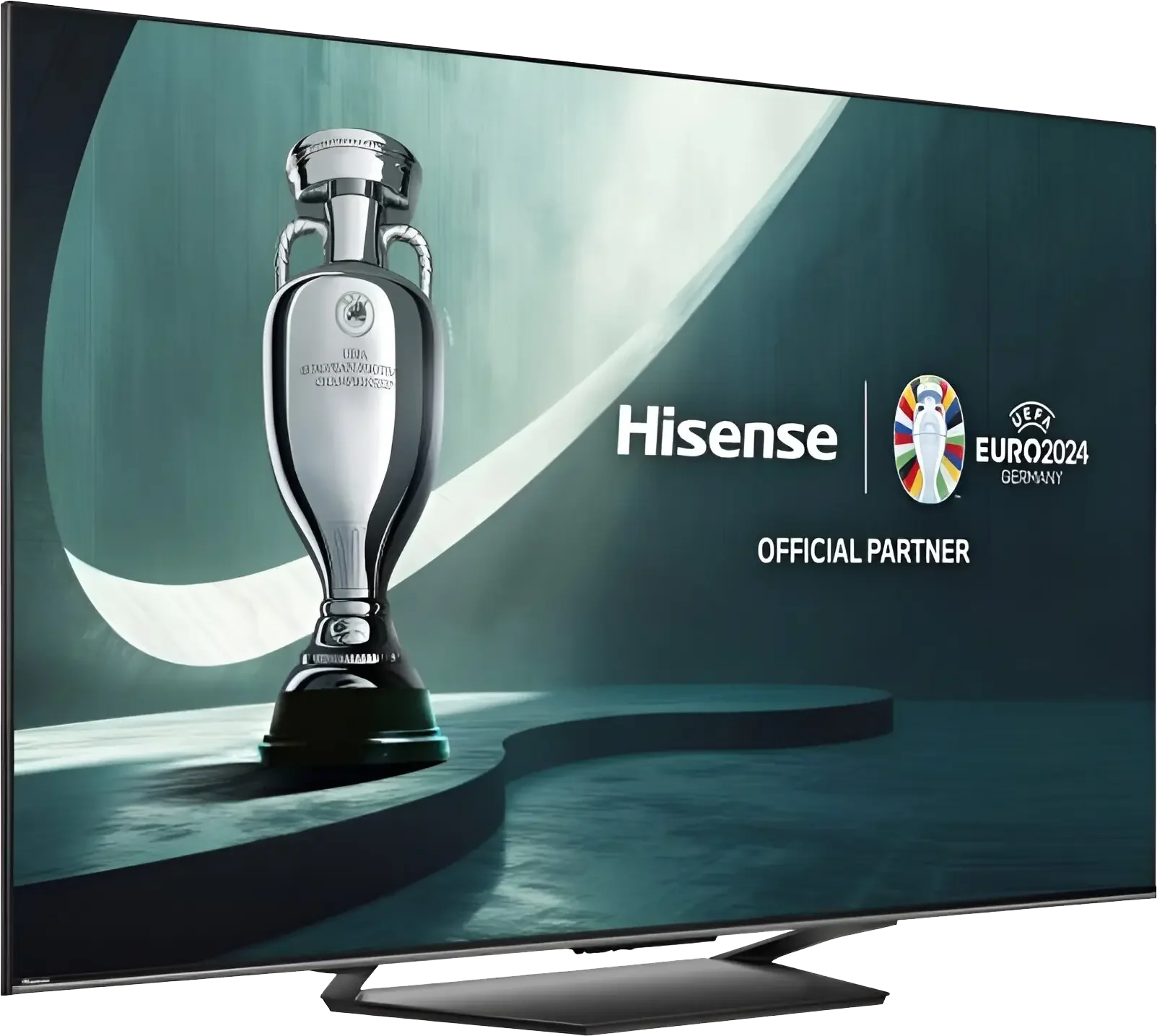
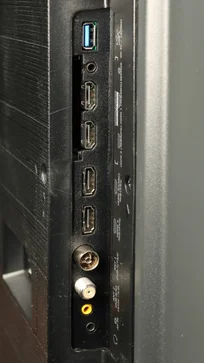
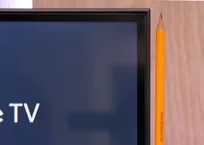
Hisense U7NQ looks modern thanks to its narrow bezels and elegant single stand that pairs well with the rest of the device. However, the device itself is not among the sleekest on the market, especially compared to competing models from Korean manufacturers known for their exceptionally thin TVs. Despite this, Hisense U7NQ still offers an aesthetic and stylish design that will easily fit into most interiors.
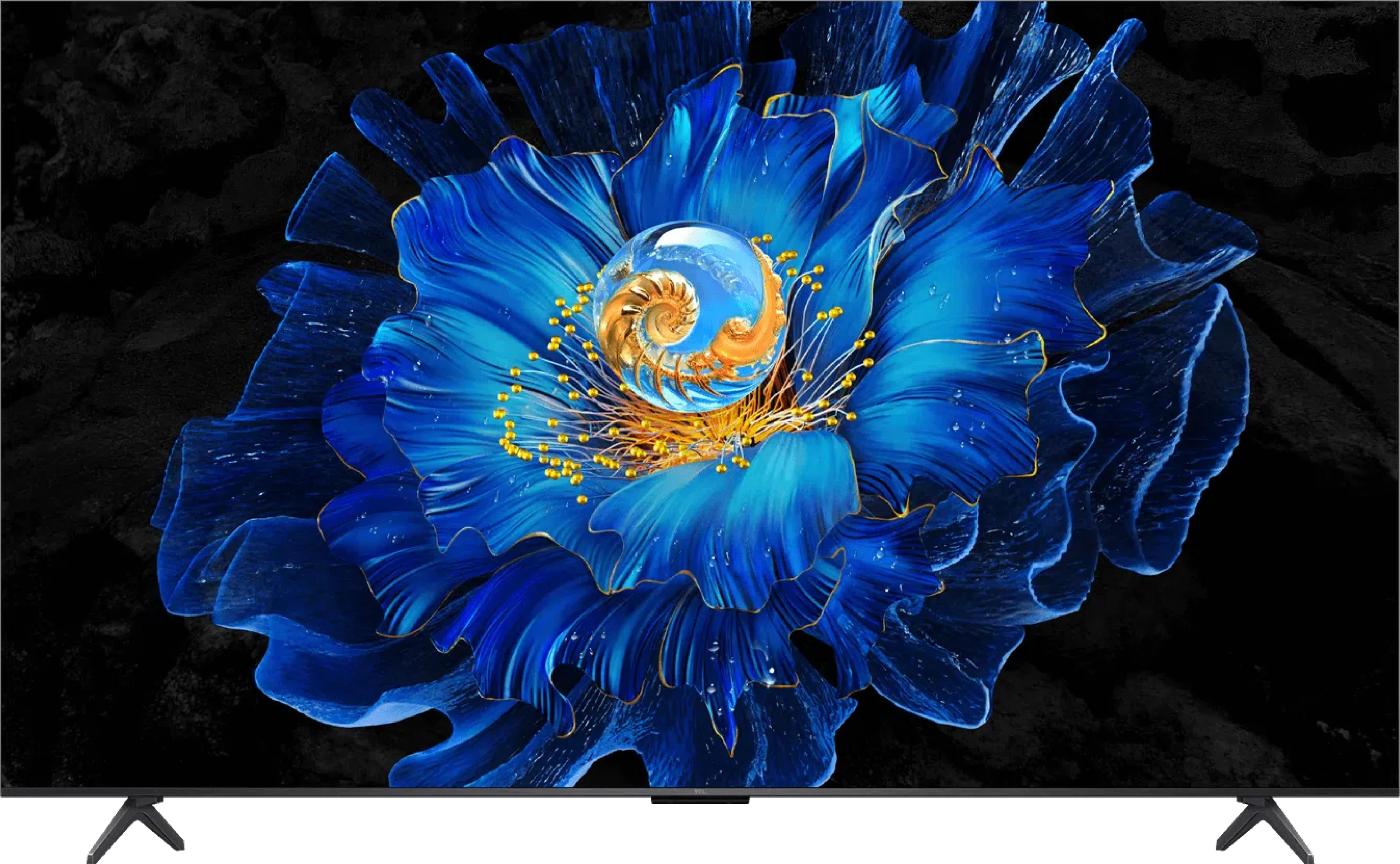
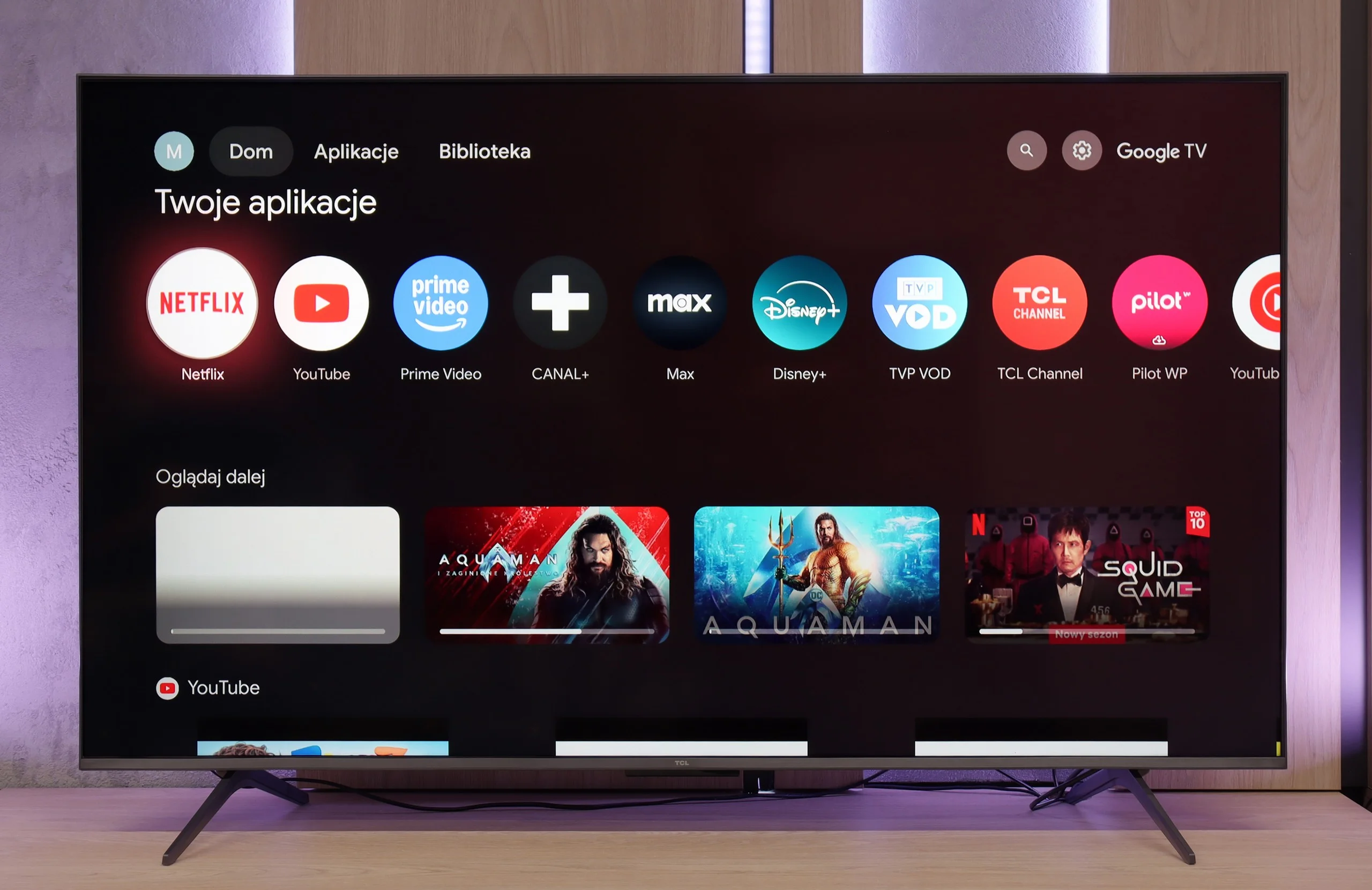
The biggest advantage of the C6KS is the Google TV system. It is an environment that offers a lot—ideal for those who prioritize a wide selection of applications and convenient use of streaming services. AirPlay, screen sharing, and voice assistant features work very well here, making everyday use of the television simply convenient.
The support for traditional television is somewhat lacking. Users who expect extensive "TV" features may feel overlooked. Besides the efficiently working Bluetooth remote with a numeric keypad, we won't find conveniences like USB recording or PiP functionality here.
Apps
7.7/10
9.6/10






















Playing files from USB
9/10
8.9/10
Supported photo formats:
Maximum photo resolution:
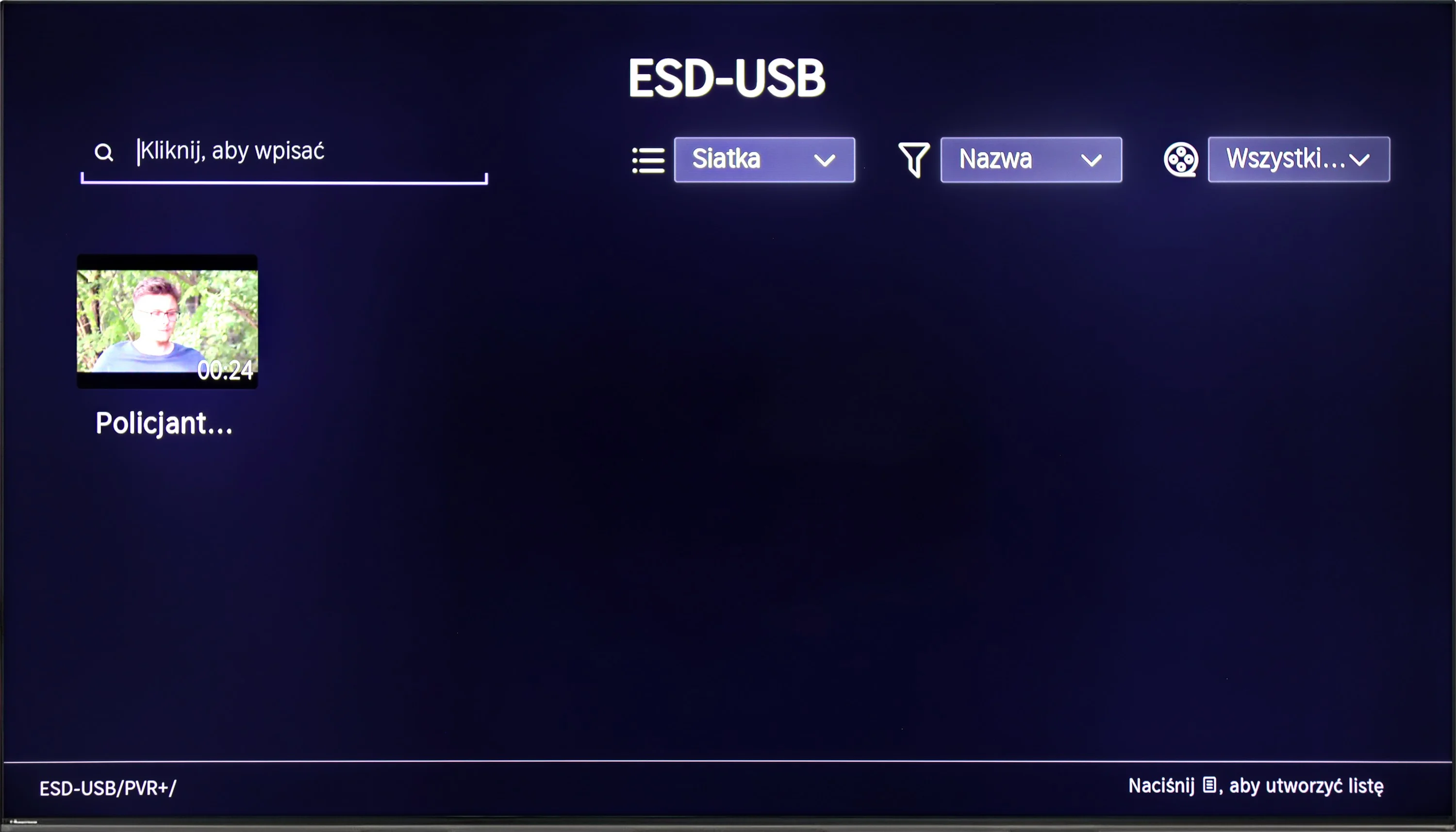
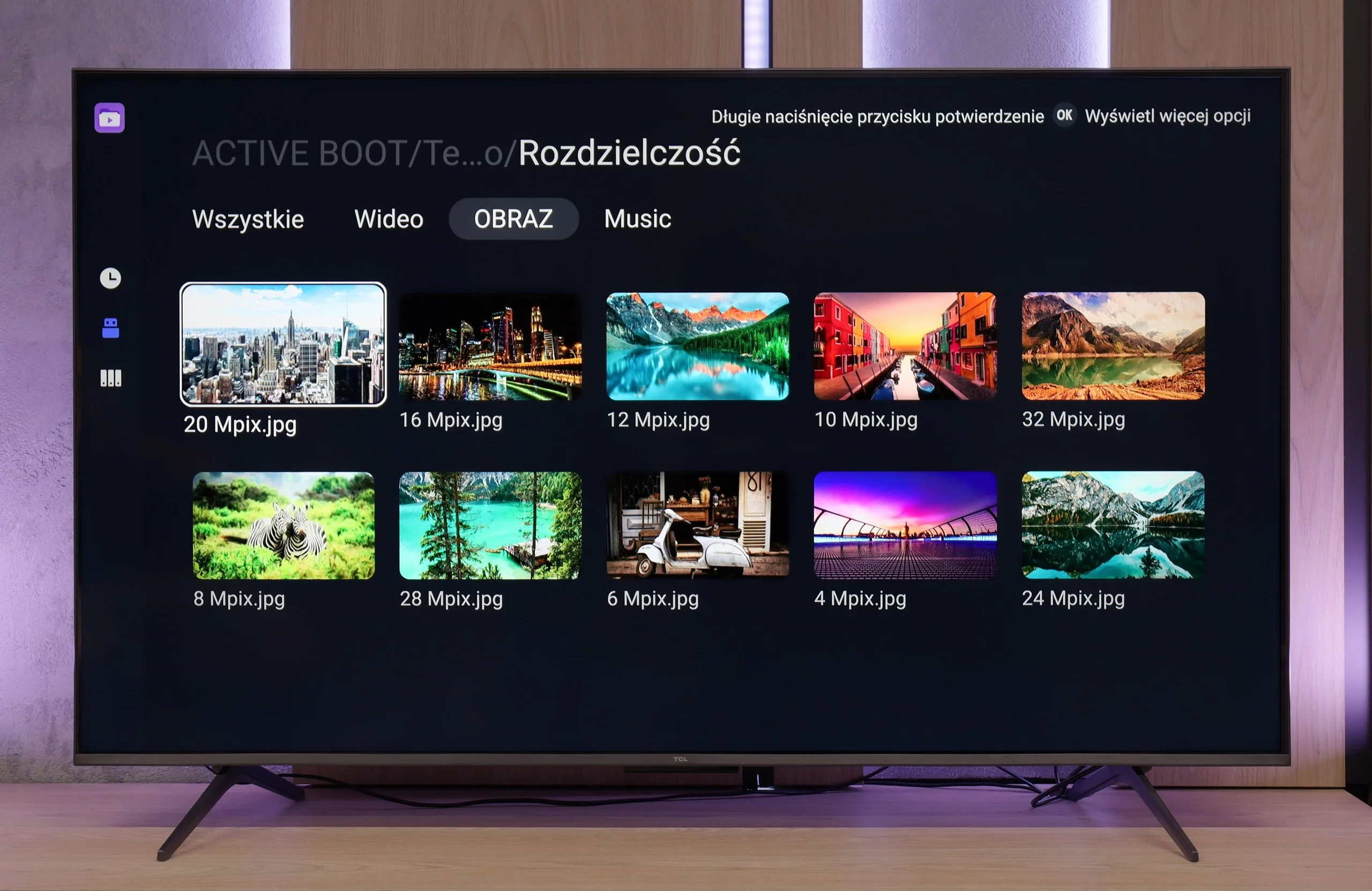
The system player really delivers and smoothly handles popular formats. The only hiccup occurs with files from the Apple ecosystem (e.g., HEIC) – here, TCL simply gives up. Fortunately, a huge plus of Google TV is that you can install your own application, such as VLC. This way, you can quickly address the shortcomings of the factory player, allowing you to play practically any material, customizing the TV to your preferences.
Sound
6.9/10
6.5/10
- Maximum volume85dB-
- Dolby Digital Plus 7.1
- Dolby True HD 7.1
- Dolby Atmos in Dolby Digital Plus (JOC)
- Dolby Atmos in Dolby True HD
- DTS:X in DTS-HD MA
- DTS-HD Master Audio
TCL C6KS performs almost identically to the C6K model, as it uses the same set of speakers branded by Onkyo. For a television of this class, the sound is quite good — you can even sense a slightly defined bass, which is not often found in budget segments. However, it is worth remembering the proper perspective. This bass performs decently against other televisions, but a home theater setup or even a basic soundbar will still offer a much fuller, more dynamic sound. Therefore, the C6KS is suitable for regular television watching, but if someone is keen on a stronger sound, additional audio equipment will be a natural choice.
Reader comments
Comments are provided by the external service Disqus (Zeta Global). Once loaded, Disqus may set cookies and process data about your activity.
We will remember your choice on this device. Provider's privacy policy