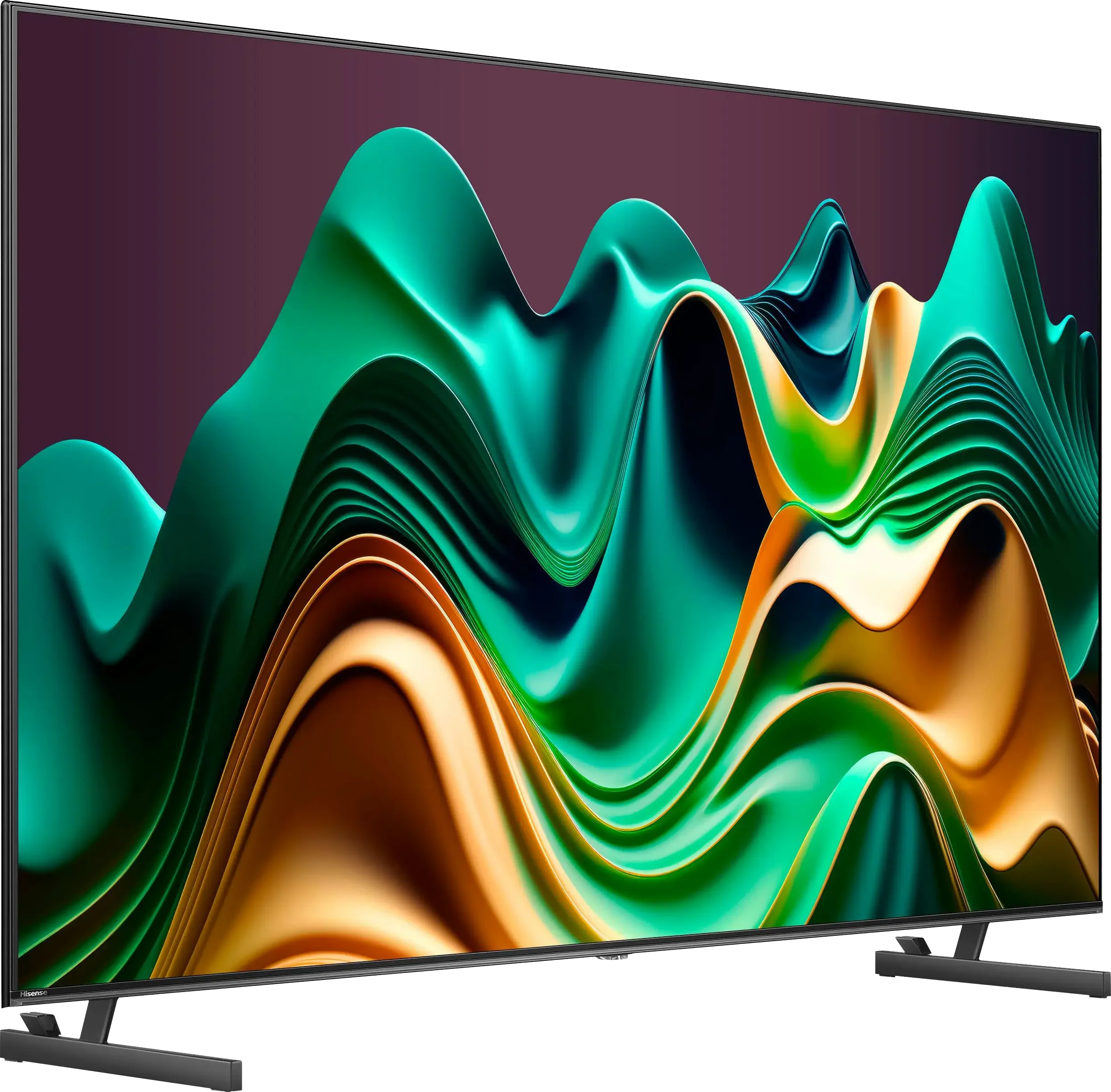
The Hisense U6NQ is a really interesting model from the Chinese manufacturer. It is the first MiniLED from the 2024 series and the only one with a refresh rate of 60 Hz. Starting with the picture quality, the MiniLED backlight combined with the VA matrix does its job – the contrast is good, and watching movies in the evening is a pleasure. Stable HDR performance, support for Dolby Vision and HDR10+, and solid colours make the TV handle most everyday tasks well. The Vidaa system works efficiently – it is fast and intuitive, without annoying stutters. A few popular apps, such as Spotify and Tidal, are missing, but most users will find what they need here, including the ability to record programs to a flash drive or external hard drive. And what about motion smoothness? It's quite decent. The option to choose between 4K at 60 Hz and Full HD at 120 Hz is a nice addition, especially if we play on consoles that often do not offer perfect 4K at 120 frames. Features such as VRR and ALLM further enhance the comfort of occasional gaming. However, it is not without its drawbacks. There are visible smearing issues in dynamic scenes, and the lack of any function to reduce this effect does not help. In terms of picture quality, this TV heavily prioritizes brightness, which sometimes leads to situations where black takes on a slight bluish hue in difficult conditions. In short: the Hisense U6NQ is a good choice for those looking for a TV that offers good picture quality and a comfortable operating system. It is not a device without compromises, but in its price range, it performs really well.
- Matching (Score) |
- Our verdict |
- TV appearance |
- Where to buy |
- Contrast and black detail |
- HDR effect quality |
- Factory color reproduction |
- Color reproduction after calibration |
- Smoothness of tonal transitions |
- Image scaling and smoothness of tonal transitions |
- Blur and motion smoothness |
- Console compatibility and gaming features |
- Input lag |
- Compatibility with PC |
- Viewing angles |
- Daytime performance |
- Panel details |
- TV features |
- Apps |
- Playing files from USB |
- Sound
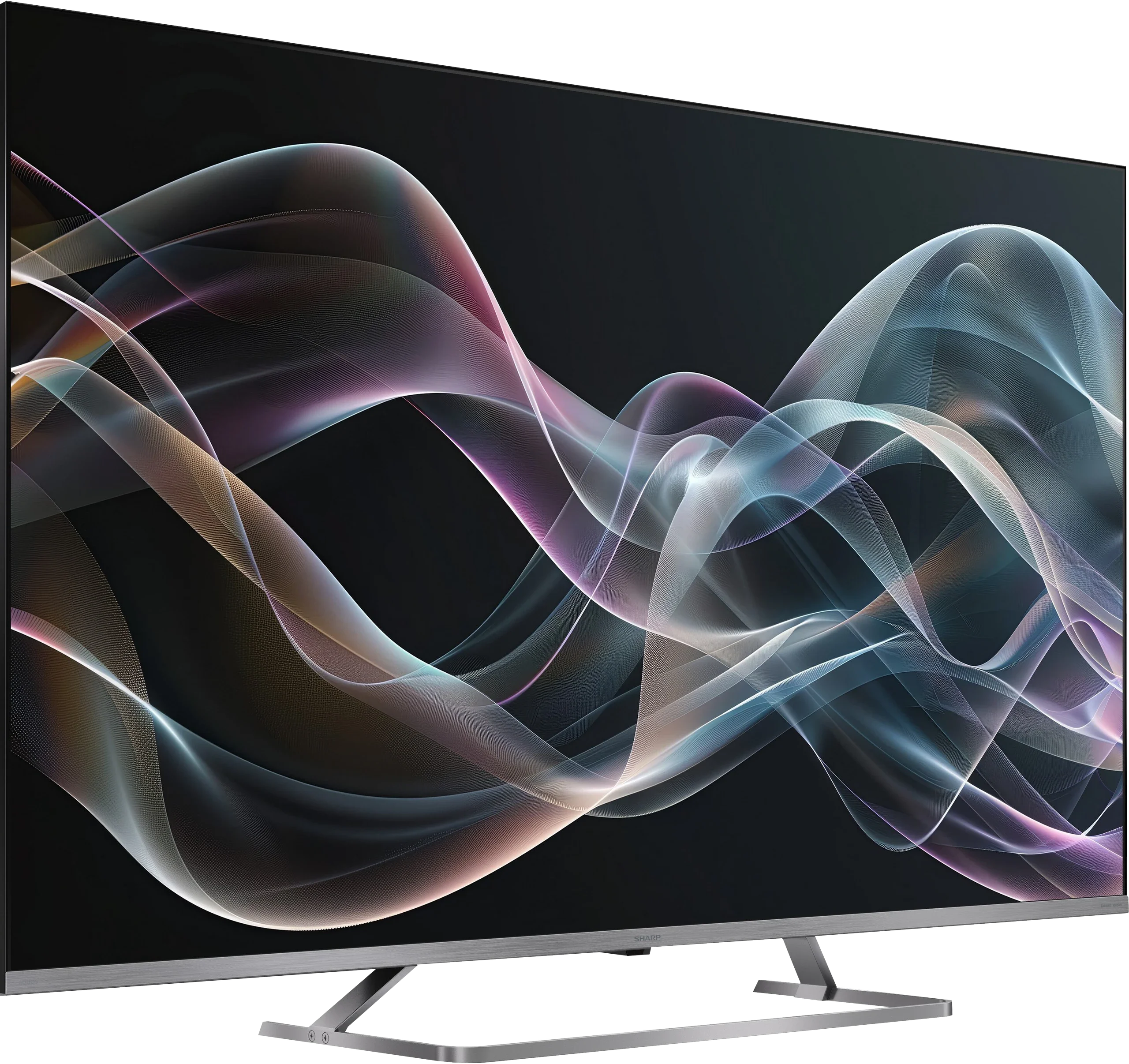
Hisense U6NQ vs SHARP JP7765E
 Direct comparison

Check the best price offer:
Hisense U6NQJP7
Panel type: LCD VA
Resolution: 3840x2160
System: VIDAA
Model year: 2024
Complete the survey to find out the result
Panel type: LCD VA
Resolution: 3840x2160
System: Google TV
Model year: 2026
Complete the survey to find out the result
Overall rating
6.5
6.2
 Movies and series in UHD quality
 6.7
6.4
 Classic TV, YouTube
 6.5
6.0
 Sports broadcasts (TV and apps)
 5.0
3.9
 Gaming on console
 7.1
6.1
 TV as a computer monitor
 6.0
5.0
 Watching in bright light
 6.1
7.3
 Utility functions
 8.9
6.4
 Apps
Apps 7.7
9.6
 Sound quality
 6.3
6.0
Complete the survey to find out what fits your preferences
Advantages

Good contrast and black in its price class
Support for multiple HDR formats - Dolby Vision, HDR 10+
Correct color reproduction out of the box
Flexible refresh rate - 4K@60Hz or FullHD@120Hz
Decent for occasional gaming - low input lag, ALLM, VRR
Recording to USB from built-in tuners
Good black and contrast - mini-LED backlight with VA matrix
High brightness - handles bright living rooms
Google TV system - unlimited base of apps and smart features
Very good file player - plays almost everything
Mini-jack output - rare and useful headphone jack
Extremely loud - up to 90 dB (perfect for seniors)
Very attractive price
Disadvantages

Missing several applications in the VIDAA system - Spotify or Tidal
Issues with motion blur
Dimmer algorithms work average
Massive smearing and only 60Hz panel
Poor mini-LED local dimming algorithms
Narrow viewing angles (a natural feature of VA panels)
No VRR and HGiG – features for gamers
Weird sound – the audio has a "gap" in dialogues
Our verdict
Sharp JP7765 is another offering in the market that tries to prove that Mini-LED technology doesn’t have to cost a fortune. The low price is matched with an exceptionally high brightness — a peak of 1000 nits in HDR is a result that simply impresses in this price range. Although the proprietary processor doesn’t always manage backlighting perfectly in demanding scenes, support for Dolby Vision effectively saves the situation. Thanks to dynamic metadata, the image becomes plastic, deep, and simply appealing to the eye. Adding to this the Google TV system, extreme volume, and a rarely-seen headphone jack, we get a device that is a brilliant option for seniors or less demanding viewers transitioning from basic, cheap LCDs. In such a scenario, the Sharp JP7 appears to be a really decent and cost-effective choice. However, it must be made clear: contrary to marketing slogans, this is not equipment for everyone. Gamers or sports fans will definitely not find themselves here. The biggest drawback of the JP7765 model is the slow, 60Hz panel and significant motion blur, which essentially disqualifies this television when watching dynamic matches or playing fast-paced titles. The image loses sharpness so markedly during rapid movements that for a football or racing fan, it may be an unacceptable barrier.
So who is the Sharp JP7765 for? It is a sensible option for budget-conscious individuals who do not have high demands for motion fluidity but appreciate a “kick” of brightness. By choosing the Sharp JP7, you will definitely make a better deal than purchasing basic (non-dimming) televisions from the competition. Rivals usually offer standard LCD panels at a similar price that cannot compare to the capabilities of even such a basic Mini-LED model as the JP7. Ultimately, it’s a matter of a simple arrangement: you accept weaker motion fluidity in exchange for the powerful brightness that is hard to find with other manufacturers at this price point.
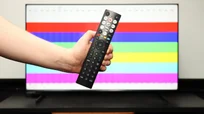
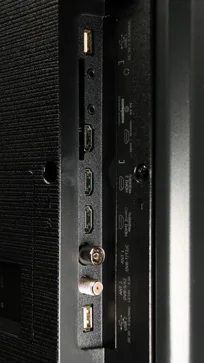
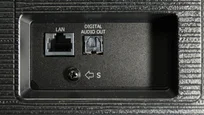
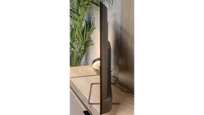
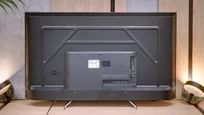
TV appearance



Contrast and black detail
7/10
7.3/10
Local dimming function: Yes, number of zones: 160 (20 x 8)
Local dimming function: Yes, number of zones: 160 (10 x 16)
Contrast:


Result
61,250:1

Result
13,650:1

Result
14,700:1

Result
11,150:1

Result
5,800:1
Result
64,100:1
Result
18,250:1
Result
46,350:1
Result
7,000:1
Result
4,500:1
Halo effect and black detail visibility:
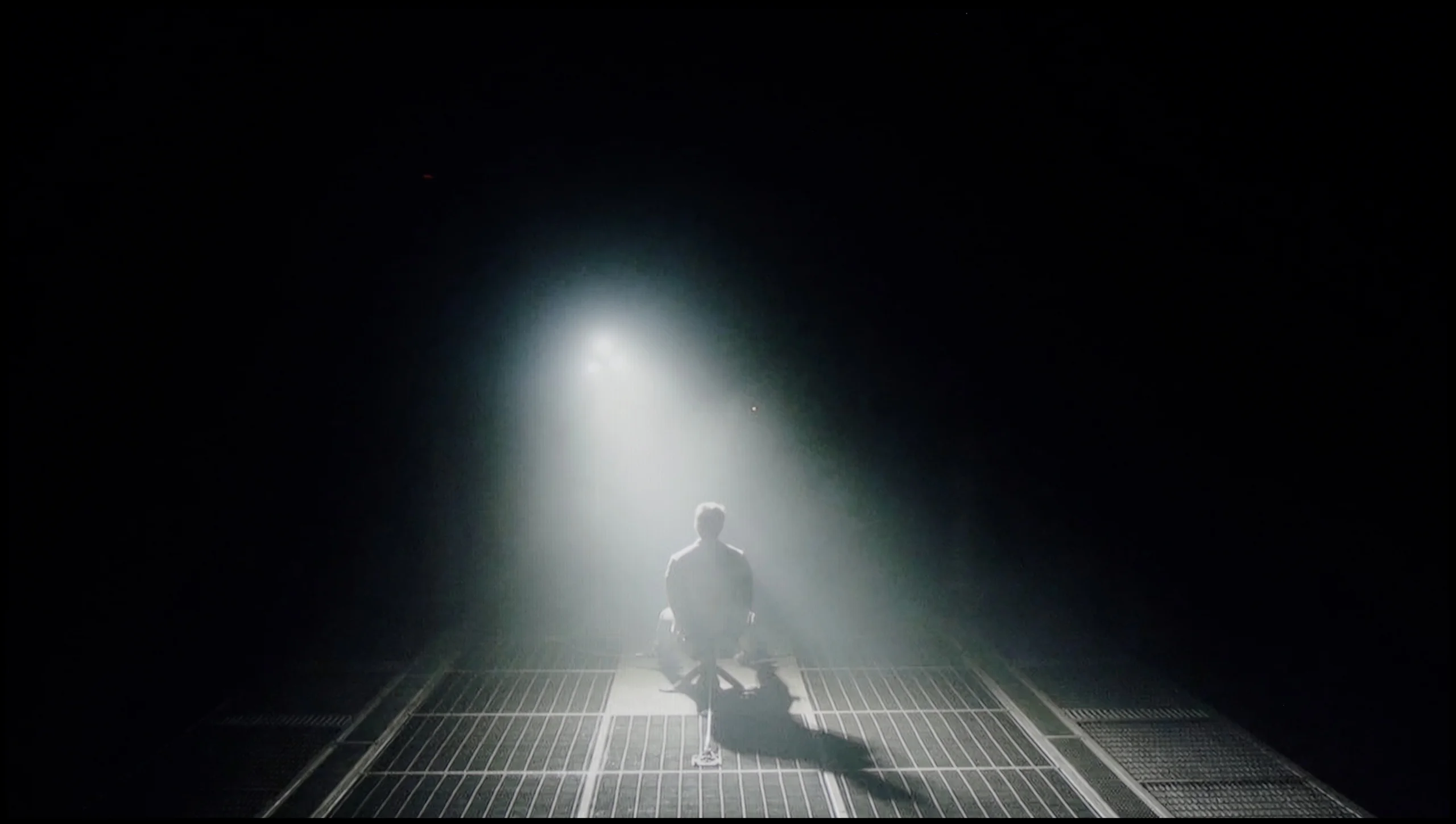
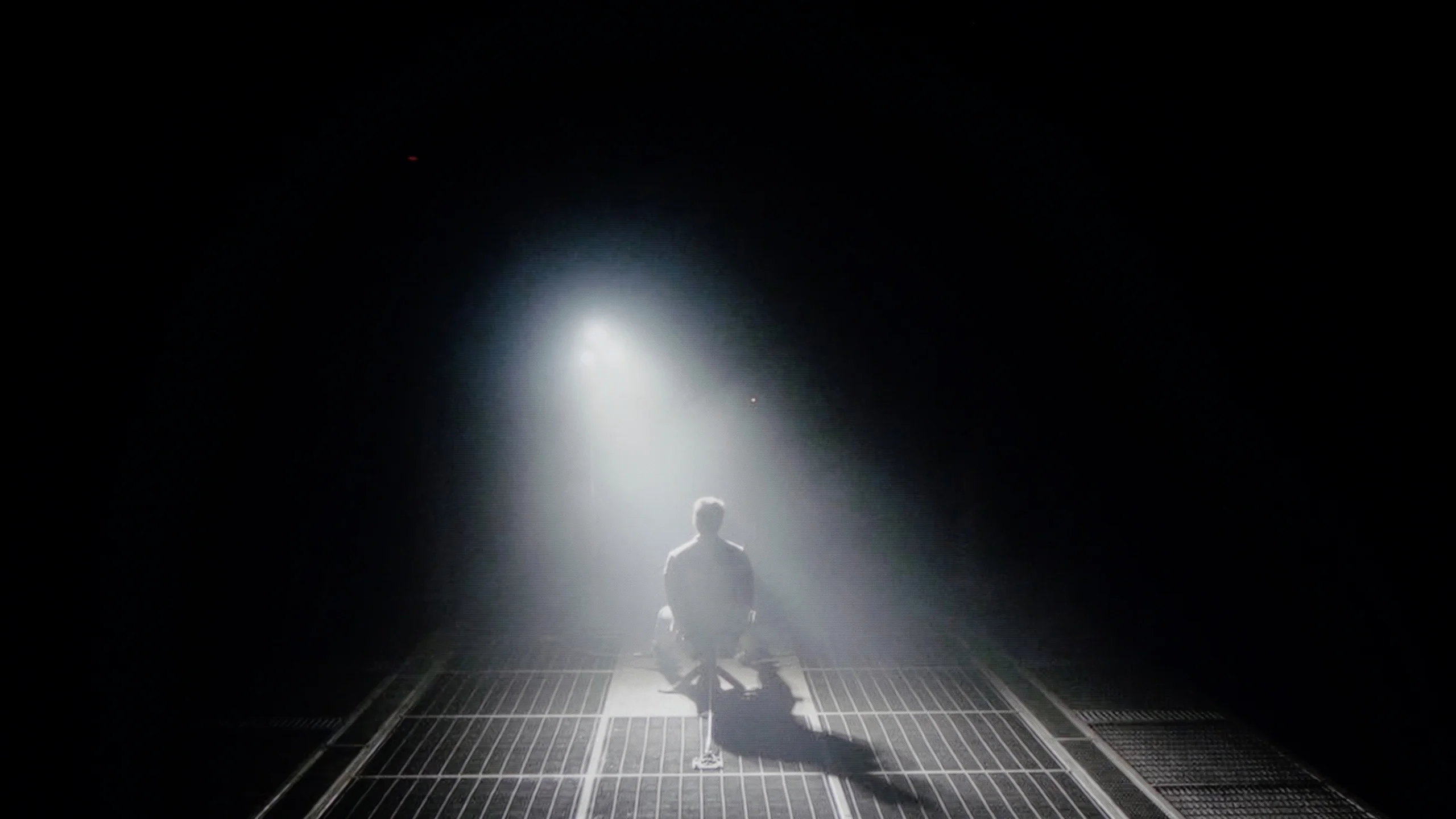
Check the visibility of bright lights on a dark background. Mini-LEDs often struggle with this. The photo does not compare black levels – that’s what the video below is for.
The video accurately shows differences in contrast and black levels between TVs, as well as potential issues: halo around bright objects or Mini-LED zone operation visible as brightness jumps.
The tested 55-inch model has a VA panel, providing deeper blacks compared to IPS/ADS panels. This technology alone ensures that contrast reaches quite a decent level. It is also worth noting that the Hisense U6NQ, as a MiniLED technology television in this version, has 160 local dimming zones, which significantly improves image quality in many scenes. During tests, for example in the movie Oblivion, the television demonstrated good separation of the hologram lights, while the contrast remained satisfactory. Unfortunately, in more demanding materials, such as the Pioneer Kuro test pattern, a noticeable drop in quality was observed. In such scenes, the dimming zones did not work correctly, leading to a significant reduction in contrast. Similar issues occurred in scenes from the movie Sicario 2, where the blooming effect was clearly visible, indicating the television's difficulties with precise management of the backlight zones. Despite these shortcomings, the overall level of contrast in the U6NQ can be considered solid, especially in this price category. The television performs well in most standard scenes, and its capabilities in displaying blacks are better than those of models with other types of panels.
Moving on to what is most important in Mini-LEDs, namely contrast and black levels, the Sharp JP7 in the 55-inch size we tested utilizes a VA panel. Combined with backlighting split into 160 zones (in a 10x16 configuration), this promises truly solid performance. Measurements on static film test images can be downright shocking, with measured contrast reaching five-digit values, even hitting levels of 50,000:1. On paper, this is a result that much more expensive models would not be ashamed of, and black levels under these conditions look very attractive.
Unfortunately, a television is purchased for watching films, not for admiring static images, and this is where the charm wears off a bit. When something more starts happening on the screen—especially in complicated, dark scenes with a lot of small bright elements—the backlighting system in the JP7 begins to literally go haywire. The zones can "dance" before the viewer's eyes, turning on and off in a way that can be simply annoying and detracts from the action. It is clear that Sharp has a huge room for improvement regarding local dimming management. The hardware potential in the form of Mini-LEDs is significant, but the controlling algorithms clearly struggle to tame them.
HDR effect quality
5.6/10
5.3/10
Luminance measurements in HDR:

Result
443 nit

Result
426 nit

Result
505 nit

Result
442 nit

Result
448 nit
Result
1014 nit
Result
247 nit
Result
606 nit
Result
180 nit
Result
605 nit
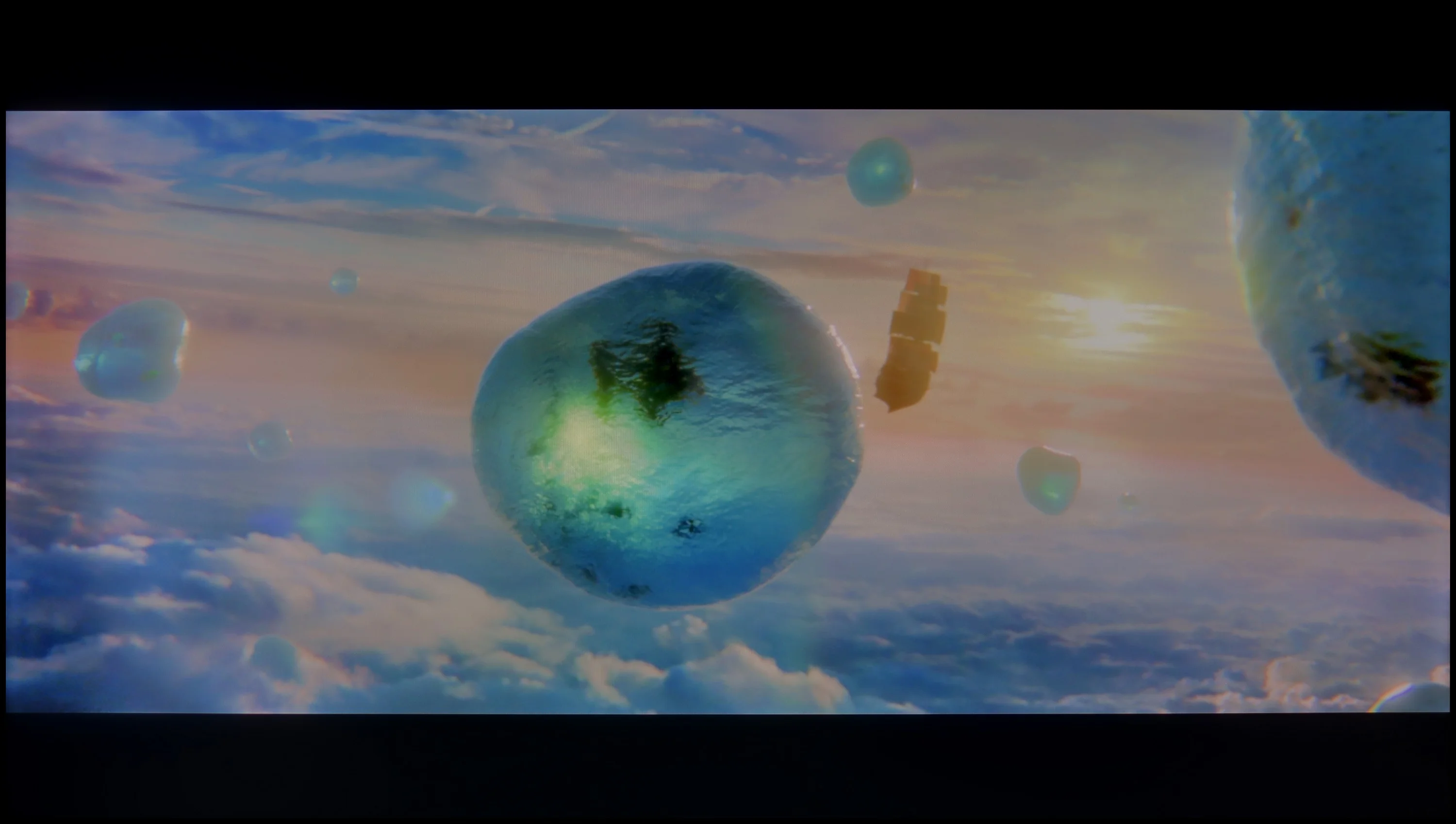
Scene from the movie “Pan” (about 2800 nits)

Scene from the movie “Billy Lynn” (about 1100 nits)


The photos show two HDR10 movies. 'Pan' is one of the brightest productions ever made, while 'Billy Lynn' (soldier) has brightness typical of streaming (Netflix, Prime, HBO MAX). Notice the intensity of effects and detail in whites.
Static HDR10


The photos present the visibility of white details in various HDR formats. They do not show brightness differences between TVs (these can be compared in the previous gallery).
Dynamic: Dolby Vision
Dynamic: Dolby Vision


The photos present the visibility of white details in various HDR formats. They do not show brightness differences between TVs (these can be compared in the previous gallery).
HDR luminance chart:
SHARP JP7765E
Hisense U6NQ
Hisense U6NQ offers a stable HDR effect, which is rare in TVs with local dimming. On most streaming platforms, in movies and series recorded in 4K, the TV presents consistent performance – in every tested scene, regardless of difficulty level, brightness is around 450 nits. This is a pleasant surprise, as many models in this class show significant differences – some scenes are well-lit, while others are heavily dimmed by dimming algorithms. However, Hisense U6NQ prioritizes maintaining higher brightness, which comes at the expense of black levels, as mentioned in the paragraph about contrast testing.
The HDR effect on the U6NQ is satisfying, offering a noticeable "hit" of light in bright moments, although it is worth remembering the previously mentioned blooming, which can be visible in more challenging scenes. In terms of colours, the TV also performs decently – the coverage of the DCI-P3 palette is 89%, and BT.2020 is 71%. Although these are not results that would impress more demanding users, for beginners in the world of high-quality content, the U6NQ serves as a solid choice. Thus, it presents an interesting option as an "entry-level" TV for home cinema.
So how does the brightness of the Sharp JP7 perform in the most demanding titles? Honestly: at first, we were quite surprised. The television is capable of achieving over 1000 nits of brightness, which is an outstanding and rarely seen result for a device costing just under 2000 zł (for 55 inches). Watching bright, full-screen scenes, one can get the impression that we are dealing with truly good equipment. However, unfortunately, we must return to the problem we mentioned earlier regarding local dimming management. When small, bright elements appear on a dark background on the screen (like in the test scenes from Life of Pi or Sicario 2), it is noticeable how poorly the JP7 handles the zones. The television dims them almost to the maximum, stifling the whole HDR effect, which at such moments resembles a flat SDR image (less than 200 nits). This instability makes the image on the JP7 unfortunately lose its appeal in demanding, contrast-heavy films.
As a consolation, it is worth noting that the panel has the potential for good color display. A PFS (phosphor) filter has been implemented here, allowing the coverage of the DCI-P3 palette to reach a solid 94%. The manufacturer calls its product a “QLED,” even though it is mainly based technologically on the aforementioned PFS filter. Considering the recent market battles among manufacturers about what can and cannot be called QLED, we leave the issue of the correctness of this naming to your judgment. However, it remains a fact that the potential for reproducing saturated colors in this panel is simply good.
Factory color reproduction
8/10
4/10


This gallery shows how colors change after professional TV calibration. If you notice the difference, we recommend ordering this service at SkalibrujTV.com.
Factory Mode
After calibration


This gallery shows how colors change after professional TV calibration. If you notice the difference, we recommend ordering this service at SkalibrujTV.com.
Factory Mode
After calibration
The Hisense U6NQ in Filmmaker mode offers truly decent colour reproduction, although it is worth noting that differences between individual units can be noticeable. The model we tested surprised us positively, especially with HD content in SDR quality. The white balance was correct, and errors around 3–4 ΔE should be acceptable for the average viewer. The TV performed slightly worse in colour reproduction with 4K HDR materials. The dominance of blue hues led to unnatural cool tones on the Colour Checker chart, giving the picture a "store-bought" character. Combined with issues in brightness characteristics – gamma and EOTF curve caused some parts of the image to be too dark – the Filmmaker mode loses some of its credibility in this case. Although the factory settings of the tested unit deserve praise, especially in SDR, there were still minor shortcomings that would require adjustment to fully leverage the capabilities of the TV.
When it comes to out-of-the-box colors, the Sharp JP7 was tested in Film mode, which traditionally offers the most consistent image compared to the yellowed “Eco” mode or the glaring blue of the “Dynamic” mode. Although this is the best choice among the available settings, the results are still far from ideal. The white balance clearly lacked red and blue components, causing many scenes to take on an unnatural, greenish tint. Another issue was the gamma – during fullscreen scenes, the television provides too much brightness, completely stripping away its cinematic character. All of this translated into color reproduction errors, particularly with shades of gray, which exceeded Delta E 10. Just to remind: errors above 2-3 are already noticeable to the human eye, so here we are dealing with a significant distortion of reality.
In HDR mode, the situation is reversed but not any better. Here, the blue color dominates the white balance, giving the image an unnatural, almost “store-like” sharpness reminiscent of aggressive demo modes. Furthermore, the measurements of the EOTF curve emphasize the store-like nature of the image. The graph clearly shows that the television generates an image significantly brighter than the standards predict, resulting in an artificially boosted and unrealistic final effect. The Sharp JP7 is evidently trying to appear stronger than it actually is, but it does so at the expense of fidelity to the content.
Color reproduction after calibration
8.3/10
6.7/10

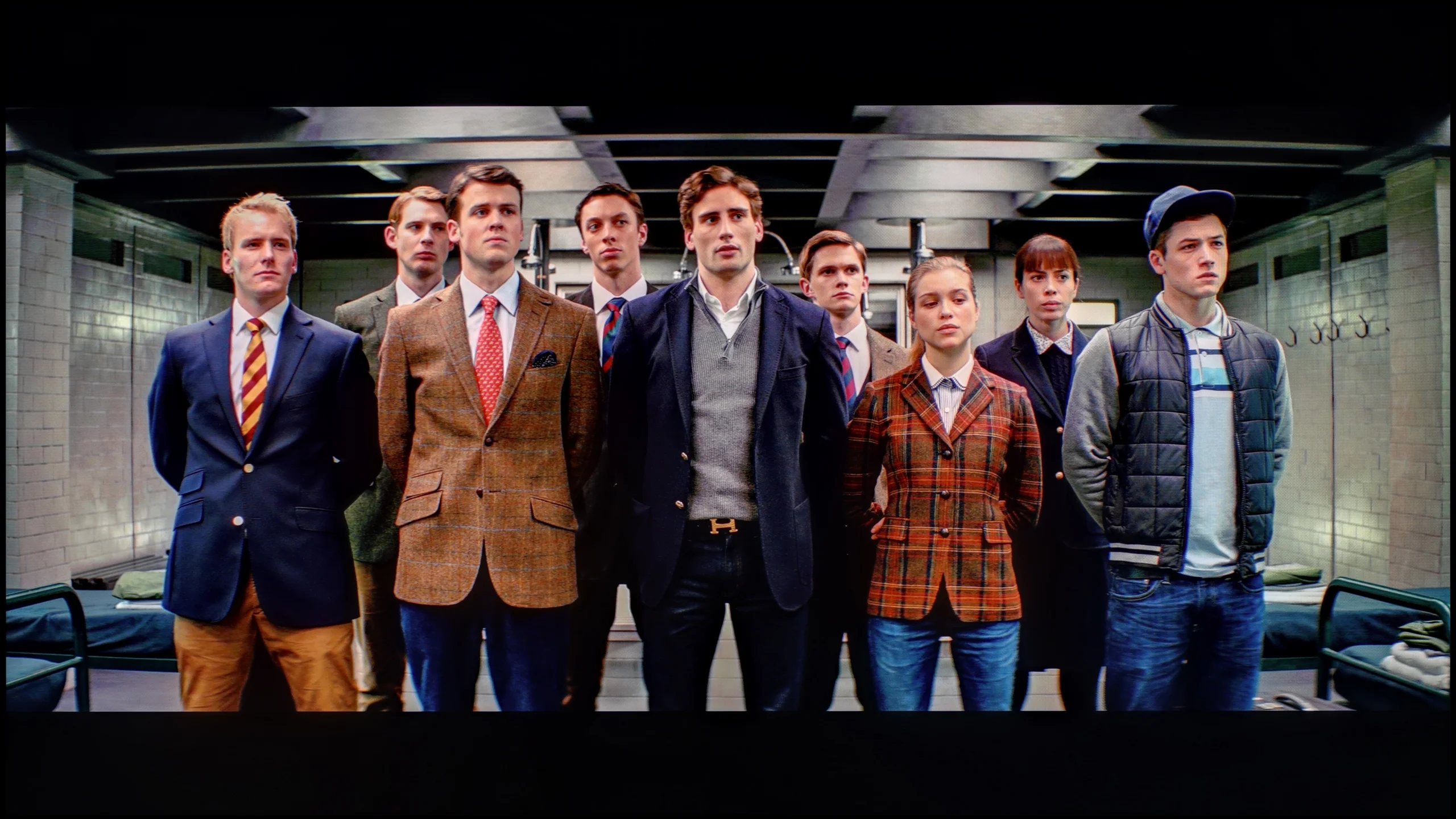
The photos show how movies look on the TV. Pay attention to black detail visibility, colors, and shadow tint.


The photos show how movies look on the TV. Pay attention to black detail visibility, colors, and shadow tint.
Although the factory settings of the Filmmaker mode on the Hisense U6NQ were quite good, we decided to carry out calibration to fully assess the capabilities of this model. Only after such an adjustment can you see how the TV performs in ideal conditions. In the case of SDR content, which was already at a high level, we managed to further improve the white balance. However, the biggest change came from the brightness characteristic correction - gamma was optimized and no longer causes excessive dimming of the image, which improves its naturalness.
For 4K HDR content, calibration also yielded positive results. We eliminated the problem of blue dominance, which translated into a more balanced and natural image. However, managing brightness in HDR materials remains a more complicated issue. The EOTF curve, although it had problems with dimming the image in the range of 10-30% brightness under laboratory conditions, reveals other shortcomings in real scenes. The TV tends to excessively brighten the smallest elements on the screen. As a result, this leads to noticeable halo effects around bright objects. This phenomenon, which we mentioned earlier in the context of contrast and HDR, stems from the technological limitations of the model and is often difficult to eliminate.
In short: although the Filmmaker mode with factory settings looked decent, calibration allowed for an even better effect - minor adjustments resulted in a more balanced image, especially in HDR content. Calibration will be a beneficial step for users seeking the highest quality image.
We subjected the JP7 to our standard calibration procedure and truly... the television gained a new life thanks to it, especially in SDR content (YouTube, classic television, series, or older movies). Because we managed to accurately set the white balance and stabilize the gamma, color errors dropped to a value of below 3. This is a level at which the human eye has trouble detecting discrepancies. In this scenario, the Sharp JP7 delivers an image with really great color accuracy, which is a significant advantage in this price range. However, the content in HDR turned out to be much more problematic. Here, despite our efforts and adjustments to the settings, the television simply did not want to cooperate. In the JP7 menu, we cannot find any option that would allow for real control over brightness management (EOTF). Although a significant portion of color errors was reduced, the image still remained unnaturally oversaturated. It's a pity because the potential of the mini-LED backlit panel is large, but the software presents a clear barrier.
The conclusion is simple: when watching less demanding content (SDR) on the JP7, you can expect an image that is more than satisfactory, but in HDR, you have to come to terms with a certain degree of "artificiality" that cannot be overcome even with professional equipment.
Smoothness of tonal transitions
7.8/10
7.5/10
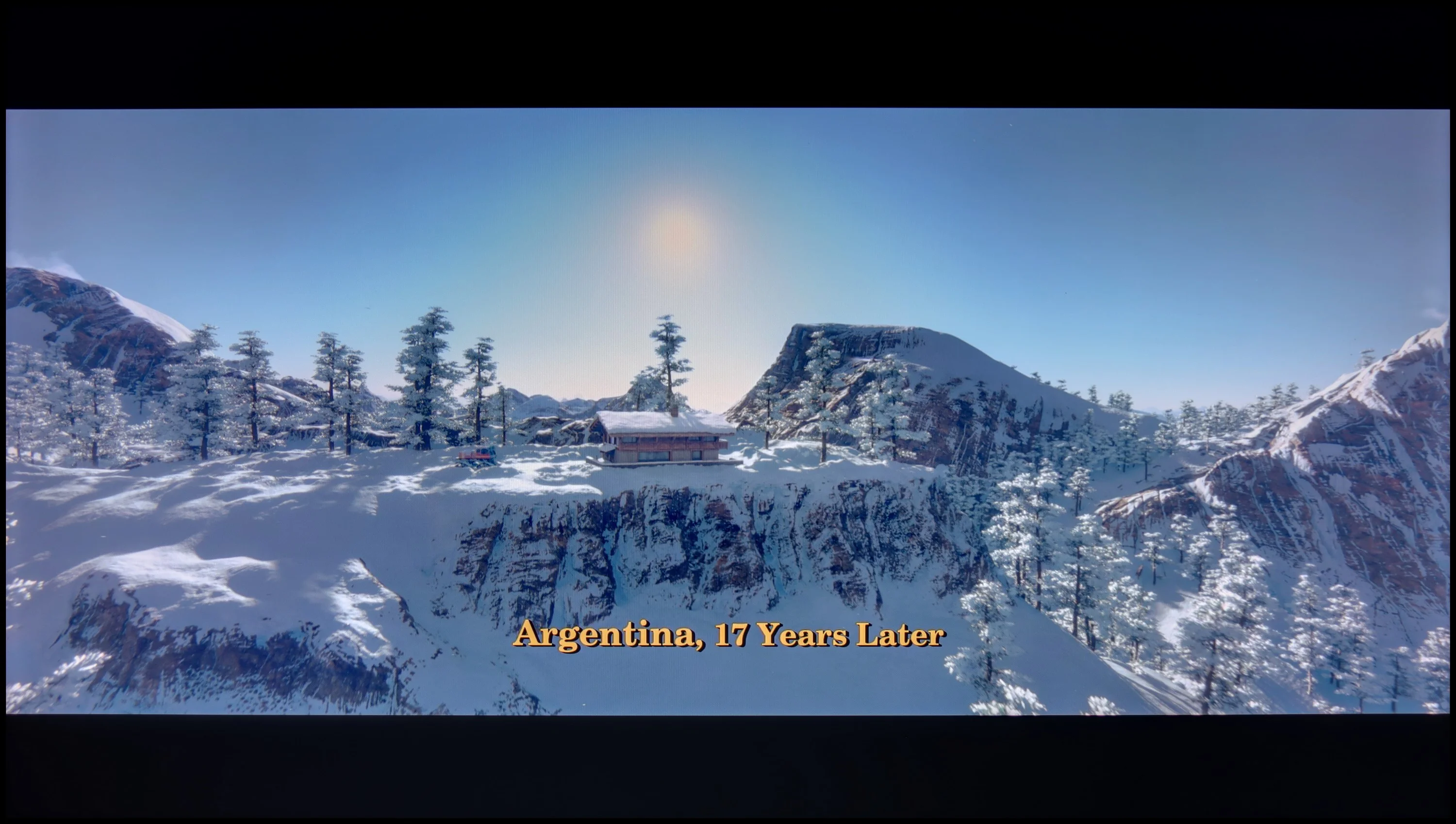

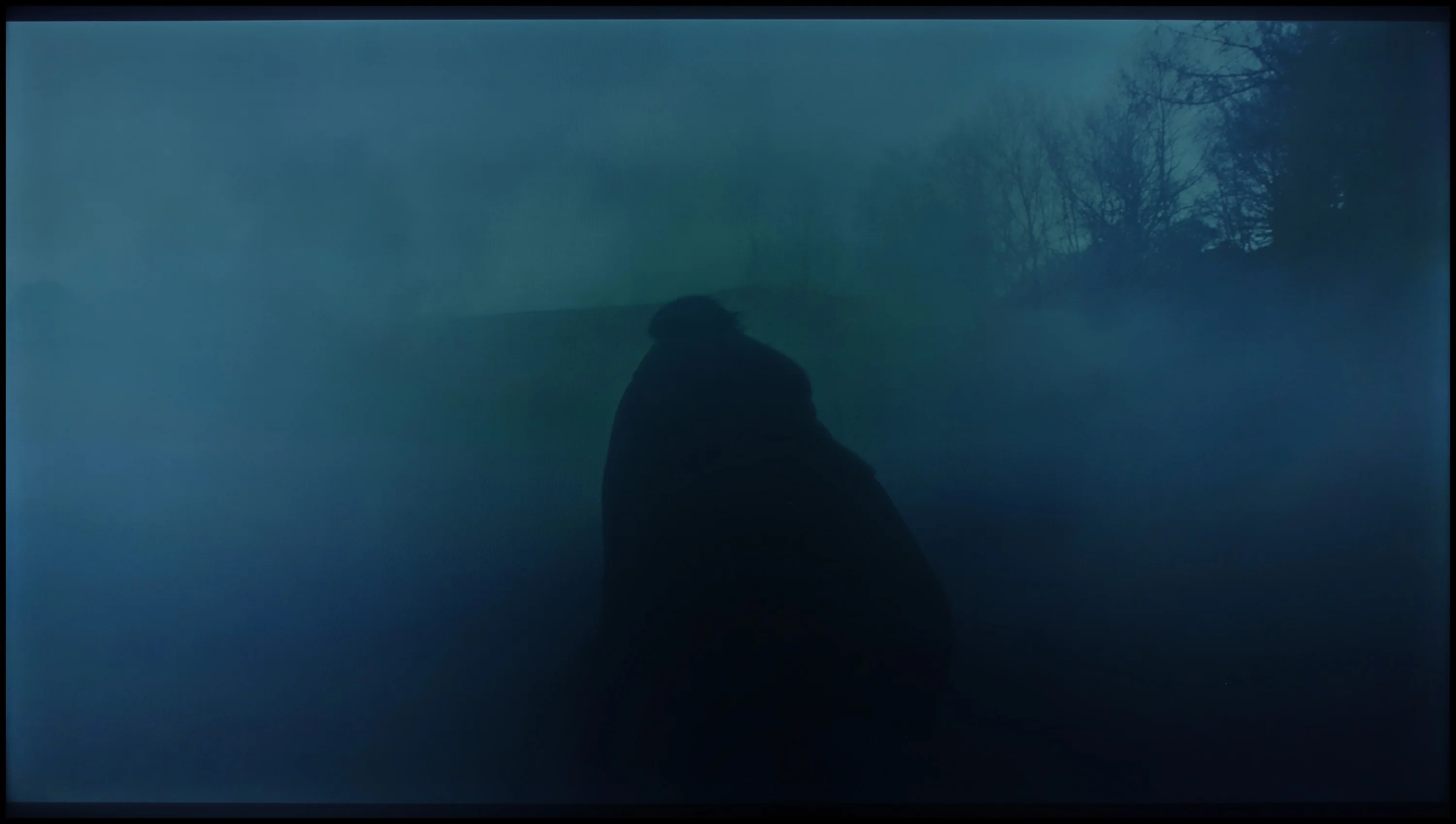
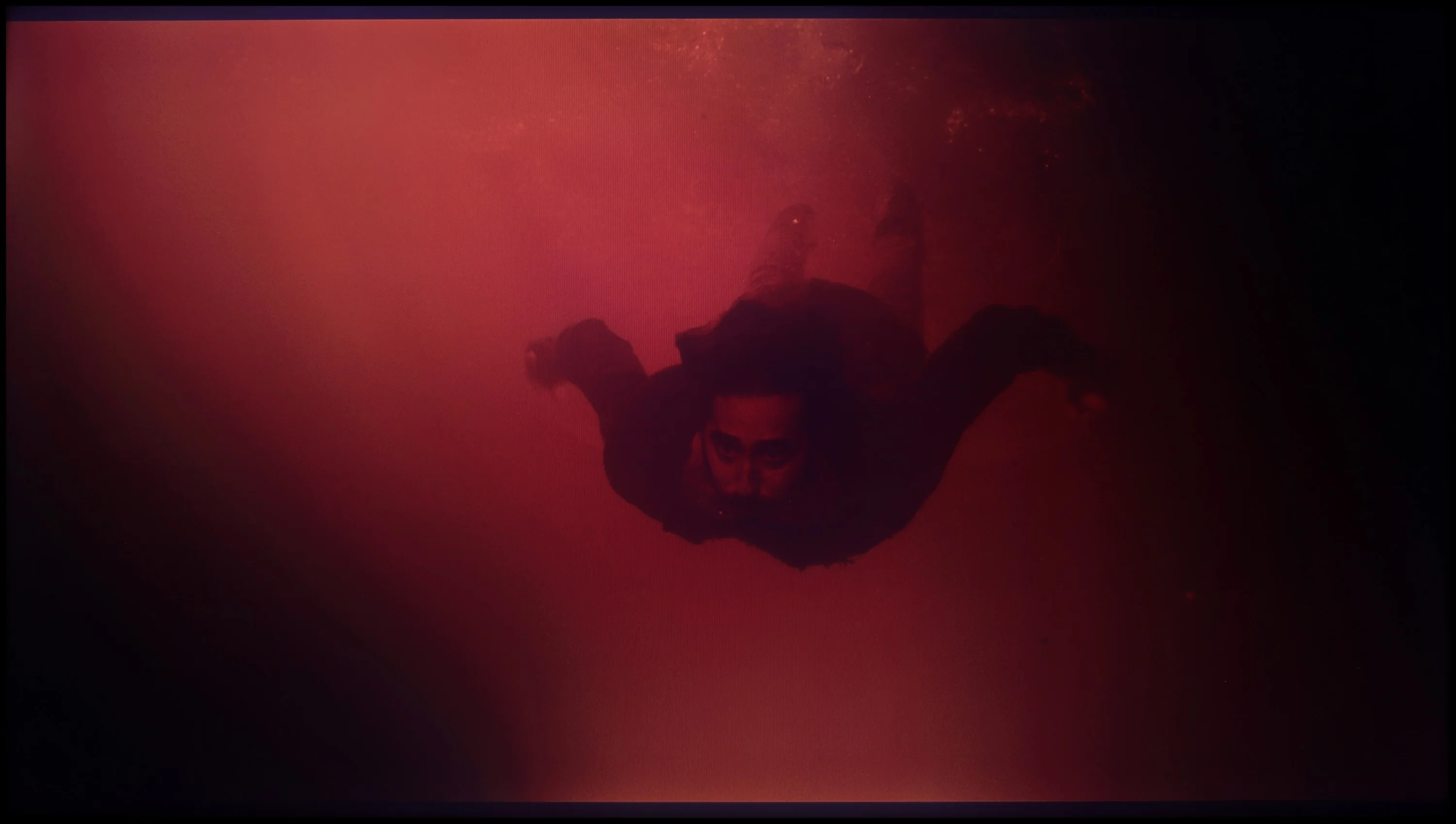
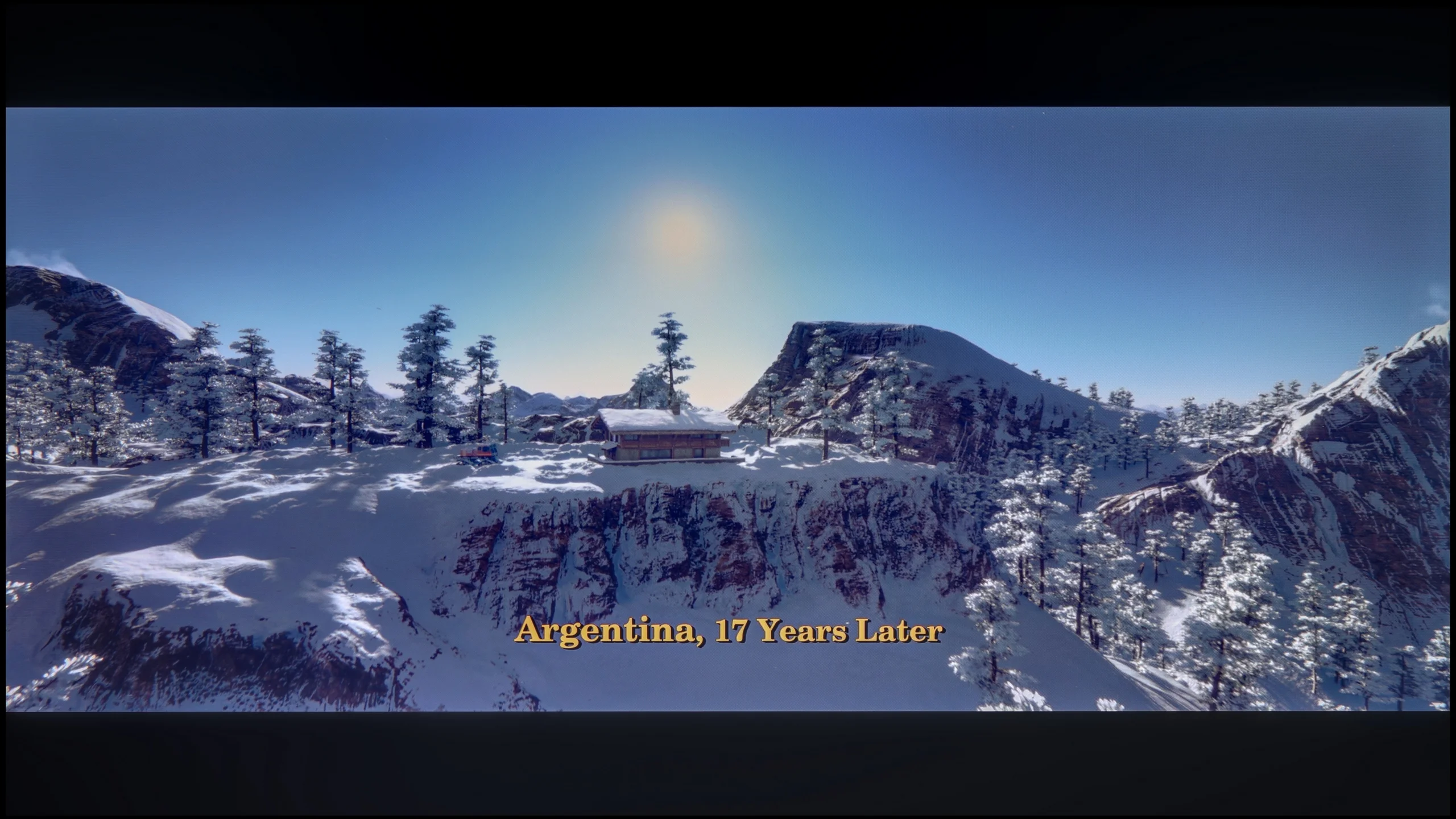
These are selected scenes that show smooth tonal transitions from one color to another. If you see distinct banding, it’s the TV panel’s fault.

These are selected scenes that show smooth tonal transitions from one color to another. If you see distinct banding, it’s the TV panel’s fault.
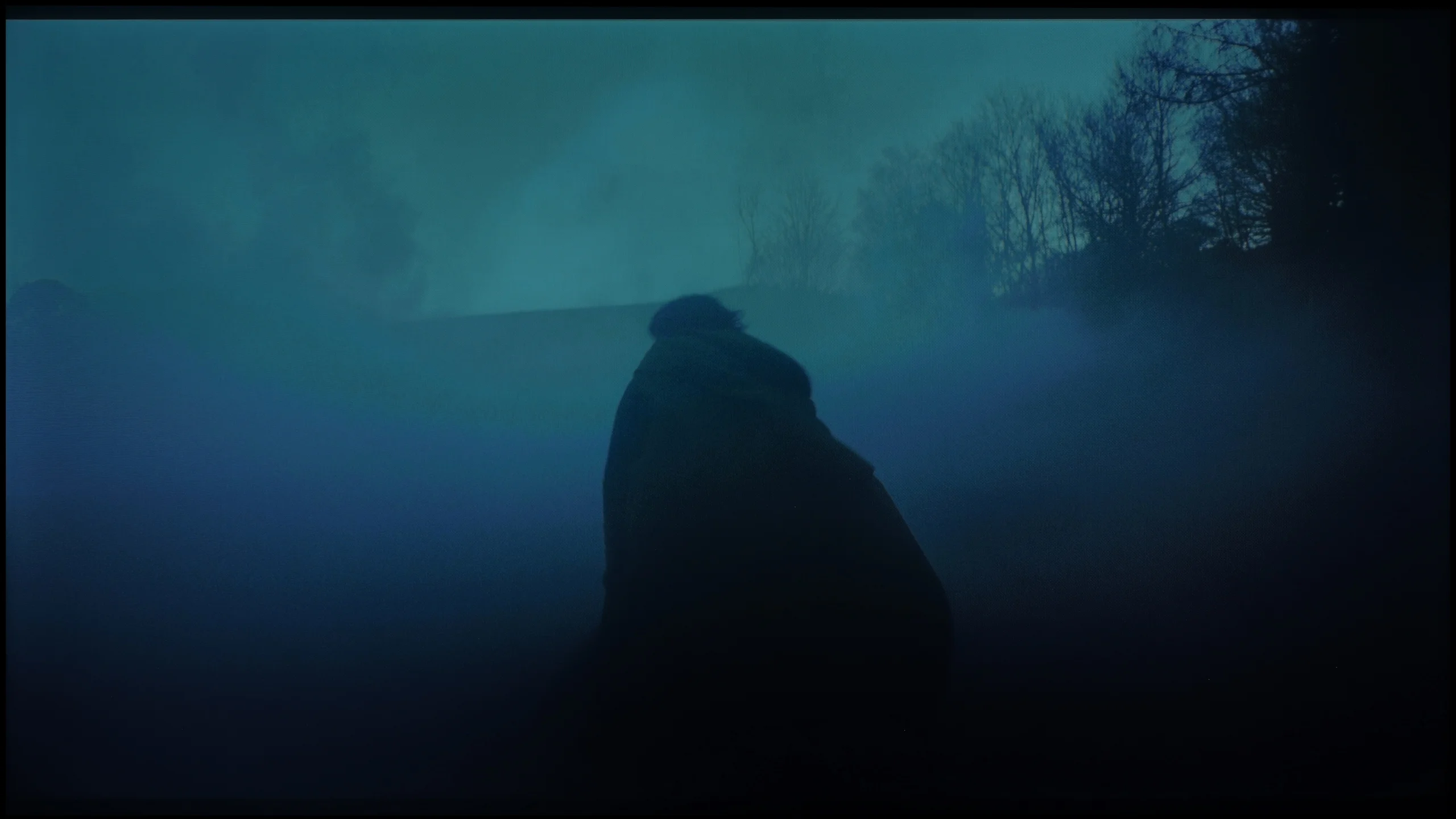
These are selected scenes that show smooth tonal transitions from one color to another. If you see distinct banding, it’s the TV panel’s fault.
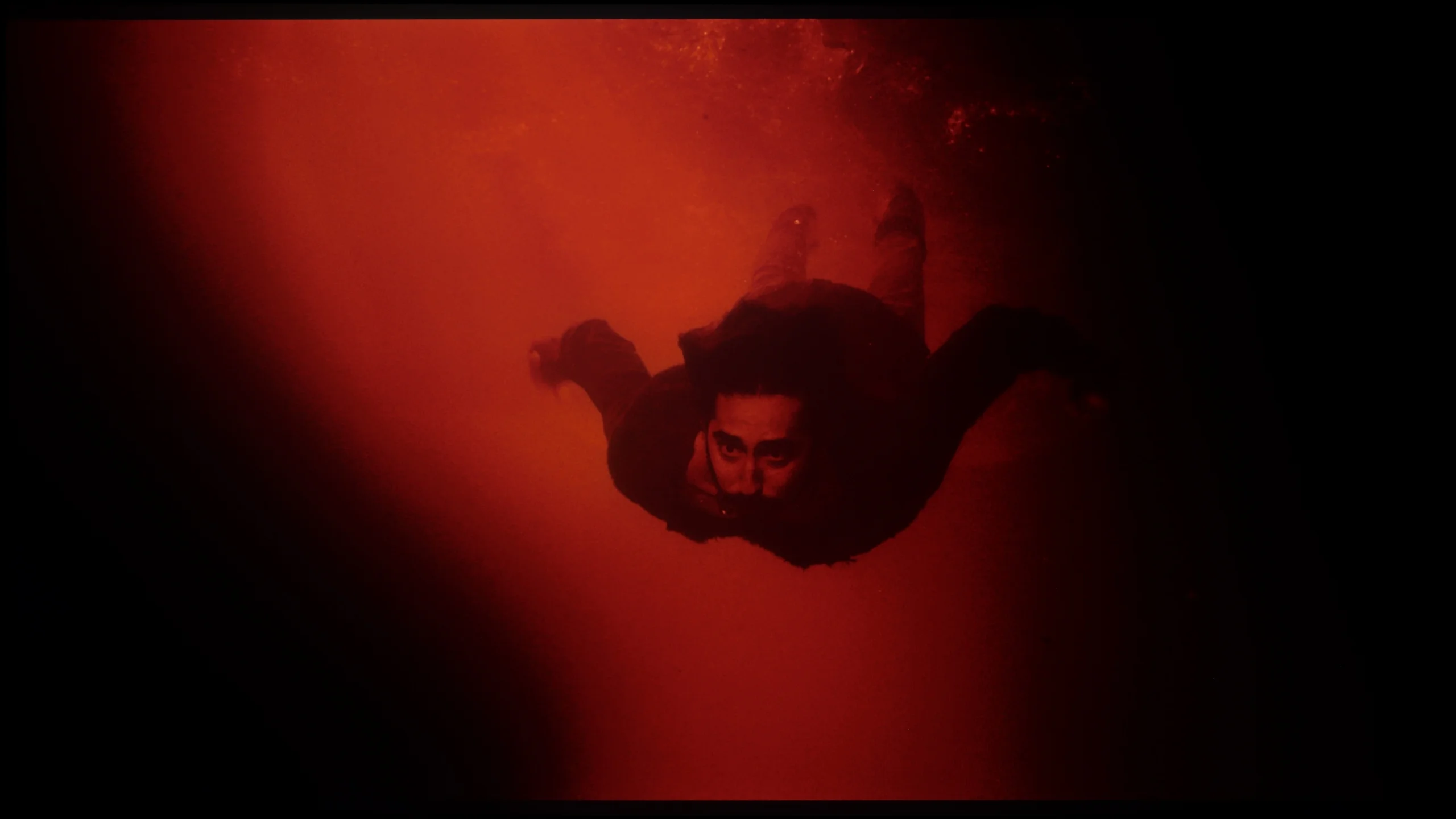
These are selected scenes that show smooth tonal transitions from one color to another. If you see distinct banding, it’s the TV panel’s fault.
The fluidity of tonal transitions in the Hisense U6NQ is at a high level. In most scenes, there are no noticeable issues with colour blending, which provides a pleasant and cohesive visual experience. However, a more discerning eye may spot minor imperfections in specific cases, such as the scene with the blue sky in Kingsman or the final scene with the red background. These subtle shortcomings are, however, small enough not to affect the perception of the image for most users. Overall, the television performs very well in this category.
When it comes to image purity, posterization on the Sharp JP7 fortunately doesn't distract too much from the content being viewed. In most scenes, it's hard to spot irritating stripes or the so-called "color stair stepping," which often ruin the experience in scenes with flat colors. Of course, you can't expect miracles here because in some extremely demanding scenes, a trained eye may notice errors in tonal transitions. However, this is not a level that could realistically distract during a film. Well, unless you have good eyesight and are looking for artifacts on the screen – then you'll probably find something.
Image scaling and smoothness of tonal transitions
5.6/10
3.5/10


Smooth transition function
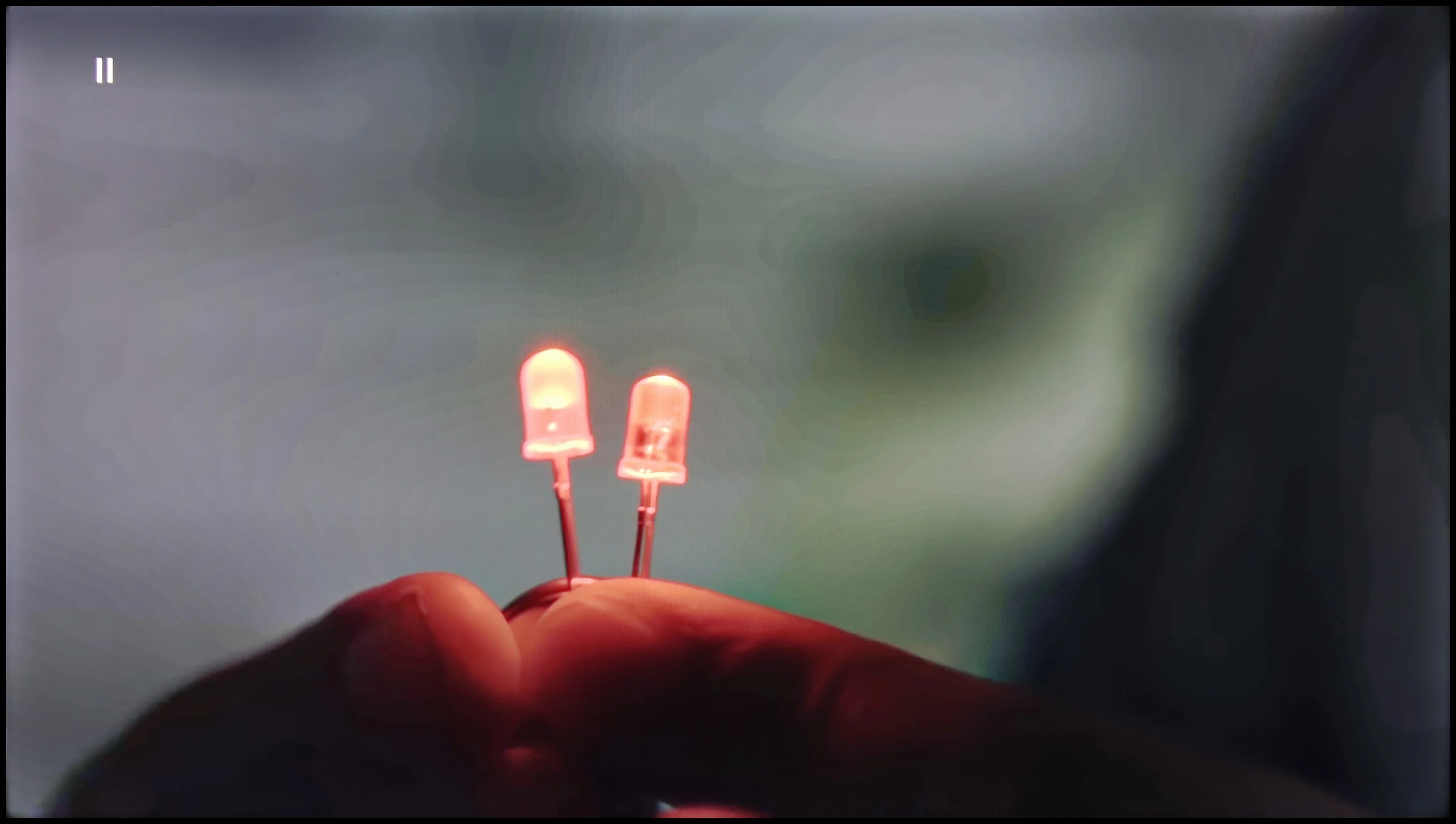
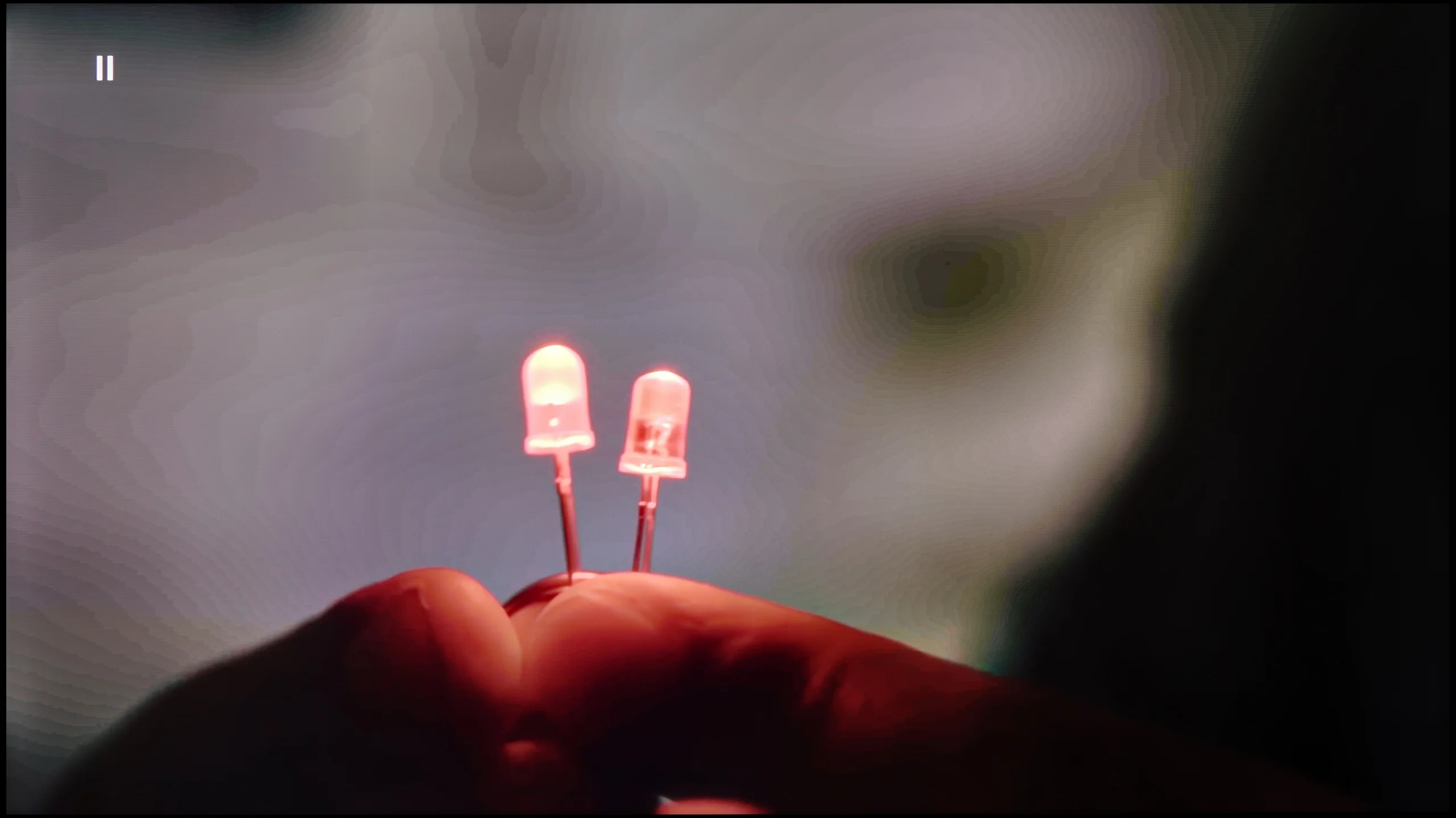
The match photo shows how the TV smooths weak tonal transitions in low-quality video.
Image scaling SD (576i)


The model photo shows how it handles upscaling of SD material.
With high-quality materials, such as 4K, tonal transitions on the U6NQ look really good – the colours blend nicely and the image is cohesive. Unfortunately, when we switch to content in a lower resolution, the television does not offer any additional features that could improve this aspect. An example is the test with the light bulb, where it is clear that the television has trouble rendering subtle tonal transitions.
On the other hand, digital processing performs quite well. The image looks plastic, pleasantly soft, and free of excessive aliasing. Moreover, thanks to the sharpness settings, it can be adjusted according to personal preferences – whether towards a softer or sharper image. Overall, although scaling lower-quality materials could be better, the television does well with image processing.
When it comes to lower quality materials and how the Sharp JP7 handles them, the situation is ambiguous. Let's start with the upscaling – here we have no major objections. The process of scaling the image to a higher resolution is correct; the image remains readable and clear, without the overscan effect or cropped edges. Of course, this is not at the level of top models and at times one can notice slight jaggedness on the contours, but in this price range, the effect is fully acceptable.
However, the digital image processing itself is significantly worse, as aside from the scaling, it virtually does not exist. In the JP7 menu, we won't find any option that would effectively smooth out unwanted tonal transitions or reduce noise in the image. As a result, the signal reaches the matrix in a very raw form, which, with heavily compressed materials (e.g., from YouTube), leads to visible posterization. Either this is a flaw in the software or a very strange design decision, as in earlier Sharp models, this feature was available and, more importantly, worked with noticeable effect. Here we are left at the mercy of what the source provides, without any digital support from the image processor.
Blur and motion smoothness
3.4/10
2/10
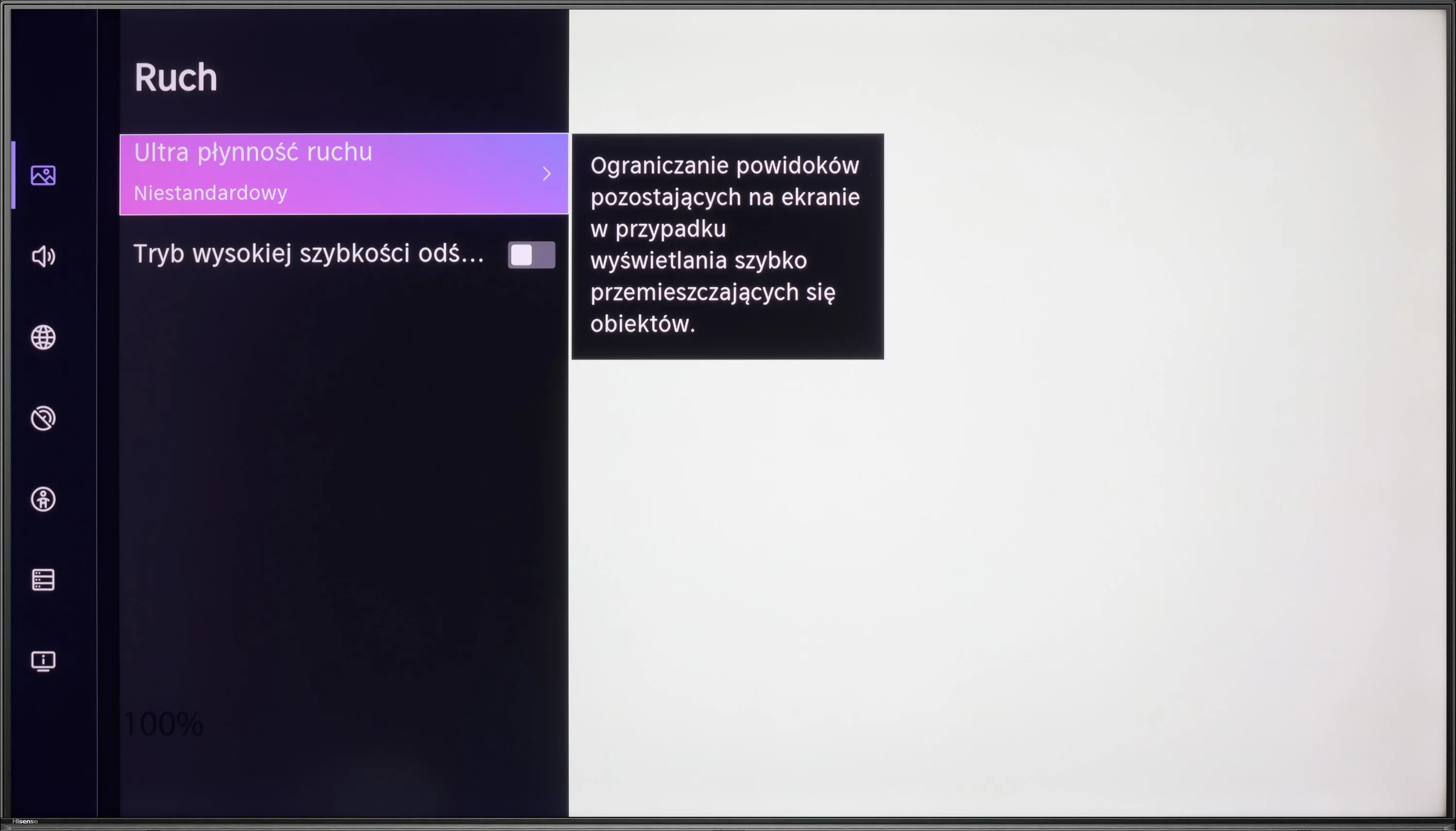
Blur (native resolution, maximum refresh rate):

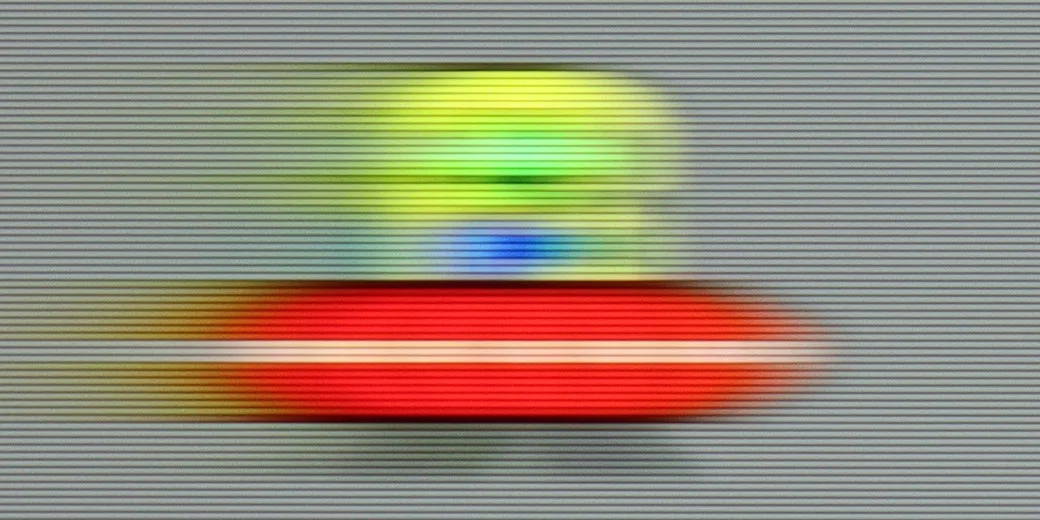
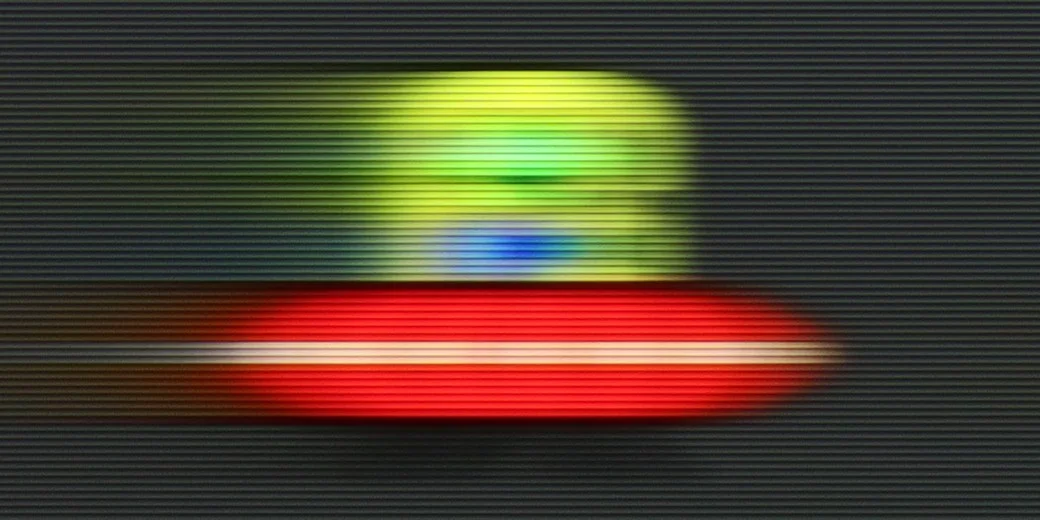



The Hisense U6NQ offers a native refresh rate of 60 Hz at a 4K resolution, but the manufacturer has added a feature that allows increasing the refresh rate to 120 Hz at the cost of reducing the resolution to Full HD. This is a solution we have seen before in TVs from TCL, such as the C655 and the C655 PRO. This gives the user the option to choose – higher motion fluidity or full resolution. This is a sensible approach, especially considering that many games on new-generation consoles do not achieve full performance in 4K at 120 Hz.
As for movies, the TV is equipped with a motion smoothing feature that allows adjusting motion characteristics to personal preferences. This can create a more cinematic effect or increase fluidity in dynamic scenes. Overall, the Hisense U6NQ offers reasonable solutions for motion fluidity that should satisfy both gamers and movie lovers.
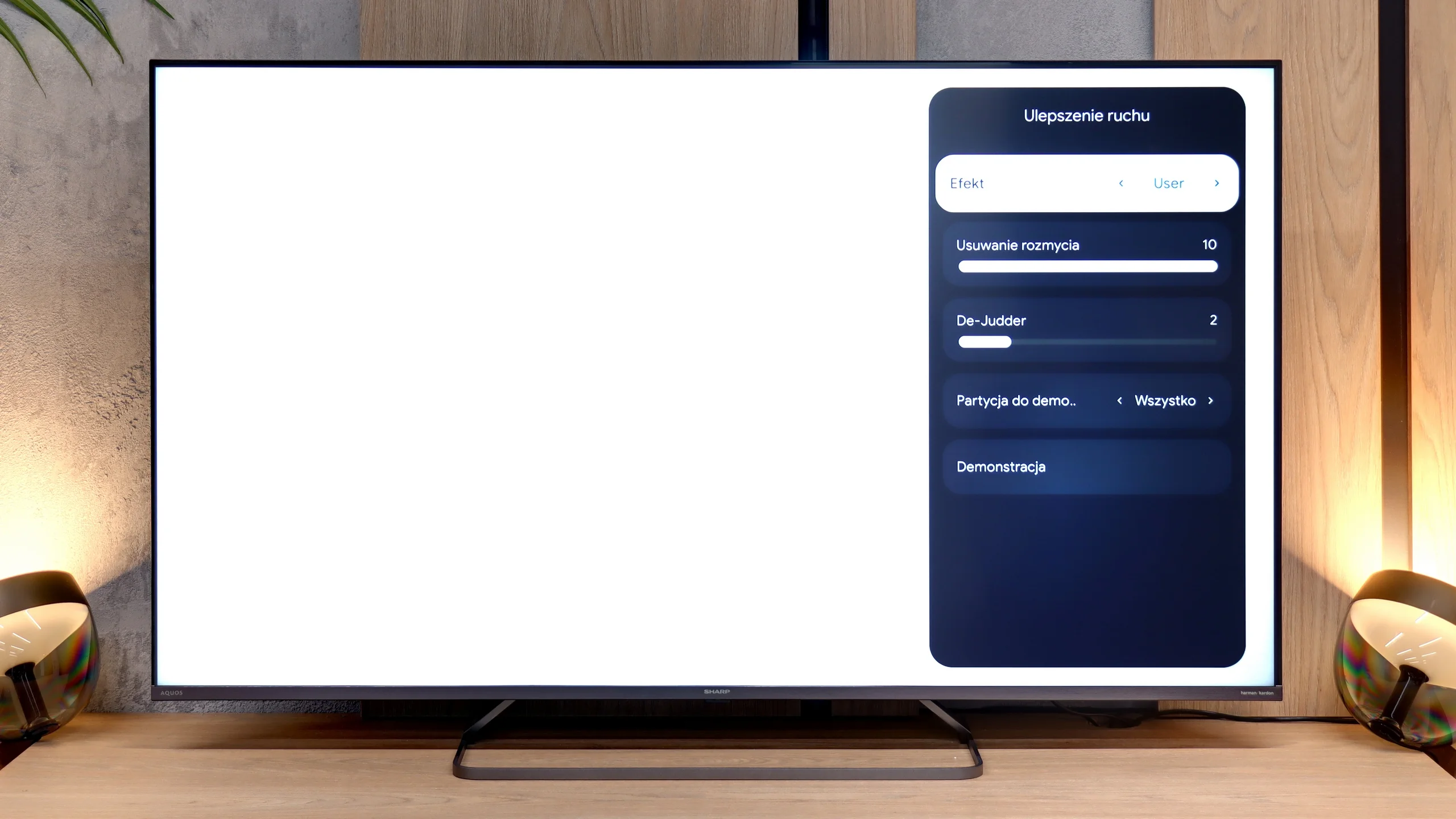
The motion fluidity on the Sharp JP7 is very mediocre, and the reason is simple: the television uses a 60Hz panel. This immediately makes it difficult to recommend for watching sports or serious gaming, where higher refresh rates are already the standard. The only real plus is the presence of a motion smoother, which we can control in movies using a slider called De-judder. Lower settings produce a more raw, "cinematic" (frame-based) image, while higher settings add artificial fluidity. We suggest setting it somewhere in the middle of the scale, that is, in the 3-5 range – this is the best compromise to avoid the soap opera effect while getting rid of the tiring image stutter. Interestingly, in the menu, we also find a slider for "motion blur reduction," which usually suggests the presence of a 120Hz panel. However, in the case of the JP7, it does not contribute anything to the image and serves more as a placeholder – it is meant to look good in the settings, but technically it should not function on this panel.
Console compatibility and gaming features
6.3/10
4/10
- ALLM
- VRR
- VRR range48 - 60Hz
- Dolby Vision Game Mode
- Correct implementation of HGIG
- 1080p@120Hz
- 1440p@120Hz
- 4K@120Hz
- Game bar
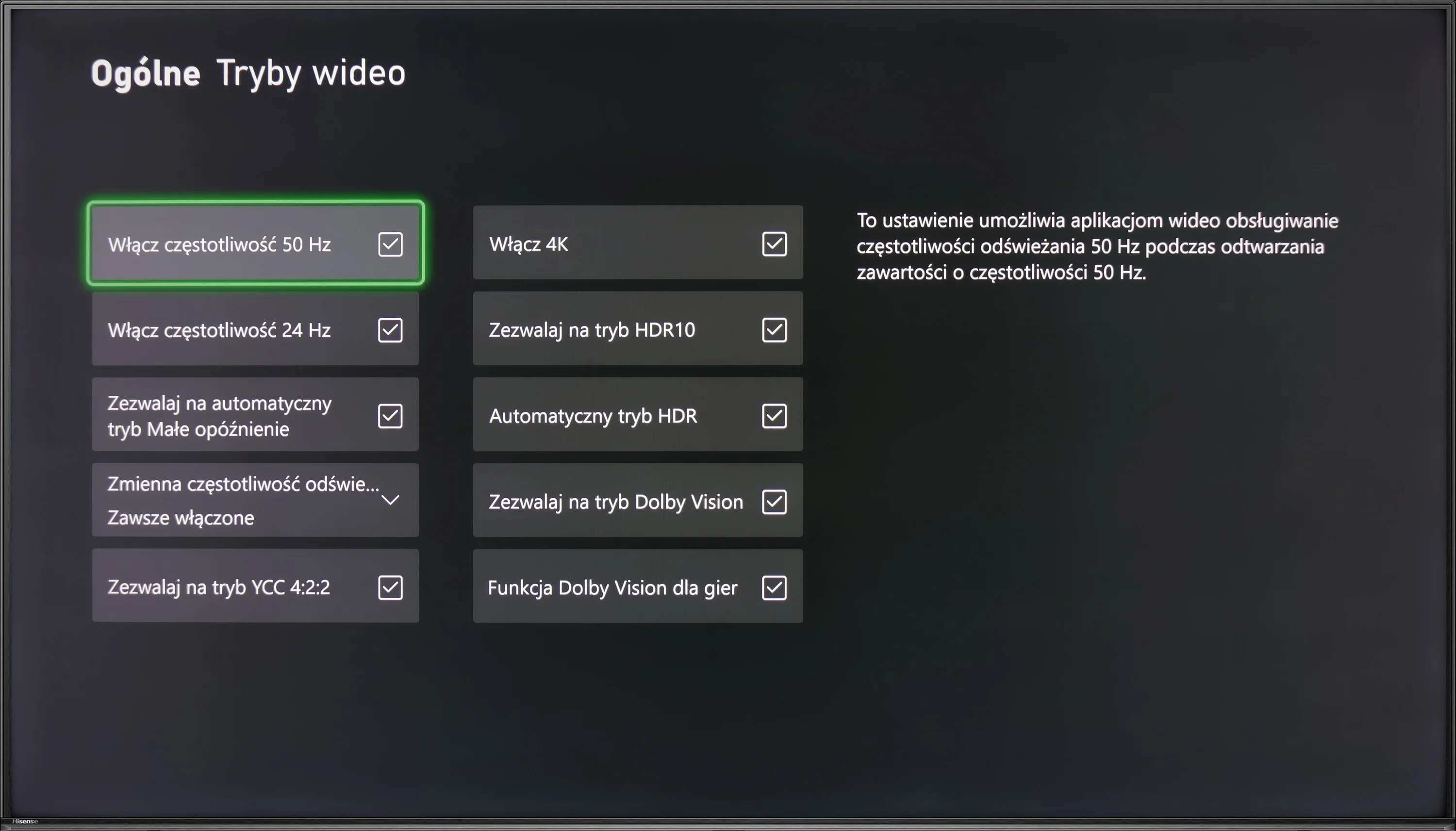
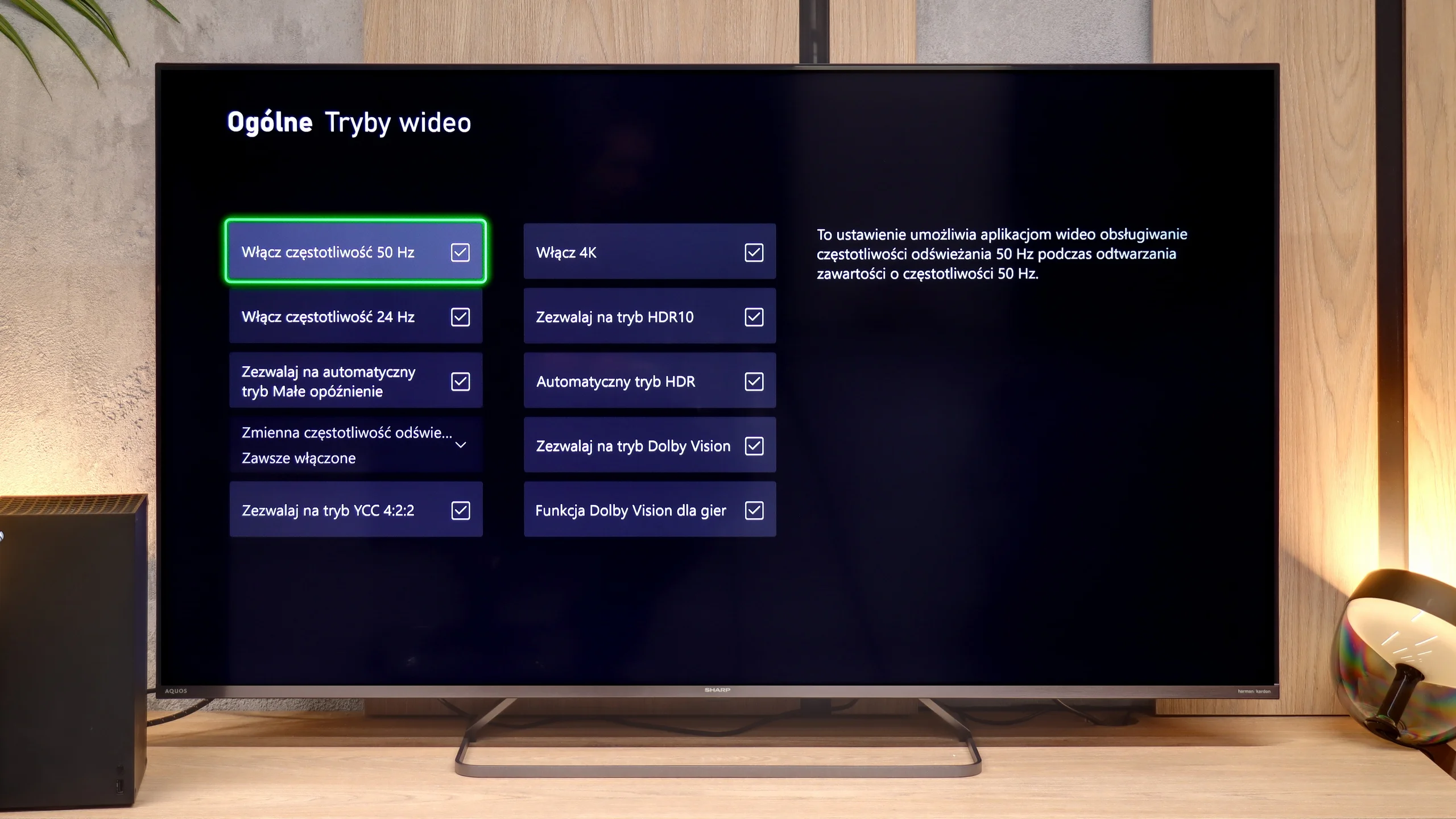
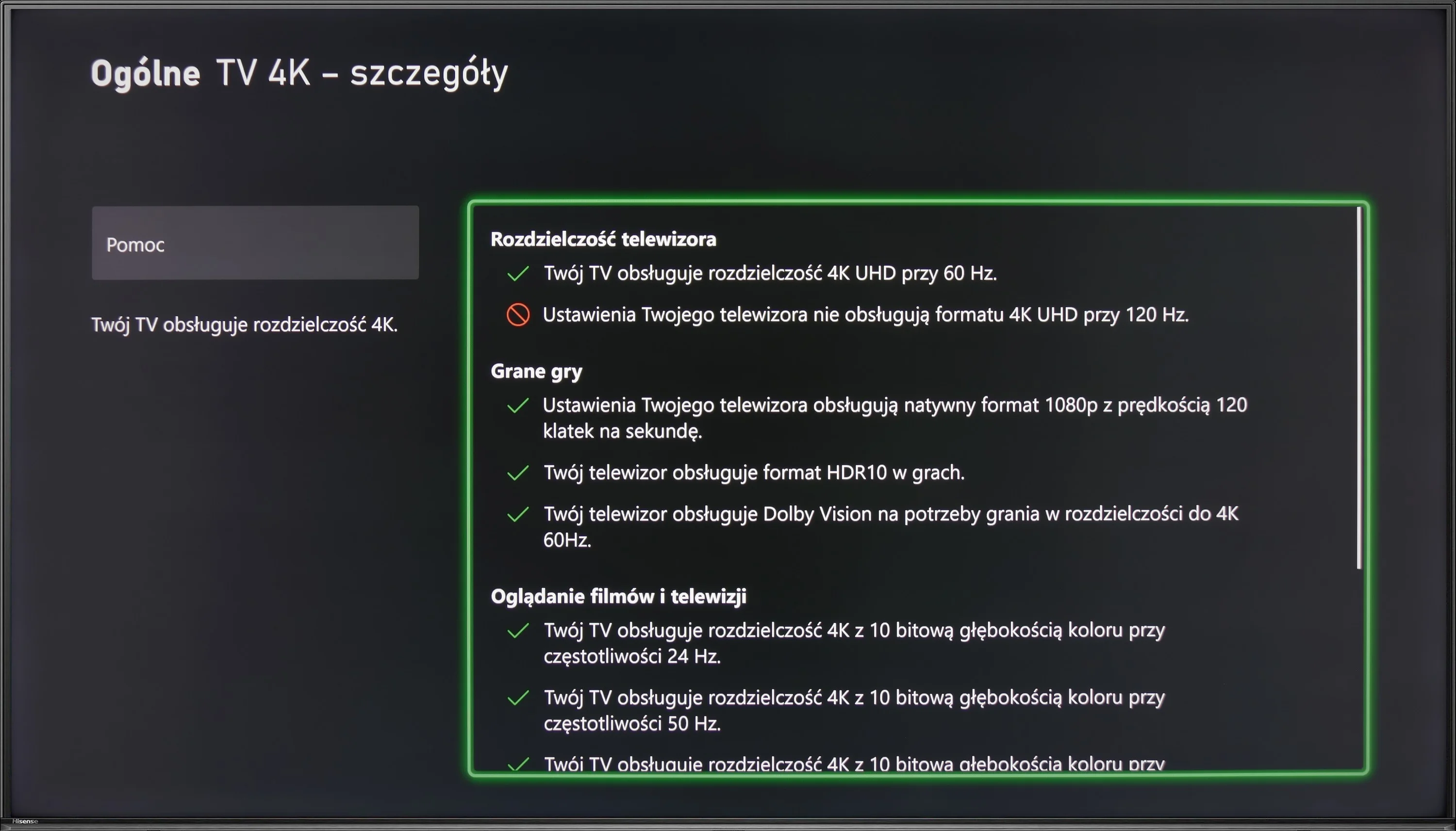
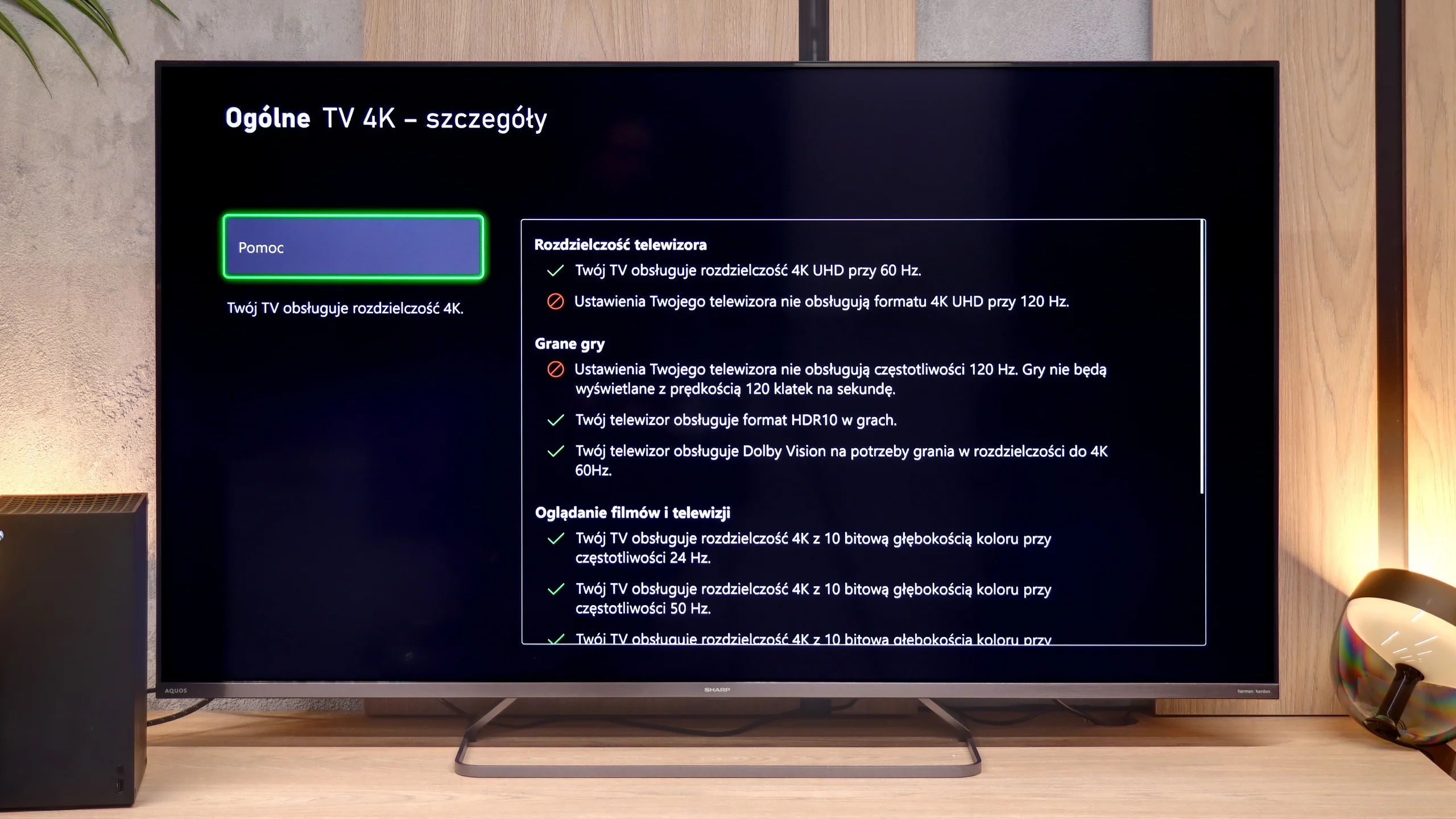
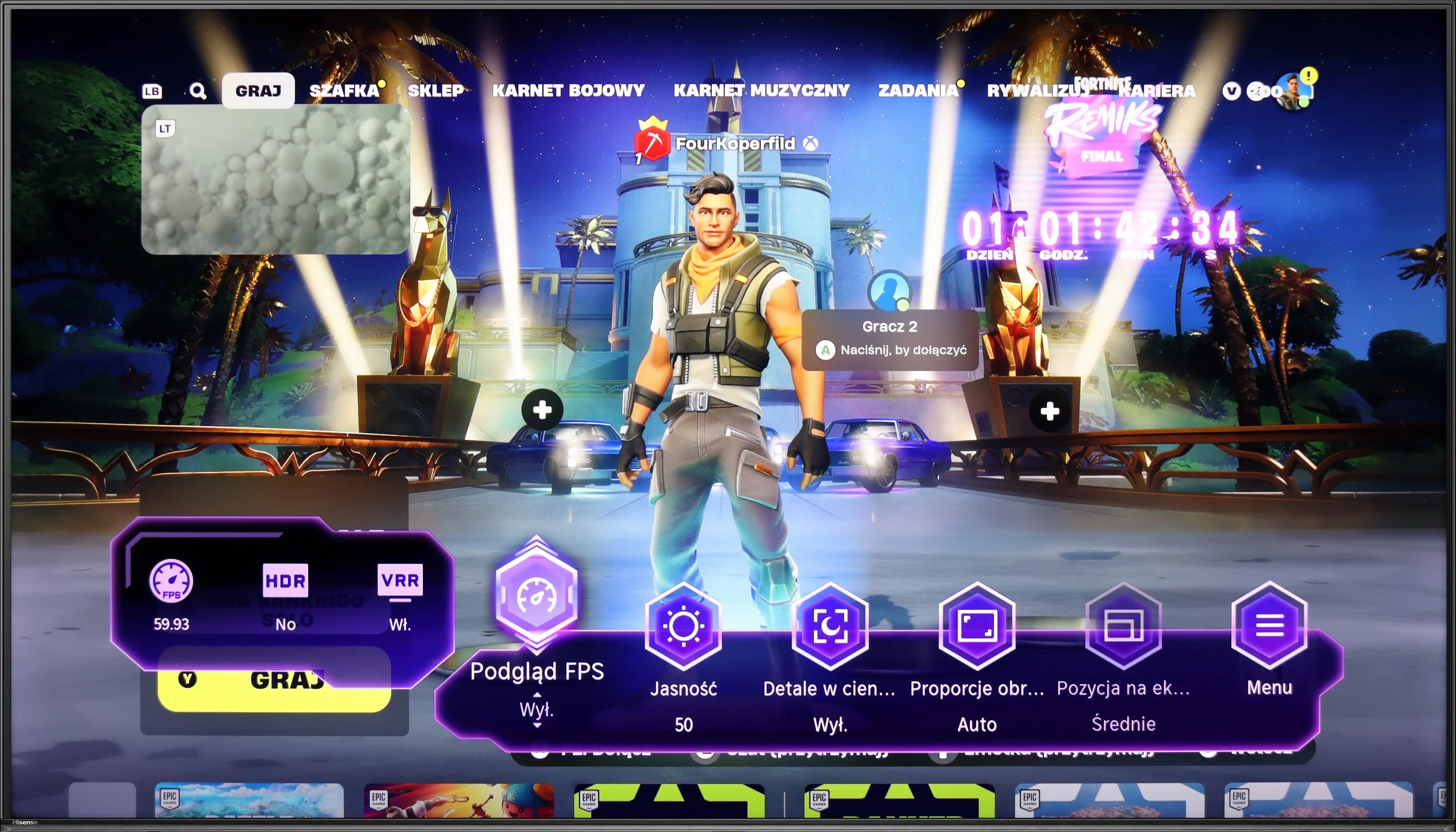
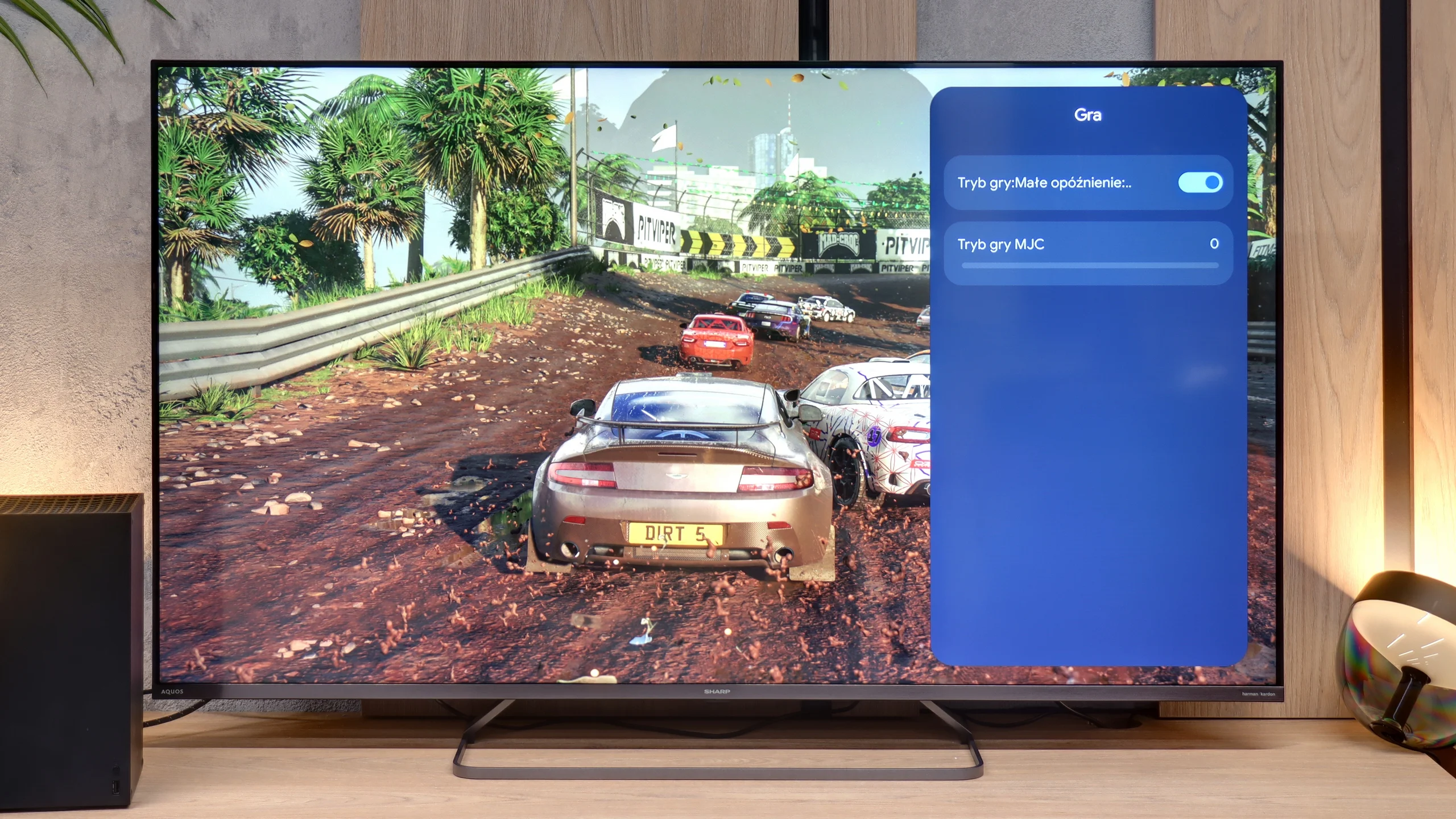
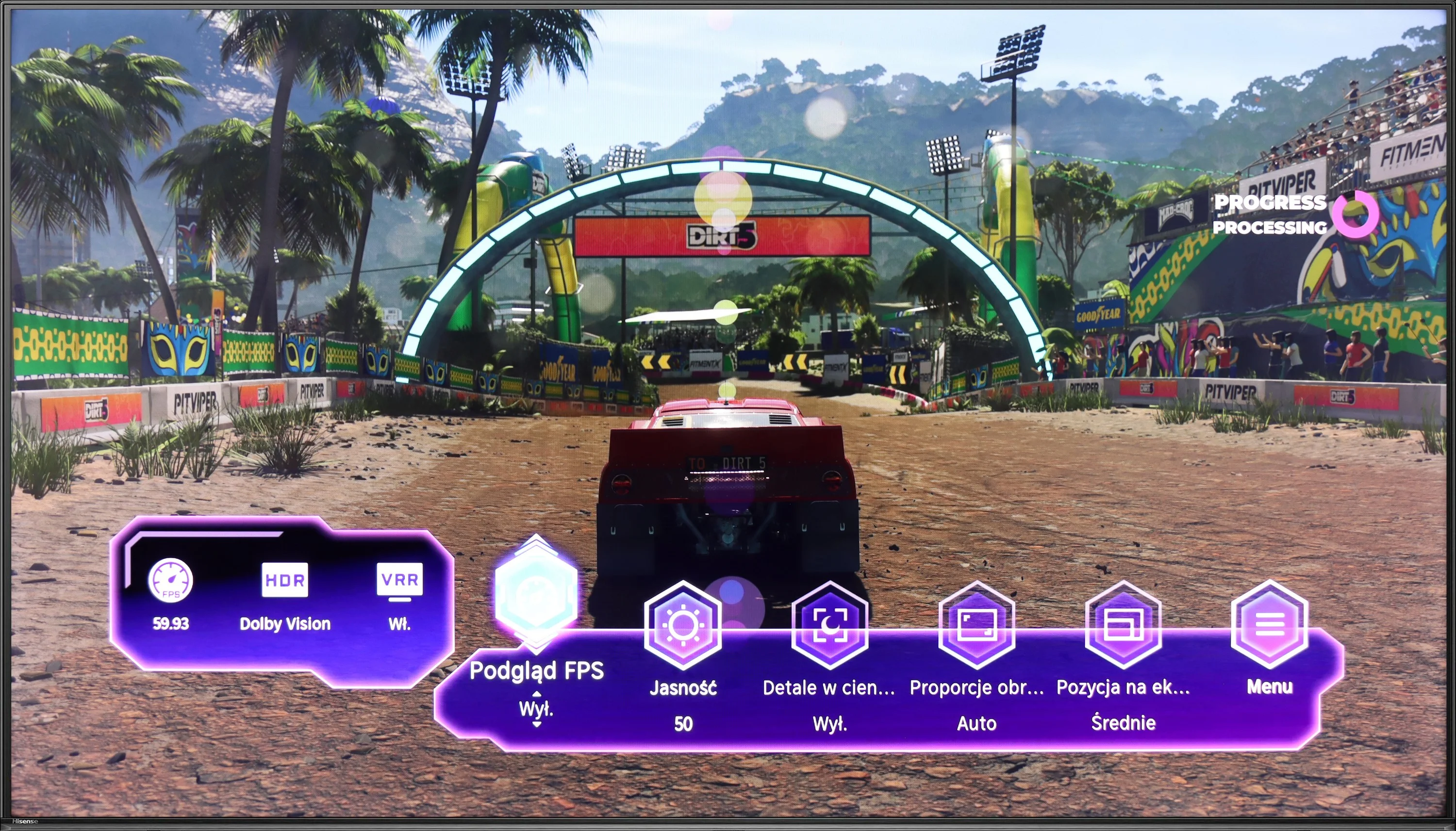
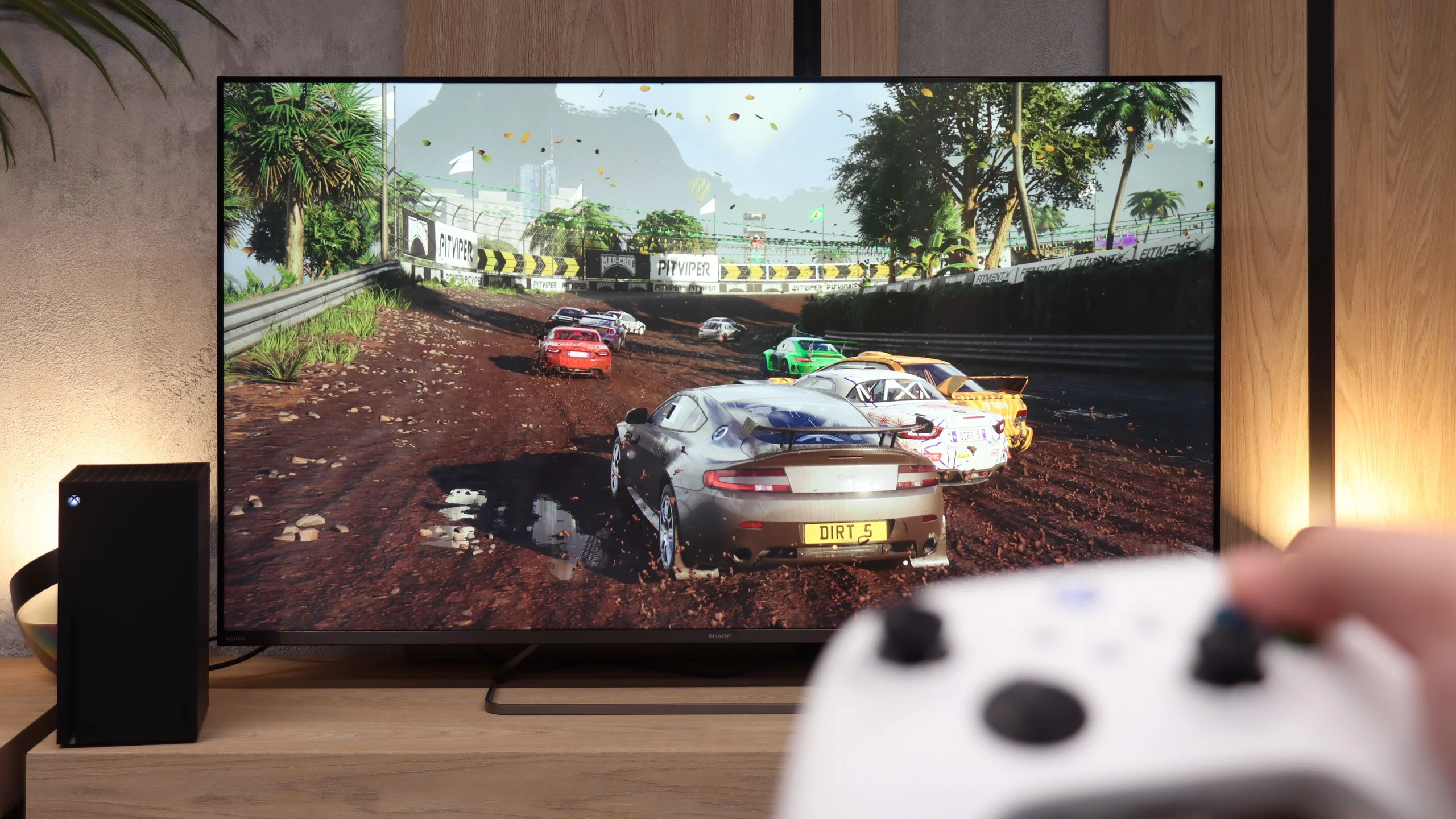
The Hisense U6NQ offers the option to choose between 4K at 60 Hz and Full HD with a refresh rate of 120 Hz. This solution may appeal to gamers who want to decide what is more important to them – higher resolution or smoothness. The television supports features such as ALLM and VRR, which help in achieving smoother gameplay. A nice addition is the GameBar – an easy-to-use panel that allows for quick changes to picture settings and checking statistics. It also includes a Dolby Vision Gaming mode, which works with low input lag, a big plus for console enthusiasts. Unfortunately, it lacks HGiG, which could further enhance HDR quality in games. Nevertheless, the Hisense U6NQ performs quite well as a gaming television, especially for those who play occasionally and do not require the highest refresh rates in 4K. It is a solid choice for less demanding users.
As we mentioned earlier, the 60Hz panel is not a feature that will attract gamers to the Sharp JP7. Perhaps for the casual gamer, whose console generates most titles at 60 frames per second, there might be something interesting? When it comes to specific additions, we find:
ALLM Mode: Automatically switches the TV to low latency game mode (input lag).
Game Menu: Which is hard to call a full-fledged “Game Bar,” as its functionality is minimal. Besides enabling ALLM, there is only a smoothness enhancer dedicated to games, which we recommend against because it introduces very noticeable artifacts and spoils the responsiveness.
Dolby Vision Gaming: For Microsoft's consoles.
Unfortunately, the list of shortcomings is much longer and more painful than the positives. The biggest disappointment is the lack of support for 120Hz, even when lowering the resolution to Full HD. The presence of 120Hz would allow for performance modes to be activated in many games on PS5 or Xbox Series X. Another absence is VRR, which means that during frame drops, we are susceptible to image tearing. The lack of proper implementation of the HGiG standard is also very problematic. This results in the fact that during HDR calibration in the console menu, it is very easy to “overshoot” the brightness settings. As a result, instead of clear details in highlights, we end up with an unnaturally over-brightened image with cut-off details. The Sharp JP7 is a proposal only for very casual gamers.
Input lag
9.9/10
9.3/10
SDR
HDR
Dolby Vision
The Hisense U6NQ TV offers a very low input lag of 14 ms, making it a good choice for gamers, especially those who prefer dynamic titles. It's also worth noting that the Dolby Vision mode in games works really well here. This is a pleasant surprise, as on many other televisions this HDR mode performs only averagely.
The issue of input lag in the Sharp JP7 is quite intriguing. In all 60Hz modes, the television boasts a result of just 13 ms. This is truly an excellent result, making the lag practically unnoticeable during gameplay. In this respect, Sharp has risen to the occasion, and even in dynamic titles, the controls remain responsive.
However, during our tests, we encountered a certain technical puzzle. Using our professional Murideo generator, we were able to force and measure the input lag at 120Hz refresh rate in Full HD resolution. This sounds promising, but in reality, it is merely a "paper" curiosity, as standard external devices such as consoles or computers were unable to force the Sharp to operate in such a mode. Although professional diagnostic tools see some hidden potential here, for the end user, the JP7 remains just a 60 Hz screen.
Compatibility with PC
6/10
5/10
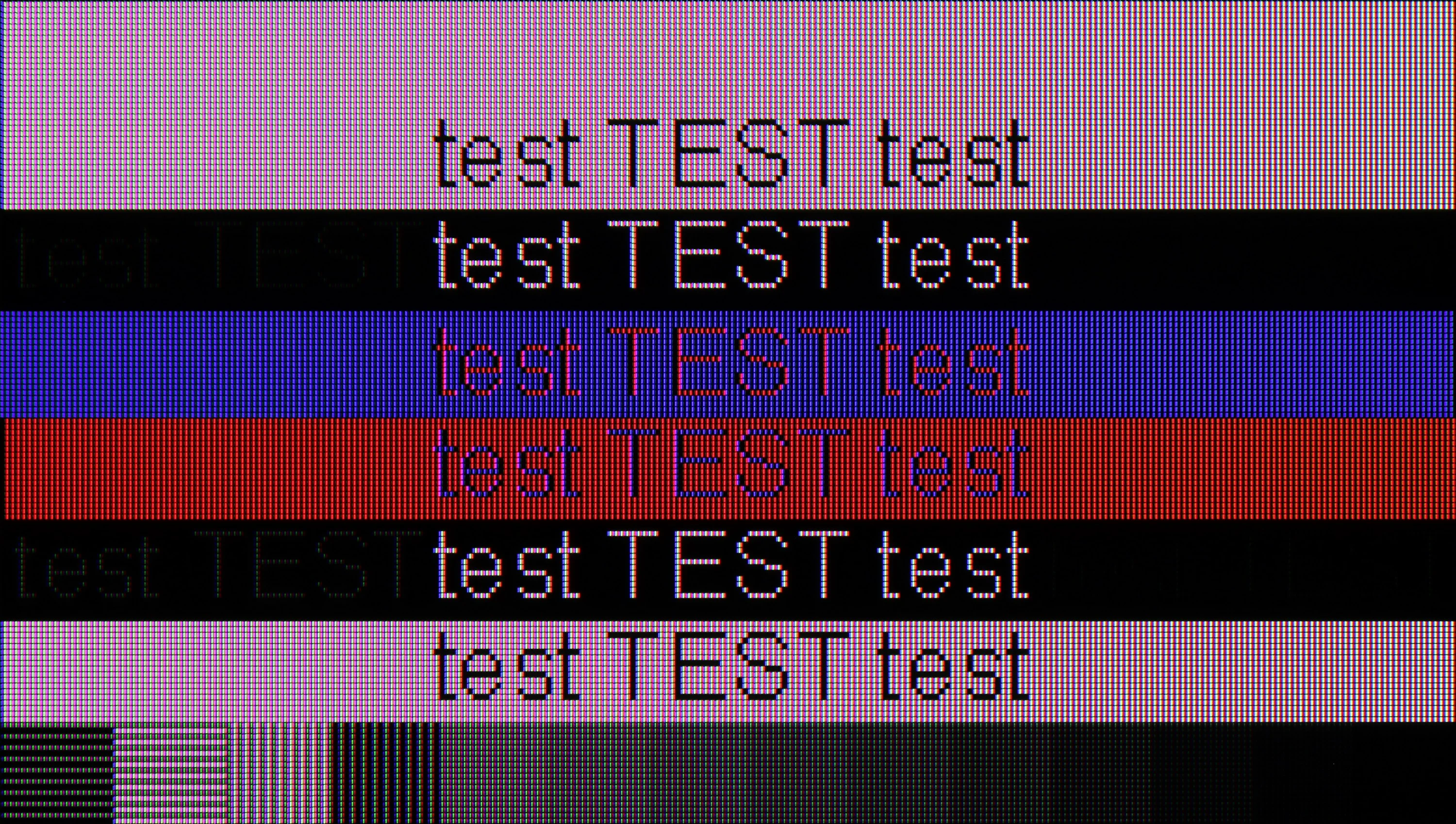
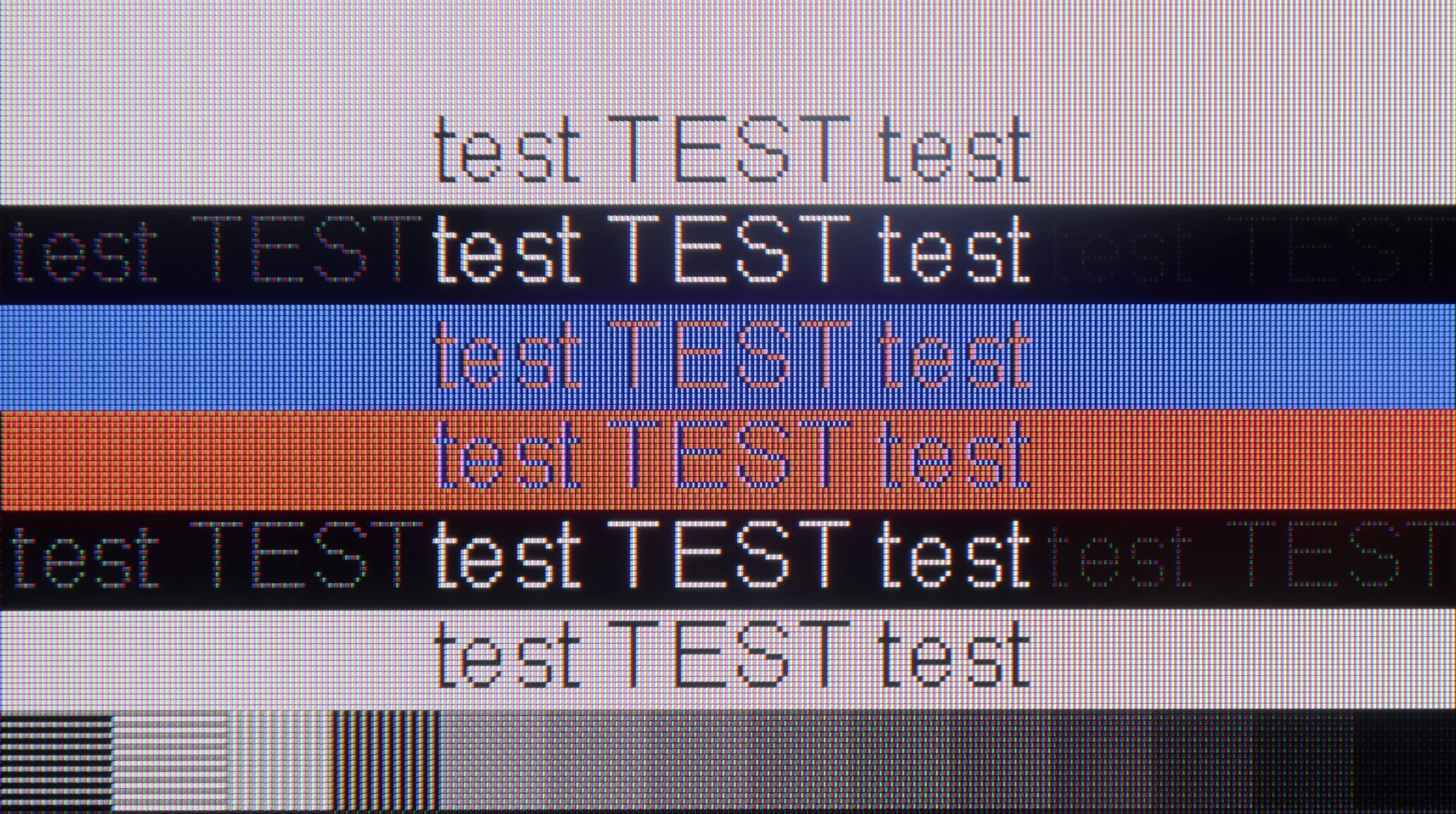
The photo shows the legibility of small fonts. Ideally, lines should be the same thickness on both light and dark text, with minimal pixel gaps.
As a screen for working with a computer, the Hisense U6NQ performs quite decently. The fonts are readable enough, so it's sufficient for everyday writing or browsing the internet.
When it comes to gaming, the television supports G-Sync, but only at 4K resolution at 60 Hz. Unfortunately, if someone was counting on 120 Hz smoothness in 1080p with G-Sync enabled, they might be disappointed – the television does not offer this. It's a bit of a shame, as it could have been a good solution for gamers who prefer smoothness over resolution.
The Sharp JP7 performs adequately as a monitor. Although the readability of standard fonts on a white or black background is acceptable, the sharpness clearly drops with darker and thinner text, which makes long work with text difficult. For occasional news browsing in a browser, this panel is sufficient; however, we strongly discourage using it as a permanent screen for PC gaming. Besides the rigid limitation to 60Hz, the TV does not support any form of frame synchronization (lack of G-Sync and FreeSync), which, combined with the enormous blurring of the panel, makes the user experience in dynamic scenarios simply poor.
Viewing angles
3/10
3.1/10
The viewing angles on the Hisense U6NQ are average, which is typical for VA panels. This technology offers better contrast and deeper blacks but at the expense of image visibility at wider angles. It's a classic compromise – in TVs with IPS panels, the situation is reversed, where the viewing angles are wider, but the contrast and blacks suffer in quality.
The Sharp JP7 uses a VA panel, which automatically means narrow viewing angles. It's a classic compromise: we get quite decent black levels and contrast, but at the expense of image degradation when viewed from the side. At an angle, the colors clearly fade and lose their saturation, so the JP7 is definitely a device meant for watching "straight on," rather than from the corner of the couch.
Daytime performance
6.1/10
7.3/10
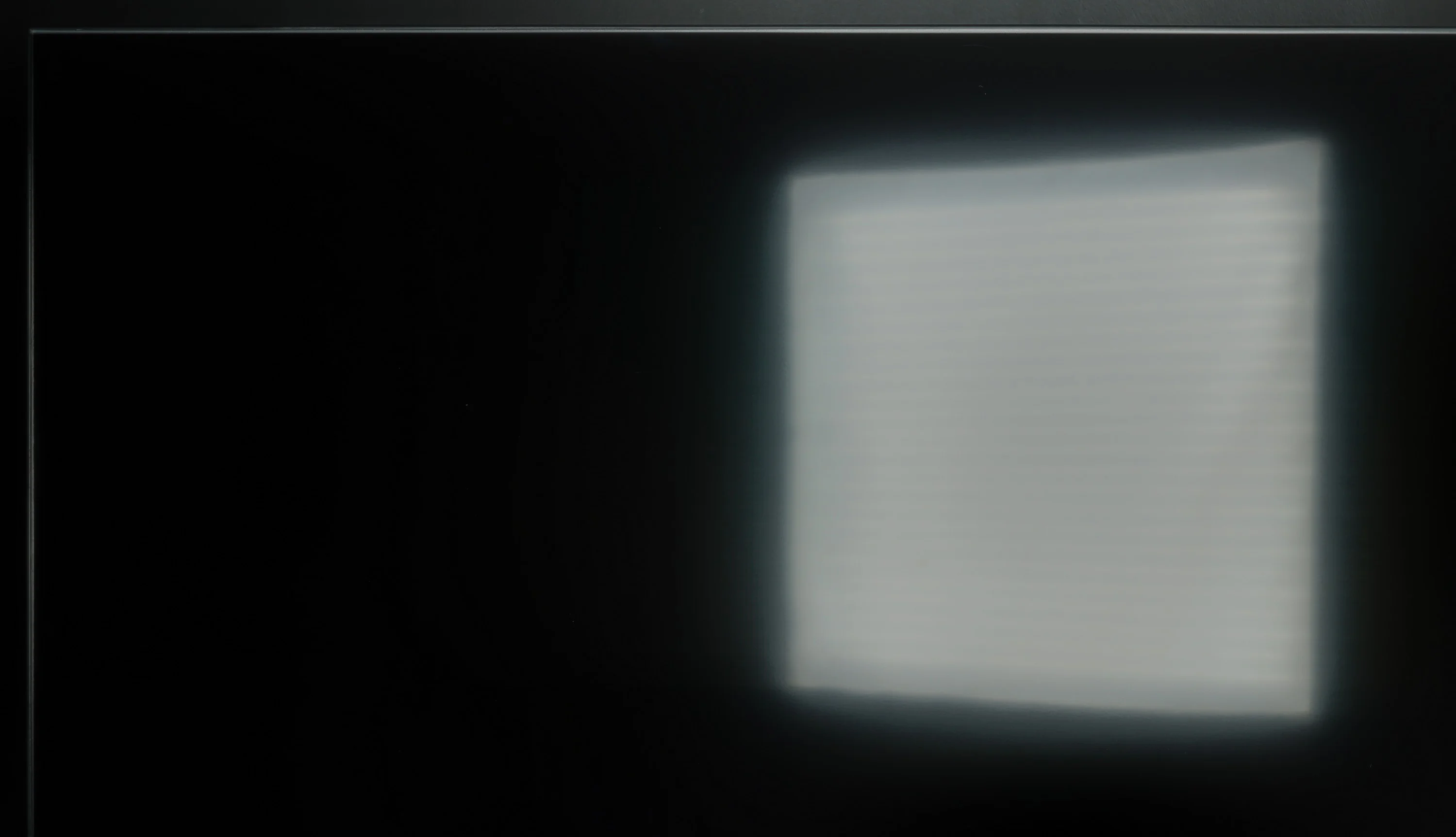
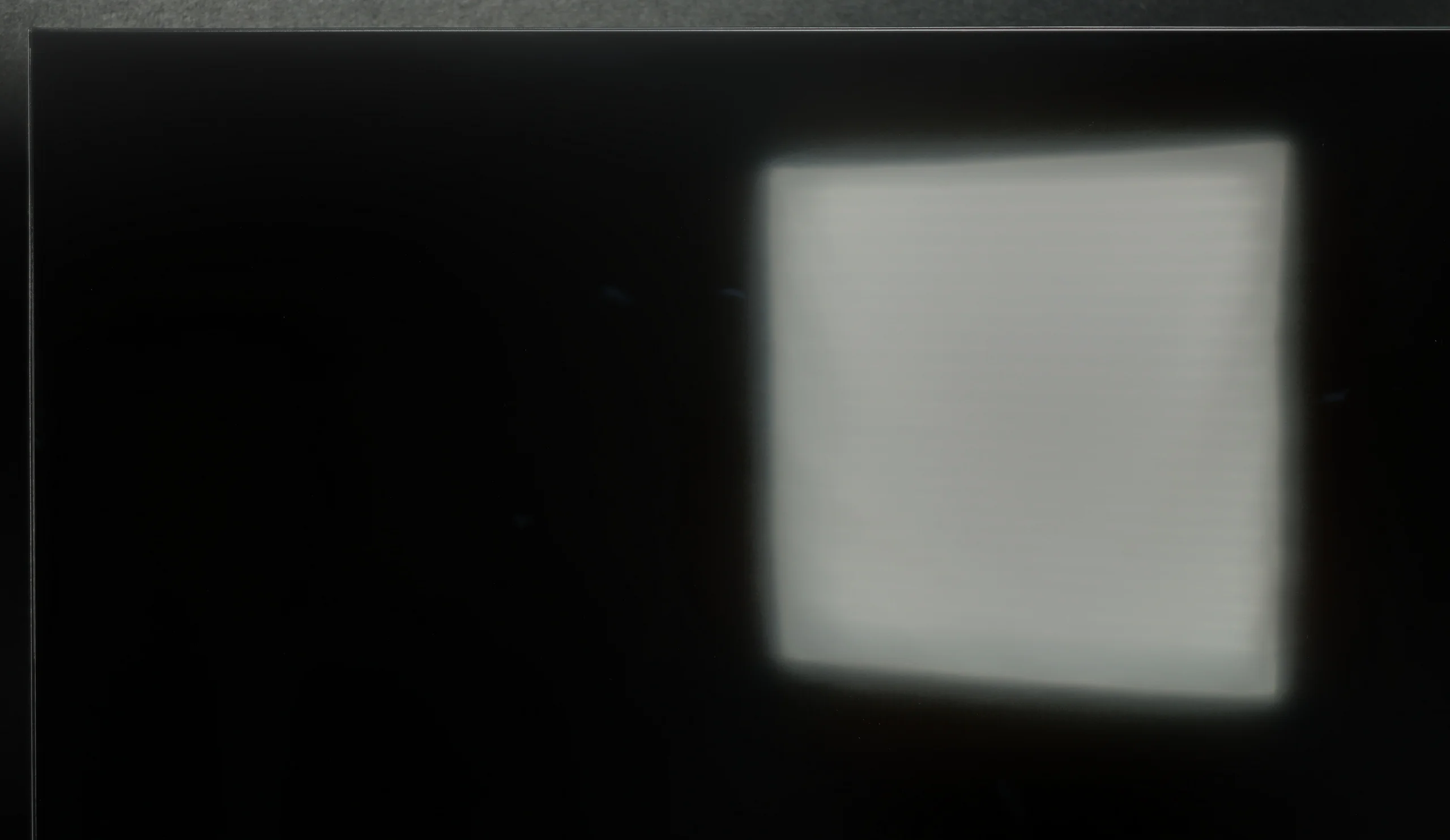
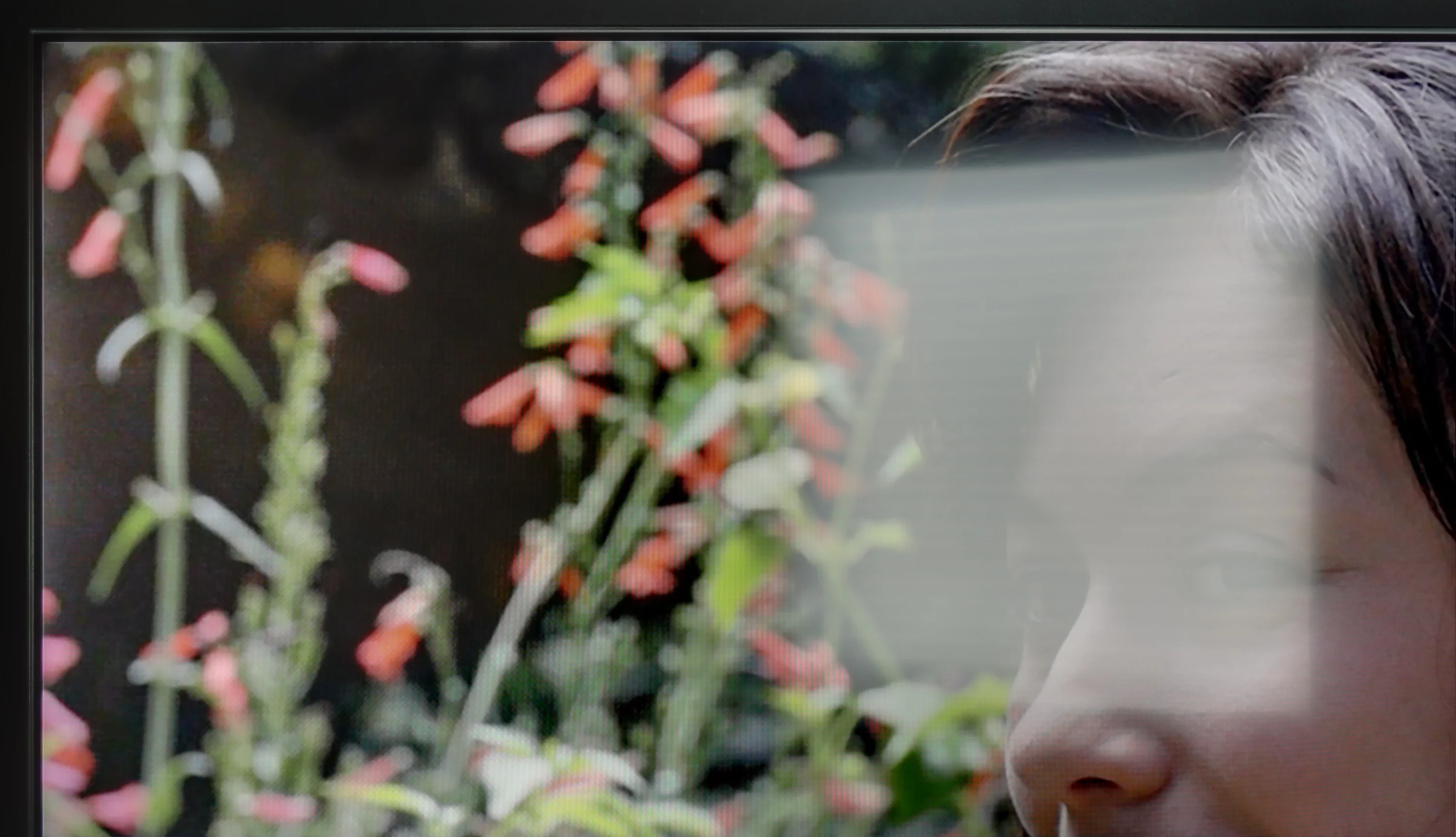
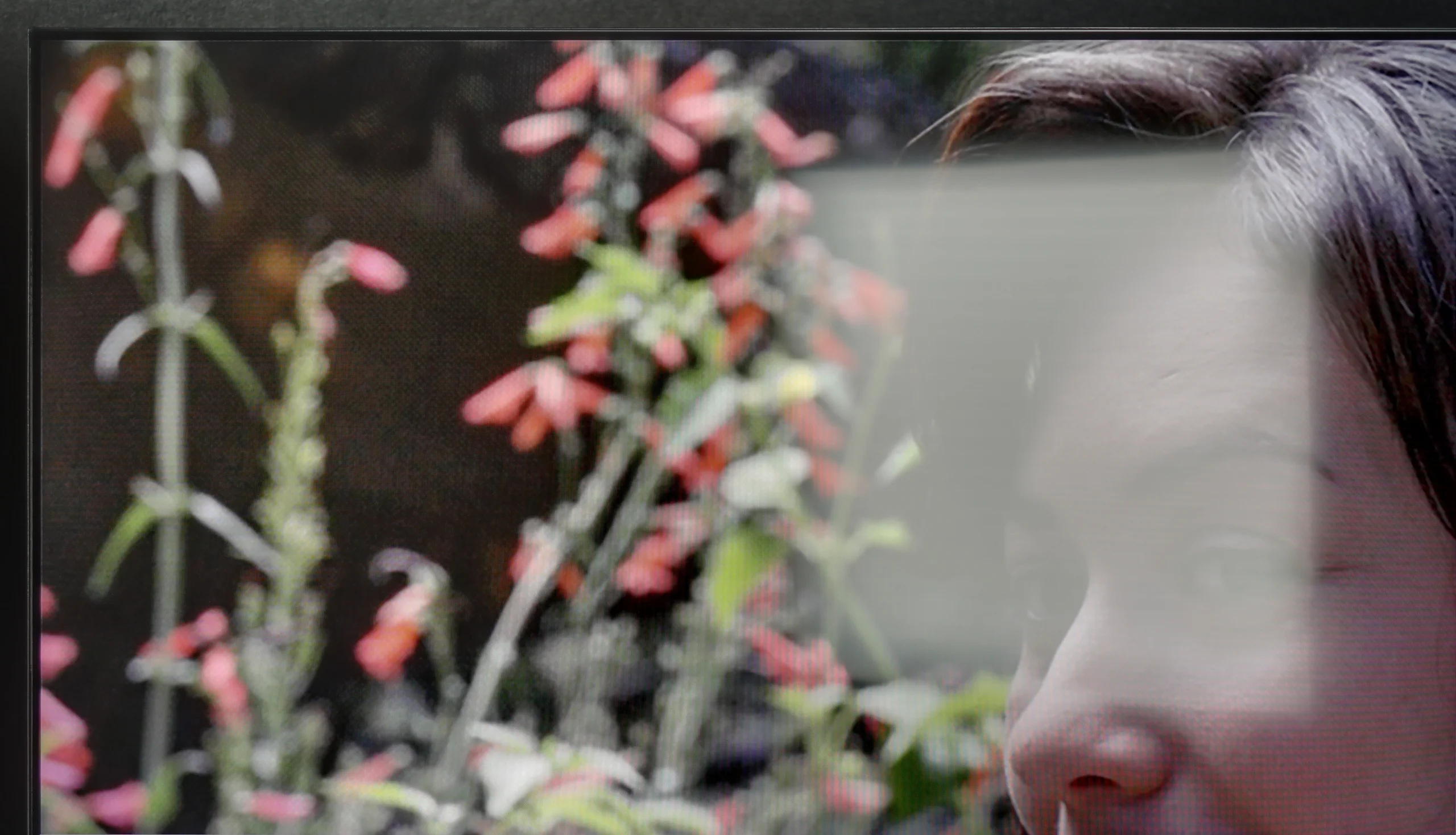
Panel brightness
SHARP JP7765E: 708 cd/m2
Hisense U6NQ: 488 cd/m2
The Hisense U6NQ performs well in bright rooms thanks to the satin finish on the panel, which effectively suppresses reflections. The average brightness on SDR materials, such as standard television, is 488 cd/m², which is more than sufficient for comfortable viewing even in somewhat challenging lighting conditions.
The satin coating used in the Sharp JP7 matrix effectively reduces reflections, although it is still far from fully matte. However, the true "game changer" in bright rooms is the brightness of the device itself with SDR content. An average score of 700 nits and peaks around 1000 nits is an outstanding result in the segment under 2000 PLN. Thanks to such high luminance, the television can easily handle even well-lit living rooms. One just needs to be cautious of direct reflections, e.g., from a window across, because the satin material used here will not eliminate them completely, but at this brightness, the image remains readable.
Panel details
Subpixel Structure:
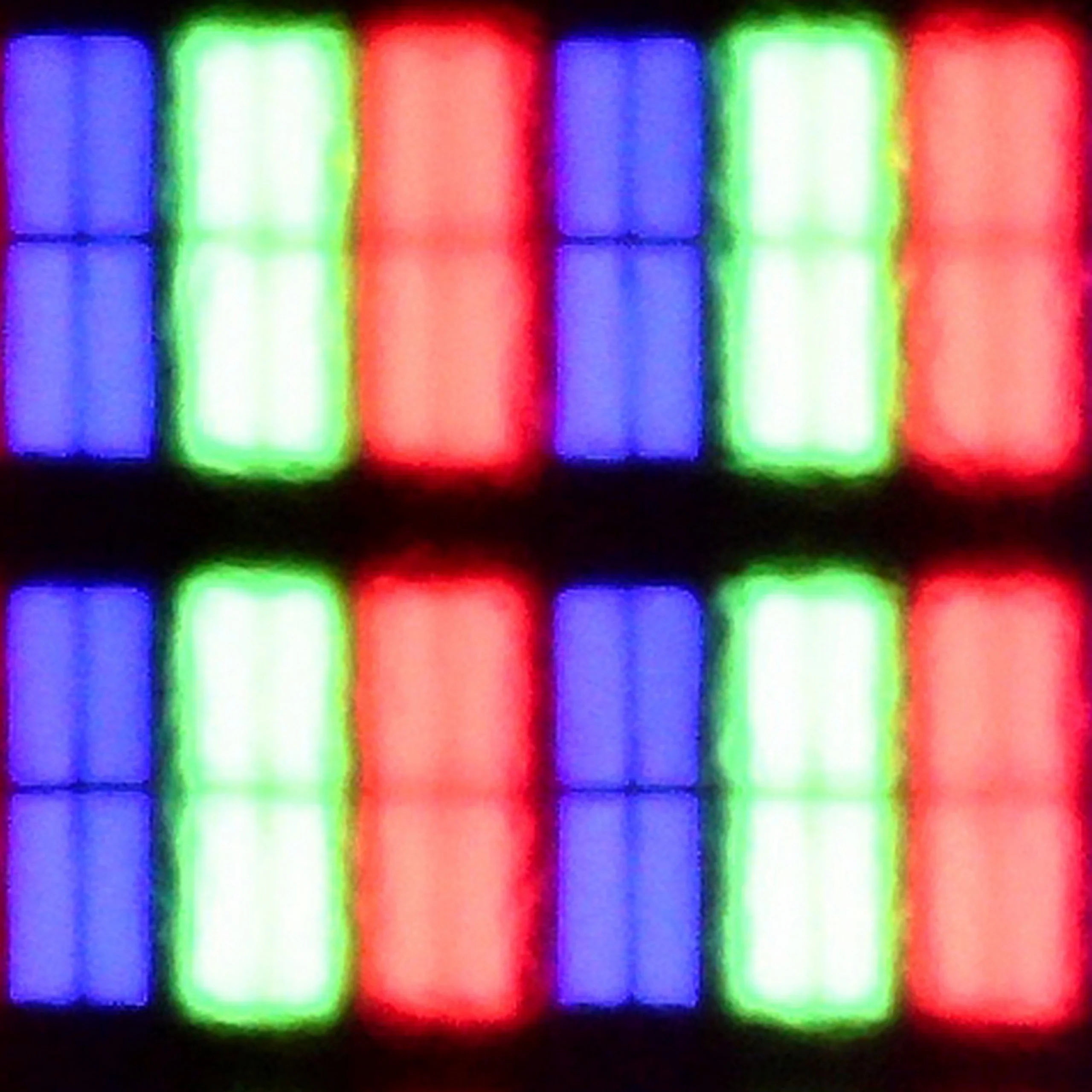
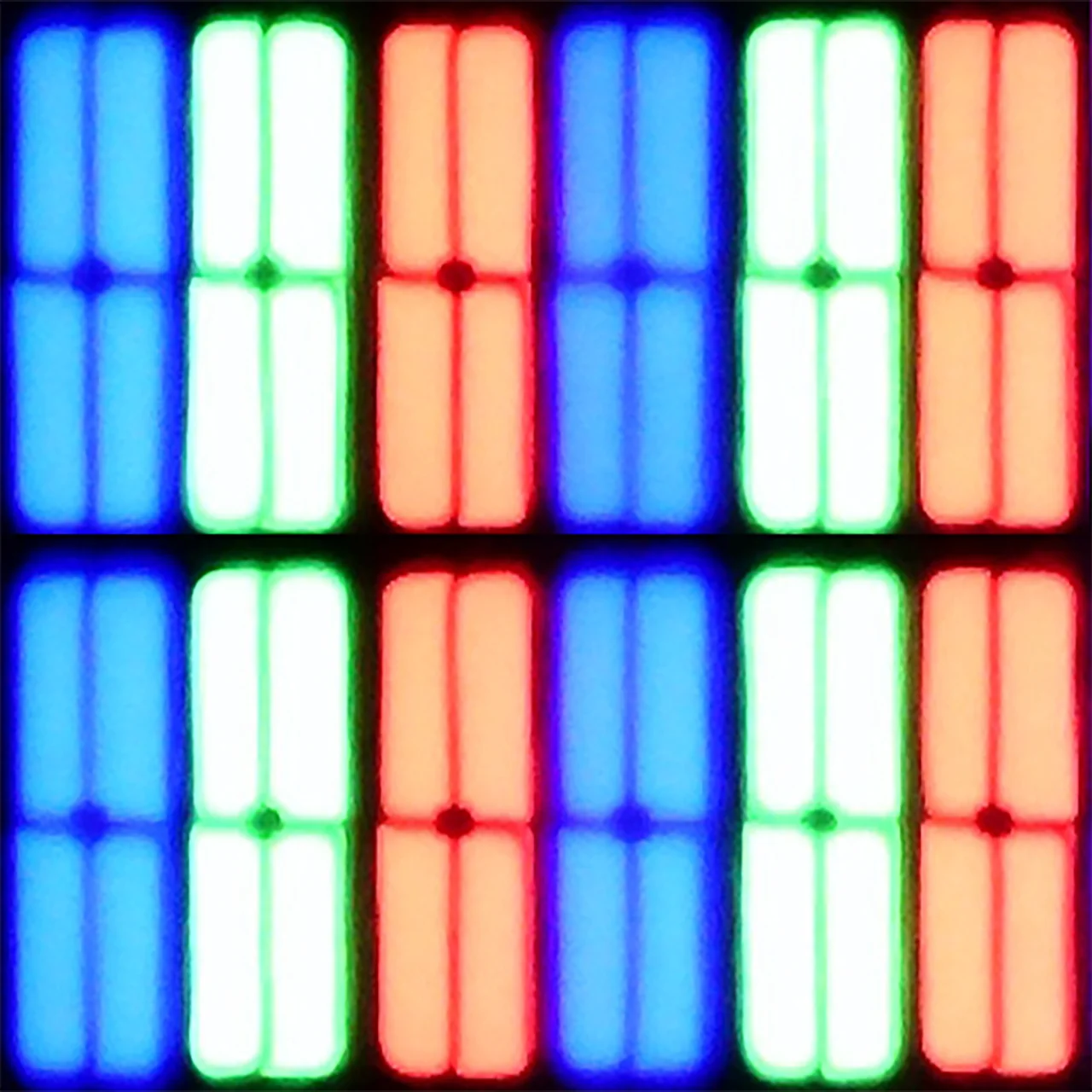
Panel uniformity and thermal imaging:


TV features
8.9/10
6.4/10
- SystemVIDAAGoogle TV
- System performanceGoodDecent
- HDMI inputs3 x HDMI 2.0, 0 x HDMI 2.14 x HDMI 2.0, 0 x HDMI 2.1
- Other inputsRCA (Chinch)RCA (Chinch)
- OutputsToslink (Optical audio), eARC (HDMI), ARC (HDMI), Mini-Jack (Headphones)Toslink (Optical audio), eARC (HDMI), ARC (HDMI), Mini-Jack (Headphones)
- Network InterfacesWi-Fi 2.4GHz, Wi-Fi 5GHz, Ethernet (LAN) 100MbpsWi-Fi 2.4GHz, Wi-Fi 5GHz, Ethernet (LAN) 100Mbps
- TV receptionDVB-T, DVB-T2, DVB-S, DVB-S2, DVB-CDVB-T, DVB-T2, DVB-S, DVB-S2, DVB-C
Classic features:
- Recording to USB (terrestrial TV)
- Recording programming
- Picture in Picture (PiP)
- RF remote control (no need to aim)
- Backlit remote control
- Teletext
- Audio only mode
- Bluetooth headphones support
- Simultaneous Bluetooth headphones & TV audio
Smart features:
- AirPlay
- Screen mirroring (Windows Miracast)
- Voice search
- Voice search in native language
- Ability to connect a keyboard and mouse
Sound connection options
- HDMI audioeARC (HDMI), ARC (HDMI)eARC (HDMI), ARC (HDMI)
- Other audio outputsToslink (Optical audio), Mini-Jack (Headphones)Toslink (Optical audio), Mini-Jack (Headphones)
- Wireless audioBluetoothBluetooth
Supported audio formats (external HDMI eARC audio):
- Dolby Digital Plus 7.1
- Dolby True HD 7.1
- Dolby Atmos in Dolby Digital Plus (JOC)
- Dolby Atmos in Dolby True HD
- DTS:X in DTS-HD MA
- DTS-HD Master Audio
Senior accessibility
- Numeric keyboard on TV
- Font size adjustment
- Audio description
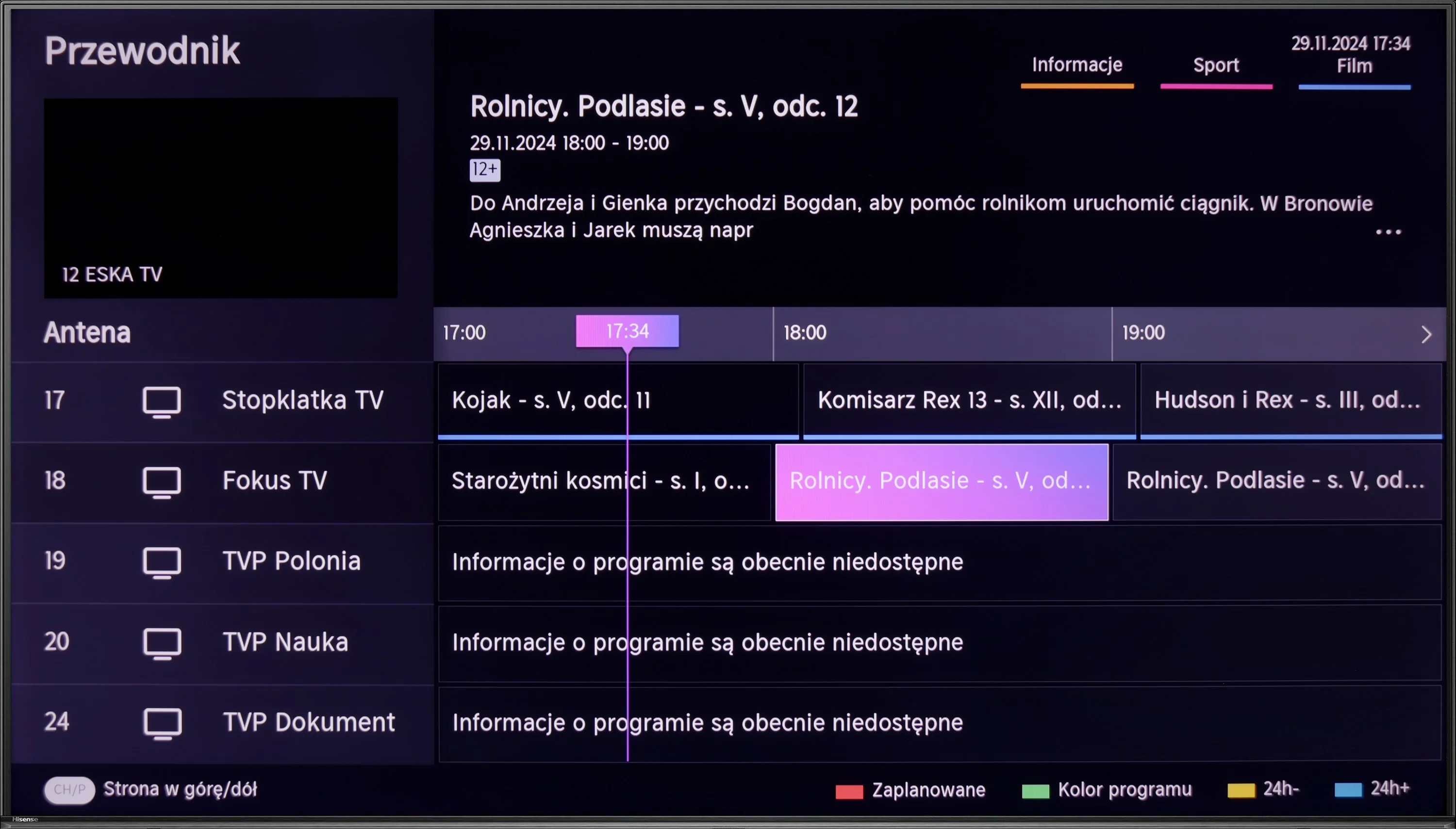
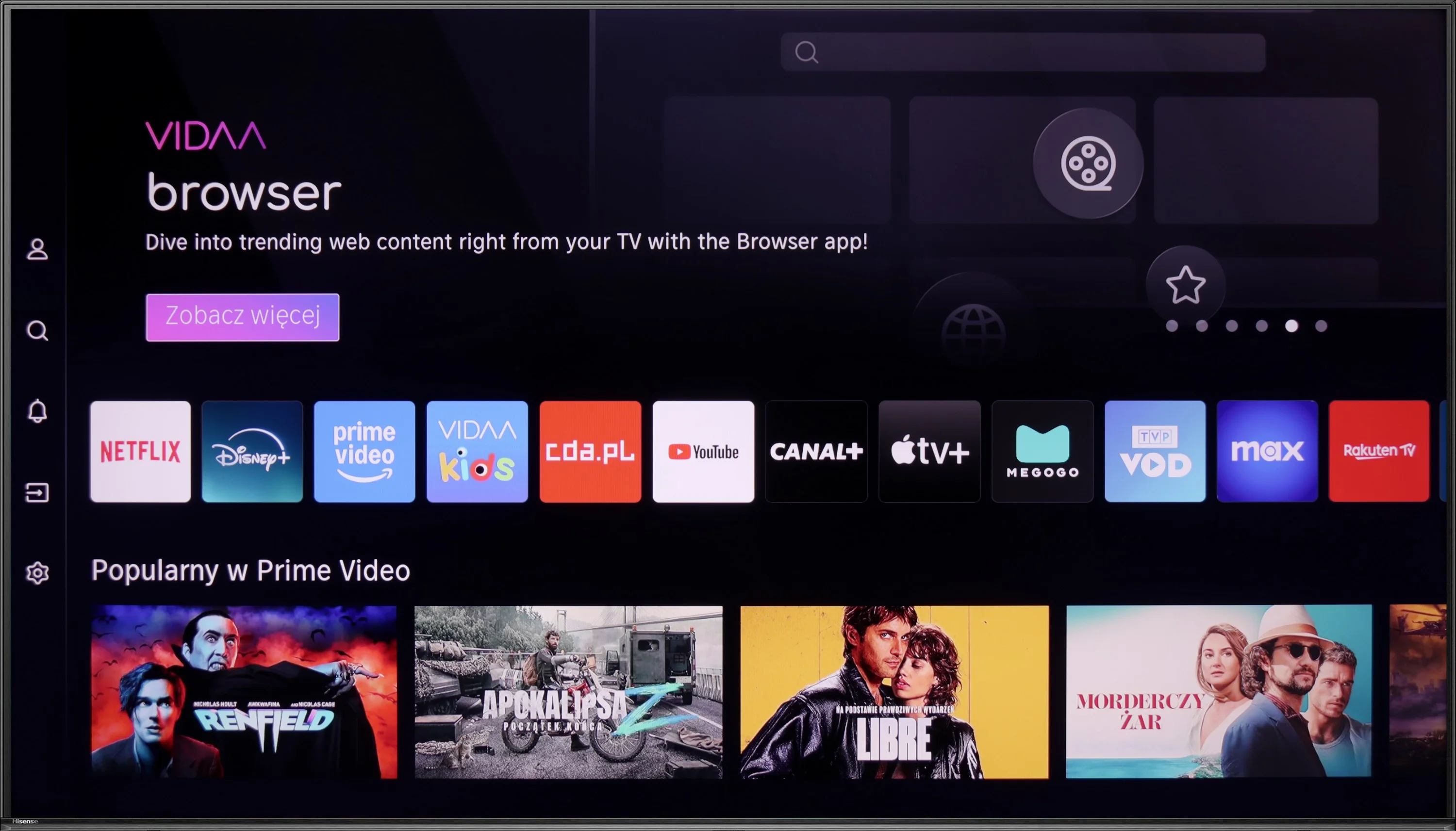
The Vidaa system that powers the Hisense U6NQ is probably one of its stronger points. It is fast, runs smoothly, and most importantly – doesn't suffer from any stuttering that can be frustrating on other televisions. It's nice that you can use voice search, which significantly simplifies operation. There are quite a few apps available, but unfortunately, there are no music apps like Spotify or Tidal. It’s a pity because a TV is not just for movies and shows – some would probably also like to use it for listening to music.
Among the additional features, we have the ability to record TV programs on a USB drive or external hard drive. There is also AirPlay and Miracast, so it's easy to stream content from a smartphone. The built-in Bluetooth is also useful, allowing you to connect headphones, a mouse, or a keyboard. The only thing that is really missing here is the PiP (picture-in-picture) function. If it were added, the TV would be complete for features. Nevertheless, the Hisense U6NQ offers plenty and should be sufficient for most users.
Smart TV Features - Google TV
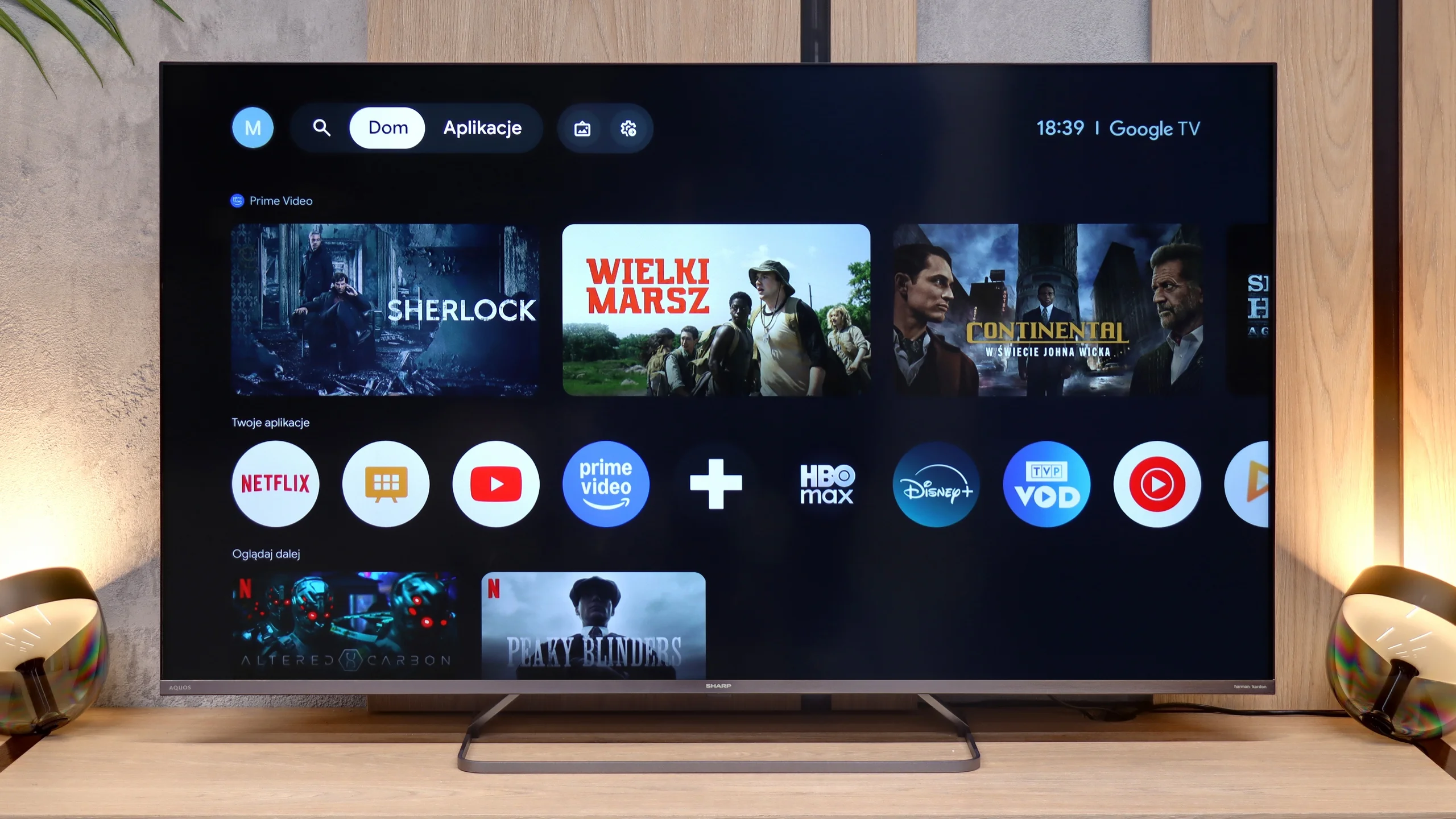
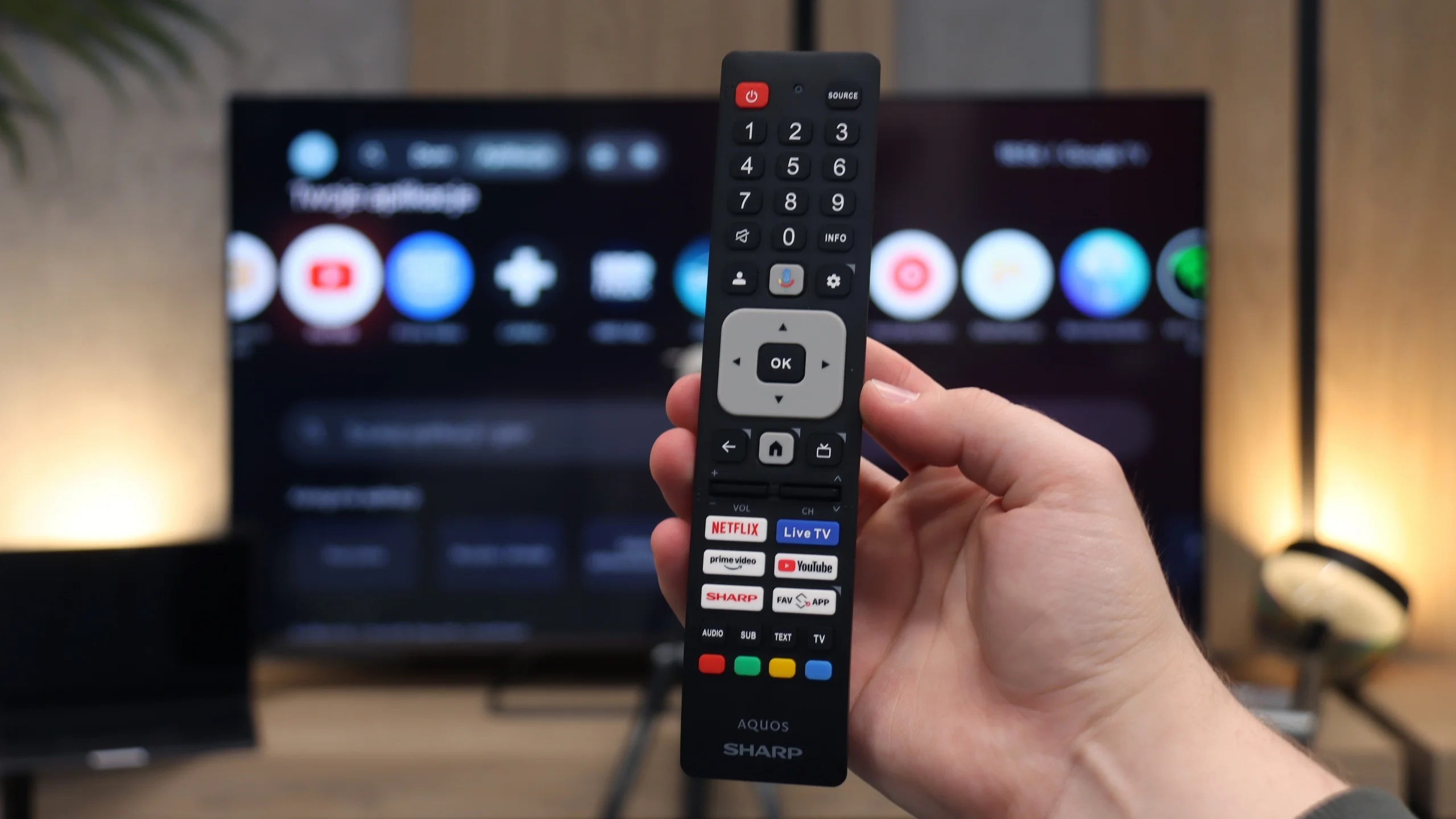
The main advantage of the Sharp JP7 is the Google TV system, which at this moment offers the widest access to applications on the market. The library is almost unlimited – from all popular streaming services to niche VOD solutions or media players. The system provides great freedom of personalization and access to the latest versions of popular platforms. In the package, we get a Bluetooth remote that allows using the built-in voice assistant without having to point at the TV. The only significant lack in the multimedia sphere that we encountered is the absence of AirPlay support. Users of Apple devices, such as the iPhone or iPad, will not be able to directly and wirelessly stream content to the screen of this Sharp.
Classic Features and Connections
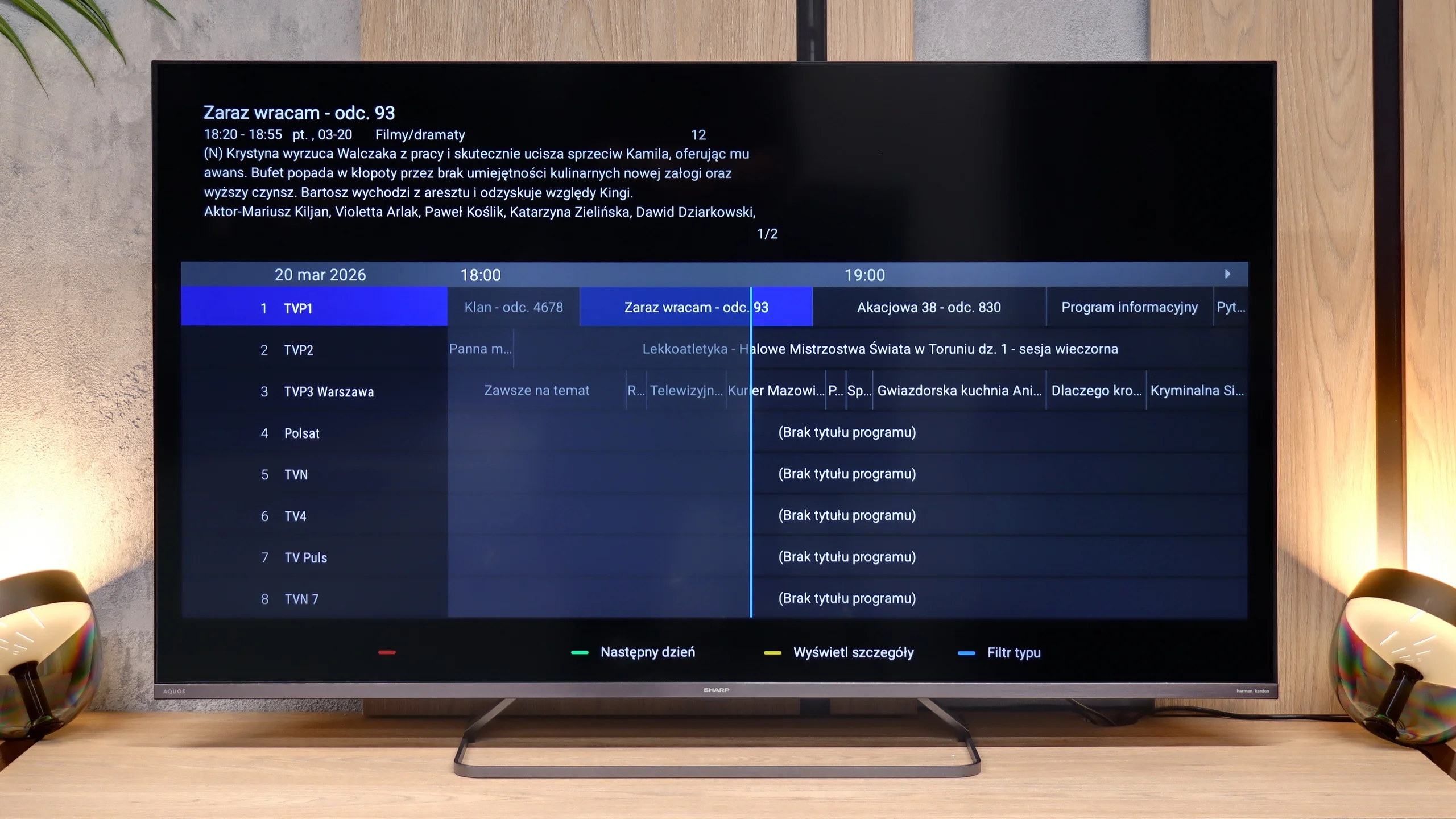
Regarding traditional television features, the Sharp JP7 offers nothing beyond the market standard. It lacks the ability to record programs to external storage (PVR) and a dual tuner, which excludes the use of the picture-in-picture (PiP) function. The TV only provides basic solutions, such as teletext and the ability to wirelessly connect accessories via Bluetooth.
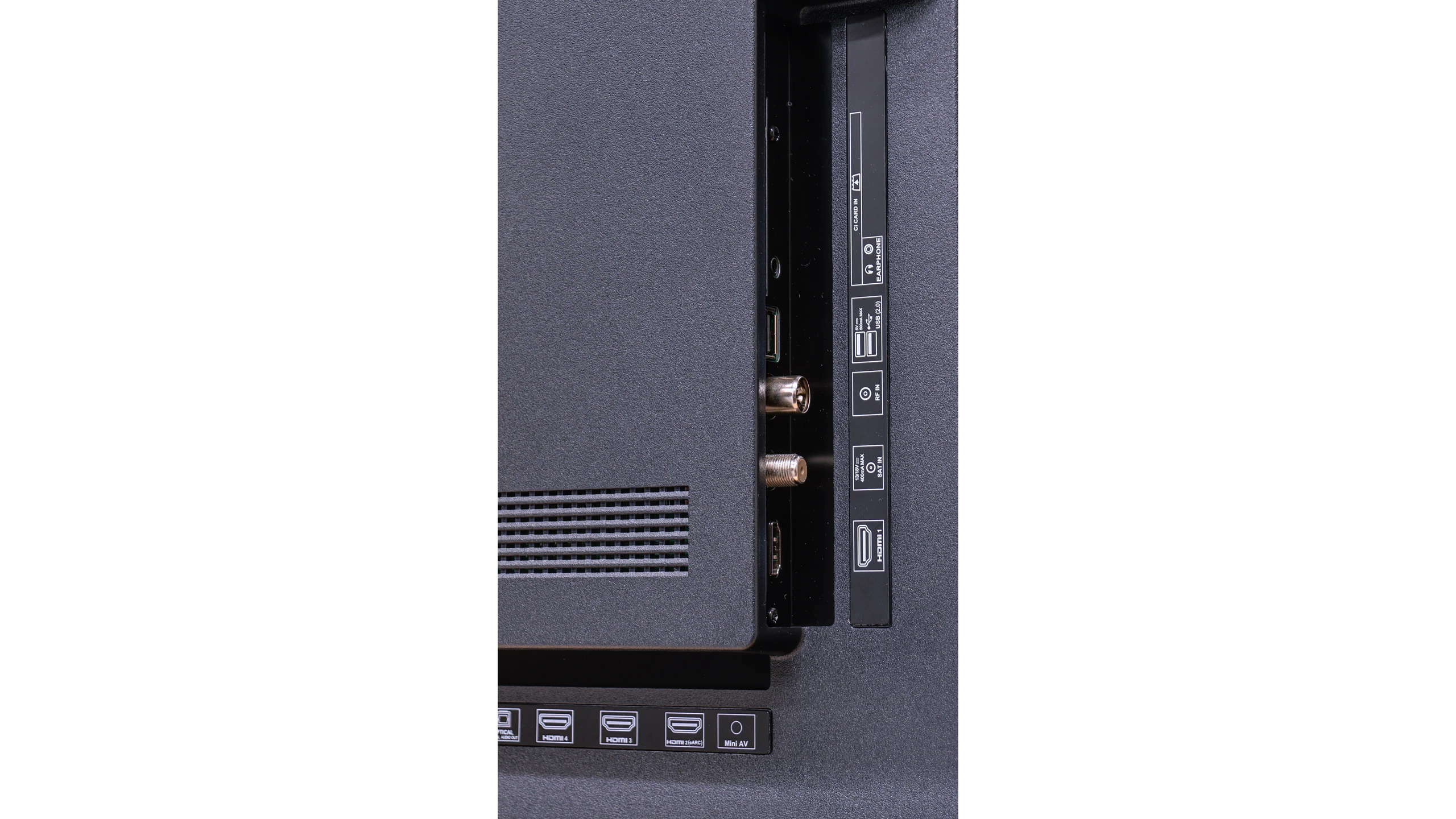
As for the connections, the Sharp JP7 offers 4 HDMI ports, which the manufacturer proudly describes as standard 2.1. However, it must be made clear: this is a purely marketing move because in practice these ports only offer full functionality of standard 2.0 due to the limitations of the television. However, it is a plus that there is a classic mini-jack headphone output, which allows connecting older audio sets or speakers without the need for adapters or the HDMI eARC standard. This is quite a rare and very practical addition lately.
Apps
7.7/10
9.6/10






















Playing files from USB
8.5/10
9.4/10
Supported photo formats:
Maximum photo resolution:
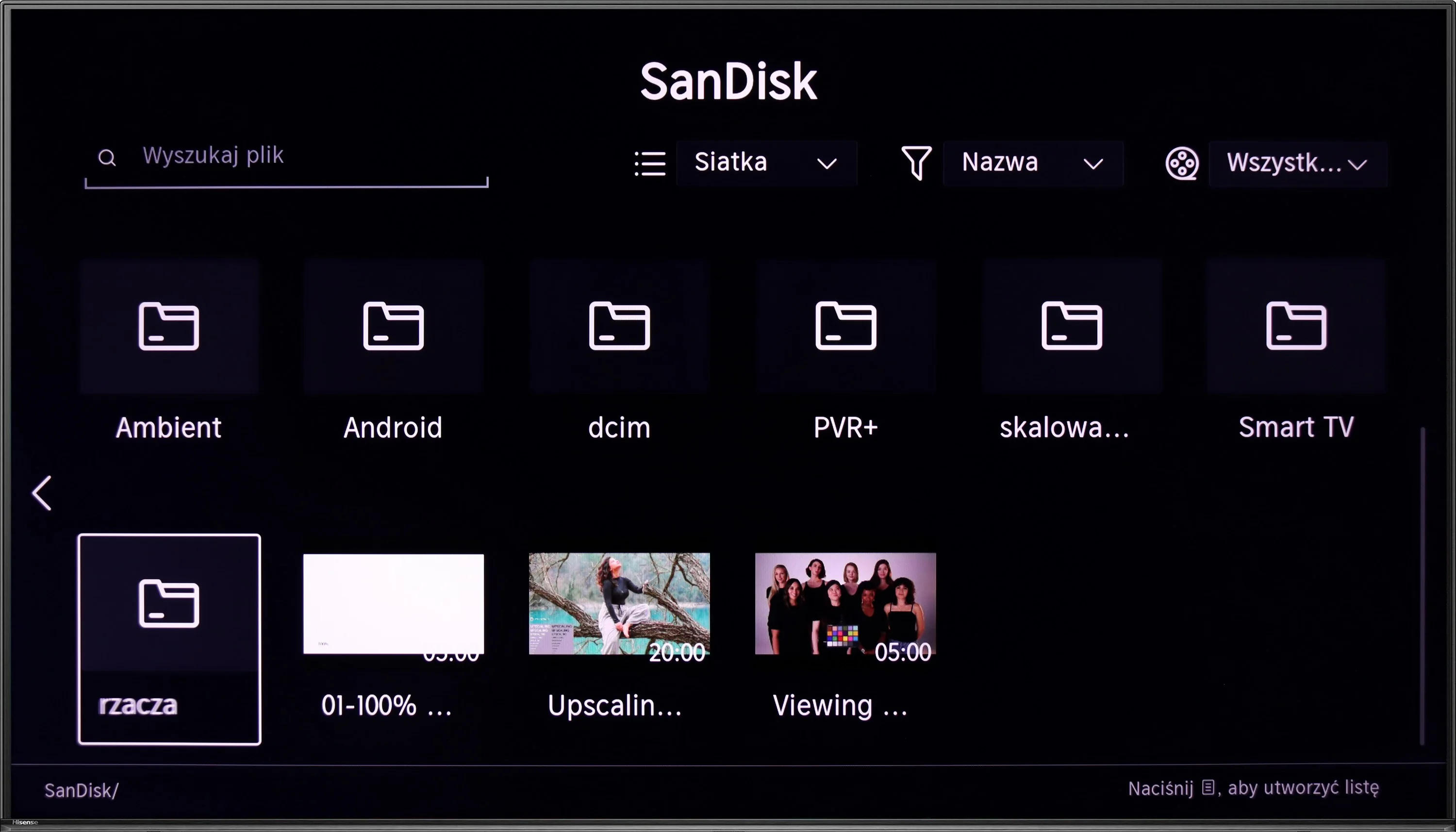
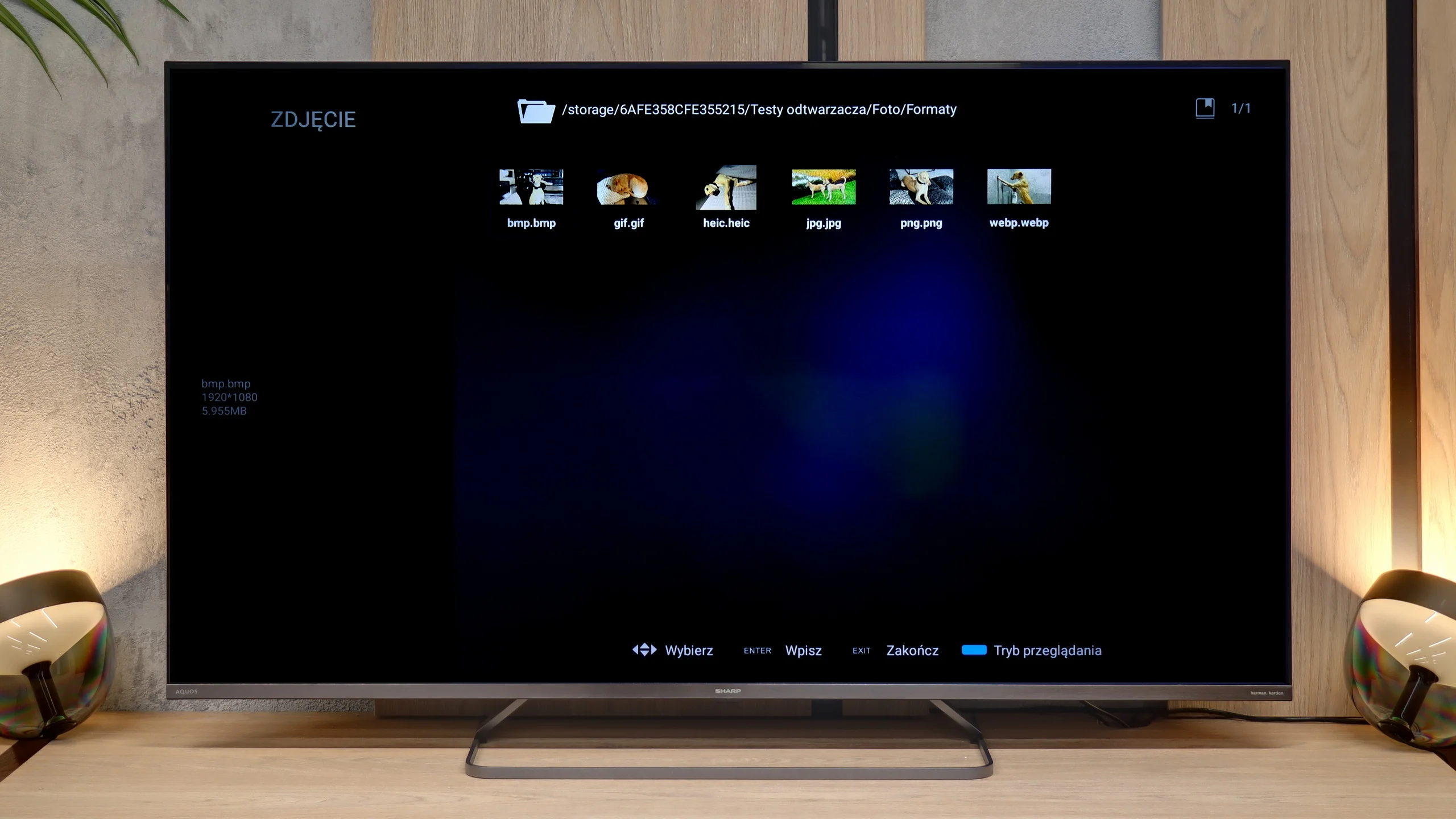
The built-in file player in the Hisense U6NQ should satisfy most users. It supports Polish characters and allows easy editing of displayed subtitles, which is a big plus. Unfortunately, it lacks support for the AV1 codec, which may be an issue for those looking to play newer video formats. However, for less demanding users, the player’s features will be fully adequate.
When it comes to media playback from external sources, the Sharp JP7 performs simply exceptionally. The built-in player is a true surprise, as it handled virtually every file format we provided. It even managed to support the HEIC format (primarily used in Apple devices), which most televisions struggle with. Here, Sharp displayed photos without the slightest hiccup. Of course, a significant advantage is the presence of the Google TV system, which allows for the installation of external applications like VLC or Kodi in case of any issues. In our opinion, however, this will be an unnecessary measure because the factory player is refined and versatile enough to satisfy even the most demanding users.
Sound
6.3/10
6/10
- Maximum volume-89dB
- Dolby Digital Plus 7.1
- Dolby True HD 7.1
- Dolby Atmos in Dolby Digital Plus (JOC)
- Dolby Atmos in Dolby True HD
- DTS:X in DTS-HD MA
- DTS-HD Master Audio
The Hisense U6NQ is equipped with a standard set of speakers with a power of 20 W, which is a typical solution in this class of TVs. The sound is decent but nothing particularly special. However, it is worth noting the support for all popular audio codecs, including DTS and Dolby Atmos. This allows for easy connection to a home theatre system or soundbar, resulting in significantly better audio experiences than the built-in speakers.
The sound produced by the JP7765E model can be described as atypical, and even – looking at our measurements – rather peculiar. What stands out first is the enormous volume scale. The TV can reach a level of almost 90 decibels (89 dBC on the chart), which is almost a record result in this class. Such strong "loudness" will certainly appeal to seniors or people who need a device with a very high volume.
However, a glance at the frequency chart explains why the sound seems so "strange." The characteristic is extremely uneven: we have a solid boost in the lower registers (around 200 Hz) and in the high tones, but the mid-range – where most of the information about the human voice is located (between 500 Hz and 1.5 kHz) – experiences a huge drop. This makes the sound unnatural and can seem "recessed" at key moments in dialogues.
On the plus side, we have support for the Dolby Atmos format. However, it must be honestly admitted that to truly feel the potential of this system, it will be necessary to connect at least a decent soundbar. The JP7's own speakers, although very loud, cannot deliver the cinematic depth and precision that this standard requires.
Sound Quality Test
No sound test video
Acoustic Measurements
No acoustic data
89dBC (Max)
75dBC
Reader comments
Comments are provided by the external service Disqus (Zeta Global). Once loaded, Disqus may set cookies and process data about your activity.
We will remember your choice on this device. Provider's privacy policy