The Hisense S7NQ Canvas TV is a very interesting proposition, especially for those looking for something in the style of a picture-TV but do not want to spend a fortune. At first glance, it stands out primarily because the gallery mode featuring works of art is completely free – there is no subscription fee, unlike Samsung's The Frame. Moreover, in the box, we immediately get a light brown frame, which will be an additional bonus and savings for many. Although it is designed to display art, it surprisingly performs quite well in other applications as well. The 144 Hz panel, full HDMI 2.1, support for VRR and ALLM – all of this makes gaming on consoles very much possible and quite enjoyable. The Vidaa system operates smoothly, and we find all the essential apps and features here, such as AirPlay, USB recording, and screen mirroring from the phone. But there are also aspects that are a bit lacking. First and foremost – the actual images. Compared to The Frame from Samsung, here they simply look more digital. There is a lack of depth, paint texture, and subtle details that really impress with the competitor. Although at first glance we are dealing with a similar matte panel, in practice it performs significantly worse at suppressing reflections. Colors and blacks fade much faster, especially in a bright room. This might also be due to lower brightness – Hisense is simply darker than its Korean rival. In addition, there are minor glitches in the software – for example, the lack of displaying external subtitles despite the option to configure them, or the not entirely effective image smoothing function with lower quality materials. In short: the S7NQ is a good TV in the form of a "picture," which can be a great alternative for those who do not mind the lower quality of the displayed works but appreciate the absence of subscription fees, the additional frame included, and the full functionality of a typical television. It is not a perfect product, but a reasonable compromise for Samsung The Frame.
- Matching (Score) |
- Our verdict |
- TV appearance |
- Where to buy |
- Contrast and black detail |
- HDR effect quality |
- Factory color reproduction |
- Color reproduction after calibration |
- Smoothness of tonal transitions |
- Image scaling and smoothness of tonal transitions |
- Blur and motion smoothness |
- Console compatibility and gaming features |
- Input lag |
- Compatibility with PC |
- Viewing angles |
- Daytime performance |
- Panel details |
- TV features |
- Apps |
- Playing files from USB |
- Sound
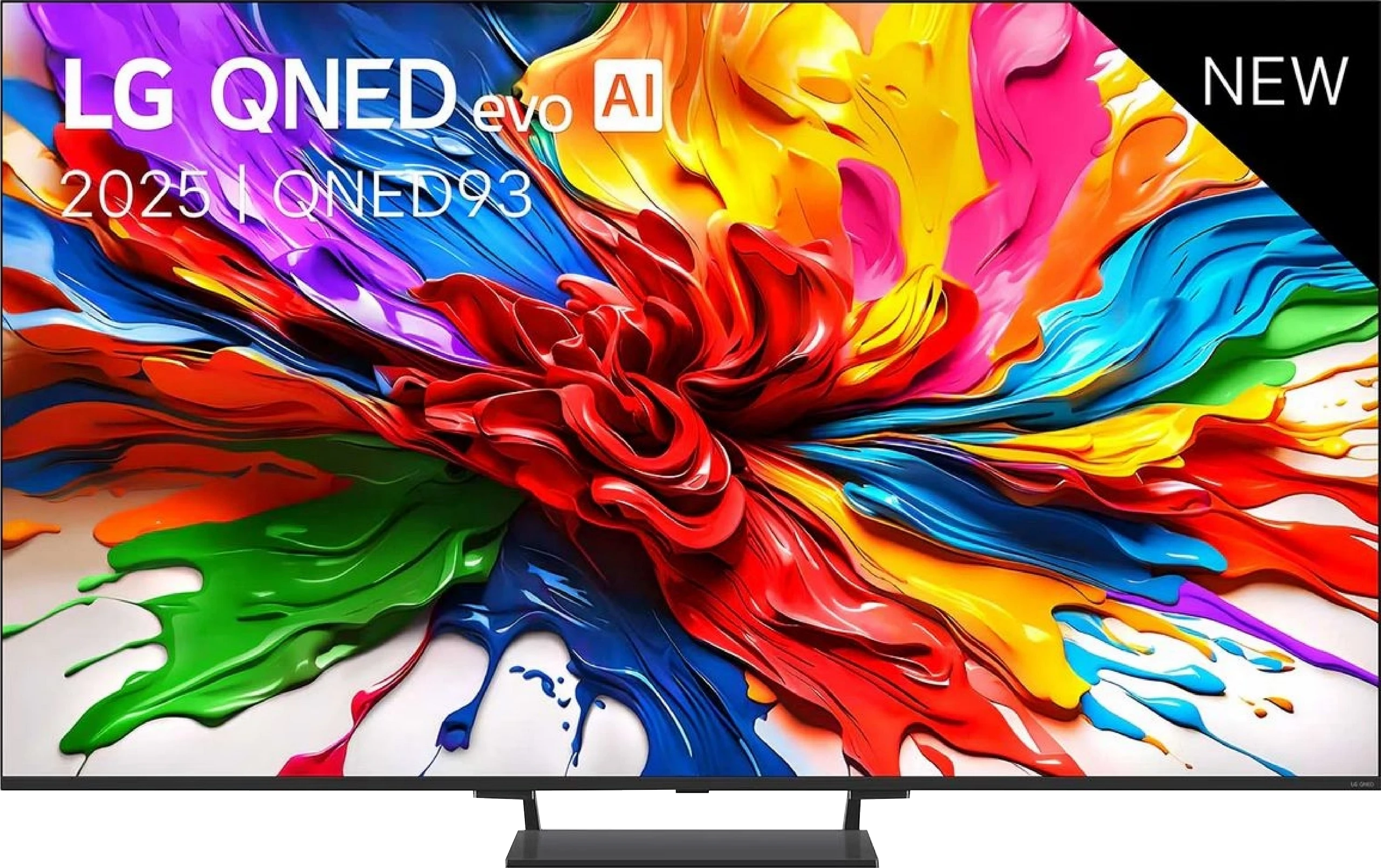
Hisense S7NQ CanvasTV vs LG QNED93A / QNED90A
 Direct comparison
S7NQ / CanvasTV

QNED93A / QNED90A
Available screen sizes: 55”

Panel type: LCD VA
Resolution: 3840x2160
System: VIDAA
Model year: 2024
Complete the survey to find out the result
Panel type: LCD VA
Resolution: 3840x2160
System: WebOS
Model year: 2025
Complete the survey to find out the result
Overall rating
6.7
7.3
 Movies and series in UHD quality
 6.6
6.8
 Classic TV, YouTube
 6.3
6.9
 Sports broadcasts (TV and apps)
 6.1
6.8
 Gaming on console
 7.5
8.5
 TV as a computer monitor
 7.0
8.6
 Watching in bright light
 5.4
6.2
 Utility functions
 9.0
8.2
 Apps
Apps 7.7
9.1
 Sound quality
 6.3
6.9
Complete the survey to find out what fits your preferences
Advantages

Free gallery without a subscription
Frame included
Good for gamers (144 Hz, HDMI 2.1, VRR, ALLM, Game Bar)
Support for Dolby Vision, HDR10, and HDR10+
Decent native contrast (VA Panel)
Works well with PC (chroma 4:4:4)
Fast Vidaa System
Seamless connection to home theaters: Support for Dolby and DTS codecs
Quite good contrast
High number of dimming zones
Good HDR brightness (about 1400 nits)
Wide color gamut coverage (about 96% DCI-P3)
144 Hz mode and a full set of gaming features (HDMI 2.1, VRR, ALLM, G-Sync, FreeSync, HGiG, Game Bar)
Low input lag (7 ms at 120 Hz)
Good compatibility with PC, including 144 Hz and readable fonts
WebOS with a rich selection of apps and voice control
Magic Remote
Quite effective upscaling and image processing tools - great for older content like antenna TV or YouTube
Disadvantages

Worse quality of displayed images in gallery mode than in Samsung The Frame
Colors and blacks fade significantly in bright surroundings
No HGiG mode (for gamers)
Software issues - lack of external subtitles display in movies
Local dimming algorithms need refinement
Very average viewing angles
Dolby Vision does not bring a noticeable improvement over HDR10
Our verdict
LG QNED93A is a television that, at first glance, appears to be a solid step forward compared to previous LCD models from this brand. On paper, we get a lot: a significantly larger number of dimming zones, a 144 Hz refresh rate for gamers, support for all HDR formats, including Dolby Vision, and WebOS with a new Magic remote, which still ranks among the most user-friendly operating systems. The QNED93A shines the most in gaming applications. Four fully functional HDMI 2.1 ports allow you to connect consoles and computers without any limitations, and the low input lag is maintained at both 120 and 60 Hz. For PC gamers, an additional advantage is the 144 Hz mode and full compatibility with G-Sync and FreeSync. So, it can be confidently said that in terms of gaming features, the QNED93A does not have any complexes compared to the competition. Another strong point is WebOS. LG's system has long been regarded as one of the most convenient for everyday use, and this is confirmed here. Everything is clear, and the Magic remote allows you to control the television like a mouse pointer – quickly and intuitively. Brightness can also be considered a plus. At its peak, it manages to achieve results close to 1400 nits. This is enough to ensure the picture doesn't fade in brighter rooms and that special effects in movies or games look convincing. The image processor does a good job of upscaling older content – television or films in lower resolutions appear clearer and sharper than on many competing screens.
However, it cannot be denied that the biggest problem with the QNED93A is the local dimming algorithms. In scenes full of black, the screen can darken significantly, causing many details to simply disappear. The effect is such that contrast looks better at first glance but comes at the expense of information that should be visible. An additional problem is the Dolby Vision mode, which typically enhances certain aspects of screens, but in this case, changes very little. The differences between dynamic and static metadata must literally be searched for with a magnifying glass. This is simply disappointing because the hardware, with its number of dimming zones and stronger backlighting, has the foundation for a better effect. So who is the LG QNED93A for? It is a television that works brilliantly as a home entertainment center, especially if you're thinking about gaming on a console or PC. In everyday television viewing and movie watching in well-lit conditions, it also provides a lot of satisfaction thanks to its high brightness and solid image processor. However, one must accept that in scenes with a lot of black and when fully utilizing HDR, this model does not match its competitors. LG has shown that it can create a very solid LCD screen, but it is also evident that not everything has been polished as it has in their OLED televisions.
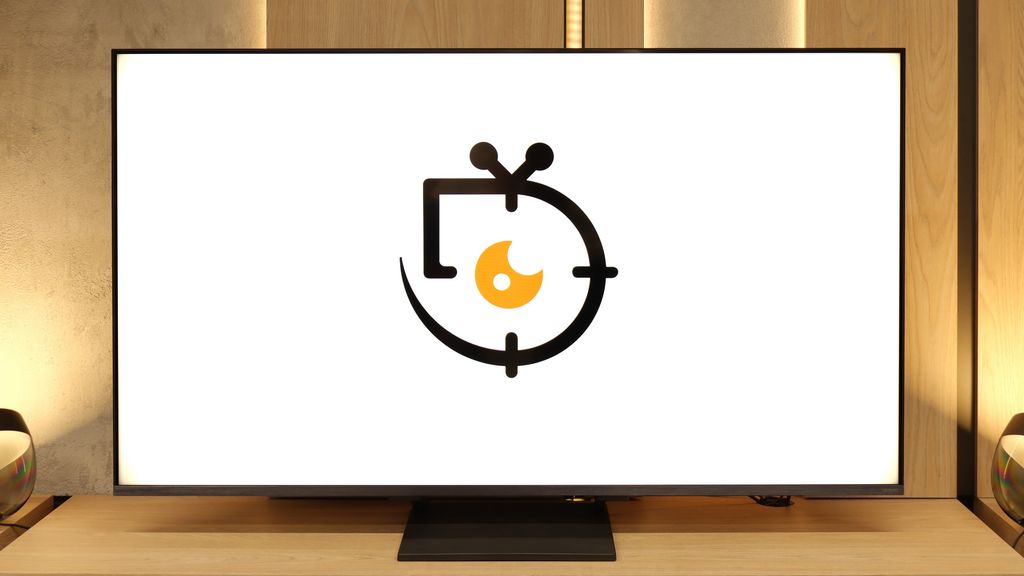
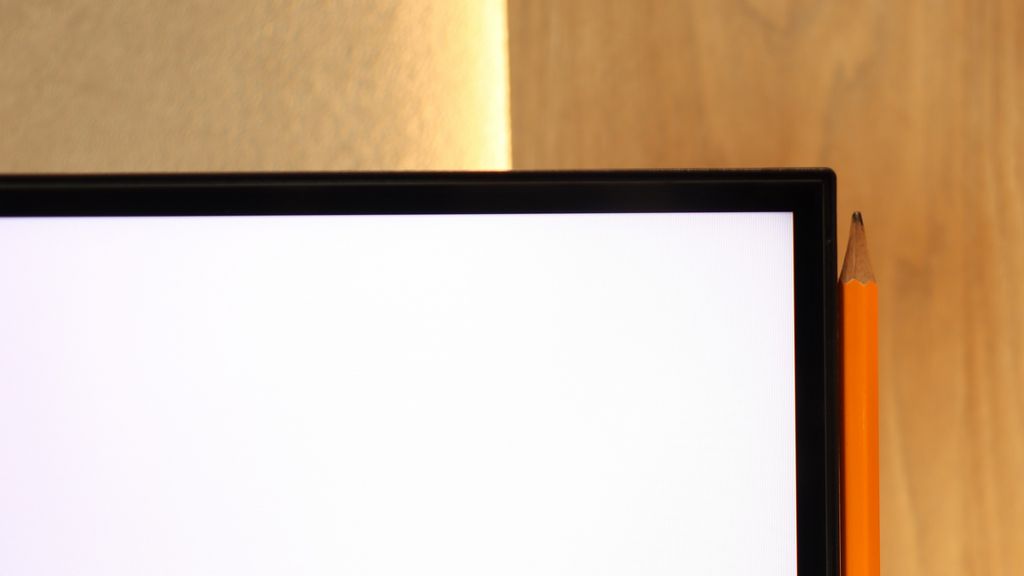
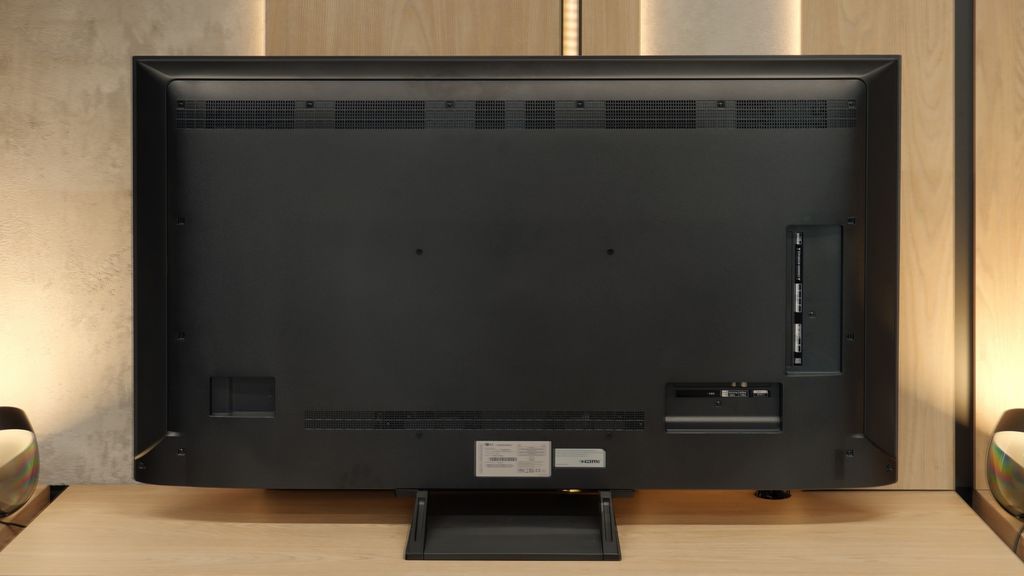
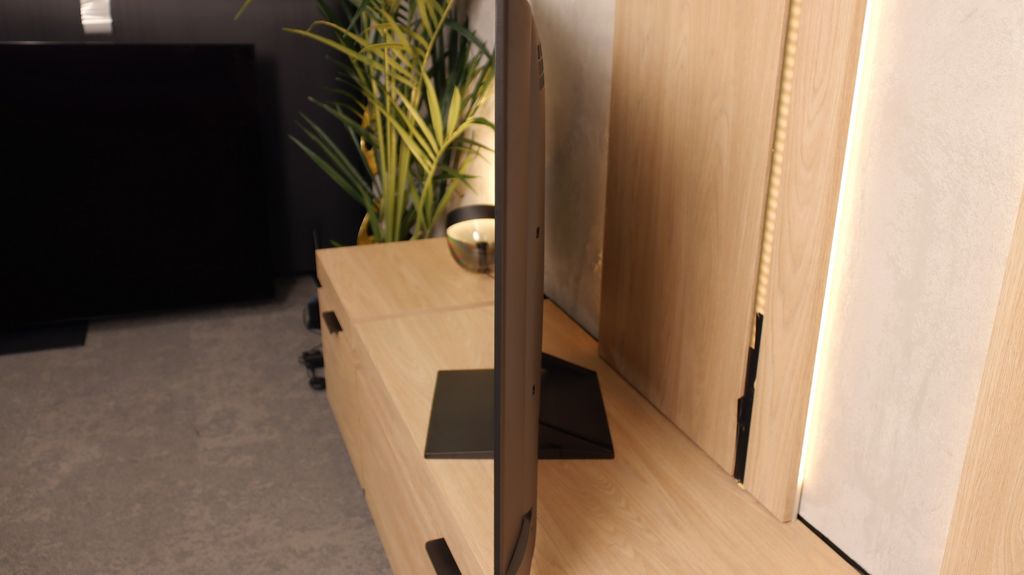
TV appearance



Contrast and black detail
5.6/10
7.3/10
Local dimming function: No
Local dimming function: Yes, number of zones: 308 (14 x 22)
Contrast:


Result
3,400:1

Result
4,200:1

Result
5,200:1

Result
5,050:1

Result
3,650:1
Result
130,500:1
Result
30,950:1
Result
15,250:1
Result
6,750:1
Result
4,600:1
Halo effect and black detail visibility:

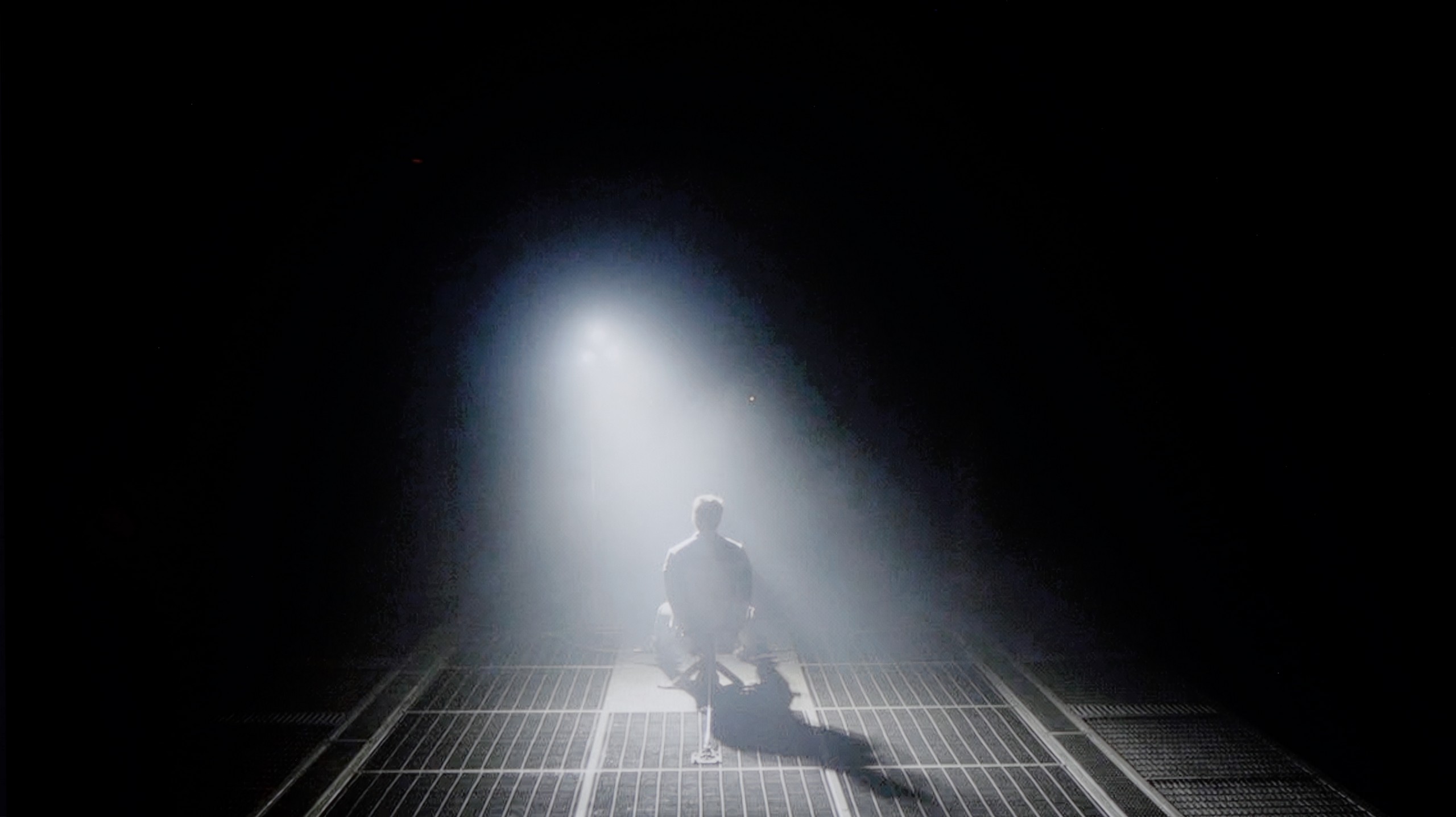
Check the visibility of bright lights on a dark background. Mini-LEDs often struggle with this. The photo does not compare black levels – that’s what the video below is for.
The Hisense S7NQ CanvasTV is a television equipped with a VA panel, which by itself provides decent contrast. Our test patterns confirm this – the average score is around 4000:1. While this may not be an exceptional value, for this class of device, it's quite acceptable. The result might have been significantly better if the television had been equipped with local dimming technology; unfortunately, this model lacks it. As a result, blacks in a completely dark room resemble shades of navy or gray more than pitch black. This situation leads to a slightly visible clouding effect. Overall, it's fine, but without much excitement.
We took a close look at the 55-inch version of the LG QNED93A, equipped with a high-contrast VA panel. However, in the case of Mini-LED TVs, it's not just the panel itself, but primarily the number and operation of local dimming zones that determine the final effect. In this model, we counted as many as 308 zones, which already looks impressive from the start. For comparison – last year's QNED91T in the 65-inch variant had only around 160. The difference is enormous and shows that LG has made a significant step forward in this technology. On paper, it looks great, but practice quickly dampens the enthusiasm. The contrast in the QNED93A can indeed impress – bright elements are clearly separated from black, and in many scenes, the depth effect truly pleases the eye. The problem is that despite such a significant improvement in backlight construction, the results are not much better than in last year's model. The algorithms controlling dimming can be too aggressive. This is especially noticeable in darker sequences, where the screen dims to such an extent that subtle details disappear from view. Many viewers will appreciate the stronger black, but it is hard to ignore that this comes at the expense of the director's intentions. The most problematic are scenes with many small, bright elements. It is during these moments that typical halo effects, or glowing outlines, associated with LCDs featuring local dimming zones appear around them. This phenomenon does not completely ruin the experience, but it serves as a reminder that even with an increased number of zones, local dimming still has its limitations. Ultimately, the contrast in the QNED93A can be considered good, but we have the impression that the manufacturer did not pay enough attention to optimizing the new model when it comes to black and contrast.
HDR effect quality
5.6/10
5.8/10
Luminance measurements in HDR:

Result
455 nit

Result
414 nit

Result
438 nit

Result
451 nit

Result
470 nit
Result
1330 nit
Result
219 nit
Result
678 nit
Result
160 nit
Result
1016 nit
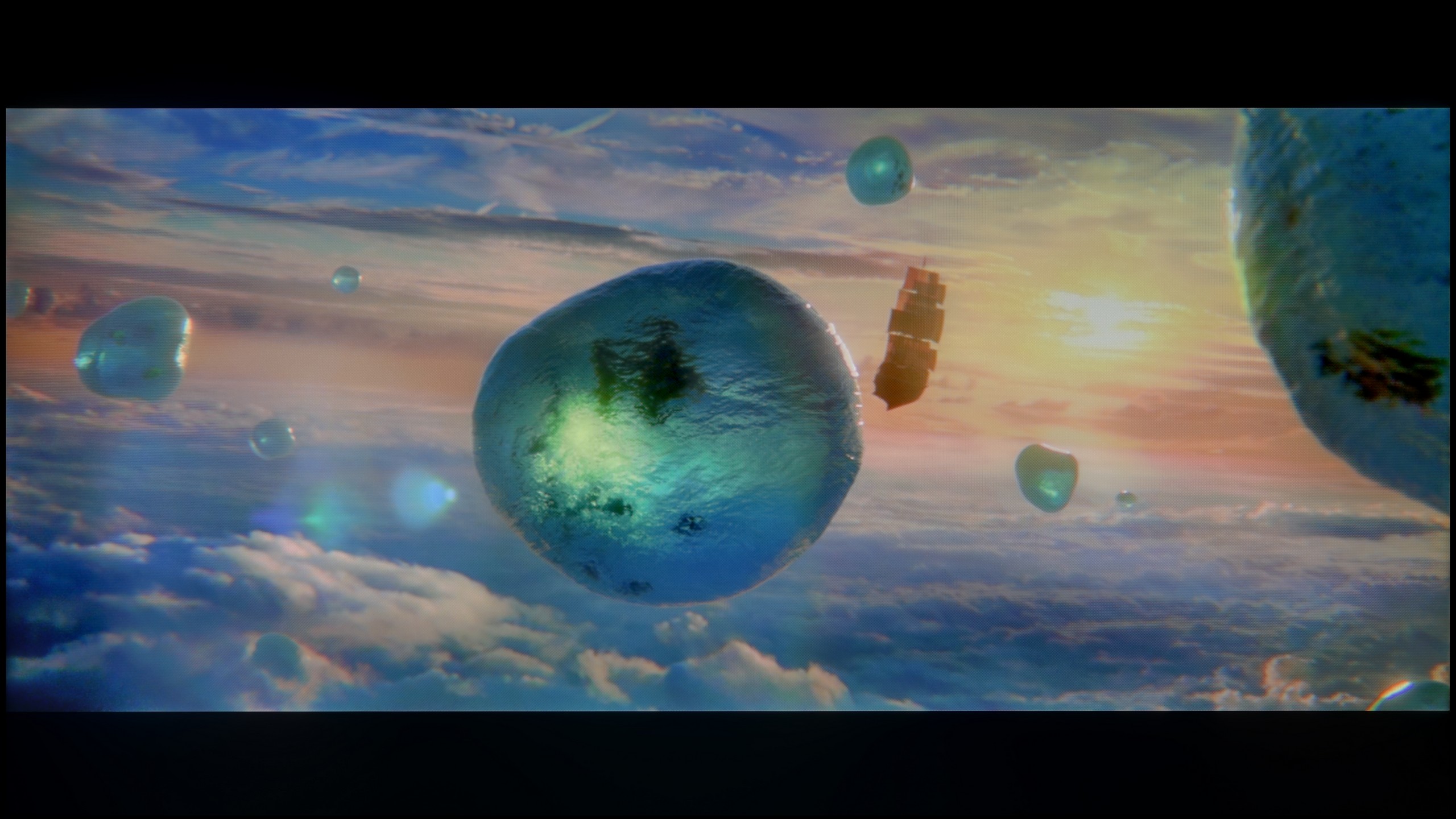
Scene from the movie “Pan” (about 2800 nits)

Scene from the movie “Billy Lynn” (about 1100 nits)


The photos show two HDR10 movies. 'Pan' is one of the brightest productions ever made, while 'Billy Lynn' (soldier) has brightness typical of streaming (Netflix, Prime, HBO MAX). Notice the intensity of effects and detail in whites.
Static HDR10


The photos present the visibility of white details in various HDR formats. They do not show brightness differences between TVs (these can be compared in the previous gallery).
Dynamic: Dolby Vision
Dynamic: Dolby Vision


The photos present the visibility of white details in various HDR formats. They do not show brightness differences between TVs (these can be compared in the previous gallery).
HDR luminance chart:
LG QNED93A / QNED90A
Hisense S7NQ CanvasTV
When it comes to the brightness of the television and how it handles bright elements while watching movies, it is just average—similar to contrast. The average brightness level of the Hisense S7NQ is around 500 nits. This is a value that allows you to feel the beginnings of true HDR, but it is definitely too little to speak of outstanding effects. However, the television deserves praise for color gamut coverage—movies look very colorful and vibrant. With the use of PFS LED (QLED) coating, the device can cover over 90% of the DCI-P3 color gamut and over 72% of the wider BT.2020 gamut. For a television in this class, these are truly very good results.
Although the number of local dimming zones in the LG QNED93A did not directly translate to a noticeably better contrast, one cannot deny that this model is brighter than its predecessor. In synthetic tests, we recorded values around 1400-1500 nits, and more importantly, these results are reflected in real movie scenes. In full-screen sequences flooded with white or bright lights, the screen was able to maintain high luminance, which produced a truly decent incredible HDR effect. Unfortunately, where the television could show its true class, namely in scenes that require precision, all the magic evaporates. The dimming algorithms we mentioned earlier are aggressive enough that small bright objects—such as distant lights, stars, or the moon—can almost completely disappear. Just look at the test scenes from the movie Pan or Sicario 2 (screens 2 and 4) to see how subtle details are dimmed to the brink of visibility. It's a shame, because a greater number of zones could theoretically lead to significantly better results. Fortunately, there are also stronger points. The QNED93A performs well in terms of color gamut coverage, achieving around 96% of the DCI-P3 standard. As a result, colors in movies look vivid and full, and the picture does not lose intensity even in more demanding scenes. So it can be said that the HDR in this model is solid, although the unfinished local dimming algorithms hinder its full potential.
Factory color reproduction
7.2/10
6/10


This gallery shows how colors change after professional TV calibration. If you notice the difference, we recommend ordering this service at SkalibrujTV.com.
Factory Mode
After calibration
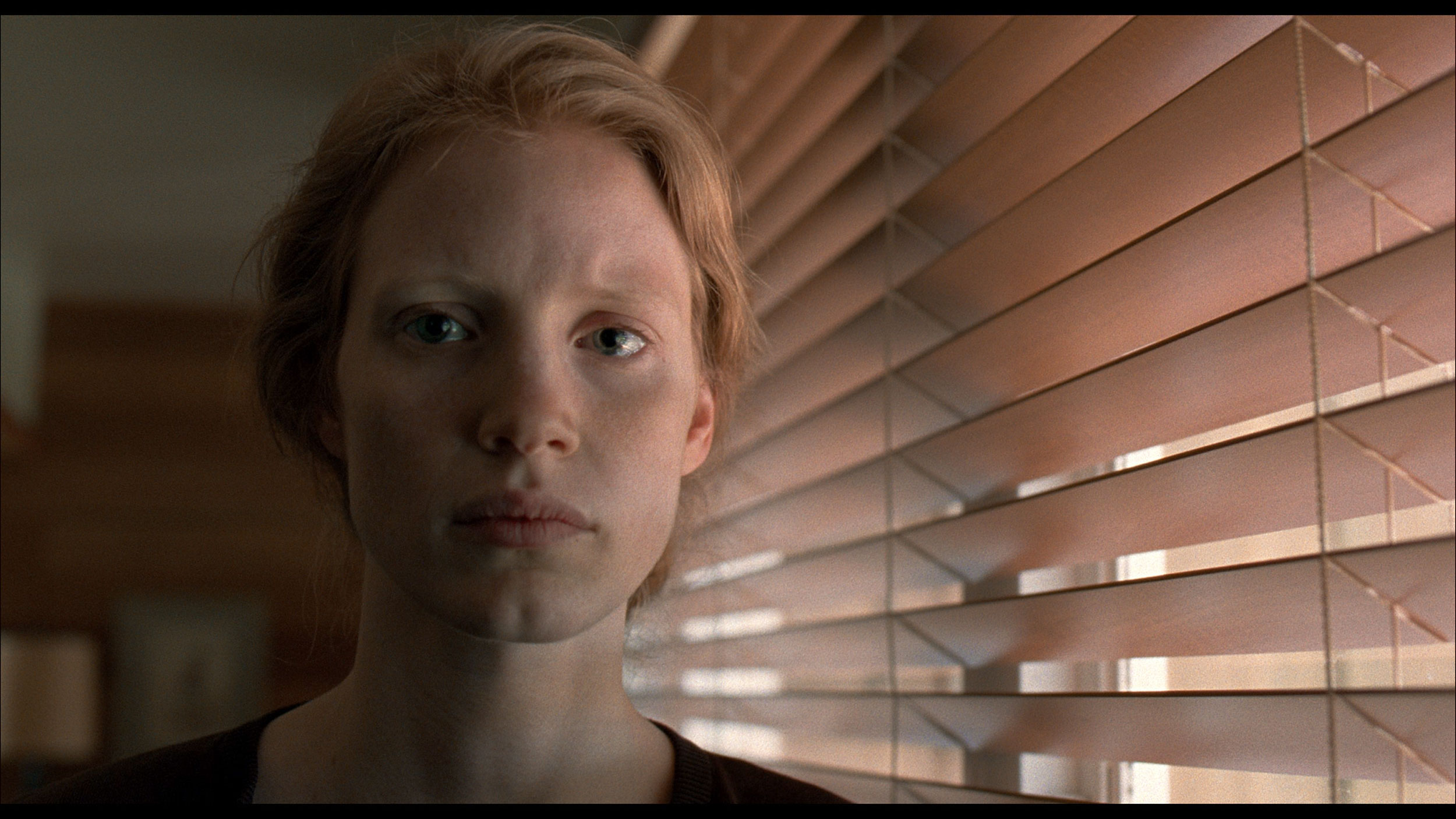
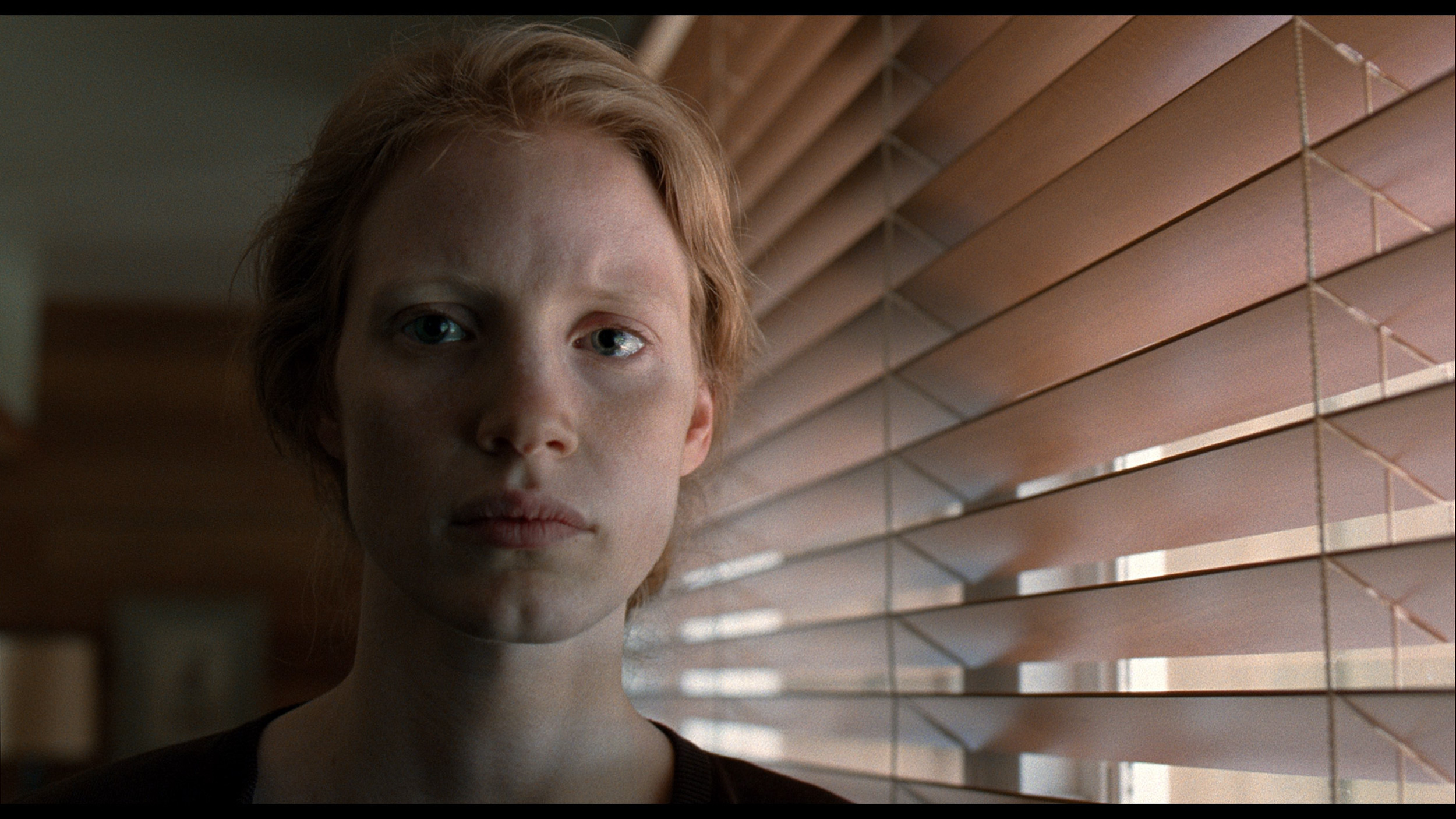
This gallery shows how colors change after professional TV calibration. If you notice the difference, we recommend ordering this service at SkalibrujTV.com.
Factory Mode
After calibration
Let's now check how the Hisense S7NQ CanvasTV performs in color reproduction in the best factory mode, which is Filmmaker. Right from the start, it is evident that it is definitely better than in dynamic or standard mode, but there are still a few things to nitpick. In terms of image quality from the HD signal, the colors are slightly inaccurate – there is a dominance of cooler shades of blue and a lack of red. Because of this, the image appears somewhat too cool.
A similar effect occurs with 4K content, but it is more noticeable there. The excessive exposure of blue tones and the lack of red make the image seem distinctly cold. However, the biggest issue with this television is not the colors themselves but rather the way brightness is managed. The tested unit slightly boosted the brightness compared to the reference value. The result is indeed better visibility of details, but at the cost of significantly brightened black – which makes the entire image seem more "flat."
A similar phenomenon was noticed in the 4K signal – the slightly inflated curve at the beginning of the EOTF graph shows that the television has a tendency to excessively expose certain scenes. Fortunately, this effect can be improved with professional calibration, which we will discuss in the next point.
In movie mode (specifically Filmmaker), color reproduction on the QNED93A was relatively accurate, although it wasn't without critiques. In SDR content, white balance leaned towards warmer tones, resulting in a slight yellowing across the entire screen. Gamma, on the other hand, led to a slight brightening of the image, making it look a bit less natural, especially in scenes requiring precise shading (this is evident in the comparison picture). This isn't a problem that immediately stands out to every viewer, but more discerning individuals may feel that the picture deviates from the aesthetic intended by the filmmakers. In HDR materials, the situation looked somewhat different. The white balance presented itself quite well here, ensuring that whites didn't lean towards pink or unwanted shades of green. However, brightness management proved to be an issue. Analysis of the EOTF curve revealed that at certain moments the television can be noticeably too dark where it shouldn't be, losing some detail and reducing the realism of scenes. This detracted from the experience of HDR effects, which were theoretically supposed to be the most impressive. For this reason, we decided to carry out calibration.
Color reproduction after calibration
8.3/10
7.8/10

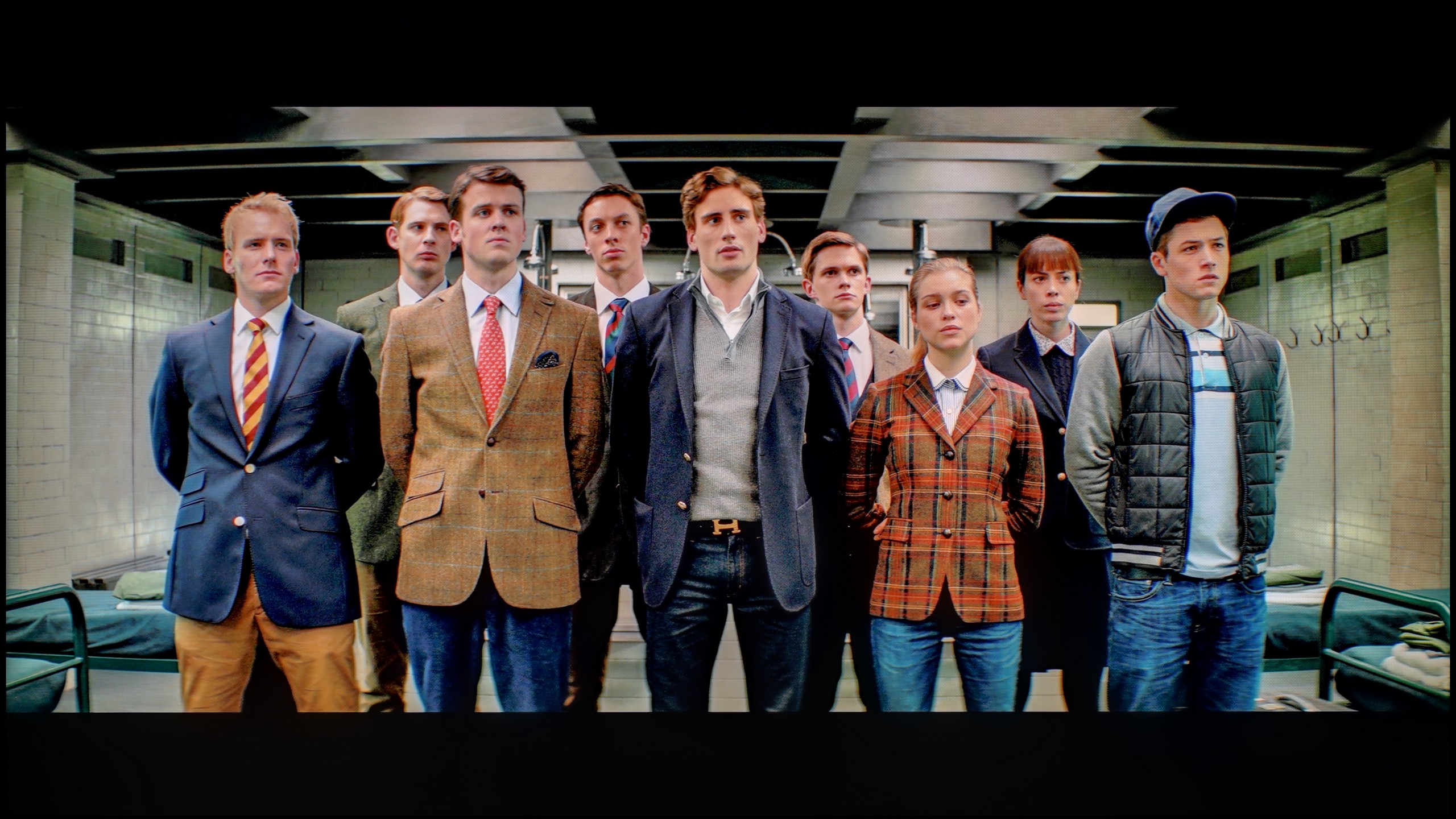
The photos show how movies look on the TV. Pay attention to black detail visibility, colors, and shadow tint.


The photos show how movies look on the TV. Pay attention to black detail visibility, colors, and shadow tint.
The results we achieved after calibrating the Hisense S7NQ are really very good. Thanks to the calibration, we were able to eliminate the excessive exposure of blue tones and the lack of red in the HD signal. A similar, although slightly weaker effect was also achieved with 4K HDR content. Brightness management in HD material has also improved – the television no longer has problems with overall image brightness issues.
However, there are things that cannot be overlooked. The characteristic of the EOTF curve has practically not changed, and the lack of local dimming means that the smallest elements on the screen will always be slightly overexposed. One simply has to accept this when choosing a television with a similar type of backlighting. Nonetheless, the final result is very good and should fully satisfy the vast majority of users.
After professional calibration, the Filmmaker mode on the QNED93A gained the most where it matters most in everyday use. It was possible to adjust the white balance and eliminate the yellowish tint in SDR content, which we watch most often – television, streaming services, or standard quality films. This makes colors look natural and pleasant, and the overall experience is much more comfortable. In HDR mode, we also made adjustments, but the biggest problem here turned out to be the EOTF curve. Although LG provides some leeway in the settings, the television still manages brightness on its own terms. It is evident that the local dimming algorithms are not entirely refined and can spoil the viewing experience by dimming parts of the image at inappropriate moments. Nonetheless, it is worth opting for calibration of this model, especially the mode intended for daily viewing.
Smoothness of tonal transitions
9.2/10
8/10


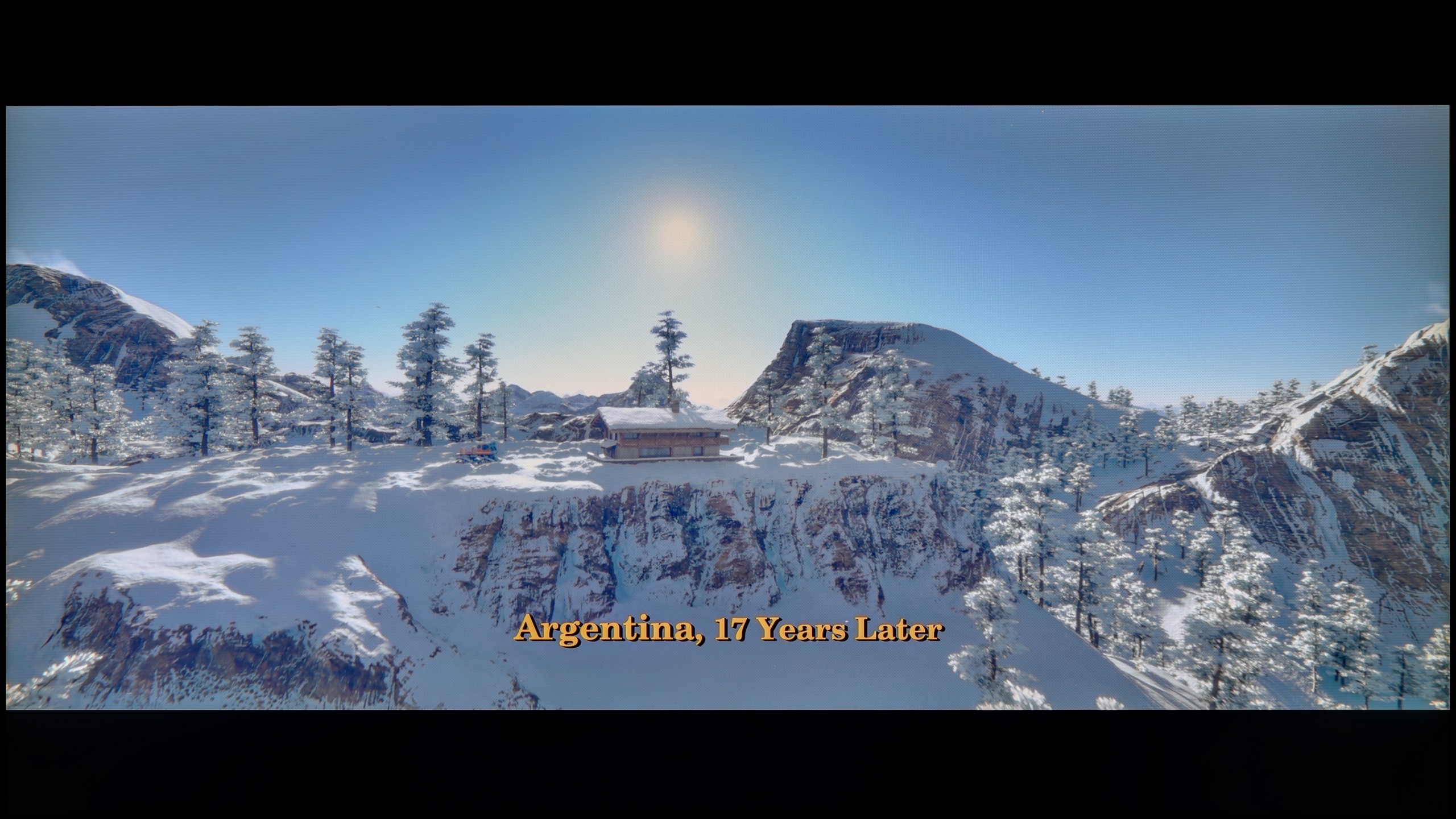
These are selected scenes that show smooth tonal transitions from one color to another. If you see distinct banding, it’s the TV panel’s fault.

These are selected scenes that show smooth tonal transitions from one color to another. If you see distinct banding, it’s the TV panel’s fault.
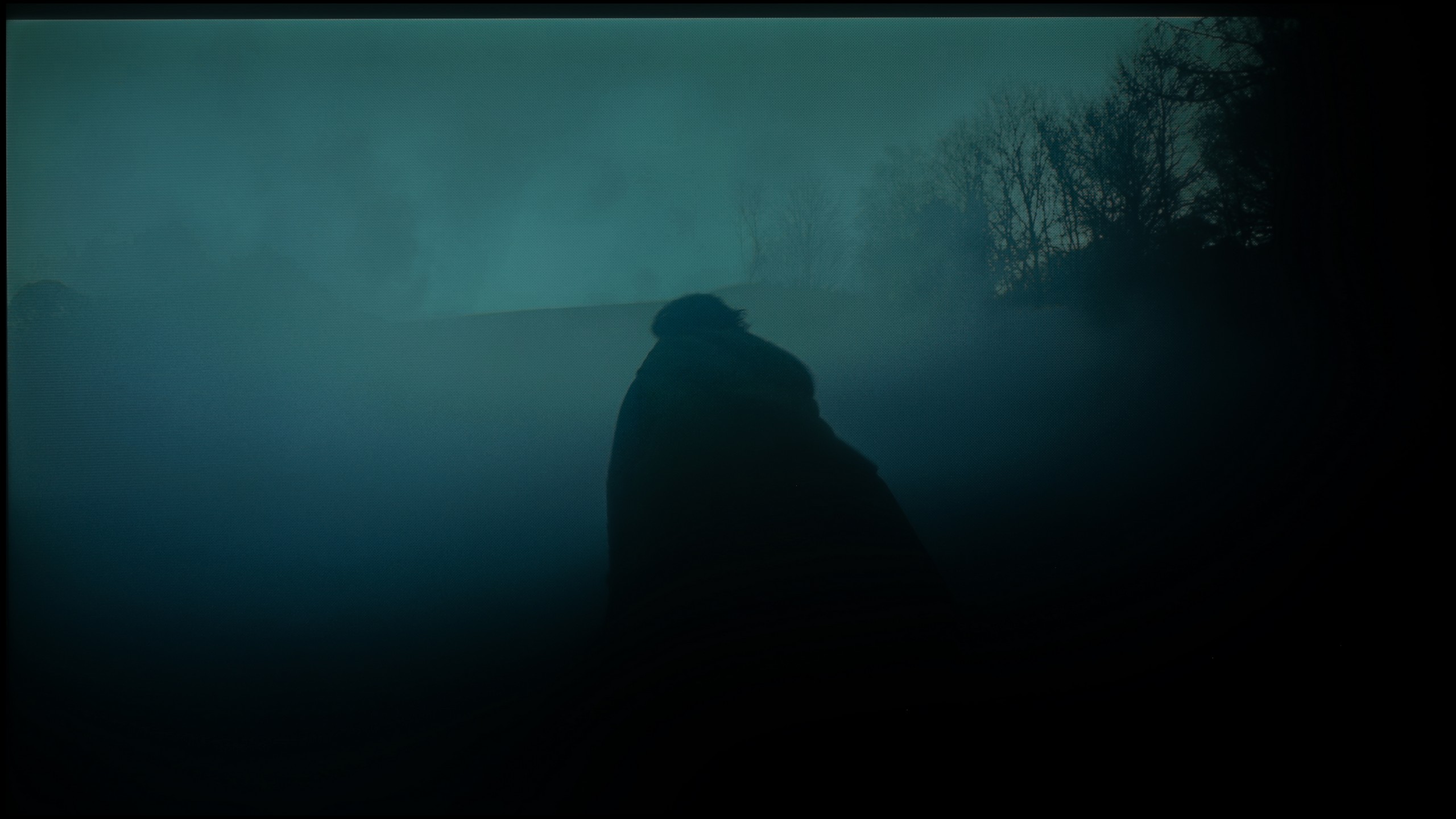
These are selected scenes that show smooth tonal transitions from one color to another. If you see distinct banding, it’s the TV panel’s fault.
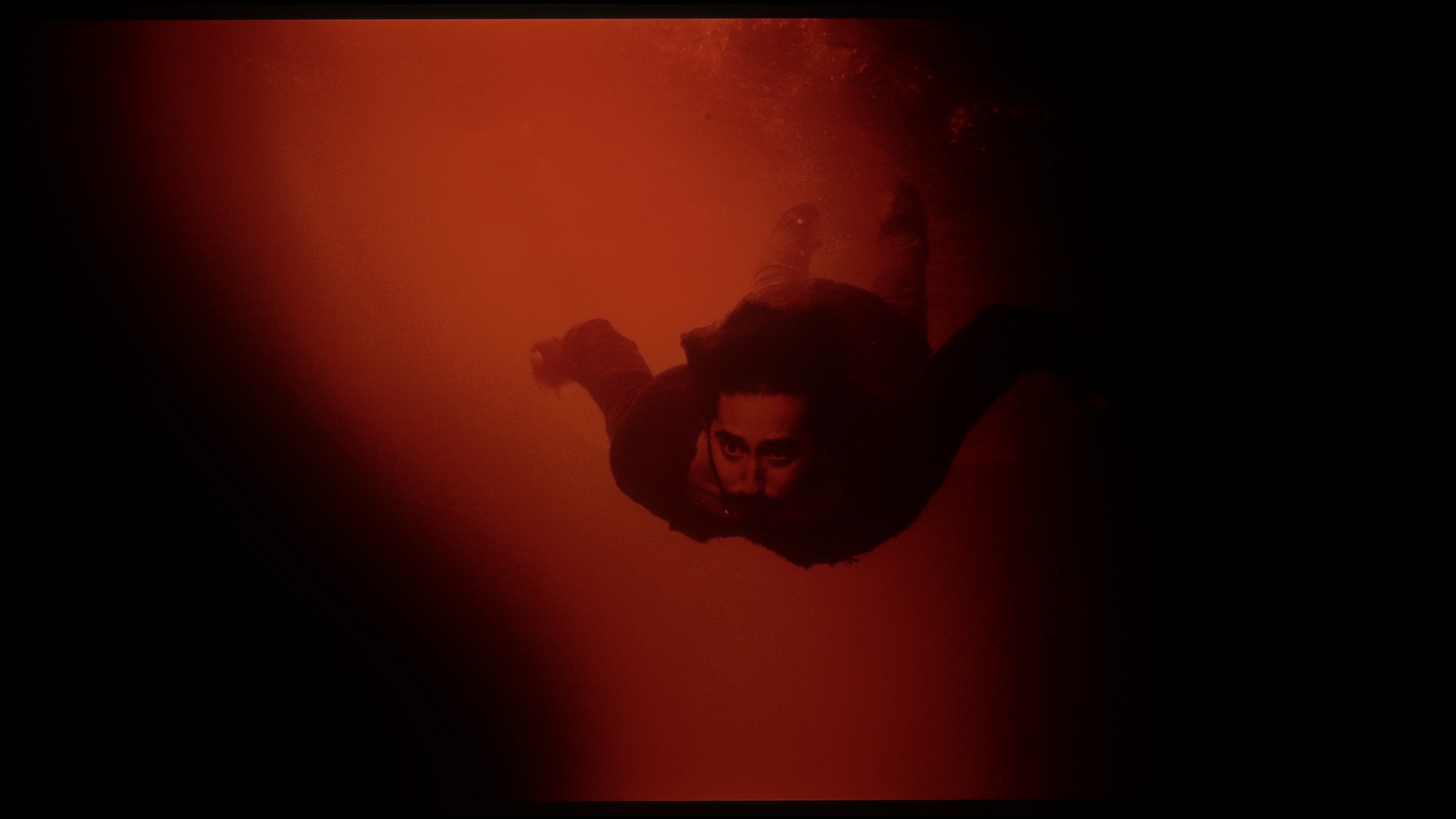
These are selected scenes that show smooth tonal transitions from one color to another. If you see distinct banding, it’s the TV panel’s fault.
The smoothness of tonal transitions is one of those categories that even less advanced users can notice. If someone doesn't know what it's about – let us explain. It refers to whether colors blend smoothly or if their "sticking" is visible in the form of distinct bands. Good tonal transitions are those that are natural and smooth, without large jumps in color.
The Hisense S7NQ performs very well in this category, although it must be honestly admitted that it does a bit worse than Samsung The Frame. In very bright scenes, slight imperfections can be noticed, but you really need a keen eye to catch them. Overall – like in most "frame" style televisions – it still performs excellently.
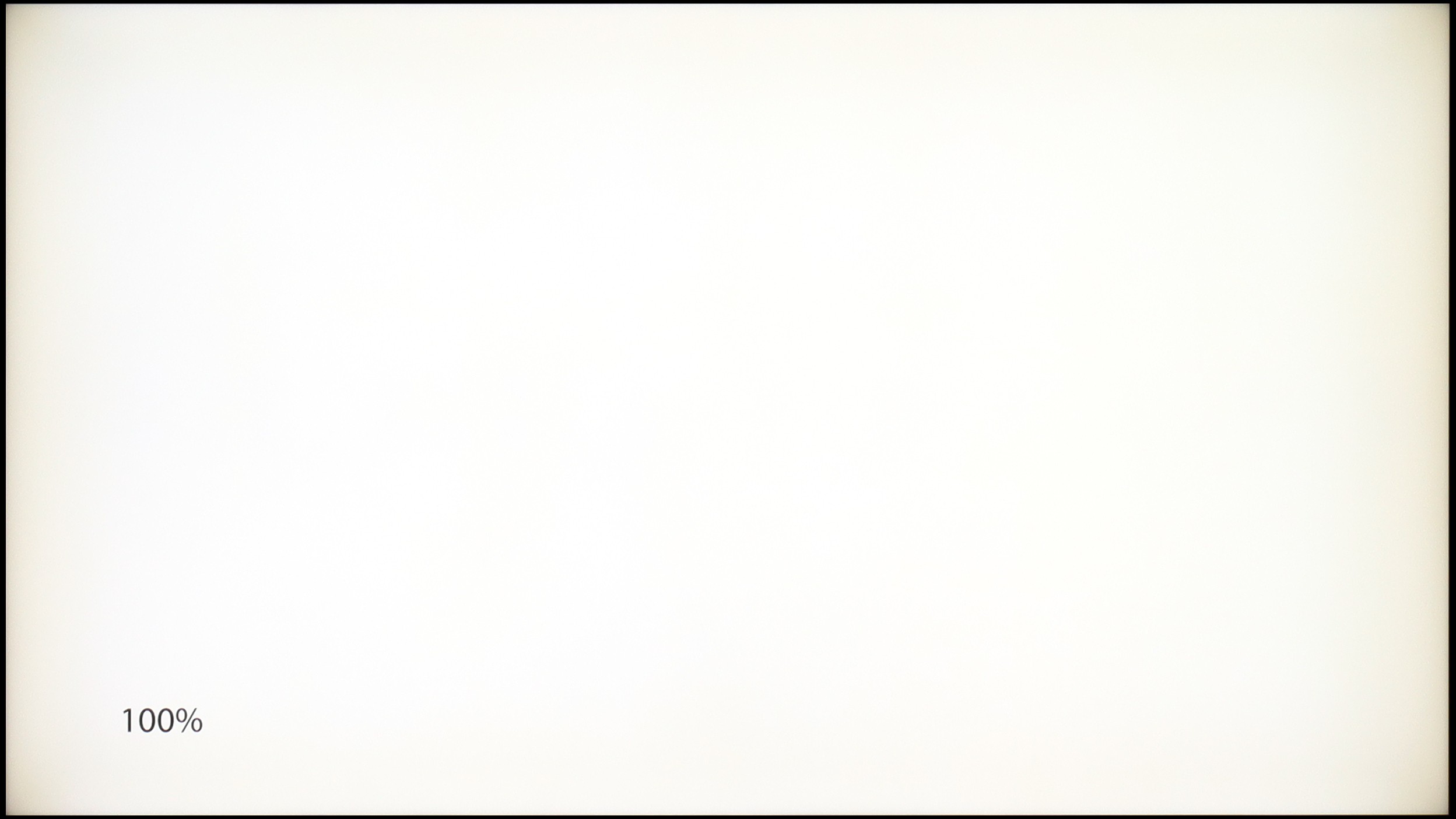
The fluidity of tonal transitions in the LG QNED93A is really good. In most scenes, there are no artificial color divisions or banding effects. Dark shots are particularly surprising – this is where many TVs struggle, but here the image remains smooth and cohesive. In brighter sections, subtle color transitions can be observed, but they are not pronounced enough to draw significant attention. During testing, we encountered a clear issue with the DSE effect, also known as the "dirty screen" effect. On our unit, the phenomenon was strong enough that in bright scenes, the corners noticeably darkened, giving the image a vignetted appearance. This could be a flaw of the test unit, but during intense viewing, it was hard to ignore.
Image scaling and smoothness of tonal transitions
5.5/10
7.8/10


Smooth transition function

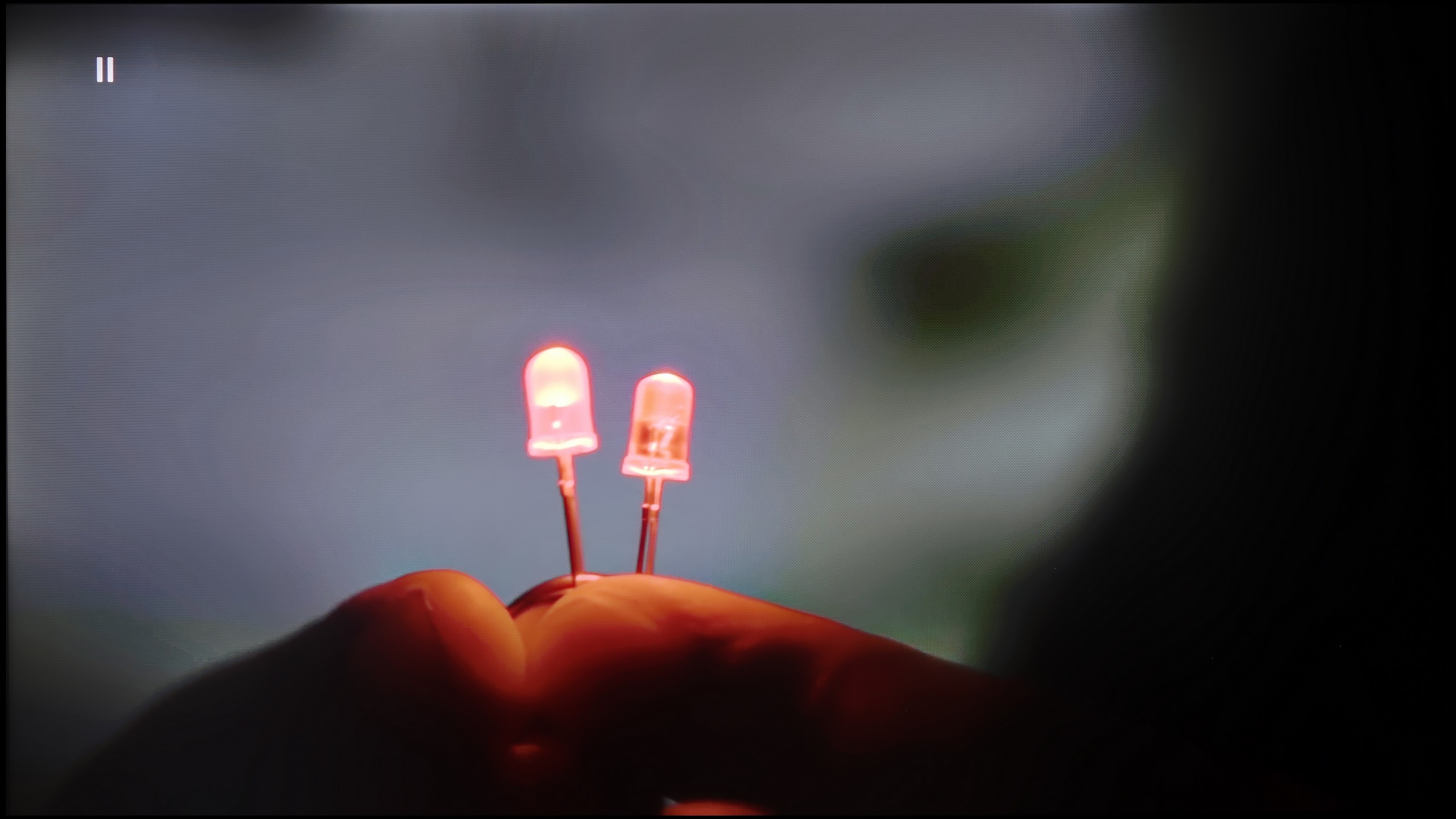
The match photo shows how the TV smooths weak tonal transitions in low-quality video.
Image scaling SD (576i)


The model photo shows how it handles upscaling of SD material.
It is equally important how the television handles tonal transitions on a poorer signal – for example, in older movies, television, or on YouTube. Unfortunately, despite the presence of the "Smooth and Gradient Picture" feature, which was supposedly intended to improve this aspect, its performance is truly lacking. It is barely noticeable that it has any real impact on the visibility of color transitions.
Image scaling also performs poorly. Yes, one can observe that the television tries to "stretch" the quality, but the final effect is far from ideal. The image often appears slightly jagged, which is especially noticeable in the case of tree branches in the background. Additionally, the Hisense S7NQ has a clear tendency to crop the image at lower resolutions, which can cause us to miss captions in the news or finer details of the image.
LG QNED93A proves to be a very solid television for everyday use. Its image processor handles scaling excellently, ensuring that even older movies or terrestrial television gain sharpness and detail. During the screening of "The Godfather," it's clearly visible how upscaling pulls extra details from the image – the characters' faces and the texture of the clothing appear much clearer than in the original material.
The digital image processing also deserves praise. The television is equipped with a function for reducing unwanted color banding and screen irregularities. It works best in the "Medium" setting – subtly smoothing tonal transitions without over-interfering with the image. This way, the natural film grain is preserved, and the screen doesn't appear unnaturally smoothed. Perhaps in some scenes, you can still notice slight color banding, but in practice, the effect is more favorable than with a stronger intervention from the algorithm.
Blur and motion smoothness
6.5/10
7.6/10

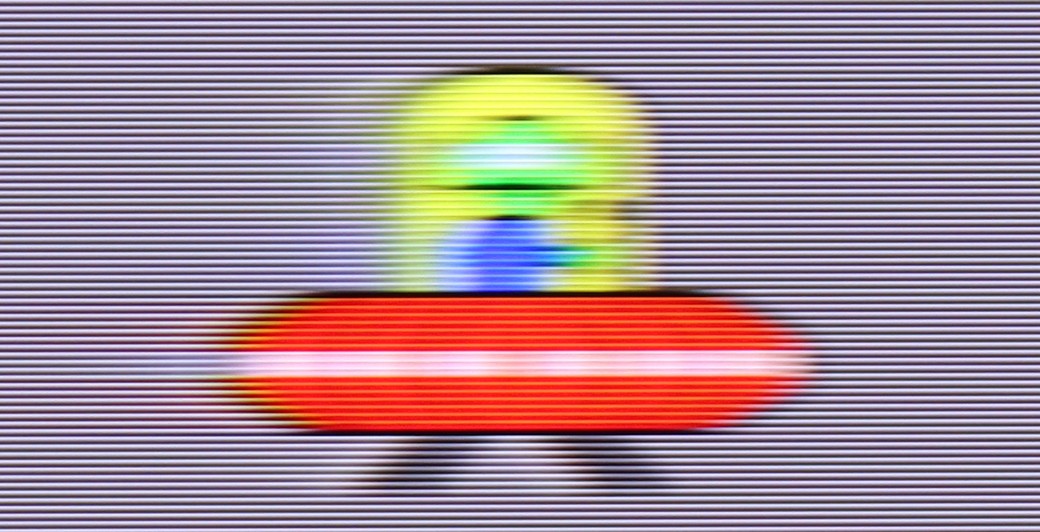
Blur (native resolution, maximum refresh rate):



Blur (BFI function enabled):
Image flickers in this mode

Blur ():
Blur (4K@144Hz):

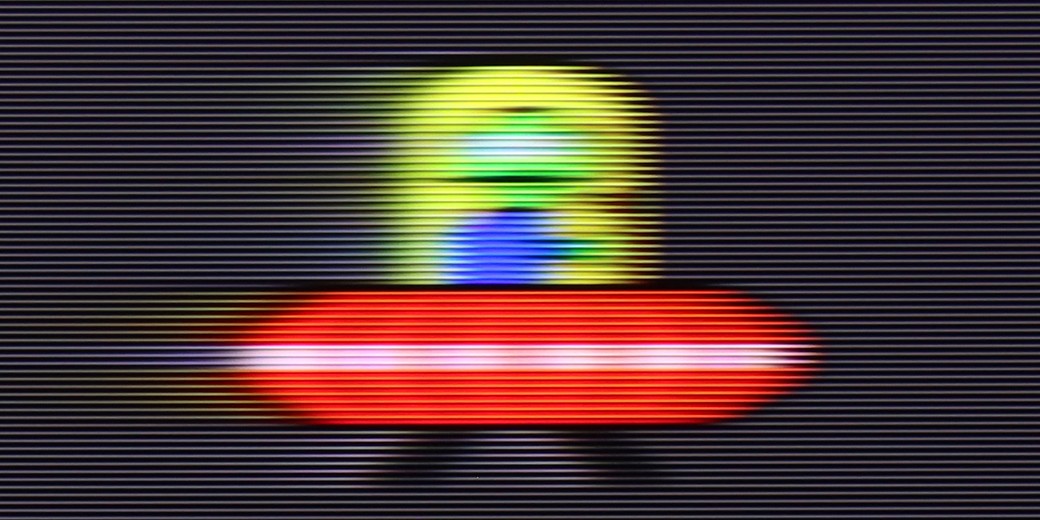
When it comes to motion fluidity, the television performs really well. Although the S7NQ was mainly designed for displaying static elements – such as images – the manufacturer has utilized a panel with a refresh rate of 144 Hz. As a result, sports or games look really good on it.
For materials that are not recorded at a high frame rate, the manufacturer provided two features that allow you to adjust the picture to your own preferences. "Motion blur reduction" and "motion smoothing" operate on a 10-level scale, allowing you to choose between a more cinematic image – with characteristic frame jumps – and a smooth effect reminiscent of a "soap opera." How to set this up? That's a personal matter – we leave the decision to you.
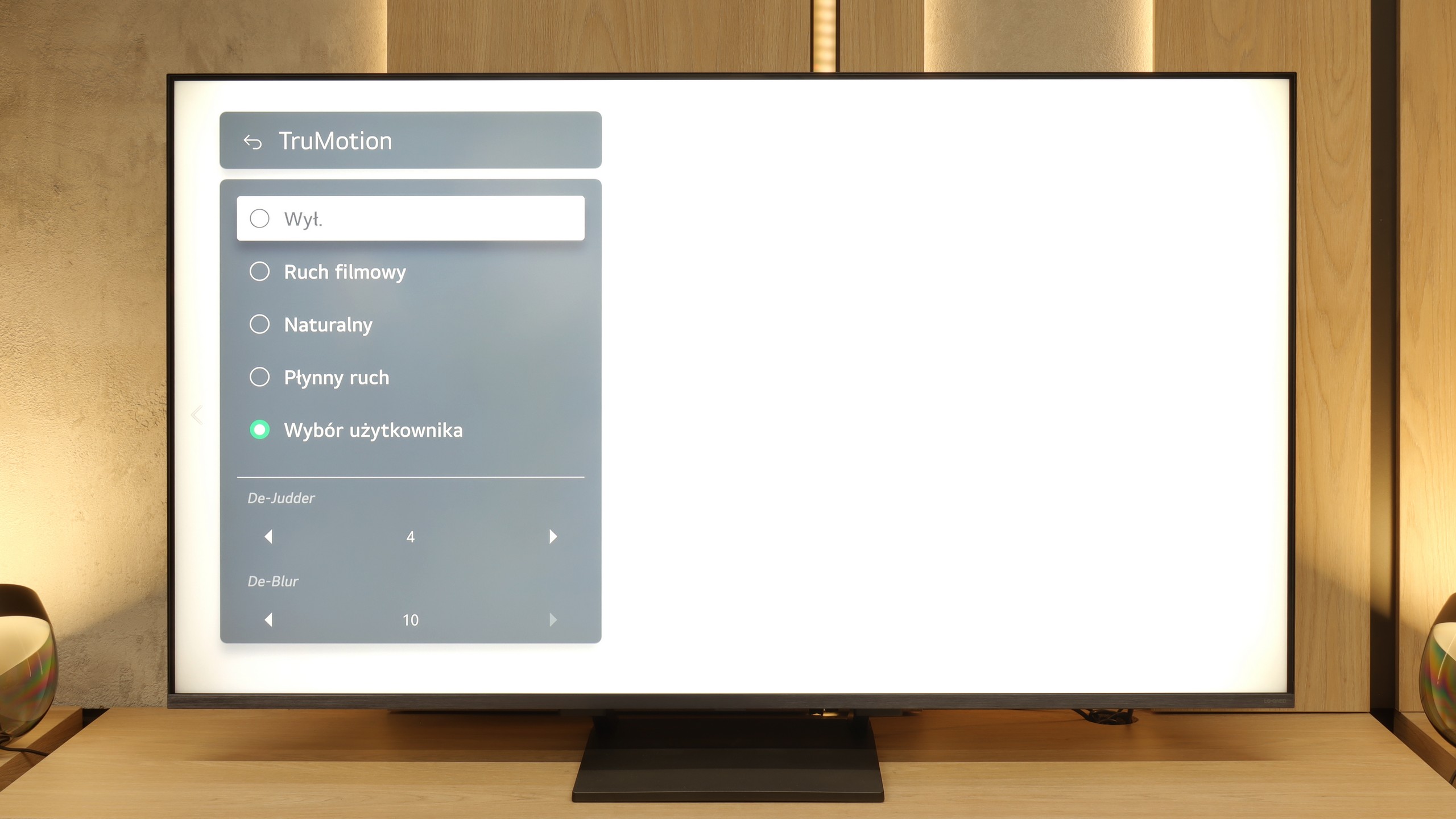
LG QNED93A is equipped with a 144 Hz panel. This is primarily a nod to gamers, but the fact that higher refresh rates are increasingly making their way into televisions can be seen as a positive development. In everyday viewing, 120 Hz remains key, and in this regard, the QNED93A performs well. The manufacturer also provides the option to adjust the image through the TruMotion system – the De-Judder and De-Blur sliders allow you to choose between a cinematic motion character with visible frames and a fully smoothed theatrical motion.
Console compatibility and gaming features
8.5/10
9.8/10
- ALLM
- VRR
- VRR range48 - 144Hz48 - 144Hz
- Dolby Vision Game Mode
- Correct implementation of HGIG
- 1080p@120Hz
- 1440p@120Hz
- 4K@120Hz
- Game bar

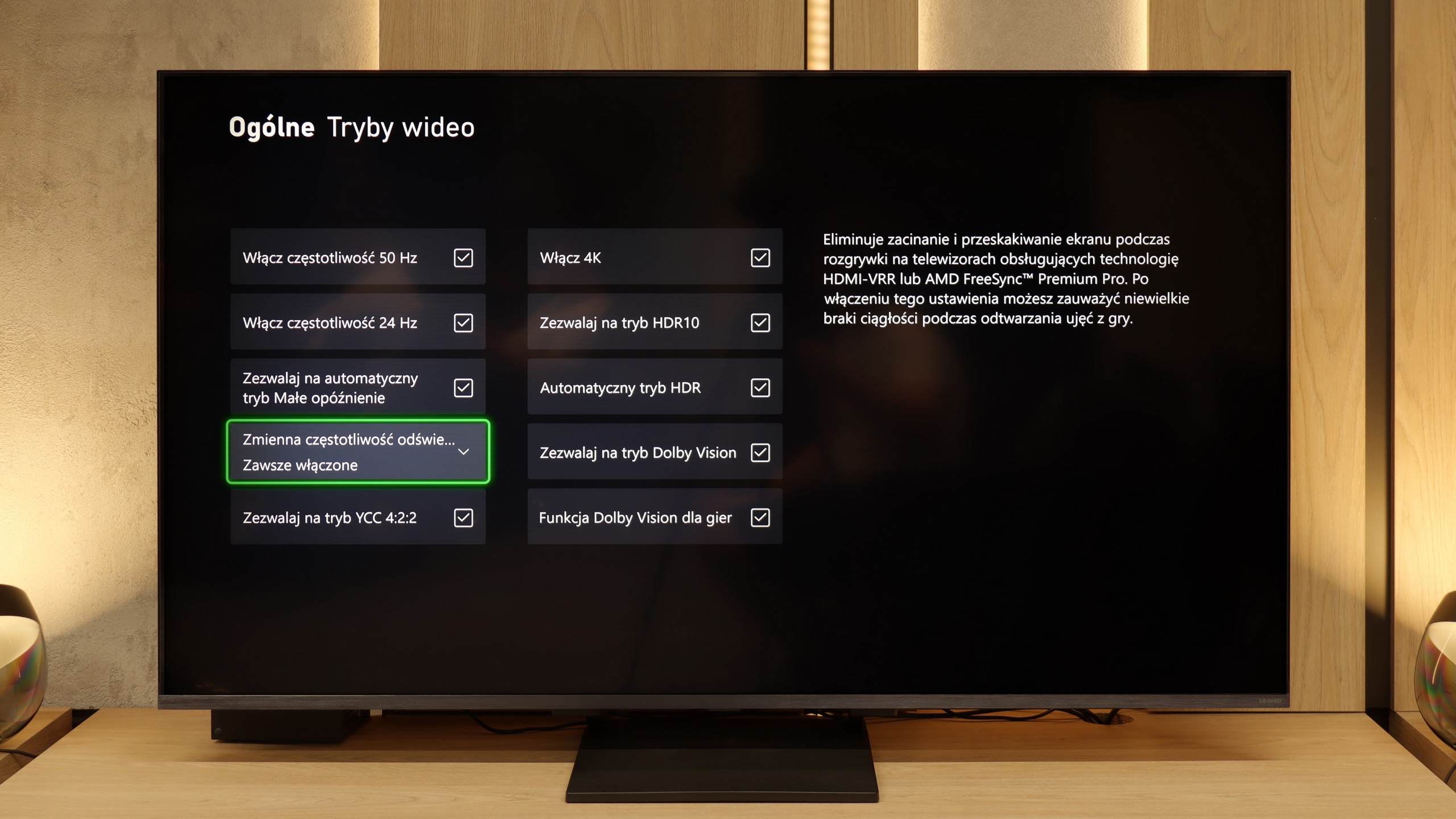

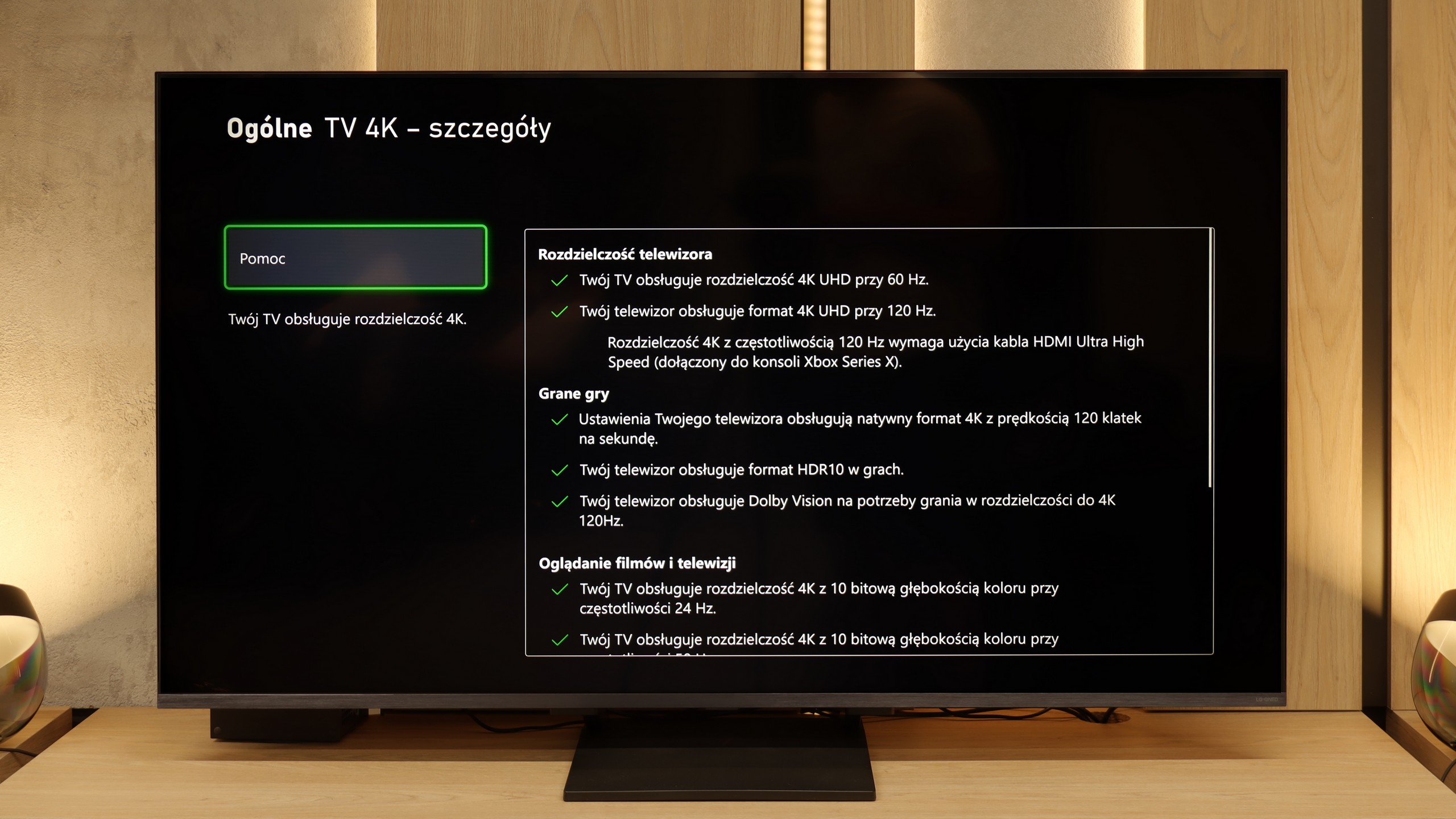

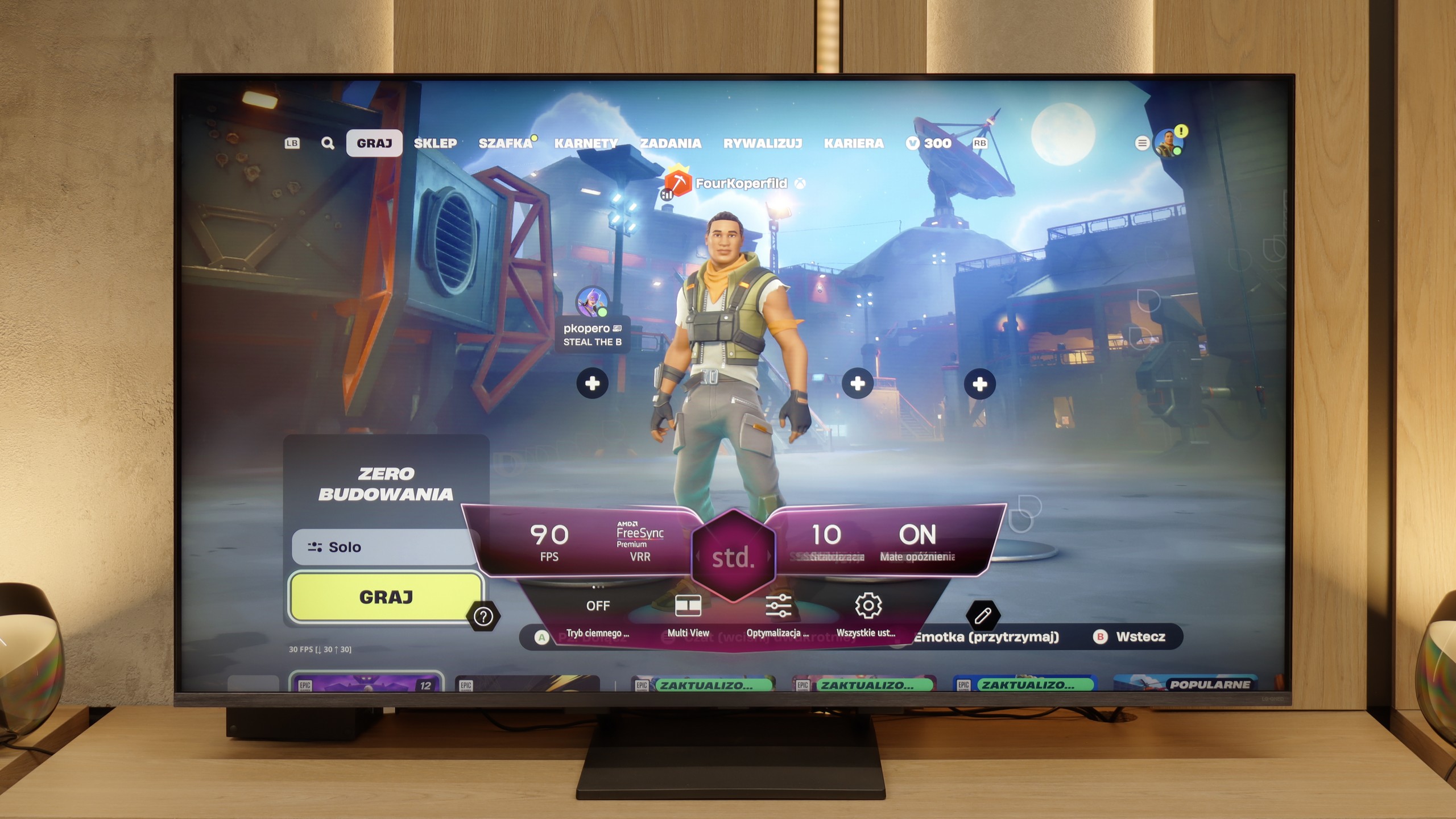

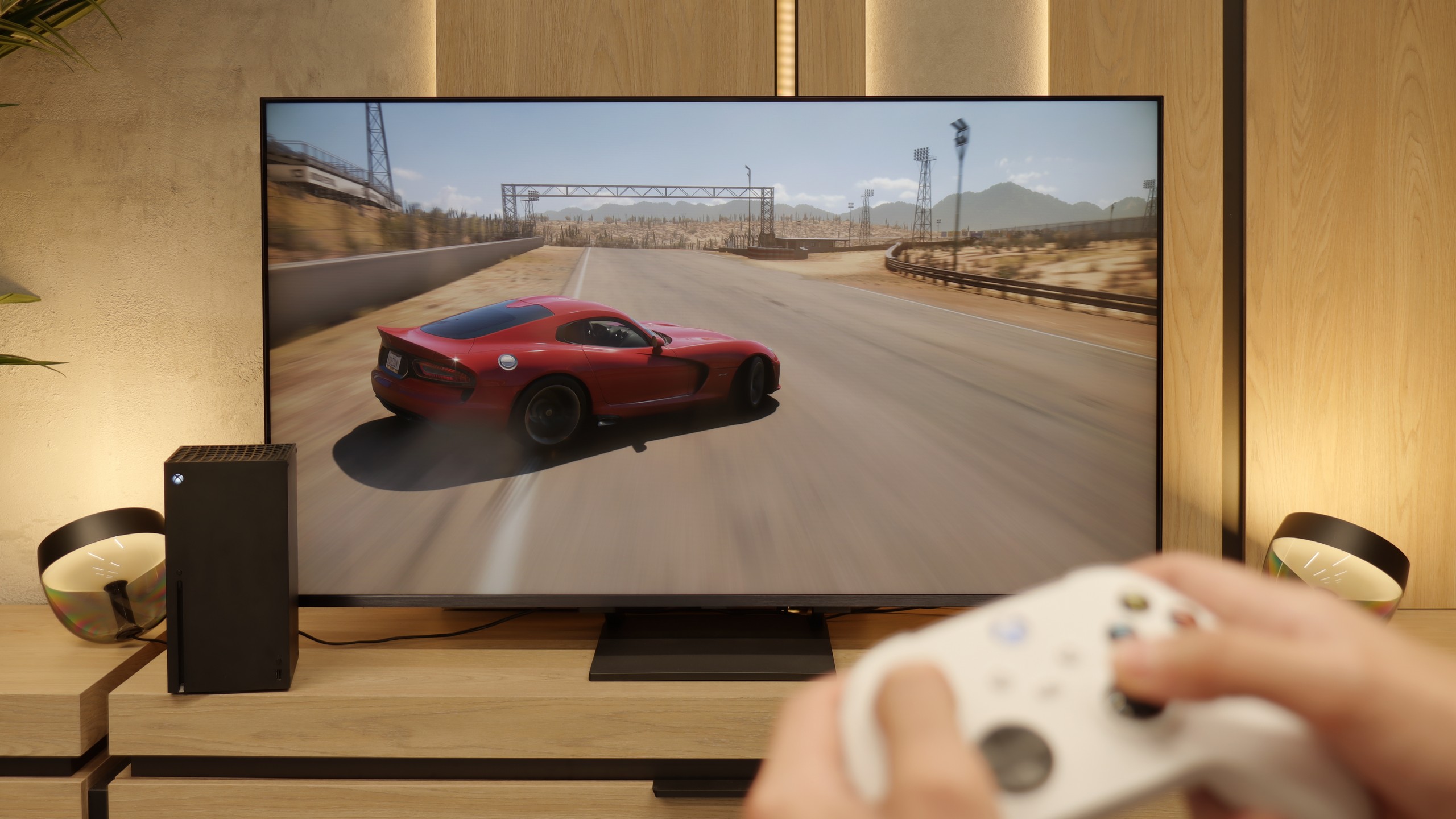
Even though the S7NQ is an "image" type TV, you can actually play games on it. Really. It has almost everything (except for HGiG mode) that a modern gaming TV needs. The 144 Hz panel and two full-fledged HDMI 2.1 ports allow for seamless connection of two consoles, such as PlayStation 5 or Xbox Series X/S.
The TV supports automatic game mode (ALLM) and frame synchronization (VRR) without any stuttering or issues. It also handles high frame rates at lower resolutions without a hitch. We must commend Hisense for the very attractive Game Bar – it displays all available picture options, and additionally, we have the ability to zoom in on the mini-map or enable a crosshair (because sometimes someone might actually want to "aim" 😉).
The only missing element – as we mentioned earlier – is the lack of a proper implementation of HGiG mode. It is responsible for automatically setting the picture in games as the creators intended. It's a shame because that’s the only thing separating the Hisense S7NQ from being a full-fledged gaming "monster."
LG QNED93A is a television that has undoubtedly been designed with gamers in mind. Right from the start, we get a complete package – all four HDMI ports operate at standard 2.1, so whether we connect a console, PC, or receiver, we can be sure of full compatibility. This is important because many manufacturers still limit themselves to two ports, and here nothing prevents all equipment from having maximum capabilities. There’s also an automatic game mode (ALLM), which switches the television to the appropriate settings when the console starts up, as well as variable refresh rate (VRR). This ensures that the image does not stutter or tear, even when the frame rate drops – whether in dynamic shooters or during races.
The 144 Hz panel gives an additional advantage in computer games. While 120 Hz is sufficient for consoles, in the case of PCs, the QNED93A allows for even more – every movement, every glance to the side is refreshed faster, which makes a difference especially in e-sports. The manufacturer also considered HDR in games – the television supports the HGiG mode, which provides guidelines to ensure that the lighting effects are exactly as intended by the game developers. For dessert, we get Game Bar – a special informational strip invoked on the screen that shows parameters in real-time. You can check the frame rate, active VRR functions, or input lag levels. This solution is useful not only for settings enthusiasts, but for anyone who wants to quickly verify what mode the television is operating in and whether everything is working as it should.
Input lag
8.7/10
9.8/10
SDR
HDR
Dolby Vision
Input lag on the Hisense S7NQ performs well, although it cannot be said to be outstanding – especially for the standards of 2024/25. Values around 30–20 ms may not be very high and the average player probably won’t notice it, but those who spend a lot of time gaming may feel a slight discomfort.
The situation looks definitely better when playing in Dolby Vision mode – then the delay is lower and gameplay feels more enjoyable. The problem is that there are still few games supporting this mode and they are primarily available on the Xbox console.
In the latency field, the LG QNED93A has nothing to be ashamed of. The TV responds instantly to our actions, which is evident from the first tests with the controller in hand. In 120 Hz mode, the input lag drops to around 7 ms, meaning nearly instant response – shots, passes, and precise movements of the stick immediately translate to the screen. For 60 Hz content, the result slightly increases to just under 15 ms, but it still remains within the full comfort zone. An interesting feature is the Dolby Vision mode for games, which works with the Xbox Series X on the QNED93A. Here, the lag increases to about 20 ms. In theory, this could be considered a deterioration, but in practice, it’s still a very good result. Even with such a demanding picture standard, gameplay remains dynamic, and the differences in control are practically imperceptible.
Compatibility with PC
7/10
8.6/10

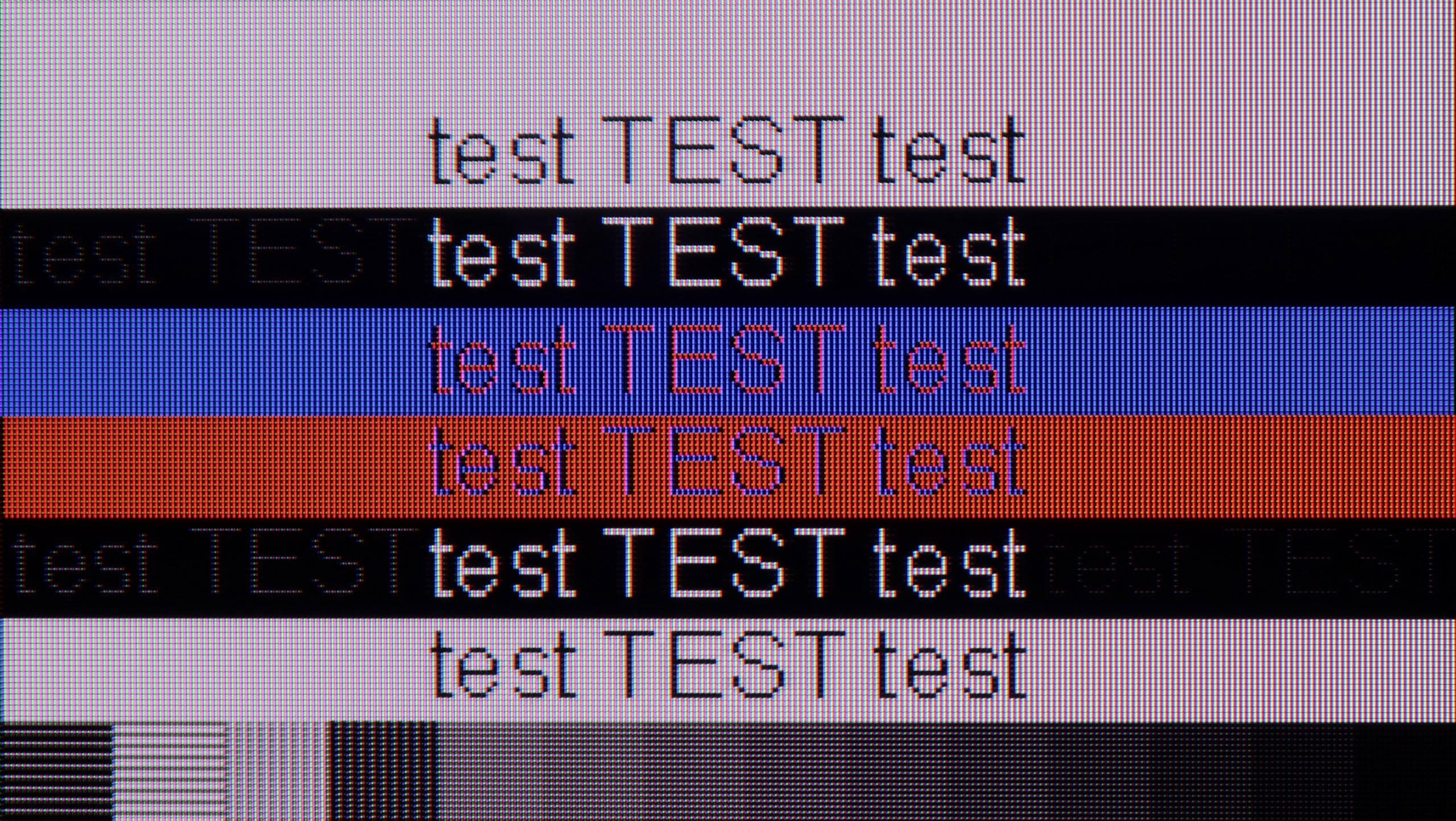
The photo shows the legibility of small fonts. Ideally, lines should be the same thickness on both light and dark text, with minimal pixel gaps.
When it comes to working with a computer, the S7NQ Canvas TV performs really well. Gaming on it is seamless thanks to the presence of a 144 Hz panel and support for G-Sync with Nvidia cards. Input lag – as we mentioned earlier – is good, though not outstanding.
And how about working? It’s doable. The TV has a proper implementation of chroma 4:4:4, so fonts look quite sharp. One could nitpick about some minor issues with the thinnest letters on a dark background, but let's be honest – rarely does anyone sit a meter away from a 55-inch screen reading small text.
A new feature in this year's model is full support for 144 Hz refresh rate, which PC gamers will appreciate. The QNED93A works with both Nvidia graphics cards, offering compatibility with G-Sync, and with AMD products, where it supports FreeSync Premium Pro. This ensures smooth gameplay without screen tearing or stuttering, and the panel itself performs very well in dynamic esports titles and demanding AAA productions.
Equally important is the clarity of the image in everyday work. The television supports chroma 4:4:4, so fonts in Windows and applications are sharp and clear. However, we noticed a small detail - with a dark background and bright letters, subtle horizontal lines may appear due to the arrangement of subpixels. This is a minor detail that does not affect the comfort of using the television on a daily basis, but perfectionists may notice it after spending more time with text. But we don't think anyone would want to work on a 55-inch screen with text sitting less than 1 meter away from it 😉.
Viewing angles
3.4/10
2.9/10
The viewing angles are typical for a VA matrix. The S7NQ loses quite a bit when viewed at an angle of about 45 degrees – the colors fade, and the brightness drops significantly. It's a pity because, after all, this is a television that is intended to display works of art – it would be nice to be able to look at them from different places in the room, not just straight on.
QNED93A uses a VA matrix, and that means one thing: the category of viewing angles becomes its Achilles' heel. Already at an angle of about 45 degrees, brightness drops by as much as 80%, and colors begin to noticeably fade. This is the natural price for the high contrast that VA panels offer. There is no additional coating to improve angles, as found in some more expensive models, so the QNED93A looks best when viewed directly. If you are planning a large family viewing, where some viewers will sit more to the side, you should expect that the image will not be as attractive as it is at the center of the screen.
Daytime performance
5.4/10
6.2/10


Panel brightness
LG QNED93A / QNED90A: 546 cd/m2
Hisense S7NQ CanvasTV: 497 cd/m2
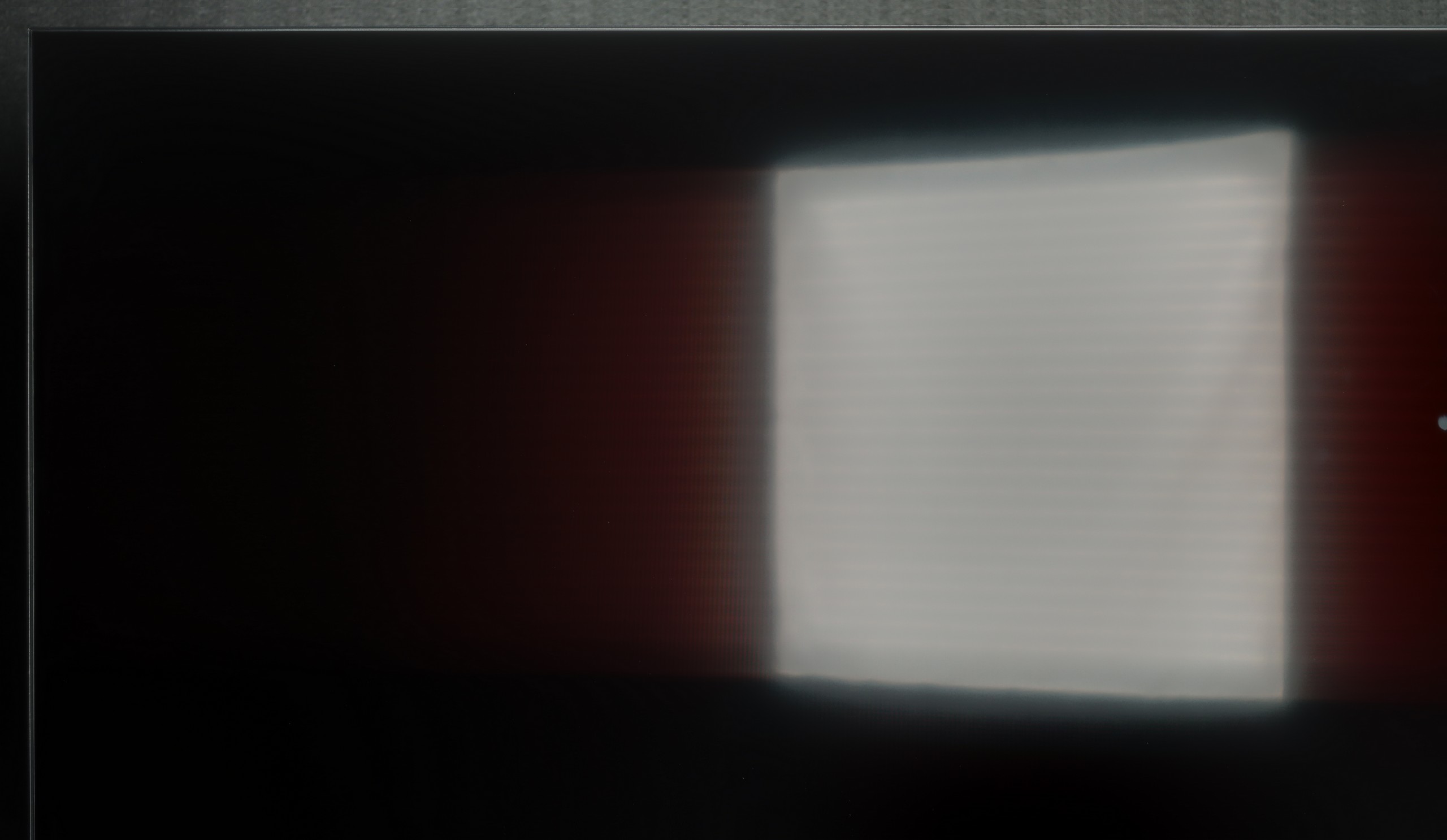
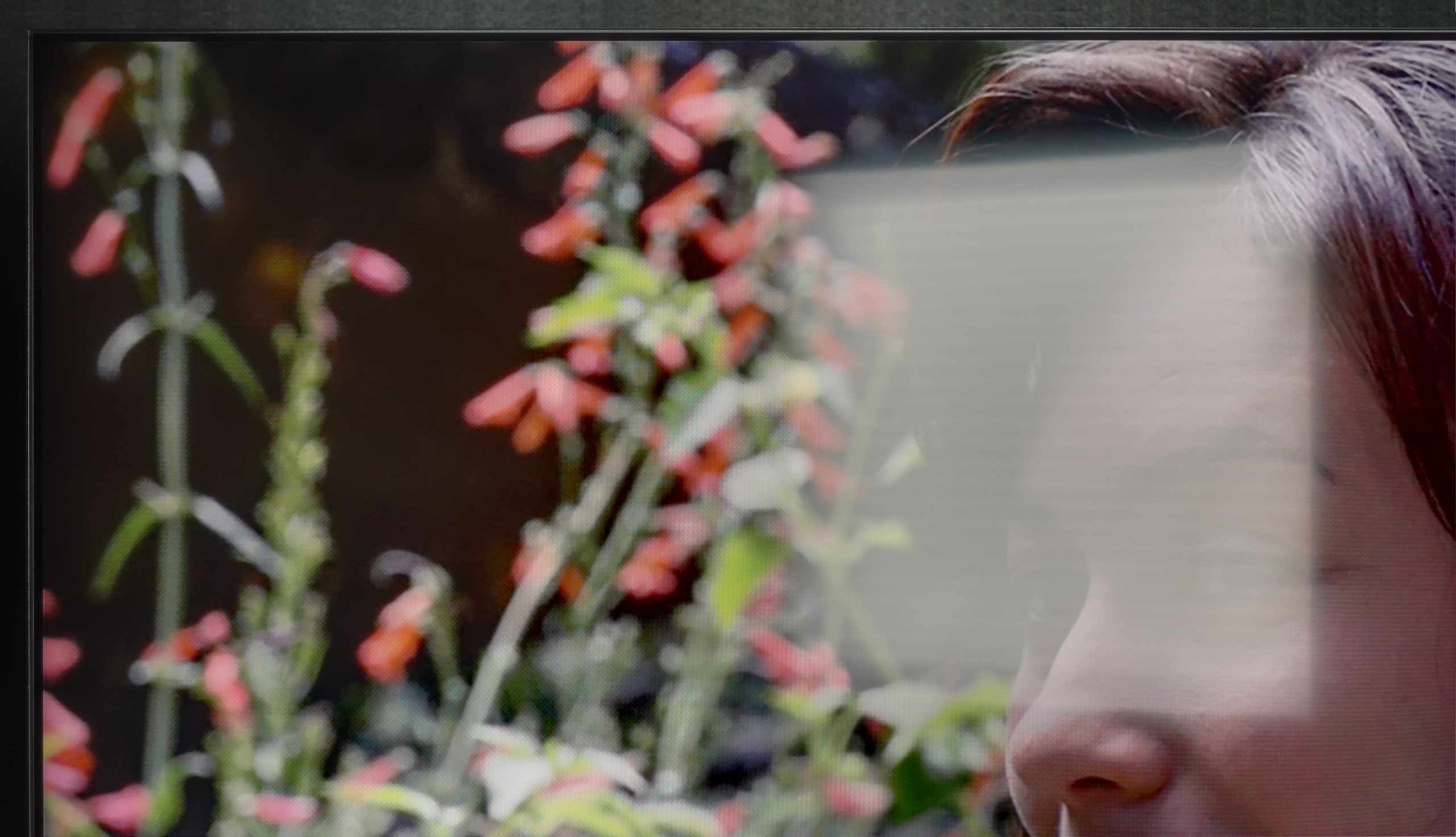
The Hisense S7NQ Canvas TV is equipped with a matte panel that effectively suppresses reflections – very similarly to its Chinese rival, the TCL A300 NXTVision. Unfortunately, both designs fall short in this category compared to Samsung's The Frame, which offers significantly better anti-reflective coating. In the case of the Chinese models, including the S7NQ, colors fade significantly under light, and black performance in such conditions is weak. The brightness of the television reaches about 500 nits – a pretty decent value for a matte screen, but still lower than that of the aforementioned The Frame. Generally, if someone prefers matte displays, well... it looks like it looks – Samsung simply did it better.
LG QNED93A uses a satin matrix that handles reflections moderately well. It is certainly not at the level of matte screens, but it doesn't have the mirror-like effect seen in models with a glossy surface. As a result, reflections are not too bothersome, and colors maintain their intensity even when light from the window hits the screen. Brightness is also a plus. The average level in HDR mode stays within 550-600 nits. This means that the television performs well in well-lit rooms, and you can enjoy a viewing experience even during the day when the blinds are only partially closed. In the role of a large screen in the living room, the QNED93A really performs well.
Panel details
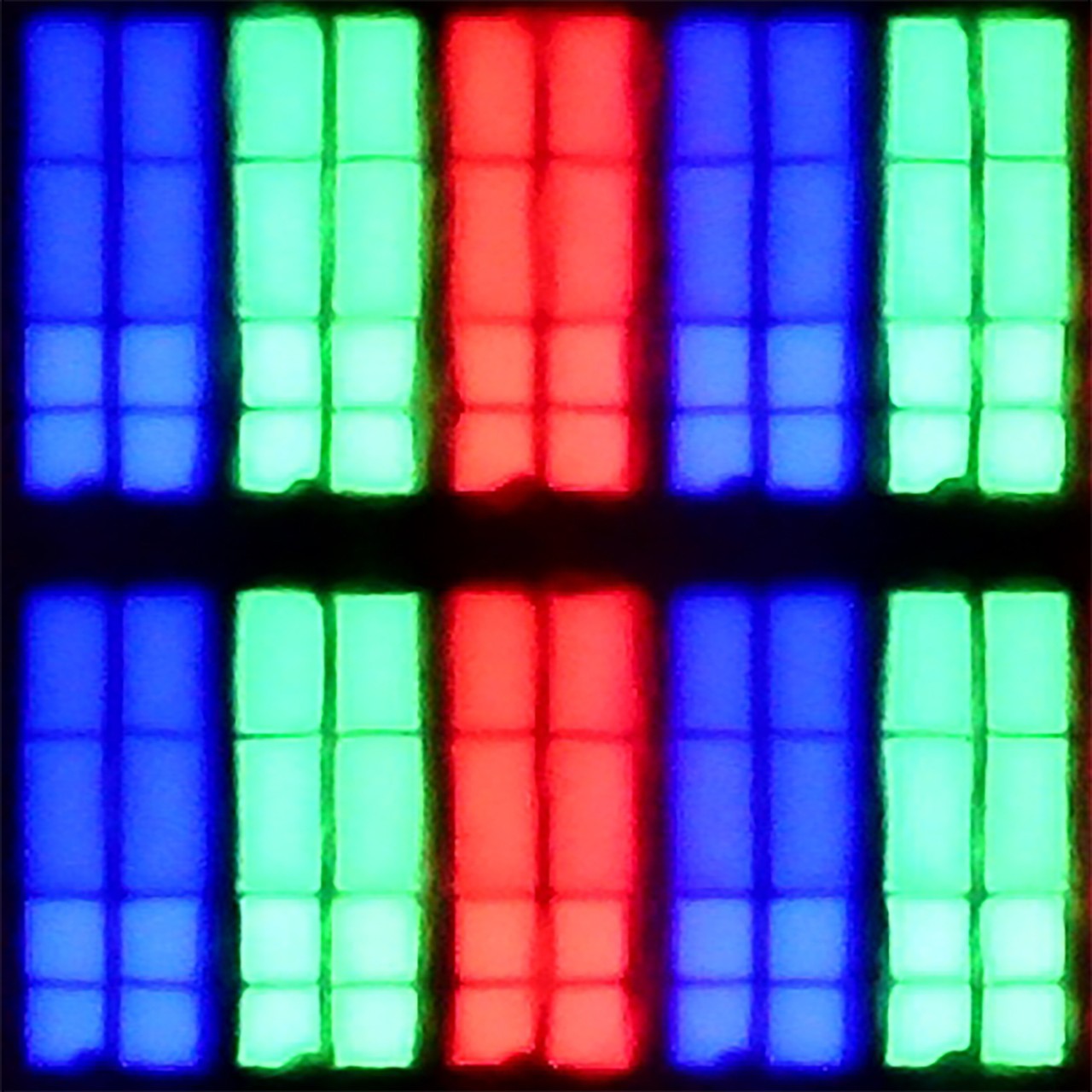
Subpixel Structure:
Panel uniformity and thermal imaging:

Hisense S7NQ CanvasTV
LG QNED93A / QNED90A
TV features
9/10
8.2/10
- SystemVIDAAWebOS
- System performanceGoodDecent
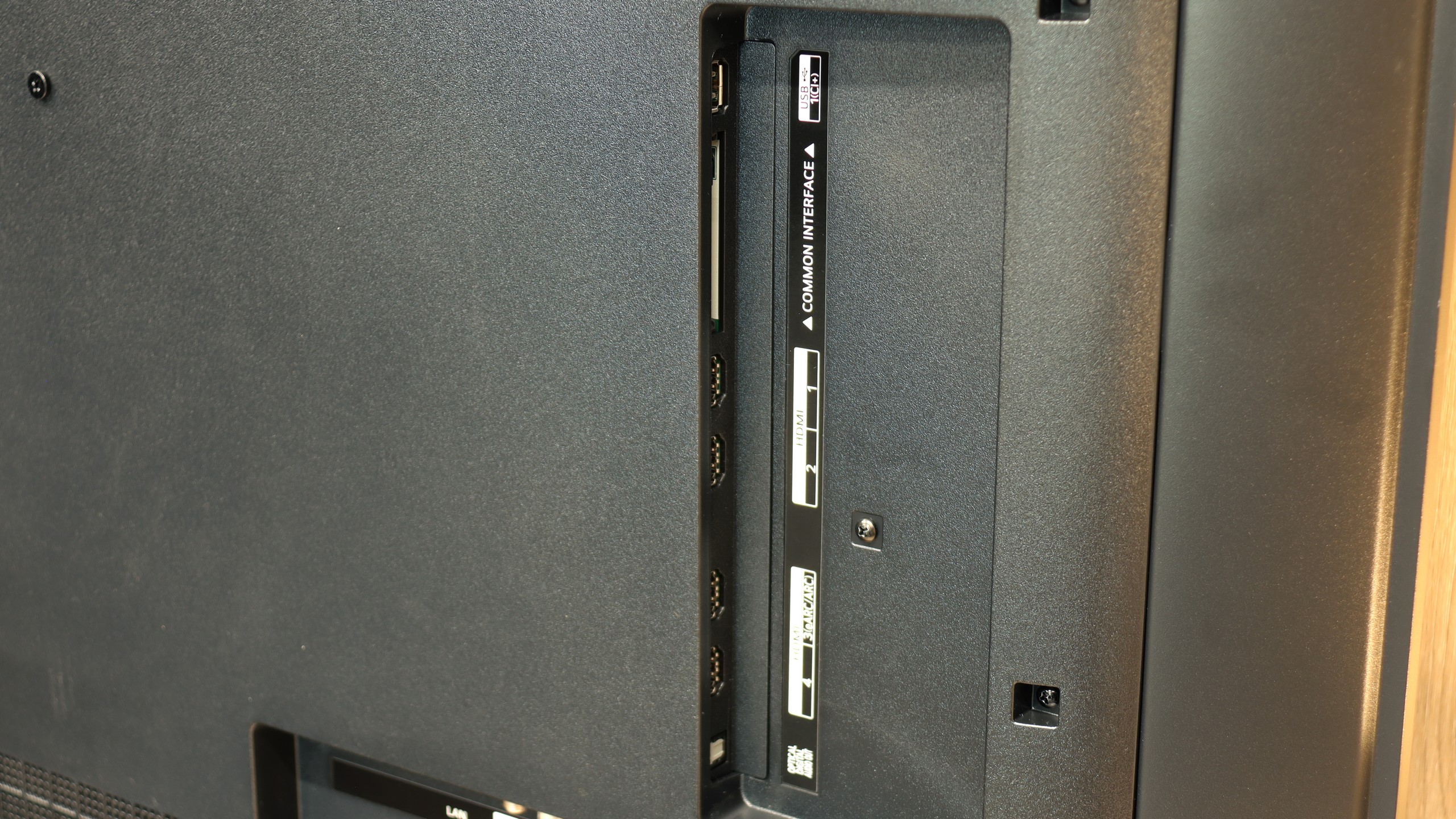
- HDMI inputs2 x HDMI 2.0, 2 x HDMI 2.1 48Gbps0 x HDMI 2.0, 4 x HDMI 2.1 48Gbps
- OutputsToslink (Optical audio), eARC (HDMI), ARC (HDMI)Toslink (Optical audio), eARC (HDMI), ARC (HDMI)
- Network InterfacesWi-Fi 2.4GHz, Wi-Fi 5GHz, Ethernet (LAN) 100MbpsWi-Fi 2.4GHz, Wi-Fi 5GHz, Ethernet (LAN) 100Mbps
- TV receptionDVB-T, DVB-T2, DVB-S, DVB-S2, DVB-CDVB-T, DVB-T2, DVB-S, DVB-S2, DVB-C
Classic features:
- Recording to USB (terrestrial TV)
- Recording programming
- Picture in Picture (PiP)
- RF remote control (no need to aim)
- Backlit remote control
- Teletext
- Audio only mode
- Bluetooth headphones support
- Simultaneous Bluetooth headphones & TV audio
Smart features:
- AirPlay
- Screen mirroring (Windows Miracast)
- Voice search
- Voice search in native language
- Ability to connect a keyboard and mouse


Sound connection options
- HDMI audioeARC (HDMI), ARC (HDMI)eARC (HDMI), ARC (HDMI)
- Other audio outputsToslink (Optical audio)Toslink (Optical audio)
- Wireless audioBluetoothBluetooth
Supported audio formats (external HDMI eARC audio):
- Dolby Digital Plus 7.1
- Dolby True HD 7.1
- Dolby Atmos in Dolby Digital Plus (JOC)
- Dolby Atmos in Dolby True HD
- DTS:X in DTS-HD MA
- DTS-HD Master Audio
Senior accessibility
- Numeric keyboard on TV
- Font size adjustment
- Audio description
Since the Hisense S7NQ is a special-purpose television, we will start the description a bit differently – with the most important aspect of such models, which is displaying works of art. Like all "art" televisions, it features a special mount that allows the screen to be installed completely flat. The biggest advantage over the Korean Samsung The Frame is the fact that, despite the smaller availability of images in gallery mode, all of them are completely free – there is no subscription fee required. An additional bonus included with the S7NQ is the light brown frame. This is a significant plus, especially if someone was already planning to choose this particular color – it can save some money both on the frame and the subscription.
However, when it comes to the quality of the displayed images, it is unfortunately evident that the Samsung The Frame performs significantly better in this regard. The images in the S7NQ look more digital, while in The Frame, the Art Store mode offers true scans of works of art, where you can even see the texture of the paint or the artist's brush strokes. And again, we return to the old truth – for better quality, you simply have to pay.
Fortunately, the S7NQ is not just an "art", but also a normal television – and in this role, it performs really well. Like most Hisense models with the VIDAA system, we find many basic functions here, such as recording to USB, screen mirroring, and AirPlay support. As for the apps – the most popular streaming services are present, and you can find their full list below.
Smart Features
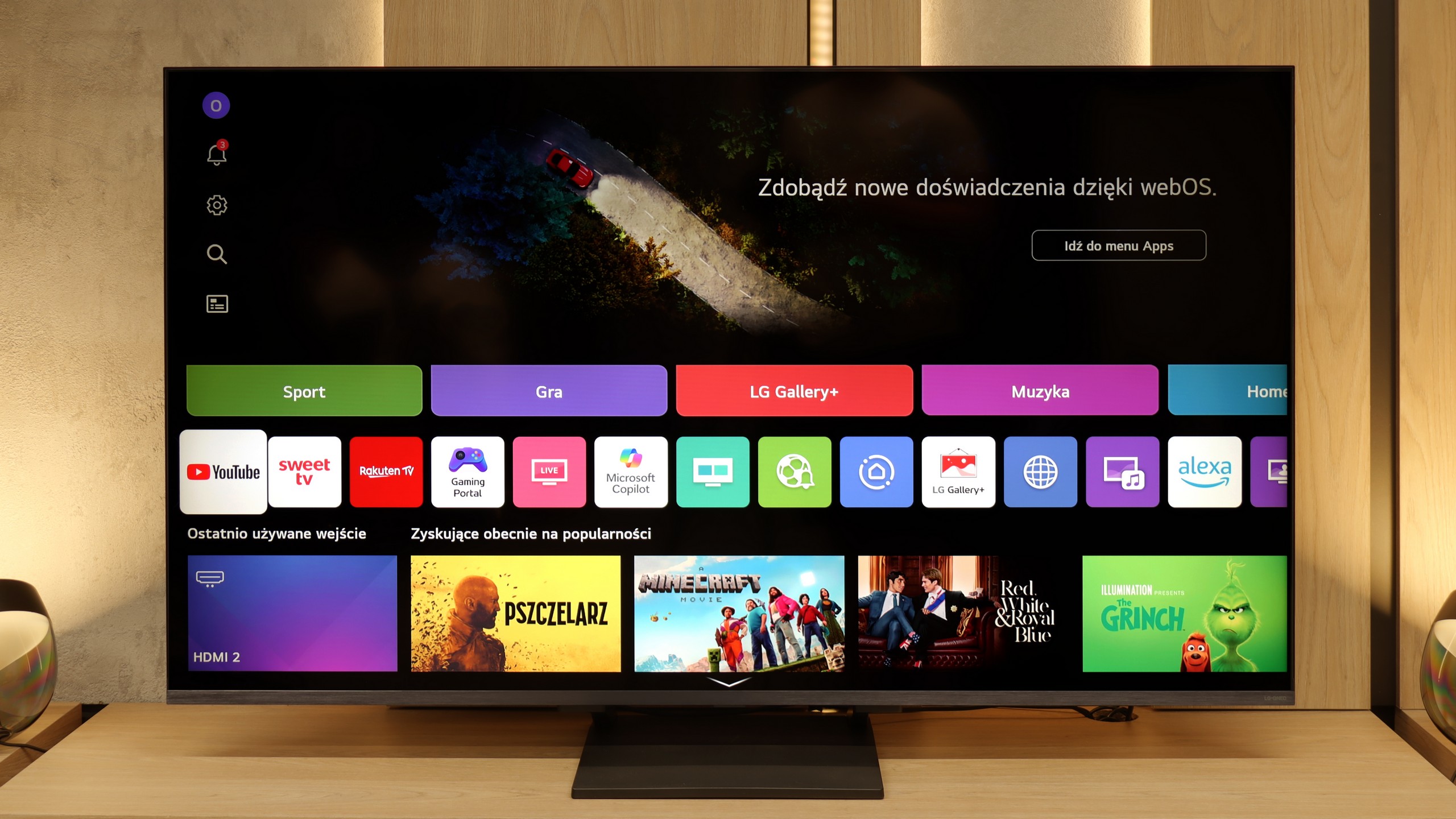
QNED93A operates under webOS, one of the most enjoyable Smart TV systems. It includes AirPlay, Screen Mirroring, Chromecast, and convenient voice control. The platform is reasonably clear and mostly fast, although in the tested unit, there were instances where the response to pressing the remote required a moment of "thought." However, it is hard to consider this a serious issue – webOS remains a refined system and will likely receive further updates to improve it even more.
Classic Features
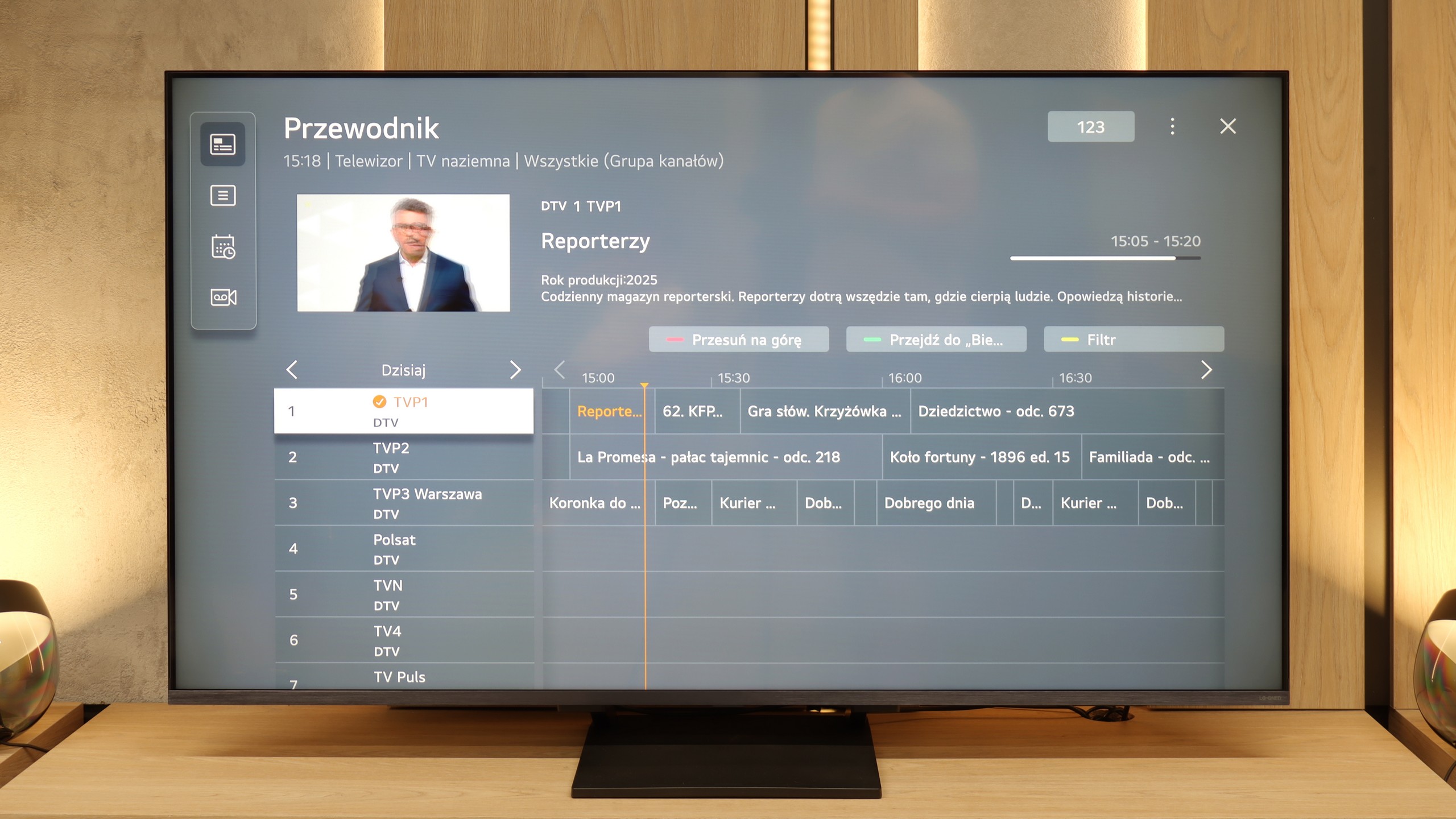
In this model, LG did not include the old Magic remote with a numeric keypad, but the TV itself performs excellently as a screen for everyday viewing of antenna channels. The EPG interface is clear, the TV offers a television guide, and we have the ability to record programs from the built-in tuners directly onto a USB drive. Everything works correctly and intuitively. We only missed the PiP function, which in 2025 is offered by just two manufacturers.
Magic Remote
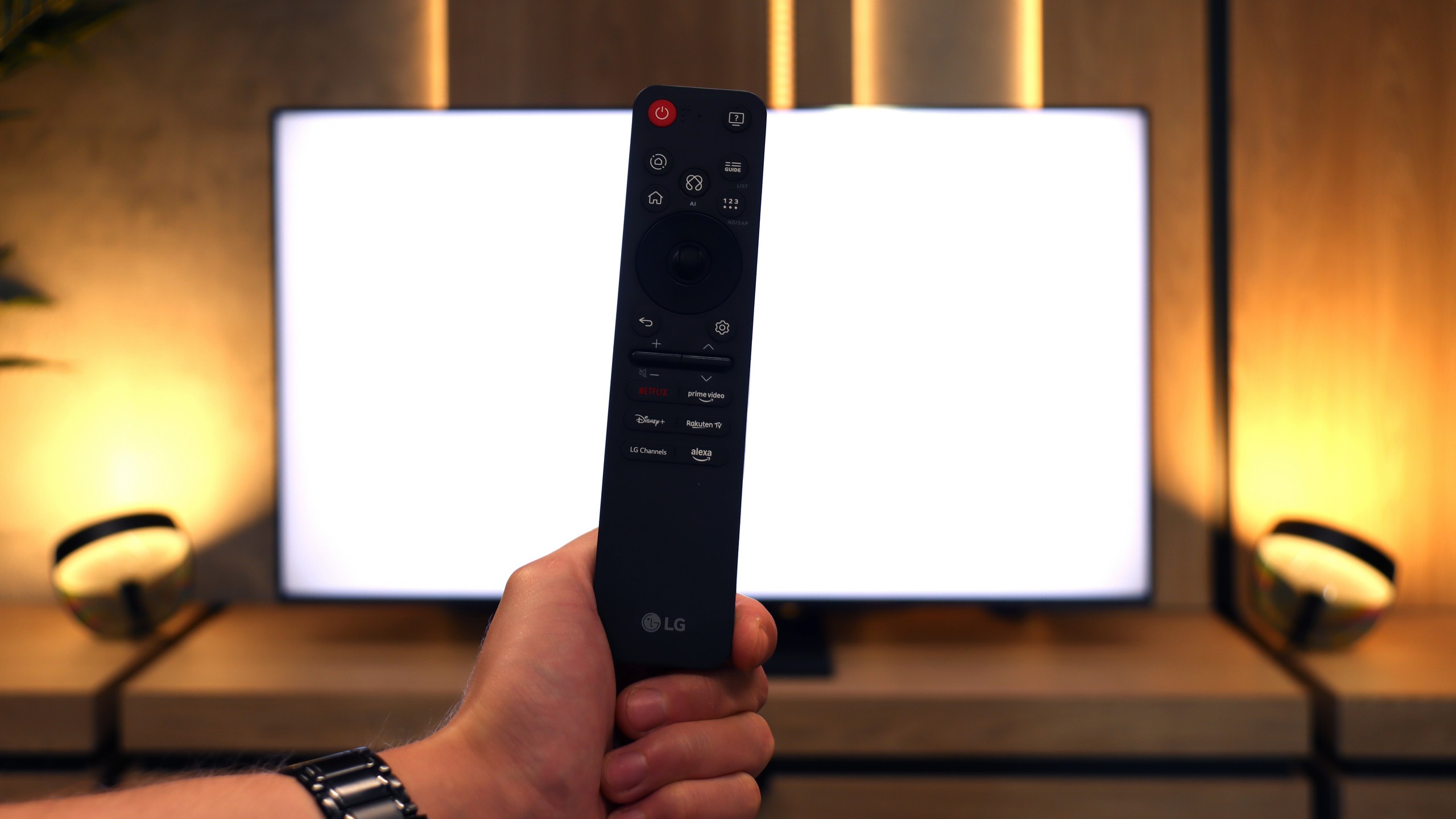
The Magic remote is still the biggest difference compared to the competition. In 2025, it underwent a slight facelift – it has fewer buttons and resembles the minimalist remotes from Samsung a bit. However, the cursor remained key, functioning like a magic wand. Just move your hand, and the pointer on the screen follows your movement. It’s incredibly simple yet very convenient. Navigation in the menu or entering passwords is much faster, and it’s hard to switch back to classic buttons afterwards.
Apps
7.7/10
9.1/10






















Playing files from USB
5.4/10
8.8/10
Supported photo formats:
Maximum photo resolution:

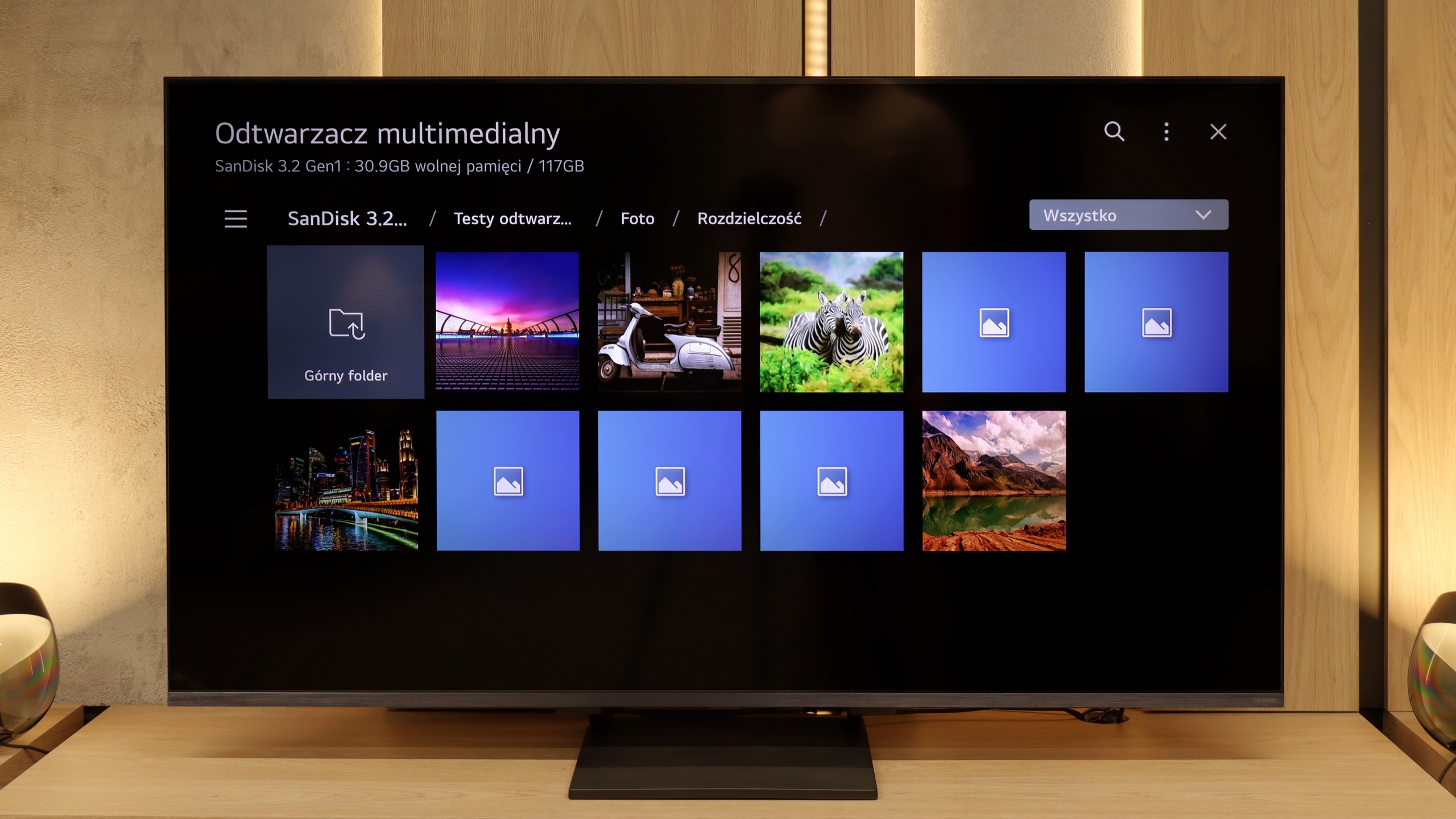
The Hisense S7NQ easily plays the vast majority of popular audio, image, and video formats. So why the relatively low rating in this category? Well, it’s because of software issues. This is another Hisense TV that didn’t allow us to open external subtitles in films. Regardless of whether we’re talking about the .ass, .srt, .txt, or .sub format – the subtitles simply didn’t appear.
The funniest (or rather, the most frustrating) part of it all is that in the menu, we find options to change the font color, size, and background… The problem is that the subtitles themselves are completely invisible.
The built-in media player in the LG QNED93A handles most popular video and audio formats without any issues, so it’s perfectly sufficient for basic use. However, during testing, we noticed two minor hiccups. The first is the lack of support for HEIC files, which is Apple’s photo format. The manufacturer claims that the television should open them, but in practice, we were unable to confirm that. The second issue involved text files with subtitles in TXT format. Fortunately, other, more common subtitle formats worked without any problems, so it's hard to consider this a real limitation in everyday use.
Sound
6.3/10
6.9/10
- Maximum volume-81dB
- Dolby Digital Plus 7.1
- Dolby True HD 7.1
- Dolby Atmos in Dolby Digital Plus (JOC)
- Dolby Atmos in Dolby True HD
- DTS:X in DTS-HD MA
- DTS-HD Master Audio
When it comes to sound, it presents itself... like a television on the wall – that is, rather flat. Despite the use of a 2.0.2 speaker setup with a total power of 36 W, we cannot speak of any exceptional sound. But as is often the case – purchasing even the simplest soundbar can dramatically change the situation.
On the plus side, it must be noted that it supports practically all popular Dolby and DTS codecs. This way, we can easily connect the television to a home theater system without having to fiddle with settings or audio conversion.
LG QNED93A sounds quite pleasant for the built-in speakers in the television. The sound is fairly clear, and at moderate volume levels, vocals and dialogues come across distinctly. The bass, as is usually the case in relatively slim constructions, is not the strongest, but its presence can be felt and is completely sufficient for everyday viewing of series. The maximum volume reaches around 81 dB and does not lead to strong distortions, although in more demanding cinematic scenes, it's noticeable that the system has its limitations. Overall, the sound can be described as acceptable and not off-putting. It definitely won't compete with a soundbar, but it also won't ruin your movie experience.
Acoustic Measurements
No acoustic data
81dBC (Max)
75dBC