Hisense A6N is a simple model aimed at users looking for an inexpensive everyday TV. Thanks to its VA panel it offers decent contrast, which works well for watching regular TV, especially in the evening when reflections are not a problem. The digital processing also does a good job, so over-the-air and satellite broadcasts look pretty good for this price range. When it comes to gaming, the A6N is not bad, especially for casual players. Low input lag and support for features like ALLM and VRR are nice additions that make games run smoothly with minimal delay. Dolby Vision support is another plus, although at this screen brightness it's hard to get the full HDR experience. The VIDAA operating system is simple and responsive, but it has its limits. The number of available apps isn't impressive, popular services like Netflix and YouTube are there, but you can't count on more niche apps. That may be a problem for anyone who wants more versatility. Of course, as a budget model, the Hisense A6N has its drawbacks. The screen brightness is fairly low, so in a very sunlit room the picture can simply look washed out. Color coverage isn't impressive either, colors are less saturated. You notice this most when watching high-quality HDR content, for example series or films on Netflix. For people planning to use the TV as a computer monitor, it's also not the best choice, the lack of 4:4:4 chroma support makes text less sharp. The Hisense A6N is a budget TV that works well for everyday TV watching and occasional gaming. Its strengths, like decent contrast and smooth system operation, may satisfy less demanding users. However, for those looking for better image quality or more advanced features, it's worth considering other options that for a little more money can offer more.
- Matching (Score) |
- Our verdict |
- TV appearance |
- Where to buy |
- Contrast and black detail |
- HDR effect quality |
- Factory color reproduction |
- Color reproduction after calibration |
- Smoothness of tonal transitions |
- Image scaling and smoothness of tonal transitions |
- Blur and motion smoothness |
- Console compatibility and gaming features |
- Input lag |
- Compatibility with PC |
- Viewing angles |
- Daytime performance |
- Panel details |
- TV features |
- Apps |
- Playing files from USB |
- Sound
Hisense A6N vs Samsung DU8002 (IPS)
 Direct comparison

Check the best price offer:
Hisense A6N Check the best price offer:
Samsung DU8002 (IPS)DU8002 / DU8072

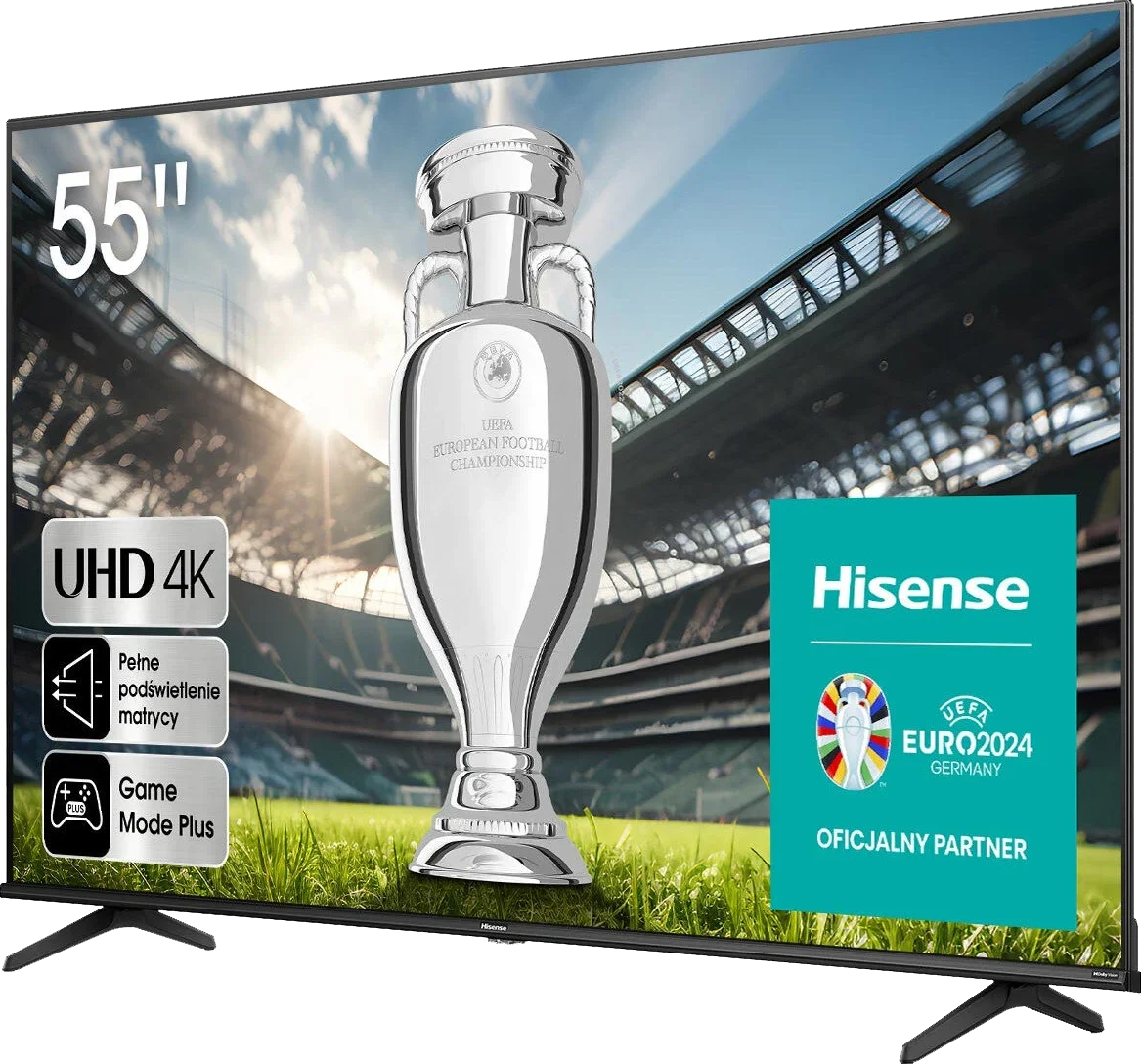
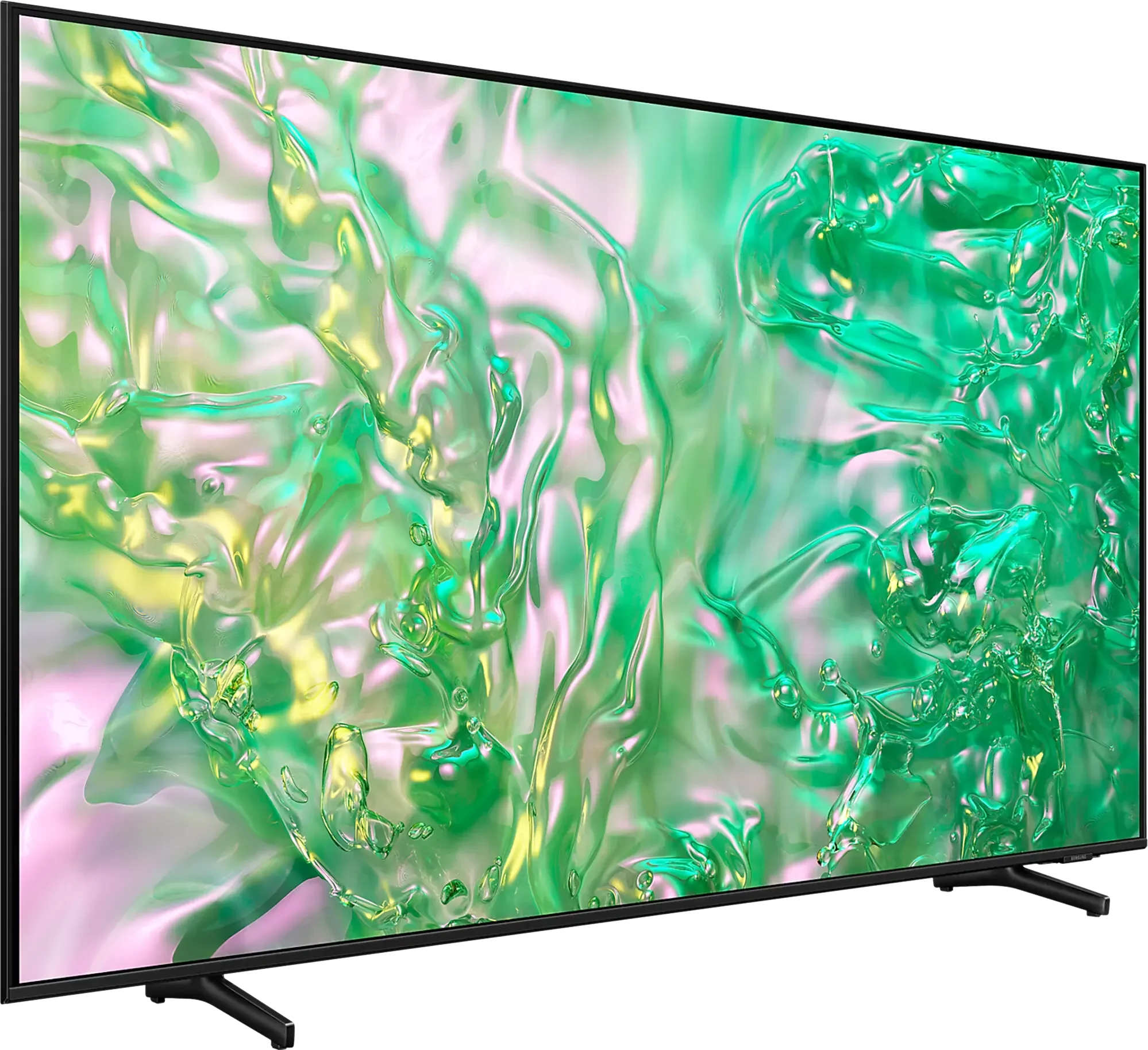
Panel type: LCD VA
Resolution: 3840x2160
System: VIDAA
Model year: 2024
Complete the survey to find out the result
Panel type: LCD IPS
Resolution: 3840x2160
System: Tizen
Model year: 2024
Complete the survey to find out the result
Overall rating
5.4
5.6
 Movies and series in UHD quality
 5.8
5.0
 Classic TV, YouTube
 5.6
4.8
 Sports broadcasts (TV and apps)
 4.5
5.5
 Gaming on console
 6.6
6.5
 TV as a computer monitor
 1.0
6.0
 Watching in bright light
 3.8
4.2
 Utility functions
 7.0
6.3
 Apps
Apps 7.7
9.3
 Sound quality
 5.5
5.9
Complete the survey to find out what fits your preferences
Advantages

Decent native contrast
Support for all HDR formats, including Dolby Vision, HDR10+, etc.
Decent for casual gamers, with ALLM, VRR, and Game Bar
Low input lag, even in Dolby Vision mode
Advanced and smooth operating system - Tizen
Excellent viewing angles
Perfect for PC work
Sleek, modern design - ideal for wall mounting
For occasional gamers - low input lag and ALLM mode
*120Hz in the 85' variant
Disadvantages

VIDAA's fledgling operating system - missing several apps
Poor panel brightness
Not suitable for use with a PC
Very weak contrast
Average brightness
No recording function
Our verdict
DU8002 is one of the models from the Crystal UHD series by Samsung, which will perform well as a television for everyday and occasional use. The Smart TV system based on Tizen works really well – it is fast, has a rich selection of apps, and a user-friendly interface, making daily use easier. In home use, the television stands out with excellent viewing angles, ensuring that even people sitting to the side will have a good picture. It is worth mentioning the small, handy remote that can easily control external devices like Canal+ set-top boxes. This somewhat compensates for the lack of recording functionality and adds versatility to the television. When it comes to gaming, DU8002 will be sufficient for those who spend casual time in front of the TV. Low input lag and the ALLM feature make gameplay smooth and comfortable. Due to the segment of the television, there are also certain compromises – the IPS panel provides good viewing angles, but this reflects on the contrasts, which are rather average. Additionally, low brightness may be a downside in well-lit rooms. In summary, DU8002 is a solid choice considering its price. However, if we think about a Samsung television and care about a better experience when watching high-quality content, it’s worth considering an upgrade to the Q60D model from the QLED series. For just a little more, you can get better picture quality and a wider set of features, which may be a more satisfying investment.
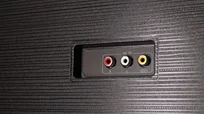
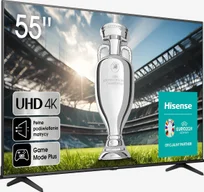
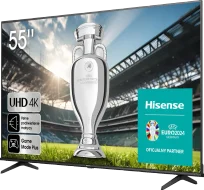
TV appearance
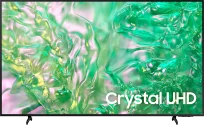
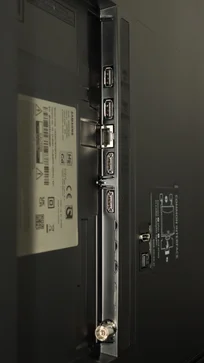
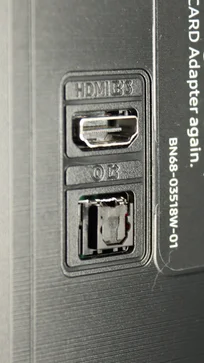

Contrast and black detail
5.6/10
1.1/10
Local dimming function: No
Local dimming function: No
Contrast:


Result
5,250:1

Result
5,150:1

Result
4,700:1

Result
4,950:1

Result
3,500:1
Result
750:1
Result
850:1
Result
750:1
Result
700:1
Result
650:1
Halo effect and black detail visibility:
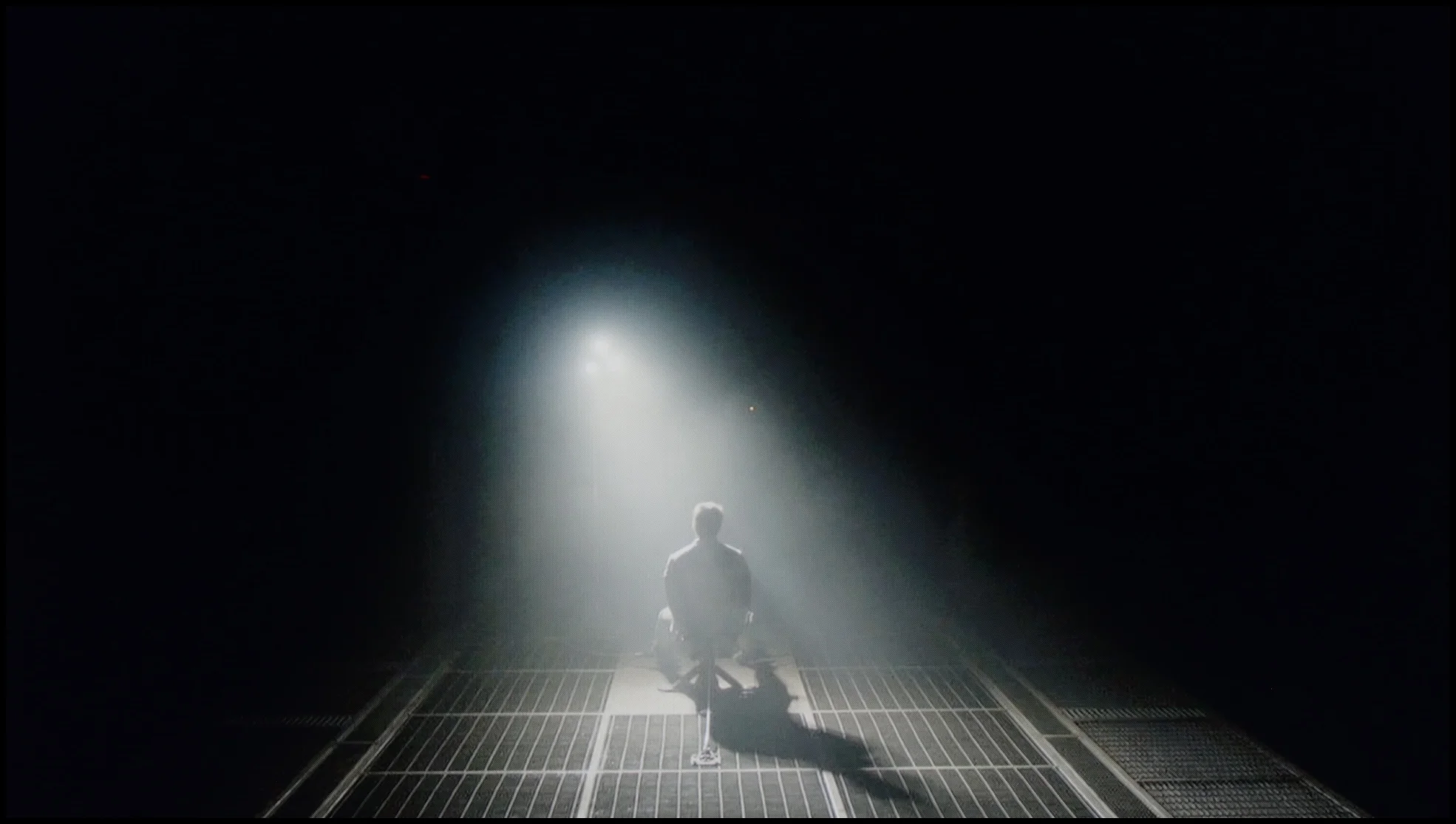
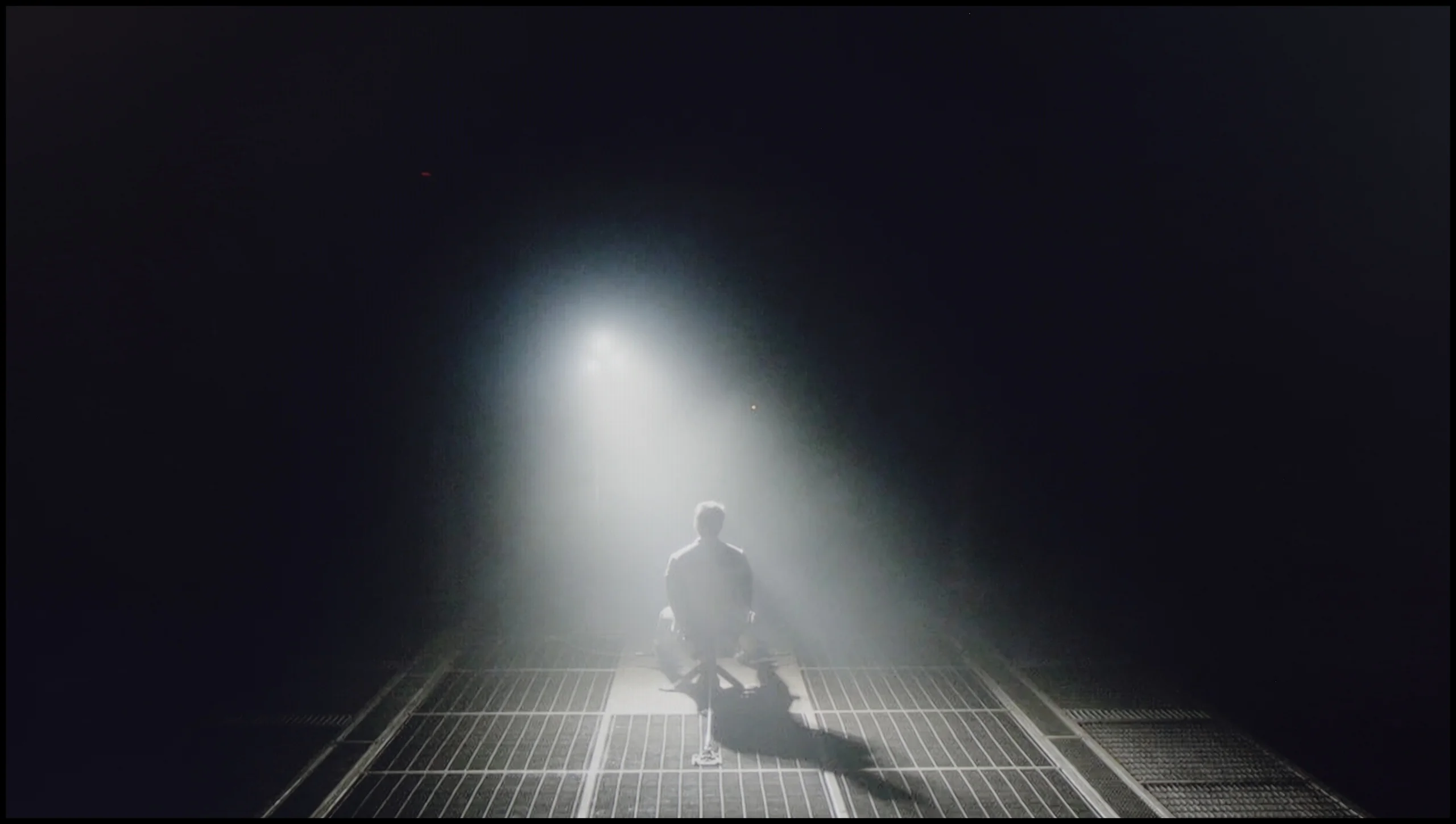
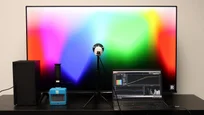
Check the visibility of bright lights on a dark background. Mini-LEDs often struggle with this. The photo does not compare black levels – that’s what the video below is for.
The video accurately shows differences in contrast and black levels between TVs, as well as potential issues: halo around bright objects or Mini-LED zone operation visible as brightness jumps.
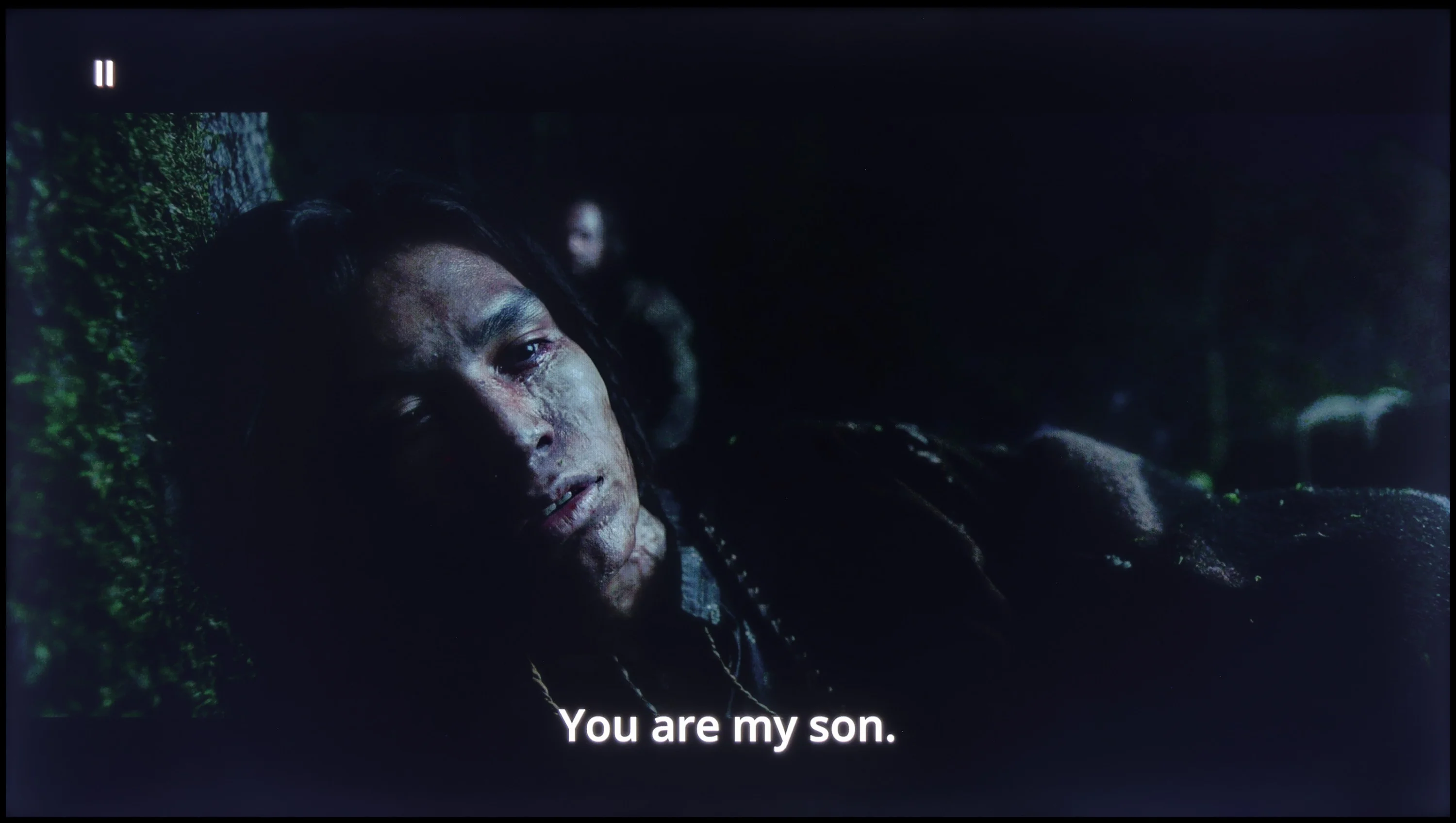
The TV is equipped with a VA panel, which offers significantly better contrast compared with IPS panels, resulting in deeper blacks and a more defined picture. On our test patterns we managed to achieve an impressive contrast ratio of around 5000:1, which translates into very good detail reproduction in dark scenes. However, because it lacks local dimming, bear in mind that blacks in some sequences may lean more toward a navy tint than a perfectly deep black. This effect is particularly noticeable in demanding scenes, such as in the film "Zjawa". Even so, given the price of the device, the TV delivers decent black levels that will satisfy most users.
The DU8002 model in the 55-inch version is equipped with an IPS panel, which unfortunately does not support high contrast. The result? Instead of deep blacks, we see shades of gray, making night scenes and darker parts of the film appear washed out and lack clarity. The black in this model resembles a silvery glow rather than a deep cinematic effect, which is a clear downside for lovers of intense contrasts and dynamic images. In daily use, such properties can significantly reduce the satisfaction of viewing.
HDR effect quality
4.2/10
4.2/10
Luminance measurements in HDR:

Result
200 nit

Result
210 nit

Result
252 nit

Result
245 nit

Result
276 nit
Result
278 nit
Result
272 nit
Result
297 nit
Result
277 nit
Result
272 nit
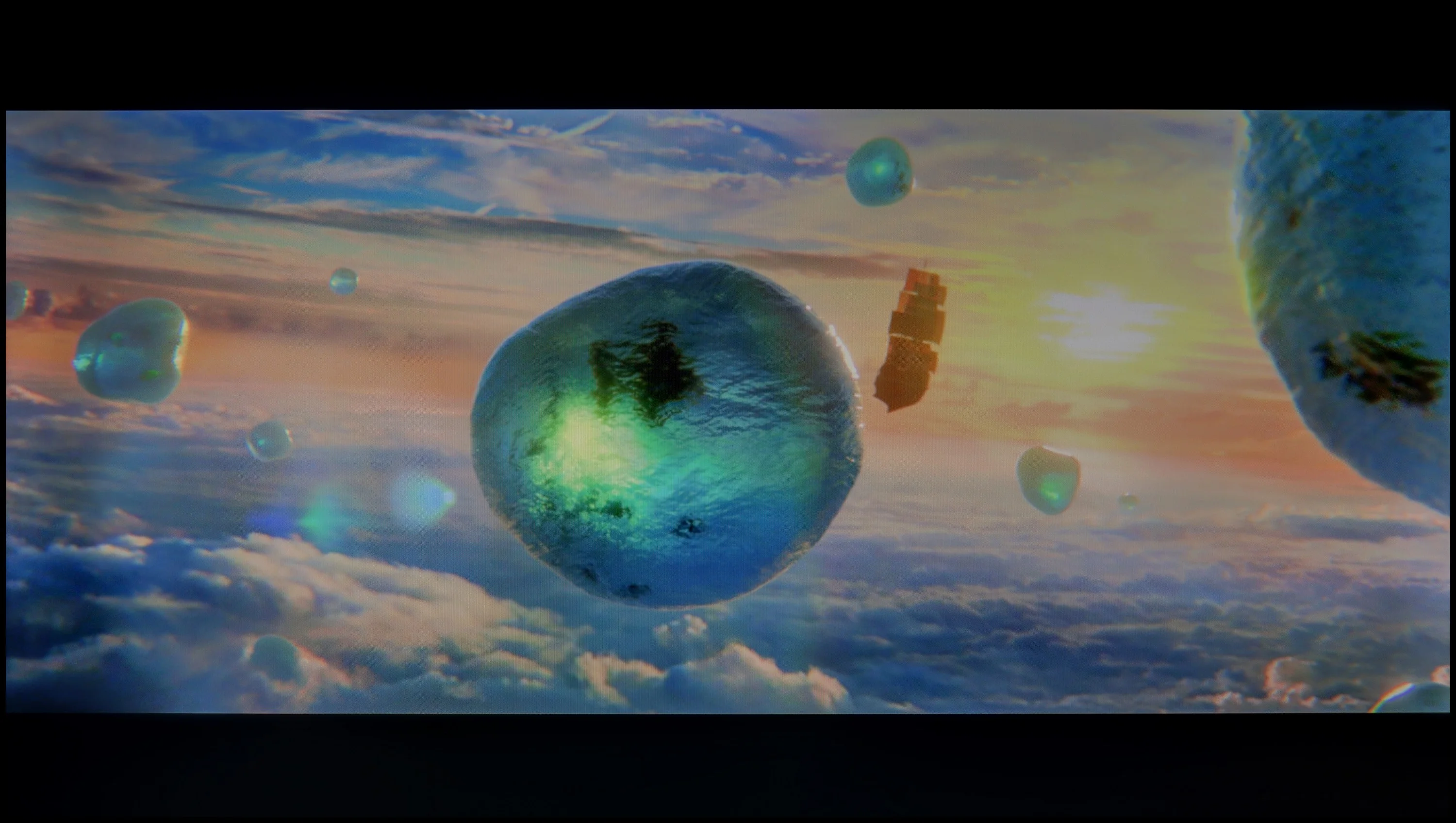
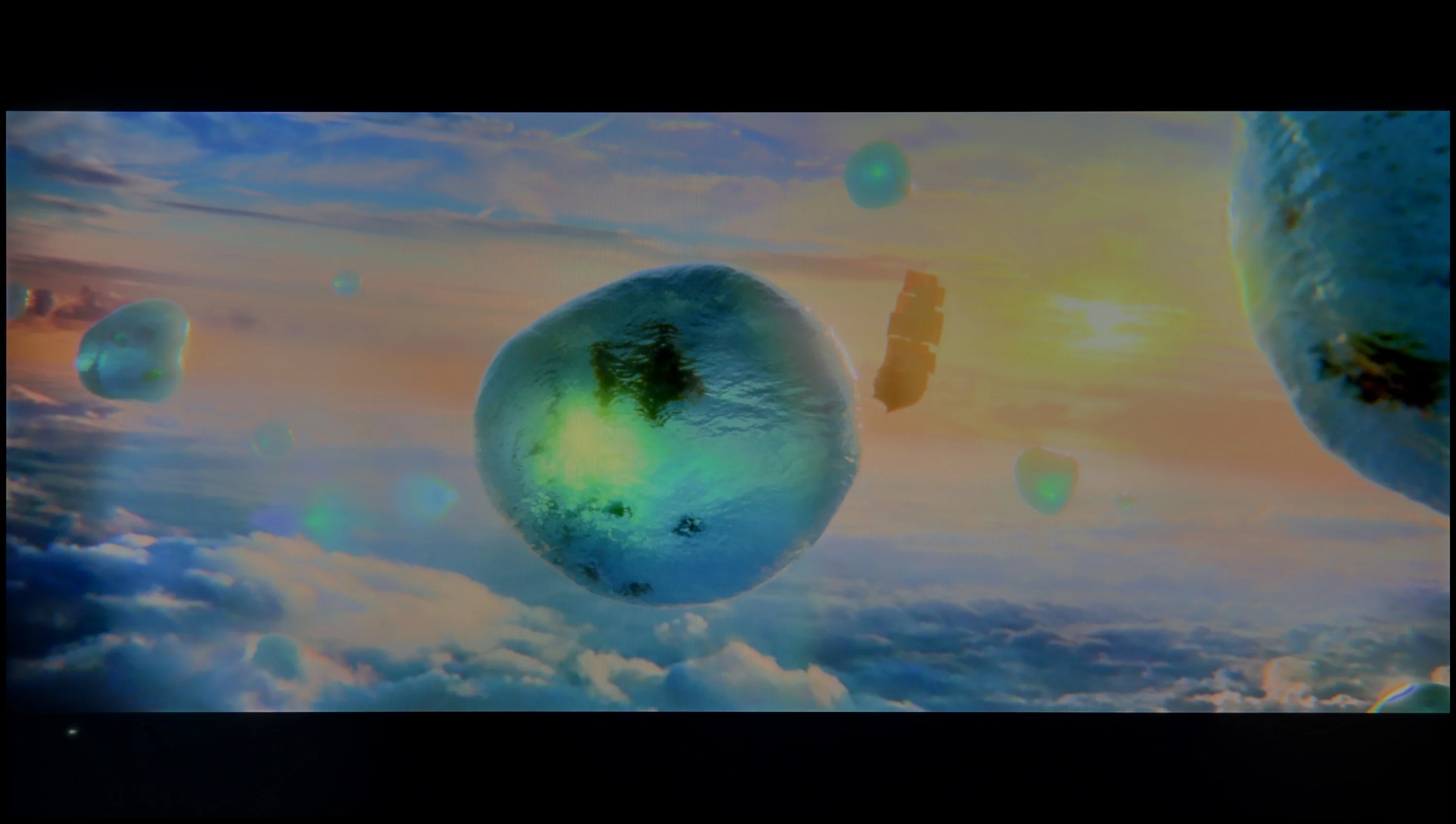
Scene from the movie “Pan” (about 2800 nits)
Scene from the movie “Billy Lynn” (about 1100 nits)
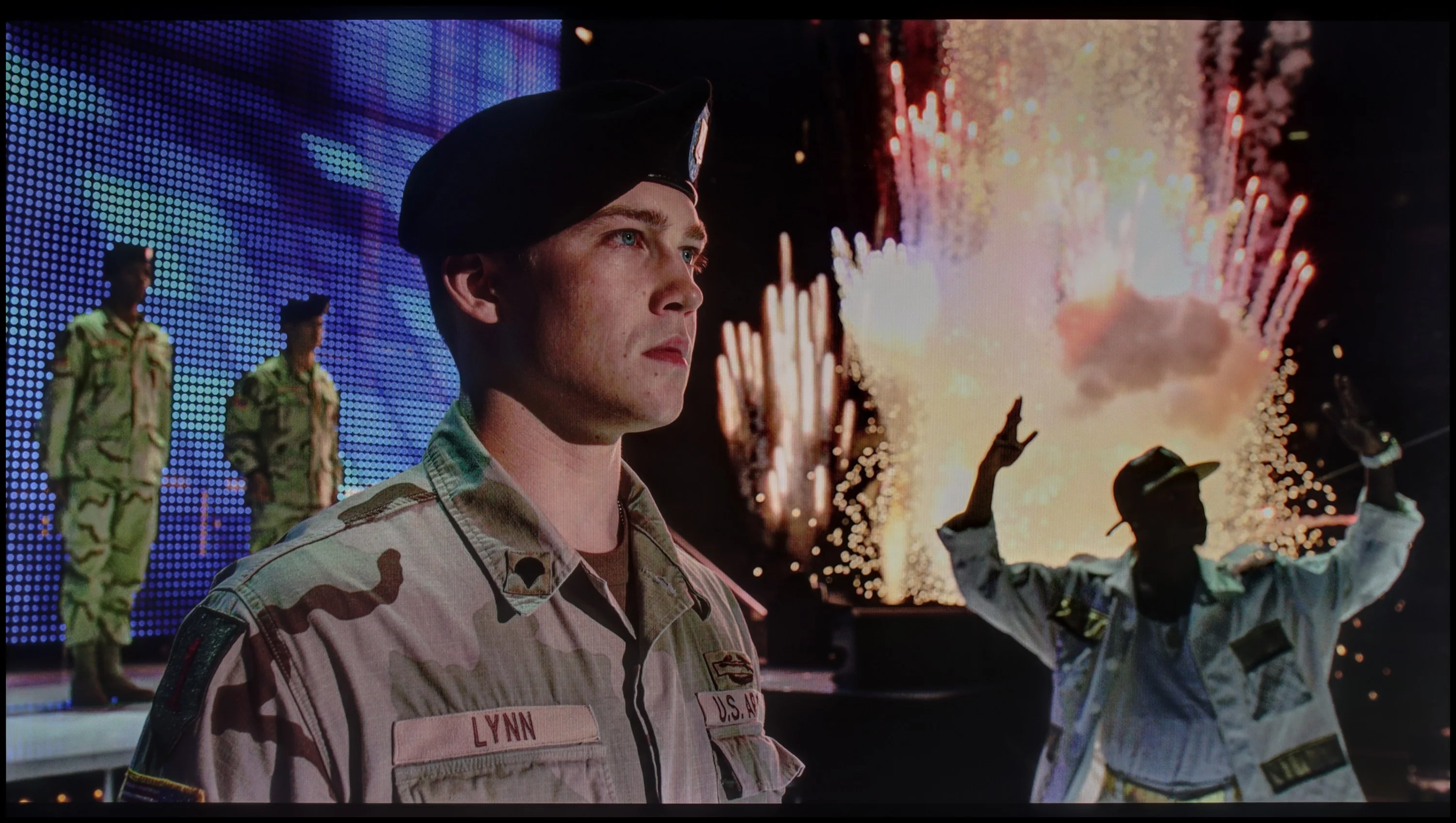
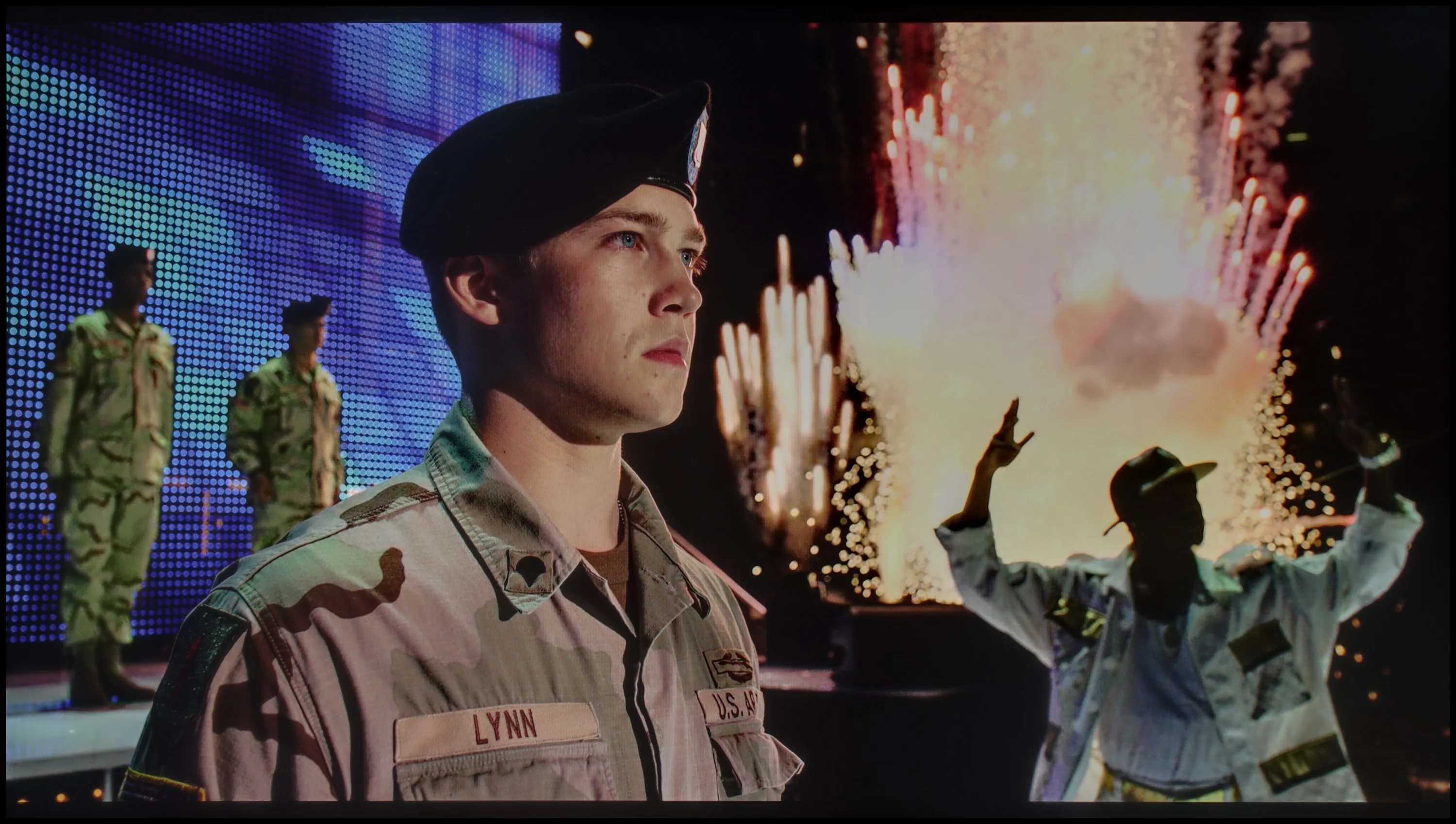
The photos show two HDR10 movies. 'Pan' is one of the brightest productions ever made, while 'Billy Lynn' (soldier) has brightness typical of streaming (Netflix, Prime, HBO MAX). Notice the intensity of effects and detail in whites.
Static HDR10


The photos present the visibility of white details in various HDR formats. They do not show brightness differences between TVs (these can be compared in the previous gallery).
Dynamic: Dolby Vision
Dynamic: HDR10+


The photos present the visibility of white details in various HDR formats. They do not show brightness differences between TVs (these can be compared in the previous gallery).
HDR luminance chart:
Samsung DU8002 (IPS)
Hisense A6N
Unfortunately, the HDR effect quality on A6N is not impressive. A peak brightness of 250 nits doesn’t allow for spectacular highlights, and HDR looks rather muted, more like ordinary SDR. This will not satisfy more demanding users who want to enjoy high-quality movie content. Additionally, the color gamut coverage is not very impressive either: DCI-P3 at 82% is an average result that doesn’t let you fully enjoy vivid colors in HDR material.
The HDR effect in the DU8002 television leaves much to be desired. A brightness level of 300 nits is not able to provide a true high dynamic range experience, making the content viewed resemble more of a standard SDR than impressive HDR. Scenes that should dazzle with brightness and detail appear muted and lacking in depth. Nevertheless, the television deserves praise for its high coverage of the DCI-P3 color palette at 92%. As a result, the colors are vivid and saturated, which may satisfy viewers who prefer rich hues, even if the HDR effect does not fully meet expectations.
Factory color reproduction
1.9/10
4/10

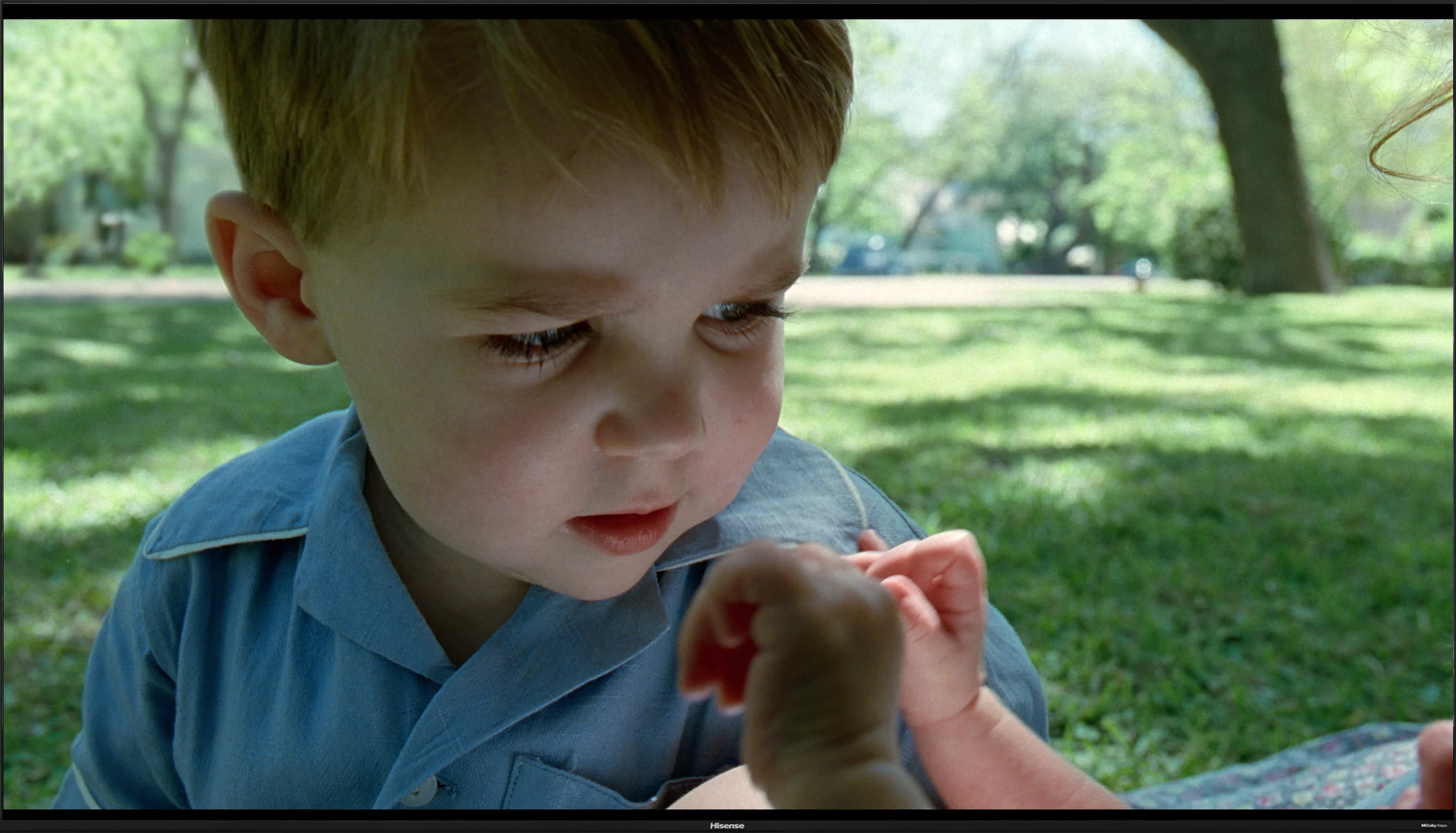
This gallery shows how colors change after professional TV calibration. If you notice the difference, we recommend ordering this service at SkalibrujTV.com.
Factory Mode
After calibration
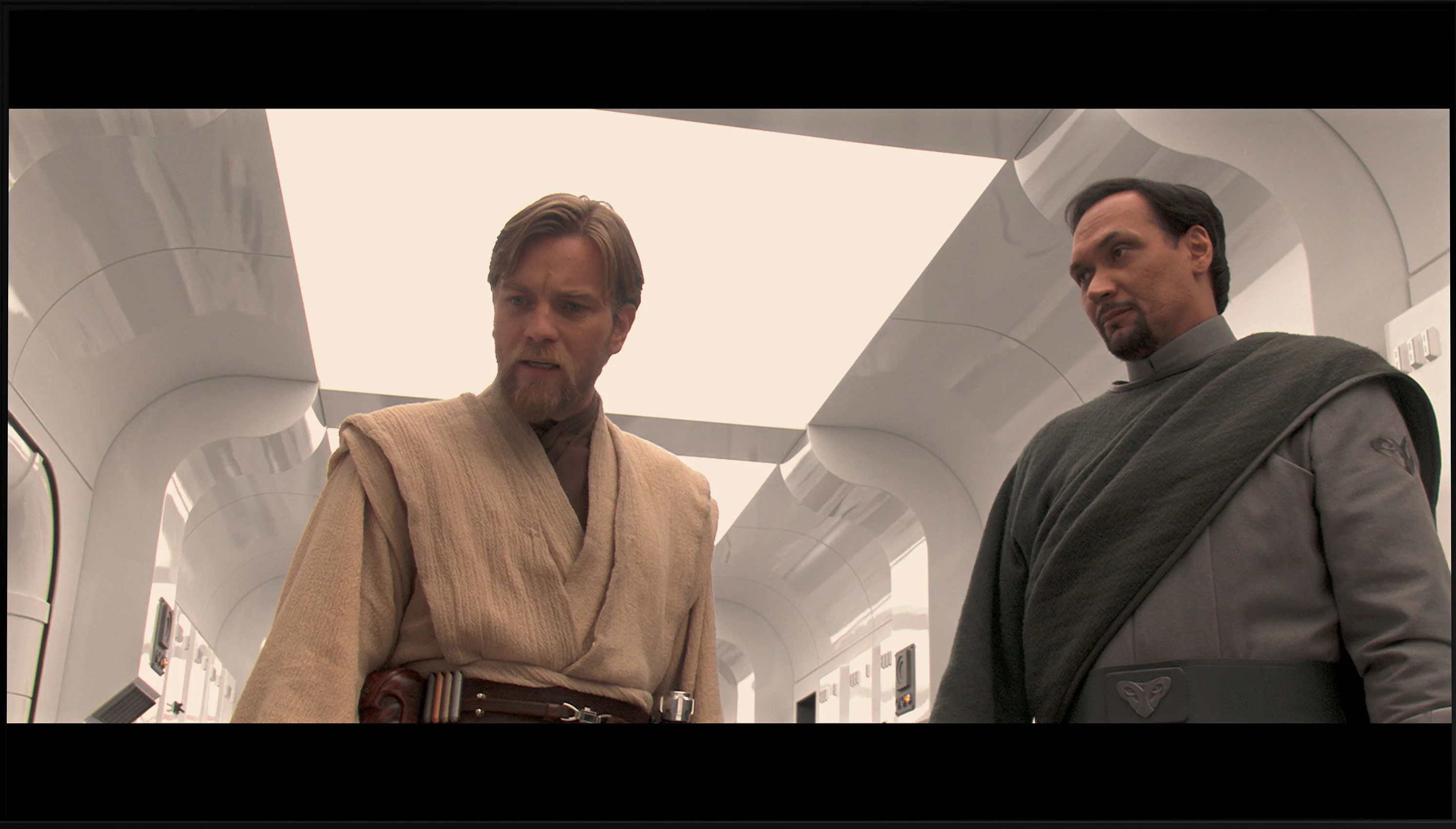
This gallery shows how colors change after professional TV calibration. If you notice the difference, we recommend ordering this service at SkalibrujTV.com.
Factory Mode
After calibration
In the color reproduction category, the Hisense A6N in Filmmaker Mode leaves much to be desired. Although the mode's name suggests we should expect faithful movie color reproduction, the reality is different. The TV has significant picture quality problems. The white balance issue is particularly noticeable for both HD and 4K material, as it is heavily skewed by a dominance of blue. This results in artificial, cool tones, clearly visible in the comparison photo below. The ColorChecker test further confirms these errors, which are compounded by low color gamut coverage.
The gamma luminance curve shows a serious problem maintaining the 2.4 level, with the plot well below the reference value. That leads to excessive image brightening and washed-out blacks. The EOTF curve for 4K material also indicates brightness problems. At the low end there is a pronounced bump caused by the TV's excessive brightening, which negatively affects picture quality. This image behavior prevents fully enjoying movies and requires manual correction.
DU8002 offers a Filmmaker mode, which is supposed to provide authentic image reproduction in line with the creators' intentions. Unfortunately, despite the promising name, the results are far from ideal. The white balance in this mode shows significant drops in blue color, leading to a noticeable yellowing of the image, which can be seen, for example, in our comparison photo. Colour Checker tests confirm these errors. As for brightness, the gamma characteristic is too low compared to the reference line of 2.4, resulting in excessive screen brightness. A similar problem occurs with 4K content – the EOTF responsible for brightness in 4K material shows significant increases above the reference line, leading to excessively bright small light elements. As a result, the Filmmaker mode in DU8002 does not meet expectations and instead of offering high quality, presents an image full of tonal and color inaccuracies.
Color reproduction after calibration
5.7/10
7.8/10
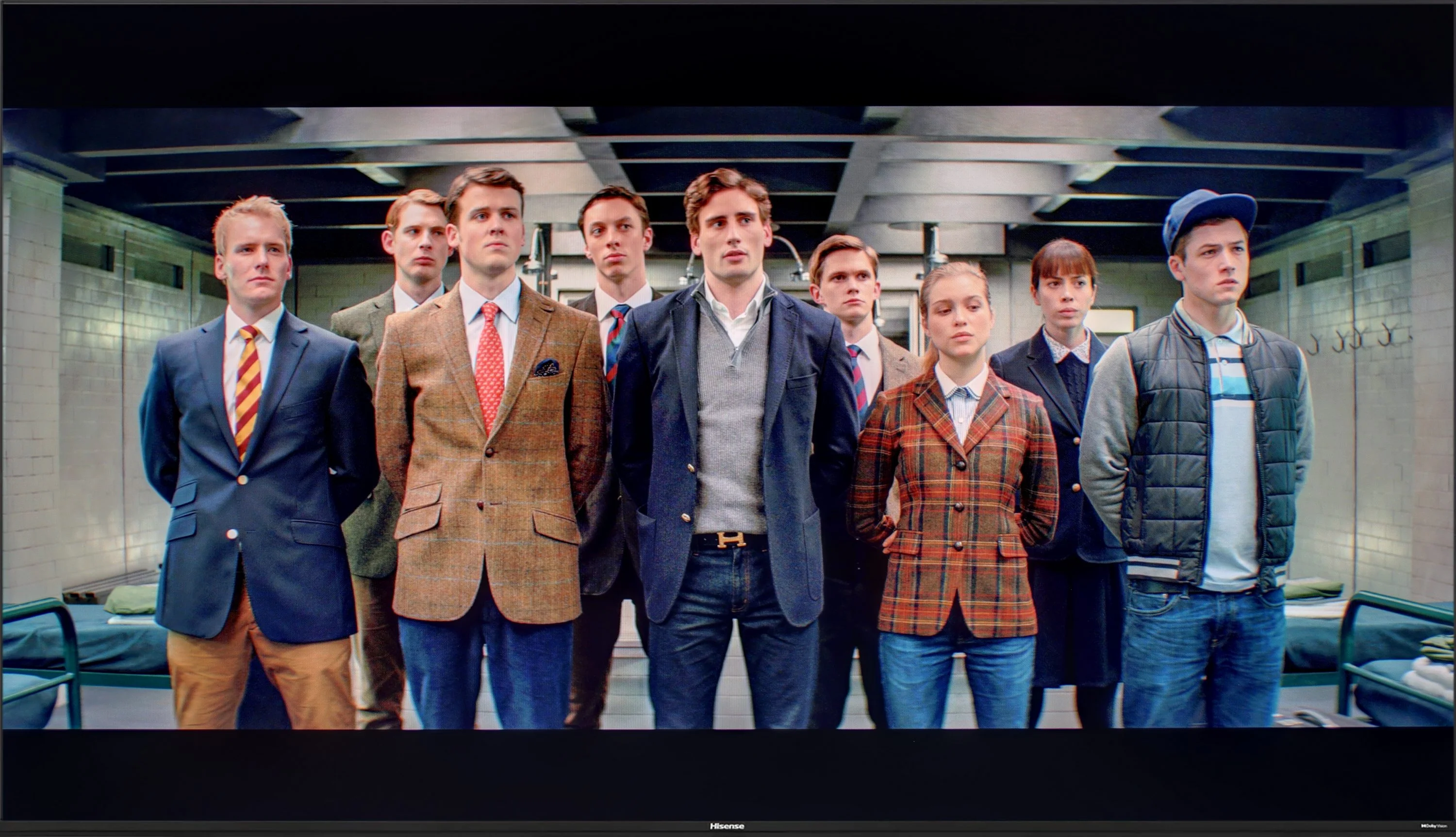

The photos show how movies look on the TV. Pay attention to black detail visibility, colors, and shadow tint.
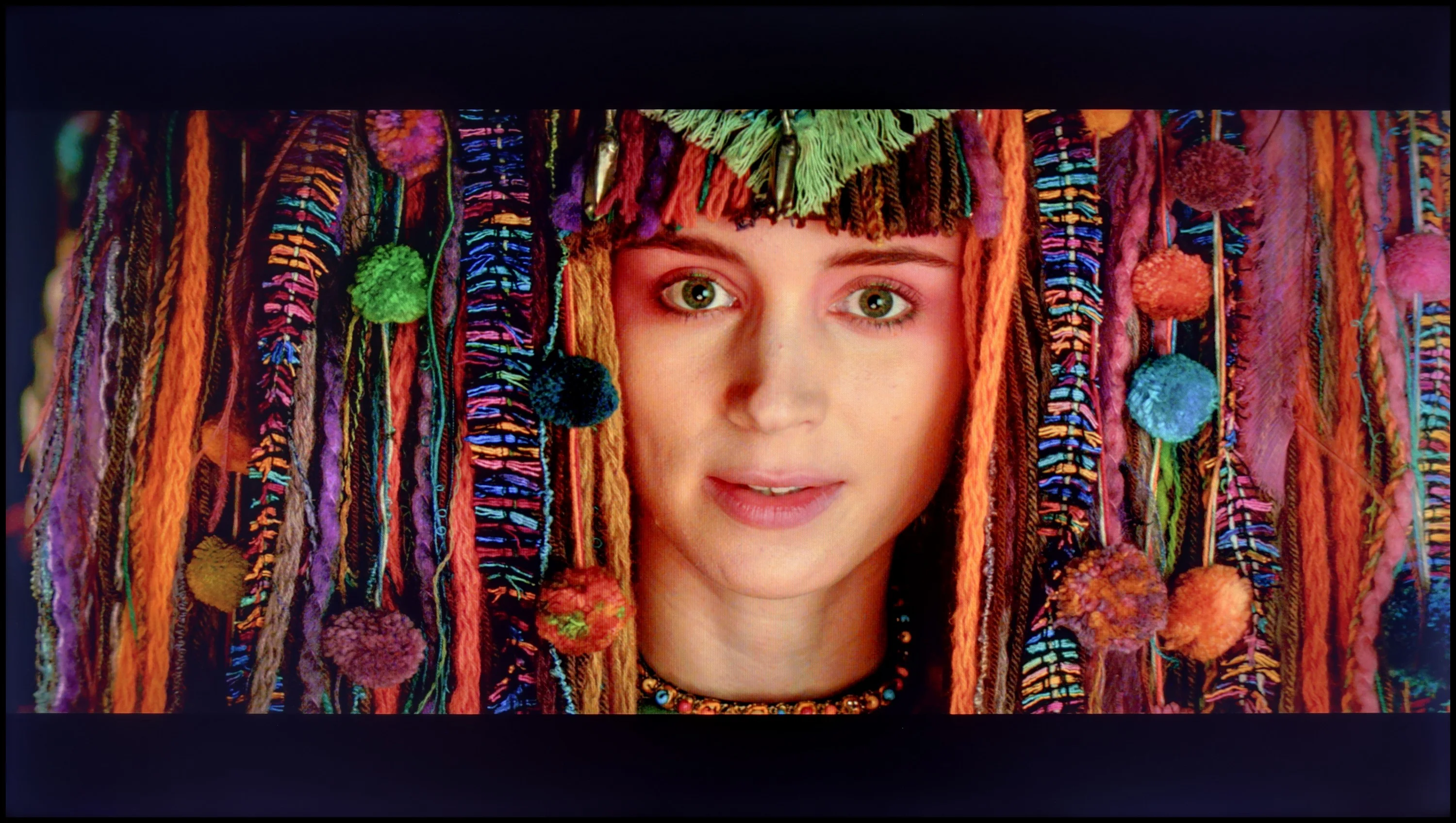
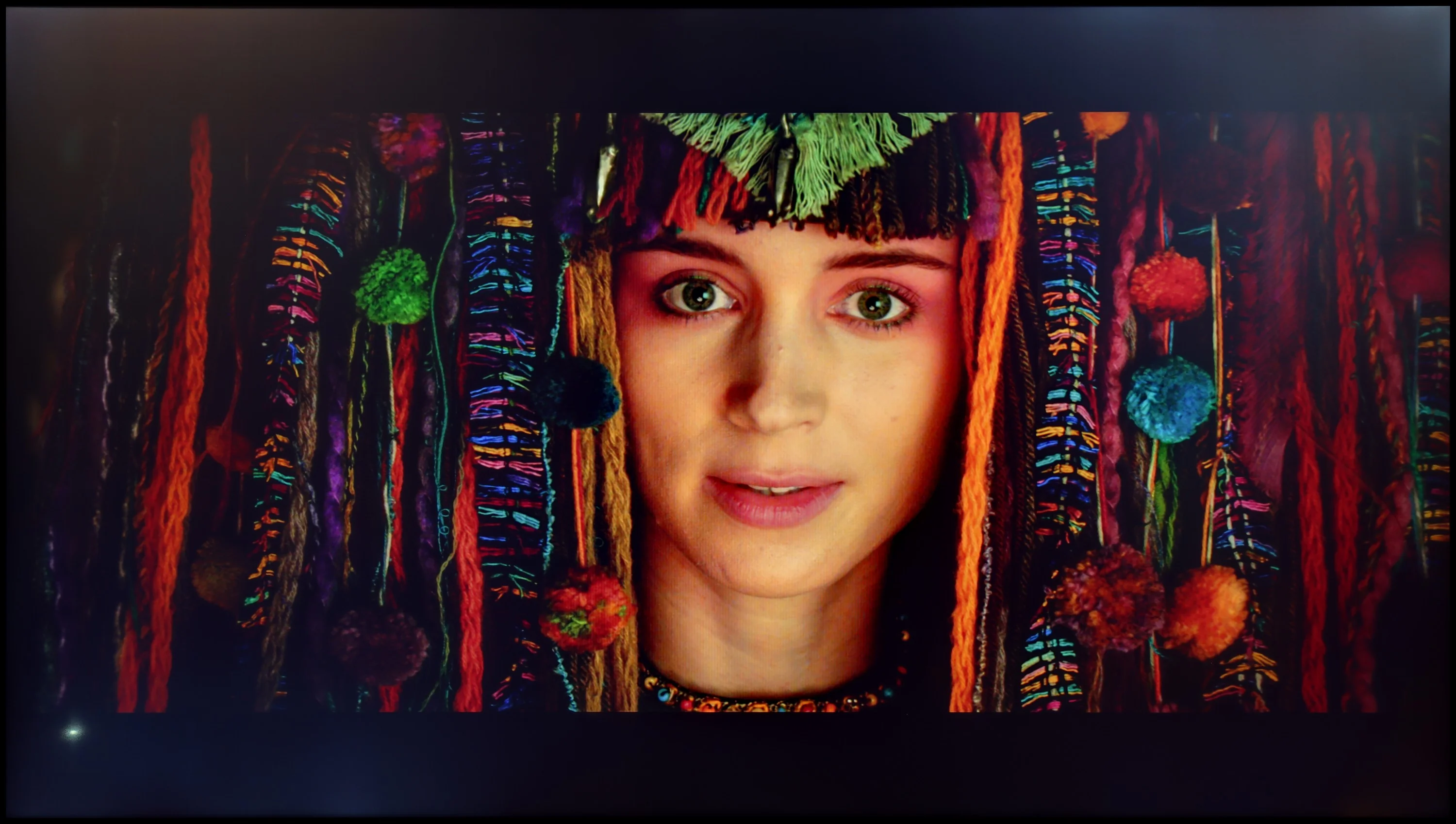
The photos show how movies look on the TV. Pay attention to black detail visibility, colors, and shadow tint.
Hisense A6N offers in its settings options and tools to adjust many picture parameters, which we used. As for the white balance, we managed to remove the excess blue; this is clearly visible in the comparison photo below, where the boy in the image practically "comes to life". A large improvement can also be seen in the gamma brightness response, as the TV no longer has serious issues with overbrightening the entire picture. Unfortunately, the same cannot be said for 4K content, where the EOTF curve could not be fully corrected due to this model's exceptionally low brightness. For HDR content we use dynamic tone mapping, which allows recovery of many details despite lifting the midtones. For this TV that brings more benefits than drawbacks. The errors that remain visible in the color gamut test and the ColorChecker for 4K content stem from the low color gamut coverage and are difficult to eliminate because of the TV's characteristics. Even so, the image tonality is much better, so we recommend calibrating the factory settings, which are far from ideal.
Samsung is one of those companies that offers advanced tools for improving image quality in its televisions, including a 20-point white balance adjustment. Even with the budget model DU8002, with the right adjustments, surprisingly good results can be achieved. The white balance, especially for HD content, performs really well - tests on the Colour Checker palette confirm accuracy at the level of 2–1.5, which demonstrates the significant capabilities of this television in color reproduction. In 4K content, although not as perfect as in lower quality material, the overall picture looks much better.
The gamma brightness has also been heavily adjusted, ensuring that the image is not overly brightened and looks more natural. What about the EOTF curve? At first glance, it seems fine, but upon closer inspection, especially in film tests, it becomes apparent that the television struggles due to its low contrast panel. The EOTF drops below the reference line. Nevertheless, the DU8002 is an example of a budget model where investing in calibration is worthwhile. Although structural flaws, such as the type of backlighting, cannot be completely eliminated, color accuracy is surprisingly good, especially considering its price.
Smoothness of tonal transitions
9.1/10
7.3/10
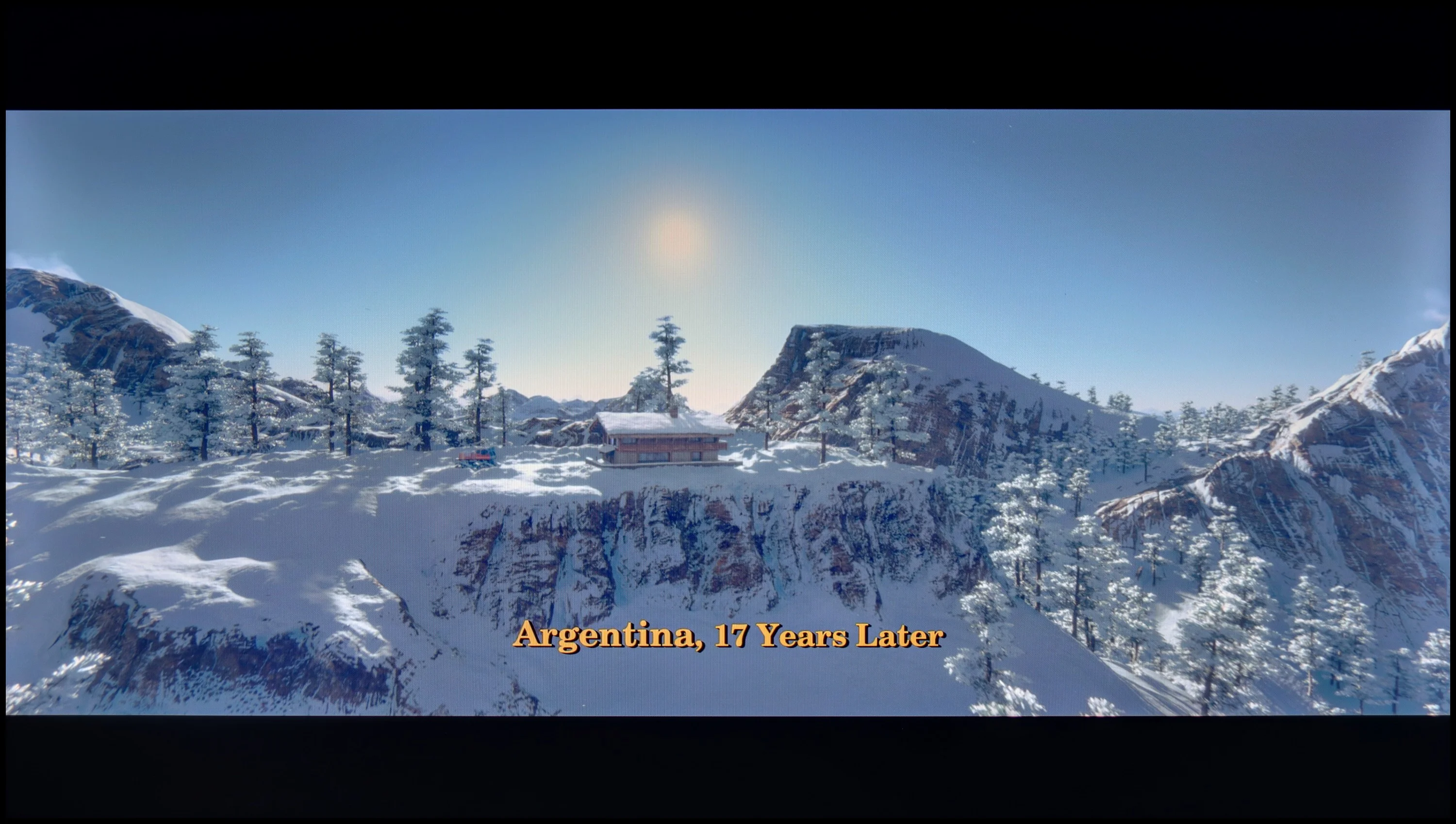
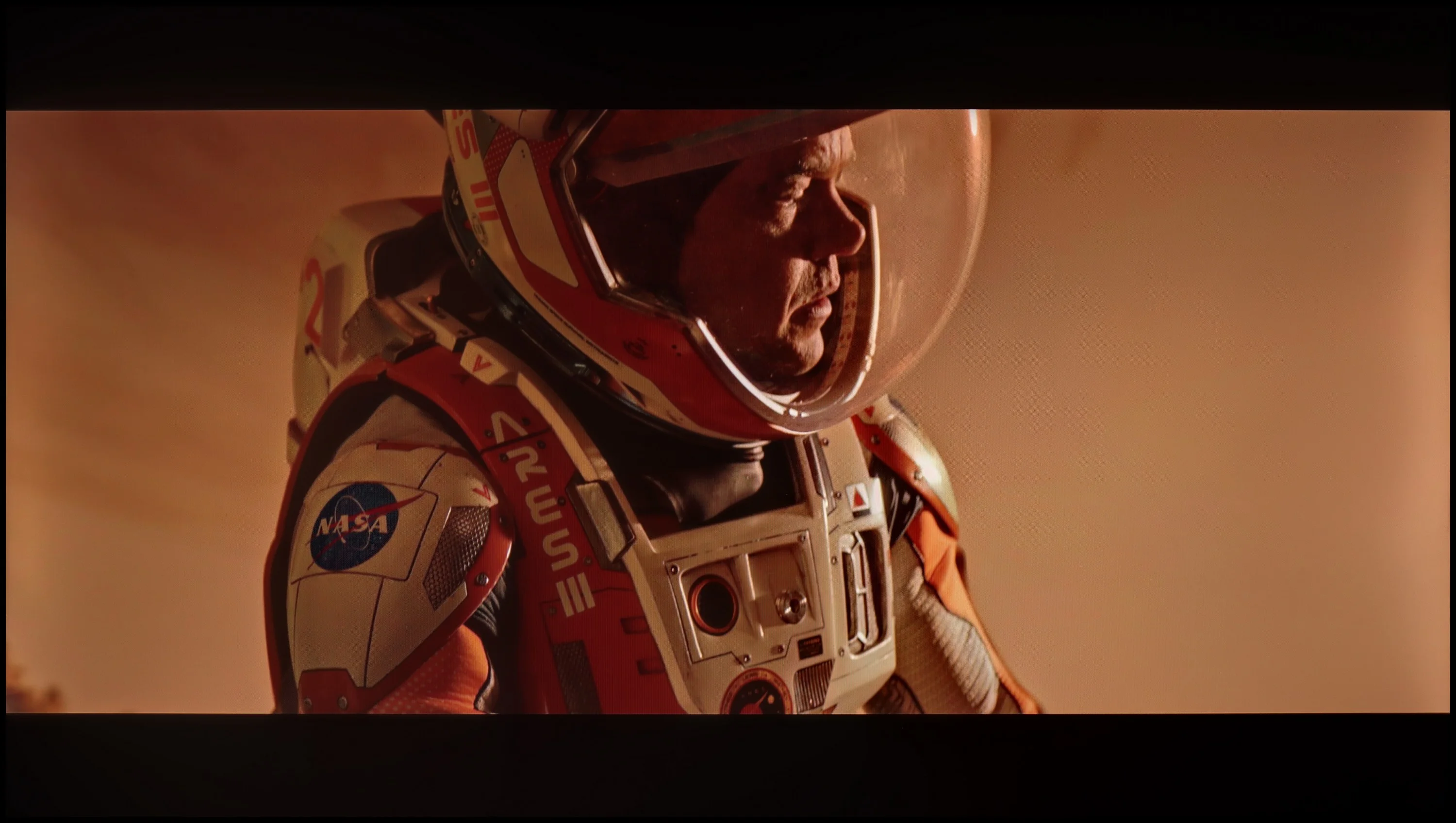
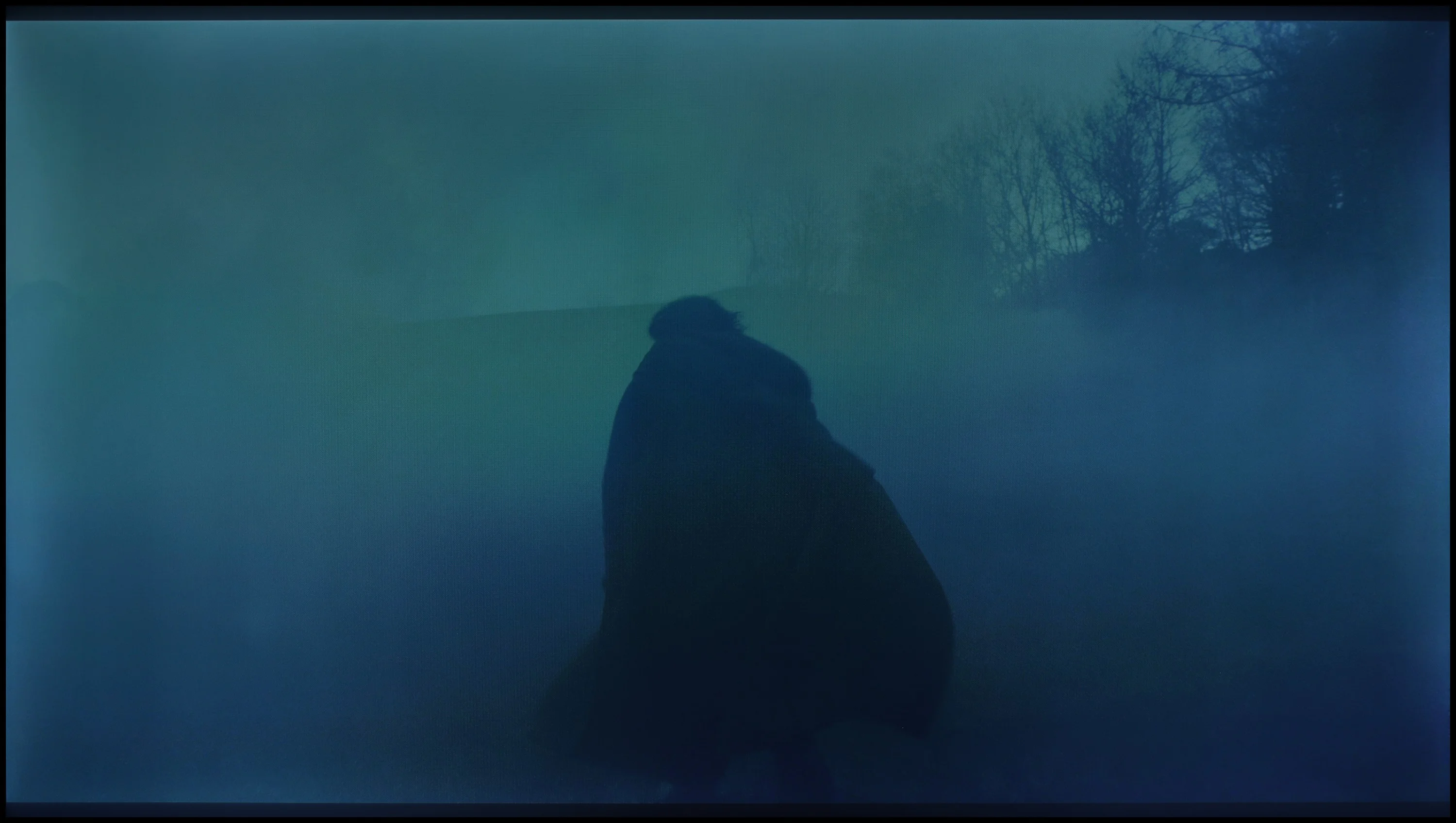
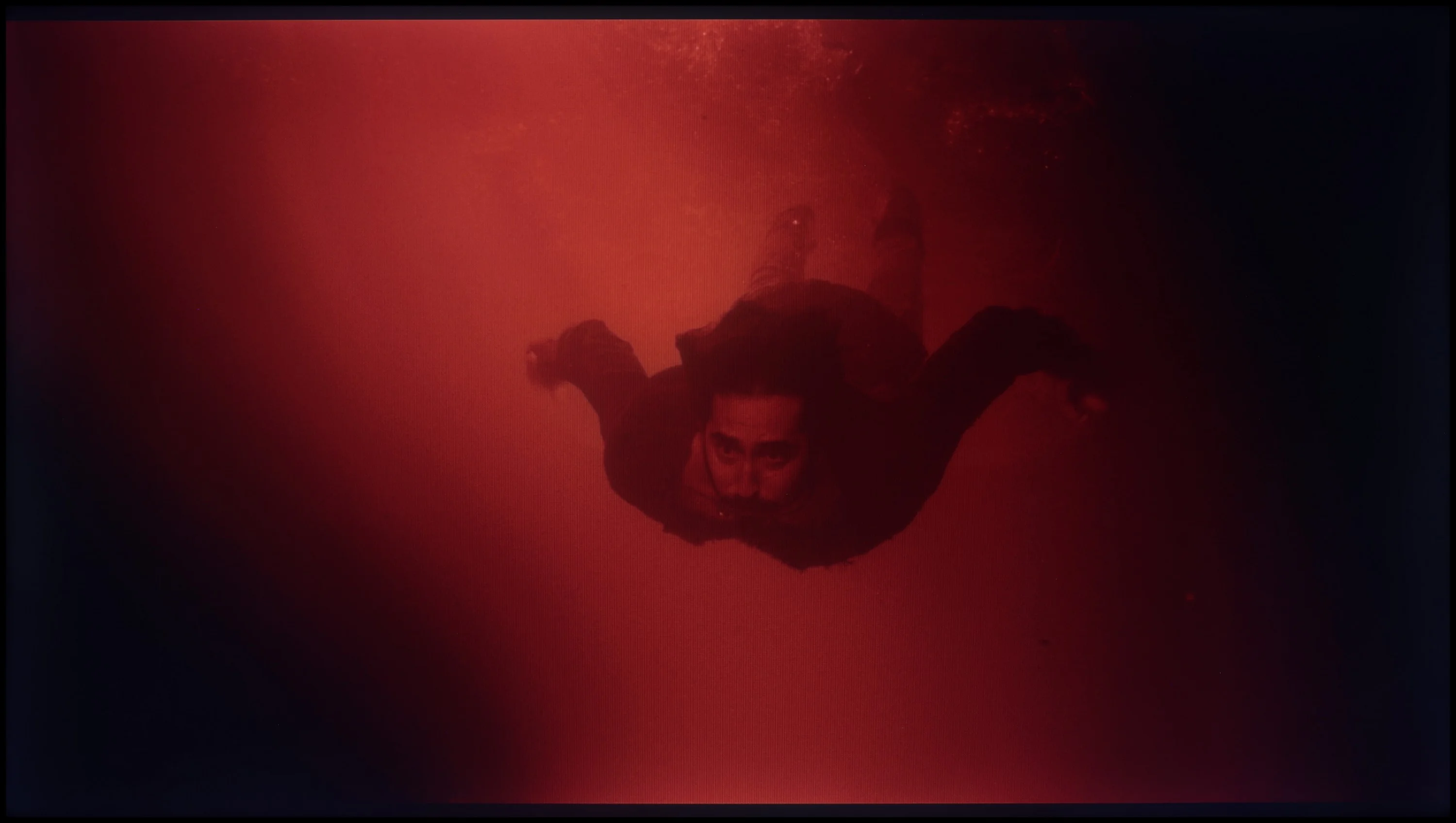
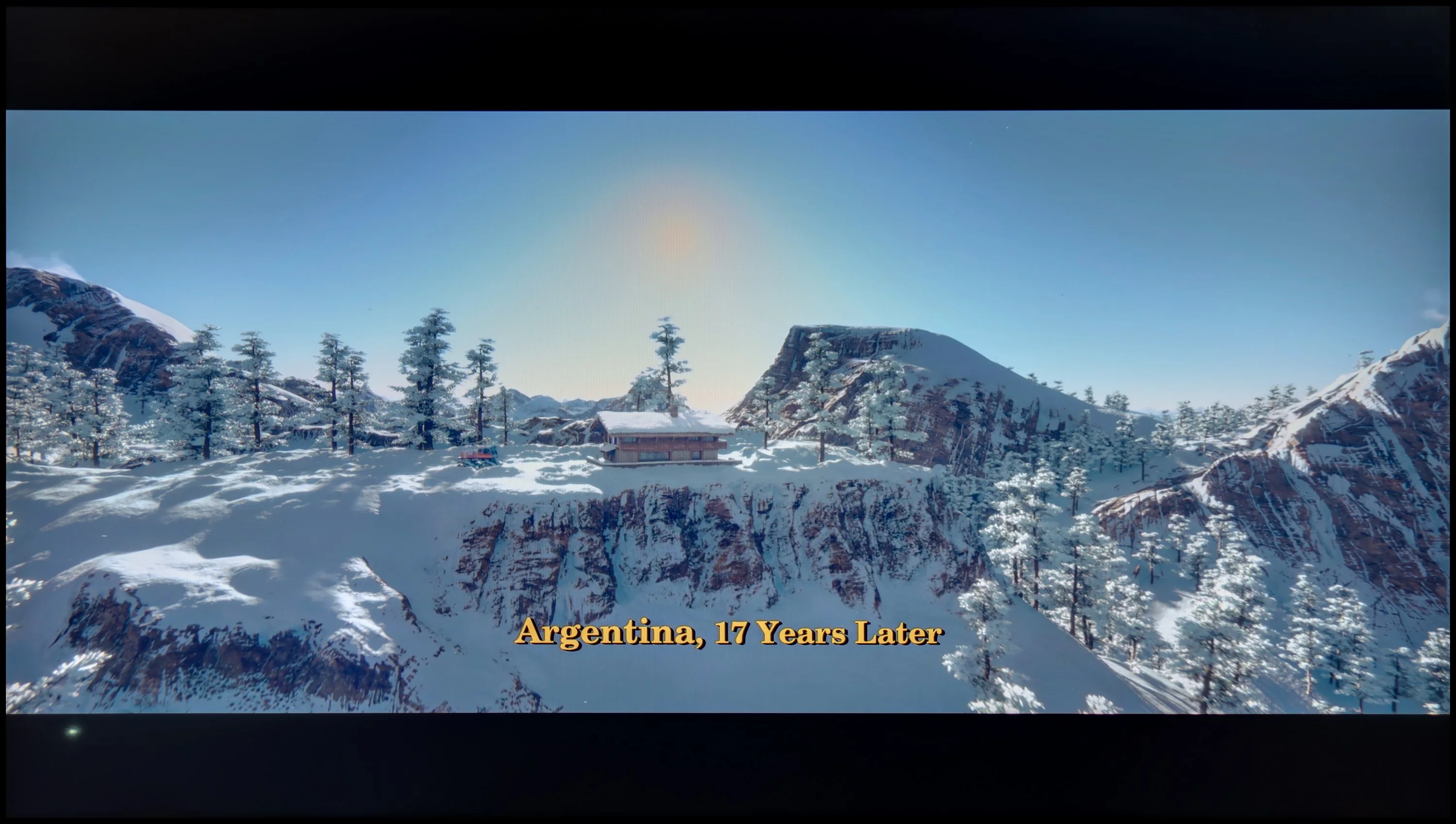
These are selected scenes that show smooth tonal transitions from one color to another. If you see distinct banding, it’s the TV panel’s fault.
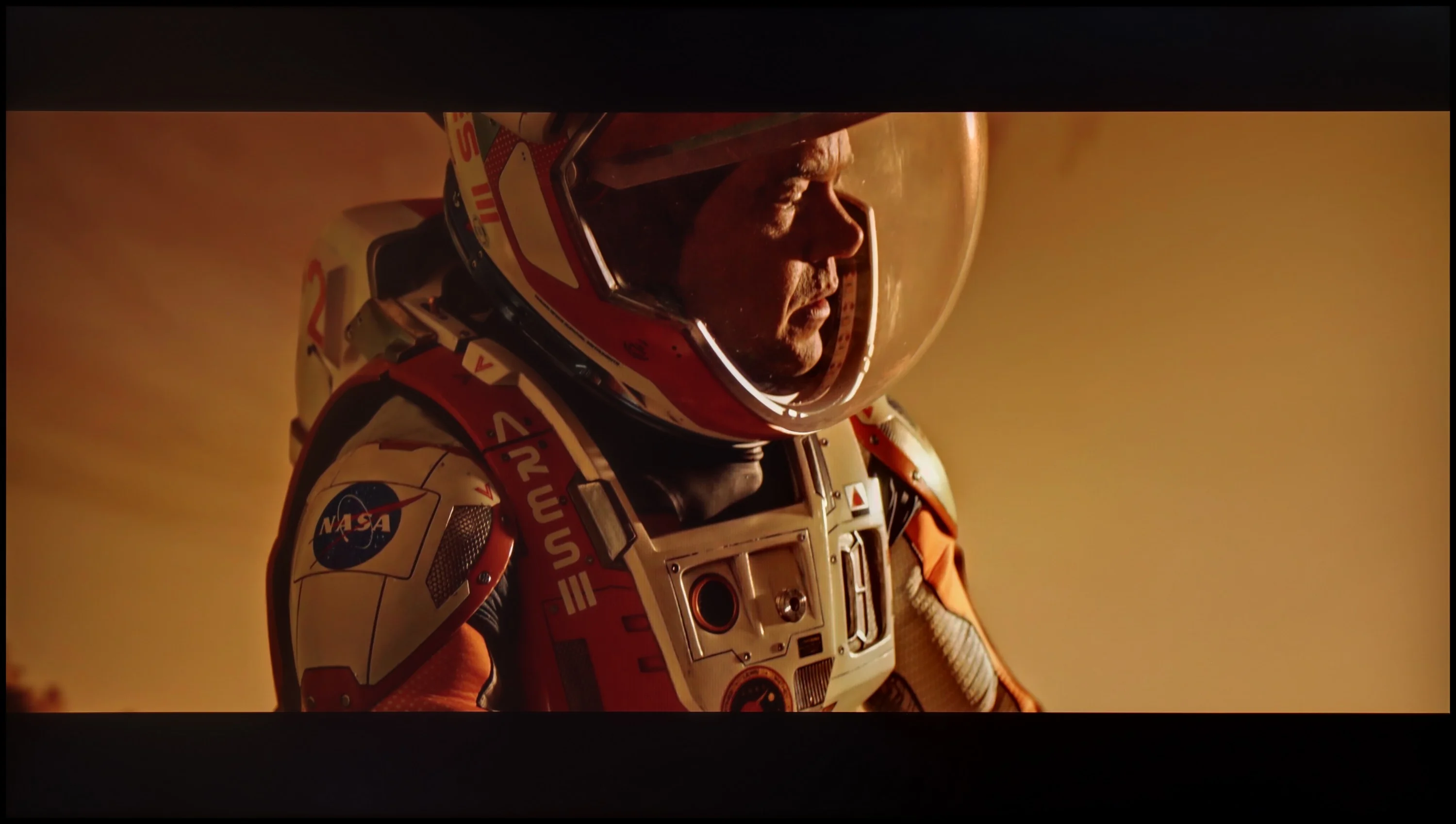
These are selected scenes that show smooth tonal transitions from one color to another. If you see distinct banding, it’s the TV panel’s fault.
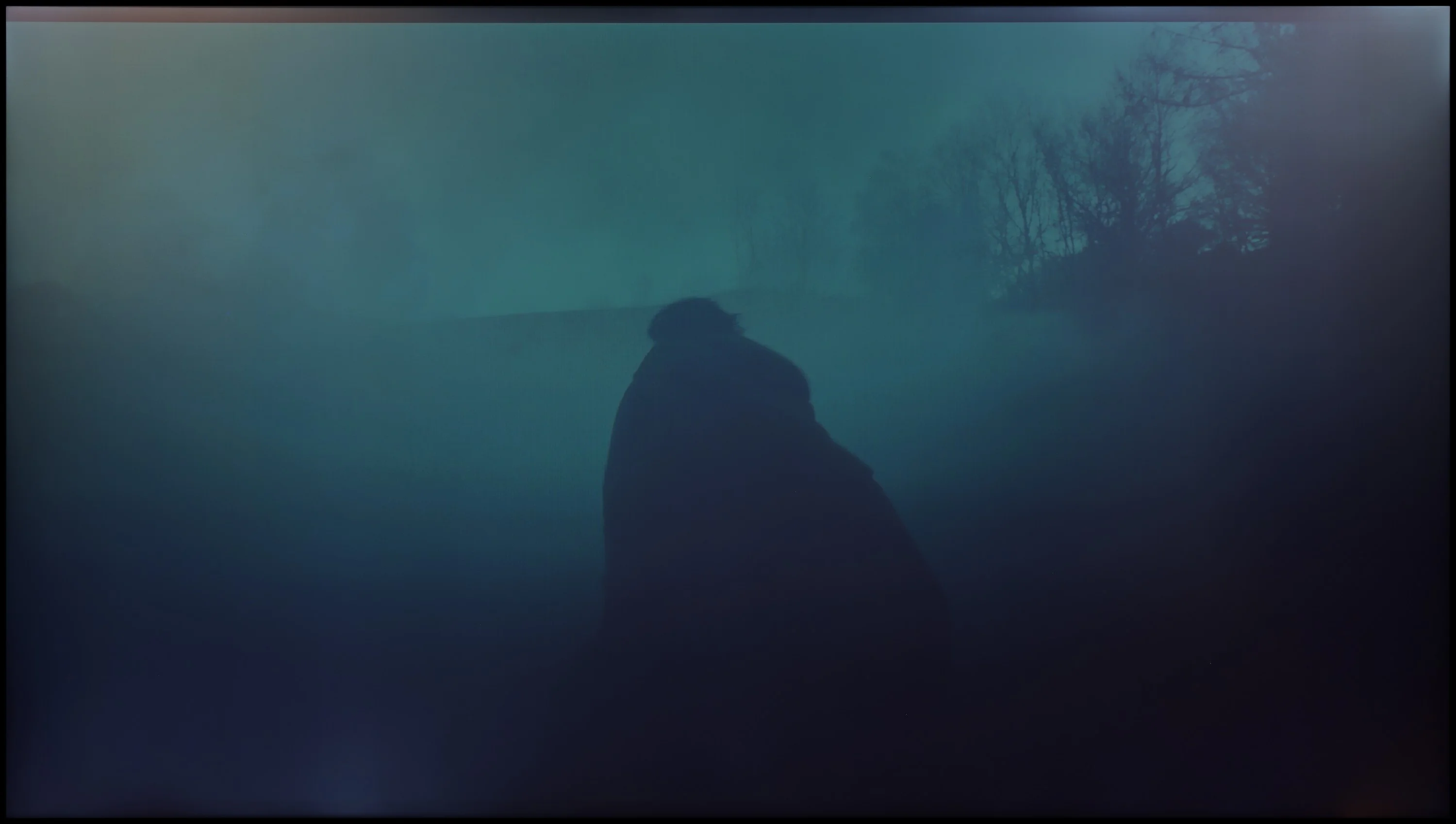
These are selected scenes that show smooth tonal transitions from one color to another. If you see distinct banding, it’s the TV panel’s fault.
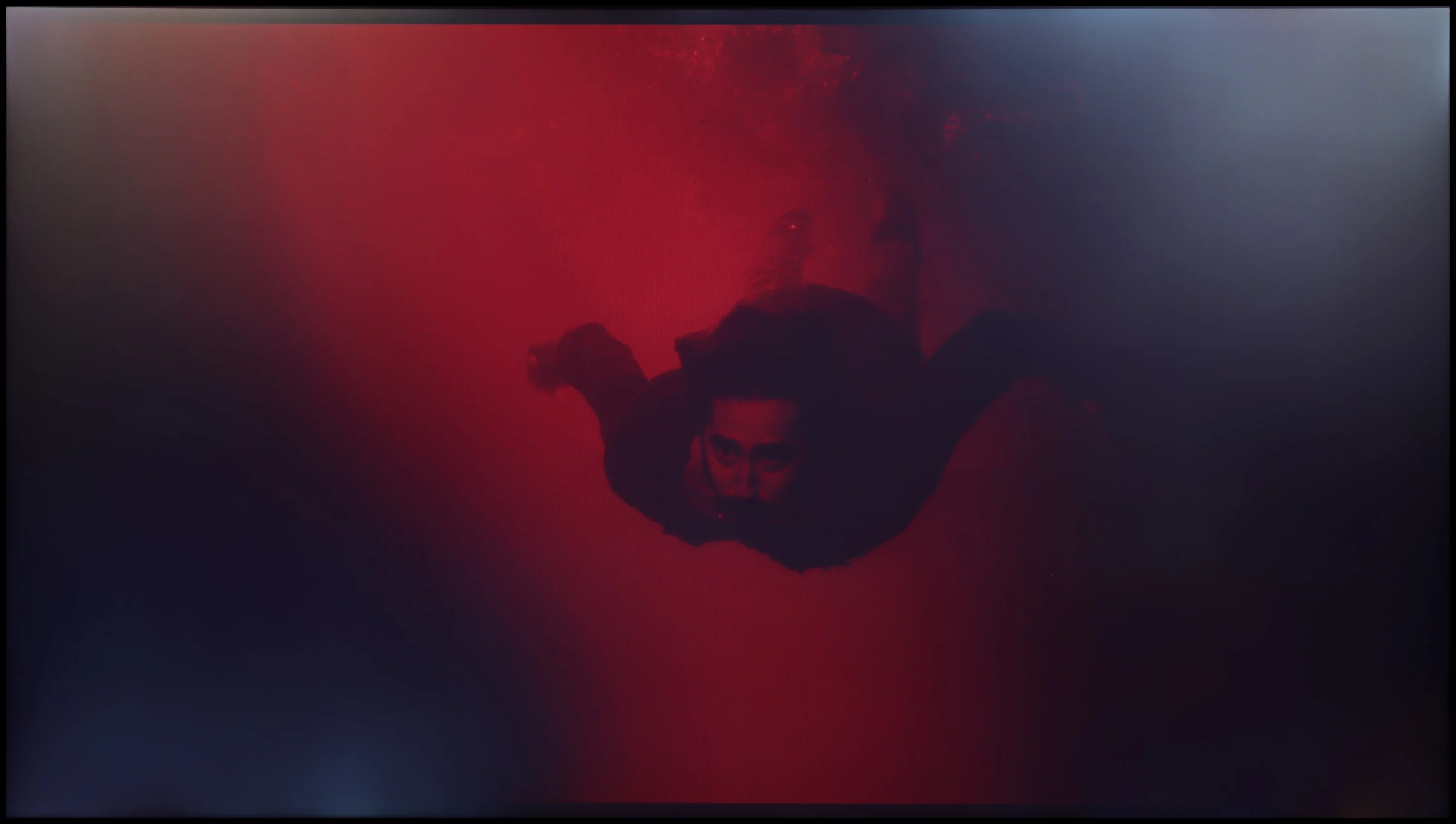
These are selected scenes that show smooth tonal transitions from one color to another. If you see distinct banding, it’s the TV panel’s fault.
The smoothness of tonal transitions is one of this TV's strongest points. Hisense A6N handles tonal gradations very well; gradients in the image look natural and are largely free of artifacts. The TV doesn't have significant issues in this area, although slight banding can be seen in bright and dark scenes — it's not pronounced enough to interfere with the viewing experience. Smoothness of tonal transitions on the Hisense A6N is undoubtedly one of its greatest strengths.
During gradation tests on the DU8002, some imperfections were noticed in most scenes, although they were not intense enough to immediately draw attention. The biggest challenge was bright colors, which did not always maintain smooth transitions. Nevertheless, more complex scenes at the end of the test surprised positively, where the television performed better than expected, which had a favorable impact on the final assessment.
Image scaling and smoothness of tonal transitions
5/10
5.4/10


Smooth transition function
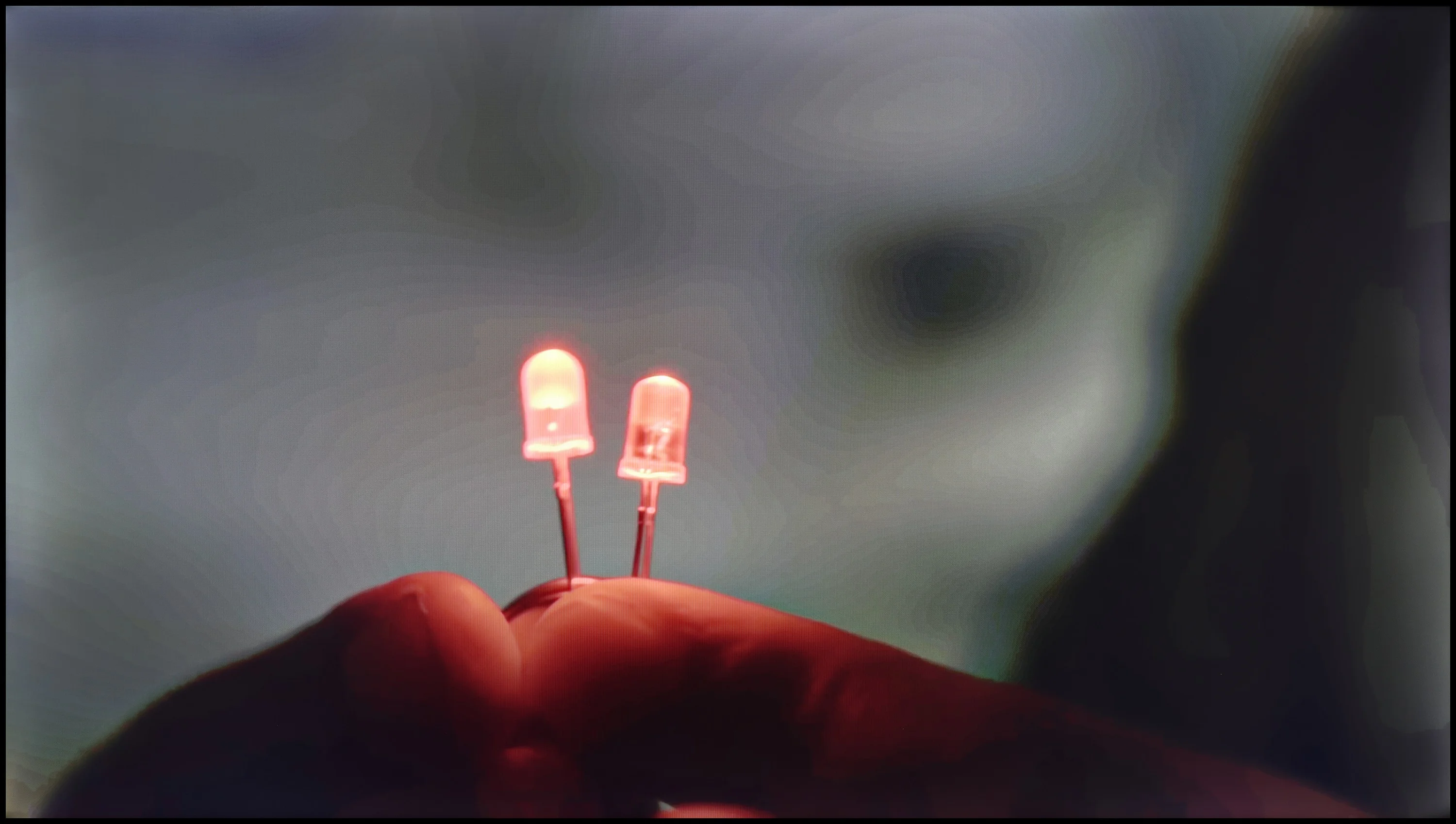
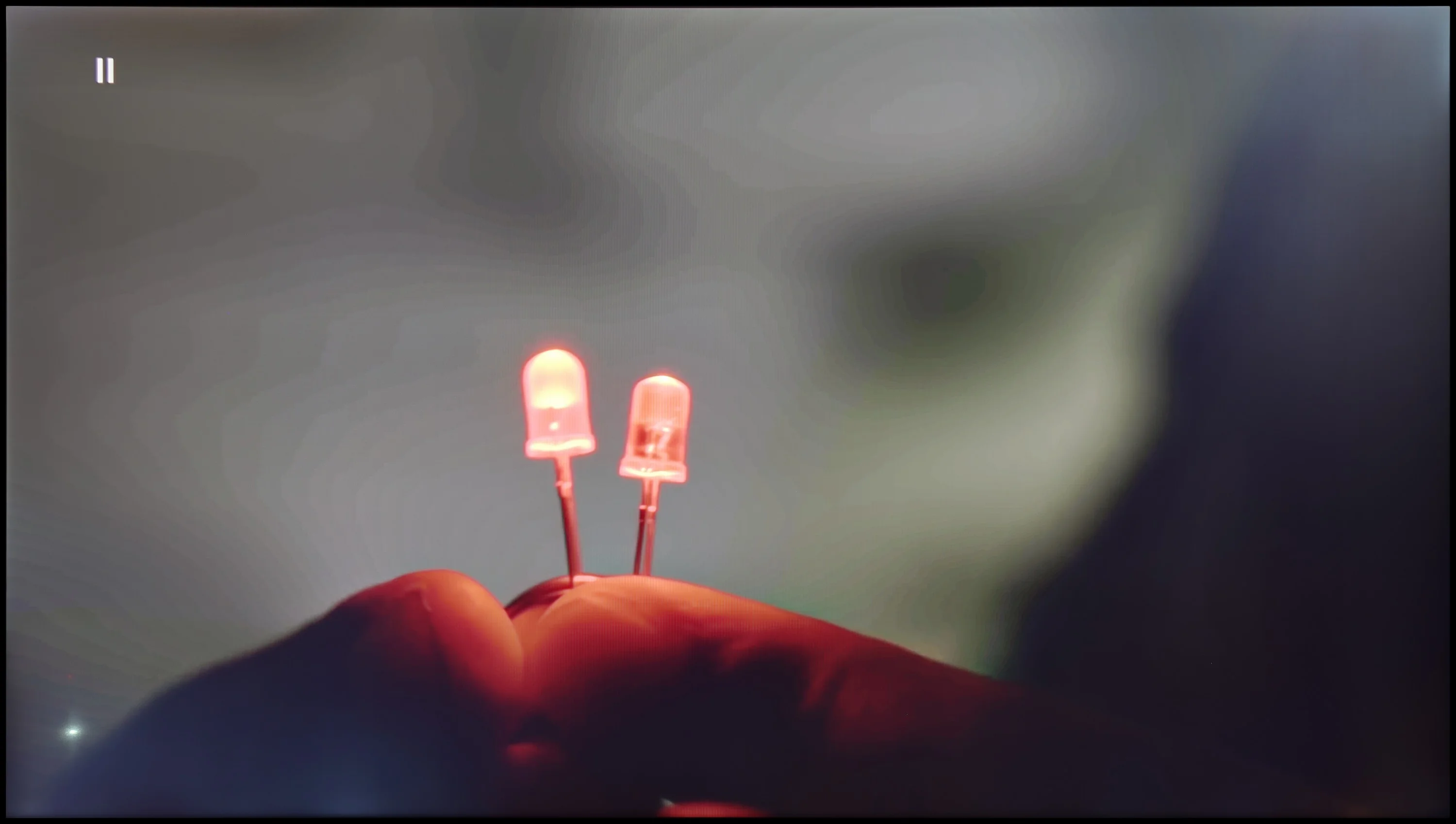
The match photo shows how the TV smooths weak tonal transitions in low-quality video.
Image scaling SD (576i)


The model photo shows how it handles upscaling of SD material.
Let's see how A6N handles low-quality material. When it comes to smoothing tonal transitions, the lack of a function to reduce posterization or smooth tonal transitions in low-quality sources, such as broadcast TV or DVD, may be noticeable to more demanding viewers. As for digital processing, the model was rendered correctly and the branches were free of the typical jagged edges. The image has a pronounced sense of plasticity and is soft, which may appeal to those who prefer that kind of picture style.
Smoothing tonal transitions on the DU8002 television leaves mixed feelings. Although the menu offers an option for smoothing tonal transitions, in practice it yields no results and can even generate unwanted side effects.
Nevertheless, the television handles upscaling, or digital image processing, excellently. The test chart featuring a model looked really good – the image is not overly jagged, and the overall presentation is decent and pleasing to the eye. This is definitely good news for those planning to watch traditional television on this model.
Blur and motion smoothness
3.9/10
5/10
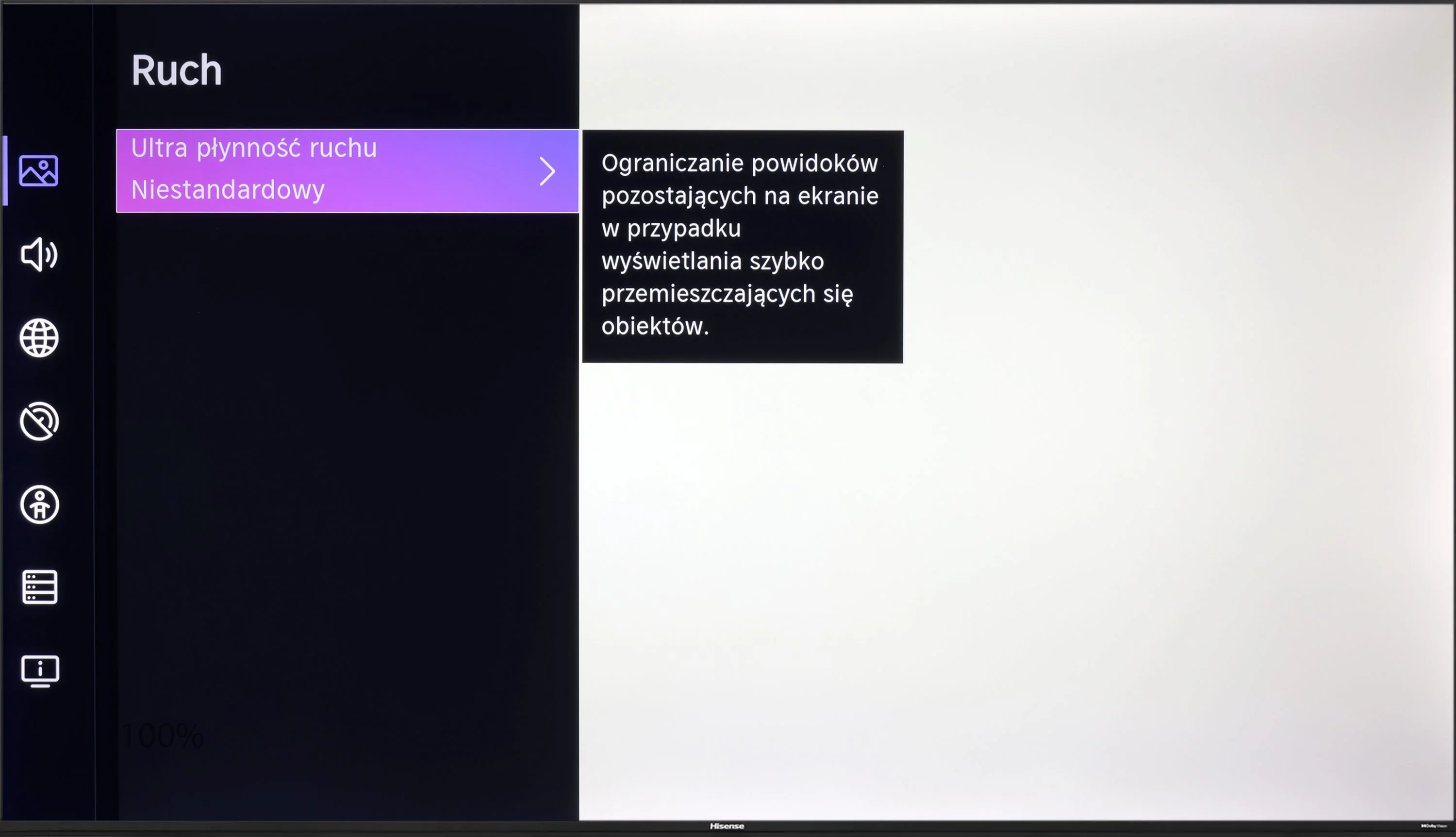
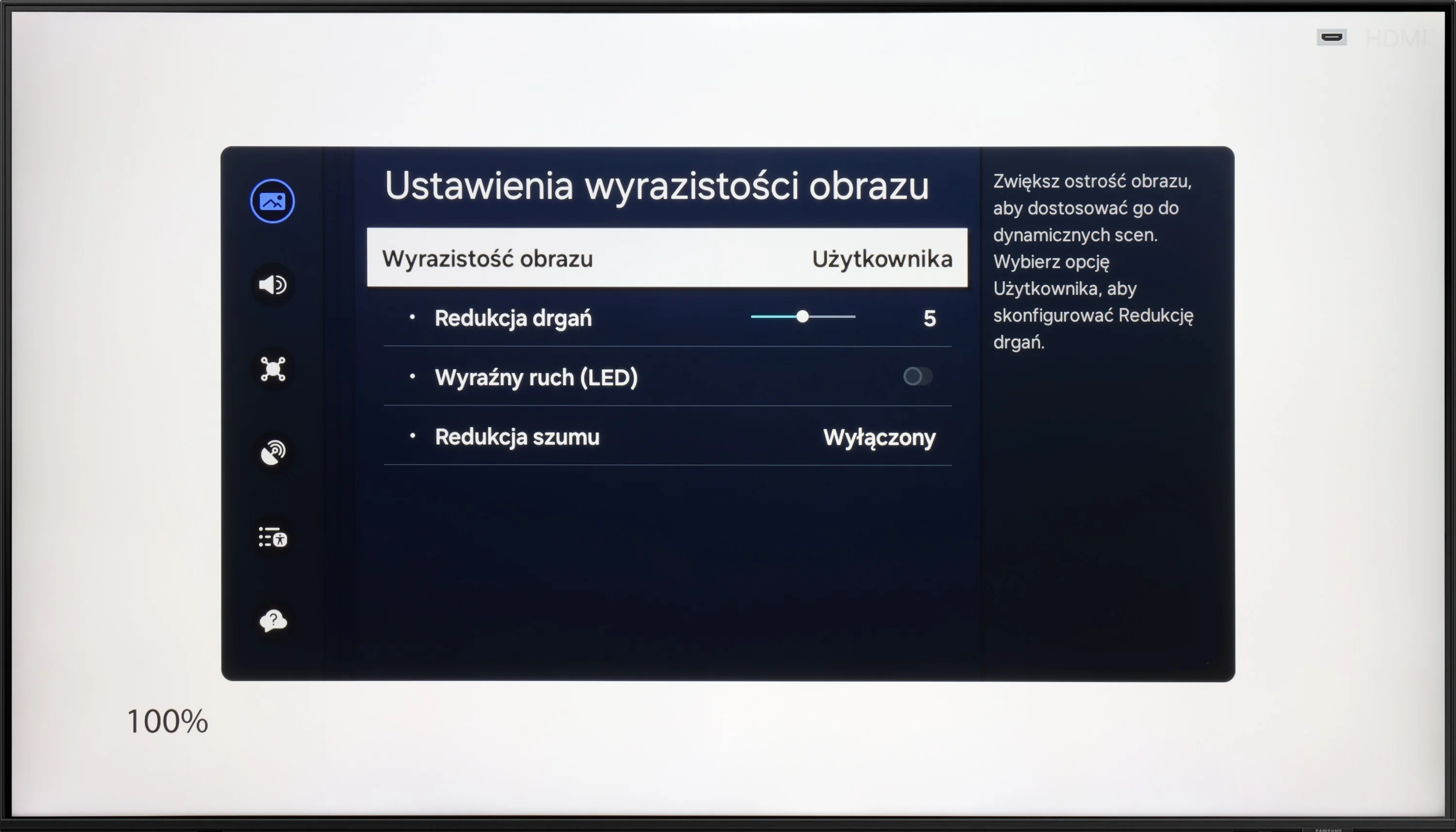
Blur (native resolution, maximum refresh rate):

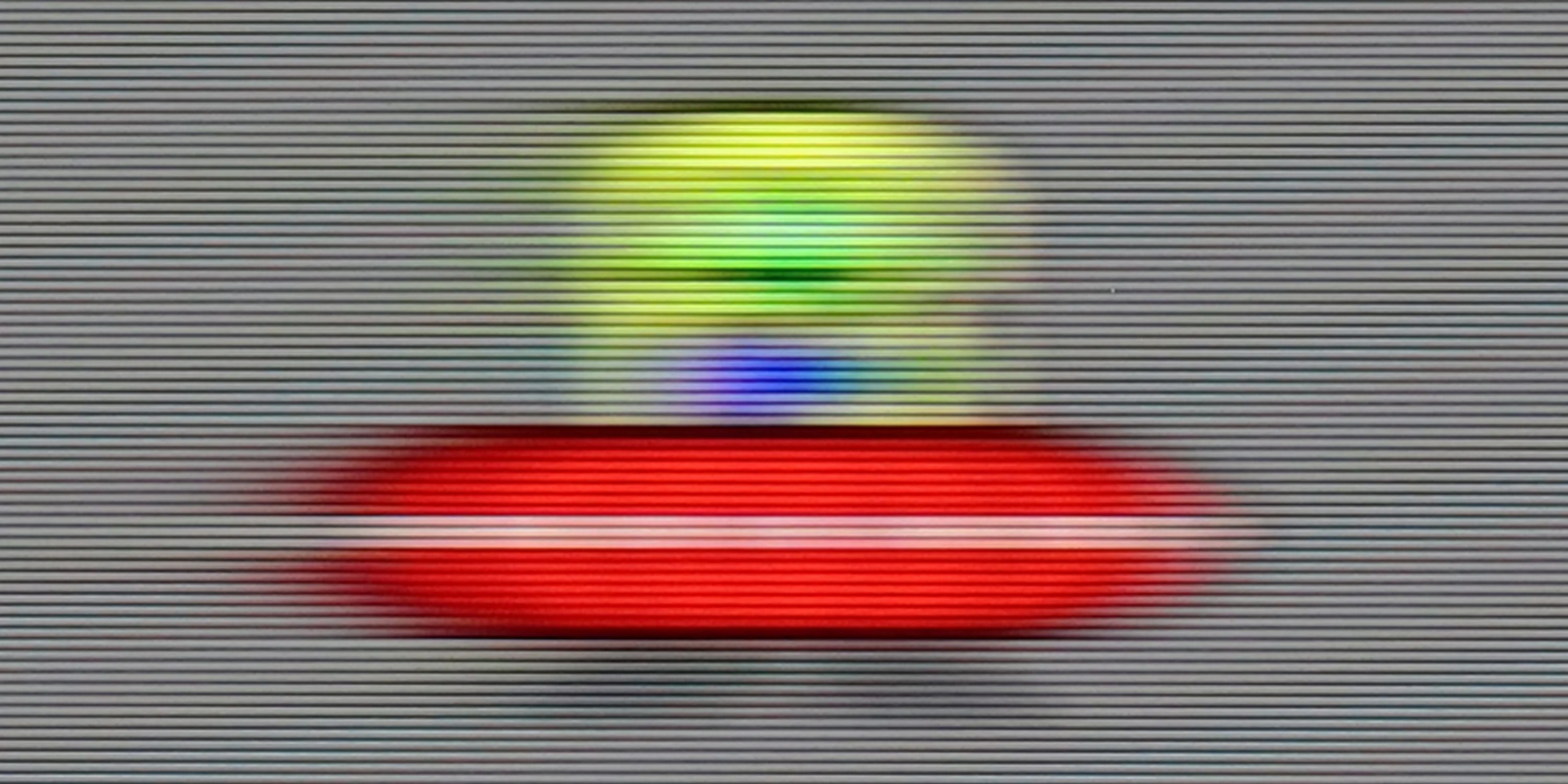


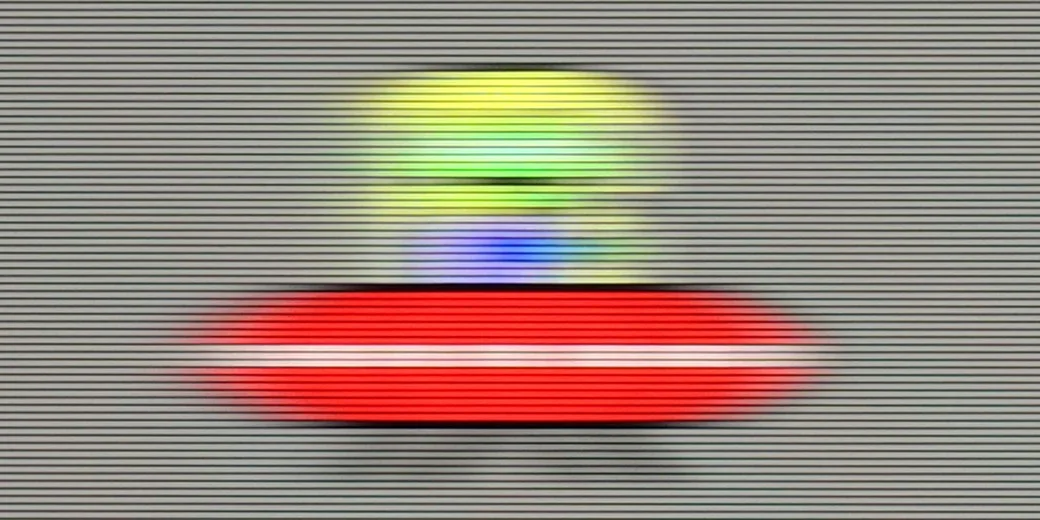

Blur (BFI function enabled):


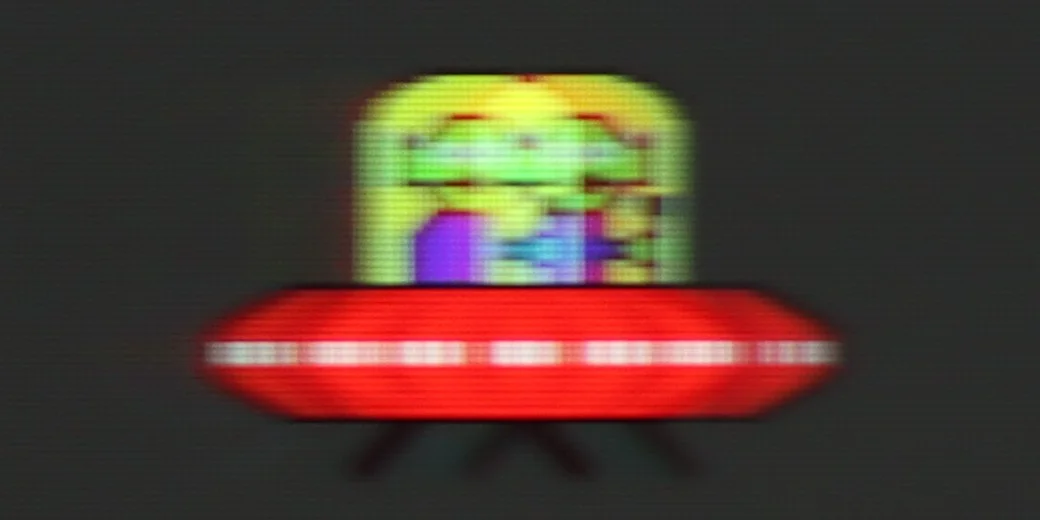
The 60 Hz panel in Hisense A6N will likely please people who enjoy watching movies, because the TV offers an "ultra motion smoothing" feature that lets you adjust the image's motion, making it choppier or smoother and more cinematic. As for motion blur, it is rather average. You can see quite noticeable blur, especially on dark backgrounds, which is a common trait in this class of TVs.
DU8002 with a 60 Hz panel is a television that performs better for watching movies than for intense gaming. The motion smoothing feature acts as a fluidizer, smoothing out motion and giving scenes a more fluid appearance, which is useful for movie screenings. In the context of gaming, this model will rather be suitable only for occasional entertainment.
Console compatibility and gaming features
5.3/10
4.2/10
- ALLM
- VRR
- VRR range48 - 60Hz
- Dolby Vision Game Mode
- Correct implementation of HGIG
- 1080p@120Hz
- 1440p@120Hz
- 4K@120Hz
- Game bar
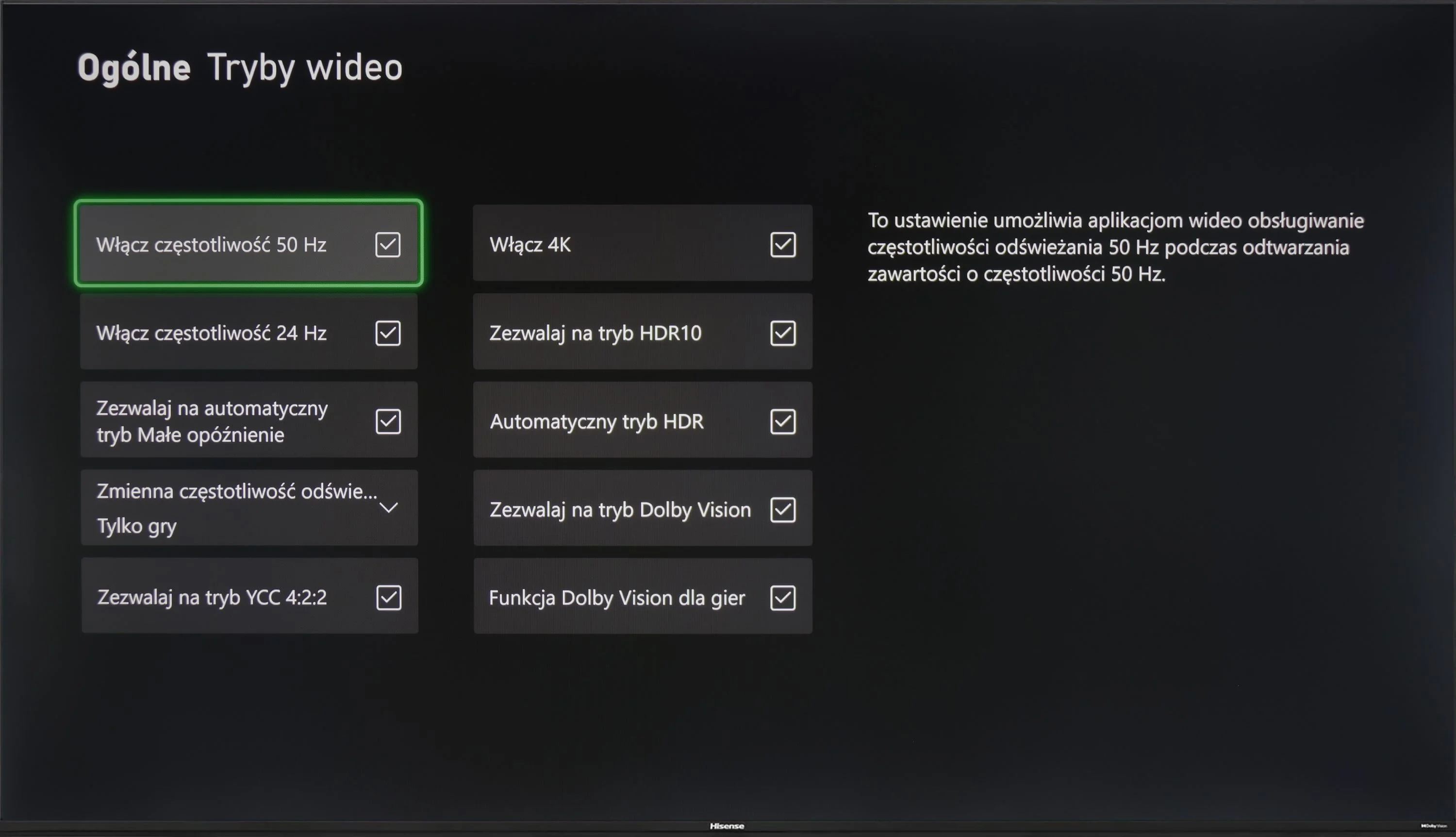
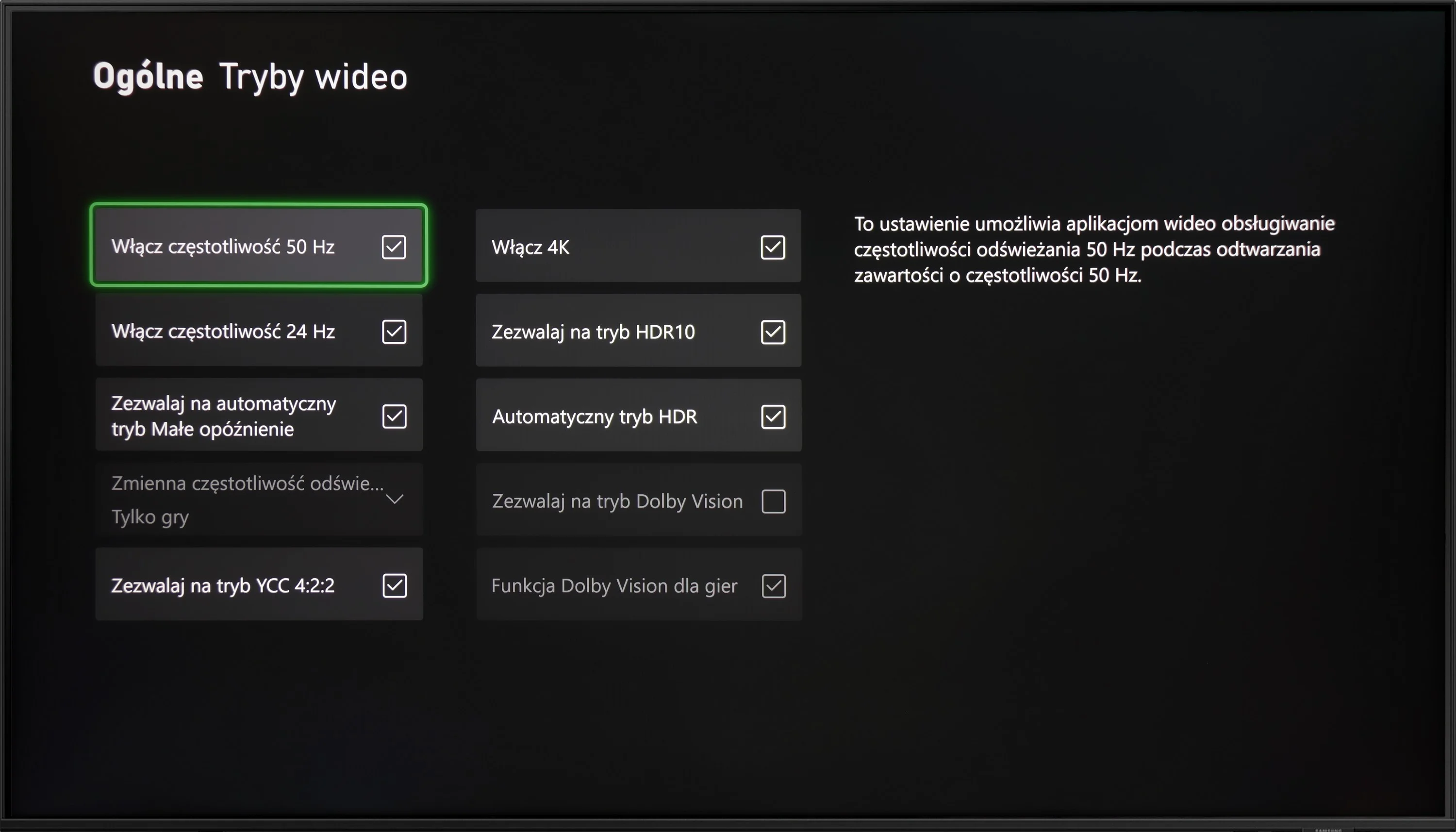
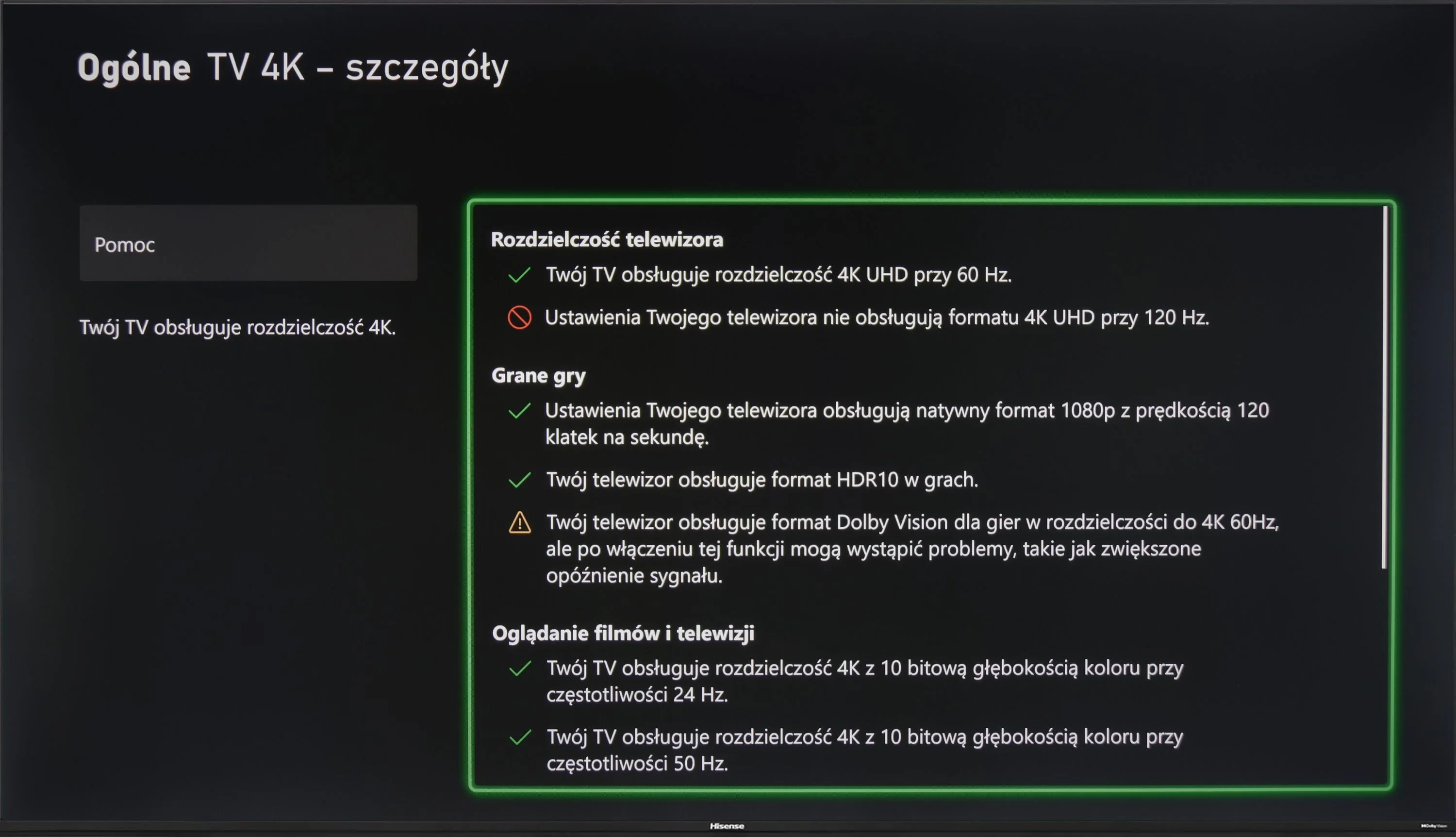
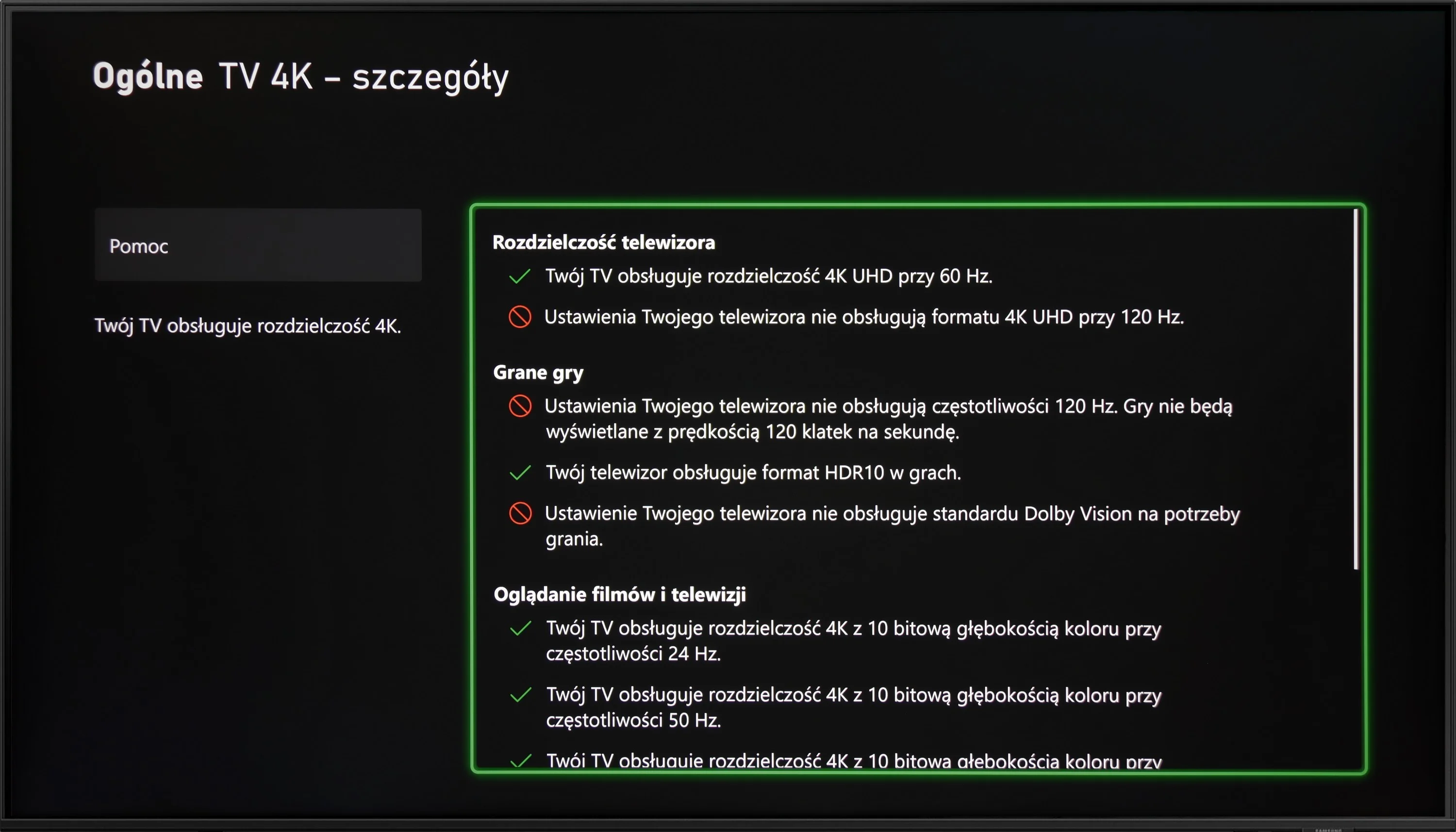
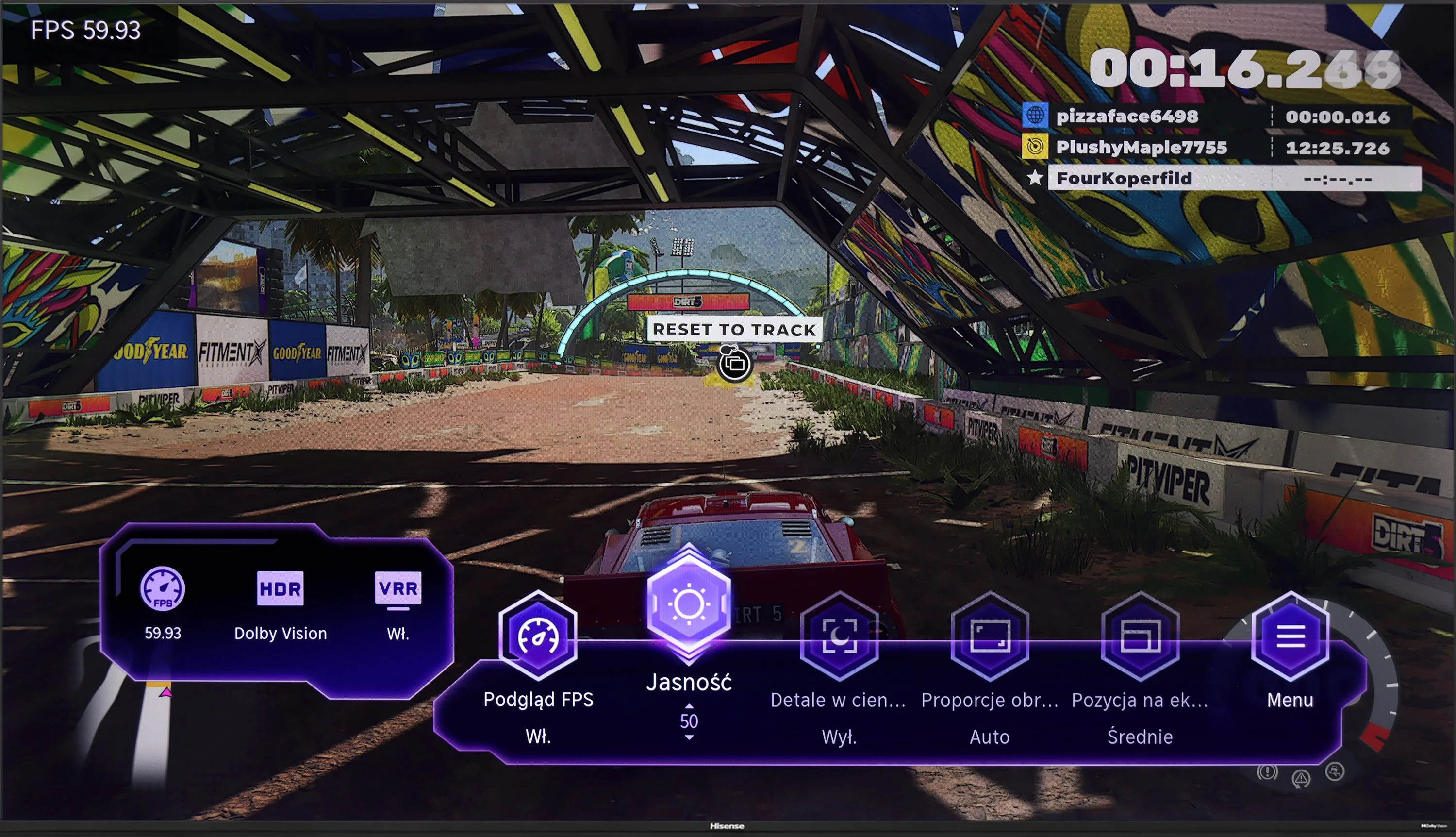
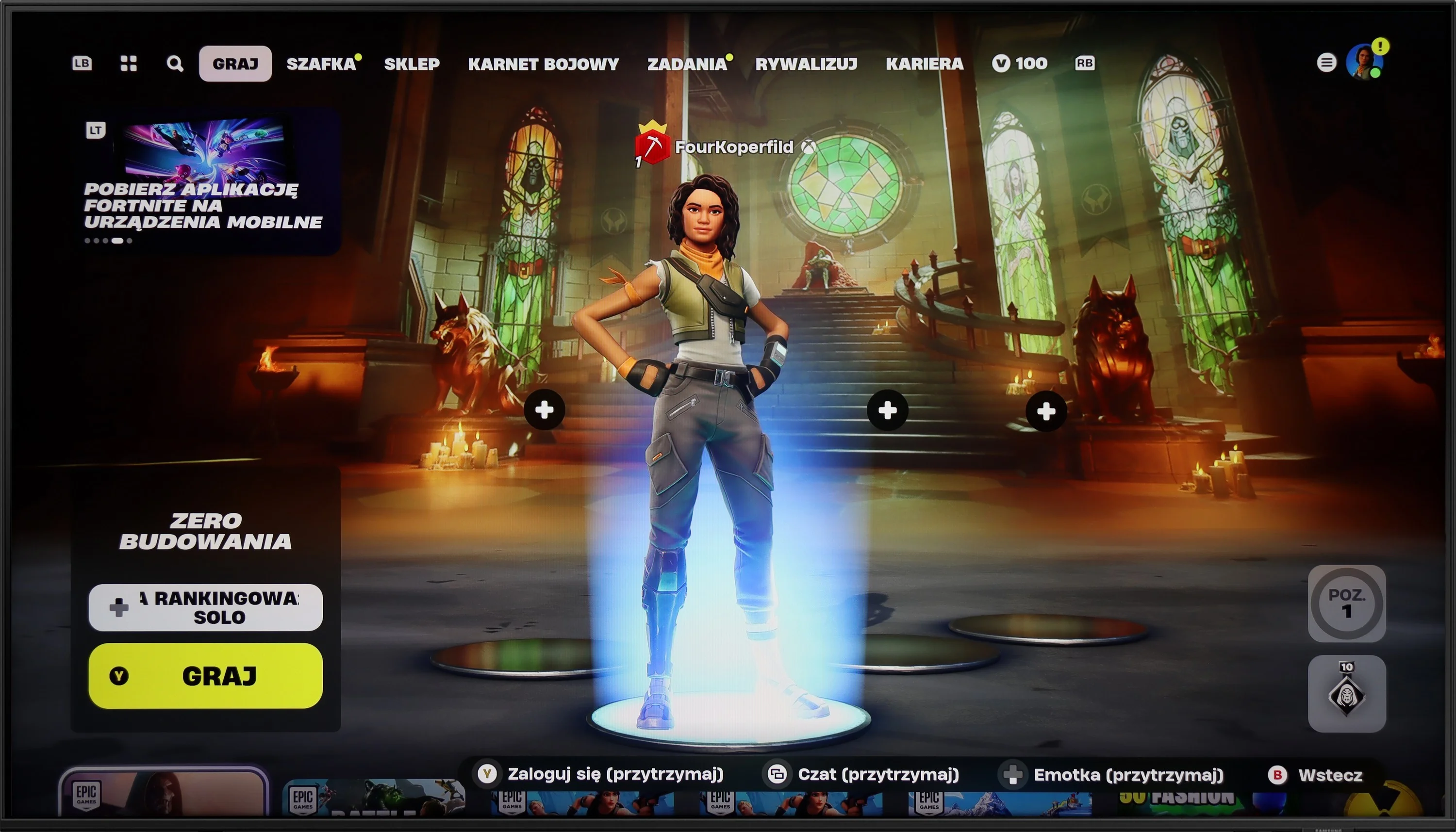
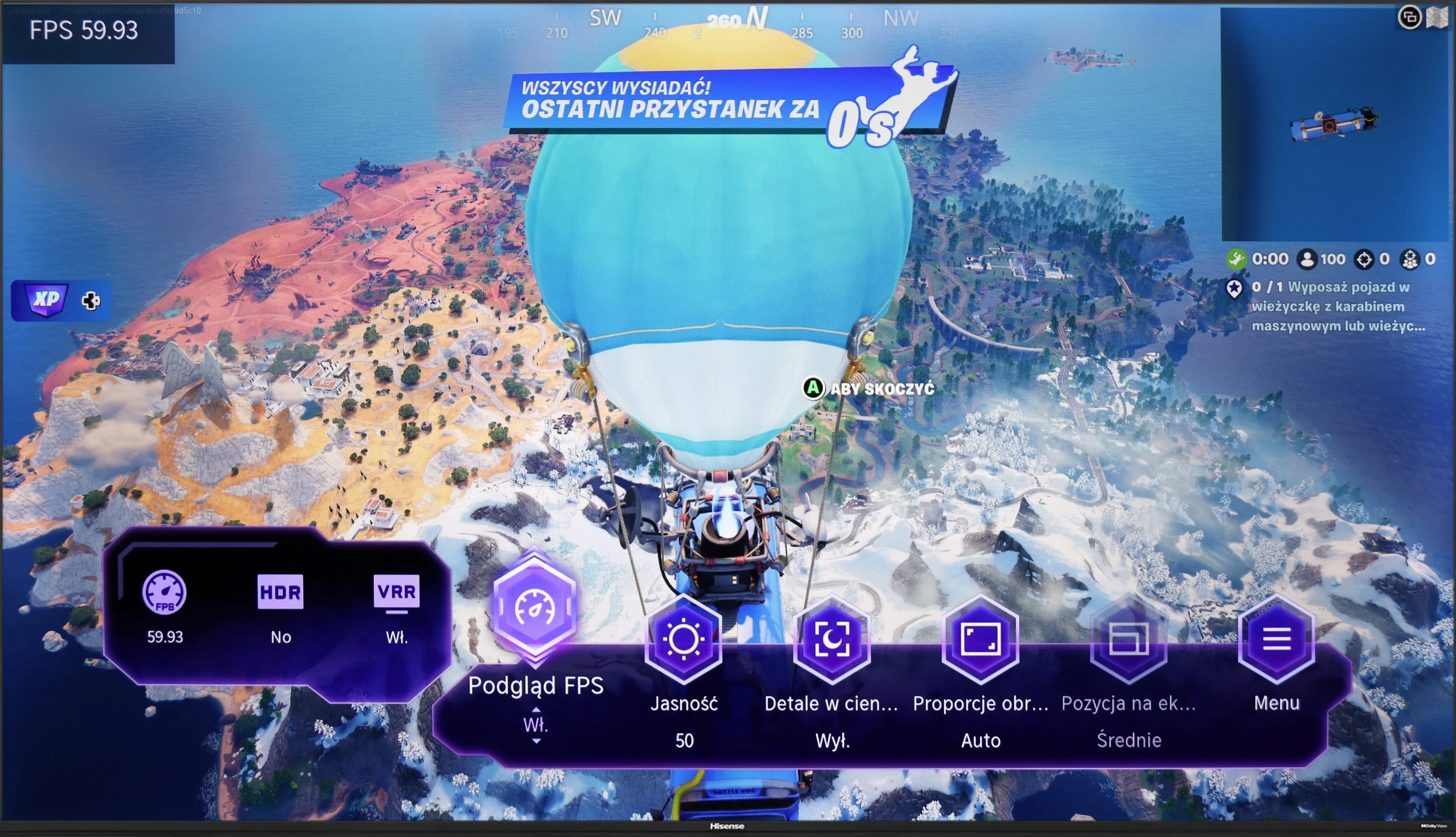
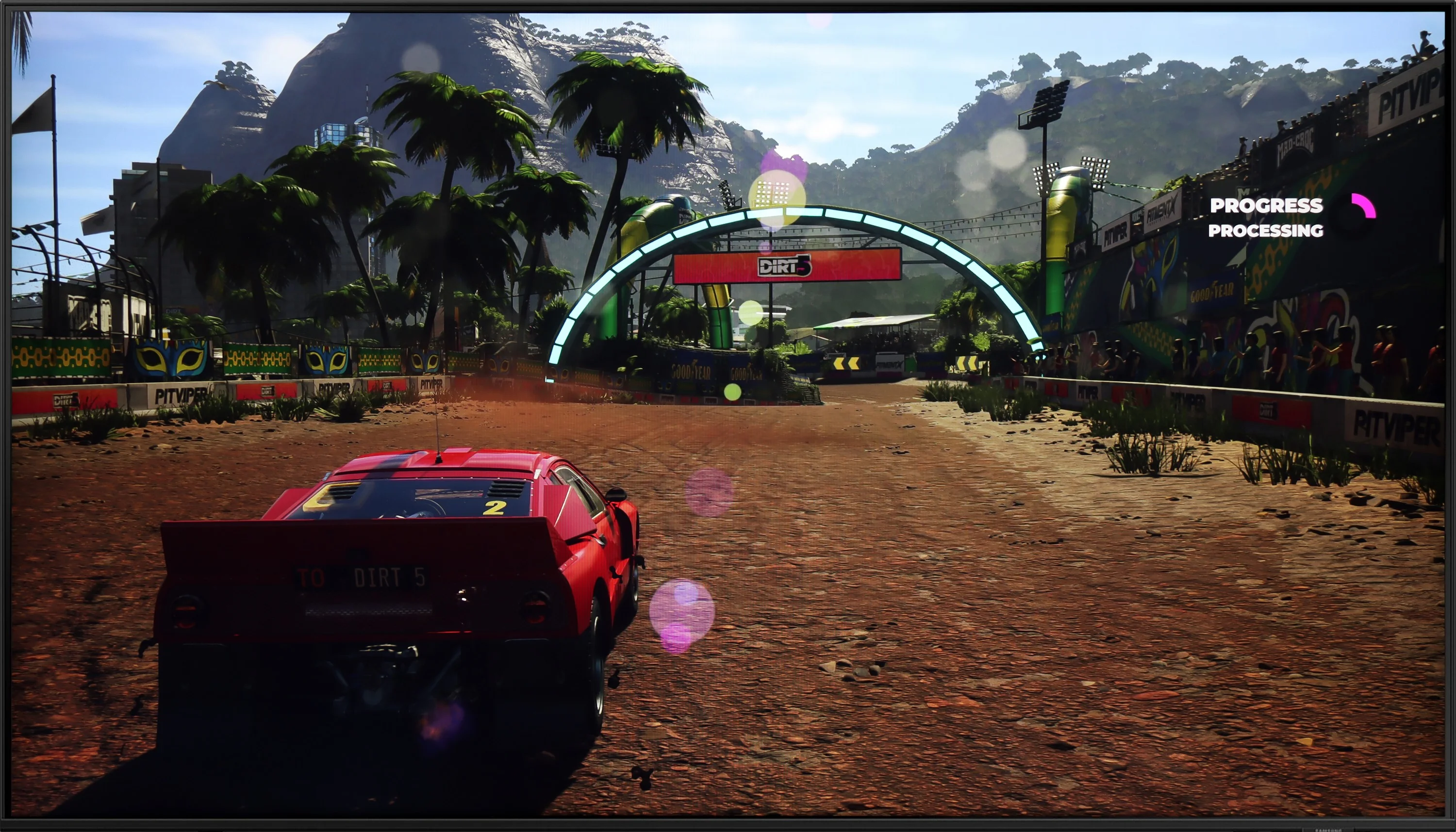
Hisense A6N is a TV that will likely appeal to casual gamers, mainly because of its 60 Hz panel, which may not satisfy more demanding players. Still, it offers several features that can make gaming more enjoyable. The TV supports functions such as ALLM (automatic low-latency mode), VRR (variable refresh rate) and Dolby Vision, which let you enjoy better picture quality and smoother motion in games that support those technologies. Moreover, the low input lag means in-game reactions are fast, which is crucial, especially in fast-paced titles. Thanks to these features, although the TV isn’t the ideal choice for demanding gamers, it provides solid support for those who value comfortable gaming without complicated settings. It’s an ideal solution for people who want to enjoy gaming without high hardware demands while still having access to modern technologies that enhance gameplay quality.
DU8002 is a television that will mainly serve as equipment for casual gamers. The 60 Hz panel does not provide the highest motion fluidity, so in dynamic games there may be a lack of that extra smoothness of the image. On the positive side, it features ALLM and HGiG functions, which automatically adjust image settings for HDR games, enhancing the gaming experience. Unfortunately, the television is equipped only with HDMI 2.0 ports, so we have to forget about more advanced features like VRR or support for 4K at 120 Hz. When choosing this equipment, we will have to make do if we expect a full set of gaming features.
Input lag
9.9/10
10/10
SDR
HDR
Dolby Vision
Hisense A6N achieves an impressive input lag of 12 to 14 ms, which is an excellent result. The Dolby Vision implementation also deserves praise; with other brands it is often problematic and unplayable, but here it works smoothly and without noticeable delay, which is a big plus for fans of fast-paced games.
Input lag in the DU8002 is definitely its strong point. The delay is low enough that every reaction on the screen is instantaneous, making gaming smooth and enjoyable. For gamers who enjoy dynamic titles and value quick responses, this television is a pleasant surprise. Although it lacks advanced gaming features or a higher refresh rate, the low input lag is a real advantage that makes a difference.
Compatibility with PC
1/10
6/10
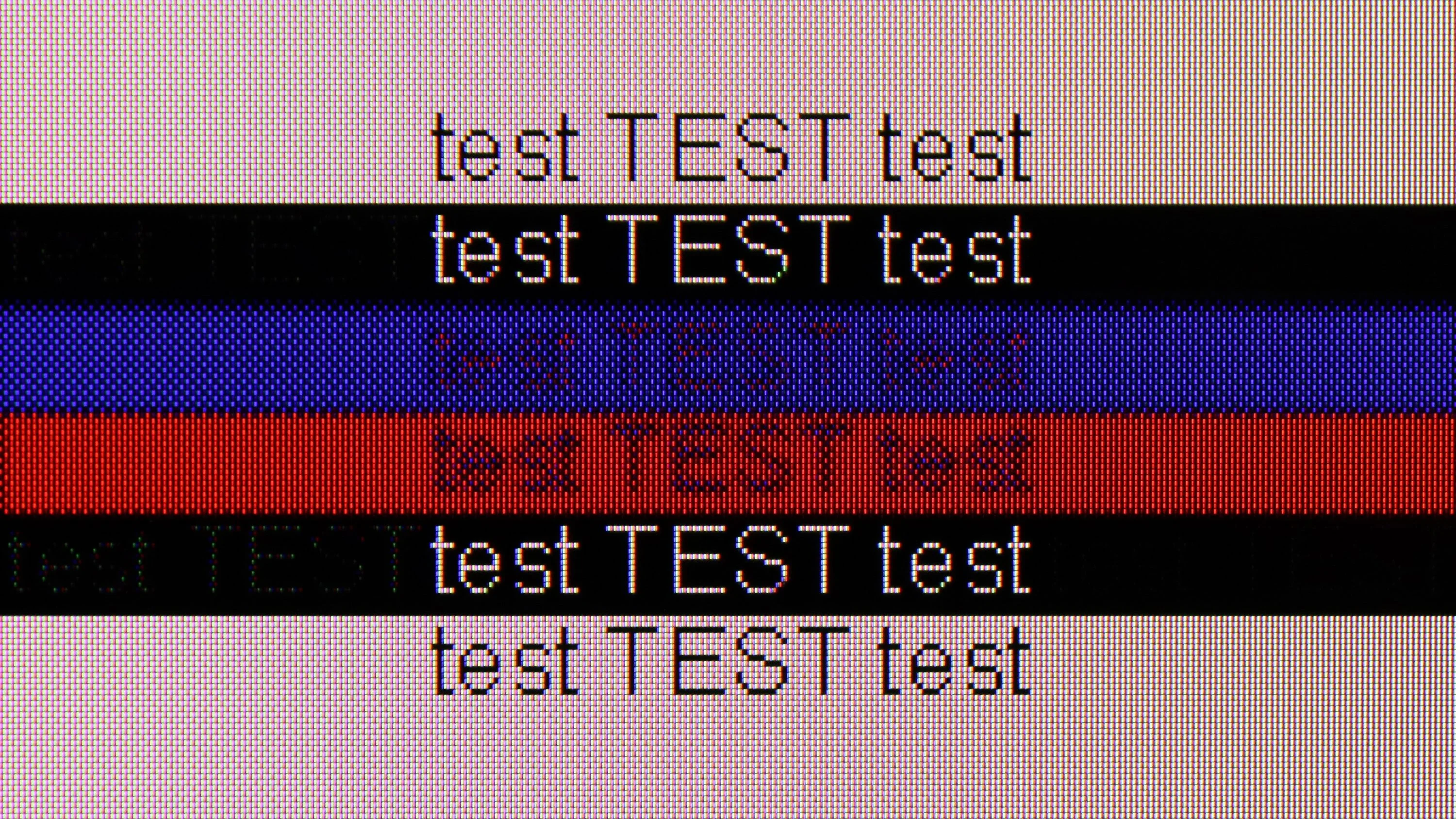
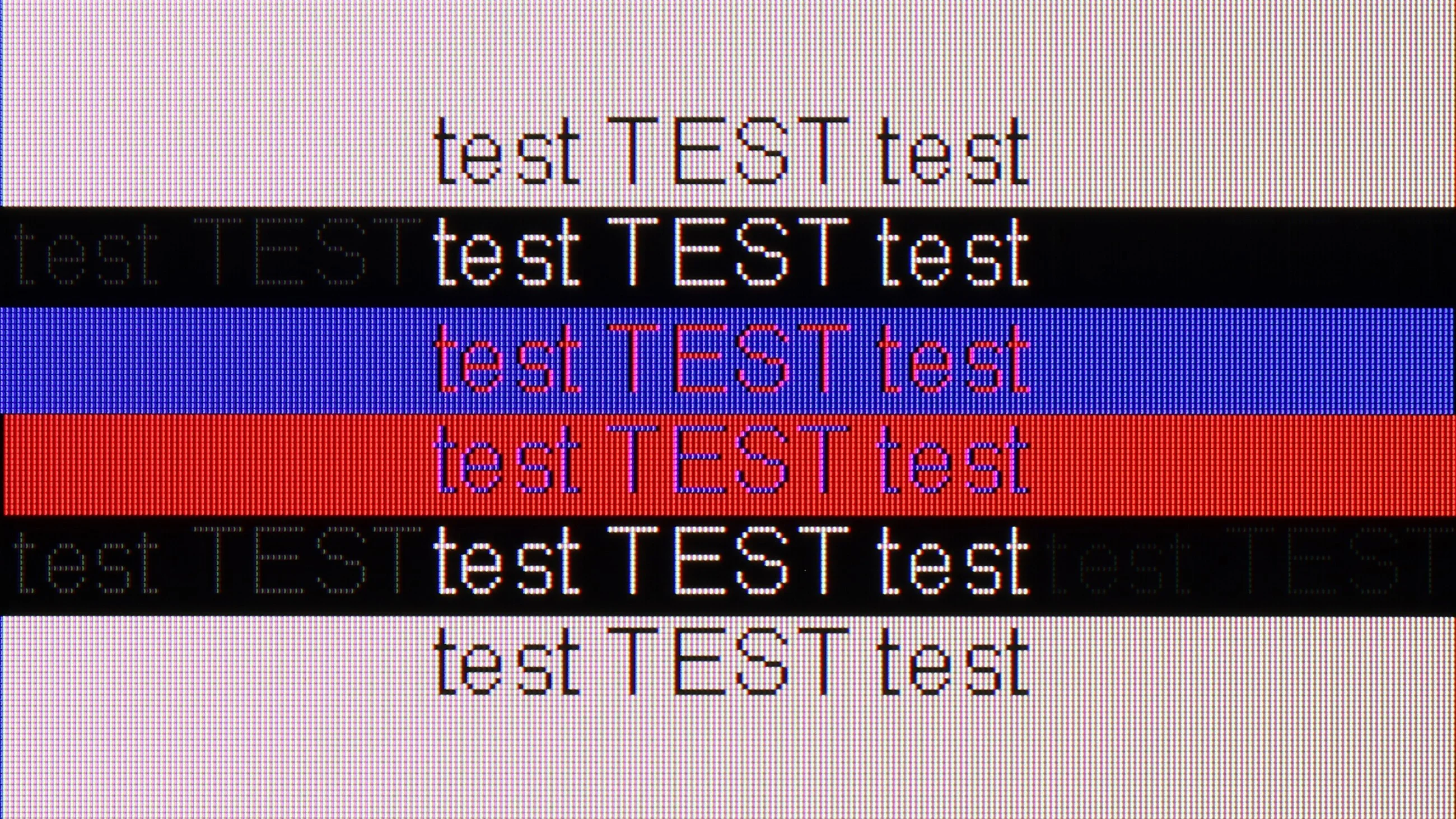
The photo shows the legibility of small fonts. Ideally, lines should be the same thickness on both light and dark text, with minimal pixel gaps.
The Hisense A6N TV is unfortunately not suitable for use with a computer. Lack of support for chroma 4:4:4 causes fonts to be completely blurry and illegible, which makes using the TV as a monitor very difficult. This definitely rules out this model as an option for anyone looking for a TV to pair with a PC.
DU8002 performs excellently as a monitor for computer work. The 4:4:4 chroma support ensures great font readability, making texts look sharp and clear, which is a significant advantage for extended work and content browsing. For office tasks and everyday use, it works really well. When it comes to gaming, the situation is more complex – the 60 Hz panel somewhat limits smoothness, which may not appeal to more demanding gamers. However, the low input lag is a definite plus that makes games responsive and enjoyable. In short: great for work, less so for gaming.
Viewing angles
3.4/10
6.9/10
Unfortunately, the viewing angles on the Hisense A6N are poor, which is typical for VA panels. When watching from wider angles the picture quickly loses quality, with colors washing out and contrast dropping significantly. You get the best visual experience by sitting directly in front of the TV, since even a small shift to the side degrades color accuracy and contrast. This limitation can be important in larger rooms where viewers are seated at different angles to the screen.
DU8002 really has great viewing angles, thanks to the IPS matrix. Even when looking at the screen from the side, the image remains clear and the colors vibrant. This is a significant plus, especially if we often watch movies with a larger group or work on a wide desk. There’s no need to worry that someone sitting at the side will see a faded image – everything looks good here, regardless of the angle.
Daytime performance
3.8/10
4.2/10
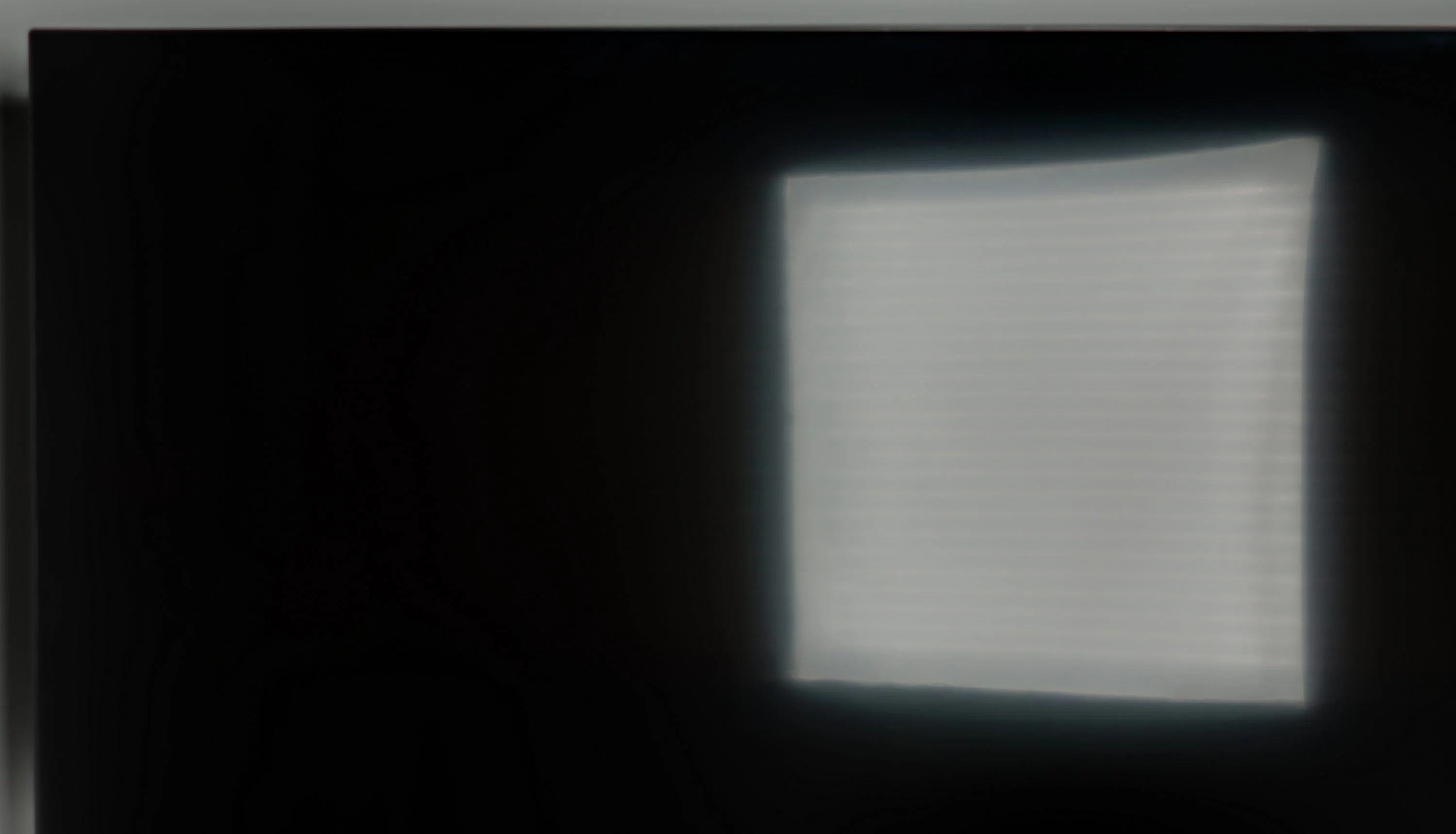
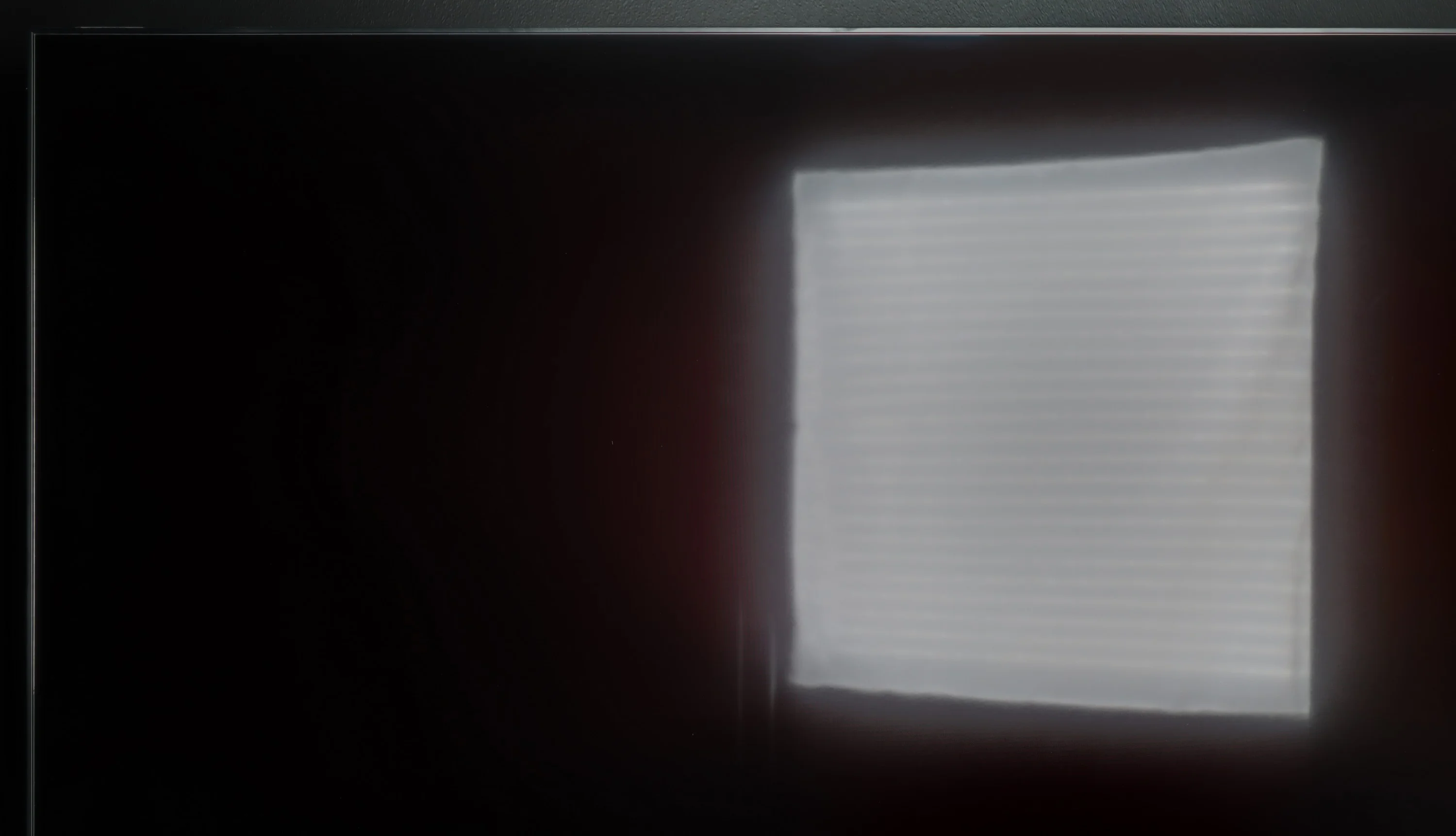
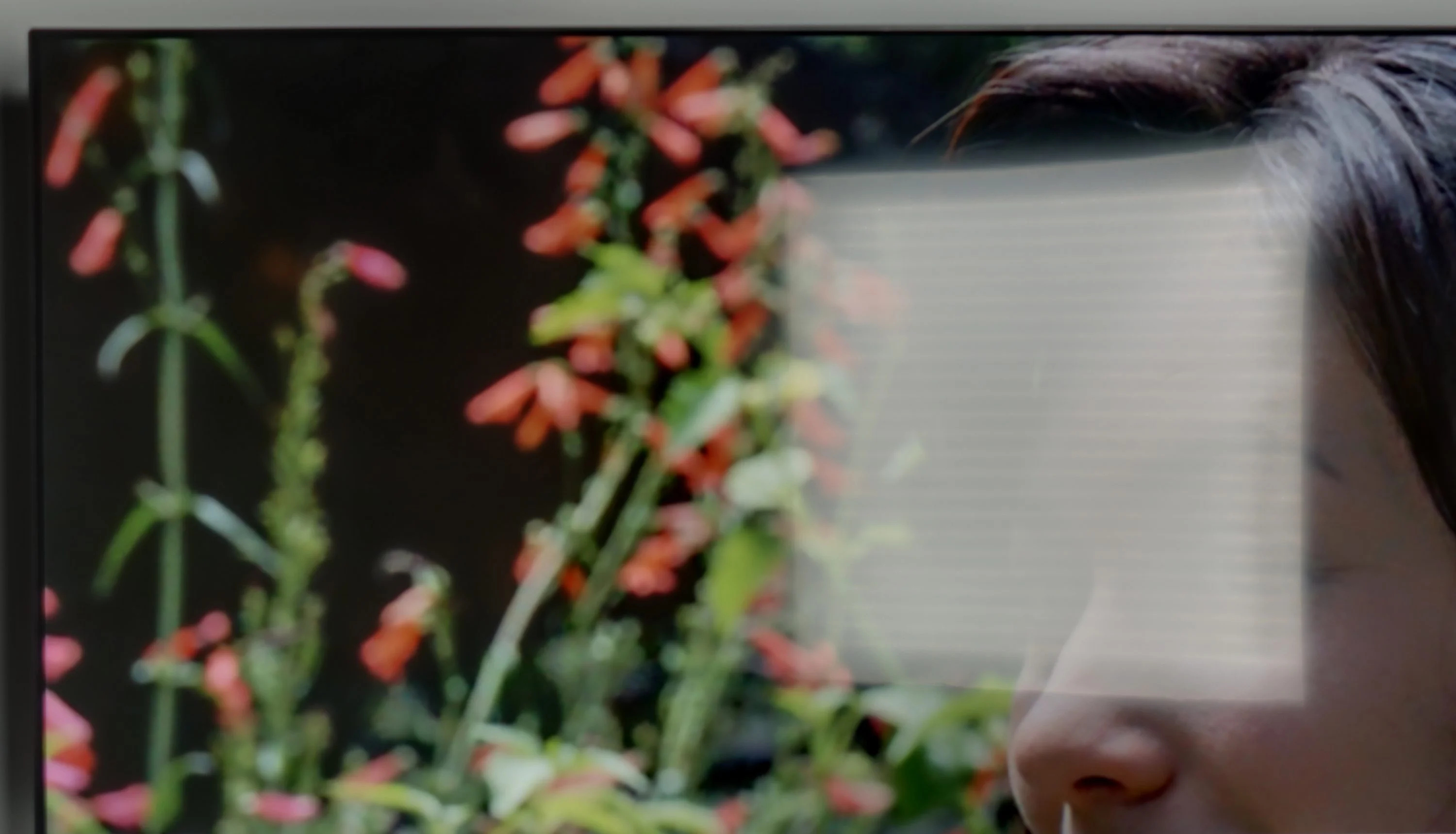
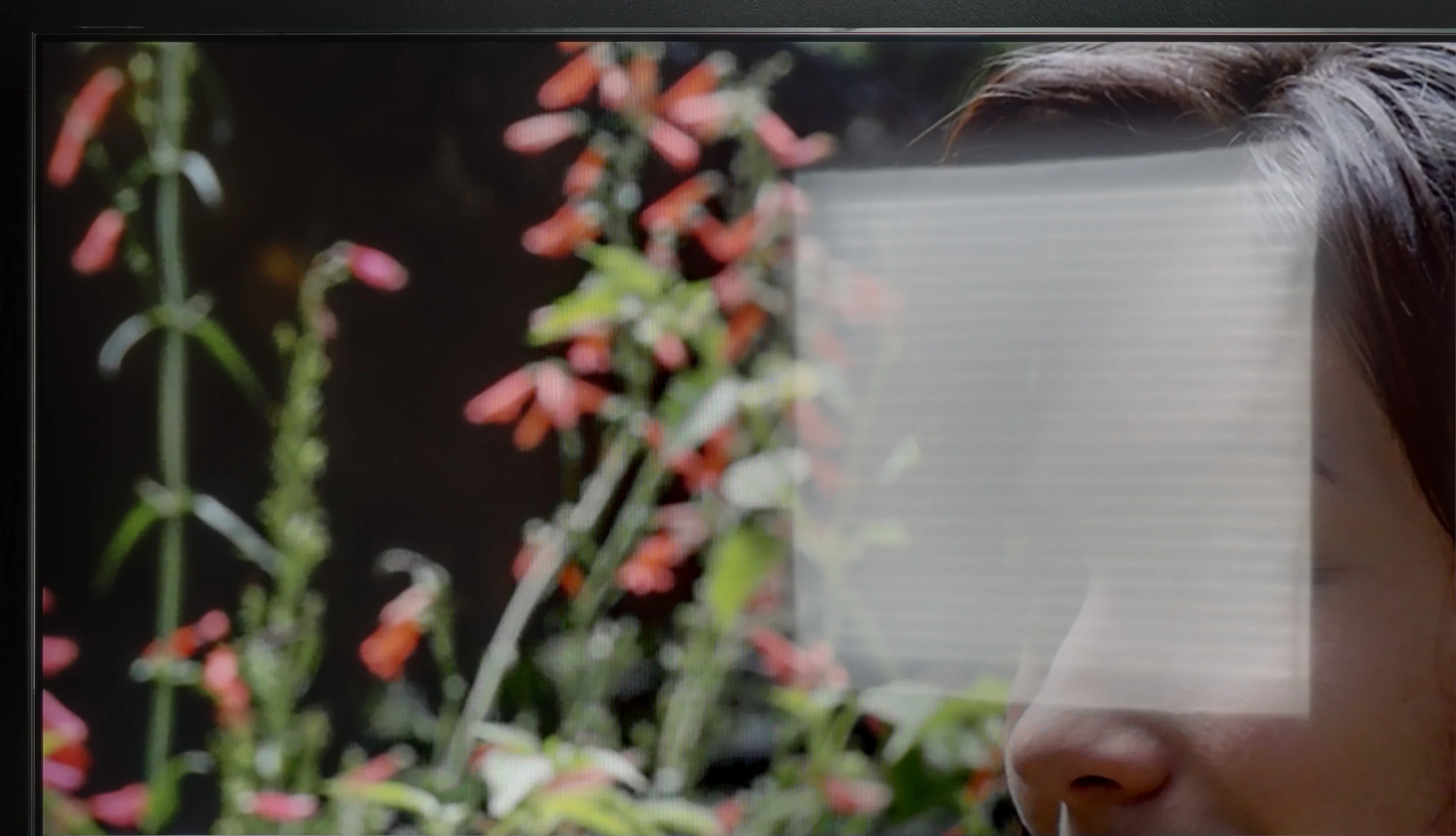
Panel brightness
Samsung DU8002 (IPS): 291 cd/m2
Hisense A6N: 226 cd/m2
The satin panel does a good job of reducing reflections, but a brightness of 220 cd/m² is not sufficient for the TV to effectively overcome strong ambient light. In bright rooms or with a lot of daylight the image may appear less defined, which limits the comfort of using the TV in those conditions.
The performance of the DU8002 television during the day is decent, although it does not stand out particularly. The satin matrix handles reflection suppression moderately, so in strong sunlight, reflections may be noticeable. On the other hand, the stable brightness at 300 nits performs quite well in a slightly lit room, providing a clear image. This is a solid result that will satisfy everyday use, although in heavily sunlit interiors, it may lack additional power.
Panel details
Subpixel Structure:
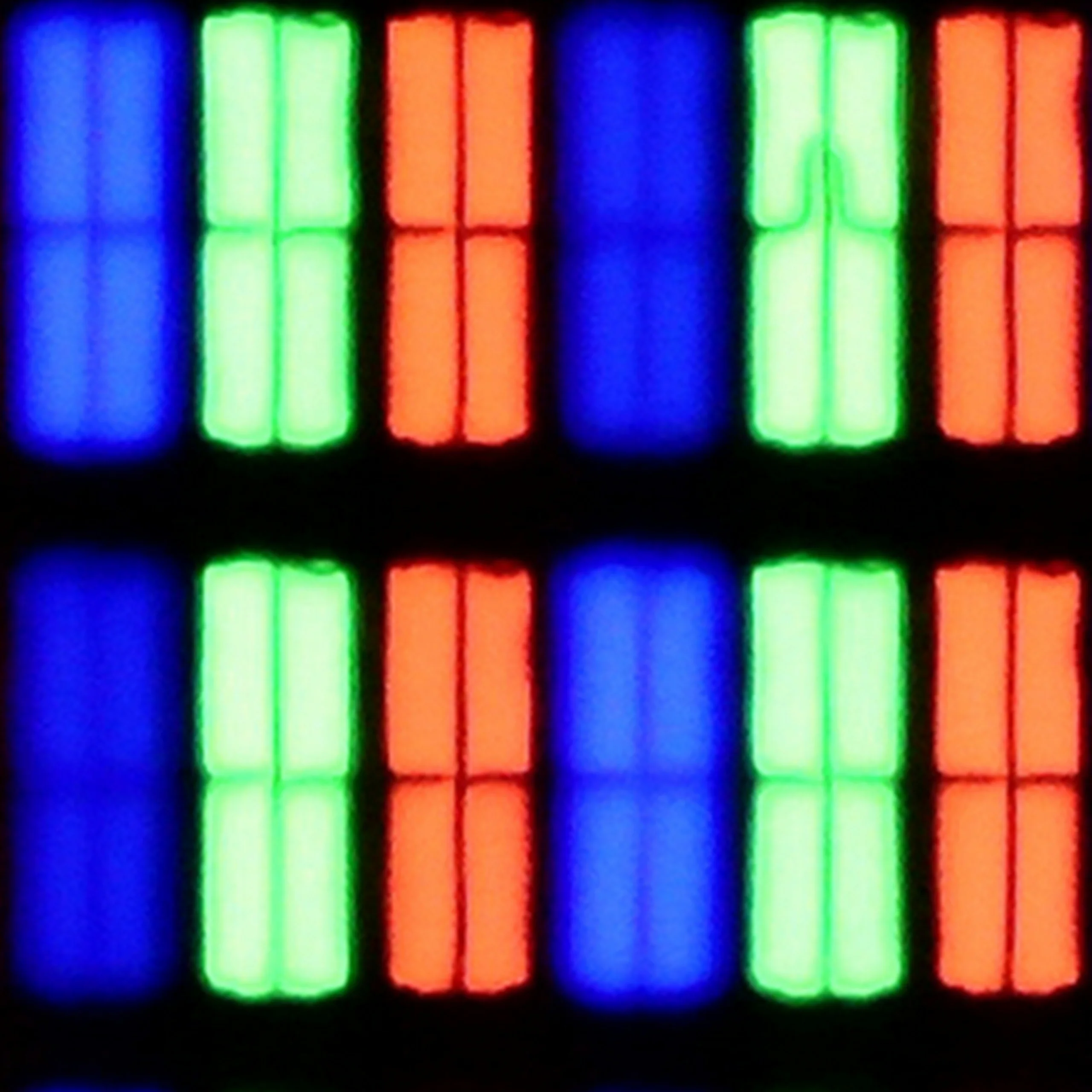
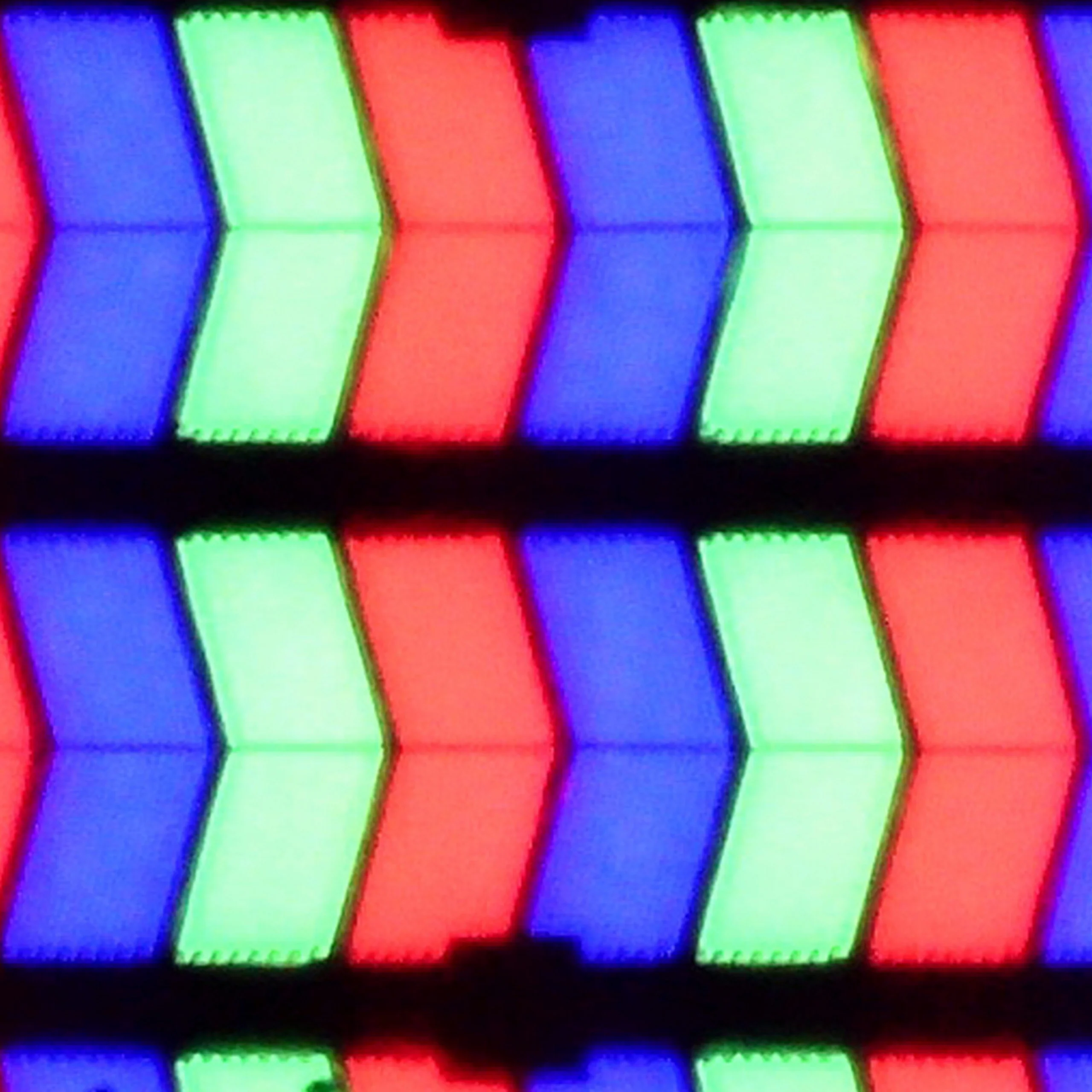
Panel uniformity and thermal imaging:
Hisense A6N
Samsung DU8002 (IPS)
TV features
7/10
6.3/10
- SystemVIDAATizen
- System performanceDecentGood
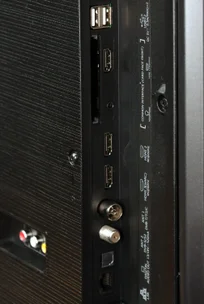
- HDMI inputs0 x HDMI 2.0, 0 x HDMI 2.13 x HDMI 2.0, 0 x HDMI 2.1
- OutputsToslink (Optical audio), eARC (HDMI), ARC (HDMI)
- Network InterfacesWi-Fi 2.4GHz, Wi-Fi 5GHz, Ethernet (LAN) 100MbpsWi-Fi 2.4GHz, Wi-Fi 5GHz, Ethernet (LAN) 100Mbps
- TV receptionDVB-T, DVB-T2, DVB-S, DVB-S2, DVB-CDVB-T, DVB-T2, DVB-C
Classic features:
- Recording to USB (terrestrial TV)
- Recording programming
- Picture in Picture (PiP)
- RF remote control (no need to aim)
- Backlit remote control
- Teletext
- Audio only mode
- Bluetooth headphones support
- Simultaneous Bluetooth headphones & TV audio
Smart features:
- AirPlay
- Screen mirroring (Windows Miracast)
- Voice search
- Voice search in native language
- Ability to connect a keyboard and mouse
Sound connection options
- HDMI audioeARC (HDMI), ARC (HDMI)
- Other audio outputsToslink (Optical audio)
- Wireless audioBluetoothBluetooth
Supported audio formats (external HDMI eARC audio):
- Dolby Digital Plus 7.1
- Dolby True HD 7.1
- Dolby Atmos in Dolby Digital Plus (JOC)
- Dolby Atmos in Dolby True HD
- DTS:X in DTS-HD MA
- DTS-HD Master Audio
Senior accessibility
- Numeric keyboard on TV
- Font size adjustment
- Audio description
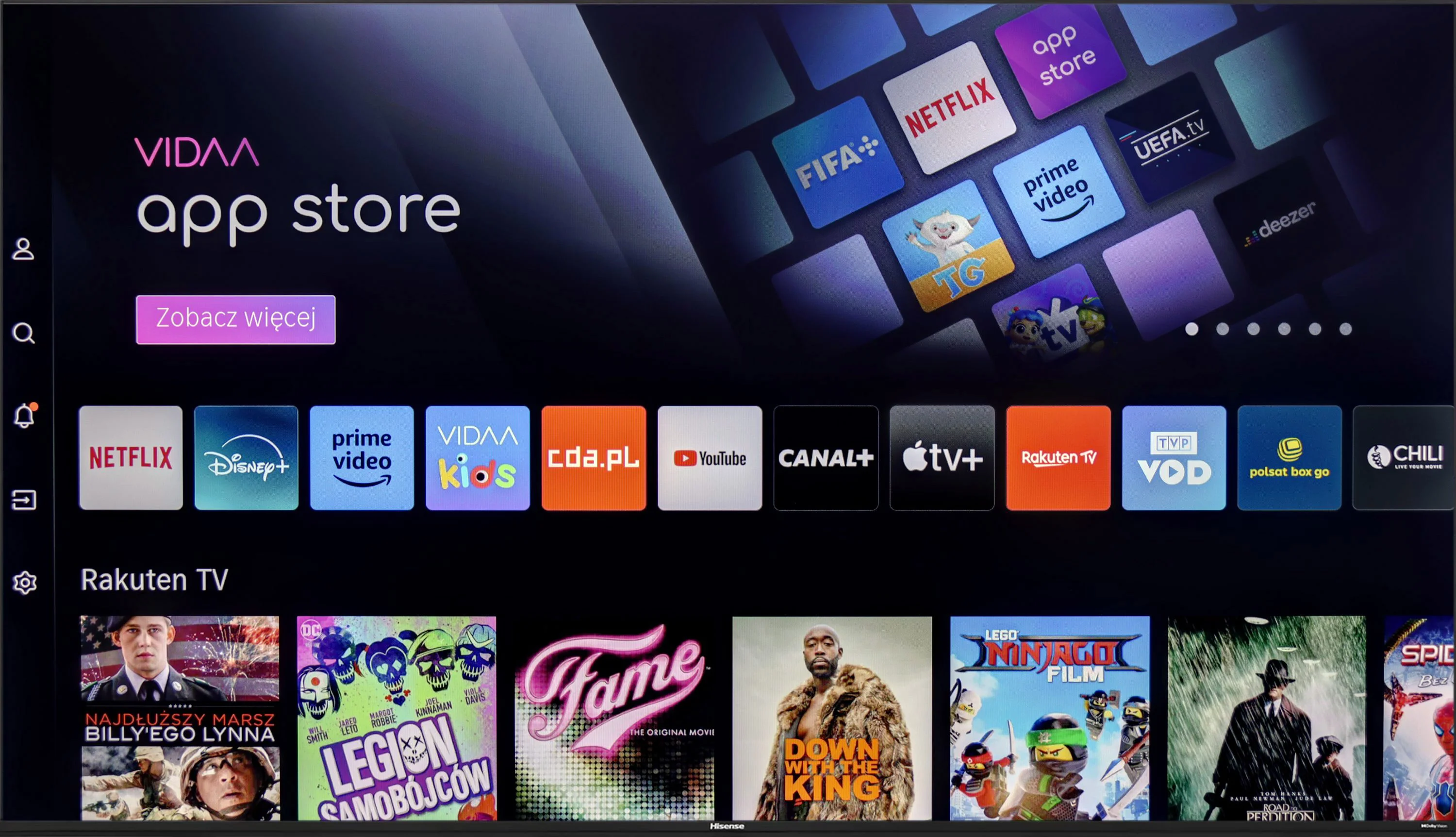
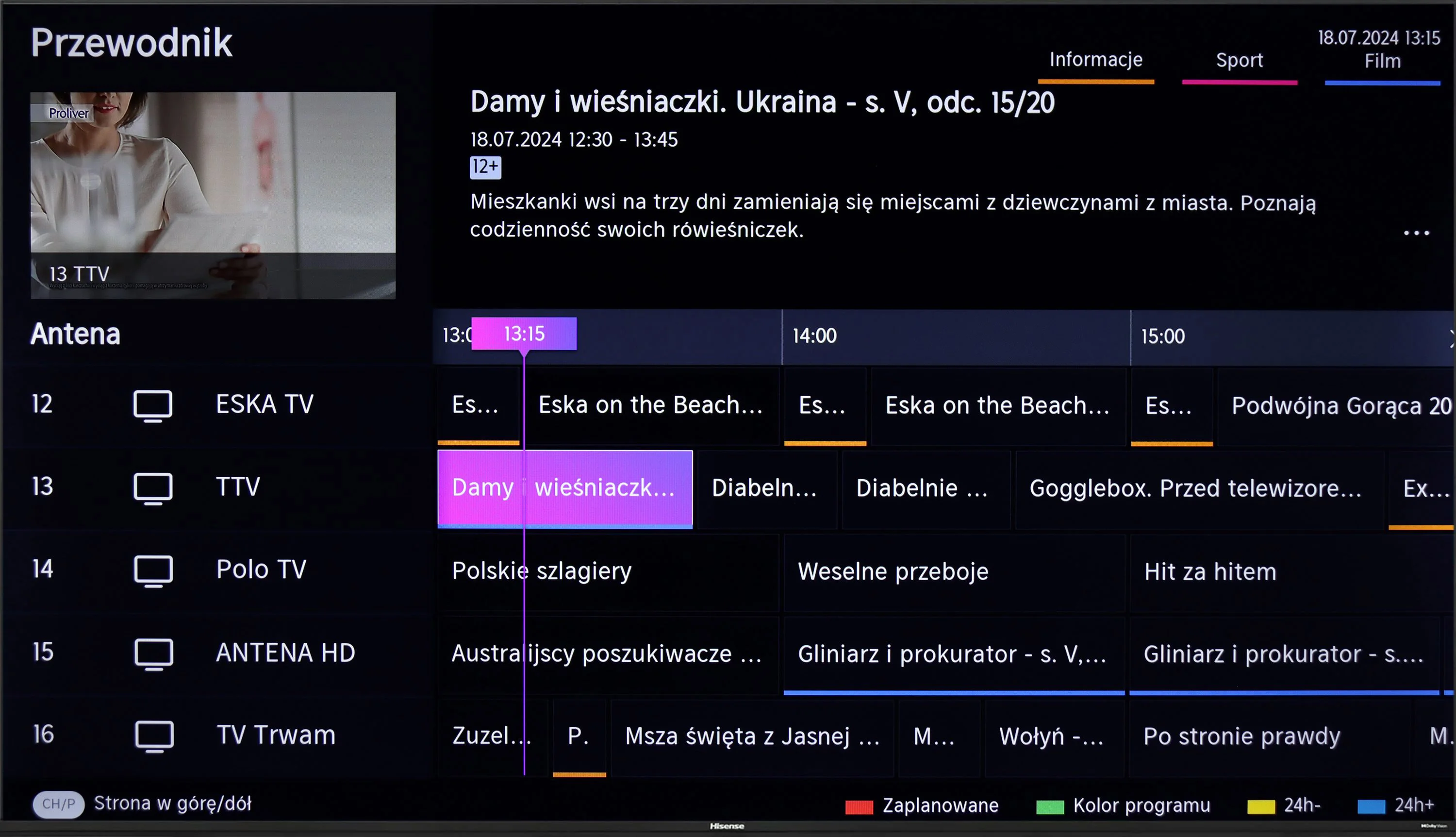
The Hisense A6N TV runs the VIDAA OS, which is fast and responsive without noticeable stutter. There are quite a few apps, but unfortunately music services like Spotify or Tidal are missing. That may be disappointing for users expecting a wide selection of streaming services. Despite this, the TV offers a few features that can compensate. It supports screen mirroring and AirPlay, allowing wireless streaming of content from other devices. In addition, you can connect peripherals such as keyboards or headphones via Bluetooth, which increases the TV’s functionality. Unfortunately, traditional TV viewers may be disappointed by the lack of a recording function and Picture in Picture (PiP), limiting options to personalize the viewing experience.
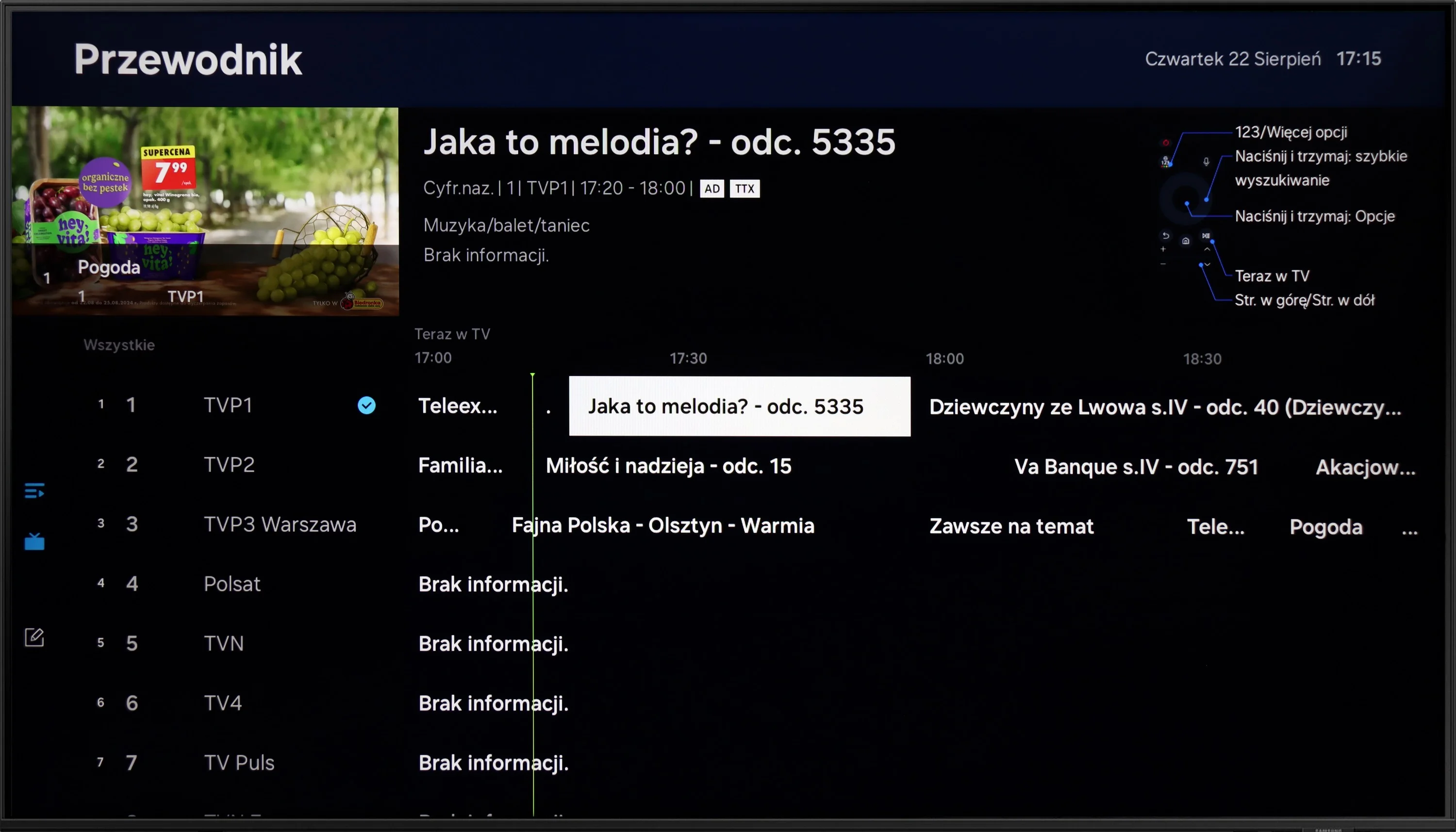
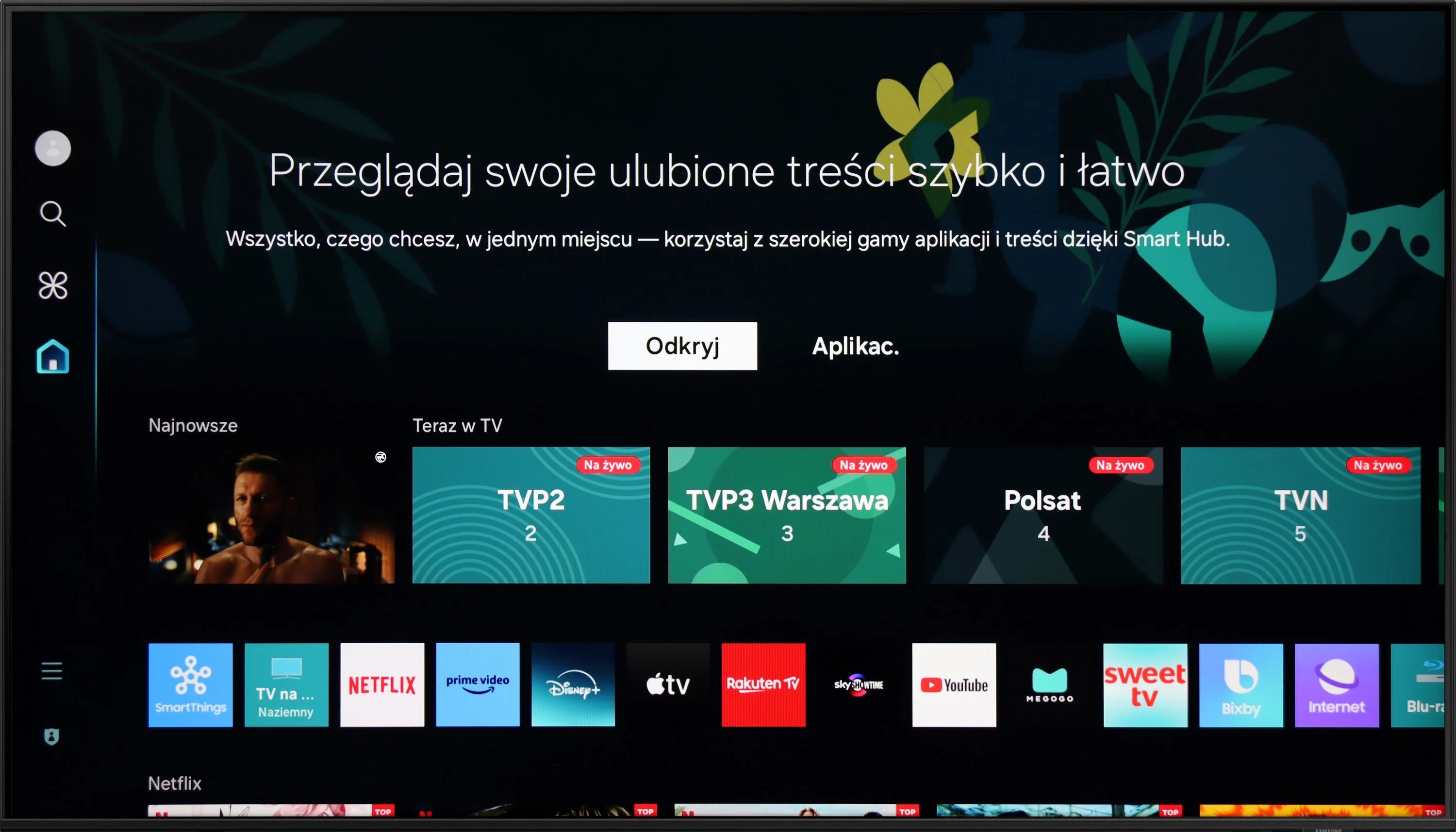
The Tizen system in the DU8002 television is a big plus. It runs smoothly, offering a lot of apps to choose from, although there are some limitations, such as the lack of Tidal. The Voice control deserves a bonus, as it simplifies daily navigation. Tizen is also a solid foundation for building a smart home thanks to integration with SmartThings – a great option for those who want to manage devices in the home from one place.
Among the user features, we find AirPlay and Miracast, which facilitate transferring content from phones or laptops to the television screen. The ability to connect devices via Bluetooth is another advantage. As for the drawbacks – the lack of PiP (picture in picture) and program recording options may be disappointing. Fortunately, the Samsung remote, although small and sleek, has its advantages. It can control external devices, such as decoders, which often offer a recording function, which can mitigate this shortcoming.
As for the design, the DU8002 is a real gem. It is one of the slimmest devices available on the market. With the proper mount, it can be installed on the wall, resembling a suspended picture frame – the effect is impressive and fits perfectly into modern interiors. Additionally, the adjustable width of the stand allows it to be matched to different furniture, although unfortunately this option is not available in all sizes.
Apps
7.7/10
9.3/10






















Playing files from USB
3.9/10
9.1/10
Supported photo formats:
Maximum photo resolution:
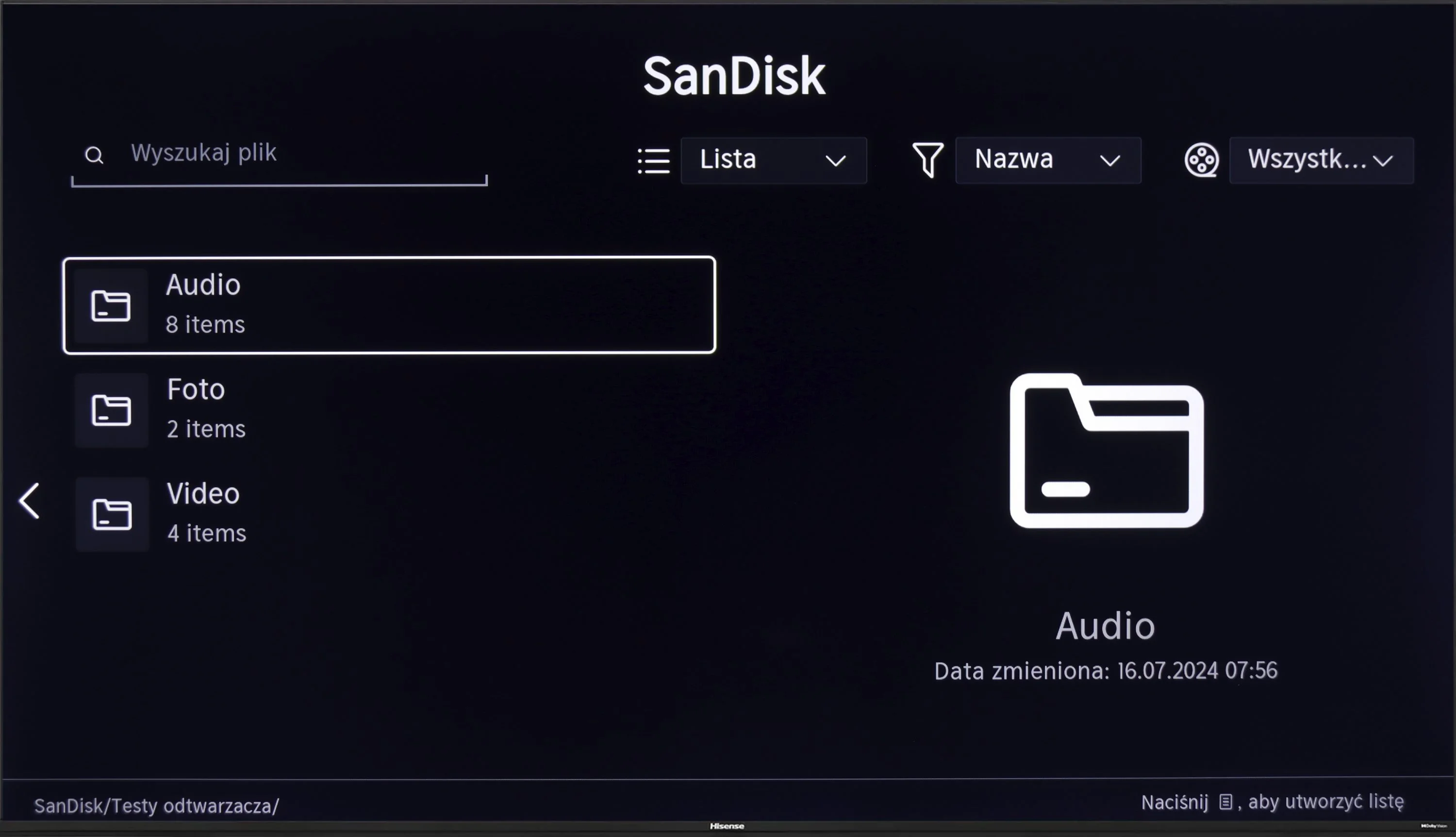
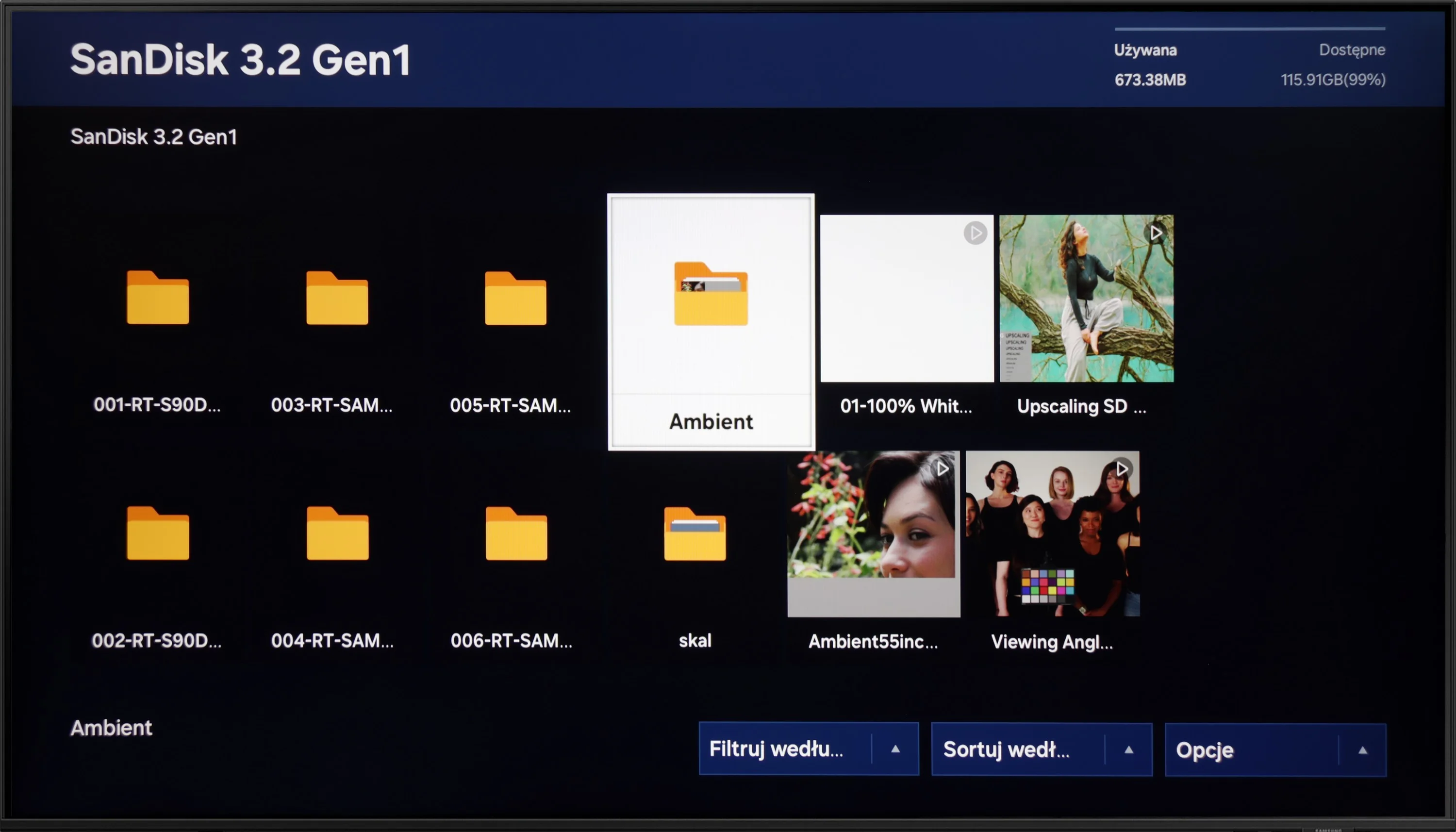
Unfortunately, a major disappointment is the lack of support for Polish characters. This is a significant problem when playing back content with Polish subtitles. This limitation significantly affects the comfort of watching films from local media.
Playback of files from USB on the DU8002 television is at a very good level, similar to most Samsung models. The TV handles most popular audio, video, and image formats, making multimedia playback convenient and hassle-free. Support for Polish characters in subtitles and the ability to change font color is a big plus that users who like to customize their experience will appreciate. Among minor shortcomings, one can mention the lack of support for the HEIC image format, popular among Apple users. Nevertheless, playback of files from USB is at a very satisfying level and should meet the expectations of most users.
Sound
5.5/10
5.9/10
- Maximum volume--
- Dolby Digital Plus 7.1
- Dolby True HD 7.1
- Dolby Atmos in Dolby Digital Plus (JOC)
- Dolby Atmos in Dolby True HD
- DTS:X in DTS-HD MA
- DTS-HD Master Audio
The sound on the Hisense A6N can be described as rather flat and average, typical of budget TVs. However, when connected to an external audio system, users won't be disappointed, because the TV supports most popular audio formats, including DTS and Dolby, which allows for a significantly better sound experience.
The sound in the DU8002 is clear and crisp, but unfortunately, it lacks bass – this is the effect of its slim design, which sacrifices sound depth for an elegant appearance. When it comes to audio file playback, there is no support for DTS, which may be a downside for more demanding users. Fortunately, the TV supports the Dolby Digital Plus codec, which allows for the transmission of Dolby Atmos sound to other devices, such as soundbars. This enables us to enjoy spatial sound that adds a new dimension to films and music.
Reader comments
Comments are provided by the external service Disqus (Zeta Global). Once loaded, Disqus may set cookies and process data about your activity.
We will remember your choice on this device. Provider's privacy policy