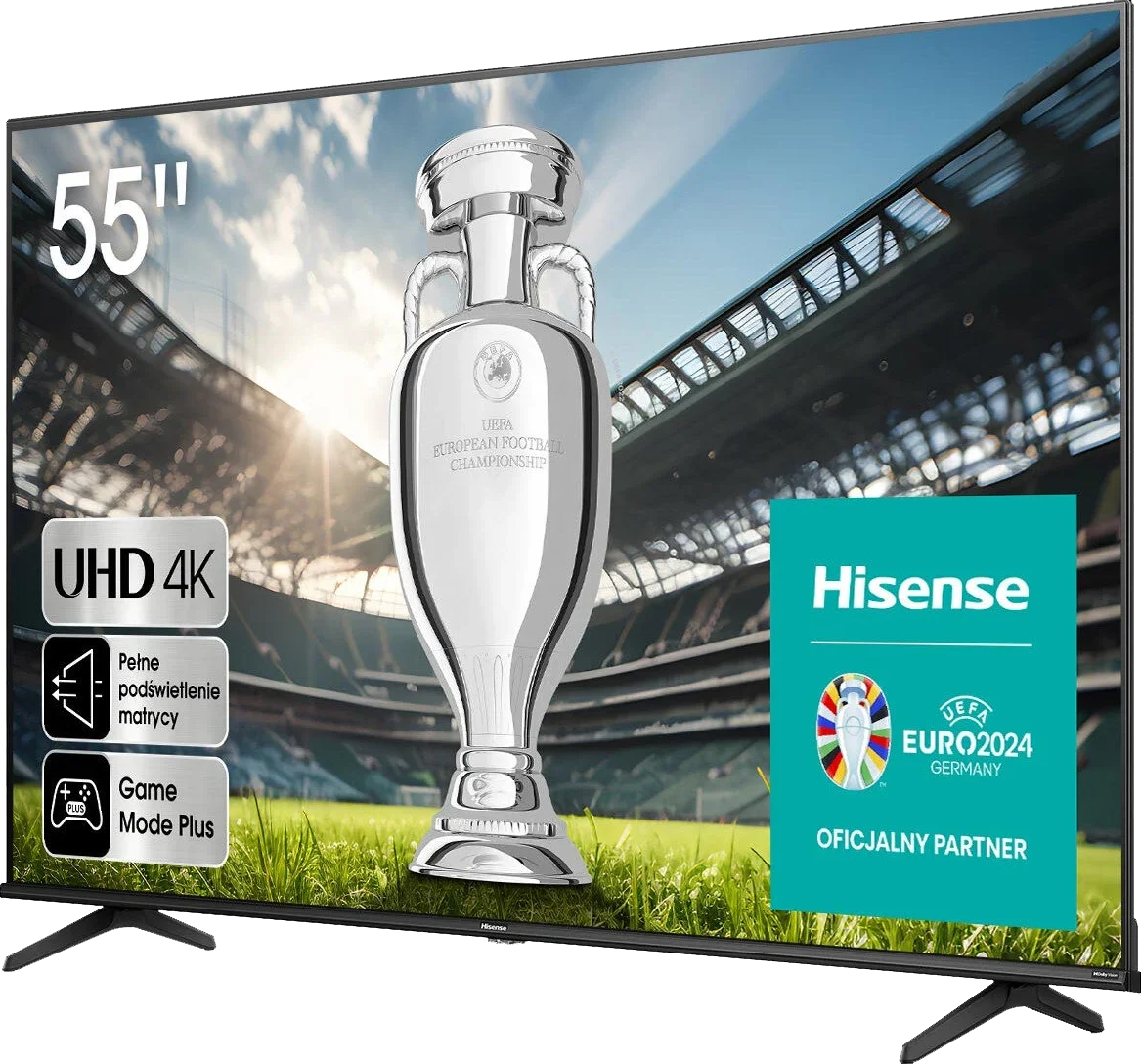
Hisense A6N is a simple model aimed at users looking for an inexpensive everyday TV. Thanks to its VA panel it offers decent contrast, which works well for watching regular TV, especially in the evening when reflections are not a problem. The digital processing also does a good job, so over-the-air and satellite broadcasts look pretty good for this price range. When it comes to gaming, the A6N is not bad, especially for casual players. Low input lag and support for features like ALLM and VRR are nice additions that make games run smoothly with minimal delay. Dolby Vision support is another plus, although at this screen brightness it's hard to get the full HDR experience. The VIDAA operating system is simple and responsive, but it has its limits. The number of available apps isn't impressive, popular services like Netflix and YouTube are there, but you can't count on more niche apps. That may be a problem for anyone who wants more versatility. Of course, as a budget model, the Hisense A6N has its drawbacks. The screen brightness is fairly low, so in a very sunlit room the picture can simply look washed out. Color coverage isn't impressive either, colors are less saturated. You notice this most when watching high-quality HDR content, for example series or films on Netflix. For people planning to use the TV as a computer monitor, it's also not the best choice, the lack of 4:4:4 chroma support makes text less sharp. The Hisense A6N is a budget TV that works well for everyday TV watching and occasional gaming. Its strengths, like decent contrast and smooth system operation, may satisfy less demanding users. However, for those looking for better image quality or more advanced features, it's worth considering other options that for a little more money can offer more.
- Matching (Score) |
- Our verdict |
- TV appearance |
- Where to buy |
- Contrast and black detail |
- HDR effect quality |
- Factory color reproduction |
- Color reproduction after calibration |
- Smoothness of tonal transitions |
- Image scaling and smoothness of tonal transitions |
- Blur and motion smoothness |
- Console compatibility and gaming features |
- Input lag |
- Compatibility with PC |
- Viewing angles |
- Daytime performance |
- Panel details |
- TV features |
- Apps |
- Playing files from USB |
- Sound
Hisense A6N vs Hisense S7NQ CanvasTV
 Direct comparison

Check the best price offer:
Hisense A6NS7NQ / CanvasTV

Available screen sizes: 55”
Panel type: LCD VA
Resolution: 3840x2160
System: VIDAA
Model year: 2024
Complete the survey to find out the result
Panel type: LCD VA
Resolution: 3840x2160
System: VIDAA
Model year: 2024
Complete the survey to find out the result
Overall rating
5.4
6.7
 Movies and series in UHD quality
 5.8
6.6
 Classic TV, YouTube
 5.6
6.3
 Sports broadcasts (TV and apps)
 4.5
6.3
 Gaming on console
 6.6
7.6
 TV as a computer monitor
 1.0
7.0
 Watching in bright light
 3.8
5.4
 Utility functions
 7.0
9.2
 Apps
Apps 7.7
7.7
 Sound quality
 5.5
6.3
Complete the survey to find out what fits your preferences
Advantages

Decent native contrast
Support for all HDR formats, including Dolby Vision, HDR10+, etc.
Decent for casual gamers, with ALLM, VRR, and Game Bar
Low input lag, even in Dolby Vision mode
Free gallery without a subscription
Frame included
Good for gamers (144 Hz, HDMI 2.1, VRR, ALLM, Game Bar)
Support for Dolby Vision, HDR10, and HDR10+
Decent native contrast (VA Panel)
Works well with PC (chroma 4:4:4)
Fast Vidaa System
Seamless connection to home theaters: Support for Dolby and DTS codecs
Disadvantages

VIDAA's fledgling operating system - missing several apps
Poor panel brightness
Not suitable for use with a PC
Worse quality of displayed images in gallery mode than in Samsung The Frame
Colors and blacks fade significantly in bright surroundings
No HGiG mode (for gamers)
Software issues - lack of external subtitles display in movies
Our verdict
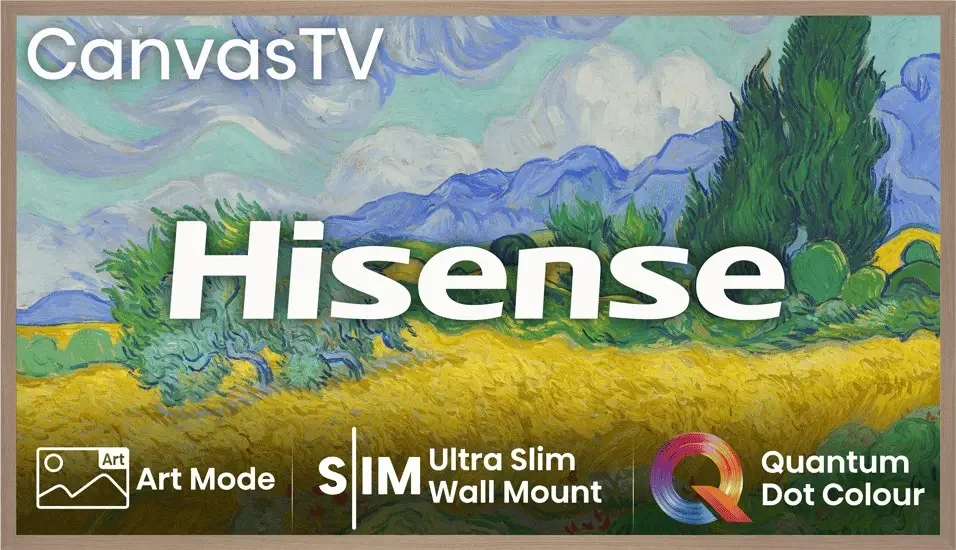
The Hisense S7NQ Canvas TV is a very interesting proposition, especially for those looking for something in the style of a picture-TV but do not want to spend a fortune. At first glance, it stands out primarily because the gallery mode featuring works of art is completely free – there is no subscription fee, unlike Samsung's The Frame. Moreover, in the box, we immediately get a light brown frame, which will be an additional bonus and savings for many. Although it is designed to display art, it surprisingly performs quite well in other applications as well. The 144 Hz panel, full HDMI 2.1, support for VRR and ALLM – all of this makes gaming on consoles very much possible and quite enjoyable. The Vidaa system operates smoothly, and we find all the essential apps and features here, such as AirPlay, USB recording, and screen mirroring from the phone. But there are also aspects that are a bit lacking. First and foremost – the actual images. Compared to The Frame from Samsung, here they simply look more digital. There is a lack of depth, paint texture, and subtle details that really impress with the competitor. Although at first glance we are dealing with a similar matte panel, in practice it performs significantly worse at suppressing reflections. Colors and blacks fade much faster, especially in a bright room. This might also be due to lower brightness – Hisense is simply darker than its Korean rival. In addition, there are minor glitches in the software – for example, the lack of displaying external subtitles despite the option to configure them, or the not entirely effective image smoothing function with lower quality materials. In short: the S7NQ is a good TV in the form of a "picture," which can be a great alternative for those who do not mind the lower quality of the displayed works but appreciate the absence of subscription fees, the additional frame included, and the full functionality of a typical television. It is not a perfect product, but a reasonable compromise for Samsung The Frame.
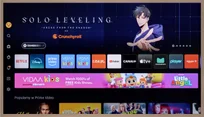
TV appearance

Contrast and black detail
5.6/10
5.6/10
Local dimming function: No
Local dimming function: No
Contrast:


Result
5,250:1

Result
5,150:1

Result
4,700:1

Result
4,950:1

Result
3,500:1
Result
3,400:1
Result
4,200:1
Result
5,200:1
Result
5,050:1
Result
3,650:1
Halo effect and black detail visibility:
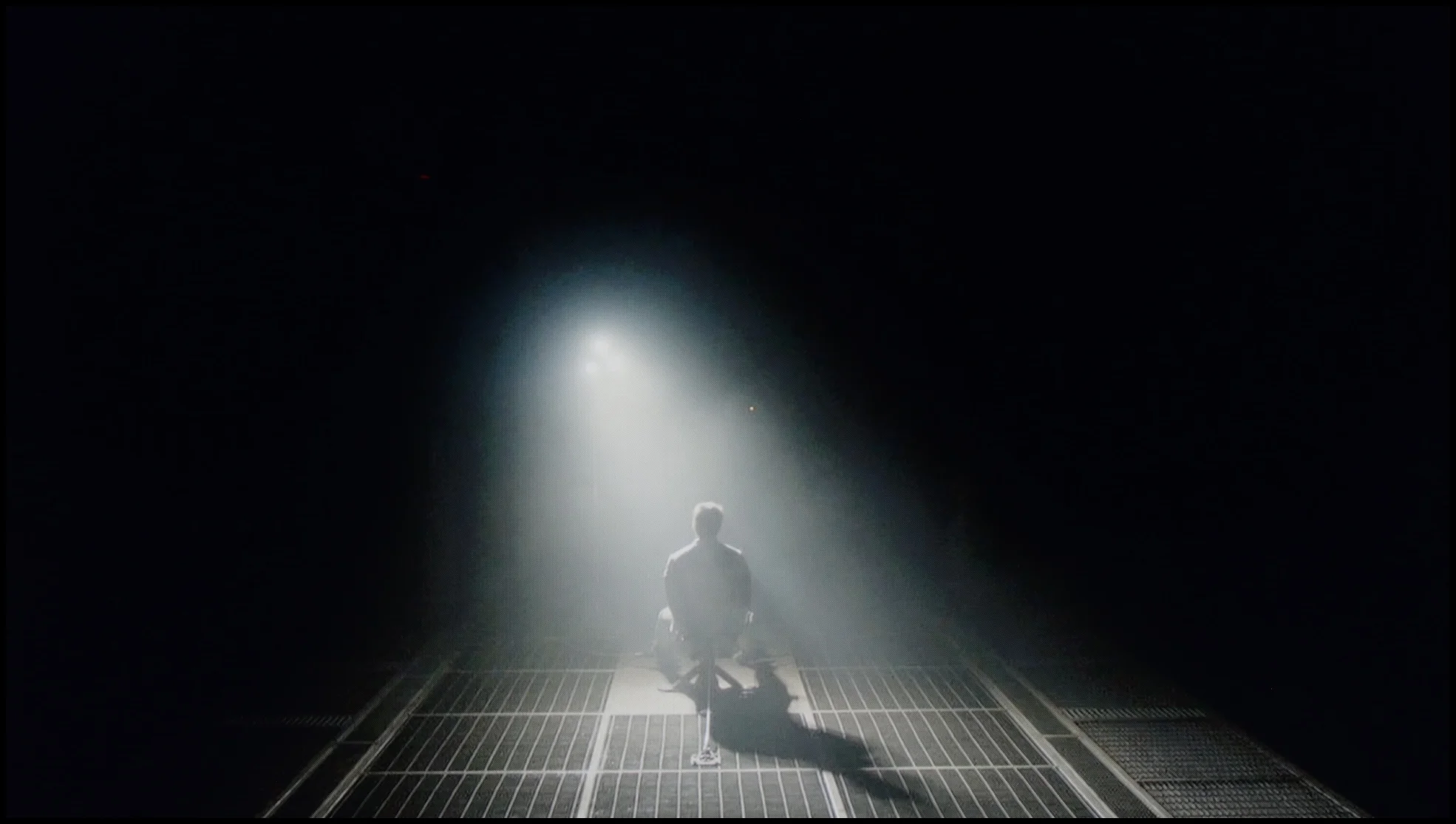
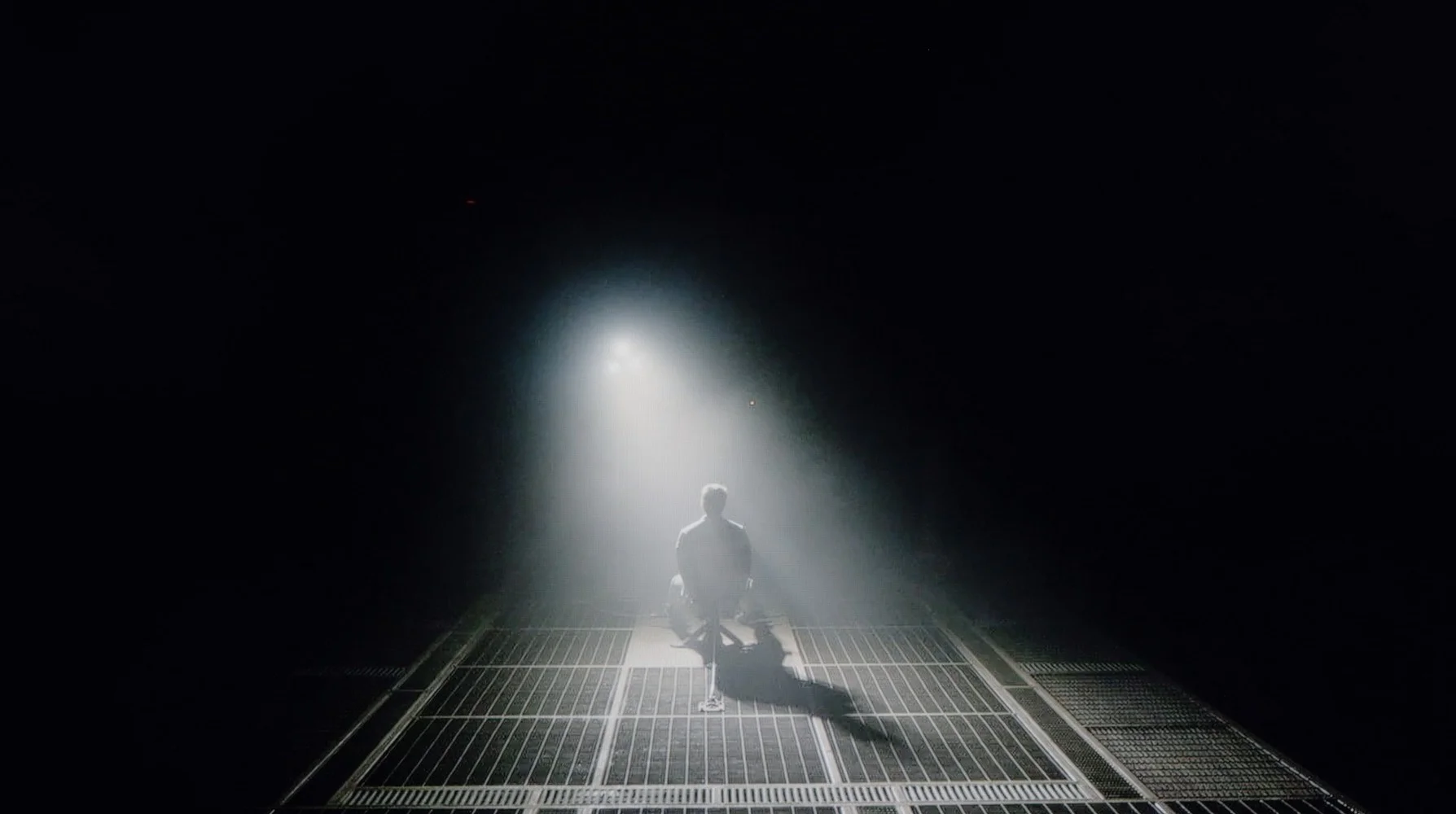
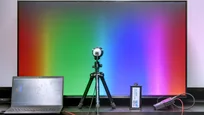
Check the visibility of bright lights on a dark background. Mini-LEDs often struggle with this. The photo does not compare black levels – that’s what the video below is for.

The video accurately shows differences in contrast and black levels between TVs, as well as potential issues: halo around bright objects or Mini-LED zone operation visible as brightness jumps.
The TV is equipped with a VA panel, which offers significantly better contrast compared with IPS panels, resulting in deeper blacks and a more defined picture. On our test patterns we managed to achieve an impressive contrast ratio of around 5000:1, which translates into very good detail reproduction in dark scenes. However, because it lacks local dimming, bear in mind that blacks in some sequences may lean more toward a navy tint than a perfectly deep black. This effect is particularly noticeable in demanding scenes, such as in the film "Zjawa". Even so, given the price of the device, the TV delivers decent black levels that will satisfy most users.
The Hisense S7NQ CanvasTV is a television equipped with a VA panel, which by itself provides decent contrast. Our test patterns confirm this – the average score is around 4000:1. While this may not be an exceptional value, for this class of device, it's quite acceptable. The result might have been significantly better if the television had been equipped with local dimming technology; unfortunately, this model lacks it. As a result, blacks in a completely dark room resemble shades of navy or gray more than pitch black. This situation leads to a slightly visible clouding effect. Overall, it's fine, but without much excitement.
HDR effect quality
4.2/10
5.6/10
Luminance measurements in HDR:

Result
200 nit

Result
210 nit

Result
252 nit

Result
245 nit

Result
276 nit
Result
455 nit
Result
414 nit
Result
438 nit
Result
451 nit
Result
470 nit
Scene from the movie “Pan” (about 2800 nits)


Scene from the movie “Billy Lynn” (about 1100 nits)


The photos show two HDR10 movies. 'Pan' is one of the brightest productions ever made, while 'Billy Lynn' (soldier) has brightness typical of streaming (Netflix, Prime, HBO MAX). Notice the intensity of effects and detail in whites.
Static HDR10


The photos present the visibility of white details in various HDR formats. They do not show brightness differences between TVs (these can be compared in the previous gallery).
Dynamic: Dolby Vision
Dynamic: Dolby Vision


The photos present the visibility of white details in various HDR formats. They do not show brightness differences between TVs (these can be compared in the previous gallery).
HDR luminance chart:
Hisense S7NQ CanvasTV
Hisense A6N
Unfortunately, the HDR effect quality on A6N is not impressive. A peak brightness of 250 nits doesn’t allow for spectacular highlights, and HDR looks rather muted, more like ordinary SDR. This will not satisfy more demanding users who want to enjoy high-quality movie content. Additionally, the color gamut coverage is not very impressive either: DCI-P3 at 82% is an average result that doesn’t let you fully enjoy vivid colors in HDR material.
When it comes to the brightness of the television and how it handles bright elements while watching movies, it is just average—similar to contrast. The average brightness level of the Hisense S7NQ is around 500 nits. This is a value that allows you to feel the beginnings of true HDR, but it is definitely too little to speak of outstanding effects. However, the television deserves praise for color gamut coverage—movies look very colorful and vibrant. With the use of PFS LED (QLED) coating, the device can cover over 90% of the DCI-P3 color gamut and over 72% of the wider BT.2020 gamut. For a television in this class, these are truly very good results.
Factory color reproduction
1.9/10
7.2/10


This gallery shows how colors change after professional TV calibration. If you notice the difference, we recommend ordering this service at SkalibrujTV.com.
Factory Mode
After calibration


This gallery shows how colors change after professional TV calibration. If you notice the difference, we recommend ordering this service at SkalibrujTV.com.
Factory Mode
After calibration
In the color reproduction category, the Hisense A6N in Filmmaker Mode leaves much to be desired. Although the mode's name suggests we should expect faithful movie color reproduction, the reality is different. The TV has significant picture quality problems. The white balance issue is particularly noticeable for both HD and 4K material, as it is heavily skewed by a dominance of blue. This results in artificial, cool tones, clearly visible in the comparison photo below. The ColorChecker test further confirms these errors, which are compounded by low color gamut coverage.
The gamma luminance curve shows a serious problem maintaining the 2.4 level, with the plot well below the reference value. That leads to excessive image brightening and washed-out blacks. The EOTF curve for 4K material also indicates brightness problems. At the low end there is a pronounced bump caused by the TV's excessive brightening, which negatively affects picture quality. This image behavior prevents fully enjoying movies and requires manual correction.
Let's now check how the Hisense S7NQ CanvasTV performs in color reproduction in the best factory mode, which is Filmmaker. Right from the start, it is evident that it is definitely better than in dynamic or standard mode, but there are still a few things to nitpick. In terms of image quality from the HD signal, the colors are slightly inaccurate – there is a dominance of cooler shades of blue and a lack of red. Because of this, the image appears somewhat too cool.
A similar effect occurs with 4K content, but it is more noticeable there. The excessive exposure of blue tones and the lack of red make the image seem distinctly cold. However, the biggest issue with this television is not the colors themselves but rather the way brightness is managed. The tested unit slightly boosted the brightness compared to the reference value. The result is indeed better visibility of details, but at the cost of significantly brightened black – which makes the entire image seem more "flat."
A similar phenomenon was noticed in the 4K signal – the slightly inflated curve at the beginning of the EOTF graph shows that the television has a tendency to excessively expose certain scenes. Fortunately, this effect can be improved with professional calibration, which we will discuss in the next point.
Color reproduction after calibration
5.7/10
8.3/10
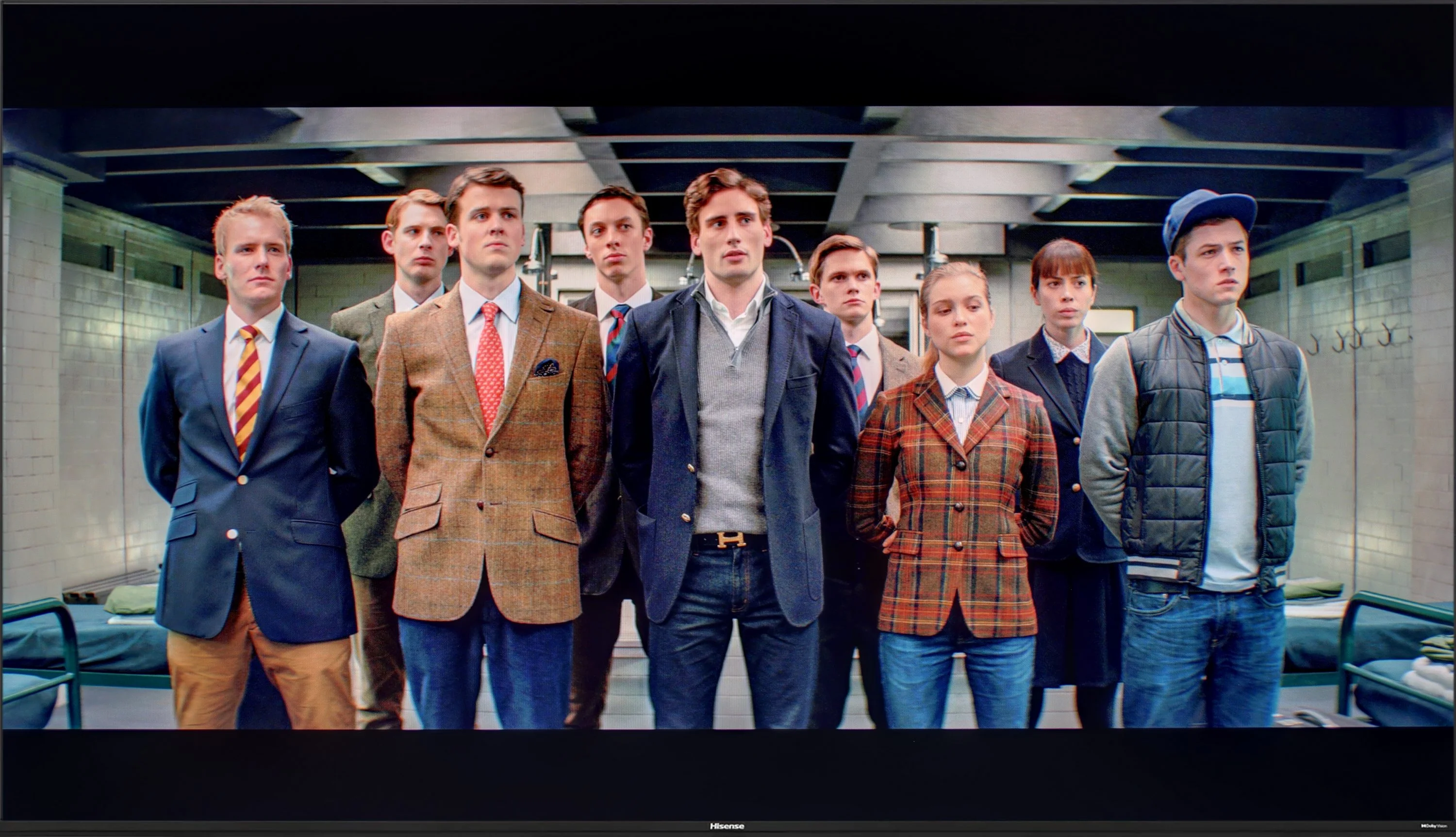
The photos show how movies look on the TV. Pay attention to black detail visibility, colors, and shadow tint.


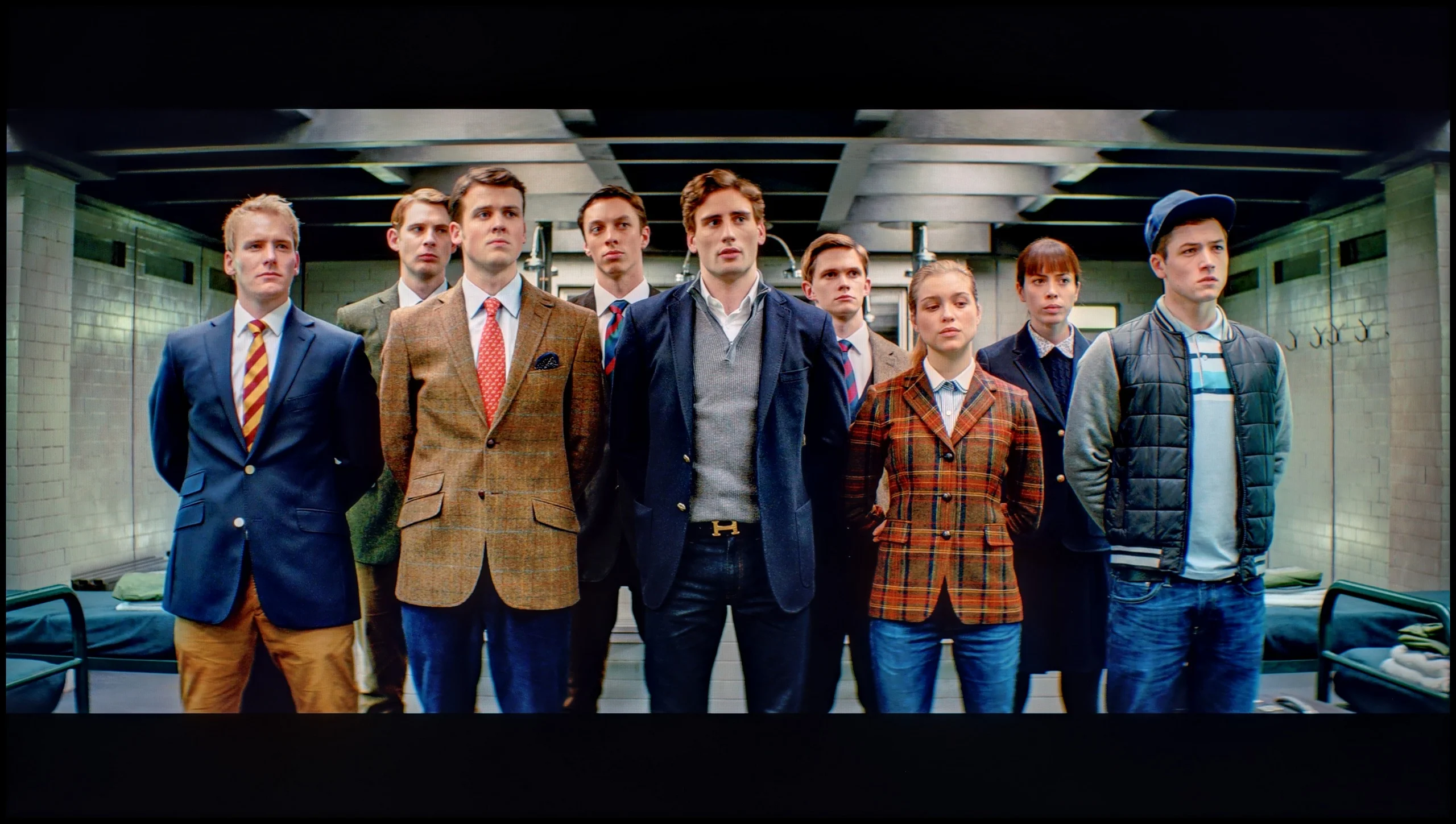
The photos show how movies look on the TV. Pay attention to black detail visibility, colors, and shadow tint.
Hisense A6N offers in its settings options and tools to adjust many picture parameters, which we used. As for the white balance, we managed to remove the excess blue; this is clearly visible in the comparison photo below, where the boy in the image practically "comes to life". A large improvement can also be seen in the gamma brightness response, as the TV no longer has serious issues with overbrightening the entire picture. Unfortunately, the same cannot be said for 4K content, where the EOTF curve could not be fully corrected due to this model's exceptionally low brightness. For HDR content we use dynamic tone mapping, which allows recovery of many details despite lifting the midtones. For this TV that brings more benefits than drawbacks. The errors that remain visible in the color gamut test and the ColorChecker for 4K content stem from the low color gamut coverage and are difficult to eliminate because of the TV's characteristics. Even so, the image tonality is much better, so we recommend calibrating the factory settings, which are far from ideal.
The results we achieved after calibrating the Hisense S7NQ are really very good. Thanks to the calibration, we were able to eliminate the excessive exposure of blue tones and the lack of red in the HD signal. A similar, although slightly weaker effect was also achieved with 4K HDR content. Brightness management in HD material has also improved – the television no longer has problems with overall image brightness issues.
However, there are things that cannot be overlooked. The characteristic of the EOTF curve has practically not changed, and the lack of local dimming means that the smallest elements on the screen will always be slightly overexposed. One simply has to accept this when choosing a television with a similar type of backlighting. Nonetheless, the final result is very good and should fully satisfy the vast majority of users.
Smoothness of tonal transitions
9.1/10
9.2/10
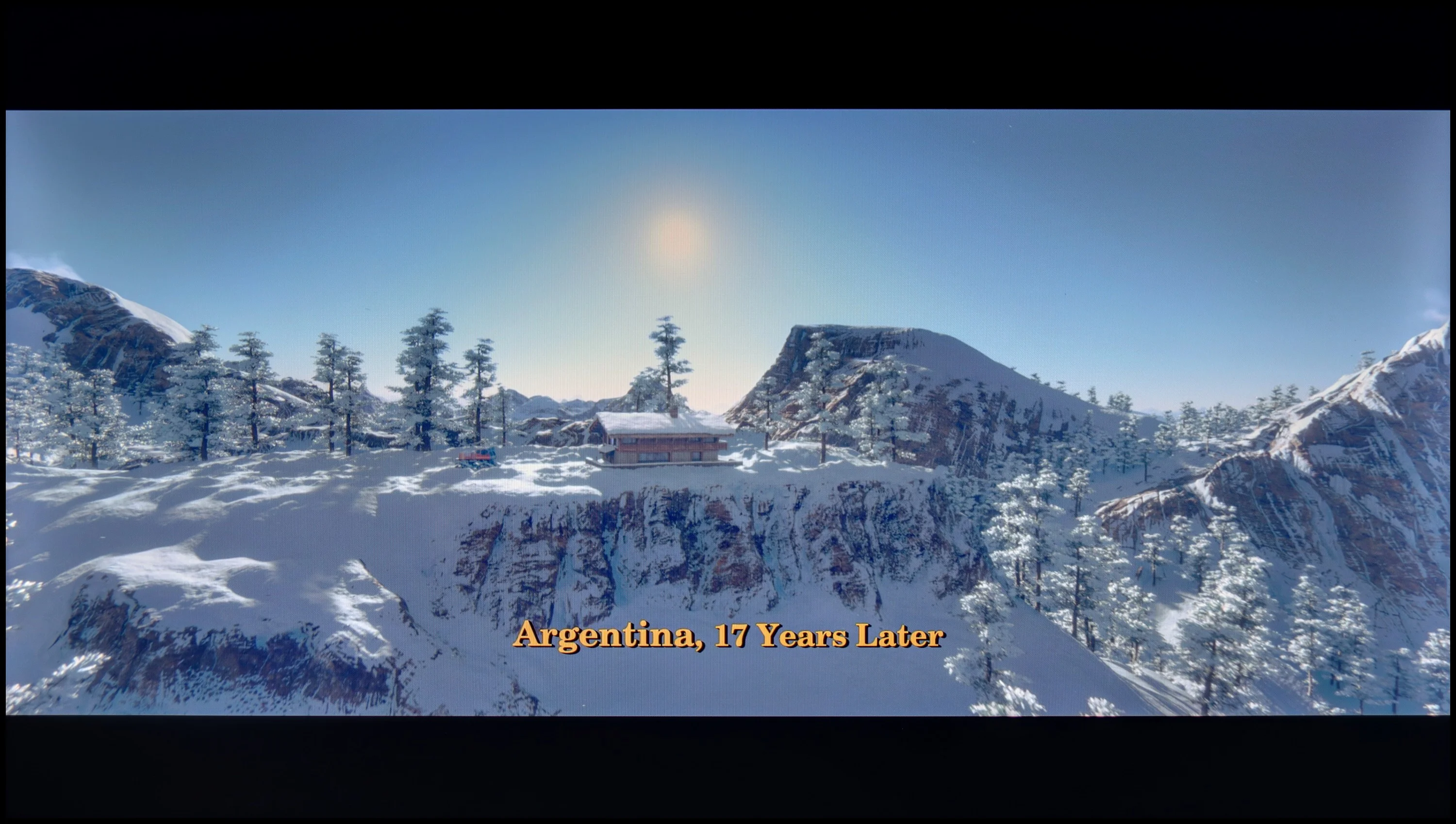

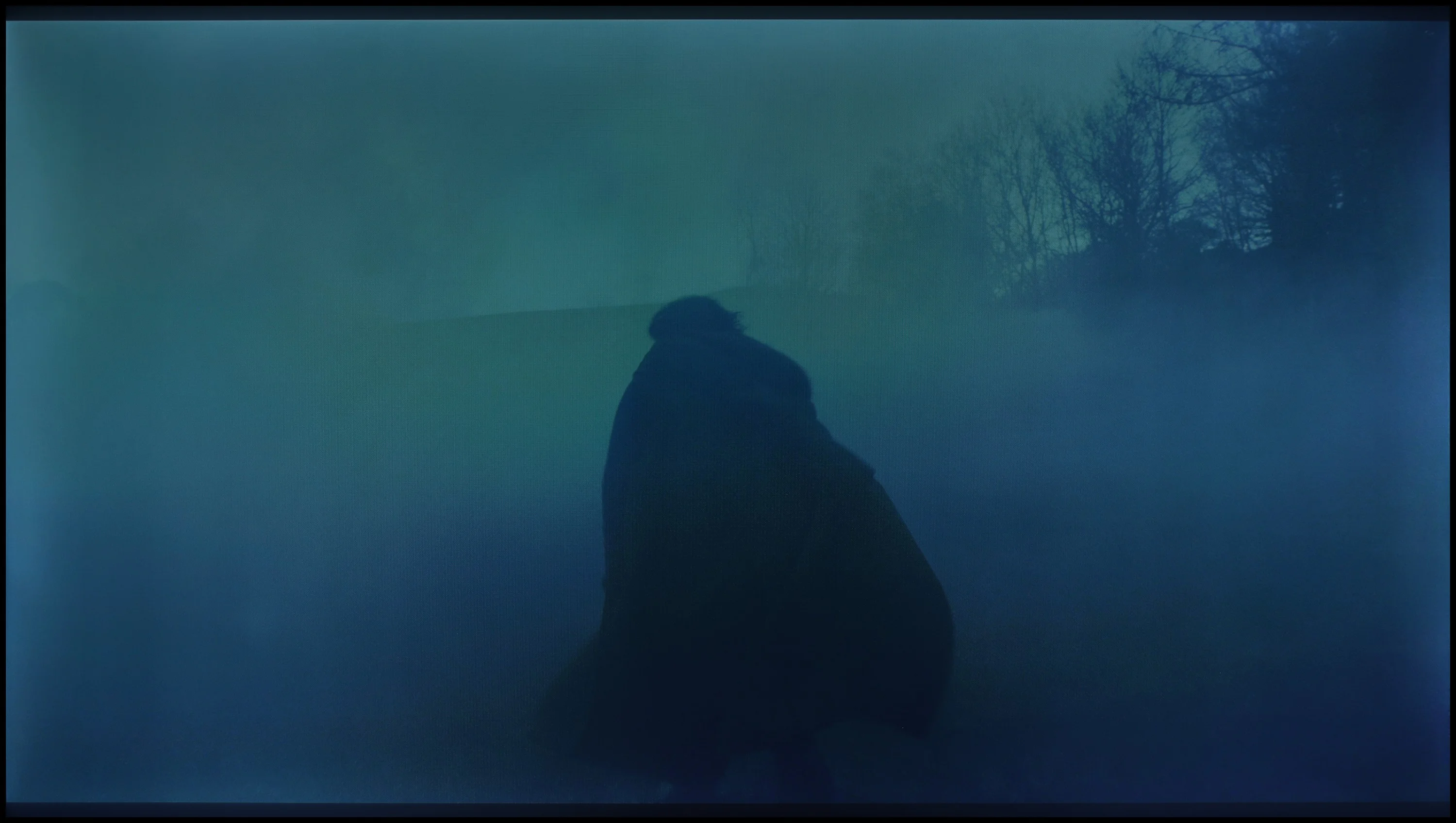
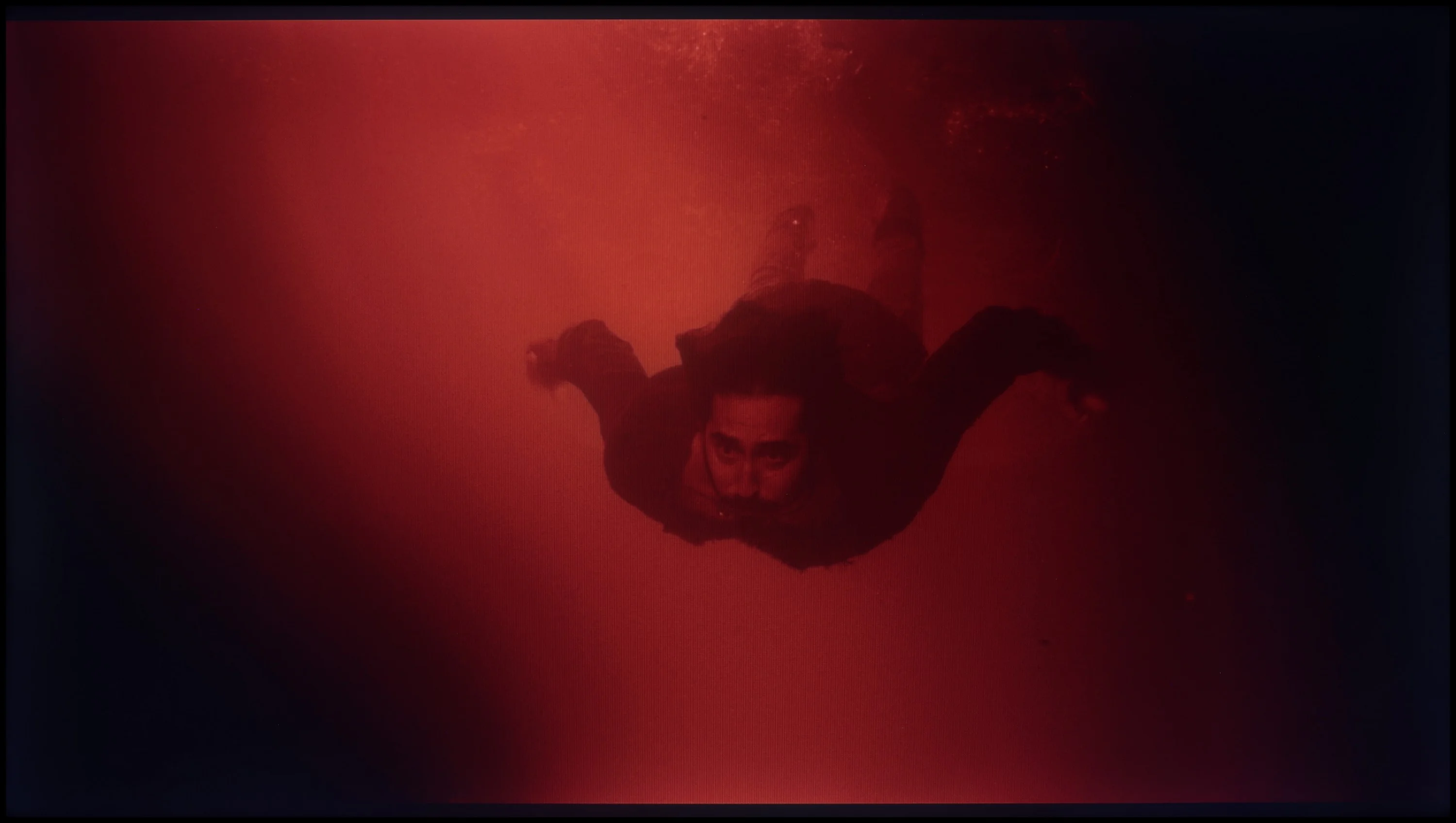
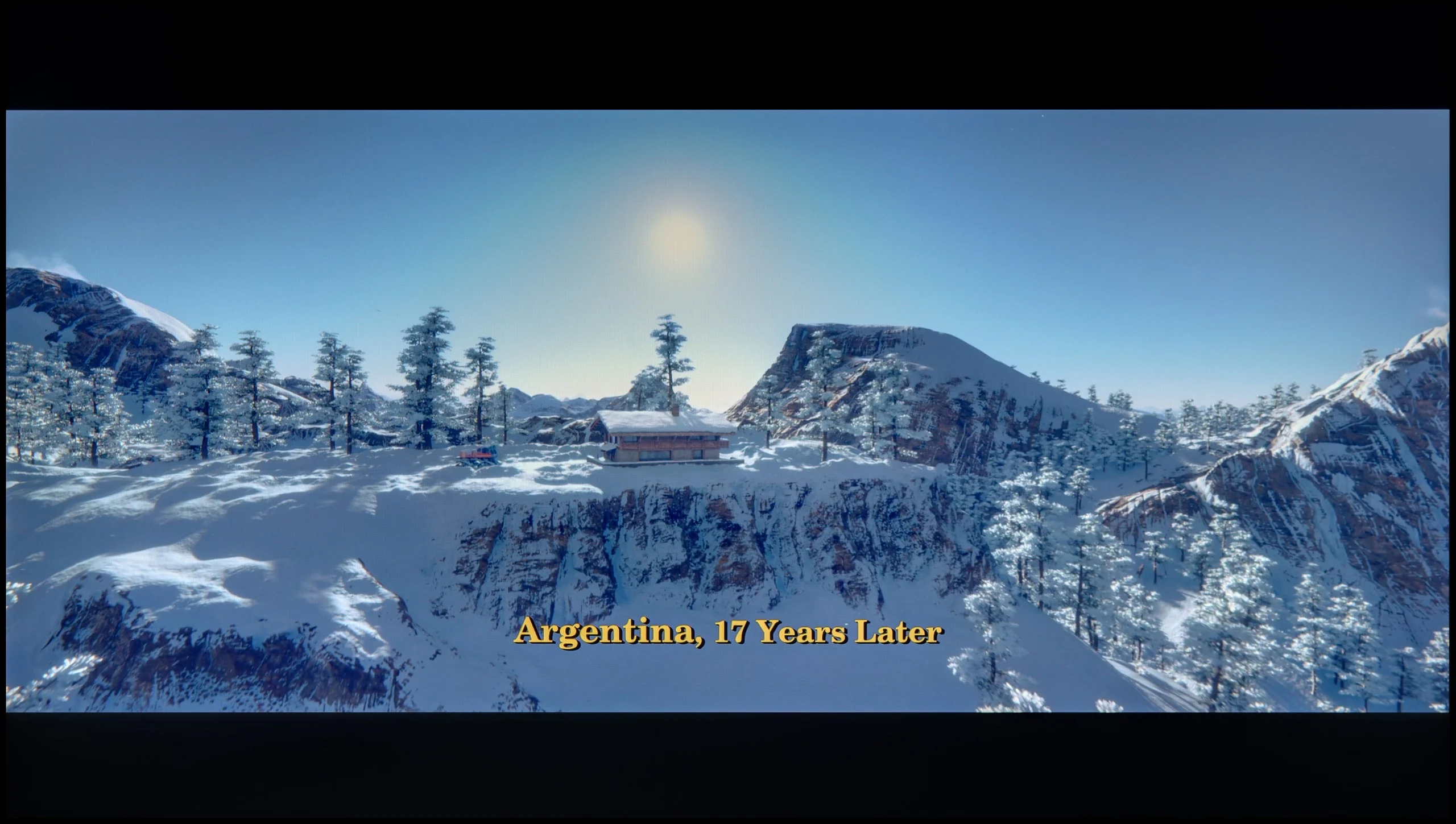
These are selected scenes that show smooth tonal transitions from one color to another. If you see distinct banding, it’s the TV panel’s fault.

These are selected scenes that show smooth tonal transitions from one color to another. If you see distinct banding, it’s the TV panel’s fault.
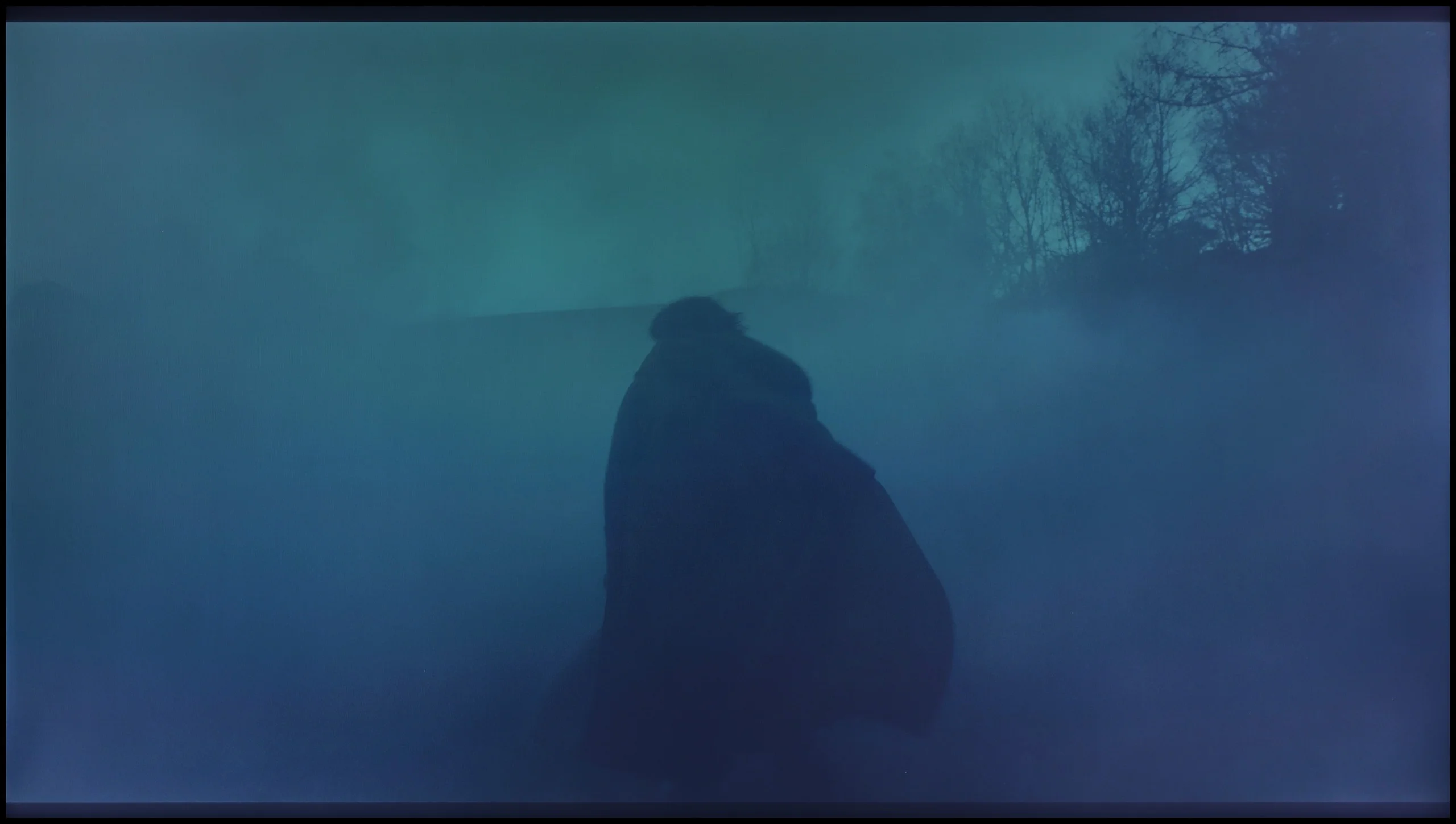
These are selected scenes that show smooth tonal transitions from one color to another. If you see distinct banding, it’s the TV panel’s fault.
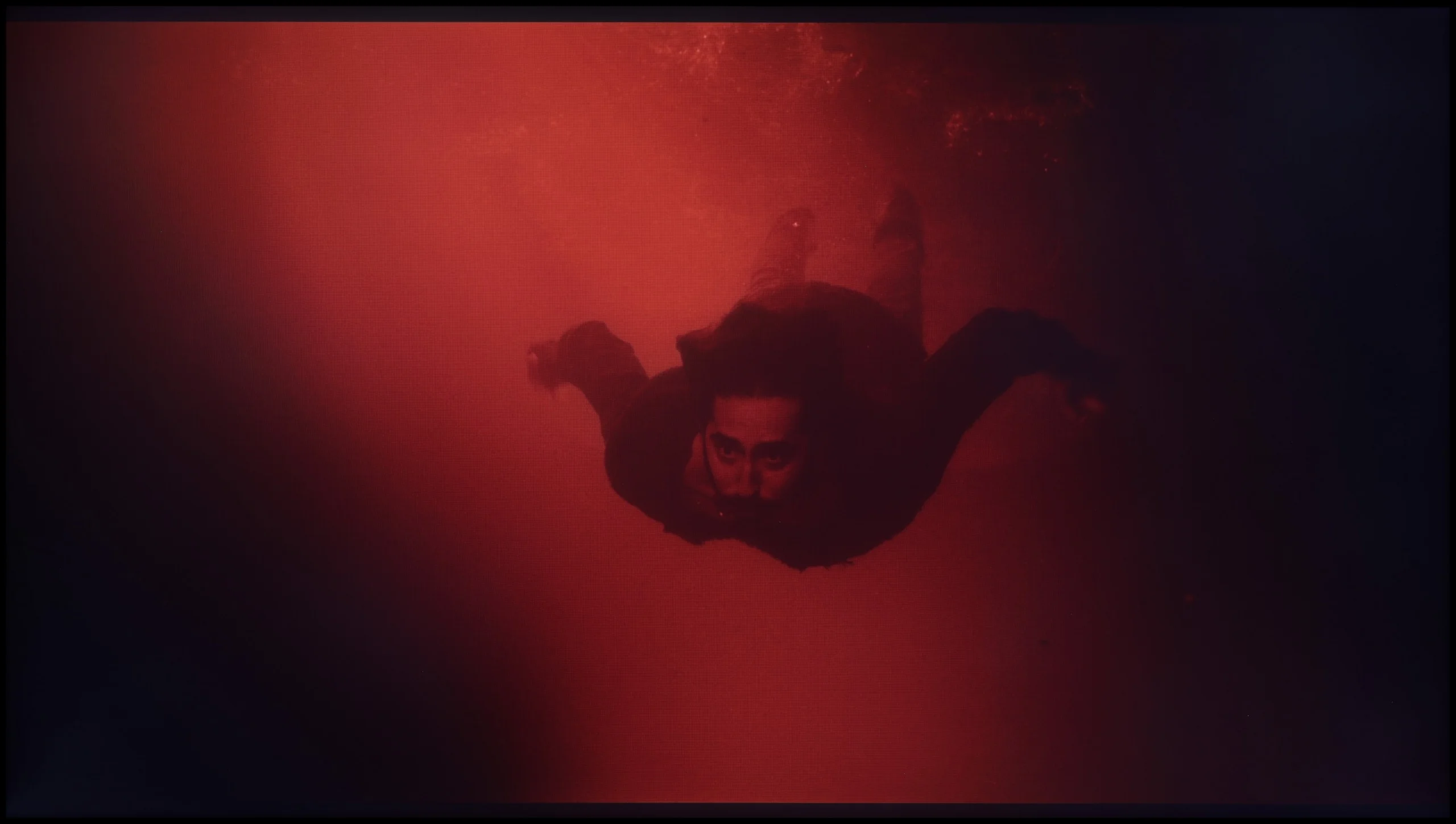
These are selected scenes that show smooth tonal transitions from one color to another. If you see distinct banding, it’s the TV panel’s fault.
The smoothness of tonal transitions is one of this TV's strongest points. Hisense A6N handles tonal gradations very well; gradients in the image look natural and are largely free of artifacts. The TV doesn't have significant issues in this area, although slight banding can be seen in bright and dark scenes — it's not pronounced enough to interfere with the viewing experience. Smoothness of tonal transitions on the Hisense A6N is undoubtedly one of its greatest strengths.
The smoothness of tonal transitions is one of those categories that even less advanced users can notice. If someone doesn't know what it's about – let us explain. It refers to whether colors blend smoothly or if their "sticking" is visible in the form of distinct bands. Good tonal transitions are those that are natural and smooth, without large jumps in color.
The Hisense S7NQ performs very well in this category, although it must be honestly admitted that it does a bit worse than Samsung The Frame. In very bright scenes, slight imperfections can be noticed, but you really need a keen eye to catch them. Overall – like in most "frame" style televisions – it still performs excellently.
Image scaling and smoothness of tonal transitions
5/10
5.5/10


Smooth transition function
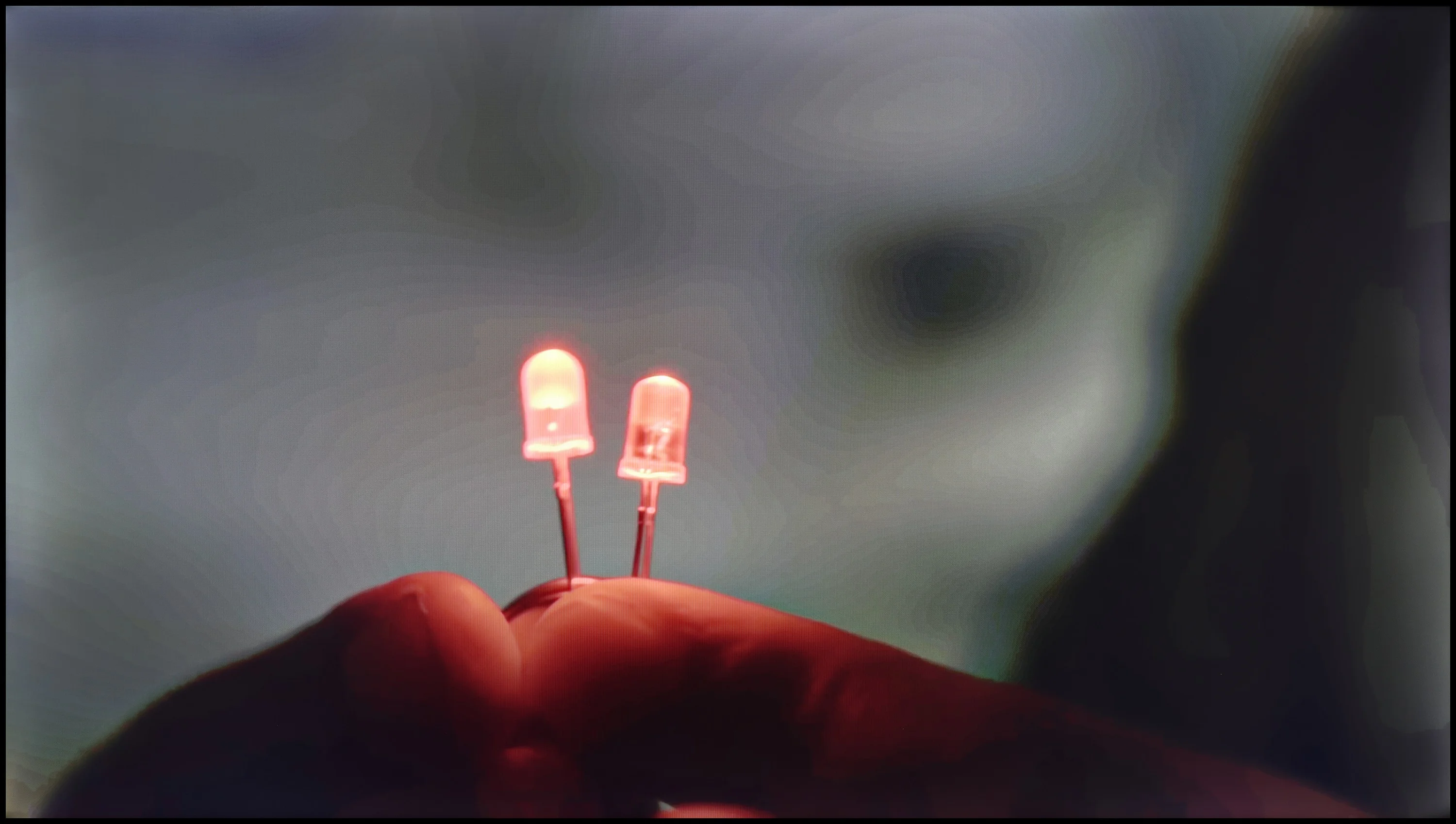
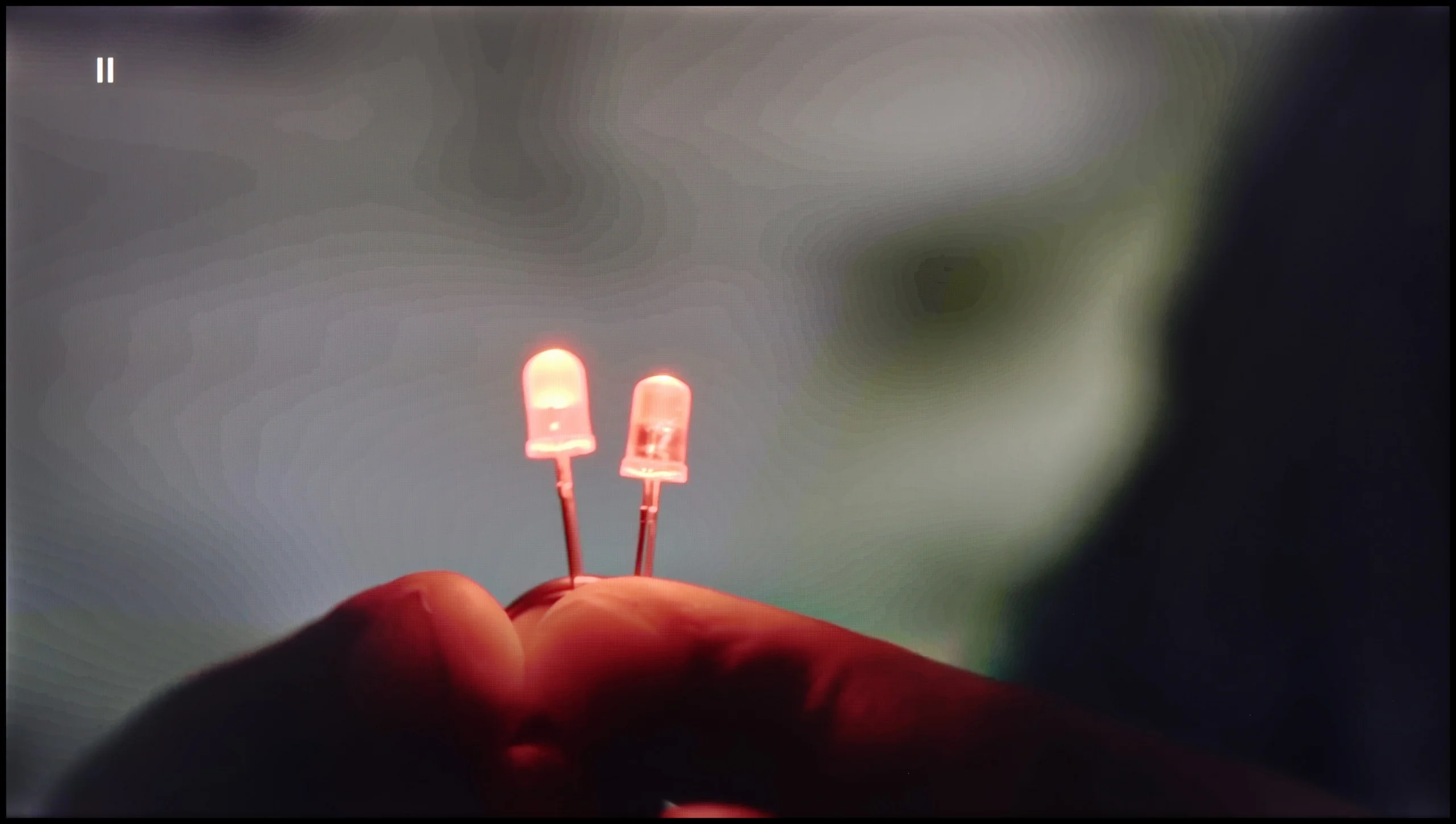
The match photo shows how the TV smooths weak tonal transitions in low-quality video.
Image scaling SD (576i)


The model photo shows how it handles upscaling of SD material.
Let's see how A6N handles low-quality material. When it comes to smoothing tonal transitions, the lack of a function to reduce posterization or smooth tonal transitions in low-quality sources, such as broadcast TV or DVD, may be noticeable to more demanding viewers. As for digital processing, the model was rendered correctly and the branches were free of the typical jagged edges. The image has a pronounced sense of plasticity and is soft, which may appeal to those who prefer that kind of picture style.
It is equally important how the television handles tonal transitions on a poorer signal – for example, in older movies, television, or on YouTube. Unfortunately, despite the presence of the "Smooth and Gradient Picture" feature, which was supposedly intended to improve this aspect, its performance is truly lacking. It is barely noticeable that it has any real impact on the visibility of color transitions.
Image scaling also performs poorly. Yes, one can observe that the television tries to "stretch" the quality, but the final effect is far from ideal. The image often appears slightly jagged, which is especially noticeable in the case of tree branches in the background. Additionally, the Hisense S7NQ has a clear tendency to crop the image at lower resolutions, which can cause us to miss captions in the news or finer details of the image.
Blur and motion smoothness
3.9/10
7/10
Blur (native resolution, maximum refresh rate):






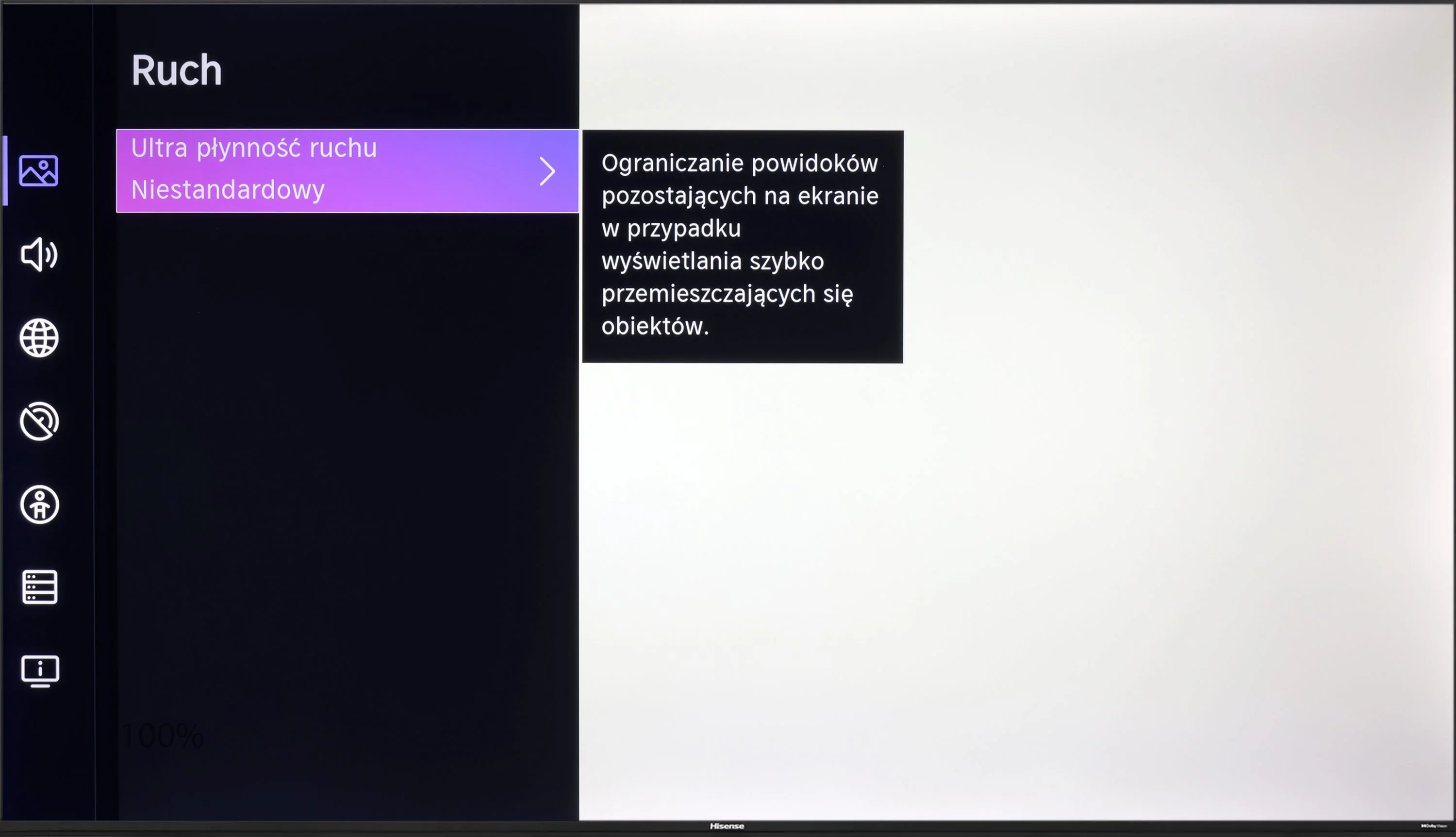
The 60 Hz panel in Hisense A6N will likely please people who enjoy watching movies, because the TV offers an "ultra motion smoothing" feature that lets you adjust the image's motion, making it choppier or smoother and more cinematic. As for motion blur, it is rather average. You can see quite noticeable blur, especially on dark backgrounds, which is a common trait in this class of TVs.
When it comes to motion fluidity, the television performs really well. Although the S7NQ was mainly designed for displaying static elements – such as images – the manufacturer has utilized a panel with a refresh rate of 144 Hz. As a result, sports or games look really good on it.
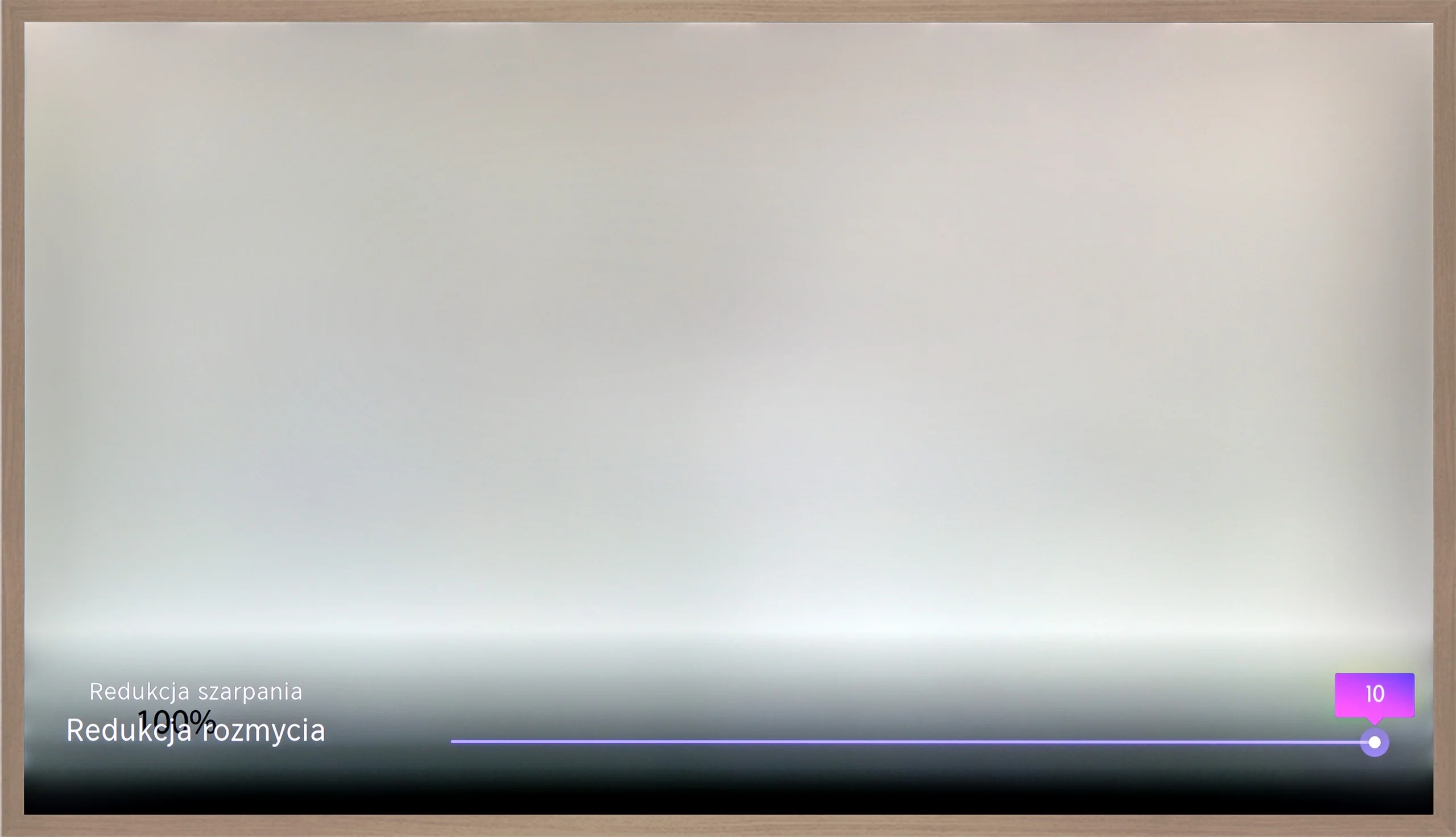
For materials that are not recorded at a high frame rate, the manufacturer provided two features that allow you to adjust the picture to your own preferences. "Motion blur reduction" and "motion smoothing" operate on a 10-level scale, allowing you to choose between a more cinematic image – with characteristic frame jumps – and a smooth effect reminiscent of a "soap opera." How to set this up? That's a personal matter – we leave the decision to you.
Console compatibility and gaming features
5.3/10
8.5/10
- ALLM
- VRR
- VRR range48 - 60Hz48 - 144Hz
- Dolby Vision Game Mode
- Correct implementation of HGIG
- 1080p@120Hz
- 1440p@120Hz
- 4K@120Hz
- Game bar
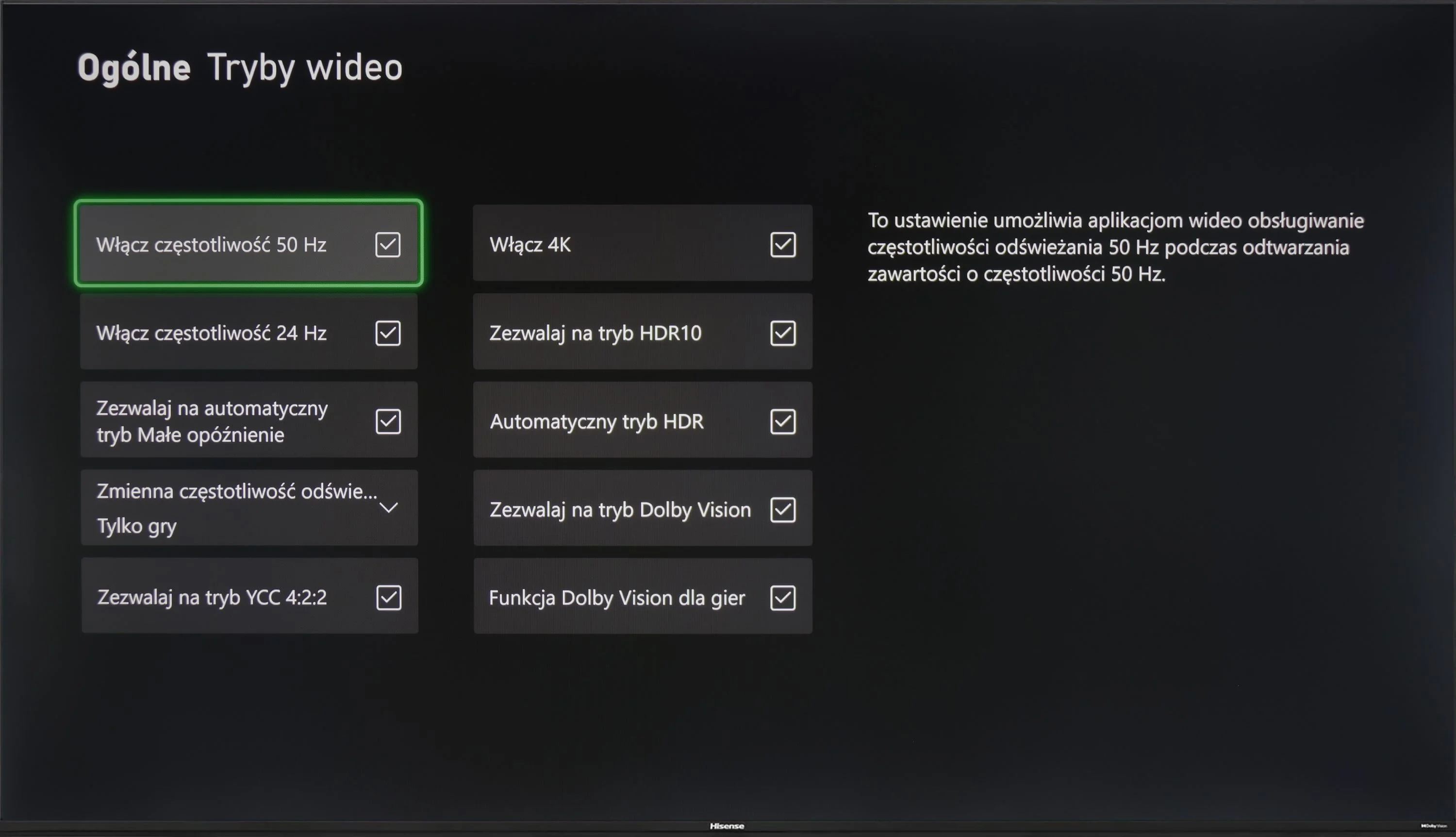
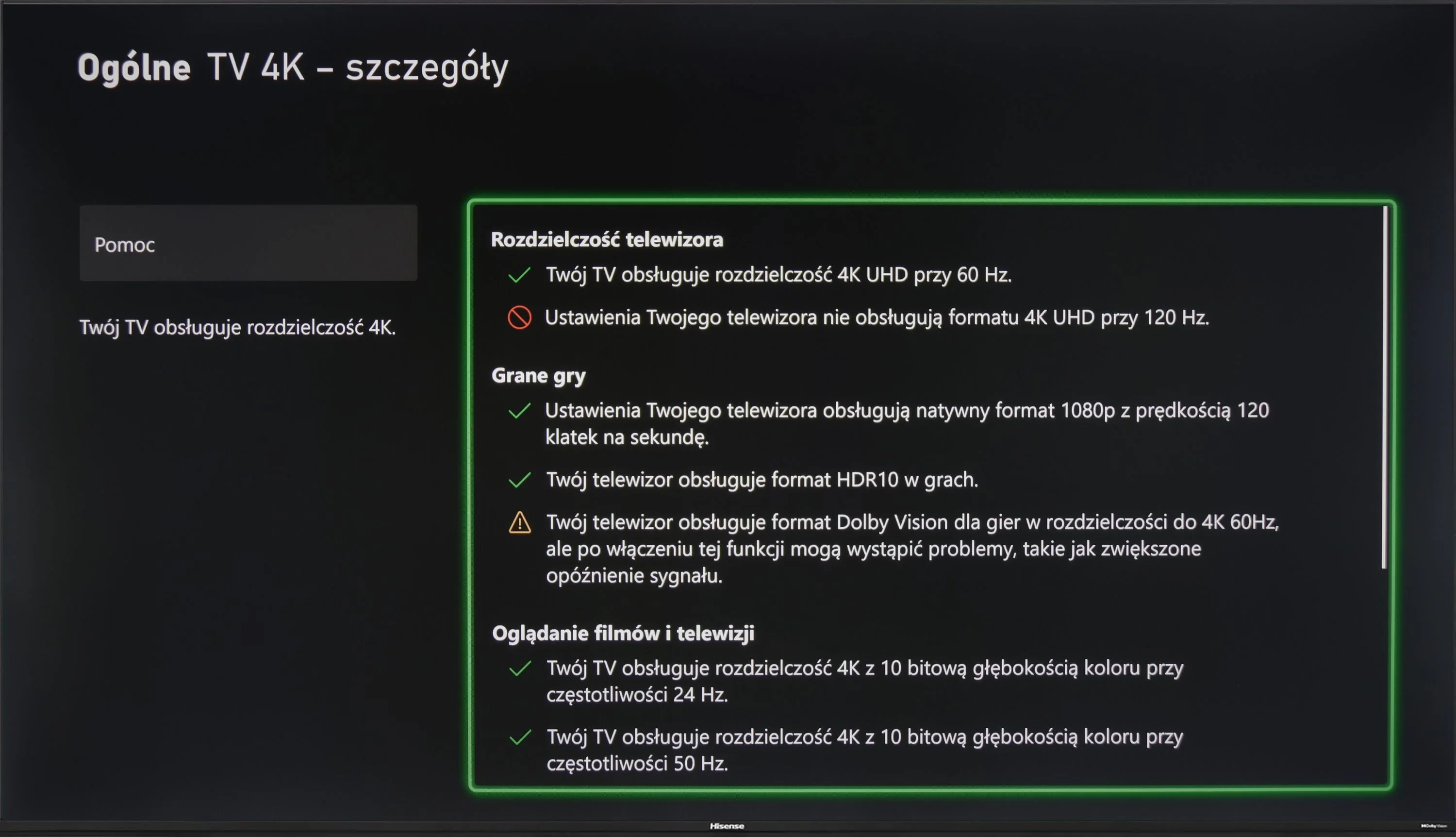
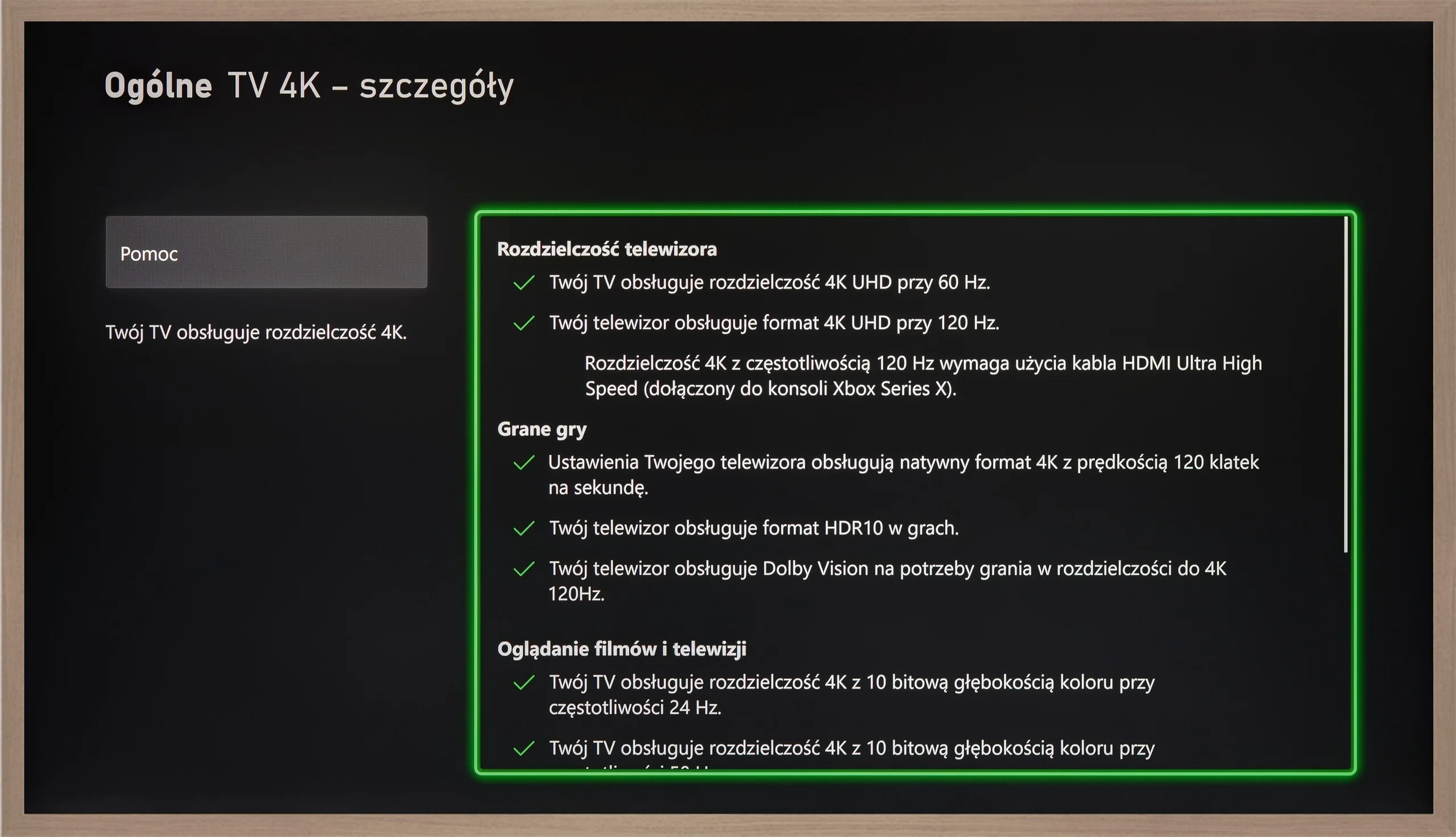
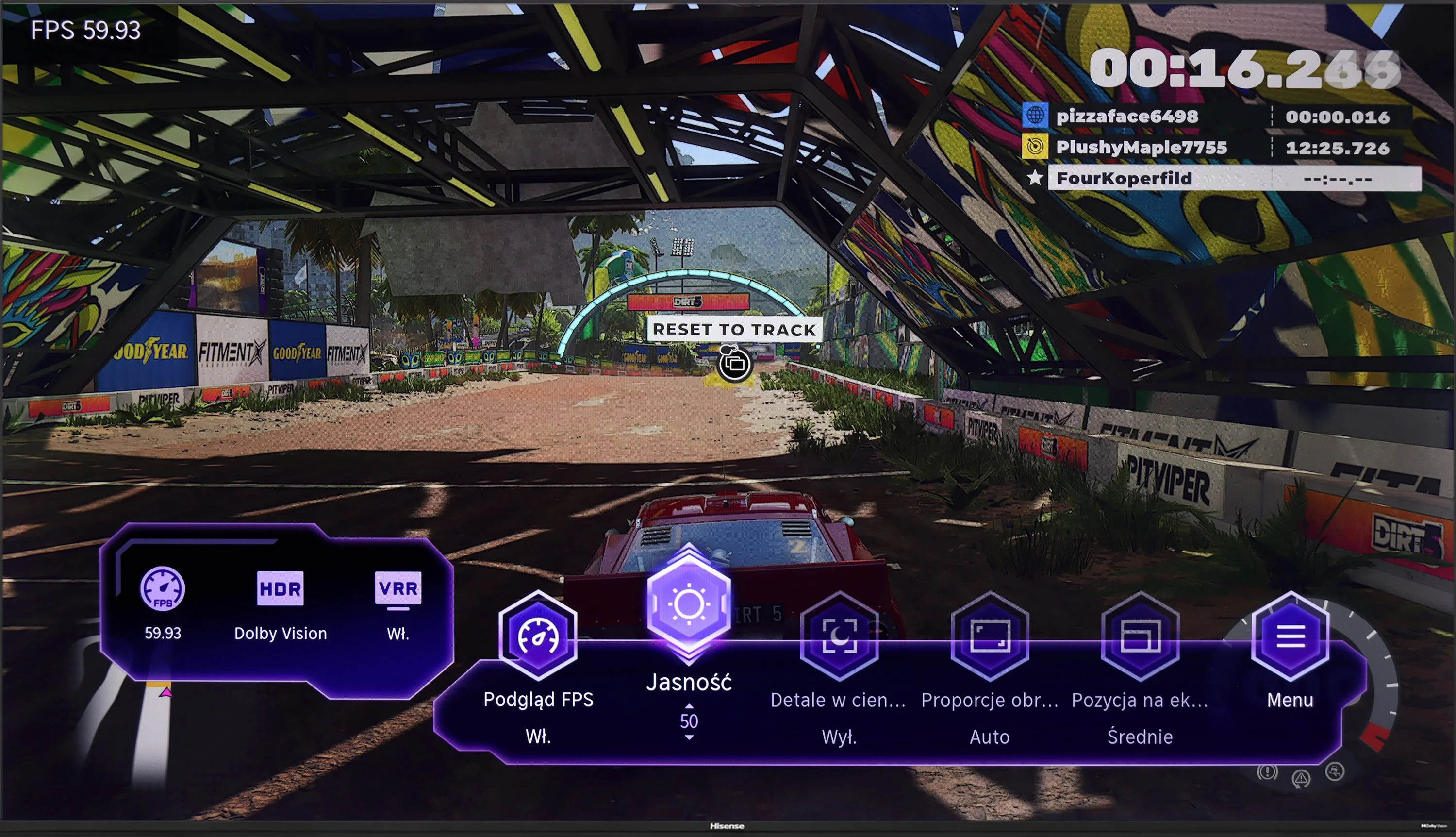

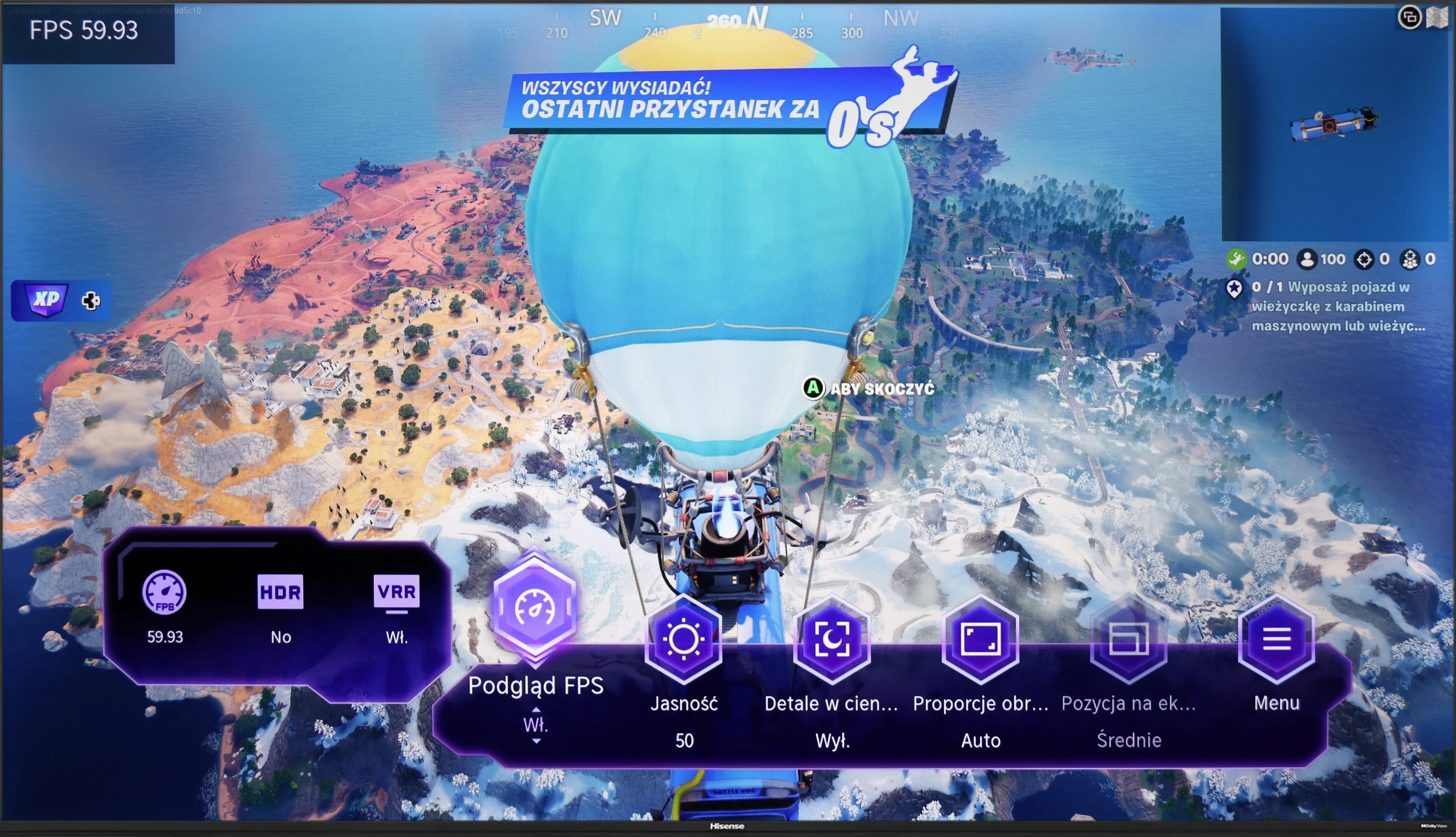
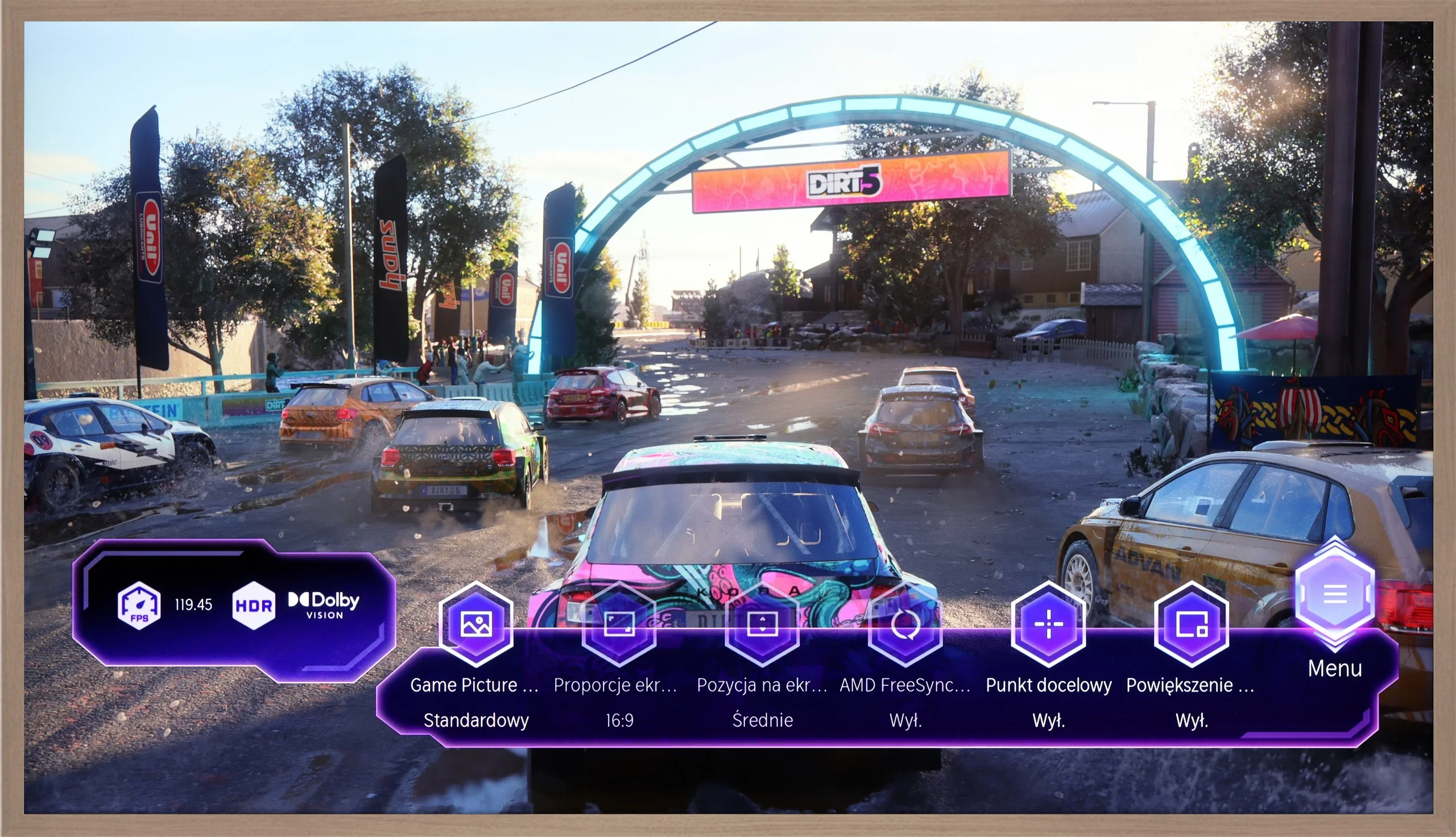
Hisense A6N is a TV that will likely appeal to casual gamers, mainly because of its 60 Hz panel, which may not satisfy more demanding players. Still, it offers several features that can make gaming more enjoyable. The TV supports functions such as ALLM (automatic low-latency mode), VRR (variable refresh rate) and Dolby Vision, which let you enjoy better picture quality and smoother motion in games that support those technologies. Moreover, the low input lag means in-game reactions are fast, which is crucial, especially in fast-paced titles. Thanks to these features, although the TV isn’t the ideal choice for demanding gamers, it provides solid support for those who value comfortable gaming without complicated settings. It’s an ideal solution for people who want to enjoy gaming without high hardware demands while still having access to modern technologies that enhance gameplay quality.
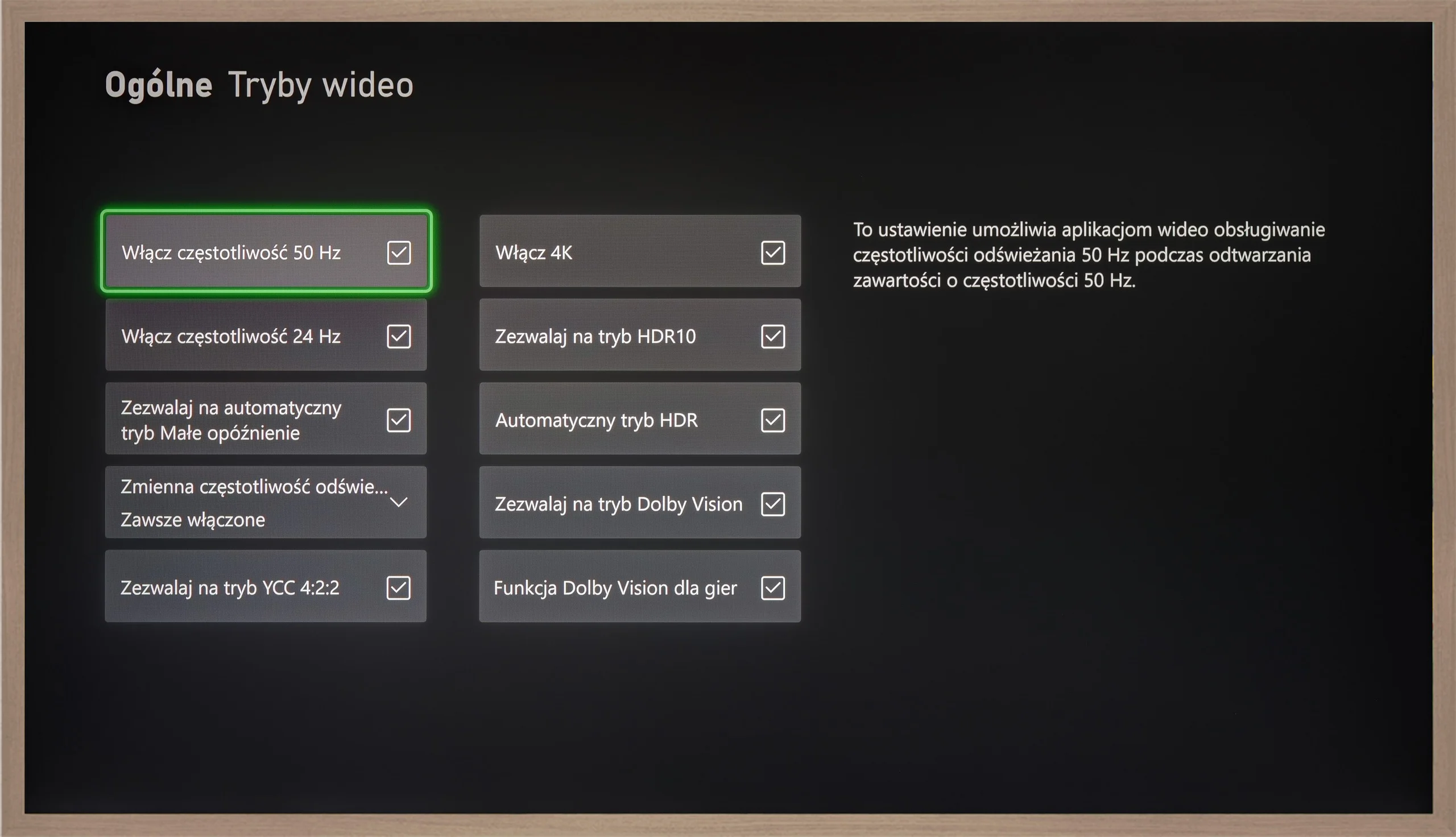
Even though the S7NQ is an "image" type TV, you can actually play games on it. Really. It has almost everything (except for HGiG mode) that a modern gaming TV needs. The 144 Hz panel and two full-fledged HDMI 2.1 ports allow for seamless connection of two consoles, such as PlayStation 5 or Xbox Series X/S.
The TV supports automatic game mode (ALLM) and frame synchronization (VRR) without any stuttering or issues. It also handles high frame rates at lower resolutions without a hitch. We must commend Hisense for the very attractive Game Bar – it displays all available picture options, and additionally, we have the ability to zoom in on the mini-map or enable a crosshair (because sometimes someone might actually want to "aim" 😉).
The only missing element – as we mentioned earlier – is the lack of a proper implementation of HGiG mode. It is responsible for automatically setting the picture in games as the creators intended. It's a shame because that’s the only thing separating the Hisense S7NQ from being a full-fledged gaming "monster."
Input lag
9.9/10
8.7/10
SDR
HDR
Dolby Vision
Hisense A6N achieves an impressive input lag of 12 to 14 ms, which is an excellent result. The Dolby Vision implementation also deserves praise; with other brands it is often problematic and unplayable, but here it works smoothly and without noticeable delay, which is a big plus for fans of fast-paced games.
Input lag on the Hisense S7NQ performs well, although it cannot be said to be outstanding – especially for the standards of 2024/25. Values around 30–20 ms may not be very high and the average player probably won’t notice it, but those who spend a lot of time gaming may feel a slight discomfort.
The situation looks definitely better when playing in Dolby Vision mode – then the delay is lower and gameplay feels more enjoyable. The problem is that there are still few games supporting this mode and they are primarily available on the Xbox console.
Compatibility with PC
1/10
7/10
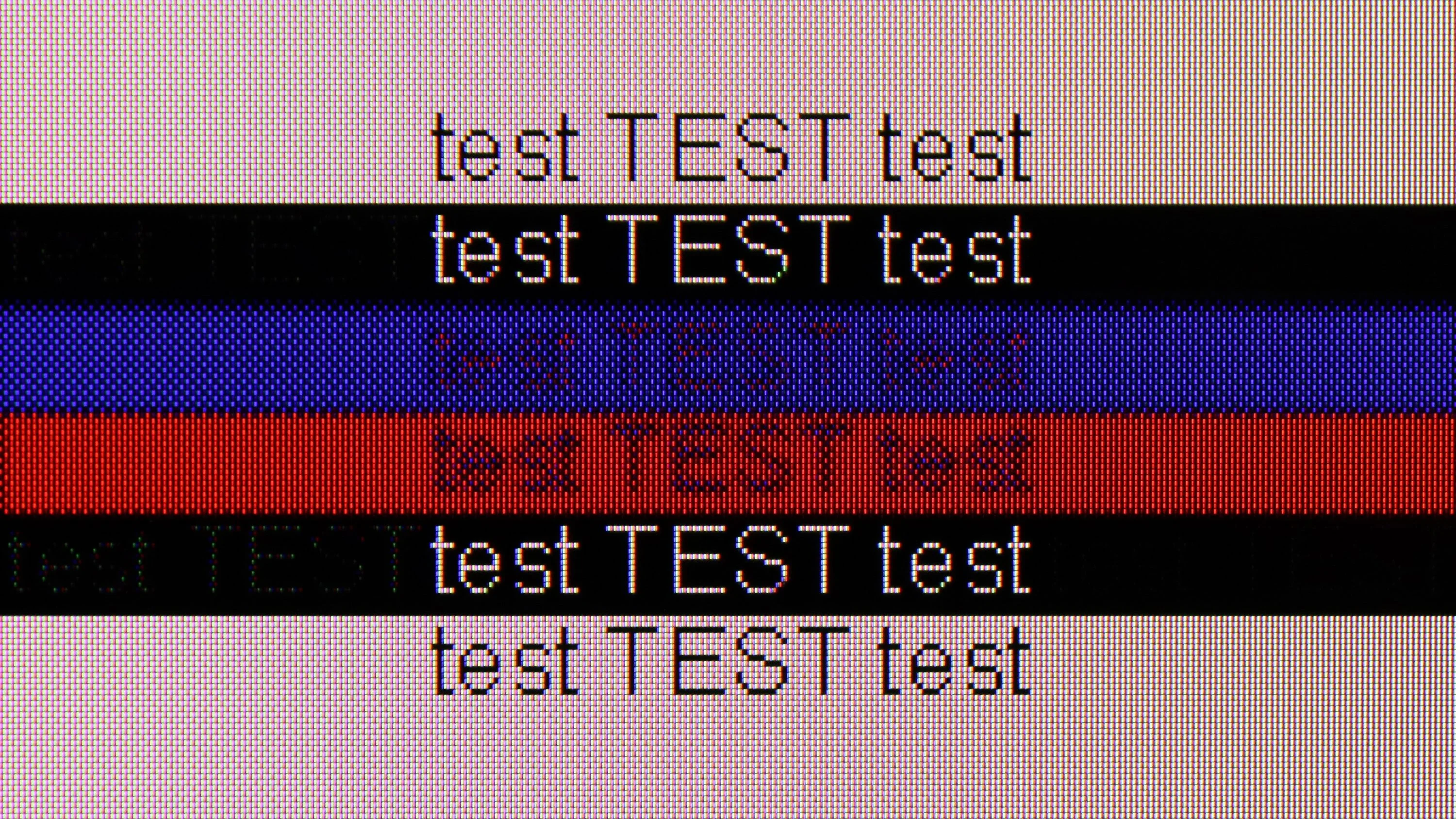
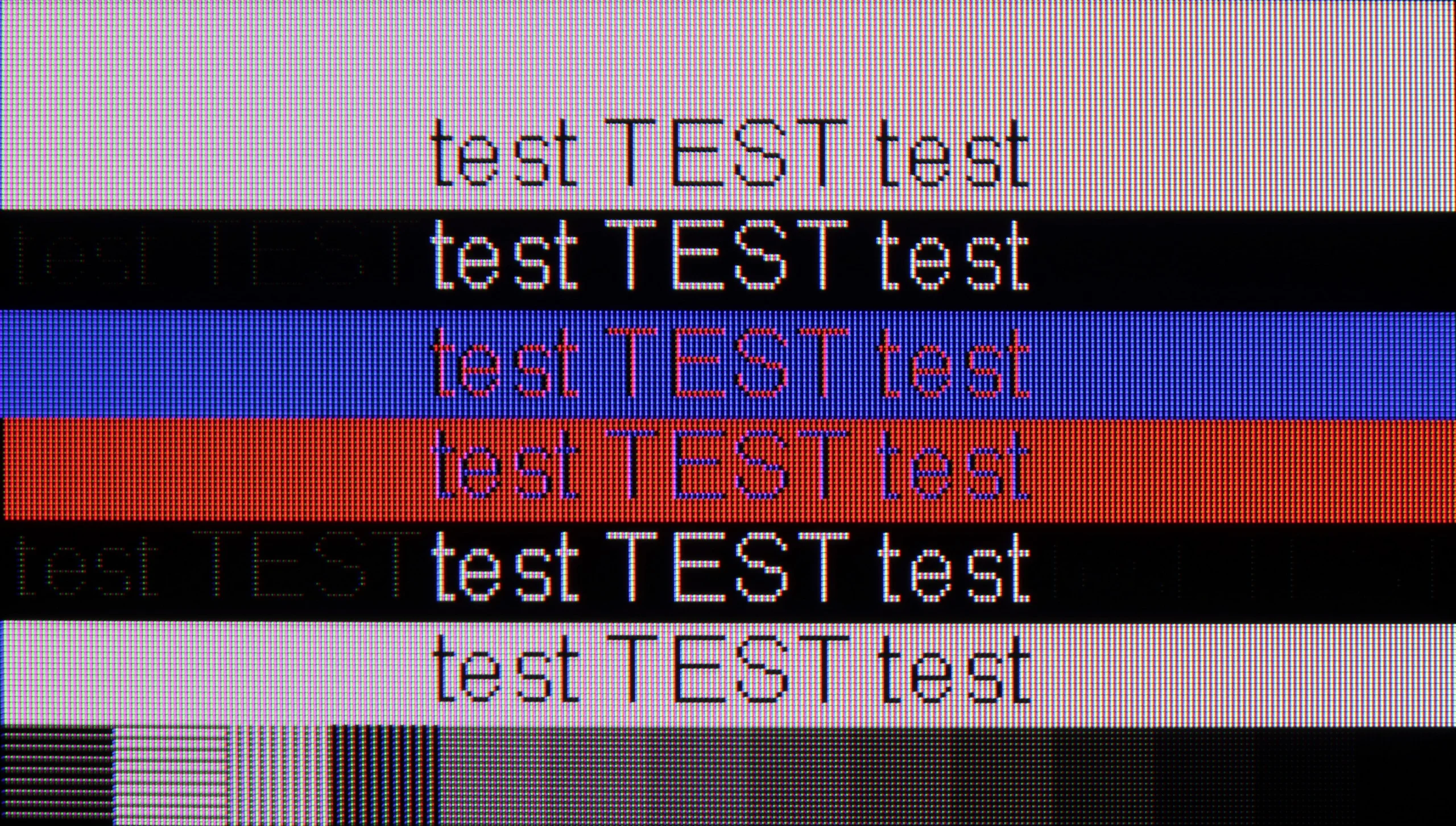
The photo shows the legibility of small fonts. Ideally, lines should be the same thickness on both light and dark text, with minimal pixel gaps.
The Hisense A6N TV is unfortunately not suitable for use with a computer. Lack of support for chroma 4:4:4 causes fonts to be completely blurry and illegible, which makes using the TV as a monitor very difficult. This definitely rules out this model as an option for anyone looking for a TV to pair with a PC.
When it comes to working with a computer, the S7NQ Canvas TV performs really well. Gaming on it is seamless thanks to the presence of a 144 Hz panel and support for G-Sync with Nvidia cards. Input lag – as we mentioned earlier – is good, though not outstanding.
And how about working? It’s doable. The TV has a proper implementation of chroma 4:4:4, so fonts look quite sharp. One could nitpick about some minor issues with the thinnest letters on a dark background, but let's be honest – rarely does anyone sit a meter away from a 55-inch screen reading small text.
Viewing angles
3.4/10
3.4/10
Unfortunately, the viewing angles on the Hisense A6N are poor, which is typical for VA panels. When watching from wider angles the picture quickly loses quality, with colors washing out and contrast dropping significantly. You get the best visual experience by sitting directly in front of the TV, since even a small shift to the side degrades color accuracy and contrast. This limitation can be important in larger rooms where viewers are seated at different angles to the screen.
The viewing angles are typical for a VA matrix. The S7NQ loses quite a bit when viewed at an angle of about 45 degrees – the colors fade, and the brightness drops significantly. It's a pity because, after all, this is a television that is intended to display works of art – it would be nice to be able to look at them from different places in the room, not just straight on.
Daytime performance
3.8/10
5.4/10
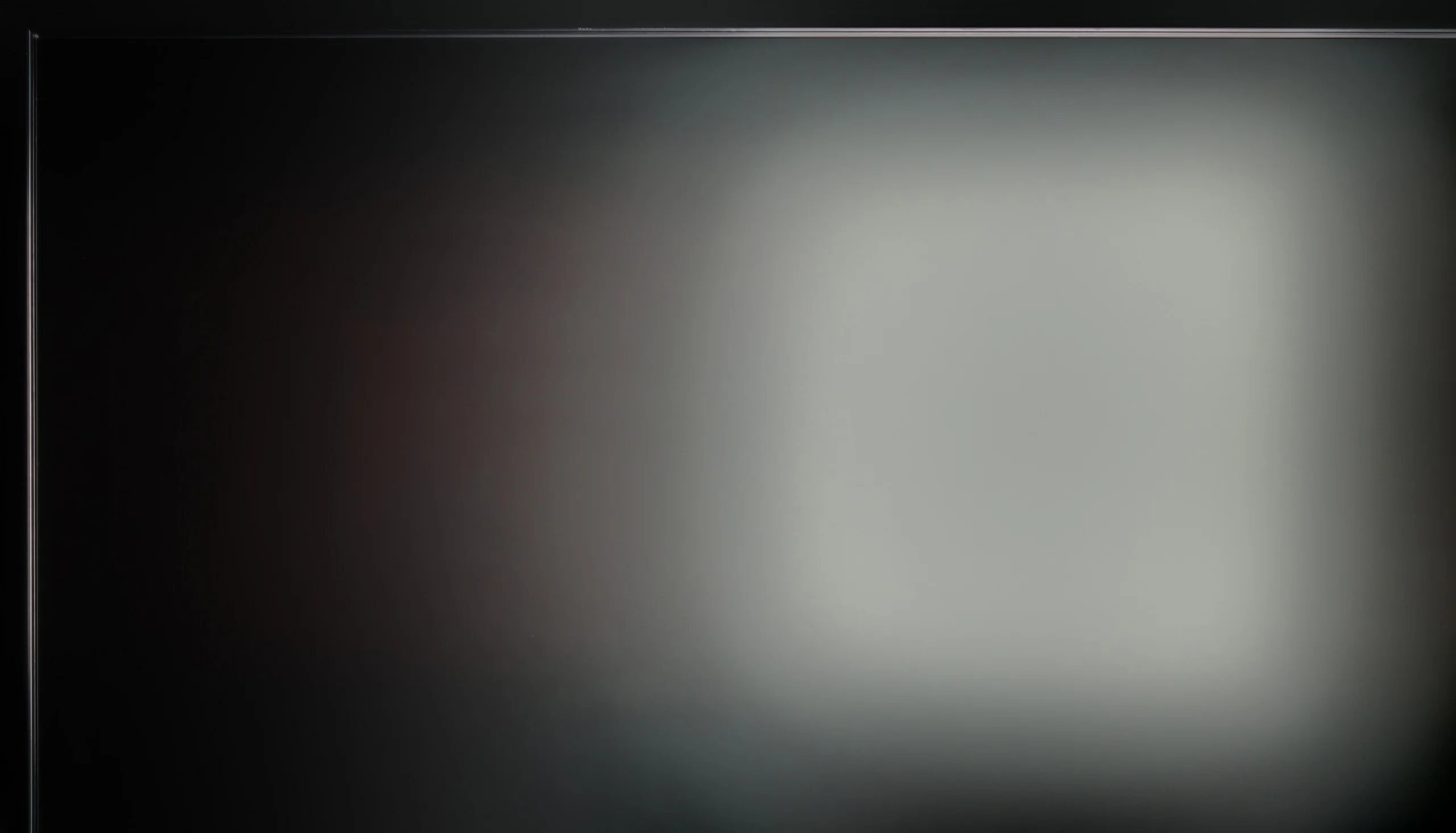
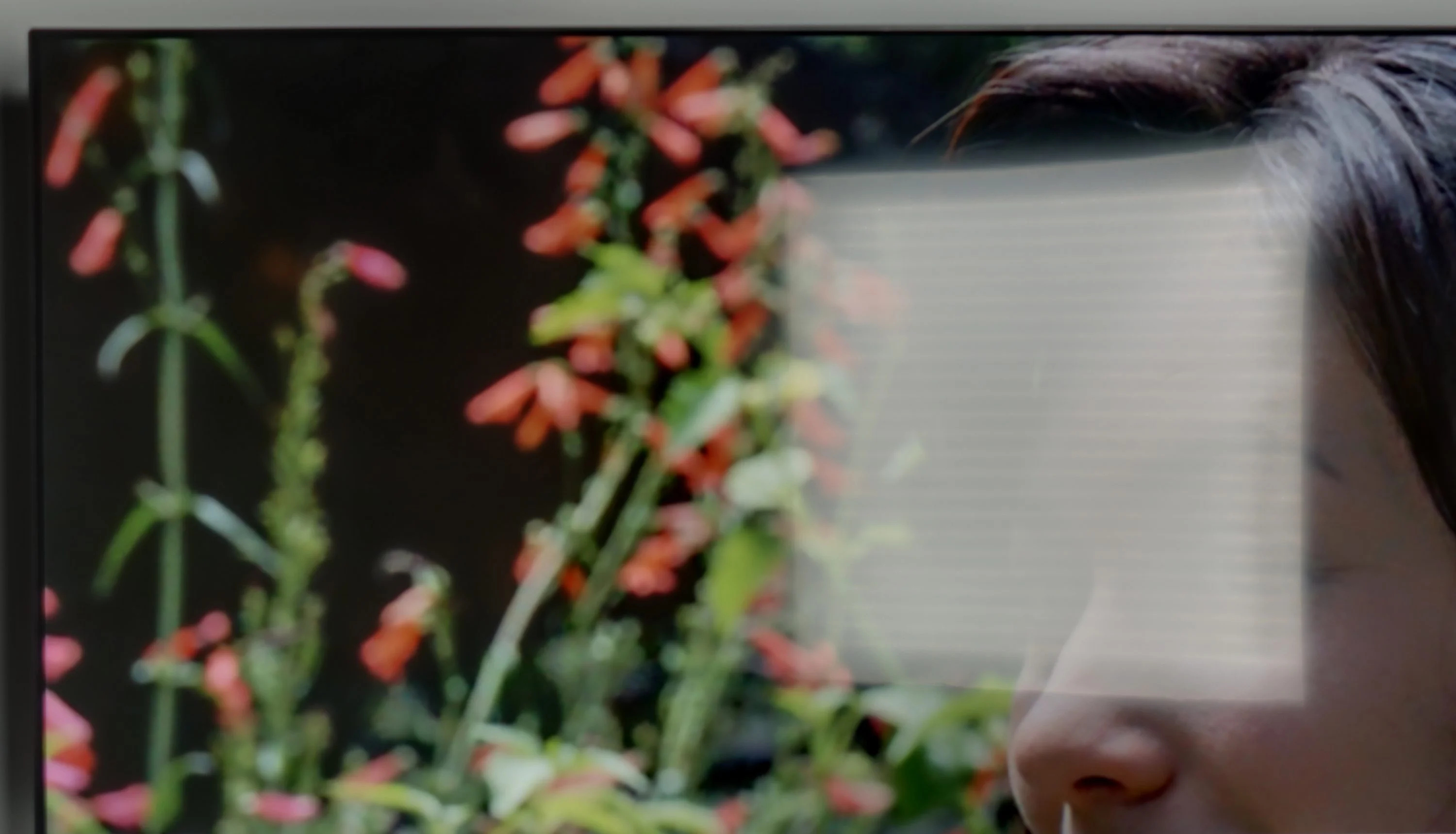
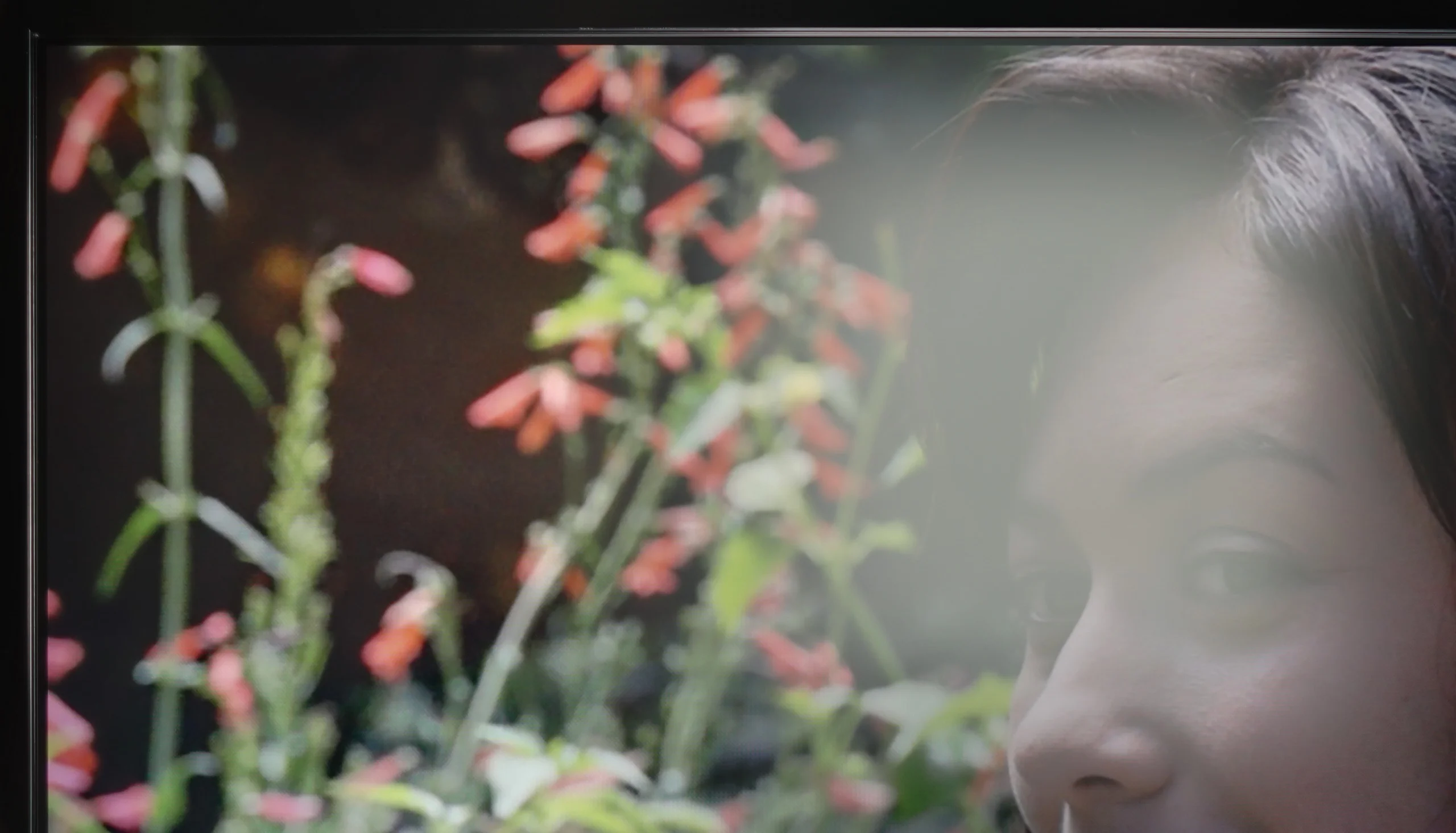
Panel brightness
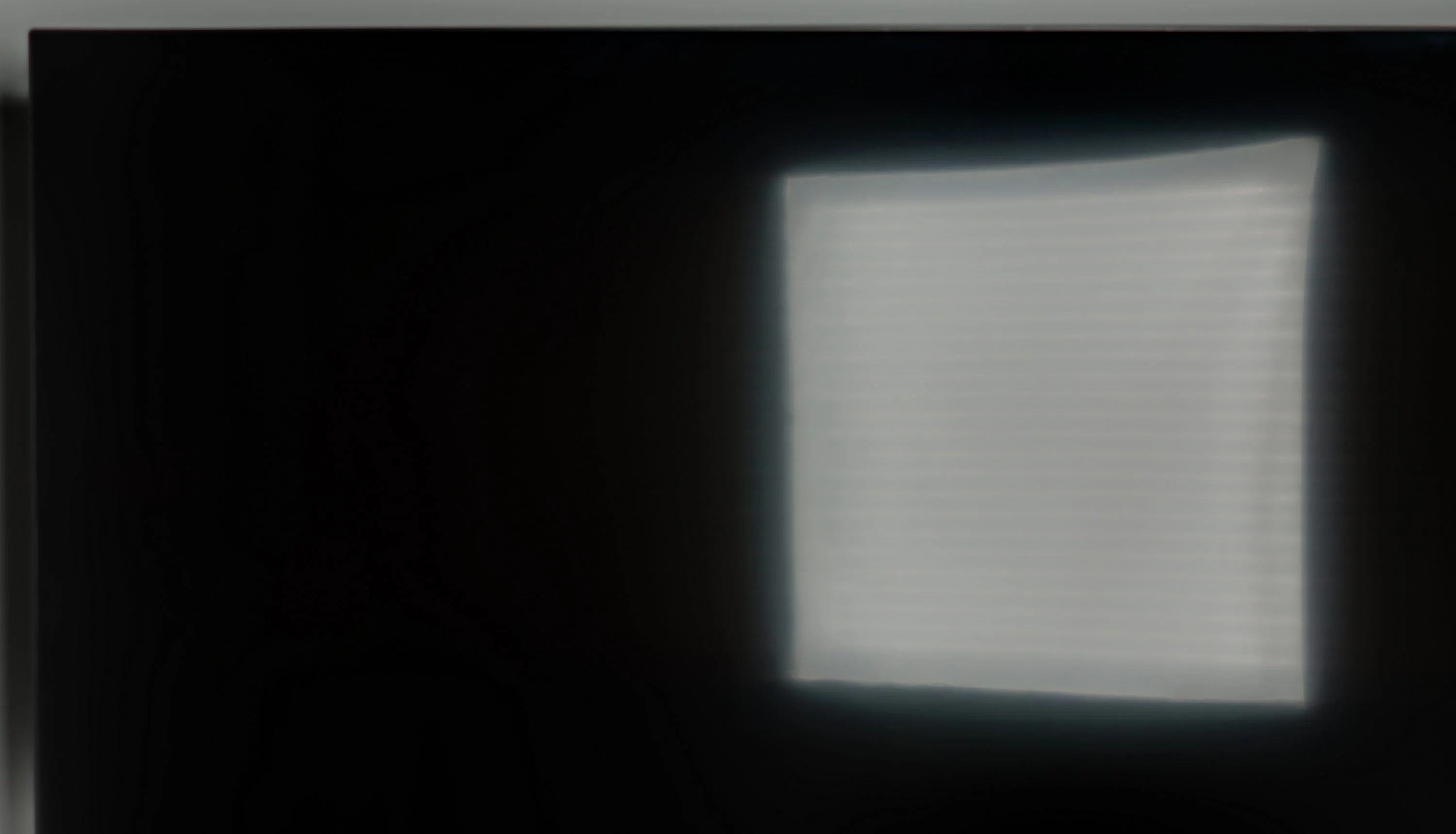
Hisense S7NQ CanvasTV: 497 cd/m2
Hisense A6N: 226 cd/m2
The satin panel does a good job of reducing reflections, but a brightness of 220 cd/m² is not sufficient for the TV to effectively overcome strong ambient light. In bright rooms or with a lot of daylight the image may appear less defined, which limits the comfort of using the TV in those conditions.
The Hisense S7NQ Canvas TV is equipped with a matte panel that effectively suppresses reflections – very similarly to its Chinese rival, the TCL A300 NXTVision. Unfortunately, both designs fall short in this category compared to Samsung's The Frame, which offers significantly better anti-reflective coating. In the case of the Chinese models, including the S7NQ, colors fade significantly under light, and black performance in such conditions is weak. The brightness of the television reaches about 500 nits – a pretty decent value for a matte screen, but still lower than that of the aforementioned The Frame. Generally, if someone prefers matte displays, well... it looks like it looks – Samsung simply did it better.
Panel details
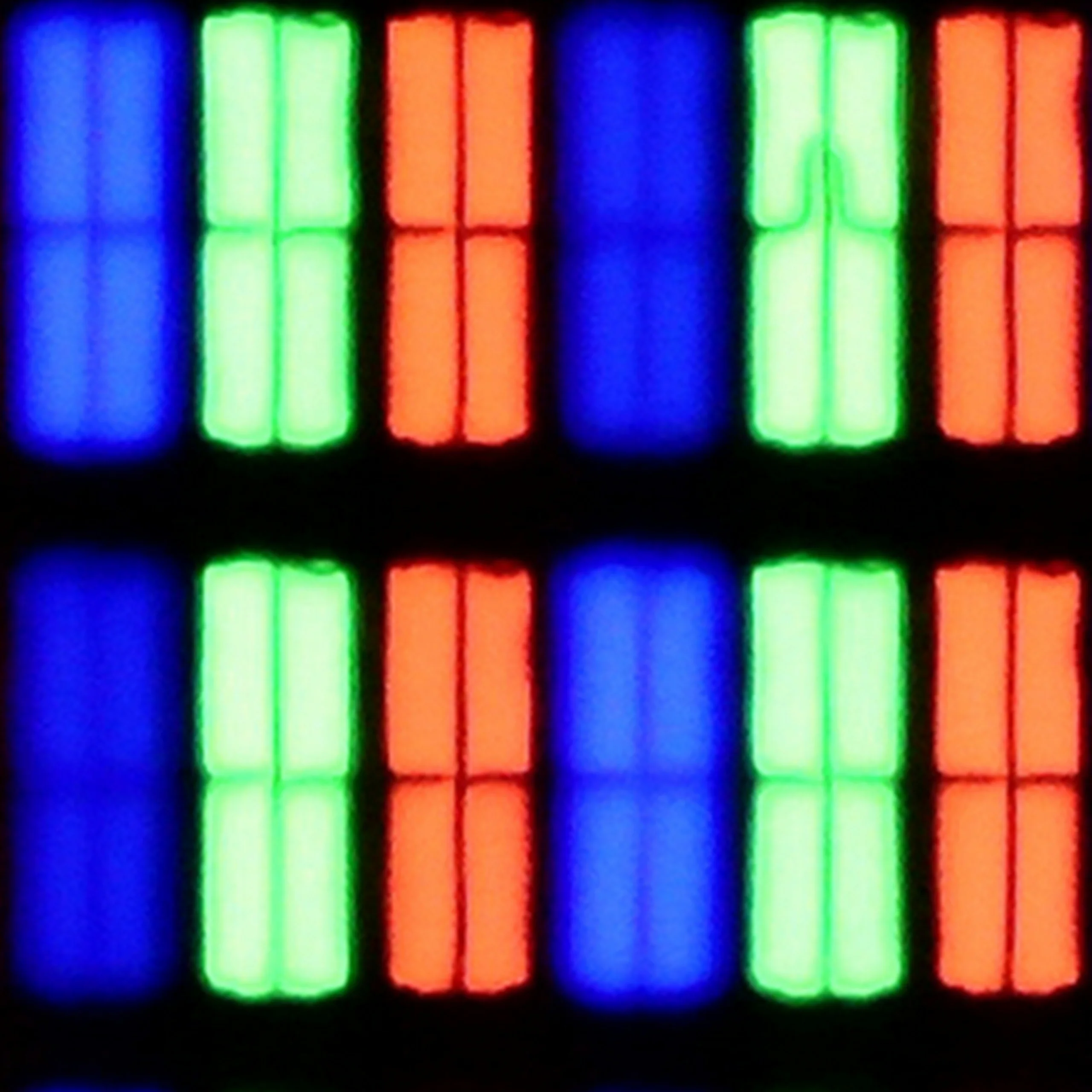
Subpixel Structure:
Panel uniformity and thermal imaging:


Hisense A6N
Hisense S7NQ CanvasTV
TV features
7/10
9.2/10
- SystemVIDAAVIDAA
- System performanceDecentGood
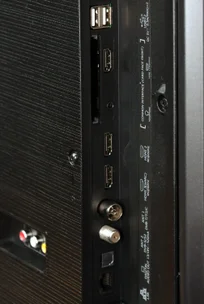
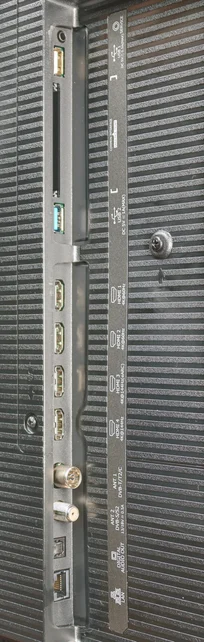
- HDMI inputs0 x HDMI 2.0, 0 x HDMI 2.12 x HDMI 2.0, 2 x HDMI 2.1 48Gbps
- OutputsToslink (Optical audio), eARC (HDMI), ARC (HDMI)
- Network InterfacesWi-Fi 2.4GHz, Wi-Fi 5GHz, Ethernet (LAN) 100MbpsWi-Fi 2.4GHz, Wi-Fi 5GHz, Ethernet (LAN) 100Mbps
- TV receptionDVB-T, DVB-T2, DVB-S, DVB-S2, DVB-CDVB-T, DVB-T2, DVB-S, DVB-S2, DVB-C
Classic features:
- Recording to USB (terrestrial TV)
- Recording programming
- Picture in Picture (PiP)
- RF remote control (no need to aim)
- Backlit remote control
- Teletext
- Audio only mode
- Bluetooth headphones support
- Simultaneous Bluetooth headphones & TV audio
Smart features:
- AirPlay
- Screen mirroring (Windows Miracast)
- Voice search
- Voice search in native language
- Ability to connect a keyboard and mouse
Sound connection options
- HDMI audioeARC (HDMI), ARC (HDMI)
- Other audio outputsToslink (Optical audio)
- Wireless audioBluetoothBluetooth
Supported audio formats (external HDMI eARC audio):
- Dolby Digital Plus 7.1
- Dolby True HD 7.1
- Dolby Atmos in Dolby Digital Plus (JOC)
- Dolby Atmos in Dolby True HD
- DTS:X in DTS-HD MA
- DTS-HD Master Audio
Senior accessibility
- Numeric keyboard on TV
- Font size adjustment
- Audio description
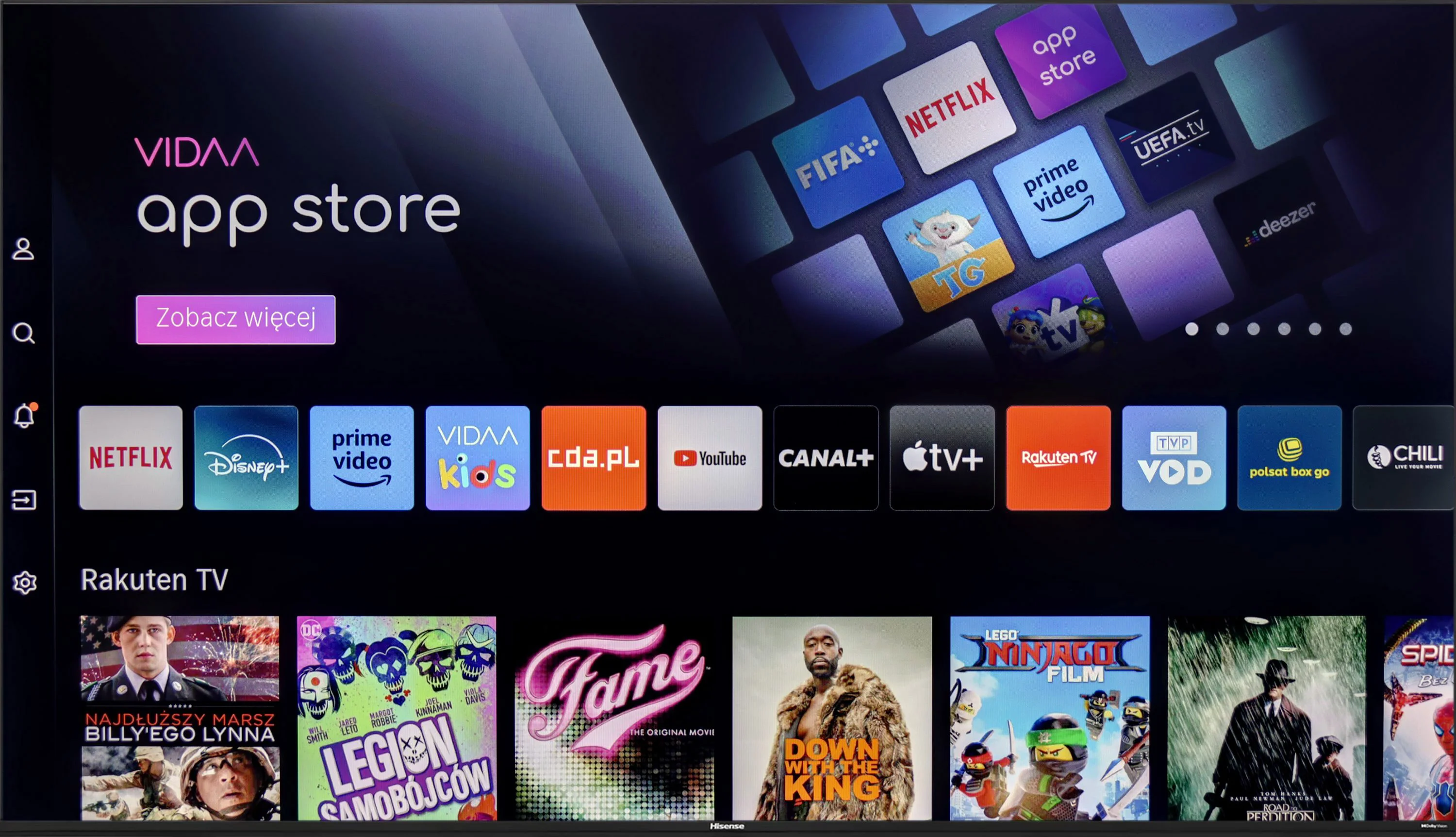
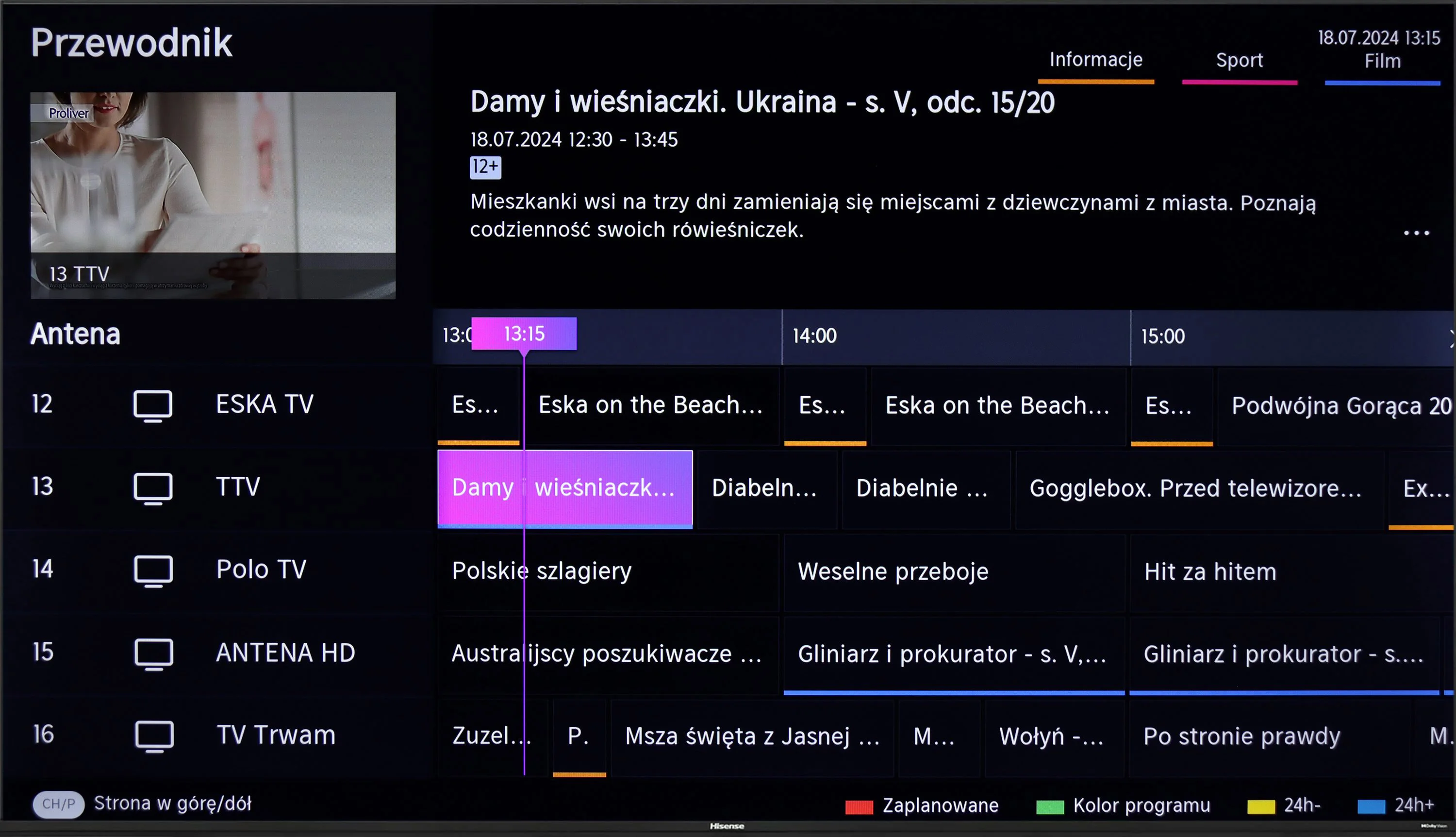
The Hisense A6N TV runs the VIDAA OS, which is fast and responsive without noticeable stutter. There are quite a few apps, but unfortunately music services like Spotify or Tidal are missing. That may be disappointing for users expecting a wide selection of streaming services. Despite this, the TV offers a few features that can compensate. It supports screen mirroring and AirPlay, allowing wireless streaming of content from other devices. In addition, you can connect peripherals such as keyboards or headphones via Bluetooth, which increases the TV’s functionality. Unfortunately, traditional TV viewers may be disappointed by the lack of a recording function and Picture in Picture (PiP), limiting options to personalize the viewing experience.
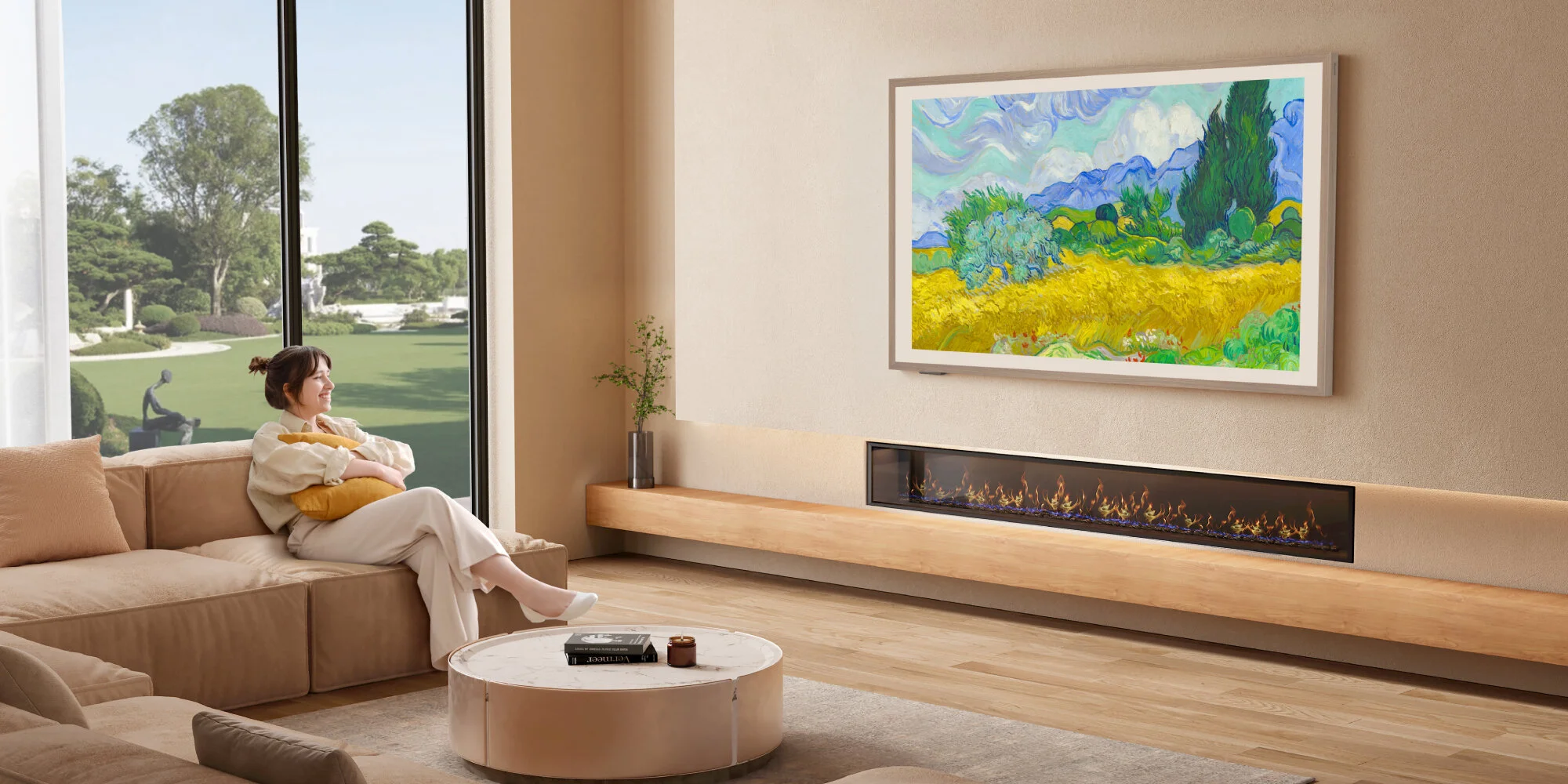
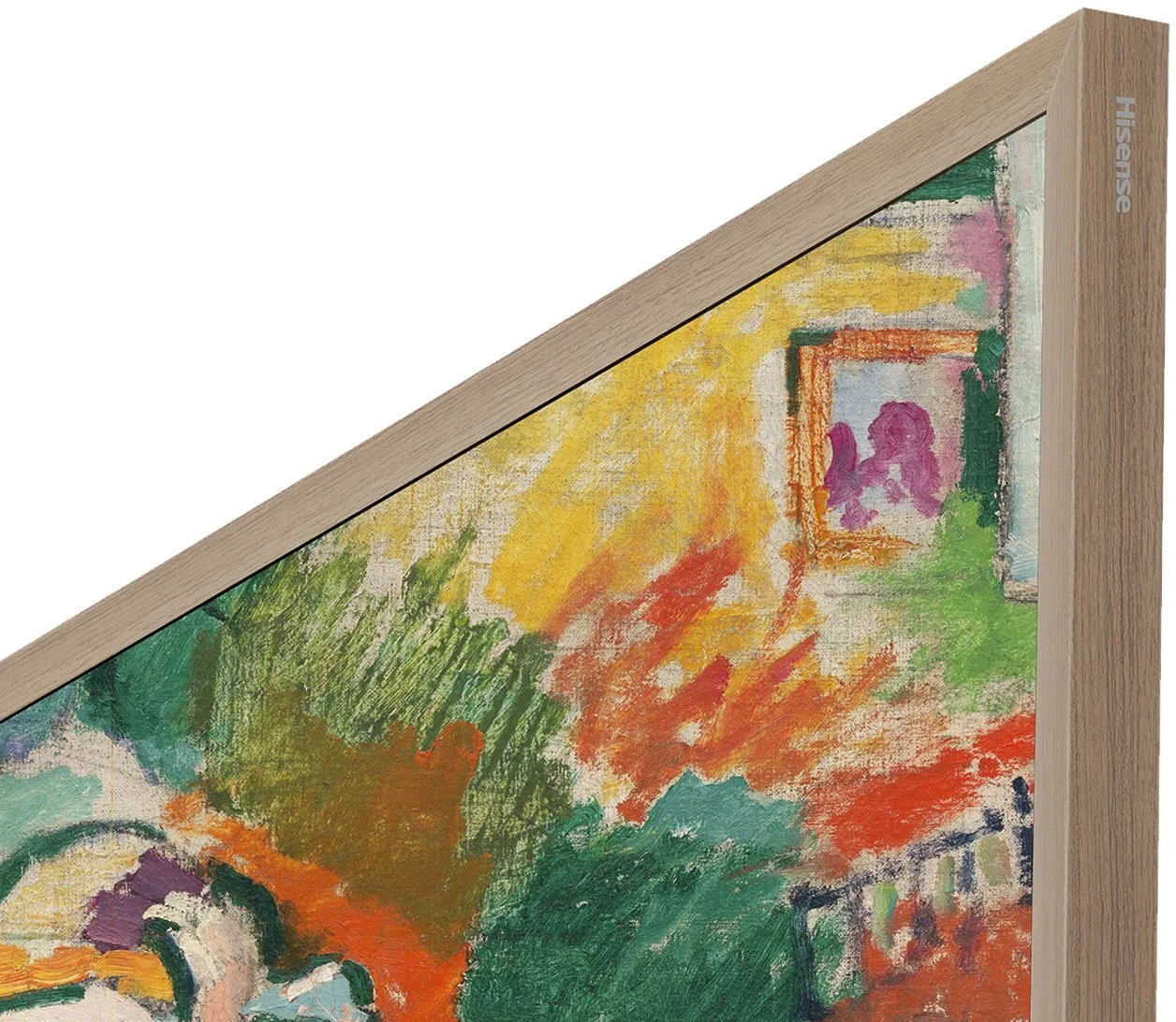
Since the Hisense S7NQ is a special-purpose television, we will start the description a bit differently – with the most important aspect of such models, which is displaying works of art. Like all "art" televisions, it features a special mount that allows the screen to be installed completely flat. The biggest advantage over the Korean Samsung The Frame is the fact that, despite the smaller availability of images in gallery mode, all of them are completely free – there is no subscription fee required. An additional bonus included with the S7NQ is the light brown frame. This is a significant plus, especially if someone was already planning to choose this particular color – it can save some money both on the frame and the subscription.
However, when it comes to the quality of the displayed images, it is unfortunately evident that the Samsung The Frame performs significantly better in this regard. The images in the S7NQ look more digital, while in The Frame, the Art Store mode offers true scans of works of art, where you can even see the texture of the paint or the artist's brush strokes. And again, we return to the old truth – for better quality, you simply have to pay.
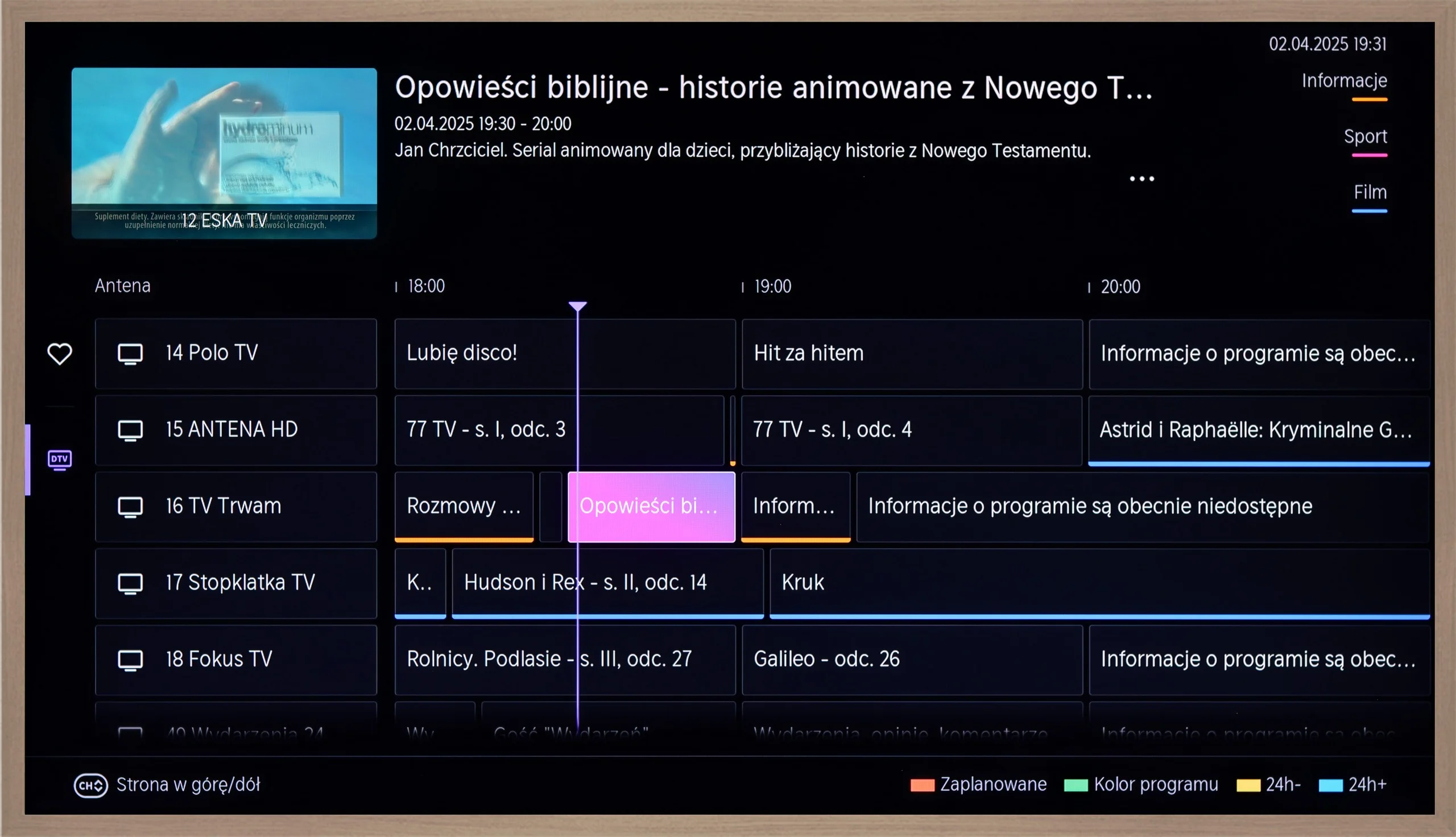
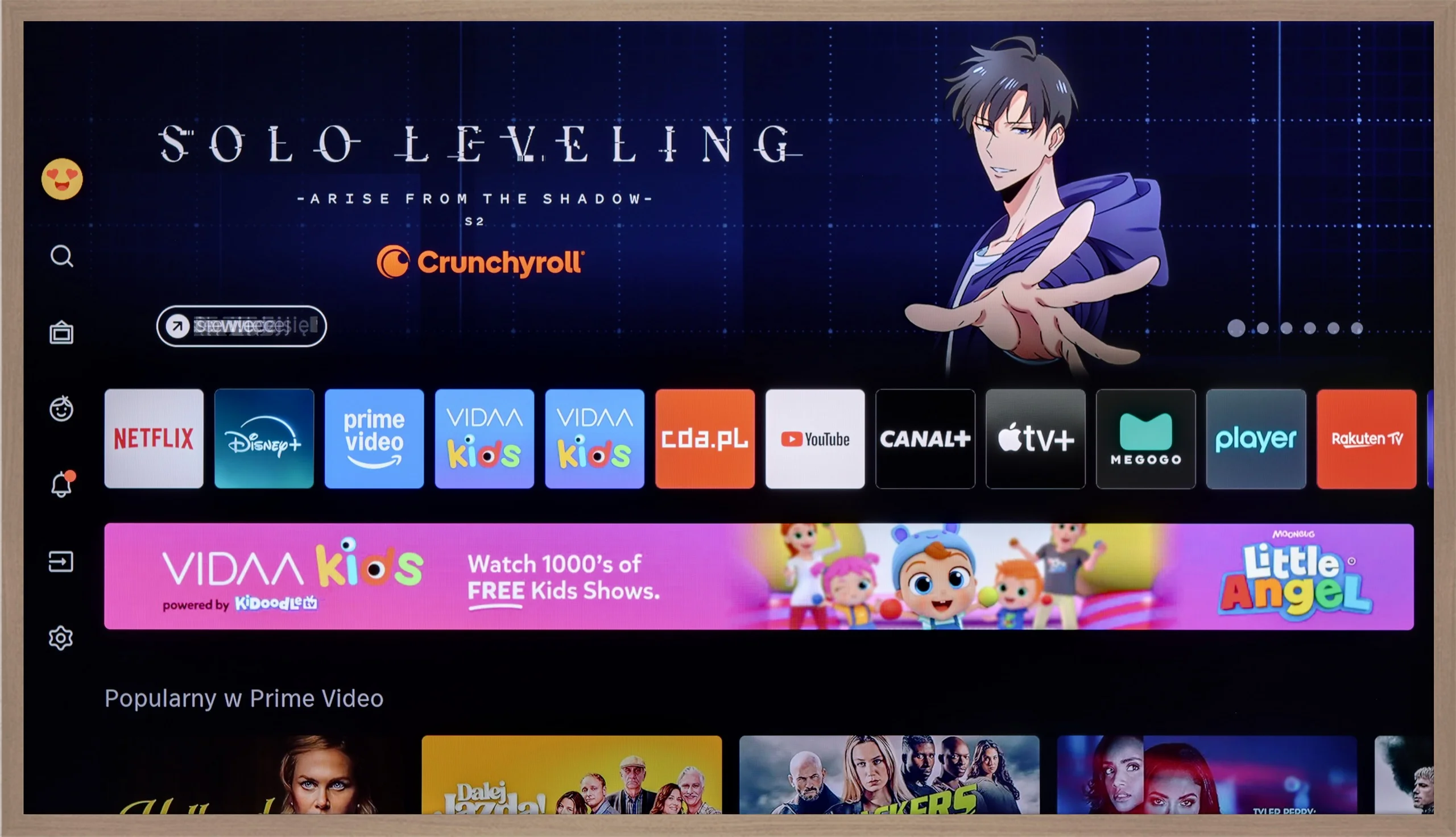
Fortunately, the S7NQ is not just an "art", but also a normal television – and in this role, it performs really well. Like most Hisense models with the VIDAA system, we find many basic functions here, such as recording to USB, screen mirroring, and AirPlay support. As for the apps – the most popular streaming services are present, and you can find their full list below.
Apps
7.7/10
7.7/10






















Playing files from USB
3.9/10
5.4/10
Supported photo formats:
Maximum photo resolution:
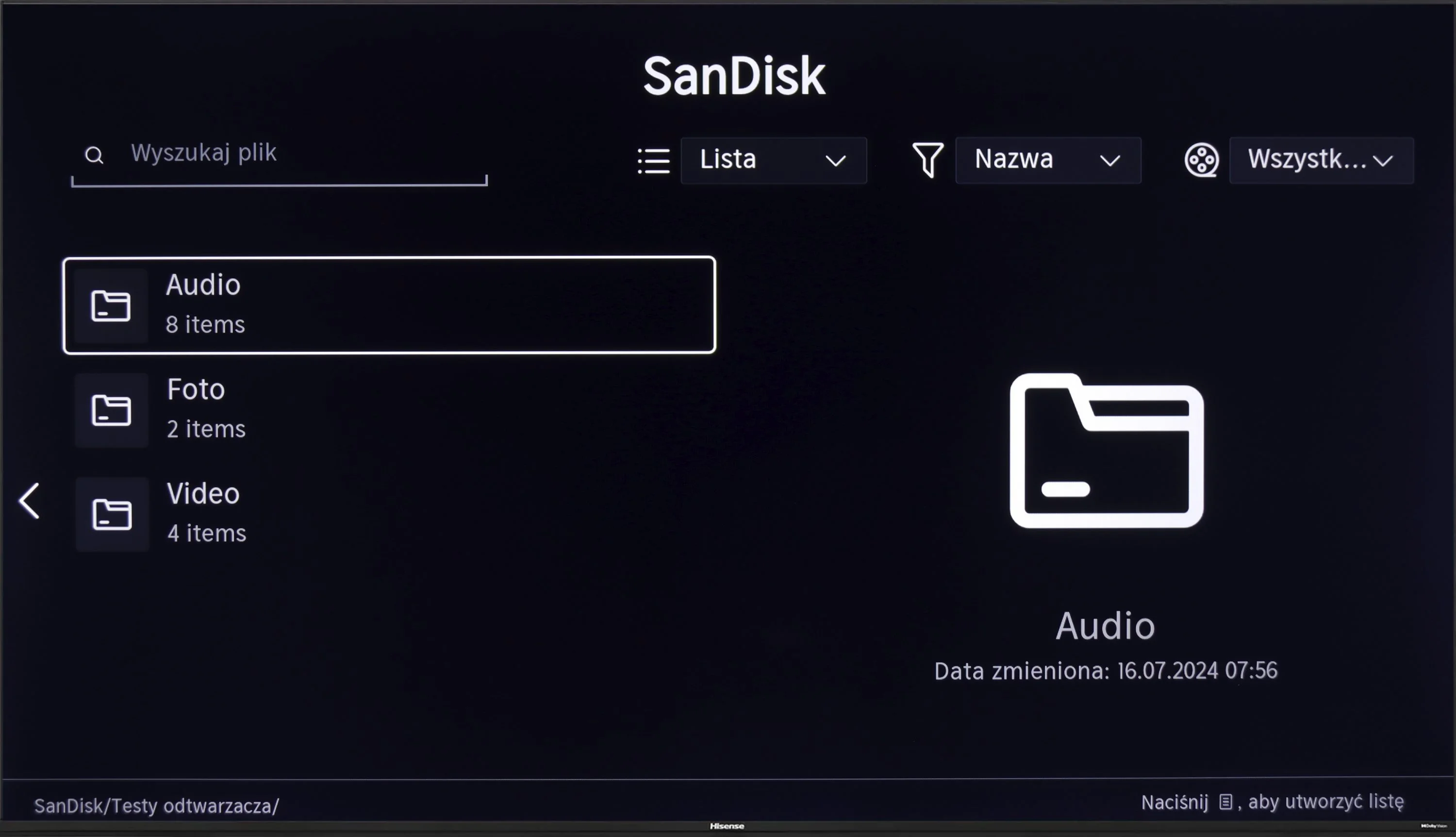
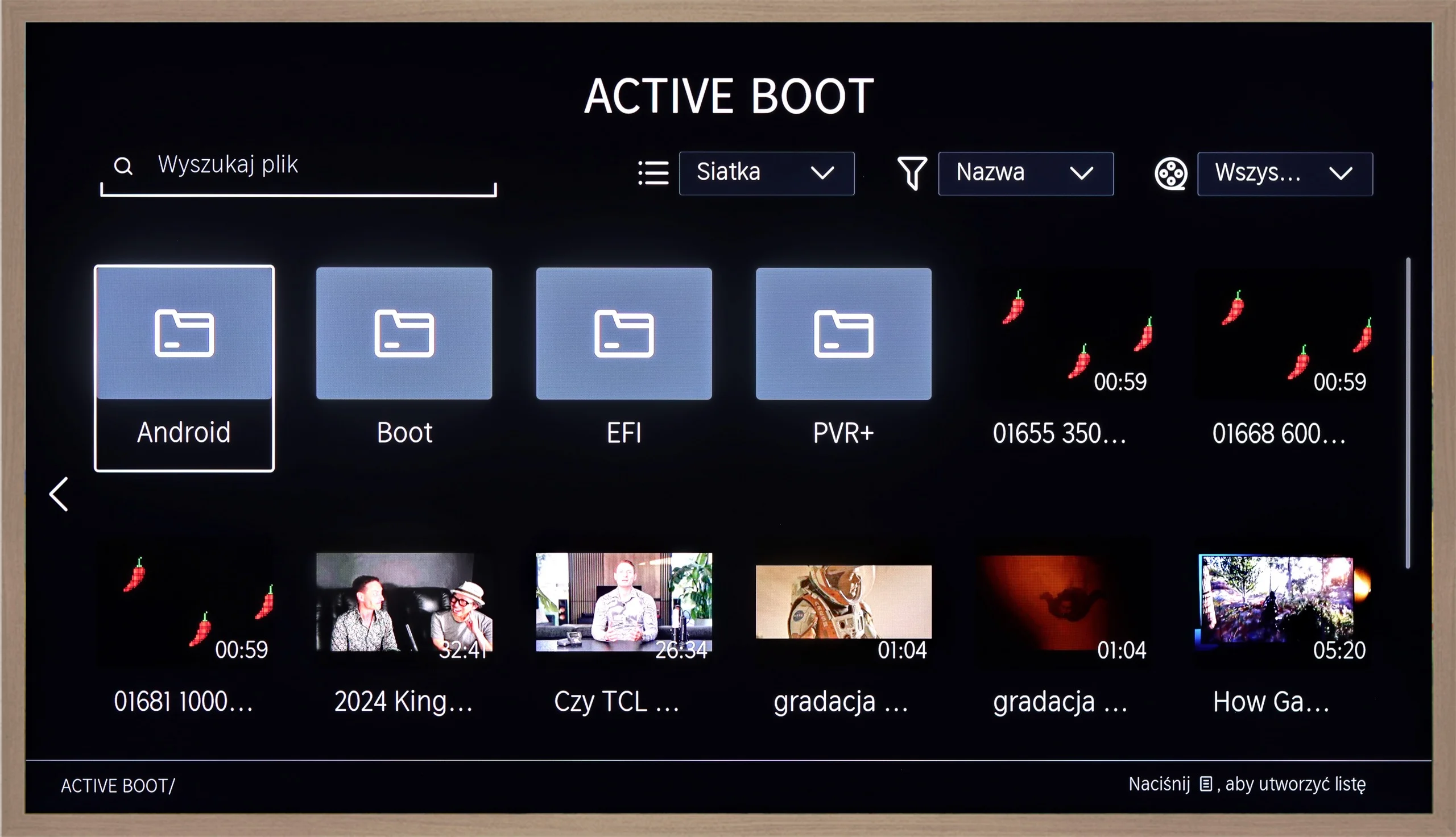
Unfortunately, a major disappointment is the lack of support for Polish characters. This is a significant problem when playing back content with Polish subtitles. This limitation significantly affects the comfort of watching films from local media.
The Hisense S7NQ easily plays the vast majority of popular audio, image, and video formats. So why the relatively low rating in this category? Well, it’s because of software issues. This is another Hisense TV that didn’t allow us to open external subtitles in films. Regardless of whether we’re talking about the .ass, .srt, .txt, or .sub format – the subtitles simply didn’t appear.
The funniest (or rather, the most frustrating) part of it all is that in the menu, we find options to change the font color, size, and background… The problem is that the subtitles themselves are completely invisible.
Sound
5.5/10
6.3/10
- Maximum volume--
- Dolby Digital Plus 7.1
- Dolby True HD 7.1
- Dolby Atmos in Dolby Digital Plus (JOC)
- Dolby Atmos in Dolby True HD
- DTS:X in DTS-HD MA
- DTS-HD Master Audio
The sound on the Hisense A6N can be described as rather flat and average, typical of budget TVs. However, when connected to an external audio system, users won't be disappointed, because the TV supports most popular audio formats, including DTS and Dolby, which allows for a significantly better sound experience.
When it comes to sound, it presents itself... like a television on the wall – that is, rather flat. Despite the use of a 2.0.2 speaker setup with a total power of 36 W, we cannot speak of any exceptional sound. But as is often the case – purchasing even the simplest soundbar can dramatically change the situation.
On the plus side, it must be noted that it supports practically all popular Dolby and DTS codecs. This way, we can easily connect the television to a home theater system without having to fiddle with settings or audio conversion.
Reader comments
Comments are provided by the external service Disqus (Zeta Global). Once loaded, Disqus may set cookies and process data about your activity.
We will remember your choice on this device. Provider's privacy policy