The TCL P8K is a television that immediately endears itself. It may seem cheap and from a lower range, yet it can surprise. This device demonstrates that you can also get equipment with character at this price – and it's specifically targeted towards a particular group of users. Because let's not kid ourselves, the P8K is a television designed with gamers in mind. With two HDMI 2.1 ports, VRR support, 4K at 120 Hz, HGiG, and even Dolby Vision in games – it sounds like something that was only recently found in much more expensive models. Additionally, it has a 144 Hz panel and the capability to achieve even 240 Hz on PC. At this price? It’s really hard not to smile. Moreover, it comes with Google TV, which has breathed life into this screen. Everything operates intuitively, with access to a vast library of applications and an efficient Google Assistant that actually understands what you say – even when you phrase it in your own way. Of course, this is not a perfect television. A brightness of 250–300 nits isn't overwhelming and probably won't impress in a sunny living room. But just an evening, a film, and a slightly darker environment reveal that this screen can do quite a lot. Thanks to dynamic tone mapping, the P8K performs surprisingly well in HDR, and the colours can look natural. In cinematic scenes, there's no question of a plastic, overexposed image – it's simply pleasant. Let’s not pretend that it competes with Mini LEDs or OLEDs – that’s not the point here. The P8K/P89K is meant to be a television that is simply enjoyable to use. And that is where its strength lies. For someone who wants to play games, watch Netflix, launch YouTube, and have it all in one simple device – it’s a home run. The TCL P8K shows that "cheap" does not have to mean "poor quality". It is a television with character that doesn’t pretend to be premium equipment, yet delivers a lot. And perhaps that's why it’s so easy to like.
- Matching (Score) |
- Our verdict |
- TV appearance |
- Where to buy |
- Contrast and black detail |
- HDR effect quality |
- Factory color reproduction |
- Color reproduction after calibration |
- Smoothness of tonal transitions |
- Image scaling and smoothness of tonal transitions |
- Blur and motion smoothness |
- Console compatibility and gaming features |
- Input lag |
- Compatibility with PC |
- Viewing angles |
- Daytime performance |
- Panel details |
- TV features |
- Apps |
- Playing files from USB |
- Sound
TCL P89K / TCL P8K vs TCL C7L
 Direct comparison
P8K / P89K

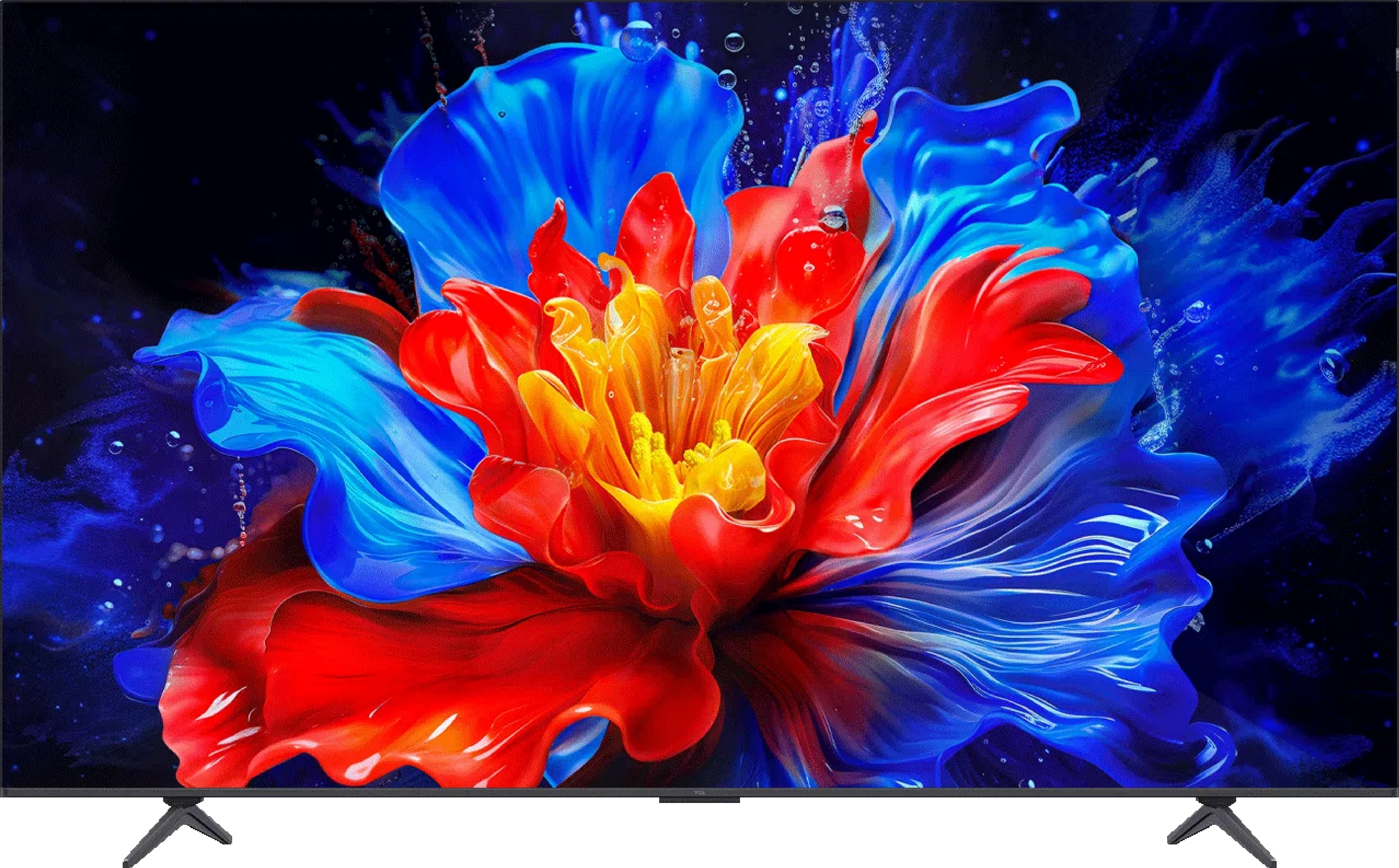
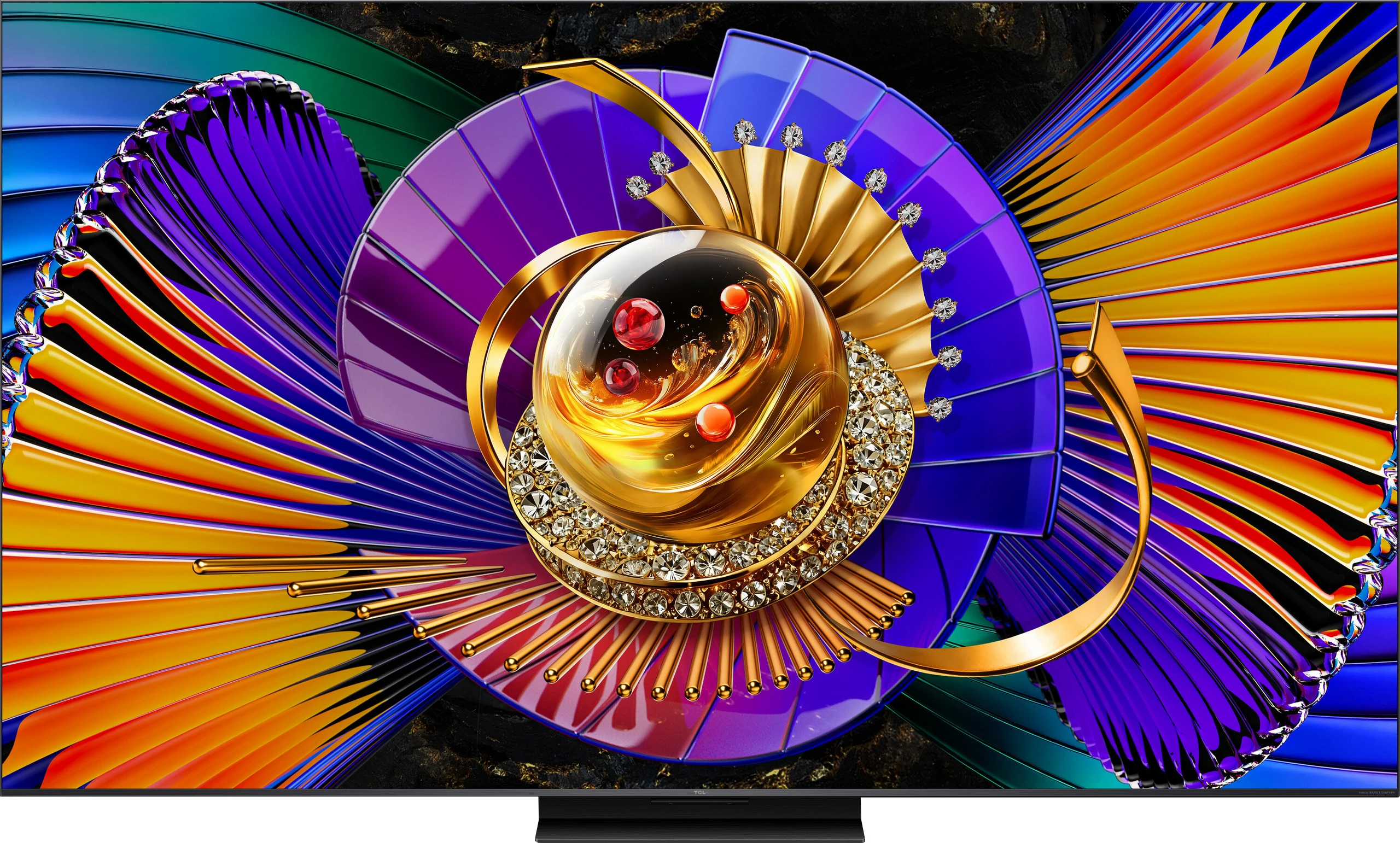
Panel type: LCD VA
Resolution: 3840x2160
System: Google TV
Model year: 2025
Complete the survey to find out the result
Panel type: LCD VA
Resolution: 3840x2160
System: Google TV
Model year: 2026
Complete the survey to find out the result
Overall rating
6.6
7.8
 Movies and series in UHD quality
 6.1
7.2
 Classic TV, YouTube
 6.0
6.8
 Sports broadcasts (TV and apps)
 6.1
6.7
 Gaming on console
 8.1
8.8
 TV as a computer monitor
 8.6
8.4
 Watching in bright light
 4.6
8.8
 Utility functions
 7.4
7.8
 Apps
Apps 9.6
9.6
 Sound quality
 6.7
7.7
Complete the survey to find out what fits your preferences
Advantages

Good contrast thanks to the VA panel
Google TV system with a large number of applications
Good motion fluidity. 144Hz panel
Excellent features for gamers: HDMI 2.1, VRR, 4K@120Hz, HGiG, Dolby Vision in games
Very good colour gamut coverage thanks to the PFS filter (QLED)
Very good compatibility with PC. 240Hz mode
Low input lag – gaming is smooth and responsive
Well-implemented HDR dynamic tone mapping feature. Despite low brightness: HDR content looks surprisingly good.
2.1 sound from Onkyo with a subwoofer – surprisingly good bass
Very attractive price
Very high brightness
Good blacks and contrast (VA panel + mini-LED)
Excellent colour gamut coverage thanks to the new "Super QLED" filter
Full support for HDR formats including Dolby Vision and HDR10+
Top parameters for gamers (HDMI 2.1, low input lag)
High motion fluidity with low blur (up to 288Hz)
Google TV operating system (lots of apps, Gemini voice assistant)
Disadvantages

Low brightness – around 250–300 nits
Very poor viewing angles
Average digital image processing
Incorrectly implemented Dolby Vision mode
System errors and glitches occur
Not very loud sound, volume limiter in operation
Poor digital image processing due to the use of the older MediaTek Pentonic 700 processor
Only two HDMI 2.1 ports, one of which is shared with the eARC channel for audio, e.g. soundbar
Sound losing dynamics above 40-50% volume
Our verdict
The TCL C7L is an incredibly successful Mini-LED television and a fully deserved successor to the hit model C7K. The list of advantages of this device is truly extensive. At the top is the extremely high brightness of the panel. Thanks to this, the television handles brightly lit living rooms without any problems, offering a fantastic and dynamic image in HDR format. Huge applause is also due for the use of the new Super QLED coating – after professional calibration, the colours can be not only natural but also incredibly saturated. The best part is that the screen achieves this regardless of the scene displayed, which is often not the case with all TVs featuring RGB backlighting. The C7L is also a brilliant piece of equipment for gamers; it could even be said that it is a true "multimedia powerhouse." We get full support for consoles and PCs, refresh rates of up to 288 Hz, G-Sync, and low input lag, which doesn’t increase even when activating the demanding Dolby Vision Gaming mode. Everything is tied together by a well-optimised Google TV system, which in this generation of TCL devices operates noticeably smoother and more efficiently (at least that's the impression we got during our testing). Of course, the C7L is not a perfect device, and the manufacturer had to make certain compromises in this model. The biggest drawback of the C7L is the use of a less powerful image processor. Unfortunately, this translates to rather average digital processing and other design limitations, such as only two HDMI 2.1 ports. A more powerful chip has been reserved this year for the higher series, such as the C8L. From a business point of view, this is entirely understandable. Why? Because if TCL had included a better processor here, most people would probably not see any point in paying extra for a higher model. So even if certain compromises exist, the C7L series is once again shaping up to be one of the most cost-effective Mini-LED televisions this year. If you are looking for a versatile, extremely bright screen for movies, series, television, or gaming – literally for everything – and at the same time do not want to overpay for top series, then yes... the C7L is a brilliant choice that we can definitely recommend to you.
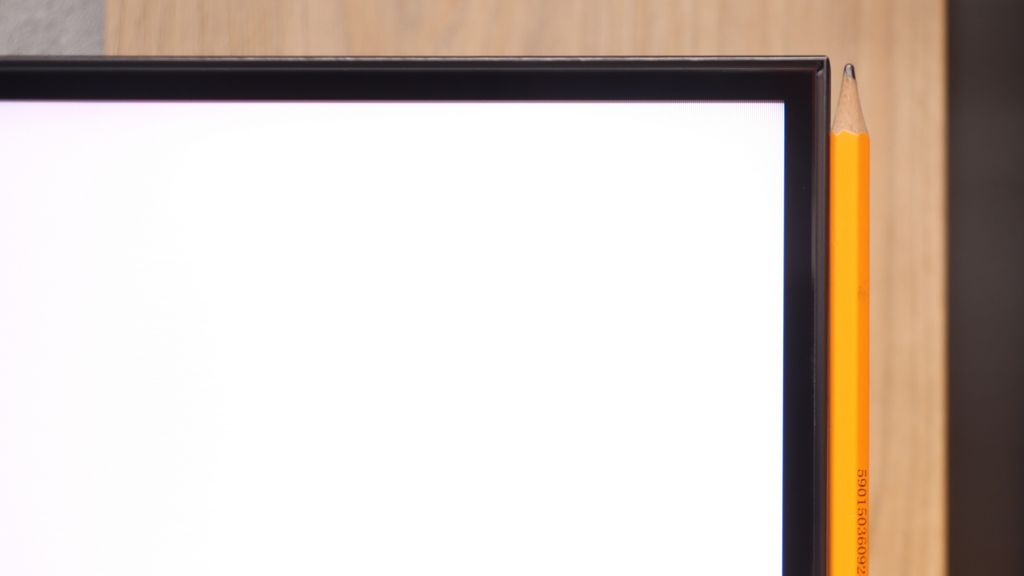
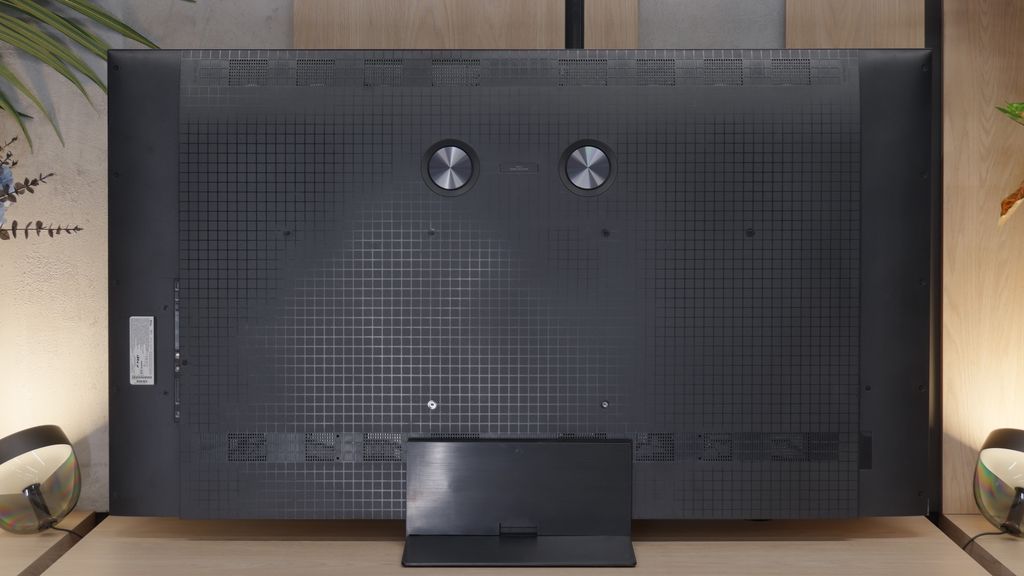
TV appearance
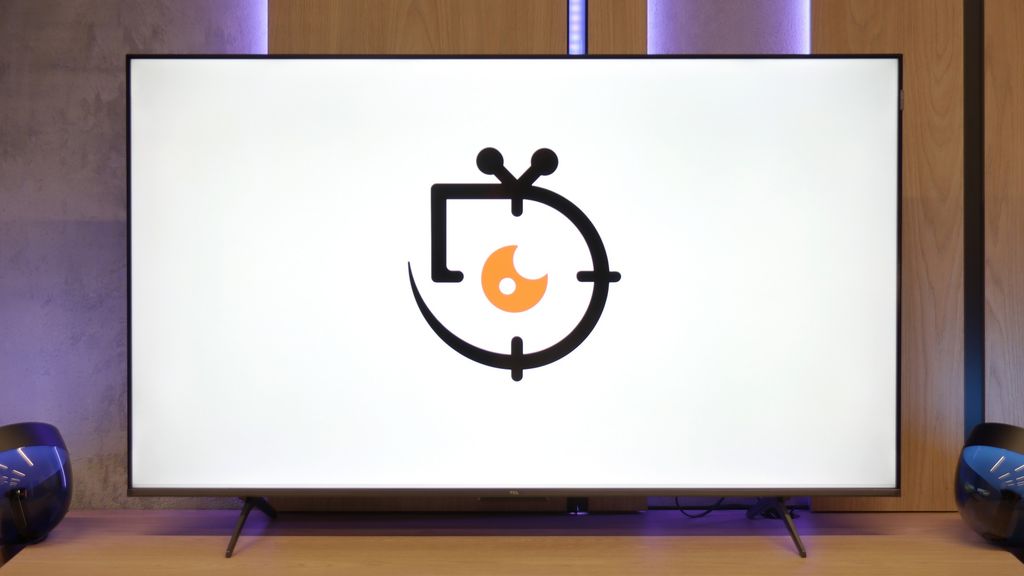
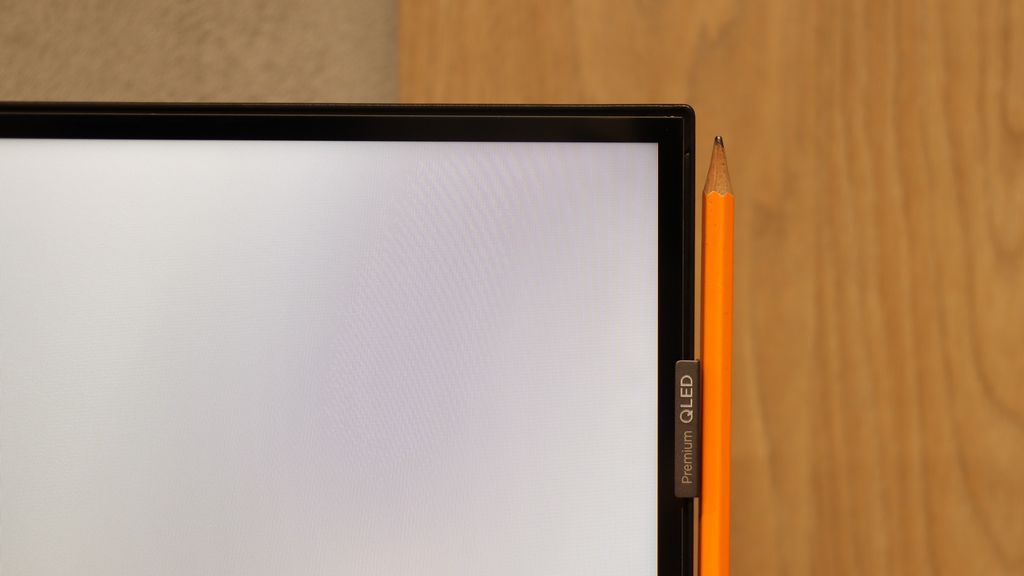
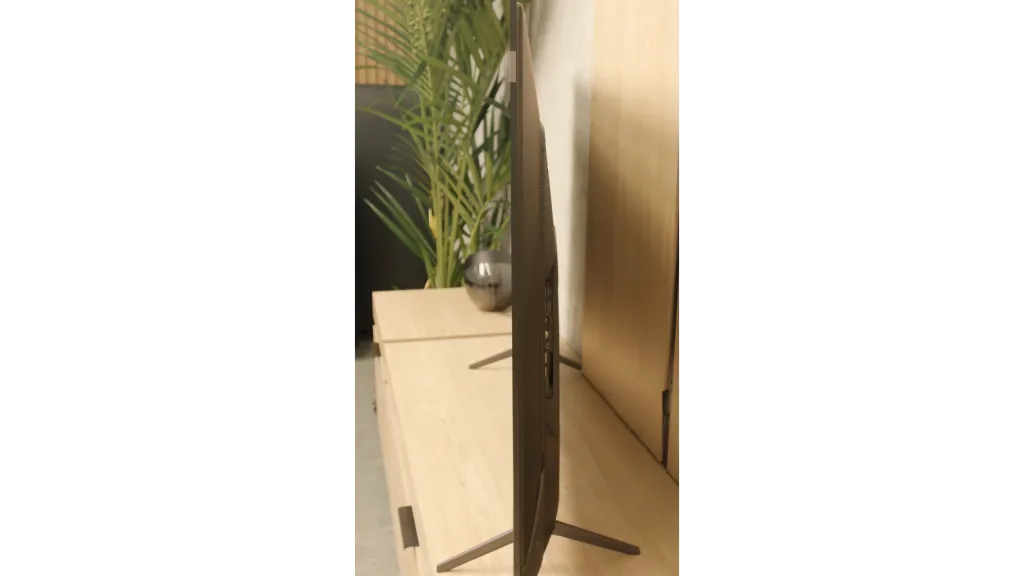
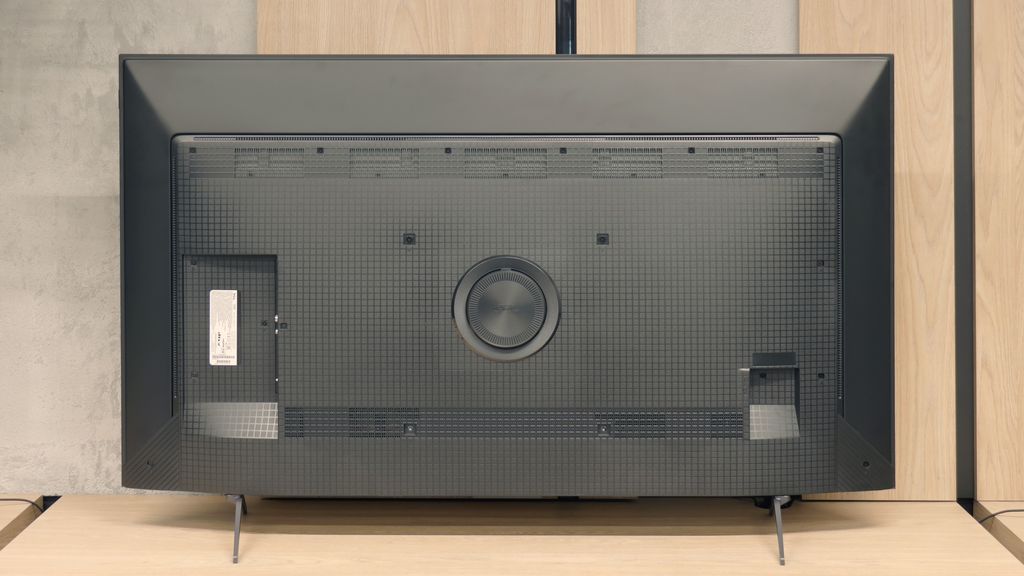
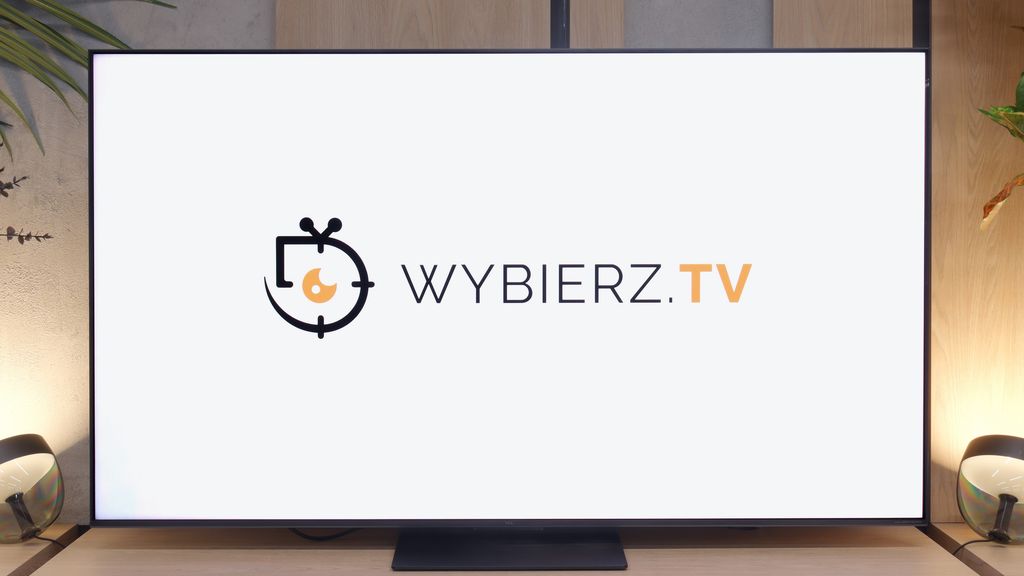
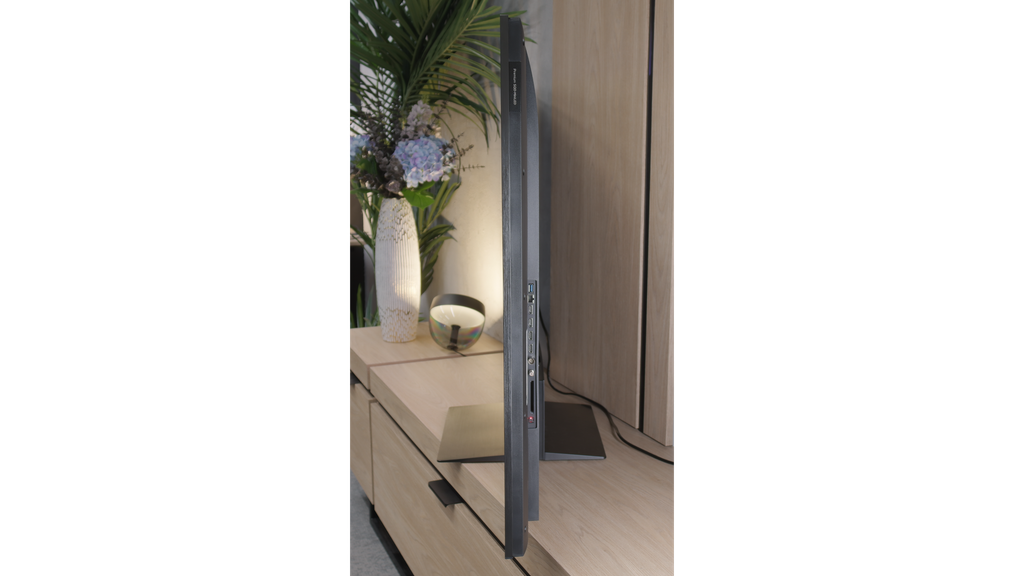

Contrast and black detail
5.5/10
7.7/10
Local dimming function: No
Local dimming function: Yes, number of zones: 1152 (24 x 48)
Contrast:


Result
5,650:1

Result
3,950:1

Result
5,700:1

Result
5,450:1

Result
2,600:1
Result
174,100:1
Result
25,700:1
Result
13,950:1
Result
10,900:1
Result
9,900:1
Halo effect and black detail visibility:
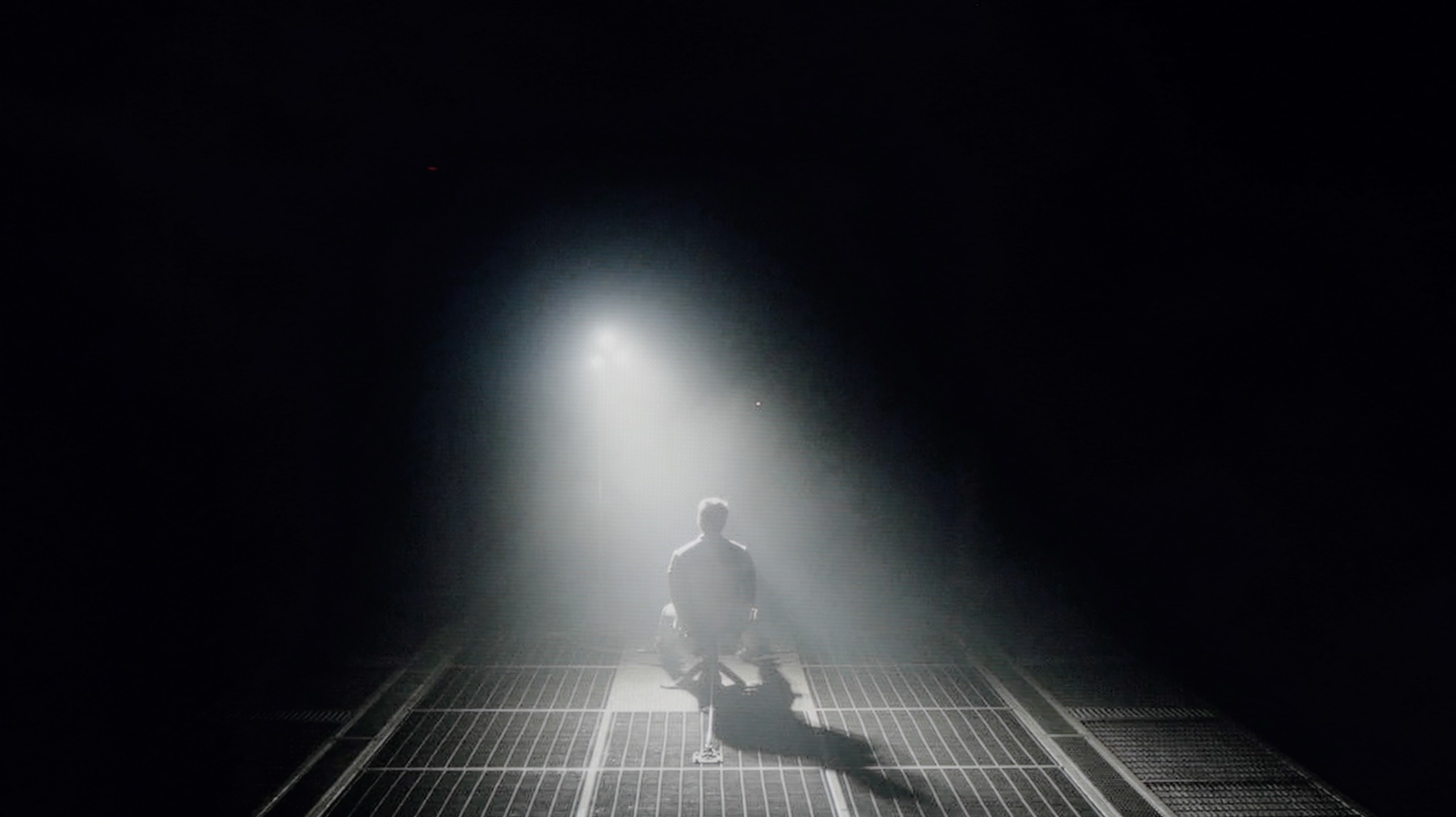
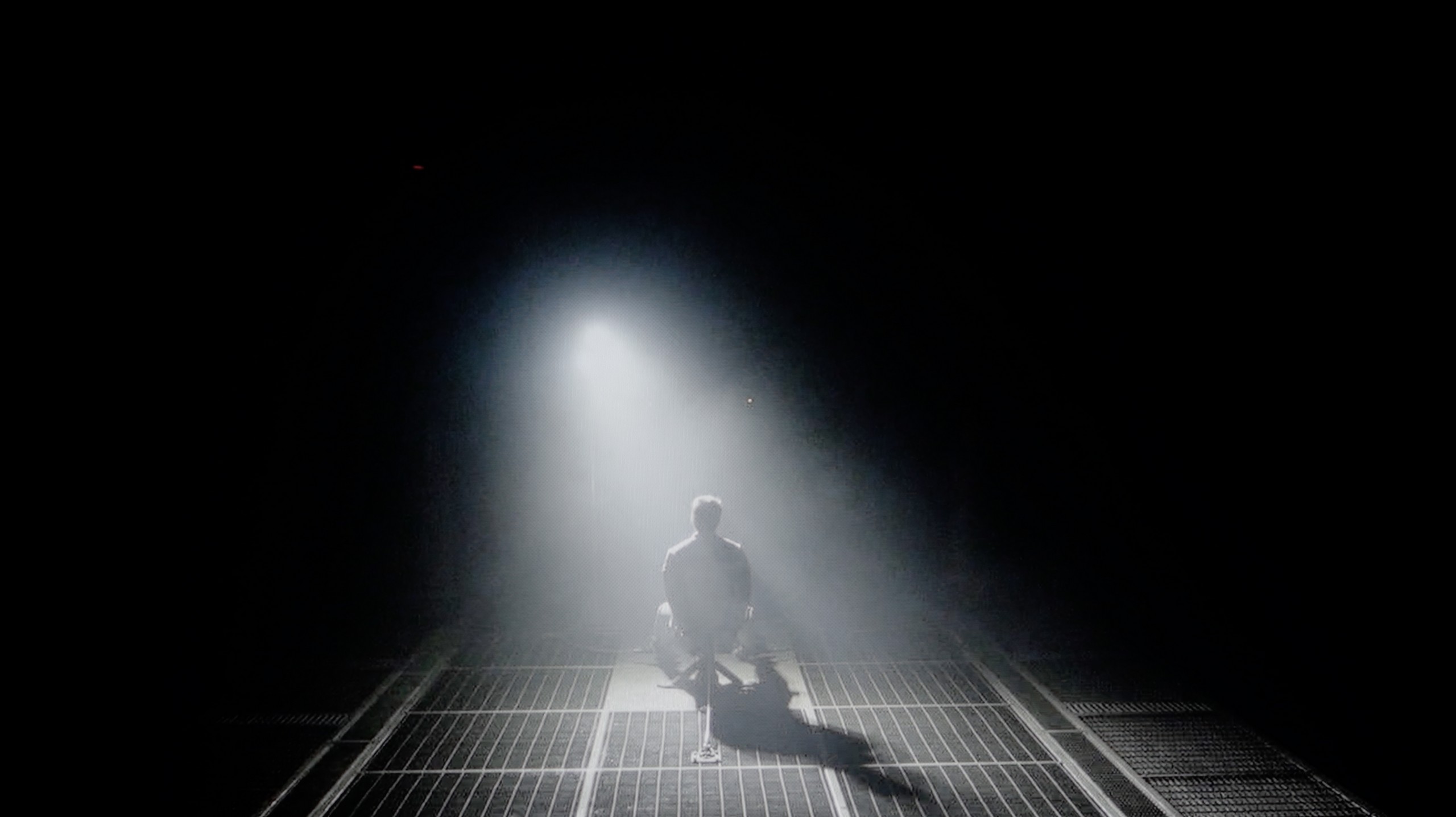
Check the visibility of bright lights on a dark background. Mini-LEDs often struggle with this. The photo does not compare black levels – that’s what the video below is for.
TCL P8K is an example of a television that shows that even in the lower tier, one can still encounter solid contrast. The VA panel does a really good job here – a measurement around 6000:1 may not sound spectacular, but in actual scenes it produces an effect that simply delights the eye. In the darkness of the forest in "The Revenant" or in the futuristic shots of "Oblivion", depth and light separation are visible, which is difficult to expect from equipment at this price. The P8K can render darkness without the feeling that everything is drowning in grey. The Direct LED backlighting also works in its favour. Of course, we do not have any local dimming here, but the system can dim the entire screen when the scene requires it or slightly brighten it to bring out details in bright areas. This is somewhat of an analogue approach to contrast – simple but effective. On the test pattern from the legendary Pioneer Kuro, it was well evident: the television prioritised bright points while the background lost some depth; however, it still maintained a decent appearance. Of course, there is no perfectly inky black here. In a dark room, it is noticeable that the black leans towards blue, but despite this, the overall presentation is simply good. Under normal home conditions, the contrast is entirely sufficient to feel the cinematic atmosphere.
TCL C7L is a Mini LED television, which in the 65-inch variant we tested, is equipped with over 1000 local dimming zones. This, combined with the proprietary VA panel (referred to by TCL CSOT as HVA 2.0), yields truly decent results in terms of blacks and contrast. In most of the scenes we measured, the black levels and contrast looked really good, and in the easiest shots, the black was deep enough to almost resemble that seen on OLED screens. Of course, we are talking about the least demanding shots with a lot of black on the screen. However, when a greater number of bright elements appear on the screen and black no longer dominates as strongly, it is apparent that the TCL C7L – like most Mini LED televisions – has its issues with managing local dimming zones.
This is particularly evident in the black bars in films recorded in the 2.35:1 widescreen format. At that point, a distinct halo effect, or bright light glow, can appear on the black bars or around small, bright objects. The contrast then drastically dropped – from laboratory values of around 200,000:1 to about 10,000:1, which is quite noticeable in a completely dark room. It is worth remembering that this should not be treated as a flaw of the television, but rather as a characteristic of mini-LED technology. Of course, this effect becomes significantly less bothersome when we turn on at least some soft, diffused light in the room... which I definitely recommend doing during screenings on any LCD television.
HDR effect quality
4.5/10
6.6/10
Luminance measurements in HDR:

Result
207 nit

Result
238 nit

Result
313 nit

Result
251 nit

Result
299 nit
Result
1236 nit
Result
401 nit
Result
831 nit
Result
352 nit
Result
1204 nit
Scene from the movie “Pan” (about 2800 nits)
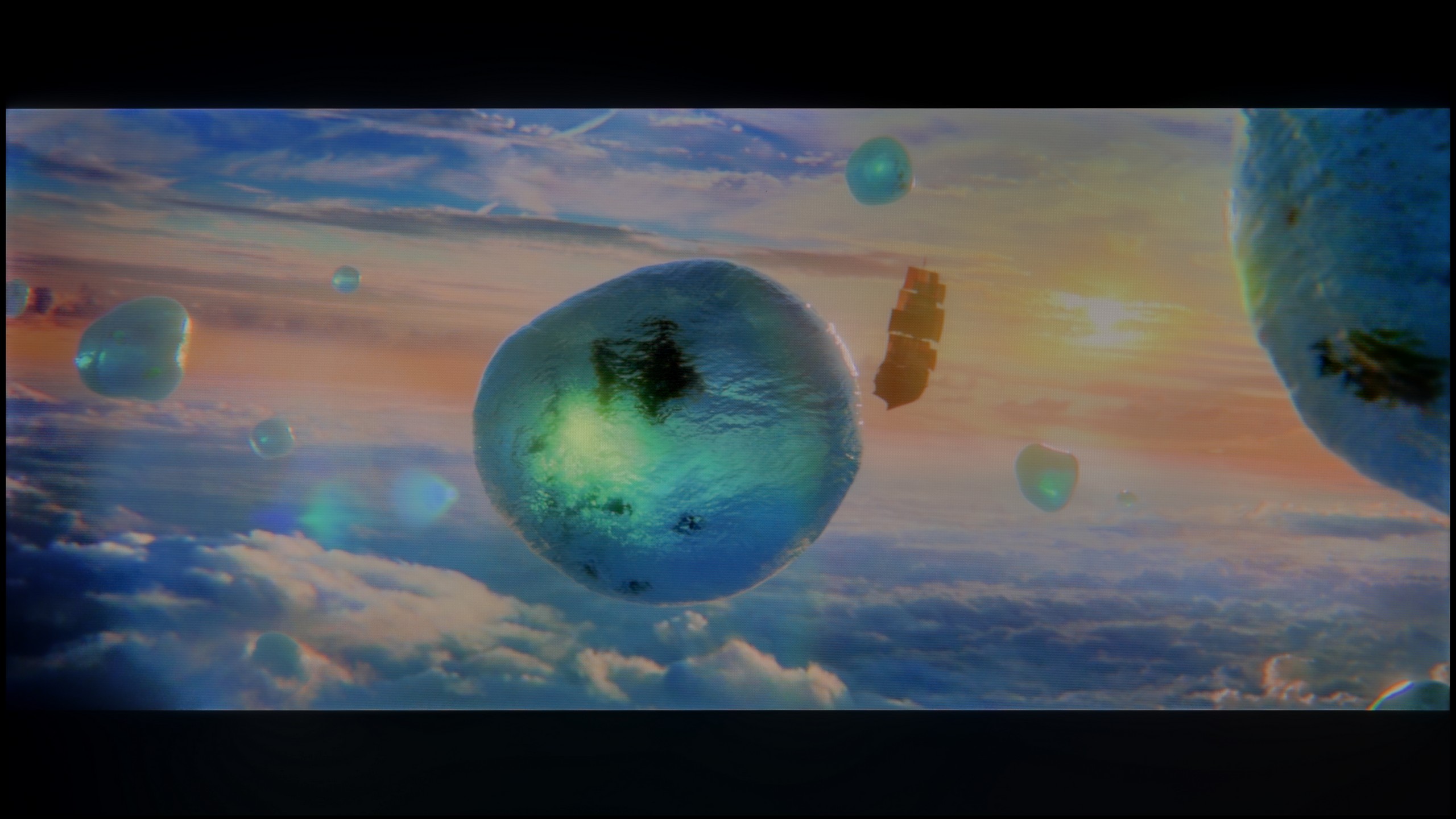
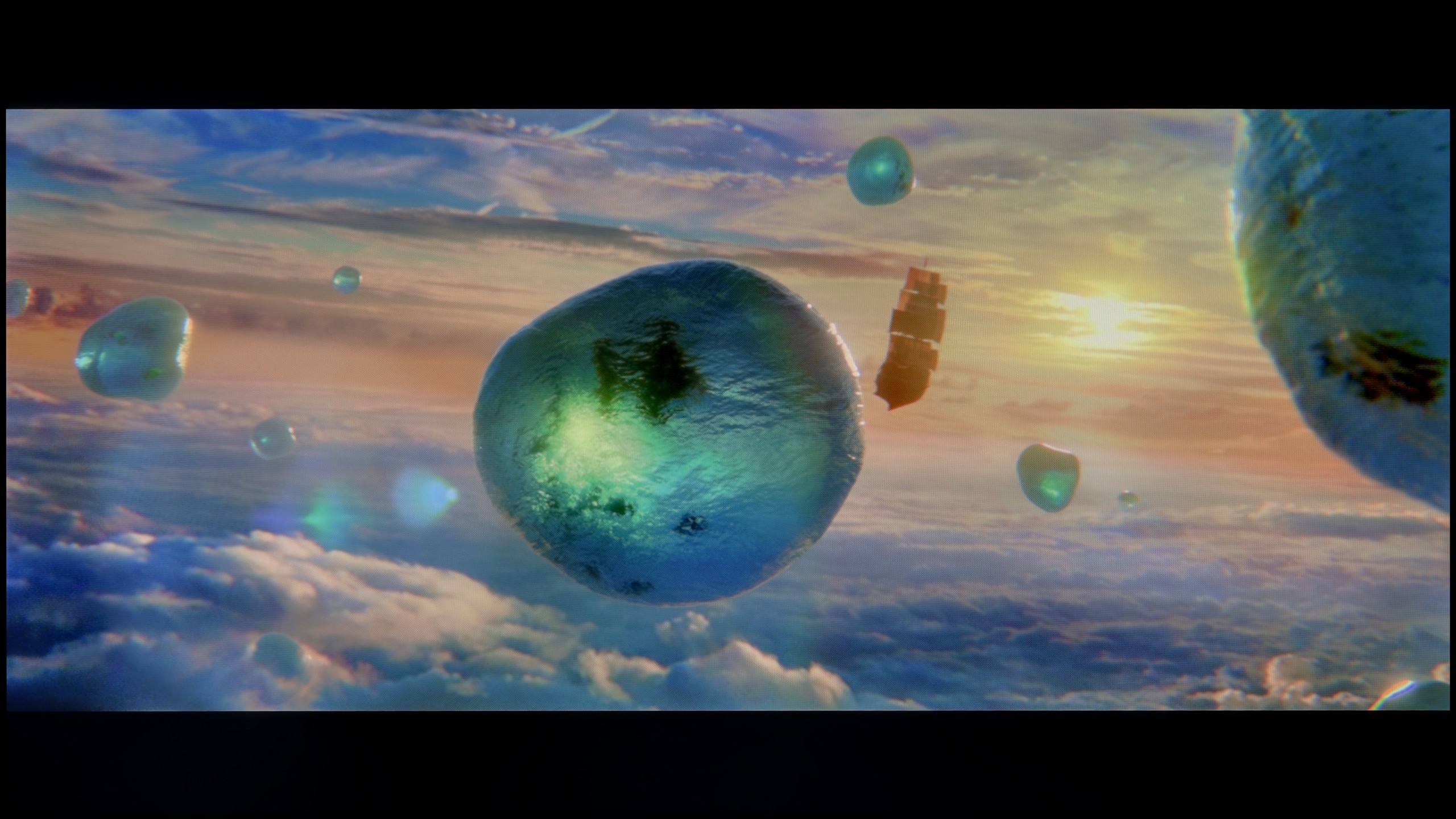
Scene from the movie “Billy Lynn” (about 1100 nits)
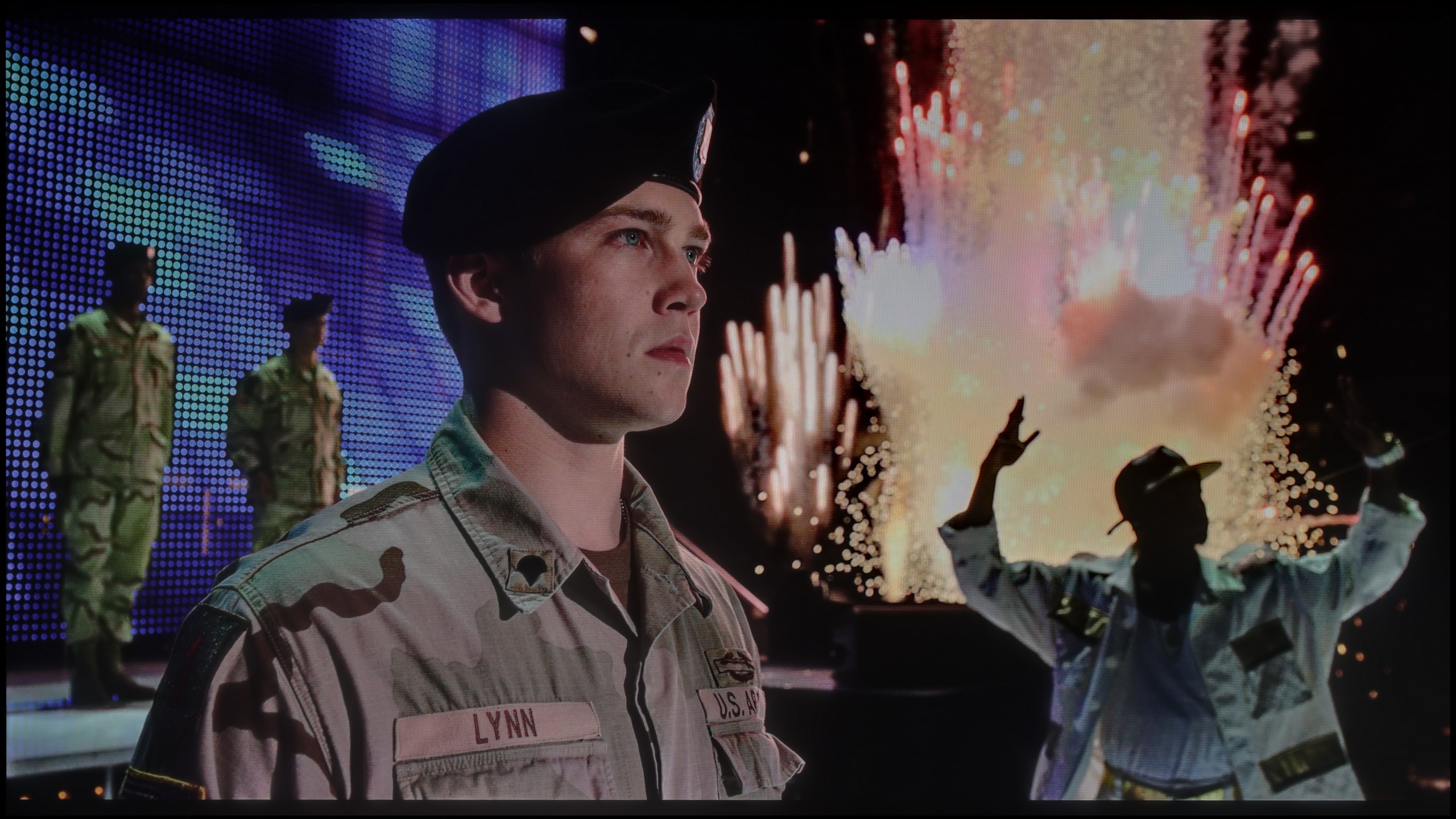
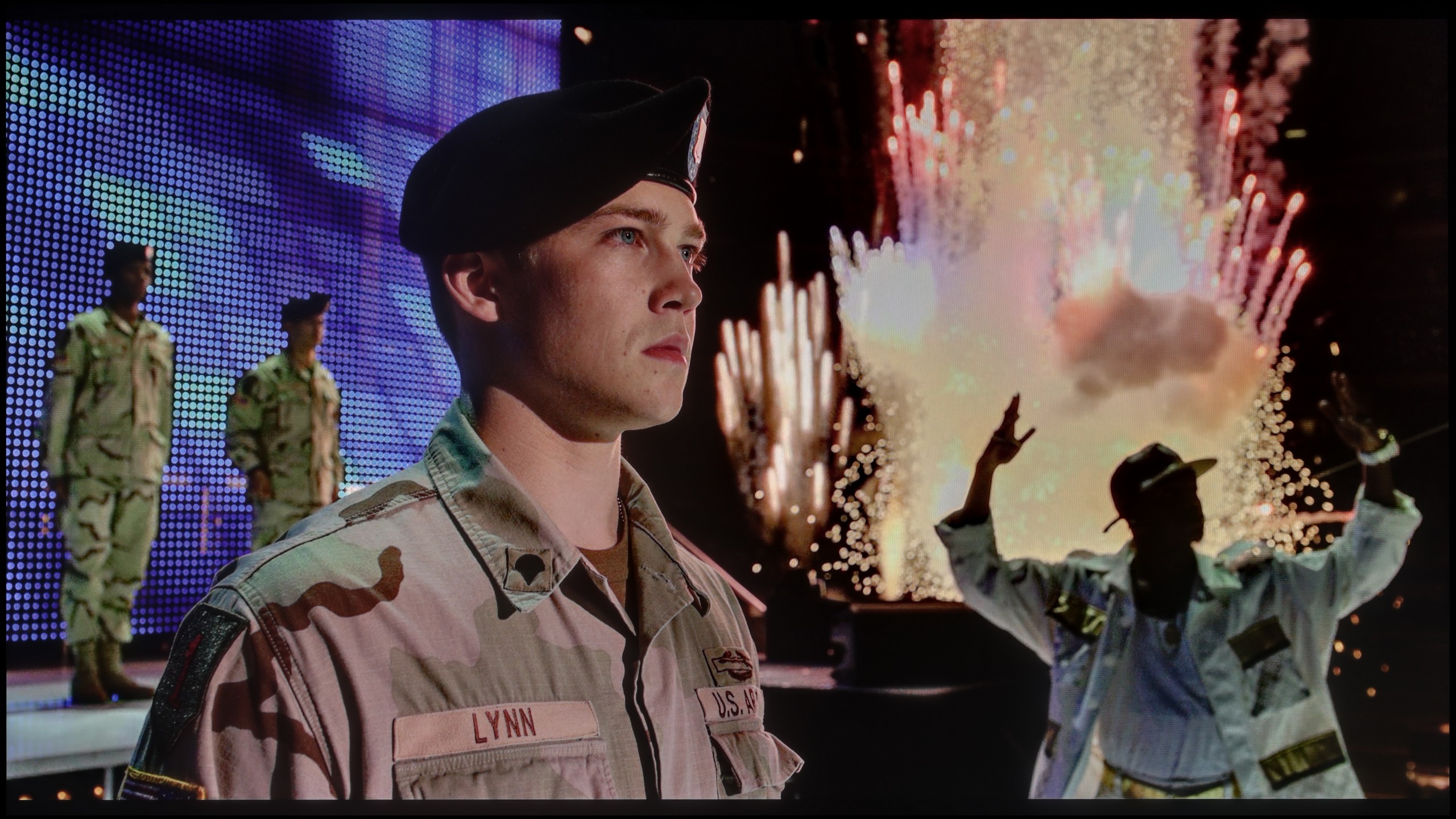
The photos show two HDR10 movies. 'Pan' is one of the brightest productions ever made, while 'Billy Lynn' (soldier) has brightness typical of streaming (Netflix, Prime, HBO MAX). Notice the intensity of effects and detail in whites.
Static HDR10


The photos present the visibility of white details in various HDR formats. They do not show brightness differences between TVs (these can be compared in the previous gallery).
Dynamic: Dolby Vision
Dynamic: Dolby Vision


The photos present the visibility of white details in various HDR formats. They do not show brightness differences between TVs (these can be compared in the previous gallery).
HDR luminance chart:
TCL C7L
TCL P89K / TCL P8K
The maximum brightness of the TCL P8K is around 300 nits, although in real film scenes, the television maintains more of a level of about 250 nits. These values cannot be considered sufficient to achieve a full HDR effect – they are closer to a solid base for SDR content. Therefore, we will not see spectacular flashes, bursts of light, or moments in which the screen actually "blinds," as is the case with more expensive models. This makes the image somewhat flat, and the differences between light and shadow are more symbolic than realistic. Fortunately, TCL has a few aces up its sleeve that save the overall reception. One of these is the coverage of the DCI-P3 colour palette at around 93–94%. Thanks to an additional QLED layer (PFS LED), the colours gain depth and intensity, clearly surpassing standard LCD panels. As a result, although there is a lack of the typical "wow effect" associated with HDR brightness, the image itself can impress with its saturation and vibrant tones, making film scenes pulse with colours and not appear strongly washed out.
TCL C7L is undoubtedly an extremely bright television. In synthetic tests on static images, it can achieve peak brightness of around 2800 nits. This is an exceptionally phenomenal result, considering the price range it occupies. Unfortunately, tests of real film scenes are not quite as spectacular as measurements of white squares. Brightness in actual HDR shots drops to around 1200 nits in the C7L model. This is still a very good result, as this is the value to which the vast majority of contemporary films are mastered. However, when small, point-like elements appear on the screen, the brightness of these details drastically decreases – even down to around 400 nits – which diminishes the HDR effect somewhat. The television does this deliberately to maintain a better level of black and to avoid a giant light bloom. This is somewhat explainable, but it also shows that Mini LED technology is not entirely uncompromising in this regard. As for the HDR effect itself – alongside brightness, colours are of course key here. And those, thanks to the use of new "super" quantum dots, are simply outstanding and among the best on the market. The television can achieve about 90% coverage of the ultra-wide BT.2020 colour gamut and 99% of the DCI-P3 gamut, easily matching the best RGB MINI-LED screens. Best of all, the C7L can maintain such a high saturation of colours regardless of the scene being displayed, which often poses a challenge for competing RGB Mini-LED televisions.
Factory color reproduction
5.4/10
5.6/10
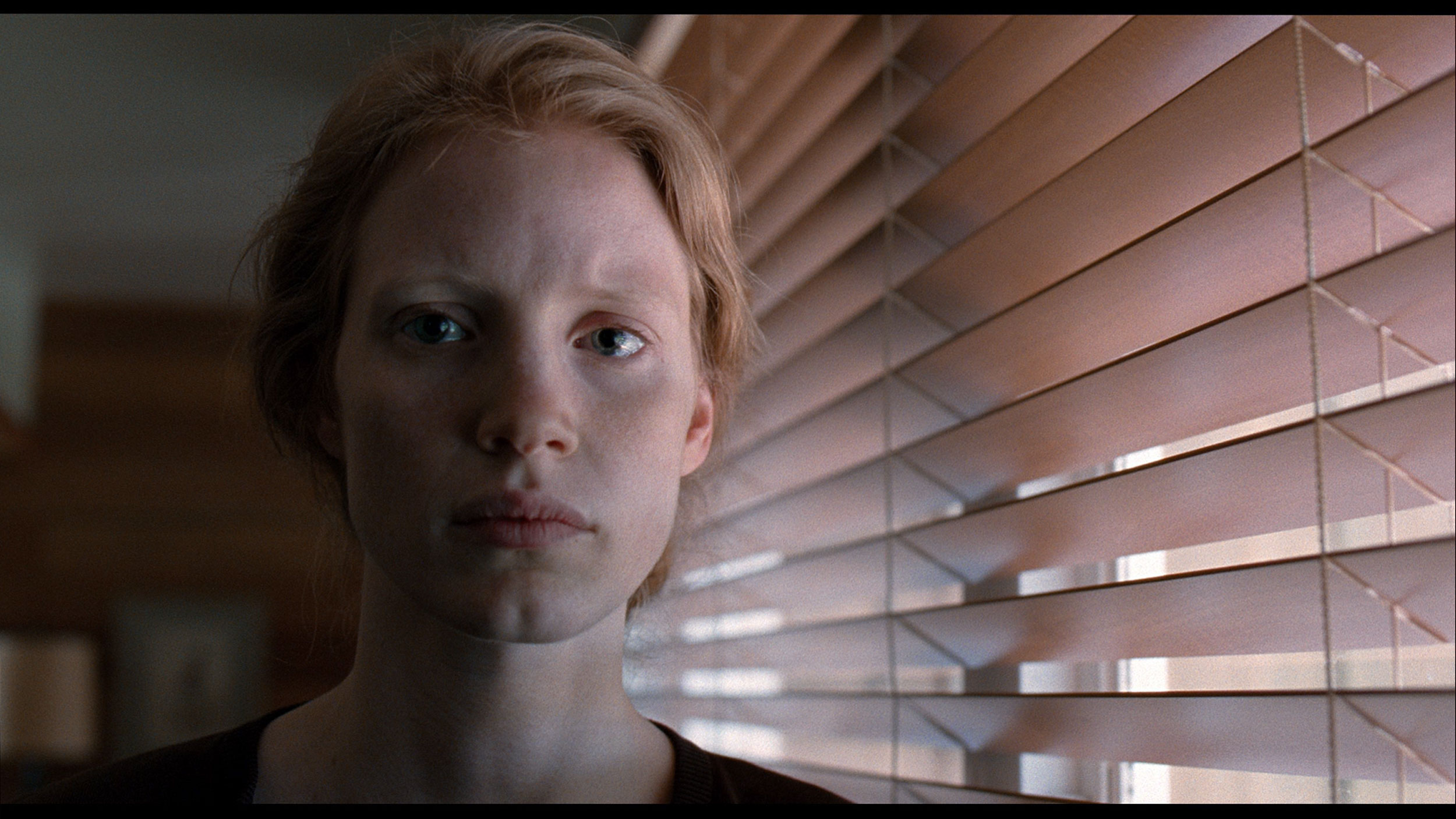
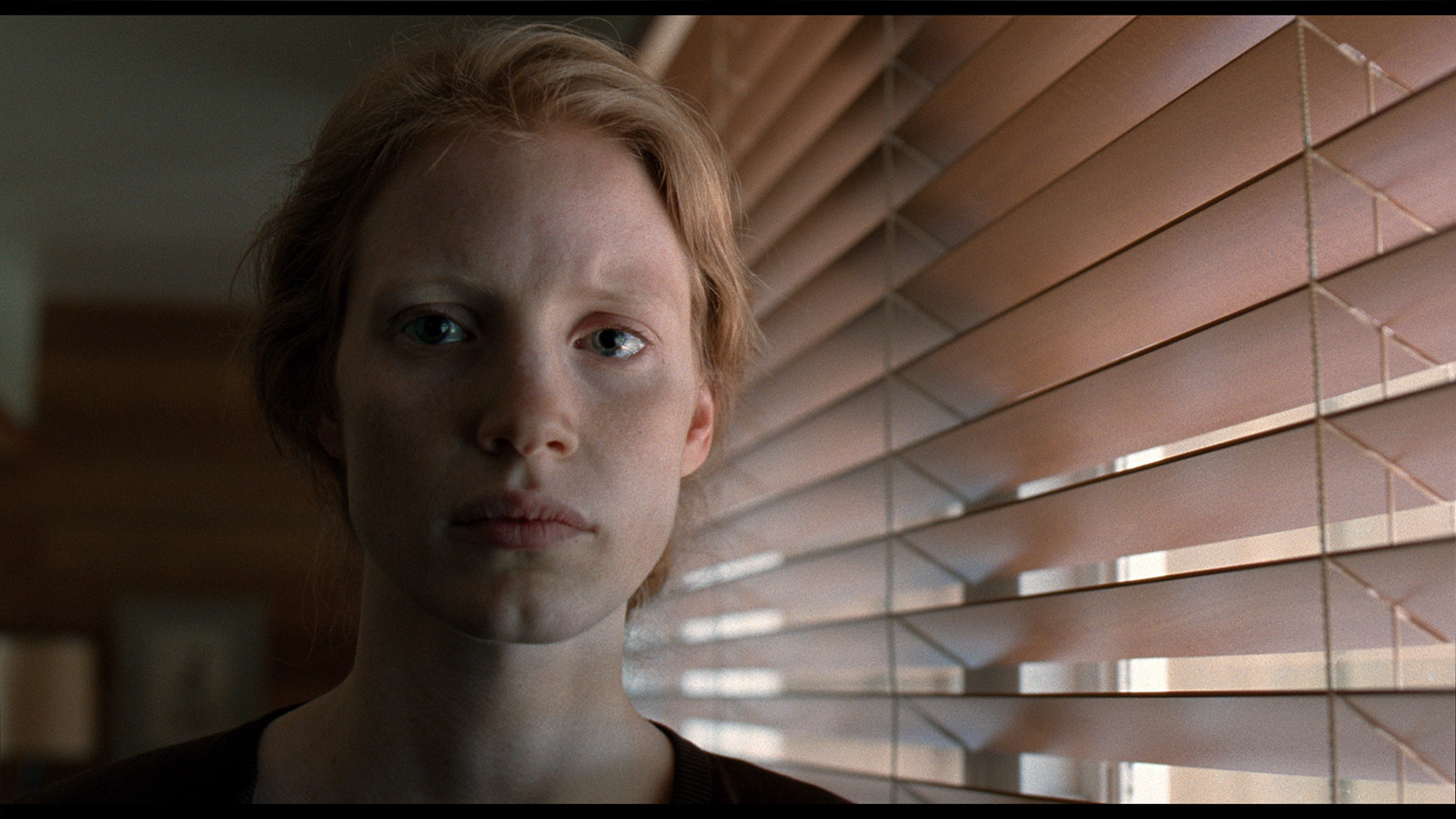
This gallery shows how colors change after professional TV calibration. If you notice the difference, we recommend ordering this service at SkalibrujTV.com.
Factory Mode
After calibration


This gallery shows how colors change after professional TV calibration. If you notice the difference, we recommend ordering this service at SkalibrujTV.com.
Factory Mode
After calibration
In Filmmaker mode, the TCL P8K revealed certain imperfections in image reproduction from the outset. We noticed that the television had a tendency to slightly brighten scenes – its gamma was somewhat low, causing the image to appear slightly "washed out", lacking depth, as if the contrast had slipped out of control. This was most evident in HDR content, where the EOTF brightness graph clearly deviated from reference values. As a result, darker areas of the image appeared too gloomy, while brighter areas did not always reach the correct level of luminance. Another noticeable issue was a slight overemphasis on blue – the television stubbornly boosted this colour, causing certain parts of the image, especially skin tones and reds, to have a subtle purple tint. This is not a major flaw, but it is noticeable to a trained eye. Fortunately, most of these errors could be corrected during calibration. You can see the results of this adjustment in the graphs and photos below.
When it comes to colours straight out of the box, a new feature in TCL televisions – including the C7L model – is the presence of a new picture mode called Filmmaker Mode. This is significant news, as such a mode was not available from this manufacturer before. By design, as indicated by the name itself, the image in this setting is meant to be presented with the full intention of the film's creator. After our tests, we can confirm that it is undoubtedly the best built-in mode on this television if you care about faithful colour reproduction straight out of the box. However, we certainly wouldn't say it is perfect. Like most devices on the market, this C7L also had its factory flaws. The white balance in Filmmaker Mode tended to shift towards a slightly greenish-yellow hue, primarily caused by an excess of green and a clear deficiency of blue. Of course, for the average viewer, this won't be a drastic flaw, but if you care about perfect whites, natural skin tones, and unlocking the full potential of those new "super" quantum dots, then the television is crying out for professional calibration.
Color reproduction after calibration
7.5/10
7.5/10
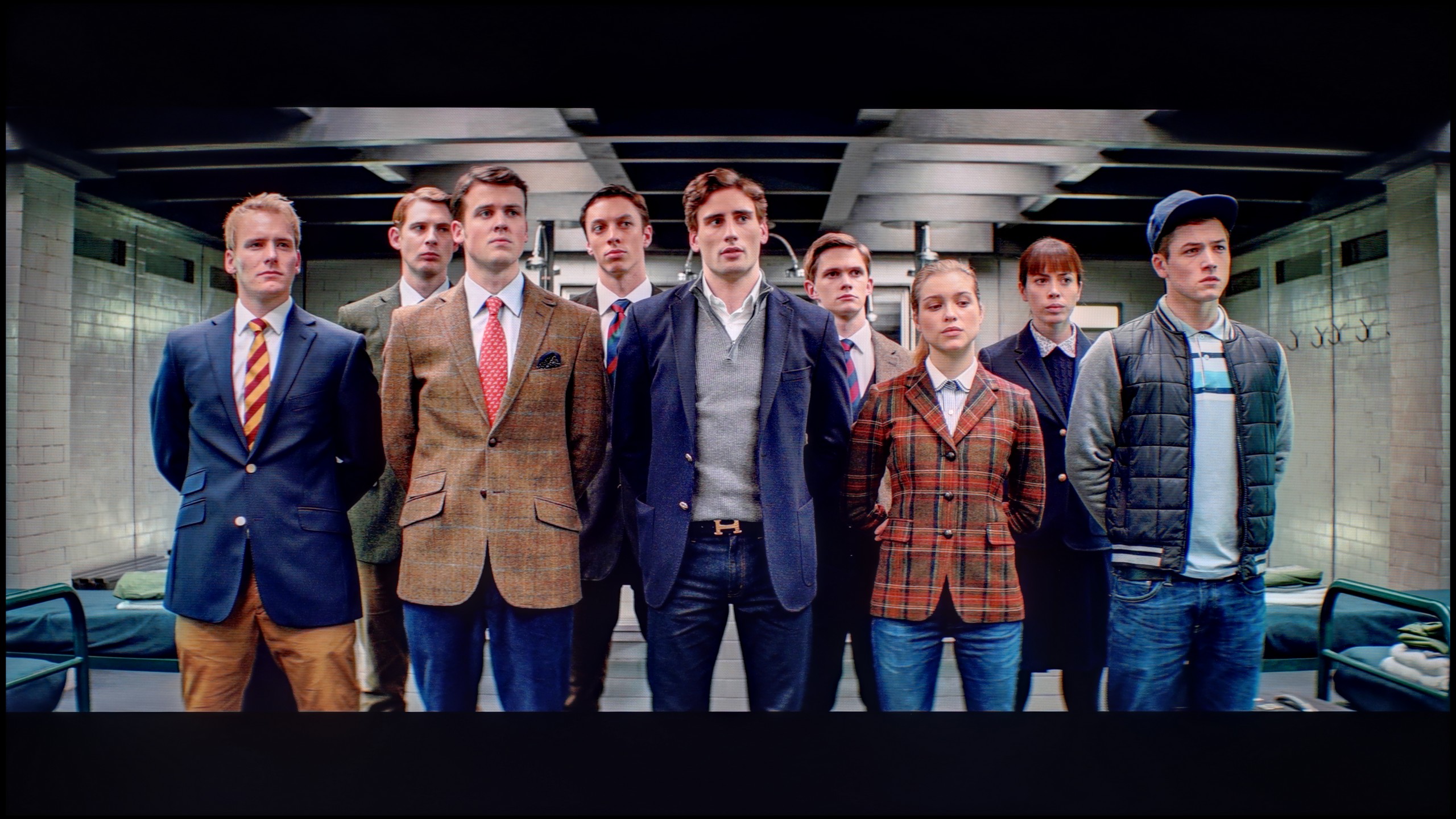
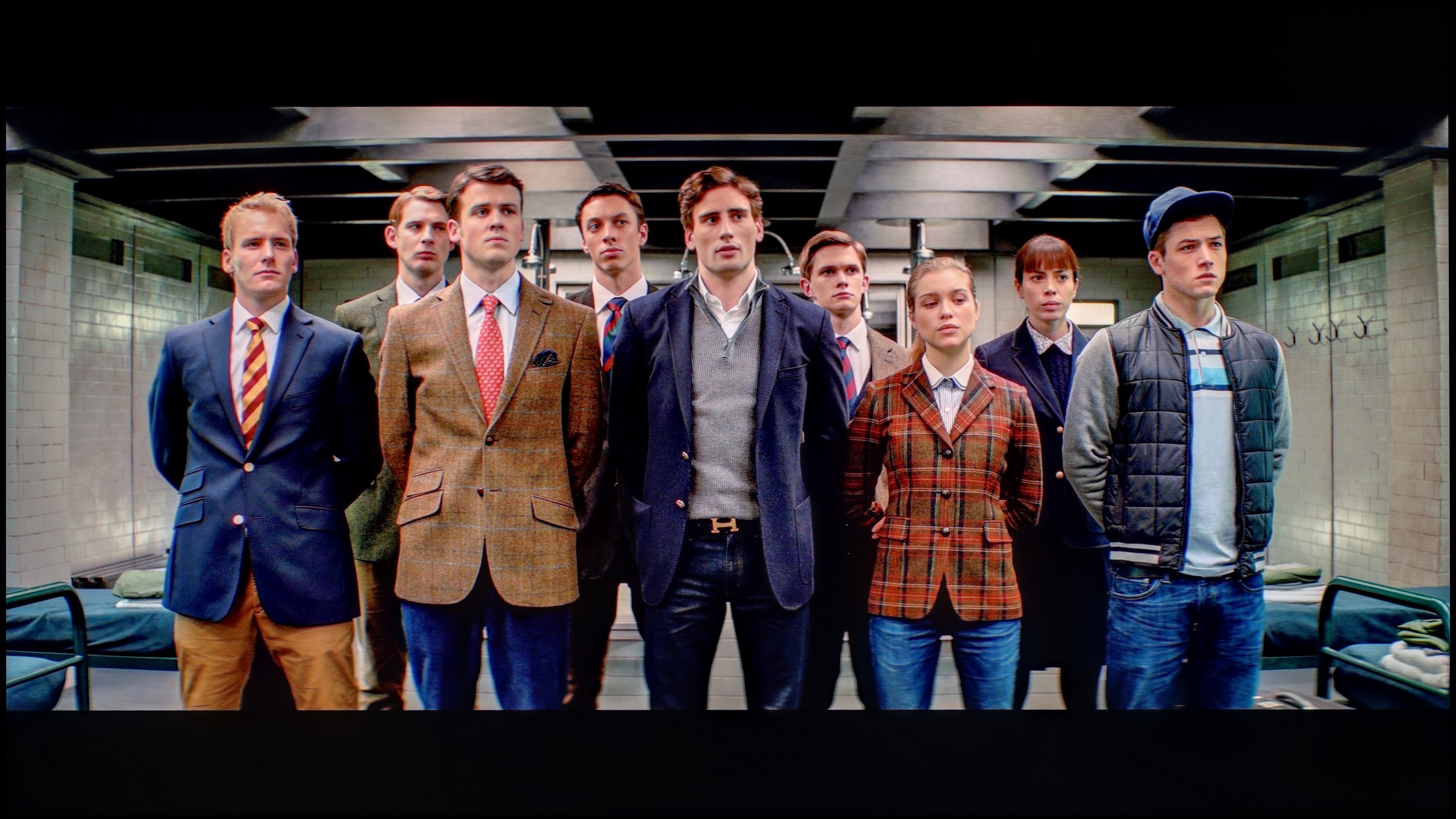
The photos show how movies look on the TV. Pay attention to black detail visibility, colors, and shadow tint.
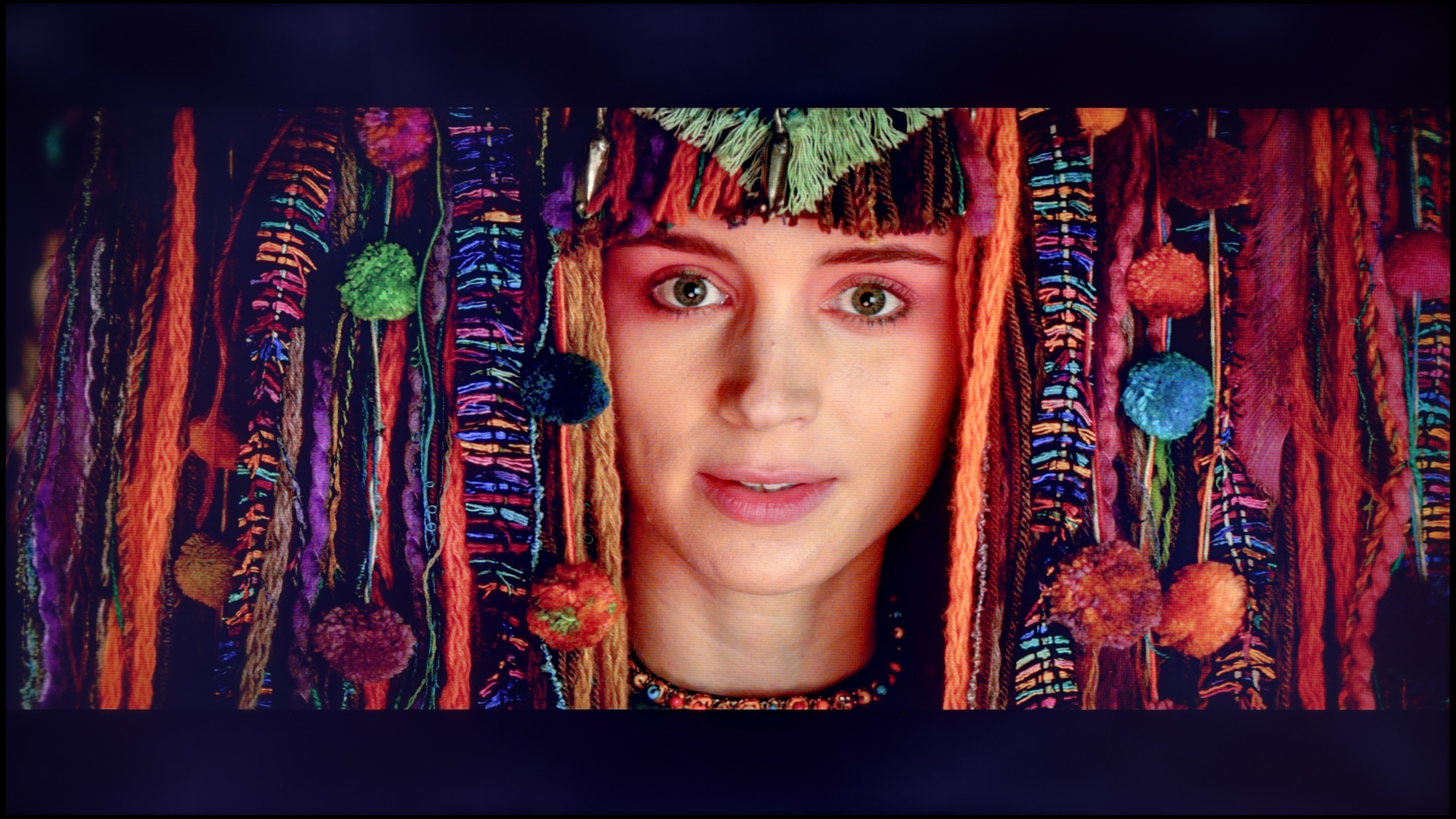
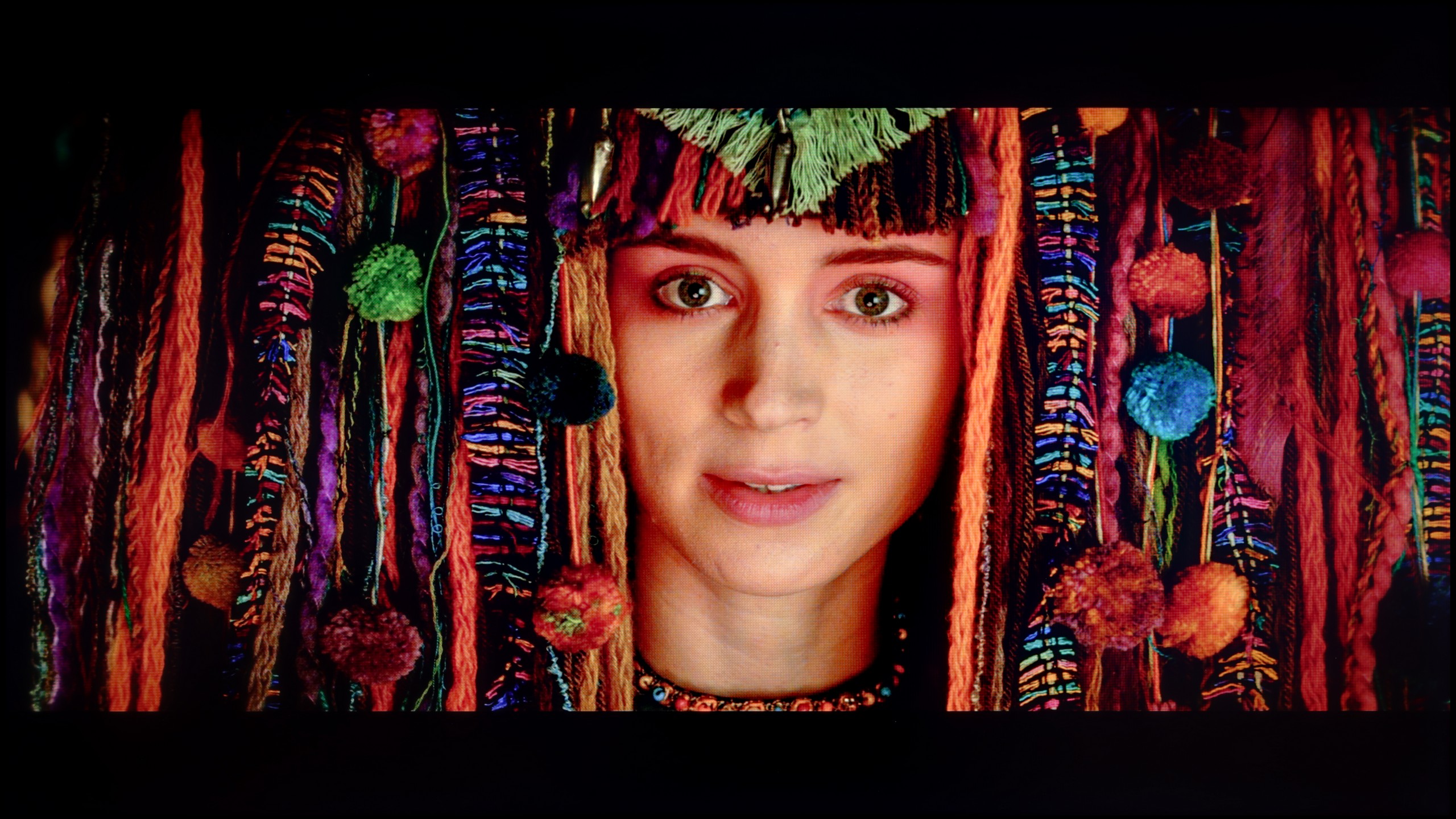
The photos show how movies look on the TV. Pay attention to black detail visibility, colors, and shadow tint.
After calibration, the TCL P8K showed a completely different face. It managed to achieve nearly perfect, even reference-level color reproduction in both SDR and HDR content. The screen no longer had a tendency towards a cool tint, and the white balance was perfectly balanced. The gamma values for SDR material also finally look as they should – the image has the proper depth and no longer appears washed out. The only remark that can still be made about the P8K concerns its "Chinese" traits, known from most TCL models. The TV still likes to manipulate saturation in HDR content in its own way – sometimes slightly boosting it, sometimes smoothing it out, which means the effect is not always fully predictable. Nevertheless, after calibration, the colors look stunning, and their accuracy is truly surprising. In most cases, measurement errors dropped below values of 1-2, which is a result that significantly more expensive models would not be ashamed of.
After conducting a professional calibration, we were able to significantly improve the situation in the factory mode Filmmaker Mode. Following our adjustments, errors in the ColorChecker test and across the entire wide colour gamut fell below the threshold of human perception – that is, below a value of 3, which is truly an excellent result. The TCL C7L definitely benefits from such an operation in terms of colour fidelity, and this is difficult to dispute. However, the management of brightness in HDR content post-calibration does not look as good. As I described earlier – even though we set up this model appropriately, when we turn on real film scenes on the television, it manages its brightness in quite a peculiar way. It often highlights certain elements on the screen contrary to the creator's intention, which can be clearly seen in the EOTF graphs measured in specific films. Despite this defect – or rather the specific trait of this television – one cannot deny that after calibration, the C7L was able to reproduce colours completely accurately.
Smoothness of tonal transitions
9.1/10
8.6/10
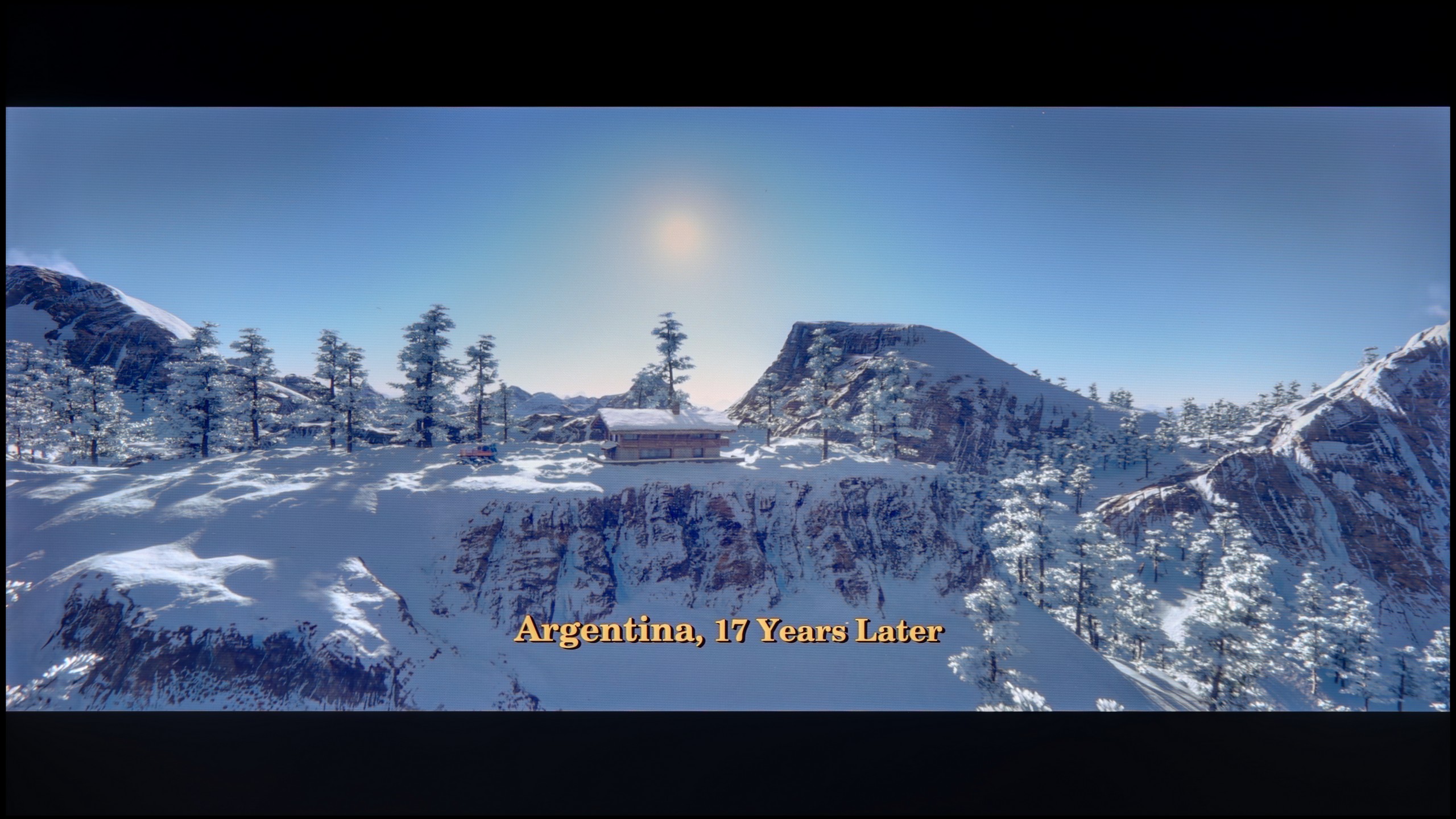
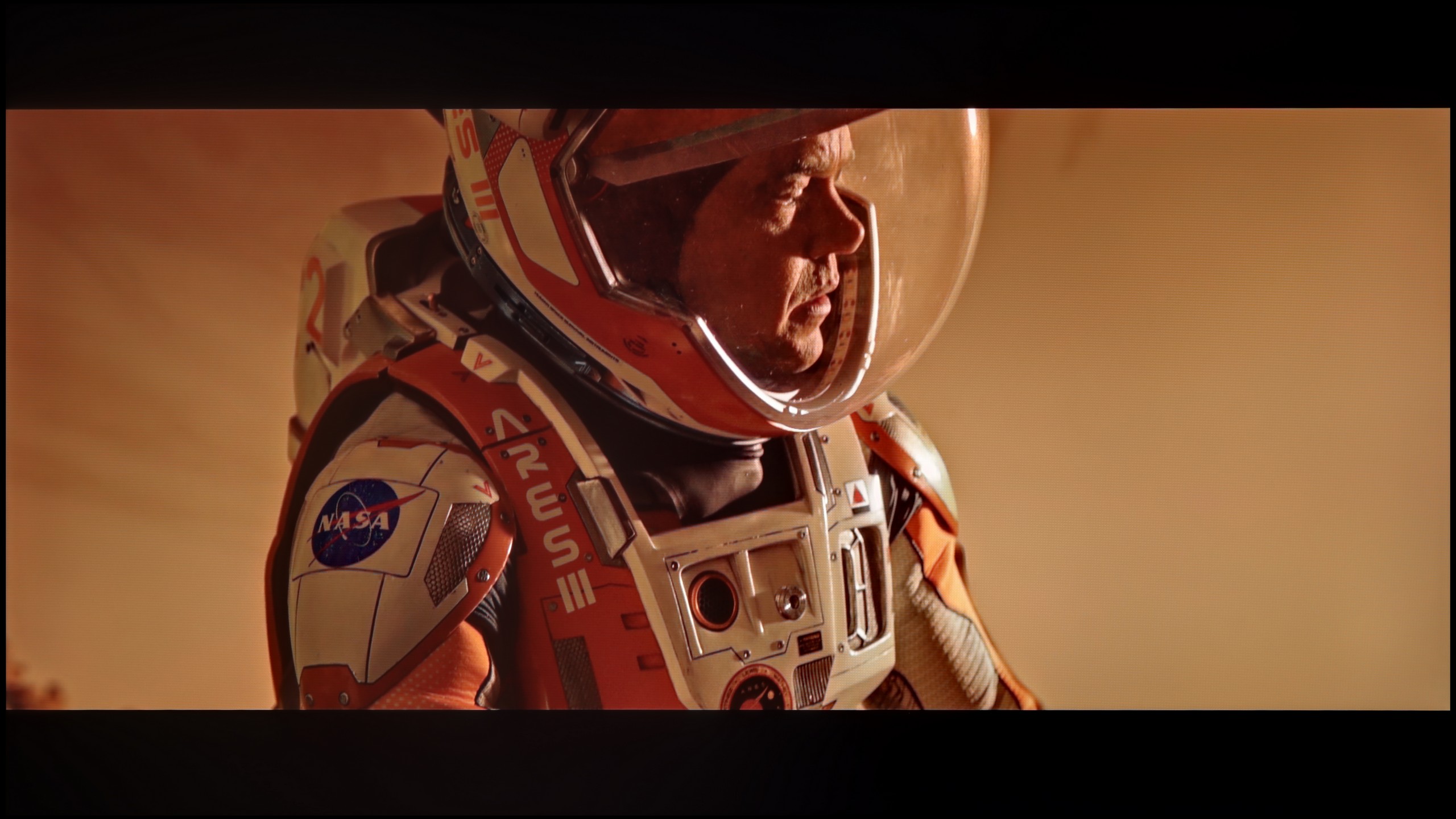
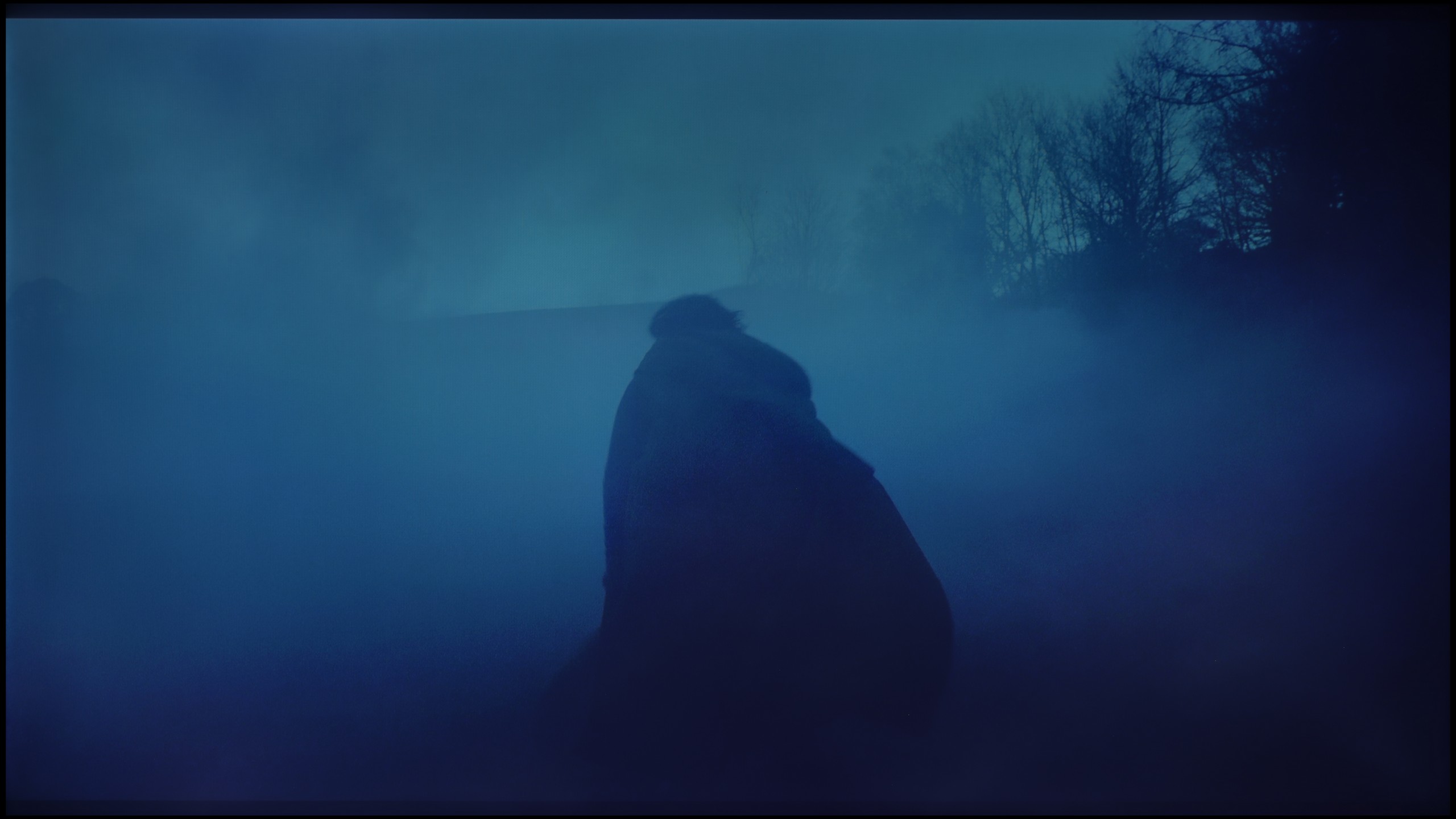
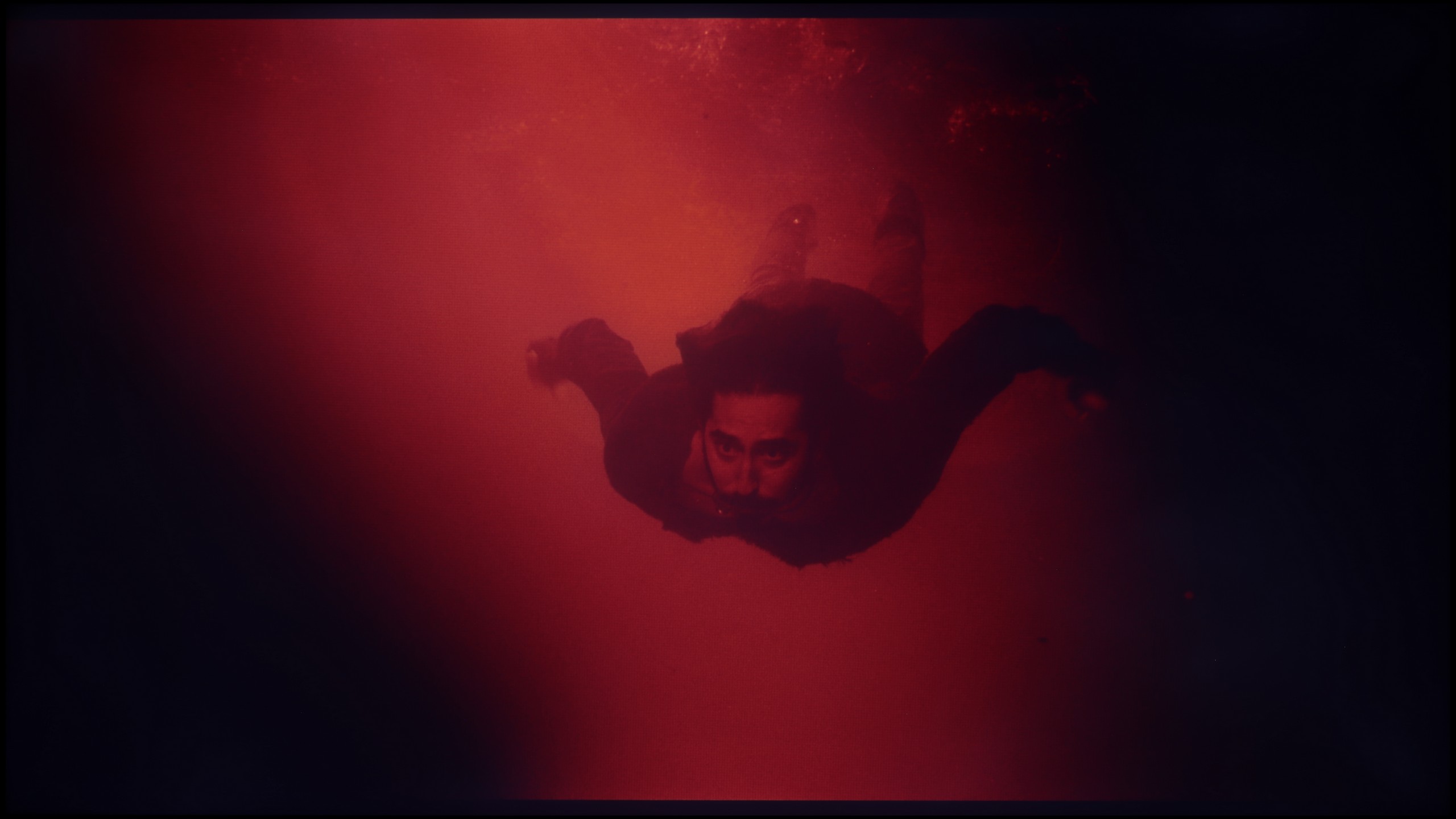
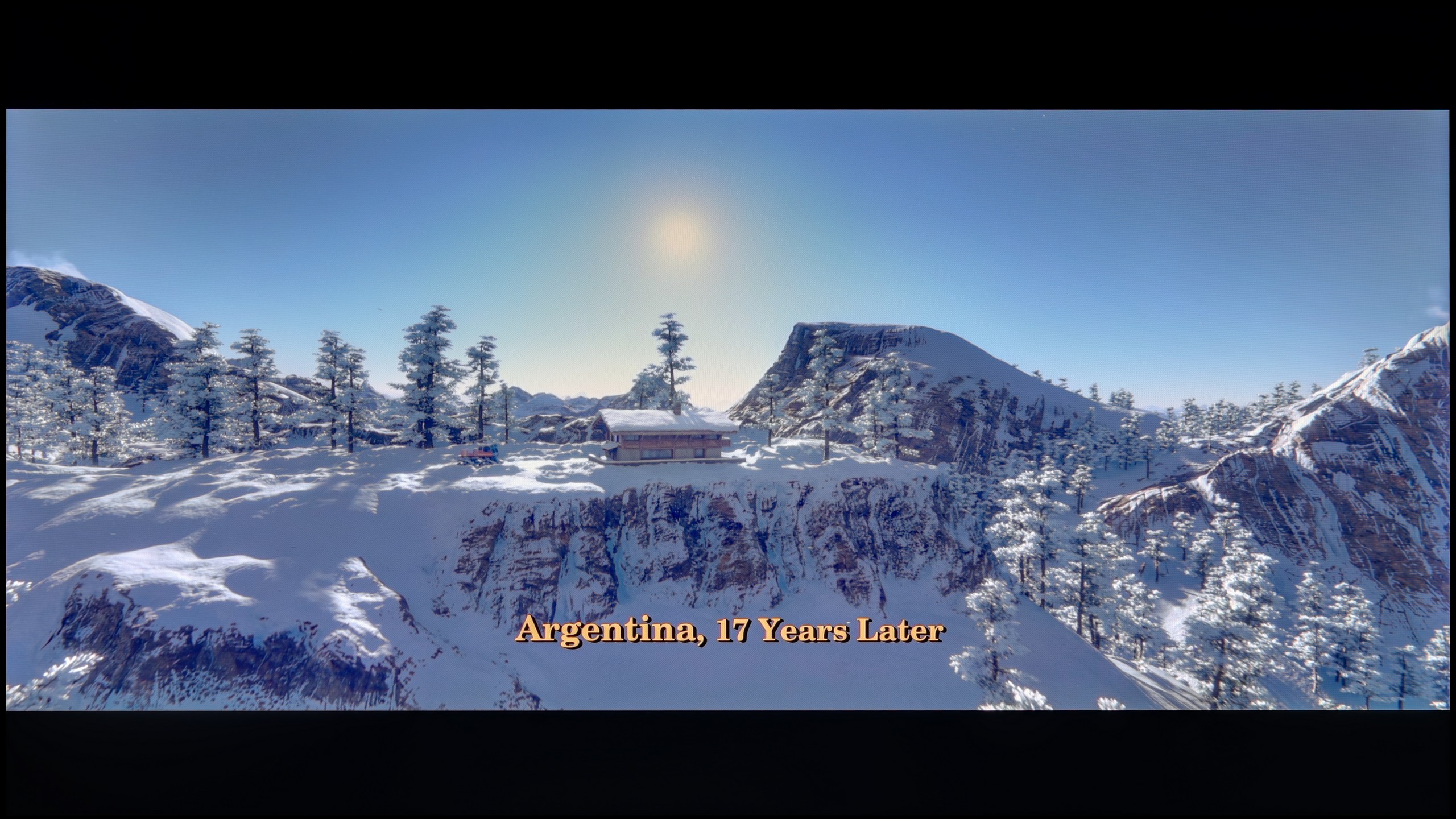
These are selected scenes that show smooth tonal transitions from one color to another. If you see distinct banding, it’s the TV panel’s fault.
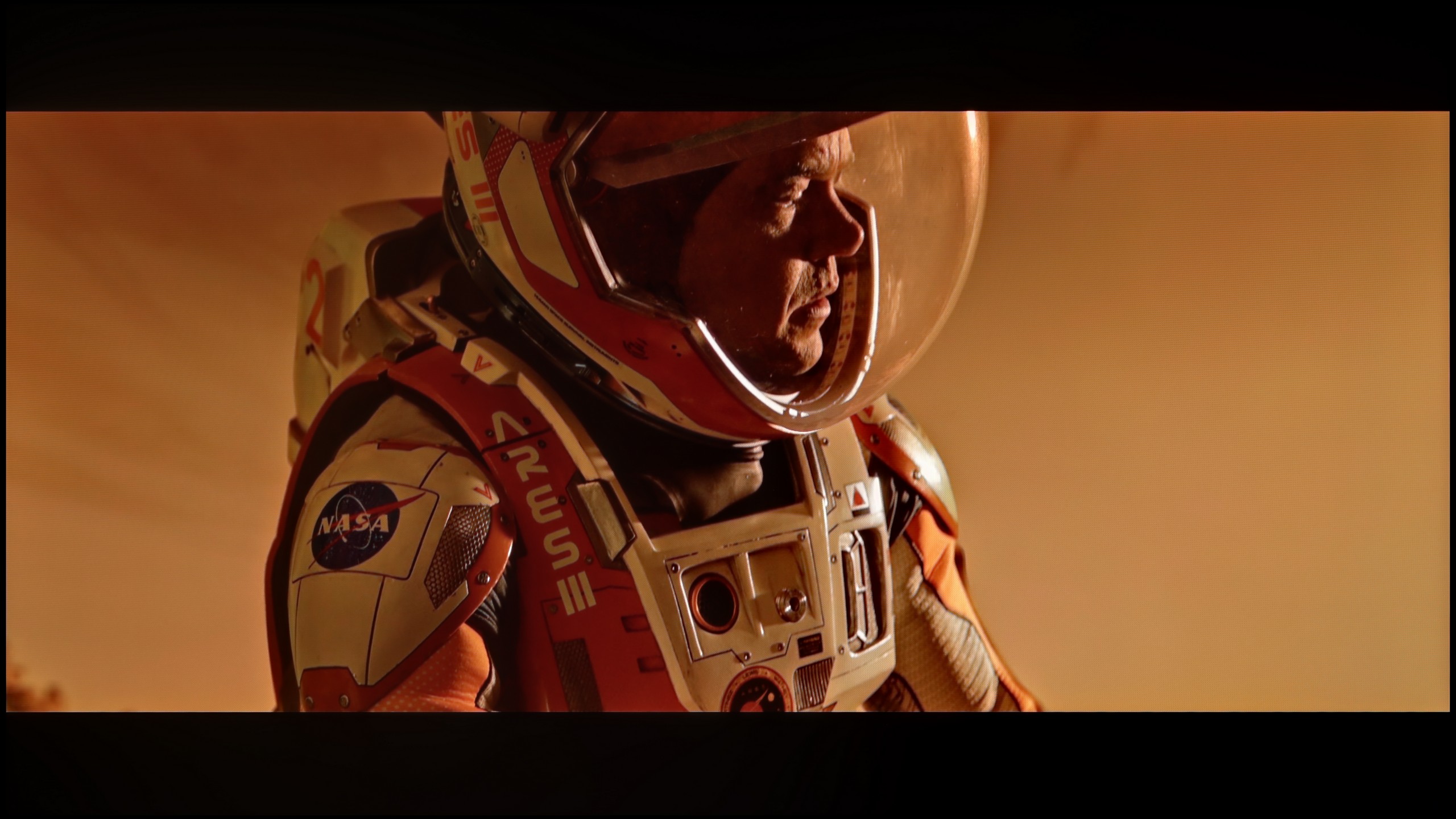
These are selected scenes that show smooth tonal transitions from one color to another. If you see distinct banding, it’s the TV panel’s fault.
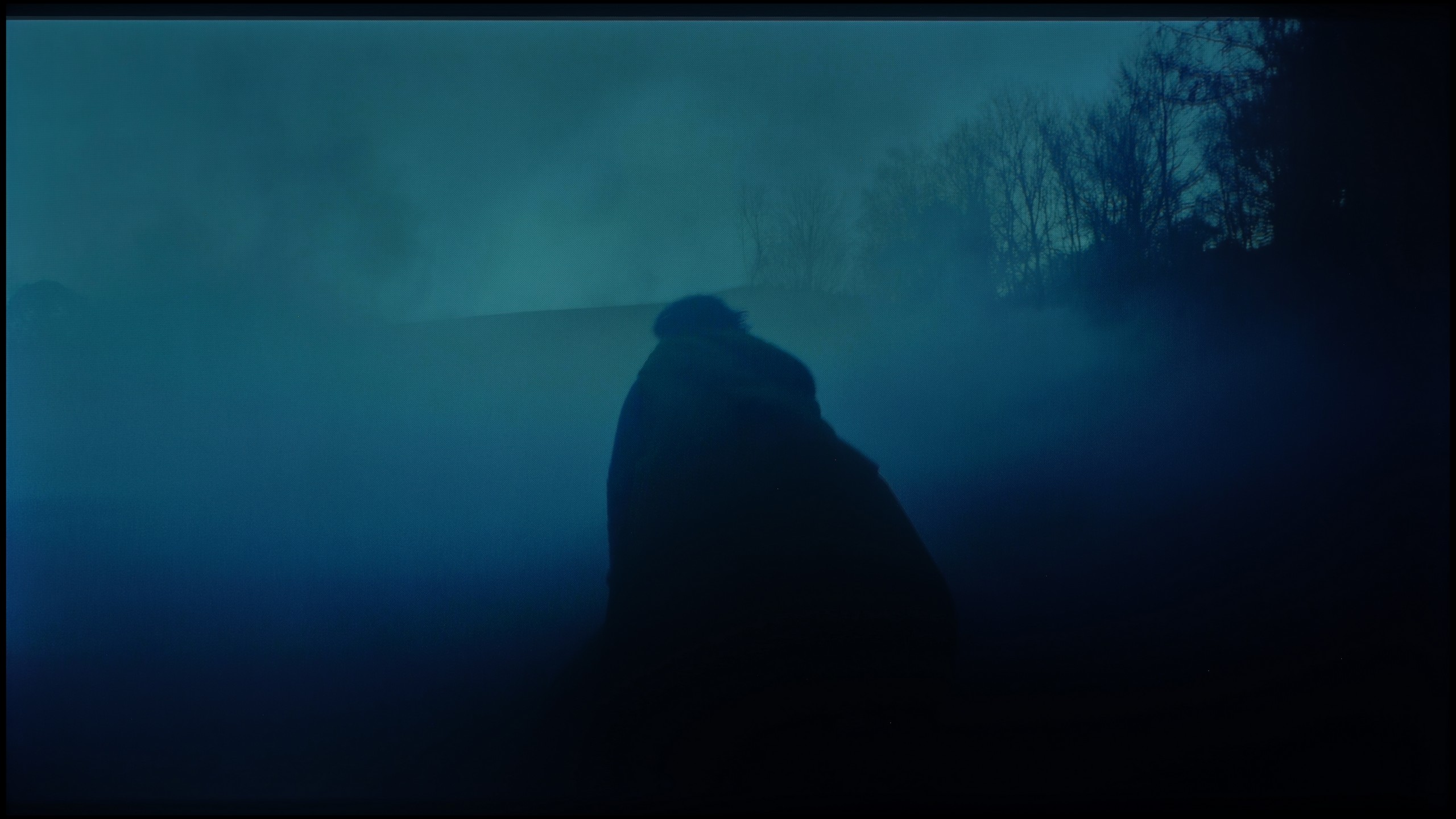
These are selected scenes that show smooth tonal transitions from one color to another. If you see distinct banding, it’s the TV panel’s fault.
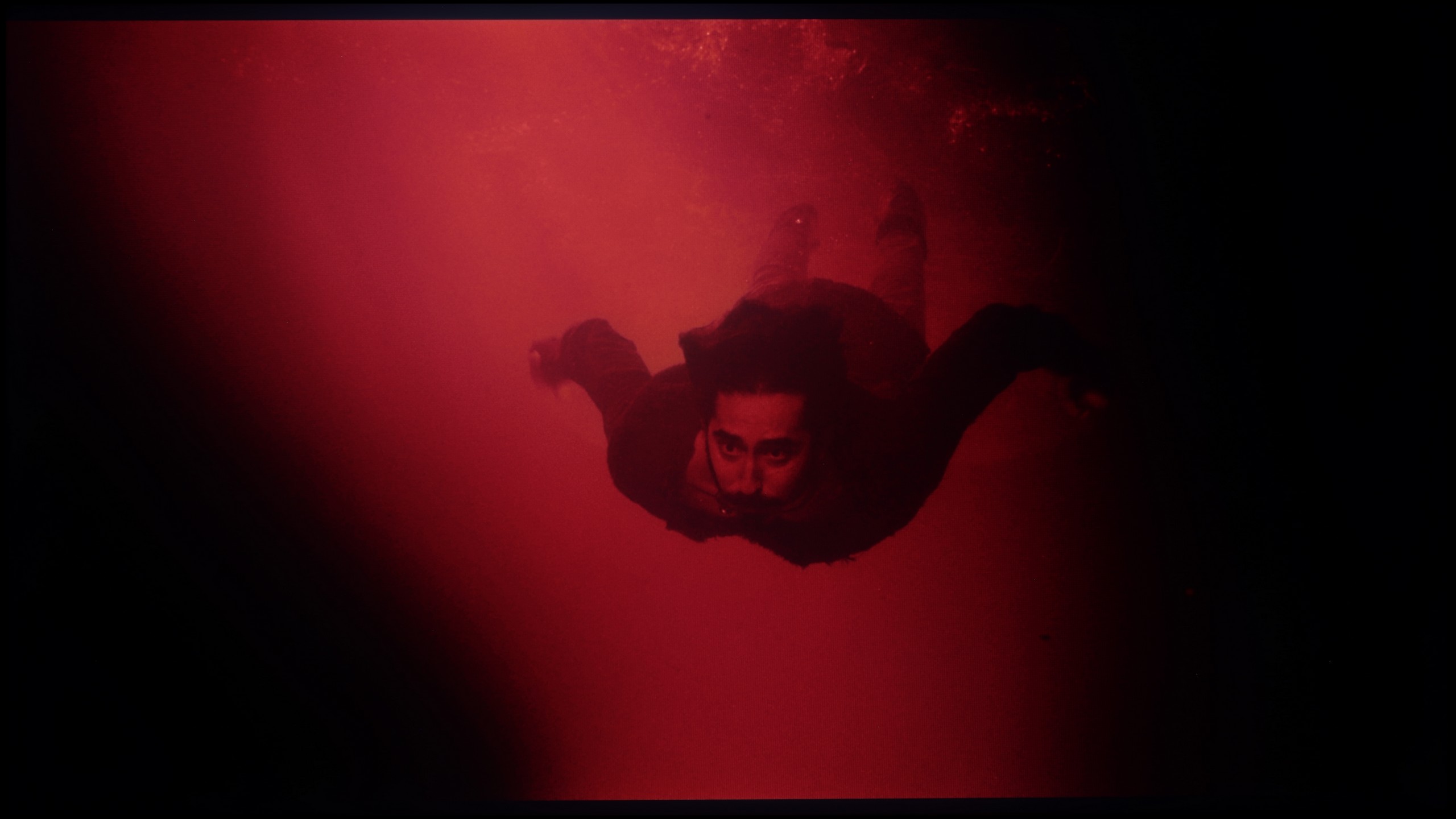
These are selected scenes that show smooth tonal transitions from one color to another. If you see distinct banding, it’s the TV panel’s fault.
The television performs excellently in colour blending – the gradients are smooth, free from visible bands or unpleasant jumps. This is best seen in classic test scenes, such as shots from the film Kingsman or The Martian, where most televisions reveal their weaknesses. The P8K maintains the consistency and subtlety of colours, creating an image that is pleasing and natural to observe.
Minor imperfections only appear with extremely dark shades or on grey palettes – this is the moment when even significantly more expensive models start to struggle. However, this does not matter in everyday viewing. Overall, the TCL P8K excels in colour blending, offering a smooth, harmonious image free from artifacts.
Another element worth discussing is the fluidity of tonal transitions. Here, one must honestly admit that the TCL C7L simply looks good. In most scenes – especially in the brighter shots – absolutely no problems with gradients can be seen. In native 4K HDR content, the picture is clear, and the transitions between shades are very smooth. It looks equally good in Dolby Vision mode, where during testing, we did not notice any digital defects or unsightly colour banding. One could nitpick about very dark shots, where a heavily compressed signal is displayed on the screen. In such conditions, the C7L can occasionally reveal minor imperfections; however, in this model, it is not something that stands out significantly, especially during everyday film screenings.
Image scaling and smoothness of tonal transitions
6/10
5.5/10

Smooth transition function
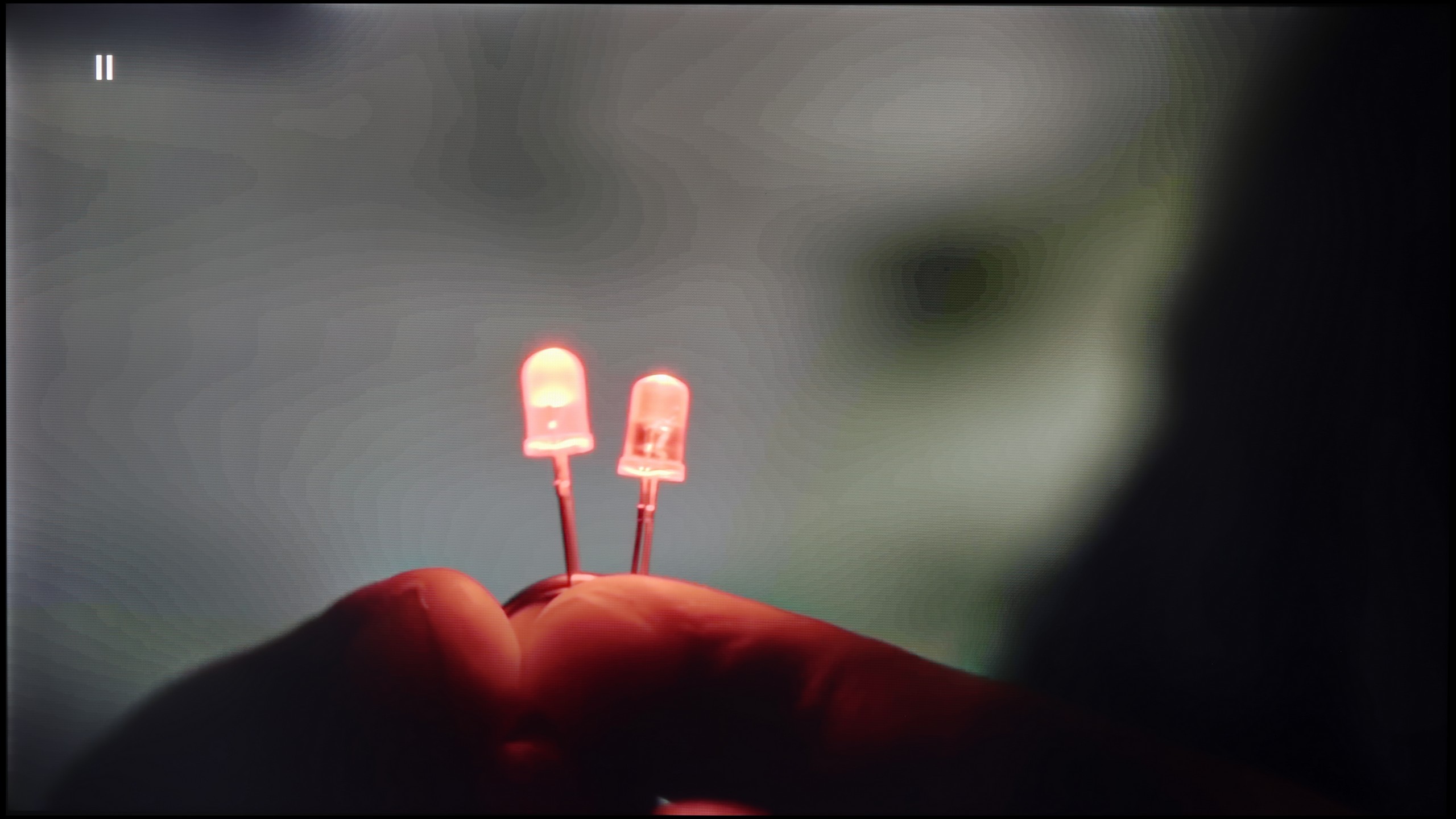
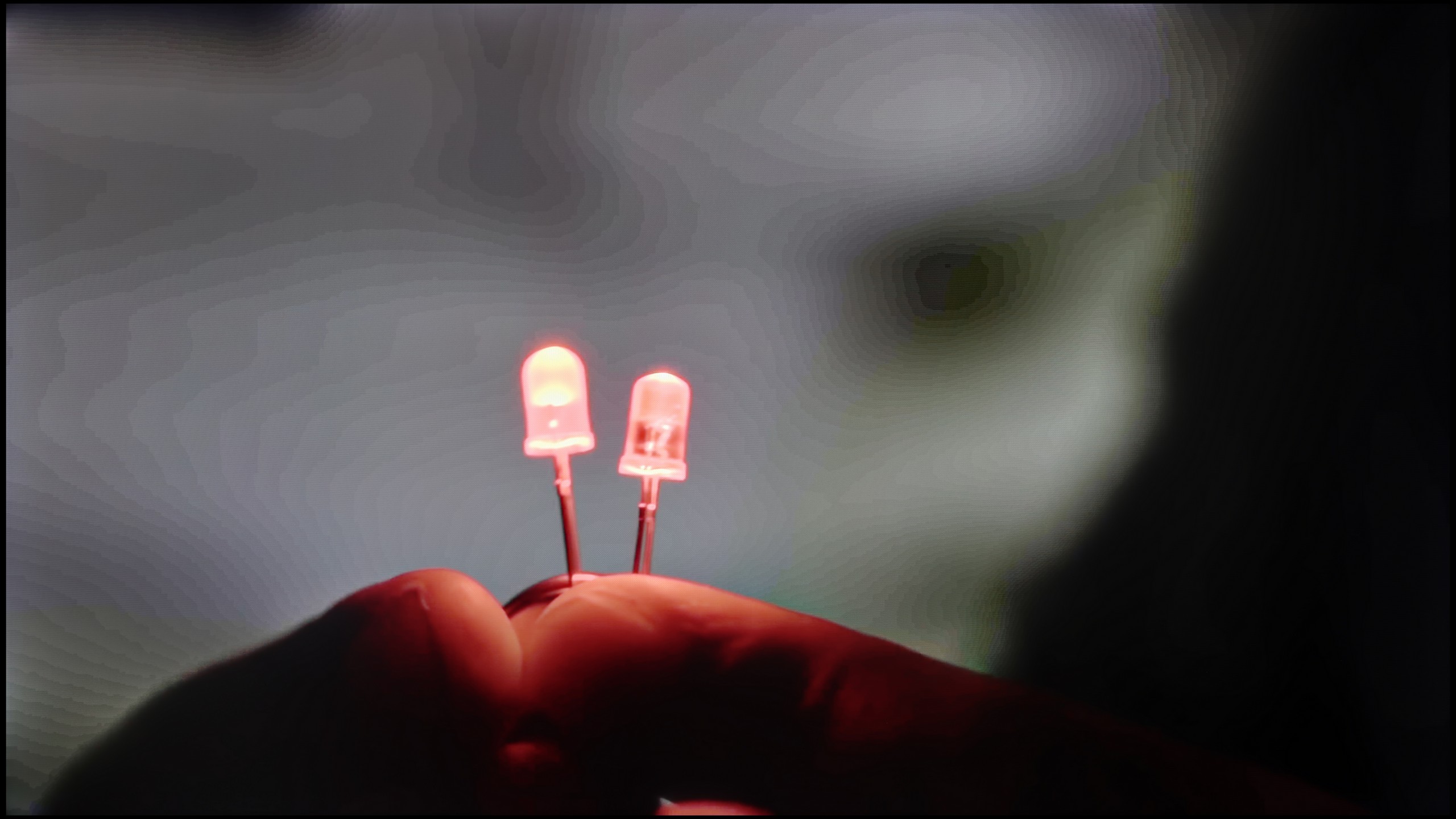
The match photo shows how the TV smooths weak tonal transitions in low-quality video.
Image scaling SD (576i)


The model photo shows how it handles upscaling of SD material.
The TCL P8K performs somewhat worse when it comes to the fluidity of tonal transitions in lower-quality materials. The television does offer a function to smooth out unwanted bands; however, its effectiveness leaves much to be desired. Even at the highest setting, it's hard to talk about any real improvement – at times the effect is almost the opposite of what is intended, as the function can introduce small artifacts and unnatural blurring on the screen.
On the other hand, upscaling – that is, scaling the image to 4K resolution – looks significantly better. The P8K handles this task surprisingly well – HD content, and even SD, is enhanced in an aesthetically pleasing manner without excessive loss of sharpness. While there are slight "hard" edges typical of this class of equipment, this can be easily adjusted with the sharpness slider to suit personal preferences. The final effect is more than satisfactory, especially considering the price range in which this model is situated.
This point could be called, in a sense, the Achilles' heel of the C7L model. Unfortunately, this television uses an older chipset from MediaTek – the Pentonic 700 – which has never been known for outstanding digital picture processing. This is clearly visible in the performance of the smoothing function, which is responsible for reducing jagged edges and removing digital noise. It simply works very poorly – when set to a low level, its effectiveness is practically nonexistent. A small credit should perhaps be given here for the fact that the algorithm does not additionally ruin the picture or blur details forcibly. The upscaling, which is the scaling of the image from lower resolutions to 4K, fares a bit better. It is simply adequate and does not stand out in any particular way against the competition. However, it cannot be denied that the C7L would greatly benefit in this aspect if the manufacturer decided to use the newer Pentonic 800 processor, which is now found in an increasing number of competing models.
Blur and motion smoothness
7.1/10
7.8/10
Blur (native resolution, maximum refresh rate):

Blur (BFI function enabled):


Blur (4K@144Hz):
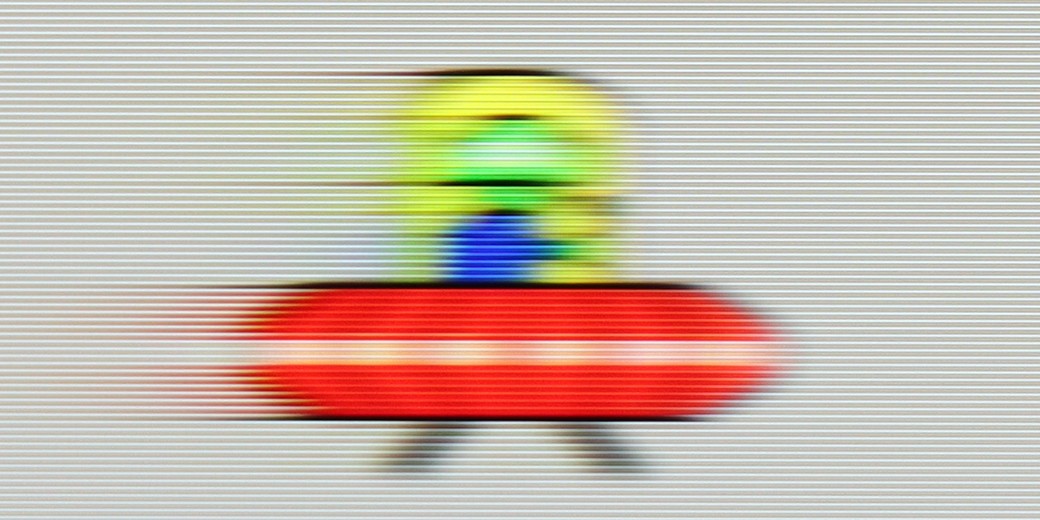
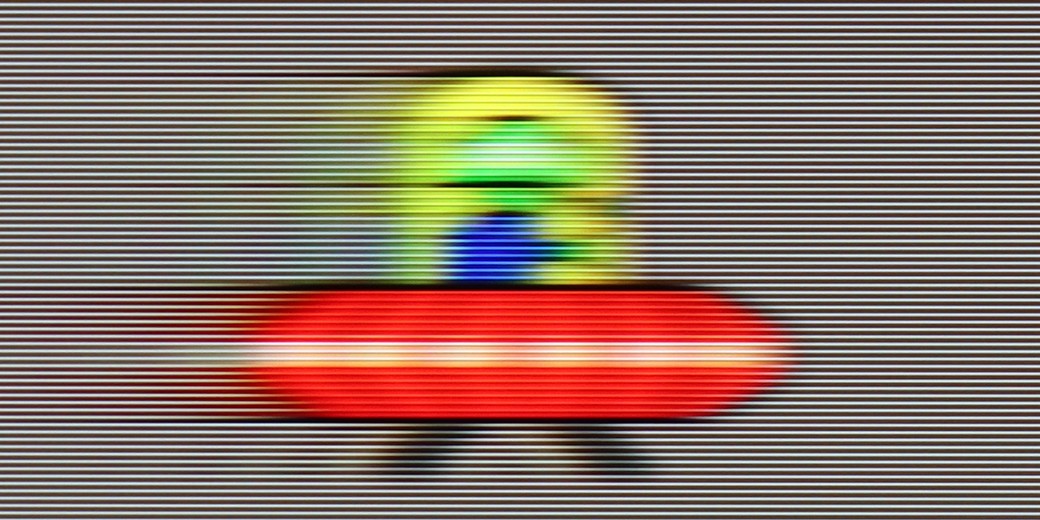
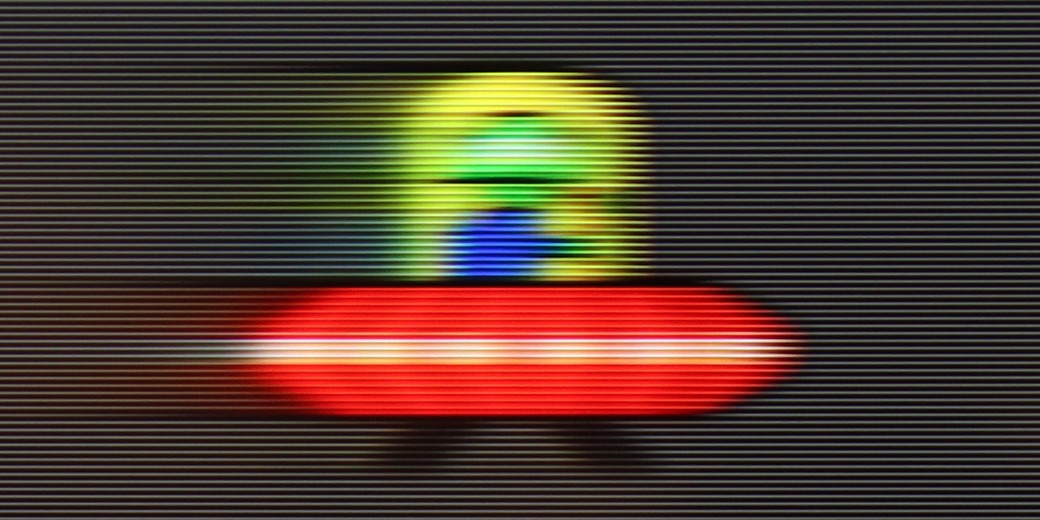
Blur (4K@144Hz):

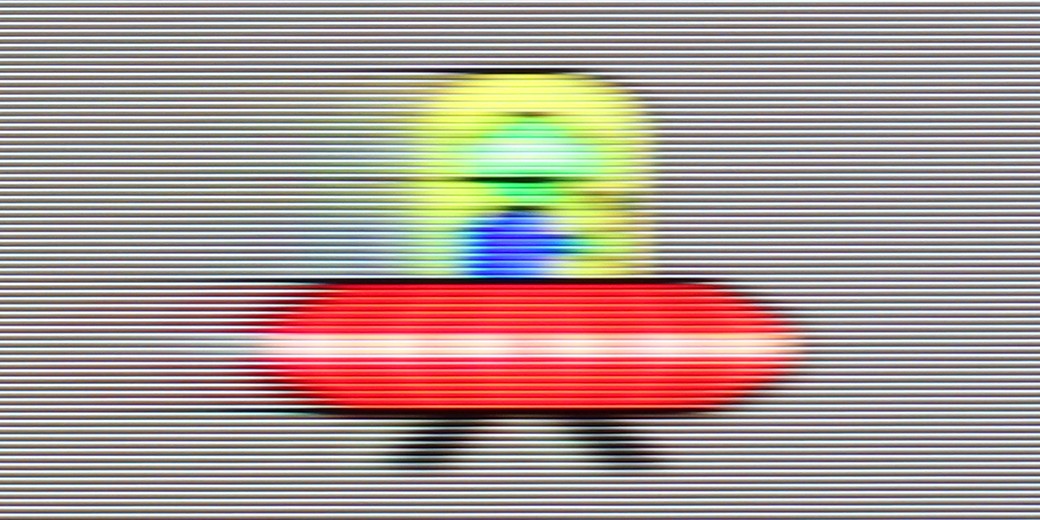
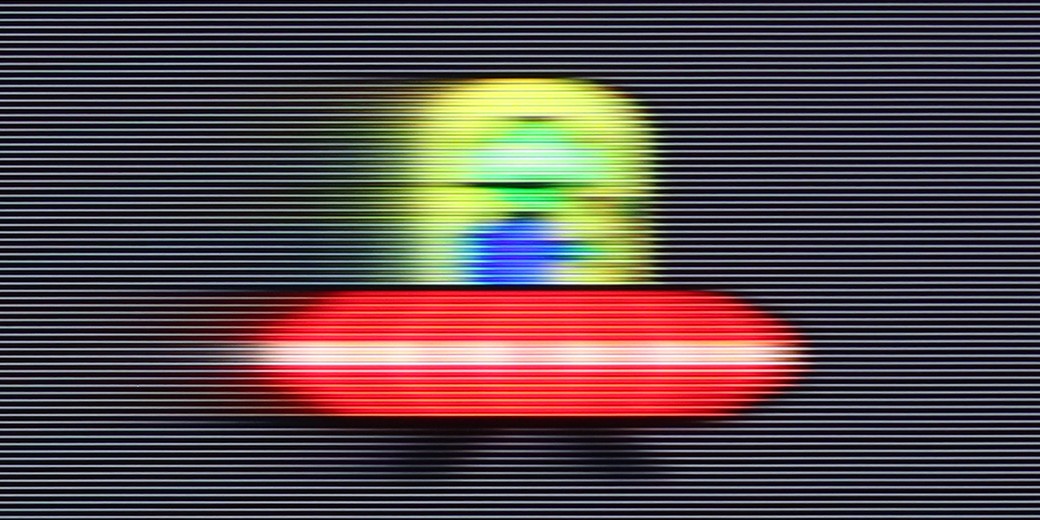
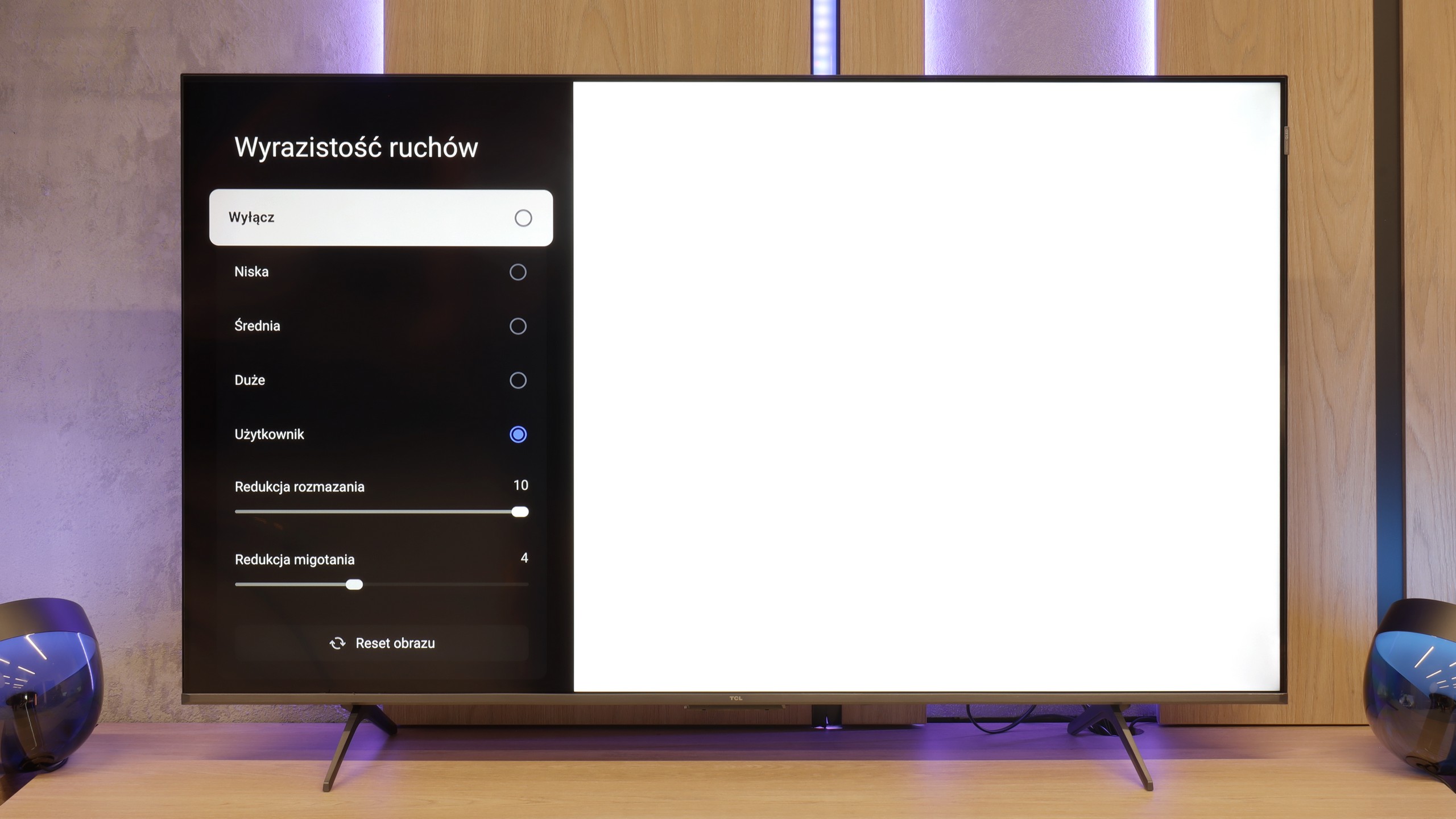
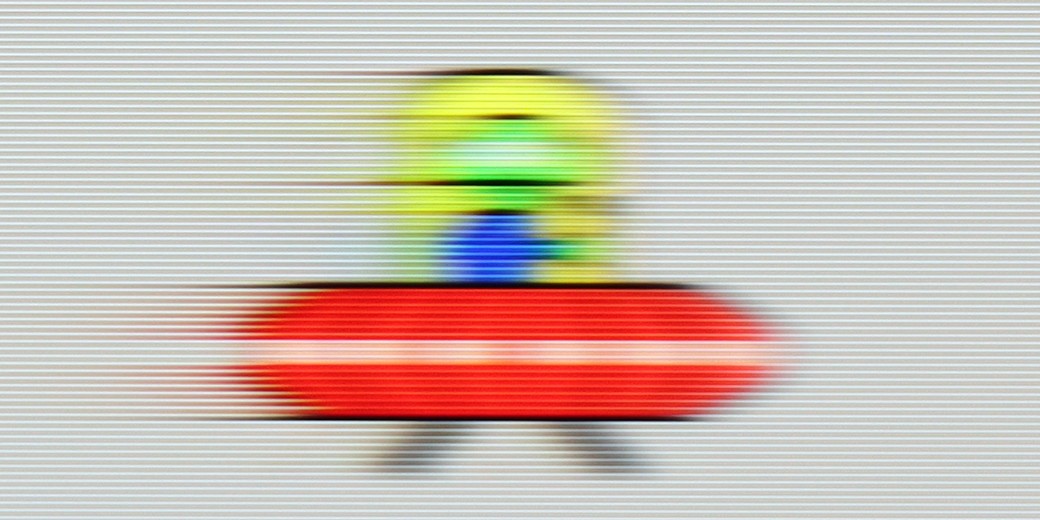
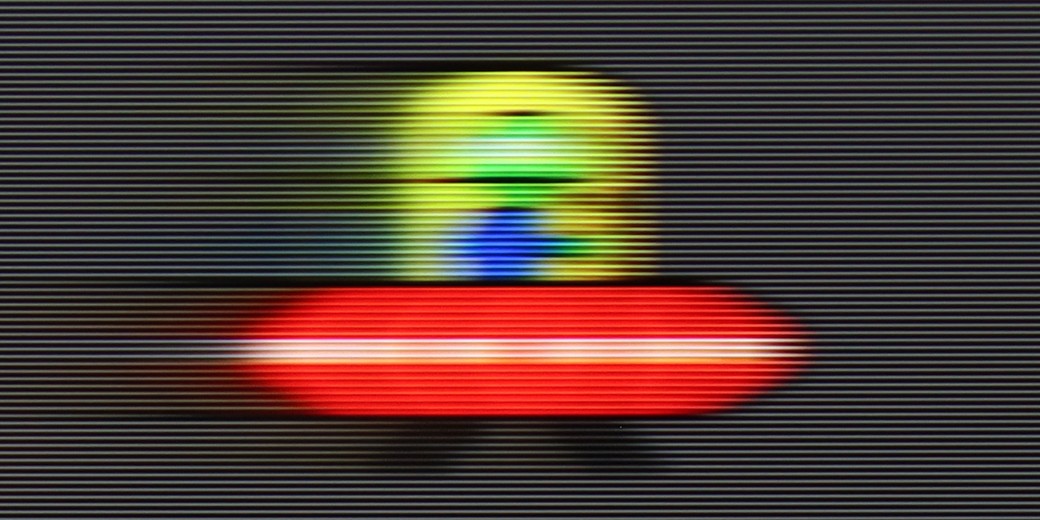
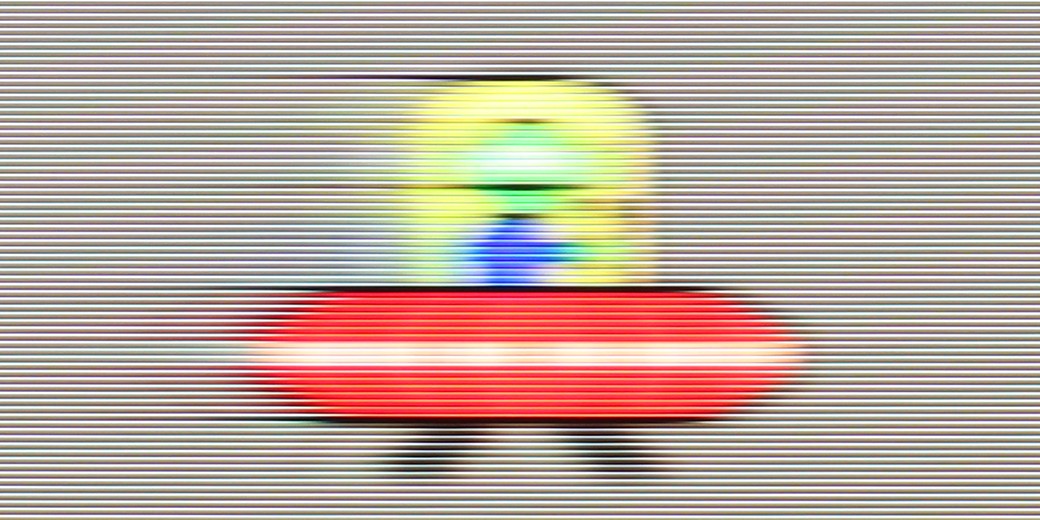
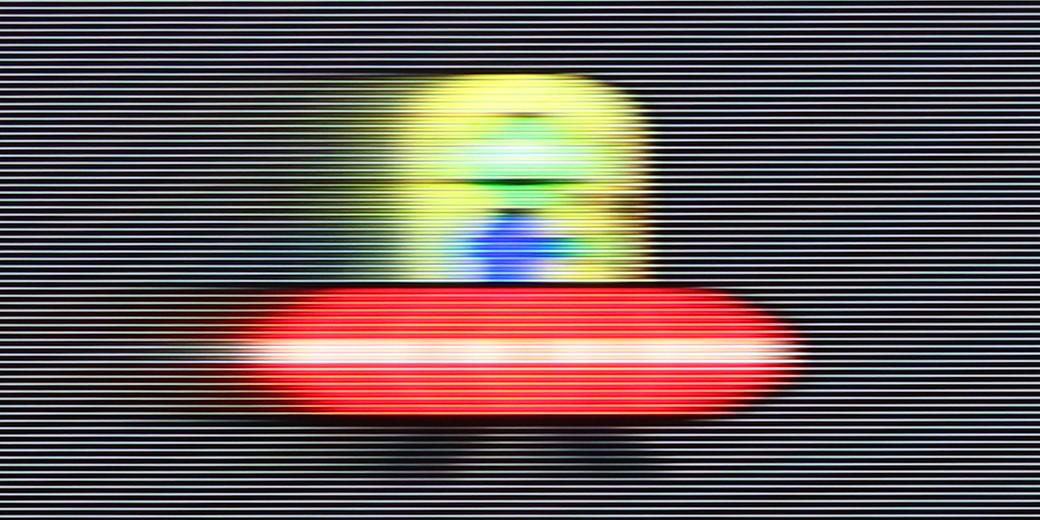
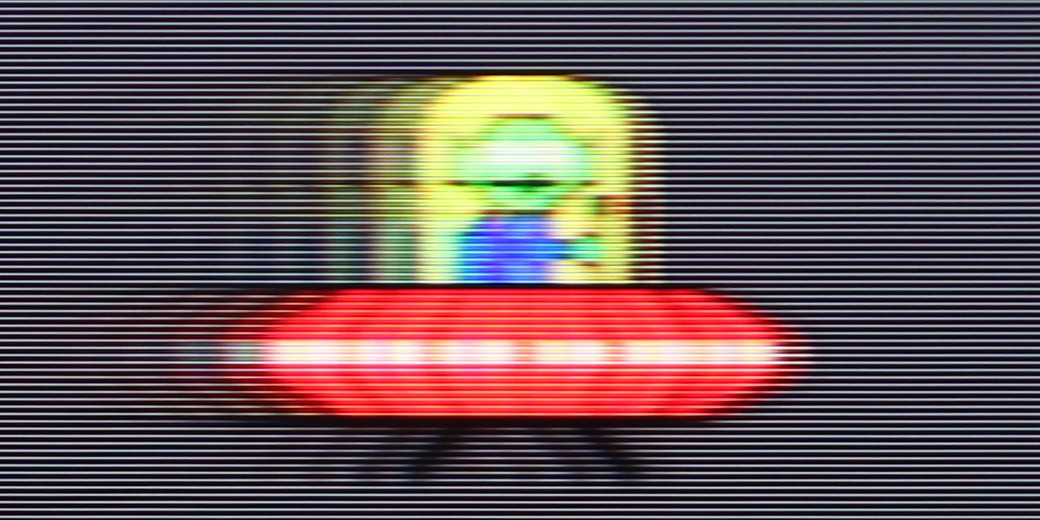
TCL P8K is one of the cheapest televisions offering a refresh rate of 144 Hz, which in itself is quite an advantage in this price segment. Thanks to the fast panel, this model can confidently be recommended to both sports fans and video gamers – the image is smooth, and the movement of the ball or dynamic actions look natural. However, this does not mean that the P8K is suitable solely for sports. On the contrary – it can also maintain appropriate dynamics in films without introducing the artificial effect of "theatricality", as long as we set the parameters wisely. The television is equipped with a motion smoother called "Motion Clarity", which features two sliders: blur reduction and judder reduction. The first is responsible for smoothing the image by generating additional frames, which increases fluidity, but may cause a slight soap opera effect. The latter, on the other hand, reduces judder and improves sharpness during movement, although it can slightly darken the screen. Properly adjusting these two parameters allows for a really good balance between natural motion and fluidity. It has a 60 Hz refresh rate, but it is hard to say that it is a top-tier panel in terms of response speed. It will perform well for dynamic content, although more demanding users will notice that it is not a screen from the highest class in terms of motion clarity.
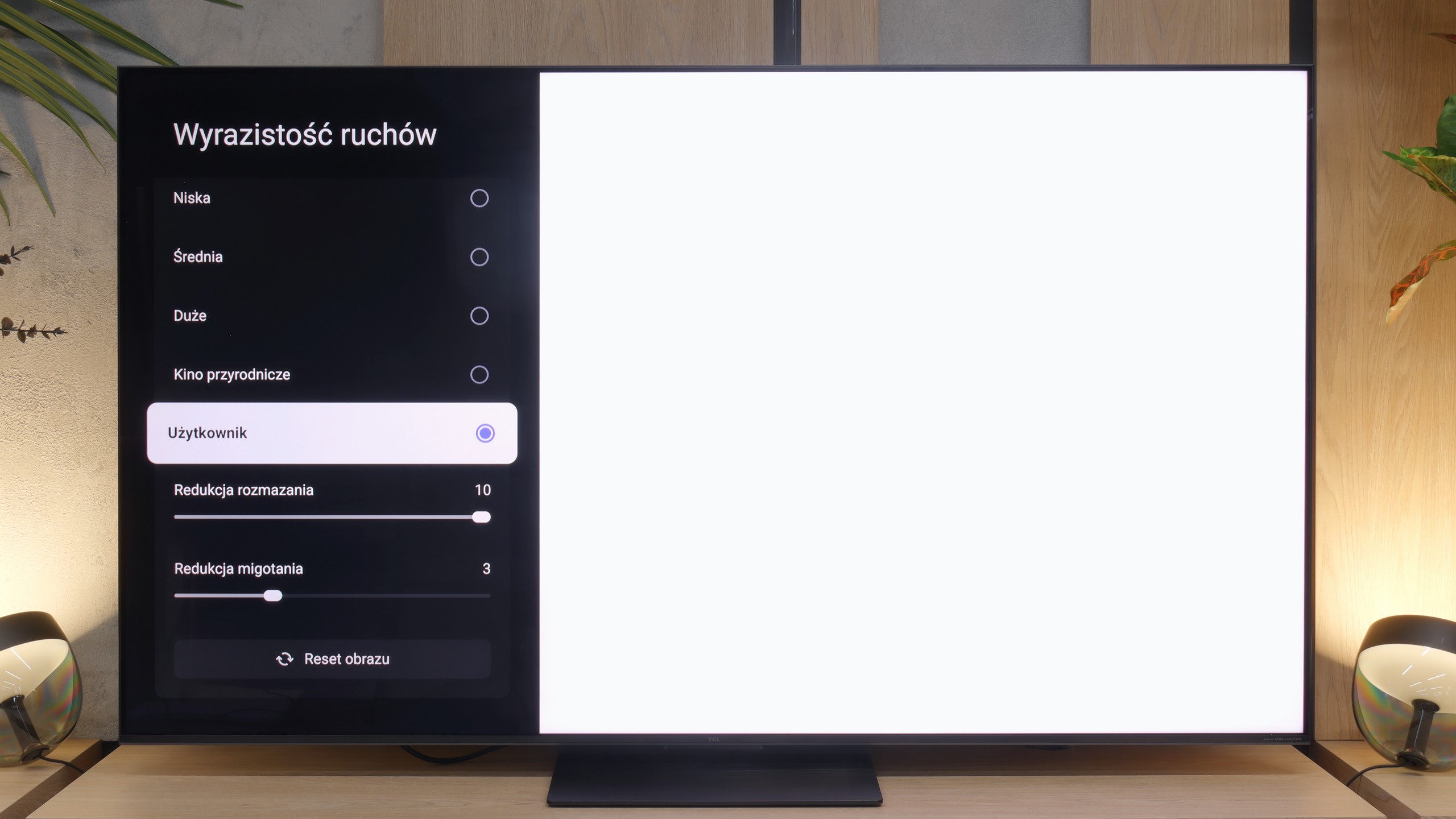
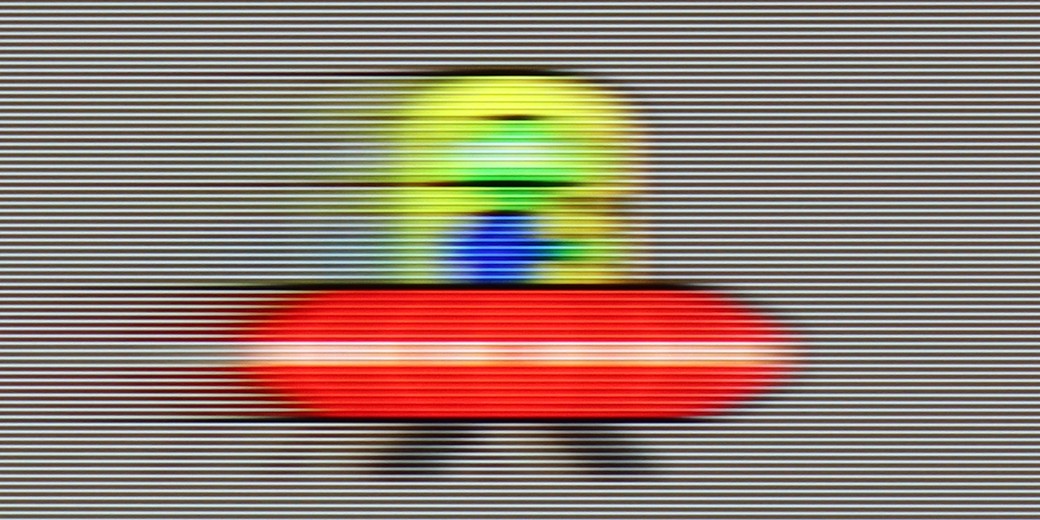
TCL C7L features a native 4K panel with a refresh rate of 144 Hz, which at lower resolutions – when using a PC – can even ramp up to 288 Hz. These are, of course, very high values and commendable on paper, but in everyday life, it is worth remembering that almost all dynamic content you display on this television will still rotate around a maximum of 120 Hz. To tame this dynamism, the television's menu includes a motion smoothing system called "Motion Clarity." It offers several predefined modes, including a user mode, which we definitely recommend setting manually using our tried-and-tested guides on our YouTube channel. There, we have two key sliders at our disposal. The first one, "Motion Blur Reduction," is responsible for reducing blurring and improving sharpness in dynamic 60-frame materials, such as sports broadcasts. Meanwhile, the second slider, "Flicker Reduction," allows for the addition of artificial frames in films and series recorded at cinematic 24 or 30 frames per second. This certainly eliminates the irritating stutter in images during camera movement shots.
Console compatibility and gaming features
9.8/10
9.8/10
- ALLM
- VRR
- VRR range48 - 240Hz48 - 288Hz
- Dolby Vision Game Mode
- Correct implementation of HGIG
- 1080p@120Hz
- 1440p@120Hz
- 4K@120Hz
- Game bar
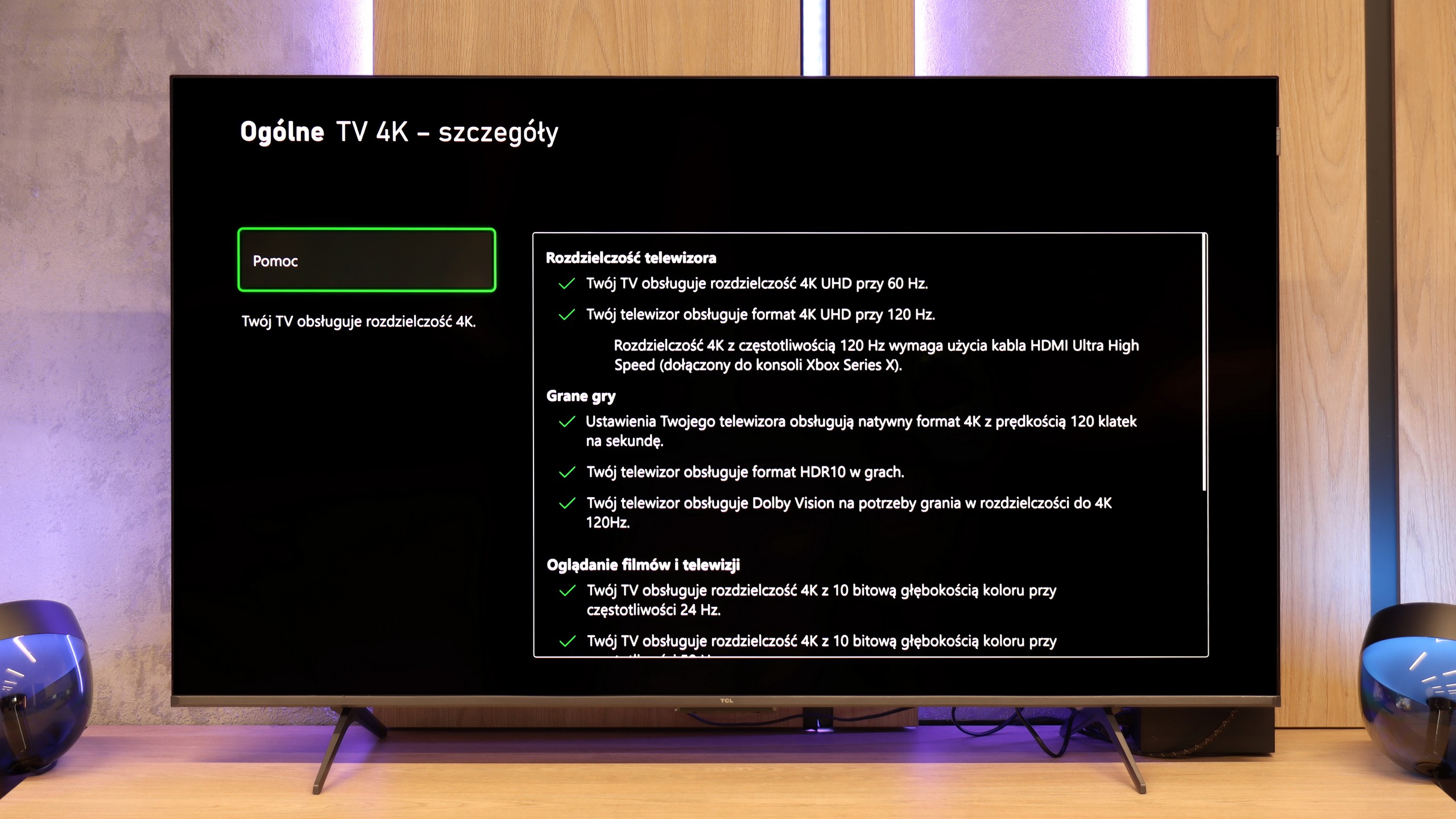
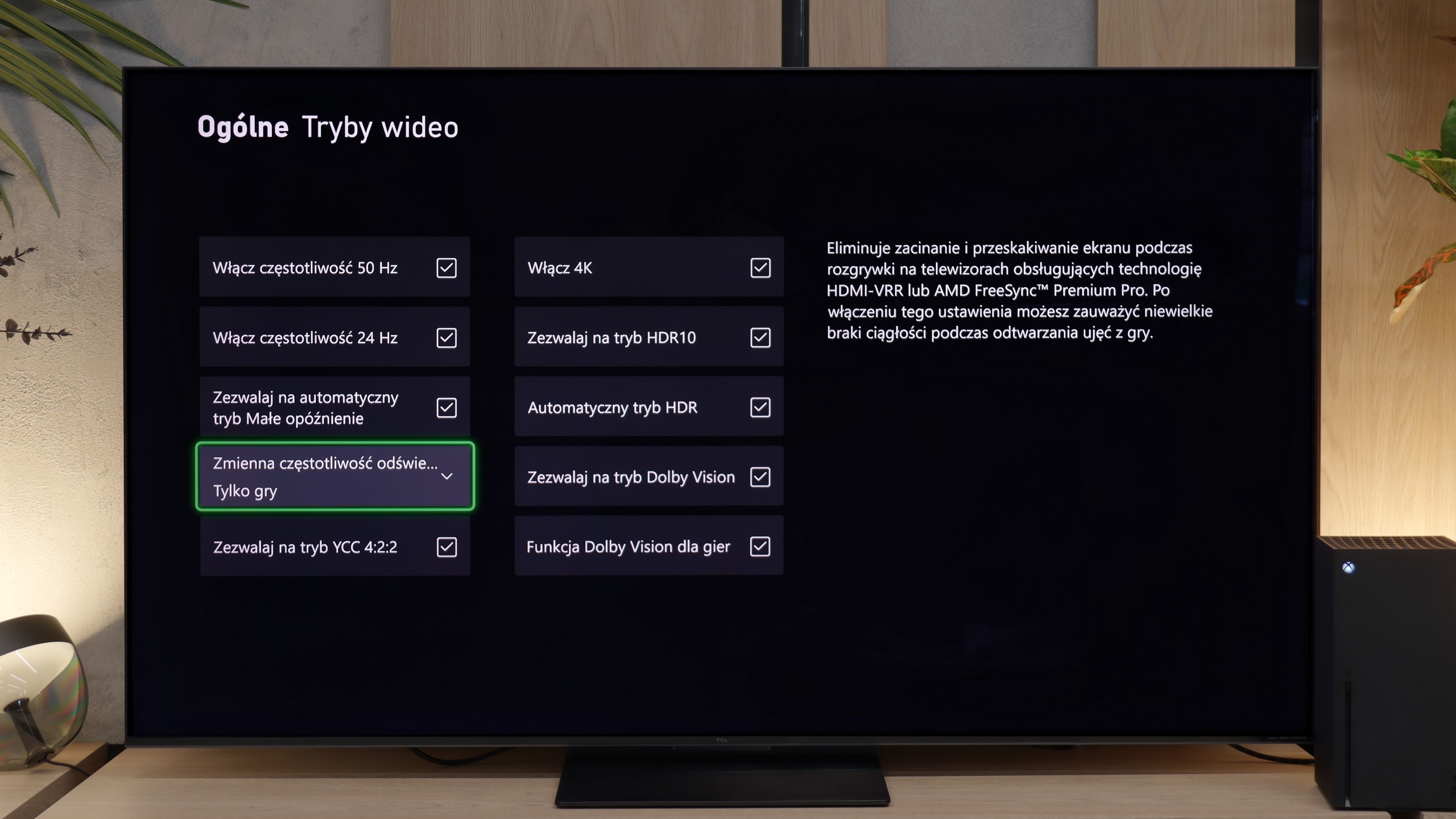
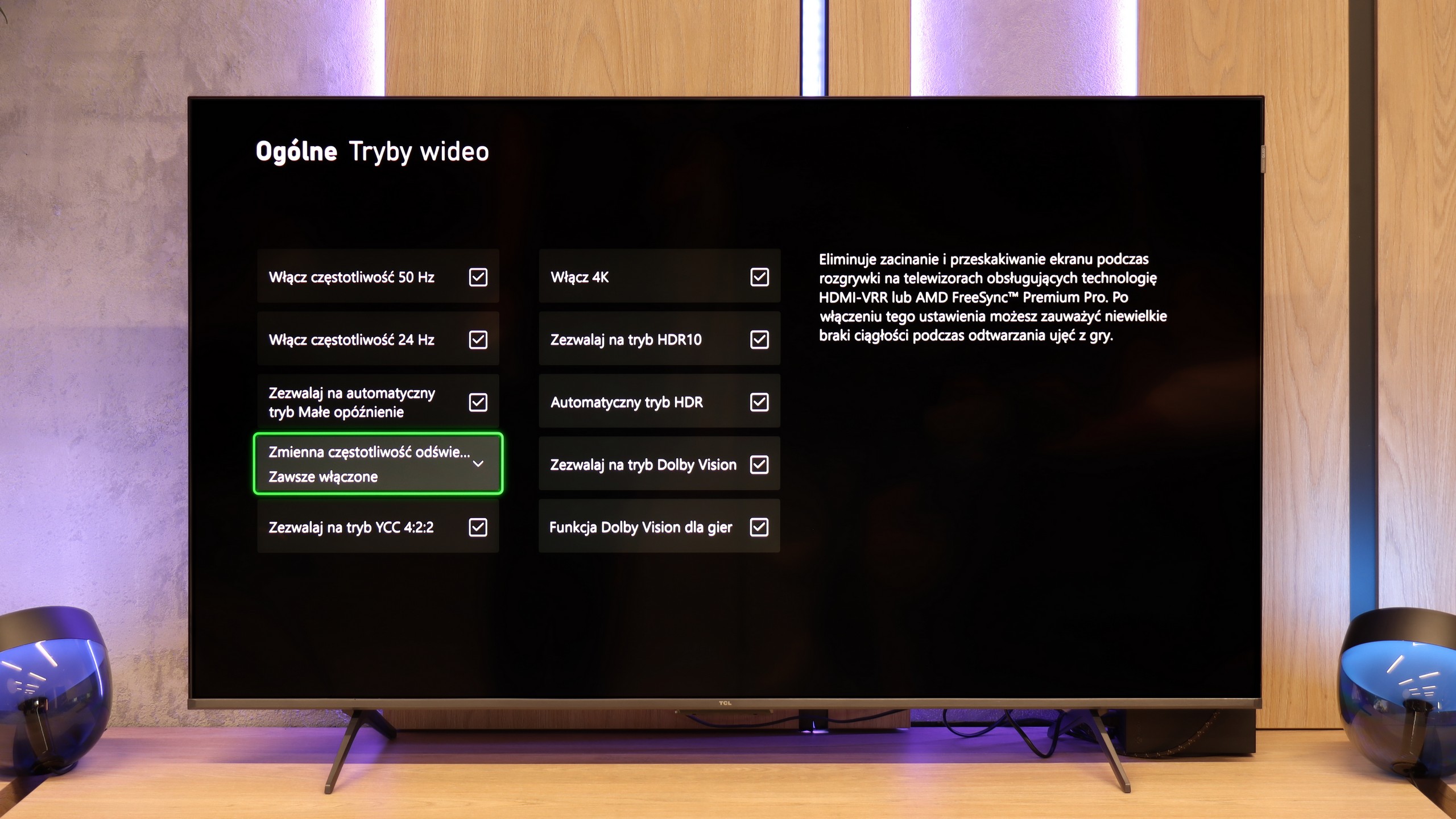
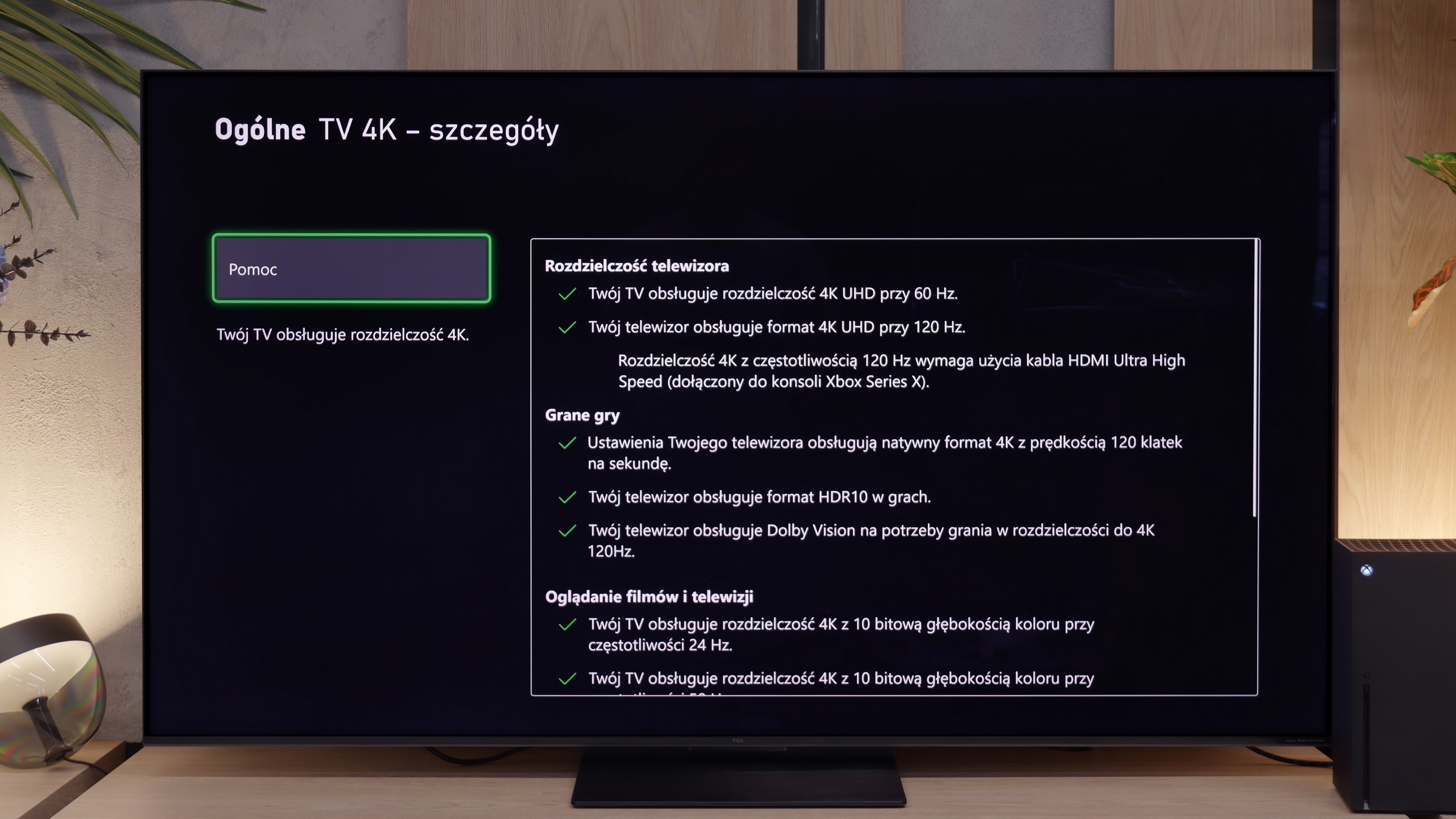
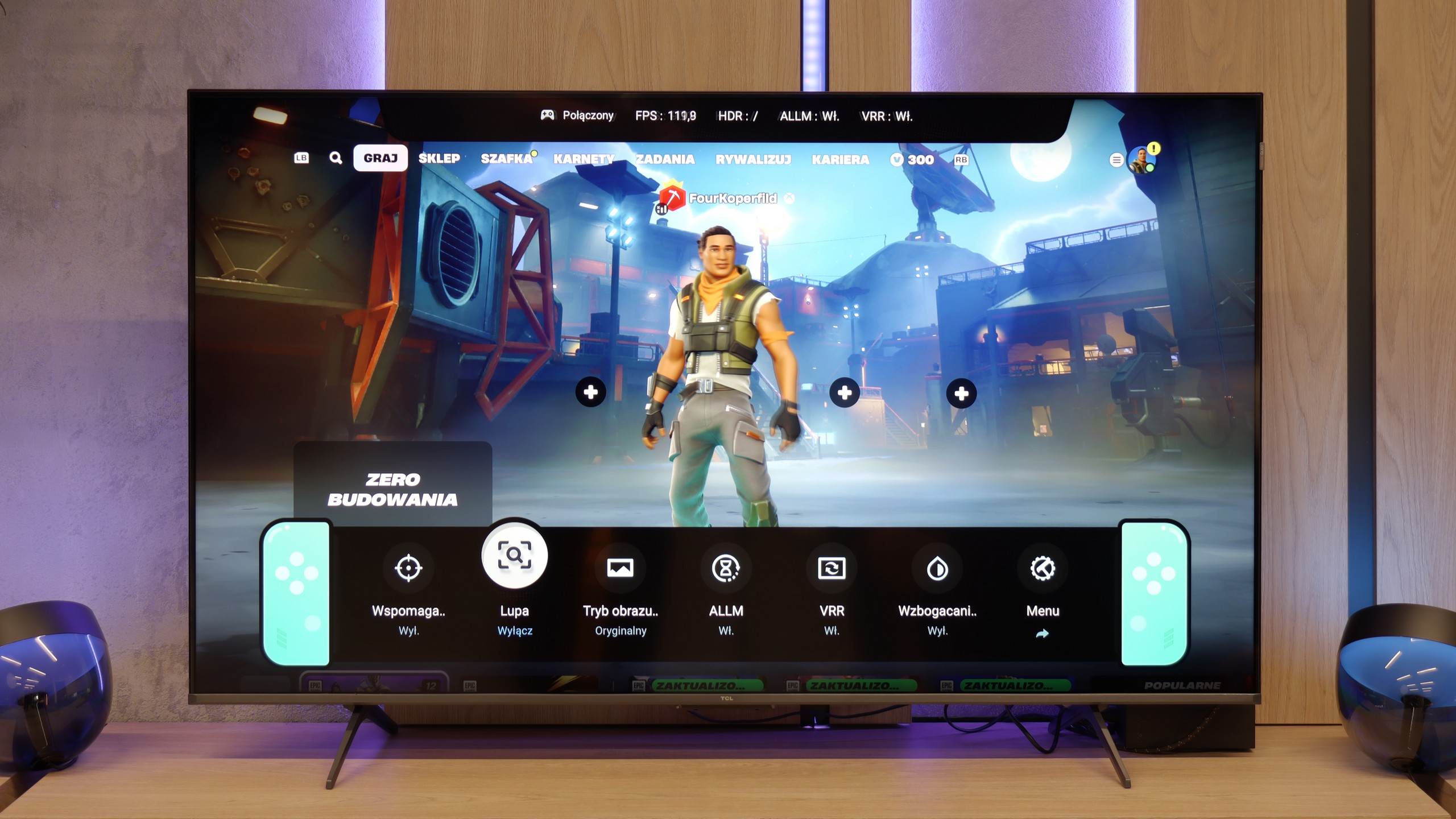
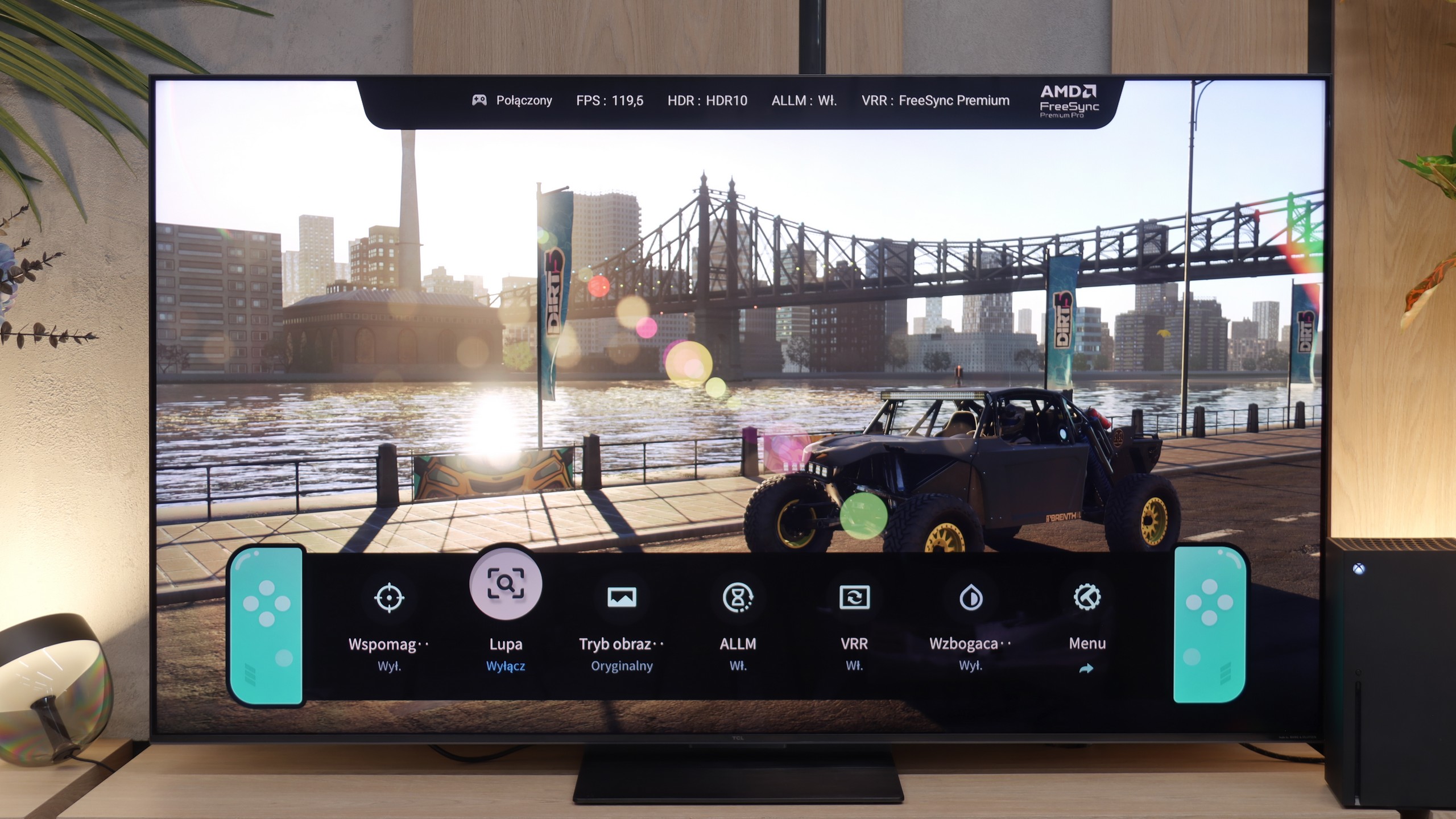
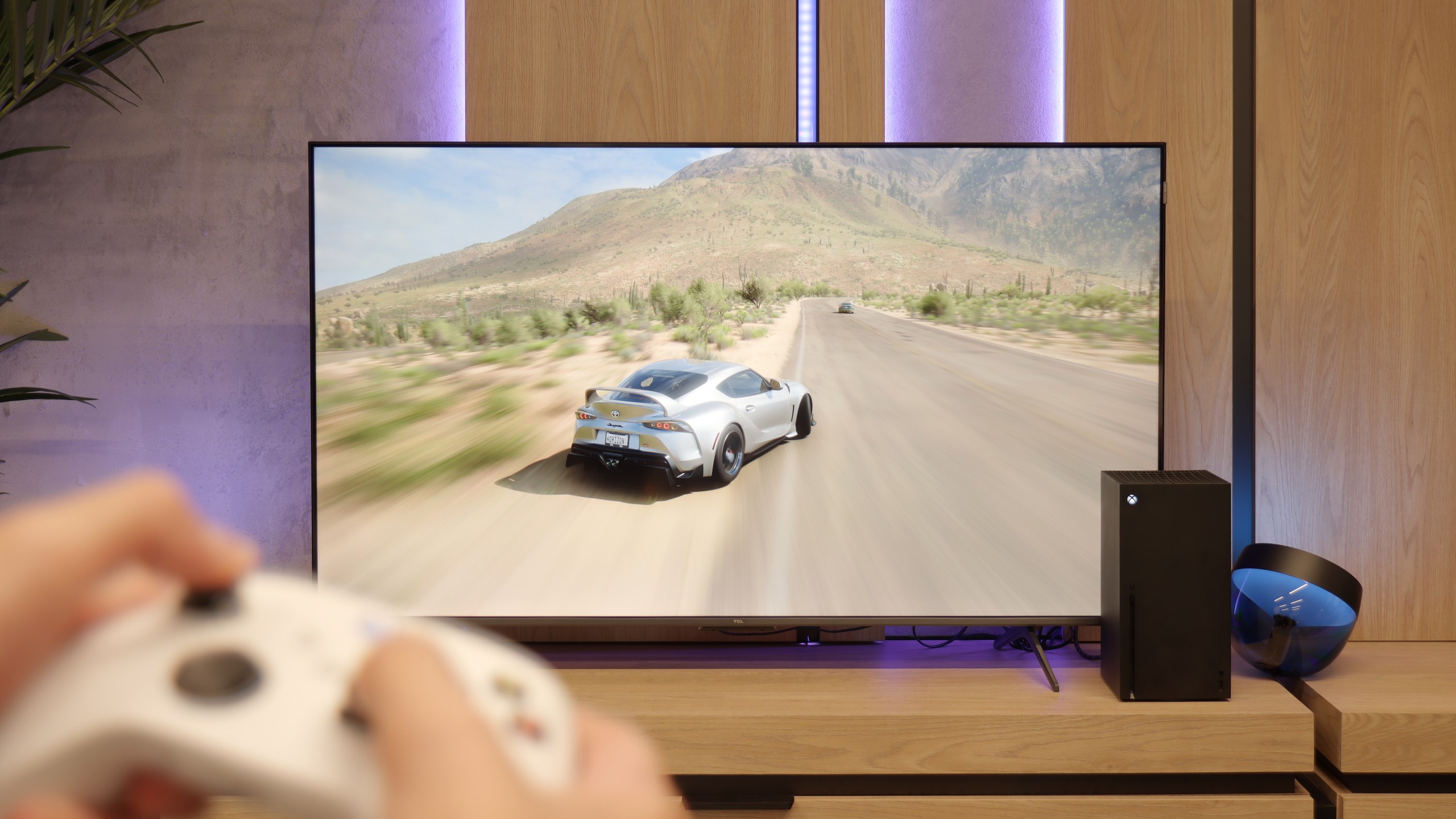
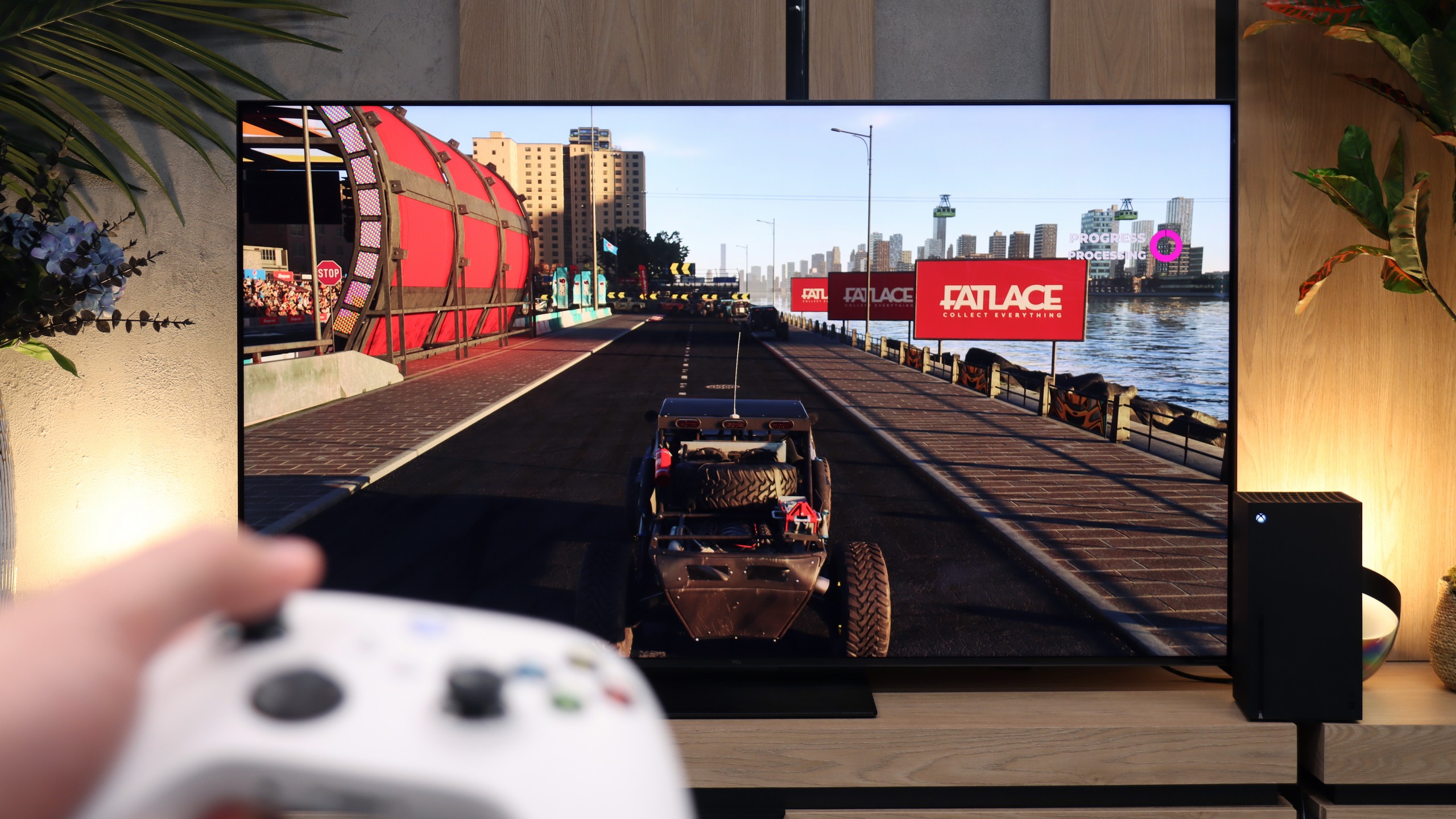
Although the TCL P8K is a budget television, it cannot be said that it is unsuitable for gaming. On the contrary – it is a screen that can pleasantly surprise any gamer. It features two HDMI 2.1 ports, allowing for 4K output at 120 Hz without any issues. For those gaming on a PC, they will also be pleased to know that the television can operate with a refresh rate of up to 240 Hz at a lower resolution – a small thing, but it delights. Additionally, it comes with a full set of gaming features: automatic game mode, Game Bar with quick parameter previews, VRR, HGiG, and support for Dolby Vision in games. All of this makes gaming on the P8K a truly enjoyable experience – the picture is smooth, the response is quick, and the television communicates well with next-generation consoles. The TCL P8K shows that a cheap screen doesn't have to mean giving up on fun. Certainly not in terms of gaming.
When it comes to gaming, the TCL C7L is simply an outstanding television for gamers. With the presence of two full-bandwidth HDMI 2.1 ports at 48 Gbps, it provides access to all the key features that console and high-end PC owners require. It has a well-functioning ALLM mode with very low input lag and VRR frame synchronization that operates in an impressive range from 48 up to 288 Hz. Importantly, unlike some competitors, TCL has ensured a proper implementation of the console HDR10 HGIG profile and support for Dolby Vision in games. This is complemented by a very well-designed player panel, known as the Game Bar, which even allows you to customise its appearance and change the theme to perfectly match the style of your console.
The only thing that can – and indeed should – be critiqued here is the fact that the television offers only two full HDMI 2.1 ports, while the other two are older HDMI 2.0. This creates quite a significant logistical problem. Why? Because one of those fast ports also supports the eARC audio return channel. In practice, this means that if you connect a soundbar or home cinema system to the television, you will only have one free HDMI 2.1 port left. If you have two consoles or a console and a powerful computer at home, unfortunately, you'll have to give something up or frequently juggle cables at the back of the unit while maintaining convenient control over your audio system.
Input lag
9.5/10
10/10
SDR
HDR
Dolby Vision
In terms of latency, the TCL P8K performs really well. In game mode at 4K and 60 Hz, the input lag is around 22 ms, and at 4K and 120 Hz it drops to 13 ms. These figures ensure that the television responds quickly and there is no noticeable 'lag' between the controller and the screen.
It is worth taking a look at the dry numbers here, as in terms of input lag, the TCL C7L is absolute market leader. Our measurements showed that the input lag is extremely low, and for a 60 Hz signal, it is just around 10 ms. When we step up a level and launch a game at 120 Hz, the lag drops to an imperceptible 6 to 7 ms. However, even more importantly, these values are maintained by the television even after activating the Dolby Vision format in games.
Compatibility with PC
8.6/10
8.4/10
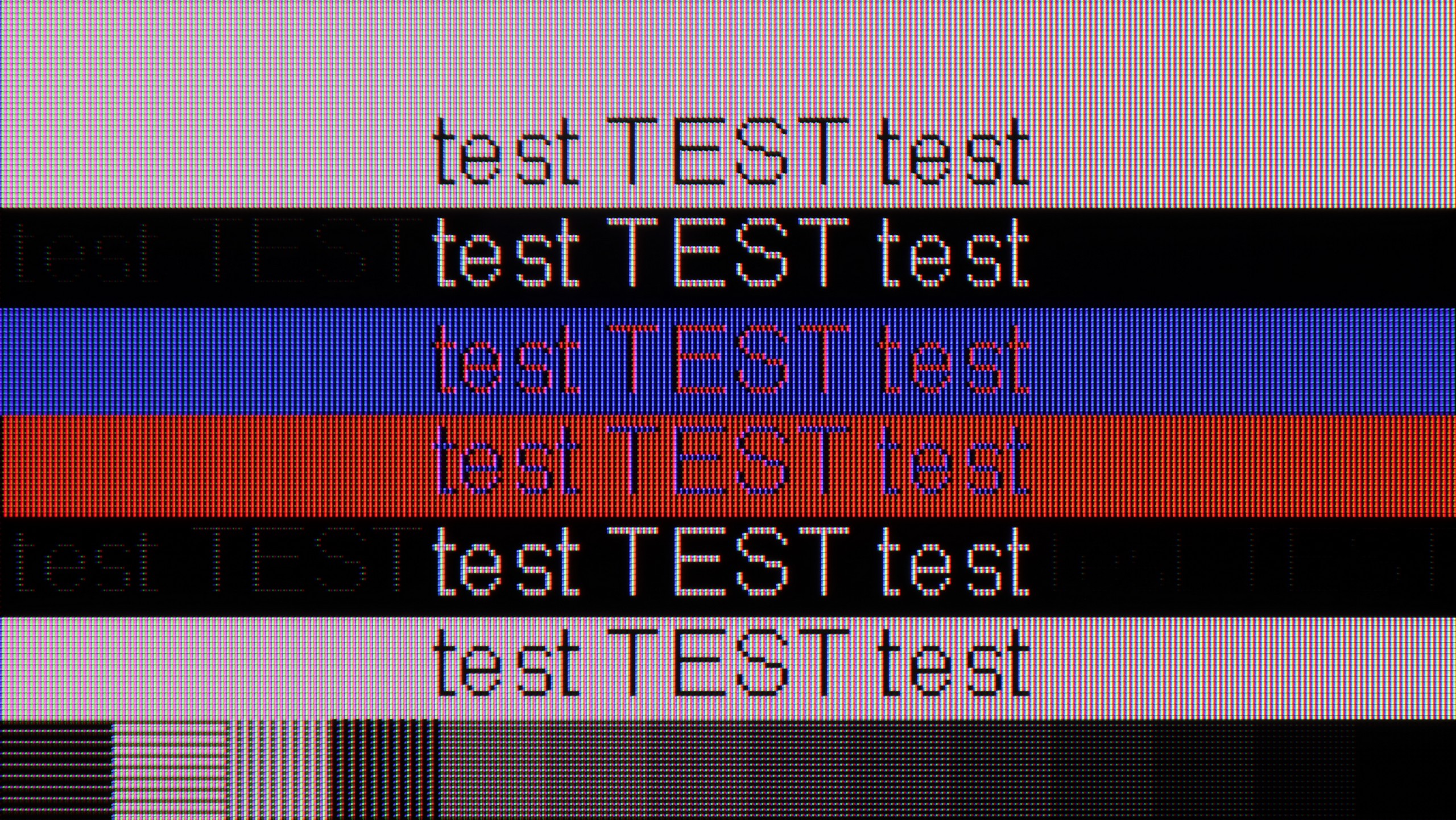
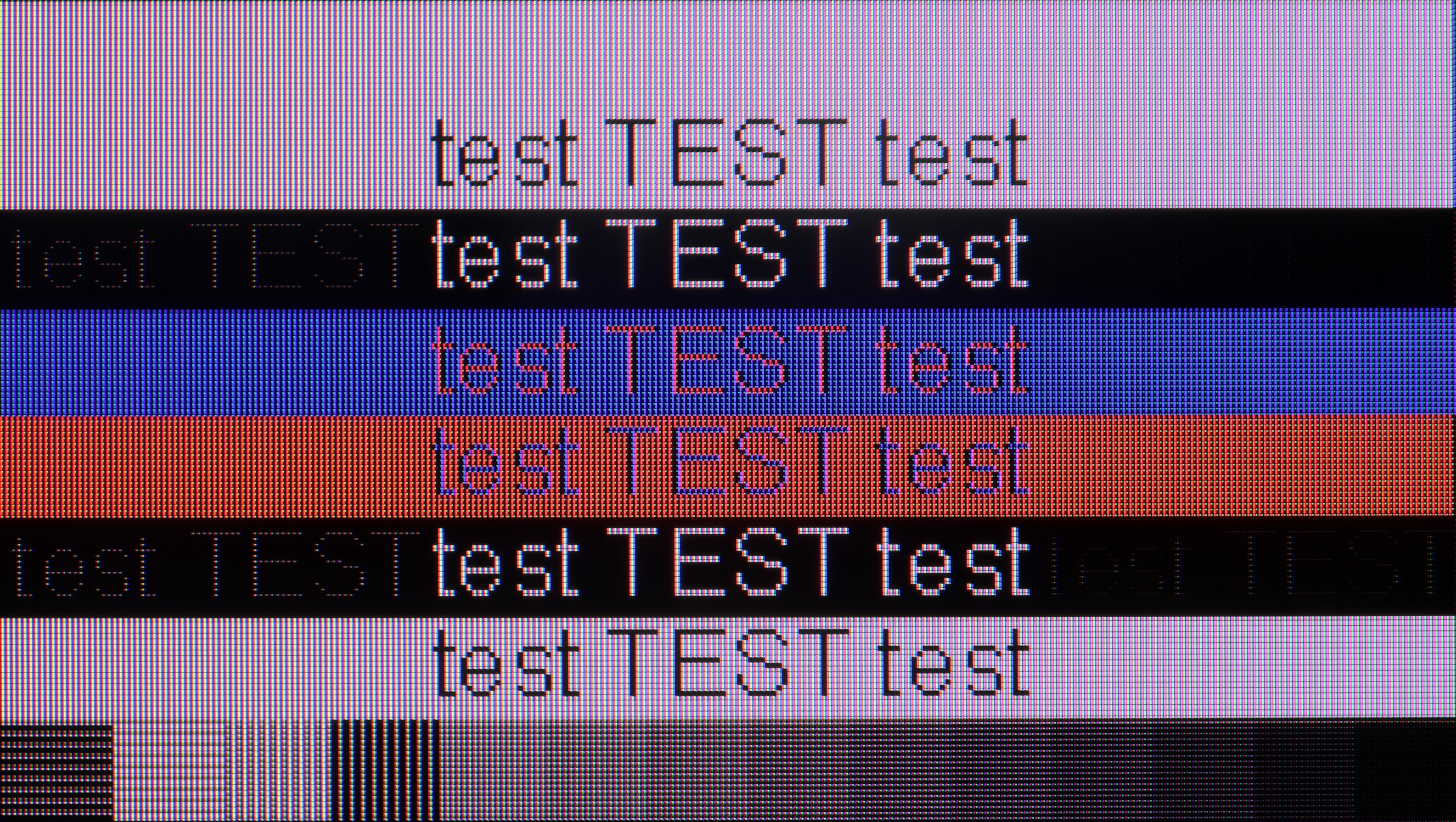
The photo shows the legibility of small fonts. Ideally, lines should be the same thickness on both light and dark text, with minimal pixel gaps.
The TCL P8K also works excellently as a computer monitor. The readability of fonts is at a very good level, making work with documents and browsing the web simply comfortable. The only slight downside occurs when refreshing at 144 Hz in 4K – dark text on a light background can slightly lose sharpness. The problem disappears when switching to 120 Hz, so it's worth keeping this in mind for everyday use. Besides, it is not only a screen for work but also a great monitor for gamers. The 144 Hz refresh rate (and even 280 Hz at a lower resolution) combined with G-Sync synchronisation guarantees very smooth gameplay. Of course, we will fully appreciate its capabilities only with a suitably powerful computer, but the potential of the P8K in this role is truly significant.
When it comes to gaming on PC, as I mentioned earlier, it is truly seamless. The television effortlessly supports high refresh rates: full 4K at 144 Hz, and in Full HD resolution, it can even ramp up to 288 Hz. Additionally, both G-Sync and FreeSync synchronization systems work here without any issues. For PC gamers, the C7L can thus serve as an excellent, massive monitor.
On the other hand, typical office work with text is somewhat less impressive, largely due to the rather oddly behaving panel in these conditions. When the highest refresh modes, 144 Hz and 288 Hz, are enabled, the readability and sharpness of dark text on a light background are fairly average – the fonts become slightly blurred and jagged. Fortunately, this can be easily fixed by changing the screen refresh rate in the graphics card settings to a stable 120 Hz. Then the text becomes perfectly sharp again, which is definitely worth remembering if you plan to use the C7L as a work screen.
Viewing angles
2.8/10
3.7/10
The Achilles' heel of the TCL P8K is undoubtedly its viewing angles. The VA panel used has its advantages in terms of solid contrast, but unfortunately, it suffers significantly when viewed from the side. Colours noticeably fade, saturation drops, and the overall image takes on a cooler, washed-out hue. In practice, this means that the best picture is achieved when sitting directly in front – any significant deviation results in a noticeable loss of quality.
Unfortunately, the powerful native contrast of the HVA 2.0 panel comes at a price. It concerns the viewing angles, which in the C7L model are simply poor. This is obviously due to the use of the aforementioned VA-type panel. It is a completely natural characteristic of this technology and something to consider when making a purchase. If you sit directly in front of the screen, the image will impress you with its depth, but it only takes a slight shift of several degrees sideways on the sofa for the colours to start fading immediately. By choosing this model, you are opting for a classic market compromise: you get brilliant black and fantastic contrast, but you lose out on viewing angles.
Daytime performance
4.6/10
8.8/10
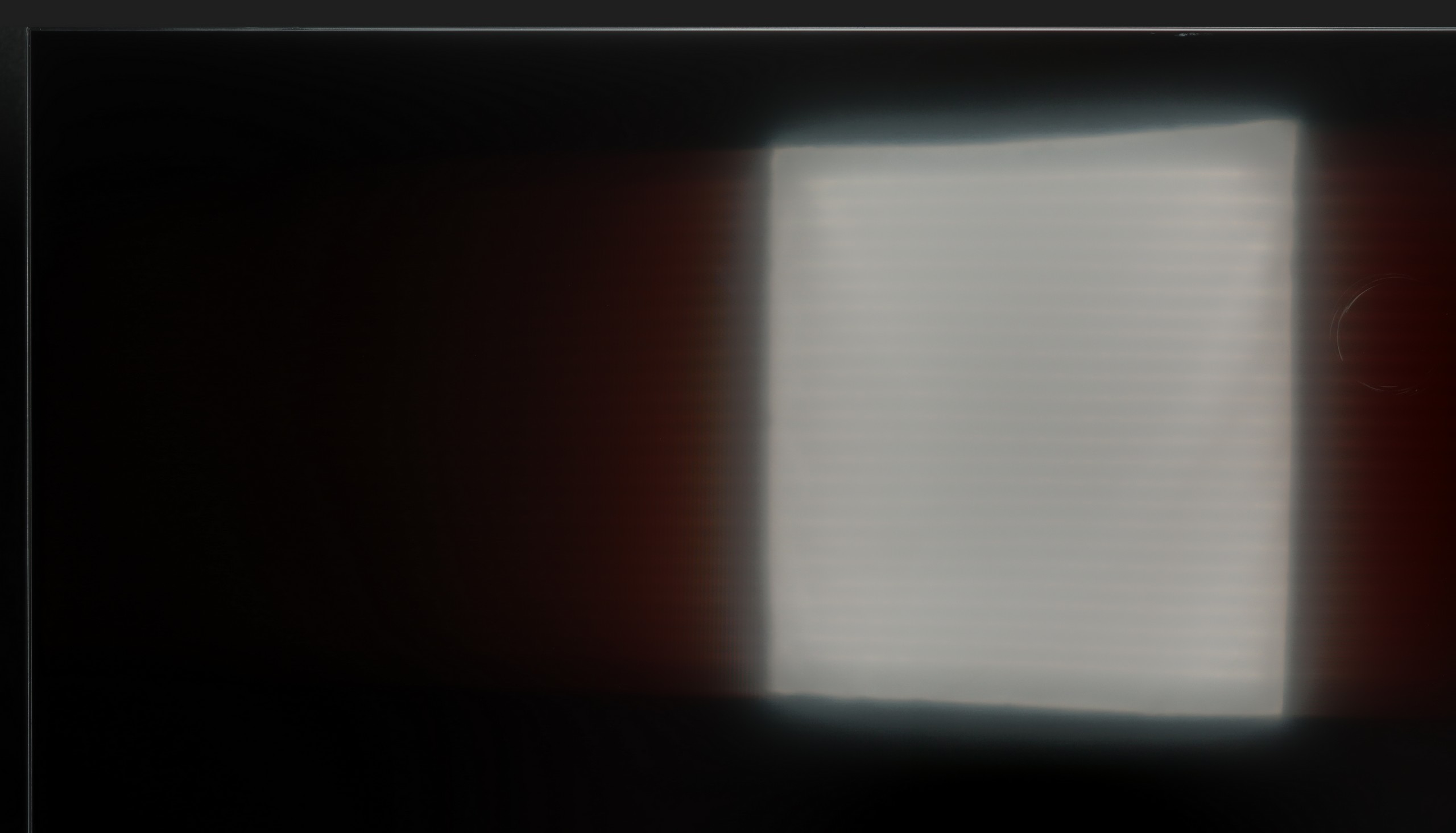
Panel brightness
TCL C7L: 1327 cd/m2
TCL P89K / TCL P8K: 299 cd/m2
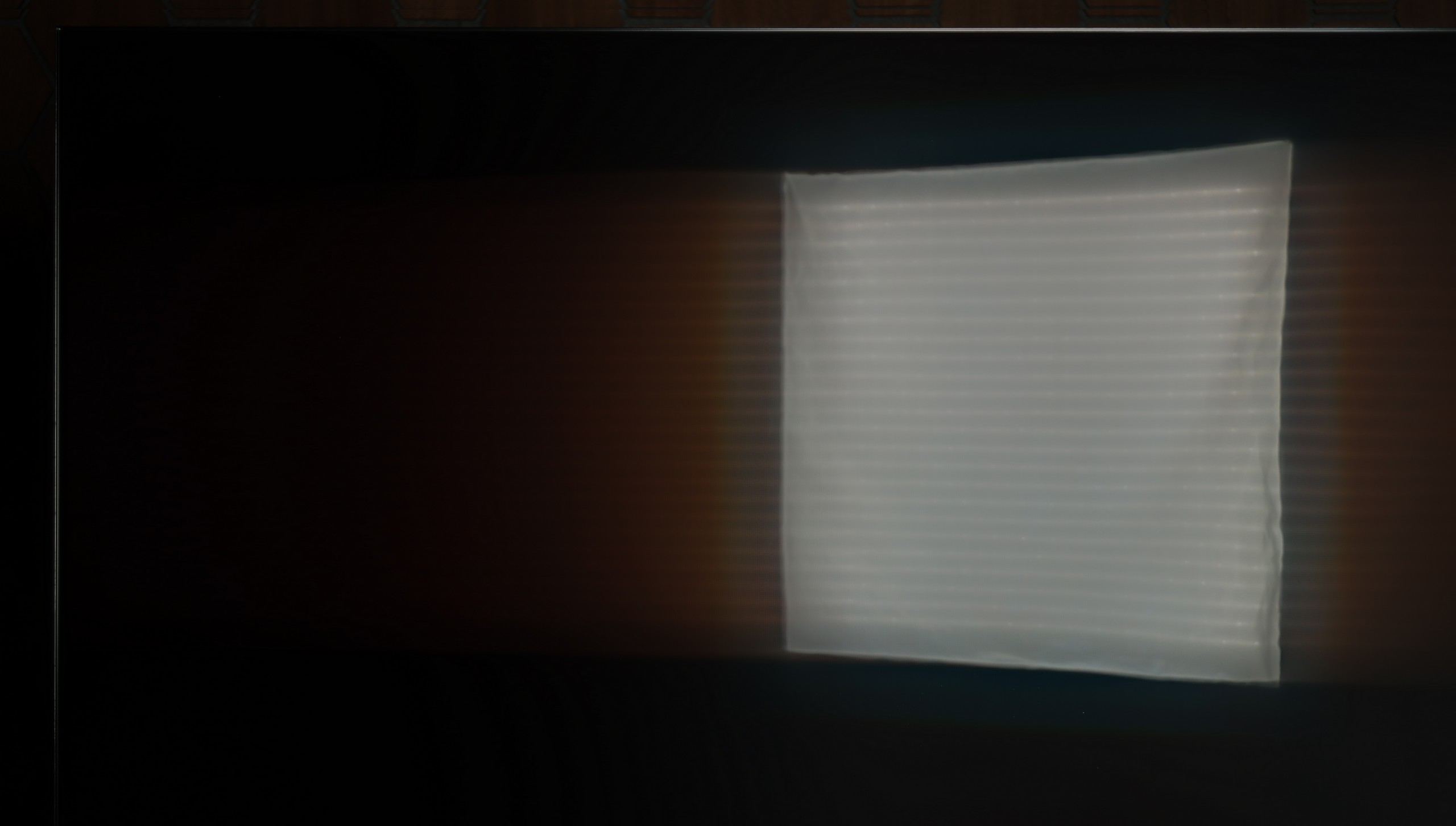
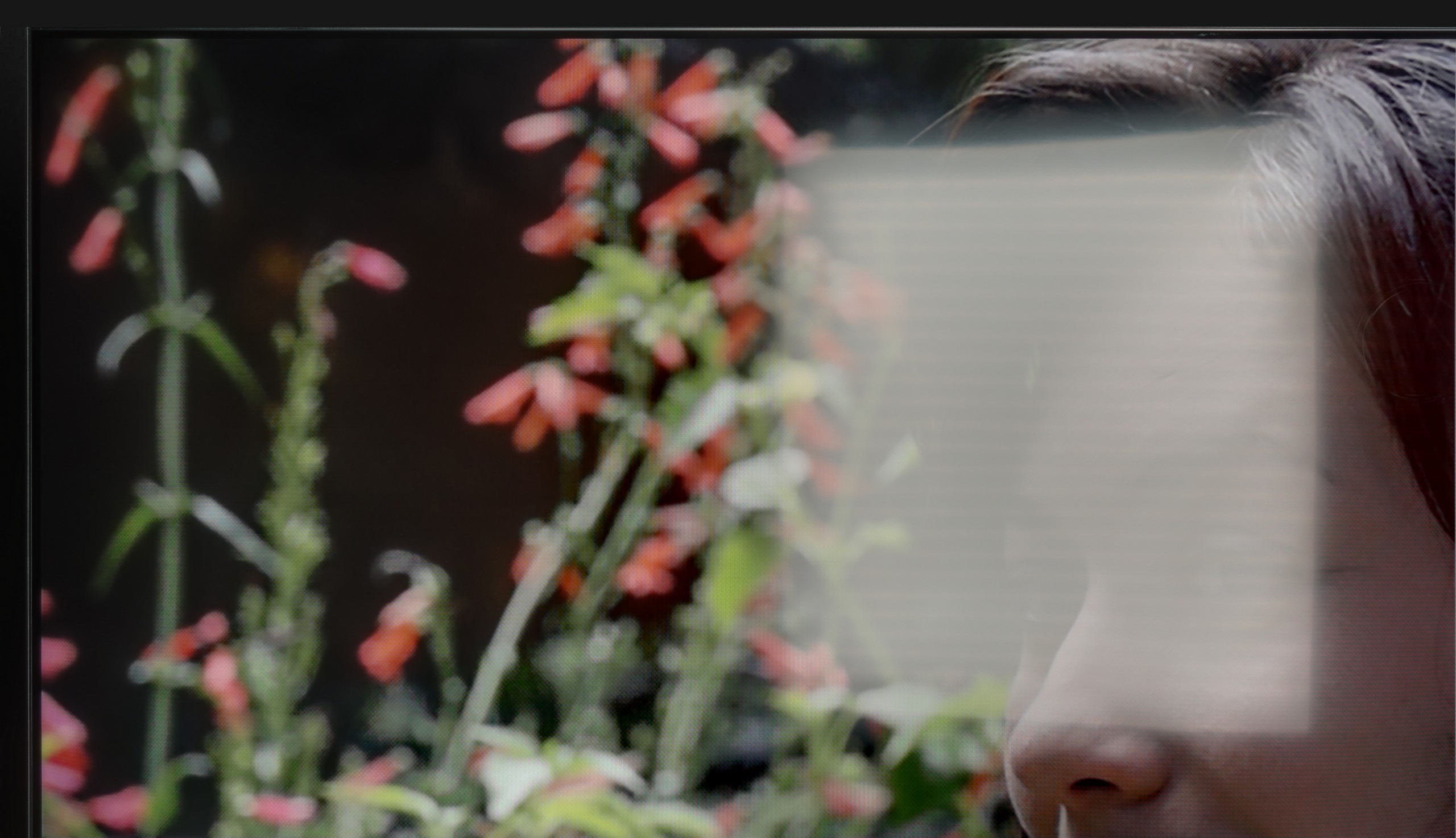
TCL P8K does not cope well with strong sunlight. With brightness at around 300 cd/m², it is hard to expect it to perform well in a living room with large windows and no blinds. In such conditions, the image loses some sharpness, and darker scenes can disappear in light reflections. Fortunately, the screen has a satin coating that handles reflections well and saves the situation in typical home conditions. In the evening or in a slightly dimmed room, the television looks very good. It is simply not a device that prefers to be placed opposite a south-facing window.
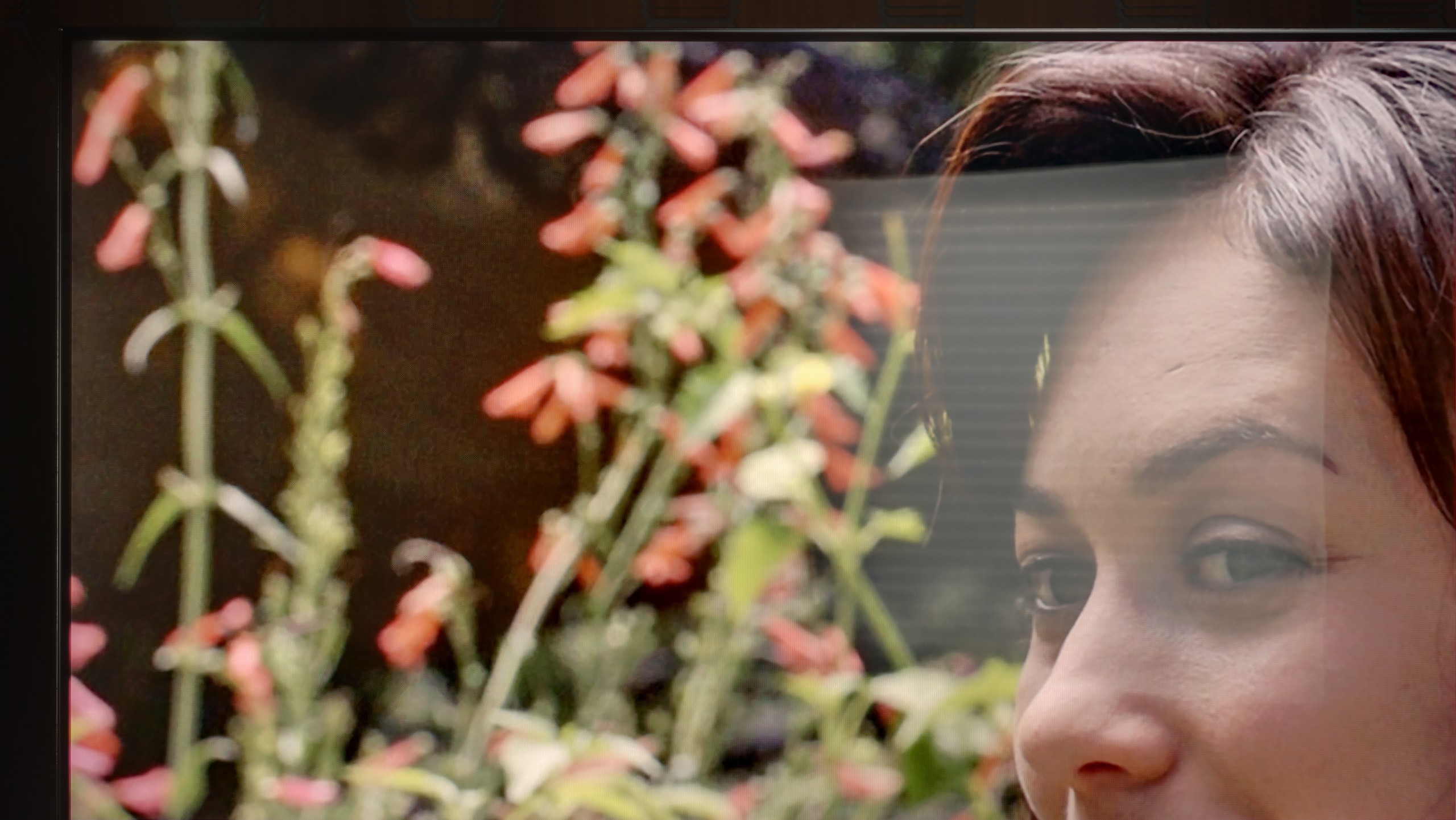
It's also worth mentioning how the TCL C7L performs during everyday viewing in a sunlit living room. As we've established, it is an extremely bright television, and it is precisely due to such a powerful supply of luminance (up to 2400 nits in SDR!) that it excels in very bright rooms – the picture easily gets through the incoming light. The only thing to watch out for is direct reflections on the screen. The coating used this year on the panel is definitely glossier than the one we saw in last year's C7K model. The screen significantly worse at suppressing point light reflections, which in unfavourable conditions – for example, when the window is positioned directly opposite the television – can be quite annoying for some users. Nevertheless, in terms of sheer brightness, the C7L is simply a demon for bright living rooms.
Panel details
Subpixel Structure:
Panel uniformity and thermal imaging:
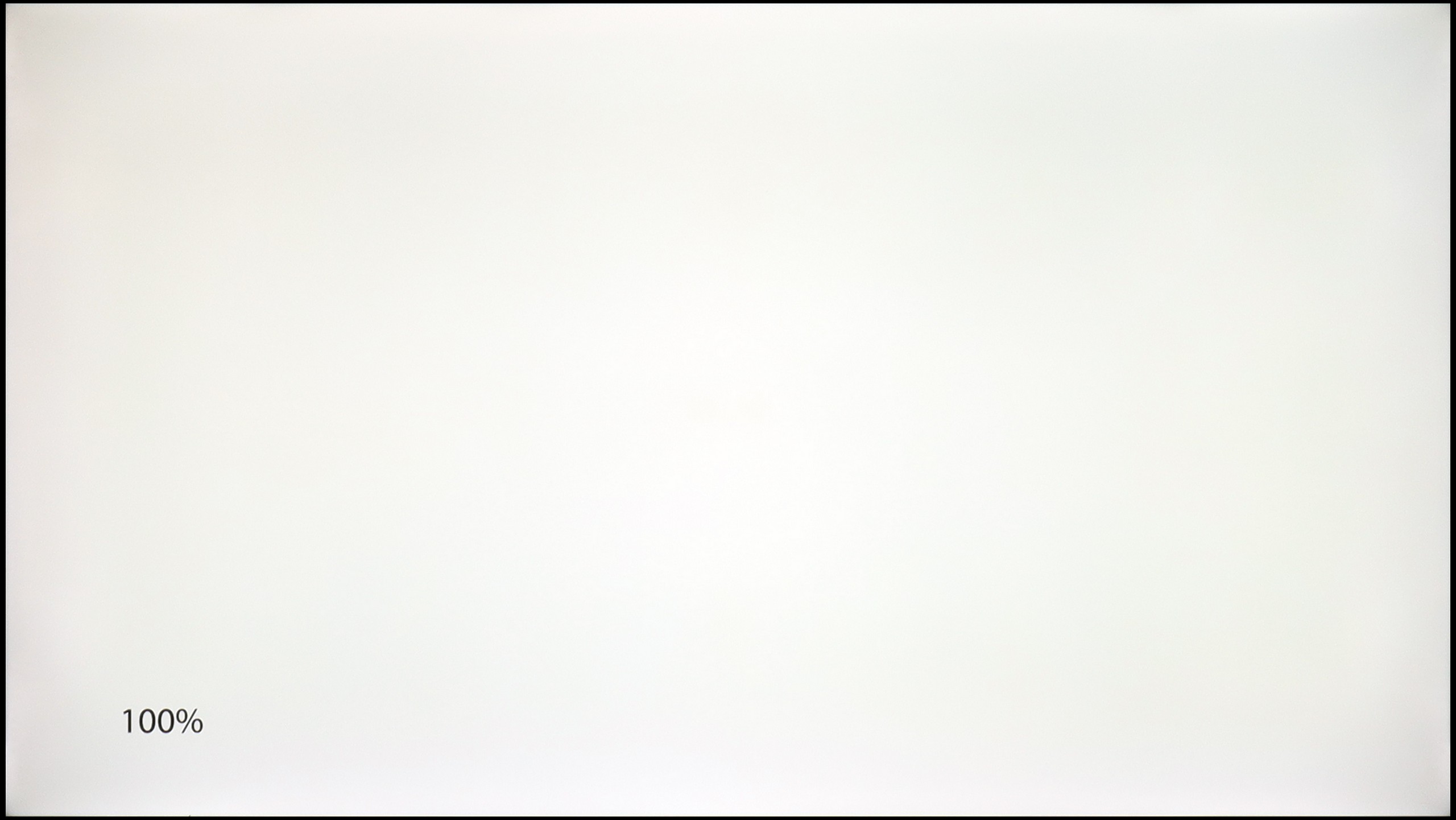
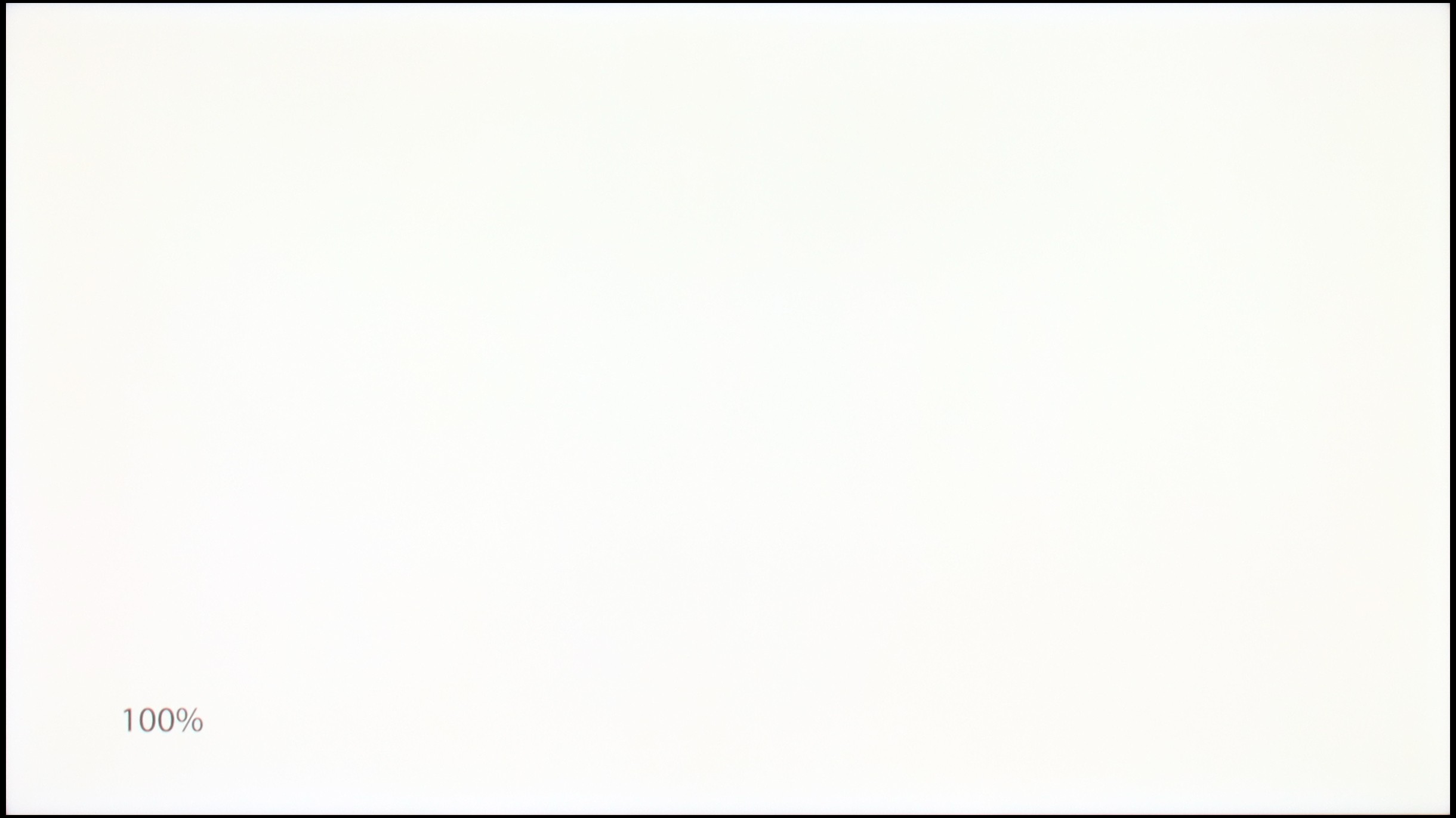
TCL P89K / TCL P8K
TCL C7L
TV features
7.4/10
7.8/10
- SystemGoogle TVGoogle TV
- System performanceDecentVery good
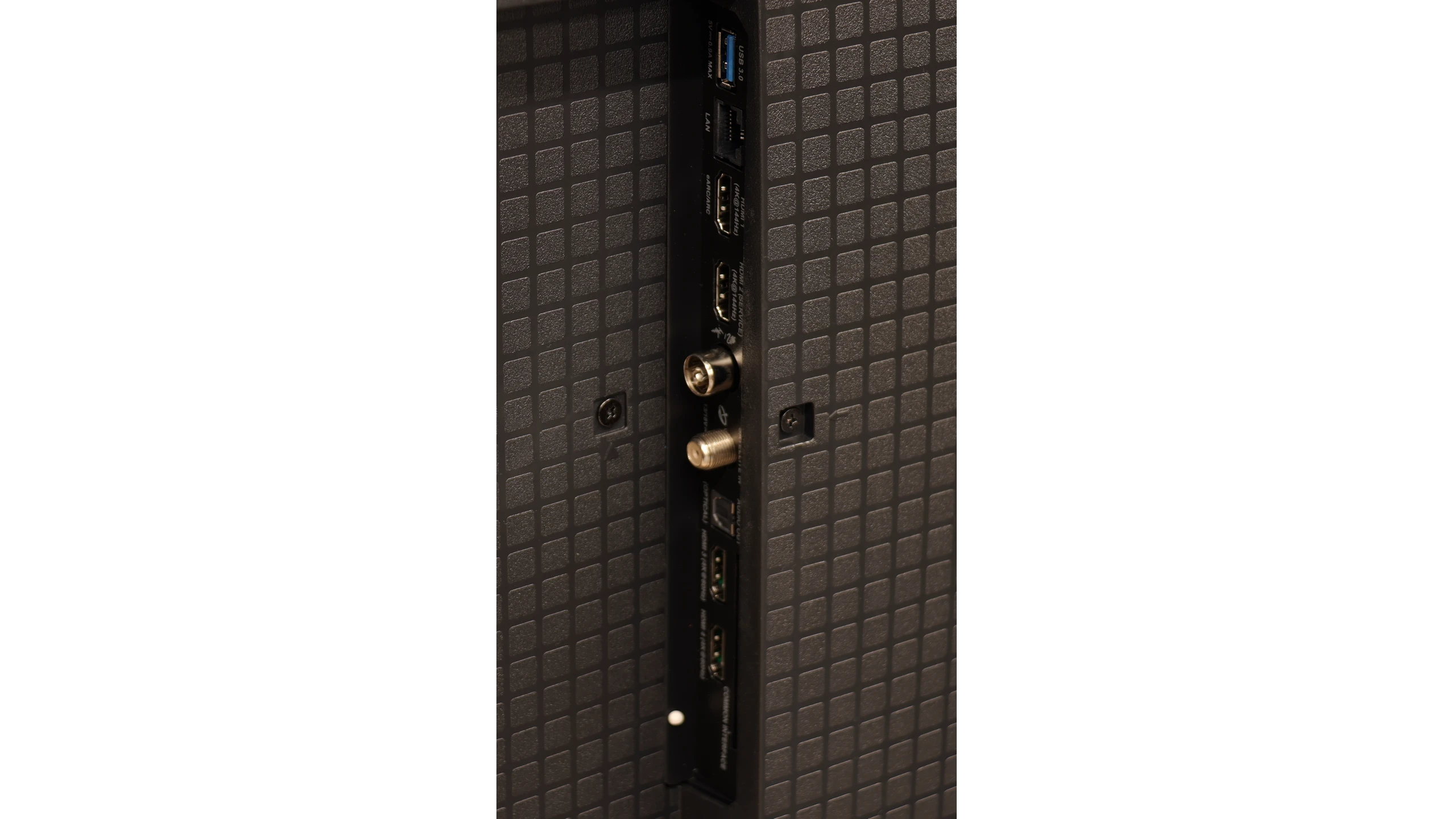
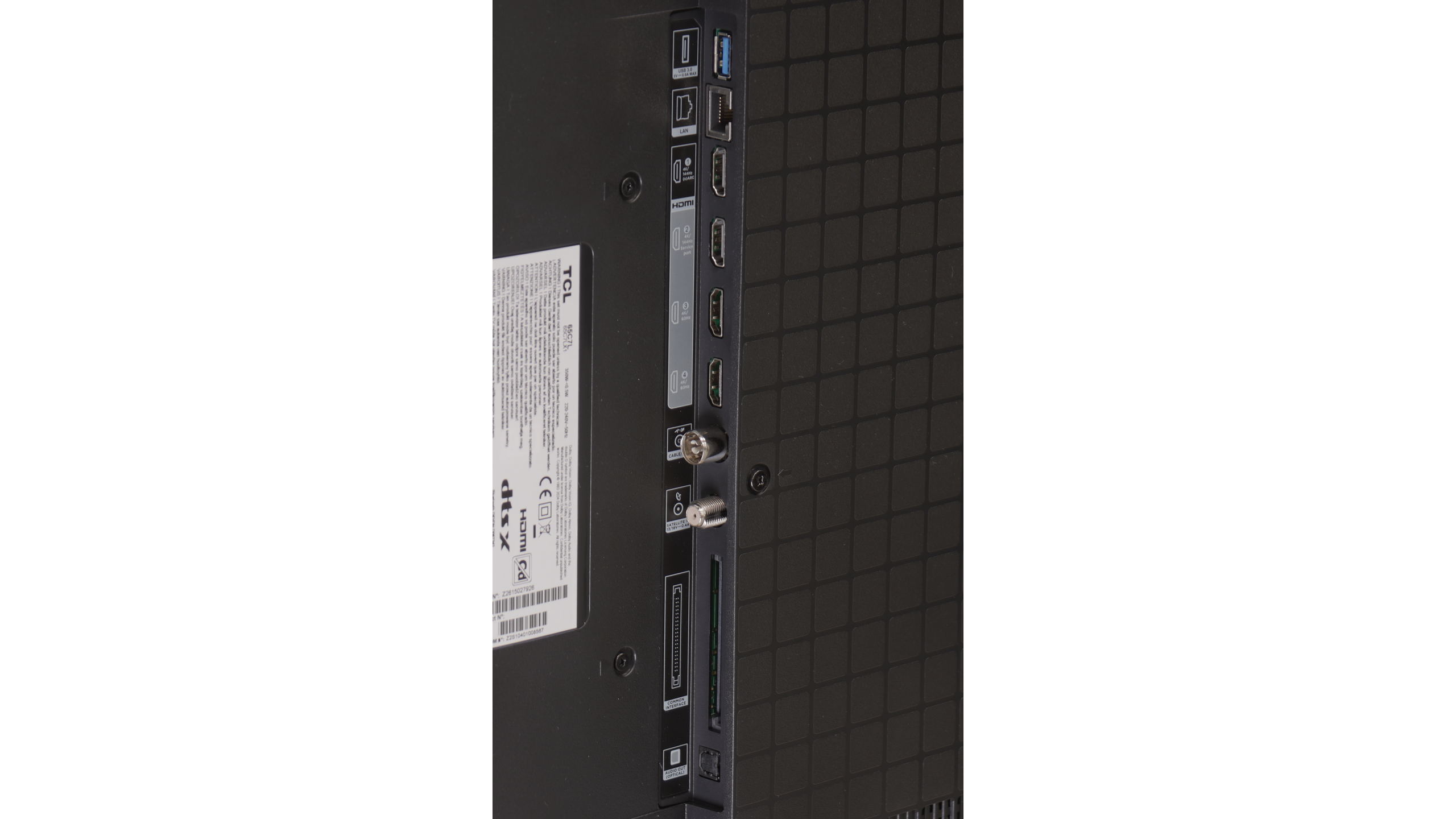
- HDMI inputs2 x HDMI 2.0, 2 x HDMI 2.1 48Gbps2 x HDMI 2.0, 2 x HDMI 2.1 48Gbps
- OutputsToslink (Optical audio), eARC (HDMI), ARC (HDMI)Toslink (Optical audio), eARC (HDMI), ARC (HDMI)
- Network InterfacesWi-Fi 2.4GHz, Wi-Fi 5GHz, Ethernet (LAN) 100Mbps, Ethernet (LAN) 1GbitWi-Fi 2.4GHz, Wi-Fi 5GHz, Ethernet (LAN) 100Mbps
- TV receptionDVB-T, DVB-T2, DVB-S, DVB-S2, DVB-CDVB-T, DVB-T2, DVB-S, DVB-S2, DVB-C
Classic features:
- Recording to USB (terrestrial TV)

- Recording programming
- Picture in Picture (PiP)
- RF remote control (no need to aim)
- Backlit remote control
- Teletext
- Audio only mode
- Bluetooth headphones support
- Simultaneous Bluetooth headphones & TV audio
Smart features:
- AirPlay
- Screen mirroring (Windows Miracast)
- Voice search
- Voice search in native language
- Ability to connect a keyboard and mouse
Sound connection options
- HDMI audioeARC (HDMI), ARC (HDMI)eARC (HDMI), ARC (HDMI)
- Other audio outputsToslink (Optical audio)Toslink (Optical audio)
- Wireless audioBluetoothBluetooth
Supported audio formats (external HDMI eARC audio):
- Dolby Digital Plus 7.1
- Dolby True HD 7.1
- Dolby Atmos in Dolby Digital Plus (JOC)
- Dolby Atmos in Dolby True HD
- DTS:X in DTS-HD MA
- DTS-HD Master Audio
Senior accessibility
- Numeric keyboard on TV
- Font size adjustment
- Audio description
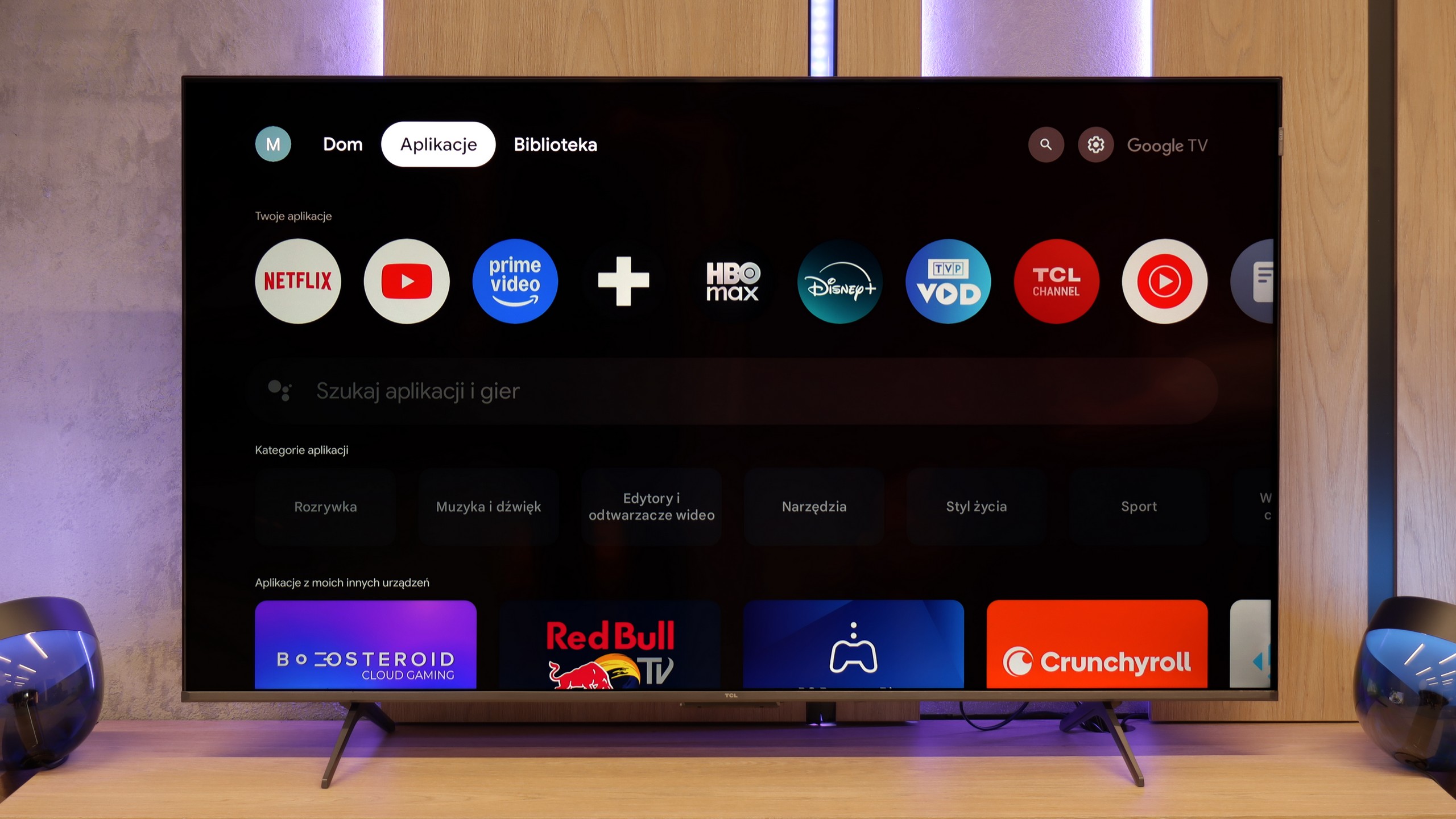
SmartTV: Google TV
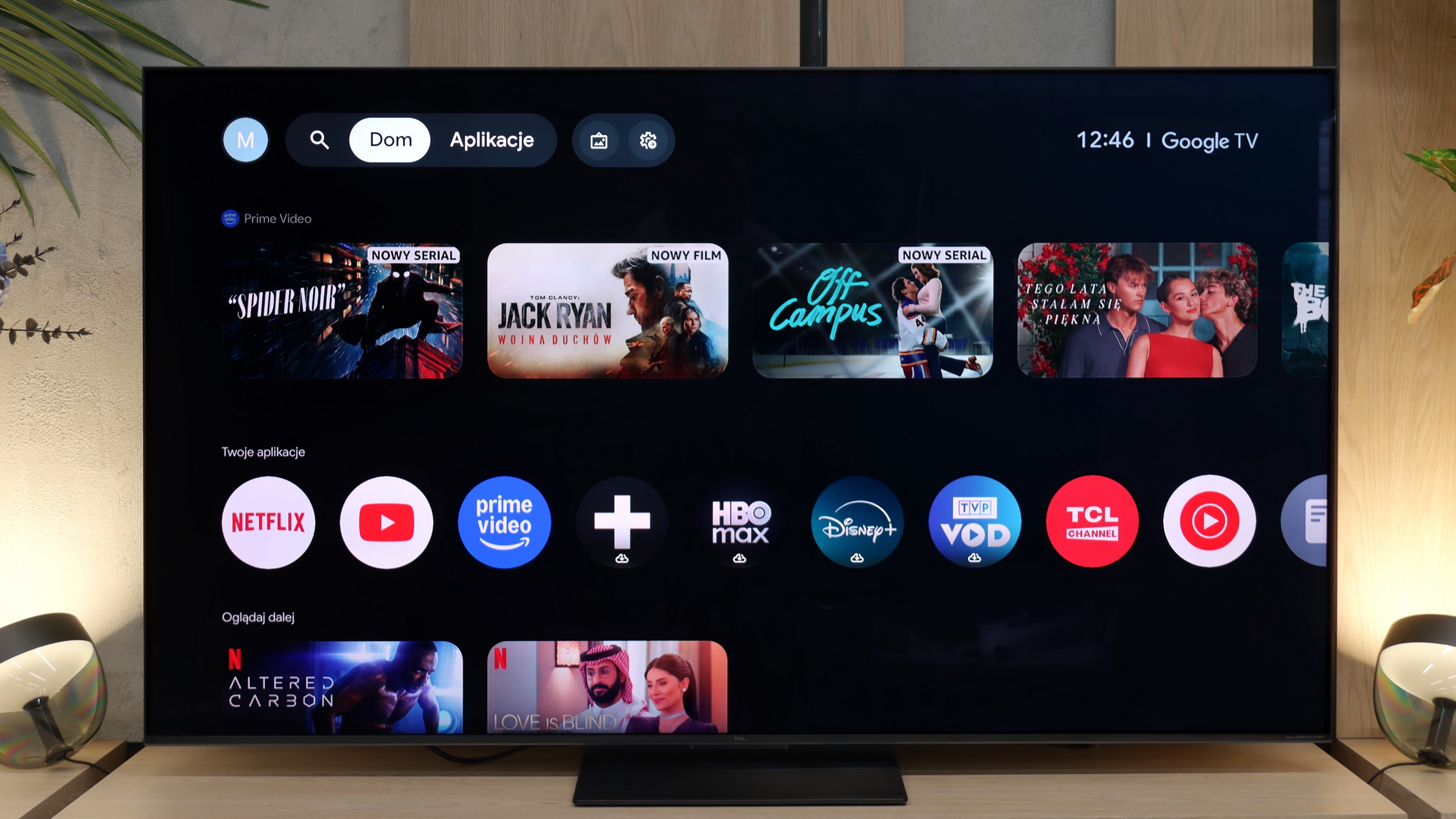
TCL P8K operates based on the Google TV system, which is the heart of the entire device. This is where the biggest advantage of this model over many competitors in a similar price range is visible. The system is clear and easy to use, and very well optimised. We can easily make use of the screen mirroring feature or the built-in Chromecast, which allows us to quickly transfer images from our phone to the large screen. The greatest asset, however, is the Google Assistant, which responds promptly and really understands commands well – even those expressed imprecisely. Moreover, the application library in Google TV is a real treasure – you can install practically anything, from major VOD platforms to lesser-known music or sports applications.
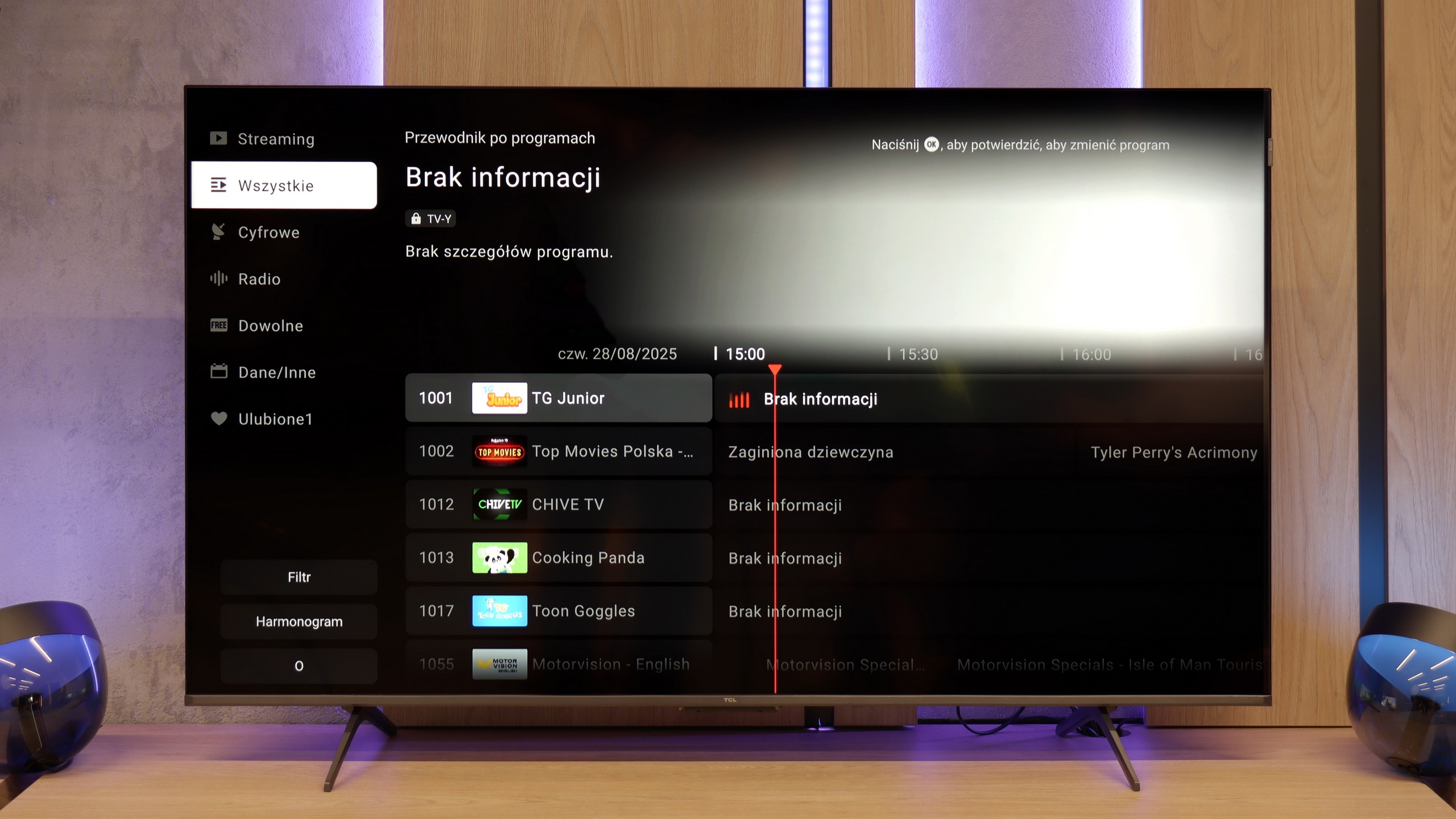
Classic features
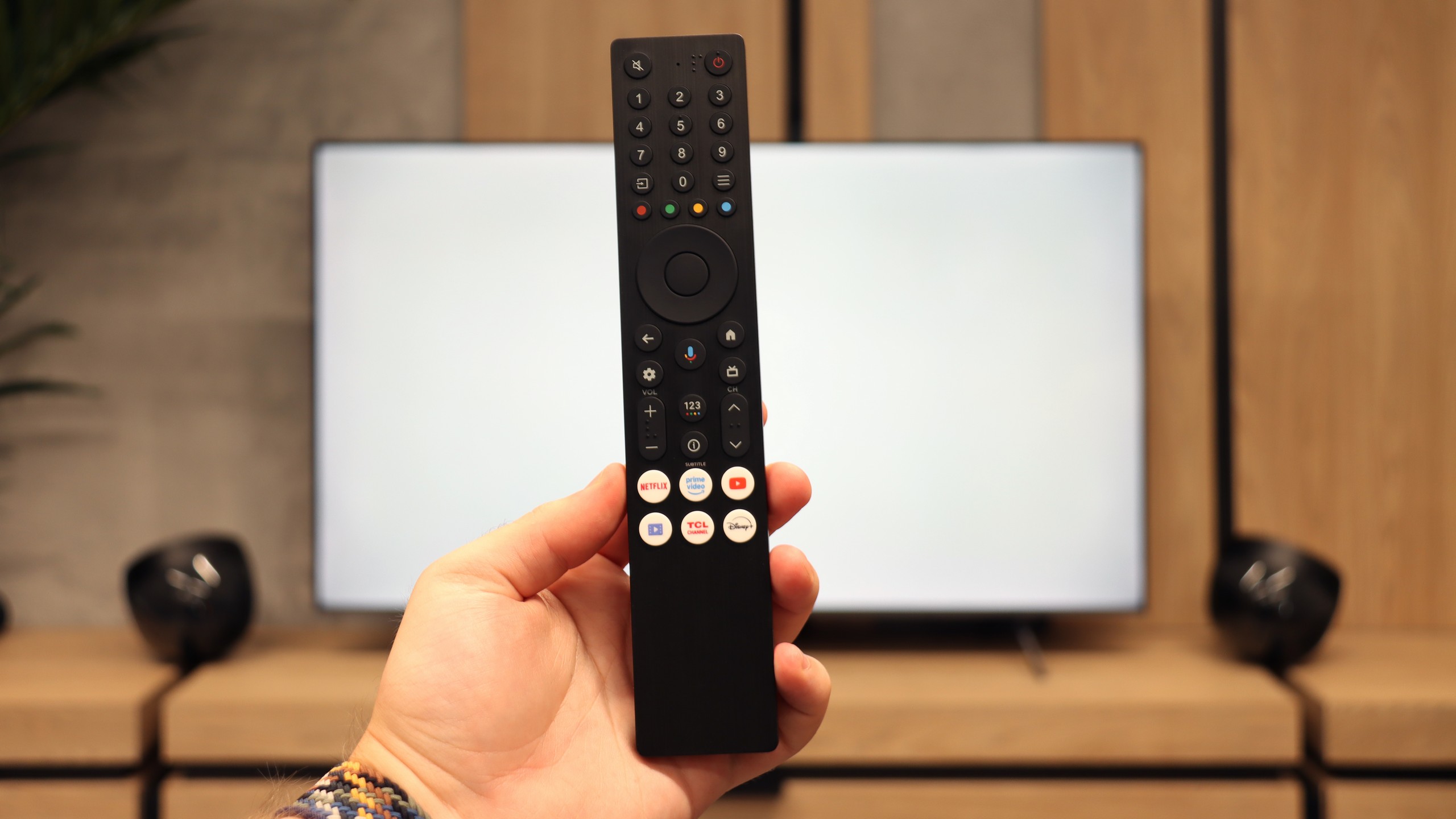
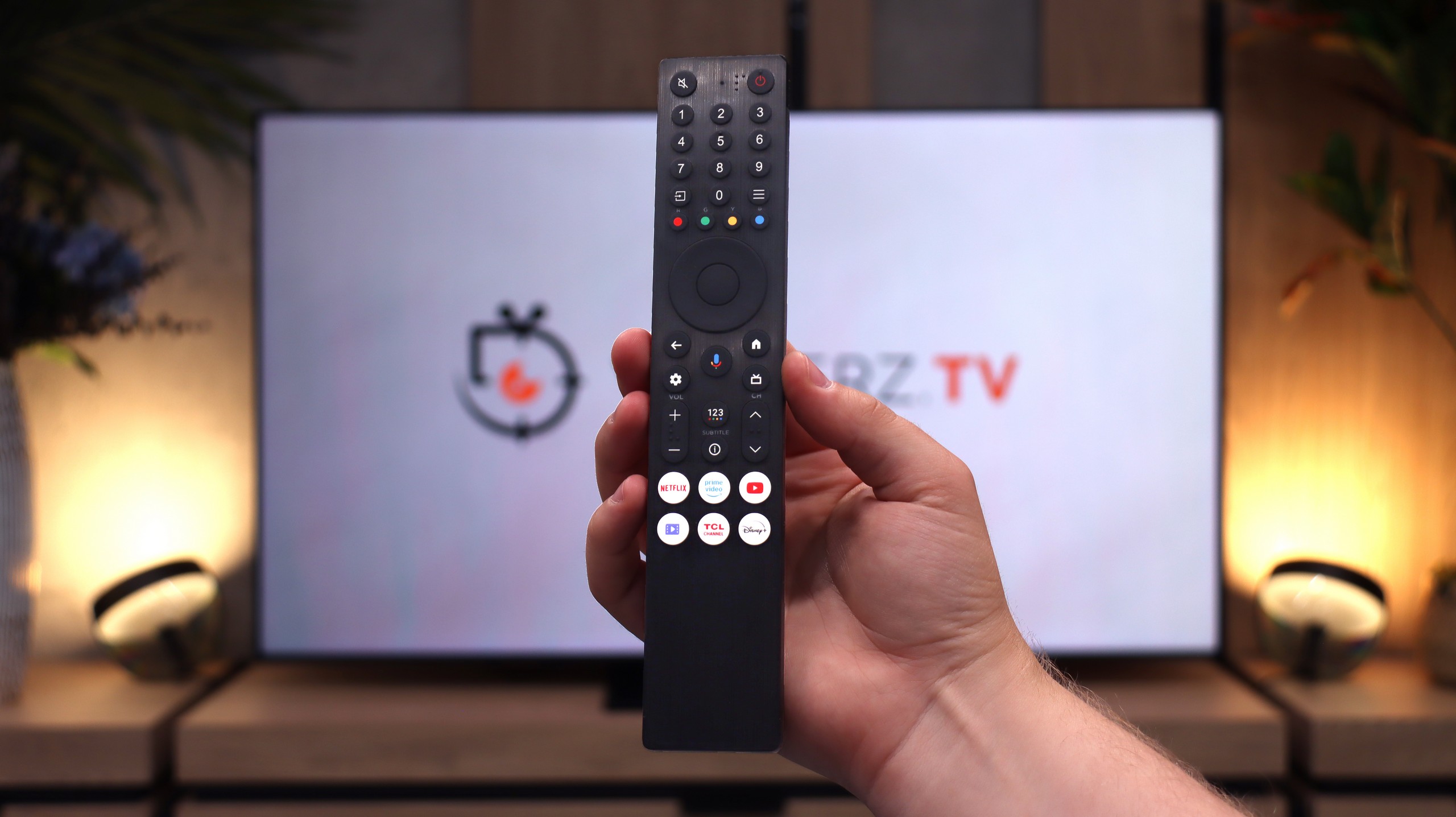
As for classic television functions, the P8K doesn't have much to boast about. The remote is simple and convenient, with a large number of buttons, and the presence of Bluetooth allows you to connect wireless headphones or a speaker. And really, that’s where the list of conveniences ends. You won’t find USB recording, PiP functionality, or even working teletext here. TCL has clearly focused on modern content and internet features, rather than classic solutions known from older receivers. This television is meant to shine in the world of applications and streaming – and that’s exactly what it does.
Google TV and Smart TV
The multimedia heart of the TCL C7L is of course the Google TV operating system, which provides access to a gigantic library of applications and all the most popular streaming platforms on the market. The Smart TV in this model works seamlessly, offering full support for useful network features such as Apple AirPlay or Chromecast. However, a huge and very pleasant surprise is the very performance of the software. We noticed that Google's system on the new C7L operates significantly more efficiently, smoothly, and quickly than on last year's TCL models. Much of this is due to better optimisation for the launch. Unnecessary pauses and minor interface stutters, known from older models, seem to have become a thing of the past.
Television Features
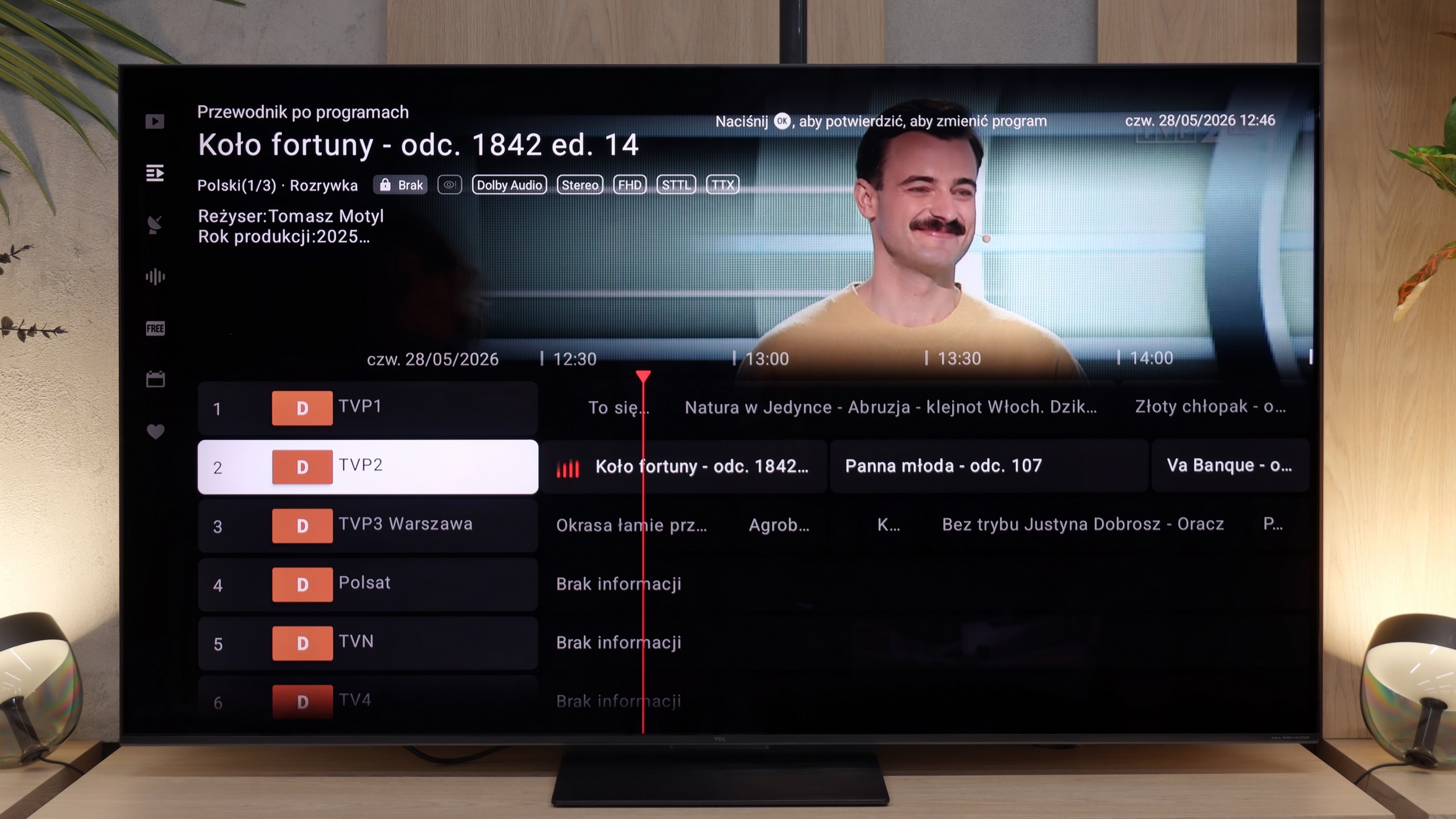
In terms of traditional aerial or cable television, the TCL C7L does not offer many additional advanced features. It is simply a straightforward receiver. The manufacturer did not strive for any revolutionary solutions here, so aside from the traditional programme guide, you won't find anything particularly special. A large nod towards traditional viewers is the classic remote control, which, contrary to the prevailing trend for minimalism, still features a full numeric keypad, making it much easier to switch channels quickly.
Apps
9.6/10
9.6/10






















Playing files from USB
8.9/10
9.4/10
Supported photo formats:
Maximum photo resolution:
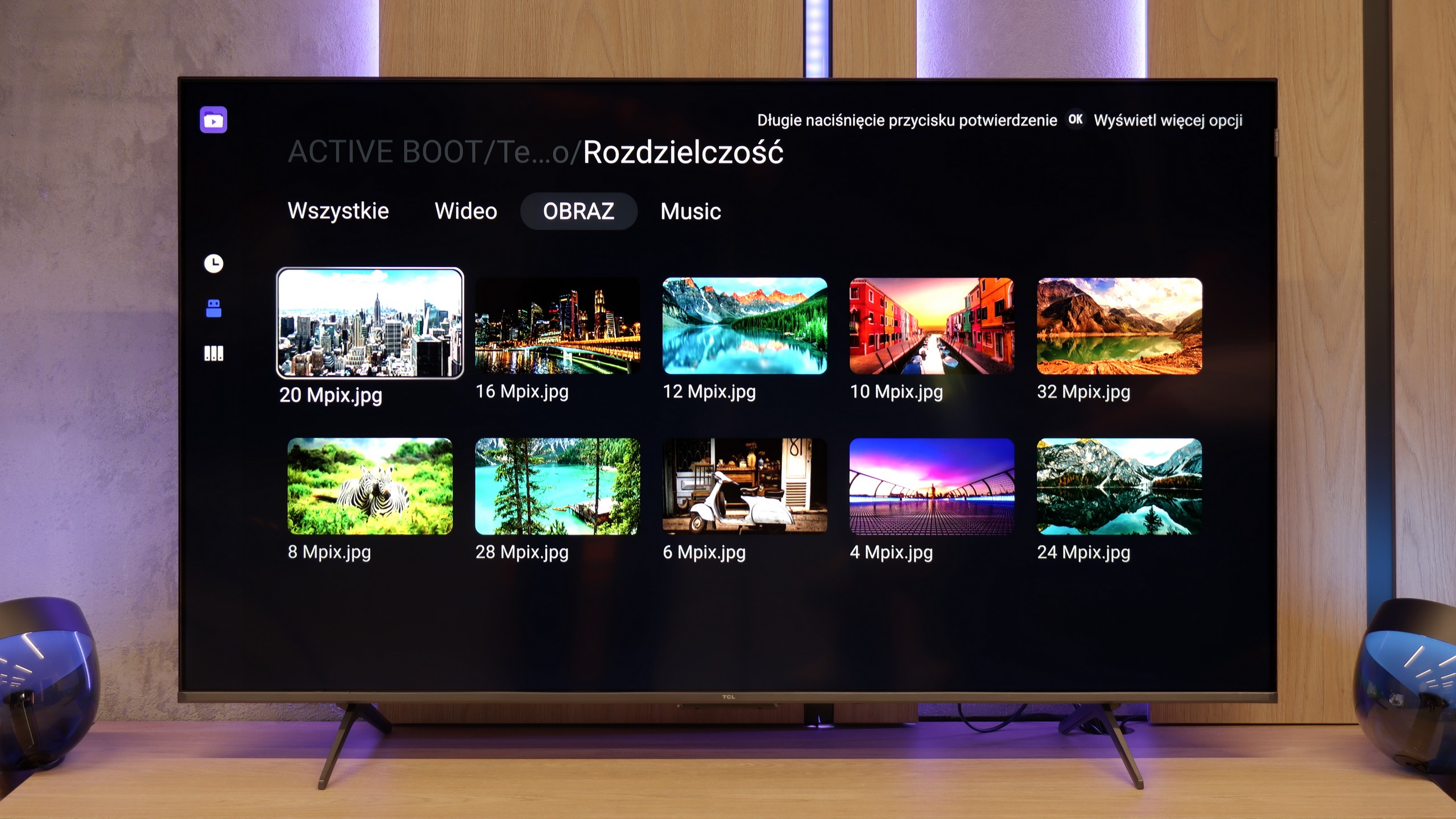
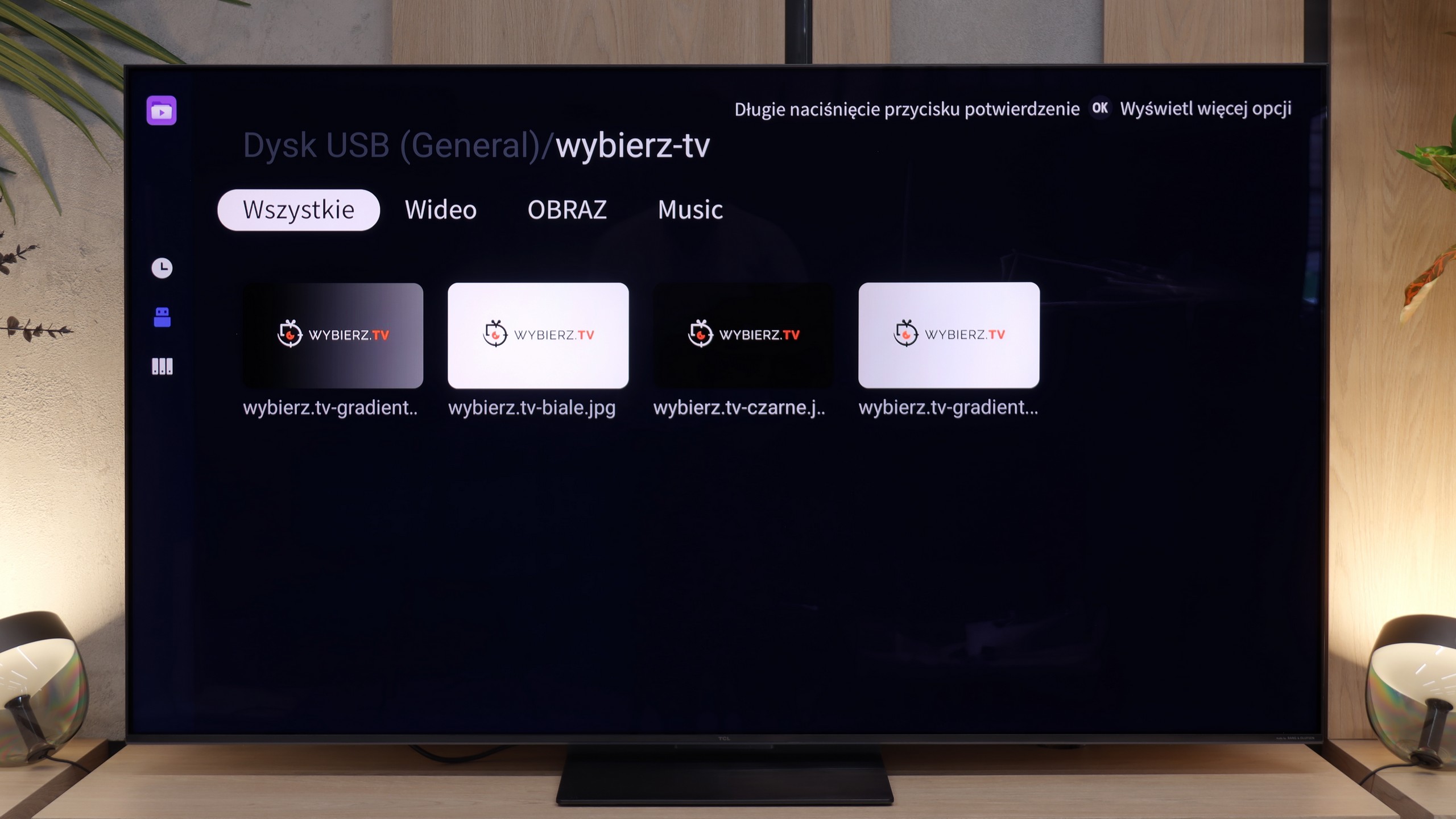
Playing files from USB on the TCL P8K is quite decent. The television handles most popular video formats, as well as subtitles and audio files, without any issues. Problems may only arise with less common codecs or unusual file containers that the built-in player simply does not recognise. Fortunately, with Google TV, this is not a problem at all - in just a few moments, you can download an external player, such as VLC, MX Player or Kodi, and the issue disappears.
At the very end of the multimedia section, it is worth mentioning the playback of files from external USB drives. During our tests, we did not notice any unpleasant surprises here – the factory player handles all popular video and audio formats exactly as it should. Interestingly, the TCL C7L also played photos saved in Apple's native format, namely HEIC, without any problems. This is an extremely rare feature in the factory applications of TV manufacturers. And although the Google TV system obviously gives you unlimited possibilities to install external media playback programs, in the case of the C7L, the built-in tool is refined enough that installing additional software will probably not be necessary for anyone.
Sound
6.7/10
7.7/10
- Maximum volume80dB77dB
- Dolby Digital Plus 7.1
- Dolby True HD 7.1
- Dolby Atmos in Dolby Digital Plus (JOC)
- Dolby Atmos in Dolby True HD
- DTS:X in DTS-HD MA
- DTS-HD Master Audio
For a television in this price range, the TCL P8K really manages to surprise with its sound. The 2.1 system used here, branded by Onkyo, along with the subwoofer placed at the back of the casing, offers surprisingly enjoyable, full bass and quite a wide soundstage. The sound is warm, and with the right material, one can even get the impression that the audio gains depth and character – something you rarely expect from a television at this price. It performs quite well for music. However, it is not perfect. The P8K is not one of the particularly loud televisions – during tests, we noticed a strange tendency to automatically lower the volume, even with the volume slider set to maximum. It seems to be the effect of some internal limiter designed to protect the speakers (or our ears). It’s a shame, as the potential in this setup is considerable, and without this limitation, the sound could have been even fuller.
The TCL C7L performs quite well and correctly. When it comes to sound quality, there has been practically no change compared to last year's model, the C7K. The manufacturer continues to use a speaker system branded Bang & Olufsen in a 2.2 configuration. The only thing that can be quite irritating during viewing sessions is the fact that after increasing the volume to higher levels – around above 50% on the scale – the volume no longer corresponds with the scale visible on the screen. The B&O audio system works great for daily viewing of current affairs or series at moderate volume, but if you are looking for good sound quality, it is worth purchasing at least a basic soundbar for the C7L.
Sound Quality Test
No sound test video
Acoustic Measurements
80dBC (Max)
75dBC
77dBC (Max)
75dBC