The TCL P8K is a television that immediately endears itself. It may seem cheap and from a lower range, yet it can surprise. This device demonstrates that you can also get equipment with character at this price – and it's specifically targeted towards a particular group of users. Because let's not kid ourselves, the P8K is a television designed with gamers in mind. With two HDMI 2.1 ports, VRR support, 4K at 120 Hz, HGiG, and even Dolby Vision in games – it sounds like something that was only recently found in much more expensive models. Additionally, it has a 144 Hz panel and the capability to achieve even 240 Hz on PC. At this price? It’s really hard not to smile. Moreover, it comes with Google TV, which has breathed life into this screen. Everything operates intuitively, with access to a vast library of applications and an efficient Google Assistant that actually understands what you say – even when you phrase it in your own way. Of course, this is not a perfect television. A brightness of 250–300 nits isn't overwhelming and probably won't impress in a sunny living room. But just an evening, a film, and a slightly darker environment reveal that this screen can do quite a lot. Thanks to dynamic tone mapping, the P8K performs surprisingly well in HDR, and the colours can look natural. In cinematic scenes, there's no question of a plastic, overexposed image – it's simply pleasant. Let’s not pretend that it competes with Mini LEDs or OLEDs – that’s not the point here. The P8K/P89K is meant to be a television that is simply enjoyable to use. And that is where its strength lies. For someone who wants to play games, watch Netflix, launch YouTube, and have it all in one simple device – it’s a home run. The TCL P8K shows that "cheap" does not have to mean "poor quality". It is a television with character that doesn’t pretend to be premium equipment, yet delivers a lot. And perhaps that's why it’s so easy to like.
- Matching (Score) |
- Our verdict |
- TV appearance |
- Where to buy |
- Contrast and black detail |
- HDR effect quality |
- Factory color reproduction |
- Color reproduction after calibration |
- Smoothness of tonal transitions |
- Image scaling and smoothness of tonal transitions |
- Blur and motion smoothness |
- Console compatibility and gaming features |
- Input lag |
- Compatibility with PC |
- Viewing angles |
- Daytime performance |
- Panel details |
- TV features |
- Apps |
- Playing files from USB |
- Sound
TCL P89K / TCL P8K vs Sony BRAVIA 7 II
 Direct comparison
P8K / P89K

BRAVIA 7 II / XR75M2
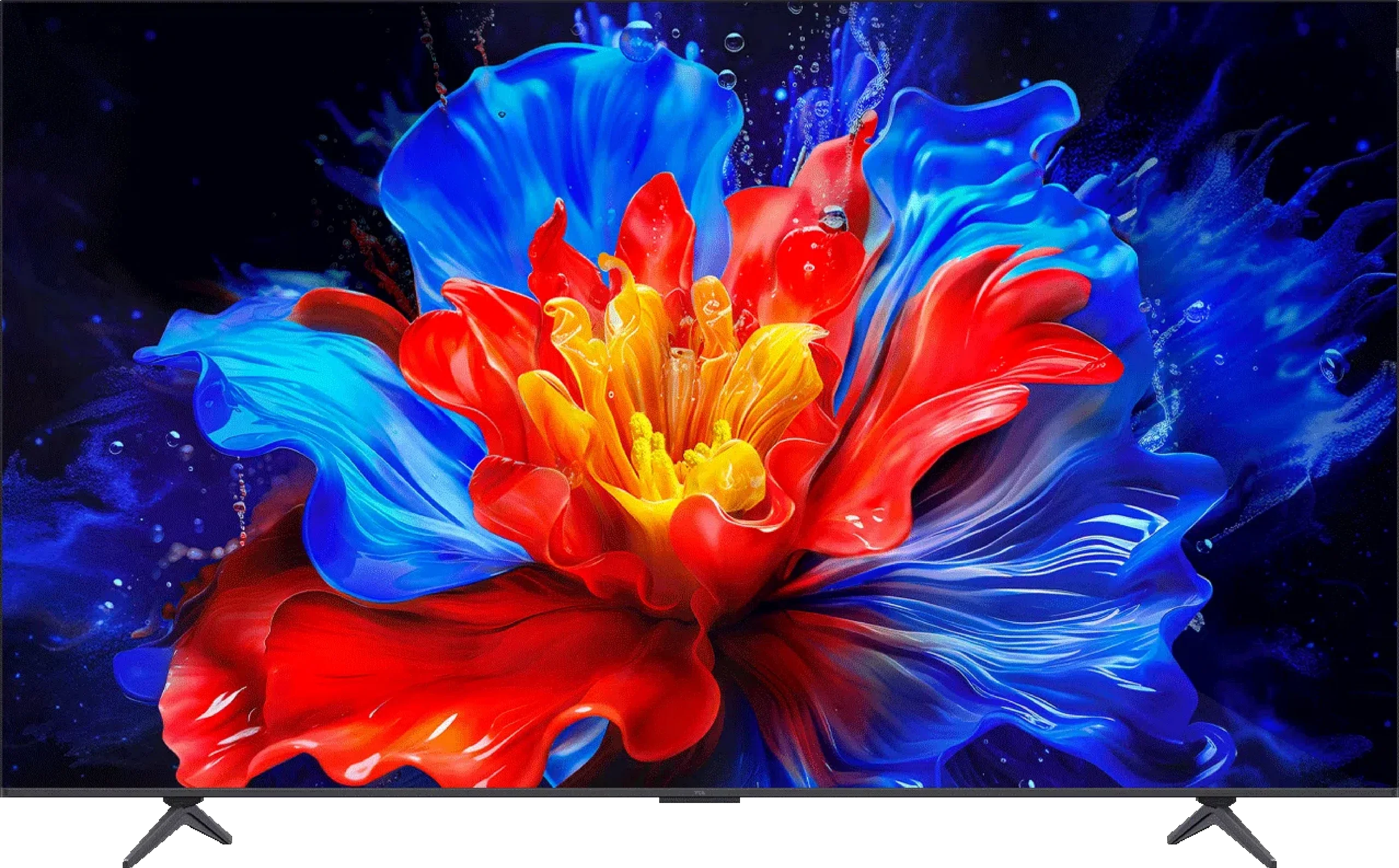
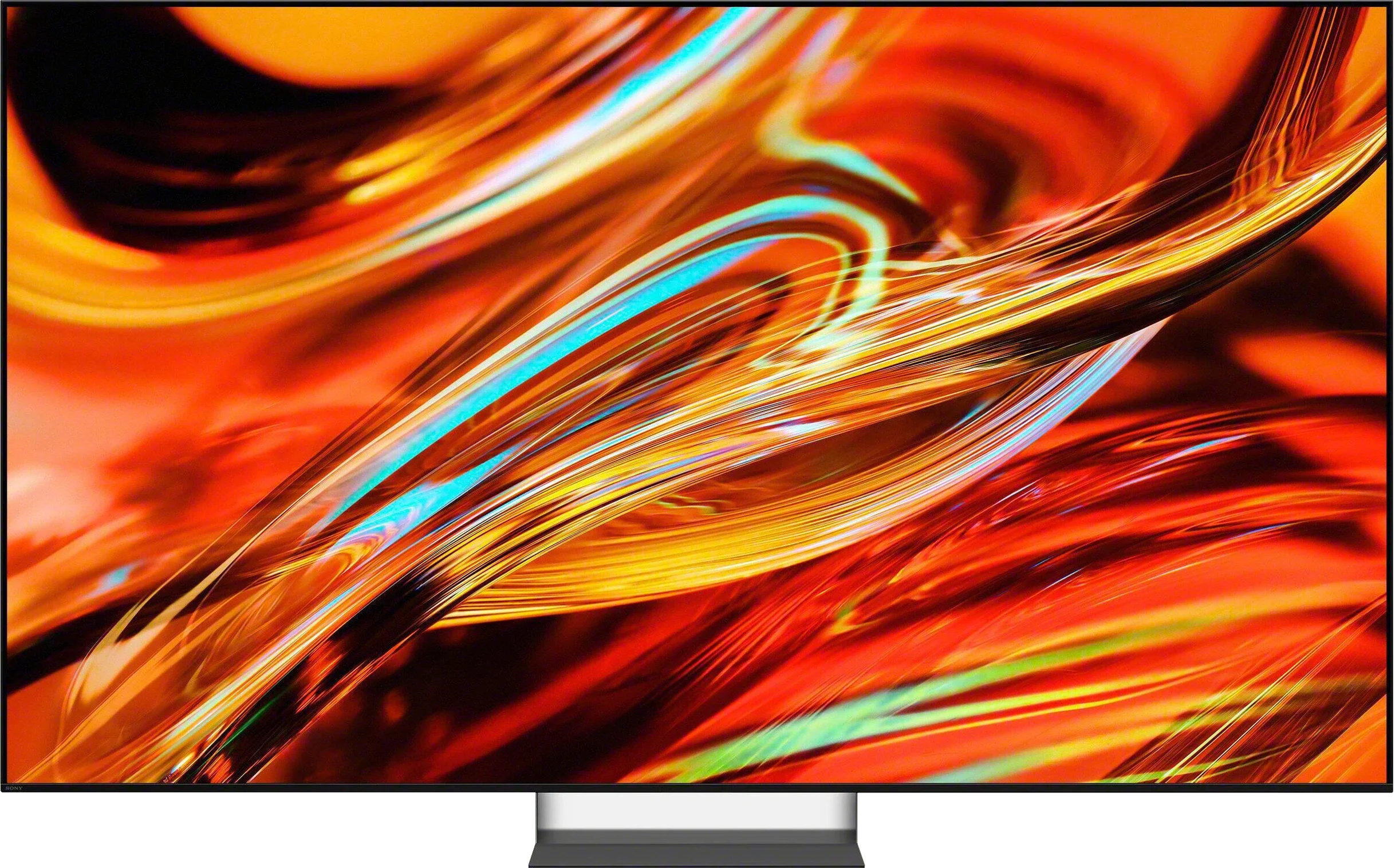
Panel type: LCD VA
Resolution: 3840x2160
System: Google TV
Model year: 2025
Complete the survey to find out the result
Panel type: LCD VA
Resolution: 3840x2160
System: Google TV
Model year: 2026
Complete the survey to find out the result
Overall rating
6.6
8.4
 Movies and series in UHD quality
 6.1
8.0
 Classic TV, YouTube
 6.0
8.0
 Sports broadcasts (TV and apps)
 6.1
7.7
 Gaming on console
 8.1
8.9
 TV as a computer monitor
 8.6
7.8
 Watching in bright light
 4.6
9.0
 Utility functions
 7.4
9.4
 Apps
Apps 9.6
9.6
 Sound quality
 6.7
7.8
Complete the survey to find out what fits your preferences
Advantages

Good contrast thanks to the VA panel
Google TV system with a large number of applications
Good motion fluidity. 144Hz panel
Excellent features for gamers: HDMI 2.1, VRR, 4K@120Hz, HGiG, Dolby Vision in games
Very good colour gamut coverage thanks to the PFS filter (QLED)
Very good compatibility with PC. 240Hz mode
Low input lag – gaming is smooth and responsive
Well-implemented HDR dynamic tone mapping feature. Despite low brightness: HDR content looks surprisingly good.
2.1 sound from Onkyo with a subwoofer – surprisingly good bass
Very attractive price
Very high contrast and excellent blacks for a Mini-LED
High brightness and very good HDR performance
Very good reproduction of the director's vision
Wide colour gamut thanks to True RGB
Excellent upscaling and digital image processing
Good viewing angles for a VA panel
120 Hz, VRR, ALLM, HGiG: plenty of features for gamers
Very low input lag
Excellent Google TV performance and extensive user features
Two remotes included
Support for Dolby Vision, Dolby Atmos and DTS
Disadvantages

Low brightness – around 250–300 nits
Very poor viewing angles
Average digital image processing
Incorrectly implemented Dolby Vision mode
System errors and glitches occur
Not very loud sound, volume limiter in operation
Only two HDMI 2.1 ports, one of which is shared with eARC
No high refresh-rate modes for PC gamers (above 120 Hz)
No option for precise colour calibration (CMS)
Worse motion handling than last year’s Bravia 7 (XR70)
Our verdict
The Sony Bravia 7 II is a TV that shows RGB Mini-LED doesn't have to be reserved just for the wealthiest customers. Although in some areas it's clearly positioned below the Bravia 9 II, in everyday use it doesn't feel like a severely stripped-down model. What really makes the difference is the combination of very good black levels, high brightness and Sony's excellent algorithms. As a result the picture is striking, yet it stays very true to how a film should look. HDR performs particularly well, with the Bravia able to show a lot of light without losing detail. The True RGB backlight itself also has its advantages. It gives the TV a wide colour gamut and improves viewing angles, which for a VA panel are really good. That doesn't mean, however, that RGB Mini-LED suddenly solves all the limitations of LCD TVs. We can still see haloing around small bright elements, and the backlight's colour capabilities are not used to their full extent in every scene. Nonetheless, Sony controls all this very well, and the way the picture is managed is one of the Bravia 7 II's greatest strengths.
Image processing also remains a considerable advantage over many competitors. Upscaling, smoothing weaker tonal transitions and HDR mapping are among this model's strengths. Add Google TV, a good feature set, very low input lag and a practically complete set of features for gamers. However, there are things in a TV of this class that are hard to understand. The most notable gripe is the presence of only two HDMI 2.1 ports, one of which is also eARC. Sony also sticks with 120 Hz, while the competition increasingly offers 144, 165 or 180 Hz. Ultimately the Bravia 7 II defends itself primarily as a very complete TV. It doesn't try to win on a spec sheet and in a few areas the competition will offer more. Sony makes up for that where the specifications don't tell the whole story, with image processing, very good HDR tuning, backlight control and the overall picture quality in films. That's exactly what makes the Bravia 7 II one of the more interesting Mini-LEDs of 2026, especially for people looking for a bright, all-purpose TV for films, television, sport and gaming, but who don't necessarily want to go for OLED.
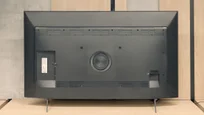
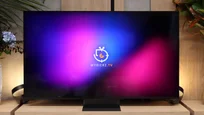
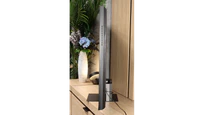
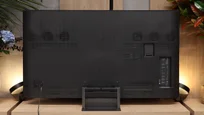
TV appearance



Contrast and black detail
5.5/10
8/10
Local dimming function: No
Local dimming function: Yes, number of zones: 432 (18 x 24)
Contrast:


Result
5,650:1

Result
3,950:1

Result
5,700:1

Result
5,450:1

Result
2,600:1
Result
173,850:1
Result
27,750:1
Result
155,550:1
Result
6,800:1
Result
5,300:1
Halo effect and black detail visibility:
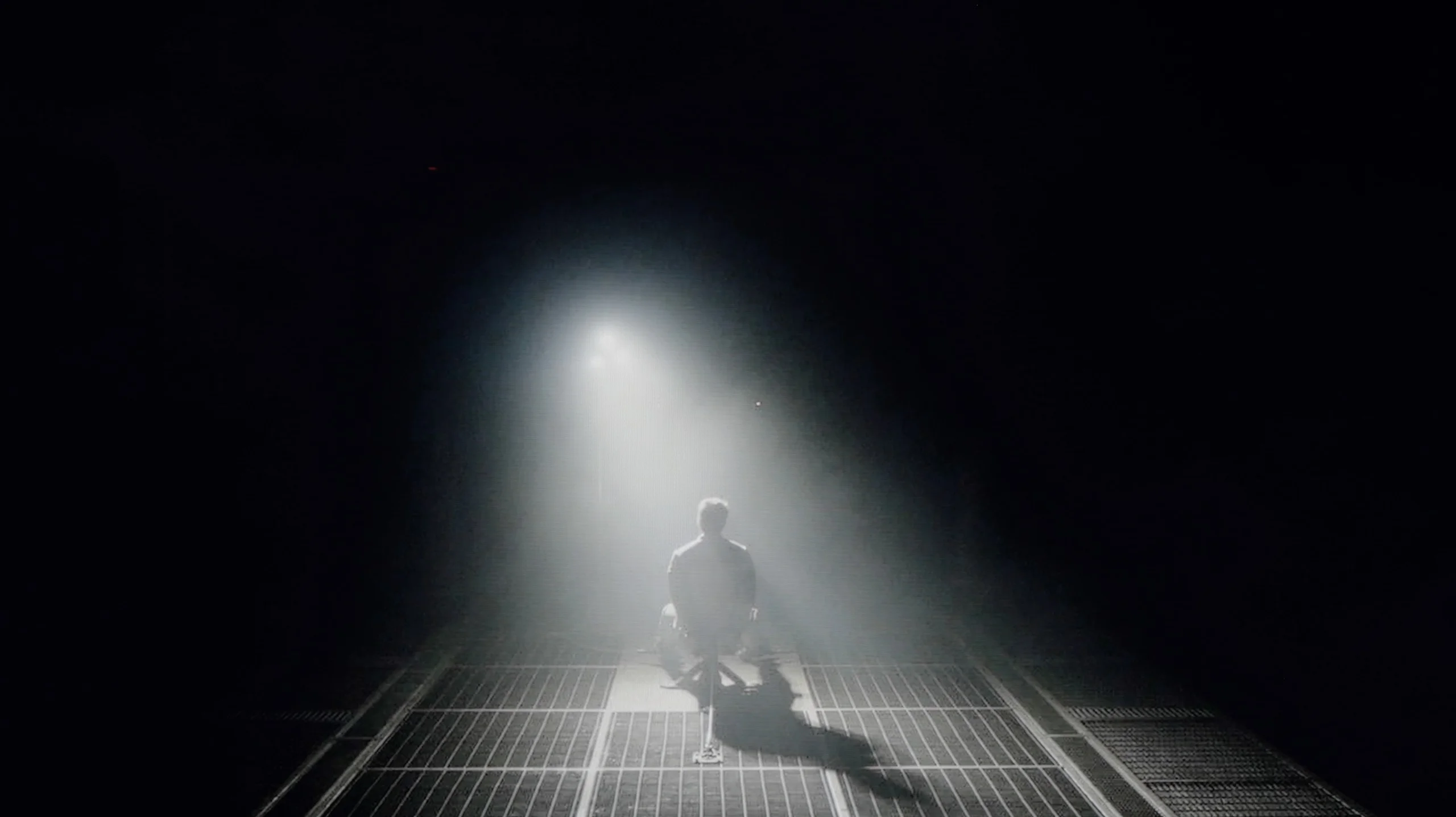
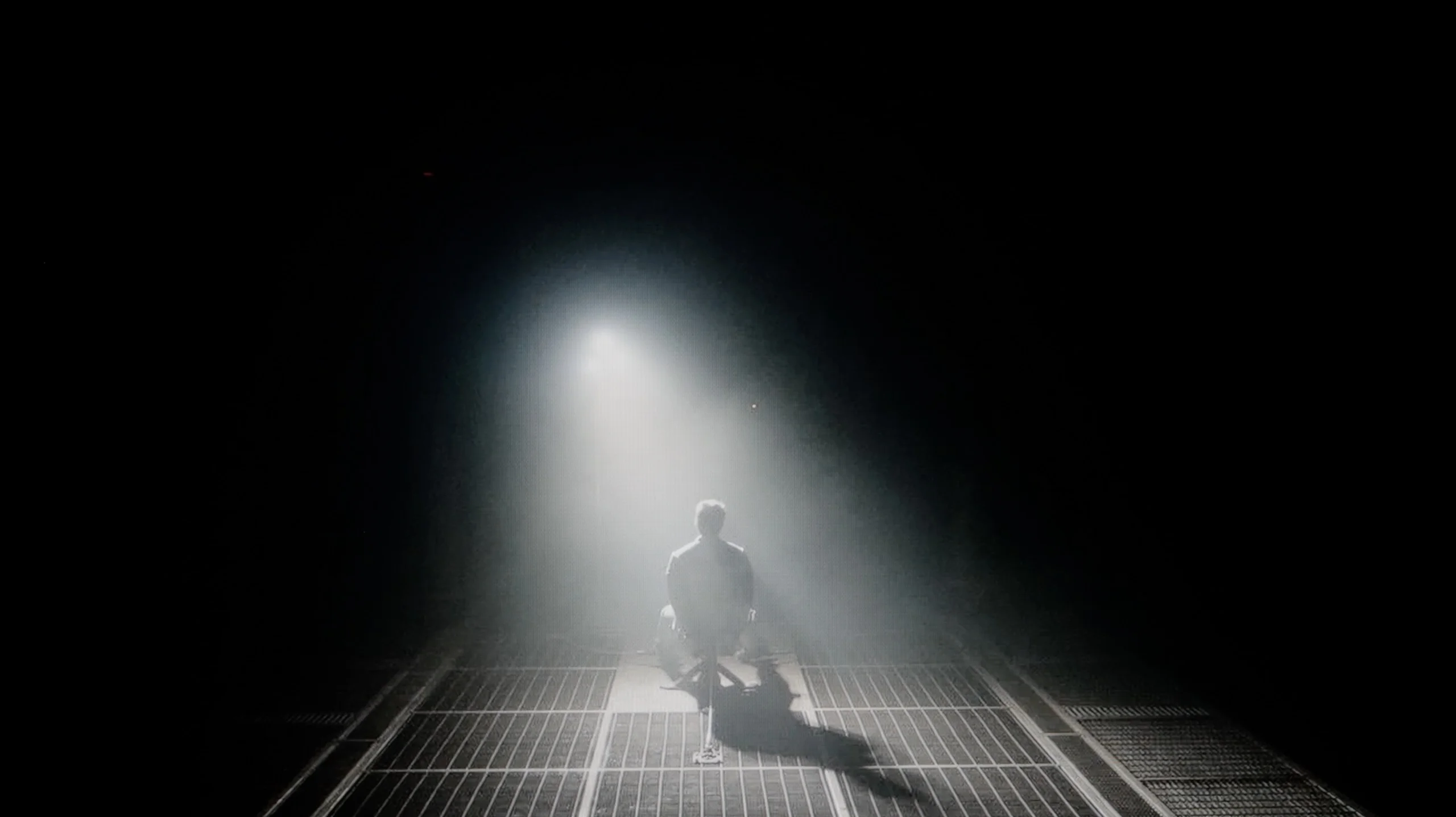
Check the visibility of bright lights on a dark background. Mini-LEDs often struggle with this. The photo does not compare black levels – that’s what the video below is for.
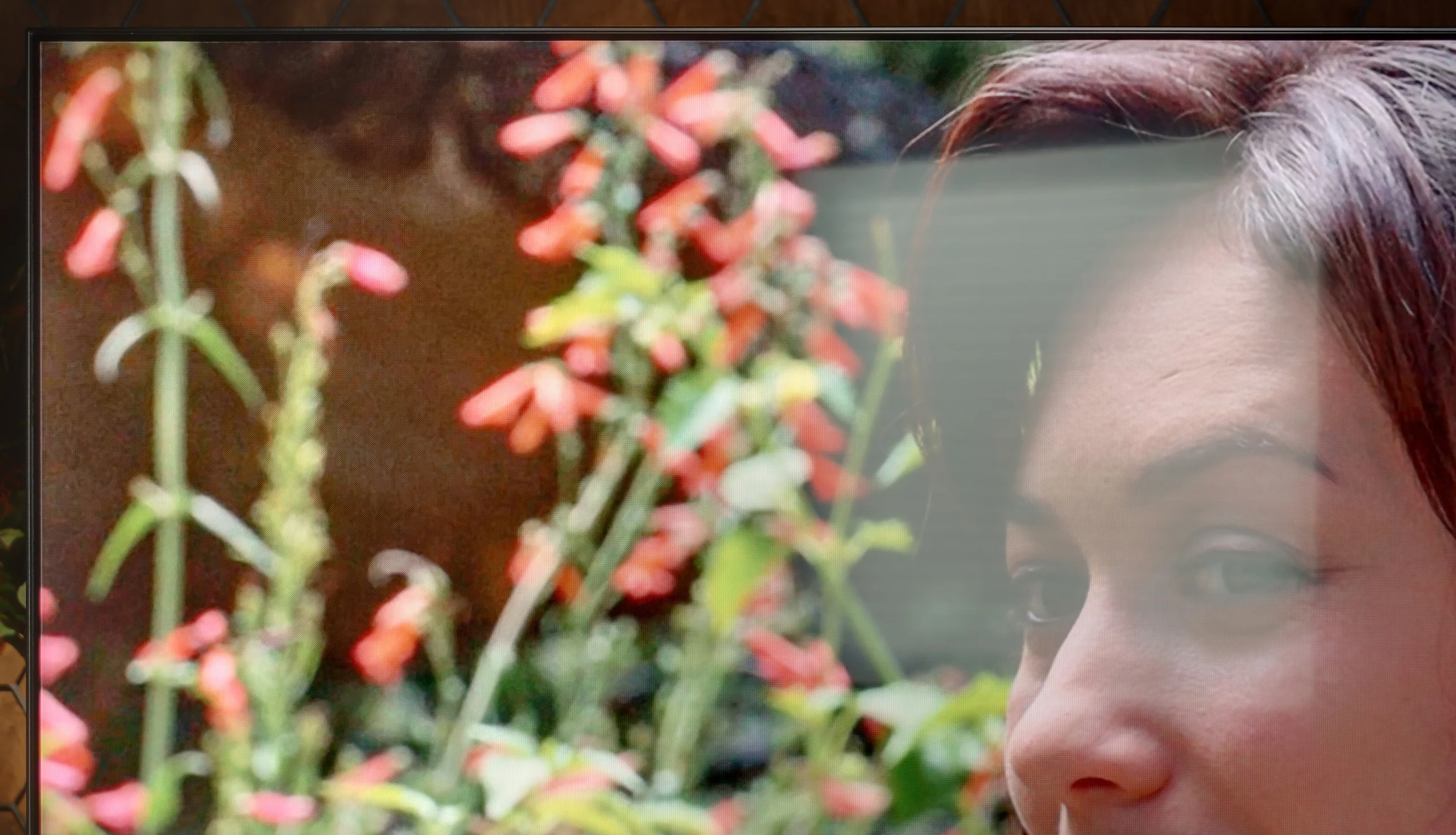
TCL P8K is an example of a television that shows that even in the lower tier, one can still encounter solid contrast. The VA panel does a really good job here – a measurement around 6000:1 may not sound spectacular, but in actual scenes it produces an effect that simply delights the eye. In the darkness of the forest in "The Revenant" or in the futuristic shots of "Oblivion", depth and light separation are visible, which is difficult to expect from equipment at this price. The P8K can render darkness without the feeling that everything is drowning in grey. The Direct LED backlighting also works in its favour. Of course, we do not have any local dimming here, but the system can dim the entire screen when the scene requires it or slightly brighten it to bring out details in bright areas. This is somewhat of an analogue approach to contrast – simple but effective. On the test pattern from the legendary Pioneer Kuro, it was well evident: the television prioritised bright points while the background lost some depth; however, it still maintained a decent appearance. Of course, there is no perfectly inky black here. In a dark room, it is noticeable that the black leans towards blue, but despite this, the overall presentation is simply good. Under normal home conditions, the contrast is entirely sufficient to feel the cinematic atmosphere.
The Sony Bravia 7 II, in the 65-inch variant we tested, uses a VA panel and an RGB Mini-LED backlight divided into 432 local dimming zones. That already provides a solid foundation for achieving very good black levels, although one thing is worth noting. There are fewer zones here than in last year’s Bravia 7, which had 512 in the same size. Has this affected contrast? Interestingly, no. The Bravia 7 II handles blacks even better than its predecessor and clearly shows how much depends on the algorithms themselves. Sony controls the backlight very well and in many scenes can achieve truly deep blacks, while at the same time not losing detail in the dark areas of the image. There are no instances where the TV tries to force perfect black at all costs, cutting out some details in the process.
The smaller number of zones only becomes noticeable in the most demanding scenes. A starry sky, text on a black background or many small bright elements displayed at once can already cause a halo effect. What’s interesting, however, is how that halo looks. Thanks to the RGB backlight, the glow can take on the colour of the displayed object. So if there is a small red object on a black background, the glow around it will also have a red tint. It does not disappear completely, but as a result it contrasts less with the object itself and the image looks more consistent than on conventional Mini-LEDs that use white backlights.
HDR effect quality
4.5/10
7.7/10
Luminance measurements in HDR:

Result
207 nit

Result
238 nit

Result
313 nit

Result
251 nit

Result
299 nit
Result
1715 nit
Result
1182 nit
Result
1401 nit
Result
571 nit
Result
1260 nit
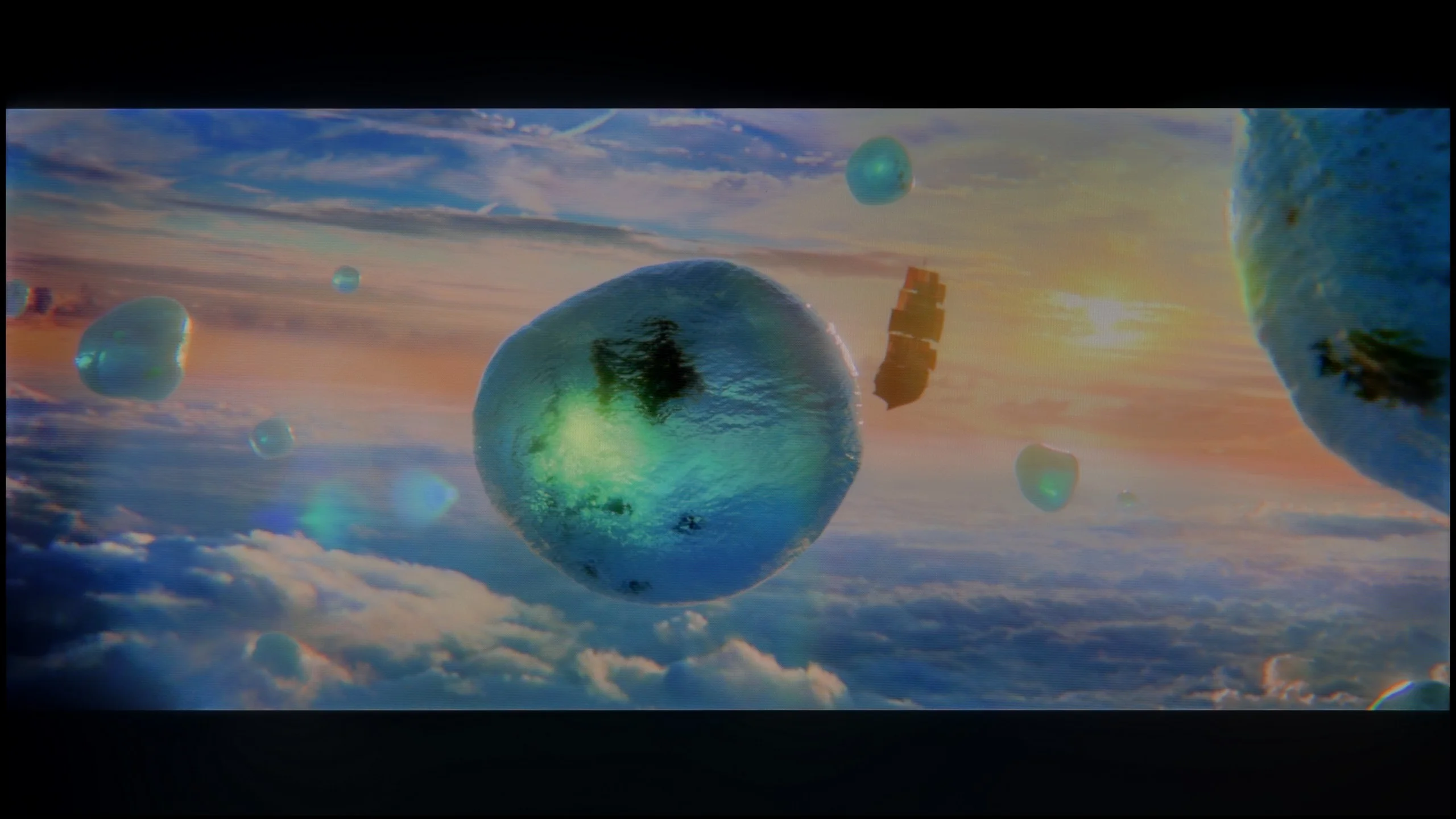
Scene from the movie “Pan” (about 2800 nits)
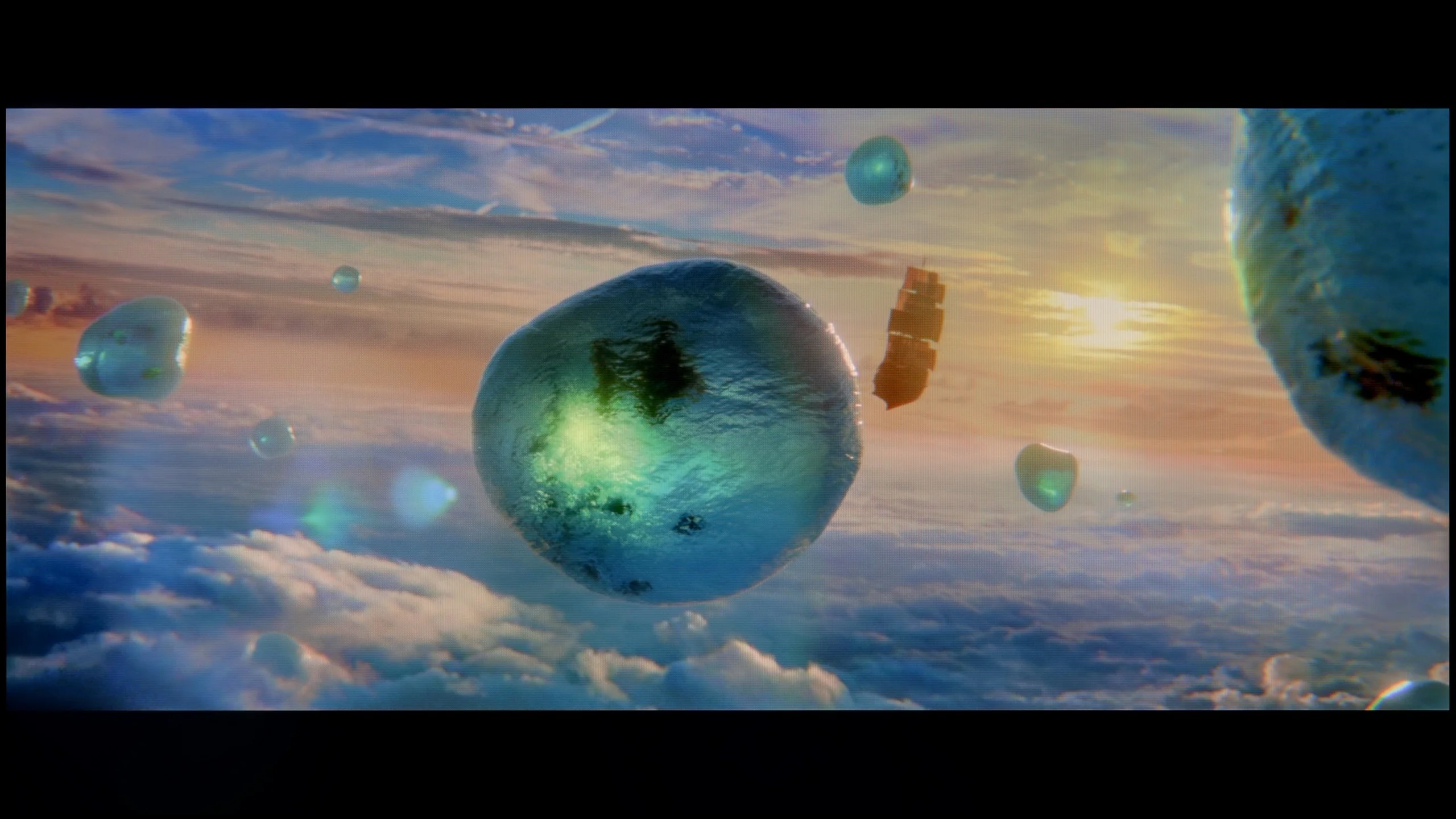
Scene from the movie “Billy Lynn” (about 1100 nits)
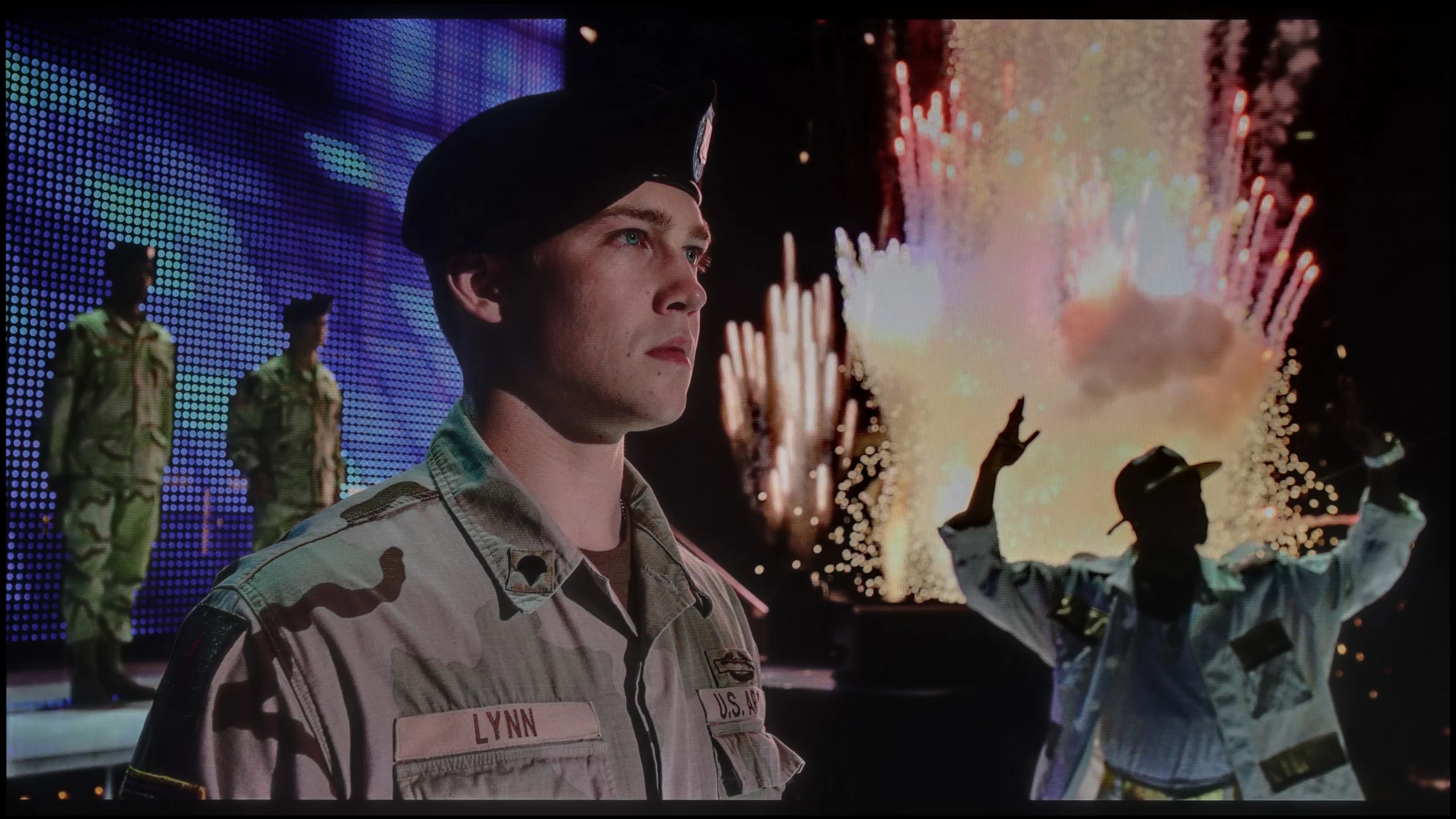
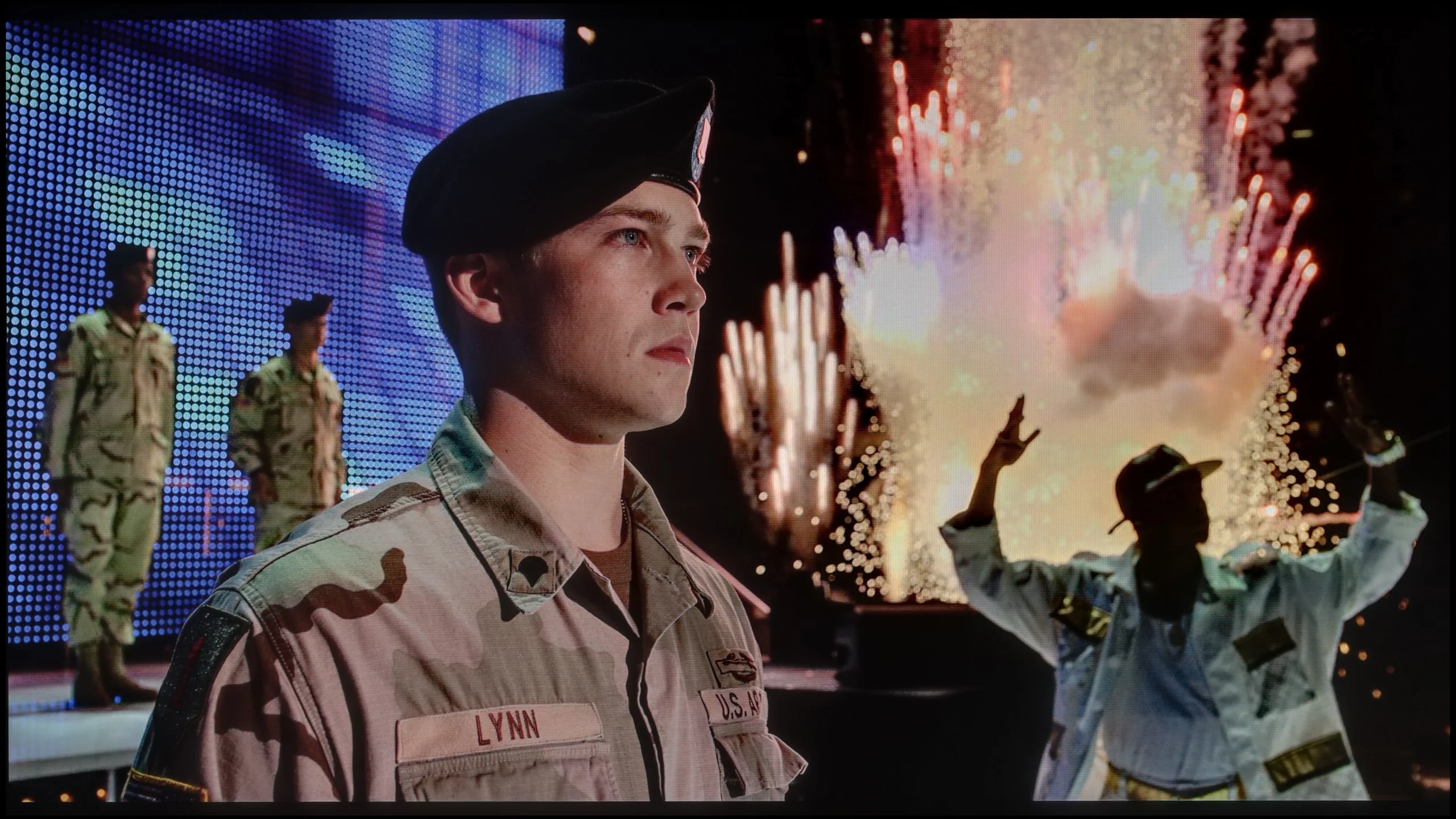
The photos show two HDR10 movies. 'Pan' is one of the brightest productions ever made, while 'Billy Lynn' (soldier) has brightness typical of streaming (Netflix, Prime, HBO MAX). Notice the intensity of effects and detail in whites.
Static HDR10


The photos present the visibility of white details in various HDR formats. They do not show brightness differences between TVs (these can be compared in the previous gallery).
Dynamic: Dolby Vision
Dynamic: Dolby Vision


The photos present the visibility of white details in various HDR formats. They do not show brightness differences between TVs (these can be compared in the previous gallery).
HDR luminance chart:
Sony BRAVIA 7 II
TCL P89K / TCL P8K
The maximum brightness of the TCL P8K is around 300 nits, although in real film scenes, the television maintains more of a level of about 250 nits. These values cannot be considered sufficient to achieve a full HDR effect – they are closer to a solid base for SDR content. Therefore, we will not see spectacular flashes, bursts of light, or moments in which the screen actually "blinds," as is the case with more expensive models. This makes the image somewhat flat, and the differences between light and shadow are more symbolic than realistic. Fortunately, TCL has a few aces up its sleeve that save the overall reception. One of these is the coverage of the DCI-P3 colour palette at around 93–94%. Thanks to an additional QLED layer (PFS LED), the colours gain depth and intensity, clearly surpassing standard LCD panels. As a result, although there is a lack of the typical "wow effect" associated with HDR brightness, the image itself can impress with its saturation and vibrant tones, making film scenes pulse with colours and not appear strongly washed out.
The Sony Bravia 7 II handles HDR very well and, above all, is simply a bright television. In the correct viewing mode, Professional, we measured around 2,000 nits of peak brightness, so the panel’s capabilities are truly significant. Of course, with Mini-LEDs a test pattern result is only part of the story, because a lot still depends on how the TV controls the backlight in real scenes. Here Sony’s algorithms perform very well. Depending on the scene, the brightness we measured in films ranged from roughly 1,100 to as much as 1,700 nits. That’s already a level at which HDR has proper punch and bright highlights can be genuinely impressive. It isn’t perfect in every situation, though. With small bright elements on a very dark background the Bravia 7 II clearly favours maintaining good blacks, which can cause their brightness to drop to around 500 nits. It still looks good, but you can see the TV does not always manage this without compromise.
Colours
The second thing that has a huge impact on HDR is, of course, colour. And this is precisely where True RGB technology was meant to bring one of the biggest changes. Looking at the panel’s capabilities alone, the Bravia 7 II performs very well. We measured about 98% DCI-P3 coverage and 88% BT.2020, so the potential to show strongly saturated colours is really large. In RGB TVs, however, the situation is a bit more complex. When we repeated the same measurements with a film background applied, palette coverage fell to around 92% DCI-P3 and 78% BT.2020. Those are still good figures, especially for an RGB Mini-LED TV, but they clearly show that the final result largely depends on how the algorithms control the three backlight colours. In most scenes the Bravia 7 II handles this well and colours retain high saturation. The biggest differences are visible in shades of blue, where samples begin to deviate more noticeably from reference values and coverage is weaker than for the other primary colours. True RGB therefore offers genuinely greater potential here, but, as with brightness, much depends on what is happening on screen.
Factory color reproduction
5.4/10
7/10
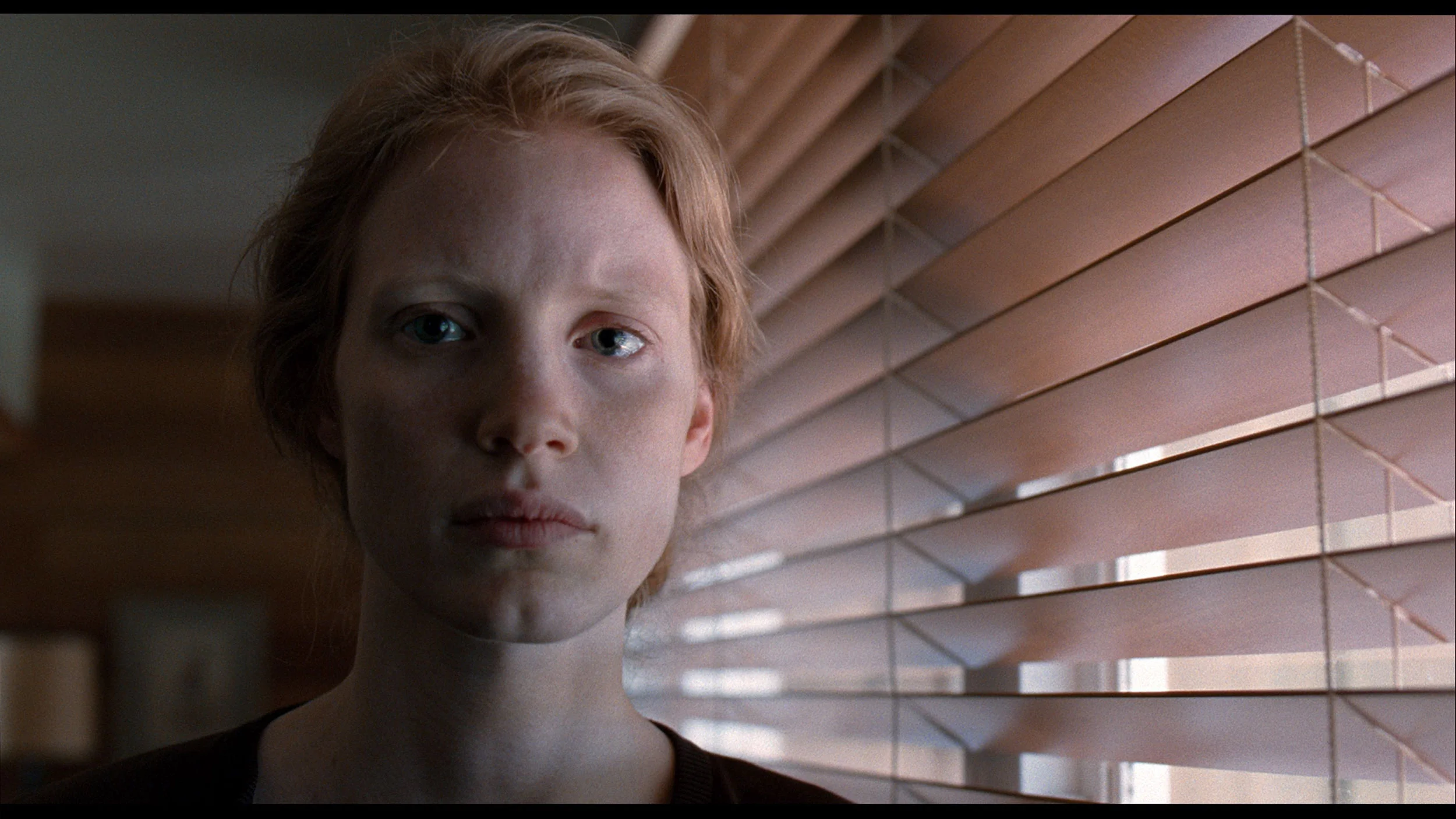
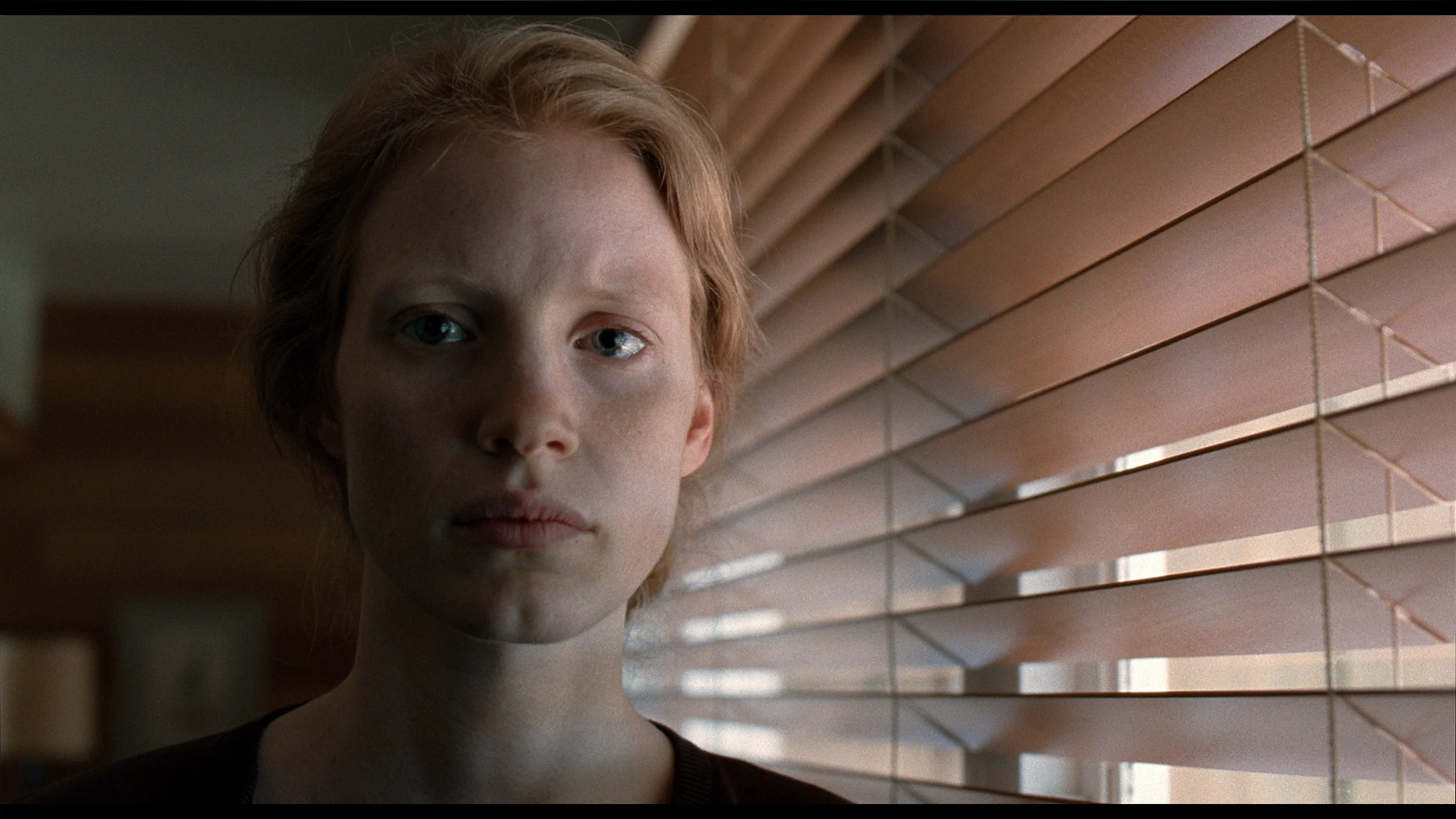
This gallery shows how colors change after professional TV calibration. If you notice the difference, we recommend ordering this service at SkalibrujTV.com.
Factory Mode
After calibration
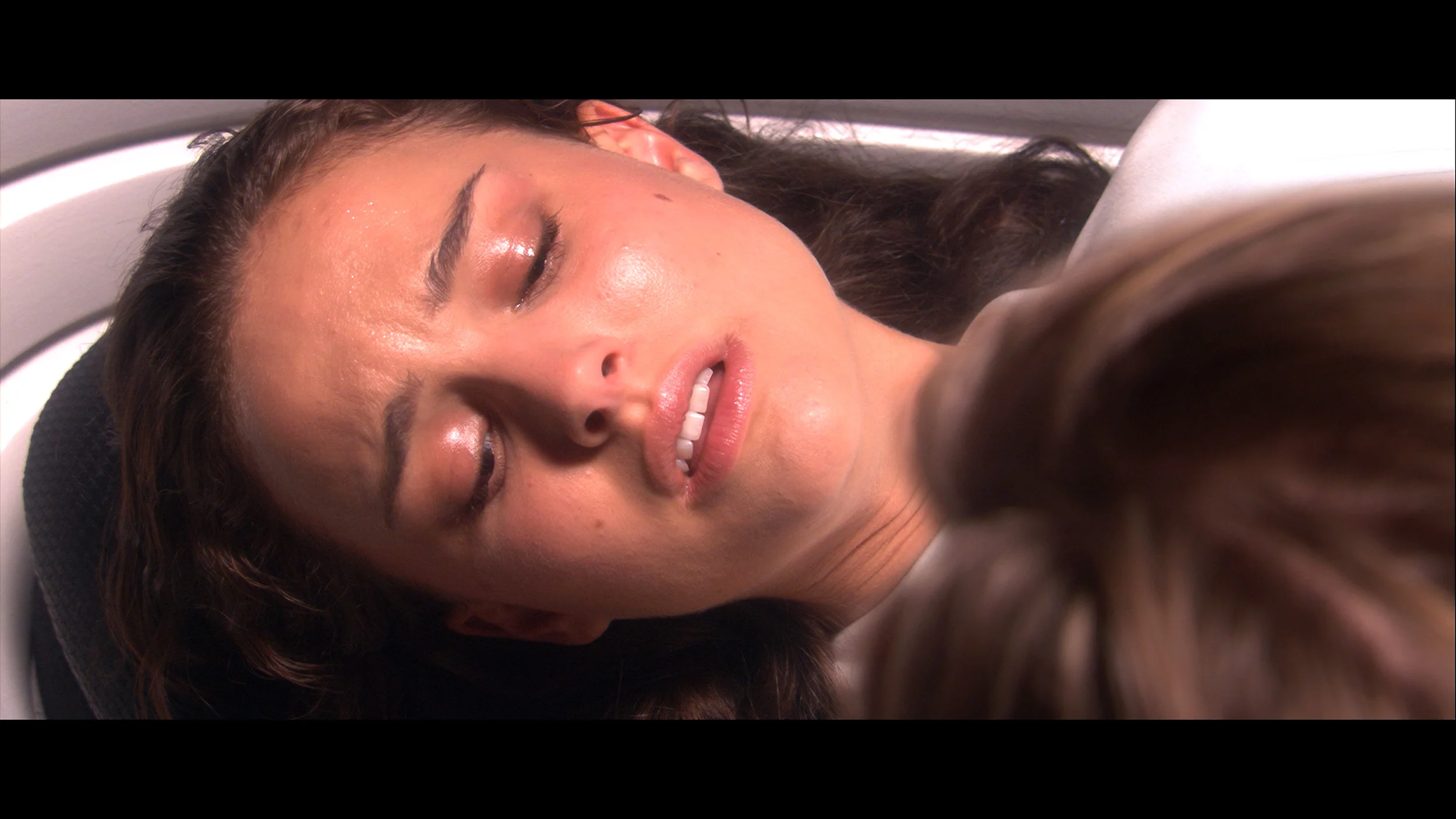
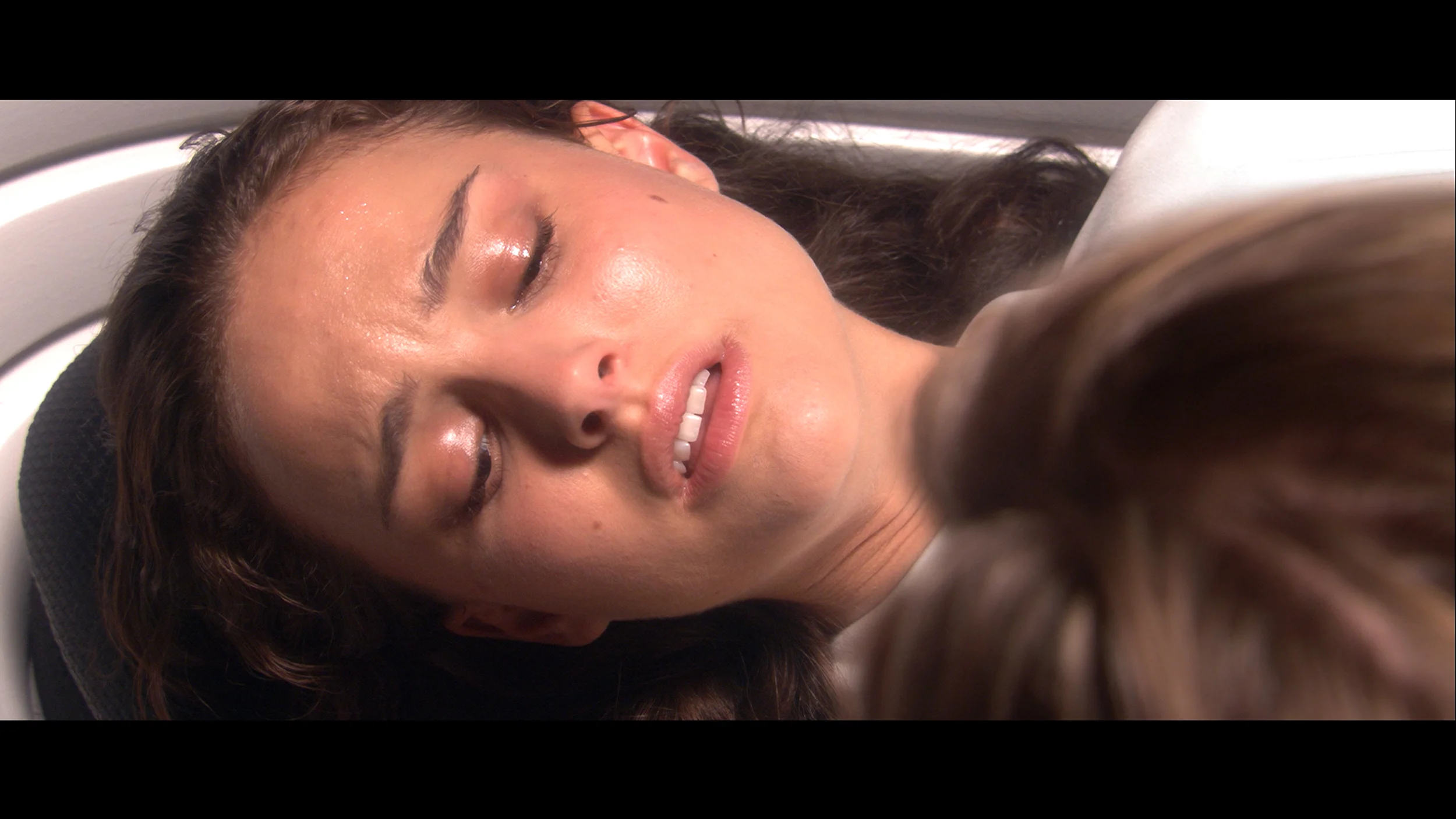
This gallery shows how colors change after professional TV calibration. If you notice the difference, we recommend ordering this service at SkalibrujTV.com.
Factory Mode
After calibration
In Filmmaker mode, the TCL P8K revealed certain imperfections in image reproduction from the outset. We noticed that the television had a tendency to slightly brighten scenes – its gamma was somewhat low, causing the image to appear slightly "washed out", lacking depth, as if the contrast had slipped out of control. This was most evident in HDR content, where the EOTF brightness graph clearly deviated from reference values. As a result, darker areas of the image appeared too gloomy, while brighter areas did not always reach the correct level of luminance. Another noticeable issue was a slight overemphasis on blue – the television stubbornly boosted this colour, causing certain parts of the image, especially skin tones and reds, to have a subtle purple tint. This is not a major flaw, but it is noticeable to a trained eye. Fortunately, most of these errors could be corrected during calibration. You can see the results of this adjustment in the graphs and photos below.
To evaluate the factory colours we chose the Professional mode, because it performs best among the available settings. However, it is not perfect. In SDR the white balance drifts slightly towards magenta, making some scenes look a little warmer and less neutral than they should. A bigger problem is the gamma, which sits closer to 2.5 than to 2.4. This makes the image a bit too dark in places, particularly in the midtones. In HDR the situation is better. As brightness increases a little too much red appears, but this is not an issue that is highly noticeable during viewing. Overall the Professional mode is a good starting point, although you can get a bit more out of it after calibration.
Color reproduction after calibration
7.5/10
8.8/10
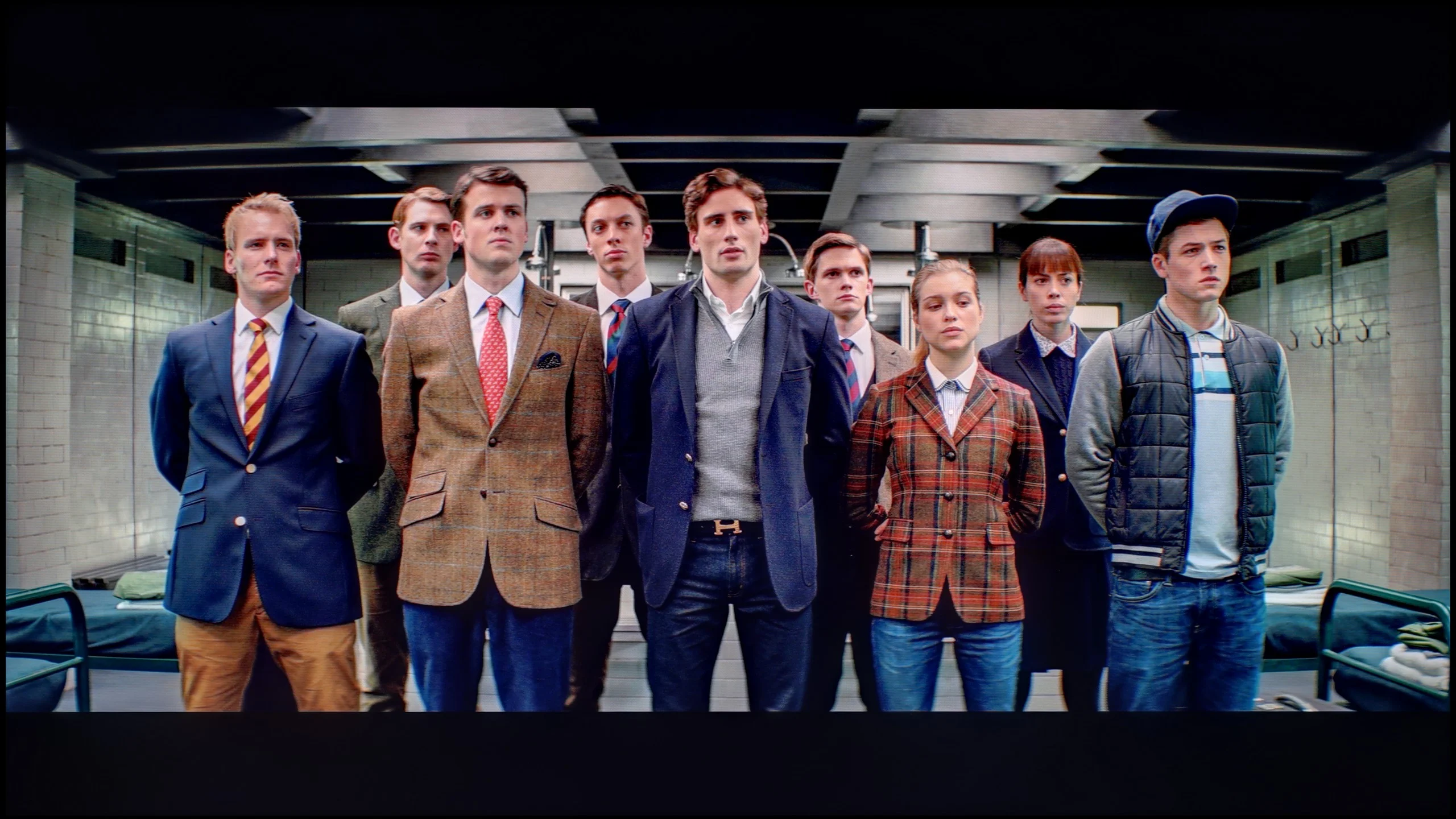
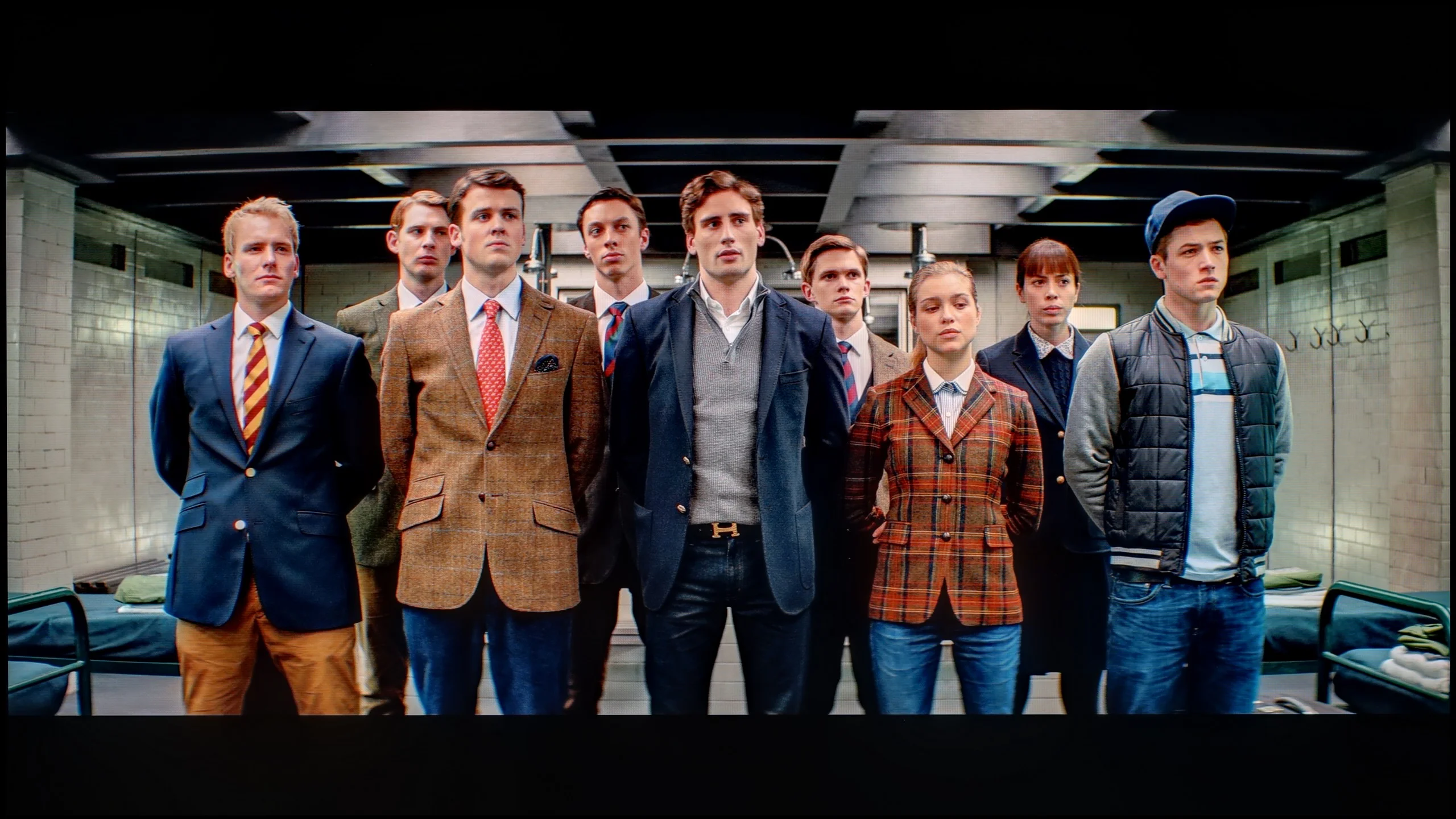
The photos show how movies look on the TV. Pay attention to black detail visibility, colors, and shadow tint.
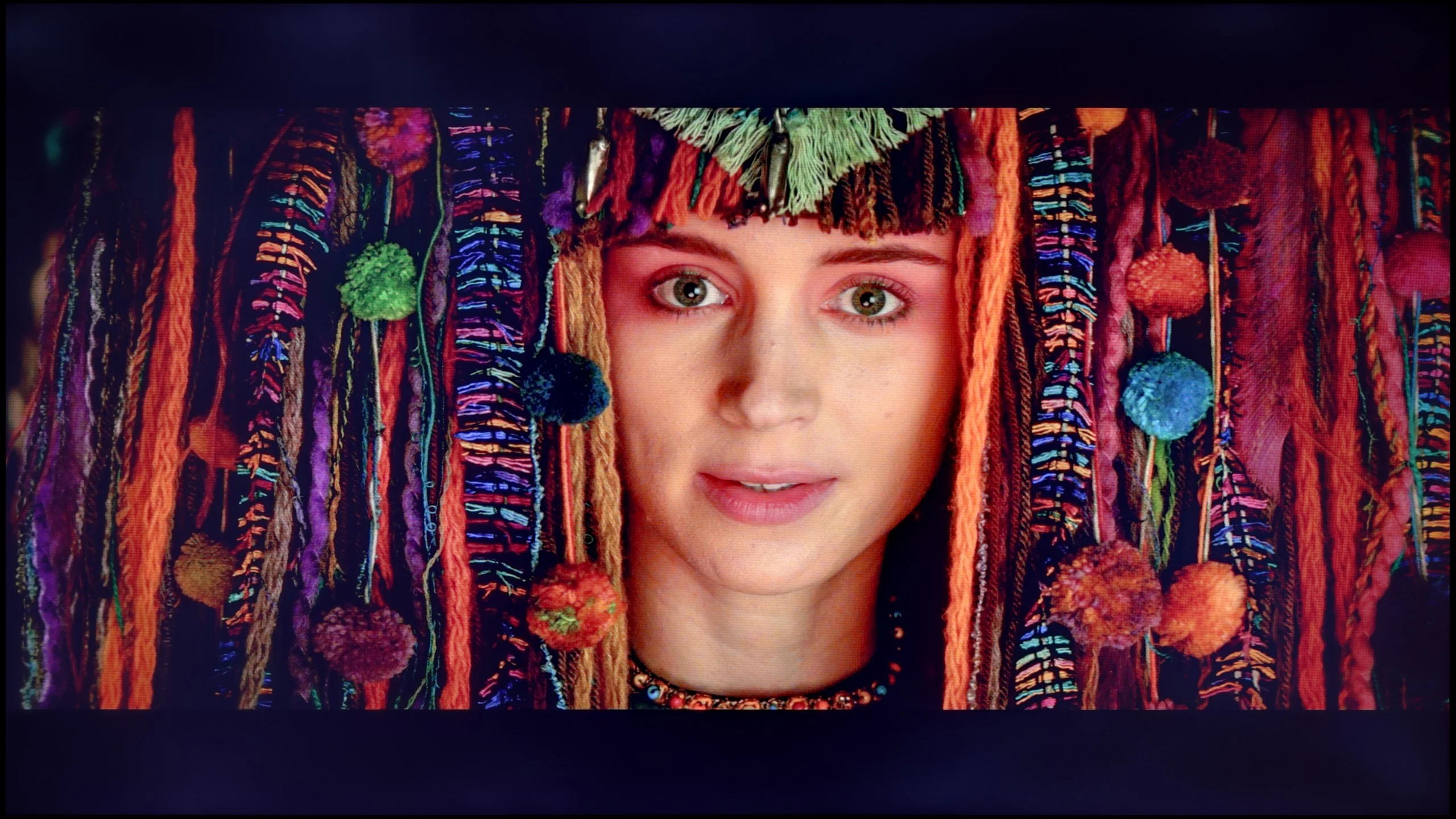

The photos show how movies look on the TV. Pay attention to black detail visibility, colors, and shadow tint.
After calibration, the TCL P8K showed a completely different face. It managed to achieve nearly perfect, even reference-level color reproduction in both SDR and HDR content. The screen no longer had a tendency towards a cool tint, and the white balance was perfectly balanced. The gamma values for SDR material also finally look as they should – the image has the proper depth and no longer appears washed out. The only remark that can still be made about the P8K concerns its "Chinese" traits, known from most TCL models. The TV still likes to manipulate saturation in HDR content in its own way – sometimes slightly boosting it, sometimes smoothing it out, which means the effect is not always fully predictable. Nevertheless, after calibration, the colors look stunning, and their accuracy is truly surprising. In most cases, measurement errors dropped below values of 1-2, which is a result that significantly more expensive models would not be ashamed of.
After calibration the Bravia 7 II can look decidedly better. Above all, we managed to set the white balance very well, both in SDR and HDR. Gamma can also be improved, which after correction runs very close to the reference value. And in fact, for most users these changes will have the greatest impact on the picture. There is, however, a limitation when it comes to the colours themselves. In the Bravia 7 II Sony does not provide access to a classic CMS that would allow us to correct individual hues separately. A lot is therefore left in the hands of the algorithms controlling the True RGB backlight. If the TV misrepresents a particular colour, we are not always able to do anything about it. In our measurements this is most visible in certain reds and blues, where errors can still be quite large. This does not, however, undermine the point of calibration itself. Correctly setting the white point and gamma strongly affects the whole picture, so even without the ability to precisely correct every colour the difference compared with the factory settings is noticeable.
Smoothness of tonal transitions
9.1/10
8.5/10
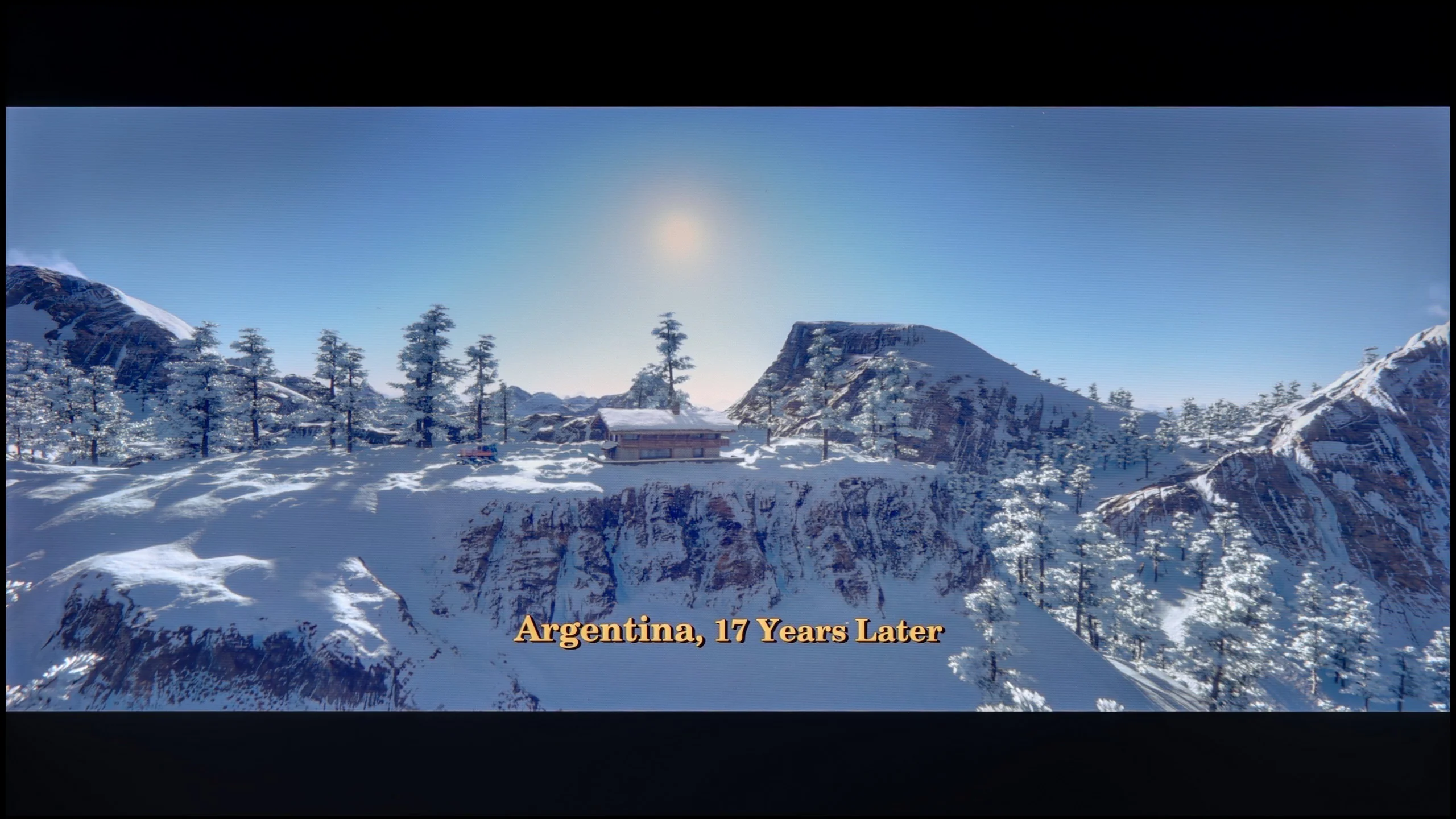
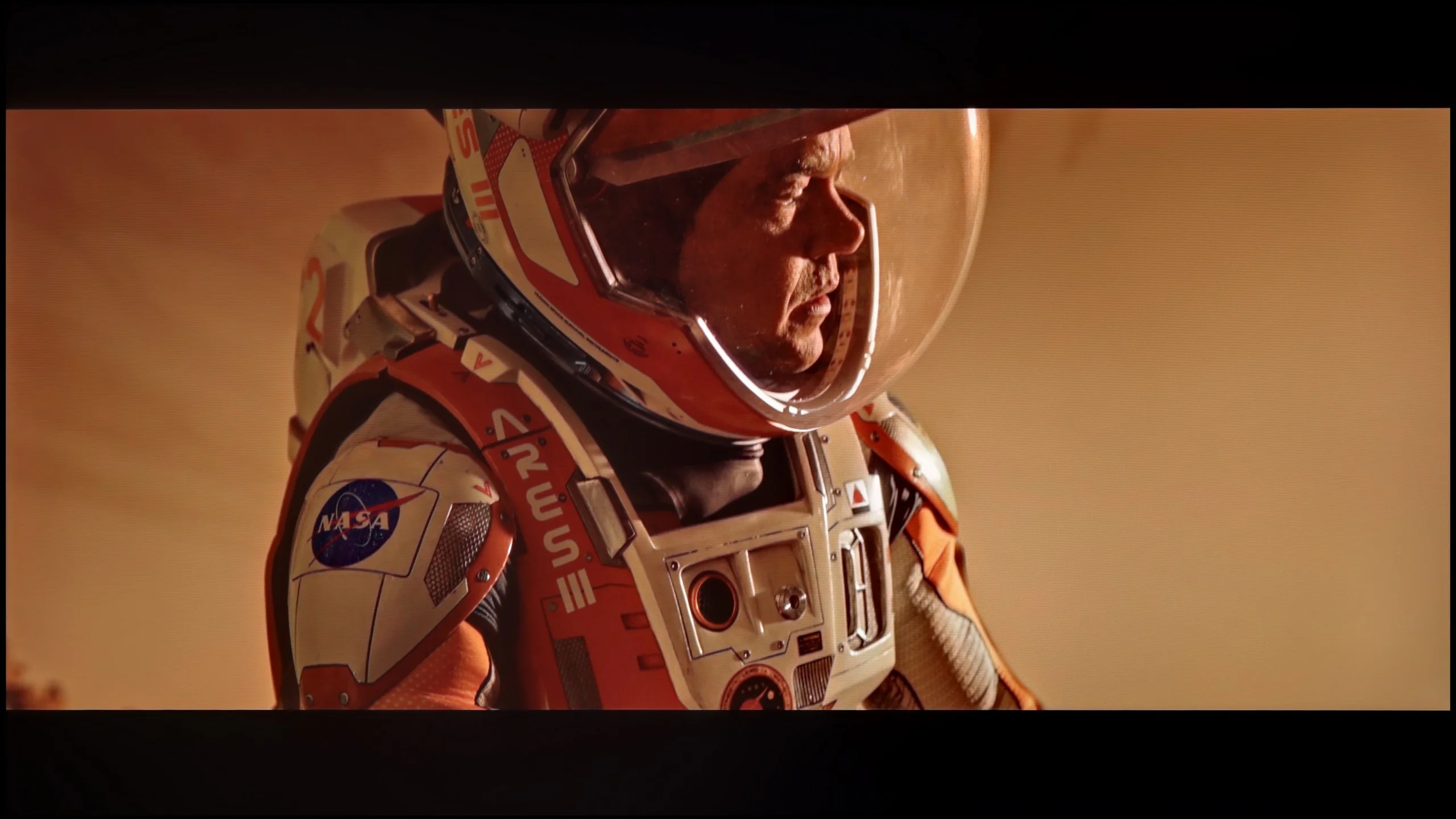
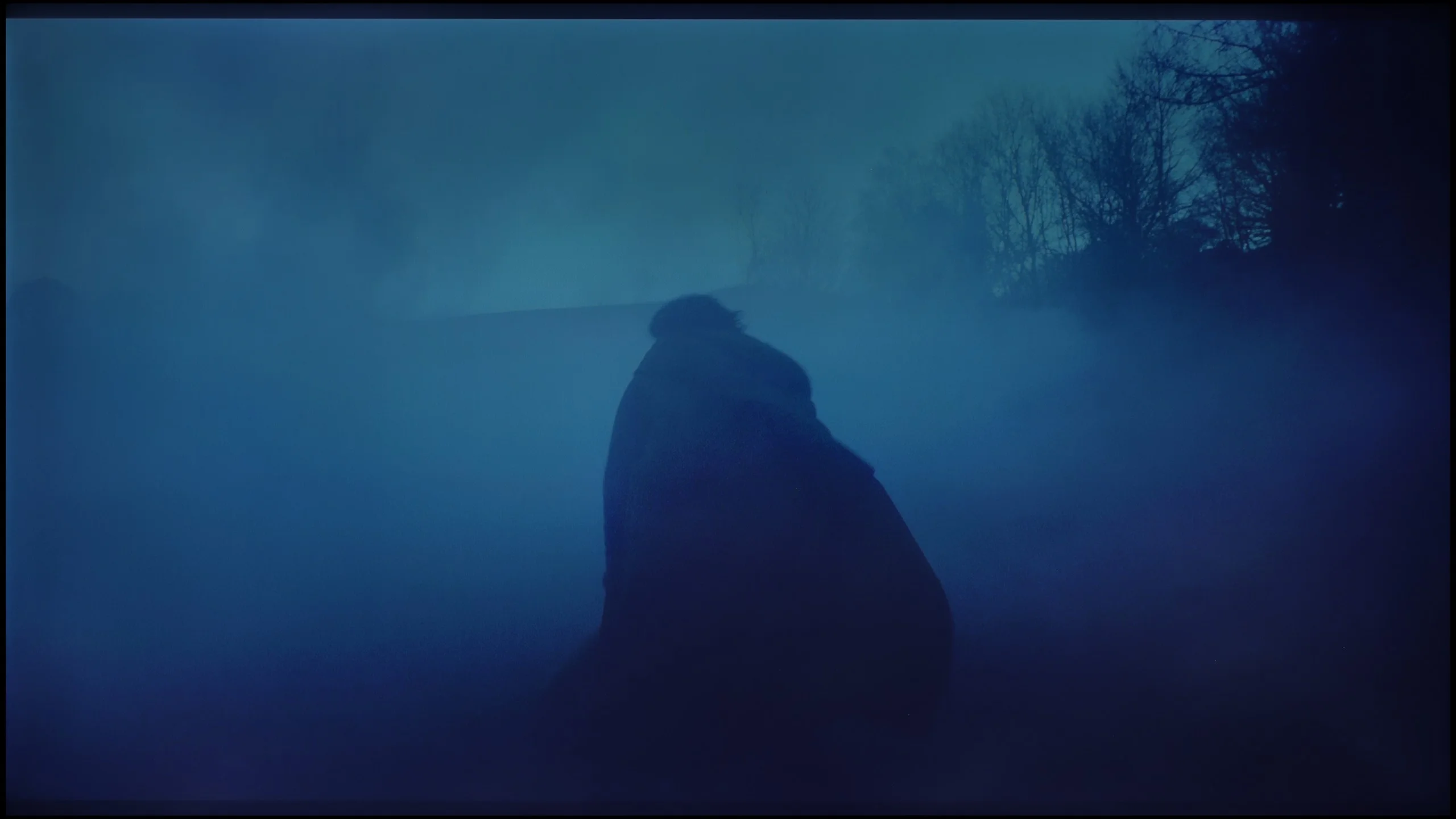
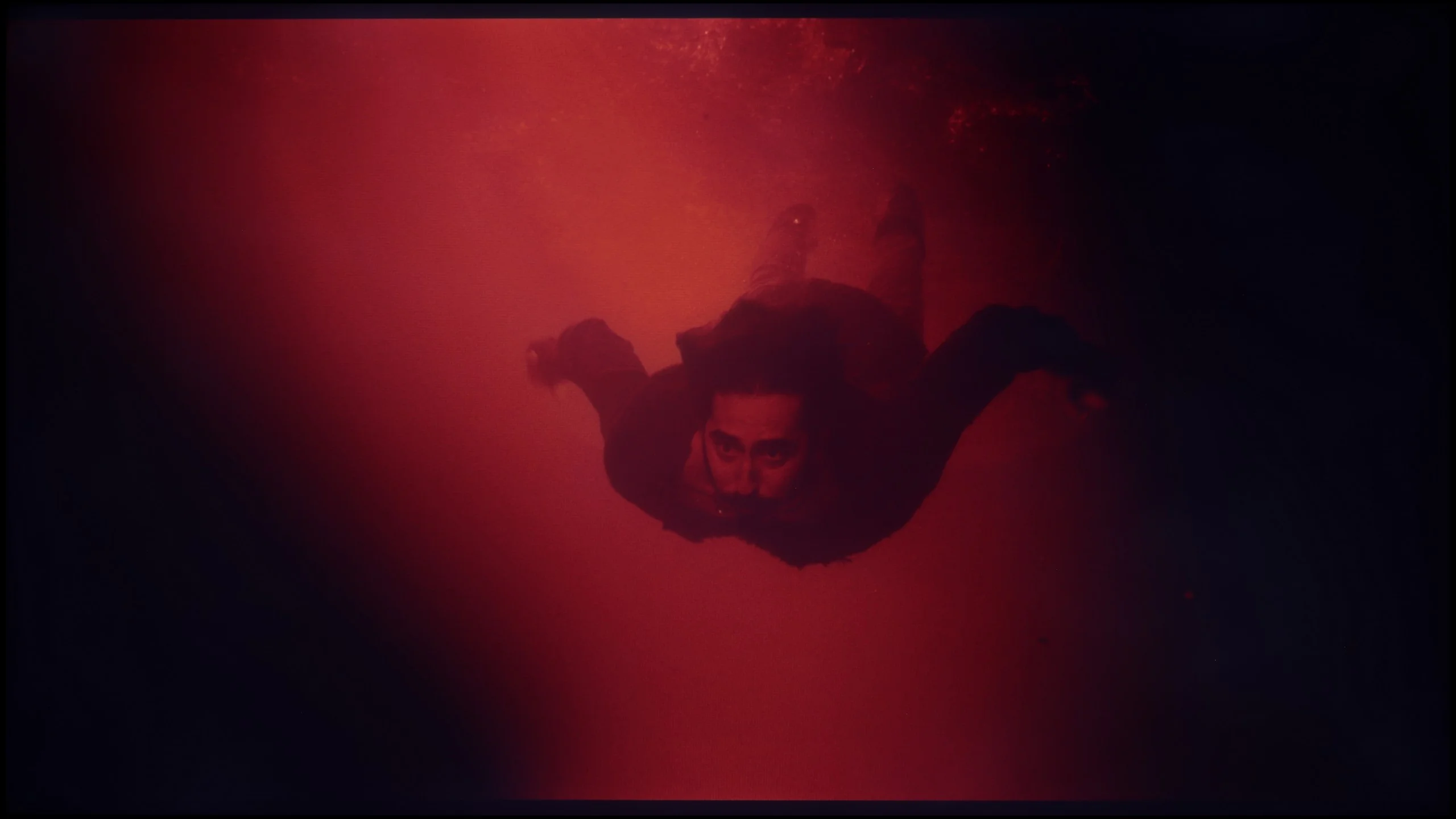
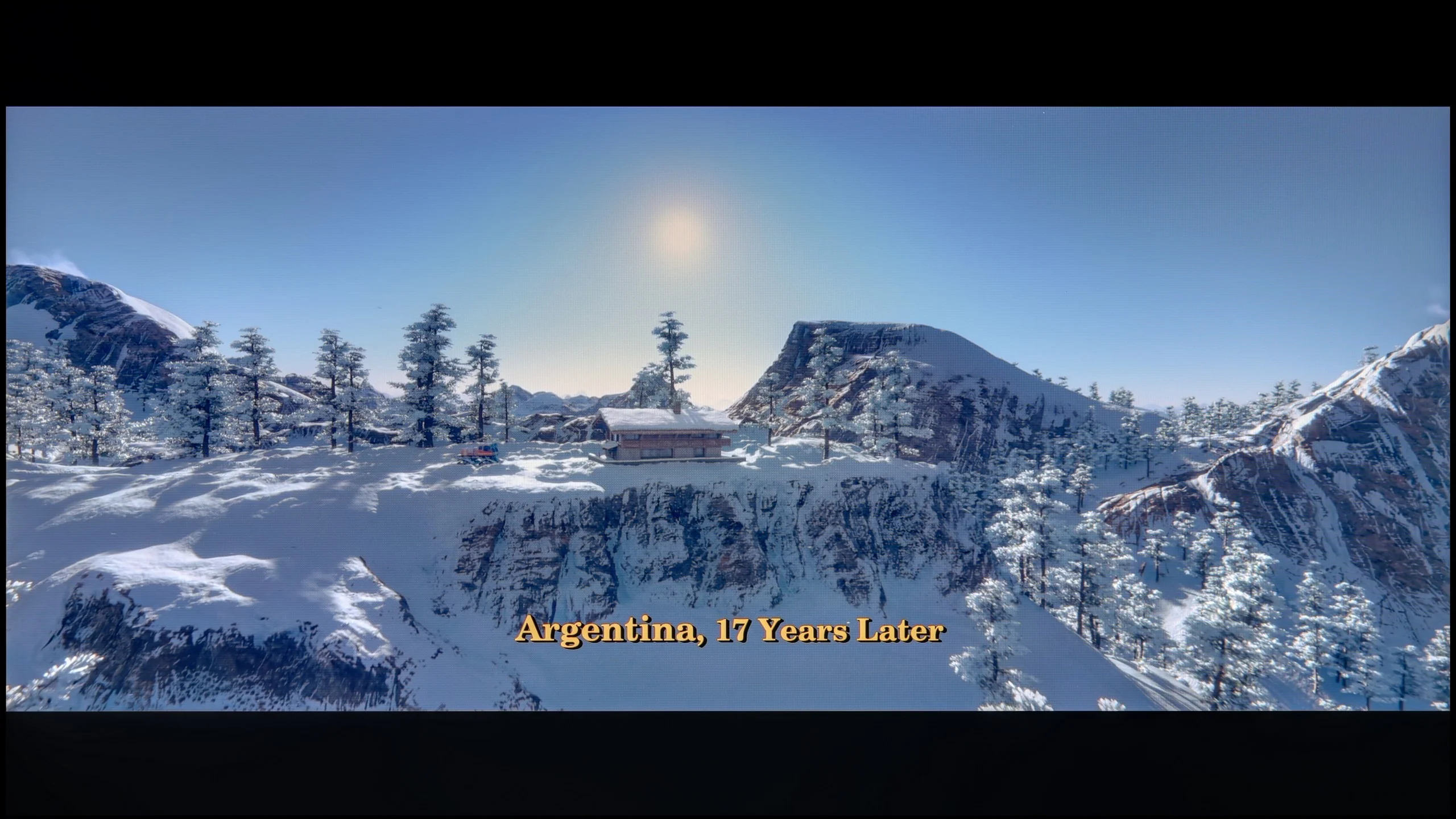
These are selected scenes that show smooth tonal transitions from one color to another. If you see distinct banding, it’s the TV panel’s fault.
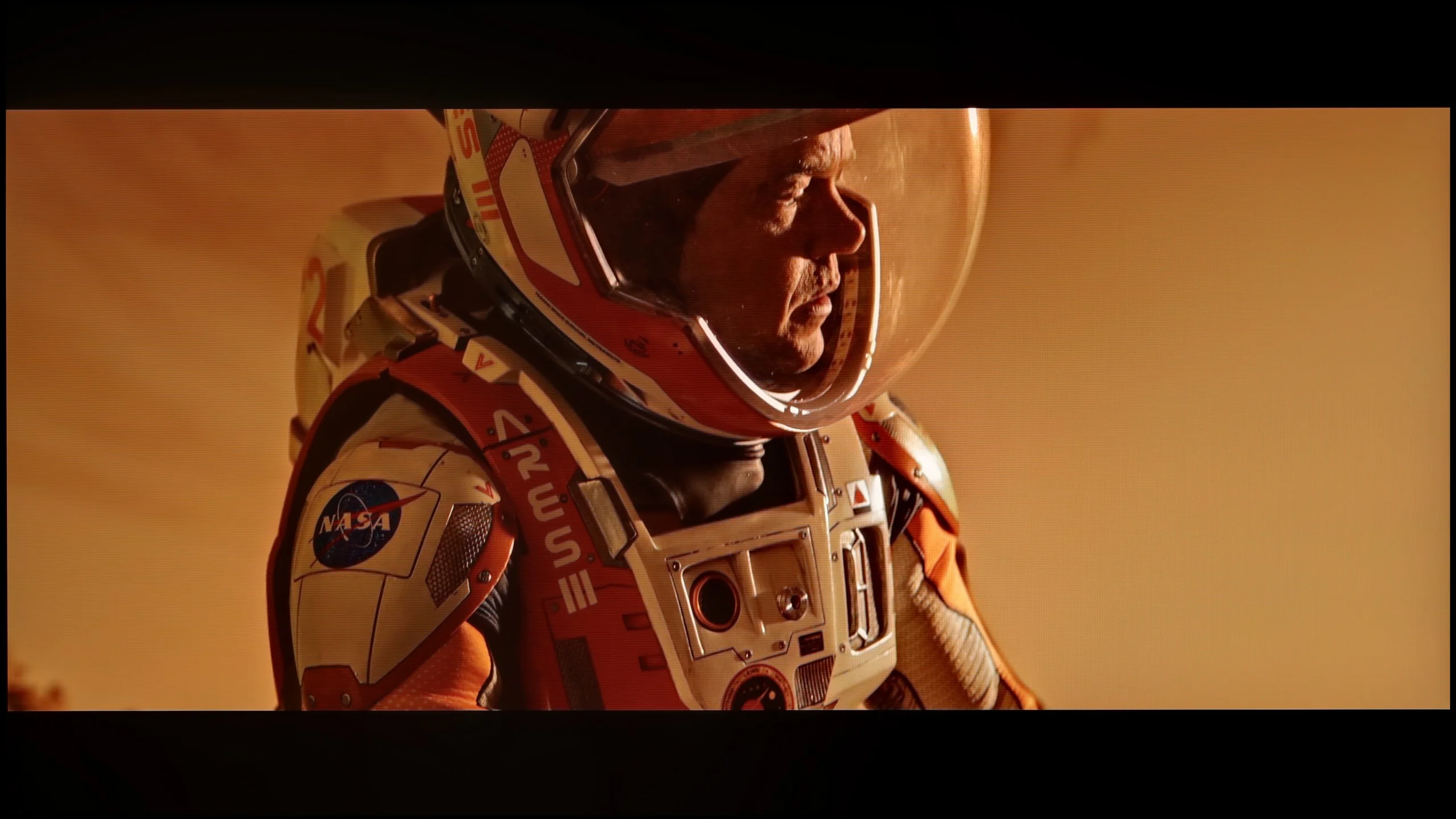
These are selected scenes that show smooth tonal transitions from one color to another. If you see distinct banding, it’s the TV panel’s fault.
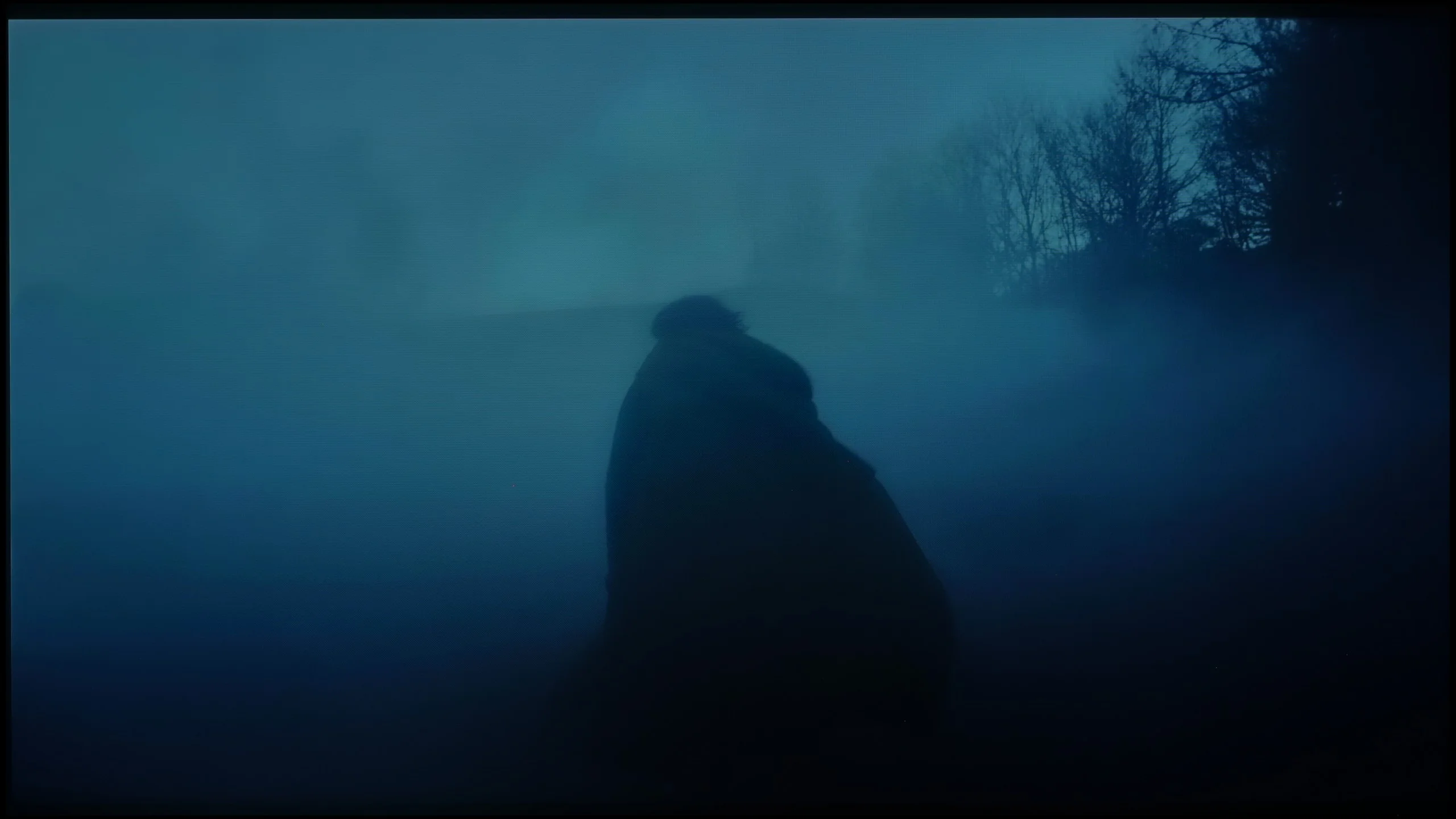
These are selected scenes that show smooth tonal transitions from one color to another. If you see distinct banding, it’s the TV panel’s fault.
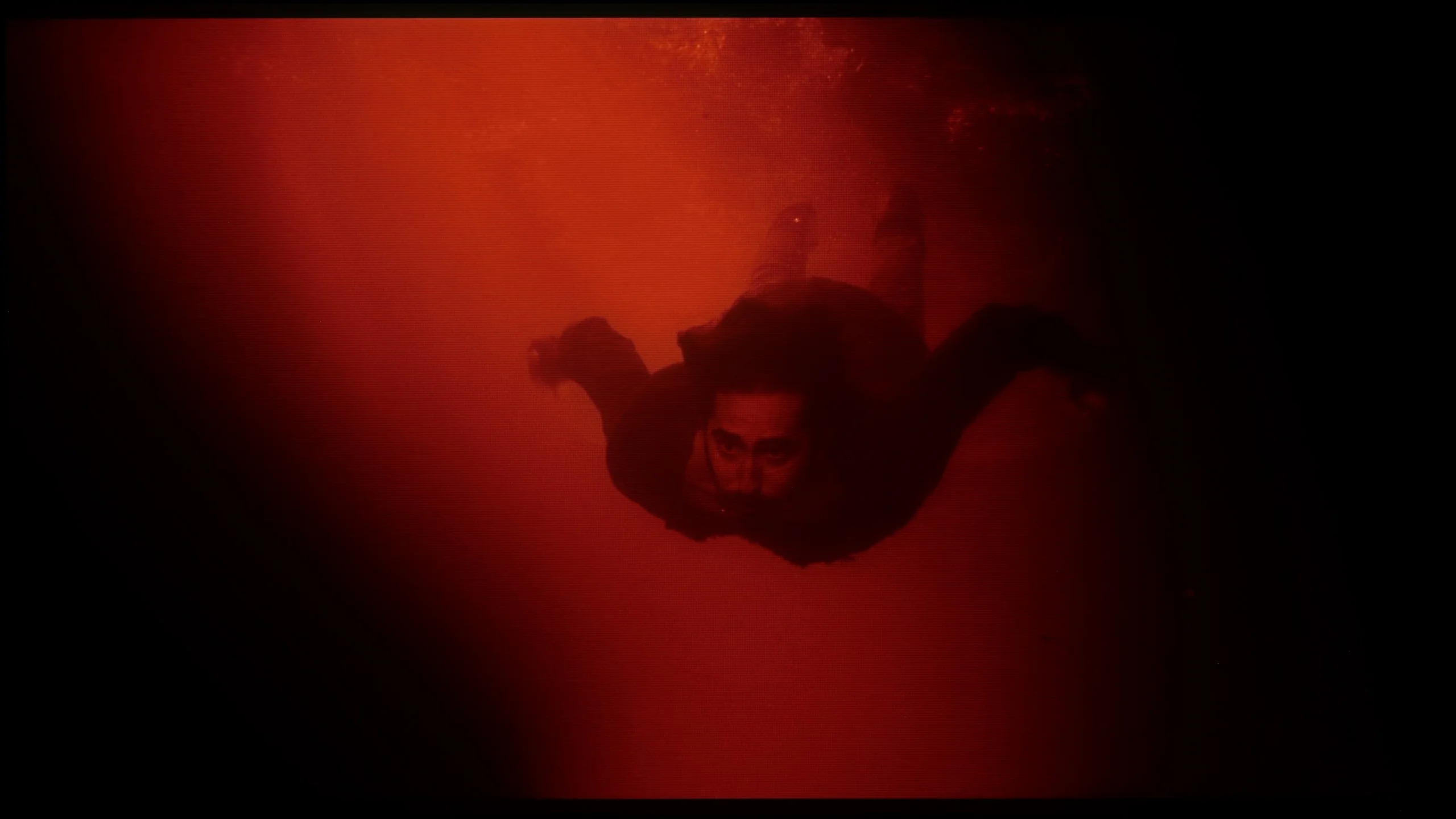
These are selected scenes that show smooth tonal transitions from one color to another. If you see distinct banding, it’s the TV panel’s fault.
The television performs excellently in colour blending – the gradients are smooth, free from visible bands or unpleasant jumps. This is best seen in classic test scenes, such as shots from the film Kingsman or The Martian, where most televisions reveal their weaknesses. The P8K maintains the consistency and subtlety of colours, creating an image that is pleasing and natural to observe.
Minor imperfections only appear with extremely dark shades or on grey palettes – this is the moment when even significantly more expensive models start to struggle. However, this does not matter in everyday viewing. Overall, the TCL P8K excels in colour blending, offering a smooth, harmonious image free from artifacts.
Colour gradation on the Bravia 7 II is very good and there is little to criticise. Transitions between individual shades are smooth, both in bright and darker scenes. You can notice minor imperfections, but they are subtle enough that during normal viewing they hardly attract attention. It looks a little worse with the same material when played back using Dolby Vision. In that mode the TV has more difficulty maintaining equally smooth transitions, particularly in darker tones. Banding and unevenness then become somewhat easier to spot, so Dolby Vision fares worse in this respect than standard HDR10.
Image scaling and smoothness of tonal transitions
6/10
8.5/10

Smooth transition function
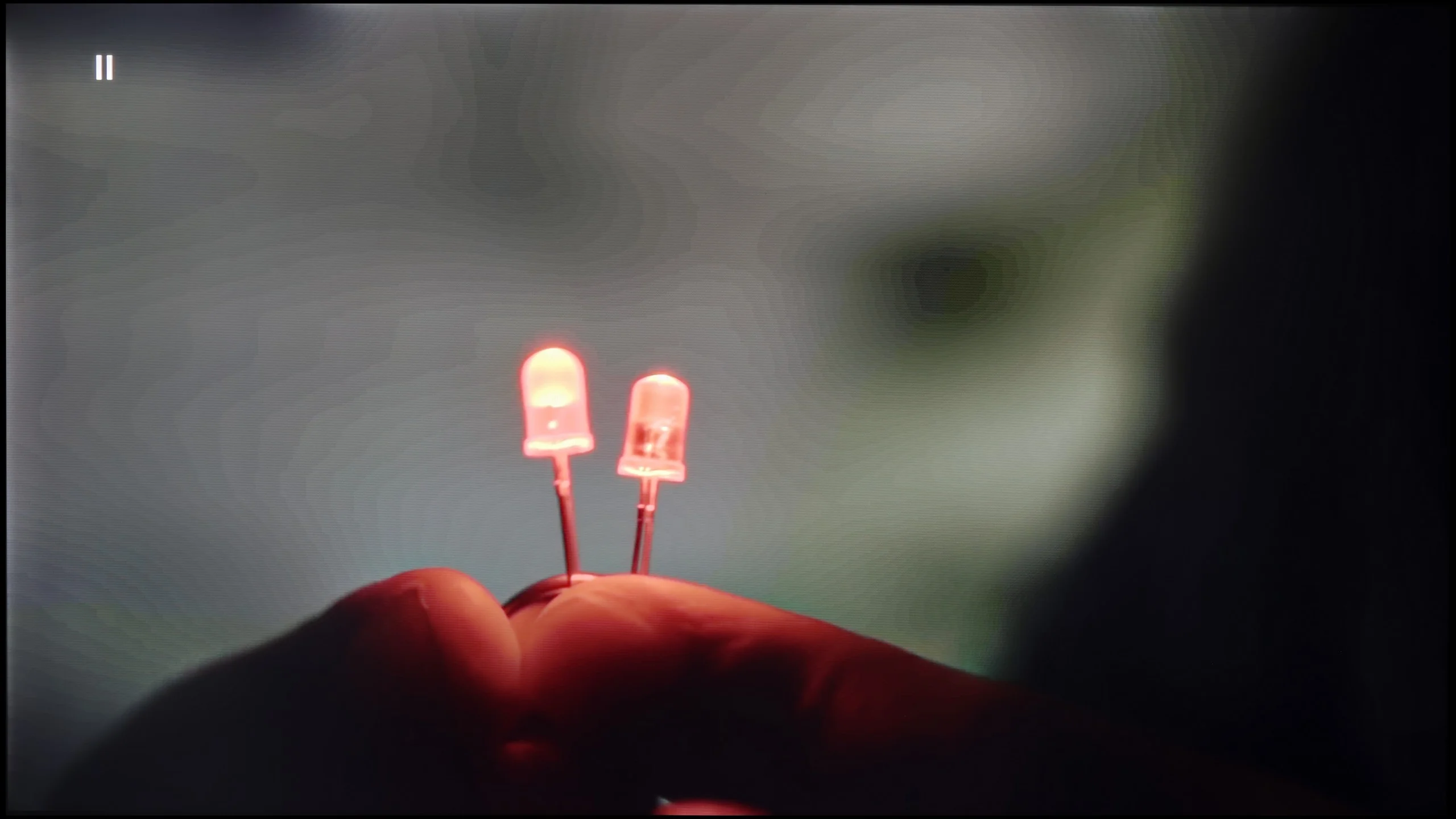
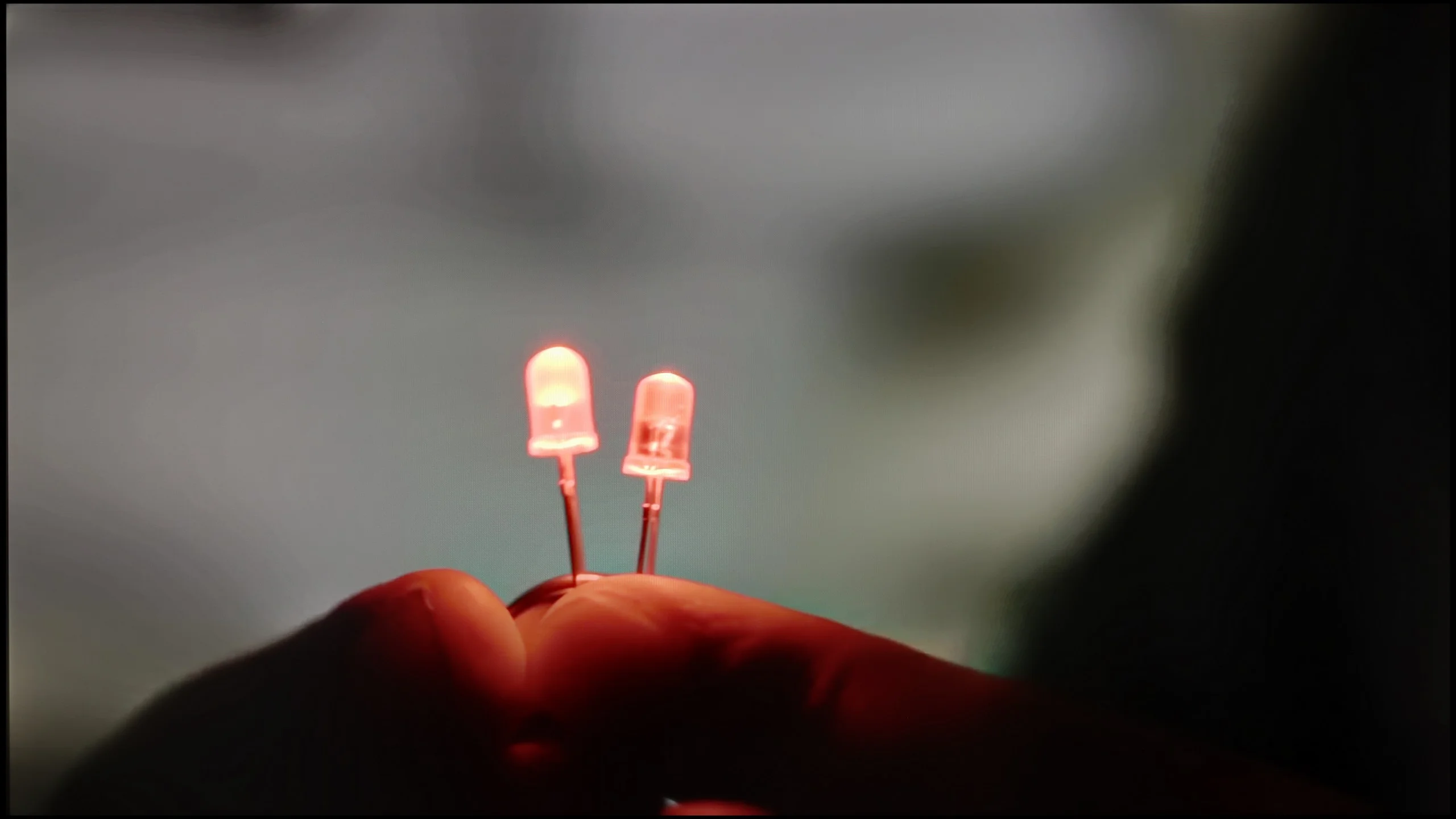
The match photo shows how the TV smooths weak tonal transitions in low-quality video.
Image scaling SD (576i)


The model photo shows how it handles upscaling of SD material.
The TCL P8K performs somewhat worse when it comes to the fluidity of tonal transitions in lower-quality materials. The television does offer a function to smooth out unwanted bands; however, its effectiveness leaves much to be desired. Even at the highest setting, it's hard to talk about any real improvement – at times the effect is almost the opposite of what is intended, as the function can introduce small artifacts and unnatural blurring on the screen.
On the other hand, upscaling – that is, scaling the image to 4K resolution – looks significantly better. The P8K handles this task surprisingly well – HD content, and even SD, is enhanced in an aesthetically pleasing manner without excessive loss of sharpness. While there are slight "hard" edges typical of this class of equipment, this can be easily adjusted with the sharpness slider to suit personal preferences. The final effect is more than satisfactory, especially considering the price range in which this model is situated.
Scaling and digital processing are among the strongest points of the Bravia 7 II and one of the bigger reasons to choose Sony over the competition. The manufacturer has been handling digital image processing well for years, and it shows here too. First and foremost, the 'Smooth Gradation' function works very well and can smooth out weak tonal transitions in lower-quality material. The safest setting is Low, but we would comfortably recommend Medium as well. The effect is stronger then, yet the TV still treats details very gently. Some fine details may be slightly smoothed, but Sony does this much more subtly than many other brands. The upscaling itself also performs very well. Lower-resolution material is well upscaled to 4K, the image looks clean and retains a lot of detail. Of course the TV will not magically turn native HD material into true 4K, but what can be extracted from such a source is handled really well by the Bravia 7 II.
Blur and motion smoothness
7.1/10
7.8/10
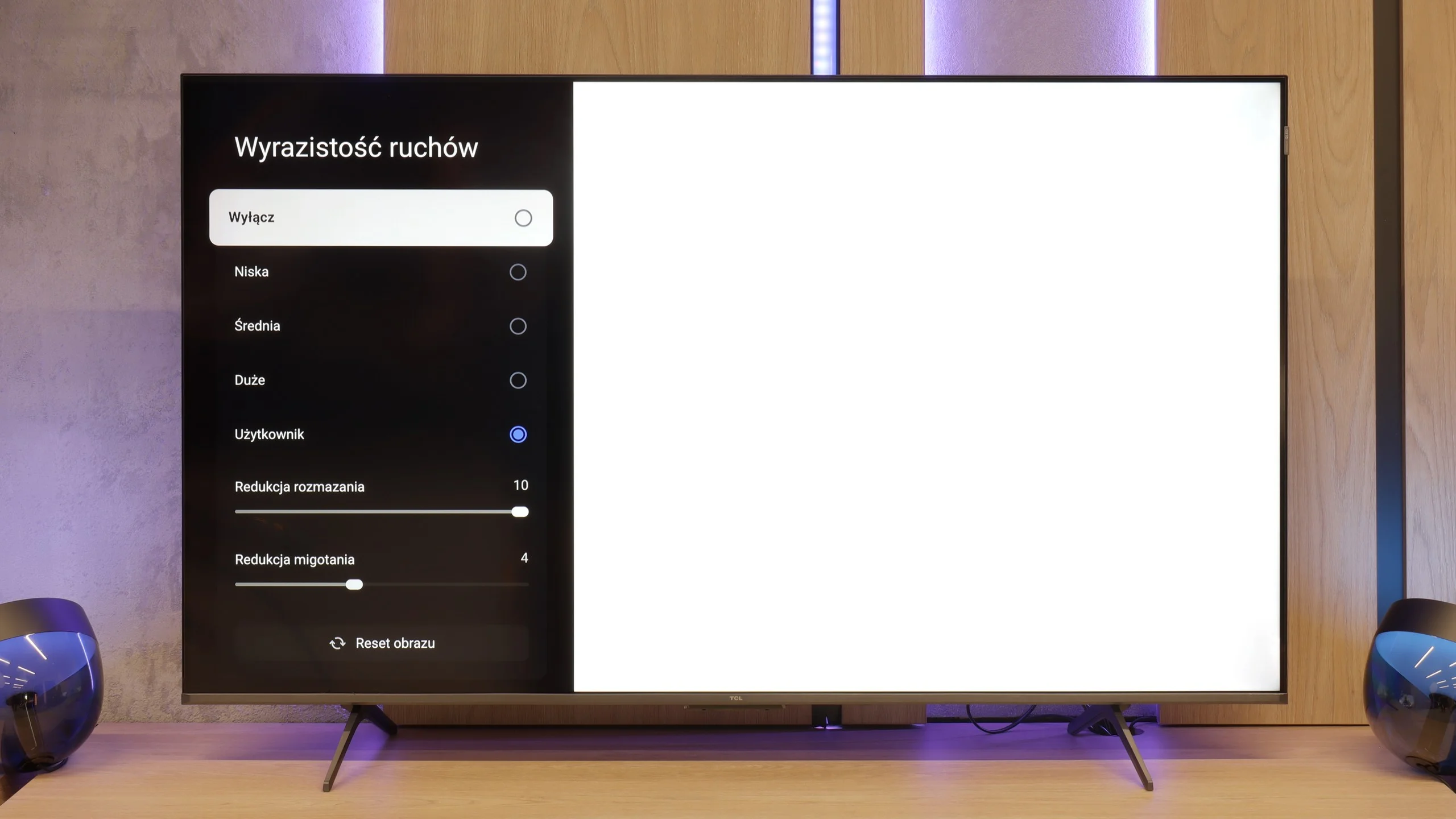
Blur (native resolution, maximum refresh rate):


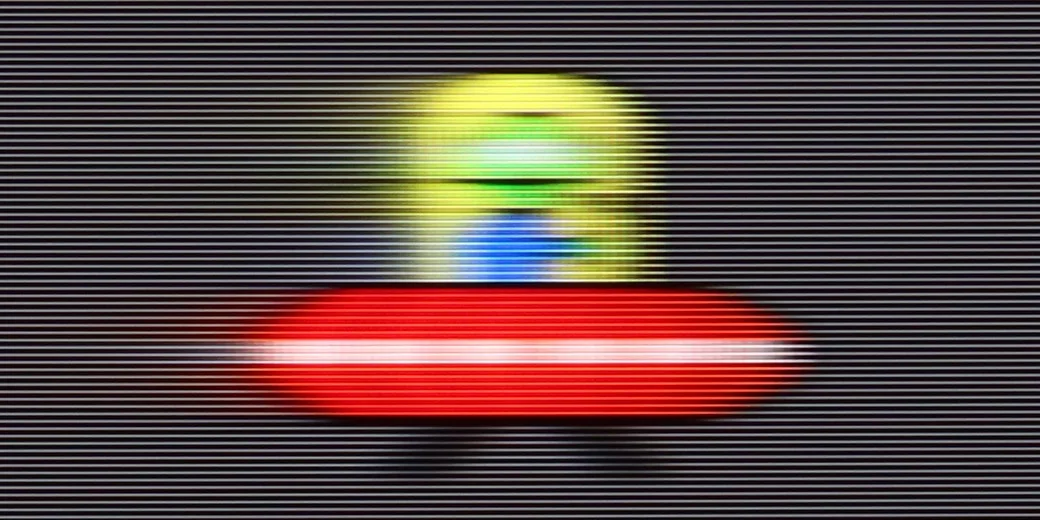
Blur (BFI function enabled):

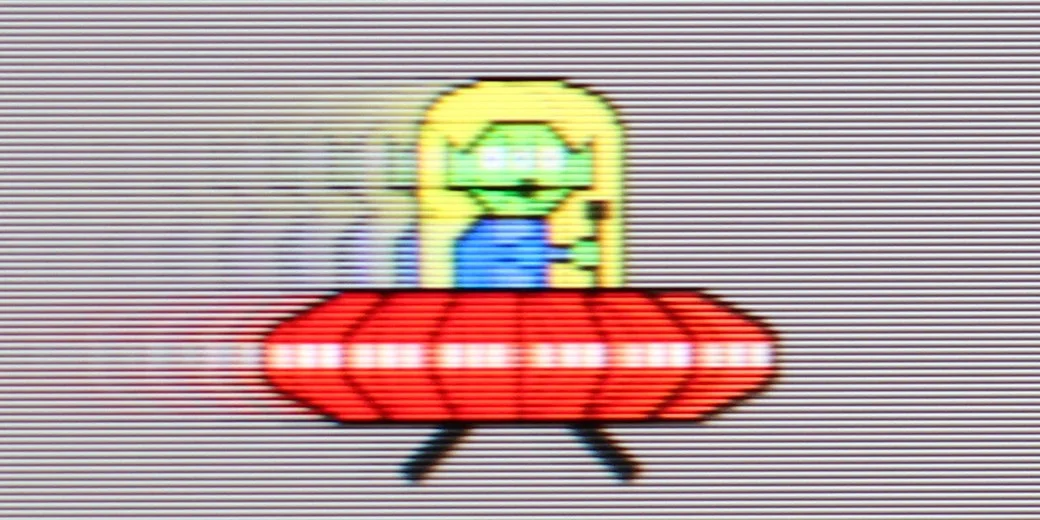

Blur (4K@144Hz):
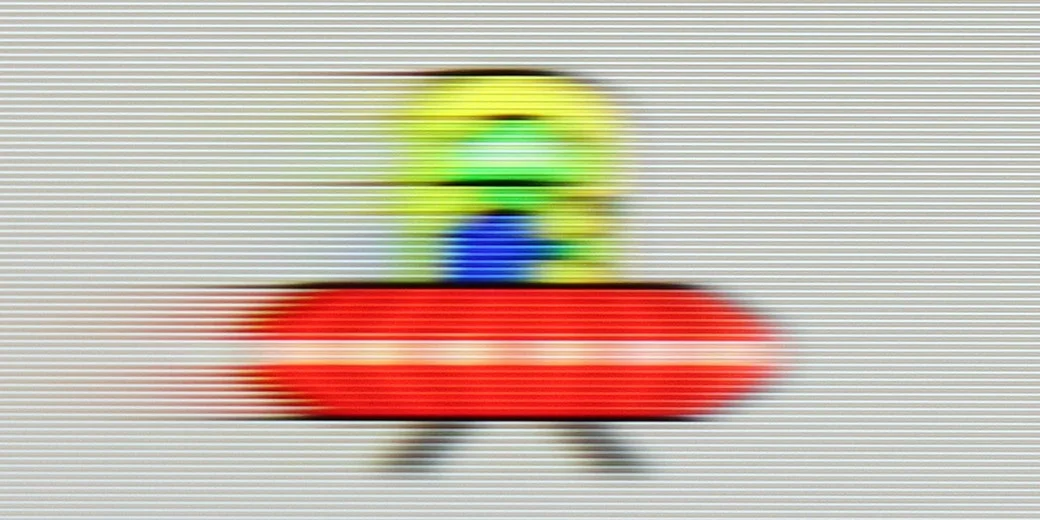
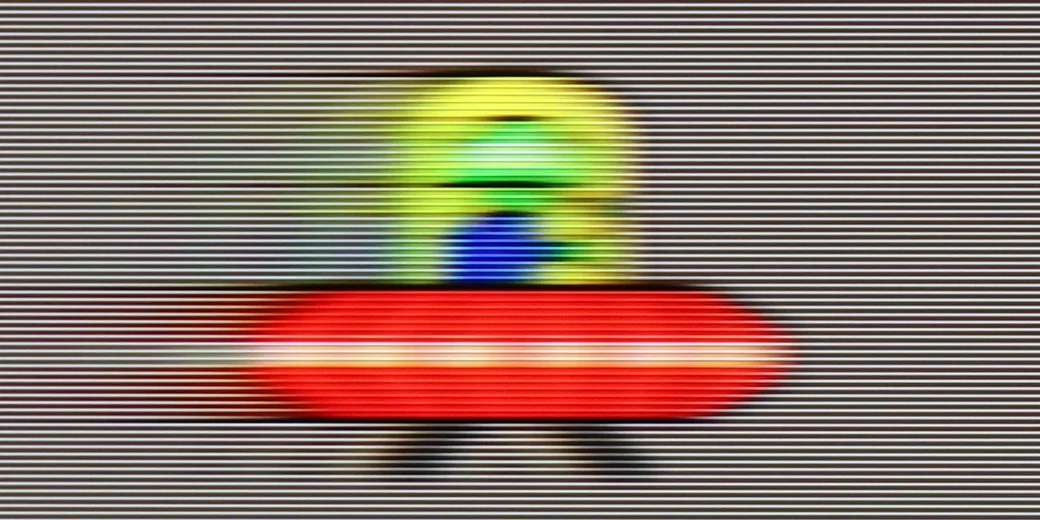
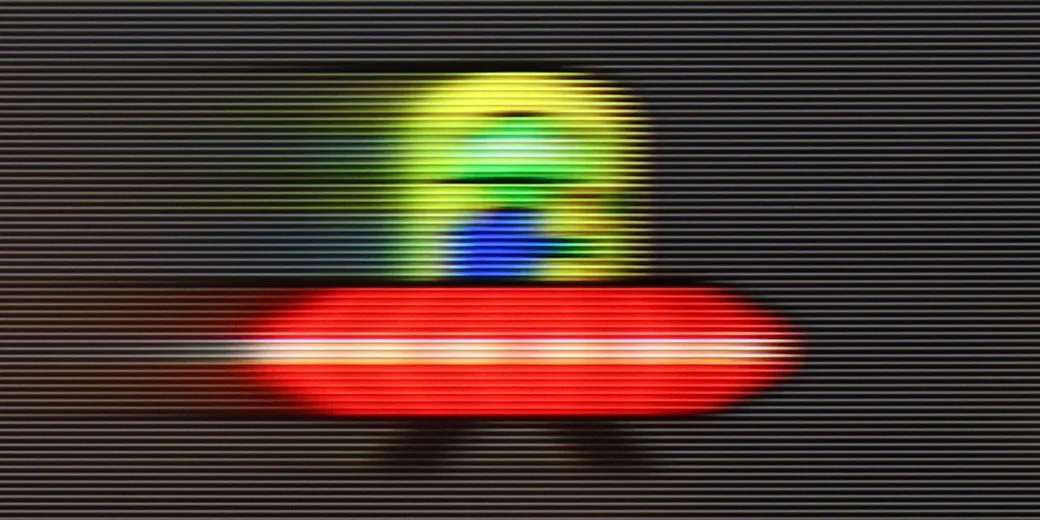
Blur (4K60Hz):

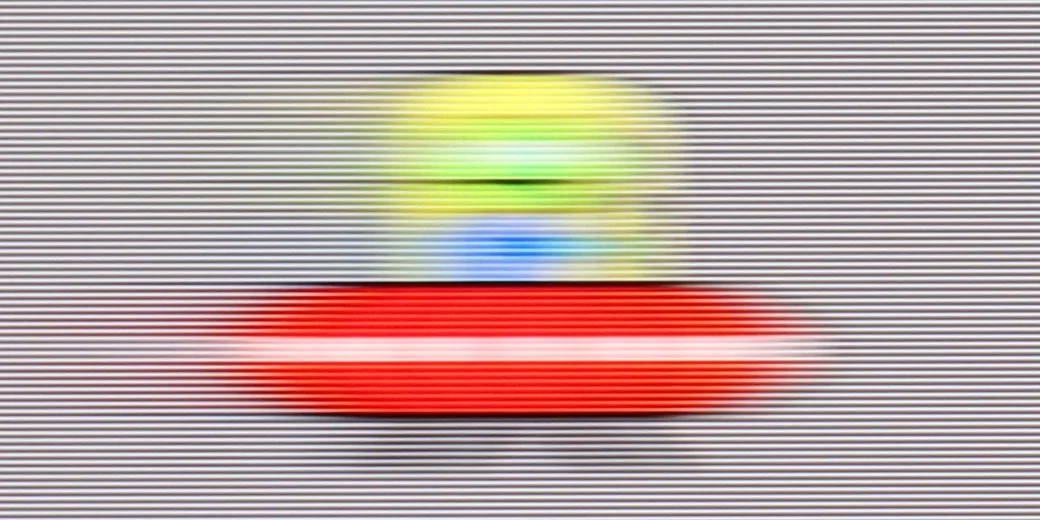
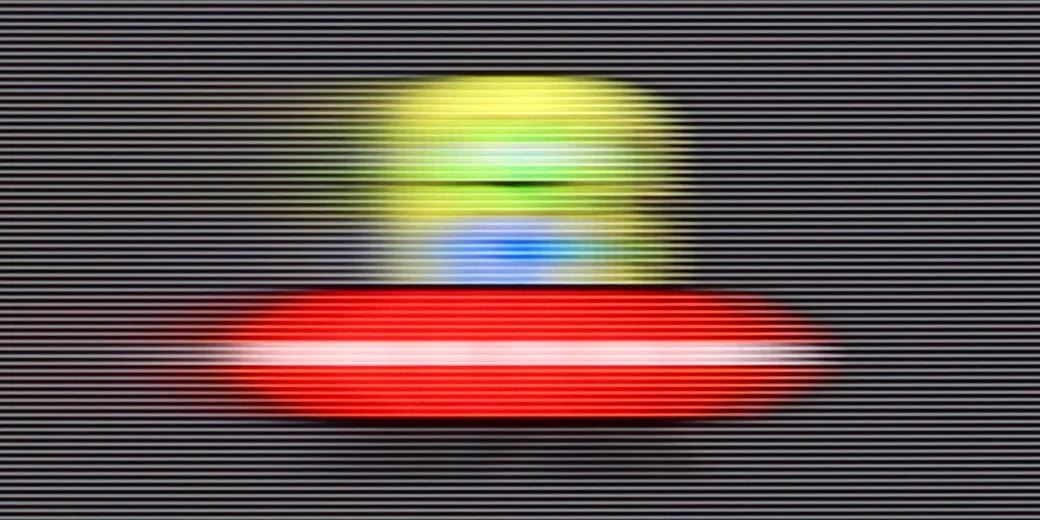
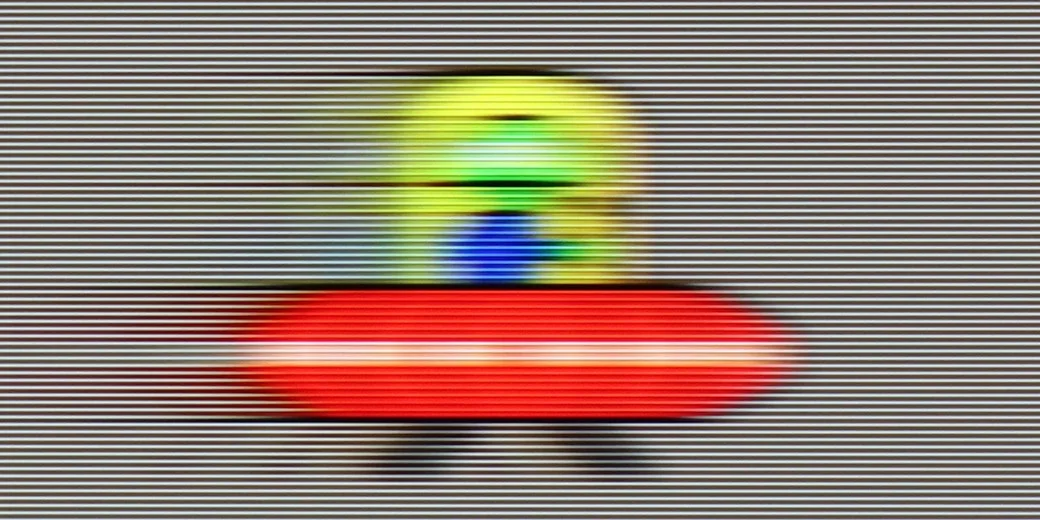
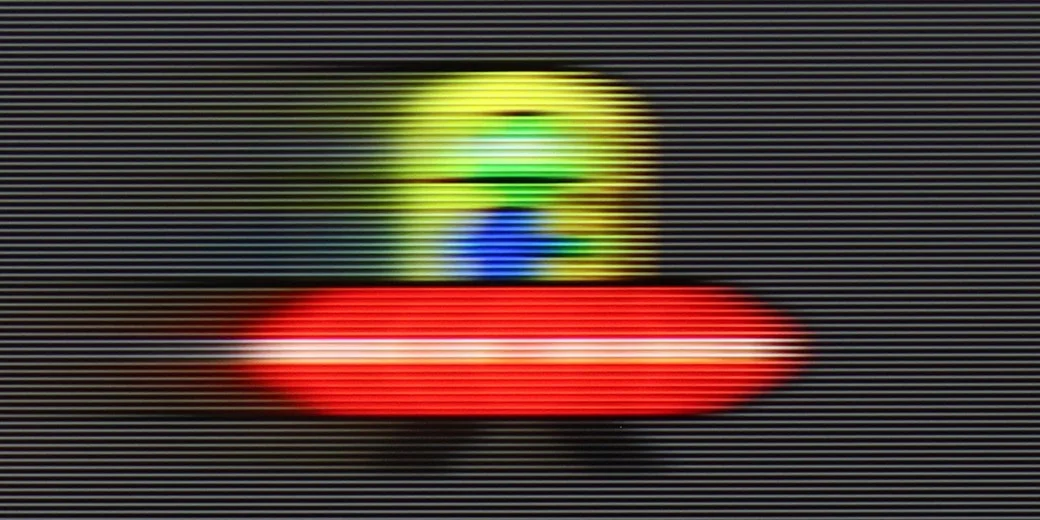
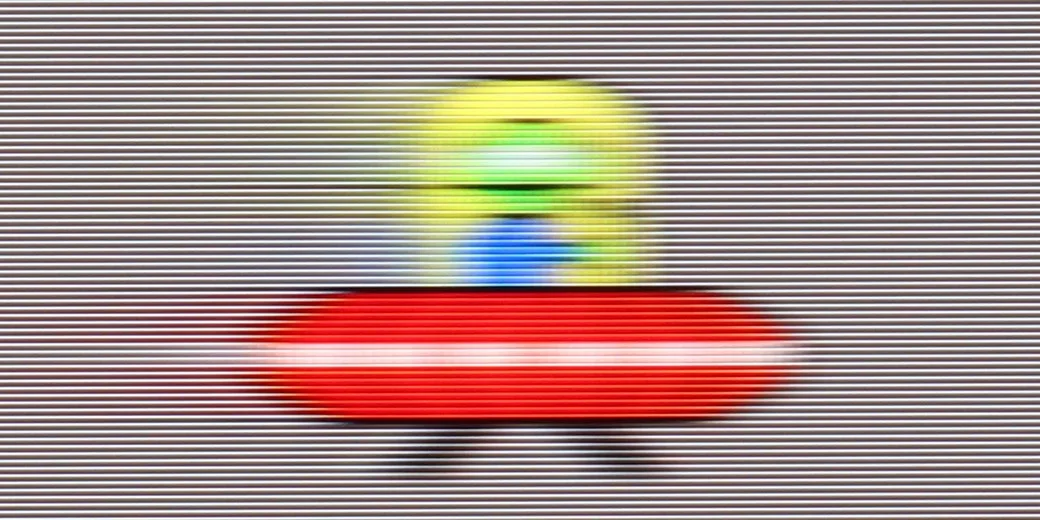
TCL P8K is one of the cheapest televisions offering a refresh rate of 144 Hz, which in itself is quite an advantage in this price segment. Thanks to the fast panel, this model can confidently be recommended to both sports fans and video gamers – the image is smooth, and the movement of the ball or dynamic actions look natural. However, this does not mean that the P8K is suitable solely for sports. On the contrary – it can also maintain appropriate dynamics in films without introducing the artificial effect of "theatricality", as long as we set the parameters wisely. The television is equipped with a motion smoother called "Motion Clarity", which features two sliders: blur reduction and judder reduction. The first is responsible for smoothing the image by generating additional frames, which increases fluidity, but may cause a slight soap opera effect. The latter, on the other hand, reduces judder and improves sharpness during movement, although it can slightly darken the screen. Properly adjusting these two parameters allows for a really good balance between natural motion and fluidity. It has a 60 Hz refresh rate, but it is hard to say that it is a top-tier panel in terms of response speed. It will perform well for dynamic content, although more demanding users will notice that it is not a screen from the highest class in terms of motion clarity.
The Bravia 7 II uses a 120 Hz panel, so in terms of motion handling it delivers everything you would expect from a TV of this class. With sport or games at 120 fps, the picture is suitably smooth, and for films Sony provides an extensive motion interpolation system. You can therefore adjust the interpolation level separately and decide whether you want to preserve a more cinematic character to the motion or obtain noticeably smoother movement. The issue of motion blur itself is a little worse. The VA panel used is not among the fastest, and you can notice a slight trail behind moving objects, particularly on darker backgrounds. It is not at a level that greatly bothers during normal viewing, but last year’s Bravia 7 fared better in this respect and had a noticeably faster panel.
Console compatibility and gaming features
9.8/10
9.4/10
- ALLM
- VRR
- VRR range48 - 240Hz48 - 120Hz
- Dolby Vision Game Mode
- Correct implementation of HGIG
- 1080p@120Hz
- 1440p@120Hz

- 4K@120Hz
- Game bar
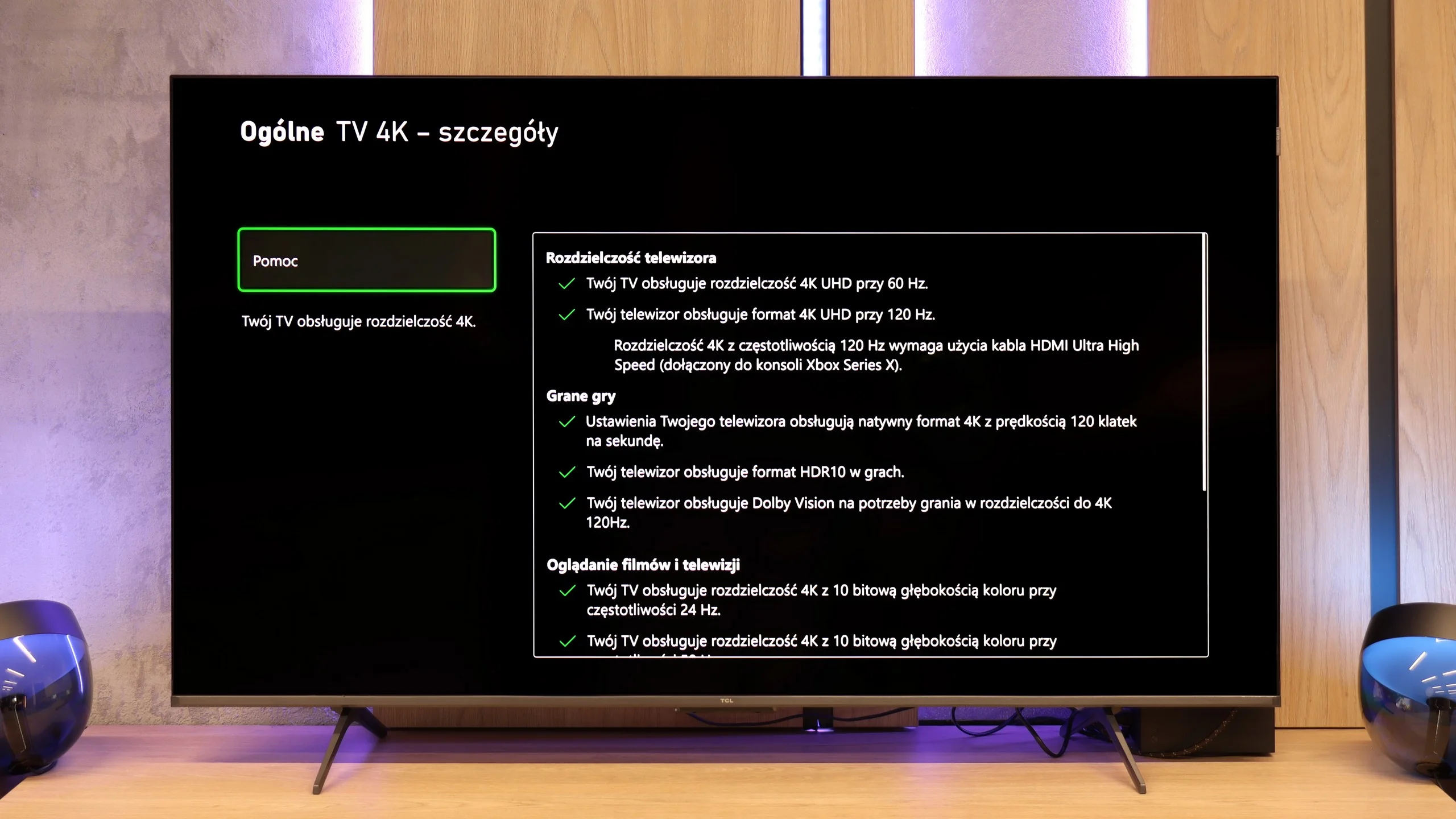
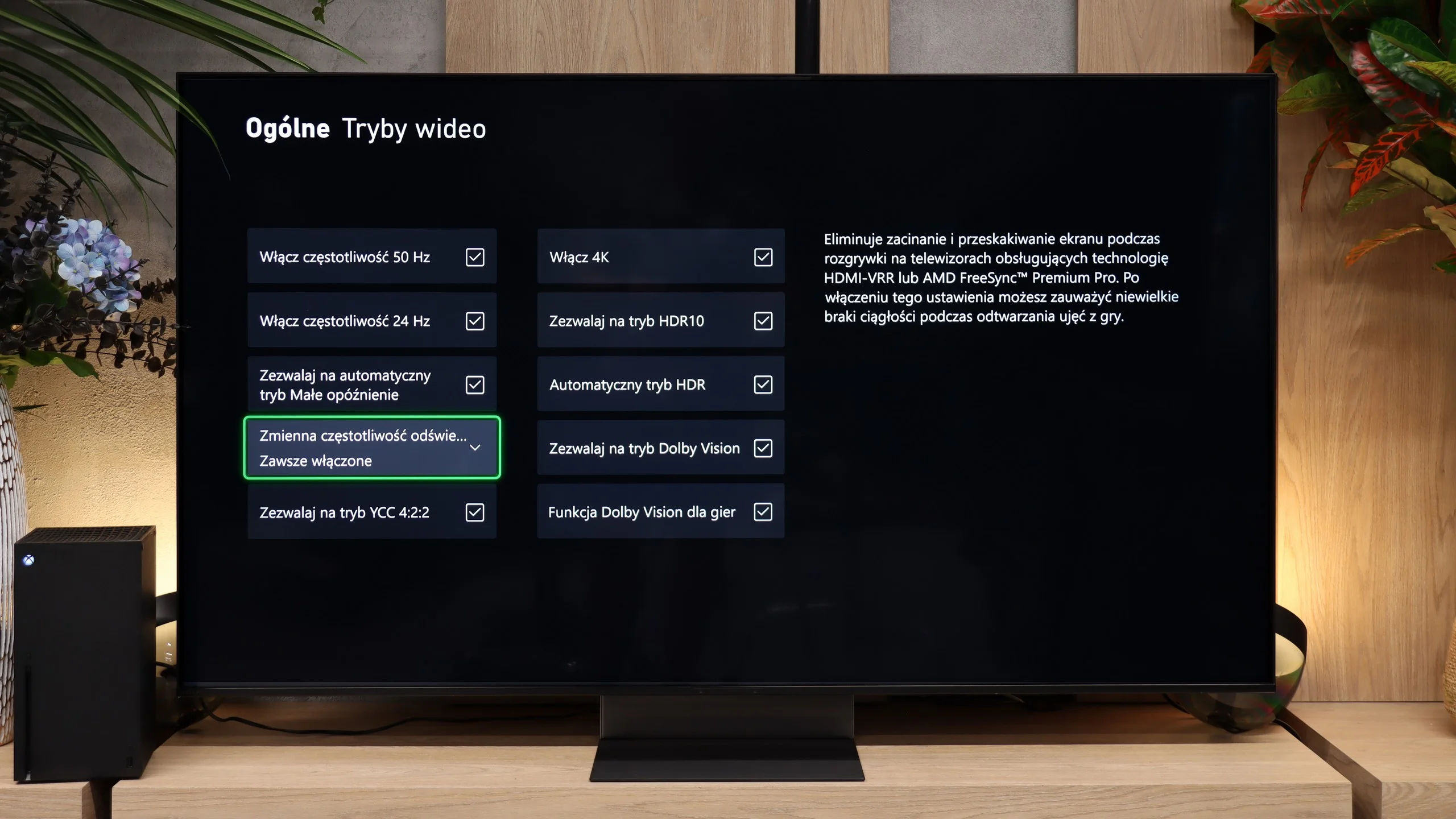
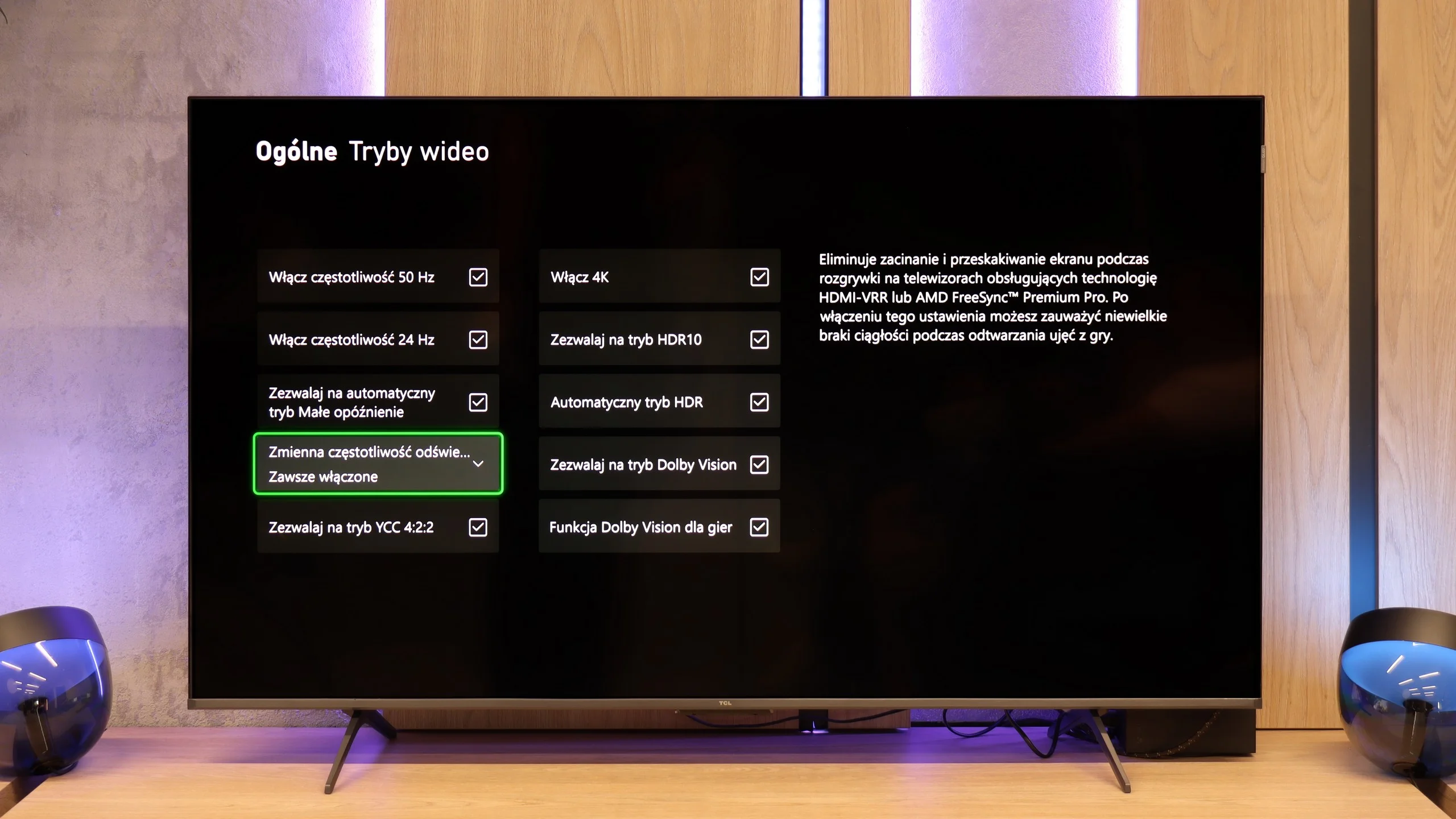
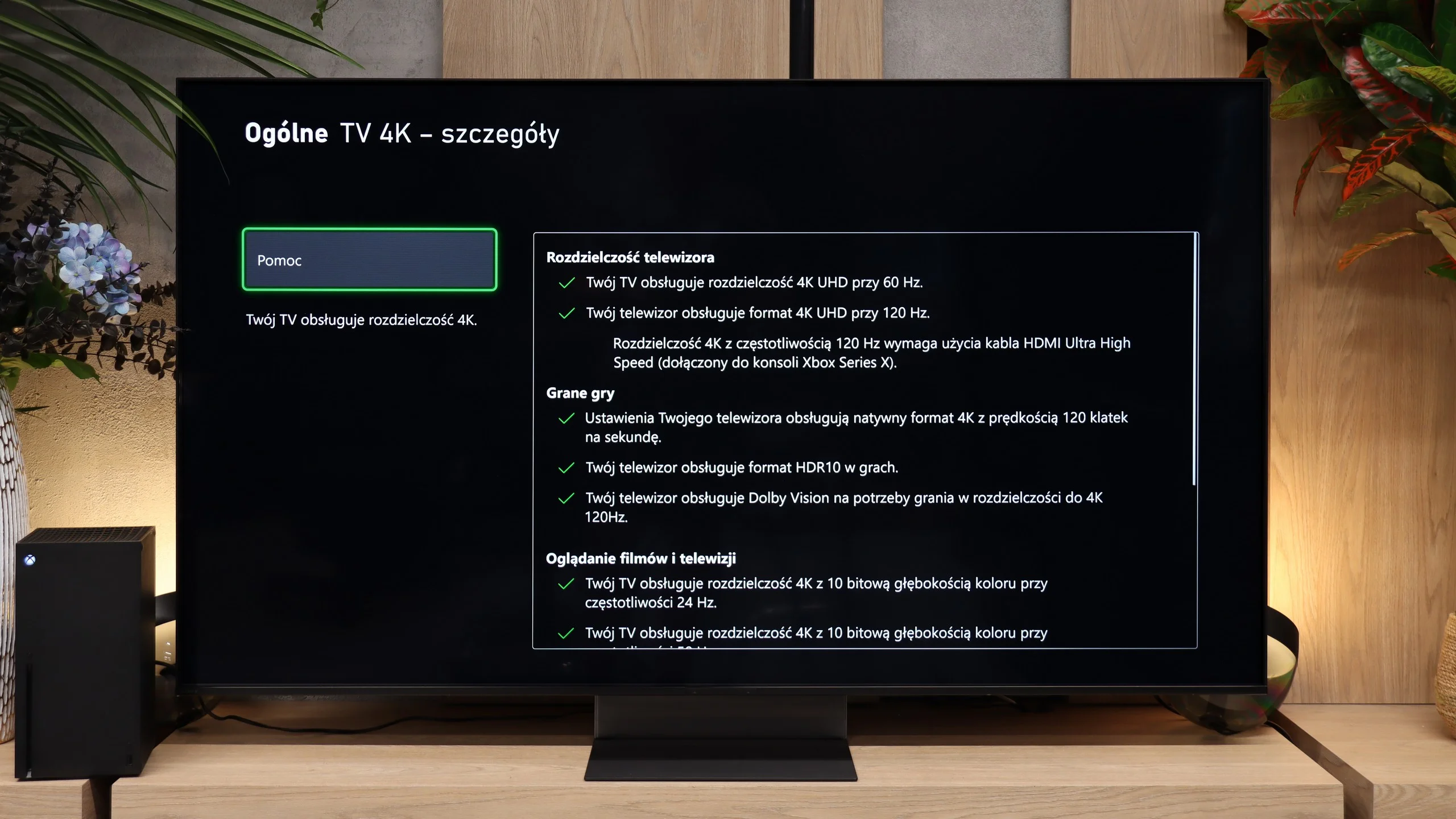
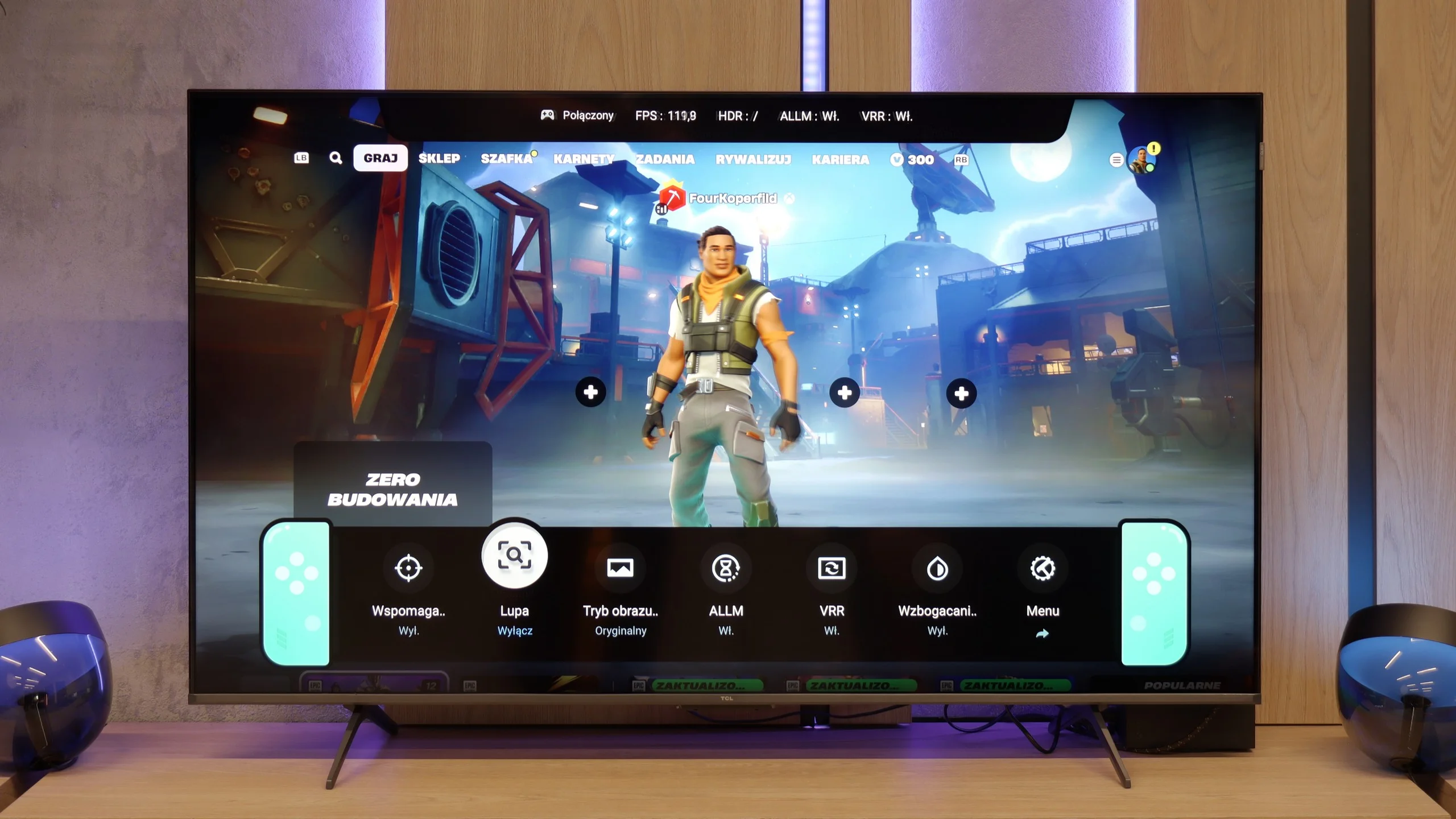
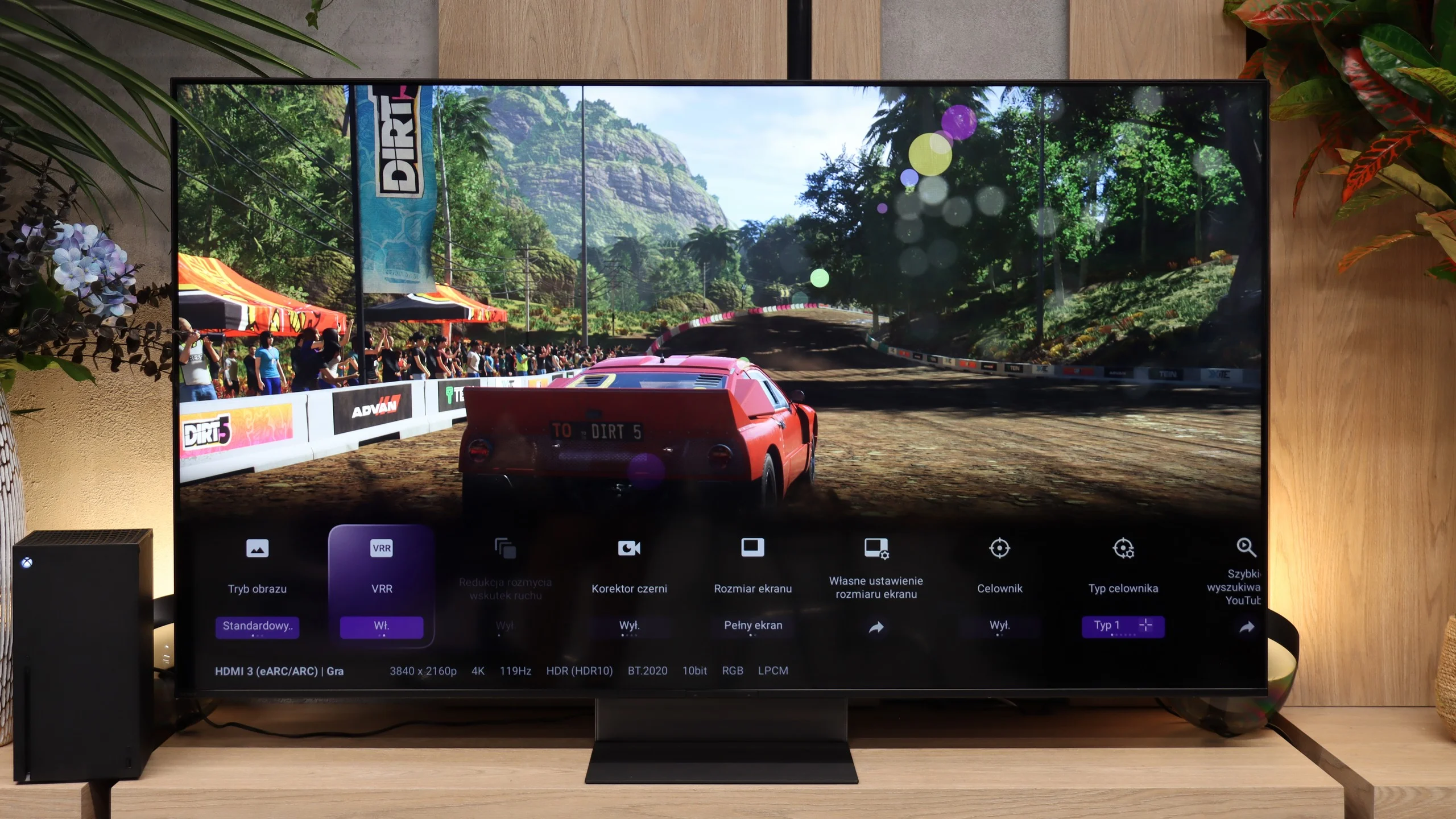
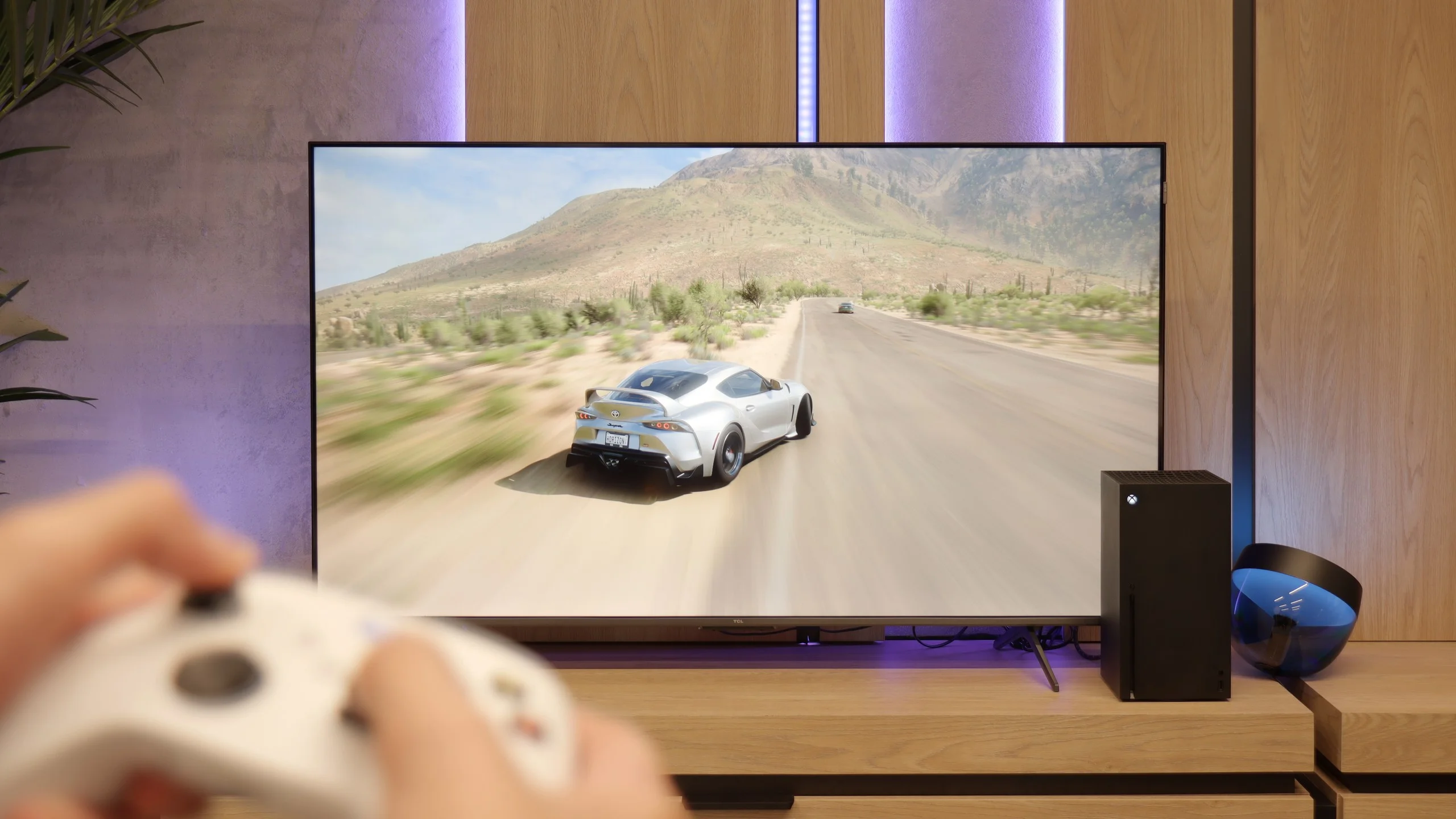
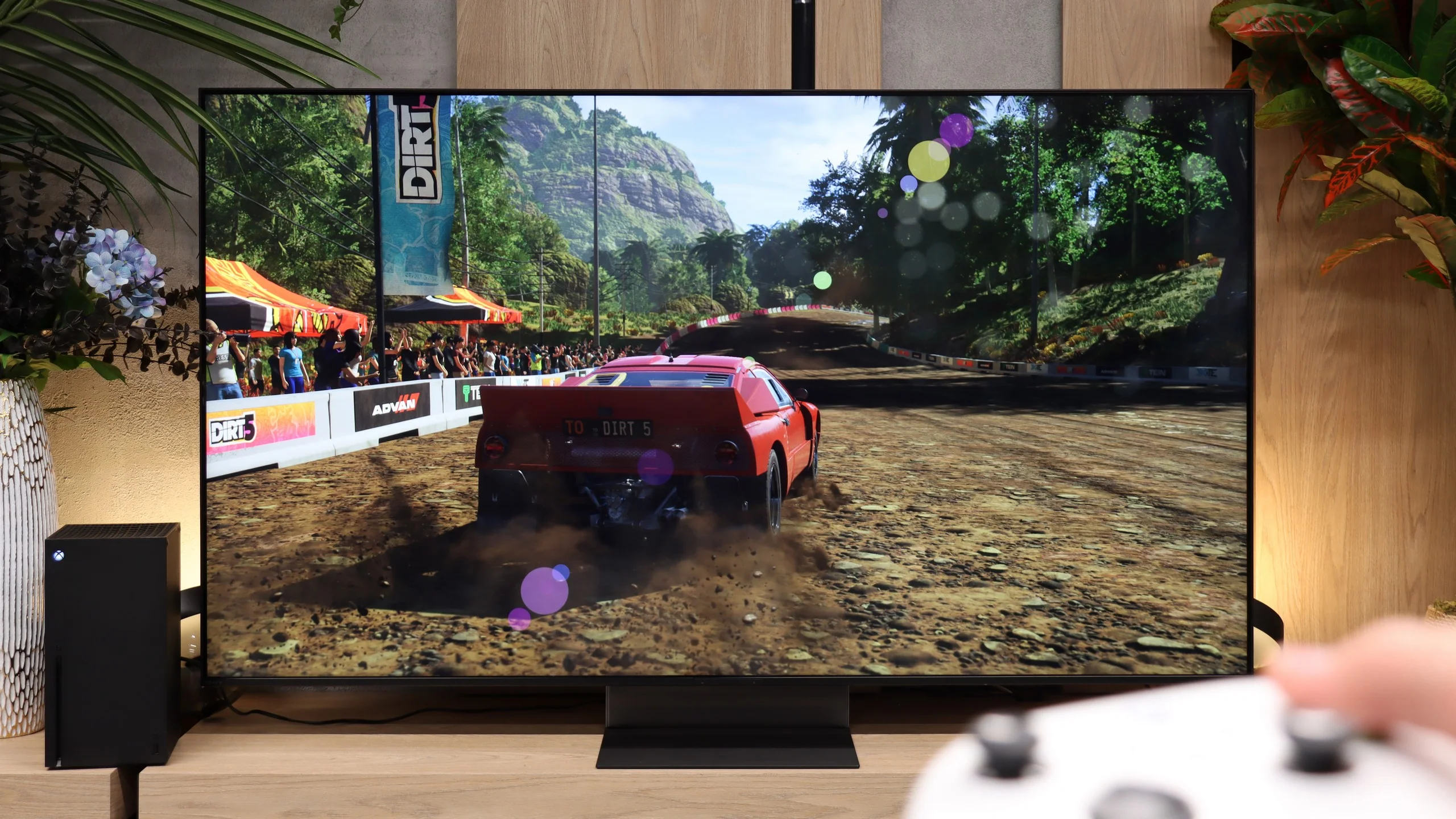
Although the TCL P8K is a budget television, it cannot be said that it is unsuitable for gaming. On the contrary – it is a screen that can pleasantly surprise any gamer. It features two HDMI 2.1 ports, allowing for 4K output at 120 Hz without any issues. For those gaming on a PC, they will also be pleased to know that the television can operate with a refresh rate of up to 240 Hz at a lower resolution – a small thing, but it delights. Additionally, it comes with a full set of gaming features: automatic game mode, Game Bar with quick parameter previews, VRR, HGiG, and support for Dolby Vision in games. All of this makes gaming on the P8K a truly enjoyable experience – the picture is smooth, the response is quick, and the television communicates well with next-generation consoles. The TCL P8K shows that a cheap screen doesn't have to mean giving up on fun. Certainly not in terms of gaming.
Bravia 7 II has basically everything you’d expect today from a good console TV. It supports 4K at 120 Hz, VRR from 48 to 120 Hz and ALLM, so when you start a game the TV automatically switches to a low-latency mode. It also has properly working HGiG, which means that after configuring HDR on the console the TV won’t try to brighten the image further on its own. You just need to remember to turn off tone mapping in the TV’s menu. Dolby Vision in game mode is also a plus, especially useful for Xbox owners. Sony adds its own Game Menu. From it you can quickly check key signal information, verify VRR operation or change gaming-related settings without digging through the whole TV menu. The only thing missing from the feature list is support for 1440p at 120 Hz.
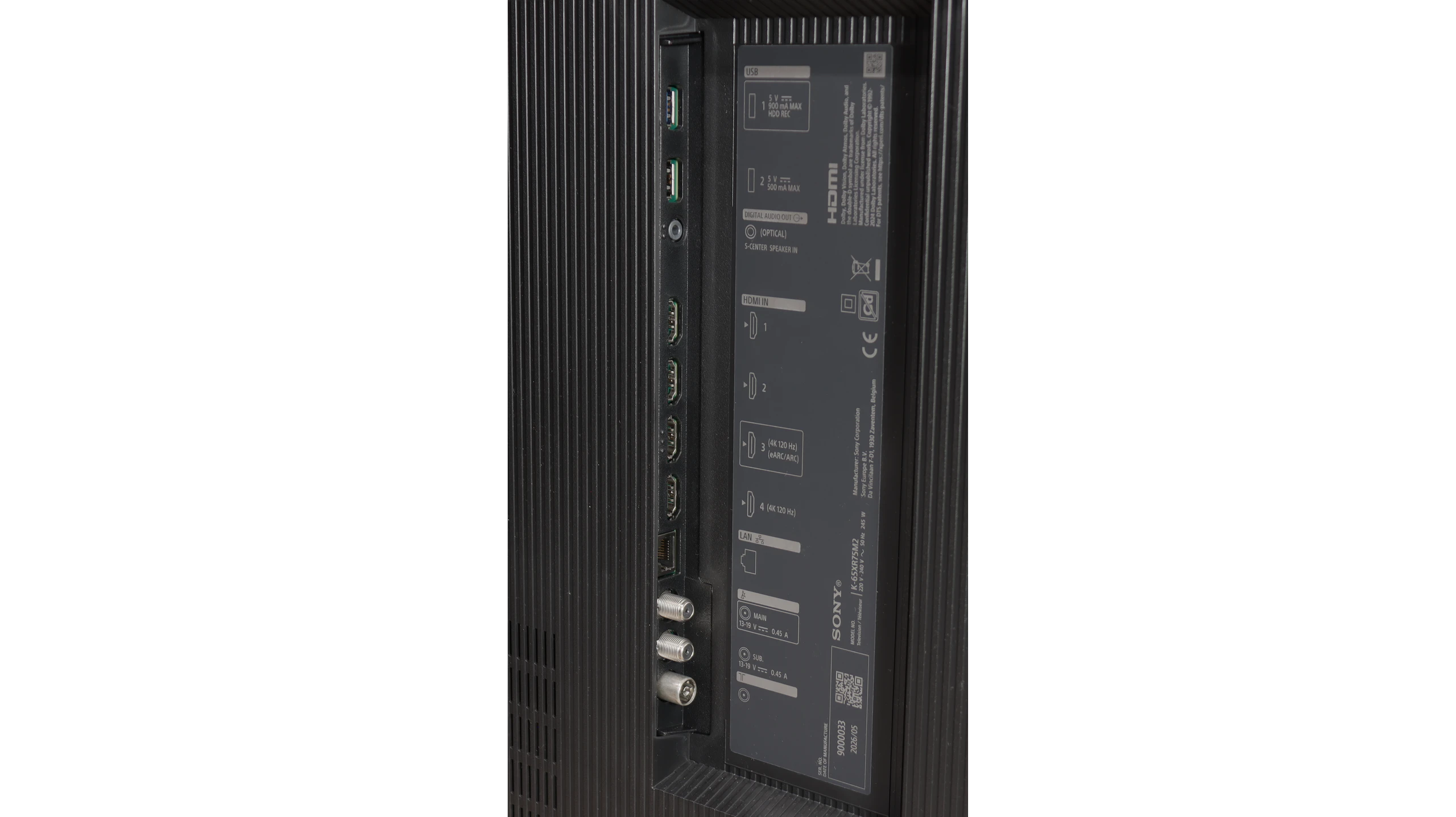
Our biggest reservation is not really about the functions themselves, but about the connectors. The Bravia 7 II has four HDMI ports, but only two of them support full HDMI 2.1 at 48 Gbps. One of those is also an eARC port. So if you connect a soundbar or AV receiver to the TV via HDMI, in practice you’re left with only one full HDMI 2.1 for a console or PC. With a single console that’s no problem, but with a PS5, an Xbox and an audio setup it starts to get tight. And this is hard to excuse for Sony. In cheaper TVs two HDMI 2.1 ports can still be acceptable, but in a model of this class, especially in 2026, we would expect a full set of four such ports.
Input lag
9.5/10
10/10
SDR
HDR
Dolby Vision
In terms of latency, the TCL P8K performs really well. In game mode at 4K and 60 Hz, the input lag is around 22 ms, and at 4K and 120 Hz it drops to 13 ms. These figures ensure that the television responds quickly and there is no noticeable 'lag' between the controller and the screen.
Input lag on the Bravia 7 II is excellent. With a 60 Hz signal we measured about 13–14 ms, while at 120 Hz the delay drops to just 8–9 ms. Those values are low enough that the response to controls is practically instantaneous and even more demanding gamers should have no reason to complain. Dolby Vision also deserves praise. A few years ago Sony TVs had some issues with that format in games, and enabling it could mean higher input lag. On the Bravia 7 II this issue has effectively disappeared. In Dolby Vision we measured 14 ms at 60 Hz and 8 ms at 120 Hz, practically exactly the same as in standard HDR.
Compatibility with PC
8.6/10
7.8/10
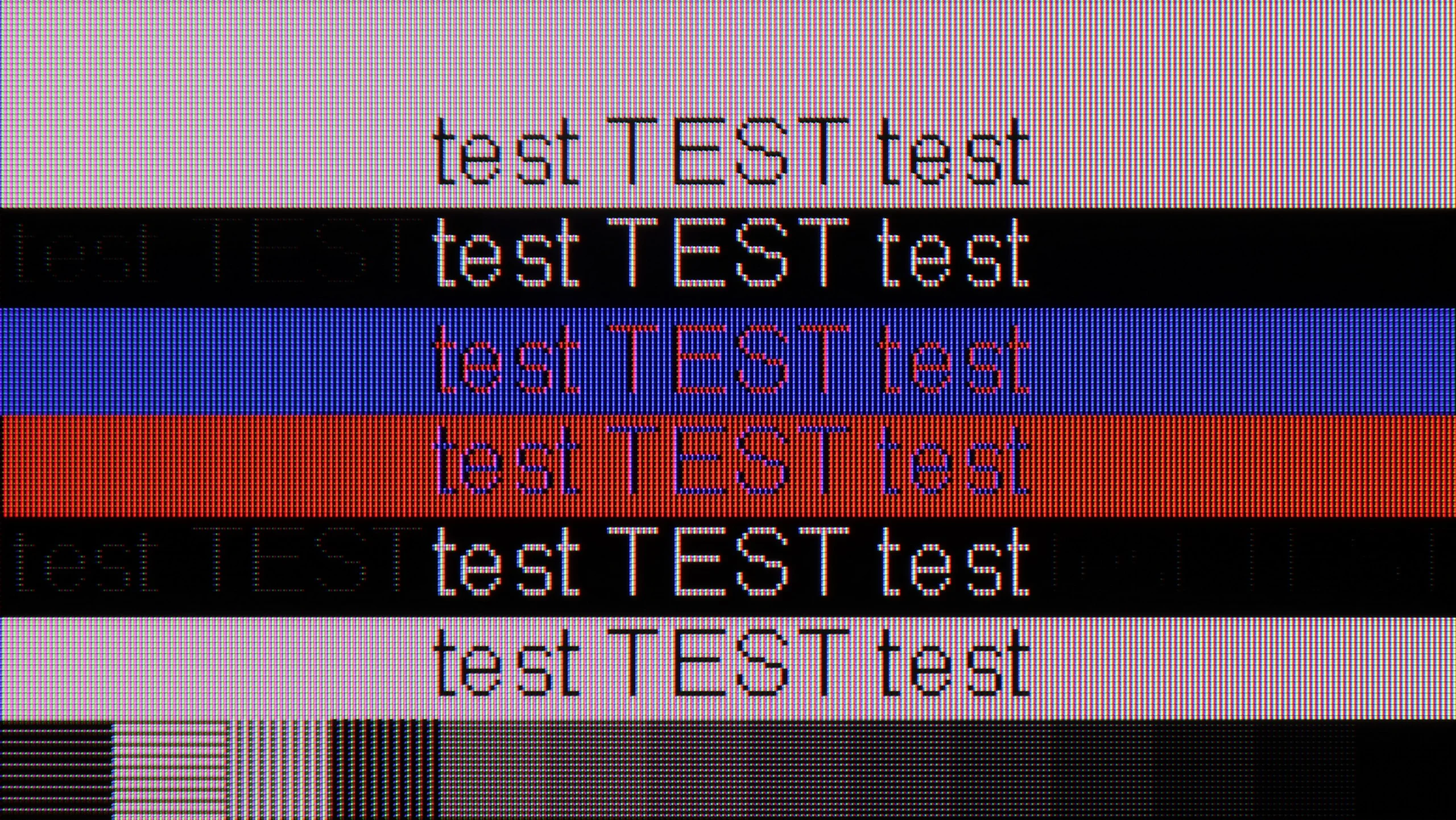
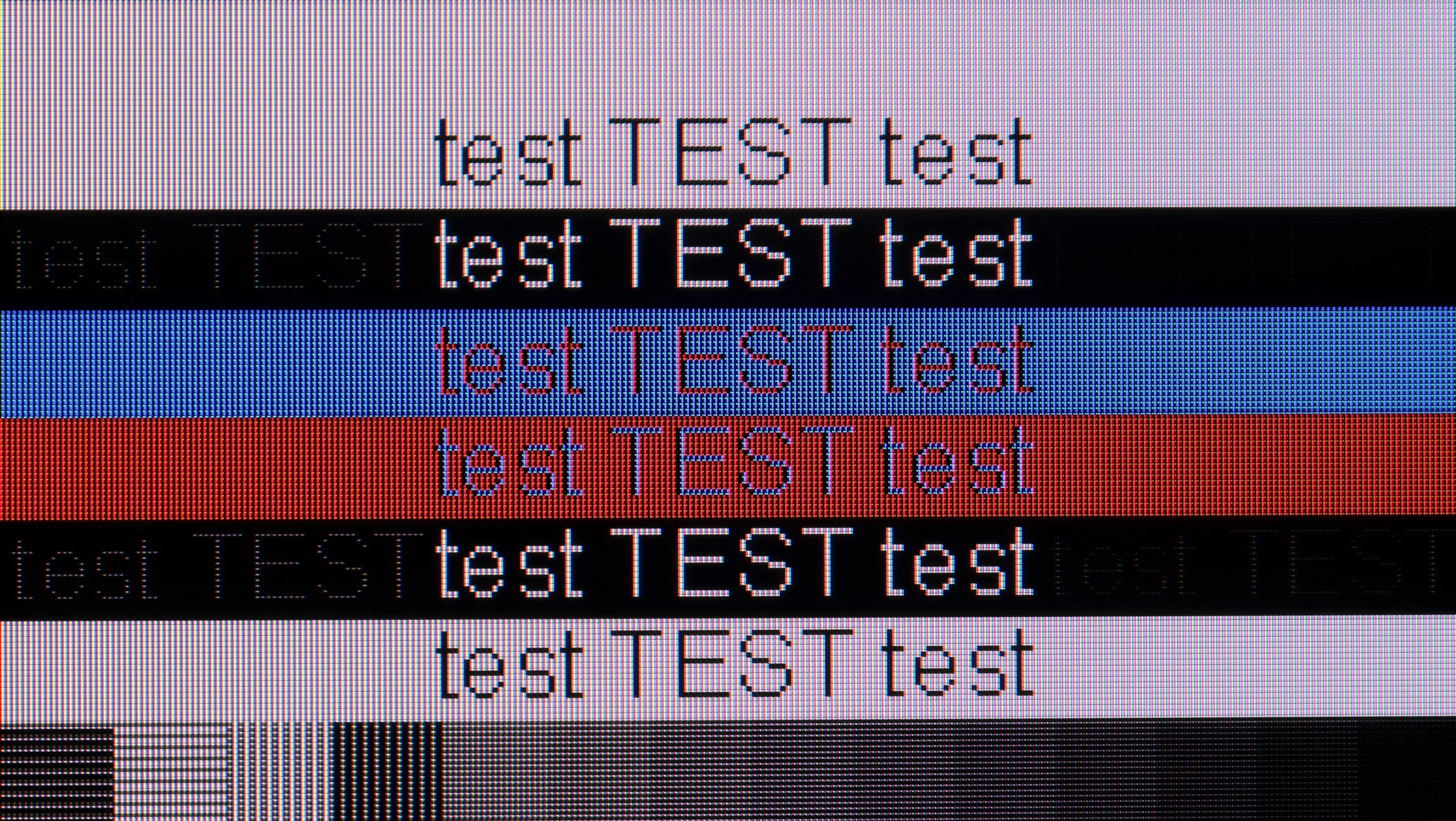
The photo shows the legibility of small fonts. Ideally, lines should be the same thickness on both light and dark text, with minimal pixel gaps.
The TCL P8K also works excellently as a computer monitor. The readability of fonts is at a very good level, making work with documents and browsing the web simply comfortable. The only slight downside occurs when refreshing at 144 Hz in 4K – dark text on a light background can slightly lose sharpness. The problem disappears when switching to 120 Hz, so it's worth keeping this in mind for everyday use. Besides, it is not only a screen for work but also a great monitor for gamers. The 144 Hz refresh rate (and even 280 Hz at a lower resolution) combined with G-Sync synchronisation guarantees very smooth gameplay. Of course, we will fully appreciate its capabilities only with a suitably powerful computer, but the potential of the P8K in this role is truly significant.
The Bravia 7 II also works very well as a large computer monitor. The TV correctly handles chroma 4:4:4, and thanks to the classic RGB subpixel layout fonts are very legible and do not have the characteristic coloured fringing. So for everyday work with the desktop, browser or documents it performs very well.
PC gamers also get most of the features familiar from consoles, including VRR and low input lag. The only thing to complain about is the maximum refresh rate of 120 Hz. A few years ago that would have been an excellent result, but today some rivals already offer 4K at 144, 165 or even 180 Hz, and in Full HD they can exceed 300 Hz. For most people 120 Hz is still more than enough, but owners of powerful PCs might expect a bit more here.
Viewing angles
2.8/10
5.7/10
The Achilles' heel of the TCL P8K is undoubtedly its viewing angles. The VA panel used has its advantages in terms of solid contrast, but unfortunately, it suffers significantly when viewed from the side. Colours noticeably fade, saturation drops, and the overall image takes on a cooler, washed-out hue. In practice, this means that the best picture is achieved when sitting directly in front – any significant deviation results in a noticeable loss of quality.
The viewing angles on the Bravia 7 II are really good, thanks in large part to the RGB Mini-LED backlight. Unlike conventional TVs with VA panels and white or blue backlighting, when viewed off-axis the image here does not lose brightness and colour saturation so quickly. It's a noticeable improvement, because viewing angles are usually one of the bigger compromises of VA panels. Of course it still doesn't reach the level of the best IPS panels, let alone OLEDs, but the difference compared with a typical Mini-LED with a VA panel is clear. Even sitting slightly to the side, the picture still looks good and the colours don't immediately become washed out.
Daytime performance
4.6/10
9/10
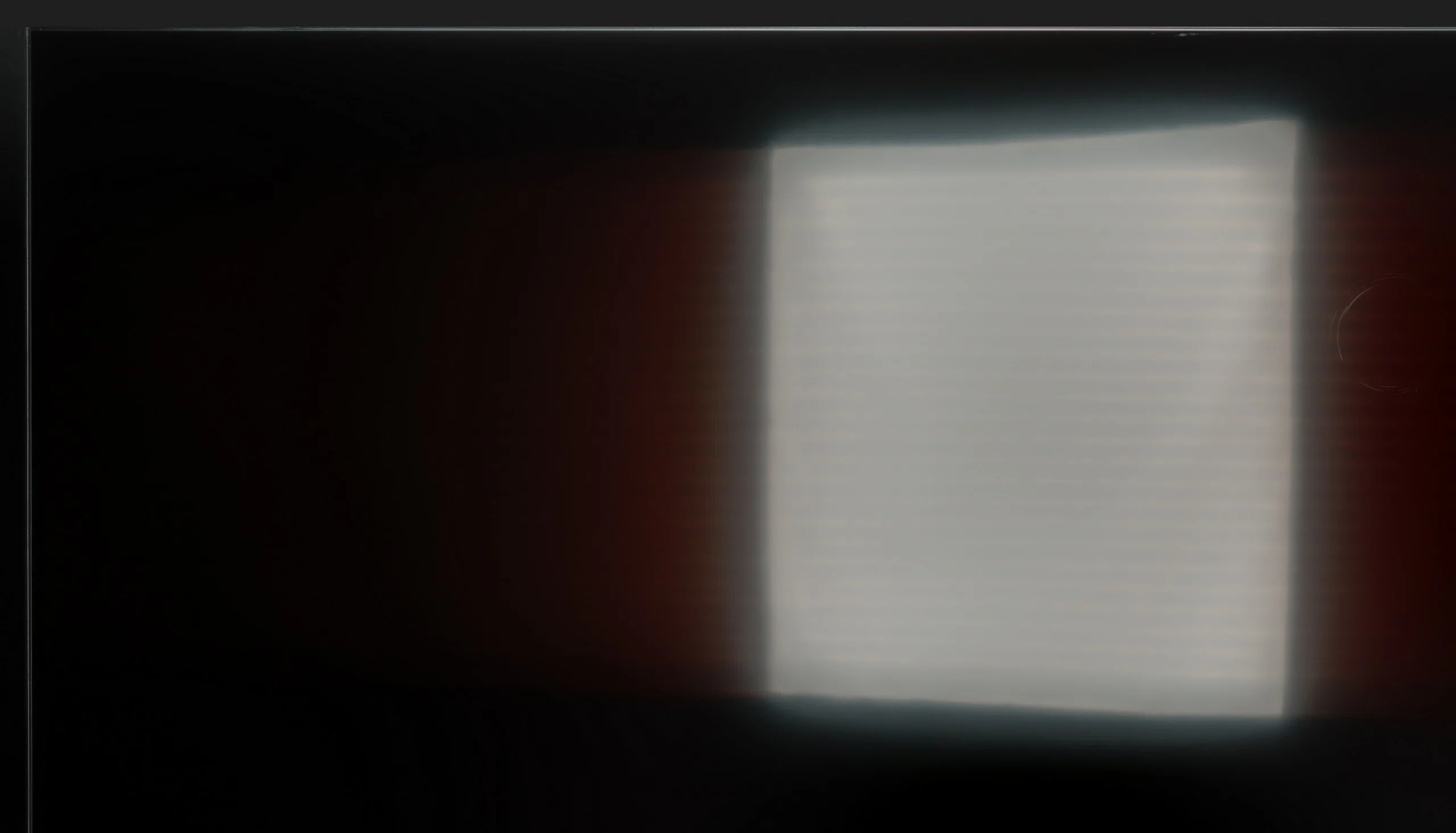
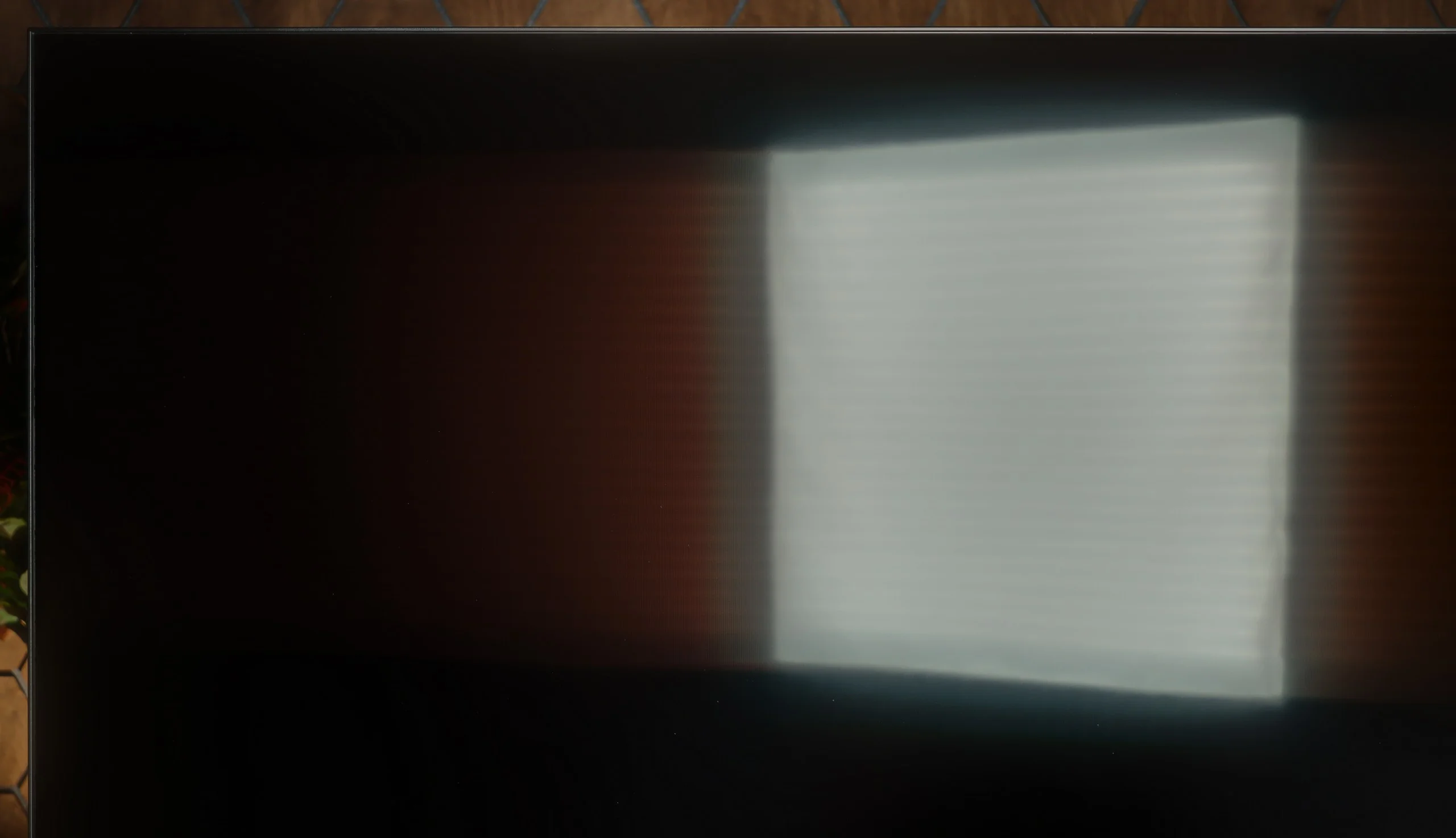
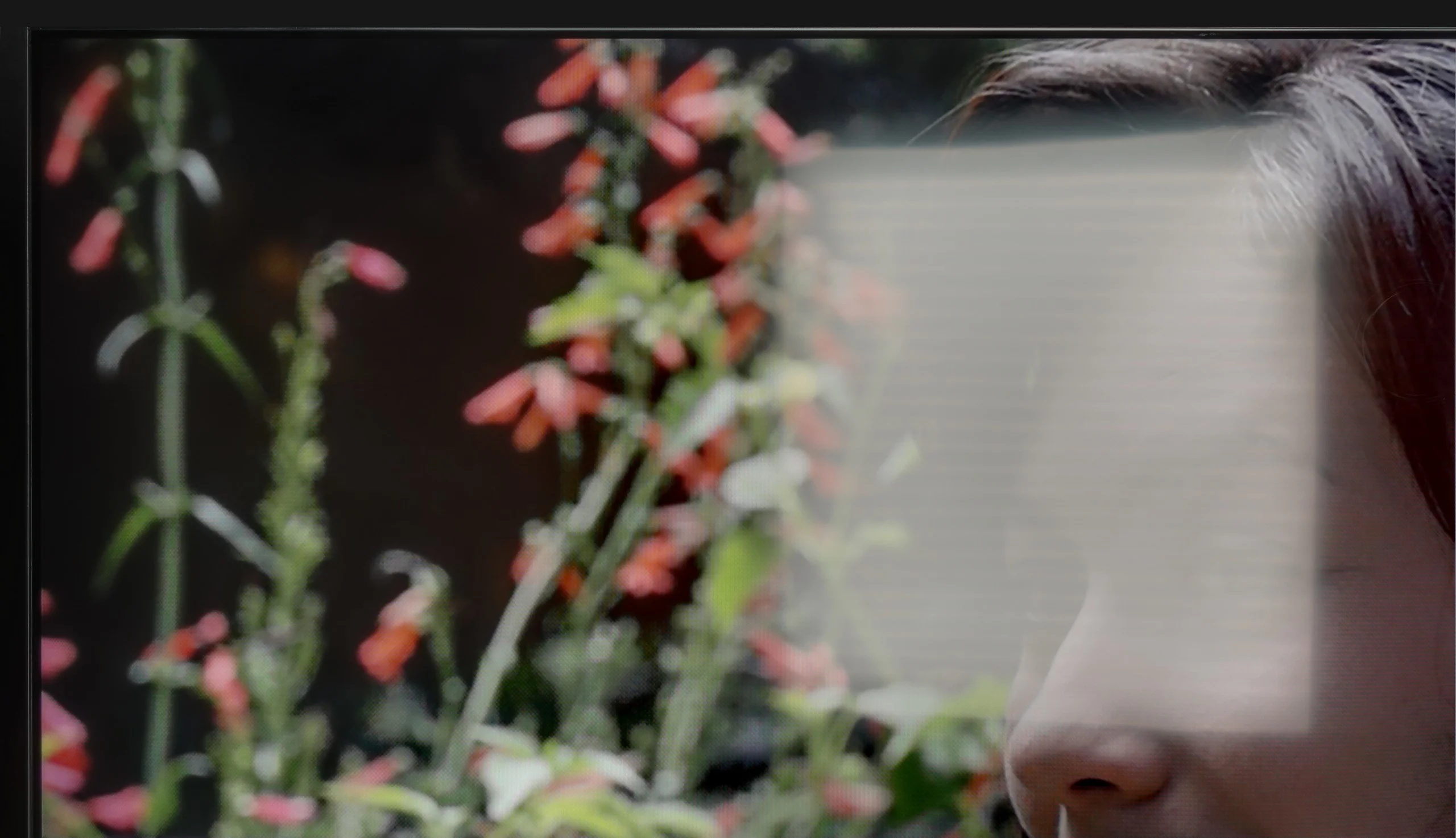
Panel brightness
Sony BRAVIA 7 II: 1247 cd/m2
TCL P89K / TCL P8K: 299 cd/m2
TCL P8K does not cope well with strong sunlight. With brightness at around 300 cd/m², it is hard to expect it to perform well in a living room with large windows and no blinds. In such conditions, the image loses some sharpness, and darker scenes can disappear in light reflections. Fortunately, the screen has a satin coating that handles reflections well and saves the situation in typical home conditions. In the evening or in a slightly dimmed room, the television looks very good. It is simply not a device that prefers to be placed opposite a south-facing window.
The Bravia 7 II is also very well suited to a bright living room. This is largely down to its high brightness, which reaches around 1,250 nits in SDR. The TV therefore has enough power to keep the picture clear and vivid even when a lot of light enters the room. However, compared with the higher-end Bravia 9 II there is one notable difference. The Bravia 7 II does not have a fully matte screen, but a coating with a more satin finish. It still copes with reflections quite well, but glare from windows or lamps is more noticeable. On the other hand, blacks hold up well during the day and do not become noticeably grey under ambient light. Overall it is still a very good TV for bright rooms, although in terms of reducing direct reflections the Bravia 9 II has the edge.
Panel details
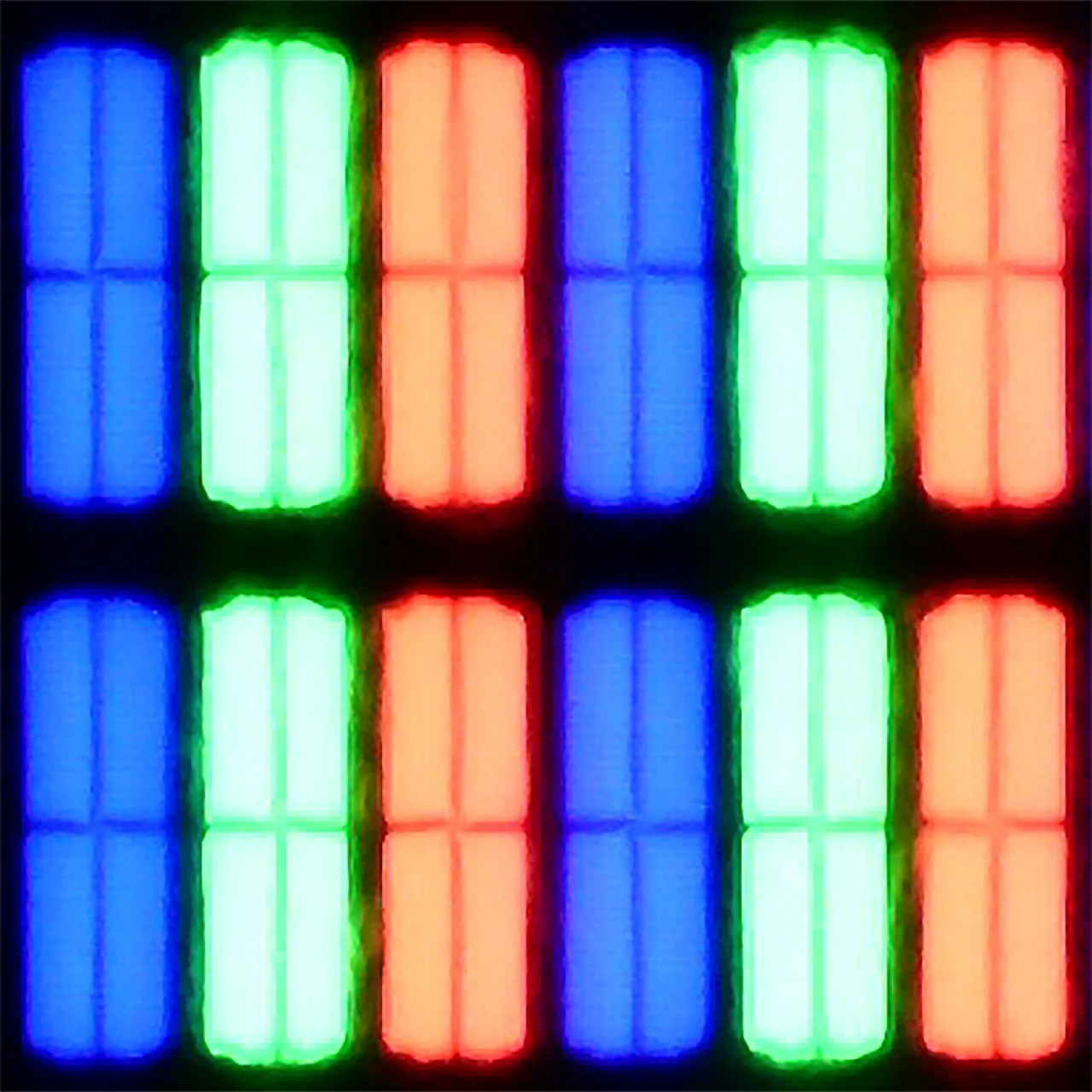
Subpixel Structure:
Panel uniformity and thermal imaging:

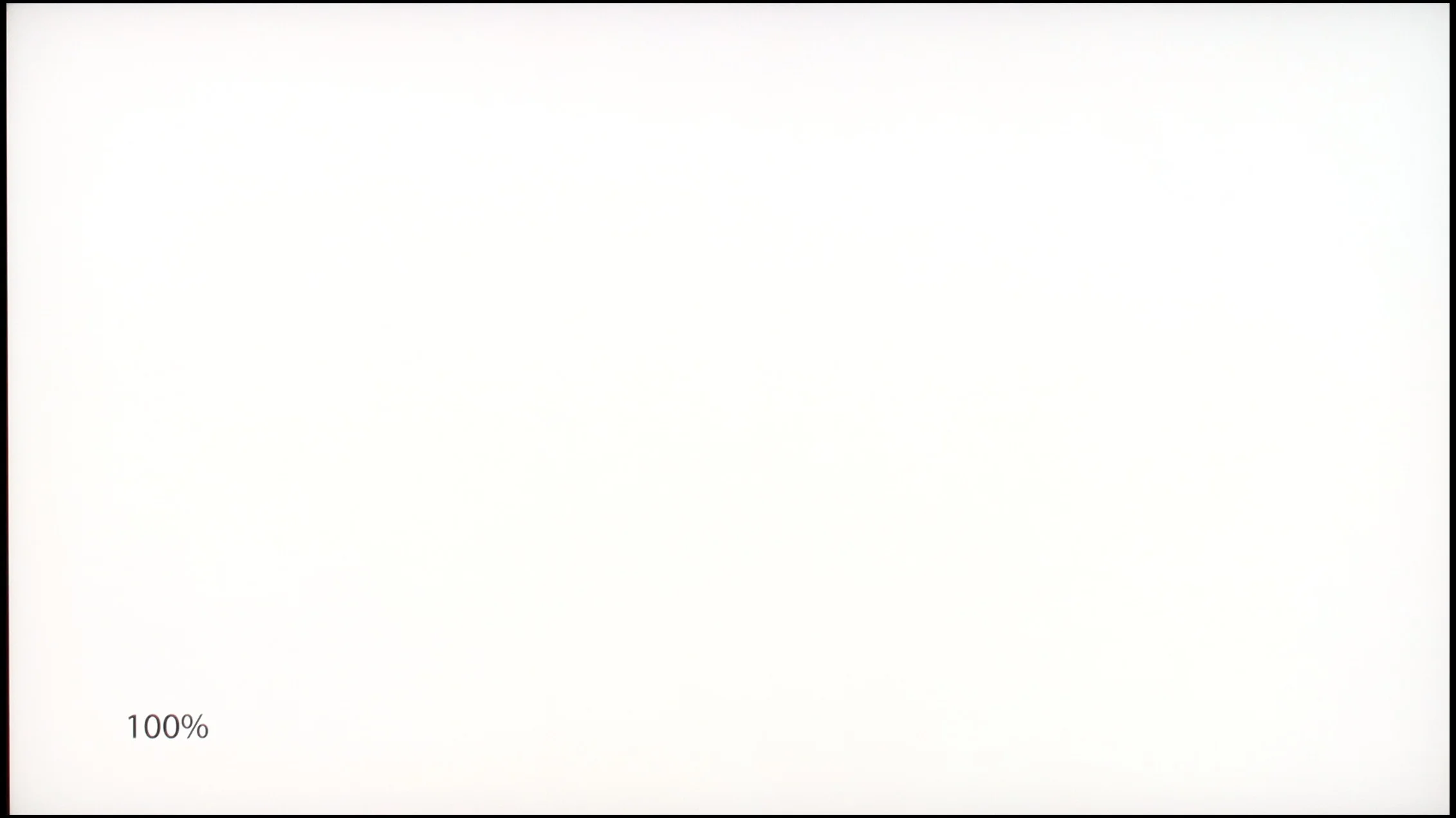
TCL P89K / TCL P8K
Sony BRAVIA 7 II
TV features
7.4/10
9.4/10
- SystemGoogle TVGoogle TV
- System performanceDecentVery good
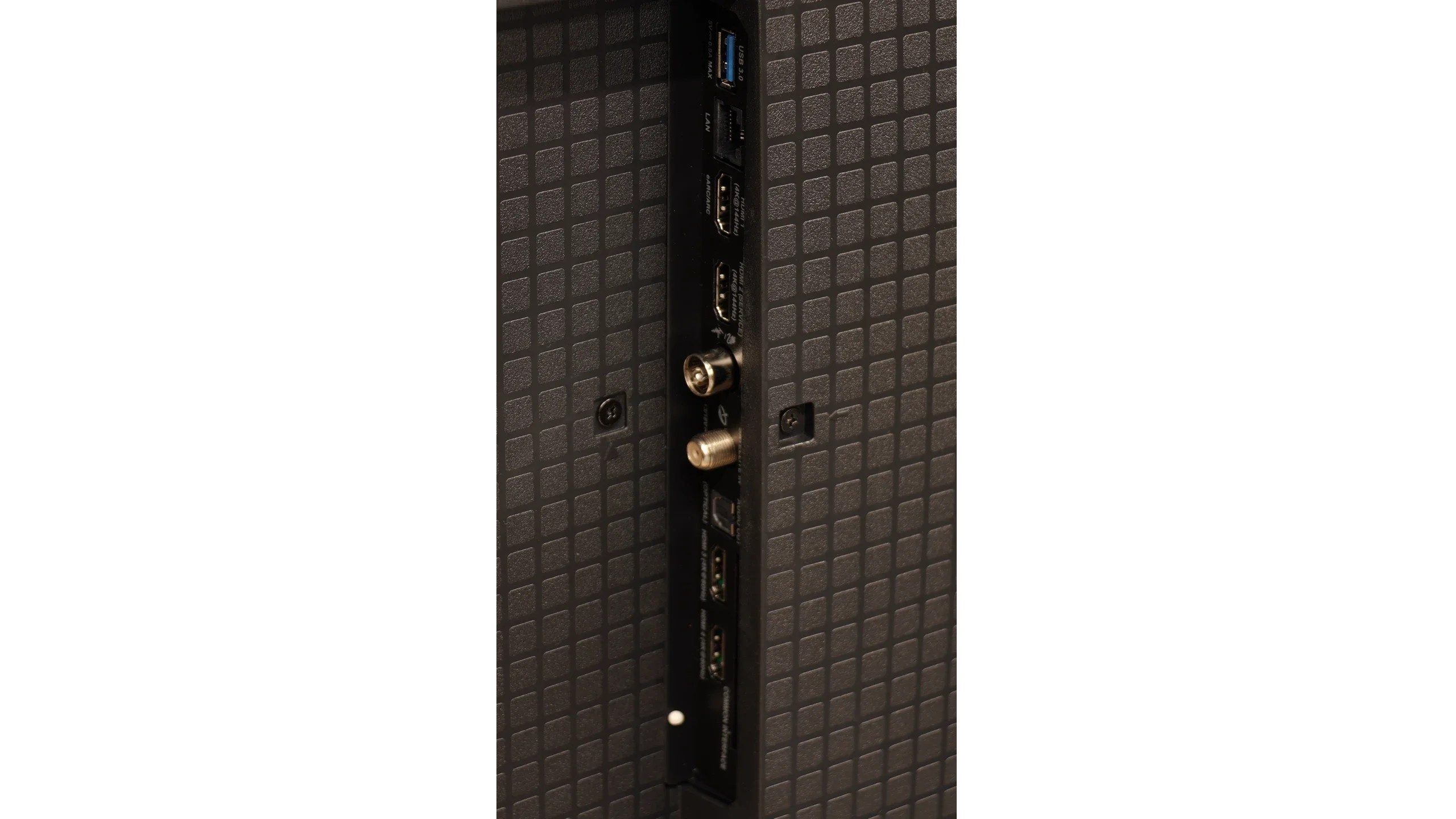
- HDMI inputs2 x HDMI 2.0, 2 x HDMI 2.1 48Gbps2 x HDMI 2.0, 2 x HDMI 2.1 48Gbps
- OutputsToslink (Optical audio), eARC (HDMI), ARC (HDMI)Toslink (Optical audio), eARC (HDMI), ARC (HDMI), Mini-Jack (Sony S-Center)
- Network InterfacesWi-Fi 2.4GHz, Wi-Fi 5GHz, Ethernet (LAN) 100Mbps, Ethernet (LAN) 1GbitWi-Fi 2.4GHz, Wi-Fi 5GHz, Ethernet (LAN) 100Mbps
- TV receptionDVB-T, DVB-T2, DVB-S, DVB-S2, DVB-CDVB-T, DVB-T2, DVB-S, DVB-S2, DVB-C
Classic features:
- Recording to USB (terrestrial TV)
- Recording programming
- Picture in Picture (PiP)
- RF remote control (no need to aim)
- Backlit remote control
- Teletext
- Audio only mode
- Bluetooth headphones support
- Simultaneous Bluetooth headphones & TV audio
Smart features:
- AirPlay
- Screen mirroring (Windows Miracast)
- Voice search
- Voice search in native language
- Ability to connect a keyboard and mouse
Sound connection options
- HDMI audioeARC (HDMI), ARC (HDMI)eARC (HDMI), ARC (HDMI)
- Other audio outputsToslink (Optical audio)Toslink (Optical audio), AuxiliaryOutput-Mini-Jack (Sony S-Center)
- Wireless audioBluetoothBluetooth
Supported audio formats (external HDMI eARC audio):
- Dolby Digital Plus 7.1
- Dolby True HD 7.1
- Dolby Atmos in Dolby Digital Plus (JOC)
- Dolby Atmos in Dolby True HD
- DTS:X in DTS-HD MA
- DTS-HD Master Audio
Senior accessibility
- Numeric keyboard on TV
- Font size adjustment
- Audio description
SmartTV: Google TV
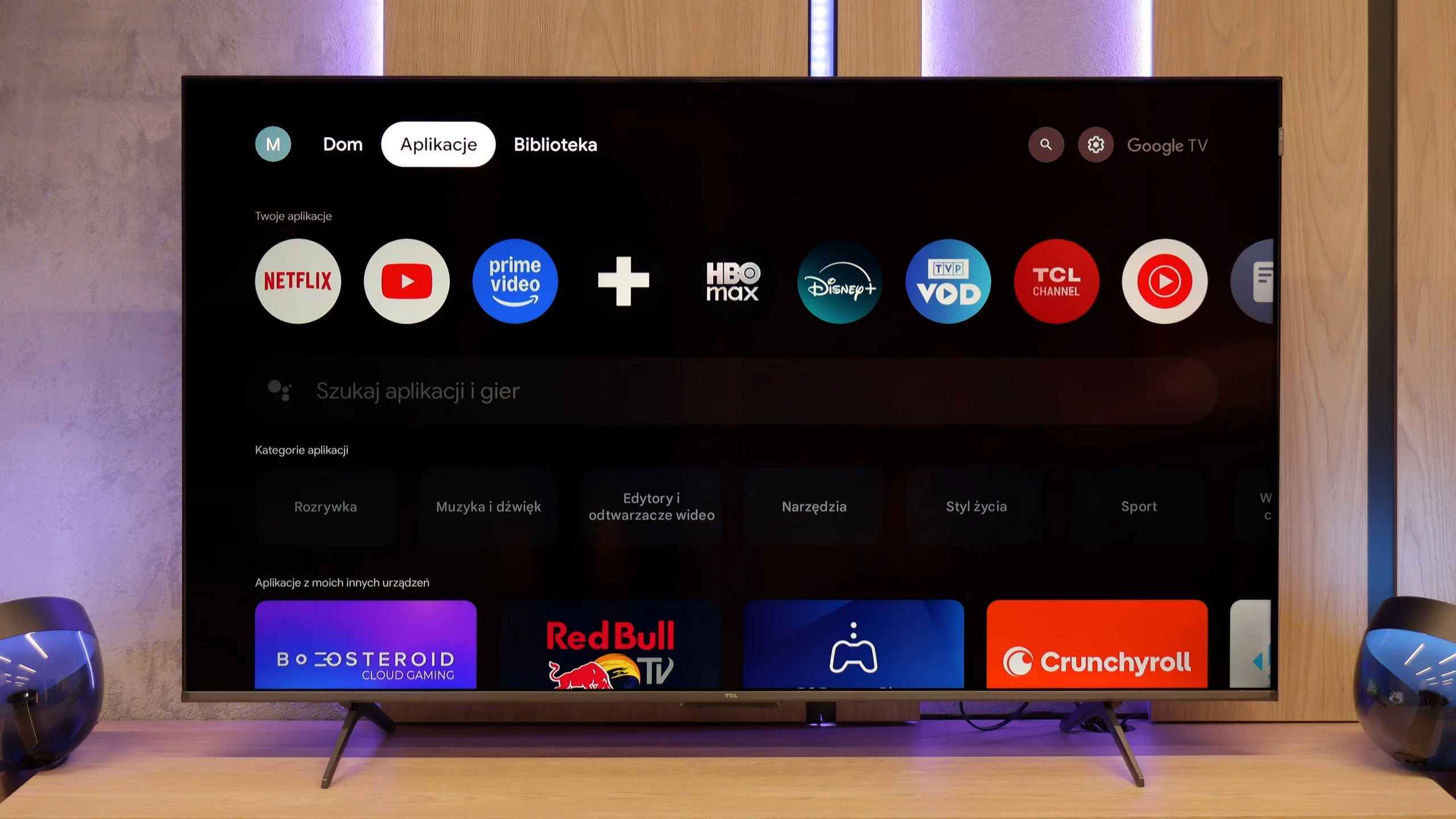
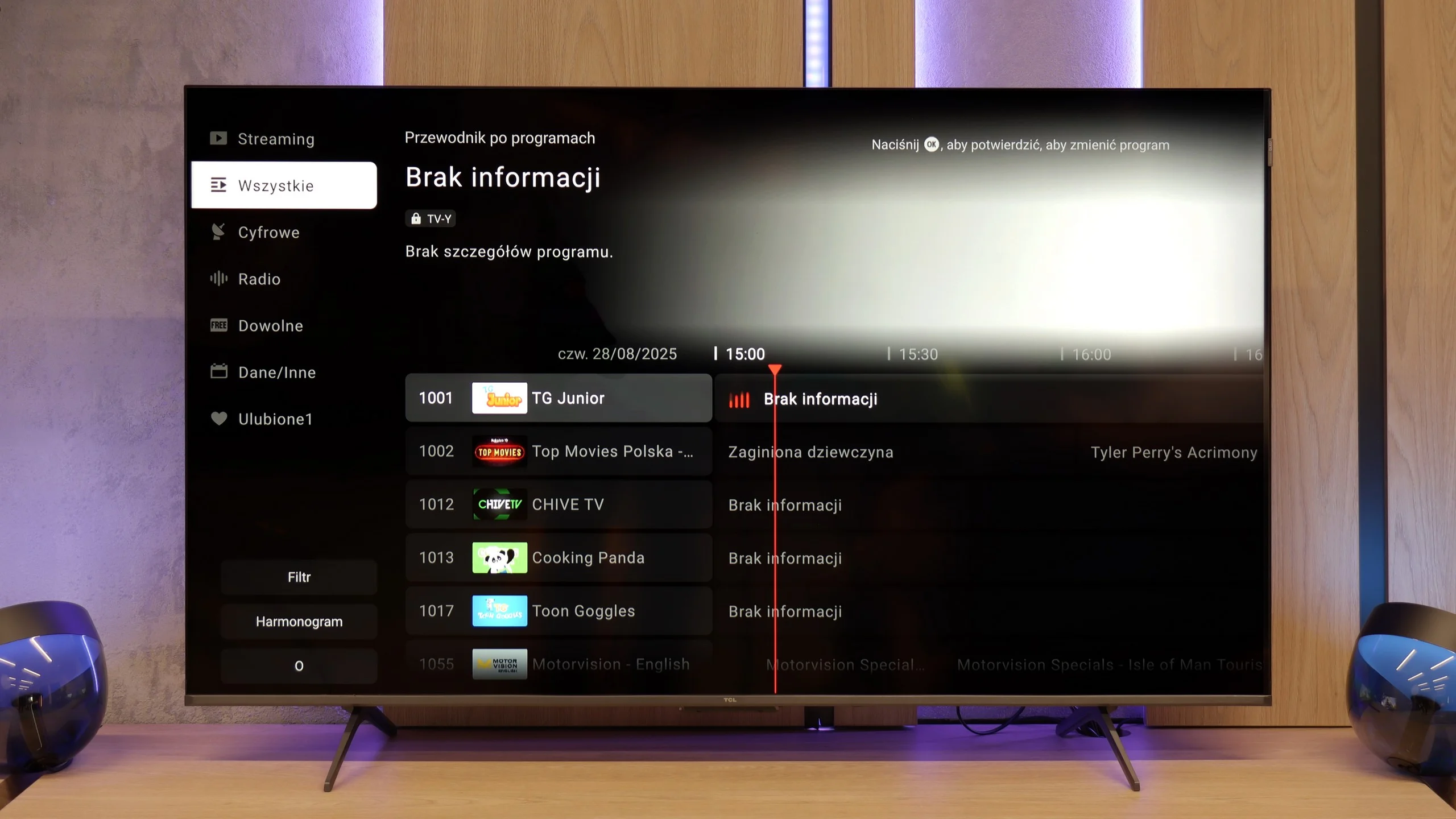
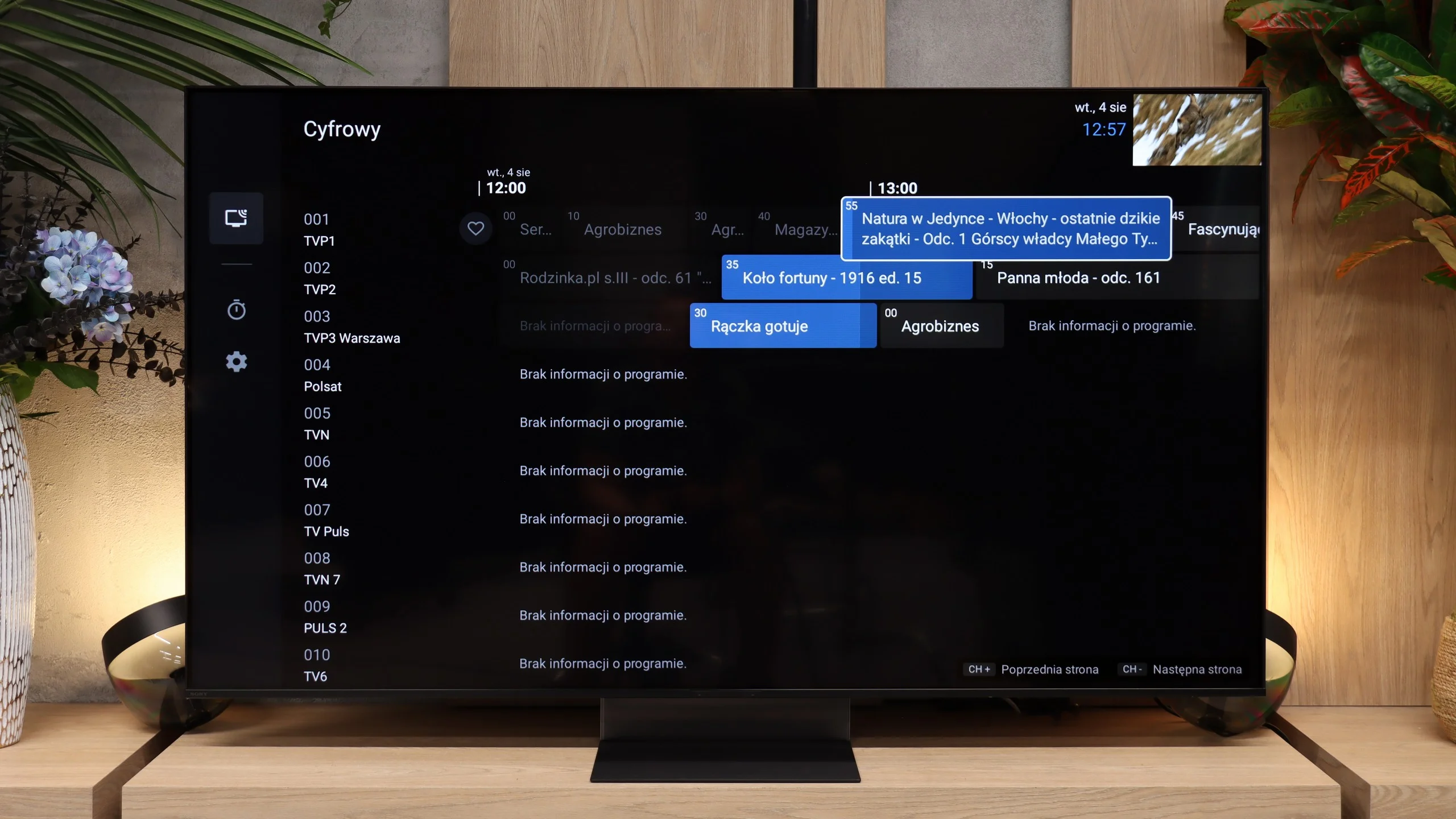
TCL P8K operates based on the Google TV system, which is the heart of the entire device. This is where the biggest advantage of this model over many competitors in a similar price range is visible. The system is clear and easy to use, and very well optimised. We can easily make use of the screen mirroring feature or the built-in Chromecast, which allows us to quickly transfer images from our phone to the large screen. The greatest asset, however, is the Google Assistant, which responds promptly and really understands commands well – even those expressed imprecisely. Moreover, the application library in Google TV is a real treasure – you can install practically anything, from major VOD platforms to lesser-known music or sports applications.
Classic features
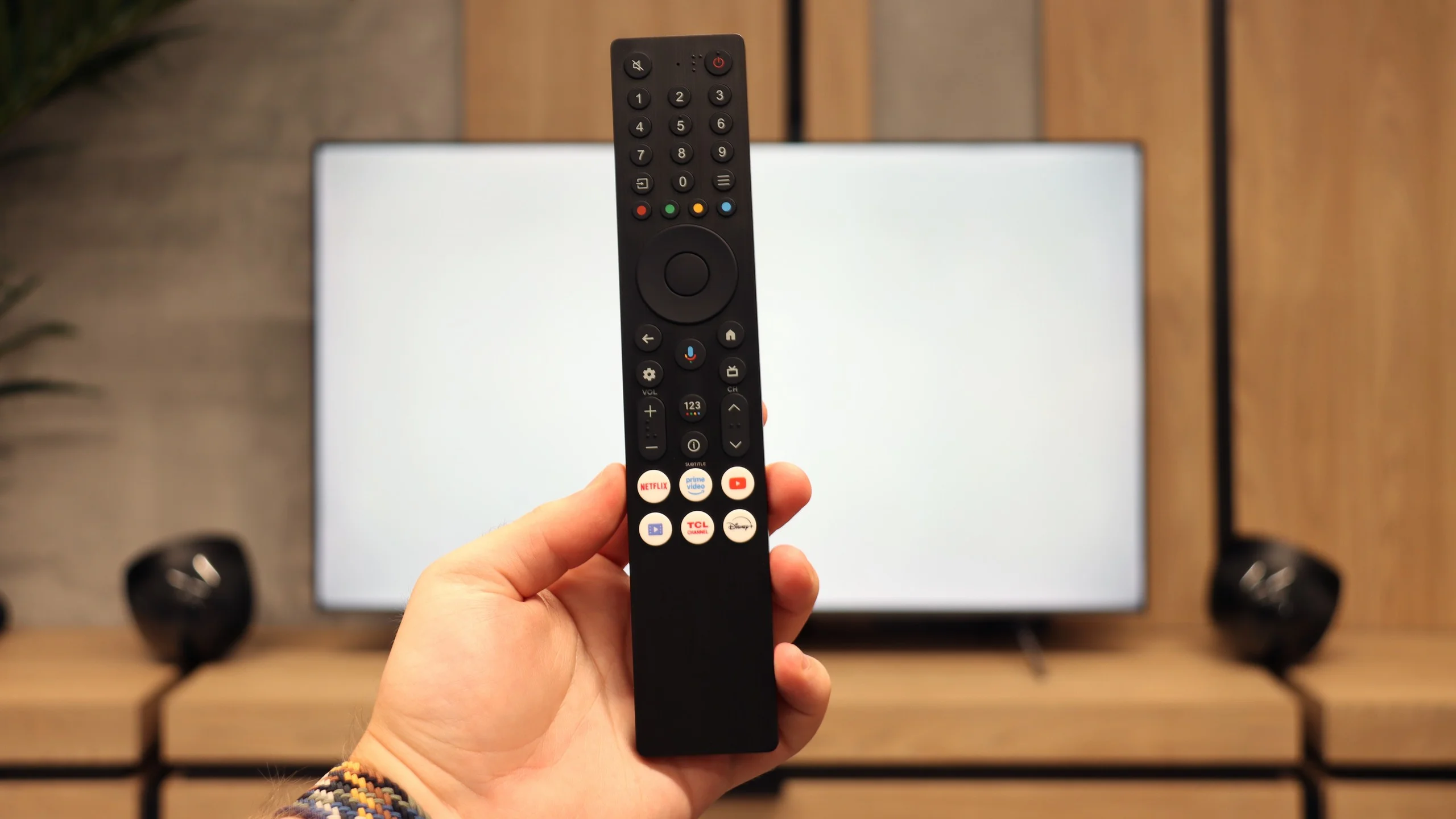
As for classic television functions, the P8K doesn't have much to boast about. The remote is simple and convenient, with a large number of buttons, and the presence of Bluetooth allows you to connect wireless headphones or a speaker. And really, that’s where the list of conveniences ends. You won’t find USB recording, PiP functionality, or even working teletext here. TCL has clearly focused on modern content and internet features, rather than classic solutions known from older receivers. This television is meant to shine in the world of applications and streaming – and that’s exactly what it does.
Classic features
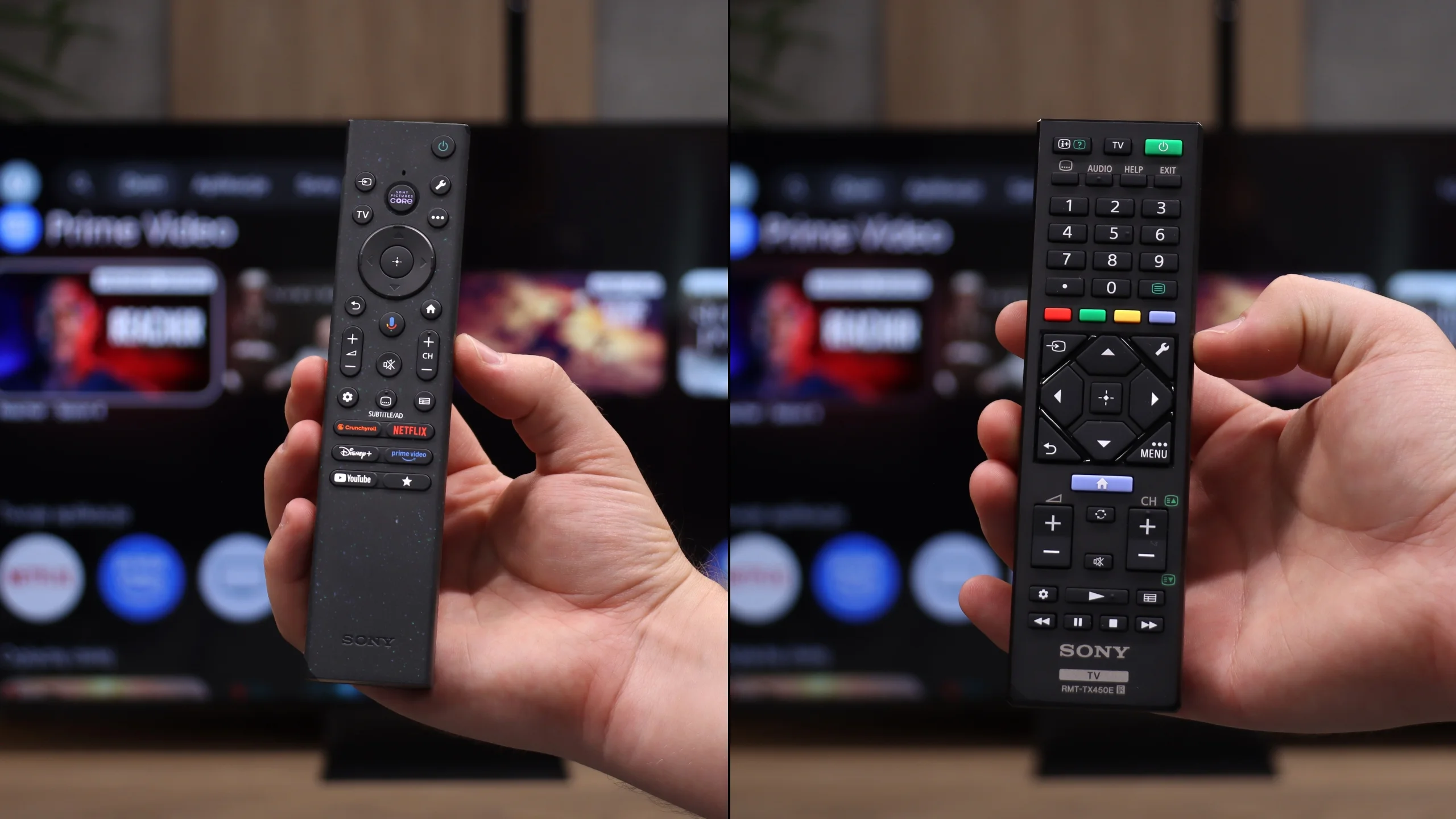
Sony in the Bravia 7 II still approaches the TV a little more "old school" than some of the competition, and here that’s a plus. It’s not just a screen for streaming apps, because the manufacturer has kept many traditional functions that a lot of people still use every day. You can record programmes to USB, schedule recordings and use the TV with Bluetooth headphones without having to switch off its built-in speakers. The whole gives the impression of a well-finished set for everyday TV viewing rather than merely a "monitor with apps". The control layout is also worth praising. Two remotes are included. One is more modern and simplified, the other is a classic design with more buttons. This way everyone can choose the control method they find more comfortable. The main remote works via radio, so you don’t need to point it directly at the TV, and the backlit buttons are particularly handy in the evening.
Google TV
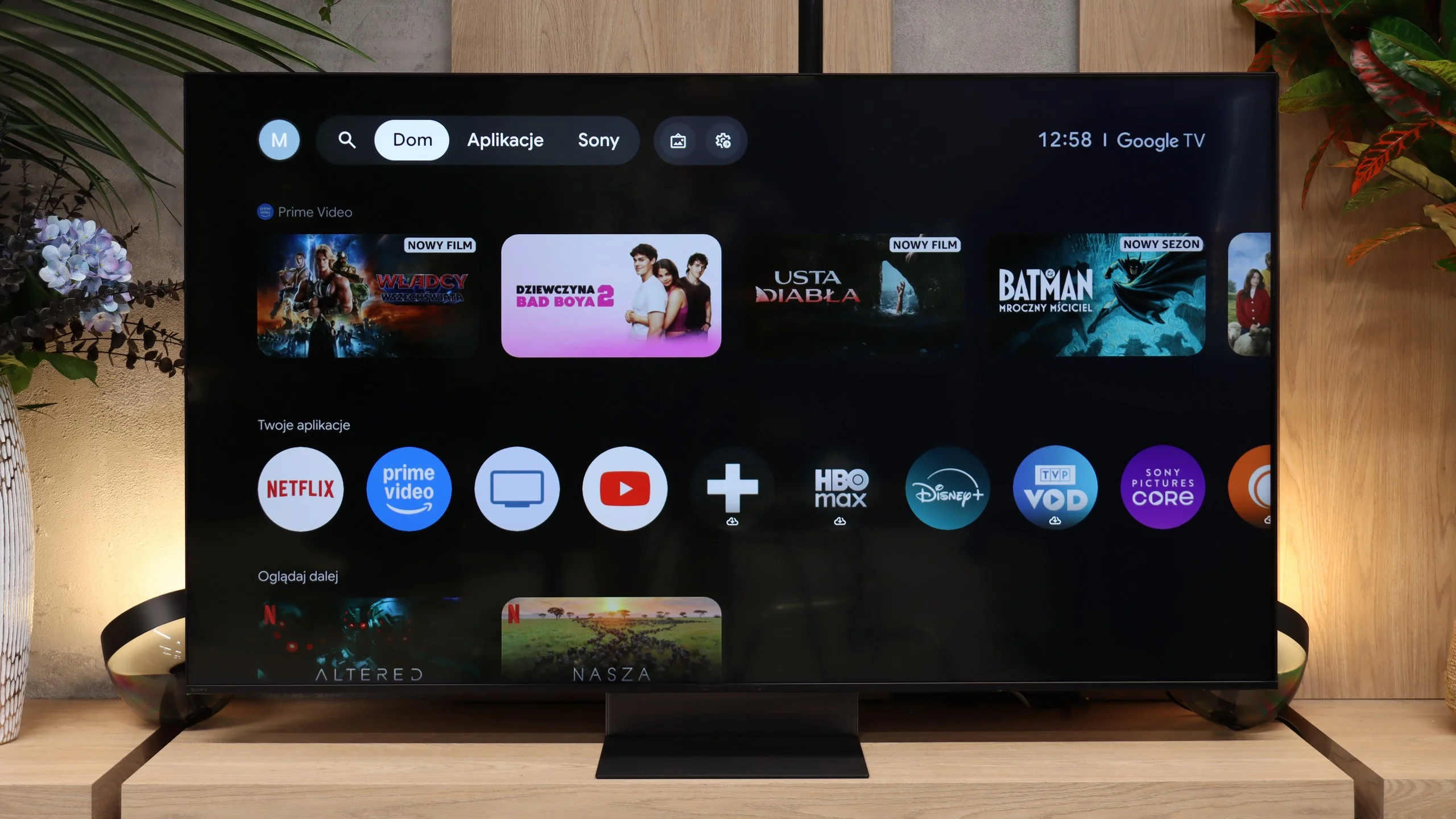
Google TV handles the Smart features, and here the Bravia 7 II performs as you would expect from a TV of this class. The system runs quickly, menus respond smoothly and you don’t get the impression that the set needs a moment for every simple task. The biggest advantage remains the vast selection of apps, meaning practically everything we use on a TV today is immediately at hand. Google TV also works well when the TV is part of a larger ecosystem. You can cast video from your phone or computer, use AirPlay and Miracast, and perform voice searches in your native language. In practice the Bravia 7 II therefore offers a lot of freedom, and it’s unlikely you’ll come across a situation where a basic Smart TV feature is missing.
Apps
9.6/10
9.6/10






















Playing files from USB
8.9/10
8.9/10
Supported photo formats:
Maximum photo resolution:
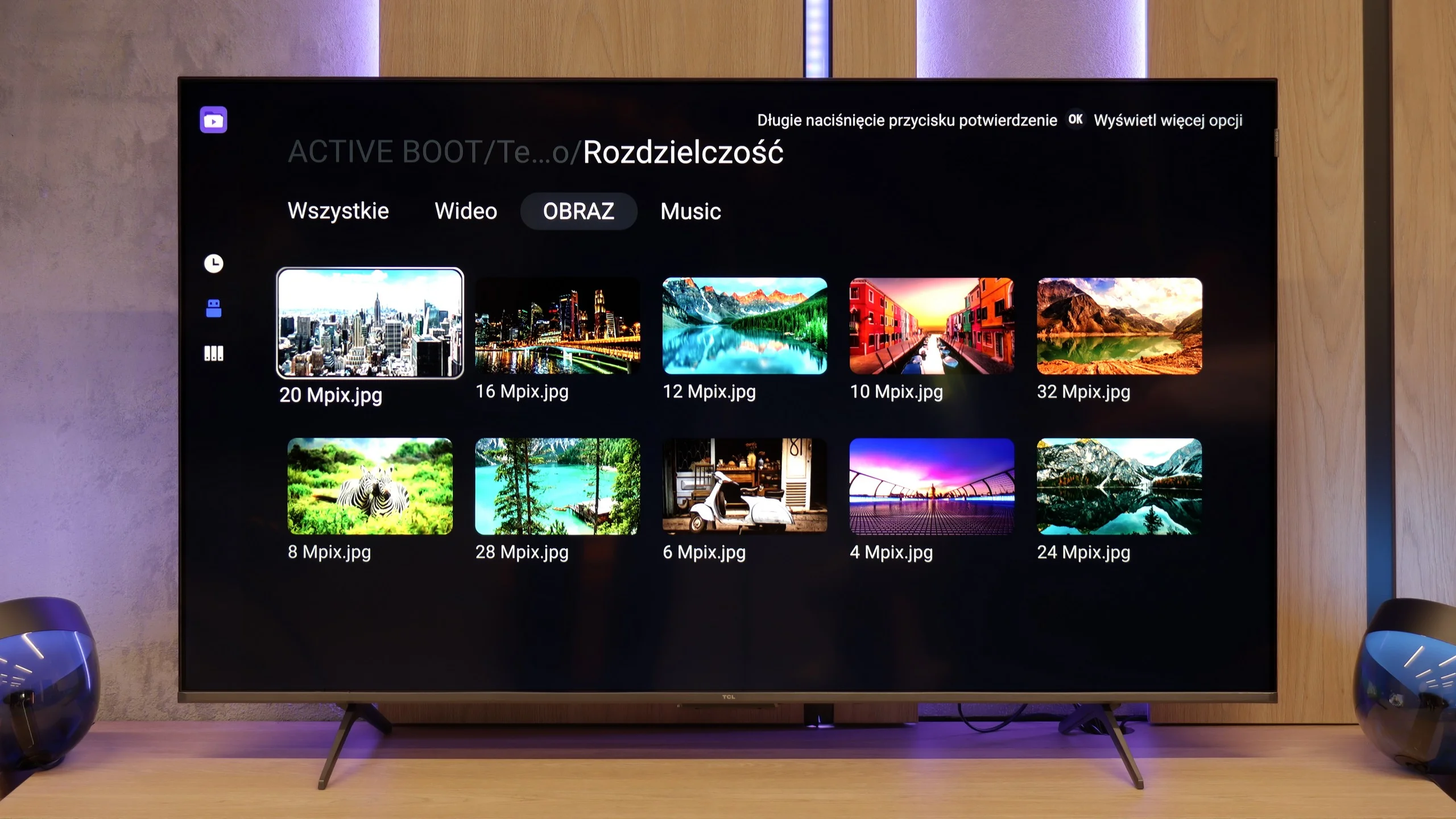
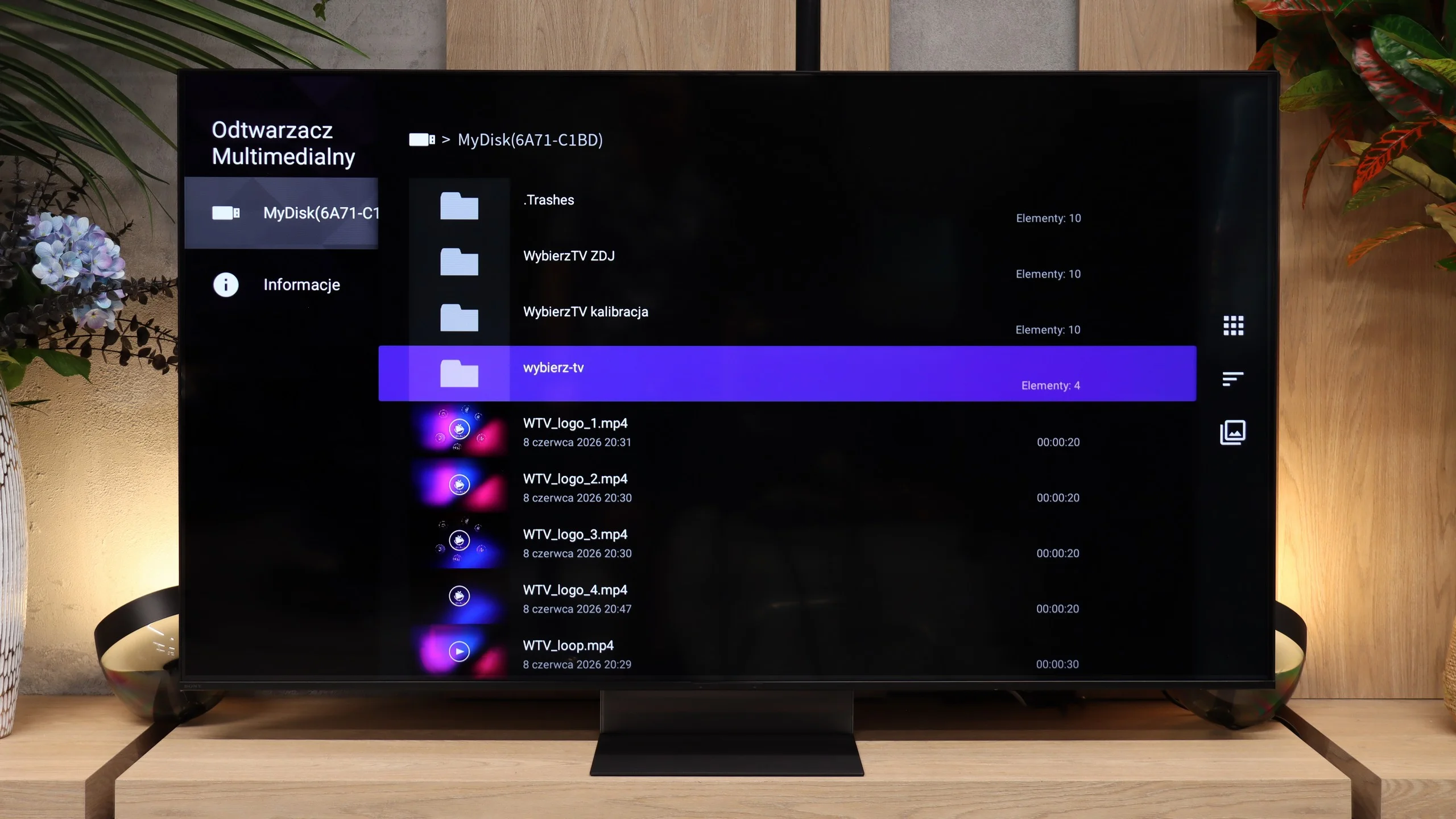
Playing files from USB on the TCL P8K is quite decent. The television handles most popular video formats, as well as subtitles and audio files, without any issues. Problems may only arise with less common codecs or unusual file containers that the built-in player simply does not recognise. Fortunately, with Google TV, this is not a problem at all - in just a few moments, you can download an external player, such as VLC, MX Player or Kodi, and the issue disappears.
The built-in media player in the Bravia 7 II performs well and has no major problems with most common content. The TV handles the most frequently encountered video files and codecs, so when using a hard drive or USB stick in a typical way you are unlikely to face significant limitations. What is mainly lacking is broader support for subtitle formats and image files. For photos the TV opens JPEG and HEIC, but it cannot cope with, for example, PNG, WebP or TIFF. We would not consider this a serious drawback, however, because many of the missing formats are fairly niche. And if the built-in player proves insufficient, Google TV simply allows you to install an external app and largely work around those limitations.
Sound
6.7/10
7.8/10
- Maximum volume80dB94dB
- Dolby Digital Plus 7.1
- Dolby True HD 7.1
- Dolby Atmos in Dolby Digital Plus (JOC)
- Dolby Atmos in Dolby True HD
- DTS:X in DTS-HD MA
- DTS-HD Master Audio
For a television in this price range, the TCL P8K really manages to surprise with its sound. The 2.1 system used here, branded by Onkyo, along with the subwoofer placed at the back of the casing, offers surprisingly enjoyable, full bass and quite a wide soundstage. The sound is warm, and with the right material, one can even get the impression that the audio gains depth and character – something you rarely expect from a television at this price. It performs quite well for music. However, it is not perfect. The P8K is not one of the particularly loud televisions – during tests, we noticed a strange tendency to automatically lower the volume, even with the volume slider set to maximum. It seems to be the effect of some internal limiter designed to protect the speakers (or our ears). It’s a shame, as the potential in this setup is considerable, and without this limitation, the sound could have been even fuller.
Sony has made significant changes to the sound system of the new Bravia 7 II, and you certainly can't say the TV lacks bass. There's plenty of it, and the whole setup can also play very loudly. In our measurements it reached around 94 dBC. That said, we find the low end is at times almost excessive. The bass can mask other parts of the frequency range, causing dialogue and some sounds to lose a little clarity. Overall it sounds powerful and impressive, but it could do with slightly more balanced tuning. One plus is its support for audio formats. Sony supports both Dolby Atmos and DTS, so in that respect the Bravia 7 II doesn't impose major limitations.
Sound Quality Test
No sound test video
Acoustic Measurements
80dBC (Max)
75dBC
94dBC (Max)
75dBC
Reader comments
Comments are provided by the external service Disqus (Zeta Global). Once loaded, Disqus may set cookies and process data about your activity.
We will remember your choice on this device. Provider's privacy policy